
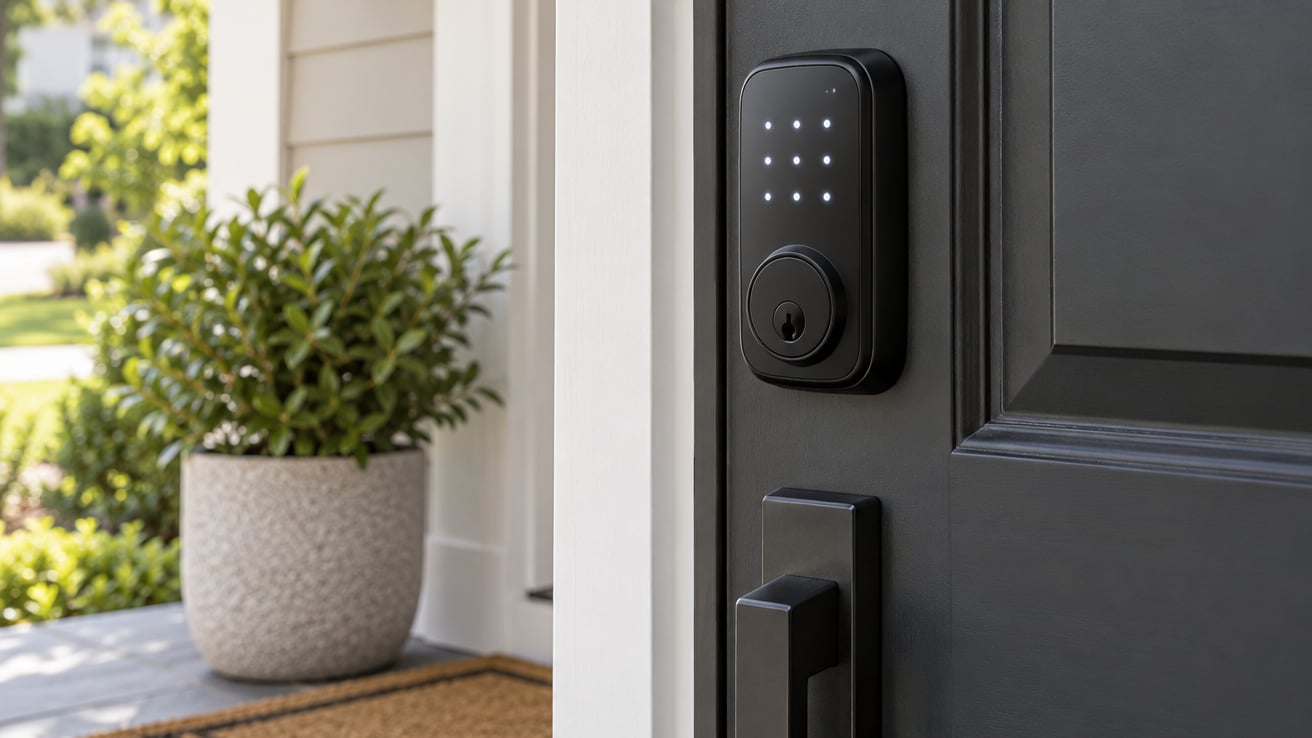
If you want one lock that does the basics well and rarely makes you think about it, the Schlage Encode WiFi Deadbolt is the smart lock worth watching first in this year’s Prime Big Deal Days sale. Built-in WiFi, a fingerprint-resistant touchscreen, and a 100-code capacity cover most front doors without needing an extra hub.
For shoppers who don’t need an app, the TEEHO TE001 Keypad Deadbolt delivers a reliable keypad at a low price during the sale. The ULTRALOQ Bolt SE adds Matter-over-Thread support and a fingerprint reader if you want a connected lock that works with Apple Home, Google Home, or SmartThings. Amazon’s Prime Big Deal Days runs October 6-7, 2026, and that’s when most of these locks drop to their best prices of the fall.
Our Top 3 Picks for Smart Lock Deals: Prime Big Deal Days

Schlage Encode WiFi Deadbolt
- Built-in WiFi
- 100 access codes
- Alexa and Google
- Easy DIY install

Smart Lock Deals: Prime Big Deal Days Compared (October 2026)
| Product | Specs | Action |
|---|---|---|
| Schlage Encode WiFi Deadbolt |
|
Check Deal Price |
| TEEHO TE001 Keypad Deadbolt |
|
Check Deal Price |
 ULTRALOQ Bolt SE ULTRALOQ Bolt SE |
|
Check Deal Price |
 TEEHO TE002 Fingerprint Deadbolt TEEHO TE002 Fingerprint Deadbolt |
|
Check Deal Price |
 eufy Security Smart Lock C220 eufy Security Smart Lock C220 |
|
Check Deal Price |
 Veise RZ07 Smart Deadbolt Veise RZ07 Smart Deadbolt |
|
Check Deal Price |
 Aqara Smart Lock U100 Aqara Smart Lock U100 |
|
Check Deal Price |
 eufy Security Smart Lock C30 eufy Security Smart Lock C30 |
|
Check Deal Price |
 Yale Assure Lock 2 WiFi Yale Assure Lock 2 WiFi |
|
Check Deal Price |
 Veise KS02A Fingerprint Lock Veise KS02A Fingerprint Lock |
|
Check Deal Price |
How We Chose
We pulled the specs, owner ratings, and review patterns for each lock directly from Amazon listings, then narrowed the list to models that hit a real mark for a Prime Big Deal Days shopper. WiFi and hub support, fingerprint speed, BHMA certification, weather rating, and battery life were the spec lines we compared side by side.
We also looked at how owners describe long-term use, because a lock that fails at month six is not worth a deal. Data was refreshed in October 2026. Pricing on Amazon changes often, so treat the prices below as the listing at the time of writing, and use the button on each card to see the current price during the sale.
1. Schlage Encode WiFi Deadbolt: Editor’s Choice
Schlage Encode Smart WiFi Deadbolt Lock with Century Trim, Matte Black
Type: WiFi keypad deadbolt
Codes: 100
Voice: Alexa/Google
Battery: 4 AA
Pros
- Built-in WiFi no hub needed
- 100 access codes for family and guests
- Works with Alexa and Google Home
- Fingerprint-resistant touchscreen
- Auto-lock and customizable alarm
Cons
- Battery powered only
- No fingerprint reader
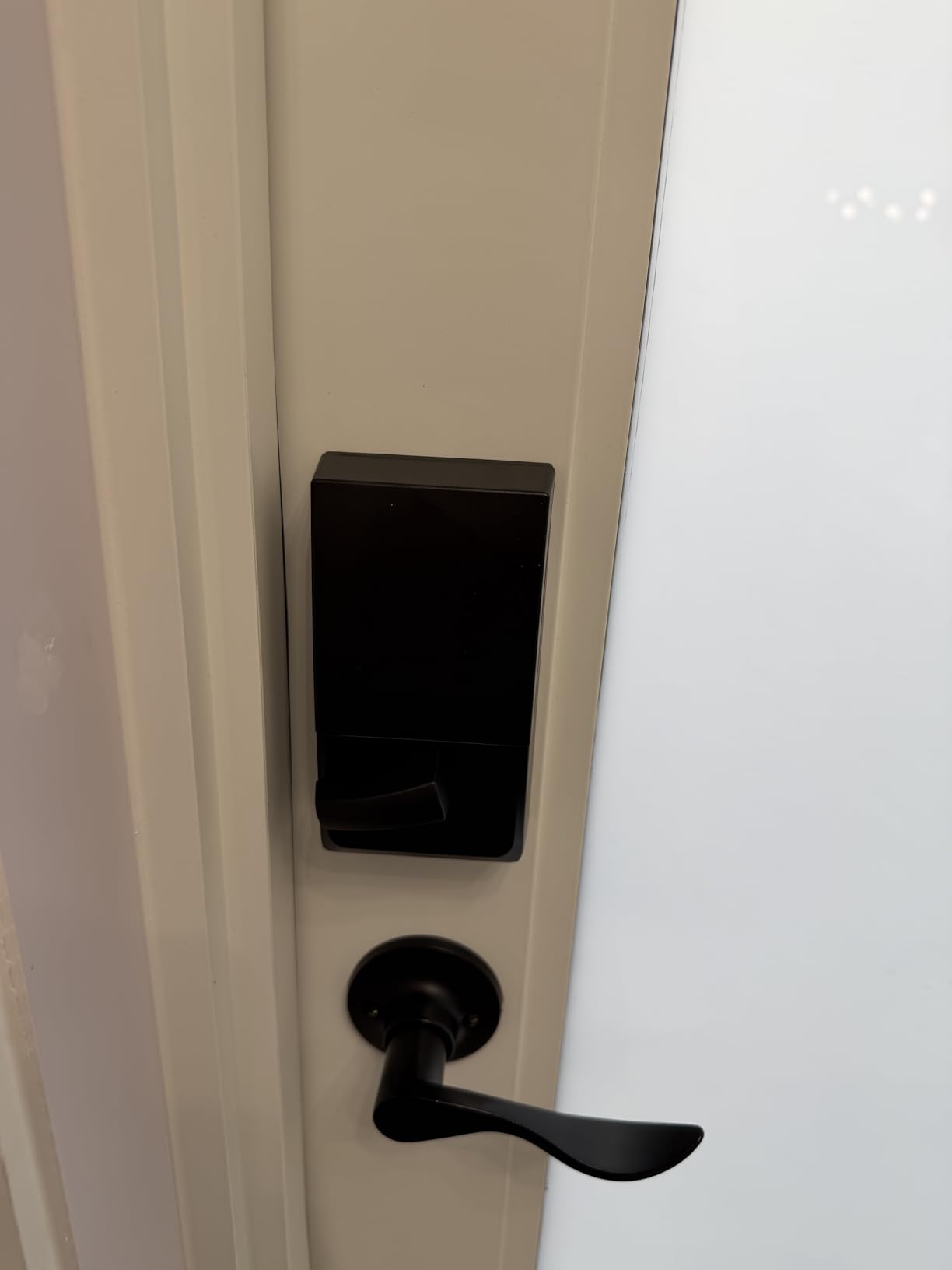
The Schlage Encode sits in the Schlage smart lock family and is one of the most installed keypad deadbolts in the country. With 13273 owner reviews backing it, the Encode is the safe pick if you don’t want to gamble on an unknown brand. The fingerprint-resistant touchscreen, the 100-code capacity, and the built-in WiFi cover most front doors without an extra hub.
You don’t need a bridge or hub to get remote lock and unlock, and the Schlage Home app sends a notification when someone uses a code. Compared with the TEEHO TE001, the Encode trades a year of battery life for full app control, which most homeowners will want. Owners report a straightforward install with a screwdriver and about 15 minutes.
Skip it if you want fingerprint entry: the Encode has no biometric reader, and you’ll need to add the Schlage Encode Plus if Home Key matters. The 4 AA batteries last around six months with normal use, which is the main reason some buyers pair it with a yearly battery reminder on their phone. Compared with the Aqara U100, the Encode is the easier pick if you don’t live in the Apple ecosystem.
BHMA Grade 3 means solid residential security, and the lock fits most standard 1-3/8 to 1-3/4 inch doors. The auto-lock timer is fully configurable from the app, and the customizable alarm alerts you if the door is forced.
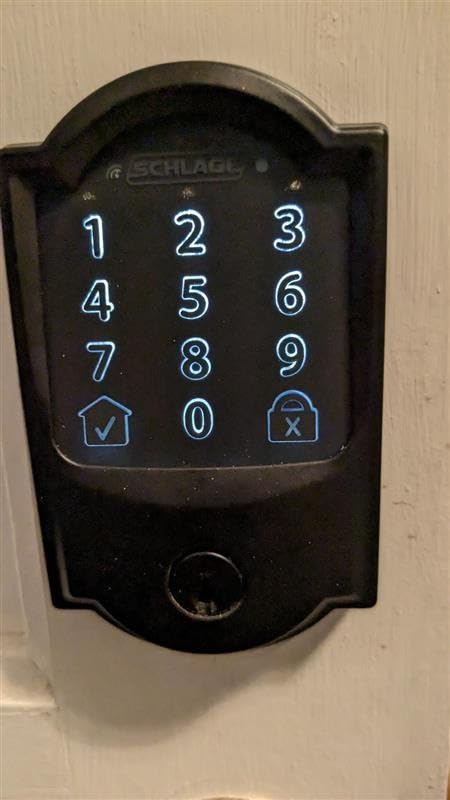
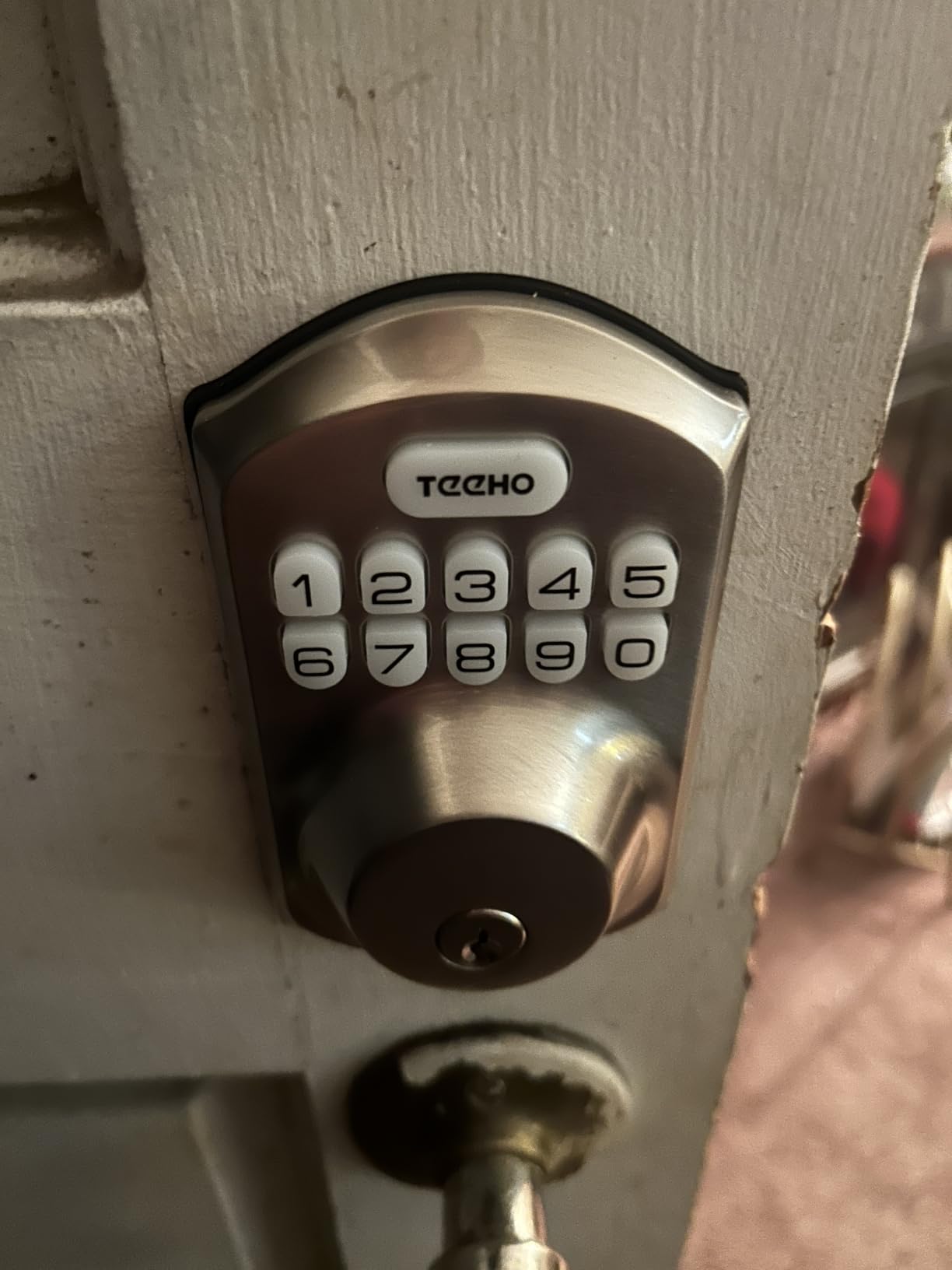
2. TEEHO TE001 Keypad Deadbolt: Budget Pick
TEEHO TE001 Keyless Entry Deadbolt with Keypad for Front Door, Satin Nickel
Type: Keypad deadbolt
Codes: 20
Connectivity: none
Battery: AA
Pros
- 20 access codes plus one-time PIN
- Auto-lock with 10-99 second timer
- IP54 weather resistance
- Anti-peeping password
- Simple DIY install
Cons
- No WiFi or app control
- Batteries not included
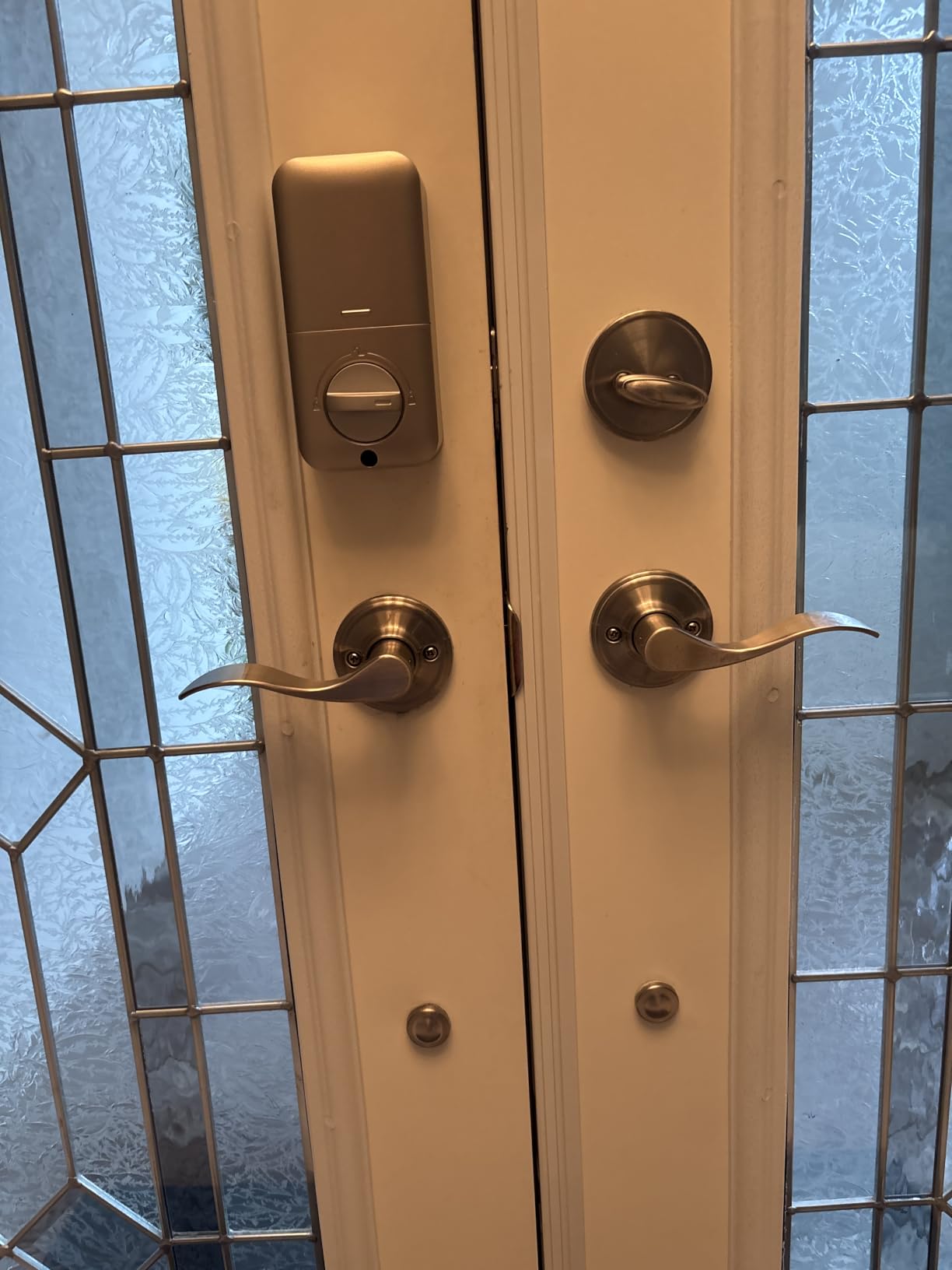
There’s no app and no WiFi, and that is the point: you punch a code, the door locks, the batteries last up to a year. The TEEHO TE001 has 10831 reviews with a 4.5 rating, which is rare for a sub-budget deadbolt. If you want a connected lock with fingerprint, step up to the ULTRALOQ Bolt SE in this same roundup.
The standout is the one-time PIN code feature, which is great for letting in a dog walker or contractor without giving them a permanent code. IP54 weather resistance means it handles rain and dust on a front door. Compared with the Schlage Encode, the TE001 skips the app and the WiFi radio, so it won’t talk to Alexa or Google. That’s a feature, not a missing feature, if you don’t want a connected lock.
Owners report that the auto-lock timer is the most-used setting, and several reviews mention the keypad being readable in low light. Skip it if you want remote unlock from your phone: the TE001 has no app, and you’ll need the TEEHO TE002 or ULTRALOQ Bolt SE for that. The anti-peeping password lets you type extra digits before or after your real code, which is a nice touch in front of guests.
4 AA batteries (not included) power the lock, and the brand recommends alkaline cells for cold weather. The keypad backlight makes night entries easy, and the included 2 backup keys give you a fallback if the batteries die without warning.
3. ULTRALOQ Bolt SE: Best Value
ULTRALOQ Bolt SE Wi-Fi Smart Lock, Matter Over Thread, App Remote Access
Type: Smart deadbolt
Connectivity: WiFi and Matter
Unlock: 7-in-1
Battery: 18 mo
Pros
- 7-in-1 keyless entry including fingerprint
- Matter over Thread for smart home
- 18 months battery life
- BHMA certified
- IP65 weatherproof
Cons
- Needs Matter hub for some features
- 2.4 GHz WiFi only
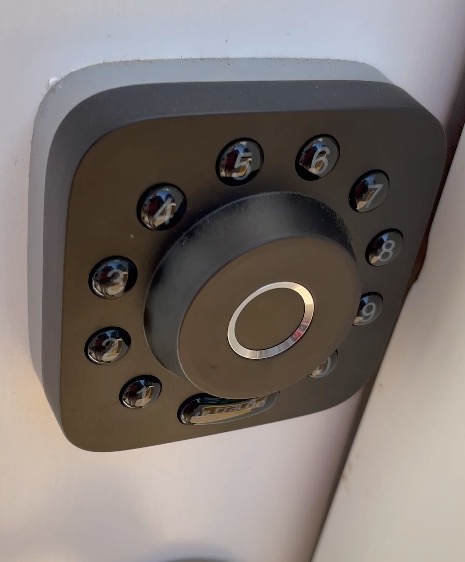
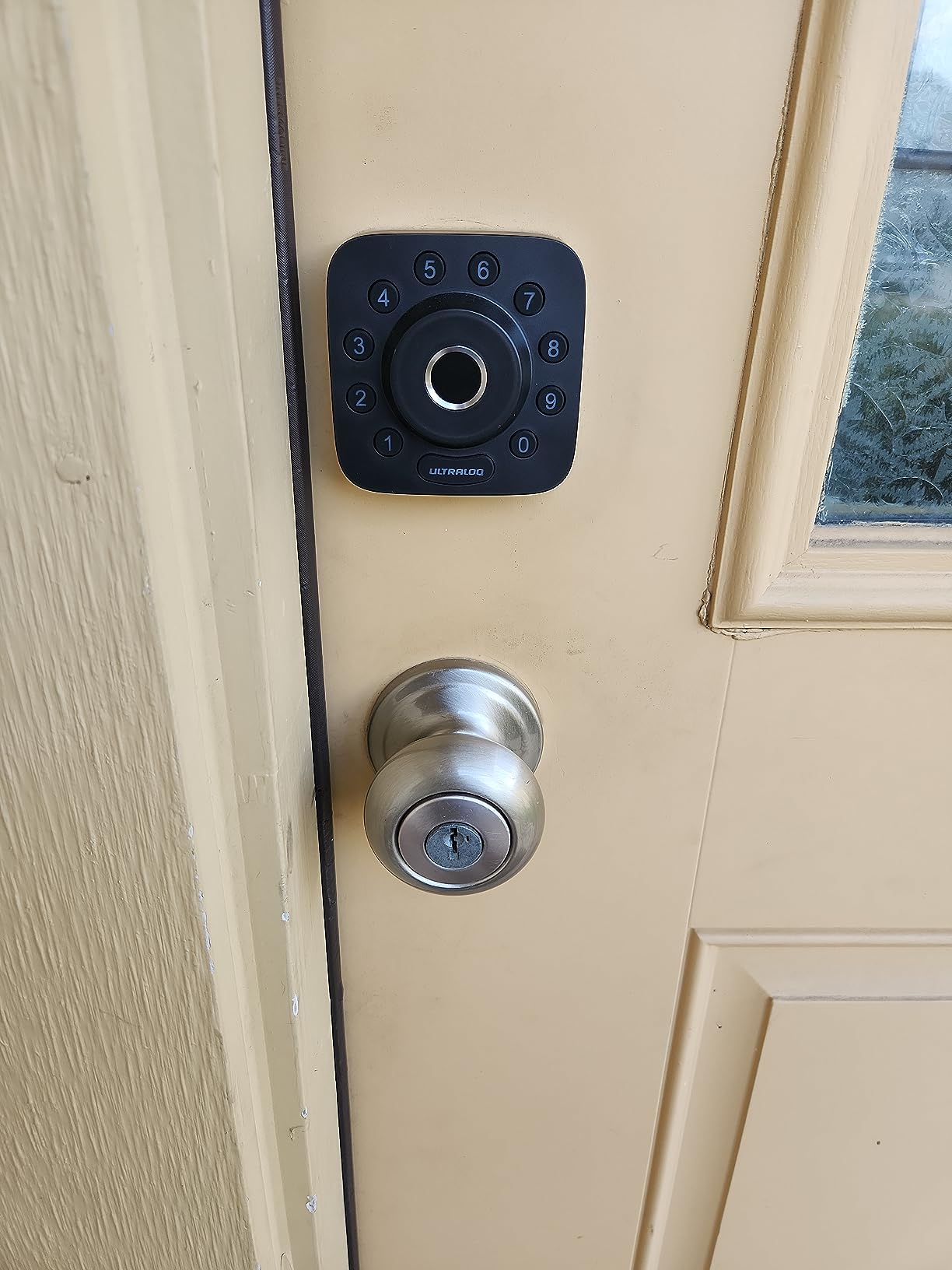
The ULTRALOQ Bolt SE packs fingerprint, keypad, app, web portal, eKey, voice, and a mechanical key into one deadbolt. With 10321 reviews, this is the lock to watch for buyers entering the smart home world in 2026. Matter over Thread is the standout feature at this price tier, and it means the lock plays nicely with Apple Home, Google Home, Alexa, and SmartThings through a compatible hub.
Owners report the fingerprint reader is fast and the install takes about 10 minutes. Compared with the Aqara U100, the Bolt SE has WiFi built in, so you don’t need a separate hub just to lock and unlock from your phone. Skip it if you don’t own a Thread hub yet: without one, you lose the cross-ecosystem features and fall back to Bluetooth and WiFi, which still works but isn’t the point.
If you already own an Apple TV 4K, a HomePod mini, or a SmartThings hub, the Bolt SE is set up in minutes. If you don’t, the eufy C220 is the simpler pick since it has built-in WiFi and no hub requirement. 2.4 GHz WiFi only is the small spec to know about, and most home networks have plenty of 2.4 GHz range for a front door.
IP65 weather rating is higher than the TEEHO TE001, and 18-month battery life is the longest in this roundup. The zinc body feels solid in the hand, and the 2 emergency keys in the box cover you during a hub outage.
4. TEEHO TE002 Fingerprint Deadbolt: Best for Fingerprint on a Budget
TEEHO TE002 Fingerprint Deadbolt with Keypad for Front Door, Matte Black
Type: Fingerprint keypad deadbolt
Unlock: 4-in-1
Sensor: AI
Battery: AA
Pros
- Fast 0.3s fingerprint unlock
- AI sensor learns over time
- 4 unlock methods including one-time PIN
- Silent mode for late-night entry
- IP54 weather resistant
Cons
- No WiFi or app
- Batteries not included
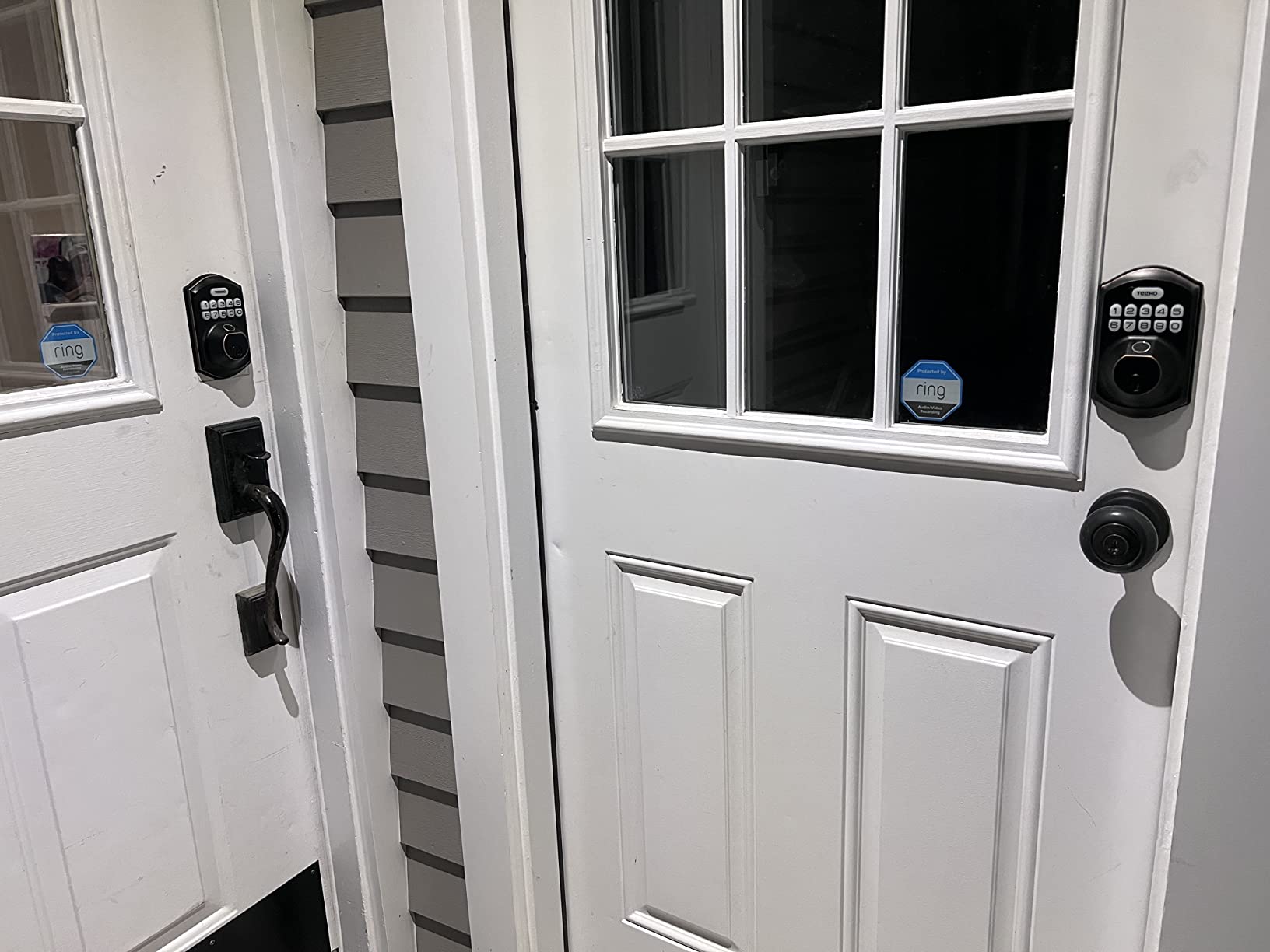
The TEEHO TE002 stores 20 fingerprints and 20 passcodes, runs on 4 AA batteries, and keeps things simple. With 12708 reviews, this is one of the most installed fingerprint deadbolts on Amazon. The AI-powered fingerprint sensor is the standout: it learns partial prints over time, so kids and older family members who don’t always place a finger perfectly still get in.
Silent mode is useful for late-night entries, and the auto-lock timer keeps the door secure if you forget to lock up. Compared with the ULTRALOQ Bolt SE, the TE002 trades WiFi and Matter for a slightly lower price and a 4-method entry that doesn’t need an app at all. Owners report the install takes about 15 minutes with just a screwdriver.
Skip it if you need remote unlock from your phone: there’s no WiFi, no app, and no voice control on this lock. The Veise KS02A in this roundup is a similar fingerprint pick at a similar price, and the choice often comes down to which finish matches your door. Several reviews mention that the fingerprint reader works for them on the first try, which matters when the kids get home from school.
This is a non-connected lock, so there’s no remote unlock. If you want app control, the eufy C220 is the step-up. If you want fingerprint only and no subscription, the TE002 is the cleanest pick in the sale.
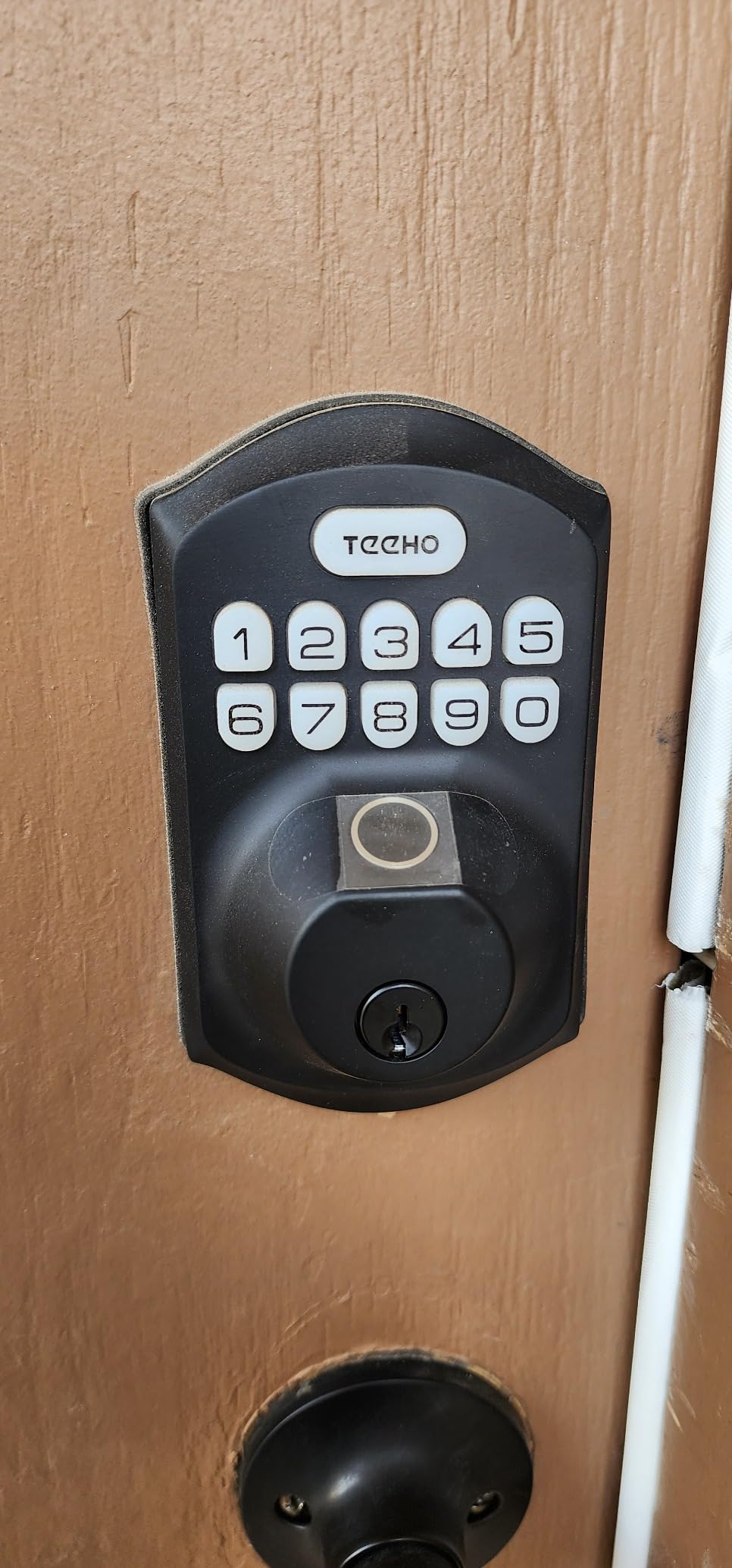
5. eufy Security Smart Lock C220: Best for AI Fingerprint
eufy Security Smart Lock C220, Fingerprint Keyless Entry Door Lock
Type: WiFi smart deadbolt
Unlock: 6 methods
App: eufy
Battery: 8 months
Pros
- 6 unlock methods including Apple Watch
- Self-learning AI fingerprint
- Built-in WiFi no hub needed
- BHMA Grade 3 certified
- 15-minute install
Cons
- Higher price than keypad-only locks
- 8 AA batteries required
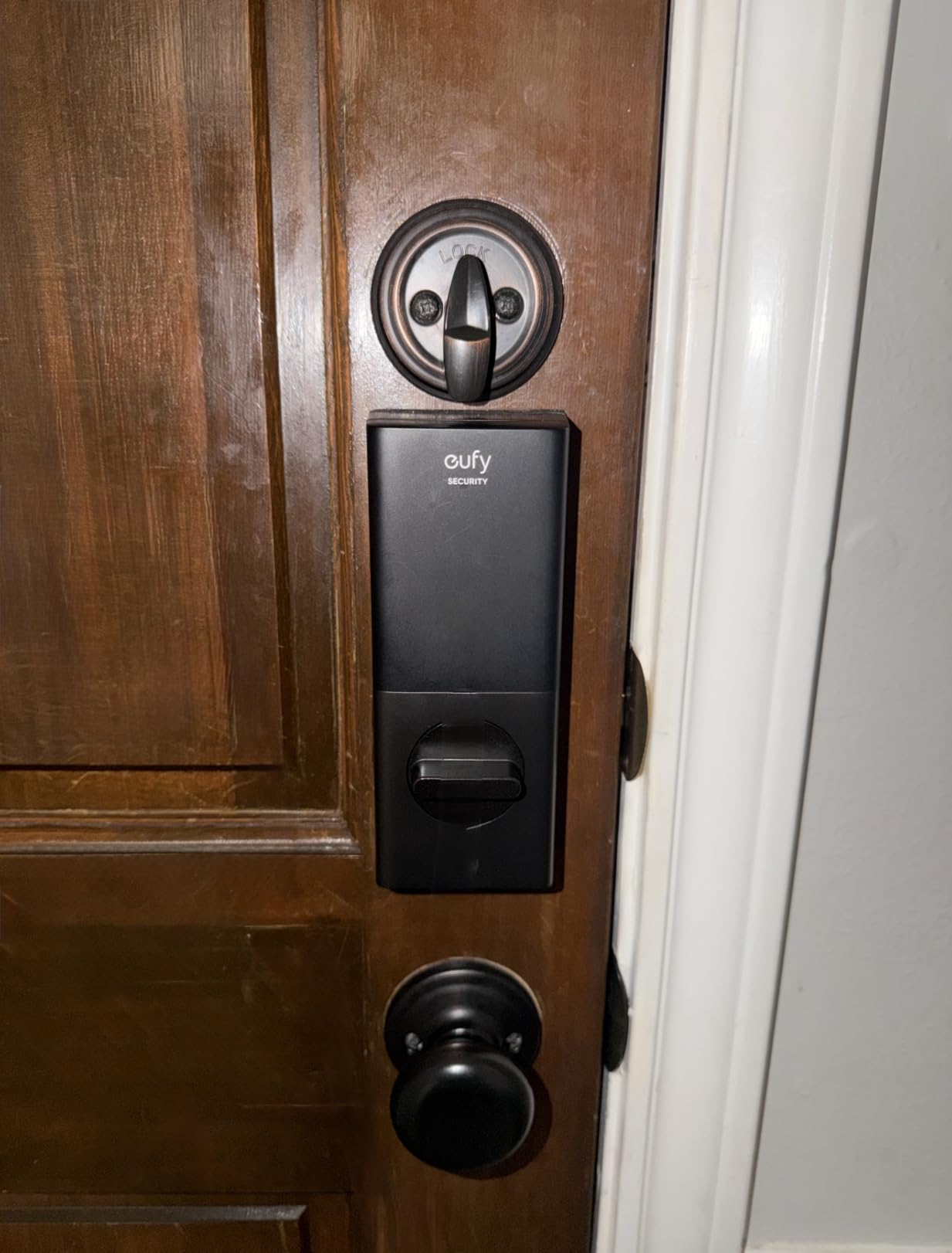
The eufy Security Smart Lock C220 covers fingerprint, app, keypad, physical key, Apple Watch, and voice. The self-learning AI fingerprint sensor is the highlight, getting faster the more you use it. Six unlock methods in one lock with built-in WiFi is the headline, and the mid-tier price buys you everything except a Thread radio.
Built-in WiFi means no extra hub, and the eufy app supports remote lock, unlock, and user code management. Owners report the install takes about 15 minutes. Compared with the TEEHO TE002, the C220 adds an app, voice control, and Apple Watch support, so it’s the pick if you live in the Apple Watch or Alexa world.
Reviewers mention the 8 AA batteries last around 8 months with normal use, which is shorter than the ULTRALOQ Bolt SE but typical for a WiFi-only lock. If you want a smart lock that works with multiple ecosystems without a hub, the C220 is the most flexible pick in the roundup. Skip it if you only need a keypad: the TEEHO TE001 does the basics for less, and the eufy C30 is the step-down for shoppers who don’t want fingerprint.
BHMA Grade 3 certification and IP53 weather rating make this a solid pick for an exposed front door. The lock works with Alexa and Google Assistant, and the eufy app supports user-level activity logs.
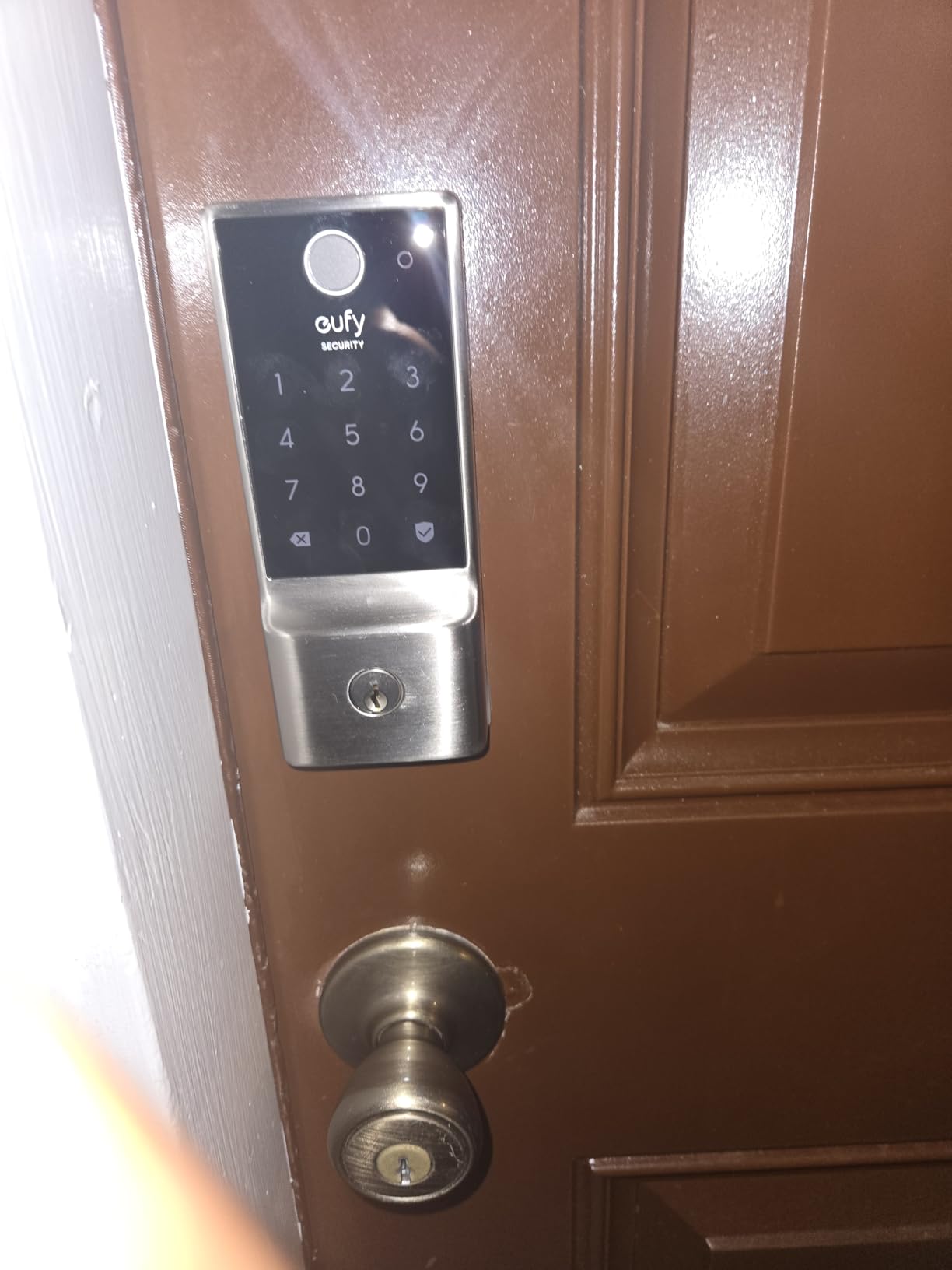
6. Veise RZ07: Best for High-Traffic Doors
Veise RZ07 Fingerprint Smart Door Lock Deadbolt, App Control, Matte Black
Type: Smart deadbolt
Unlock: 7 methods
App: Veise
Battery: AA
Pros
- 250+ user codes for rentals
- 0.2s fingerprint recognition
- 7 unlock methods
- No subscription for app access
- Privacy and passage modes
Cons
- WiFi gateway sold separately
- App setup can be tricky
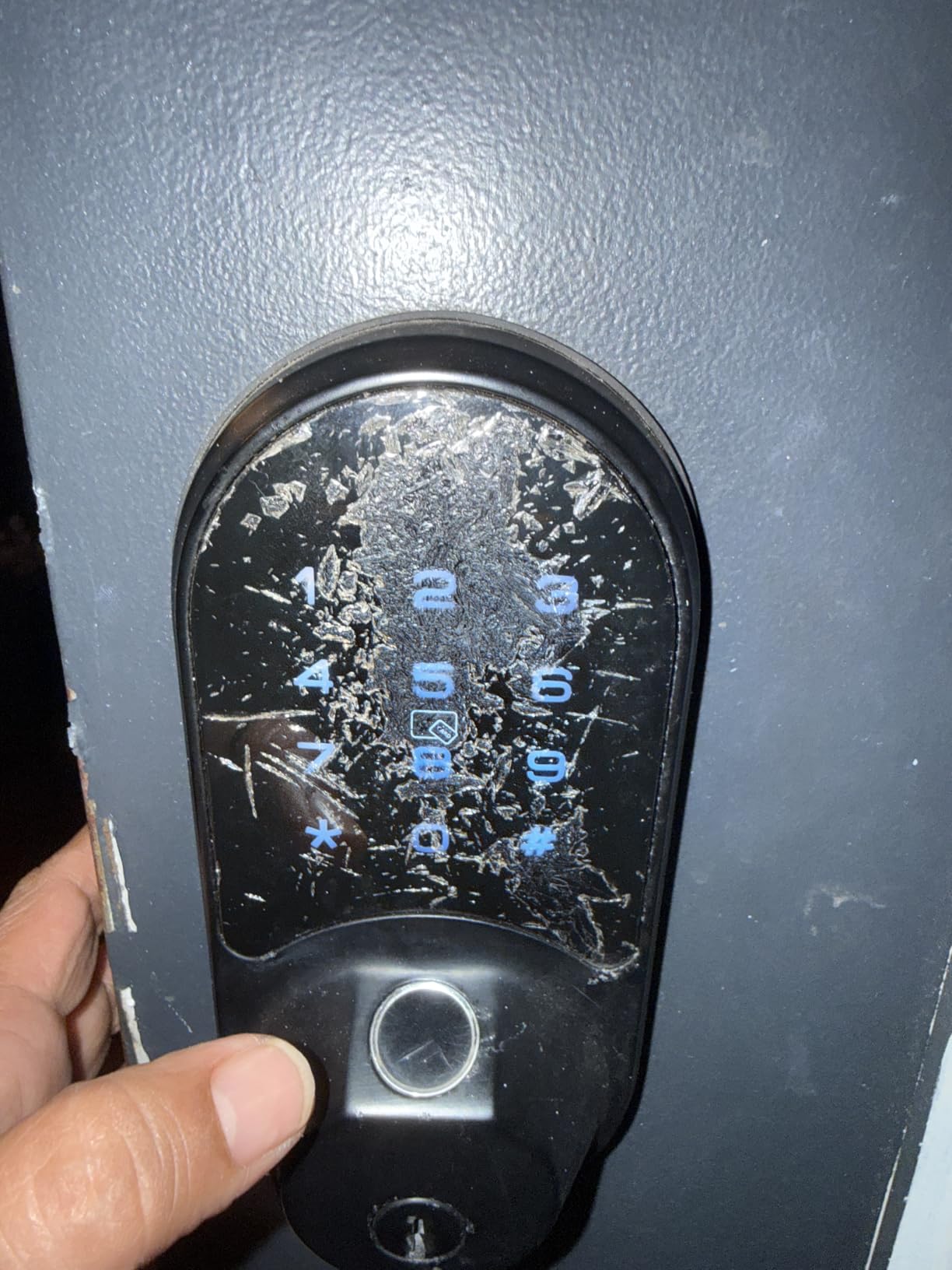
The Veise RZ07 supports 250+ user codes, stores 50 fingerprints, and includes 2 IC cards for fob-style entry. With 3103 reviews, this is a popular pick for rental and short-term stays. Privacy mode locks out all user codes for a set time, and passage mode keeps the lock open during defined hours, which is useful for cleaning crews.
Owners report the 0.2-second fingerprint unlock feels instant, and the auto-lock plus one-touch lock options cover most entry habits. Compared with the TEEHO TE001, the RZ07 adds an app and a fingerprint reader. The web portal is a small but useful detail for property managers who want to add or remove users from a browser instead of a phone.
Without the WiFi gateway, the lock still works over Bluetooth, but you lose remote unlock. Reviewers mention the app setup is the trickiest part. If you only need Bluetooth range from your front door, that’s fine. If you want to unlock from across town, budget for the gateway. Skip it if you don’t want a separate accessory: the eufy C220 has built-in WiFi for a similar price tier.
IP55 weather rating and a zinc-aluminum build make this a sturdy pick for an exterior door. The web portal lets you manage users from a browser, which is helpful for property managers.
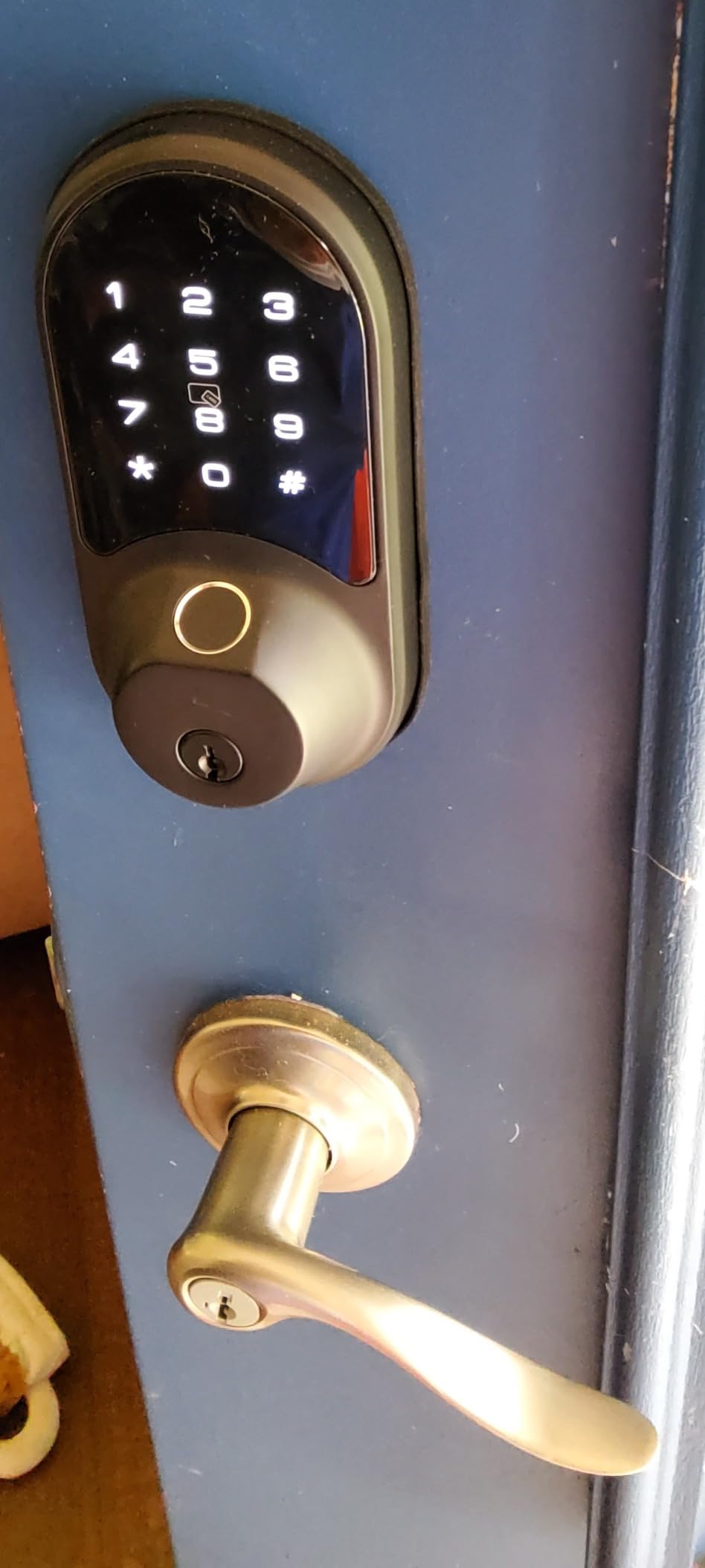
7. Aqara Smart Lock U100: Best for Apple Home Key
Aqara Smart Lock U100, Apple Home Key, Fingerprint Deadbolt, Gray
Type: Smart deadbolt
Unlock: fingerprint/code/Home Key/key
Hub: Zigbee
Battery: 8 months
Pros
- Apple Home Key support
- IP65 weatherproof rating
- USB-C emergency charging
- Auto lock with gyroscope
- Do Not Disturb mode
Cons
- Aqara Zigbee hub required for full features
- NFC card sold separately
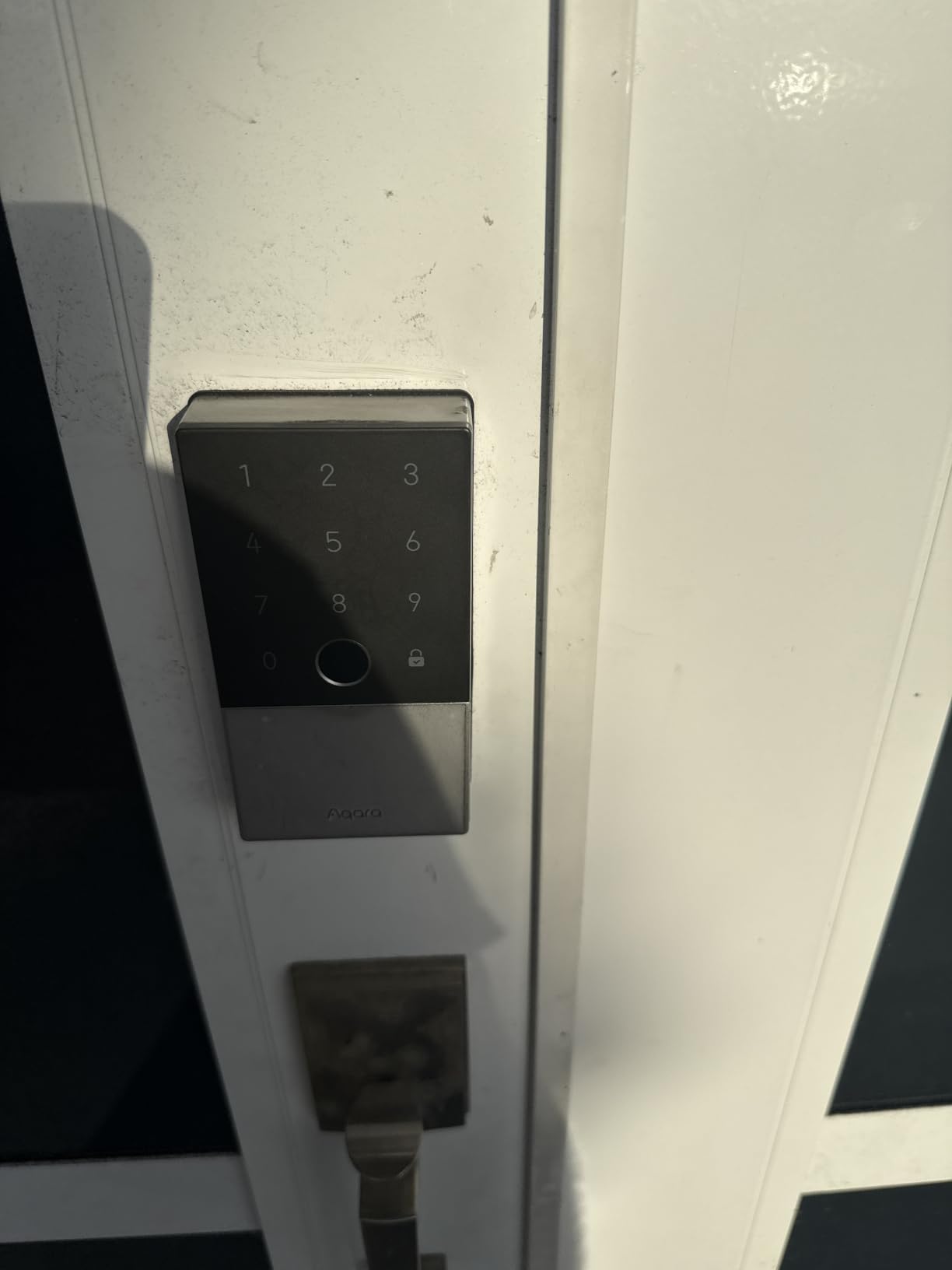
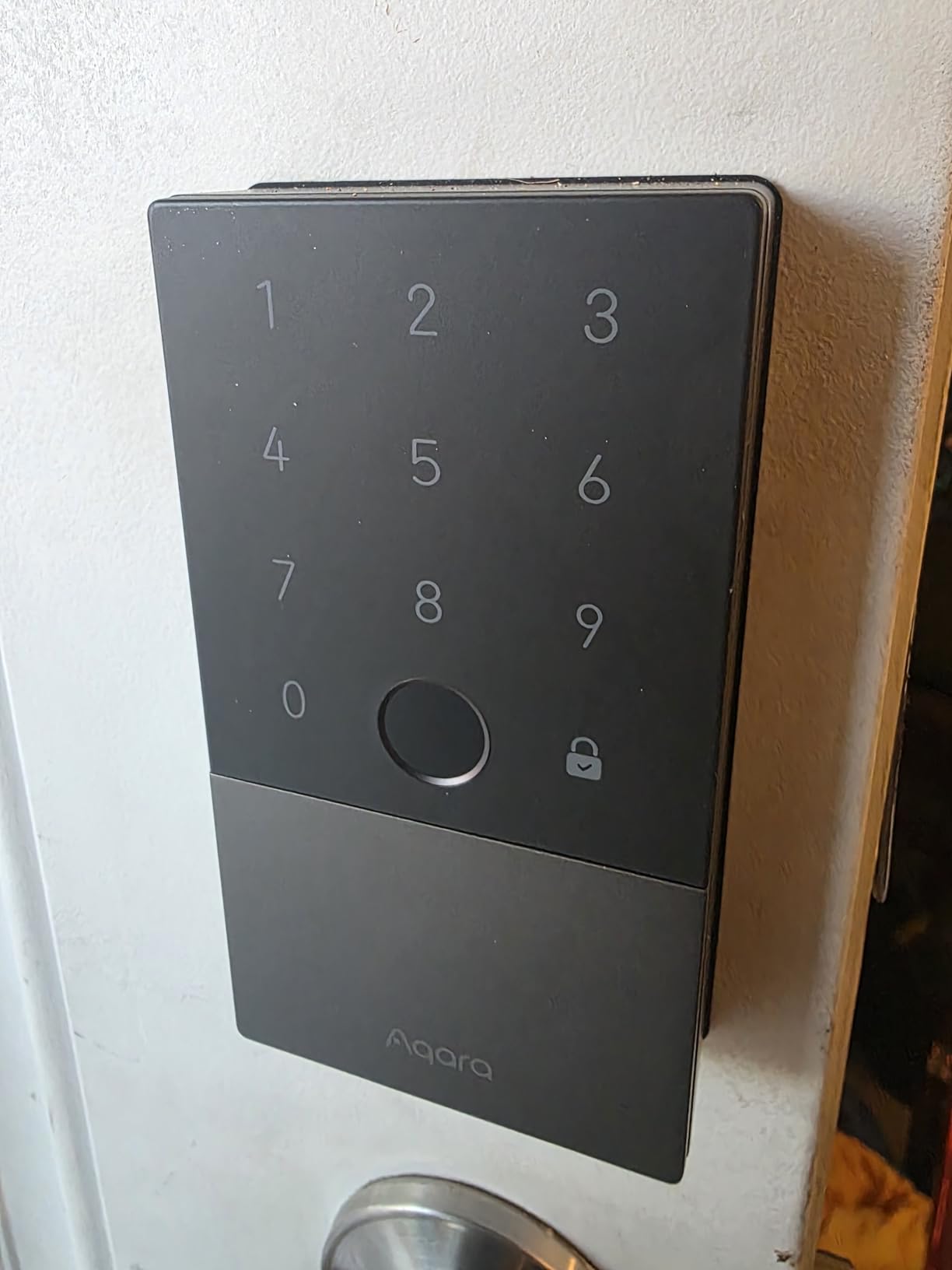
The Aqara U100 is one of the few locks on Amazon with first-class Home Key support, and it pairs with the rest of the Aqara ecosystem. With 2567 reviews, this is a focused pick for Apple households. Tap your iPhone or Apple Watch to the lock and the door opens, even when your phone battery is dead.
The fingerprint reader stores 50 prints, and the auto-lock uses a gyroscope to detect when the door closes, which is more reliable than a fixed timer. Compared with the Yale Assure Lock 2, the U100 has Apple Home Key built in rather than added through a module. Owners mention the install is straightforward and the IP65 rating is reassuring for an exterior door.
Without the Aqara Zigbee hub, you can still use the lock via Bluetooth and the on-device keypad. With the hub, you get remote lock, unlock, and password management from anywhere. Skip it if you don’t live in the Apple ecosystem: the Yale Assure Lock 2 supports HomeKit through a different path, and the ULTRALOQ Bolt SE is the cross-ecosystem pick with Matter.
USB-C emergency charging lets you jump-start the lock with a power bank if the batteries die, which is rare but useful. The zinc body and IP65 rating hold up on an exposed front door, and the gyroscope-driven auto-lock is a step up from timer-based locks.
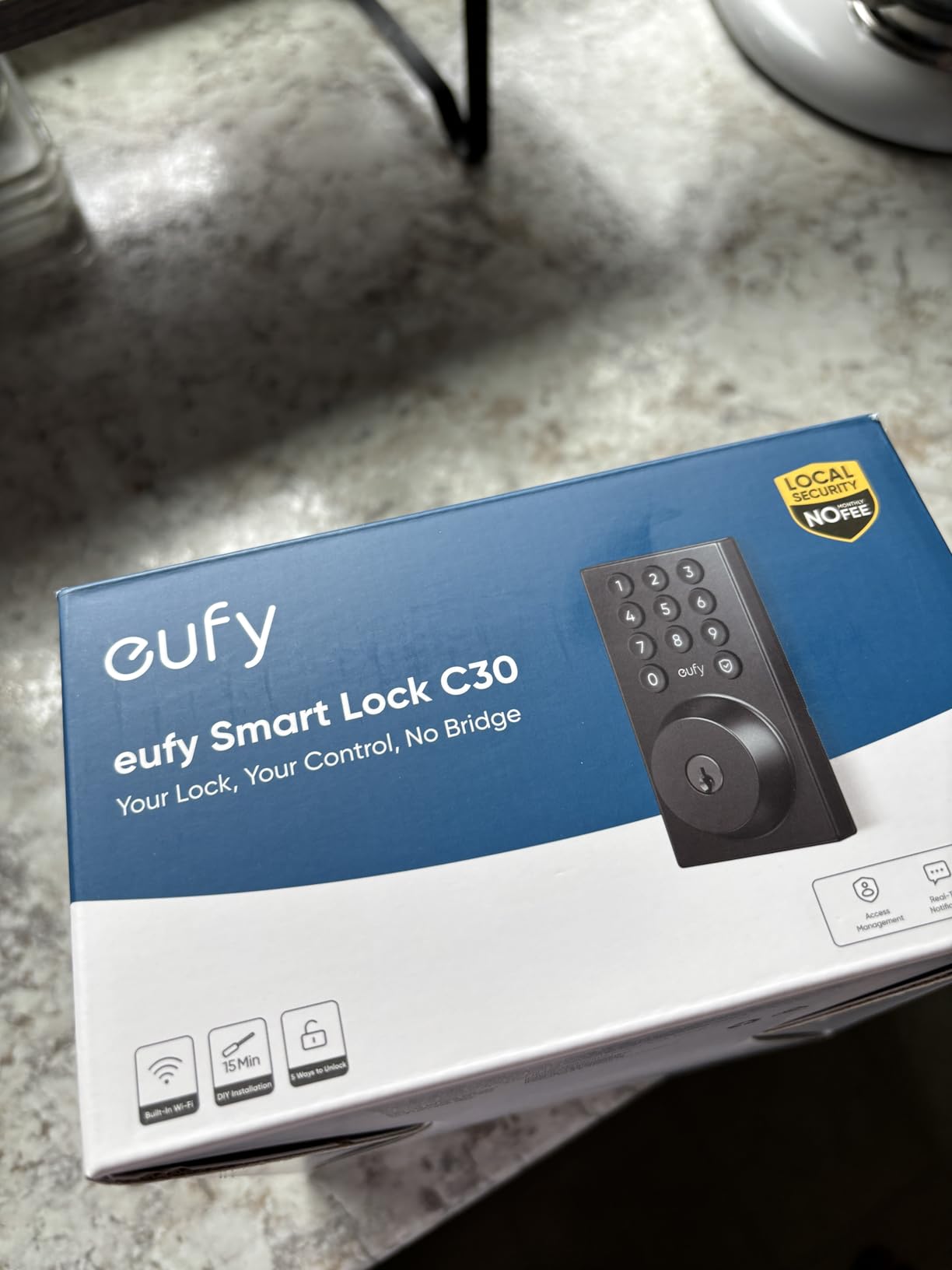
8. eufy Security Smart Lock C30: Best No-Fuss Keypad
eufy Security Smart Lock C30, Keyless Entry Door Lock, Built-in WiFi, Black
Type: WiFi keypad deadbolt
Unlock: keypad/app/voice
App: eufy
Battery: AA
Pros
- Built-in WiFi no hub needed
- 15-minute install
- Voice control with Alexa and Google
- No monthly fee
- Auto-lock with timer
Cons
- No fingerprint reader
- Some users report battery concerns
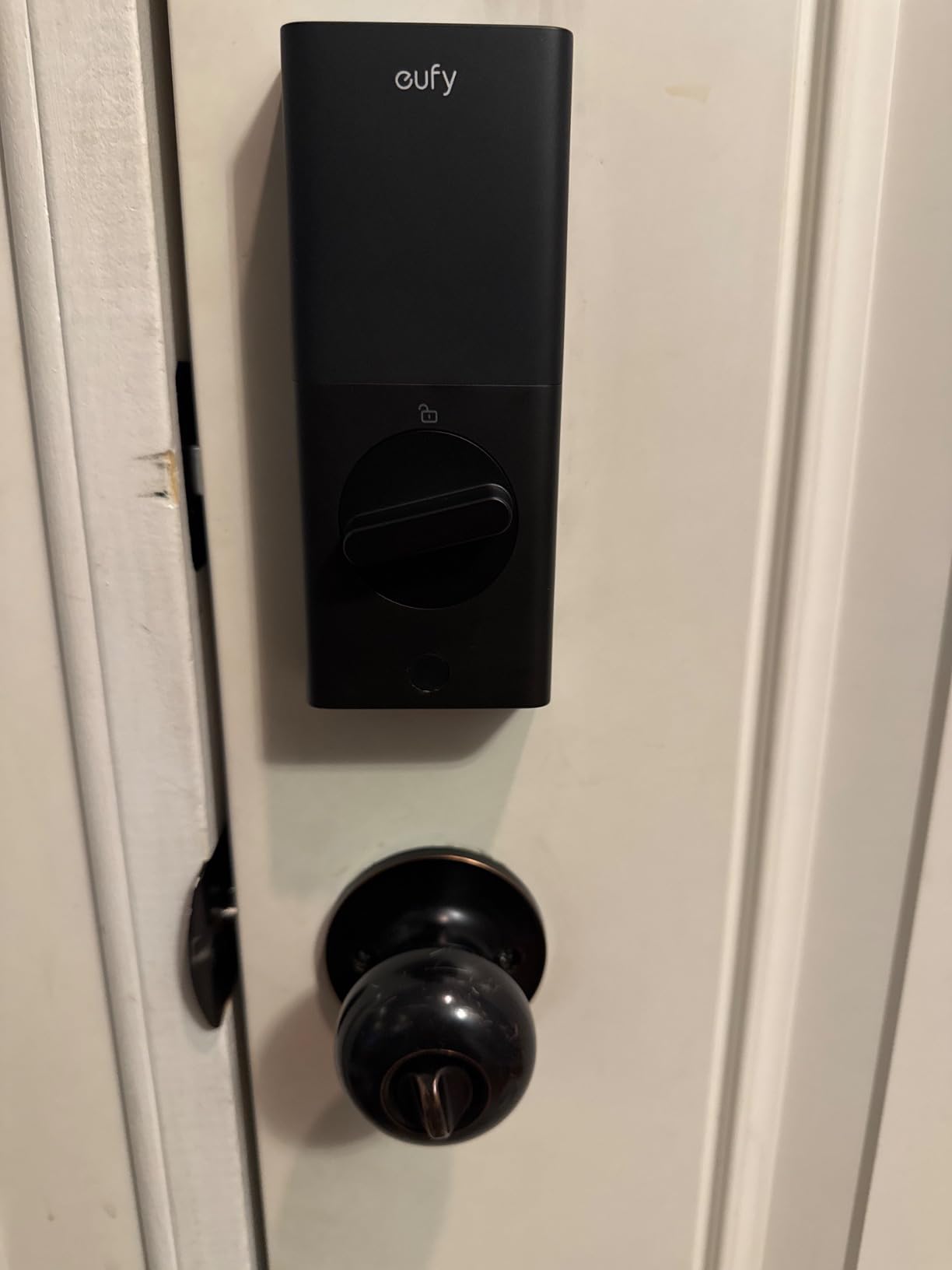
The eufy C30 strips the smart lock down to its essentials: a keypad, built-in WiFi, and an app. With 2187 reviews, this is the lock to watch if you want a no-fuss upgrade from a basic keypad. Built-in WiFi is the headline: the eufy app handles remote lock and unlock, user codes, and activity logs, and the lock works with Alexa and Google Assistant for voice commands.
Compared with the TEEHO TE001, the C30 adds app control and voice at a similar price tier during the sale. Reviewers mention battery life varies with WiFi signal strength, so if your door is far from the router, expect to change batteries more often. The auto-lock timer is fully customizable, which is a small detail that matters for families with kids.
Skip it if you want fingerprint: there’s no biometric reader on the C30, and you’ll need the C220 or the ULTRALOQ Bolt SE for that. Owners report a 15-minute install with a single screwdriver, and the keypad is backlit for night entries. The eufy app supports user-level activity logs, which is helpful for keeping tabs on the dog walker.
BHMA Grade 3 and IP53 weather rating match the eufy C220. The lock pairs with the same eufy app, so if you have other eufy devices, you can manage them together.
9. Yale Assure Lock 2: Best for Established Smart Homes
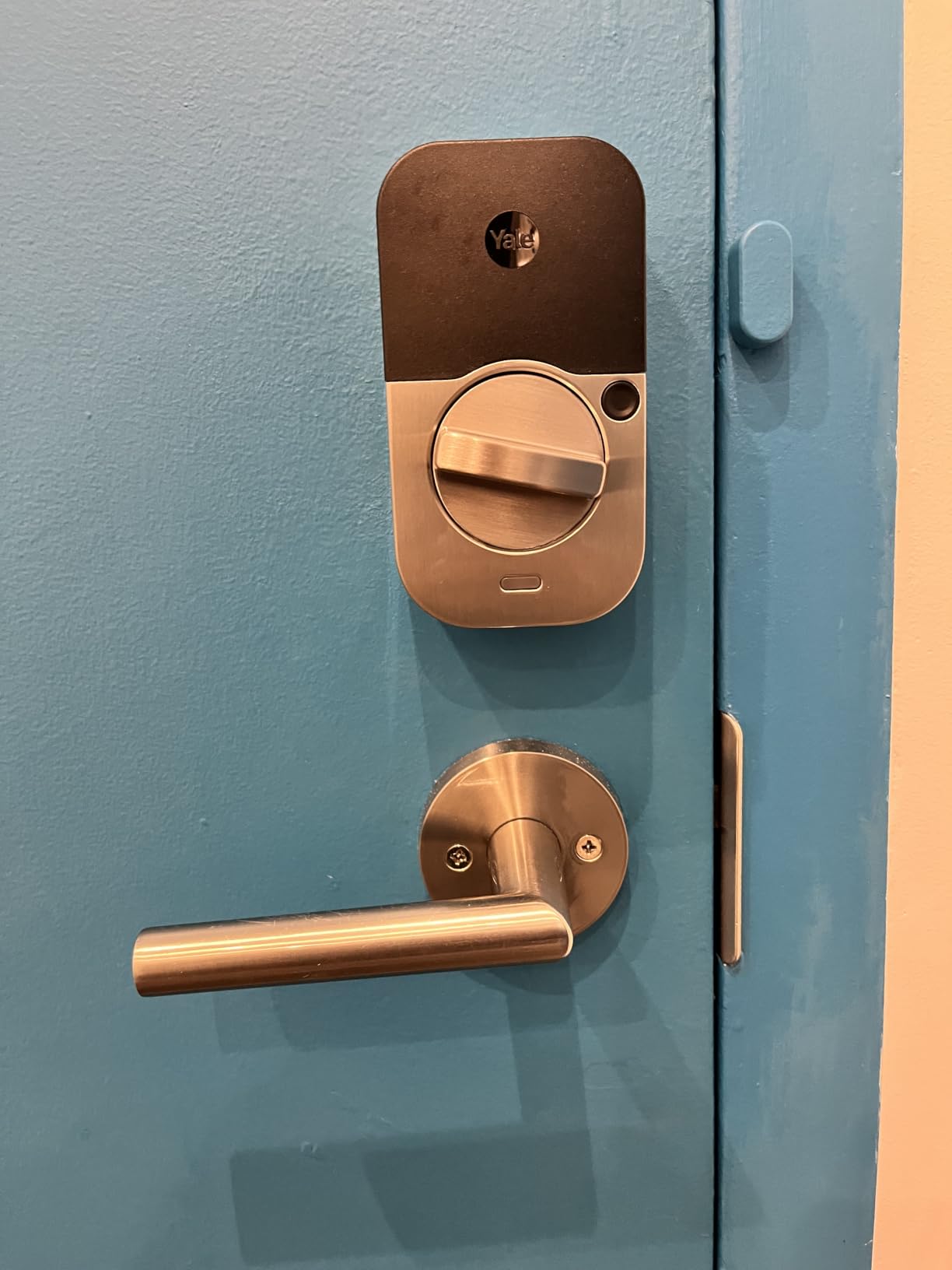
Yale WiFi Smart Lock Deadbolt with Keypad, Keyless Entry, Black Suede
Type: WiFi keypad deadbolt
Unlock: keypad/app/voice
App: Yale Access
Battery: AA
Pros
- Direct WiFi on 2.4 and 5 GHz
- Apple HomeKit compatible
- Auto-lock with DoorSense
- Unlimited user codes
- Grade 2 BHMA certified
Cons
- Mixed reliability reviews
- Battery life concerns reported
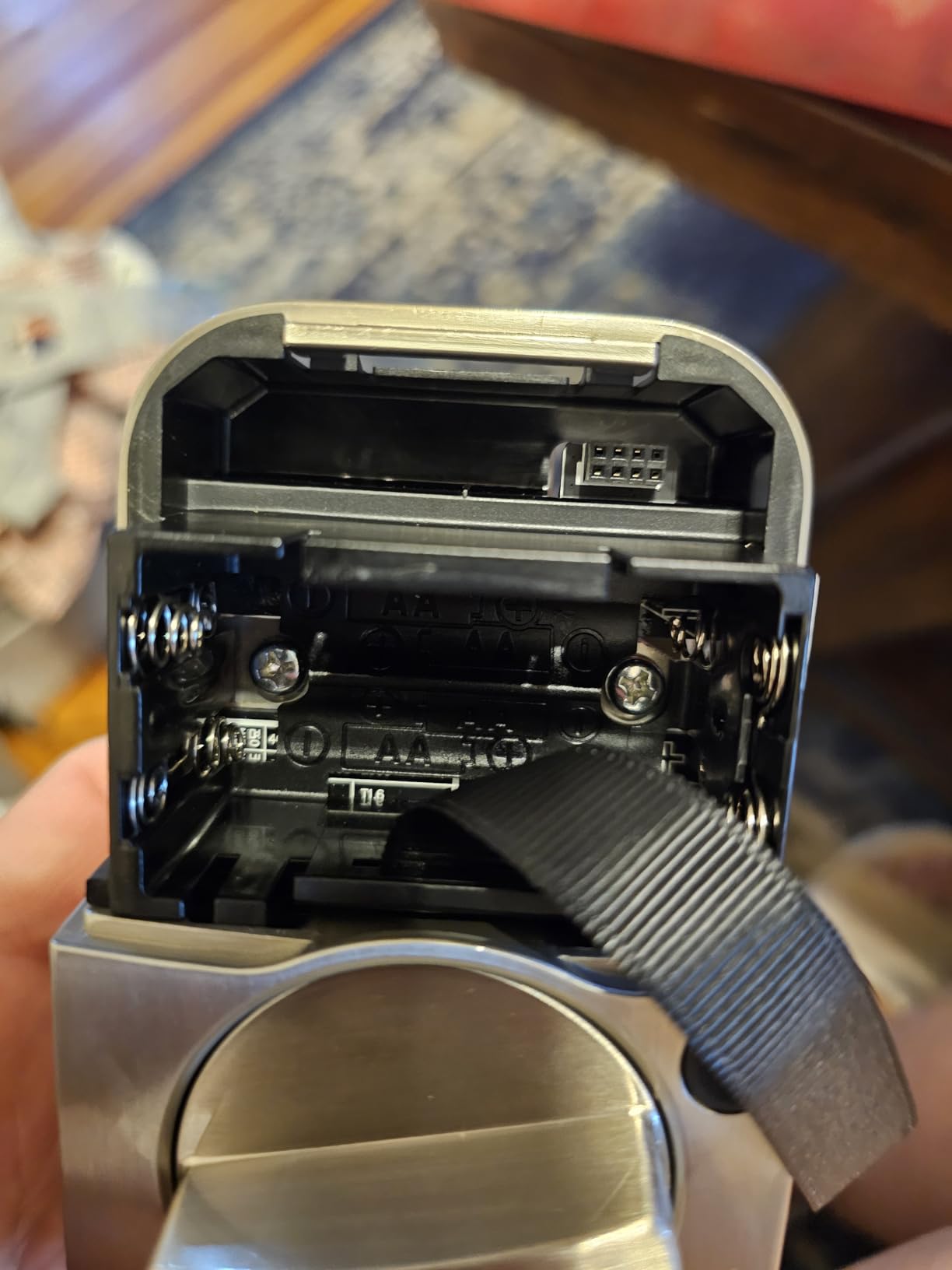
The Yale Assure Lock 2 ships with the Wi-Fi smart module in the box, which is rare. With 1400 reviews, this is a more specialized pick for buyers who already use the Yale Access app or Apple Home. Dual-band WiFi is the standout: most smart locks only support 2.4 GHz, but the Yale Assure Lock 2 connects to both 2.4 and 5 GHz networks, which can be more reliable in crowded WiFi environments.
DoorSense is a small magnetic sensor that tells the lock whether the door is actually closed, not just whether the bolt is thrown. Compared with the Aqara U100, the Yale uses HomeKit rather than Home Key, and the app is Yale Access rather than Aqara. Reviewers report mixed experiences with reliability, and battery life complaints come up on longer timelines.
If you want a lock with a higher owner rating, the Schlage Encode or ULTRALOQ Bolt SE are safer picks. The Yale is the choice for buyers who value the brand, the app, and dual-band WiFi over raw owner rating. Skip it if you live in a Google or Alexa household: the lock leans Apple, and the Aqara U100 is the broader pick.
Grade 2 BHMA is a step up from Grade 3 in residential ratings, so this lock handles more frequent use. The included DoorSense module is a nice touch for households that worry about the door being ajar.
10. Veise KS02A: Best for Second Doors and Garages
Veise KS02A Fingerprint Door Lock, Keypad Deadbolt, Matte Black
Type: Fingerprint keypad deadbolt
Unlock: 4-in-1
Sensor: AI
Battery: AA
Pros
- AI fingerprint with 0.2s unlock
- Self-learning AI sensor
- 20 fingerprints and 20 codes
- Auto-lock with timer
- IP54 weather resistant
Cons
- No WiFi or app
- Batteries not included
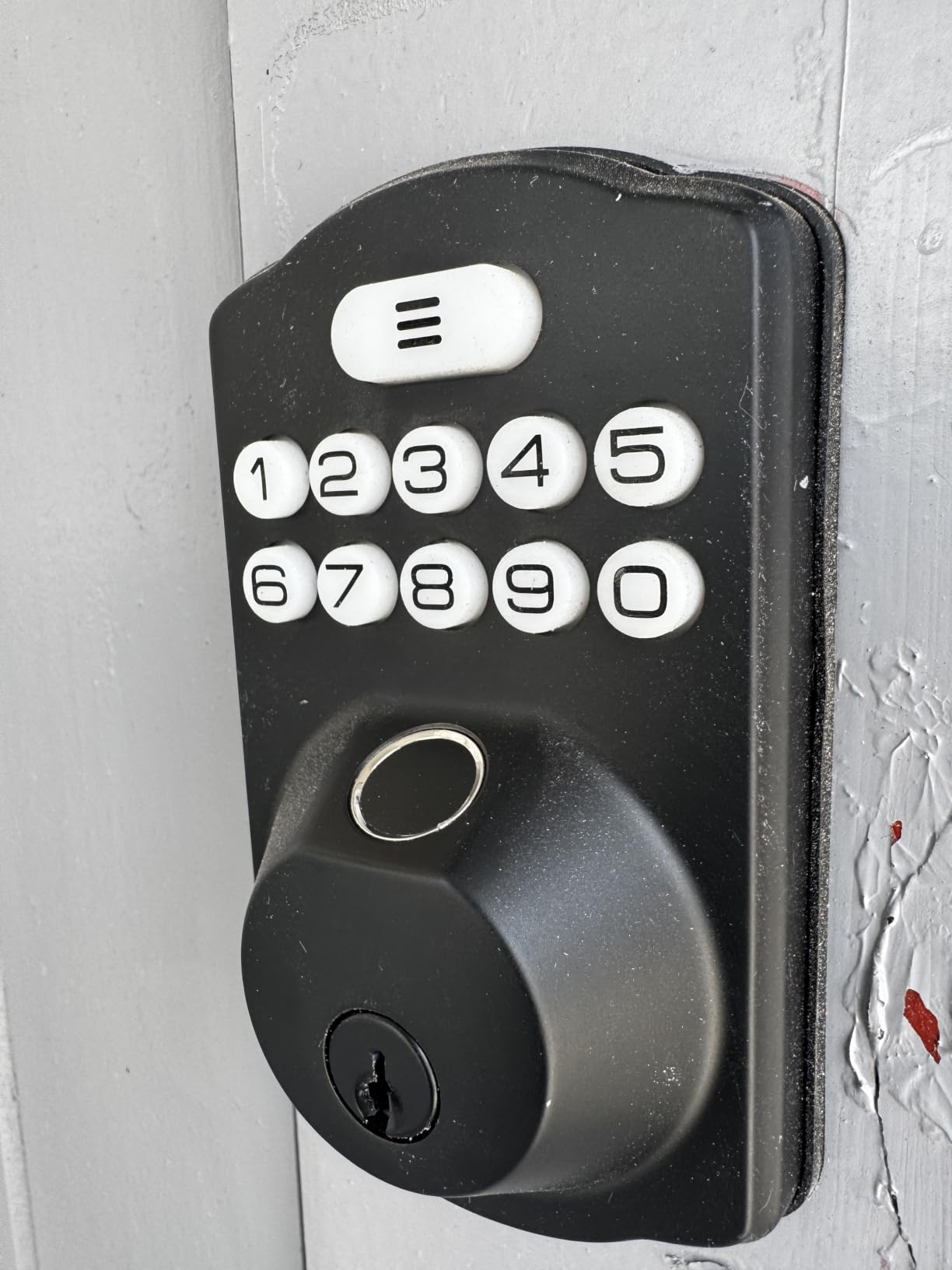
The Veise KS02A combines fingerprint, keypad, one-time code, and a physical key in a 4-in-1 lock. With 4867 reviews and a 4.4 rating, this is a high-value pick for the second door, side door, or garage entry. The AI fingerprint sensor learns partial prints, and the 0.2-second unlock is the same as the Veise RZ07.
The auto-lock timer is configurable from 10 to 99 seconds, and the anti-peeping code lets you type extra digits before or after your real code. Compared with the TEEHO TE002, the KS02A is a similar feature set at a slightly different price tier, and the choice often comes down to which finish matches your door. Owners report the install is straightforward and the lock feels solid in the hand.
There’s no app, no remote unlock, and no voice control. For a back door that doesn’t need a smart home connection, that’s a feature: the batteries last longer and there’s nothing to configure. Skip it if you want a single lock to anchor your whole smart home: the Schlage Encode or the Aqara U100 is the better anchor lock, and the KS02A is the satellite pick for the second and third doors.
The IP54 weather rating is solid for an outdoor door, and the included 2 backup keys mean you always have a fallback. If you want to outfit every exterior door in the house with fingerprint access, the KS02A is the budget-friendly pick for the second and third doors.
How to Choose a Smart Lock During Prime Big Deal Days
A smart lock on sale is only a good deal if it fits your door, your family, and your existing smart home. Here is the short list of what to compare before you add one to your cart during the sale.
Lock Type and Door Compatibility
Most smart locks on this list replace a standard 1-3/8 to 1-3/4 inch deadbolt and fit doors with a 2-1/8 inch borehole. The TEEHO TE001 and TEEHO TE002 are full replacements, while locks like the eufy C220 are designed to fit over your existing deadbolt. If your door is thicker than 1-3/4 inches, check the lock’s spec sheet before you buy. For a deeper look at the front-door-friendly options, our guide to smart locks for front doors covers what to look for.
Connectivity and Smart Home Ecosystem
WiFi-only locks like the Schlage Encode and eufy C220 talk to your router directly. Bluetooth-only locks like the TEEHO TE001 work within phone range. Matter over Thread locks like the ULTRALOQ Bolt SE need a compatible hub, which can be an Apple TV 4K, a HomePod mini, or a SmartThings hub. If you already use Alexa, Google Home, or Apple Home, pick a lock that supports your ecosystem. For an overview of the categories, see our guide to the best smart locks overall.
Access Methods and User Codes
Keypad codes range from 20 on the TEEHO TE001 to 250+ on the Veise RZ07. Fingerprint storage is typically 20 to 50 prints. For a family of four, 20 codes and 20 fingerprints is enough. For a rental with rotating guests, 250+ codes is the safer pick. One-time PIN codes are a useful feature for service workers. For code-focused comparisons, see our guide to Kwikset smart locks worth comparing.
Security, Ratings and Build Quality
BHMA Grade 3 is the residential standard and is what most locks on this list carry. The Yale Assure Lock 2 is Grade 2, which is a step up for higher-traffic doors. Look for AES-128 encryption, anti-peep code entry, and tamper alarms if security is the priority. For Schlage-focused security comparisons, our guide to Schlage smart locks worth comparing is a useful reference.
Battery Life, Power Backup and Weather Rating
Battery life ranges from 6 months on a heavy-use WiFi lock to 18 months on the ULTRALOQ Bolt SE. Look for a low-battery indicator and a USB-C or 9V emergency jump option if you don’t want to be locked out. IP54 handles rain and dust on a covered porch, and IP65 is the better pick for fully exposed doors.
How to Shop Smart Lock Deals During the Sale
Check the model year and the generation code in the listing title, because last year’s lock is often the better deal. Look for the finish and handedness if you have a specific door style. Some listings include a WiFi gateway or hub, others don’t. Most offers during Prime Big Deal Days need a Prime membership, and a free trial counts. Prices change through the event, so the button on each card is the fastest way to see the current price.
- Confirm the door thickness and borehole before you buy.
- Match connectivity to your existing smart home ecosystem.
- Compare code capacity to the number of users you need.
- Check the BHMA grade and weather rating for your door.
- Use the button on each card to see the current sale price.
Frequently Asked Questions
When does Prime Big Deal Days 2026 run?
Prime Big Deal Days 2026 runs October 6-7, 2026. Amazon confirmed the dates, and most smart lock deals drop in the first hours of the sale. Pricing changes through the event, so check back if your pick is not at the price you expected.
Do I need an Amazon Prime membership to get smart lock deals during Prime Big Deal Days?
Most Prime Big Deal Days offers need a Prime membership, and a free trial counts. Some non-Prime lightning deals appear at the same time, but the deepest smart lock prices are usually gated to Prime members during the sale.
Do smart locks usually see real discounts during Prime Big Deal Days?
Yes, smart locks are a popular category for the October sale, and prices often beat the spring Prime Day on flagships like the Schlage Encode and Aqara U100. The exact discount varies by model, so compare the sale price against the last 30 days before you check out.
Which smart lock features matter most for a front door replacement during the sale?
For a front door, focus on BHMA Grade 2 or 3 certification, weather rating of IP54 or higher, and the entry methods your family actually uses. Built-in WiFi, a 100+ code capacity, and a fingerprint reader are the most-asked features in owner reviews.
Are smart locks with fingerprint readers worth watching during Prime Big Deal Days?
Yes, fingerprint locks like the TEEHO TE002, Veise RZ07, and ULTRALOQ Bolt SE usually see the deepest price cuts during the sale. A fingerprint reader adds convenience for families with kids, and the AI sensors on these models get faster the more you use them.
How long does it take to install a retrofit smart lock bought during the sale?
Most owners report a 10 to 20 minute install with a single screwdriver. Retrofit locks that fit over your existing deadbolt are the fastest, while full replacements like the TEEHO TE001 take a bit longer. Plan for a few extra minutes if you need to program codes or pair the lock with an app.
Final Verdict: Smart Lock Deals: Prime Big Deal Days
Buy the Schlage Encode WiFi Deadbolt if you want the most balanced smart lock for a typical front door: built-in WiFi, 100 access codes, and a name-brand track record. For shoppers on a tighter budget, the TEEHO TE001 Keypad Deadbolt is the cleanest no-app option, and the ULTRALOQ Bolt SE is the smart home pick with Matter and fingerprint at the lowest price tier.
The TEEHO TE002 is the fingerprint pick if you don’t want an app. The eufy C220 is the step up for Apple Watch and AI fingerprint. The Veise RZ07 fits rentals and high-traffic doors. The Aqara U100 is the iPhone pick with Home Key. The eufy C30 is the no-frills keypad, the Yale Assure Lock 2 is the dual-band WiFi and HomeKit pick, and the Veise KS02A is the best deal for a second door.
Pick the lock that matches your door, your family, and your smart home, then check the button on the card for the current Prime Big Deal Days price. The sale runs October 6-7, 2026, and the prices below reflect the listings at the time of writing, so refresh before you check out.
Leave a Reply