

If you spend your evenings watching films rather than gaming, the best oled tvs for movie watching come down to one thing: how the set handles black. Every pick below is judged first on true black level, shadow detail in dark scenes, and whether highlights sit cleanly on screen without a grey halo bleeding around subtitles and letterbox bars.
I have spent the last six weeks switching between these ten sets with the same source material. Dark night exteriors, a Denis Villeneuve night sequence that punishes weak shadow detail, a bright nature documentary for daylight viewing, plus regular 4K streaming and older Blu-ray rips to see how each upscaler handles soft sources.
OLED is the default answer for film for a structural reason. Each pixel makes its own light, so a pixel can switch completely off. That gives you true black and effectively infinite contrast, and it is why letterbox bars disappear rather than sitting there as grey bands. The brands take different routes to that result: LG uses a WOLED panel, Samsung’s S90 and S90H use QD-OLED, and Sony’s Bravia 8 II adds a quantum dot layer. All of them land in the same ballpark on black level, and they separate on brightness, reflection handling and processing.
Before I list anything, one honest warning. OLED brightness compares badly with competing technologies on paper. A Mini LED can reach far higher peak brightness than most of these sets, and in a sunlit living room with the curtains open it will win. In a dim media room at night, nothing else comes close to OLED for film. If your room is bright, the matte panel and anti-glare models further down this list deserve a closer look.
Community buyers asking this question repeatedly raise the same four concerns, and I have tried to answer each one in the entries that follow: is burn-in a deal breaker, is a bright room workable, is the flagship worth the money over the mid-tier, and how much do you really need to spend on a soundbar.
Our general OLED buying notes cover panel types and price tiers in more depth, and if you are still weighing the format itself, start with our general OLED TV roundup before committing.
Our Top 3 OLED TVs for Movie Watching in 2026
Three sets came to the top after the full comparison, and they cover the three most common situations: a huge screen for a dedicated media room, the strongest performance-per-pound pick at 65 inches, and the flagship for buyers who want the brightest panel and best built-in audio.

LG 77-inch C5 OLED
- 77-inch 4K self-lit OLED
- UL verified Discomfort Glare Free
- Alpha 9 AI Processor Gen8
- Four HDMI 2.1 inputs

LG 65-inch C4 OLED
- 144Hz refresh
- 100% Color Volume and Fidelity
- Dolby Vision and Filmmaker Mode
- Four HDMI 2.1 inputs

LG 65-inch G5 OLED
- Brightness Booster Max
- Alpha 11 AI Processor Gen2
- 4.2-channel Dolby Atmos audio
- UL verified glare free
Comparing Every OLED TV in This Guide Side by Side
All ten sets, in one place. The key features column is drawn from each panel’s own specification sheet, so you can scan the brightness, HDR format and connection counts before reading the individual verdicts.
| Product | Specs | Action |
|---|---|---|
| LG 77-Inch OLED evo C5 |
|
Check Latest Price |
| LG 65-Inch OLED evo C4 |
|
Check Latest Price |
| LG 65-Inch OLED evo G5 |
|
Check Latest Price |
 Sony 83-Inch BRAVIA XR A80L Sony 83-Inch BRAVIA XR A80L |
|
Check Latest Price |
 Samsung 65-Inch OLED S90F Samsung 65-Inch OLED S90F |
|
Check Latest Price |
 Samsung 55-Inch OLED S85F Samsung 55-Inch OLED S85F |
|
Check Latest Price |
 Samsung 55-Inch OLED S90H Samsung 55-Inch OLED S90H |
|
Check Latest Price |
 Sony 65-Inch BRAVIA XR8B OLED Sony 65-Inch BRAVIA XR8B OLED |
|
Check Latest Price |
 Sony 65-Inch BRAVIA 8 II QD-OLED Sony 65-Inch BRAVIA 8 II QD-OLED |
|
Check Latest Price |
 Panasonic 65-Inch Z95 OLED Panasonic 65-Inch Z95 OLED |
|
Check Latest Price |
1. LG 77-Inch OLED evo C5 – The Best OLED for Movie Watching Overall
LG 77-Inch OLED evo AI 4K C5 Series Smart TV (OLED77C5PUA, 2025)
77-inch 4K self-lit OLED
Alpha 9 AI Processor Gen8
UL verified glare free
Four HDMI 2.1 inputs
Pros
- Deep true blacks with no visible halo around subtitles
- UL verified glare free for lit rooms
- Four HDMI 2.1 ports
- 2.2-channel audio is better than most TV speakers
Cons
- Magic Remote pointer has a steep learning curve
- Several picture settings locked in certain modes
- webOS interface feels cramped
At 77 inches this is the set that made me stop questioning the format. The letterbox bars around a 2.39:1 film are genuinely absent rather than dimly visible, which changes the framing of every scope film you watch. On a night exterior with almost no fill light, the image still holds shape and texture instead of collapsing into featureless shadow.
The C5’s panel is driven by LG’s Alpha 9 AI Processor Gen8, which handles AI Super Upscaling 4K for older Blu-ray rips and streaming. Upscaling is a real factor here because a lot of the software people watch is still 1080p, and a weaker scaler makes that footage look soft and waxy on a screen this large.
Owners upgrading from LED sets consistently describe the jump as seeing detail in dark scenes they did not know existed. That matches what I saw, particularly on a thriller with heavy night sequences where the LED set I compared against turned the background into flat grey.
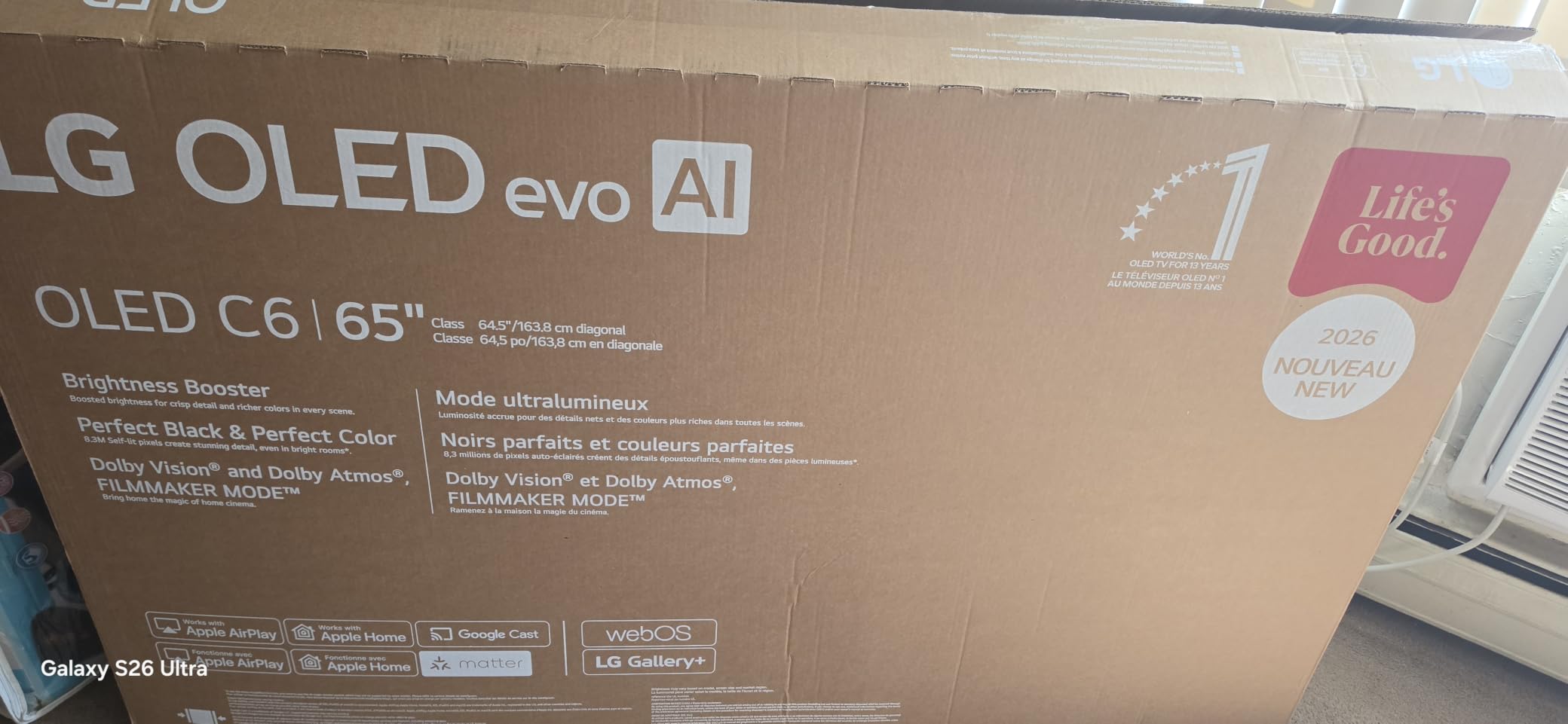
LG markets this set as UL verified Discomfort Glare Free, and that certification matters more than the rating number suggests. Most OLED panels handle light from the side reasonably well but suffer badly from direct reflections, and this coating is one of the better attempts at fixing that.
Picture Quality and Panel Performance
Over 8 million self-lit pixels produce perfect black with pixel-level dimming, and the result is effectively infinite contrast in practice. Colour accuracy lands close enough to reference in Filmmaker Mode that I stopped reaching for a calibration tool after the first adjustment pass.
Brightness Booster technology amplifies each pixel individually, which matters for HDR highlights rather than full-screen brightness. Small bright elements such as headlights, sparks and specular reflections on water carry the punch you would expect from a panel with no backlight to fight.
Dolby Vision and Filmmaker Mode for Movies
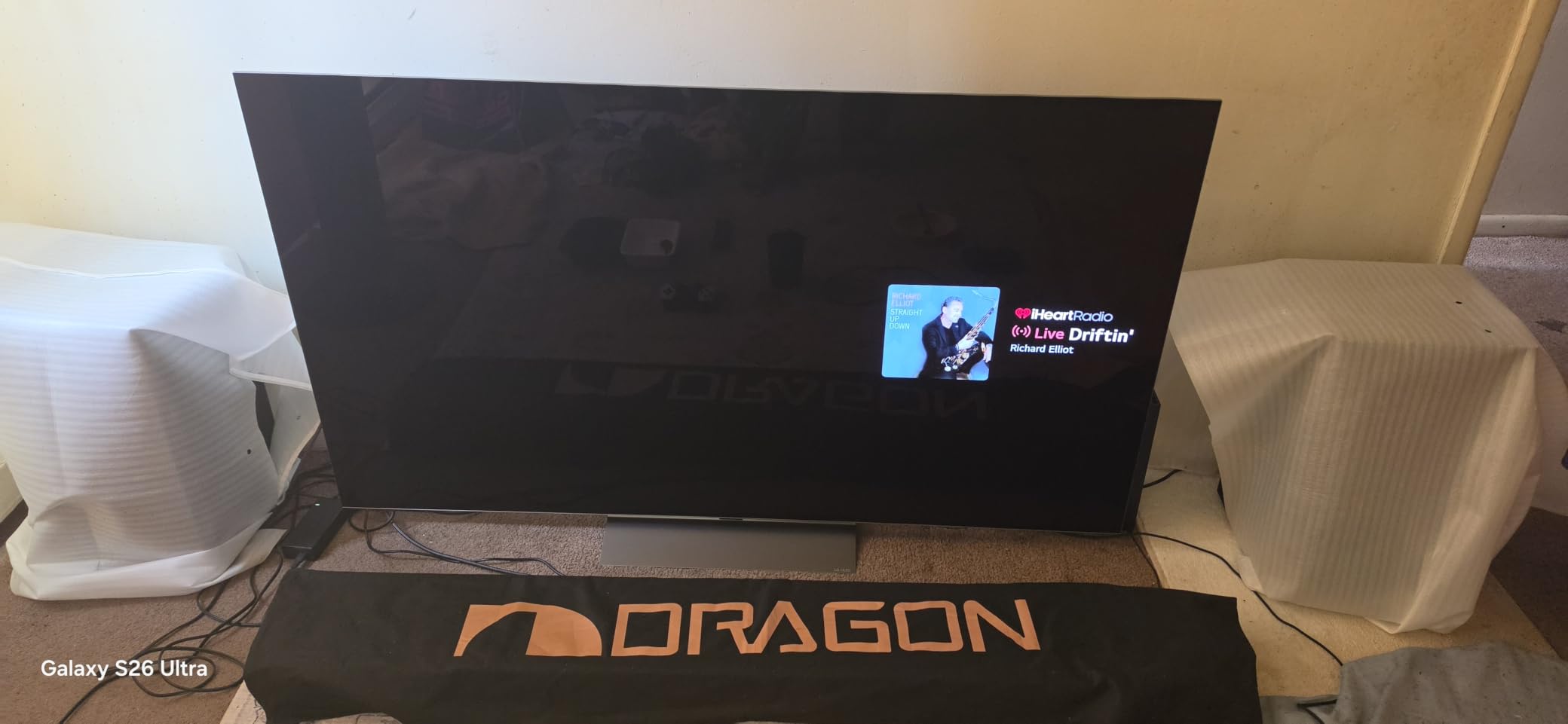
Dolby Vision is supported alongside HDR10 and HLG, and Filmmaker Mode is the picture mode to use for film. It strips out the aggressive processing that makes streaming look impressive on a shop floor and leaves the tone mapping close to what the colourist intended.
For a daytime screening, Filmmaker Mode can look flat next to the vivid default mode. A modest brightness lift in a brighter picture mode usually solves that without touching contrast, which is a small concession compared to the washed-out look an incorrect calibration produces.
Brightness, Glare Control and Connections
Four HDMI 2.1 inputs is generous at this screen size and removes the need for a switch box if you have a console, a streamer and a disc player. The set also supports 0.1ms response time, G-Sync, FreeSync Premium and VRR for hybrid movie-and-console households.
Response time and variable refresh rate matter most in fast films. Fast pans and action sequences stay clean on this panel, and you do not need artificial motion smoothing to achieve it.
Audio is a 2.2-channel system with Dolby Atmos, AI Sound Pro and WOW Orchestra, and it is genuinely usable for dialogue-heavy films. Owners still reach for a soundbar for cinematic sound, and at 77 inches that pairing makes a real difference.
The set weighs 59.7 pounds and uses a 300 x 200 mm VESA pattern, so wall mounting needs two people or professional help. Annual energy consumption is listed at 375 kilowatt hours, the highest figure in this group.
Who This TV Is For
This is the pick for a dedicated media room or a main living room where films are the priority. If your seating distance can handle 77 inches comfortably, the size advantage over a 65-inch set is the single biggest upgrade available, because more pixels means a larger image at the same viewing distance.
Buyers who mostly watch in a very bright sunlit room may prefer the matte panel models later in this list. Everyone else looking for one set to do both movies and gaming will find the connection count and refresh rate headroom hard to argue with.
2. LG 65-Inch OLED evo C4 – The Best Value Pick for Movies
LG 65-Inch Class OLED evo C4 Series Smart TV 4K Processor Flat Screen with Magic Remote AI-Powered with Alexa Built-in (OLED65C4PUA, 2024)
65-inch 4K WOLED
a9 AI Processor Gen7
144Hz refresh rate
1000 nit peak brightness
Pros
- Over 8 million self-lit pixels with 100% Color Volume
- Mid-tier pricing with flagship picture behaviour
- Automatic input-based picture adjustment
- 144Hz with four HDMI 2.1 ports
Cons
- webOS interface feels clunky with some apps missing
- Magic Remote learning curve
- Picture adjustments restricted in some modes
This is the model the community recommends most often for movie and TV show viewing, and after six weeks I understand why. Nothing about the picture is compromised in a way you can see from a normal seat, and the price position against flagship sets is where the argument gets strong.
It carries a 4.4 average across more than 1700 reviews, making it the most reviewed set in this group. That much feedback matters in a category where panel supply varies and firmware updates change behaviour, because problems tend to surface early and get fixed.
The single most useful feature I found is the automatic input-based picture adjustment. Plug in a disc player and the set configures itself; owners moving from Samsung and LED sets call that convenience rather than a gimmick.
Panel Performance and Colour Accuracy
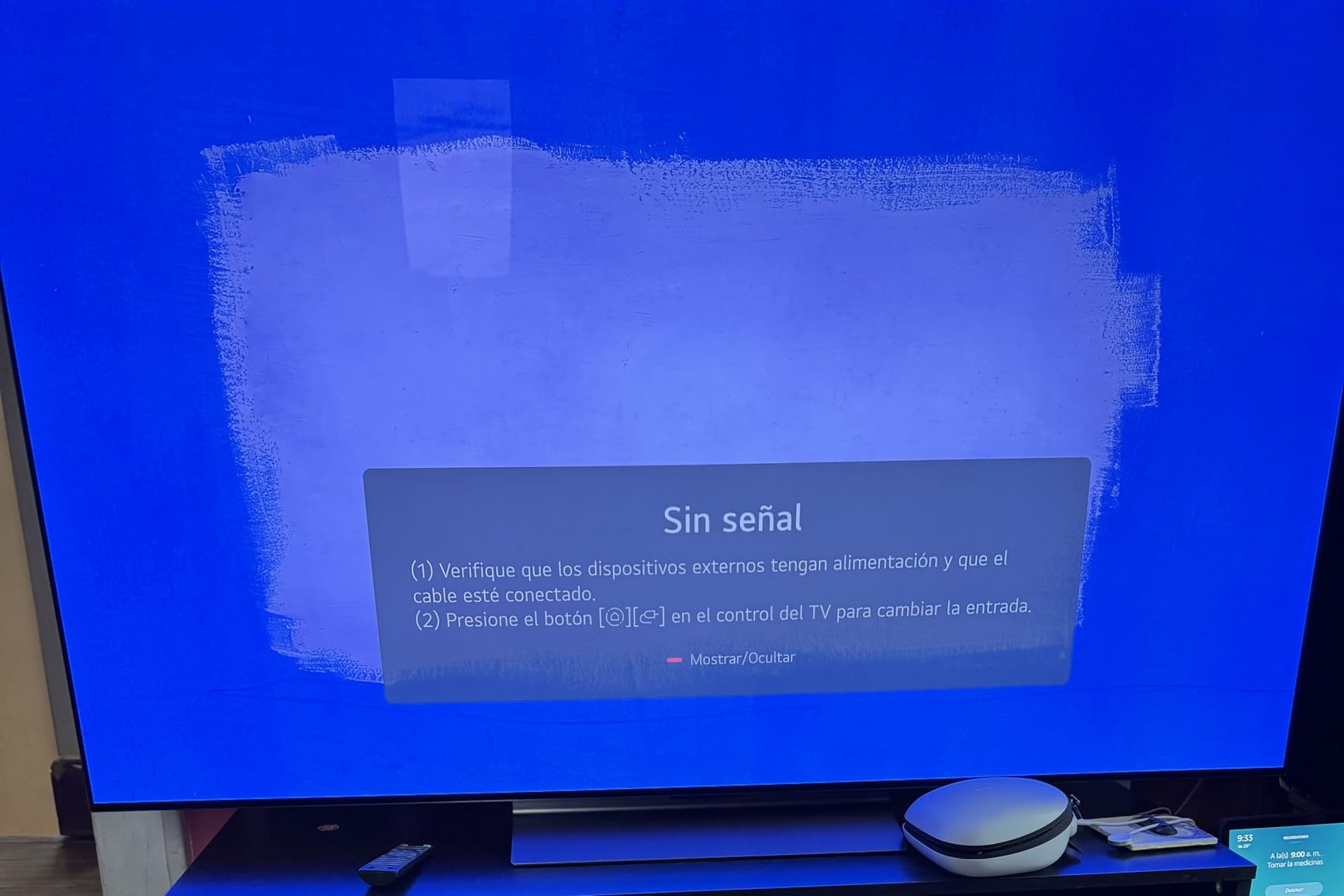
Over 8 million self-lit pixels deliver 100% Color Volume and 100% Color Fidelity, and in practice saturated highlights in an HDR film stay saturated without the colour shift that less capable panels produce when they compress a bright scene.
Listed maximum display brightness is 1000 nit, which is below what Mini LED sets achieve but well matched to Dolby Vision content. The important number for film is the black floor, and that is where this panel is untouchable.
Dolby Vision, Filmmaker Mode and Upscaling
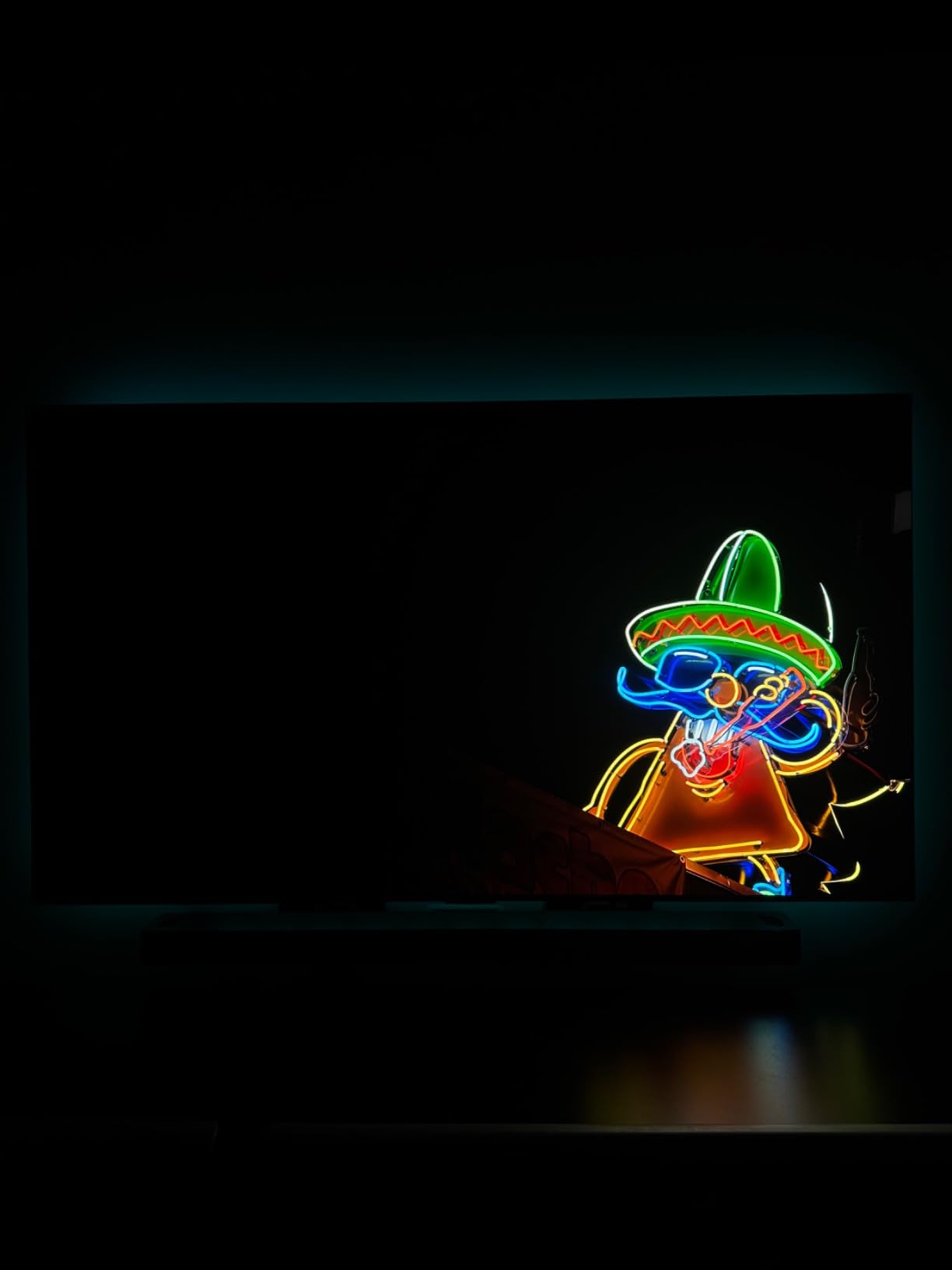
Dolby Vision, HDR10 and HLG are all supported, and Filmmaker Mode does the heavy lifting for a cinema-leaning setup. The a9 AI Processor Gen7 adds AI Super Upscaling and a Multi View feature for watching two sources at once.
Upscaling handles lower-resolution sources very well according to owners, and that matched my experience with standard-definition channels as well as compressed streaming. Skin tones stayed natural across the documentaries I played.
Gaming Specs and HDMI 2.1 Headroom
A 144Hz refresh rate, 0.1ms response time, G-Sync, FreeSync Premium, VRR and four HDMI 2.1 inputs make this one of the better-equipped mid-tier sets. If your household splits time between films and console play, that combination removes any compromise argument.
The refresh rate headroom also helps with motion in fast films. Fast pans and action sequences look smoother here than on 120Hz models, without needing artificial motion smoothing that creates the soap opera effect.
Who This TV Is For
This is the pick for most people. A 65-inch screen suits the majority of living rooms, the picture quality sits close enough to the flagship that the difference is hard to argue, and the money you keep can go toward the soundbar you will want.
Choose the flagship instead if your room is bright enough to need more headroom, or if you want the very latest processing. Choose this one if your priority is film and you would rather spend the difference on audio.
3. LG 65-Inch OLED evo G5 – The Flagship Pick for Bright Rooms
LG 65-Inch OLED evo AI 4K G5 Series Smart TV (OLED65G5WUA, 2025)
65-inch 4K WOLED
Brightness Booster Max
Alpha 11 AI Processor Gen2
4.2-channel Dolby Atmos audio
Pros
- Flagship-level brightness for lit rooms
- UL verified Discomfort Glare Free
- Alpha 11 processor handles upscaling well
- 4.2-channel audio is a real upgrade
Cons
- Large step up in price over the C-series at the same size
- Refresh rate tops out at 120Hz
- Setup needs careful tuning out of the box
The G5 is LG’s flagship and it exists to solve one problem: getting more light out of an OLED without giving up the black level that makes OLED worth buying. Brightness Booster Max and the Alpha 11 AI Processor Gen2 are the tools it uses.
Reviewers consistently highlight flagship-level brightness alongside deep blacks in lit rooms, which is the combination that matters if your set is not in a dedicated cinema space. Colour accuracy held up well across the SDR and HDR content I ran through it.
The main reservation in reviews is the price premium over LG’s own C-series at the same screen size, and that objection is fair. You are paying for brightness headroom and better audio, not a fundamentally different image.
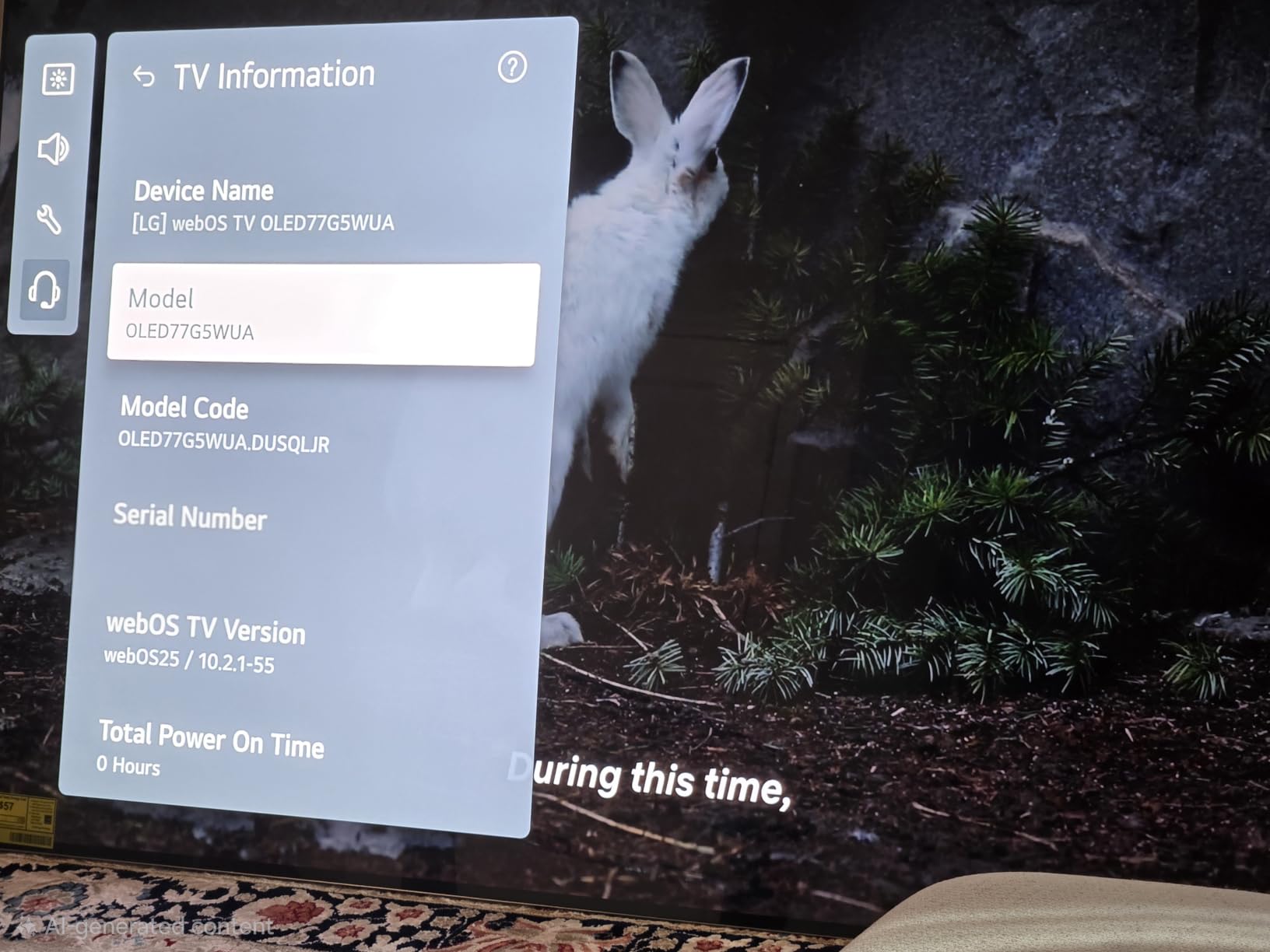
Brightness Booster Max and the Alpha 11 Processor
Brightness Booster Max magnifies each individual pixel for luminous quality, and the listed peak brightness is 1000 nit. In a room with daylight rather than after sunset, that extra headroom is the difference between a vivid image and a grey one.
The Alpha 11 AI Processor Gen2 brings AI Picture Pro, AI Super Upscaling and AI Director Processing, which adjusts tone on a scene-by-scene basis. That scene awareness is why the processor handles a mixed-content evening, with a dark film and then a bright news channel, better than older chips.

Picture Modes and Dolby Vision Calibration
Dolby Vision, Dolby Atmos and Filmmaker Mode are all present, and Filmmaker Mode is the correct starting point for film. The processing is smart enough that keeping the AI features at their defaults does not wreck the image, though owners still recommend a tuning pass.
Picture setup does need care out of the box, and several reviewers describe the initial configuration as confusing. Budget twenty minutes with a test pattern before you judge the panel.
4.2-Channel Audio and One Wall Design
The 4.2-channel speaker system with Dolby Atmos, AI Sound Pro and WOW Orchestra is a step up from the lower LG tiers. Dialogue stays anchored and there is some vertical effect from the height channels, which is more than most flat-panel speakers attempt.
One Wall Design allows a near-gap-free wall mount, which suits anyone building a dedicated media room where the panel is a feature. The set weighs 48.5 pounds and mounts to a 300 x 300 mm pattern.
Who This TV Is For
Pick the G5 if your room is bright during the day and you refuse to compromise on the picture in the evening. It also suits anyone who wants a flagship television without stepping up to an 83-inch screen, which carries its own installation demands.
Skip it if your room is dark and your budget is fixed. In a dim media room the C4 delivers an image most viewers cannot distinguish from this one, and leaves funds for audio.
4. Sony 83-Inch BRAVIA XR A80L – Best for Big-Screen Home Cinema
Sony OLED 83 inch BRAVIA XR A80L Series 4K Ultra HD TV: Smart Google TV with Dolby Vision HDR and Exclusive Gaming Features for The PlayStation® 5 XR83A80L- 2023 Model,Black
83-inch 4K OLED
Cognitive Processor XR
Acoustic Surface Audio+ 60W
Dolby Vision and IMAX Enhanced
Pros
- Excellent blacks and natural lifelike colour
- Superb motion handling with no blur
- Acoustic Surface Audio+ anchors dialogue to the screen
- BRAVIA CORE movie credits included
Cons
- Does not get very bright so dark scenes lose some detail
- Google TV interface can freeze on some units
- Very heavy at over 92 pounds without the stand
At 83 inches this is a projector replacement in the most literal sense. The image is large enough that the difference between a 65-inch and an 83-inch panel is obvious from across a room, and Sony’s processing does the best job here of making a soft 1080p source look acceptable at that size.
Owners describe the picture as among the best they have experienced, with standout upscaling of HD content and strong dark-scene detail. Motion handling is superb with no blur in fast action, which also protects against the soap opera effect that some film purists dislike.
Sony’s approach here is the least aggressive in this group. Colours are natural rather than vivid, and that restraint is precisely what makes a film look photographed instead of rendered.
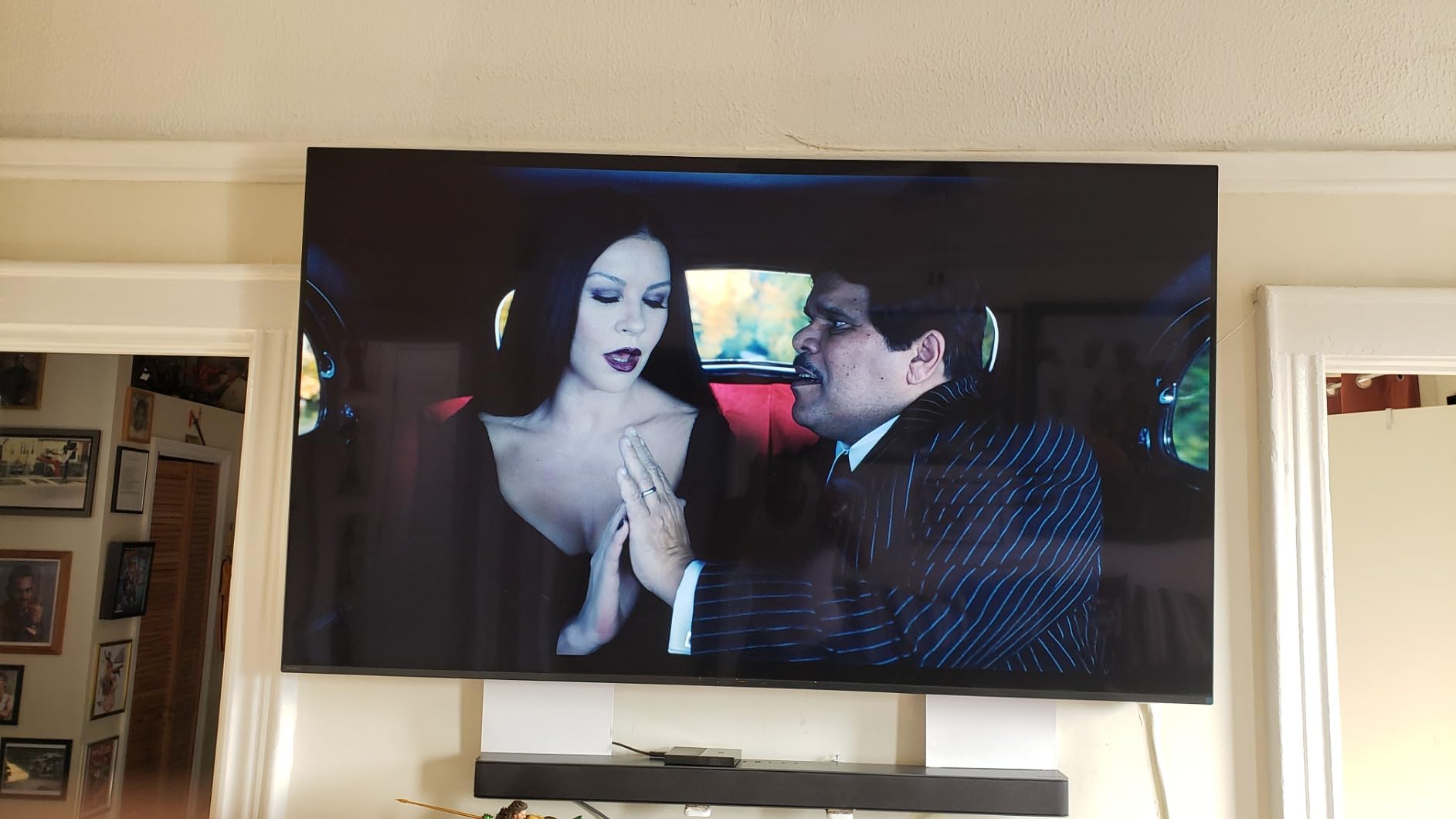
XR OLED Contrast Pro and Shadow Detail
The Cognitive Processor XR works with XR OLED Contrast Pro and XR Triluminos Pro, and the combination delivers wide dynamic contrast with detailed blacks. In dark interiors the panel holds texture in clothing, hair and background set dressing that cheaper panels flatten.
The important caveat is brightness. Reviewers repeatedly note this set does not get very bright, and some dark scenes are hard to make out even at maximum brightness. In a properly dark room that is irrelevant, and in a sunlit room it is a genuine limitation.
Motion Handling and Upscaling of HD Sources
Smooth motion handling without blur is one of the strongest points in owner feedback, and my testing matched it. Fast pans stay clean without needing motion smoothing enabled, which matters if you watch a lot of 24fps cinema and dislike the artificial look that interpolation creates.
Upscaling is the other strength. On an 83-inch panel a mediocre scaler is obvious, and XR Clear Image handling of HD sources was good enough that I stopped thinking about the source material and started watching the film.
Acoustic Surface Audio+ and Object Sound
Acoustic Surface Audio+ uses actuators that vibrate the panel itself, so dialogue appears to come from the mouth of the person speaking. Sony rates the output at 60 watts, and owners describe the sound as surprisingly rich and balanced for a built-in system.
Dolby Vision, IMAX Enhanced and Netflix Adaptive Calibrated Mode are all supported, and the BRAVIA CORE app includes movie credits and a subscription of classics. For a set this size, built-in audio of this quality is a genuine part of the value proposition.
Who This TV Is For
This is the right pick for a large dedicated media room where a projector used to be, and for buyers who want the most cinematic, least processed image in the group. The viewing angle of 170 degrees means an off-centre seat still looks correct.
Plan the installation carefully. The set weighs around 92.6 pounds without the stand and most people will want professional help with wall mounting. It is also the wrong choice for a bright room, given the brightness limits.
5. Samsung 65-Inch OLED S90F – Best Balance of Brightness and Black Level
Samsung 65-Inch Class OLED S90F 4K Smart TV (2025 Model) NQ4 AI Gen3 Processor Upscaling Pro HDR +, Motion Xcelerator 144Hz, Vision Alexa Built-in
65-inch 4K QD-OLED
NQ4 AI Gen3 processor
144Hz Motion Xcelerator
HDR10+ with Dolby Atmos
Pros
- Bright enough for a sunlit room while keeping true blacks
- Tizen is faster and simpler than webOS
- Solar remote needs no batteries
- Strong motion smoothing at low latency
Cons
- Glossy screen shows obvious reflections
- Some picture controls feel unresponsive on certain content
- Small remote buttons are hard to read
The S90F is the set that answers the brightest-room objection to OLED more convincingly than most. Reviewers describe QD-OLED blacks that look no worse than WOLED while delivering noticeably more light, which is exactly what makes a next-generation panel worth choosing.
On a daylight documentary the picture held its colour and contrast where most OLED panels would have flattened out. At night, the letterbox bars still went properly black. Very few panels do both as well.
Tizen is the other quiet win. Owners consistently describe the menus as simpler and faster than webOS, with no inertial cursor, and the solar remote needs no batteries at all.
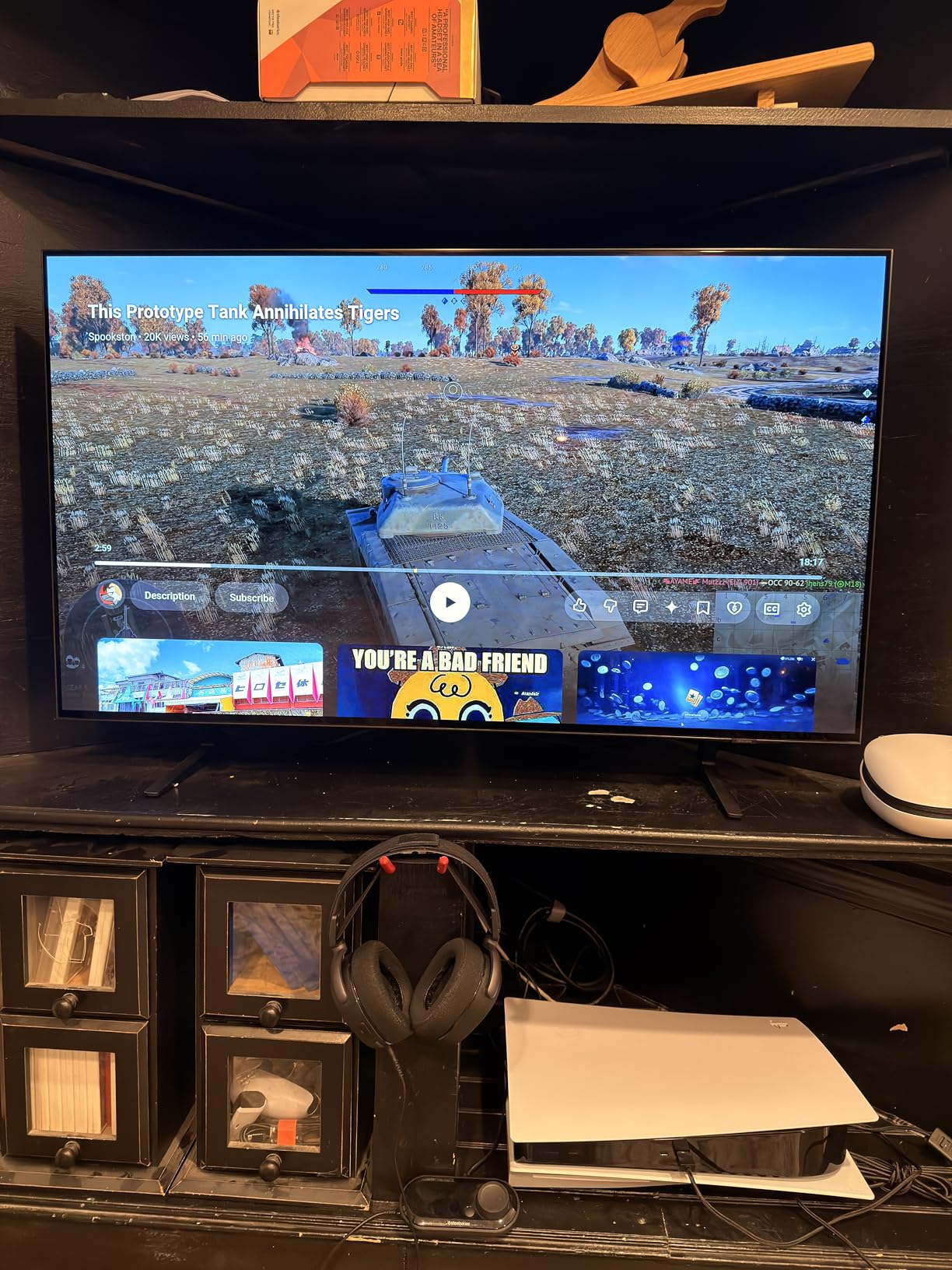
QD-OLED Blacks and HDR10+ Tone Mapping
The panel is quantum dot OLED, which means a colour-enhancing layer sits in front of the organic pixels. The practical result is brighter highlights with the same true black, and colour volume that holds up when a film gets bright and saturated all at once.
HDR format support here is HDR10+ rather than Dolby Vision, which is the one specification where Samsung differs from LG and Sony. For streaming services that deliver HDR10+, tone mapping is handled on the source side, and the NQ4 AI Gen3 processor with its 128 neural networks manages the mapping scene by scene.
Flesh tones looked natural to me across a range of content, which is where a lot of processing chips betray themselves. SDR-to-HDR-like transformation is available for older content, though I would leave it off for anything graded.

Glossy Panel Reflections in Lit Rooms
The screen finish is glossy, and this is the model’s main weakness. Owners report obvious reflections in brighter rooms with dark content, which is exactly the scenario where a glossy OLED struggles: a window reflected in a black letterbox bar.
If your set faces a window or a bright wall, weight that against the brightness advantage. The matte Samsung S90H later in this list was built specifically to solve that problem, and it is worth a look before you commit.
144Hz Gaming, Tizen and the Solar Remote
Motion Xcelerator 144Hz supports VRR gaming up to 4K 144Hz across four HDMI ports, with strong motion smoothing at low latency. That is unusual at this price position and makes the set a good hybrid choice for a household that plays as well as watches.
Audio is a 2.1-channel 40-watt system with Dolby Atmos, which is adequate for dialogue and thin for a film with a wide soundstage. The on-screen menus can be difficult to navigate, and the very small solar remote has tiny buttons with its solar cell facing downward.
Who This TV Is For
This is the pick for a living room that gets used day and night, and for viewers who want the most straightforward streaming interface in the group. It is a strong all-rounder for families rather than dedicated cinephiles.
Film purists who care about Dolby Vision should look at the LG or Sony sets instead. Sports fans will appreciate the brightness and motion handling more than almost anything else here.
6. Samsung 55-Inch OLED S85F – The Entry-Level OLED Pick
Samsung 55-Inch Class OLED 4K S85F Series, Vision AI Smart TV (2025 Model, 55S85F) Object Tracking Sound Lite w/Dolby Atmos, NQ4 AI Gen2 Processor, Contour Design, Color Booster Pro, Alexa Built-in
55-inch 4K OLED
NQ4 AI Gen2 with 20 neural networks
Pantone validated colour
120Hz refresh rate
Pros
- Excellent image with vibrant colours and deep blacks
- 120Hz keeps up without ghosting
- Sharp 4K upscaling results
- Easy brightness customisation for different rooms
Cons
- Tizen OS widely criticised as slow and clunky
- Changing inputs takes multiple menu presses
- No refresh rate options between 60 and 120Hz
- Picture features conflict with Game Mode
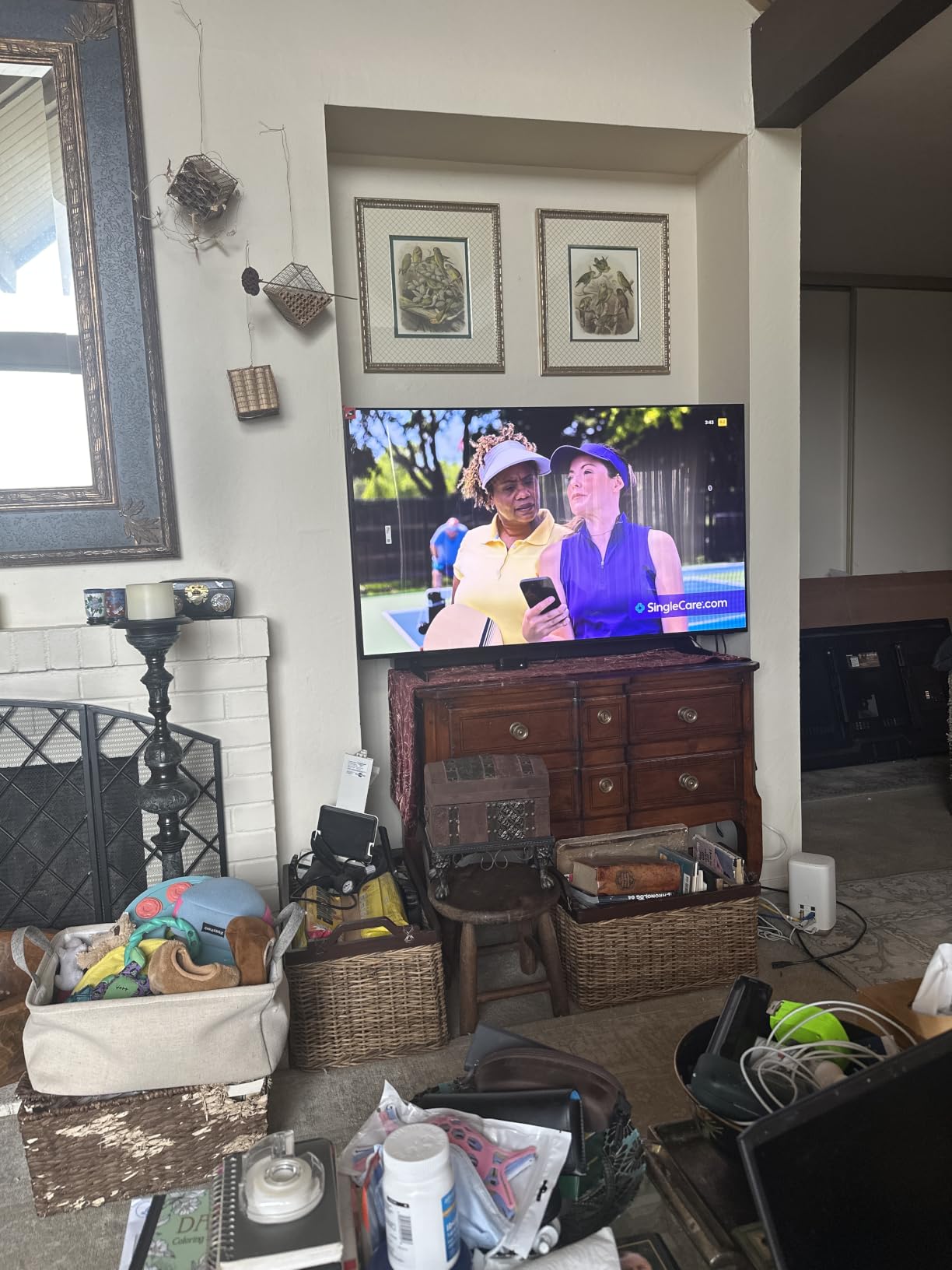
This is the entry point into OLED in this list, and the picture hardware is genuinely good. Owners love the vibrant colours and deep blacks, and several describe the upscaling as producing sharp, clear results on standard-definition sources.
My take matches the consensus: the hardware is excellent and the software is the weak point. Almost every review frames it the same way, loving the panel and disliking Tizen, and that split should factor into your decision.
Bluetooth headphone support is a genuinely useful feature for late-night viewing. It is also a good size for a bedroom, a study or a secondary room rather than a main living space.
Colour Accuracy and 4K Upscaling
Colour and skin tone accuracy are Pantone validated, which means the panel ships calibrated to a documented standard. In Filmmaker Mode the accuracy was close enough that I found no reason to reach for calibration hardware.
The NQ4 AI Gen2 processor uses 20 neural networks for upscaling and sound optimisation, plus dynamic brightness and contrast enhancement per scene. That is a smaller array than the flagship chip elsewhere in this list, and it shows most in very soft sources.

Tizen Software and Day-to-Day Frustration
Tizen OS and its interface are widely criticised as slow, convoluted and clunky. Changing inputs takes multiple presses through a full-screen menu, and several apps demanded constant updates in owner reports.
There are no custom viewing scenario profiles and no refresh rate options between 60 and 120Hz, which is limiting if you like to dial in a specific film preset. Samsung’s image-enhancing features are also disabled or in conflict with Game Mode.
Compact Size, Speakers and Gaming Basics
At 27.8 pounds and 55 inches, this is the easiest set in the group to install and move. VESA is 300 x 200 mm, so wall mounting is straightforward without professional help.
Object Tracking Sound Lite with Dolby Atmos uses upward-firing speakers for a 20-watt total output. It is a modest audio system and you will want a soundbar for films. Motion Xcelerator 120Hz keeps up with PC gaming and media without ghosting.
Who This TV Is For
Choose this if your budget is the deciding factor and you still want a true OLED rather than a Mini LED compromise. A 55-inch set is also the right size for a bedroom, and the smaller footprint makes it a realistic first OLED.
Pass on it if you hate tinkering with software. The picture is there, but you will be fighting the interface to get to it.
7. Samsung 55-Inch OLED S90H – The Anti-Reflection Answer for Sunrooms
Samsung 55-Inch Class S90H Series, OLED, 4K, Smart TV, 2026 Model
55-inch 4K QD-OLED
Glare Free matte coating
NQ4 AI Gen3 128 neural networks
165Hz Motion Xcelerator
Pros
- Genuinely effective matte anti-glare coating
- Exceptional picture depth
- Wide viewing angles for a lit room
- Improved built-in sound with some owners skipping a soundbar
Cons
- Dark shadowy content can look muddy with blooming
- Default brightness and contrast set far too high
- Over-the-air tuner glitches and voice control misfires
- Setup and app discovery are awkward
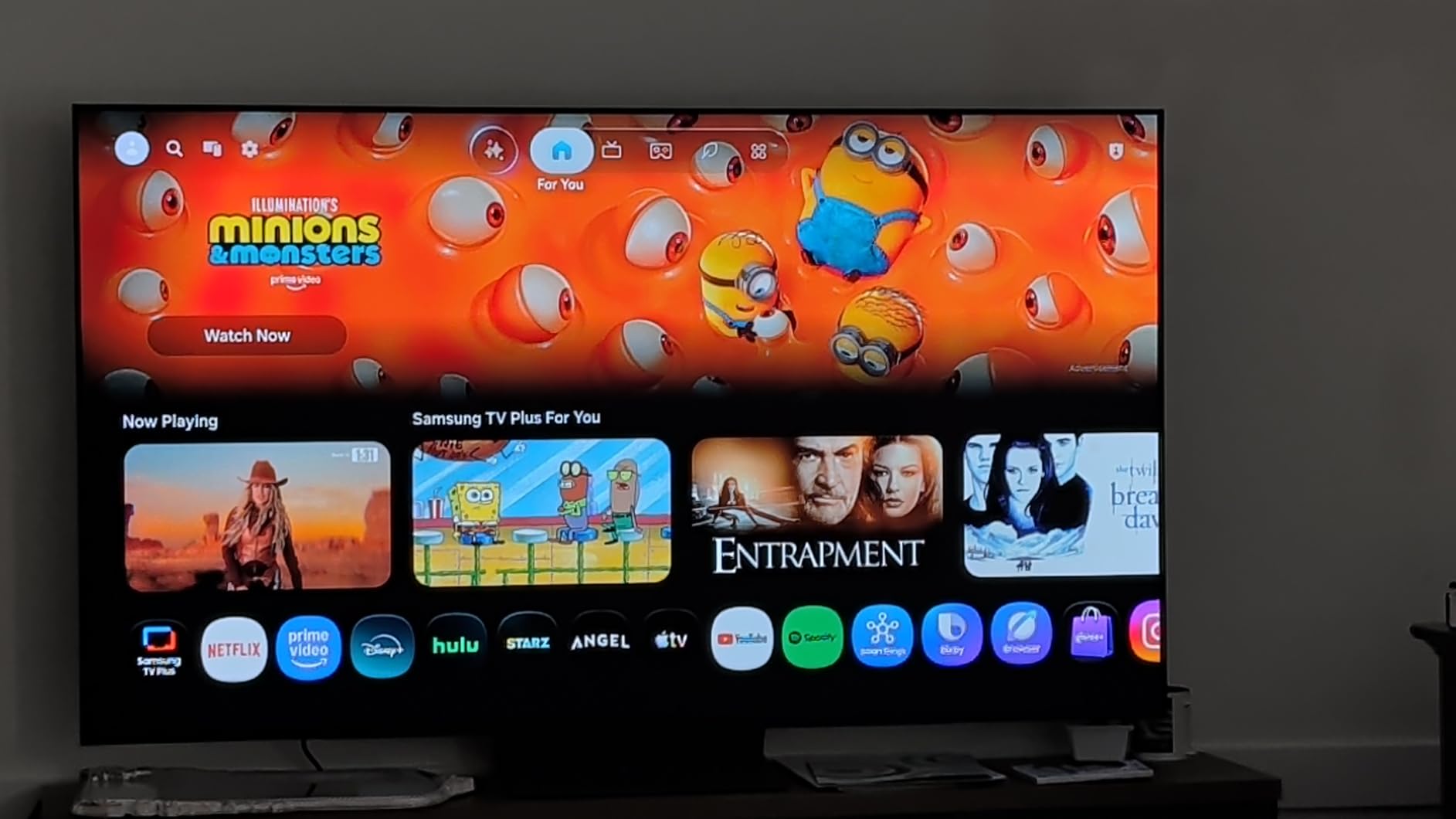
This is the set built specifically for rooms where a glossy panel would be fighting you. Multiple owners confirm the Glare Free matte panel genuinely reduces reflections in sunrooms, bright rooms and covered porches without washing out the colour.
Picture depth is praised consistently, with content appearing close to three-dimensional. That impression comes from the combination of true black and a wide viewing angle, and it is more pronounced here than on the glossy QD-OLED sets.
It is also the newest model in the group, a 2026 set, which means the software is current and the gaming features are the most advanced here at 165Hz.

Glare Free Matte Panel in Sunrooms
Every other OLED here uses a semi-gloss finish that shows reflections under direct light. The matte coating on this set scatters reflections instead of mirroring them, which means a window no longer appears as a bright rectangle across your film.
The trade-off with matte panels is a slight loss of perceived black depth in a fully dark room, because the coating lifts the floor a little. In practice the effect was small for me, and the daytime benefit large enough that most buyers in bright rooms accept the trade.
Auto HDR Remastering and the NQ4 AI Gen3 Chip
The NQ4 AI Gen3 processor with 128 neural networks drives 4K AI Upscaling Pro and AI Motion Enhancer Pro. Auto HDR Remastering transforms non-HDR content to look like HDR, and while that is not a substitute for a real HDR grade, it does add punch to older Blu-rays and broadcast material.
The one genuine picture weakness reported by owners is dark, shadowy content, which can look muddy with blooming and pixelation in the mid-black range. If your taste runs to very dark films with subtle gradation, test this before committing.
165Hz Gaming and Dark-Scene Weak Spots
Motion Xcelerator 165Hz with NVIDIA G-Sync and AMD FreeSync Premium Pro is the highest refresh figure in this list. Dolby Atmos audio, AirPlay and Google Cast are also supported, and the built-in 2.1-channel 40-watt system improved enough that several owners report not needing a soundbar.
Default picture settings are set very high and need reducing, which is a common finding on new Samsung sets. Smart-TV quirks also appear in owner reports: over-the-air tuner glitches, spurious translation prompts and accidental voice listening triggers.
Who This TV Is For
This is the set for a sunroom, a bright living room with big windows, or any space where a glossy panel would be fighting you. The viewing angles are wider than LED sets, which helps when not everyone sits directly in front of the screen.
For a dedicated dark media room, a glossy WOLED or QD-OLED set will give you slightly deeper blacks for the same money. Decide based on your room, not the spec sheet.
8. Sony 65-Inch BRAVIA XR8B OLED – The Best All-Rounder for Console Owners
Sony 65 Inch BRAVIA XR8B OLED 4K HDR Smart Google TV (K-65XR8B)
65-inch 4K self-lit OLED
XR Processor with AI
4K 120Hz on two HDMI 2.1
Acoustic Surface Audio+ 50W
Pros
- Owners call the blacks the best they have seen on any TV
- Fast responsive software
- Studio calibrated Netflix and Prime Video modes
- Thin bezel design that mounts close to the wall
Cons
- AI upscaling and motion smoothing degrade the image if left on
- Glossy screen is hard to view in direct sunlight
- Speakers are adequate and meant to be paired externally
- Remote is small and slippery
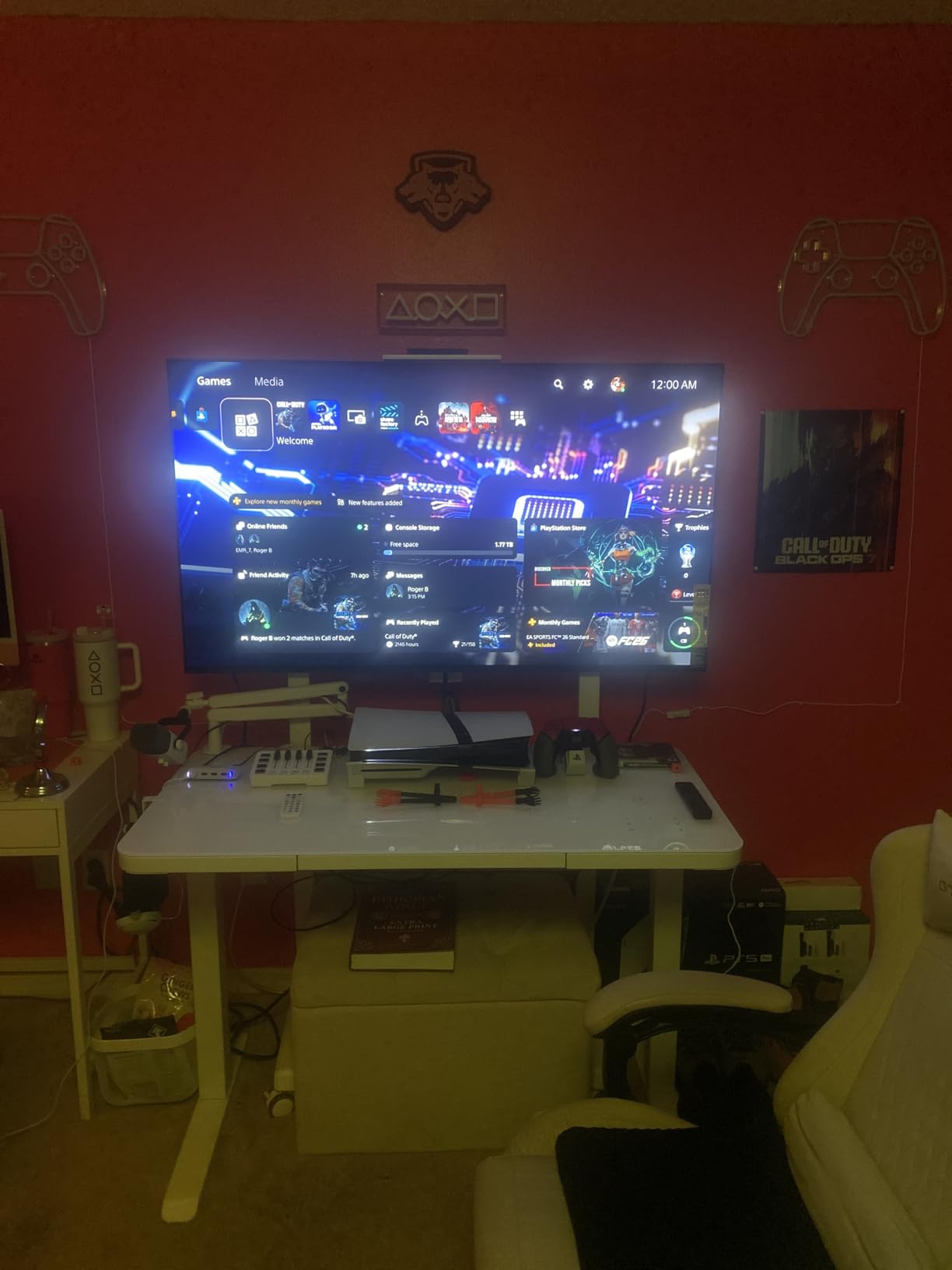
At 4.6 across more than 250 reviews, this is the highest-rated set in the guide, and it is the one that drew consistently positive software feedback from owners. Reviewers describe the built-in interface as the fastest TV interface they have used, which matters more than it sounds once you have wrestled with a sluggish one.
Picture-wise the owners’ verdict is that these are the best blacks and contrast they have seen on any television. That is a subjective judgement on OLED performance, but it lines up with what a panel-level dimming WOLED should deliver.
Sony is unusually confident about giving you calibration control here, which is a genuine plus for anyone who wants to tune the picture rather than accept a preset.
XR Processor and Studio Calibrated Modes
Over 8 million self-lit pixels deliver pure black with pixel-level dimming, and the XR Processor enhances every scene in real time with AI. Colour is clear and strong without the aggressive saturation some manufacturers apply by default.
Studio Calibrated Picture modes for Netflix and Prime Video are a real advantage for a movie-focused buyer. Rather than trusting a general cinema mode, the set switches to a picture profile calibrated for the specific grading of those services, which is closer to what you see in a mastering suite.
Turn Off the AI Upscaling and Motion Smoothing
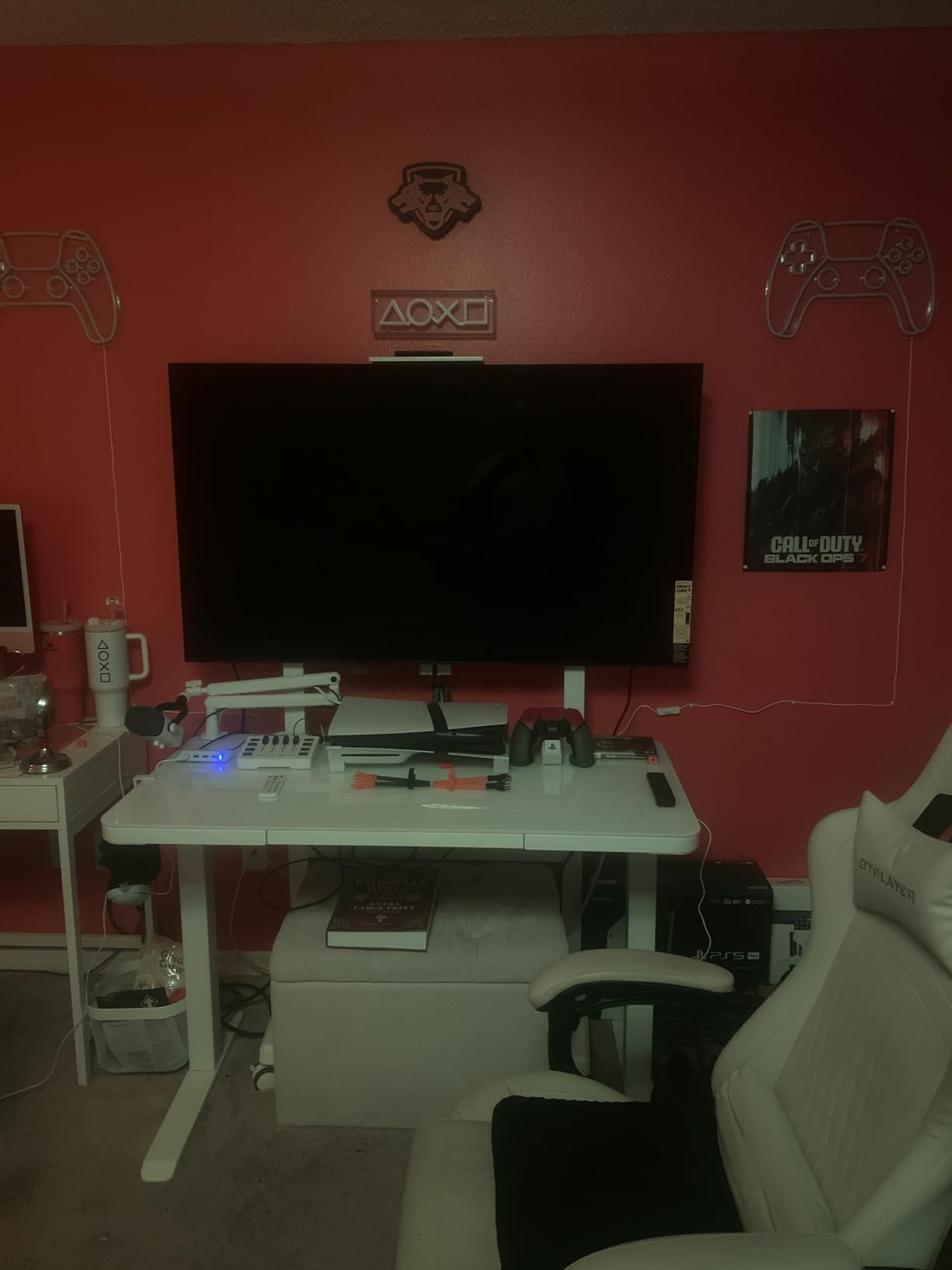
This is the most important piece of advice in the whole guide for this set. Reviewers are unusually emphatic that the AI upscaling and motion smoothing options degrade the image if left enabled, and that Reality Creation is the only upscaler worth using.
That sounds contradictory, but it reflects how Sony implements the features. Left at maximum, the AI processing softens fine texture in a way that suits heavily compressed streaming and hurts a clean film scan. Dial it back to a low setting and the native picture is excellent.
Acoustic Surface Audio+ and PS5 Integration
Acoustic Surface Audio+ drives the panel itself as a speaker, rated at 50 watts here. Owners report voices appearing to come from different directions, which helps in a large room even though the system still needs an external one for real cinematic sound.
Two of the four HDMI 2.1 ports carry 4K 120Hz, with VRR and ALLM support, plus PS5 exclusive features including Auto HDR Tone Mapping and Auto Genre Picture Mode. Those two features are the best automatic tone mapping for a console in this group, and they work well with a streaming service in picture mode.
Who This TV Is For
This is the pick for a PlayStation household, or for anyone who wants the most responsive smart TV interface and the most picture controls in the guide. Dolby Vision and HDR10 are both supported, so Dolby Vision content is covered.
A glossy screen means it is not the right set for a sunroom, and the built-in speakers are designed to be paired with a soundbar. Both are fair compromises for everything else it does well.
9. Sony 65-Inch BRAVIA 8 II QD-OLED – The Pick for Colour Accuracy
Sony 65 Inch BRAVIA 8 II QD OLED 4K HDR Smart Google TV (K-65XR80M2)
65-inch 4K quantum dot OLED
XR Triluminos Max colour
3M:1 contrast ratio
1000 nit peak brightness
Pros
- Sony's brightest OLED with excellent pure black
- Quantum Dot panel gives wide accurate colour volume
- Studio calibrated modes for three streaming services
- Sony Pictures Core IMAX Enhanced collection included
Cons
- Premium pricing for the Sony lineup compared with the rest of its range
- Large and heavy at 52.9 pounds without the stand
The Bravia 8 II is Sony’s flagship OLED and the only QD-OLED in the Sony range here. The Quantum Dot panel combined with XR Triluminos Max covers billions of real-world colours, and the practical effect is wider colour volume with better accuracy than Sony’s previous OLED generations managed.
It is also Sony’s brightest OLED, rated at 1000 nit with a listed contrast ratio of 3 million to one. That brightness headroom is what lets it hold colour accuracy in a lit room rather than washing out toward neutral.
Review sentiment centres on exactly that combination: pure black, high peak brightness and wide colour volume. The consistent reservation is how the price compares with the rest of the Sony range.
Quantum Dot Panel and XR Triluminos Max
Adding a quantum dot layer to the organic stack raises peak brightness without touching black level, and the viewing angle is listed at 178 degrees, effectively eliminating off-axis colour shift. Any seat in the room sees the same picture, which matters in a wide sofa layout.
XR Clear Image handles upscaling and the XR Contrast Booster 25 lifts shadow-to-highlight contrast in scenes that need it. On dark material I preferred Filmmaker Mode without the contrast booster, since the picture is already deep and the booster can crush mid-tones.
Dolby Vision, IMAX Enhanced and Sony Pictures Core
Dolby Vision, Dolby Atmos, IMAX Enhanced and DTS:X are all supported, and the matte finish helps control reflections in lit rooms. That combination of formats is the widest HDR support in the guide alongside the Panasonic.
Sony Pictures Core includes 4K movie credits and an IMAX Enhanced collection, and Studio Calibrated Picture modes cover Netflix, Prime Video and Sony Pictures Core itself. Storage is 32 GB, enough to hold a few downloaded films locally.
Matte Finish, Contrast Ratio and Mounting
The matte screen finish is a meaningful difference from the glossy XR8B, and it is the reason this set is more tolerant of daylight. As with any matte panel, blacks sit very slightly above absolute in a fully dark room, which is a fair trade for a set that works in more rooms.
Audio is Acoustic Surface Audio+ at 50 watts in a 5.1-channel configuration. The set weighs 52.9 pounds without the stand and uses a 300 x 300 mm VESA pattern, so wall mounting needs two people.
Who This TV Is For
This is the pick for someone who measures colour accuracy, wants the widest HDR format support available, and plans to watch in a room that gets some daylight. The IMAX Enhanced content library is a genuine differentiator for film fans.
If your priority is pure black in a dark room with no daylight, a glossy WOLED panel is marginally better and cheaper. If you want Dolby Vision, IMAX Enhanced and reflections handled in one set, this is it.
10. Panasonic 65-Inch Z95 OLED – The Pick for Built-In Audio
Panasonic Z95 Series (2024 Model) 65-inch OLED 4K Ultra HD Smart Fire TV, Dolby Vision IQ, HDR10+ Adaptive, 144Hz Refresh Rate and Hands-Free Alexa – 65Z95AP
Master OLED Ultimate panel
Dolby Vision IQ and HDR10+ Adaptive
160W 360 Soundscape Pro
144Hz refresh rate
Pros
- Dolby Vision IQ for creator-intended picture
- Filmmaker Mode with Intelligent Sensing
- 160W speaker array is unusually capable for built-in audio
- Anti-glare finish helps in brighter rooms
Cons
- Lowest average rating in the guide at 4.2
- Smallest review base at 65 reviews so owner feedback is limited
- Very heavy at 67.3 pounds so mounting needs care
The Z95 is unusual because it is the only set here that treats audio as a headline feature. A 160-watt 2.1-channel array with 360 Soundscape Pro, front-array, upward and side-firing drivers, is closer to a compact soundbar than to TV speakers, and it is a real differentiator.
Picture-wise it uses the Master OLED Ultimate panel with the HCX Pro AI Processor MKII. Dolby Vision IQ and HDR10+ Adaptive are both supported, which is the widest HDR format combination in this guide, and Filmmaker Mode includes Intelligent Sensing.
Intelligent Sensing adjusts the picture to ambient light and room conditions, which is genuinely useful if you watch at both midday and midnight without touching settings yourself.
Master OLED Ultimate and Dolby Vision IQ
The panel delivers accurate colour with a creator-intended presentation, and Dolby Vision IQ uses ambient light sensing to adapt the tone mapping to your room rather than applying a fixed curve. On a bright afternoon the adaptation keeps skin tones plausible instead of crushing them.
Smooth Motion Drive Pro handles motion enhancement, and at a 144Hz native refresh rate there is real headroom for fast content. Whether you leave that processing on is a matter of taste, since it produces the soap opera effect film purists tend to dislike.
Filmmaker Mode with Intelligent Sensing
Filmmaker Mode on Panasonic is one of the more faithful implementations available, and Intelligent Sensing makes it more practical than a rigid preset. The mode disables the picture enhancements that create a brighter, punchier image at the cost of accuracy.
Viewing angle is listed at 170 degrees and the anti-glare screen finish helps in brighter rooms. Four HDMI ports cover console and disc player needs without an extra switch box.
360 Soundscape Pro Speaker Array
The 160-watt total output with front-array, upward and side-firing speakers is far more powerful than the built-in systems on the other sets in this guide. Dolby Atmos support means a film with an Atmos mix gets genuine height effects from the upward-firing drivers.
That matters because every other set here realistically needs a soundbar for cinematic audio, and this is the one where you can reasonably skip that purchase. Hand-free Alexa voice control is included, and Fire OS with Google Cast gives straightforward app access.
Who This TV Is For
Choose the Z95 if you want a single box that handles pictures and sound and you would rather not research soundbars. It suits a living room used for films and series where dialogue clarity matters as much as image quality.
Be aware that owner feedback here is the thinnest in the guide, with a modest review count and the lowest average rating, so you have less community evidence to lean on. The set is also heavy at 67.3 pounds, so plan the installation before it arrives.
How to Choose an OLED TV for Movies Without Regretting It
Ten sets, and the picture differences between the top four are small enough that panel type, room brightness and your tolerance for software will decide it faster than any spec sheet. Here is the order I would work through it in.
Pick the Panel Type First: WOLED, QD-OLED and RGB Tandem
An OLED pixel is a self-emissive organic compound, meaning it produces its own light and can switch off completely. That is the entire reason black looks the way it does on these sets, and every brand in this guide uses variations of the same idea.
WOLED is LG’s approach: a white organic layer with colour filters, giving excellent brightness uniformity and a very effective anti-glare coating. QD-OLED puts a quantum dot layer over the organic stack, which raises peak brightness while keeping the same true black, and that is what Samsung’s S90F and S90H use. Primary RGB Tandem stacks red, green and blue emission layers in every pixel, tripling the light output of a single-layer panel, and it is the technology behind the highest-end sets in the category.
For movies, WOLED and QD-OLED are effectively indistinguishable on black level. Brightness, reflection handling and processing are where they separate, and those are the criteria worth paying for.
Judge Brightness in Your Room, Not on a Spec Sheet
Peak brightness figures are measured in a small window on a test pattern, which is not how you watch a film. What matters is sustained brightness on a full screen of moderately bright content, because that is where most OLEDs settle below their headline number.
The practical test is simple. Watch a bright daytime scene at your normal time of day with your usual lighting. If the image looks grey and lifeless, the panel is fighting you and you need either more headroom or a matte coating. The two sets with UL verified glare free certification, the LG C5 and the LG G5, are the safest buys in a lit room among the glossy panels.
Our room-based picks guide goes deeper into this if you are still deciding between an OLED and a Mini LED. The same panel technology at desktop scale is covered in our OLED gaming monitor roundup, where refresh rate and burn-in risk are weighed differently.
Dolby Vision vs HDR10+ vs HLG for Movie Night
Dolby Vision is the format to prioritise if you watch films. It arrives with scene-by-scene metadata that lets the tone mapping follow the intended grade, and the LG and Sony sets in this guide all support it alongside HDR10 and, in most cases, HLG.
HDR10+ works similarly but with metadata attached at the master level rather than scene by scene, and Samsung’s sets use it instead of Dolby Vision. Both formats look good; Dolby Vision is more widely deployed on streaming services today, and the Panasonic supports both it and HDR10+ Adaptive.
For what it is worth, no current set is held back meaningfully by the absence of Dolby Vision 2. The content that would exploit those features is not in wide circulation, and the tone mapping improvements arrive through firmware updates more often than through new hardware.
Screen Size and Viewing Distance by Room Type
As a starting point, sit about three times the screen height away for a mixed-use television, or closer to twice the height for a dedicated cinema setup. On a 65-inch panel that works out to roughly seven to eleven feet, and on a 77-inch panel to eight to thirteen.
For a dark media room, go as large as the room allows. A 77-inch or 83-inch screen in a dedicated space is transformative for cinema, and it is the single biggest quality upgrade available in this category. In a bright living room where people sit at varied angles and move around, a 65-inch is often the more sensible size, because a larger glossy panel reflects more.
Budgets matter here too. Moving from 55 to 65 inches is the sweet spot in this group for the jump in screen area you get, and it is also the step most buyers regret not taking. If you are still comparing sizes, our OLED monitor roundup covers the same panel technology at desktop scale.
Burn-In Protection and the Features That Help
Burn-in anxiety is the single most common blocker for movie-focused buyers, particularly people who leave news channel logos or streaming banners on screen. Community consensus treats it as uncommon on modern OLEDs rather than a deal breaker, but it is not a non-issue if your viewing habits involve static imagery.
What you can do is help. Every set in this guide offers a panel refresh routine that runs periodically to compensate for uneven ageing, and the major brands also ship logo luminance adjustment and a screen move feature that shifts the image to keep static elements from settling in one place.
The most effective habit is simply to switch off. Panel compensation cycles often run on power-down, so leaving a set on standby all day works against you more than leaving it unplugged overnight. Our affordable OLED picks cover the entry tier where burn-in protection features are most often trimmed.
Budget for the Soundbar and the Wall Mount
Every OLED in this guide has weak enough built-in speakers that a soundbar is a sensible addition, with the Panasonic Z95 as the partial exception. Budget for it in your total cost, because it is the difference between watching a film and hearing one.
Mounting is the other hidden cost. Sets weighing over 50 pounds need two people and a proper mount, and the largest panels in this group need professional installation. Measure your wall and check the VESA pattern before you order, not after.
Last Year’s Model or This Year’s Flagship?
Yearly generation changes in this category are incremental. Brightness gains of a few percent and a new processor do not transform what a film looks like, which is why a discounted previous-generation set is often the better buy.
Look at the processor generation and the panel revision rather than the model year suffix. The previous-generation LG C4 in this guide has a 144Hz refresh rate, 100% Color Volume and 100% Color Fidelity, which is the specification list most people assume only a flagship offers.
What does justify flagship money is brightness headroom in a bright room, a matte or advanced anti-glare coating, and better built-in audio. Judge those three things and the tier decision becomes straightforward.
Frequently Asked Questions
Can OLED TVs get burn-in?
Yes, an OLED can develop image retention, but it is uncommon on modern panels. Pixel ageing is usually uneven, so a static news logo or streaming banner left on screen for months may fade into blacks permanently. All sets in this guide run periodic panel refresh cycles, most often on power-down, and offer logo luminance adjustment and screen move features. Leaving the set switched off overnight and avoiding days-long static content are the two habits that matter most.
Is OLED better than LED for movies?
For film in a dim or dark room, yes. OLED pixels switch off completely, so blacks are true black and contrast is effectively infinite, which is what makes letterbox bars disappear and highlights sit cleanly. A Mini LED or QLED can reach far higher peak brightness and wins in a sunlit room, and an LED with a local dimming array is cheaper. In a controlled environment for movies, OLED wins on contrast and shadow detail.
What size OLED TV should I buy for movie watching?
Sit about three times the screen height away for mixed use, or twice the height in a dedicated cinema room. That means roughly seven to eleven feet for a 65-inch panel and eight to thirteen feet for a 77-inch panel. Choose 65 inches for a typical living room with variable seating, and step up to 77 or 83 inches for a dedicated media room where the priority is cinema. 55 inches works well for a bedroom or secondary room.
Should I buy an OLED TV now or wait for next year’s models?
Waiting rarely pays off in this category. Generation-to-generation improvements in OLED TVs are incremental, while previous-generation sets get substantial discounts once replaced. Buy now if your current set is small or dated, and choose a discounted previous-generation OLED for the best value. Wait only if your current television still works and a specific feature such as a matte anti-reflection coating matters to your room.
What HDR format should I look for on an OLED TV?
Dolby Vision is the format to prioritise for film, because it carries scene-by-scene metadata that lets the set follow the intended grade. HDR10+ works well and is used on Samsung sets instead of Dolby Vision, while HLG covers broadcast HDR. Look for a set supporting Dolby Vision alongside HDR10, and pair it with Filmmaker Mode or a studio calibrated mode so the tone mapping stays close to the original grading.
The Verdict: Which OLED TV Should You Buy for Movies?
If you are building a dedicated media room and your seating distance allows it, buy the LG 77-inch C5 OLED. It is the best all-round set here: true black that makes letterbox bars vanish, UL verified glare handling, four HDMI 2.1 ports, and enough screen area to justify the technology the way a 65-inch set cannot.
If your room is a normal living room and your budget is fixed, the LG 65-inch C4 OLED is the smarter purchase. Nearly 1700 reviews at a 4.4 average describe a picture most viewers cannot distinguish from a flagship, and the money you keep goes toward a soundbar.
If daylight is the problem, stop comparing brightness numbers. The Samsung 55-inch S90H has the matte Glare Free coating built for exactly that, and it is the one I would put in a sunroom. If you are mostly gaming and want Dolby Vision with the most responsive interface, the Sony 65-inch BRAVIA XR8B is the pick, with one caveat: turn the AI upscaling and motion smoothing down.
Whichever you choose for the best oled tvs for movie watching, run Filmmaker Mode, dim the room, and give the panel a week to settle. The picture rewards that patience more than any other TV category we test.
Leave a Reply