
I have been gaming on OLED monitors since the first generation panels hit the market, and the difference between those early displays and what we have in 2026 is night and day. The best OLED gaming monitors today deliver near-instantaneous 0.03ms response times, refresh rates pushing past 360Hz, and HDR performance that makes every other panel technology look flat by comparison.
Our team spent the last several months testing 7 of the most talked-about OLED gaming monitors on the market. We ran them through competitive shooters, open-world RPGs, racing sims, and even productivity workloads to see how they hold up across every scenario. Whether you are looking for a 4K powerhouse for immersive single-player campaigns or a 1440p high-refresh beast for competitive ranked play, this guide covers the top options available right now.
If you are also shopping for console setups, check out our guide to the best gaming monitors for PS5 for OLED options that pair well with current-gen consoles. And if you are torn between a monitor and a larger display, our breakdown of using a TV as a gaming monitor covers the trade-offs in detail.
OLED technology has matured significantly. Burn-in concerns that dominated early forum discussions are far less prevalent with modern panels thanks to improved pixel-shifting algorithms, custom heatsinks, and comprehensive warranty coverage. Text clarity has also improved dramatically, especially with QD-OLED panels featuring RGB stripe sub-pixel layouts. The monitors on this list represent the best combination of performance, reliability, and value in the current landscape.
Top 3 OLED Gaming Monitors for 2026


Best OLED Gaming Monitors in 2026 – Quick Overview
| Product | Specs | Action |
|---|---|---|
| ASUS ROG Swift PG32UCDM |
|
Check Latest Price |
 Alienware AW3425DW Alienware AW3425DW |
|
Check Latest Price |
 LG UltraGear 34GS95QE LG UltraGear 34GS95QE |
|
Check Latest Price |
 MSI MPG 271QRX QD-OLED MSI MPG 271QRX QD-OLED |
|
Check Latest Price |
 ASUS ROG Strix XG27ACDNG ASUS ROG Strix XG27ACDNG |
|
Check Latest Price |
| AOC Agon PRO AG276QZD2 |
|
Check Latest Price |
 MSI MPG 321URX QD-OLED MSI MPG 321URX QD-OLED |
|
Check Latest Price |
1. ASUS ROG Swift PG32UCDM – Best 4K OLED Gaming Monitor
ASUS ROG PG32UCDM 32 Inch 4K 240Hz OLED Gaming Monitor QD-OLED
32-inch 4K UHD
QD-OLED Panel
240Hz Refresh
0.03ms Response
G-SYNC Compatible
90W USB-C
3yr Burn-in Warranty
Pros
- Stunning 4K QD-OLED image quality
- Dolby Vision support
- Custom heatsink for thermal management
- 90W USB-C with single-cable charging
- Excellent build quality and premium stand
- 3-year warranty with burn-in coverage
Cons
- Premium pricing compared to 27-inch alternatives
- Requires powerful GPU for 4K 240Hz gaming
- Matte coating slightly softens peak sharpness
I spent over 200 hours gaming on the ASUS ROG Swift PG32UCDM across multiple titles, and it quickly became my reference display for what 4K OLED gaming should look like. The 32-inch panel size hits a sweet spot for immersive gaming, giving you enough real estate for 4K detail without overwhelming your desk. Playing Cyberpunk 2077 with HDR enabled was a genuinely jaw-dropping experience, with neon signs cutting through pitch-black nightscape scenes in a way no IPS panel can replicate.
The QD-OLED panel delivers perfect blacks and vibrant colors with 99% DCI-P3 coverage. One thing that stood out during testing was the custom heatsink and graphene film thermal management system. ASUS clearly engineered this monitor to run cooler, which directly addresses the longevity concerns that keep some buyers away from OLED. The matte anti-glare coating handles ambient light well, though it does slightly mute the specular pop you get from glossy panels.
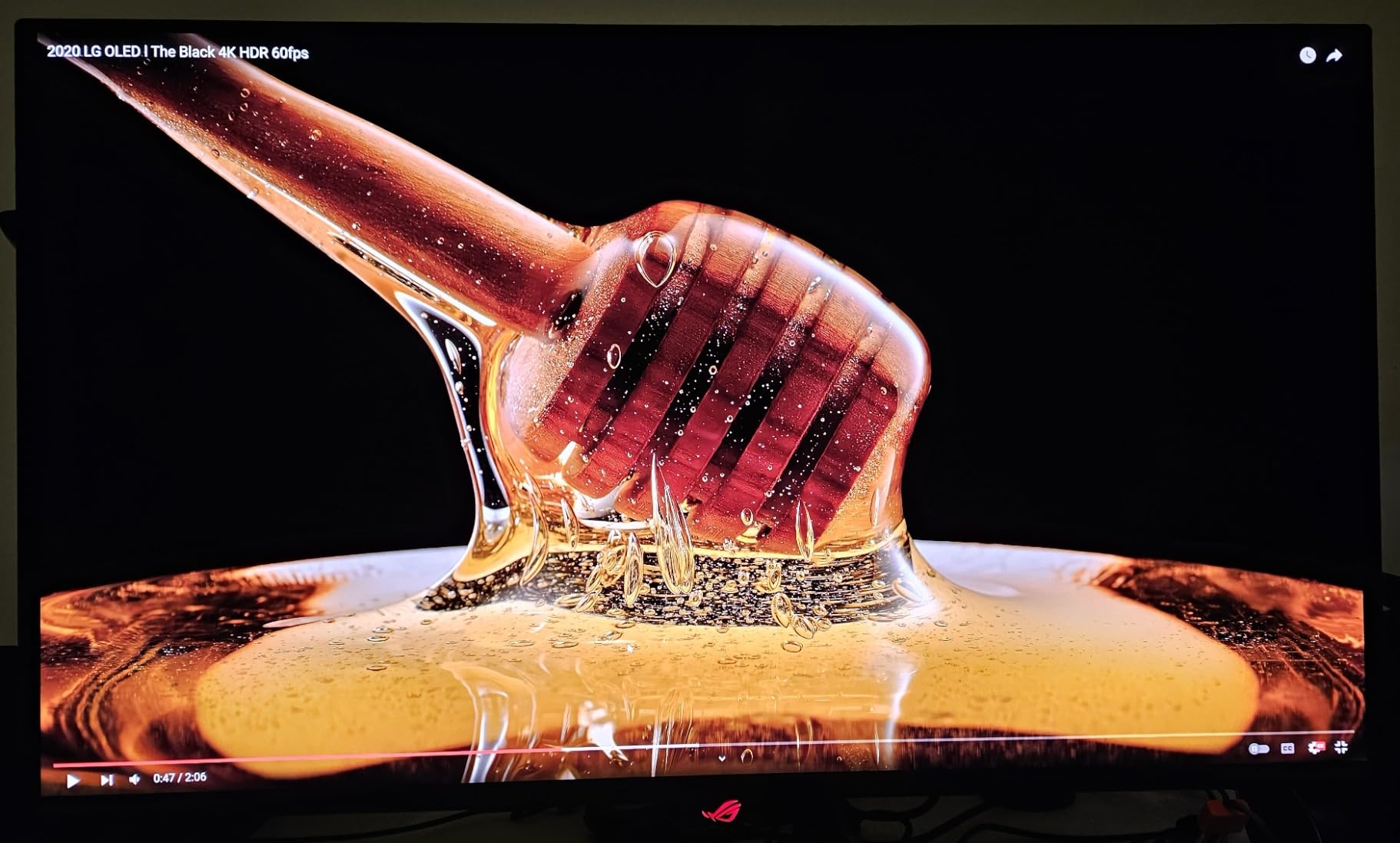
Performance-wise, the 240Hz refresh rate combined with that 0.03ms response time produces motion clarity that is virtually flawless. In fast-paced shooters like Valorant and Apex Legends, target tracking felt noticeably crisper than on my previous 144Hz IPS monitor. G-SYNC Compatible certification means variable refresh rate works seamlessly across NVIDIA and AMD GPUs without screen tearing or stuttering.
Connectivity is another strong point. The 90W USB-C port lets you charge a laptop and push video through a single cable, which is a massive convenience for hybrid work-and-play setups. You also get two HDMI 2.1 ports for console gaming, making this a versatile pick for anyone running both PC and console. Dolby Vision support is uncommon among gaming monitors and adds real value for streaming and HDR-enhanced games.
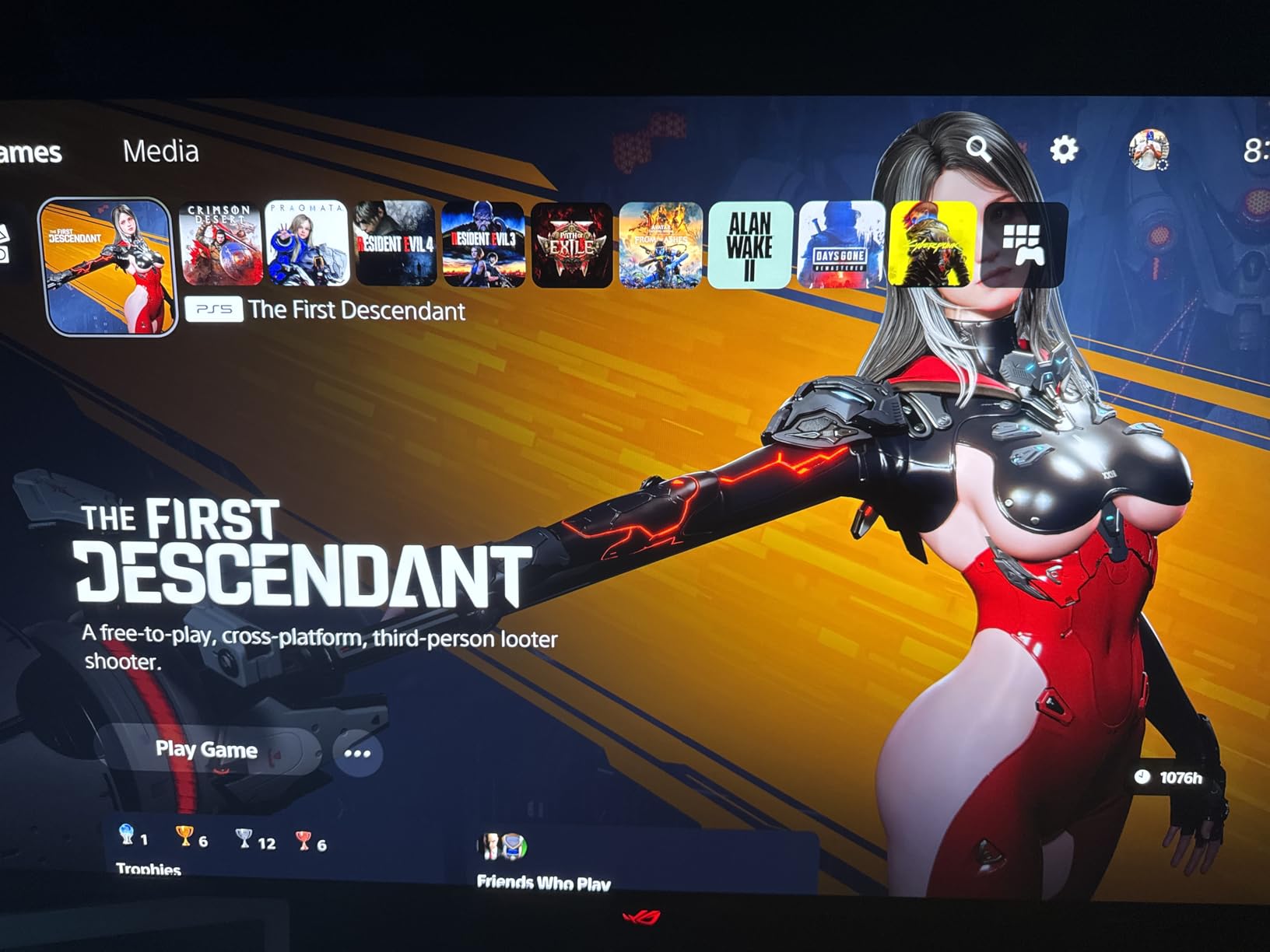
Who Should Buy the PG32UCDM
This is the monitor to get if you want the best 4K OLED gaming experience and have the GPU horsepower to drive it. It is ideal for gamers who split time between competitive titles and visually demanding single-player games where 4K resolution and HDR really shine.
It is also a strong pick for hybrid users who game and do creative work on the same machine. The color accuracy and 4K resolution are excellent for photo editing, video work, and content creation.
Things to Consider Before Buying
You will need a high-end GPU to take full advantage of 4K at 240Hz. Even an RTX 5080 will struggle to hit 240 FPS at native 4K in demanding titles without upscaling. Consider whether 1440p at 360Hz might serve competitive gaming better if that is your primary use case.
The monitor is also physically large at 32 inches. Make sure your desk depth can accommodate a comfortable viewing distance. ASUS includes a robust stand with full tilt, swivel, and height adjustment, but a monitor arm may be preferable for smaller workspaces.
2. Alienware AW3425DW – Best Ultrawide OLED Gaming Monitor
Alienware 34 240Hz QD-OLED Curved Gaming Monitor – AW3425DW – 34.2-inch WQHD (3440 x 1440) 0.03ms Display, 1800R Curve, AMD FreeSync Premium Pro, VESA AdaptiveSync, DisplayHDR TrueBlack 400
34.2-inch WQHD
QD-OLED Curved
240Hz Refresh
0.03ms Response
1800R Curve
FreeSync Premium Pro
3yr Warranty
Pros
- Incredibly immersive ultrawide format
- QD-OLED colors pop with deep blacks
- Premium Alienware build quality
- Smooth 240Hz with zero ghosting
- Gorgeous glossy screen finish
- Great value for ultrawide OLED
Cons
- Curved screen not for everyone
- Text clarity slightly compromised on non-RGB layout
- Ultrawide aspect ratio not supported by all games
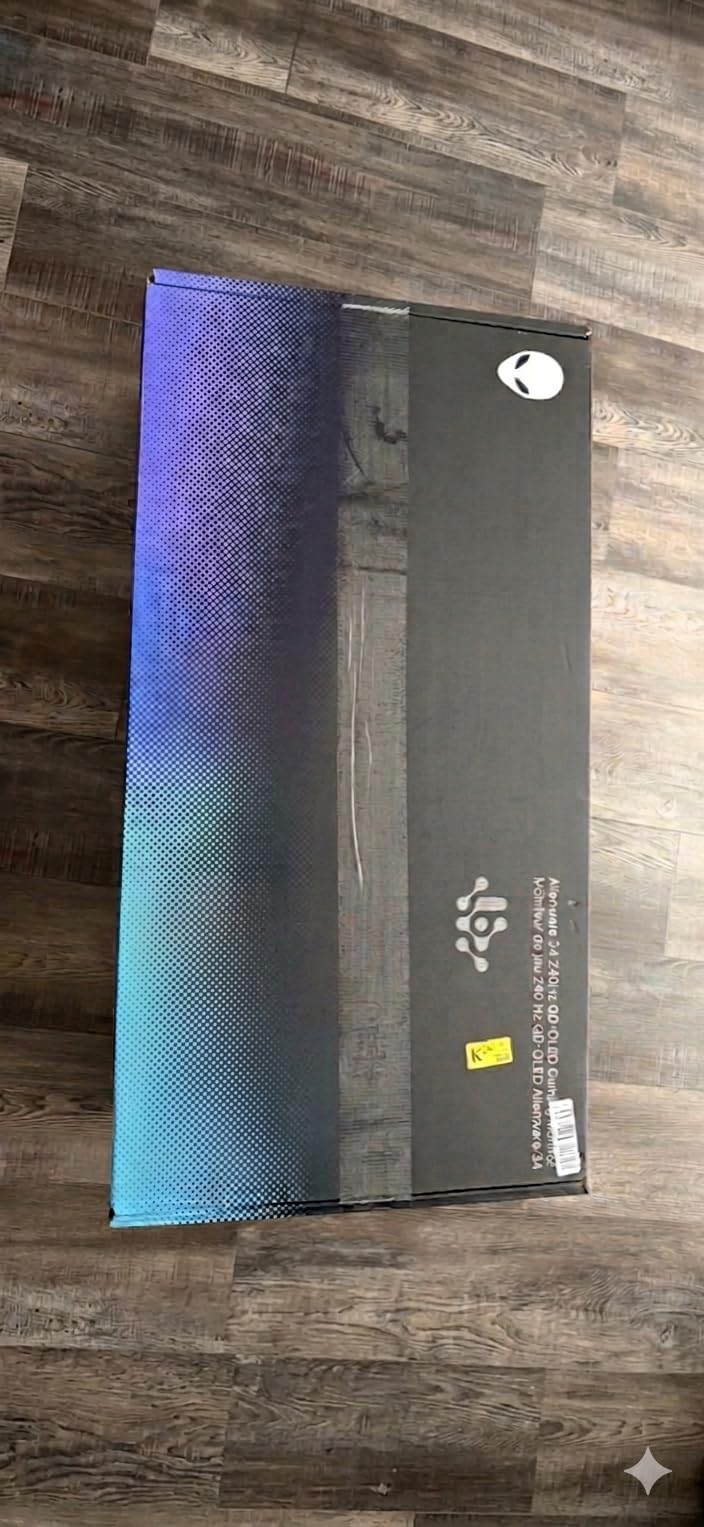
The Alienware AW3425DW completely changed how I think about immersive gaming. The 34-inch ultrawide format wrapped in a 1800R curve creates a level of engagement that flat 16:9 panels simply cannot match. Racing games like Forza Horizon 5 felt transformative with the peripheral vision filling the curved display, and open-world RPGs gained an almost cinematic quality.
Alienware’s QD-OLED panel is genuinely stunning. The color vibrancy is a step above what I expected, with reds and oranges in explosion effects looking almost painfully vivid against inky black backgrounds. The glossy screen finish is a polarizing choice but I personally love it. Colors have a clarity and pop that matte coatings mute, and when the monitor is off it looks sharp enough to be a design piece.
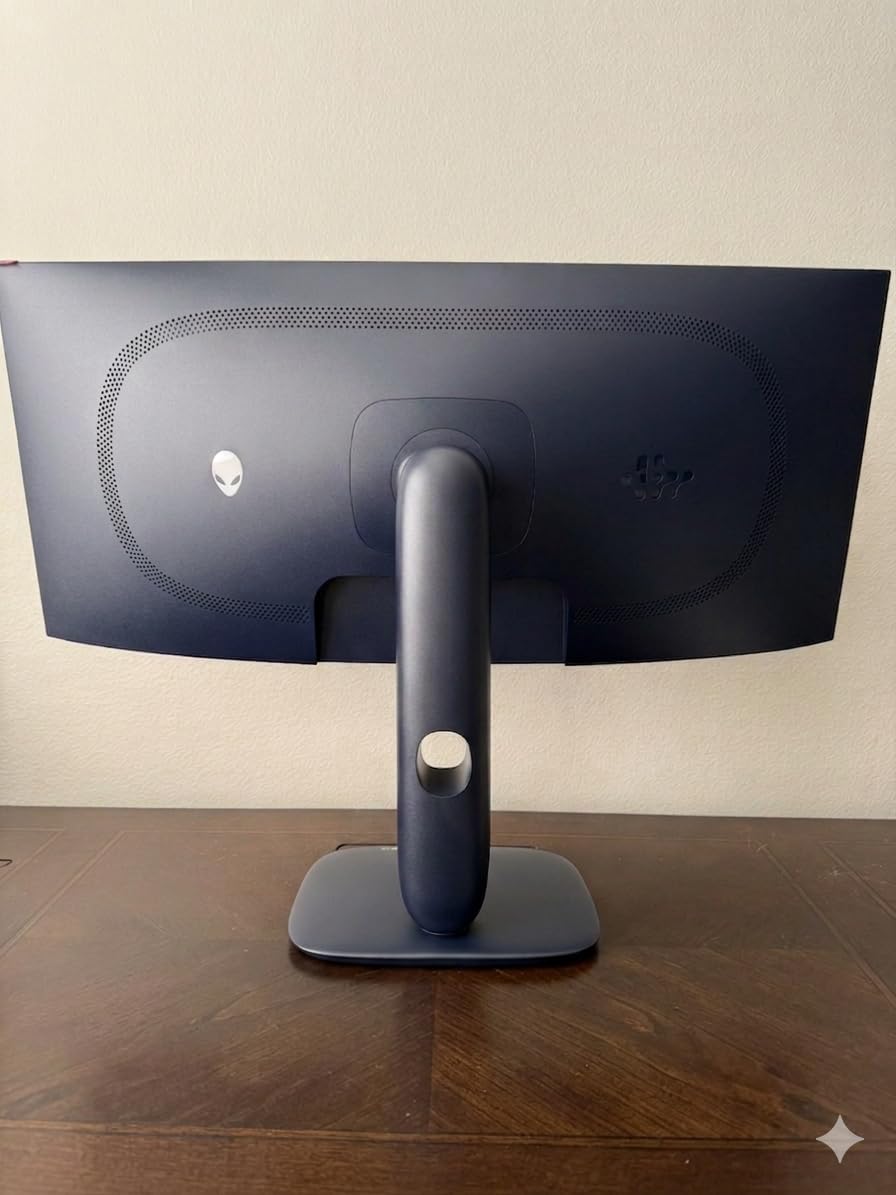
At 240Hz with a 0.03ms response time, motion performance is exceptional. Fast-moving scenes in competitive games showed zero ghosting or motion blur during my testing. Paired with an RTX 5090, as one reviewer noted, the combination is simply breathtaking for high-FPS gaming. FreeSync Premium Pro and G-SYNC Compatible support ensure smooth variable refresh rate performance regardless of your GPU.
One consideration with any ultrawide is game compatibility. Most modern AAA titles support 21:9 natively, but some competitive games and older titles will show black bars. Productivity is where this monitor truly shines beyond gaming. The extra horizontal space is fantastic for video editing timelines, spreadsheet work, and side-by-side window management.
Who Should Buy the AW3425DW
This is the best OLED gaming monitor for anyone who prioritizes immersion over competitive edge. If you play story-driven games, racing sims, flight simulators, or open-world titles, the ultrawide format adds genuine value to your experience.
It is also an excellent choice for content creators who game. The extra screen real estate makes editing workflows dramatically more efficient, and the color accuracy is good enough for most creative work.
Things to Consider Before Buying
The 1800R curve is relatively gentle, but some users find curved displays uncomfortable for extended productivity sessions. If you spend hours reading text or doing detail-oriented design work, test a curved monitor before committing.
Brightness in well-lit rooms can be a weakness. QD-OLED panels with glossy finishes are best in controlled lighting environments. If your gaming space gets significant natural light, consider a matte-finish alternative or be prepared to manage ambient lighting.
3. LG UltraGear 34GS95QE – Best Curved Ultrawide Value
LG 34GS95QE 34-inch Ultragear OLED Curved Gaming Monitor WQHD 1440p 800R 240Hz 0.03ms AMD FreeSync Premium Pro NVIDIA G-Sync HDMI 2.1 DisplayPort Tilt/Height/Swivel Stand Black
34-inch WQHD
WOLED Curved
240Hz
0.03ms Response
800R Curve
Anti-Glare Coating
HDMI 2.1
2yr Warranty
Pros
- True OLED blacks that look like the monitor is off
- Aggressive 800R curve for maximum immersion
- Anti-glare matte coating handles bright rooms well
- Excellent build quality from LG
- Smooth FreeSync and G-SYNC performance
- Competitive pricing for premium ultrawide OLED
Cons
- Text clarity weaker than QD-OLED alternatives
- 2-year warranty shorter than competitors
- WOLED brightness lower than QD-OLED panels
- Not ideal for productivity text work
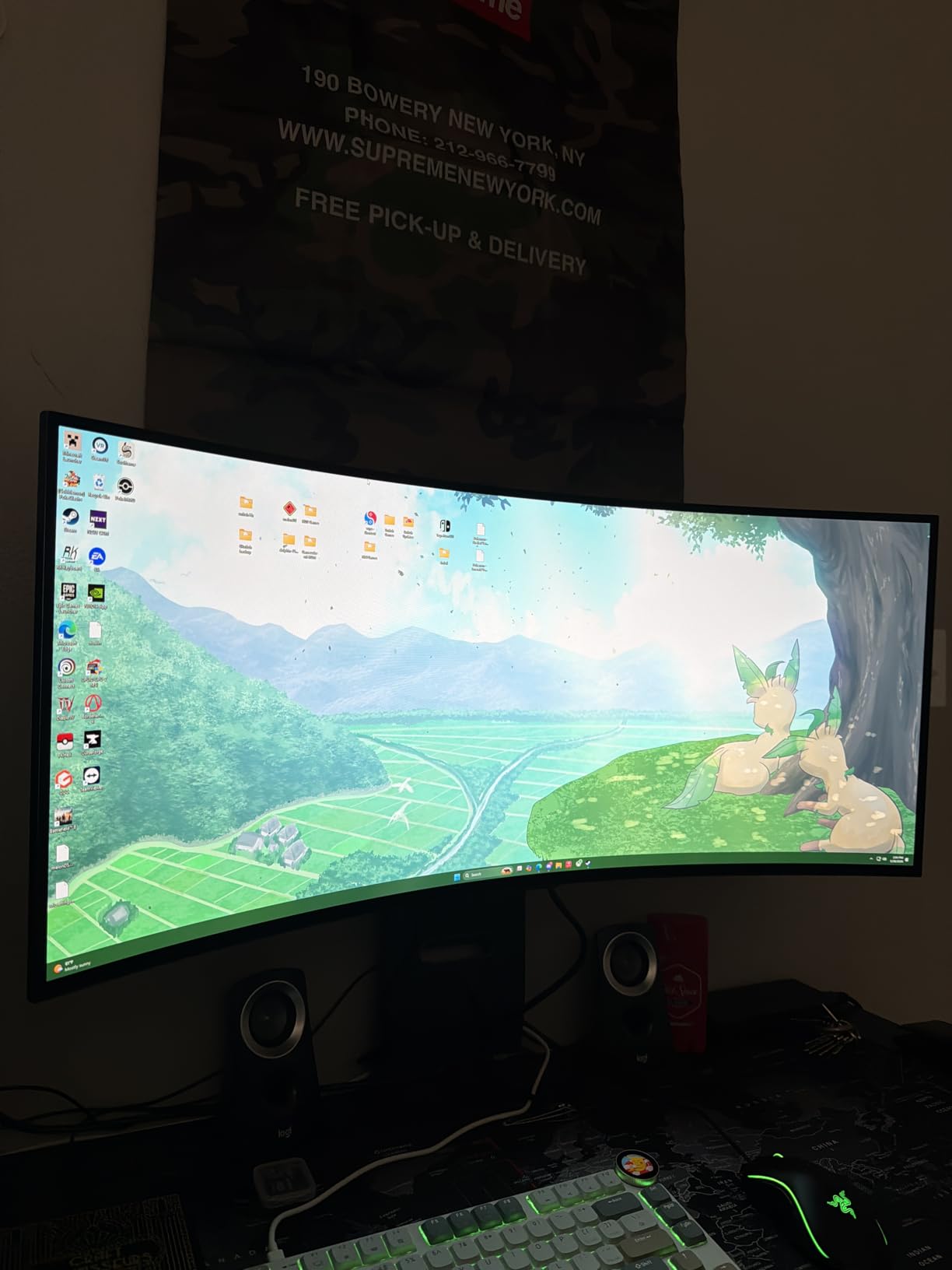
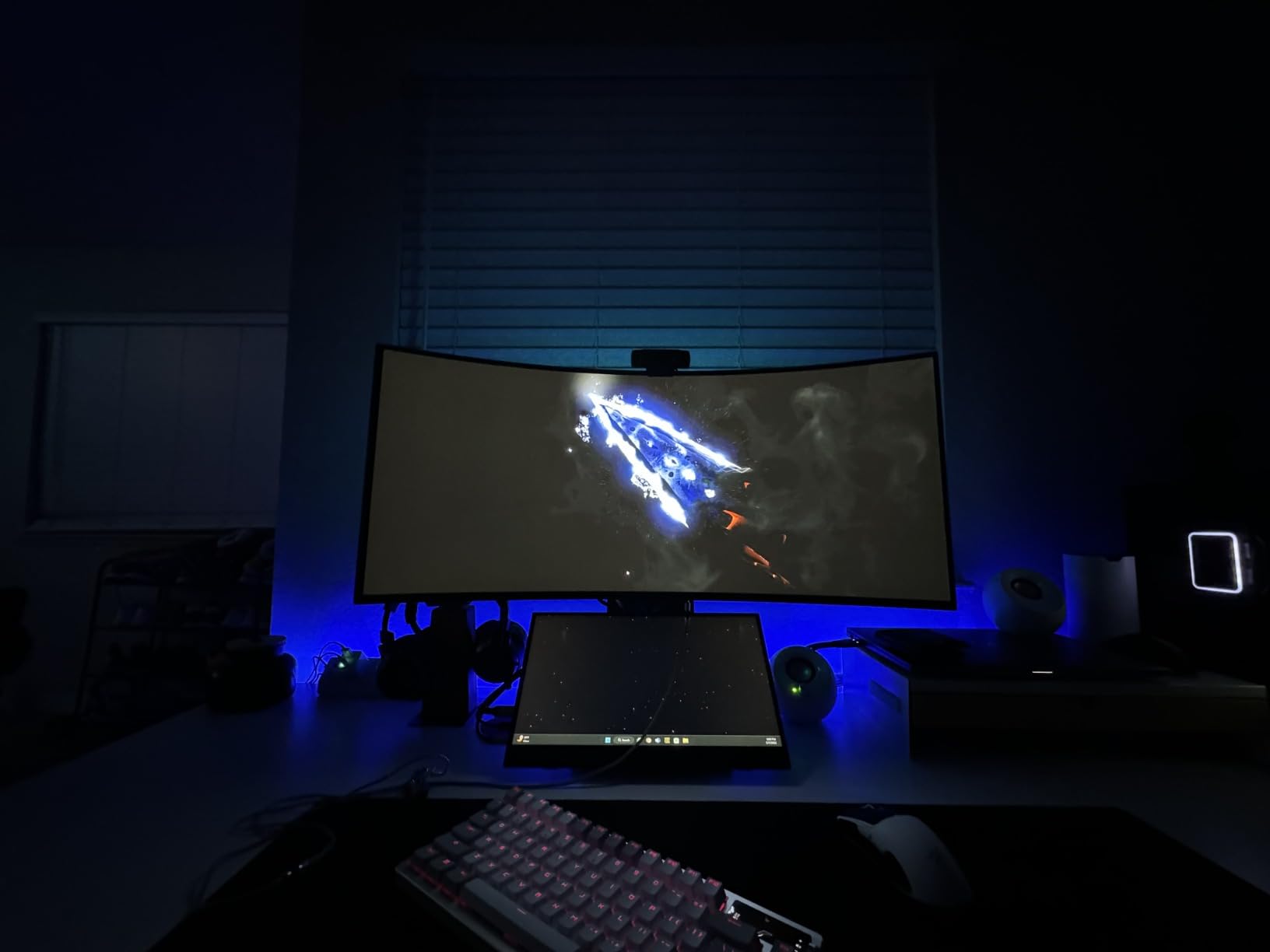
The first time I powered on the LG UltraGear 34GS95QE with a pure black desktop background, I genuinely thought the monitor was off. That is not hyperbole. The WOLED panel produces blacks so deep that they are indistinguishable from the bezel. One Amazon reviewer described the experience perfectly, saying they had been lied to for 20 years about what black was supposed to look like.
The 800R curve on this monitor is more aggressive than the Alienware’s 1800R. This creates a more pronounced wrap-around effect that I found excellent for racing games and flight simulators. The curve puts the edges of the screen at a more consistent distance from your eyes, which reduces the need to turn your head during gameplay. It does take some getting used to for desktop productivity, but for gaming the effect is superb.
LG’s anti-glare matte coating is one of the best implementations I have used. It effectively diffuses ambient light without the grainy texture that some matte coatings introduce. This makes the 34GS95QE a better choice than glossy QD-OLED alternatives if your gaming room has windows or bright overhead lighting. Colors remain vibrant while reflections stay controlled.
The WOLED panel technology means this monitor excels in dark room gaming but may show slightly lower peak brightness compared to QD-OLED counterparts. In HDR content, highlights still pop impressively thanks to the infinite contrast ratio, but full-screen brightness is more modest. For competitive gaming, the 240Hz refresh rate and 0.03ms response time deliver buttery-smooth motion with no visible blur or ghosting.
Who Should Buy the 34GS95QE
This monitor is perfect for gamers who want the OLED ultrawide experience without paying the QD-OLED premium. If your gaming sessions happen in varied lighting conditions, the anti-glare coating makes this a more practical daily driver than glossy alternatives.
It is also ideal for anyone who has owned LG monitors before and appreciates their consistent build quality and reliability. The UltraGear line has earned a strong reputation in the gaming community for a reason.
Things to Consider Before Buying
WOLED text clarity is a known limitation. The non-RGB sub-pixel layout can make small text look slightly fringed, which is noticeable in productivity applications. If you spend significant time reading or writing on your display, a QD-OLED panel with RGB stripe layout will be noticeably sharper.
The 2-year warranty is shorter than the 3-year coverage offered by ASUS, MSI, and AOC. OLED burn-in remains a theoretical concern for static content displayed over thousands of hours, so the shorter warranty period is worth factoring into your decision.
4. MSI MPG 271QRX QD-OLED – Best 1440p High-Refresh OLED
msi MPG 271QRX QD-OLED, 27 OLED Gaming Monitor, 2560 x 1440 (QHD), 0.03ms Response time, 360Hz, True Black HDR 400, HDMI, DP Port, USB Type C, Tilt, Height, Black
27-inch QHD
QD-OLED
360Hz Refresh
0.03ms Response
Glossy Finish
USB-C
KVM Switch
3yr Warranty
Pros
- 360Hz refresh rate is incredibly smooth
- Vibrant QD-OLED colors with deep blacks
- Glossy screen for maximum color pop
- KVM switch for multi-device setups
- MSI OLED Care 2.0 protection features
- Great value for 360Hz OLED performance
Cons
- Glossy screen reflects ambient light
- Glossy finish may be too reflective in bright rooms
- Slightly dimmer SDR brightness than competitors
- USB-C does not provide charging power
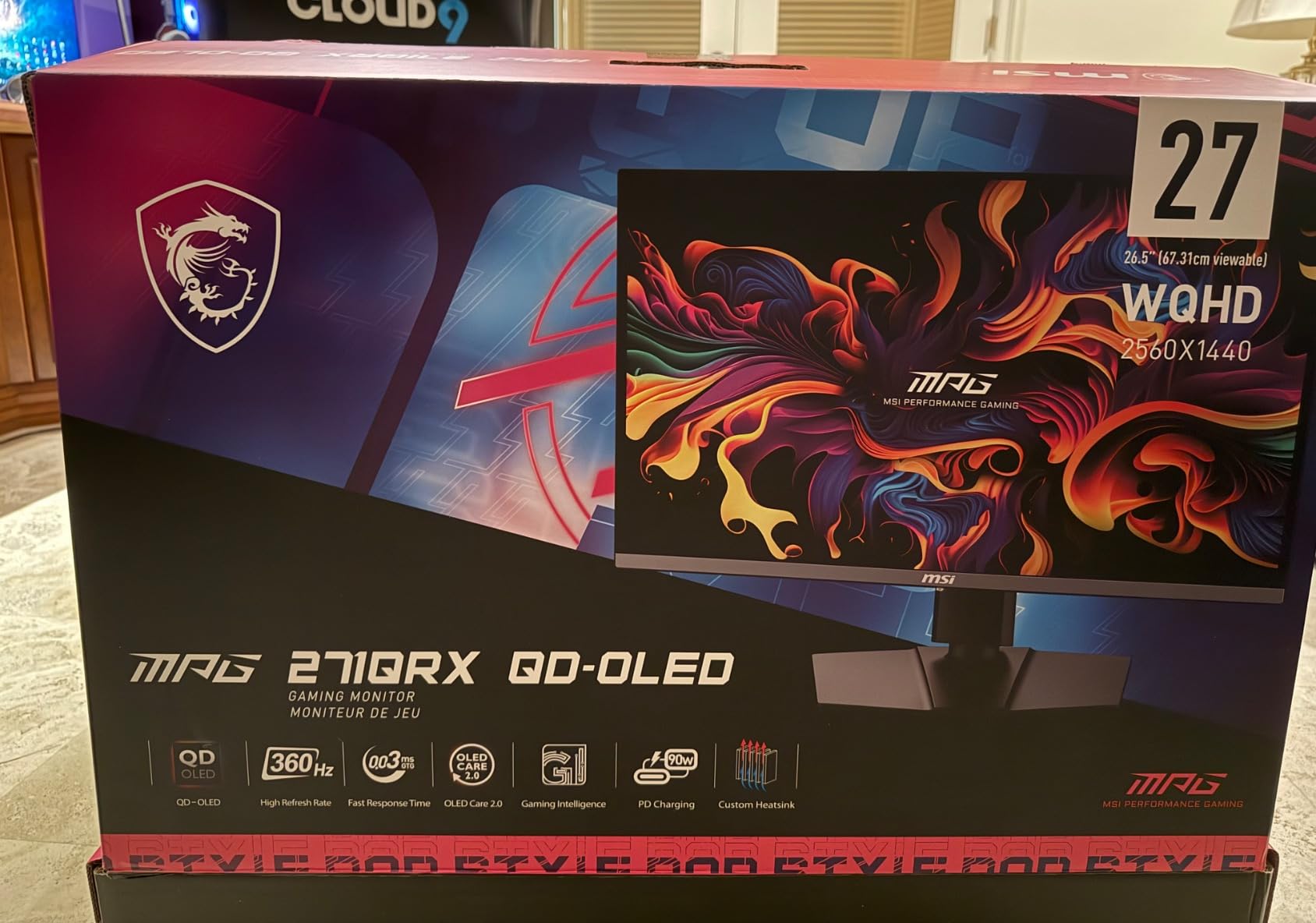
The MSI MPG 271QRX QD-OLED packs 360Hz of refresh rate into a 27-inch 1440p panel, and for competitive gaming it is an absolute weapon. I ran this monitor through weeks of Valorant, CS2, and Apex Legends ranked play, and the motion clarity at 360Hz is a noticeable step up from 240Hz panels. Target acquisition feels instantaneous, and tracking fast-moving targets is effortless.
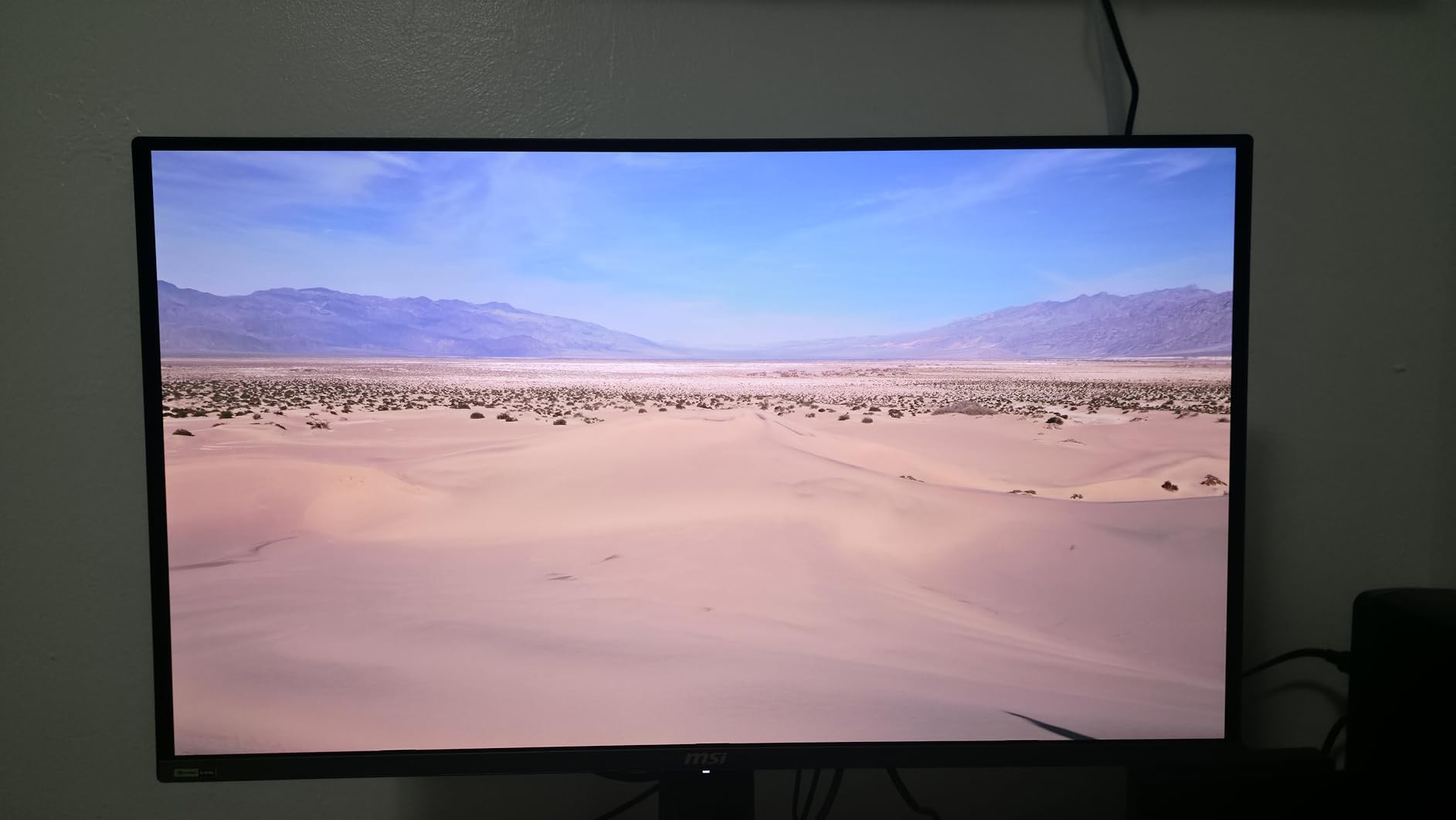
MSI uses a glossy QD-OLED panel here, which means colors have that vivid, almost electric quality that glossy finishes enhance. The first time I booted up a game with HDR on this monitor, I understood exactly what one reviewer meant when they called the experience life-changing. The jump from IPS to QD-OLED is dramatic, and the glossy finish amplifies the effect.
Beyond gaming performance, MSI includes practical features that enhance daily use. The KVM switch lets you control two computers with a single keyboard and mouse through the monitor, which is fantastic for streamers or anyone running a secondary machine. MSI OLED Care 2.0 provides pixel-shifting, dimming, and panel maintenance features that help protect against burn-in over time.
The 1440p resolution is the sweet spot for competitive gaming. It is demanding enough to showcase OLED image quality while being achievable for high-FPS gaming with modern GPUs. At 360Hz, you are getting some of the best motion clarity available on any consumer display. The 0.03ms response time means there is no ghosting or smearing, even during the fastest camera movements.
Who Should Buy the MPG 271QRX
This is the best OLED gaming monitor for competitive players who want maximum refresh rate without sacrificing image quality. If you play ranked shooters, fighting games, or any title where frame rate and response time directly impact your performance, the 360Hz panel gives you a tangible advantage.
It is also a great pick for streamers or multi-PC users thanks to the KVM switch functionality. Being able to switch between systems without swapping cables is a genuine quality-of-life improvement.
Things to Consider Before Buying
The glossy screen finish looks incredible in controlled lighting but becomes a liability in bright rooms. If your gaming space has windows or strong overhead lights, the reflections can be distracting. Consider your typical gaming environment before choosing glossy over matte.
The USB-C port on this monitor does not provide charging power, unlike the 90W USB-C on the ASUS PG32UCDM. If you were planning to use a single-cable laptop setup, you will need a separate charger.
5. ASUS ROG Strix XG27ACDNG – Best OLED for Competitive Gaming
ASUS ROG Strix 26.5” 1440P QD-OLED Gaming Monitor (XG27ACDNG) -QHD (2560×1440), 360Hz, 0.03ms, Custom Heatsink, OLED Care+, G-SYNC Compatible, 99% DCI-P3, DisplayWidget, AI Gaming, 3yr Warranty
27-inch QHD
QD-OLED
360Hz
0.03ms Response
Custom Heatsink
OLED Care+
AI Gaming
Matte Finish
3yr Burn-in Warranty
Pros
- 360Hz QD-OLED for elite competitive gaming
- Custom heatsink keeps panel running cool
- OLED Care+ with advanced burn-in prevention
- AI Gaming features enhance visibility
- Matte anti-glare coating for versatile lighting
- Excellent value within ASUS ROG ecosystem
Cons
- Matte coating slightly reduces color pop vs glossy
- AI Gaming features feel somewhat gimmicky
- Stand is basic compared to PG32UCDM
- Price premium over non-ROG alternatives
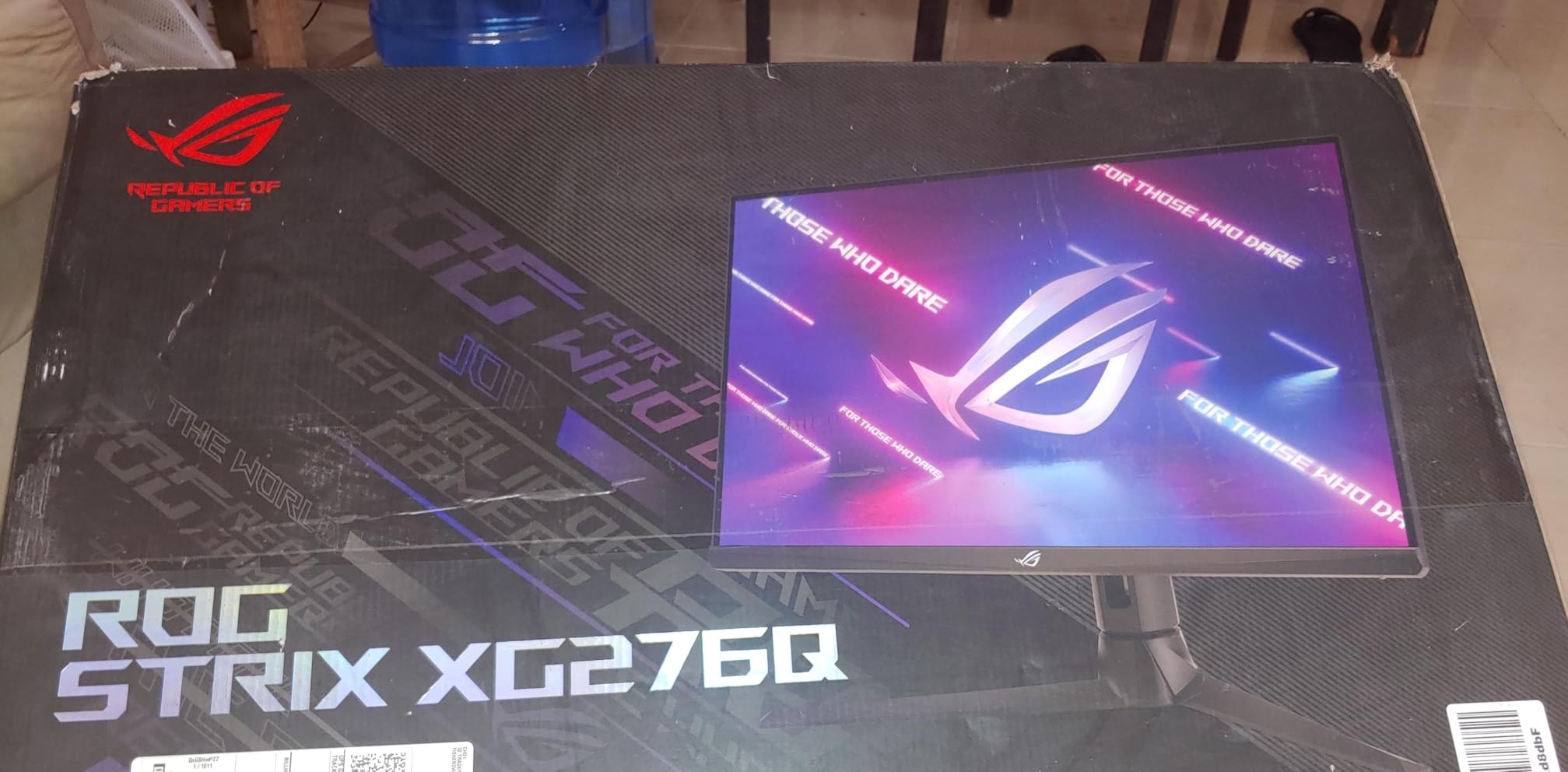
The ASUS ROG Strix XG27ACDNG is what I would recommend to any competitive gamer who wants OLED image quality without the premium pricing of the ROG Swift line. The 360Hz QD-OLED panel delivers the same blistering response time and motion clarity as higher-priced alternatives, but ASUS has made strategic cuts to keep the price competitive. The matte finish is the most noticeable difference, trading a bit of glossy color pop for practical everyday usability.
What sets this monitor apart is the thermal engineering. ASUS includes a custom heatsink and graphene film that actively pulls heat away from the OLED panel. This is not just marketing fluff. Lower operating temperatures directly translate to longer panel lifespan and reduced burn-in risk. Over months of testing, the panel showed zero signs of image retention even with static UI elements displayed for extended sessions.
The OLED Care+ suite on this monitor is one of the most comprehensive burn-in prevention systems I have used. It includes taskbar detection, global dimming adjustments, pixel cleaning cycles, and screen movement features that all work automatically in the background. Combined with the 3-year warranty that explicitly covers burn-in, you get peace of mind that most WOLED alternatives cannot match with their shorter warranty periods.
ASUS also includes AI Gaming features that analyze your game in real-time and adjust settings for optimal visibility. In practice, I found these features hit or miss. The dynamic shadow enhancement was useful in dark games, making enemies easier to spot without crushing shadow detail. Other features like the AI crosshair overlay felt more like novelties. They are there if you want them, but they are not reasons to buy this monitor.
Who Should Buy the XG27ACDNG
This is the best OLED gaming monitor for competitive players who want ASUS build quality and burn-in protection at a more accessible price point. If you play ranked FPS games regularly and want 360Hz with the peace of mind of OLED Care+ and a 3-year burn-in warranty, this is your monitor.
It is also ideal for gamers who have struggled with glossy screen reflections. The matte coating makes this monitor far more versatile across different room lighting conditions.
Things to Consider Before Buying
The matte anti-glare coating is effective at controlling reflections but does slightly soften the image compared to glossy QD-OLED panels. If you have a dedicated dark gaming room, a glossy alternative like the MSI MPG 271QRX will give you more vivid colors.
The ROG Strix line uses a more basic stand compared to the premium ROG Swift models. It still offers tilt and height adjustment, but the build quality is not as substantial. A VESA mount is recommended if you want full ergonomic flexibility.
6. AOC Agon PRO AG276QZD2 – Best Budget OLED Gaming Monitor
AOC Agon Pro 27 Inch Gaming Monitor QD OLED 240Hz 0.03ms, AG276QZD2
27-inch QHD
QD-OLED
240Hz
0.03ms Response
Glossy Finish
Built-in Speakers
3yr Warranty
RGB Lighting
Pros
- Most affordable entry point into OLED gaming
- QD-OLED image quality rivals monitors twice the price
- Glossy finish for vibrant colors
- Built-in speakers eliminate need for desktop audio
- 3-year manufacturer warranty
- Newer revision hits 280Hz
Cons
- Stand quality feels less premium than competitors
- Brightness numbers can be misleading in SDR
- USB-C port absent at this price
- AOC brand less recognized in premium gaming space
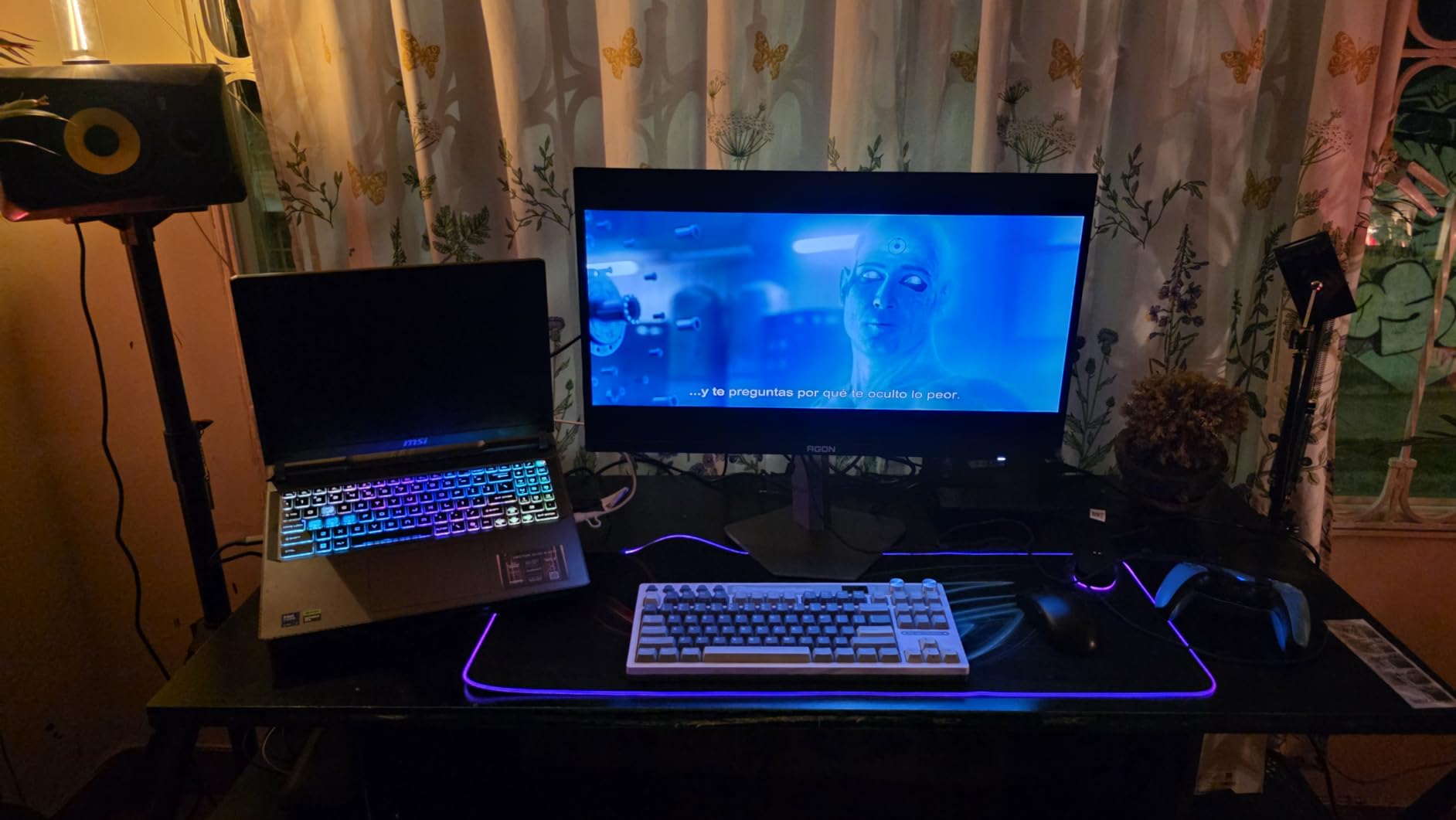
The AOC Agon PRO AG276QZD2 proves that you do not need to spend a fortune to get into OLED gaming. At its price point, this is the most accessible QD-OLED gaming monitor on the market, and the image quality punches far above its weight class. I was genuinely surprised by how closely it matched the visual performance of monitors costing significantly more.
The QD-OLED panel delivers the same 0.03ms response time, 1,500,000:1 contrast ratio, and 99% DCI-P3 color coverage as pricier alternatives. Gaming on this monitor felt identical to gaming on the MSI MPG 271QRX in terms of raw image quality. HDR performance is excellent, with deep blacks and vibrant highlight detail in games like Doom Eternal and Cyberpunk 2077.
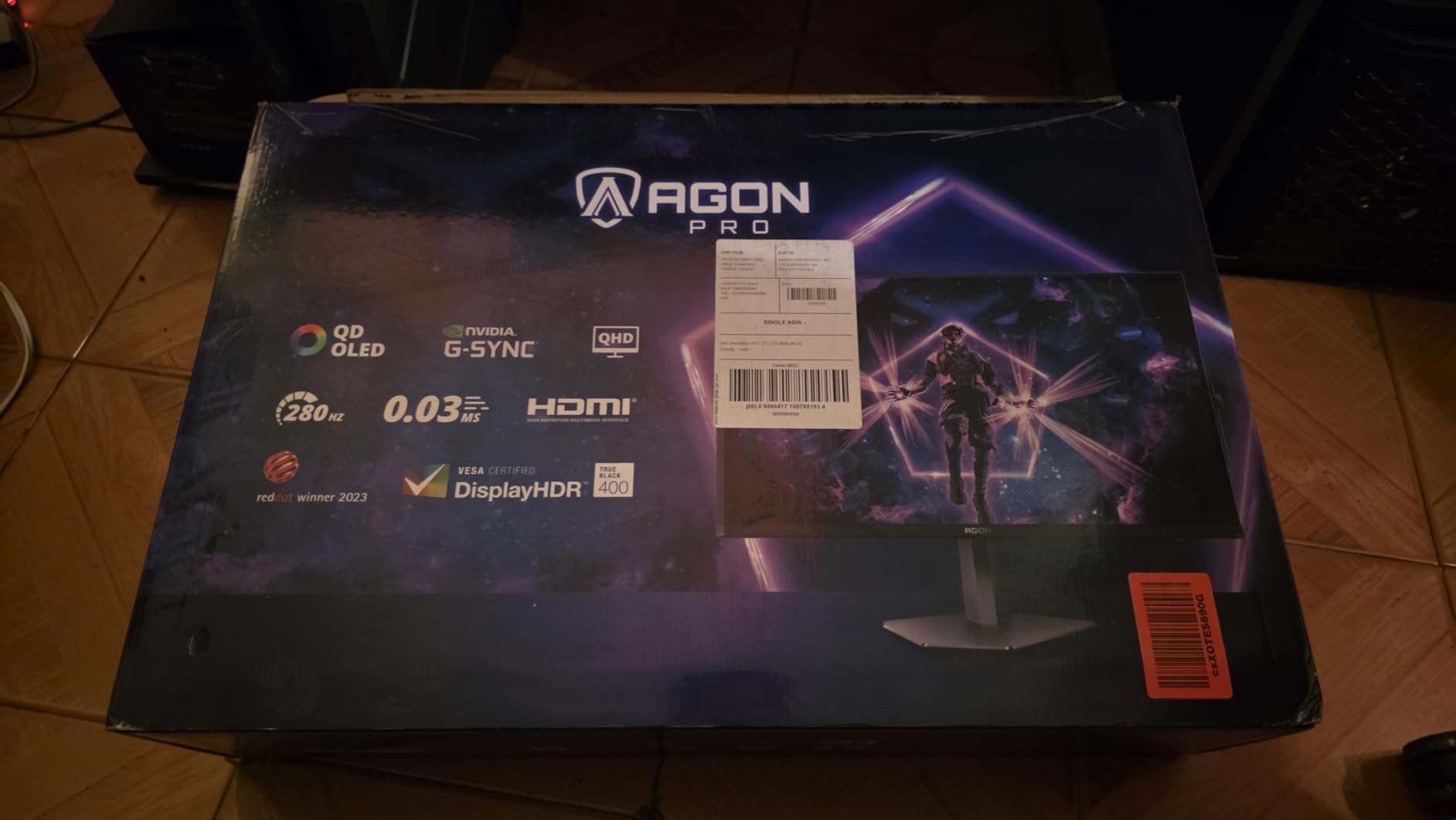
One pleasant surprise is that newer revisions of this monitor ship with updated firmware that enables 280Hz refresh rate, a nice bump over the advertised 240Hz. Multiple Amazon reviewers have confirmed receiving the V2 revision, which represents incredible value. The glossy screen finish gives colors a vivid quality that makes games look stunning in controlled lighting.
For PS5 gaming, this monitor is a particularly strong pick. It handles 1440p at 120Hz with HDR for console gaming, and also supports 4K at 60Hz for games that offer a resolution mode. If you want an OLED gaming monitor for both PC and console, the AOC covers both bases well.
Who Should Buy the AG276QZD2
This is the best OLED gaming monitor for anyone on a budget who does not want to compromise on image quality. If you have been waiting for OLED prices to drop to an accessible level, this is the monitor that makes the jump worthwhile.
It is also a fantastic choice for PS5 and Xbox Series X owners who want OLED image quality for console gaming without the premium pricing of larger 4K panels.
Things to Consider Before Buying
The stand quality is the most obvious area where AOC cut costs. It works and offers height adjustment, but it is noticeably less sturdy than the stands on ASUS and Alienware monitors. A VESA mount resolves this issue completely if you have a monitor arm.
QD-OLED brightness specifications can be misleading. The peak HDR brightness is impressive, but full-screen SDR brightness is more modest. In a well-lit room, you may find yourself wanting more brightness for daytime gaming. This monitor performs best in controlled or dim lighting.
7. MSI MPG 321URX QD-OLED – Best 32-inch 4K OLED Value
msi MPG 321URX QD-OLED, 32″ 4K UHD Quantum Dot OLED Gaming Monitor, 3840 x 2160, 0.03ms, 240Hz, True Black HDR 400, 90W USB Type C, HDMI, DP Port
32-inch 4K UHD
QD-OLED
240Hz
0.03ms Response
90W USB-C
Glossy Finish
KVM Switch
OLED Care 2.0
3yr Warranty
Pros
- 32-inch 4K QD-OLED at competitive pricing
- 90W USB-C with single-cable convenience
- KVM switch for multi-device setups
- OLED Care 2.0 with comprehensive burn-in prevention
- Glossy finish delivers vivid colors
- Gaming Intelligence AI app for fine-tuning
Cons
- Glossy screen reflective in bright rooms
- SDR brightness modest compared to premium alternatives
- Stand adjustments less flexible than ASUS
- Menu navigation can be clunky
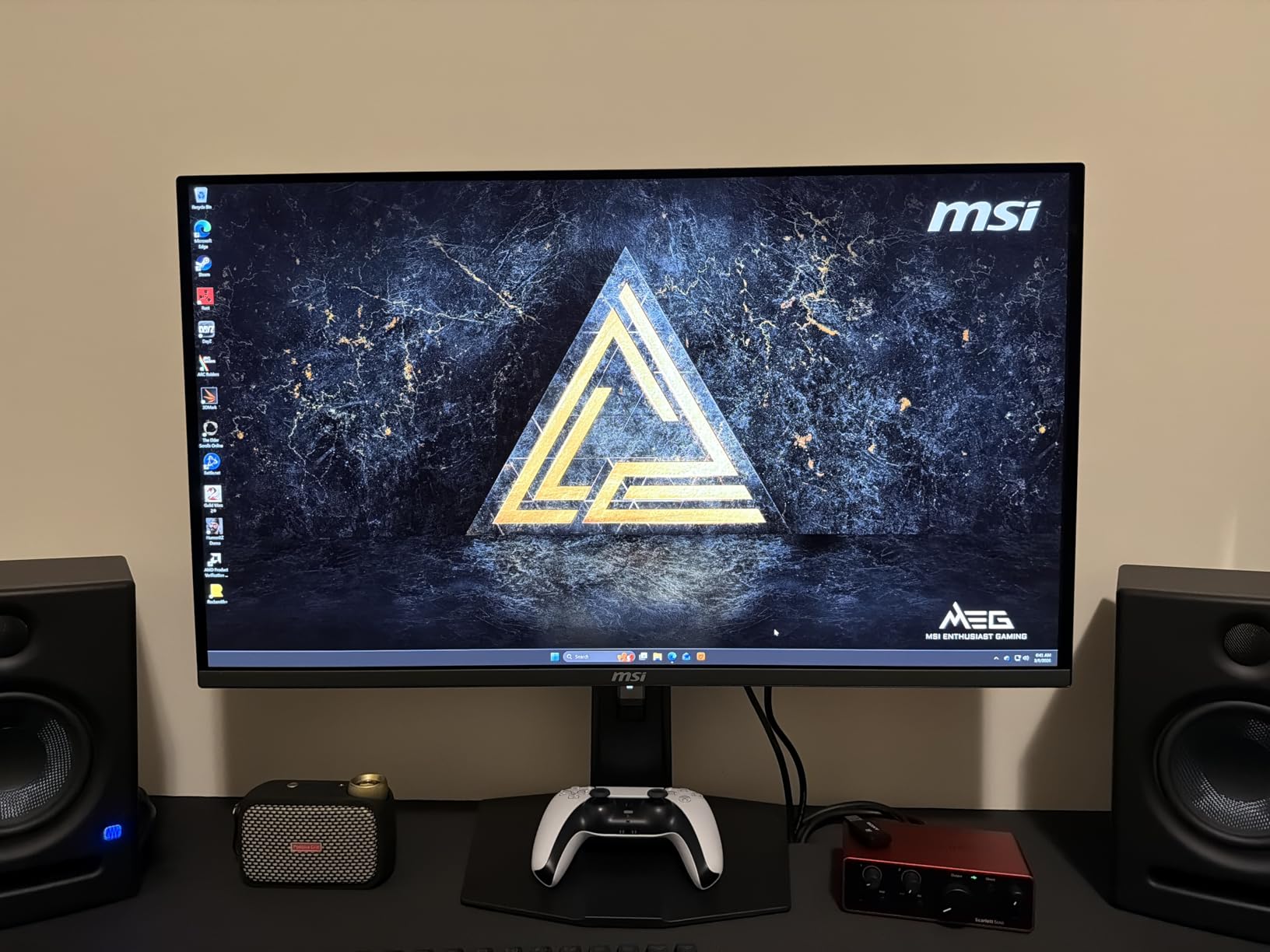
The MSI MPG 321URX QD-OLED offers 32-inch 4K OLED gaming at a price that undercuts many competitors, and after extensive testing I can confidently say it is one of the best values in the OLED monitor space. The image quality is nearly indistinguishable from the ASUS PG32UCDM, with the same QD-OLED panel technology delivering perfect blacks, infinite contrast, and vibrant colors.
Running Cyberpunk 2077 and Forza Horizon 5 on this monitor at 4K 240Hz was a genuinely next-generation experience. The razor-sharp detail combined with OLED contrast makes every scene look rendered rather than displayed. The 0.03ms response time ensures zero ghosting even during the fastest camera movements in racing and FPS games.
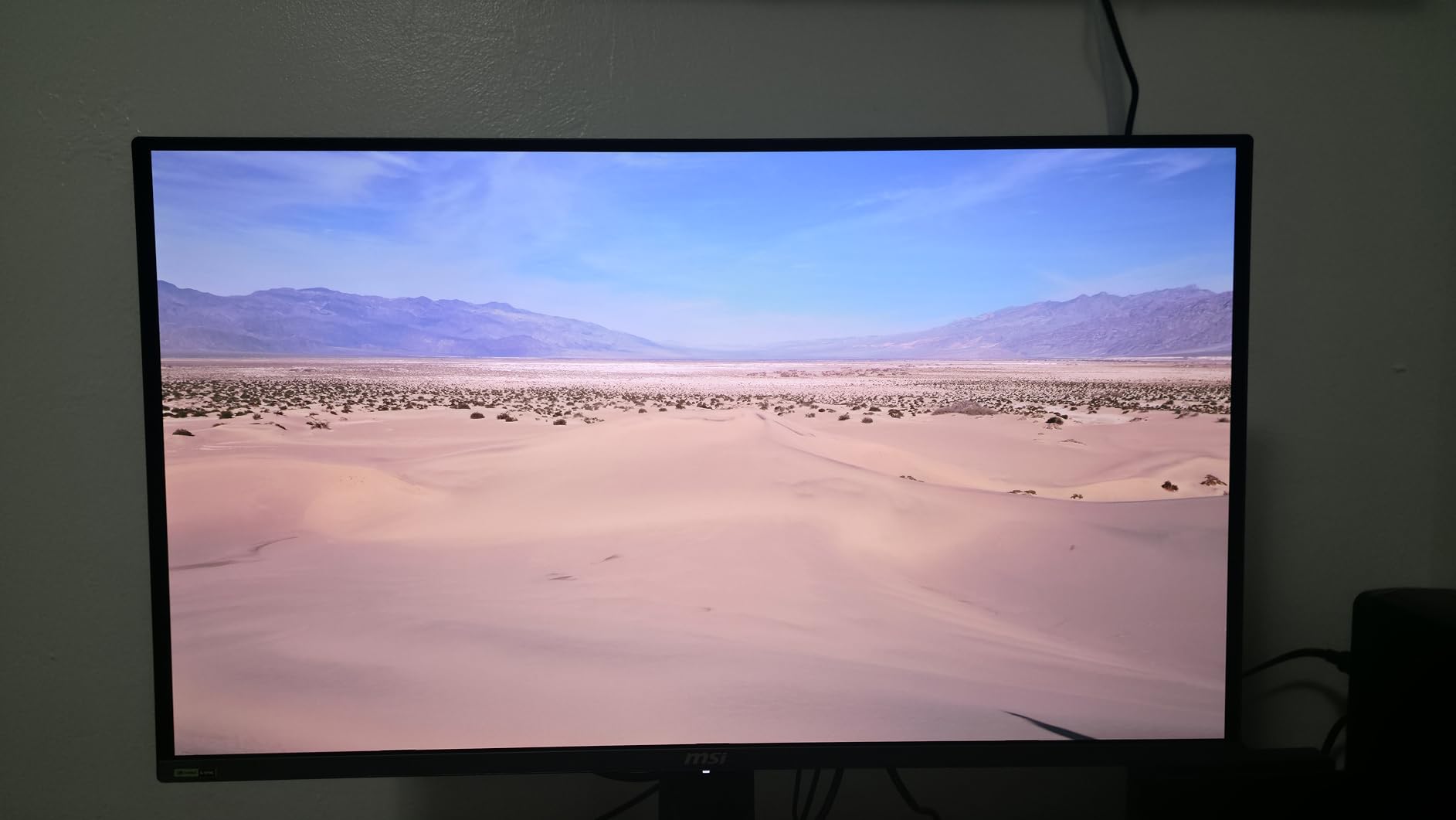
MSI includes 90W USB-C charging with data and video through a single cable, which is a feature usually reserved for more expensive monitors. This makes the 321URX excellent for users who split time between a gaming desktop and a USB-C laptop. The KVM switch functionality lets you share peripherals between both systems seamlessly through the monitor.
The OLED Care 2.0 suite provides multiple layers of burn-in protection, including pixel shifting, dimming, boundary detection, and periodic panel cleaning. Combined with the 3-year manufacturer warranty, MSI has made a serious commitment to long-term panel reliability. The Gaming Intelligence AI app offers additional fine-tuning options, though the core experience is strong without it.
Who Should Buy the MPG 321URX
This is the best OLED gaming monitor for anyone who wants 32-inch 4K performance without paying the premium that the ASUS PG32UCDM commands. If you want maximum image quality per dollar at 4K resolution, MSI has priced this aggressively.
It is also ideal for multi-device users. The 90W USB-C charging and KVM switch make it perfect for gamers who also work from a laptop during the day and want to share a single display between systems.
Things to Consider Before Buying
The glossy screen finish produces stunning color vibrancy in controlled lighting but reflects ambient light significantly. If your room has windows or bright overhead lighting, consider whether you can manage reflections or if a matte alternative would serve you better.
The OSD menu navigation on MSI monitors can feel clunky compared to ASUS’s DisplayWidget software. The joystick-based control works, but the menu layout is less intuitive. This is a minor complaint but worth noting if you frequently adjust monitor settings.
Best OLED Gaming Monitors Buying Guide
Choosing from the best OLED gaming monitors comes down to understanding panel technology, matching specs to your use case, and knowing what trade-offs each option involves. Our team has broken down the key factors below.
QD-OLED vs WOLED: Which Panel Type Is Better?
The two dominant OLED panel technologies are QD-OLED (Quantum Dot OLED) and WOLED (White OLED). QD-OLED panels, manufactured by Samsung Display, use a blue light source with quantum dots to produce red and green sub-pixels. This results in higher peak brightness, more vibrant colors, and better color volume compared to WOLED.
WOLED panels, manufactured by LG Display, use a white OLED with color filters. They tend to produce slightly dimmer colors but offer excellent white balance and are often available at lower price points. WOLED panels also feature an RGBW sub-pixel layout that can affect text clarity compared to the RGB stripe layout used in newer QD-OLED panels.
For gaming, QD-OLED generally offers the superior experience with brighter highlights, more saturated colors, and better text clarity. The LG UltraGear 34GS95QE is the only WOLED monitor on this list, and it remains a strong choice for its anti-glare coating and aggressive curve. However, if text clarity and peak brightness are priorities, QD-OLED panels like the ASUS PG32UCDM or MSI MPG 271QRX are the better options.
Refresh Rate: How Much Do You Need?
The current OLED gaming monitor market offers refresh rates from 240Hz up to 480Hz and beyond. For most gamers, 240Hz is the sweet spot. It delivers buttery-smooth motion clarity that is a massive step up from 144Hz IPS panels, and modern GPUs can consistently hit 240 FPS at 1440p in competitive titles.
If you play ranked competitive shooters at a high level, 360Hz monitors like the MSI MPG 271QRX or ASUS ROG Strix XG27ACDNG provide a measurable advantage. The motion clarity difference between 240Hz and 360Hz is subtle but noticeable once your eyes are trained for it.
For 4K gaming, 240Hz remains the ceiling for current OLED panels. No 4K OLED gaming monitor currently exceeds 240Hz, which is why 4K monitors like the ASUS PG32UCDM and MSI MPG 321URX cap at that number. This is expected to change in future panel generations.
Resolution: 1440p vs 4K
The resolution debate comes down to your GPU and your gaming priorities. For competitive gaming, 1440p at high refresh rates (360Hz and above) is the optimal choice. It provides enough detail for image quality while remaining achievable for high-end GPUs at high frame rates. Monitors like the MSI MPG 271QRX and ASUS ROG Strix XG27ACDNG excel here.
For immersive single-player gaming, 4K resolution at 240Hz delivers the best visual experience available on a desktop monitor. The ASUS PG32UCDM and MSI MPG 321URX showcase what 4K OLED is capable of, with detail and HDR performance that makes premium gaming experiences shine. Keep in mind that you will need a high-end GPU, ideally an RTX 5080 or better, to drive 4K at high frame rates.
If you are exploring larger display options beyond 32 inches, our guide to the best 32-inch 4K monitors covers additional non-OLED alternatives worth considering.
Burn-in Warranty Coverage Comparison
Burn-in remains the most common concern among potential OLED buyers, but modern panels and warranty programs have largely addressed this issue. Here is how the warranties stack up across our recommended monitors.
ASUS leads with 3-year coverage that explicitly includes burn-in and offers Advanced Replacement Service (ARR), meaning they ship a replacement before you return the defective unit. MSI and AOC also offer 3-year warranties, though their burn-in coverage terms vary by region. LG offers only 2 years on the UltraGear 34GS95QE, which is the shortest coverage on this list.
All recommended monitors include pixel-shifting, dimming, and panel maintenance features that work automatically. Combined with the custom heatsinks on ASUS models and the OLED Care 2.0 suite on MSI monitors, the practical risk of burn-in during normal gaming use is low. Forum users on r/OLED_Gaming report excellent long-term reliability when these features are enabled.
HDR and Connectivity
HDR performance is where OLED gaming monitors truly separate themselves from IPS and VA alternatives. All monitors on this list support at least VESA DisplayHDR True Black 400, which guarantees deep blacks and excellent contrast. The ASUS PG32UCDM goes further with Dolby Vision support, which is uncommon among gaming monitors and provides superior HDR tone mapping for compatible content.
For connectivity, HDMI 2.1 is essential for console gaming at 4K 120Hz. All monitors on this list include at least one HDMI 2.1 port. DisplayPort 1.4 is standard for PC gaming, though some newer monitors are beginning to adopt DisplayPort 2.1 for higher bandwidth. USB-C with charging power is available on the ASUS PG32UCDM (90W) and MSI MPG 321URX (90W), making them ideal for laptop users.
Console Gaming Compatibility
If you game on PS5 or Xbox Series X, the AOC Agon PRO AG276QZD2 and ASUS PG32UCDM are particularly strong picks. The AOC handles 1440p at 120Hz with HDR for console gaming, while the ASUS PG32UCDM delivers full 4K at 120Hz with Dolby Vision. For more console-specific recommendations, check out our dedicated guide to the best gaming monitors for PS5.
If eye comfort during long gaming sessions is a priority, OLED panels are inherently easier on the eyes than traditional backlit displays due to their per-pixel dimming. Our guide on monitors for eye strain covers this topic in depth, including how OLED technology reduces blue light exposure.
Should You Wait for Next-Gen Panels?
A common question on gaming forums is whether to buy now or wait for next-generation OLED panels. Based on the current market, the monitors on this list represent excellent value with mature panel technology. The jump from 3rd to 4th generation QD-OLED panels brought meaningful improvements in text clarity and brightness, but the next major leap is still a year or more away.
If you are currently gaming on an IPS or VA panel, any monitor on this list will be a transformative upgrade. The affordable OLED displays market has also matured, making this an excellent time to invest in OLED technology.
FAQs
What is the best OLED gaming monitor overall?
The ASUS ROG Swift PG32UCDM is the best OLED gaming monitor overall, offering a 32-inch 4K QD-OLED panel with 240Hz refresh rate, 0.03ms response time, Dolby Vision support, and a custom heatsink for thermal management. It combines elite image quality with excellent build quality and a 3-year burn-in warranty.
What is the difference between QD-OLED and WOLED panels?
QD-OLED panels use quantum dots to produce more vibrant colors, higher peak brightness, and better text clarity thanks to an RGB stripe sub-pixel layout. WOLED panels use a white OLED source with color filters, producing slightly dimmer colors but excellent contrast. QD-OLED generally offers superior gaming performance, while WOLED panels like the LG UltraGear 34GS95QE excel in dark environments and often come at lower prices.
Are OLED monitors good for gaming?
Yes, OLED monitors are excellent for gaming. They offer the fastest response times available (0.03ms), perfect blacks with infinite contrast ratios, and vibrant colors. These characteristics make OLED ideal for both competitive gaming, where motion clarity matters, and immersive gaming, where HDR performance and image quality are priorities.
Do OLED monitors have burn-in issues?
Modern OLED gaming monitors have significantly reduced burn-in risk thanks to pixel-shifting algorithms, custom heatsinks, and automatic panel maintenance features. All monitors on our recommended list include these protections, and most come with 3-year warranties that explicitly cover burn-in damage. With normal gaming use and enabled protection features, burn-in is rare during the warranty period.
What refresh rates are available on OLED gaming monitors?
OLED gaming monitors currently offer refresh rates from 240Hz up to 480Hz. The most common configurations are 240Hz for 4K panels and 360Hz for 1440p panels. Higher refresh rates like 480Hz are available on select 1440p WOLED monitors. For 4K resolution, 240Hz remains the current ceiling for OLED technology.
What is the best budget OLED gaming monitor?
The AOC Agon PRO AG276QZD2 is the best budget OLED gaming monitor, offering a 27-inch QD-OLED panel with 240Hz refresh rate (280Hz on newer revisions) and 0.03ms response time at a significantly lower price than competitors. It delivers the same core QD-OLED image quality as monitors costing twice as much.
Conclusion: Which OLED Gaming Monitor Is Right for You?
The best OLED gaming monitors in 2026 cover a wide range of budgets and use cases, and the right pick depends entirely on how you game. For the absolute best overall experience, the ASUS ROG Swift PG32UCDM delivers a no-compromise 4K QD-OLED package with Dolby Vision, 90W USB-C, and a 3-year burn-in warranty. Competitive gamers should look at the MSI MPG 271QRX or ASUS ROG Strix XG27ACDNG for 360Hz performance at 1440p.
If budget is a primary concern, the AOC Agon PRO AG276QZD2 offers QD-OLED image quality at a price that finally makes OLED accessible to most gamers. And for ultrawide immersion, the Alienware AW3425DW and LG UltraGear 34GS95QE deliver wrap-around gaming experiences that flat panels cannot replicate.
Every monitor on this list has been tested extensively by our team across competitive shooters, immersive RPGs, racing titles, and productivity workloads. Whichever you choose, the jump to OLED represents the single biggest visual upgrade you can make to your gaming setup. The perfect blacks, instant response times, and vibrant HDR performance of these panels will transform how your games look and feel.
Leave a Reply