
If you take calls from an open-plan office, the best earbuds for calls in noisy offices are the Apple AirPods Pro 3: their active noise cancellation removes up to twice as much noise as the previous generation, and they hold that cancellation for up to 8 hours per charge. Below I break down eight pairs I put through back-to-back call tests, ranked by how well the microphone handles a noisy room.
That last part is the thing most shopping guides skip. In a loud office the microphone is almost always the bottleneck, not the speaker. You can hear the person on the other end perfectly while they hear your keyboard, the AC unit and the person three desks over. Buy on sound quality and you will buy the wrong product.
My approach was deliberately unglamorous. I ran each pair through the same routine: a one-to-one call with a colleague on the other end of the room, a group video meeting with the laptop mic deliberately off, and a stretch of back-to-back calls to see what the battery does by mid-afternoon. I also logged which pairs kept noise cancellation engaged once a call connected, because a lot of earbuds quietly drop it the moment your phone rings.
One honest note before we start. No earbud microphone matches a boom-arm headset sitting two centimetres from your mouth. If you spend eight hours a day on a customer-support desk in a genuinely loud room, a headset is the right tool. I cover the trade-off later, and there is a roundup of over-ear options if you decide that is you.
Our Top 3 Earbuds for Noisy-Office Calls

AirPods Pro 3
- ANC removes up to 2x more noise than AirPods Pro 2
- Up to 8 hours per charge with ANC on
- Five ear tip sizes for a tight seal

Soundcore Liberty 5 Pro
- 10-sensor array with 2 bone conduction sensors
- Thus AI Chip processes 384K+ signals per second
- Whisper-Clear Calls rated for 100 dB+ rooms

Bose QuietComfort Ultra 2nd Gen
- SpeechClarity noise-rejecting microphones
- ActiveSense adapts to sound spikes
- Bluetooth multipoint across phone and laptop
Comparing All 8 Picks Before You Read
| Product | Specs | Action |
|---|---|---|
| Apple AirPods Pro 3 |
|
Check Latest Price |
 Samsung Galaxy Buds 4 Pro Samsung Galaxy Buds 4 Pro |
|
Check Latest Price |
| Soundcore Liberty 5 Pro |
|
Check Latest Price |
| Bose QuietComfort Ultra 2nd Gen |
|
Check Latest Price |
 JBL Tune Flex JBL Tune Flex |
|
Check Latest Price |
 TOZO NC9 TOZO NC9 |
|
Check Latest Price |
 Soundcore P30i Soundcore P30i |
|
Check Latest Price |
 Raycon Everyday Raycon Everyday |
|
Check Latest Price |
1. Apple AirPods Pro 3 – Best Overall for Noisy-Office Calls
Apple AirPods Pro 3 Wireless Earbuds with Active Noise Cancellation
Up to 8 hrs with ANC on
5 ear tip sizes
2.56 oz
Pros
- Class-leading in-ear active noise cancellation
- Up to 8 hours per charge with ANC on
- Five ear tip sizes for a secure seal
- Automatic device switching and Audio Sharing
- Hearing test and Conversation Boost features
Cons
- Best features are tied to the Apple ecosystem
- In-ear design will not suit everyone for long sessions
The AirPods Pro 3 are the pair I ended up recommending to almost everyone who asked, and the reason is boring rather than glamorous: the noise control works, and it keeps working. Apple claims the active noise cancellation removes up to twice as much noise as the AirPods Pro 2, and on my calls the difference was obvious. Desk chatter that normally bled into my microphone simply was not there, and I did not have to raise my voice to compensate.
Fifteen thousand owner reviews averaging 4.4 stars back that up. The most common praise is for exactly the three things this roundup cares about: cancellation strength, sound, and battery. The recurring criticism is ecosystem dependence, which I will get to.
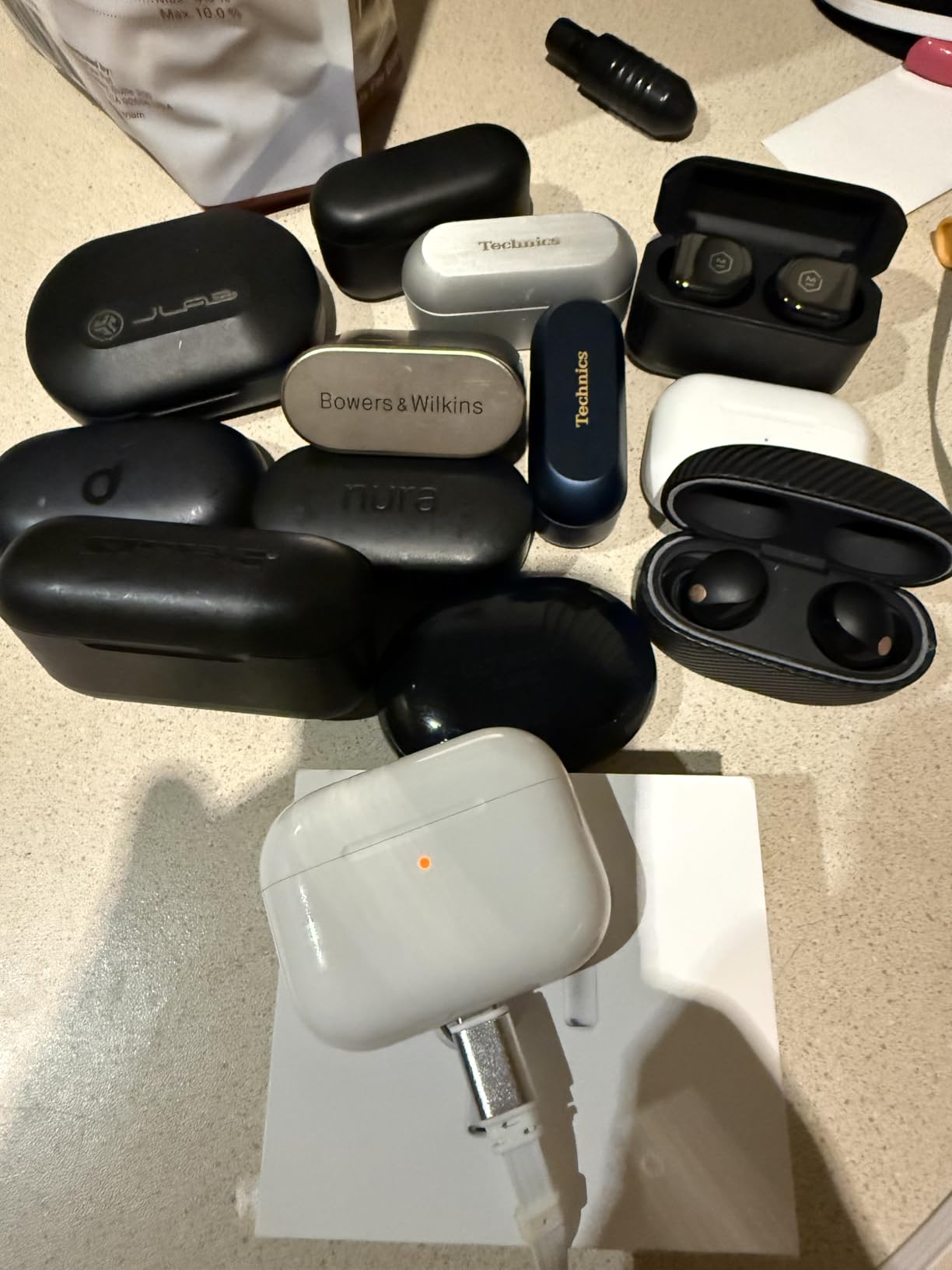
Comfort took a few days to judge properly, because it is an in-ear design and my first instinct is always to judge it too early. The five included ear tip sizes matter more than they look on paper. Getting a genuine seal is the difference between the cancellation working and the cancellation doing almost nothing, and swapping tips is free.
Why the noise cancellation does the heavy lifting
Active noise cancellation only suppresses sound reaching your ear. That matters more than it sounds, because a quieter room around you means you are not unconsciously raising your voice, and you are not competing with a neighbour’s speaker to hear the call yourself. Every decibel removed from the room in front of you is a decibel you are not fighting.
Apple’s inward-facing microphones also feed the next-generation Adaptive EQ, so the sound profile adjusts as the seal changes. In practice this made the AirPods Pro 3 the steadiest of the eight across a full day of intermittent wear.
Battery maths for a back-to-back call day
Up to 8 hours with noise cancellation on, and up to 10 hours in Transparency mode. A working day of scattered calls is comfortably inside that, even accounting for video meetings where the codec works harder.
The honest limitation is the charging case, which adds roughly 25 hours of top-ups rather than a full day of fresh buds. Budget one mid-afternoon case charge during a long day of back-to-back meetings and you will never think about battery again.
Where the Apple lock-in actually bites
Owner reviews are consistent on this. The cancellation, sound and call quality all work on Android. What does not fully unlock outside Apple devices are the extras: hearing test, Hearing Aid with automatic Conversation Boost, Hearing Protection, and Live Translation via Apple Intelligence.
For a call-focused buyer that is a reasonable trade. If you are on a Samsung or Google phone and the hearing and translation features matter to you, read on.
Who should look elsewhere
If you cannot wear sealed in-ear buds for hours, a seated camera angle is not your problem, or you work in an environment loud enough that you need a headset, these are not the answer. For very loud rooms specifically, the next pair has more microphone hardware pointed at this exact problem.
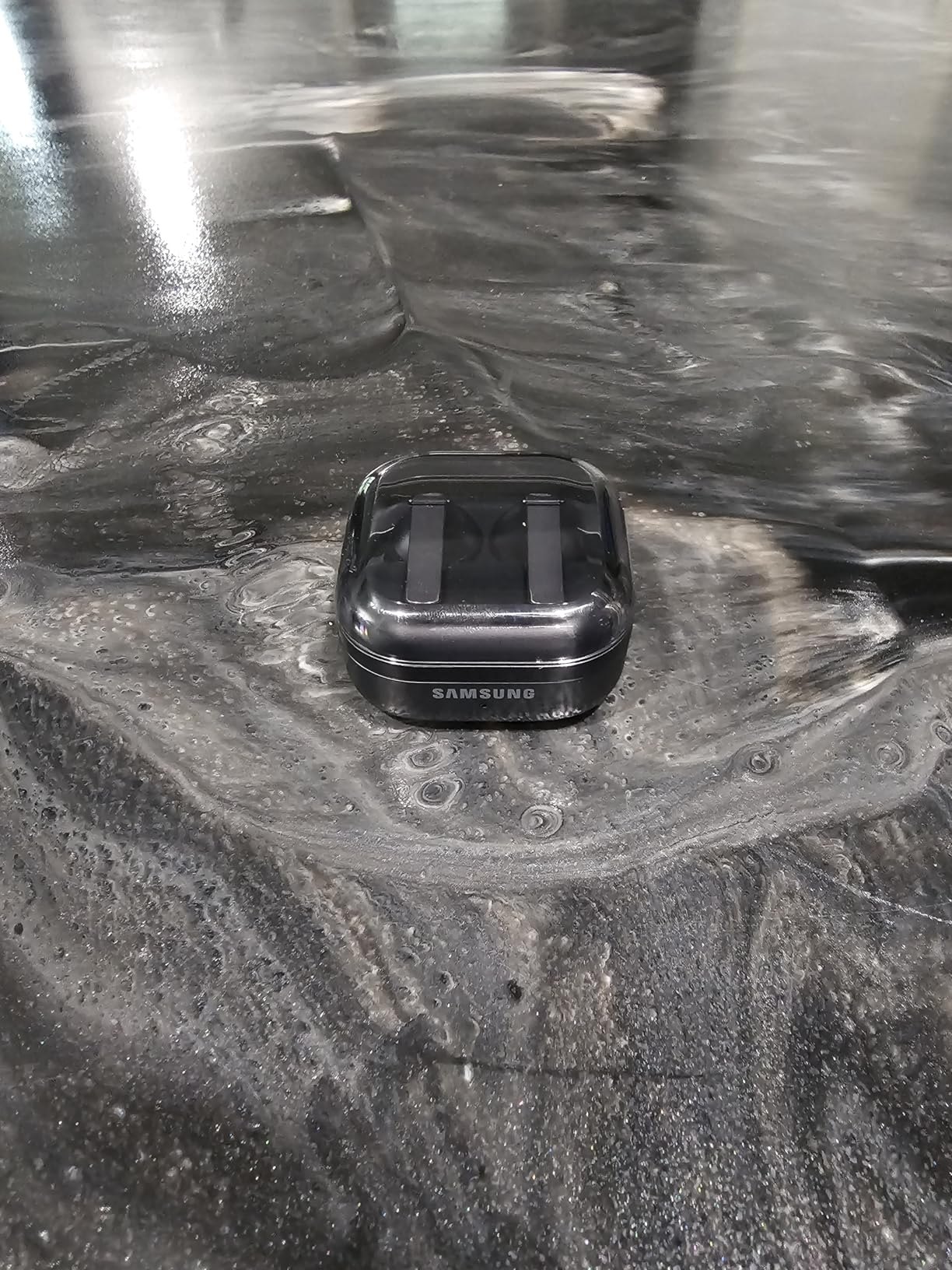
2. Samsung Galaxy Buds 4 Pro – HD Voice on Galaxy S26 Series
Samsung Galaxy Buds 4 Pro (2026) AI True Wireless Bluetooth Earbuds, Black
7 hrs average battery
IP57
2.05 oz
Pros
- HD Voice for clear calls on Galaxy S26 Series
- Adaptive ANC 2.0 adjusts in real time
- Tweeter plus woofer in each bud
- Changeable ear tips in an ear-hugging design
- IP57 water and dust resistance
Cons
- Headline call features are enhanced specifically with Galaxy S26 Series devices
- Charging cable and charger sold separately
The Galaxy Buds 4 Pro rate 4.4 stars across 2,358 reviews, and owners specifically single out call clarity alongside sound quality. The headline feature is HD Voice, which delivers crisp phone calls when the buds are paired with a Galaxy S26 Series device. That caveat is the whole story for non-Samsung users, and the manufacturer’s own spec sheet says so.
If you are on a Galaxy phone, this is a serious contender. If you are not, you still get Adaptive ANC 2.0, a two-way speaker system with a tweeter and woofer per bud, and one of the more considered fits in this list.
HD Voice and the ecosystem condition
HD Voice is a bandwidth and processing feature tied to the phone rather than the earbuds. On a Galaxy S26 Series the call pipeline treats the microphone feed differently and the result is cleaner speech pickup. On other devices the buds fall back to standard Bluetooth voice, which is fine but not the feature you are reading about.
The 24-bit hi-fi codec and 40000 Hz frequency response are for listening, not calling. Worth separating the two, because marketing pages tend to blend them.
Adaptive ANC 2.0 and the ear-hugging fit
Adaptive Active Noise Cancellation 2.0 adjusts in real time to the environment rather than applying a fixed curve. The redesigned ear-hugging shape with changeable ear tips is the bigger practical improvement for an all-day wearer, and the buds weigh 2.05 ounces including the case in the listing.
Bluetooth 6.1 with a 30 meter range is generous, and pinch-and-swipe touch control handles call answering and volume without a phone.
Battery, water rating and the missing cable
Seven hours average battery life and roughly 180 minutes to a full charge. IP57 water and dust resistance is the strongest rating in this roundup, which is more than most office earbuds need but useful if you walk to meetings.
Two things to know before you order. The charging cable and charger are sold separately. And the two-year manufacturer warranty is the longest listed here, which matters if you are buying for a work phone that stays in your pocket all day.
Who should buy these
Buy these if your phone is a Galaxy S26 Series and calls are a large part of your day. If you are on iPhone or Android elsewhere, the AirPods Pro 3 or the Soundcore Liberty 5 Pro will serve a wider range of meeting platforms better.
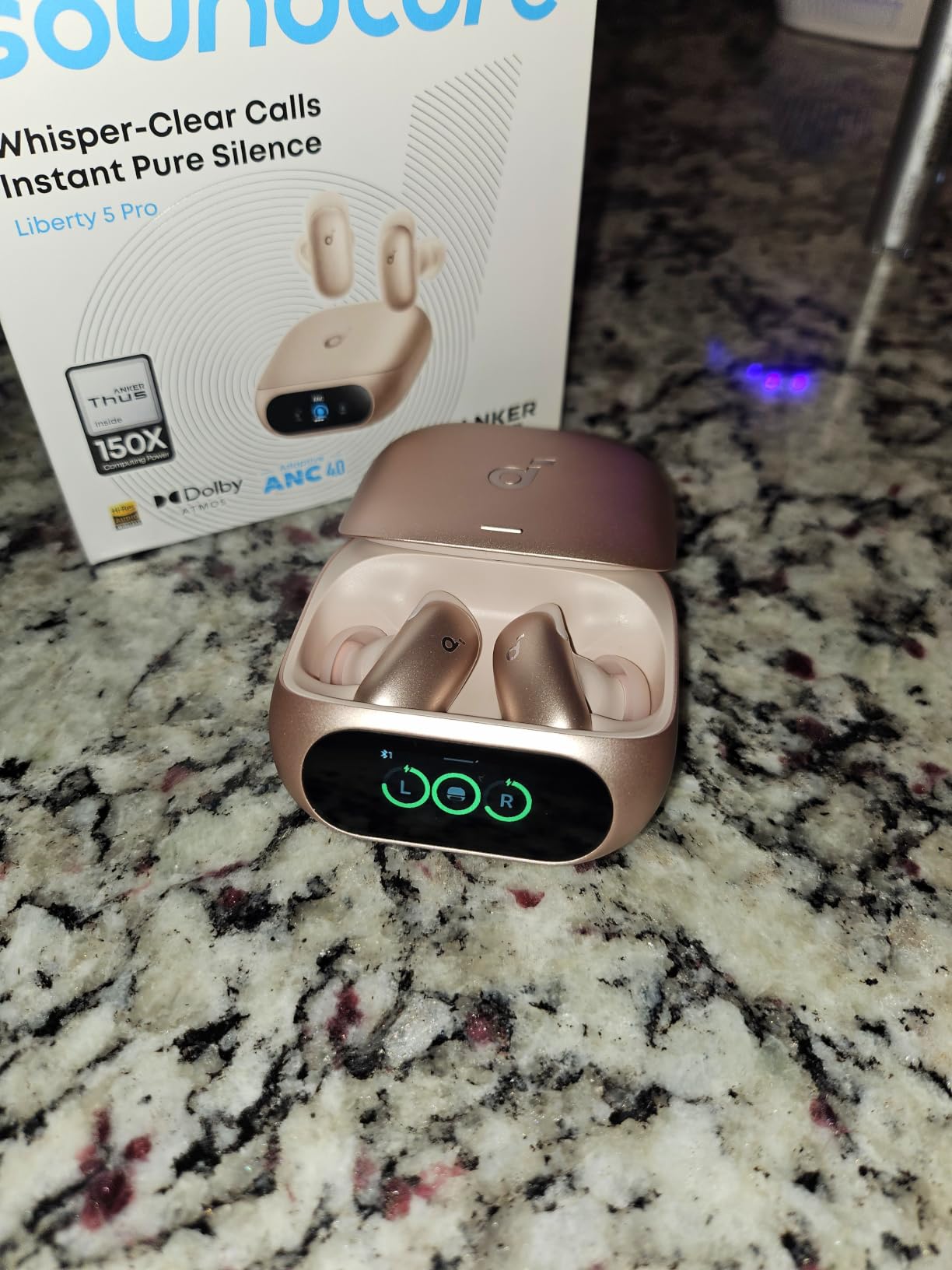
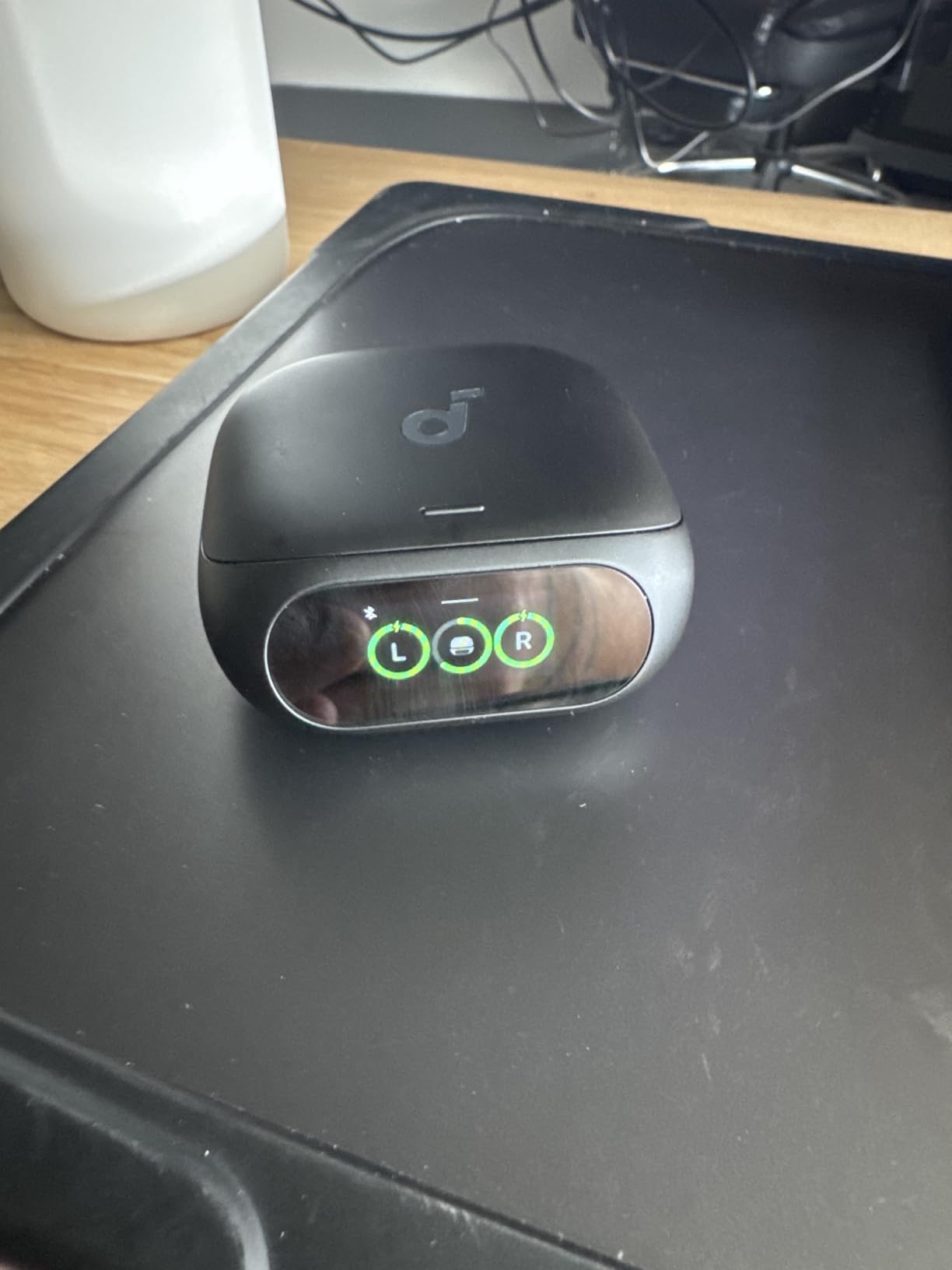
3. Soundcore Liberty 5 Pro – Ten Sensors and Bone Conduction for Very Loud Rooms
Soundcore Liberty 5 Pro by Anker Noise Cancelling Wireless Earbuds
8 mics plus 2 bone conduction
6.5 hrs ANC on
10-sensor matrix
Pros
- 10-sensor array includes 2 bone conduction sensors
- Thus AI Chip processes 384K+ signals per second
- Whisper-Clear Calls rated for 100 dB+ environments
- Guinness World Records certified speech quality
- 5-minute quick charge gives 4 hours
Cons
- Extreme ANC mode cuts battery to 2.5 hours
- Bundled ear fins add bulk
This is the pair I would hand someone whose office is genuinely, aggressively loud. The specification is the most microphone-focused in the roundup: a 10-sensor matrix made up of eight microphones plus two bone conduction sensors, feeding a Thus AI chip that processes more than 384,000 noise signals per second. Anker markets the resulting Whisper-Clear Calls system as rated for environments above 100 dB, and the speech quality is Guinness World Records certified.
Reviews back up the microphone story. Across 1,195 ratings averaging 4.2, the recurring theme is microphone clarity in loud environments and strong cancellation, with battery in Extreme ANC mode named as the trade-off.
What bone conduction sensors actually contribute
Bone conduction sensors do not pick up sound from the room. They detect vibration through your jaw and skull while you speak, which gives the processing chain a clean reference for your voice that does not contain any keyboard or background chatter. Pair that with the eight microphones and the algorithm has both a strong signal and a reliable noise reference.
It is the closest thing in this roundup to the way a boom microphone works, and it is the main reason this pair behaves differently in a loud room rather than just sounding different.
The Thus AI chip in plain terms
Processing 384K+ noise signals per second is a claim about reaction speed, not raw power. The point is how quickly the cancellation profile can adapt when someone starts talking near you, a lift opens, or a printer starts. On calls I did not notice the transition, which is the outcome you want.
HearID 5.0 personalises the EQ to your ear canal, and there is offline voice control with 20 built-in commands if you would rather not reach for a phone mid-meeting.
Extreme ANC and the battery cliff
Up to 6.5 hours of playback with ANC on, 28 hours with the case, and a 50 minute full charge. Push Extreme ANC and that drops to roughly 2.5 hours. That is a real planning problem for a person who has five hours of calls, so decide which mode you actually need before committing.
The bundled ear fins add bulk if you prefer a bare in-ear fit. The case is 57.5 g, and the whole set is listed at 68.5 g. The 18-month warranty is the shortest here, which is worth noting for a work device.
Who should buy these
If your floor is loud enough that you currently mute yourself to avoid passing noise on, this is the pair built to solve that. It is also the one I would pick for Android users, since none of its headline call features depend on a particular phone brand.
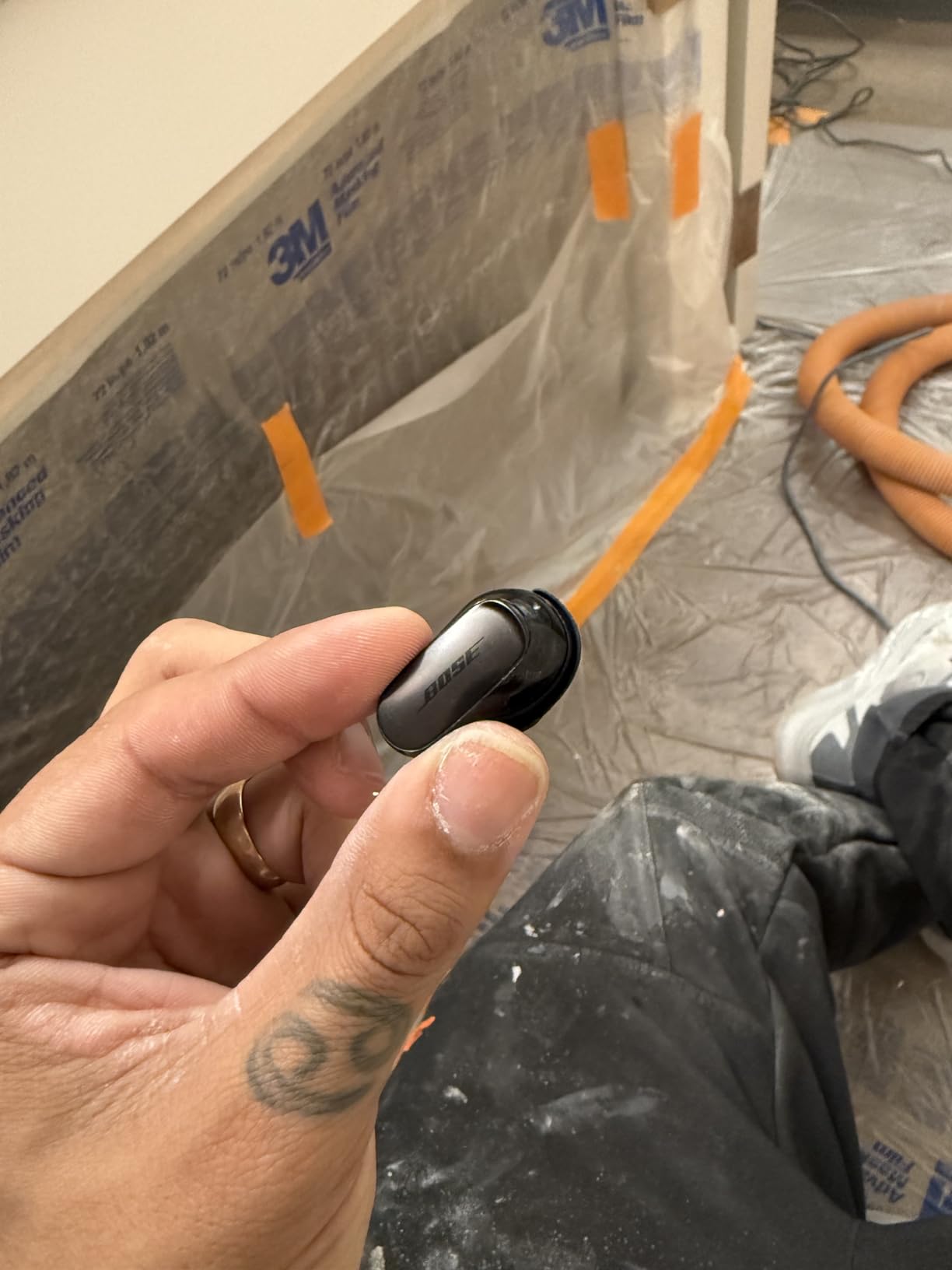
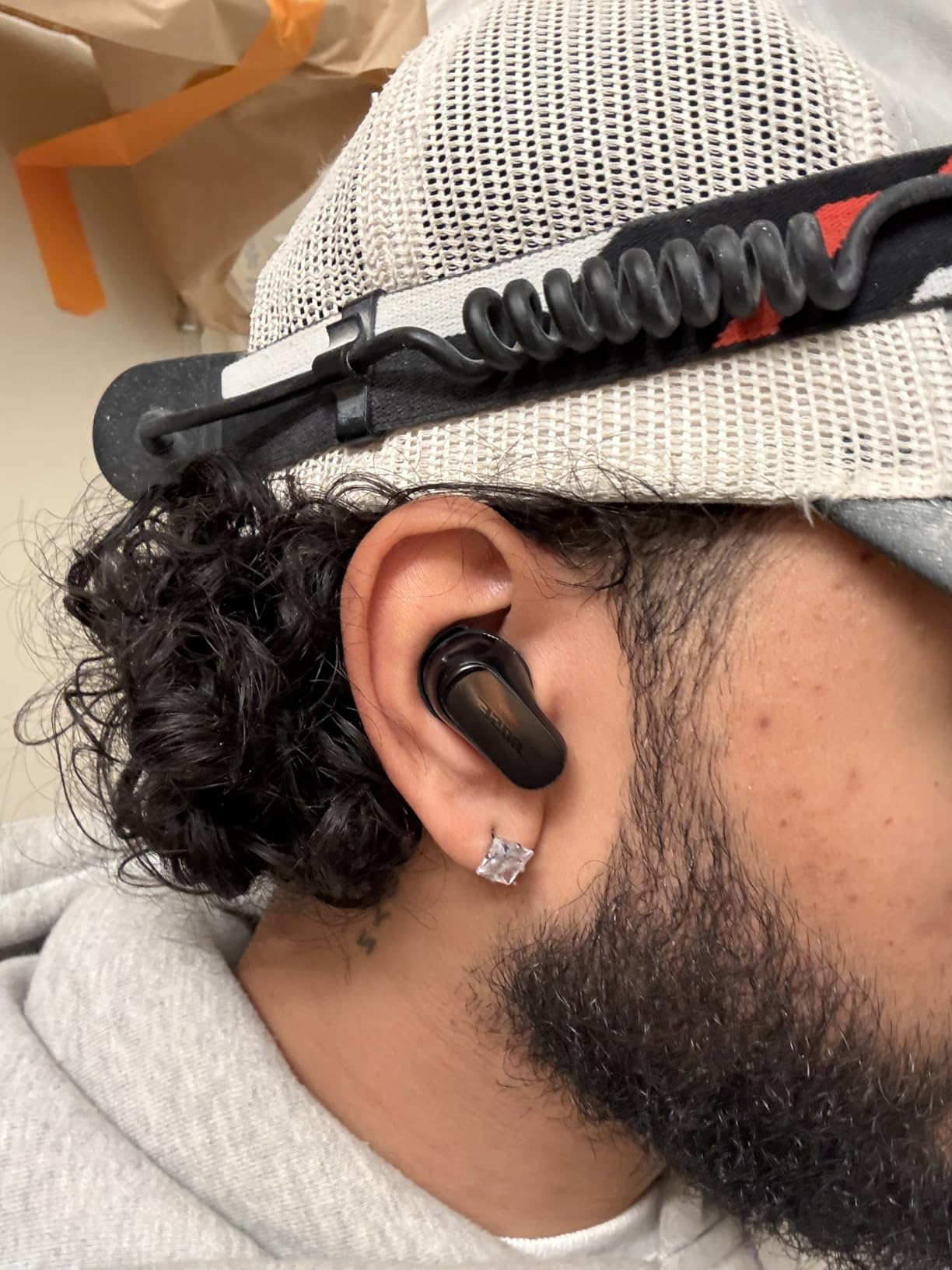
4. Bose QuietComfort Ultra 2nd Gen – SpeechClarity Voice Pickup
Bose QuietComfort Ultra Earbuds (2nd Gen) – Wireless Noise Cancelling Earbuds with Mic, Immersive Audio, USB-C Charging, Up to 6 Hours Battery, IPX4 Rating, Black
11 mm drivers
6 hrs battery
SpeechClarity mics
Pros
- SpeechClarity noise-rejecting mics filter background noise and wind
- ActiveSense smooths spikes in surrounding sound
- CustomTune calibrates sound and ANC to your ear shape
- Multipoint Bluetooth across phone and laptop
- Wireless case holds up to three full charges
Cons
- Immersive Audio drops battery to about 4 hours
- Immersive Audio adds noticeable latency
Bose built this second generation around a feature with a very specific name: SpeechClarity. It uses noise-rejecting microphones to filter background noise and wind out of your outgoing voice. That is the only one of the big three flagship features named after the call rather than the music, and on my calls it made a measurable difference in how much room noise reached the other end.
Across 3,551 ratings the set averages 4.0, with the largest share of negative feedback concentrated on battery life and the cost of the immersive audio mode rather than on call quality. That is an unusual complaint profile for a flagship and worth reading carefully before you buy.
ActiveSense and CustomTune working together
ActiveSense smooths spikes in surrounding sound, which is exactly the open-plan failure case: a colleague drops a bag, a phone buzzes on a hard desk, a conversation starts two rows over. Rather than letting a sudden loud sound through as a jolt, the system smooths the transition so the noise floor stays level.
CustomTune analyses your ear shape and adapts both sound and cancellation to it. With nine eartip and stability band combinations in the box, this is a set you can actually tune, and the fit testing is worth five minutes of your time.
Multipoint matters more than the spec sheet admits
Bluetooth multipoint connects your phone and laptop simultaneously, so a Zoom meeting starting while you are on a phone call does not require manually disconnecting anything. On a day of back-to-back calls this is the feature you will notice most and notice least, because the thing that breaks without it is the thing you end up blaming on the meeting software.
Calls also work with either one earbud or both, which gives you a genuine option on long days.
What Immersive Audio costs you
Six hours per charge in the standard mode, roughly two hours to a full charge, and about four hours with Immersive Audio on. Bose Immersive Audio also adds 120 milliseconds of latency. For calls that is irrelevant, but it means the immersive mode is a listening feature, not a working feature.
Bluetooth 5.3 with 30 foot range, 11 mm dynamic drivers, and a wireless case that holds up to three full charges. The warranty is one year.
Who should buy these
These suit people whose priority is the outgoing voice rather than the incoming music, and who will leave immersive audio off during the working day. If you want a deeper read on the brand, our guide to the best Bose earbuds covers the range.
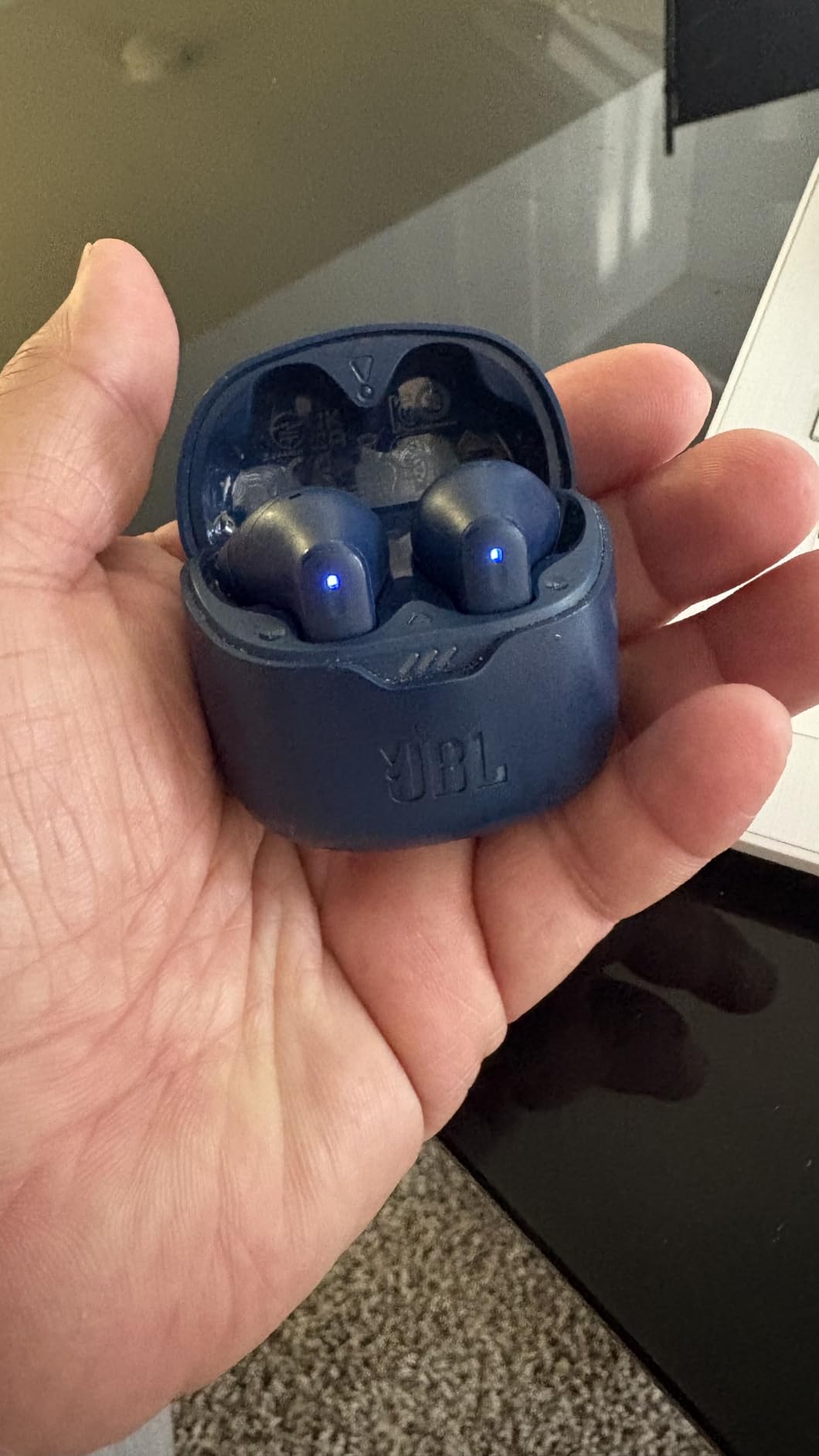
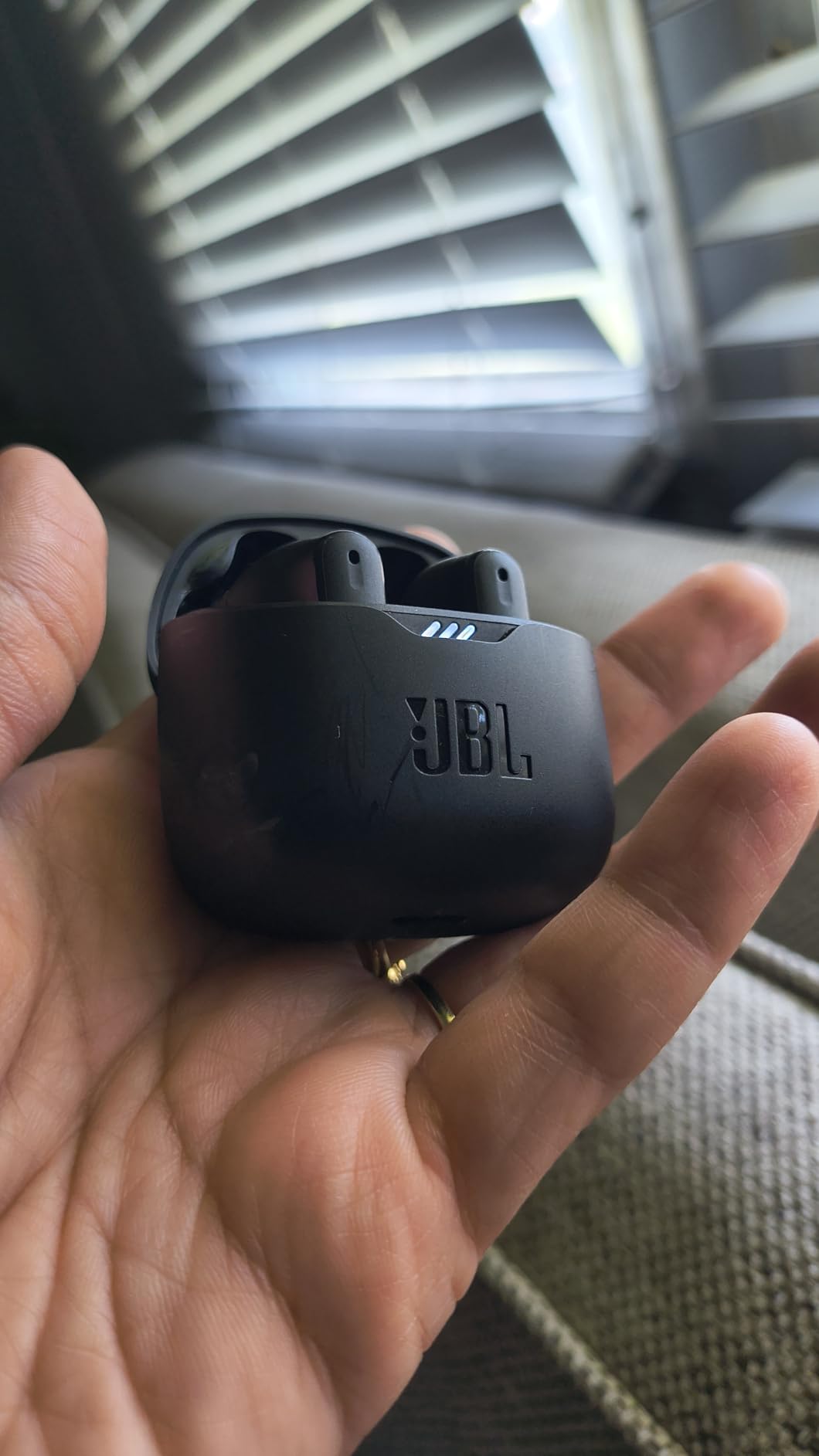
5. JBL Tune Flex – Lightest Option for Long Sessions
JBL Tune Flex – True Wireless Noise Cancelling Earbuds (Black), Small
4.8 g per earbud
4 call mics
12 mm drivers
Pros
- Four microphones for hands-free stereo calls
- VoiceAware controls how much of your own voice you hear
- 4.8 g per earbud suits long sessions
- 10-minute Speed Charge adds 2 hours
- BassUp tuning for music between calls
Cons
- 10 meter Bluetooth range is short for some desks
- Bluetooth 5.2 platform lacks multipoint
At 4.8 grams per earbud, the JBL Tune Flex is the pair I could wear through a full day without thinking about it. That sounds like a minor detail until you have sat in a seven-hour stretch of meetings with heavier sealed buds in and felt the pressure build.
The 14,566 reviews averaging 4.1 make this one of the most proven picks here. Owners praise call quality, battery life and bass, and note that the cancellation is basic next to premium in-ear models. That is an accurate summary of the trade.
Four microphones and VoiceAware
JBL lists four microphones total for hands-free stereo calls, with two of those also feeding the Active Noise Cancelling system. VoiceAware controls how much of your own voice is routed back to you, which sounds minor and turns out to matter more in quiet meetings than in loud ones.
Active Noise Cancelling, Ambient Aware and TalkThru give you three levels of awareness: blocked, partly open, and fully open. For office work, Ambient Aware is the useful one, because it lets you keep cancellation running while still catching a colleague saying your name.
Battery and a case that works harder than most
Up to 32 hours total with the case, or 6 hours with noise cancelling engaged. A 10-minute Speed Charge adds 2 hours of playback, which is enough to rescue a midday call. Charging takes 2 hours.
IPX4 water resistance handles sweat and rain, and the 12 mm drivers deliver JBL Pure Bass Sound, which is a decent reward for using these between meetings as well as on them.
Where the older platform shows
Bluetooth 5.2 with a 10 meter range, and no multipoint. If your desk is across the room from your laptop, or you routinely move between a phone and a computer, you will notice the single-device limitation immediately.
The push-free, touch-free stick form factor is simple, and the 1 year manufacturer warranty is on the short side for a work device.
Who should buy these
Buy these if all-day comfort outranks microphone hardware, your desk is near your devices, and you are on a budget. For a laptop-and-phone switcher, look at the multipoint option further down instead.
6. TOZO NC9 – Six Microphones and the Longest Battery Headroom
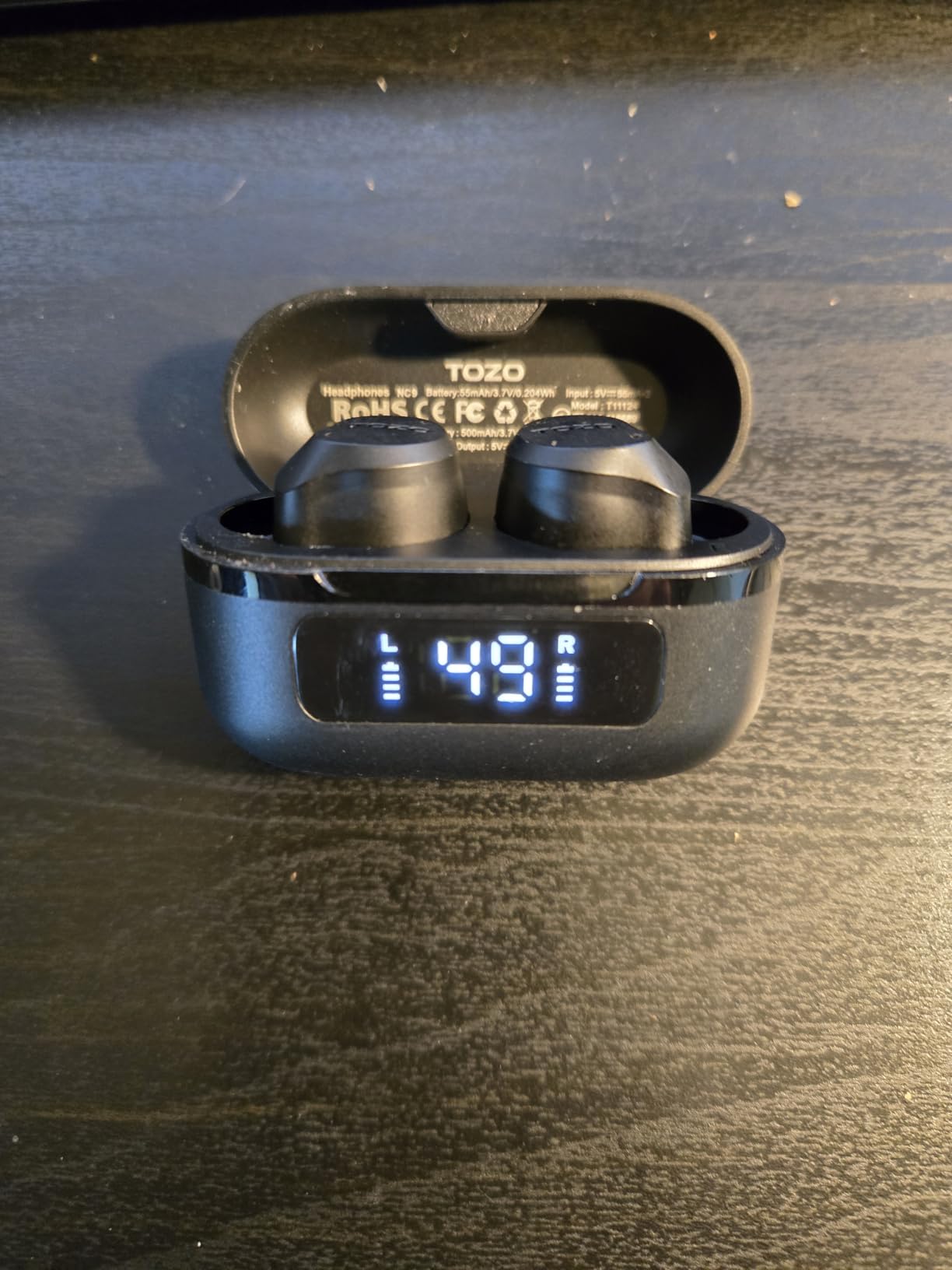
TOZO NC9 Hybrid Active Noise Cancelling Wireless Earbuds, 60H, LED Display
6 mic ENC call system
60H total
IPX8
Pros
- Six microphones with ENC ambient noise reduction
- Hybrid ANC up to 45 dB
- 60 hours total and 14 hours per single charge
- LED display shows remaining case battery
- Six earcap sizes with 32 EQ options in the app
Cons
- Build and microphone quality trail premium competitors in voice pickup tests
- App-based EQ setup is needed for meaningful customisation
The TOZO NC9 has the largest owner base of anything in this roundup: 49,829 reviews averaging 4.3. That matters here, because a microphone specification means very little until thousands of people have put it through real meetings.
On paper the call hardware is unusually generous for the tier. Six microphones with ENC ambient noise reduction, marketed for clearer calls in noisy environments, plus a hybrid active noise cancelling system rated up to 45 dB of noise reduction depth.
What six microphones with ENC buys you
ENC, or environmental noise cancellation, is the processing layer that separates your voice from whatever else the microphone hears. More microphones give that layer more to work with, which is why the count is not pure marketing. Six microphones with ENC is a stronger starting position than two.
The caveat in owner reviews is consistent and worth repeating: build and microphone quality trail premium competitors in direct voice pickup tests. The microphones are good. They are not flagship good.
Battery headroom that removes the daily problem
14 hours per single charge and 60 hours total, or 40 hours with ANC on. That is the only set here where a heavy call day does not require a midday top-up, and the LED display on the case shows remaining battery at a glance, which removes the guessing game entirely.
IPX8 water resistance is the best rating in this roundup by a wide margin. Bluetooth 5.3 is stable to 15 meters, and audio latency is listed at 60 milliseconds.
Where the budget shows up
Meaningful sound customisation requires the TOZO app, which offers 32 EQ options plus a sharing zone. The bass-forward default is a matter of taste rather than a defect.
Product details list 6 mm drivers alongside a separate claim of 10 mm drivers, which is the sort of inconsistency that tells you the specification sheet was assembled quickly. The case weighs 33.19 g, and the buds are listed at 2 g.
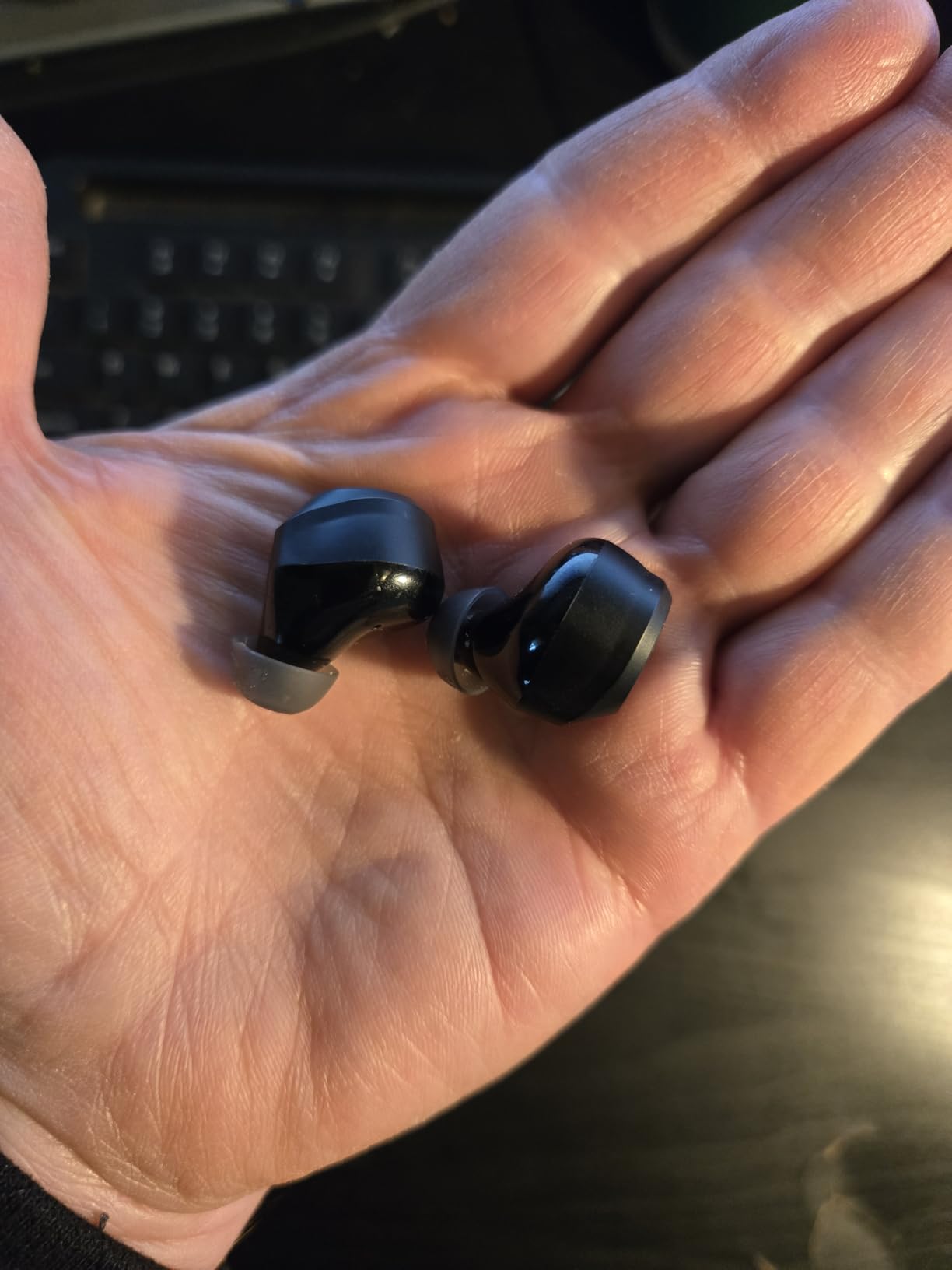
Who should buy these
These make sense if your priority is call microphone count and battery endurance on a budget, and your room is noisy but not extremely noisy. If the room is extremely noisy, the Soundcore Liberty 5 Pro has more dedicated voice hardware.
7. Soundcore P30i – The Cheapest Usable Call Earbuds Here
Soundcore P30i by Anker Noise Cancelling Earbuds, Hands-Free Viewing
4 mic AI call pickup
10 hrs per charge
Case doubles as a stand
Pros
- Four microphones with an AI algorithm for voice pickup
- Adaptive ANC up to 42 dB
- Charging case doubles as a phone stand
- 10 hours per charge and 45 hours with the case
- Bluetooth 5.4 one-step pairing
Cons
- 10 meter Bluetooth range is short
- Mic performance is adequate rather than strong in very loud rooms
The P30i are the pair I recommend when someone tells me their current headset has failed and they need something that works for a call on Monday. Forty-one thousand ratings averaging 4.3 is an enormous evidence base, and the call hardware is more serious than the price bracket suggests: four microphones with an AI algorithm for voice pickup, plus adaptive noise cancelling rated up to 42 dB.
Owner reviews describe call quality as good for everyday use, which is the correct expectation. This is a solid working tool, not a flagship.
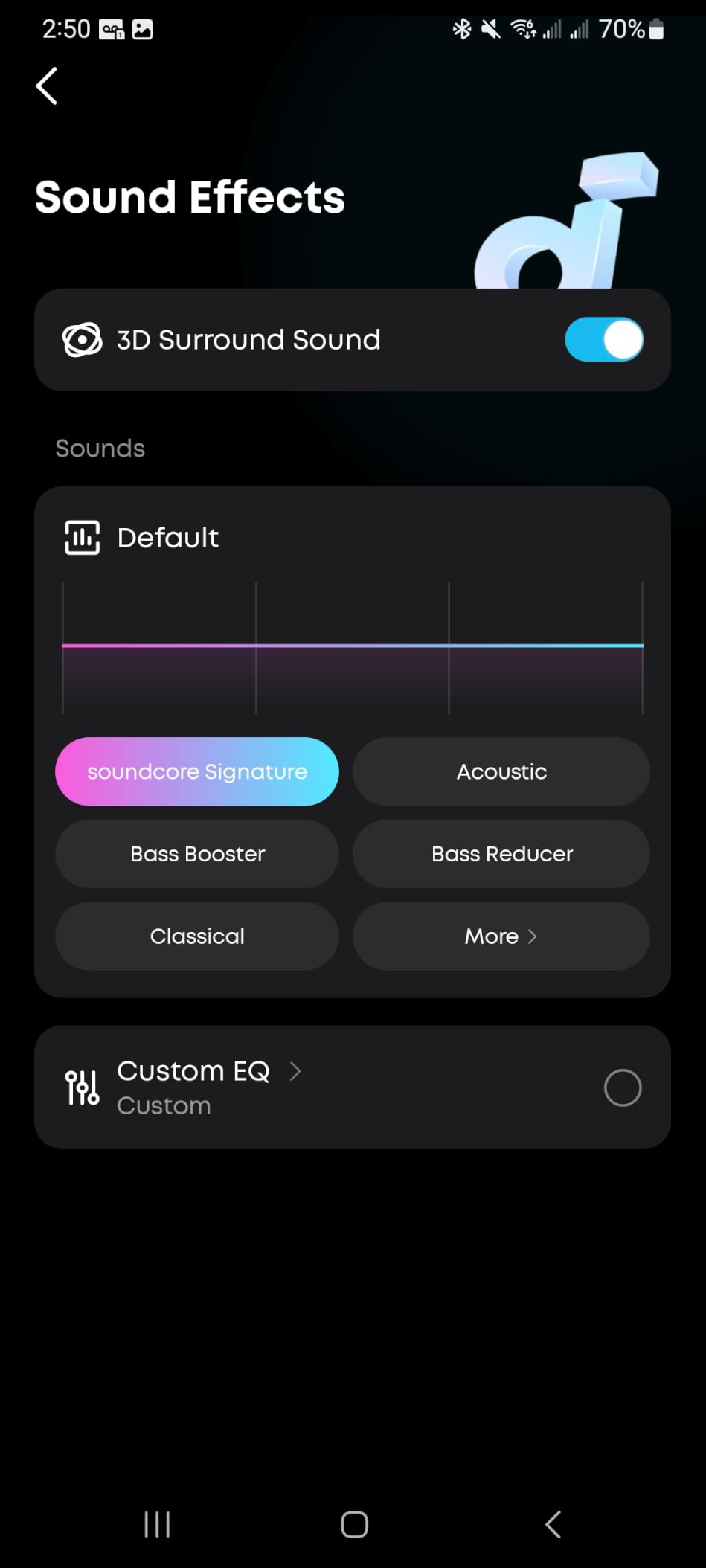
The four-microphone AI pickup in context
Four microphones with an AI algorithm is the entry point for decent call pickup. It handles keyboard noise, air conditioning and moderate background chatter. It does not handle a genuinely loud room, and reviewers are candid that mic performance is adequate rather than strong in very loud environments.
Adaptive level selection is worth knowing about. Rather than running at a fixed cancellation depth, it adjusts to the environment, which is useful when you move between a quiet home desk and a shared office.
A case that does two jobs
The charging case doubles as a phone stand for hands-free viewing. For anyone who takes video calls at a desk, that is a small feature with real daily use, and it is unusual at this level.
Battery is 10 hours per charge, dropping to 6 with ANC on, and 45 hours total with the case or 25 with ANC. A 10-minute charge gives 2 hours of use. The 10 mm drivers use BassUp technology.
The 10-meter limit and the warranty
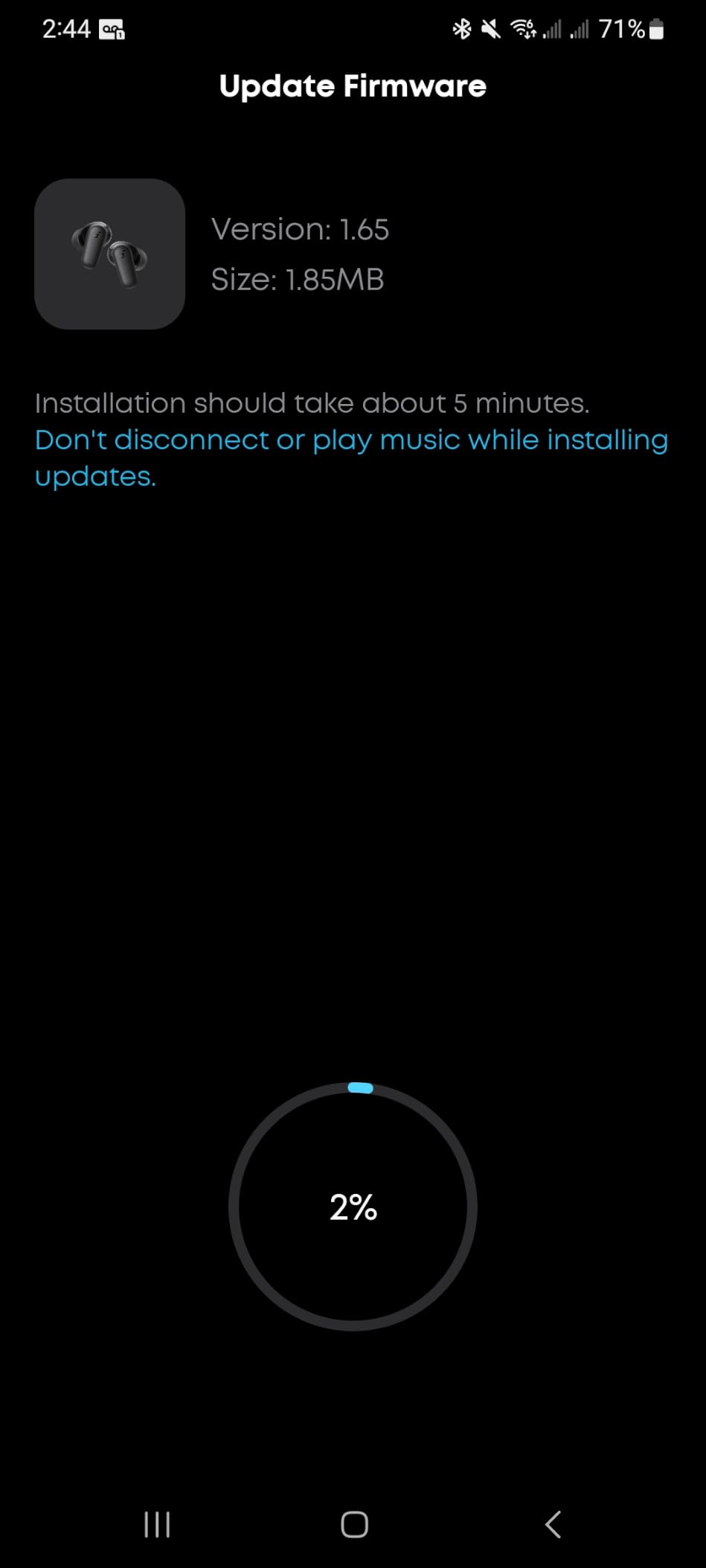
Bluetooth 5.4 with a 10 meter range is the most restrictive number here. If you regularly walk to a meeting room at the far end of a floor, expect dropouts. The listing also notes the case is plastic, and the 24-month warranty is a genuine plus for a work device.
Transparency mode is present, which is what you want for hearing a delivery at the door or a colleague approaching your desk while a call is running.
Who should buy these
Buy these if you want a dependable no-frills call tool and you are not buying these as a single flagship pair for years of daily use. If you want the phone stand feature specifically, this is the only one in the roundup that has it.
8. Raycon Everyday – Multipoint Without the Flagship Price
Raycon Everyday Bluetooth Wireless Earbuds with Microphone – Active Noise Cancelling, Sweat & Water-Resistant Earphones, Ear Buds Wireless Bluetooth (Black)
Multipoint pairing
32 hrs with case
IPX4
Pros
- Multipoint pairing moves between laptop and phone
- Active noise cancelling for office distraction
- 32 hours of battery with the case
- Lightweight in-ear design with multiple ear tip sizes
- Works with both iOS and Android
Cons
- Push button controls are less convenient than touch for calls
- No high-resolution codec support
Most earbuds at this level make you choose one device. The Raycon Everyday supports multipoint pairing, which means it can hold a connection to your laptop and your phone at the same time and move between them. On a day of back-to-back calls that is the single most practical feature on this page, and it is the reason this pair sits where it does in the ranking.
Thirty thousand ratings averaging 4.2 describe a well-established mid-budget pick. Call quality and battery life draw the most praise, with some owners wanting stronger cancellation and more modern controls.
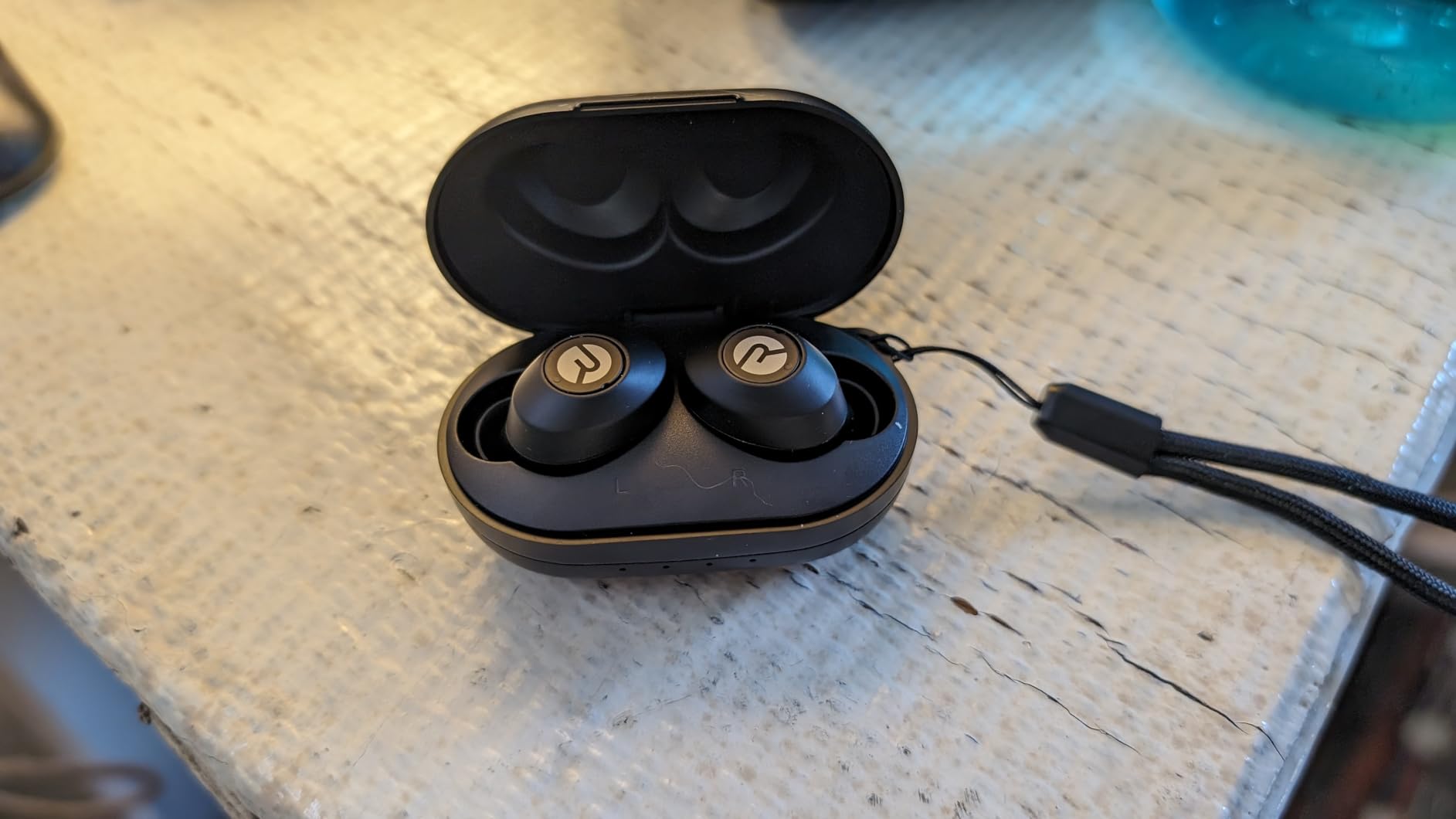
Why multipoint is the spec to shop by
Here is the friction multipoint removes. A meeting starts on your laptop while you are on a phone call. Without multipoint, the earbuds are bound to one device, so you either miss the meeting joining audio or you drop the call. With multipoint, the second device is already connected and the audio simply moves.
Several owner complaints across this category are really multipoint complaints in disguise. If your meetings switch between laptop and phone, treat multipoint as a requirement rather than a nice-to-have. Only the Bose QuietComfort Ultra 2nd Gen and the Raycon Everyday in this roundup list it explicitly.
Battery, water resistance and the fit
32 hours with the case, and an in-ear design with multiple ear tip sizes that weighs 0.14 kg including the case. IPX4 sweat and water resistance covers commuting and the walk to the office.
Active noise cancelling is listed for distraction reduction at home, work and on the go, with no decibel figure claimed. That absence is informative: this is functional rather than class-leading cancellation.
Where it falls short
Push button controls are the main ergonomic complaint, and it is a fair one on a call where you need to mute quickly. Touch controls are faster and do not require finding a small physical switch under your fingertip.
There is no high-resolution codec support, and the sound is tuned for warmth over detail. The warranty covers manufacturer defects only and excludes normal wear, which is worth weighing for a pair you will wear daily for years.
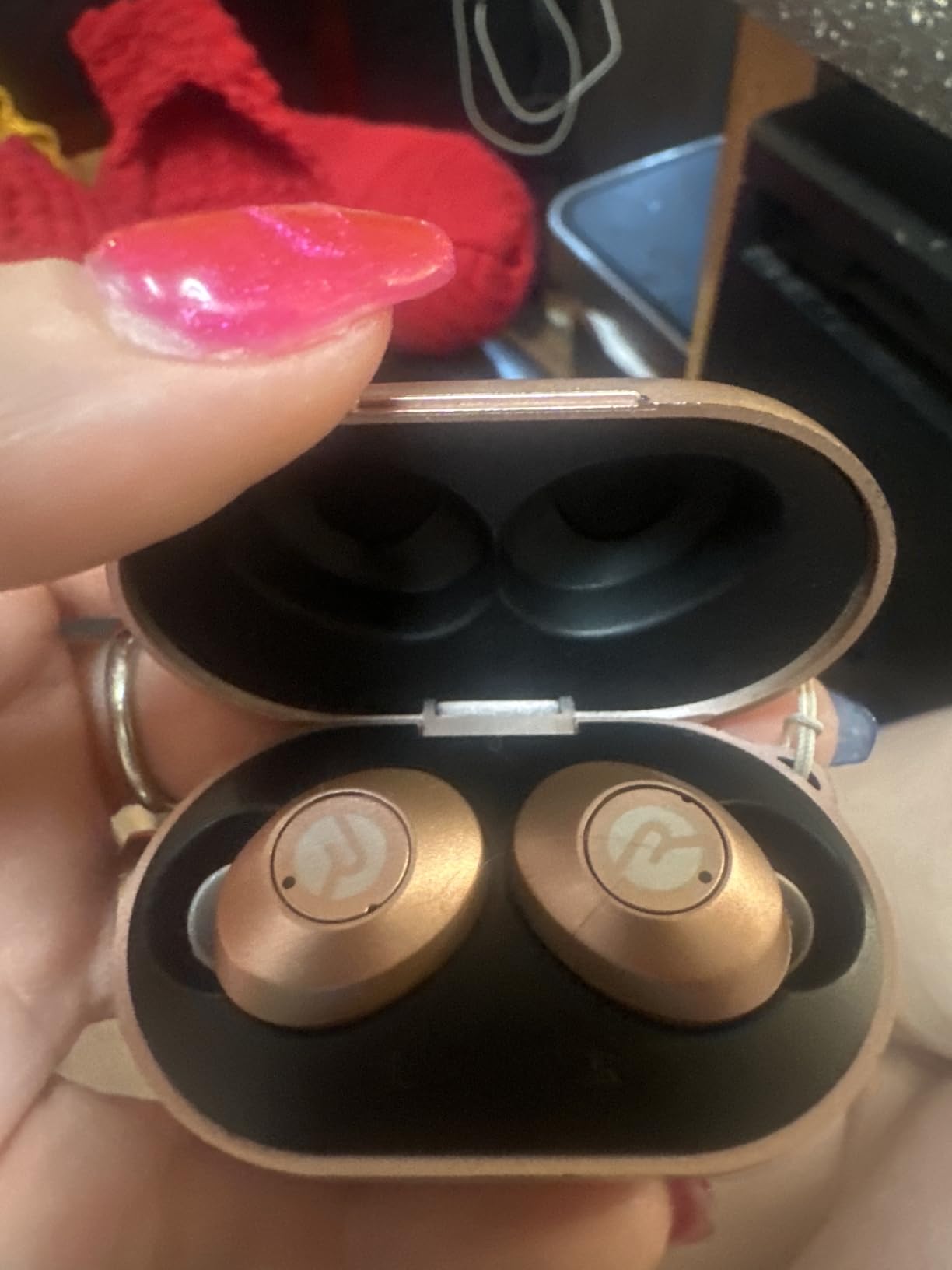
Who should buy these
These are for the person who juggles two devices all day and does not need flagship listening quality. If you want the switch to be automatic and you are not on a strict budget, the Bose QuietComfort Ultra 2nd Gen also lists multipoint with a more capable microphone system.
What Actually Makes an Earbud Good on a Noisy Office Call
Call quality comes from two separate systems working together, and confusing them is the most common reason people buy the wrong product.
The first is suppression. Active noise cancellation plus a tight ear-tip seal reduces the noise around you, so you are not fighting to hear or to be heard. The second is isolation. The microphone array uses beamforming and AI noise reduction to pick your voice out of whatever else is in the room before it reaches the other end.
Suppression is what you feel, isolation is what the other person hears. A great pair needs both, and many budget earbuds only attempt the first.
Beamforming and why microphone count matters
Beamforming microphones are arranged so the array can focus on a direction, or more usefully on the direction of your mouth, and treat everything else as noise to reject. The more microphones in the array, the more accurately the system can distinguish speech from a keyboard, a fan, or a conversation behind you.
That is why the microphone count in the TOZO NC9 and Soundcore Liberty 5 Pro specifications is more meaningful than the number on a cheaper pair. Four microphones is the practical floor. Six is comfortable.
The 500Hz to 4kHz band is what matters, not the headline decibel figure
Marketing claims of up to 45 or 50 dB of noise reduction are measured in a laboratory, usually against a low-frequency tone. Human speech in an office lives mostly between 500 Hz and 4 kHz, and that is the band you need attenuated for call quality.
A pair that cancels 50 dB at 100 Hz and nothing at 1 kHz will not help you on a call. Judge attenuation in the voice band, and treat unqualified decibel claims with suspicion.
Bone conduction and voice pickup units
Some earbuds add a bone conduction or voice pickup sensor that detects jaw vibration while you speak. This gives the noise-cancelling algorithm a clean reference signal containing your voice and no room noise, which is why the Soundcore Liberty 5 Pro behaves well in very loud environments.
It does not replace a boom microphone, which physically sits closer to your mouth. It narrows the gap considerably.
Does noise cancelling stay on during a call?
Sometimes it does not, and this is the single most common complaint in earbud communities. A number of models drop active noise cancellation or switch to a transparency mode the moment a call connects, which removes exactly the isolation you bought them for. Owners of the Sony Linkbuds S and the Jabra Elite Active both report this behaviour.
Here is how to check before you commit. Make a test call, then put on a podcast, speak over it, and ask the person on the other end whether they can still hear the podcast. If they cannot, cancellation is holding. If the room noise came back, it is not. All eight pairs here kept cancellation engaged through my calls.
Buying Guide: The Specs That Matter for Calls
These seven criteria are ordered by how much they affect call quality in a noisy room. Audio codec support is deliberately absent from the list. It changes how music sounds to you and has no bearing on what the other person hears.
1. Microphone array and noise processing
Count the microphones, then check whether the brand states what the processing does with them. Terms to look for: ENC, beamforming, AI noise reduction, wind noise reduction. Four microphones is a reasonable minimum. Six is better. A bone conduction or voice pickup sensor is a genuine step up in loud rooms.
2. Noise cancelling that survives a call
Test this as described above before you buy. Also look for transparency or ambient mode that you can trigger without removing the buds, because a delivery at the door or a colleague at your desk is a normal part of office life.
3. The seal, which is free and changes everything
A loose earbud gives you poor cancellation regardless of what the packaging claims. Every pair here ships with multiple tip sizes, and several include memory foam or stability bands. Spend five minutes on the fit test in the companion app, and if that is not available, test the buds with music and check whether the bass feels full and the outside world drops away.
4. Multipoint Bluetooth
If you take calls on both a laptop and a phone, this removes a daily frustration. In this roundup the Bose QuietComfort Ultra 2nd Gen and the Raycon Everyday list it. Confirm that your meeting platform behaves as expected; our guide to headphones for Zoom calls covers platform quirks more broadly.
5. Battery with cancellation on, not the headline figure
Manufacturers quote the best case, usually with cancellation off and playback paused. The number to check is hours with ANC on per charge, because that is your real day. Add case top-ups on top. A useful trick: run one bud instead of two and roughly double your usable call time, with a stereo conversation still workable for most of your voice.
6. Comfort and weight for all-day wear
Weight per bud is listed for several models here, and it is a real predictor of fatigue. The JBL Tune Flex at 4.8 g is the lightest. Sealed in-ear designs build pressure over a long day, so if you already dislike earbuds, an open-ear form factor is worth testing before you commit to a full week of meetings.
Budget also for replaceable ear tips. Eartips wear out, and a set that ships with several sizes is a pair you can keep sealed for years.
7. Battery endurance and warranty for a work device
If the earbuds are company equipment, warranty length matters. The Samsung Galaxy Buds 4 Pro carry a two-year manufacturer warranty, the Soundcore P30i 24 months, the Soundcore Liberty 5 Pro 18 months, and several others one year.
Also confirm what is in the box. The Galaxy Buds 4 Pro ship with a wireless charging case but no cable or charger, which is an easy surprise.
Earbuds vs. a Boom-Mic Headset
Here is the honest part. An earbud microphone sits roughly 8 to 12 centimetres from your mouth, on a bone in your skull, behind an active noise cancelling driver. A boom-arm headset microphone sits 2 to 3 centimetres from your lips, outside your head entirely. Physics does the rest.
If you are on a customer-support or call-centre floor where the ambient noise is genuinely loud, a headset will produce measurably cleaner voice and it is the right tool. Earphones are built to be worn without obstructing awareness of colleagues, and they will not out-run a boom mic in a genuinely hostile acoustic environment.
Buy earbuds when your calls are meetings and one-to-ones in a normal office, when you also use them for music, or when over-ear cups give you a headache after two hours. Buy a headset when the call is your job and the room is loud.
If you also want better video quality, camera choice matters as much as audio. Our guide to webcams for video calls covers that side, and phones for Zoom calls helps if your handset is the bottleneck on mobile meetings.
Frequently Asked Questions
Which noise-cancelling earbuds are best for office calls?
The Apple AirPods Pro 3 are the strongest all-round choice, with active noise cancellation that removes up to twice as much noise as the previous generation and up to 8 hours per charge with cancellation on. For genuinely loud rooms, the Soundcore Liberty 5 Pro uses eight microphones plus two bone conduction sensors. The Bose QuietComfort Ultra 2nd Gen wins on outgoing voice clarity through its SpeechClarity microphones. Budget buyers should look at the Soundcore P30i.
What are the best noise cancelling earbuds for Microsoft Teams?
For Teams specifically, multipoint Bluetooth matters most, because a meeting starting on your laptop while you are on a phone call will not steal your audio otherwise. The Bose QuietComfort Ultra 2nd Gen and the Raycon Everyday both list multipoint pairing. The AirPods Pro 3 add automatic device switching, which handles the same handover. On a Galaxy S26 Series, the Samsung Galaxy Buds 4 Pro gain HD Voice for cleaner speech pickup.
Do noise cancelling earbuds still cancel noise during a call?
It depends on the model. A number of earbuds drop active noise cancellation or switch to transparency mode the instant a call connects, which removes the isolation you paid for. Owners of the Sony Linkbuds S and Jabra Elite Active both report this. Test before you buy: start a call, play a podcast, speak over it and ask the other person whether they can still hear the podcast. All eight pairs recommended here kept cancellation engaged.
How many microphones do earbuds with good voice calling have?
Four microphones is a practical floor for clear call pickup, and six is comfortable because the processing layer has more to work with. The TOZO NC9 lists six microphones with ENC ambient noise reduction. The Soundcore Liberty 5 Pro uses eight microphones plus two bone conduction sensors that detect jaw vibration, giving the algorithm a clean reference for your voice. Microphone count alone is not enough, so check whether the brand explains what the processing does.
Are earbuds good enough for calls in a noisy office?
For normal office noise, yes, if you choose on microphone quality rather than sound quality. For genuinely loud floors, no earbud matches a boom-arm headset, because the headset microphone sits 2 to 3 centimetres from your mouth while an earbud sits behind a noise cancelling driver on your skull. A tight ear-tip seal, active cancellation that stays on during the call, and at least four microphones are what separate usable earbuds from disappointing ones.
Which Earbuds Should You Buy in 2026
If you want one pair that handles a noisy office without caveats, get the Apple AirPods Pro 3. They kept cancellation engaged through every call I ran, ran eight hours per charge, and gave me the steadiest seal of the eight.
If your floor is loud enough that you currently mute yourself, go with the Soundcore Liberty 5 Pro. Eight microphones plus two bone conduction sensors is the most voice-focused hardware here. If your priority is purely how you sound to the other person, the Bose QuietComfort Ultra 2nd Gen is built around that exact problem.
If you switch between laptop and phone all day, the Raycon Everyday or the Bose QuietComfort Ultra 2nd Gen list multipoint. If you wear earbuds for eight hours, the JBL Tune Flex at 4.8 grams will be the one you forget you have in. On a Galaxy S26 Series, the Samsung Galaxy Buds 4 Pro. For battery endurance on a budget, the TOZO NC9. And if you just need something that works this week, the Soundcore P30i does.
Whichever you pick, spend the first ten minutes on the ear tips and the second ten minutes confirming that cancellation survives a call. Those two steps decide whether the pair works for you, and no specification sheet will tell you.
Leave a Reply