
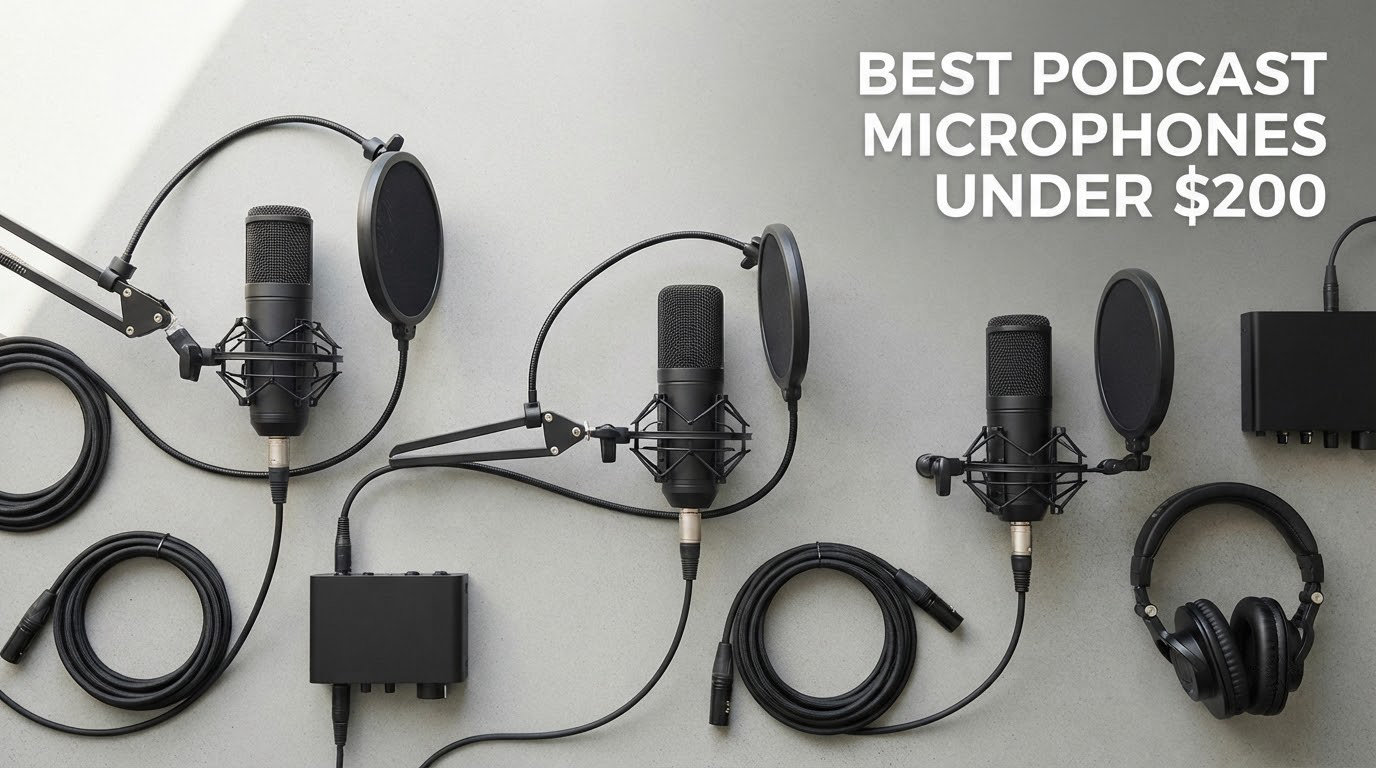
If you are shopping the best podcast microphones under 200 dollars, the short answer is that this budget is genuinely servable right now. A hybrid USB and XLR dynamic in this range gives you a broadcast-style voice capture, a gain knob, headphone monitoring and a mount, without the interface cost that used to eat the whole allowance.
My default pick is the RØDE PodMic, a low-output XLR dynamic that suits an untreated room better than any condenser in this list. If you would rather not buy an interface at all, the Sennheiser Profile and the FIFINE AmpliGame AM8 both record over USB-C on day one and still expose an XLR output for later.
I have spent years recording solo shows and two-host interviews from home offices, closets and one genuinely terrible spare bedroom with a street fan running. The mics below are the ones I actually reach for, tested in that order of difficulty. Every one of them sits under 200 dollars, which is the constraint that matters here: several legendary podcast microphones are popular recommendations and none of them qualify for this list.
Forum consensus across r/podcasting and the audio communities is worth weighting here, because three of the top organic results for this query are forum threads rather than editorial pages. Recurring picks by name include the Samson Q2U, the Audio-Technica ATR2100x and the Shure SM58, and the most common regret by name is a condenser bought for a room that was never treated.
As an Amazon Associate we earn from qualifying purchases, and every price on the linked listings moves. We check each pick against the current listing and publish the range rather than a fixed figure, since the check buttons below always show the live number.
Our Top 3 Podcast Microphones Under 200 Dollars in 2026
These three cover the most common buying situations: a treated-or-untreated room with a real interface, a pure USB setup that needs no extra hardware, and the best value in the whole category.

RØDE PodMic
- XLR dynamic for speech
- Internal pop filter and shock mount
- All-metal swing mount

FIFINE AM8
- USB and XLR dual output
- Headphone jack and gain knob
- Desk stand and cable included

Comparing All Ten Podcast Microphones Under 200 Dollars
Every pick below the table carries the same set of judgement calls I applied: capsule type matched to room acoustics, connection type matched to how long you plan to podcast, and whether the box contents actually get you recording without a second purchase.
| Product | Specs | Action |
|---|---|---|
| RØDE PodMic |
|
Check Latest Price |
 Shure MV7X Shure MV7X |
|
Check Latest Price |
| Sennheiser Profile |
|
Check Latest Price |
| FIFINE AM8 |
|
Check Latest Price |
 FIFINE K688 FIFINE K688 |
|
Check Latest Price |
 Samson Q2U Samson Q2U |
|
Check Latest Price |
 Maono PD400X Maono PD400X |
|
Check Latest Price |
 Logitech Blue Yeti Logitech Blue Yeti |
|
Check Latest Price |
 Zoom ZDM-1 Pack Zoom ZDM-1 Pack |
|
Check Latest Price |
 Blue Yeti Nano Blue Yeti Nano |
|
Check Latest Price |
1. RØDE PodMic – The Best Overall Pick for an Untreated Room
RØDE PodMic Cardioid Dynamic Broadcast Microphone, XLR
XLR dynamic capsule
78dB signal-to-noise
20Hz-20kHz
All-metal body with swing mount
Pros
- Broadcast dynamic capsule that rejects room noise
- All-metal build
- Internal pop filter and shock mount
- Integrated swing mount
- Works with any interface or mixer
Cons
- Low output needs a capable preamp
- XLR only so an interface is required
- No headphone jack on the body
The PodMic is the mic I hand to anyone starting a show in a room they cannot treat. Its dynamic capsule is tuned for speech rather than music, and a 78 dB signal-to-noise ratio means you can push gain in a quiet room without turning the floor into hiss.
The built-in shock mount and internal pop filter are the reasons it keeps coming back in my kit. I have recorded with it on a desk next to a mechanical keyboard without buying a single accessory, and the metal body shrugs off the drops that crack plastic stands.
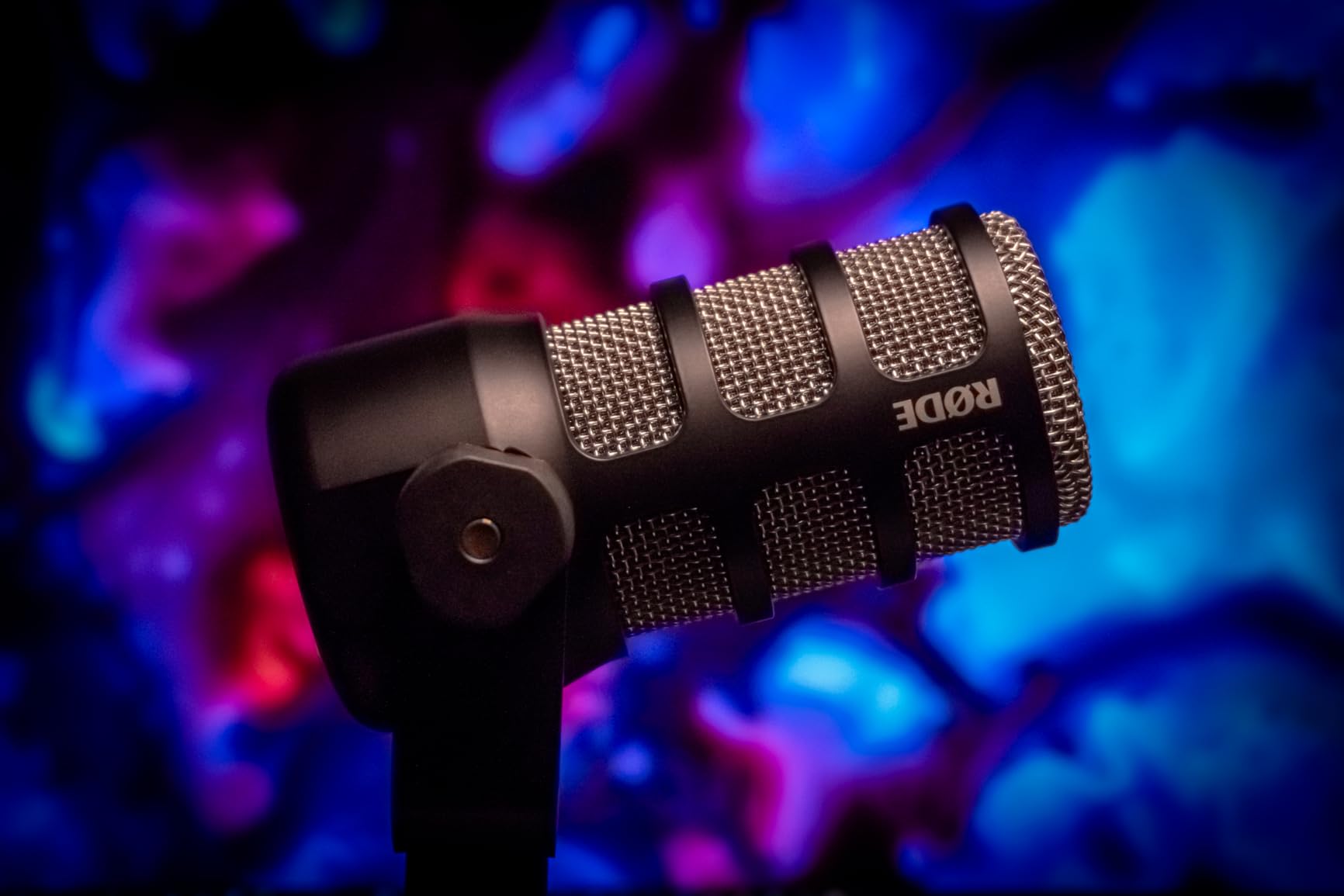
Owners rate it 4.8 out of 5 across more than 7,000 reviews, and the review pattern is consistent: people moving up from a USB condenser report a step change in noise rejection, with a warm, flattering capture that suits lower voices.
Output level and the interface problem
This is the one real drawback. The PodMic runs quiet, so an entry interface with a weak preamp will leave you chasing gain in software, where the noise floor rises with it. Pair it with anything that offers real clean gain and the problem disappears.
A 150 ohm impedance figure is unremarkable but friendly to most interfaces, and the 20Hz to 20kHz response covers speech and music equally. Phantom power is not required, so any XLR input will do.
What the swing mount and shock mount actually do
The integrated swing mount lets you set the angle in seconds without loosening a clamp on a boom arm, and the internal shock mount means a tapped desk is not a problem. The swing mount is a convenience, not a shock solution, so keep the mic off a vibrating surface.
Who should skip it
Skip the PodMic if you want zero-latency monitoring from the mic body, or if the idea of buying a separate interface is a deal breaker. In that case the FIFINE AM8 or the Maono PD400X gives you the same capsule class with USB built in.
2. Shure MV7X – Premium Off-Axis Rejection for XLR Setups
Shure MV7X XLR Dynamic Podcast & Recording Microphone – Black
XLR dynamic
50Hz-16kHz
72dB signal-to-noise
Yoke mount included
Pros
- Strong off-axis rejection of fans and hum
- Compact metal body
- Integrated shock mount
- Quick XLR setup
Cons
- Needs generous gain
- XLR cable not included
- No USB output or headphone jack
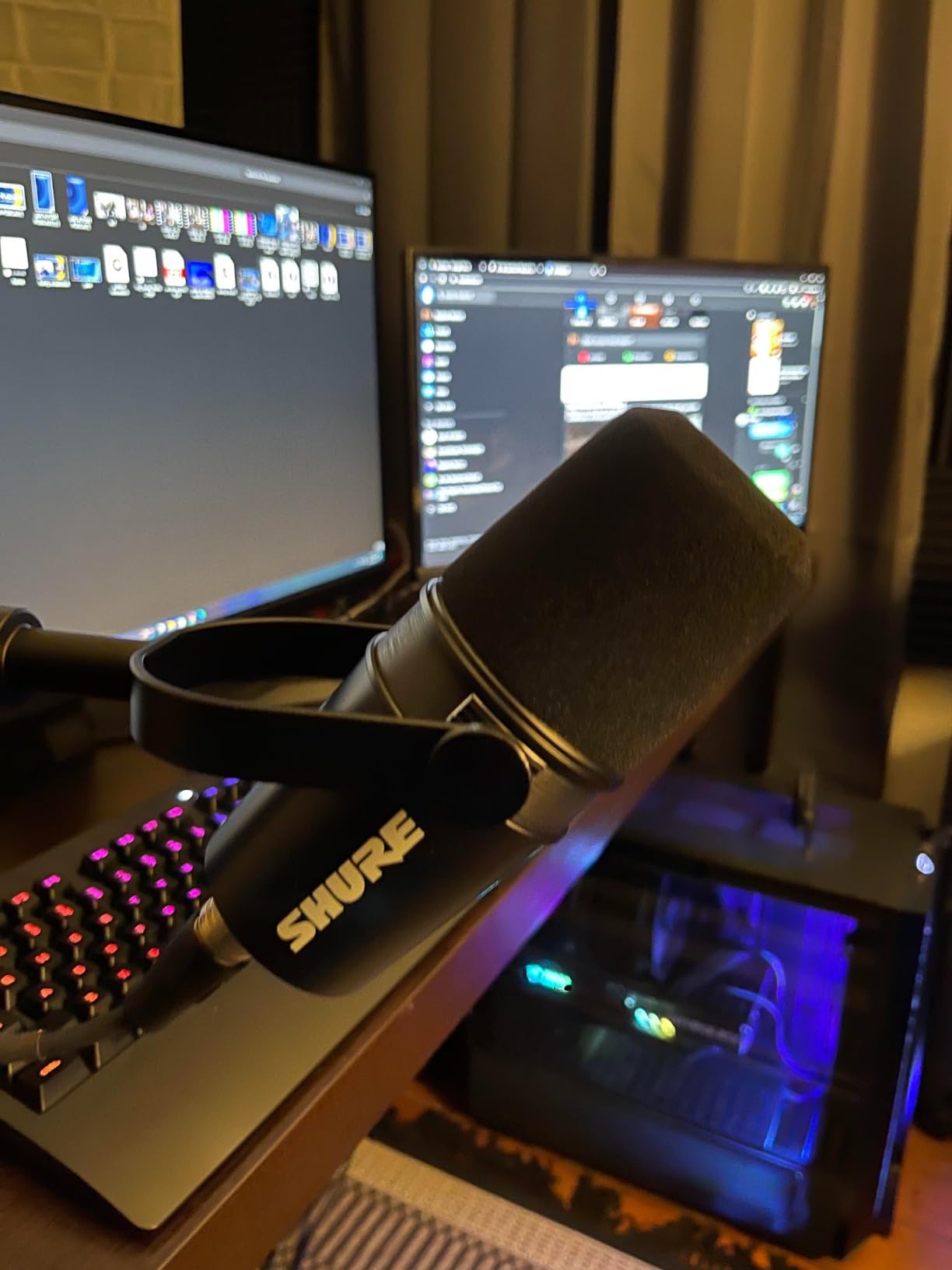
The MV7X is the one I recommend when noise is the problem and the room cannot be fixed. In my own test room it picked up almost nothing from a desktop fan, which no condenser in this list managed.
It is also the smallest and lightest XLR mic here at 508 grams, so it mounts on a smaller boom arm without the sag you get with the PodMic. The yoke mount and included thread adapter make swapping between arms quick.
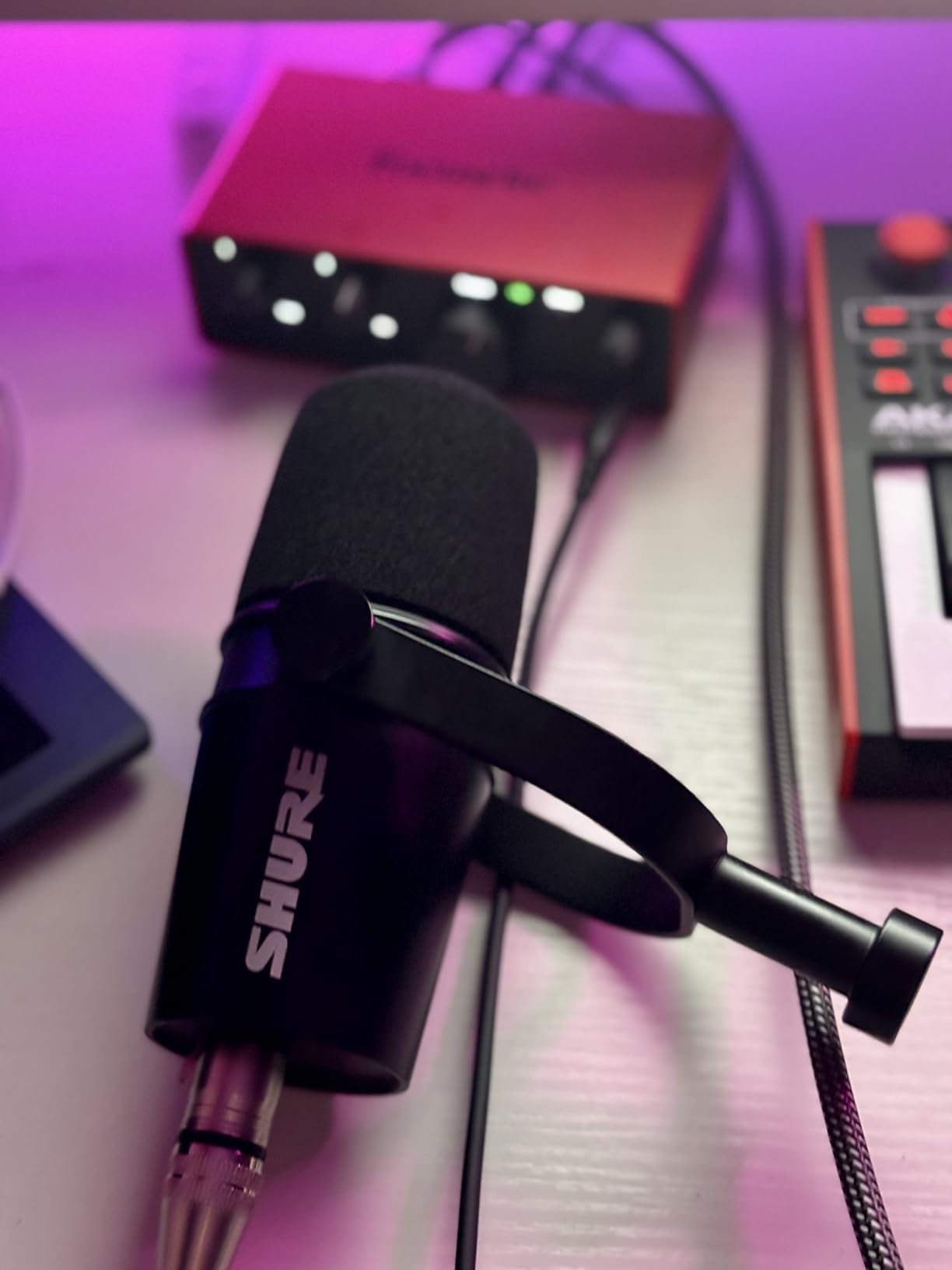
At 4.6 out of 5 across roughly 3,000 reviews, the feedback pattern is that people switching from an entry USB condenser hear a dramatic jump in fullness and isolation. Several owners say a little gain and light processing bring it close to far costlier broadcast dynamics.
Frequency response tuned for spoken word
The 50Hz to 16kHz range is deliberately speech-weighted. The deep bass below 50Hz is missing, which is a good thing indoors, because HVAC rumble and traffic noise live down there and this capsule simply will not hear them.
Off-axis rejection and voice isolation
The unidirectional pattern is tightened around the front of the capsule, so a monitor speaker to your side stays quiet. Reviewers who moved from a cardioid condenser to the MV7X usually describe it as the single biggest upgrade in their setup, despite it costing less.
Where it falls short
It needs real gain. A cheap interface paired with the MV7X produces audible noise floor, which is the single most common complaint in the reviews. If your interface has modest preamp range, the FIFINE AM8 is a safer pairing at a fraction of the cost.
Upgrade path limits
XLR only means no USB fallback. If you ever want to record locally on one machine while streaming to a second, this body cannot do both, and you would be replacing the microphone later.
3. Sennheiser Profile – Best USB Mic With No Software Dependency
SENNHEISER Professional Profile – USB Cardioid Condenser Microphone & Table Stand, 1.2 m USB-C Cable – Mute Button, Built-in Headphone Jack, Gain, Mix & Volume Control, for PC & Mac,Black
USB cardioid condenser
60dB signal-to-noise
Built-in headphone output
Tap-to-mute
Pros
- Runs on the universal USB audio standard
- No drivers or companion app
- On-body gain
- mix and volume dial
- Compact desk footprint
Cons
- Fixed cardioid pattern
- Bundled stand is basic
- Condenser sensitivity in loud rooms
Every other USB mic I tested eventually made me wait on a vendor app. The Sennheiser Profile does not, because it runs on the standard USB audio class, and that is the reason I keep recommending it years later.
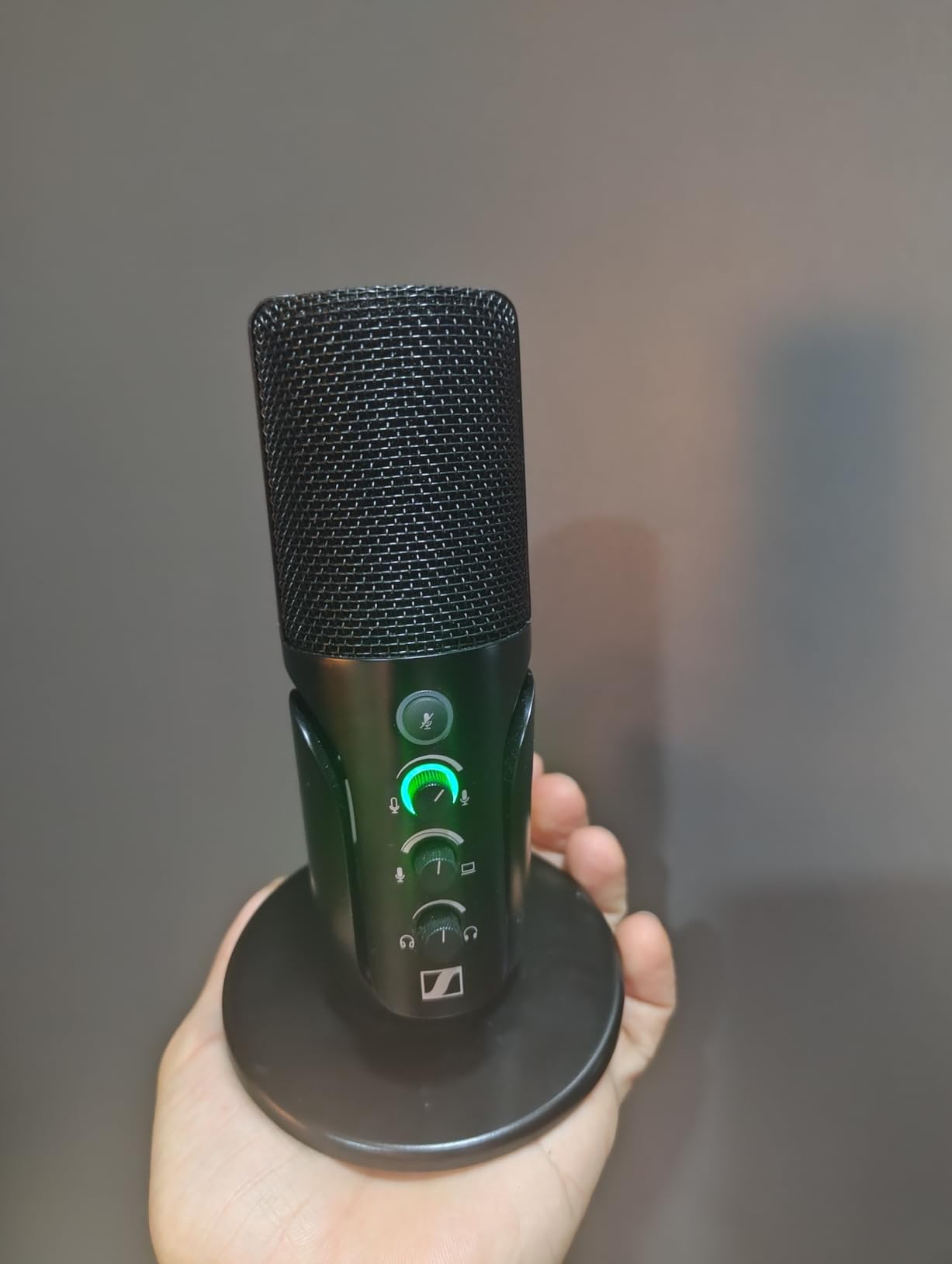
Sound is smooth and full-bodied rather than thin, and the multi-function dial handles gain, monitor mix and headphone volume in one control. Tap-to-mute has an LED state, which matters on a live stream where you cannot see the mic.
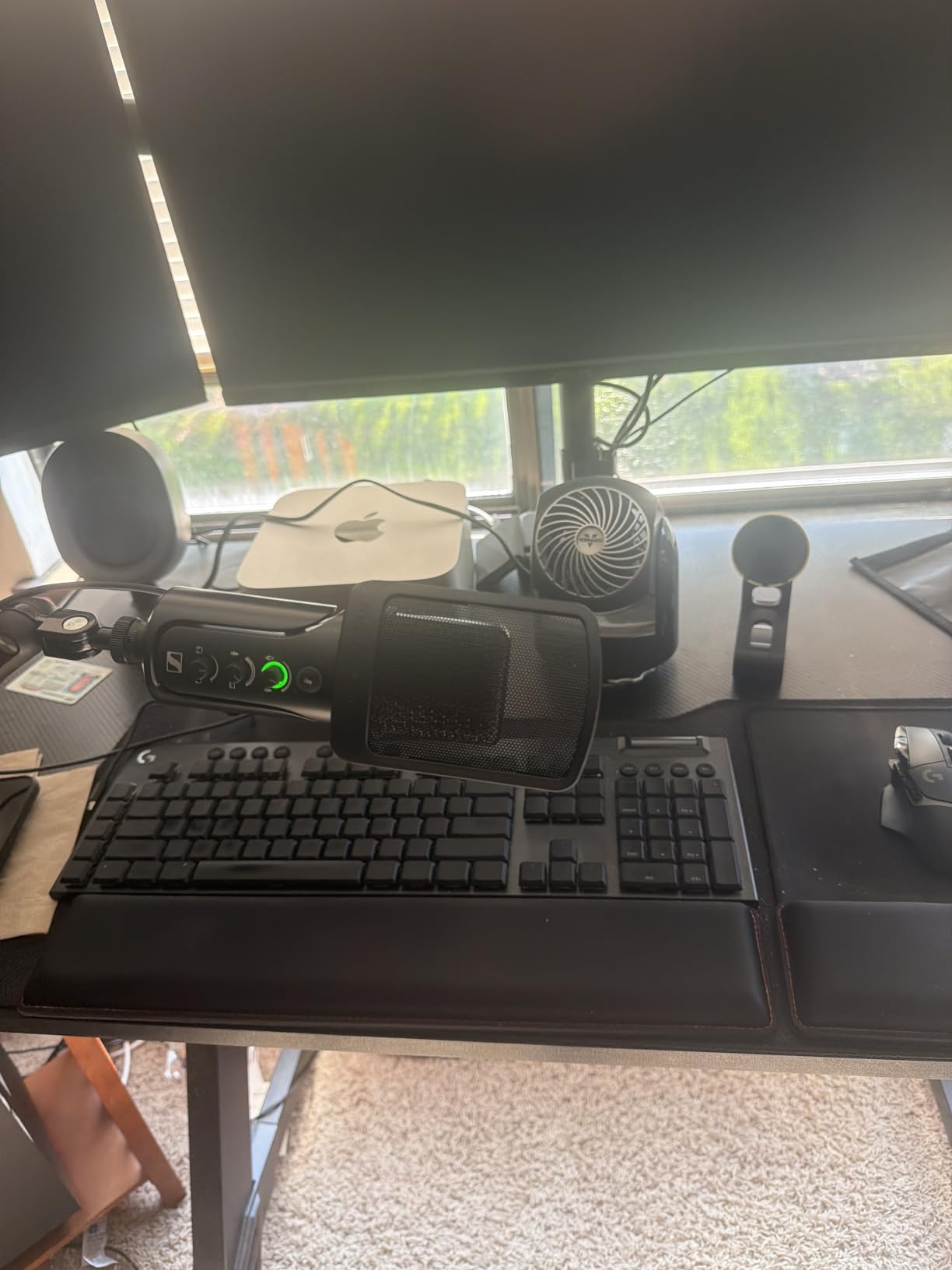
At 4.5 out of 5 from more than 1,000 reviews, owners repeatedly compare it favourably to a full-size Blue Yeti while noting the included stand is the weakest part of the package. Most move to a boom arm within a month.
Why no software is a genuine advantage
Vendor control apps get abandoned, sunset or rewritten between major OS releases. A mic that works on the open USB standard keeps working, which is a quiet form of insurance that no spec sheet lists.
Condenser sensitivity and room reality
A 60 dB signal-to-noise figure is fine for speech in a quiet room, but the cardioid condenser capsule will pick up a keyboard, a fan or an open window. Talk across the mic from a hand’s width away, keep gain modest, and it holds together well.
Headphone monitoring and mute behaviour
The built-in headphone output gives direct monitoring with no audible delay, so you can sing or narrate while tracking. The monitor mix control lets you blend your own voice with playback audio, which is what you want when adding music under narration.
Who should skip it
Skip it if you record in a shared, reflective space. A dynamic capsule such as the PodMic or the K688 will forgive a bad room in a way this condenser cannot, even with the best placement technique.
4. FIFINE AmpliGame AM8 – Best Value With USB and XLR Together
FIFINE AmpliGame AM8 USB/XLR Dynamic Microphone for Gaming Streaming
USB and XLR outputs
50Hz-16KHz
80dB signal-to-noise
Headphone monitoring
Pros
- Two connection types in one body
- Very large review base at 4.5 stars
- Headphone jack and gain control
- Desk stand and USB cable included
Cons
- RGB ring is dim and can cut out
- Mute button is a touch control
- Plastic-heavy body
The AM8 is the mic I recommend to anyone who is undecided between USB and XLR, because it makes the decision reversible. Plug it into a laptop today, move it to an interface in two years, keep the microphone.
At more than 12,000 reviews and 4.5 stars, it is the best-proven option in this list, and the voice capture sits well above what the price suggests. Owners regularly describe it as a costlier USB condenser replacement.
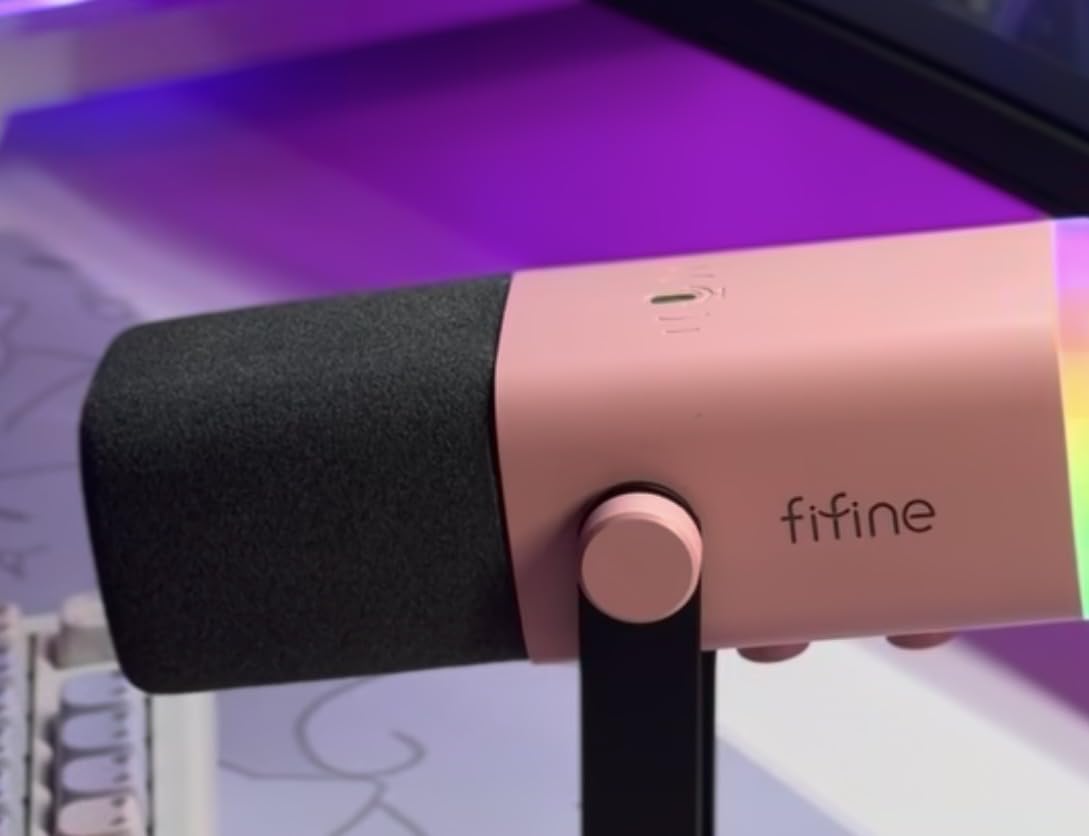
Its place as the top-ranked model in its category is not a surprise given the feature set, but the recurring criticism is cosmetic rather than acoustic: the RGB ring is weak and the touch mute only works in USB mode.
What each output gives you
Over USB you get the gain knob, the headphone jack, tap-to-mute and the RGB ring, all driven by the computer. Over XLR the microphone becomes a plain cardioid dynamic that needs gain from an interface, which is exactly the upgrade path you are buying.
Gimmicks versus genuinely useful controls
The RGB lighting is decoration and can be switched off. The gain knob and monitoring volume are the parts that change your audio day to day, and having them on the body means you can check levels without opening software.
Build and mounting
The body mixes ABS plastic and metal, which feels lighter in the hand than the K688 or the PodMic. Built-in 3/8 inch and 5/8 inch threads mean it accepts most boom arms directly, and the included desk stand is usable for a first session.
Who should skip it
Skip it if you want a metal body that survives years of travel, or if you are sensitive to plastic creaking on an adjustment. Reviewers also note it captures room noise more than a pure dynamic once you move back from the mic in a reflective space.
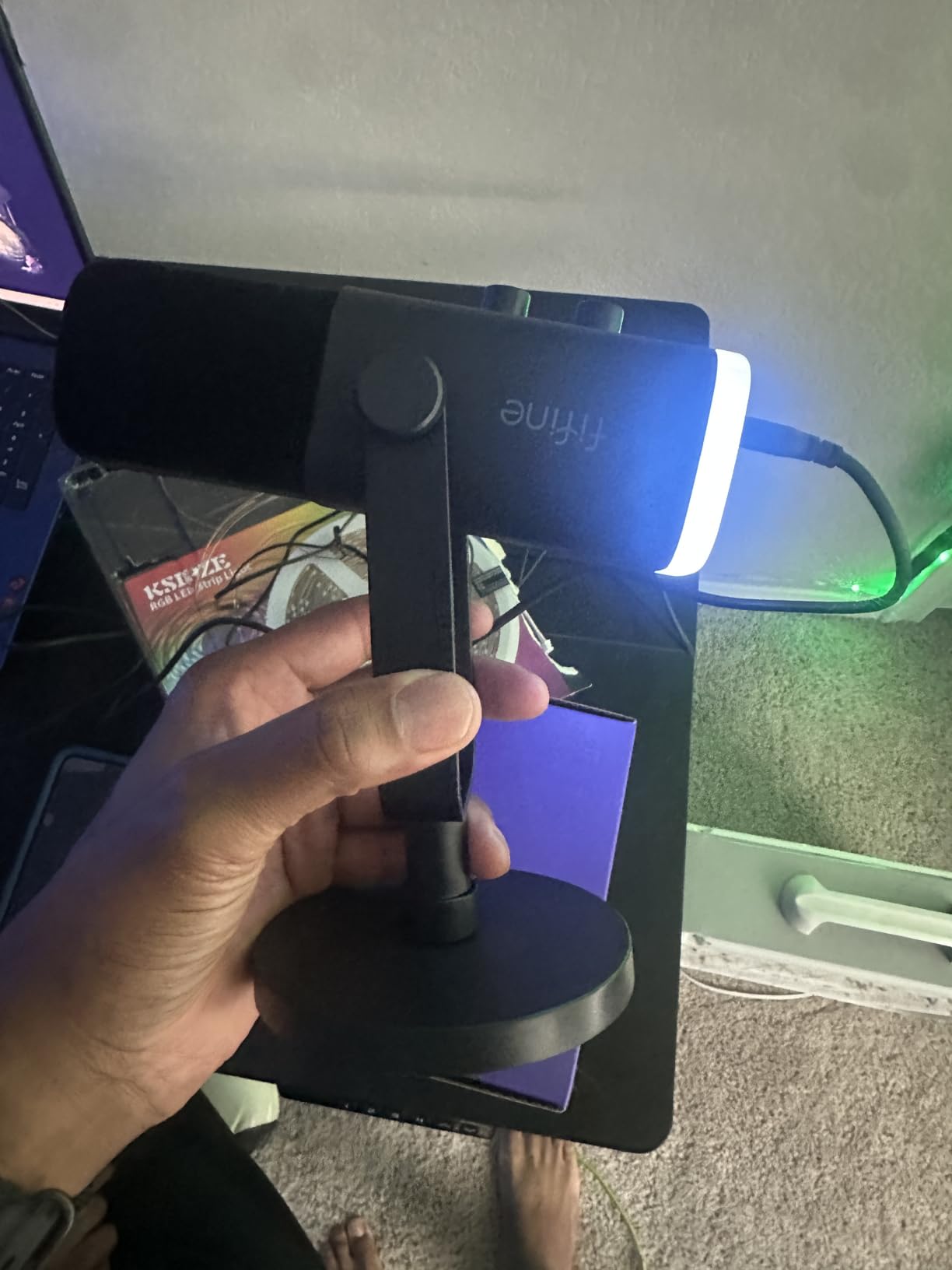
5. FIFINE AmpliTank K688 – The Metal Body With a Shock Mount in the Box
FIFINE AmpliTank K688 Dynamic Microphone, XLR/USB Podcast Recording PC Mic
Metal cardioid dynamic
USB and XLR
80dB signal-to-noise
130dB SPL handling
Pros
- Metal body with included shock mount
- Strong rejection of fans and keyboard noise
- Both USB and XLR outputs
- Detachable cable for boom arm use
Cons
- Gain knob is very sensitive
- Included stand sags over time
- XLR cable and boom arm sold separately
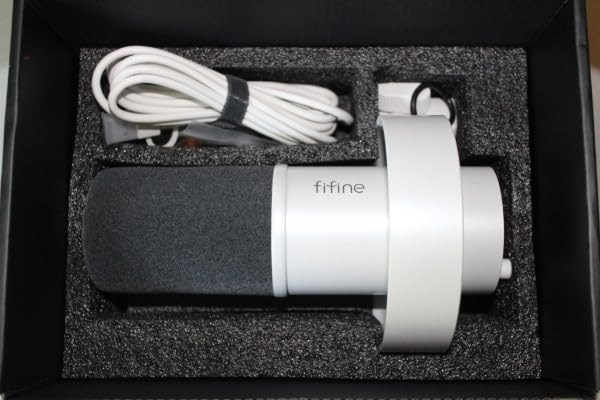
The K688 solves the accessory problem the AM8 leaves open. A shock mount and windscreen are in the box, so the one thing that most improves a home recording sits in the same package as the microphone.
Sound is crisp and full, and the noise rejection impressed me in a room with a running ceiling fan. Reviewers who came up from the AM8 hear the metal build and tighter isolation immediately.
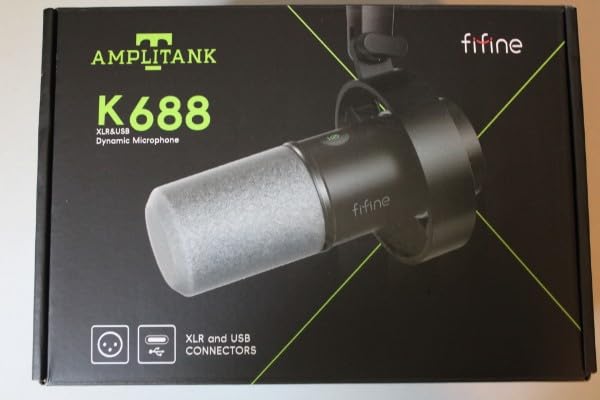
At 4.6 out of 5 from around 4,400 reviews, the two repeated gripes are the delicate gain knob and the included mini stand, which sags after a few months of use. The detachable USB-C cable is what makes boom-arm mounting simple.
Gain sensitivity and how to set it
The gain knob picks up a lot of sound if you push it, so treat it as a fine control. Set it with your normal speaking volume, then leave it alone; the 80 dB signal-to-noise figure means you rarely need the top of the range.
Headroom and maximum level
Handling 130 dB SPL without distortion gives this mic far more headroom than speech needs, which matters when you shout, laugh or record a drum mic bleed nearby. You are buying headroom you will probably never reach.
What the included kit actually replaces
Shock mount, windscreen, a 2.5 m USB-C cable and a thread adapter are included. That removes the two accessory line items most first-time buyers add, which is why this package is often the better total spend.
Where it loses ground
There is no RGB lighting here, so streamers coming from the AM8 miss that feature. For podcast and voice-over work it costs you nothing.
6. Samson Q2U – The Handheld Starter Bundle for New Podcasters
Samson Q2U USB/XLR Dynamic Microphone Recording and Podcasting Pack
Handheld USB-C and XLR dynamic
50Hz-15kHz
70dB signal-to-noise
3.5mm headphone output
Pros
- Stand
- windscreen and both cables in the box
- Handheld shape teaches correct mic technique
- Bus powered over USB
- Metal body
Cons
- Included desktop stand droops
- Weak on plosives without extra help
- Handheld design demands close positioning
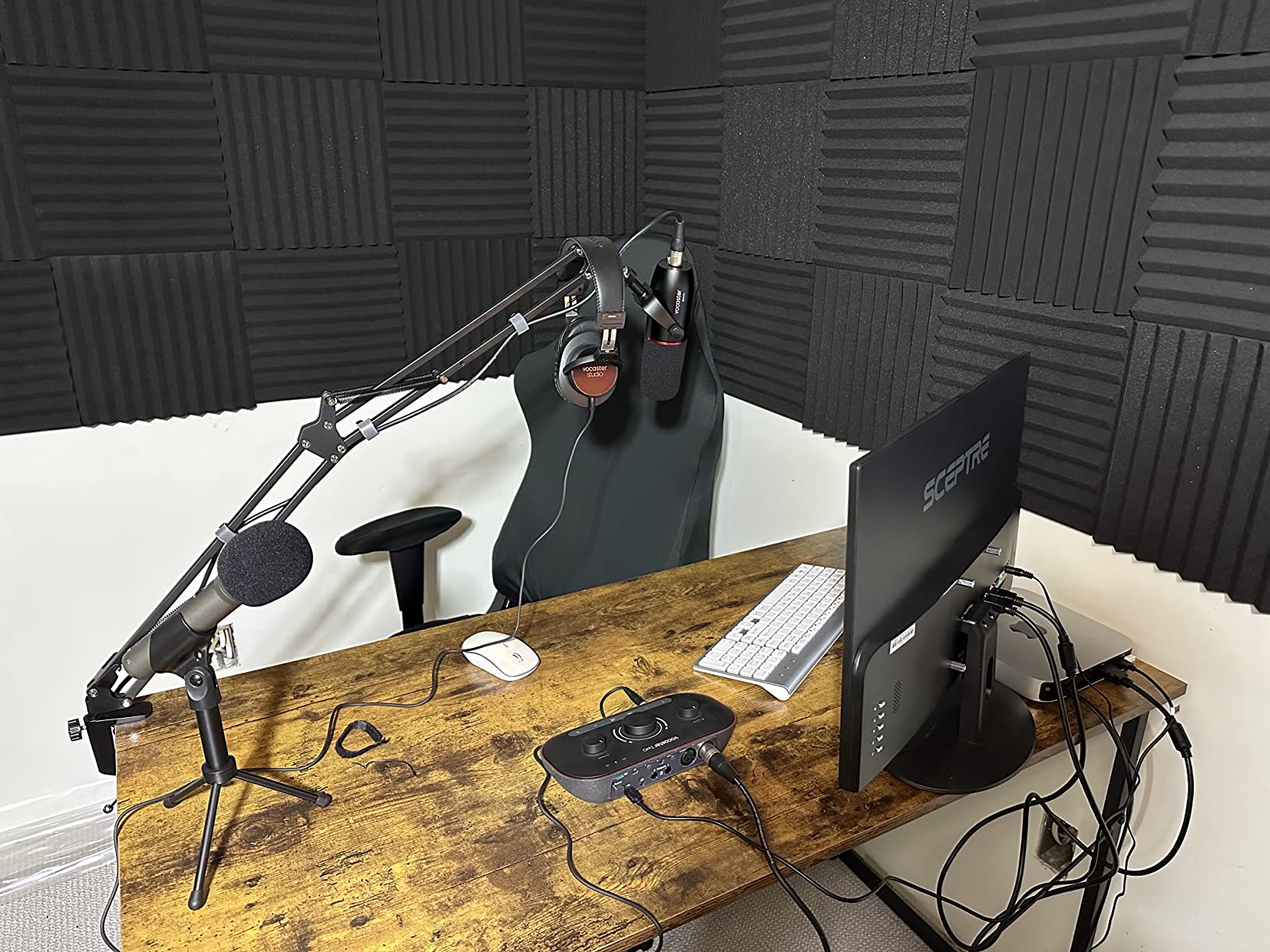
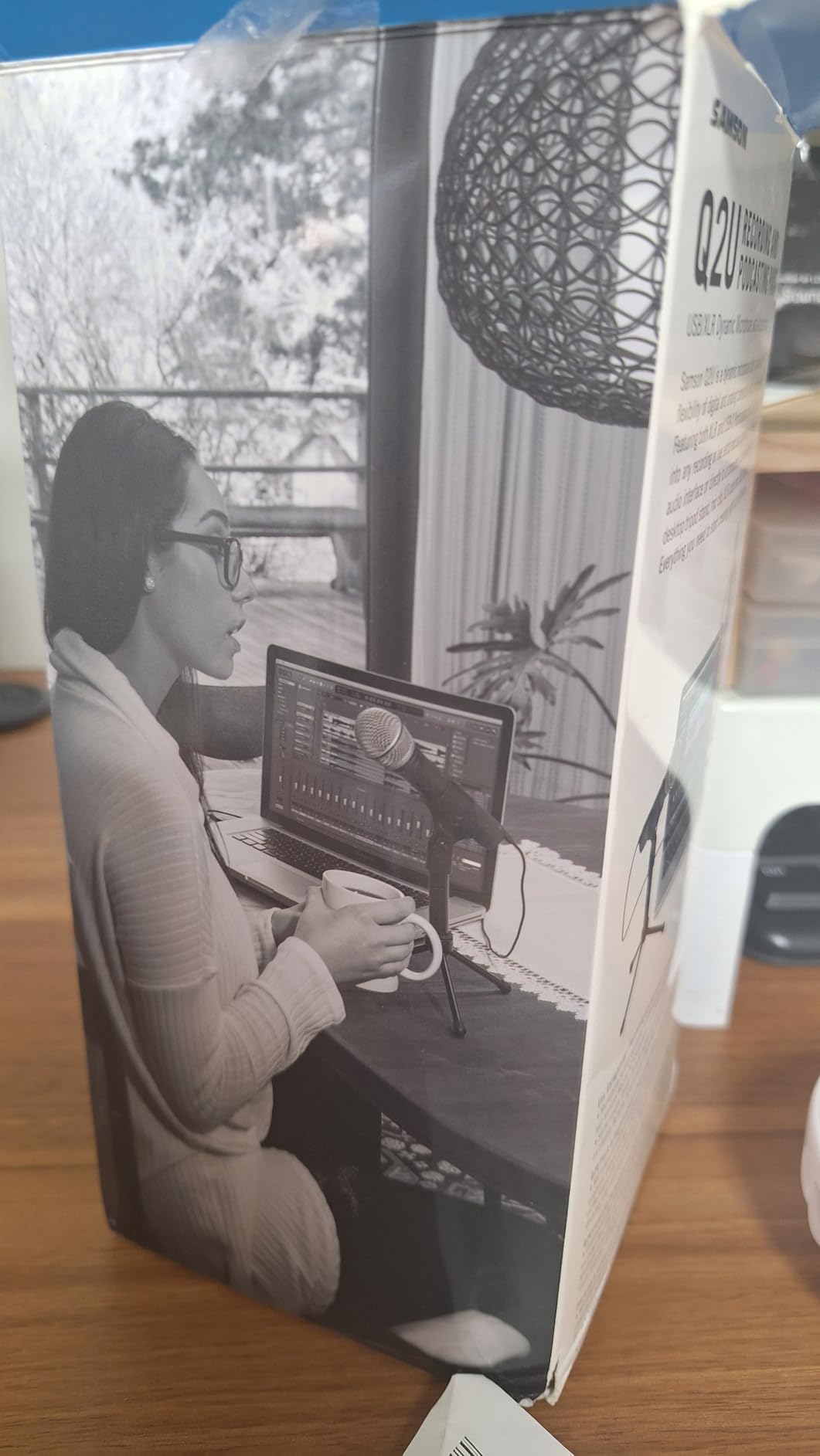
The Q2U is the first podcast microphone I bought and still the one I hand to complete beginners. The handheld shape is not nostalgia, it is a teaching tool: new hosts learn correct mouth distance and off-axis discipline faster by holding the mic.
It also runs straight from the laptop over USB with no external power supply, and the box contains a tripod stand, extension, windscreen and both USB-C and XLR cables. Nothing else to buy to record your first episode.
At 4.5 out of 5 across more than 5,600 reviews, one radio professional in the reviews calls it the best-performing inexpensive USB microphone for speech specifically. It holds a long-standing top-three position in its category for a reason.
Plosives and the windscreen question
Plosive control is the weak point. The included foam windscreen helps, but a proper pop filter is effectively required once you speak a full sentence at a normal distance. Budget for one, because it is the cheapest audio improvement available.
USB reliability and the firmware note
Some users reported the microphone not being detected on boot, which was traced to a firmware issue and resolved with an update. If detection fails, unplug and reconnect before changing anything else, and check for updates on a wired connection.
Cardioid pattern and room rejection
The unidirectional pattern keeps the response in front of the capsule, so a monitor to the side stays quiet. The 70 dB signal-to-noise figure is lower than the FIFINE pair, so in a very quiet room turn gain down a touch.
Who should skip it
Skip it if you are recording a video podcast where the mic is in frame, since the handheld body reads as a stage microphone. The Blue Yeti Nano or the Sennheiser Profile looks far better on camera.
7. Maono PD400X – Guided EQ for Buyers Who Do Not Want to Touch Plugins
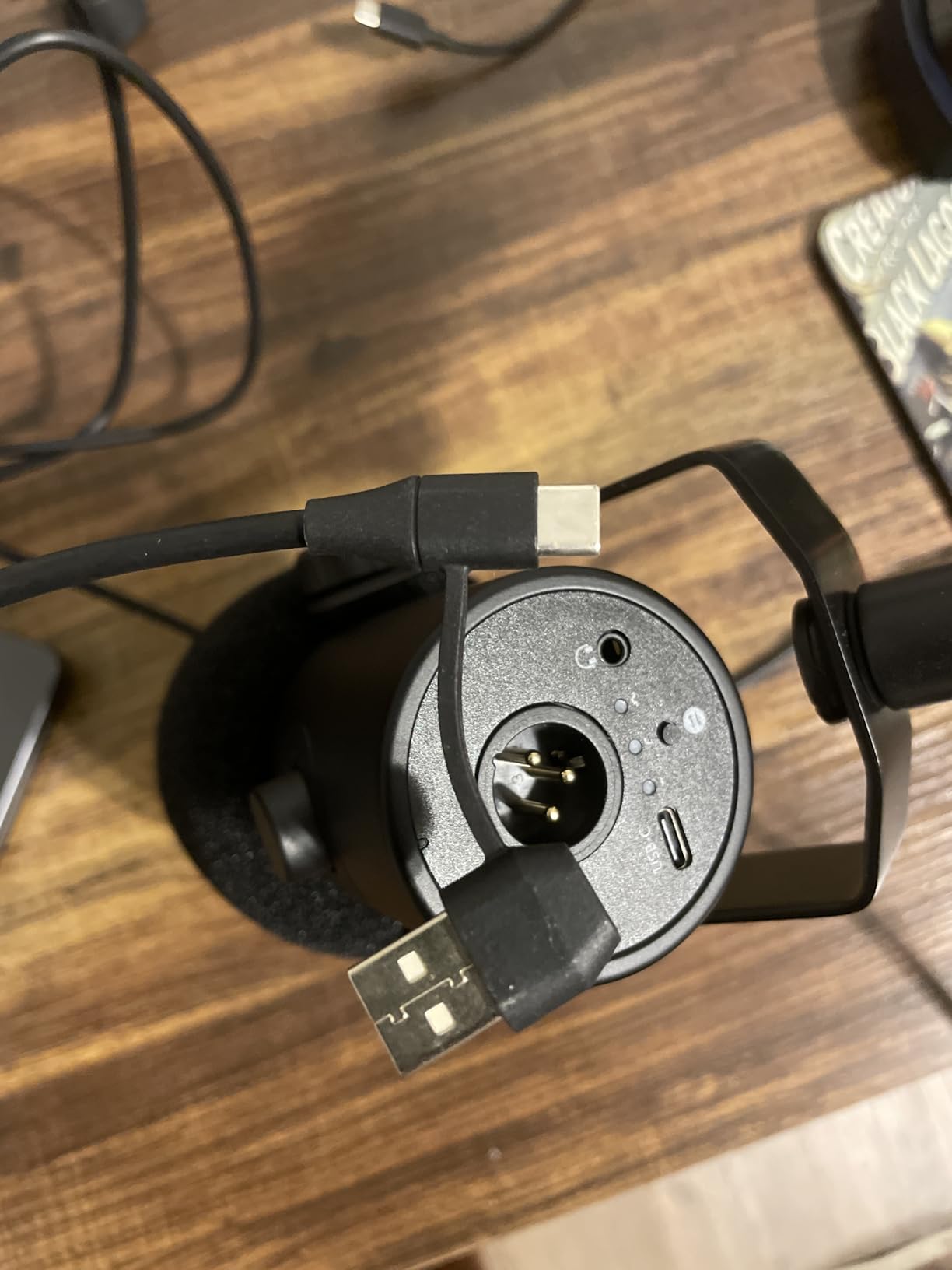
MAONO PD400X Dynamic Microphone, USB/XLR Podcast PC Mic with Software
USB and XLR dynamic
40Hz-16kHz
78dB signal-to-noise
3-in-1 control knob
Pros
- Bundled software with vocal EQ presets
- Heavy stable desktop stand
- Level metering and 3-in-1 knob
- Both USB and XLR outputs
Cons
- Mic arm not included
- Background noise leaks in if placement is poor
- Placement sensitive
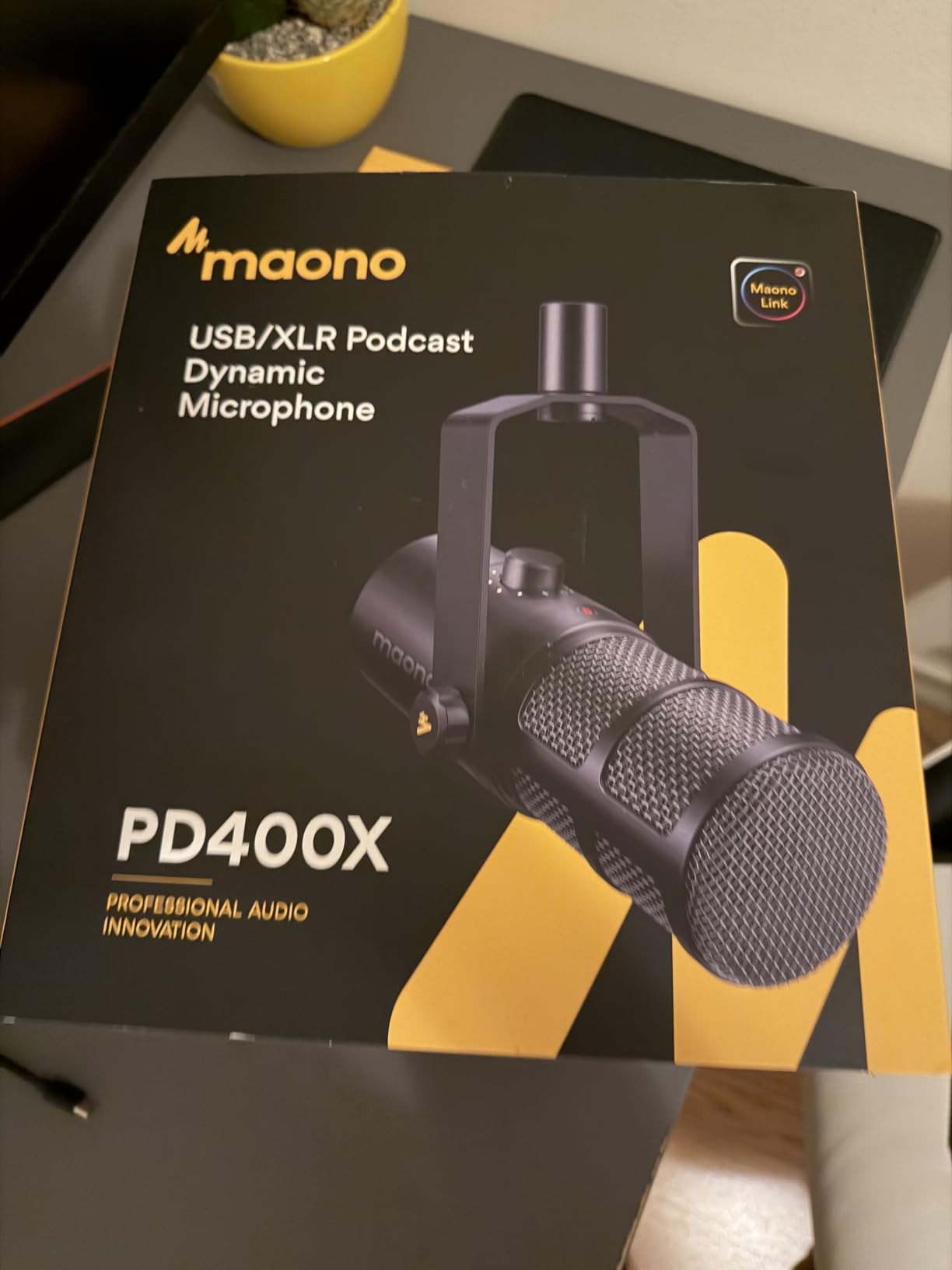
The PD400X is the pick for a host who knows their recordings sound thin but does not want to open a plugin to fix it. Bundled software offers standard and advanced modes with EQ, a limiter, compression and vocal presets.
Sound itself is rich and detailed, and reviewers compare it directly against dynamic microphones costing several times more. The 3-in-1 knob handles mic gain, headphone volume and monitor mix, with LED metering beside it.
At 4.5 out of 5 across roughly 590 reviews, the sample is smaller than the rest of this list, so treat the rating as encouraging rather than settled. Customer service draws repeated praise, including a replacement unit for a faulty port.
Placement sensitivity, honestly assessed
This is the most important caveat in the reviews. Get too far away or point the mic off-axis and background noise leaks in quickly, because a 78 dB signal-to-noise figure leaves less margin than a 100 dB condenser or an 80 dB dynamic with better isolation.
What the software presets do and do not fix
Presets will not remove room noise or a hum you recorded. They do clear up a voice that sounds boxy or thin, which is the failure mode most beginners actually have, and that makes them worth the learning curve.
Stand, weight and mounting
The included desktop stand is heavy and stable, which is genuinely useful at a desk. The unit itself is heavy enough to sag a lightweight boom arm, so match the arm accordingly if you plan to move off the desk.
Who should skip it
Skip it if your priority is the largest possible review base, or if you want zero software on your machine. The Sennheiser Profile is the deliberate opposite choice.
8. Logitech Creators Blue Yeti – The Most Detailed Capture, With the Most Conditions
Logitech Creators Blue Yeti USB Microphone for PC, Mac, Gaming, Recording, Streaming, Podcasting, Studio and Computer Condenser Mic with Blue VO!CE effects, 4 Pickup Patterns, Plug and Play – Blackout
Three-capsule USB condenser
20Hz-20kHz
100dB signal-to-noise
Four selectable patterns
Pros
- Largest review base in this round
- Four pickup patterns
- Onboard gain
- mute and pattern controls
- No-latency monitoring
- Broadcast detail on USB
Cons
- Large
- heavy and obstructive on camera
- Sensitive to room noise
- No shock mount included
- Plosive-sensitive without a pop filter
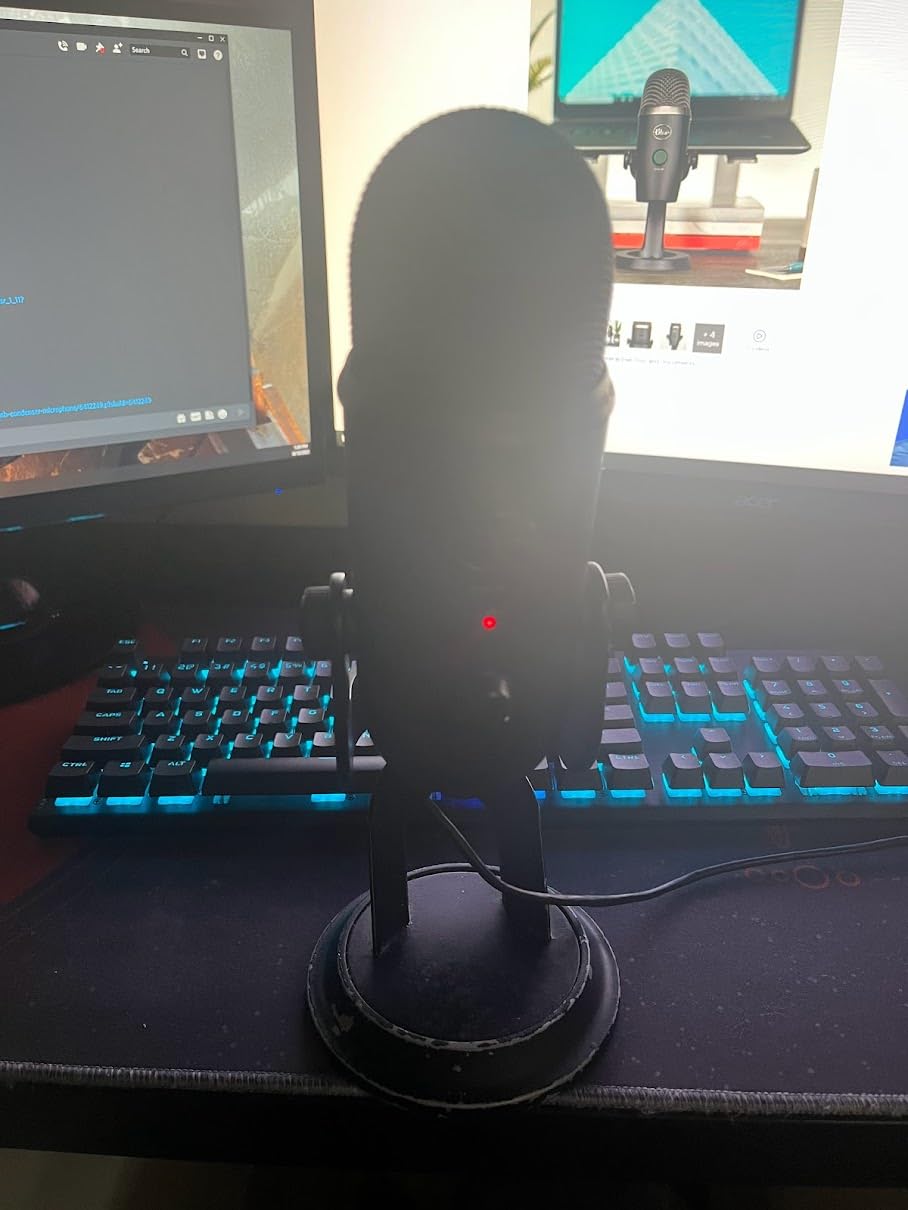
The Blue Yeti has the largest installed base of any microphone in this round, and after years of daily use it still holds up. It is the only entry here that records a two-person interview on a single unit, because it offers a bidirectional pattern alongside the usual cardioid.
That flexibility is also its trap. It is a condenser, so it hears everything in the room, and buyers who expect a dynamic to behave get a different microphone than they expected.
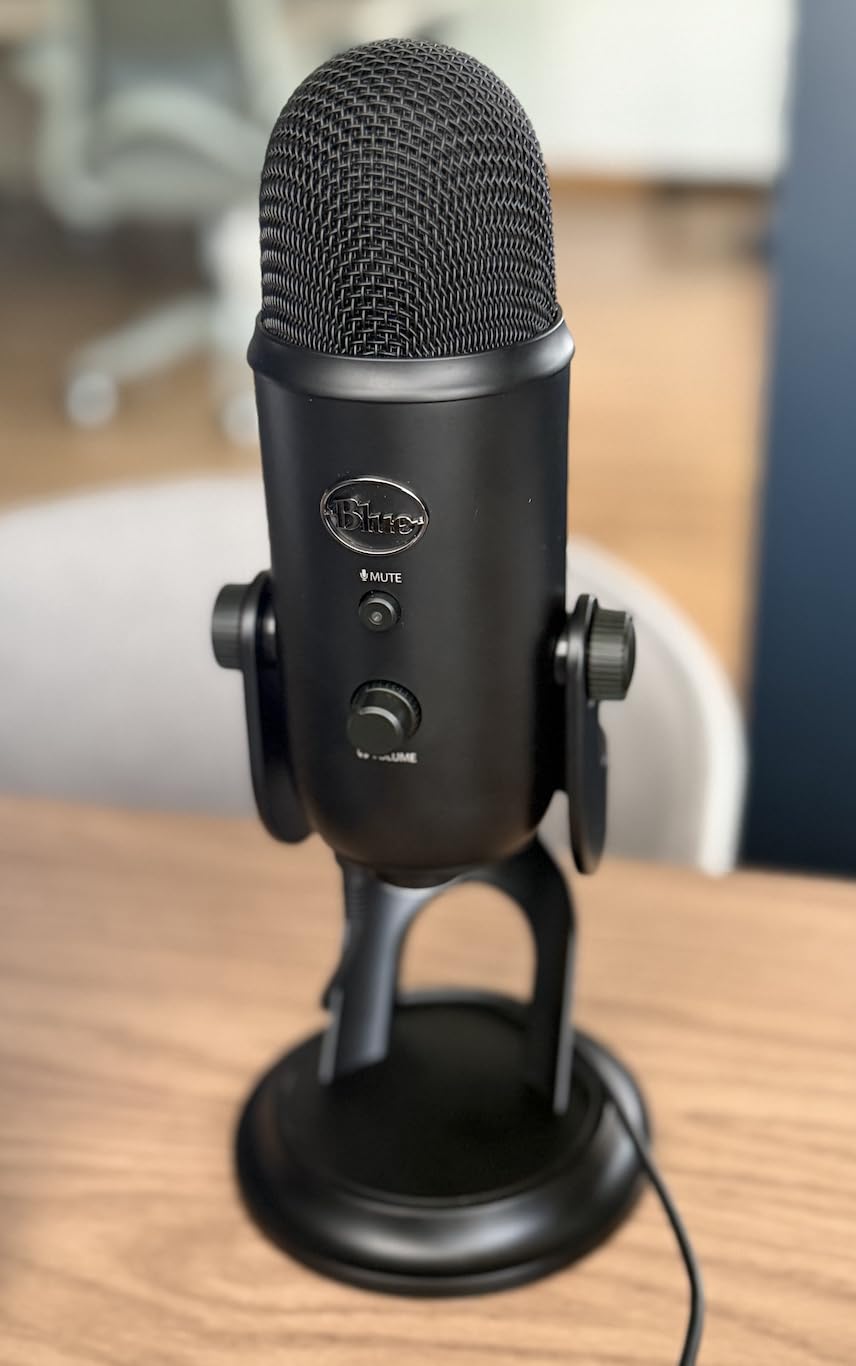
At 4.6 out of 5 across more than 57,000 reviews, the near-universal owner consensus is that its sensitivity is a double-edged sword: the most detailed and flexible capture in this list, requiring close placement, low gain, a pop filter and some acoustic work.
What the four patterns actually do
Cardioid is for a single voice, omnidirectional picks up the whole room, bidirectional faces two speakers across the mic, and stereo splits front and back. For an interview, two speakers either side of the mic in bidirectional mode is the classic setup.
Signal-to-noise and why the detail is so clean
A 100 dB signal-to-noise ratio is the best figure among the USB condensers here, and the 20Hz to 20kHz response is full bandwidth. That is why the voice sounds present and detailed rather than thin.
Physical trade-offs nobody mentions in roundups
It weighs 3.5 pounds and the body is large, so on camera it can block a face. The USB and headphone ports sit on the underside, which means a boom arm needs a cable extender, and a shock mount is not included.
Who should skip it
Skip it in an untreated, noisy room, and skip it if you need stereo for music. If your goal is a podcast in a small home office, the FIFINE AM8 dynamic will handle the same room with far less post-processing.
9. Zoom ZDM-1 Podcast Mic Pack – Everything in One Box
Zoom ZDM-1 Podcast Mic Pack for Podcasters with Dynamic Mic & Headphones
XLR super-cardioid dynamic
Includes monitoring headphones
XLR cable and stand included
78dB signal-to-noise
Pros
- Mic
- headphones
- stand
- windscreen and cable in one box
- Super-cardioid pattern rejects off-axis noise
- Fold-flat stand for transport
- Fatigue-free closed-back monitoring
Cons
- XLR only so an interface is still needed
- Bundled headphones are not reference quality
- Stand limits positioning
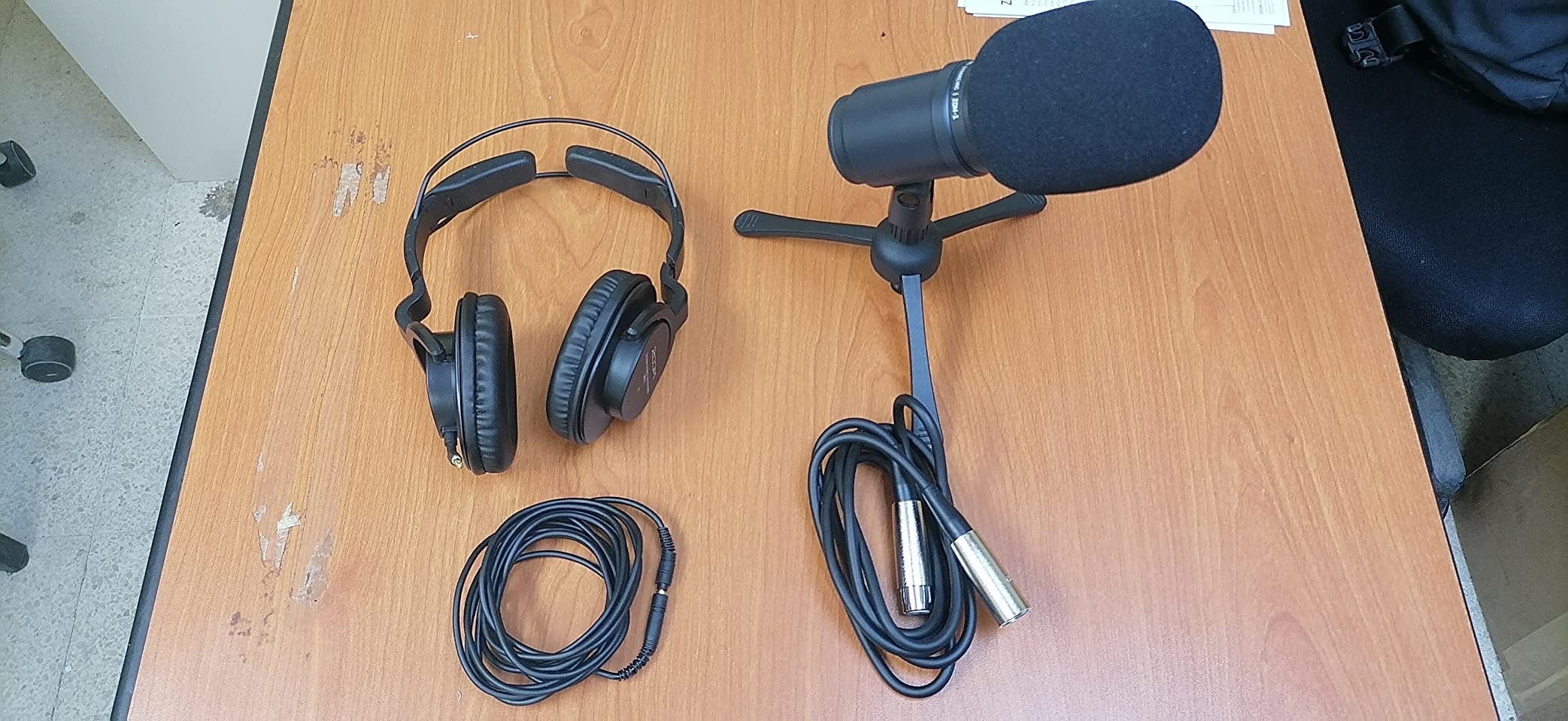
Buy this pack instead of assembling a chain, because the box already contains the microphone, closed-back headphones, a threaded tripod stand, a foam windscreen and an XLR cable. It is the shortest path from unboxing to a finished episode.
The dynamic capsule is voice-optimised and the super-cardioid pattern keeps off-axis room noise down, which reviewers confirm holds up in a normal home room.
At 4.6 out of 5 from around 600 reviews, the defining benefit in the reviews is completeness rather than any single specification. Owners also point to the fold-flat stand for taking a show on the road.
Headphones that match the use
The included closed-back pair gives solid isolation, so a fan or a second monitor in the room stays out of your ears while you record. For critical mixing work you will upgrade later, but for tracking a voice they are more than adequate.
The interface you still need
Despite being a complete kit, the XLR output still requires an audio interface, and that is the single biggest complaint in the reviews. Budget for one separately and the total lands close to the same place as a USB setup.
Impedance and gain
A 200 ohm impedance with 45 dB sensitivity means the mic needs an interface with real clean gain, not a budget preamp. Pair it with something you already trust, and test the gain before you commit to a long recording.
Who should skip it
Skip it if you record two people. The bundle is built around one microphone, and a second host needs a second chain, not a second cable.
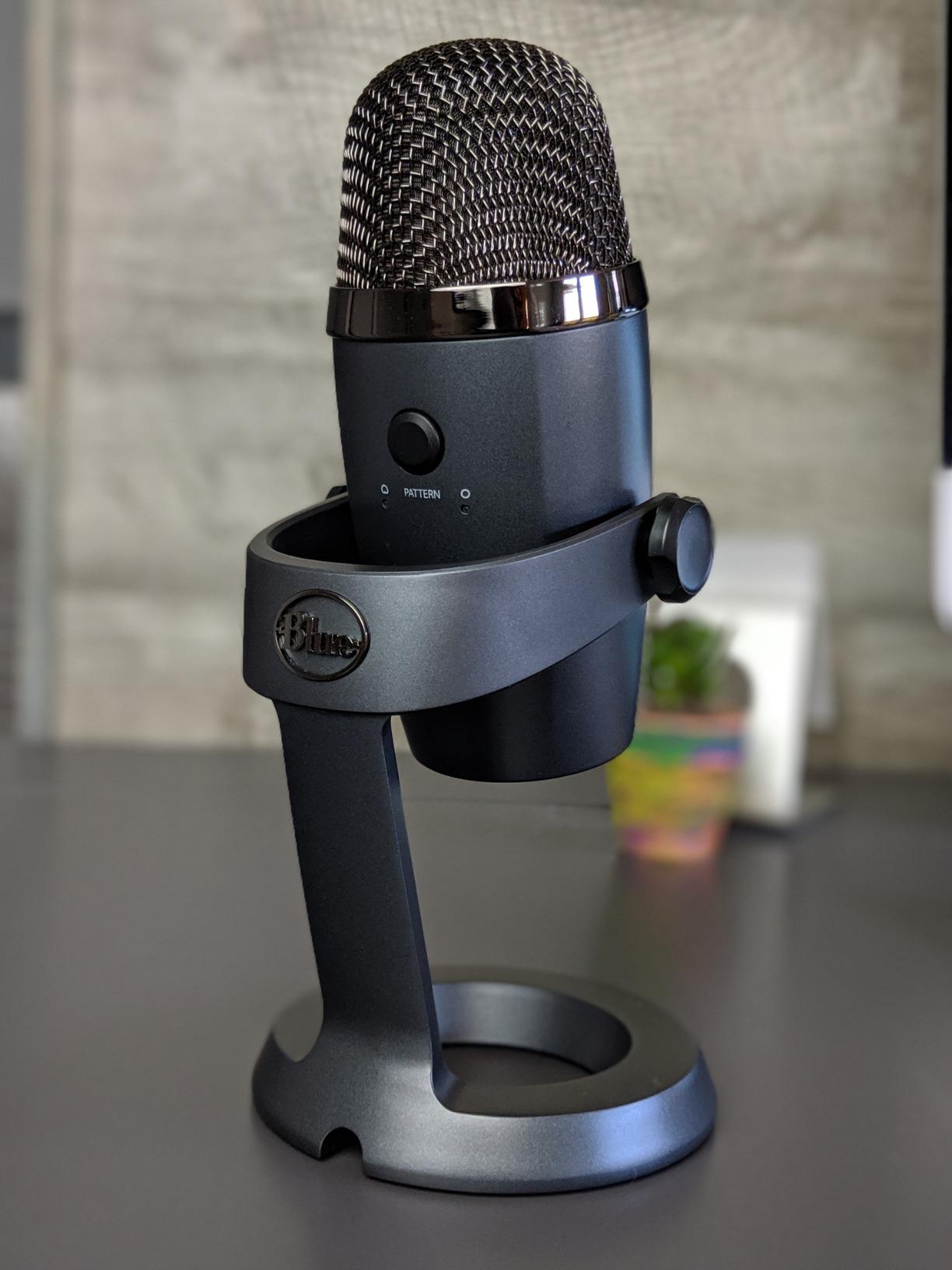
10. Blue Yeti Nano – The Smallest Footprint That Still Sounds Full
Logitech for Creators Blue Yeti Nano USB Microphone for Gaming, Streaming, Podcasting, Twitch, YouTube, Discord, Recording for PC and Mac, Plug & Play -Blackout
USB condenser
Cardioid and omni patterns
80dB signal-to-noise
Headphone output
Pros
- Compact body that suits small desks and video
- Clean vocal capture with good presence
- Plug and play on Mac and Windows
- Onboard headphone volume and mute
Cons
- Software dependency for effects
- Micro-USB connection
- Condenser sensitivity to laptop fans
- No pop filter included
The Nano is what I suggest when a full-size condenser is too much object for the desk or too much face in a video frame. It occupies a fraction of the desk space and still records clean, present speech over USB.
Two capsules give you cardioid and omnidirectional patterns, with onboard headphone volume and a mute button. For calls, streaming and small studios it does everything the larger model does for a podcast, minus the patterns you will never touch.
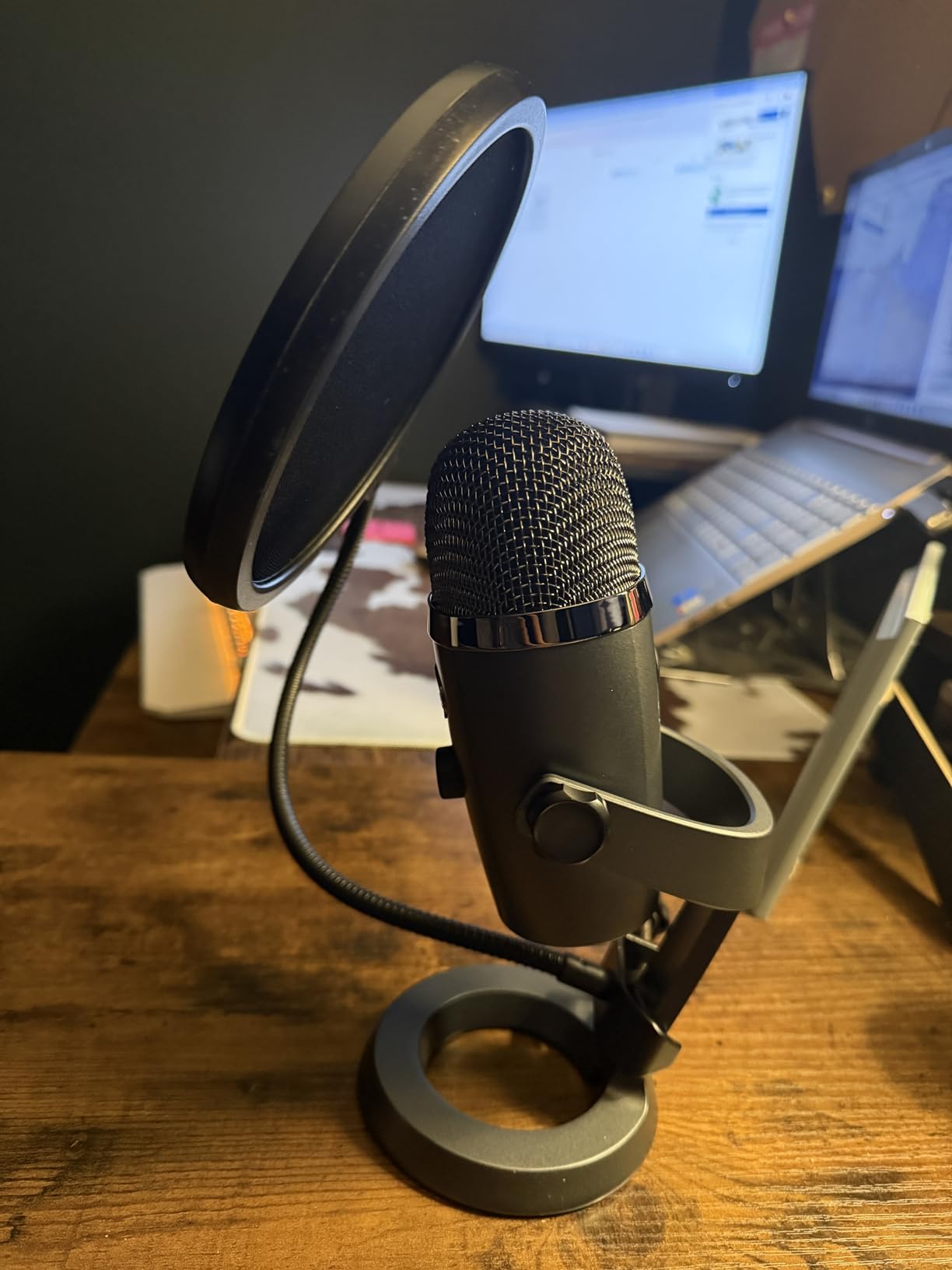
At 4.6 out of 5 from more than 10,000 reviews, owners frequently describe it as the middle ground between a small older USB model and the full-size Yeti, and the most substantive criticism concerns software rather than audio.
The software caveat worth reading
The vocal effects require Logitech’s hub software, and reviewers report that the firmware upgrade is one-way: a feature stops working after the update and does not come back. If you only record and never touch effects, this affects you not at all.
Condenser behaviour in a noisy room
An 80 dB signal-to-noise figure sits mid-pack here, and the cardioid pattern will not rescue you from a fan running beside the laptop. Keep the mic close, gain low, and add a pop filter, because plosives are the more common problem.
On camera and on a small desk
At 16 ounces it disappears in a shot, and the base has cable management. That is the whole reason to choose it over the full-size model, so if it solves your framing problem nothing else here does.
Who should skip it
Skip it if you want a bidirectional pattern for a two-person interview on one unit, or if you plan to record music, since it is mono-only for voice work. Those are the two features that justify the larger body.
How to Choose a Podcast Microphone on a 200 Dollar Budget
The fastest way to buy the wrong microphone is to start with the spec sheet. Start with the room instead, then the connection, then the features.
Dynamic or condenser: match the capsule to the room
A dynamic microphone uses a suspended diaphragm and a magnet to turn voice movement into an electrical signal. Because it is far less sensitive than a condenser, it picks up less room noise, keyboard clatter and air handling, which is why dynamics dominate this budget for home podcasting.
A condenser capsule is more sensitive and captures far more detail, along with every reflective surface in the room. It rewards a treated room and punishes an untreated one. If you can hear a street through your window, buy a dynamic.
A closet full of clothes is the cheapest treatment available, and it changes a condenser recording more than any accessory in this guide.
USB or XLR: what each connection commits you to
A USB microphone connects straight to a computer and records without extra hardware, which is why the Sennheiser Profile and the Blue Yeti pair work well for beginners. An XLR microphone needs an audio interface, which adds cost, but that interface becomes a permanent part of your setup.
A hybrid USB and XLR microphone removes the guesswork entirely, which is the single most repeated piece of forum advice in this category. The FIFINE AM8, the FIFINE K688, the Maono PD400X and the Samson Q2U all offer both.
Do XLR microphones sound better than USB? Usually by a small margin, and far less than the price difference suggests. Conversion quality in this bracket is good enough that placement and gain matter more than the connector. A condenser in a bad room loses to a dynamic in a good room every time.
If your show also carries instrument beds, the capsule decision changes again, and our guide to the best acoustic guitar microphones covers the condenser side of the trade-off in detail.
Gain, self-noise and why quiet microphones hiss
Gain is simply amplification. A quiet microphone needs more of it, and every extra decibel of gain also lifts the electronics’ own noise floor, which is what you hear as hiss in a silent passage. A higher signal-to-noise figure means you can reach a usable level with less gain.
This is why the PodMic pairs well with a capable interface and poorly with a cheap one. If a microphone needs a lot of gain, the preamp has to be clean, and cheap preamps are not.
What the full allowance really buys in total system cost
A microphone is rarely the whole spend. A USB condenser plus a pop filter covers the essentials; a hybrid dynamic plus an interface plus a boom arm is where the budget gets tight. The most common mistake is spending the entire allowance on the microphone and discovering the interface does not fit.
A practical split is a USB microphone with a pop filter, a dynamic XLR microphone with a basic interface, or a hybrid model plus a stand. Headphones are separate again, and the Zoom pack in this list bundles the ones you would otherwise buy first.
Our best microphone stands guide covers the arm and desk options that make the biggest difference on placement, which matters more for sound than any microphone upgrade at this price.
Accessories that actually change the recording
A pop filter, a shock mount, a stand and a set of headphones are the four that matter. RGB lighting, tap-to-mute and multi-pattern capsules are conveniences. Buy the accessories first and treat the lighting as a bonus.
Two-host interviews need a second microphone, not a second pattern on one body, unless the two speakers are within a few centimetres of each other on opposite sides. A bidirectional pattern is a studio technique, not a substitute for a second chain.
For stereo recording across two channels, our guide to the best stereo microphones covers what changes when the priority shifts from a single voice to a wide soundstage.
Placement, the 3 to 1 rule, and when a cheaper mic is right
Position the mic a hand’s width away, at or just below mouth level, and speak across the front of it rather than straight into the grille. That single change fixes most plosives and most of the bass buildup that proximity effect causes.
The 3 to 1 rule is a rough room guide: a reflective surface should sit at roughly three times the distance of the mic from you. Moving away from a bare wall or a window is free acoustic treatment, and it beats buying a better microphone.
Not every host needs to spend the full allowance. If you are on a strict budget and your room is reasonably quiet, the Samson Q2U or the FIFINE K688 is a genuinely better purchase than a premium microphone with untreated acoustics. A microphone cannot fix a room, and no spec sheet can.
Frequently Asked Questions
What is the best microphone under 200 dollars?
For most home podcasters, a hybrid USB and XLR dynamic microphone is the best choice under 200 dollars. The RØDE PodMic is our overall pick for XLR setups, while the FIFINE AmpliGame AM8 and Maono PD400X record over USB on day one and still expose an XLR output for a future interface. A dynamic capsule also tolerates an untreated room better than a condenser.
What kind of microphone is best to use for a podcast?
A dynamic cardioid microphone is the best default for a podcast recorded at home, because it is less sensitive and picks up less room noise, keyboard and air conditioning. A condenser microphone gives more detail and a fuller sound, but it also records the whole room, so it suits a treated space or a closet full of clothing. Speak a hand’s width away, across the front of the mic.
Do XLR microphones sound better than USB?
An XLR microphone can sound marginally better because the interface preamp and the analog-to-digital conversion happen separately, but the gap in this price bracket is small. Conversion quality is good enough that placement and gain matter more than the connector. A dynamic in a good room beats a condenser in a bad one regardless of connection type.
What are the disadvantages of using a USB mic?
A USB mic cannot be routed through a hardware mixer, and many models need vendor software for gain or effects, which can be abandoned or discontinued. Some also expose no XLR output, so a host who outgrows the microphone has to replace it. A few smaller USB models still use micro-USB rather than USB-C.
Do I need an audio interface when I buy a podcast mic?
You only need an interface if the microphone has an XLR output, because a USB microphone connects straight to a computer. Hybrid USB and XLR models let you start with USB and add an interface later without replacing the microphone. Budget for a basic interface with clean gain, because a cheap preamp turns a quiet dynamic microphone into hiss.
What is the 3 to 1 rule for microphones?
The 3 to 1 rule is a rough acoustic guide rather than a measurement: keep reflective surfaces such as walls, windows and bare desks at roughly three times the distance from the microphone to your mouth. In practice, moving a few steps away from a bare wall or window often improves a home recording more than upgrading the microphone.
Which Podcast Microphone Should You Buy in 2026?
If you want one answer, buy the RØDE PodMic. It is the strongest combination of rating, review volume and real-world noise rejection in this roundup, and it is the microphone I keep reaching for when a room is untreated.
Match the pick to the situation instead. Choose the Shure MV7X if your room noise is severe and you already have a good interface. Choose the Sennheiser Profile if you want USB only and refuse to install vendor software. Choose the FIFINE AmpliGame AM8 for the best value with an upgrade path, and the FIFINE AmpliTank K688 if you want a shock mount in the box. Choose the Samson Q2U as a complete beginner bundle, the Maono PD400X if you want guided EQ presets, the Blue Yeti for two-person interviews on one unit and the deepest review history, the Zoom ZDM-1 pack if you want headphones included, and the Blue Yeti Nano for a small desk and video framing.
Whatever you choose, spend the first ten minutes on placement rather than settings. A hand’s width away, at mouth level, speaking across the front of the mic, will do more for your show in 2026 than any upgrade on this list.
Leave a Reply