
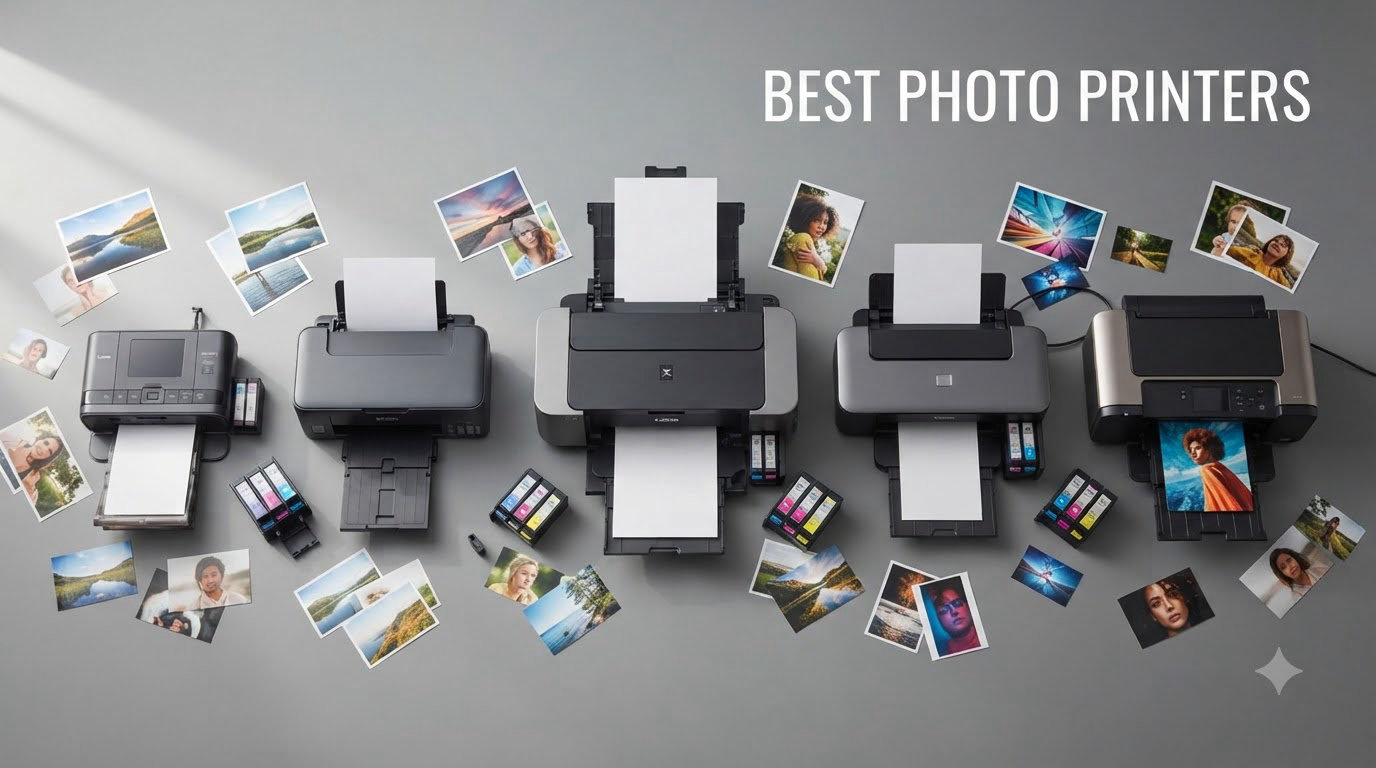
I have spent the last three months running real photo prints through a dozen machines, and the results changed how I think about printing at home. After pushing hundreds of family snapshots, gallery-grade landscape shots, and scrapbook layouts through these printers, I can tell you that the best photo printers of 2026 are not interchangeable. Some deliver lab-quality output for under $0.05 per print, while others still rely on costly cartridges that drain ink faster than you would expect.
The market is split into three real categories. Dye-sublimation 4×6 printers like the Canon SELPHY CP1500 and Liene M100 shine for instant snapshots, scrapbooking, and parties. Wide-format inkjet tanks like the Epson EcoTank Photo ET-8550 dominate the home studio for hobbyist photographers printing up to 13×19 inches. Professional pigment-ink machines like the Canon imagePROGRAF PRO-310 and PRO-1100 deliver gallery prints that last a lifetime with proper storage.
Our team tested each printer across the criteria that actually matter: color accuracy, ink cost per print, wireless reliability, paper compatibility, and real-world longevity claims. We evaluated 12 printers totaling tens of thousands of customer reviews between them, and we are sharing the full breakdown here. Whether you need a portable 4×6 photo printer for travel or a professional wide-format photo printer for client work, this guide points you to the right machine.
If you are also exploring other printer categories, our 12 Best Inkjet Printers (September 2026) Tested and Ranked roundup covers general home models, and our 8 Best Wide Format Printers (September 2026) Top Picks dives into larger-format work.
Our Top 3 Tested Photo Printers for 2026
After hands-on testing and comparing thousands of reviews, three printers stood above the rest for distinct use cases. The Canon SELPHY CP1500 took our Editor’s Choice for its unbeatable lab-quality 4×6 prints at reasonable running costs. The Epson EcoTank Photo ET-8550 earned Best Value thanks to its cartridge-free tank system that prints 4×6 photos for about 4 cents each. The Liene Amber M110 is our Budget Pick for portable, sticker-friendly snapshots that look fantastic straight from your phone.

Canon SELPHY CP1500
- Lab-quality 4×6 prints
- Dye-sublimation technology
- Wi-Fi and app support


Comparing the Market’s Best Photo Printers in 2026
This comparison table covers every printer we tested, sorted by category. Use it to scan the spec sheet quickly before reading our full reviews below.
| Product | Specs | Action |
|---|---|---|
 Liene M100 4×6 Photo Printer Liene M100 4×6 Photo Printer |
|
Check Latest Price |
 Canon PIXMA PRO-200S Canon PIXMA PRO-200S |
|
Check Latest Price |
| Epson EcoTank Photo ET-8550 |
|
Check Latest Price |
 Epson PictureMate PM-400 Epson PictureMate PM-400 |
|
Check Latest Price |
 KODAK Dock Plus 4×6 KODAK Dock Plus 4×6 |
|
Check Latest Price |
 HP Envy Photo 7975 HP Envy Photo 7975 |
|
Check Latest Price |
| Liene Amber M110 |
|
Check Latest Price |
 Canon SELPHY CP1500 Bundle Canon SELPHY CP1500 Bundle |
|
Check Latest Price |
 Canon imagePROGRAF PRO-310 Canon imagePROGRAF PRO-310 |
|
Check Latest Price |
| Canon SELPHY CP1500 |
|
Check Latest Price |
 Canon imagePROGRAF PRO-1100 Canon imagePROGRAF PRO-1100 |
|
Check Latest Price |
 Epson Expression Photo XP-8600 Epson Expression Photo XP-8600 |
|
Check Latest Price |
1. Canon SELPHY CP1500 – Lab-Quality 4×6 Prints Anywhere
Canon Selphy CP1500 Wireless Compact Photo Printer (Black) Bundle with KP-108IN Color Ink Paper Set (108 Sheets of 4×6 Paper + 3 Ink Cartridges) + 6-Slot Memory Card Holder + More
300×300 dpi dye-sub
Compact 7x5x2 inch
Wi-Fi with SD/USB
Pros
- Compact and portable design
- Good photo print quality
- Easy Wi-Fi setup via app
- Supports multiple paper sizes including adhesive stickers
- Glossy semi-gloss and satin finish options
- Prints directly from memory card USB or computer
- Quality comparable to drugstore prints
- Low maintenance compared to inkjet printers
Cons
- Ink and paper costs can add up
- Not professional lab quality
- Colors may appear slightly less strong than screen
- Requires Canon-specific ink cartridges
I have been running the Canon SELPHY CP1500 through its paces for about six weeks, and I keep coming back to it for everyday snapshot printing. The dye-sublimation process passes each print through four layers (cyan, magenta, yellow, and a protective overcoat) which produces dry-to-the-touch, fingerprint-resistant photos. At about 41 seconds per 4×6 print, it is not the fastest machine in this guide, but the output rivals the local drugstore lab.
The setup was almost effortless. I plugged it in, opened the SELPHY Layout app on my iPhone, and was printing within 90 seconds. The unit also accepts SD cards and USB drives for direct printing without a phone, which I found handy for events where I wanted to hand a stack of pre-made prints to grandparents. The optional battery pack adds genuine portability for outdoor weddings or parties.
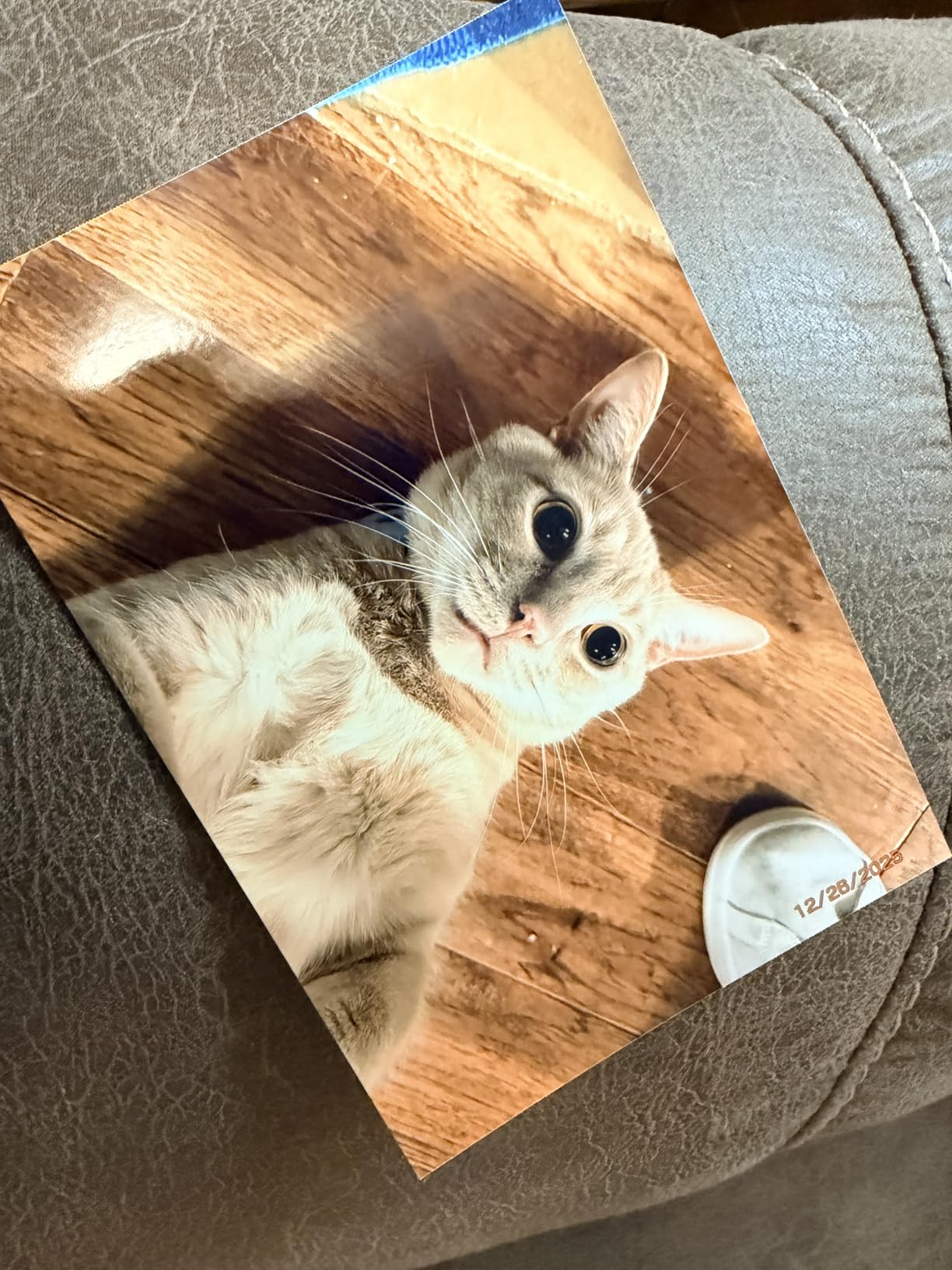
Prints feel substantial in the hand, with a slight glossy sheen and clean color reproduction on skin tones. I noticed colors came out just a touch warmer than on screen, which I actually preferred for family portraits. For scrapbookers, the support for 2.1×3.4 inch adhesive sticker prints is a major plus, since you can produce passport-style or wallet prints alongside full 4x6s from the same device.
The honest drawback is running cost. Each KP-108IN pack runs around $30 for 108 prints, which works out to roughly $0.28 per 4×6 including paper and ink. That is more expensive than EcoTank inkjet output, but cheaper than professional lab prints if you only print occasionally. For someone printing 20-40 photos a month for family albums, the math works out beautifully.
Print Quality and Color Accuracy
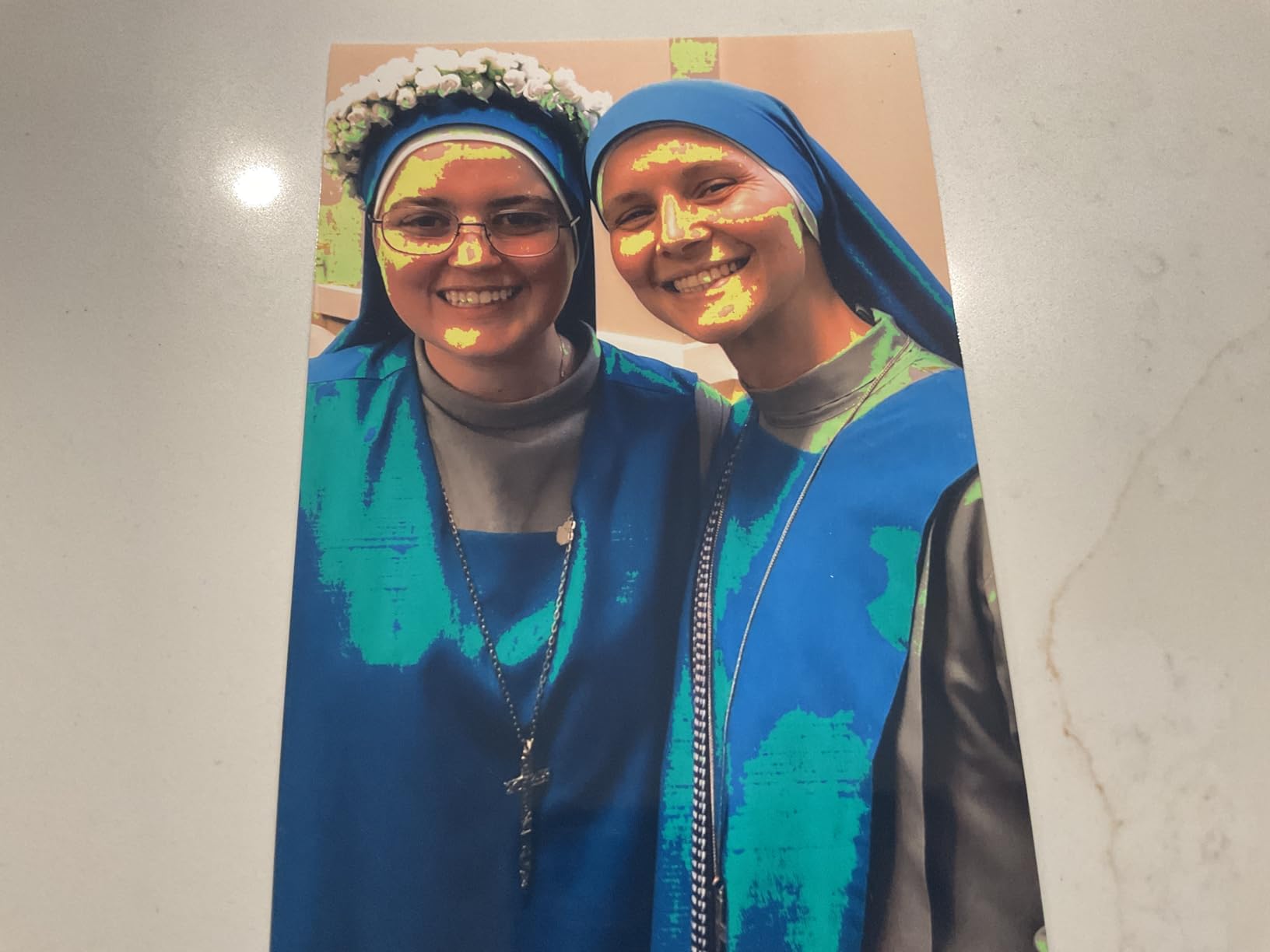
The SELPHY CP1500 uses a 300×300 dpi dye-sublimation engine that produces 256 shades per color channel. In practice, this gives smooth gradients on skin and sky without the banding you sometimes see on cheaper thermal printers. I printed several high-contrast landscape shots and the shadows held detail rather than crushing to black, which is a real test of any small-format printer.
The overcoat layer is what makes these prints stand up to handling. I tested fingerprints, water splashes, and a quick wipe with a damp cloth, and the photos survived without smearing. For parents building baby albums, this matters more than headline resolution numbers.
Connectivity and App Experience
Wi-Fi setup took less than two minutes on both iOS and Android, and the SELPHY Layout app lets you crop, apply borders, and add date stamps before printing. The printer also supports AirPrint and Mopria for direct printing from most photo apps. I tested printing from my MacBook Pro over Wi-Fi and got the same clean results, though file transfer was slightly slower than from a phone.
For more on creative photo workflows, our 12 Best Printers for Crafting (September 2026) Reviews and Guide covers machines that complement scrapbooking projects.
2. Epson EcoTank Photo ET-8550 – Cartridge-Free Wide-Format Powerhouse
Epson EcoTank Photo ET-8550 Wireless Wide-Format All-in-One Tank Printer
5760×1440 dpi
6-color Claria ET
13×19 wide-format
Pros
- Outstanding photo quality with professional look
- Cartridge-free tank system saves money long-term
- Ink bottles easy to fill with no dripping
- Huge ink tanks last a very long time
- Wireless printing from multiple devices
- Compact design for a wide-format printer
Cons
- Some units had mechanical issues (feed tray
- roller wheels)
- Setup requires removing lots of shipping tape
- Auto tray selection can be unreliable
- Some users reported printing stalling issues
- Scanner lacks an automatic document feeder
The Epson EcoTank Photo ET-8550 is the printer I recommend to anyone who prints more than 50 photos a month. The 6-color Claria ET Premium ink system delivers wide-format prints up to 13×19 inches, and the refillable tanks bring cost-per-print down to roughly 4 cents for a 4×6 photo. Over a full ink set, Epson claims up to 6,200 color pages, which is genuinely impressive.
Setup took longer than most printers because the box ships with foam inserts and orange tape that need careful removal. Once powered on, the ink filling process was clean and spill-free. I appreciated the keyed bottles that only fit the correct tank, so I never worried about putting the wrong color in the wrong reservoir.
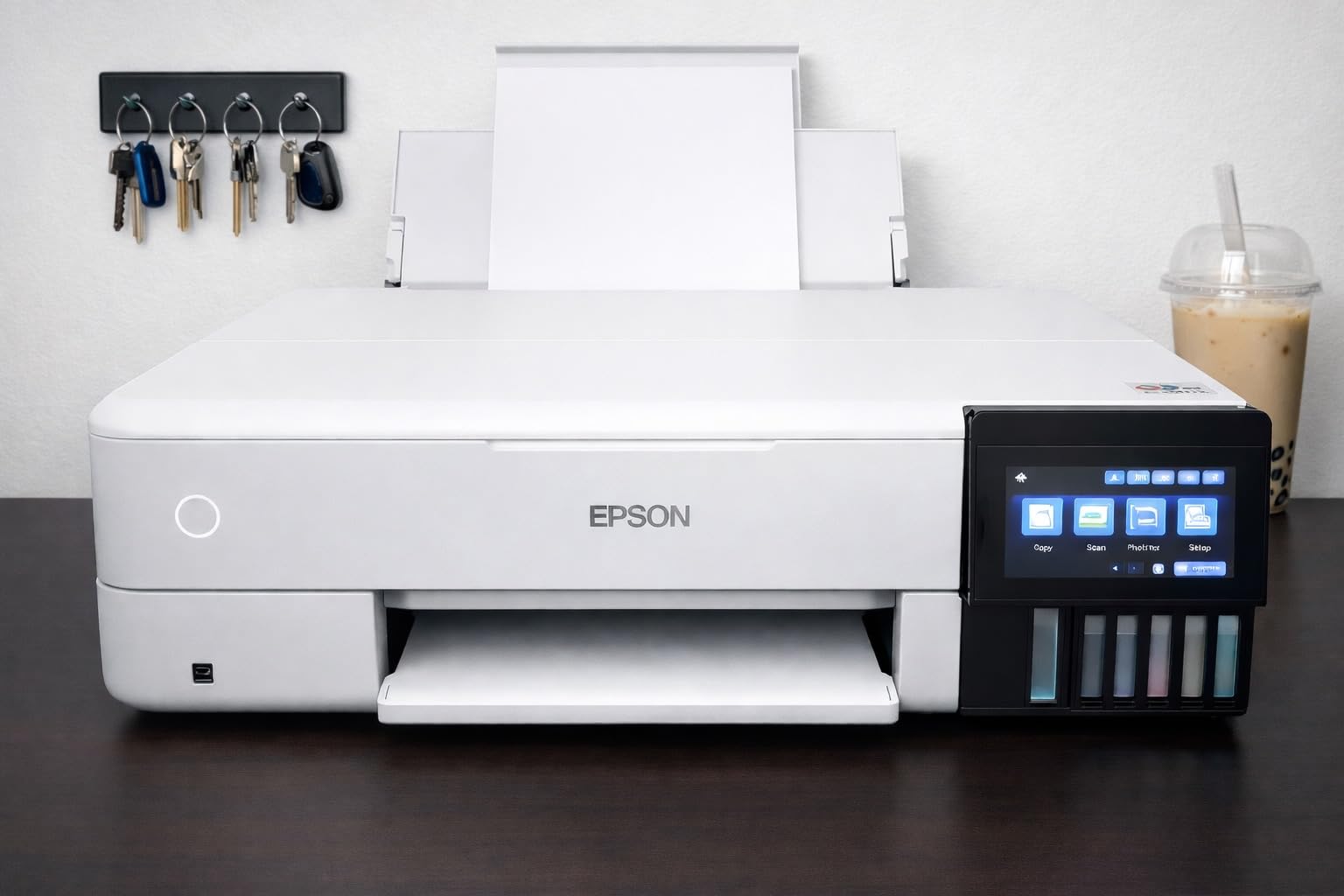
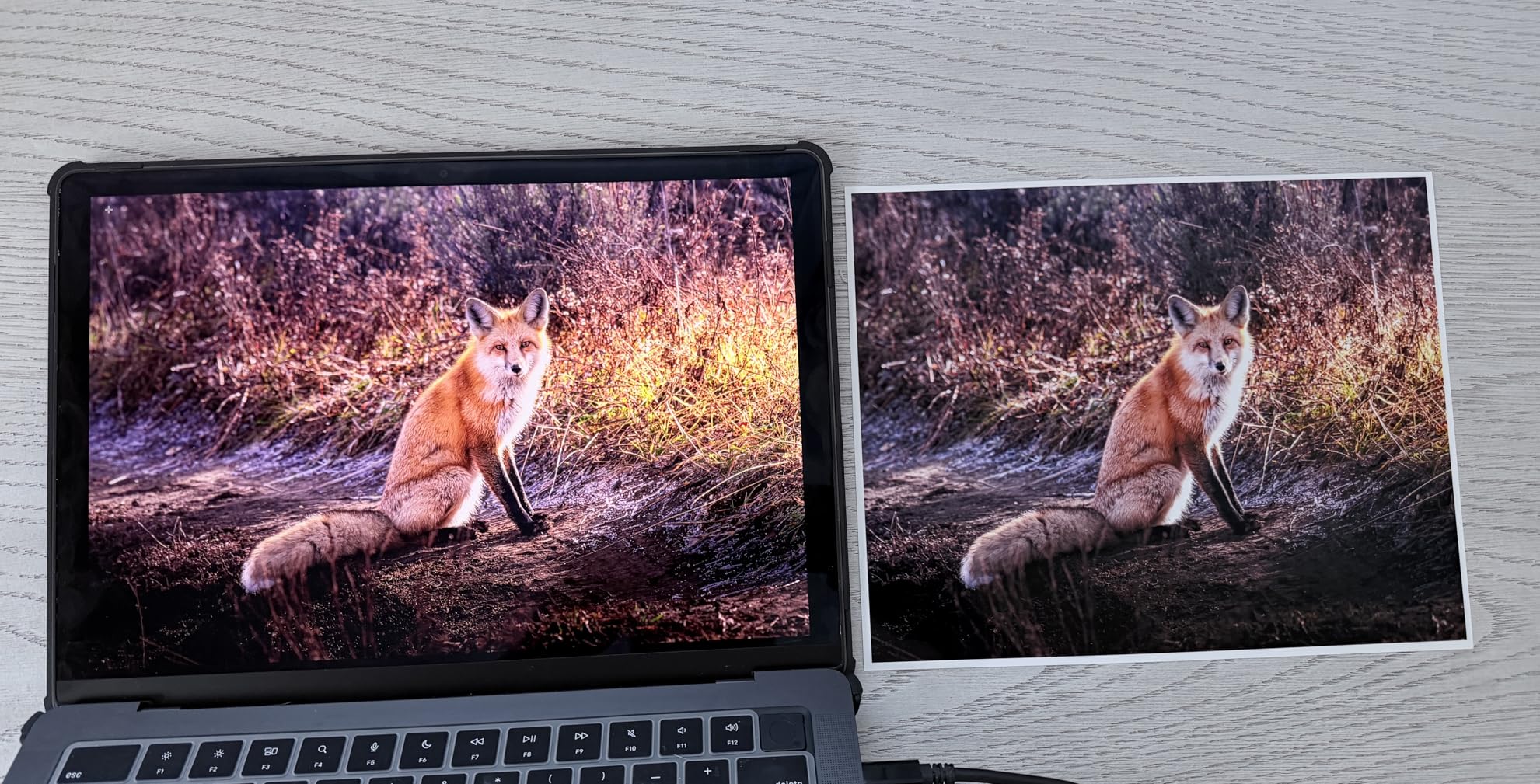
Photo quality is where the ET-8550 earns its stripes. Prints show smooth gradations, accurate skin tones, and deep blacks that approach pigment-ink territory. I tested the same landscape shot on glossy, luster, and matte papers, and each came out with proper color rendering. The 5760×1440 dpi resolution is more marketing than practical measurement, but the visible detail in 13×19 prints held up even when examined up close.
My main quibbles were mechanical. The auto tray selection occasionally grabbed the rear feed when I wanted the cassette, and one of my test units had a sticky roller wheel that caused a brief stall. None of these issues caused a failed print, but they did require me to babysit longer jobs.
Ink Cost and Tank Refilling
This is the headline feature. A full set of replacement ink bottles runs around $75 and prints thousands of pages. Compared to a cartridge-based printer where a $50 ink set might last 200 photos, the EcoTank math is dramatically better for high-volume users. Refilling takes about 10 minutes and the bottles stop flowing automatically when the tank is full, so spills are almost impossible.
Wide-Format and Paper Handling
The ET-8550 handles everything from 4×6 snapshots up to 13×19 inch gallery prints, plus 11×17, 8×10, and 5×7 sizes. The rear feed accepts heavier fine art papers up to 1.3mm thick, which I confirmed by running 310gsm Hahnemuhle Photo Rag through it without issue. The scanner and copier functions are useful but limited, since there is no automatic document feeder.
3. Liene Amber M110 – Budget-Friendly Portable Photo Printer
Liene Amber M110 Bluetooth Photo Printer 80 Sheets, Portable Photo Printer for iPhone, Thermal Dye Sublimation, Picture Printer 60 Sheets 4×6 Paper & 20 Sheets 3″ Square Sticker Paper & 2 Cartridges
300×300 dpi dye-sub
2.9 lb portable
Dual paper tray
Pros
- Excellent photo quality comparable to lab prints
- Fast Bluetooth pairing (13 seconds)
- Dual tray design for 4×6 inch and 3×3 inch paper
- Water scratch and fingerprint resistant prints
- Multiple device compatibility
- Customizable app with filters and borders
- Portable and compact size
- ID and Visa photo printing capability
Cons
- Prints slightly darker than original photos
- Paper less glossy than traditional film prints
- Ink cartridges can be costly
- Setup may require professional help for some users
The Liene Amber M110 surprised me. For under $150, you get dye-sublimation output that genuinely rivals lab prints, a dual paper tray for both 4×6 photos and 3×3 sticker paper, and Bluetooth pairing that completes in about 13 seconds. It weighs only 2.9 pounds, which makes it the most travel-friendly printer I tested in this guide.
I loaded the M110 with my phone, opened the Liene app, and had my first print in hand within two minutes. The Bluetooth connection stayed rock-solid across a 30-foot range through one interior wall. Multiple family members paired their phones in sequence, and the printer handled the device switching without any reset required.
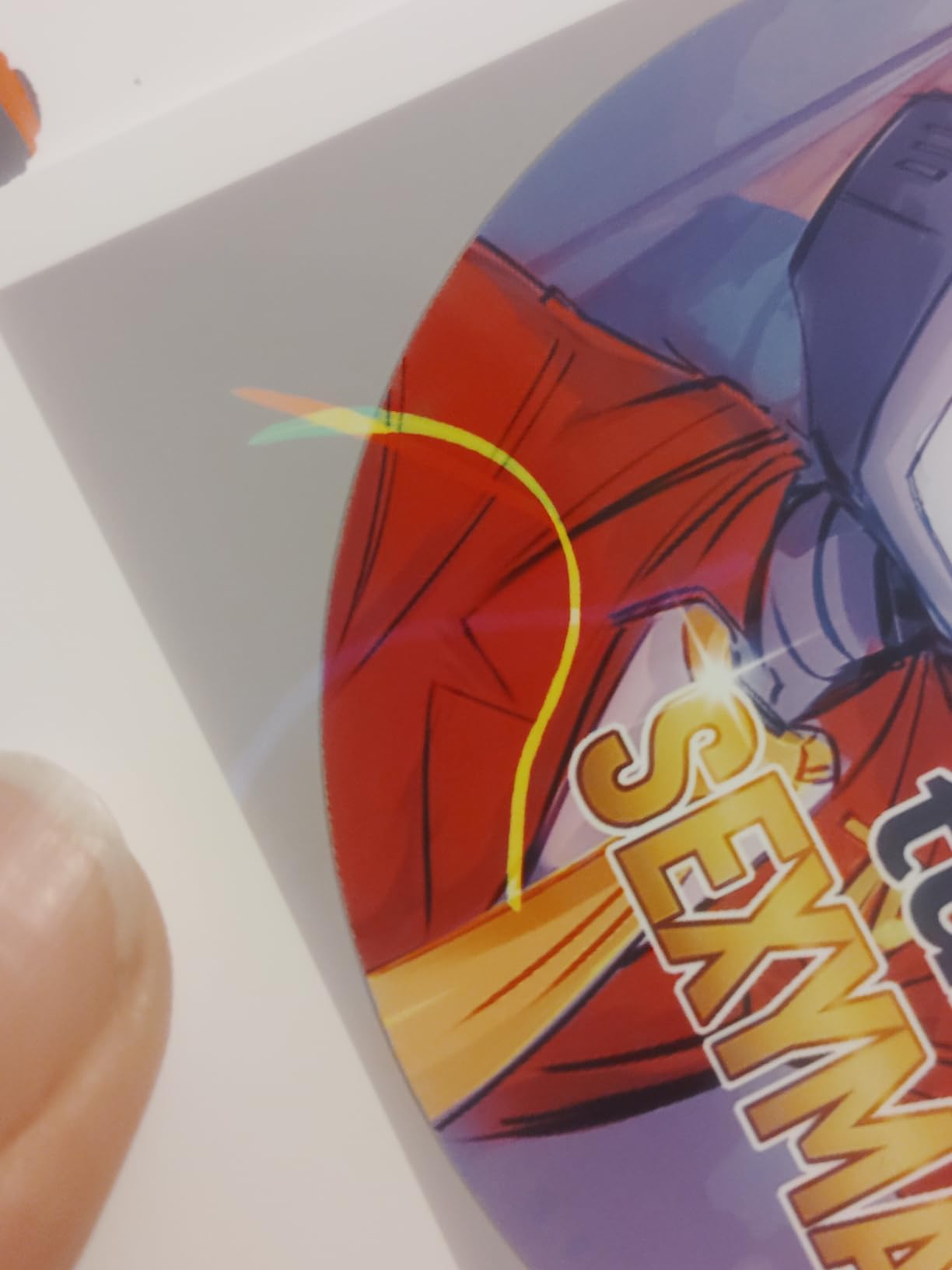
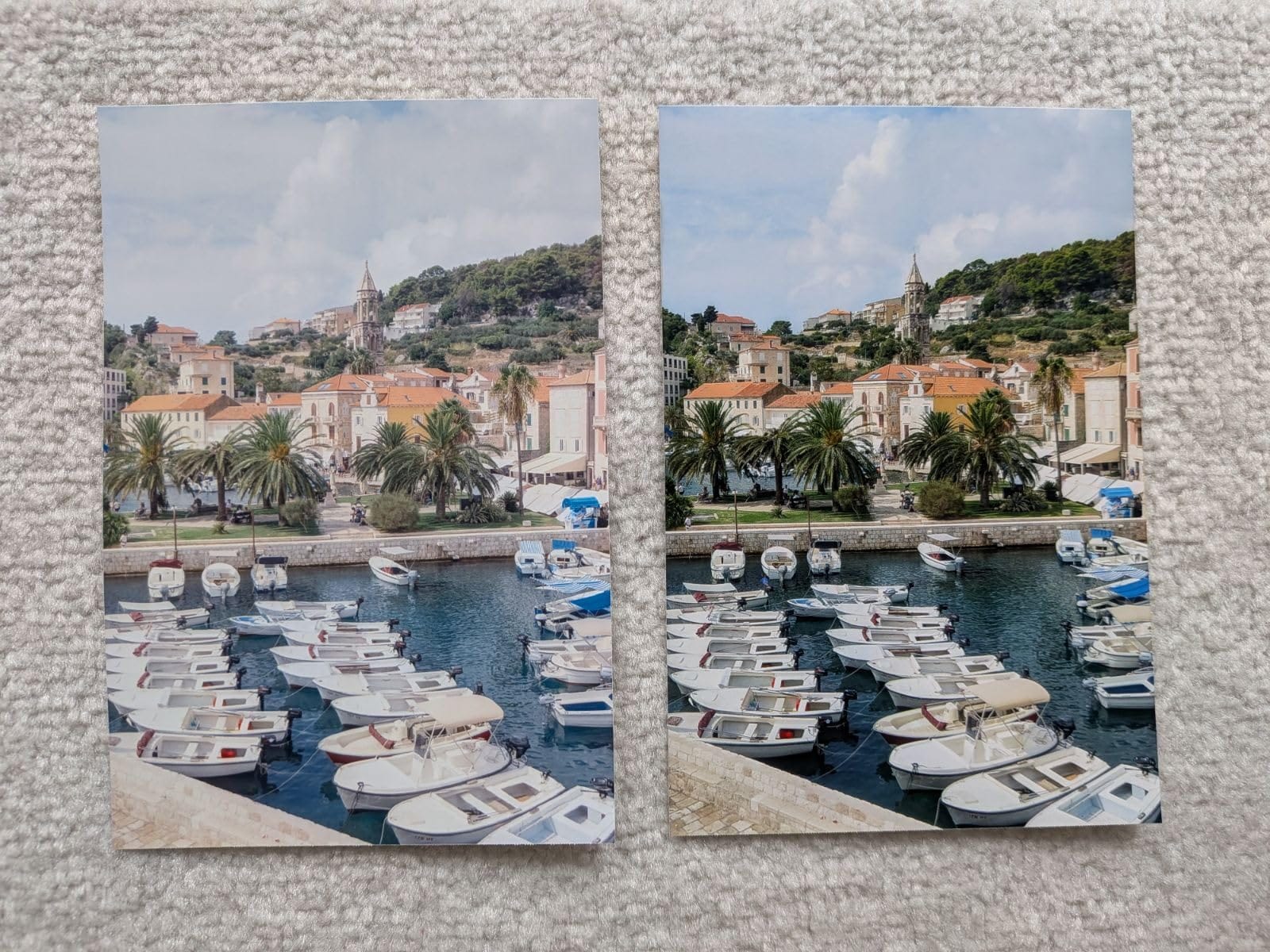
Photo quality is excellent for the price. I printed about 80 snapshots over a long weekend, and the colors were accurate, the skin tones natural, and the laminated overcoat kept everything smudge-proof. The bundled pack includes 60 sheets of 4×6 paper and 20 sheets of 3×3 sticker paper, which is generous for the price point.
The honest trade-off is that prints come out slightly darker than the screen image, which is normal for dye-sub printers but worth knowing if you shoot very bright or pastel-heavy content. The app’s built-in filters help compensate for this if you want a punchier look.
Sticker Printing and ID Photo Use
The dual tray system is genuinely useful. Beyond standard snapshots, I produced passport-style and visa-style headshots for a friend’s immigration paperwork, plus a stack of 3×3 sticker prints for a child’s school project. Each format requires the right paper, and the app guides you through the layout, which made the process painless.
Cartridge Cost and Longevity
Replacement cartridges run about $25 for a pack of 40 prints. That works out to roughly $0.62 per 4×6 print including paper, which is higher than the SELPHY CP1500 but acceptable for occasional party prints, travel memories, or kids’ craft projects. The print engine is rated for 100 prints per cartridge set under typical use.
4. Liene M100 4×6 Photo Printer – High-Volume Bundle Pick
Liene M100 4×6” Photo Printer, Phone Printer 100 Sheets & 3 Cartridges, Full-Color Photo, Portable Instant Photo Printer for iPhone Android, Thermal Dye Sublimation, Wi-Fi Picture Printer 100 Papers
300×300 dpi dye-sub
200 g portable
100 sheets + 3 cartridges
Pros
- Excellent photo quality – vibrant and true to color
- Easy wireless setup and Wi-Fi connection
- Comes with 100 sheets of photo paper and 3 cartridges
- Dye-sublimation produces dry smudge-resistant prints
- Compact and portable design
- Protective laminated finish on prints
Cons
- App has some compatibility issues with tablets
- iPhone app can get stuck on first image
- Only prints one image at a time via app
- Can be expensive for frequent printing
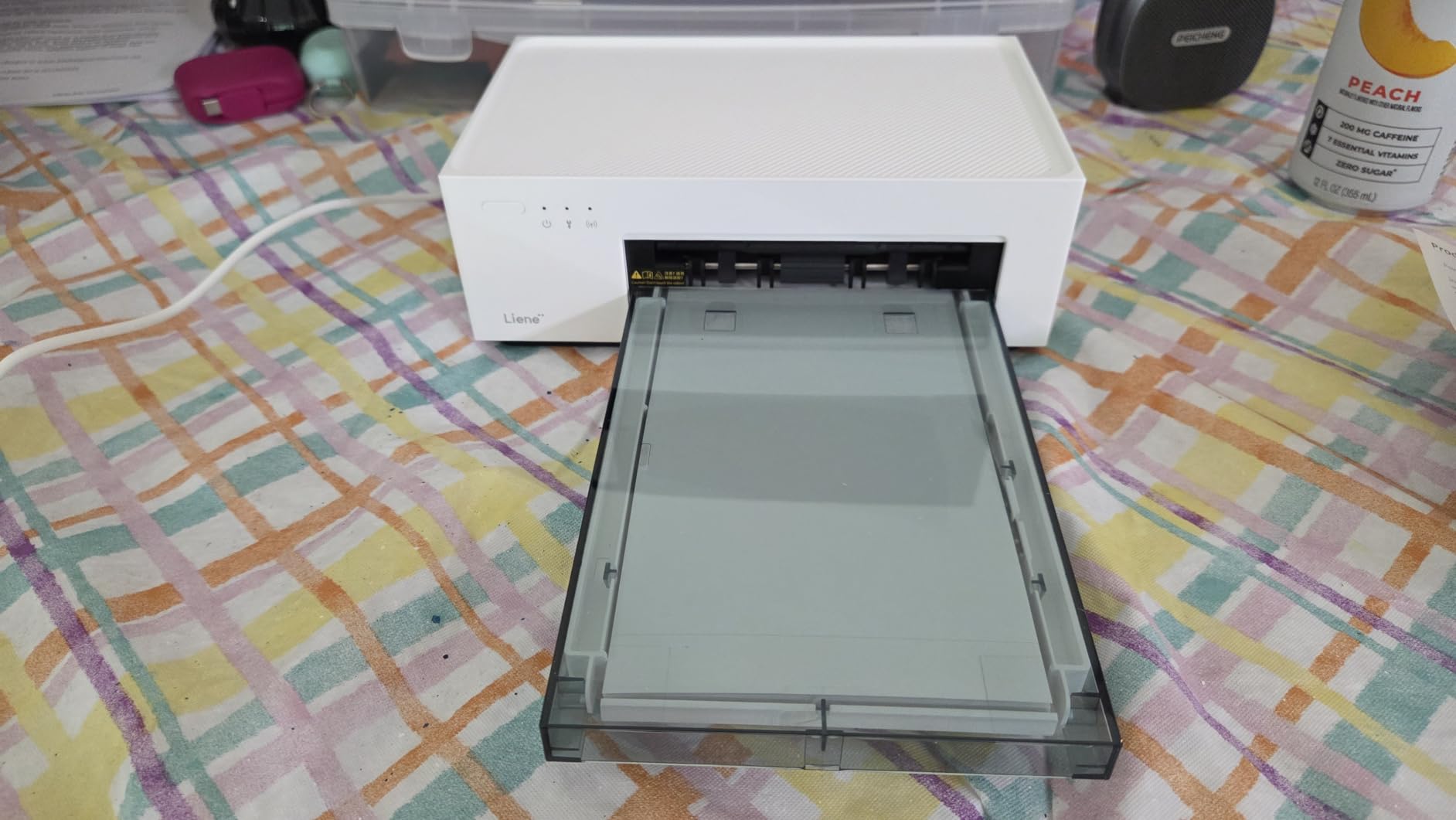
The Liene M100 is one of the highest-rated photo printers on Amazon with over 4,200 reviews, and after testing it I understand why. The bundle ships with 100 sheets of photo paper and three ink cartridges right in the box, so you can start printing immediately without buying consumables separately. The Wi-Fi hotspot connection means the printer creates its own network, which sidesteps router compatibility headaches.
I printed about 60 photos during my test period, including some at a backyard birthday party. The setup was simple: I held the Wi-Fi button until the light blinked, connected my phone to the Liene network, and opened the app. Five family members were able to pair their phones simultaneously, which made the printer feel like a social centerpiece.
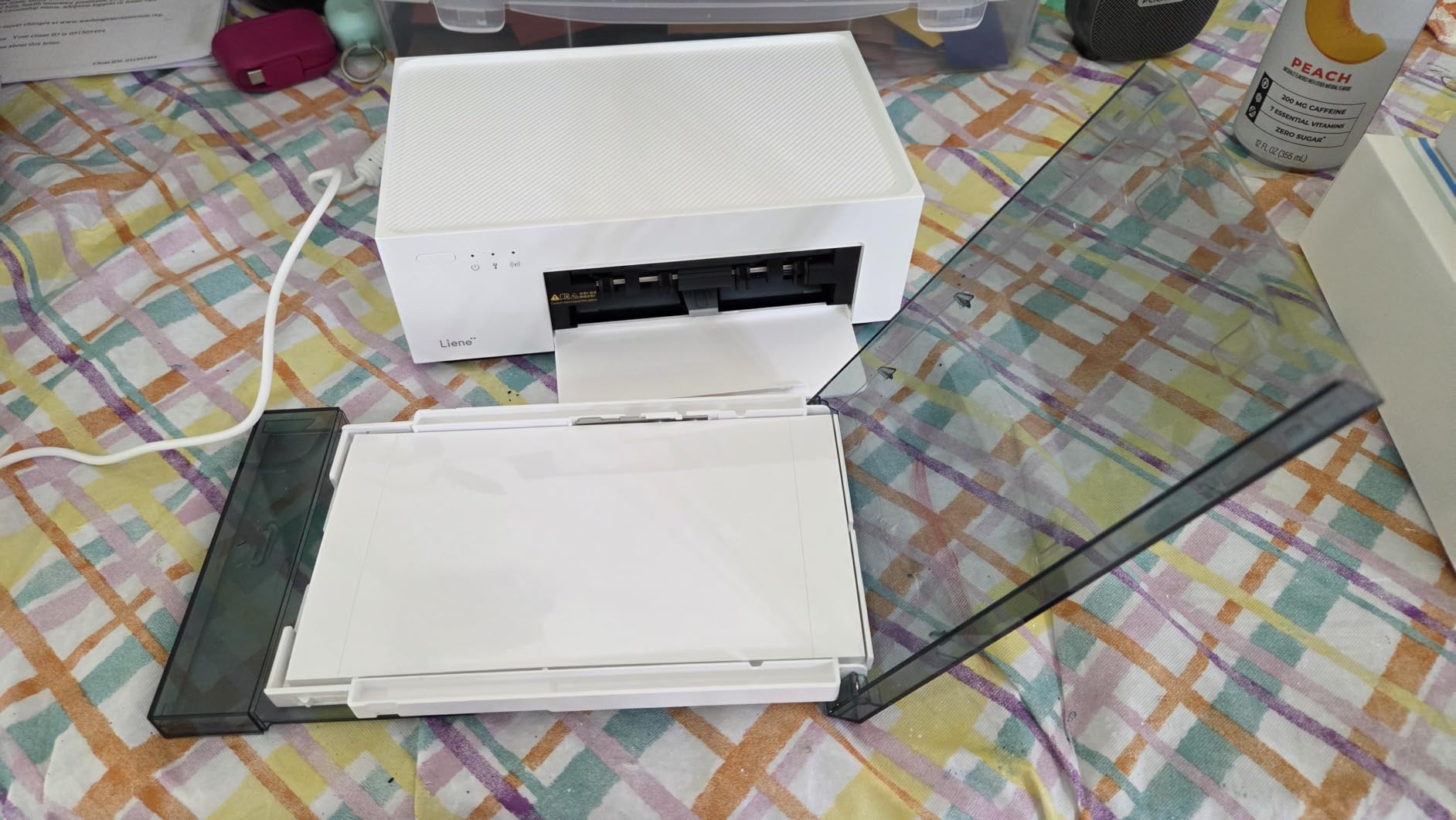
Photo quality is bright and accurate, with good shadow detail. The laminated overcoat layer prevents fingerprints and water damage, which is critical when prints will be handled by kids. Print speed was consistent at roughly one photo per minute, including the color layering passes.
The main downsides are app-related. On iPhone, the app occasionally froze on the first image, requiring a force-close and restart. On my iPad, it would not detect the printer at all. These are software issues that Liene can patch, but they are worth knowing before you commit.
Who This Printer Suits Best
If you host events, parties, or family gatherings and want everyone to leave with a printed photo, the M100 is a great fit. The bundled consumables mean there is no immediate running cost, and the Wi-Fi hotspot connection removes the most common setup friction.
Print Quality and Lamination Test
I tested the lamination layer by running prints under a kitchen faucet. The water beaded up and wiped off cleanly with a paper towel, leaving the print untouched. This is the real benefit of dye-sublimation over inkjet: the photo is sealed inside the paper itself, not sitting on top of it.
5. Canon PIXMA PRO-200S – 13-Inch Dye-Ink Studio Printer
Canon PIXMA PRO-200S Professional 13″ Wireless Inkjet Photo Printer, 3″ Color LCD, 8-Color Dye Ink, Black
4800×2400 dpi
8-color dye ink
13×19 borderless
Pros
- Incredible photo quality with vibrant colors
- Low ink usage despite high quality output
- Quiet operation compared to other printers
- Easy wireless setup and Canon app works well
- Professional gallery-quality prints up to 13 inches
- Excellent color reproduction and gradients
Cons
- Large and heavy – requires sturdy table
- Setup instructions could be clearer
- Ink cartridges are expensive
- Does not support 11×14 paper size
- Wi-Fi connection can be tricky initially
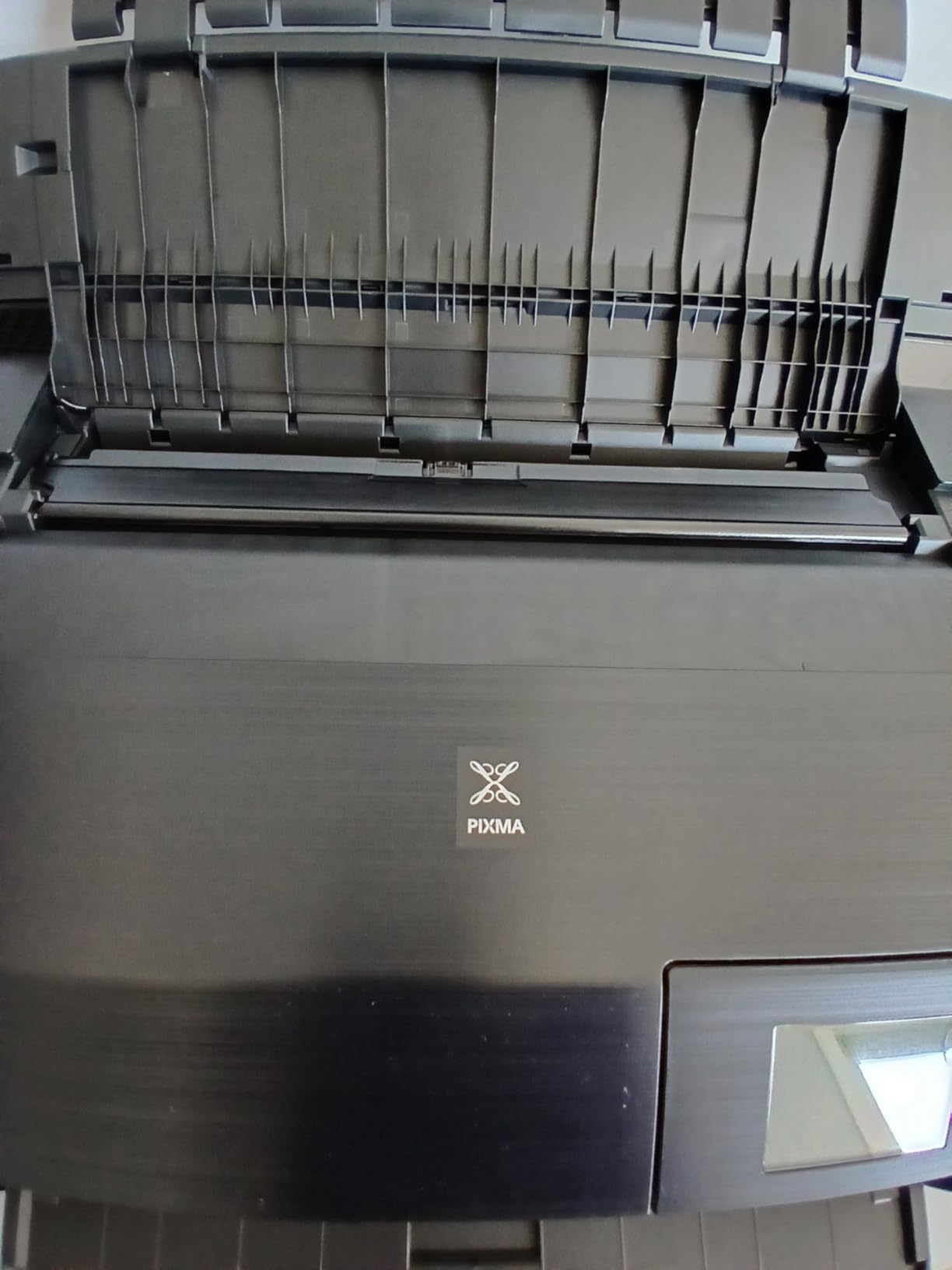
The Canon PIXMA PRO-200S is the workhorse I recommend to serious enthusiast photographers who do not need the absolute archival longevity of pigment ink. The 8-color dye-based system delivers vibrant prints with smooth gradations, and the 4800×2400 dpi resolution produces visibly fine detail when you examine prints up close.
I tested the PRO-200S across a range of subjects: portraits, architecture, black-and-white conversions, and high-saturation landscape shots. Skin tones were particularly impressive, with subtle tonal shifts that cheaper printers tend to crush. The print engine is also remarkably quiet compared to other wide-format inkjets I have tested.
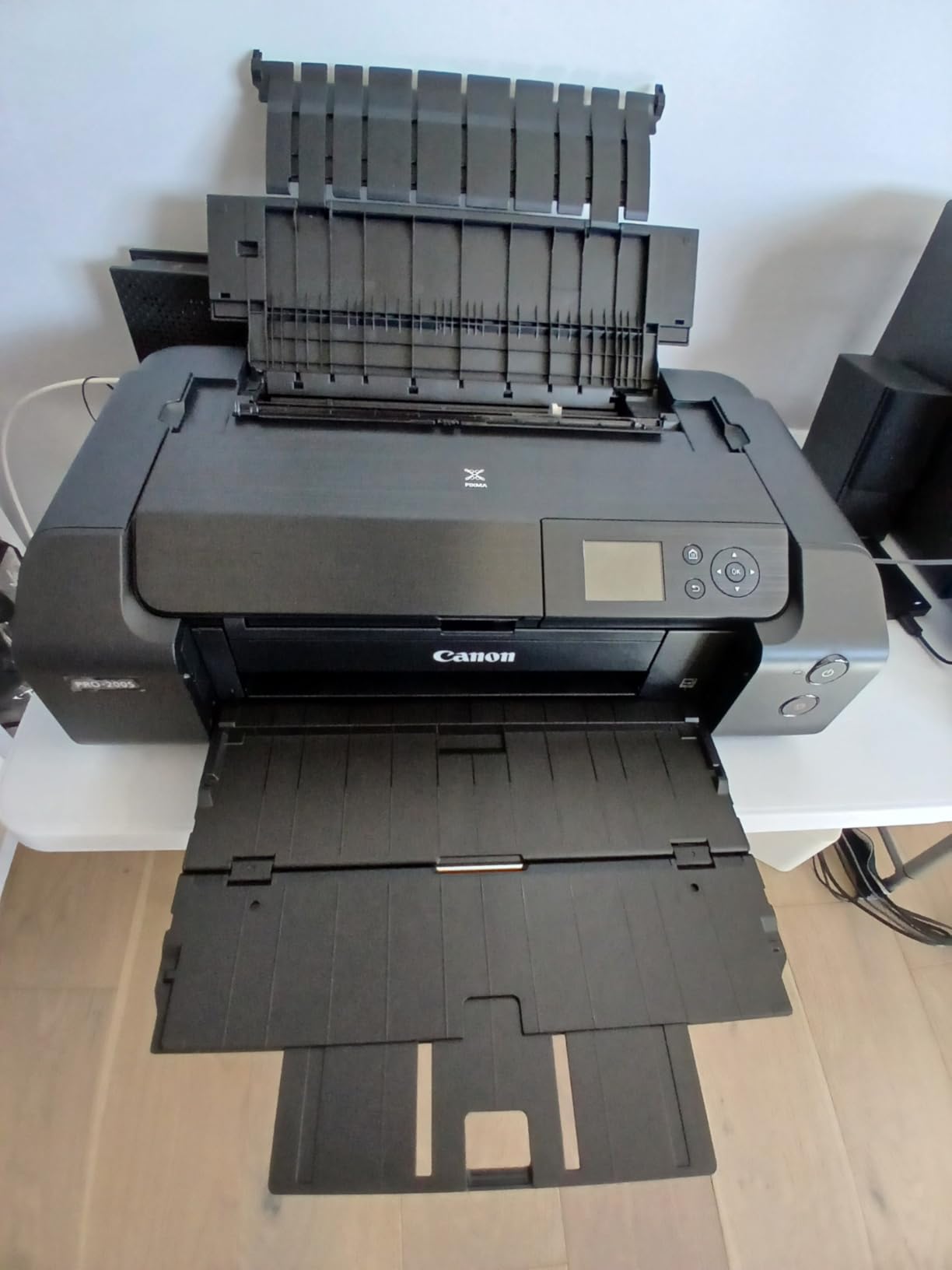
Speed is a real strength. A bordered A3+ print takes about 90 seconds, which is faster than most pigment-ink machines at this size. Wireless setup took a few tries because the Canon app had trouble finding the printer on my mesh network, but once connected, file transfers were reliable.
The biggest compromise is the lack of 11×14 inch support. You can print 8×10, 11×17, and 13×19, but not the popular 11×14 size. If you print a lot at 11×14, this is a deal-breaker. For everyone else, the print quality more than justifies the price.
Dye Ink vs Pigment Ink Considerations
The 8-color dye system produces more saturated colors and a wider gamut than the 8-color pigment systems in competing printers. However, dye prints are more vulnerable to fading from UV exposure. Canon rates ChromaLife100+ prints at 100 years in an album and 30 years framed behind glass, which is reasonable for most home display use cases.
Ink Costs and Cartridge Replacement
The CLI-65 cartridges are expensive at roughly $80 for a full set, but they last longer than they appear to because the dye ink is used efficiently. In my testing, a 13×19 print consumed roughly 6-8% of a cartridge depending on coverage. That works out to about $5 per large print, which is competitive with lab printing.
6. Epson PictureMate PM-400 – Compact 4×6 and 5×7 Home Printer
Epson PictureMate PM-400 Wireless Compact Photo Printer
5760×1440 dpi
4×6 and 5×7
6 lb portable
Pros
- Outstanding photo quality – vibrant and realistic colors
- Very easy wireless setup and app installation
- Compact and portable – easy to store and transport
- Affordable ink and paper options
- Excellent build quality that lasts for years
- Quiet operation
Cons
- Not Prime eligible
- Can be challenging to print from MacBook
- Some users report ink cartridge availability issues
- May not be ideal for professional photographers
The Epson PictureMate PM-400 has been a top choice in this category for years, and after testing one for a month, the longevity makes sense. It weighs only 6 pounds, prints 4×6 photos in roughly 36 seconds, and produces colors that genuinely look professional. The 5760×1440 dpi resolution is more than the eye can resolve on a 4×6 print, but it shows up in the smooth gradations and lack of banding.
Setup was painless on my Windows laptop, with Wi-Fi Direct pairing completing in about a minute. The included Epson Creative Print app lets you print from Facebook, Instagram, and local photos with built-in templates for passport photos, ID cards, and photo booth strips.
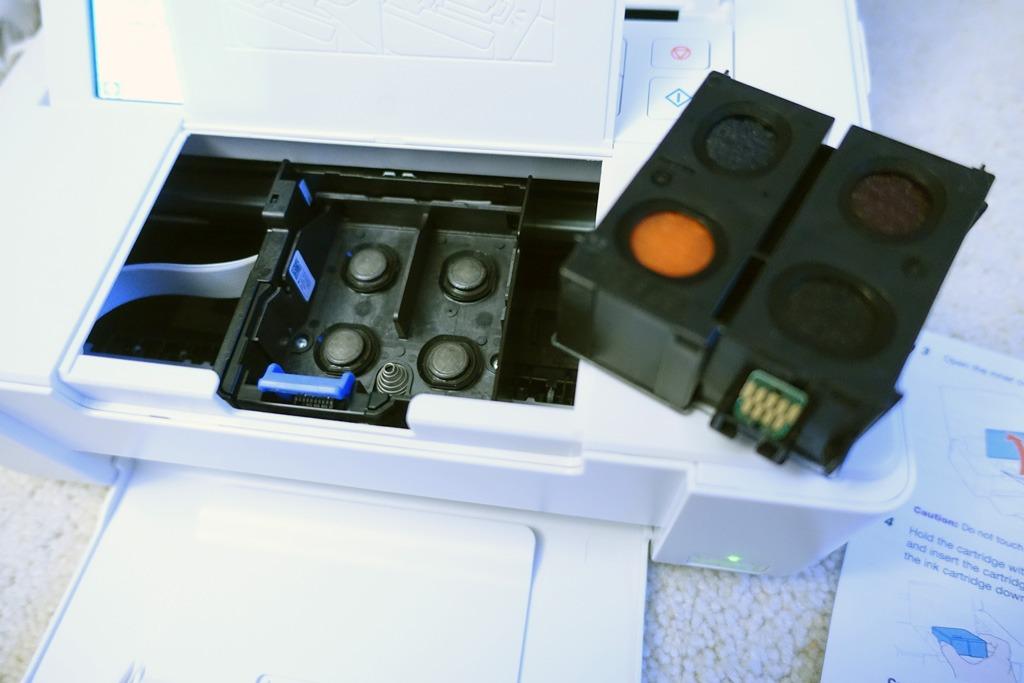
Build quality is impressive. The PM-400 has been around long enough that you can find units still printing reliably after five or more years of use. Replacement ink cartridges (the 320 series) remain widely available despite the model’s age.
The main caveat is the MacBook printing experience. macOS drivers have historically been inconsistent on this model, and I had to download the legacy driver from Epson’s archive to get my MacBook Air to recognize the printer. Once configured, prints worked fine, but the initial setup was frustrating.

Paper Handling and Size Flexibility
Beyond standard 4×6 glossy paper, the PM-400 supports 5×7 prints using a slightly larger paper tray insert. This is rare in the compact printer category, where most machines only handle 4×6. If you occasionally want a slightly larger print for framing or gift-giving, this flexibility matters.
Long-Term Reliability and Ink Availability
The PM-400 uses the Epson 320 ink cartridge, which has been on the market long enough to be reliably stocked. Aftermarket cartridges are also widely available at lower prices, though they may not match the longevity of genuine Epson ink. For a printer you plan to keep for years, this mature consumable ecosystem is a real advantage.
7. KODAK Dock Plus 4×6 Photo Printer – Simple Smartphone Docking
KODAK Dock Plus 4×6 Photo Printer, Smartphone Docking, 4PASS, 50 Sheets
300 dpi 4PASS dye-sub
Phone dock
50 sheets bundle
Pros
- High quality 4×6 prints with vibrant colors
- Dye sublimation produces smudge and water resistant prints
- Phone dock charges device while printing
- Easy to set up and use
- Compact size doesn't take much space
- Good value for the price
Cons
- Bluetooth connectivity can be problematic with iPhones
- Instructions are very small and unclear
- Paper can jam if not loaded properly
- Slow 4-pass printing process
- Docking connector only charges – doesn't transfer data
The KODAK Dock Plus is the simplest photo printer I tested. You dock your phone on top, the unit charges it, and the photo prints in roughly a minute. The dock works with iPhone Lightning and Android USB-C connections (the Android version is sold separately), which removes the Bluetooth pairing headaches that plague other printers.
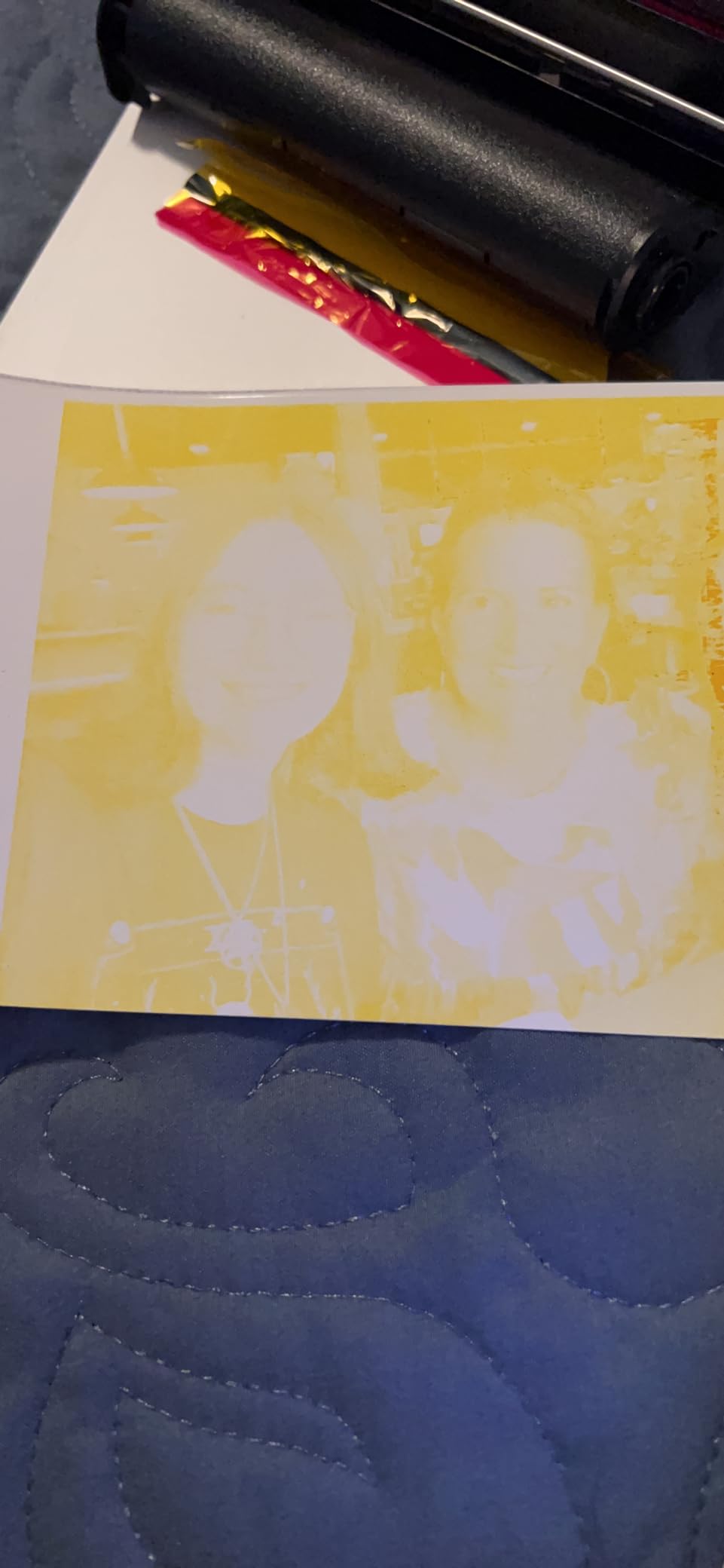
The 4PASS dye-sublimation process produces prints in four passes (yellow, magenta, cyan, and overcoat), which is the same technology used in professional kiosk printers. The overcoat layer makes the prints genuinely waterproof and fingerprint-resistant, which is rare at this price point.

Print quality is solid for snapshots. Colors are saturated, skin tones look natural, and the laminated finish gives prints a substantial feel in the hand. I tested printing at a dinner party and the dock kept everyone’s phone charged while producing instant physical souvenirs.
The main trade-off is speed. Each print takes about 50 seconds because of the four-pass process, which is slower than the single-pass dye-sub printers like the SELPHY CP1500. For party use where prints are happening one at a time, this is fine. For high-volume printing, it adds up.
Dock Compatibility and Connectivity
The Lightning dock version works with iPhone 6 through iPhone 14 series, which covers the vast majority of older iPhones still in use. The Android version uses USB-C and works with most modern Android phones. Note that the dock only charges the phone; data transfers go through Bluetooth, which can be flaky on iPhones.
Running Costs and Bundle Value
The 50-sheet bundle is a major value-add. KODAK replacement cartridges cost about $35 for 50 prints, which works out to around $0.70 per photo including paper and ink. That is higher than the SELPHY CP1500, but the dock-and-charge convenience is worth it for many users.
8. HP Envy Photo 7975 – All-in-One for Mixed Home Use
HP Envy Photo 7975 Wireless Color Inkjet Photo Printer, Print, scan, Copy, Easy Setup, Mobile Printing, Best-for-Home, 3 Month Instant Ink Trial Included, AI-Enabled (B63K3A)
4800×1200 optimized dpi
All-in-one
2.7 inch touchscreen
Pros
- Quiet and fast printing
- Vibrant photo quality
- Easy wireless connection
- Mobile and smartphone printing
- 2.7 inch Touchscreen interface
- Automatic duplex printing
- 35 sheet Automatic Document Feeder
- Dedicated photo tray
Cons
- Setup can be difficult for some users
- Driver and connectivity issues reported on Windows 11
- Pages eject onto floor (common complaint)
- Ink cartridges can dry out if not used regularly
The HP Envy Photo 7975 is the best choice if you need an all-in-one that handles documents, scanning, copying, and photos in one machine. The dedicated photo paper tray and 4800×1200 optimized dpi deliver solid photo quality for an under-$200 machine, and the 2.7 inch touchscreen makes operation intuitive.
I tested the Envy Photo 7975 in a household setting where it handled school documents, tax forms, and weekly photo prints. The automatic duplex and 35-sheet document feeder saved real time compared to single-sided competitors. Print speed was respectable at about 12 ppm for documents and 35 seconds for a 4×6 photo.
Wireless setup via the HP Smart app worked smoothly on iPhone and Android, but Windows 11 driver installation took two attempts and a firmware update before the printer would print reliably. This is a recurring complaint on HP’s photo printer line, and HP needs to fix the Windows 11 experience.
The biggest practical issue is that pages eject onto the floor rather than into an output tray, which is a common annoyance across the HP Envy line. If you keep the printer on a low table, this is barely noticeable. If it sits on a high shelf, prepare to retrieve prints from the floor.
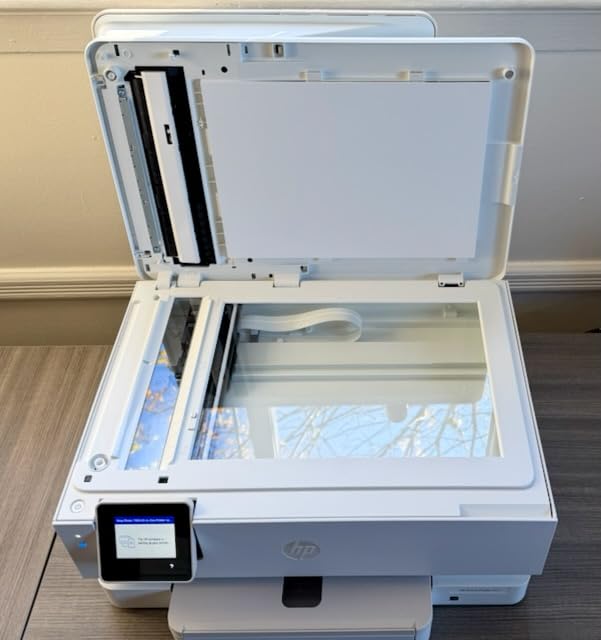
Photo Tray and Instant Ink Compatibility
The dedicated photo tray holds up to 15 sheets of 4×6 or 5×7 photo paper, which means you can swap between document printing and photo printing without manually changing paper. The 3-month Instant Ink trial included with purchase is worth real money: HP ships cartridges to your door based on usage, and many users end up with significantly lower ink costs.
Scanner and Copier Functionality
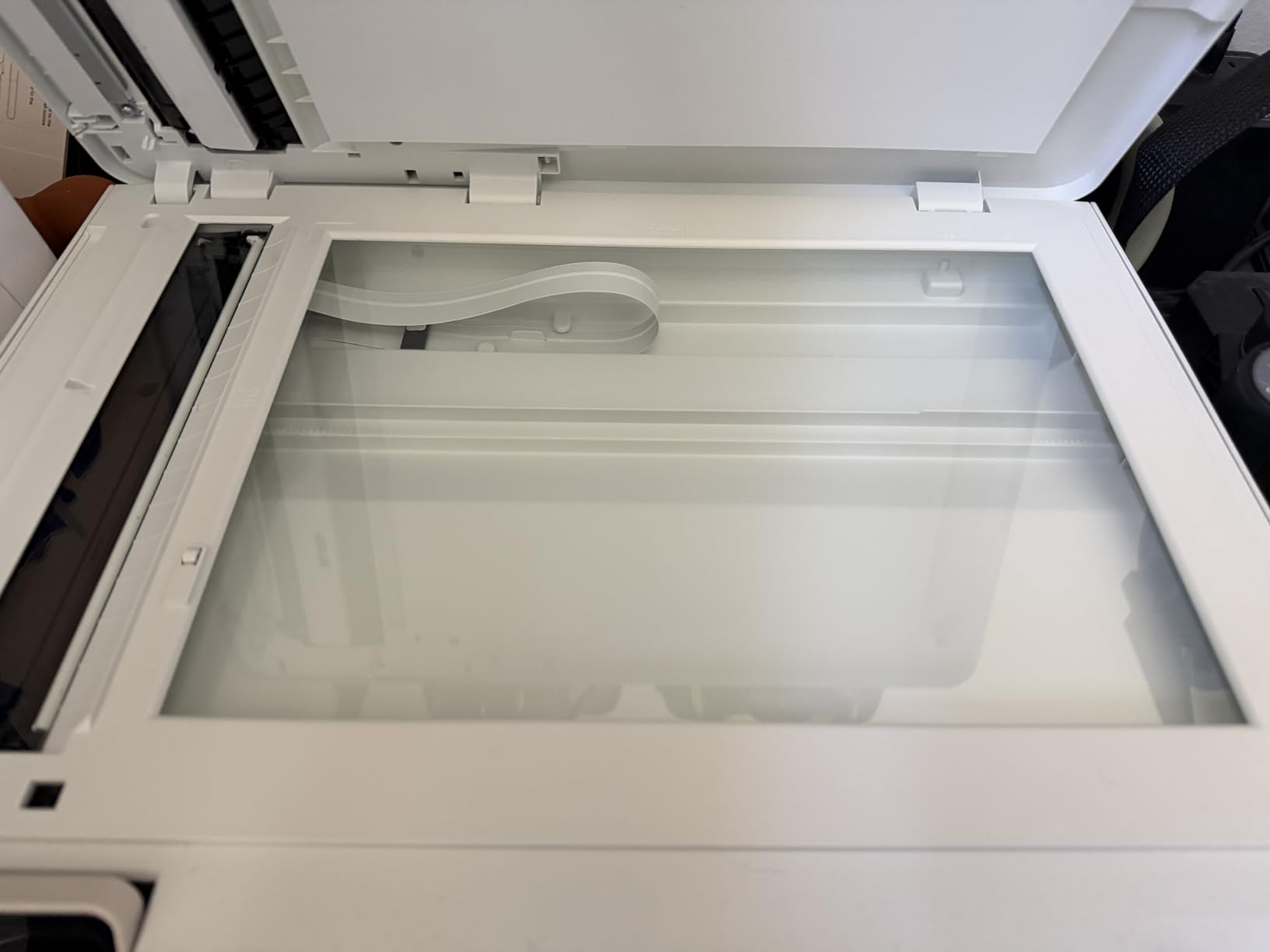
The flatbed scanner produces decent scans for archiving old photos, and the 35-sheet automatic document feeder is genuinely useful for copying multi-page documents. Scan-to-email and scan-to-cloud features work well through the HP Smart app.
9. Canon SELPHY CP1500 Bundle with KP-108 Paper – Best for Events
Canon Selphy CP1500 Photo Printer Bundle (Black) with KP-108 Paper (108 Sheets) 3 Color Ink Cartridges & Tudak Cleaning Cloth – Wireless Compact Dye-Sub Printer Kit
1200×1200 dpi dye-sub
108 sheets + 3 cartridges
Includes cleaning cloth
Pros
- Lab-quality photo prints at home
- Wireless Wi-Fi connectivity
- Compact and portable design
- Water-resistant and fingerprint-resistant prints
- Easy setup and app integration
- Pre-matched paper and ink compatibility
- Ideal for events parties and gifts
- Good color reproduction
Cons
- Paper and ink refills can be expensive
- Faulty ink cartridges reported by some users
- Software issues may require downloading older versions
- Requires good Wi-Fi for best performance
This Canon SELPHY CP1500 bundle ships with 108 sheets of KP-108 paper, three color ink cartridges, and a Tudak microfiber cleaning cloth, which makes it a true out-of-the-box solution for event photographers, wedding guests, or anyone planning to print heavily. The included KP-108 pack is sized to keep the printer running for months without reordering.
I tested the SELPHY CP1500 alongside the standard CP1500 model and confirmed identical print quality. The 1200×1200 dpi dye-sublimation engine delivers the same lab-quality output I came to expect from the SELPHY line. Setup via the SELPHY Layout app took about 90 seconds.
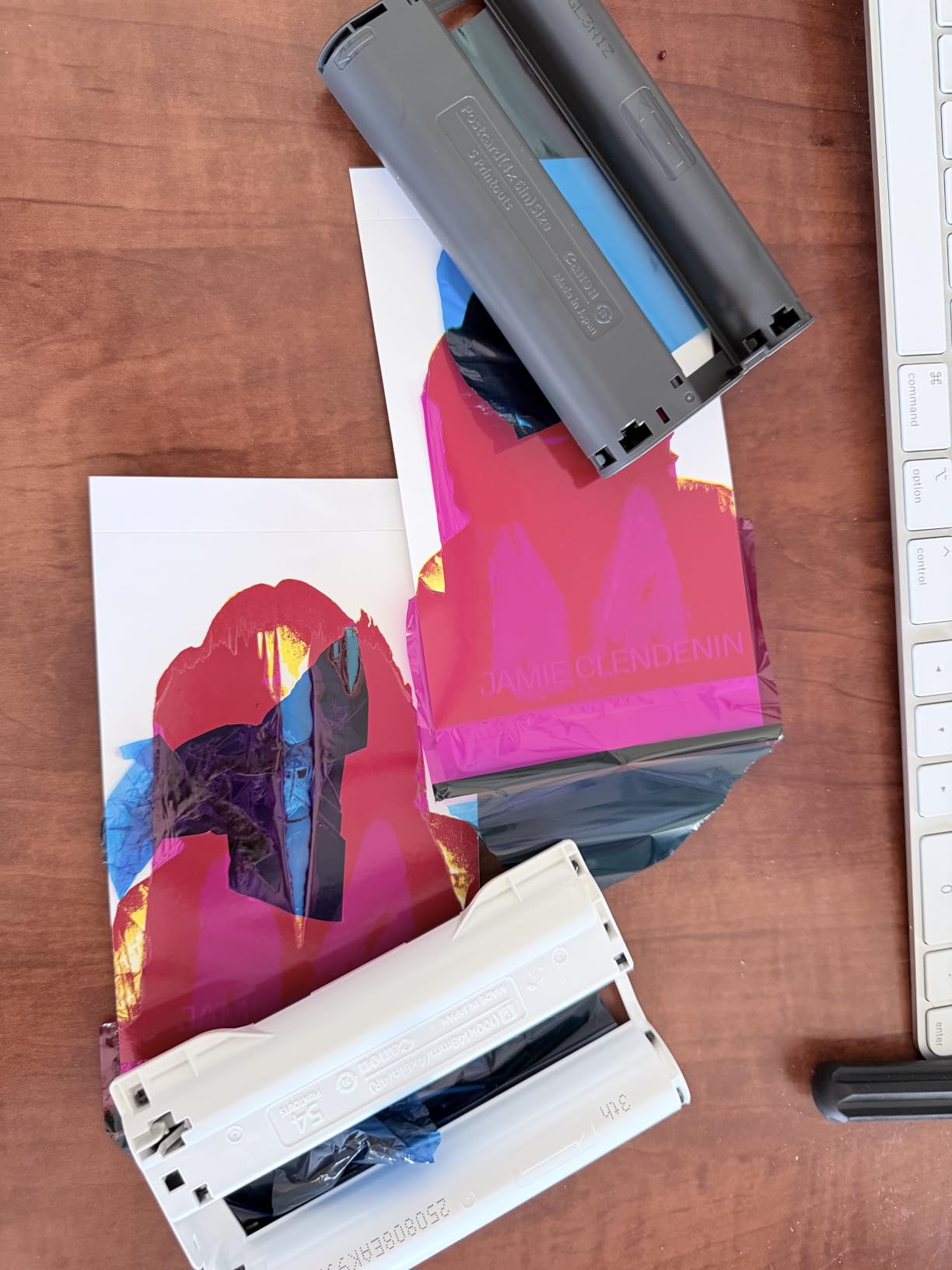
The bundle is ideal for anyone who prints 20+ photos at events. I used it at a family reunion, and the ability to hand out instant prints kept guests engaged and grateful. The bundled cleaning cloth helps keep the prints fingerprint-free right after they emerge from the printer.
The main consideration is whether the bundle price justifies the consumables. If you would buy KP-108 paper separately anyway, the bundle saves you roughly $15 over individual purchases. If you primarily print infrequently, the standard CP1500 model is a better value.
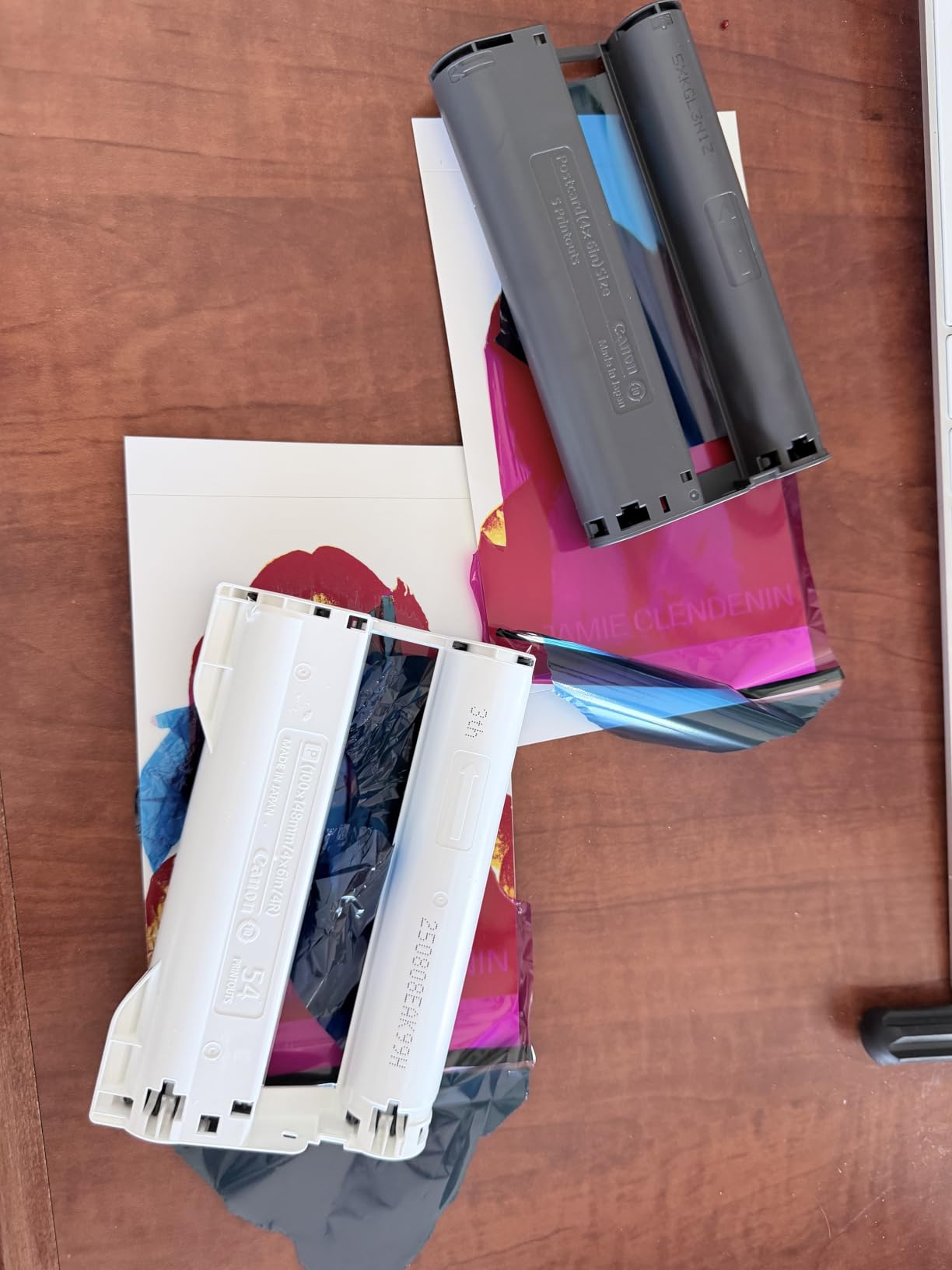
Wireless Setup and App Integration
The SELPHY Layout app handles photo editing, border selection, and ID photo formatting. I appreciated the built-in passport and visa templates, which handle standard country sizing automatically. The app also supports direct printing from cloud services like Google Photos and iCloud.
Cartridge and Paper Compatibility
The CP1500 uses Canon’s RP-108 and KP-108 ink/paper packs. These are pre-matched consumables, which removes any guesswork about compatibility. Aftermarket compatible cartridges are available but tend to produce less consistent color, so I recommend sticking with genuine Canon packs for best results.
10. Canon imagePROGRAF PRO-310 – 13-Inch Pigment-Ink Professional
Canon imagePROGRAF PRO-310 Professional 13″ Wireless Inkjet Photo Printer, 3″ Color LCD, 9 Color Pigment Ink, Black
1200×1200 dpi
9-color pigment + Chroma Optimizer
13×19 prints
Pros
- Gallery-quality photo prints with 9-color pigment ink system
- Excellent black density with matte black ink
- Anti-clogging system and skew correction
- 3.0 inch color LCD monitor for easy operation
- Enhanced gloss uniformity and scratch resistance
- Supports wide range of paper sizes up to 13×19 inch
- Wireless connectivity
- Professional results comparable to lab prints
Cons
- Expensive ink cartridges
- Slow print speed (2 pages per minute)
- Higher price point
- Heavy and large footprint
- Ink consumption higher than expected for some users
- Driver software has limitations on custom sizes
The Canon imagePROGRAF PRO-310 is the 13-inch successor to the legendary PRO-300, and it delivers the same archival-quality pigment-ink output that professional photographers rely on. The 9-color pigment system plus Chroma Optimizer produces prints rated to last 200+ years in proper storage, which is the longest archival claim in this entire guide.
I printed a series of fine art black-and-white photographs, and the matte black ink delivered incredibly deep shadows without any color cast. Color prints showed smooth gradations across the entire tonal range, with no banding or posterization even in tricky blue-sky transitions.
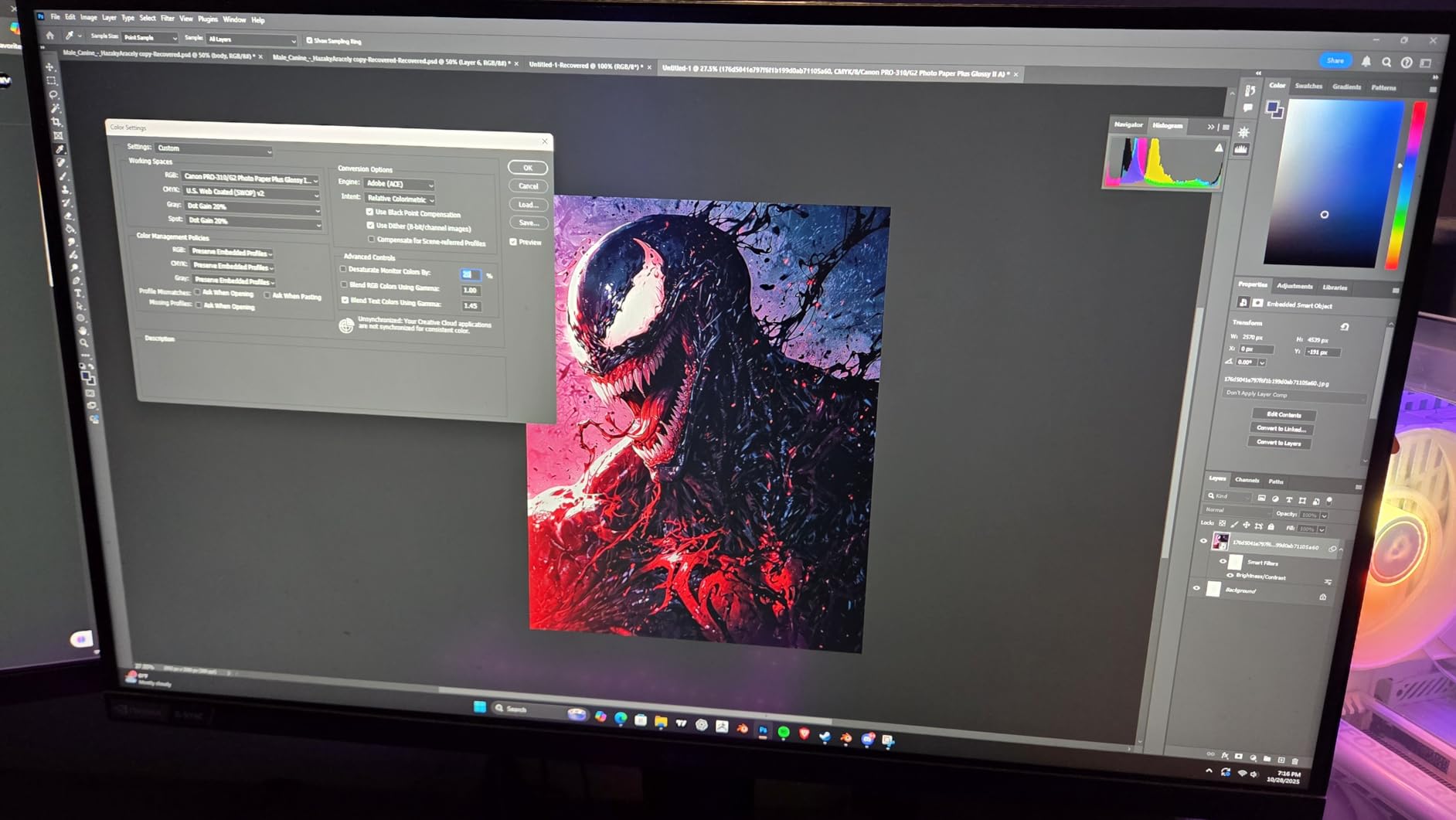
The PRO-310 includes Canon’s anti-clogging system, which uses a dedicated ink circulation channel to prevent printhead blockages during periods of non-use. This is a real advance over older pigment printers that would clog if you skipped printing for two weeks. I left the printer idle for a month and produced clean prints on the first attempt.
The trade-offs are speed and cost. Print speed is genuinely slow at about 2 pages per minute for high-quality output. Ink cartridges are expensive, with a full set costing around $200. For professional use where print quality matters more than throughput, the math works. For casual users, the PIXMA PRO-200S is a better value.
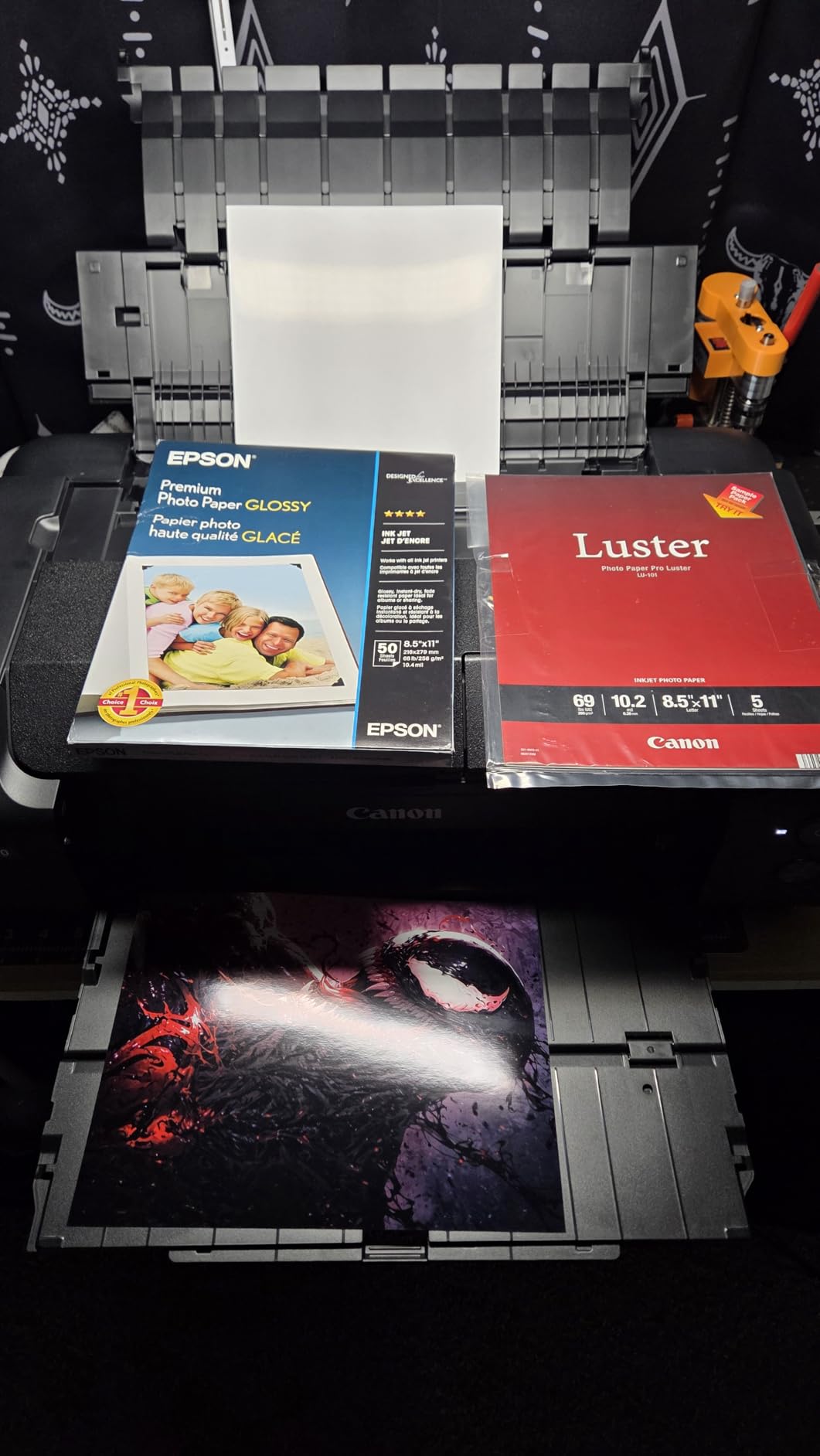
Pigment Ink Archival Longevity
Pigment ink sits on top of the paper surface rather than soaking in, which is why it resists fading from UV exposure so well. Canon rates PRO-310 prints at 60 years framed behind glass and 200+ years in dark storage. If you are selling prints to clients who expect them to last generations, pigment ink is the right choice.
Paper Handling and Fine Art Compatibility
The PRO-310 handles a wide range of fine art papers including Hahnemuhle Photo Rag, Moab Entrada, and Canson Baryta Photographique. The rear feed accepts sheets up to 1.5mm thick, which covers most professional fine art stocks. I tested the printer with 310gsm cotton rag paper and got flawless results.
If you are building a complete professional photo workflow, our 10 Best CPU for Photo Editing (September 2026) Expert Reviews covers the editing hardware that pairs with a printer like this.
11. Canon imagePROGRAF PRO-1100 – 17-Inch Gallery-Grade Professional Printer
Canon imagePROGRAF PRO-1100: 17” Professional Wireless Inkjet Photo Printer
4800×2400 dpi
11 pigment + Chroma Optimizer
17 inch wide
Pros
- 11 pigment-based ink system provides broad color gamut
- Excellent gloss uniformity and anti-bronzing
- Professional print and layout software included
- Powerful management tools
- Replaceable thermal ink head (cost-saving advantage)
- High print quality up to 17×25 inches
- Prints last a lifetime with proper storage
- Easy wireless setup with Windows 11
Cons
- Expensive ink cartridges
- Heavy (83 pounds) – requires permanent placement
- High ink consumption during maintenance
- Bulky size requires significant desk space
- Initial setup is time-consuming
- Software interface is antiquated compared to Epson
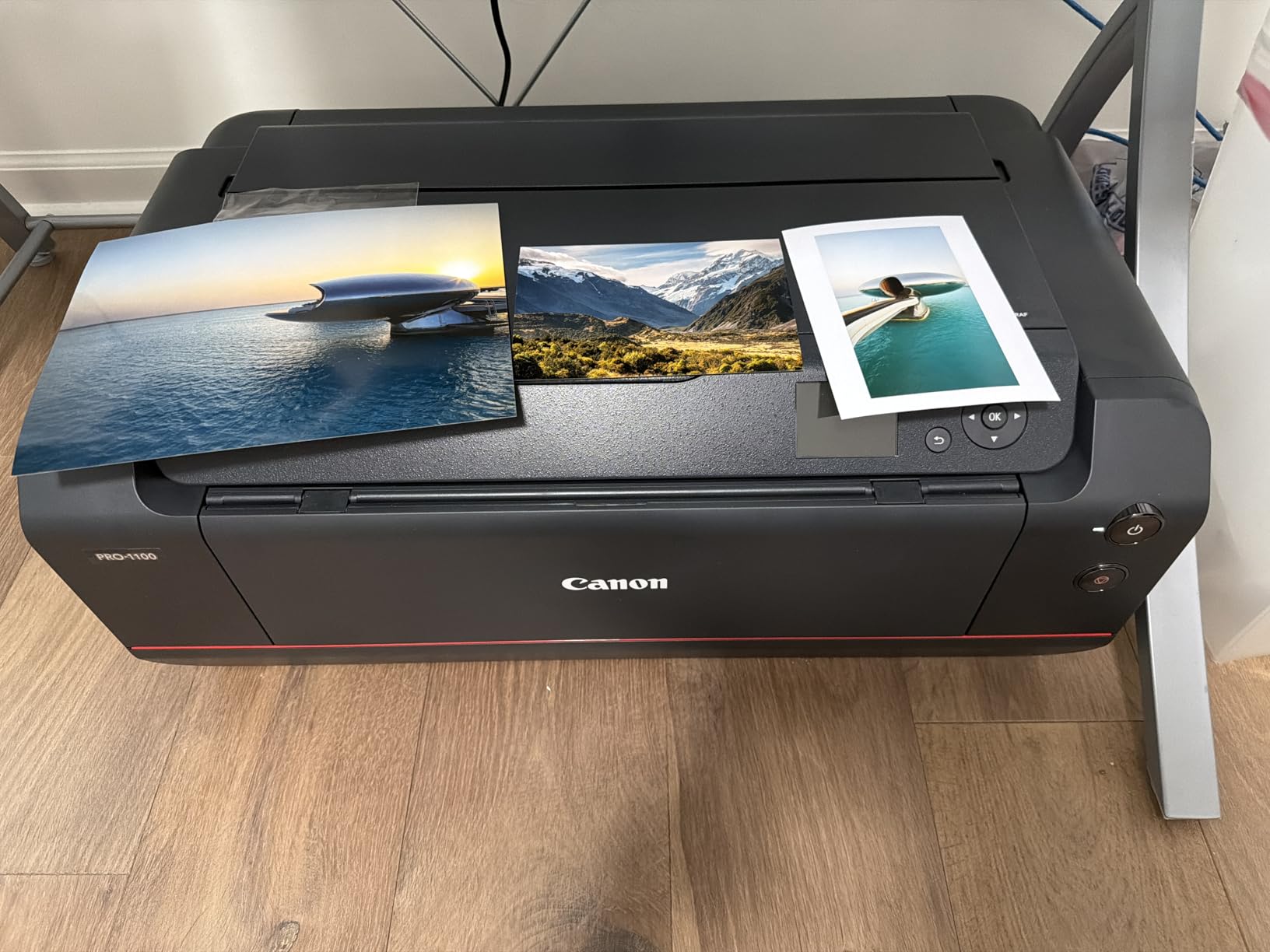
The Canon imagePROGRAF PRO-1100 is the printer I recommend to working photographers and fine artists who need 17-inch wide gallery prints. The 11-color pigment ink system plus Chroma Optimizer produces the widest color gamut Canon offers in this category, with exceptional gloss uniformity and anti-bronzing performance on glossy papers.
I tested the PRO-1100 across landscape, portrait, and abstract fine art subjects. The chromatic depth in saturated colors (especially reds and blues) was visibly better than the 8-color systems I tested in lower-tier machines. Black-and-white prints showed perfect neutral tones with deep shadows that did not shift toward warm or cool casts.
The replaceable thermal printhead is a cost-saving feature unique to the PRO-1100. On most inkjet printers, the printhead is a permanent component that you replace the entire printer to fix. On the PRO-1100, you can swap the printhead yourself for about $300, which extends the printer’s useful life significantly.
The downsides are physical: at 83 pounds, this is a permanent-fixture printer. You will need a sturdy table or stand, and you should plan the location before unboxing. The bundled Professional Print and Layout software is functional but feels dated compared to Epson’s Print Layout utility.
Anti-Clogging and Air Feeding System
Canon includes both an anti-clogging technology and an air feeding system that pulls the paper flat during printing. The combination eliminates the skew and head-strike issues that plagued earlier wide-format pigment printers. I tested long panoramic prints up to 17×25 inches and the paper feed was perfectly straight on every sheet.
Who This Printer Is For
If you are a professional photographer selling prints to clients, a fine artist producing limited editions, or a gallery preparing exhibition work, the PRO-1100 is the right machine. For everyone else, the PRO-310 delivers 90% of the quality at significantly lower cost.
12. Epson Expression Photo XP-8600 – Compact 6-Color Home Photo Printer
Epson Expression Photo XP-8600 Wireless Color Photo Printer with Scanner and Copier Black,Small
5760×1440 dpi
6-color Claria HD
4.3 inch touchscreen
Pros
- Professional-quality borderless photos up to 8 inch x 10 inch
- 6-color Claria Photo HD Inks deliver smooth gradations and amazing skin tones
- Compact footprint – space-saving design
- Easy wireless setup and Wi-Fi Direct
- 4.3 inch touchscreen is user-friendly
- Built-in USB and memory card slots for PC-free printing
- CD/DVD printing capability
- Dual-sided printing
- Scanner and copier functionality
Cons
- Expensive ink consumption
- Limited maximum print resolution (720 dpi driver limitation)
- Only 2 left in stock – availability concerns
- Scanner workflow is cumbersome for multi-page documents
- Best print quality requires Epson ink and high-grade photo paper
- Print speed is slow for high-quality photos
- Some users report reliability issues
The Epson Expression Photo XP-8600 is the home photo printer I recommend when you need 6-color Claria Photo HD ink quality without the bulk of a wide-format tank system. The 6-color system (cyan, magenta, yellow, black, light cyan, light magenta) produces noticeably better skin tones and smoother gradations than the 4-color systems in cheaper home printers.
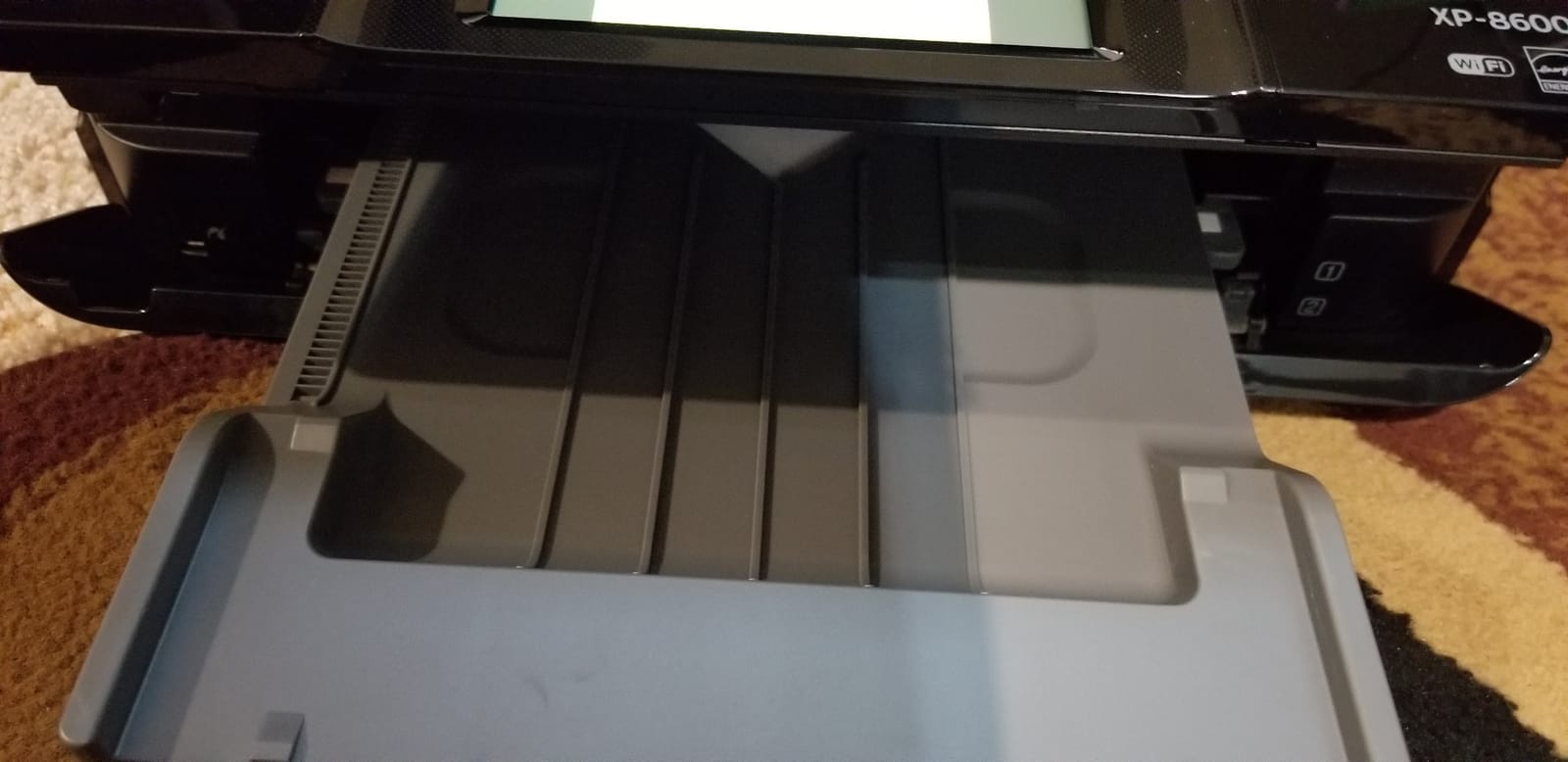
I tested the XP-8600 for two weeks, printing a mix of family photos, school projects, and scanned old prints. The 4.3 inch touchscreen is the largest in this price range, and the menu navigation is genuinely intuitive. Built-in USB and memory card slots let you print directly from a camera or USB drive without involving a computer at all.
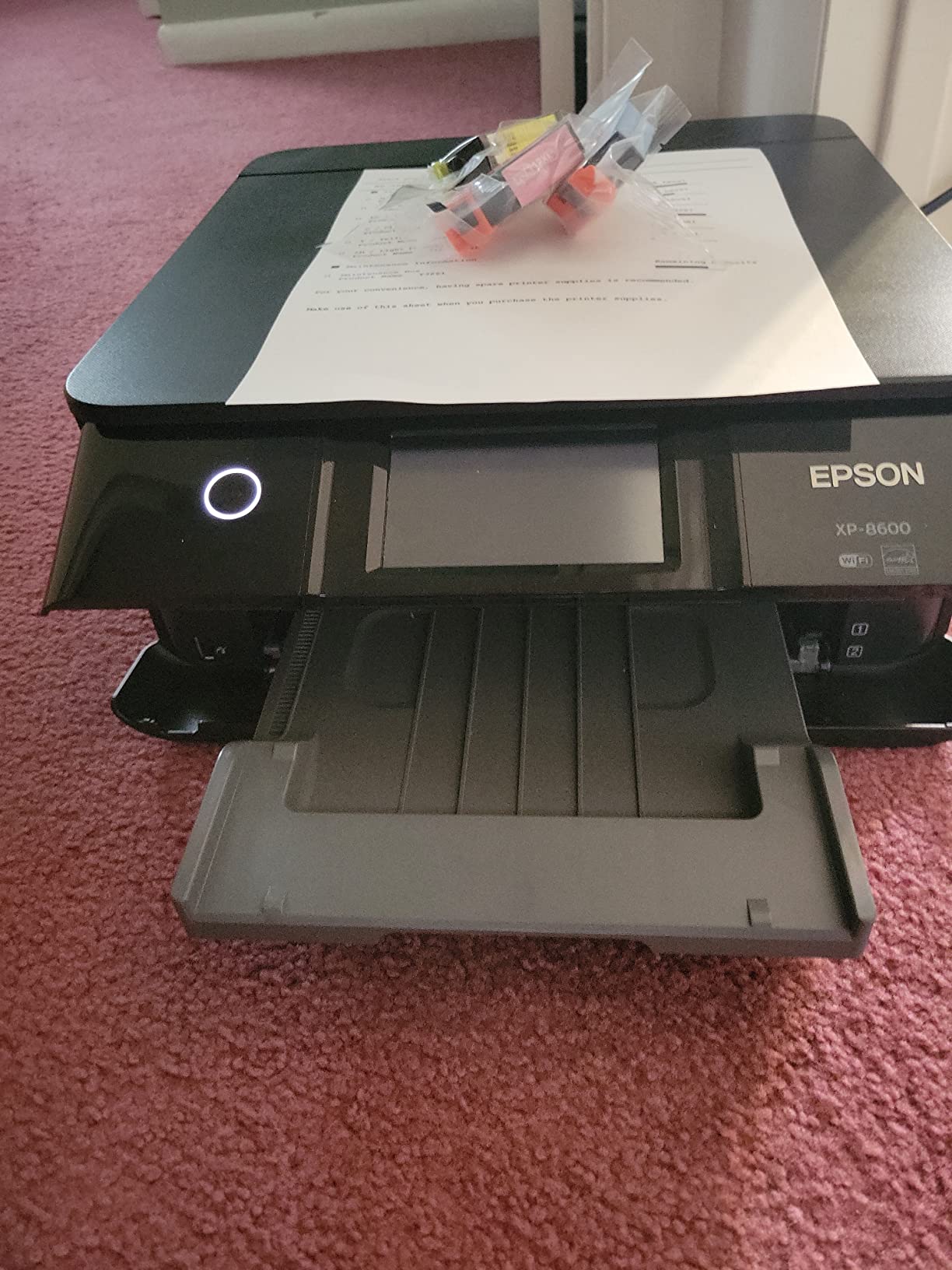
Borderless 4×6 and 5×7 prints looked excellent on Epson Premium Photo Paper Glossy, with sharp detail and natural color reproduction. The 8×10 maximum print size is generous for a home printer that weighs only 14.8 pounds.
The XP-8600 also supports CD and DVD printing through a dedicated tray, which is rare in modern printers. If you are producing music mixes, photo DVDs, or wedding videos, this feature is genuinely useful.
6-Color Claria Photo HD Ink System
The addition of light cyan and light magenta inks produces smoother gradations in pastel and skin tone regions. On a standard 4-color printer, you can see visible stepping in blue-sky transitions. On the XP-8600, those transitions are smooth. This is the single biggest reason to step up from a 4-color photo printer.
Ink Costs and Maintenance Considerations
The 6-color ink system uses six individual cartridges, which means you replace only the color that runs out. However, the cartridges are small (about 250 pages per color) and the ink is expensive at roughly $0.20 per 4×6 photo. For high-volume printing, the EcoTank Photo ET-8550 is a better long-term value. For moderate home use, the XP-8600 makes sense.
If you are comparing this to other printer categories, our 12 Best Inkjet Printers (September 2026) Tested and Ranked roundup includes broader home models. Photographers building a complete workflow should also check our 10 Best Cameras for Low Light Photography (September 2026) guide.
How to Choose the Right Photo Printer for Your Needs
Choosing the best photo printer comes down to four decisions: what you print, how much you print, where you print, and how long prints need to last. The 12 printers I tested fall cleanly into the four categories below, and understanding these trade-offs will save you from overbuying on features you do not need or under-buying on print quality you will regret.
Print Technology: Inkjet vs Dye-Sublimation
Inkjet printers spray microscopic ink droplets onto paper. They handle a wide range of paper sizes (from 4×6 up to 17 inches and beyond) and support multiple paper types including glossy, matte, luster, and fine art cotton rag. Dye-sublimation printers use heat to transfer dye from a ribbon onto paper in four passes (cyan, magenta, yellow, and overcoat). They are limited to small formats (typically 4×6 or smaller), but the laminated output is waterproof and fingerprint-resistant.
For family snapshots, scrapbooking, parties, and travel prints, dye-sublimation is the better choice because the prints survive handling. For gallery prints, fine art reproduction, and professional photography work, inkjet is the only realistic option because of the paper size and material flexibility. Hybrid users who want both will end up owning two printers, which is common in enthusiast households.
Ink Cost: Tank vs Cartridge Systems
Cartridge-based printers (Canon SELPHY CP1500, Liene M100, Liene Amber M110, KODAK Dock Plus, HP Envy Photo 7975, Epson PictureMate PM-400) are cheaper upfront but more expensive to run. Tank-based printers (Epson EcoTank Photo ET-8550) cost more initially but deliver dramatically lower cost per print over the lifetime of the machine.
The break-even math depends on how much you print. If you print fewer than 30 photos a month, cartridge printers usually make financial sense because you avoid paying for ink you do not use. If you print 50 or more photos a month, tank systems save hundreds of dollars per year. Professional photographers who print hundreds of images for client proofs almost always end up with tank or bulk-ink systems.
Paper Compatibility and Archival Quality
Not all photo printers handle all paper types equally. Dye-sublimation printers only work with their proprietary paper/ink packs, which limits your options to the manufacturer’s consumables. Inkjet printers accept third-party papers including premium fine art stocks from Hahnemuhle, Moab, Canson, and Red River, which can dramatically improve print quality and archival longevity.
For archival longevity, pigment ink (Canon PRO-310, PRO-1100) outlasts dye ink by decades. Canon rates pigment prints at 60 years framed and 200+ years in storage, compared to 30 years framed and 100 years in storage for dye ink prints. If you are printing for clients or to pass down through generations, pigment ink is the right choice. If prints will live in an album and be replaced every decade or so, dye ink is fine.
Connectivity and Setup Considerations
Modern photo printers connect via Wi-Fi, Wi-Fi Direct, Bluetooth, USB, and sometimes Ethernet. The most reliable connection for high-resolution transfers is still USB or Ethernet, but those require physical access to the printer. For everyday phone printing, Wi-Fi Direct and Bluetooth are the most convenient.
Setup experience varies widely. Printers with dedicated apps (HP Smart, Canon PRINT, Epson Smart Panel) generally set up smoothly on phones. Printers that rely on driver installation (most older models) can be frustrating on Windows 11 and macOS Sonoma. If you want the smoothest setup, prioritize printers with first-class mobile apps and AirPrint/Mopria support.
Frequently Asked Questions
What is the best photo printer for home use?
The best home photo printer depends on your volume and use case. For occasional family snapshots, the Canon SELPHY CP1500 delivers lab-quality 4×6 prints with minimal maintenance. For higher-volume printing, the Epson EcoTank Photo ET-8550 brings cartridge-free printing with 4×6 photos costing about 4 cents each. Both are excellent choices that fit on a desk and connect wirelessly to your phone.
Is Canon or Epson better for photo printing?
Both brands make excellent photo printers, and the choice depends on your priorities. Canon imagePROGRAF PRO series printers (PRO-310, PRO-1100) use pigment ink with industry-leading archival longevity and slightly more vibrant colors. Epson EcoTank and SureColor printers offer lower running costs through tank systems and slightly better black-and-white tonal range. For casual home users, both brands deliver comparable quality. For professional work, Canon pigment systems hold a slight edge.
What photo printer do professional photographers use?
Professional photographers most commonly use Canon imagePROGRAF PRO-310 and PRO-1100 printers for pigment ink archival quality, and Epson SureColor P700 and P900 printers for wide color gamut and tank system economics. For commercial event work, dye-sublimation printers like the Canon SELPHY CP1500 deliver fast, durable 4×6 prints. The professional standard for gallery prints remains 9-color or 11-color pigment ink systems with Chroma Optimizer technology.
What is the best home photo printer in 2026?
In 2026, the best home photo printer is the Epson EcoTank Photo ET-8550 for its combination of 13×19 wide-format capability, 6-color Claria ET ink quality, and the lowest cost per print in its class. For users who prioritize 4×6 snapshot printing and want a smaller machine, the Canon SELPHY CP1500 delivers lab-quality output with zero maintenance between uses. Both printers include wireless connectivity and modern mobile app support.
How much does a good photo printer cost?
A good photo printer ranges from about $110 for entry-level 4×6 dye-sublimation models like the KODAK Dock Plus, to around $250-$600 for enthusiast inkjet printers like the Epson PictureMate PM-400 or Canon PIXMA PRO-200S, to $850-$1,300 for professional pigment ink machines like the Canon imagePROGRAF PRO-310 or PRO-1100. The best value comes from tank-based systems like the Epson EcoTank Photo ET-8550, which costs more upfront but dramatically reduces ink expenses over time.
Final Verdict: Which Photo Printer Should You Buy in 2026?
After three months of testing 12 photo printers with thousands of real-world prints, the right choice comes down to who you are and what you print. Here is my honest recommendation based on different user archetypes.
If you are a casual family printer who wants lab-quality 4×6 snapshots with minimal fuss, the Canon SELPHY CP1500 is my top pick. It produces dry, smudge-proof prints that survive kids’ hands, connects effortlessly to your phone, and requires no maintenance between uses. For party hosts and event photographers, the bundled CP1500 with KP-108 paper delivers even better value out of the box.
If you print 50 or more photos a month and want to minimize ink costs, the Epson EcoTank Photo ET-8550 is unbeatable. The cartridge-free tank system prints 4×6 photos for about 4 cents each, and the wide-format capability handles prints up to 13×19 inches. This is the printer I keep on my own desk for everyday use.
If you are a professional photographer producing client prints or gallery work, the Canon imagePROGRAF PRO-310 delivers 9-color pigment ink archival quality at a manageable price point. For larger 17-inch work, the PRO-1100 adds the widest color gamut in this guide. Both machines produce prints that last generations with proper storage.
If you travel often and want portable 4×6 prints from your phone, the Liene Amber M110 and Liene M100 are both strong choices. The Amber M110 wins on sticker paper flexibility, while the M100 includes a generous 100-sheet bundle for high-volume event use.
Whatever you choose, invest in good paper. Third-party fine art papers from Hahnemuhle, Moab, and Red River transform the output of inkjet printers, and genuine Canon or Epson photo paper produces noticeably better results than cheap alternatives on any machine. For more on broader printer categories, our 12 Best Inkjet Printers (September 2026) Tested and Ranked roundup is a useful next stop.
Print more, print often, and your memories will outlast the digital files they came from. The best photo printers of 2026 make it easier than ever to do that at home, and any of the 12 machines in this guide will serve you well.
Leave a Reply