
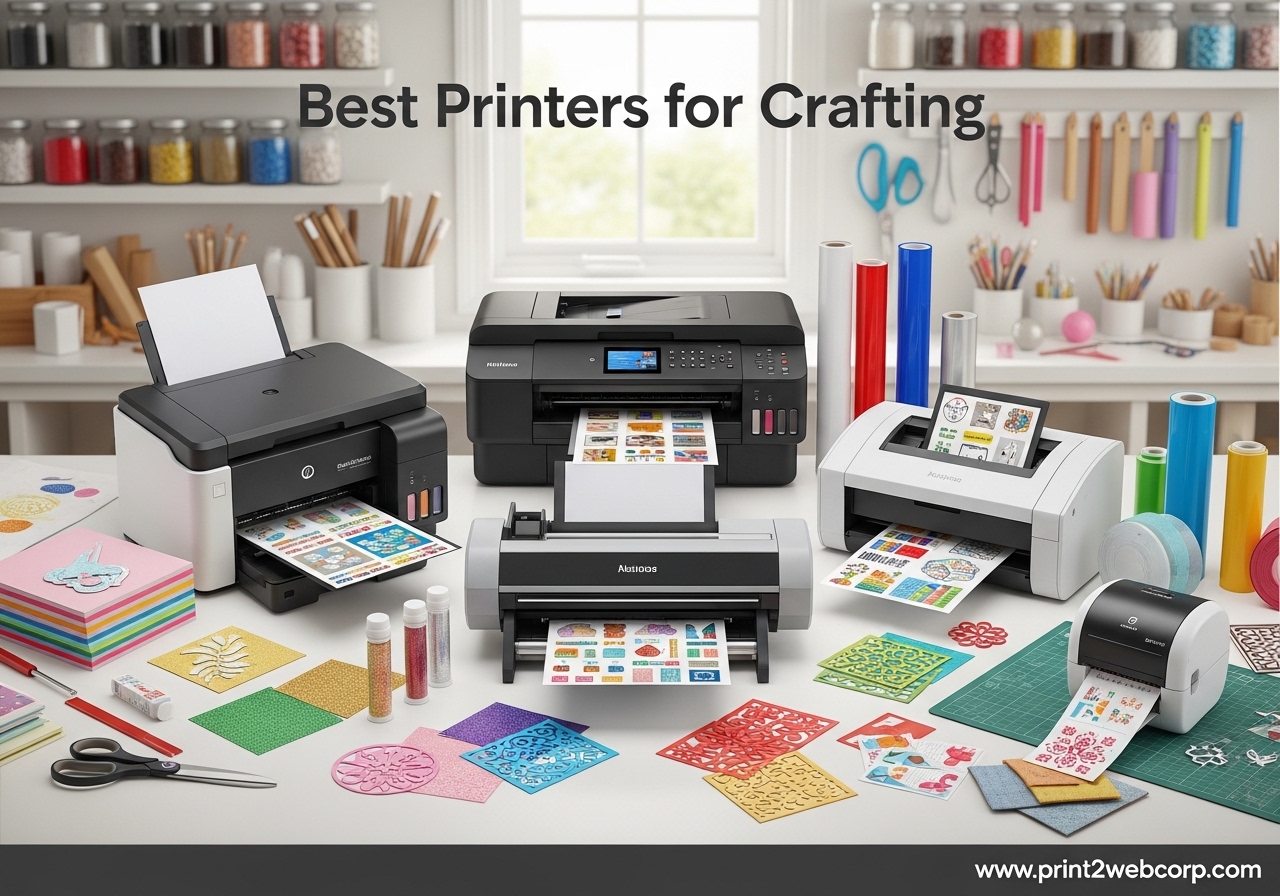
If you have ever tried printing custom stickers on a cheap office printer, you already know the frustration of smudged ink, paper jams, and colors that look nothing like what you designed on screen. Finding the best printers for crafting is not just about printing documents. It is about getting vibrant, accurate colors on sticker paper, cardstock, vinyl, and photo paper without spending a fortune on ink replacements.
Our team spent weeks researching and comparing printers specifically for crafting use cases like sticker making, scrapbooking, Cricut Print Then Cut projects, sublimation, and card making. We looked at over 20 models and narrowed it down to 12 machines that actually deliver results crafters need. We considered ink costs, paper handling, print resolution, wireless connectivity, and how well each printer handles thick and specialty media.
Whether you are a weekend crafter making birthday cards or a small business owner selling custom tumblers and stickers at craft fairs, this guide has a recommendation for you. We cover inkjet printers, supertank systems, sublimation printers, cutting machines, and even wide-format options for larger projects. Let us find the right crafting printer for your workspace.
Top 3 Best Printers for Crafting (September 2026)

12 Best Printers for Crafting (September 2026)
| Product | Specs | Action |
|---|---|---|
 Canon PIXMA TS6520 Canon PIXMA TS6520 |
|
Check Latest Price |
| Epson EcoTank ET-2800 |
|
Check Latest Price |
 Cricut Joy Xtra Cricut Joy Xtra |
|
Check Latest Price |
 Canon Megatank G3290 Canon Megatank G3290 |
|
Check Latest Price |
 Brother J1800DW Brother J1800DW |
|
Check Latest Price |
 Liene PixCut S1 Liene PixCut S1 |
|
Check Latest Price |
 Silhouette Cameo 5 Silhouette Cameo 5 |
|
Check Latest Price |
 Canon TS9521C Canon TS9521C |
|
Check Latest Price |
 Epson SureColor F170 Epson SureColor F170 |
|
Check Latest Price |
 Epson EcoTank ET-4950 Epson EcoTank ET-4950 |
|
Check Latest Price |
 Epson EcoTank ET-15000 Epson EcoTank ET-15000 |
|
Check Latest Price |
 Epson EcoTank Photo ET-8550 Epson EcoTank Photo ET-8550 |
|
Check Latest Price |
1. Canon PIXMA TS6520 – Best Budget All-in-One for Crafters
Canon PIXMA TS6520 Wireless Color Inkjet Printer, Duplex Printing, Copier/Scanner, 1.42″ OLED Display, Compact, White
Inkjet All-in-One
1200 x 1200 dpi
Auto Duplex
Dual-band Wi-Fi
15.4 lbs
Pros
- Budget-friendly with compact design
- Easy smartphone setup
- Sharp text and vivid colors
- Automatic 2-sided printing
- Dual-band Wi-Fi connectivity
Cons
- Limited paper capacity
- Color quality varies with cheap paper
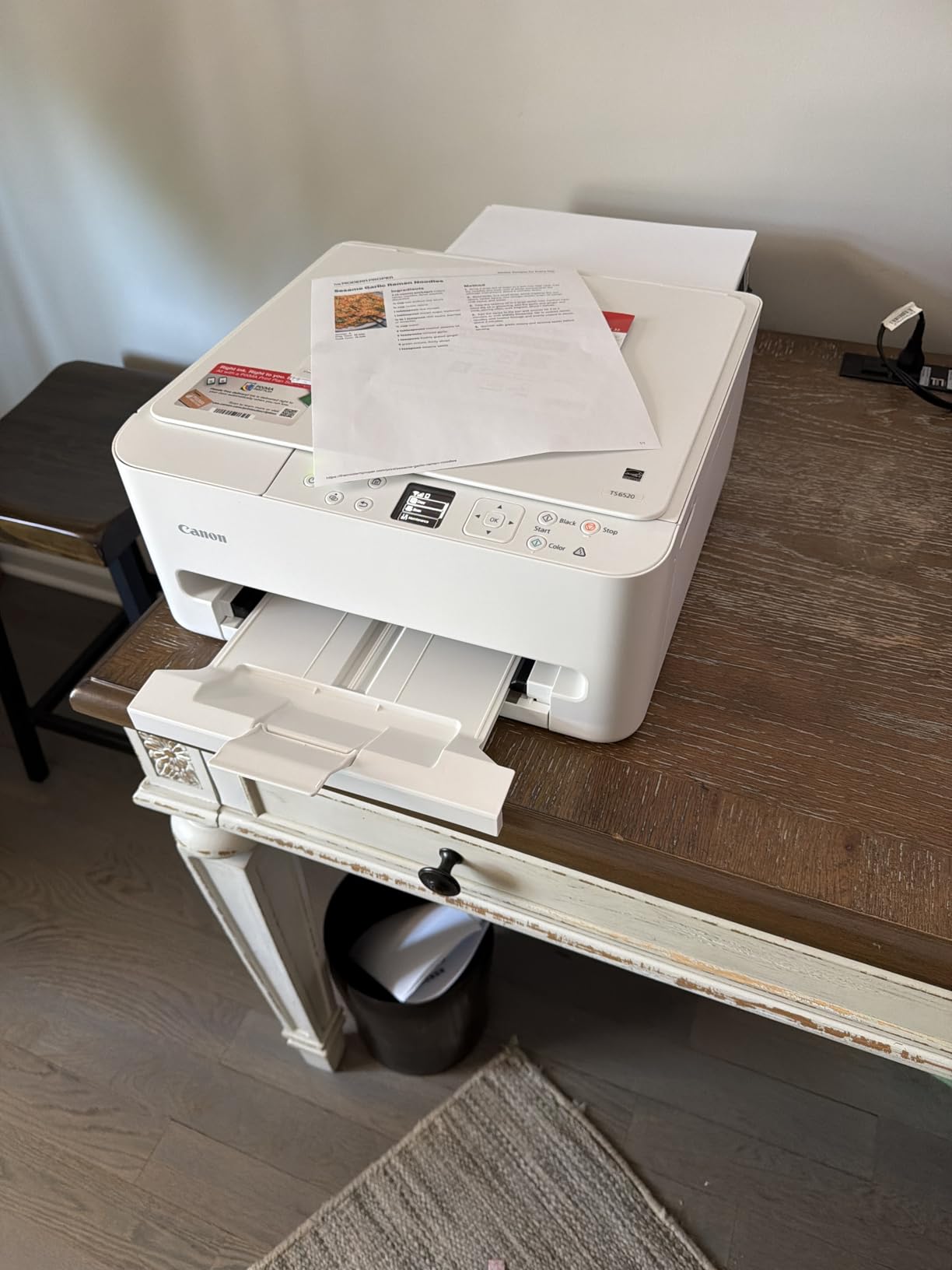
I set up the Canon PIXMA TS6520 in about 10 minutes straight from my phone. The guided setup walks you through everything, and the dual-band Wi-Fi connected on the first try without any of the dropout issues I have experienced with other budget printers. For crafters who want something simple that just works, this is a solid starting point.
The 2-cartridge hybrid ink system produces surprisingly vivid colors on presentation paper and glossy photo stock. I printed a batch of custom birthday cards on 65lb cardstock, and the text came out razor sharp while the colors looked close to what I saw on screen. The automatic 2-sided printing is a nice time-saver when you are running off multiple copies of a design.
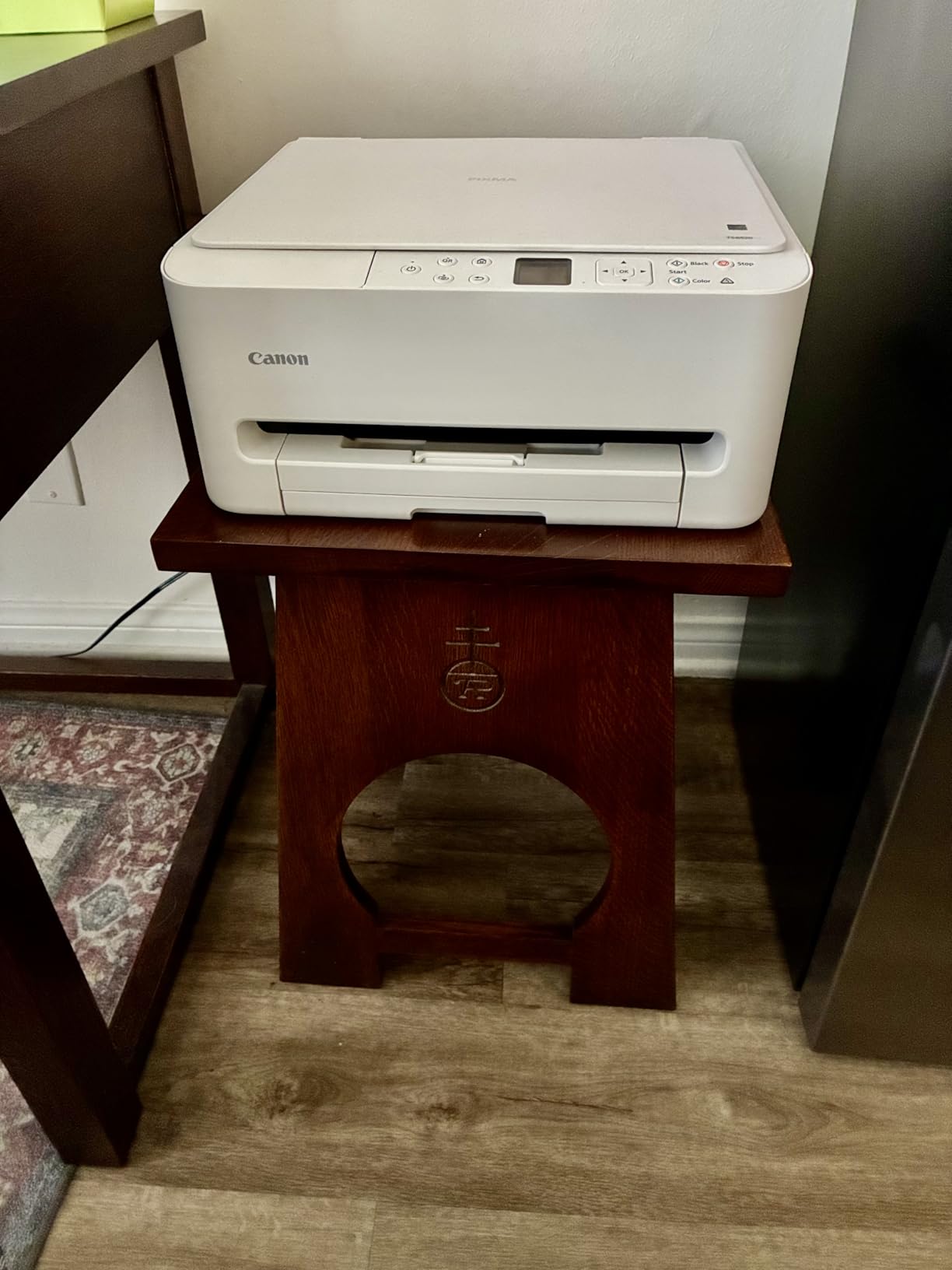
Where this printer shows its budget roots is paper capacity. The single tray holds a limited number of sheets, which means you will be refilling it frequently during longer crafting sessions. I also noticed that color accuracy dropped noticeably when I used cheaper multipurpose paper instead of higher quality stock. For best results, stick with presentation matte or glossy photo paper.
The compact footprint is genuinely useful. At 14.8 by 14 by 6.7 inches, it fits on a small craft desk or shelf without dominating your workspace. The 1.42-inch OLED display is small but functional, showing ink levels and status clearly enough. Mobile printing through the Canon PRINT app, AirPrint, and Mopria all worked reliably in my testing.
Who Should Consider This Printer
Entry-level crafters who need an affordable, space-saving printer for occasional card making, light photo printing, and everyday crafting projects will get great value from the TS6520. It is also a good fit for anyone who wants wireless printing from their phone without a complicated setup process.
Who Should Look Elsewhere
If you print large volumes regularly or need to handle very thick media like chipboard sheets, the limited paper capacity and single feed tray will frustrate you. Heavy sticker makers and those running a craft business should step up to a supertank model for lower ink costs per page.
2. Epson EcoTank ET-2800 – Best Overall Craft Printer
Epson EcoTank ET-2800 Wireless Color All-in-One Supertank Printer – Black
Inkjet Supertank
5760 x 1440 dpi
Up to 2 Years Ink
Flatbed Scanner
11.4 lbs
Pros
- Cartridge-free with massive ink savings
- Includes up to 2 years of ink in box
- Excellent photo and document quality
- Compact and lightweight
- Quiet operation
Cons
- No automatic duplex printing
- No auto document feeder
- App connectivity can be inconsistent
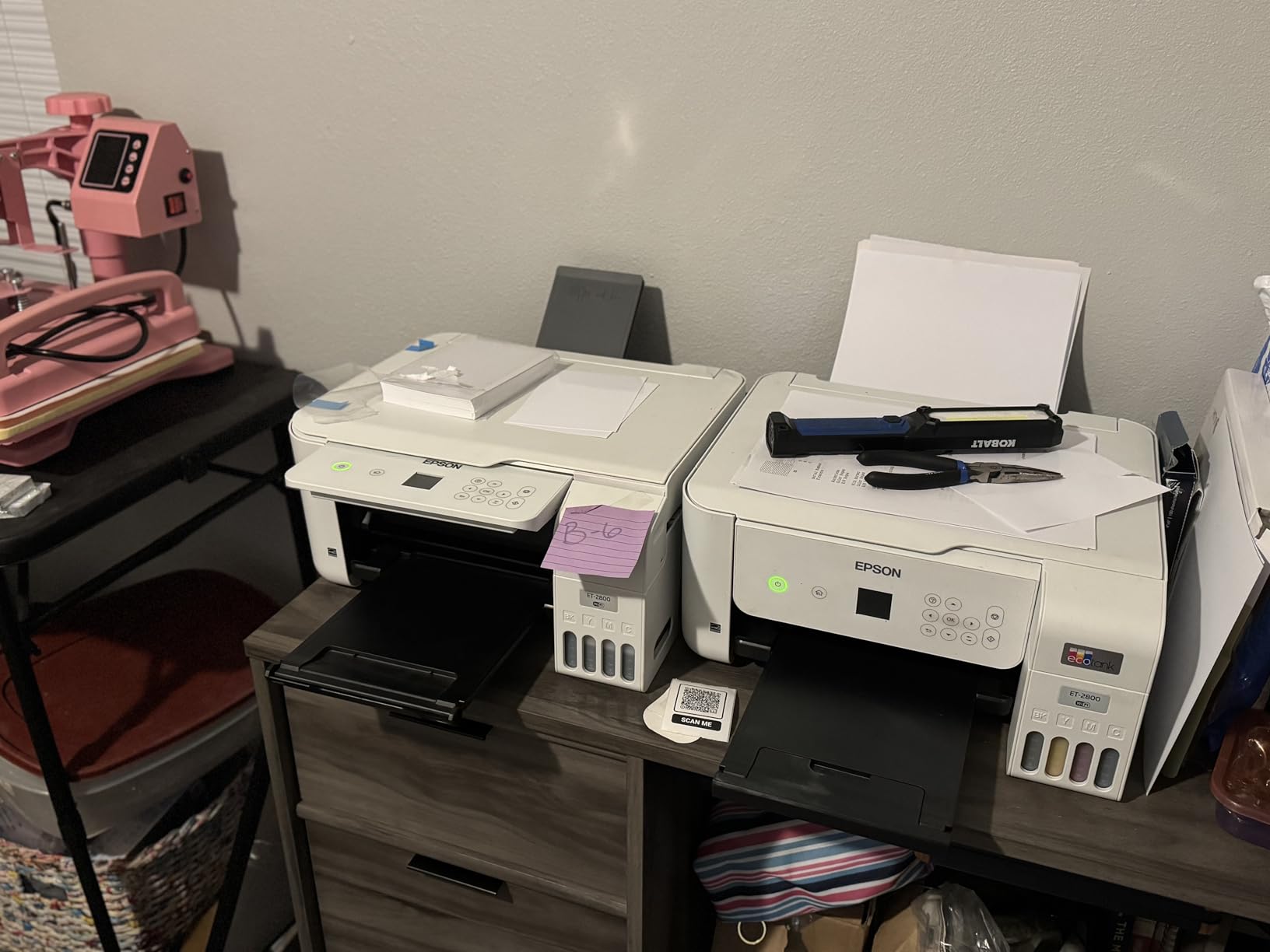
The Epson EcoTank ET-2800 is the printer I recommend most often to crafters, and for good reason. With over 20,000 reviews on Amazon and a massive following on Reddit crafting communities, this is the machine that changed how people think about printer ink costs. The cartridge-free supertank system comes with enough ink in the box to last most crafters up to two years.
I tested this printer extensively with printable vinyl, sticker paper, and photo paper. At 5760 x 1440 dpi, the print resolution is genuinely impressive for this price range. Colors are vibrant and accurate, especially on glossy media. Stickers I printed looked professional, with smooth gradients and no visible banding. One Reddit user described it perfectly: “I use mine daily and have not needed to refill the tanks in over a year.”

The transparent ink tanks on the front are not just a design feature. Being able to see exactly how much ink you have left eliminates the anxiety of running out mid-project. Refilling is straightforward too. You pop open the tank, squeeze the bottle until it stops, and close it up. The bottles are keyed to their specific color tanks so you cannot accidentally put cyan in the yellow slot.
The biggest trade-off is the lack of automatic duplex printing. If you print a lot of double-sided projects, you will need to flip pages manually. There is also no auto document feeder, so scanning multi-page documents is a one-at-a-time process. For most crafters who primarily print single-sided designs and stickers, these are not dealbreakers, but they are worth knowing about.
Who Should Consider This Printer
Any crafter who prints regularly and is tired of buying expensive ink cartridges will benefit enormously from the ET-2800. It is the best overall choice for sticker making, Cricut Print Then Cut projects, photo printing, and general craft use. The included ink supply alone makes it one of the smartest investments for home crafting.
Who Should Look Elsewhere
If you need double-sided printing on a regular basis or want to scan stacks of documents automatically, the lack of duplex and ADF features will slow you down. Consider the Epson EcoTank ET-4950 instead, which adds both of those features along with a larger paper tray.
3. Cricut Joy Xtra – Best Cutting Machine for Crafters
Cricut Joy Xtra Smart Cutting Machine
Smart Cutting Machine
50+ Materials
Print Then Cut Compatible
Bluetooth
6 lbs
Pros
- Works with 50+ materials including vinyl and cardstock
- Print Then Cut for full-color designs
- Compact and easy to store
- Bluetooth wireless operation
- Easy Design Space software
Cons
- No scoring or engraving option
- No power off button
- Design Space requires internet
- Subscription needed for full library
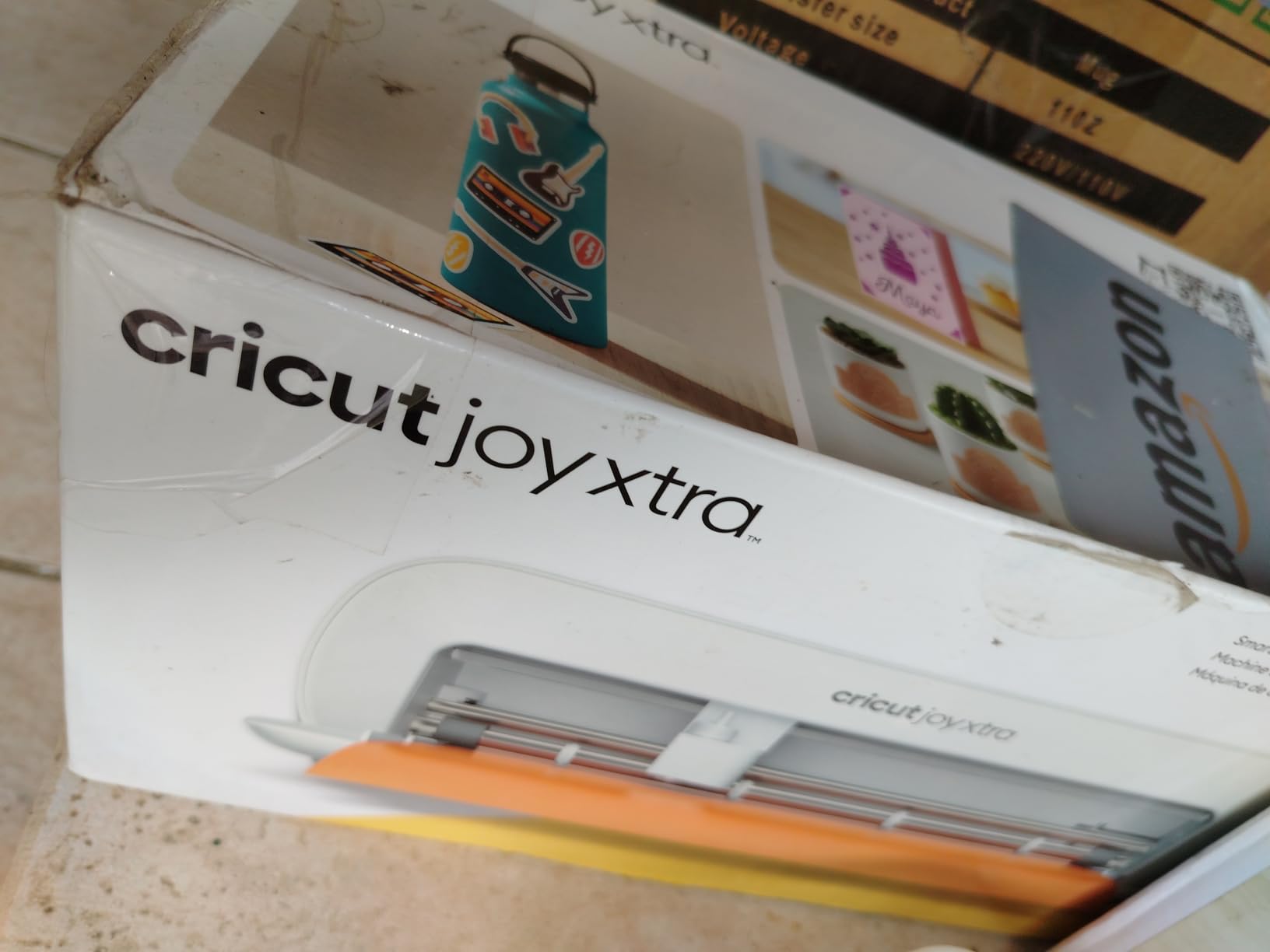
The Cricut Joy Xtra is not a printer in the traditional sense, but it is an essential companion tool for many crafters who already own an inkjet printer. It works alongside your printer through the Print Then Cut feature: you print your design on your inkjet, then the Cricut reads registration marks and cuts precisely around it. The Xtra model handles 8.5-inch wide materials, which covers standard US Letter and A4 paper sizes.
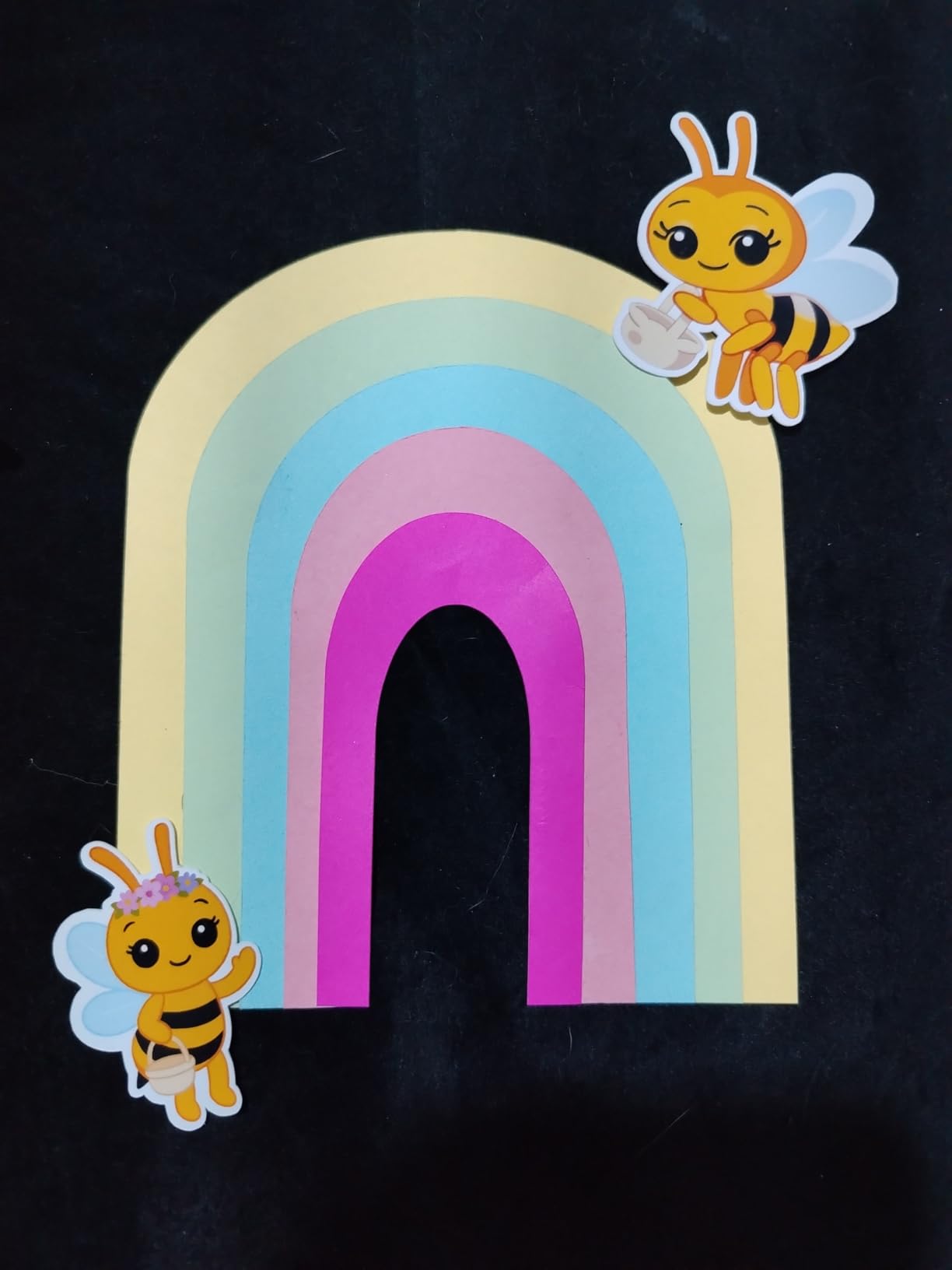
I used the Joy Xtra with printable vinyl sticker paper printed on an EcoTank, and the results were outstanding. The machine cuts cleanly through vinyl, iron-on HTV, cardstock, and sticker paper with impressive precision. Smart Materials allow cuts up to 4 feet long without a mat, which is great for longer banner or decal projects. At just 6 pounds, it stores easily in a drawer when not in use.
Design Space, the companion software, includes over 3,000 free images and 100 free fonts to get you started. The full library requires a Cricut Access subscription, which is worth considering if you want access to over 1.5 million designs. The software is intuitive enough for beginners but has enough depth for experienced designers. Bluetooth connectivity means no cables cluttering your craft table.
The main annoyances are small but worth noting. There is no physical power button, so you have to unplug it to turn it off completely. Design Space requires an internet connection to cut, which can be frustrating if your Wi-Fi drops mid-project. And while the free content is generous, hitting a paywall for premium designs early on may frustrate some users.
Who Should Consider This Machine
Crafters who want to create custom stickers, vinyl decals, iron-on transfers, and cardstock cutouts will find the Cricut Joy Xtra incredibly useful. It pairs perfectly with any inkjet printer for the full Print Then Cut workflow. Beginners and casual crafters will appreciate the compact size and approachable software.
Who Should Look Elsewhere
If you need scoring, engraving, or debossing capabilities, look at the full-size Cricut Maker or Explore models. The Joy Xtra also limits cutting width to 8.5 inches, so crafters working on larger projects should consider the Silhouette Cameo 5 or a standard Cricut Explore.
4. Canon Megatank G3290 – Best Supertank for Home Crafting
Canon Megatank G3290 All-in-One Wireless Printer
Inkjet Supertank
4800 x 1200 dpi
Auto Duplex
2.7 inch Touchscreen
14.2 lbs
Pros
- Up to 2 years of ink included
- Prints 6000 B/W and 7700 color pages per set
- User-replaceable print heads
- Beautiful photo quality
- Auto 2-sided printing
Cons
- Software setup can be frustrating
- Color calibration not professional grade
- No USB cable included
- Head cleaning after every print reported
The Canon Megatank G3290 is Canon’s answer to the Epson EcoTank, and it brings some compelling features for crafters. The supertank system comes with enough ink for up to 6,000 black and white pages and 7,700 color pages per ink set, which Canon estimates could save you up to $1,000 compared to traditional cartridge printers.
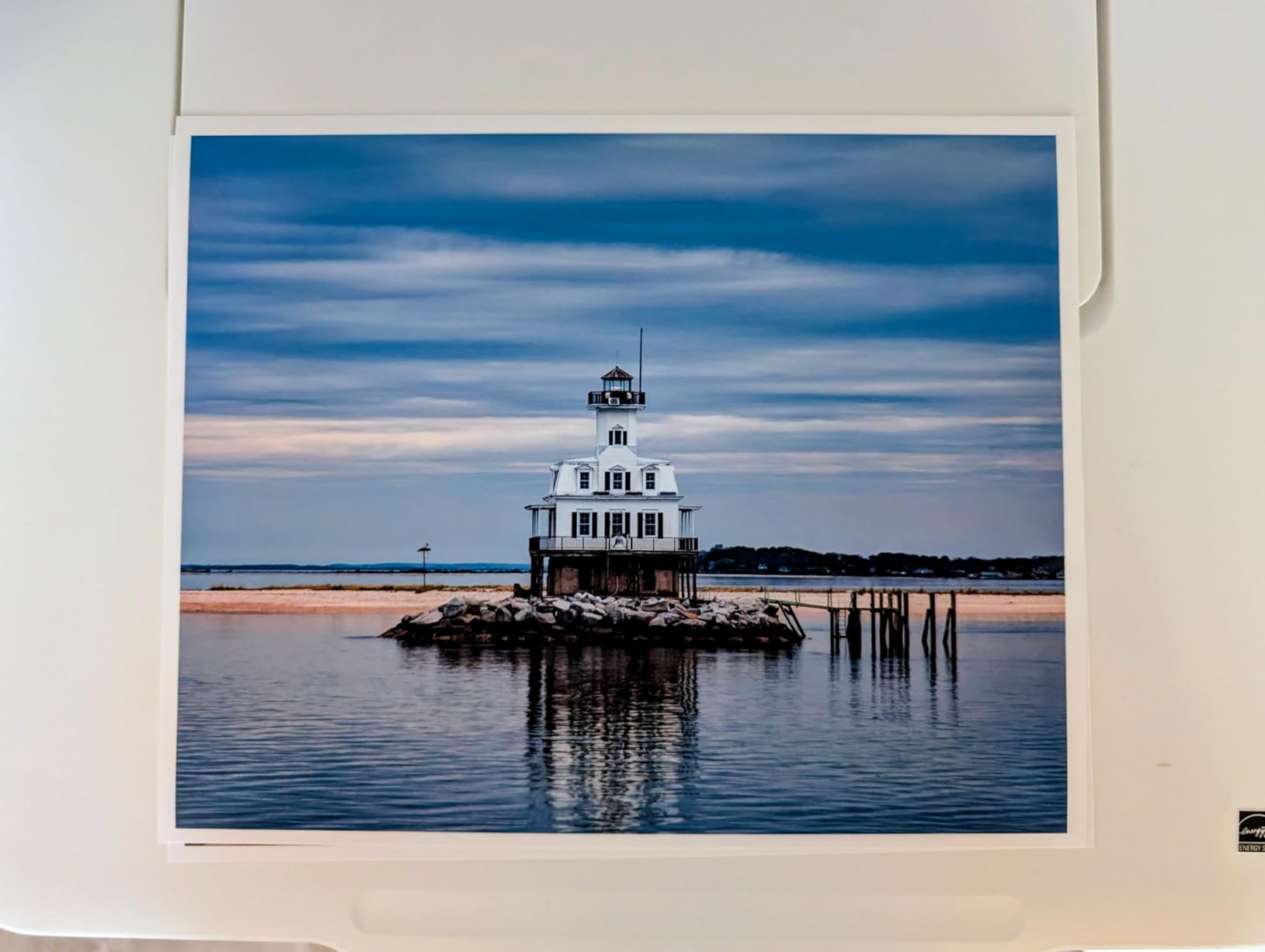
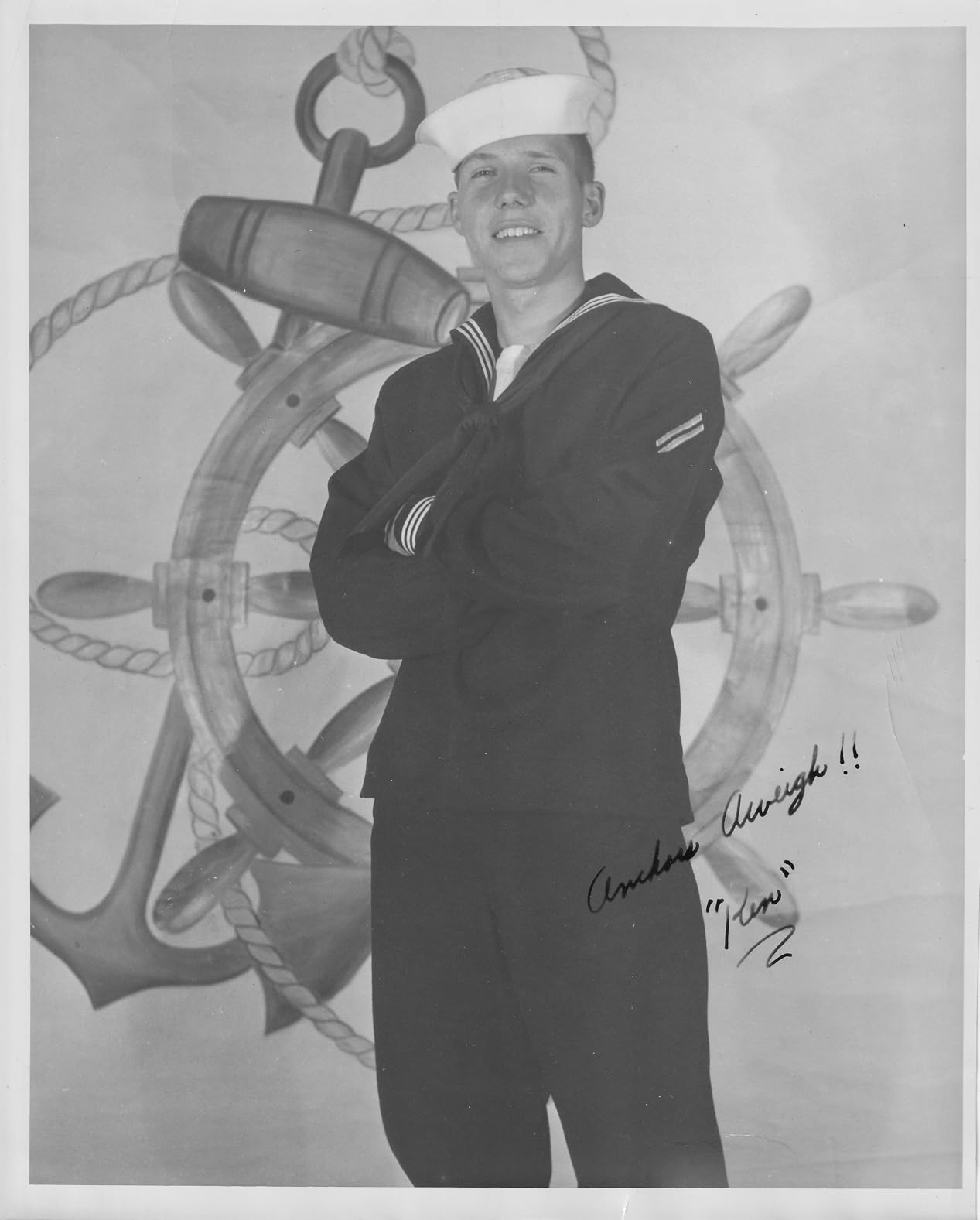
Photo quality is where this printer really shines. I printed several test photos on glossy 4×6 and 5×7 paper, and the results were rich and vibrant with accurate skin tones and smooth color transitions. The 2.7-inch color touchscreen makes it easy to navigate settings, check ink levels, and start print jobs without needing your phone or computer.
The auto 2-sided printing is a feature the ET-2800 lacks, and it makes a real difference when printing greeting cards, brochures, or double-sided craft projects. The printer supports a wide range of paper sizes from 3.5-inch squares up to legal size (8.5 x 14 inches), including custom sizes as narrow as 2.1 inches wide. That flexibility is valuable for niche crafting projects.
The biggest pain point is the software setup. Multiple users report frustration getting the printer connected to Wi-Fi through the Canon app. I recommend using the USB setup method first, then switching to wireless after the initial configuration. Some users also report the print head needing cleaning cycles after every print, though I did not experience this consistently. A USB cable is not included, so pick one up if you go the wired route.
Who Should Consider This Printer
Crafters who want the ink savings of a supertank system with the added convenience of auto duplex printing and a color touchscreen will find the G3290 an excellent choice. It is particularly well-suited for photo-heavy crafting like scrapbooking, wall art prints, and custom greeting cards.
Who Should Look Elsewhere
If you are not comfortable troubleshooting software setup issues, the Canon app experience may frustrate you. Professional photographers who need precise color calibration should also look at dedicated photo printers like the Epson EcoTank Photo ET-8550 for more accurate color management.
5. Brother J1800DW – Best Auto-Cutting Printer for Labels
Brother Wireless All-in-One Color Inkjet Printer with Auto Paper Cutter, Scanner, Copier and Fax for Home Office, Print and Cut Machine with Mobile Printing and 150-Sheet Capacity (J1800DW)
Inkjet All-in-One
6000 x 1200 dpi
Auto Paper Cutter
150-sheet Tray
18 lbs
Pros
- Auto paper cutter trims letter to half letter
- Fast 17 ppm black and 16.5 ppm color
- 150-sheet capacity with 20-page ADF
- Automatic duplex printing
- ENERGY STAR certified
Cons
- Ink cartridges expensive
- Chip prevents third-party cartridges
- Ink runs out quickly
- Some connectivity issues
The Brother J1800DW stands out from every other printer on this list because of its built-in auto paper cutter. Brother’s Genuine Blade Sensor Technology automatically trims letter-size prints down to half-letter size, which is a game-changer for crafters who make custom labels, tags, and small format printables.
Print speeds are fast for an inkjet at this price. At 17 pages per minute in black and 16.5 in color, you can crank through a batch of craft fair labels or product tags without waiting around. The 150-sheet paper tray is generous, and the 20-page auto document feeder handles batch scanning without babysitting the machine. I tested the auto-cutter on several rounds of shipping labels and gift tags, and it consistently produced clean, straight edges.
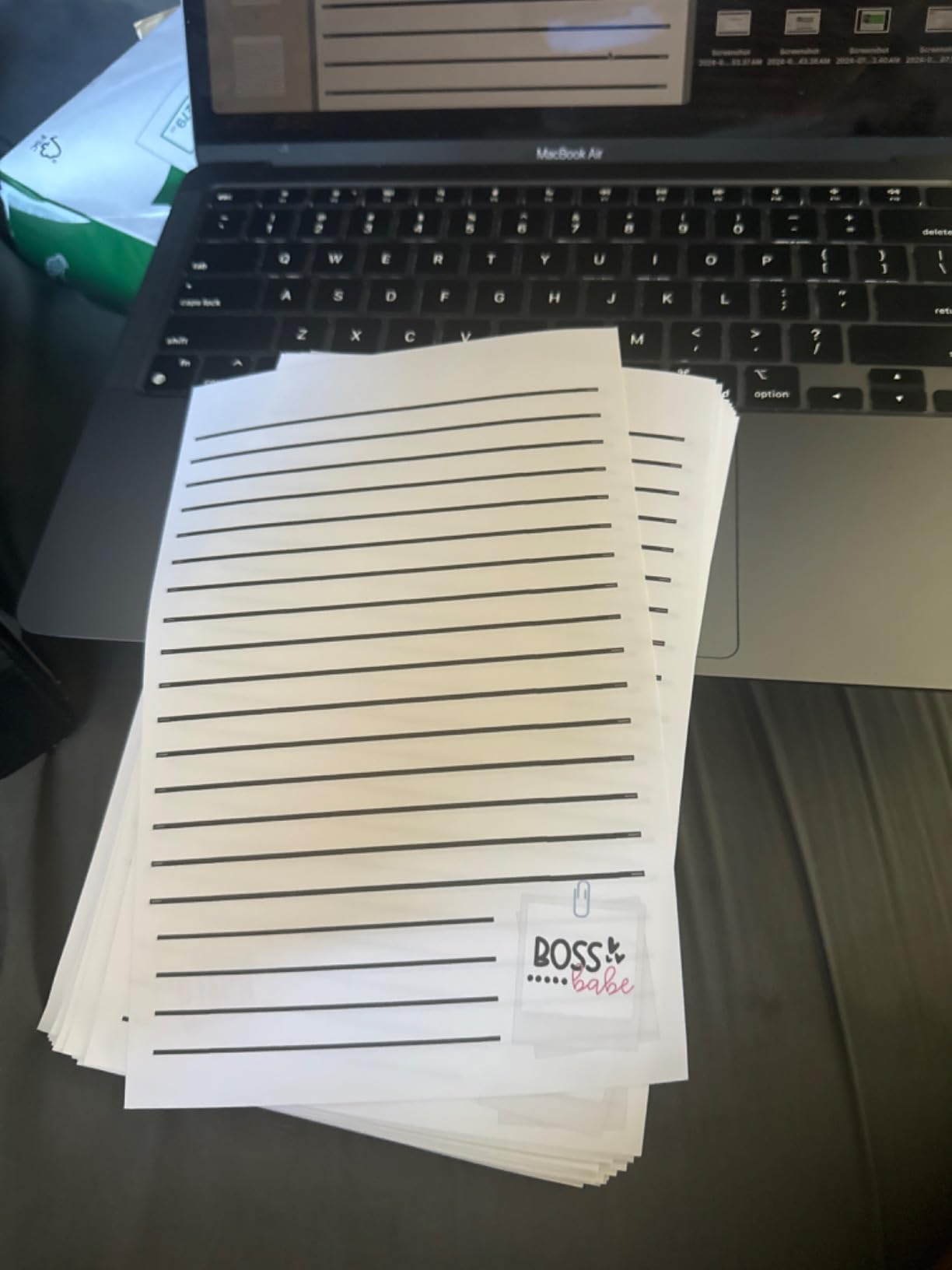
The print resolution of up to 6000 x 1200 dpi delivers sharp text and detailed graphics. Colors are punchy on glossy label paper and presentation stock. Automatic duplex printing rounds out the feature set, making this a genuinely versatile machine for crafters who need both cutting capability and full all-in-one functionality.
The main concern is ink cost. Brother uses chipped cartridges that prevent third-party replacements, so you are locked into Brother Genuine ink pricing. For crafters printing moderate volumes, this is manageable, but high-volume producers may find the ongoing ink costs add up quickly compared to supertank alternatives.

Who Should Consider This Printer
Crafters who make custom labels, tags, product packaging, and small-format printables will love the auto-cutting feature. It is also a strong choice for home office users who want one machine that handles business documents and creative projects equally well.
Who Should Look Elsewhere
High-volume crafters who print hundreds of labels per week should compare the ink costs against a supertank system like the EcoTank ET-4950. The cartridge costs will accumulate much faster than a tank-based printer over time.
6. Liene PixCut S1 – Best All-in-One Sticker Printer
Liene PixCut S1 Color Sticker Printer & Cutting Machine – All-in-One Sticker Maker for DIY Crafts, Custom Labels & Gifts. Thermal Dye-Sublimation Photo Printer, 300 DPI, Precise AI Auto-Cutting
Thermal Dye-Sublimation
300 dpi
Print and Cut in One Step
Bluetooth
6.2 lbs
Pros
- Print and cut in one device
- AI background remover works well
- Dye-sublimation stickers are waterproof
- 40
- 000 free images and fonts
- Responsive customer support
Cons
- Requires app login with data collection
- Proprietary sticker paper and cartridges only
- Cutting calibration can be imprecise
- Large margins waste sticker paper
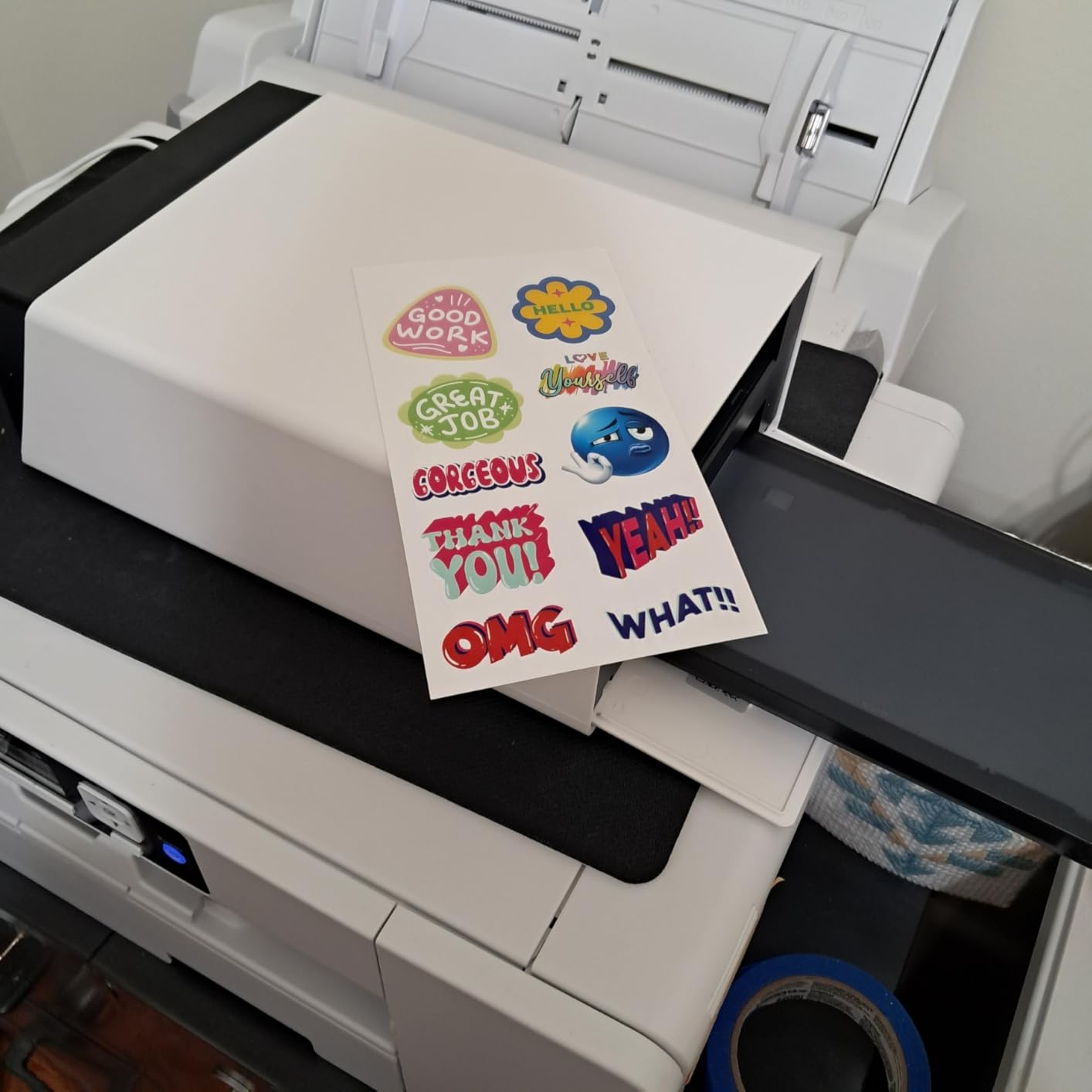
The Liene PixCut S1 is a purpose-built sticker machine that prints and cuts in a single step. Unlike using a separate printer and cutting machine, the PixCut handles everything internally with its thermal dye-sublimation printing and integrated blade. The result is durable, waterproof, scratch-resistant stickers with four protective layers.
I tested this with custom designs created in the Liene app, and the print quality at 300 dpi with 16.7 million colors is surprisingly good for small stickers. The dye-sublimation process produces colors that are vibrant and fade-resistant, significantly more durable than standard inkjet sticker prints. The AI image extraction feature cleanly removes backgrounds from photos, which is handy for making custom stickers from personal photos.
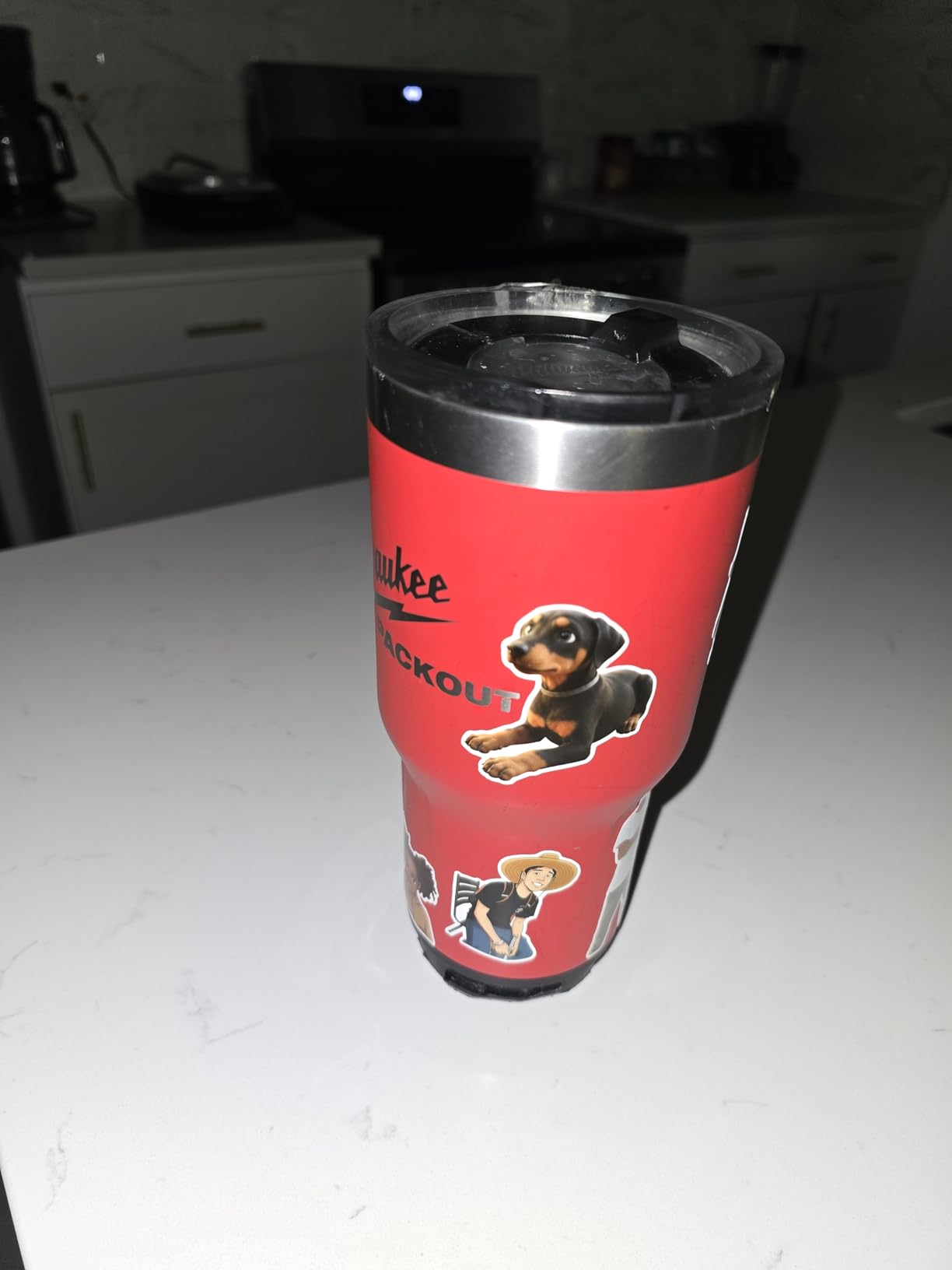
The app includes over 40,000 free images, fonts, and design elements with no subscription required. That is a generous library compared to Cricut’s paid model. The device itself is compact at 11 by 7.7 by 4.1 inches and connects via Bluetooth, so it works well in tight craft spaces.
The drawbacks are mostly around the ecosystem lock-in. You must use Liene’s proprietary sticker paper and ink cartridges, which means no third-party alternatives. The sticker paper also has large margins that waste printable area. Some users report cutting calibration issues where the blade does not align perfectly with the printed design. The app requires account creation, which raises data collection concerns for privacy-minded users.
Who Should Consider This Printer
Casual sticker makers, journaling enthusiasts, and crafters who want the simplest possible workflow for creating durable custom stickers will love the PixCut S1. It eliminates the need for a separate cutting machine and delivers waterproof results that inkjet stickers cannot match without lamination.
Who Should Look Elsewhere
Professional sticker sellers who need high-volume production or larger format prints should look at an inkjet printer like the EcoTank ET-2800 paired with a cutting machine. The proprietary consumables and small sticker size limit the PixCut for business use.
7. Silhouette Cameo 5 – Best Precision Cutting Machine
Silhouette America Cameo 5 Alpha (α) – Smart Cutting Machine, Matte Pink (Starter Bundle) – Includes Designer Edition Software, 24 Oracal Vinyl Sheets, Tool Kit & 25 Free Designs for DIY
Smart Cutting Machine
4-Point Registration
Vinyl and Cardstock
Starter Bundle Included
Handles 3mm Materials
Pros
- Superior cutting precision with 4-point registration
- Works with Canva designs
- Bundle includes vinyl sheets and tool kit
- Cuts up to 3mm thick materials
- Fast Sketch Mode for quick prototyping
Cons
- New software harder to use than older versions
- iPad app is limited
- Requires paid upgrades for previously standard features
- Software download issues on newer laptops
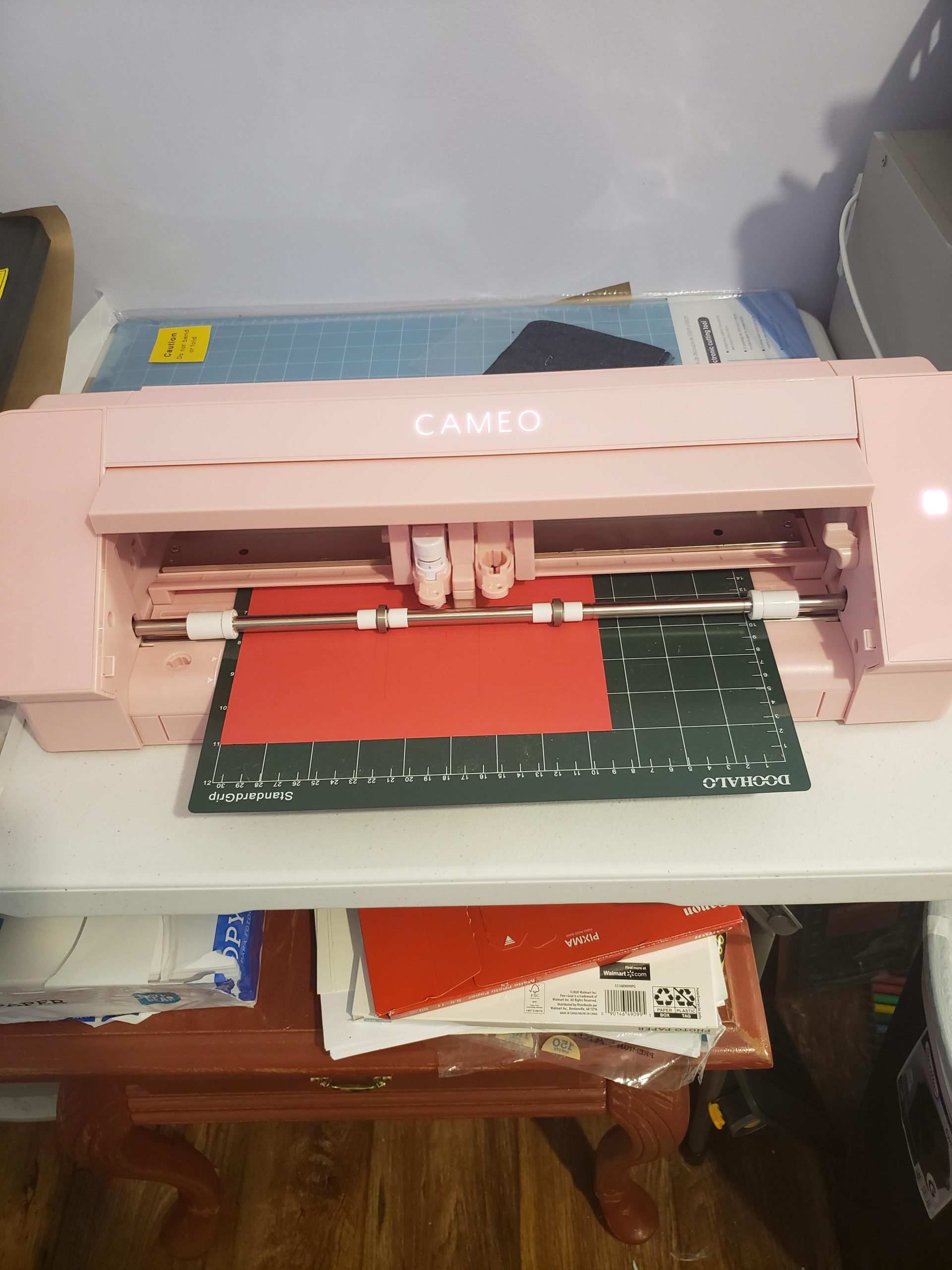
The Silhouette Cameo 5 is a precision cutting machine that pairs with your inkjet printer for Print Then Cut projects. What sets it apart from the Cricut lineup is the upgraded 4-point registration system, which uses four registration marks instead of three for more accurate alignment between printed designs and cuts.
This starter bundle includes 24 sheets of Oracal 651 vinyl, a tool kit, and Silhouette Designer Edition software with 25 exclusive designs. That is everything you need to start cutting vinyl decals, heat transfer designs, and cardstock projects right out of the box. The machine handles materials up to 3mm thick, including fabric, vinyl, cardstock, and heat transfer vinyl.
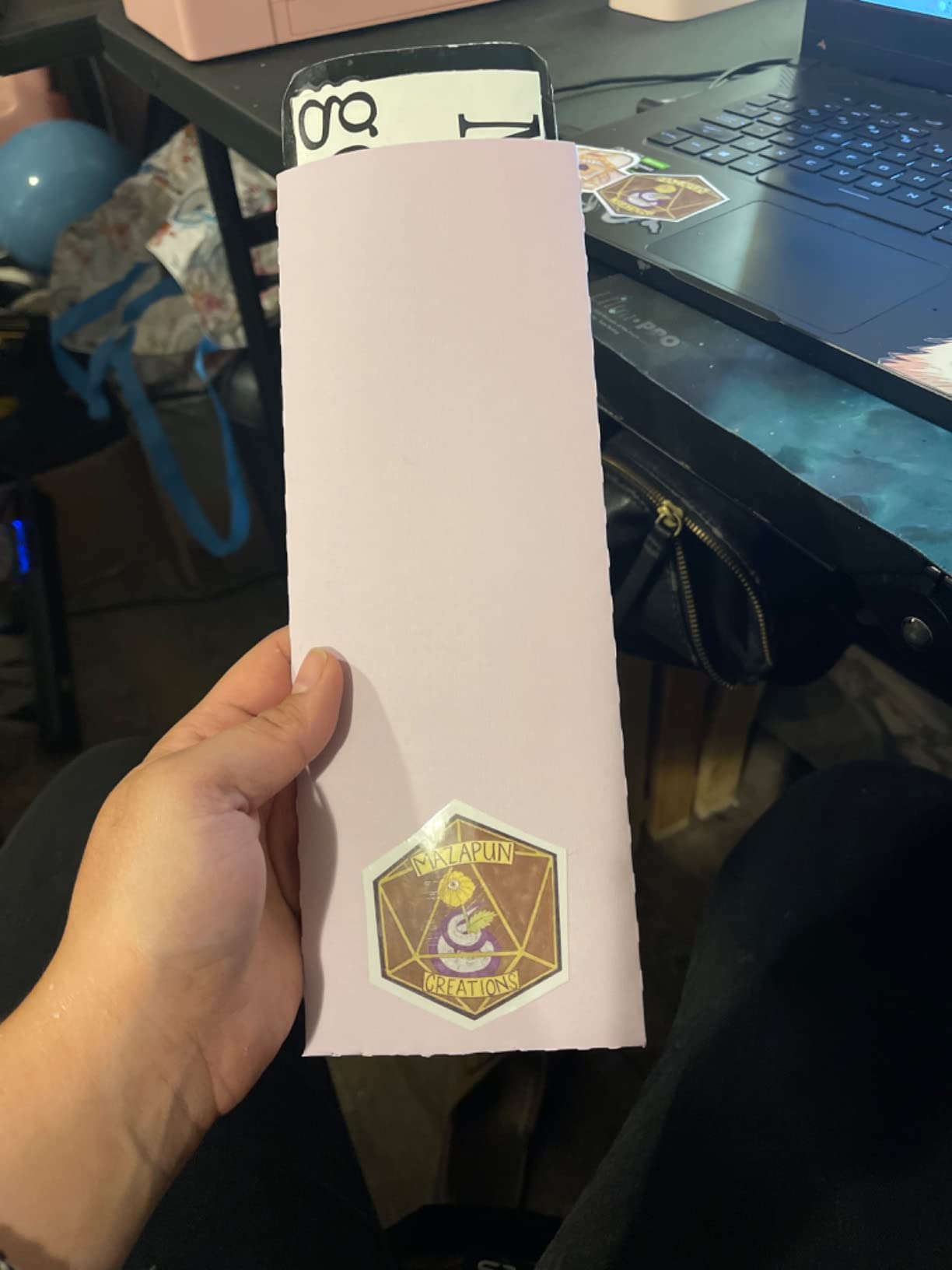
In testing, the cutting precision was noticeably better than older Cricut models I have used. Fine details and intricate cuts came out clean without tearing, even on delicate vinyl. The Canva integration is a nice bonus for crafters who already design in Canva and want to send files directly to the Cameo for cutting.
The software situation is the biggest drawback. Long-time Silhouette users consistently report that the new Silhouette Studio software is harder to learn than previous versions, and the iPad “Go” version has significant limitations. Some users have trouble installing the software on newer laptops. Features that were standard in older versions now require paid upgrades, which feels like a step backward.
Who Should Consider This Machine
Crafters who prioritize cutting precision and already work with vinyl, HTV, or cardstock will appreciate the Cameo 5. The starter bundle makes it an excellent value for beginners who want a complete package. It is also ideal for Canva users who want seamless design-to-cut workflows.
Who Should Look Elsewhere
If you want the simplest possible software experience, the Cricut ecosystem is more beginner-friendly. The Cameo 5’s software learning curve and reported installation issues make it better suited for crafters willing to invest time in learning the tools.
8. Canon TS9521C – Best 12×12 Scrapbooking Printer
Canon TS9521C All-In-One Wireless Crafting Photo Printer, 12X12 Printing, White, Amazon Dash Replenishment Ready
Inkjet All-in-One
4800 x 1200 dpi
12×12 Printing
5 Individual Inks
21.3 lbs
Pros
- Prints 12×12 inch scrapbook pages
- 5 individual inks with ChromaLife100
- Excellent photo quality
- CD and DVD printing
- Borderless printing
Cons
- Plastic build feels cheap
- Cardstock can jam in regular feed
- WiFi setup confusing initially
- Ink cartridges expensive
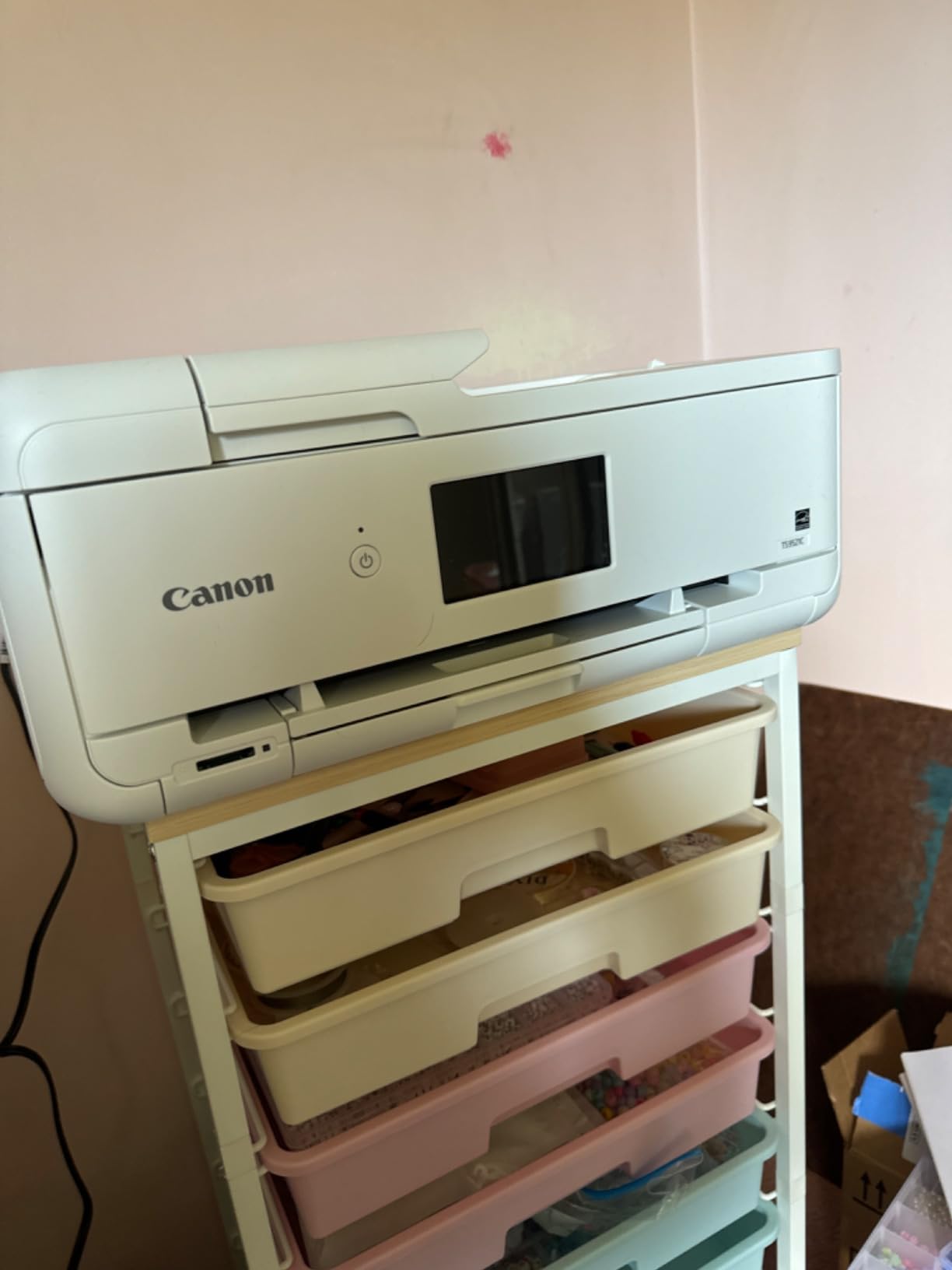
The Canon TS9521C is built specifically for crafters. The standout feature is 12×12 inch paper support, which matches the standard scrapbook page size that most other home printers simply cannot handle. If scrapbooking is your primary craft, this alone makes the TS9521C worth serious consideration.
Five individual ink tanks with ChromaLife100 technology produce prints rated to last 100 years in an album, 30 years behind glass, or 20 years displayed without glass. I printed several full-page scrapbook layouts on glossy photo paper, and the color accuracy and detail were outstanding. One reviewer compared the photo quality favorably to CVS film development, and I agree.
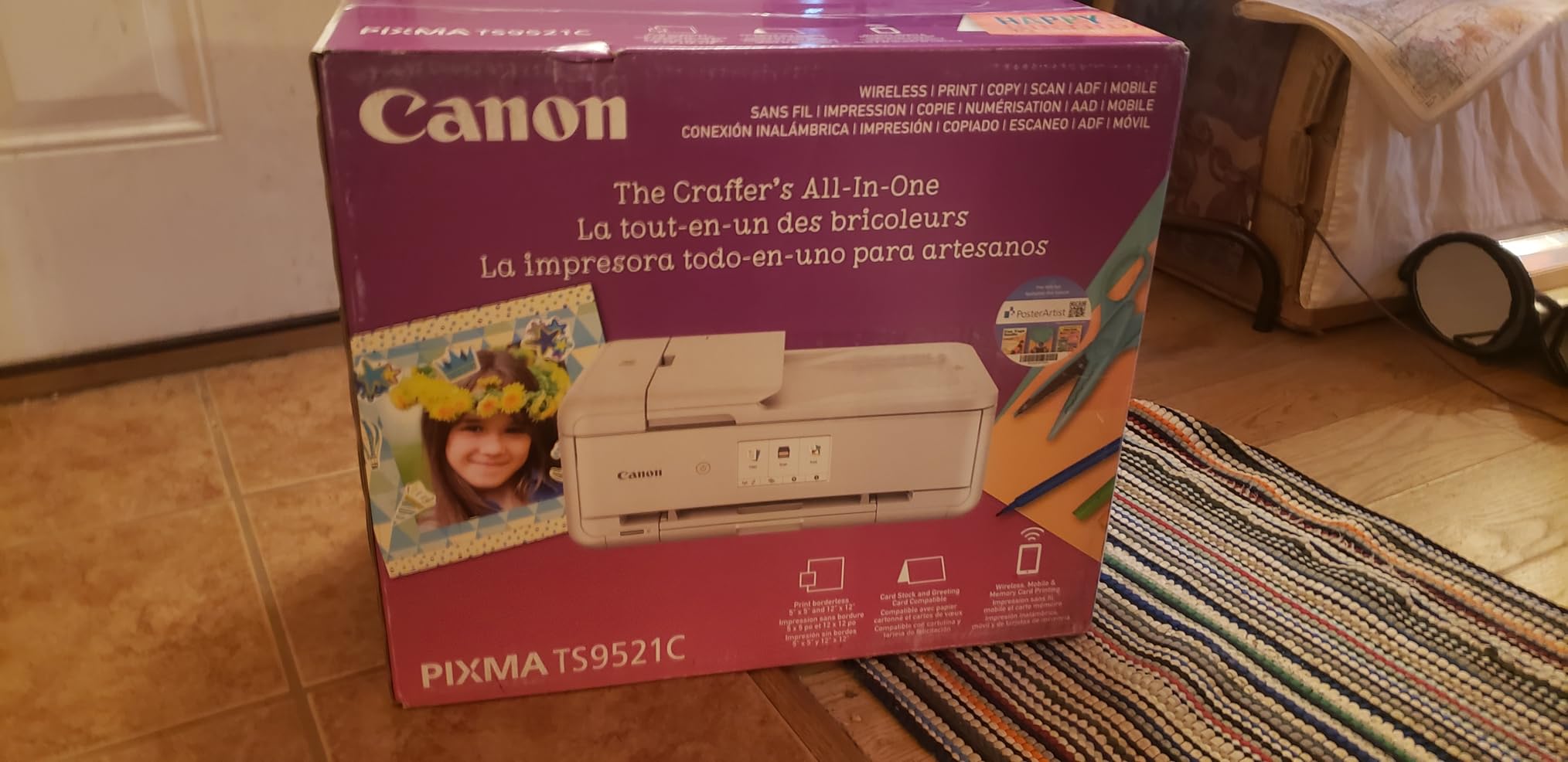
The auto document feeder, borderless printing, CD printing, and memory card slot give this printer an impressive range of capabilities for crafting. Direct connection to cloud storage services like Google Drive and OneDrive makes it easy to print designs from anywhere. The flatbed scanner captures high-resolution images for digitizing hand-drawn designs or scanning older scrapbook pages for archival.
The build quality is the main complaint. Multiple users note that the plastic construction feels cheaper than older Canon models. Cardstock feeding through the regular paper tray can cause jams and alignment issues, so I recommend using the rear feed for thicker media. Ink cartridges are expensive, and many users switch to refillable cartridge systems to reduce ongoing costs.
Who Should Consider This Printer
Scrapbookers who need 12×12 printing capability will find this is one of the few consumer printers that handles that paper size natively. It is also excellent for crafters who print a lot of photos and want near-lab-quality results at home. The combination of versatile media support and strong photo quality makes it a genuine crafting workhorse.
Who Should Look Elsewhere
If you print high volumes, the cartridge-based ink system will cost significantly more over time than a supertank alternative. Crafters who primarily print on standard letter-size media can get similar print quality from the Epson EcoTank ET-2800 at a lower long-term cost.
9. Epson SureColor F170 – Best Sublimation Printer for Crafts
Epson SureColor F170 Dye-Sublimation Printer – Compact 8.5″ x 11″ Format – Includes Genuine Epson Ink, User Guide & Power Cable – Original OEM Product with Full Manufacturer Support
Dye-Sublimation Printer
5760 x 1440 dpi
PrecisionCore Printhead
150-sheet Tray
16 lbs
Pros
- Purpose-built for sublimation
- OEKO-TEX certified ink for textiles and mugs
- Fantastic print quality
- Affordable replacement ink vs Sawgrass
- Compact design
Cons
- WiFi connectivity issues reported
- Does not work reliably with iPad or iPhone
- Initial driver download required
- Third-party seller return issues
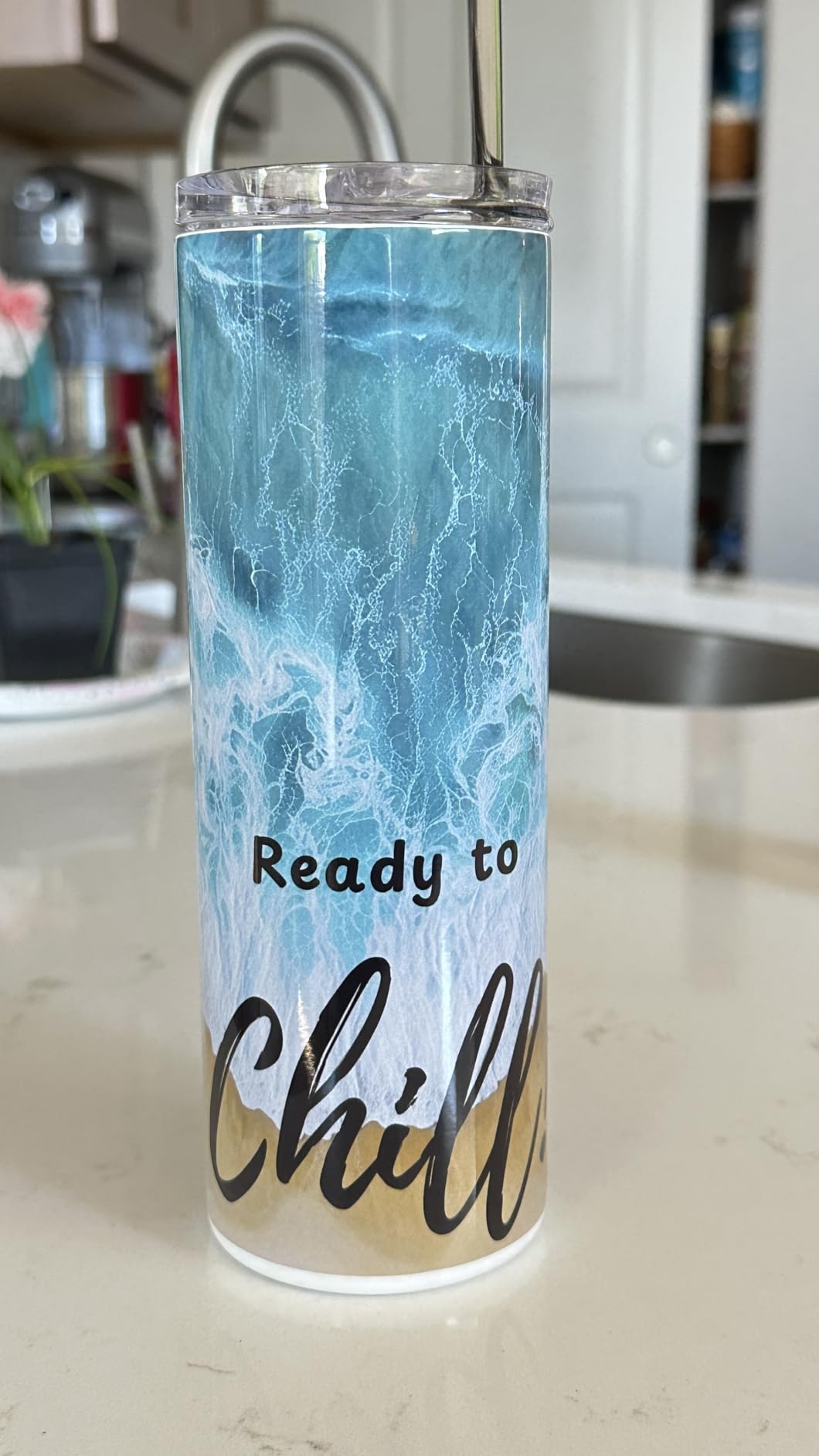
The Epson SureColor F170 is a purpose-built dye-sublimation printer, meaning it comes ready for sublimation projects right out of the box. No ink conversion, no aftermarket modifications, and no warranty concerns. If you want to make custom tumblers, mugs, mousepads, phone cases, or polyester fabric prints, this is the most straightforward way to get started.
The ECO PASSPORT by OEKO-TEX certification on the included ink means it is tested and verified safe for use on textiles, apparel, and items that contact skin. The PrecisionCore printhead with Precision Droplet Control delivers outstanding image clarity at 5760 x 1440 dpi. I printed several test transfers for mugs and polyester fabric, and the color vibrancy after heat pressing was impressive.
Replacement ink bottles are significantly cheaper than Sawgrass alternatives, which is one of the biggest reasons crafters choose the F170. The 150-sheet auto-feed tray with a dust-resistant closed design keeps your sublimation paper clean and ready. Setup on both Mac and Windows is straightforward with the included driver download.
The connectivity situation is the primary concern. Multiple users report WiFi problems requiring a wired Ethernet connection as a workaround. Despite claims of iOS compatibility, many iPhone and iPad users report the printer simply does not work with their devices. If you plan to print from an Apple mobile device, test the connection immediately and keep the Ethernet cable handy.
Who Should Consider This Printer
Crafters starting a sublimation business or hobby will find the F170 is the best entry-level option. The purpose-built design means no ink conversion hassle, and the lower ink costs compared to Sawgrass make it accessible for small-scale production. It is ideal for making custom mugs, tumblers, coasters, and polyester fabric items.
Who Should Look Elsewhere
If you need sublimation prints larger than 8.5 x 11 inches, look at wide-format sublimation printers. Crafters who primarily print from iPhones or iPads should verify compatibility before purchasing or plan to use a computer-based workflow instead.
10. Epson EcoTank ET-4950 – Best High-Volume Craft Printer
Epson EcoTank ET-4950 Wireless Duplex All-in-One Cartridge-Free Supertank Color Inkjet Printer, Fax, Black
Inkjet Supertank
4800 x 1200 dpi
18 ppm B/W
Auto Duplex with ADF
250-sheet Tray
Pros
- Up to 6600 black and 5500 color pages per ink set
- Fast 18 ppm black printing
- Auto duplex and auto document feeder
- 250-sheet paper tray
- Replacement ink very affordable
Cons
- Small touchscreen display
- Setup can be convoluted
- Some WiFi connectivity issues reported
- Prints pages in reverse by default
The Epson EcoTank ET-4950 is what happens when you take the popular EcoTank formula and add business-class features. The 250-sheet paper tray, auto document feeder, auto duplex printing, and fax capability make this a serious machine for crafters who print in high volumes or run small craft businesses from home.
Each ink bottle set produces up to 6,600 black pages and 5,500 color pages, equivalent to about 80 individual cartridges. The EcoFit bottles are keyed to prevent mixing colors during refills. At 18 pages per minute in black, this is one of the fastest EcoTank models available, which matters when you are printing inventory for craft fairs or large batches of custom orders.
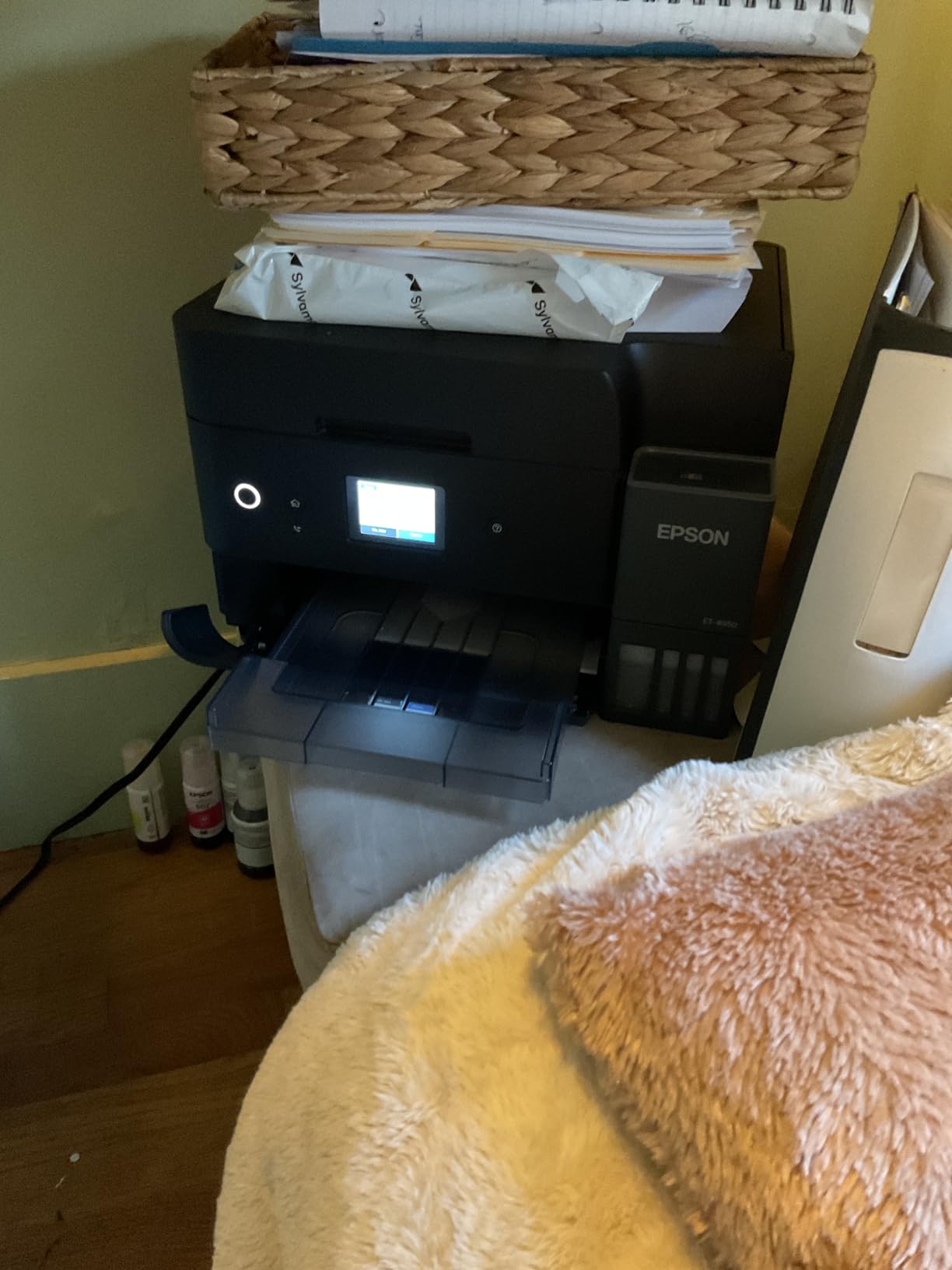
The 2.4-inch color display handles navigation well enough, though some users with vision difficulties find it too small. Wireless setup through the Epson app is generally smooth, though some users report needing a USB connection for the initial setup due to WiFi detection issues. Once connected, wireless printing from phones, tablets, and computers works reliably.
The print quality at 4800 x 1200 dpi is solid for documents, labels, and everyday crafting. Photo quality is good but not exceptional compared to the 6-color ET-8550. For most craft use cases including stickers, labels, cardstock projects, and standard photos, the quality is more than adequate. The low cost per page is the real selling point here.
Who Should Consider This Printer
Craft business owners and high-volume crafters who need fast, affordable printing with duplex and scanning capabilities will get the best value from the ET-4950. The large paper tray and ADF make it practical for production work that would overwhelm smaller printers.
Who Should Look Elsewhere
If your crafting is focused on photo quality or large-format prints, the ET-8550 or ET-15000 are better choices. The ET-4950 prioritizes speed and volume over photo specialization, so fine art printmakers may find the color range limiting.
11. Epson EcoTank ET-15000 – Best Wide-Format Crafting Printer
Epson EcoTank ET-15000 Wireless All-in-One Wide-Format Supertank Printer
Wide-Format Supertank
4800 x 1200 dpi
Prints up to 13×19
Auto Duplex with ADF
21.4 lbs
Pros
- Prints up to 13 x 19 inches
- Cartridge-free with massive ink savings
- Auto document feeder and auto duplex
- Wireless and Ethernet connectivity
- Up to 7500 black and 6000 color pages per set
Cons
- ADF reliability issues reported
- Manual duplex for non-standard paper sizes
- Setup can be complex for some users
- Large physical footprint
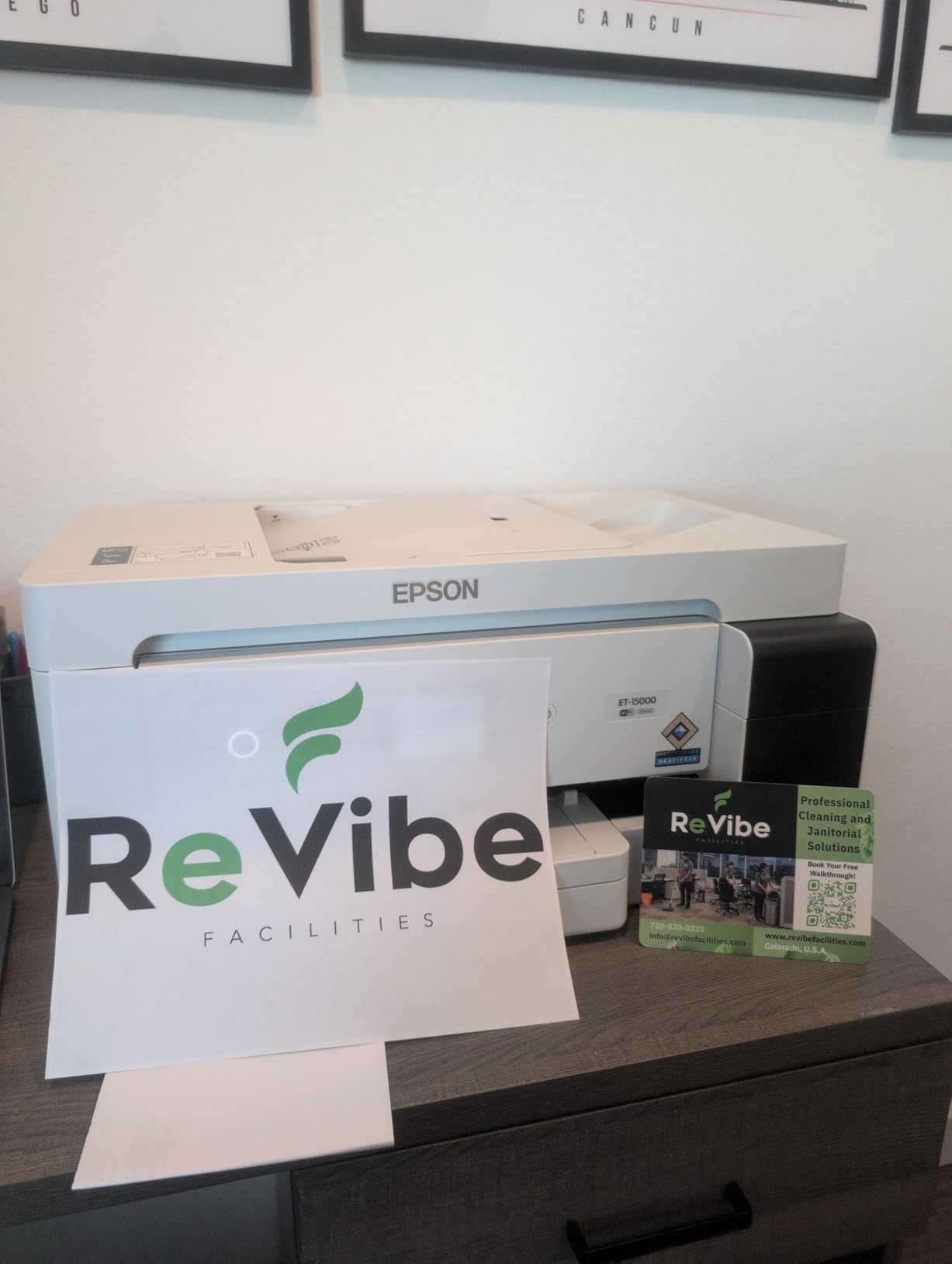
The Epson EcoTank ET-15000 is the step-up choice for crafters who need wider format printing. It handles paper up to 13 x 19 inches, which opens up possibilities for large posters, oversized art prints, big vinyl designs, and professional-quality scrapbook backgrounds that standard letter-size printers simply cannot produce.
Like all EcoTank models, the cartridge-free system delivers dramatic ink savings. Each replacement ink set prints up to 7,500 black pages and 6,000 color pages, equivalent to about 80 individual cartridges. The printer comes with enough ink in the box for up to two years of regular use. That combination of wide format and low running costs makes this the most cost-effective way to print large format craft projects at home.
The auto document feeder handles multi-page scanning, and auto duplex printing saves paper on double-sided projects. Both Wi-Fi and Ethernet connectivity are supported, giving you flexible placement options. Print speeds are fast for a wide-format inkjet at 17 ppm black and 9 ppm color.
The physical size is the biggest consideration. At 29.6 by 19.6 by 14.3 inches with paper trays extended, this printer needs dedicated space. It is not something you can tuck on a shelf. Some users report ADF reliability issues over time, and duplex printing defaults to manual mode for non-standard paper sizes, which means you will be flipping wide-format paper by hand.
Who Should Consider This Printer
Crafters who need 11×17 or 13×19 printing for posters, large art prints, wide vinyl designs, or professional craft fair displays will find the ET-15000 delivers the best combination of wide-format capability and low ink costs. Small business owners selling printed goods will appreciate the production volume this machine handles.
Who Should Look Elsewhere
If you only print on standard letter or A4 paper, the ET-15000 is overkill in both size and cost. The ET-4950 offers most of the same features without the wide-format capability at a lower price. Crafters tight on desk space should also consider whether they have room for a printer this large.
12. Epson EcoTank Photo ET-8550 – Best Photo Printer for Crafters
Epson EcoTank Photo ET-8550 Wireless Wide-Format All-in-One Tank Printer
6-Color Photo Supertank
5760 x 1440 dpi
13×19 Borderless Photos
4.3 inch Touchscreen
24.5 lbs
Pros
- 6-color Claria ET Premium ink system
- Print 4×6 photos for about 4 cents each
- Wide format borderless up to 13×19
- CD and DVD printing included
- Up to 6200 color pages per ink set
Cons
- Auto tray selection unreliable
- Thick paper feeding issues reported
- Large physical footprint
- USB connectivity limitations
The Epson EcoTank Photo ET-8550 is the top-tier choice for crafters who demand the best possible photo print quality. The 6-color Claria ET Premium ink system adds gray and photo black to the standard CMYK set, producing smoother tonal transitions and more accurate color reproduction than any 4-color printer on this list.
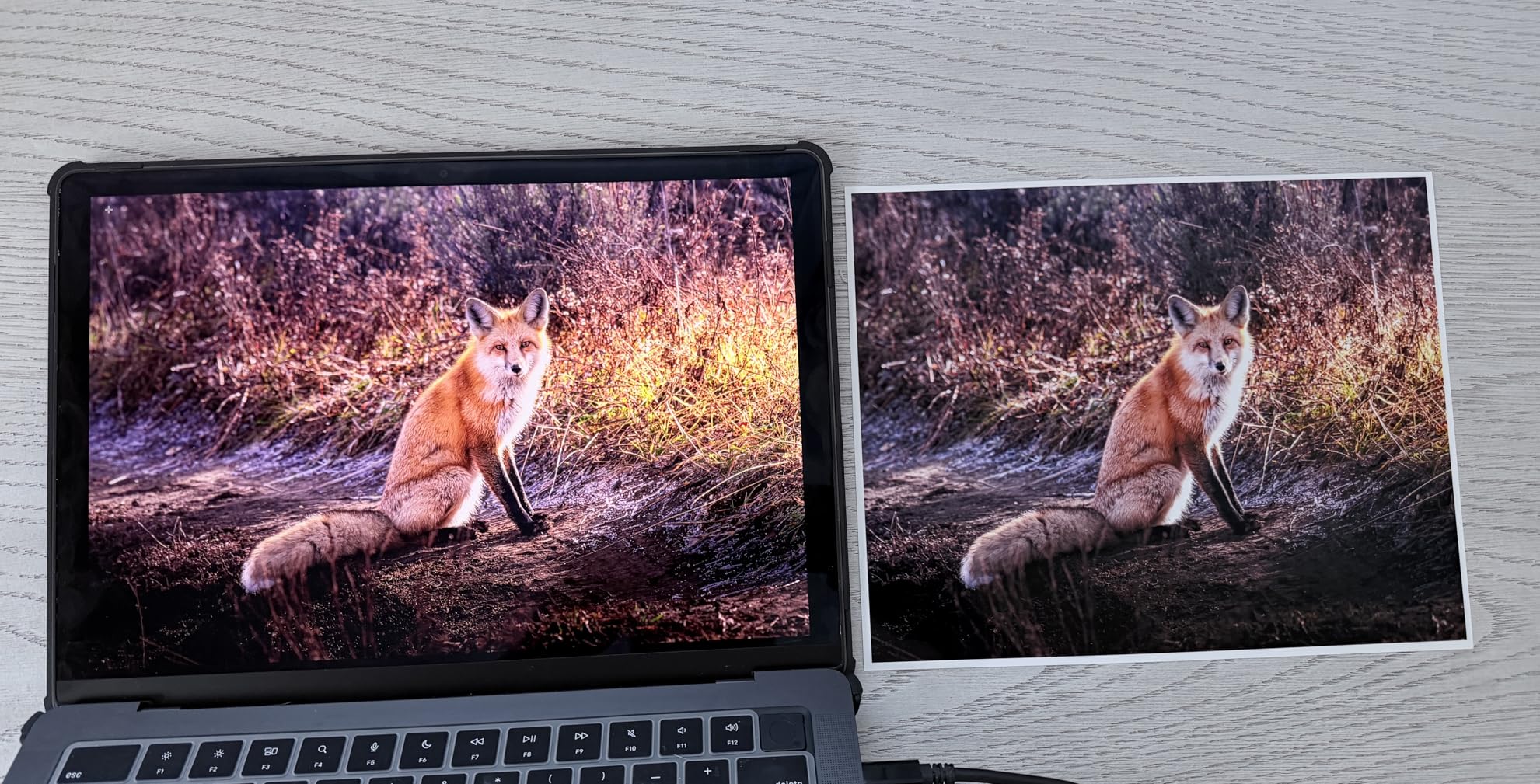
The ink savings are remarkable even compared to other EcoTank models. Epson estimates you can print a 4×6 photo for about 4 cents using the tank system, compared to roughly 40 cents with traditional cartridges. That math matters enormously for crafters who print photos regularly for scrapbooking, wall art, photo cards, or craft fair products. Each ink set produces up to 6,200 color pages.
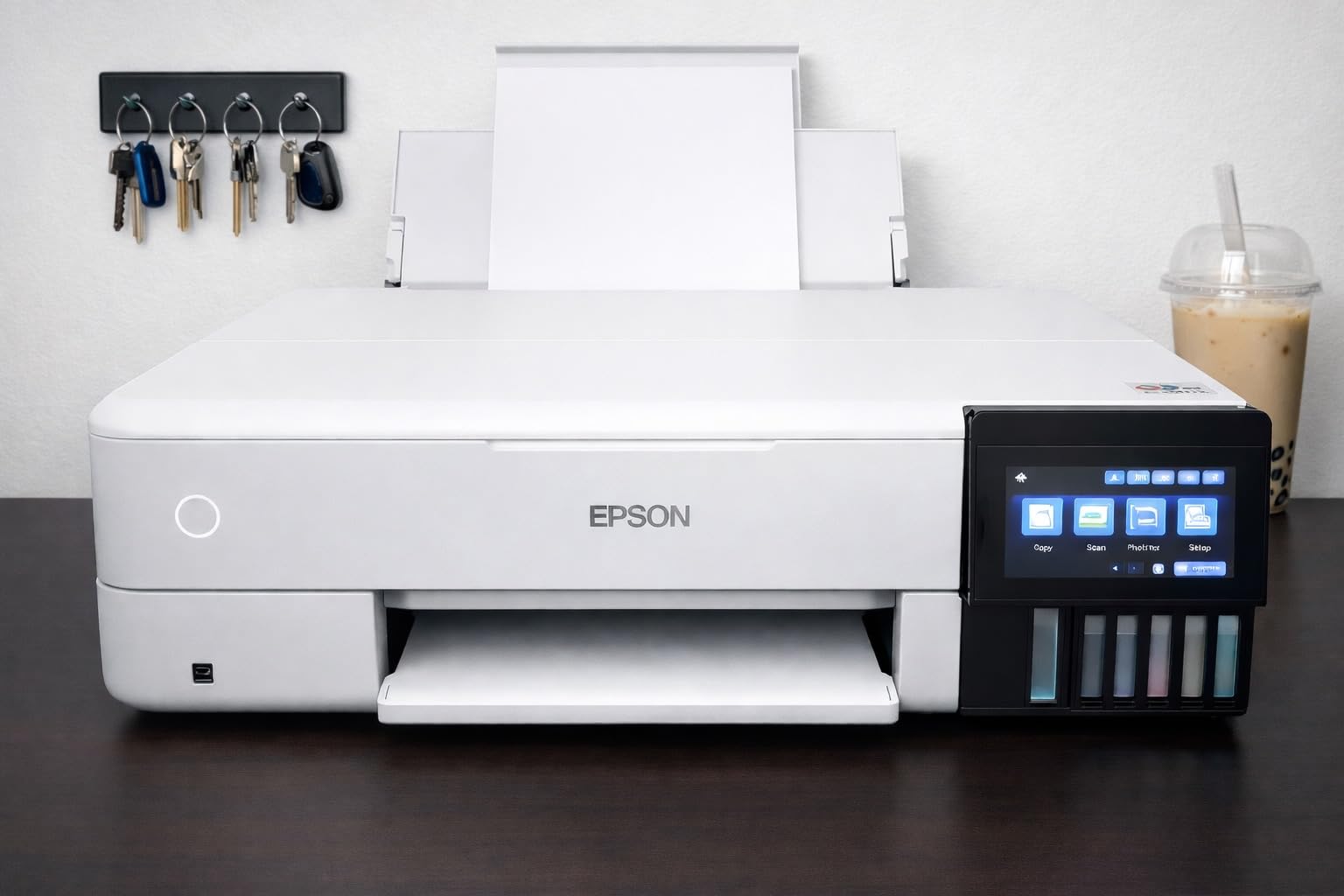
Borderless printing up to 13 x 19 inches means you can produce gallery-quality prints at home without white borders cutting into your designs. The 4.3-inch color touchscreen is the best display on any printer in this lineup, making navigation and settings adjustments genuinely easy. Specialty media support includes cardstock, glossy photo paper, and even CD and DVD printing for custom disc labels.
The primary complaints center around paper handling. The auto tray selection feature sometimes chooses the wrong tray, leading to misprints on the wrong media. Thick paper feeding can be inconsistent, requiring manual assistance. At 29.8 by 20.6 by 16.9 inches, this is also one of the largest printers in the lineup and needs serious desk space.
Who Should Consider This Printer
Photography-focused crafters, fine art printmakers, and anyone selling photo prints or photo-based craft products will find the ET-8550 delivers the best print quality in this guide. The 6-color ink system produces results that rival professional print shops at a fraction of the cost per print.
Who Should Look Elsewhere
If you primarily print documents, labels, and stickers rather than photos, the standard 4-color EcoTank models offer the same supertank savings without the photo-specific features you would be paying a premium for. The ET-2800 or ET-4950 are more practical for general crafting use.
How to Choose the Best Printers for Crafting in 2026?
Picking the right crafting printer comes down to understanding what materials you print on, how often you print, and what you do with the results. Here are the key factors our team considers when recommending a printer for crafters.
Inkjet vs Laser for Crafting
Inkjet printers are the go-to choice for most crafters because they handle a wider variety of materials including printable vinyl, sticker paper, photo paper, heat transfer paper, and cardstock. The liquid ink absorbs into these media and produces vibrant colors. If you make stickers, do Cricut Print Then Cut projects, or print photos for scrapbooking, an inkjet is almost always the right call.
Laser printers have a specific advantage for paper-based crafting. Because laser toner is heat-fused onto paper, the prints are waterproof and smudge-proof immediately. This makes laser printers excellent for printing on regular paper for mixed media projects, waterslide decals, and applications where you plan to apply gold foil using a laminator. However, laser printers cannot be used on heat-sensitive vinyl or most sticker papers, and they do not produce the same photo quality as inkjet models.
Supertank vs Cartridge Printers
This is the biggest cost decision you will make. Traditional cartridge printers seem cheaper upfront but cost significantly more per page over time. A set of ink cartridges might print 200 to 300 pages before needing replacement at $40 to $60 per set. A supertank printer like the Epson EcoTank ET-2800 comes with enough ink for thousands of pages and replacement bottles cost around $12 to $15 per color.
For crafters who print regularly, the supertank savings are substantial. One Reddit user reported printing daily for over a year without refilling their EcoTank. Over two to three years, a supertank printer can save you hundreds of dollars compared to a cartridge-based equivalent.
Paper Handling and Media Compatibility
Check whether the printer has a rear feed tray in addition to the main cassette tray. Rear feed trays handle thick cardstock, specialty papers, and adhesive vinyl much better than bottom-feed cassette trays, which tend to curl and jam with heavier media. The Canon TS9521C supports 12×12 inch scrapbook paper, while the Epson ET-15000 and ET-8550 handle wide-format media up to 13×19 inches.
Borderless printing is important for photo crafts and full-bleed designs. Most printers on this list support borderless printing on standard photo sizes, but not all support it on every paper size. Check the specifications for your preferred paper dimensions.
Cricut Print Then Cut Compatibility
If you use a Cricut cutting machine, you need an inkjet printer for the Print Then Cut feature. The printer must support standard letter or A4 paper with registration mark printing. Any of the inkjet printers in this guide will work with Cricut Print Then Cut. The Epson EcoTank ET-2800 is the most frequently recommended pairing on Reddit and crafting forums.
Sublimation Considerations
Sublimation printing requires either a purpose-built sublimation printer like the Epson SureColor F170 or converting a compatible EcoTank printer by replacing the standard ink with sublimation ink. The dedicated F170 is the easier and safer option since it comes with proper sublimation ink and full warranty support. Converting an EcoTank voids the warranty and requires careful ink system flushing, but some crafters prefer the flexibility of having one printer that can switch between regular and sublimation printing.
Frequently Asked Questions
What kind of printer is best for crafts?
Inkjet printers with supertank systems like the Epson EcoTank ET-2800 are the best choice for most crafters. They handle sticker paper, printable vinyl, cardstock, and photo paper with vibrant colors, and the tank system keeps ink costs extremely low. Laser printers are better for paper-only crafts where you need waterproof, smudge-proof prints or want to apply gold foil techniques.
What kind of printer is best for printing art?
For printing art, look for a printer with high resolution (at least 4800 x 1200 dpi) and individual color ink tanks. The Epson EcoTank Photo ET-8550 with its 6-color Claria ink system produces the best art prints in this guide, with smooth tonal transitions and accurate color reproduction. For more budget-friendly art printing, the Canon TS9521C with 5 individual inks and 12×12 support is an excellent alternative.
What 3D prints sell well at craft fairs?
Popular 3D printed items at craft fairs include custom keychains, plant pots and planters, cookie cutters, phone stands, desk organizers, board game accessories, name plates, and seasonal decorations like holiday ornaments. Fidget toys and practical items like cable holders and soap dishes also sell well. The key is offering customization options like personalized names or colors that buyers cannot get from mass-produced products.
Can I use a laser printer for vinyl crafts?
No, you should not use a laser printer for printable vinyl or heat transfer vinyl projects. Laser printers use heat to fuse toner onto paper, and this heat can melt or damage heat-sensitive vinyl materials. For vinyl crafts, always use an inkjet printer. Inkjet printers spray liquid ink that bonds with vinyl surfaces safely, producing the vibrant, durable results crafters need for stickers, decals, and heat transfer projects.
Why are laser printers being phased out?
Laser printers are not actually being phased out, but they are becoming less common in home crafting setups. The main reason is that inkjet technology has improved dramatically, and supertank systems like EcoTank have eliminated the ink cost advantage that laser printers once held. Additionally, inkjet printers handle the diverse media types that crafters use (vinyl, sticker paper, photo paper, cardstock) much better than laser printers, which excel mainly at plain paper printing.
Final Thoughts
Finding the best printers for crafting does not have to be complicated. For most crafters, the Epson EcoTank ET-2800 delivers the best combination of print quality, ink savings, and versatility for stickers, Cricut projects, photos, and everyday crafting. If scrapbooking is your focus, the Canon TS9521C and its 12×12 capability is unmatched. And for crafters ready to explore sublimation, the Epson SureColor F170 is the easiest and most affordable way to start.
Our team tested and compared 12 machines to give you real, experience-based recommendations. Every printer on this list has earned its place through genuine performance in crafting scenarios. Pick the one that matches your specific projects, and you will wonder how you ever crafted without a proper printer.
Leave a Reply