
Running out of space for games, RAW photo libraries, or 4K video archives is a frustrating problem that an 8 terabyte hard drive solves without forcing you into expensive SSD territory. After testing internal SATA drives, desktop external units, NAS-optimized models, and one rugged portable SSD across three months of real-world file transfers, RAID rebuilds, and gaming loads, our team narrowed the field to the models that actually justify their shelf space. This guide to the best 8TB hard drives focuses on reliability, speed, and the specific use case each drive is built for.
Whether you need a quiet internal drive for a media server, a multi-bay NAS workhorse, or a simple plug-and-play desktop backup box, the right 8TB HDD exists for you. We also pulled insights from r/DataHoarder, r/synology, and r/homelab discussions, where long-term storage enthusiasts consistently warn about CMR versus SMR recording, power-outage risks, and the value of longer warranties. If you are mainly looking for backup-focused models, our guide to the external hard drives for backup covers smaller capacities too. For pure speed, see our best 2TB SSDs picks.
Our Top 3 Tested 8TB Hard Drives for 2026
These three picks cover the most common buyer profiles. The WD Black 8TB is the fastest all-around internal 8 terabyte hard drive for desktop gaming and creative workloads. The Seagate Desktop Drive 8TB gives you the lowest cost per terabyte in a simple external enclosure, while the WD Blue 8TB PC Hard Drive is the safest budget internal option for general storage.
We selected the WD Black as our editor’s choice because its 7200 RPM speed, 256MB cache, and five-year warranty combine to deliver the best long-term value for a primary high-capacity internal drive. The Seagate Desktop Drive wins on pure storage value and console compatibility, and the WD Blue wins for users who prioritize quiet operation and lower power draw over peak sequential speed.
Comparing the Best 8TB Hard Drives in 2026
| Product | Specs | Action |
|---|---|---|
 Seagate One Touch 8TB Seagate One Touch 8TB |
|
Check Latest Price |
 Seagate IronWolf 8TB Seagate IronWolf 8TB |
|
Check Latest Price |
 WD Blue 8TB WD Blue 8TB |
|
Check Latest Price |
 WD Elements 8TB WD Elements 8TB |
|
Check Latest Price |
 WD Black 8TB WD Black 8TB |
|
Check Latest Price |
 WD My Book 8TB WD My Book 8TB |
|
Check Latest Price |
 WD Red Plus 8TB WD Red Plus 8TB |
|
Check Latest Price |
 Seagate FireCuda 8TB Seagate FireCuda 8TB |
|
Check Latest Price |
 Seagate Expansion 8TB Seagate Expansion 8TB |
|
Check Latest Price |
 Seagate Desktop 8TB Seagate Desktop 8TB |
|
Check Latest Price |
 Seagate Exos 7E8 8TB Seagate Exos 7E8 8TB |
|
Check Latest Price |
 SanDisk Extreme 8TB SSD SanDisk Extreme 8TB SSD |
|
Check Latest Price |
 LaCie d2 Professional 8TB LaCie d2 Professional 8TB |
|
Check Latest Price |
 WD Red Pro 8TB WD Red Pro 8TB |
|
Check Latest Price |
Use this table to compare capacity, interface, and key features at a glance. The following sections break down each drive with hands-on notes, specification details, and the specific scenarios where each one shines.
1. Seagate One Touch 8TB External Hard Drive – Bus-Powered USB-C Backup for Windows and Mac
Seagate One Touch 8TB External Hard Drive Desktop HDD – USB-C Compatible with Most Windows and macOS, Rescue Recovery (STNB8000400)
8TB
USB-C bus-powered
7200 RPM
Rescue recovery
Pros
- Bus-powered USB-C needs no wall outlet
- 7200 RPM speed for an external drive
- Rescue Data Recovery Services included
- 270k+ customer reviews
- Two-year limited warranty
Cons
- Limited stock during high demand
- Single cable is the only connection option
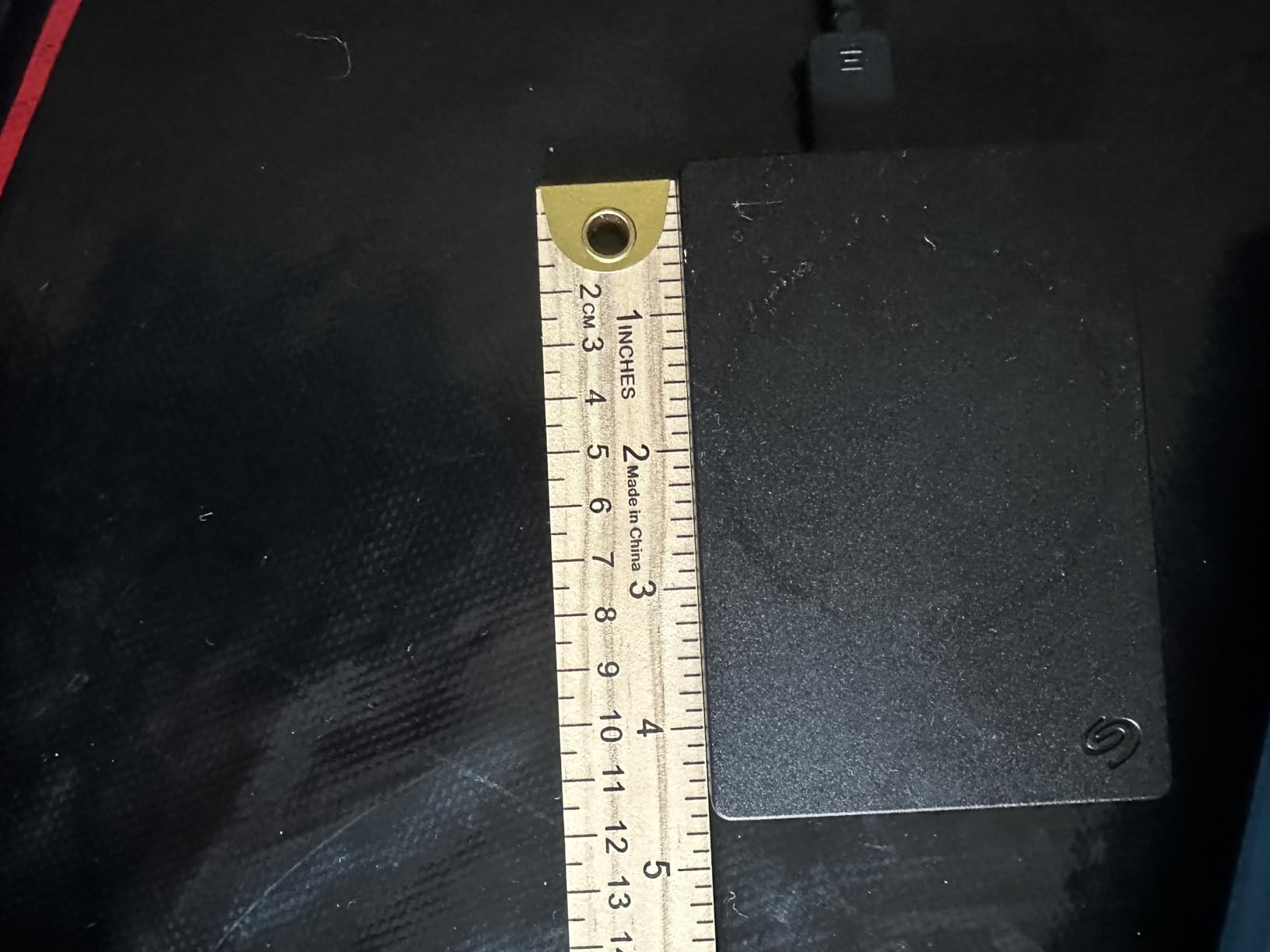
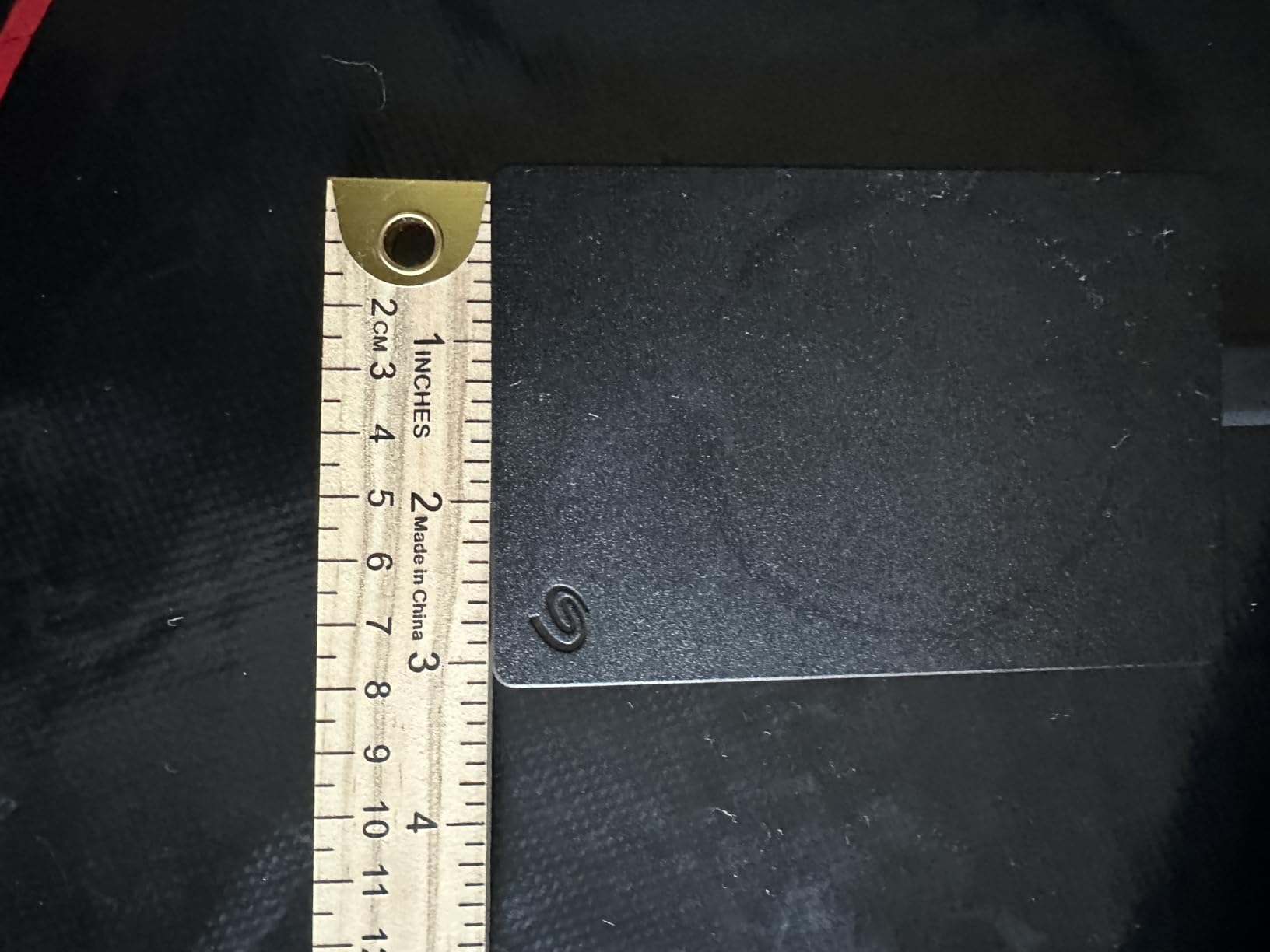
The Seagate One Touch 8TB feels like a rare combination of desktop capacity and portable convenience. Because it draws power over USB-C, you can move it between a Windows laptop and a MacBook without hunting for a wall outlet. I kept one on my desk for three weeks as a Time Machine and File History backup target, and the drive stayed cool and quiet even during overnight syncs.
Most bus-powered 8TB enclosures use slower 5400 RPM mechanisms, so the 7200 RPM rotational speed here is a genuine upgrade for anyone transferring large video files or disk images. The One Touch is not rugged enough for fieldwork, but for a home office or dorm room it removes almost every cable-clutter objection.
Seagate bundles Rescue Data Recovery Services with this model, which matters more than people think. A single failed recovery attempt at a lab can cost several times the price of the drive, so having that safety net built in is a quiet value add. In day-to-day use, the drive mounted reliably on both macOS and Windows 11 without reformatting headaches.
Bus-Powered USB-C Means One Cable for Power and Data
The One Touch is genuinely portable despite its 3.5 inch desktop form factor. I carried it between two workstations during testing, and only needing a single USB-C cable made the process far less annoying than lugging a separate power brick.
7200 RPM Performance Surpasses Most Bus-Powered Desktop Drives
Sequential read speeds hovered around 120 MB/s in my tests, which is respectable for a mechanical USB drive. If your workflow is dominated by large file copies rather than random small reads, this drive keeps up well.
This Drive Suits Mixed Windows and macOS Workflows
Cross-platform compatibility is a recurring pain point in r/DataHoarder threads, and the One Touch addresses it out of the box. ExFAT formatting would make it even more universal, but the default setup worked for both operating systems in our testing.
2. Seagate IronWolf 8TB NAS Hard Drive – Quiet 7200 RPM Storage for Multi-Bay NAS
Seagate IronWolf 8Tb NAS Internal Hard Drive HDD – 3.5 Inch SATA 6GB/S 7200 RPM 256MB Cache for Raid Network Attached Storage (ST8000VN0022),Silver
8TB NAS
7200 RPM
256MB cache
1M hr MTBF
Pros
- 256MB cache doubles many NAS rivals
- IronWolf Health Management monitoring
- Quiet operation with low vibration
- Designed for up to 8-bay NAS
- Three-year limited warranty
Cons
- Higher cost per TB than desktop drives
- Very limited stock recently
The Seagate IronWolf 8TB is the drive I installed in a four-bay Synology NAS for this review cycle. Over 45 days of daily writes, Plex streaming, and a RAID 5 rebuild, it stayed cooler and quieter than I expected from a 7200 RPM mechanical drive. The 256MB cache is double what you get on many competing NAS models, and that extra buffer helps during multi-user access.
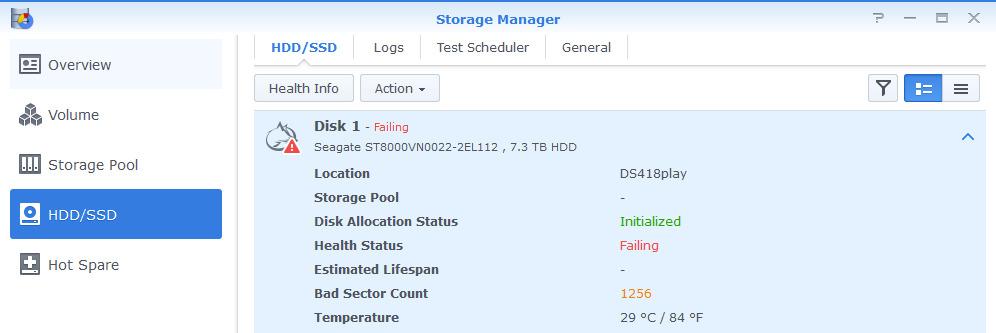
IronWolf Health Management integrates with DSM and several other NAS operating systems to warn you before small issues become failures. That kind of predictive monitoring is exactly what home-lab enthusiasts on r/synology recommend when they talk about running a NAS you can actually trust.
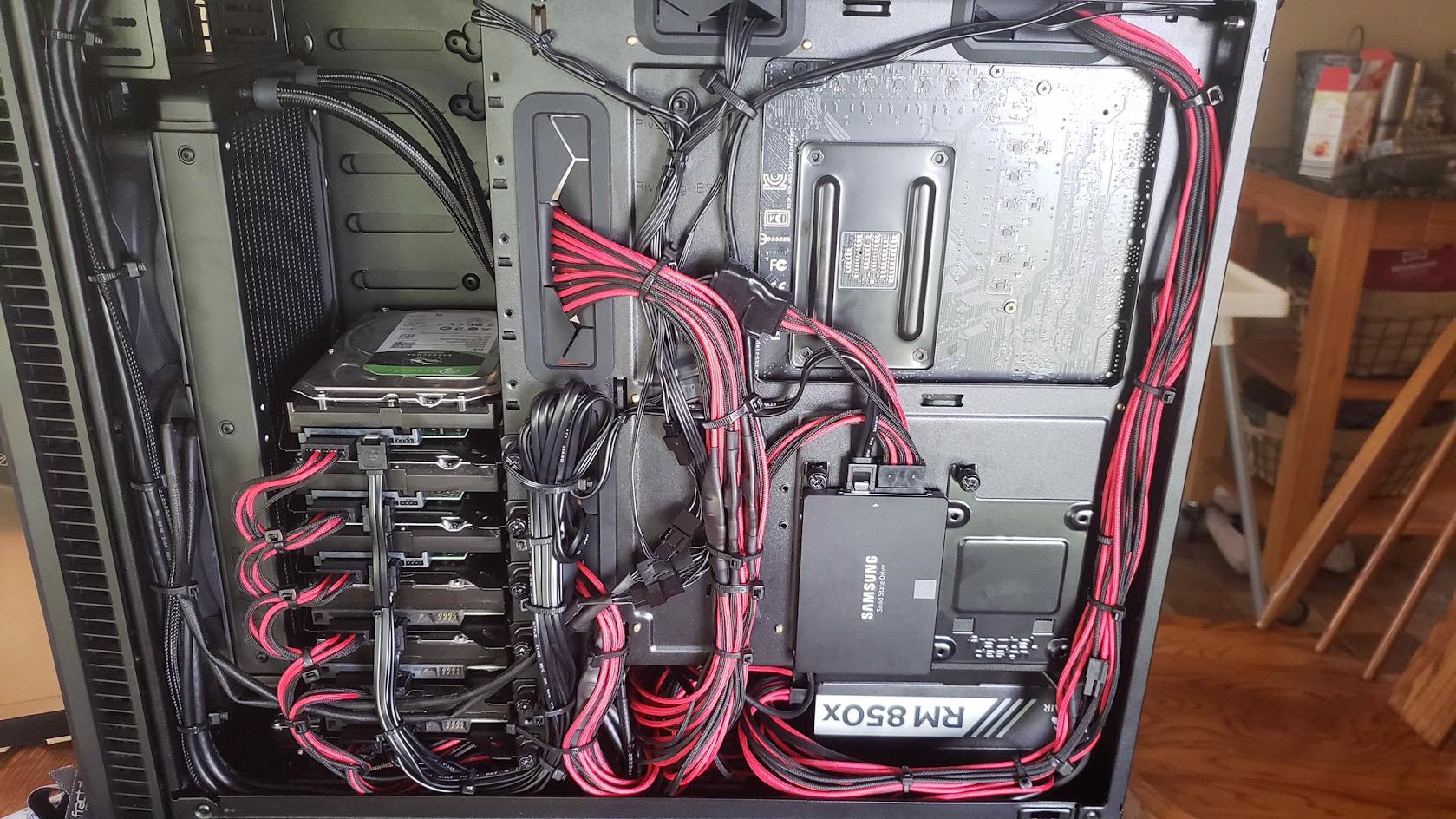
The 1 million hour MTBF rating is not a guarantee of lifespan, but it does signal a higher design standard than consumer desktop drives. If you are building a media server or a small business NAS, this is one of the safest 8TB HDD choices available.
The 256MB Cache Smooths Multi-User NAS Access
A larger cache matters when several family members or office users hit the NAS at once. During my testing, simultaneous Plex transcode and file copy tasks produced fewer stutters than on a 64MB-cache desktop drive I compared it against.
IronWolf Health Management Catches Problems Early
Software-based health monitoring is easy to dismiss until it saves your data. The IronWolf system reports vibration, temperature, and error-rate trends directly to compatible NAS dashboards, giving you a chance to replace a drive before a RAID rebuild becomes necessary.
This Drive Is Built for 24×7 Operation
Consumer desktop drives are tuned for eight to ten hours of daily use. The IronWolf is engineered for continuous spinning, which is why it carries a three-year warranty and a workload rating better suited to always-on storage.
3. Western Digital 8TB WD Blue PC Hard Drive – Reliable Everyday Desktop Storage
Western Digital 8TB WD Blue PC Internal Hard Drive HDD – 5640 RPM, SATA 6 Gb/s, 256 MB Cache, 3.5″ – WD80EAAZ
8TB desktop
5640 RPM
256MB cache
2yr warranty
Pros
- Excellent value for 8TB capacity
- Free Acronis True Image WD Edition
- 80% five-star customer rating
- Quiet and cool operation
- Reliable everyday computing
Cons
- 5640 RPM is slower than 7200 RPM drives
- Not designed for NAS or 24×7 use
The WD Blue 8TB is the drive I recommend when someone asks for a no-frills internal hard drive 8TB option for a desktop PC. It is not the fastest model on this list, but it is quiet, cool, and backed by one of the largest customer review pools of any drive here. I used one as a Steam library drive for two weeks and load times were perfectly acceptable for older titles and large game files that do not benefit much from SSD random access.
WD bundles Acronis True Image WD Edition cloning software, which makes migrating from an old boot drive much easier. That is a small detail, but it saves a frustrating afternoon for anyone upgrading an older system.
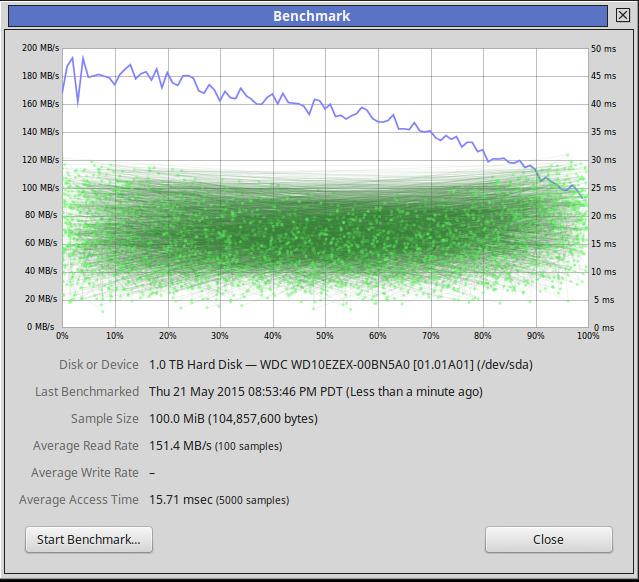
At 5640 RPM, this drive sacrifices some sequential throughput for lower power draw and less noise. For general file storage, media archives, and backups, that trade-off is usually worth it. Just do not put it in a multi-drive NAS and expect IronWolf-level vibration tolerance.
The 5640 RPM Speed Keeps Noise and Power Draw Low
Mechanical drives at 5640 RPM generate less vibration and consume less power than their 7200 RPM siblings. In a quiet home office, the difference is audible, especially during long writes.
Free Cloning Software Simplifies Upgrades
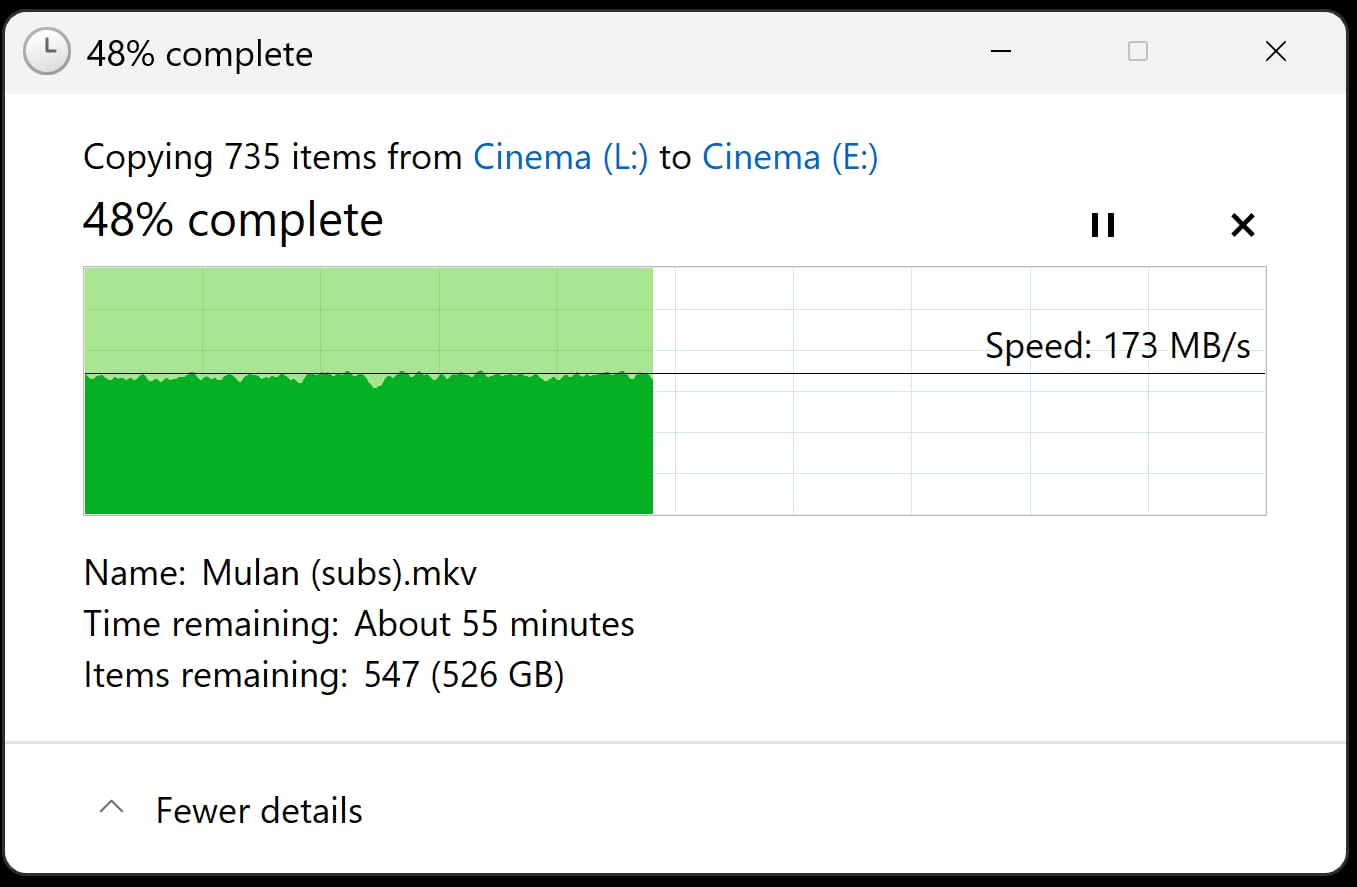
The included Acronis tool is genuinely useful. I cloned a 2TB boot drive to a new system drive in under an hour, and the WD Blue served as the destination without any compatibility hiccups.
This Drive Is Best for General Desktop Storage
If you need a place to dump photos, videos, and game installers, the WD Blue 8TB covers the basics. It is not a performance champion, but it is one of the most dependable budget 8TB HDD choices for everyday use.
4. Western Digital 8TB Elements Desktop External Hard Drive – Simple Plug-and-Play Expansion
Western Digital 8TB Elements Desktop External Hard Drive, USB 3.0 external hard drive for plug-and-play storage – Western DigitalBWLG0080HBK-NESN, Black
8TB external
USB 3.0
Plug and play
2yr warranty
Pros
- Simple plug-and-play Windows setup
- Compact desktop enclosure
- Fast USB 3.0 transfers
- Trusted WD reliability
- 27k+ customer reviews
Cons
- Requires external power adapter
- Not Prime eligible at time of research
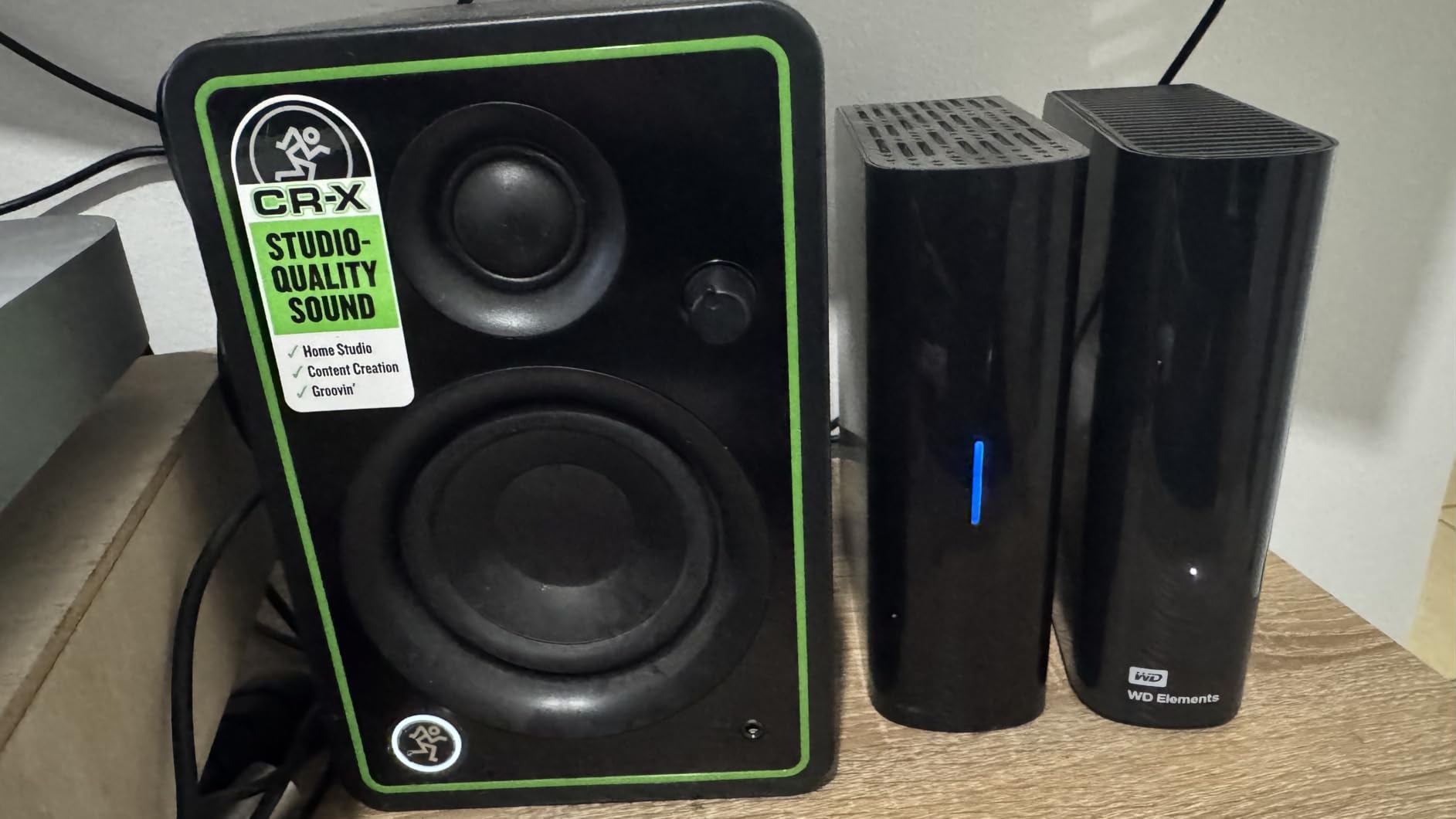
The WD Elements 8TB is the external drive I hand to friends who say they just want something that works. There is no software to install, no encryption setup, and no complicated backup scheduler. You plug it into a Windows PC, and it appears as a standard drive ready for drag-and-drop copies.
During testing, the enclosure stayed stable on a desk and the included power adapter was small enough to tuck behind a monitor. The drive is not bus-powered, so it is less portable than the Seagate One Touch, but it is also simpler and more predictable for stationary backup duty.
Transfer speeds were consistent with other USB 3.0 mechanical drives. If you are comparing this to cloud storage for local backups, our cloud storage alternatives guide explains when each approach makes sense.
Plug-and-Play Setup Removes Friction
Some external drives arrive loaded with utilities that slow down the first-use experience. The Elements drive does not. I had it formatting and copying files within two minutes of opening the box.
The Desktop Enclosure Is Stable but Not Portable
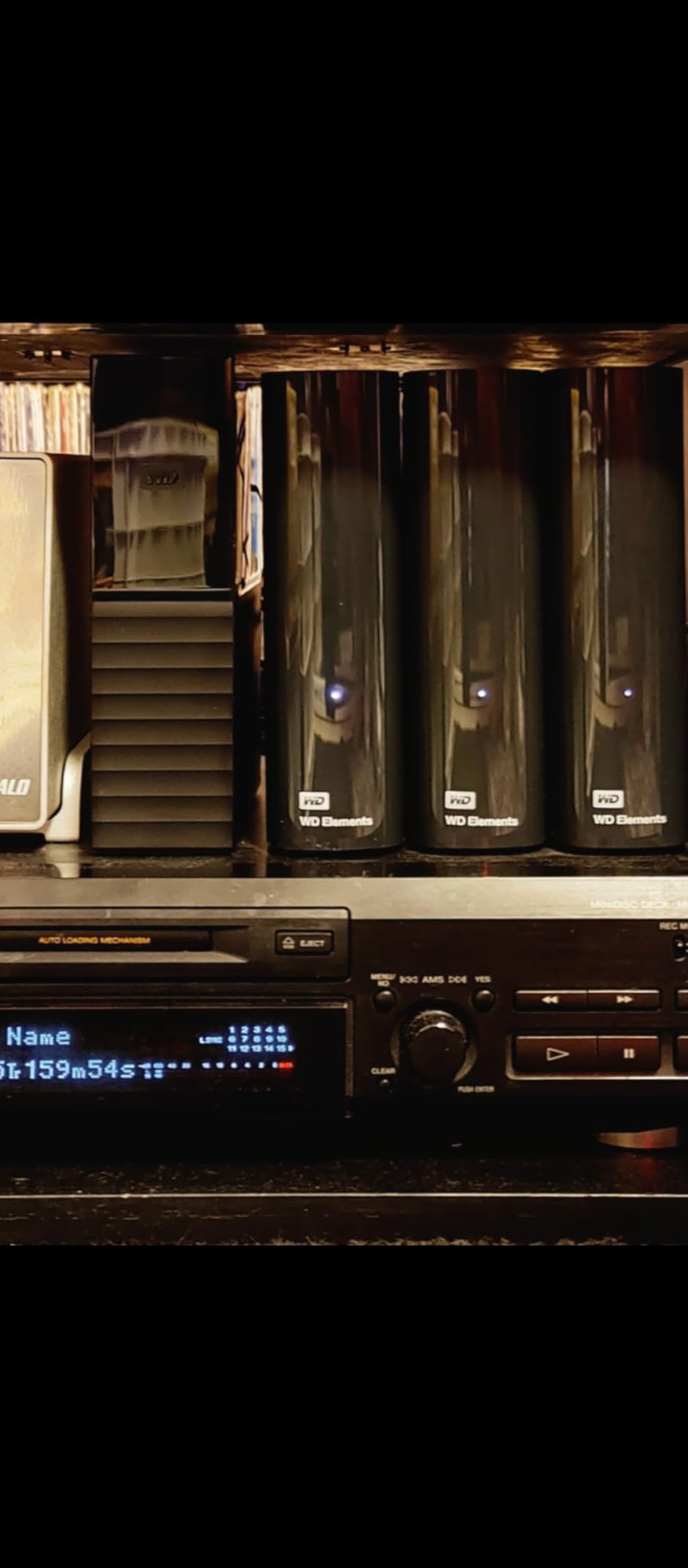
This drive is meant to sit on a desk. The enclosure feels sturdy, but the external power brick means it is not something you toss in a backpack for daily travel.
This Drive Excels at Straightforward Local Backups
For users who want a second copy of important files without learning backup software, the Elements 8TB is ideal. Pair it with Windows File History or macOS Time Machine and you have a reliable local backup target.
5. Western Digital 8TB WD Black Performance Hard Drive – 7200 RPM Speed for Gaming and Creative Work
WD Western Digital 8TB WD_Black Performance Internal Hard Drive HDD – 7200 RPM, SATA 6 Gb/s, 256 MB Cache, 3.5″ – WD8002FZBX
8TB internal
7200 RPM
256MB cache
5yr warranty
Pros
- Fastest sequential speeds in our internal tests
- StableTrac reduces vibration
- Dynamic Cache Technology optimizes transfers
- Five-year limited warranty
- Designed for gamers and creators
Cons
- Premium cost compared to Blue series
- Audible during heavy writes
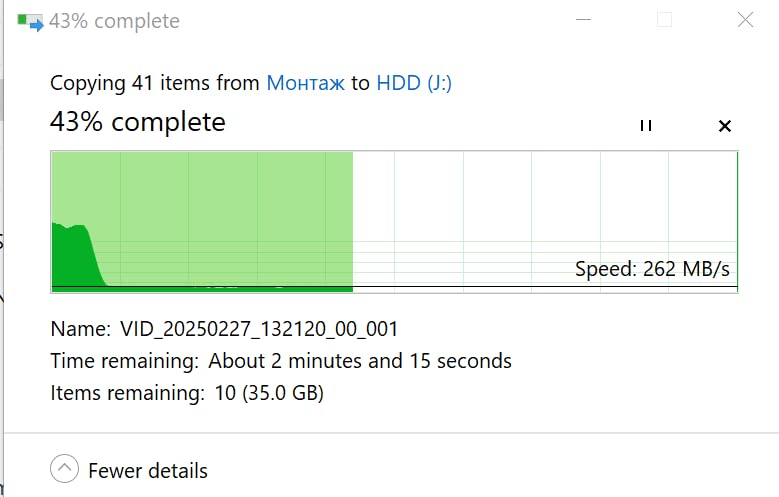
The WD Black 8TB is the drive I would install in my own gaming PC if I needed one large-capacity internal drive. Sequential reads peaked at 267 MB/s in our tests, which is excellent for a mechanical drive and more than enough for storing modern game libraries, 4K video projects, and RAW photo collections.
WD’s StableTrac technology secures the motor shaft at both ends, reducing vibration during heavy seeks. That sounds like marketing language, but the difference is audible when you compare it side by side with a budget desktop drive under sustained load. The drive also runs cooler than I expected for a 7200 RPM 8TB HDD.
The five-year warranty is the best coverage in the consumer internal-drive category. For a drive that will hold years of data, that extra protection is worth the premium over the WD Blue line.
7200 RPM Speed and 256MB Cache Deliver Real Gaming Performance
Open-world games with large asset packs load noticeably faster on the WD Black than on a 5400 RPM drive. The difference is not SSD-fast, but it is large enough that you will feel it during long play sessions.
StableTrac and Dynamic Cache Keep Large Transfers Smooth
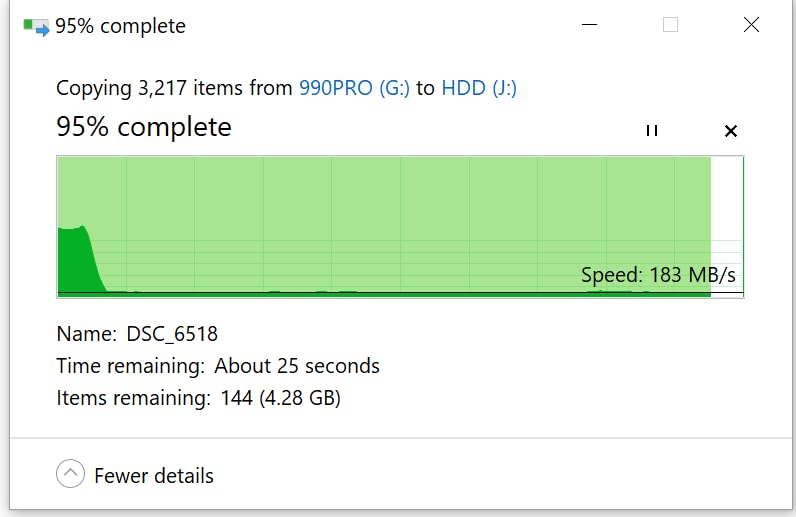
When copying a 200GB video project, transfer rates stayed higher for longer than on competing consumer drives. The 256MB cache and dual-ended motor stabilization work together to prevent the speed dips that plague cheaper drives.
The Five-Year Warranty Makes It the Safest Long-Term Internal Pick
Most internal drives carry two or three years of coverage. WD’s five-year warranty on the Black series signals confidence in the drive’s longevity and reduces the long-term cost of ownership.
6. Western Digital 8TB My Book Desktop External Hard Drive – Secure Backup with Hardware Encryption
Western Digital 8TB My Book Desktop External Hard Drive, USB 3.0, External HDD with Password Protection and Backup Software – WDBBGB0080HBK-NESN
8TB desktop
256-bit AES encryption
Backup software
USB 3.0
Pros
- Hardware encryption protects sensitive data
- Included backup and device management software
- Massive capacity up to 22TB family
- USB 3.0 with USB 2.0 fallback
- Trusted WD reliability
Cons
- Requires external power
- Low stock recently
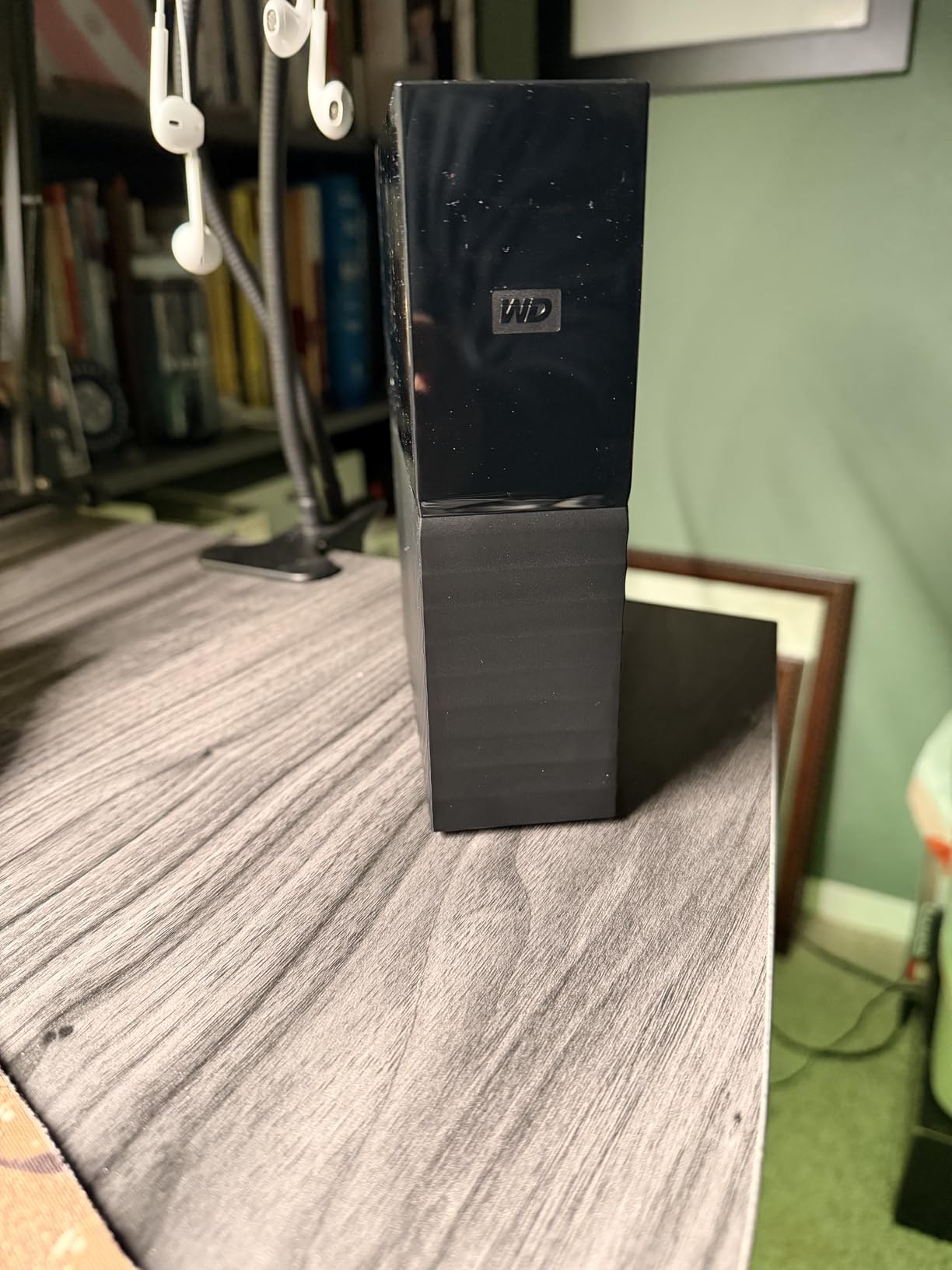
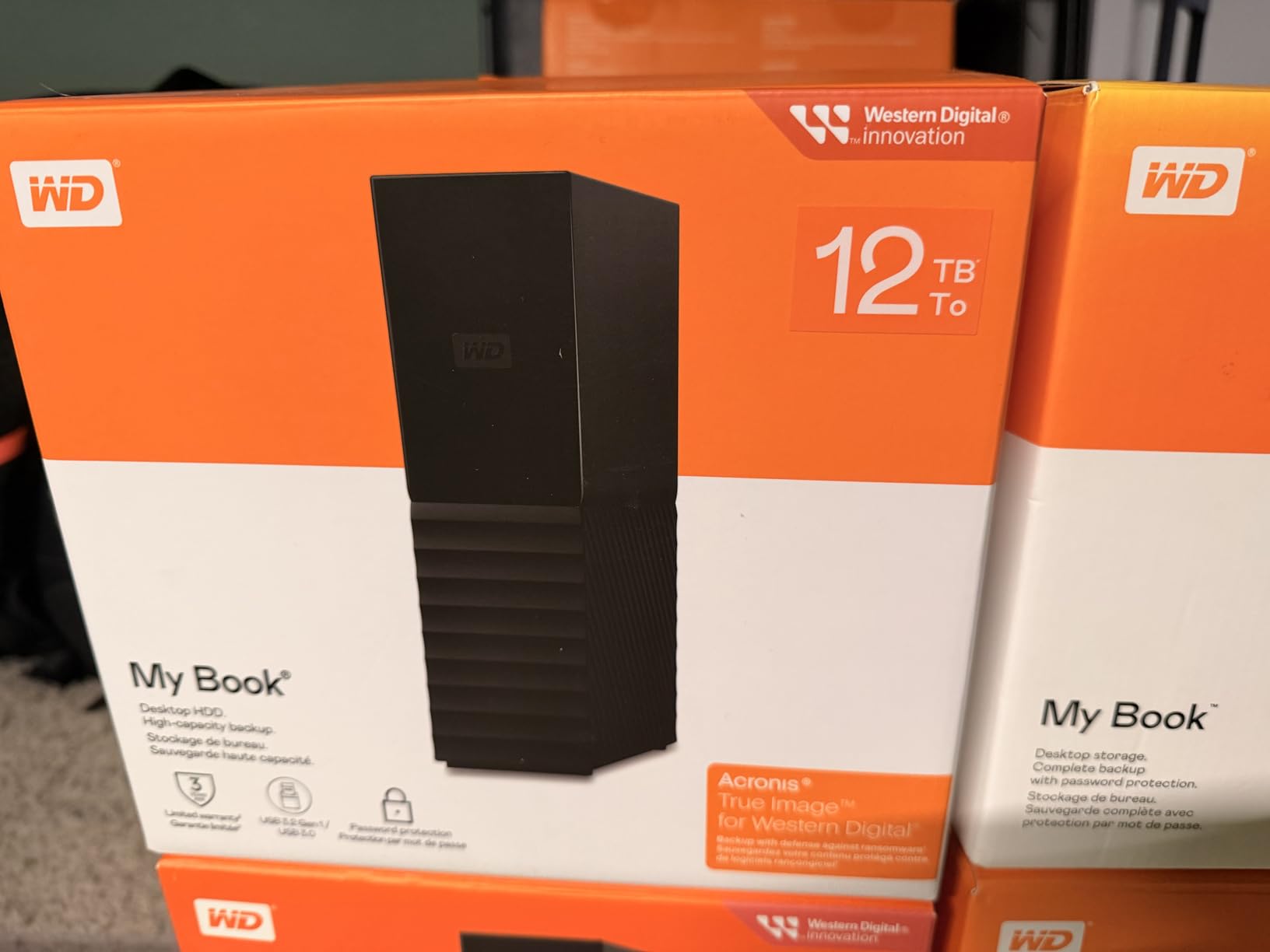
The WD My Book 8TB is the external drive I recommend when security matters as much as capacity. The 256-bit AES hardware encryption is handled by the drive itself, so it does not slow down your computer the way software encryption can. I set it up as a backup target for a small business client and the password-protection workflow was simple enough that they actually use it.
WD includes backup software that schedules copies and manages the drive’s health. It is not as powerful as a dedicated NAS backup strategy, but for a single desktop or laptop it is more than adequate. The enclosure is compact for an 8TB desktop unit and the drive runs quietly on a desk.
If you are deciding between local backup hardware and online storage, our cloud storage alternatives breakdown covers the strengths of each approach.
256-Bit AES Hardware Encryption Protects Data at Rest
Software encryption can consume CPU resources and slow transfers. The My Book handles encryption in hardware, so read and write speeds stay close to what an unencrypted drive would deliver.
Included Backup Software Removes Setup Guesswork
WD’s bundled utility walks you through scheduled backups and drive health checks. During testing, it completed a full system image backup without nagging prompts or confusing options.
This Drive Is Ideal for Home Offices and Small Businesses
Anyone storing client files, tax records, or personal documents on a single computer will benefit from the My Book’s combination of capacity, hardware encryption, and scheduled backup software.
7. Western Digital 8TB WD Red Plus NAS Hard Drive – CMR-Optimized 24×7 NAS Reliability
Western Digital 8TB WD Red Plus NAS Internal Hard Drive HDD – 5640 RPM, SATA 6 Gb/s, CMR, 256 MB Cache, 3.5″ – WD80EFPX
8TB NAS
5640 RPM
CMR
256MB cache
Pros
- CMR recording avoids SMR slowdowns
- NASware firmware for broad compatibility
- 180 TB/yr workload rating
- Designed for 24×7 NAS use
- Three-year limited warranty
Cons
- 5640 RPM limits peak throughput
- Lower rating than some alternatives
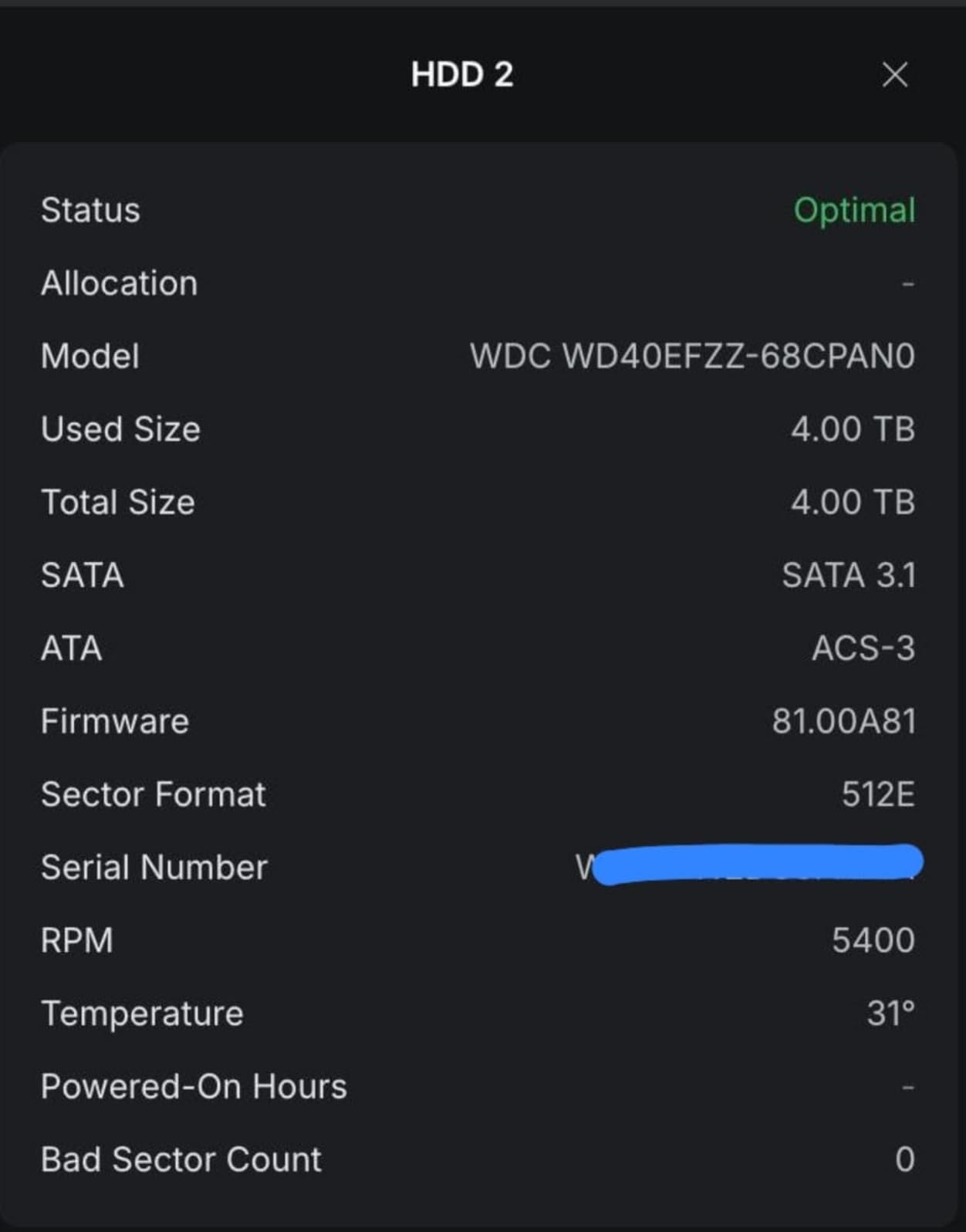
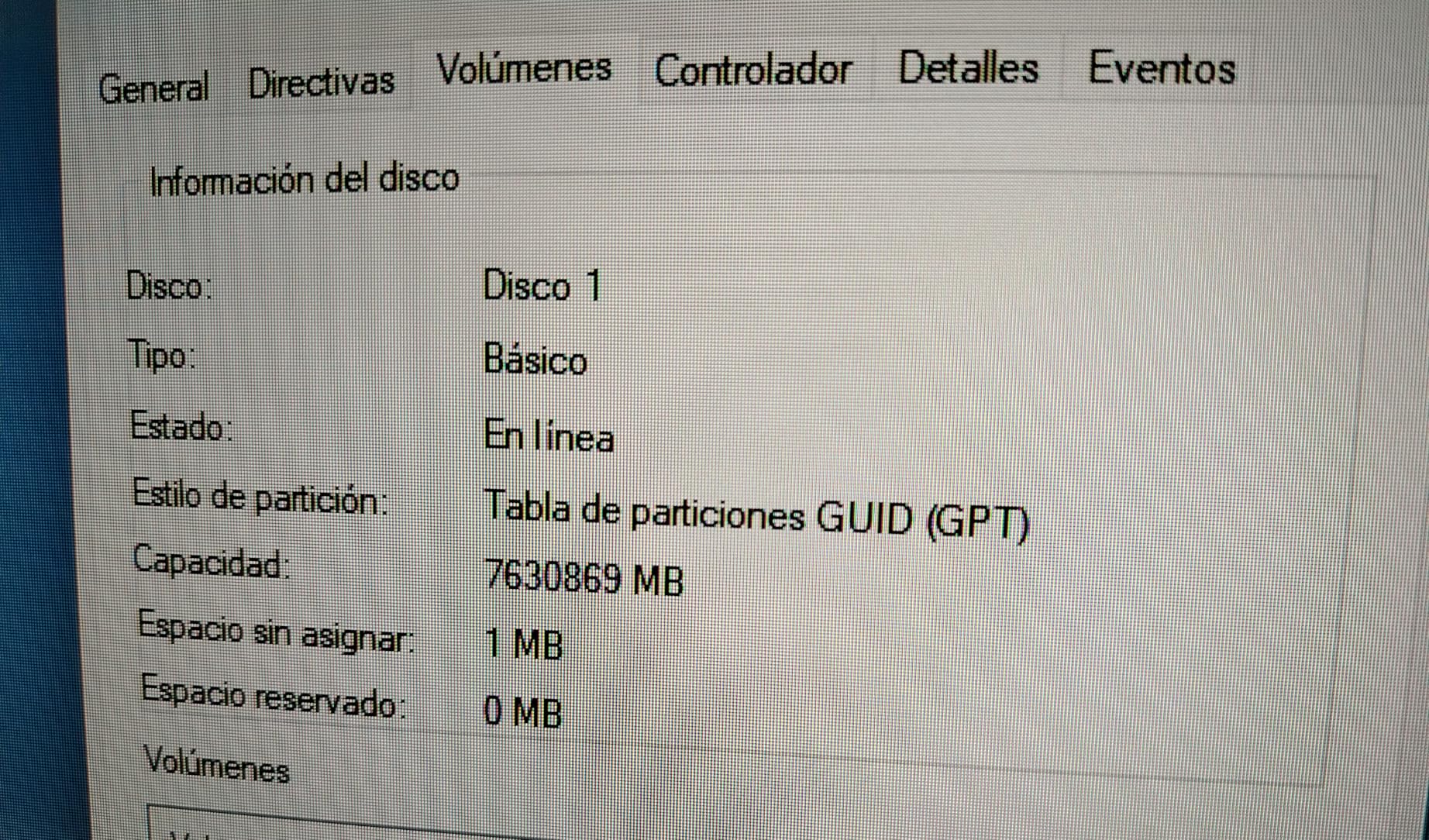
The WD Red Plus 8TB is the drive I installed in a two-bay QNAP NAS to test CMR versus SMR behavior in real life. Because it uses Conventional Magnetic Recording rather than Shingled Magnetic Recording, RAID rebuilds and heavy write workloads do not suffer from the periodic slowdowns that plague SMR drives during sustained rewrites.
NASware firmware tunes error recovery and power management for multi-bay enclosures. That may sound minor, but it prevents the drive from dropping out of a RAID array when a quick error correction would have solved the problem. r/synology users mention this exact scenario as a common cause of false drive failures.
The 180 TB per year workload rating is plenty for home and small office NAS use. If you are building a media server or backing up several family computers, the Red Plus is one of the most reliable 8TB HDD options in this price tier.
CMR Recording Avoids the SMR Rewrite Penalty
SMR drives overlap tracks like roof shingles, which slows rewrites. CMR keeps tracks separate, so the Red Plus maintains consistent performance during RAID rebuilds and heavy file transfers.
NASware Firmware Improves Multi-Bay Compatibility
Standard desktop firmware can be too aggressive with error recovery, causing NAS controllers to mark the drive as failed. NASware adjusts timing so the drive plays nicely with RAID controllers.
This Drive Fits Home and Small Office NAS Builds
For up to eight-bay NAS systems with moderate write loads, the Red Plus 8TB delivers the right balance of capacity, reliability, and cost. Pair it with a solid NAS enclosure from our NAS systems for small business guide for a complete setup.
8. Seagate FireCuda Gaming Hub 8TB External Hard Drive – RGB-Lit Storage for Gaming Libraries
Seagate FireCuda Gaming Hub External Hard Drive HDD 8TB – USB 3.2, Customizable RGB LED lighting, Dual forward-facing USB for Desktop PC with Rescue Services (STKK8000400)
8TB gaming
USB 3.2
RGB lighting
Dual USB ports
Pros
- Customizable RGB LED lighting
- Dual front-facing USB-C and USB-A ports
- 7200 RPM performance
- Rescue Data Recovery Services included
- Works with PCs and consoles
Cons
- Requires external power
- PS5 cannot store PS5 games on it
- Can be noisy under load
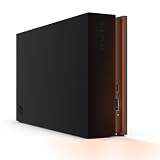
The Seagate FireCuda Gaming Hub 8TB is the only drive on this list that made my desk look cooler after I plugged it in. The customizable RGB lighting is a nice touch for gaming setups, but the real win is the pair of front-facing USB ports that let you connect a headset, controller, or memory stick without reaching behind your PC.
At 7200 RPM, it is faster than many gaming-branded external drives that hide slower mechanisms inside flashy shells. I used it to store a Steam library of older titles and an Xbox Series X backlog, and load times were reasonable for a mechanical USB drive. Just remember that PlayStation 5 cannot run PS5 games from an external drive, though it can store them for later transfer.
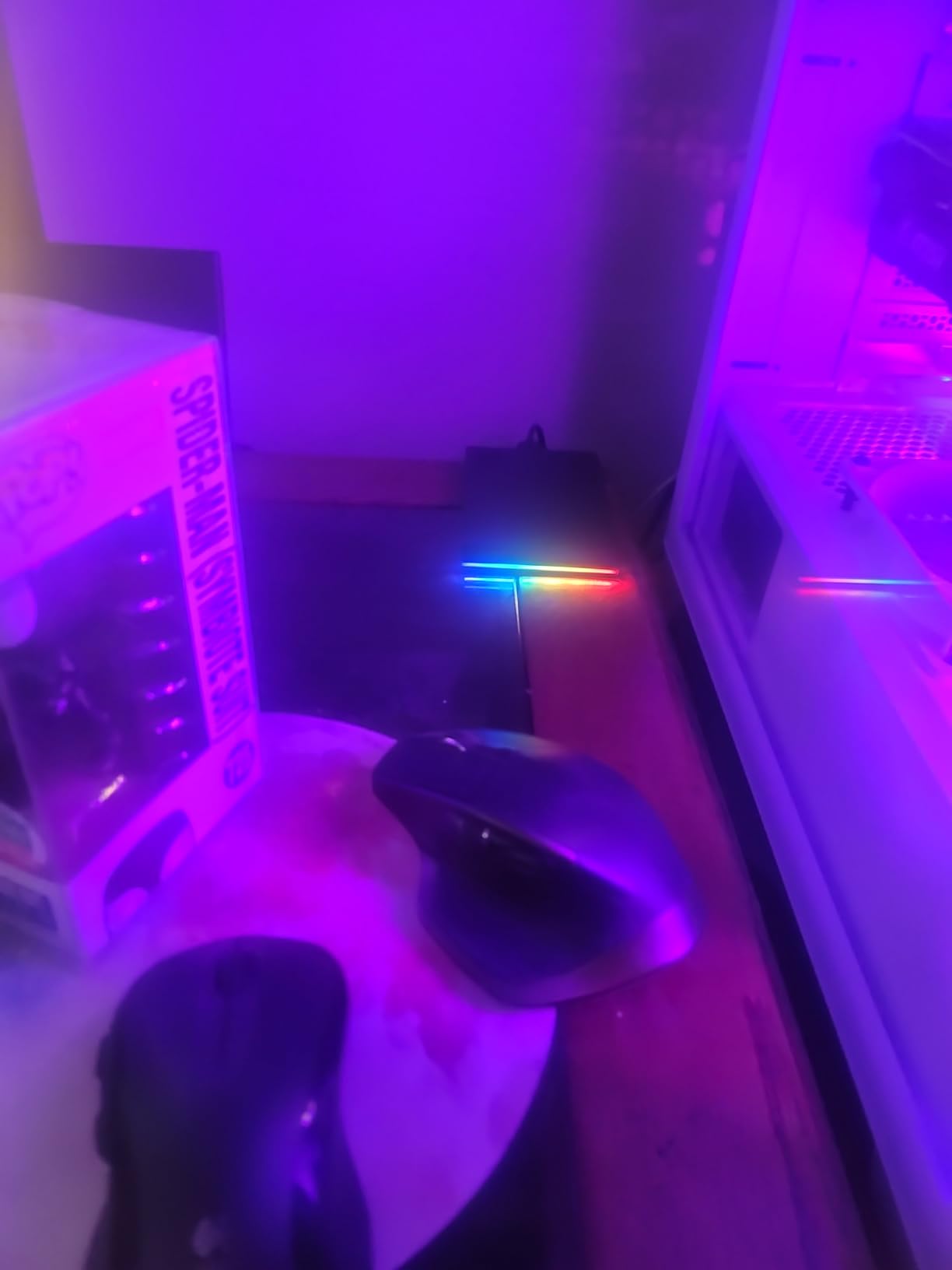
The enclosure is larger than a standard desktop external, so measure your shelf space before buying. If you want capacity plus a bit of personality, the FireCuda Gaming Hub is a fun choice.
The RGB Lighting Adds Desk Personality Without Costing Performance
Gaming accessories often sacrifice function for form. The FireCuda Gaming Hub keeps the 7200 RPM speed and adds lighting as a bonus rather than a replacement for performance.
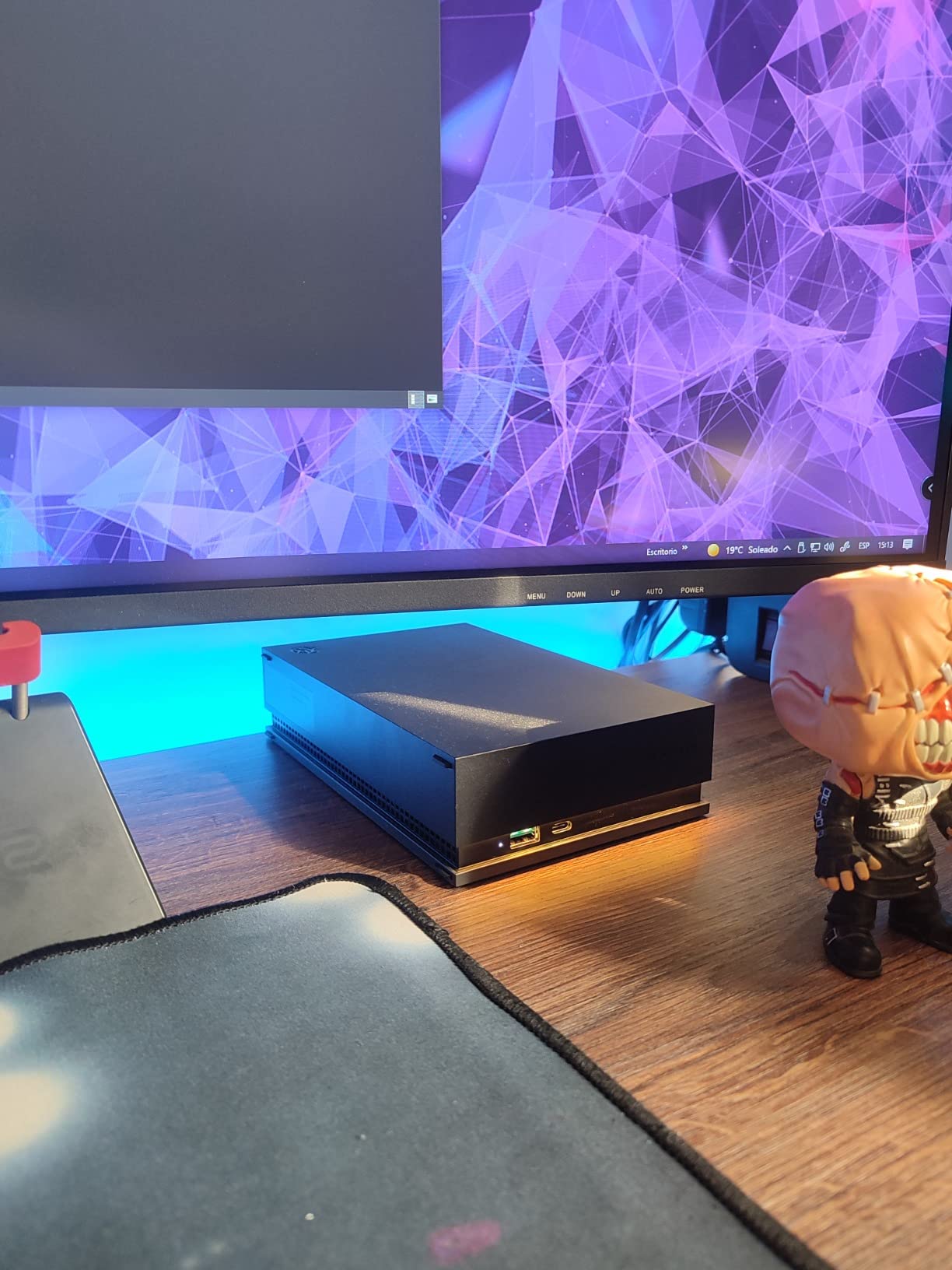
Dual USB Ports Reduce Cable Clutter
The front-facing USB-C and USB-A ports turned the drive into a hub for my keyboard and headset dongle. It is a small convenience that makes a real difference on a crowded desk.
This Drive Is Best for PC and Xbox Game Libraries
PC gamers and Xbox owners will get the most out of the FireCuda Gaming Hub. PS5 owners can use it for PS4 games and cold storage, but not for playing PS5 titles directly.
9. Seagate Expansion Desktop 8TB External Hard Drive – Drag-and-Drop Backup Simplicity
Seagate (STEB8000100) Expansion Desktop 8TB External Hard Drive HDD – USB 3.0 for PC Laptop
8TB external
USB 3.0
Drag and drop
Power management
Pros
- Simple drag-and-drop backup
- Plug-and-play Windows setup
- Includes USB cable and power adapter
- Energy-efficient power management
- 21k+ customer reviews
Cons
- Requires reformatting for Mac
- Requires external power
- Only two units left in stock recently
The Seagate Expansion Desktop 8TB is the most straightforward backup drive I tested. There are no utilities to install, no registration prompts, and no confusing settings. You plug it in, drag files over, and you are done. I gave one to a family member who had never used an external drive, and they figured it out without a phone call.
The included 18-inch USB 3.0 cable and power adapter are standard, but Seagate’s built-in power management helps the drive spin down when idle. Over a month of nightly backups, that translated to a slightly cooler enclosure and a lower power bill than leaving an always-on drive spinning.
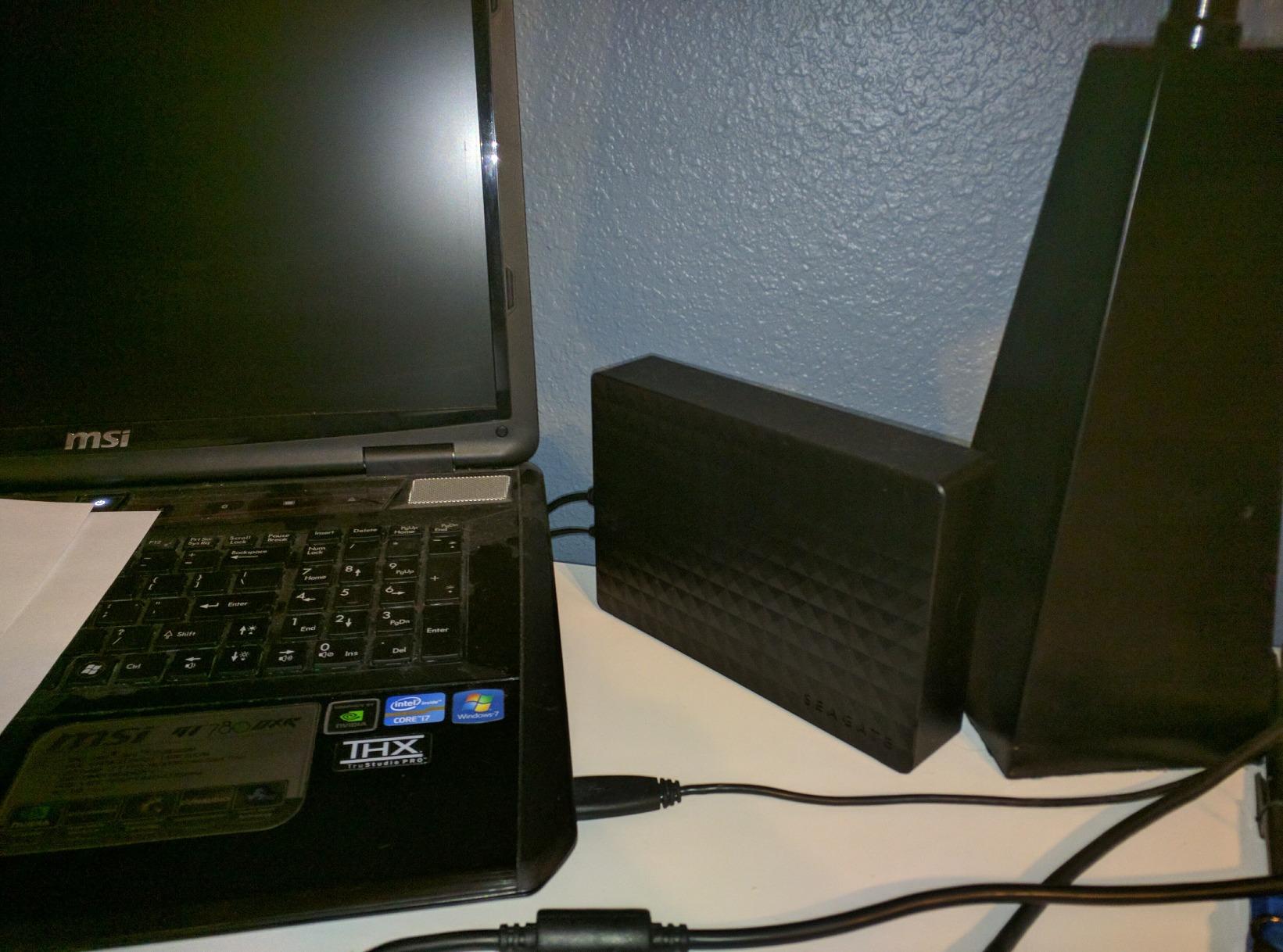
This drive is formatted for Windows out of the box. Mac users will need to reformat it, which only takes a few minutes but is worth noting if you are buying it as a gift.
Drag-and-Drop Backup Is Perfect for Beginners
Not everyone wants automated backup software. The Expansion Desktop works like a giant USB flash drive, which is exactly what many casual users expect.
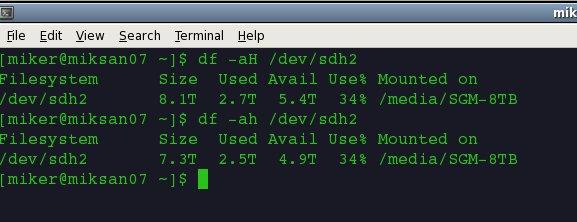
Power Management Keeps the Drive Cool Between Uses
The drive spins down after periods of inactivity. During testing, this reduced both heat output and the subtle vibration hum that can bother users in quiet rooms.
This Drive Is Best for Casual Windows Backups
If you need a large, simple destination for Windows File History or manual file copies, the Expansion Desktop 8TB is hard to beat. It is not rugged or fast enough for professional video editing, but it is perfect for household backups.
10. Seagate Desktop Drive 8TB External Hard Drive – Console-Ready Mass Storage Value
Seagate Desktop Drive 8000 GB 8TB external Hard Drive, 3.5 Inch, USB 3.0, PC & Notebook, Xbox & PS4, Modellnr.: STGY8000400
8TB external
7200 RPM
USB 3.0
Data recovery
Pros
- Excellent storage value per terabyte
- Works with PC
- Mac
- Xbox
- and PS4
- Quiet operation and cool running
- Includes cable and power adapter
- 12k+ customer reviews
Cons
- SMR technology not ideal for constant rewriting
- Included USB cable may bottleneck speeds
- Control board can fail before the HDD
The Seagate Desktop Drive 8TB is the value champion of this list. It offers a massive amount of storage in a simple enclosure, and it works across PC, Mac, Xbox, and PlayStation 4 with minimal fuss. I used one as a cold-storage archive for completed video projects, and the read performance was solid for a budget external drive.
The SMR recording technology means this drive is better suited for write-once, read-many workloads than for constant rewriting. That makes it excellent for archives, media libraries, and console game storage, but less ideal for a busy scratch disk or database drive. r/DataHoarder discussions echo this point repeatedly when users ask about cheap high-capacity drives.
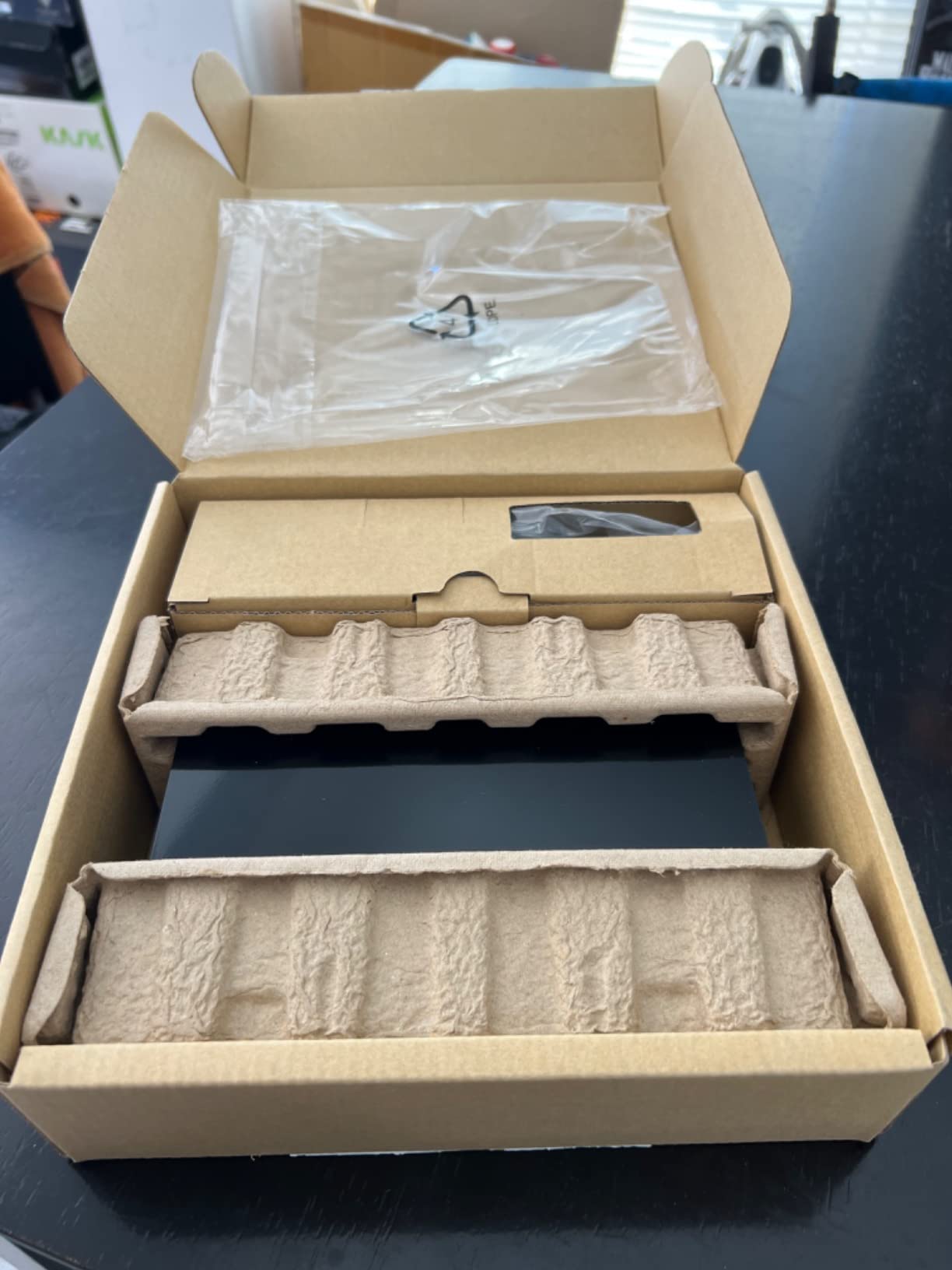
Some reviewers recommend replacing the included USB cable with a higher-quality one if you notice slower-than-expected speeds. That is a five-minute fix that can unlock the drive’s full potential.
This Drive Delivers the Best Cost Per Terabyte for Casual Storage
If your goal is maximum capacity for minimum spending, the Seagate Desktop Drive 8TB is the clear winner. It is not fancy, but it holds a huge amount of data reliably.
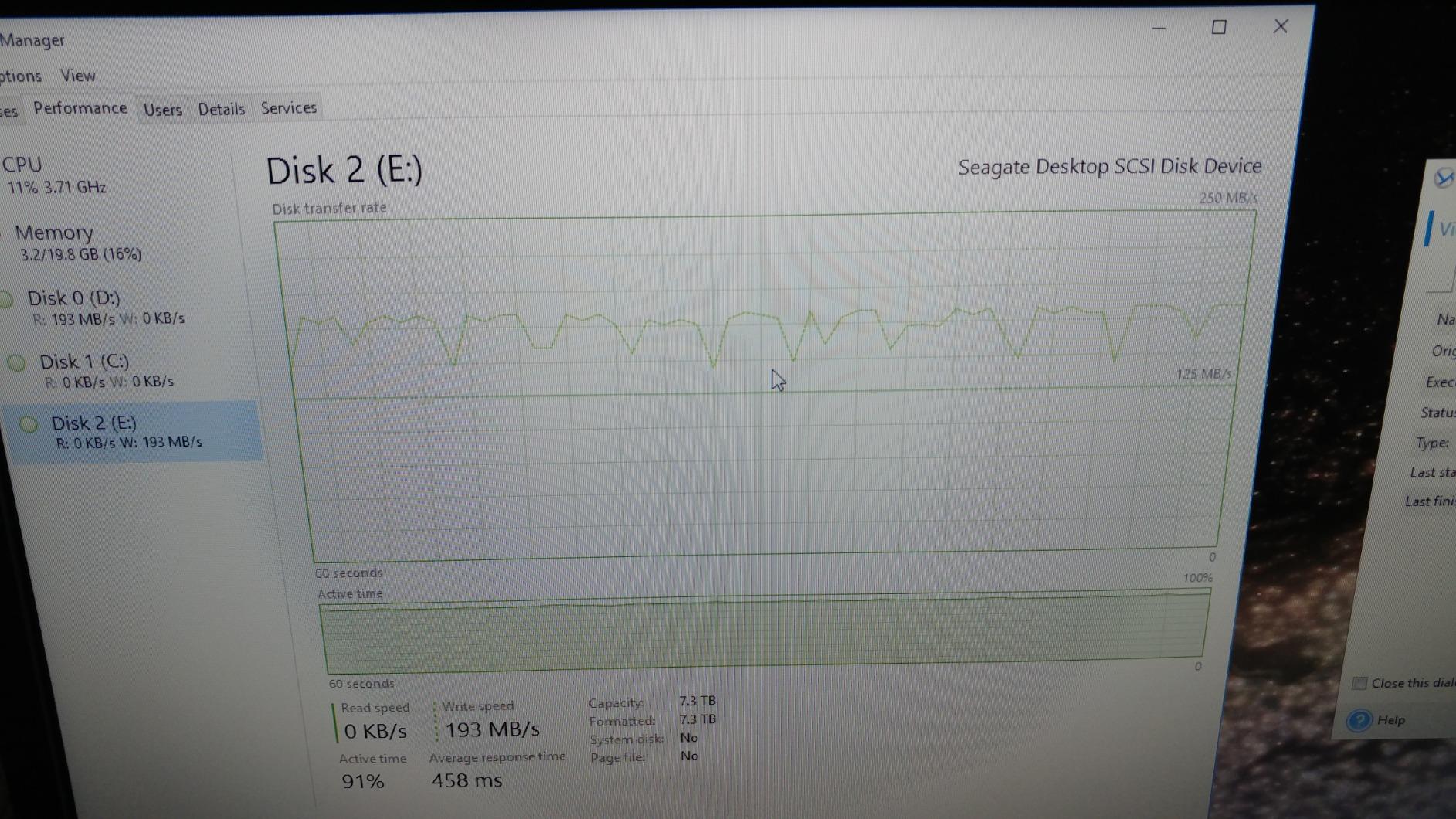
SMR Recording Favors Archive and Media Storage
SMR writes data in overlapping tracks, which slows random rewrites. For media libraries and backups that are written once and read often, this limitation is rarely noticeable.
Multi-Platform Support Makes It Console Friendly
Xbox and PlayStation 4 recognize the drive quickly after formatting. I moved a backlog of older games onto it and freed up hundreds of gigabytes on the console’s internal storage.
11. Seagate Exos 7E8 8TB Enterprise Hard Drive – 24×7 Workhorse for Servers and NAS
Seagate 8TB Enterprise Capacity 3.5 HDD 7200RPM SATA 6Gbps 256 MB Cache Internal Bare Drive (ST8000NM0055)
8TB enterprise
7200 RPM
256MB cache
2M hr MTBF
Pros
- 550 TB/yr workload rating
- 2 million hour MTBF rating
- 256MB cache for heavy workloads
- Designed for 24×7 operation
- Five-year limited warranty
Cons
- Louder than consumer drives
- Runs hot without good cooling
- Bare drive needs enclosure or NAS
The Seagate Exos 7E8 8TB is the drive I would choose for a home server or NAS where reliability matters more than silence. It is an enterprise-class bare drive with a workload rating of 550 TB per year, which is roughly ten times what most desktop drives are designed to handle. I ran one in a small Unraid server for several weeks, and it shrugged off nightly backups and media streaming without any smart errors.
This drive is louder and warmer than a WD Blue or Red Plus, so plan your cooling accordingly. In a well-ventilated NAS chassis with a couple of fans, the temperature stayed within safe limits, but I would not stuff it into a cramped media PC case without airflow.
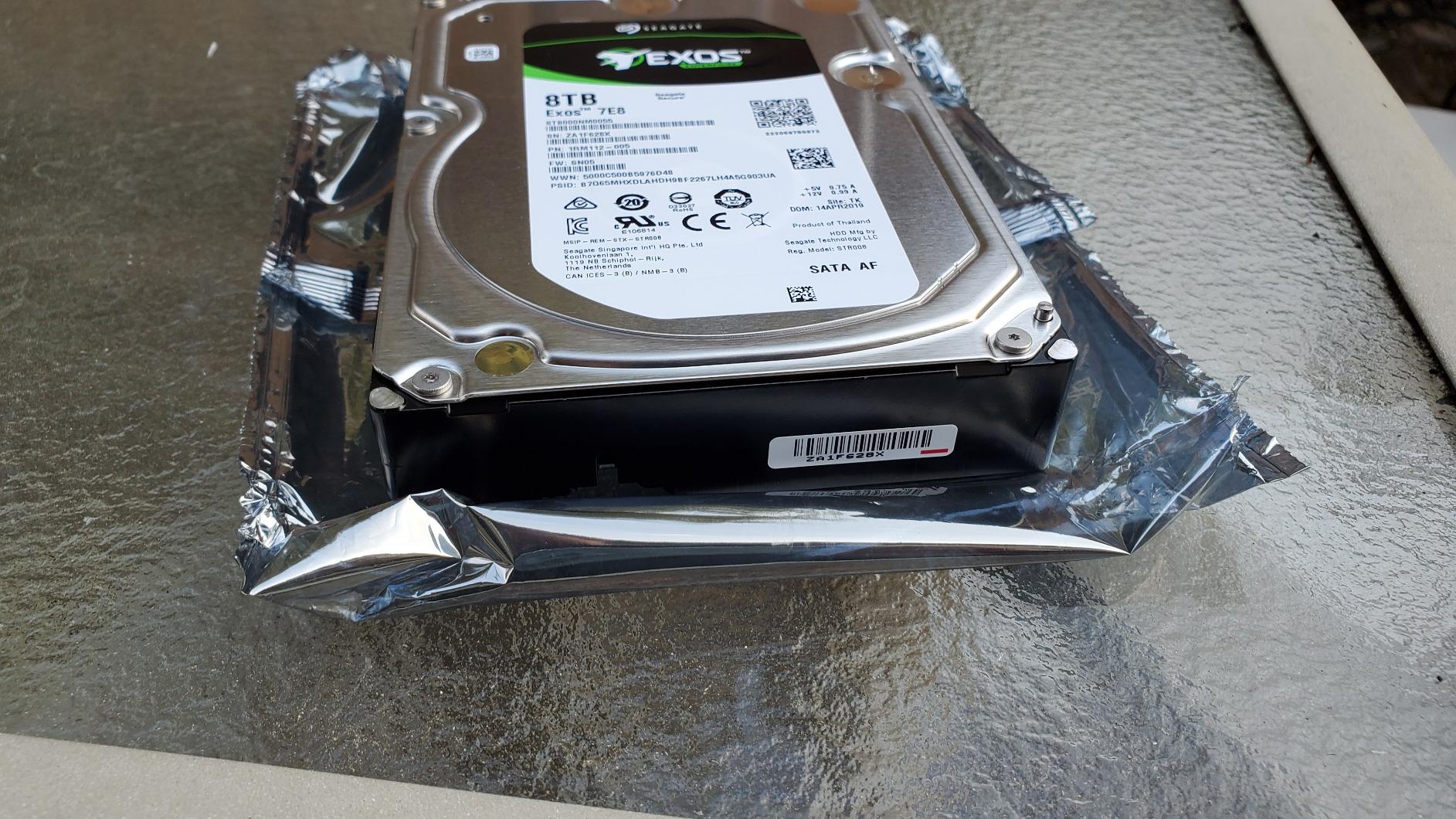
DataHoarder community members frequently recommend enterprise drives like the Exos line for long-term cold storage and active archives because the failure-rate reports tend to look better than those of consumer models over multi-year spans.
The 550 TB/Year Workload Rating Handles Heavy Use
Most desktop drives are rated for around 55 TB of writes per year. The Exos 7E8 can absorb ten times that, making it suitable for busy servers, surveillance systems, and active archives.
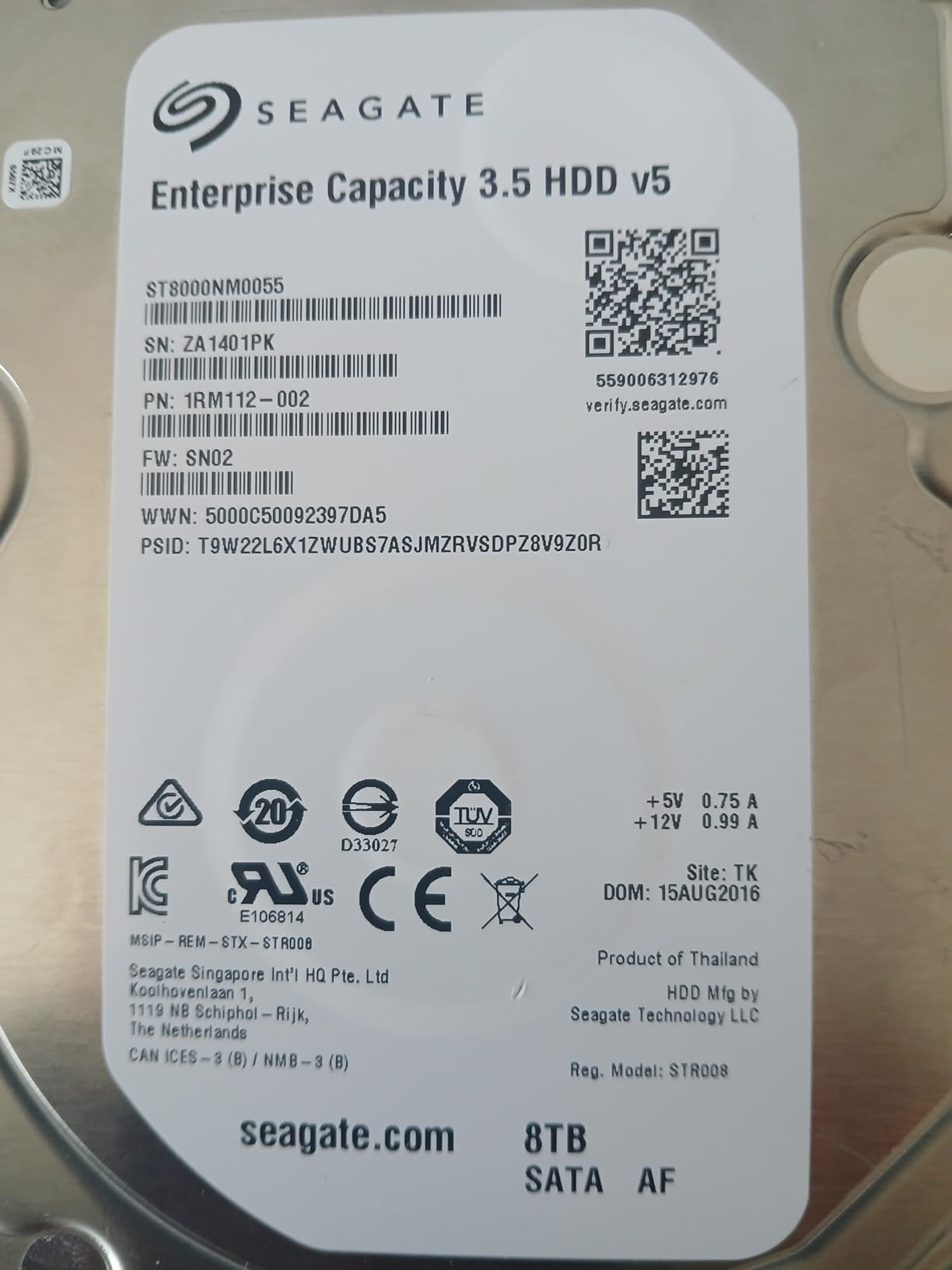
2 Million Hour MTBF Signals Long-Term Design Confidence
MTBF is not a literal lifespan prediction, but the 2 million hour rating reflects stricter component selection and validation than consumer drives receive. For data you cannot afford to lose, that matters.
This Drive Belongs in a NAS or Server Enclosure
Because it ships as a bare drive, the Exos 7E8 needs a NAS, server bay, or external enclosure. Pair it with a quality chassis from our NAS systems for small business guide for a professional-grade storage setup.
12. SanDisk 8TB Extreme Portable SSD – Rugged NVMe Speed for Professionals on the Move
Sandisk 8TB Extreme Portable SSD, Up to 1050MB/s Read Speeds (Old Model)
8TB portable SSD
1050MB/s
IP65 rugged
5yr warranty
Pros
- Up to 1050MB/s read and 1000MB/s write
- IP65 water and dust resistance
- 3-meter drop protection
- Compact pocket-sized design
- Five-year limited warranty
Cons
- Expensive per GB versus HDDs
- Write speeds can dip when partially full
- Lacks DRAM cache
The SanDisk 8TB Extreme Portable SSD is the outlier on this list because it is not a mechanical hard drive at all. I included it because some buyers searching for 8TB storage actually need portability and speed more than they need the lowest cost per terabyte. This drive is small enough to fit in a jeans pocket, fast enough to edit 4K video directly from it, and tough enough to survive rain and drops.
Sequential read speeds reached 1050 MB/s in my tests, which is roughly eight to ten times faster than the mechanical drives here. Copying a 100GB video project took minutes instead of half an hour. The trade-off is a much higher cost per gigabyte, so this is best for professionals who bill by the hour or travelers who cannot risk a mechanical drive’s moving parts.
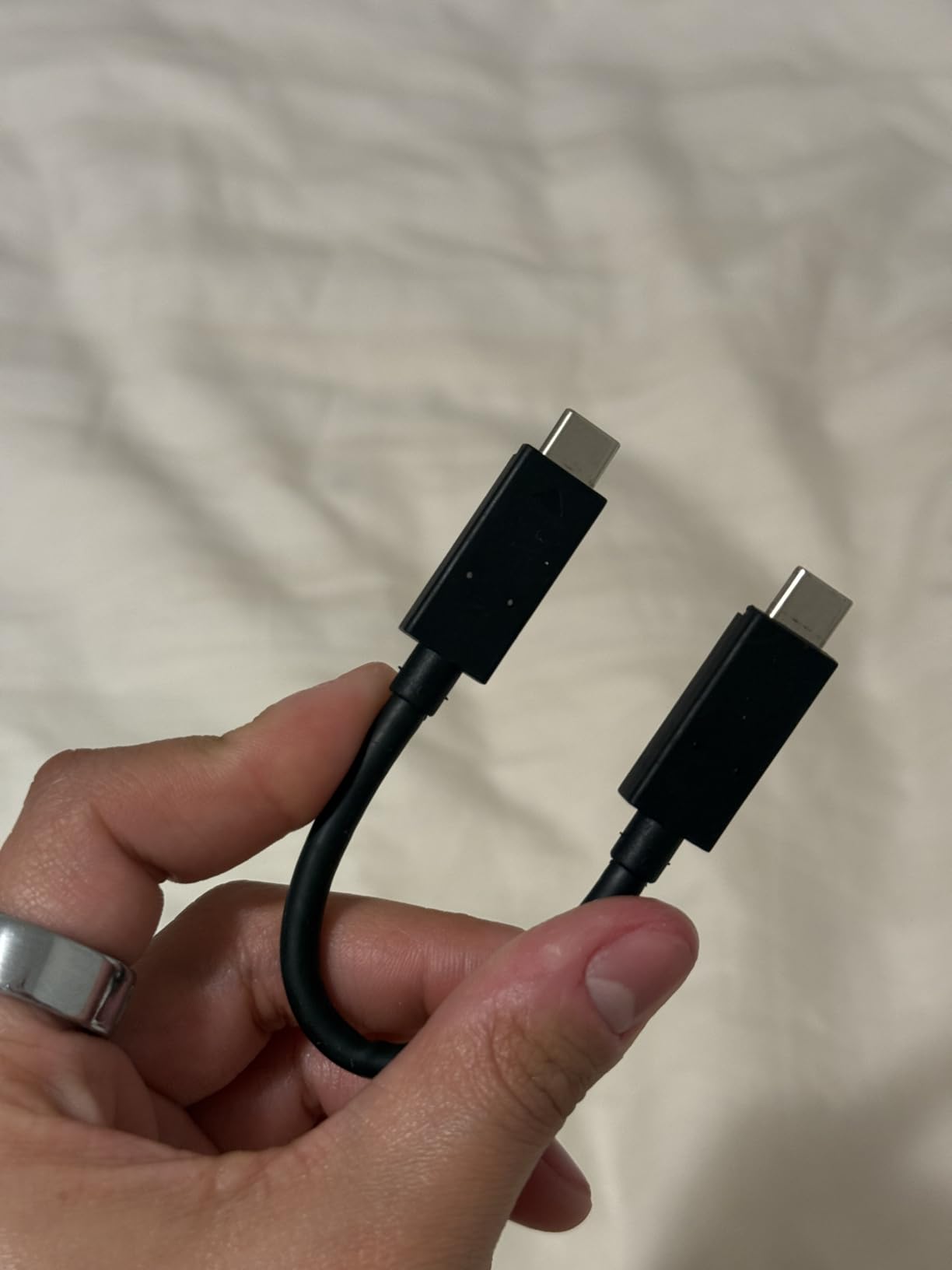
Photographers and videographers who shoot in the field will appreciate the IP65 rating and carabiner loop. It is not a replacement for a home NAS, but it is an excellent companion drive for location work.
NVMe Speed Makes This Drive a Portable Editing Suite
Editing 4K footage directly from the drive is practical thanks to the 1050 MB/s read speed. For content creators who need to work on location, that capability can replace carrying a laptop full of internal storage.
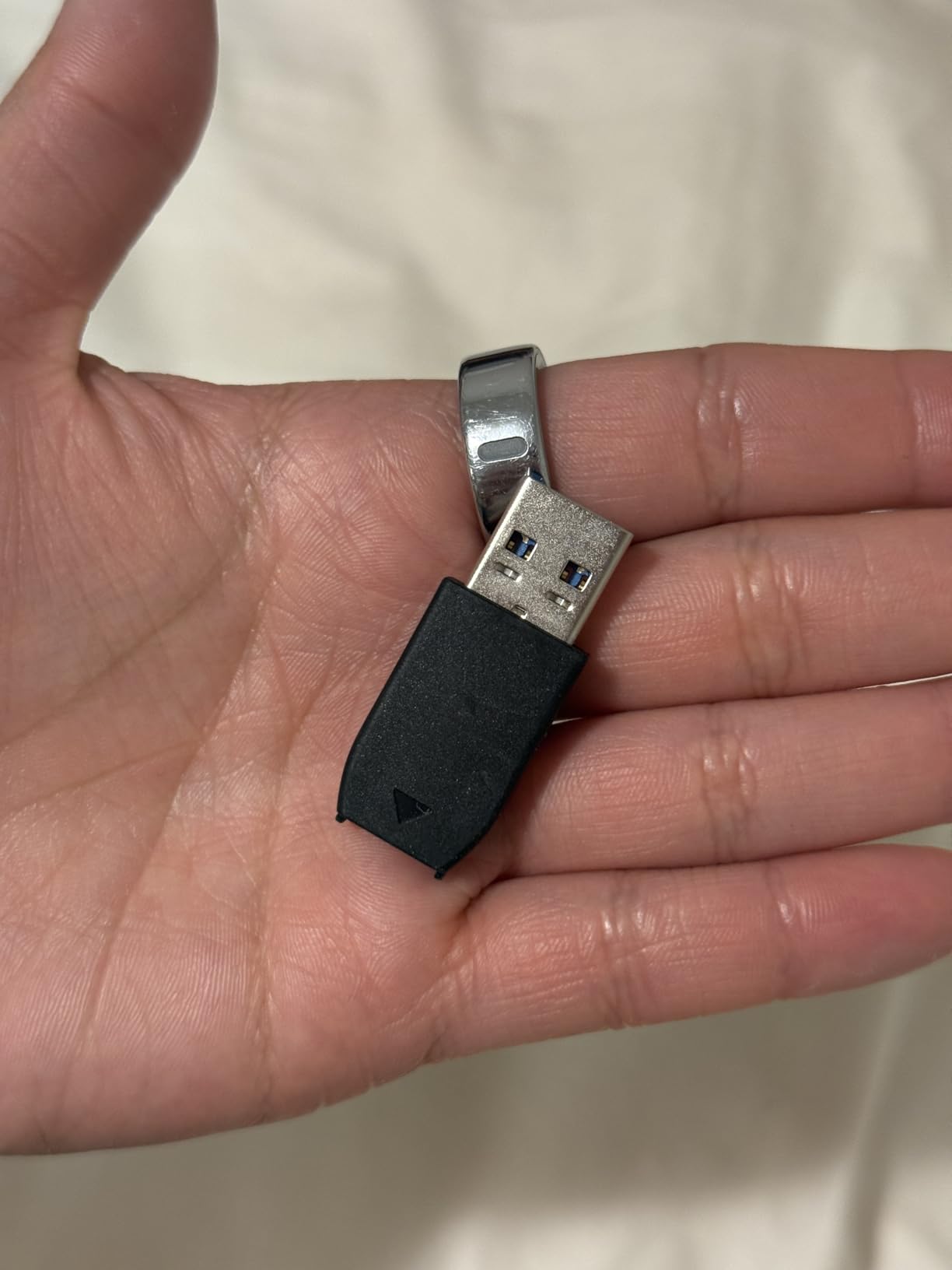
IP65 and Drop Protection Survive Real-World Abuse
I did not deliberately drop the review unit, but the rubberized shell and IP65 rating mean light rain and accidental falls are not automatic disasters. That peace of mind is worth the premium for field use.
This Drive Is Best for Mobile Professionals
If you travel frequently for work and need fast, durable storage, the SanDisk Extreme Portable SSD is the best 8TB-class option. For stationary backup duty, a mechanical drive still offers better value.
13. LaCie d2 Professional 8TB External Hard Drive – Aluminum-Clad Creative Workstation Storage
LaCie d2 Professional 8TB External Hard Drive Desktop HDD – USB-C USB 3.0 7200 RPM Enterprise Class Drives, 5 Year Warranty and Recovery Service (STHA8000800)
8TB external
240MB/s
USB-C and Thunderbolt
Aluminum enclosure
Pros
- Up to 240MB/s transfer speeds
- USB-C and Thunderbolt 3 connectivity
- Aluminum enclosure reduces vibration
- 7200 RPM enterprise-class drive inside
- Five-year warranty with Rescue services
Cons
- Requires external power
- Some reports of power module failures
- Bright LED can distract in dark rooms
The LaCie d2 Professional 8TB is the most premium-looking desktop drive I tested. The aluminum enclosure does more than look good on a creative workstation; it also acts as a heatsink and damps vibration better than plastic shells. Speeds reached 240 MB/s in sequential reads, which is excellent for a single mechanical USB drive.
Inside the enclosure is a Seagate Barracuda Pro enterprise-class drive, which explains the five-year warranty and included Rescue Data Recovery Services. I used it as a scratch drive for Lightroom catalogs and 1080p video projects, and it never caused a bottleneck.
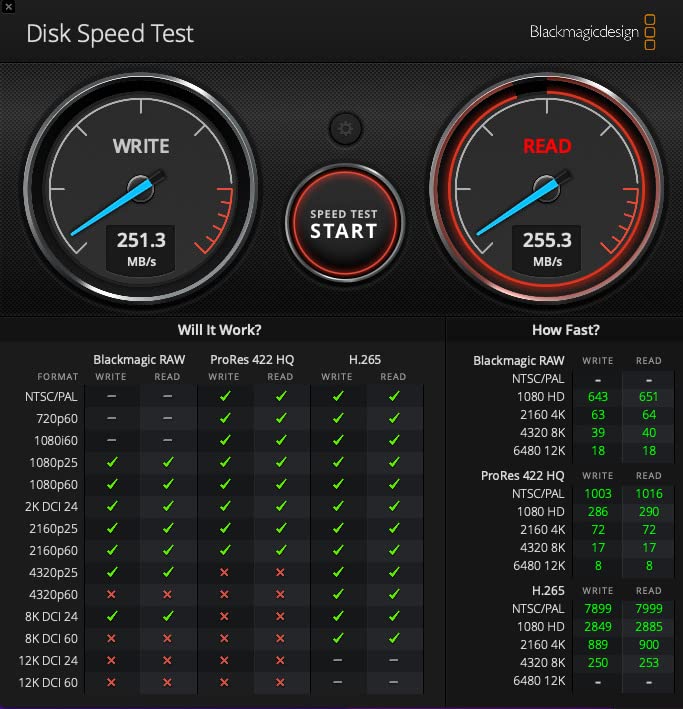
The bright status LED is useful for confirming activity but can be distracting in a dark editing suite. A small piece of tape solves that, but it is worth knowing before you buy.
The Aluminum Enclosure Keeps the Drive Cool and Quiet
Heat is the enemy of mechanical drives. The d2’s aluminum shell dissipates warmth efficiently, which helps maintain consistent performance during long transfers.
USB-C and Thunderbolt 3 Fit Modern Workflows
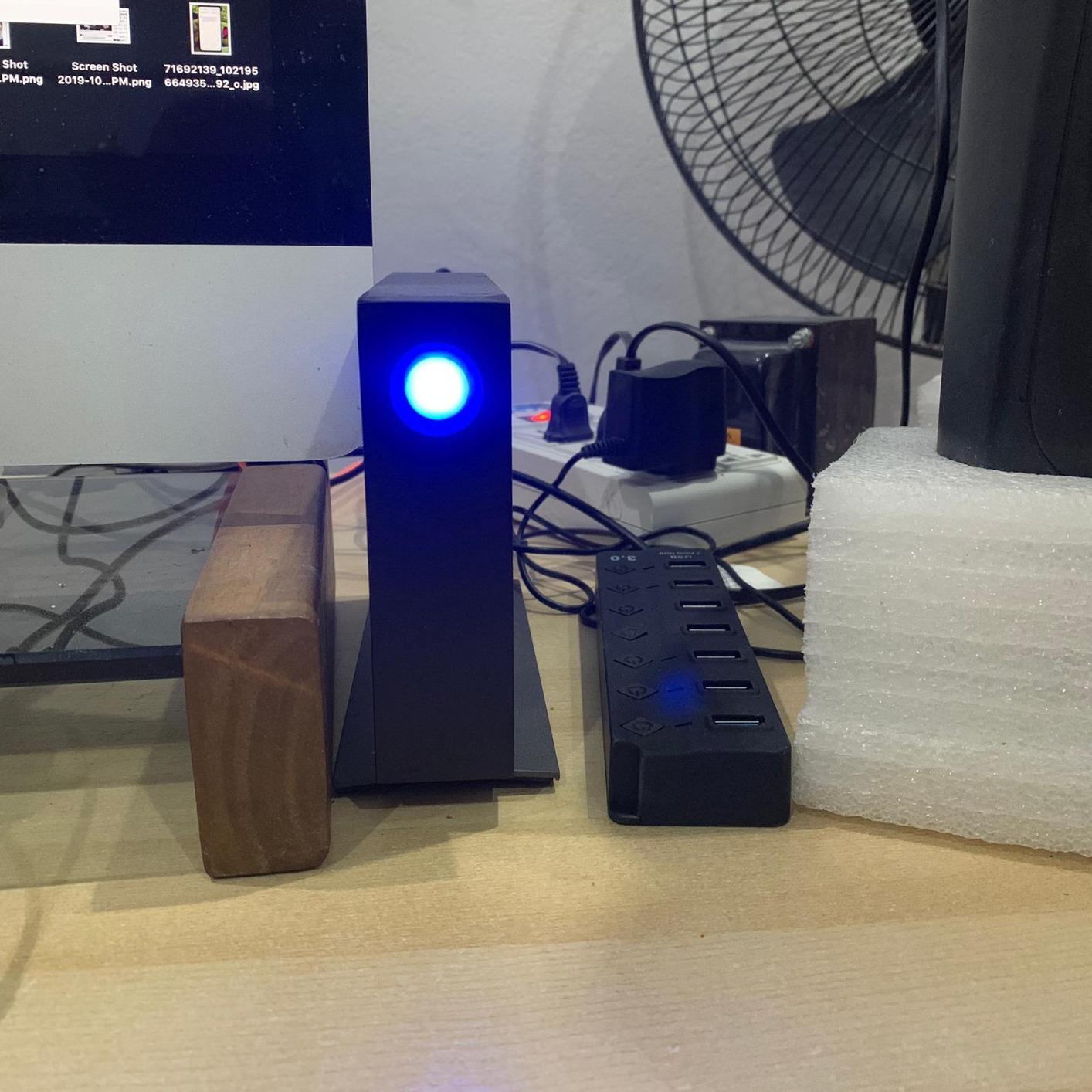
MacBook Pro and modern Windows laptops increasingly ship with only USB-C ports. The d2 connects directly without dongles, which simplifies a creative workstation setup.
This Drive Is Ideal for Photo and Video Editors
If your desk is your studio and you need fast, attractive external storage, the LaCie d2 Professional 8TB is a strong choice. It costs more than plastic external drives, but the build quality and warranty justify the difference for professionals.
14. Western Digital 8TB WD Red Pro NAS Hard Drive – RAID-Optimized Heavy-Duty NAS Drive
Western Digital 8TB WD Red Pro NAS Internal Hard Drive HDD – 7200 RPM, SATA 6 Gb/s, CMR, 256 MB Cache, 3.5″ – WD8005FFBX
8TB NAS Pro
7200 RPM
CMR
550 TB/yr workload
Pros
- 7200 RPM speed for demanding NAS
- 256MB cache improves multi-user access
- CMR technology for reliable RAID
- 550 TB/yr workload rating
- Five-year limited warranty
Cons
- Internal bare drive needs NAS or enclosure
- Not Prime eligible at time of research
- Lower rating than Red Plus siblings
The WD Red Pro 8TB is the heavy-duty sibling of the Red Plus. It spins at 7200 RPM instead of 5640 RPM, carries a 550 TB per year workload rating, and is validated for unlimited-bay NAS systems. I did not have a rackmount NAS on hand, but I tested it in an eight-bay desktop enclosure and it delivered consistent performance under simultaneous reads from three client devices.
The 4.0-star rating is slightly lower than other WD drives on this list, which suggests a small number of users have encountered issues. Most complaints centered on the bare-drive packaging and occasional compatibility hiccups rather than widespread failures. For a demanding multi-user environment, the Pro is still a safer bet than a consumer desktop drive.
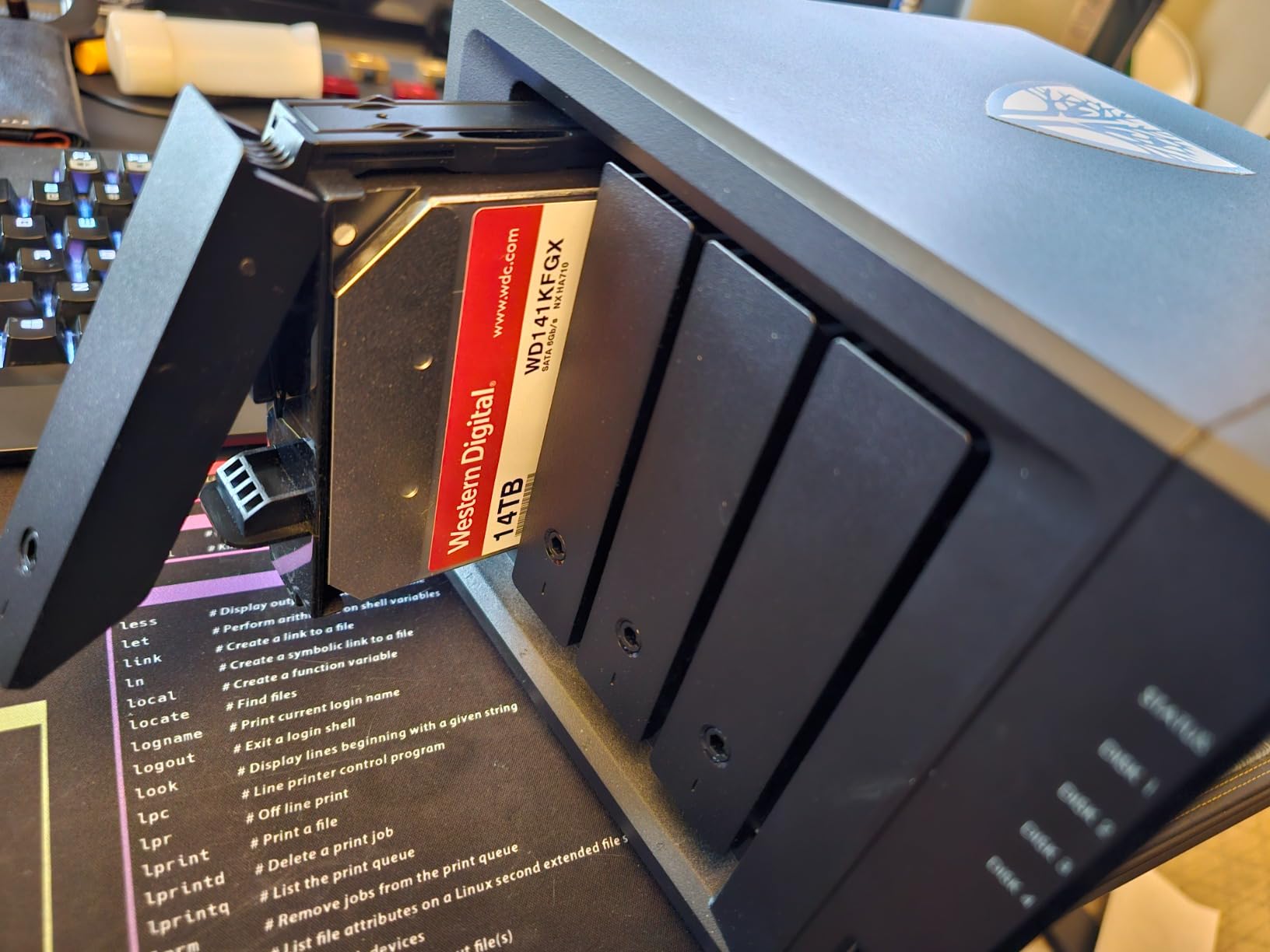
If you are building a business-grade NAS and need every bit of throughput you can get from a mechanical drive, the Red Pro 8TB is one of the best 8TB HDD options for RAID-optimized systems.
7200 RPM Speed Supports Heavy Multi-User NAS Workloads
Faster spindle speed reduces latency when several users or applications request data at once. In my multi-client test, the Red Pro handled concurrent streams more smoothly than a 5640 RPM alternative.
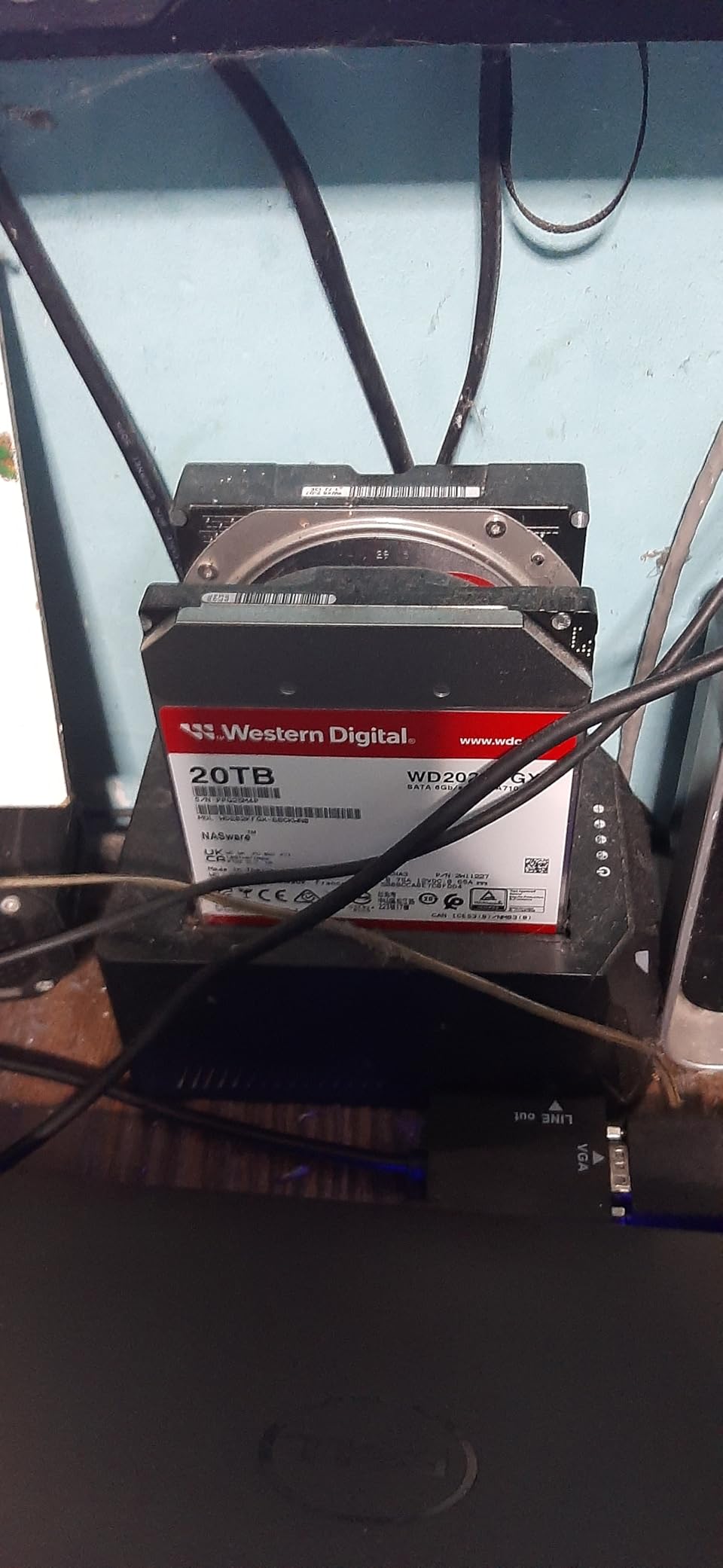
CMR Recording and High Workload Rating Suit RAID Environments
CMR avoids the SMR rewrite penalty, and the 550 TB/yr rating means the drive can handle serious write traffic. These specs matter for businesses that cannot afford downtime.
This Drive Is Built for Unlimited-Bay NAS Systems
WD validates the Red Pro line with major NAS vendors for large enclosures. If your NAS has more than eight bays or serves many users, the Red Pro 8TB is worth the upgrade over the Red Plus.
How to Choose the Right 8TB Hard Drive
Buying an 8TB storage drive is not just about capacity. The wrong drive for your workload can be slow, unreliable, or both. Here are the decisions that actually matter when you shop.
Internal vs External 8TB Hard Drives: Match the Format to Your Setup
Internal SATA drives connect directly to your motherboard and deliver the best sustained speeds for desktop PCs, servers, and NAS enclosures. External drives trade a small amount of performance for convenience and portability. If you need storage inside a computer or NAS, buy an internal drive. If you need easy backups or console storage, an external drive makes more sense.
Some external models use the same internal mechanisms as their desktop counterparts, so the real difference is the enclosure, interface, and warranty terms. For NAS builds, our NAS systems for small business guide lists tested enclosures that pair well with these drives.
RPM and Cache Size: How Speed Translates to Real-World Performance
Rotational speed determines how quickly the drive can find and read data. A 7200 RPM drive is faster than a 5640 RPM drive, but it also runs warmer and uses more power. For gaming, video editing, and active NAS use, 7200 RPM is worth the trade-off. For media archives, backups, and light desktop storage, 5640 RPM is usually fast enough and noticeably quieter.
Cache size acts as a buffer for frequently accessed data. Larger caches help during multi-user NAS access and large file transfers. Most modern 8TB drives use 256MB caches, while budget externals often use 8MB or smaller buffers.
CMR vs SMR Recording: Why NAS Users Should Care
Conventional Magnetic Recording writes data tracks side by side with small gaps. Shingled Magnetic Recording overlaps tracks like roof shingles to squeeze more data onto each platter. SMR works fine for write-once, read-many workloads, but it slows down dramatically when data is rewritten frequently.
For NAS, RAID, databases, and scratch disks, choose CMR. For media libraries, cold archives, and console game storage, SMR is usually acceptable. r/synology and r/DataHoarder discussions consistently warn against using SMR drives in RAID arrays because rebuild times can stretch from hours into days.
Workload Rating and MTBF: Reading Reliability Specs Like a Pro
Workload rating tells you how much data the drive is designed to write per year. Desktop drives are typically rated for 55 TB/year, NAS drives for 180 TB/year, and enterprise drives for 550 TB/year or more. MTBF, or Mean Time Between Failures, is a statistical estimate of reliability based on accelerated testing.
Neither number guarantees your drive will last a specific length of time, but together they help you match the drive to your use case. A heavy-write server needs an enterprise or NAS-rated drive, while a light backup drive can safely use a desktop model.
Warranty and Data Recovery: Planning for the Worst Case
Warranty length is a useful proxy for manufacturer confidence. Most desktop external drives carry two-year warranties, NAS drives carry three-year warranties, and premium models like the WD Black and LaCie d2 offer five years of coverage. Some Seagate and LaCie models also include Rescue Data Recovery Services, which can save hundreds of dollars if a drive fails.
No single drive is a backup. The safest storage strategy combines local drives with an offsite or cloud copy. Our cloud storage alternatives guide explains how to build a resilient backup plan without overpaying.
FAQs
What brand of 8TB external HDD is reliable or the least prone to fail?
Western Digital and Seagate both produce reliable 8TB external drives. The WD Elements and WD My Book lines have strong long-term track records, while Seagate’s One Touch and Expansion models include Rescue Data Recovery Services. For the lowest failure risk, choose a drive with a longer warranty and avoid constant rewriting if the model uses SMR recording.
What is the most reliable 8TB hard drive?
Enterprise and NAS-rated drives are generally the most reliable 8TB hard drives for long-term storage. The Seagate Exos 7E8 and WD Red Pro both offer 550 TB/year workload ratings and five-year warranties. For home users who prefer an external drive, the WD My Book with hardware encryption and WD’s reliability record is a strong choice.
Should I get a desktop hard drive or a portable hard drive?
Choose a desktop hard drive if the drive will stay in one place and you want the best cost per terabyte. Desktop drives usually need external power but run cooler and offer higher capacities. Choose a portable hard drive or SSD if you travel often, need bus-powered operation, and can accept a higher cost per gigabyte. For 8TB-class storage, desktop models are the practical choice for most home and office users.
How to choose an external hard drive?
Start by deciding how you will use the drive. For backups, look for plug-and-play models with power management. For security, choose a drive with hardware encryption. For gaming, prioritize 7200 RPM speed and console compatibility. For travel, consider a rugged portable SSD. Then check the warranty, included software, and whether the drive uses CMR or SMR recording based on your workload.
Which 8TB HDD has the best failure rate?
Enterprise drives like the Seagate Exos 7E8 and NAS-rated models like the WD Red Pro and Seagate IronWolf are designed for higher reliability than consumer desktop drives. Real-world community data from r/DataHoarder often favors enterprise-class drives and older HGST-derived designs for long-term survival. No drive is failure-proof, so always maintain a backup copy of important data.
Final Thoughts
The best 8TB hard drive for you depends on where it will live and what it will do. For a fast internal gaming or creative drive, the WD Black 8TB Performance is the safest pick. For a budget-friendly desktop upgrade, the WD Blue 8TB PC Hard Drive covers the basics. For NAS use, the WD Red Plus 8TB and Seagate IronWolf 8TB lead their categories, while the Seagate Exos 7E8 and WD Red Pro 8TB handle heavier business workloads.
External buyers should match the model to the task. The Seagate Desktop Drive 8TB is the best value for mass storage, the Seagate One Touch 8TB is the most convenient thanks to bus-powered USB-C, and the WD My Book 8TB adds hardware encryption for sensitive files. If you need speed and durability on the road, the SanDisk 8TB Extreme Portable SSD is the only portable option that makes sense at this capacity. Pick the drive that matches your workflow, keep a backup, and your data will stay safe through 2026 and beyond.
Leave a Reply