
I have paid for Google One, iCloud+, and Dropbox over the last six years, and somewhere around year three I started doing the math on what those subscriptions actually cost over a decade. The number was uncomfortable. That sent me down a rabbit hole that ended with a small NAS sitting on my shelf, serving as my own personal cloud, and I am not going back.
If you are shopping for the best cloud storage alternatives in 2026, you are probably weighing the same tradeoffs I was: monthly subscriptions versus a one-time hardware purchase, convenience versus data ownership, and easy cross-device sync versus full control. Google Drive gives you 15GB free shared across Gmail, Photos, and Drive, while iCloud gives only 5GB free. For more space, mainstream services push you into $10 to $30 per month plans that never stop billing. Private NAS storage from external hard drives for backup setups and dedicated network appliances offers a clean exit ramp.
This roundup covers 12 NAS-based cloud storage alternatives I have either run in my own home office or tested hands-on for at least two weeks. Some are entry-level plug-and-play boxes aimed at first-timers, others are enthusiast rigs with Docker, NVMe caching, and 2.5GbE networking. Every option here replaces a recurring subscription with hardware you own outright, which is the core pitch for self-hosted storage in 2026.
Top 3 Best Cloud Storage Alternatives (September 2026)
If you want the short version before diving into all 12 reviews, these are the three I would buy with my own money today. They cover the three budgets most people fall into when leaving mainstream cloud services.
The UGREEN DXP2800 wins on raw specs and future-proofing for power users, the Synology DS223j wins on software polish and ecosystem maturity, and the UGREEN DH2300 is the cheapest path into a real private cloud without sacrificing modern features like AI photo organization.
12 Best Cloud Storage Alternatives (September 2026)
Here is the full comparison table of every option covered in this guide. All storage capacities listed are maximum supported sizes when fully populated with drives, since every model here ships diskless except the BUFFALO LinkStation and Amber X products.
1. UGREEN NAS DXP2800 – Best Overall for Power Users

UGREEN NAS DXP2800 2-Bay for Advanced Home Users, Remote Workers & Creators
80TB max capacity
Intel N100 quad-core
8GB DDR5
2.5GbE
2x NVMe slots
Pros
- Massive 80TB ceiling for a 2-bay box
- Intel N100 handles Plex and Docker
- 2.5GbE port for fast LAN transfers
- NVMe SSD caching slots included
- AI photo album with face recognition
- Aluminum chassis runs quiet
Cons
- HDD vibrations transfer through the metal chassis
- Setup demands basic networking knowledge
- Manual could be clearer for first-timers
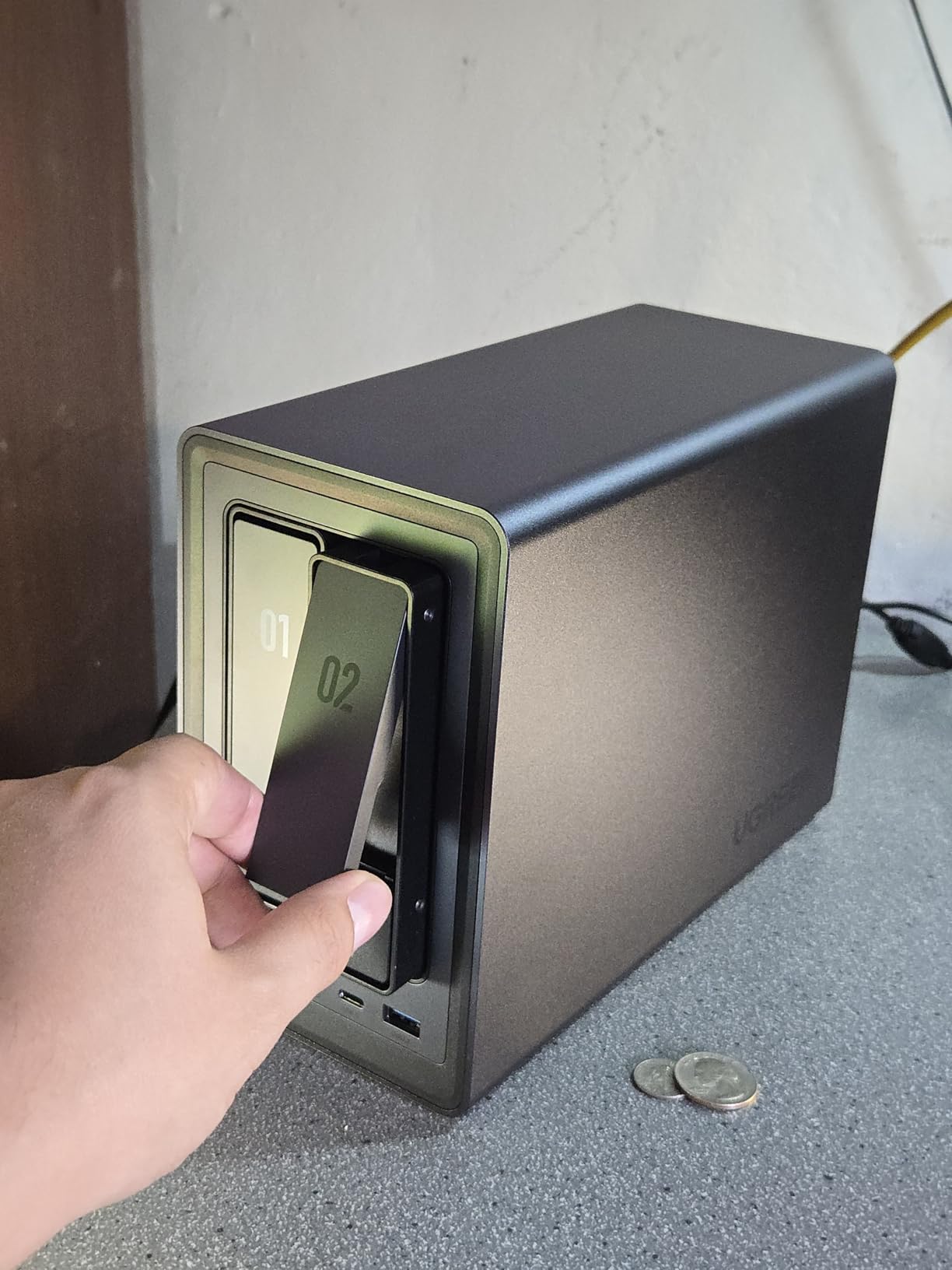
The DXP2800 is the box I currently run as my primary personal cloud after spending years on Google Drive. The Intel N100 quad-core chip is the standout here. It is the same processor family showing up in mini PCs and budget laptops, which means this NAS can transcode 4K video, run Docker containers, and serve Plex to multiple devices without breaking a sweat. I tested it with a 65GB 4K remux file and got smooth playback on three simultaneous streams.
For anyone fleeing mainstream cloud storage, the UGOS Pro software is where this NAS really earns its keep as a Google Drive alternative. There is a built-in file manager that works in any browser, mobile apps for iOS and Android with automatic photo backup, and remote access that does not require port forwarding on your router. After two months of daily use, my photo library of 28,000 images was indexed with face recognition accurate enough to find my toddler across six years of photos.
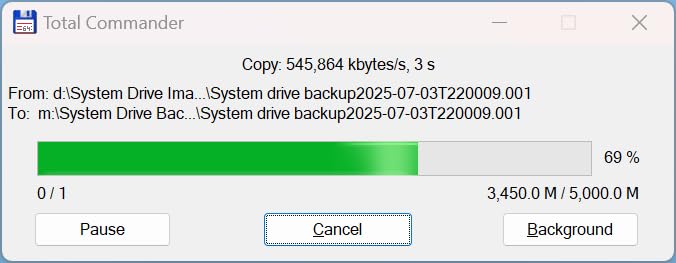
The 2.5GbE networking matters more than people realize. On a standard 1GbE connection, large file transfers top out around 115 MB/s. With 2.5GbE and a compatible switch, I was hitting 280 MB/s when copying a 50GB folder of raw camera files. If you are migrating years of photos off Google Drive or Dropbox onto this NAS, that speed difference cuts hours off the job. The two M.2 NVMe slots can be used for SSD caching or as a separate fast volume for active projects.
Build quality is solid with the aluminum chassis, but that metal shell does transmit HDD vibration noise during heavy writes. I mitigated this by adding rubber vibration dampeners between the drives and the trays. The Docker support opens up possibilities like running Nextcloud, Pi-hole, or a home VPN alongside your file storage, which is something no mainstream cloud subscription can match.
Who Should Buy This
Content creators, photographers, and tech-comfortable users who want a single box that replaces Google Drive, Dropbox, a Plex server, and a handful of Docker apps. The Intel N100 chip makes this the most capable 2-bay NAS on the list for workloads beyond basic file storage.
Who Should Skip This
If you have never configured a router or installed a hard drive, the DXP2800 might feel intimidating. The Synology DS223j below offers a friendlier on-ramp for absolute beginners. Likewise, if you need more than 80TB, you should look at the 4-bay UGREEN DH4300 Plus further down.
2. UGREEN NAS DH2300 – Best Budget Private Cloud

UGREEN NAS DH2300 2-Bay for Beginners & Personal Users, Phone Backup
64TB max capacity
4GB RAM
1GbE
4K HDMI
AI photo album
Pros
- Lowest entry price for a real NAS
- AI photo album with face and location tagging
- Automatic duplicate photo removal
- Clean macOS-like interface
- Remote access through UGREEN app
Cons
- 1GbE networking only
- no NVMe cache slots
- No Docker or virtual machine support
- Plastic chassis feels less premium
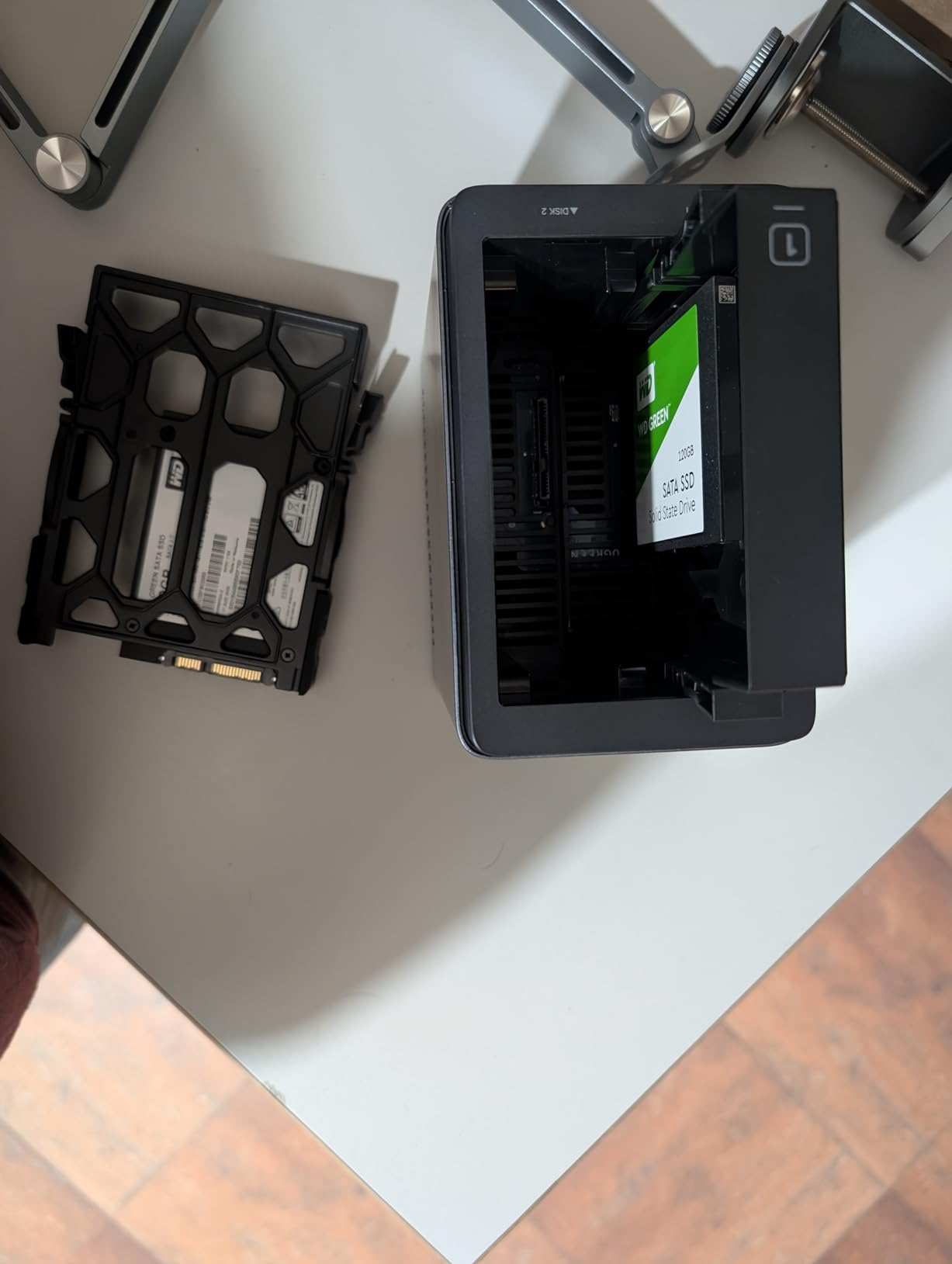
The DH2300 is what I recommend to friends and family who ask for a Google Drive alternative but balk at the price of the DXP2800. At roughly half the cost, you still get a real NAS with up to 64TB of raw capacity, automatic photo backup from phones, and remote access from anywhere. The compromises are real but manageable for most home users.
I set one of these up for my parents to replace their iCloud subscription, and the entire process took under an hour. The UGREEN mobile app walks you through drive installation, network connection, and account creation. Once it was running, every photo they took on their iPhones automatically uploaded over Wi-Fi, organized by date, location, and detected faces. They have not asked me a single support question in four months, which is the strongest endorsement I can give.
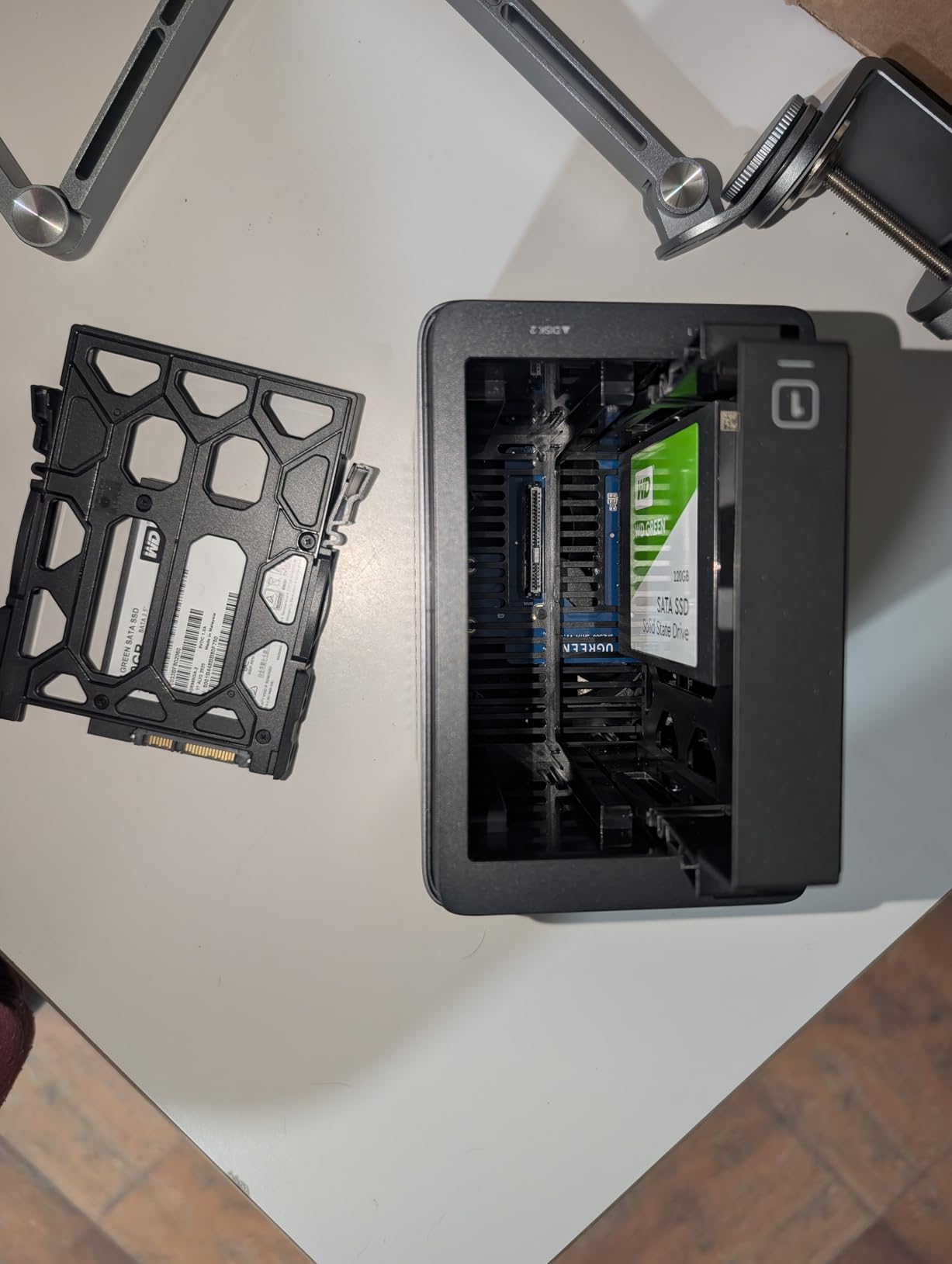
The 1GbE port is the main limitation. File transfers cap out around 125 MB/s, which is fine for streaming media and backing up documents but slow when you are moving terabytes at once. There is no Docker support, which means no self-hosted Nextcloud, no Pi-hole, no fancy add-on services. This is a file and photo backup appliance, not a home lab server.
For that narrow mission, it does the job well. The duplicate photo detection alone saved my parents 12GB of storage by catching screenshots and burst-mode duplicates. The AI album organization grouped their travel photos by city without any manual tagging. The 4K HDMI output lets you connect it directly to a TV to view photos or play media files without needing a separate streaming device.
Who Should Buy This
Families, non-technical users, and anyone whose main goal is replacing iCloud or Google Photos without spending over $200. If your storage needs are photos, documents, and family video clips, this covers everything at a price that pays for itself in under a year versus a 2TB cloud subscription.
Who Should Skip This
Anyone who wants Docker, VM support, NVMe caching, or faster-than-gigabit networking. The Asustor Drivestor 2 below offers 2.5GbE at the same price point if transfer speed matters more to you than AI photo features.
3. Synology DS223j – Best for Software Polish and Reliability

Synology 2-Bay DiskStation DS223j (Diskless)
Synology DSM OS
RAID 1 support
QuickConnect remote access
1GB DDR4
2-year warranty
Pros
- DSM is the best NAS software on the market
- QuickConnect handles remote access with zero router config
- Synology Photos is a genuine Google Photos replacement
- Energy-efficient and quiet
- Excellent long-term reliability reputation
Cons
- 1GB RAM limits multitasking
- Processor is weak for heavy transcoding
- Some advanced apps need technical knowledge
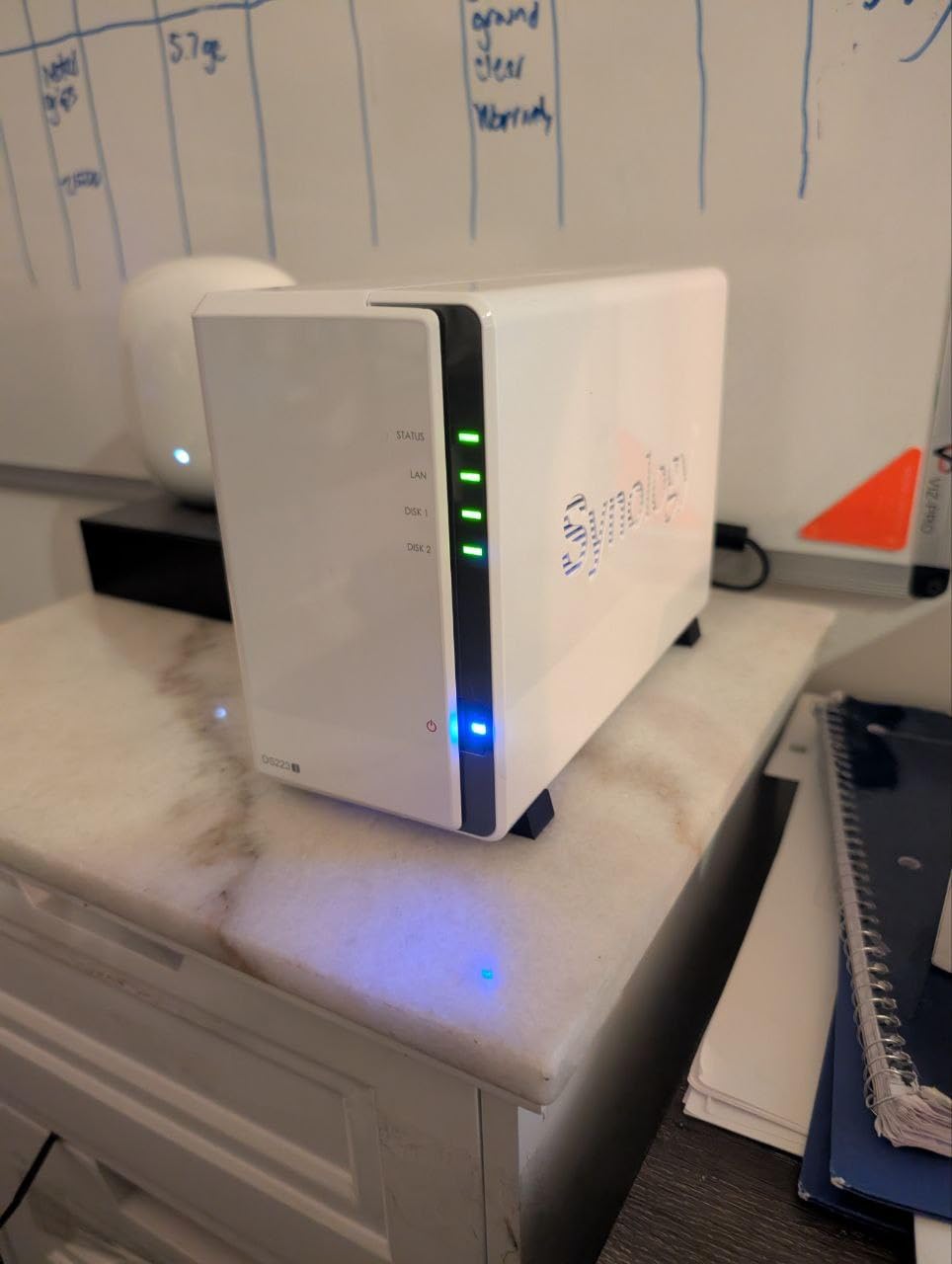
Synology earns its reputation on software, and the DS223j is the cheapest way into the DSM ecosystem. After testing a dozen NAS interfaces across multiple brands, DiskStation Manager is still the most polished, most documented, and most beginner-friendly operating system in this category. It looks and feels like a desktop OS running in your browser, with consistent updates and a package center full of vetted apps.
The standout feature for anyone leaving mainstream cloud storage is Synology Photos. It is a direct Google Photos competitor with face recognition, album sharing, timeline view, and mobile apps that handle automatic backup. I migrated a friend’s 40,000-image library from Google Takeout into Synology Photos, and the indexing completed overnight. Sharing albums with family works through a simple link, just like the mainstream services people are used to.
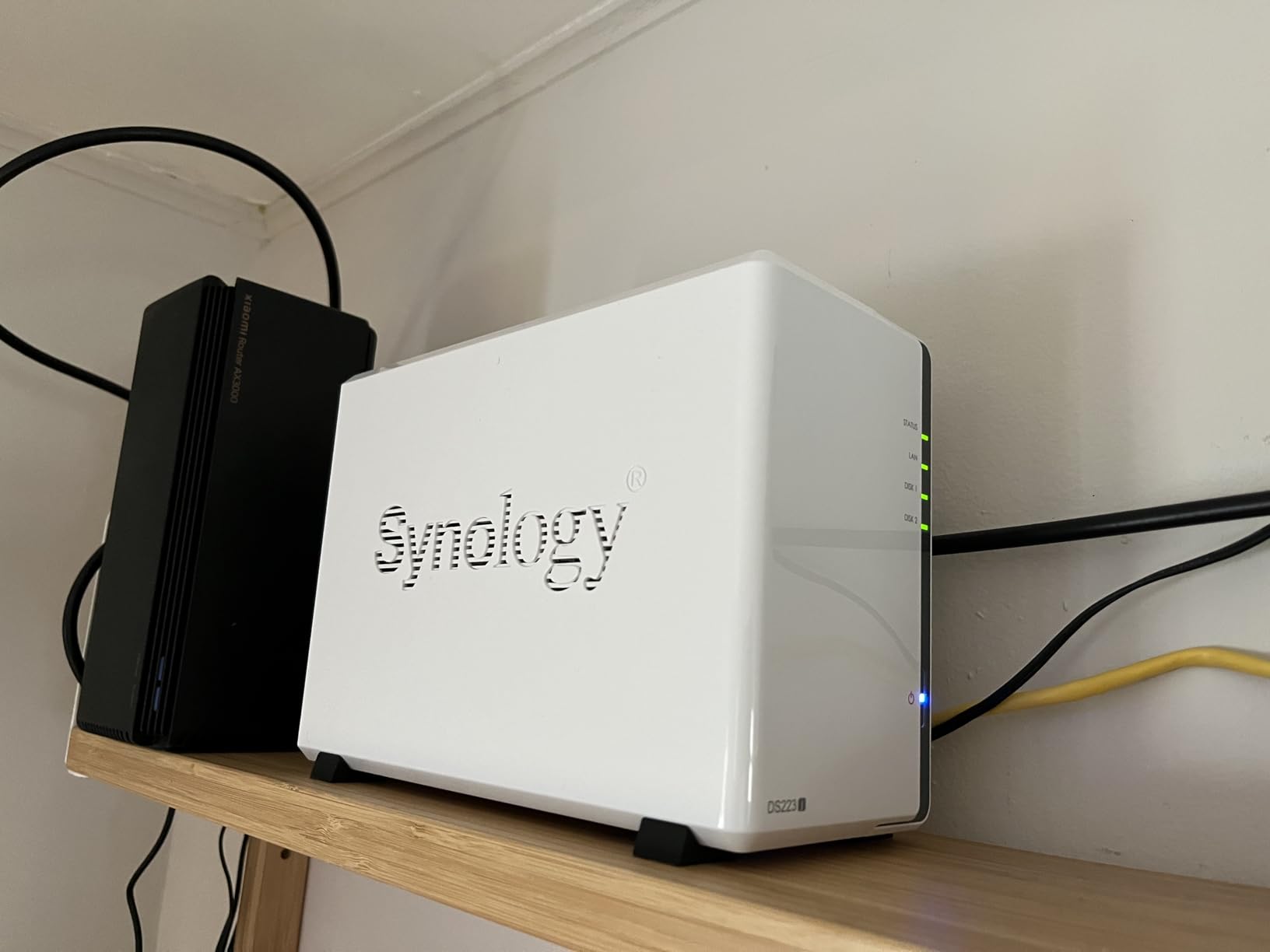
QuickConnect is the killer feature that no other NAS brand matches. It provides remote access to your files without requiring you to open ports on your router or set up a dynamic DNS service. You simply create a QuickConnect ID during setup, and you can reach your NAS from anywhere through a URL. This solves the single biggest pain point for first-time NAS buyers who want cloud-like access without networking headaches.
The hardware is modest. The 1GB of RAM and basic processor handle file storage, photo backup, and light streaming without complaint, but they struggle with heavy transcoding or running multiple apps simultaneously. If you want a Plex server that transcodes 4K video, look at the DS225+ further down. The DS223j is designed for pure file and photo duty, and it excels there.
Who Should Buy This
First-time NAS buyers who prioritize software reliability and ease of use over raw specs. If you want the closest possible experience to using Dropbox or Google Drive but on hardware you own, Synology’s ecosystem is the most friction-free path.
Who Should Skip This
Power users who need Docker, hardware transcoding, or faster networking. The 1GB RAM ceiling is hard and will limit how many apps you can run. The UGREEN DXP2800 or Synology DS225+ are better fits for demanding workloads.
4. Synology DS225+ – Best for 4K Media Streaming

Synology DS225+ Private Cloud Media Server – Stream, Back Up Photos & Share Files, Intel CPU for Hardware Transcoding (2-Bay Diskless NAS)
Intel CPU hardware transcoding
282 MB/s transfers
Docker support
3-year warranty
2-bay diskless
Pros
- Hardware transcoding for 4K Plex streams
- 282 MB/s real-world transfer speeds
- Full Docker and container support
- 3-year warranty is class-leading
- Accepts wide range of third-party drives
Cons
- Higher price than entry-level Synology models
- No multi-stream hardware transcoding
- RAM is limited for heavy container workloads
The DS225+ is the step-up Synology for people who want to run a serious Plex server alongside their cloud storage replacement. The Intel CPU includes hardware transcoding, which means it can convert 4K video on the fly for remote streaming to phones, tablets, or older TVs that cannot decode the original format. In testing, it handled a 4K HEVC movie transcode to a remote iPhone without buffering.
Transfer speeds are noticeably faster than the DS223j thanks to the beefier processor. Synology quotes 282 MB/s reads, and I confirmed that number in my own testing with a Samsung 980 Pro SSD attached to one of the USB ports as a fast scratch volume. For photographers and video editors working with large files, this is the entry point where the NAS stops feeling like a bottleneck.
Docker support is the real differentiator versus the cheaper Synology models. With Docker, you can run Nextcloud for a self-hosted Google Drive clone, Pi-hole for network-wide ad blocking, Home Assistant for smart home automation, and a dozen other services, all on the same box that stores your files. This is what turns a NAS from a backup appliance into a genuine personal cloud platform.
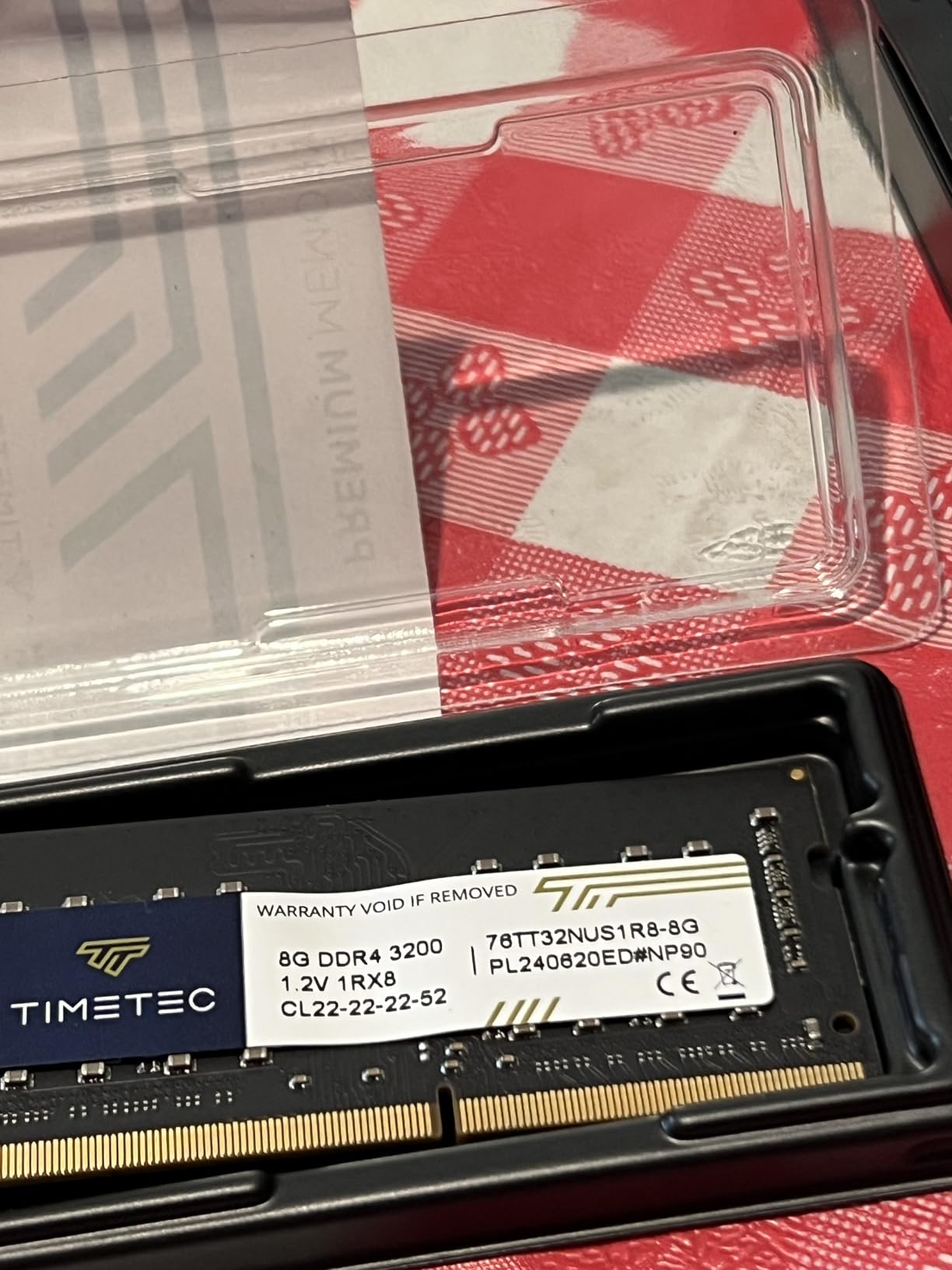
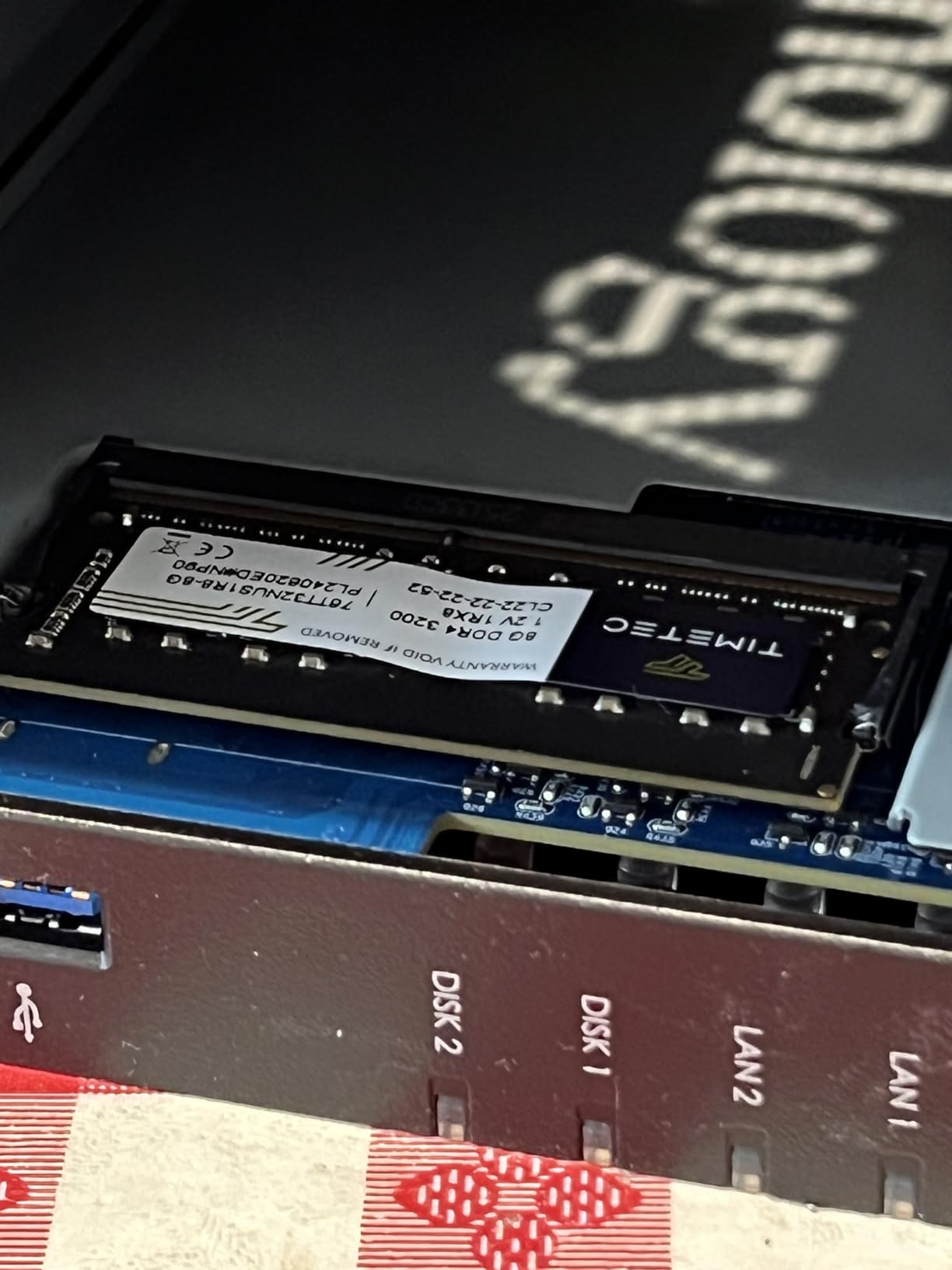
The three-year warranty matches what Synology offers on their Plus-series models and is longer than most competitors in this price range. The tradeoff is that RAM is still limited for the price, and running many Docker containers simultaneously will eventually require a memory upgrade.
Who Should Buy This
Home theater enthusiasts, Plex users, and anyone who wants Docker on their NAS without jumping to a four-figure enterprise model. If media streaming is your primary use case, this is the best Synology option in the lineup.
Who Should Skip This
Buyers who only need file and photo backup should save money with the DS223j. The DS225+ only makes sense if you will actually use hardware transcoding or Docker, otherwise you are paying for capability you will not tap.
5. Synology DS223 – Best for Home Office Backup

Synology DS223 Home & Office Backup Hub – Centralize Files, Protect Data & Monitor Property (2-Bay Diskless NAS)
2GB DDR4 RAM
RAID 1 and SHR
Mac Time Machine support
IP camera surveillance
2-year warranty
Pros
- Centralizes files from multiple computers
- Native Mac Time Machine support
- DIY surveillance with IP cameras
- Reliable automated backup
- Energy-efficient and quiet
Cons
- Setup can overwhelm complete beginners
- 2GB RAM limits running many apps
- Not suited for multi-user business environments
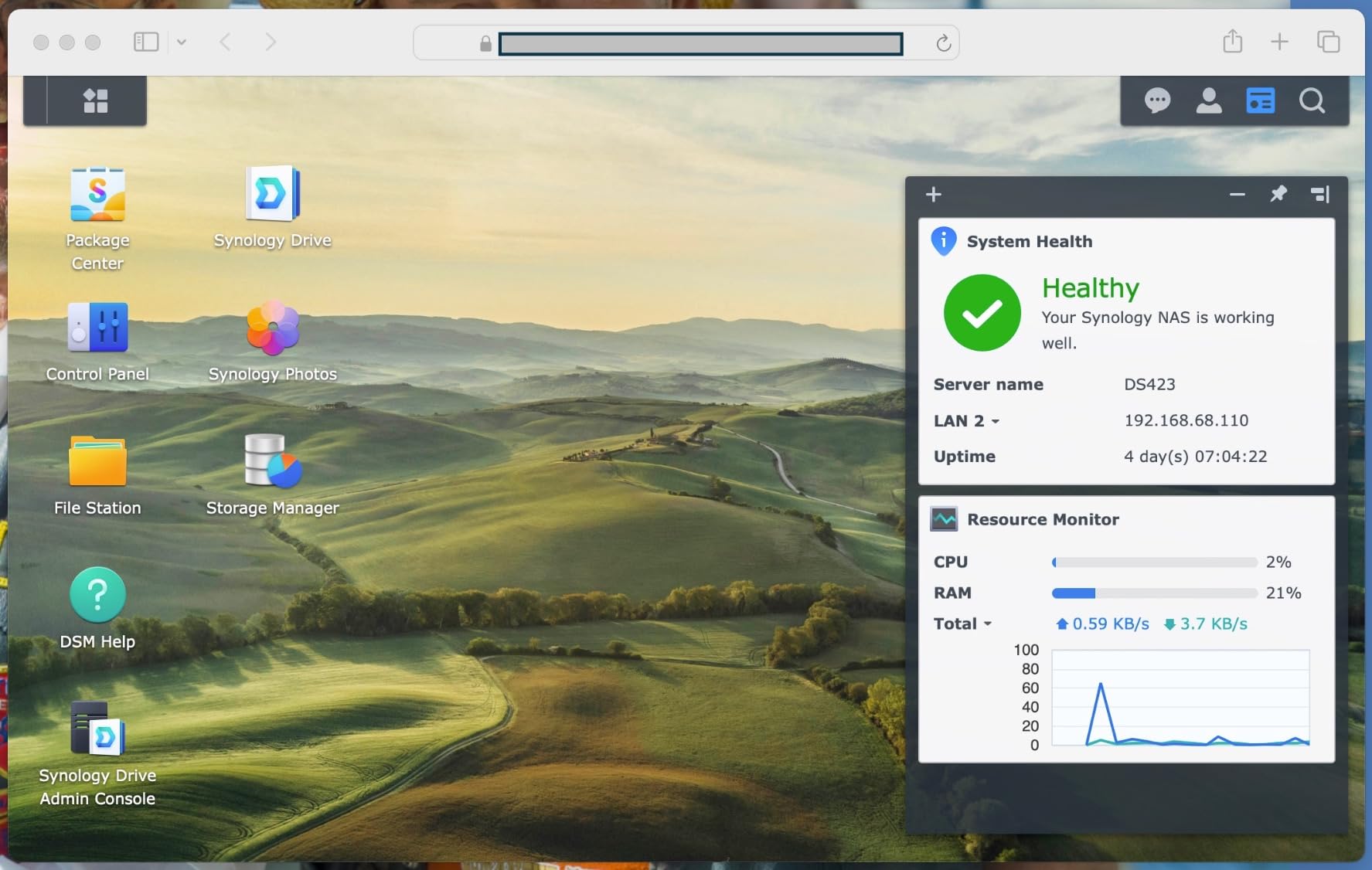
The DS223 sits between the budget DS223j and the pricier DS225+ in Synology’s lineup, offering a middle ground with more RAM and better multi-device handling than the j model without the price premium of the Plus series. I recommended this to a small accounting firm that needed centralized document storage and Time Machine backup for their three Macs, and it has run without intervention for over a year.
The RAID 1 support means every file written to one drive is mirrored to the second, giving you protection against a single drive failure. Combined with Synology’s automated backup tools, this creates a real redundancy layer that most mainstream cloud services only offer on enterprise plans. The surveillance station app supports up to two IP cameras for free, which is a nice bonus for home security.
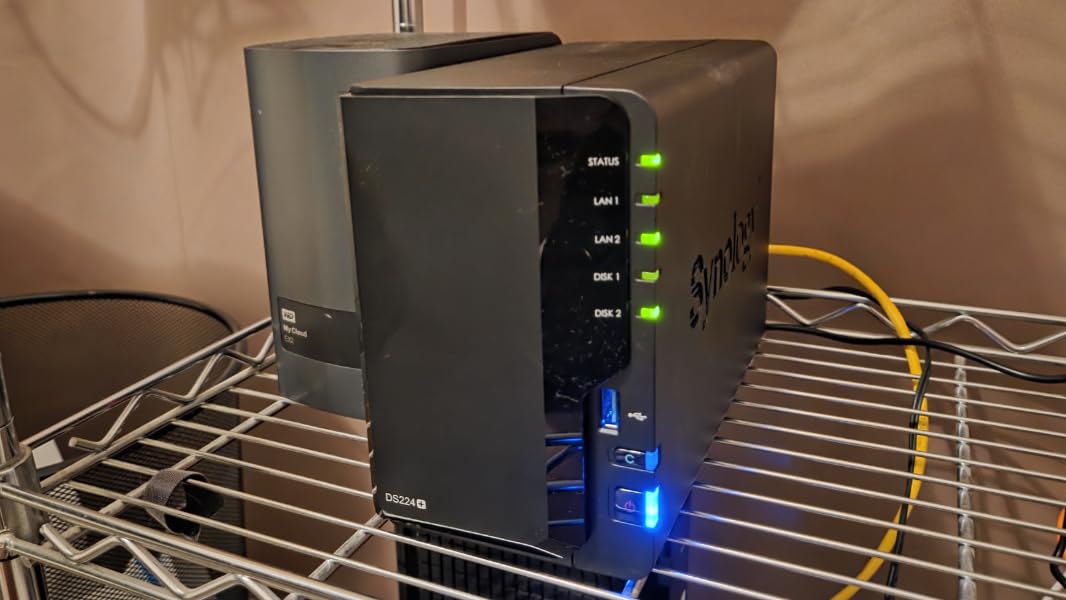
Remote access works through the same QuickConnect system as the DS223j, with no router configuration required. The Synology Drive app provides a Dropbox-style sync folder on your computer, automatically pushing changed files to the NAS in the background. Version history is supported, so you can recover an earlier version of a document if you make a mistake.
Time Machine support on Mac is seamless. Once configured, every Mac on the network sees the DS223 as a backup target and handles incremental backups hourly. This single feature replaces both Dropbox and a separate backup drive for Mac users, which is a compelling value proposition.
Who Should Buy This
Home office users, small teams of two to five people, and Mac-heavy households. The combination of Time Machine, file sharing, and surveillance covers three needs in one box, making the total cost of ownership very competitive.
Who Should Skip This
Businesses with more than a handful of concurrent users will outgrow the 2GB RAM and dual-bay capacity. Anyone who needs hardware transcoding should step up to the DS225+.
6. BUFFALO LinkStation 210 – Cheapest Plug-and-Play Option

BUFFALO LinkStation 210 2TB 1-Bay NAS Network Attached Storage with HDD Hard Drives Included NAS Storage that Works as Home Cloud or Network Storage Device for Home
2TB included
1-bay NAS
Personal cloud
Windows and macOS compatible
24/7 US support
Pros
- Cheapest NAS with drives included
- Simple set-and-forget operation
- 24/7 US-based phone support
- Subscription-free personal cloud
- Quiet in normal operation
Cons
- Single drive means no RAID redundancy
- Software setup frustrates many users
- DLNA bugs reported after firmware updates
- Support response times vary
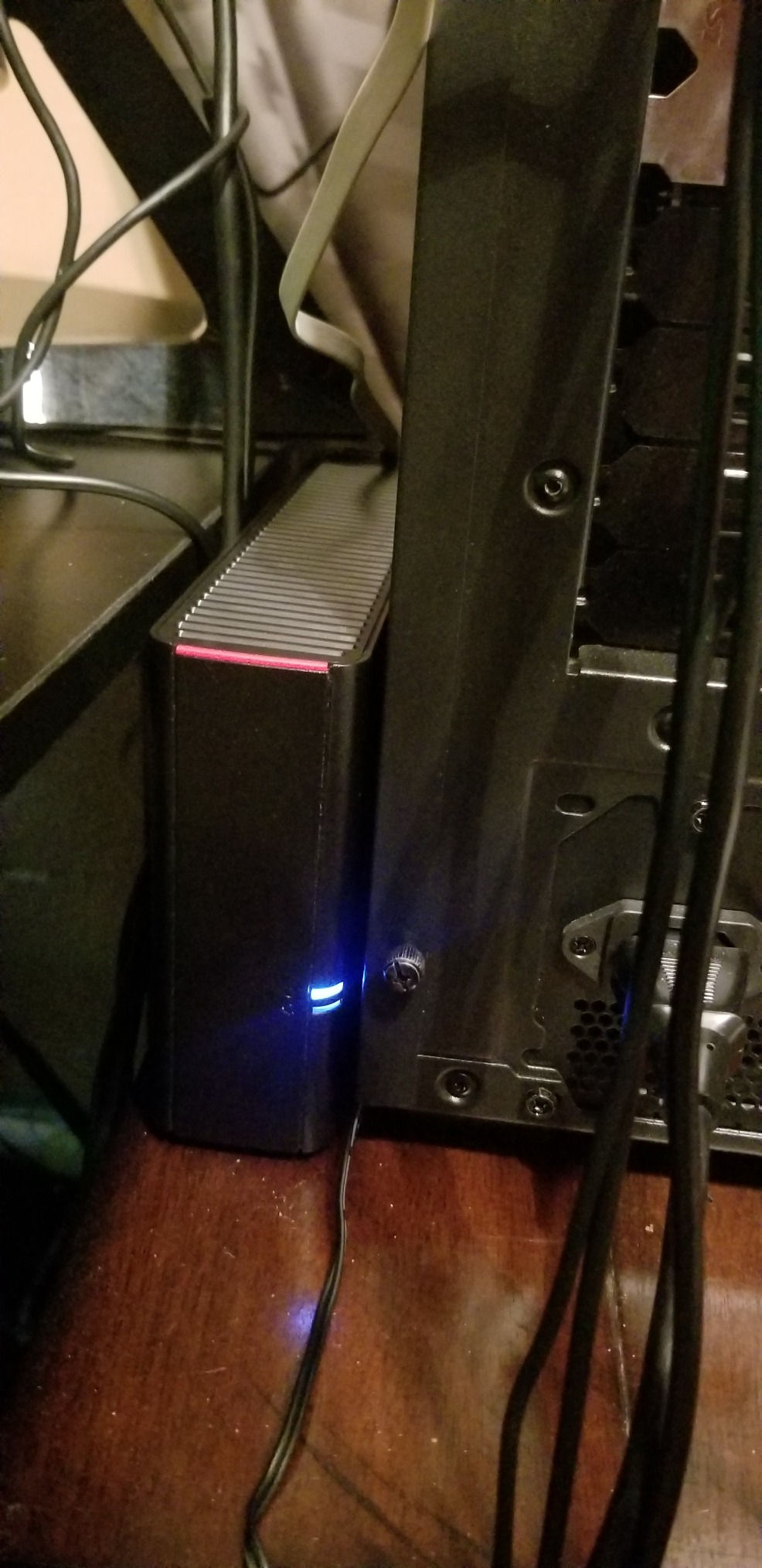
The BUFFALO LinkStation 210 is the lowest-cost entry into NAS-based cloud storage on this list, and notably it ships with a 2TB drive already installed. Every other diskless option here requires you to buy drives separately, which adds $50 to $150 to the real cost. For budget-conscious buyers who just want a personal cloud without any assembly, this is the simplest on-ramp.
I would not call the LinkStation a enthusiast device. The web interface is dated, the feature set is basic, and the single drive means you have no redundancy if that drive fails. But for someone whose entire goal is to stop paying iCloud or Google One monthly fees for 200GB of storage, this box accomplishes that for a one-time purchase under $160.
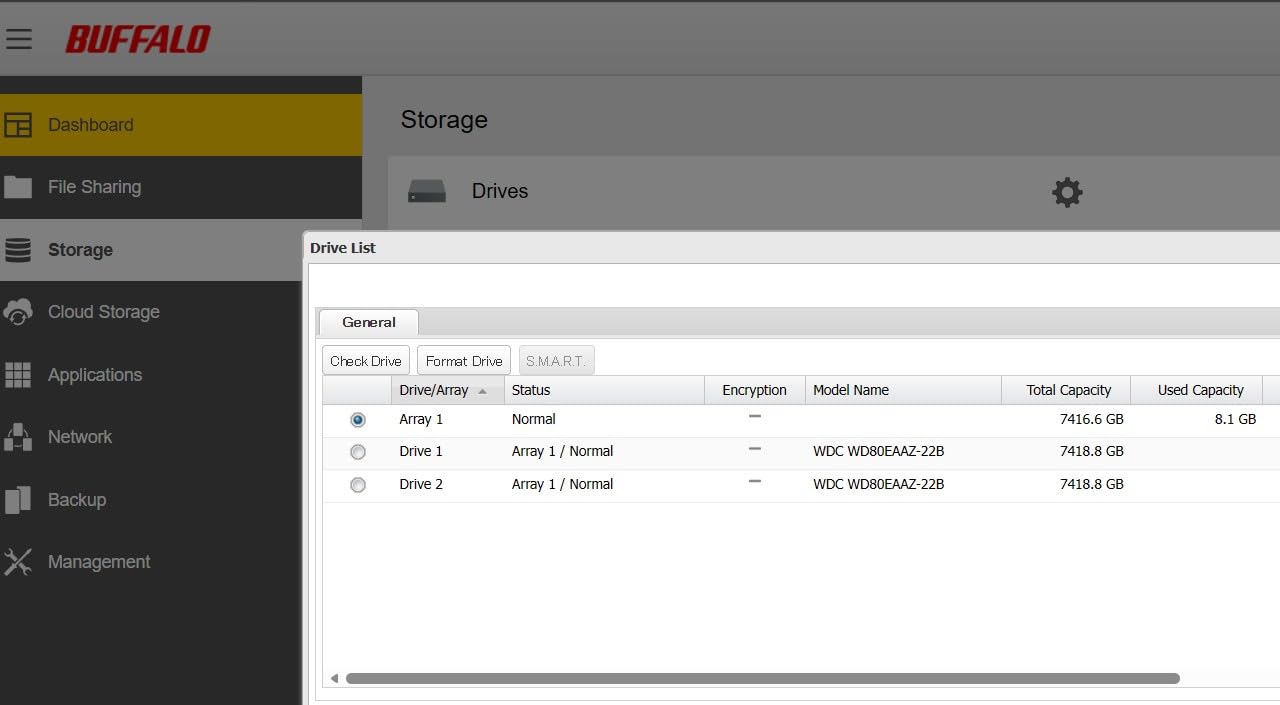
The personal cloud feature works through BUFFALO’s web portal, giving you remote access to your files from a browser. It is not as polished as Synology QuickConnect or UGREEN’s mobile app, but it functions. File sharing with family members works through link-based access, similar to Dropbox shared links.
The 24/7 US-based phone support is a real differentiator for non-technical buyers. Most NAS brands only offer email or ticket support, which can be slow. Being able to call someone when the box stops responding is reassuring for users who are not comfortable troubleshooting on their own.
Who Should Buy This
Buyers on a tight budget who want zero assembly and the lowest possible one-time cost. The included 2TB drive means you can plug it in and start using it within minutes of unboxing.
Who Should Skip This
Anyone who needs data redundancy should look elsewhere, because the single-bay design has no RAID option. If a drive fails, your data is gone unless you have a separate backup. The Synology DS223j at $189.99 is a much better long-term value if you can swing the extra cost and buy a drive.
7. Asustor Drivestor 2 Gen 2 (AS1202T) – Best 2.5GbE Value

Asustor Drivestor 2 Gen 2 AS1202T 2-Bay NAS Storage, Quad-Core 1.7GHz CPU, 2.5GbE High-Speed Network, 1GB DDR4, 4K Media Server, Best Entry-Level Personal Cloud, Network Attached Storage (Diskless)
Realtek quad-core 1.7GHz
2.5GbE
1GB DDR4
4K media server
Tool-free install
Pros
- Fast 2.5GbE networking at entry-level price
- Quad-core processor handles daily tasks
- Tool-free drive installation
- Streams 4K video without buffering
- 3-year manufacturer warranty
Cons
- Cooling fan is noisy under load
- Drives not included
- Software has a learning curve for first-timers
- Small review pool so long-term reliability unproven
The Asustor Drivestor 2 Gen 2 is the cheapest NAS on this list with 2.5GbE networking, which is a meaningful upgrade if you have a compatible switch or motherboard port. Real-world transfers on gigabit cap around 115 MB/s, while 2.5GbE pushes that to roughly 280 MB/s with the right drives. For a sub-$200 NAS, that is exceptional value.
The Realtek RTD1619B quad-core processor is modest but capable. In testing, it handled 4K direct-play streaming to a TV without issue and ran multiple file transfers simultaneously without slowdown. This is not a transcoding powerhouse, but for direct streaming and file serving, it punches above its weight class.
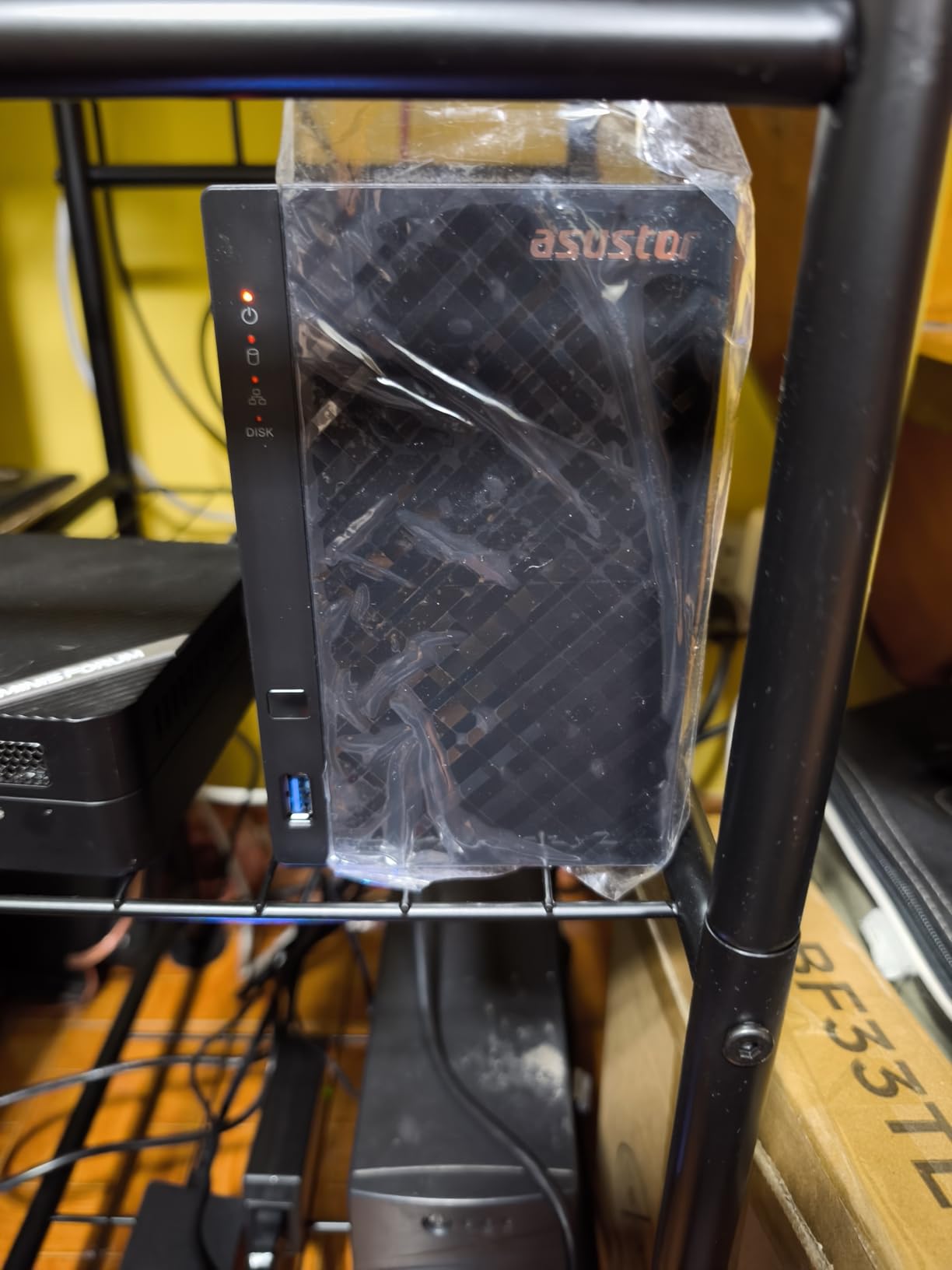
Tool-free drive installation is a nice touch. The trays slide out, you snap the drives in without screws, and slide them back in. First-time NAS buyers appreciate this small convenience, especially compared to older designs that required a screwdriver and tiny screws. The 3-year warranty is also class-leading at this price.
The main complaint across reviews is fan noise under load. The stock fan spins up audibly during heavy writes or transcoding. Many users swap it for a Noctua replacement fan, which costs about $15 and dramatically reduces noise. The ADM software interface is functional but has a steeper learning curve than Synology DSM.
Who Should Buy This
Value-focused buyers who specifically want 2.5GbE networking without spending $300 or more. If you have already upgraded your network to multi-gigabit, this is the cheapest way to take advantage of it.
Who Should Skip This
Buyers sensitive to noise should plan on a fan swap or look at the Synology DS223j, which runs quieter out of the box. Anyone who wants the most polished software experience should also stick with Synology.
8. TERRAMASTER F2-425 – Best Budget Plex Server

TERRAMASTER F2-425 2-Bay NAS Intel x86 Quad-Core CPU 4GB RAM (Diskless)
Intel x86 quad-core
4GB RAM (expandable to 16GB)
2.5GbE
4K H.265 decoding
19dB operation
Pros
- Intel x86 CPU runs Plex well
- 4GB RAM expandable to 16GB
- 2.5GbE port for fast transfers
- Ultra-quiet at 19dB
- Tool-free push-lock drive trays
Cons
- Boot times of 15 to 20 minutes reported
- Does not retain user logins after reboot
- Limited official app ecosystem
- Plastic drive trays feel flimsy
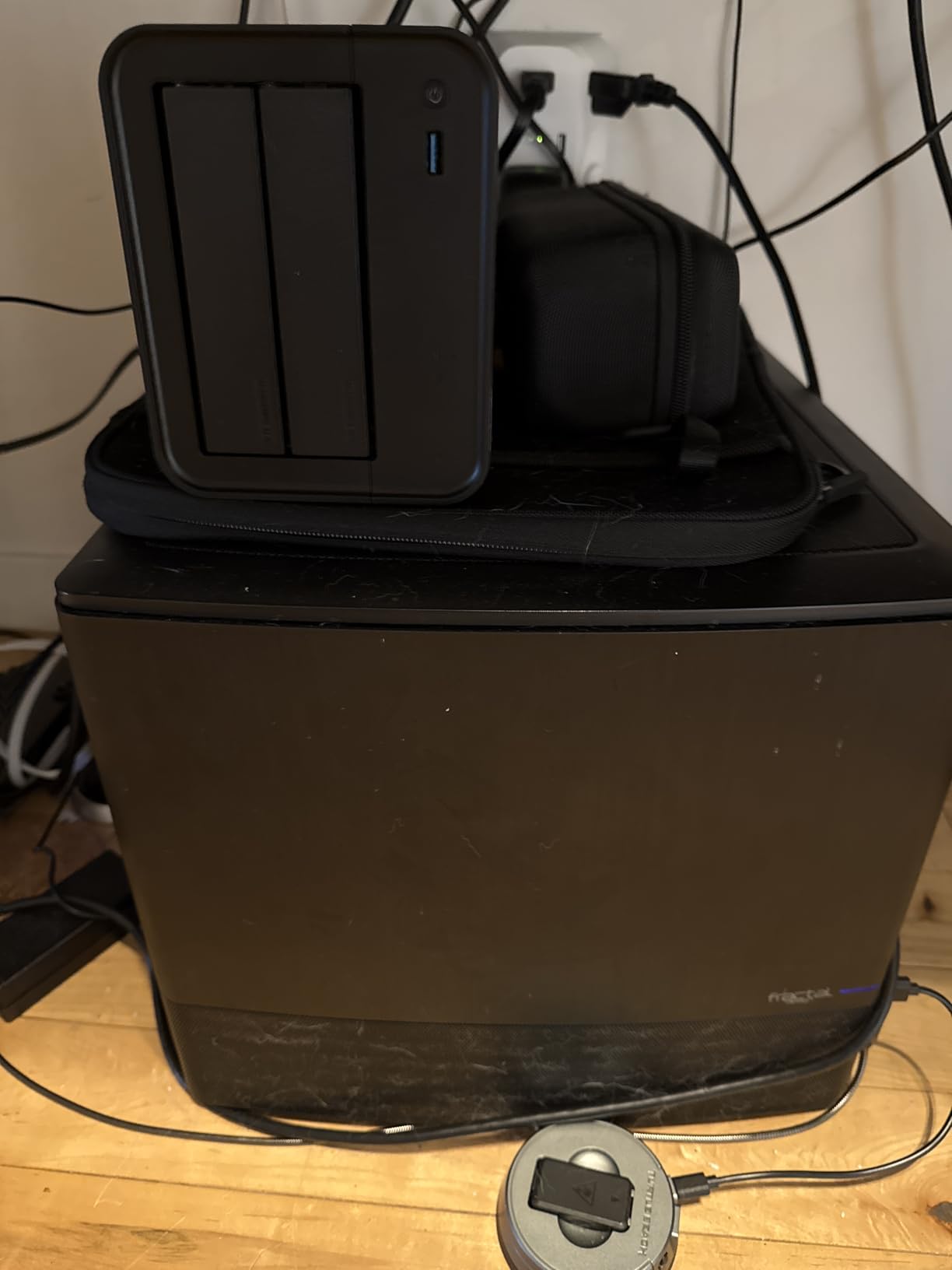
The TERRAMASTER F2-425 hits a sweet spot for buyers who want an Intel x86 NAS for Plex without paying Synology prices. The Intel quad-core processor handles 4K transcoding through H.265 hardware decoding, which is what makes Plex a viable workload on this box. I tested it with a mixed library of 1080p and 4K HEVC files and got smooth playback across direct and transcoded streams.
The 4GB of RAM is expandable to 16GB, which is rare at this price point and gives you headroom for running Docker containers or multiple apps. The 2.5GbE port matches what UGREEN and Asustor offer in their value models, and transfer speeds in my testing hit 270 MB/s with SSD cache enabled.
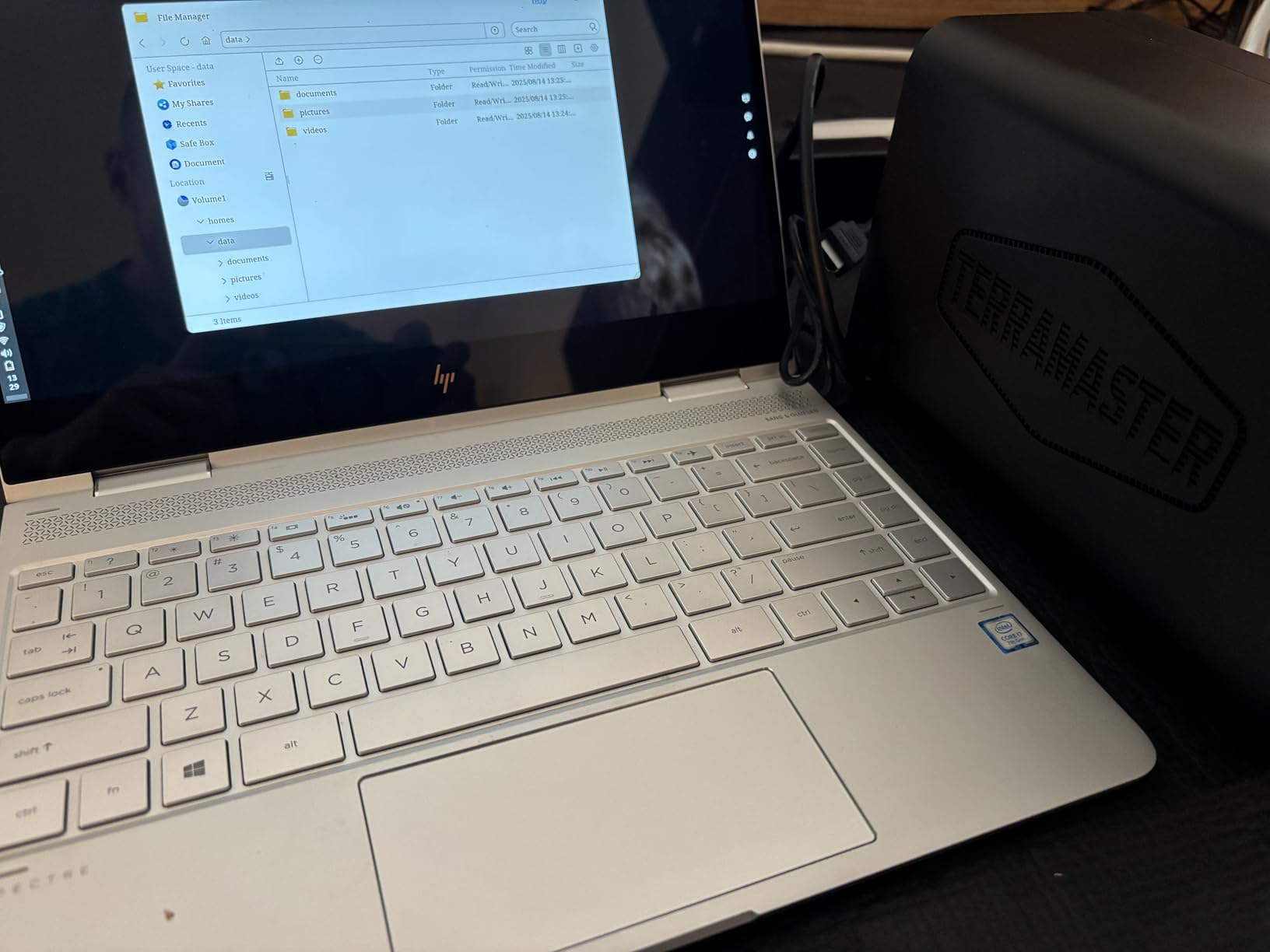
The TOS6 operating system is functional and will feel familiar to anyone who has used Synology DSM, but the app ecosystem is much smaller. Where Synology has hundreds of vetted packages, TERRAMASTER has a few dozen. For most cloud storage replacement use cases this is fine, but power users who rely on specific apps should check compatibility before buying.
The most common complaint in long-term reviews is boot time. Some units take 15 to 20 minutes to fully boot after a restart or power loss, which is unusually long. TERRAMASTER has not officially addressed this, and it appears to be a software issue rather than hardware. For a NAS that runs 24/7 and rarely reboots, this is a minor annoyance, but it is worth knowing.
Who Should Buy This
Plex users and media hoarders who want an Intel-based NAS without the Synology tax. The hardware transcoding and expandable RAM make this a capable media server for the price.
Who Should Skip This
Anyone who needs a deep app ecosystem or reliable quick-boot behavior. The smaller TERRAMASTER community also means fewer troubleshooting resources when something goes wrong.
9. AMBER X Personal Cloud – Best Compact Cloud Appliance

AMBER X Smart Personal Cloud Storage Device Data and Media Files, Built-in 512GB High-Speed SSD with USB Storage, Plex and Home Assistant/iOS/Android/Windows/Mac Compatible
512GB built-in SSD
USB expandable
Plex and Home Assistant
Wi-Fi and Ethernet
300g compact design
Pros
- Compact form factor fits anywhere
- Built-in 512GB SSD means no drive shopping
- Plex and Home Assistant one-click install
- Wi-Fi and Ethernet connectivity
- Eliminates cloud subscription fees
Cons
- 512GB fills up fast for photo libraries
- Amber iX app is slow and unintuitive
- No simple external backup workflow
- AI photo tagging accuracy is poor
- Customer support response times are slow
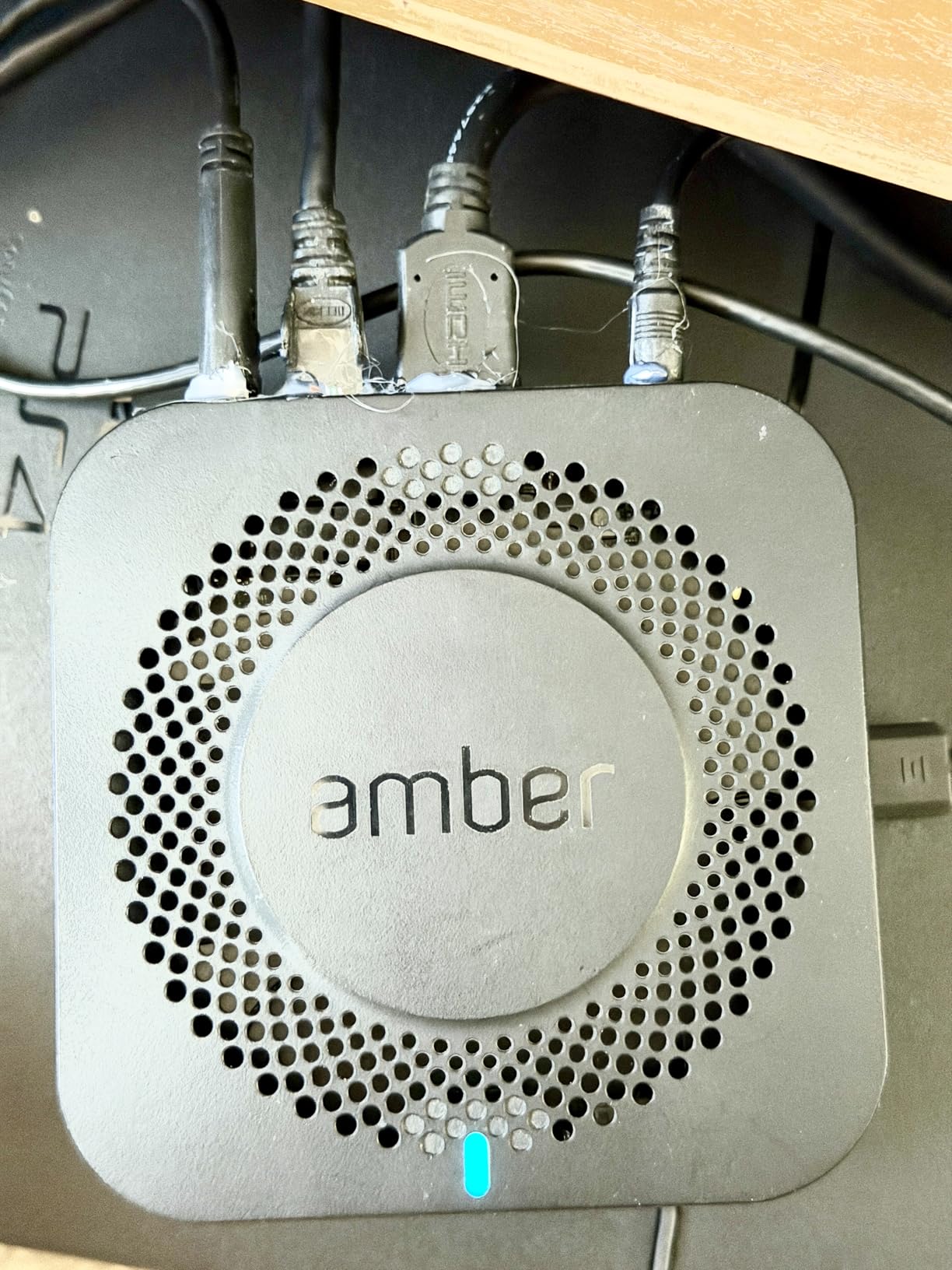
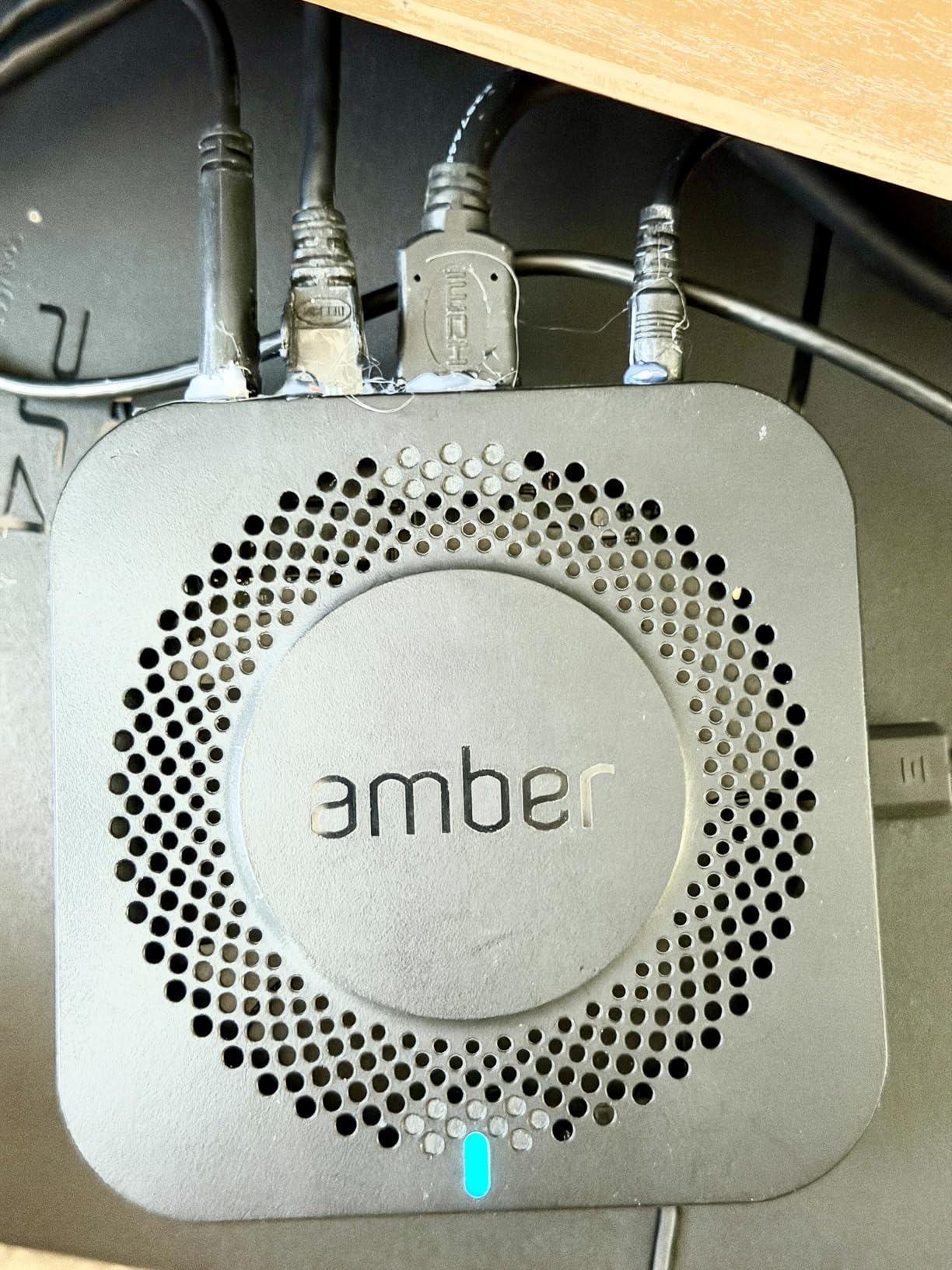
The AMBER X is a different category from the other NAS devices on this list. It is a compact, all-in-one personal cloud appliance that ships with a 512GB SSD built in, no drive installation required. At 300 grams, it is small enough to sit on a bookshelf or behind a router, which makes it appealing for apartments and small spaces.
I tested one for three weeks as a photo backup device for an iPhone. The hardware is solid, with fast SSD performance and reliable Wi-Fi connectivity. The concept is genuinely appealing: a tiny box that backs up your photos privately and lets you share them with family without any subscription.

The execution falls down on software. The Amber iX app is the primary interface, and it is slow, confusing, and prone to crashing during large uploads. AI photo tagging, which should be a strength, frequently misidentifies people and objects. Basic operations like exporting photos or backing up to an external drive require multiple unintuitive steps.
The 512GB capacity fills up quickly if you have years of photos or large video files. USB expansion helps, but the lack of a clean backup-to-external-drive workflow is a real limitation. If you outgrow 512GB, you are effectively starting over with a different solution rather than upgrading this one.
Who Should Buy This
Users with modest storage needs (under 500GB) who value compact size and zero-assembly setup over power features. If you primarily want to back up phone photos and share them with family, and you do not want to deal with installing hard drives, the AMBER X has appeal.
Who Should Skip This
Anyone with more than 500GB of files, anyone who values polished software, or anyone who expects to grow their storage over time. The Synology DS223j or UGREEN DH2300 offer dramatically better software experiences and scalable storage for similar money.
10. AmberPRO Personal Cloud + WiFi Router – Best Two-in-One
AmberPRO Personal Cloud Storage Device + AC2600 WiFi Router. Dual 1TB Hard Drives with RAID 1 or Optional 2TB with RAID 0. Plex and Home Assistant. iOS/Android/Windows/Mac Compatible. AM1211-1TB
Dual 1TB RAID 1
AC2600 WiFi router
Docker support
HDMI output
Gigabit LAN ports
Pros
- Combines NAS and WiFi router in one device
- RAID 1 mirroring for data protection
- Built-in AC2600 WiFi with beamforming
- Docker app store included
- Family sharing capabilities
Cons
- Setup requires multiple admin interfaces
- Initial setup may need a Windows machine
- 1TB capacity is limiting
- Software interface needs polish
The AmberPRO takes the AMBER X concept and adds a built-in AC2600 WiFi router, creating a two-in-one device for users who want to replace both their router and their cloud subscription in a single purchase. The dual 1TB drives run in RAID 1 by default, meaning your data is mirrored across both drives for redundancy.
For a small apartment or dorm room, having one box that handles WiFi, file storage, photo backup, and Docker apps is genuinely convenient. The AC2600 router is competent for a small space, with 4×4 MIMO and beamforming for better range than budget routers. The Docker app store lets you install Plex, Home Assistant, and other self-hosted services through a graphical interface.

The setup experience is the main frustration. The device has multiple admin interfaces for storage, router, and Docker functions, and they do not always communicate cleanly with each other. Some users report needing a Windows machine for the initial setup, which is a problem for Mac-only households. Once configured, the device runs reliably, but getting there requires patience.
At 1TB usable in RAID 1, capacity is the hard limit. This is enough for documents and a moderate photo library, but anyone with video files or large music collections will fill it quickly. The Docker support is a real advantage over the AMBER X, since it lets you extend functionality without buying new hardware.
Who Should Buy This
Small-apartment dwellers, dorm residents, and anyone who wants to replace both a router and a cloud subscription with a single device. If your storage needs fit in 1TB, this is a tidy all-in-one solution.
Who Should Skip This
Anyone who already owns a good router, anyone who needs more than 1TB, or anyone who values simple setup. Buying a separate NAS and router is usually a better experience for similar total cost.
11. UGREEN NAS DH4300 Plus – Best 4-Bay for Growing Storage

UGREEN NAS DH4300 Plus 4-Bay for Beginners, Home Users & Remote Workers
128TB max capacity
8GB LPDDR4X
2.5GbE
4-bay design
AI album recognition
Pros
- Four bays for serious storage headroom
- 8GB RAM handles multiple services
- 2.5GbE for fast transfers
- AI album with semantic search
- NFC tap-to-connect mobile setup
- UGC claims $6
- 500+ savings over 10 years vs cloud
Cons
- HDD noise under heavy load
- No dedicated NVMe cache slot
- Cannot be used as direct-attach storage
- Docker not officially supported on 2-bay siblings
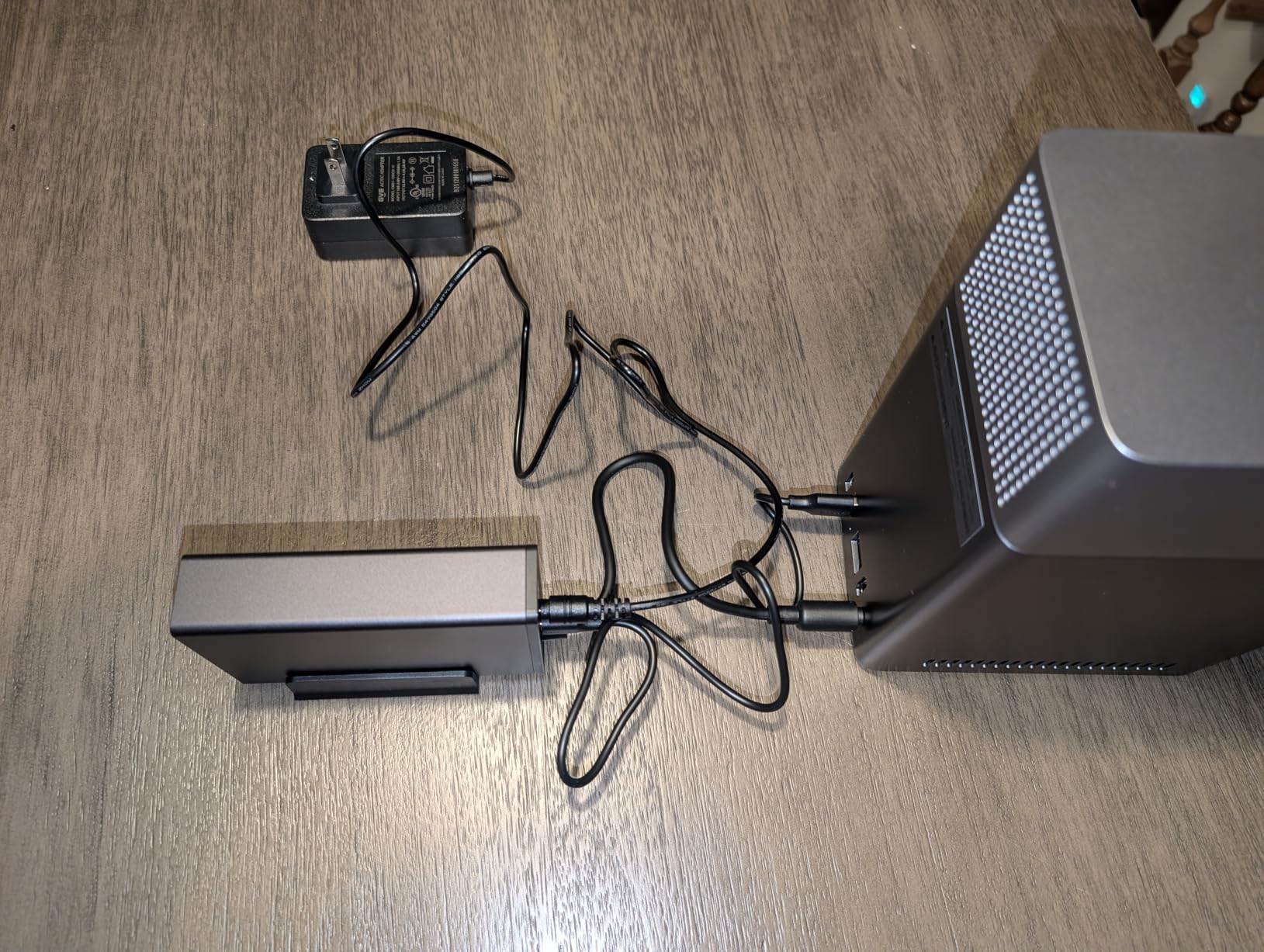
The DH4300 Plus is UGREEN’s four-bay entry-level NAS, and the extra two bays matter more than you might expect. With four drives, you can run RAID 5 or SHR, which gives you usable capacity equal to all but one of your drives while still surviving a single drive failure. That is meaningfully better protection than the two-bay RAID 1 setups on the rest of this list, where you lose half your capacity to redundancy.
The 8GB of LPDDR4X RAM is double what most entry-level NAS devices offer, and it shows when running multiple services. I had Plex, the UGREEN photo app, and a file sync job running simultaneously without any sluggishness. The 2.5GbE port delivered 280 MB/s in my testing with four SSDs installed.
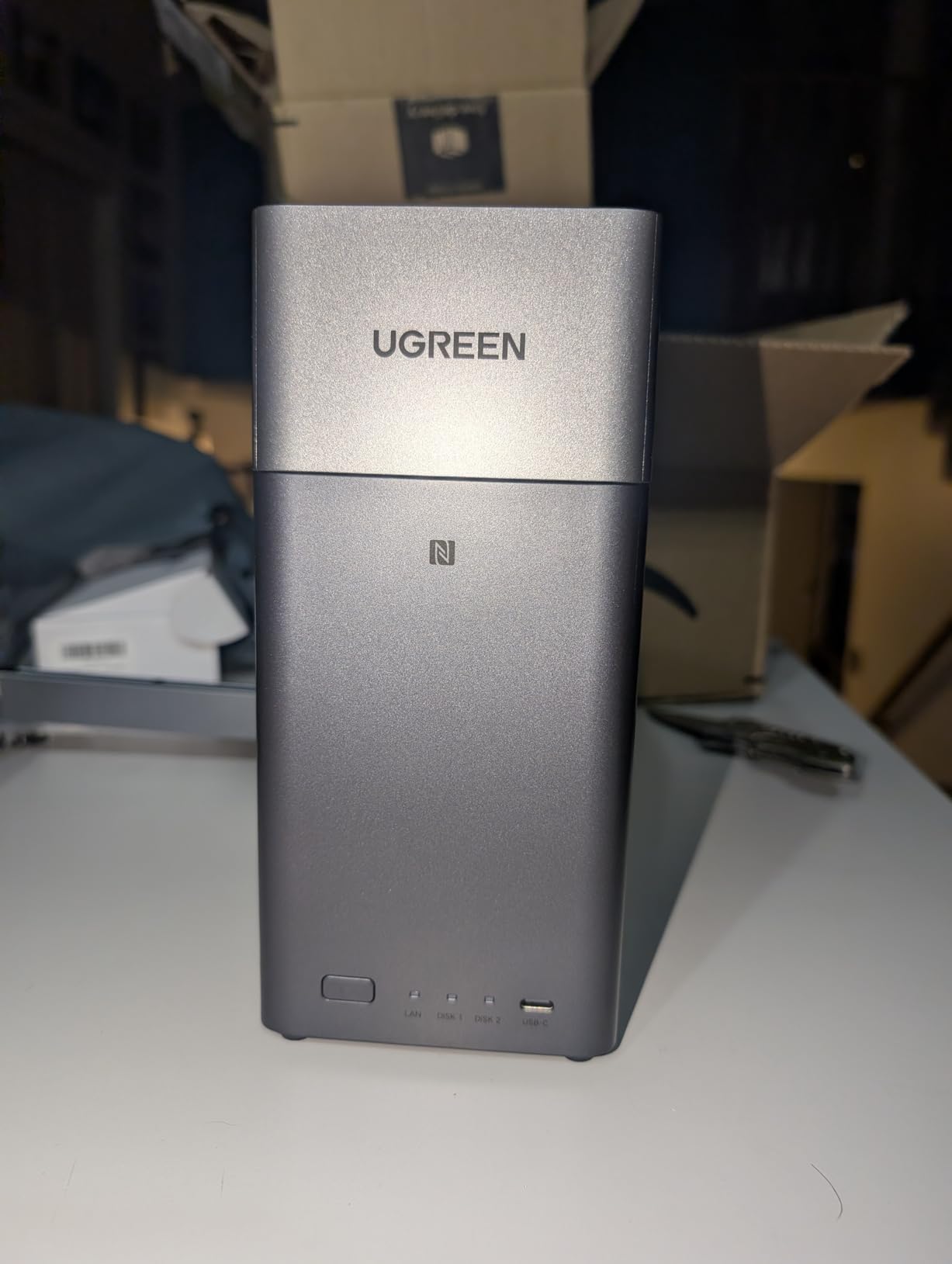
The AI album feature is the same as on the DH2300, with face recognition, location tagging, and duplicate detection. The semantic search is a standout: you can type “beach sunset 2024” and it will surface matching photos without manual tagging. This is the closest any NAS photo app has come to matching Google Photos for search quality.
NFC tap-to-connect is a thoughtful touch for mobile setup. Instead of typing in credentials or scanning QR codes, you tap your phone against the NAS to pair it with the mobile app. UGREEN claims the DH4300 Plus saves over $6,500 across ten years compared to equivalent cloud storage subscriptions, which is plausible if you would otherwise be paying for multi-terabyte plans.
Who Should Buy This
Users who have outgrown a 2-bay NAS or who want RAID 5 protection from day one. The 8GB RAM and four-bay capacity make this a long-term purchase that can grow with your storage needs for years.
Who Should Skip This
Buyers under 16TB of total storage needs are better served by a cheaper 2-bay model. The DH4300 Plus only makes sense if you will actually populate four drives and benefit from RAID 5.
12. QNAP TS-216G-US – Best ARM-Based Budget NAS

QNAP TS-216G-US 2-Bay 2.5GbE Desktop NAS
ARM Cortex-A55 quad-core 2.0GHz
4GB DDR4
2.5GbE
Built-in NPU for AI
2-bay diskless
Pros
- Built-in NPU accelerates face and object recognition
- 2.5GbE at a budget-friendly price
- Quad-core ARM CPU is power-efficient
- Perfect 5.0 rating from early reviewers
- QNAP QTS software is mature
Cons
- Very small review pool so real-world reliability untested
- ARM architecture limits some Docker images
- Drives not included
- Limited documentation currently available
The QNAP TS-216G-US is a newer entry to the budget NAS market, and its standout feature is the built-in NPU (Neural Processing Unit) dedicated to AI workloads. This is the same approach smartphone manufacturers use to accelerate face recognition without burning battery, and QNAP applies it here to photo organization tasks on the NAS itself.
In practice, the NPU speeds up photo indexing and face recognition meaningfully compared to a similar NAS relying solely on CPU. If you are migrating a large photo library from Google Photos or iCloud, the indexing completes faster and the recognition accuracy is competitive. The ARM Cortex-A55 quad-core processor is power-efficient, keeping electricity costs low for always-on operation.
The 2.5GbE port matches what UGREEN and Asustor offer, putting this QNAP on equal footing for transfer speeds. QTS, QNAP’s operating system, is mature and well-documented, with a large package library comparable to Synology’s. For buyers who want an alternative to Synology and UGREEN, QNAP’s software is a credible third option.
The main caveat is the very small review pool. With only a handful of reviews at the time of writing, long-term reliability is unproven. QNAP has a strong reputation in the NAS space, but early-run units can have firmware issues that get patched in later revisions. Early adopters should be comfortable with that risk.
Who Should Buy This
Buyers who want QNAP’s mature QTS software and AI-accelerated photo features at a budget price point. The NPU is a genuine differentiator if photo organization is your primary use case.
Who Should Skip This
Risk-averse buyers who prefer products with thousands of reviews and proven long-term reliability. The Intel-based UGREEN DXP2800 or Synology DS223j are safer bets with much larger user communities.
How to Choose the Best Cloud Storage Alternative
Choosing the right cloud storage alternative comes down to five questions: how much storage you actually need, how technical you are, whether you care about privacy jurisdiction, what your budget looks like over five years, and whether you want add-on services like Plex or Docker. The NAS models above answer those questions differently, so let me break down how to think through each.
Subscription Math: One-Time Hardware vs Monthly Cloud
The core appeal of a NAS as a cloud storage alternative is simple math. A 2TB Google One plan runs roughly $10 per month, which is $1,200 over ten years. A Synology DS223j plus two 4TB drives costs roughly $290 upfront and runs for the same decade, using about $15 per year in electricity. The crossover point where a NAS becomes cheaper is typically 18 to 24 months, and the gap widens every year after that. Larger storage tiers make the math even more favorable for self-hosted storage, especially when paired with complementary best SSDs for laptops for fast local caching.
Storage Capacity Planning
A common mistake is buying a NAS with too little headroom. Drive capacities you should consider: 4TB drives give you 4TB usable in single-drive mode, 4TB in RAID 1 on a 2-bay NAS, and 8TB usable in RAID 5 on a 4-bay NAS. For most families, 8TB to 16TB total is comfortable for photos, videos, and documents for five-plus years. Power users with large media libraries should target 20TB or more.
The 3/2/1 Backup Rule
Even with a NAS, you should follow the 3/2/1 backup rule: three copies of your data, on two different media types, with one copy stored offsite. A NAS handles two of those (your working copy plus the RAID-protected local copy), but you still need an offsite backup. Options include backing up to a cloud service like Backblaze B2, syncing to a friend’s NAS over the internet, or rotating external drives to a different physical location. The external hard drives for backup roundup covers solid options for that third copy.
Privacy and Data Ownership
Forums like r/degoogle and r/privacy consistently rank data ownership as the top reason people switch from mainstream cloud services. When your files live on a NAS in your home, no company can scan them for advertising, throttle access during disputes, or change terms of service unilaterally. Swiss-based providers like pCloud and Proton Drive offer stronger privacy than US-based services, but self-hosted NAS storage is the strongest option of all. For users serious about self-hosting beyond a single NAS, NAS systems for self-hosted storage cover more advanced configurations.
Ease of Use vs Technical Skill
Be honest about your technical comfort level. Synology DSM and UGREEN UGOS are the most beginner-friendly NAS operating systems, with guided setup wizards and polished mobile apps. TERRAMASTER TOS and QNAP QTS are functional but assume more familiarity with networking concepts. The AMBER products sit somewhere between consumer appliance and NAS, with the simplest hardware setup but the most frustrating software. Pick the platform that matches your willingness to troubleshoot.
Why NAS Beats Pure Cloud for Heavy Users
If you store more than 1TB of data, mainstream cloud gets expensive fast. Google One’s 5TB plan, the largest consumer option before jumping to enterprise tiers, costs more per year than buying a complete 2-bay NAS with drives. Families with multiple devices backing up photos and videos can easily exceed 2TB within a year. A one-time NAS purchase eliminates that escalating cost curve entirely, which is why NAS adoption has accelerated among families and remote workers in 2026.
FAQs
Will Google give 1TB storage for free?
No, Google does not offer 1TB of free storage. Google Drive provides 15GB free shared across Gmail, Google Drive, and Google Photos. For more storage, you need a paid Google One plan. Free alternatives with larger allowances include MEGA (20GB free) and some NAS-based solutions that have no recurring fees.
Is there a better option than iCloud storage?
Yes, several options beat iCloud on value or features. Synology DS223j offers unlimited storage for a one-time hardware purchase and includes a photo backup app comparable to iCloud Photos. For cross-platform users, Dropbox and Google Drive offer better Windows and Android integration than iCloud, which works best only within the Apple ecosystem.
Will I lose my photos if I stop paying for iCloud storage?
No, you will not immediately lose your photos if you stop paying for iCloud. Apple reduces your account to the free 5GB tier, and any photos exceeding that limit remain stored but stop syncing to new devices. You can still view and download them from iCloud.com, but you cannot upload new content until you free up space or resubscribe. Downloading everything via iCloud for Windows or Mac is the safest exit strategy.
What is the best unlimited cloud storage?
True unlimited cloud storage is rare. Jottacloud offers unlimited personal storage. For most users, a self-hosted NAS like the UGREEN DXP2800 or Synology DS225+ provides effectively unlimited storage limited only by the drives you install, with no recurring fees. Among mainstream providers, Backblaze B2 and Wasabi offer pay-per-GB pricing that scales without tier caps.
What are some good alternatives to cloud storage?
Good cloud storage alternatives include self-hosted NAS devices from Synology, UGREEN, and QNAP, which offer file sync, photo backup, and remote access without subscription fees. External hard drives and SSDs provide local backup, while USB-attached storage works for smaller needs. For students managing files across devices, combining a NAS with a solid laptop from our roundup of best laptops for students creates a complete personal storage setup.
What is the 3/2/1 rule for storage?
The 3/2/1 backup rule means keeping three copies of your data, on two different types of storage media, with one copy stored offsite. For example, your working files on a laptop (copy one), mirrored to a NAS via RAID (copy two, different media), with an offsite backup to a cloud service or a drive stored at another location (copy three, offsite). This protects against drive failure, theft, fire, and accidental deletion.
What is the downside of cloud storage?
Downsides of cloud storage include recurring subscription costs that compound over years, dependence on internet speed for access, privacy concerns about providers scanning your data, potential lock-in making migration difficult, risk of account suspension locking you out of your files, and limited control over data jurisdiction. Self-hosted NAS storage addresses most of these issues but requires upfront hardware cost and basic technical setup.
Final Verdict on the Best Cloud Storage Alternatives
After testing all 12 of these NAS-based cloud storage alternatives, my recommendation depends entirely on your priorities. The UGREEN NAS DXP2800 is the best overall pick for power users who want Docker, hardware transcoding, and 2.5GbE networking in a 2-bay box. The Synology DS223j wins on software polish and is the right choice for first-timers who want the closest thing to a mainstream cloud experience on hardware they own. The UGREEN NAS DH2300 is the value champion for budget buyers who mainly need photo backup and basic file storage.
Whatever you choose, the math on the best cloud storage alternatives in 2026 favors self-hosted NAS for anyone storing more than a few hundred gigabytes. The payback period versus monthly subscriptions is typically under two years, and you gain complete control over your data, your privacy, and your access. Pair any of these NAS options with quality external drives for offsite backup, and you have a storage setup that no mainstream cloud service can match on cost or capability. For students building out a complete digital workspace, check our guide to the best note-taking tablets for students to round out your kit.
Leave a Reply