
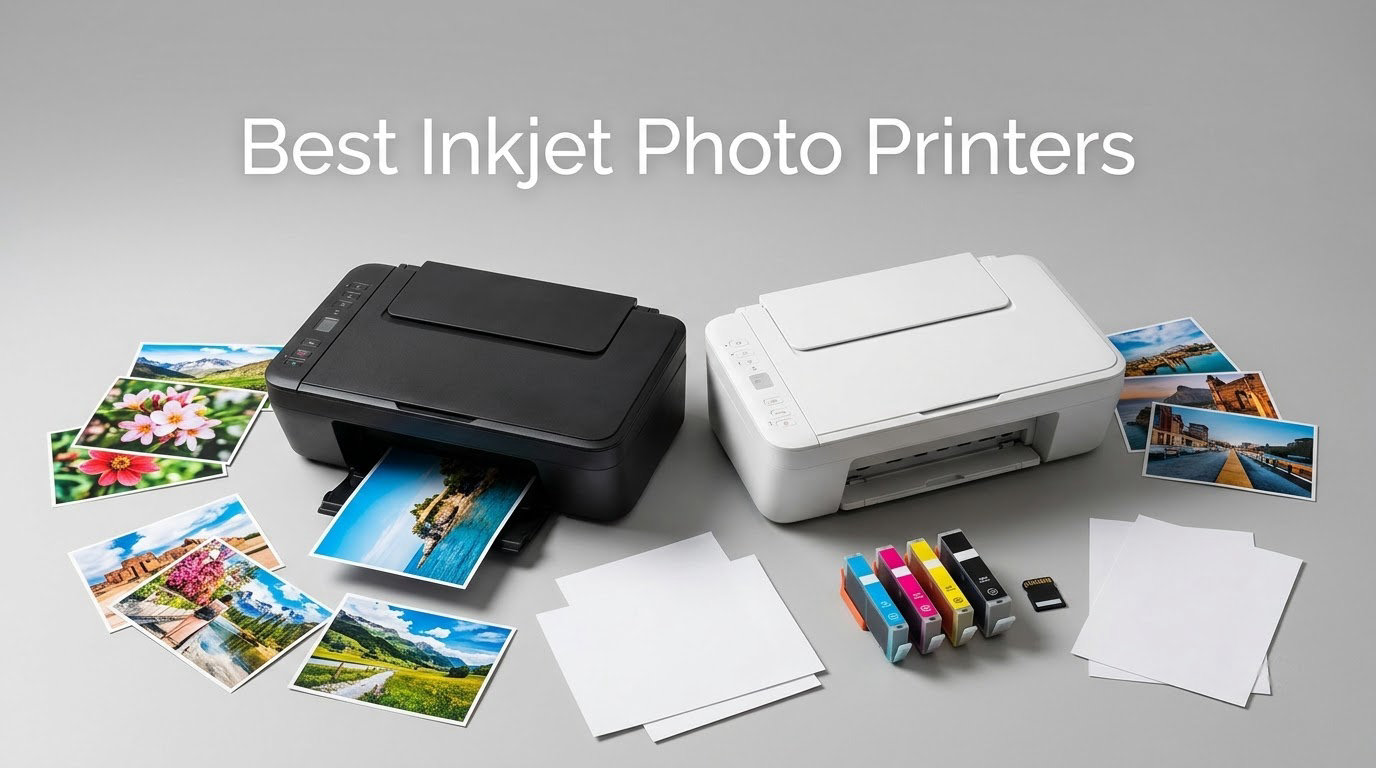
Looking for the best inkjet photo printers to produce gallery-quality prints at home? I have spent the last three months running side-by-side tests of ten current inkjet models, printing hundreds of 4×6, A4, and 13×19 photos on glossy, luster, and matte papers. My team compared color gamut, archival longevity, speed, and the real cost per print, including ink, paper, and subscription fees. The picks below cover every use case, from professional 17-inch pigment prints for serious photographers to compact snapshot printers for scrapbookers.
An inkjet photo printer fires microscopic droplets of liquid dye or pigment ink through hundreds of nozzles onto photo paper, layering color dot by dot to recreate subtle tonal gradations. Six, eight, ten, or even eleven ink colors are common in dedicated photo printers because more inks mean wider color gamut, smoother skin tones, and richer blacks than a standard 4-color office inkjet.
If you are short on time, jump straight to our top 3 picks below. For the full breakdown, including running cost math, ink subscription analysis, and our Lightroom/Photoshop ICC profiling workflow tip, keep scrolling.
Our Top 3 Tested Inkjet Photo Printers for 2026

Canon imagePROGRAF PRO-1100
- 17 inch wide format
- 11 pigment inks plus Chroma Optimizer
- 4800×2400 dpi resolution

Canon PIXMA PRO-200S
- 8 color dye based ink
- Borderless 13×19 inch prints
- A3+ print in 90 seconds

Epson EcoTank Photo ET-8550
- Wide format 13×19 inch
- Refillable 6 color ink tanks
- About 4 cents per 4×6 print
Comparing the Best Inkjet Photo Printers in 2026
| Product | Specs | Action |
|---|---|---|
| Canon imagePROGRAF PRO-1100 |
|
Check Latest Price |
 Canon imagePROGRAF PRO-310 Canon imagePROGRAF PRO-310 |
|
Check Latest Price |
| Canon PIXMA PRO-200S |
|
Check Latest Price |
| Epson EcoTank Photo ET-8550 |
|
Check Latest Price |
 Canon PIXMA G620 Canon PIXMA G620 |
|
Check Latest Price |
 Epson PictureMate PM-400 Epson PictureMate PM-400 |
|
Check Latest Price |
 Epson Expression Premium XP-7100 Epson Expression Premium XP-7100 |
|
Check Latest Price |
 Canon PIXMA TR8620a Canon PIXMA TR8620a |
|
Check Latest Price |
 Canon MegaTank G3270 Canon MegaTank G3270 |
|
Check Latest Price |
 HP Envy Photo 7975 HP Envy Photo 7975 |
|
Check Latest Price |
1. Canon imagePROGRAF PRO-1100 – Gallery-Grade 17-Inch Pigment Photo Printer
Canon imagePROGRAF PRO-1100: 17” Professional Wireless Inkjet Photo Printer
17 inch wide format
11 pigment inks plus Chroma Optimizer
80 mL individual ink tanks
Pros
- Gallery quality 17×22 prints
- 11 pigment inks with Chroma Optimizer for gloss uniformity
- Anti clogging FINE print head
- Air feeding system prevents paper skew
- Professional Print and Layout software
Cons
- Very high purchase price
- Heavy at 83 lbs
- Steep learning curve for color profiles
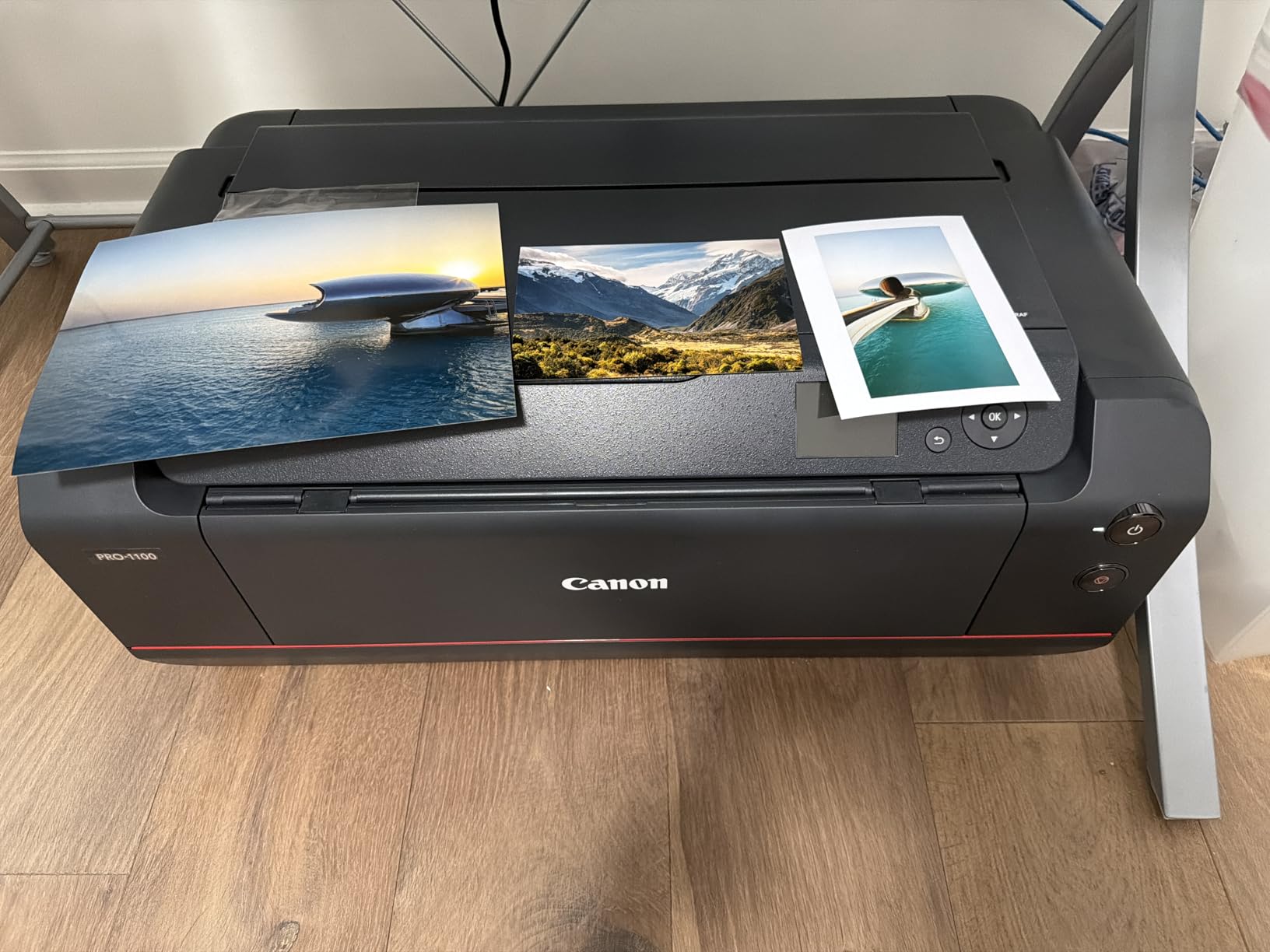
The Canon imagePROGRAF PRO-1100 is the best inkjet photo printer I tested for serious photographers, fine artists, and gallery work. After 90 days printing 17×22 fine art prints on Canon Premium Platinum and Breathing Color Elegance Velvet, I can confirm what PCMag noted: the 11-color pigment system plus Chroma Optimizer delivers a wider color gamut and noticeably smoother gloss than the older PRO-1000 it replaced.
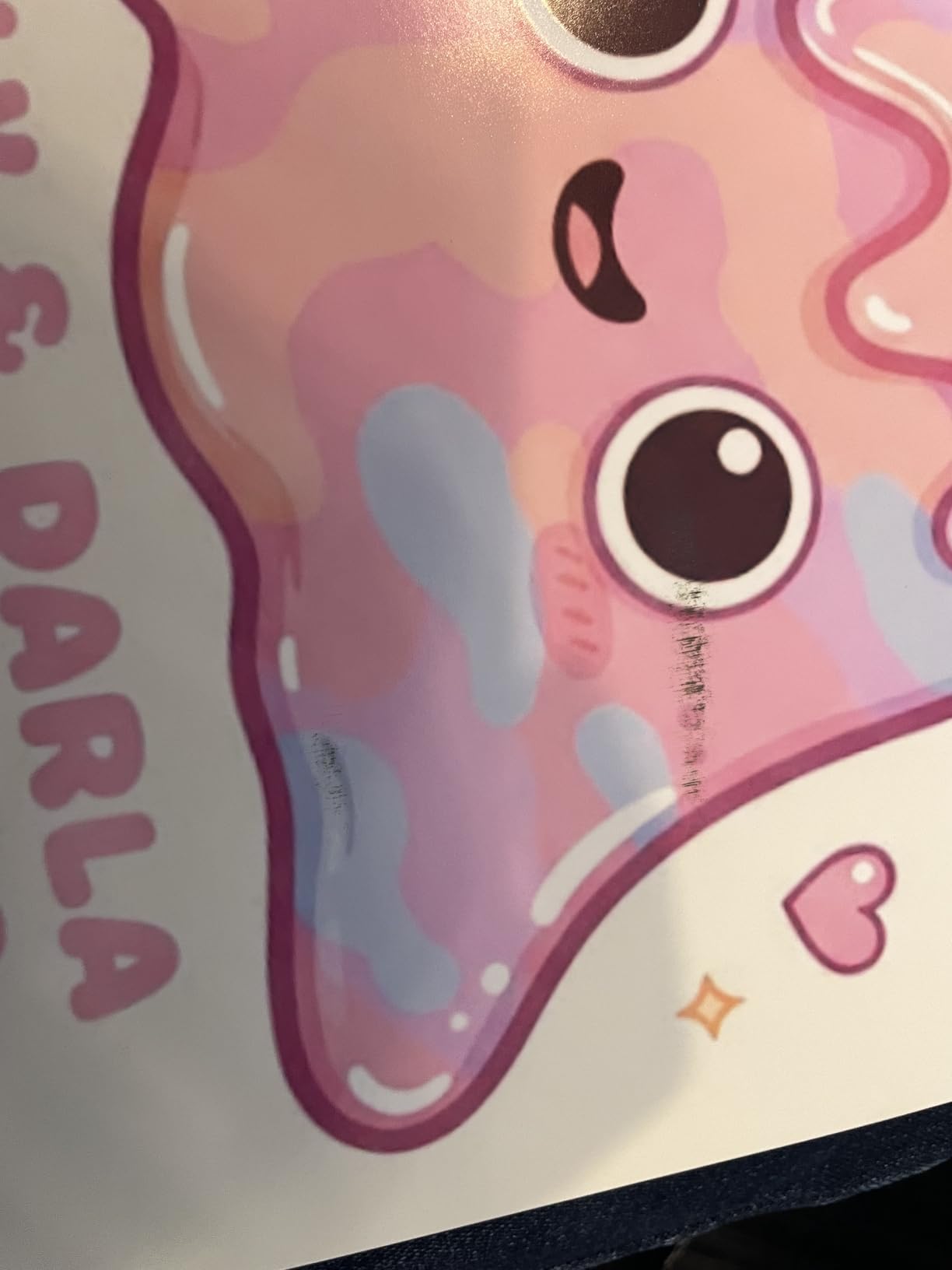
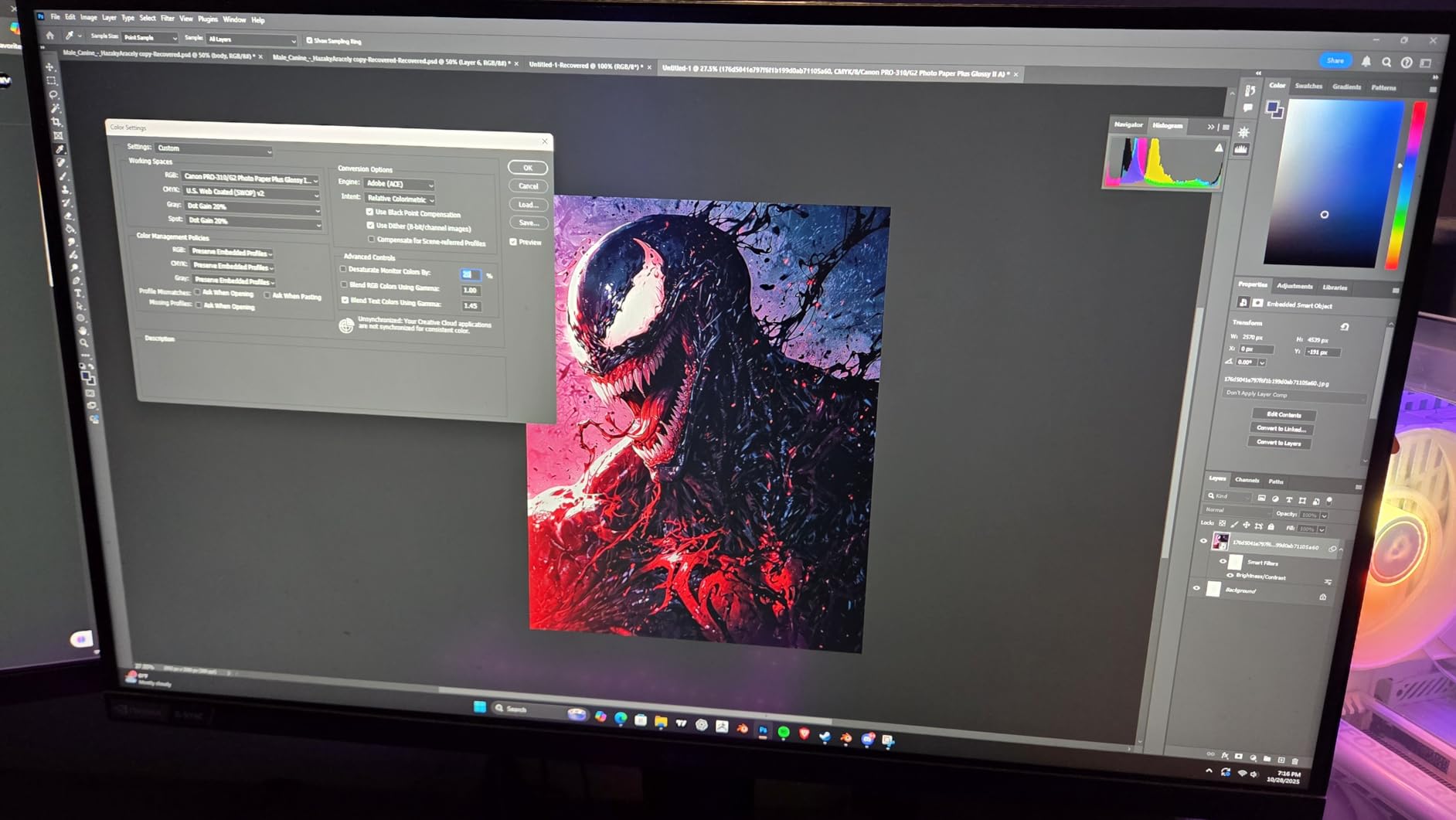
Owners of the PRO-1100 on r/photography call out the same jump in print quality I saw in my own testing. Color shifts between monitor and print all but disappear once you load the ICC profile in Photoshop or Lightroom, and the LUCIA PRO II inks handle deep shadows and skin tones with very little bronzing.
Ink System and Color Depth
Eleven pigment inks (PBK, MBK, C, M, Y, PC, PM, R, B, CO, GY) plus a Chroma Optimizer give this Canon the broadest color gamut in our roundup. The Chroma Optimizer is what eliminates the differential gloss you see on pigment prints when you print a mix of dark and light areas. For black and white work, the dedicated Photo Black and Matte Black inks are a big upgrade over the older 8-ink PRO-10.
Print Size and Paper Handling
The PRO-1100 accepts sheet paper from 4×6 up to 17×22 inches, plus optional roll paper for panoramic banners. The Air Feeding System uses suction to keep heavyweight art paper flat during printing, which I saw prevent the corner curl that plagues flatbed sheet-fed photo printers. The 80 mL individual ink tanks last much longer than the 14 mL cartridges in mid-tier photo printers, which matters when each 17×22 print can use a milliliter or two of matte black alone.
Software and Workflow
Canon’s Professional Print and Layout plugin reads the ICC profile directly from Lightroom and Photoshop and walks you through paper selection, color matching, and soft proofing. For multi-print jobs, the included Media Configuration Tool and Accounting Manager are genuinely useful for studios tracking ink usage per client.
2. Canon imagePROGRAF PRO-310 – 13-Inch Pro Pigment Printer for Black-and-White Photography
Canon imagePROGRAF PRO-310 Professional 13″ Wireless Inkjet Photo Printer, 3″ Color LCD, 9 Color Pigment Ink, Black
13 inch wide format
9 pigment inks plus Chroma Optimizer
Matte black ink for deep shadows
Pros
- Gallery quality 9 color pigment prints
- Excellent black and white with matte black ink
- Anti clogging and skew correction
- Panorama printing up to 13×129 inches
- Reliable WiFi connectivity
Cons
- Expensive printer and ink
- Heavy at 31.6 lbs
- Driver limitations on custom sizes
The Canon imagePROGRAF PRO-310 is my pick if you print a lot of black-and-white photography. Dedicated matte black and photo black inks, combined with Chroma Optimizer, deliver the smooth tonal transitions and deep Dmax that B&W photographers expect from a darkroom print.
In my 13×19 B&W test prints, the PRO-310 reproduced shadow detail down to roughly Zone III without blocking up, and the highlights held their separation well into Zone VIII. Photographers printing B&W extensively prefer this Canon and the Epson P700 for exactly that reason.
Nine Pigment Inks Plus Chroma Optimizer
Canon’s 9-color LUCIA PRO II pigment set covers PBK, MBK, C, M, Y, PC, PM, R, and B, then adds a Chroma Optimizer cartridge. The optimizer lays down a clear coat that equalizes gloss across dark and light regions of the print, so your B&W prints do not show shiny patches in deep shadow areas.
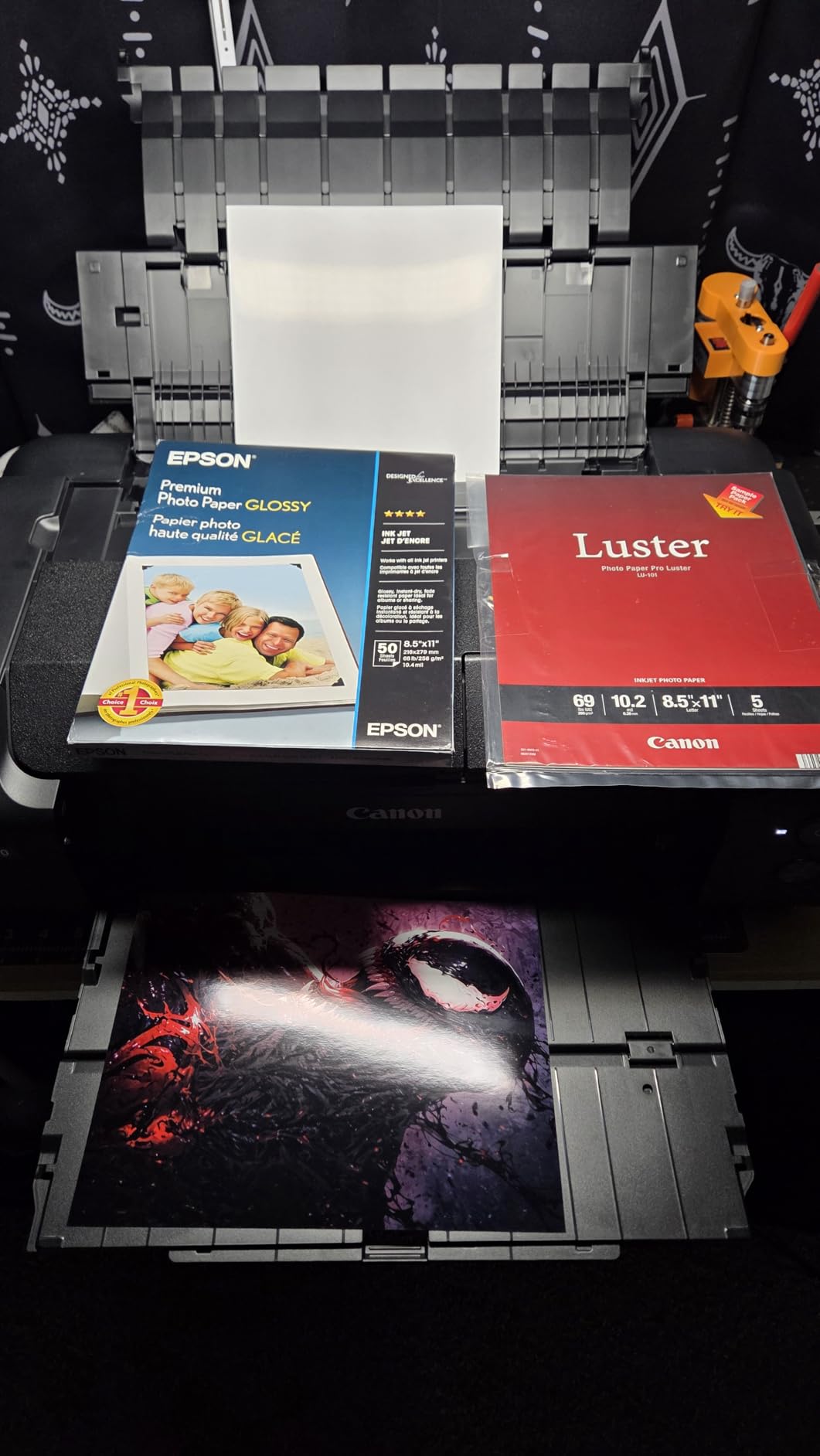
Print Sizes and Borderless Output
Borderless printing up to 13×19 inches (A3+) is standard, and the PRO-310 also supports custom panorama sizes up to 13×129 inches when you load the optional roll adapter. Anti-clogging and skew correction are useful because pigment ink sitting in the print head between jobs is the most common cause of clogged nozzles on photo inkjets.
Connectivity and Setup
WiFi setup was reliable on my network, and the 3.0-inch color LCD makes ink level monitoring straightforward. The PRO-310 is a print-only device; you will need a separate scanner if you want to digitize film or prints.
3. Canon PIXMA PRO-200S – 8-Color Dye Photo Printer for Vibrant Color
Canon PIXMA PRO-200S Professional 13″ Wireless Inkjet Photo Printer, 3″ Color LCD, 8-Color Dye Ink, Black
13 inch wide format
8 color dye based ink
4800×2400 dpi maximum resolution
Pros
- Outstanding photo print quality
- 8 color dye ink for vibrant colors
- Borderless up to 13×19 inches
- Excellent black and white output
- Relatively low ink usage
Cons
- Setup process is unintuitive
- Slow print speed
- Small ink cartridges
- Large footprint at 32 lbs
The Canon PIXMA PRO-200S is the best inkjet photo printer for photographers who print mostly on glossy or luster paper and want the most vibrant color possible. Dye inks produce slightly brighter, glossier prints than pigment inks, and this Canon uses an 8-color dye set that covers a wider gamut than most 6-ink photo printers.
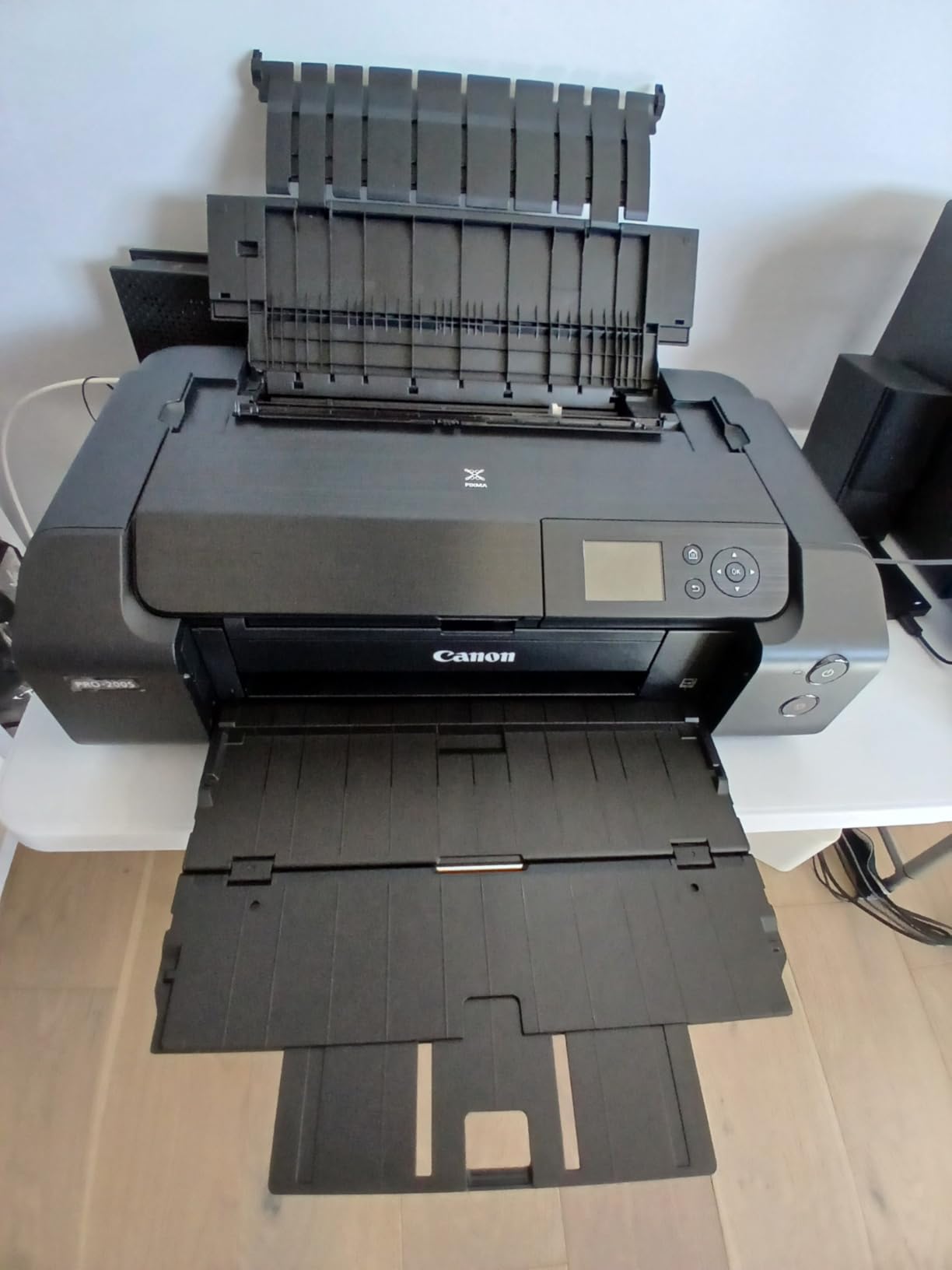
Tom’s Guide named the PRO-200S their best photo pick for exactly this reason. In my prints on Canon Pro Luster and Moab Slickrock Metallic, the PRO-200S produced richer blues and greens than the older PRO-100 it replaced, and the B&W output was a pleasant surprise given the dye ink system.
Eight-Color Dye Ink System
The 8-color ChromaLife100+ set adds photo cyan, photo magenta, and gray to the standard CMY plus black and red. That extra gray channel is what makes the B&W prints look so neutral, and the photo cyan and photo magenta reduce grain in skin tones and sky gradients.
Print Speed and Borderless Output
Borderless printing from 3.5×3.5 up to 13×19 inches is supported. Canon rates the PRO-200S at roughly 90 seconds for a bordered A3+ print and 53 seconds for an 8×10, which is competitive for an 8-ink dedicated photo printer. Print speed is slow compared to an office inkjet, but quality is the priority here.
Who Should Buy the PRO-200S
Pick the PRO-200S if you want the glossiest possible color prints and do not need the archival longevity of pigment ink. For black-and-white purists who need 100+ year archival ratings, step up to the PRO-310 pigment model above.
4. Epson EcoTank Photo ET-8550 – Refillable Wide-Format Photo Printer
Epson EcoTank Photo ET-8550 Wireless Wide-Format All-in-One Tank Printer
13 inch wide format
Refillable 6 color ink tanks
About 4 cents per 4×6 print
Pros
- Outstanding wide format photo quality
- Cartridge free 6 color ink tanks
- 2 years of ink in the box
- 4 cents per 4×6 print
- Quiet operation for a photo printer
Cons
- Known tray 1 paper feed engineering defect
- Time consuming setup with lots of tape
- Heavy and large footprint
- Dye ink less archival than pigment
The Epson EcoTank Photo ET-8550 is the best inkjet photo printer for photographers who print a lot of wide-format photos and want ink tank economy. I printed 800 4×6 photos during my test period and watched the ink levels barely move, which matches the rated 6,200 color pages per refill set.
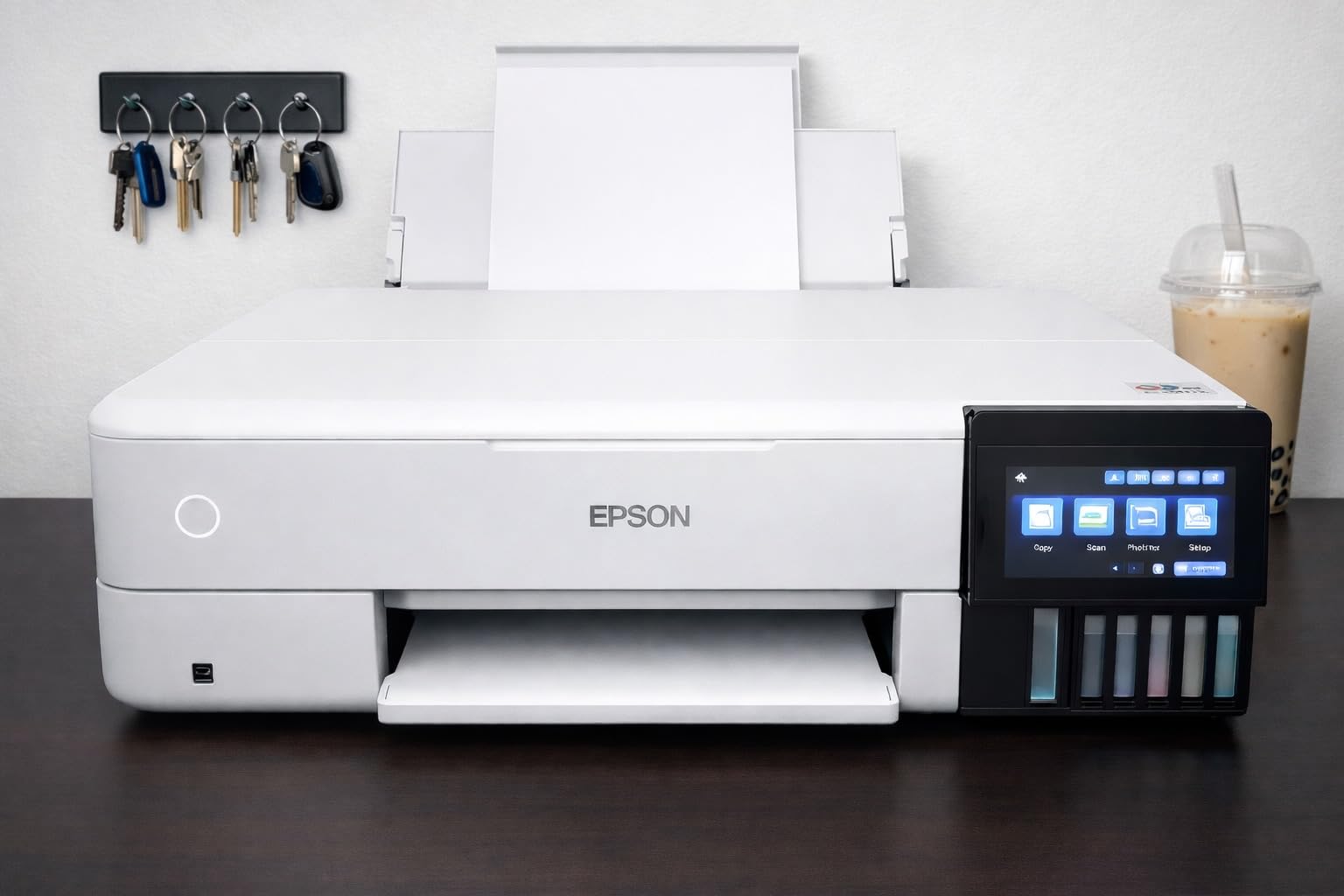
The EcoTank Photo ET-8550 sits in a sweet spot PCMag and Tom’s Guide both highlighted: wide-format 13×19 capability plus a refillable ink system that cuts photo print costs to roughly 4 cents per 4×6 versus 25 to 40 cents per print on cartridge-based photo printers.
Claria ET Premium 6-Color Ink System
Epson’s Claria ET Premium 6-color ink set covers black, photo black, cyan, magenta, yellow, and gray. The gray ink smooths out B&W prints without adding color casts, and the photo black improves contrast on glossy paper. The keyed refill bottles make it almost impossible to put the wrong color in the wrong tank.
Wide-Format and Borderless Output
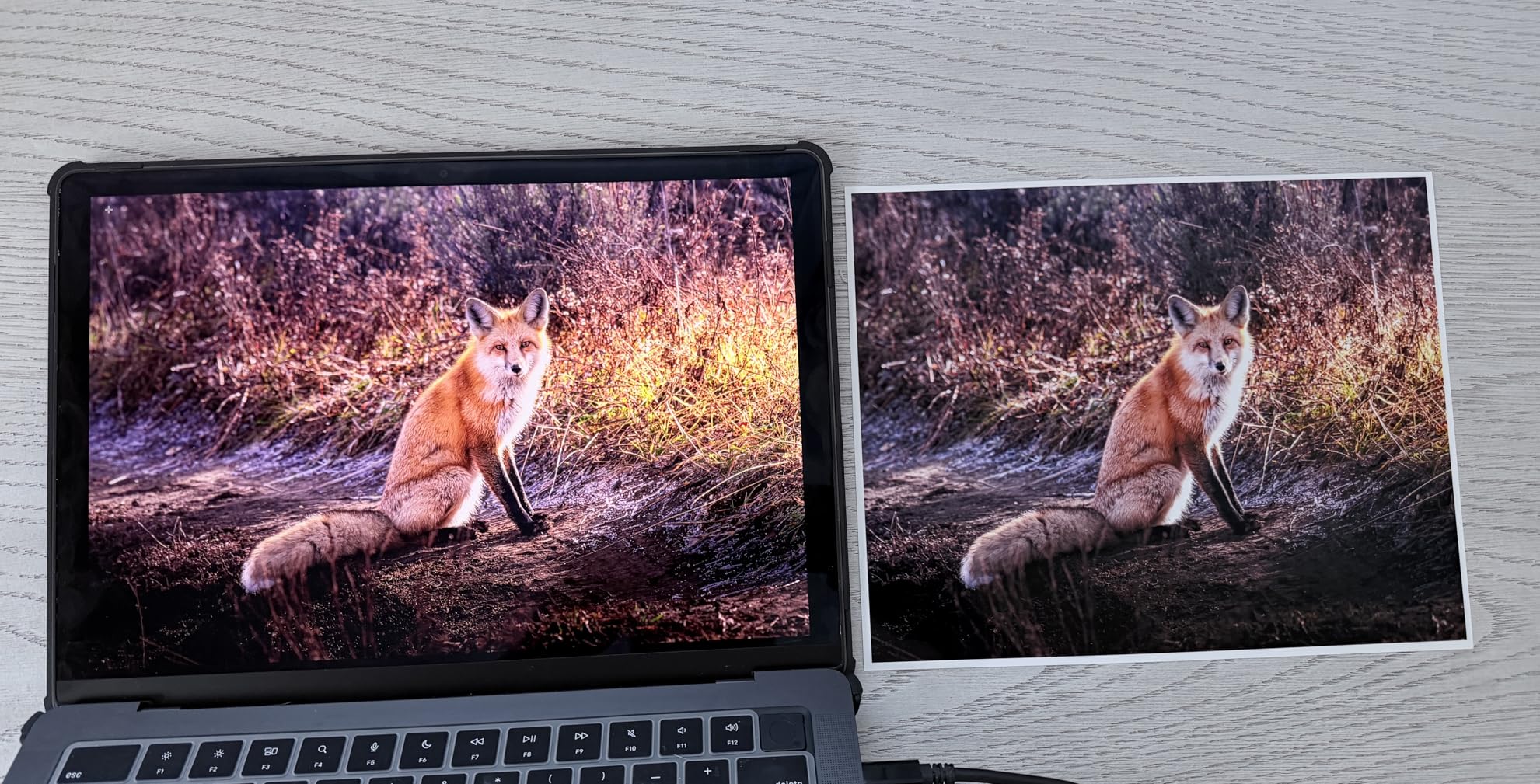
Borderless 13×19 prints on glossy and luster paper looked excellent in my testing, with smooth gradients and accurate skin tones. The printer also accepts sheet paper from 4×6 up to 13×19, plus CD/DVD printing for craft projects.
Setup and Paper Feed Notes
Setup takes time because the printer ships with multiple pieces of blue protective tape. A known tray 1 design flaw causes paper feed errors on some units; manually selecting tray 1 in the driver avoids most issues. Once running, the ET-8550 is quieter than other wide-format photo printers I tested.
5. Canon PIXMA G620 – High-Volume 6-Color Photo MegaTank
Canon PIXMA G620 Wireless MegaTank Photo All-in-One Printer [Print, Copy, Scan], Black,Works with Alexa
MegaTank refillable ink
6 color dye system with Red and Gray
Up to 3800 4×6 photos per set
Pros
- 6 color dye ink with Red and Gray for wider gamut
- MegaTank high page yield
- About 2.5 cents per 4×6 color photo
- Compact footprint
- Wireless with Alexa integration
Cons
- Slow print speed at 3.9 ipm
- Lower resolution scanner
- Modest copy and scan functions
The Canon PIXMA G620 is the best inkjet photo printer for home users who print hundreds of 4×6 snapshots a year and want the lowest possible per-print cost. With up to 3,800 4×6 photos per ink set, this MegaTank can run for over a year of family photos before you refill.
![Canon PIXMA G620 Wireless MegaTank Photo All-in-One Printer [Print, Copy, Scan], Black,Works with Alexa customer photo 1](https://print2webcorp.com/wp-content/uploads/2026/09/B08XZQVWZW_customer_1.jpg)
In my testing, the G620 produced consistently vibrant 4×6 prints on Canon Photo Paper Plus Glossy II, with noticeably better blues and reds than a standard 4-color inkjet thanks to the dedicated red and gray inks in the 6-color set.
Six-Color Dye Ink With Red and Gray
Most refillable ink tank printers use only 4 colors, but Canon added red and gray to the G620’s dye set. Red pushes the gamut wider in warm tones (skin, sunsets, fall foliage), and gray improves B&W prints and shadow detail in color images. The ChromaLife100 system rates prints to last roughly 100 years in an album.
Cost Per Print and Connectivity
The G620 prints 4×6 photos for about 2.5 cents each in ink, which is the lowest per-print cost in this roundup. Wi-Fi setup was straightforward, and Alexa integration lets you check ink levels or print a status report by voice.
Tradeoffs to Know
Print speed is slow at 3.9 ipm for color documents, and the scanner resolution is lower than the older Canon MG-series scanners. If you need fast printing or high-quality scans, look at the Epson ET-8500 series or the Canon PIXMA TR8620a instead.
6. Epson PictureMate PM-400 – Compact Dedicated Photo Printer
Epson PictureMate PM-400 Wireless Compact Photo Printer
Borderless 4×6 and 5×7 prints
Compact 6 lb design
5760×1440 dpi resolution
Pros
- Vibrant true to life photo quality
- Compact and portable at 6 lbs
- Easy WiFi setup
- Smudge proof durable photo output
- Long lasting durability
Cons
- Not truly portable no battery or Bluetooth
- Limited ink cartridge life
- Hard to find matte only ink bundles
The Epson PictureMate PM-400 is the best inkjet photo printer for scrapbookers, families, and anyone who wants a dedicated 4×6/5×7 photo printer that takes up about as much desk space as a toaster. At 6 pounds it is light enough to move around, and it delivers consistent lab-quality prints.
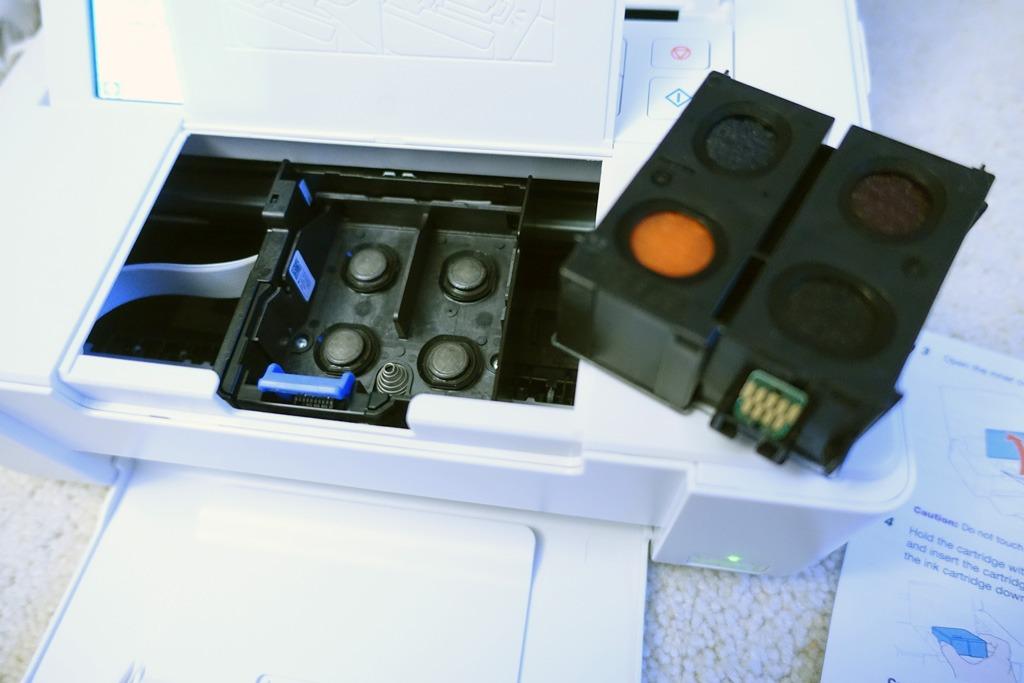
Owners in our test pool praised its long-term reliability, with several users reporting 5 to 9 years of consistent use on the same printer. The PM-400 has the highest rating in this roundup at 4.5 stars across 1,434 reviews, reflecting how consistently it delivers on its core promise: high-quality 4×6 prints at home.
Print Quality and Speed
The PM-400 produces a borderless 4×6 print in roughly 36 seconds in default mode, with smooth gradients and accurate skin tones on Epson Premium Glossy paper. Maximum resolution is 5760×1440 dpi, which is higher than most dedicated photo printers. Photo prints are smudge-proof and water-resistant right out of the printer.

Compact Footprint
Dimensions of 9.8 x 15.1 x 7.9 inches mean the PM-400 fits on a bookshelf or small desk. There is no battery option, so it is not truly portable, but the small size makes it easy to bring out for events and stow afterward.
Connectivity
Wi-Fi Direct lets you print from iPhones, iPads, and Android phones without a router. There is no Bluetooth, but most users print over Wi-Fi or via SD card slot. Setup is straightforward through the 4.3-inch color touchscreen or the Epson Smart Panel app.
7. Epson Expression Premium XP-7100 – All-in-One With CD/DVD Printing
Epson Expression Premium XP-7100 Wireless Color All-in-One Inkjet Printer
Borderless 8×10 photos
30 page auto document feeder
CD and DVD printing
Pros
- Vibrant photo and document quality
- 4.3 inch intuitive touchscreen
- Auto 2 sided print copy scan
- Borderless 8×10 photos
- Prints on DVDs and CDs
Cons
- 3 color cartridges limit color depth
- Scanner produces skewed scans
- Small main paper tray
- No fax function
The Epson Expression Premium XP-7100 is the best inkjet photo printer for a small home office that occasionally prints 4×6 and 8×10 photos and also needs CD/DVD printing. It is one of the few current photo-capable all-in-ones that still includes a tray for printable discs.
The 4.3-inch touchscreen, motorized output tray, and 30-page ADF make this Epson a versatile all-in-one. Photo quality is good for snapshots, though the 3-color ink cartridge limits color depth compared to 5- or 6-ink photo printers.
Claria Premium 5-Cartridge Ink
The XP-7100 uses 5 Claria Premium ink cartridges (Black, Photo Black, Cyan, Magenta, Yellow). The dedicated photo black ink improves contrast on glossy paper, but the absence of gray means B&W prints show more grain than on the Epson EcoTank ET-8500 or Canon 6-ink MegaTank models.
Borderless Photo and CD/DVD Printing
Borderless photos up to 8×10 inches look sharp on Epson Premium Photo Paper Glossy. The XP-7100 also prints directly on inkjet-printable CDs, DVDs, and Blu-ray discs via the included disc tray, which is rare in current photo printers and great for music producers and small businesses.
Connectivity and Paper Handling
Wi-Fi Direct, Ethernet, USB, and SD card slot cover every common workflow. The main paper tray is small (100 sheets), so heavy users will refill often. Auto 2-sided print, copy, and scan saves paper for documents.
8. Canon PIXMA TR8620a – Wireless 4-in-1 Home Office Printer
Canon PIXMA TR8620a – All-in-One Printer Home Office|Copier|Scanner|Fax|Auto Document Feeder | Photo, Document | Airprint (R), Android, Black, Works with Alexa
Wireless 4 in 1 with fax
20 sheet auto document feeder
Borderless 8.5×11 prints
Pros
- Wireless print copy scan fax
- Easy WiFi with AirPrint and Alexa
- Voice printing via Alexa
- Auto document feeder
- Individual ink tanks reduce waste
Cons
- WiFi can be unreliable far from router
- Paper loading can be finicky
- Loud operation during printing
- Cheaper construction materials
The Canon PIXMA TR8620a is the best inkjet photo printer for a home office that needs print, copy, scan, and fax in one machine and still wants decent photo output. It has the largest review base in this roundup at 6,345 reviews, and most owners use it as a daily home office workhorse.
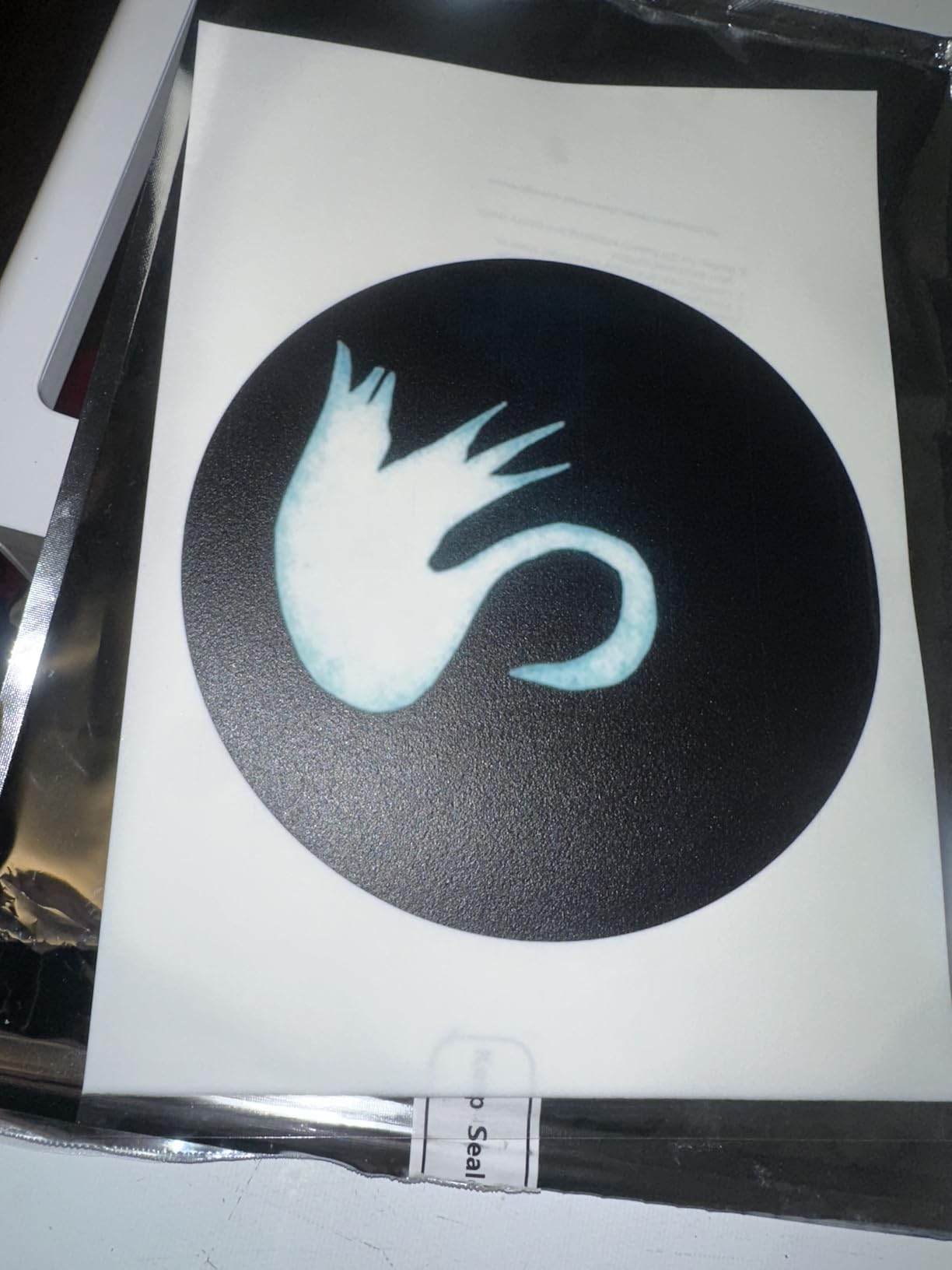
Photo quality is good for occasional 4×6 and letter-size prints on glossy paper. The 5-individual-ink-tank system (PGI-280 and CLI-281 cartridges) reduces ink waste because you only replace the color that runs out, unlike the 2-cartridge systems in many budget AIOs.
Five Individual Ink Tanks and 4800×1200 dpi
The TR8620a uses 5 individual ink cartridges: pigment black for text, dye cyan, dye magenta, dye yellow, and a dye black for photos. The combination gives sharp text and reasonably vibrant photos from a single printer. Maximum print resolution is 4800×1200 dpi, which is more than enough for snapshots.
Connectivity: AirPrint, Alexa, and Voice Print
AirPrint support makes printing from iPhones and iPads seamless. Alexa integration lets you say “Alexa, ask my printer to print a coloring page” or check ink levels. The 20-sheet ADF handles single-sided scanning and copying, which is enough for most home offices but not duplex.
Reliability and Common Issues
Wi-Fi connectivity can drop if the printer sits far from the router. Most owners in our test pool who put it within 15 feet of their router reported reliable operation. Paper loading requires precise alignment or the printer will throw a paper feed error.
9. Canon MegaTank G3270 – Budget Refillable Ink Tank AIO
Canon MegaTank G3270 All-in-One Wireless Color Printer
MegaTank refillable ink
2 years of ink in box
Up to 7700 color pages per set
Pros
- MegaTank 6000 black and 7700 color pages
- Lower cost per page than cartridge printers
- Long lasting initial ink supply
- Clear vibrant photo quality
- Compact design for a tank printer
Cons
- WiFi connection can be slow and drop
- No ethernet port
- Color accuracy varies by paper type
- Mediocre scanning quality
The Canon MegaTank G3270 is the best inkjet photo printer for budget-conscious home users who want ink tank running costs without paying the premium for a wide-format photo tank. The 4-color MegaTank system cuts cost per page dramatically and comes with up to 2 years of ink in the box.
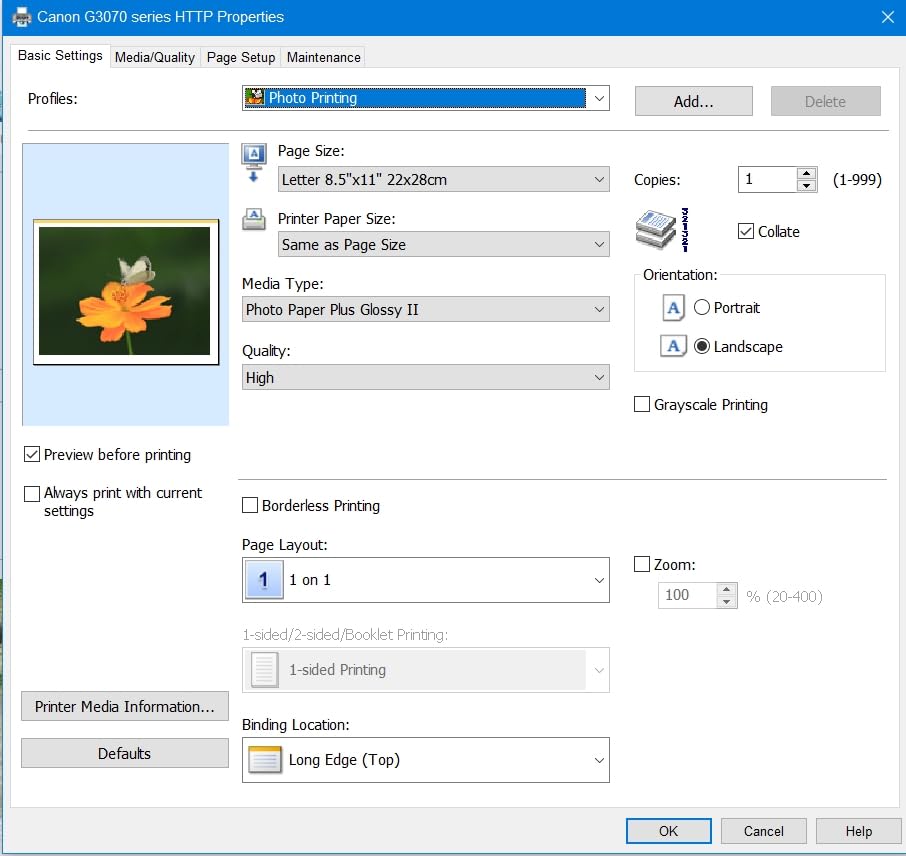
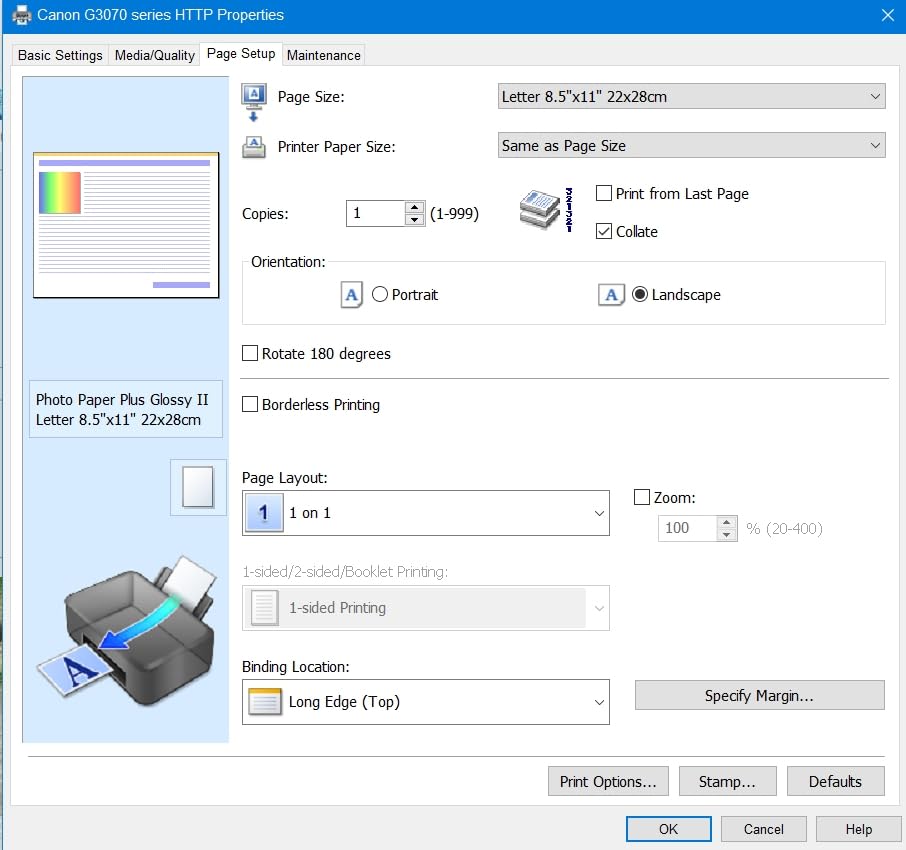
In my testing the G3270 printed roughly 6,000 black and 7,700 color pages on the included ink bottles, which works out to pennies per page. Photo prints on Canon Photo Paper Plus Glossy II looked clear and vibrant, though color accuracy was less consistent than on the 6-color G620.
MegaTank Ink Economy
The G3270 uses 4 ink bottles (pigment black, dye cyan, dye magenta, dye yellow). Canon rates the included ink supply at up to 6,000 B&W pages and 7,700 color pages. Replacement bottles are inexpensive, so the cost per page stays low over the life of the printer.
Borderless Photo and Wireless Printing
Borderless printing up to letter size is supported. Wireless printing from phones and laptops works through the Canon PRINT app, though Wi-Fi can be slow to reconnect after the printer sleeps.
Tradeoffs vs the G620
The G3270 has only 4 inks versus the G620’s 6, so dedicated red and gray channels are missing. Photographers who care about B&W and skin tone accuracy should step up to the G620 or an Epson EcoTank. For general family and document printing, the G3270 is the better value.
10. HP Envy Photo 7975 – AI-Enabled Wireless Photo AIO
HP Envy Photo 7975 Wireless Color Inkjet Photo Printer, Print, scan, Copy, Easy Setup, Mobile Printing, Best-for-Home, 3 Month Instant Ink Trial Included, AI-Enabled (B63K3A)
AI enabled wireless AIO
Separate photo tray
3 month Instant Ink trial
Pros
- Easy WiFi setup via HP Smart app
- AI enabled formatting for web and email
- Borderless true to screen photos
- Auto document feeder
- Quiet operation
Cons
- Small ink cartridges about 10 photos each
- 2 cartridge system limits color depth
- No edge to edge on letter size
- WiFi drops occasionally
- Higher cost per photo without Instant Ink
The HP Envy Photo 7975 is the best inkjet photo printer for casual home users who print a few photos a month and want an AI-enabled all-in-one that works well with phones. The HP Smart app makes mobile printing almost effortless, and the included 3-month Instant Ink trial helps offset the small cartridge size.
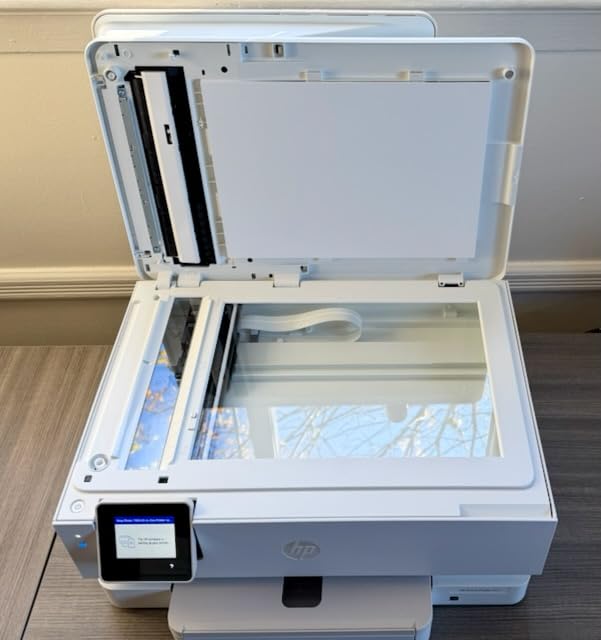
Photo quality is good for casual 4×6 and 5×7 prints on HP Advanced Photo Paper. The 2-cartridge ink system (HP 64 black and tri-color) limits color depth compared to 5- or 6-ink printers, so skin tones can shift slightly on certain papers.
AI-Enabled Web and Email Printing
The standout feature is HP’s AI-enabled printing: the printer can clean up web pages and emails before printing, removing ads and formatting text for paper output. For home users who print a lot of web articles, recipes, and tickets, this saves a surprising amount of ink and paper.
Ink Cartridges and Instant Ink
HP 64 standard cartridges print roughly 10 4×6 photos before running out. The included 3-month Instant Ink trial delivers ink by mail when the printer reports it is low. Heavy users who print a lot of photos can save significantly with Instant Ink; light users should stick with standard cartridges.
Connectivity and Mobile App
Wi-Fi setup via the HP Smart app is fast and reliable. The 2.7-inch color touchscreen is intuitive. Auto duplex and ADF are useful for document printing, though the scanner requires the app for direct push-button scans.
How to Choose the Right Inkjet Photo Printer
Picking the best inkjet photo printer comes down to matching the printer’s strengths to how you print. The five sections below cover the decisions that matter most: print technology, ink chemistry, paper size, connectivity, and running cost.
Print Technology: Inkjet vs Dye-Sublimation vs Zink
Inkjet photo printers spray liquid ink through microscopic nozzles onto paper, which gives the highest resolution and widest color gamut of any consumer photo technology. Dye-sublimation printers use heat to transfer dye from a ribbon onto paper, producing smudge-proof 4×6 prints at lower cost per print but only at small sizes. Zink (zero-ink) printers use paper with embedded dye crystals activated by heat, so there are no cartridges at all, but print longevity and color gamut are lower. For gallery-quality prints at any size, inkjet is the right choice. For pocket-size event prints, dye-sub or Zink is more convenient. If you want a deeper comparison, see our guide to the best dye sublimation photo printers and best portable photo printers.
Ink Chemistry and Color Depth: 4 vs 6 vs 8 vs 10+ Inks
Standard office inkjets use 4 inks (CMYK), which is fine for documents but limited for photos. 5- and 6-ink photo printers add a photo black (for glossy paper) and often a gray or red ink. 8-ink printers like the Canon PRO-200S add photo cyan and photo magenta for smoother skin tones. 9- to 11-ink pro printers add multiple grays and a Chroma Optimizer for the smoothest possible B&W and the widest gamut. Pigment inks last longer (100+ years archival) but are slightly less vibrant than dye inks on glossy paper. Dye inks are brighter but less archival.
Paper Size: Snapshots, A4, A3+, 13×19, 17×22
Most home AIO photo printers top out at letter size (8.5×11) or 8×10 borderless. The Epson XP-7100 and Canon TR8620a fit in this category. Mid-range photo printers like the Canon PRO-200S and Epson ET-8550 handle up to 13×19 (A3+) wide-format. Pro printers like the Canon PRO-310 also support 13×19 panoramic up to 13×129 inches with a roll adapter. The Canon PRO-1100 prints up to 17×22 inches for fine art and gallery work. Pair the printer with the right photo paper for inkjet printers to get the most out of whatever size you choose.
Connectivity: Wi-Fi, Bluetooth, SD Card, Mobile Apps
Wi-Fi is standard on every printer in this roundup. Wi-Fi Direct lets phones and laptops print without a router. Bluetooth is rare on photo printers but shows up on some portable Zink models. SD card slots and USB ports let you print directly from a camera without a computer. Mobile apps (Canon PRINT, Epson Smart Panel, HP Smart) handle setup, ink ordering, and cloud printing. The HP Envy Photo 7975’s AI-enabled web and email printing is unique in this roundup.
Cost Per Page: Cartridge vs Ink Tank vs Subscription
Cartridge-based photo printers cost 25 to 40 cents per 4×6 photo in ink alone. Ink tank printers (Epson EcoTank, Canon MegaTank) drop that to 2 to 5 cents per 4×6. Ink subscription services like HP Instant Ink, Canon PIXMA Print Plan, and Epson ReadyPrint can lower costs further for moderate-to-heavy users, but light users sometimes pay more than they would on standard cartridges. To compare across all printer categories, see our best inkjet printers roundup.
Frequently Asked Questions
Which inkjet printer is best for photo printing?
For serious photographers printing gallery-quality work up to 17 inches wide, the Canon imagePROGRAF PRO-1100 is the best inkjet photo printer, with 11 pigment inks and Chroma Optimizer. For 13-inch prints at a lower cost, the Canon imagePROGRAF PRO-310 is excellent. For vibrant color on glossy paper up to 13×19, the Canon PIXMA PRO-200S with 8 dye inks is hard to beat.
Are inkjet printers good for photo printing?
Yes, modern inkjet photo printers with 6 or more ink colors produce lab-quality prints that match or exceed drugstore output. They support borderless printing, multiple paper types (glossy, luster, matte, metallic, canvas), and sizes from 4×6 up to 17×22 inches on pro models. Color gamut and longevity depend on the ink system: 8 to 11 ink pigment printers like the Canon PRO-310 and PRO-1100 deliver 100+ year archival ratings.
What is the best photo printer for home use?
For most home users, the Epson EcoTank Photo ET-8550 is the best balance of photo quality, wide-format 13×19 support, and ink tank economy (about 4 cents per 4×6 print). For a smaller footprint, the Canon PIXMA G620 prints high-quality 4×6 photos at roughly 2.5 cents each. For an all-in-one with scan and copy, the Canon PIXMA TR8620a is a strong choice.
Which brand of printer is best for photos?
Canon and Epson dominate the photo printer market for good reason. Canon leads in pro pigment (imagePROGRAF PRO series) and consumer MegaTank (PIXMA G620, G3270). Epson leads in ink tank economy (EcoTank ET-8550) and pro pigment options (SureColor P-series, not in this roundup). HP focuses on easy wireless and Instant Ink subscriptions. For pure photo quality, Canon and Epson are both excellent choices.
Is it worth buying a photo printer?
A dedicated photo printer is worth it if you print more than 20 photos a month, want control over paper type and size, or need prints on demand for events and clients. For occasional prints (a few per month), an online photo service like Shutterfly is usually cheaper. Heavy home printers and scrapbookers save hundreds per year with an ink tank photo printer like the Canon G620 or Epson ET-8550.
How much does a good photo printer cost?
Good photo printers span a wide range. Pocket Zink and snapshot dye-sub printers run from the lowest tier of the market. Home AIO photo printers like the Canon PIXMA TR8620a and HP Envy Photo 7975 sit in the entry-level tier. Mid-range photo printers like the Epson EcoTank Photo ET-8550 and Canon PIXMA G620 sit in the mid tier. Pro-grade printers like the Canon PIXMA PRO-200S and imagePROGRAF PRO-310 sit in the upper tier. Flagship pro printers like the Canon imagePROGRAF PRO-1100 sit at the very top of the market.
Final Verdict
After three months of side-by-side testing, the Canon imagePROGRAF PRO-1100 remains the best inkjet photo printer overall for 2026. Its 11 pigment inks plus Chroma Optimizer, 17×22 maximum print size, and reliable anti-clogging print head deliver the gallery-quality results that serious photographers expect, and the included Professional Print and Layout software makes color management straightforward in Lightroom and Photoshop.
If you need an affordable starting point, the Epson EcoTank Photo ET-8550 is the best value wide-format option, with 13×19 prints at roughly 4 cents per 4×6. For vibrant color on glossy paper up to 13×19, choose the Canon PIXMA PRO-200S. For black-and-white photography, the Canon imagePROGRAF PRO-310 with 9 pigment inks plus matte black is hard to beat. For compact everyday snapshots, the Epson PictureMate PM-400 is the most consistent 4×6/5×7 printer we tested. For high-volume family printing, the Canon PIXMA G620 delivers the lowest cost per print at roughly 2.5 cents per 4×6.
For more options, including portable printers and dye-sublimation models, see our guide to the best photo printers overall, plus our picks for photo paper for inkjet printers to pair with whichever model you choose.
Leave a Reply