
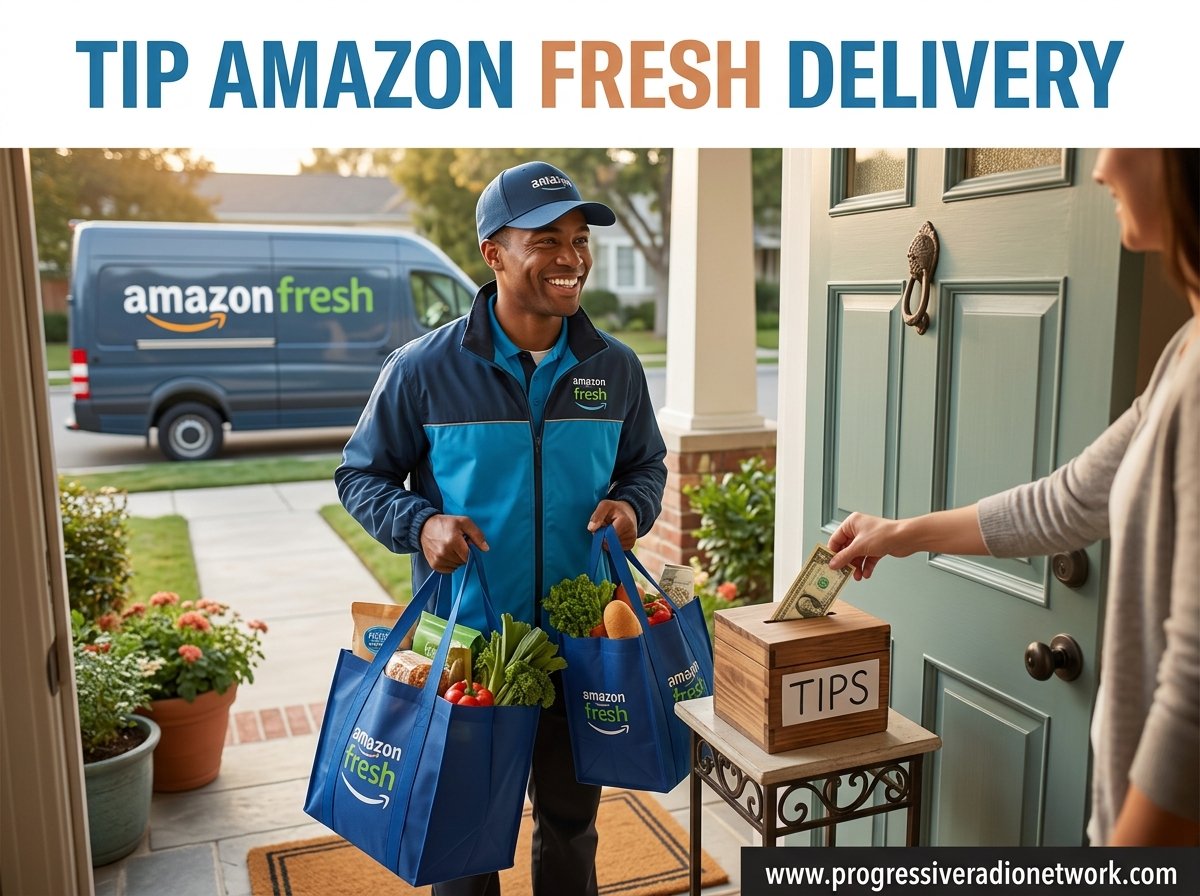
The standard tip for Amazon Fresh delivery is 10-15% of your order total, or a flat $5 to $10 for most orders. Tipping is completely optional, and Amazon passes 100% of your tip directly to the delivery driver. You can add or adjust your tip at checkout, and you have up to 24 hours after delivery to change the amount.
Grocery delivery has reshaped how millions of households shop, and Amazon Fresh sits at the center of that shift. The service has expanded its footprint steadily, reaching more cities and Prime members in 2026. With that growth comes a steady stream of questions from shoppers who see a tip prompt at checkout and want to know what is appropriate, what is expected, and where their money actually goes.
I have spent time digging through Amazon’s official policies, driver forums on Reddit, and community discussions to put together this Amazon Fresh delivery tipping guide. Whether you are placing your first order or your fiftieth, the goal here is to give you clear, practical answers so you can tip with confidence and understand exactly how the system works.
What This Guide Covers:
How Amazon Fresh delivery works and who delivers your groceries
The current standard tip range with specific dollar amounts
Step-by-step instructions for tipping at checkout and after delivery
What drivers can and cannot see about your tip
How Amazon Fresh compares to Whole Foods, Instacart, and DoorDash
Special situations including SNAP benefits and auto-added tips
Understanding Amazon Fresh Delivery
Amazon Fresh is a grocery delivery and pickup service available to Prime members in select metropolitan areas. Unlike standard Amazon package deliveries, Amazon Fresh focuses on perishable and household goods, things like produce, dairy, meat, pantry staples, and cleaning supplies. The service operates from dedicated Amazon Fresh warehouses and physical Amazon Fresh store locations in some regions.
What Does Amazon Fresh Offer?
The core promise of Amazon Fresh is straightforward: you browse a full grocery selection through the Amazon website or app, fill a virtual cart, choose a delivery window, and a driver brings everything to your door. Orders are typically fulfilled from local Amazon Fresh fulfillment centers, where associates pick, bag, and stage your items for delivery.
What sets Amazon Fresh apart from a regular Amazon package delivery is the nature of the cargo. Groceries require temperature control, careful handling, and tight delivery windows to ensure items arrive fresh. That means more labor per order on the fulfillment side and more responsibility for the driver transporting perishable goods, which is why the tipping conversation applies here in a way it does not for standard package delivery.
If you have ever had issues with a missing or delayed Amazon shipment in general, you may find our guide on Amazon package not delivered troubleshooting helpful for resolving broader delivery problems.
How Does the Service Work?
The ordering process follows four main steps. First, you select your groceries from the Amazon Fresh section of the Amazon app or website. Second, you choose a delivery window, typically a one- to two-hour time slot, though same-day options are often available if you order early enough. Third, an in-store picker gathers your items. Fourth, a driver picks up the order and transports it to your address.
Here is where understanding the Amazon Flex driver model becomes important. Your groceries are not delivered by salaried Amazon employees in most cases. Instead, they are delivered by Amazon Flex independent contractors, gig workers who use their own vehicles, pay for their own gas, cover their own maintenance, and handle their own taxes. The Flex model works similarly to DoorDash or Uber Eats: drivers open the app, see available delivery blocks, and choose which routes to accept.
This detail matters for tipping because Flex drivers earn a base rate from Amazon plus whatever tip the customer adds. The base rate alone often falls short of a living wage once vehicle costs are factored in, which is why tips are considered an expected part of a driver’s compensation rather than a bonus. Amazon itself notes on its help pages that tipping is optional, but the contractor pay structure means tips carry real weight for the people doing the work.
One more thing worth noting: if you need to adjust when your order arrives, you can often manage your delivery window through your account. For more detail on that process, see our guide on changing your Amazon delivery date.
Should You Tip Amazon Fresh Delivery?
The short answer is yes, tipping is strongly encouraged for Amazon Fresh delivery, even though it is technically optional. The people bringing your groceries are gig workers who depend on tips to make their routes worthwhile. When you tip, you are compensating someone for driving to a warehouse, picking up bags, navigating traffic, carrying items to your door, and doing it all on their own dime for fuel and wear on their vehicle.
Clearing Up Common Misconceptions
A frequent source of confusion is the relationship between the delivery fee and the tip. Some customers assume that because they pay a delivery fee or because they have a Prime membership, the driver is already fully compensated. In reality, the delivery fee and the tip serve different purposes in the Amazon Flex payment structure. The fee contributes to the base payout Amazon sets, while the tip goes entirely to the driver on top of that base.
Another misconception is that Amazon Fresh drivers are Amazon employees with salaries and benefits. They are not. They are independent contractors, similar to DoorDash or Instacart shoppers, which means no health insurance, no paid time off, and no employer contributions toward vehicle expenses. Tips help bridge that gap.
There is also a historical trust issue worth knowing about. In 2020, the Federal Trade Commission found that Amazon had diverted tips intended for Flex drivers to supplement base pay, resulting in a $61.7 million settlement. Amazon has since changed its practices and now states clearly that 100% of tips go to the driver. That settlement is part of why transparency around tipping has improved, but the incident still comes up in forums when customers ask whether their tips reach the right people.
The Current Standard for Tipping
Based on current consensus across etiquette guides, community discussions, and Amazon’s own checkout suggestions, the standard tip range for Amazon Fresh delivery is 10-15% of your order total, or a flat $5 to $10 for most orders. For exceptional service, heavy orders, or difficult delivery conditions, bumping to 15-20% or adding a few extra dollars is appreciated.
Flat-rate tipping has become increasingly common because percentages can produce awkward results at the extremes. A 15% tip on a $25 order is under $4, which barely covers a driver’s gas for the trip. A flat $5 minimum makes more sense for small orders. On the other end, a 15% tip on a $300 order is $45, which is generous but proportional to the effort of shopping, loading, and transporting a large delivery.
Figuring Out How Much to Tip
Coming up with the right number depends on a few factors specific to your order. Here is how I think about it, along with concrete dollar amounts you can use as reference points.
Factors That Influence the Tip Amount
Order size and weight. A large order with cases of water, bulk pantry items, or multiple heavy bags takes more effort to load, transport, and carry. Bigger orders justify a higher tip, whether calculated as a percentage or a flat amount.
Distance and location. If you live far from the fulfillment center or in an area that is difficult to reach, the driver is spending more time and fuel. Rural addresses and locations with limited parking can add meaningful effort to a delivery.
Weather conditions. Rain, snow, extreme heat, or ice make driving riskier and carrying bags harder. Tipping on the higher end during bad weather is a meaningful way to acknowledge that extra difficulty.
Building access. Walk-up apartments with several flights of stairs, buildings without elevators, or gated complexes that require coordination all add time and physical effort. If your driver is climbing four flights with grocery bags, that deserves recognition.
Service quality. Did your driver arrive within the window, handle items carefully, communicate clearly, or follow delivery instructions? Strong service warrants a tip at the top of the range.
Recommended Tip Amounts by Order Size
Here are specific dollar guidelines based on order total. These reflect the current 10-15% standard with flat-rate adjustments for small orders.
Orders under $30: $3 to $5 flat (a percentage-based tip would be too low to be meaningful)
$30 to $60 orders: $5 to $8 (roughly 10-15%)
$60 to $100 orders: $8 to $15 (10-15%)
$100 to $200 orders: $15 to $25 (roughly 12-15%, reflecting the extra shopping and loading time)
Orders over $200: $25 to $40+, scaled based on number of bags, weight, and delivery difficulty
Exceptional service or difficult conditions: Add $3 to $5 on top of the standard amount
For example, on a $100 grocery delivery, a tip of $10 to $15 fits the standard range. If the driver navigated a snowstorm or carried everything up three flights of stairs, bumping to $15 or $18 is a generous and fair gesture. On a $200 order, which typically involves a significant number of bags and a longer shopping and loading process, $25 to $30 is appropriate.
How Do You Tip Amazon Fresh Drivers?
Adding a Tip at Checkout
When you place an Amazon Fresh order, the checkout process includes a tip field. Here is the important detail many first-time customers miss: Amazon Fresh auto-adds a tip at checkout. The tip field comes pre-populated with a suggested amount, typically in the $5 to $10 range depending on your order size. This is not something you opted into; it is applied by default.
This auto-added tip feature drew public attention in 2023 when an ABC7 News investigation highlighted customer complaints about the practice. Shoppers reported not realizing a tip had been added automatically and feeling that they had to go out of their way to change or remove it. Amazon confirmed that tips are optional and adjustable, but the default-on approach means you should always check the tip field before completing your purchase.
Here is how to manage your tip at checkout:
Proceed to checkout after filling your Amazon Fresh cart.
Look for the tip section in the order summary before finalizing payment.
Note the pre-filled suggested amount and decide if it matches what you want to give.
To change the amount, select the tip field and enter your preferred dollar value manually.
Complete checkout with your adjusted tip included in the total.
If you are comfortable with the suggested amount, you do not need to do anything. But knowing the tip is auto-added means you can make an informed choice rather than paying an amount you did not consciously select.
Tipping or Adjusting After Delivery
Amazon gives you a 24-hour window after delivery to change your tip. This is useful in two scenarios: you forgot to adjust the auto-added amount at checkout and want to change it, or you want to increase the tip because the service exceeded your expectations.
To adjust your tip after delivery:
Open the Amazon app or website and go to Your Orders.
Locate the Amazon Fresh order you want to adjust.
Select the order to view details, then look for the tip or gratuity option.
Enter your new tip amount and confirm the change.
Note that the option disappears 24 hours after delivery, so act within that window.
Whether you tip at checkout or adjust afterward, the process is handled entirely through the app. Cash tips are not expected since most deliveries are contactless, but if you happen to be home and interact with your driver directly, a cash tip is always welcome and goes straight to them.
Amazon Fresh vs Whole Foods vs Other Delivery Services
A common question is whether Amazon Fresh and Whole Foods delivery follow the same tipping norms. Both services use Amazon Flex contractors, and both pass 100% of tips to the driver, so the mechanics are identical. The tipping ranges are also comparable: 10-15% or a flat $5 to $10 for standard orders.
The main difference is that Whole Foods orders may involve a different fulfillment process, since items come from a Whole Foods store rather than an Amazon Fresh warehouse. Some drivers report that Whole Foods routes can involve more waiting at the store for orders to be ready, which is worth keeping in mind if your order takes longer than expected.
Comparing Amazon Fresh to other grocery and food delivery platforms, the tipping norms are similar across the board. Instacart shoppers, DoorDash drivers, and Uber Eats couriers all work as independent contractors who rely on tips. The same 10-15% or $5 to $10 benchmark applies. The key distinction to remember is between grocery delivery and regular Amazon package delivery: you should tip for Amazon Fresh, but tipping for standard Amazon package delivery is not expected or necessary.
Do Drivers See Your Tips?
This is one of the most frequently asked questions, and the answer has an important nuance. Amazon’s official policy states that information about your tip, including the amount and who issued it, is not shared with the driver. Your name and personal details are never attached to the tip in a way the driver can see.
However, there is a critical detail that many people miss. Amazon Flex drivers see the total guaranteed payout for a route before they accept it. That payout includes the base pay from Amazon plus the customer’s tip. So while a driver does not see your name or know that you specifically tipped a particular amount, they can see the total they will earn for accepting a given delivery block, and that total is influenced by how much customers have tipped.
What Happens With Low or No-Tip Orders?
Because Flex drivers can see the total payout before accepting a route, orders with very low or zero tips tend to sit longer before a driver picks them up. Drivers on forums like r/AmazonFlexDrivers have confirmed this directly: when the total payout for a route is low, fewer drivers are willing to accept it, which can result in delayed deliveries. This does not mean your order will never arrive, but it may take longer to be assigned and delivered.
This is not a threat or a punishment mechanism. It is simply how a gig-economy marketplace functions. Drivers are independent contractors who choose which routes to accept, and they naturally prioritize routes that pay fairly for the time and expense involved. A reasonable tip helps ensure your order is accepted promptly and delivered within the scheduled window.
Ensuring Fair Practices and Privacy
Amazon has systems in place to ensure tips reach drivers as intended. After the 2020 FTC settlement, the company committed to passing 100% of tips to the delivery courier and has updated its help documentation to state this clearly. If you tip through the Amazon checkout system, the full amount goes to the person who delivered your order.
On the privacy side, your tip amount and personal information are kept separate from what the driver sees. The driver’s app shows only the total payout for a route, not a breakdown of which customer tipped what. You can tip without worrying that your name, address, or individual tip amount will be visible to the person at your door.
SNAP Benefits and Tipping Limitations
If you use SNAP or EBT benefits to pay for your Amazon Fresh order, you may run into a limitation: the Amazon Fresh checkout system does not always allow you to add a tip when paying entirely with SNAP benefits. This is because tips are charged as a separate payment and SNAP funds cannot be applied to gratuities.
Customers using SNAP have reported that the tip option may not appear at all during checkout, or that they need to have a secondary payment method on file to cover the tip amount. If you want to tip and pay with SNAP benefits, the workaround is to ensure you have a credit or debit card attached to your account that can cover the tip portion of the order. This is a known pain point in the system, and it is worth checking your payment setup before placing an order if tipping matters to you.
FAQs
Is tipping required for Amazon Fresh delivery?
No, tipping is completely optional. Amazon states clearly that tipping is not required. However, because drivers are independent contractors who pay for their own gas and vehicle expenses, tipping is strongly encouraged and considered standard practice for grocery delivery.
How much should I tip for a small Amazon Fresh order?
For small orders under $30, a flat tip of $3 to $5 is appropriate. Percentage-based tipping does not work well for small orders because even 15% of a $20 order is only $3, which barely covers the driver’s fuel cost for the trip.
Can I change my tip after delivery?
Yes. Amazon allows you to adjust your tip for up to 24 hours after delivery. Go to Your Orders, find the Amazon Fresh order, and modify the tip amount. After 24 hours, the tip is finalized and can no longer be changed.
Do Amazon Fresh drivers see my tip amount?
Drivers do not see your name or individual tip amount. However, Amazon Flex drivers see the total payout for a route, which includes base pay plus tips, before deciding whether to accept it. This means well-tipped orders tend to be accepted and delivered faster.
Does Amazon Fresh auto-add a tip at checkout?
Yes. Amazon Fresh automatically adds a suggested tip at checkout, typically between $5 and $10 depending on order size. You can change or remove this amount before completing your purchase, but you need to manually adjust the pre-filled tip field if you want a different amount.
Conclusion
Tipping your Amazon Fresh delivery driver is a simple way to acknowledge the real labor behind the convenience of grocery delivery. The current standard is 10-15% of your order total or a flat $5 to $10, with adjustments upward for large orders, heavy items, bad weather, or walk-up apartments. For most shoppers, a $10 tip on a typical order hits the sweet spot.
Remember the key details: Amazon Fresh auto-adds a tip at checkout, so check that field before you finalize your order. You have 24 hours after delivery to adjust the amount. Drivers are independent contractors who see total payouts before accepting routes, which means fair tips lead to faster, more reliable service. And 100% of your tip goes directly to the person who delivered your groceries.
If you use SNAP benefits, keep a secondary payment method on file so the tip option appears during checkout. And if you ever have trouble with an Amazon delivery that does not arrive as expected, our Amazon package not delivered guide walks through the troubleshooting steps. Tip thoughtfully, check that auto-added amount, and your Amazon Fresh experience will be smoother for both you and your driver.
Leave a Reply