
If you have been holding off on a storage upgrade, the SSD deals worth watching during Amazon’s Prime Big Deal Days event are concentrated in a few standouts this 2026. Our top pick is the Samsung 990 PRO 2TB, a PCIe 4.0 drive that pairs top-of-class speed with Samsung’s reliability record and a five-year warranty, the kind of combination that holds up long after the sale ends. For laptop and handheld gamers, the WD_BLACK SN7100 1TB brings nearly the same read speed at a much friendlier price and runs cool enough for a Steam Deck or ROG Ally. If you want the largest reliable 2TB drive with broad device support, the Crucial P310 2TB covers desktops, laptops, and handheld consoles with Acronis recovery software included. The event runs October 6-7, 2026, and the picks below cover NVMe, SATA, and portable storage for nearly every kind of buyer.
Our Top 3 Picks for Best Amazon Prime Big Deal Days SSD Deals
Best Amazon Prime Big Deal Days SSD Deals Compared (2026)
| Product | Specs | Action |
|---|---|---|
 Samsung 990 PRO 2TB Samsung 990 PRO 2TB |
|
Check Deal Price |
 WD_BLACK SN7100 1TB WD_BLACK SN7100 1TB |
|
Check Deal Price |
 Crucial P310 2TB Crucial P310 2TB |
|
Check Deal Price |
 Kingston NV3 1TB Kingston NV3 1TB |
|
Check Deal Price |
 Acer Predator GM7 1TB Acer Predator GM7 1TB |
|
Check Deal Price |
 Samsung 870 EVO 2TB Samsung 870 EVO 2TB |
|
Check Deal Price |
 PNY CS900 500GB PNY CS900 500GB |
|
Check Deal Price |
 Silicon Power 1TB Silicon Power 1TB |
|
Check Deal Price |
 SanDisk Extreme 2TB SanDisk Extreme 2TB |
|
Check Deal Price |
 Samsung T7 1TB Samsung T7 1TB |
|
Check Deal Price |
How We Chose
Every drive on this list was picked from listings we cross-checked in October 2026 against interface type, form factor, capacity, sequential read and write speeds, controller and NAND generation, and warranty length. We gave extra weight to models with a long track record of owner reviews on Amazon and to drives whose rated speeds match real benchmark behavior.
We also leaned on what reviewers consistently say they want: enough headroom for game libraries and 4K footage, thermal headroom for handhelds and PS5, and at least a five-year warranty on anything that will sit in a primary build. Pricing data was checked at the time of writing, and only drives from brands with a real warranty and return path made the cut.
1. Samsung 990 PRO 2TB: Editor’s Choice for Power Users
Samsung SSD 990 PRO 2TB, PCIe 4.0 M.2 2280, Up to 7,450 MB/s
Capacity: 2TB
Speed: 7450 MB/s read
Form: M.2 2280
Warranty: 5 years
Pros
- Top-tier PCIe 4.0 read and write speeds
- Strong sustained random performance
- Samsung Magician software for monitoring
- Five-year manufacturer warranty
- Reliable for heavy workloads
Cons
- Premium pricing versus other Gen4 SSDs
- Runs warm without a heatsink under sustained writes
The Samsung 990 PRO is the drive you buy when speed matters and you do not want to think about it again. With sequential reads up to 7,450 MB/s and writes up to 6,900 MB/s, it sits at the ceiling of what PCIe 4.0 allows, and the random performance uplift over the 980 PRO is what reviewers consistently point to as the real upgrade.
If you edit 4K timelines, load massive game libraries, or just want your OS drive to feel instant for the next half decade, this is the safest premium pick on the list. Owners highlight the Samsung Magician software and the included Samsung Data Migration cloning tool as part of the package, not just the bare drive.
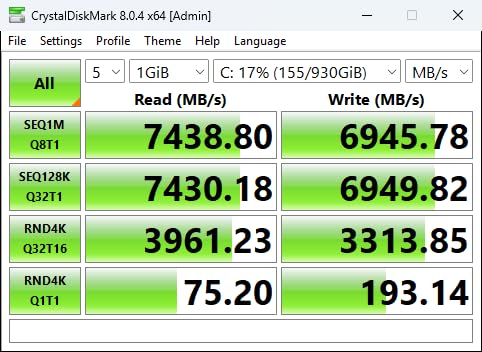
The main trade-off reviewers report is thermal. Under heavy sustained writes, the 990 PRO climbs, so plan on a motherboard heatsink or a third-party cooler for workstations and PS5 installations. Compared with the WD_BLACK SN7100 1TB below, the 990 PRO offers double the capacity and a longer track record, but at a clear premium.
Best for: anyone building a primary drive that has to last, content creators who push sustained writes, and PS5 owners with a heatsink ready.
Anyone whose priority is value per gigabyte and who does not push sustained writes should look at the Kingston NV3 instead.
2. WD_BLACK SN7100 1TB: Best Value for Gamers on the Move
WD_Black SN7100 1TB NVMe SSD – Gen4 PCIe, M.2 2280, Up to 7,250 MB/s Read Speed, Up to 6,900 MB/s Write Speed, Next Gen TLC 3D NAND, for Laptops, Handheld Gaming Devices – WDS100T4X0E
Capacity: 1TB
Speed: 7250 MB/s read
Form: M.2 2280
Warranty: 5 years
Pros
- Near-flagship Gen4 read speed
- Power efficient for laptops and handhelds
- TLC 3D NAND for endurance
- Good thermal behavior
- Solid Steam Deck and ROG Ally fit
Cons
- Newer product with shorter review history
- 1TB may be tight for large game libraries
The WD_BLACK SN7100 hits a sweet spot that reviewers keep coming back to: it delivers read speeds up to 7,250 MB/s, very close to flagship Gen4 territory, while drawing less power than previous generations. For laptops and handheld gaming PCs, that power efficiency is the headline.
Owners running this drive in a Steam Deck or ROG Ally report cooler thermals and longer battery life compared with older Gen4 drives they had in there before. WD_BLACK Dashboard gives you a familiar toolset for monitoring health and firmware updates, similar in spirit to Samsung Magician.
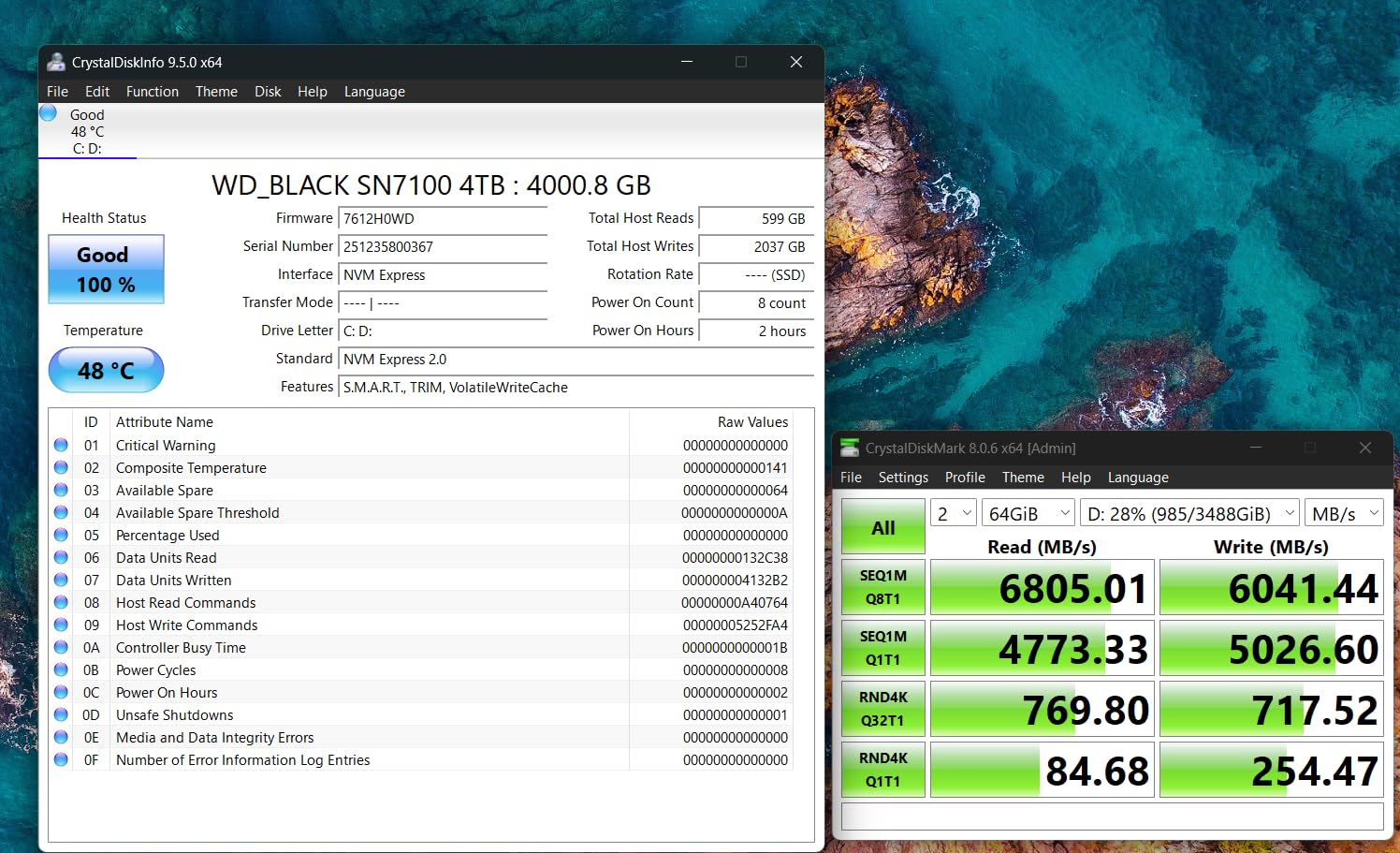
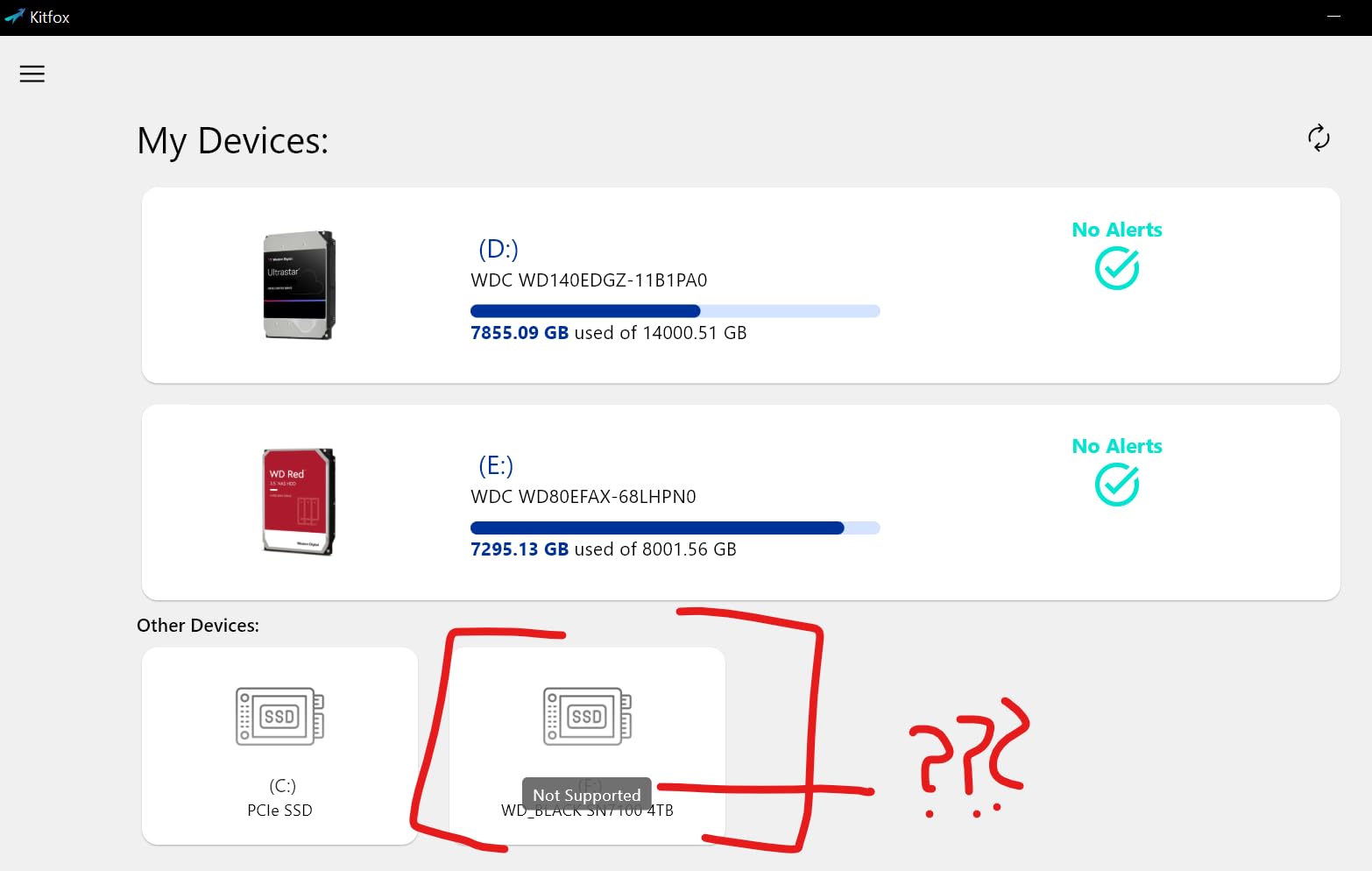
The trade-off is capacity and maturity. At 1TB, modern game libraries can push the drive close to full, and the SN7100 has a shorter owner-review history than the 990 PRO or 870 EVO. If your workload is mostly read-heavy gaming and app loads, that is a great deal. If you write tens of gigabytes a day, look at the Crucial P310 or the 990 PRO instead.
Compared with the Samsung 990 PRO 2TB, you give up a step in write speed and capacity but gain efficiency and a friendlier price. A good match for handheld owners and slim laptops.
3. Crucial P310 2TB: Most Versatile for Capacity and Compatibility
Crucial P310 2TB SSD, PCIe Gen4 NVMe M.2 2280, Up to 7,100MB/s, for Laptop, Desktop (PC), & Handheld Gaming Consoles, Includes Acronis Data Recovery Software, Solid State Drive – CT2000P310SSD801
Capacity: 2TB
Speed: 7100 MB/s read
Form: M.2 2280
Warranty: 5 years
Pros
- 2TB capacity at Gen4 speeds
- Works in desktops, laptops, and handhelds
- Includes Acronis Data Recovery software
- Five-year warranty
Cons
- Price runs higher than some 2TB Gen4 rivals
- Sequential writes trail the 990 PRO
The Crucial P310 is the drive we keep recommending to people who want one SSD to move between systems. It hits 7,100 MB/s reads and 6,000 MB/s writes over PCIe Gen4, fits the M.2 2280 slot, and Crucial lists explicit compatibility with gaming handhelds like the ROG Ally X and Lenovo Legion Go alongside standard desktops and laptops.
The bundled Acronis Data Recovery software is unusual at this price tier and gives peace of mind if a clone goes sideways. Five-year warranty and Micron’s track record as a NAND manufacturer round out a package that feels built for the long haul.
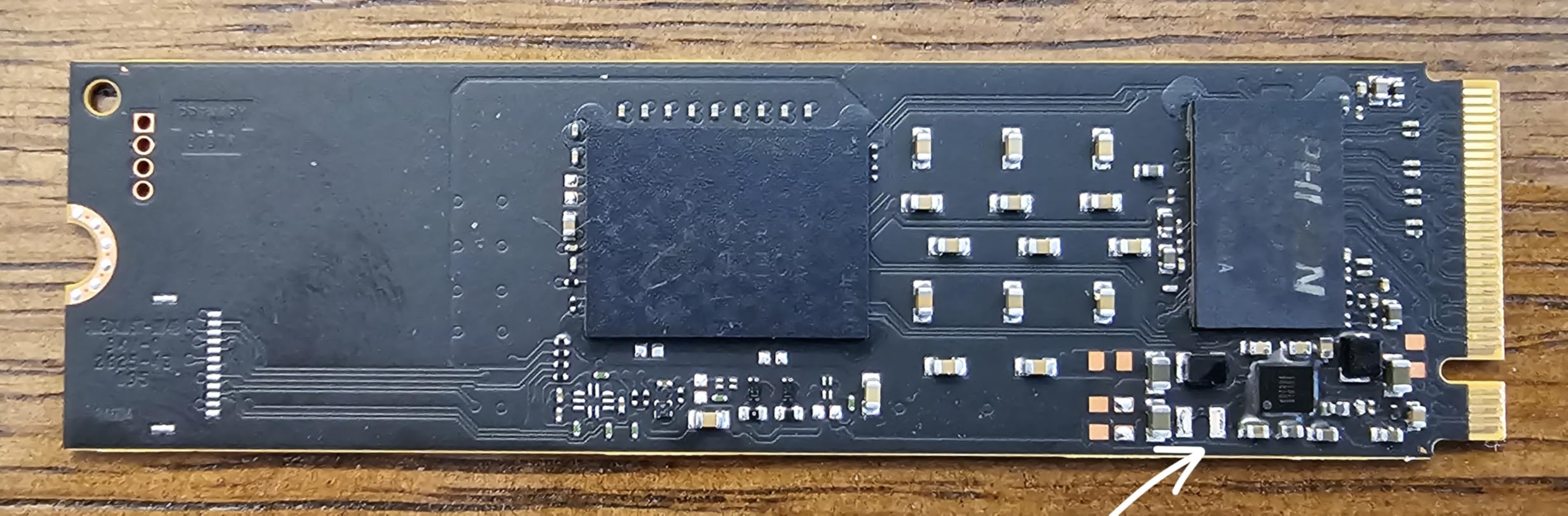
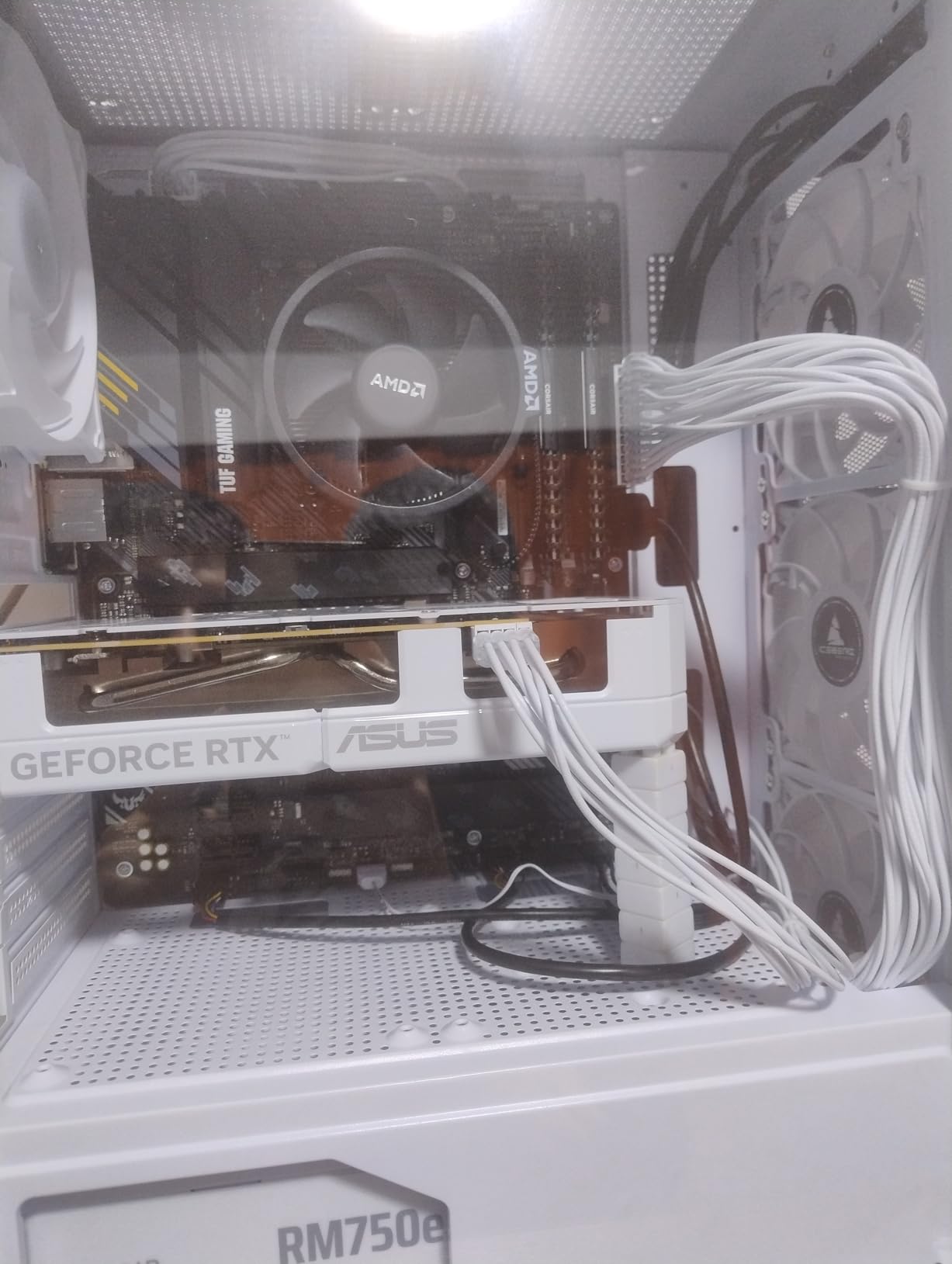
Owners report that the P310 runs a touch warm under sustained loads, which is normal for 2TB Gen4 drives without a heatsink. Compared with the Samsung 990 PRO 2TB, you give up a small slice of sequential performance in exchange for broader device support and a recovery tool in the box.
Best for: users who want one 2TB drive to swap between a desktop, a laptop, and a handheld.
Good to know: keep a heatsink ready, especially in tight handheld chassis.
4. Kingston NV3 1TB: Best Budget Boot Drive
Kingston NV3 1TB M.2 2280 NVMe SSD | PCIe 4.0 Gen 4×4 | Up to 6000 MB/s | SNV3S/1000G
Capacity: 1TB
Speed: 6000 MB/s read
Form: M.2 2280
Warranty: 3 years
Pros
- Affordable PCIe 4.0 performance
- Runs cool and stable
- Includes Acronis cloning software
- Easy installation
- Fast boot times in real use
Cons
- DRAM-less design may dip when nearly full
- Three-year warranty is shorter than premium picks
The Kingston NV3 is the kind of drive reviewers recommend when someone just wants their PC to feel faster and is not chasing benchmark charts. At up to 6,000 MB/s reads and 4,000 MB/s writes over PCIe Gen4 x4, it is fast enough for gaming, work, and boot duty, and the price has historically been one of the friendliest in the Gen4 class.
The HMB (Host Memory Buffer) implementation means this is a DRAM-less design, but in real use owners report that everyday performance is unaffected. Acronis True Image comes in the box, which is rare on budget drives and helps when migrating from an older boot drive.
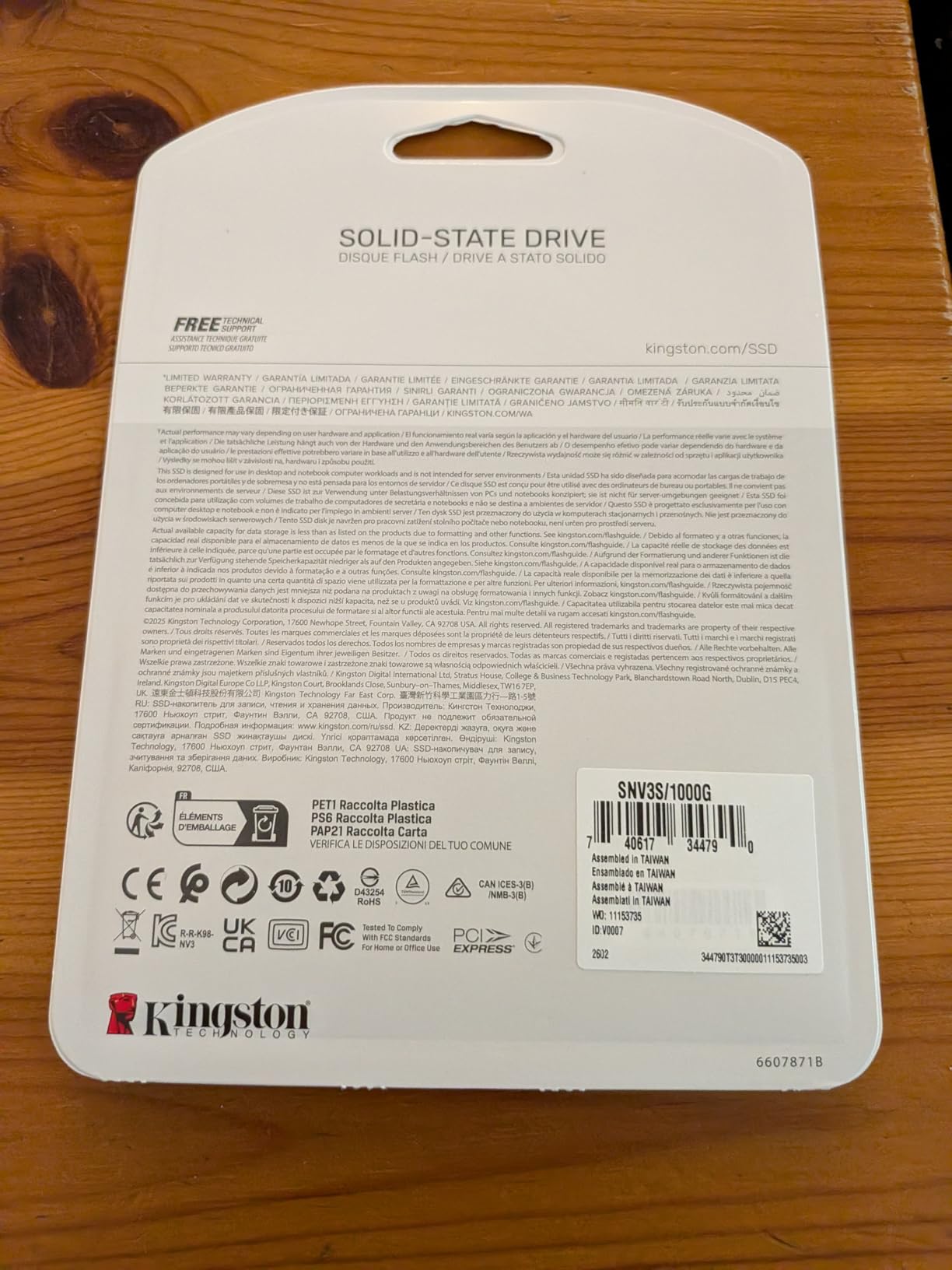
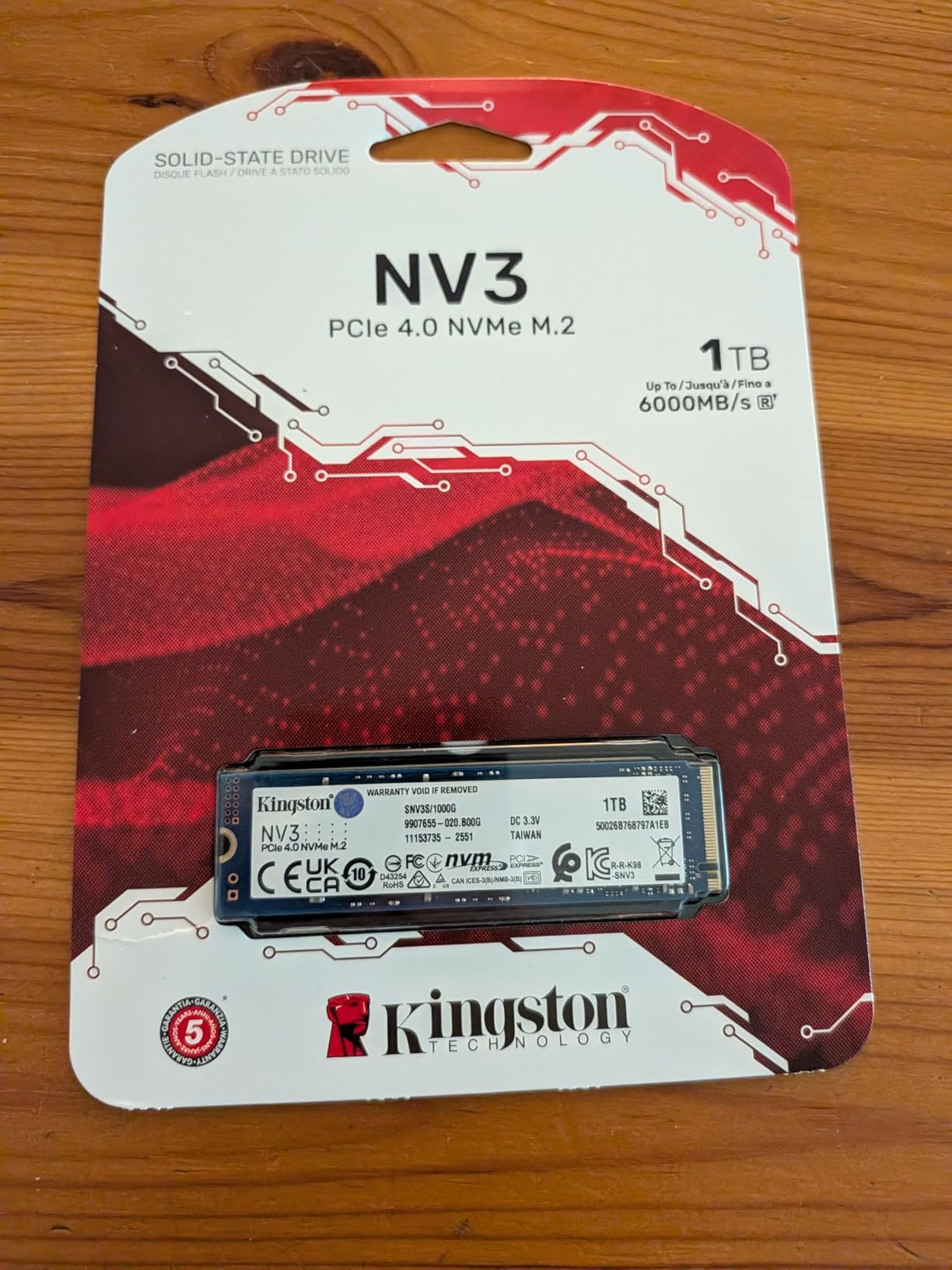
The trade-offs reviewers flag are honest: write endurance is lower than premium drives, and the warranty is three years rather than five. Compared with the WD_BLACK SN7100 1TB, the NV3 trails on sequential speed but usually wins on price, which is exactly the case the BUDGET PICK badge covers.
Best for: students, office PCs, secondary rigs, and anyone replacing a spinning hard drive for the first time.
5. Acer Predator GM7 1TB: Best for PS5 Upgrade
Acer Predator GM7 1TB SSD: M.2 2280 PCIe Gen 4 x4 NVMe 2.0, Read Speed Up to 7400 MB/s, Internal PC Solid State Drive for Laptop, Desktop and PS5 – BL.9BWWR.118
Capacity: 1TB
Speed: 7400 MB/s read
Form: M.2 2280
Warranty: 5 years
Pros
- Fast Gen4 reads for PS5 install speeds
- HMB and SLC cache for steady writes
- Heatsink-friendly single-sided design
- Five-year warranty
- Strong thermal throttling controls
Cons
- Smaller installed owner base than Samsung or WD
- Biwin as manufacturer is less recognized
The Acer Predator GM7 is the sleeper pick for PS5 owners during the sale. It delivers up to 7,400 MB/s reads, well above Sony’s recommended minimum, and the single-sided M.2 2280 layout means it slides into the PS5 expansion slot cleanly with a heatsink attached. Acer also bundles Biwin Intelligence software for firmware and temperature monitoring.
Owners report solid thermal behavior under gaming loads, helped by the drive’s power management and throttling logic. At a 1TB capacity tier, this is a clean upgrade for anyone whose internal PS5 storage is full of cold-war save files and downloaded betas.
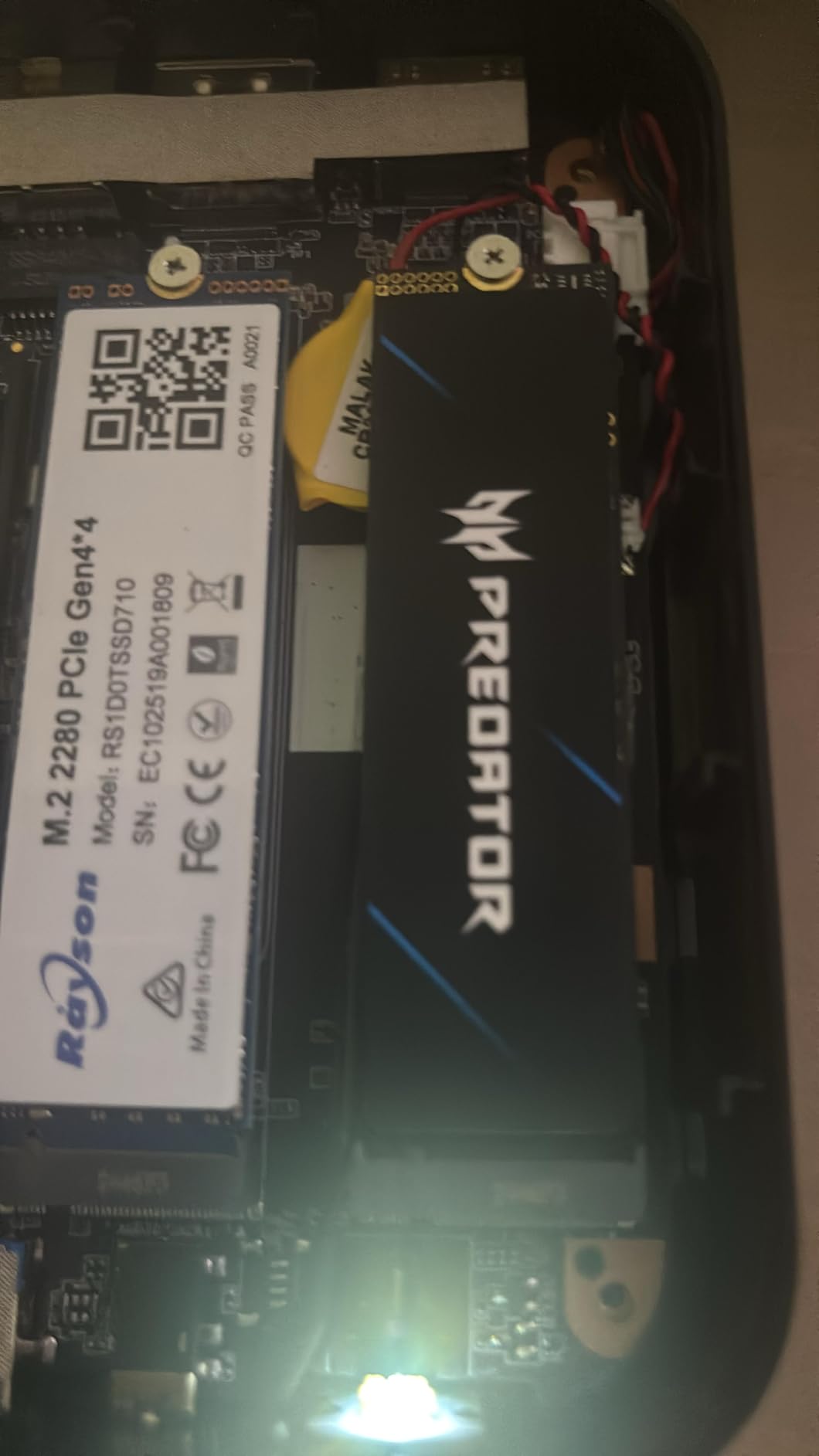
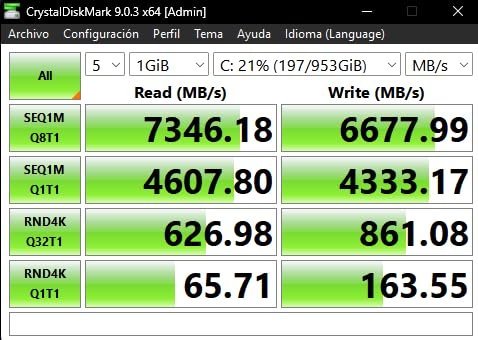
The honest trade-off is brand familiarity. Acer’s Predator storage line is newer than Samsung’s, and the owner-review count sits lower than the bigger names. Compared with the Samsung 990 PRO 2TB, you give up capacity and a longer review history but typically come out ahead on price per gigabyte at the 1TB tier.
Best for: PS5 owners who want a budget-friendly expansion drive and are comfortable adding their own heatsink.
6. Samsung 870 EVO 2TB: Best SATA for Older PCs
Samsung SSD 870 EVO SATA III 2.5” 2TB, Read Speeds Up to 560MB/s
Capacity: 2TB
Speed: 560 MB/s read
Form: 2.5 inch
Warranty: 5 years
Pros
- Huge review base and proven reliability
- AES 256-bit hardware encryption
- Up to 2400 TBW endurance
- Samsung Magician software
- Easy drop-in for older desktops and laptops
Cons
- SATA III caps speed well below NVMe
- Premium price for a SATA drive
- 2.5 inch form factor needs a bay or caddy
Not every system can take an NVMe drive, which is exactly why the Samsung 870 EVO still earns a spot on a 2026 sale list. It is a SATA III 2.5-inch SSD with sequential reads up to 560 MB/s and writes up to 530 MB/s, and it carries the longest review history and the most mature firmware of any drive here.
For an older desktop or a laptop without an M.2 slot, this is the safe, reliable choice. Samsung lists up to 2,400 TBW endurance, hardware AES 256-bit encryption, and full Samsung Magician support, all on a drive that fits anywhere a 2.5-inch hard drive used to live.
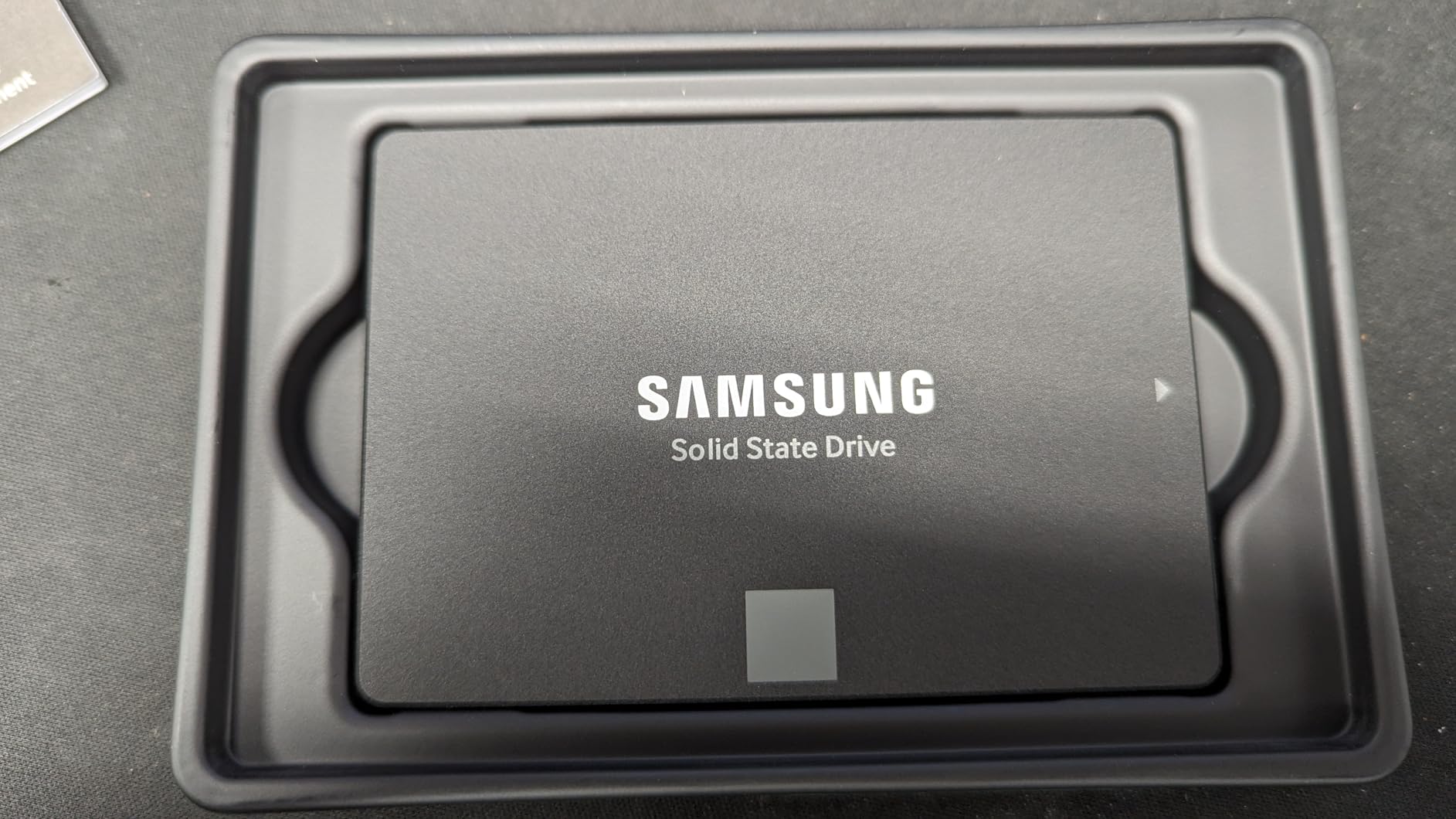
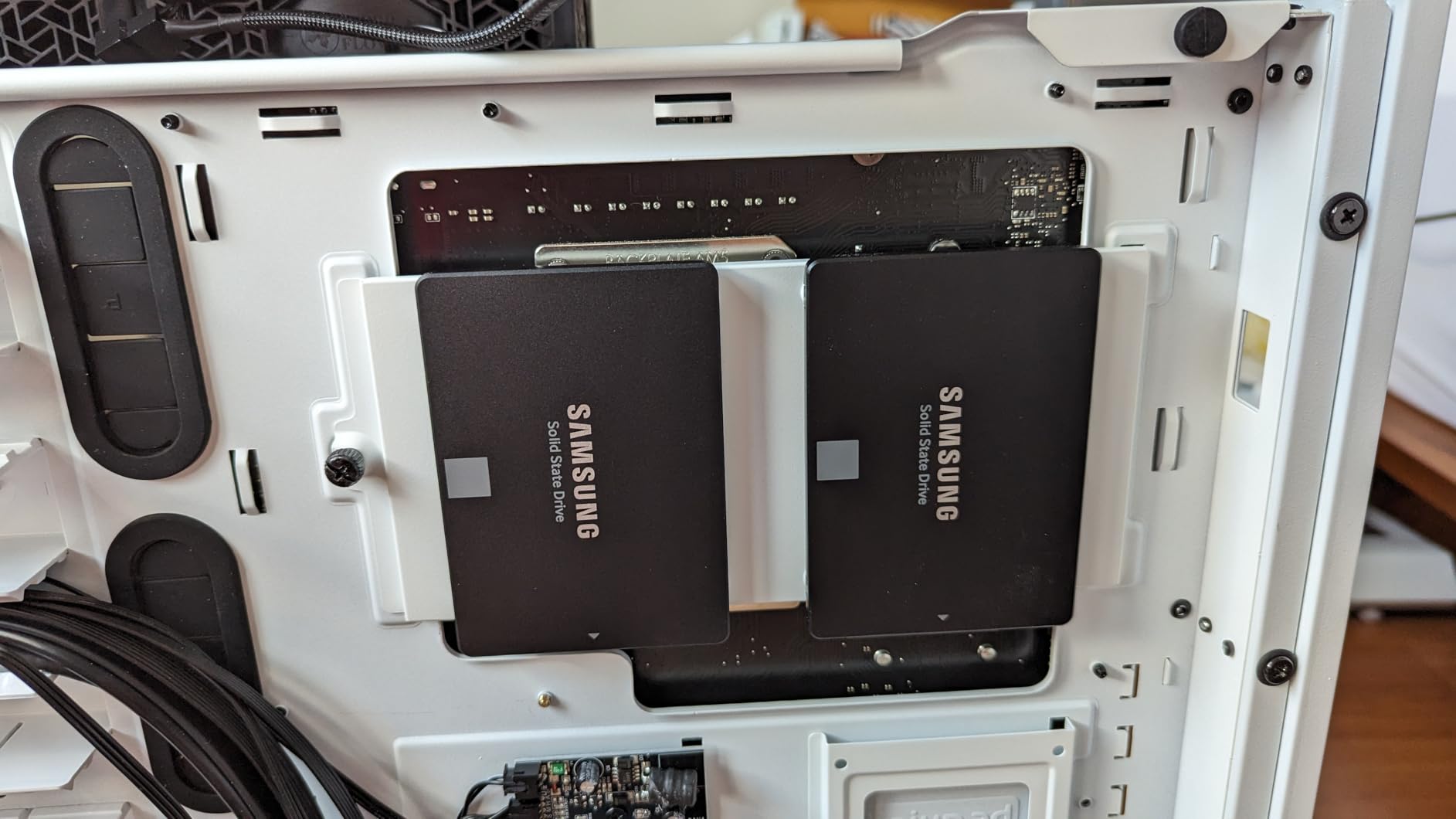
The trade-off is honest: SATA tops out at around 550 MB/s, so do not expect NVMe-class speed. Compared with the Kingston NV3 1TB, the 870 EVO is slower per gigabyte but vastly more proven, and it slots into systems where NVMe is not an option. A very good fit for breathing new life into a 2014-era workstation.
Anyone with a free M.2 slot on their motherboard should choose a Gen4 NVMe here, since the same money gets a much faster drive.
7. PNY CS900 500GB: Budget Pick for Laptops
PNY CS900 500GB 2.5″ SATA III Internal SSD
Capacity: 500GB
Speed: 550 MB/s read
Form: 2.5 inch
Warranty: 3 years
Pros
- Very low entry price
- Low power draw for older laptops
- Backward compatible with SATA II
- Includes data recovery service
- Easy install for first-timers
Cons
- Limited 500GB capacity
- Slower than any NVMe on the list
- 2.5 inch form factor only
The PNY CS900 500GB is what you reach for when the goal is simple: replace a dying hard drive in an aging laptop without spending much. It is a SATA III 2.5-inch drive with up to 550 MB/s reads, ultra-low power draw, and backward compatibility with SATA II hosts.
PNY bundles a data recovery service with this model, which is rare at the lowest tier. For a parent, a student, or a spare workhorse laptop, the CS900 makes the jump from a spinning disk feel like a new machine.

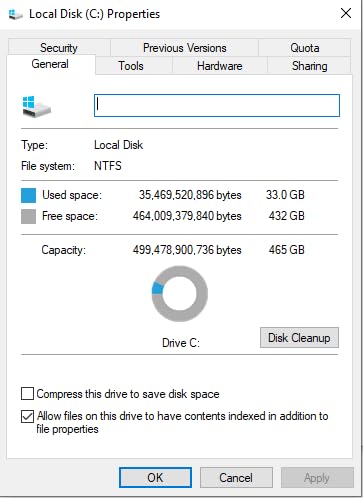
The honest ceiling here is 500GB, and SATA speeds mean it will feel slower than any NVMe drive on this list. Compared with the Samsung 870 EVO 2TB, the CS900 trades speed, endurance, and warranty length for a much smaller price tag.
Buyers who already run an NVMe boot drive should pass on the CS900. It exists for the HDD-to-SSD crowd and that is the only audience it really serves.
8. Silicon Power 1TB: Best for Thin Laptops
Silicon Power 1TB – NVMe M.2 PCIe Gen3x4 2280 SSD (SP001TBP34A60M28)
Capacity: 1TB
Speed: 2200 MB/s read
Form: M.2 2280 single-sided
Warranty: 3 years
Pros
- Single-sided design fits tight chassis
- Affordable 1TB NVMe
- Backward compatible with M key motherboards
- Low power draw
- 600 TBW endurance
Cons
- Gen3 speeds trail Gen4 drives
- Smaller brand recognition
- Three-year warranty
The Silicon Power 1TB NVMe is a Gen3 drive, but that label undersells how useful it is. It runs at up to 2,200 MB/s reads and 1,600 MB/s writes, which is more than triple what a SATA SSD can do, and the single-sided M.2 2280 design is the real headline for thin-laptop and ultrabook owners.
Many slim laptops, especially older ultrabooks and entry-level handhelds, do not have the cooling headroom for a hot-running Gen4 drive. This one fits in the slot, stays cool, and gets the job done without drama.
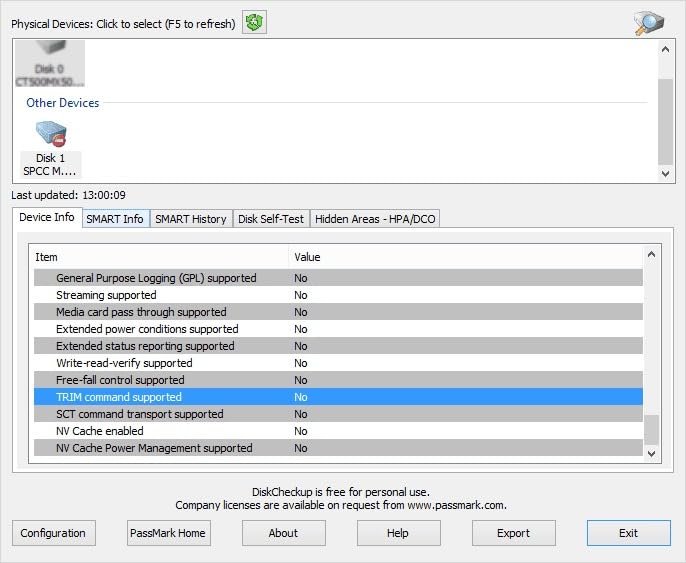
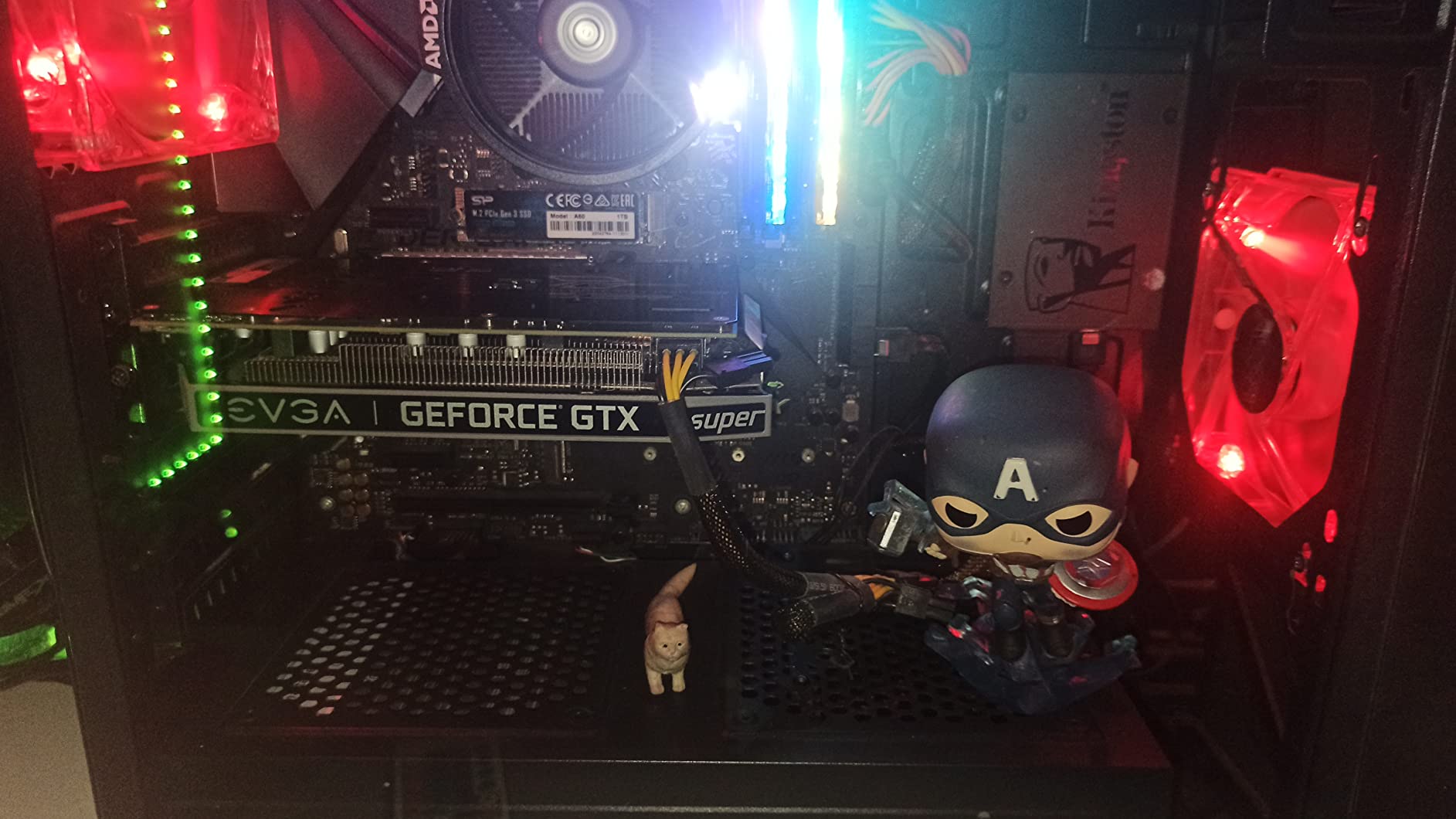
The trade-off is generational. Compared with the WD_BLACK SN7100 1TB, the Silicon Power drive is roughly a third of the speed. For everyday boot and app loads that gap is small. For moving large project files, it shows. Owners also note a smaller brand footprint than Samsung or Kingston, though the 600 TBW endurance rating is solid for the tier.
Anyone with a recent M.2 slot who moves large project files every day should step up to a Gen4 drive. This one is built for older or cooler-running systems, not raw throughput.
9. SanDisk Extreme 2TB: Best Portable Rugged
Sandisk 2TB Extreme Portable SSD, Up to 1050MB/s, USB-C, USB 3.2 Gen 2, IP65 Water and Dust Resistance, Updated Firmware, External Solid State Drive, SDSSDE61-2T00-G25
Capacity: 2TB
Speed: 1050 MB/s read
Form: USB-C portable
Warranty: 5 years
Pros
- IP65 water and dust resistance
- Three-meter drop protection
- Carabiner loop for travel
- Hardware AES 256-bit encryption
- USB 3.2 Gen 2 speeds
Cons
- Premium price for portable SSD
- Cable quality affects top speeds
- Can warm under sustained writes
The SanDisk Extreme Portable SSD is the one to grab if your storage follows you outside. It carries an IP65 rating against water and dust, three-meter drop protection, and a carabiner loop that clips to a bag, and it still hits up to 1,050 MB/s reads over USB 3.2 Gen 2.
Reviewers highlight the rugged build for photographers, videographers, and travelers who shoot in the field. The 256-bit AES hardware encryption is a quiet plus when the worst happens and the drive walks away.
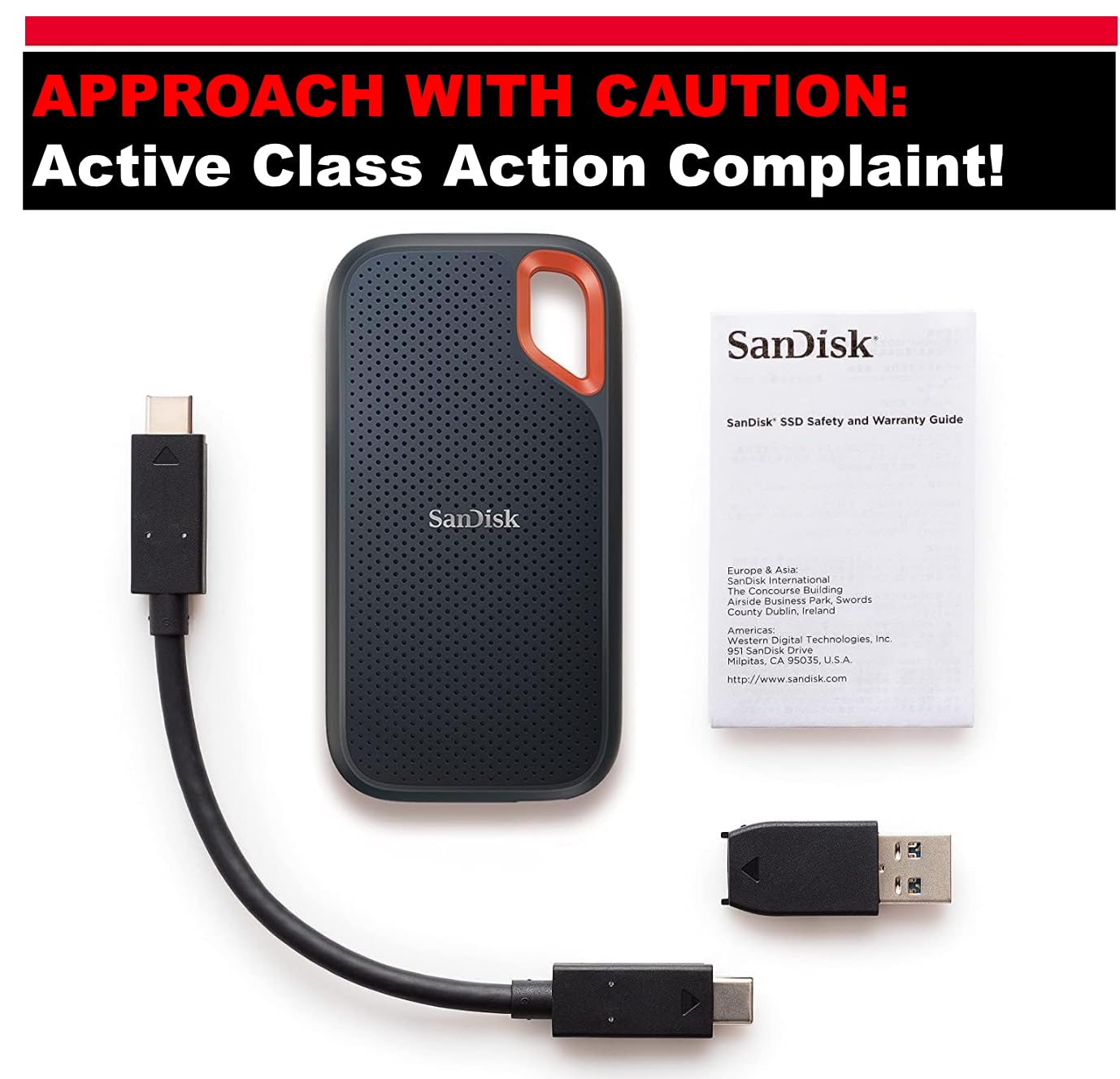
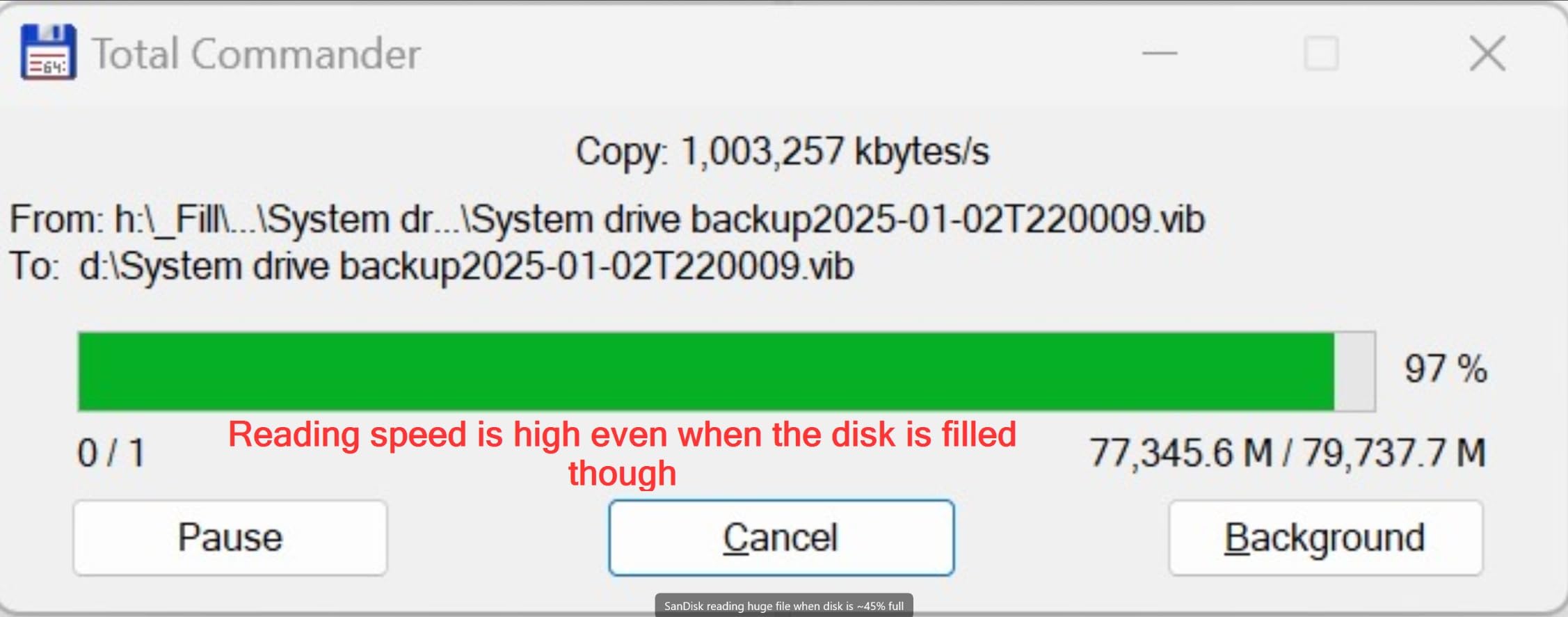
The trade-off is speed and price. USB 3.2 Gen 2 caps the drive well below internal NVMe territory, and the SanDisk Extreme costs more than the Samsung T7 below. Compared with the Samsung T7 1TB, the SanDisk trades some elegance for toughness and 2TB of capacity.
A buyer whose portable drive mostly lives on a desk will be happier with the Samsung T7. It is calmer on the budget and a touch easier on the cable.
Good to know: pair it with a quality USB-C cable. Owners report the rated speeds need a good cable to hold up.
10. Samsung T7 1TB: Best Portable Everyday
Samsung T7 Portable SSD 1TB Titan Gray, USB 3.2 Gen 2, Up to 1,050MB/s
Capacity: 1TB
Speed: 1050 MB/s read
Form: USB-C portable
Warranty: 3 years
Pros
- Compact aluminum unibody build
- Hardware AES 256-bit encryption
- Works with PC
- Mac, phones, and tablets
- Trusted Samsung quality
Cons
- Not as fast as newer Gen 2×2 drives
- 1TB caps capacity for big media libraries
- Three-year warranty
The Samsung T7 is the everyday portable SSD that most reviewers keep recommending. It is small enough to live on a keychain pouch, runs at up to 1,050 MB/s reads over USB 3.2 Gen 2, and uses an aluminum unibody that feels closer to a piece of jewelry than a storage drive.
It works with PCs, Macs, iPads, and Android phones out of the box, which is exactly why it is a popular pick for creators who jump between devices. The hardware AES 256-bit encryption is real, and Samsung’s portable SSD software handles fingerprint or password unlock cleanly.
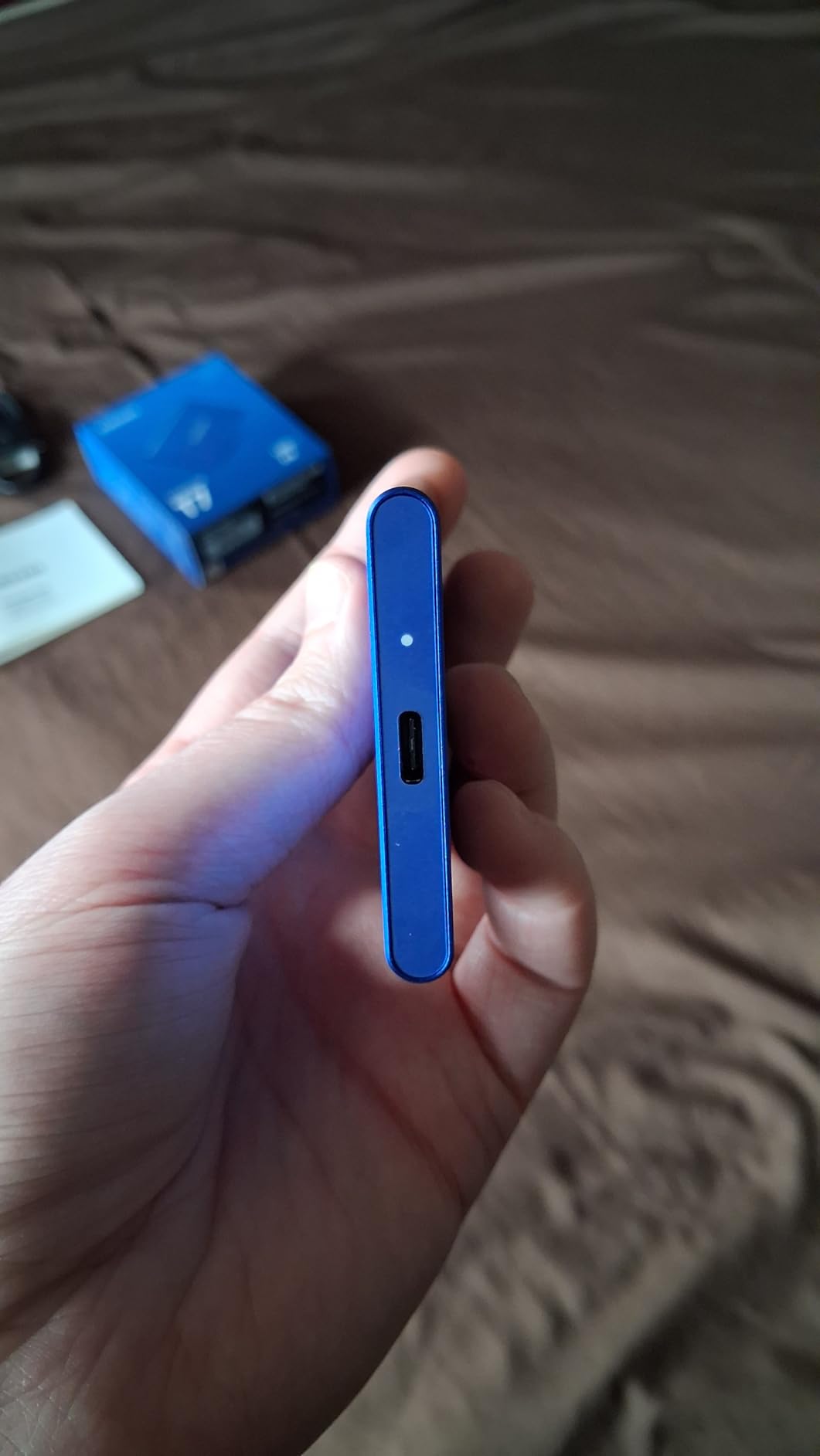
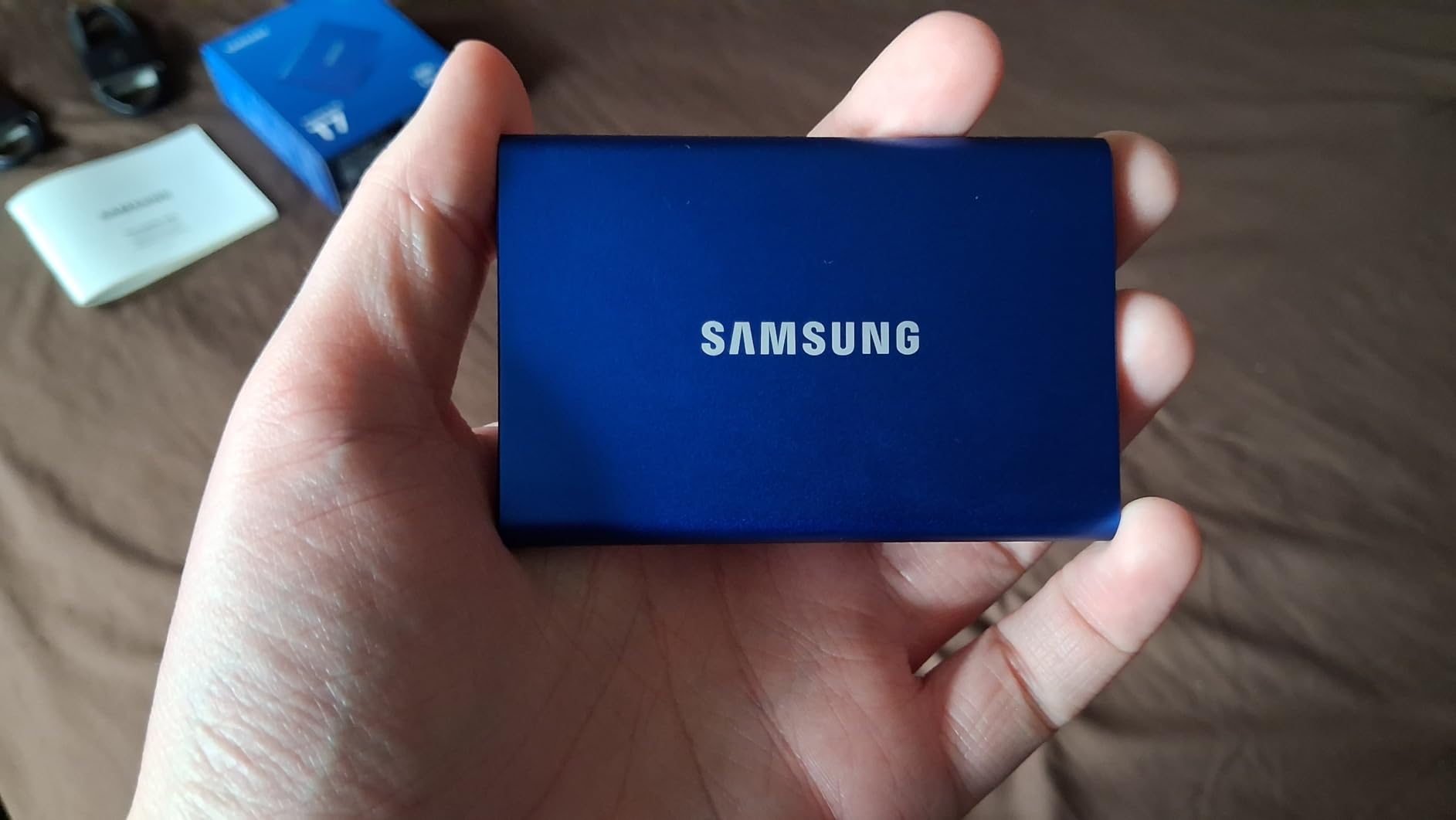
The trade-off is capacity and forward-looking speed. Compared with the SanDisk Extreme 2TB, the T7 is half the capacity and not IP rated, so it lives a calmer life on a desk or in a clean bag. Owners do note six-foot drop protection, which handles most everyday tumbles.
Anyone shooting 4K video in rain or dust will be happier with the SanDisk Extreme above. The T7 is built for clean bags and coffee shops, not field abuse.
How to Choose SSDs During Prime Big Deal Days
The sale is a great moment to upgrade, but the right drive depends on your system, your workload, and the ports you actually have free. The sections below walk through the decisions that matter most, and the picks in this article that fit each case.
How to Choose the Right SSD Form Factor and Interface
Start with what your system actually accepts. A modern desktop or laptop with an M.2 slot will take an M.2 2280 NVMe drive like the Samsung 990 PRO 2TB, WD_BLACK SN7100 1TB, Crucial P310 2TB, Kingston NV3 1TB, Acer Predator GM7 1TB, or Silicon Power 1TB. Older desktops and many laptops without an M.2 slot need a 2.5-inch SATA drive like the Samsung 870 EVO 2TB or the PNY CS900 500GB. For travel and on-the-go storage, a USB-C portable SSD like the SanDisk Extreme 2TB or Samsung T7 1TB is the right pick. M.2 2230 drives for Steam Deck and ROG Ally swaps are a separate niche that none of the picks here cover directly.
How to Choose SSD Capacity for Your Workload
Most buyers in 2026 are happier starting at 1TB. A 1TB boot drive holds Windows, your apps, and a healthy game library with room to spare, and it is the sweet spot for value on drives like the WD_BLACK SN7100 1TB and Kingston NV3 1TB. For larger game libraries, 4K video projects, or a PS5 expansion slot, 2TB is the right call, and the Samsung 990 PRO 2TB, Crucial P310 2TB, and Samsung 870 EVO 2TB all fit that tier. The 500GB PNY CS900 is the right size only for budget laptop refreshes where the old drive was a 500GB hard disk.
How to Read SSD Speed Numbers
Sequential read and write speeds are the headline numbers, but they describe moving one giant file. For boot times, app loads, and game loading, random read IOPS and the controller design matter more. PCIe Gen 3 drives like the Silicon Power 1TB are roughly three times faster than SATA drives in sequential tests, while PCIe Gen 4 drives like the 990 PRO and SN7100 push another two to three times beyond Gen 3. Most everyday users will not feel the difference between the fastest Gen 4 drive and the second-fastest, but they will feel the jump from SATA to NVMe.
Endurance, Warranty and Controller Quality
TBW (terabytes written) tells you how much total data a drive is rated to absorb over its life, and 5-year warranties are the standard on premium drives like the Samsung 990 PRO 2TB, Crucial P310 2TB, and Acer Predator GM7 1TB. DRAM-less designs like the Kingston NV3 1TB and Acer Predator GM7 1TB use Host Memory Buffer to perform well for everyday workloads, but they trail on sustained heavy writes. For content creators writing tens of gigabytes a day, the drives with full DRAM caches are worth the premium.
How to Shop SSD Deals During the Sale
Before you click buy during Prime Big Deal Days, check three things on the listing. Confirm the exact model number and capacity, since the same product line often ships in 500GB, 1TB, and 4TB versions with different specs. Make sure it is sold and shipped by Amazon or the official brand store to keep the warranty clean. Look at the bundle, since a Gen 5 NVMe without a heatsink in a small case can thermal throttle. Most of these offers need a Prime membership, and prices can shift through the event window, so check the button on each pick for the current price.
Quick checklist:
- Match the form factor to your system (M.2 2280, 2.5-inch SATA, or USB-C portable).
- Pick capacity for the workload (1TB for most buyers, 2TB for game libraries and content work).
- Check the warranty (5 years on premium drives, 3 years on budget tiers).
- Look at the model number, not just the product line.
- Plan cooling for high-speed NVMe in tight cases and consoles.
- Confirm the seller is Amazon or the brand store before checking out.
Frequently Asked Questions
When do the Prime Big Deal Days SSD deals run?
Amazon confirmed Prime Big Deal Days runs October 6-7, 2026. Most SSD offers during the event run for the full two days, though some lightning deals start and end within hours.
Do I need a Prime membership to buy SSDs in this sale?
Yes. Most deals in the Prime Big Deal Days event require an active Prime membership. A free trial counts if it is active during the event window, so sign up before October 6 if you do not already have one.
What SSD capacity usually sees the best deals in Prime Big Deal Days?
Historically, 1TB and 2TB NVMe drives see the deepest cuts, since that is where the volume sits for gaming and laptop upgrades. 4TB and larger tiers sometimes see smaller percentage cuts in absolute terms.
Is NVMe worth the upgrade over SATA for an older laptop?
For most users, yes, if the laptop has an M.2 slot. The jump from a SATA SSD to an NVMe drive is noticeable in app loads and file moves, and an M.2 NVMe like the Kingston NV3 or WD_BLACK SN7100 is an easy drop-in upgrade. If the laptop is SATA-only, the Samsung 870 EVO is the right pick instead.
Do external portable SSDs get discounts during Prime Big Deal Days?
Yes. The SanDisk Extreme and Samsung T7 lines are consistently part of these events, and portable drives see meaningful cuts during October sales. They are a good pick if you want to back up a laptop or move footage between shoots.
Should I buy a Gen 4 NVMe or wait for a Gen 5 deal?
For most buyers, a Gen 4 drive like the Samsung 990 PRO or WD_BLACK SN7100 is the smart pick during the sale. Gen 5 drives cost more and need serious cooling, and the real-world speed gap shows up mainly in heavy sustained workloads that most users do not run.
Final Verdict: Best Amazon Prime Big Deal Days SSD Deals
If you want the single best Prime Big Deal Days SSD deal to prioritize, put the Samsung 990 PRO 2TB at the top of your list. It carries top-tier PCIe 4.0 speeds, a five-year warranty, and the longest real-world track record of any drive here. For a tighter budget, the WD_BLACK SN7100 1TB brings near-flagship speed in a power-efficient package that fits laptops and handheld gaming PCs.
Pick by need from there:
- Capacity plus compatibility: Crucial P310 2TB.
- Cheapest reliable boot drive: Kingston NV3 1TB.
- PS5 storage expansion: Acer Predator GM7 1TB.
- Older desktop or SATA laptop: Samsung 870 EVO 2TB.
- Tight-budget laptop refresh: PNY CS900 500GB.
- Thin ultrabook swap: Silicon Power 1TB.
- Rugged portable backup: SanDisk Extreme 2TB.
- Everyday portable SSD: Samsung T7 1TB.
Confirm the exact model and capacity on the listing, check that Amazon or the official brand store is the seller, and click the button on the pick you want for the current price during the October 6-7, 2026 window.
Leave a Reply