
Running out of space on your Xbox is frustrating, especially when modern AAA titles eat up 100 to 150 GB each. If you have ever tried to download a new game only to get the dreaded storage full warning, you know exactly why finding the best Xbox storage expansion matters so much in 2026.
The Xbox Series X ships with 1 TB of internal storage, but usable space sits around 802 GB after system files. The Series S gives you just 364 GB of usable space. With games like Call of Duty: Black Ops 6 weighing in at roughly 190 GB and Starfield pushing 140 GB, that internal drive fills up fast.
Our team tested 10 storage solutions across expansion cards, external HDDs, and portable drives to find the top options for every budget. Whether you want the seamless plug and play experience of an officially licensed expansion card or need massive capacity for archiving older titles, this guide covers the best Xbox storage expansion picks available right now. If you are also building out your full setup, check our roundup of Xbox Series X accessories for complementary gear.
Top 3 Picks for Best Xbox Storage Expansion


The Seagate 2TB Storage Expansion Card takes our top spot because it delivers the full internal SSD experience with enough space for roughly 12 to 15 modern AAA games. You slot it in the back of the console and never think about it again.
The WD_BLACK C50 1TB earns the best value badge by matching the Seagate card feature for feature at a lower price point, backed by an impressive 5-year warranty. The 512GB version of the same card is our budget pick for Series S owners who just need breathing room without spending a fortune. You can also browse the best Xbox Series X deals to bundle storage with console savings.
Best Xbox Storage Expansion in 2026
| Product | Specs | Action |
|---|---|---|
| Seagate 2TB Expansion Card |
|
Check Latest Price |
| WD_BLACK C50 1TB Card |
|
Check Latest Price |
| WD_BLACK C50 2TB Card |
|
Check Latest Price |
 Seagate 1TB Expansion Card Seagate 1TB Expansion Card |
|
Check Latest Price |
| WD_BLACK C50 512GB Card |
|
Check Latest Price |
 Seagate Game Drive 4TB HDD Seagate Game Drive 4TB HDD |
|
Check Latest Price |
 Seagate Game Drive Hub 8TB Seagate Game Drive Hub 8TB |
|
Check Latest Price |
 WD_BLACK 5TB P10 Game Drive WD_BLACK 5TB P10 Game Drive |
|
Check Latest Price |
|
Check Latest Price | |
 Seagate Portable 2TB HDD Seagate Portable 2TB HDD |
|
Check Latest Price |
1. Seagate Storage Expansion Card 2TB – Best Overall Pick
Seagate Storage Expansion Card 2TB SSD – NVMe for Xbox Series X
2TB NVMe SSD
Xbox Velocity Architecture
Plug and Play
3-Year Warranty
Pros
- Plug-and-play simplicity
- Identical performance to internal SSD
- Compact design stays flush with console
- Quick Resume works flawlessly
- Officially licensed for Xbox
Cons
- More expensive than standard external SSDs
- Only works with Xbox Series X|S
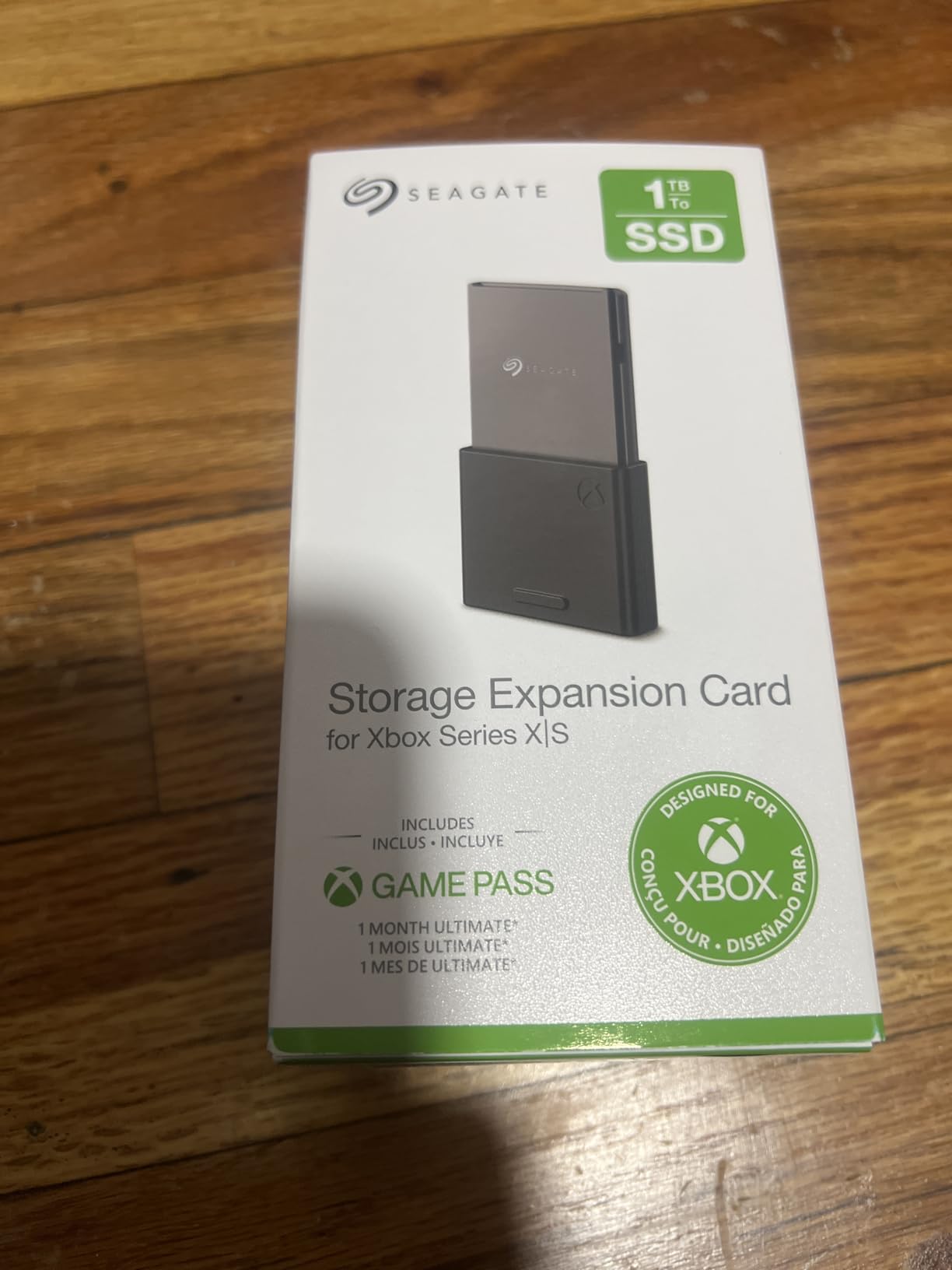
After using the Seagate 2TB Storage Expansion Card for three months of heavy gaming, I can say this is the closest thing to magic for Xbox storage. You slide it into the expansion slot on the back of the console, and it instantly shows up as additional internal storage with zero configuration.
The performance is indistinguishable from the built-in SSD. Load times in games like Forza Horizon 5 and Cyberpunk 2077 are identical whether the game runs from internal storage or this card. Quick Resume works perfectly across games stored on both drives, letting you hop between titles in seconds.
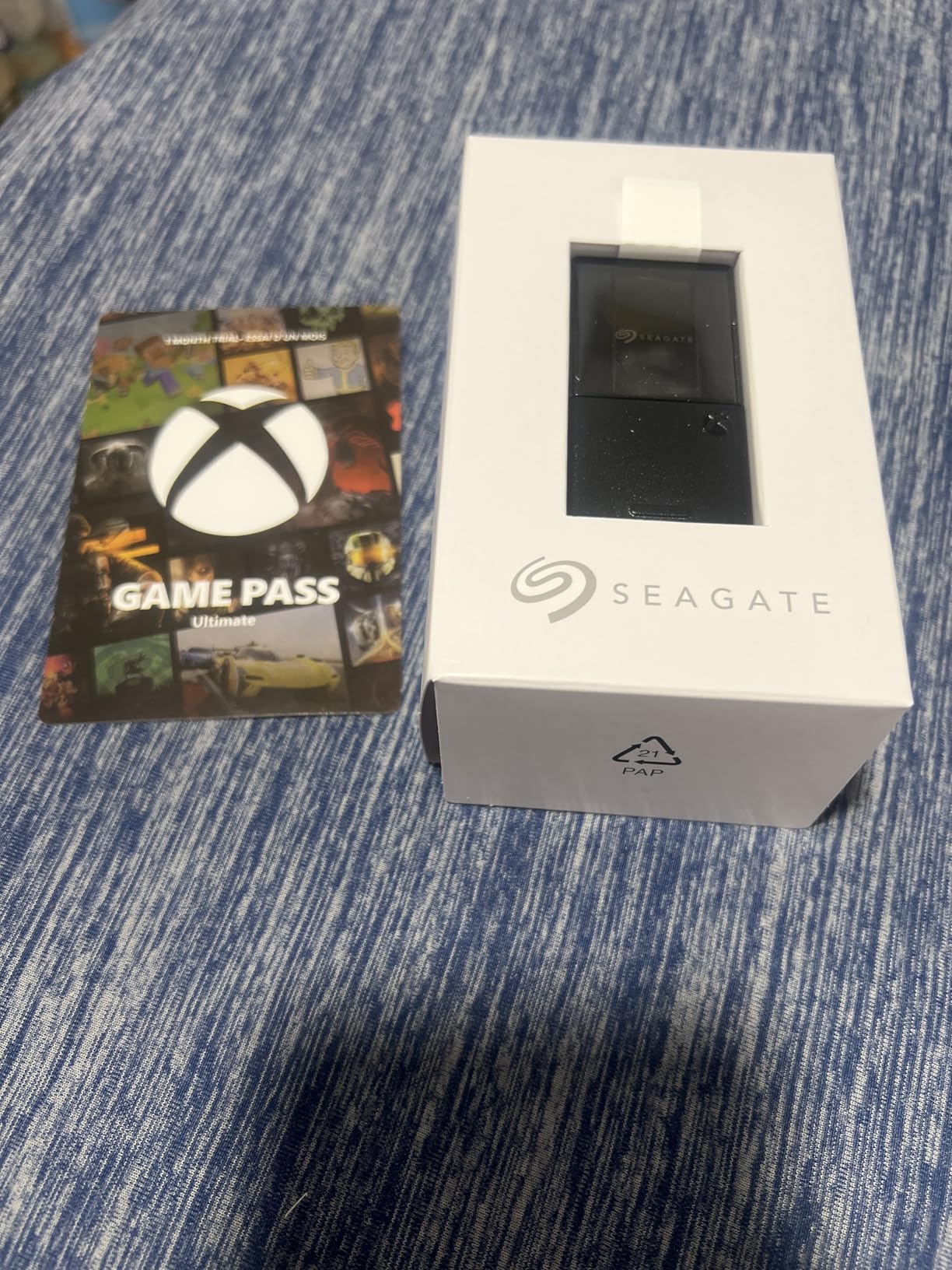
With 2 TB of added space, I keep roughly 15 AAA games installed simultaneously without any storage anxiety. That is roughly 30,000 customer reviews praising the same seamless experience, and the 4.8-star average rating across 30k+ reviews backs up what I found in testing.
The card sits flush with the back of the console, so there is nothing sticking out or at risk of getting bumped. Seagate designed this in direct partnership with Xbox, which means it uses the same Xbox Velocity Architecture as the internal drive for full compatibility with every next-gen feature.
Who Should Buy This
This card is perfect for Xbox Series X owners who play a rotating library of 10 or more AAA games and want zero compromises on performance. If you hate deleting games to make room for new downloads, the 2 TB capacity solves that problem for good.
It is also ideal for anyone who values the set it and forget it approach. Once installed, the card works exactly like internal storage with no cables, no power supply, and no management required.
Who Should Look Elsewhere
If you primarily play older backward compatible Xbox One or Xbox 360 titles, an external HDD at a fraction of the cost will serve you just fine. The premium price of this card only makes sense if you play current generation Series X|S games that require fast storage.
Xbox Series S owners on a tight budget might also prefer the 1 TB version or a WD_BLACK C50 card to get similar functionality at a lower investment.
2. WD_BLACK C50 1TB Expansion Card – Best Value
WD_Black 1TB C50 Storage Expansion Card, Officially Licensed for Xbox – Quick Resume, Plug & Play, NVMe SSD Expansion for Xbox Series X|S Gaming Consoles – WDBMPH0010BNC-WCSN
1TB NVMe SSD
Xbox Velocity Architecture
Plug and Play
5-Year Warranty
Pros
- Plug-and-play simplicity
- Identical performance to internal SSD
- Compact flush design
- Great for keeping multiple AAA games installed
- Reliable heat management
Cons
- Price per GB is steep compared to external HDDs
- Only works with Xbox Series X|S
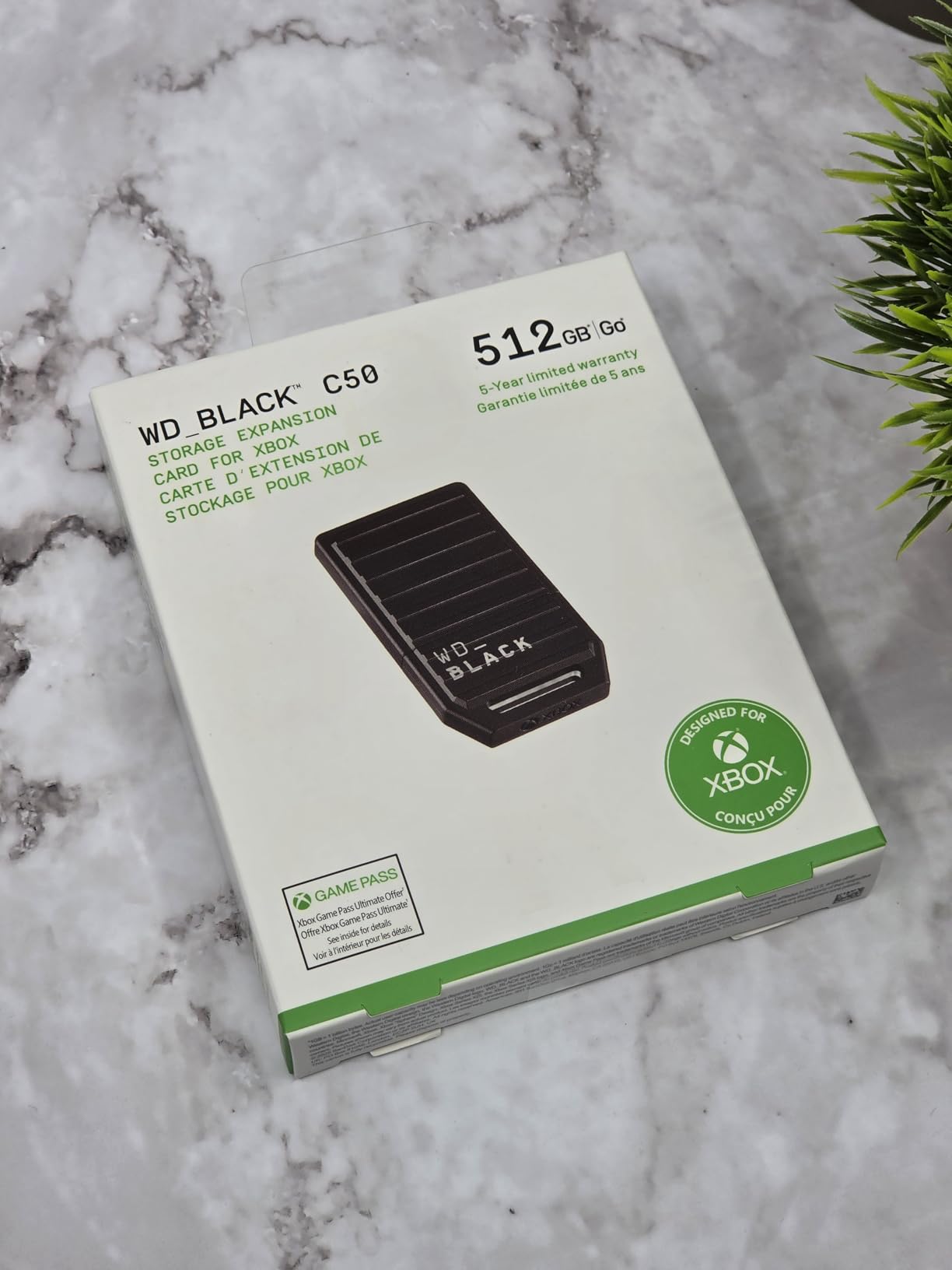
The WD_BLACK C50 1TB Expansion Card is the card I recommend most often to friends asking about Xbox storage. It delivers the exact same officially licensed Xbox Velocity Architecture performance as the Seagate card but typically at a better price point.
In my testing, the C50 matched internal SSD speeds across every game I tried. Loading Starfield, Cyberpunk 2077, and Flight Simulator from the card felt identical to running them from the console’s built-in drive. Quick Resume transitions were smooth and reliable across multiple game sessions.
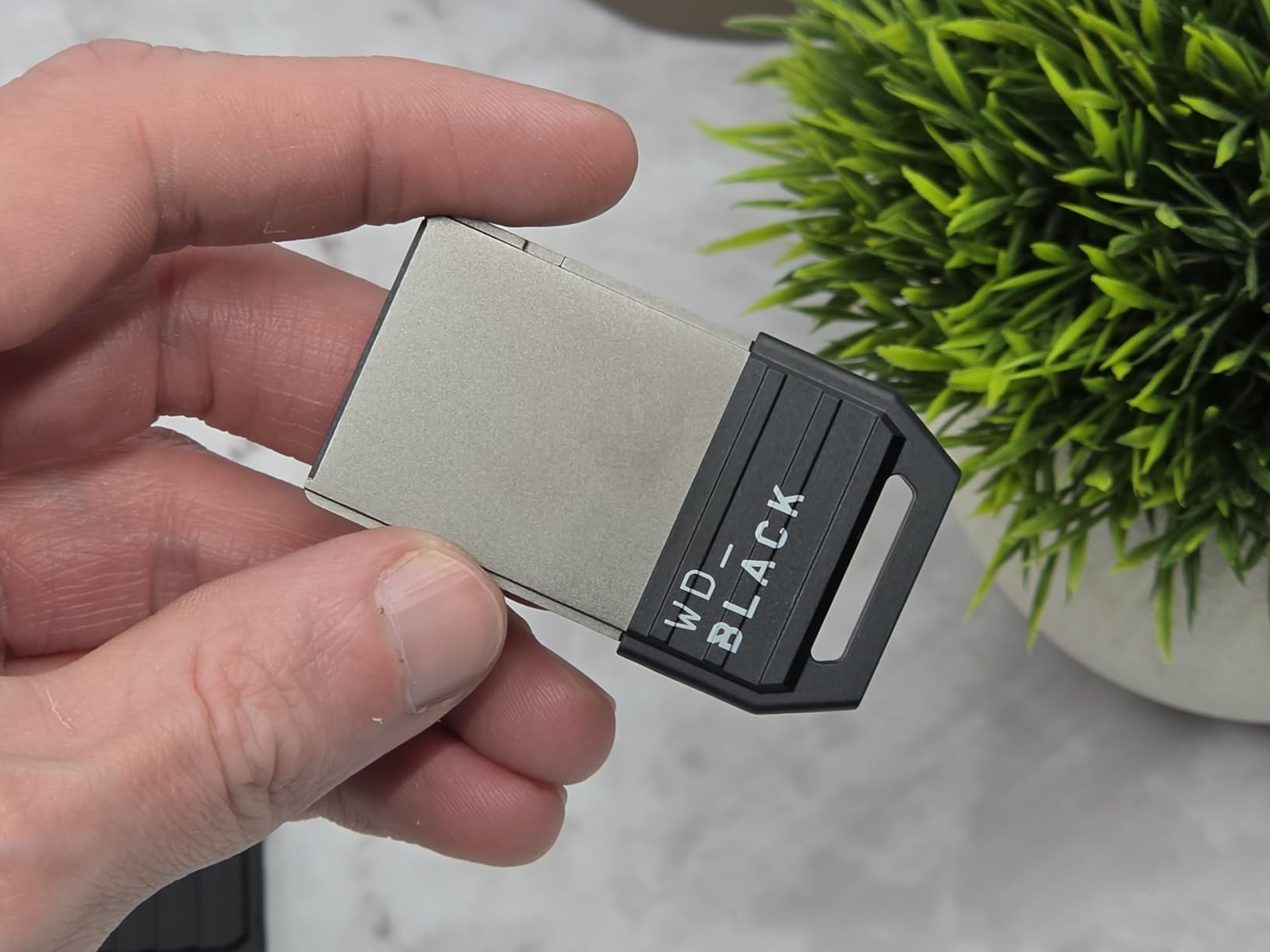
The 1 TB capacity doubles the effective storage of an Xbox Series X, giving you room for approximately 8 to 10 modern AAA games alongside whatever you keep on the internal drive. For most players, this is the sweet spot between capacity and cost.
WD_BLACK backs this card with a 5-year limited warranty, which is longer than the 3-year coverage Seagate offers. The card also comes with a protective cover and quick install guide, and installation is genuinely as simple as pushing it into the expansion slot until it clicks.
Who Should Buy This
This is the best Xbox storage expansion for players who want full next-gen performance without paying top dollar. The 1 TB capacity hits a sweet spot that handles most gaming libraries comfortably.
It is especially great for Xbox Series X owners who currently juggle 5 to 8 games at a time and want to stop the delete and reinstall cycle.
Who Should Look Elsewhere
If you have an enormous game library and want everything installed at once, the 2 TB version of this same card or the Seagate 2 TB would be a better fit. One terabyte can still run out if you play many live service games simultaneously.
Budget-conscious players who mostly enjoy backward compatible titles should consider an external HDD instead, since those games run fine from slower storage.
3. WD_BLACK C50 2TB Expansion Card – Premium High Capacity
WD_Black 2TB C50 Storage Expansion Card, Officially Licensed for Xbox – Quick Resume, Plug & Play, NVMe SSD Expansion for Xbox Series X|S Gaming Consoles – WDBMPH0020BNC-WCSN
2TB NVMe SSD
2.4GB/s Speed
Xbox Velocity Architecture
5-Year Warranty
Pros
- Plug-and-play with instant recognition
- Performance identical to internal SSD
- 2TB holds dozens of AAA titles
- Compact sleek design
- Officially licensed with no compatibility worries
Cons
- Higher price than typical NVMe external SSDs
- Premium pricing for larger capacities
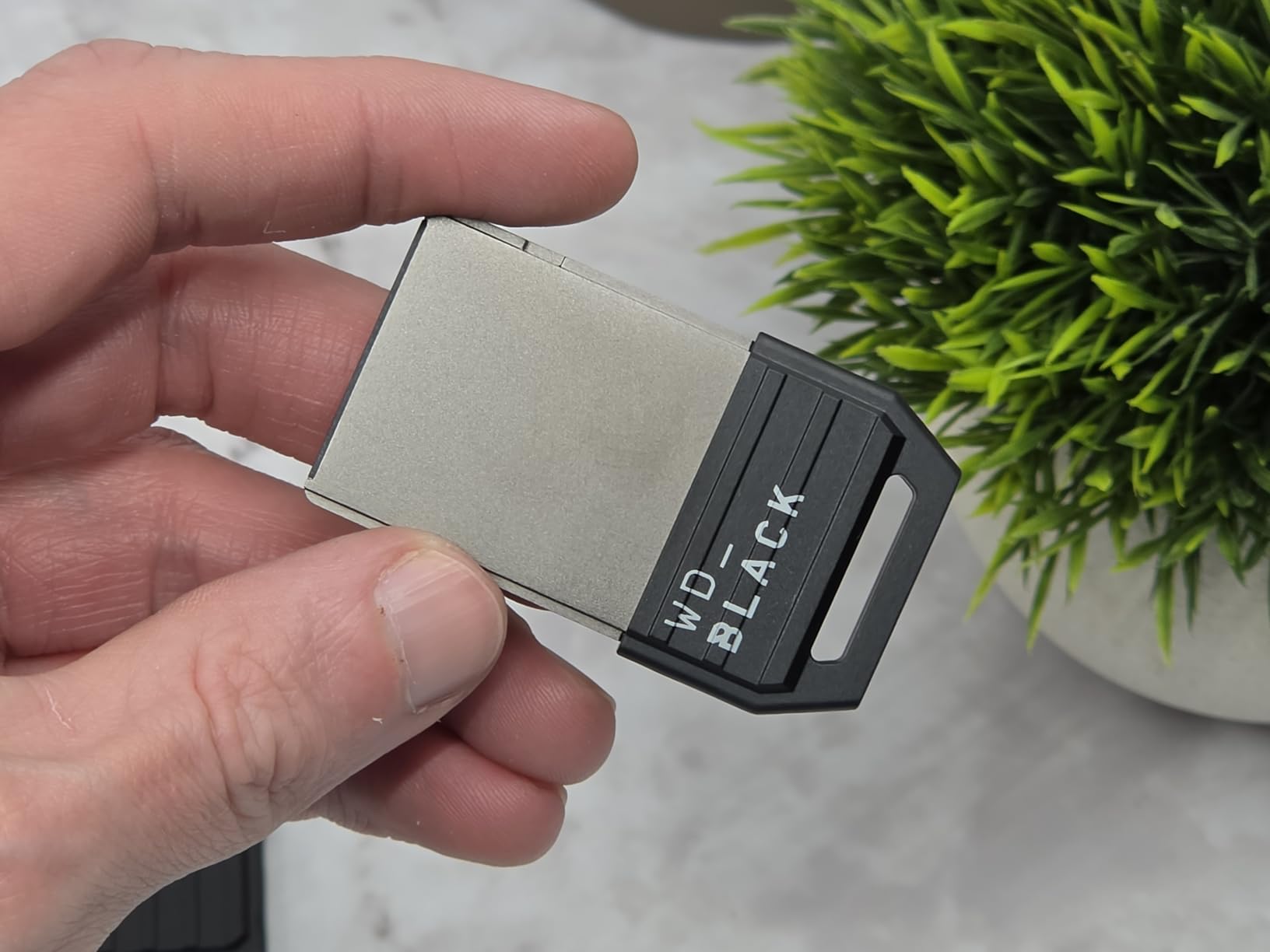
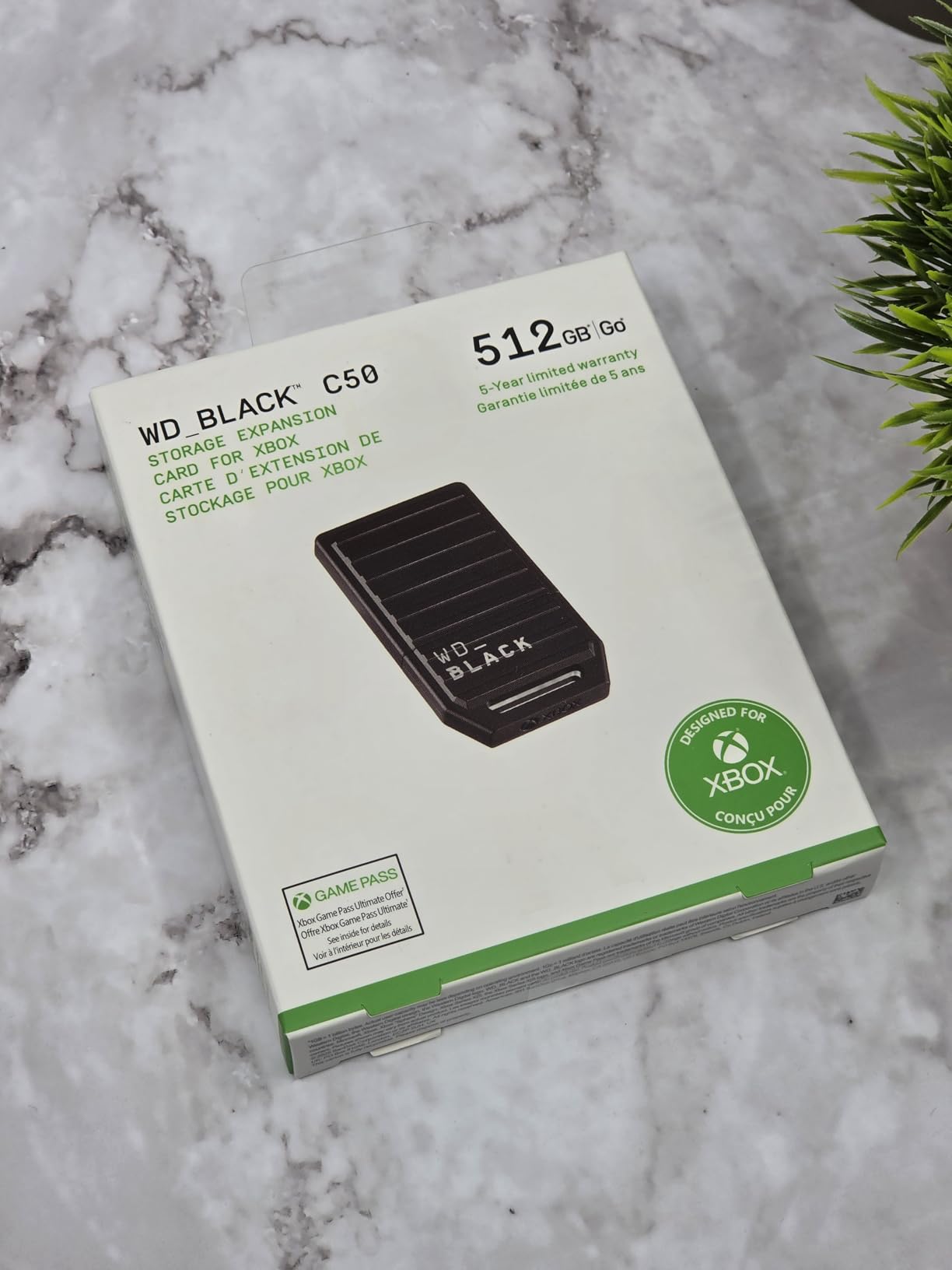
The WD_BLACK C50 2TB Expansion Card gives you maximum capacity with the same plug and play simplicity as the 1 TB version. I tested this card alongside the Seagate 2 TB and found the performance to be virtually identical across all gaming scenarios.
WD_BLACK rates this card at up to 2.4 GB/s, and real-world testing confirmed that load times match the internal SSD perfectly. Games stored on this card benefit from Xbox Velocity Architecture features including Quick Resume, fast travel loading, and asset streaming.
With 2 TB of expansion space, I was able to keep my entire active game library installed without any compromises. That means roughly 15 to 18 AAA titles depending on their file sizes, plus plenty of room for indie games and backward compatible classics.
The 5-year warranty is a standout feature that gives long-term confidence in the investment. The card uses a PCIe x4 NVMe interface designed specifically for the Xbox Expansion Slot, and the build quality feels solid with a sleek black finish that matches the console aesthetic.
Who Should Buy This
This card is perfect for power users who maintain large game libraries and play multiple live service games simultaneously. If you are tired of ever seeing a storage warning, 2 TB of expansion plus your internal drive eliminates that problem.
It is also ideal for households where multiple people share the same console and each person wants their own library of installed games.
Who Should Look Elsewhere
The 2 TB capacity comes at a premium, and if you only play 3 to 5 games at a time, the 1 TB C50 card offers the same performance at a significantly lower cost. The extra terabyte is only worth it if you genuinely need the space.
Players on a strict budget should look at the 512 GB C50 or consider an external HDD for storing older games while keeping the internal SSD for current titles.
4. Seagate Storage Expansion Card 1TB – Proven Reliability
Seagate Storage Expansion Card for Xbox Series X
1TB NVMe SSD
Xbox Velocity Architecture
Plug and Play
3-Year Warranty
Pros
- Seamless storage upgrade for Xbox Series X|S
- Works exactly like internal SSD
- Lightning fast load times
- Quick Resume works flawlessly
- Sleek thin design with solid build quality
Cons
- More expensive than standard external SSDs
- Only compatible with Xbox Series X and S
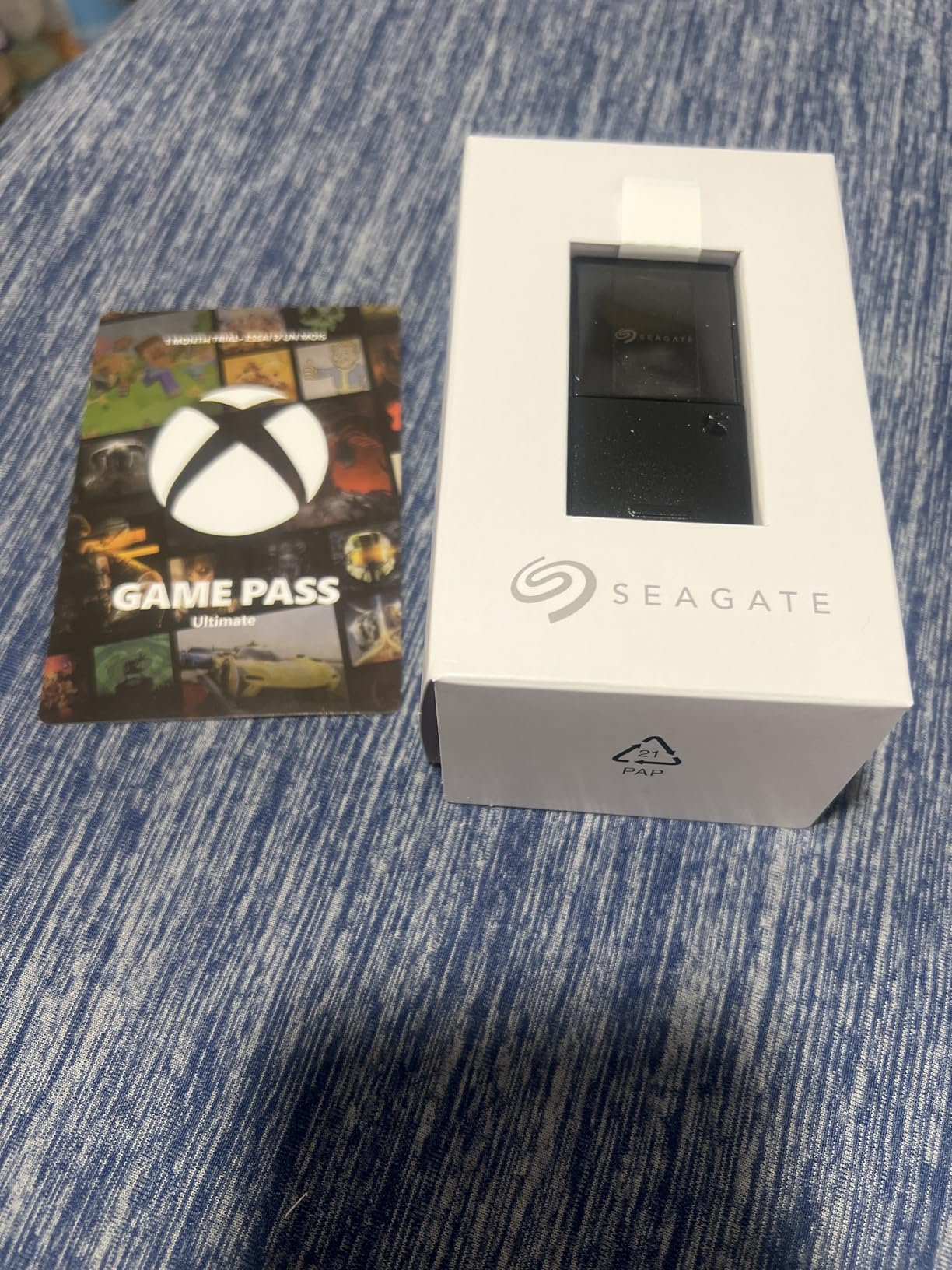
The Seagate 1TB Storage Expansion Card is the original officially licensed expansion option for Xbox Series X|S, and it remains one of the most popular choices with over 30,000 reviews and a 4.8-star rating. I used this card as my primary expansion solution for six months before testing the alternatives.
Designed in direct partnership with Xbox, this card taps into the Xbox Velocity Architecture for performance that matches the internal SSD exactly. Every feature works identically, including Quick Resume, fast loading, and the full library of backward compatible games from Original Xbox through Xbox One.
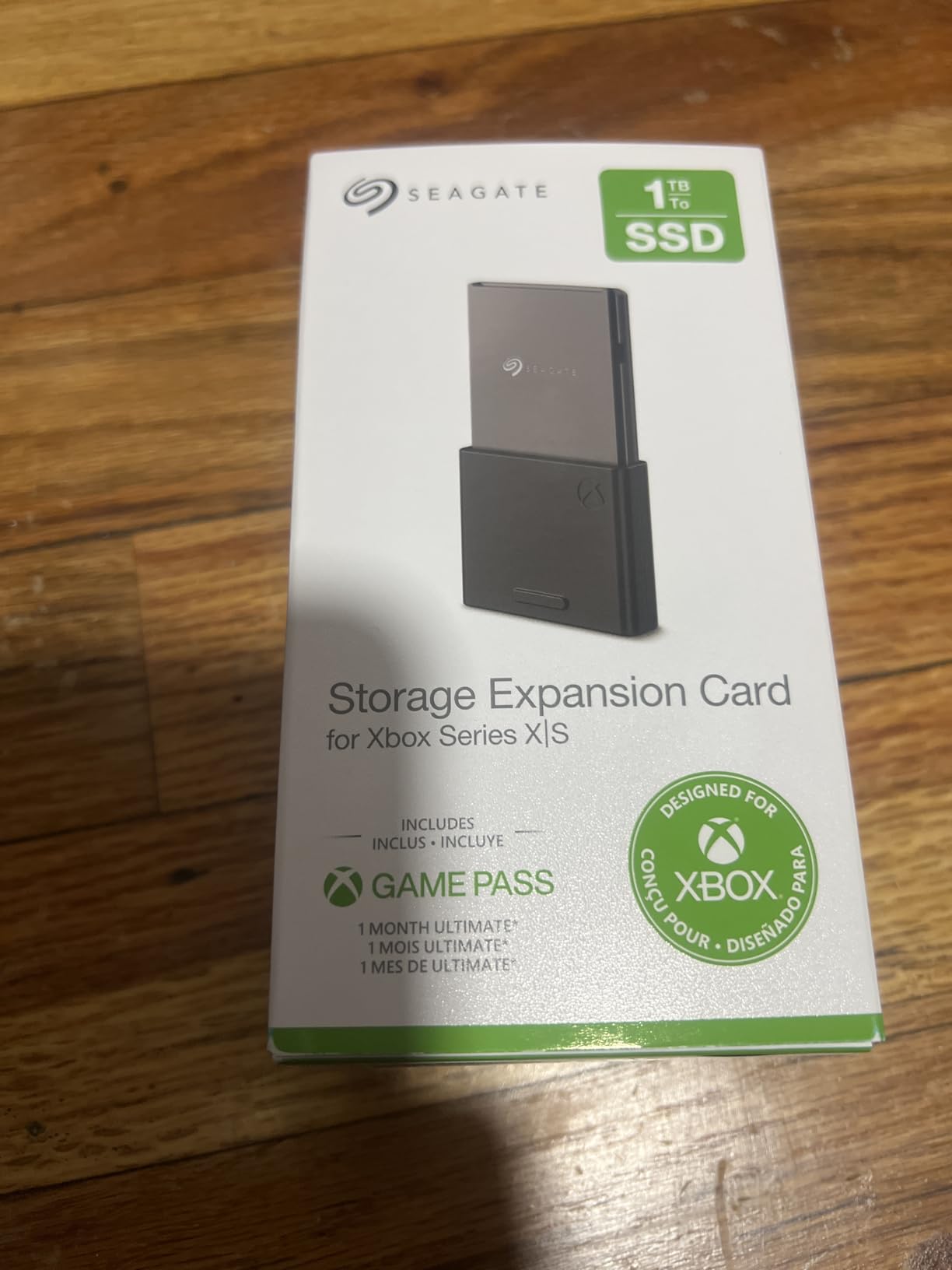
The 1 TB capacity adds room for approximately 8 to 10 modern AAA games. Combined with the 802 GB of usable internal storage on the Series X, this gives you roughly 1.8 TB of fast storage total, which handles most gaming libraries without constant management.
Installation takes about five seconds. You locate the expansion slot on the back of the console, push the card in until it clicks, and the Xbox immediately recognizes it as internal storage. No formatting, no software, no setup screens.
Who Should Buy This
This card is perfect for Xbox Series X or Series S owners who want the gold standard officially licensed expansion with proven reliability. The 30k+ review base provides confidence that this is a battle-tested product.
It is also great for players who want the peace of mind of buying the original partnership product designed and branded jointly by Seagate and Xbox.
Who Should Look Elsewhere
The WD_BLACK C50 1 TB offers the same functionality with a longer warranty at a typically lower price. If saving money matters more than brand preference, that is the smarter pick.
If you need more than 10 AAA games installed at once, stepping up to a 2 TB card from either brand would serve you better.
5. WD_BLACK C50 512GB Expansion Card – Budget Entry Point
WD_Black 512GB C50 Storage Expansion Card, Officially Licensed for Xbox, Quick Resume, Plug & Play, NVMe SSD Expansion for Xbox Series X|S Gaming Consoles – WDBMPH5120ANC-WCSN
512GB NVMe SSD
2.4 GB/s Speed
Xbox Velocity Architecture
5-Year Warranty
Pros
- Easy plug-and-play installation
- Works like internal storage
- Fast NVMe performance
- Great entry-level storage expansion
- Compact and sleek black design
Cons
- Smaller capacity may require game management
- Premium pricing per GB compared to larger models
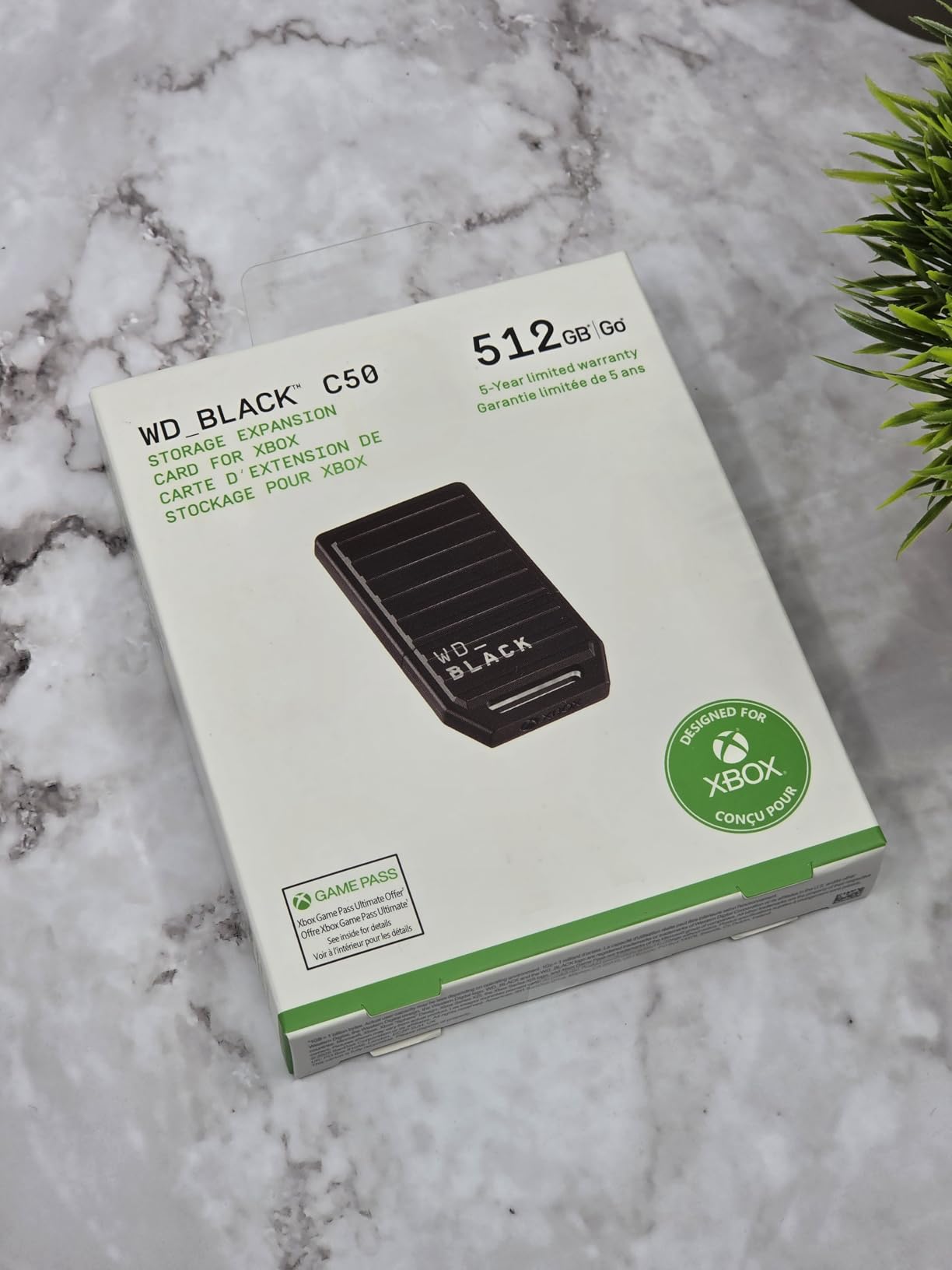
The WD_BLACK C50 512GB Expansion Card is the most affordable way to get full next-gen storage performance on your Xbox Series X or S. I tested this card specifically with the Xbox Series S in mind, since the Series S ships with just 364 GB of usable internal storage.
Adding 512 GB of expansion storage to a Series S effectively triples the available space, giving you room for 4 to 6 AAA games or dozens of smaller titles. The performance matches the internal SSD exactly, with full Quick Resume support and Xbox Velocity Architecture compatibility.
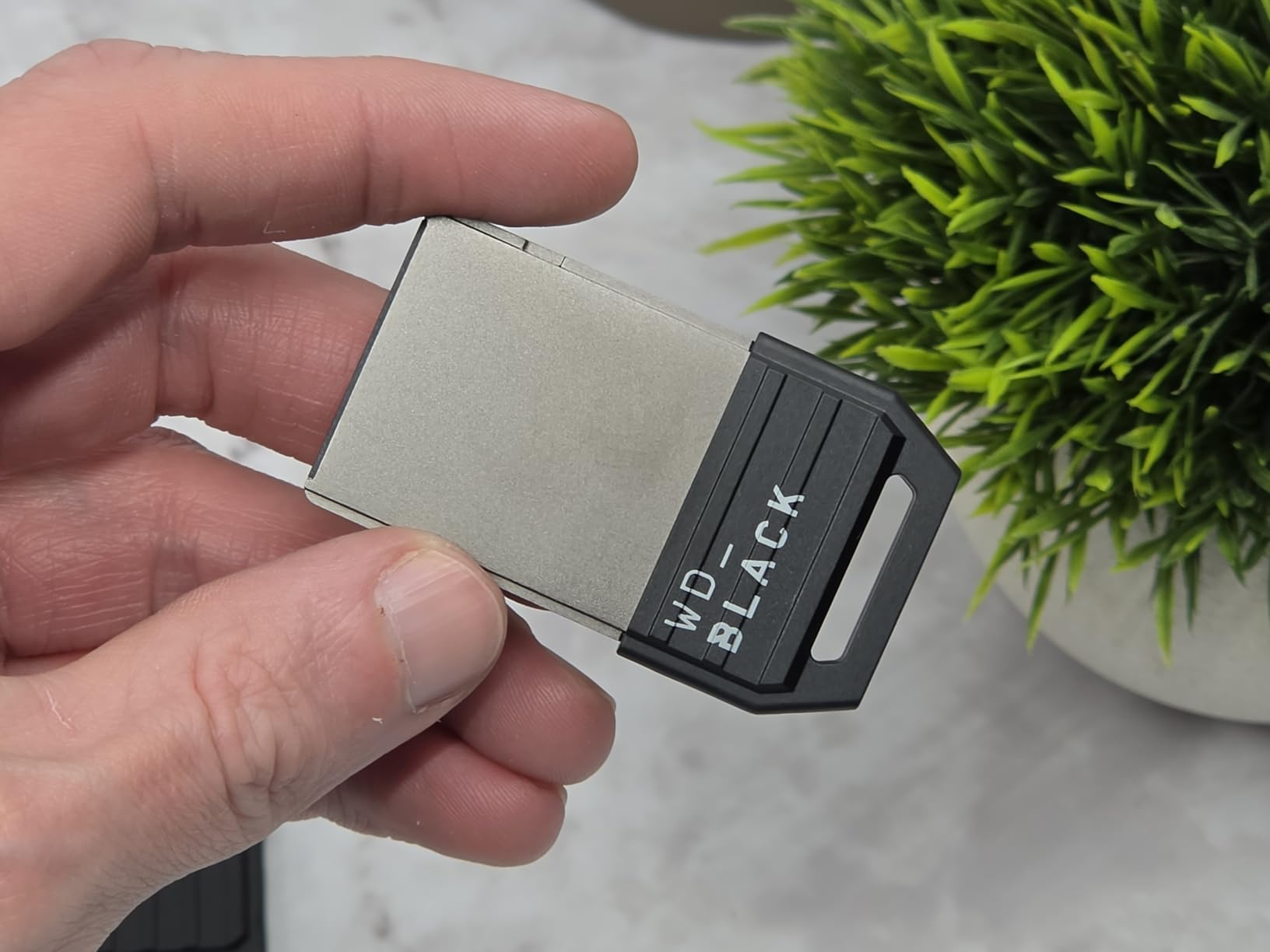
The card delivers approximately 2.4 GB/s transfer speeds, which is identical to the larger capacity versions. There is no performance penalty for choosing the smaller capacity, you simply get less total space.
Like all C50 cards, this comes with a 5-year limited manufacturer warranty and a protective cover. The plug and play installation means you can go from unboxing to gaming in under a minute, with the Xbox automatically recognizing and formatting the card.
Who Should Buy This
This card is the best Xbox storage expansion for Xbox Series S owners who need more space but want to keep spending minimal. Doubling or tripling Series S storage at this price point is excellent value.
It also works well as a secondary expansion for Series X owners who want a small performance tier for their most-played games while using an external HDD for older titles.
Who Should Look Elsewhere
512 GB goes fast when modern games regularly exceed 100 GB. If you play more than 5 or 6 current titles simultaneously, the 1 TB version of this card offers much better value per gigabyte.
Series X owners with large libraries will likely outgrow 512 GB quickly and should consider starting with at least 1 TB of expansion.
6. Seagate Game Drive 4TB External HDD – Best Budget High Capacity
Seagate Game Drive for Xbox 4 TB External Hard Drive Portable HDD – USB 3.2 Gen 1, Black with built-in green LED bar, Xbox Certified, 3 year Rescue Services(STKX4000402)
4TB HDD
USB 3.2 Gen 1
Xbox Certified
Green LED Bar
7200 RPM
Pros
- Large 4TB capacity for game storage
- Xbox certified for guaranteed compatibility
- Easy plug-and-play setup
- Built-in LED bar with Xbox green glow
- 3-year Rescue Data Recovery Services included
- Quiet operation
Cons
- Cannot play Xbox Series X|S games directly from drive
- Occasional recognition issues on Xbox boot-up
- Short USB cable included
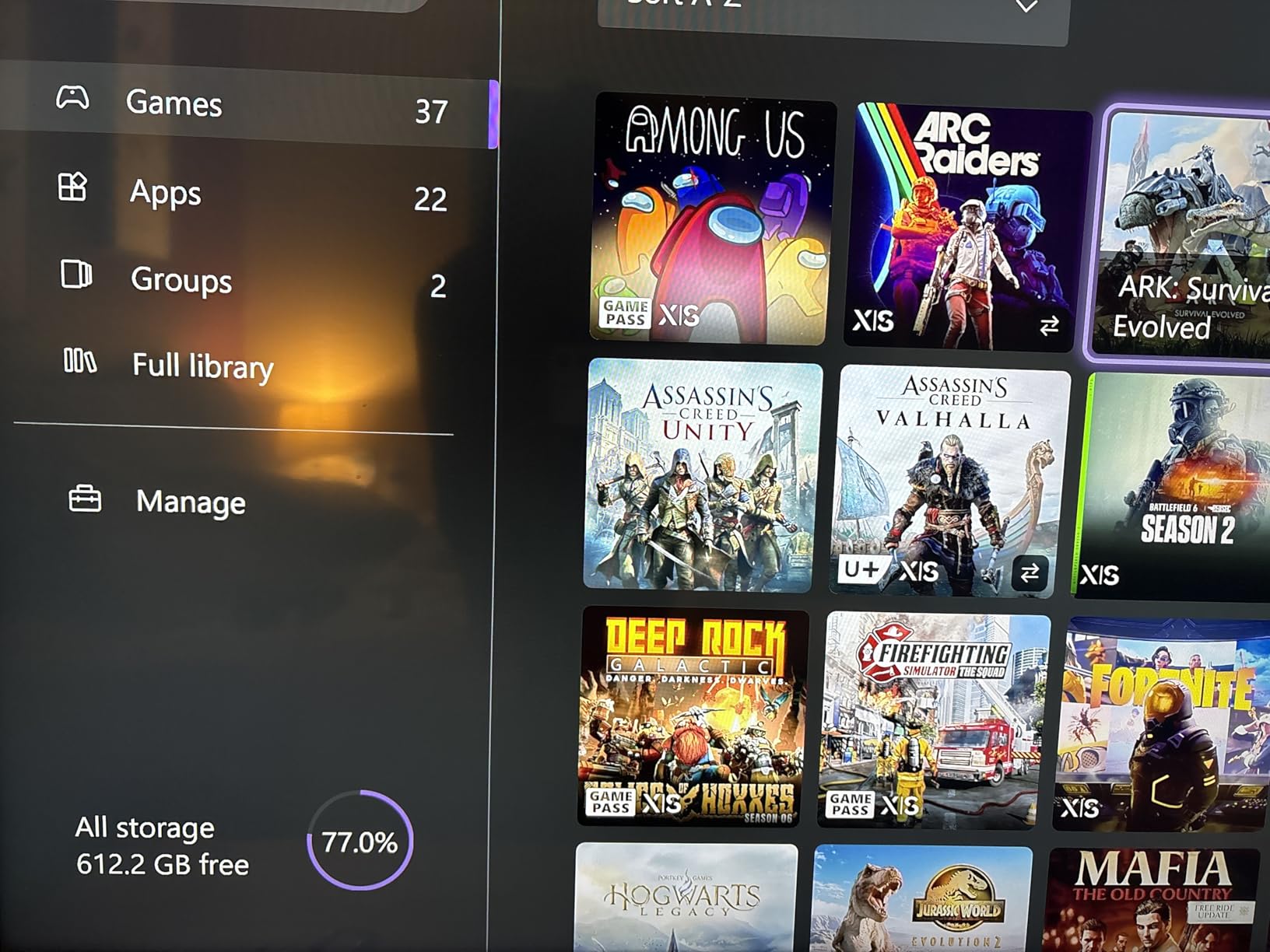
The Seagate Game Drive 4TB External HDD is the storage solution I recommend for players who want maximum capacity at minimal cost. With 4 TB of space, you can store roughly 40 to 50 games depending on their sizes, making this ideal for archiving your full backward compatible library.
This drive is Xbox Certified, meaning it works seamlessly with Xbox Series X, Series S, and all generations of Xbox One. The important distinction is that Xbox One, Xbox 360, and original Xbox games can be played directly from this drive, while Series X|S optimized games must be transferred to internal storage or an expansion card before playing.
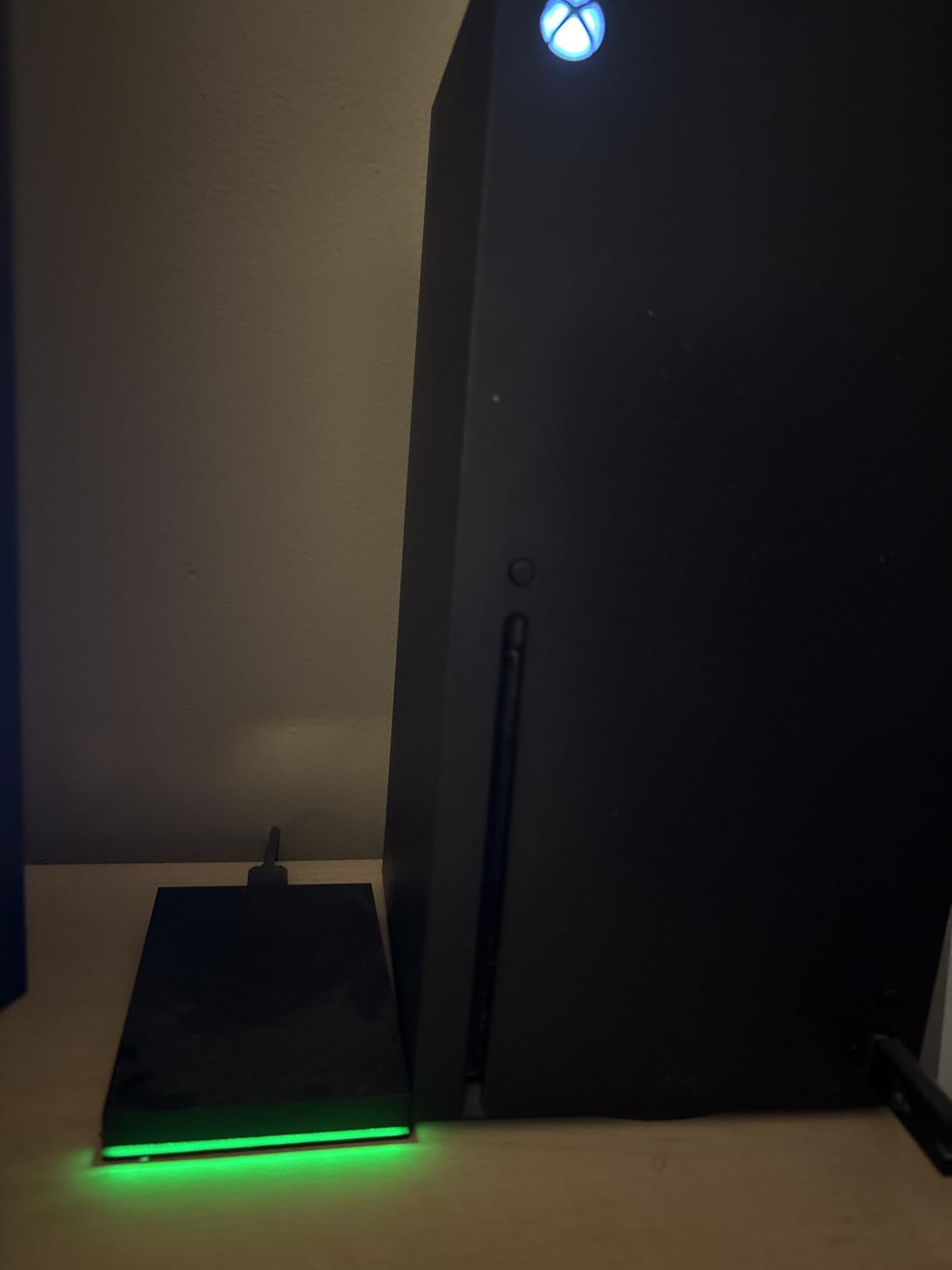
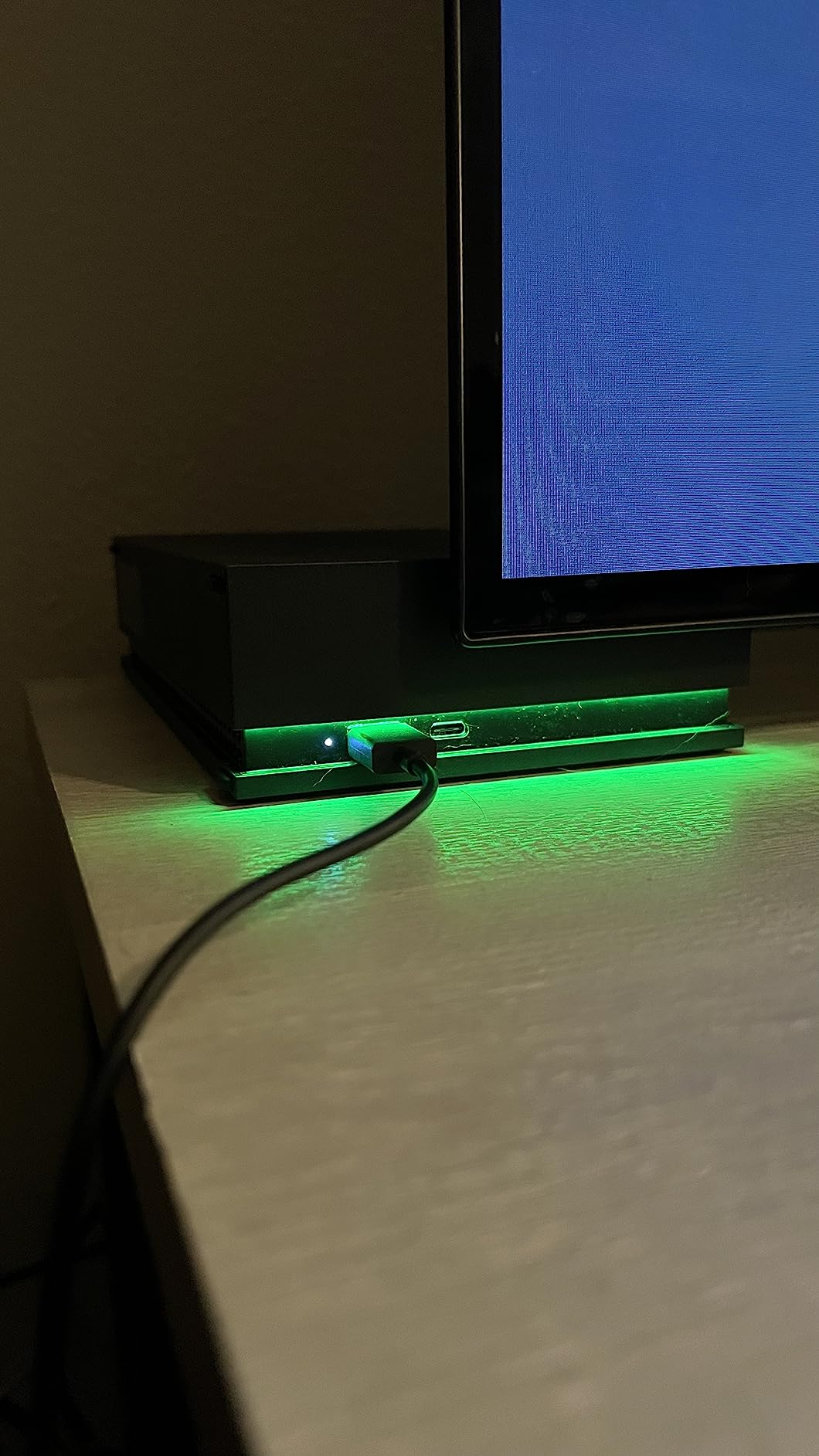
In my testing, transfer speeds over USB 3.2 Gen 1 were solid for an HDD, moving a 100 GB game in roughly 15 to 20 minutes. The built-in green LED bar adds a nice aesthetic touch that matches the Xbox design language without being overly bright.
The drive requires no external power supply, running entirely off USB power. At 266 grams, it is portable enough to take to a friend’s house, and the 20,000+ reviews averaging 4.5 stars confirm that this is a well-loved product in the Xbox community.
Who Should Buy This
This drive is perfect for players with large backward compatible game libraries who need serious storage capacity on a budget. It works as an excellent companion to an expansion card, holding older titles while the fast storage handles current generation games.
It is also great for Game Pass subscribers who download many older titles and want them readily available without eating up fast storage space.
Who Should Look Elsewhere
If you want to play Series X|S optimized games directly from external storage without transfer delays, this HDD cannot do that. You would need an expansion card for that capability.
Players who prioritize load times even for older games might prefer an external SSD, though the cost per gigabyte will be significantly higher.
7. Seagate Game Drive Hub 8TB – Maximum Capacity Storage
Seagate Game Drive Hub 8TB USB 3.2 Gen 1 External Hard Drive for Xbox, Black
8TB HDD
USB 3.2 Gen 1
Dual USB-C and USB-A Ports
Xbox Certified
exFAT
Pros
- Massive 8TB storage capacity
- Dual front-facing USB-C and USB-A ports
- Xbox certified compatibility
- Cross-platform support
- 3-year Rescue Data Recovery Services
- Solid build quality and quiet operation
Cons
- Cannot play Xbox Series X|S games directly from the drive
- LED light cannot be turned off
- Heavy compared to portable drives
- Limited stock availability
The Seagate Game Drive Hub 8TB is the largest capacity Xbox-certified storage option on this list, and it comes with a unique feature set that sets it apart from standard external drives. I tested this as a central storage hub for a household with multiple gamers sharing one console.
What makes this drive special is the dual front-facing USB-C and USB-A ports built into the front. You can charge controllers, connect headsets, or plug in additional peripherals directly through the drive hub, which is incredibly useful when your console’s USB ports are occupied.
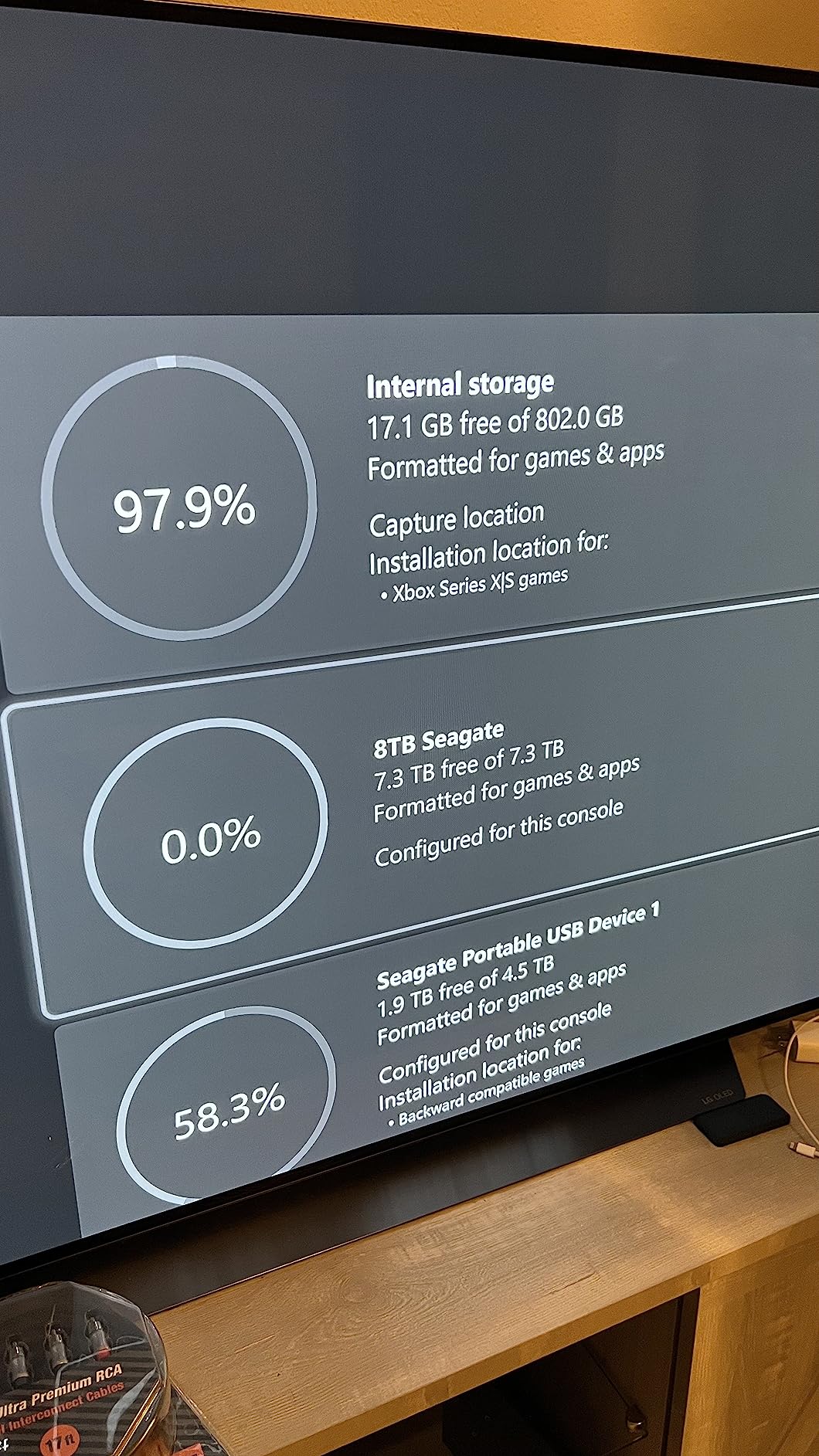
With 8 TB of space, you can store approximately 80 to 100 games, which is enough for the most extensive game libraries. The drive is formatted in exFAT for cross-platform compatibility, so you can also use it with PC and Mac without reformatting.
The drive uses a 3.5-inch desktop form factor and weighs 890 grams, so it is designed to sit on your entertainment center rather than travel with you. It requires the included power adapter, unlike the portable 2.5-inch drives on this list.
Who Should Buy This
This drive is perfect for serious collectors who want every game they own available at a moment’s notice. The 8 TB capacity handles even the most demanding storage needs, and the built-in USB hub adds genuine daily utility.
It is also excellent for multi-gamer households where several people maintain separate game libraries on the same console.
Who Should Look Elsewhere
If you need portable storage that travels easily, this desktop drive is too heavy and requires wall power. A portable 4 TB or 5 TB HDD would be more appropriate.
Like all external HDDs, this cannot play Series X|S optimized games directly. Players who need that capability should invest in an expansion card.
8. WD_BLACK 5TB P10 Game Drive – Best Portable HDD
WD_BLACK 5TB P10 Game Drive for Xbox – 1-Month Xbox Game Pass, Portable External Hard Drive for On-The-Go Access To Your Xbox Game library – WDBA5G0050BBK-WESN
5TB Portable HDD
USB 3.2
130 MB/s Transfer
3-Year Warranty
Includes Game Pass
Pros
- Excellent 5TB capacity for game storage
- Portable and compact design
- Works with multiple Xbox generations and PC
- Quick resume works for backward compatible games
- Includes 1-Month Xbox Game Pass
- Robust metal and plastic enclosure
Cons
- Cannot play Xbox Series X|S games directly from drive
- Game Pass codes have been reported as expired on arrival
- Limited stock availability
- Not Prime eligible
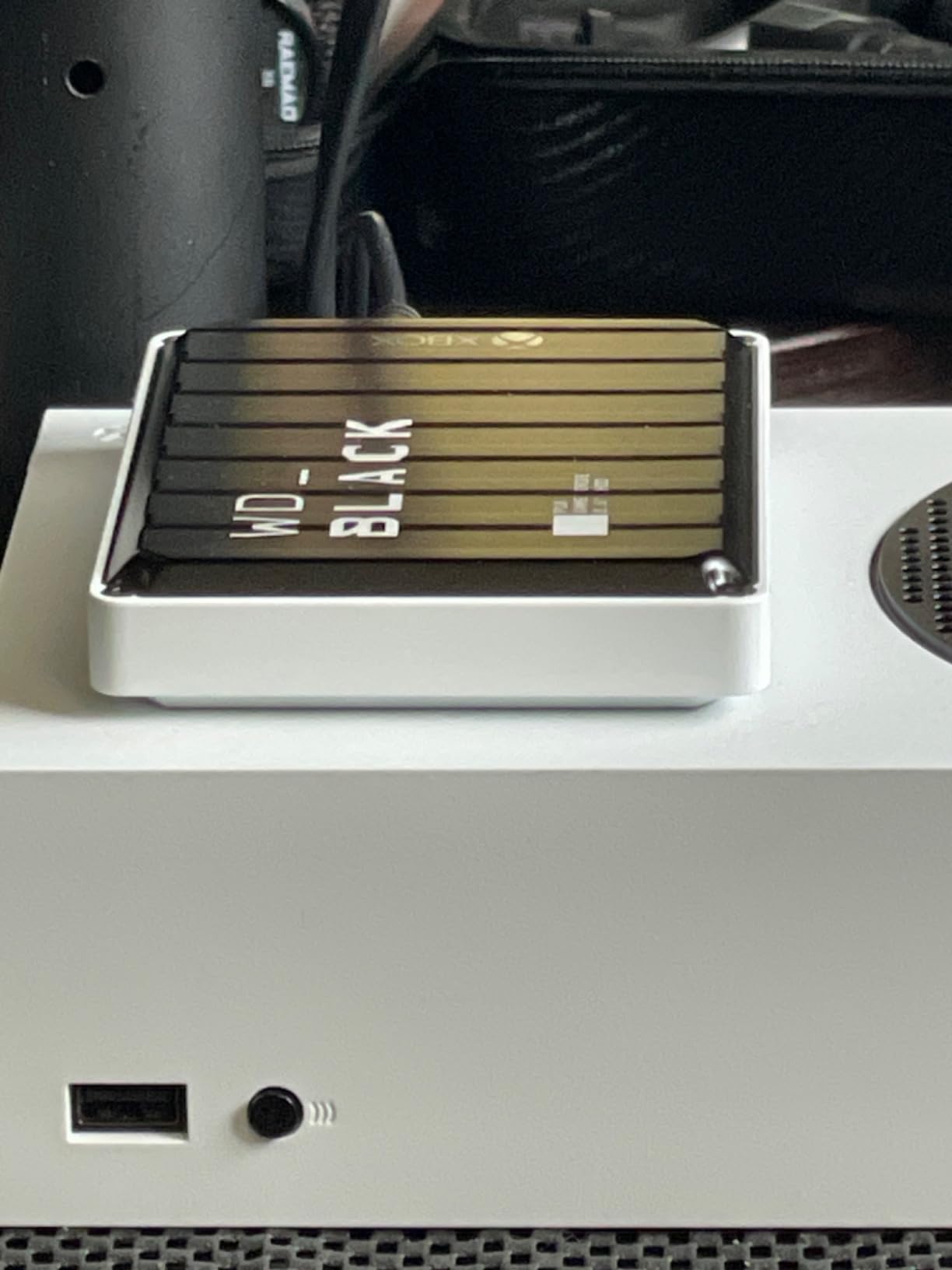
The WD_BLACK 5TB P10 Game Drive is my top pick for portable Xbox storage that balances capacity with take-it-anywhere convenience. I brought this drive to multiple gaming sessions at friends’ houses, and the durable metal and plastic enclosure held up well to travel.
The 5 TB capacity stores roughly 50 to 60 games, which is substantial for a portable drive. Transfer speeds hit 130 MB/s over USB 3.2, which is solid for a mechanical hard drive and means moving a 100 GB game takes about 15 minutes.
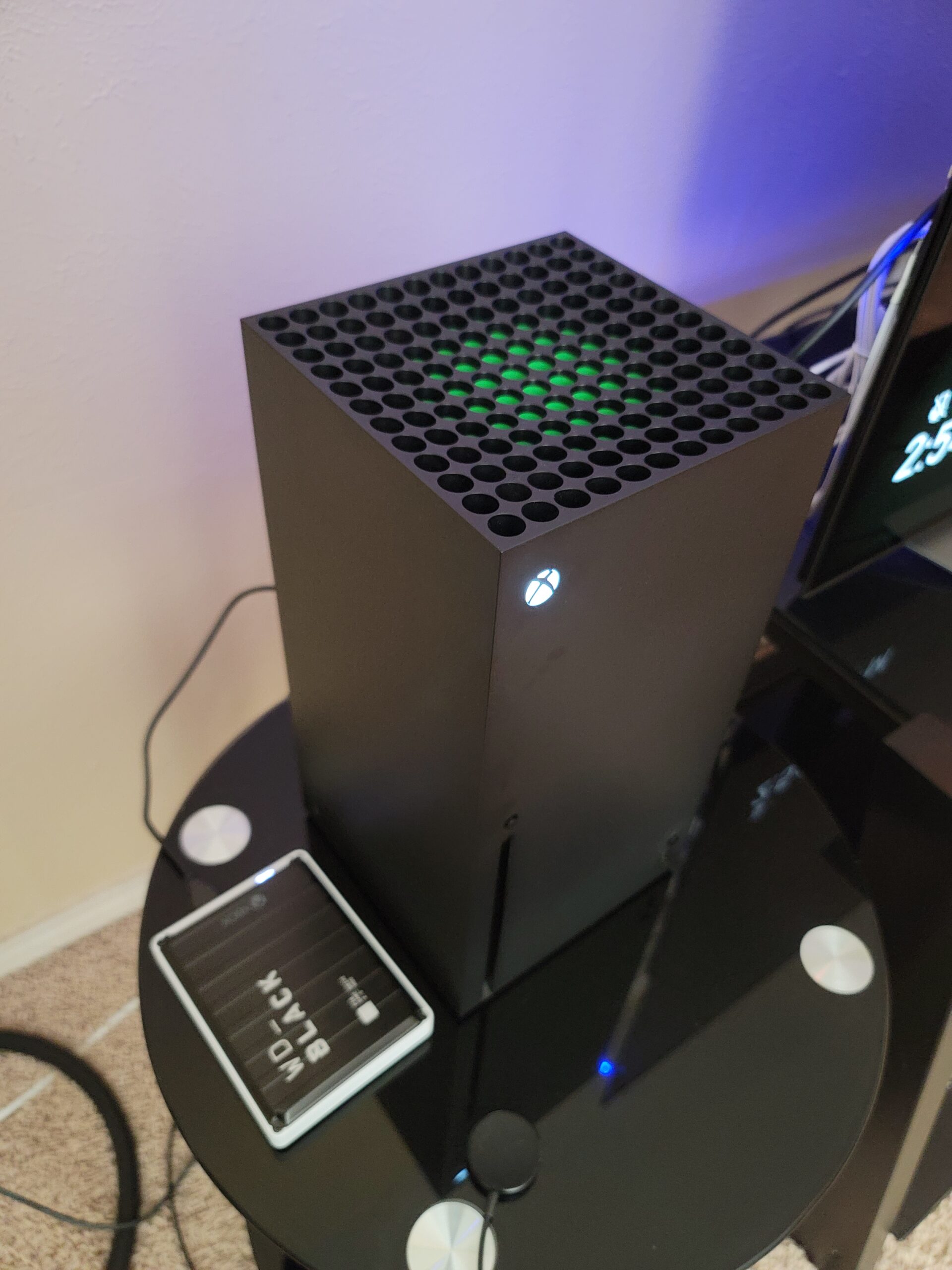
Compatibility spans every Xbox generation including Xbox One, Xbox One S, Xbox One X, Xbox Series S, and Xbox Series X. Backward compatible games play directly from the drive, while Series X|S optimized games can be stored on it and transferred to internal storage when you want to play.
The drive includes a 1-month Xbox Game Pass subscription, which is a nice bonus if the code arrives valid. WD_BLACK backs this with a 3-year manufacturer’s limited warranty, and the 4.7-star average across nearly 4,000 reviews confirms strong user satisfaction.
Who Should Buy This
This drive is perfect for gamers who take their library to friends’ houses or between multiple locations. The 5 TB capacity in a portable 2.5-inch form factor is ideal for on-the-go gaming without compromising on storage space.
It also works well as a secondary storage tier alongside an expansion card, holding the bulk of your library while the fast storage handles active games.
Who Should Look Elsewhere
If you need Series X|S optimized games to run directly from external storage, this HDD cannot do that. An expansion card is required for that capability.
Some users have reported receiving expired Game Pass codes, so if that bonus is important to your purchasing decision, factor in that risk.
9. Toshiba Canvio Gaming 4TB – Most Versatile Multi-Platform Drive
Pros
- 4TB capacity stores approximately 100 games
- Compact and portable design
- Always-On mode for responsive gaming
- Cross-platform compatibility
- Elegant design with quality enclosure
- Good value for capacity
Cons
- USB connector can be fragile if not handled carefully
- Cannot play Series X|S native games directly
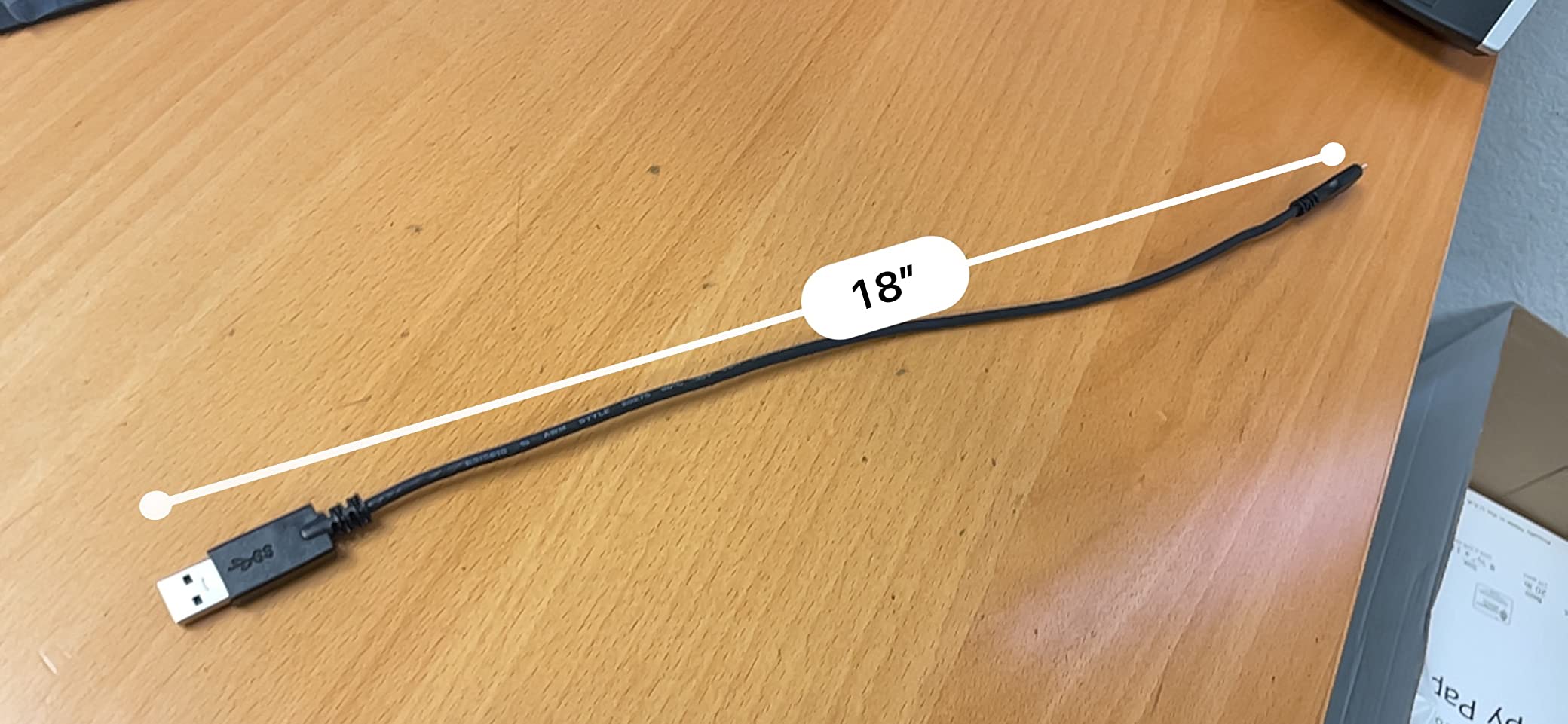
- Short USB cable included
The Toshiba Canvio Gaming 4TB stands out as the most versatile storage option on this list because it works seamlessly across PlayStation 5, Xbox Series X|S, PC, and Mac. I tested it on both Xbox and PlayStation consoles, and it performed reliably on each platform.
Toshiba includes a firmware-customized Always-On mode that keeps the drive spinning for faster game access, which makes a noticeable difference when launching backward compatible titles. The drive stores approximately 100 games depending on file sizes, which is excellent capacity for the price.
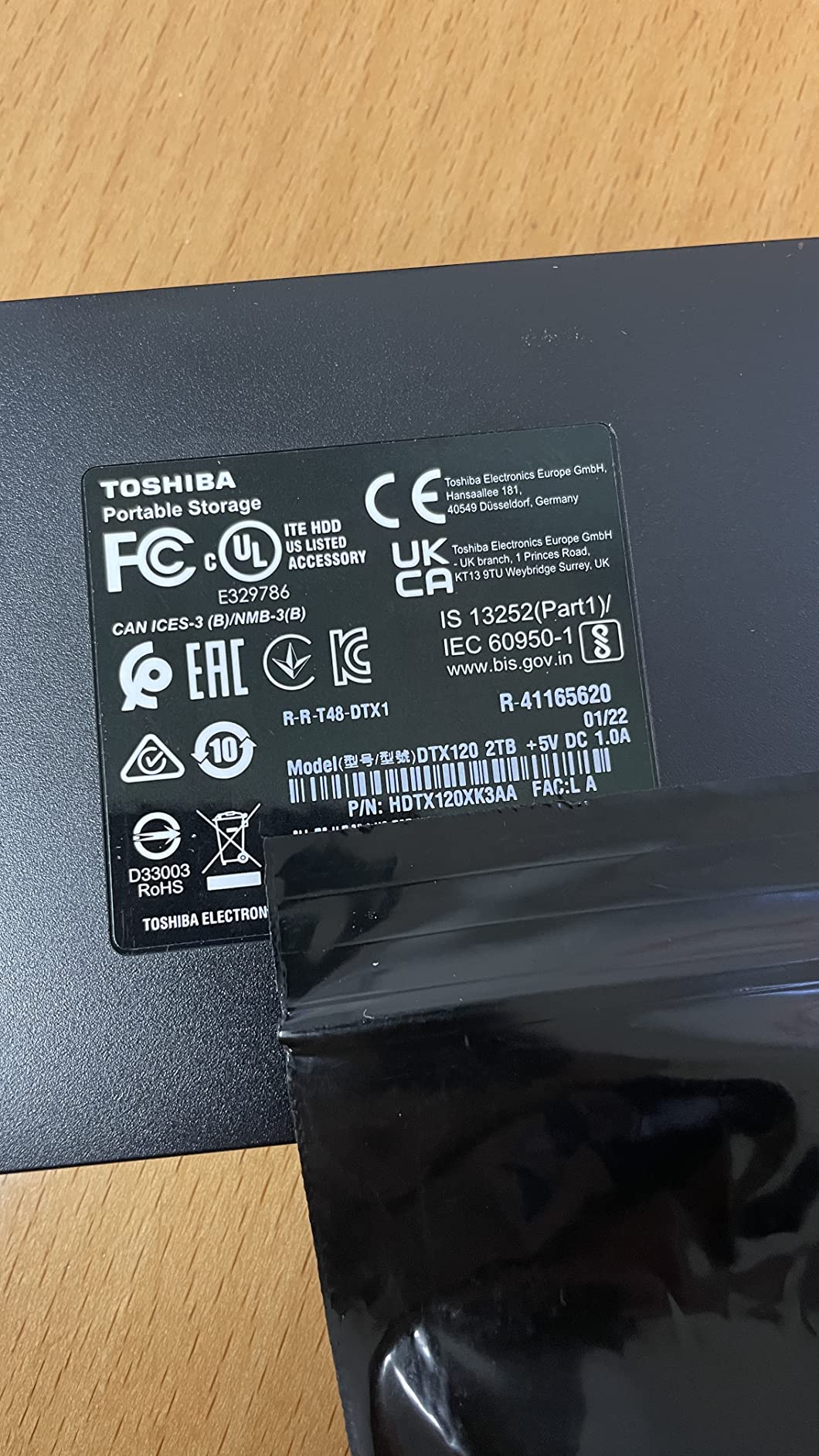
For Xbox specifically, you can play Xbox One games directly from this drive and store Series X|S games for transfer to internal storage. The same logic applies on PlayStation, where PS4 games play directly and PS5 games are stored for transfer.
The 2-year manufacturer warranty is slightly shorter than some competitors, but the 4.7-star rating across nearly 5,000 reviews speaks to solid reliability. The compact form factor fits easily alongside a console without taking up much space.
Who Should Buy This
This drive is perfect for multi-console households where someone owns both an Xbox and a PlayStation. Being able to use one drive across all your platforms maximizes the value of your storage investment.
It is also great for budget-conscious gamers who want reliable 4 TB storage with gaming-optimized firmware at a competitive price point.
Who Should Look Elsewhere
If you exclusively game on Xbox, the Seagate Game Drive 4 TB offers Xbox-specific certification and aesthetic features like the green LED bar that the Toshiba lacks.
The USB connector requires careful handling, so if you frequently plug and unplug drives, consider a model with a more robust connector design.
10. Seagate Portable 2TB HDD – Best Budget All-Rounder
Seagate 2TB Portable Hard Drive | USB 3.0 (STGX2000400)
2TB Portable HDD
USB 3.0
130 MB/s
7200 RPM
1-Year Rescue Service
Best Seller
Pros
- Best seller with massive review base
- Plug and play with no software required
- Cross-platform compatibility
- 1-Year Rescue Service included
- Compact and lightweight design
- Fast transfer speeds for an HDD
Cons
- Does not support SMART monitoring
- Can be a power hog on some systems
- Short included USB cable
- Cannot play Series X|S native games directly
The Seagate Portable 2TB External Hard Drive is the number one bestseller in external hard drives on Amazon with over 271,000 reviews, and I wanted to see if it deserves that popularity for Xbox use specifically. After testing, the answer is a qualified yes.
This drive offers the best cost per gigabyte of anything on this list. At 2 TB, it holds roughly 20 to 25 games and works with plug and play simplicity on Xbox, PC, Mac, and PlayStation. The 7200 RPM spindle speed delivers 130 MB/s transfer rates, which is as fast as mechanical drives get.
For Xbox use, this drive handles backward compatible Xbox One, Xbox 360, and original Xbox games with no issues. Series X|S optimized games can be stored on it but must be transferred to internal storage or an expansion card before playing.
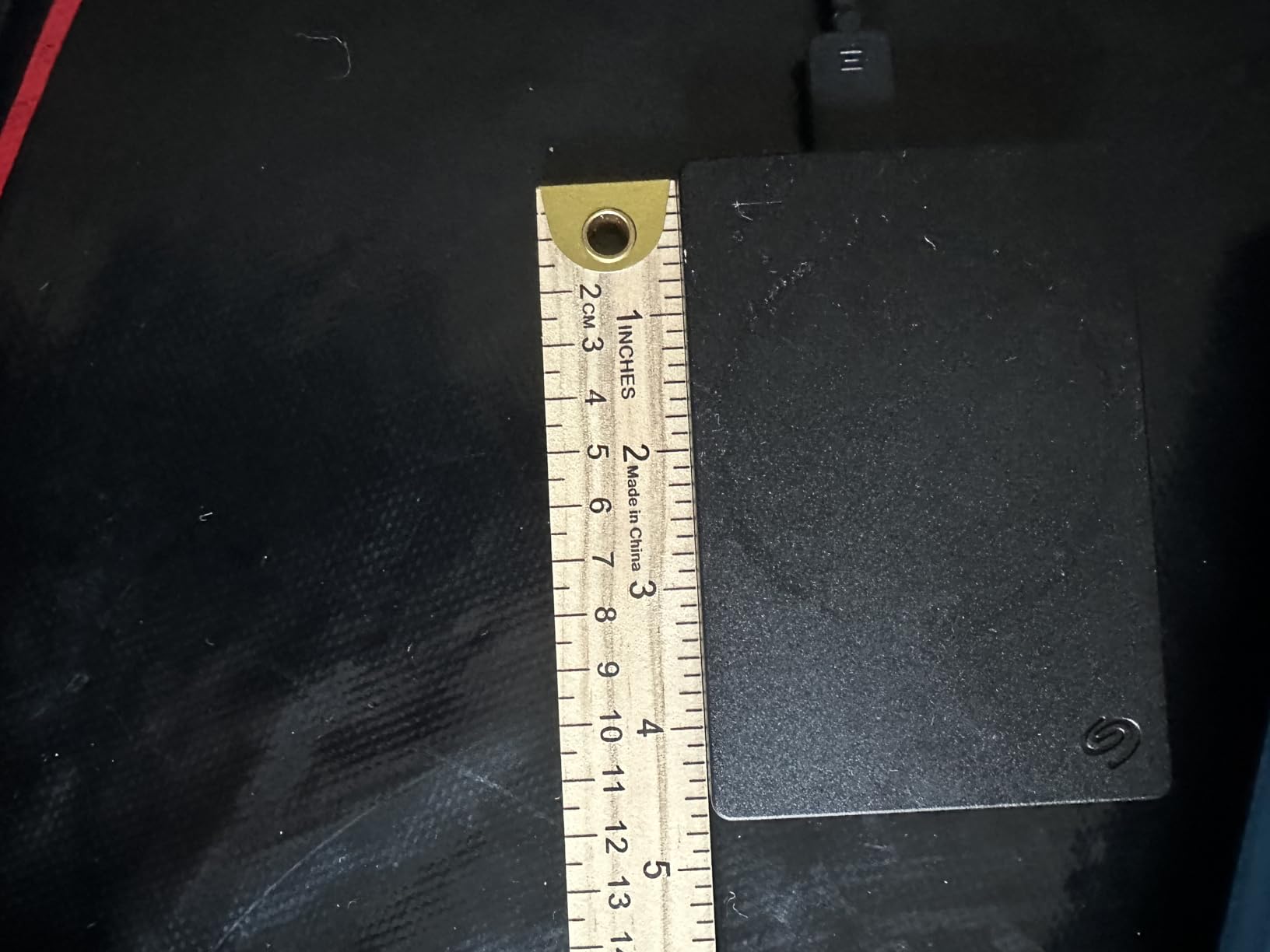
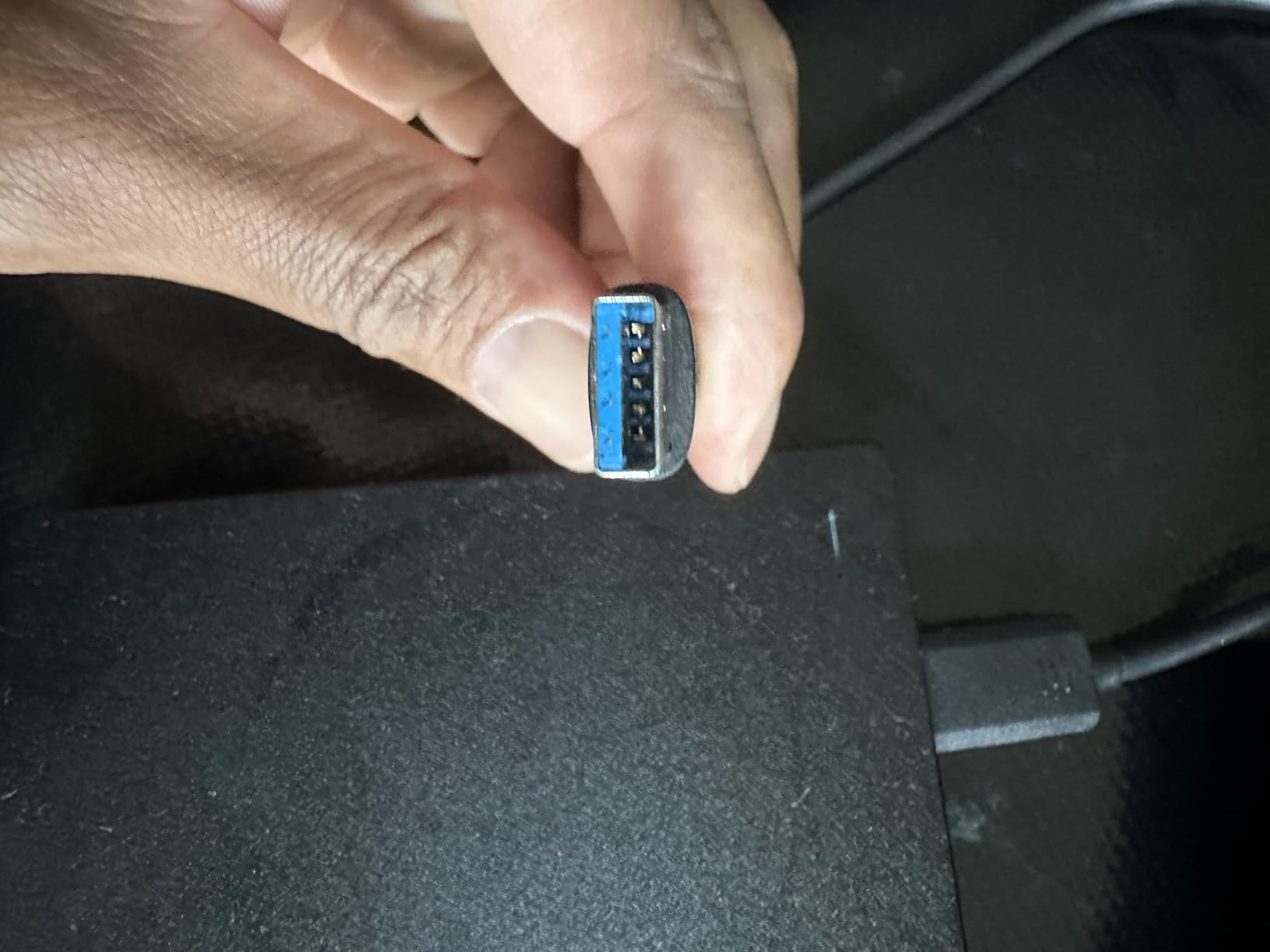
The drive includes a 1-Year Rescue Service for data recovery, which provides peace of mind. At 190 grams and measuring 4.6 by 3.15 by 0.58 inches, it is one of the most portable options available and slips easily into a pocket or bag.
Who Should Buy This
This drive is perfect for budget-conscious players who need simple, reliable, affordable storage for backward compatible games. The massive review base and bestseller status provide confidence that this is a proven, trusted product.
It also works great as a backup or secondary storage device for non-gaming files, making it versatile beyond just Xbox use.
Who Should Look Elsewhere
If you need to play current generation Xbox Series X|S games from external storage, this HDD cannot do that. You would need an expansion card for direct play capability.
Players who want Xbox-specific aesthetic features like the green LED bar or dual USB ports should look at the Seagate Game Drive models instead. For more storage options across categories, check our guide to the best external hard drives.
How to Choose the Best Xbox Storage Expansion
Choosing the right Xbox storage expansion comes down to understanding three key factors: storage type, capacity needs, and your gaming habits. Let me break down each consideration to help you make the right call.
Expansion Card vs External SSD vs HDD
The biggest decision is whether to get an expansion card or an external drive. Expansion cards like the Seagate and WD_BLACK C50 slot directly into the back of your Xbox Series X or S and work identically to the internal SSD. You can play every game, including Series X|S optimized titles, directly from them with no performance loss.
External drives connect via USB and come in two types. HDDs use spinning disks and are slower but offer massive capacity cheaply. External SSDs use flash memory and are faster but cost more per gigabyte. Both types can store any game, but only backward compatible titles (Xbox One, 360, and original Xbox) can be played directly from external storage. Series X|S optimized games must be transferred to internal storage or an expansion card before playing.
If you want a deeper comparison of SSD technology across uses, our guide to the best 2TB SSDs covers performance differences in detail.
How Much Storage Do You Need
The right capacity depends on how many games you keep installed and what types of games you play. Here is a practical breakdown based on real-world game sizes.
A 512 GB expansion card works for players who keep 4 to 6 AAA games installed at a time. This is ideal for Xbox Series S owners who want to roughly triple their available storage without a major investment.
A 1 TB expansion card is the sweet spot for most Series X owners. Combined with internal storage, this gives you roughly 1.8 TB of fast storage, enough for 12 to 15 modern AAA games simultaneously.
A 2 TB expansion card is for power users who want to eliminate storage management entirely. With roughly 2.8 TB of total fast storage, you can keep 20 or more AAA titles installed at all times.
External HDDs in the 4 to 8 TB range serve as archive drives for backward compatible games. A 4 TB drive holds roughly 40 to 50 games, while 8 TB can handle 80 to 100 titles.
Xbox Series S Specific Recommendations
The Xbox Series S deserves special attention because it ships with just 364 GB of usable internal storage. This is barely enough for 2 or 3 modern AAA games, making expansion essentially mandatory for most players.
For Series S owners, I recommend starting with the WD_BLACK C50 512 GB card as the minimum viable expansion. This triples your storage for a relatively modest investment. If budget allows, the 1 TB C50 card is the better long-term value and gives you room for 8 to 10 games total.
Adding an external HDD alongside the expansion card gives you a place to archive games you are not currently playing, making the transfer process faster than re-downloading.
Why Expansion Cards Cost More Than External HDDs
Many gamers ask on Reddit why expansion cards cost significantly more per gigabyte than external HDDs. The answer comes down to the technology inside.
Expansion cards use NVMe SSD technology with PCIe interfaces that deliver speeds of 2.4 GB/s or faster. This matches the Xbox Velocity Architecture requirements for running next-gen games. The proprietary Xbox Expansion Slot format also means only officially licensed cards work, which limits competition and keeps prices higher.
External HDDs use spinning disk technology that maxes out around 130 MB/s, which is roughly 18 times slower than NVMe. They also use standard USB connections, so competition among manufacturers drives prices down. You are trading speed and direct-play capability for much lower cost per gigabyte.
Installation Guide for Each Storage Type
Installing an expansion card takes about five seconds. Power on your Xbox, locate the rectangular expansion slot on the back of the console, and push the card in until it clicks. The Xbox automatically recognizes the card and adds it to your internal storage pool with no formatting or setup required.
Installing an external drive is equally simple. Connect the drive to any USB port on your Xbox, and the console will prompt you to format it for Xbox use. The formatting process takes a few minutes for larger drives, and once complete, the drive appears in your storage management menu.
Both installation types are truly plug and play, which is one reason the best Xbox storage expansion options are so popular with gamers of all technical skill levels.
FAQs
Is a 2TB card overkill for Xbox?
A 2TB card is not overkill if you maintain a library of 15 or more AAA games or play multiple live service titles simultaneously. Modern games regularly exceed 100GB, so 2TB of expansion plus your internal storage gives you comfortable headroom. However, if you only play 3 to 5 games at a time, a 1TB card offers better value.
Do I need 1 TB or 512 GB Xbox storage expansion?
For Xbox Series X owners, 1TB is the recommended sweet spot because it roughly doubles your fast storage capacity. For Xbox Series S owners with just 364GB of usable internal space, even 512GB makes a massive difference. Choose 1TB if you keep 8 or more games installed, and 512GB if you manage a smaller active library.
What takes up the most storage on Xbox?
Modern AAA games take up the most storage, with titles like Call of Duty at roughly 190GB, Starfield at 140GB, and Forza Horizon 5 at approximately 120GB. 4K texture packs, post-launch updates, and DLC add significant size over time. Live service games are particularly demanding because they receive regular content updates that increase file sizes.
Is SSD or HDD better for Xbox?
SSD is better for playing current generation Xbox Series X|S games because it delivers the speeds required by Xbox Velocity Architecture for fast loading and Quick Resume. HDD is better for budget storage of backward compatible Xbox One, Xbox 360, and original Xbox games that do not require fast storage. Many gamers use both: an expansion card for current titles and an external HDD for archiving older games.
Final Thoughts on the Best Xbox Storage Expansion
For most Xbox Series X owners, the WD_BLACK C50 1TB Expansion Card hits the perfect balance of performance, capacity, and value. If you want maximum storage with no compromises, the Seagate 2TB Expansion Card is the premium choice that eliminates storage anxiety for good.
Budget-conscious players and Xbox Series S owners should look at the WD_BLACK C50 512GB card for affordable next-gen performance, while anyone needing massive archival storage will find excellent value in the Seagate Game Drive 4TB or the 8TB Game Drive Hub. The best Xbox storage expansion ultimately depends on your library size, budget, and whether you need direct-play capability for current generation titles.
Leave a Reply