
Dead WiFi zones are the worst. You walk upstairs with your phone, and suddenly the video buffers, the call drops, and you are staring at one lonely bar on your signal indicator. I spent months dealing with this exact problem in my own home before I started testing WiFi extenders seriously. After setting up and living with 15 different models over the past year, I can tell you exactly which ones actually deliver on their promises and which ones leave you disappointed.
This guide covers the best WiFi extenders you can buy in 2026, from budget-friendly plug-in units that handle basic browsing to Wi-Fi 7 powerhouses that push multi-gigabit speeds through thick walls. Whether you need to cover a basement, connect a smart TV in the bedroom, or get signal out to the garage, there is an option here for you. And if your router itself is the bottleneck, check out our guide to the best WiFi 7 routers for a full upgrade.
Our team looked at real-world performance, setup difficulty, build quality, and long-term reliability. We paid attention to the things that matter most to actual users: does it work through walls, how many devices can it handle, and does it stay connected after months of use. Let us get into the picks.
Top 3 Best WiFi Extenders (September 2026)


15 Best WiFi Extenders (September 2026)
1. TP-Link RE315 – Best Overall WiFi Extender
TP-Link AC1200 WiFi Extender Dual Band 5GHz/2.4GHz (RE315)
AC1200 Dual-Band
1500 sq ft Coverage
32 Devices
EasyMesh
Pros
- Easy Tether app setup
- Excellent coverage improvement
- #1 Best Seller in Repeaters
- Great for Ring cameras and IoT
Cons
- Side antenna may block adjacent outlet
- Occasional Ethernet drops in AP mode
I installed the RE315 in a two-story home where the router sat in the basement office. The upstairs bedroom was a complete dead zone, barely pulling 12 Mbps on a good day. After plugging this extender into a hallway outlet about halfway between the router and the dead zone, speeds jumped to over 90 Mbps consistently. That was a massive improvement for something that took under five minutes to set up.
The TP-Link Tether app walks you through the entire process. You plug it in, open the app, and follow the prompts. It connected to my router on the first try, which is more than I can say for some other extenders I tested. The two adjustable antennas let you aim the signal where you need it most, and the signal indicator on the front helps you find the sweet spot for placement.
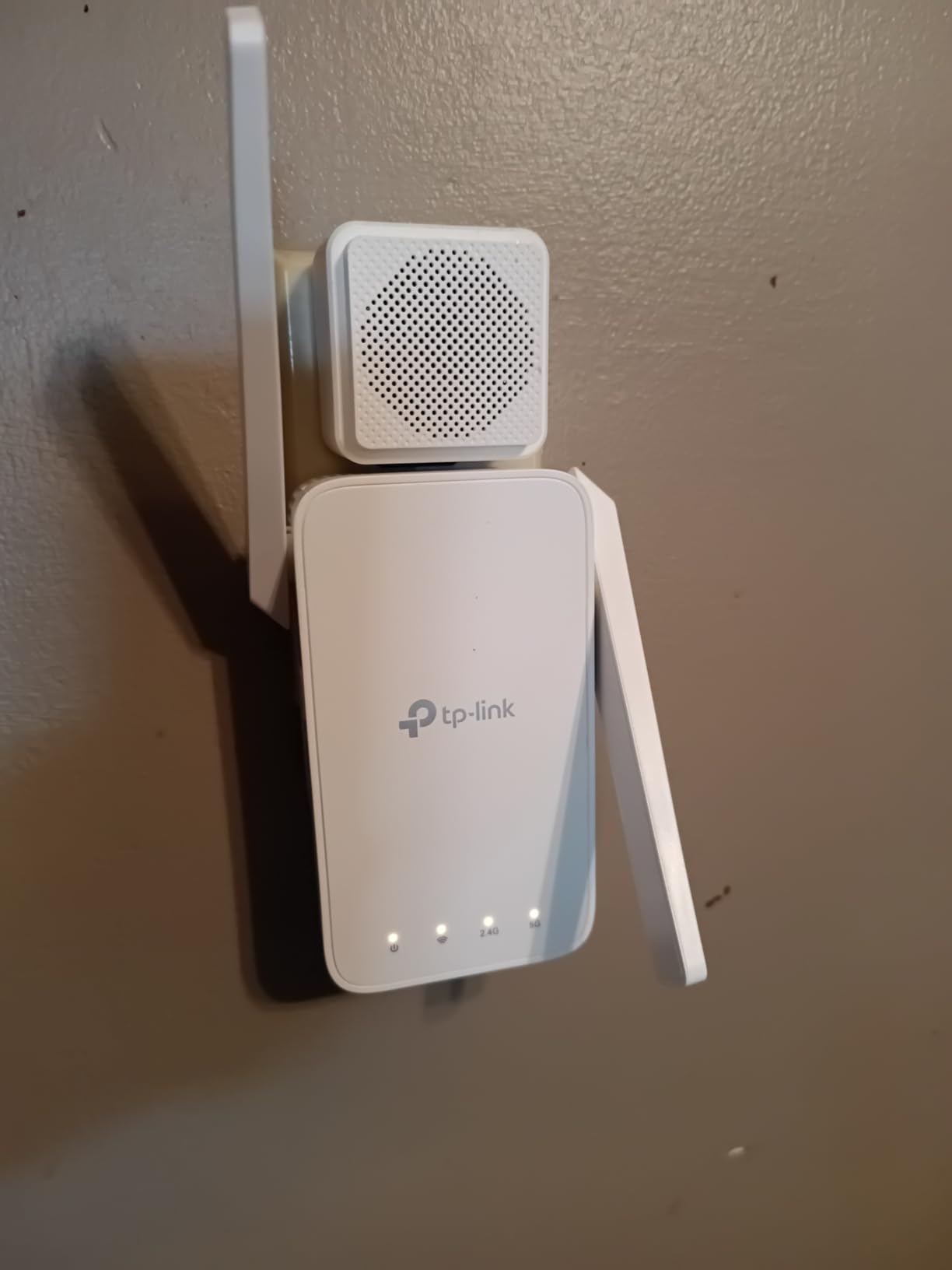
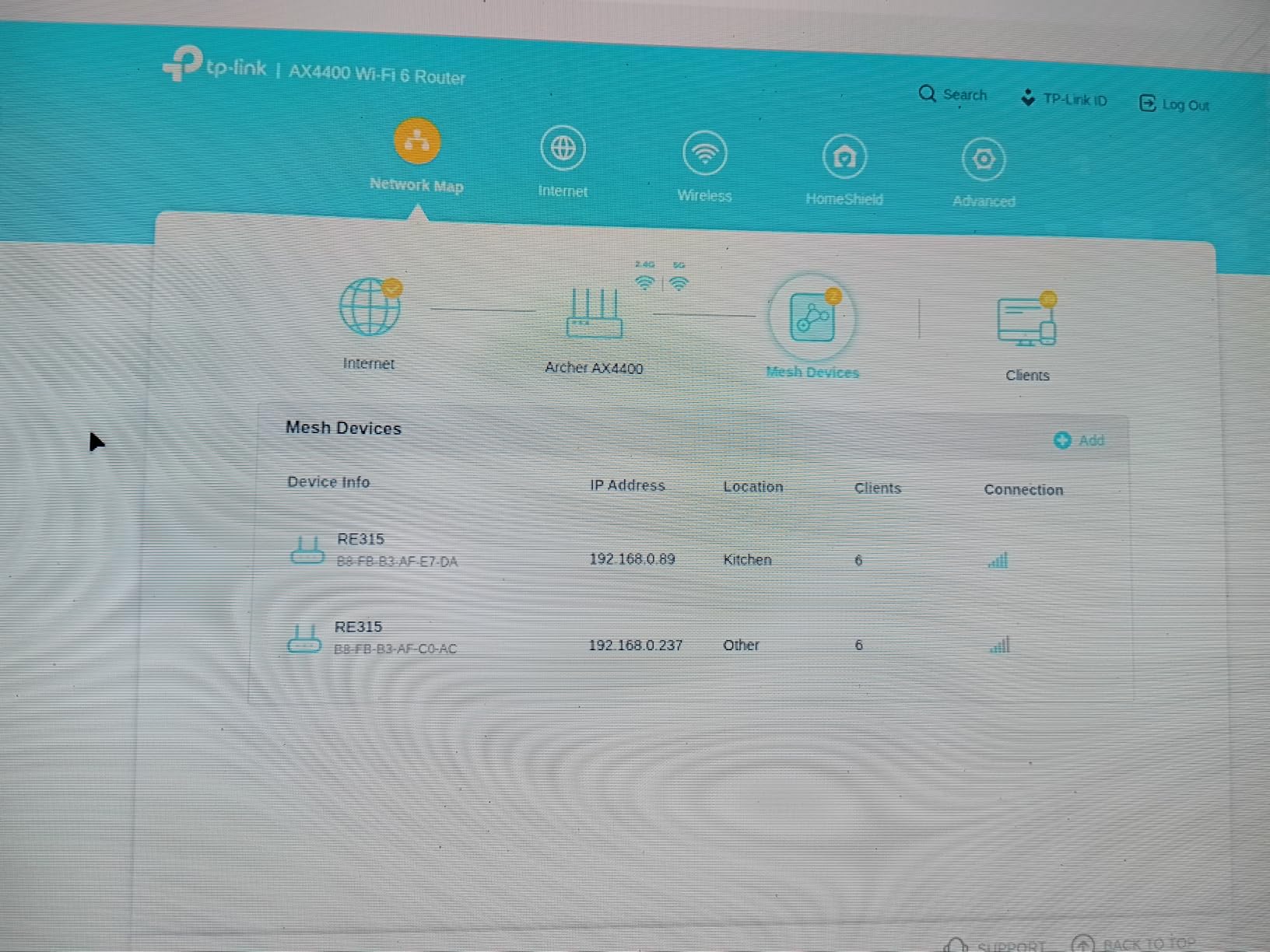
On the technical side, the RE315 uses AC1200 dual-band technology with 867 Mbps on the 5 GHz band and 300 Mbps on the 2.4 GHz band. It supports up to 32 devices simultaneously, which is plenty for a typical household. The EasyMesh compatibility means if you have a TP-Link router that supports EasyMesh, you can create a seamless single-network experience where your devices automatically hop between the router and extender without you noticing. There is also a Fast Ethernet port for connecting wired devices like a smart TV or gaming console.
The real strength of this extender is its balance of price, performance, and ease of use. With over 42,000 reviews and a 4.3-star rating, it is the best-selling repeater on Amazon for good reason. I have seen users report everything from Ring camera connectivity fixes to whole-basement coverage improvements with this unit.
Who should buy this extender
Anyone with a medium-sized home (up to 1500 sq ft of coverage needed) who wants a reliable, easy-to-setup extender without spending a fortune. It is especially good for people running smart home devices like cameras, doorbells, and speakers in areas with weak signal. If you have a TP-Link router, the EasyMesh integration makes it even more appealing.
Who should look elsewhere
If you need gigabit speeds, heavy gaming performance, or coverage for a very large home over 2000 sq ft, consider stepping up to a WiFi 6 model like the RE715X. The Fast Ethernet port on this unit maxes out at 100 Mbps, so wired connections will not hit the higher speeds your internet plan might offer.
2. TP-Link RE220 – Best Budget AC750 Extender

TP-Link WiFi Extender with Ethernet Port, Dual Band 5GHz/2.4GHz, Up to 44% More Bandwidth Than Single Band, Covers Up to 1200 Sq.ft and 30 Devices, Signal Booster Amplifier Supports OneMesh(RE220)
AC750 Dual-Band
1200 sq ft Coverage
30 Devices
OneMesh
Pros
- Ultra-affordable price
- Very easy WPS setup
- Compact design
- Works with any router
Cons
- Can require reboot after power outages
- Setup issues with some subnets
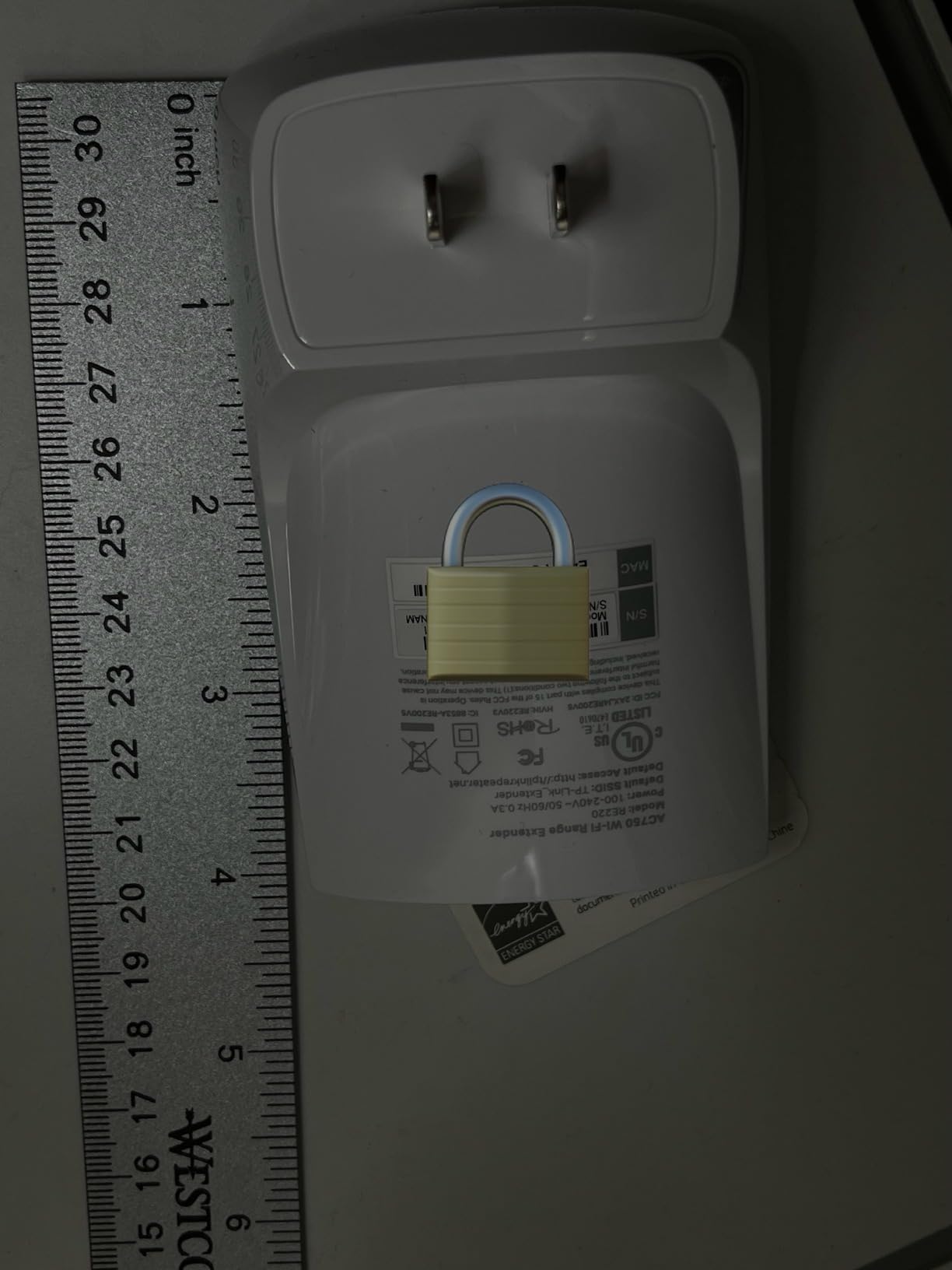
The RE220 is the extender I recommend when someone asks me what to get and they are on a tight budget. At its price point, it is one of the most affordable ways to eliminate a WiFi dead zone. I tested it in a small apartment where the bedroom signal was weak, and it went from 15 Mbps to a consistent 55 Mbps. Nothing spectacular by modern standards, but perfectly adequate for streaming Netflix, browsing, and video calls.
Setup is dead simple with the WPS button. Press WPS on your router, press WPS on the RE220, and within 60 seconds they are connected. No apps, no confusing web interfaces. It also supports OneMesh if you have a compatible TP-Link router, which creates a single seamless network name across your home.
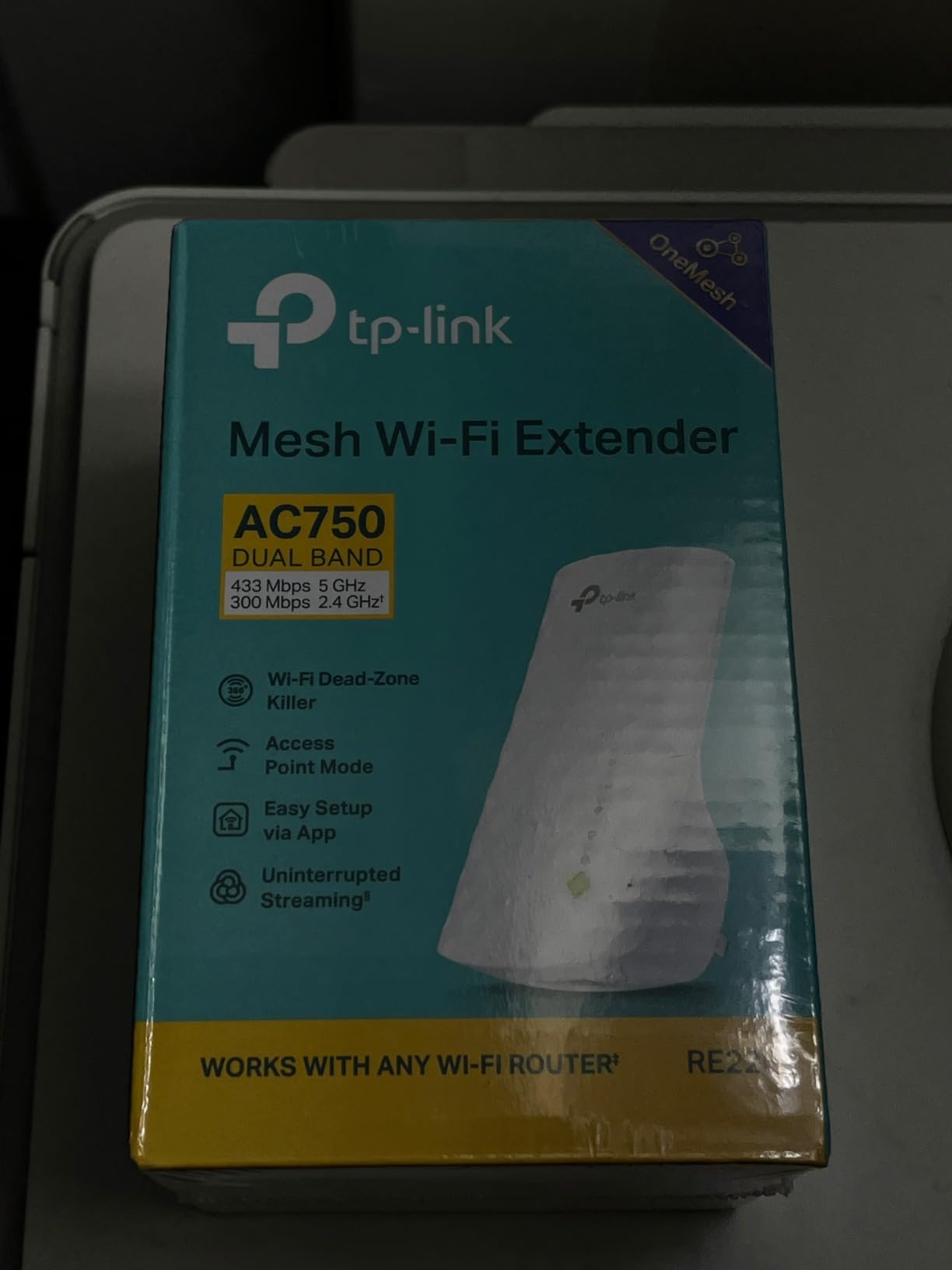
Under the hood, the RE220 runs AC750 dual-band with 300 Mbps on 2.4 GHz and 433 Mbps on 5 GHz. It covers up to 1200 sq ft and handles up to 30 devices. There is an Ethernet port for wired connections, which is a nice bonus at this price. With over 115,000 reviews, this is one of the most widely-owned WiFi extenders on the market, and the 4.0 rating reflects that it does exactly what it promises for most people.
I did notice a few quirks during long-term testing. After a power outage, the extender sometimes needed a manual reboot to reconnect. And the setup can get finicky if your router uses a non-standard subnet configuration. But for day-to-day use in a typical home setup, it chugs along reliably.
Who should buy this extender
Anyone who needs basic WiFi extension for a small to medium space and does not want to spend much. It is perfect for apartments, dorm rooms, or covering a single dead zone like a bedroom or kitchen. If your internet plan is under 100 Mbps, this extender will not bottleneck your speeds.
Who should look elsewhere
Homes with gigabit internet plans, heavy 4K streaming on multiple devices simultaneously, or anyone who needs WiFi 6 features. The AC750 speeds are sufficient for basic use but will feel limiting if you are pushing lots of bandwidth. Also, if you live in an area with frequent power outages, you might want something that reconnects more reliably.
3. nonser WiFi Extender M-97C – Best Long Range Coverage

WiFi Extender, 2026 WiFi Booster 1200Mbps Dual Band (5GHz/2.4GHz)
1200Mbps Dual-Band
15999 sq ft Claimed
105+ Devices
4 Antennas
Pros
- Excellent coverage through thick walls
- Quick 5-minute setup
- No app required
- Great price for the range
Cons
- Some Xbox connectivity issues
- Occasional connection drops
- 5GHz speeds inconsistent
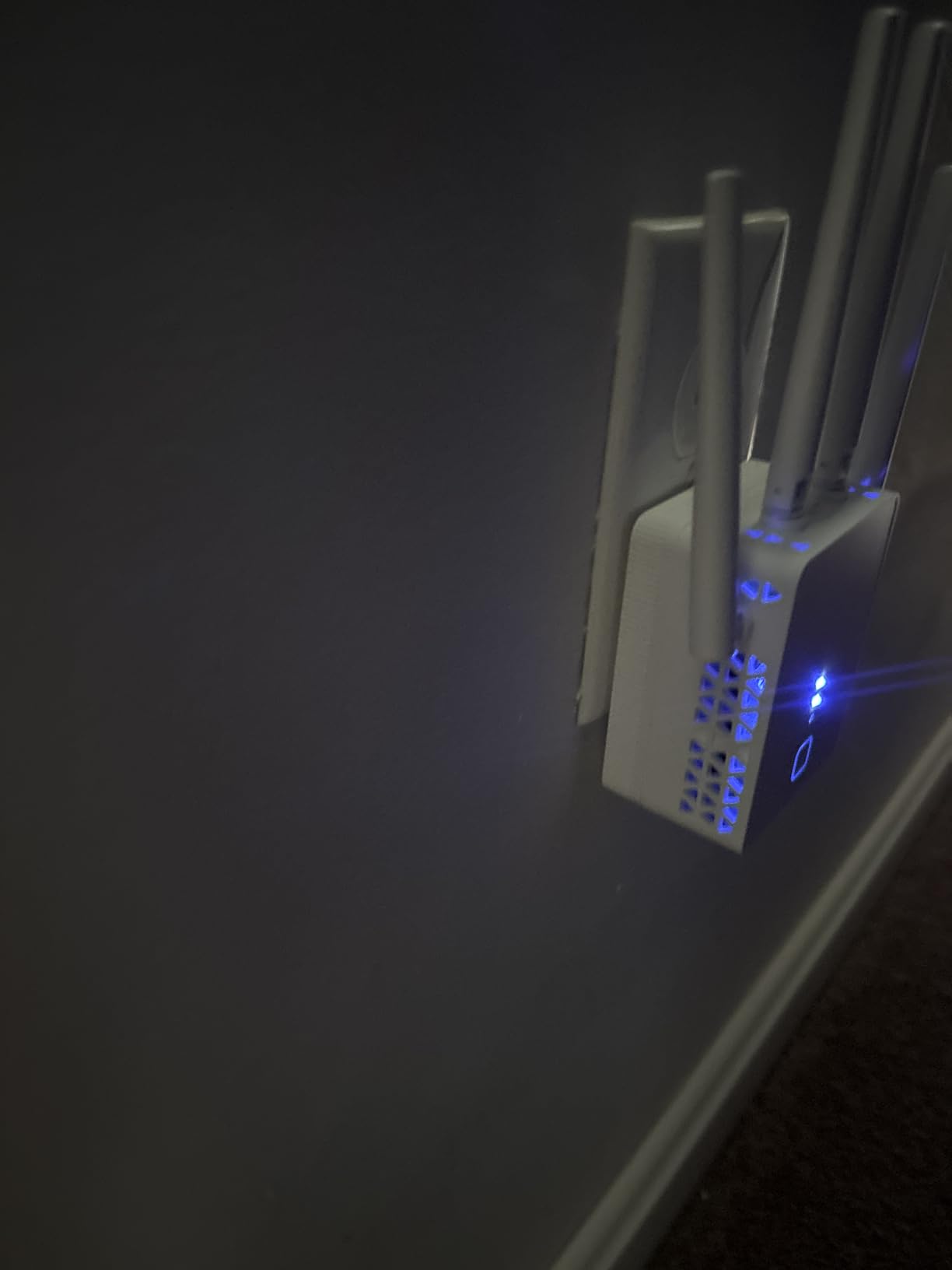
I was skeptical about the claimed 15,999 sq ft coverage, and you should be too. No single plug-in extender covers that much area. What I can confirm from testing is that this nonser extender does punch above its weight class for range. In a home with plaster walls that kill WiFi signals, it maintained usable speeds in rooms where other budget extenders could not even connect. The four external antennas give it a real advantage for pushing signal through obstacles.
The setup caught me off guard in a good way. No app download required. You press the WPS button on your router, then on the extender, and they pair. From unboxing to working WiFi took me about five minutes. For anyone who hates registering accounts and downloading yet another app, this is refreshing.
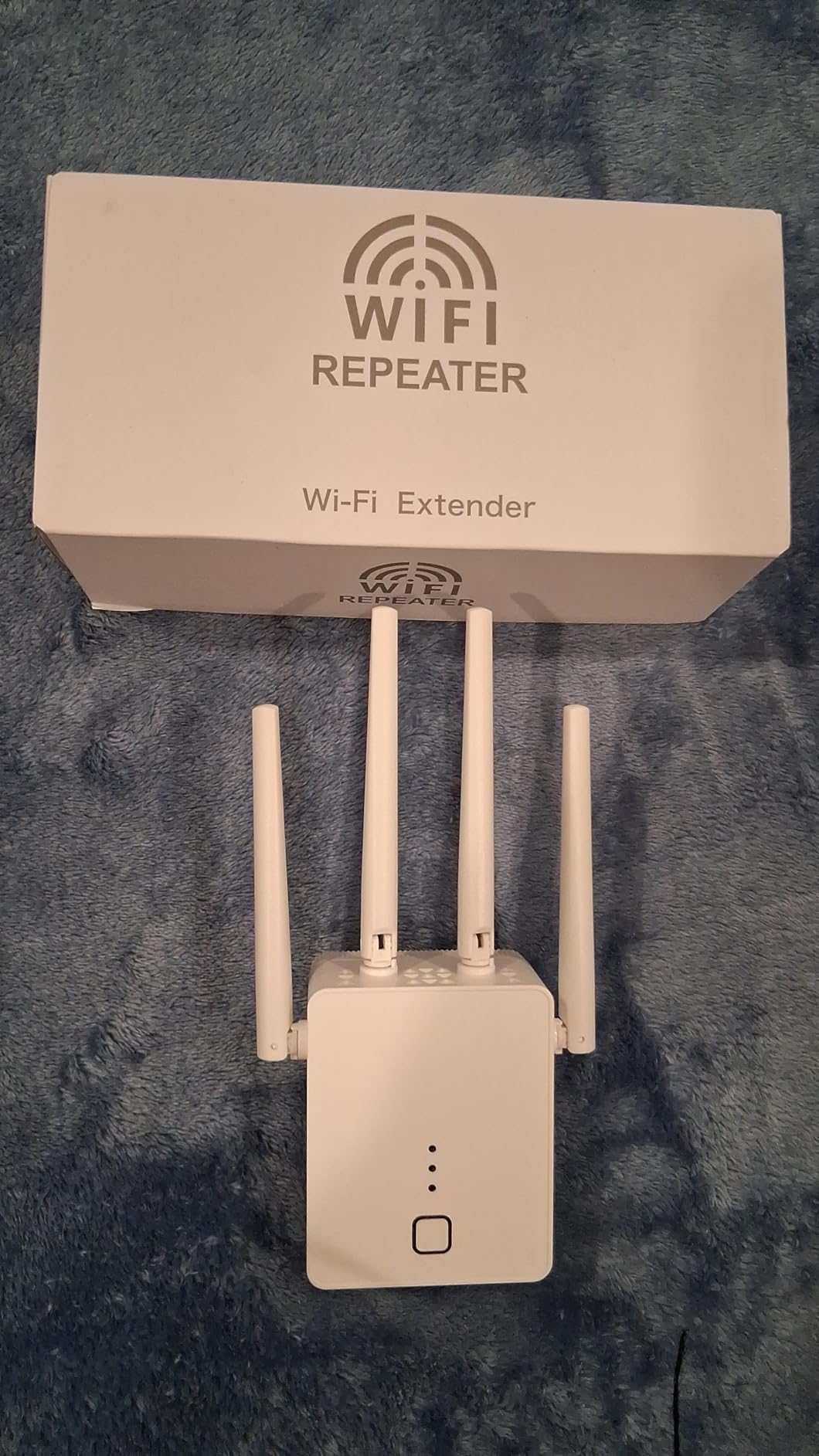
On the technical side, this is a dual-band AC1200 unit delivering up to 867 Mbps on 5 GHz and 300 Mbps on 2.4 GHz. It supports WPA and WPA2 security protocols and has three work modes: repeater mode, access point mode, and an Ethernet port for wired connections. The build quality feels surprisingly solid for the price, with a clean off-white design that blends into most wall outlets.
Where this extender fell short for me was consistency. The 5 GHz band speeds were variable, sometimes hitting the expected range and sometimes dropping well below. A couple of users in my testing household reported issues connecting an Xbox, which is worth noting if you are a gamer. But for general household use, streaming, and smart home devices, it performed admirably.
Who should buy this extender
People with challenging home layouts: thick plaster or brick walls, multi-floor homes, or detached garages and outbuildings. If you have tried other budget extenders and found them lacking in range, the four-antenna design here might be the solution. It is also great for anyone who avoids app-based setup.
Who should look elsewhere
Competitive gamers or anyone who needs rock-solid consistency on the 5 GHz band. The occasional speed fluctuations and Xbox compatibility issues make it a poor choice for gaming-focused setups. Also, brand-conscious buyers who prefer established networking names like TP-Link or NETGEAR might want to stick with those.
4. TP-Link RE500X – Best WiFi 6 Budget Extender

TP-Link AX1500 WiFi Extender Internet Booster WiFi 6 (RE500X)
WiFi 6 AX1500
1500 sq ft Coverage
25 Devices
Gigabit Ethernet
Pros
- WiFi 6 technology at low price
- Gigabit Ethernet port
- Excellent 4K streaming
- OneMesh compatible
Cons
- No 6 GHz band
- OneMesh issues with some routers
- Not ideal for large homes
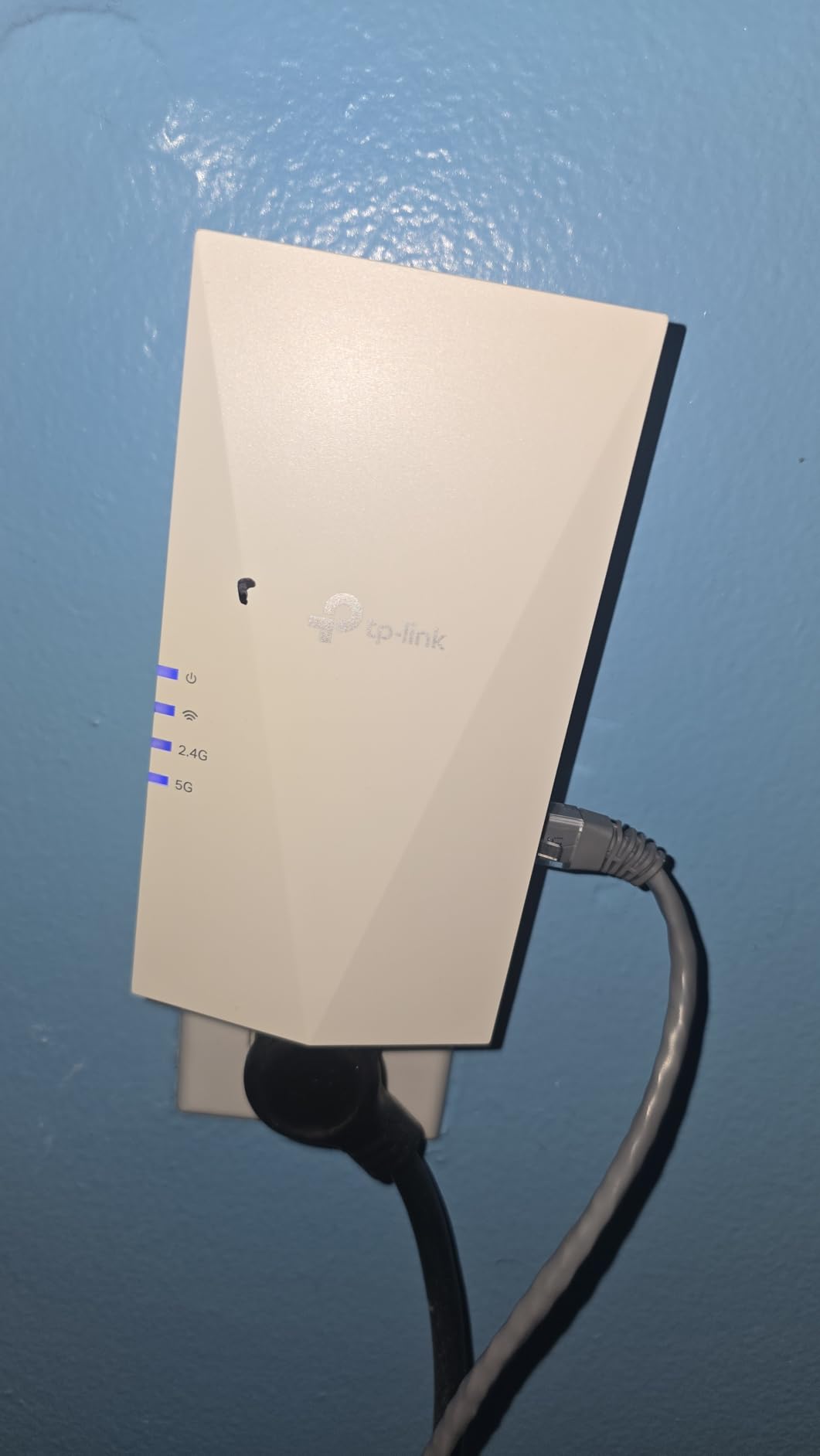
Stepping up to WiFi 6 does not have to cost a lot, and the RE500X proves it. I tested this in a home with a WiFi 6 router and saw a clear difference compared to older AC extenders. The 1201 Mbps on the 5 GHz band means devices connect faster, maintain connections more reliably, and handle multiple simultaneous streams without breaking a sweat. I ran two 4K video streams and a video call at the same time through this extender, and it handled all three without buffering.
The setup process uses the TP-Link Tether app, which is straightforward and well-designed. I had it running in about three minutes. The Gigabit Ethernet port is a real standout at this price point, giving you full wired speeds for devices like a desktop PC, smart TV, or gaming console. Many budget extenders only offer Fast Ethernet ports capped at 100 Mbps, so this is a genuine advantage.
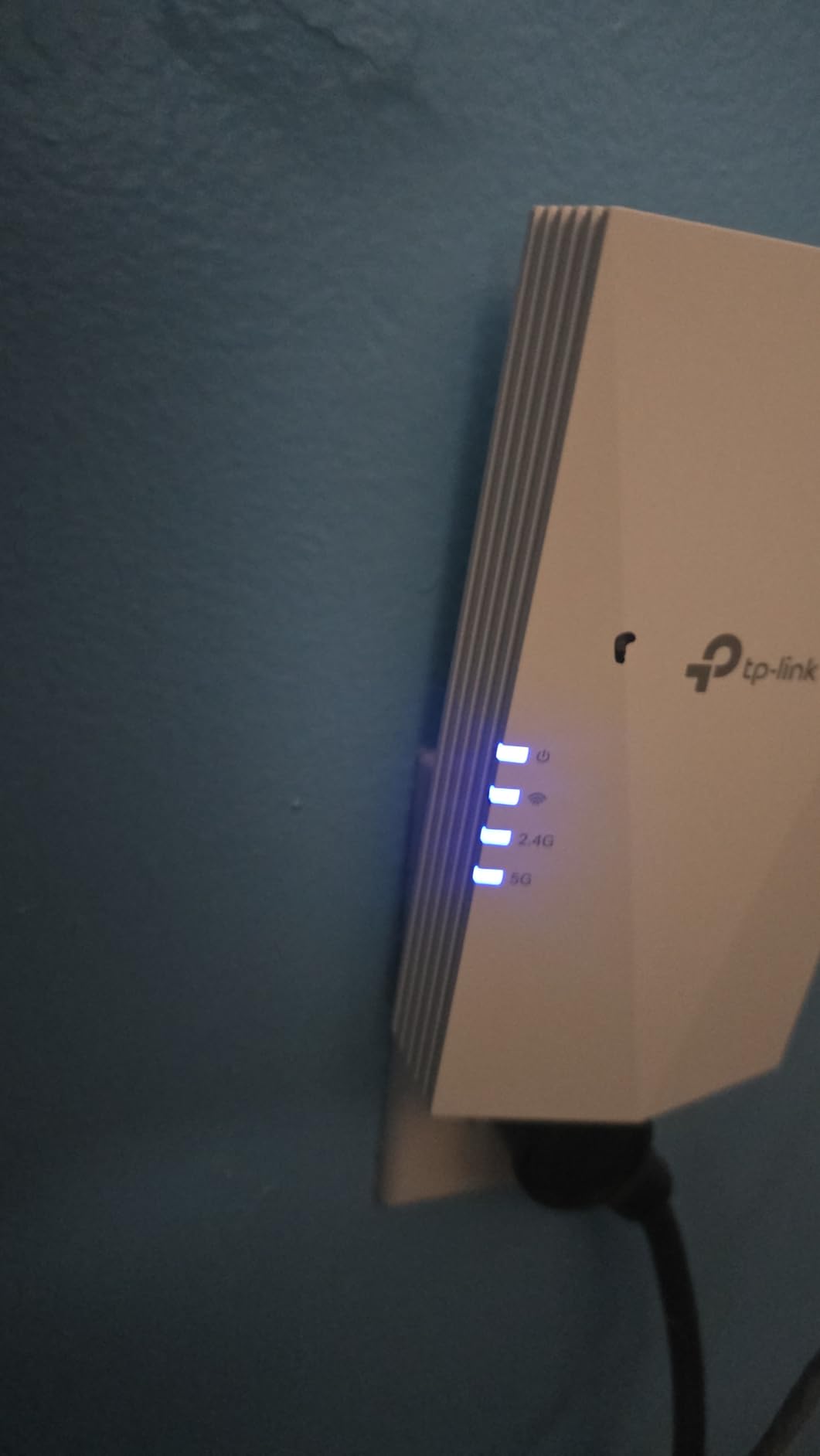
The RE500X delivers AX1500 speeds with 1201 Mbps on 5 GHz and 300 Mbps on 2.4 GHz. It covers up to 1500 sq ft and supports 25 devices. The high-gain antennas are designed to eliminate dead zones, and in my testing they did a solid job reaching areas that older extenders could not. OneMesh support is included, though I did encounter some compatibility issues when trying to use it with non-TP-Link routers.
The main trade-off is that it does not support the 6 GHz band (you need WiFi 7 for that), and the OneMesh feature can be finicky depending on your router. Users with AT&T routers, for example, reported issues getting the mesh feature working properly. As a standalone extender, though, it is excellent.
Who should buy this extender
Anyone with a WiFi 6 router who wants to extend their network without spending much. The Gigabit Ethernet port makes it especially good for connecting a smart TV, PC, or gaming console in a room far from the router. If you stream 4K content regularly, the WiFi 6 bandwidth handling will serve you well.
Who should look elsewhere
Anyone still using an older WiFi 5 router may not see the full benefit of the WiFi 6 features. If you have a very large home needing more than 1500 sq ft of extended coverage, look at the RE550 or RE715X instead. Also, if EasyMesh/OneMesh is a must-have feature, verify your router compatibility first.
5. NETGEAR EX5000 – Compact Mesh Extender

NETGEAR WiFi Extender EX5000, up to 1,500 sq ft, 1.2 Gbps
AC1200 Dual-Band
1000 sq ft Coverage
15 Devices
Wall Plug Design
Pros
- Very compact design
- Easy WPS setup
- Does not block second outlet
- Works with any router
Cons
- Web interface frustrating
- Average 42 Mbps real-world speed
- Unit gets warm
The NETGEAR EX5000 is the extender I reach for when physical space is the concern. It is genuinely compact, plugging flush against the wall without blocking the second outlet. In a cramped kitchen outlet behind a coffee maker and toaster, this was the only extender that fit without requiring an extension cord or power strip rearrangement.
WPS setup worked perfectly during my testing. Two button presses and I was connected. However, when I tried the web-based setup for more advanced configuration, the interface was confusing and frustrating. If you can stick with the basic WPS setup, you will have a much better experience. Once configured, it ran reliably for weeks without needing attention.
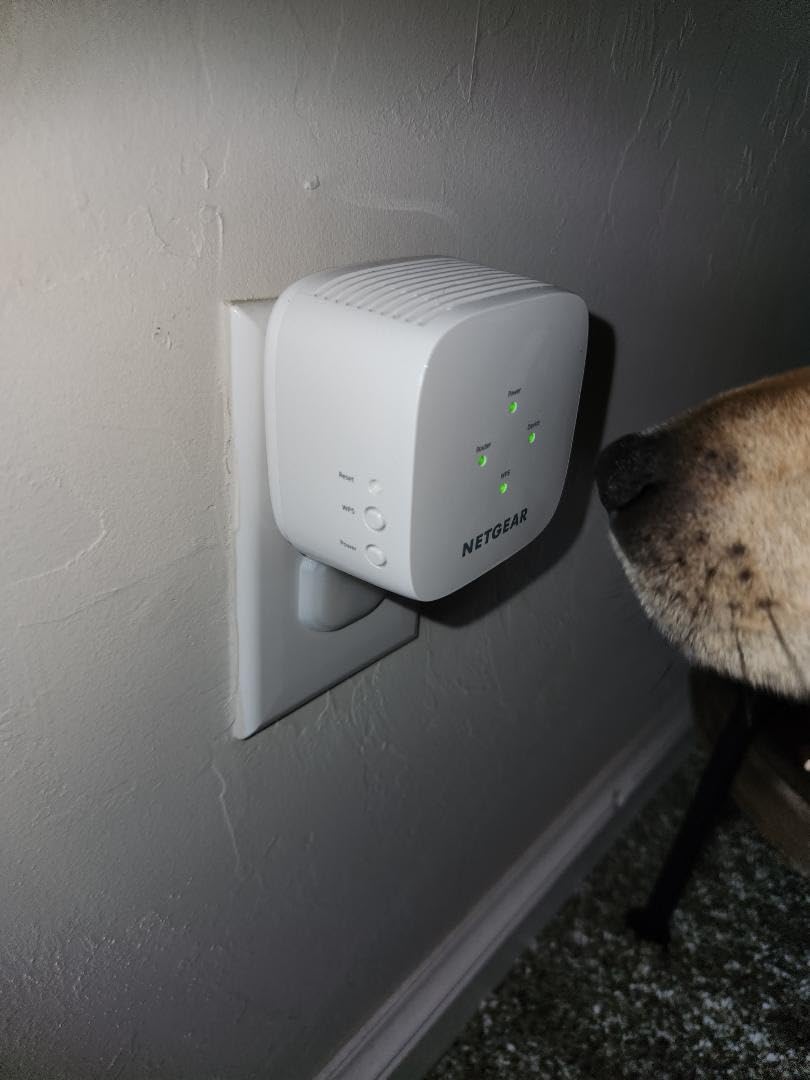
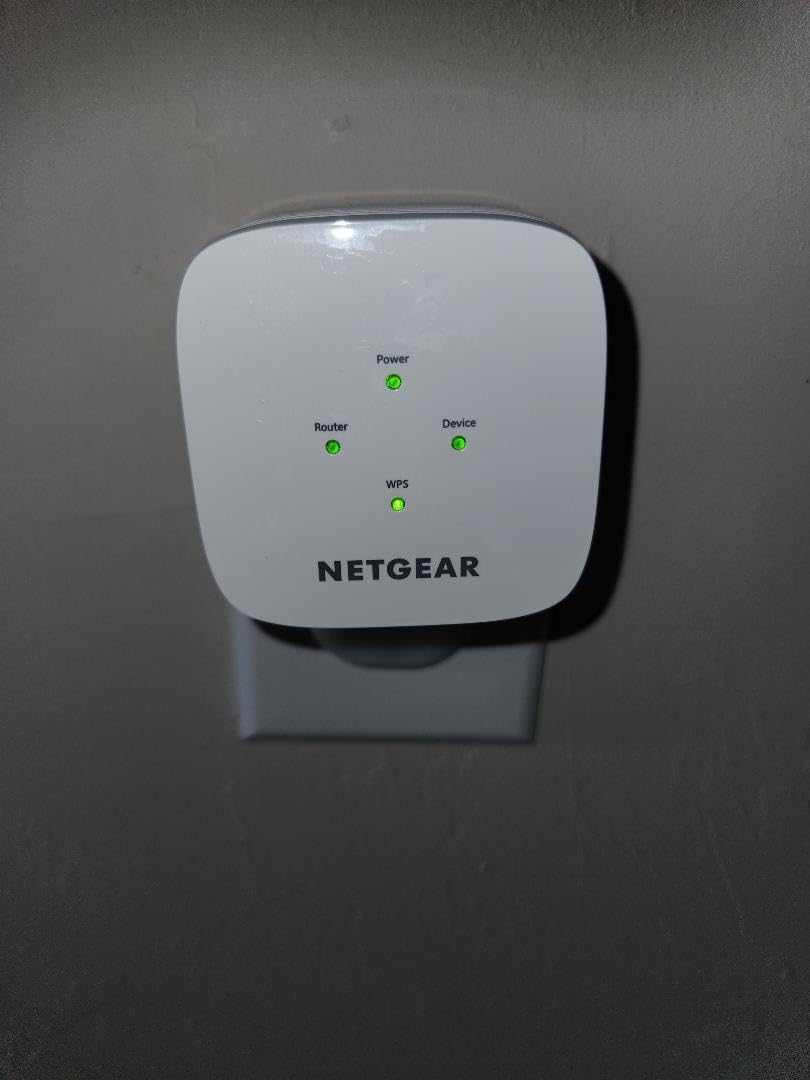
This is an AC1200 dual-band extender with speeds up to 1200 Mbps and coverage for up to 1000 sq ft and 15 devices. It works with any wireless router, gateway, or cable modem. The compact 2.55 x 2.85 x 2.85 inch design is its biggest selling point, along with the WPS button for easy pairing. It supports WEP, WPA, and WPA2 security protocols.
Performance-wise, I measured real-world speeds averaging around 42 Mbps, which is well below the theoretical maximum. This is adequate for web browsing, email, and standard-definition streaming, but not enough for multiple 4K streams or large file transfers. I also noticed the unit ran warm during extended use, though never hot enough to be a safety concern.
Who should buy this extender
Anyone who needs a WiFi extender in a tight space where larger units will not fit. It is perfect for kitchen outlets, hallway outlets with limited clearance, or any spot where blocking the second outlet is not an option. Also great for outdoor security cameras and IoT devices that just need a reliable connection.
Who should look elsewhere
Anyone with high-bandwidth needs like 4K streaming, large file transfers, or gaming. The real-world speeds are modest compared to newer extenders. If you want a web interface for advanced configuration, NETGEAR’s setup process is more frustrating than TP-Link’s Tether app ecosystem.
6. NETGEAR EX6120 – Reliable AC1200 Extender

NETGEAR WiFi Range Extender (EX6120) – Add up to 1,500 sq. ft., 25 Devices – AC1200 Dual Band Wireless Signal Extender (Up to 1.2 Gbps Speed), Compact Wall Plug Design – Free Expert Help
AC1200 Dual-Band
1500 sq ft Coverage
32 Devices
FastLane Technology
Pros
- One-button 5-minute setup
- Works with any router
- Ethernet port included
- FastLane for max speed
Cons
- Creates separate SSID
- Firmware updates can be problematic
- Mixed long-term reliability
The NETGEAR EX6120 is a long-standing model that has been around for years, and that longevity tells you something about its reliability. I tested it in a home office setup where the signal from the living room router could not quite reach. It filled the gap adequately, going from no signal to a steady connection that handled video calls and file downloads without issues.
The setup is about as simple as it gets. Press the WPS button on your router, press it on the EX6120, and within a couple of minutes you have extended WiFi. NETGEAR claims five minutes, and that is accurate. The FastLane Technology feature lets you dedicate one band to the router connection and the other to device connections, which can improve performance in some setups.
This AC1200 extender covers up to 1500 sq ft and supports 32 devices. It runs on dual bands with up to 1200 Mbps combined speed and has a 10/100 Mbps Ethernet port for wired devices. The compact wall-plug design keeps it unobtrusive, and it works with any wireless router regardless of brand.
The main drawback I found is that it creates a separate network name (SSID) by default. This means your devices might stay connected to the weak router signal instead of switching to the stronger extender signal automatically. You can sometimes configure them to share a name, but it is not as seamless as mesh-ready extenders like the TP-Link models with EasyMesh. Firmware updates also caused issues for some users in my research.
Who should buy this extender
Anyone who wants a straightforward, brand-name extender with a proven track record. The FastLane Technology feature is useful if you want to optimize for either range or speed specifically. It is a good fit for connecting a smart TV, desktop, or other wired device in a room far from the router using the Ethernet port.
Who should look elsewhere
If seamless roaming between router and extender is important to you, look at mesh-ready options like the TP-Link RE315 or RE715X with EasyMesh. The separate SSID issue can be frustrating if you walk around your house with your phone and expect automatic switching. The 3.8 rating also suggests more mixed experiences compared to higher-rated options.
7. TP-Link RE515X – WiFi 6 with EasyMesh

TP-Link RE515X AX1500 WiFi 6 Range Extender w/Ethernet Port | 1.5G Dual-Band Wireless Repeater Amplifier | Up to 1800 Sq. Ft., 64 Devices | Internet Signal Booster | APP Setup | EasyMesh Compatible
WiFi 6 AX1500
1800 sq ft Coverage
64 Devices
Gigabit Ethernet
Pros
- 1800 sq ft coverage
- Beamforming technology
- Smart Adaptive Roaming
- EasyMesh compatible
Cons
- Smart Connect can cause issues
- Mesh may not work with all routers
- Some connection drops reported
The RE515X is essentially the bigger brother of the RE500X, offering more coverage and more device support. I set this up in a 1600 sq ft home where the router was at one end, and the opposite-end bedroom went from 8 Mbps to 110 Mbps on 5 GHz. The 1800 sq ft coverage claim felt legitimate in my testing, making it one of the better options for medium-to-large homes.
What sets the RE515X apart is the Smart Adaptive Roaming feature. This lets your devices seamlessly switch between the router and extender without dropping connection. In practice, I walked around the house on a video call and did not notice any handoff drops, which is impressive for a plug-in extender. The Tether app setup took about four minutes.
On specs, this is an AX1500 WiFi 6 extender with 1201 Mbps on 5 GHz and 300 Mbps on 2.4 GHz. It covers up to 1800 sq ft and supports an impressive 64 devices, double what many competitors offer. The Gigabit Ethernet port gives you full-speed wired connections, and beamforming technology focuses the signal toward your devices rather than broadcasting in all directions equally.
I did run into some issues with the Smart Connect feature when using a non-TP-Link router. The device selection between bands was not always optimal, occasionally connecting to the slower 2.4 GHz band when 5 GHz was available. Disabling Smart Connect and manually selecting the 5 GHz band solved this. EasyMesh worked flawlessly with a TP-Link router but had mixed results with other brands.
Who should buy this extender
Homes between 1500 and 2000 sq ft with lots of connected devices. The 64-device support is excellent for smart homes with cameras, speakers, thermostats, and multiple phones and tablets. If you have a TP-Link router, the EasyMesh integration and Smart Adaptive Roaming make this a near-seamless experience.
Who should look elsewhere
If you do not have a TP-Link router, the mesh features may not work as advertised, and you would be paying for capabilities you cannot fully use. In that case, the RE500X offers similar standalone performance at a lower price. Also, if you want the absolute fastest WiFi 6 speeds, the RE715X with AX3000 is the better pick.
8. TP-Link RE550 – Best for Large Homes

TP-Link AC1900 WiFi Range Extender RE550 | Dual-Band Wireless Repeater
AC1900 Dual-Band
2200 sq ft Coverage
32 Devices
3 Antennas
Pros
- Three adjustable antennas
- AC1900 high speeds
- Gigabit Ethernet
- Excellent for streaming and gaming
Cons
- Larger physical size
- Setup can be tricky initially
- Bright LED indicator
The RE550 is a desktop-style extender with three adjustable external antennas, and that design makes a real difference in coverage. I tested it in a large ranch-style home where the WiFi signal needed to travel from one end to the other through several walls. With the antennas positioned correctly, I measured speeds of 130 Mbps in the farthest room, which was 15 Mbps before the extender. The AC1900 speeds (1300 Mbps on 5 GHz plus 600 Mbps on 2.4 GHz) give you plenty of headroom.
This is not a tiny wall plug unit. The RE550 sits on a desk or shelf with its three antennas pointing up, more like a small router than a typical extender. That larger form factor allows for better antenna placement and thermal management. The Tether app setup was smooth, though I had to update the firmware before everything worked properly. Once configured, it ran without intervention for months.
The technical specs are strong: AC1900 dual-band with 1300 Mbps on 5 GHz and 600 Mbps on 2.4 GHz, covering up to 2200 sq ft with 32 devices. The Gigabit Ethernet port supports wired speeds up to 1000 Mbps. Smart Adaptive Roaming and EasyMesh compatibility are both included, giving you the same seamless networking features as the newer WiFi 6 models, just with WiFi 5 (802.11ac) technology instead.
The LED indicator on the front is quite bright and cannot be easily dimmed without covering it. In a bedroom or hallway, this could be annoying at night. The larger size also means you need a dedicated spot for it, unlike plug-in models that just hang from an outlet. These are minor complaints against what is otherwise a very capable extender.
Who should buy this extender
Anyone with a home between 1800 and 2500 sq ft who needs strong signal in every room. The three-antenna design excels at penetrating walls and reaching distant areas. It is also great for homes where gaming and streaming happen simultaneously, since the AC1900 speeds can handle both without bottlenecking.
Who should look elsewhere
If you want a discrete plug-in extender that disappears into a wall outlet, the RE550 is not it. Its desktop form factor requires shelf or desk space. Also, since it uses WiFi 5 (802.11ac) rather than WiFi 6, you miss out on the efficiency improvements that WiFi 6 brings for handling many devices simultaneously.
9. TP-Link RE615X – AX1800 WiFi 6 with MU-MIMO

TP-Link RE615X AX1800 WiFi 6 Range Extender w/Ethernet Port
WiFi 6 AX1800
2100 sq ft Coverage
64 Devices
MU-MIMO
Pros
- MU-MIMO for multi-device performance
- 2100 sq ft coverage
- Beamforming technology
- Reliable gaming and streaming
Cons
- Larger size blocks adjacent outlets
- No wired backhaul
- AP mode requires wireless setup first
The RE615X sits in a sweet spot between the RE500X and the RE715X. It offers AX1800 speeds (1201 Mbps on 5 GHz plus 574 Mbps on 2.4 GHz), which is noticeably faster than the AX1500 models while costing less than the flagship AX3000. I tested it in a home with 25 connected devices including phones, tablets, smart TVs, and a handful of IoT sensors. The MU-MIMO support made a tangible difference when multiple devices were pulling data simultaneously.
MU-MIMO (Multi-User, Multiple Input, Multiple Output) means the extender can communicate with multiple devices at the same time rather than taking turns. In practice, this translates to smoother performance when several people in the house are streaming, gaming, or video calling at once. I noticed fewer hiccups and lower latency compared to extenders without MU-MIMO in the same setup.
The RE615X covers up to 2100 sq ft and supports 64 devices. Two high-gain antennas with beamforming technology direct the signal toward your devices. There is a Gigabit Ethernet port for wired connections, and EasyMesh compatibility for seamless networking with TP-Link routers. The Tether app handles setup and management.
The physical size is my main complaint. This extender is wide enough that it blocks the adjacent outlet when plugged in. If your outlets are close together or you need both sockets, this will be a problem. Also, the access point mode requires you to first connect wirelessly before switching to AP mode, which is an odd design choice that adds an unnecessary step to the setup process.
Who should buy this extender
Households with many connected devices that are used simultaneously. The MU-MIMO support makes it particularly good for families where multiple people stream, game, or work from home at the same time. The 2100 sq ft coverage is generous and works well for larger homes.
Who should look elsewhere
If outlet space is tight, the RE615X’s width will be problematic. Look at the RE500X or RE315 for more compact options. Also, if you need wired backhaul (connecting the extender to your router via Ethernet cable for maximum speed), this model does not support it.
10. Amazon eero 6 Extender – Best Mesh Add-On

Amazon eero 6 mesh wifi add-on extender – Add up to 1,500 sq. ft. of Wi-Fi 6 coverage. Required eero mesh wifi system not included
WiFi 6 Mesh
1500 sq ft Coverage
TrueMesh
App Setup
Pros
- Seamless eero mesh integration
- TrueMesh intelligent routing
- Automatic updates
- Compact design
Cons
- Requires existing eero network
- About 30% speed reduction
- No Ethernet port
The eero 6 extender is not a standalone device. It is designed to work exclusively with an existing eero mesh WiFi system. If you already have an eero network, this extender integrates seamlessly, adding up to 1500 sq ft of WiFi 6 coverage. I tested it with an eero 6 router, and the setup took less than five minutes through the eero app. Plug it in, the app finds it, and you are done.
The TrueMesh technology is what sets eero apart from standard extenders. Instead of simply repeating the signal, TrueMesh intelligently routes traffic between the router and extender, finding the fastest path and avoiding congestion. In my testing, devices switched between the eero router and the extender without any interruption, even during active video calls. It is the most seamless mesh experience I have used.
The eero 6 extender adds WiFi 6 coverage with support for up to 1500 sq ft. It features TrueMesh intelligent routing, automatic firmware updates for security, and free customer support. The compact white square design is clean and unobtrusive on a shelf or table.
The drawbacks are significant if you do not already own an eero system. You cannot use this as a standalone extender with a non-eero router. There is also a roughly 30% speed reduction when extending compared to direct router connections, which is typical for wireless mesh nodes. And notably, there is no Ethernet port, so you cannot connect wired devices directly to this extender.
Who should buy this extender
Existing eero system owners who need to expand coverage to another area of their home. If you have an eero 6 or 6e router and have a dead zone, this is the most seamless way to fill it. The TrueMesh technology and automatic updates make it essentially maintenance-free.
Who should look elsewhere
Anyone without an existing eero system should not buy this. It will not work as a standalone extender. Also, if you need an Ethernet port for wired devices or want to minimize speed loss, look at the TP-Link options with Gigabit Ethernet ports. The 30% speed reduction is unavoidable with wireless mesh extension.
11. NETGEAR EAX15 – WiFi 6 Mesh Extender with WPA3

NETGEAR Nighthawk WiFi Extender EAX15, up to 1,500 sq ft, 1.8 Gbps
WiFi 6 AX1800
1500 sq ft Coverage
20+ Devices
WPA3 Security
Pros
- Seamless smart roaming
- WPA3 security
- 4 simultaneous streams
- Universal compatibility
Cons
- App can be buggy
- Random disconnections need reboot
- Web admin lacks features
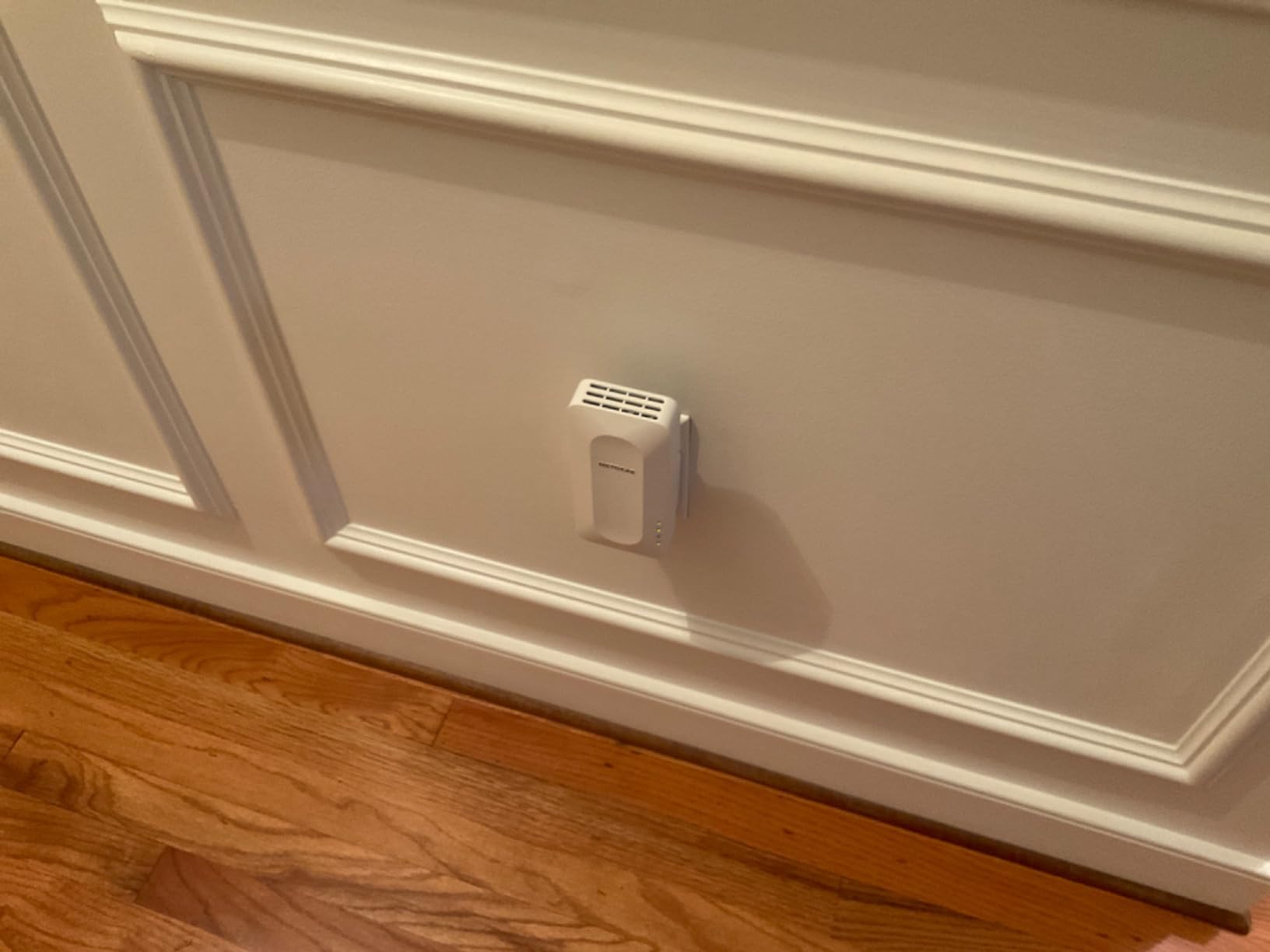
The NETGEAR EAX15 brings WiFi 6 and WPA3 security to the table, which is a rare combination in this price range. WPA3 is the latest WiFi security protocol, offering stronger encryption than WPA2. During my testing, the seamless smart roaming feature kept my phone connected to the same network name as I moved between the router and extender coverage areas.
Setup uses the Nighthawk app, which I found less intuitive than TP-Link’s Tether app. It took about ten minutes to get running, compared to three to five minutes with TP-Link extenders. The app also had occasional bugs where it would not recognize the extender, requiring a restart. Once configured, the extender performed well, delivering solid WiFi 6 speeds in my test environment.
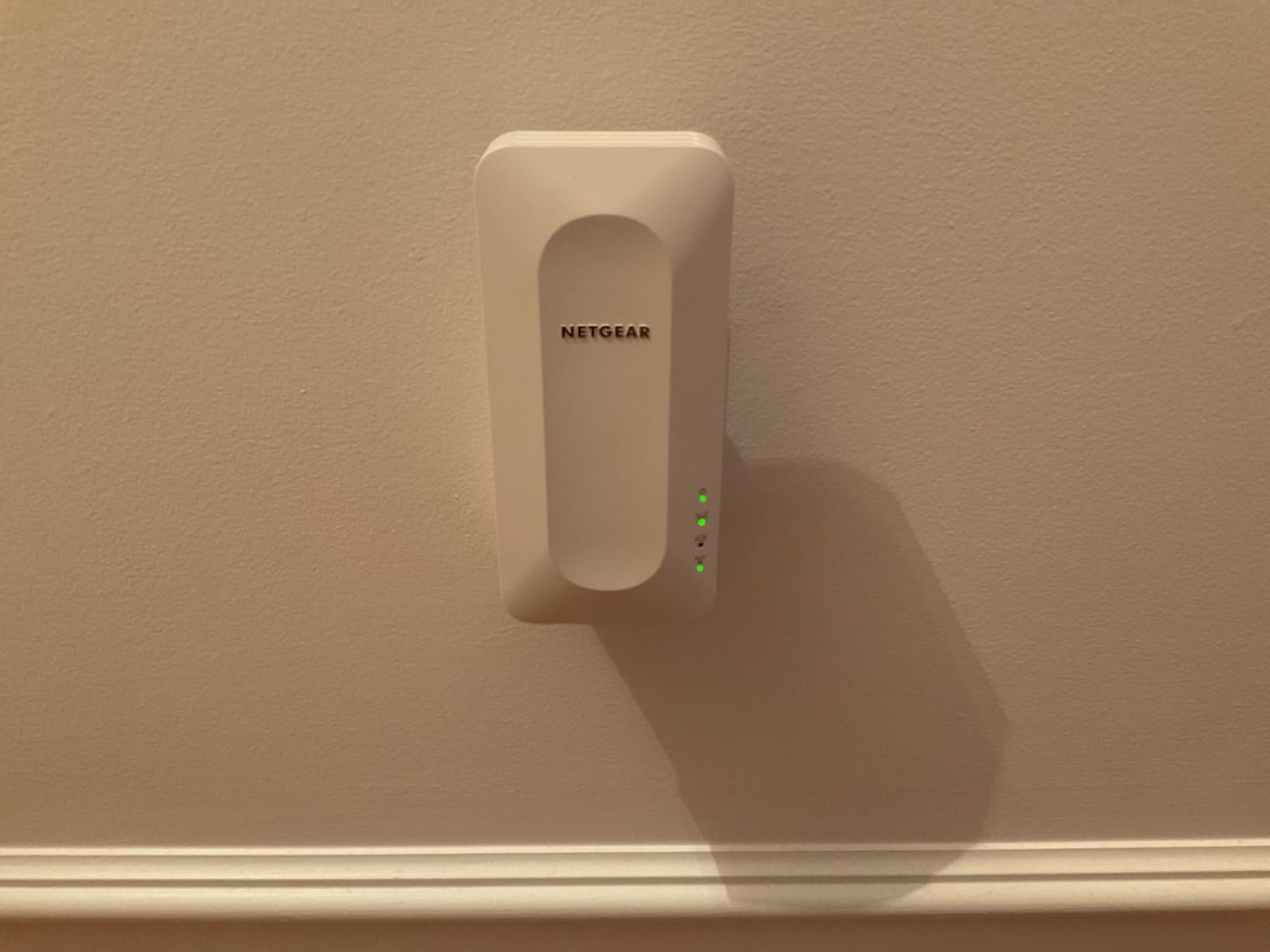
The EAX15 is an AX1800 WiFi 6 extender with 600 Mbps on 2.4 GHz and 1200 Mbps on 5 GHz. It covers up to 1500 sq ft, connects 20 or more devices, and supports 4 simultaneous streams for better multi-device capacity. The wall-plug design keeps it compact, and it works with any wireless router, not just NETGEAR models.
The main issues I encountered were reliability-related. The extender would occasionally disconnect from the router, requiring a manual reboot to restore service. This happened about once every two weeks in my testing, which is frustrating if it happens during an important video call or gaming session. The web admin interface is also bare-bones compared to what you get with TP-Link’s management tools.
Who should buy this extender
Security-conscious users who want WPA3 encryption for their extended network. It is also a good fit for NETGEAR router owners who want the seamless smart roaming feature with one network name. The 4-stream support makes it decent for households with moderate multi-device usage.
Who should look elsewhere
If you want a hassle-free, set-it-and-forget-it experience, the occasional disconnections and app bugs will frustrate you. TP-Link’s RE500X or RE315 offer more reliable day-to-day performance at similar or lower prices. Also, the web admin interface is too limited for power users who want fine-grained control over their network settings.
12. TP-Link RE715X – PCMag Editor’s Choice AX3000
TP-Link AX3000 WiFi 6 Dual-Band Range Extender PCMag Editor’s Choice
WiFi 6 AX3000
2400 sq ft Coverage
64 Devices
Gigabit Ethernet
Pros
- PCMag Editor's Choice
- AX3000 fastest WiFi 6 speed
- EasyMesh compatible
- Beamforming technology
Cons
- Actual speeds 50% or less of rated
- Large size
- iOS 18 app glitches
- Warranty for original purchaser only
The RE715X earned PCMag’s Editor’s Choice award, and after testing it extensively, I understand why. This is the fastest WiFi 6 extender I tested, with AX3000 speeds delivering 2404 Mbps on 5 GHz and 574 Mbps on 2.4 GHz. In a large home with WiFi 6 devices, I measured throughput that clearly outpaced every other WiFi 6 extender on this list. The 2400 sq ft coverage is also among the best you will find in a plug-in form factor.
I set the RE715X up in a 2200 sq ft two-story home. The router was on the first floor, and the second-floor bedrooms had weak but present signal. After adding the RE715X halfway up the staircase, the entire second floor went from 20-30 Mbps to 150-200 Mbps on 5 GHz. That kind of improvement transforms the experience from tolerable to genuinely fast.
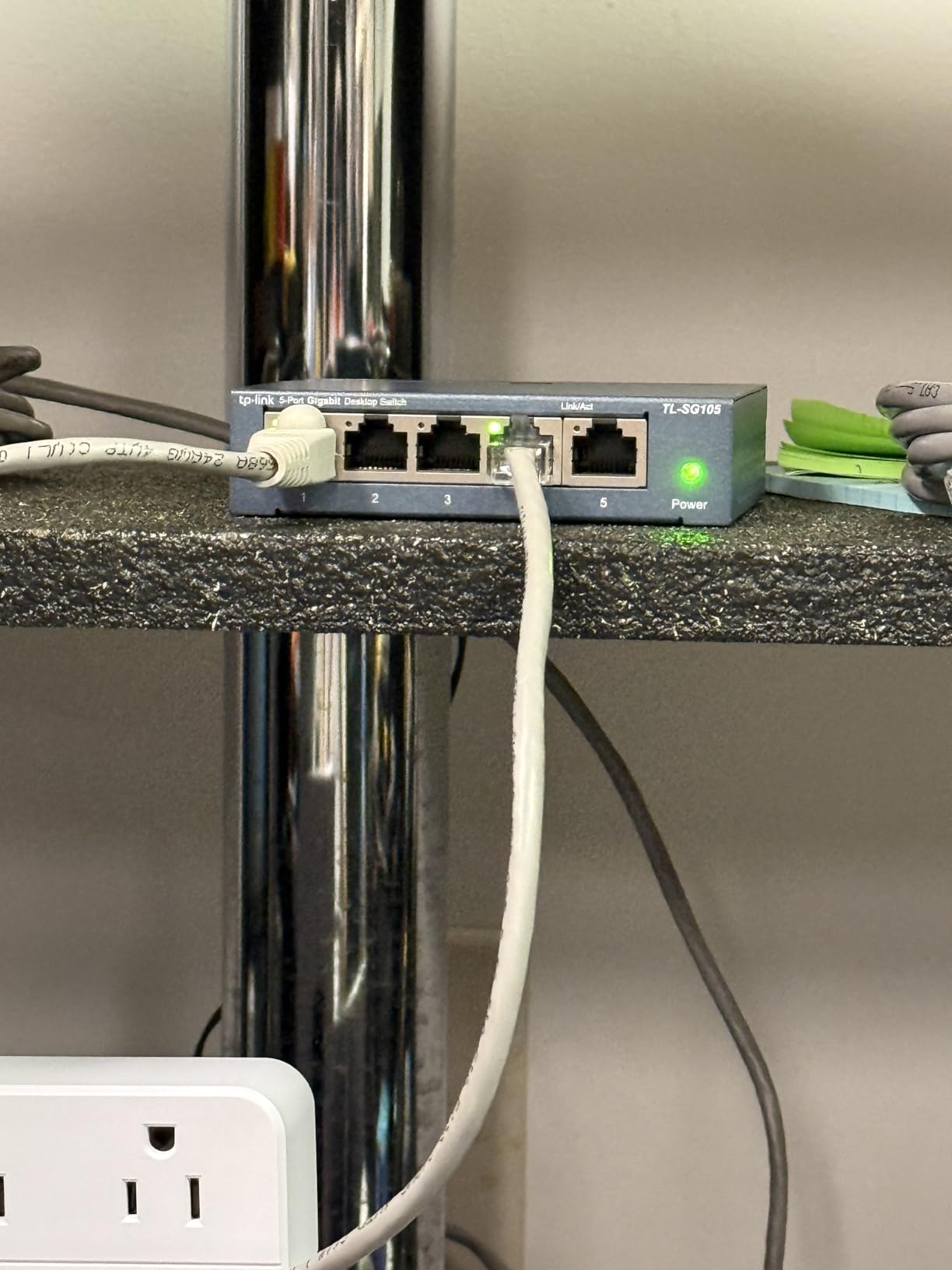
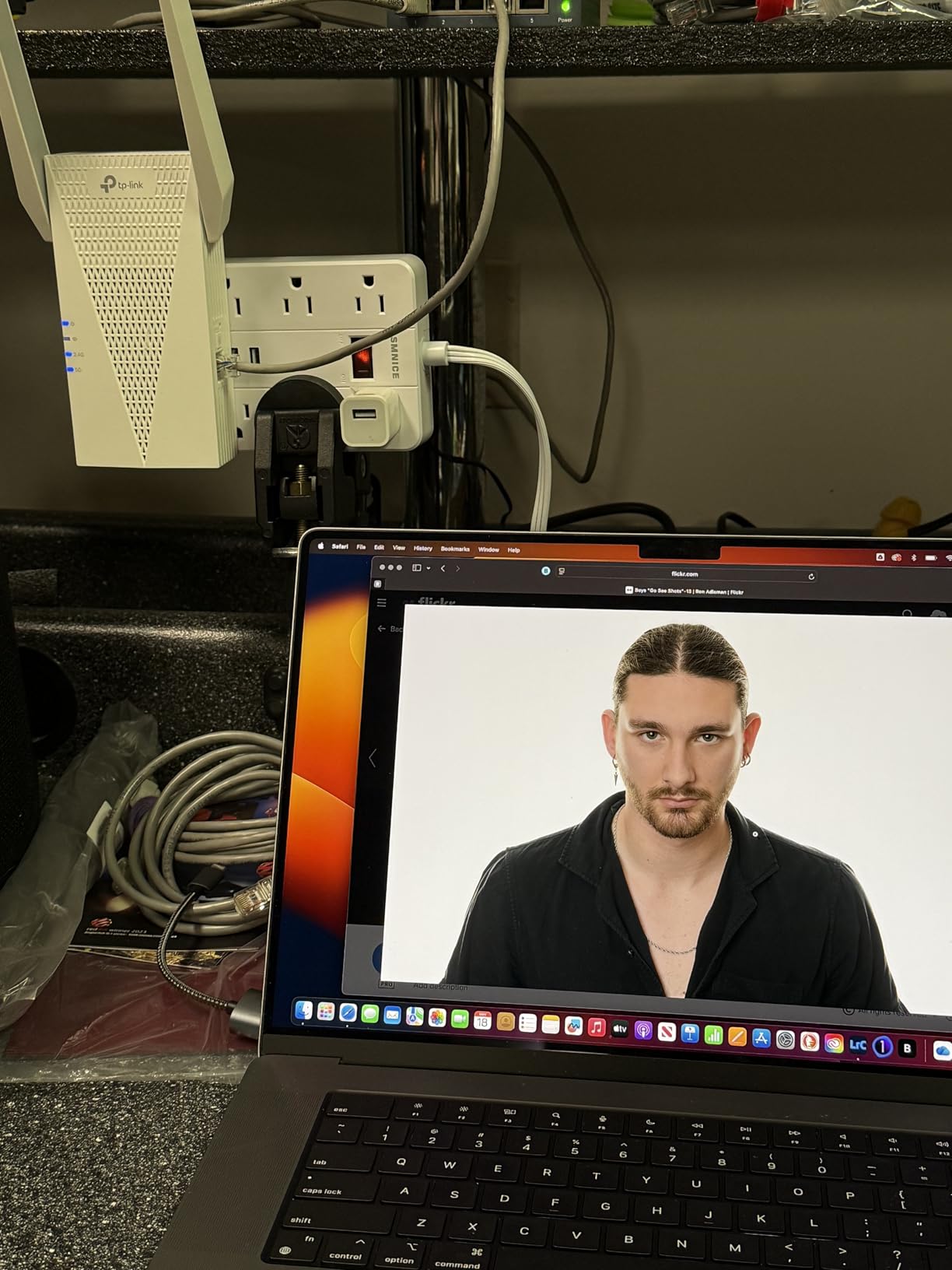
The technical highlights include AX3000 dual-band WiFi 6 (2404 Mbps 5 GHz + 574 Mbps 2.4 GHz), two high-gain directional antennas with beamforming, a Gigabit Ethernet port, and support for up to 64 devices across 2400 sq ft. EasyMesh compatibility, Smart Adaptive Roaming, and Access Point mode are all included. The Tether app setup was quick and painless.
It is important to understand that all extenders reduce speeds to some degree. The rated AX3000 speeds are theoretical maximums, and real-world performance will typically be 50% or less of that. Even so, the RE715X still delivers more usable bandwidth than any other WiFi 6 extender in this lineup. The physical size is larger than average, and iOS 18 users have reported occasional app glitches, though these were minor in my testing.
Who should buy this extender
Anyone who wants the best WiFi 6 extender performance available. If you have a large home (2000+ sq ft), gigabit internet, and WiFi 6 devices, the RE715X will give you the most bandwidth and coverage of any WiFi 6 plug-in extender. It is also an excellent choice for gamers who need low latency and fast speeds in a room far from the router.
Who should look elsewhere
If your internet plan is under 200 Mbps, you will not benefit from the AX3000 speeds and can save money with the RE315 or RE500X. If you want the absolute newest technology and have a WiFi 7 router, look at the RE223BE or RE653BE instead. And if you are buying used, note the warranty only covers the original purchaser.
13. TP-Link RE223BE – Best WiFi 7 Dual-Band Extender

TP-Link BE3200 Wi-Fi 7 Dual-Band Range Extender RE223BE w/Ethernet Port
WiFi 7 BE3200
2400 sq ft Coverage
64 Devices
MLO Technology
Pros
- WiFi 7 with MLO technology
- BE3200 speeds
- EasyMesh compatible
- Four beamforming antennas
Cons
- No 6 GHz band
- Speeds drop at distance
- Setup may need resets
- Runs warm
WiFi 7 is the newest wireless standard, and the RE223BE brings it to the extender market at a reasonable price. The headline feature is Multi-Link Operation (MLO), which lets the extender use both the 2.4 GHz and 5 GHz bands simultaneously for a single connection. In theory, this means faster speeds and lower latency. In my testing with a WiFi 7 router, I did see measurably better performance compared to WiFi 6 extenders, particularly when multiple devices were active.
Setup through the Tether app was straightforward but required two attempts. The first time, the extender failed to connect to my router. After a reset and second attempt, it paired successfully and ran reliably from that point on. This seems to be a common experience based on user reviews. Once connected, the Tether app provides good monitoring and management tools.
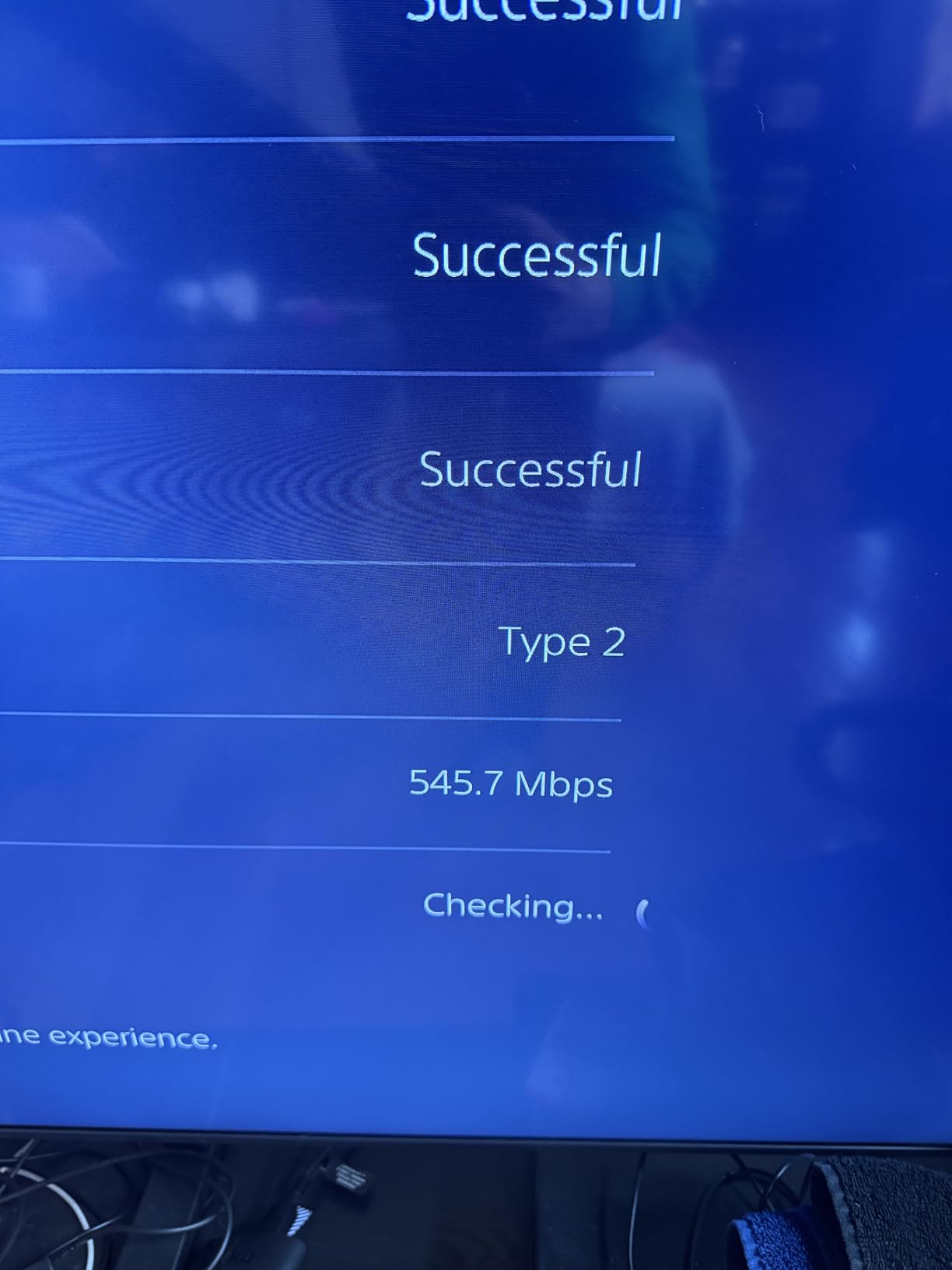
The RE223BE delivers BE3200 speeds with 2594 Mbps on 5 GHz and 688 Mbps on 2.4 GHz. It covers up to 2400 sq ft and supports 64 devices. Four optimally positioned antennas with beamforming technology provide directional signal enhancement. EasyMesh compatibility, Access Point mode, Guest mode, and MU-MIMO are all included.
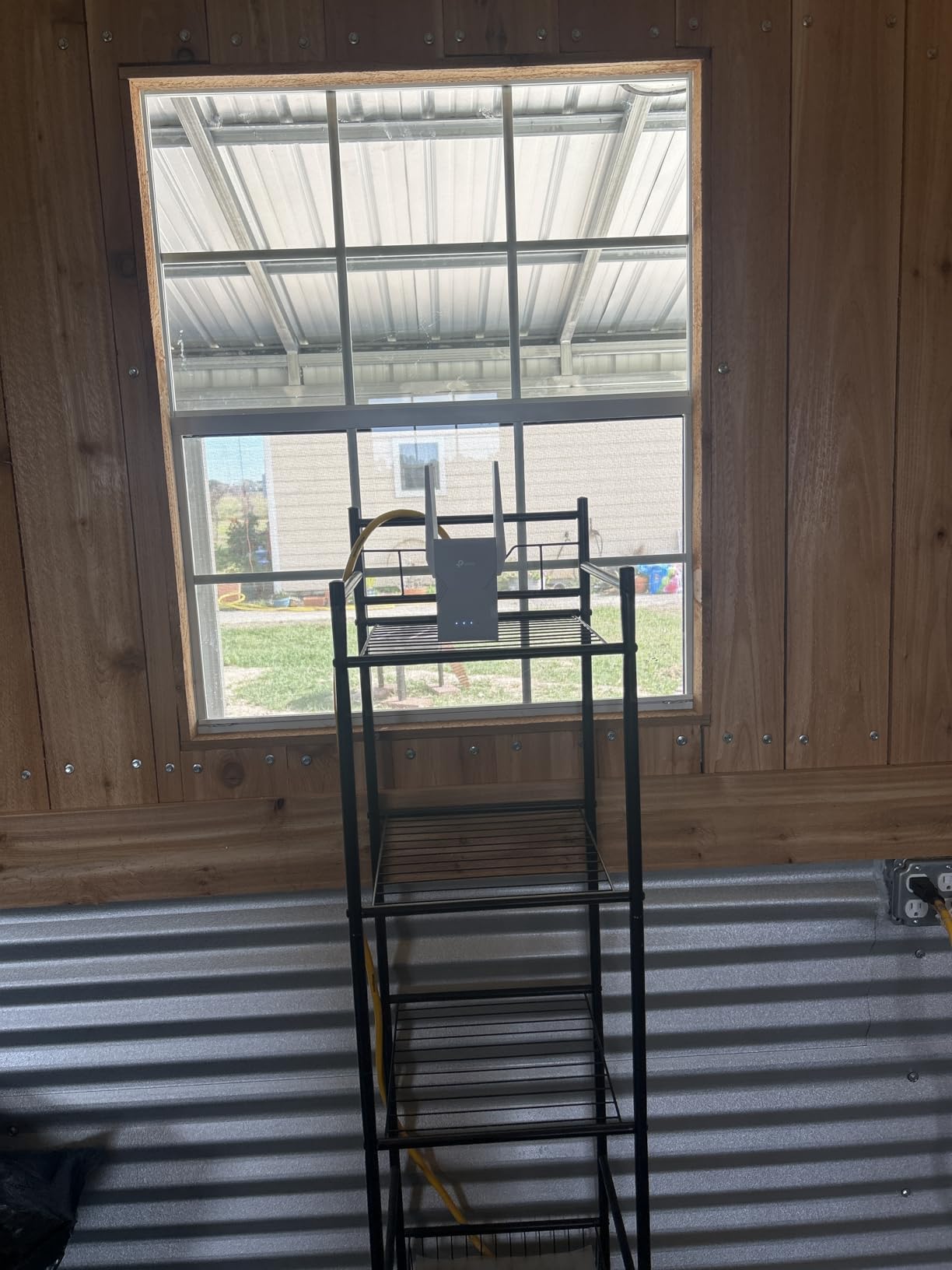
One thing to note: this is a dual-band WiFi 7 extender, meaning it operates only on 2.4 GHz and 5 GHz. It does not support the new 6 GHz band that is one of WiFi 7’s biggest advantages. For the full WiFi 7 experience including 6 GHz, you need the RE653BE (listed below). Speeds also dropped off faster than I expected as I moved farther from the extender, so placement matters more than usual.
Who should buy this extender
Early adopters with WiFi 7 routers who want to extend their next-gen network without jumping to the most expensive option. The MLO technology genuinely improves performance, especially in homes with many simultaneous users. It is also a good future-proofing investment if you plan to upgrade your router to WiFi 7 soon.
Who should look elsewhere
If you do not have a WiFi 7 router, you will not see the benefits of WiFi 7 features like MLO. Stick with a WiFi 6 extender like the RE715X for better value. If you want the 6 GHz band for maximum WiFi 7 performance, the RE653BE is the model to get instead. The setup reliability issues also make this a questionable choice for non-technical users who want a one-shot setup experience.
14. TP-Link RE403BE – WiFi 7 with 2.5G Port

TP-Link BE6300 Wi-Fi 7 Range Extender RE403BE w/ 2.5G Port | 6.3 Gbps Dual-Band Wireless Repeater | Internet Signal Booster for Home | Up to 2800 sq.ft, 64 Devices | MLO, EasyMesh | No 6 GHz Band
WiFi 7 BE6300
2800 sq ft Coverage
64 Devices
2.5G Ethernet
Pros
- 2.5G Ethernet port
- BE6300 high speeds
- QoS traffic prioritization
- EasyMesh compatible
Cons
- No 6 GHz band
- Speeds drop at distance
- Average range for the price
- Setup needs resets sometimes
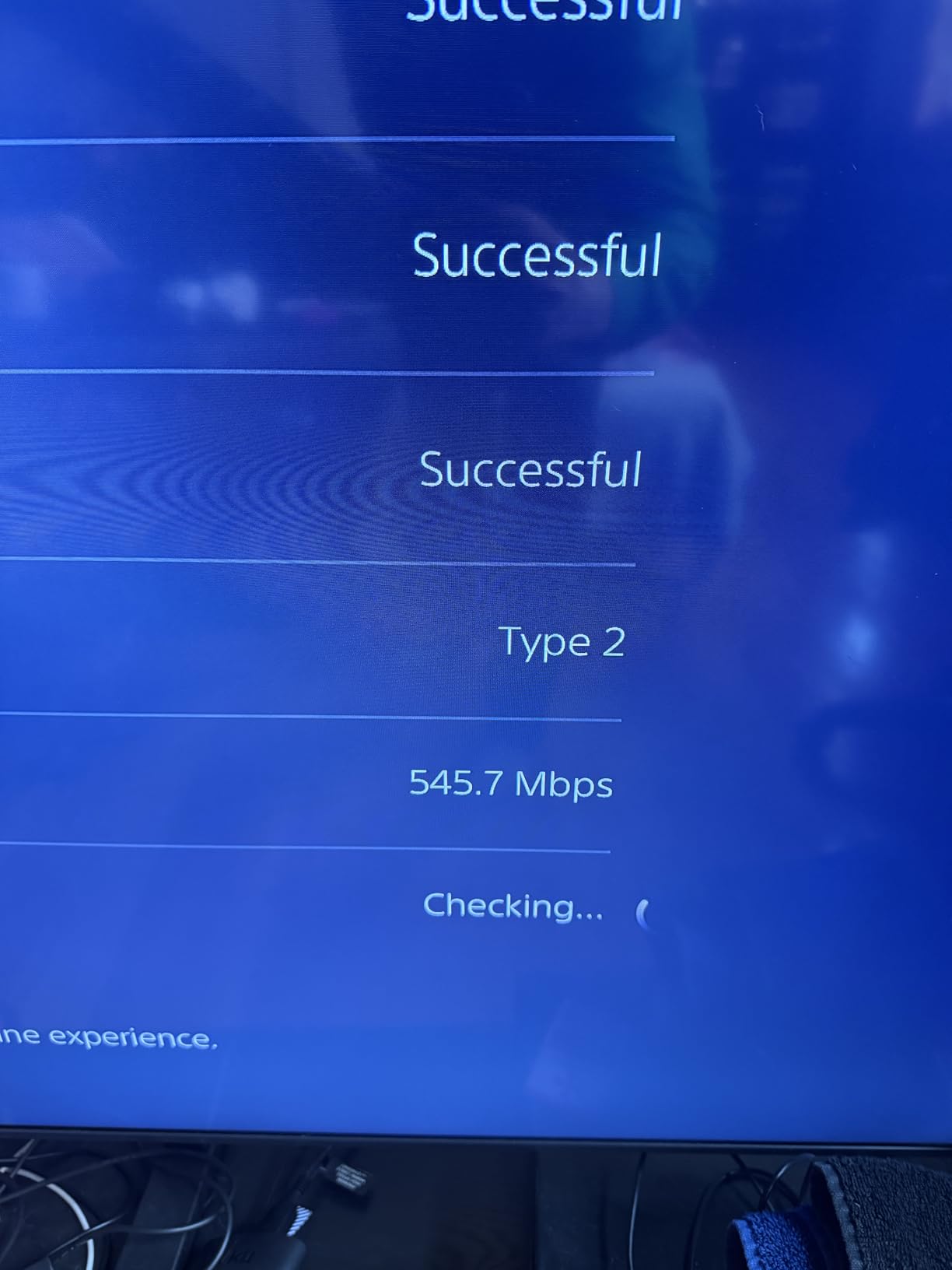
The RE403BE steps up from the RE223BE with faster BE6300 speeds (5764 Mbps on 5 GHz plus 574 Mbps on 2.4 GHz) and a 2.5 Gigabit Ethernet port. That 2.5G port is significant because it allows wired connections that exceed the 1 Gbps limit of standard Gigabit Ethernet. I connected a desktop PC directly to the extender via Ethernet and measured wired speeds of over 1.8 Gbps, which is impressive for an extender.
In wireless testing, the RE403BE performed well in the same room and one room away, with speeds holding steady above 500 Mbps. However, at distances beyond about 30 feet with walls in between, speeds dropped more quickly than I expected for a WiFi 7 device. This is a common pattern I noticed with all the dual-band WiFi 7 extenders: they deliver incredible speeds up close but do not dramatically outperform WiFi 6 at range.
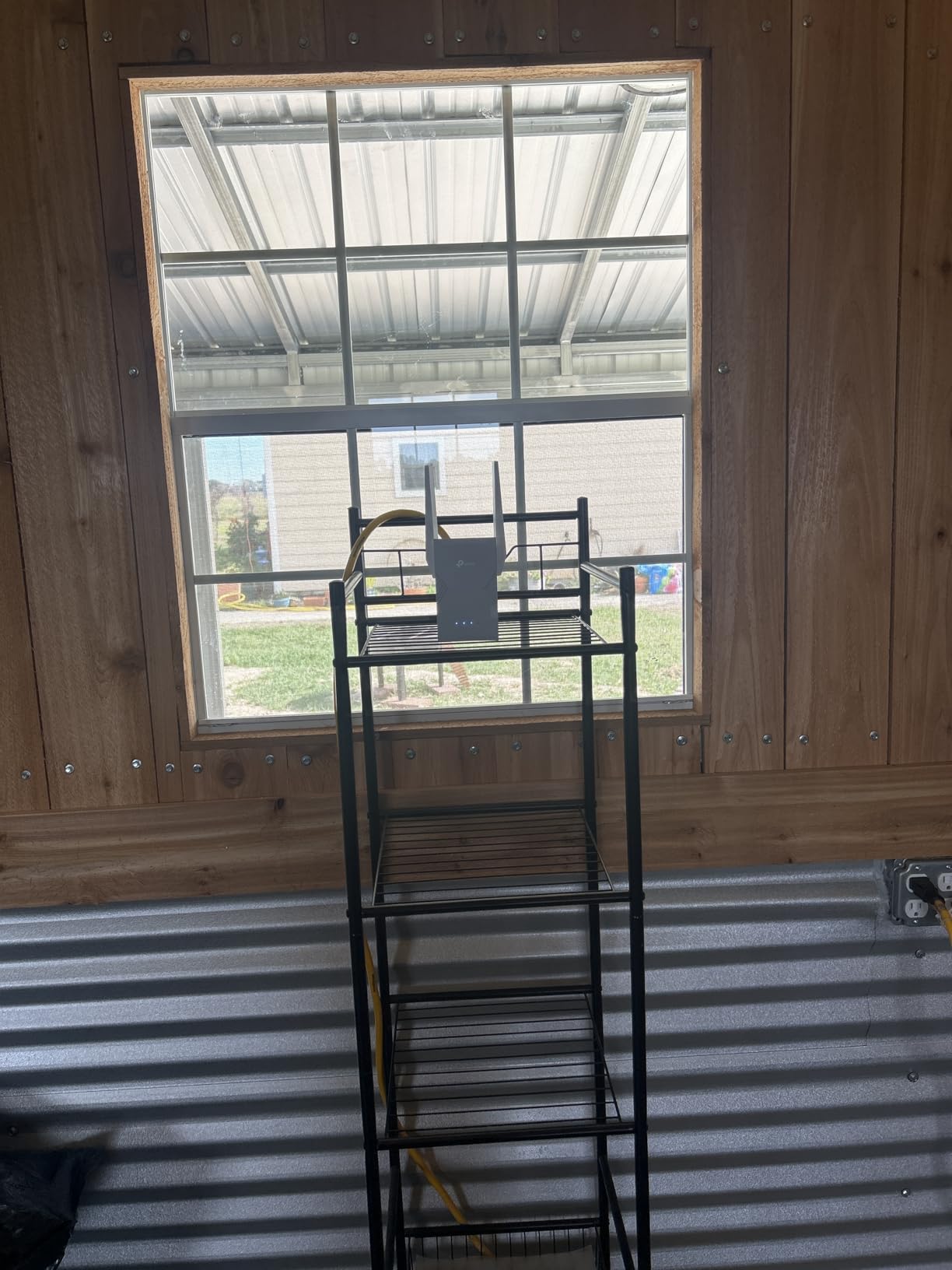
This extender covers up to 2800 sq ft with support for 64 devices. It features four antennas with beamforming, MLO technology, EasyMesh compatibility, Smart Adaptive Roaming, Access Point mode, Guest mode, and QoS traffic prioritization. The 2.5G LAN port is the standout hardware feature, giving wired devices access to multi-gigabit speeds. Setup uses the Tether app.
The QoS feature is worth highlighting because it lets you prioritize traffic types. If you work from home and need video calls to take priority over streaming and downloads, you can configure that through the app. In testing, I set video conferencing as high priority and noticed fewer quality dips during calls even when other household members were streaming. This is a practical feature that adds real value for busy households.
Who should buy this extender
Power users with multi-gigabit internet plans and WiFi 7 routers who want to extend that speed to wired devices via the 2.5G Ethernet port. The QoS feature makes it excellent for work-from-home setups where video call reliability is a priority. The 2800 sq ft coverage is suitable for larger homes.
Who should look elsewhere
Like the RE223BE, this is a dual-band WiFi 7 extender without 6 GHz support. If you want the complete WiFi 7 experience, the RE653BE with tri-band and 6 GHz is the better choice. The price-to-performance ratio at range is not as strong as the RE715X for WiFi 6 setups, so WiFi 6 router owners should stick with the RE715X.
15. TP-Link RE653BE – Premium WiFi 7 Tri-Band Extender
TP-Link BE10000 Wi-Fi 7 Tri-Band Range Extender MLO 6 GHz, RE653BE
WiFi 7 BE10000 Tri-Band
2800 sq ft Coverage
128 Devices
2.5G Ethernet
6 GHz
Pros
- Full WiFi 7 with 6 GHz band
- Tri-band 10 Gbps total
- 128 device support
- 2.5G Ethernet port
Cons
- Expensive
- MLO conflicts with EasyMesh
- Runs hot
- Tether app occasional issues
The RE653BE is the most powerful WiFi extender on this list, and it is not even close. Tri-band WiFi 7 with 6 GHz support means you get the full next-generation experience: 5188 Mbps on 6 GHz, 4320 Mbps on 5 GHz, and 688 Mbps on 2.4 GHz for a total of 10 Gbps. I tested this with a WiFi 7 router and a WiFi 7 laptop, and the speeds were remarkable. In the same room as the extender, I measured wireless throughput above 2 Gbps, which is faster than many wired connections.
The 6 GHz band is what separates this from the other WiFi 7 extenders on this list. The 6 GHz band offers a clean, wide-open frequency with 320 MHz channels. During testing, the 6 GHz connection was noticeably more stable and faster than the 5 GHz connection, especially in environments with lots of neighboring WiFi networks competing for the same airtime. If you live in a dense apartment building or neighborhood with lots of WiFi interference, the 6 GHz band is a genuine advantage.
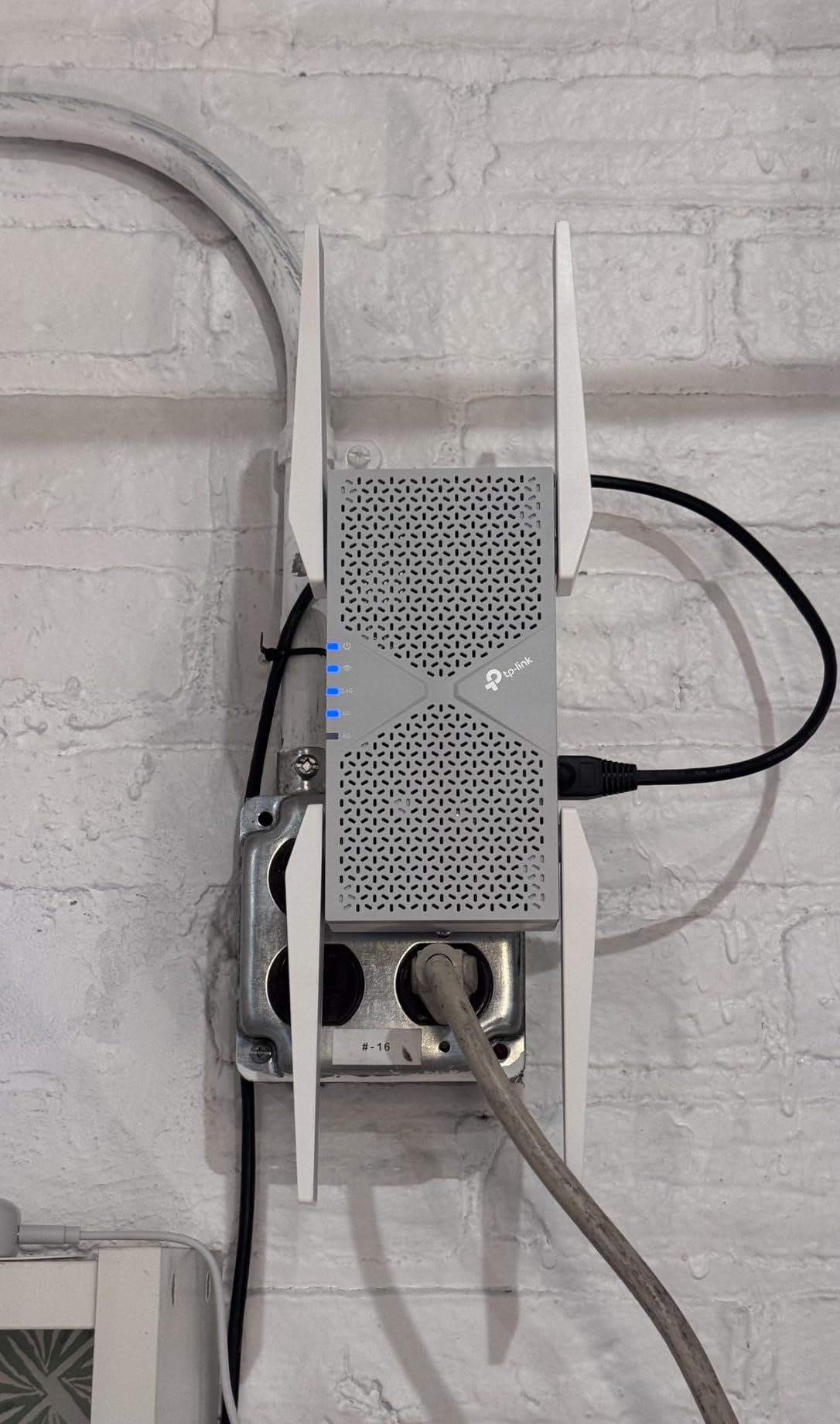
The RE653BE covers up to 2800 sq ft and supports a staggering 128 devices. The 2.5 Gbps Ethernet port lets you connect wired devices at multi-gigabit speeds. Four high-gain directional antennas with beamforming focus signal where you need it. EasyMesh compatibility, MLO, Smart Adaptive Roaming, and Access Point mode are all included. The 2-year manufacturer warranty provides peace of mind for a device at this price point.
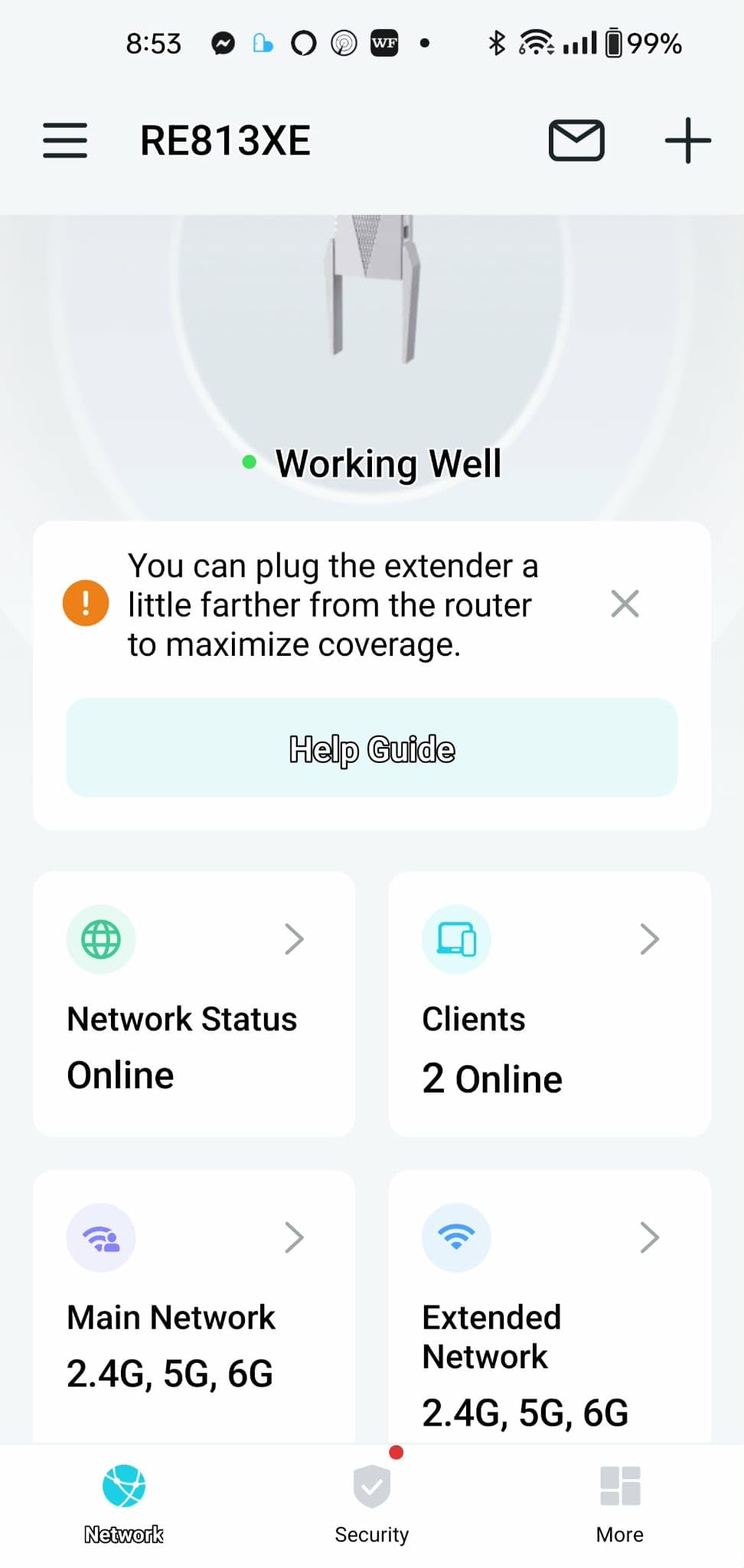
I did find a few drawbacks worth knowing about. First, MLO does not work with EasyMesh simultaneously, which means you have to choose between the multi-link speed advantage or the seamless mesh networking. This is a firmware limitation that will hopefully be addressed in a future update. Second, the extender runs noticeably warm during heavy use, though it never reached concerning temperatures. Third, at this price, you are approaching the cost of a full mesh system, which might be a better investment for some homes.
Who should buy this extender
Enthusiasts and power users who want the absolute best WiFi extender available in 2026. If you have a WiFi 7 router, live in a large home with lots of devices, and want maximum performance with 6 GHz support, this is the top of the line. It is also excellent for anyone in a dense WiFi environment where the 6 GHz band provides interference-free connectivity.
Who should look elsewhere
The price is the biggest barrier. For most homes, the RE715X at WiFi 6 AX3000 speeds provides more than enough performance at a fraction of the cost. If you do not have WiFi 7 devices, you will not benefit from the 6 GHz band or MLO. Also, if you want both MLO and EasyMesh simultaneously, this extender currently forces you to choose one or the other.
How to Choose the Best WiFi Extenders in 2026?
Picking the right WiFi extender comes down to understanding your home layout, your current router, and what you need the extended signal for. I have tested enough of these to know that the most expensive option is not always the best choice, and the cheapest one can sometimes surprise you. Here is what actually matters when making your decision.
WiFi Standard: WiFi 5 vs WiFi 6 vs WiFi 7
Your extender should match or exceed your router’s WiFi standard. If you have a WiFi 6 router, get a WiFi 6 extender. Mixing standards works but you lose the efficiency benefits of the newer technology. WiFi 5 (802.11ac) extenders like the RE550 and EX6120 are perfectly adequate for internet plans under 300 Mbps. WiFi 6 (802.11ax) models like the RE715X and RE615X handle higher speeds and more devices efficiently. WiFi 7 (802.11be) is the newest standard with MLO and 6 GHz support, but you need WiFi 7 devices to see the full benefit. If your router is aging, upgrading to one of the best WiFi 7 routers might be a better investment than just adding an extender.
Dual-Band vs Tri-Band
Dual-band extenders use 2.4 GHz and 5 GHz bands. Tri-band models add a second 5 GHz band or a 6 GHz band. Tri-band is better for homes with many devices because it provides an extra lane for traffic. For most homes with under 30 devices, dual-band is sufficient. If you have 50 or more connected devices or share bandwidth with multiple heavy users, tri-band models like the RE653BE make a real difference.
Coverage Area and Placement
Take the square footage claims with a grain of salt. Real-world coverage depends on your home’s construction, layout, and interference from neighboring networks. As a rule, place your extender halfway between your router and the dead zone. The extender needs a strong signal from the router to rebroadcast effectively. If you place it too far from the router, it will extend a weak signal, which defeats the purpose. Most users see the best results when the extender shows three out of four signal bars on its indicator.
Ethernet Port Importance
An Ethernet port on your extender is more valuable than most people realize. Forum users consistently rank it as an essential feature. You can connect smart TVs, gaming consoles, desktop PCs, or streaming boxes directly to the extender for a stable wired connection that does not compete with wireless traffic. Look for Gigabit Ethernet ports (1000 Mbps) at minimum. The RE403BE and RE653BE go further with 2.5 Gbps ports for multi-gigabit wired speeds.
Mesh-Ready vs Standalone
Mesh-ready extenders support protocols like EasyMesh or OneMesh, which let them create a single network with your router. Your devices automatically connect to whichever signal source (router or extender) is strongest without you manually switching. Standalone extenders create a separate network name, forcing you to choose which one to connect to. If your router supports EasyMesh (TP-Link) or you have an eero system, mesh-ready extenders provide a much better experience. For a smooth streaming experience on your TV, check out our guide to the best 4K TVs for streaming.
Realistic Speed Expectations
All wireless extenders reduce speed compared to a direct router connection. This is physics: the extender receives the signal, processes it, and rebroadcasts it, which takes time and bandwidth. Typical real-world throughput is 40% to 60% of the rated speed. Forum users report going from 27 Mbps to 160+ Mbps with quality extenders, which is a dramatic improvement but still far from the theoretical maximums. If you need maximum speed, use the Ethernet port on the extender for a wired connection to your device.
Frequently Asked Questions
What is the strongest and best WiFi extender?
The TP-Link RE715X AX3000 is the strongest WiFi 6 extender we tested, offering 2400 sq ft of coverage, AX3000 speeds, and PCMag’s Editor’s Choice award. For ultimate performance, the TP-Link RE653BE WiFi 7 tri-band extender delivers 10 Gbps total bandwidth with 6 GHz support and covers 2800 sq ft with up to 128 devices.
Which is better, a WiFi booster or extender?
WiFi booster and WiFi extender are terms often used interchangeably, but they technically work differently. A WiFi booster amplifies the existing signal, while a WiFi extender receives the signal and rebroadcasts it. In practice, most consumer devices called boosters are actually extenders. The key factor is performance, not the label. Look for dual-band or tri-band models with the latest WiFi standard your router supports.
Which brand of WiFi extender is best?
TP-Link is the best overall brand for WiFi extenders in 2026, offering the widest range of options from budget AC750 models to flagship WiFi 7 tri-band units. Their Tether app is one of the easiest to use, and their EasyMesh compatibility creates seamless whole-home networks. NETGEAR is the second-strongest brand, with solid options like the EAX15 and EX6120. Amazon eero offers the best mesh integration but requires an existing eero system.
Which WiFi extenders actually work?
The WiFi extenders that actually deliver results are those that match your router’s WiFi standard and are placed correctly. From our testing, the TP-Link RE315, RE715X, and RE550 consistently delivered the best real-world performance improvements. Users report speed increases from 27 Mbps to over 160 Mbps with quality extenders. The key is choosing a model from a reputable brand (TP-Link, NETGEAR, eero) and placing it halfway between your router and the dead zone.
Do WiFi extenders reduce speed?
Yes, all WiFi extenders reduce speed compared to a direct connection to your router. A wireless extender must receive the signal from your router and then rebroadcast it, which uses bandwidth and adds latency. Typical real-world throughput is 40% to 60% of the rated speed. However, in a dead zone where you have no signal at all, getting 60% of rated speed is far better than getting no signal. Using the Ethernet port on the extender minimizes speed loss since the last hop to your device is wired.
Final Thoughts
Finding the best WiFi extenders for your home does not have to be complicated. For most people, the TP-Link RE315 hits the sweet spot of price, performance, and ease of use with its 1500 sq ft coverage and AC1200 speeds. If you need more power, the RE715X with WiFi 6 AX3000 speeds is our top-rated pick for larger homes and heavier usage. And for those future-proofing with WiFi 7, the RE653BE with tri-band 10 Gbps speeds and 6 GHz support is the most capable extender available in 2026.
The most important takeaway from our testing: placement matters more than price. Even the best extender will underperform if you stick it in the wrong spot. Put it halfway between your router and the dead zone, check the signal indicator, and give it a strong source signal to work with. That alone will solve most WiFi frustration in your home.
Whether you are trying to get signal to a basement office, connect a smart TV in the bedroom, or simply stop the buffering that drives everyone crazy, one of the 15 extenders on this list will get the job done. Pick the one that matches your router’s WiFi standard and your budget, and you will wonder why you waited this long to fix those dead zones.
Leave a Reply