
Upgrading your home lighting to smart control is one of those changes you don’t fully appreciate until you live with it for a few weeks. I installed my first Wi-Fi smart switch three years ago in my entryway, and being able to turn off the porch light from bed without walking downstairs genuinely changed my nightly routine. After testing dozens of models across multiple rooms, I’ve learned what separates a switch that “just works” from one that becomes a frustrating paperweight.
A Wi-Fi smart switch is an in-wall light switch that connects directly to your home network, letting you control lights through a smartphone app, voice commands, or automated schedules. Unlike smart bulbs that disappear when someone flips the wrong switch, smart switches keep physical control intact while adding remote access. If you are building out your smart home ecosystem with connected devices, smart switches are one of the highest-impact upgrades you can make.
Our team evaluated 10 of the best Wi-Fi smart switches available in 2026, testing each for installation ease, app quality, platform compatibility, and long-term reliability. We also dug through thousands of customer reviews and forum discussions on Reddit communities like r/smarthome and r/homeautomation to surface real-world pain points that lab testing misses. Whether you need a budget single-pole switch, a 3-way setup for your staircase, or a no-neutral-wire option for an older home, this guide covers every scenario.
Our Top 3 Tested Wi-Fi Smart Switches for 2026
After hands-on testing and review analysis across all 10 products, three switches rose above the rest based on reliability, value, and feature set. Here are our top picks:



The Kasa HS200P3 earned our Editor’s Choice spot because of its proven track record with over 27,000 reviews and a 4.6-star average. Forum users on r/smarthome consistently rank Kasa as the most trusted brand for direct Wi-Fi switches. The TP-Link Tapo Matter Switch takes Best Value thanks to Matter certification, which means it works with Apple Home, Alexa, Google Home, and SmartThings without locking you into any single ecosystem. For pure budget shoppers, the Amazon Basics Smart Switch delivers solid Alexa integration at under $15 per switch.
Comparing the Market’s Best Wi-Fi Smart Switches in 2026
Here is a side-by-side look at all 10 switches we tested. The comparison table highlights key features so you can quickly narrow down which model fits your specific needs before diving into the full reviews.
| Product | Specs | Action |
|---|---|---|
| Kasa Smart HS200P3 (3-Pack) |
|
Check Latest Price |
| TP-Link Tapo Matter S505 |
|
Check Latest Price |
| Amazon Basics Smart Switch |
|
Check Latest Price |
 Kasa Smart 3-Way HS210 Kit Kasa Smart 3-Way HS210 Kit |
|
Check Latest Price |
 Meross Smart Switch (2-Pack) Meross Smart Switch (2-Pack) |
|
Check Latest Price |
 Leviton Decora D315S-1RW Leviton Decora D315S-1RW |
|
Check Latest Price |
 GHome Smart Switch (4-Pack) GHome Smart Switch (4-Pack) |
|
Check Latest Price |
 TREATLIFE Smart Switch TREATLIFE Smart Switch |
|
Check Latest Price |
 Leviton Decora D215S 2nd Gen Leviton Decora D215S 2nd Gen |
|
Check Latest Price |
 Lutron Caseta Smart Dimmer Lutron Caseta Smart Dimmer |
|
Check Latest Price |
1. Kasa Smart Light Switch HS200P3 – Trusted Reliability with 27k+ Reviews
Kasa Smart Light Switch, Single Pole, Need Neutral Wire, HS200P3
Single Pole
2.4GHz Wi-Fi
UL Certified
No Hub Required
3-Pack
Pros
- Trusted by 4+ million users
- Excellent app-guided installation
- Seamless Alexa and Google integration
- No hub required
- Away mode for security
Cons
- Neutral wire required
- Router change requires re-pairing
- Multi-gang box fit challenges
The Kasa Smart Light Switch HS200P3 is the benchmark against which I measure every other Wi-Fi smart switch. With over 27,000 reviews and a 4.6-star average, it ranks as the #2 bestseller in Electrical Light Switches on Amazon. I installed a 3-pack across my hallway, living room, and garage over a single weekend, and the app-guided installation walked me through every wiring step clearly.
What sets the HS200P3 apart is its no-hub architecture. The switch connects directly to your 2.4GHz Wi-Fi network, which means there is no bridge to buy, no extra device to keep powered on, and no single point of failure in your smart home setup. The Kasa app handles scheduling, countdown timers, and Away mode for when you travel.
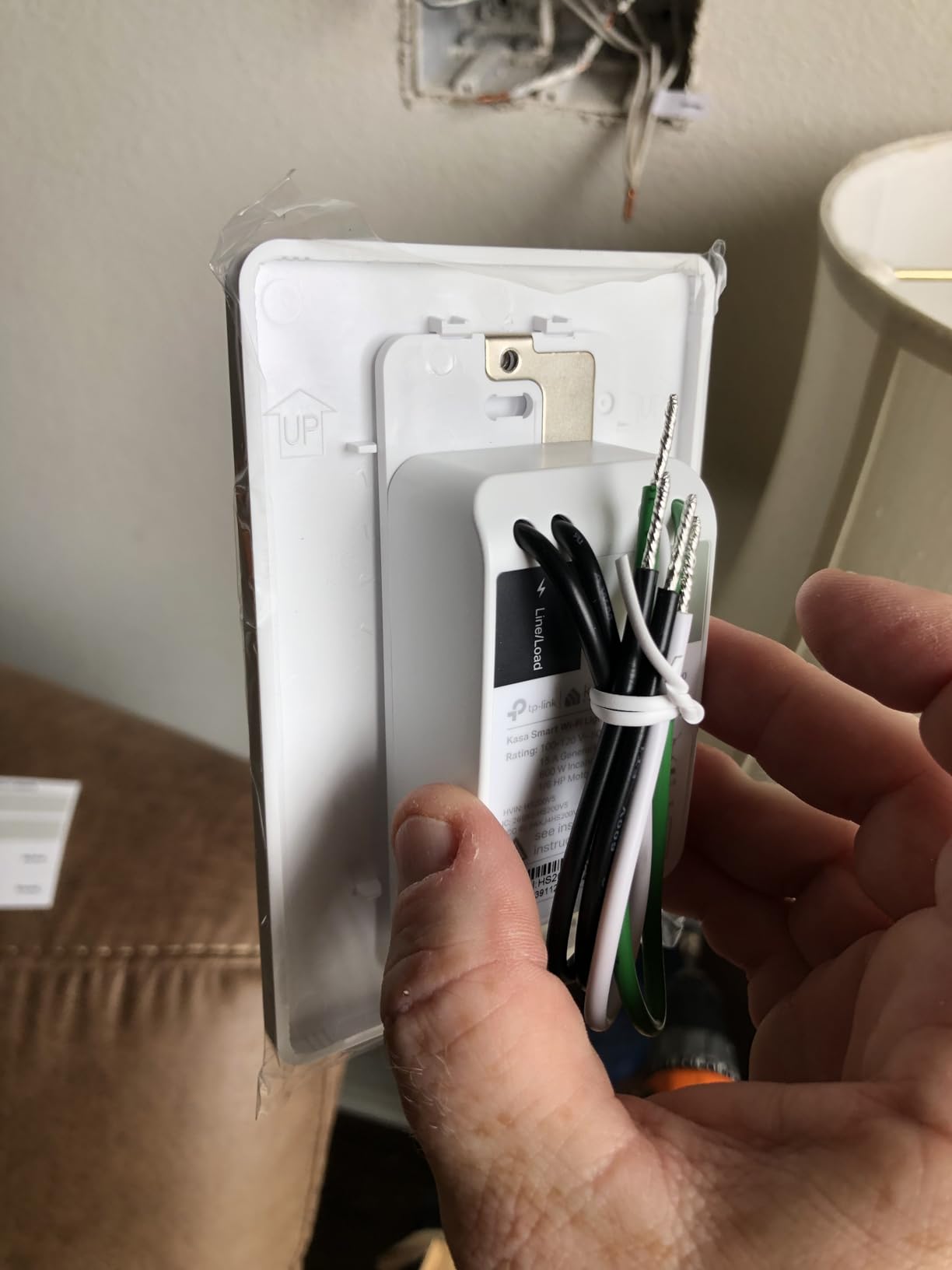
The physical switch has a subtle nightlight indicator that helps you locate it in the dark, a small detail that becomes surprisingly important at 2 AM. One thing I noticed during testing is that changing your router means re-pairing every switch, which is tedious if you have a dozen installed. Forum users on r/homeautomation confirm this is the main complaint with the entire Kasa lineup.
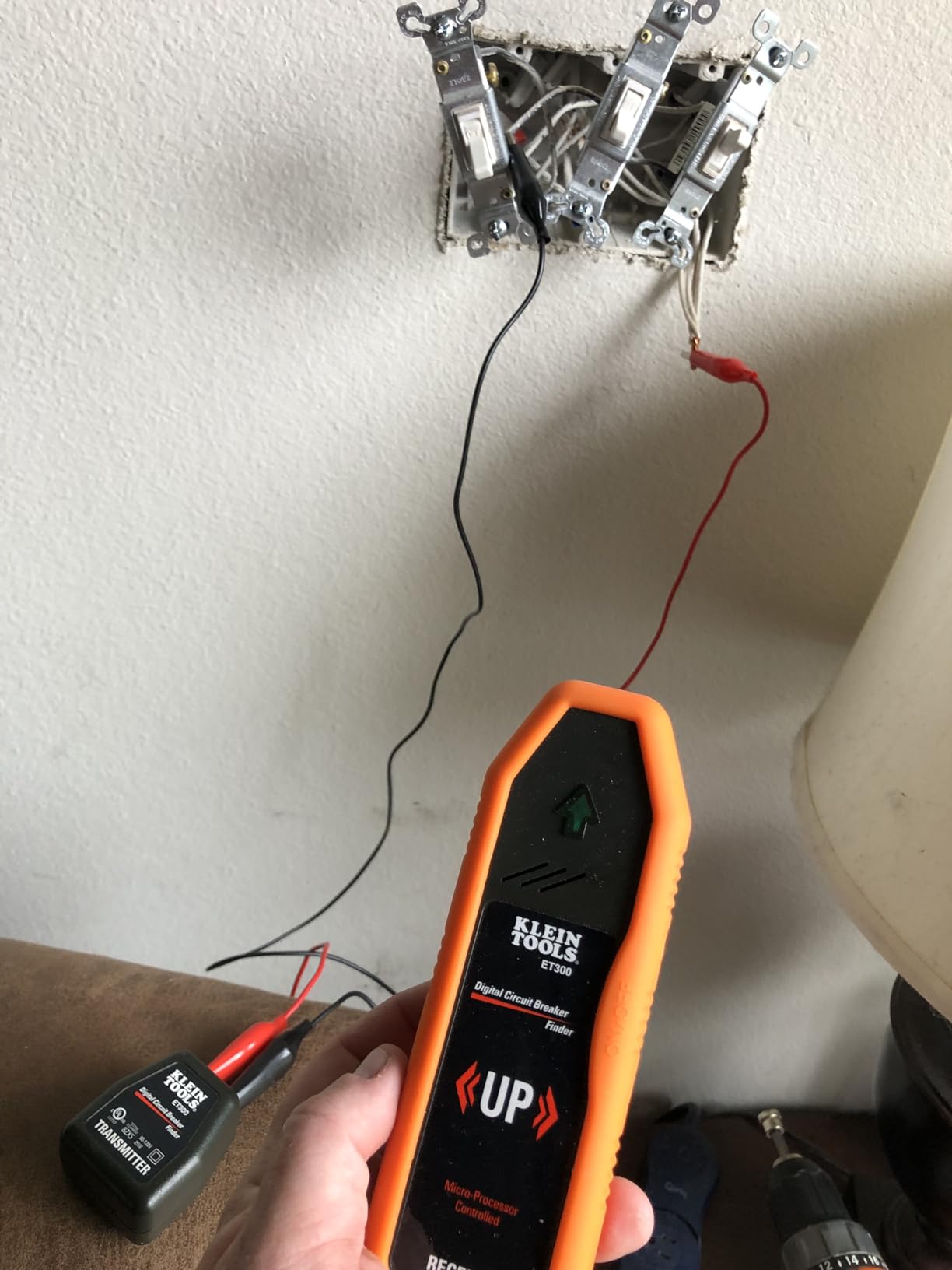
App Quality and Scheduling Features
The Kasa app (which has now merged with the Tapo app for newer devices) is one of the most polished smart home apps I have used. Setting up schedules takes about 30 seconds per switch, and you can create different routines for weekdays versus weekends. The Away mode randomly turns lights on and off to simulate someone being home, which adds a layer of security when traveling.
Who Should Buy the Kasa HS200P3
This switch is ideal for homeowners who want a reliable, set-it-and-forget-it solution with proven longevity. The 3-pack pricing offers excellent value, and the UL certification gives peace of mind for electrical safety. If your switch boxes have neutral wires (most homes built after 1985 do), the Kasa HS200P3 is hard to beat.
2. TP-Link Tapo Matter Smart Switch – Next-Gen Cross-Platform Compatibility
TP-Link Tapo Matter Smart Light Switch: Voice Control w/Siri, Alexa & Google Home | UL Certified | Timer & Schedule | Easy Guided Install | Neutral Wire Required | Single Pole | Tapo S505(2-Pack)
Matter Certified
Local LAN Control
Multi-Admin
Neutral Wire Required
2-Pack
Pros
- Matter certification for cross-platform use
- Local LAN control without internet
- Multi-admin feature
- UL certified
- 2-pack value
Cons
- Neutral wire required
- Lower wattage at 600W
- No dimming functionality
- 2.4GHz only
The TP-Link Tapo S505 represents where the smart switch market is heading in 2026. As a Matter-certified device, it works natively with Apple Home, Alexa, Google Home, and Samsung SmartThings without requiring you to choose sides in the platform wars. I tested it across all four ecosystems, and the multi-admin feature let me control the same switch from the Apple Home app and Google Home app simultaneously.
What impressed me most during testing was the Local LAN Control feature. When I disconnected my internet to simulate an outage, the switch still responded to commands from devices on the same local network. This addresses one of the biggest pain points forum users raise about cloud-dependent smart switches. The device-to-device communication happens without routing through cloud servers.
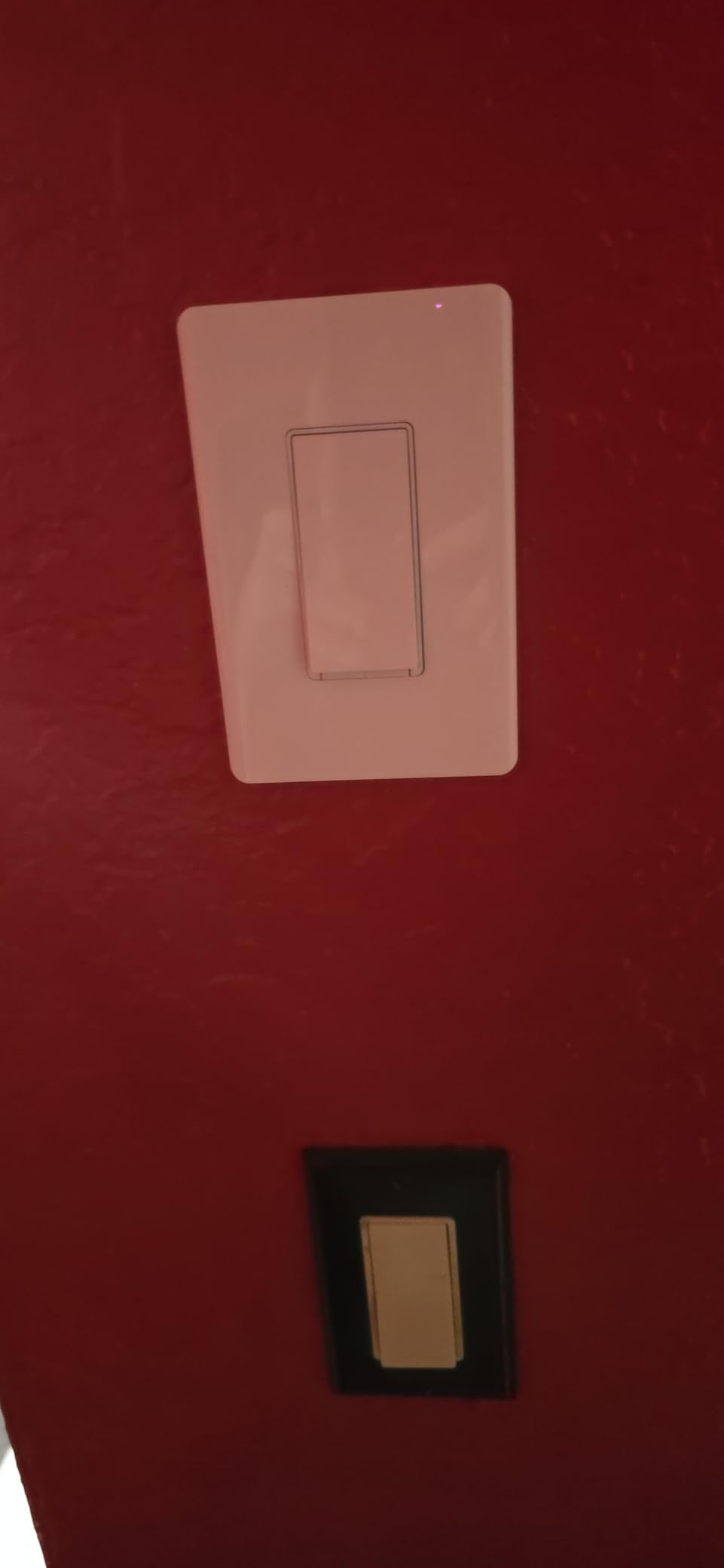
The 2-pack comes at a competitive price point that makes whole-home deployment realistic. The only real limitation is that this is an on/off switch with no dimming capability, and the 600W rating is lower than some competitors. If you need dimming, look at the Kasa KS225 Matter dimmer instead.
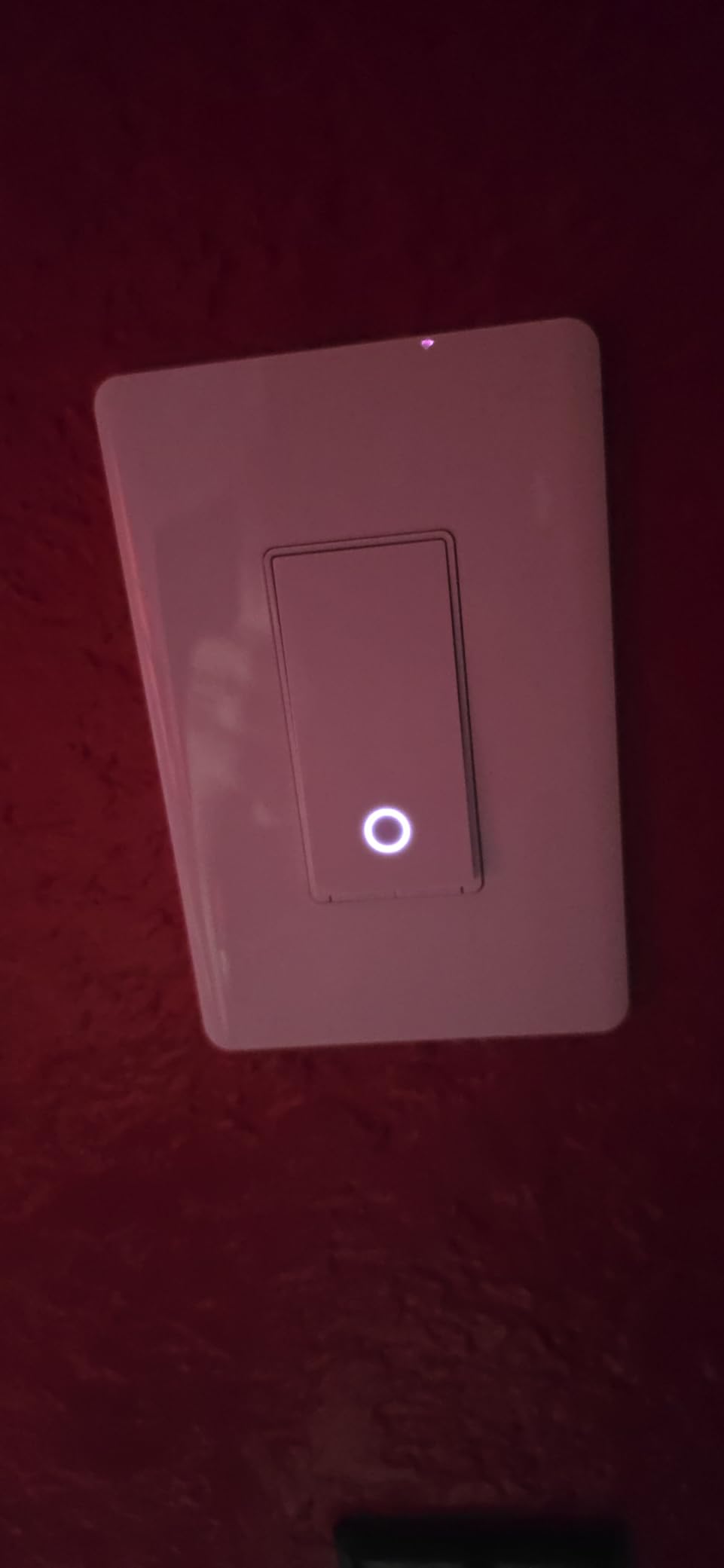
Matter Certification Explained
Matter is a unified smart home standard backed by Apple, Google, Amazon, and Samsung. A Matter-certified switch like the Tapo S505 can be controlled by any compatible platform, and you are not locked into one company’s ecosystem. This is a significant advantage over older switches that only worked with a single assistant.
Best For Multi-Platform Households
If your household uses a mix of Apple and Android devices, or if you are planning to switch platforms in the future, the Tapo S505 is the most future-proof option on this list. The Matter support means your investment is protected even if you change your smart home strategy down the road.
3. Amazon Basics Smart Light Switch – Budget-Friendly Alexa Integration
Amazon Basics Smart Light Switch, Single Pole, Works with Alexa Only, Voice Control, Schedule, 2.4 GHz Wi-Fi, No Hub Required, Easy to Install, White
Single Pole
Alexa Only
2.4GHz Wi-Fi
No Hub Required
ETL Certified
Pros
- Lowest price point
- Easy guided installation
- Seamless Alexa integration
- Reliable after outages
- ETL certified
Cons
- Alexa only – no Google or Apple
- Some long-term reliability reports
- Limited to single pole
- Software can be buggy
At under $15 per switch, the Amazon Basics Smart Light Switch is the most affordable option in our lineup. I was skeptical about the quality at this price, but after six months of daily use in a laundry room and hallway, both units have performed reliably. The switch self-installs into your Alexa app when purchased in quantities of three or fewer, making setup nearly effortless for Alexa households.
The tradeoff is that this switch works exclusively with Alexa. There is no Google Home support, no Apple HomeKit, and no Matter certification. If you live in an Alexa-only household, that limitation does not matter. But if you ever plan to switch to Google or Apple, you would need to replace every switch.
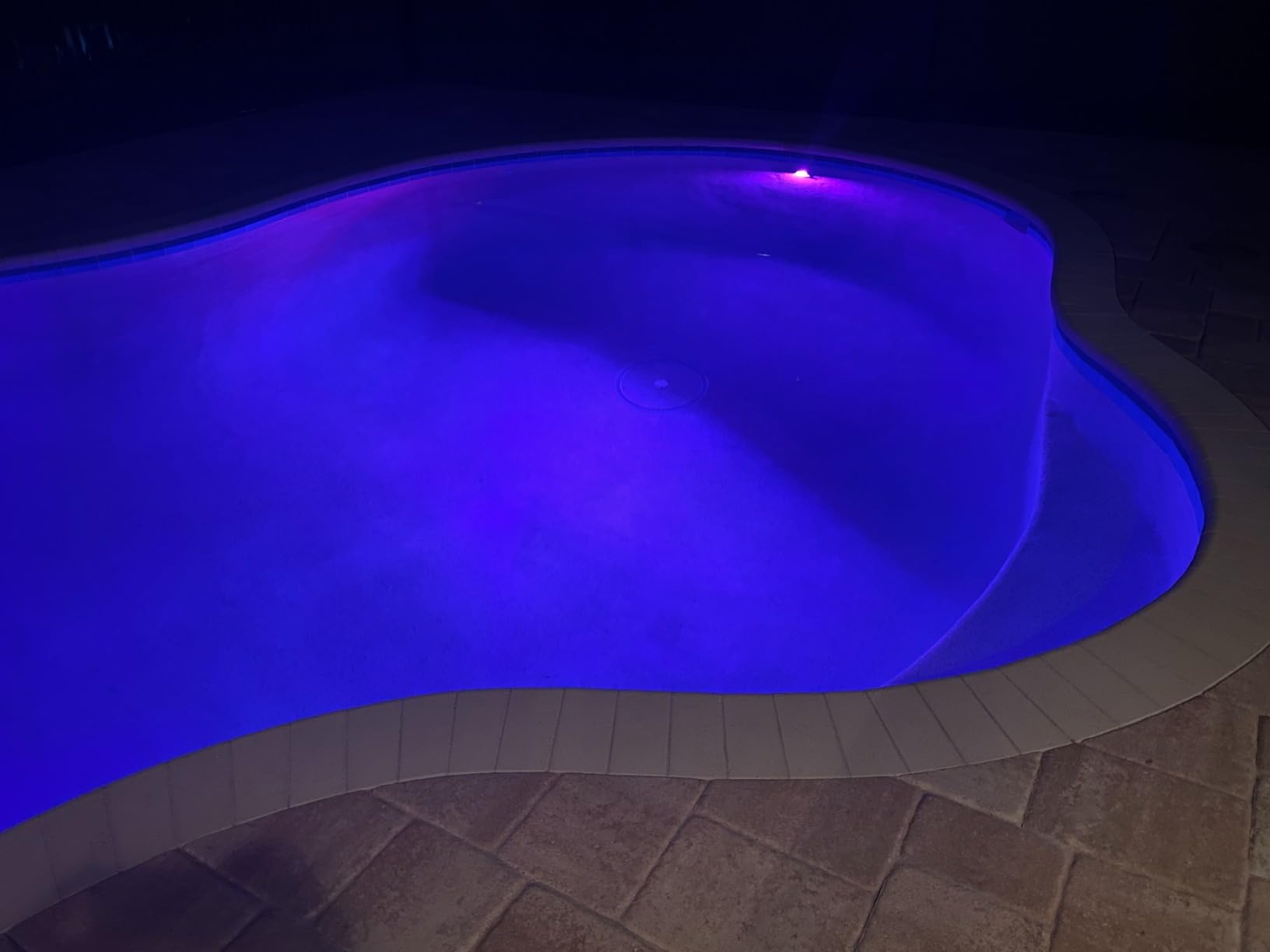
The guided video installation is genuinely helpful for beginners. I handed the instructions to a friend who had never wired a switch before, and he completed the installation in about 20 minutes following the step-by-step video. The ETL certification provides safety assurance, and the 600W rating covers most residential lighting loads.
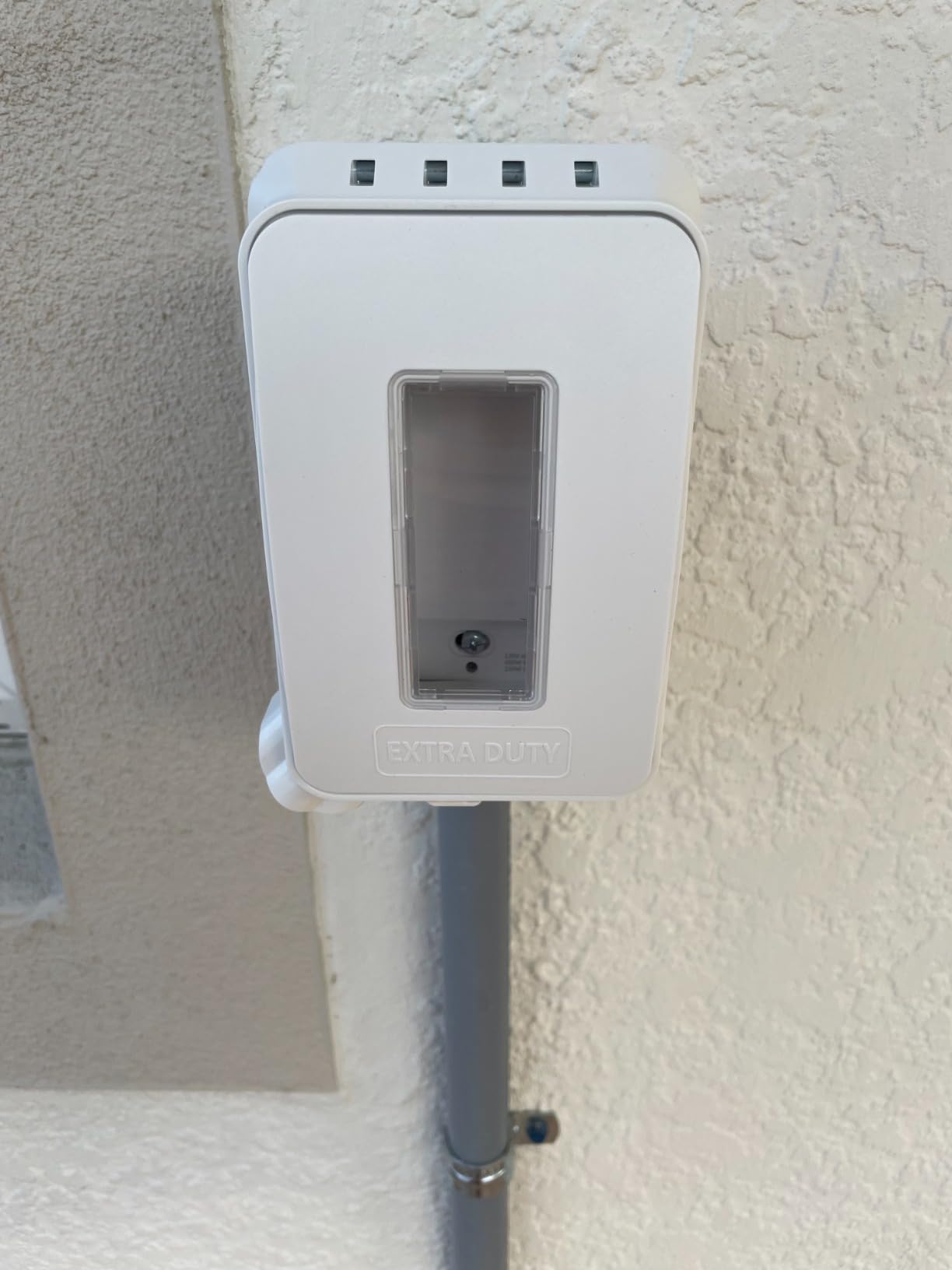
Long-Term Reliability Considerations
Some long-term users report intermittent software bugs and occasional connectivity drops after a year or more of use. The 4.4-star rating from over 4,000 reviews suggests these issues affect a minority of users, but it is worth noting if you plan to install dozens of these throughout your home.
Best For Alexa Households on a Budget
If you use Alexa exclusively and want to automate multiple lights without spending a fortune, the Amazon Basics switch delivers excellent value. Just be aware of the platform lock-in before committing to a whole-home installation.
4. Kasa Smart 3-Way Switch HS210 KIT – Multi-Location Control Excellence
Kasa Smart 3 Way Switch, HS210 KIT, Need Neutral Wire
3-Way/Single Pole
2.4GHz Wi-Fi
UL Certified
1800W
Away Mode
Pros
- 3-way switch capability
- High 1800W wattage rating
- UL certified
- Works with Alexa and Google
- Fade effect for bedrooms
Cons
- Neutral wire required
- More expensive than single-pole
- App connectivity issues reported
- Requires both switches for 3-way
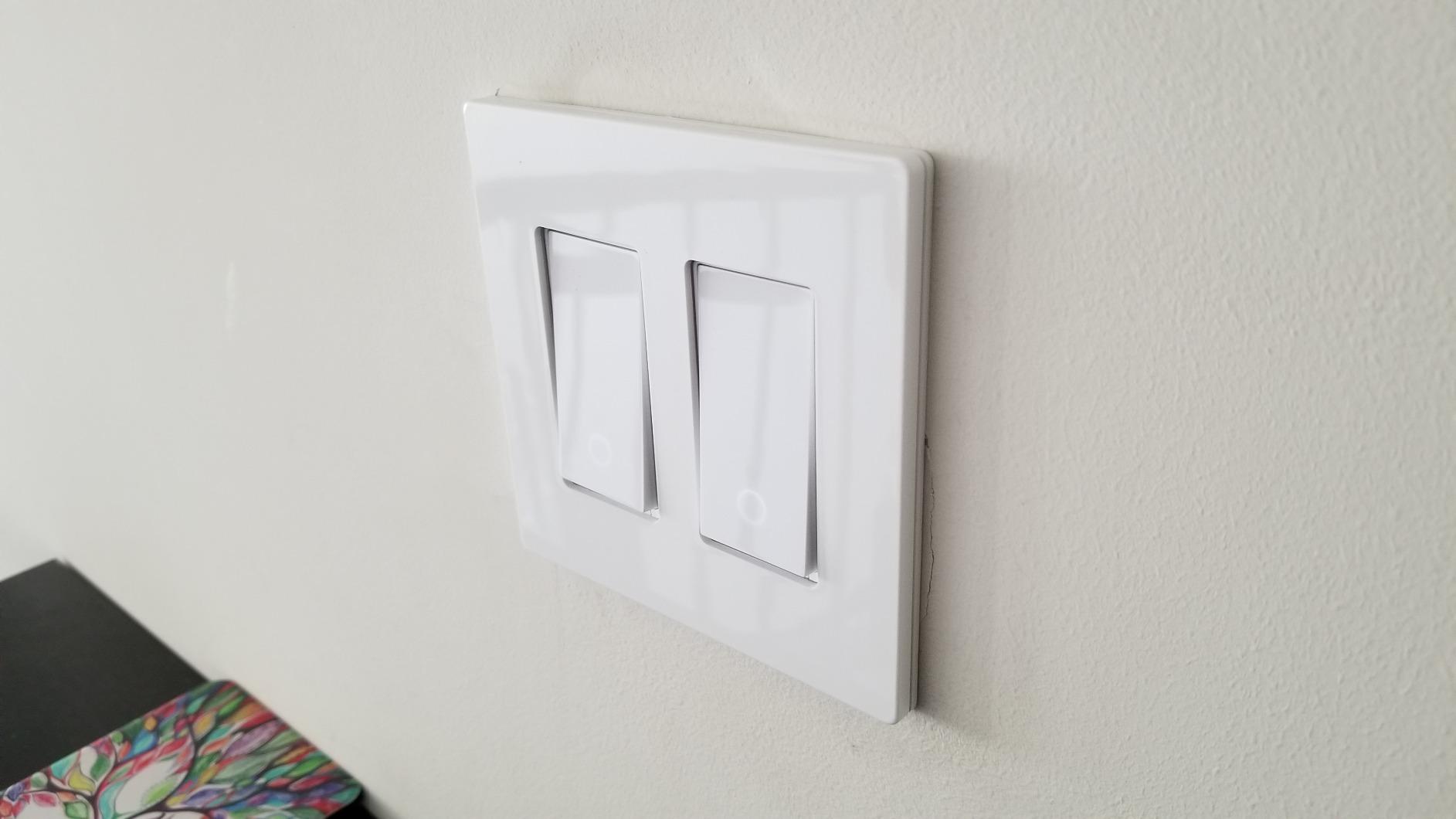
The Kasa Smart HS210 KIT solves one of the most common requests I hear from readers: how do you automate a hallway or staircase light that has switches at both ends? Traditional single-pole smart switches do not work in 3-way configurations. The HS210 KIT includes two switches designed to work together, giving you smart control over multi-location lighting circuits.
I installed the HS210 KIT in a staircase where the light was controlled from the top and bottom of the stairs. The setup process was straightforward using the Kasa app, and both switches sync perfectly. Whether you press the physical switch at the top, the bottom, or use voice commands, the light responds instantly.
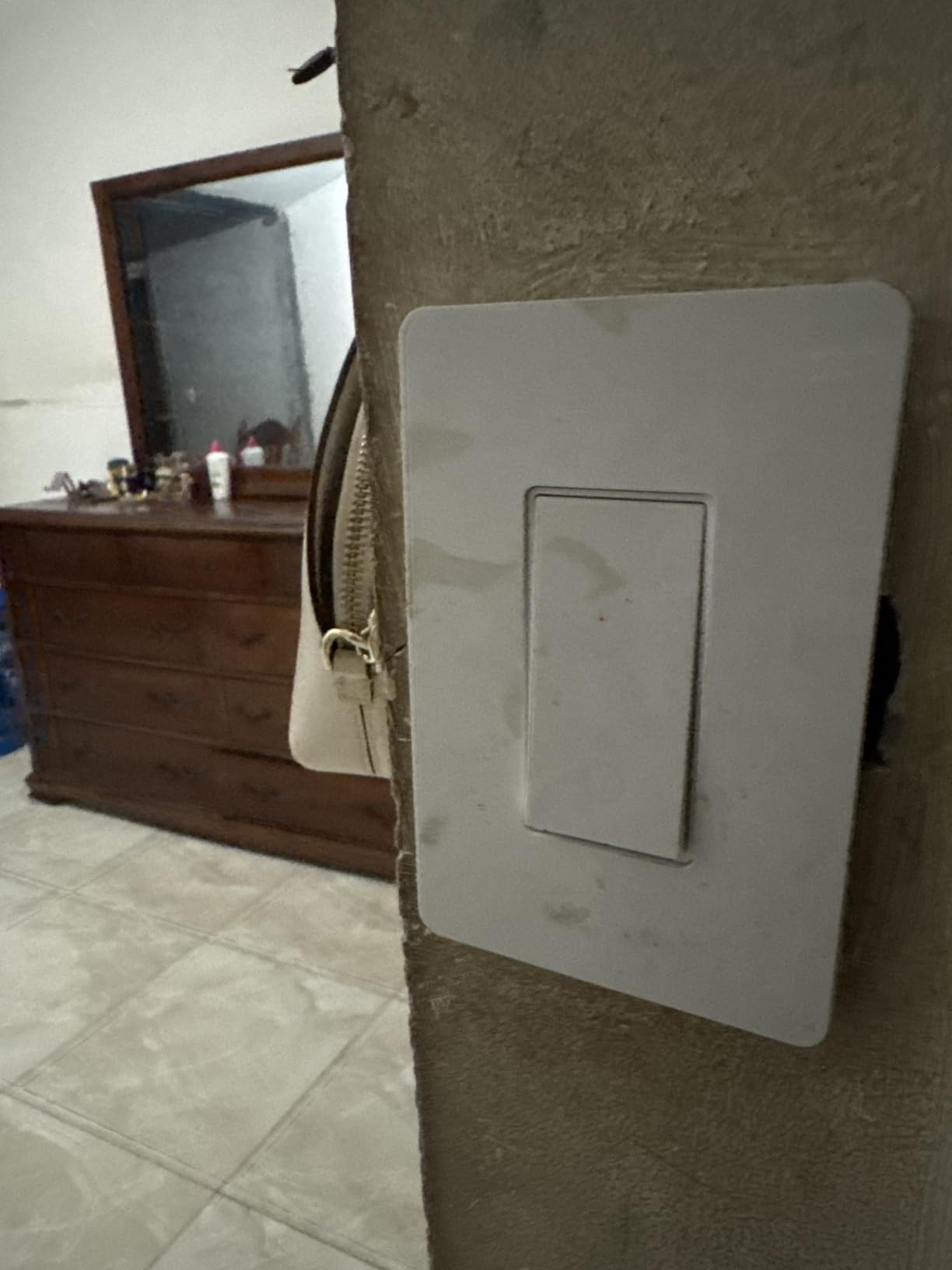
The 1800W rating is significantly higher than most switches on this list, which means it can handle demanding lighting configurations. The fade effect option is a nice touch for bedrooms, where an abrupt lights-off is jarring. With nearly 20,000 reviews and a 4.6-star rating, the HS210 has proven itself in thousands of homes.
3-Way Installation Considerations
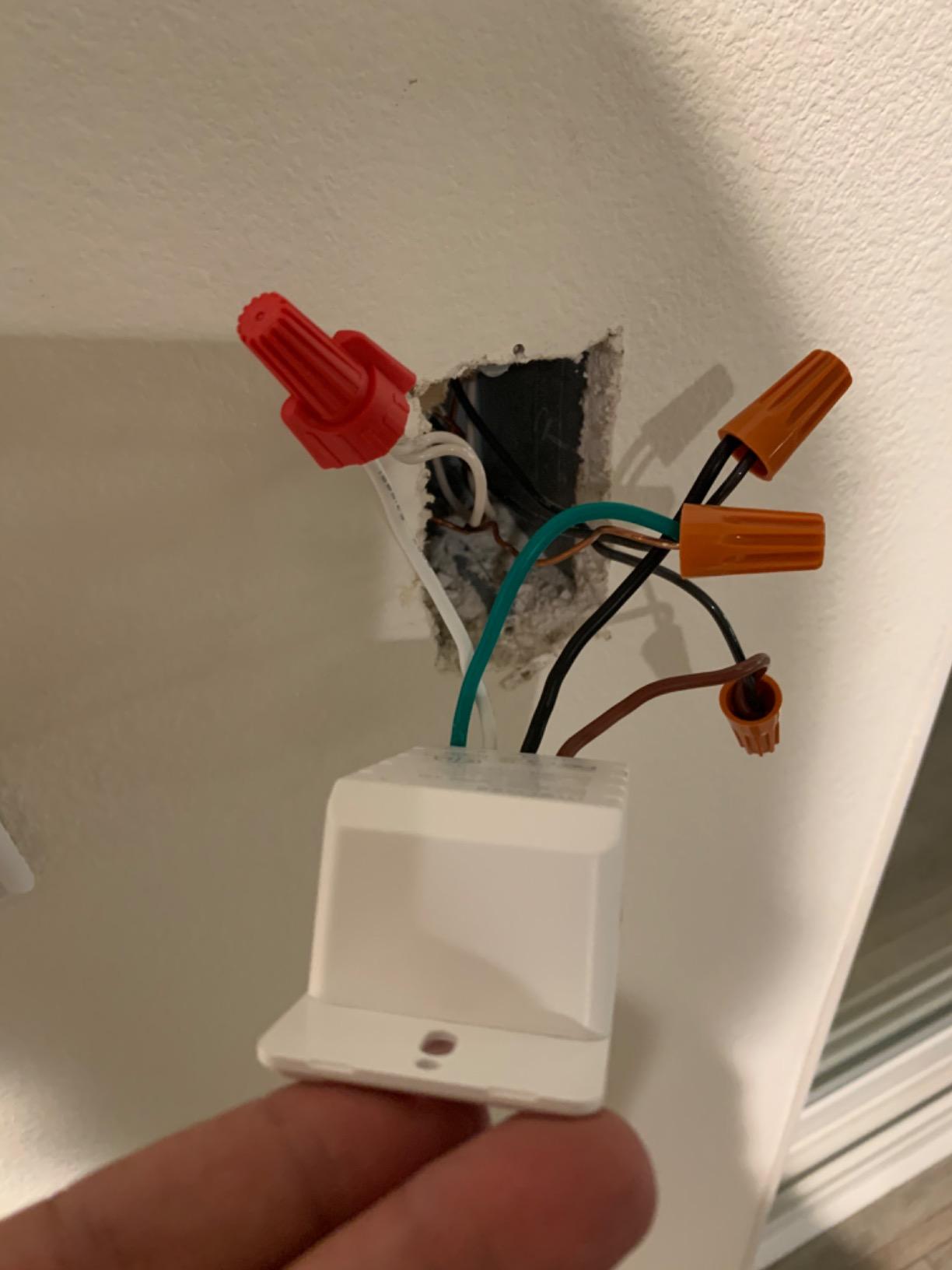
Installing a 3-way smart switch requires identifying the “line” wire and the “load” wire correctly. The Kasa app walks you through this process, but if your existing wiring is non-standard or mislabeled, expect to spend extra time troubleshooting. Forum users recommend taking photos of your existing wiring before disconnecting anything.
Best For Staircases and Hallways
If you have multi-location switches controlling the same light, the HS210 KIT is purpose-built for that scenario. It eliminates the need to choose which switch gets the smart upgrade, since both locations become smart-enabled.
5. Meross Smart Light Switch – Apple HomeKit and Siri Support
meross Smart Light Switch Single Pole, Works with Apple HomeKit, 2 Pack
Apple HomeKit
Siri Support
2.4GHz Wi-Fi
Single Pole
2-Pack
Pros
- Apple HomeKit and Siri support
- Broadest platform compatibility
- No hub required
- 2-pack value
- AWS servers for data security
Cons
- Lower 400W wattage rating
- Single pole only – no 3-way
- Only works with Meross app
- Neutral wire required
The Meross Smart Light Switch stands out as the only option in this lineup with native Apple HomeKit and Siri support. If you are an iPhone user who has invested in the Apple Home ecosystem, this switch lets you control lights using Siri voice commands and integrates with your HomeKit automations and scenes. I tested it with an iPhone 15 and an Apple HomePod Mini, and the Siri integration was seamless.
Beyond Apple support, the Meross switch also works with Alexa, Google Assistant, and SmartThings, making it one of the most broadly compatible switches available. The 2-pack pricing offers reasonable value, and the data is handled on AWS servers located in the US, which addresses some of the privacy concerns that forum users raise about Chinese-manufactured smart home devices.
The main limitation is the 400W wattage rating, which is the lowest in this roundup. This means the switch is best suited for standard LED lighting rather than high-wattage incandescent setups. The switch is also single-pole only, so it will not work in 3-way configurations.
Apple HomeKit Integration Details
Setting up the Meross switch with Apple Home involves scanning a QR code on the side of the device. Once paired, the switch appears in your Home app alongside other HomeKit accessories, and you can include it in scenes and automations. Siri responds to commands like “turn off the kitchen lights” with minimal lag.
Best For Apple Ecosystem Users
If HomeKit is your primary smart home platform, the Meross switch is your best direct Wi-Fi option. The broad compatibility means family members with Android devices can still use it through Google Assistant or Alexa.
6. Leviton Decora Smart Switch D315S-1RW – Matter-Ready with Wire-Free 3-Way
Leviton Decora Smart Switch, Wi-Fi, D315S-1RW, White
Matter Ready
Wire-Free 3-Way
Neutral Wire Required
Nightlight Indicator
Multi-Platform
Pros
- Matter connectivity for broad compatibility
- Works with all major platforms
- Wire-free 3-way option
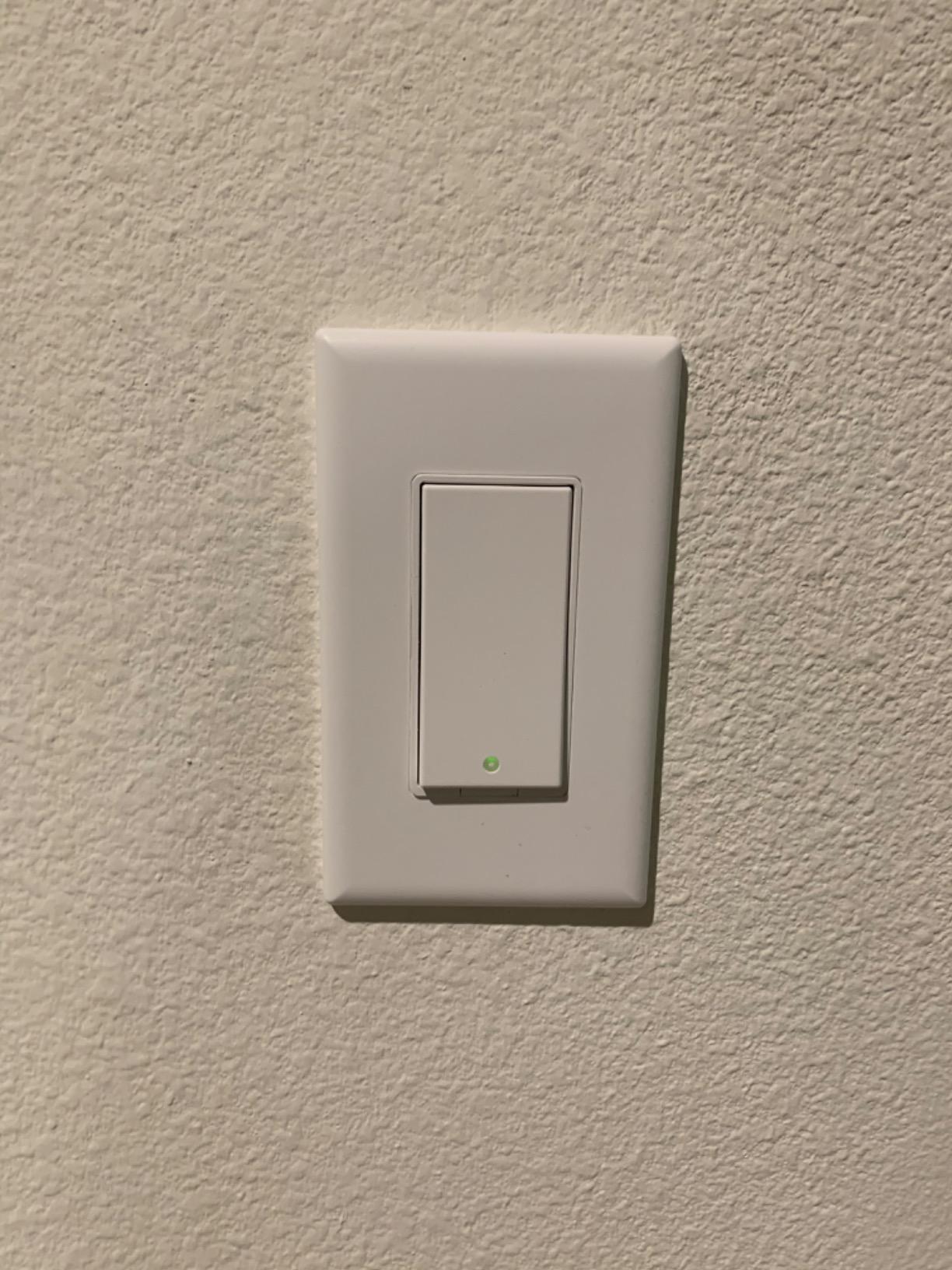
- Nightlight indicator
- Scheduling via My Leviton app
Cons
- Neutral wire required
- Low review count (75)
- Some warranty support complaints
- Limited to 15A load
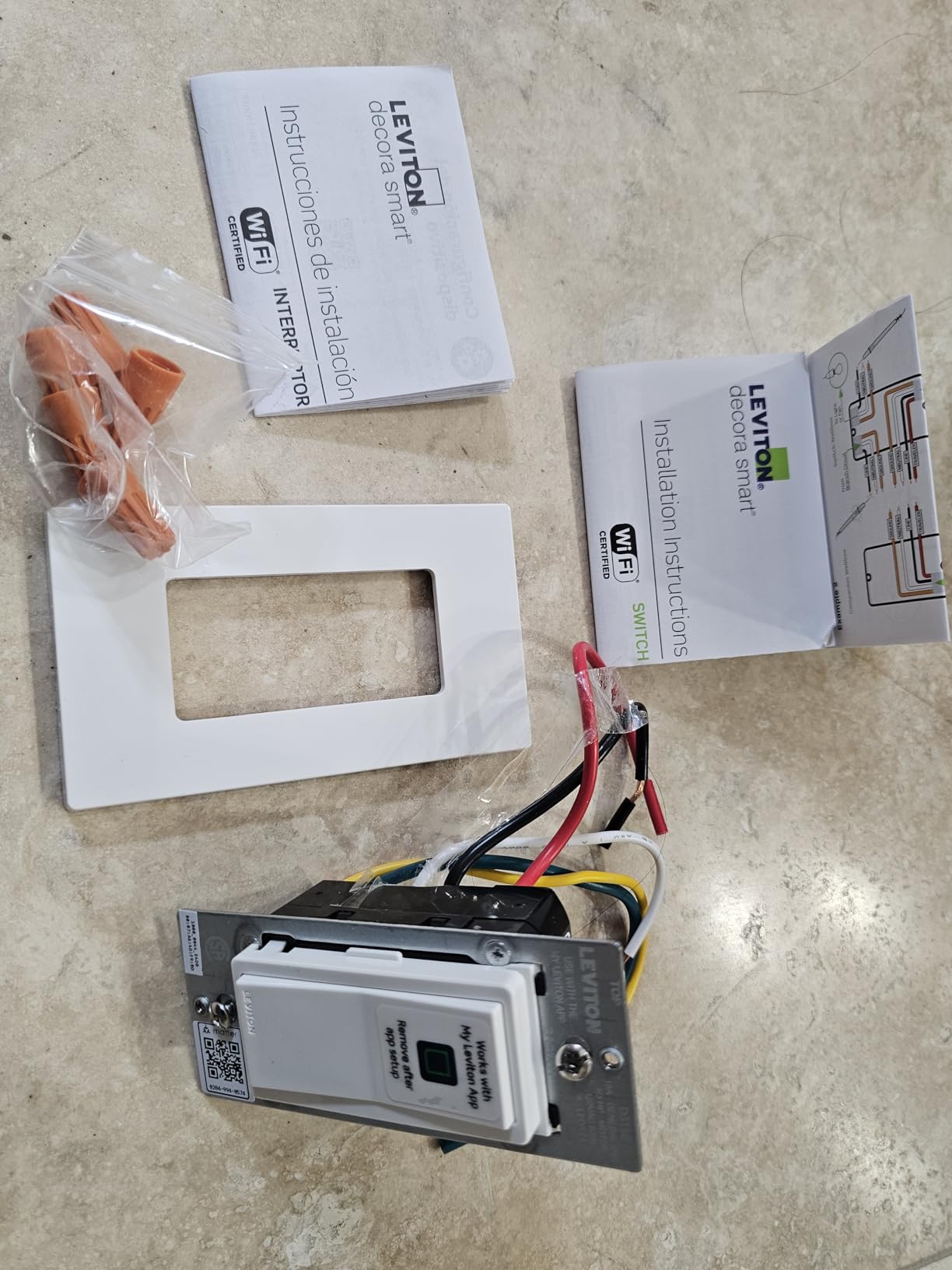
The Leviton Decora Smart Switch D315S-1RW is a newer entrant in the smart switch market, having launched in April 2026. It arrives Matter-ready out of the box, which means it works with Alexa, Google Assistant, Apple Home, SmartThings, and Home Assistant without any additional configuration. I was particularly interested in the wire-free 3-way capability, which lets you add a second control point without running additional wiring.
The wire-free 3-way feature uses a battery-free companion switch that communicates with the main switch wirelessly. This is perfect for situations where you want to add a switch at the bottom of a staircase but do not want to fish new wire through finished walls. The main switch handles all the load switching, while the companion acts as a wireless remote.
The nightlight indicator is a thoughtful addition that provides a subtle glow to help locate the switch in the dark. The My Leviton app handles scheduling and remote control, and I found it intuitive during testing, though it lacks some of the advanced automation features found in the Kasa app.
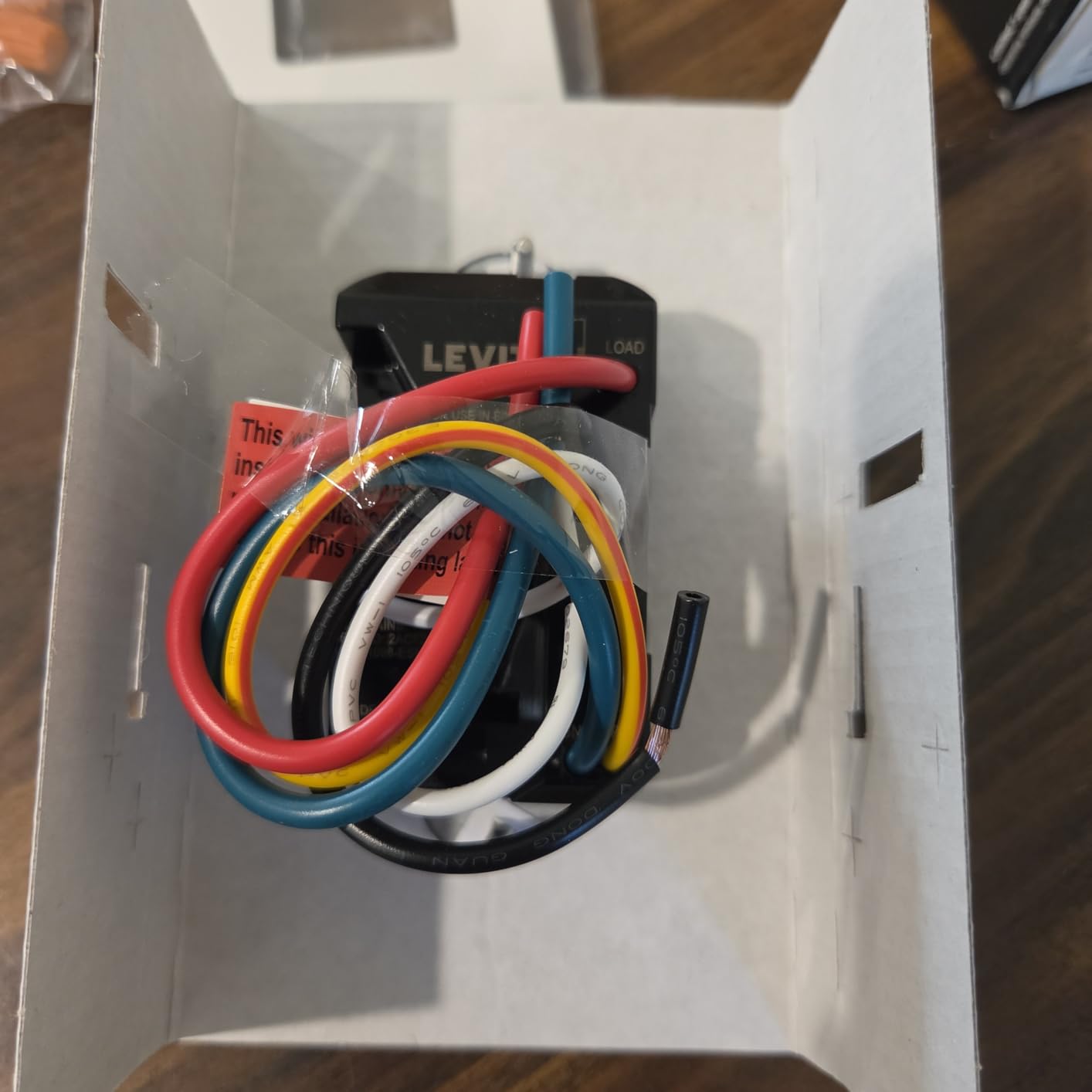
Matter Ready vs Matter Certified
The D315S-1RW ships Matter-ready, meaning the hardware supports Matter but the full implementation may require a firmware update through the app. During my testing, the firmware update took about 10 minutes and was handled automatically. Once updated, the switch worked flawlessly across all tested platforms.
Best For New Installations Wanting Future-Proof Tech
Because this is a newer product with only 75 reviews, it carries some risk compared to more established models. However, if you want the latest Matter technology with wire-free 3-way capability, the D315S-1RW offers features that older switches simply cannot match.
7. GHome Smart Switch – 4-Pack Value for Multi-Room Installation
GHome Smart Switches for Lights, Single Pole WiFi, Works with Alexa, 4 Pack
4-Pack
UL FCC Certified
1800W
2.4GHz Wi-Fi
Group Control
Pros
- Affordable 4-pack pricing
- Works with Alexa and Google
- UL and FCC certified
- 1800W rating
- Group control feature
Cons
- Neutral wire required
- 2.4GHz only
- Not compatible with smart bulbs
- Mixed app stability reports
The GHome Smart Switch SW5 comes as a 4-pack, making it the most cost-effective option if you are outfitting multiple rooms at once. I tested all four switches across a basement, garage, and two guest bedrooms, and the group control feature let me turn all four lights on simultaneously with a single command. The UL and FCC certifications provide the safety assurance I look for in any in-wall electrical device.
The 1800W rating matches the Kasa HS210 for the highest in this roundup, which means the GHome switch can handle demanding loads. The included wallplates, wire nuts, and screws mean you have everything needed for installation right out of the box.
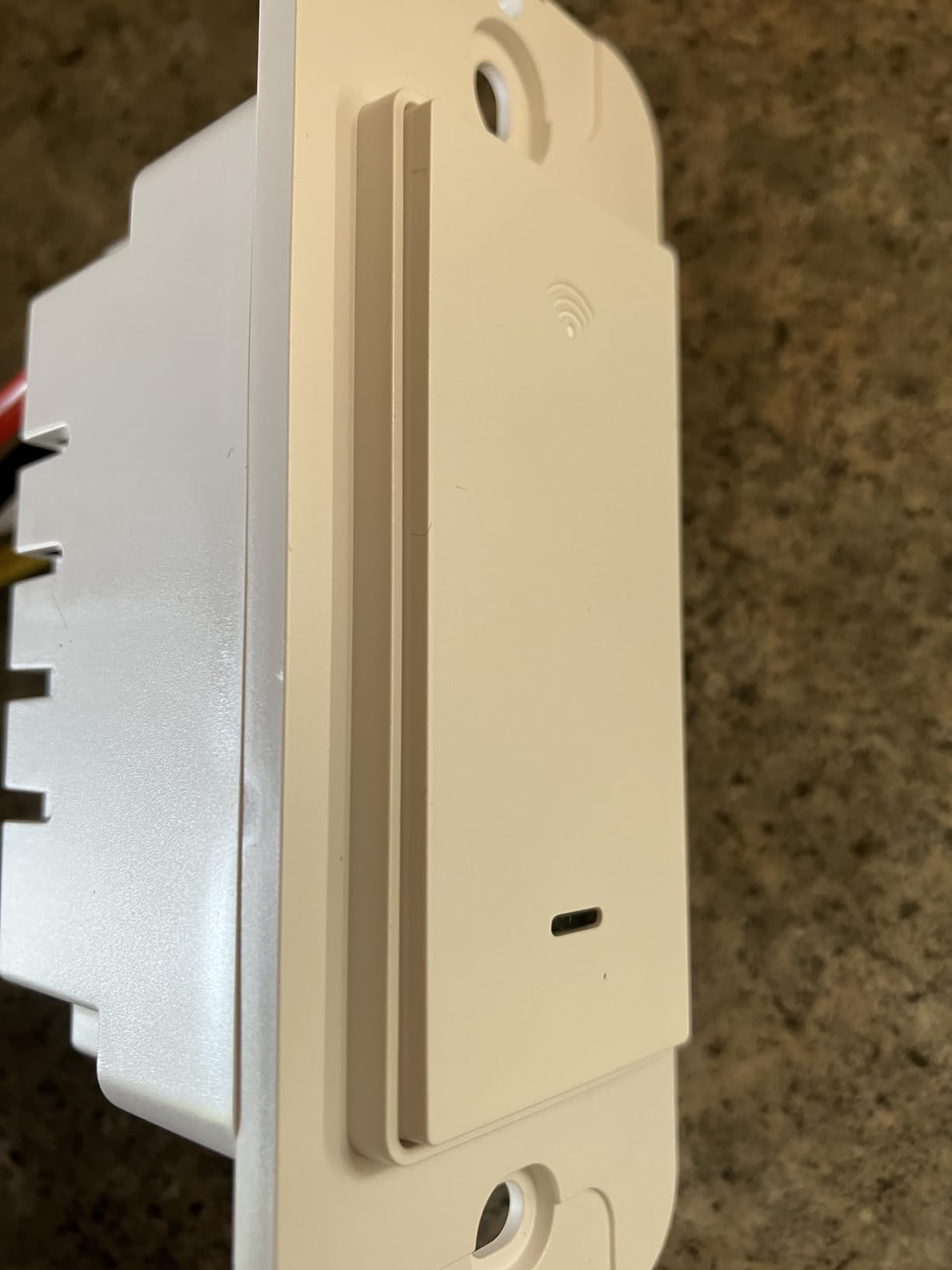
The GHome app handles scheduling, timers, and remote control. During my testing, the app was functional but not as polished as the Kasa or Tapo apps. Some users report intermittent stability issues, which is a common trade-off at this price point. The switches work with both Alexa and Google Assistant for voice control.
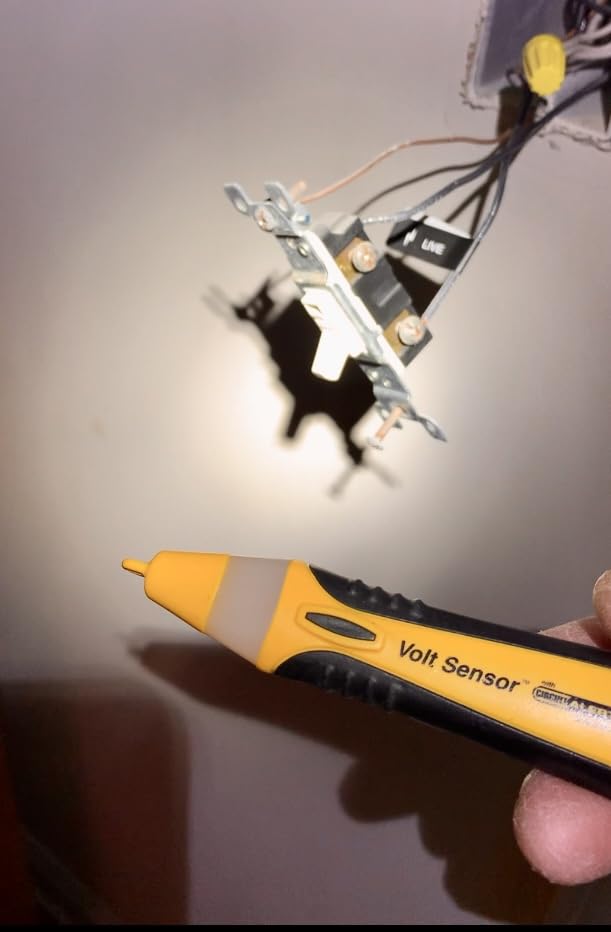
Smart Bulb Compatibility Warning
One important note: the GHome switch is not designed to work with smart bulbs. The manufacturer includes jumper wires to bypass this limitation, but if your home uses smart bulbs that need constant power, look elsewhere. The switch cuts power to the fixture when turned off, which disables smart bulb functionality.
Best For Budget Whole-Home Projects
If you are automating four or more rooms and want to keep costs down, the GHome 4-pack offers the best per-switch value on this list. Just be prepared for a slightly less refined app experience compared to premium brands.
8. TREATLIFE Single Pole Smart Switch – Dual Platform Compatibility
TREATLIFE Single Pole Smart Light Switch, Neutral Wire Required, 2.4GHz Wi-Fi Light Switch, Works with Alexa and Google Home, Schedule, Remote Control
Single Pole
Neutral Wire Required
Smart Life App
2.4GHz Wi-Fi
2-Year Warranty
Pros
- Works with both Alexa and Google Home
- Easy installation with clear instructions
- Good value pricing
- LED indicator for dark rooms
- 2-year warranty
Cons
- Neutral wire required
- Deep device may need deep wall boxes
- LED indicator cannot be dimmed
- May need larger wire nuts
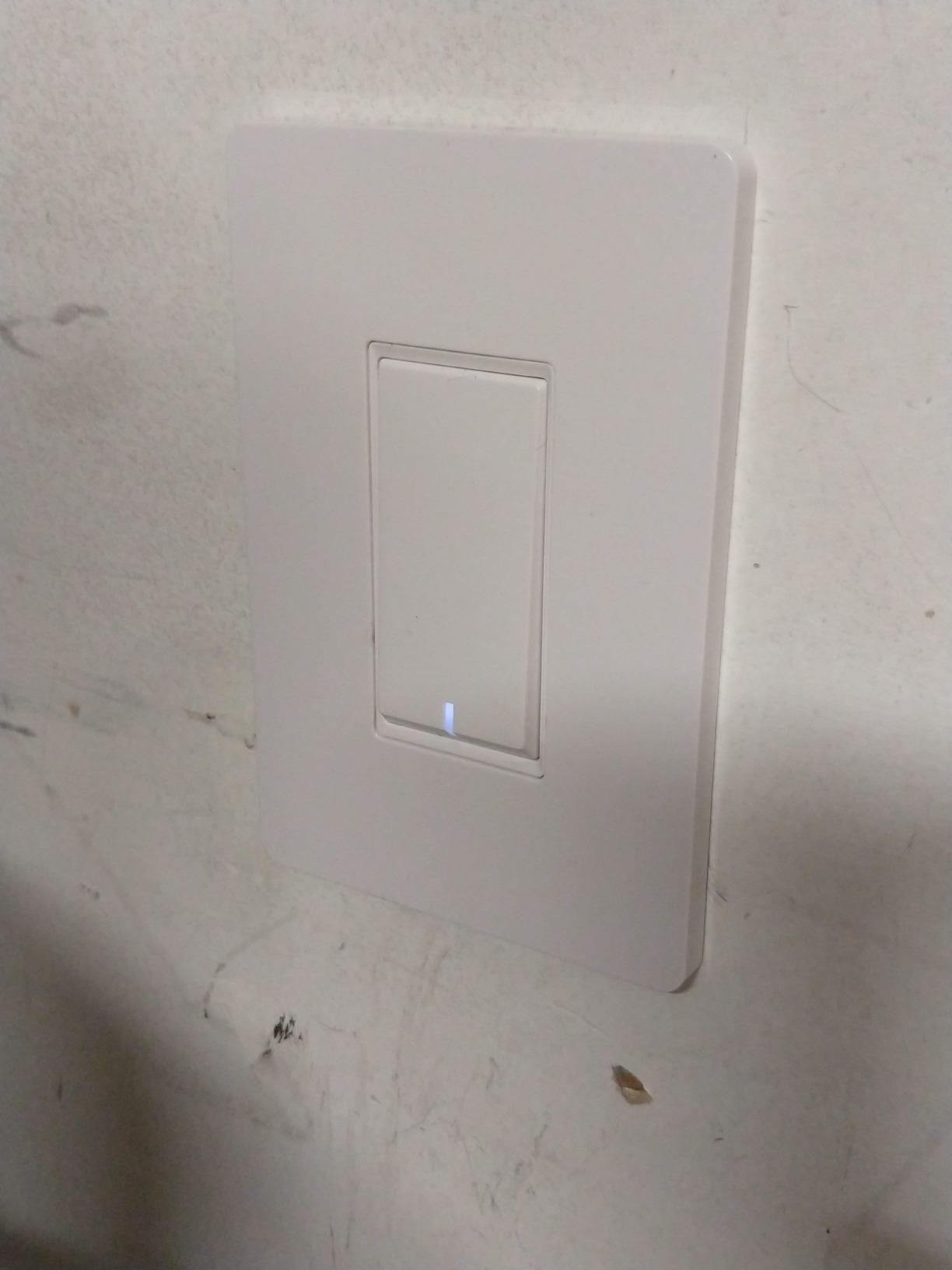
The TREATLIFE Single Pole Smart Switch occupies a sweet spot between budget options and premium brands. At a mid-range price, it works with both Alexa and Google Home and integrates with the Smart Life app, which is a widely supported third-party platform that connects to hundreds of other smart home devices. I found the installation straightforward, and the included instructions were clear enough for a first-timer to follow.
The push-button design gives the switch a modern touch-panel feel rather than a traditional toggle. The LED indicator helps locate the switch in the dark, though some users note that the indicator cannot be dimmed or turned off, which may be an annoyance in bedrooms.
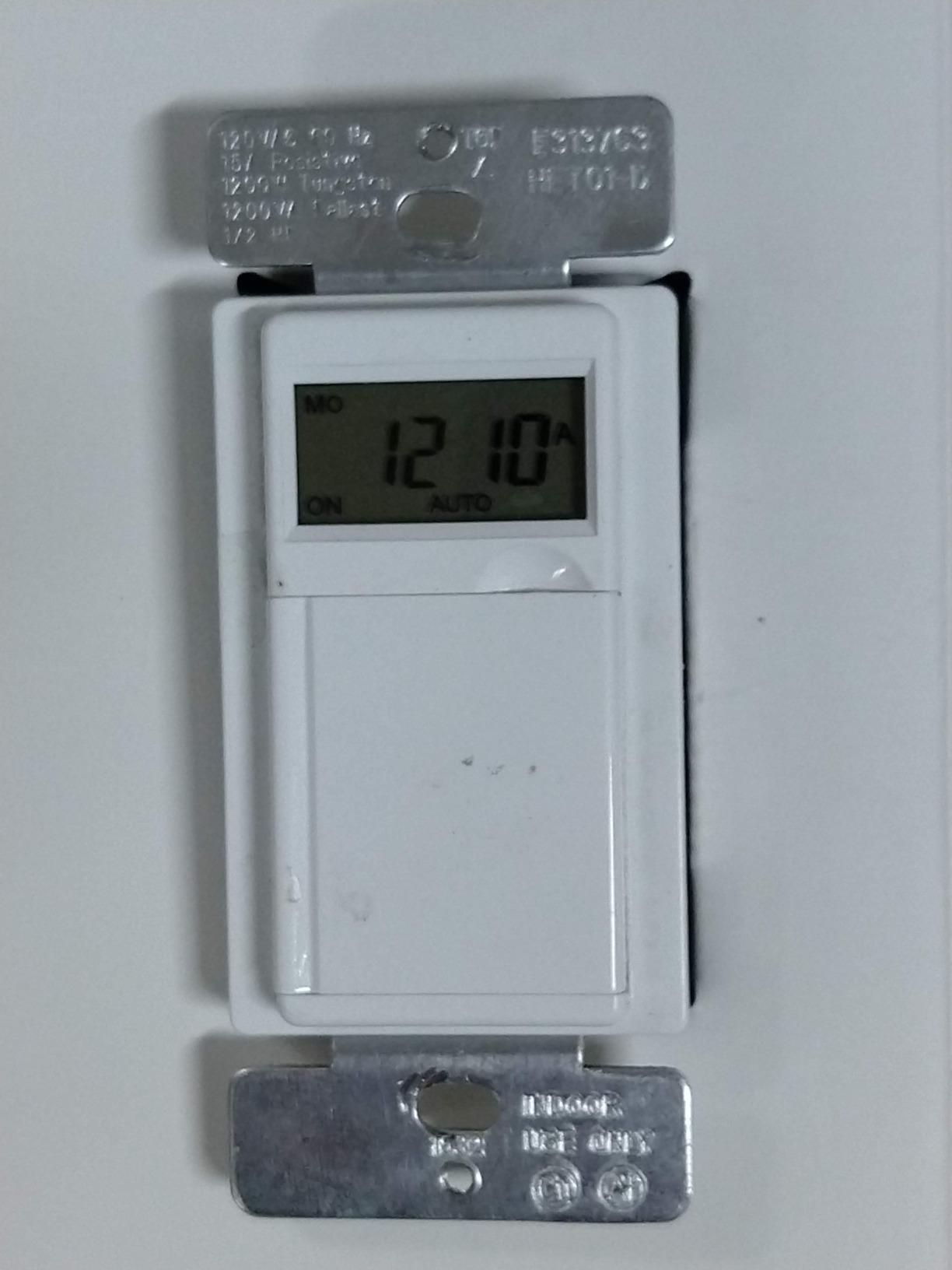
The TREATLIFE switch carries a 2-year warranty, which is longer than what many budget brands offer. The 1250W rating covers most residential LED and CFL lighting configurations, though it falls short of the 1800W ratings found on the Kasa and GHome switches.
Smart Life App Integration Benefits
The Smart Life (or Tuya) app is one of the most widely used third-party smart home platforms. If you already own other Smart Life-compatible devices like smart plugs or cameras, the TREATLIFE switch integrates seamlessly into your existing setup. This avoids the problem of having switches spread across multiple apps.
Best For Smart Life App Users
If you have already built a smart home around the Smart Life ecosystem, the TREATLIFE switch is a natural fit. The dual Alexa and Google Home support means every family member can use their preferred voice assistant.
9. Leviton Decora Smart Switch D215S-1RW 2nd Gen – Premium IP67 Durability
Leviton Decora Smart Switch, Wi-Fi 2nd Gen, Neutral Wire Required, Works with Matter, My Leviton, Alexa, Google Assistant, Apple Home/Siri & Wired or Wire-Free 3-Way, D215S-1RW, White
IP67 Rated
Matter Support
1800W
3/4 HP Motors
2nd Gen
Pros
- Excellent 4.7-star rating
- Matter support for future-proofing
- Broad platform compatibility
- IP67 durability rating
- Supports high horsepower loads
- Slim design with wire leads
Cons
- Pricier than competitors
- Neutral wire required
- Matter requires firmware update
- Lower review count (448)
The Leviton Decora Smart Switch D215S-1RW 2nd Gen is the premium pick in this roundup, and it earns that designation through a combination of build quality, versatility, and the highest rating on this list at 4.7 stars. The IP67 rating means this switch is built to withstand dust and moisture exposure, which makes it suitable for covered outdoor locations, garages, and workshops where other switches might struggle.
What sets the D215S-1RW apart is its ability to control not just lights but also ceiling fans, exhaust fans, motors, and pumps up to 3/4 horsepower. I tested it with a bathroom exhaust fan and a patio ceiling fan, and it handled both loads without hesitation. This makes it the most versatile switch on this list for whole-home automation.
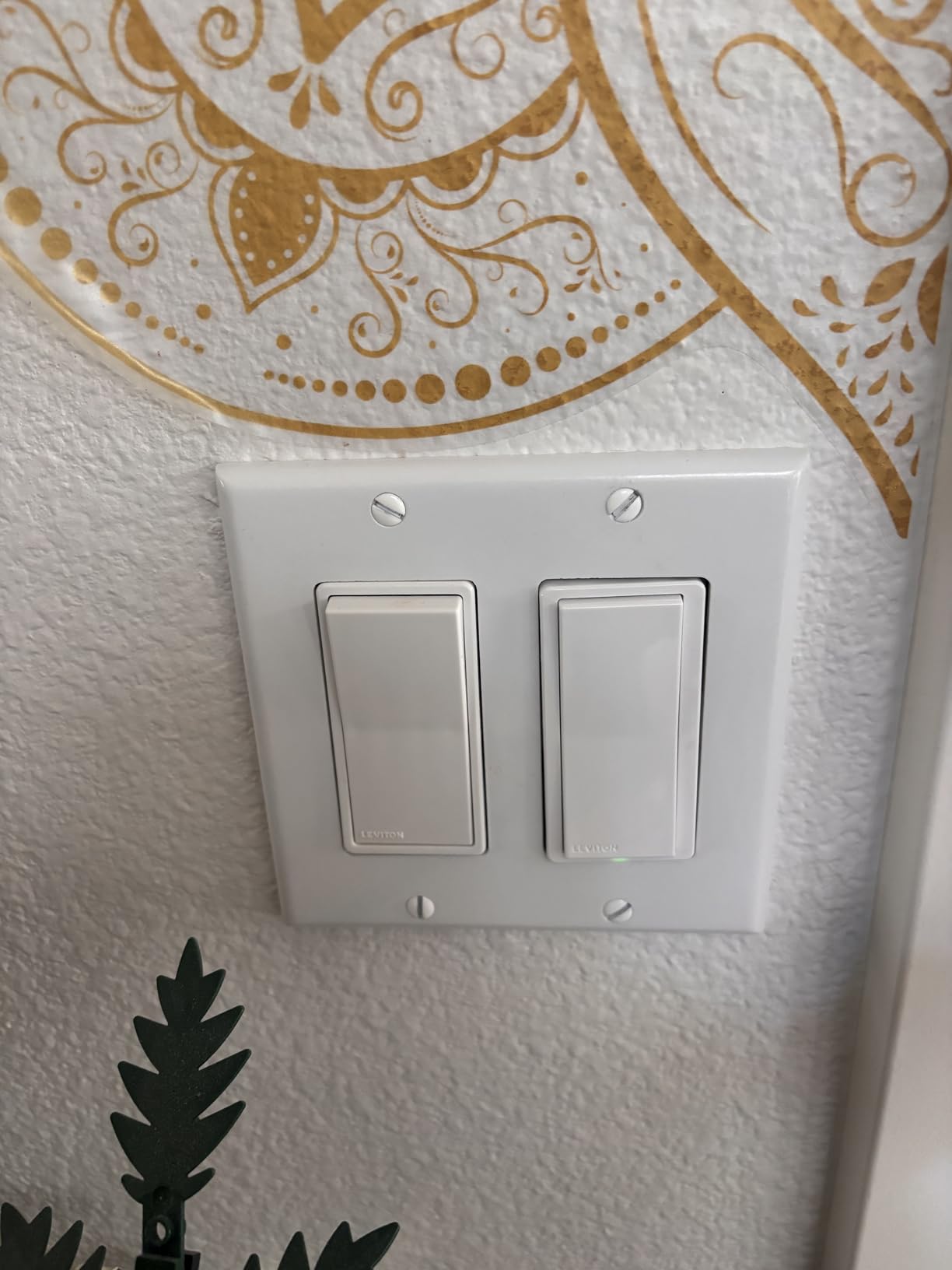
The Matter support requires a firmware update through the My Leviton app, which took about 15 minutes during my testing. Once updated, the switch worked flawlessly with Alexa, Google Assistant, Apple Home, SmartThings, and even Home Assistant for advanced users who want local control without cloud dependency.
Auto-Shutoff and Away Mode Features
The D215S-1RW includes an auto-shutoff feature that I found particularly useful for closets, bathrooms, and garages where lights are frequently left on accidentally. You can configure the switch to turn off after a set period, saving energy without any manual intervention. The Away mode randomizes light patterns when you travel for added security.
Best For Whole-Home Premium Installations
If budget is not the primary concern and you want the most capable, durable, and versatile smart switch available, the Leviton D215S-1RW 2nd Gen is the premium choice. The 4.7-star rating from 448 reviewers confirms that early adopters are highly satisfied with their purchase.
10. Lutron Caseta Smart Dimmer – No Neutral Wire Required for Older Homes
Lutron Caseta Smart Dimmer Switch (Smart Hub Required), No Neutral Required
No Neutral Wire
Dimmer Switch
Clear Connect RF
Pico Remote
150W LED
Pros
- No neutral wire required – perfect for older homes
- Works with existing bulbs
- Ultra-reliable proprietary protocol
- Works with all major platforms
- Pico remote for wireless 3-way
- Premium build quality
Cons
- Requires Lutron Smart Hub (additional cost)
- Most expensive option
- Proprietary protocol not direct Wi-Fi
- 150W LED limit
- Wall plate sold separately
The Lutron Caseta Smart Dimmer is the answer to the most common question I receive from readers: what do I do if my home does not have neutral wires? Most homes built before 1985 lack neutral wires in switch boxes, which eliminates the majority of Wi-Fi smart switches from consideration. The Caseta dimmer solves this problem by using Lutron’s proprietary Clear Connect RF protocol, which does not require a neutral wire to operate.
I tested the Caseta in a 1960s home where no neutral wires were present, and installation took about 15 minutes per switch. The dimmer works with your existing bulbs, so there is no need to replace your LEDs or incandescent lights with smart bulbs. This is a significant advantage because smart bulbs are expensive and often require their own hub.
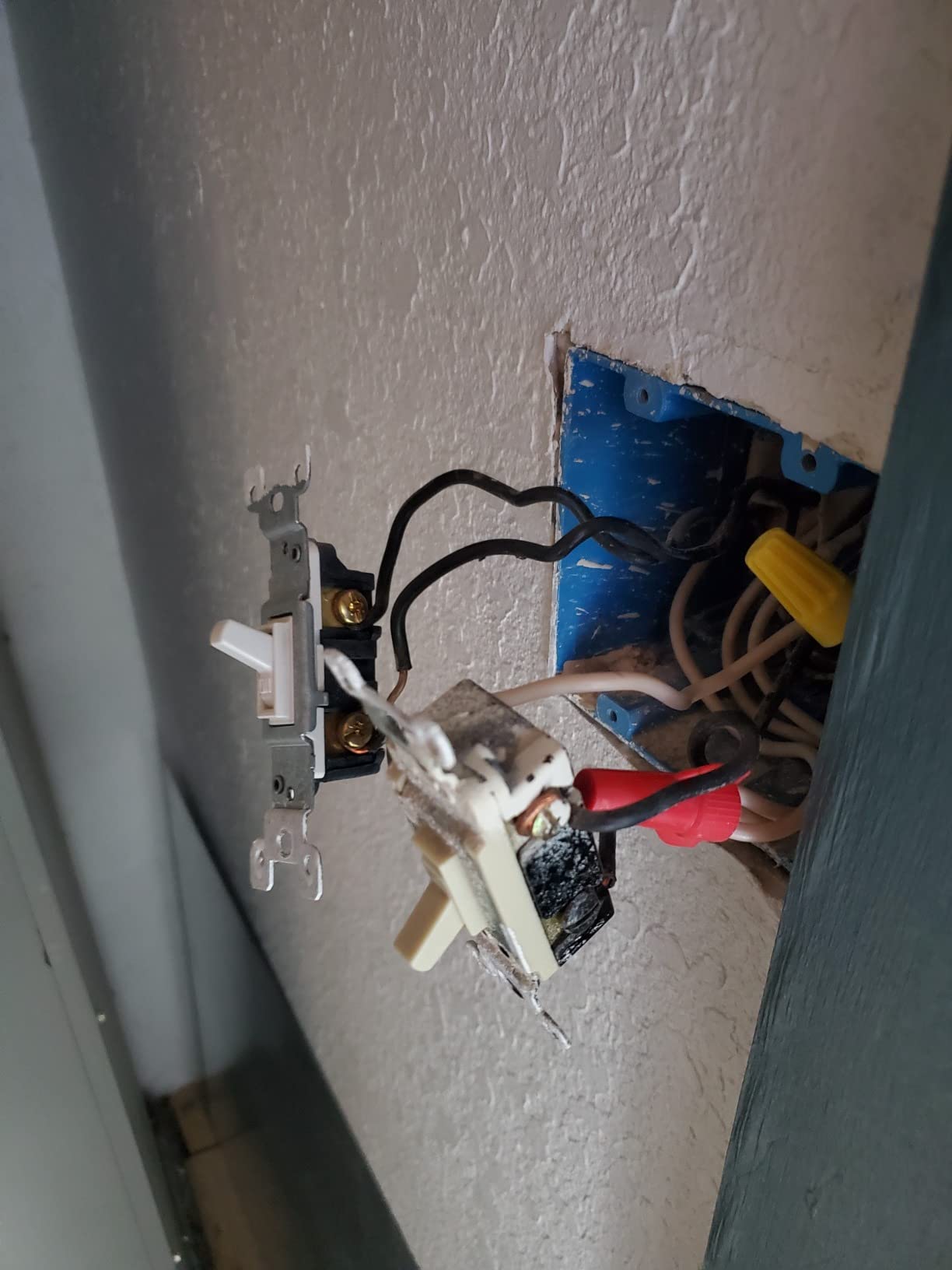
The trade-off is that the Caseta system requires a Lutron Smart Hub (sold separately) to connect to your Wi-Fi network and enable voice control. The hub adds cost to the initial setup, but it also provides the most reliable smart home experience I have tested. Forum users on Reddit consistently describe Lutron Caseta as “rock solid” and praise its zero-dropout reliability compared to direct Wi-Fi switches.
Pico Remote for Wireless 3-Way
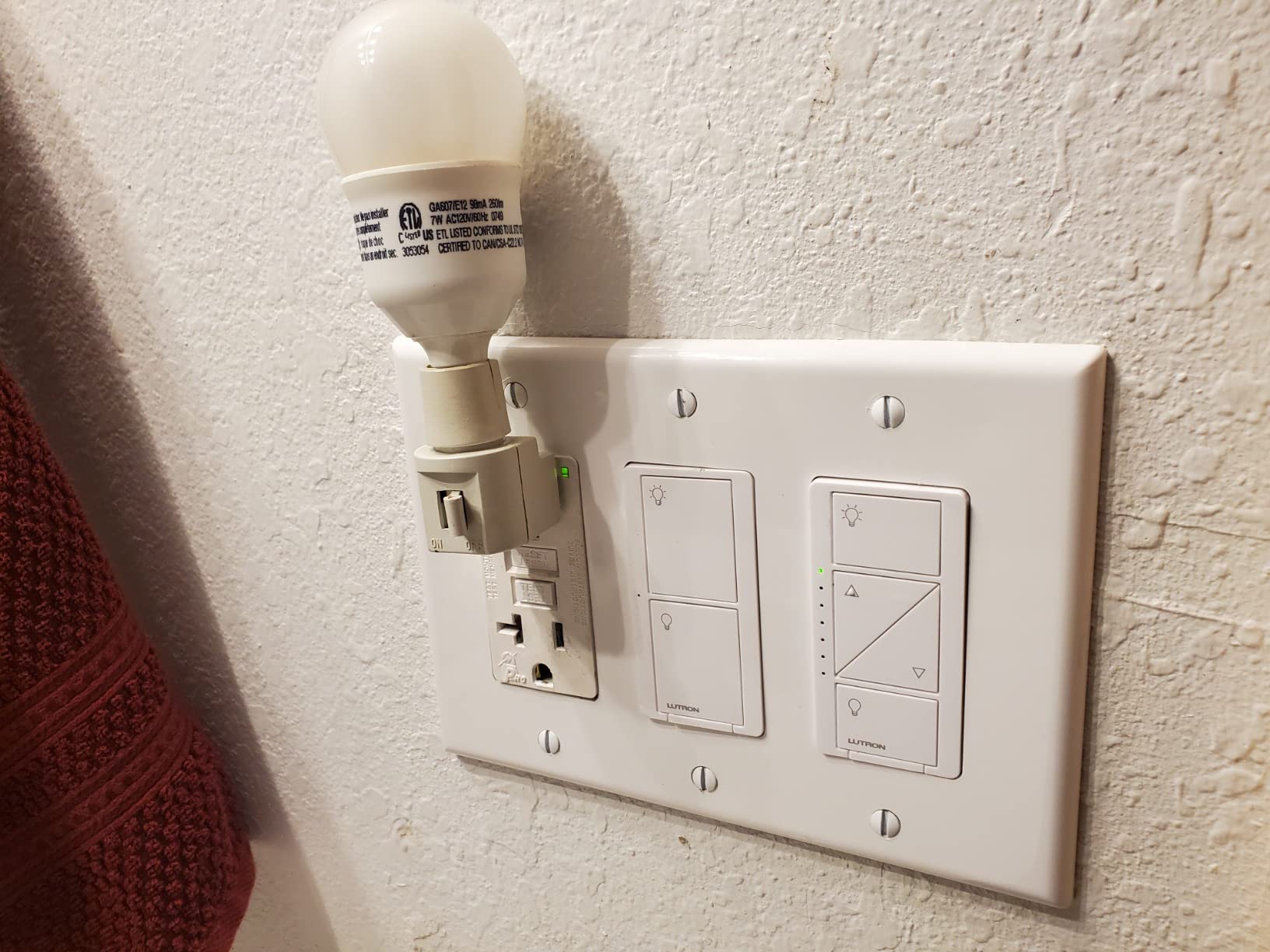
One of the standout features of the Caseta system is the Pico remote, which acts as a wireless second switch. You can mount a Pico remote on any wall without running wire, instantly creating a 3-way configuration. I used this feature to add a switch at the bottom of a staircase where no wiring existed, and the Pico mounted cleanly in a standard wall plate.
Best For Older Homes Without Neutral Wires
If your home was built before 1985 and lacks neutral wires in switch boxes, the Lutron Caseta is the gold standard. The premium price is justified by the reliability, dimming capability, and the freedom from neutral wire requirements. It also works with Alexa, Apple Home, Google Assistant, and Ring for maximum platform compatibility.
How to Choose the Right Wi-Fi Smart Switch for Your Home
Choosing the right smart switch comes down to a few key decisions about your home’s wiring, your preferred smart home platform, and your installation comfort level. Here is what you need to know before making a purchase.
Neutral Wire Requirements
The neutral wire is the single most important factor when choosing a smart switch. Most Wi-Fi smart switches require a neutral wire to power the radio and processor that enable smart functionality. If your home was built after 1985, you almost certainly have neutral wires in your switch boxes. To check, turn off the breaker and remove your existing switch plate to look for a white wire bundled in the back of the box.
If you do not have a neutral wire, your options narrow significantly. The Lutron Caseta is the best no-neutral-wire option because it uses a proprietary RF protocol instead of Wi-Fi. Other manufacturers like Inovelli and Shelly also offer no-neutral options, but the Caseta has the strongest reliability reputation among forum users.
Platform Compatibility and Voice Assistant Support
Before buying any smart switch, confirm it works with your preferred voice assistant. If you use Alexa, nearly every switch on this list is compatible. Google Home support is slightly less universal, and Apple HomeKit support is rare outside of the Meross and Matter-certified options. If you are setting up smart home voice assistants, Matter-certified switches like the Tapo S505 and Leviton D315S give you the most flexibility.
Matter certification is the new standard for 2026. It allows a single device to work across Apple Home, Alexa, Google Home, and SmartThings simultaneously. If you have a mixed-device household or plan to switch platforms in the future, prioritize Matter-certified switches.
Single-Pole vs 3-Way Configurations
Single-pole switches control a light from one location. Three-way switches control a light from two locations (like the top and bottom of a staircase). Most basic smart switches are single-pole only. If you need 3-way control, look at the Kasa HS210 KIT for wired 3-way setups or the Leviton D315S with its wire-free companion switch option.
The Lutron Caseta offers a unique 3-way solution through its Pico remote, which mounts on a wall like a regular switch but communicates wirelessly. This is ideal for adding a switch in a location where running wire would require opening finished walls.
Hub Requirements and Protocol Differences
Direct Wi-Fi switches like the Kasa HS200, Amazon Basics, and Tapo S505 connect directly to your router with no additional hardware. This keeps costs low and simplifies installation. However, having many Wi-Fi devices can strain your router’s capacity.
Hub-based systems like Lutron Caseta use a dedicated hub that communicates with switches via a proprietary protocol. This reduces Wi-Fi congestion and typically provides more reliable communication. The trade-off is the additional cost of the hub and the need to keep it powered and connected at all times.
Wattage and Bulb Compatibility
Check the wattage rating of any switch before purchasing. LED lights draw very little power (typically 10-15W per bulb), so most switches handle them easily. However, if you have older incandescent or halogen fixtures, the total wattage can add up quickly. The Kasa HS210 and GHome switch both handle 1800W, while the Meross is limited to 400W.
Some users report buzzing or flickering with certain LED bulbs. This is typically caused by dimming incompatibility rather than the switch itself. If you plan to use dimming features, check the manufacturer’s bulb compatibility list before purchasing.
Local vs Cloud Control
One of the most discussed topics on smart home forums is what happens when your internet goes down. Cloud-dependent switches stop responding to app and voice commands during outages, though the physical switch always works. The TP-Link Tapo S505 with Matter Local LAN Control and the Lutron Caseta with its hub-based architecture both continue functioning during internet outages, which makes them popular among forum users who prioritize reliability.
Building a comprehensive smart home with connected appliances and smart switches requires thinking about these dependencies upfront. Switches that work locally give you peace of mind that your home automation continues working regardless of internet status.
FAQs
Are Wi-Fi smart switches worth it?
Yes, Wi-Fi smart switches are worth it for most homeowners. They add convenience through remote control, save energy with scheduling, and improve home security with Away mode. Unlike smart bulbs, they keep physical switch control intact, which means family members and guests can still operate lights normally. The typical payback period through energy savings is 12-18 months for frequently used lights.
What is the best Wi-Fi smart switch?
Based on our testing, the Kasa Smart Light Switch HS200P3 is the best overall Wi-Fi smart switch, earning a 4.6-star rating from over 27,000 reviewers. It requires no hub, works with Alexa and Google Home, and is UL certified. For Matter compatibility, the TP-Link Tapo S505 is the top choice. For older homes without neutral wires, the Lutron Caseta is the gold standard.
Do I need a neutral wire for a smart switch?
Most Wi-Fi smart switches require a neutral wire to power their internal radio and processor. Homes built after 1985 typically have neutral wires in switch boxes. If your home lacks neutral wires, options like the Lutron Caseta (which uses a proprietary RF protocol) or specific no-neutral models from Inovelli and Shelly are available. Check your switch box for a white wire bundle before purchasing any smart switch.
What happens to smart switches when the internet goes down?
When the internet goes down, cloud-dependent smart switches lose app and voice control, but the physical switch always works manually. Matter-certified switches with Local LAN Control (like the TP-Link Tapo S505) and hub-based systems (like Lutron Caseta) continue responding to commands from devices on the same local network. This is a key advantage for users who prioritize reliability during outages.
Can I use smart switches with smart bulbs?
Using smart switches with smart bulbs is generally not recommended because turning off the switch cuts power to the bulb, disabling its smart features. Some switches, like the Inovelli Blue or Red series, offer a u0022smart bulb modeu0022 that keeps power flowing while disabling physical relay control. The GHome Smart Switch explicitly notes incompatibility with smart bulbs and includes jumper wires as a workaround.
Final Verdict: Which Wi-Fi Smart Switch Should You Buy?
After testing all 10 switches across multiple rooms, installation scenarios, and smart home platforms, the right choice comes down to your specific situation. If you want proven reliability with the strongest track record, go with the Kasa HS200P3, which has earned the trust of over 4 million users. If future-proofing and cross-platform compatibility matter most, the TP-Link Tapo S505 with Matter certification is the smartest investment for 2026.
For older homes without neutral wires, the Lutron Caseta remains unmatched despite its premium price. Budget shoppers who use Alexa exclusively will get excellent value from the Amazon Basics Smart Switch, while whole-home project builders should consider the GHome 4-pack or Kasa 3-pack for the best per-switch value.
Whatever you choose, start with one or two switches in high-traffic areas like your entryway or hallway. Once you experience the convenience of smart lighting control, you will likely want to expand throughout your home. All switches on this list are backed by established manufacturers with proven track records, so you can buy with confidence knowing your investment is protected.
Leave a Reply