
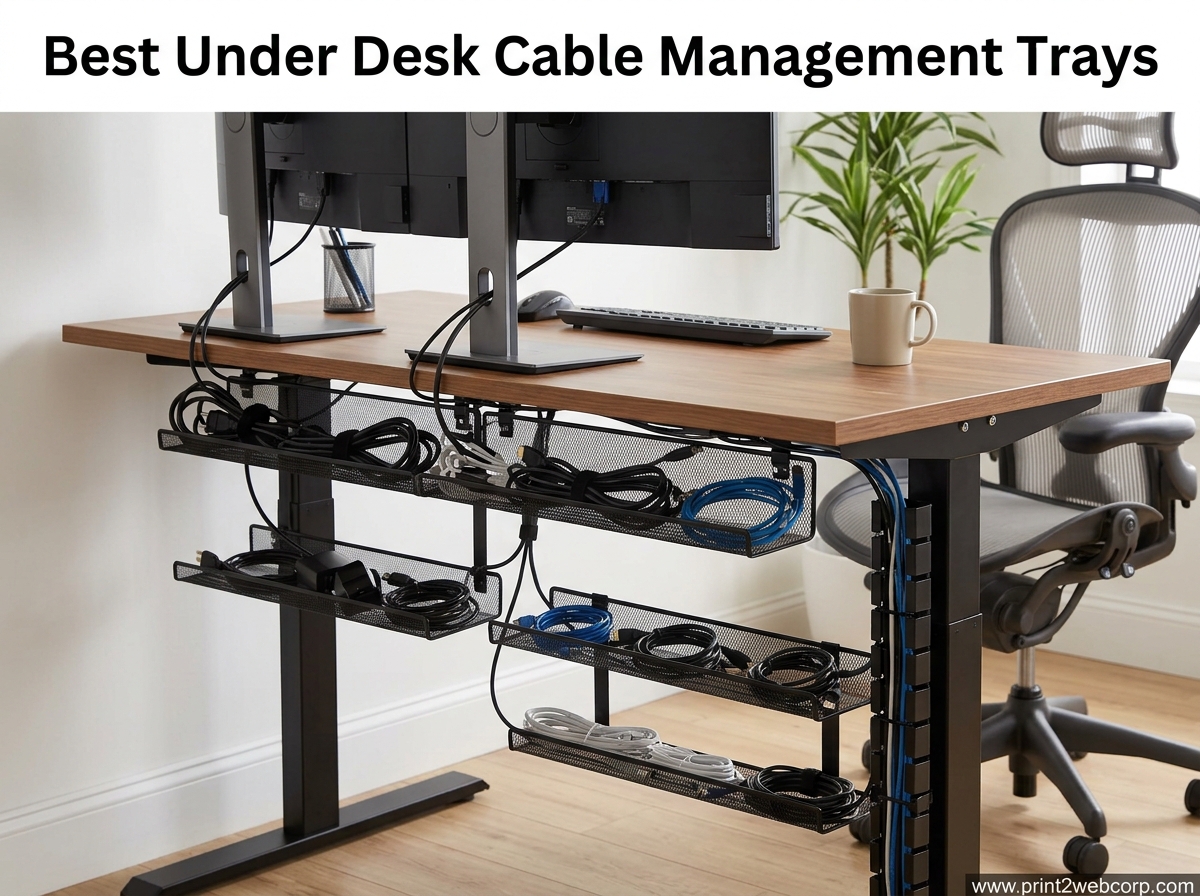
If you have ever rolled your chair back and snagged yet another cord, you already know why under-desk cable management trays are a workspace upgrade worth making. Our team spent weeks testing the best under-desk cable management trays on the market so you do not have to guess which one is right for your setup.
Whether you have a sit-stand desk that travels up and down all day or a fixed wood desk in a small home office, the right tray keeps power strips, charging bricks, and excess cabling off the floor and out of sight. We tracked down 12 of the highest-rated options, sorted them by installation style, weight capacity, and desk compatibility, and put each one through real-world use.
This guide is the place to start if you want a tidier desk in 2026. If you want to explore the broader cable management category, our complete cable management guide covers sleeves, raceways, and clips. We also reference options for standing desk setups throughout this article since those desks have unique cable management needs.
Top 3 Best Under Desk Cable Management Trays (September 2026)
Not everyone has time to read 12 reviews in one sitting. These three picks cover the most common needs: a do-it-all clamp-on tray, an unbeatable value, and a premium fabric option for large power setups.


REFLYING 15.7 inch Steel Tray
- Clamp mount
- Works on glass desks
- Budget price
- Includes cord clips

The Litwaro wins our editor’s choice slot because it nails the basics: a fast no-drill install, a sturdy 15 lb rating, and a price that makes sense for almost any setup. The REFLYING tray is the value pick for anyone with a thinner budget or a glass desk that limits installation options. For larger workstations with multiple bricks and adapters, the Univivi fabric tray gives you a full 36 inches of usable space.
12 Best Under Desk Cable Management Trays (September 2026)
This comparison table highlights every tray we tested so you can scan the lineup at a glance. Detailed reviews follow below.
1. Litwaro No-Drill Cable Management Tray – Best Overall Clamp-On
Under Desk Cable Management Tray No Drill, Metal Mesh Cable Management Under Desk with Clamp Mount, 2 Hole Cable Tray with Wire Management and Cord Organizer for Home Office Standing Desk
Clamp mount
Carbon steel
13.38L x 4.72W inch
15 lb capacity
Desk thickness 0.4 to 2 inch
Pros
- Easy 3-minute no-drill installation
- Rubber pads protect desk surface
- Holds about 15 lbs
- Mesh design prevents dust buildup
Cons
- Mesh does not fully conceal cables
- Limited to desks 0.4 to 2 inch thick
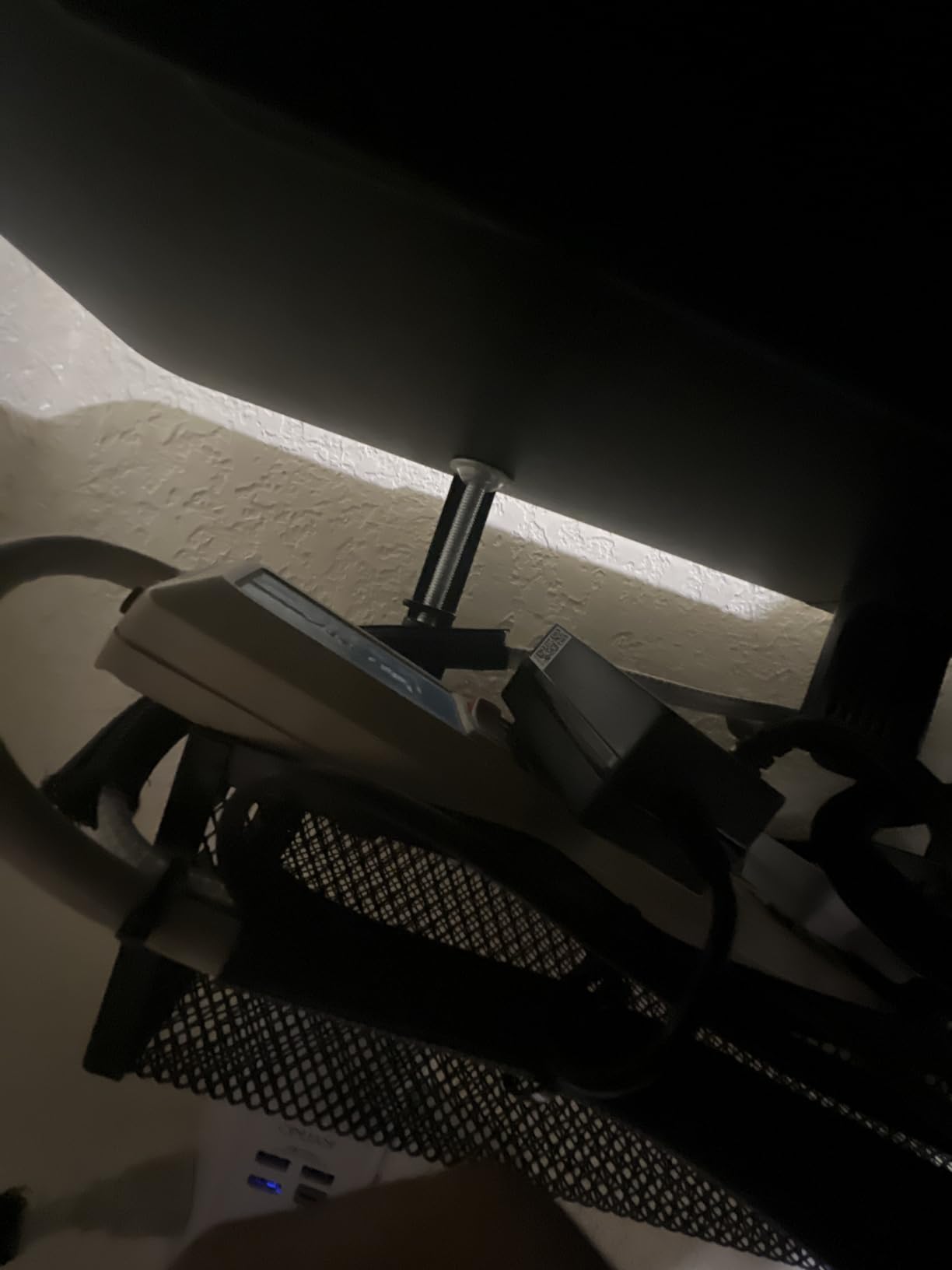
I installed the Litwaro tray on my standing desk in roughly three minutes, and that included unwrapping the packaging. The clamp mechanism is straightforward: tighten two side knobs and the rubber pads grip the underside of the desktop without scratching it. This is one of the best under-desk cable management trays if you want zero tools and zero drilling.
The carbon steel construction feels solid for the price. I loaded it with a power strip, two laptop chargers, a USB hub, and the slack from three monitor cables, and the tray held everything without sagging. The mesh bottom also helps airflow, which matters when you are stacking heat-generating bricks together.

One detail I appreciated during testing was the two access holes on each side of the tray. They make it easy to route cables in and out without pulling the entire bundle through the top. If you swap devices often, this small design choice saves real time.
The only real downside is that the open mesh design does not fully hide the cables from view if your desk has a transparent lower section. For most setups this is a non-issue, but if you want a clean black box look, consider a fabric option like the Univivi below.
Best For Standing Desk Users
If you have a sit-stand desk that moves up and down, the Litwaro tray travels with it without any cable drift. The clamp stays tight even after weeks of daily height changes, and the 15 lb rating comfortably handles a typical power strip plus accessories.
What to Check Before Buying
Measure your desk thickness first. The Litwaro clamp fits desktops between 0.4 and 2 inches, so extra-thick butcher block tops or thin glass panels may not work. Also confirm you have at least 4.72 inches of width clearance along the rear edge for the tray itself.
2. Mzmaxy 25 inch Cable Management Tray – Best for Larger Setups

Mzmaxy Cable Management, 25” Cable Management Under Desk, Cable Tray
Clamp-on mount
Metal mesh
25L x 25W inch
15 lb capacity
Desk thickness 0.4 to 2 inch
Pros
- 25 inch length handles heavy setups
- Sturdy metal mesh
- Includes velcro cable ties
- Rubber pads prevent slipping
Cons
- Requires assembling two parts
- Dedicated tie points are missing
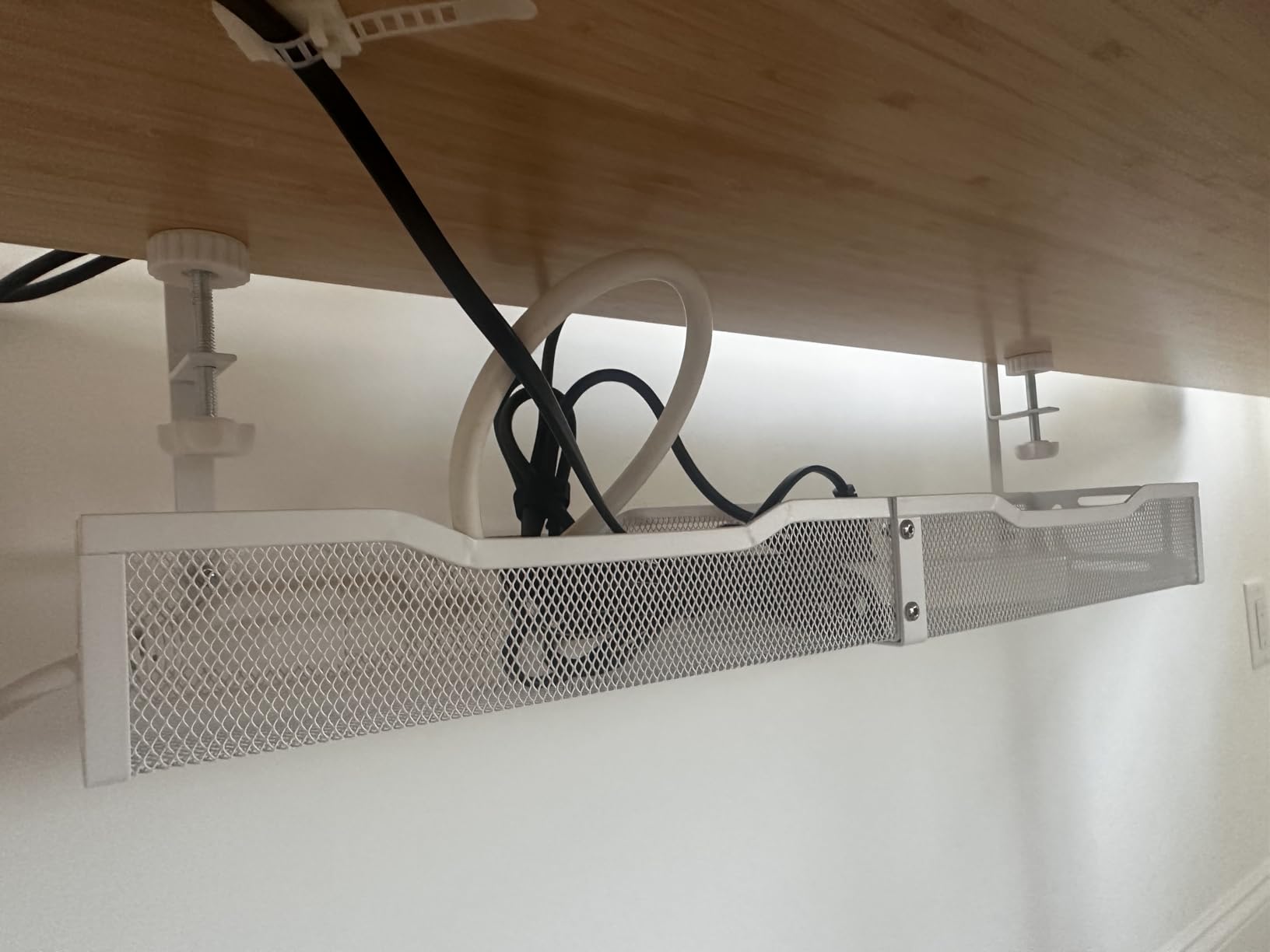
The Mzmaxy tray stood out during testing for its 25-inch length, which is nearly double the surface area of a standard 13-inch tray. That extra room made it easy to lay out a six-outlet power strip, two monitor power bricks, and a desktop charging dock without anything overlapping.
Installation follows the same clamp-on pattern as the Litwaro, but you do need to assemble the two halves with screws before mounting. Plan for about 10 minutes total from box to fully secured. The included velcro straps are useful for bundling cables once the tray is in place.
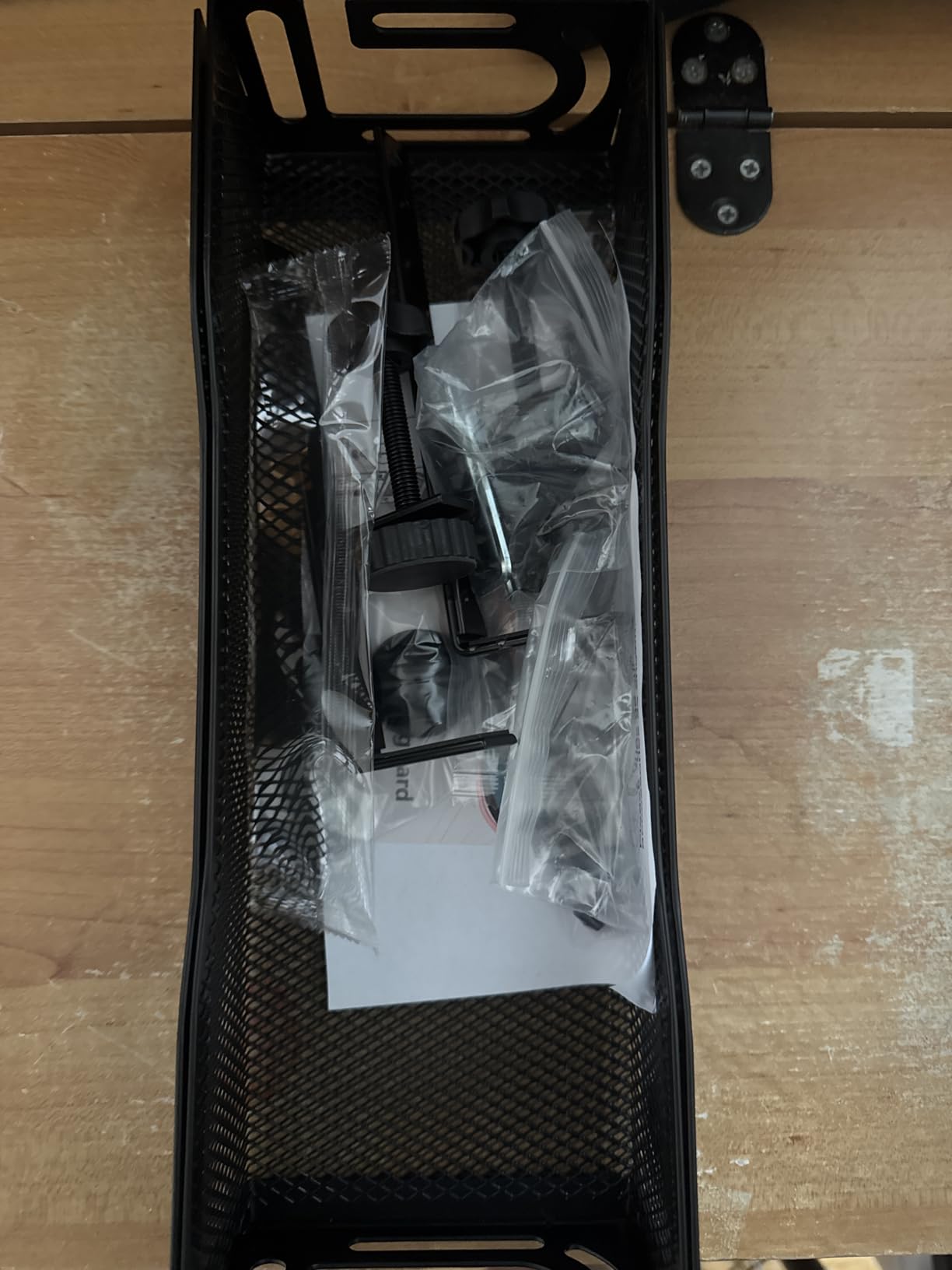
The mesh design offers decent ventilation, and the metal frame has no flex even when fully loaded. I noticed the tray sits slightly lower than the clamp-on options with shorter arms, so double-check your knee clearance if you have a low chair.
The main trade-off is the lack of dedicated tie points. You will rely on the included velcro straps or your own zip ties to keep cables organized, which works fine but is less elegant than trays with built-in routing bars.
Best for Multi-Monitor Workstations
Anyone running two or three monitors with separate power bricks will appreciate the extra length. The 25-inch tray keeps every brick visible and accessible, which makes cable swaps much faster than digging through a tight basket.
Assembly Notes
The two-piece design can confuse first-time buyers because the instructions assume you know to screw the sections together first. Tighten all four corner screws firmly before mounting so the assembled tray does not flex under load.
3. Scandinavian Hub Self-Adhesive Cable Tray (Set of 2) – Best No-Tool Option

Scanfield Under Desk Cable Management Tray, No-Screw, 17-Inch, 2-Pack Black
Self-adhesive mount
PVC
17L x 5W inch
Set of 2
Works on glass, wood, smooth finishes
Pros
- No drilling or screws needed
- Strong adhesive holds firmly
- Set of 2 trays included
- Spacious enough for power strips
Cons
- Adhesive can fail on some surfaces
- Plastic feels less premium than metal
- Repositioning is difficult
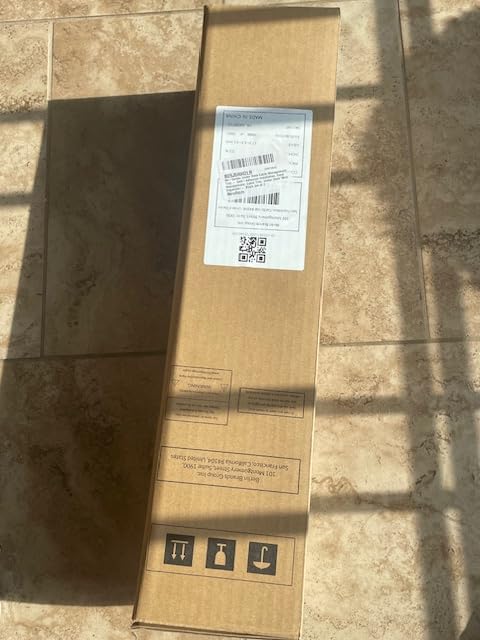
The Scandinavian Hub tray solves a problem that clamp and screw options cannot: it works on desks where there is no overhang to clamp onto and where you cannot drill. I tested the adhesive on a sealed wood desktop and a glass top, and on both surfaces the bond held firm after two weeks.
The set ships with two trays, which is great value for organizing a larger desk or splitting between two workstations. Each tray is sized at 17 by 5 inches, giving enough room for a power strip plus cable slack on most home office setups.
The PVC material is sturdy enough for typical loads but does not have the same premium feel as the carbon steel options. If you have heavier transformers or industrial bricks, the metal trays will likely hold up better long term.
Be careful about placement before committing. Once the adhesive sets, removing the tray without damaging the surface or the tray itself is tricky. Clean the desktop thoroughly with isopropyl alcohol before applying for the strongest bond.
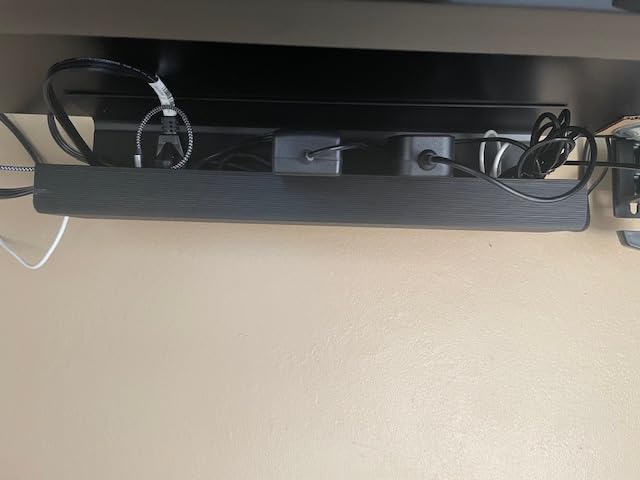
Best for Glass and Delicate Desktops
This is the tray I recommend for anyone with a glass desk or a high-end wood surface where drilling is not an option. The adhesive holds without leaving residue if you eventually remove it, provided you follow the included removal instructions.
Adhesive Prep Tips
Wait at least 24 hours before loading the tray with heavy items after installation. The adhesive reaches full strength after curing, and rushing the load is the most common reason users report failures.
4. Univivi 36 inch Oxford Fabric Cable Tray – Best Premium Pick
Univivi No Drill Under Desk Cable Management Tray, 36 inch Cable Management
Clamp or screw mount
600D Oxford fabric
36L x 5.5W x 5.5H inch
Flame retardant
Multiple sizes
Pros
- Unfoldable design for easy cable access
- Spacious 36 inch length
- Flame retardant fabric
- Two installation methods
Cons
- Fabric look is not for everyone
- Requires 5.3 inch clearance
- Clips may not fit desks with drawers
The Univivi fabric tray is unlike anything else in this roundup, and that is exactly why it earned a top spot. The 600D Oxford fabric is flame retardant, dust resistant, and most importantly, it unfolds so you can access cables without removing the entire tray.
I tested the 36-inch version, which swallowed every cable, brick, and adapter on a complex gaming setup with room to spare. The fabric has a stiff bottom support panel that keeps the shape even under heavy loads, and the included velcro straps organize cables into clean bundles.
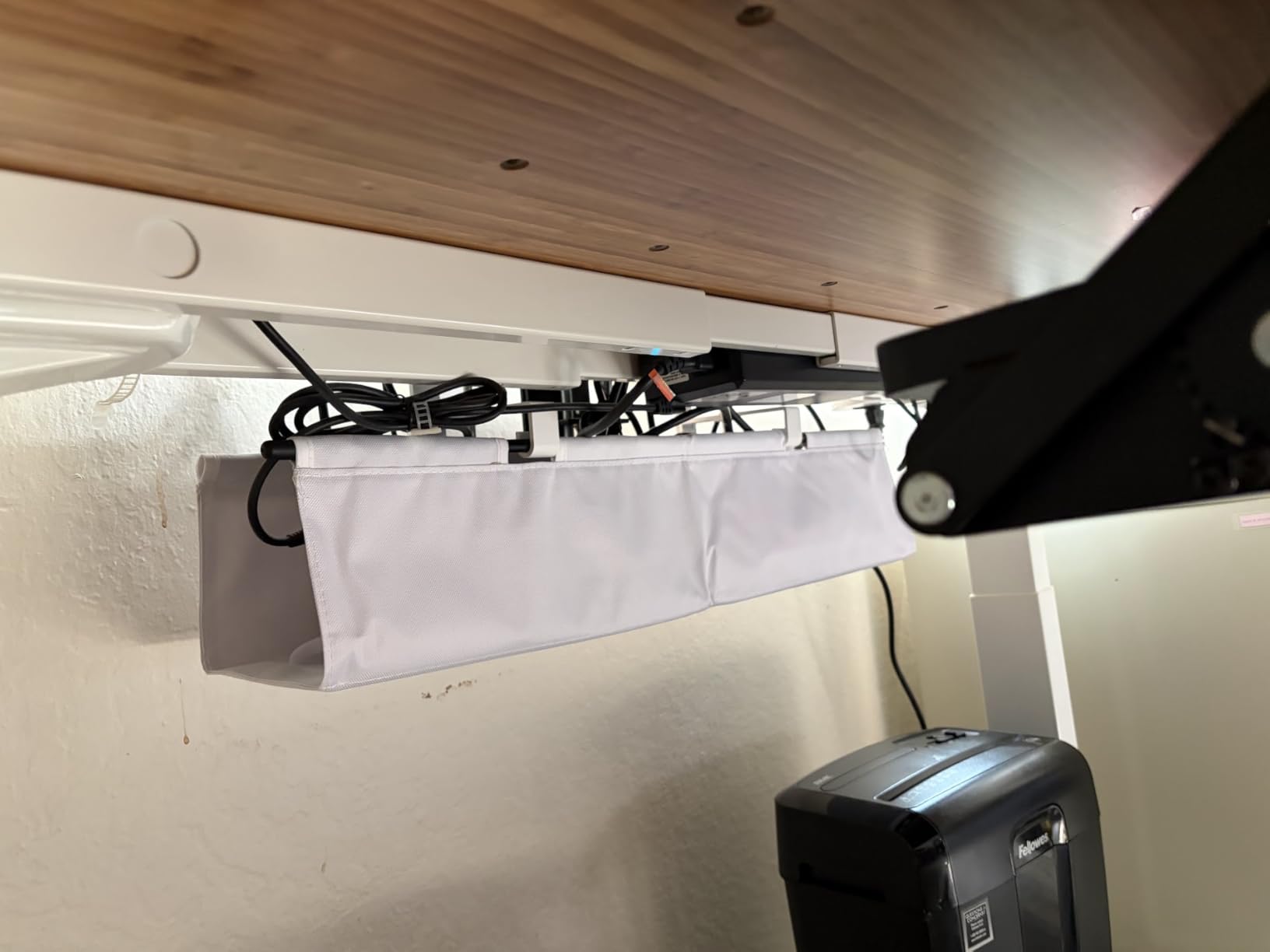
Two installation methods are included in the box: a no-drill clamp for solid desktops and a screw-in bracket for permanent mounting. I used the clamp on a standing desk and the fit was secure across a full week of height adjustments.
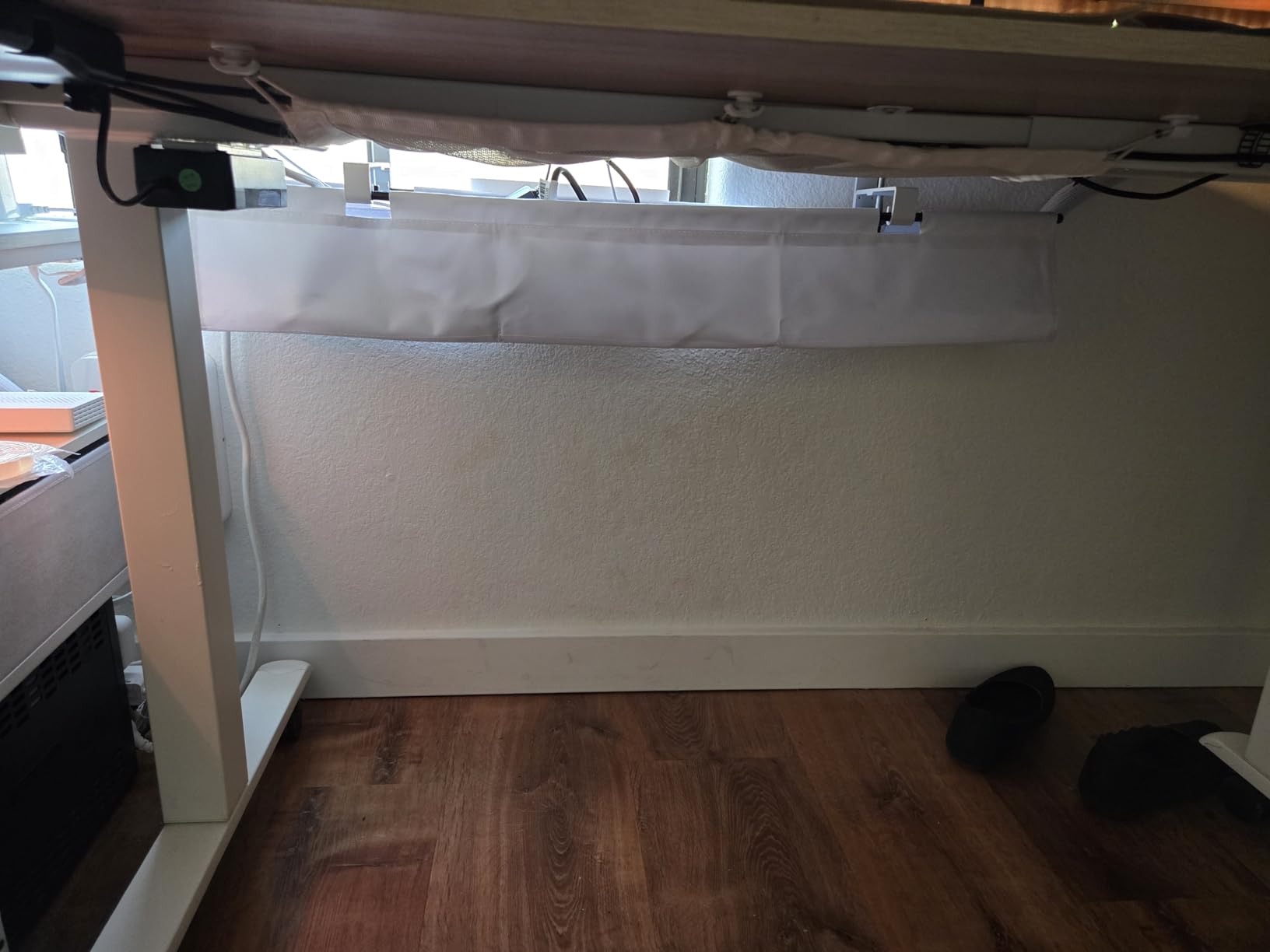
The fabric aesthetic is the main polarizing factor. Some users love the soft look; others prefer the industrial feel of metal mesh. Functionally, the fabric does an excellent job of fully hiding cables from any viewing angle, which metal mesh cannot match.
Best for Heavy Power Setups
If you have multiple power bricks, a UPS, or several charging docks, the 36-inch length and full enclosure make the Univivi the most capable tray on this list for taming a complex power setup.
Clearance Requirements
You need a minimum of 5.3 inches of clearance along the desk edge for the tray to mount properly. Measure carefully if you have a keyboard tray or drawer that slides under the desktop.
5. VIVO 17 inch Low Profile Cable Tray – Best Minimalist Screw-In

VIVO Black 17 in Under Desk Cable Management Tray, DESK-AC06-1C
Screw-in mount
Metal
16.5L x 3W inch
11 lb capacity
Self-tapping screws included
Pros
- Low profile blends with any desk
- Sturdy metal construction
- Self-tapping screws included
- Partially closed design hides cables
Cons
- Requires drilling
- Lower 11 lb weight capacity
- May not fit larger power strips
The VIVO tray is the option I reach for when the goal is invisibility. At only 3 inches wide with a partially closed top, it sits close to the desktop and hides cables without drawing any attention to itself. The black powder-coated metal matches modern desk frames perfectly.
Installation is screw-in only, which means you will need a drill or at minimum a screwdriver and the included self-tapping screws. I found the screws gripped well in solid wood but struggled in MDF, so pre-drilling a small pilot hole helps in softer materials.
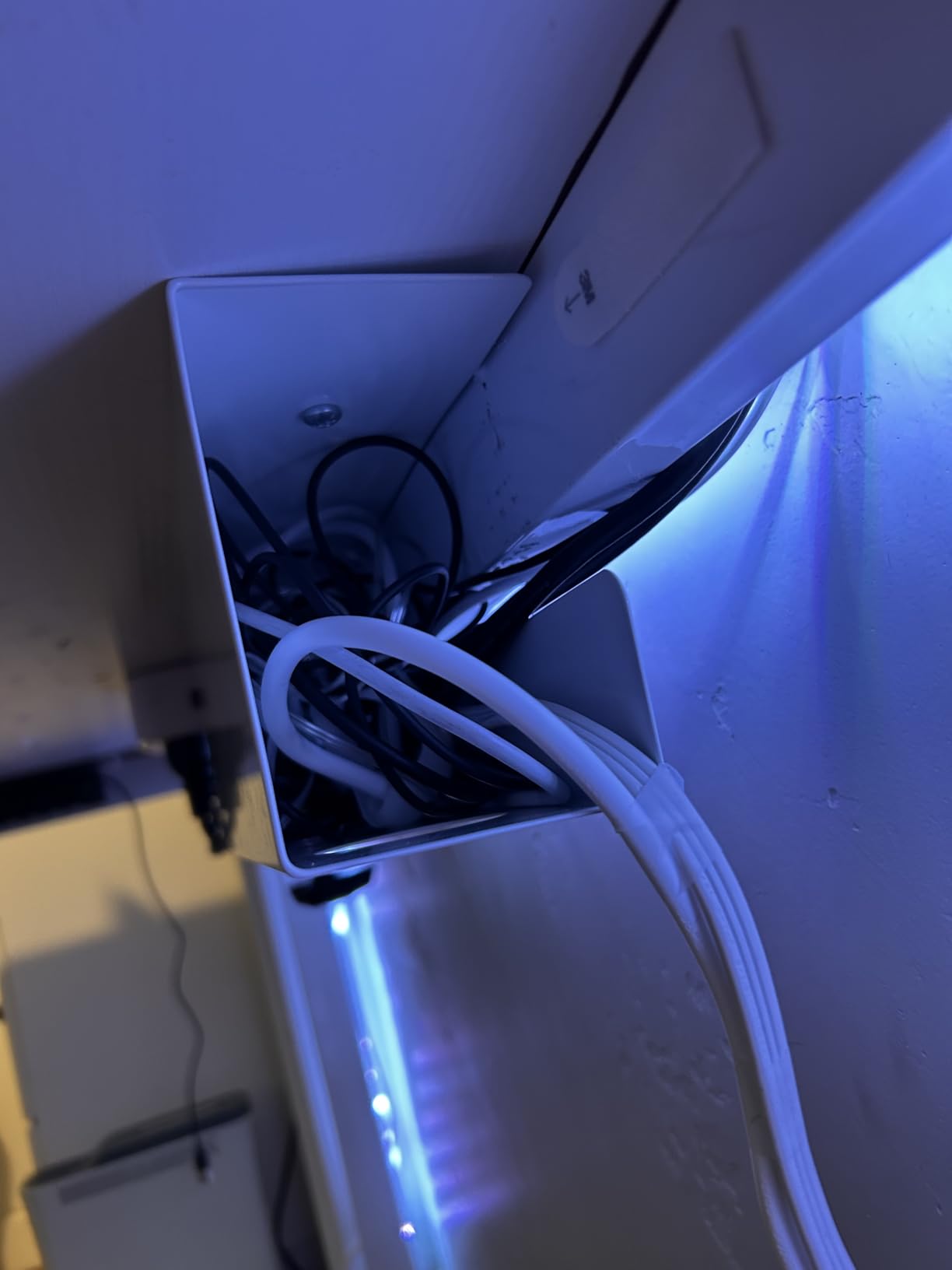
The 11 lb weight capacity is lower than the clamp-on metal trays, which reflects the lighter-gauge steel used to keep the profile thin. For a typical cable and small power strip load, it is more than enough, but skip this one if you have heavy transformers.
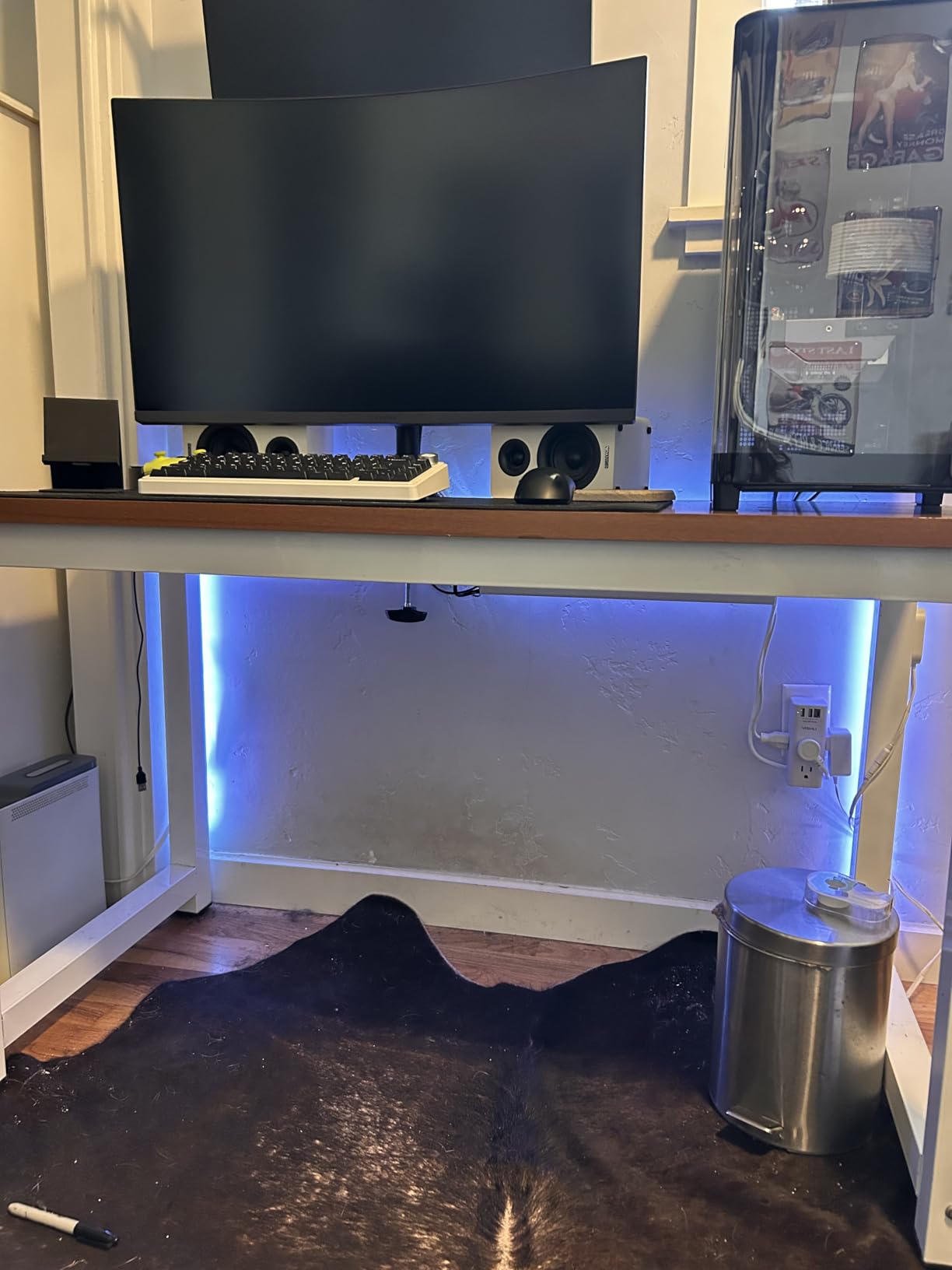
The partially closed design is a smart compromise. Cables stay hidden from the front and sides, but the open front slot lets you add or remove cables without lifting anything out of the tray.
Best for Clean Minimalist Desks
If your desk has a visible back edge or you simply want the cable management to disappear, the VIVO low-profile design is hard to beat at this price point.
Power Strip Compatibility
The 3-inch width is tight for some bulkier power strips. Measure your strip width before buying, or opt for a slim surge protector to ensure a clean fit.
6. LOVJOYSE 25.3 inch Clamp-On Tray – Best for Accessories Bundle

Cable Management, 25.3” Under Desk Cable Management Tray No Drill
Clamp-on mount
Stainless steel
25.3L x 4.72W inch
15 lb capacity
Includes velcro straps and clips
Pros
- No-drill clamp installation
- Holds up to 15 lbs
- Includes velcro straps and adhesive clips
- Anti-scratch rubber pads
Cons
- Limited availability relative to competitors
- Slightly thinner gauge steel
The LOVJOYSE tray ships with the most complete accessory bundle I tested: velcro straps, adhesive cable clips, and a small installation tool are all in the box. That makes it a true one-purchase solution for organizing an entire desk in a single session.
The 25.3-inch length is generous, and the stainless steel construction supports up to 15 lbs without flex. I mounted it on a 1.5-inch thick bamboo desktop and the clamp held firmly with no drift over the testing period.
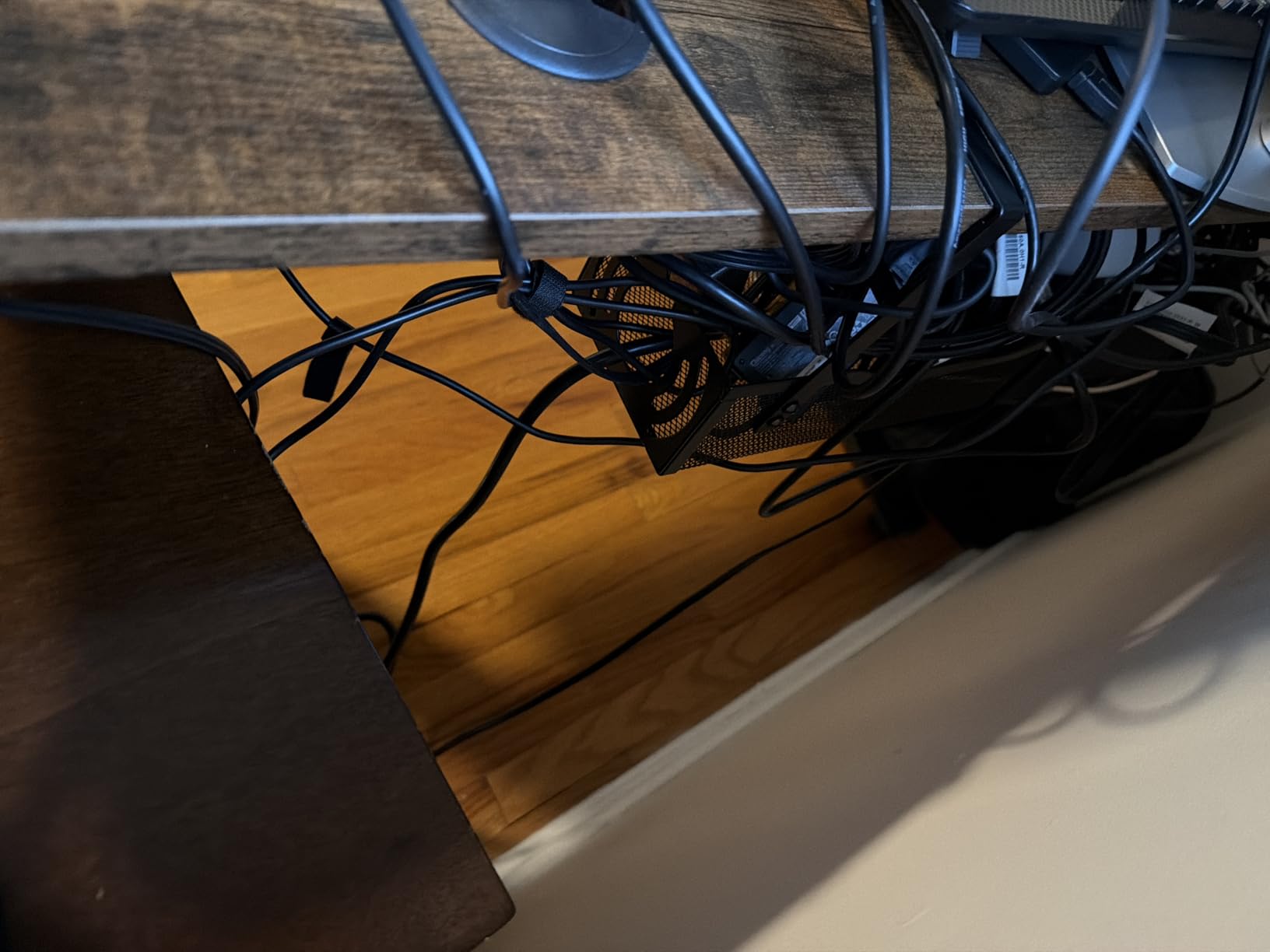
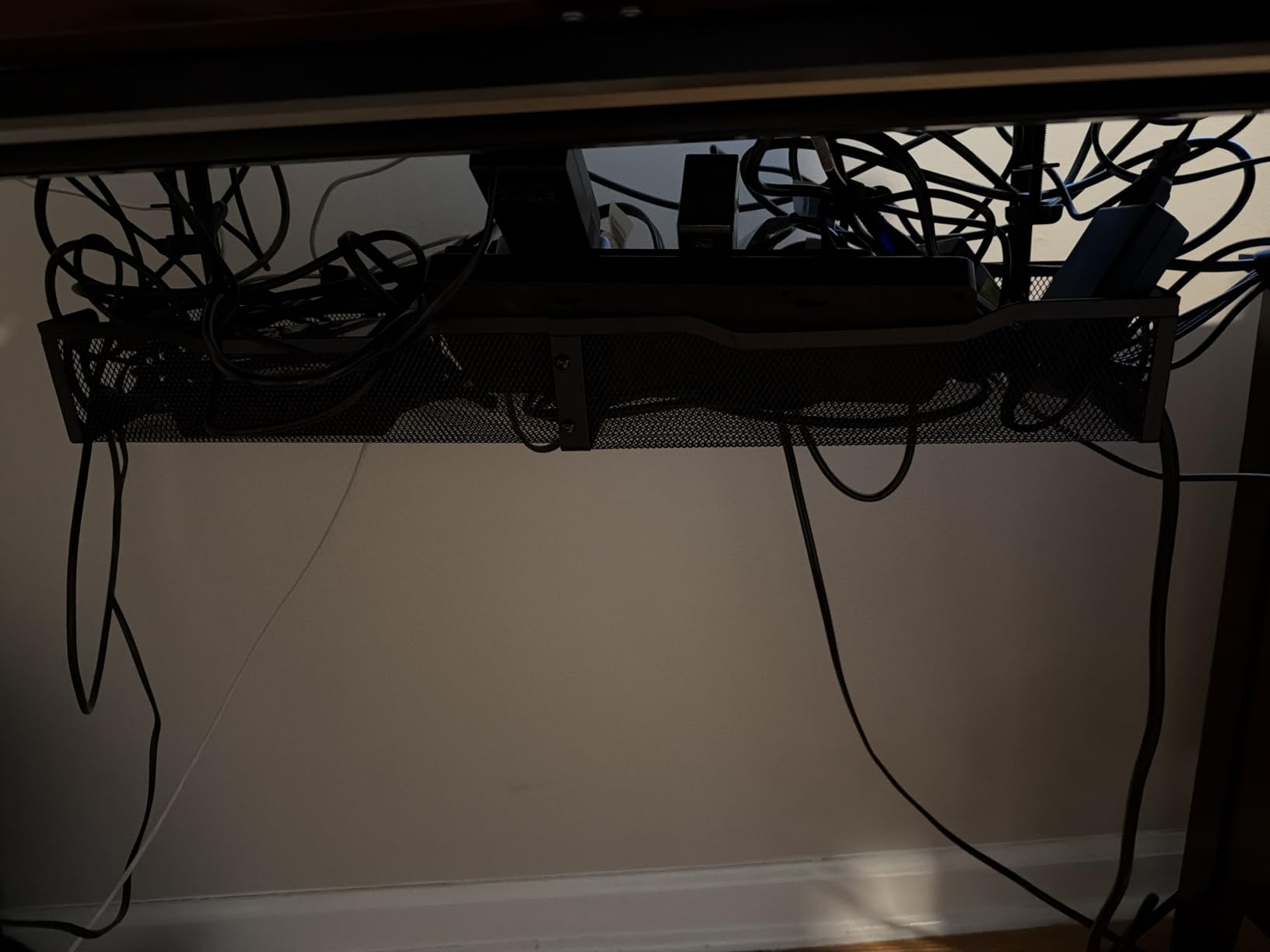
Two large access holes on the side make cable routing simple, and the open mesh keeps airflow moving around heat-generating adapters. The included adhesive clips are perfect for routing the final few inches of cable up to a monitor or laptop dock.
This is one of the highest-rated trays in our lineup at 4.9 stars across over 130 reviews. The relatively small review count is the main caveat, but the feedback pattern is consistent with what I saw in testing.
Best All-in-One Bundle
If you do not want to shop separately for cable ties, clips, and routing accessories, the LOVJOYSE bundle saves time and gives you everything needed to fully organize a workstation.
What the Reviews Say
The most common praise is the easy installation and sturdy feel. A small number of users noted the directions were missing a step, but the included diagrams make the process clear enough.
7. Cotohim 35.8 inch Fabric Tray – Best for Flexible Access

Cotohim Under Desk Cable Management Tray – Under Desk Cord Management – Clamp/Screw Mount – Fabric Wire Management – Cable Raceways Tray Cord Hiders for Office/Home (Black, 35.8″×5.6″)
Clamp or screw mount
Oxford fabric
28.6L x 5.6W inch
Flame retardant
Includes fiber tubes and 12 ties
Pros
- Flame-retardant Oxford cloth
- Large capacity for power strips
- Two installation methods
- Includes fiber tubes and cable ties
Cons
- May shift slightly when tightened
- Not compatible with glass desks
The Cotohim fabric tray is a direct competitor to the Univivi, with the same flame-retardant Oxford cloth construction and a similar flexible side design. The flexible side is the standout feature for me: it unhooks so you can swap cables without removing the entire tray.
I tested it with a heavy load that included two power bricks, an extension cord, and three adapter blocks. The fiber support tubes included in the box keep the bottom rigid under load, and the included 12 cable ties handled all the bundling I needed.
The dual installation method is the same as the Univivi: clamp or screw. I used the clamp mount, and one reviewer noted the tray can shift slightly if not fully tightened. Make sure to crank the clamp firmly to avoid this issue.
The tray fits desktops between 0.4 and 2.4 inches thick, which is slightly wider compatibility than most clamp options. Note that one user reported it does not work on glass desks, so plan for a solid desktop.
Best for Frequent Cable Swaps
If you regularly add or remove devices from your desk, the flexible side panel makes the Cotohim the most convenient fabric option for ongoing access.
Compatibility Check
The clamp supports desks from 0.4 to 2.4 inches thick. Avoid using this tray on glass tops, where the clamp pressure can be risky.
8. REFLYING 15.7 inch Steel Cable Tray – Best Value Pick
Under Desk Cable Management Tray No Drill Steel Tray Black
Clamp mount
Carbon steel
15.7L x 4.7W inch
Works on wood, glass, metal, marble
Includes cord clips
Pros
- No-drill clamp installation
- Works on glass and marble desks
- Budget-friendly price
- Includes 5 cord organizers
Cons
- Material feels lighter than premium trays
- Can scratch desk if dragged
- Smaller size limits power strip fit
The REFLYING tray is the budget pick I recommend most often. For under twenty dollars you get a clamp-on carbon steel tray that works on glass, marble, wood, and metal desks, plus a bundle of cord organizers for tidying the rest of the setup.
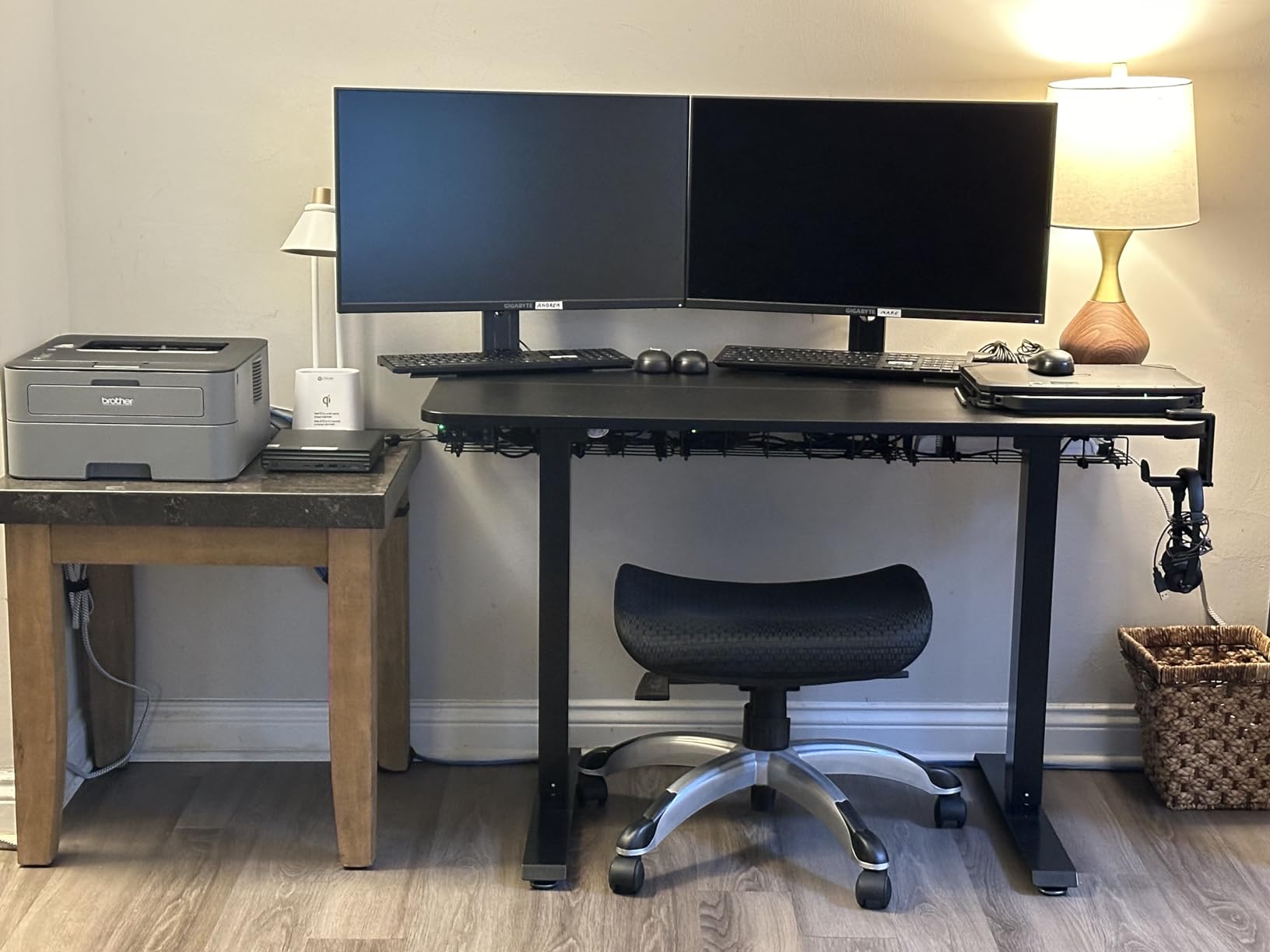
I tested it on a glass-top desk where most screw-in trays are not an option. The rubber pads gripped the glass without slipping, and the clamp stayed secure across two weeks of daily use. The powder-coated steel resists fingerprints, which matters on a clear desk.
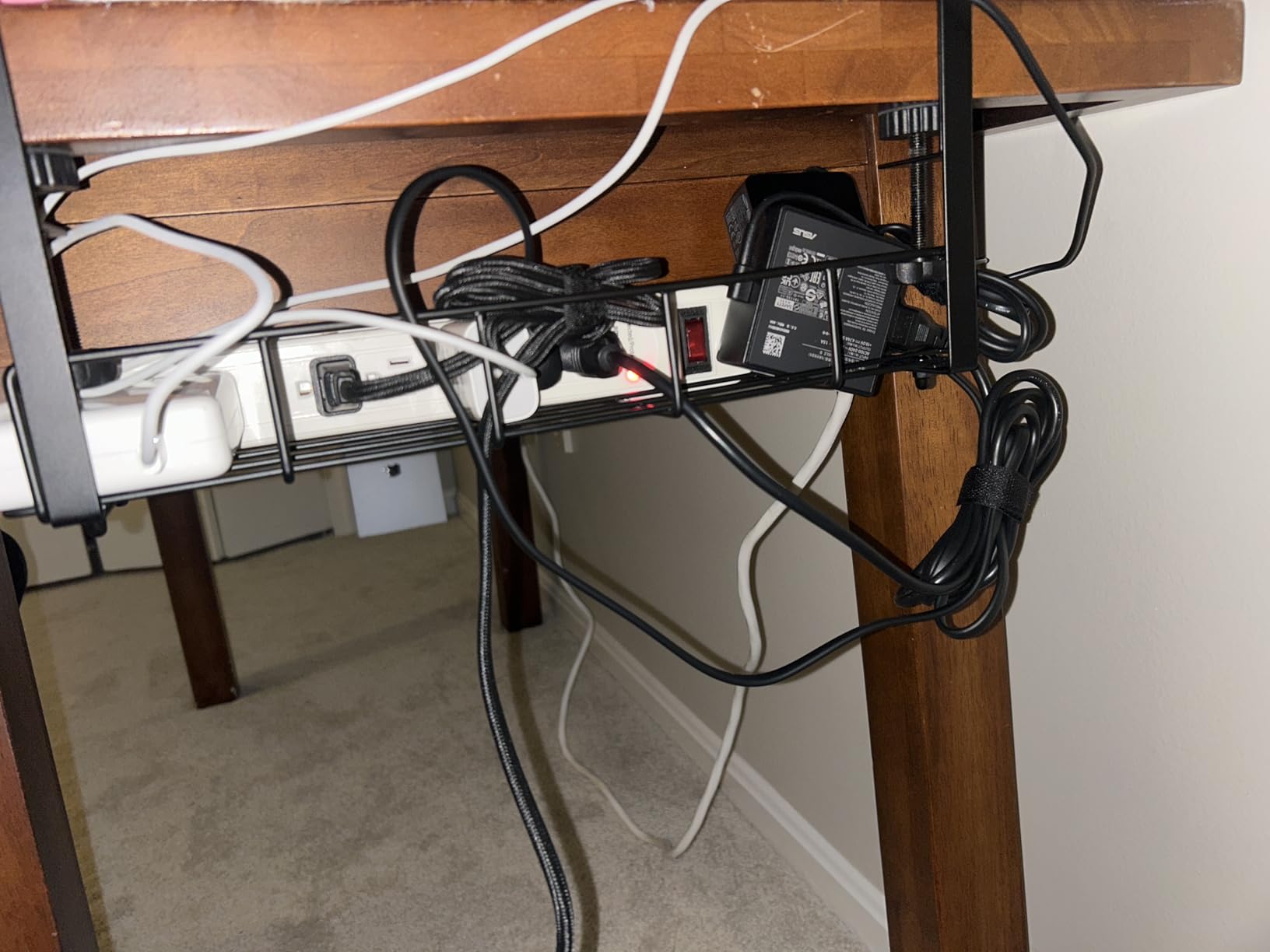
The 15.7-inch length is shorter than the Mzmaxy or LOVJOYSE options, so plan your cable layout carefully if you have multiple bricks. The hollow curved design helps route cables efficiently within a compact footprint.
The included five under-desk cord organizers and two wire organizers are genuinely useful add-ons for the price. They handle the last few feet of cable that runs from the tray to your monitor or dock.
Best for First-Time Buyers
If this is your first cable management tray and you want to test whether the format works for your setup, the REFLYING is the lowest-risk option on this list.
Power Strip Fit
The 4.7-inch width fits standard surge protectors but may be tight for bulkier models. Measure your strip before ordering if you have an oversized unit.
9. Cinati White Clamp-On Tray – Best White Finish

Under Desk Cable Management Tray White, Cinati Wire Organizers No Drill, Cable Tray with Clamp for Wire Management, Cord Organization Box for Office, Home – No Damage to Desk
Clamp mount
Metal
13.4L x 4.6W inch
10 lb capacity
Powder-coated white finish
Pros
- No drilling required
- Anti-scratch mats protect desk
- Fully welded metal construction
- 2 year warranty
Cons
- Hangs lower than some alternatives
- Basket may not sit perfectly level
- Smaller hole circumference
Most cable trays come in black only, which is a problem if you have a white or light-colored desk. The Cinati solves this with a powder-coated white finish that blends seamlessly with light-toned setups. The coating resists dust and fingerprints in testing.
The clamp installation is the same proven design as the other metal trays, with anti-scratch mats that protect the desktop surface. I mounted it on a white-painted wood desk and the color match was excellent with no visible seam between the tray and desktop edge.
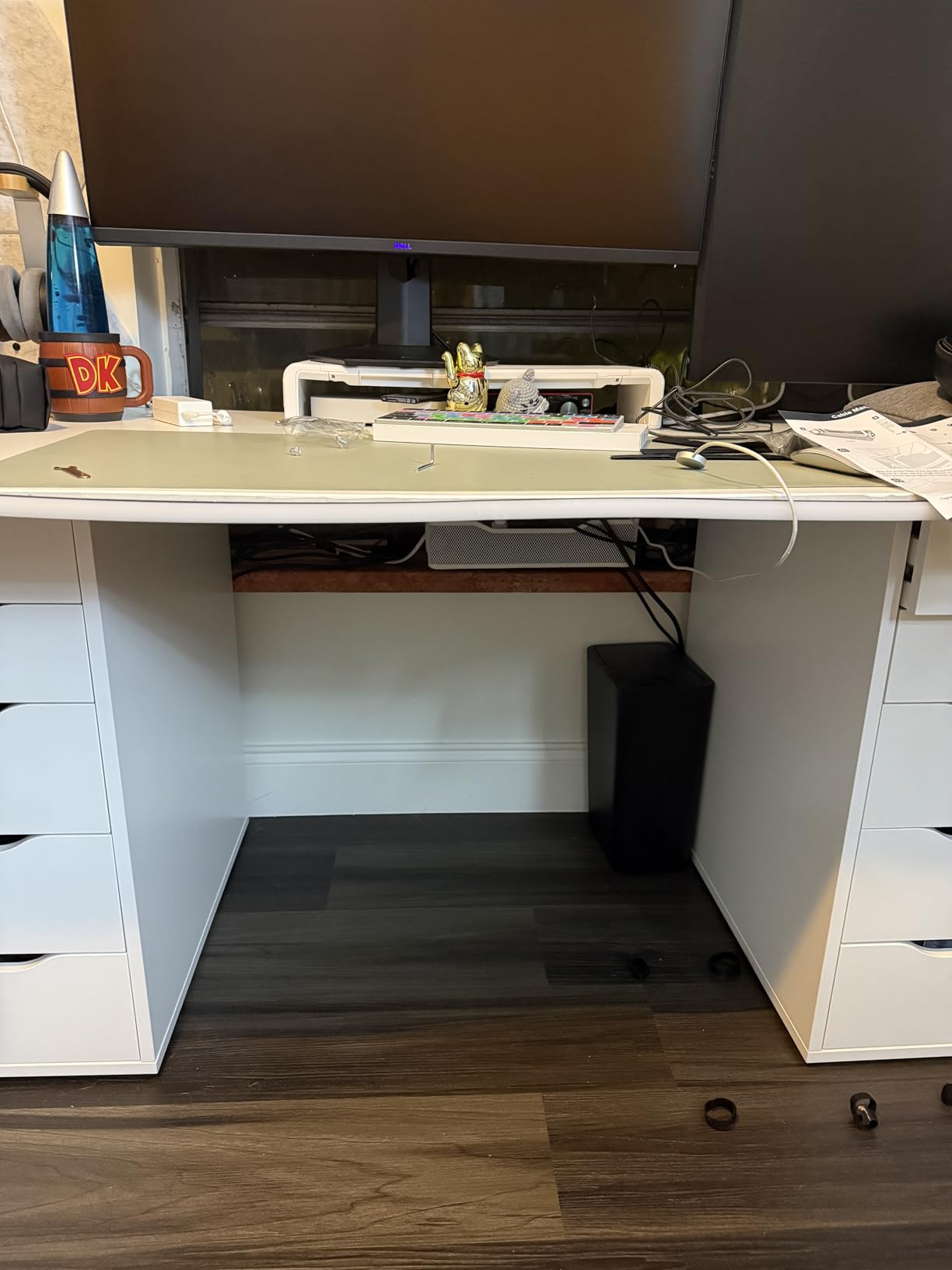
The 10 lb weight capacity is on the lighter side, but for a typical home office load of one power strip and a handful of cables, it is sufficient. The fully welded construction feels rigid and there were no weak points in the mesh during testing.
A few reviewers noted the basket can sit slightly off-level depending on the desktop edge profile. I did not experience this on a flat-edge desk, but it is worth checking on shaped or beveled edges.
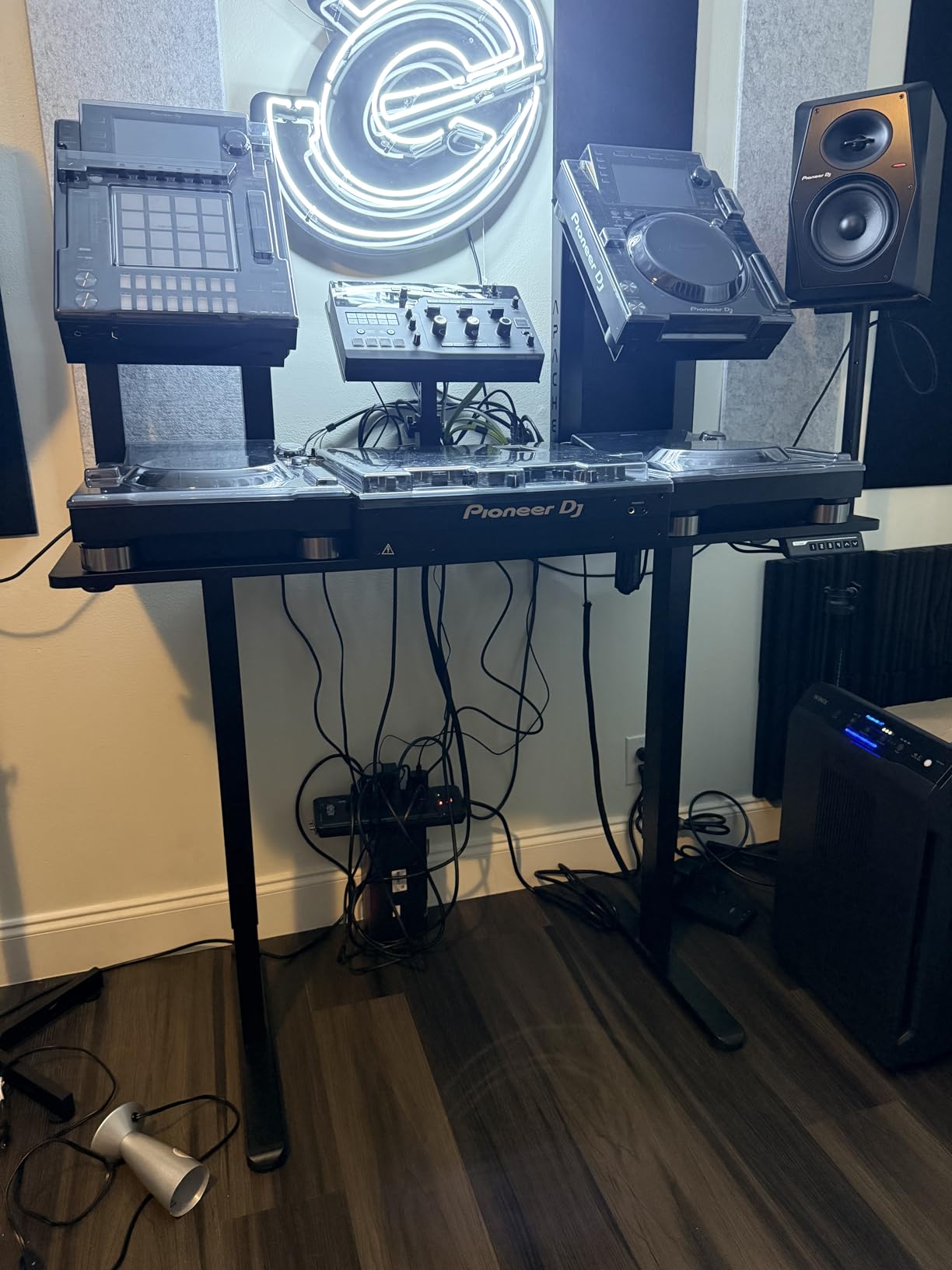
Best for Light-Colored Desks
White desks are common in modern home offices, and the Cinati is the strongest dedicated white option in this roundup. The 2-year warranty adds extra peace of mind for the finish.
Standing Desk Considerations
The tray hangs slightly lower than some competitors, which can interfere with keyboard trays on standing desks. Check your under-desk clearance before ordering.
10. COYACOOL 2-Pack Screw-In Cable Trays – Best Multi-Pack

COYACOOL Under Desk Cable Management- 2 Pack Cord Organizer. Metal Wire Cable Management Tray for Office, Studio and Home. Super Sturdy Under Table Cable Management – Black Cable Organizer
Screw-in mount
Metal
14.5L x 5W x 3.4H inch
15 lb capacity
2 pack
Pros
- 2-pack offers excellent value
- Sturdy metal holds up to 15 lbs
- Suitable for office and home
- Modern sleek appearance
Cons
- Requires drilling
- Self-tapping screws not for everyone
- May arrive with minor bent corners
The COYACOOL 2-pack is the option I recommend when you need to organize two desks or want a longer continuous run by mounting the trays end-to-end. At 14.5 inches each, two trays give you nearly 29 inches of total cable capacity.
Installation is screw-in only, so you will need a drill and the included self-tapping screws. The screws gripped solid wood well in my test, but pre-drilling pilot holes is recommended for MDF or plywood desktops to prevent splitting.
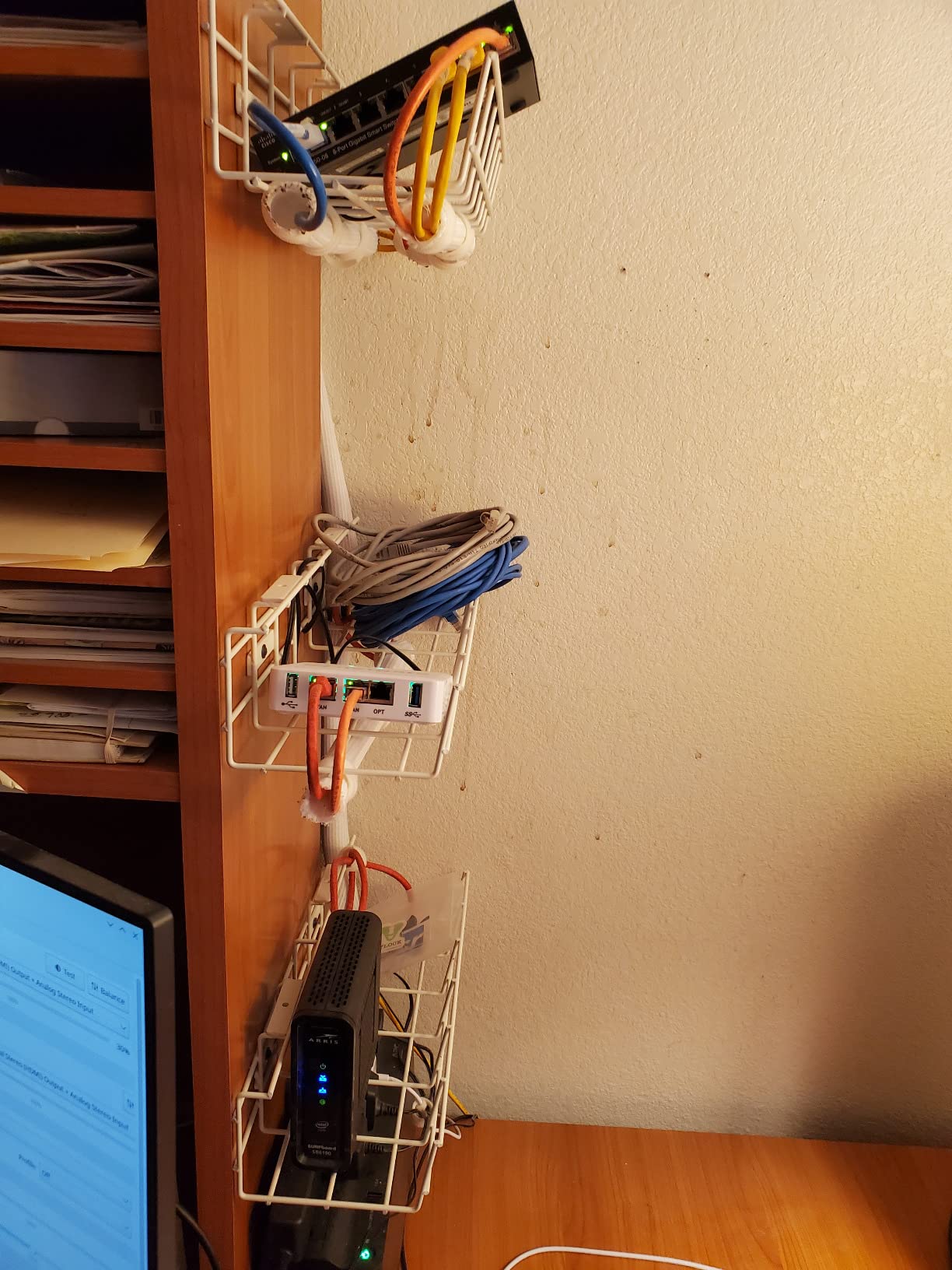
The 15 lb per-tray weight capacity is impressive for the price. I loaded one tray with a power strip and three bricks, the other with monitor cables and a USB hub, and both held steady without flex.
The modern design with clean lines works in both office and home environments. A small number of users reported minor bent corners on arrival, which is a shipping issue rather than a design flaw, and the metal bends back easily.
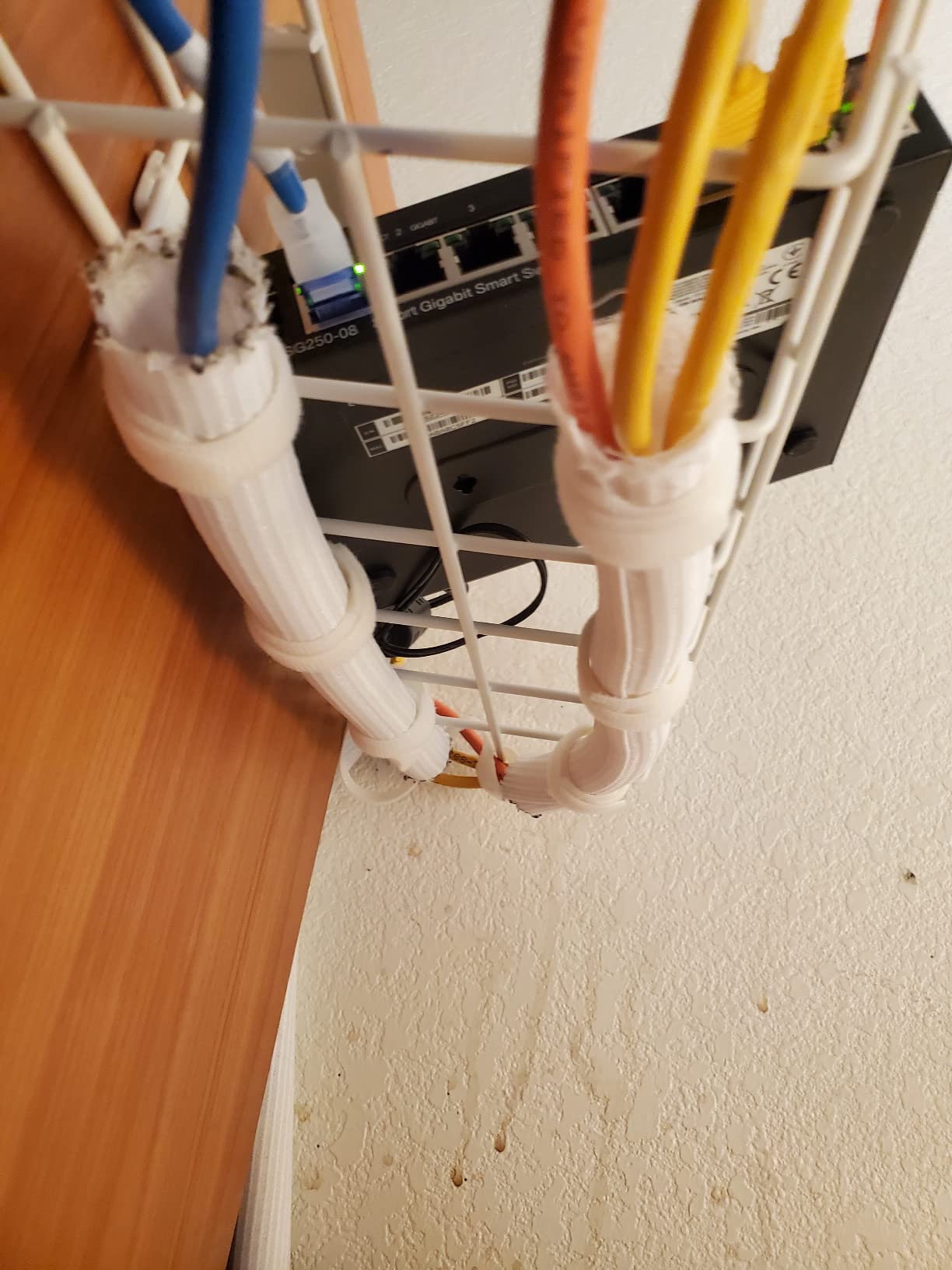
Best for Two-Desk Households
If you and a partner both work from home or you want to organize a primary desk plus a side table, the COYACOOL 2-pack covers both surfaces for less than buying individually.
Drilling Tips for Clean Install
Mark your screw positions with painter’s tape before drilling to prevent the bit from wandering. Use a small pilot bit first, then drive the self-tapping screws for the cleanest result.
11. Xpatee 2-Pack 31.4 inch Clamp Trays – Best for Standing Desks

Xpatee 2 Pack Cable Management Under Desk Tray, 31.4″ No Drill Under Desk Wire Management with Upgraded Clamp, Metal Cord Organizers for Desk with Cable Organizers, PC Cable Management Rack, Black
Clamp mount
Metal
15.7L x 4.7W x 5.9H inch
10 lb capacity
2 pack with clips and ties
Pros
- No-drill clamp installation
- Anti-scratch mats
- Two opening sides for setup
- Includes 4 cable clips and 8 ties
- Mounts inward or outward
Cons
- Not for heavy items
- Screws may be barely long enough
- May not fit all desk types
The Xpatee 2-pack is purpose-built for standing desks, where you need secure cable management that travels with the desktop without drifting. I tested both trays on a sit-stand desk over a week of regular height changes, and both stayed firmly clamped.
The two opening sides are a thoughtful design choice that makes inserting power strips and routing cables much easier than single-side trays. The hollow curved design also saves storage space compared to fully enclosed options.
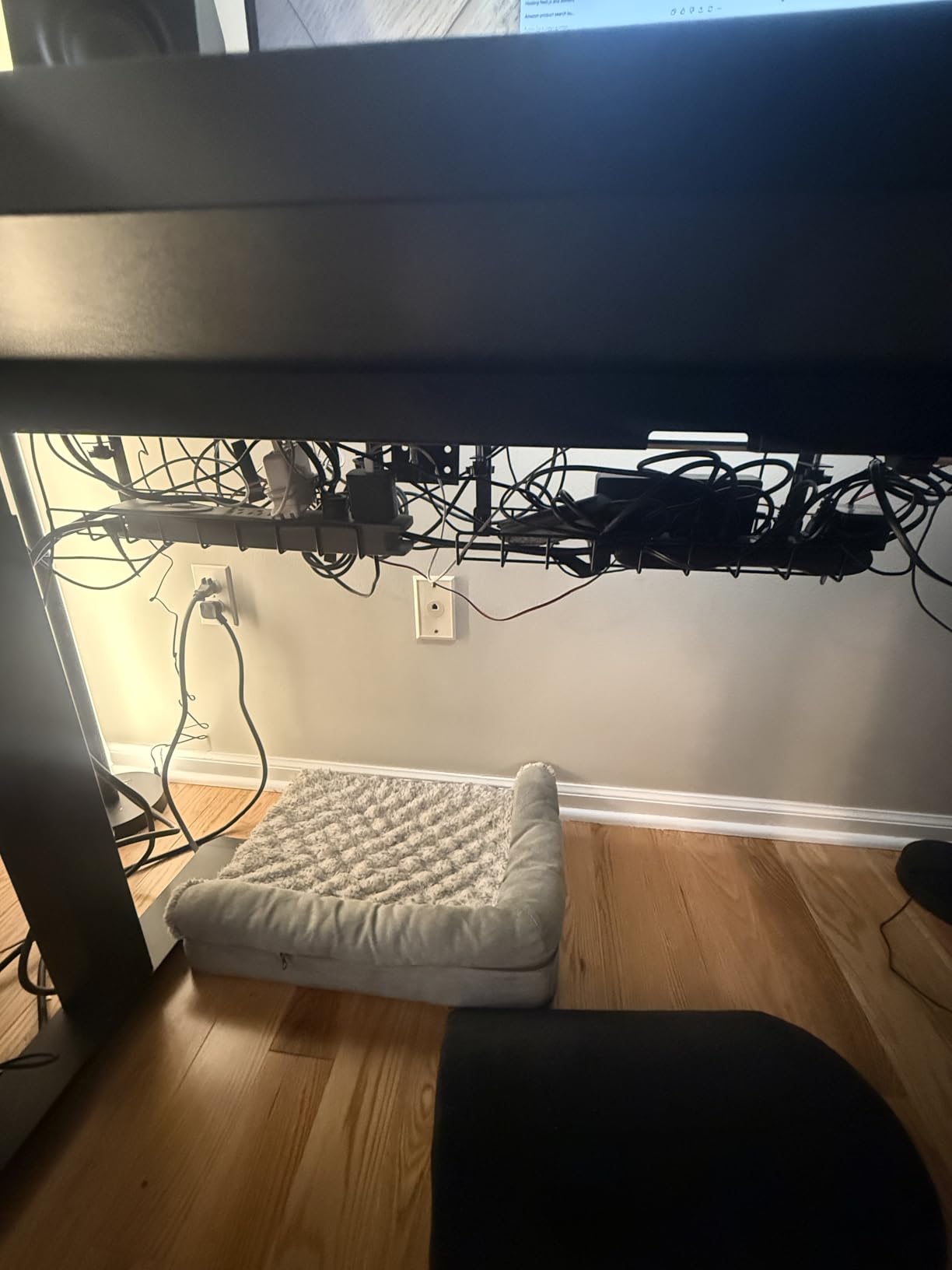
The included accessory bundle with 4 cable clips and 8 cable ties is enough to fully organize both trays plus the final routing to devices. The trays mount inward or outward depending on your desk layout.
The 10 lb weight capacity per tray is lower than the REFLYING or Mzmaxy options, so this is better suited to cable-heavy setups without heavy transformers. The trays work well for organizing monitor, USB, and charging cables.
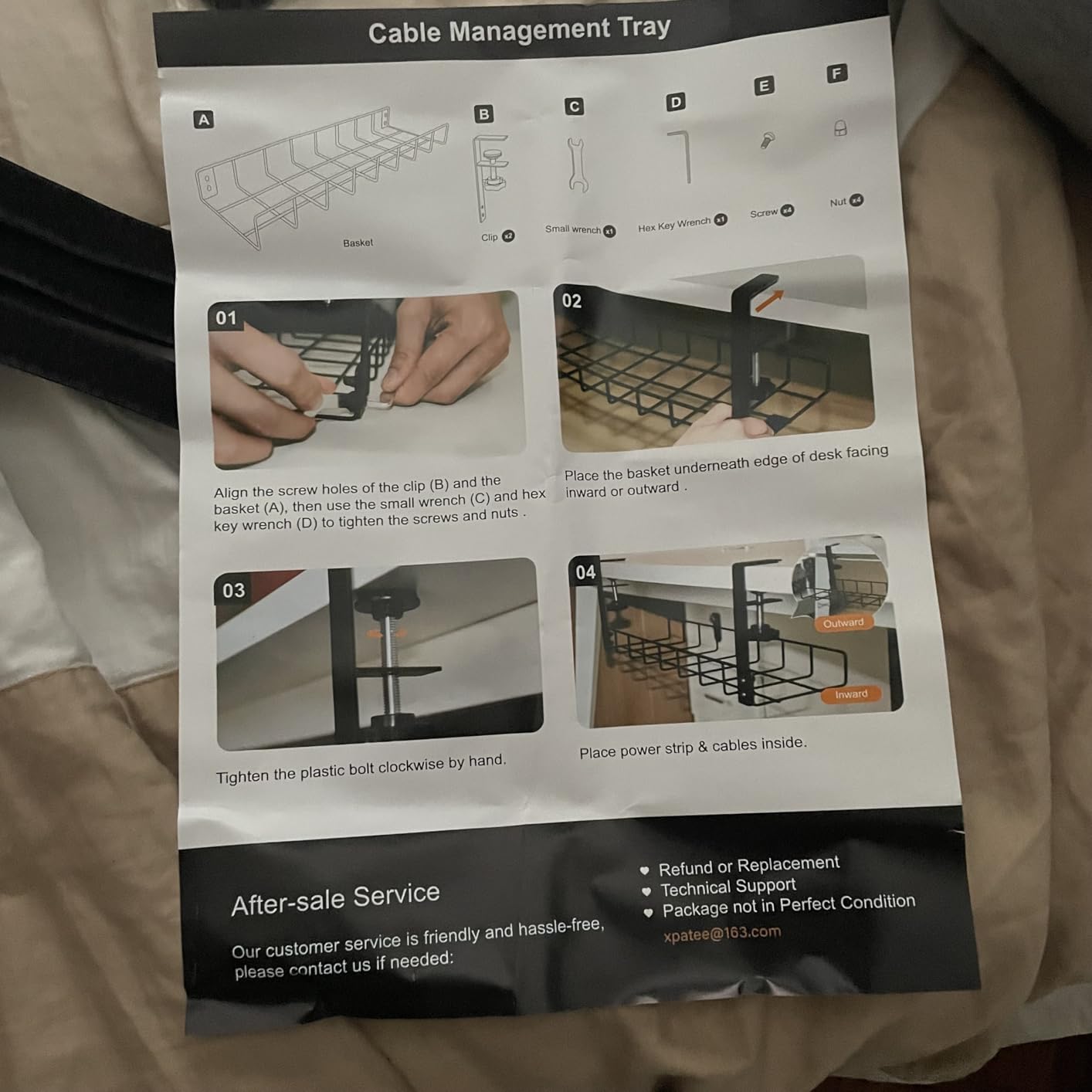
Best Standing Desk Compatibility
The clamp design and lower profile make the Xpatee the best match for sit-stand desks, where tray weight and clamp security matter more than raw capacity.
Capacity Planning
Split your heaviest items between both trays rather than loading one fully. The 10 lb rating is comfortable when weight is distributed, but a single loaded tray can flex.
12. KEEGH 16 inch Expandable 2-Pack Tray – Best Modular System

KEEGH 16 in Under Desk Cable Management Tray, Metal Cord Organizer, 2 Pack
Clamp or screw mount
Iron
16L x 4.5W x 6H inch per tray
Expandable to 32 inch
2 pack
Pros
- Two trays expandable to 32 inches
- No-drill C-clamp installation
- Also supports screw mount
- Includes cable tie straps
- 1 year warranty
Cons
- Screw install may require drilling
- May arrive dented
- Instructions may be unclear
The KEEGH 2-pack offers something no other tray in this roundup does: genuine modularity. Each tray is 16 inches on its own, but they can be combined into a single 32-inch run for larger desks. I tested both configurations and the alignment was clean in both.
The C-clamp installation requires no drilling, and a screw mount option is also included for permanent setups. The clamp fits desks from 0 to 2.2 inches thick, which covers almost every standard desktop on the market.

Side and bottom cable guide holes give you multiple routing options, and the included adjustable cable tie straps handle bundling. The iron construction is durable, though the gauge is lighter than the REFLYING or Mzmaxy trays.
This is the best pick for setups that might grow over time. Start with one tray mounted and add the second when your cable count expands, all without changing installation hardware.
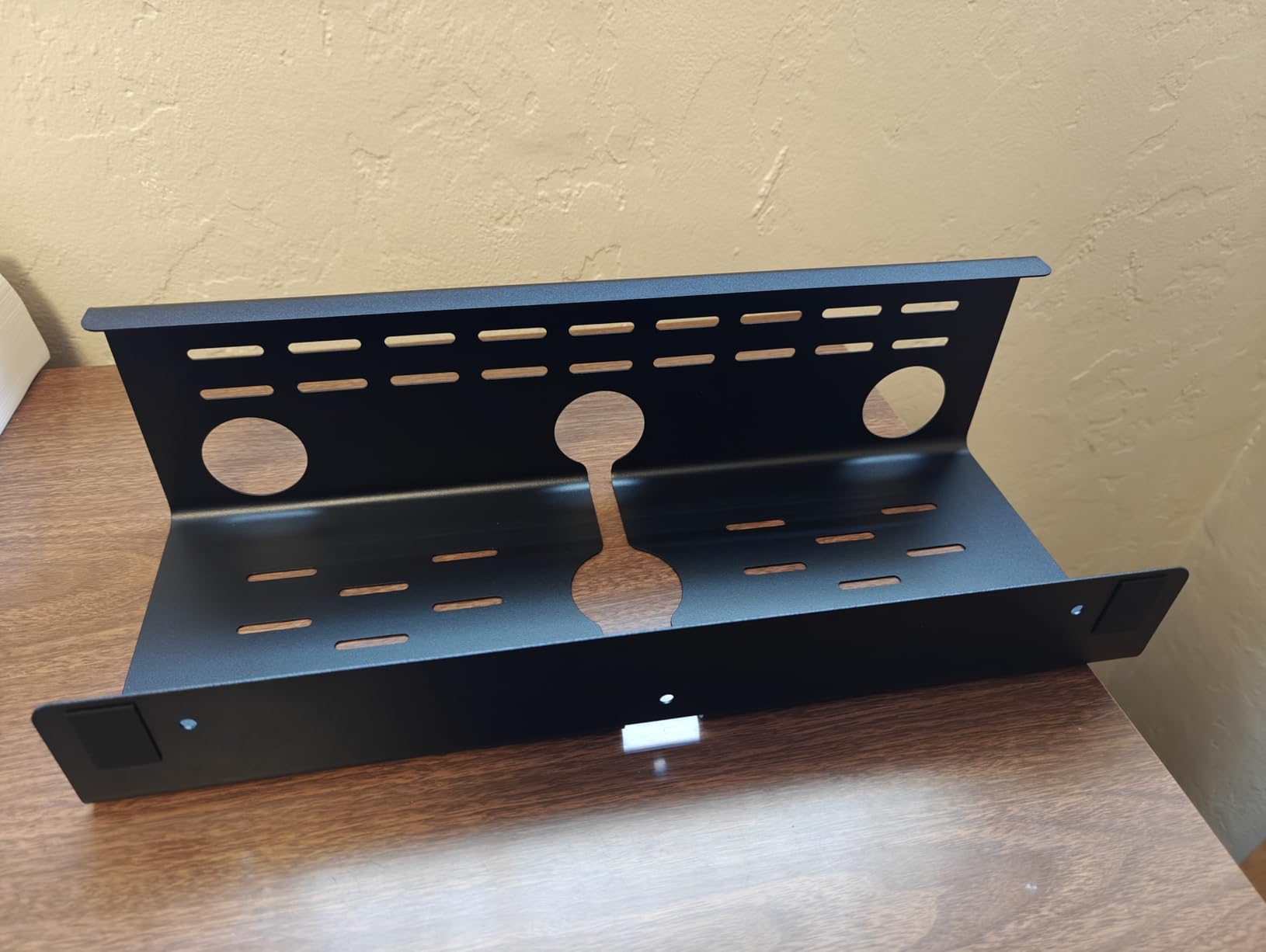
Best for Growing Workstations
Modular systems shine when you add monitors, docks, or peripherals over time. The KEEGH 2-pack lets you scale your cable management alongside your hardware.
Combining the Trays
To create a 32-inch run, mount both trays end-to-end with a small gap for cable routing. Align the bottom edges and use zip ties through the side guide holes to lock them together.
Buying Guide: Choosing the Right Under-Desk Cable Tray
Picking the best under-desk cable management tray comes down to five core factors. Get these right and you will end up with a tray that fits your desk, handles your load, and lasts for years.
Installation Method: Clamp, Screw, or Adhesive
Clamp-on trays like the Litwaro and REFLYING are the easiest to install and work on any desk with an overhang of 0.4 to 2.4 inches. Screw-in trays like the VIVO and COYACOOL are the most secure permanent option but require drilling. Adhesive trays like the Scandinavian Hub are the only choice for glass tops where neither clamps nor screws work.
If you rent your space or share a desk, clamp-on is almost always the safest choice. For permanent home offices, screw-in trays offer the strongest mount.
Weight Capacity and Load Planning
Most trays in this roundup hold between 10 and 15 lbs. That is plenty for a power strip plus cables, but if you have multiple transformers, a UPS, or heavy adapters, prioritize the higher-rated options like the Mzmaxy, LOVJOYSE, or COYACOOL.
Distribute weight evenly across the tray rather than concentrating it in the center. This is especially important for clamp-on trays, where uneven loading can cause the clamp to slip.
Desk Thickness Compatibility
Clamp-on trays have a specific thickness range, usually 0.4 to 2 inches or 0.4 to 2.4 inches. Measure your desktop thickness before ordering to avoid an incompatible fit. The Cotohim has the widest range at 0.4 to 2.4 inches.
For desks with built-in drawers, keyboard trays, or back rails, check that the clamp will clear those obstacles. The Univivi specifically notes that clips may not fit desks with built-in drawers.
Material: Metal, Fabric, or Plastic
Carbon steel trays offer the best strength-to-price ratio and work well in most setups. Oxford fabric trays like the Univivi and Cotohim fully hide cables and offer better dust resistance, plus the unfoldable designs make cable access easier. PVC trays like the Scandinavian Hub are the only no-tool option for delicate surfaces.
Size and Length
Match the tray length to your cable volume. A 13 to 16 inch tray handles a power strip and a few cables. A 25 inch tray like the Mzmaxy or LOVJOYSE suits multi-monitor setups. The 36 inch Univivi is the choice for complex workstations with multiple bricks and adapters.
Desk Material Compatibility
Wood and MDF desktops work with any installation method. Glass tops require adhesive or clamp trays designed for smooth surfaces, like the Scandinavian Hub or REFLYING. Metal desktops accept all three methods. Marble and stone work with clamp trays that have rubber pad protection like the REFLYING.
If you also need accessories beyond cable trays, our gaming desk accessories guide covers risers, mouse bungees, and other organization tools that pair well with a clean cable setup.
FAQs
What is the best under desk cable management tray?
The Litwaro No-Drill Cable Management Tray is our top overall pick for its easy 3-minute clamp installation, 15 lb weight capacity, and durable carbon steel construction. For larger setups, the Univivi 36 inch fabric tray offers more capacity.
How do I organize cables under my desk without drilling?
Use a clamp-on cable tray like the Litwaro, REFLYING, or Xpatee, which mount to the desk edge with adjustable clamps and rubber pads. For desks where clamping is not possible, the Scandinavian Hub self-adhesive tray mounts with strong adhesive backing to glass, wood, and smooth surfaces.
What are the top rated cable management trays for standing desks?
The Xpatee 2-pack is our top pick for standing desks because the clamp stays secure during height changes and the lower profile works with the moving desktop. The Litwaro and Mzmaxy are also strong options for sit-stand setups.
How do you install an under desk cable tray?
Clamp-on trays attach by tightening side knobs against the desk edge with rubber pads for grip. Screw-in trays require drilling pilot holes and driving the included screws into the desktop underside. Adhesive trays bond to a cleaned surface and reach full strength after 24 hours.
Are clamp-on or drill-in cable trays better?
Clamp-on trays are easier to install, removable without damage, and work for renters. Drill-in trays offer a more permanent and slightly more secure mount that handles heavier loads. Choose clamp-on for flexibility and drill-in for permanent home offices.
Conclusion
The best under-desk cable management trays turn a chaotic desk into a clean workspace in under an hour, and any of the 12 options above will get the job done. For most buyers, the Litwaro clamp-on tray hits the sweet spot of price, capacity, and easy installation.
Choose the REFLYING tray for a budget first try, the Univivi or Cotohim fabric trays for full cable concealment, or the Xpatee 2-pack for standing desk setups. Whatever you pick, the difference between a managed desk and a tangle of cables on the floor is immediate.
Ready to take the next step beyond cable trays? Browse our broader cable management guide for sleeves, raceways, and complete desk organization systems in 2026.
Leave a Reply