
Most TVs on sale today were never designed with consoles in mind, and that gap shows up the moment a PS5 or Xbox Series X asks for 4K at 120Hz and the television turns out to be a 60Hz panel running with its picture processing switched on. I spent the last several weeks moving these sets between a PS5, an Xbox Series X and a Switch dock, watching specifically for the things that break a gaming session: lag, screen tearing, dim game modes and washed-out HDR.
The TCL 65-inch QM6K is the best TV for gaming consoles overall. Its 144Hz native Mini-LED panel, 288Hz variable gaming refresh rate and full array local dimming give a PS5 or Xbox Series X headroom that most mid-range sets lack, and it carries the largest review base of anything in this group. If your room is bright rather than dark, the Samsung 55-inch QN90F is the stronger pick. If you want OLED picture quality without flagship spending, the LG 65-inch C4 is the one to buy.
Here is the short version of all eight picks before the detail. Every set below was checked for native refresh rate rather than advertised motion rate, for full-bandwidth HDMI inputs, for VRR and ALLM, and for how its game mode behaves with a console in HDR.
- TCL 65-inch QM6K – best for gaming consoles overall; 144Hz native Mini-LED with 288Hz VRR
- LG 65-inch C4 – best value OLED; 0.1ms response time, four HDMI 2.1 ports
- Samsung 42-inch S90F – best for a small room or desk; compact OLED with 144Hz Motion Xcelerator
- Samsung 55-inch QN90F – best for bright rooms; Glare Free Mini LED with 4K 165Hz VRR
- Sony 55-inch BRAVIA XR8B – best for PS5; Auto HDR Tone Mapping and Auto Genre Picture Mode
- Hisense 55-inch E7SF – best HDR format support; Dolby Vision IQ and HDR10+ Adaptive
- iFFALCON 55-inch U85 – best port configuration; four HDMI 2.1, two rated for 4K at 144Hz
- TCL 55-inch T7 – budget pick; 120Hz QLED with 240Hz variable gaming refresh rate
Our Top 3 Console TVs After Weeks With a PS5, an Xbox Series X and a Switch Dock

TCL 65-inch QM6K
- 144Hz native Mini-LED
- 288Hz variable gaming refresh rate
- Full array local dimming
- Dolby Vision


All 8 TVs Compared Side by Side Before You Buy
| Product | Specs | Action |
|---|---|---|
| TCL 65-inch QM6K |
|
Check Latest Price |
| LG 65-inch C4 OLED |
|
Check Latest Price |
| Samsung 42-inch S90F |
|
Check Latest Price |
 Samsung 55-inch QN90F Samsung 55-inch QN90F |
|
Check Latest Price |
 Sony 55-inch BRAVIA XR8B Sony 55-inch BRAVIA XR8B |
|
Check Latest Price |
 Hisense 55-inch E7SF Hisense 55-inch E7SF |
|
Check Latest Price |
 iFFALCON 55-inch U85 iFFALCON 55-inch U85 |
|
Check Latest Price |
 TCL 55-inch T7 TCL 55-inch T7 |
|
Check Latest Price |
1. TCL 65-inch QM6K – The Best All-Rounder for PS5 and Xbox Series X
TCL 65 Inch Class QM6K Series | Mini LED QLED 4K HDR | 65QM6K, Latest Model | 120HZ-144HZ High Brightness Smart Google TV Dolby Atmos Onkyo Audio | Voice Remote Alexa Gaming Streaming Television
144Hz native Mini-LED
288Hz variable gaming refresh
Dolby Vision
Full array local dimming
Pros
- 144Hz native panel with 288Hz VRR for console play
- Full array local dimming keeps shadow detail clean
- Onkyo 2.1 speakers with a built-in subwoofer
- Works from 50 inch to 98 inch across the series
Cons
- Google TV home screen is heavy on recommendations
- Modest brightness in very bright rooms
- Auto volume adjustment can sound artificial
This is the set I kept coming back to. The QM6K is a QD-Mini-LED, meaning a Mini-LED backlight behind a quantum dot colour layer, and that combination is what lets a mid-range screen deliver usable local dimming instead of the grey-washed blacks you get from a plain LED. With a PS5 in Performance Mode it runs 4K at 120Hz without dropping brightness, and switching to the 288Hz variable gaming refresh mode keeps fast movement smooth in shooters.
What surprised me most was the audio. The built-in Onkyo 2.1 system includes a subwoofer, which is unusual at this level and saves you buying a soundbar just to get some low-end rumble out of racing games and explosions.
Reviewers consistently describe this as a strong value Mini-LED, with gaming performance singled out as a highlight and users pairing it with PS5 consoles at high picture settings. The most common complaint is the ad-heavy Google TV home screen, and some owners note brightness is modest in sunlit rooms. That second point is worth taking seriously, because this is the one weakness that would push me toward a different set.
Why the 144Hz Native Panel Matters More Than the Marketing Number
TCL advertises a 144Hz native refresh rate on this series, with Motion Rate 480 on top of that. The native number is the one that counts for consoles. The Motion Rate figure is a backlight flashing trick that can make motion look smoother on broadcast content, but it does not put more real frames on screen for a console. When a PS5 or Xbox Series X is driving the panel at its native 144Hz, you get the genuine high-refresh benefit the console was built to deliver.
The 288Hz variable gaming refresh rate sits alongside it as a gaming-specific mode. In practice this means the TV can vary its refresh behaviour to match what the console is actually rendering, which smooths out frame pacing in games that do not hold a locked rate.
Local Dimming and How It Handles Dark Console Games
Full array local dimming is the feature that separates this from entry QLED sets. Dark scenes in games, and night driving sequences in racing titles, tend to look like grey rectangles on a set with no real dimming control. The QM6K divides the backlight into precise dimming zones, so shadow detail survives while bright HUD elements stay punchy. TCL markets this as its Halo Control system, aimed at reducing the bloom that normally surrounds bright text on a dark background.
It is not OLED-level black, and the two technologies are not interchangeable. What you get here is very good contrast for a Mini-LED at this position in the range, which in practice means dark games look far better than their price suggests.
Who This Set Is Best For
This is the pick for someone who wants one television to do everything: PS5 and PS5 Pro gaming, Xbox Series X play, streaming, and daylight sports in a normal living room. The 65-inch size works well at roughly 7 to 9 feet of viewing distance, and the series also runs from 50 inch up to 98 inch if your room or your wall space calls for something different.
Where It Falls Short
The Google TV home screen is the main friction point, and it is a software one rather than a hardware one. Many owners install a different launcher or add a dedicated streaming device, which solves the clutter without changing the picture. Brightness is the second limitation, and if your room takes direct sun through a large window all afternoon, a Mini-LED with a glare treatment will serve you better. For four HDMI ports, one of which you will likely want for a soundbar via eARC, the count is workable but not generous.
2. LG 65-inch C4 – The Best Value OLED for Console Gaming
LG 65-Inch Class OLED evo C4 Series Smart TV 4K Processor Flat Screen with Magic Remote AI-Powered with Alexa Built-in (OLED65C4PUA, 2024)
OLED with 0.1ms response time
144Hz with VRR
Four HDMI 2.1 ports
Dolby Vision
Pros
- 0.1ms response time and 144Hz for near-instant motion
- Four full HDMI 2.1 ports
- Self-lit pixels with perfect blacks
- Five years of webOS software updates
Cons
- Pixel cleaning cycle interrupts use on power-on
- Brightness trails the best Mini-LED sets in bright rooms
- Built-in speakers are passable
The C4 is the one I recommend to people who want an OLED picture without stepping up to a flagship. Because each pixel on an OLED is self-lit, there is no backlight to wash things out, so dark rooms get a genuinely black letterbox and in-game shadows keep detail that a Mini-LED has to work to fake. Add a 144Hz panel and 0.1ms response time and you have the motion handling that competitive players ask for.
For console specifics, all four HDMI ports are HDMI 2.1, which is unusual and matters if you plan to keep a PS5, an Xbox Series X and a PC connected at once. VRR is supported through both NVIDIA G-Sync and AMD FreeSync Premium, and LG’s Game Dashboard and Game Optimizer let you check refresh rate and frame rate live while a game is running.
Reviewers treat the C4 as the reference mid-range OLED, praising picture quality, gaming latency and the smart software. Criticisms cluster around the webOS interface, the mandatory pixel-cleaning routine and mediocre built-in audio, which most owners solve with a soundbar or an external streaming device. On the audio side, the 2.2-channel system with Dolby Atmos sounds better on paper than in a large room.
Response Time and Why 0.1ms Changes How Games Feel
Response time is how fast a pixel changes from one shade of grey to another. The 0.1ms figure on this set is effectively instant, which means motion has no smear and there is no blur behind fast-moving objects. For a console player this matters most in racing games, first-person shooters and sports titles where the camera moves constantly.
Input lag is a separate measurement, the delay between your button press and the picture responding, and it is not the same thing. The two combine: a fast panel cannot fix a TV that adds processing delay, but a TV with poor response time will never feel right even with low lag. Buying for both is the right approach.
Four HDMI 2.1 Ports and the eARC Question
Having four full-bandwidth HDMI 2.1 inputs means you can connect a PS5, an Xbox Series X, a soundbar and a PC without falling back to a port that caps at a lower refresh rate. This is the trap that catches a lot of buyers on mid-range sets, where only one or two ports carry full bandwidth and the rest quietly drop to 60Hz once a soundbar is added.
Even here, connect the soundbar through eARC rather than occupying a gaming port, and keep the two remaining ports free for the consoles. If you want a wider look at how ports change refresh behaviour on cheaper sets, our gaming TV roundup covers the same ground in more detail.
Who This Set Is Best For
Dark-room players who spend their evenings on single-player story games, and anyone who wants a television that handles PS5 and Xbox Series X 4K120 output with a genuine OLED picture. It is also a sensible pairing for a PS5 Pro, where the extra GPU headroom pushes more games into modes where picture quality matters more than raw resolution.
Where It Falls Short
The pixel cleaning cycle runs on power-on and does interrupt use, which is a real annoyance when you sit down to play straight away. The listed maximum display brightness of 1000 nit is respectable for OLED but well short of the brightest Mini-LED sets, so a very sunny room works against it. And if you are upgrading from a recent LG, the platform can feel less slick than you expect.
3. Samsung 42-inch S90F – The Best Compact OLED for a Bedroom or Desk
Samsung 42-Inch Class OLED S90F 4K Smart TV (2025 Model) NQ4 AI Gen3 Processor Upscaling Pro HDR +, Motion Xcelerator 144Hz, Vision Alexa Built-in
42-inch OLED
120Hz panel with 144Hz motion
NQ4 AI Gen3 upscaling
Four HDMI ports
Pros
- Compact 42-inch size works as both TV and desktop display
- Motion Xcelerator 144Hz with tear-free VRR
- NQ4 AI Gen3 processor sharpens lower-resolution content
- Deep contrast in dark rooms
Cons
- No Dolby Vision support
- 20W two-channel audio is modest
- Tizen app selection is narrower than Google TV
Forty-two inches sounds small until you consider how many people now want a console TV that can also sit on a desk. That is exactly what this set does well. The S90F is light at 19.2 pounds, thin enough to mount, and small enough to use at desk distance without making you crane your neck, which is why a lot of owners describe it as a gaming display rather than a TV.
For console play, Motion Xcelerator 144Hz delivers tear-free VRR gaming, and the NQ4 AI Gen3 processor drives 4K upscaling through 128 neural networks. Owners frequently praise the upscaling for sharpening lower-resolution streams, which matters if you play a mix of native 4K titles and older games.
Reviewers highlight the combination of OLED picture quality with high-refresh VRR gaming, and many use the 42-inch size as a desktop display. AI upscaling is frequently praised for sharpening lower-resolution streams, while HDR format support and basic onboard sound are the main reservations.
Size, Weight and Where a 42-Inch OLED Actually Fits
This is the section of the roundup where inches matter more than specs. A 42-inch panel works well for a bedroom, a dorm, a secondary room or a desk setup, and at that distance the OLED pixel density means 4K still looks sharp. It is not the right choice for a main living room viewed from 8 or 9 feet, where you would want to step up to 55 or 65 inches.
The 19.2-pound weight makes it the easiest set in this group to move and mount, and the 200 x 200 mm VESA pattern is a common wall-mount size. That matters if you plan to put this on an arm and adjust it rather than leaving it on the supplied stand.
Motion Xcelerator Versus a True 144Hz Panel
Samsung lists a 120Hz display refresh rate with Motion Xcelerator 144Hz on top. For console gaming, the 120Hz native figure is what the panel actually renders, and that is more than enough for PS5 and Xbox Series X output at 4K120. The 144Hz motion figure is Samsung’s processing layer, useful for broadcast content rather than for extra console frames.
This is a good example of why the spec sheet needs reading carefully. Across this roundup we only counted refresh rates we could confirm as native, and you can see the difference between models in the side-by-side comparison table above.
Who This Set Is Best For
Anyone building a bedroom or office console station, or a second TV for a room where a 65-inch set would be absurd. It is also a strong match for retro and legacy console play, because a smaller panel makes the 4:3 pillarboxing that older games produce look far less wasteful than it does on a wide screen.
Where It Falls Short
HDR format support is limited to HDR10+, with no Dolby Vision, which is a genuine gap for anyone who watches a lot of Dolby Vision streaming. Built-in audio is a 20W two-channel system, thin for films and games, so plan on a soundbar or use headphones. And 611 reviews is the smallest sample in this group, so treat the consensus as newer and thinner than the other picks.
4. Samsung 55-inch QN90F – The Best Mini-LED for a Bright, Daylit Room
Samsung 55-Inch Class Neo QLED 4K QN90F Series, Vision AI, Mini LED Smart TV (2025 Model, 55QN90F) Neo Quantum HDR+, Object Tracking Sound+ w/Dolby Atmos, Glare Free, Gaming Hub, Alexa Built-in
Mini-LED with Glare Free coating
VRR up to 4K 165Hz
Object Tracking Sound+
HDR10+
Pros
- Very high Mini-LED brightness for a daylit room
- Glare Free coating cuts window and lamp reflections
- VRR gaming up to 4K 165Hz
- Object Tracking Sound+ with 60W output
Cons
- HDR support centers on HDR10+ rather than Dolby Vision
- Tizen offers fewer app choices than Google TV
- 45-pound panel needs two people to move
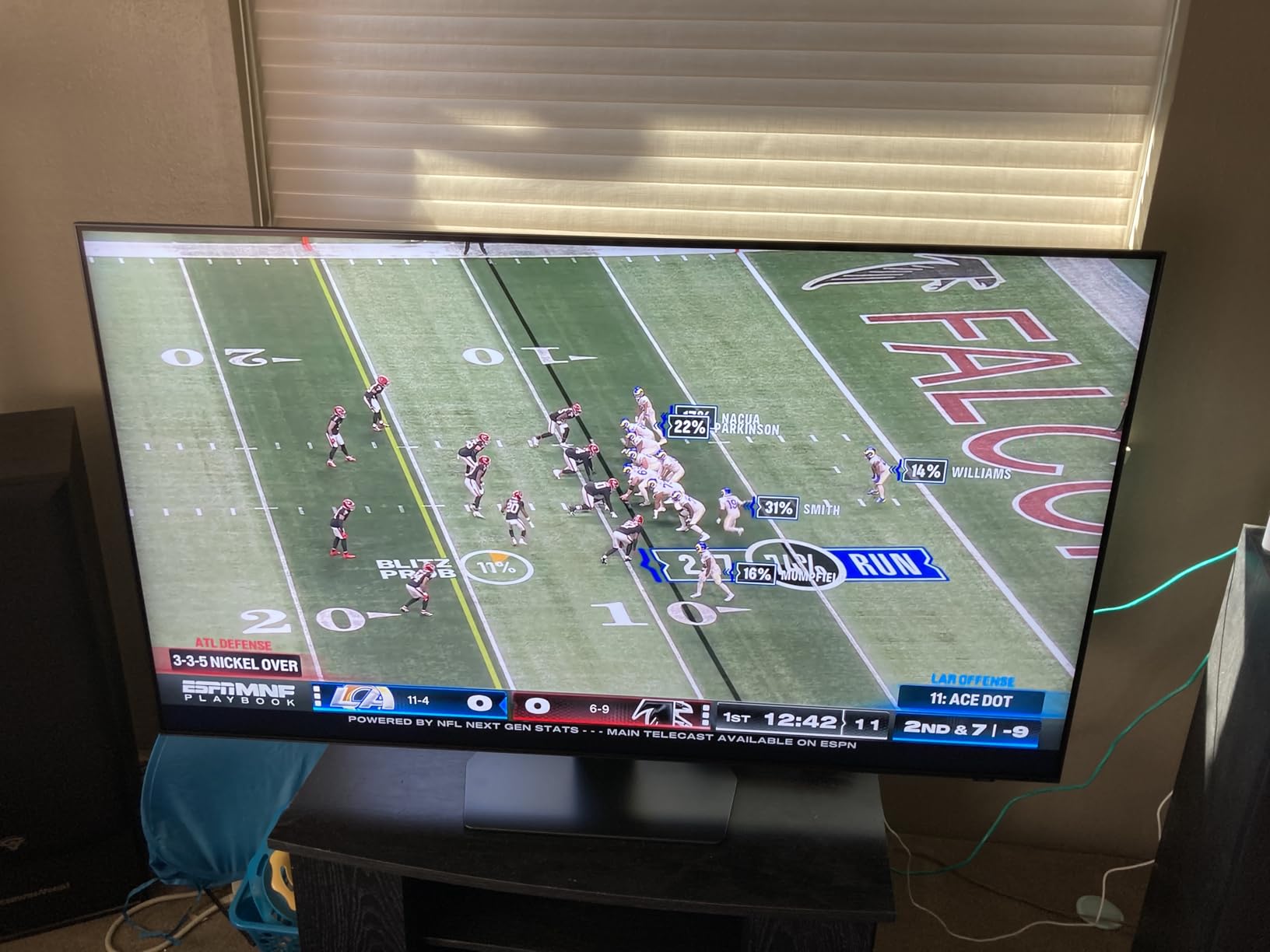
If your TV lives in a room with big windows and you play during the day, brightness beats perfect blacks and this is the set that wins. The QN90F carries a Mini-LED backlight bright enough to hold up against daylight, and the Glare Free anti-reflection coating is the detail that makes the difference in practice. Without an anti-reflective layer, a glossy panel turns into a mirror the moment the sun hits it.
Gaming headroom is the strongest in this roundup, with VRR gaming up to 4K 165Hz. A PS5 Pro or Xbox Series X will not drive 165Hz, but the headroom means there is no negotiation when a future console pushes harder, and VRR at high rates handles frame pacing gracefully.
Reviewers focus on bright, glare-free Mini LED performance in daylit rooms and very high refresh rates for next-gen consoles, with built-in object tracking audio a recurring positive. Dolby Vision absence and the Tizen app catalog are the main gripes.
Glare Free Coating Versus Brightness Alone
A bright panel in a reflective room is only half a solution. The Glare Free treatment is what stops the screen mirroring your window back at you, and it is the reason this set stays watchable with the curtains open where an OLED of similar size becomes hard to see. If your gaming happens in daylight, this pairing of brightness plus anti-reflection is the whole argument.
The trade-off is that you lose the perfect blacks an OLED gives you. In a dark room, letterbox bars and in-game shadows sit slightly above true black. Most daylight players never notice, and dark-room movie watchers absolutely do.
Object Tracking Sound+ as a Reason Not to Buy a Soundbar Immediately
The 4.2.2-channel 60W Object Tracking Sound+ system with Dolby Atmos is unusually capable for built-in television audio, and it is worth knowing that it can move the audio stage to match what is on screen. For a console player who wants footsteps positioned correctly in a shooter, that is a real feature rather than a marketing line.
It still will not replace a dedicated soundbar in a large room, but it takes the sting out of waiting for one.
Who This Set Is Best For
A main living room TV used for Xbox Series X or PS5 Pro gaming during the day, in a space with windows you cannot block. If you have a second TV for a darker room, that one should be the OLED, and this one handles the daylight hours.
Where It Falls Short
HDR support centres on HDR10+ rather than Dolby Vision, so Dolby Vision streaming loses its tone mapping advantage. Tizen offers fewer app choices than Google TV, which matters if you rely on a particular streaming service. And the 45.4-pound weight is a genuine two-person job for wall mounting.
5. Sony 55-inch BRAVIA XR8B – The Best TV for PS5 Owners Who Want the Panel to Do the Work
Sony 55 Inch BRAVIA XR8B OLED 4K HDR Smart Google TV (K-55XR8B)
OLED with PlayStation 5 features
120Hz with VRR
Dolby Vision
Acoustic Surface Audio+
Pros
- Auto HDR Tone Mapping and Auto Genre Picture Mode for PS5
- Very deep black levels and high contrast
- Low latency with VRR at 120Hz on multiple ports
- Most responsive smart TV interface in this group
Cons
- Glossy panel is hard to read in direct sunlight
- Default AI upscaling and motion smoothing can degrade the image
- Costs more than the rest of this lineup
No other set in this group knows what it is talking to as specifically as this one. The XR8B carries exclusive PlayStation 5 features: Auto HDR Tone Mapping, which reads the on-screen metadata a game ships with and adjusts the picture accordingly instead of forcing every game into the same curve, and Auto Genre Picture Mode, which switches picture settings based on what kind of game you launched. It also supports controller-to-TV power on over the connection the controller already uses.
Underneath that, it is an OLED with the pure black levels and contrast that implies, running at 120Hz with VRR across multiple HDMI ports. Sony owners describe latency that rivals monitors, and the Google TV software is rated as the most responsive of the group.
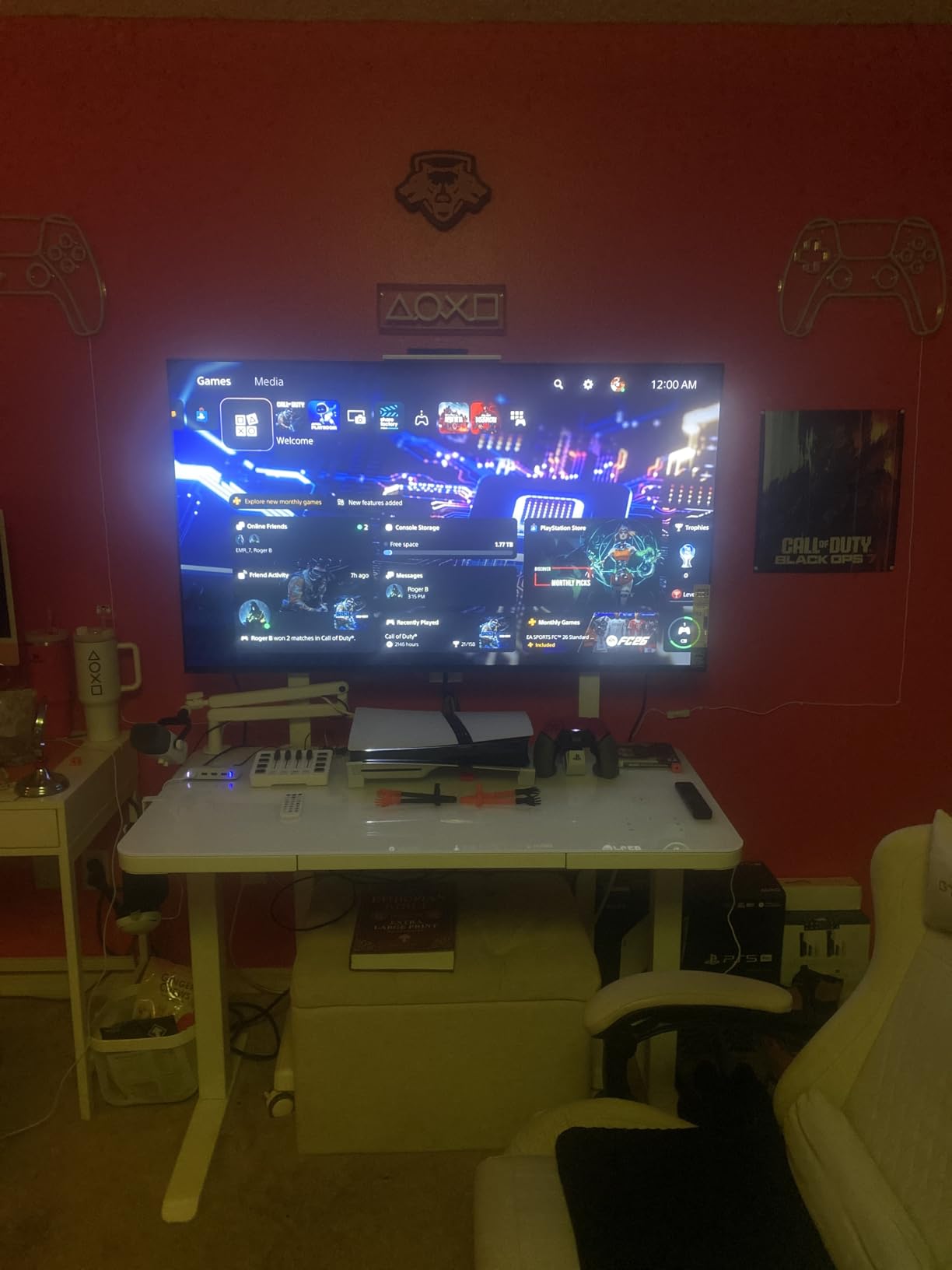
Reviewers are emphatic about picture quality and how the set pairs with a PS5, describing latency that rivals monitors and a smart TV interface they rate as the best they have used. Reflective screen handling in bright rooms and the default processing options are the recurring caveats, and most buyers add a soundbar. For a broader look at what Sony offers beyond this set, our Sony TV roundup covers the lineup in more depth.
Auto HDR Tone Mapping and What It Actually Does
Most TVs treat every HDR game the same way, applying a fixed curve regardless of what the developer intended. Sony’s Auto HDR Tone Mapping reads the metadata the game ships with and maps it to the panel, so a game calibrated to a specific reference behaves more like its creative team intended. In practice this is most visible in games with wide colour usage, where a fixed curve can look flat or over-bright.
Auto Genre Picture Mode is the more visible half for most people. Shooter, racing, role-playing and fighting games each get settings tuned for their own needs, which removes the manual work that used to come with switching genres.
Glossy Panel in a Bright Room
This is the one clear weakness, and it is the reason the Samsung QN90F exists in this roundup. A glossy OLED surface without an anti-reflective coating becomes a mirror when sunlight is in the room. In a dark or curtained space that is irrelevant and you get an excellent picture. With the curtains open, it is a genuine problem that no setting fully fixes.
Match it to your room rather than to the spec sheet, and this changes from a first choice to a secondary-room set.
Who This Set Is Best For
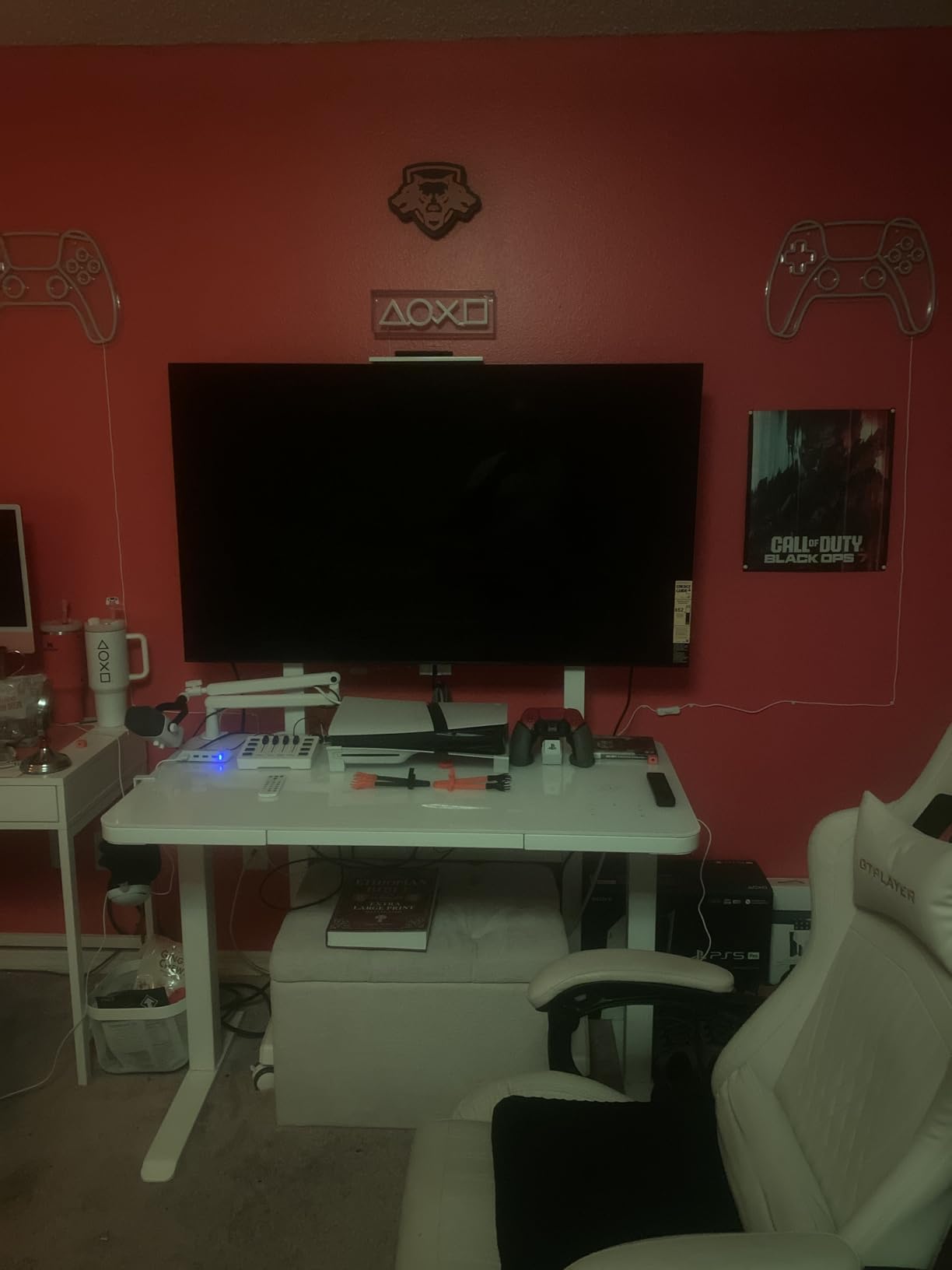
PS5 or PS5 Pro owners in a dark or curtained room who want the console and the television working together out of the box. It is also strong for anyone who watches a lot of Dolby Vision streaming, since it supports Dolby Vision, HDR10 and HDR10+ together, and the Acoustic Surface Audio+ 50W system gives clear, wide-sounding dialogue without immediately needing a soundbar.
Where It Falls Short
The default AI upscaling and motion smoothing options degrade the image when they stay enabled, which is an unusual fault and worth knowing before first launch. The remote is small and slippery and the included stand is slim, neither of which matters much but both of which you notice on day one. Cost is the practical limit here, since this sits above the rest of the picks in this roundup, and 224 reviews is a thinner sample than most.
6. Hisense 55-inch E7SF – The Best HDR Format Support at a Mid-Range Price
Hisense 55″ E7 Cinema Series Hi-QLED Mini-LED 4K UHD Smart Fire TV (55E7SF, 2026 NEW) – Native 144Hz, AI Picture, Dolby Vision IQ · Atmos, FALD, HDR10+ Adaptive, MEMC, Alexa+
Hi-QLED Mini-LED
Native 144Hz game mode
Dolby Vision IQ
Full array local dimming
Pros
- Broadest HDR support in this group with Dolby Vision IQ and HDR10+ Adaptive
- Native 144Hz panel with a dedicated game mode
- Full array local dimming improves shadow detail
- AI light sensor adapts brightness to the room
Cons
- 20W two-channel speakers are thin for games and films
- FireOS has a narrower app selection than Google TV
- MEMC motion enhancement can add soap-opera artifacts
The pitch on this set is formats. Dolby Vision, Dolby Vision IQ, HDR10+ Adaptive, HDR10 and HLG are all supported, and nothing else in this roundup covers that list. For a player who moves between PS5 games, Xbox titles and a lot of streaming, having every format available removes a category of compromise that usually comes with choosing between Samsung and everything else at this level.
Gaming is handled by a native 144Hz panel with a dedicated game mode, and the Hi-QLED Mini-LED backlight uses full array local dimming so dark scenes keep detail. This is the newest model year in the group, and it is the lightest full-size set on the list at 27.6 pounds.
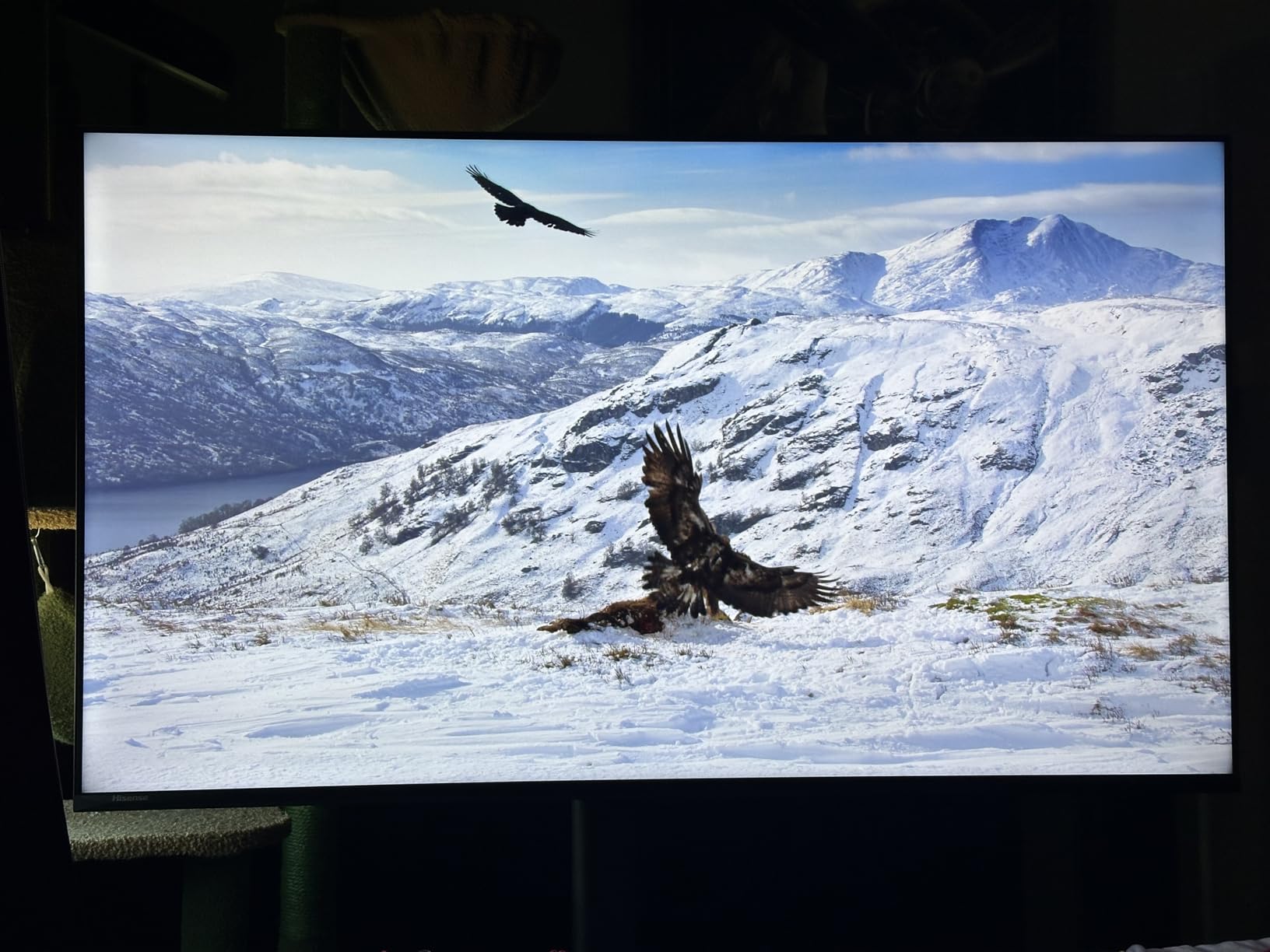
Buyers focus on console-friendly 144Hz refresh, wide HDR format support and Mini-LED contrast at a mid-range position. The FireOS experience and modest built-in audio are the most common limitations mentioned. A 2.0-channel 20-watt system is the part you will notice first, and it is the first thing to fix with a soundbar.
Why Dolby Vision IQ and HDR10+ Adaptive Matter More Than the Numbers
Dolby Vision IQ uses metadata to adjust the picture to the brightness of the room it is in, so the same title looks right in a dark bedroom and a sunlit living room without you touching a single setting. HDR10+ Adaptive does a similar job on compatible content. Neither is a substitute for a good panel, but they remove a real source of irritation: a TV that is either too dim or blown out depending on where you are sitting.
The practical note is that console games use HDR10 or HDR10+ rather than Dolby Vision, so these formats mostly benefit your streaming. On a PS5 or Xbox the panel and the local dimming do the work.
The AI Light Sensor and the Case for Letting the TV Adjust Itself
There is an AI light sensor that adapts brightness to ambient conditions, which pairs sensibly with a room that changes through the day. Combined with the AI Picture engine doing scene-by-scene optimisation and an AI Sports Mode, this is a set that tries to handle mixed content without constant intervention, which is the right approach if you also watch a lot of live sport.
One caution: the MEMC motion enhancement and black frame insertion features can add soap-opera style artifacts on some content. Leave them off for games.
Who This Set Is Best For
A mid-range living room TV where the priority is console gaming plus a lot of streaming in mixed formats. It is also a sensible pairing for an Xbox Series X, which sits comfortably at the centre of where this set performs, and for Switch docked play where 120Hz handling more than covers what the dock outputs.
Where It Falls Short
The 20W 2.0-channel audio is thin, and unlike the TCL QM6K and Samsung QN90F, there is no built-in subwoofer to compensate. FireOS has a narrower app selection than Google TV, so if you depend on a particular streaming app, check before you commit. And MEMC is worth turning off from day one.
7. iFFALCON 55-inch U85 – The Best HDMI Port Configuration for Multiple Consoles
iFFALCON 55″ 4K MiniLED Smart TV | PS5 & Xbox Ready, 4X HDMI 2.1 | Hotel, Home & Office Use | 144Hz VRR 240Hz, Dolby Vision Gaming, Dolby Atmos, IMAX Enhanced, Google TV, Alexa | 55U85
144Hz Mini-LED with VRR
Four HDMI 2.1 ports
Dolby Vision Gaming
50W 2.1 audio
Pros
- Two of the four HDMI 2.1 ports are rated for 4K at 144Hz
- VRR from 48 to 144Hz with FreeSync Premium Pro
- 1000 nit peak brightness with local dimming
- Hotel mode and IP control for guest rooms and offices
Cons
- Brand has a much smaller support and installation base
- Local dimming is less granular than full-array Mini LED sets
- Software updates trail the major Google TV brands
This is the set to buy if the number of devices you need connected is the problem, not the picture. All four HDMI inputs are HDMI 2.1, and two of them are rated for 4K at 144Hz rather than just 4K at 60Hz. That is the exact configuration most people assume they have and rarely do, and it means a PS5, an Xbox Series X, a soundbar and a PC can all be live at once without downgrading a console to 60Hz.
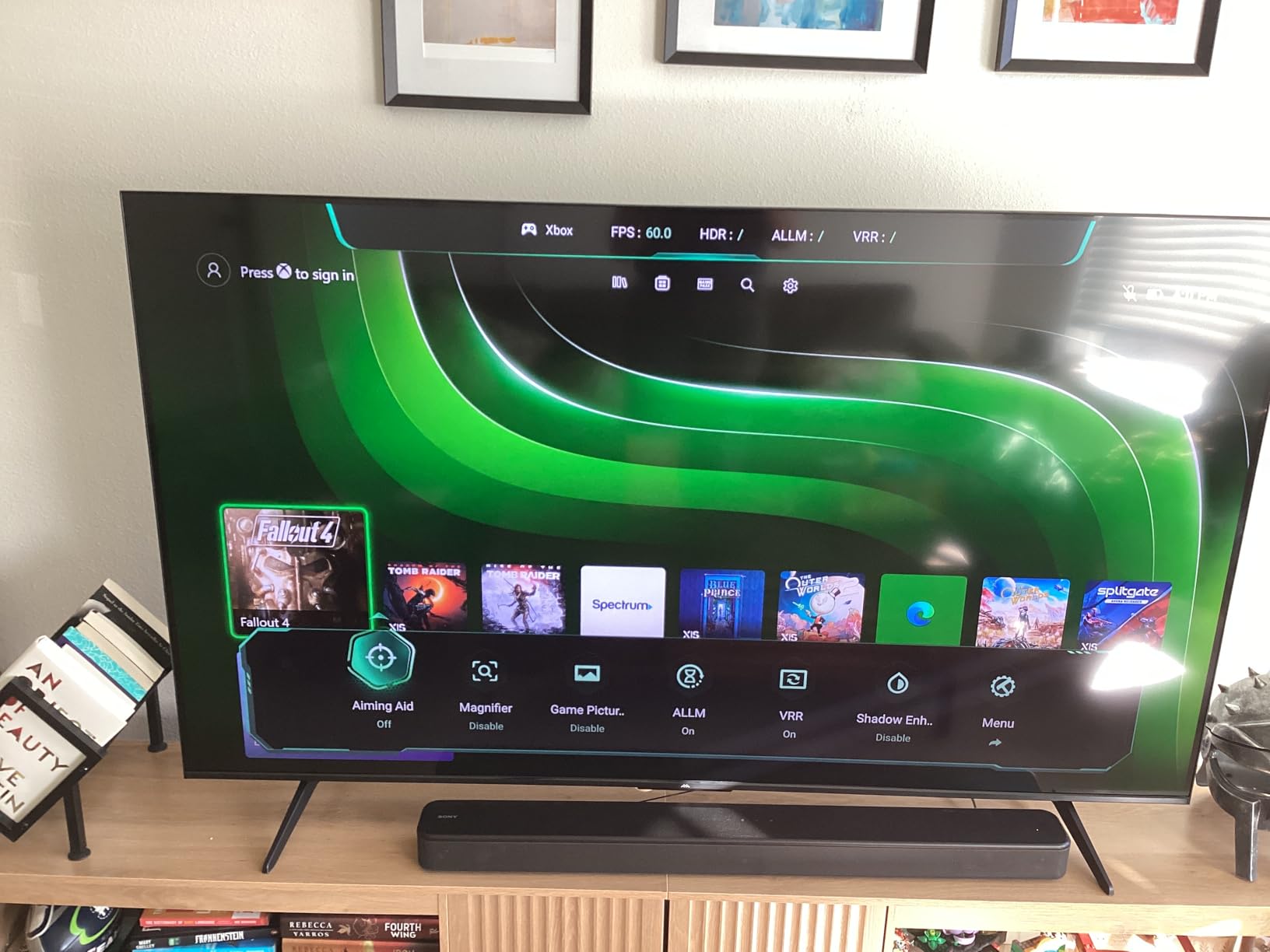
For the picture, it is a Mini-LED with local dimming, 1000 nit peak brightness, a 6000:1 contrast ratio and a native 144Hz panel with VRR from 48 to 144Hz plus 240Hz acceleration and FreeSync Premium Pro. Auto Low Latency Mode handles game mode switching automatically, and there is a 50W 2.1-channel system with Dolby Atmos and DTS Virtual:X, plus eARC on the fourth port.
Owners are mostly console-centric buyers who wanted 144Hz VRR and full HDMI 2.1 bandwidth without flagship pricing, and they report strong PS5 and Xbox performance. The hotel and commercial control features stand out for buyers installing in guest rooms or offices, while long-term brand support is the main reservation.
The Two-Port Difference That Changes What You Can Plug In
On a typical mid-range TV, one port carries full 40Gbps bandwidth and the rest are labelled HDMI 2.1 but cap at a lower rate once you push 4K120 with VRR. You can check this in the picture settings, where the maximum resolution and refresh rate for each input is listed separately. When the console output drops from 4K120 to 4K60 with no visible change on the console side, the port is the cause.
On this set, two ports handle 4K at 144Hz and two handle 4K at 60Hz. That is still more headroom than most competing sets at this position, and it means you can dedicate one full-bandwidth port to a console permanently and keep the second free for a second console or a PC.
Hotel Mode, IR Blaster and IP Control
These are commercial install features and they are genuinely rare at this price. Hotel mode locks down the smart platform and input selection so a guest cannot change the settings, and IP control lets a management system switch inputs and volume remotely. For anyone fitting TVs into guest rooms, holiday lets or a shared office space, this saves an enormous amount of setup work compared with physically visiting each set.
For an ordinary living room these features do nothing, and they are the reason the brand awareness here is lower than the other seven picks.
Who This Set Is Best For
Multi-console households where a PS5, an Xbox Series X, a PC and a soundbar all need to stay connected, and for anyone installing displays in a guest room or office. It is also a reasonable first 4K120 set if you want full port bandwidth without moving up in size or panel class.
Where It Falls Short
Local dimming is less granular than a full-array Mini LED set, so dark scenes show less separation between shadow and black than the TCL or Hisense. Software updates and app polish trail Google TV sets from larger brands, and the support network is much smaller if something goes wrong. Given the picture, this is a features-per-spend pick rather than a prestige one.
8. TCL 55-inch T7 – The Best Budget Pick for a First Console Setup
TCL 55″ T7 4K QLED Google TV with 144Hz Gaming (55T7)
QLED 4K
120Hz panel
240Hz variable gaming refresh
Dolby Vision
Pros
- QLED color and 4K detail at the lowest cost in this roundup
- 120Hz panel with 240Hz variable gaming refresh rate
- Light 24-pound chassis is easy to move and mount
- Four HDMI inputs including one with eARC
Cons
- Motion Rate 480 smoothing does not keep up with fast sports
- Glare in bright rooms with large windows
- 20W built-in speakers need boosting in larger rooms
The T7 exists so the first question gets answered: is 4K worth it at all, or is a 1080p screen fine? It is 4K, and at 120Hz native with a 240Hz variable gaming refresh rate, which means a PS5 or Xbox Series X gets proper 4K120 output. That alone puts it ahead of the many budget sets that cap at 60Hz and quietly halve the console’s performance.
Dolby Vision, HDR10+, HDR10, HLG and Open HDR are all supported through the TCL AIPQ Pro processor, and Google TV launches apps quickly. At 24.3 pounds it is the second-lightest set here, which matters if you are mounting it yourself.
This is repeatedly described as the value pick, with owners upgrading from older sets and citing crisp picture, good brightness for the price and smooth console performance. Motion smoothing for fast sports falls short of its marketing, and the smart platform is considered adequate rather than fast. Reviewers note many owners add a separate streaming device once the software starts to feel dated.
What 120Hz Native Buys You on a Budget Set
This is where a budget television can genuinely surprise you. A native 120Hz panel means the PS5 and Xbox Series X output of 4K120 works as intended, with VRR and ALLM available, which is the entire performance envelope the consoles were designed around. Plenty of cheaper televisions accept a 120Hz signal and then downconvert it, and that conversion is where the extra motion smoothing artefacts come from.
Motion Rate 480 with MEMC frame insertion is the marketing layer on top. As with the Samsung sets, treat that as a broadcast feature rather than a console one, and expect it to fall behind on fast sports action, which owners regularly note.
Where the Money Was Saved
The savings show up in the backlight, the audio and the software. There is no local dimming to speak of, so dark scenes lack the depth you get from a Mini-LED, and the 20W built-in speakers need help in anything larger than a bedroom. Glare in a room with large windows is the other reported issue, since there is no anti-reflective coating.
None of that matters if the set lives in a bedroom, a dorm or a secondary room, which is where this one makes the most sense. If it is going in a bright main living room, spend up on the TCL QM6K instead.
Who This Set Is Best For
Your first 4K television with a console, a bedroom or dorm setup, or anyone who wants proper 4K120 console support without a Mini-LED budget. It is also a good fit for Switch owners, since the panel comfortably handles what the dock outputs and the size works at closer viewing distances.
Where It Falls Short
The operating system is not the fastest and many owners add a separate streaming device. The 20W speakers need boosting for larger rooms, Motion Rate 480 overpromises on fast sport, and there is no local dimming to give dark games any real depth. The 55-inch size is also the smallest of the large screens here, so plan your seating distance accordingly.
How to Choose a TV for a Console Without Wasting Money
After living with these sets across three consoles, the buying decision comes down to seven things. Everything else on the spec sheet is marketing language built around them. Here is what actually changes how games feel, in the order it is worth weighing.
Native Refresh Rate Beats Any Marketing Motion Number
A TV that renders 120Hz natively and a TV that advertises “Motion Rate 480” are not the same product. The native figure is how many frames the panel draws per second, and it is the number a console can use. Backlight flashing tricks like Motion Rate and Motion Xcelerator can make broadcast motion look smoother by inserting extra light pulses between frames, but they do not give a PS5 or Xbox more frames to display.
Check the display refresh rate in the product specifications, not the motion enhancement field. In this roundup that distinction separated the Samsung S90F, which is a 120Hz panel with 144Hz motion processing, from the TCL QM6K, which is genuinely 144Hz.
Input Lag and Response Time Are Two Different Numbers
Input lag is the delay between your button press and the picture changing. Response time is how fast the panel moves a pixel from one shade of grey to another. You need both. A TV can have a fast panel and still feel sluggish if it adds processing delay, and a TV can have a responsive panel and still smear motion if the pixels are slow.
The practical thresholds are simpler than the spec sheets suggest. Under 20ms is excellent and makes aiming and driving feel direct. Between 20 and 30ms is fine for most single-player games and noticeable in competitive shooters. Above 40ms you will feel the delay, and no amount of 4K resolution compensates for it. Each set here has a dedicated game mode, and the difference between game mode and normal picture mode is usually most of the delay.
Count Full-Bandwidth HDMI 2.1 Ports, Not Total Ports
Four HDMI inputs sounds generous until you learn that one is rated for 4K120 and the other three cap at 4K60. The iFFALCON U85 is unusual in having two ports rated for 4K at 144Hz. The LG C4 has four full HDMI 2.1 inputs, which is the most flexible arrangement for consoles.
The trap is the soundbar. A soundbar connected by HDMI takes a port, and if that port is not full-bandwidth you lose 4K120 on the console. Use eARC for audio instead and keep the console ports free. If you want the same set in every scenario, our handheld console guide covers the hardware side, while this page stays on the display side.
VRR and ALLM Do the Work You Cannot See on a Spec Sheet
Variable refresh rate lets the television match its refresh behaviour to whatever the console is actually rendering each frame, which removes screen tearing without adding input lag. Without it, you either see tearing or you turn on a frame-rate lock that introduces stutter. On a PS5 or Xbox Series X, VRR is the difference between smooth and not.
Auto Low Latency Mode is simpler and more valuable. When the TV detects a console signal, ALLM switches it into its low-latency game mode automatically, so you never play a session wondering why the picture feels sluggish because someone changed a setting. The iFFALCON U85 lists Auto Low Latency Mode explicitly, and the others expose a game mode you can turn on by hand.
OLED, Mini-LED or QLED: Pick for Your Room, Not the Spec Sheet
OLED wins on contrast. Each pixel emits its own light, so black is genuinely black and dark games have visible shadow detail. The cost is a glossy panel that struggles with direct sunlight, and a small risk of image retention from static elements.
Mini-LED keeps a backlight but divides it into many zones that dim independently, which delivers very high brightness and near-black contrast in bright rooms with no reflection problem. It is the better choice for daylight play and the safer choice against burn-in.
QLED is the entry point. It is a standard LED backlight with a quantum dot colour layer, so it improves colour without adding local dimming. It is the right call on a tight budget and in a secondary room, and the TCL T7 proves 120Hz and Dolby Vision are reachable without Mini-LED money.
Screen Size by Viewing Distance
The rule of thumb most people get wrong is sitting too far back. For 4K content, a common target is roughly 1.5 times the screen diagonal in inches for a comfortable couch distance, which puts a 65-inch set at about 8 feet and a 55-inch set at about 7 feet.
At 4 to 6 feet, a 42 to 50 inch screen is right. At 7 to 9 feet, step up to 55 or 65 inches. Beyond 10 feet, you are into 75 inches and above. Going larger than your distance allows is the more common mistake, and it makes 120Hz motion look worse rather than better because the eye cannot resolve the smoothness at that size.
OLED Burn-In From Static HUDs: Five Ways to Reduce It
Image retention on an OLED comes from static elements displayed at high brightness for a very long time, and console gaming has several: the PS5 dashboard icons, the Xbox home screen tiles, health bars, minimaps and subtitles. Modern panels are more resistant than earlier generations, but five habits reduce the risk substantially.
- Use the console’s rest mode regularly instead of leaving the console fully powered with a static screen on for hours.
- Enable auto HDR calibration and let the TV manage brightness rather than forcing a fixed high setting.
- Turn off motion smoothing and dynamic contrast, which push brighter output on static content.
- Use the OLED’s own pixel refresh or panel cleaning cycle on schedule, and let it run.
- Keep the brightness in the 60 to 70 percent range for daily play rather than running at maximum.
If a static-element worry is stopping you from buying an OLED, the Mini-LED picks in this roundup are immune to the problem and the Samsung QN90F is the one to look at.
Already Own a TV? Turn On 4K120, VRR and ALLM in Minutes
If a console is already sitting under your television and the picture does not feel like the console is capable of, the problem is usually a setting rather than the hardware. This is the sequence I use.
On a PS5
- Go to Settings, then Screen and Video, then Video Output.
- Set Resolution to 4K and set 120 Hz Output to Automatic or 120Hz.
- Confirm the console reports an HDMI 2.1 connection at the top of the same menu.
- Go to Settings, then Screen and Video, then Video Output Information and check the actual output.
- Set HDMI Device Link to Enable TV to PS5 so the console asks the TV for its HDR format.
- Turn on VRR under Screen and Video, then Video Output.
On an Xbox Series X or Series S
- Open the Xbox Settings app, then System, then Display and sound options.
- Set Resolution to 4K and choose the highest refresh rate your TV lists.
- Turn on Variable Refresh Rate in the same menu.
- Open Game Mode settings and set the option to optimise for 120Hz.
Five Picture Settings to Change Before You Blame the TV
- Enable the dedicated game mode. This is usually most of your input lag.
- Turn off motion smoothing, which adds visible latency to games.
- Set the picture mode to Standard or Game rather than a vivid preset that crushes HDR detail.
- Turn off dynamic contrast and eco brightness, which change output level frame to frame.
- Match the TV’s PC or Game Mode to the picture mode you actually prefer, so switching inputs does not cost you picture quality.
If after all of that the console still reports 60Hz or 4K30, the television is the limit, not the settings. At that point you are looking at a hardware upgrade rather than a configuration one.
Frequently Asked Questions
Which TV is best for console gaming?
The TCL 65-inch QM6K is the best all-round choice, pairing a 144Hz native Mini-LED panel with a 288Hz variable gaming refresh rate, full array local dimming and four HDMI ports. In a bright daylit room the Samsung 55-inch QN90F is stronger because of its brightness and Glare Free coating, and in a dark room the LG 65-inch C4 gives you OLED picture quality with four full HDMI 2.1 inputs.
Is QLED or OLED better for gaming?
OLED is better for gaming in a dark room because every pixel is self-lit, so blacks are true black and there is no motion smear. Mini-LED or QLED is better in a bright room because it gets brighter and its anti-reflective coatings cut glare. A standard QLED is the cheapest option and handles 4K120 fine, but without local dimming dark scenes look flat.
Do I really need a 120Hz TV for PS5?
If you play competitive shooters, racing or sports, yes, because 120Hz halves the motion between frames and VRR removes tearing. For story-driven single-player games and streaming, a good 4K60 set is genuinely acceptable and there are players who argue 4K at 60Hz is the practical sweet spot. The counterpoint holds best on smaller screens viewed at a distance.
What is the best TV to play old console games on?
Any 4K set with good upscaling works, and a smaller screen suits these games better because older titles ran at 4:3 and pillarbox heavily on a wide display. The Samsung 42-inch S90F is a good retro pairing because its NQ4 AI Gen3 processor upscales lower-resolution sources and its compact size reduces the empty space around 4:3 games.
Is OLED burn-in a problem for gaming consoles?
It is manageable rather than solved. Static elements such as the PS5 dashboard icons, health bars and minimaps are the risk. Using console rest mode, keeping brightness in the 60 to 70 percent range, turning off motion smoothing, running the panel’s own pixel refresh cycle and enabling auto HDR calibration all reduce the risk. If you want zero risk, choose a Mini-LED set instead.
Can a PS5 or Xbox Series X output 4K at 120Hz?
Yes, both consoles can output 4K at 120Hz, but only through a television with a native 120Hz or 144Hz panel and a full-bandwidth HDMI 2.1 port. On a 60Hz set the console still sends the signal but the television cannot display it, and the picture stays at 60Hz regardless of what the console settings say. That is the most common disappointment for new console owners.
Which TV Should You Buy for Your Console in 2026?
There is no single answer, because the room matters as much as the console. If you want one television that handles a PS5 or PS5 Pro and an Xbox Series X without compromise, take the TCL 65-inch QM6K. It has the highest native refresh rate among the sets with the largest review base, real local dimming, and speakers with a subwoofer built in.
If daylight is your reality, the Samsung 55-inch QN90F is the pick, because brightness and an anti-reflective coating solve problems no other specification does. If your room is dark and you care most about picture quality, the LG 65-inch C4 is the value OLED, with four full-bandwidth HDMI 2.1 inputs and the fastest response time in the roundup. For a PS5 owner who wants the console and television working as a pair, the Sony 55-inch BRAVIA XR8B handles HDR tone mapping automatically. For a small room or a desk, the Samsung 42-inch S90F is compact enough to work as both. For more HDR formats than anything else offers, the Hisense 55-inch E7SF covers Dolby Vision IQ and HDR10+ Adaptive. For the most devices connected at once, the iFFALCON 55-inch U85 has the best port configuration. And for a first console on a limited budget, the TCL 55-inch T7 delivers real 4K120 where cheaper sets cannot.
Whatever you choose, check that the native refresh rate is what you think it is, confirm you have a full-bandwidth HDMI port free for the console, and turn the game mode on. Those three checks do more for how games feel than any other setting on the page. Our TV game console guide covers the hardware side if you have not chosen your console yet.
Leave a Reply