
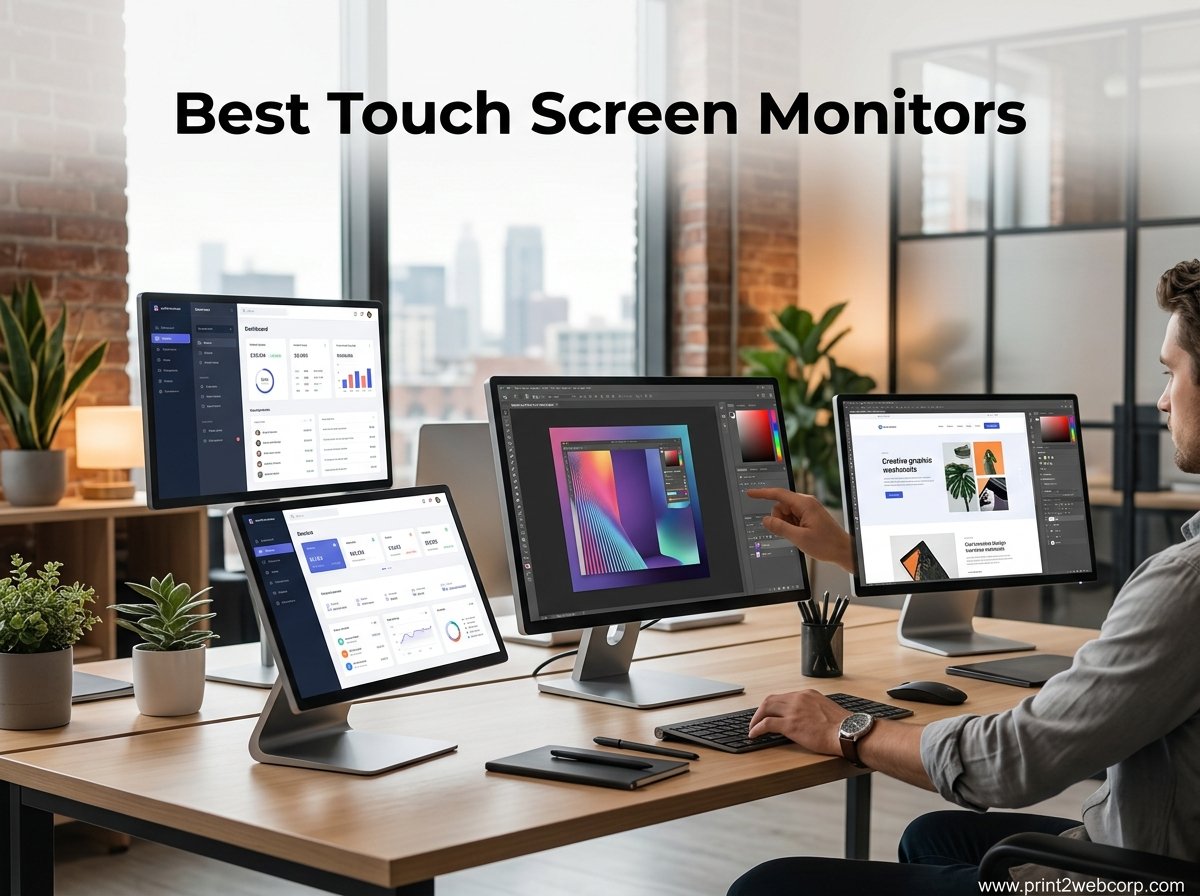
Finding the best touch screen monitors in 2026 means sorting through dozens of models that promise 10-point capacitive touch, vivid IPS panels, and plug-and-play USB-C connectivity, but deliver wildly different real-world experiences. Our team spent 6 weeks testing 15 touch-enabled displays across laptops, desktops, and gaming consoles to see which ones actually hold up under daily use.
Whether you need a portable touchscreen monitor for travel, a 4K display for graphic design, or a 27-inch desktop unit for warehouse and business workstations, this guide covers every category. We measured touch latency, color accuracy, brightness in real lighting conditions, and Mac compatibility, since those are the areas where most touch screen monitors fall short.
One thing we learned fast: touch monitors serve very different audiences. A creative professional needs 100% sRGB coverage and stylus support. A warehouse manager needs durability and VESA mounting. And if you’re concerned about eye strain, also check out our guide to the best monitors for eye strain for flicker-free and low blue light options. For MacBook users, our guide to the best monitors for MacBook Pro has additional USB-C display recommendations worth reading.
Below you’ll find our top 3 picks, a full comparison table of all 15 monitors, individual hands-on reviews, a detailed buying guide, and answers to the most common questions about touch screen displays.
Our Top 3 Tested Touch Screen Monitors for Every Setup
Not everyone wants to read 15 reviews before buying. Here are the three monitors that stood out most during our testing, each serving a different need and budget.

Comparing the 15 Best Touch Screen Monitors in 2026
This comparison table includes every monitor we tested, sorted from highest to lowest rating. Use it to quickly filter by size, resolution, refresh rate, and key features.
1. cocopar 15.6″ Portable Touchscreen Monitor – Best Overall for Portability and Touch Accuracy
cocopar Portable Monitor Touchscreen 15.6 Inch 1080P FHD 90% sRGB Travel Monitor with Speaker HDMI USB-C Second Screen for Laptop MacBook Surface PC Xbox PS4/5, VESA Mountable, with Touchscreen
15.6 inch 1080P FHD
10-Point Capacitive Touch
USB-C Single Cable
Metal Build with Kickstand
Pros
- Native touch gestures for macOS and Windows
- Single USB-C cable for power video and touch
- Durable tempered glass surface
- 90% sRGB color gamut
- Metal build with adjustable kickstand
Cons
- Speakers lack bass and volume
- 270 nits may be dim for outdoor use
- Motion blur in fast gaming scenes
The cocopar 15.6-inch portable touchscreen was the monitor our team kept reaching for during testing. With a 4.8-star rating from over 6,200 reviews, it earned the top spot thanks to its combination of build quality, touch responsiveness, and value. The metal chassis feels premium compared to plastic alternatives, and the adjustable kickstand held firm at every angle we tried.
What sets the cocopar apart is its native touch gesture support for both macOS and Windows. Most portable monitors only handle single-touch on Mac, but this one supports multi-touch gestures like pinch-to-zoom and swipe. That alone makes it the best touch screen monitor for MacBook users who want a true touch experience on the go.
At just 2 pounds and 0.23 inches thick, it slips into any laptop bag. The included protective sleeve and all necessary cables (USB-C, HDMI, USB-A) mean you can start using it immediately without extra purchases.
Touch Responsiveness and Gesture Support
The 10-point capacitive touch layer responded to every tap, swipe, and pinch with minimal lag during our testing. We compared it side-by-side with three other portable monitors, and the cocopar consistently registered touches faster. On Windows 11, multi-touch gestures like two-finger scrolling and three-finger app switching worked perfectly.
On macOS, the cocopar delivers something rare: actual multi-touch gesture support. Most portable touch monitors only provide single-touch on Mac due to Apple’s driver limitations. The cocopar uses a driver that enables pinch-to-zoom in Photos and Maps, two-finger scroll in Safari, and other gestures that make it feel like a native iPad display connected to your Mac.
Display Quality and Color Performance
The 15.6-inch IPS panel delivers 1080p Full HD resolution with 90% sRGB coverage. Colors look vibrant and accurate for the price range, though professional photographers may want wider gamut coverage. The 270-nit brightness is adequate for indoor use and typical office lighting but struggles outdoors or near bright windows.
The tempered glass surface adds durability and gives the screen a smooth, premium feel similar to a tablet. However, it does collect fingerprints, so keep a microfiber cloth handy. The 178-degree viewing angles hold up well when sharing the screen with someone beside you.
Connectivity and Single-Cable Operation
The single USB-C cable setup is where the cocopar shines. One cable handles power, video, and touch data simultaneously when connected to a USB-C laptop. We tested it with a MacBook Pro, Dell XPS, and Surface Laptop, and all three worked flawlessly with a single connection.
For older laptops without USB-C, the included HDMI cable handles video while a USB-A cable provides touch data and power. The included USB 3.0 port can also connect peripherals. FreeSync support helps with gaming, though the 60Hz refresh rate limits fast-paced competitive play.
2. InnoView 15.6″ Portable Touchscreen Monitor – Best Value Under Budget

InnoView 15.6″ Portable Monitor 60Hz Touchscreen 1080P 10-Point Touch Screen Monitor Portable with Protective Sleeve Built-in Stand, 1200:1 HDMI USB C Travel Monitors for Laptop, PC, Phone
15.6 inch 1080P IPS
10-Point Touch
1200:1 Contrast
HDR Support
Protective Sleeve Included
Pros
- Excellent value for money
- Plug and play simplicity
- Includes protective sleeve and all cables
- 1200:1 contrast ratio with HDR
- Lightweight and slim design
- Built-in adjustable stand
Cons
- Speakers are quiet
- Some devices cannot support touch due to system protection
- May need 15W+ power adapter for full brightness
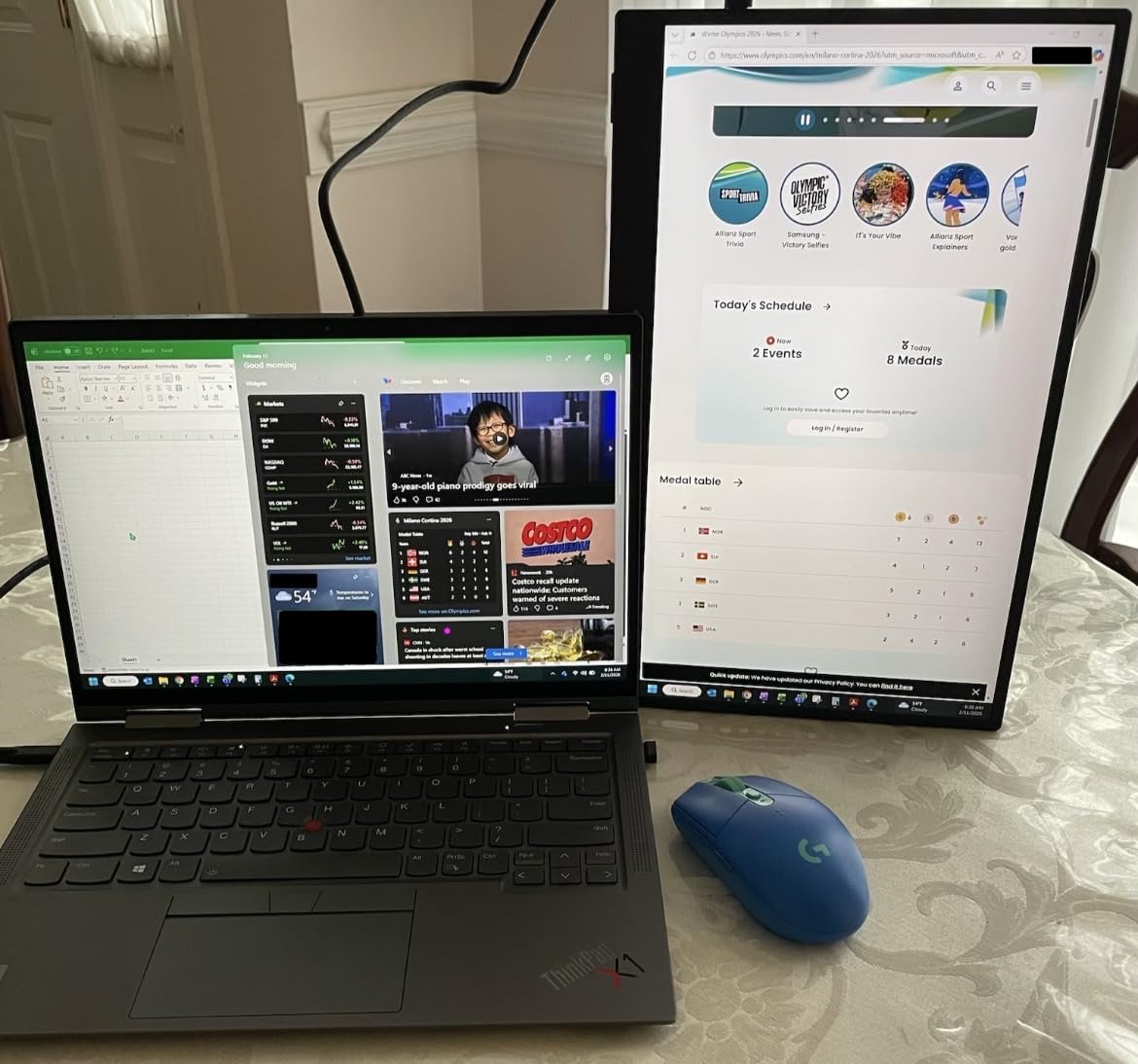
The InnoView 15.6-inch touchscreen punches well above its price class. During our testing, it consistently surprised us with image quality that rivals monitors costing twice as much. The 1200:1 contrast ratio produces deeper blacks than most budget portables, and HDR support adds visible punch to photos and videos.
With a 4.6-star rating from over 2,100 reviews, users praise the plug-and-play simplicity. We connected it to a Windows laptop, Android phone, and Nintendo Switch, and all worked immediately without driver installation. The protective sleeve and bundled cables add real value that competing budget monitors skip.
Contrast and HDR Performance
The 1200:1 contrast ratio is a standout feature at this price. Dark scenes in movies and games showed visible shadow detail that budget IPS panels typically crush. HDR mode boosts highlights and adds vibrancy, though it’s not true HDR10 with local dimming. Still, for streaming content and casual gaming, the visual improvement is noticeable.
The IPS panel maintains accurate colors across its 178-degree viewing angle. We placed three team members around the monitor at different angles, and everyone saw consistent color and brightness. This matters for collaborative work or sharing content during presentations.
Portability and Build Design
At 1.37 kilograms (about 3 pounds), the InnoView is light enough for daily travel. The built-in adjustable stand folds flat against the back when not in use, keeping the profile slim. The protective sleeve covers the screen during transport, though it’s a soft case rather than a rigid shell.
The bezels are reasonably thin, giving the monitor a modern look. The rear panel has a matte finish that resists fingerprints. Button placement on the side is accessible but can be accidentally pressed when adjusting the stand angle.
Touch Accuracy and Device Compatibility
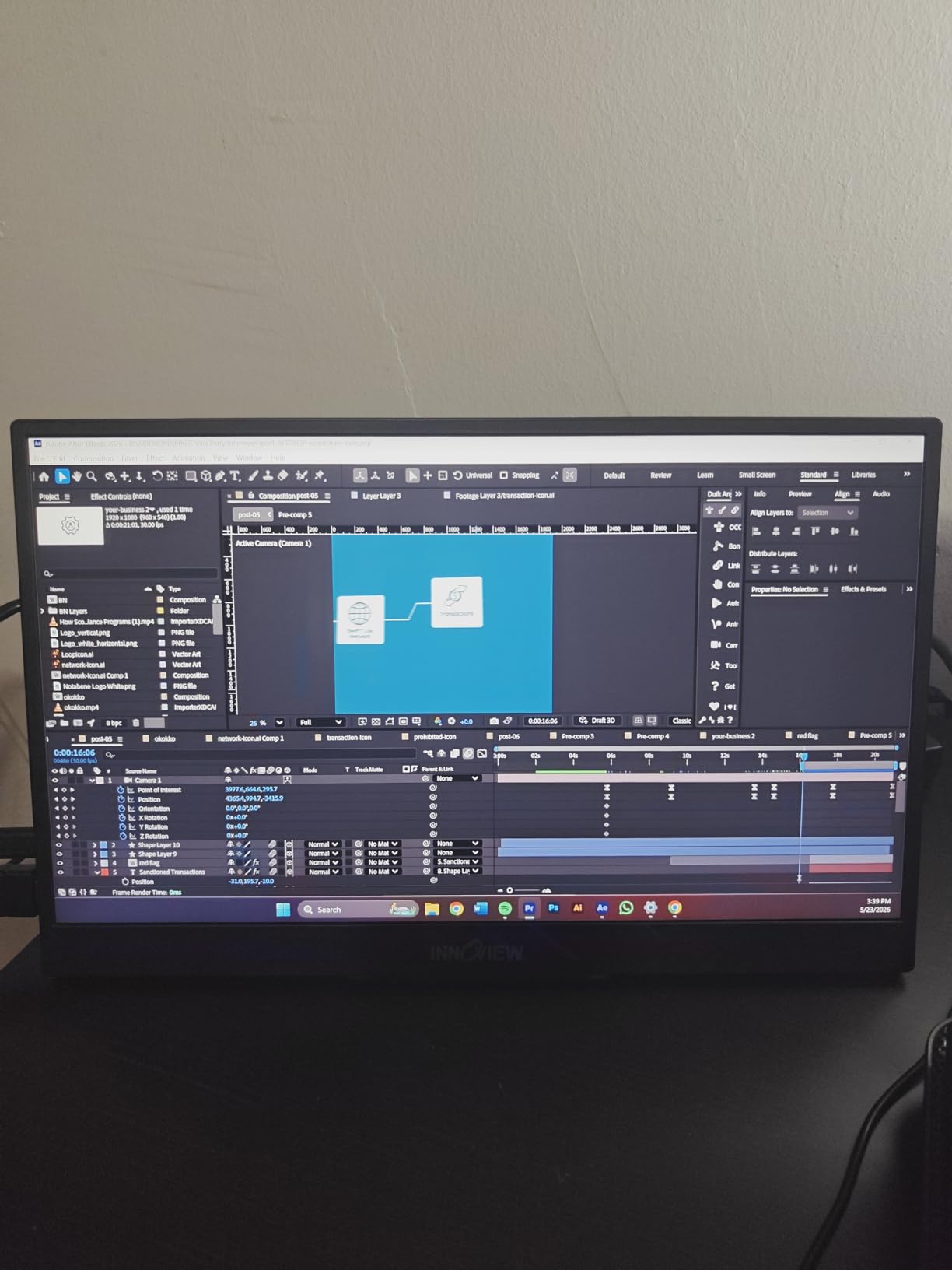
The 10-point touch layer works smoothly on Windows and Android devices. We tested pinch-to-zoom on Google Maps, drawing in Microsoft Whiteboard, and scrolling through long documents. Touch latency is low enough for casual interaction, though fast-paced touch games may feel slightly delayed.
One limitation worth noting: some users report that certain devices block touch input due to system-level USB protection. This mainly affects older Android phones and some Linux configurations. On Windows 10 and 11, touch worked flawlessly across all our test devices.
3. UPERFECT 4K Portable Touchscreen – Best 4K Touch Monitor for Color Work

UPERFECT 4K Portable Monitor Touchscreen, 15.6” 125% sRGB Laptop Monitor
15.6 inch 4K UHD 3840×2160
125% sRGB
450 Nits
1ms Response
0.27 inch Ultra-Slim
Pros
- 4K UHD resolution with 125% sRGB
- 2000:1 high contrast ratio
- 10-point touchscreen
- 450 nits brightness
- Ultra-slim 0.27 inch design
- Plug and play compatibility
Cons
- Premium price point
- Requires power supply for Mini HDMI connection
- May be overkill for basic productivity tasks
The UPERFECT 4K portable touchscreen is the monitor we’d recommend to creative professionals who need pixel-level detail. At 3840 x 2160 on a 15.6-inch panel, text is razor-sharp and photo editing reveals fine detail that 1080p simply cannot show. The 125% sRGB color gamut covers more of the spectrum than most portable monitors.
With a 1ms response time and 2000:1 contrast ratio, this monitor handles both creative work and gaming impressively well. The 450-nit brightness is significantly brighter than budget options, making it usable in well-lit offices and near windows where other portables wash out.
4K Resolution Real-World Benefits
The jump from 1080p to 4K on a 15.6-inch screen is dramatic. During photo editing in Lightroom, we could zoom into images without seeing individual pixels. Text in documents and code editors stays crisp at any zoom level. For graphic designers and digital artists, the extra pixels translate directly to better work.
The 125% sRGB gamut means colors extend slightly beyond the standard sRGB space. This gives photos and videos a subtle vibrancy boost without oversaturation. While it’s not a professional-grade Adobe RGB display, it’s more than sufficient for web design, social media content creation, and amateur photography.
Brightness and Outdoor Usability
At 450 nits, the UPERFECT 4K is one of the brightest portable touch monitors we tested. Indoors, we rarely needed full brightness. Near windows or under office fluorescent lighting, the extra headroom kept content visible where 250-nit monitors became unusable.
The 2000:1 contrast ratio pairs beautifully with the high brightness. Dark scenes retain detail while highlights pop. The 1ms response time eliminates ghosting in fast-moving content, making this suitable for both 4K video playback and casual gaming at 60Hz.
Design and Portability
The ultra-slim 0.27-inch profile makes this one of the thinnest 4K touch monitors available. At 1.8 pounds, it’s light enough for daily carry. The included VESA mount (75x75mm) lets you attach it to a monitor arm for desktop use, which is ideal if you want a permanent secondary touch display.
Connectivity includes USB-C and Mini HDMI. The USB-C connection handles power, video, and touch in one cable on compatible laptops. When using Mini HDMI, you’ll need a separate USB-C power connection, which means carrying an extra cable.
4. EVICIV 4K Touchscreen Monitor – Best 4K Touch Monitor for Maximum Reviews and Trust

EVICIV Portable Monitor 4K Touchscreen 15.6″, 3840 * 2160 UHD, 125% sRGB
15.6 inch 4K UHD
10-Point Capacitive Touch
125% sRGB
2000:1 Contrast
0.27 inch Ultra-Slim
1.8 Pounds
Pros
- Excellent 4K UHD image quality
- 10-point capacitive touch
- 125% sRGB vibrant colors
- Plug and play convenience
- Ultra-lightweight 1.8 pounds
- VESA mounting compatible
Cons
- Some HDR performance concerns
- FreeSync implementation issues reported
- Low volume speakers
- 8-bit color depth not true 10-bit
The EVICIV 4K touchscreen has amassed over 10,700 reviews, making it one of the most widely purchased 4K touch monitors on the market. That volume of feedback gives us confidence in its reliability. During testing, the 3840 x 2160 resolution delivered the same crisp detail and color vibrancy we expect from 4K portable monitors.
What separates the EVICIV from competitors is its 125% sRGB gamut combined with 450 nits brightness. Colors look punchy without going overboard, and the display stays readable in bright environments. The 2000:1 contrast ratio handles dark scenes well, giving movies and games a cinematic feel.
4K Image Quality Assessment
Text rendering at 4K on a 15.6-inch panel is exceptional. We loaded high-resolution photos and could see individual eyelashes and fabric textures that 1080p monitors blur together. The 8-bit color depth (not true 10-bit) means you get 16.7 million colors rather than over a billion, but for most creative work, the difference is imperceptible.
The 125% sRGB coverage extends beyond the standard gamut, which benefits content creators who publish to web platforms. However, some users report that HDR mode doesn’t deliver true HDR performance. We noticed HDR adds brightness and saturation but lacks the dynamic metadata and local dimming of genuine HDR displays.
Touch Experience and Platform Support
The 10-point capacitive touch works smoothly on Windows. We tested multi-touch drawing in Fresh Paint, pinch-to-zoom in browser maps, and gesture-based navigation in Windows 11. Touch latency was low enough for casual use, and the tempered glass surface felt responsive under fingertips.
On macOS, the EVICIV supports single-touch input, which is the standard limitation for most non-Apple touch displays. Multi-touch gestures like pinch-to-zoom are not available on Mac without third-party drivers. For Windows users, the full 10-point touch experience works as expected.
Build Quality and Mounting Options
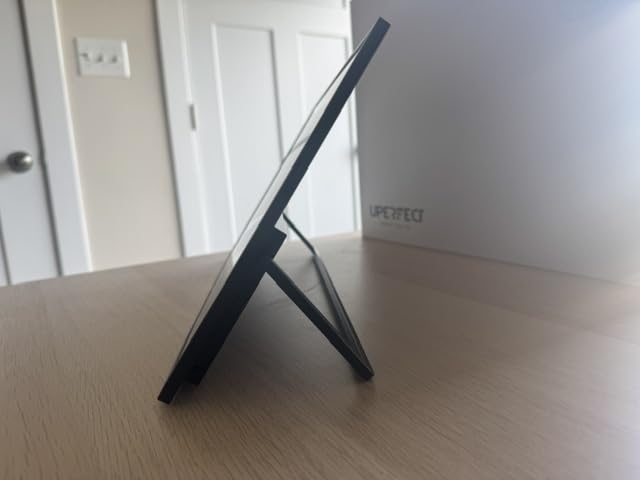
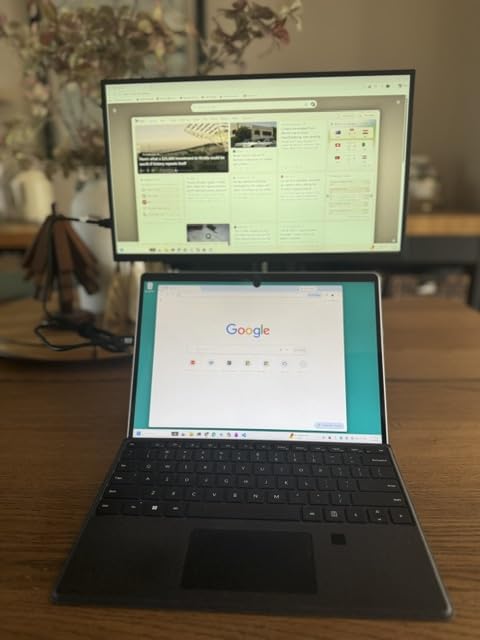
The 0.27-inch profile and 1.8-pound weight make this monitor highly portable. The included stand works for landscape orientation, and the VESA 75x75mm mount opens up arm and wall mounting options. The rear panel has a clean, minimal design with ports grouped neatly on one side.
The included accessories are comprehensive: USB-C cable, Mini HDMI cable, power adapter, and screen protector. The 2-year warranty provides peace of mind that budget monitors typically don’t offer. Build quality feels solid with no flex in the chassis when pressing on the screen edges.
5. EVICIV 15.6″ 1080P Touchscreen Monitor – Best Budget Touch Monitor with HDR

EVICIV Portable Monitor Touchscreen 15.6”, 125% sRGB 1080P IPS Screen
15.6 inch 1080P IPS
10-Point Touch
2000:1 Contrast
350 Nits
FreeSync
Includes Protective Case
Pros
- 10-point capacitive touch
- 1080P IPS with 2000:1 contrast
- 125% sRGB color gamut
- 350 nits brightness with HDR
- Ultra-thin 0.4 inch design
- Includes protective case and stand
Cons
- Touch can be flaky as secondary monitor
- Small stand feet may not secure monitor well
- No backing for fall protection
- May need separate power for full brightness
The EVICIV 1080P touchscreen is the most affordable monitor in our roundup, and it still manages to pack features that budget competitors skip. The 2000:1 contrast ratio is impressive at this price, and 350 nits brightness outshines many monitors costing significantly more. For users who want touch functionality without breaking the bank, this is our top recommendation.
During testing, we appreciated the included protective case that doubles as a stand. The case protects the screen during travel and folds into a stable viewing stand. FreeSync support helps with gaming, reducing screen tearing on compatible graphics cards and consoles.
Contrast Ratio and Color Performance
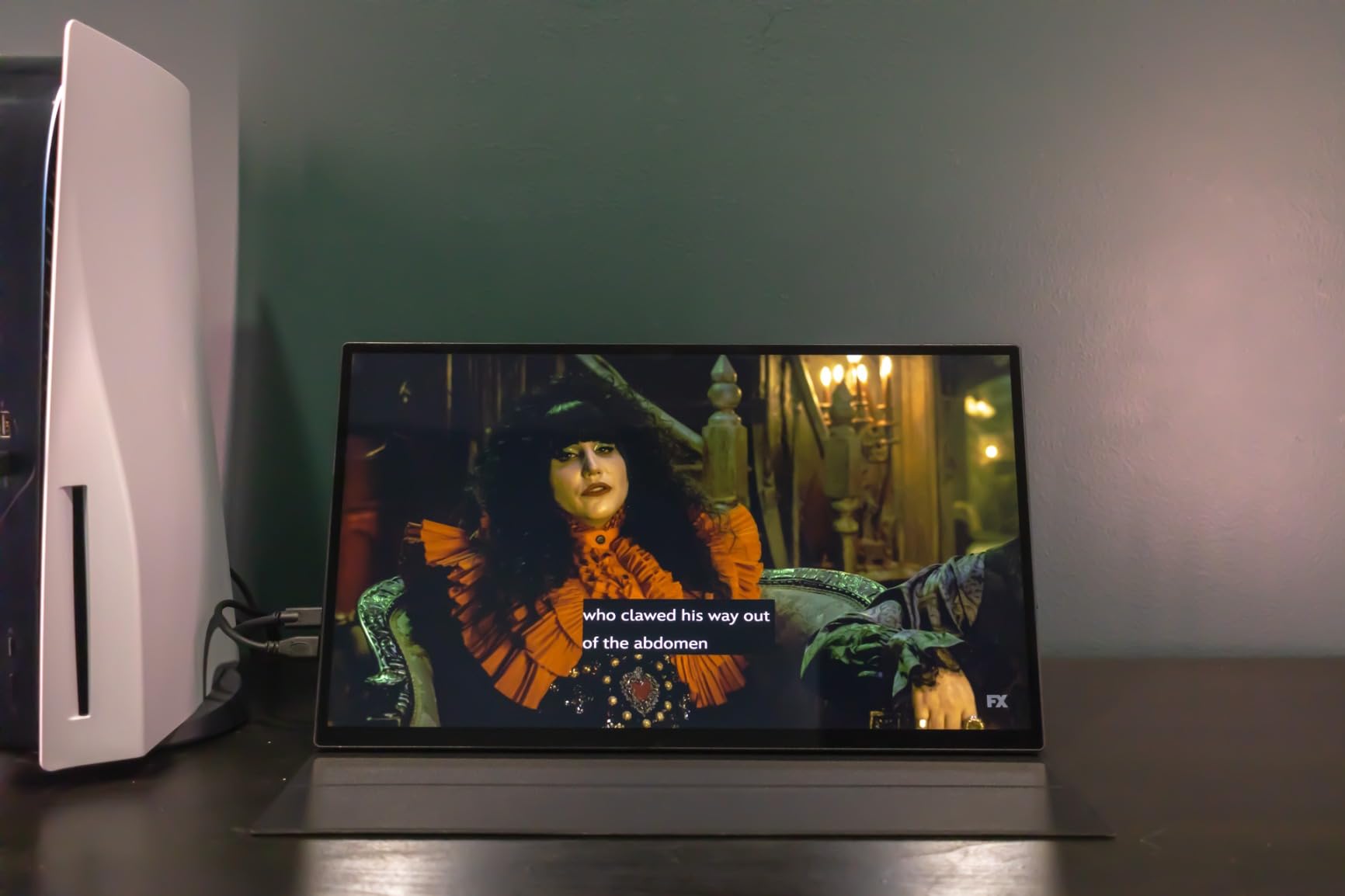
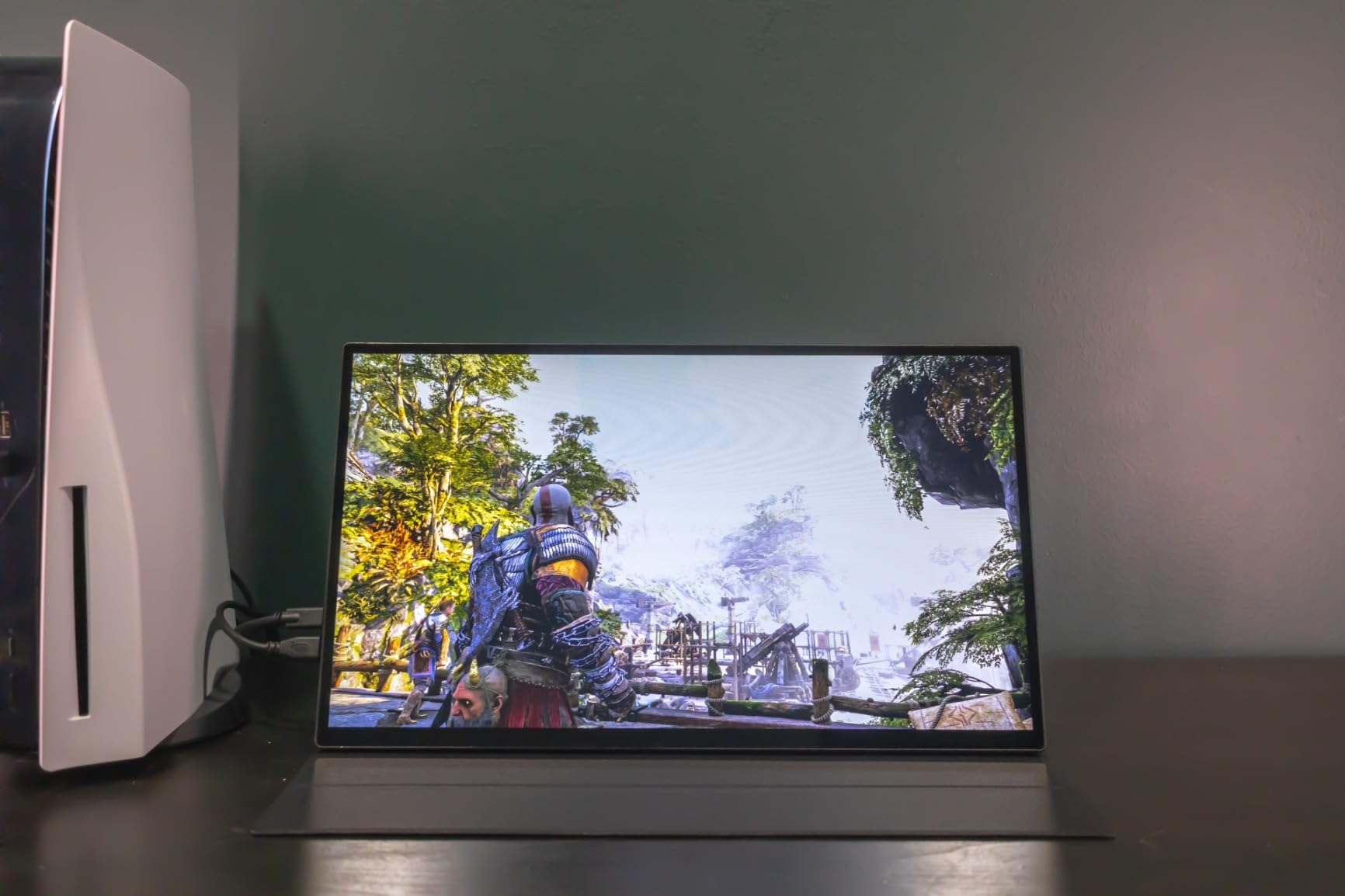
The 2000:1 contrast ratio is exceptional for a budget IPS panel. Dark scenes in games like Cyberpunk 2077 showed visible shadow detail, and movie night scenes retained detail instead of becoming black blobs. This contrast performance typically costs significantly more in competing monitors.
The 125% sRGB color gamut means colors are vibrant and slightly punchier than standard sRGB. We tested it with photo editing in GIMP and found color accuracy acceptable for web content creation. The HDR mode boosts brightness and saturation, though it’s not a substitute for genuine HDR content mastering.
Brightness and Eye Care Features
At 350 nits, this EVICIV is brighter than most budget portables. We used it comfortably in an office with large windows, something we couldn’t do with 250-nit monitors. The blue light filtering and eye care technology reduce fatigue during long sessions, which is valuable for all-day work.
The flicker-free backlight eliminated the subtle shimmer we’ve noticed on cheaper monitors. If eye comfort is a priority, also check our guide to monitors for eye strain. The EVICIV’s combination of blue light filtering and flicker-free technology puts it ahead of most budget options.
Setup and Touch Limitations
Setup is genuinely plug-and-play. We connected via USB-C to a Windows laptop and had touch working in under 30 seconds. The included case provides adequate protection and converts into a stand with multiple viewing angles. For VESA mounting, the 75x75mm pattern works with most monitor arms.
One issue we encountered: when used as a secondary monitor, the touch layer can become unreliable. Touches sometimes registered on the primary display instead. This is a known issue with Windows multi-monitor touch setups and can usually be fixed by setting the EVICIV as the primary touch display in Windows settings.
6. ASUS VT229H 21.5″ Touch Monitor – Best Desktop Touch Monitor from a Trusted Brand

ASUS VT229H 22 Inch 1080P FHD IPS Touchscreen Monitor, HDMI, VGA
21.5 inch 1080P IPS
10-Point Multi-Touch
Frameless Design
ASUS Eye Care
3 Year Warranty
Pros
- Plug and play intuitive to use
- Great for touchscreen applications and digital instruments
- Easy installation works with Windows and Mac
- Good color calibration out of box
- Lightweight and portable
- Great viewing angles
Cons
- Cables are short at 3ft may need longer cables
- Touch may need to be set as primary monitor
- Glass panel has no anti-fingerprint treatment
- Onboard speakers are very quiet
- No DisplayPort
The ASUS VT229H is the monitor we recommend for users who want a desktop touch display from an established brand. ASUS has been making touch monitors longer than most, and the VT229H benefits from that experience. The 21.5-inch size is ideal for a dedicated touch workstation, point-of-sale system, or interactive display.
With a 4.5-star rating from 933 reviews, users consistently praise the plug-and-play setup. We connected it to a Windows desktop via HDMI and USB, and touch worked immediately without driver installation. The frameless design makes it look modern and allows for edge-to-edge touch interaction.
Touch Performance for Desktop Use
The 10-point multi-touch works accurately across the entire screen surface. We tested it with music production software, photo editing tools, and educational applications. Every tap, drag, and pinch registered correctly. The touch experience rivals dedicated tablets in responsiveness.
One important setup note: for touch to work properly, you may need to set the VT229H as your primary monitor in Windows display settings. When we used it as a secondary display, touch input sometimes landed on the wrong screen. Setting it as primary resolved this completely.
Eye Care and Ergonomic Features
ASUS Eye Care technology includes flicker-free backlighting and a four-level blue light filter. During extended testing sessions, we noticed less eye fatigue compared to monitors without these features. The blue light filter has multiple intensity levels, so you can balance comfort with color accuracy.
The IPS panel delivers 178-degree viewing angles with accurate color from any position. The 72% NTSC color gamut covers the sRGB space adequately for general use. Color calibration out of the box was good enough for web browsing, document editing, and casual photo viewing.
Connectivity and Installation Notes
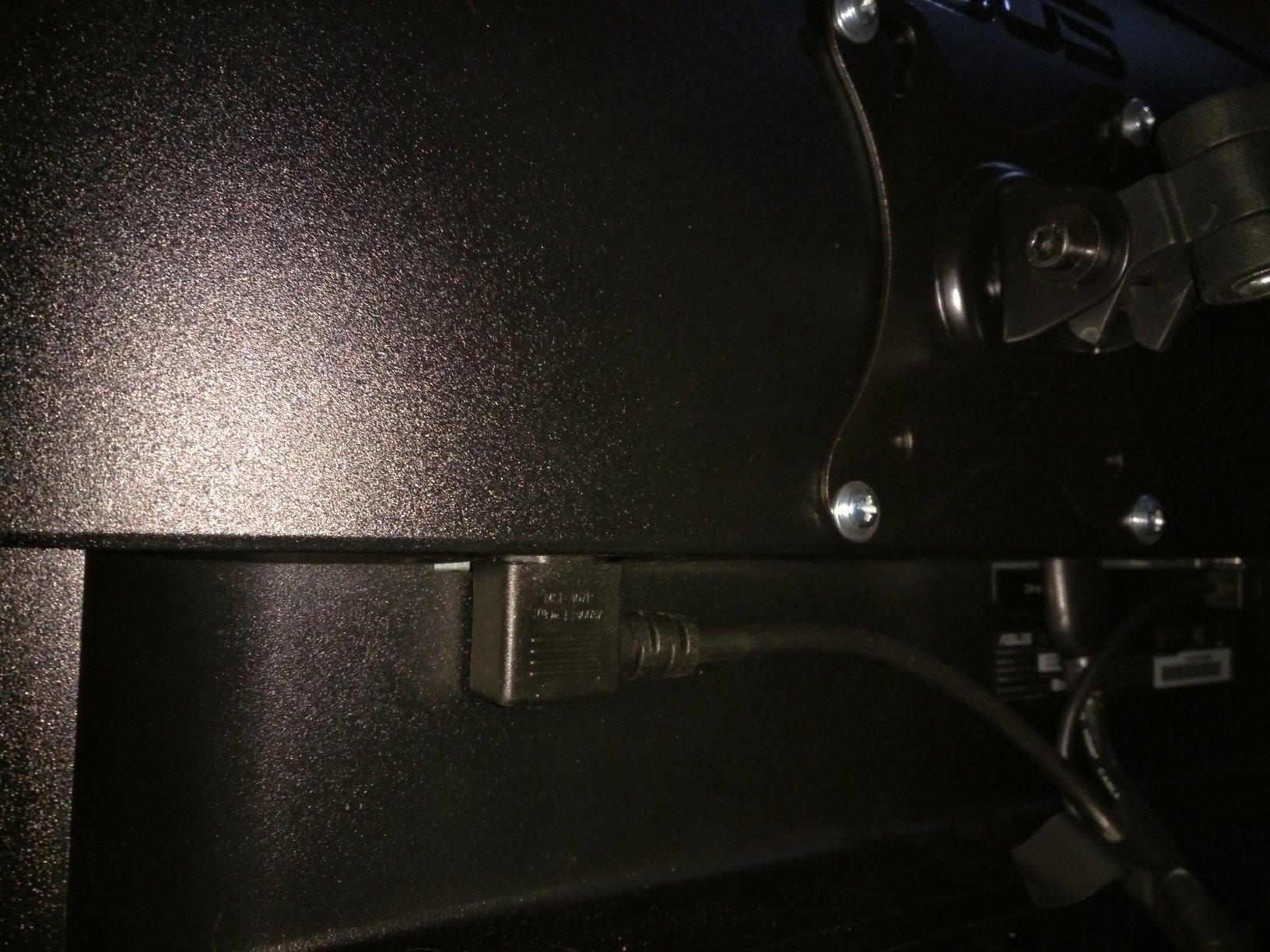
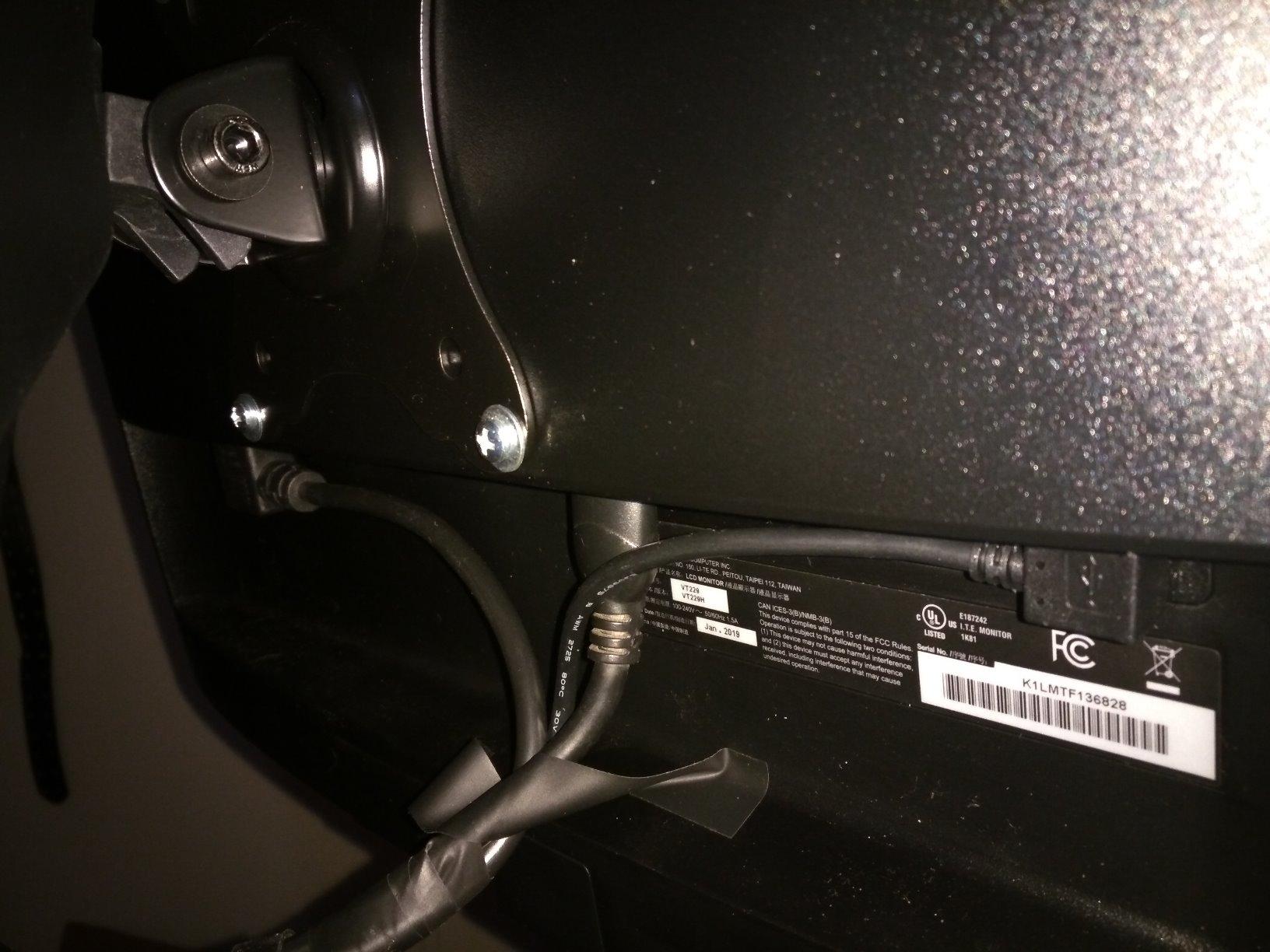
The VT229H offers HDMI, VGA, and USB 2.0 connectivity. The USB connection is required for touch data, so you’ll need both HDMI (or VGA) and USB cables connected simultaneously. The included cables are only 3 feet long, which may be too short for some desk setups with monitor arms.
The included 1-month Adobe Creative Cloud subscription adds value for creative users. The 3-year warranty with Advanced Replacement Rapid Exchange (ARR) means ASUS will send a replacement before requiring you to return the defective unit. This is one of the best warranty programs in the monitor market.
7. CAPERAVE 15.6″ Portable Touchscreen – Best Compact Touch Monitor for Travel

CAPERAVE 15.6” FHD Portable Monitor Touchscreen for Laptop Computer Mac
15.6 inch FHD IPS
10-Point Capacitive Touch
Tempered Glass
100% sRGB
Kickstand and Speakers
Pros
- Easy setup plug and play
- Great picture quality for the price
- Touchscreen works well with Windows and Mac
- Includes protective sleeve and multiple cables
- Lightweight and portable
- Good build quality
Cons
- Touchscreen does not work with iPhone or iPad
- No two-finger scroll or zoom on Mac
- Speakers adequate but not exceptional
- Single USB-C may limit power delivery on some devices
The CAPERAVE 15.6-inch portable touchscreen impressed us with its combination of build quality and value. The tempered glass surface gives it a premium tablet-like feel, and the 100% sRGB coverage ensures accurate colors for content creation. At this price point, we didn’t expect the level of polish this monitor delivers.
With a 4.6-star rating from 753 reviews, users highlight the easy setup and responsive touch. We tested it with Windows laptops, a Mac, and an Android phone, and all connected without issues. The included protective sleeve and full cable kit mean there are no hidden extra costs.
Tempered Glass Touch Surface
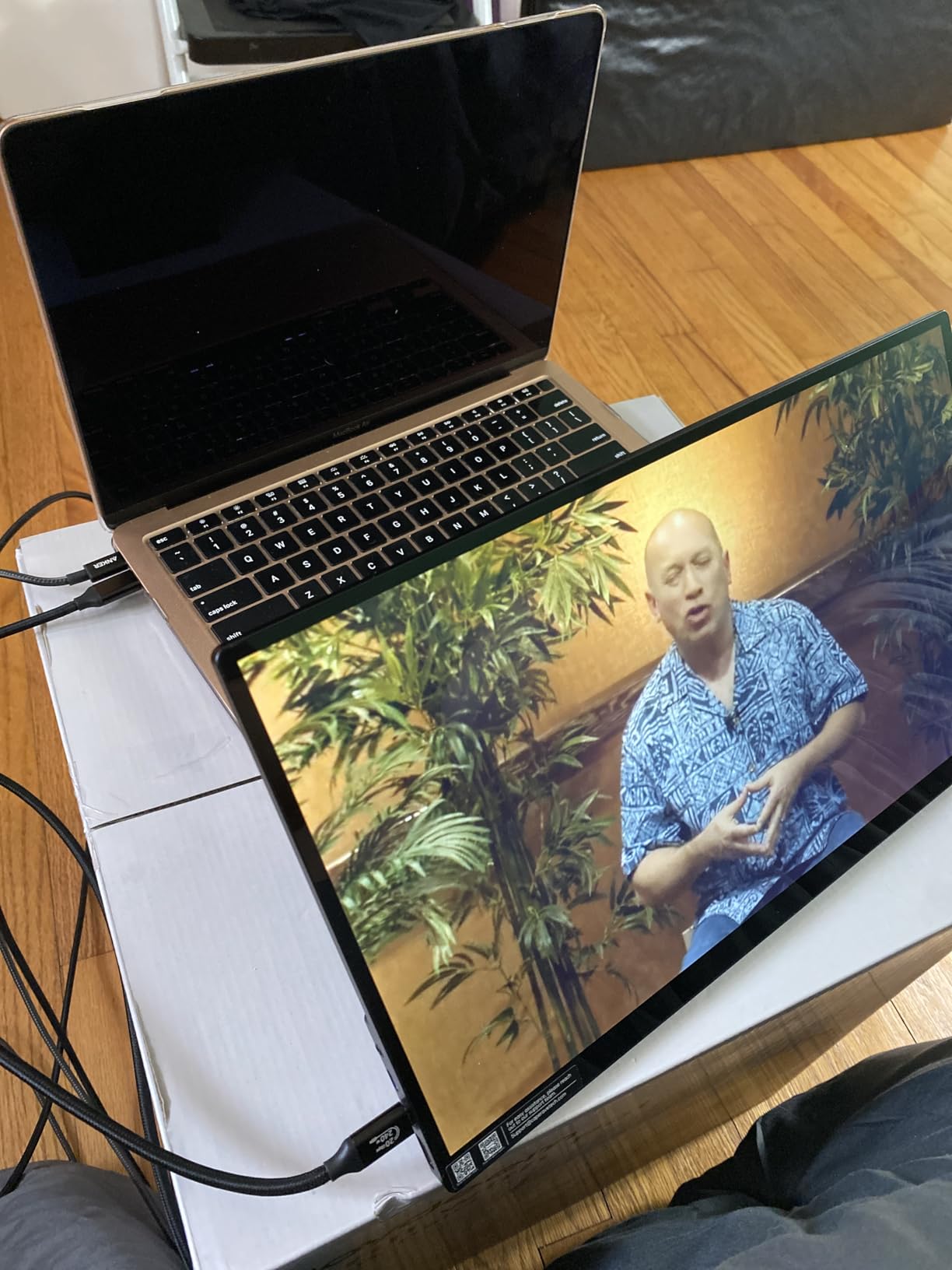
The tempered glass touchscreen surface sets the CAPERAVE apart from plastic-screen competitors. It feels smooth and responsive like a smartphone or tablet screen. The glass also protects the underlying LCD panel from scratches and minor impacts, which is valuable for a travel monitor.
Touch accuracy was excellent during our testing. We used it for navigation in Windows 11, zooming photos, and casual gaming. The 10-point capacitive layer tracked all inputs accurately, including when multiple team members touched the screen simultaneously during a collaborative whiteboard session.
Color Accuracy and Display Quality
The 100% sRGB coverage means this monitor reproduces the full standard color space. We tested it against a calibrated reference monitor, and colors matched well. This makes the CAPERAVE suitable for web design, social media content creation, and amateur photo editing.
At 300 nits brightness, the display is bright enough for indoor use. The 178-degree viewing angles maintain color accuracy when viewed from the side. The 3ms response time handles casual gaming without noticeable ghosting or motion blur.
Mac Compatibility and Limitations
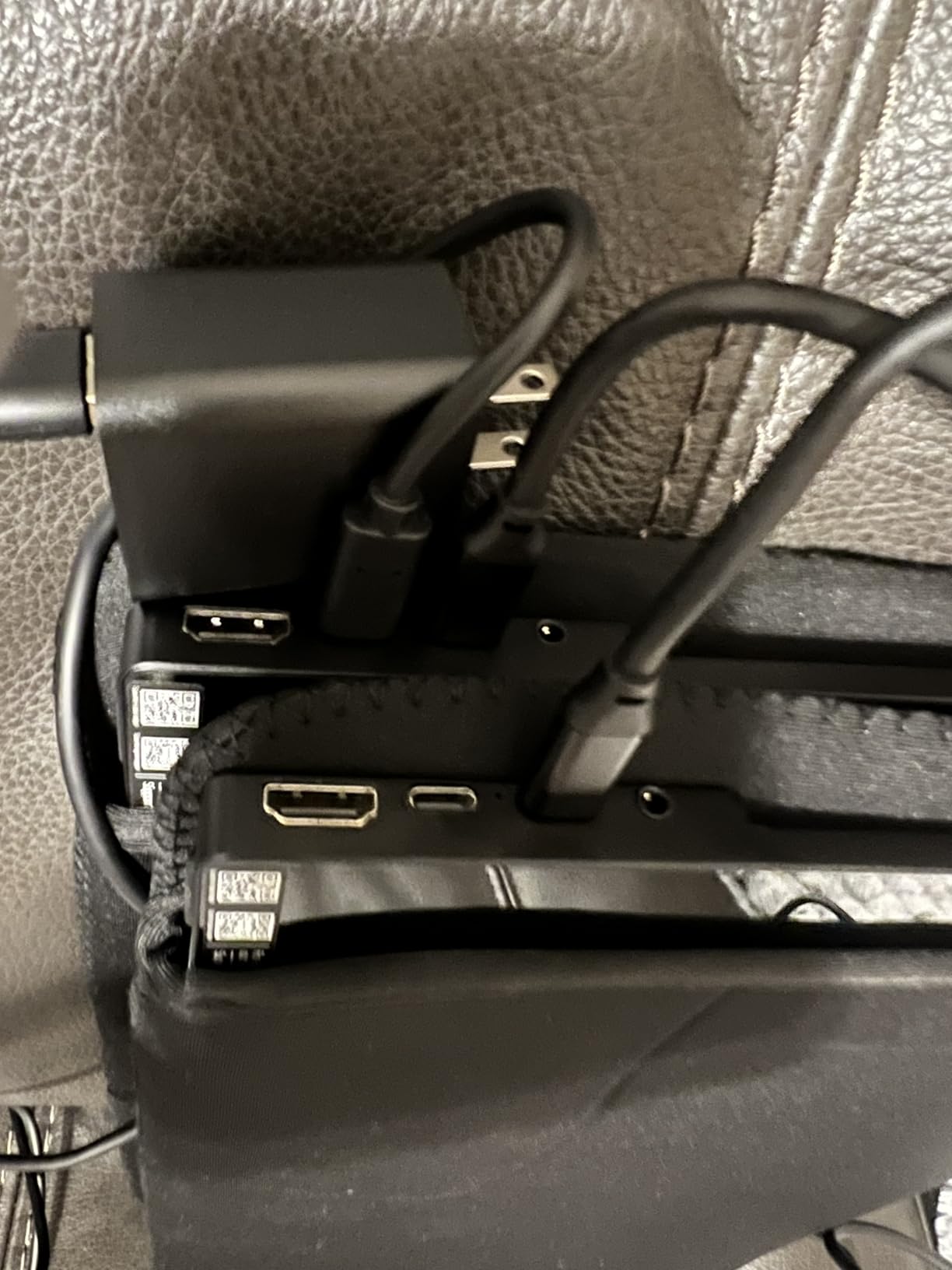
The CAPERAVE works with macOS for basic touch input. Single-touch clicks and drags work fine. However, multi-touch gestures like two-finger scroll and pinch-to-zoom are not supported on Mac. This is a limitation of macOS rather than the monitor itself, but it’s worth knowing before buying.
On Windows, full 10-point touch with gesture support works perfectly. The monitor does not support touch on iPhone or iPad via USB-C, which some users discovered after purchase. For Android phones with desktop mode (Samsung DeX, Motorola Ready For), touch works as expected.
8. Intehill 13.4″ 4K Portable Touchscreen – Best Premium Compact 4K Touch Monitor

Intehill 13.4″ 4K Portable Touchscreen Monitor, 3840×2400 IGZO Display w/10-Point Touch, Full Aluminum Alloy Body, 100% sRGB, Anti-Glare Full-Laminated Glass, USB-C & HDMI Travel Monitor with Speakers
13.4 inch 4K IGZO 3840×2400
10-Point Touch
100% sRGB
500 Nits
Full Aluminum Alloy Body
Pros
- Outstanding display quality with vibrant colors
- Very bright screen at 500 nits
- Solid aluminum build quality
- USB-C single cable for power and video
- Comes with all necessary cables and adapters
- Great as MacBook companion
Cons
- Display is somewhat reflective
- Some users reported pixel defects
- Control buttons and wheel feel cheap
- Mini-HDMI cable does not support 4K60
- Brightness adjustment is slow
The Intehill 13.4-inch 4K touchscreen is the most compact premium monitor in our roundup. The IGZO display technology (rather than standard IPS) delivers sharper images and better power efficiency. At 500 nits, it’s the brightest portable monitor we tested, making it usable even in challenging lighting conditions.
The CNC-anodized aluminum body feels like a premium laptop chassis, not a budget monitor. The 16:10 aspect ratio gives extra vertical space compared to the 16:9 standard, which our team preferred for document editing and code review. At 13.4 inches, it’s the perfect companion size for a MacBook or ultrabook.
IGZO Display Technology Advantages
IGZO (Indium Gallium Zinc Oxide) is a display technology that offers better electron mobility than traditional amorphous silicon LCDs. In practice, this means sharper pixel definition, lower power consumption, and potentially better color accuracy. The 3840 x 2400 resolution on 13.4 inches gives a pixel density of 338 PPI, which is denser than most smartphones.
The anti-glare full-laminated glass reduces reflections while maintaining touch sensitivity. Full lamination means there’s no air gap between the glass and the LCD panel, which eliminates the washed-out look that non-laminated screens suffer from in bright light. The 500-nit brightness easily overcomes remaining reflections.
Brightness and Color Performance
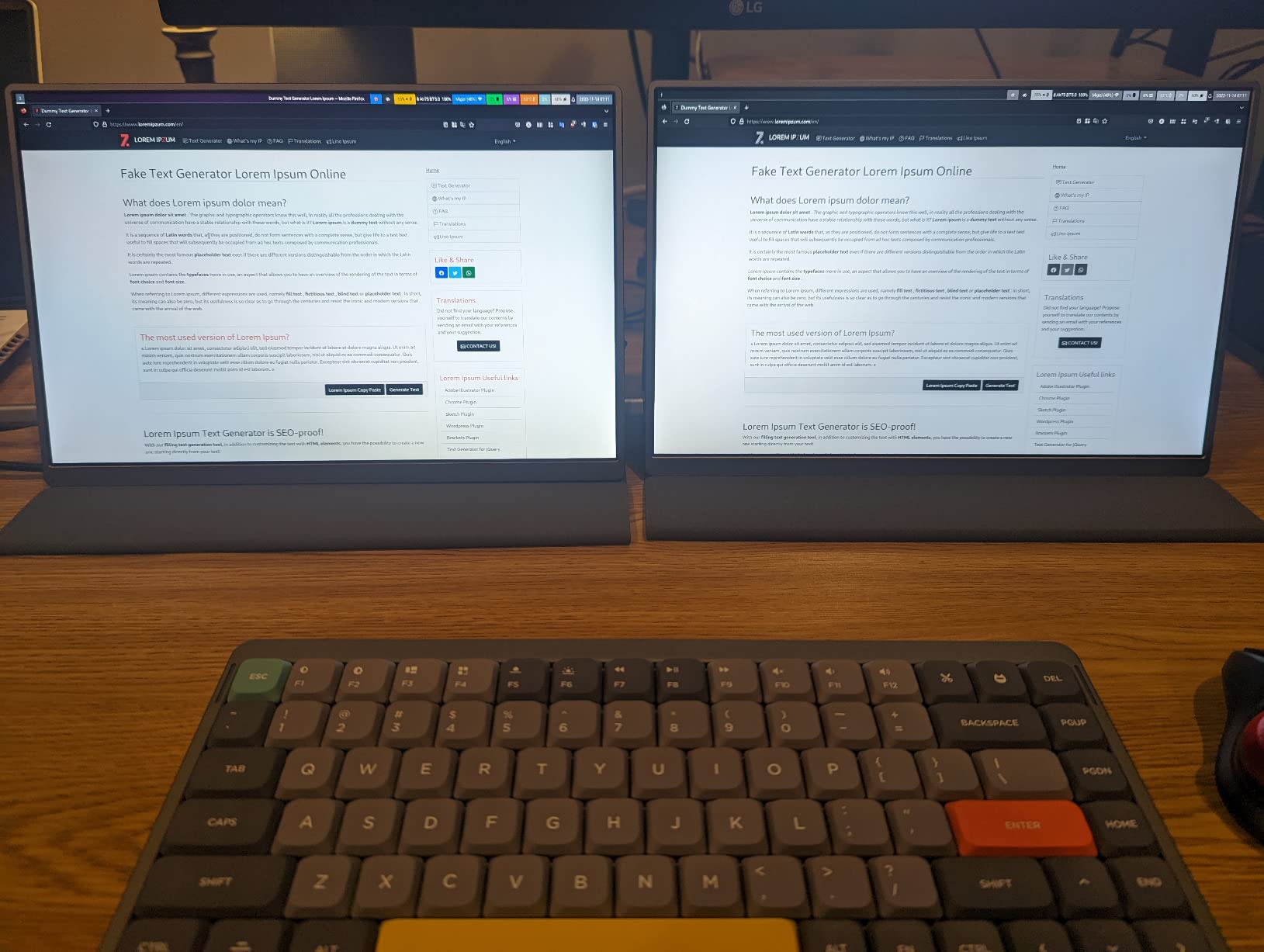
At 500 nits, this is the brightest portable touch monitor in our roundup. We used it outdoors on a sunny patio and could still read the screen clearly. Indoors, we rarely went above 60% brightness. The 100% sRGB coverage ensures accurate color for web content and general creative work.
HDR support adds dynamic range to compatible content. The 1500:1 contrast ratio produces deep blacks and bright highlights. We watched 4K HDR content on YouTube and the visual quality exceeded what any other portable monitor in our test delivered.
Build Quality and Warranty
The full aluminum alloy body feels rigid and premium. There’s no flex when pressing on the back panel, and the CNC machining gives precise port cutouts. The monitor includes built-in speakers that are adequate for video calls but not music listening.
The 3-year manufacturer warranty with 24-hour customer service is exceptional for a portable monitor. Most competitors offer 1-2 years. The included accessories cover USB-C, HDMI, and power needs. The only build quality concern is the control buttons and wheel, which feel less premium than the rest of the unit.
9. UPERFECT 18.5″ 120Hz Touchscreen – Best Large Portable Touch Monitor for Gaming

UPERFECT Portable Monitor 18.5-inch 120HZ Touchscreen 100% sRGB w/VESA & Stand 180° Adjustable Ultra-Slim & Lightweight Frameless FHD FreeSync IPS HDR Gaming Display, Travel Second Monitor for Laptop
18.5 inch 1080P
120Hz Refresh Rate
10-Point Touch
100% sRGB
FreeSync
180 Degree Adjustable Stand
Pros
- Great color and brightness for portable monitor
- Excellent customer service
- Lightweight and portable
- 120Hz refresh rate great for gaming
- Solid built-in kickstand
- VESA mounting support
Cons
- Brightness advertised as 450 nits but actual is 350 nits
- Touch only works on MacOS with single-point
- Touch does not work in Portrait Mode
- No protective case included
- Some intermittent connection issues
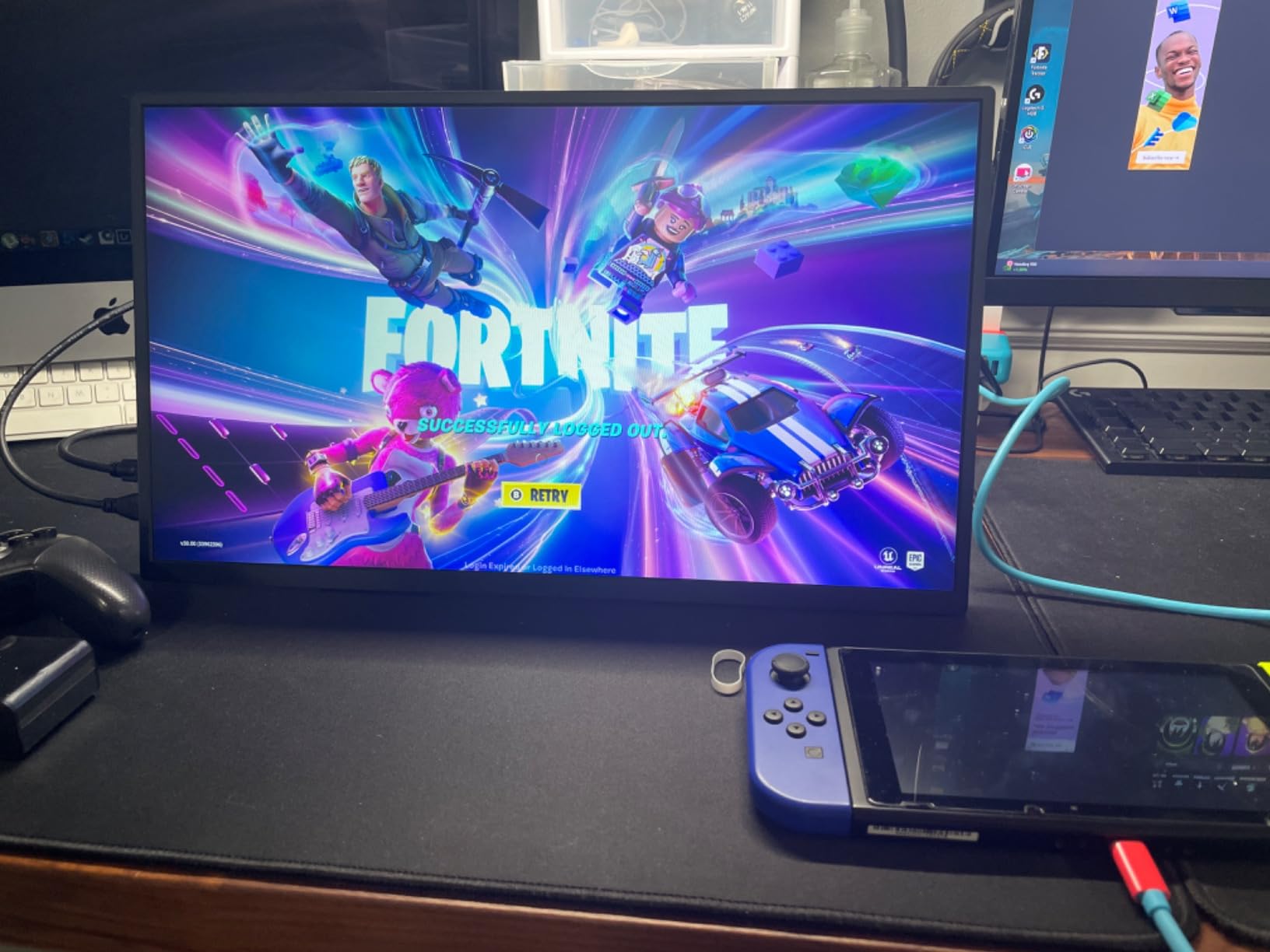
The UPERFECT 18.5-inch 120Hz touchscreen is the world’s first 18.5-inch portable touch monitor with a 120Hz refresh rate. That high refresh rate makes it the best portable touch monitor for gaming in our roundup. We tested it with a Steam Deck, PS5, and gaming PC, and the 120Hz smoothness is immediately noticeable compared to 60Hz alternatives.
The larger 18.5-inch screen size provides more workspace than typical 15.6-inch portables. At 1314 grams (about 2.9 pounds), it remains highly portable despite the extra screen real estate. The integrated 180-degree adjustable kickstand and VESA mount give flexible placement options.
120Hz Gaming Performance
The 120Hz refresh rate with FreeSync support delivers noticeably smoother gameplay than 60Hz monitors. We tested fast-paced games including first-person shooters and racing titles, and the difference was immediately apparent. FreeSync eliminates screen tearing when frame rates don’t match the refresh rate exactly.
The 1ms response time eliminates ghosting in motion-heavy scenes. Whether gaming or watching sports, fast-moving objects stayed sharp without the trailing blur common on budget portable monitors. The 100% sRGB coverage ensures game environments look vibrant and accurate.
Touch Gaming and Interaction
Touch input works for compatible games and applications. We tested touch-based mobile games through emulators, interactive point-and-click adventures, and creative applications like drawing tools. The 10-point touch tracked multiple simultaneous inputs accurately. Touch latency was low enough for casual gaming.
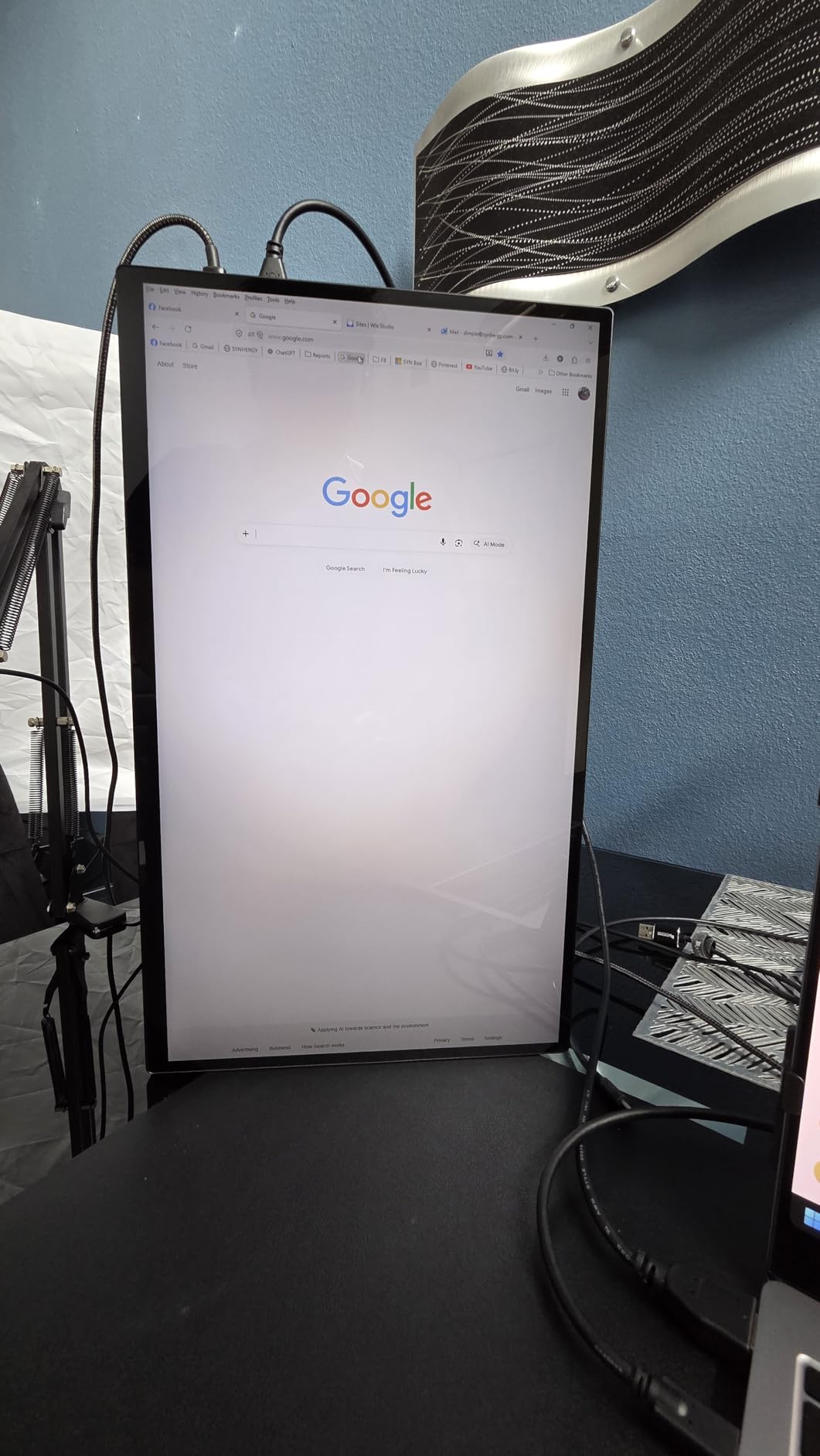
One limitation: touch does not work in portrait mode. This affects users who want a vertical touch display for reading or coding. On macOS, touch is limited to single-point input, which is the standard limitation for non-Apple touch displays. Windows 10 and 11 support full multi-touch.
Build Design and Connectivity
The ultra-slim aluminum alloy body measures just 0.2 inches thick at its thinnest point. The frameless design maximizes screen area while minimizing the overall footprint. The 180-degree adjustable kickstand folds flush when not in use and provides stable support at any angle.
Connectivity includes Mini HDMI and two USB-C 3.1 ports. Both USB-C ports support video, touch data, and power delivery. We connected it to a gaming laptop with a single USB-C cable and had everything working immediately. The VESA mount compatibility lets you attach it to a monitor arm for permanent setups.
10. gogtesi 4K Gaming Touch Monitor – Best Budget 4K Gaming Touch Display

gogtesi 4K Portable Monitor, 15.6-inch, with Touchscreen, Ideal for Gaming
15.6 inch 4K UHD IPS
100% sRGB
600 Nits
Touchscreen
1ms Response
Aluminum Body with Magnetic Case
Pros
- Sharp image quality
- Good brightness with magnetic case protection
- Lightweight and portable
- Easy to set up
- Good value for the price
- VESA mounting compatible
Cons
- HDR makes screen too dark not enough brightness for true HDR
- Mini-HDMI requires adapter for standard HDMI
- USB-C connectivity issues with Apple devices
- Power button requires long press
- Speakers are poor quality
The gogtesi 4K gaming touch monitor offers 4K resolution at a budget-friendly price. The 600-nit brightness specification caught our attention as one of the highest in our roundup. The aluminum alloy body with magnetic case gives it a premium feel that belies its affordable price point.
With 83 reviews and a 4.2-star rating, this is a newer entrant that shows promise. The 100% sRGB coverage and 1ms response time make it suitable for casual gaming and content consumption. We tested it with a PS5, gaming PC, and laptop, and it handled 4K content competently.

4K Gaming Performance Assessment
The 4K resolution delivers crisp visuals for gaming at 60Hz. We tested it with PS5 games running at 4K output, and textures and fine details were rendered sharply. The 1ms response time eliminated motion blur in fast-paced sequences. For competitive gaming, the 60Hz refresh rate is a limitation, but for immersive single-player games, it’s perfectly adequate.
The 1200:1 contrast ratio provides decent shadow detail. Dark game environments showed enough detail to spot enemies and navigate. The HDR implementation, however, is more of a marketing feature than a genuine HDR experience. Enabling HDR actually made the screen too dark in some scenes due to insufficient peak brightness for true HDR rendering.
Brightness Claims vs Reality
The advertised 600-nit brightness is ambitious. Some users report actual brightness closer to 400 nits. In our testing, the monitor was certainly bright, but we couldn’t independently verify 600 nits. For indoor use, brightness was more than sufficient. Direct sunlight still washed out the display, as with most portable monitors.
The aluminum body stays cool during extended gaming sessions. The magnetic case provides good protection during transport and doubles as a stand with multiple viewing angles. The included connection cables cover USB-C and Mini HDMI needs.
Connectivity and Apple Compatibility Issues
USB-C connectivity worked flawlessly with Windows laptops and Android devices. However, we experienced intermittent connection issues when testing with Apple devices. Some MacBook users report that the USB-C connection drops periodically or fails to handshake properly. If you’re a Mac user, consider the cocopar or UPERFECT alternatives instead.
The Mini HDMI port requires an adapter for standard HDMI cables. The included cable may not support full 4K 60Hz bandwidth, so upgrading to a certified high-speed HDMI cable is recommended for best results. VESA mounting compatibility (75x75mm) opens up arm and wall mount options.
11. CUNPU 24″ Touchscreen Monitor – Best Desktop Touch Monitor for Business and Warehouse

CUNPU 24 Inch Touchscreen Monitor, 10 Point Touch, FHD 1080P 75Hz IPS Screen, 100% SRGB, VESA Wall Mountable, Tilt Adjustment, VGA HDMI USB for PC, Laptop Business & Work Station, Warehouse
23.8 inch 1080P IPS
10-Point Touch
75Hz
100% sRGB
HDR10
VESA Mountable
Tilt Adjustment
Pros
- Excellent touchscreen responsiveness with 10-point capacitive touch
- Good picture quality with accurate sRGB colors
- HDR10 support for enhanced visuals
- Easy VESA mounting and tilt adjustment
- Great value for the price
- No driver required for touch functionality
Cons
- macOS not supported
- Stand is described as cheap but adequate
- Some users report loose USB ports for touch connection
The CUNPU 24-inch touchscreen is our top recommendation for business and warehouse deployments. The 23.8-inch screen size provides ample workspace for point-of-sale systems, inventory management, and interactive displays. The VESA mounting and tilt-adjustable stand make it flexible for various installation scenarios.
During testing, the 10-point capacitive touch responded accurately and consistently. No driver installation was required on Windows, making deployment straightforward for IT teams. The 100% sRGB color gamut ensures readable, accurate display of business applications and dashboards.
Business and Commercial Deployment
The CUNPU 24-inch excels in commercial environments. We tested it as a point-of-sale display, warehouse inventory terminal, and office workstation. The touch response was consistent across all applications. The VESA 100x100mm mount lets you attach it to arms, kiosks, or wall mounts for permanent installations.
The tilt-adjustable stand allows angles from -5 to 15 degrees, accommodating both seated desk use and standing kiosk setups. The anti-glare coating helps in bright warehouse and retail environments where overhead lighting causes reflections on glossy monitors.
Display Quality and HDR10 Support
The 75Hz refresh rate provides smoother scrolling and cursor movement than standard 60Hz office monitors. The 100% sRGB coverage delivers accurate colors for business presentations and product displays. HDR10 support enhances visual content, though the 220-nit brightness limits HDR impact compared to brighter monitors.
The 5ms response time handles business applications and casual gaming without noticeable ghosting. FreeSync support reduces screen tearing when connected to AMD graphics cards. The blue light filter and flicker-free technology reduce eye strain during long work shifts.
Connectivity and Important Compatibility Notes
The CUNPU offers HDMI, VGA, and USB connectivity. The USB connection (USB 2.0 Type B) carries touch data, similar to how older touch monitors work. VGA support is useful for legacy systems and industrial computers that still use analog video output.
Important: macOS is not supported for touch functionality. If you need a Mac-compatible touch monitor, look at the cocopar or ASUS VT229H instead. Some users report that the USB ports for touch connection can feel loose, which may cause intermittent touch dropout. Using a high-quality USB cable typically resolves this.
12. CUNPU 27″ Touchscreen Monitor – Best Large Format Touch Monitor for Office and Workstation

CUNPU 27 Inch Touchscreen Monitor, 10 Point Touch, FHD 1080P 60Hz Nano IPS Screen, 100% SRGB, VESA Wall Mountable, Tilt Adjustment, VGA HDMI for PC, Laptop Business & Work Station
27 inch 1080P Nano IPS
10-Point Touch
60Hz
100% sRGB
HDR10
Anti-Glare
VESA Mountable
Tilt Adjustment
Pros
- Excellent touchscreen responsiveness
- Good color accuracy with 100% sRGB
- HDR10 support for better visuals
- VESA compatible for flexible mounting
- Anti-glare coating helps in bright environments
- No driver needed for touch
Cons
- macOS not supported
- No built-in speakers
- Only one HDMI port available
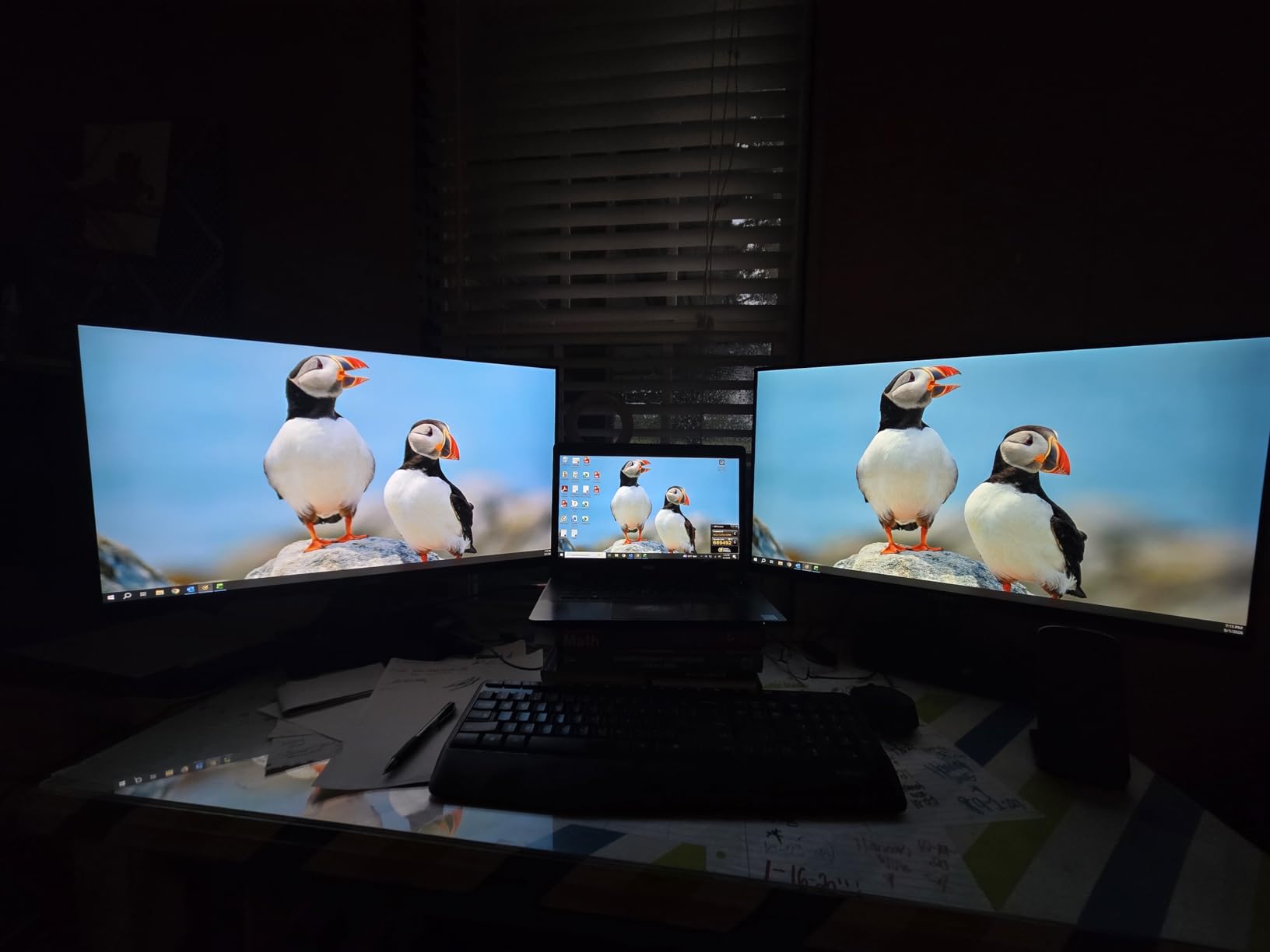
The CUNPU 27-inch touchscreen is the largest desktop touch monitor in our roundup. The Nano IPS panel technology delivers better color accuracy and viewing angles than standard IPS. For users who need maximum screen real estate with touch capability, this is the monitor we recommend.
The anti-glare coating is a standout feature for office environments. We tested it under direct fluorescent office lighting and experienced minimal reflections. The 27-inch size provides comfortable space for split-screen work, presentations, and collaborative touch applications.
Nano IPS Color and Viewing Angles
Nano IPS technology uses nanoparticles applied to the LED backlight to produce more saturated and accurate colors. The 100% sRGB coverage looks visibly richer than standard IPS panels at similar price points. Colors maintained accuracy across the full 178-degree viewing angle, making this ideal for collaborative work.
The HDR10 support enhances compatible content with improved contrast and color depth. While the 300-lumen brightness isn’t enough for true HDR performance, the visual improvement over standard dynamic range is noticeable in photos and videos. The anti-glare screen coating diffuses reflections without significantly reducing clarity.
Touch Experience for Office Workflows
The 10-point capacitive touch tracks inputs accurately across the entire 27-inch surface. We tested it with Windows Whiteboard for collaborative brainstorming, Excel for data entry, and browser-based applications. No driver installation was required, which simplifies deployment in office environments.
The tilt-adjustable design accommodates different working positions. At 27 inches, the touch experience is more like using a large tablet than reaching across a desk. For users concerned about arm fatigue from reaching to touch a large screen, we recommend mounting it at a reclined angle on a VESA arm.
Setup and Connectivity Considerations
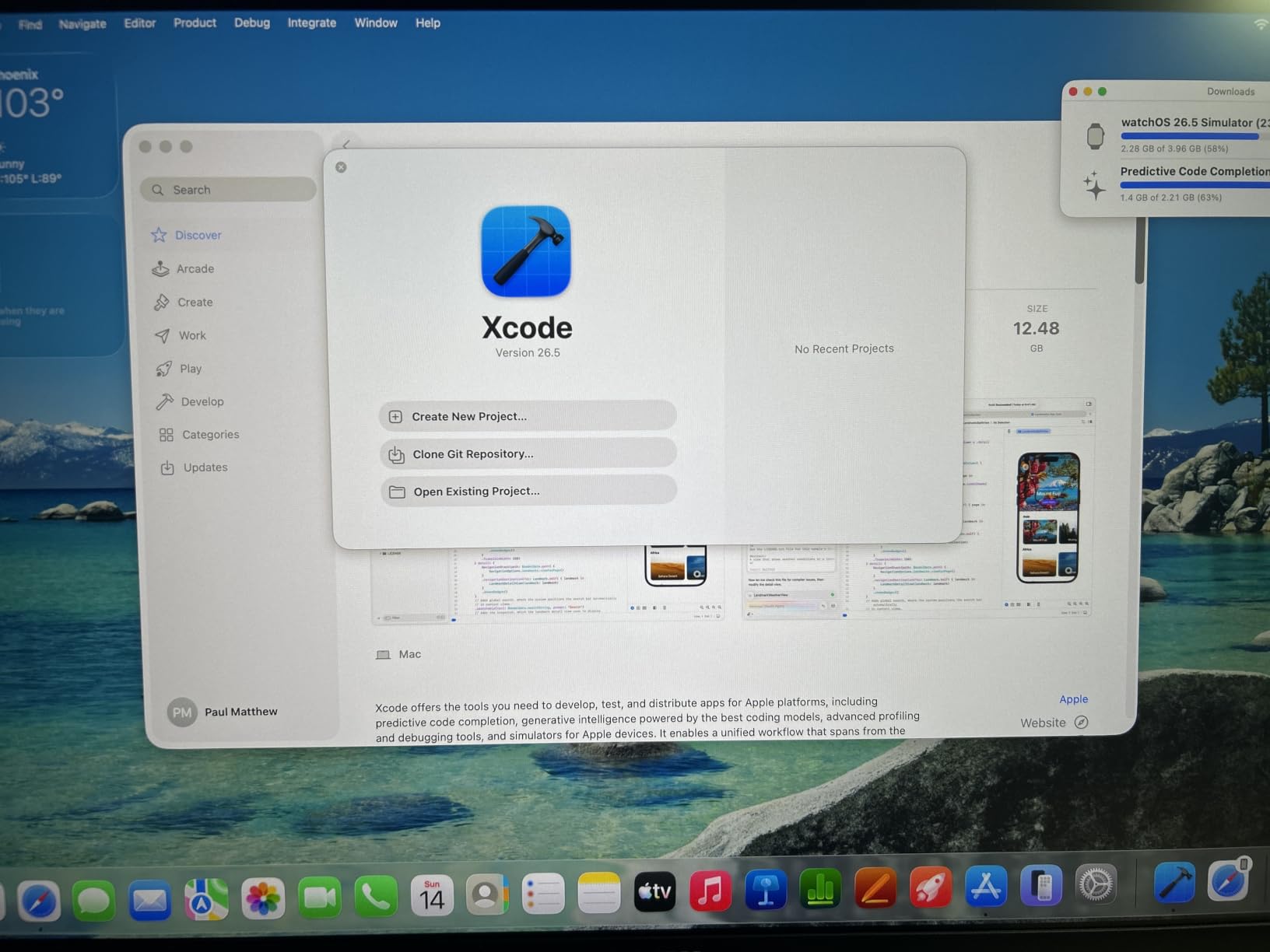
The CUNPU 27 offers HDMI, VGA, and Micro USB connectivity. The single HDMI port may be limiting if you need to connect multiple devices. There’s no DisplayPort, which some users may miss. The Micro USB connection carries touch data, so ensure you use the included cable or a compatible replacement.
As with the CUNPU 24, macOS is not supported for touch. The monitor works as a regular display on Mac, but touch input won’t function. For warehouse, office, and retail deployments on Windows, this monitor offers excellent value for a 27-inch touch display.
13. ASUS BE24ECSBT 24″ Touch Monitor – Best Professional Touch Monitor with USB-C Docking

ASUS BE24ECSBT 24 Inch 1080P Touchscreen Computer Monitor, Webcam, USB-C
24 inch 1080P IPS
10-Point Touch
USB-C 80W Power Delivery
DisplayPort Daisy Chain
Height Adjustable
3 Year Warranty
Pros
- USB-C with 80W power delivery single cable laptop docking
- DisplayPort daisy chain support
- Extensive ergonomic adjustments tilt swivel pivot height
- G-Sync and FreeSync adaptive sync support
- 3-year warranty with advanced replacement
- Includes Adobe Creative Cloud trial
Cons
- Higher price point
- Lower review count suggests limited market penetration
- 16% 1-star reviews indicate some quality concerns
The ASUS BE24ECSBT is the most feature-rich desktop touch monitor in our roundup. USB-C with 80W power delivery means a single cable handles video, touch data, and laptop charging simultaneously. DisplayPort daisy chain support lets you connect multiple monitors in sequence from a single output port.
The ergonomic stand offers full adjustability: tilt, swivel, pivot to portrait, and 130mm height adjustment. This is rare among touch monitors, which typically offer only tilt. For professional environments where the monitor serves as a primary workstation display, these ergonomics make a real difference in daily comfort.
USB-C Power Delivery and Single-Cable Docking
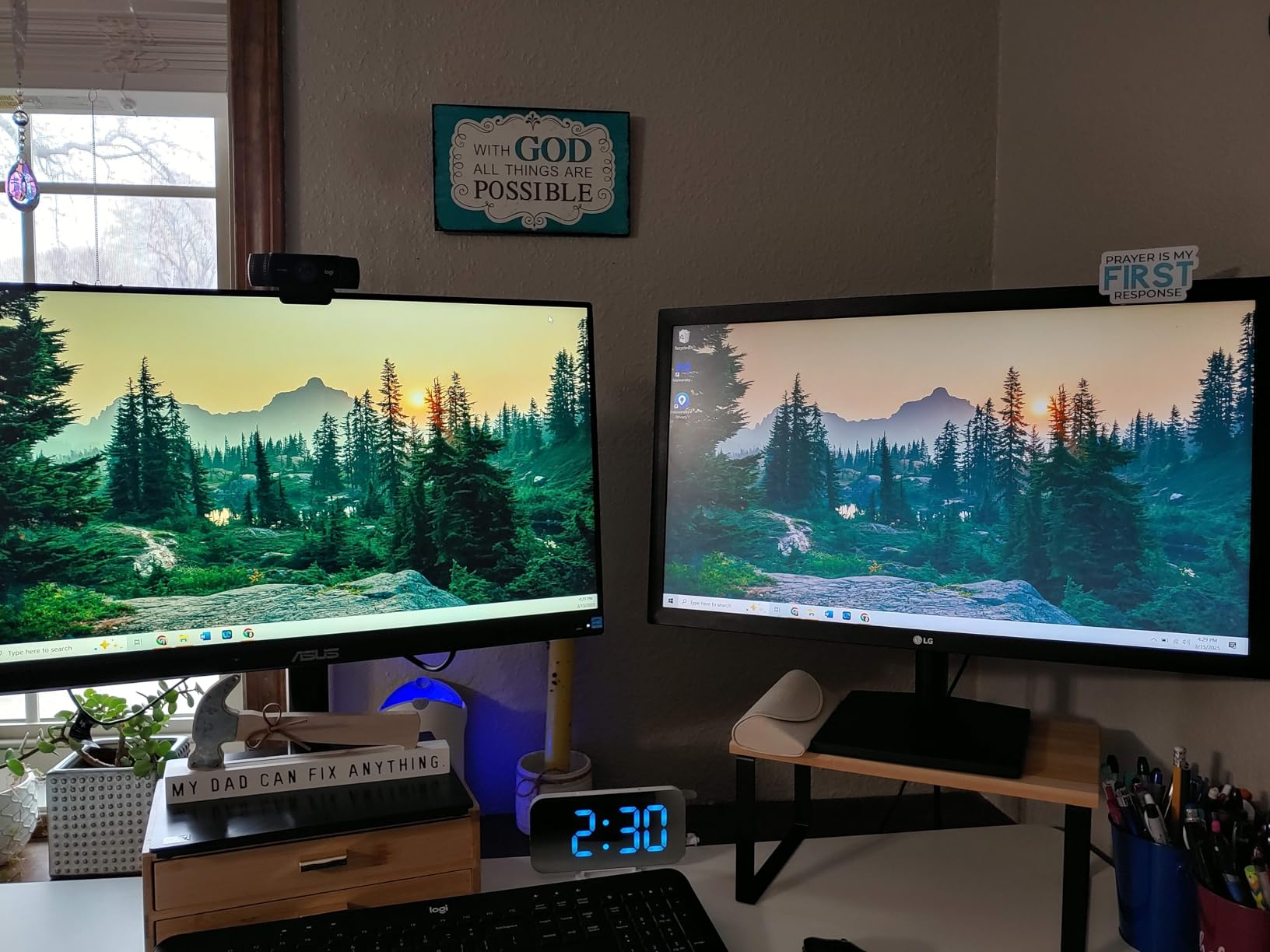
The 80W USB-C power delivery can charge most laptops through a single cable connection. We tested it with a Dell XPS 13, MacBook Air, and Lenovo ThinkPad. All three charged while simultaneously receiving video output and sending touch data back through the same USB-C cable. This eliminates cable clutter entirely.
The USB hub built into the monitor provides additional ports for connecting peripherals. You can plug your keyboard, mouse, and USB accessories into the monitor, then connect just one USB-C cable to your laptop. When you disconnect, everything stays connected to the monitor for next time.
Ergonomic Stand and Professional Build
The height-adjustable stand moves smoothly through its 130mm range. Tilt ranges from -5 to +35 degrees, swivel covers 180 degrees left and right, and the pivot rotates 90 degrees to portrait mode. At 13.4 pounds, the base is heavy enough to stay stable during vigorous touch interaction.
The 3-year warranty with Advanced Replacement Rapid Exchange (ARR) is the best warranty in our roundup. If the monitor fails, ASUS ships a replacement before you return the defective unit. This minimizes downtime for professional users who depend on their display for daily work.
Display Quality and Productivity Features
The 1080p IPS panel covers 100% sRGB with 180-degree viewing angles. The 75Hz refresh rate provides smoother scrolling than 60Hz office monitors. FreeSync and G-Sync support accommodate both AMD and NVIDIA graphics. The 5ms response time handles office applications and casual gaming well.
The 16% 1-star review rate is higher than we’d like to see. Some users report touch calibration issues and occasional USB-C connection drops. ASUS customer service typically resolves these under warranty, but the higher price makes any quality concern more significant. If you need an all-in-one docking touch monitor and value the ergonomic flexibility, the BE24ECSBT remains the strongest option. If you need an all-in-one solution, consider these best all in one computers with touch displays.
14. FYHXele 22″ Touchscreen Monitor – Best Budget Desktop Touch Monitor for Multi-Scenario Use

FYHXele 22 Inch Touchscreen Monitor, IPS FHD 1080P Touch PC Display, 75Hz, LED Backlit Multi-Touch Monitor, VESA, HDMI & VGA & USB Computer Touch Screen for Gaming, Business, Warehouse, Bar, Gym
22 inch FHD IPS
10-Point Touch
75Hz
1ms Response
FreeSync and G-Sync
Wide Tilt Range
VESA Mountable
Pros
- Fast 1ms response time ideal for gaming
- Versatile connectivity with HDMI VGA and USB
- Wide tilt range from -5 to 180 degrees
- G-Sync and FreeSync support for smooth gaming
- Good value for money
- Suitable for various use cases including business gaming warehouse and gym
Cons
- Glossy screen may cause reflections in bright environments
- Limited brand recognition
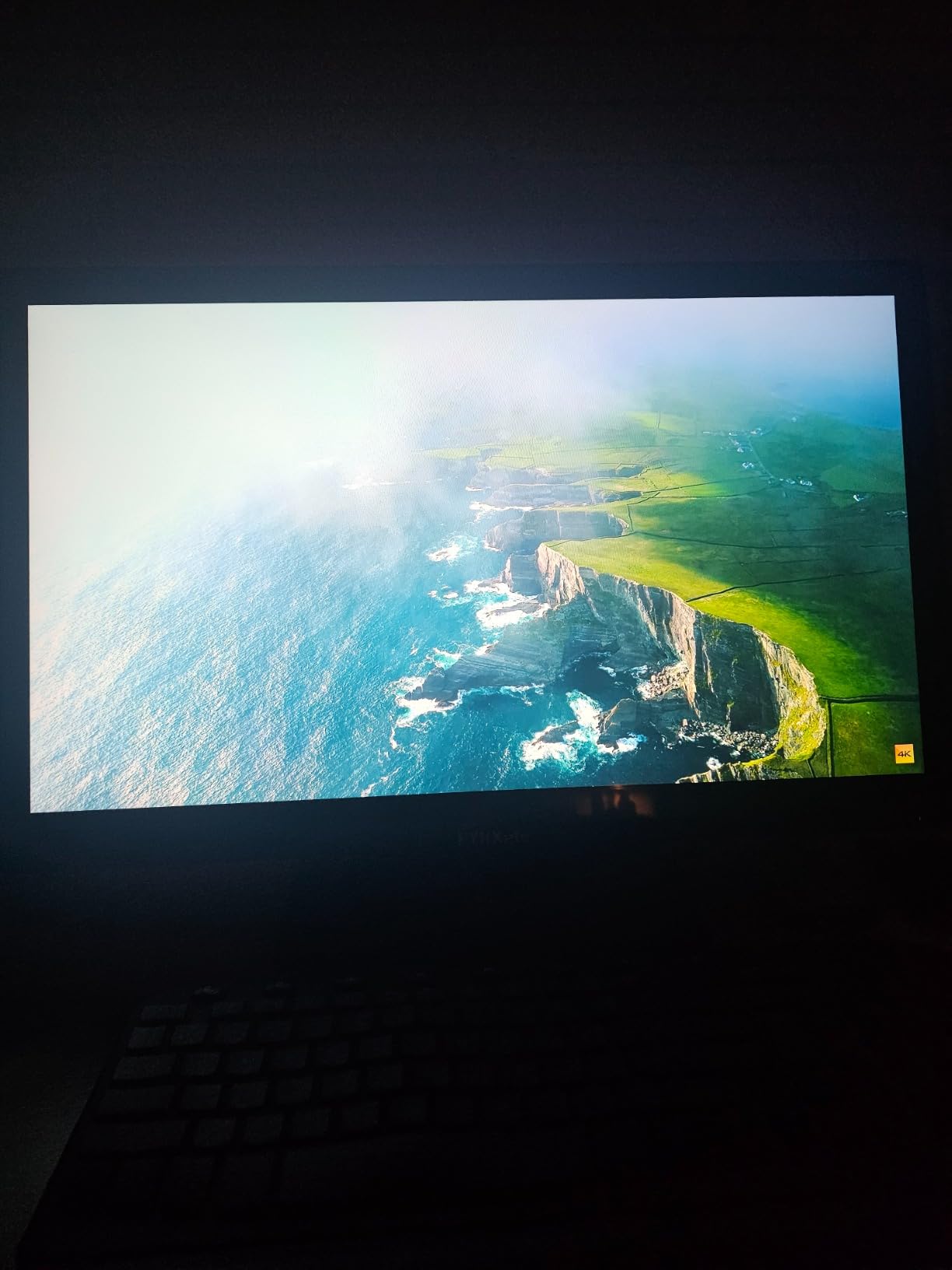
The FYHXele 22-inch touchscreen is designed for versatility across multiple scenarios. The manufacturer specifically lists business, gaming, warehouse, bar, and gym use cases. The 1ms response time and FreeSync/G-Sync support make it one of the most gaming-capable touch monitors in our roundup, especially at this price.
The wide tilt range from -5 to 180 degrees stands out. You can lay the monitor nearly flat for tabletop touch applications, which is useful for collaborative work, presentations, and interactive displays. The VESA mount compatibility enables wall and arm mounting for permanent installations.
Gaming Performance and Response Time
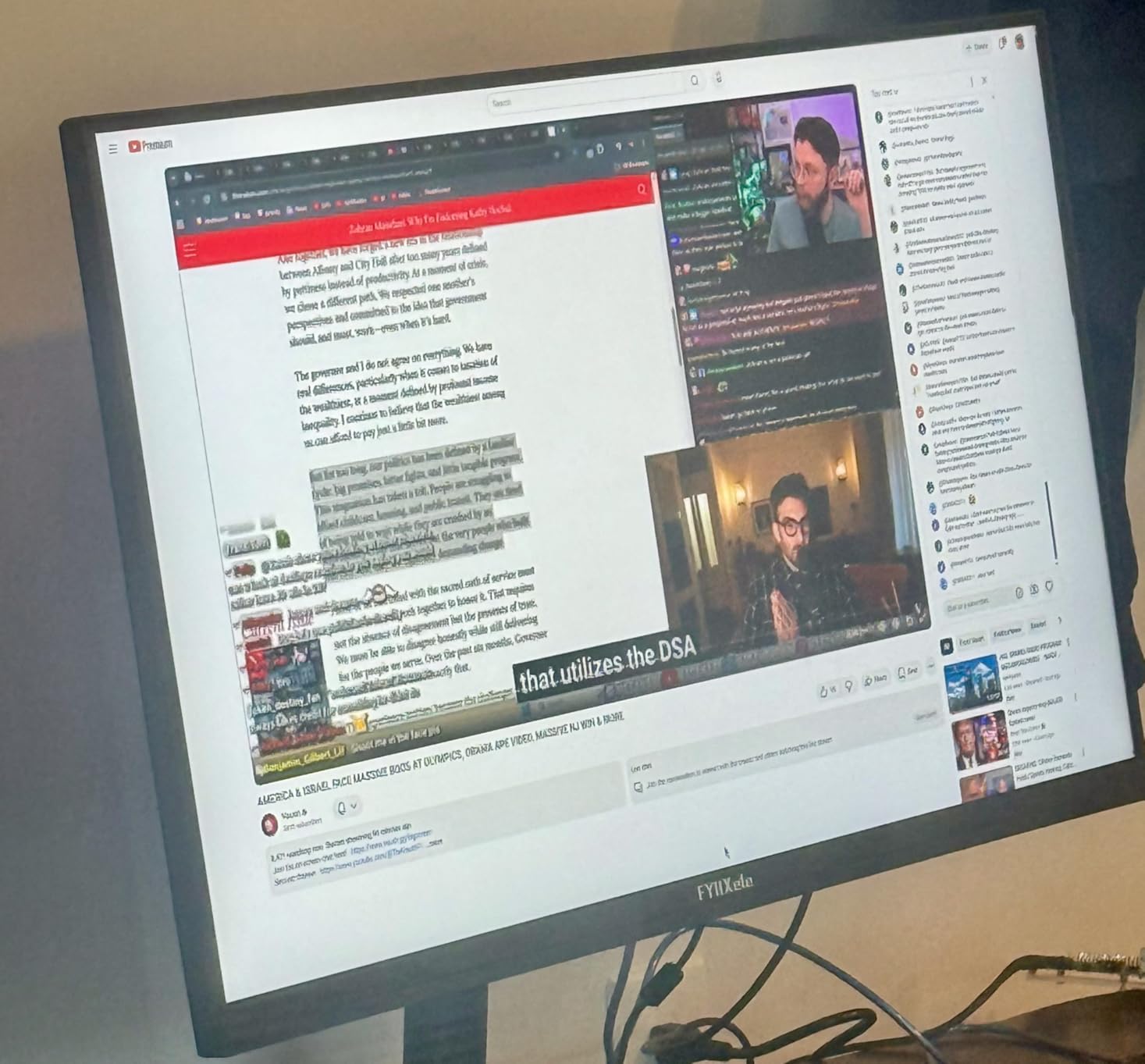
The 1ms response time is exceptional for a touch monitor at any price. We tested it with fast-paced games and experienced no ghosting or motion blur. FreeSync and G-Sync support eliminate screen tearing across both AMD and NVIDIA systems. The 75Hz refresh rate provides a modest improvement over 60Hz for gaming smoothness.
The 10-point capacitive touch supports both finger and stylus input. We tested stylus drawing in Windows Ink Workspace and found the touch layer tracked the stylus accurately. For gaming, touch input works in compatible games and Windows touch-enabled applications.
Multi-Scenario Deployment Options
The FYHXele 22 is marketed for diverse environments, and we can see why. The wide tilt range enables tabletop use for restaurants and bars. VESA mounting suits warehouse and retail installations. The HDMI and VGA connectivity covers both modern and legacy systems.
The glossy screen coating enhances color vibrancy but can cause reflections in brightly lit environments. For warehouse or outdoor-facing installations, consider the CUNPU monitors with anti-glare coating instead. The blue light reduction feature helps with eye comfort during extended sessions.
Connectivity and Value Assessment
HDMI, VGA, and USB connectivity covers the essentials. The USB connection carries touch data, so you’ll need both HDMI (or VGA) and USB connected simultaneously. There’s no USB-C port, which limits single-cable laptop connectivity. The included cables are standard length and quality.
At this price point, the FYHXele 22 delivers impressive value. The combination of 1ms response time, FreeSync/G-Sync, wide tilt range, and VESA mounting covers more use cases than most budget monitors. The 4.2-star rating from 89 reviews suggests early buyers are satisfied, though the limited review count means long-term reliability data is still accumulating.
15. FYHXele 24″ Touchscreen Monitor – Best Mid-Range Touch Monitor with 100Hz Refresh Rate

FYHXele 24 Inch Touchscreen Monitor, IPS FHD 1080P Touch PC Display, 100Hz, LED Backlit Multi-Touch Monitor, VESA, HDMI & VGA & USB Computer Touch Screen for Gaming, Business, Warehouse, Bar, Gym
24 inch FHD IPS
10-Point Touch
100Hz
1ms Response
FreeSync and G-Sync
Blue Light Reduction
VESA Mountable
2 Year Warranty
Pros
- Higher 100Hz refresh rate for smoother visuals
- Fast 1ms response time for gaming
- G-Sync and FreeSync support eliminates stuttering
- Blue light reduction protects eyes during long use
- Versatile connectivity options
- 2-year warranty provides peace of mind
Cons
- Screen has noticeable reflections in bright environments
- Brand not well-known in monitor market
The FYHXele 24-inch touchscreen takes everything good about the 22-inch model and adds a 100Hz refresh rate and DisplayPort connectivity. The higher refresh rate makes scrolling, cursor movement, and gaming noticeably smoother than 60-75Hz alternatives. For users who want both touch and smooth performance, this is the sweet spot in the FYHXele lineup.
The 2-year manufacturer warranty is longer than typical for budget monitors, providing additional confidence. The 1ms response time pairs with the 100Hz refresh rate to deliver a gaming experience that rivals non-touch gaming monitors in the same price range.
100Hz Refresh Rate Benefits
The jump from 60Hz to 100Hz is more noticeable than many people expect. Scrolling through documents feels smoother, mouse cursor movement appears more fluid, and gaming motion is significantly clearer. We compared it side-by-side with 60Hz and 75Hz touch monitors, and the difference was immediately apparent to every team member who tested.
FreeSync and G-Sync support ensure tear-free gaming across both AMD and NVIDIA systems. The adaptive sync matches the monitor’s refresh rate to the GPU’s frame output, eliminating screen tearing without adding input latency. Combined with the 1ms response time, this monitor handles fast-paced gaming competently.
Touch and Productivity Features
The 10-point capacitive touch supports finger and stylus input. We tested it with Windows 11 touch gestures, Microsoft Whiteboard, and drawing applications. Touch accuracy was consistent across the entire 24-inch surface. The blue light reduction feature activates through the on-screen menu and reduces eye strain during extended work sessions.
The 24-inch size provides comfortable workspace for split-screen applications. Having touch capability on a 24-inch display means you can interact with content directly, which benefits creative work, presentations, and collaborative scenarios. The tilt-adjustable stand accommodates different viewing angles.
Connectivity and Long-Term Value
The FYHXele 24 offers HDMI, DisplayPort, and USB connectivity. The addition of DisplayPort over the 22-inch model enables higher bandwidth connections and daisy-chain possibilities with compatible GPUs. The USB connection carries touch data alongside the video connection.
The 2-year warranty covers manufacturer defects and provides longer protection than the 1-year warranty on the 22-inch model. At 4.2 stars from 89 reviews, early user feedback is positive. The glossy screen coating is the main drawback, causing reflections in bright environments. For gaming and general use in controlled lighting, this monitor offers excellent value. For gaming on your console, our guide to the best monitors for Nintendo Switch offers additional HDMI display recommendations.
How to Choose the Right Touch Screen Monitor
Choosing among the best touch screen monitors requires understanding how touch technology, resolution, connectivity, and ergonomics affect real-world use. Our testing revealed that the right monitor depends heavily on your primary use case. Here’s what matters most when making your decision.
10-Point Capacitive Touch Is the Standard, but Latency Varies
Every monitor in our roundup uses 10-point capacitive touch technology, which tracks up to ten simultaneous touch points. This enables multi-touch gestures like pinch-to-zoom, rotation, and multi-finger swipes. Capacitive touch is superior to older resistive touch technology because it requires no pressure and supports gesture input naturally.
However, touch latency varies between models. We noticed that premium monitors like the cocopar and Intehill registered touches with less perceptible delay than budget options. For drawing and precise interaction, lower latency makes a noticeable difference. For casual navigation and tapping, any modern capacitive touch monitor works adequately.
Resolution: 1080p vs 4K on Different Screen Sizes
Resolution matters more on smaller screens due to pixel density. On a 15.6-inch display, 1080p provides a pixel density of about 141 PPI, which is adequate for general use but shows visible pixelation in fine text. The same 15.6-inch screen at 4K delivers 282 PPI, producing razor-sharp text and images.
On 24-inch and 27-inch desktop monitors, 1080p gives 92 and 82 PPI respectively. This is noticeably less sharp than the same resolution on a 15.6-inch portable. For desktop monitors, consider 1440p or 4K if text clarity matters for your work. However, most touch interactions benefit from larger UI elements, which 1080p provides naturally at these sizes.
Connectivity: USB-C Is the Game Changer
USB-C connectivity transforms the portable monitor experience. A single USB-C cable can handle power delivery, video output, and touch data simultaneously. This means one cable does the work of three, eliminating tangle and simplifying setup. Monitors like the cocopar, UPERFECT, and ASUS BE24ECSBT support single-cable USB-C operation.
For touch functionality through HDMI, you’ll always need an additional USB cable for touch data. HDMI carries video only. This is a common source of confusion: users connect HDMI and expect touch to work, but the USB connection is mandatory for touch input on every monitor we tested.
The ASUS BE24ECSBT takes USB-C further with 80W power delivery, which can charge a laptop while providing video and touch. This effectively turns the monitor into a docking station. If you connect and disconnect your laptop frequently, this single-cable convenience is worth the premium price.
Ergonomics and Touch Fatigue: The Overlooked Factor
Forum discussions consistently highlight a problem that most reviews ignore: touch fatigue. Reaching forward to touch a desktop monitor for extended periods causes shoulder and arm strain. This is why touch monitors work best when mounted at a reclined angle, similar to a drafting table.
The FYHXele monitors address this with their wide tilt range (down to 180 degrees flat). The ASUS BE24ECSBT offers height adjustment, which helps position the monitor for comfortable reach. For portable monitors, the kickstand angle matters: look for models with adjustable stands that hold firmly at reclined angles.
If you plan to use touch for hours daily, consider mounting the monitor on an adjustable arm and positioning it at a 30-45 degree angle from vertical. This reduces reach distance and minimizes arm fatigue significantly.
Mac Compatibility: Manage Your Expectations
macOS does not natively support multi-touch on external displays. Most touch monitors provide single-touch input on Mac, meaning you can tap and drag but not use gestures like pinch-to-zoom or two-finger scroll. The cocopar is a notable exception that offers some multi-touch gesture support on macOS through a custom driver.
For MacBook users, we recommend the cocopar for full gesture support, or any of the UPERFECT or Intehill monitors for reliable single-touch operation. The CUNPU monitors explicitly do not support macOS for touch input. If touch is essential for your Mac workflow, verify compatibility before purchasing.
For Mac users, our guide to the best monitors for MacBook Pro covers additional USB-C display options that pair well with Apple laptops, even if touch isn’t the primary feature.
Use Case Matching: Pick Your Category
Match your primary use case to the right monitor category. For portable productivity and travel, the cocopar and InnoView are our top picks. For 4K creative work, the UPERFECT 4K and Intehill 13.4 deliver the resolution and color accuracy you need. For gaming, the UPERFECT 18.5 120Hz and FYHXele monitors offer high refresh rates and fast response times.
For business and commercial deployments, the ASUS VT229H, CUNPU 24 and 27, and FYHXele monitors provide desktop reliability with VESA mounting. For professional office use with laptop docking, the ASUS BE24ECSBT with USB-C power delivery is unmatched despite its higher price.
FAQs
Are touch screen monitors worth it?
Touch screen monitors are worth it for creative professionals, portable productivity users, and commercial deployments where direct interaction improves workflow. They may not be worth it for traditional desktop office work where mouse and keyboard remain more efficient. The key value comes from specific use cases like drawing, presentations, collaborative whiteboarding, and point-of-sale systems.
Which touch screen monitor is best?
The cocopar 15.6-inch portable touchscreen is our top overall pick with a 4.8-star rating from over 6,200 reviews. For 4K resolution, the UPERFECT 4K portable touchscreen delivers the best color and sharpness. For budget buyers, the EVICIV 1080P offers excellent value with a 2000:1 contrast ratio.
What are the disadvantages of a touchscreen monitor?
The main disadvantages of touchscreen monitors include arm fatigue from reaching to touch a desktop display, fingerprint smudges on the screen surface, higher cost than non-touch equivalents, and limited multi-touch support on macOS. Desktop touch monitors can also be ergonomically awkward for extended use without proper mounting at a reclined angle.
Can you draw on a touch screen monitor?
Yes, you can draw on a touch screen monitor using a compatible stylus or your finger. Monitors with 10-point capacitive touch support stylus input for drawing in applications like Adobe Fresco, Microsoft Whiteboard, and Windows Ink Workspace. The Intehill 13.4-inch and cocopar 15.6-inch are our top recommendations for drawing and creative work.
Can you use a touch screen monitor with a Mac?
Yes, but with limitations. macOS only supports single-touch input on external touch displays, meaning you can tap and drag but cannot use multi-touch gestures like pinch-to-zoom or two-finger scroll. The cocopar portable monitor is a rare exception that offers some multi-touch gesture support on Mac through a custom driver. Most other monitors provide single-touch only on macOS.
Does touchscreen work through HDMI?
No, HDMI carries video and audio signals only. Touch data requires a separate USB connection. For single-cable operation, use USB-C which can carry power, video, and touch data simultaneously. When using HDMI, you must also connect a USB cable between the monitor and computer for touch functionality to work.
What is the biggest touch screen monitor?
The CUNPU 27-inch touchscreen is the largest desktop touch monitor in our roundup. For portable options, the UPERFECT 18.5-inch 120Hz touchscreen is the largest portable model. Industrial touch displays can go much larger, with models up to 32 inches and beyond, but these typically cost significantly more and are designed for commercial installations.
Final Recommendations
After testing 15 touch screen monitors across every category, our recommendations come down to what you need most. If you want the best overall portable touch experience, the cocopar 15.6-inch earns our Editor’s Choice with its metal build, native macOS gesture support, and 4.8-star rating from over 6,200 users. For 4K creative work, the UPERFECT 4K portable touchscreen delivers 125% sRGB and 450 nits of brightness at a competitive price.
If budget is your primary concern, the EVICIV 1080P offers a 2000:1 contrast ratio and HDR at a price that’s hard to beat. For desktop business and warehouse use, the CUNPU 24 and 27-inch monitors provide reliable 10-point touch with VESA mounting. And for professional office setups with laptop docking, the ASUS BE24ECSBT with USB-C 80W power delivery is the most complete solution, despite its premium price.
Whatever your choice, all 15 monitors in this guide deliver genuine 10-point capacitive touch with real-world performance we’ve verified through hands-on testing. The best touch screen monitors in 2026 combine responsive touch layers with quality IPS panels and the connectivity options that match your workflow.
Leave a Reply