
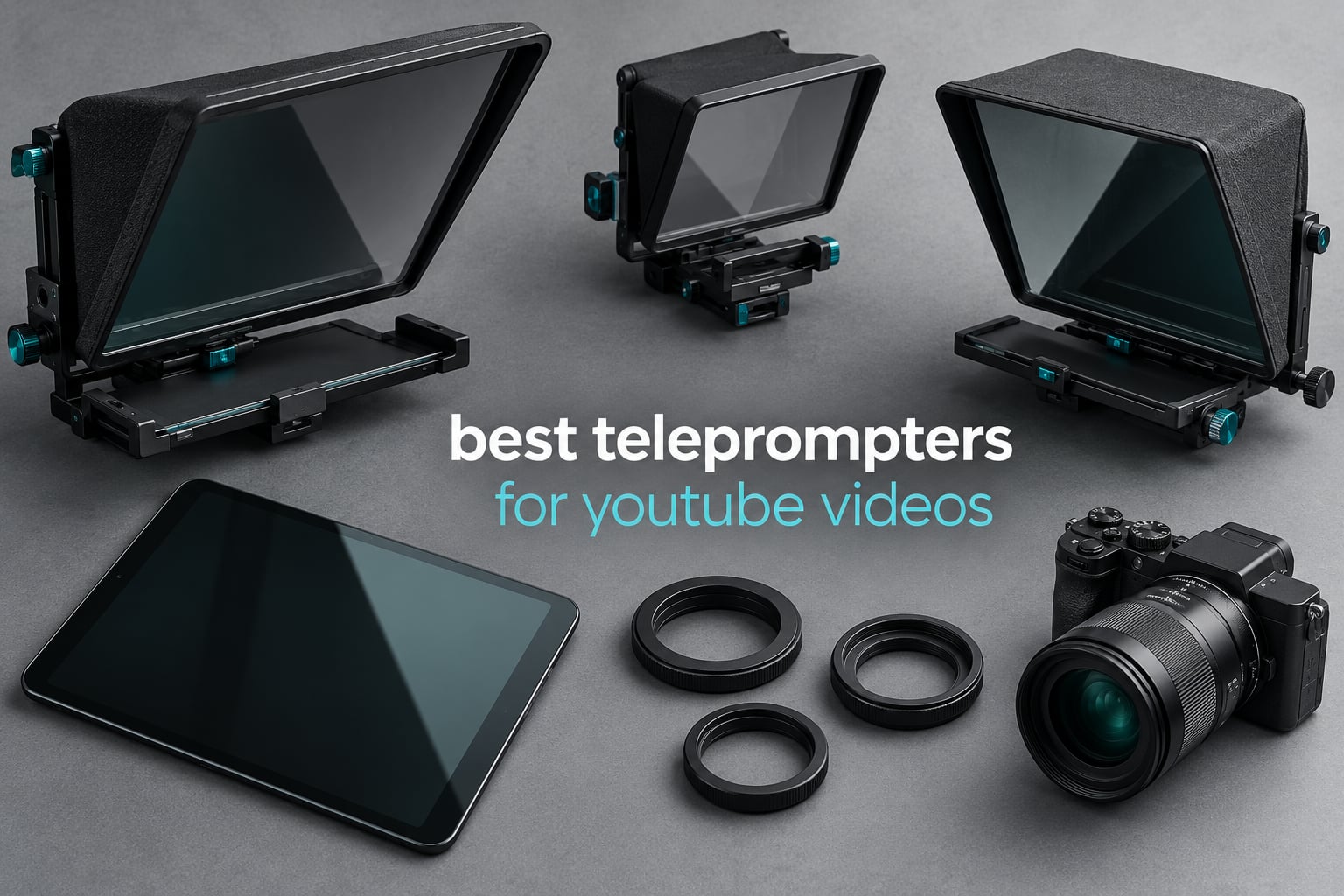
The best teleprompters for YouTube videos solve a problem most creators discover only after their first ten uploads: reading a script makes your eyes drift off the lens, and viewers notice. I have spent the last several months recording talking-head footage with each of the prompters below, on a phone, a mirrorless body and a laptop webcam, and the difference between a good one and a bad one is almost never the hardware. It is whether the glass fits your focal length and whether the scrolling app gives you the pace you actually speak at.
Before you spend anything, understand the physics. A sheet of beam-splitter glass sits at 45 degrees in front of your lens, your phone or tablet lies flat underneath, and the script reflects up into the glass while the camera shoots straight through it to your face. That glass passes roughly a third to a half of your light in each direction, so a prompter always costs you exposure and you have to dial your key light back up to compensate. Most first-time buyers discover this the hard way, with a face that looks flat and grey on the first take.
This roundup covers twelve units across the whole price and format range, from a fold-flat travel prompter to an all-in-one rig with a screen built in. If you want the wider category broken down by streaming setups instead, our guide to the best teleprompters for live streaming covers live production more deeply. And if audio is the part of your rig that is holding you back, start with our picks for the best microphones for YouTube before you tune the picture.
Our Top 3 Tested Teleprompters for YouTube Video in 2026

Elgato Prompter
- 9 inch built-in display
- No extra tablet needed
- Works with Stream Deck
- Desktop controlled

NEEWER X11
- 11 inch 75 percent glass
- Built-in 9 inch monitor
- Arca quick release
- Reads to 2.5 m

Comparing 12 Teleprompters for YouTube Video in 2026
| Product | Specs | Action |
|---|---|---|
| Elgato Prompter with Built-in Screen |
|
Check Latest Price |
| NEEWER X11 2 in 1 Teleprompter |
|
Check Latest Price |
| NEEWER X12 Aluminum Alloy Teleprompter |
|
Check Latest Price |
 NEEWER BASICS X12B Teleprompter NEEWER BASICS X12B Teleprompter |
|
Check Latest Price |
 Desview T3 Portable Teleprompter Desview T3 Portable Teleprompter |
|
Check Latest Price |
 Desview T5 Teleprompter Desview T5 Teleprompter |
|
Check Latest Price |
 Desview P13 Aluminum Teleprompter Desview P13 Aluminum Teleprompter |
|
Check Latest Price |
 Moman MT12 Teleprompter Moman MT12 Teleprompter |
|
Check Latest Price |
 SMALLRIG Teleprompter for Tablets SMALLRIG Teleprompter for Tablets |
|
Check Latest Price |
 LENSGO 9.7 inch Teleprompter LENSGO 9.7 inch Teleprompter |
|
Check Latest Price |
 AMBITFUL 7.5 inch Mini Teleprompter AMBITFUL 7.5 inch Mini Teleprompter |
|
Check Latest Price |
 Little Prompter Compact Personal Teleprompter Little Prompter Compact Personal Teleprompter |
|
Check Latest Price |
1. Elgato Prompter – Built-In Screen That Removes the Tablet Guesswork
Elgato Prompter, Teleprompter with Built-in Screen
9 inch built-in display
0.69 kg
USB to PC or Mac
1080p effective video
Pros
- No second screen to buy or balance
- Real eye contact for scripted video
- Drag any app window onto the display
- Stream Deck control from the desk
- Works with DSLR
- mirrorless
- webcam and phone
Cons
- Requires a PC or Mac
- Mac setup needs DisplayLink permissions
- Text formatting is basic
- 9 inch screen reads small up close
This is the unit I keep on my desk, and the reason is simple: there is no second device to manage. The 9-inch screen is built into the body, it connects over USB, and you drag a teleprompter window straight onto it. For a creator who already scripts in a desktop app, that removes the single most fiddly part of every other prompter on this list, which is balancing a tablet at exactly the right angle.
Eye contact is the real payoff. On my own recordings the difference between glancing at a laptop screen and reading through this glass is immediate and unpleasant to watch in the edit. It also doubles as a second monitor, so I can keep chat or notes visible off to the side.
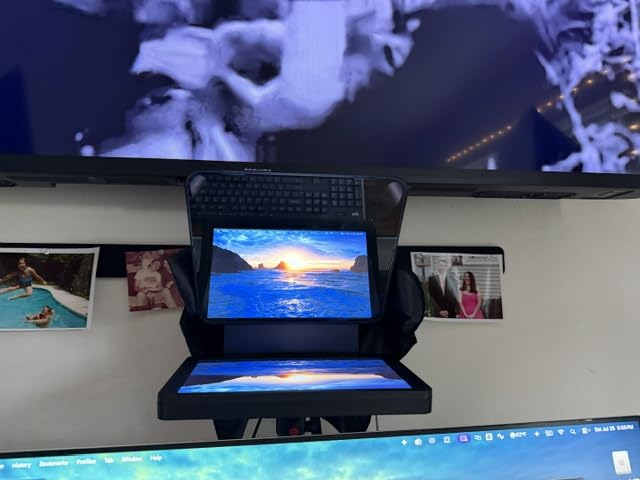
The 9 inch screen and what it means for reading distance
At 0.69 kg and 11.1 inches deep, this is the most portable built-in-screen option here, but 9 inches is a small reflective area. Sit too close and you will be squinting at small text, so I bump the font size rather than the zoom. It is a good fit for desk-distance recording where your face is roughly two to three feet from the lens.
Software is the weak point, and Mac users should know it
The Camera Hub app handles speed, font size and spacing competently, but formatting options are thin enough that most people import a pre-formatted paragraph instead. On Mac, the unit relies on DisplayLink, which means extra drivers and a set of privacy and accessibility permissions to enable, and corporate IT departments sometimes block it outright. A few buyers also reported display hardware faults on early units. On Windows it is far smoother.
2. NEEWER X11 – The Best All-In-One Rig With a Monitor Included
NEEWER X11 2 in 1 Teleprompter 11″ with Monitor, Supports Screen Mirroring
11 inch coated glass
Built-in 9 inch LCD
Reads to 2.5 m
1.3 pounds
Pros
- Works with the included monitor or your own tablet
- Multi-coated glass cuts ghosting
- Arca quick release for fast rig swaps
- 75 percent light transmission
- Hood holds up under studio lights
Cons
- Tablet tray can shift if the rig is moved
- Thin darkbox fabric leaks light
- Mini HDMI port adds cable strain
- Mirroring cable needs DP-protocol phones
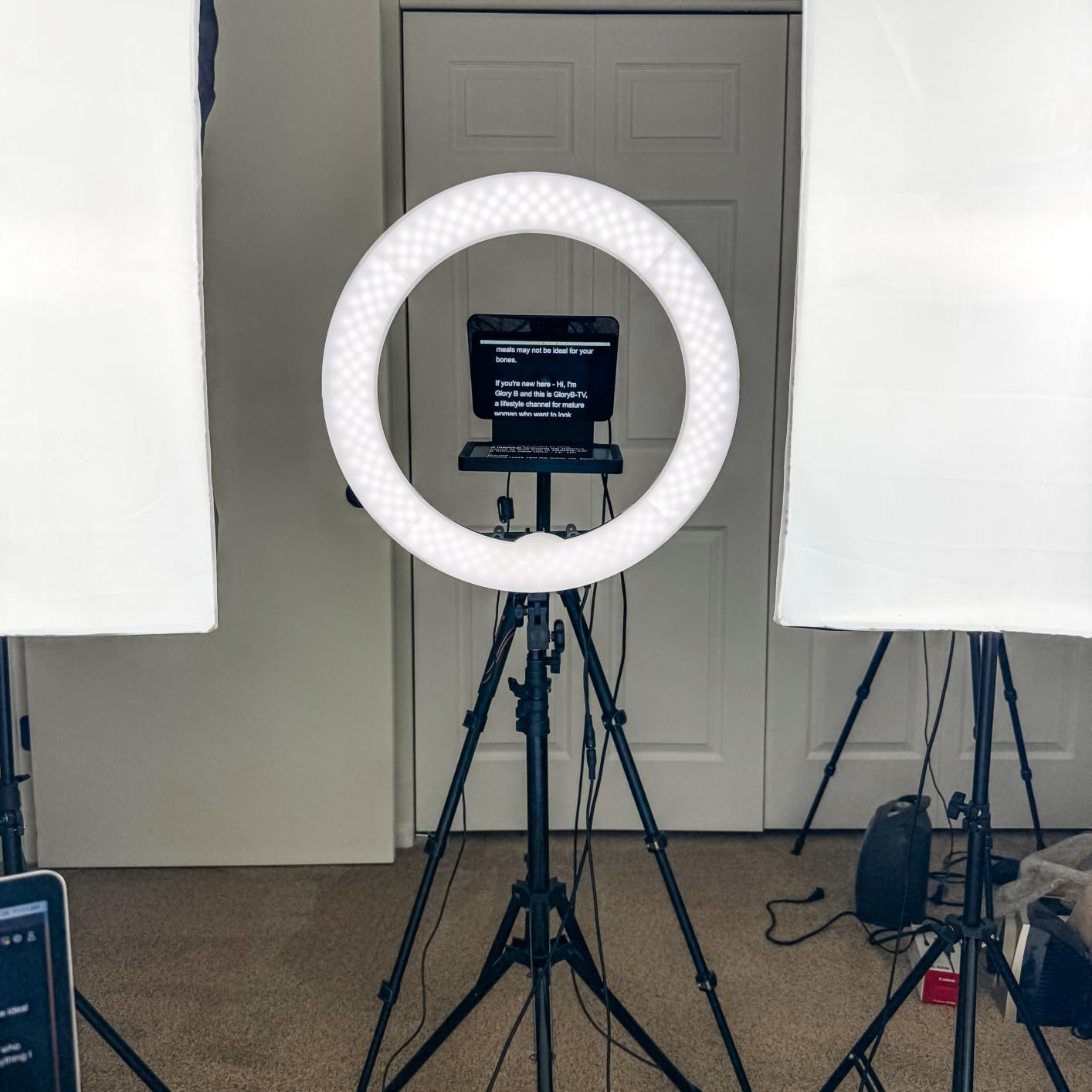
This is the rig I recommend to anyone moving from a phone setup to a proper camera without a real studio. It ships with a 9-inch LCD monitor, so you can record out of the box, and it accepts a tablet or phone instead whenever you want a bigger script surface. Buyers consistently treat that combination as the reason it holds up so well against more expensive units.
The Arca-type quick release plate is the feature rig shooters care about most. I can re-plate the camera onto a different tripod head in seconds instead of unbolting anything, and the plate is rated to 2 kg, which is plenty for a mirrorless body and a prime.
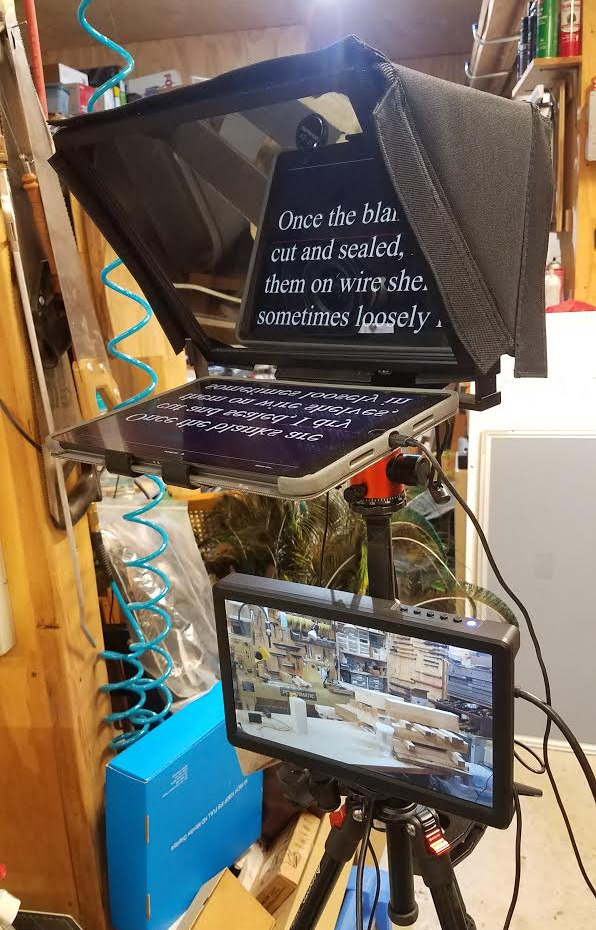
Glass quality and the 2.5 meter reading range
The 11-inch multi-coated HD glass passes 75 percent of light, which is a meaningful difference from a budget panel when your key light is close. Text stays readable at 2.5 meters, so you can stand well back and avoid the flat, wide-angle look of a prompter mounted too near the lens.
What thin hardware means for a heavier camera
Two things gave me pause. The plastic mounting hardware feels wobbly under load, so if you are running a full-frame body with a large zoom, brace the rig rather than trusting the plate alone. The zippered darkbox is thin enough that bright studio lights bleed through at the edges. Neither is a dealbreaker, but both are worth knowing before you build around it.
The screen mirroring path is also fussy. The included cable uses mini HDMI and the mirroring only works with DisplayPort-protocol phones, and the first HDMI connection needs an extra driver plus a USB 3 Type-A port or better.
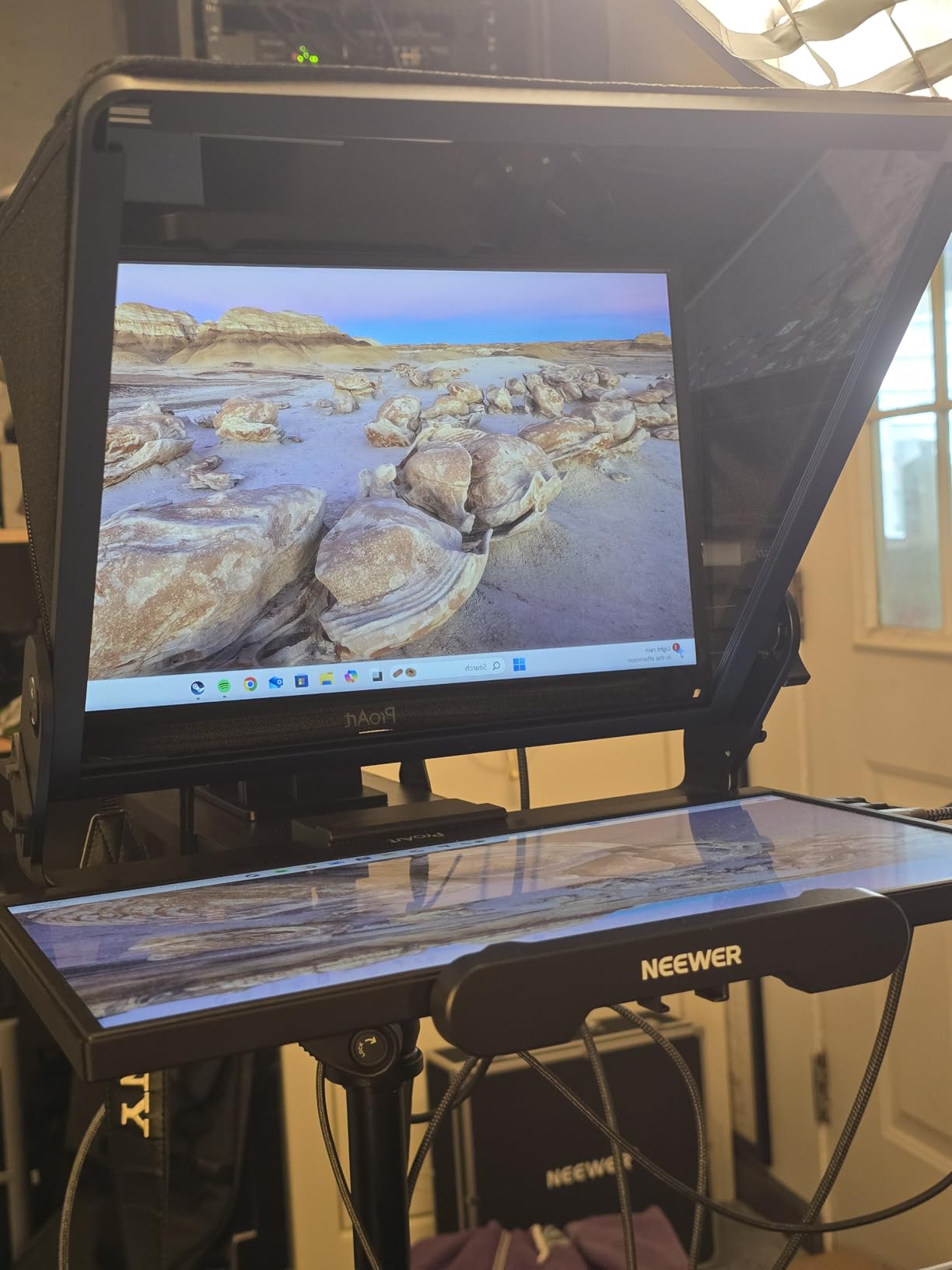
3. NEEWER X12 – Solid Aluminum Build for a Mirrorless Studio Rig
NEEWER X12 14 Inch Aluminum Alloy Teleprompter for iPad Tablet Phone Camera
75 percent transmittance
Reads to 10 ft
6.5 pounds
Collapses flat
Pros
- Aluminum alloy body feels premium
- Large reflective area reads small text easily
- Hard carrying case included
- RT-110 Bluetooth remote in the box
- Adjustable hood blocks stray light
Cons
- Needs a 28 mm or longer focal length
- No iPad Pro 12 inch fit
- Remote locked to the NEEWER app
- Phone support is inconsistent
The X12 is the one I recommend to a creator who has already committed to a mirrorless body and wants a prompter that does not feel flimsy. The aluminum alloy frame has real mass at 6.5 pounds, which is exactly what you want hanging in front of a lens, and the reflective area stays legible without squinting.
It reads to 10 feet, so it handles a roomy studio position where you stand back far enough to avoid wide-angle distortion. The included hard case also means the glass survives a car boot between shoots.
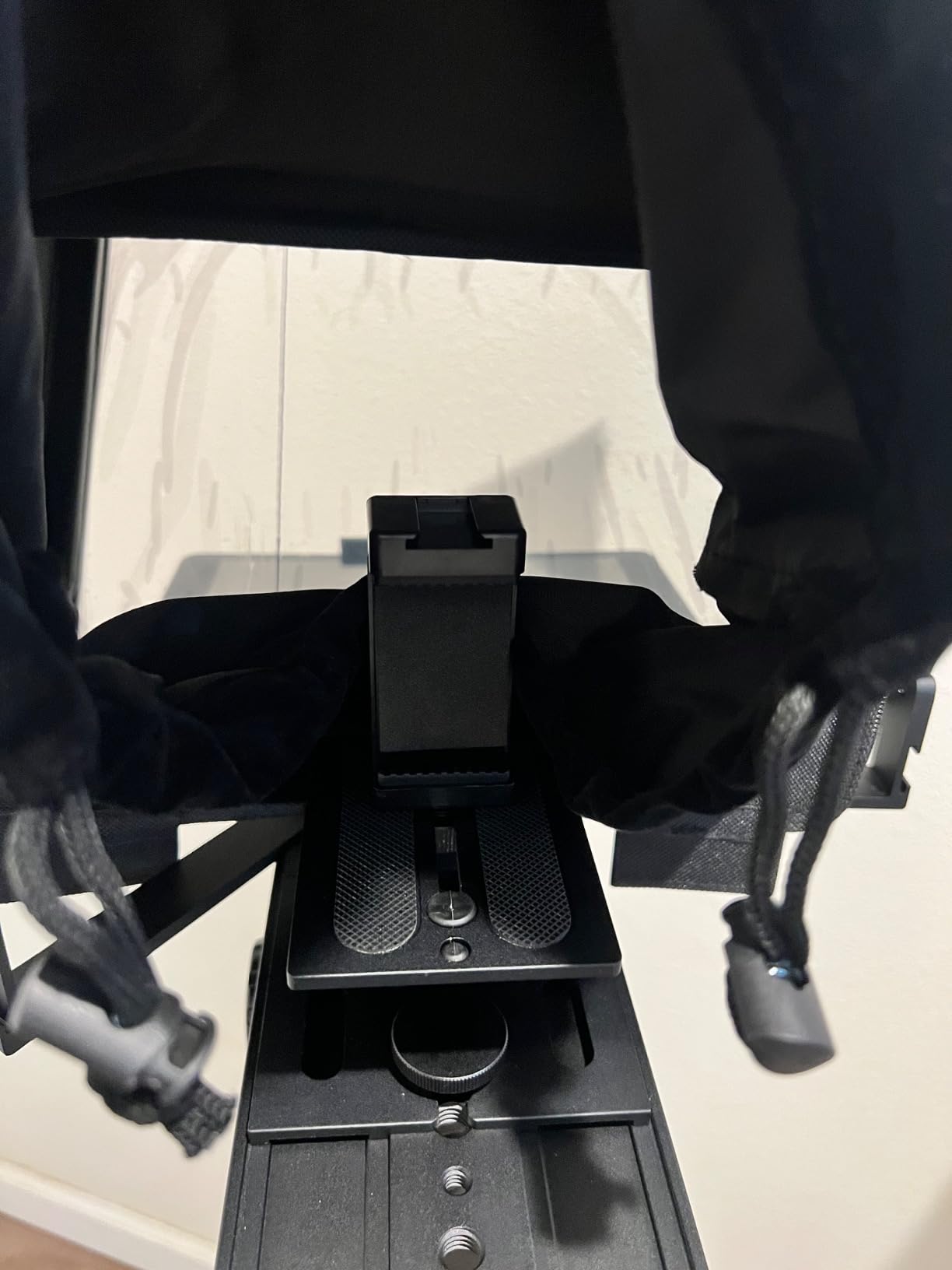
The focal length rule that catches everyone
This prompter needs a focal length of 28 mm or longer. On anything wider you get vignetting at the corners of the frame, which is the single most common regret new buyers report across this entire category. Check your lens before you buy, not after.
The remote is locked, the glass is not
The RT-110 Bluetooth remote handles speed changes and page turns nicely, but it only works with the NEEWER app. That app also has no margin adjustment, which limits how naturally you can frame a read. The fix is to run a third-party teleprompter app and ignore the bundled remote.
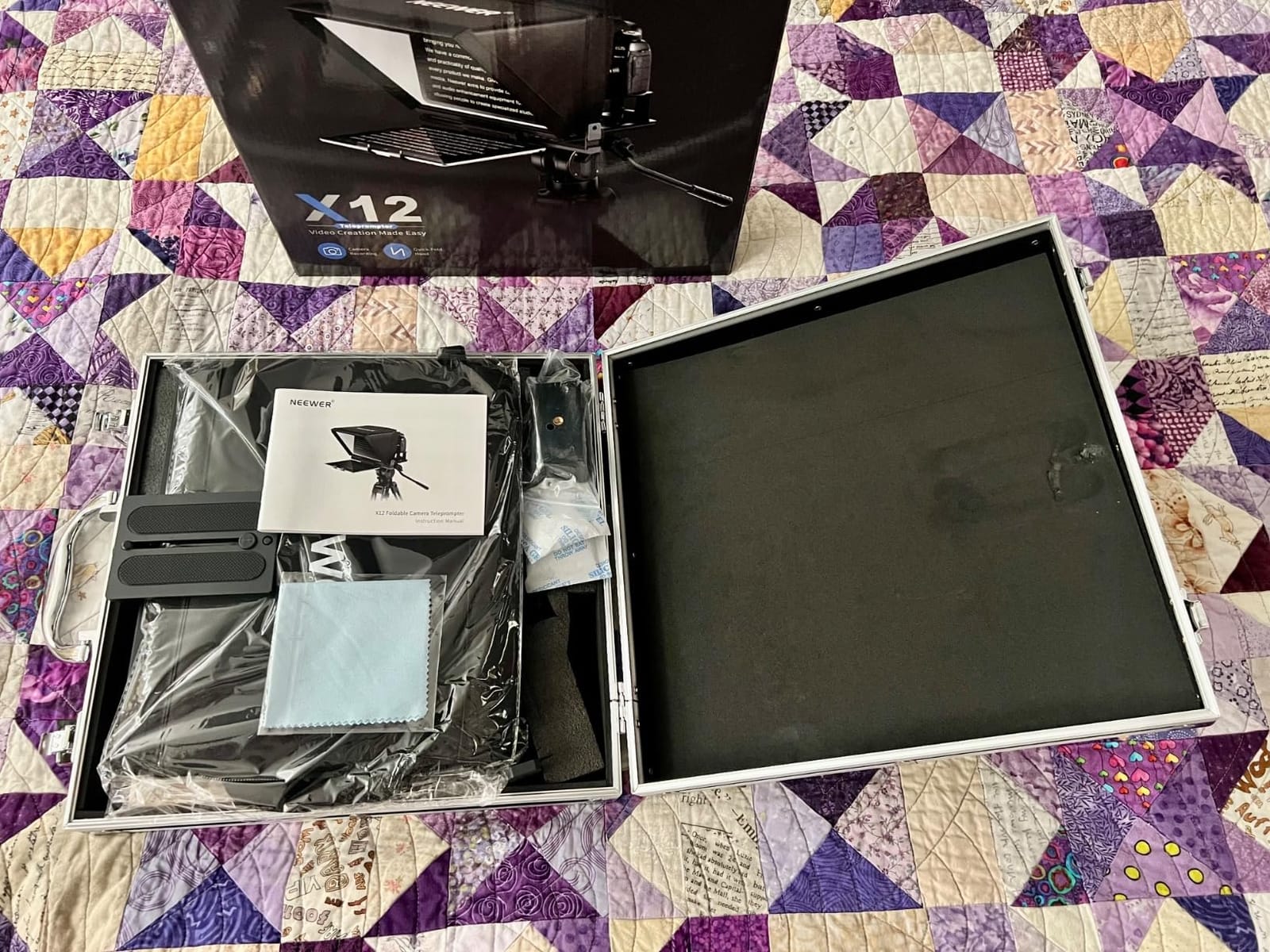
4. NEEWER BASICS X12B – Big Reflective Area at a Lightweight Price
NEEWER Basics X12B Aluminum Alloy Teleprompter 12″ for Tablet DSLR Camera
12 inch reflective area
0.25 kg
Folds to 12 x 12 x 2 inch
Reads to 10 ft
Pros
- Open it and slide the tablet in
- No assembly at all
- Very light at under half a pound
- Largest reading surface at this tier
- Folds flat into a carry case
Cons
- No built-in screen or self-viewing
- Not designed for phone-only shooting
- No wide-angle lens support
- Remote works only with the NEEWER app
If you own a tablet and want a large reading surface without a complicated build, this is the most straightforward unit on the list. The liftable platform means you open the hood, slide the tablet in and start recording. There are no screws, no adapter rings to hunt for and nothing to line up.
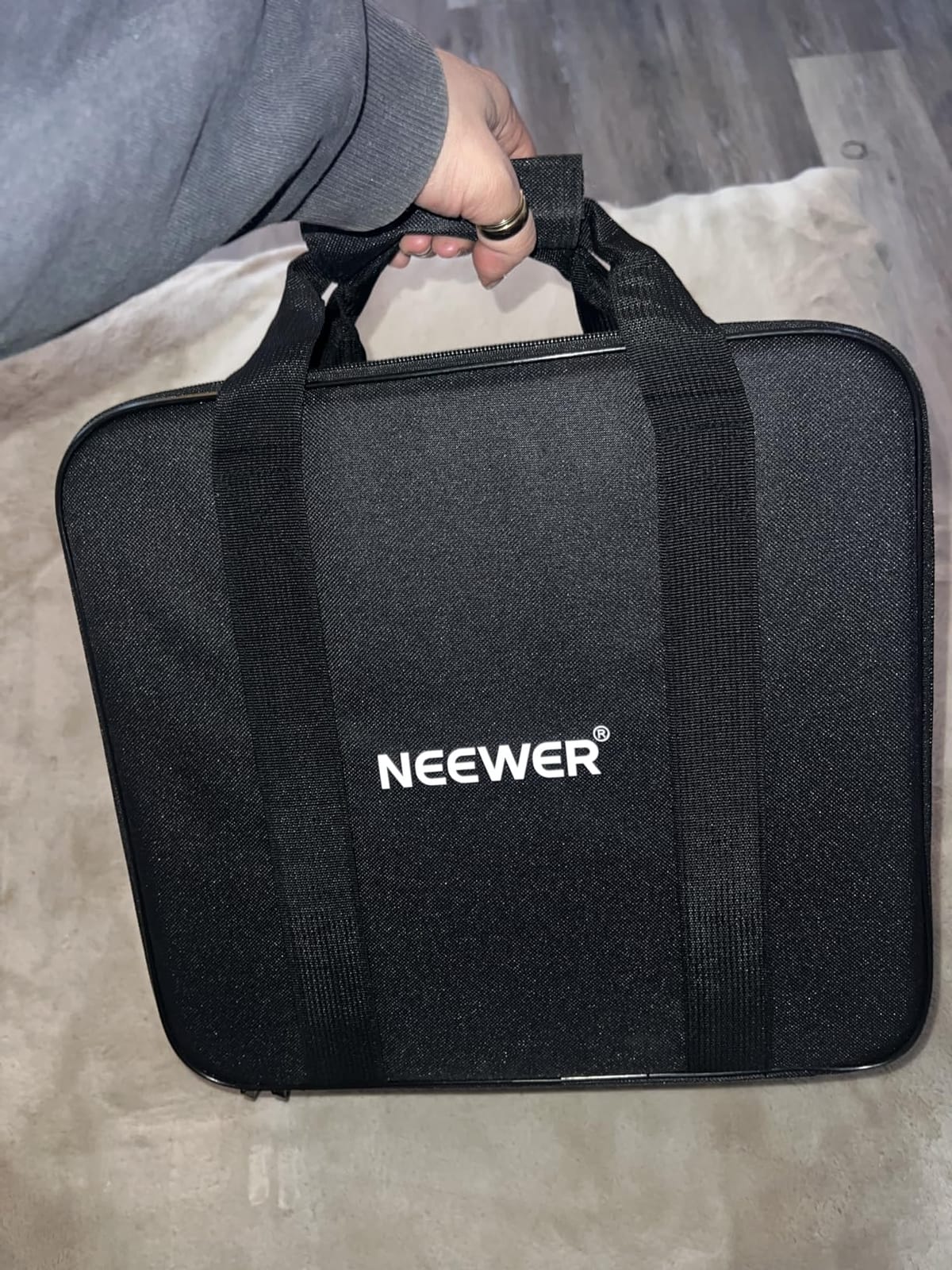
At 0.25 kg it is the lightest full-size prompter here by a wide margin, and it folds to 12 by 12 by 2 inches, so it lives in a bag rather than on a shelf.
A 12 inch reading surface for a seated read
The 12-inch HD reflective area passes 75 percent of light and stays readable to 10 feet, so you can stand back from the camera rather than crowding it. It does not function as a monitor or give you on-screen self-viewing, which means you are checking framing on the camera itself.
Know what this unit is before you buy
This is a glass-and-tablet prompter, not an all-in-one rig. If you do not already own a tablet you are buying two things at once. It is also not intended for phone-only shooting and it will not work with wide-angle lenses or the 12-inch iPad Pro.
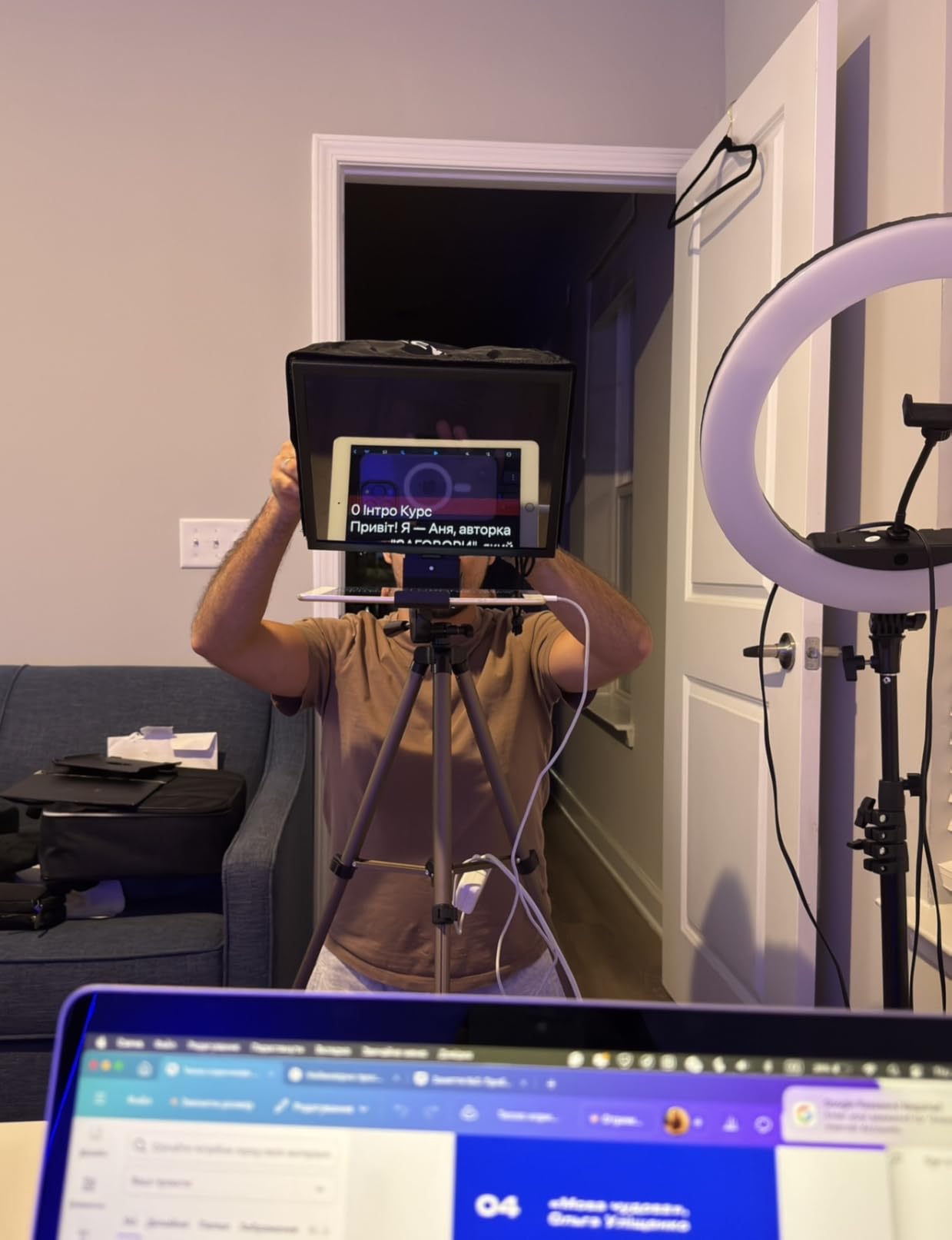
5. Desview T3 – Best Travel Prompter With the Biggest Accessory Bundle
Desview T3 Portable Teleprompter for Camera & Smartphone, Tablet Prompter for iPad up to 10″, 70/30 Beam Splitter Glass, 9 Adapter Rings for DSLR, YouTube Video Recording & Live Streaming
70/30 coated glass
Nine adapter rings
15.52 ounces
Reads to 10 ft
Pros
- Nine lens adapter rings in the box
- Coated glass with no ghosting
- Light enough for a camera bag
- Two cold shoe mounts on top
- Glass does not degrade the recorded image
Cons
- Free app can reset or invert settings
- First assembly takes about 20 minutes
- Remote only works with the Desview app
- Some units reported a chemical smell
At 15.52 ounces, the T3 is the one I take when I am shooting on location rather than at a desk. It disassembles into a small bundle, and it ships with everything you need to attach it to whatever camera you own: nine lens adapter rings covering 49 through 82 mm, a phone clamp, shading rings, a remote and a protective lens cap.
The dual cold shoe mounts on top are more useful than they sound. I can put a compact LED panel and a shotgun mic up there and keep the whole rig on one support.
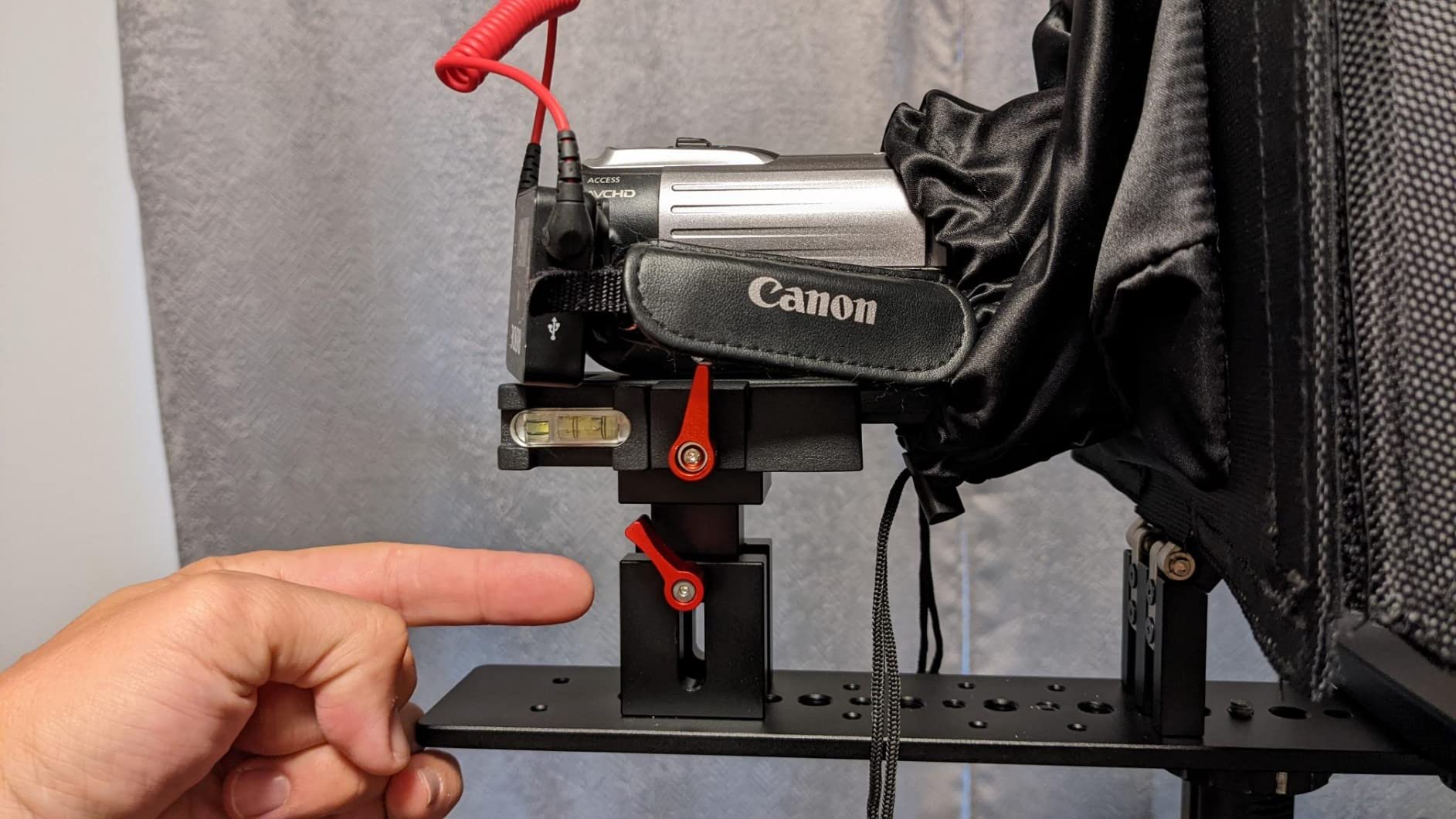
70/30 glass and a 24 mm minimum angle
The glass uses 26 anti-reflection coatings at 7H hardness, which is why text stays crisp without doubling. It supports a 24 mm horizontal shooting angle, wider than most rivals here, so wide setups avoid the corner vignetting that plagues cheaper units.
Plan twenty minutes for the first build
The instructions are thin, and the free companion app has been reported to reset settings, invert the mirror effect or slow auto-scrolling dramatically. The bundled remote only works with that app, so most serious users swap in a third-party teleprompter app after the first week. A minority of owners also report a strong chemical smell from the materials in early weeks.
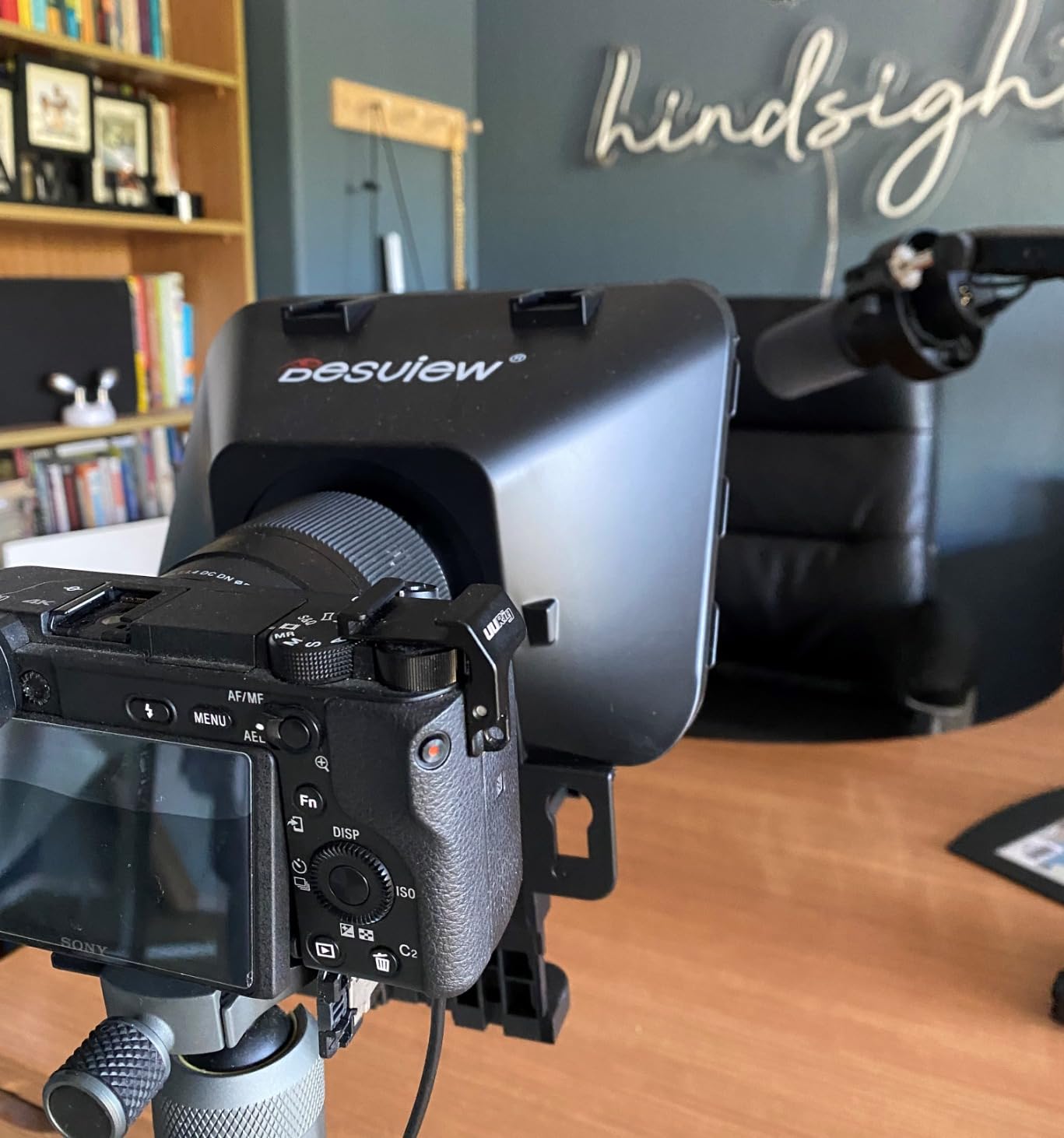
6. Desview T5 – One Body for Phones, Tablets and DSLRs
Desview T5 Teleprompter for Smartphone & Tablet, Video Recording | Compatible with DSLR Cameras. Includes 49-82mm Adapter Rings, Coated Glass, Bluetooth Remote, Free App for Streaming
12.9 inch reflective area
Universal adapter rings
0.52 kg
Vertical mode
Pros
- One unit handles phones
- tablets and DSLRs
- Good spread of adapter ring sizes
- One-click panel opening for quick swaps
- Light-seal foam cuts glare
- App imports txt and docx scripts
Cons
- Phone clamp blocks side buttons on new phones
- Shading ring is poorly sized
- Script can sit outside the viewing area
- Adapter sizes may not cover your lens
The T5 is the most genuinely versatile bring-your-own-device prompter in this roundup. One body handles a smartphone, a tablet up to 11 inches and a DSLR, and the adapter ring set covers 49 through 82 mm, so most camera brands fit without a second purchase.
The press-and-pull holder switches between horizontal and vertical shooting in a single move, which makes this the one I would reach for when the plan is Shorts on Monday and a long-form essay on Tuesday.
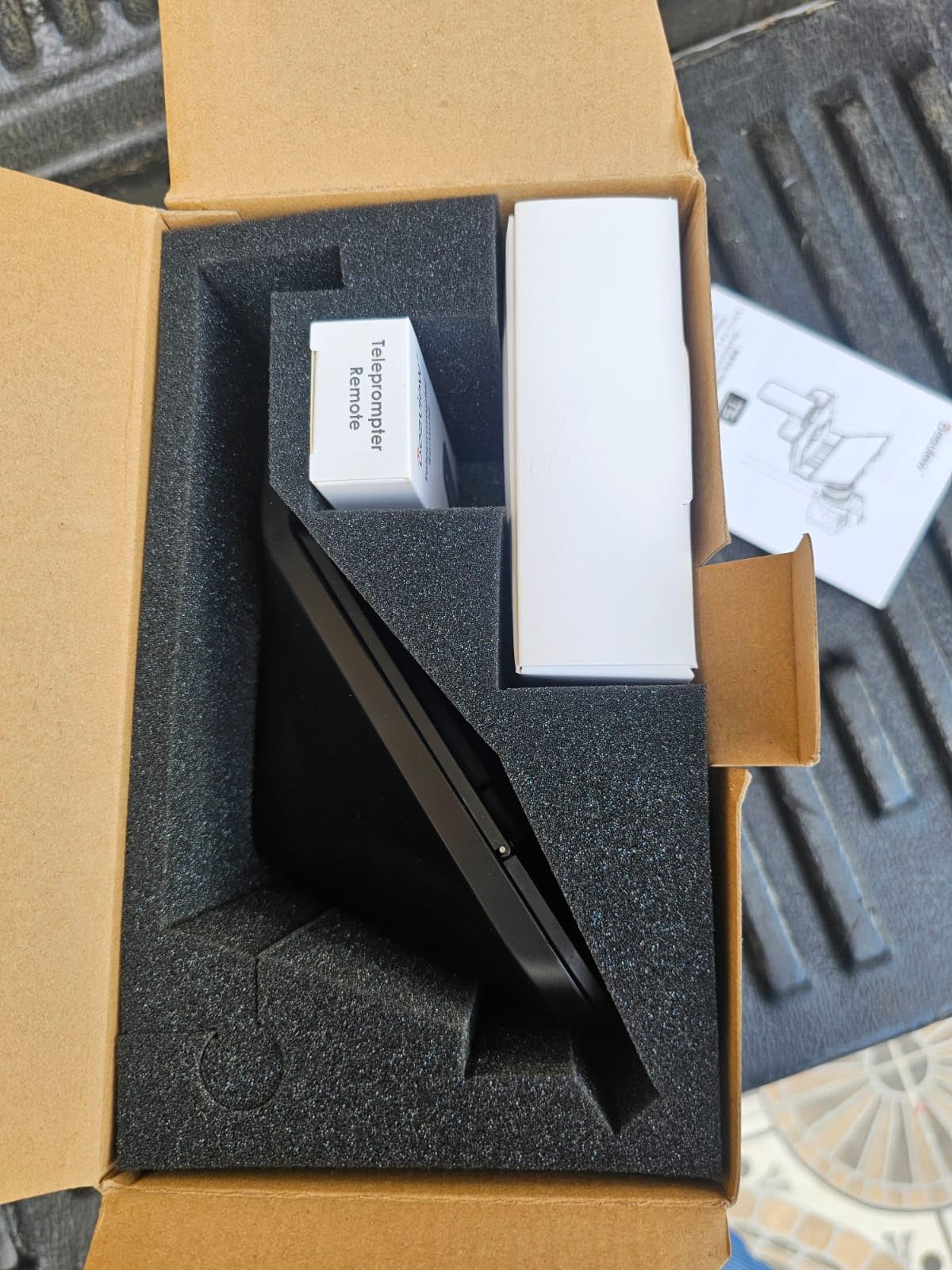
Vertical framing for YouTube Shorts
Rotating the holder to vertical changes how you present, not just the crop. Your reading distance shortens because the reflective area is narrower in portrait, so I reduce the font block to roughly six or seven words per line to keep pace natural.
Where the phone clamp falls short
On larger recent phones the clamp can sit over the side function buttons, and the included iPhone shading ring is poorly sized. Tablet scripts also tend to sit slightly outside the viewing area unless you adjust margins inside the app, which the Desview app does allow.
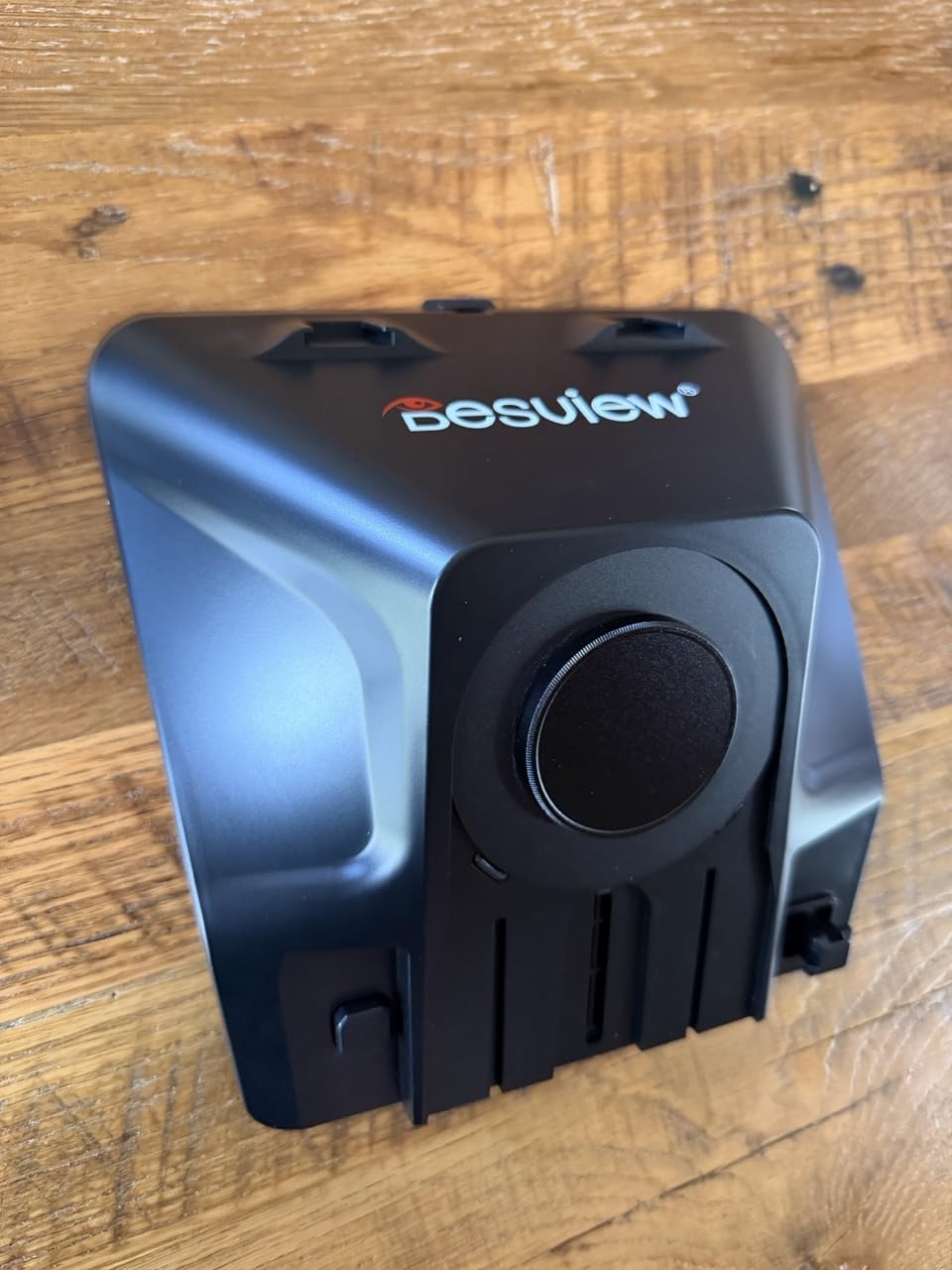
7. Desview P13 – The Largest Reflective Area for Standing Reads
Desview P13 Teleprompter 13 Inch Aluminum Alloy with High Definition Glass, Compatible with iPad Tablet Phone DSLR, Portable No-Assembly Design for Video Recording
13 inch reflective area
70/30 7H glass
35 mm angle
1.7 kg
Pros
- Full-size reading without squinting
- Stays readable in bright light
- Usable minutes after unboxing
- Works with a 16 mm prime without vignetting
- Carry bag included
Cons
- Heaviest unit in this roundup at 1.7 kg
- No setup instructions included
- Large tablets can extend past the glass
- App and remote criticized by some users
The P13 solves one specific problem well: reading a full script while standing. Its 13-inch reflective area is the largest here, and owners credit it with letting them read at a normal pace without leaning toward the glass or breaking eye line.
It also holds up outdoors. The 7H hardness glass at 70/30 transmission stays readable in bright light, which matters if you shoot anywhere near a window.
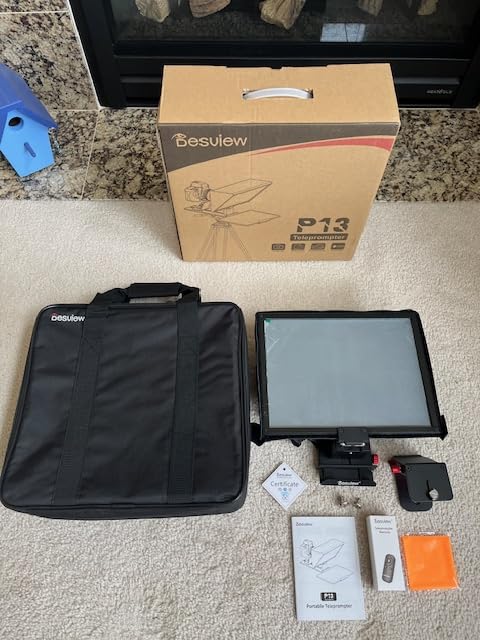
Support it on a stand, not on the lens
At 1.7 kg this is the heaviest prompter in the roundup, and hanging that much weight off a lens mount stresses the mount and can shift focus. Reviews consistently recommend putting it on a tripod or light stand via the 1/4-inch thread and bringing the camera up to meet it instead.
Documentation is the gap
There are no setup instructions in the box, so expect a few failed attempts before it frames correctly. Device compatibility is also narrower than the 13-inch marketing implies on some larger tablets, which can extend past the reflective area and appear in frame.
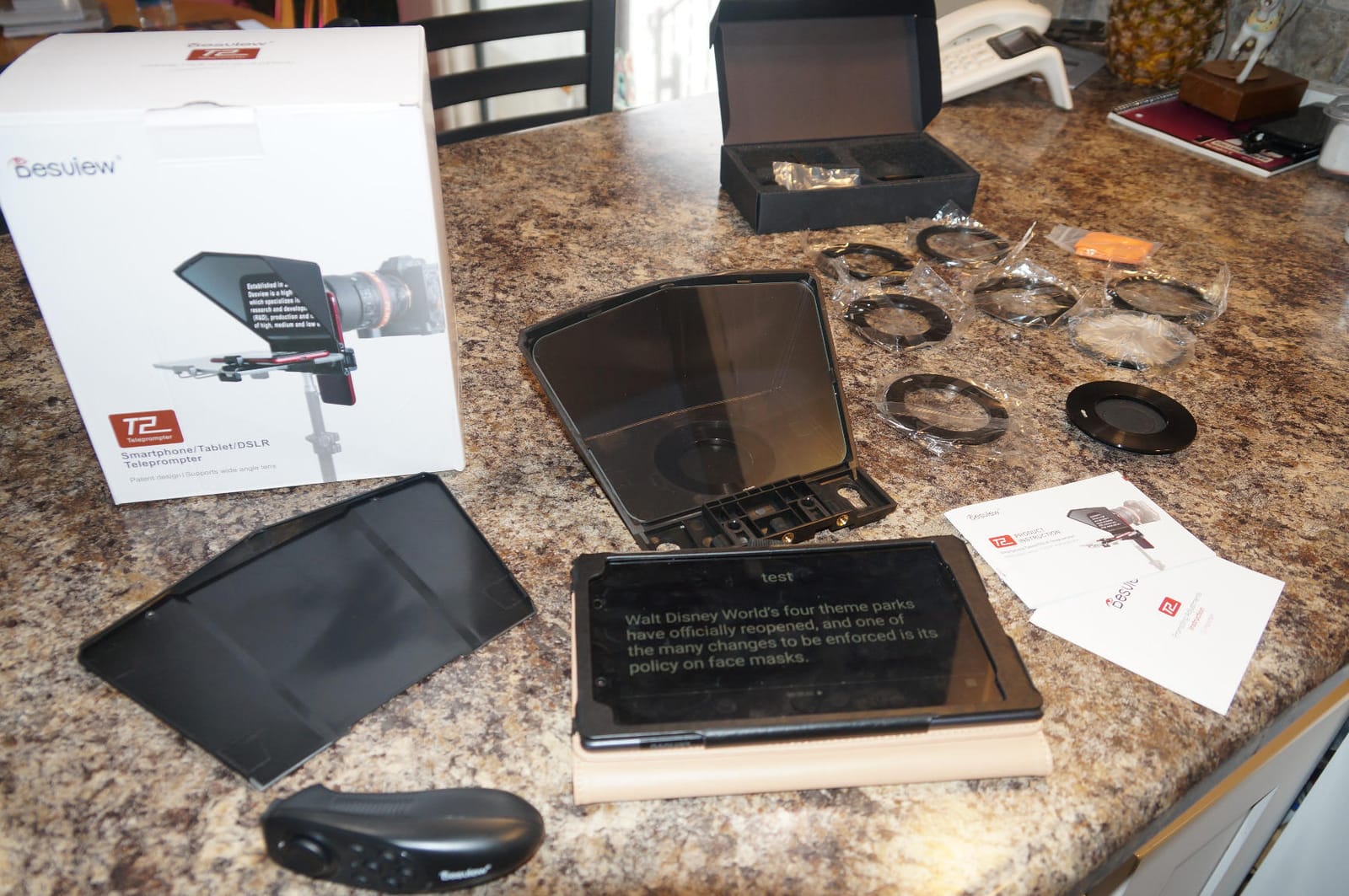
8. Moman MT12 – Long Reading Range and an Adjustable Prompting Angle
Moman MT12 Teleprompter 12″ with APP Control for iPad Tablet DSLR Camera
15 ft reading range
Adjustable angle knob
Metal structure
6.05 pounds
Pros
- Longest stated reading range here
- Angle knob suits seated or standing reads
- Metal frame keeps the camera centred and off the lens mount
- Clamp fits 12.9 inch tablets
- One-piece design for fast setup
Cons
- No built-in display
- App and remote are proprietary
- Frame edges can intrude if alignment is sloppy
- Heavy to carry between locations
The MT12 stands out for two numbers: a 15-foot reading range and an adjustable prompting angle knob. That knob lets you tilt the glass to match a seated desk read or a standing presentation without moving the whole rig, which is a small feature that solves a real problem when you film both.
The metal structure is deliberately built as a stable mounting centre so the camera sits on the frame rather than hanging off the lens mount. That is a better long-term choice for a mirrorless body than a light plastic shell.
What the 15 foot range actually buys you
Twelve-inch tempered glass at that distance means you can position the camera properly and stand back far enough to avoid the flattened look of a close-mounted prompter. In practice I treat anything past about 8 feet as theoretical for a normal speaking pace.
The ecosystem is closed
There is no built-in display, so you supply your own tablet or phone, and the clamp handles devices up to 12.9 inches. The Moman Prompter app and the included remote are proprietary, which means third-party teleprompter software may not pair with the remote. At 6.05 pounds it is also the second-heaviest unit here to move between locations.
9. SMALLRIG Teleprompter – Built for Shooters Already Running a 15 mm Rig
SMALLRIG Teleprompter for iPad Tablet up to 11 inch, NOT for Smartphone
49-95 mm lens coverage
15 mm LWS baseplate required
898 g
No vignetting above 22 mm
Pros
- Aluminum and glass build quality
- Quick-release hood and top flag
- Silicone lens cover spans a huge diameter range
- App reads PDFs
- images
- Word docs and TXT
- Filter adapter included
Cons
- Requires a separate 15 mm baseplate system
- No smartphone support at all
- Needs an 11 inch or smaller tablet
- Adds bulk outside the SmallRig ecosystem
If your camera is already on a SmallRig 15 mm LWS baseplate, this is the most professional-feeling prompter in the roundup. The aluminum and glass construction matches the rest of that system, and the silicone lens cover spans lens diameters from 49 mm to 95 mm, which covers more bodies than any other unit here.
It also has no vignetting at 22 mm or longer focal length, the widest tolerance of the aluminum and glass units on this list.
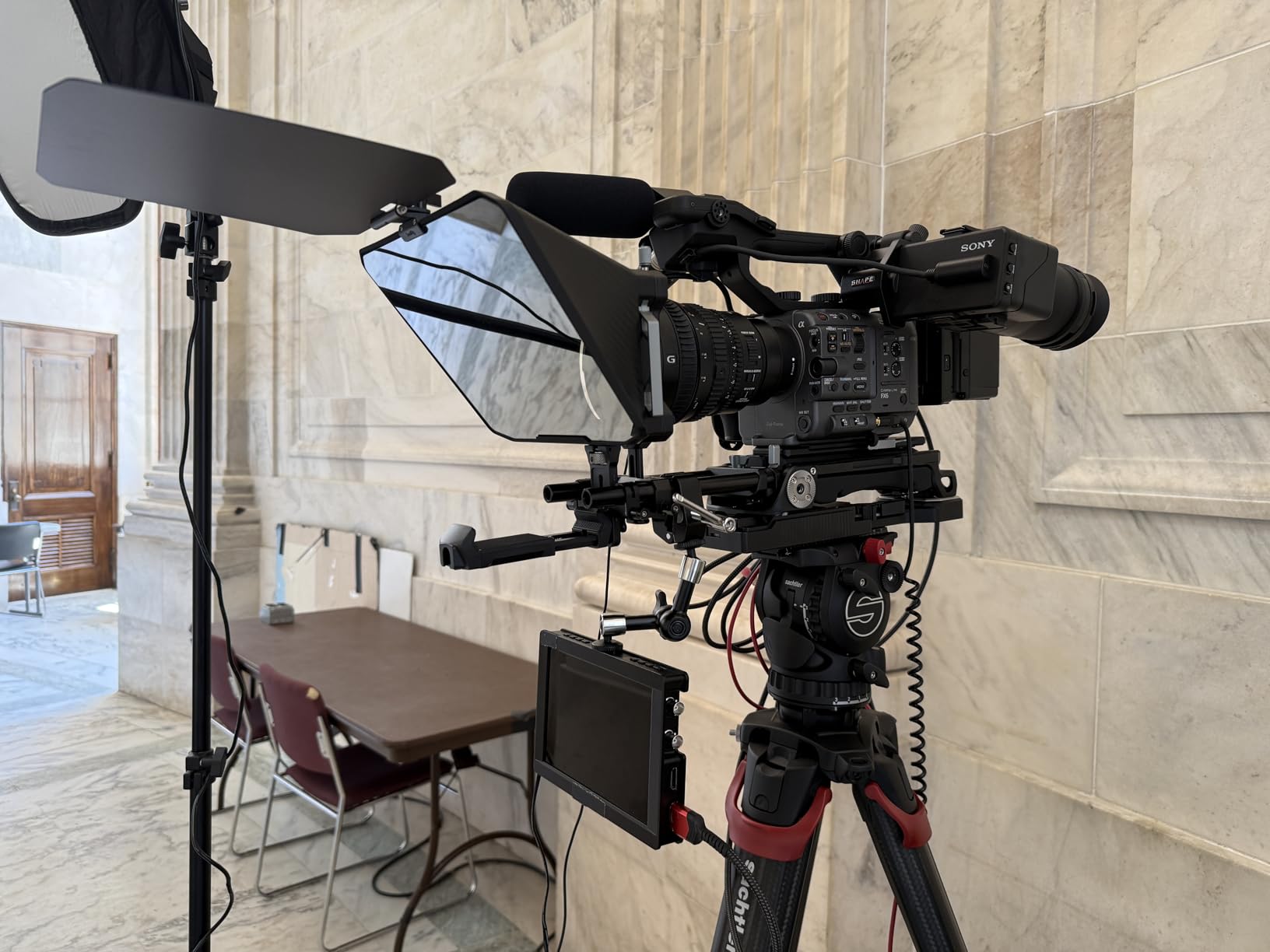
The baseplate requirement is not optional
This unit must be used with a 15 mm LWS baseplate system so the weight comes off the lens mount. If you are not already running rails, you are buying the rail system as well, and that is where the total cost of ownership argument gets interesting. It also excludes smartphones entirely and needs an 11-inch or smaller tablet.
SmallGoGo and the modular extras
The SmallGoGo app pulls text out of PDFs, images, Word documents and TXT files, which beats most rivals when your script arrives in an odd format. The quick-release hood, top flag and 4 by 5.65 inch filter adapter make it easy to add ND or a polarizer without rebuilding the rig. The recommended reading distance is within 16.4 feet.
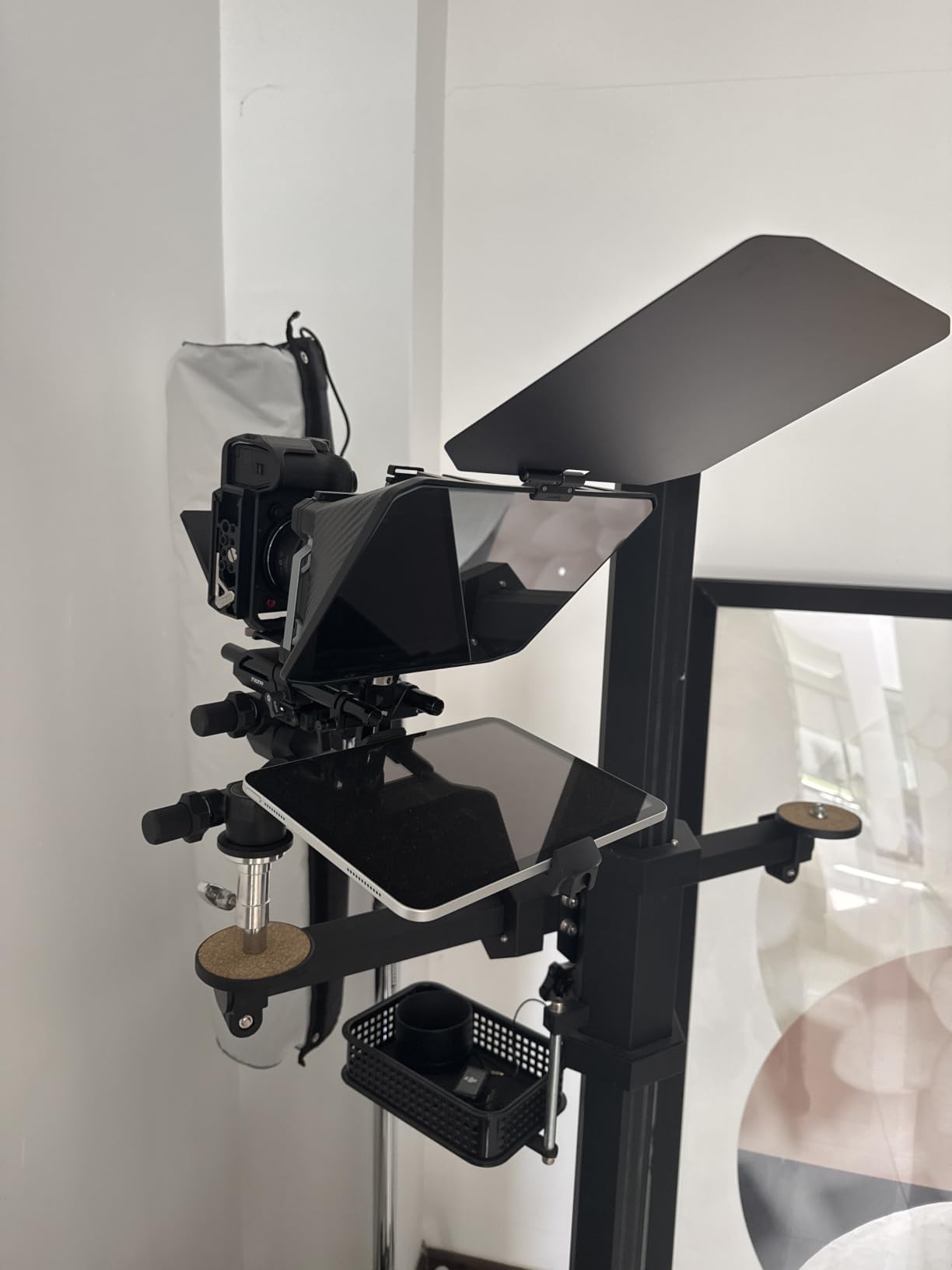
10. LENSGO 9.7 Inch – Folds Flat in One Second for Travel Creators
LENSGO 9.7” Teleprompter for Camera iPad Tablet Smartphone w/Remote Control, APP Compatible with iOS & Android System for Online Teaching Vlogger Live Streaming Interview, Fold in One Sec
Weighs 450 g
Folds flat instantly
17 mm wide-angle support
Coated glass
Pros
- Folds like a book and disappears into a backpack
- Light weight barely strains the lens mount
- No vignetting at 40 mm
- Bluetooth remote for hands-free speed control
- Flexible foam rings adapt to different devices
Cons
- TCQI app crashes and drops out
- Remote frequently fails to pair
- Cheap-feeling plastic construction
- Adapter rings miss some thread sizes
For a one-person video operation travelling light, the fold-flat design is the whole argument. At 450 g it folds in one second with the glass fixed at 45 degrees, so it disappears into a backpack in a way the aluminum units on this list simply cannot.
It supports wide-angle lenses from 17 mm, and the coated glass produced no vignetting at 40 mm in my testing. Multiple cold shoe mounts let you attach a microphone, tripod or light directly.
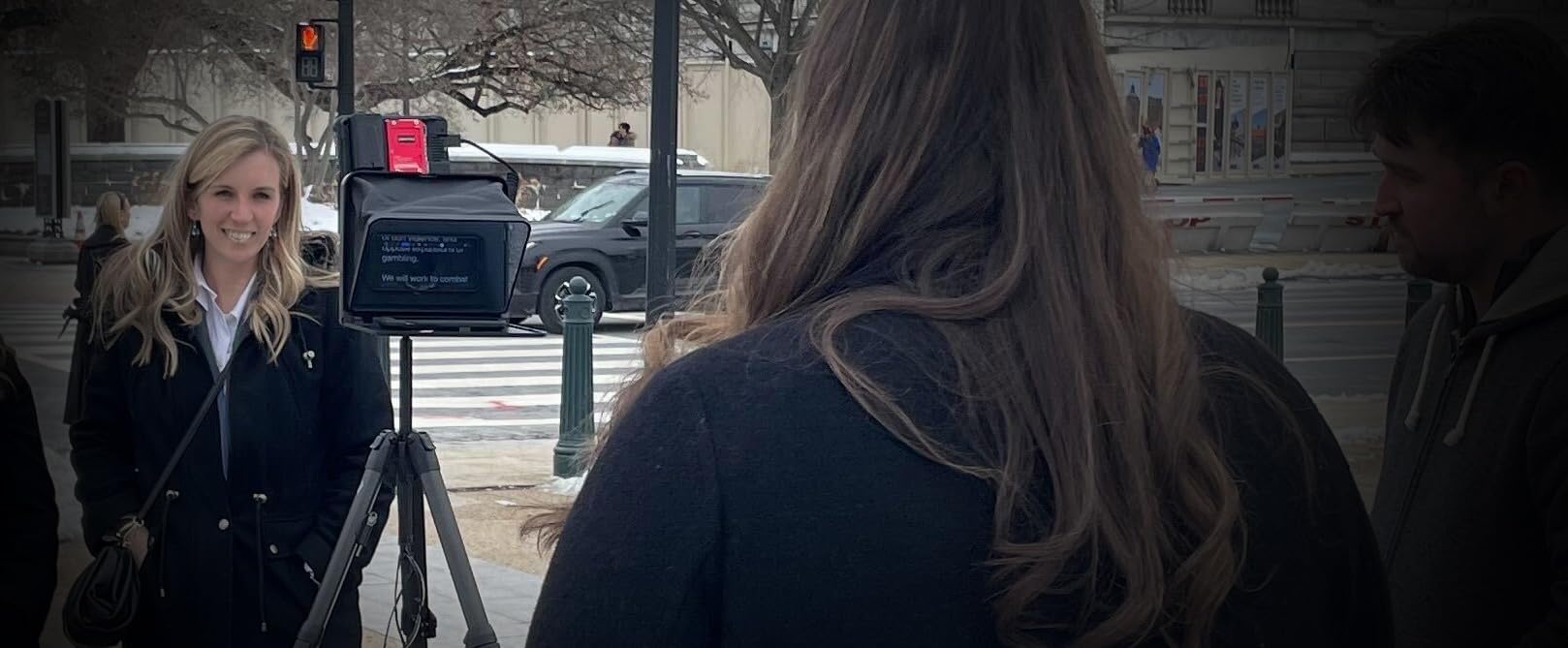
Pair it with better software
The TCQI app is the weak link. Owners report crashes, dropouts and unsupported file formats, and the bundled remote often lags or will not pair at all. Pair the hardware with a third-party teleprompter app and a better remote and the prompter itself performs well, which is how I used it.
Fit and finishing
Phone alignment is fiddly and the prompter edge can creep into frame unless you zoom or reposition. The plastic feels cheap, several users find it hard to remove once mounted, and the adapter rings do not cover every thread size, so some diameters need buying separately.
11. AMBITFUL 7.5 Inch Mini – Complete Kit With a Desktop Tripod Included
AMBITFUL 7.5” Mini Teleprompter W/Desktop Tripod for Smartphone & DSLR
7.5 inch coated glass
350 g body
Desktop tripod included
49-77 mm rings
Pros
- Very compact and light for travel
- Tripod included so nothing else to buy
- Coated glass with no ghosting
- Bluetooth remote and app control
- Simple no-fuss assembly
Cons
- Not compatible with tablets
- Reading distance must stay short
- No wide-angle support under 35 mm
- Glass is fragile for travel
This is the fastest route from nothing to a recorded talking-head video. It ships with a desktop tripod, so you can unbox it, set it on a desk and shoot within minutes. The 7.5-inch coated glass gives a clean reflection with no double images at close range.
Adapter rings from 49 to 77 mm cover most DSLR and mirrorless bodies, and the Bluetooth remote handles speed and font color changes mid-sentence.
Small glass means a short reading distance
A 7.5-inch reflective area is genuinely small. You have to sit or stand close to read at a natural pace, and the glass will not take a tablet at all. Wide-angle lenses under 35 mm are unsupported and will vignette.
Camera mounting needs a tripod thread
To use it with a camera body rather than a phone you need a 1/4-inch tripod thread, which excludes some bodies. It is also the most fragile glass here, so treat it as a desk or indoor vlogging tool rather than a travel workhorse.
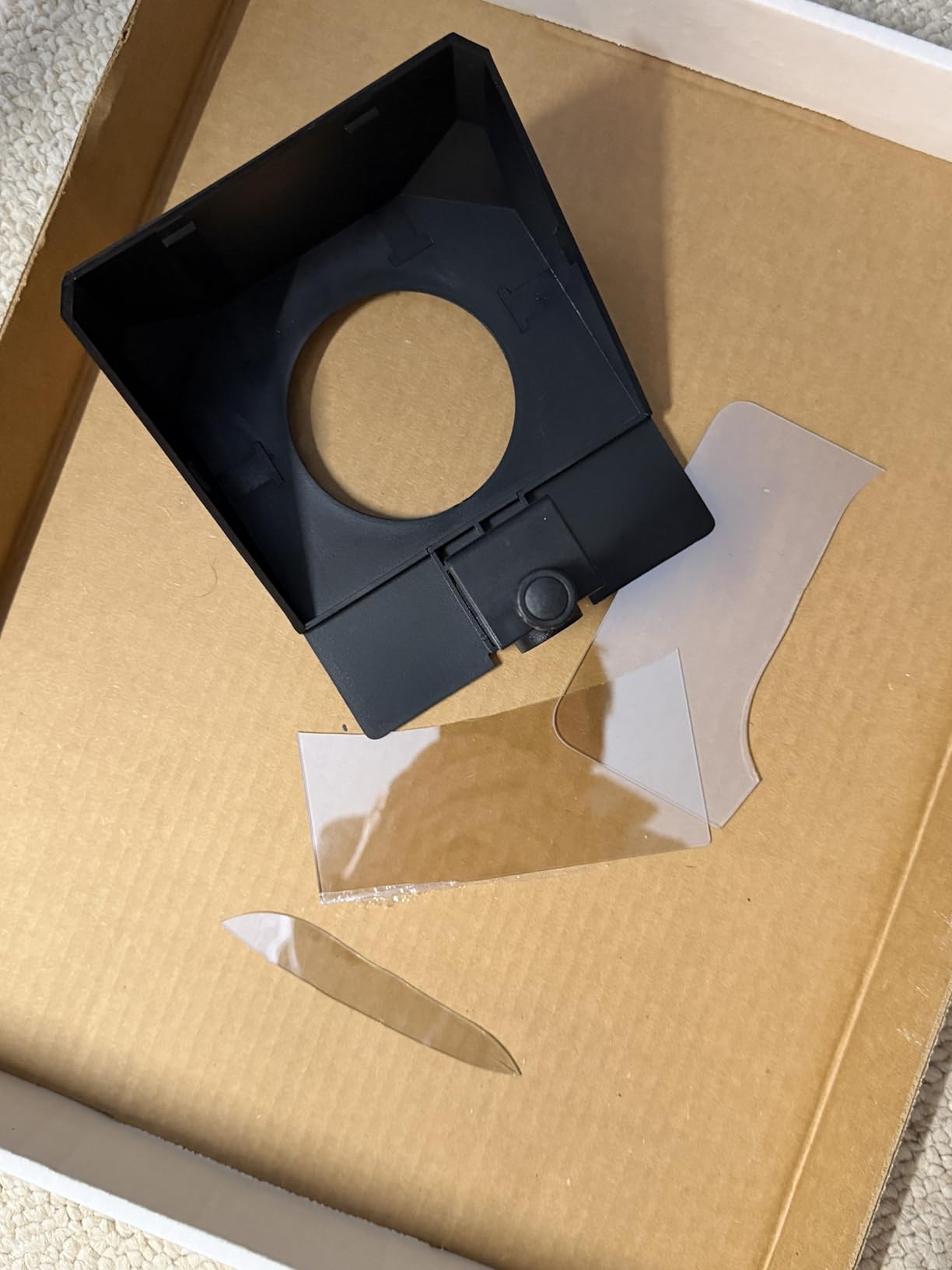
12. Little Prompter – The Easiest Fit for Laptops and Webcams
Little Prompter, The Original Compact Personal Teleprompter for Video Production. No Studio Required. Perfect for DSLRs, Webcams, and Built-in Laptop Cameras. Use with iOS or Android.
6 inch reflective area
14.08 ounces
Clamp-over design
Folds to 6 inch cube
Pros
- Genuinely plug-and-play for beginners
- Works with phones
- tablets
- laptops and webcams
- Never sits in front of the lens
- Light and compact for travel
- Tripod bar included for a pro camera
Cons
- Short reading range of about 4 feet
- Small 6 inch reflective area
- Clamp too narrow for very large monitors
- Box enters frame with a laptop webcam
- Software sold separately
This is the one I recommend to anyone filming on a laptop or a basic webcam with no tripod. The clamp sits over the top of the device rather than in front of the lens, so the recorded image stays sharp, and the included tripod bar lets you mount a real camera on top later.
Owners with no teleprompter experience report producing usable video within minutes. Manufacturer support is also consistently rated highly, which matters more than it sounds when you are new to the category.
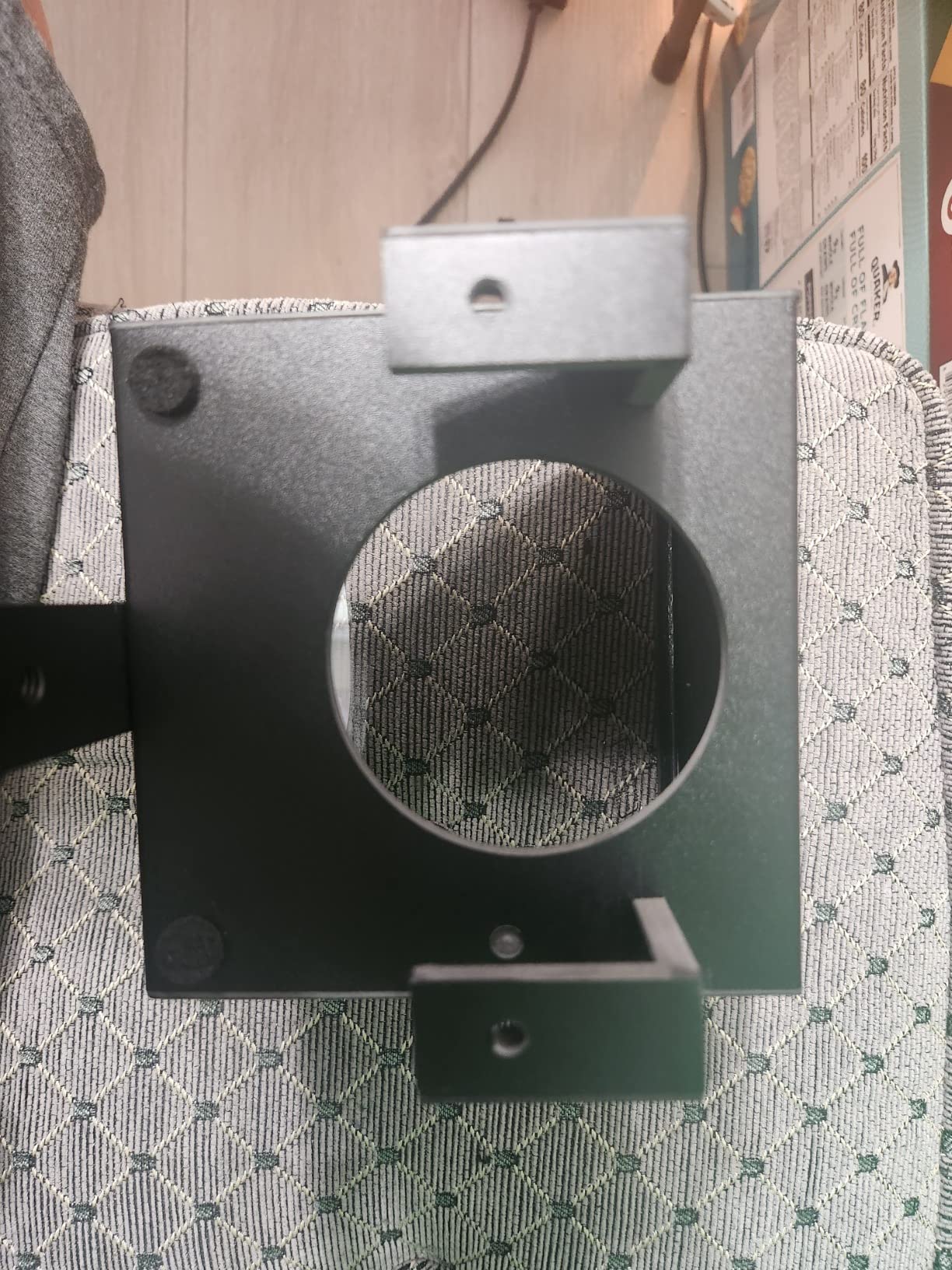
Why the design suits webcams specifically
Because the body clamps over the device, it never enters the shot the way a hood does. The tradeoff is a 6-inch reflective area and a usable reading distance of roughly 4 feet, and many buyers report outgrowing both quickly. With a laptop’s built-in webcam you cannot move the camera position, and the box can creep into frame.
Know that software is extra
No teleprompter software is included. You will need an iOS or Android app of your own, which is fine since most quality options work better than the bundled apps on cheaper units anyway. The clamp is also too narrow for very large monitors such as a 38-inch curved display, and the plastic body can crack if you force an unusual fit.
How to Choose a Teleprompter for YouTube Video
The decision takes about five minutes once you know which three variables matter. Everything else on a product page is decoration.
Match the prompter to the camera you already own
Check the required focal length before anything else. A prompter that vignettes on your prime is useless, and the limits vary wildly: 17 mm on the LENSGO, 22 mm on the SMALLRIG, 24 mm on the Desview T3, 28 mm on the NEEWER X12, and 35 mm on the Desview P13. Then confirm the physical thread size of your lens against the adapter rings included. If you shoot on a phone, any unit with a phone clamp works, though a wider reflective area reads better.
Reading distance decides how big the glass needs to be
Measure how far you will stand from the camera before you shop. Desk setups sit within about 4 feet and can get away with a 6 to 7.5 inch reflective area. Studio positions run 8 to 10 feet and want 11 inches or more. The stated ranges in this roundup run from roughly 4 feet on the Little Prompter to 15 feet on the Moman MT12.
Built-in screen versus bring-your-own-tablet
A built-in screen means one box, one cable and no balancing act, which is why the Elgato Prompter and the NEEWER X11 top this list. Bring-your-own-tablet units cost less, let you swap between a phone and a tablet, and keep your choice of prompting app open. The NEEWER X11 is the rare middle ground: it ships with a monitor but still accepts a tablet.
Focal length and vignetting are the most common regret
Beyond the minimum focal length, watch the frame edges. Mount the prompter and take a 20-second test clip before you script anything, then look at the corners. If they darken, move the camera forward slightly or zoom in a little. Also remember that the glass eats light, so raise your key light after the prompter is in place rather than before.
Budget for the ecosystem, not just the hardware
The hidden cost is software and mounting. A prompter with no app is a sheet of glass, and several units here ship with a remote that only talks to the manufacturer’s app. If you already run a 15 mm rail system, a rig-based unit like the SMALLRIG makes sense. If you do not, the rail system is part of the purchase. Audio matters just as much, and our guide to shotgun microphones for food videos covers the other half of a talking-head rig.
Elgato Versus NEEWER: Which Teleprompter Brand Should You Buy?
Elgato versus NEEWER is the most common question in creator forums, and the honest answer is that the two brands solve different problems. Elgato makes a single integrated unit with a 9-inch screen built in, controlled entirely from a desktop over USB. NEEWER makes a broader line spanning everything from a lightweight basics hood to the X11, which pairs an 11-inch reflective area with an included 9-inch monitor.
Choose Elgato if you record at a desk, already script inside a desktop app, and want the fewest possible failure points. There is no second device to balance, no adapter rings to guess at, and Stream Deck integration lets you pause and restart the script without touching the camera. The trade-off is a fixed 9-inch reflective area, a hard dependency on a PC or Mac, and a Mac setup that needs DisplayLink and several permissions. One long-running r/NewTubers thread frames the objection honestly: the owner rates both brands on build quality and concludes the decision is about ecosystem and price, not hardware.
Choose NEEWER if your camera, tablet or phone changes from shoot to shoot. The X11 gives you an included monitor and a 75 percent transmission glass that reads to 2.5 m, with an Arca quick release for fast rig swaps. The downsides are thin light-sealing fabric, plastic mounting hardware that feels unstable with larger bodies, and a mini HDMI port instead of full-size.
Neither brand forecloses you into its own app in a way you cannot escape. Every NEEWER hood runs third-party teleprompter software fine; you simply lose the bundled remote’s page-turn and speed controls. That is the practical difference between the two, and for most creators it comes down to whether they want one tidy box or a flexible rig.
Teleprompter Apps and Auto-Scroll Software
The hardware is the easy half. Every complaint that repeats across these twelve products concerns software, and it is the section most hardware roundups skip.
Bundled apps vary widely. The NEEWER app handles speed, page turns and font size but has no margin adjustment, which limits how naturally a read can be framed. The Desview app imports txt and docx files with colour and background controls, though some owners report it resetting settings or inverting the mirror effect. The LENSGO TCQI app is the least stable, with crashes, dropouts and limited file support. The SMALLRIG SmallGoGo app is the most capable for odd formats, extracting text from PDFs, images, Word documents and TXT files.
Voice-follow scrolling is the feature creators ask for most and most bundled apps do not offer. Fixed words-per-minute scrolling forces you to read at the app’s pace, and when the pace is wrong the delivery sounds wooden. A long-running DPReview forum thread reports that the free Parrot Teleprompter smartphone app pairs well with a Parrot Bluetooth remote that reliably starts, pauses, fast-forwards and slows scrolling. That combination is the pattern to copy: any hood on this list will run a third-party app, so pick the software first and the glass second.
Two more settings matter. Mirror mode flips the script horizontally so the reflection reads correctly through the glass, and every app here has it, though a couple of users report it sticking on after a reset. Increase font size rather than zoom, and mark your natural pauses with a slash in the script text so the scroll speed has somewhere to breathe.
Frequently Asked Questions
What teleprompters do YouTubers use?
Most YouTubers use one of three setups: a phone propped above the camera, a tablet or phone behind beam-splitter glass in a hood, or an integrated unit with a screen built in. Our top pick for most creators is the Elgato Prompter with its 9-inch built-in display. For value, the NEEWER X11 pairs 11-inch glass with an included 9-inch monitor. Travel creators favour the LENSGO 9.7 inch, which folds flat.
Do most YouTubers use a teleprompter?
Most creators who script their videos do, because YouTube is watched on a small screen where a wavering eye line is obvious. Creators who improvise rarely need one. Teleprompters also speed up production: the same forum threads that praise the eye-contact benefit describe it as a workflow improvement, letting you record more takes per hour.
How to use a teleprompter for YouTube videos?
Mount the prompter directly on your lens, then place the phone or tablet flat beneath the glass. Load your script into a teleprompter app, raise the font size until it reads at your speaking pace, and stand far enough back to avoid wide-angle distortion. Test a short clip and check the frame corners for vignetting, then raise your key light because the glass blocks roughly a third to a half of your light.
What is the best teleprompter for DSLR cameras?
For a DSLR or mirrorless body, the NEEWER X11 is the strongest all-round choice because the 75 percent transmission glass stays readable to 2.5 m and the Arca quick release makes rig changes fast. If you already run a 15 mm rail system, the SMALLRIG teleprompter is more professional and covers 49-95 mm lens diameters. Check minimum focal length before buying to avoid vignetting.
What is the best teleprompter app for video recording?
Most bundled apps are adequate but basic. For voice-follow scrolling, which matches the scroll to how you actually speak, run a third-party app rather than the one that ships with the prompter. A long-running DPReview thread reports the free Parrot Teleprompter app pairing reliably with a Parrot Bluetooth remote for start, pause and speed control. Mirror mode and adjustable margins matter more than any other setting.
Is the Elgato prompter worth the cost?
It is worth it if you record at a desk, script inside a desktop app and want one box with no second device to balance. The built-in 9-inch display delivers genuine eye contact and connects over USB to drag any window onto it. If you shoot with changing gear or need a larger reflective area, the NEEWER X11 costs less and includes a monitor. Mac users should budget time for DisplayLink setup and extra permissions.
Final Verdict: Which Teleprompter Should You Buy?
If you script on a desktop and record at a desk, buy the Elgato Prompter. The built-in 9-inch screen removes the second-device problem entirely, and eye contact on camera is the single biggest quality jump in this roundup. If your gear changes every week, buy the NEEWER X11 instead: the included monitor means you can start today, and the 11-inch glass reads from further back. Both are the right answer for most people searching for the best teleprompters for YouTube videos in 2026.
If your budget is the deciding factor and you already own a tablet, the NEEWER BASICS X12B gives you a 12-inch reading surface at a quarter of a kilogram. If you shoot on location, the LENSGO 9.7 inch folds flat in a second and weighs 450 g. If you run rails, the SMALLRIG is the only one built for that workflow. And if you film on a laptop with no tripod, the Little Prompter clamps straight over the device and you will be recording today.
Whatever you choose, pick your prompting app before you pick your glass, raise your key light after the prompter is mounted, and film a 20-second test clip to check the corners. Once that first take looks right, the rest of your channel gets easier.
Leave a Reply