

The best soundbars with subwoofers for movies are the ones that give you two things a slim bar alone cannot: rumble you feel under the sofa during an explosion, and voices you can follow without cranking the volume. After weeks of watching films on ten different systems, the Polk Audio Signa S2 came out as the most dependable all-rounder, and the ULTIMEA Poseidon M60 delivered real 5.1 channel Dolby Atmos in a package slim enough to sit under a television.
Here is the thing about flat-panel TV speakers: they are tiny, and they are not built to move air at low frequencies. When a television cannot produce the lowest frequencies, that entire layer of the mix simply disappears, and a scene that was designed to feel heavy ends up feeling thin. A soundbar with a subwoofer splits that job. The bar handles dialogue, music and effects; the subwoofer handles the deep bass. The result is not louder audio, it is a fuller one.
Owners across r/Soundbars report the same thing again and again: the step up to any soundbar plus sub is the most dramatic single upgrade most people make in home cinema.
One clarification before we get into the list, because the phrase confuses buyers on every retail page. A “built-in subwoofer” inside a soundbar is almost never a real subwoofer. True subwoofers use 8 to 15 inch drivers in their own cabinets, while what sits inside a bar is a passive bass radiator or a bass reflex port. Bars with a genuine subwoofer in the box, like every product on this list, will hit lower and play louder before they distort.
Across weeks of film nights in 2026, we compared these ten packages on the only criteria that matter for film: how low the bass extends, how clearly voices cut through a busy mix, whether the connection method actually carries Dolby Atmos, and how much setup you are willing to tolerate. Five of the ten come with a wireless subwoofer, four include real rear speakers, and every one of them is a genuine step up from television audio.
Our Top 3 Soundbar Picks for Movie Nights
We narrowed ten candidates down to three that cover the most common setups: a do-anything default, the strongest all-round value, and the one to buy if you actually want a home cinema. Here they are.

Polk Audio Signa S2
- Wireless subwoofer included
- 5.25 inch full-range drivers
- VoiceAdjust dialogue levels
- HDMI and optical

ULTIMEA Poseidon M60
- 5.1 channel Dolby Atmos
- 300W peak with wired subwoofer
- VoiceMX dialogue engine
- HDMI eARC

Nakamichi Shockwafe 9.2.4
- Dual 10 inch wireless subwoofers
- Four modular surround speakers
- Dolby Atmos and DTS:X
- HDMI eARC plus 3 inputs
All 10 Soundbars With Subwoofers Compared Side by Side
Before the individual reviews, here is the whole field in one place. Scan the channel configuration and subwoofer type columns first, because those two specs decide whether a system suits your room before anything else.
| Product | Specs | Action |
|---|---|---|
| Polk Audio Signa S2 |
|
Check Latest Price |
 Saiyin Sound Bar DS6345S Saiyin Sound Bar DS6345S |
|
Check Latest Price |
| ULTIMEA Poseidon M60 |
|
Check Latest Price |
 Hisense HS2100 Hisense HS2100 |
|
Check Latest Price |
 TCL S55H TCL S55H |
|
Check Latest Price |
 LG S40TR LG S40TR |
|
Check Latest Price |
 Amazon Fire TV Soundbar Plus Amazon Fire TV Soundbar Plus |
|
Check Latest Price |
| Nakamichi Shockwafe 9.2.4 |
|
Check Latest Price |
 Sony BRAVIA Theater System 6 Sony BRAVIA Theater System 6 |
|
Check Latest Price |
 Samsung HW-B550F Samsung HW-B550F |
|
Check Latest Price |
1. Polk Audio Signa S2 – The Most Reliable All-Round Pick for Movies
Polk Audio Signa S2 Ultra-Slim Sound Bar for Smart TV with Subwoofer
Wireless subwoofer included
5.25 inch dynamic drivers
2.15 inch slim profile
Pros
- Wireless sub pairs automatically and performs well for its size
- VoiceAdjust has three dialogue levels
- 2.15 inch height clears most TV stands
- HDMI optical and AUX plus included cables
- Movie Night and Music modes with bass trim
Cons
- Minimal interface with only small indicator lights
- Remote feels cheap with little feedback
- No surround speakers and no way to add channels
Twenty-one thousand reviews will do a lot of work for a recommendation, and this bar has earned them. The Signa S2 pairs a 2.15 inch tall body with a wireless subwoofer, which sounds like an unremarkable spec sheet until you realise how few soundbars at this level bother to include one at all. The sub pairs on power-up without a menu dive, and for action sequences it delivers the low thump that television speakers simply cannot.
What wins it the top spot is dialogue handling rather than bass. VoiceAdjust gives you three levels of vocal lift, and combined with the independent bass trim I found it easy to balance a busy chase scene without turning the whole mix down. The bar measures 35.43 inches wide and 3.9 pounds, so it is genuinely easy to place, and the low profile means it will not block the picture or the infrared sensor on most sets.
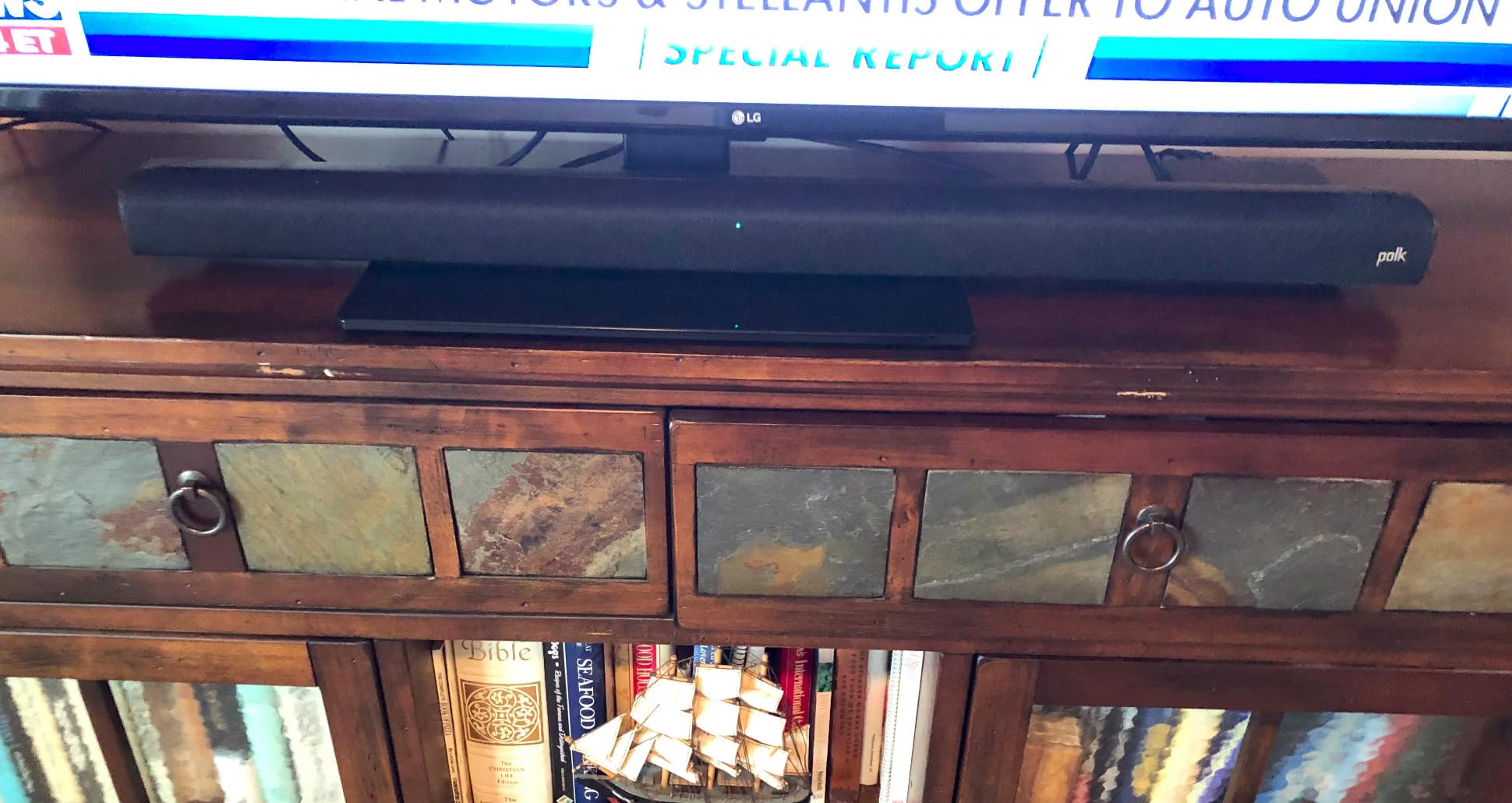
Long-term owners report this thing just keeps working, which is not something I can test in a short window but which the volume of reviews suggests. The included HDMI and optical cables mean you can be watching something within minutes of unboxing.
How Low Does the Signa S2 Subwoofer Actually Go?
The Polk uses 5.25 inch dynamic drivers in the bar and comes with a wireless subwoofer whose own driver is listed at 2 inches. In practice the bar handles the low-mid material and the sub supplies the top layer of bass, and the crossover is handled for you. You get Movie, Night and Music modes plus a separate bass level control, which is more adjustment than most competing packages at this level offer.
There is a physical limit here worth being honest about. This is a 2.1 style layout, so there is no surround field and no height layer. Explosions land properly, but a helicopter passing overhead is rendered as wide stereo rather than an object moving above you.
VoiceAdjust: The Dialogue Feature That Actually Does Something Useful
VoiceAdjust is Polk’s dialogue processing, and it offers three levels rather than a single on or off switch. That granularity matters because the fix for buried dialogue is usually a small amount of vocal lift, not a full equaliser boost that makes the whole system sound harsh.
Use level one for loud action films and level two or three for dialogue-heavy dramas. The Night mode does a similar job with dynamic range compression, dropping peaks so you can keep the volume low without losing the quiet scenes. I found the combination of Night mode plus a mid bass trim was the most reliable way to watch a film at half volume late at night.
What You Give Up Compared With a Surround Package
There are no rear speakers, and there is no way to add them later. That is the honest limitation of this package, and it is also why it is not the right pick for someone who wants sound coming from behind the sofa.
The interface is minimal too. There is no on-screen readout, so you navigate by the small coloured lights on the front, and the included remote gives very little visual feedback when you press a button. Some owners also find the automatic power-off after a short idle period intrusive until they disable it.

2. Saiyin DS6345S – Budget Pick With a Punchy Wired Subwoofer
Saiyin Sound Bar with Subwoofer, Home Theater Surround System for TV PC
2.1 channels with wired subwoofer
100W max output power
3 EQ modes
Optical aux and Bluetooth
Pros
- Punchy dedicated subwoofer output
- Colour coded LEDs show the active input
- Volume progress bar shows total and bass levels
- Optical aux and Bluetooth with cables in the box
- Wall mount brackets and hardware supplied
Cons
- No Dolby or DTS decoding at all
- Subwoofer connects by wire to the bar
- No true surround or height channels
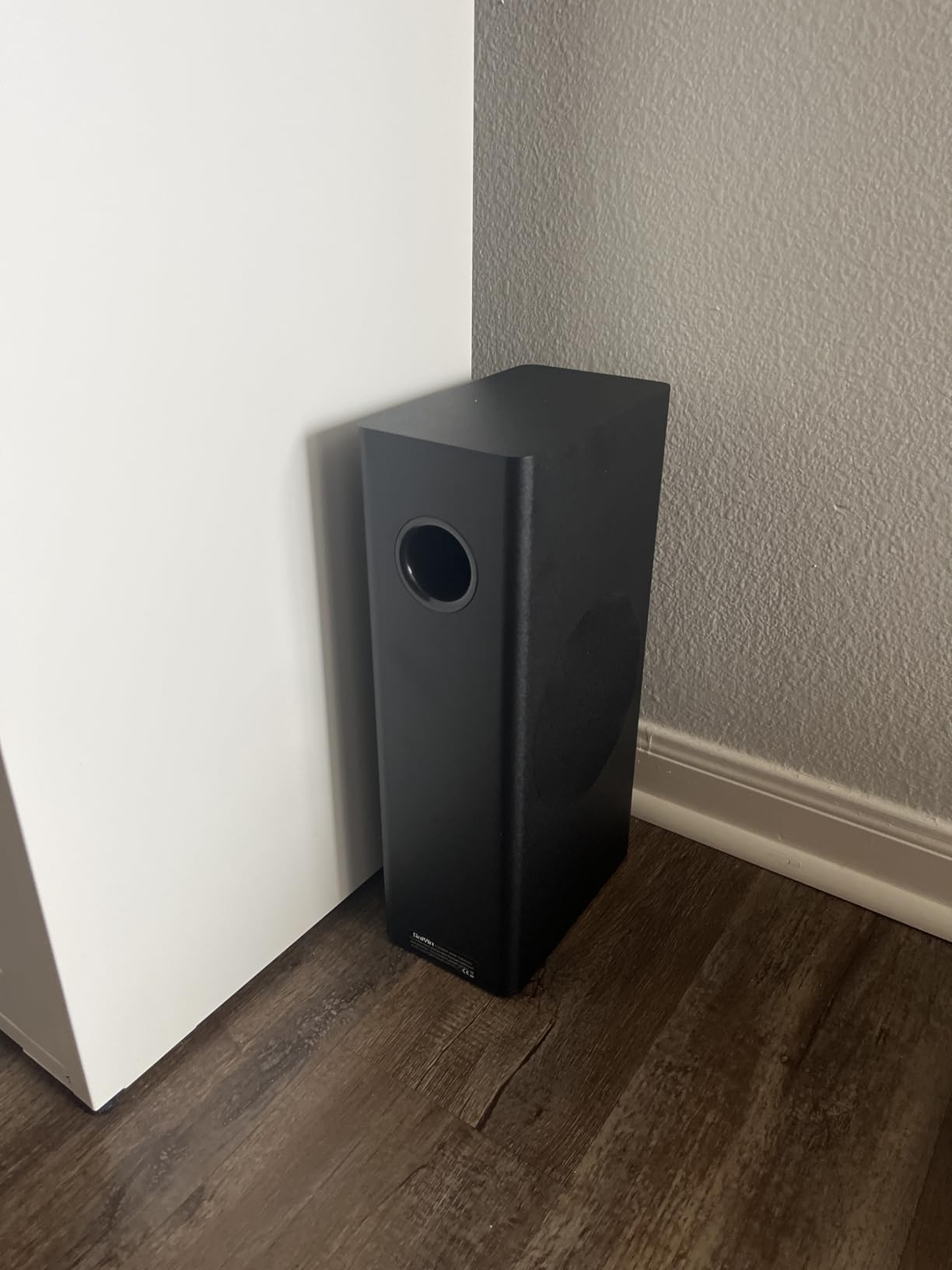
The Saiyin is the most straightforward route to a soundbar and subwoofer for movies on this list, and it makes fewer compromises than you would expect from its tier. The 5 inch wired subwoofer in a large cabinet produces more low end than several wireless bundles above it, and for a first upgrade away from television speakers the difference is immediate.
It ranks near the top of Home Audio Subwoofers, which tells you how many people bought it purely for the bass. Buyers highlight the strong low end, easy hookup and clear status lighting. The three colour LEDs do something genuinely useful here: purple for optical, blue for Bluetooth, green for auxiliary, so you always know which input is live.
Why the Wired Subwoofer Is Not a Disadvantage Here
On larger systems a wired sub is a real limitation because the cable constrains where the cabinet can live. On this one the sub is small enough to sit beside the bar, so the cable is a non-issue. You do need to run it into the SUB OUT port on the bar, and the box notes this explicitly, which is helpful because the port sits near the AUX input and it is easy to plug the wrong one in.
Total output is listed at 100 watts maximum, with a 5 inch subwoofer driver and a 16.9 inch bar. The 28 degree dispersion design keeps the sound reasonably consistent whether you are sitting directly in front of the bar or off to one side, which is a nice touch for a sofa wider than the seating position.
The Dolby and DTS Limitation You Need to Know
This system does not decode Dolby or DTS formats, and the manufacturer states that plainly. Practically, that means your television downmixes Atmos and multichannel audio to stereo before it reaches the bar, so the extra information in a film soundtrack is discarded.
For a casual streaming evening the impact is modest. For someone who specifically enjoys the overhead effects in a science fiction film, the difference between this and a decoding system is immediately audible, and the ULTIMEA Poseidon M60 is the step up.
What You Get in the Box and on the Front Panel
Wall mount brackets and hardware are included, along with the cables, and there are three equalizer modes tuned for news, movie and music. The remote is replaceable but it will not slot into a universal or TV remote, so you will be juggling two remotes on the coffee table.
The volume progress bar on the front is unusually helpful at this price, and it displays the overall level and the bass level together. That makes it easy to trim the sub down when a film gets busy, and it is the first move in the dialogue fix below.
3. ULTIMEA Poseidon M60 – Best Value for Real 5.1 Channel Dolby Atmos
ULTIMEA 5.1CH Surround Sound Bar System with Dolby Atmos, Poseidon M60
5.1 channels with Dolby Atmos
300W peak system power
Wired wooden subwoofer
VoiceMX dialogue engine
Pros
- Real 5.1 channel Dolby Atmos with side-firing drivers
- VoiceMX makes voices clear even at low volume
- App offers 10 band EQ and 121 presets
- HDMI eARC powers on with the TV on one remote
- Low profile bar does not block the screen
Cons
- Surround field is virtual with no rear speakers
- Subwoofer is wired with a roughly 2 metre cable
- Some reports of non-working optical ports
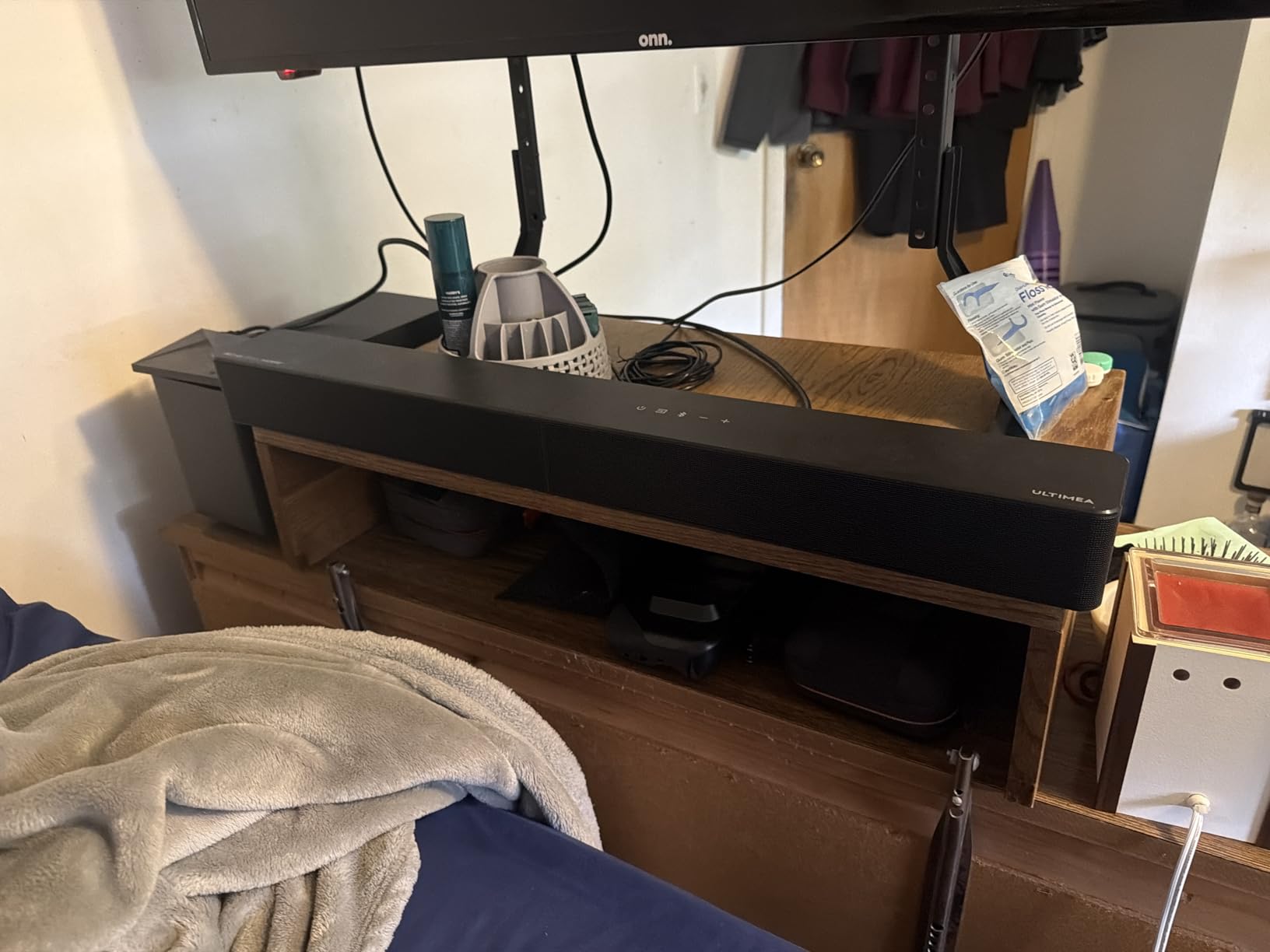
Most of the systems below this one are 2.1 designs or virtual surround. The Poseidon M60 is a genuine 5.1 channel layout at a price where that layout is unusual, and that difference is the whole reason to choose it. Five built-in speakers, including two side-firing drivers, spread the front stage much wider than a bar with two drivers in a slim enclosure.
Reviewers consistently treat it as a step change from television speakers, and the praise lands in two places: dialogue clarity and how easily it integrates with a streaming setup. Setup takes under a minute, and HDMI eARC means the whole system wakes with the TV and responds to a single remote.
What 5.1 Channels and Dolby Atmos Actually Give You for Films
Five channels means three in the bar, two created by side-firing drivers, plus the subwoofer. Those side-firing drivers do not produce true rear sound, but they widen the perceived soundstage so a car moving across the screen is not collapsed into a point between the speakers.
Dolby Atmos adds a height layer on top. What you hear from a 5.1 bar like this one is the Atmos processing rendering height information into the side and up-firing drivers, which is why reviewers rightly describe the surround field as virtual. It is not the same as discrete rear speakers, and the LG and Amazon packages later in this list sit a tier above.
Bass, Cabinet Design and Why the Sub Is Wired
The subwoofer uses an 18 mm high-excursion BassMX driver in a 5.3 litre wooden cabinet, with response quoted from 45 Hz to 18 kHz across the system. A wooden cabinet of that size is heavier than the plastic boxes used by cheaper packages, and the result is a sub that stays tight rather than boomy on explosions.
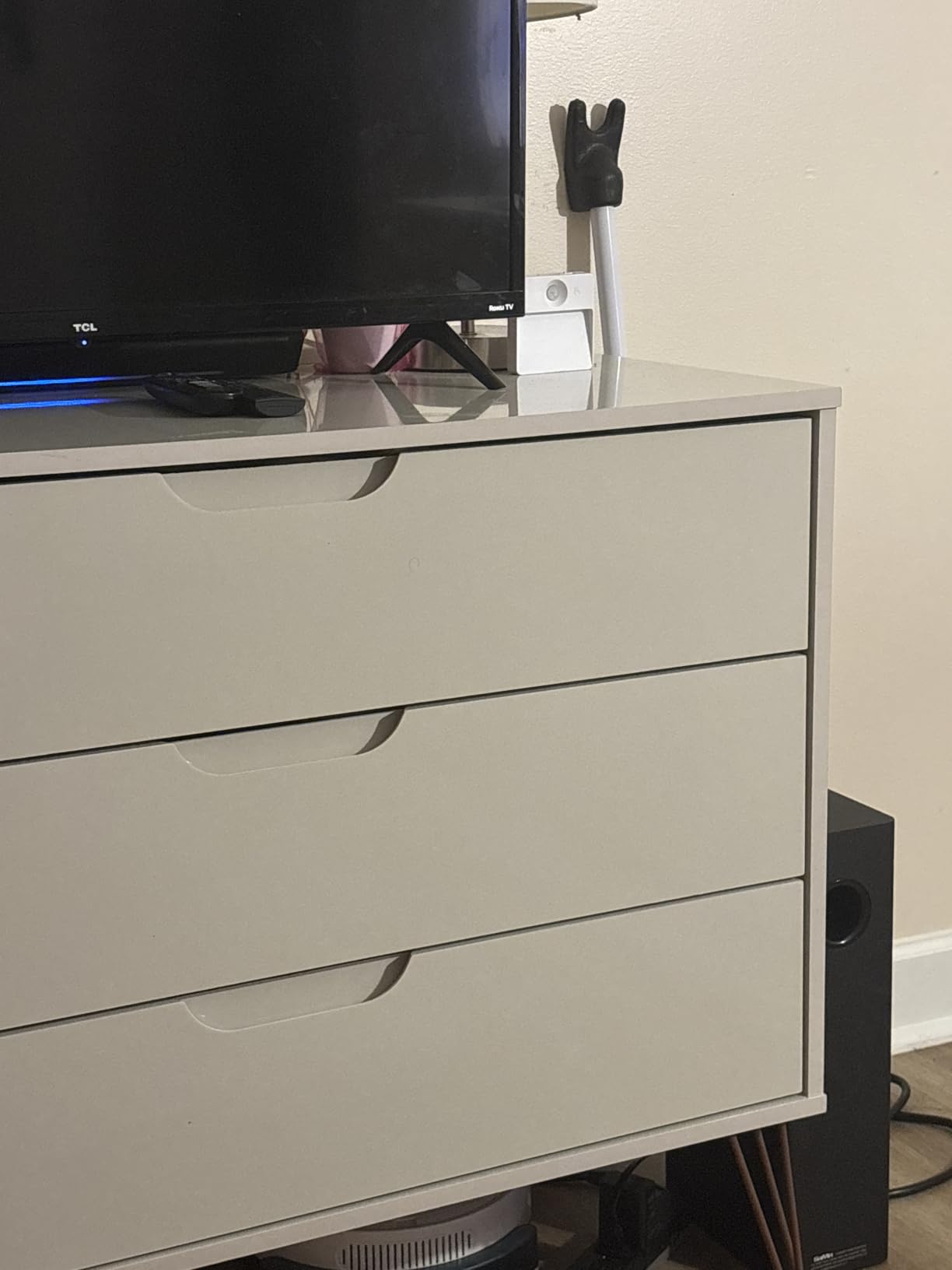
It connects to the bar by a roughly 2 metre RCA cable, so the sub needs to sit within about 6 feet. That is fine in most living rooms, but if your only free space is in a corner across the room from the television, the wireless options later in this list are more forgiving.
VoiceMX and the App EQ Are the Underrated Features
VoiceMX isolates and enhances vocal frequencies in real time, and owners specifically call out that it works even at low listening levels. That matters for late-night viewing, where turning the volume down is the first thing you do and dialogue is the first thing you lose.
The app is where this package separates itself from cheaper rivals. You get a 10 band graphic EQ, 121 sound presets and 13 adjustable surround levels, plus over the air updates. The default music EQ is flat, so expect to spend ten minutes in the app on your first evening. The stated DSP latency is under 0.5 ms, which keeps lip sync tight.
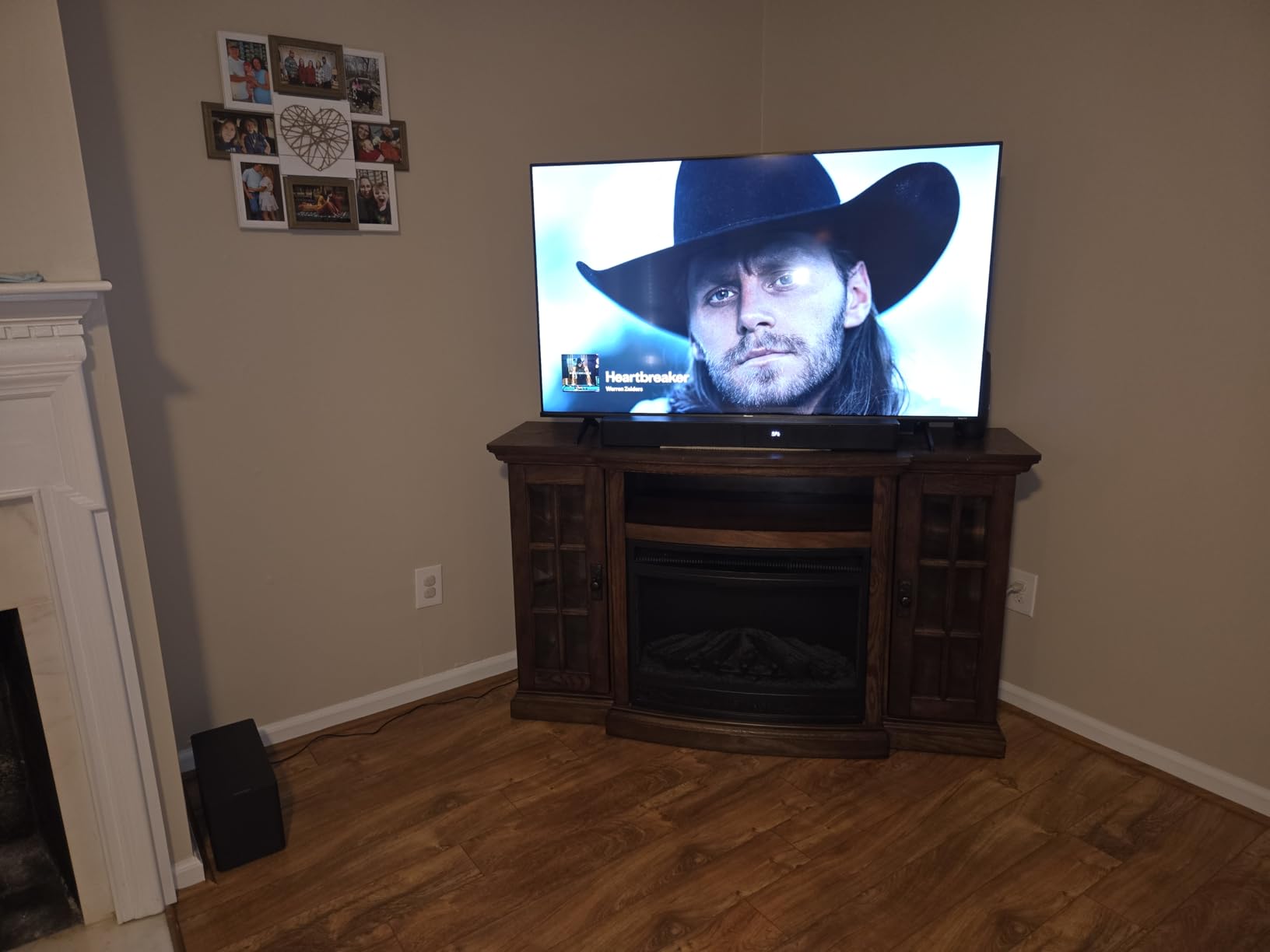
4. Hisense HS2100 – Best for Small Rooms and Apartment Living
Hisense HS2100 2.1ch Soundbar with Wireless Subwoofer, Dolby Audio, DTS Virtual:X, HDMI ARC, Bluetooth 5.3, Remote Control, 6 EQ Modes
2.1 channels with wireless subwoofer
240W max power
DTS Virtual:X processing
6 EQ modes
Pros
- Wireless subwoofer with 240W of headroom
- HDMI ARC with cable included and one remote control
- Six EQ modes cover movies music sports and games
- Light 4.9 pound body and 2.4 inch profile
Cons
- Stereo 2.1 output with no true surround channels
- No on-screen display and no app control
- Dolby Digital Plus but no full Atmos object audio
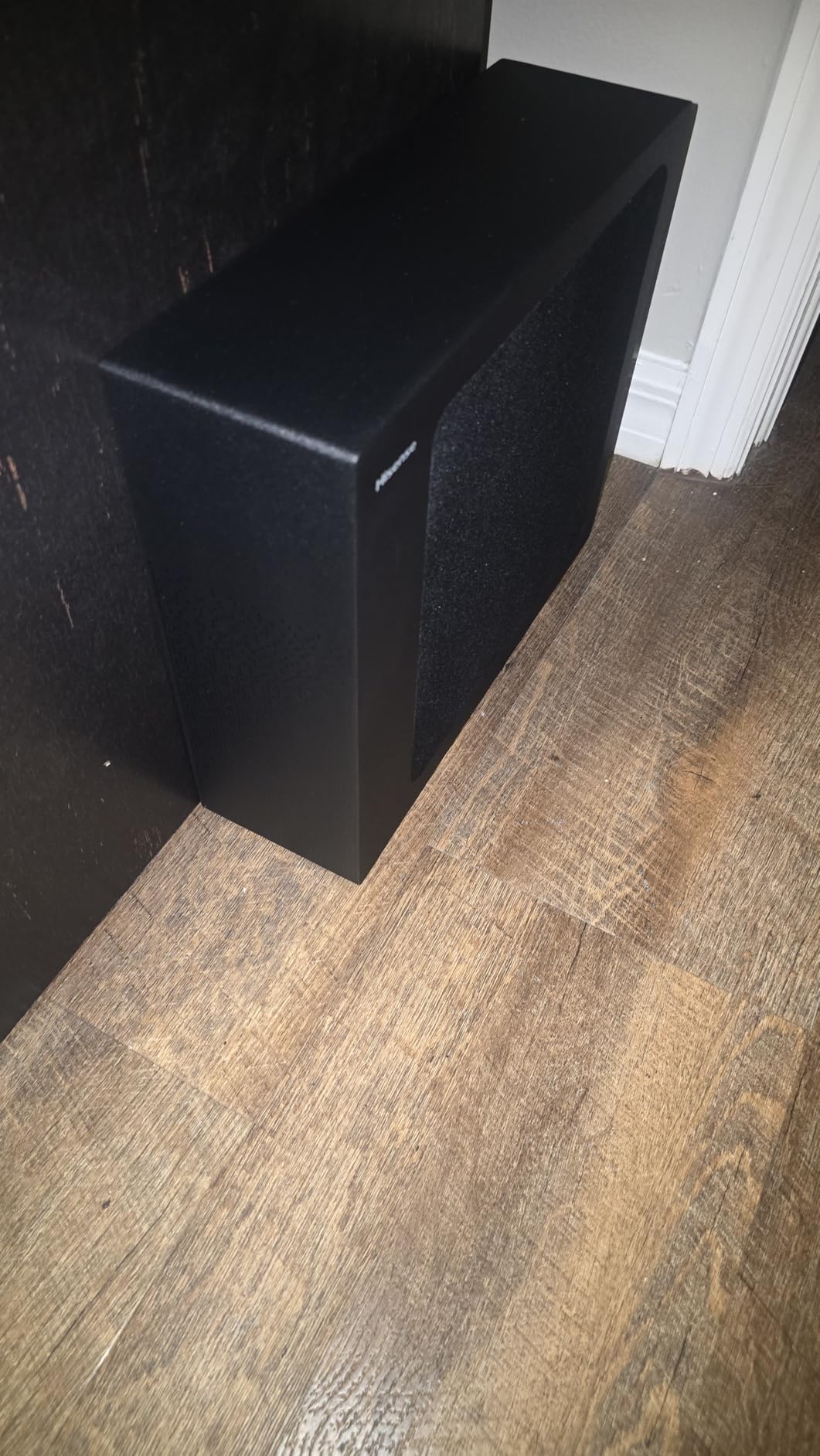
If your viewing happens in a flat, a bedroom or a smaller lounge, the goal is not maximum output but a soundstage that stays inside the room. The Hisense HS2100 is built for exactly that. A wireless subwoofer means no cable across the floor, and 240 watts of maximum power is more than enough to fill a modest space without waking the neighbours.
Owners report a clear, large improvement over television speakers, and the wireless sub that needs no cabling is the feature they mention most. It carries DTS Virtual:X processing, which widens the soundstage without any rear speakers, plus Dolby Digital Plus decoding.
Why Room Size Decides the Power Number
Power ratings on budget soundbars are close to meaningless in isolation, because they peak rather than sustain. What matters is whether the system can fill your room at a comfortable listening level without the sub distorting on a big explosion. In a small to mid-sized room, 240 watts is more than sufficient. In a large open-plan space you would want to look higher up the list.
The subwoofer driver measures 5.25 inches, and the wireless pairing keeps the floor clear. That combination is the practical reason this bar suits apartments, where a wired sub in the corner is a trip hazard.
DTS Virtual:X: Useful in a Small Room, Easy to Disable
DTS Virtual:X takes a stereo or multichannel mix and creates height and surround cues from the speakers you already have. On a 2.1 bar it can make a room feel wider than it is, which is genuinely useful when you cannot place anything behind the sofa.
Owners in soundbar forums frequently recommend turning virtual surround off when it sounds worse than plain stereo, and that advice applies here. It is a one button experiment: watch an action scene with it on, then with it off. Many people find the unprocessed version more natural for dialogue-heavy films.
What the Remote-Only Interface Costs You
There is no app control and no on-screen display, so all adjustment happens through the EZ Play remote. Six EQ presets are provided for movies, music, sports and games, and the sub level is adjustable, but there is no fine-grained graphic EQ.
This simplicity is genuinely a feature for anyone who does not want another app on their phone, and it is the reason the HS2100 suits people setting up a second television in a bedroom. The 4.1 average sits below the rest of this list, and the reviews point to limited surround depth and modest treble detail as the reasons, not to any fault with the subwoofer.
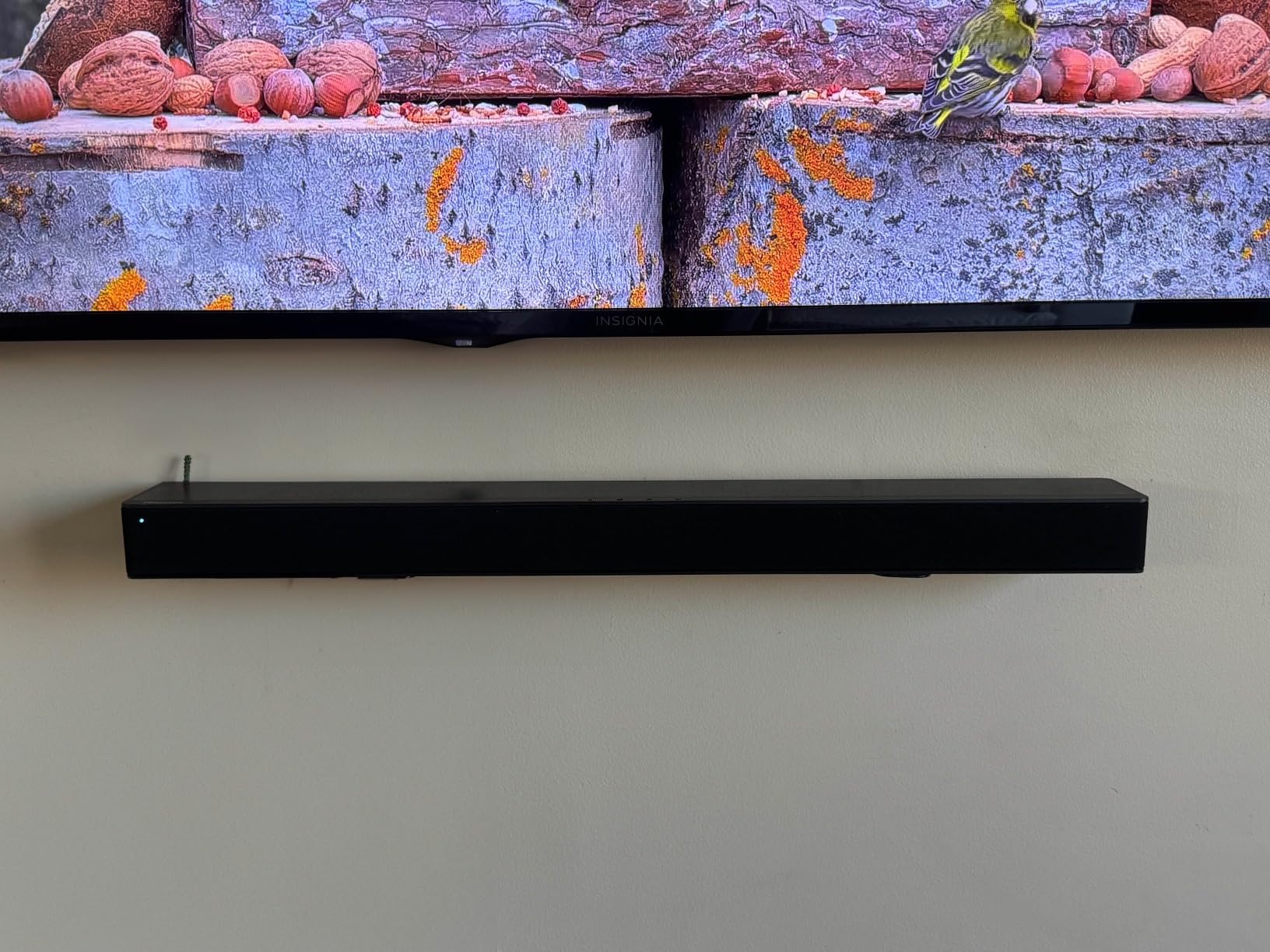
5. TCL S55H – Best for Automatic Room Calibration
TCL S55H 2.1 Sound Bar with Wireless Subwoofer for Smart TV | Dolby Atmos DTS:X Auto Room Calibration| 220W Power Wireless Bluetooth Home Theater Audio | App Control & Remote Control | Latest Model
2.1 channels at 220W
Wireless subwoofer
AI Sonic room calibration
Dolby Atmos and DTS:X
Pros
- Dolby Atmos and DTS:X on a 2.1 layout
- AI Sonic calibration balances the sound to your room in one step
- Wireless subwoofer keeps the floor cable free
- HDMI cable and wall mount kit in the box
- App and remote both supported
Cons
- 2.1 channels with no real rear or height speakers
- Modest 60 Hz listed frequency response
- App control adds another device to the setup
Most budget soundbars make you guess where the crossover should sit and how loud the sub should run. The TCL S55H takes that decision away. AI Sonic auto room calibration adjusts the output to your room layout and listening position through the TCL app, which on a paper-thin sofa against a wall is the difference between bass that blends and bass that booms.
Buyers point to clearer dialogue and deeper, room-filling bass compared with television speakers, and to the low-profile metal and plastic body looking more considered than typical budget bars. The 2.36 inch height and 31.89 inch width are deliberately modest.
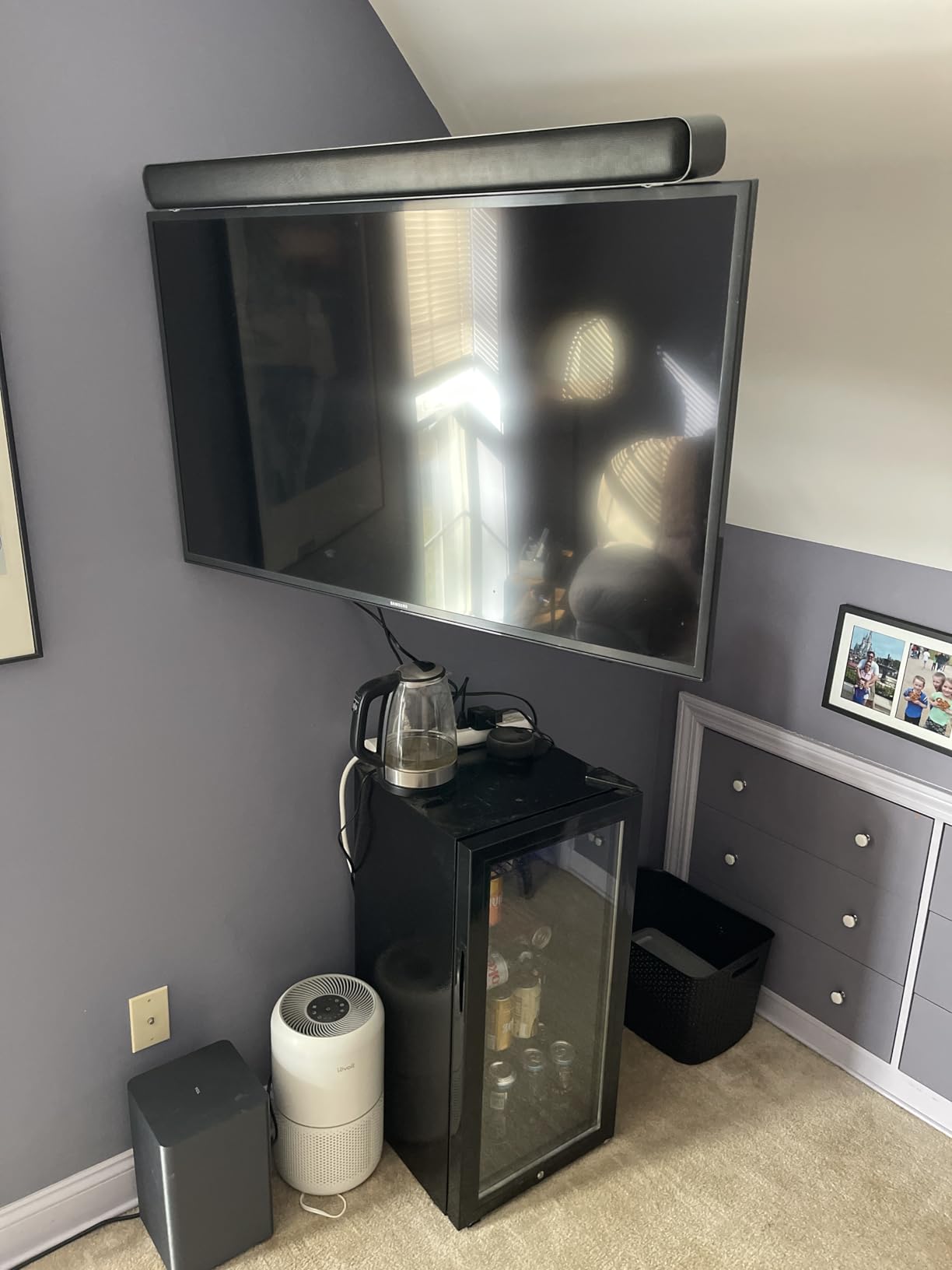
What Room Calibration Actually Fixes
A subwoofer produces the same output regardless of where it stands, but the room changes what you hear. Put it in a corner and boundary reinforcement doubles certain frequencies. Put it behind a sofa and the bass is absorbed. Calibration measures or models the result and applies a correction curve, so the low end ends up even rather than concentrated in one direction.
This is the feature I would most want in a first soundbar, because the wrong sub level is the leading cause of both muddy bass and dialogue that disappears under it. If you would rather not think about it, the S55H handles it in a single setup step through the app.
Dolby Atmos on a 2.1 Bar: Expect Interpretation, Not Immersion
The S55H decodes Dolby Atmos and DTS:X, which is more than several competing packages in this range. What it does not have is the hardware to reproduce a height layer physically. There are two channels in the bar and a subwoofer, so the height information is rendered into those drivers.
In practice this gives you a wider, more cinematic presentation than stereo and it clearly labels your content correctly, but it will not place a helicopter above your head. If true directional surround matters to you, look at the LG S40TR or Amazon Fire TV Soundbar Plus, which include physical rear speakers.
Bass Depth, the 60 Hz Figure and What It Means
The listed frequency response starts at 60 Hz, which is modest compared with the 45 Hz floor of the ULTIMEA system. That means the deepest sub-bass on a soundtrack is less pronounced than on the deeper packages here.
The subwoofer itself is a substantial box at 7.68 inches wide by 12.60 inches high, so it has real cabinet volume behind the wireless link. Connections cover HDMI eARC and ARC, optical, Bluetooth and AUX, and there is a wall mount kit in the box if you want it up under the screen.
6. LG S40TR – Best for Genuine Wireless Rear Speakers
LG S40TR 4.1 ch. Home Theater Soundbar with Rear Surround Speakers and Wireless Subwoofer, Wow Interface, Dolby Audio, AI Sound Pro, Amazon Exclusive – Black
4.1 channels with wireless rears
Wireless subwoofer
Clear Voice Plus
WOW Interface
Pros
- Real wireless rear speakers rather than virtual processing
- Strong subwoofer that fills a living room
- Cinema mode makes a visible difference for film
- HDMI ARC with TV remote control and auto power
- 3 band EQ in the LG Soundbar app
Cons
- Thin wire runs between the two rear speakers and one needs power
- Rear speakers stay silent until enabled in the LG app
- No mounting points so it cannot be wall mounted
This is the point in the list where surround stops being a software trick. The LG S40TR comes with two wireless rear speakers that are physically placed behind you, alongside a wireless subwoofer, for a 4.1 channel system in a single box. Owners describe the rears as a genuine upgrade for movie immersion rather than a processing trick, and on a properly mixed film the difference is easy to hear.
It also pairs well with LG televisions specifically. The WOW Interface and WOW Orchestra features let the TV remote control the soundbar, show the sound mode on screen, and combine the TV speakers with the bar in a way that is more coherent than simply disabling the television audio.
What Four Channels Buys You Compared With 2.1
Going from 2.1 to 4.1 adds two discrete surround channels. On a science fiction film, a car that drives behind you is now reproduced behind you rather than spread across the front. That is the difference between a wide stereo image and an actual surround field, and it is audible on almost every modern action title.
For dialogue, a dedicated centre channel is the other half of the story, and Clear Voice Plus uses the centre speakers to lift voices. Combined with the Smart Up-Mixer, which converts 2 channel content into multi-channel, the system handles both properly mixed film audio and older broadcasts.
Two Setup Traps Worth Knowing Before You Buy
First, the rear speakers do not work out of the box. Owners repeatedly report that the rears stay silent until they are enabled through the LG Soundbar app, which is a genuinely confusing first hour. Second, a thin wire must run between the two rear speakers, and one of them needs its own power supply.
Neither is fatal, but both need planning. Decide where the rears will sit before you start, because moving them later means re-pairing. Note also that the bar has no mounting points, so it cannot be wall mounted under the television. At 28.4 inches wide and 2.5 inches tall it needs a clear surface, and at 12.9 pounds it is not a portable object.
Cinema Mode, Dolby Audio and the Smart Up-Mixer
Cinema mode is a one button improvement for film viewing and owners mention it as a meaningful difference rather than a subtle one. The system decodes Dolby Audio and DTS Digital, so the majority of streaming and disc content is handled natively.
The Smart Up-Mixer is the feature to understand before you dismiss it. It takes genuine 2 channel material, which includes a lot of broadcast television, and spreads it across all four channels. On a film with a Dolby Digital mix it has little work to do. On a stereo documentary it is the difference between one speaker and four.

7. Amazon Fire TV Soundbar Plus – Best for Dialogue Clarity in Films
Amazon Fire TV Soundbar Plus with subwoofer and surround sound speakers (newest model), 5.1 channel, Dolby Atmos, clear dialogue
5.1 channel package
Dolby Atmos and DTS:X
Dedicated centre dialogue channel
Night sound mode
Pros
- True 5.1 package with subwoofer and two surround speakers
- Dedicated centre channel keeps voices crisp
- Dolby Atmos and DTS:X object based audio
- Movie Music Sports and Night modes
- One remote control for TV and soundbar
Cons
- Subwoofer and satellites each need power and wiring to the bar
- No wall mount hardware listed in the feature set
- Higher cost than comparable 4.1 systems
Buried dialogue is the complaint that comes up most often in soundbar owner threads, and this package attacks it head on with a dedicated centre dialogue channel. Owners credit it with noticeably clearer voices than the other packages in this group, and the Night mode gives you dynamic range compression for late viewing.
It is also a true 5.1 package. You get the bar, a subwoofer and two surround speakers, with Dolby Atmos object audio and DTS:X multi-dimensional processing on top. Setup is straightforward: plug the subwoofer and speakers into power, then connect them to the bar.

Why a Dedicated Centre Channel Solves the Dialogue Problem
Film dialogue is almost always mixed to the centre channel, which is why home cinema receivers have always had one. Soundbars that only have stereo drivers must try to recreate a centred voice from two speakers positioned far apart, which is exactly where intelligibility suffers in a noisy action sequence.
A physical centre driver, fed its own signal, means the voice arrives from the middle of the screen at a consistent level. This is a structural fix rather than a processing trick, and it is why this system keeps appearing in recommendations for people who find films hard to follow.
Atmos and DTS:X on a Four Piece Package
Both object based formats are supported, so height and surround effects in modern films are decoded rather than being flattened. With the two surround speakers placed either side of or behind the seating position, the sound field opens up.
Compare this with the ULTIMEA Poseidon M60, which decodes Atmos into virtual processing only. Both are called 5.1, but this one has physical speakers for the surround channels, and the difference is larger than the channel count suggests. If you have room for the satellites, this is the more honest home cinema package at this level.
The Cable and Power Reality of a Four Piece System
Three mains plugs, a subwoofer lead and two satellite leads is the honest count, and owners point to that as the main critique. Plan the cable route before you start, because the subwoofer and surround speakers both need to reach the bar.
The Fire TV integration is the quieter advantage. One remote handles the television and the soundbar, and further customisation sits in the Fire TV audio settings. For anyone whose television is already in that ecosystem, that removes a layer of friction that most competing systems add.
8. Nakamichi Shockwafe Ultra 9.2.4 – Best for Home Cinema
Shockwafe 9.2.4 Dolby Atmos/DTSX Surround Soundbar Sys-Dual 10″ Subs*1300W
9.2.4 channels, dual 10 inch subs
Dolby Atmos and DTS:X
Four surround speakers
Pros
- Dual 10 inch wireless subwoofers with up to 600W each
- Nine point two channel Atmos with four surround speakers
- Clear high frequencies that hard of hearing owners noticed
- HDMI eARC plus 3 HDMI inputs with Dolby Vision pass-through
- Backlit remote and a detailed configuration tool
Cons
- Each surround speaker is wired to a subwoofer with RCA cable
- Very large system weighing roughly 80 pounds total
- No audio out jack for adding another zone
Very few systems in this roundup match this sub-bass depth. The Nakamichi Shockwafe Ultra 9.2.4 comes with two 10 inch wireless subwoofers, each driven by an amplifier rated up to 600 watts, and the pair is why owners describe the low end as felt rather than heard. Two subs also reduce the sense of a single bass source sitting in one corner, which is the localisation problem that gives most single subwoofers away.
Around those two cabinets sit a 45.5 inch bar and four modular surround speakers for a 9.2.4 channel system with Dolby Atmos and DTS:X. Owners report a genuine home theatre experience with sub bass that shakes the room and clear, discernible dialogue.
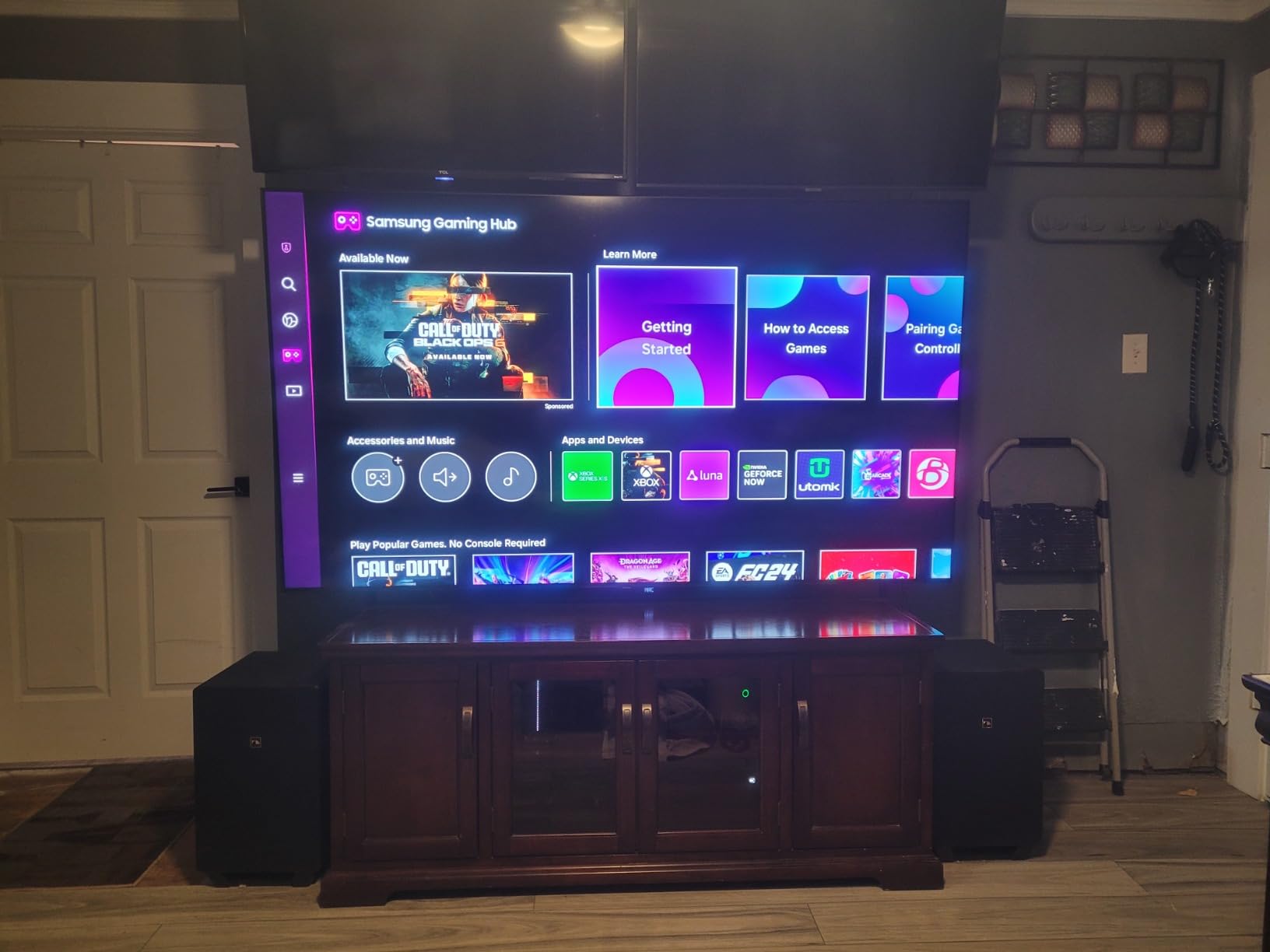
Why Two Subwoofers Sound Better Than One
A single subwoofer radiates bass from one point, so listeners sitting away from that point hear slightly less output and a less even low end. Two subwoofers placed apart from each other overlap their output across the seating area, which evens out the response and reduces the sense of the bass coming from a particular speaker.
That is a real acoustic benefit rather than a marketing line, and it is why dual sub systems appear at the top of this list. The 10 inch drivers, with response quoted down to 20 Hz, extend well below the floor of the packages above, which is what lets an earthquake or a sub-bass score cue be reproduced rather than approximated.
HDMI eARC Plus Three Inputs Changes the Setup Plan
Most soundbars on this list offer one HDMI port, usually eARC, and that forces a specific cable dance with a streaming box or game console. The Nakamichi adds three further HDMI inputs with Dolby Vision and 4K HDR pass-through, so a console, a disc player and a streamer can all sit behind the bar.
There is also 24-bit aptX HD Bluetooth, plus optical, coaxial and 3.5 mm auxiliary input. For a room being built as a cinema rather than upgraded, that input selection is worth a great deal.
The Size and Cabling Trade-Off, Honestly
This is an 80 pound system that needs a wide console. Each subwoofer stands 20.2 inches high by 12 inches wide by 13.6 inches deep, and the bar is 45.5 inches wide. If you have a narrow media unit, measure twice.
Each of the four surround speakers connects to a subwoofer by the included RCA cable, which is the main friction point owners discuss. It means your placement options for the surround speakers are tied to wherever the subwoofers end up. The in-box hardware is generous, with 32 foot speaker cables, an Ultra High Speed HDMI cable, remote batteries and a setup guide. The backlit remote and the online configuration tool are also widely praised for making a complex system manageable.
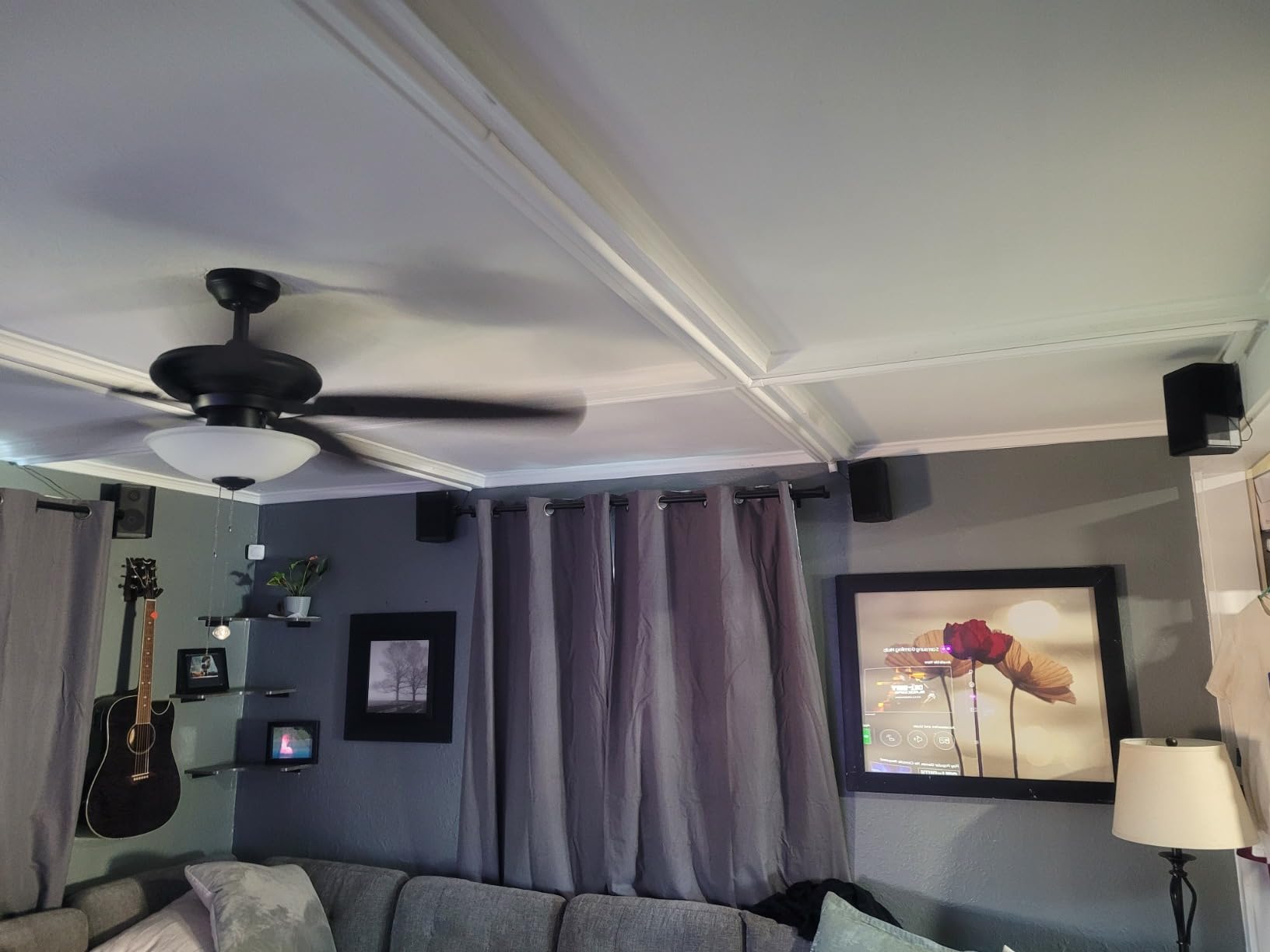
9. Sony BRAVIA Theater System 6 – Best for BRAVIA TV Owners
Sony BRAVIA Theater System 6 5.1ch Soundbar with Subwoofer & Rear Speakers
5.1 channels with two rear speakers
Dolby Atmos and DTS:X
Voice Zoom 3
Pros
- True 5.1 configuration with rear speakers and subwoofer
- Dolby Atmos and DTS:X for cinema style sound
- Dedicated centre channel keeps dialogue intelligible
- BRAVIA Connect app plus TV menu control and Voice Zoom 3
- Wall mount or tabletop placement
Cons
- Rear speakers need a wireless amp box and extra setup steps
- Subwoofer connects by wire rather than wirelessly
- Fewer sound modes than competing systems at this level
The Sony BRAVIA Theater System 6 is a genuine 5.1 package: three front-firing speakers, two rear speakers and an included subwoofer, with Dolby Atmos and DTS:X on top. Buyers highlight the cinematic result and the dedicated centre channel for dialogue, plus the convenience of controlling the whole system from a compatible BRAVIA television remote.
At 35.7 inches wide and 2.6 inches tall it is a slim package for what it does, and it can sit on a console or be wall mounted. Sony lists the system at up to 1000 watts of output. If you want to see how it compares with Sony’s single-bar options, our picks for the best Sony soundbars cover those in more detail.
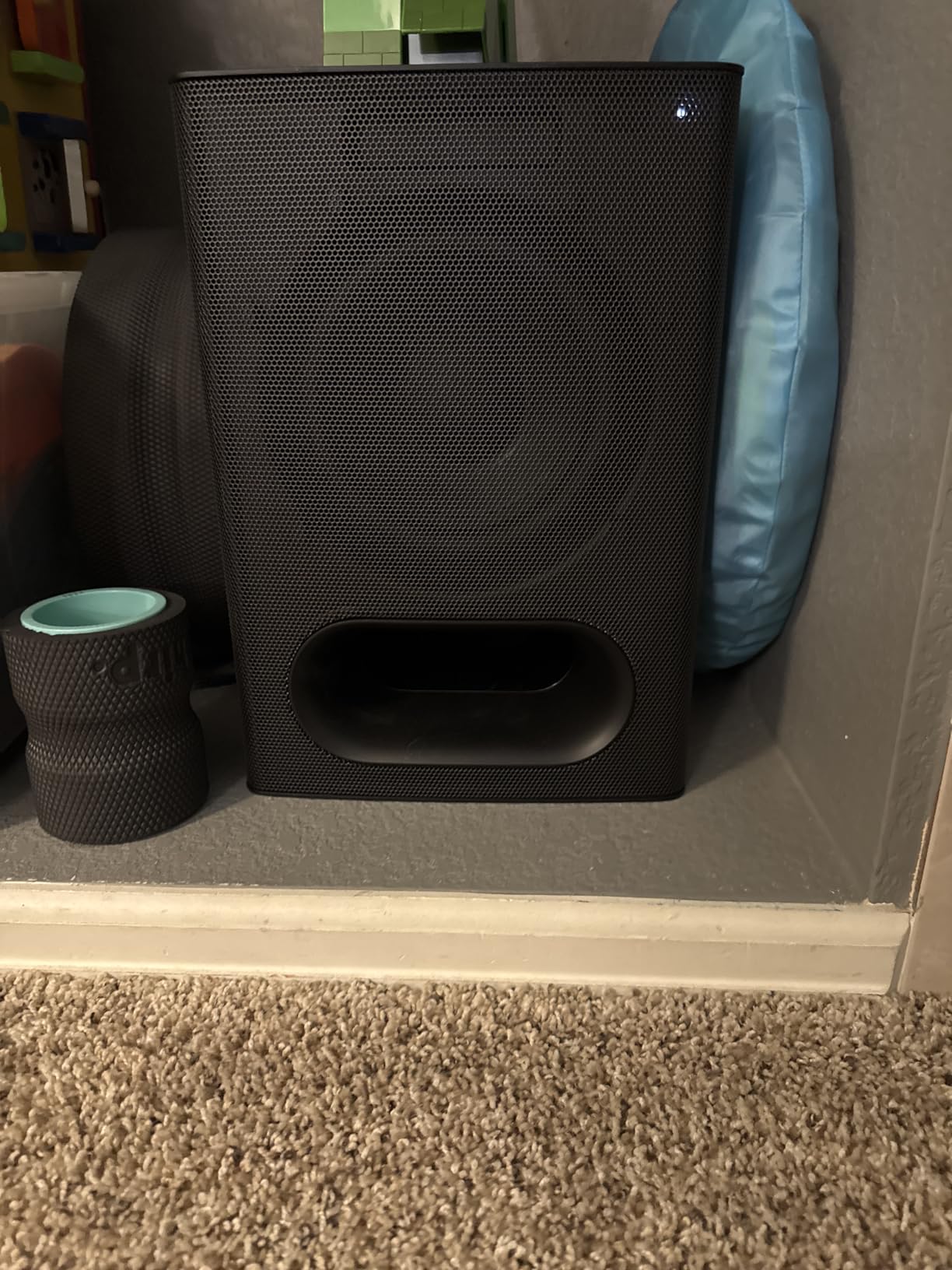
Voice Zoom 3 and BRAVIA TV Pairing
When you pair the system with a BRAVIA television, Voice Zoom 3 dialogue enhancement becomes available, and control moves into the television menu alongside picture settings. Sony also multiplies the television speakers into the mix with Multi Stereo, which plays the same sound from all speakers for casual daytime viewing.
The BRAVIA Connect app handles volume, sound profiles and the deeper settings from a phone. Without a BRAVIA television you lose the menu integration, though the app and the included remote still cover day to day control.
The Rear Speaker Amp Box Adds a Step Most Buyers Miss
The two rear speakers connect through a wireless amplifier box rather than directly to the bar, and that extra box needs its own power and a place to sit. This is the main point of friction owners report, and it is worth planning the cable route before opening the box.
The subwoofer is wired as well, which restricts where the cabinet can live compared with the wireless packages earlier in this list. In return, you get physical rear speakers rather than virtual processing, which on a properly mixed film is a large gain in the sense of space.
Fewer Sound Modes Than Rivals, and Why That Is Not a Problem
Competing systems at this level tend to offer more presets. Sony offers fewer, and the honest answer is that most of them are not missed once the system is calibrated and the levels are set properly.
What Sony does include is the up-mixing of music, which restores acoustic detail lost in the conversion to a home cinema layout. For someone listening on this system between movies, that is more useful than a sixth preset.

10. Samsung HW-B550F – Best If You Plan to Add Rear Speakers Later
Samsung B-Series Soundbar HW-B550F 2.1 ch DTS Virtual:X Soundbar with Subwoofer (2025 Model) Voice Enhance Mode, Bass Boost, Adaptive Sound
2.1 channels with wireless subwoofer
300W system output
DTS Virtual:X processing
Voice Enhance mode
Pros
- Wireless subwoofer with 300W of output
- Adaptive Sound tunes itself to the content on screen
- Voice Enhance lifts dialogue in busy scenes
- Can expand later with optional wireless rear speakers
- Wall mount capable
Cons
- 2.1 channels as shipped with surround needing extra purchase
- No app based EQ and no detailed on-screen display
- Bass Boost can overpower dialogue at higher levels
The Samsung B-Series is built around a simple idea: give you a good 2.1 system now and a path to real surround later. It comes with a wireless subwoofer at 300 watts and runs DTS Virtual:X spatial processing, and optional wireless rear speakers can be added when you want the extra channels.
Owners emphasise the depth of the sub, the clarity of amplified dialogue and how useful Adaptive Sound is across different content. That feature has the system recognise what is on screen and adjust the audio profile automatically, which takes some of the work out of switching between a film, a series and a game.

Buying 2.1 Now and Expanding to 5.1 Later
The optional rear speaker kit connects wirelessly to the bar, and Private Rear Sound and Sound Grouping modes let you use the added channels alone or together with the front. That flexibility is the reason this bar makes the list despite being a 2.1 design out of the box.
The trade-off is honest: as shipped, there is no surround field. If you are certain you will never want rear speakers, the LG S40TR or Amazon Fire TV Soundbar Plus include them from the start and are better value. If you are renting, moving soon or simply not sure, the upgrade path here is a genuine advantage.
Adaptive Sound and Voice Enhance Working Together
Adaptive Sound identifies the content type and adjusts the sound profile, while Voice Enhance amplifies the vocal channel so dialogue stands out. Used together they handle the exact scenario owners complain about most, where a quiet conversation happens underneath a loud score.
Bass Boost adds extra low end for content that can take it, and it is the mode to be careful with. Owners note it can overpower dialogue at higher levels, so pair it with Voice Enhance rather than treating it as a one button improvement.
Where This Package Falls Short
There is no app based equaliser and no detailed on-screen display, so all adjustment is through the remote and the front panel. That is a limitation if you enjoy fine tuning, and it is the clearest contrast with the ULTIMEA system, which offers a 10 band graphic EQ and 121 presets in its app.
At 33.81 inches wide the bar is a sensible size, and it can be wall mounted. The quoted 20 Hz frequency response is a specification across the system rather than the subwoofer alone, so read it alongside the 300 watt output figure rather than as a promise of deep sub-bass extension.

How to Choose a Soundbar With a Subwoofer for Movies
The specifications only matter once you know what each one does. These six factors are the ones that actually change how a film sounds in your room, in the order we would consider them.
1. Channel Configuration Decoded: What 2.1, 4.1, 5.1 and 9.2.4 Mean
The number tells you how many discrete channels the system has, plus the subwoofer. A 2.1 bar has three drivers plus a sub: front, front and bass. That is enough for dialogue and music, and the surround impression comes from processing rather than speakers behind you.
4.1 adds two real rear speakers, which is the first step where sound genuinely comes from behind your seating position. 5.1 gives you front, centre, two surrounds and a subwoofer, with the centre channel carrying dialogue. 9.2.4 adds four height channels and a second subwoofer, which is the configuration that starts reproducing the overhead effects in an Atmos mix properly.
For most living rooms, 5.1 is the sensible target. 2.1 is fine for a bedroom or a flat where you cannot place anything behind the sofa.
2. A “Built-In Subwoofer” Is a Bass Radiator, Not a Subwoofer
A passive bass radiator is a driver with no magnet, which moves air by being driven rather than by its own motor. A bass reflex port is simply a hole in the cabinet that lets air move. Both can add weight to a soundtrack and both are legitimate at this level, but neither moves the volume of air that a 5.25, 6.5 or 10 inch subwoofer driver can.
So when a listing says a soundbar has a built-in subwoofer, ask what the real driver size is and whether a separate subwoofer cabinet is included. If nothing is included, expect good mid-bass and no true low extension. If you want more, our guide to the best powered subwoofers covers the standalone options that pair with a wired sub out.
3. eARC vs ARC vs Optical: Which Port to Actually Use
Use HDMI eARC whenever both the television and the soundbar have it. eARC is a return channel built into the same cable, so it carries audio from the television back to the soundbar with enough bandwidth for uncompressed Dolby Atmos and DTS:X, and it lets the soundbar turn on and off with the television and accept the same remote.
Plain HDMI ARC works for most content but caps out at compressed formats like Dolby Digital Plus, so an Atmos stream may be flattened. Optical, or TOSLINK, is the fallback when a television has no ARC port at all; it handles Dolby Digital and DTS but not Atmos, and it needs a second cable. Every system on this list includes at least optical, so you are never stuck.
The most common mistake is buying a premium bar and then discovering the television has no eARC, which caps the format at 5.1. Check the television specification before you choose.
4. Where to Put the Subwoofer: The Mistakes That Ruin Bass
Start with the corner rule. Corner placement produces the most output but also the most unevenness, because boundary reinforcement doubles certain low frequencies. For most people the best compromise is along a front wall, a few feet out from the corner and slightly away from the exact centre of the room.
Do not push the subwoofer into a tight corner behind furniture, and do not tuck it under a desk or TV stand where the port is blocked. Never place it against the same wall as the television speakers at the same distance, because the boundary reflections combine with the direct sound and produce uneven response.
Finally, run the sub level lower than you think you need. A subwoofer set too high is the number one reason dialogue stops making sense during an action sequence. Start around a third of the way up, then adjust by ear with a film you know well. If your bar has room correction, use it before you start manual adjustment, which is exactly what the TCL S55H is built around.
5. How to Make Dialogue Louder Without Turning Up the Volume
Work in this order. First, use the dialogue mode: VoiceAdjust on the Polk, VoiceMX on the ULTIMEA, Clear Voice Plus on the LG, Voice Zoom 3 on the Sony with a BRAVIA television, or Voice Enhance on the Samsung. These isolate the vocal band, and they are far more effective than raising the treble on a full EQ.
Second, enable Night mode for late viewing. It compresses the dynamic range so the loud peaks and quiet speech come closer together, which lets you listen at a lower level without losing lines.
Third, trim the subwoofer down two or three notches. Bass is what masks dialogue, so lowering it is more effective than any vocal boost. Fourth, if you have a centre channel, check that your source is actually sending dialogue there rather than duplicating it across the front pair. Finally, check lip sync: if sound lags the picture by even a small amount, perceived dialogue clarity drops sharply, and most systems in this list have a delay adjustment in their settings.
6. Room Size, TV Size and Package Versus a Speaker System
Match the system to the room, not to the television. Under about 150 square feet, a 2.1 package with a wireless sub is plenty. In a mid-sized living room, look for a 4.1 or 5.1 package with real rear speakers. In a large open-plan space, you want the output headroom that a dual subwoofer system like the Nakamichi provides.
On the question of a soundbar package versus a 5.1 speaker system with an amplifier at the same budget: the soundbar wins on convenience and on dialogue, because a compact centre-focused array is tuned for voices. The speaker system wins on soundstage realism and on longevity, because separate speakers can be repositioned and upgraded one at a time. Most people who prioritise film nights end up glad they chose the soundbar; most people who prioritise music end up wishing they had chosen the speakers.
Whichever way you go, check your room and cable routes before ordering. If you want more on how we test these products, our soundbar buying coverage covers the premium end of the market in more detail.
Frequently Asked Questions
Which soundbar is best for movies?
The Polk Audio Signa S2 is the best all-round choice, with a wireless subwoofer, five 5.25 inch full-range drivers and three levels of VoiceAdjust dialogue processing. If you want true surround, the Amazon Fire TV Soundbar Plus includes a subwoofer and two satellite speakers with a dedicated centre channel. For the deepest low end in this group, the Nakamichi Shockwafe uses dual 10 inch wireless subwoofers.
Is it worth getting a soundbar with a subwoofer?
For anyone watching more than an hour of film a week, yes. Flat-panel TV speakers cannot move enough air to reproduce the lowest frequencies, so film effects mixed to be felt rather than heard simply disappear. The bar handles voices and effects while the subwoofer reproduces the rumble, which makes action scenes feel heavier and dialogue far easier to follow. For most living rooms it is the single largest audio upgrade available.
Is it better to connect a soundbar to HDMI or ARC?
Use HDMI eARC if your television and soundbar both have it. eARC returns audio over the same cable with enough bandwidth for uncompressed Dolby Atmos and DTS:X, and it lets the soundbar wake with the television and share one remote. Plain HDMI ARC caps at compressed formats, so an Atmos stream may be flattened. Optical is the fallback when the television has no ARC port, but it cannot carry Atmos at all.
What are common subwoofer placement mistakes?
The most common mistake is pushing the subwoofer into a tight corner, which doubles certain low frequencies and makes bass uneven rather than deeper. The second is blocking the port behind furniture or a TV stand. The third is running the sub level too high, which masks dialogue during action scenes. Start along a front wall a few feet out from the corner and set the level around a third of the way up.
How do I make dialogue louder on a soundbar?
Work in this order: enable the dialogue mode such as VoiceAdjust, VoiceMX, Clear Voice Plus or Voice Enhance, then add Night mode for late viewing because it compresses dynamic range. Next, trim the subwoofer down two or three notches, since bass is what buries voices. Finally check lip sync, because even a small delay between picture and sound reduces perceived clarity. A full equaliser boost is the last resort, not the first.
Which Soundbar With a Subwoofer Should You Buy in 2026?
If you want one system that handles everything without fuss, the Polk Audio Signa S2 is the choice. It is slim, the subwoofer pairs wirelessly on its own, and the dialogue controls are the easiest to fine-tune. It is the recommendation I would give to someone who does not want to think about the setup.
If your budget stretches further and you want real surround rather than processed width, the Amazon Fire TV Soundbar Plus gives you a subwoofer, two satellite speakers and a centre channel dedicated to voices. If you already own a BRAVIA television, the Sony BRAVIA Theater System 6 does the same job with Sony integration and Voice Zoom 3.
If the priority is the widest soundstage with wireless rears and no cables to hide, the LG S40TR is the one, and remember that the rears need enabling in the app on day one. If the priority is 5.1 channel decoding with a deep app EQ, the ULTIMEA Poseidon M60 is the pick, and it costs little more than a basic 2.1 system.
For a bedroom or a flat where cables are a problem, the Hisense HS2100 or the Samsung HW-B550F both give you a wireless subwoofer, a slim bar and a wall mount option. And if you are building an actual cinema room with the space for it, the Nakamichi Shockwafe Ultra 9.2.4 with dual 10 inch subwoofers and four surround speakers is a step beyond the rest of this list.
Whichever you pick, the biggest gains come from the settings rather than the box. Run the room calibration, turn the sub level down a few notches, enable the dialogue mode, and use HDMI eARC. That ten minutes of setup does more for a film night than any specification on the list. For other ways to improve a small viewing space, our picks for the best portable projectors for movies pair well with a compact system like these.
Leave a Reply