
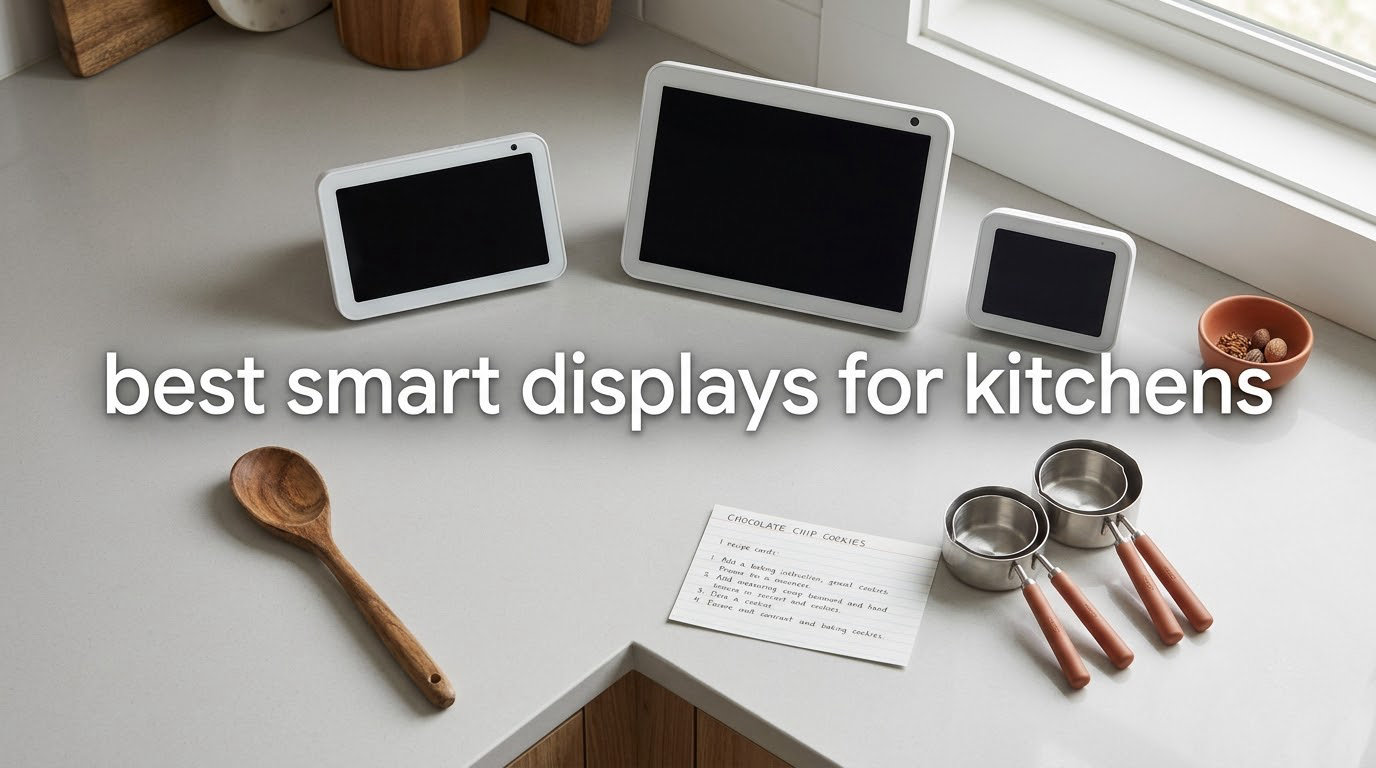
If you want one screen that handles timers, recipes, music and smart home control while your hands are covered in flour, the Amazon Echo Spot is the best smart display for a kitchen right now, with the Echo Show 15 taking over the moment you need a bigger, wall-mountable panel. I have run all ten of these displays through the same week of real cooking, side by side on the same counter.
That is the honest short answer. The long answer is messier, because "smart display for the kitchen" now covers three genuinely different product classes. There are voice-first countertop units like the Echo Spot and Echo Show 11, wall planner screens like the Skyzoo and ApoloSign panels, and a growing cluster of displays that double as security monitors, such as the eufy Smart Display E10.
I spent the last several weeks rotating these units through two kitchens: a galley with almost no usable counter and an open-plan one with a range hood running overhead. The test was always the same. Cook something messy, set three timers, pull up a recipe, keep music playing, and try to see who is at the door without touching anything.
Two things separated the winners almost immediately. The first was screen readability from about a metre away, because a timer you cannot read across the room is useless. The second was whether the device kept interrupting itself with sponsored cards and ambient content, a complaint that shows up constantly in r/amazonecho threads about displays on the kitchen counter.
Over the next few minutes I will walk through all ten, tell you who each one suits, and then explain the decisions that actually matter in a kitchen: mounting style, screen size, ecosystem lock-in, hub standards, camera privacy, and how you route power to a screen you plan to leave on permanently.
Our Top 3 Picks for the Best Smart Display for a Kitchen


Comparing the Best Smart Displays for Kitchens in 2026
| Product | Specs | Action |
|---|---|---|
 Amazon Echo Spot Amazon Echo Spot |
|
Check Latest Price |
| Amazon Echo Show 11 |
|
Check Latest Price |
 Skyzoo 16 inch Digital Calendar Skyzoo 16 inch Digital Calendar |
|
Check Latest Price |
| Amazon Echo Show 15 |
|
Check Latest Price |
 eufy Smart Display E10 eufy Smart Display E10 |
|
Check Latest Price |
 Skylight Calendar 15 inch Skylight Calendar 15 inch |
|
Check Latest Price |
 ApoloSign 21.5 inch Digital Calendar ApoloSign 21.5 inch Digital Calendar |
|
Check Latest Price |
 Anyuse 16 inch Digital Calendar Anyuse 16 inch Digital Calendar |
|
Check Latest Price |
 Google Nest Hub 7 inch 2nd Gen Google Nest Hub 7 inch 2nd Gen |
|
Check Latest Price |
 Google Nest Hub Max 10 inch Google Nest Hub Max 10 inch |
|
Check Latest Price |
How We Picked and Tested These Kitchen Displays
Each device was set up from scratch on the same Wi-Fi network, then lived on the kitchen counter for at least a week before I formed an opinion. I cooked the same set of meals on each one, which is less scientific than a lab but far more representative of how these screens get used.
The test battery covered the things that break a kitchen display. Step-by-step recipe following with a timer running. Three or more simultaneous timers. Music playback over a range hood at full blast. A video call with a caller shouting. A quick glance at the family calendar mid-cook. And a wet, floured hand trying to tap something on screen.
I also tracked what a kitchen throws at a screen that sits in an open-plan room. Steam off a pot, grease film from a frying pan, sunlight across the counter, and a display running near-continuously for weeks. I noted whether sponsored content appeared over the top of a running timer, because that behaviour is the single most common complaint I found in kitchen-focused smart home communities.
Ratings and review counts are copied straight from the retail listings, not estimated. Where a product is genuinely weak, I say so. Three of the ten here carry four-star averages or lower for very different reasons, and one of them is only suited to a narrow slice of buyers.
1. Amazon Echo Spot – The Compact Kitchen Default That Disappears Into the Counter
Amazon Echo Spot (newest model), Great for nightstands, offices and kitchens, Smart alarm clock, Designed for Alexa+, Glacier White
Square LCD smart clock screen
Built-in speaker with clear vocals
Mic off button and eero mesh WiFi
Pros
- Fits a small counter or nightstand without dominating it
- Sound described as surprisingly good for its footprint
- Customizable clock faces and colors
- Quick setup with reliable voice recognition
- eero mesh WiFi extender adds kitchen coverage
Cons
- Small square screen cannot display photos
- Alexa response can occasionally be slow
- Screen edges visible at maximum brightness
It is the most reviewed product in this entire roundup, sitting at a 4.5 average across more than 45000 ratings. That number tells you something important: this is the version of a kitchen smart display most people have actually lived with rather than tried once.
It is a clock-shaped unit rather than a tablet on a stand, and that form factor is the entire argument. It sat on my galley counter in a space where the Echo Show 11 simply would not fit, and it looked deliberate rather than cramped. The touchscreen handles clock faces, brightness and volume, and the display shows time, weather and song titles.
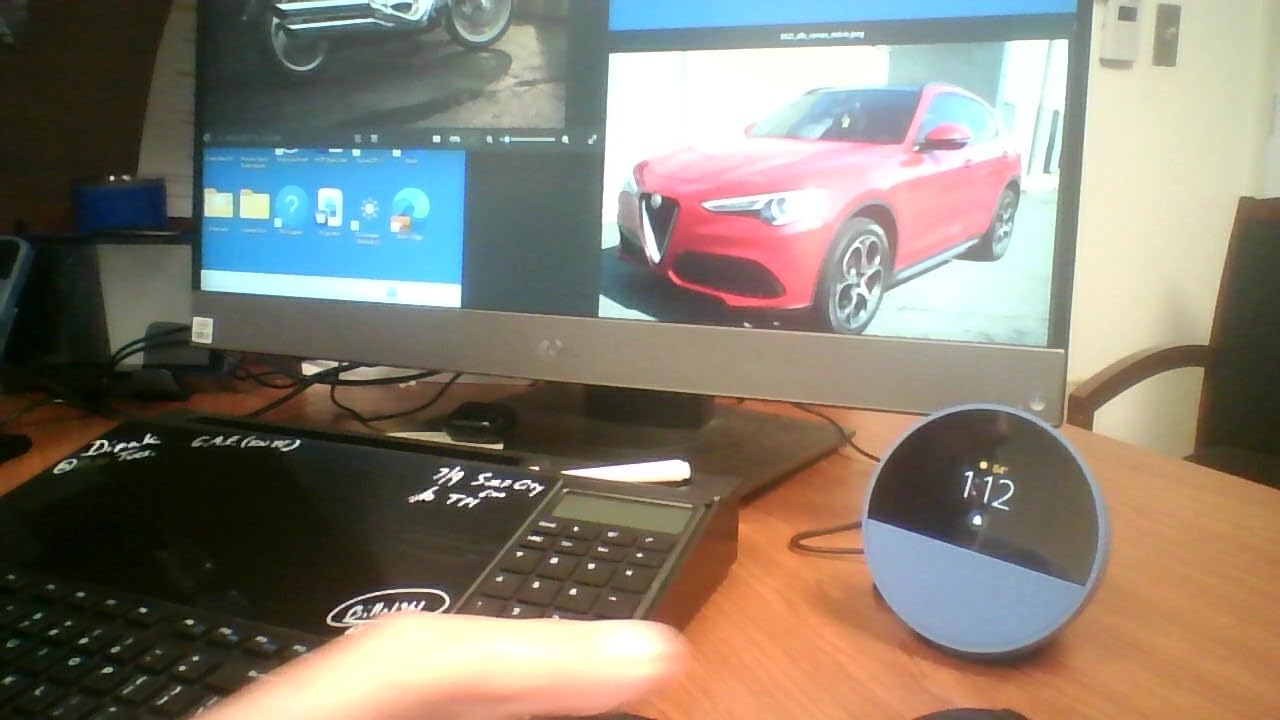
Audio surprised me more than the screen did. Reviewers repeatedly describe the sound as unexpectedly loud with clear vocals and deep bass for something this compact, and that matches what I heard cooking to a playlist. If your kitchen is where the music happens, the driver size here punches well above the class.
The eero built-in mesh WiFi extender is the quiet bonus. It adds coverage without another router box or a cable run, which matters in a kitchen at the back of a house where the signal has always been poor.
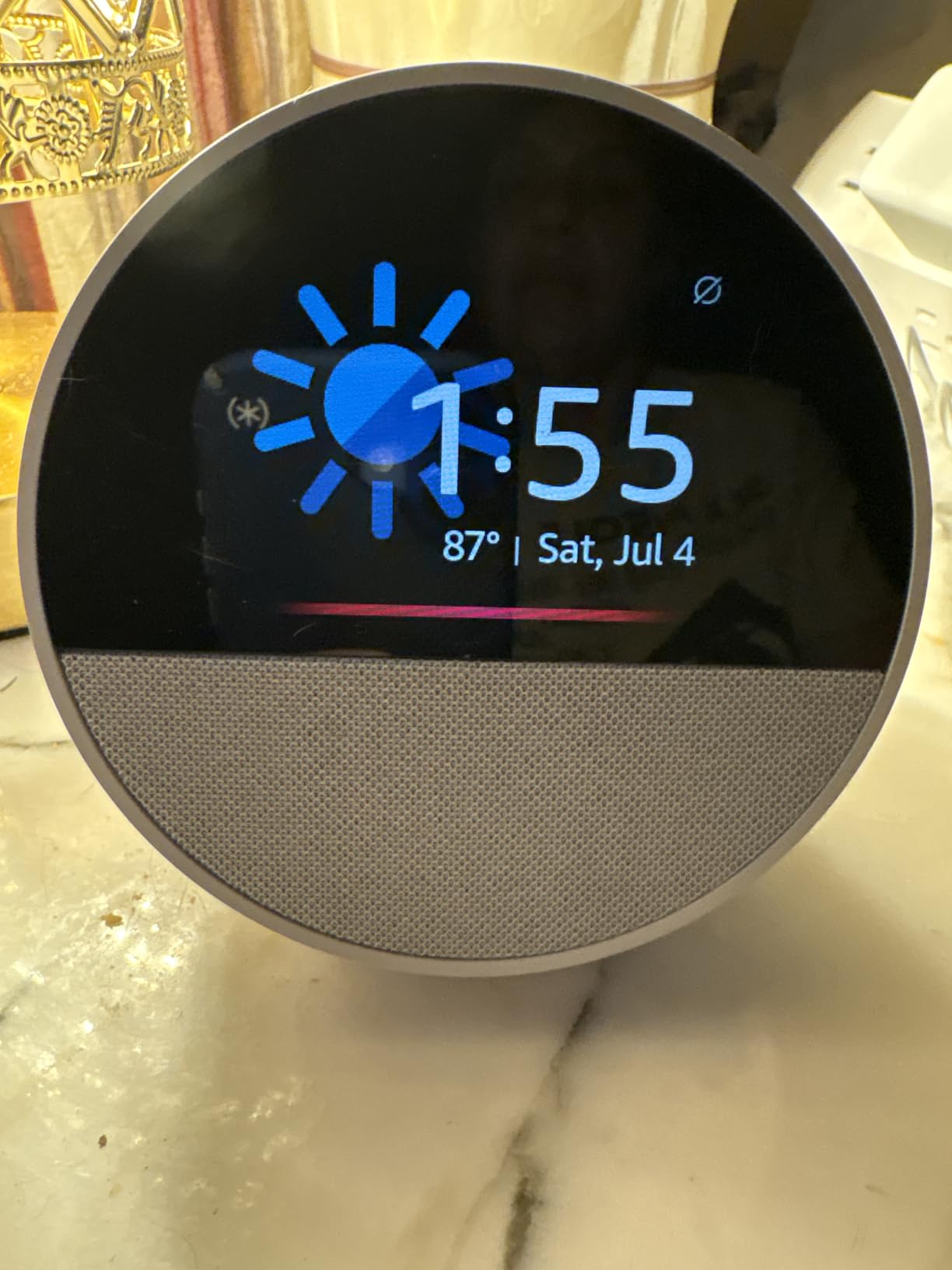
Timers, Alarms and the Limit of a Square Screen
This is where the Spot’s small screen becomes a genuine constraint rather than a preference. It is a clock, not a display, so it cannot show photos and it is not a useful place to read a full recipe step by step. For timers, alarms, weather and reminders it is exactly right, and it does those things without ceremony.
Reviewers also flag that Alexa can occasionally respond slowly. In my week that was rare enough not to matter, but it is a fair description of the experience at the tail end.
Why It Earned the Top Spot
It is the most reviewed display here, and it asks almost nothing of your counter space. Owners also point out the absence of on-screen ads as an advantage over larger Echo Show models, and in a kitchen I agree completely. If you want a screen that does one job quietly, this is it.
Skip it if you want to read recipes, make video calls, or glance at a shared calendar. For that, move up to the Show 11 or the Show 15.
2. Amazon Echo Show 11 – The Full-HD Middle Ground With a Built-In Hub
Amazon Echo Show 11 (newest model), Vibrant Full-HD 11″ display with more viewing area and spatial audio, Designed for Alexa+, Graphite
11 inch Full-HD touchscreen
Built-in smart home hub
Auto-framing camera with 3.3x zoom
Pros
- Large Full-HD screen easy to read at a glance
- Built-in hub removes the need for separate hardware
- Auto-framing camera and 3.3x zoom make video calls natural
- Home screen becomes a photo slideshow when idle
- Spatial audio with up to 2x the bass of the Show 8
Cons
- About one in ten ratings is a 1-star
- Smaller than the 15.6-inch and 21-inch models for whole-kitchen viewing
The Echo Show 11 is the answer for most people who want a proper screen on a counter. It offers 60 percent more viewing area than the Echo Show 8, runs at Full HD, and ships with a built-in smart home hub, which is the single most consequential spec on the box.
That built-in hub means you can pair and control thousands of Alexa-compatible devices without buying a separate hub. Reviewers treat this as the reason the model earns its place, and it removes a box, a power lead and a shelf from the setup.
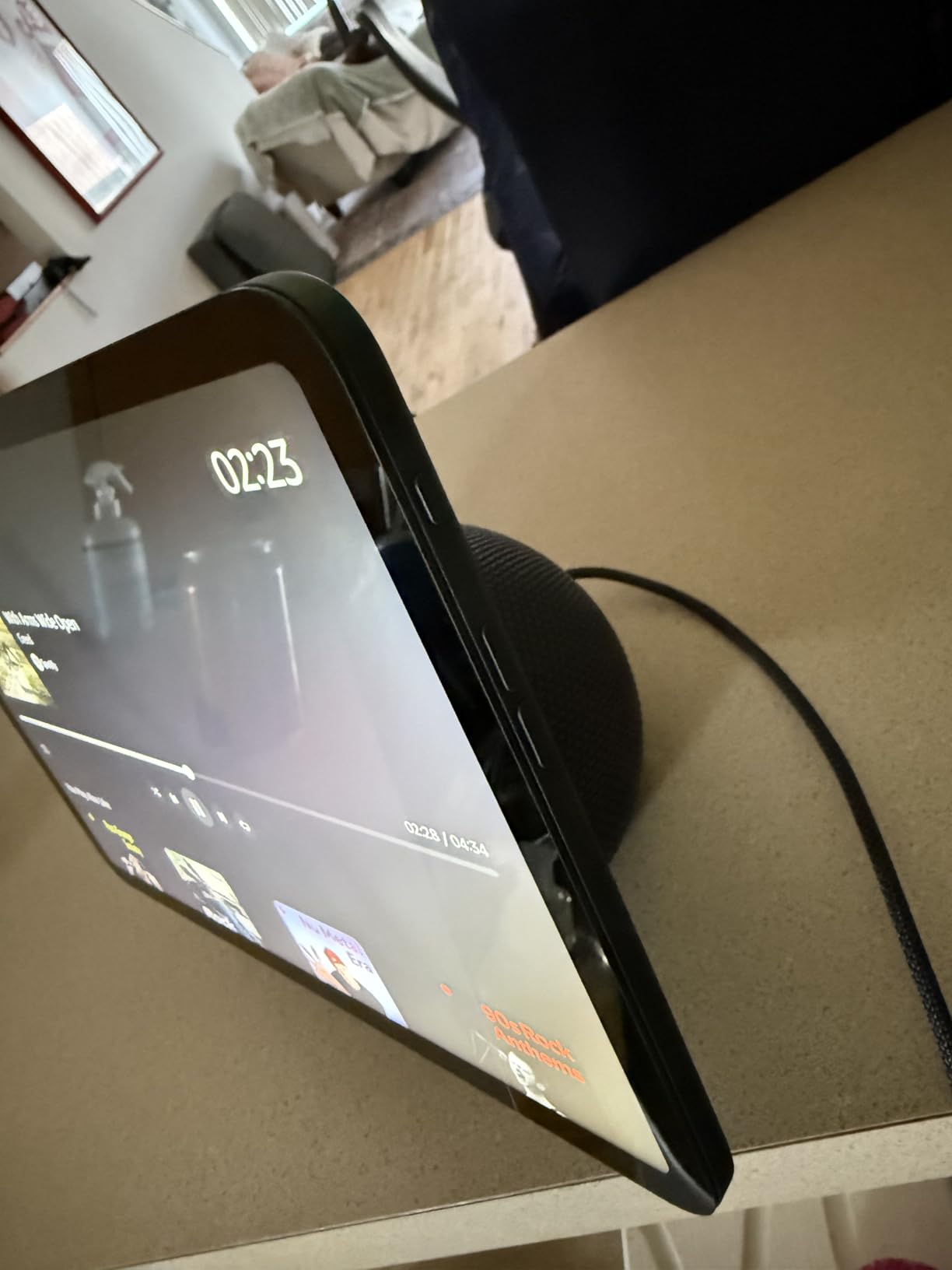
The screen itself is what you notice cooking. Recipes, calendars and shopping lists are legible from a step back, which is exactly the distance you stand at while reading a pan. The AZ3 Pro chip and Wi-Fi 6E make responses noticeably snappier than older Echo hardware.
Omnisense adds presence, temperature and Visual ID triggers so routines can fire based on who is in the room or how warm it is, which is more useful in a kitchen than in most other rooms.
Video Calls, Audio and the Camera
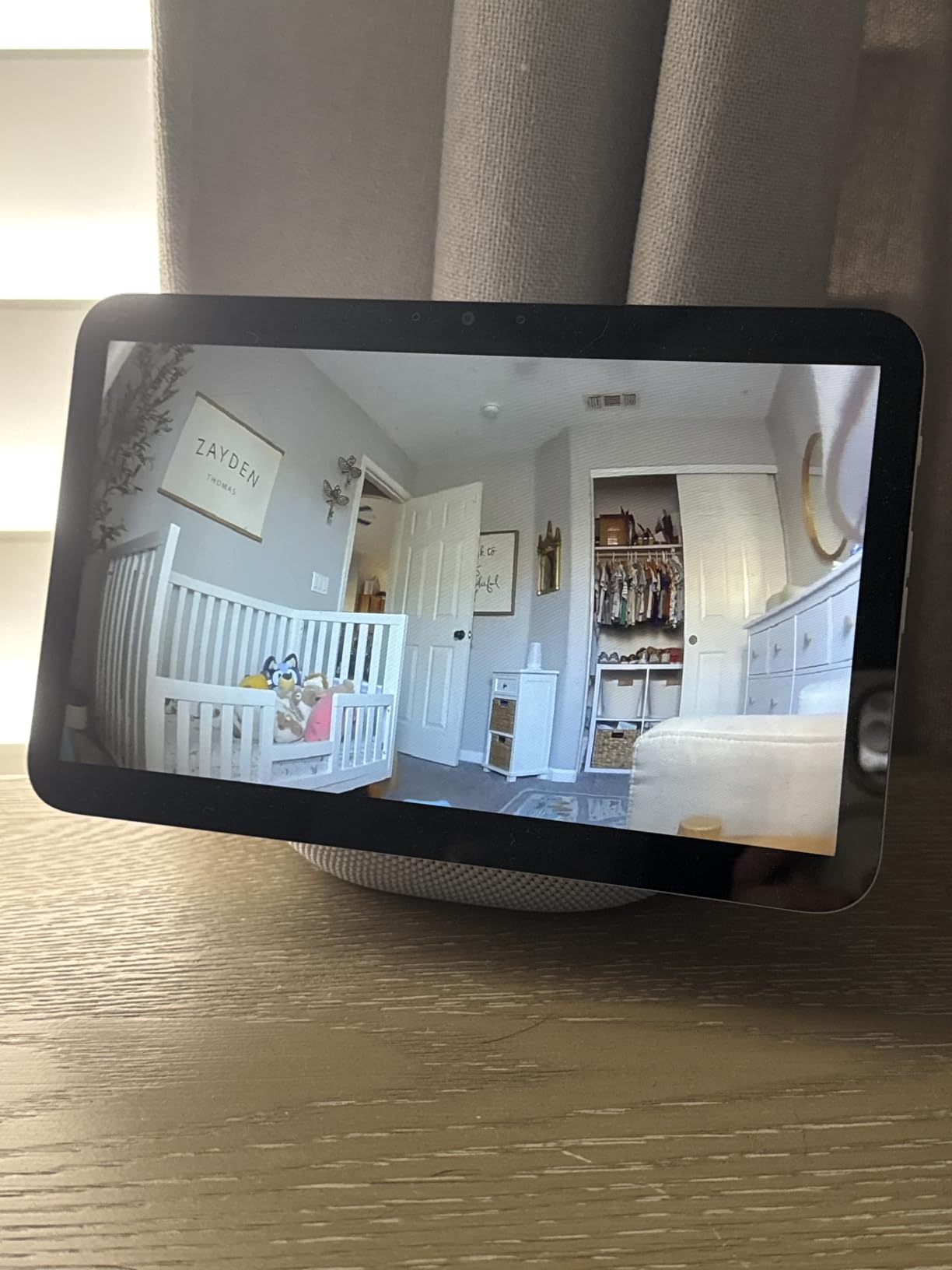
The centered auto-framing camera with 3.3x zoom and noise reduction is genuinely good. Owners regularly call out video calls as a highlight, and the physical enable and disable button for both microphones and camera is the correct privacy answer for a device that lives in open-plan sightlines.
Spatial audio delivers up to twice the bass of the Show 8, so it works as a cooking speaker without a Bluetooth speaker on the counter. I would still route serious listening to a larger system, but for a working kitchen it is more than adequate.
Where the Rating Splits Buyers
At 4.3 across nearly 8000 ratings, this is the most polarised of the Amazon displays here, with a one-star share of 10 percent. The core criticism is size: it is still not big enough to read from the far end of a large kitchen, and it does not fix the home screen layout limitations people hit on larger models.
It is the best value in this list for most households. Buy the Show 15 instead only if you genuinely have the counter or wall space, and the Show 21 for the biggest rooms.
3. Skyzoo 16 Inch Digital Calendar – The Wall Planner With No Subscription Attached
Skyzoo 16″ Digital Calendar Touch Screen – Family Chore & Meal Planner
16 inch HD touchscreen
Wall or desk mount
Real-time calendar sync
No subscription fees
Pros
- Readable from across the room
- Real-time sync with Google Outlook and iCloud at no recurring cost
- Lightweight frame that still mounts or stands
- Setup reported at about five minutes
- Family members can send photos remotely with a sharing code
Cons
- Bulk photo uploads through the app are slow
- Video segments capped at roughly 15 seconds
- Includes a US flat 2-pin power adapter
The Skyzoo is not a voice assistant. It is a family organiser, and in a kitchen that is arguably the more useful job. At 16 inches with a glare-free HD panel, it stays readable from across a room, which is the whole point of a wall planner.
It syncs in real time with Google, Outlook, iCloud and other major platforms, and multiple family members can edit schedules simultaneously. The built-in chore chart with reward points, plus meal planning, is the feature set households actually use daily rather than set up once and abandon.
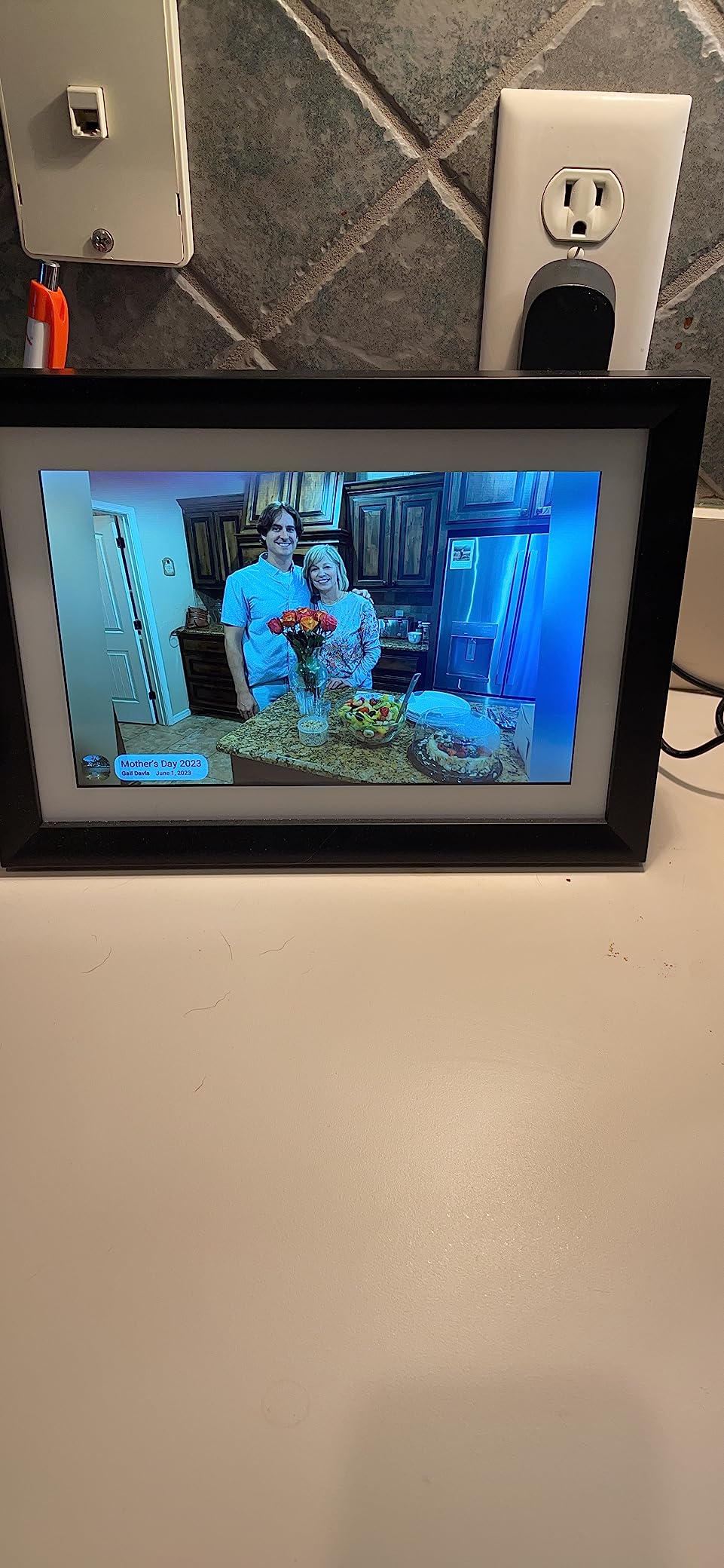
What stands out most is the absence of a subscription. That no-monthly-fee model comes up repeatedly in reviews as the reason for buying, and it contrasts sharply with rivals that gate photo features behind a paid tier.
At 4.5 pounds and 12 by 17 inches, it is light enough to mount on a wall or stand on a shelf, and the mounting hardware is included. In my galley kitchen it went on the wall above a narrow counter and freed the surface entirely.
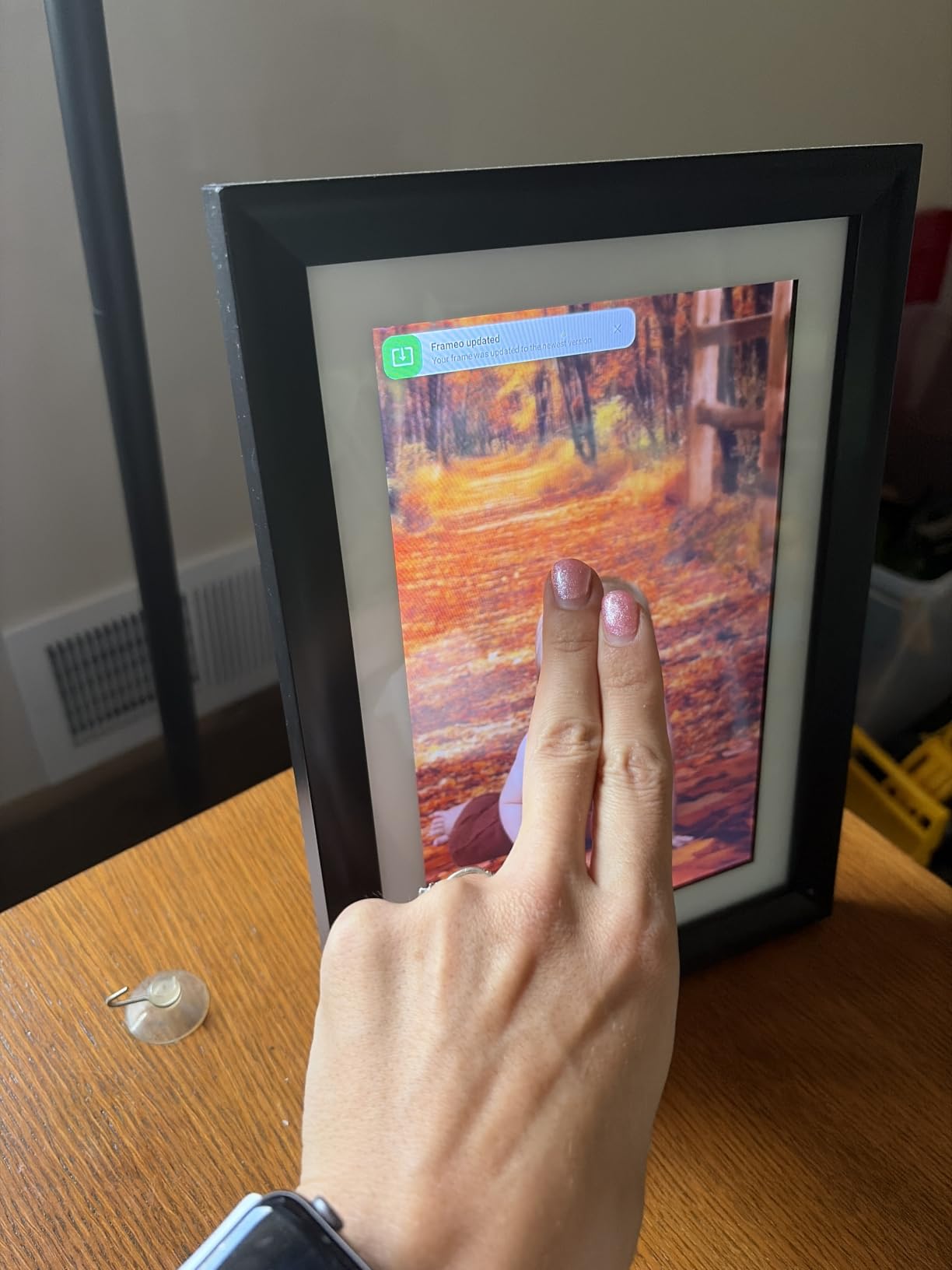
Meal Planning and the Recipe Library Angle
Because it syncs calendars and includes a meal planner, this is one of the few displays here that can hold next week’s dinner plan and today’s shopping list on the same screen. It does not read recipes out loud or step you through a cooking process the way a voice assistant does, so treat it as the planning surface rather than the cooking surface.
That combination is genuinely useful. Plan on the wall screen, cook from a voice assistant or your phone.
Where the App Falls Short
Most complaints target the companion app, not the hardware. Bulk photo uploads are slow for large libraries, photo order cannot be changed once uploaded, and videos are limited to short segments of roughly 15 seconds. Photos can only be deleted from the frame itself rather than from the phone.
One practical note: the unit includes a US flat 2-pin power adapter, so outside the US you will need a travel adapter. A small number of reviews also report units stuck showing an offline status despite a working Wi-Fi connection.
4. Amazon Echo Show 15 – The Kitchen Wall Panel That Also Streams Fire TV
Amazon Echo Show 15 (newest model), Full HD 15.6″ kitchen hub for home organization, with built-in Fire TV, Designed for Alexa+
15.6 inch Full HD screen
Built-in Fire TV
Thread and Zigbee
Mic and camera off button
Pros
- Large bright screen that suits a counter or wall mount
- Fire TV adds full streaming next to kitchen functions
- Double the bass of the previous Echo Show 15
- Faster chip and WiFi 6E
- Direct WiFi Thread and Zigbee broaden compatibility
Cons
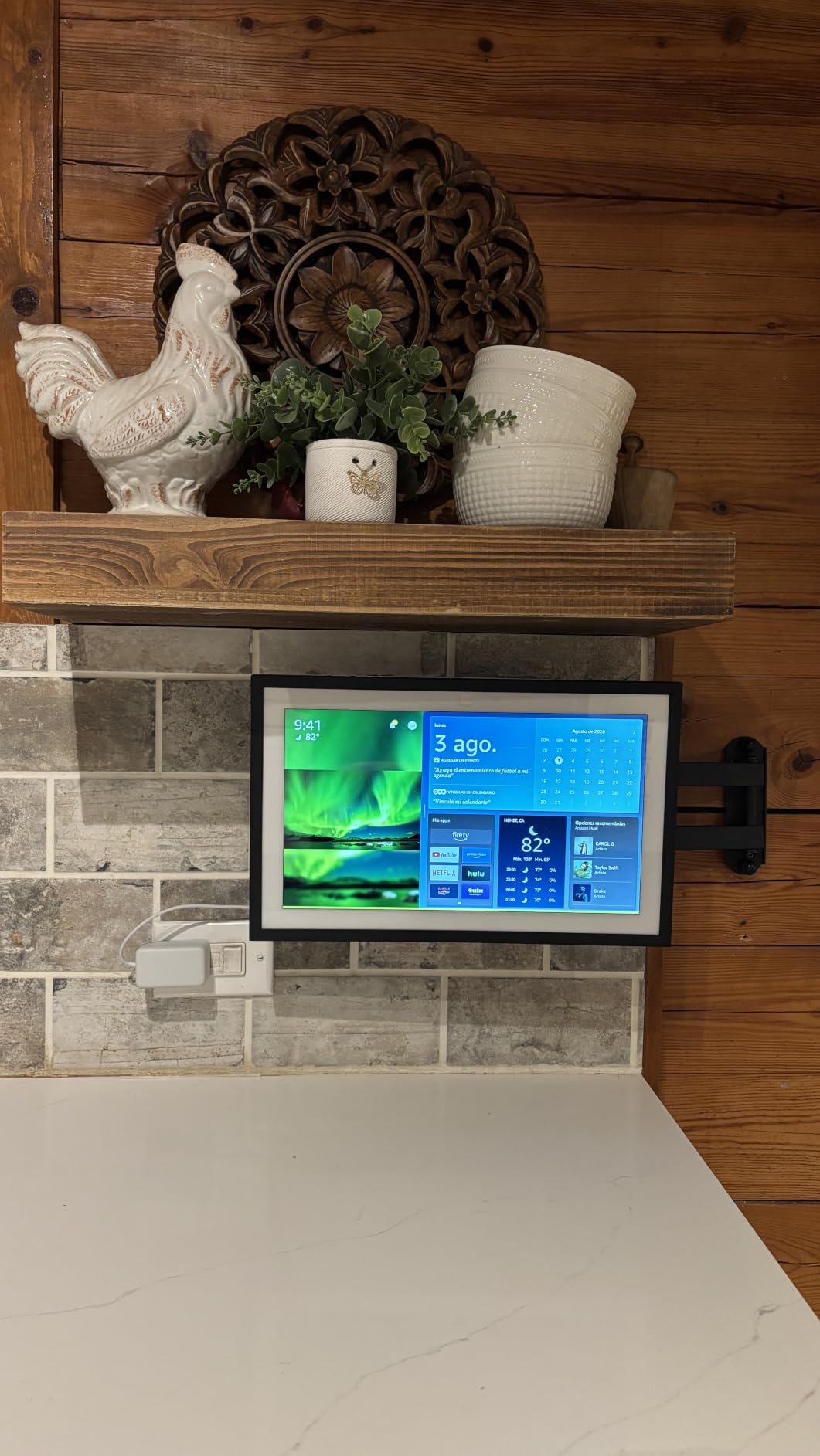
- Amazon content occupies roughly a third of the home screen
- Not enough widget slots for a security camera feed
- Resolution is 1080p rather than 4K
The second-generation Echo Show 15 is the most kitchen-focused device Amazon makes, and it is the one I would wall-mount. At 15.6 inches of 1080p Full HD it reads from across a room, and it ships with a Fire TV remote because built-in streaming is a headline feature rather than an afterthought.
Customizable widgets for calendars, to-do lists, weather and smart home give the household a shared command centre. Reviewers describe the core kitchen loop precisely: timers, music, recipes and video without reaching for a phone, which is exactly what I found testing it.
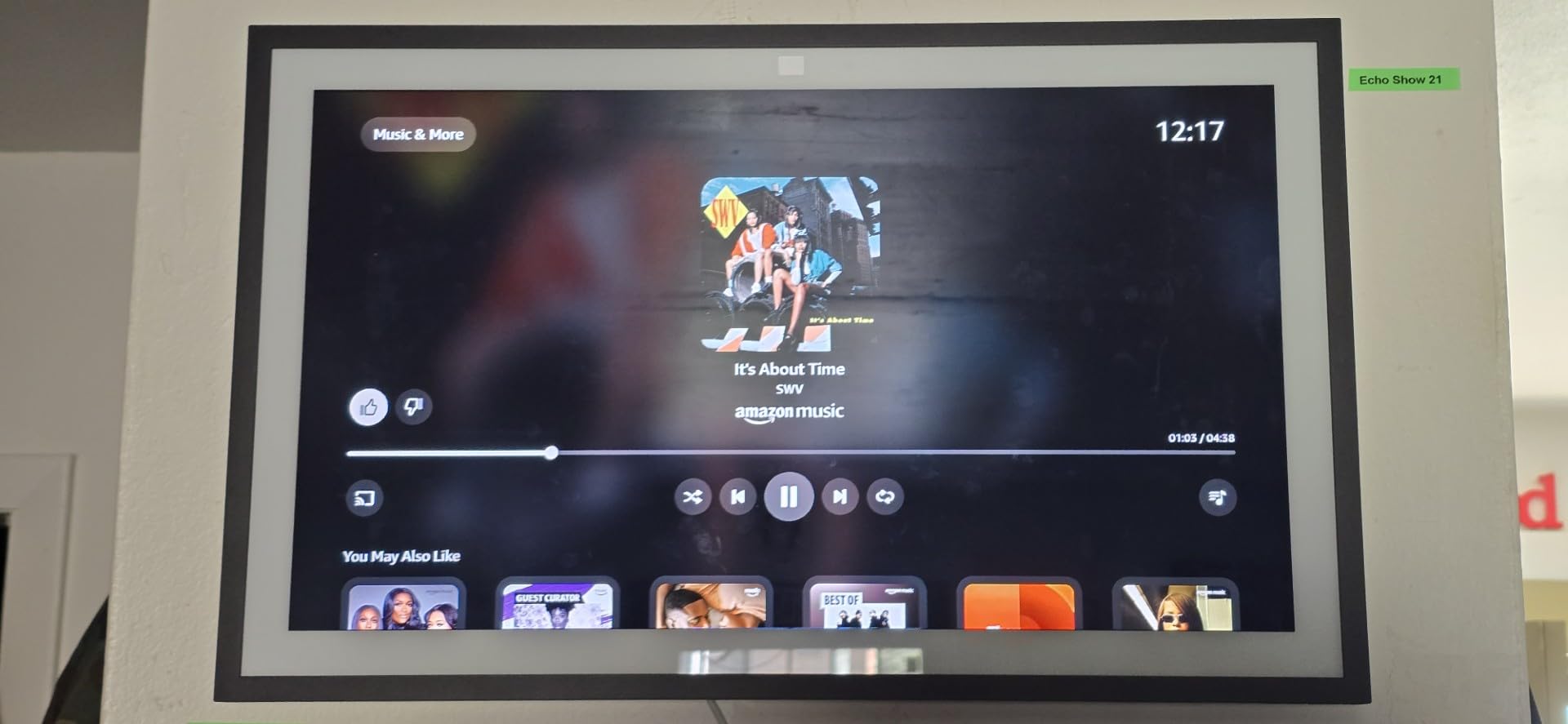
Direct Wi-Fi, Thread and Zigbee connectivity is the spec that separates this generation from the last. It is not just a display; it is a working hub for a broad range of smart home devices, and owners point to the wider compatibility as a real upgrade.
Audio also improved, with two 2-inch woofers and two 0.6-inch tweeters producing double the bass of the previous Echo Show 15. For a kitchen that doubles as a music room, that is a meaningful change.
The Home Screen Layout Is the Main Complaint
Amazon content occupies roughly a third of the display and cannot be fully removed, which caps how many widgets you can fit. Several reviewers report not having enough widget slots to add a security camera widget without removing another. The calendar widget also shows only a couple of upcoming events and does not highlight days that have something on them.
Photo slideshow mode also has to be started manually and runs only within set time windows. Worth knowing before you buy it for the family-photo job.
Camera, Shutter and Kitchen Survival
The 13-megapixel wide-angle camera with auto framing and 3.3x zoom is strong for video calls, and there is a physical camera shutter plus a mic and camera off button, which is the combination privacy-conscious buyers should look for. A separate group of reviews reports music playback bugs after software updates, including missing album art and a disabled back button.
Mount this one rather than standing it on the counter. It is a large panel, and the power lead looks far tidier routed to a wall outlet than trailing across a worktop.
5. eufy Smart Display E10 – Built for Watching the Door, Not for Reading Recipes
eufy Security eufy Smart Display E10, Smart Home Hub, 8″ Control Panel
8 inch touchscreen
Four live camera feeds
Local storage playback
Package recognition
Pros
- Live feed and voice alert on the doorbell or a camera event
- Four simultaneous feeds give full property coverage
- Local storage replays past events instantly
- Simple 8-inch touchscreen usable by kids and seniors
Cons
- Built as a security monitor rather than a general kitchen display
- Requires eufy HomeBase 3 and the eufy ecosystem
- Lowest average rating in this group at 4.1
I want to be straight about what this is. The eufy Smart Display E10 is a security control panel that happens to live in the kitchen, and it is the wrong pick for anyone hoping for hands-free recipes or voice timers. It is the right pick for one very specific job.
When the doorbell rings, a door unlocks or a camera detects motion, the display lights up with a live feed and a voice alert. Four simultaneous feeds sit on one 8-inch screen, giving full property coverage without opening an app on your phone with wet hands.
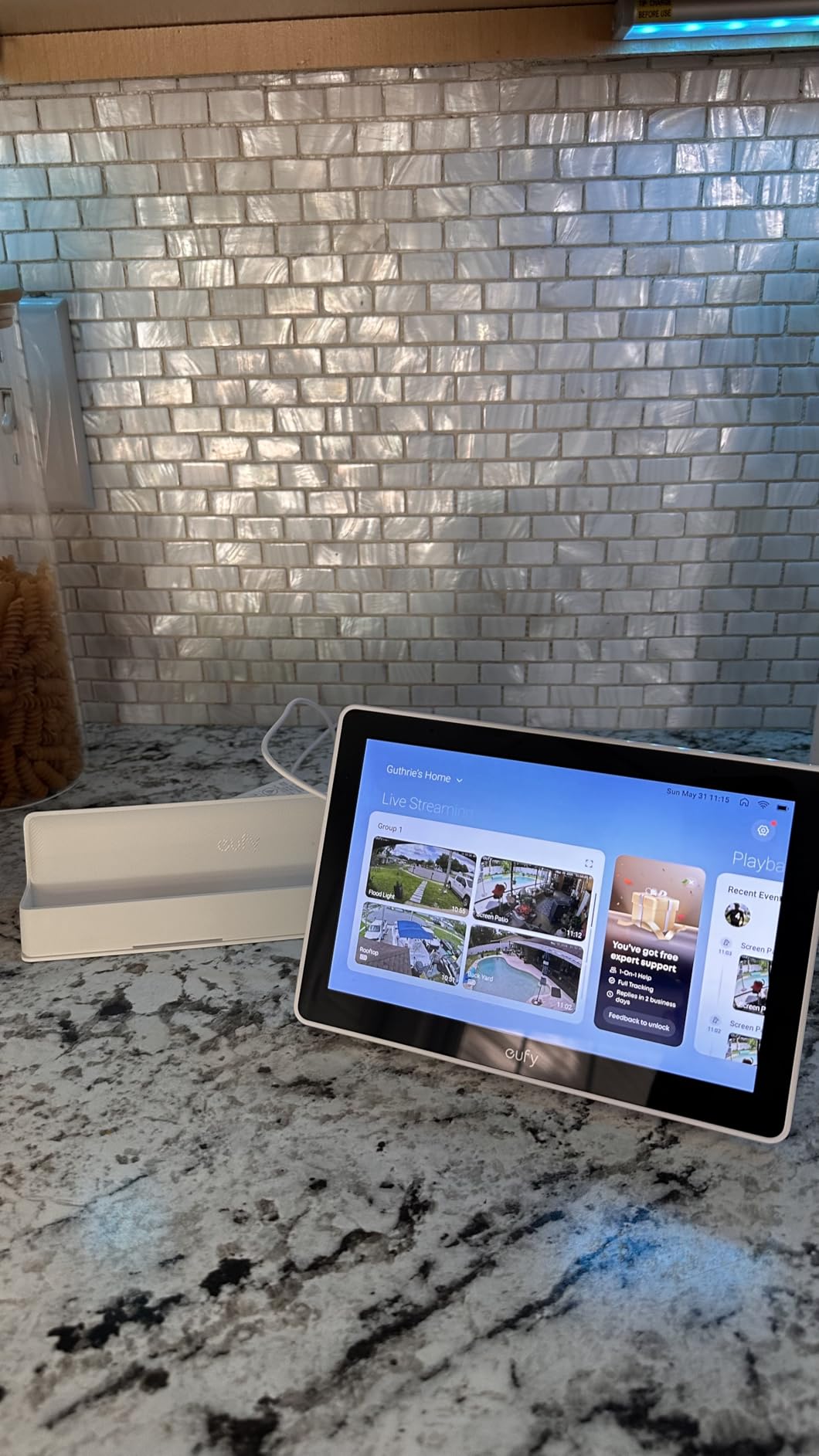
Local storage playback is the underrated part. Events download to local storage, so historical footage replays instantly with no waiting and no buffering, which removes the lag that makes you check your phone instead of the wall screen.
Facial and package recognition, powered by HomeBase 3, compile a daily report with key events. For a family that wants a passive log of arrivals rather than a live dashboard, that is genuinely useful.
The Ecosystem Requirement
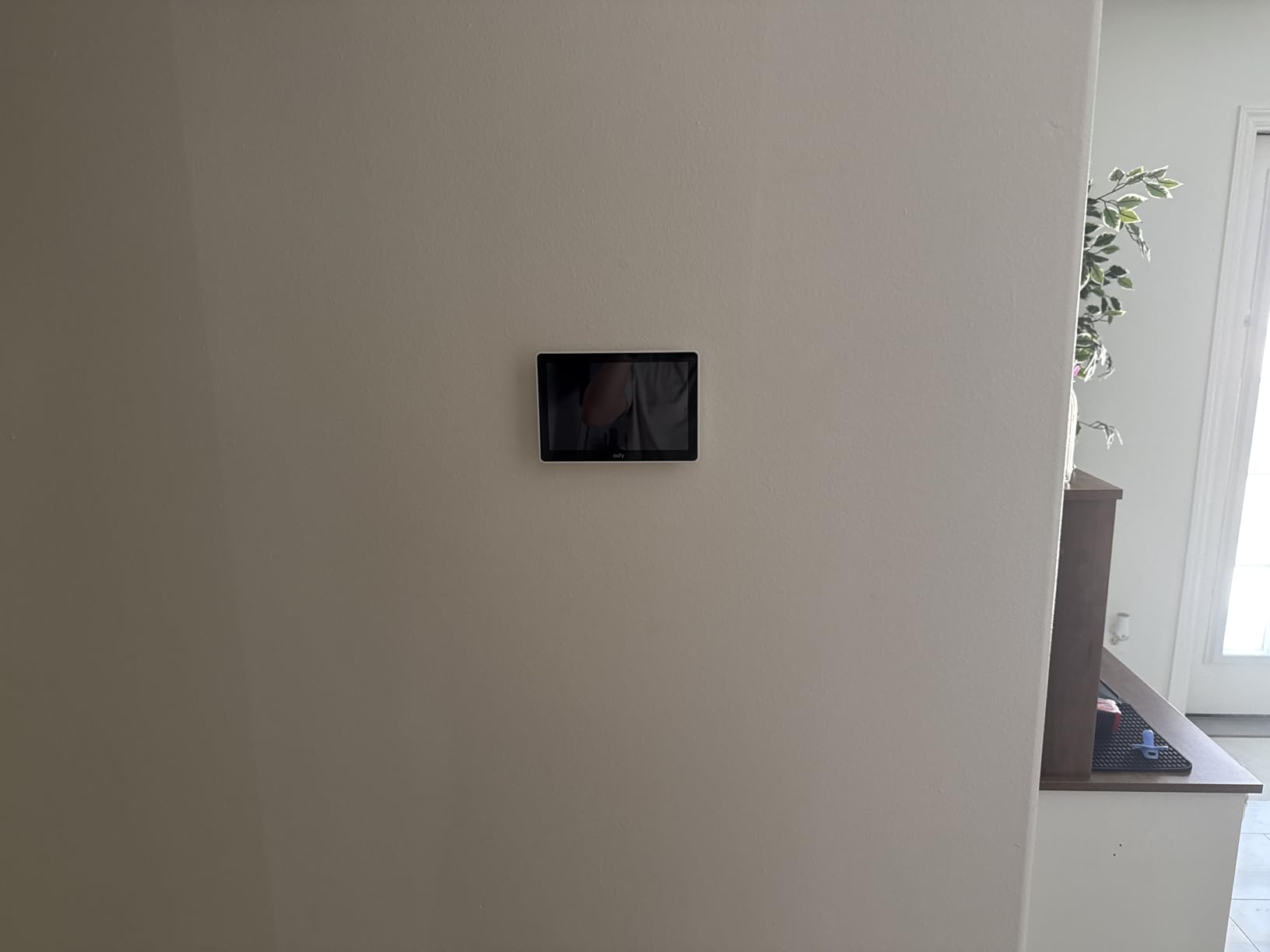
The core features depend on eufy HomeBase 3 hardware and the eufy ecosystem. If your cameras and doorbell are not already eufy, this display does very little. The box includes the 5V/2A adapter, a wall mount, a charging station and a Type-C cable.
Where It Falls Short
At a 4.1 average with a 9 percent one-star share, this is the lowest-rated product here, and the cause is narrowness of purpose rather than a defect. There is no general smart display behaviour, no recipe workflow and no meaningful voice assistant for daily kitchen tasks. Treat it as a dedicated security monitor and the rating makes sense.
6. Skylight Calendar 15 Inch – The Best-Selling Wall Planner With a Subscription Trade-Off
Skylight Calendar – 15″ Touchscreen Digital Calendar & Chore Chart, White
15.4 inch HD touchscreen
Syncs with Google iCloud Outlook
Wall mount included
Metal construction
Pros
- Ranks number one in Digital Calendars by sales rank
- Large 15.4-inch Full HD screen readable across the room
- Syncs with five major calendar services in minutes
- Chore chart and meal planning build household routines
- Wall mount included and it also stands on a counter
- Metal construction feels more premium than plastic rivals
Cons
- Magic Import photo screensaver and rewards require the Plus Plan
- Disney Mode also needs the Calendar Plus subscription
- 9 percent one-star share tied to the subscription model
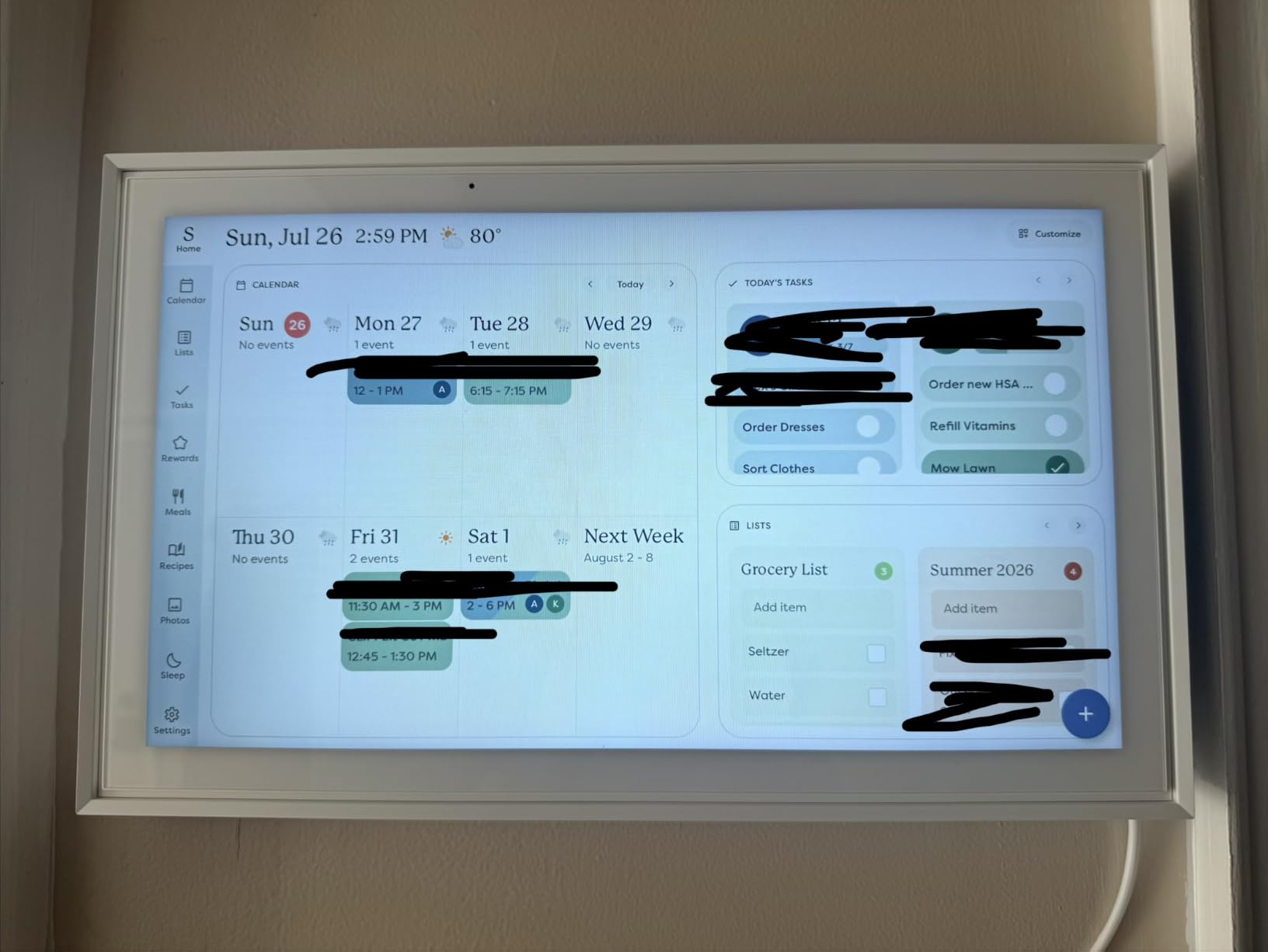
The Skylight Calendar is the category leader in its own category. It ranks number one in Digital Calendars by sales rank and carries the largest review base among the dedicated wall planners here, at a 4.4 average across more than 6900 ratings.
At 15.4 inches of HD touchscreen, it is readable from across the room and syncs with Google, iCloud, Outlook, Cozi and Yahoo in minutes. The interactive chore chart with colour-coded assignments and weekly meal planning turn it into a genuine household organiser rather than a big clock.
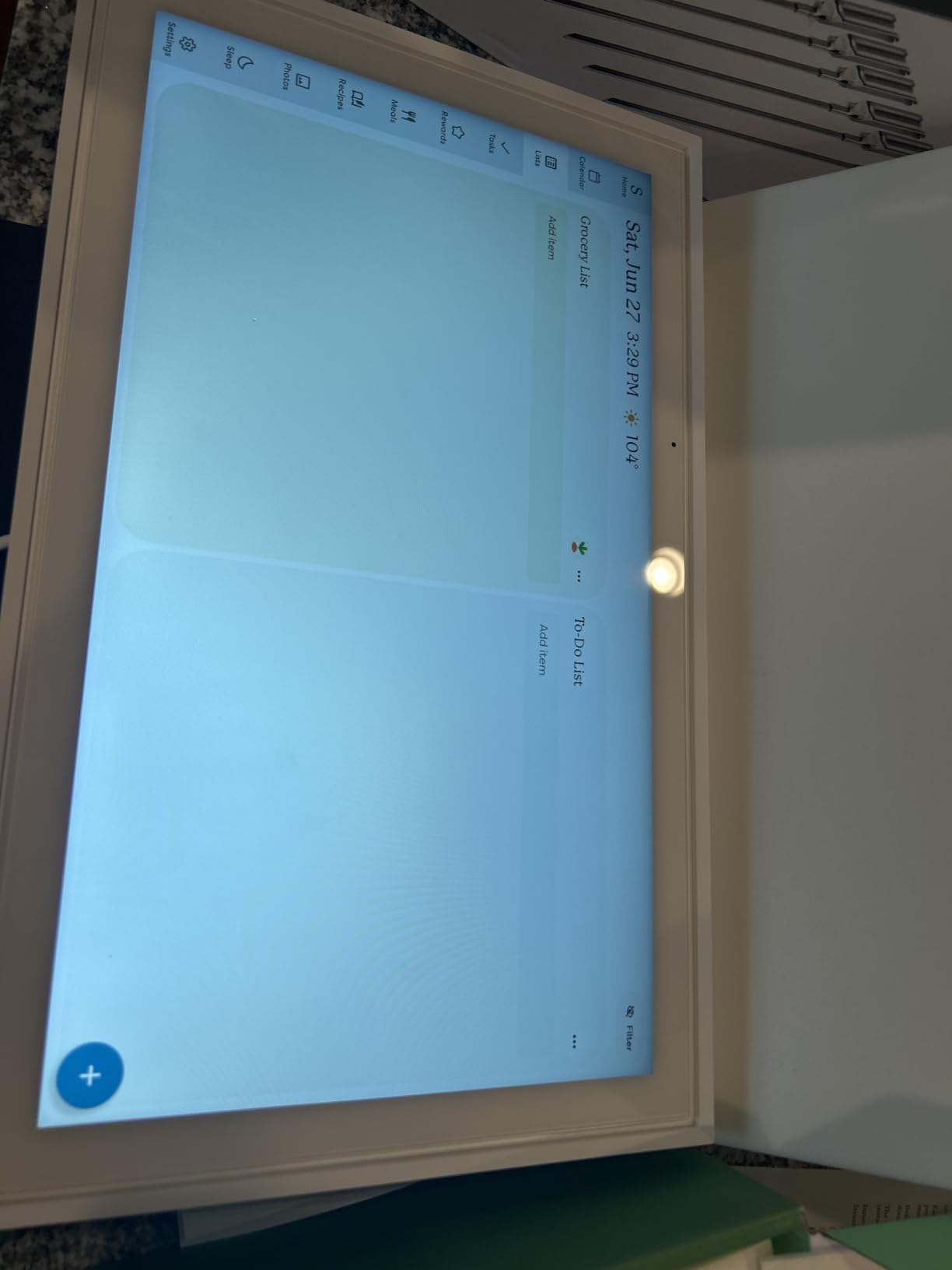
It is flexible about placement. The wall mount is included, and it also stands on a kitchen countertop, hallway table or desk, which means you can try it on the counter first and move it later. The metal construction is a small step up in feel from plastic competitors.
Family members add and edit events remotely through the free app, so the display is not something one person has to maintain.
What the Plus Plan Actually Costs You
This is the decision to make carefully. Magic Import, the photo screensaver, stars and rewards, and Disney Mode all sit behind the optional Plus Plan. The core product works without it, but the features that turn a calendar into a family command centre are the gated ones.
The 9 percent one-star share in the ratings tracks directly to that model. If you dislike recurring fees for device features, read this section before buying, and consider a no-subscription alternative instead.
Kitchen Use Specifically
In a kitchen the weekly meal planning view is the standout. There is no voice assistant, so this will not set a timer by talking, but it is a strong surface for the week’s plan and the household schedule at the same time. At 9.9 inches wide by 1.4 inches high, it is slim enough to look deliberate on a wall.
7. ApoloSign 21.5 Inch Digital Calendar – The Largest Screen and a Real Android Mode
Apolosign 21.5-inch Digital Calendar, No-Subscription, Smart Wall Planner with Calendar Sync, Chore Chart, Meal, Apps & Dashboard, Electronic Touchscreen Display for Family Schedules, Dual Mode (Teak)
21.5 inch anti-glare screen
Calendar Mode and Android Mode
Google Gemini
No subscription
Pros
- Dual Mode switches between a clean calendar and a full Android dashboard
- No subscription required and the companion app is free
- Android mode is the main reason buyers choose it
- Strong Google Calendar integration
- Meal planning and recipes displayed while cooking
- Auto-brightness and sleep mode
- Wall mount with a long power cord
Cons
- Meal planner does not auto-add ingredients to the grocery list
- Typing on the thick glass screen can feel imprecise
- App and documentation are English only
- Free app cannot edit or delete uploaded photos
The ApoloSign has the biggest screen in this roundup at 21.5 inches, and at a 4.6 average with only 3 percent one-star ratings it sits at the top of the rating range here. What separates it from every other wall planner is Dual Mode.
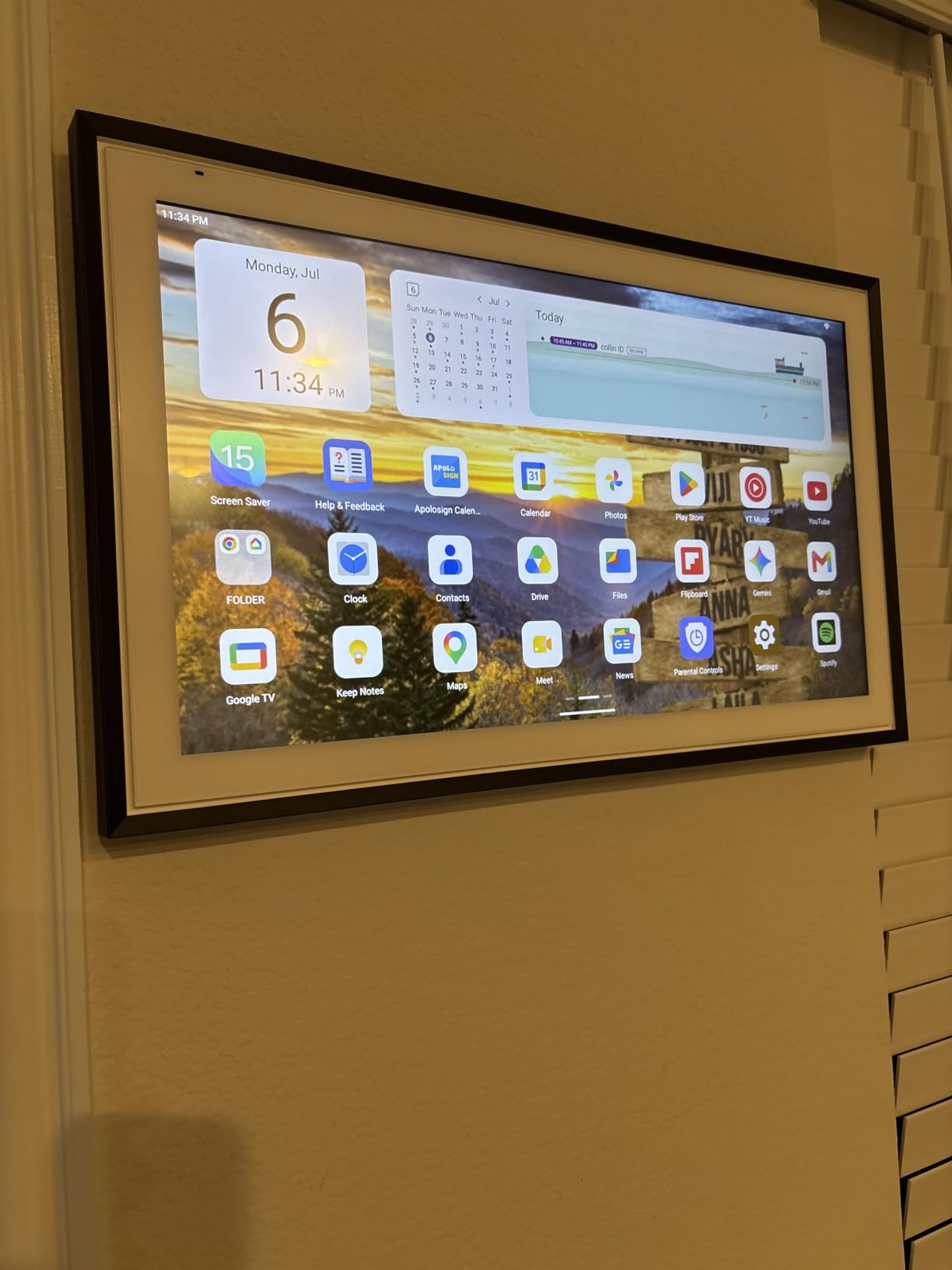
Dual Mode lets the full screen show either a clean calendar or a customizable Android tablet dashboard with widgets and Google Play downloads. Several buyers name tablet mode as the decisive advantage over Skylight and cheaper wall planners, and I understand why once you have used it.
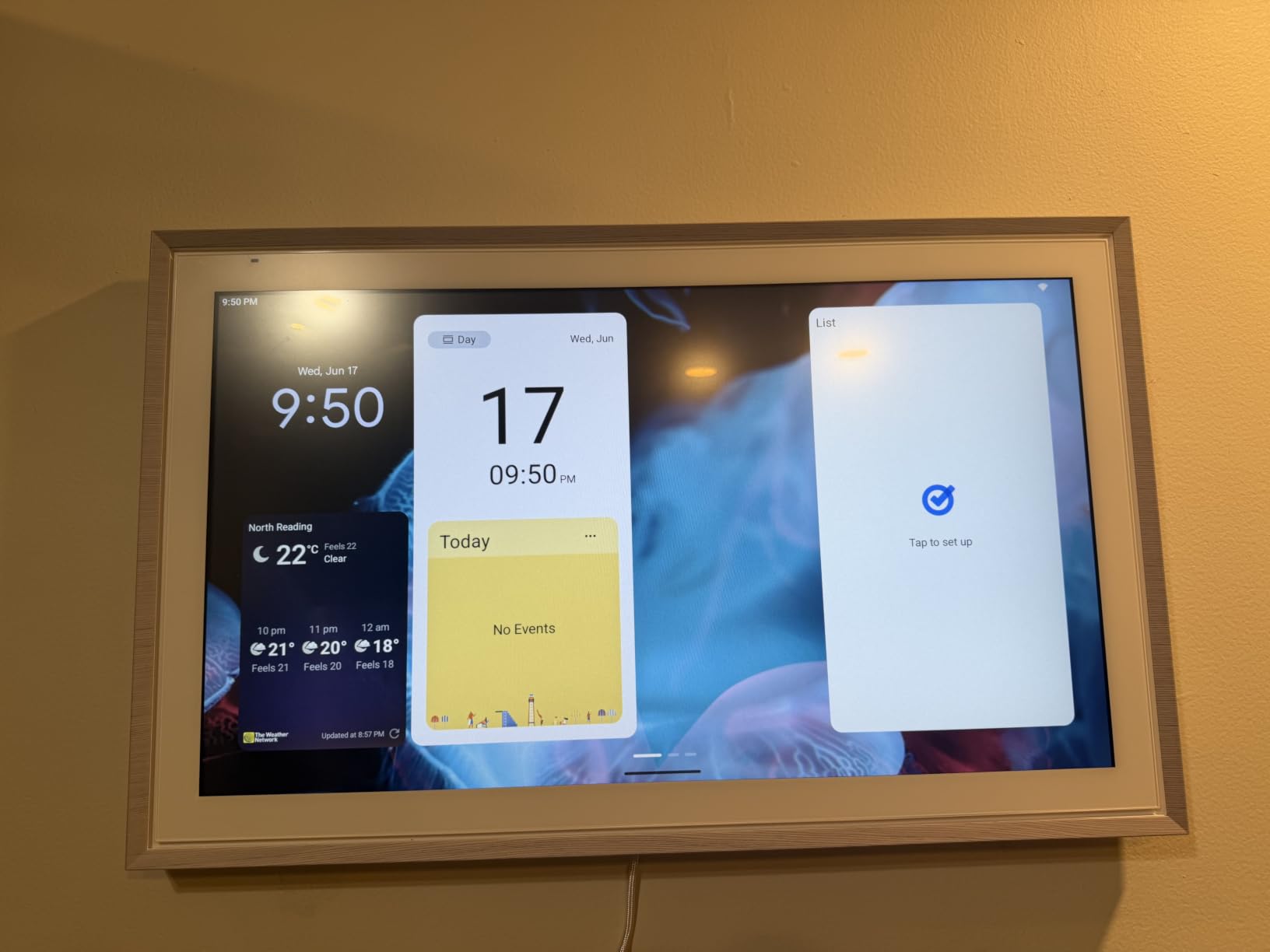
There is a built-in Google Gemini voice assistant, which gives it something none of the other planners here have: a working voice layer for schedules, reminders, weather and smart home control. In a kitchen that turns a planner into a partial smart display.
The no-subscription model is cited repeatedly as the reason for buying, with users comparing it favourably against rivals that gate features behind monthly fees. The companion app is free as well.
Android Mode in a Working Kitchen
This is where the screen size earns its footprint. Tablet mode lets a family stream video, view a baby monitor or security camera on the large panel, and split the screen with a recipe while cooking. A 21.5-inch anti-glare panel is genuinely readable from across the room, and auto-brightness plus sleep mode handle the day-night cycle.
It also syncs with Google Calendar, iCloud and Outlook, and offers reward-based chore tracking with custom point values, plus grocery, shopping and wish lists in the Apolosign Calendar App. Audiobook apps can be installed for playback during long cooking sessions.
Where It Falls Short
The meal planner does not automatically add ingredients to the grocery list, which is a strange omission for a kitchen device. Typing directly on the thick glass screen can feel imprecise, and the calendar app and documentation are English only, which is a genuine problem for non-English households.
Initial setup also involves a lengthy series of setup questions, and the free app cannot edit or delete uploaded photos. At 13.35 inches wide by 21.56 inches high, plan the wall space carefully before committing.
8. Anyuse 16 Inch Digital Calendar – Budget Wall Planner With Four Placement Modes
Anyuse16″ Smart Digital Calendar Wall Desk Mount Planner
16 inch HD touchscreen
Adjustable font and brightness
Four placement modes
Sleep mode
Pros
- Adjustable font size and brightness suit seniors and children
- Four placement modes with mounting accessories included
- Two-way Google sync plus iCloud Outlook Cozi Yahoo and TeamSnap
- Colour-coded chore chart with star rewards
- Same feature set as pricier brands with no subscription
- Straightforward setup without the instruction booklet
Cons
- Some buyers report units failing to power on or cutting out after about five seconds
- Uploads capped at 50 pictures and 60-second clips per batch
- Contacts cannot be re-added once the device is powered off
- Plastic construction versus metal-framed rivals
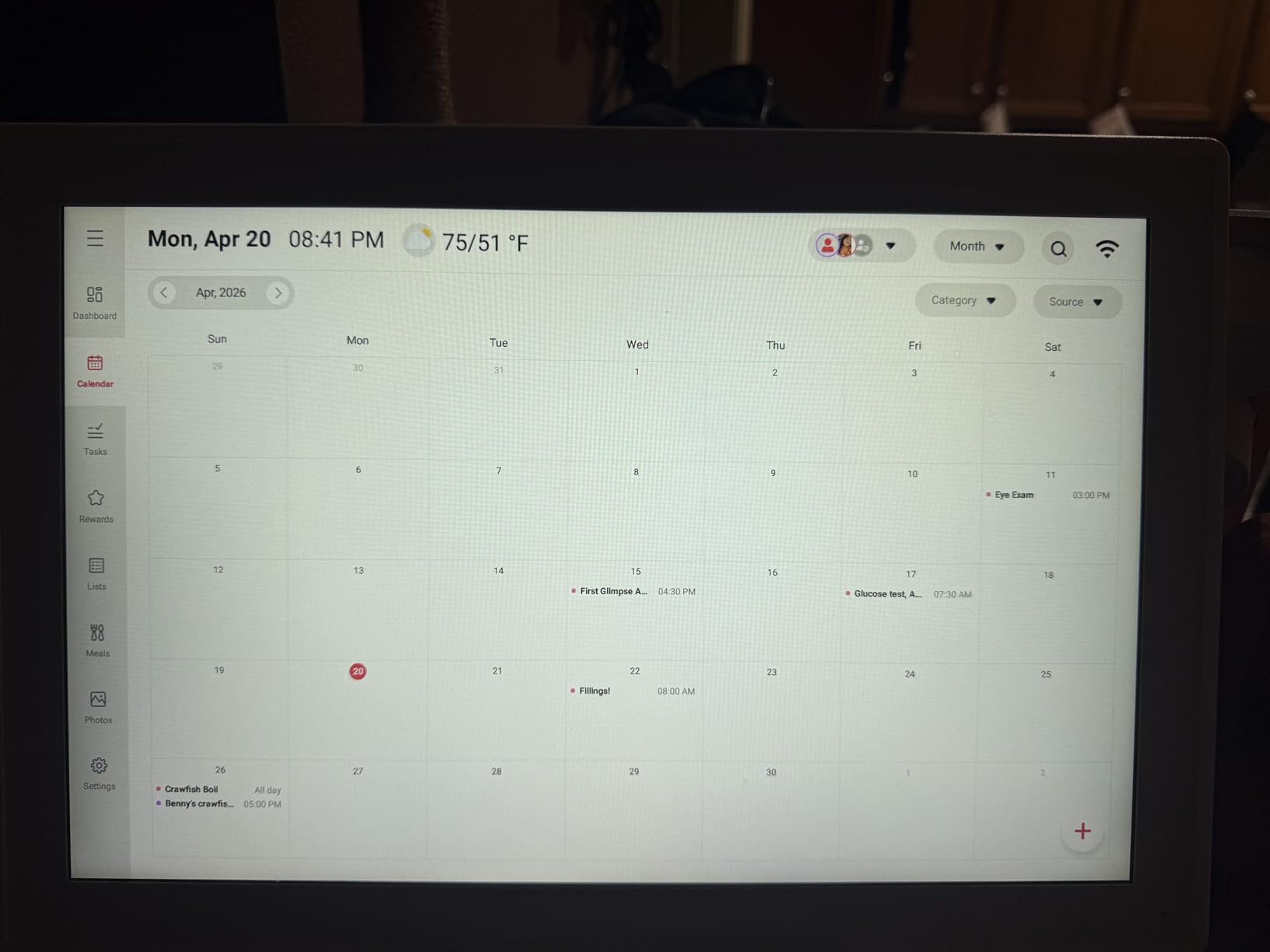
The Anyuse covers similar ground to the Skyzoo at a lower tier, and at a 4.5 average across 700-plus ratings the satisfaction is close behind. The appeal is simple: buyers describe it as the same feature set as more expensive brands with no subscription attached.
Two features make it more family-proof than most. Four-level font size adjustment means the calendar can be made genuinely readable for a parent with poor vision, and four placement modes, wall, desk, horizontal and vertical, mean it fits wherever you have room. Mounting accessories and a kickstand are both included.
Two-way Google Calendar sync is real two-way, and it also handles iCloud, Outlook, Cozi, Yahoo and TeamSnap. The colour-coded chore chart supports deadlines and star rewards that children can redeem, which is the mechanism that actually keeps a family organiser running.
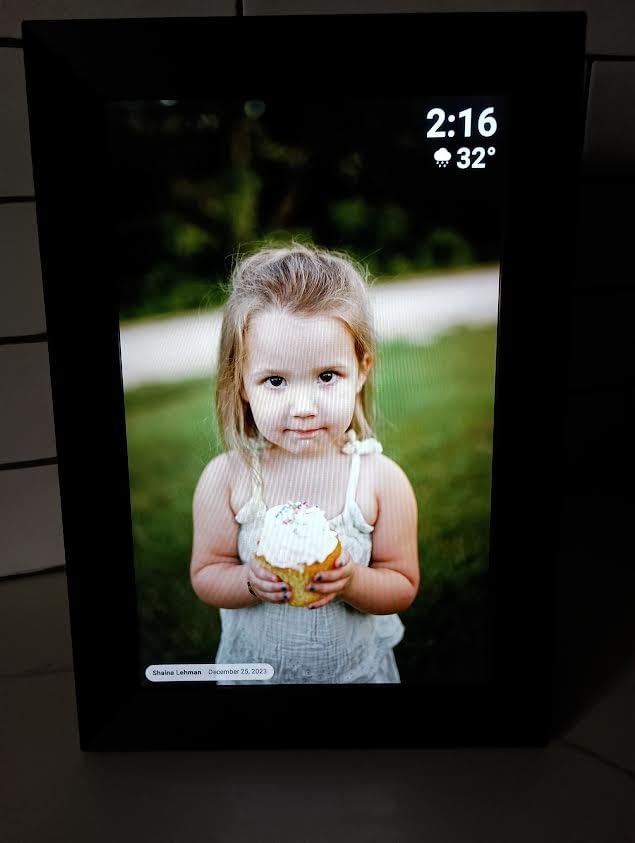
There is also a meal planner with a built-in recipe library and cooking notes, plus photo and video sync from the Whale Framely App with an auto-slideshow screensaver showing live weather and time.
Durability Is the Real Question
The main quality complaint is hardware reliability. A small number of buyers report units that fail to power on, or that power off after about five seconds, and that is the concern to weigh when you consider a wall-mounted display you plan to leave plugged in for years.
Construction is plastic rather than the metal used by some competitors, and it weighs 5.1 pounds at 15.67 by 10.6 inches. Nothing about that reads as a dealbreaker, but it is not a premium object.
Upload Limits and Contact Handling
Photo and video uploads cap at 50 pictures and 60-second clips per batch, so building a large family library takes several passes. Sleep mode with custom on and off times is a useful safeguard against burn-in on an always-mounted panel, and family invitations work through a QR or pairing code valid for 48 hours, including virtual members for children without email accounts.
One quirk worth knowing: if the display is powered off, contacts cannot be added back in without more setup.
9. Google Nest Hub 7 Inch 2nd Gen – The Cleanest Option With No Camera at All
Google Nest Hub 7” Smart Display with Google Assistant (2nd Gen) – Chalk
7 inch 1024 x 600 touchscreen
1.7 inch full-range speaker
No camera
802.11ac Wi-Fi
Pros
- Dedicated home control interface beats the Google Home phone app
- Speakers rated solid and slightly better than Alexa units
- Easy to add more Hubs for other rooms
- Works as a photo streaming display and a cast remote
- Compact enough for a countertop or the wall
- Value bundle includes a universal power adapter
Cons
- Setup can boot into Mandarin and a feature tour bug needs a reboot
- No Play Store access and installed services cannot be added
- Speaker grouping described as erratic
- 12 percent one-star share is the highest in this group
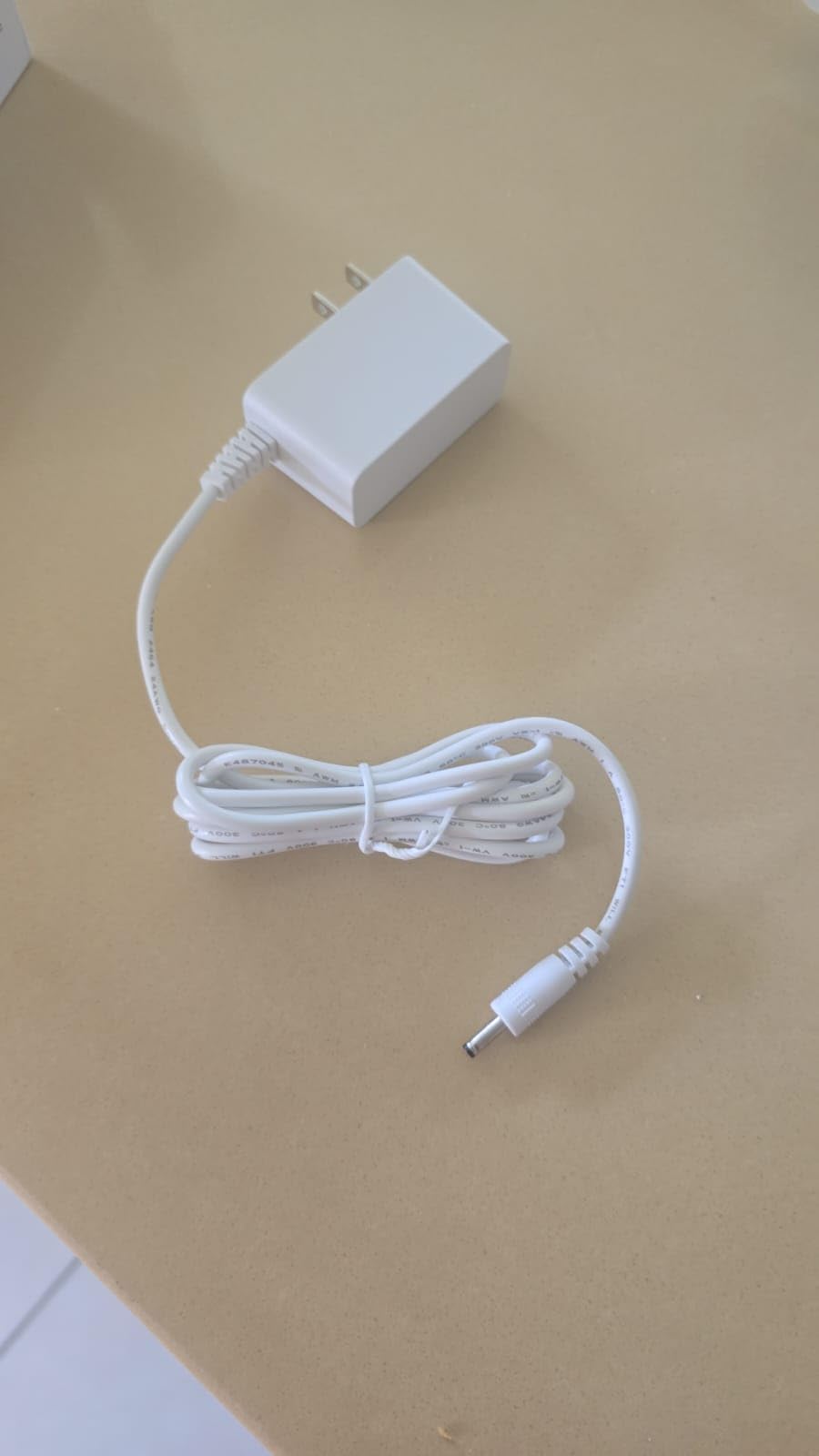
The second-generation Nest Hub is the only device in this roundup with no camera at all, and in an open-plan kitchen that is a decisive advantage rather than a compromise. Nothing is looking back at you from the counter.
Beyond the privacy angle, owners value the dedicated home control interface. It is better optimized for a display than the Google Home phone app, and it is straightforward to add additional Hubs around the house for other rooms.
The speaker is a 1.7-inch full-range driver, and reviewers describe it as solid and slightly better than comparable Alexa speakers. On a 7-inch screen running 1024 by 600, it handles timers, weather, music and home control clearly, though it is not a screen for reading full recipes.
The value bundle includes a universal power adapter and multi-language support, which matters if you are outside the US.
Setup Friction and the Locked-Down Software
That is where the 4.2 average and the 12 percent one-star share come from, the highest one-star share of any product here. Three themes drive it: a device that boots into Mandarin and needs a QR code scan in the Google Home app to switch, a feature tour bug that freezes the screen until it is rebooted from the app, and a locked-down software experience.
That last one is a real limitation. There is no Play Store access, so third-party apps cannot be installed directly, and the app list cannot be customized. Speaker grouping is also described as erratic, and some international buyers report limited Portuguese language support.
When It Is the Right Choice
Choose this one if camera presence in your kitchen makes you uncomfortable, if you are already deep in the Google Home ecosystem, and if you want something small enough to disappear on a counter. Skip it if you want a dashboard you can customise. It is 4 by 4 by 4 inches, table-top or wall mountable, with a 90 day warranty.
10. Google Nest Hub Max 10 Inch – Loudest Audio Here for Cooking Listening
Google Nest Hub Max 10″ Smart Display with Google Assistant – Chalk
10 inch 1280 x 800 screen
30W subwoofer stereo system
Facial recognition camera
3430 mAh battery
Pros
- Large clear 10-inch screen suits recipes YouTube and video calls
- Loud clear audio from a stereo system and 30W subwoofer
- Works as a digital photo frame with at-a-glance calendar
- Good screen and build for the price tier
- Simple for music questions and phone calls
Cons
- Setup is hard enough that buyers look up walkthrough videos
- Some displays had a dark screen the morning after setup
- Intermittent cut-outs and lost voice pickup reported
- Weighs 450 g and is the oldest Google generation here
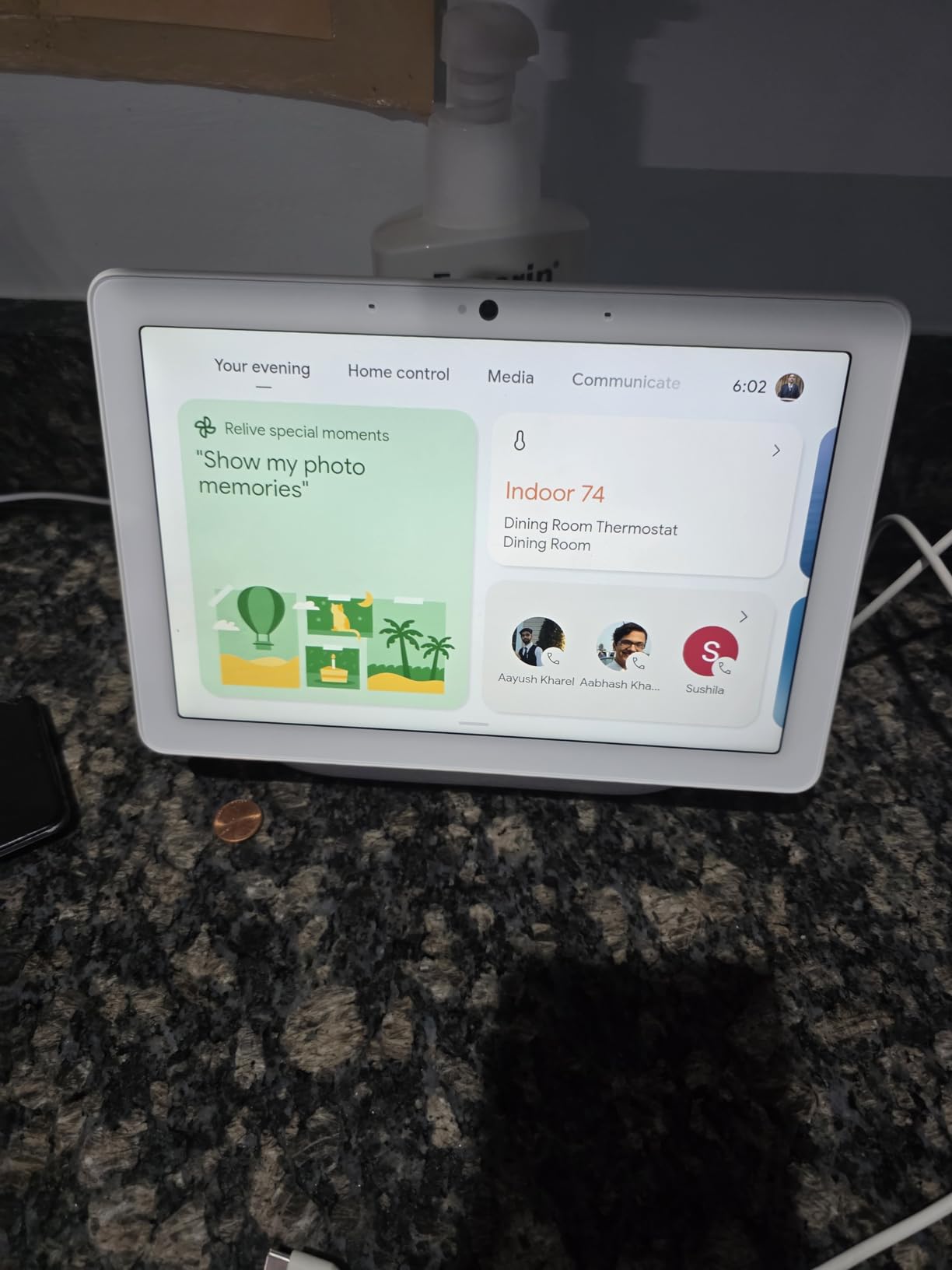
The Nest Hub Max wins on one axis above all others in this list: audio. The stereo speaker system includes a 30W subwoofer with 50W total power output, and no other device in this roundup lists a powered subwoofer at all.
For a kitchen where music is a constant companion, that is a genuine advantage. The speaker hardware also explains the 450 g weight, which matters if you plan to wall-mount it.
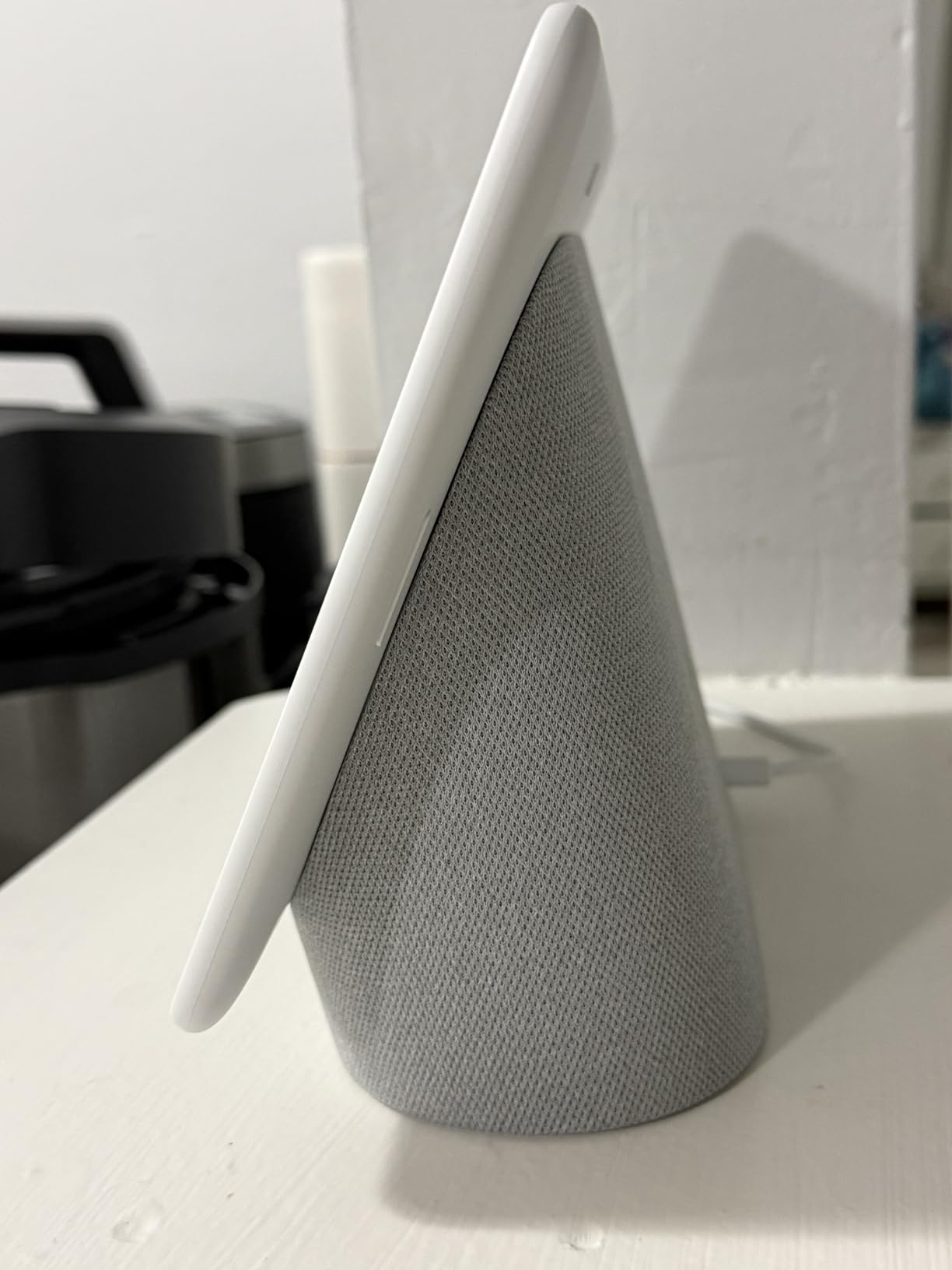
The 10-inch LCD panel runs at 1280 by 800 with a 60Hz refresh rate, and owners describe it as large and clear for recipes, YouTube and video calls. The front-facing camera uses a 6.5 megapixel sensor capturing 1080p at 30 frames per second, with facial recognition as a security feature.
It doubles as a digital photo frame and an at-a-glance calendar display, which covers a lot of the wall planner use case without a subscription. There is also a built-in 3430 mAh lithium battery inside.
Setup and Reliability Concerns
Owners report that setup is difficult enough that some had to search for walkthrough videos, and a small number describe a dark screen the morning after installation that would not resolve. Others report intermittent cut-outs and lost voice pickup. These are minority reports, but with only 221 ratings to draw on, the sample is small enough that the 4.2 average deserves attention.
The Generation Problem
This is the first-generation Google display, which means you are buying older hardware and an older software path. With a 12 percent one-star share mirroring the smaller Nest Hub, the practical question is whether the superior audio justifies the age of the platform.
For most people, yes for audio alone. For anyone starting a new Google Home setup today, the newer hardware is the safer bet. If you also need a display for a classroom, office or retail counter, our picks in interactive display roundups cover that side of the market.
How to Choose a Kitchen Smart Display That Fits Your Space
The single biggest mistake people make is choosing by screen size first. A 21.5-inch panel that transforms a wall is a disaster in a galley kitchen, and an 8-inch clock is a waste in a room with 4 feet of clear wall. Work outward from your space instead.
Countertop, Wall-Mounted or Under-Cabinet
Countertop placement is the zero-commitment option. You need a power outlet within reach of a cable that will not cross a work surface, and a flat spot that is not directly beside your hob. Steam and grease are the real enemies, so give a countertop unit a couple of inches of clearance from anything that vents.
Wall mounting is the right answer for anything 15 inches or larger. It protects the panel from spills, frees the worktop entirely, and looks intentional. Budget for routing a cable to a nearby outlet, and for a wall that can take the fixings. The Skyzoo, Skylight and ApoloSign all include mounting hardware or support it directly.
Under-cabinet mounting is a different product class entirely. Kitchen TVs built for that position are larger and treat you as a viewer rather than a speaker, so set your expectations before comparing them to an assistant display.
Screen Size Versus Distance
The working rule from owners in smart home communities is consistent: the 8-inch class is the safe countertop default, and 11 inches and up only work if you have genuine counter or wall space. Judge by the distance from where you stand while cooking, not by the size of the room you walk through.
You also want enough resolution to read small text. Anything at or above 1080p handles recipe steps comfortably. The Nest Hub 7 runs at 1024 by 600, which is fine for timers and short lists but cramped for a full recipe.
For a wider view of screen formats and panel types, our guide to digital signage displays covers the resolution and brightness questions in more depth.
Amazon Versus Google Is an Ecosystem Decision
This is not a like-for-like comparison, and buyers on r/smarthome consistently note that the choice is ecosystem-locking rather than a preference. Amazon devices pair with Alexa-compatible hardware; Google displays pair with Google Home. The display you buy will lock you into whichever smart home you already run, and switching later means rebuilding automations.
Within the Amazon group here, the Show 11 and Show 15 both carry built-in smart home hub capability, and the Show 15 adds direct Thread and Zigbee connectivity. The ApoloSign is the only non-Amazon device here with a working voice layer, through Google Gemini.
What none of these can reach is Z-Wave. Z-Wave devices are frequently unreachable from both ecosystems, so if your home runs Z-Wave, Hubitat or SmartThings, you still need a separate hub. Several Home Assistant users run Echo Show units purely as thin clients for a custom dashboard, treating the built-in assistant as secondary.
Do You Want a Camera in Your Kitchen?
This deserves a straight answer. The Echo Show 15 and Show 11 have a physical camera shutter and a mic and camera off button, which is the correct starting position. The Nest Hub Max has a front-facing camera with facial recognition and no physical shutter. The Nest Hub 7 and the Echo Spot have no camera at all.
If your kitchen is visible from a living space and a camera makes you uneasy, the camera-free options remove the question entirely rather than asking you to manage it.
Power, Cables and Always-On Behaviour
Anything you mount permanently needs a plan for power. Route the cable inside the wall where you can, use a slim connector at the panel, and confirm your outlet is on a circuit that will not trip when the kettle and oven run at the same time.
Also think about burn-in. A panel left on with a static calendar image all day is a different risk profile from a device that sleeps. The Anyuse includes sleep mode with custom on and off times, and the ApoloSign pairs auto-brightness with sleep mode. For a wall planner, setting a nightly sleep window is the cheapest protection available.
Check What Interrupts Your Timers
Sponsored cards and ambient content surfacing while a timer runs is the most common complaint in Amazon display communities, and it is worth configuring around before the device lands on your counter. The good news is that most Amazon content can be turned off in settings, and owners who do it report a much calmer screen.
Owners who care most about this sometimes skip assistant displays entirely and repurpose a cheap tablet with a dashboard app, largely to avoid ads and get a richer control panel. That is a legitimate alternative, and it sits outside the range of any of the ten devices here.
One Kitchen-Specific Caveat Nobody Mentions
Video calls in a kitchen are genuinely difficult. A range hood or extractor fan running will swallow the microphone, and callers will struggle to hear you while you move around. Test a call with your hood at full speed before you buy a display for calling, and treat the camera resolution as secondary to that.
If you also need guidance information visible while driving or cooking, our heads up display roundups cover a different set of use cases for the same glanceable-information problem.
Frequently Asked Questions
What is the best smart display for a kitchen?
The Amazon Echo Spot is the best smart display for most kitchens, thanks to its compact clock form factor, strong speaker for its size, physical mic off button and eero mesh WiFi extender. If you want a larger screen for recipes, video calls and a built-in smart home hub, the Echo Show 11 is the step up, and the Echo Show 15 takes over for wall mounting and streaming.
Should I buy an Echo Show 11 or an Echo Show 15?
Buy the Echo Show 11 for countertop use and a smaller footprint, with an 11-inch Full-HD screen and a built-in smart home hub. Buy the Echo Show 15 if you have wall space, a 15.6-inch 1080p panel, built-in Fire TV streaming, direct Thread and Zigbee, and a physical camera shutter. The Show 15 suits bigger rooms; the Show 11 suits smaller counters.
Which is better, a Google Nest Hub or an Amazon Echo Show?
It depends entirely on the smart home you already run. Amazon displays pair with Alexa-compatible devices and some models include a built-in hub, while Google displays pair with Google Home and have no Play Store access. Neither ecosystem reaches Z-Wave devices, so if you run Z-Wave, Hubitat or SmartThings you will need a separate hub regardless of which you choose.
Can I use a smart display as my smart home hub?
Several models can. The Echo Show 11 and Echo Show 15 both include a built-in smart home hub, and the Show 15 adds direct Wi-Fi, Thread and Zigbee connectivity so you can control compatible devices without separate hardware. Note the trade-off: if the display itself loses power or network, you lose voice control of every device it was managing.
What size smart display is best for a kitchen?
The 8-inch class is the safe countertop default, and 11 inches and up only makes sense if you have genuine counter or wall space. Judge by the distance from where you stand while cooking. You also want at least 1080p resolution to read recipe steps comfortably, since lower-resolution panels struggle with small text.
Which Kitchen Smart Display Should You Buy in 2026?
Start with the space, not the spec sheet. In a galley kitchen or anywhere counter space is tight, the Amazon Echo Spot is the one to beat, because it disappears into the corner, runs timers and music reliably, and has no camera pointed at your cooking. It is also the most thoroughly reviewed device in this roundup, which matters for a product that will sit in your kitchen every day for years.
If you want a screen you can actually read a recipe from, the Amazon Echo Show 11 is the strongest all-rounder, with a Full-HD panel and a built-in smart home hub that saves you a separate box. Move up to the Echo Show 15 only when you have wall space to mount it, because that size demands the room and looks wrong standing on a narrow counter.
For family coordination rather than voice control, the choice comes down to subscriptions and screen size. The ApoloSign 21.5-inch is the pick when you want the largest screen, a real Android mode, Google Gemini and no recurring fees. The Anyuse 16-inch covers the same ground with fewer extras. Choose the Skylight only if you are happy paying for the Plus Plan, because its best features sit behind it.
Two specialised picks round out the list. The Nest Hub 7 is the answer for anyone who wants a kitchen display with no camera at all and a Google Home setup. The eufy Smart Display E10 is worth buying only if you already run eufy cameras and a HomeBase 3, because that is the only scenario where its four-way camera view earns its place on a kitchen wall.
Whichever you pick, mount it out of the steam zone, route the power cable properly, and turn off the sponsored content cards before it becomes an irritation. These are the best smart displays for kitchens we tested in 2026, and the right one is the one that fits the room and the household routine you already have.
Leave a Reply