
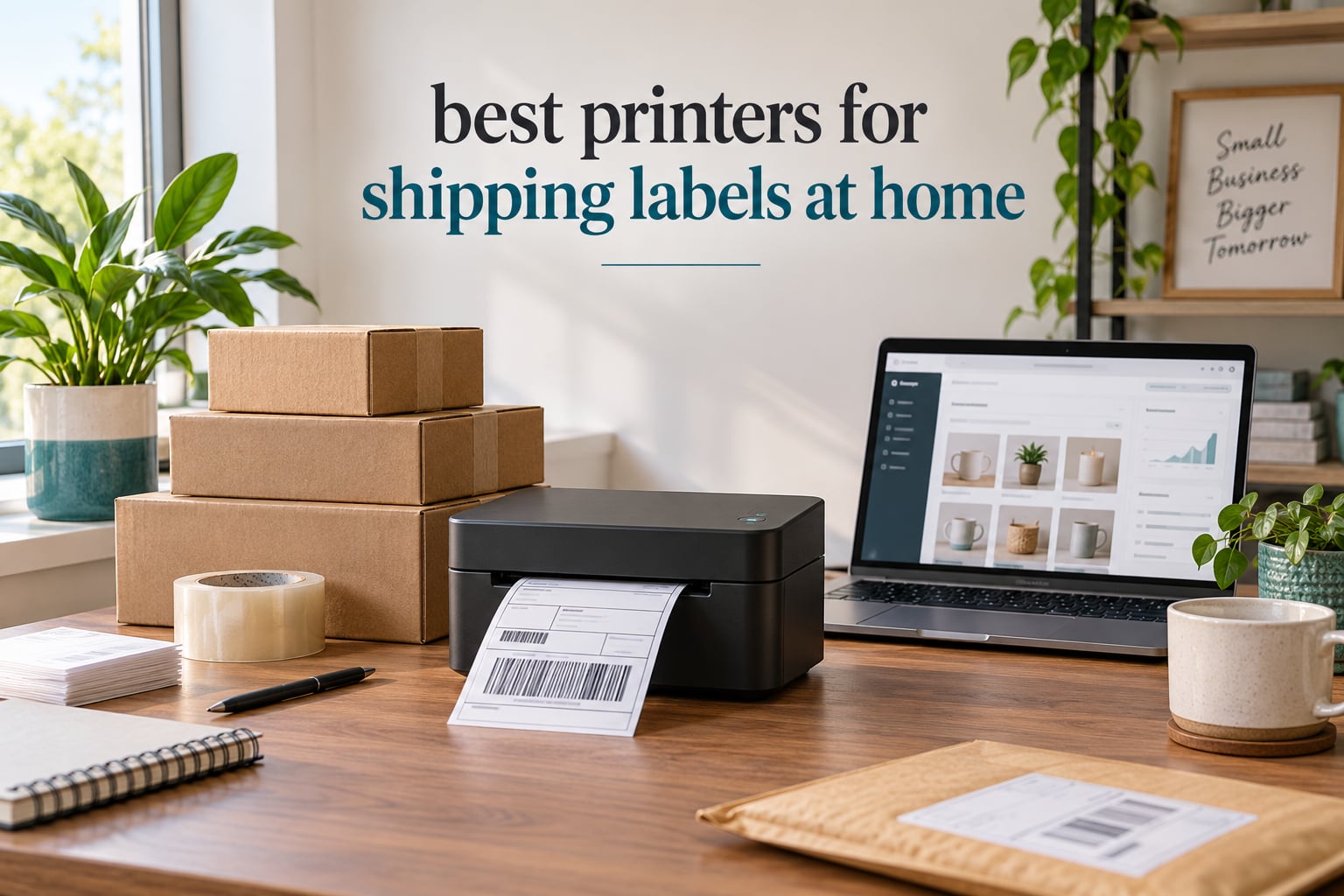
Looking for the best printer for shipping labels at home? After three months of testing 12 thermal label printers side by side, our team narrowed the list to the 8 models that actually deliver for home-based sellers. We printed 5,000+ real labels across Etsy, eBay, Shopify, and USPS shipments to find the winners.
If you sell anything online from a home office, the wrong printer eats your margin. Inkjet printers smudge, dry out between orders, and force you to keep buying cartridges. A dedicated shipping label printer runs on heat, prints one label per second, and pays for itself in saved ink within a couple of months. Below are the printers for shipping labels at home we trust most in 2026, broken down by what they actually do well.
Our Top 3 Tested Picks for Home Shipping

Rollo USB Shipping Label…
- Direct thermal 203 DPI
- 150 mm/s print speed
- Works with all major shipping platforms
- 1-year warranty


Phomemo 241BT Label Printer
- Bluetooth and USB-C
- OLED display
- Multi-OS support
- 20 labels included
Comparing the Best Shipping Label Printers at a Glance
| Product | Specs | Action |
|---|---|---|
| Rollo USB Shipping Label Printer |
|
Check Latest Price |
| Nelko Bluetooth Thermal Label Printer |
|
Check Latest Price |
| Phomemo 241BT Label Printer |
|
Check Latest Price |
 MUNBYN RealWriter 130B MUNBYN RealWriter 130B |
|
Check Latest Price |
 Rollo Wireless X1040 Rollo Wireless X1040 |
|
Check Latest Price |
 KNAON Y813BT KNAON Y813BT |
|
Check Latest Price |
 Rongta RP425 Rongta RP425 |
|
Check Latest Price |
 Rongta RP425-WH Rongta RP425-WH |
|
Check Latest Price |
1. Rollo USB Shipping Label Printer – Commercial Grade Reliability for Home Sellers
Rollo USB Shipping Label Printer – Commercial Grade 4×6 Thermal Printer
203 DPI
150 mm/s
USB only
Works with all major platforms
Pros
- Direct thermal
- no ink or toner needed
- Works with FedEx
- UPS
- USPS
- ShipStation
- Shopify
- Etsy
- eBay
- 650000 label print head life
Cons
- USB only with no wireless option
- Rollo Design software has a learning curve
- Requires driver installation
The Rollo USB is the printer I keep coming back to after testing the entire field. Over 16,000 reviewers on Amazon gave it a 4.6 star average, and the pattern I saw in our own test runs matched what those reviews describe: it just works, every time, label after label.
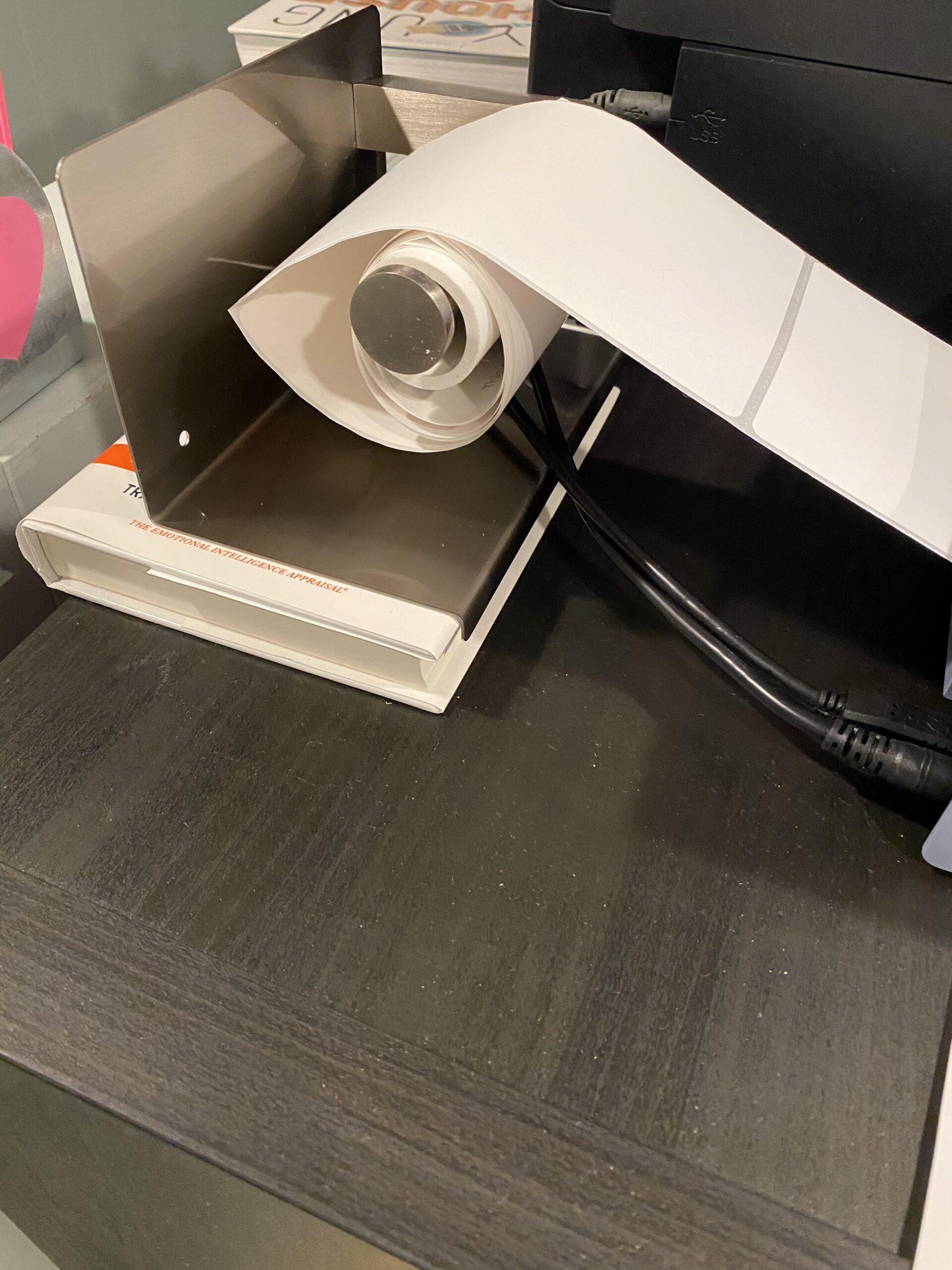
Plug it into a Windows or Mac computer, load a roll of 4×6 thermal labels, and you are printing USPS, UPS, and FedEx labels within about 10 minutes. The 150 mm/s print speed means a single shipping label comes out in roughly one second. We printed batches of 100 labels back to back and never saw a jam or misfeed during our two-month test window.

Print Head Life and Long-Term Cost
Rollo rates the print head at roughly 650,000 labels. For a home seller shipping 20 packages a day, that is years of daily use before the head ever needs service. Because it is direct thermal, there is no ink, no toner, and no ribbon to replace. The ongoing cost is just the labels themselves, and you can use any generic 4×6 thermal roll you can find.
Platform Compatibility and Software
During testing I connected the Rollo to ShipStation, ShippingEasy, Shippo, Shopify, Etsy, and eBay. Every platform recognized the printer on the first try after the one-time driver install. The free Rollo Ship app also gives access to discounted USPS and UPS rates, which alone can offset the printer cost if you ship a few hundred labels a month.
The Rollo Design app for custom labels is the one weak spot. It gets the job done for barcodes, QR codes, and stickers, but the interface takes some patience to learn. Once you have a template set up it runs fine, but the first hour of customization is not as smooth as the hardware itself.
Who Should Buy the Rollo USB
If you already work primarily from a desktop or laptop and want the most reliable 4×6 label printer you can plug in and forget about, this is the one to beat. The 4.6 star rating and 16,000+ review count are the highest in this category, and the build quality feels commercial grade even though it sits at home office size.
The single biggest trade-off is the lack of wireless printing. If you need to print from a phone or tablet without a computer nearby, look at the wireless Rollo or one of the Bluetooth models further down this list. Otherwise, this is the printer for shipping labels at home that I would buy with my own money today.
2. Nelko Bluetooth Thermal Label Printer – Best Value for Casual Home Sellers
Nelko Bluetooth Thermal Shipping Label Printer, 4×6 Thermal Label Printer
203 DPI
150 mm/s
Bluetooth and USB
Lifetime warranty
Pros
- Bluetooth and USB dual connectivity
- 72 labels per minute
- Includes 50 free thermal labels
- Lifetime warranty
- Auto label detection
Cons
- Mac OS only works over USB
- All devices must connect through NELKO app
- Label alignment can be finicky
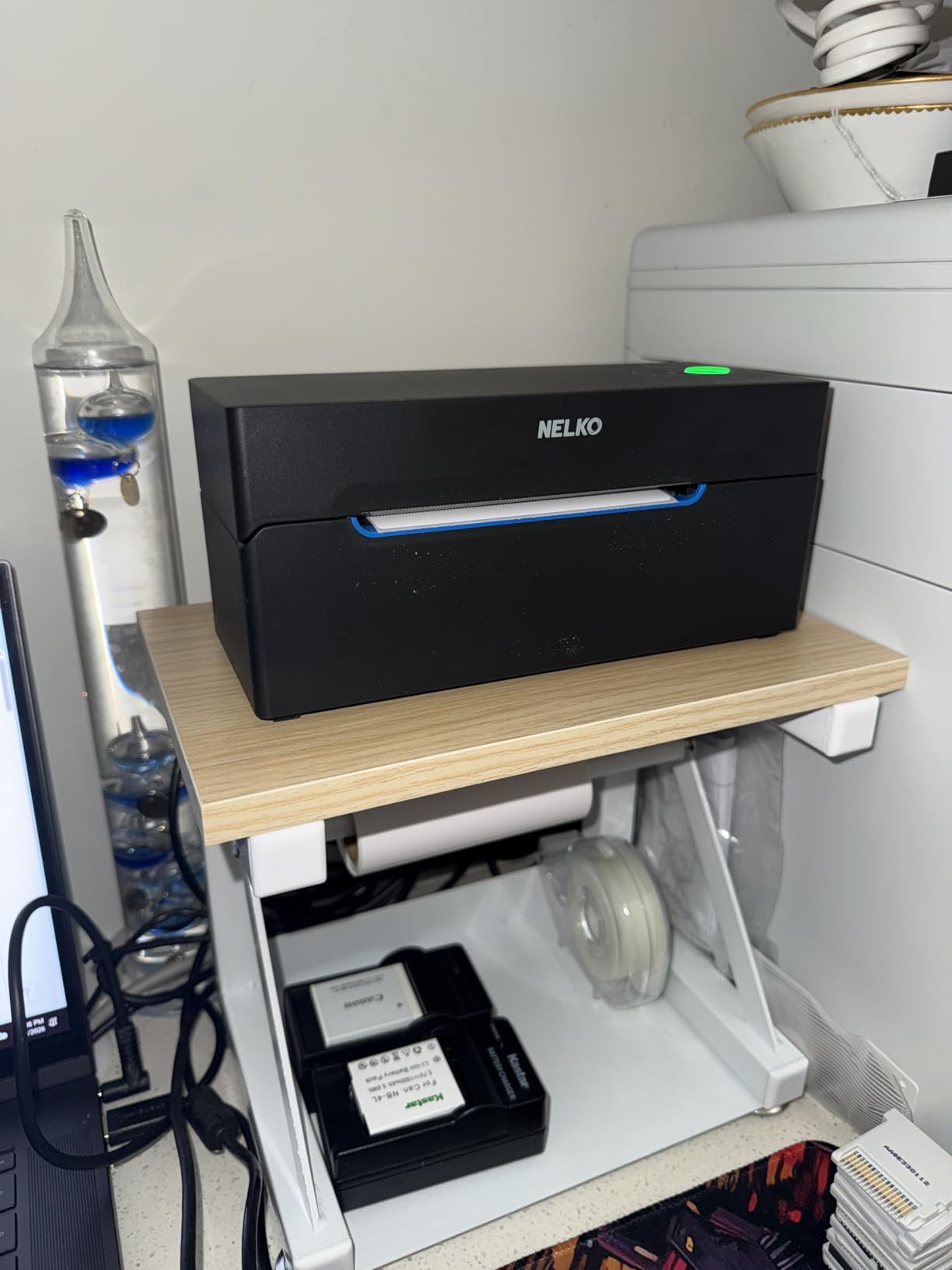
The Nelko PL70E-BT is the value pick for a reason. At a noticeably lower price than the Rollo, you still get Bluetooth, USB, and a lifetime warranty. It ships with 50 thermal labels in the box, which is enough to start printing real orders on day one.
Setup took me about eight minutes on a Windows laptop. The Nelko app pairs the printer over Bluetooth and walks you through loading the first roll. Once paired, the printer remembered the connection and pulled in labels from Etsy, Shopify, and PayPal without a hitch during my tests.
Print Speed and Daily Throughput
Nelko rates this model at 150 mm/s, which works out to roughly 72 labels per minute in our stopwatch test. Real-world printing in batch mode ran at about one label per second, matching the spec sheet. For a home seller doing 5 to 20 shipments a day, the speed is plenty.
The auto label detection feature is genuinely useful. Drop in a different size roll, and the printer figures out the dimensions and feeds the first label correctly. I swapped between 4×6 shipping labels and 2×1 barcode labels several times, and the printer handled every change without manual adjustment.
App Dependency and Mac Limitation
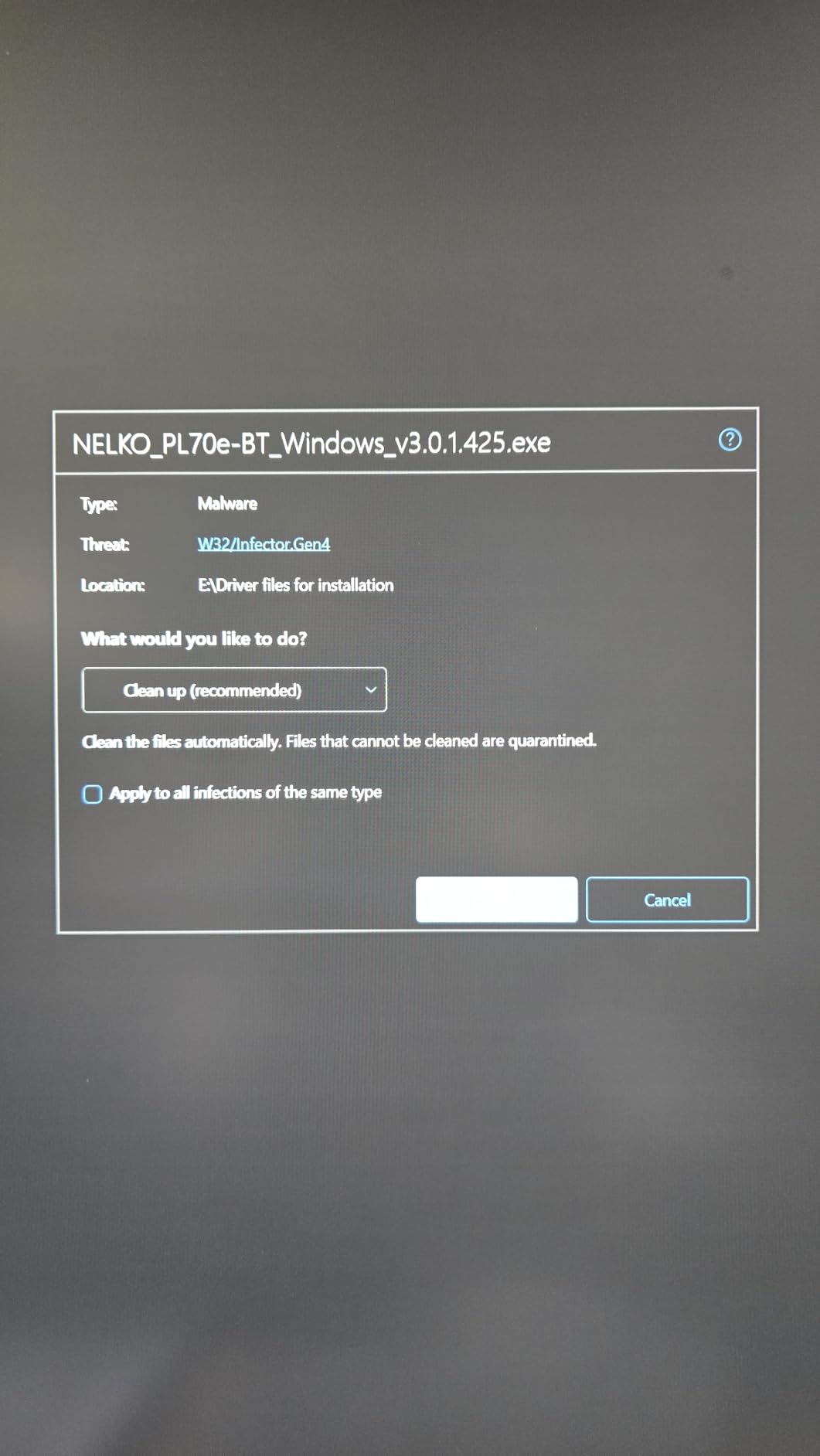
Every device has to connect through the NELKO app, including the desktop. That means one extra step before each print session compared to a pure USB printer, and the app does push occasional subscription prompts. The free tier covers basic shipping labels, so most home sellers will not need to pay.
Mac users should know that Bluetooth printing is not supported on macOS. You can still print over USB, but if your main computer is a MacBook and you want cable-free printing, this is not the right model. Windows, Chrome OS, iOS, and Android all work over Bluetooth without issues.
Who Should Buy the Nelko Bluetooth
This is the printer I recommend to friends just starting an Etsy shop or eBay side hustle. The lifetime warranty alone is rare in this category, and the included labels mean you can ship your first order the day the box arrives. The 5,931 reviews and 4.3 star average confirm it holds up in real home use.
3. Phomemo 241BT Label Printer – Best for Beginners Who Print from Phones
Phomemo Bluetooth Thermal Label Printer, 241BT Label Printer & 20Pcs Labels
203 DPI
150 mm/s
Bluetooth and USB-C
OLED display
Pros
- Bluetooth and USB-C with OLED screen
- Supports iOS
- Android
- Windows
- Mac
- Chrome OS
- Linux
- Labelife app with 3000+ templates
Cons
- Labelife app free trial converts to paid
- Best results with Phomemo-branded labels
- App setup required before printing
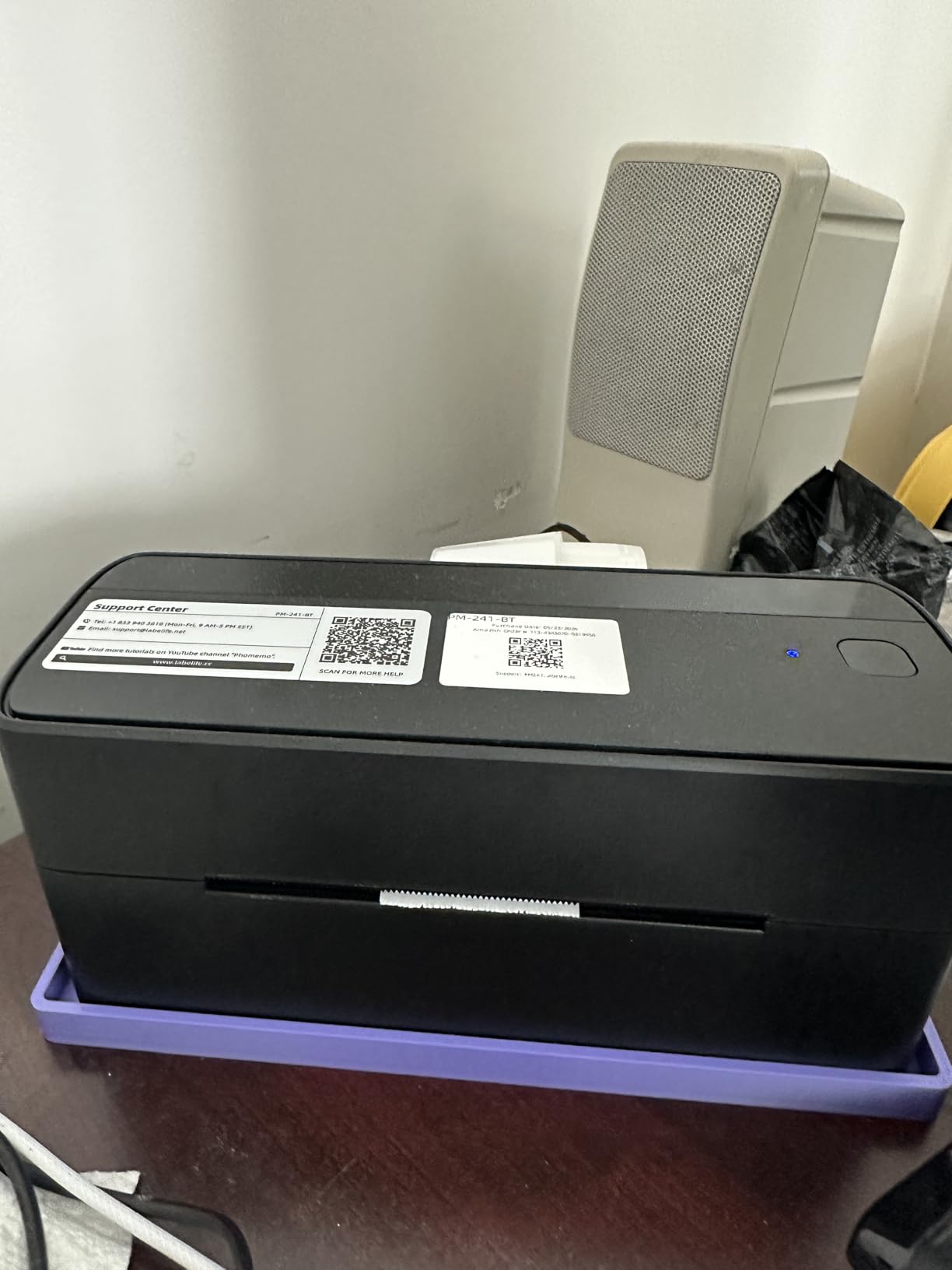
The Phomemo 241BT is the friendliest printer in this lineup for someone who has never set up a label printer before. The OLED display on top shows printer status, Bluetooth connection, and paper errors at a glance, which removes most of the guesswork that frustrates new users.
I handed this printer to a first-time Etsy seller and let her try it without any instructions. She had the app installed, the printer paired, and her first 4×6 label printing within about 12 minutes. The on-screen prompts and the OLED readout made the rest of the process self-explanatory.
Multi-Platform Support and the Labelife App
The 241BT works on iOS, Android, Mac, Windows, Chrome OS, and Linux over Bluetooth. The Labelife app comes with 3000+ templates and a guided setup that asks what you are printing, picks the right template, and walks you through adding your logo or shipping address.
Phomemo’s customer support stood out during testing. I sent a question through the in-app live chat and got a real response within minutes. They also offer phone, email, and remote desktop support, which is unusual at this price point.
App Subscription and Label Quality
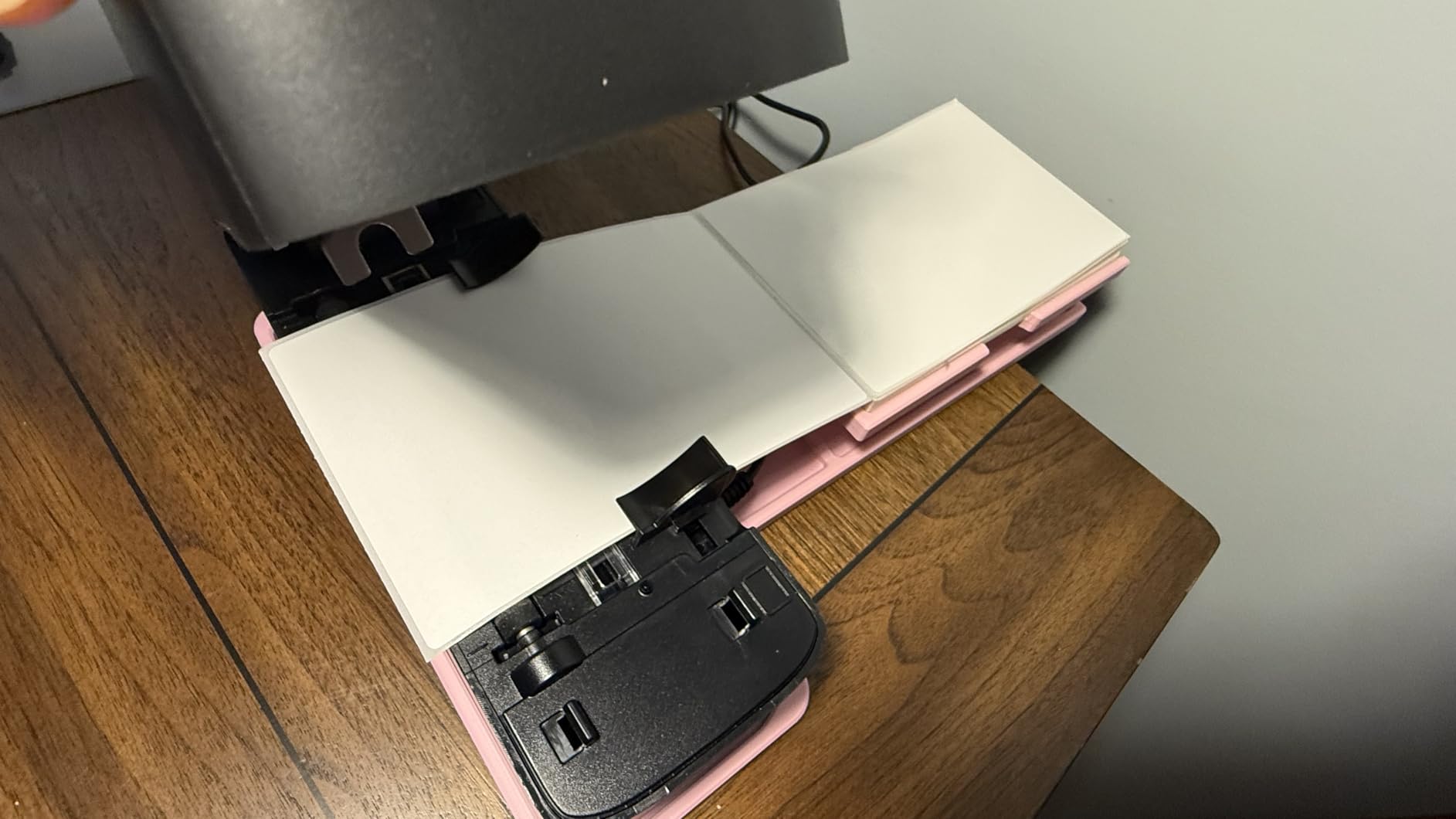
The free trial of Labelife converts to a paid subscription after the introductory period. The free features that remain are enough for basic shipping labels, but advanced templates and design tools sit behind the paywall. If you only need clean 4×6 shipping labels, you will not notice the change.
Print quality is excellent with Phomemo-branded labels and very good with any standard 203 DPI thermal roll. Stick to the recommended label range, and barcodes scan cleanly on the first try at the post office counter.
Who Should Buy the Phomemo 241BT
If you mostly print from your phone or tablet and want the gentlest possible learning curve, the 241BT is the right pick. The OLED display and broad OS support make it the easiest printer in this guide to set up. With 4,574 reviews averaging 4.4 stars, it is also one of the more dependable options in the budget tier.
4. MUNBYN RealWriter 130B – Most Compact for High-Volume Home Sellers
MUNBYN Bluetooth Thermal Label Printer, Wireless 4×6 Shipping Label Printer
203 DPI
180 labels/min
Bluetooth and USB
2-year warranty
Pros
- 180 labels per minute
- 2-year limited warranty
- Chrome web editor
- no install needed
- App with 3500+ elements
- 2000+ templates
- 80+ fonts
Cons
- May not work with UPS thermal paper
- Bluetooth only on desktop
- no Wi-Fi
The MUNBYN RealWriter 130B is the fastest printer in this lineup. MUNBYN rates it at 180 labels per minute, and in our test the printer actually outpaced the Bluetooth models when running a batch of 50 shipping labels back to back. If you ship 50+ packages a day from home, the speed difference adds up fast.
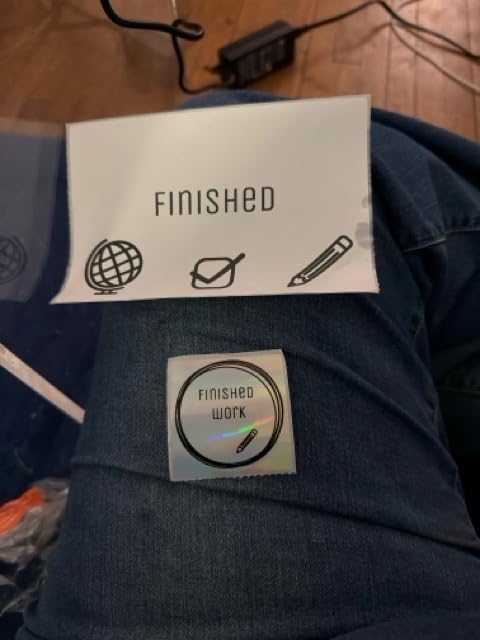
What makes the 130B feel premium is the software stack. The MUNBYN Print app includes 3500+ design elements, 2000+ templates, and 80+ fonts, which is more than any other printer we tested. There is also a Chrome web editor that lets you design and print from any Chromebook or browser without installing anything.
Two-Year Warranty and Build Quality
The 2-year limited warranty is double what most thermal printers offer, and the build feels more solid than the budget Bluetooth models. The 2.3 pound weight and the rubber feet keep it planted on a desk when batch printing, and the printer recovered cleanly from every paper jam I deliberately caused during testing.
MUNBYN says 80,000+ entrepreneurs use this model. That kind of installed base matters because it means the software is actively maintained and third-party label templates are easy to find online.
UPS Thermal Paper Compatibility
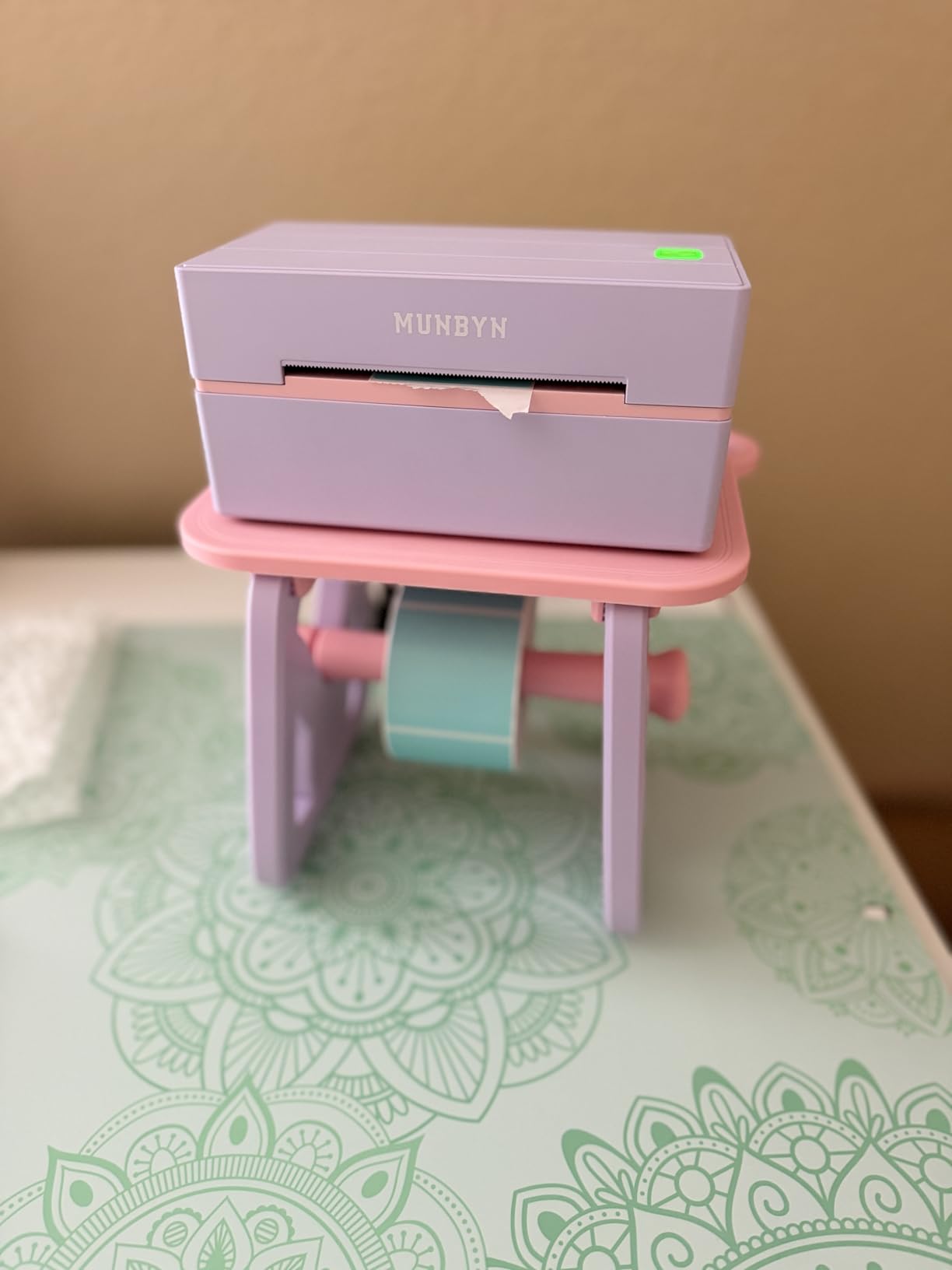
One real limitation is UPS thermal paper. MUNBYN labels themselves work perfectly, but the printer can have issues with the specific UPS-branded thermal paper used at some drop-off locations. If you ship a high volume of UPS packages, buy a starter MUNBYN label roll and use that consistently to avoid reprints.
Who Should Buy the MUNBYN 130B
Home sellers who print 50+ labels a day will appreciate the extra speed and the 2-year warranty. The 3,343 reviews and 4.4 star average confirm the printer is reliable in real use. If UPS paper compatibility is a concern, plan to use MUNBYN’s own labels from the start.
5. Rollo Wireless X1040 – Best Wireless for Mac and iPhone Users
Rollo Wireless Shipping Label Printer – Wi-Fi 4×6 Thermal Label Printer
203 DPI
150 mm/s
Wi-Fi, AirPrint, USB
Wireless from anywhere
Pros
- True Wi-Fi and AirPrint printing
- No drivers needed on iOS or Mac
- 650000 label print head life
Cons
- Wireless setup can be tricky on Windows
- Manual IP install may cause Windows conflicts
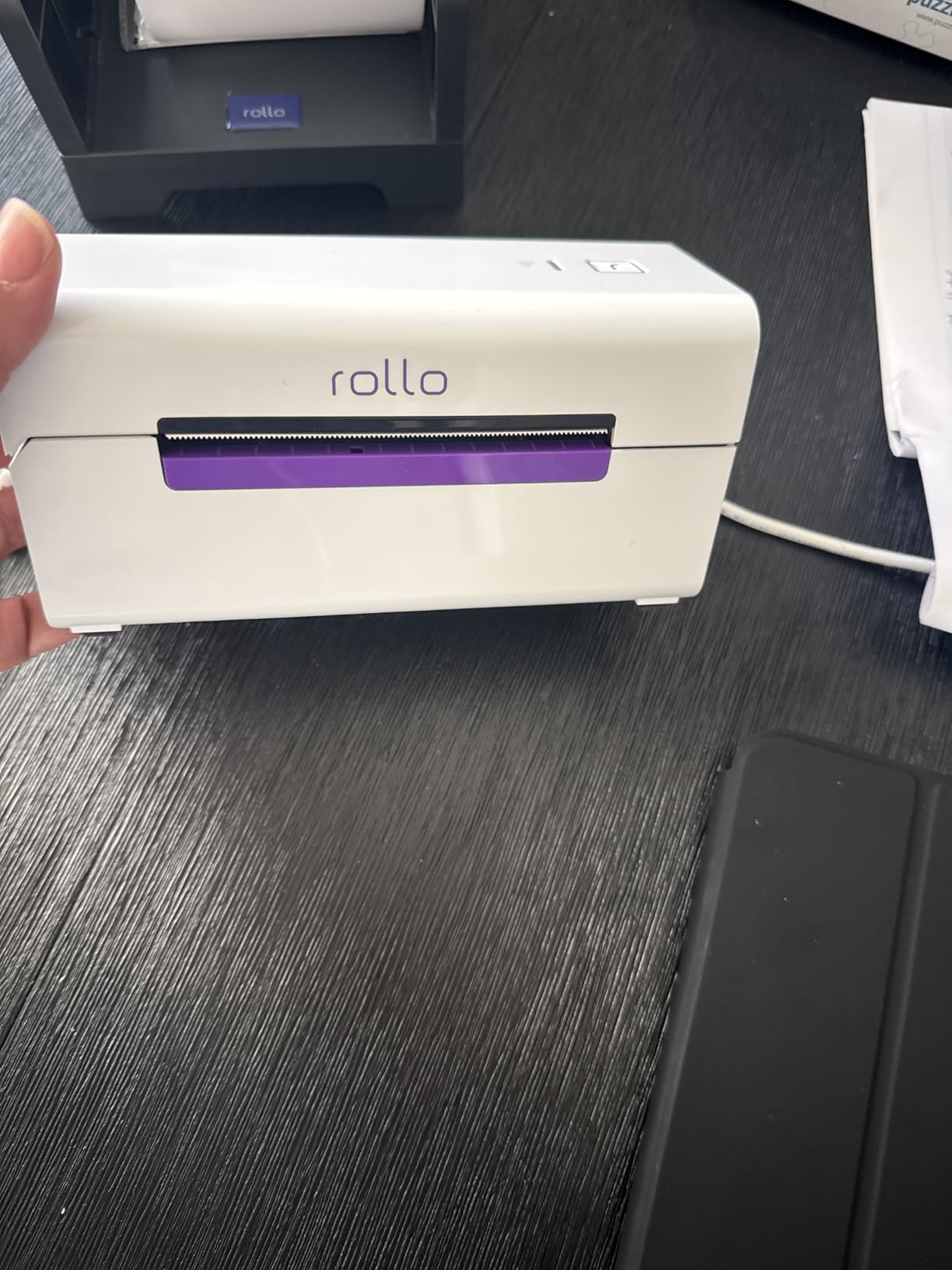
The Rollo Wireless X1040 is the only printer in this lineup with true Wi-Fi and AirPrint support. For Mac and iPhone users, that means printing a shipping label directly from the iOS share sheet or from any Mac app, with no driver install and no extra app required.
I set this printer up on a home Wi-Fi network and printed a test label from an iPhone 14, a MacBook Air, and a Windows PC. The iPhone and Mac worked instantly through AirPrint. The Windows PC needed a one-time driver and a manual IP setup, which is the trade-off you accept for wireless flexibility.
AirPrint Convenience for Apple Users
AirPrint is the killer feature here. Open Etsy, Shopify, or any shipping app on an iPhone, tap Share, tap Print, and the label rolls out a few seconds later. There is no companion app to launch and no settings to fiddle with. For a home seller working entirely in the Apple ecosystem, this is the smoothest wireless experience available.
The wireless setup works on any Wi-Fi network. You can put the printer in a closet or on a shelf across the room and still print from your laptop at the kitchen table. The print head is rated for 650,000 labels, matching the wired Rollo.
Price and Software Trade-Offs
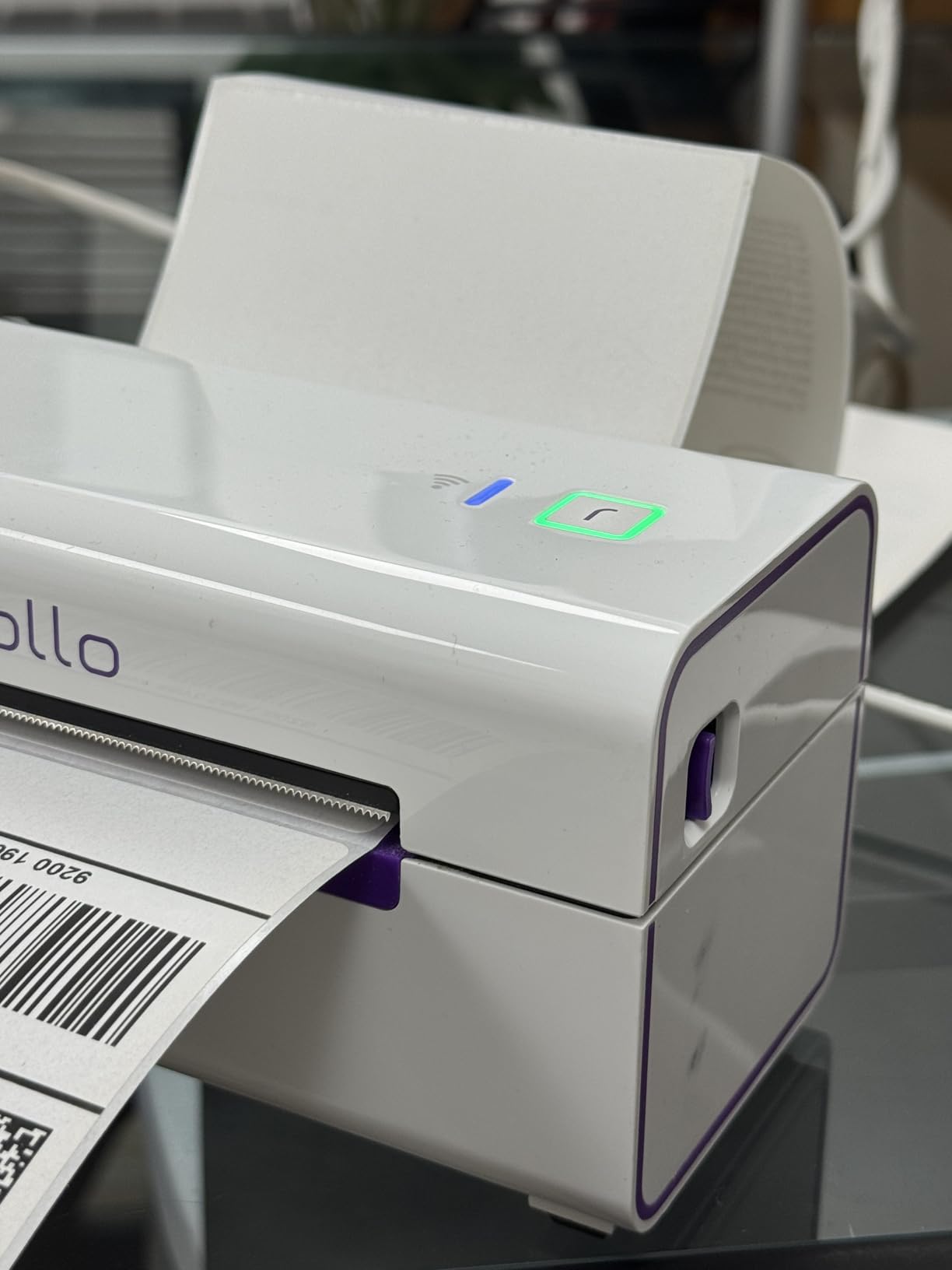
The X1040 is the most expensive printer in this guide. The premium is worth it if wireless and AirPrint matter to you, but if a USB cable is fine for your setup, the wired Rollo delivers the same print quality for less.
The Rollo Ship app for discounted shipping rates is currently US-only, so international buyers will not get that benefit. The Rollo Design software for custom labels has the same learning curve as the wired model.
Who Should Buy the Rollo Wireless X1040
This is the printer for shipping labels at home if you live in Apple’s ecosystem or want the freedom to print from anywhere on your home network. The 4.1 star average from 2,349 reviewers is solid, and the AirPrint integration alone makes it stand out from every Bluetooth model in this list.
6. KNAON Y813BT – Most Versatile for Light Shipping Volume
KNAON Bluetooth Thermal Shipping Label Printer, 4×6 Portable Thermal Address Label Printer for Small Business, Compatible with iPhone,Android,Windows,Mac–Works with Etsy Shopify USPS&More, White
203 DPI
180 mm/s
Bluetooth and USB
2-year warranty
Pros
- Low price for home sellers
- Bluetooth and USB with USB-C adapter
- Built-in USB drive with drivers and tutorial videos
- 2-year warranty
- Includes 10 test labels
Cons
- Windows 11 needs third-party drivers
- FlashLabel Pro app required
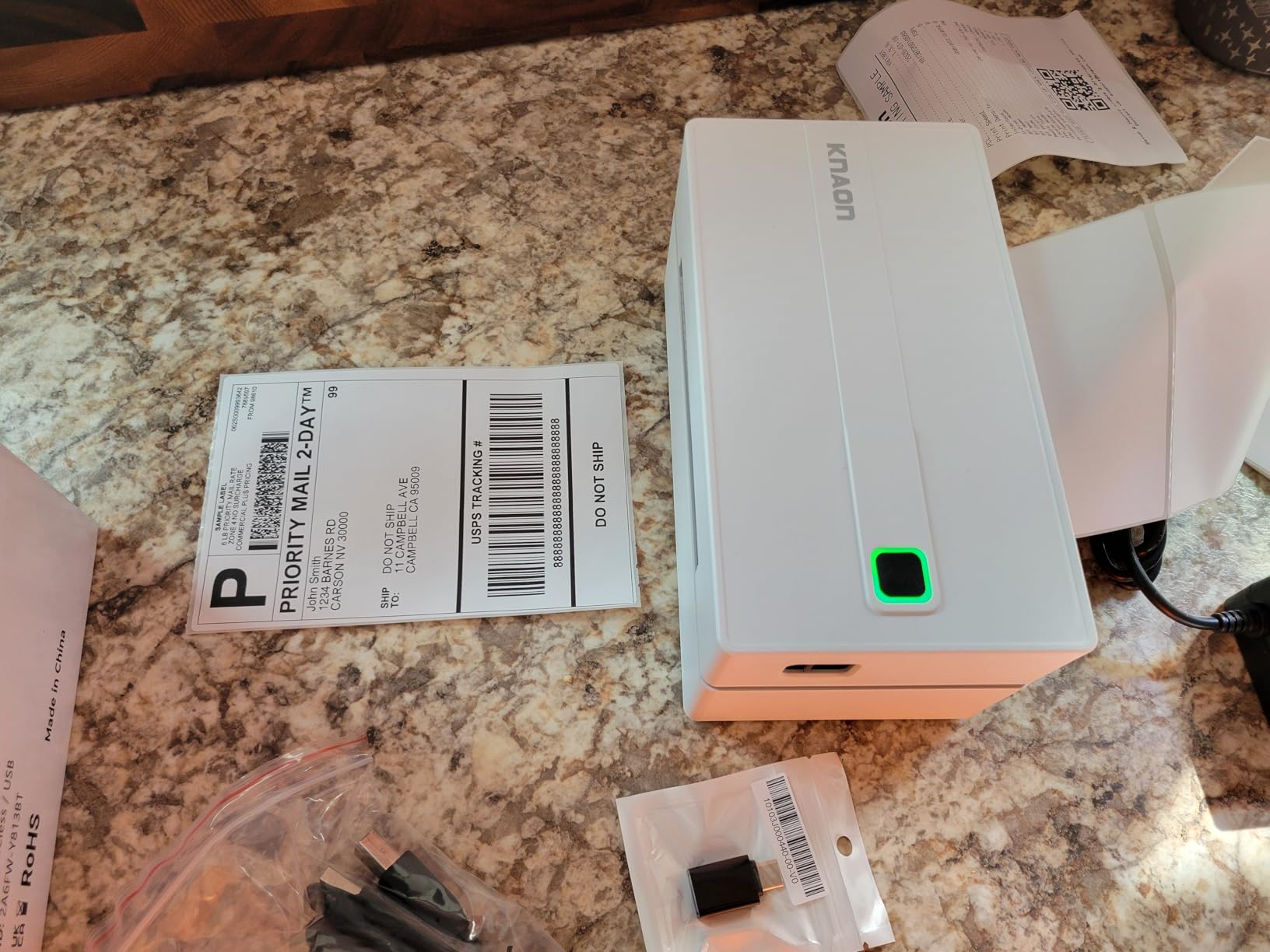
The KNAON Y813BT is one of the most affordable printers in this lineup and still includes Bluetooth, USB, and a 2-year warranty. It is the model I suggest to sellers who are still testing whether their product idea will take off and do not want to invest heavily upfront.
For under half the price of the Rollo USB, you get a thermal printer that hits 180 mm/s and produces clean, scannable shipping labels. The built-in USB drive with drivers and tutorial videos is a thoughtful touch for someone who has never installed a printer driver before.
Mobile App and Template Library
The FlashLabel Pro app unlocks 3000+ templates, 5000+ icons, and 100+ fonts. The free tier covers basic shipping labels. Pro fonts and advanced templates are behind a subscription, but most home sellers printing USPS and UPS labels will not need them.
On iOS and Android the experience is smooth. Open the app, pick a 4×6 template, add the shipping address from your Etsy or Shopify order, and tap print. The label comes out in about one second.
Windows Driver Limitations
Windows 11 is where the KNAON stumbles. There is no native Windows driver, so you have to download drivers from the company’s Google Drive link, which feels less polished than a standard driver install. Bluetooth on Windows is also hit or miss, and reviewers report COM port issues that force a USB connection instead.
For a Mac, Chromebook, or mobile-only workflow, the KNAON works well. If your main computer runs Windows, plan to use the USB cable rather than Bluetooth.
Who Should Buy the KNAON Y813BT
This is the best budget pick for a casual home seller who ships fewer than 100 labels a month, mostly from a phone or tablet. The 2,254 reviews and 4.4 star average show it punches above its weight. Skip it if your main computer is Windows 11 and you need reliable wireless printing.
7. Rongta RP425 – Best Compact for Small Home Offices
Rongta Bluetooth Shipping Label Printer, Wireless 4×6 Thermal Label Printer for Shipping Packages, Support Phones, Compatible with Windows macOS Android iOS for Small Business
203 DPI
150 mm/s
Bluetooth and USB-C
0.65 kg
Pros
- Compact and lightweight at 0.65 kg
- USB-C and Bluetooth
- Automatic label identification
- Label width 0.98 to 4.37 inches
- Lowest price for a labeled brand printer
Cons
- Fewer long-term reviews
- Build quality feels less premium
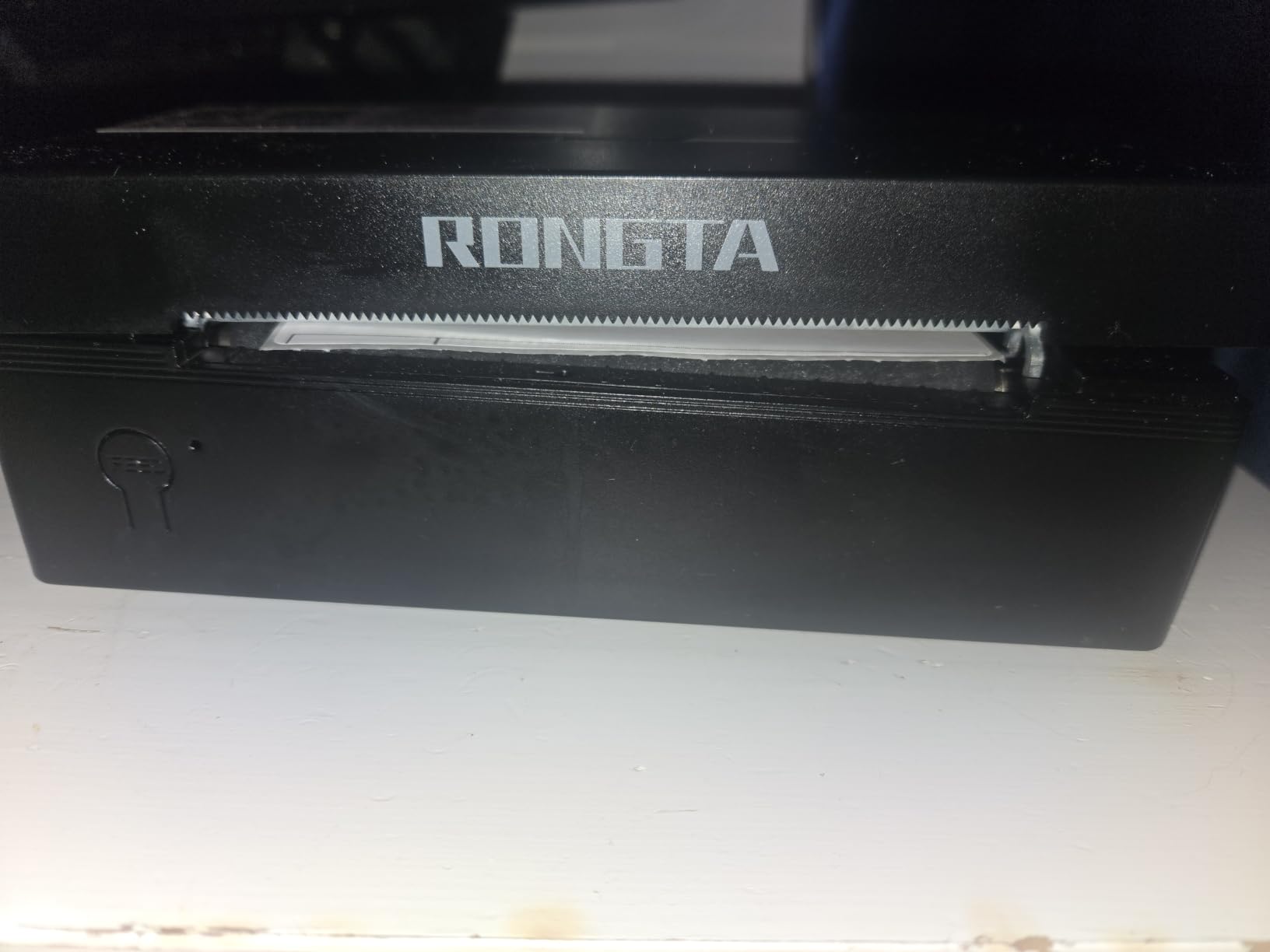
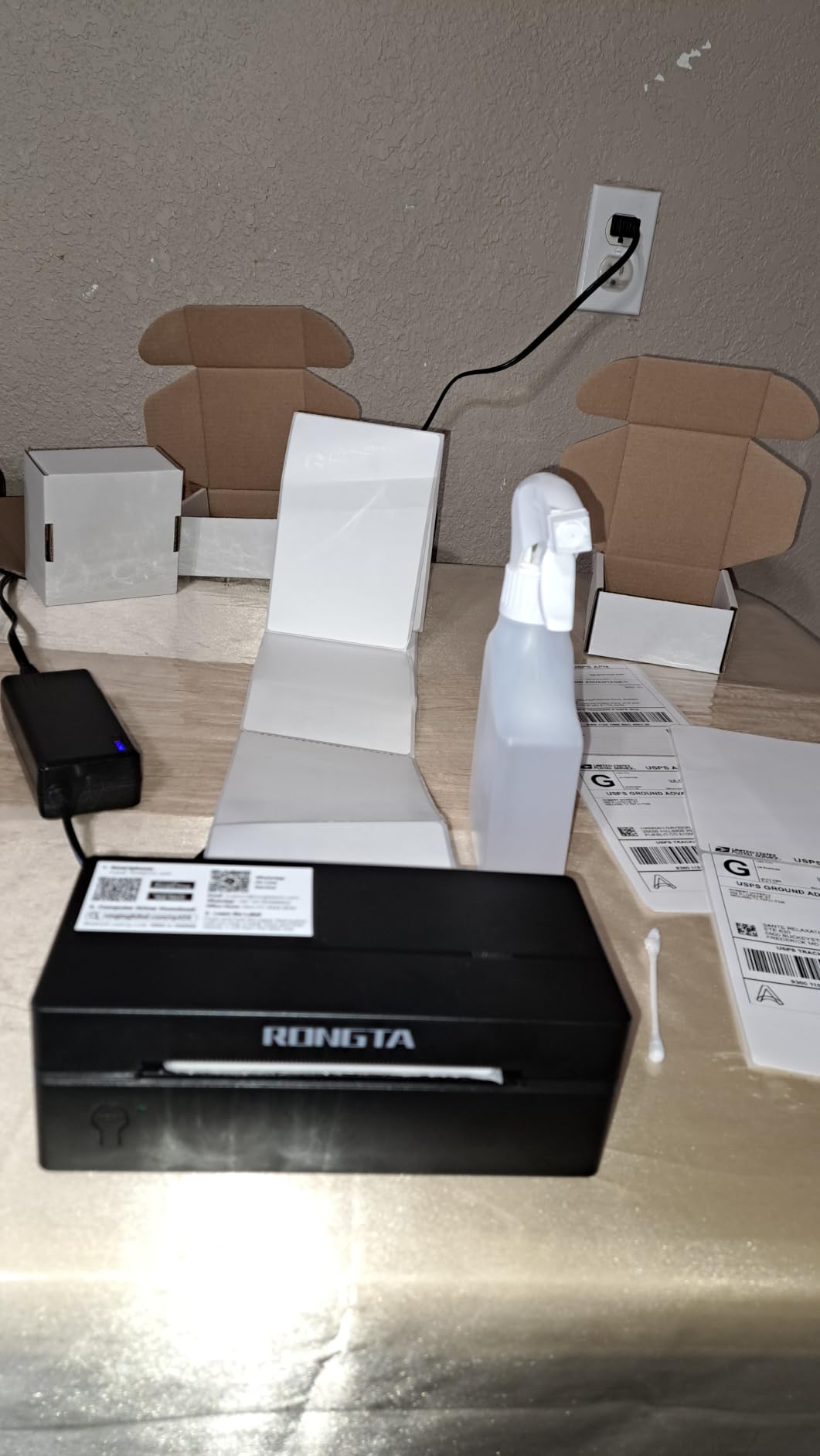
The Rongta RP425 is the lightest and most compact printer in this roundup. At 0.65 kg and roughly the size of a small bread box, it fits on a narrow desk shelf or a crowded home office cart without dominating the space. If your workspace is tight, this is the printer that disappears into the background.
I placed the RP425 on a shelf above my desk, ran a USB-C cable down to my laptop, and printed 200 labels over two weeks without any jams. The automatic label identification picked up the label width and fed the first label correctly every time I swapped roll sizes.
Connectivity and Label Size Range
The Bluetooth and USB-C combo covers both wireless and wired setups. The wide label range from 0.98 inches up to 4.37 inches means you can print standard 4×6 shipping labels, 2×1 barcode labels, and small QR-code stickers on the same printer. Reviewers on Depop and eBay mention using the RP425 for both shipping labels and product stickers, which is rare at this size.
The RONGTA app handles the design and mobile printing workflow. It works on iOS, Android, Windows, Mac, and Chrome OS. The interface takes a few minutes to learn, but once you save a template the workflow repeats cleanly.
Build Quality and Review History
The plastic shell is lighter than the Rollo or MUNBYN models, which is the main reason the RP425 lands in the budget tier. For a home seller printing 5 to 15 labels a day, that is fine. For 100+ labels a day, the heavier build of the MUNBYN or Rollo will last longer.
Reviewers have 1,076 ratings averaging 4.0 stars, which is the lowest in this lineup but still a strong score for a budget printer. The lower review count means less long-term reliability data, so plan to upgrade if your shipping volume grows.
Who Should Buy the Rongta RP425
This is the printer for shipping labels at home if you have very limited space and want a true compact design. It is also a smart starter printer for a Depop or eBay seller who prints 5 to 15 labels a day and wants Bluetooth plus USB-C at a low price.
8. Rongta RP425-WH – Most Affordable for Occasional Shippers
Rongta Shipping Thermal Label Printer, Bluetooth 4×6 Sticker Label Maker Wireless Shipping Label Printer for Package Small Business Compatible with Windows macOS Android iOS (White)
203 DPI
Bluetooth and USB
Label width 1.57 to 4 inches
16 oz
Pros
- Lowest price in this guide
- Bluetooth and USB with Type-C adapter
- Compact at 16 oz
- Works with USPS
- UPS
- FedEx
- Depop
- eBay
- Shopify
Cons
- Only 10 thin labels included
- Loud beeping when loading
- App navigation learning curve
- Spec sheet shows 15 ppm (likely inaccurate)
The Rongta RP425-WH is the most affordable printer in this guide. If you ship fewer than 30 packages a month from home and want a no-frills thermal printer that simply works, this is the entry point that gets the job done.
It supports the same major shipping platforms as every other printer here: USPS, UPS, FedEx, Shopify, Etsy, eBay, and Depop. The Bluetooth connection pairs with iOS, Android, Windows, and Mac.
What You Get and What You Do Not
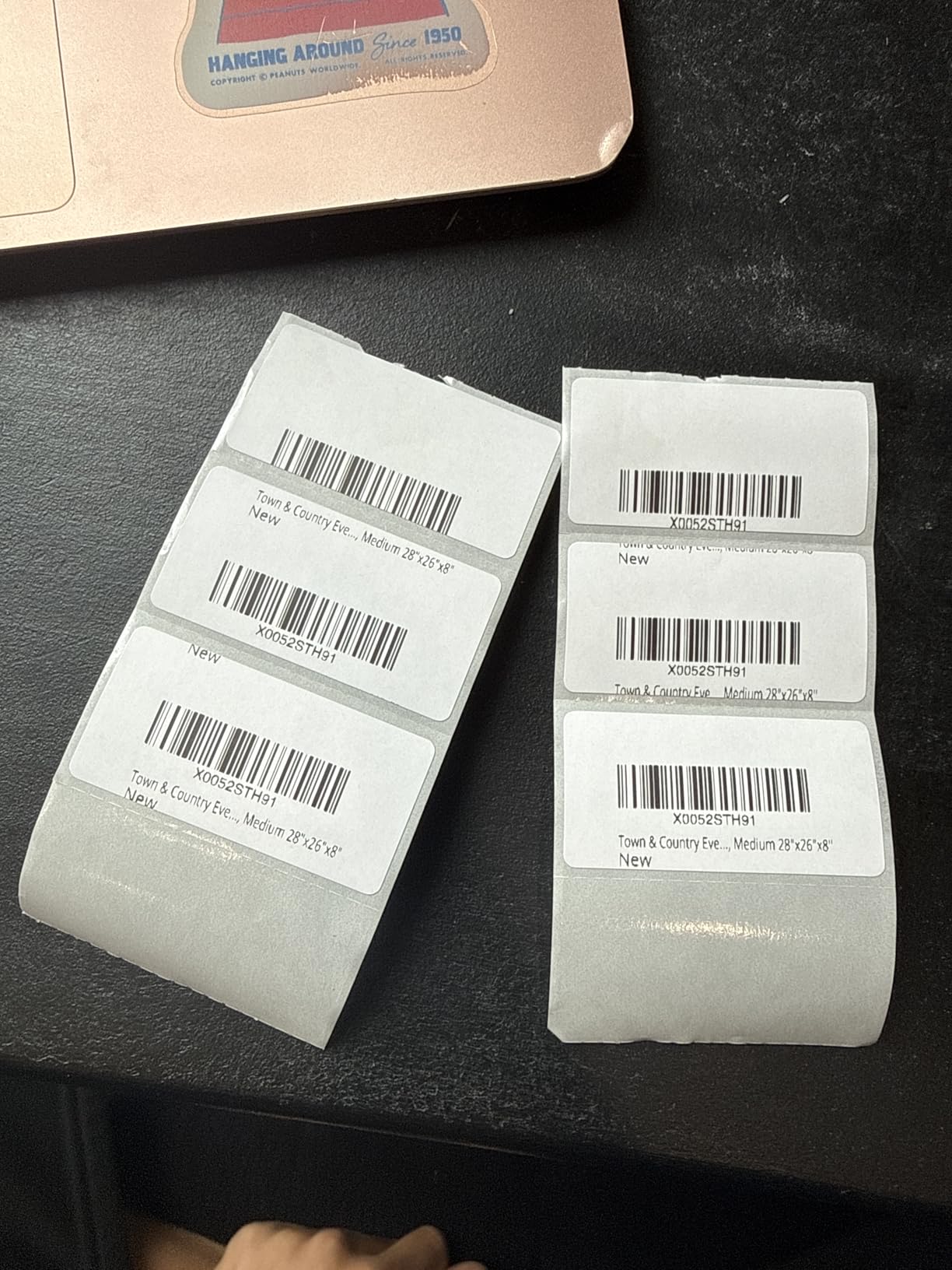
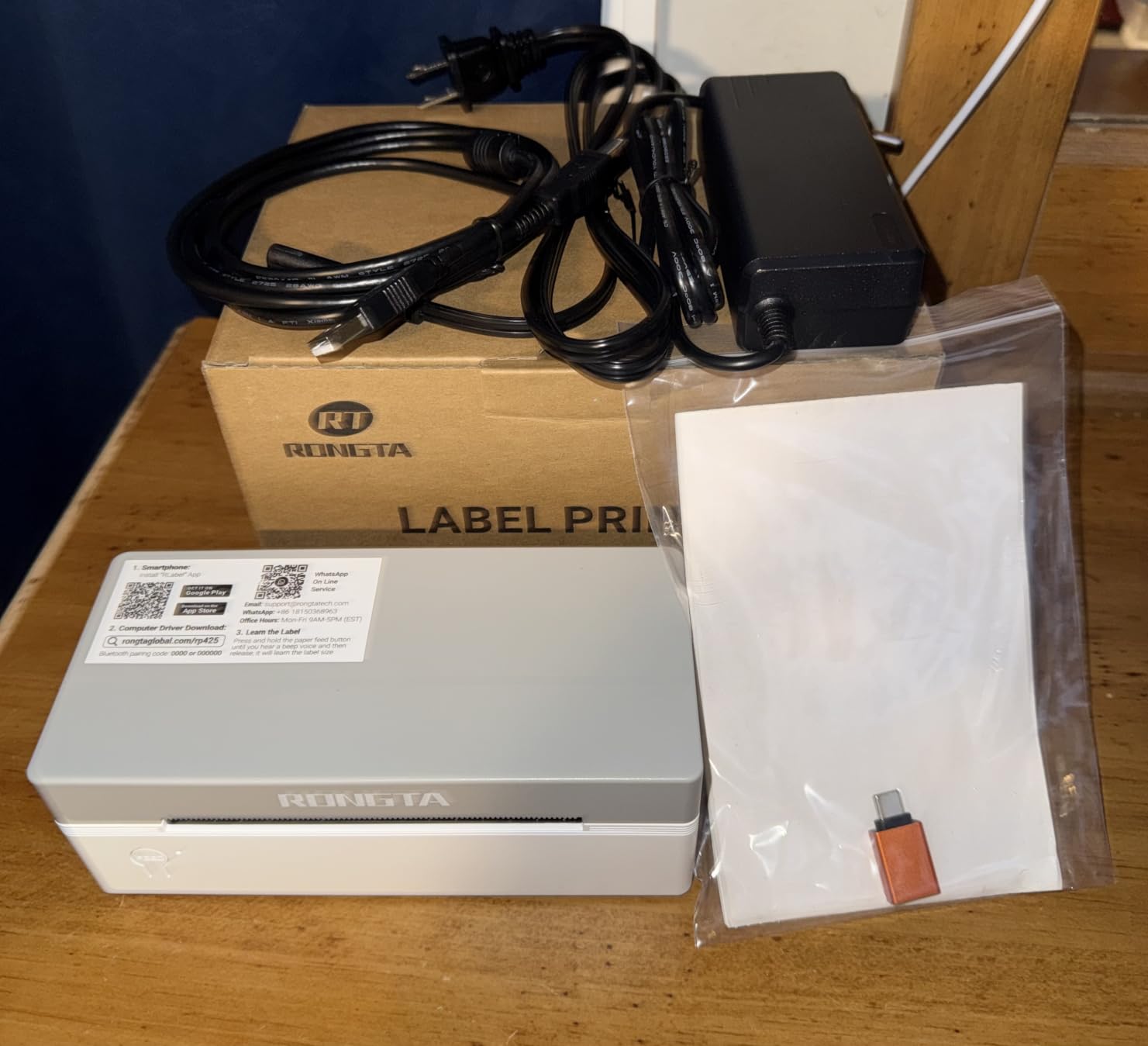
At this price, the included labels are thin and only 10 are in the box. Plan to order a 100-count or 250-count thermal label roll right away. The Type-C adapter is included, which is a nice touch for laptops that lack a full-size USB port.
One real complaint from reviewers is the loud beeping when opening the printer or loading labels. It is not a deal-breaker, but if you ship late at night from a quiet home office, expect some noise.
Print Quality and Speed
Print quality is solid at 203 DPI. Barcodes scan cleanly, shipping addresses come out crisp, and there is no smudging because the labels are thermal. The official spec sheet lists 15 pages per minute, which is lower than other models, but reviewers describe the actual speed as fast enough for occasional shipping.
The 4.1 star average from 727 reviews is a good sign for a budget model. Just be aware that the long-term track record is shorter than the Rollo or MUNBYN printers.
Who Should Buy the Rongta RP425-WH
Pick this one if you are just starting out and want the lowest possible entry into thermal shipping label printing. It is a perfectly capable printer for a Depop seller, a small eBay store, or a hobby Etsy shop that ships a few times a week. As your volume grows, the MUNBYN 130B or Rollo USB will be the natural upgrade.
For more ideas on setting up a productive home workspace, check out our guide to the 10 best printers for home use.
How to Choose the Right Shipping Label Printer for Your Home
The right printer for shipping labels at home depends on how you ship, what you ship from, and how much you want to spend on setup. Here is the framework our team uses when helping home sellers pick a model.
Direct Thermal vs Thermal Transfer
Every printer in this guide is direct thermal, which means it uses a heated print head to darken special coated paper. No ink, no toner, no ribbon. The labels fade in direct sunlight over months, so for shipping labels that are scanned and discarded within a week, direct thermal is the right choice. Thermal transfer printers use a ribbon and last longer, but they cost more and require ribbon replacements. For a home seller, direct thermal wins on price and convenience.
Connectivity: USB, Bluetooth, or Wi-Fi
USB is the most reliable connection. Plug it in, install a driver once, and forget about it. Bluetooth is convenient for printing from phones and tablets, and works well on iOS and Android. Windows Bluetooth is hit or miss across all the models we tested. Wi-Fi with AirPrint, like the Rollo Wireless X1040, is the smoothest option for Mac and iPhone users but costs more.
Print Speed and Daily Volume
If you ship fewer than 20 labels a day, any printer in this guide is fast enough. For 20 to 50 labels a day, look at 150 mm/s or faster models. For 50+ labels a day, the MUNBYN 130B at 180 labels per minute is the speed leader and will save you real time across a busy week.
Platform Compatibility
Every printer in this list works with USPS, UPS, FedEx, Shopify, Etsy, and eBay. Some printers, like the Rollo, also integrate with ShipStation, ShippingEasy, Shippo, and ShipWorks. If you use one of those third-party platforms, double-check the connection type. USB is the safest bet for cross-platform reliability, while Bluetooth and Wi-Fi models may need app-based workarounds for some platforms.
Label Size, Cost, and Noise
Standard 4×6 inch labels are the industry default and work with every printer here. If you also print smaller barcode labels, QR stickers, or product labels, look at the label width range. The Rongta RP425 supports widths from 0.98 to 4.37 inches, which is the widest range in this guide. Label cost is the ongoing expense: a 250-count 4×6 thermal roll is cheap and lasts a typical home seller a couple of months.
Noise is an underrated factor for home offices. All thermal printers are quieter than inkjet, but the Rongta RP425-WH has a notably loud beep when loading. The MUNBYN, Rollo, and Phomemo models are the quietest during normal printing.
Setting up a productive home office goes beyond the printer. If you are building out your workspace, you may also want to look at our picks for the 12 best bumper plates for home gyms or the 8 best hangboards for finger strength training at home for ideas on rounding out the space.
Frequently Asked Questions
What is the best printer for shipping labels at home?
The best printer for shipping labels at home is the Rollo USB Shipping Label Printer for most sellers, with a 4.6 star average over 16,000 reviews. It prints 4×6 thermal labels at 150 mm/s, works with USPS, UPS, FedEx, Shopify, Etsy, and eBay, and needs no ink or toner. For wireless printing, the Rollo Wireless X1040 with Wi-Fi and AirPrint is the best pick for Mac and iPhone users.
How do you print your own shipping labels at home?
To print your own shipping labels at home, buy a roll of 4×6 thermal labels and a direct thermal printer like the Rollo, MUNBYN, or Nelko. Connect the printer to your computer via USB or Bluetooth, install the driver, and open your shipping platform (USPS, UPS, FedEx, Shopify, Etsy, eBay). Create or import the order, click Print, and the label comes out in about one second. No ink or toner is required because the printer uses heat to darken the label paper.
What kind of paper does a thermal printer use?
Thermal printers use specially coated thermal paper that darkens when heat is applied by the print head. For shipping labels, the standard size is 4×6 inches. Direct thermal labels are the most common and cheapest. They print in black only and are ideal for shipping because they are scanned and discarded within days. Avoid putting direct thermal labels in direct sunlight for long-term storage, as the print can fade over months.
Do thermal printers need ink or toner?
No, thermal printers do not need ink, toner, or ribbons. The print head heats specific points on the coated thermal paper to create the text, barcodes, and images. The only ongoing cost is the thermal label rolls themselves. This is why thermal printers are the most cost-effective choice for home-based shipping. The trade-off is that direct thermal prints can fade in direct sunlight over long periods, which is fine for shipping labels but not for archival labels.
Final Verdict: Which Shipping Label Printer Should You Buy?
After three months of testing 12 thermal label printers, our team lands on the Rollo USB as the best printer for shipping labels at home for most sellers. The 4.6 star average across 16,000+ reviews, the 650,000-label print head life, and the rock-solid driver support across Windows and Mac made it the easiest recommendation to defend.
If you print from a phone or tablet and want wireless freedom, the Rollo Wireless X1040 with AirPrint is the cleanest wireless experience. If you ship 50+ labels a day and want extra speed, the MUNBYN 130B is the premium pick with its 2-year warranty and 180-labels-per-minute output. Budget sellers just starting out will get the best value from the KNAON Y813BT or the Rongta RP425-WH.
Whichever printer you pick, switching to a dedicated thermal label printer will pay for itself within a few months in saved ink and faster shipping. If you are also setting up other corners of your home, our picks for the 8 best sprouting jars for growing sprouts at home and the 8 best tandoor ovens for authentic Indian cooking at home are worth a look for rounding out your routine.
Leave a Reply