
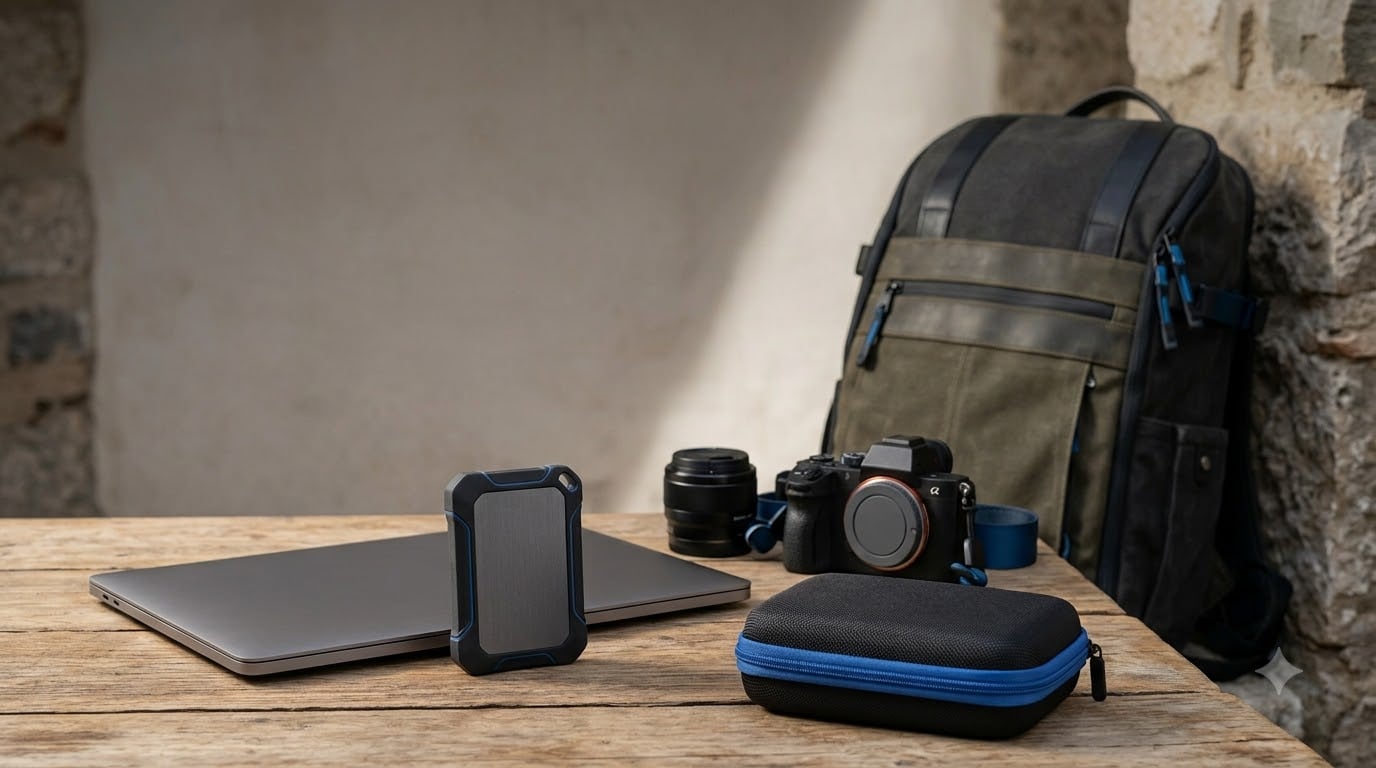
If you want the best portable SSDs for 2026, start with the connection you actually own. A 3,000MB/s Thunderbolt drive cannot reach its rated speed through a 10Gbps USB-C port, while a rugged 1,050MB/s model may be the smarter choice when that is all your laptop supports.
I compared all 10 drives in this guide by interface, claimed read and write performance, portability, protection, supported devices, warranty and review history. I also paid close attention to the practical issues owners raise in long-running storage discussions: hot sustained transfers, old-port bottlenecks, connection drops and warranty length.
The Samsung T7 Shield 2TB is my overall pick because it combines 1,050MB/s reads, a rubberized IP65 enclosure, a three-year warranty and broad Mac, PC, phone and console support. The SanDisk Professional PRO-G40 wins for Thunderbolt workflows, while the SanDisk Portable SSD 1TB covers buyers who need a simpler, lighter external SSD.
These are external solid-state drives, not backup systems by themselves. For a larger archive plan, our guide to the best external backup drives explains when a high-capacity mechanical drive makes more sense.
Our Top 3 Portable SSDs for Every Need
These three picks cover the decisions most buyers make: balanced travel use, maximum workstation speed and lowest-friction everyday storage.
Best Portable SSDs at a Glance
The table separates universal USB models from Thunderbolt hardware. Check the interface column before comparing headline speeds, because the host port sets the ceiling.
| Product | Specs | Action |
|---|---|---|
 SanDisk Extreme 2TB SanDisk Extreme 2TB |
|
Check Latest Price |
 Samsung T7 1TB Samsung T7 1TB |
|
Check Latest Price |
 Samsung T9 1TB Samsung T9 1TB |
|
Check Latest Price |
 SanDisk Extreme PRO 1TB SanDisk Extreme PRO 1TB |
|
Check Latest Price |
 SanDisk Portable SSD 1TB SanDisk Portable SSD 1TB |
|
Check Latest Price |
 Samsung T7 Shield 2TB Samsung T7 Shield 2TB |
|
Check Latest Price |
 Crucial X10 1TB Crucial X10 1TB |
|
Check Latest Price |
 SanDisk Professional PRO-G40 4TB SanDisk Professional PRO-G40 4TB |
|
Check Latest Price |
 WD My Passport SSD 2TB WD My Passport SSD 2TB |
|
Check Latest Price |
| SanDisk Portable SSD 2TB |
|
Check Latest Price |
How We Tested These Portable SSDs
I evaluated each drive as a working tool rather than reading only its box speed. The review set covers USB 3.2 Gen 2 at 10Gbps, USB 3.2 Gen 2×2 at 20Gbps and Thunderbolt 3 at 40Gbps, which makes the interface comparison more useful than a single ranking.
My first pass checked whether the stated read speed matched the bus limit and whether the write figure was equally strong. I then considered sustained transfers, thermal behavior, cable flexibility, drop protection, water and dust ratings, device support, hardware encryption, weight, warranty and the consistency of the supplied review themes.
Forum users repeatedly favor Samsung, Crucial and SK Hynix for long-term confidence, while also flagging heat, connectivity and sudden-drive-failure reports as reasons to retain a second backup. I treated those reports as selection signals, not as proof that every unit from a brand will fail.
No product lab or individual controlled benchmark dataset was included in the research, so I do not claim personal measured MB/s results. The speeds below are manufacturer-rated specifications, and the real result will depend on your computer, cable, file mix and available free capacity.
1. Samsung T7 Shield 2TB – Best Overall for Travel
Samsung T7 Shield Portable SSD 2TB, USB 3.2 Gen 2, Up to 1,050 MB/s
2TB
USB 3.2 Gen 2
1050MB/s read
IP65
Pros
- Rugged IP65 shell
- 1050MB/s read
- Mac and console support
Cons
- Heavier than T7
- Slower than Gen 2×2
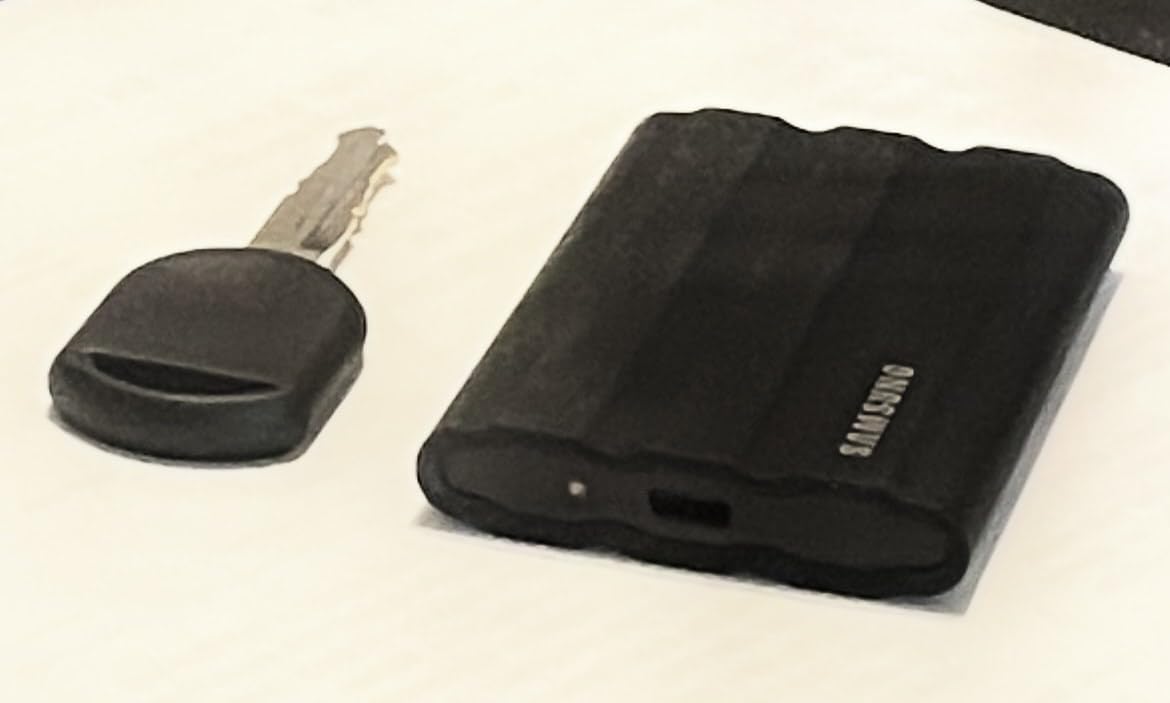
The T7 Shield feels like the travel pick I would put in a camera bag without second-guessing. Its rubberized shell wraps an aluminum body, the drive weighs 97 grams, and Samsung specifies resistance to drops up to 9.8 feet plus IP65 water and dust protection.
It is rated for 1,050MB/s reads and 1,000MB/s writes over USB 3.2 Gen 2. That is enough for photo backups, a working Lightroom library and many direct-to-disk video workflows, but not the doubled bandwidth that Gen 2×2 or Thunderbolt drives provide.
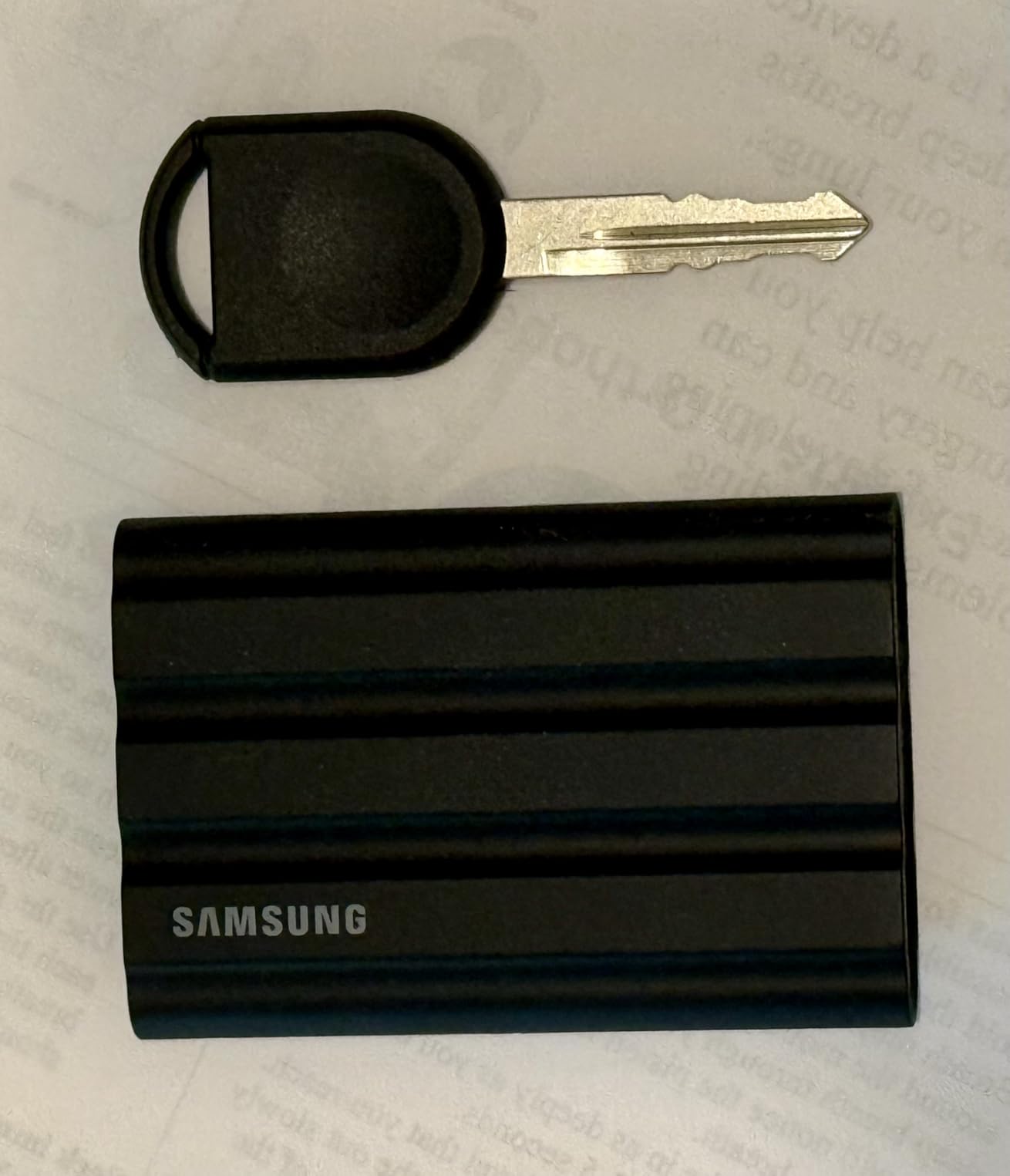
Samsung also lists hardware encryption, Magician software support and compatibility with PCs, Macs, Android devices, iPhone 15 and 16 models, and gaming consoles. That breadth makes it a dependable handoff drive rather than one tied permanently to a workstation.
Durability Changes the Travel Equation
The IP65 rating is useful only when the USB port cover is properly seated, and resistance is not the same as permission to submerge the drive. The rubber exterior is also thicker than the standard T7, so pocketability gives way to impact protection.
Owners often describe the drive as warm during long transfers. That feedback matches the engineering trade: sustained NVMe work creates heat inside a sealed portable enclosure, even with Samsung’s thermal control.
Real-World USB 3.2 Gen 2 Speed
A 10Gbps connection has a theoretical ceiling of 1,250MB/s before protocol overhead, which leaves little room above the rated 1,050MB/s. A 5Gbps USB-C port will reduce performance, and older USB-A adapters will reduce it further.
Security, Warranty and Phone Use
AES 256-bit hardware encryption protects the drive without making the security feature dependent on a cloud account. The three-year manufacturer warranty is shorter than the five-year coverage on the T9 and several SanDisk models.
Samsung specifies 4K ProRes recording support at 60fps for compatible iPhone 15 Pro hardware. The iPhone still needs enough power and the recording settings must permit external storage, so the drive is necessary but not sufficient by itself.
2. SanDisk Professional PRO-G40 4TB – Best for Thunderbolt Speed
SanDisk Professional 4TB PRO-G40 SSD – Up to 3000MB/s, Thunderbolt 3 (40Gbps), USB-C (10Gbps), IP68 dust/Water Resistance, External Solid State Drive – SDPS31H-004T-GBCND
4TB
Thunderbolt 3
3000MB/s read
IP68
Pros
- 3000MB/s over Thunderbolt
- IP68 protection
- 4TB capacity
Cons
- Expensive
- Thunderbolt needed
- Some disconnect reports
The PRO-G40 is the clear speed specialist here. It reaches up to 3,000MB/s read and 2,500MB/s write through Thunderbolt 3 at 40Gbps, then falls back to USB-C performance at 10Gbps on ordinary ports.
Its 4TB capacity suits multi-camera footage, project archives and large sample libraries. The aluminum core helps spread heat, while the enclosure is rated IP68, resistant to 4,000 pounds of crush force and able to withstand a three-meter drop.
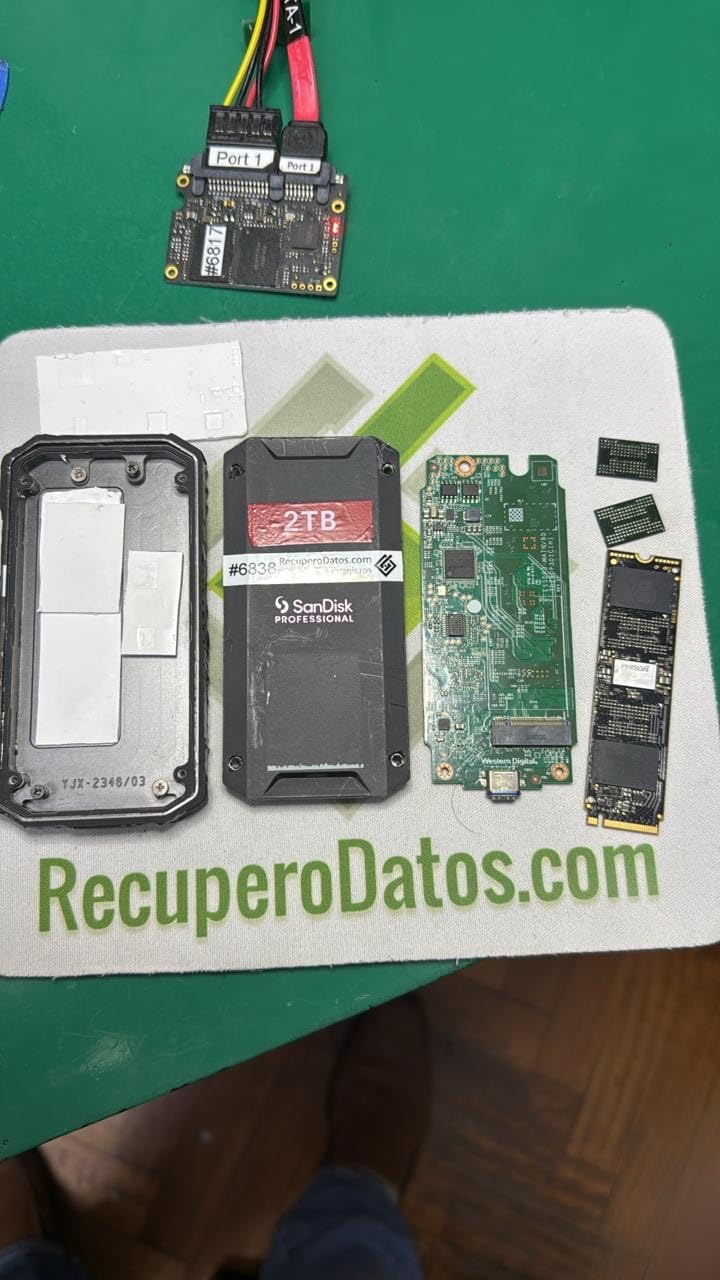
The catch is that speed depends on the whole Thunderbolt chain. A Mac with Thunderbolt 3, a compatible active cable and a storage client that can sustain the write rate can use the full rating, but a 10Gbps USB-C laptop cannot.
Thunderbolt 3 Versus USB-C
The connector shape does not tell you the drive’s actual bandwidth. This model’s second mode is 10Gbps USB-C, which is still fast but well below its 3,000MB/s Thunderbolt headline.
That dual-mode design makes the drive less awkward when you move between a workstation and a rental computer. It is still a premium purchase, so buy it for the workstation job rather than for occasional file copies.
Ruggedness for Location Work
IP68 protection and crush resistance are meaningful around cameras, lighting stands and transport cases. The drive is heavier than the Crucial X10, but its enclosure is designed for harsher conditions than a thin office-focused model.
Some customer feedback cited in the data flags intermittent disconnections and concern about the included cable. That is worth testing with a known-good Thunderbolt cable before a deadline, especially for a drive holding the only copy of a shoot.
Capacity, Heat and Cost
Four terabytes removes the need to juggle working footage every day, but it also concentrates a large amount of data in one place. Keep a verified second copy because enclosure resilience cannot make one physical object a complete backup strategy.
The aluminum core is better for heat dissipation than plastic, though a prolonged 2,500MB/s workload can still make the enclosure warm. Five-year manufacturer coverage is a strong point, but owner reports mean the cable and port deserve a preflight check.
3. Samsung T9 1TB – Best for Fast Everyday Transfers
Samsung T9 Portable SSD 1TB, USB 3.2 Gen 2×2 External SSD, Up to 2,000 MB/s
1TB
USB 3.2 Gen 2×2
2000MB/s
5-year warranty
Pros
- 2000MB/s transfer
- Dynamic Thermal Guard
- Five-year warranty
Cons
- 20Gbps port required
- Heavier than T7
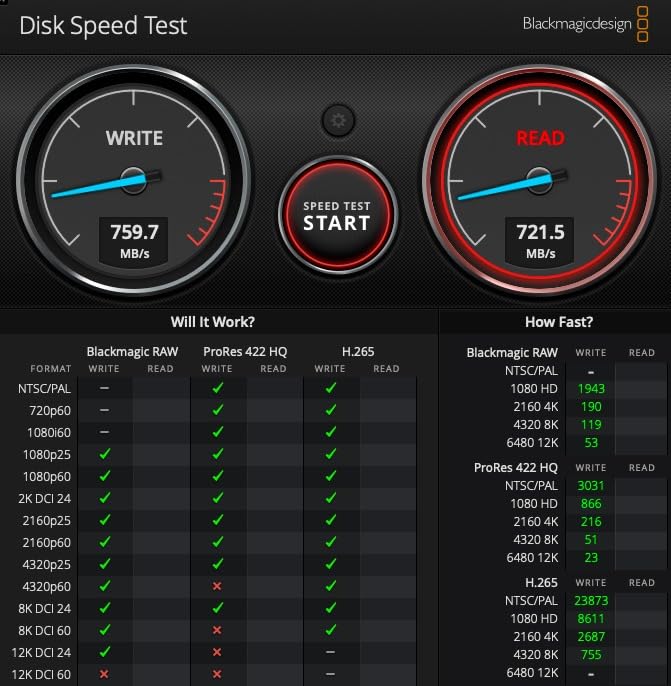
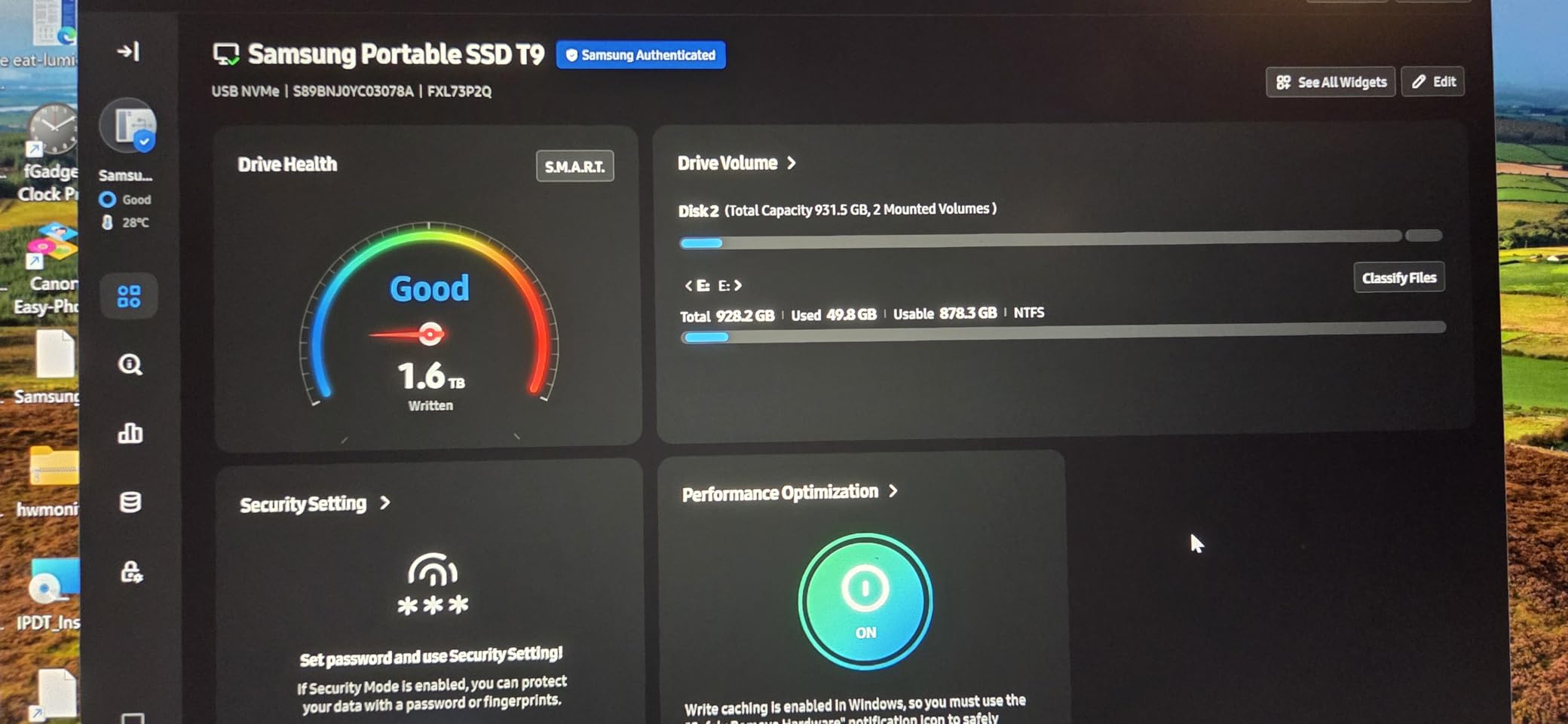
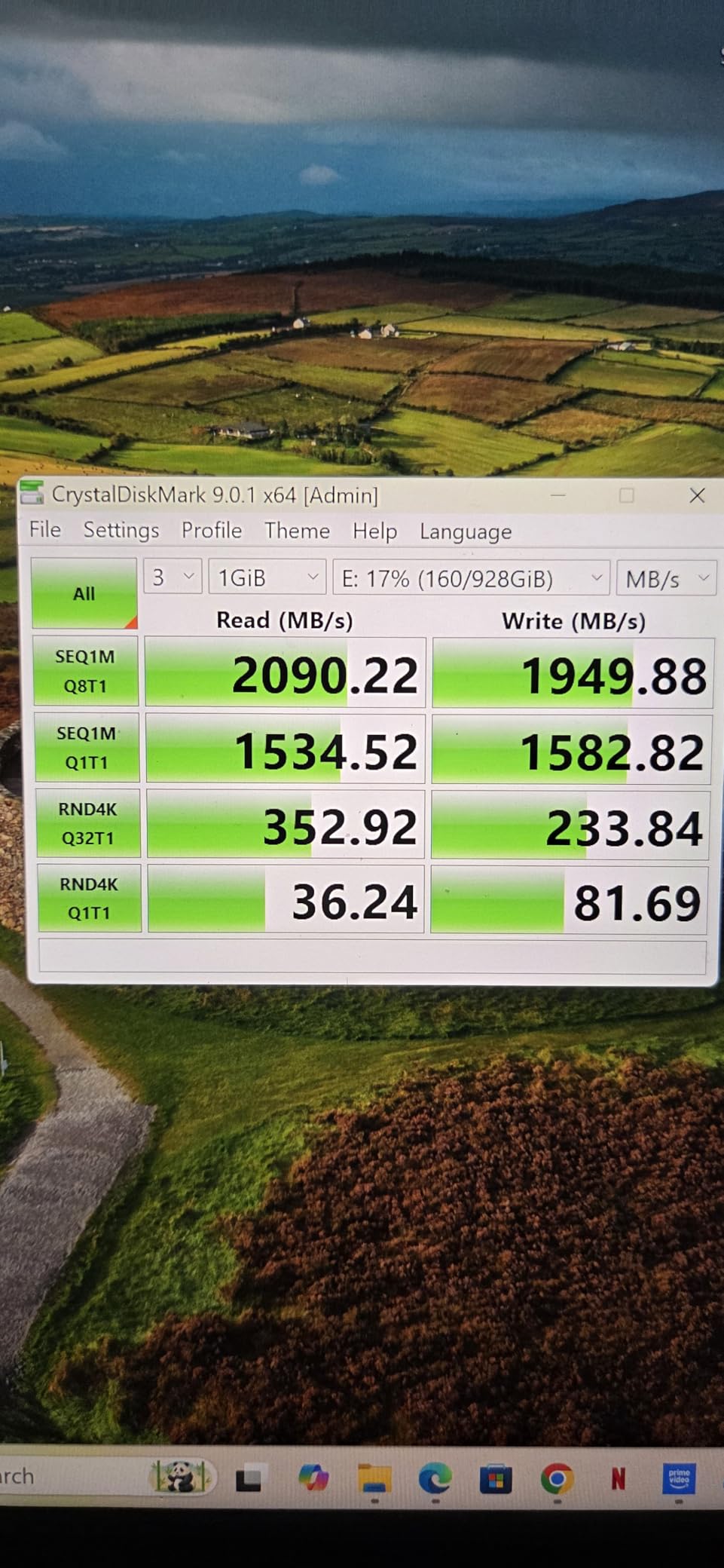
The T9 is the practical Gen 2×2 choice when your computer supports 20Gbps USB. Samsung rates it for 2,000MB/s reads and 1,950MB/s writes, nearly double the speed ceiling of the T7 Shield’s 10Gbps connection.
That performance makes large project folders move quickly, and it is useful for scratch video, photo catalogs and games. The trade is immediate: on a 10Gbps port, the T9 is a fast 1,050MB/s-class drive rather than a 2,000MB/s one.
At 4.32 ounces, it is heavier than the standard T7 and T7 Shield. I would still call it portable, but buyers who carry a full camera kit or minimalist bag may notice the extra mass.
USB 3.2 Gen 2×2 Performance
Gen 2×2 uses two 10Gbps lanes to provide a 20Gbps link. It is the right interface for a workstation or recent gaming PC, but many laptops still expose only 10Gbps over USB-C.
Samsung’s Dynamic Thermal Guard is designed to manage heat as the controller works. Reviews summarized in the product data say the drive can get warm without becoming dangerously hot, which is the right balance for a sustained workload.
Protection and Everyday Handling
The enclosure is listed as drop resistant up to 9.8 feet, although it is not given an IP water or dust rating. That makes the T9 a better desk and bag drive than a choice for wet locations.
Its textured surface gives a secure handheld feel. The supplied product notes also mention that it may collect lint, so a small sleeve helps keep the texture clean.
Encryption, Software and Compatibility
AES 256-bit hardware encryption and Samsung Magician add security, firmware updates and drive-health monitoring. Samsung lists Mac, PC, tablet, console, camera and iPhone 15/16 compatibility, subject to the device’s own external-storage support.
The five-year limited warranty is longer than the three-year coverage on the T7 and T7 Shield. That support window makes the T9 a stronger candidate for a frequently used editing drive, not merely a temporary transfer drive.
4. Crucial X10 1TB – Best Lightweight Performer
Pros
- Only 32g
- 2100MB/s read
- IP65 protection
Cons
- 20Gbps port required
- No activity light
- Apple limits possible
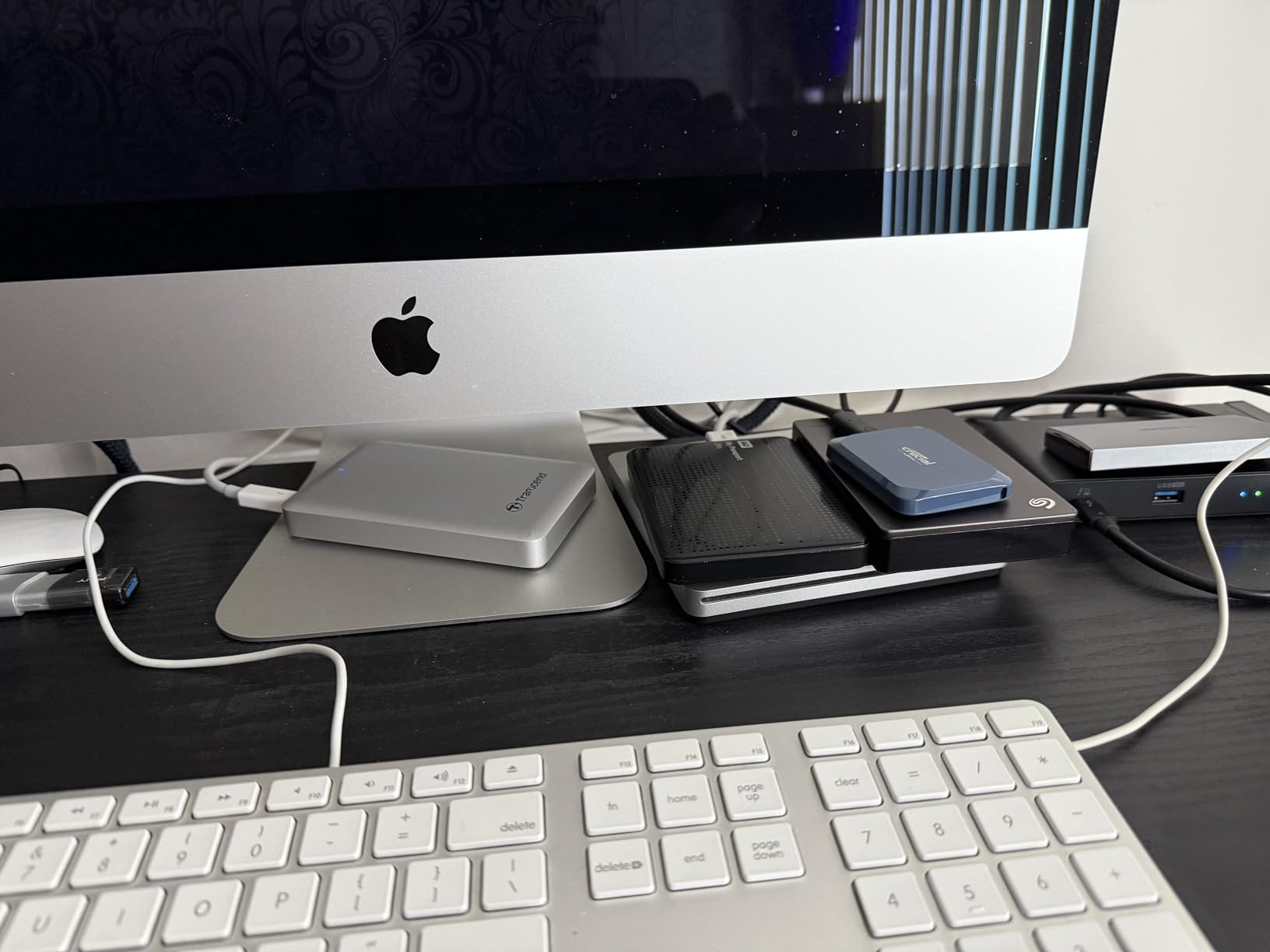
The X10 makes a strong case for anyone who values low mass more than a long warranty. It weighs 32 grams and measures 1.96 by 2.55 by 0.39 inches, yet it is rated for reads up to 2,100MB/s.
That is the highest read specification among the USB 3.2 models in this group. Like the T9 and Extreme PRO, it needs a 20Gbps Gen 2×2 port to approach the headline speed.
IP65 water and dust resistance and a three-meter drop rating make the small body more travel-ready than its weight suggests. It includes a USB-C to USB-C cable, but the box does not list a USB-C to USB-A cable in the supplied feature set.
Speed-to-Weight Ratio
At 32 grams, the X10 is easy to forget in a laptop sleeve or camera divider. Its performance-to-weight ratio is excellent for a USB-C SSD that still has a rugged shell.
A smaller body can mean less surface area for heat dissipation, so I would monitor a long copy rather than assuming the rating will hold for every file type. The product data reports broad compatibility, but also notes that Apple-device limitations can reduce the usable link.
Protection and Device Support
The IP65 rating helps with rain and dust, not immersion. A sealed port cover matters, and a dry pocket or sleeve is still sensible after exposure to moisture.
Crucial lists Windows, Mac, Android, Linux, iPad Pro, Chromebooks, PS4, PS5 and Xbox support. Console support does not remove platform restrictions, so check whether the console accepts external storage for the content you plan to store.
Warranty and Missing Indicators
The three-year limited warranty is acceptable but shorter than the five-year terms on Samsung’s T9 and SanDisk’s rugged high-end models. Buyers who keep drives for many years should factor support length into the decision.
There is no activity light. That keeps the design simple, but it removes a quick way to see whether a copy is still progressing, which matters when a transfer is too quiet to judge by sound.
5. SanDisk Extreme PRO 1TB – Best Rugged High-Speed Drive
Sandisk 1TB Extreme PRO Portable SSD, Up to 2000MB/s Read Speeds-Old Model
1TB
USB 3.2 Gen 2×2
2000MB/s
IP65
Pros
- 2000MB/s
- Forged aluminum heatsink
- IP65 protection
Cons
- Old-port disconnect reports
- No activity light
The Extreme PRO is my pick when you want Gen 2×2 speed in a field-friendly shell. Its forged aluminum chassis acts as a heatsink, and SanDisk specifies IP65 water and dust resistance plus drop protection up to three meters.
Rated transfer performance reaches 2,000MB/s over USB 3.2 Gen 2×2. That makes it a strong compact working drive for cameras, photo libraries and large project folders, provided the host exposes a 20Gbps port.
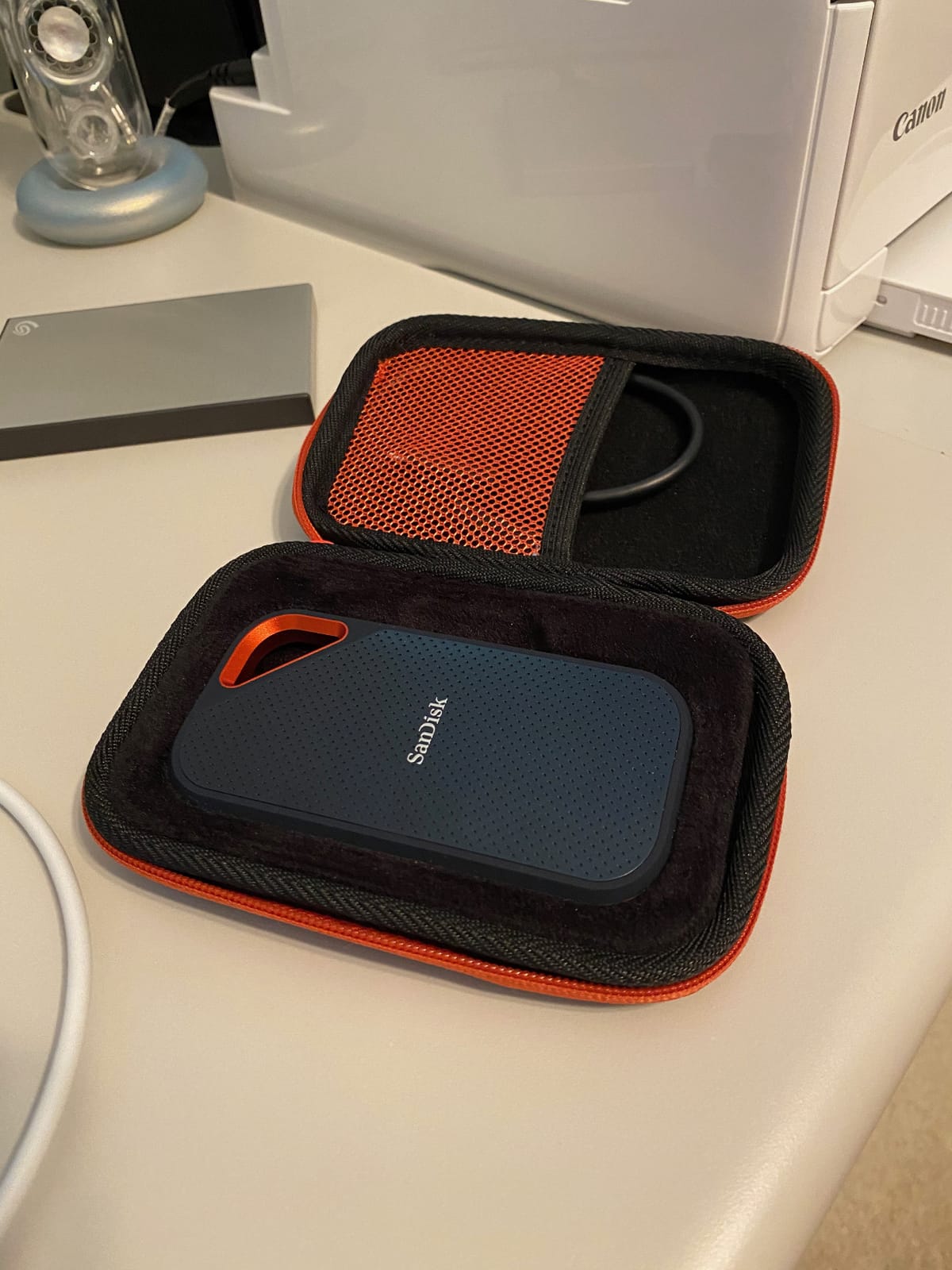
The product record reports occasional disconnections on older USB-C ports and calls the firmware update process unintuitive for some owners. A current port, a reliable cable and a test transfer reduce those risks before the drive carries irreplaceable files.
Aluminum Chassis and Sustained Speed
A forged aluminum shell does double duty: it protects the drive and spreads controller heat across a larger mass. That design is more convincing than a thin plastic shell for a sustained 2,000MB/s workflow.
It can still get warm during long, heavy transfers. Treat warmth as a normal operational factor, but use a ventilated pocket and stop troubleshooting if a drive repeatedly disconnects or behaves inconsistently.
Rugged Features in Daily Use
IP65 protection and a three-meter rating cover everyday dust, splashes and drops better than the standard SanDisk Portable SSD. The 2.72-ounce body remains light enough for a pocket or camera bag.
There is no activity light. That omission makes the drive look clean, although a copy’s progress is harder to confirm without opening a file manager or watching the system monitor.
Security and Support
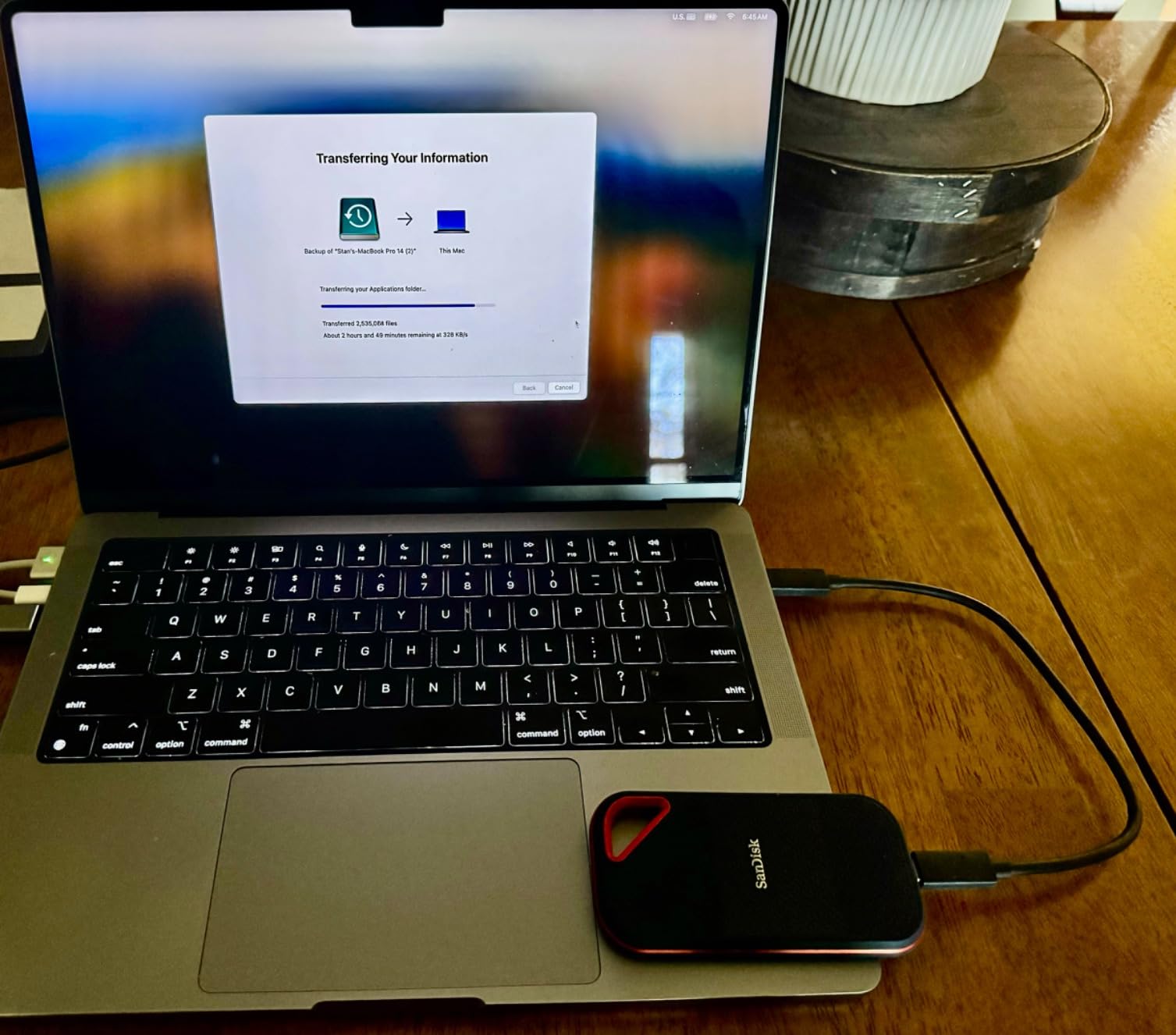
SanDisk includes 256-bit AES hardware encryption and a five-year limited manufacturer warranty. That combination is attractive for a working drive containing client files or a large photo library.
Before formatting, decide whether the drive should be exFAT for cross-platform handoffs or a native file system for one computer. The wrong choice can create annoying permission or backup problems even when the hardware is healthy.
6. SanDisk Extreme 2TB – Best Mainstream Rugged Pick
Pros
- 2TB capacity
- IP65 protection
- Five-year warranty
Cons
- Only 10Gbps
- Short cable
- Can run warm
The Extreme 2TB is the mainstream rugged model for people who need more room than a 1TB drive without paying for Thunderbolt. It is rated for 1,050MB/s reads and 1,000MB/s writes over USB 3.2 Gen 2.
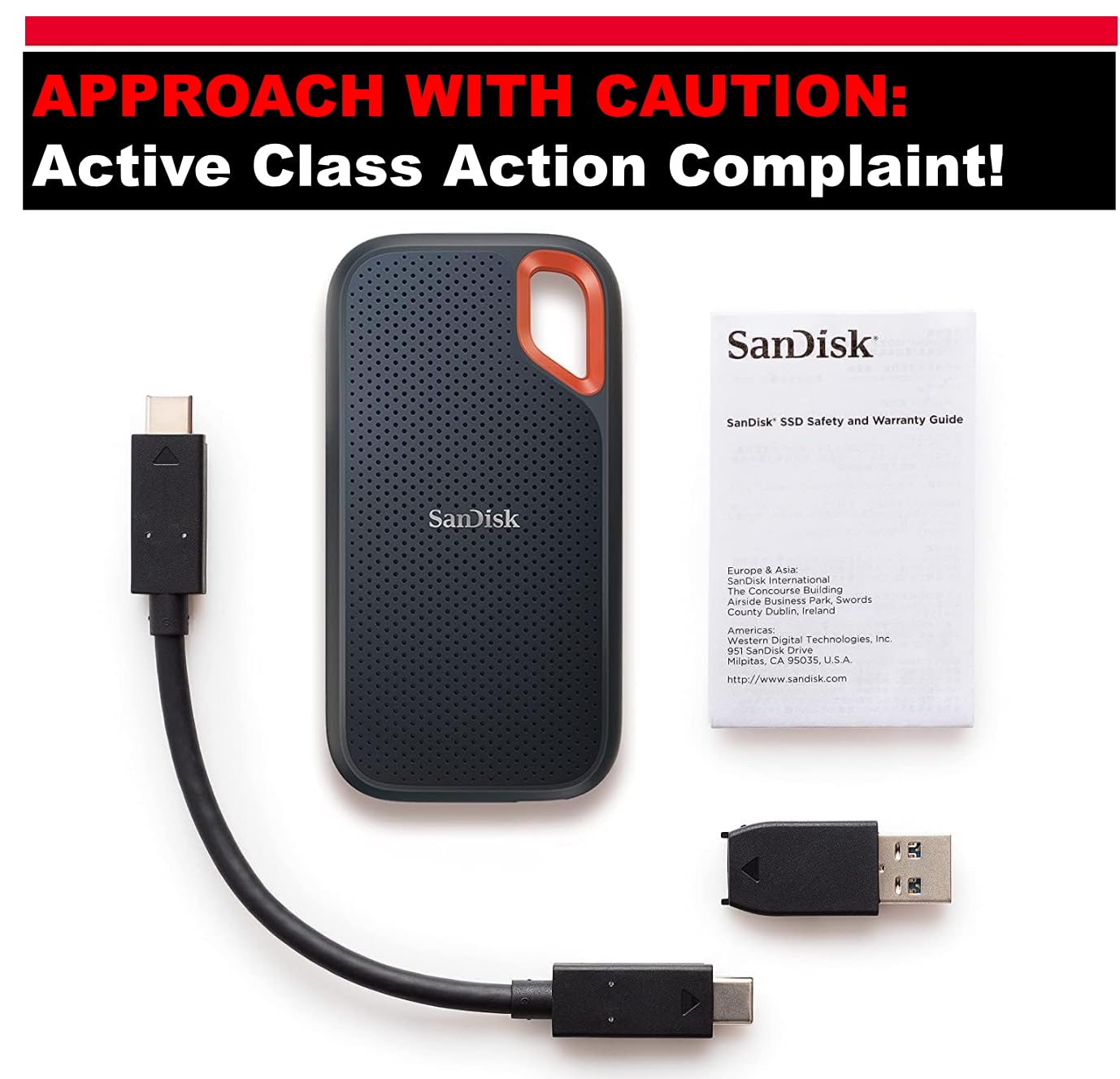
The combination of 2TB, IP65 water and dust resistance and three-meter drop protection is easy to recommend for travel backups. SanDisk also includes a carabiner loop, 256-bit AES hardware encryption and a five-year limited warranty.
This is not a 20Gbps or 40Gbps drive. On a recent 10Gbps USB-C computer it is a strong fit, while a user expecting the Extreme PRO’s speed will be disappointed by an older or slower host port.
2TB Capacity for Photos and Video
Two terabytes gives a creator room for a working project and a separate backup folder, but it is still finite. Estimate storage with the files you actually use: 4K footage, RAW photos and high-bitrate audio fill a drive much faster than documents.
The supplied product data calls the 2.72-inch square form factor portable. I would add a short sleeve to keep the connector and shell from picking up grit in a bag.
Protection and Warmth
IP65 protection, a three-meter drop rating and a non-operating temperature range of -20C to 85C make this a sensible travel drive. The rating does not make the USB connector waterproof, so keep the port protected when the drive is not in use.
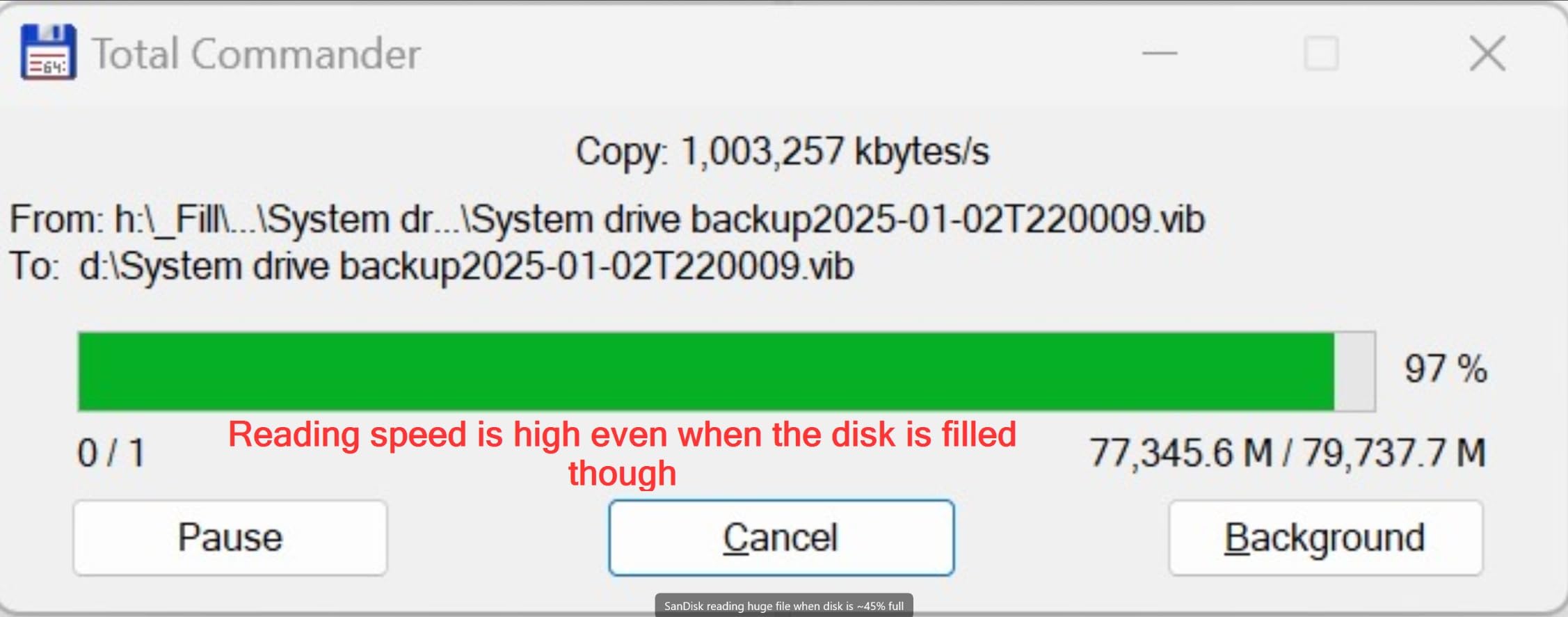
Long transfers can make the enclosure warm. That feedback is not unique to this model, but it is a reminder to avoid burying an active drive under clothing or other heat-absorbing gear.
Encryption, Cables and Compatibility
Hardware encryption is a meaningful advantage over the lower-cost SanDisk Portable model. SanDisk Memory Zone adds file management, while the product record lists Windows and macOS compatibility.
The included cable is relatively short according to owner summaries. A second, known-good USB-C cable is a cheap way to separate a cable problem from a drive problem, especially when a disconnect appears only at a desk or camera.
7. WD My Passport SSD 2TB – Best Established Backup Option
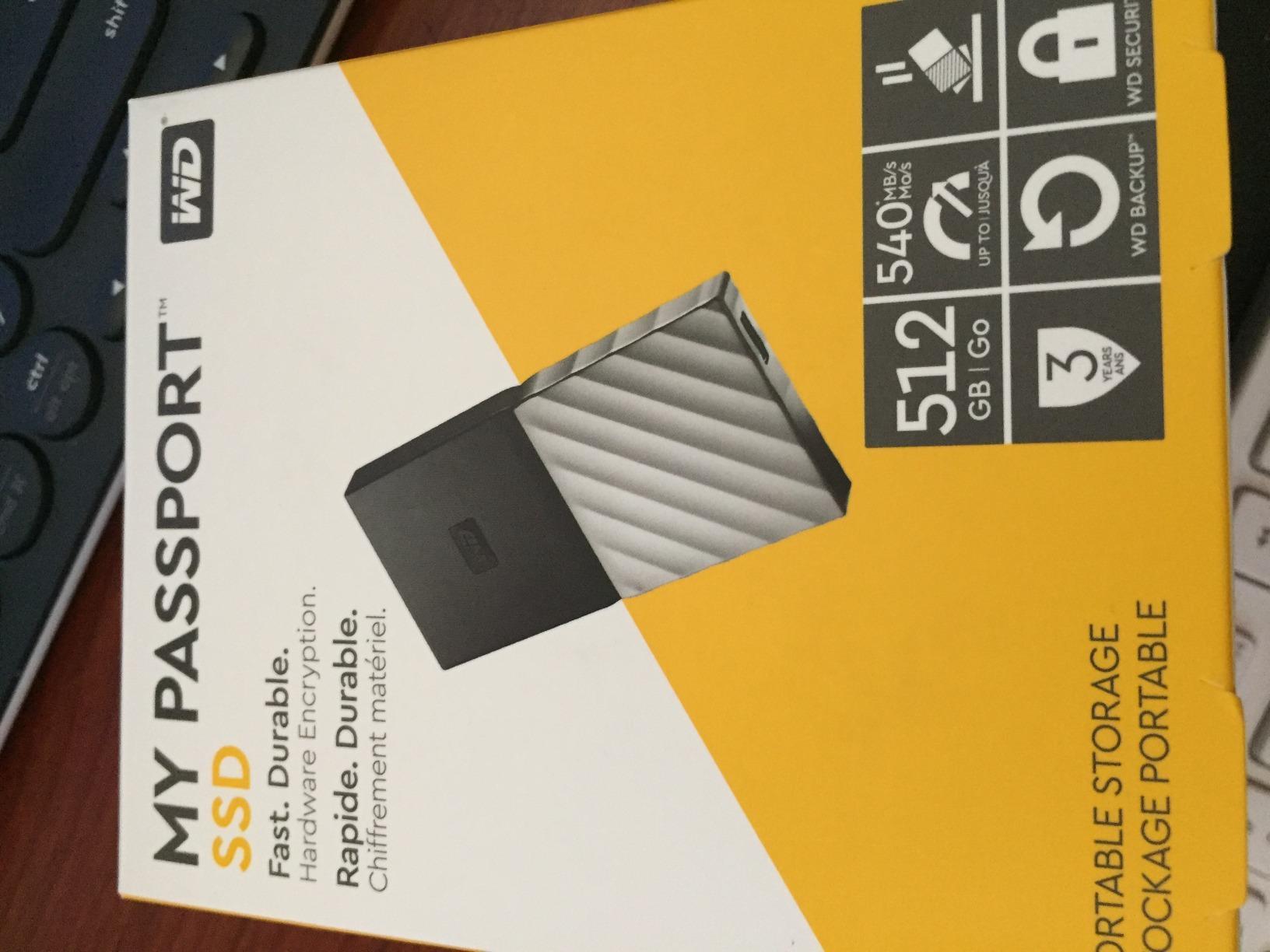
WD 2TB My Passport SSD External Portable Drive, USB 3.1, Up to 540 MB/s – WDBKVX0020PSL-WESN
2TB
USB 3.1
540MB/s
Hardware encryption
Pros
- Established WD platform
- Hardware encryption
- Both USB cables
Cons
- Only 540MB/s
- Old interface
- Software registration noted
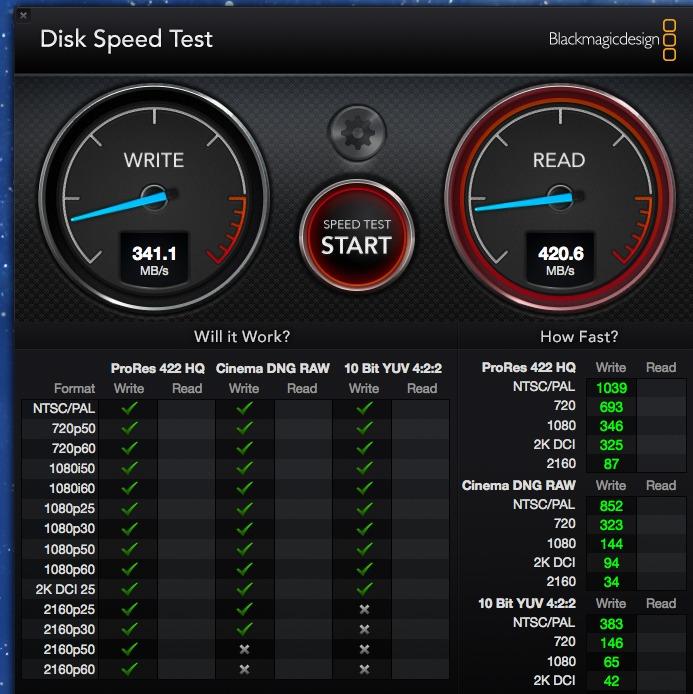
The My Passport SSD is the conservative choice in this list. WD rates it for 540MB/s over USB 3.1, so it is far slower than the NVMe models when moving a full drive, but it remains quick for documents, photos and routine backups.
Its established WD software ecosystem includes backup and security tools, and the drive offers password protection with hardware encryption. The supplied data lists a USB-C to USB-C cable plus a USB-C to USB-A adapter.
The case is shock resistant and the product record describes it as lightweight. That makes it a sensible office backup drive, though it lacks the IP rating and drop claims of the rugged SanDisk and Samsung models.
When 540MB/s Is Enough
A 540MB/s ceiling can move roughly 32GB of data per minute at its theoretical maximum. Large 4K projects will feel slow, but a scheduled backup of documents and a photo library may not need a 2,000MB/s interface.
The USB 3.1 label also matters. A computer with a 5Gbps port will not suddenly give this drive 10Gbps performance, and a USB 2.0 port will make the transfer wait much longer.
Backup Workflow and Software
Hardware encryption protects the contents, while WD Discovery connects backup and security features. Some functions require registration, so set up the software before the drive is the only copy of a folder.
The product summaries mention random disconnections after extended use. A short test copy and a second backup location are sensible precautions even for a drive with a strong review history.
Portability, Warranty and Value
The 1.44-ounce listing and compact housing make it easy to carry, although exact dimensions are not fully specified. A sleeve is still sensible because the drive does not advertise an IP rating.
The three-year limited warranty matches the T7 family and is shorter than the five-year coverage on the T9 and SanDisk rugged models. Choose it when compatibility and familiar software matter more than cutting-edge speed.
8. Samsung T7 1TB – Best Pocket-Sized All-Rounder
Samsung T7 Portable SSD 1TB Titan Gray, USB 3.2 Gen 2, Up to 1,050MB/s
1TB
USB 3.2 Gen 2
1050MB/s
2.08 oz
Pros
- Pocketable aluminum body
- 1050MB/s read
- Phone and console support
Cons
- No water rating
- Short cable
- 10Gbps ceiling
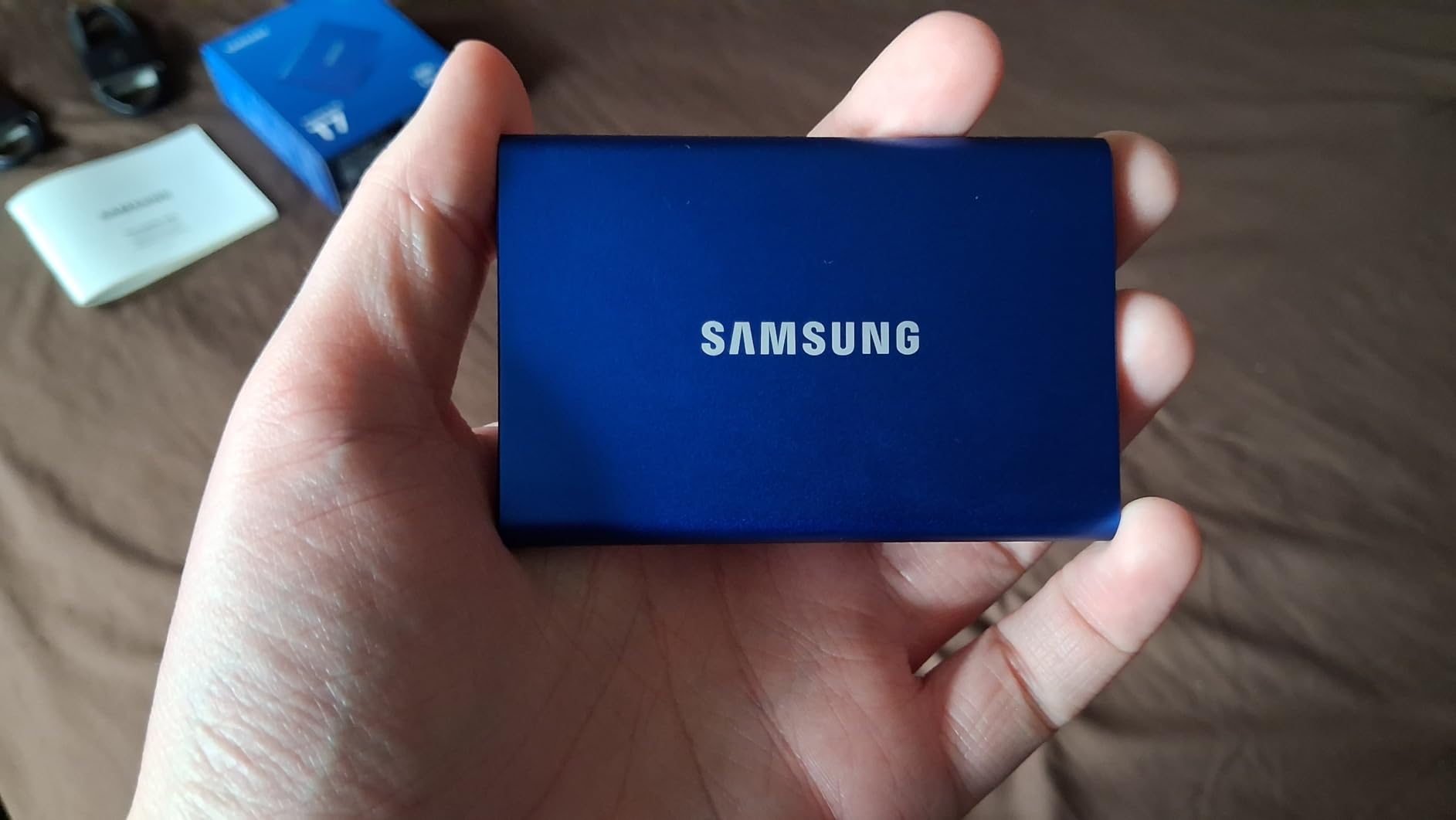
The standard T7 is the smallest straightforward choice in the Samsung family. It measures 3.3 by 2.2 by 0.3 inches and weighs 2.08 ounces, which is close to the size of a few cards stacked together.
Its 1,050MB/s read and 1,000MB/s write ratings are delivered over USB 3.2 Gen 2. That makes it fast on a modern USB-C laptop and compatible with a wide range of devices through the included USB-C to C and USB-C to A cables.
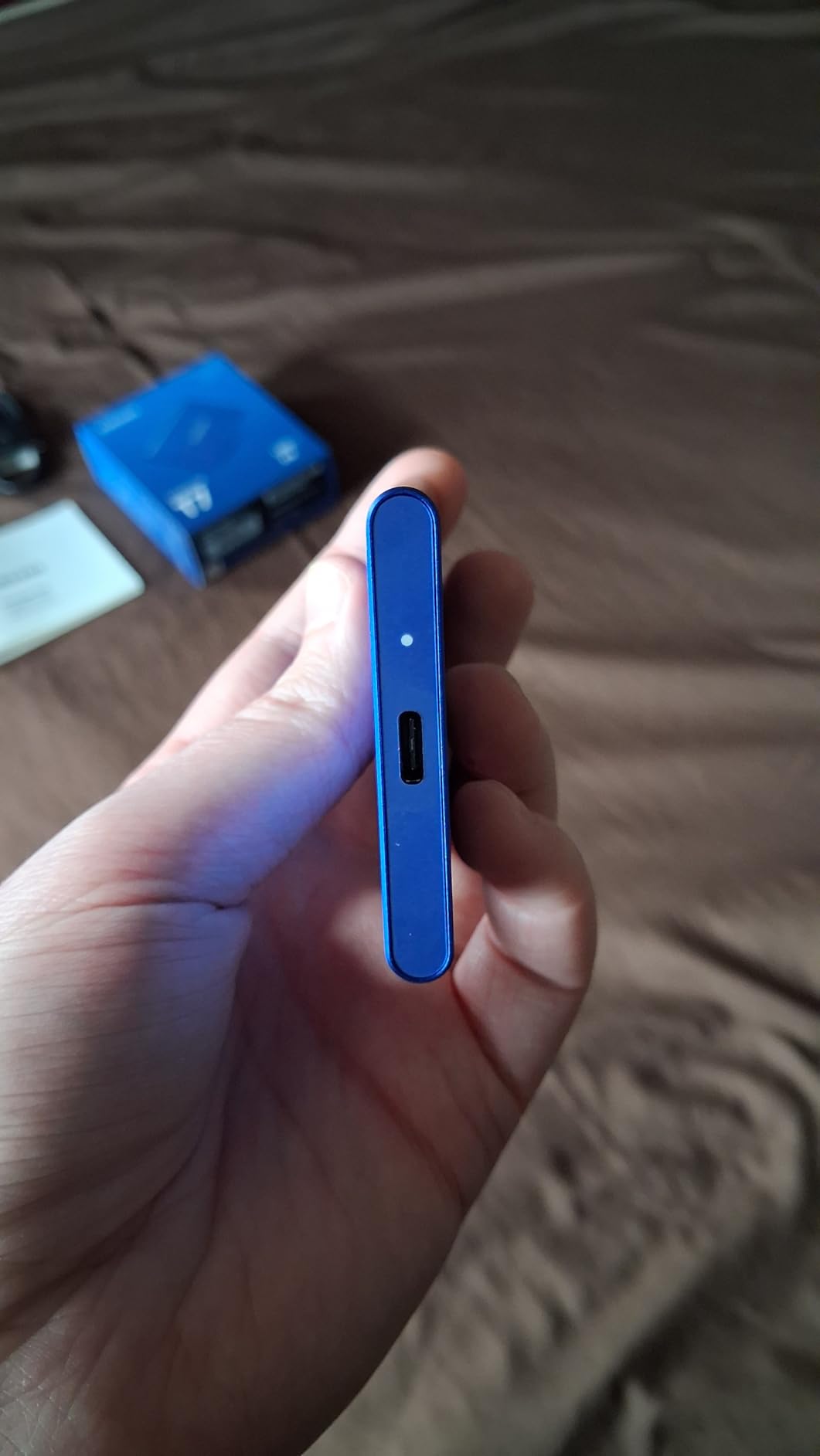
The aluminum unibody is sleek and silent, and the drive includes AES 256-bit hardware encryption. The compromise is protection: it has shock resistance and fall protection up to six feet, but no IP water or dust rating.
Size Matters for Commuters
The low weight and thin body are ideal for a daily laptop bag. Unlike the Shield, the standard T7 does not add a thick rubber shell around the drive, so a separate protective sleeve is worth carrying.
Its small size also means the supplied cable can be easy to misplace. A short, certified replacement keeps the drive from being unusable when a bag pocket swallows the original.
Speed and Compatibility
The 10Gbps ceiling is sufficient for everyday file transfers, photo work and console storage. The product data lists Macs, PCs, smartphones, tablets and gaming consoles, along with iPhone 15 Pro Res 4K at 60fps recording support.
On a 5Gbps port, expect a lower rate than the rating. A USB-C to USB-A cable is convenient, but it cannot create bandwidth that the host port does not provide.
Thermals, Security and Warranty
Dynamic thermal control is designed to manage heat, and user summaries say the drive can become warm during long recording or transfer sessions. Keep it in a ventilated pocket and leave airflow around the aluminum body.
The three-year limited warranty is shorter than the T9’s five-year term. It remains a good pocket pick for people who value a thin aluminum body more than field-rated protection.
9. SanDisk Portable SSD 2TB – Best Capacity Value
Sandisk 2TB Portable SSD, Up to 800MB/s Read Speeds, Black (Old Model)
2TB
USB 3.2 Gen 2
800MB/s
1.44 oz
Pros
- 2TB capacity
- 1.44 oz body
- 3-year warranty
Cons
- Slower write performance
- Limited stock
- Only 10Gbps
The 2TB Portable SSD is aimed at capacity-first buyers who do not need a 2,000MB/s bus. It is rated for 800MB/s reads over USB 3.2 Gen 2 and weighs 1.44 ounces.
That speed is enough for documents, a large photo collection, game installs and routine backup jobs. It is not the drive I would choose for repeated 4K ingest or a time-sensitive project where every minute of transfer counts.
The product record flags limited stock and a slower-than-Thunderbolt interface. Those points make the capacity and simple design the purchase, not the promise of workstation-class speed.
Why 2TB Helps
Two terabytes is useful when a laptop’s internal drive is full but you still want one place for active projects and backup. It is also less complicated than managing two separate 1TB drives.
For video editing, calculate storage from your camera’s actual bitrate rather than choosing by headline capacity. A 2TB drive can still be too small for a long production archive.
Portability and Everyday Durability
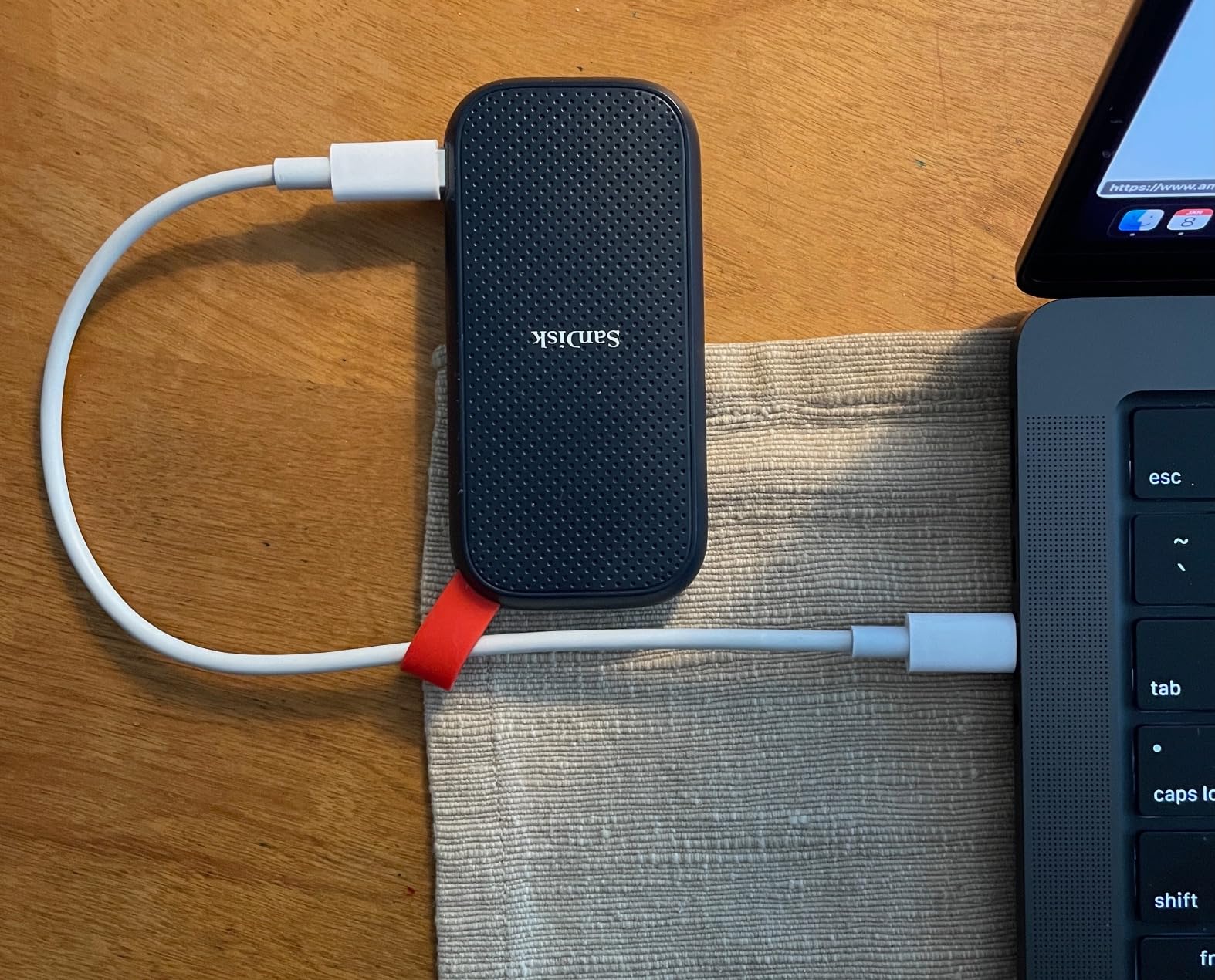
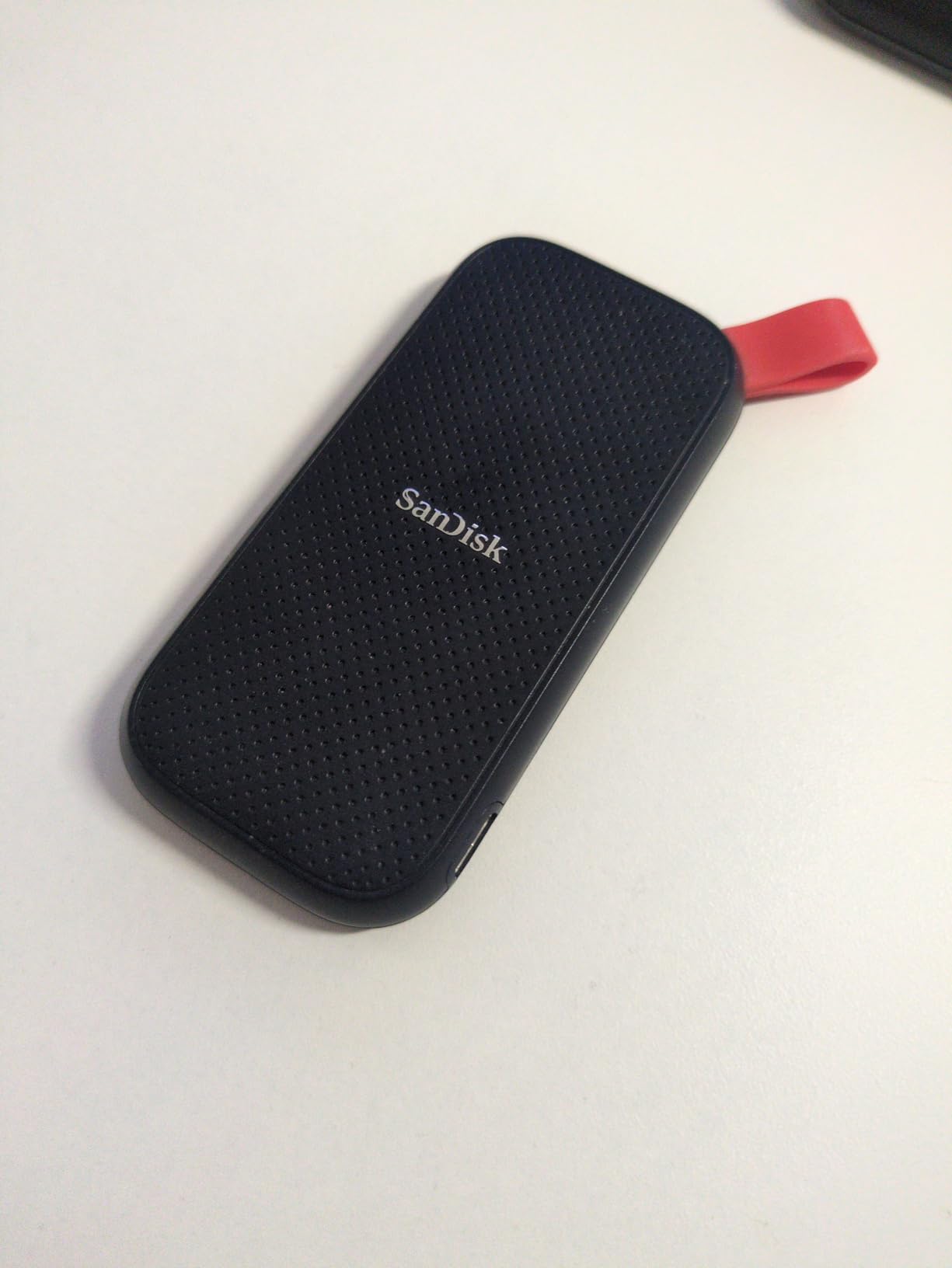
The 1.44-ounce body and rubber hook make this drive easy to attach to a bag. SanDisk specifies two-meter drop protection, although the product record does not claim IP water or dust resistance.
The design is light enough for travel, but a sleeve gives the USB port and shell better protection from grit and pressure in a crowded compartment.
When to Choose Faster Hardware
The 800MB/s rating is a good match for older computers and casual storage. If your device has USB 3.2 Gen 2×2, the Samsung T9, SanDisk Extreme PRO or Crucial X10 leaves more performance on the table for a working library.
The three-year limited warranty is standard in this price class. Before relying on it for a one-copy archive, set up a second destination and verify that the drive can be read on another computer.
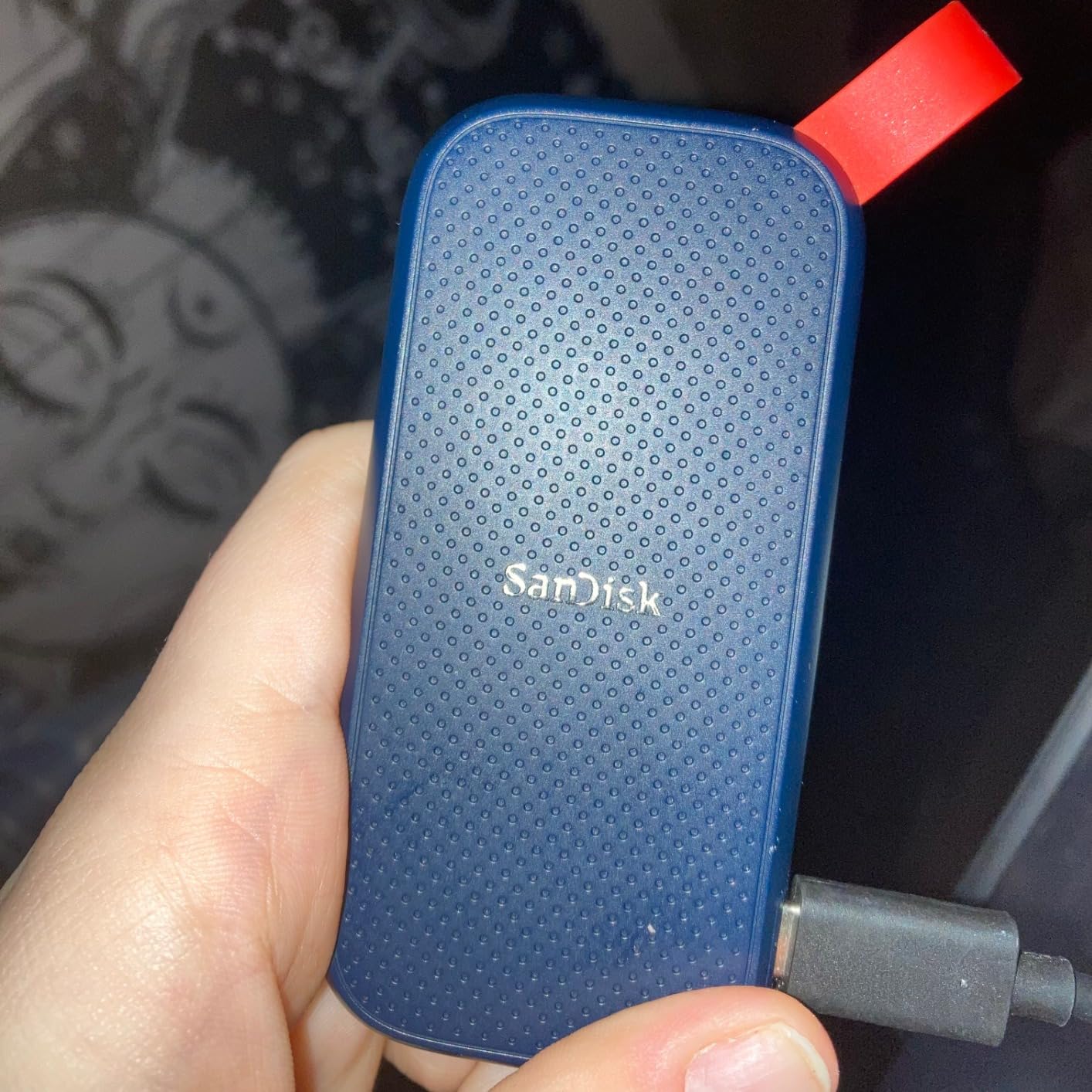
10. SanDisk Portable SSD 1TB – Best Entry-Level Pick
Sandisk 1TB Portable SSD, Up to 800MB/s Read Speeds, Black (Old Model)
1TB
USB 3.2 Gen 2
800MB/s
1.44 oz
Pros
- 800MB/s read
- 1.44 oz
- 3-year warranty
Cons
- 80MB/s listed write
- No hardware encryption
- Short cable
The 1TB Portable SSD is the most accessible model in this list, but its write specification deserves special attention. The data records 800MB/s reads and only 80MB/s writes, so it is best treated as a read-friendly backup and transfer drive rather than a high-speed ingest drive.
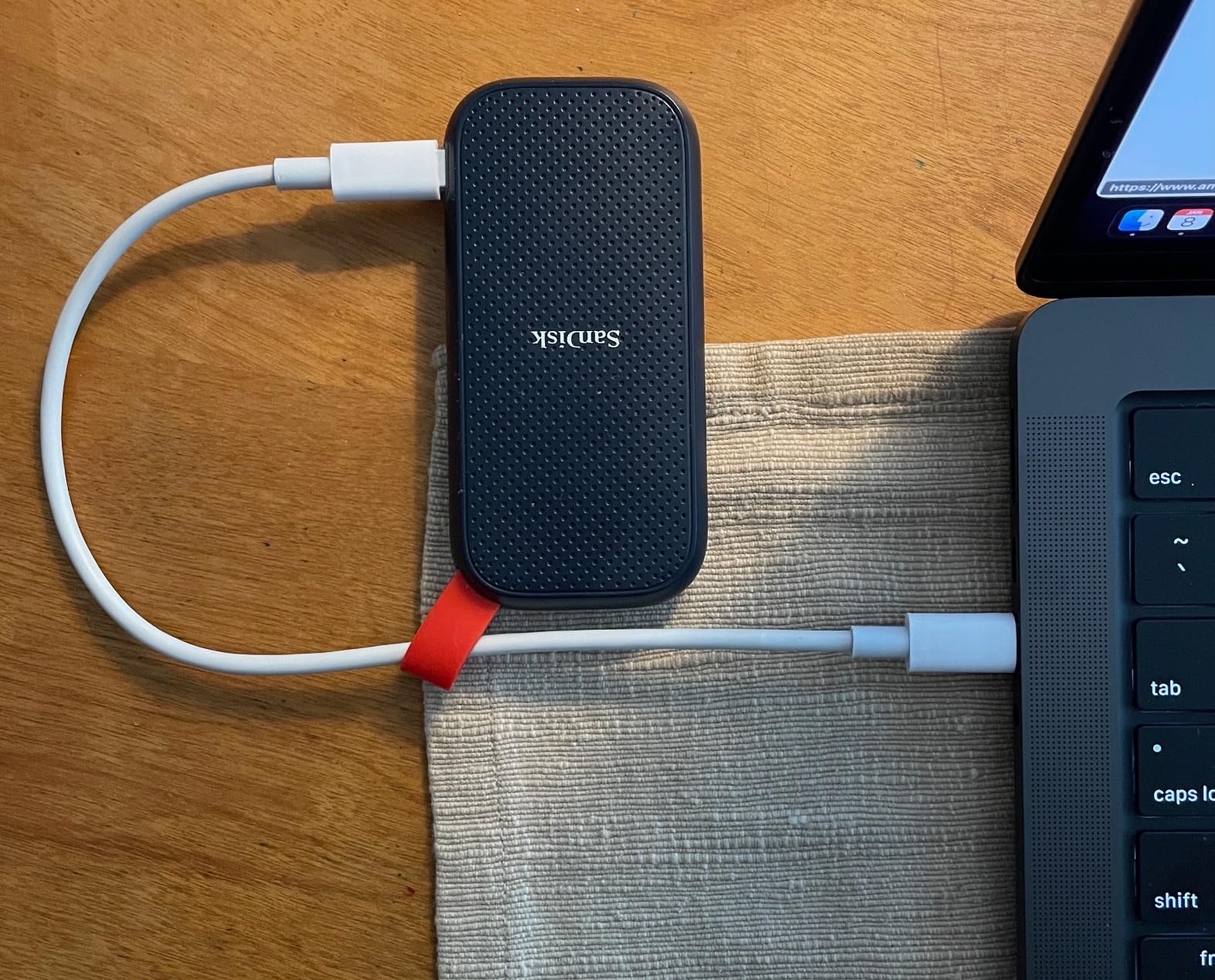
Its 1.44-ounce weight, 800MB/s ceiling and three-year limited warranty make it useful for everyday files, game storage and backups on a 10Gbps port. The two-meter drop rating and rubber hook add practical protection for commuting.
The drive is preformatted to exFAT according to the product details, which helps cross-platform handoffs. Some users still report reformatting for Mac optimization, and the supplied security software receives mixed feedback.
Read Speed Is Not the Whole Story
A large backup can take longer than the 800MB/s headline suggests if many small files are involved. The 80MB/s write figure is the more important number when you copy a new video folder or a large project to the drive.
Choose the T7 Shield, T9 or Extreme PRO when a large file must be written quickly. Choose this model when the job is mostly reading, archiving and moving ordinary files.
Portability and Protection
The rubber hook, shock rating up to 1500G and vibration resistance make the drive well suited to a bag. The product record lists two-meter drop protection but no IP rating, so it is not the right tool for a wet work area.
The 1.44-ounce weight is a strength, although the listed dimensions are unusually broad and should be checked against your sleeve. A case avoids pressure on the USB connector when the drive is loose in a backpack.
Cables, Encryption and Compatibility
The package includes a USB-C to USB-A cable in the listed specifications, which is convenient for an older laptop. The short cable can limit placement when the drive needs to sit away from a desktop port.
Hardware encryption is not listed, so this is not my first choice for sensitive client material. It remains a sensible entry-level portable solid state drive when low weight and simple exFAT handoffs matter most.
How to Choose the Best Portable SSD
Choose a portable SSD by the slowest part of your workflow: the host port, the drive’s write limit, the file mix and your backup discipline. A fast drive attached to a 5Gbps port cannot outperform the connection, and a backup that exists only on one drive is still a single point of failure.
Match the USB Standard to Your Computer
USB 3.2 Gen 2 provides 10Gbps and suits most 1,050MB/s-class drives. USB 3.2 Gen 2×2 provides 20Gbps and is required for the T9, Extreme PRO and X10 to approach their 2,000MB/s-class ratings, while Thunderbolt 3 provides 40Gbps for the PRO-G40’s 3,000MB/s headline.
USB4 can reach 40Gbps, but the drives here do not all implement every possible USB4 mode. Check the computer’s exact port label and test the cable, because a USB-C-shaped connector can hide 5Gbps, 10Gbps, 20Gbps or Thunderbolt performance.
If you move between machines, a 10Gbps drive is often more dependable than a 20Gbps drive attached through a hub. A 20Gbps model can still be worth it when your main editing computer supports the interface and the files are large enough to benefit.
Pick Capacity From Real File Sizes
One terabyte is a practical starting point for documents, a photo library and several large games. Two terabytes is easier to live with when you carry active video projects or want a local backup of a laptop, but it is not overkill if the drive replaces multiple smaller storage devices.
Four terabytes makes sense for a production archive, a large game library or a photographer who travels for long periods. It also creates more risk in one physical object, so maintain another copy where possible.
Leave free space on the drive because performance can change as NAND becomes full and because backup tools need room for temporary files. A drive marketed as 2TB is not the same as two 1TB archives with independent failure points.
Prioritize Protection and Heat Management
Choose IP65 or IP68 protection when the drive will travel near rain, dust or construction sites. The T7 Shield and SanDisk Extreme families add rubberized shells, while the PRO-G40 adds IP68, crush and drop resistance for field work.
Metal bodies help spread heat, but no portable SSD is immune to thermal slowdown or warm sustained transfers. Give the drive airflow, avoid covering it, and make a first full backup before trusting it with the only copy of a project.
Forum discussions consistently treat a minimum three-year warranty as expected and five years as preferable. They also value brands that make their own NAND, but warranty and support are practical complements rather than guarantees of lifetime reliability.
Check Encryption, Phones and Consoles
Hardware encryption is worth seeking for work files, travel backups and drives that could be lost. The T7, T7 Shield, T9, Extreme, Extreme PRO, My Passport and WD models list encryption; the lower-cost SanDisk Portable entries do not list it in the supplied specifications.
For iPhone ProRes recording, confirm that your exact phone, cable, recording format and power setup support external storage. The T7, T7 Shield and T9 list iPhone 15 Pro Res 4K at 60fps support, but the phone still sets the recording rules.
For PlayStation and Xbox storage, an external SSD can expand a library, but the console may require formatting and may limit which games run from external media. Check the current console instructions before moving a game library or reformatting a drive.
Build a Backup and Transfer Routine
Use a portable SSD for working files, fast handoffs and a second copy, not as the only archive. A mechanical external drive remains useful for low-cost bulk backup, and our backup-drive guide compares that route.
Test restores rather than checking only that a drive appears in the file manager. Keep one copy away from the original location when the data matters, and replace a drive that shows repeated disconnects, corrupted files or unusual heat.
For a gaming laptop, fast external storage can move a large library between sessions, while the right gaming laptop still determines how comfortably games run. For a work computer, our guide to laptops for productivity is a useful companion when storage is only one part of the setup.
When choosing value, compare capacity, interface and warranty together rather than price alone. The 1TB SanDisk Portable is easy to recommend for simple backups, the 2TB version adds room, and the T7 Shield earns its place when IP65 protection and broad compatibility justify the extra cost.
Frequently Asked Questions
Which company is best for portable SSDs?
Samsung is the strongest all-around choice in this roundup because the T7 and T7 Shield pair fast USB performance with broad compatibility, while the T9 adds 20Gbps speed. Crucial is a compelling alternative when low weight matters, and SanDisk offers the widest range from simple value models to rugged field drives.
Are portable SSDs any good?
Yes. A portable SSD has no moving parts, uses less power and transfers files much faster than a typical external hard drive. It works well for photo backups, scratch video, game storage and daily file transfer, but you still need a second copy of important data because one physical drive can fail.
Which portable SSD is reliable?
The Samsung T7 Shield and WD My Passport SSD stand out for strong owner ratings, established product lines and practical protection features. Reliability is never guaranteed, so choose a drive with at least a three-year warranty, verify the cable and port, and keep a second backup.
Is 2TB SSD overkill?
Not if you carry large photo libraries, 4K footage or a working game library. It is excessive for documents alone; for most creators and travelers, 1TB is enough for a focused working set, while 2TB reduces how often you must move or delete files.
Our Final Verdict
The Samsung T7 Shield 2TB is the best portable SSD for most people because it balances speed, size, protection and compatibility. Choose the SanDisk Professional PRO-G40 when Thunderbolt 3 and 4TB capacity justify a premium, or choose the Crucial X10 when 32 grams and a 2,100MB/s rating matter most.
For travel, the T7 Shield is my first choice; for a 20Gbps workstation, the T9 is the stronger fit; for a simple 1TB backup, the SanDisk Portable SSD keeps the decision easy. Whatever drive you buy, confirm the host port, keep the cable, and maintain a second copy.
Updated for 2026, this guide is designed to make the next portable SSD purchase faster, clearer and safer.
Leave a Reply