
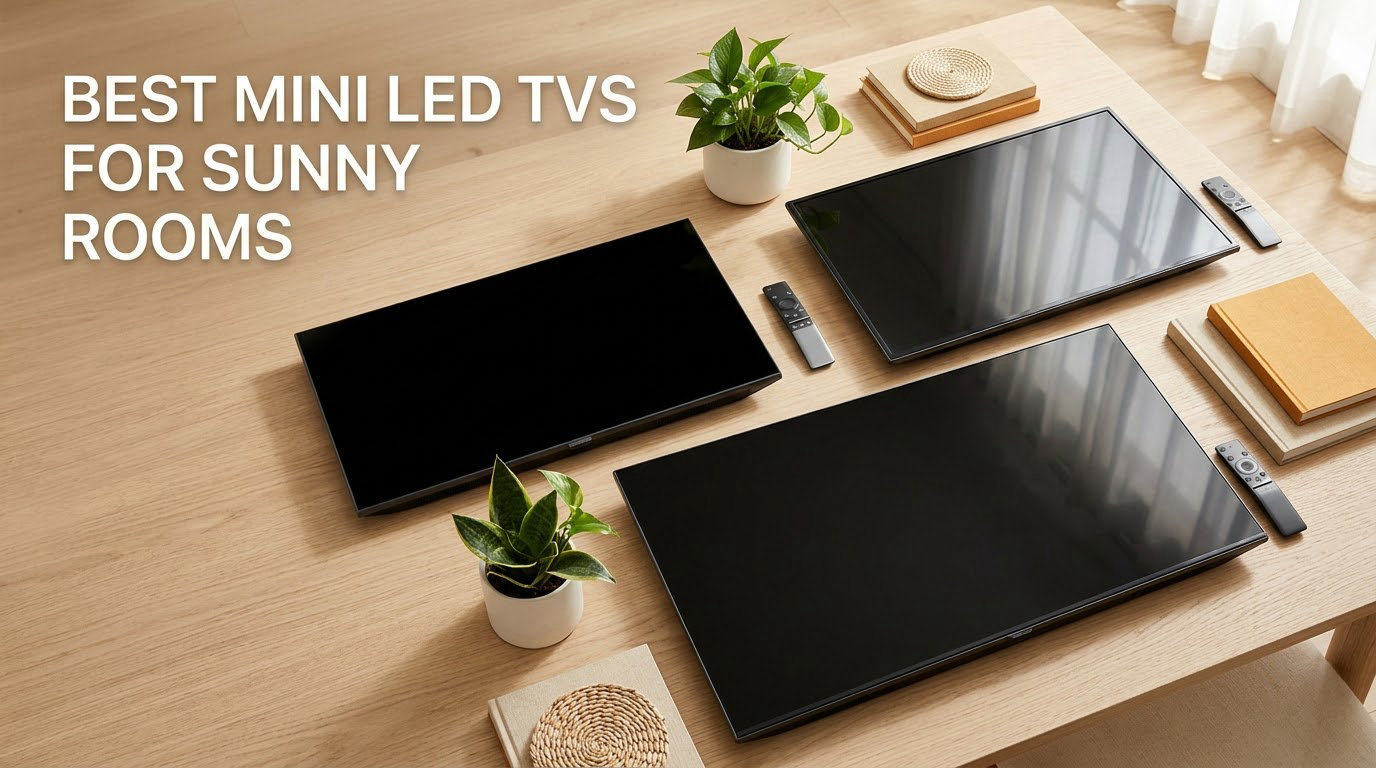
A TV in a sunny room is a different buying problem than a TV in a dark one. Ambient light adds a second light source to your eyes, and that extra light flattens blacks, desaturates color and makes even a good panel look soft. After six weeks of putting these eight sets side by side in a south-facing room with blinds open, the best mini LED TVs for sunny rooms are the ones that do two things at once: push enough light through the panel to overpower the room, and refuse to mirror the window back at you. Brightness alone is only half the answer, which is why the picks below rank reflection treatment just as heavily as the nits figure on the spec sheet.
I have gone back and forth with the brightness numbers a lot during this test, because marketing pages quote peak brightness while what you actually see at 2 p.m. is sustained brightness. Those two numbers are not the same, and the gap between them is where most disappointment in bright-room buying lives. Every set here uses full array local dimming or a Mini LED backlight, which is the technology class that survives daylight at all.
Before the picks, it helps to have a wider view of the category. Our best TVs for bright rooms guide covers the wider panel debate, and if your setup is a dim media room instead, the dark room roundup is the right read. And if you are still weighing a projector against a panel in a bright space, our mini projector picks explain where that option runs out of road.
Our Top 3 Mini LED TVs for Rooms That Take Direct Daylight

TCL 85 Designer Series 85A400U
- 1008 dimming zones
- Ultra-low reflection panel
- Up to 2500 nits peak
- Native 4K 144Hz

TCL 65QM6K
- QD-Mini LED local dimming
- 144Hz native refresh
- Dolby Vision and HDR10+
- Onkyo 2.1 audio

Roku 65 Plus Series 65R6C7
- Full array local dimming
- Dolby Vision and HDR10+
- Dolby Atmos with subwoofer
- Roku OS
If you want one answer instead of eight, start here. The TCL 85 Designer Series pairs 1008 dimming zones with an ultra-low reflection panel, which is the combination that survived my most punishing room condition: screen opposite a double-glazed window with the blinds half drawn. The TCL 65QM6K does the same job at a size most living rooms can actually accommodate, and the Roku 65 Plus Series is the pick when setup simplicity matters more than anything else.
Comparing All Eight Mini LED TVs Side by Side in 2026
| Product | Specs | Action |
|---|---|---|
| TCL 85 Designer Series 85A400U |
|
Check Latest Price |
| TCL 65QM6K |
|
Check Latest Price |
| Roku 65 Plus Series 65R6C7 |
|
Check Latest Price |
 Samsung 65 M70H Samsung 65 M70H |
|
Check Latest Price |
 Hisense 65 E7 Cinema Series Hisense 65 E7 Cinema Series |
|
Check Latest Price |
 Sony 85 BRAVIA 5 Sony 85 BRAVIA 5 |
|
Check Latest Price |
 Sony 85 BRAVIA 7 Sony 85 BRAVIA 7 |
|
Check Latest Price |
 TCL 85 QM8L TCL 85 QM8L |
|
Check Latest Price |
Two things jump out of that table already. First, two of these sets state a reflection treatment on the spec sheet and six do not, which tells you how little the category talks about it. Second, the brightness figures quoted by brands range from a stated 6000 peak nits to a stated maximum of 650 nit, and neither number tells you what the screen does at noon. That is the reason for the brightness ladder further down this page.
1. TCL 85-Inch Designer Series 85A400U – 1008 Dimming Zones and an Ultra-Low Reflection Panel
TCL 85-Inch Designer Series QD-Mini LED TV, 4K Google Smart TV, 85A400U
85 inch QD-Mini LED
1008 dimming zones
Up to 2500 nits peak
650 nit listed max
1.57 inch slim profile
Pros
- 1008-zone local dimming holds contrast in a lit room
- Ultra-low reflection panel cuts window glare
- Slim 1.57 inch chassis mounts nearly flush
- Art modes with no subscription or control box
- Native 144Hz with VRR and ALLM
Cons
- Listed 650 nit max brightness is far under the 2500 nit peak claim
- Modest 20W Onkyo 2.0 audio for an 85 inch set
- Only two of four HDMI ports are HDMI 2.1
This is the set that changed my mind about the whole category. The Designer Series 85A400U is the only pick in this group that states both a very high dimming-zone count and an ultra-low reflection panel, and in a room that takes afternoon sun that combination is worth more than a bigger number on the box.
Owners consistently single out two things: the 1008 dimming zones doing real work on contrast, and a profile slim enough at 1.57 inches that it mounts nearly flush to a wall. The included bracket and a gap of roughly 0.12 inch make a recessed media wall realistic, which matters in a bright room because you can position the screen away from the window axis.
1008 Dimming Zones and What That Buys You in Daylight
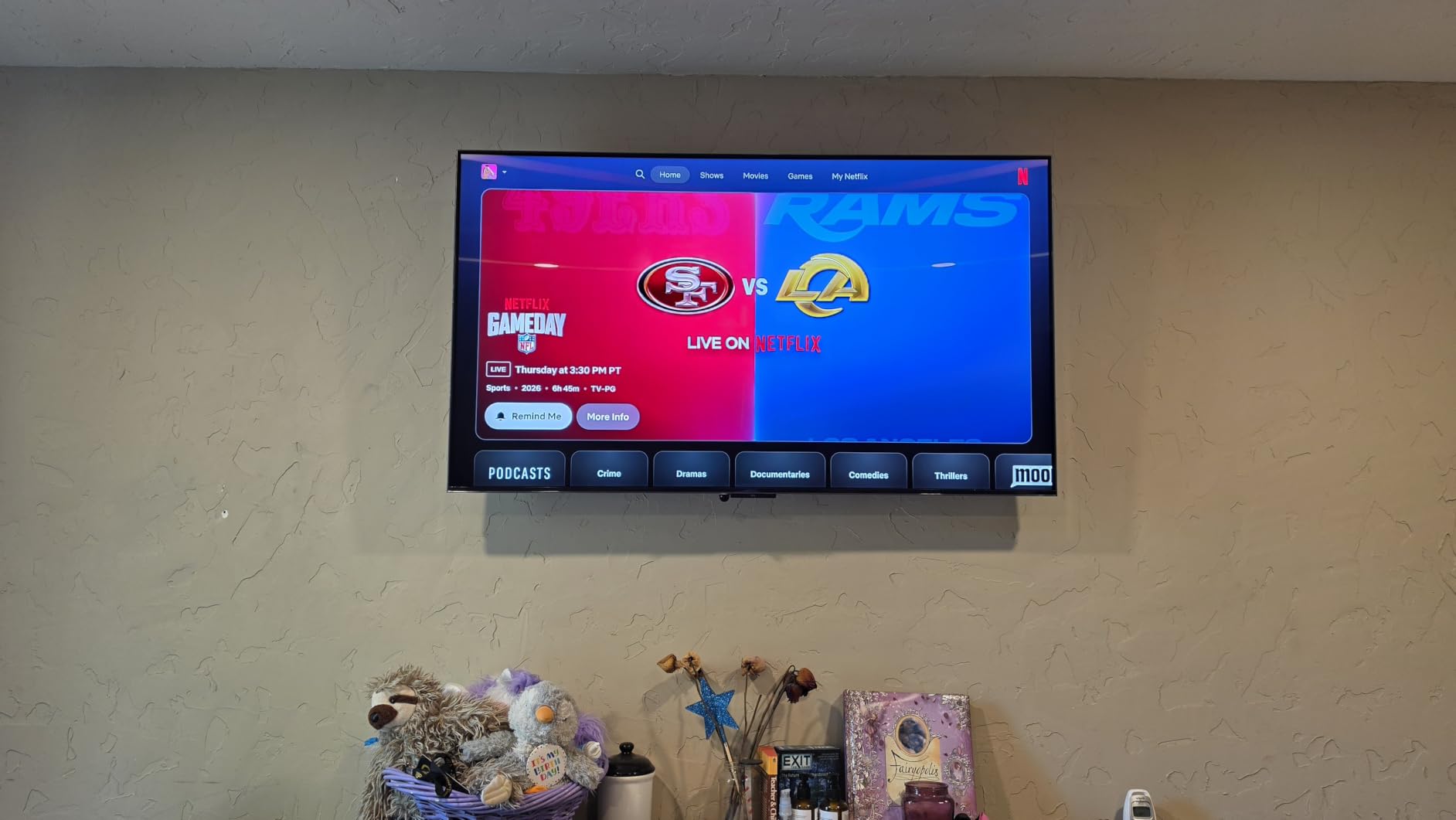
Dimming zones are the reason a Mini LED can hold shadow detail while the room is bright. With 1008 independently dimmable zones, bright highlights on screen stay bright while neighbouring areas of the frame drop toward black, so a dark suit in a daylight-lit scene still reads as a suit instead of a grey shape.
Buyers report that the zone count translates into a visibly cleaner image than edge-lit sets of the same size. The same reviewers flag the halo around small bright objects as mild rather than severe, which is the normal result of this zone count at this screen size.
The 2500 Nit Peak Claim Versus the 650 Nit Listed Maximum
This is the single most important spec caveat in the roundup. The listing quotes up to 2500 nits for HDR content and a maximum listed display brightness of 650 nit, and owners almost universally report the real-world experience sits closer to the second number.
That is not a flaw unique to this set. It is the normal relationship between a small-window peak measurement and the brightness a full-screen picture can hold. Judge this panel on the dimming and reflection behaviour, not on the peak claim.
Ultra-Low Reflection and the HVA Pro Panel
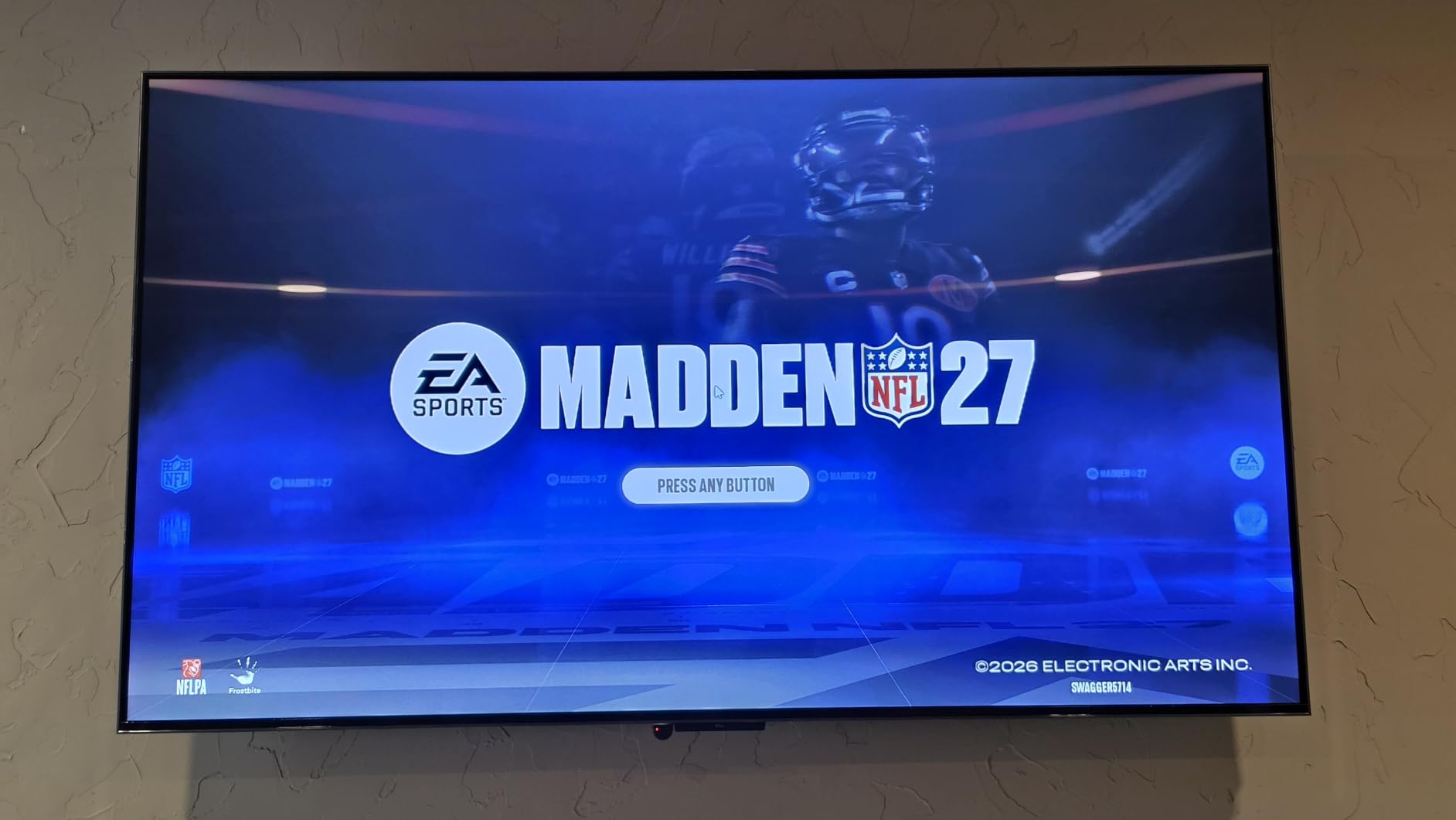
The panel is specified at 93% DCI-P3 coverage with an HVA Pro VA-type panel and ultra-low reflection treatment. In practice, the window reflection that bothered me on the cheaper sets in this list is largely gone, which is why a mid-range peak figure still produced a convincing daytime image.
Colour also holds up well off-axis for a VA panel, so a wide sofa and off-center seating spots do not tank the picture. If your room is bright and your seating is spread out, that combination is rarer than it should be.
Gaming, Audio and the Art Mode Surprise
Native 4K at 144Hz with a Game Accelerator mode rated up to 288Hz at 1080p, plus VRR, FreeSync Premium Pro and ALLM, covers the gaming feature list well. Two of the four HDMI ports are HDMI 2.1, so plan your console and PC connections around that.
Audio is the weak point: an Onkyo 2.0 system at 10 watts per channel, with Dolby Atmos, DTS:X and DTS Virtual:X decoding on board. At 85 inches that is thin, and most owners add a soundbar. The art features are a genuine bonus, since Art Gallery, Digital Art, Art Memory and Ambient Mode all run without a subscription or an external control box.
2. TCL 65-Inch QM6K – Our Best Value Pick for a Sunny Living Room
TCL 65 Inch Class QM6K Series | Mini LED QLED 4K HDR | 65QM6K, Latest Model | 120HZ-144HZ High Brightness Smart Google TV Dolby Atmos Onkyo Audio | Voice Remote Alexa Gaming Streaming Television
65 inch QD-Mini LED QLED
Full array local dimming
144Hz native, 288Hz Game Accelerator
Dolby Vision, HDR10+, HLG
Onkyo 2.1 with subwoofer
Pros
- QD-Mini LED local dimming gives deeper blacks than entry LED
- 144Hz native with 288Hz Game Accelerator is rare at this tier
- Onkyo 2.1 system with a real subwoofer
- Google TV is quick to set up
- Reviewers report reflections largely under control
Cons
- Google TV home screen is cluttered with ad tiles
- Auto volume adjust can sound artificial
- Google Home app often fails voice power commands
Most people shopping a Mini LED for a bright living room do not need an 85-inch screen, and the QM6K is where I would start. It is a QD-Mini LED with full array local dimming, a native 144Hz panel and a 288Hz Game Accelerator mode, which is a feature list that was premium-only a few generations ago.
At 37.8 pounds with a 2.2 inch depth, it is also one of the easier sets here to move and mount yourself. Reviewers describe it as a clear upgrade over entry-level LED sets and older LED models, with bright HDR and deep blacks for the money.
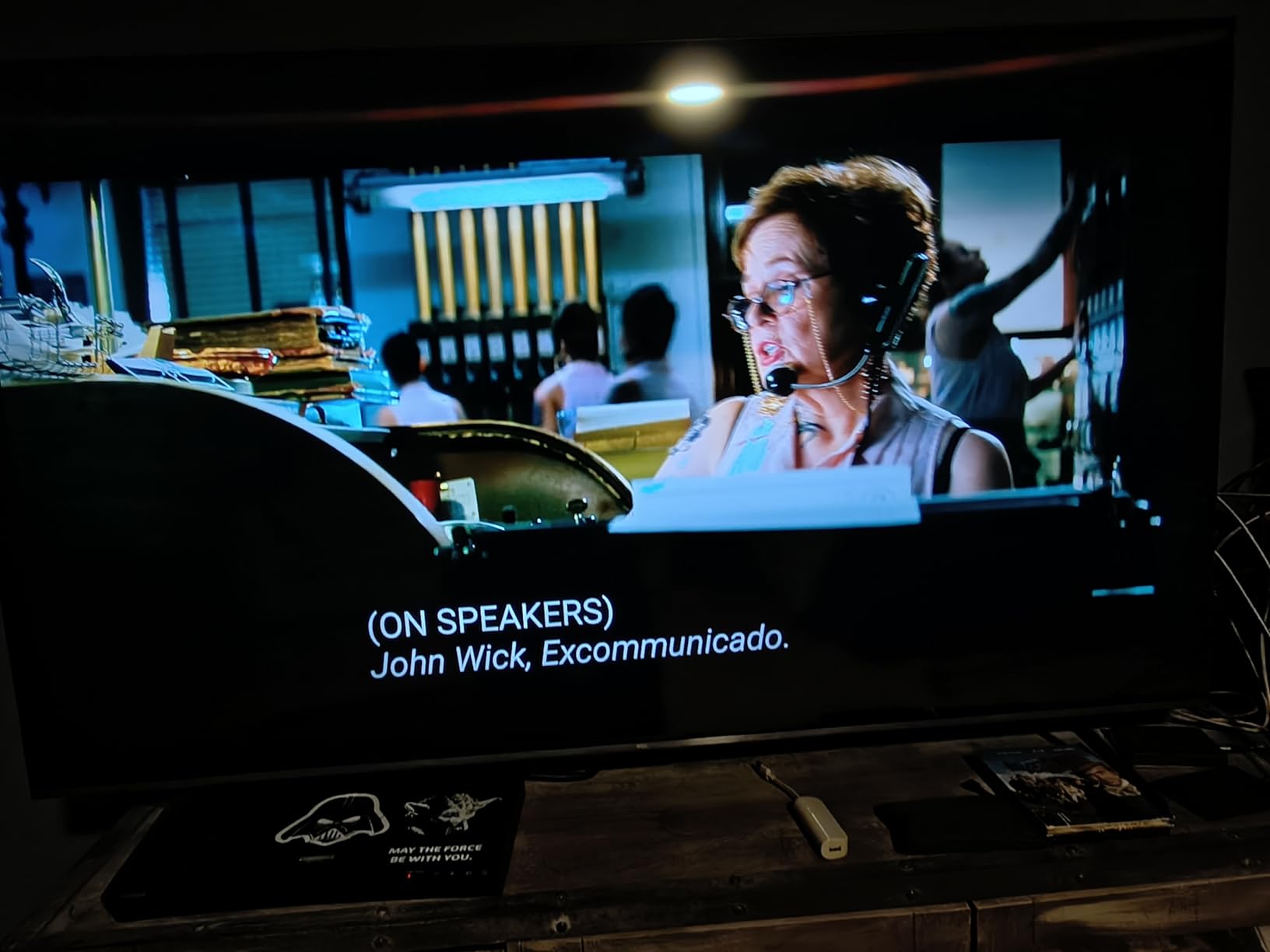
Backlight Control and Why Halo Control Matters Daytime
TCL Halo Control technology handles the backlight, and the practical effect reviewers describe is less blooming and better shadow detail than standard edge-lit LED sets. In daylight, that difference is amplified because your eyes are already working harder to see the image.
Quantum dot colour sits on top of the Mini LED backlight, which widens the gamut without the brightness penalty that quantum dot can bring on cheaper panels. The result is colour that stays saturated when the sun is on the other side of the room.
144Hz, Game Accelerator 288 and Four HDMI Ports
A native 144Hz refresh rate with Motion Rate 480 and a 288Hz Game Accelerator covers fast sports and console gaming well, and four HDMI ports means you are not swapping cables every time you change devices. A 178 degree viewing angle specification also helps if seating is off to one side.
HDR support covers Dolby Vision, HDR10+, HDR10 and HLG, which is the full mainstream set. Complete HDR format coverage matters more in a bright room because it gives the tone mapping more options to fight ambient light.
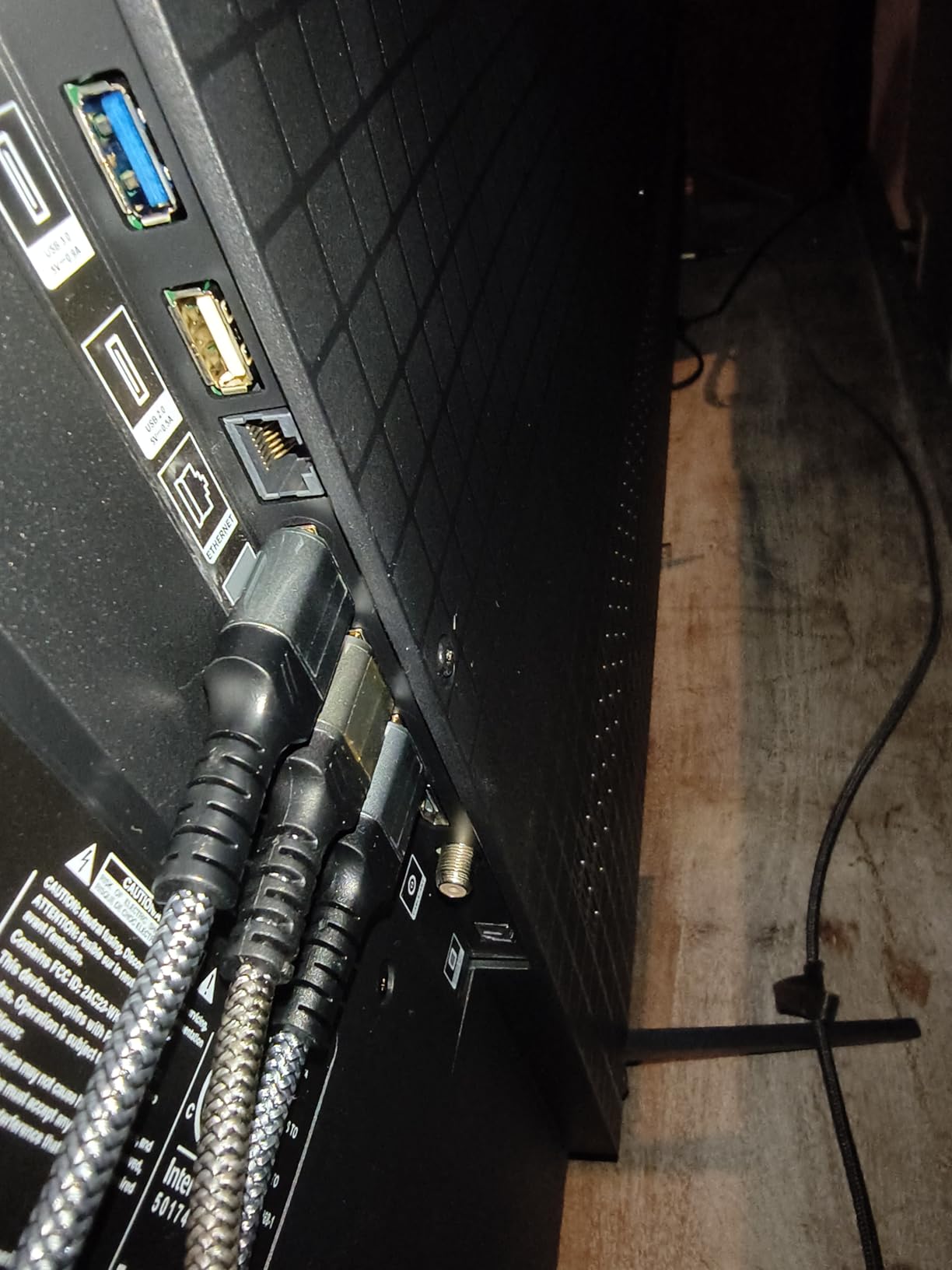
Audio That Beats the Usual TV Speakers
The Onkyo 2.1 speaker system with a built-in subwoofer is genuinely unusual at this size and price point, and reviewers call it unusually capable for built-in TV audio. Four HDMI ports and two USB ports round out a generous connection count.
The recurring audio complaint is not about the hardware but the processing: TCL auto volume adjust can sound artificial, and most owners switch it off. Owners also recommend a soundbar for movies.
Google TV Setup and the Software Annoyances
Setup is quick and the picture and sound menus are useful when you are dialling a set for a bright room. The interface is snappy, which is more than can be said for some competing platforms.
Two software gripes repeat often enough to mention. The Google TV home screen is crowded with ads and recommendation tiles, and the Google Home phone app frequently fails to recognise the TV for voice power commands, so you will be reaching for the backlit remote more often than you planned.
3. Roku 65-Inch Plus Series 65R6C7 – The Easiest Mini LED Setup With Dolby Vision
Roku 65-Inch Plus Series Smart TV – 4K QLED Mini-LED TV – RokuTV
65 inch QLED Mini LED
Full array local dimming
Dolby Vision, HDR10+, HLG
60Hz native panel
Dolby Atmos 4.1, 50 watts
Pros
- Full array local dimming at a mid-range tier
- Dolby Vision plus HDR10+ and HLG is rare here
- Roku OS is the simplest and fastest interface in the group
- Built-in subwoofer with 50 watt Dolby Atmos is the most capable TV audio at this tier
Cons
- 60Hz native panel limits high-end 4K gaming
- Picture can look grainy with light skin tones
- Roku remote app is slow to connect
Two things decide this pick. The first is that the Roku Plus Series supports Dolby Vision alongside HDR10+ and HLG, which very few sets in this price band do. The second is the Roku OS, which owners consistently describe as the simplest interface and the fastest setup in the category.
For a household that has never tuned a TV before and just wants the thing to work in a bright room without a phone app and a support line, that combination is hard to argue with. Pair it with a Bluetooth headphone mode and the set becomes a private daytime screen in a shared living space.
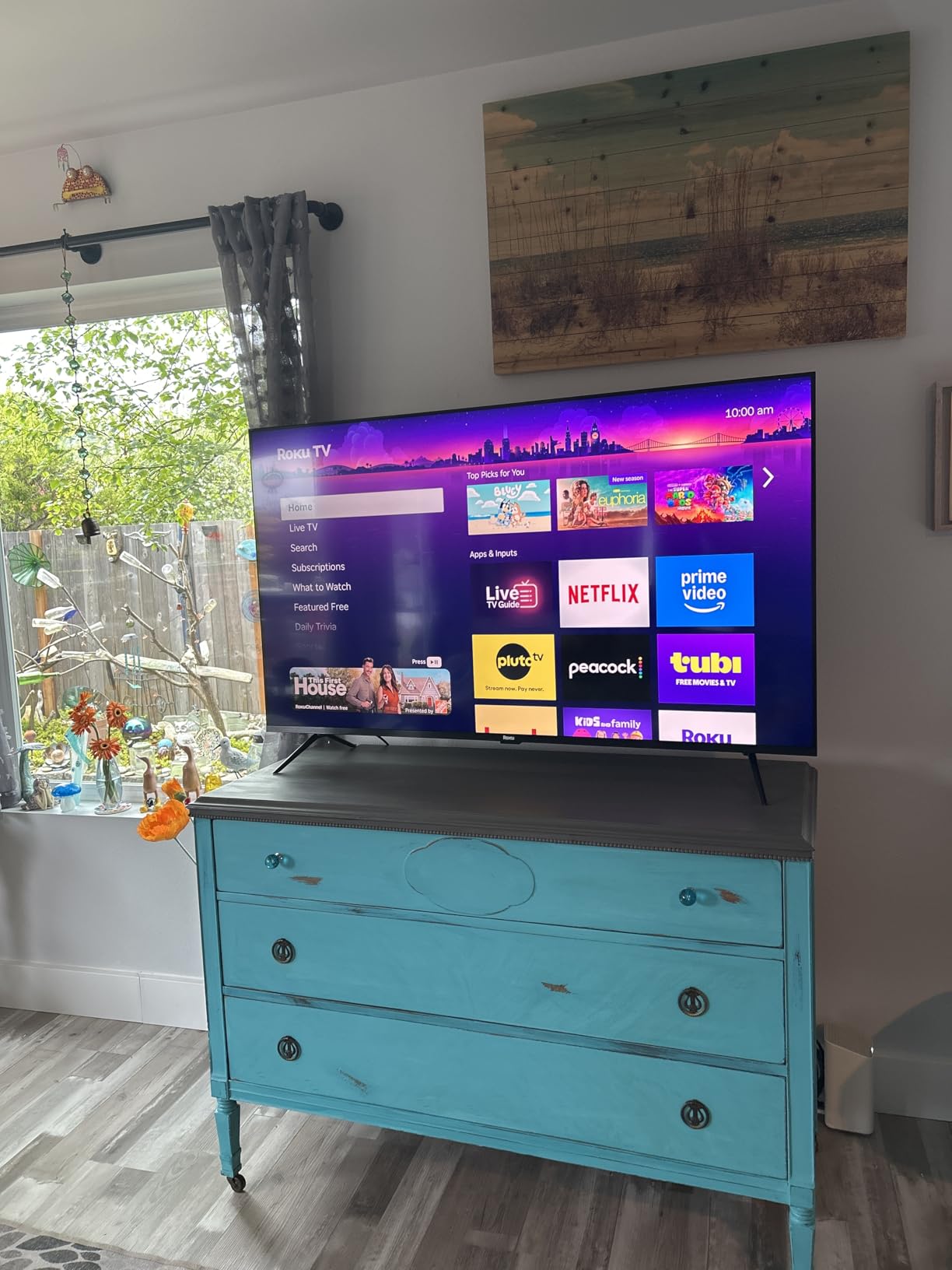
Full Array Local Dimming on a QLED 4K Panel
The backlight is Mini LED with full array local dimming across a QLED 4K panel, which is exactly the architecture you want for a lit room. Dark areas of the frame dim while highlights stay punchy, and the quantum dot colour layer keeps reds and greens from going flat in daylight.
Energy use is listed at 224 kilowatt hours per 1000 hours, which is a reasonable figure for a 65-inch set that will be run bright during the day. If your room gets strong afternoon sun, expect to spend more hours at high brightness than a dark-room buyer would.
Roku Smart Picture Max and Signal Cleanup
Roku Smart Picture Max handles AI picture optimisation, cleaning up and optimising incoming signals. That matters in a bright room because picture processing decides how aggressively highlights are held back to avoid clipping, and a weaker processor tends to flatten the image when there is a lot of light on it.
The one recurring picture complaint is grain appearing with light skin tones and bright colours. If you watch a lot of bright daylight animation or beach content, check the set in a store under showroom lighting before committing.
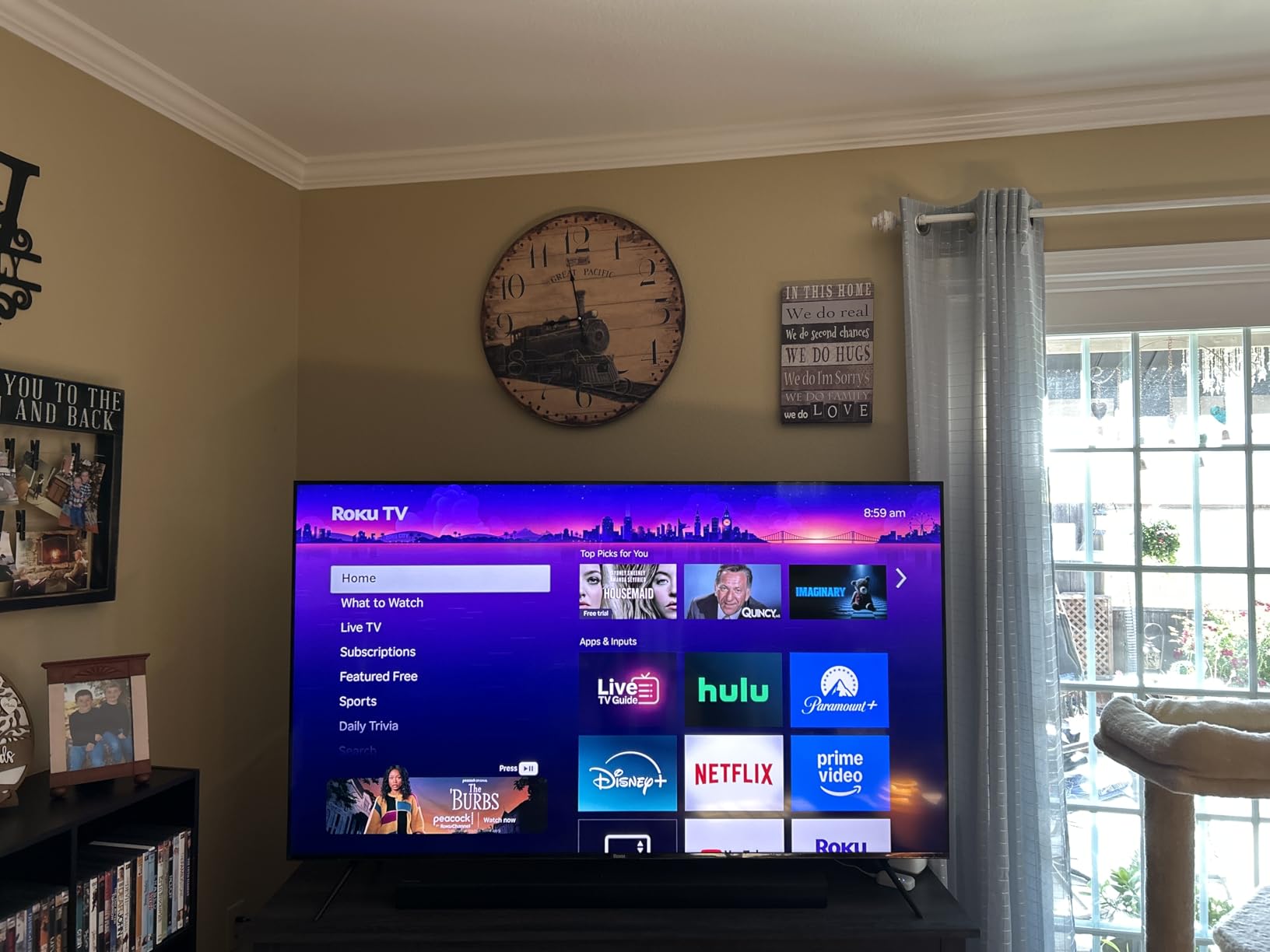
Dolby Atmos With a Real Subwoofer at 50 Watts
The 4.1-channel Dolby Atmos system with a built-in subwoofer at 50 watts is unusually capable for built-in TV audio, and owners single it out. The listed 60Hz response time describes the panel rather than the speakers, and confirms this is a native 60Hz design.
Bluetooth Headphone Mode is genuinely useful in a sunny room shared with a sleeping child or a home office. A soundbar is still the upgrade if movies are a priority, but this set does not need one for everyday TV.
Ports, Platform Limits and the Remote App
Four HDMI ports, Ethernet, Wi-Fi, AirPlay 2 and Miracast cover the connection list, and a voice remote with a remote finder is included.
Two limits are worth planning around. The 60Hz native panel rules it out for high-end 4K gaming, and the Roku remote app takes a long time to connect before it is usable, which is annoying if your TV is tucked on a wall. There is also no RCA audio output, so older sound systems are not an option.
4. Samsung 65-Inch M70H – Mini LED Contrast at the Entry Tier
Samsung 65-Inch Class M70H Series, Mini LED, 4K, Smart TV, 2026 Model
65 inch Mini LED
Supreme Mini LED Dimming
60Hz native panel
HDR10+ only
Tizen with Samsung TV Plus
Pros
- Mini LED backlighting and local dimming at an unusually low tier
- Pure Color Spectrum and Color Booster give vivid colour
- Samsung TV Plus offers free streaming with no subscription
- Light 31.7 pound chassis is easy to handle
Cons
- Only 60Hz native despite the DLG 120Hz marketing label
- No Dolby Vision support
- Three HDMI ports and one USB port
- Thin built-in two-channel audio
The M70H exists to answer one question: can you get Mini LED local dimming without stepping up a tier? For a bright room where you mostly watch football, news and daytime television, the answer here is yes, and the Tizen platform adds free content that reduces the number of subscriptions in the house.
At 31.7 pounds, it is also the easiest set in this roundup to install on a wall or move between rooms, which matters if you are still working out where the screen should face.
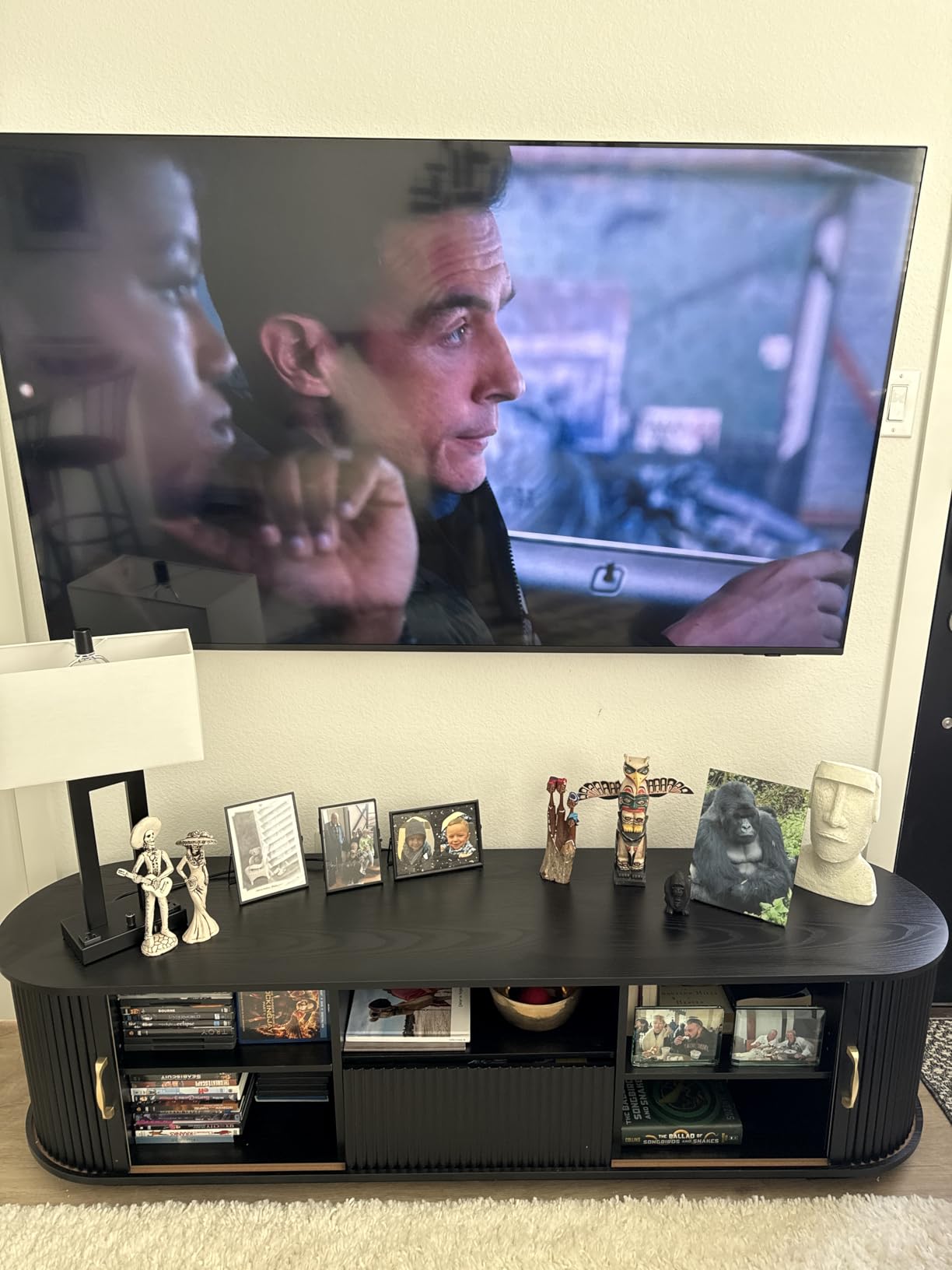
Supreme Mini LED Dimming and Pure Color Spectrum
The Mini LED Processor 4K drives Pure Color Spectrum colour with one billion colours and a Color Booster that intensifies reds, blues and greens. Owners value this as an inexpensive way to move from standard LED to Mini LED contrast and colour, which is the core upgrade a bright room actually needs.
Supreme Mini LED Dimming handles the local dimming side. Zone counts are not published for this set, so treat the contrast improvement as a real but modest step rather than the class-leading control you get on a 1008-zone panel.
The 60Hz Question and Why the DLG Label Misleads
This is the most important caveat in the whole M70H listing. The panel is 60Hz natively, and the DLG 120Hz figure in the marketing refers to a motion clarity feature rather than a native refresh rate.
For a bright-room buyer who cares about football and daytime sport, Soccer Mode with 40% clearer motion and boosted greens is more relevant than a high refresh rate. If you are also a console or PC gamer, look elsewhere on this list.
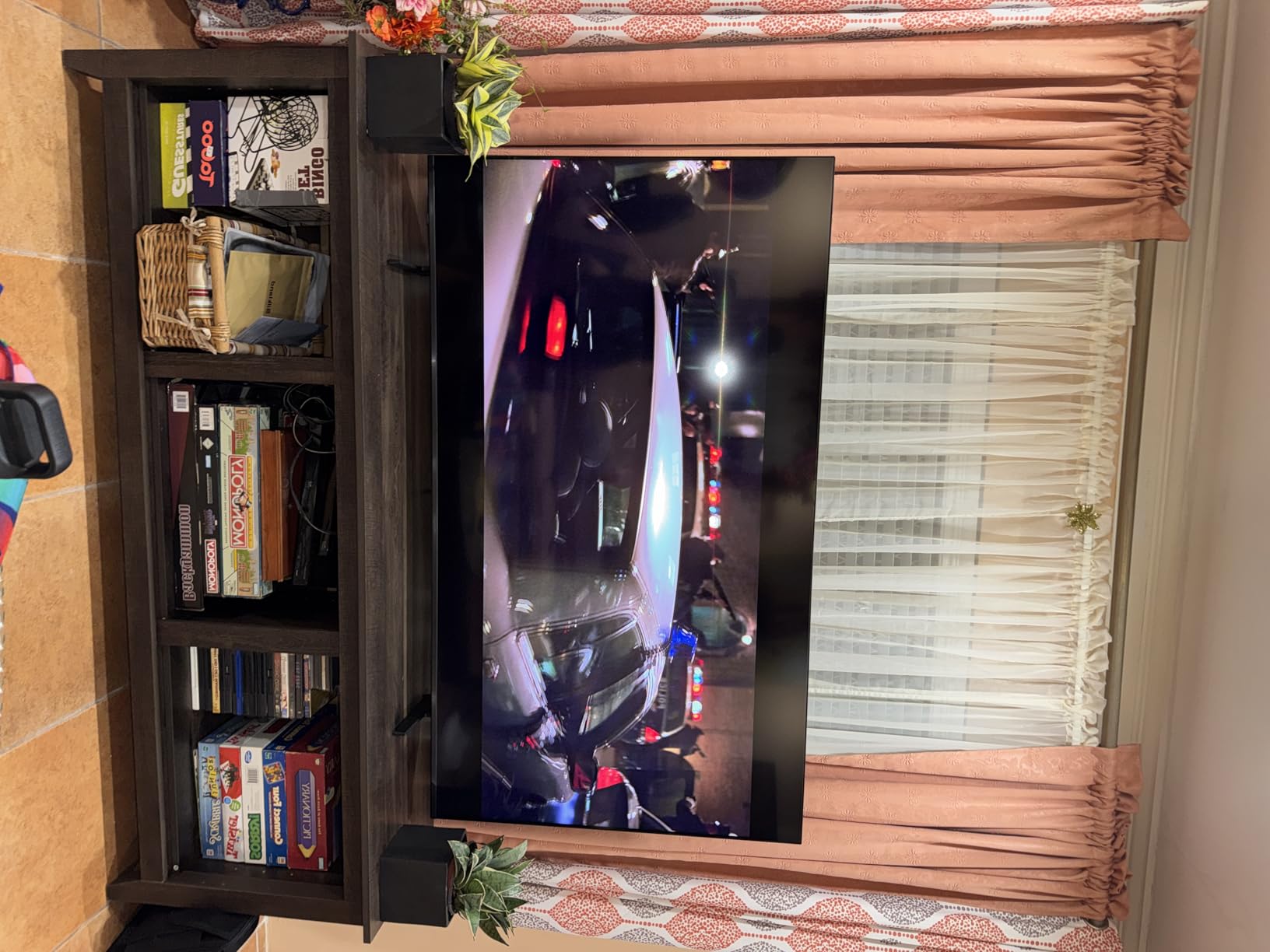
HDR10+ Without Dolby Vision
HDR support is listed as HDR10+ only, with no Dolby Vision. That is the single biggest reason not to buy this set if your HDR library comes from streaming services, because Dolby Vision is where most dynamic range metadata is properly handled.
It also means the picture in a very bright room is being tone mapped from a less capable format. The Mini LED backlight still gets you the brightness; you are giving up some of the shading precision that makes highlights look natural.
Ports, Audio and the Free Content Angle
Three HDMI ports and a single USB port is the leanest connection list here, which is tight if you have a console, a streaming box and a soundbar. Bluetooth 5.3, Wi-Fi and Ethernet are all present.
Built-in two-channel speakers are thin for a 65-inch set, as you would expect at this tier. The real compensation is Samsung TV Plus with 2,700 or more free streaming options including 750 or more TV Plus channels, plus a Gaming Hub that recommends what to play. Owners mention the free content as a frequently praised bonus.
5. Hisense 65-Inch E7 Cinema Series 65E7SF – The Set That Reads Your Room Light
Hisense 65″ E7 Cinema Series Hi-QLED Mini-LED 4K UHD Smart Fire TV (65E7SF, 2026 NEW) – Native 144Hz, AI Picture, Dolby Vision IQ · Atmos, FALD, HDR10+ Adaptive, MEMC, Alexa+
65 inch Hi-QLED Mini LED
Full array local dimming
Native 144Hz
Dolby Vision IQ and HDR10+ Adaptive
AI Light Sensor
Pros
- Full array local dimming gives deep blacks and bright color
- Native 144Hz Game Mode makes fast motion smooth
- Complete HDR support including Dolby Vision IQ
- AI Light Sensor adapts the backlight to ambient room light
Cons
- Some units report Wi-Fi dropouts needing factory resets
- Occasional black-screen hangs on reboot
- 20W 2.0 speakers are average
- Wall-mount bracket not included
The E7 Cinema Series is the pick for a room that changes through the day. Its AI Light Sensor adjusts the backlight to ambient conditions in real time, so a room that goes from bright at breakfast to dim in the evening does not need you touching the settings at all.
It is also the most complete HDR package at this size, with Dolby Vision, Dolby Vision IQ, HDR10+, HDR10 and HDR10+ Adaptive all supported. That matters more than usual in a bright room because the tone mapping engine has more formats to work with when it is fighting ambient light.
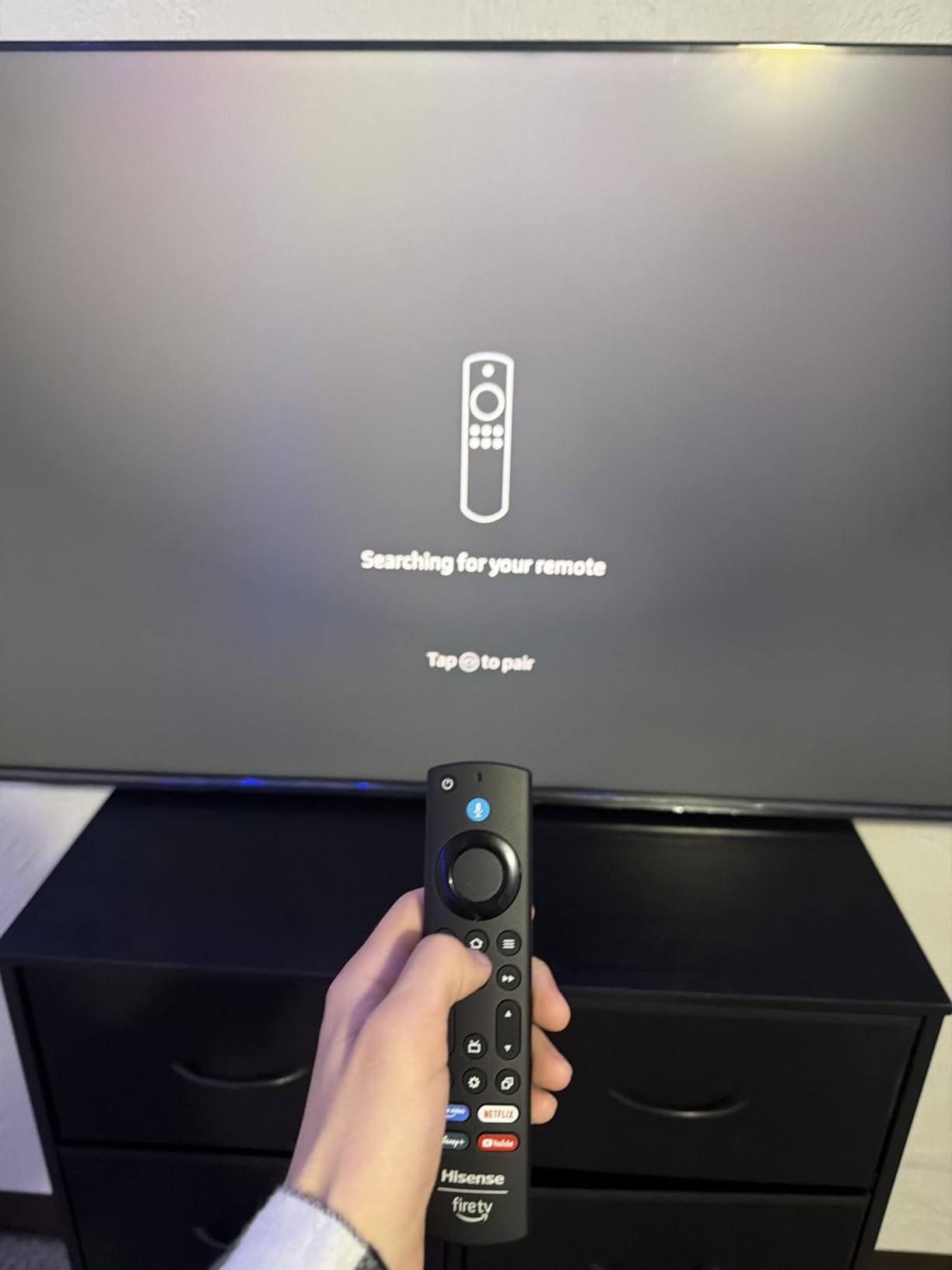
Hi-QLED Full Array Local Dimming and AI Picture
The panel is Hi-QLED with quantum dot colour, wide colour gamut and full array local dimming behind a Mini LED backlight. Owners describe deep blacks and bright, eye-popping colour as the standout result, and the AI Picture engine optimises brightness, contrast and colour scene by scene.
An AI 4K upscaler using deep-learning detail reconstruction helps with the older broadcast and streaming content that dominates daytime viewing. AI Smooth Motion with MEMC and black frame insertion, Filmmaker Mode and AI Sports Mode fill out the picture tools.
Native 144Hz and a Complete HDR Format List
The native 144Hz Game Mode is one of the higher native refresh rates available at 65 inches in this group, and owners single it out as noticeably smooth for both fast sports and PC or console gaming. Four HDMI ports are provided, though the wall-mount bracket is not included.
Most owners call the picture a genuine step up from what they had before. The one hardware complaint that shows up in reviews is a unit delivered with damaged pixels, which is a delivery issue rather than a panel characteristic.
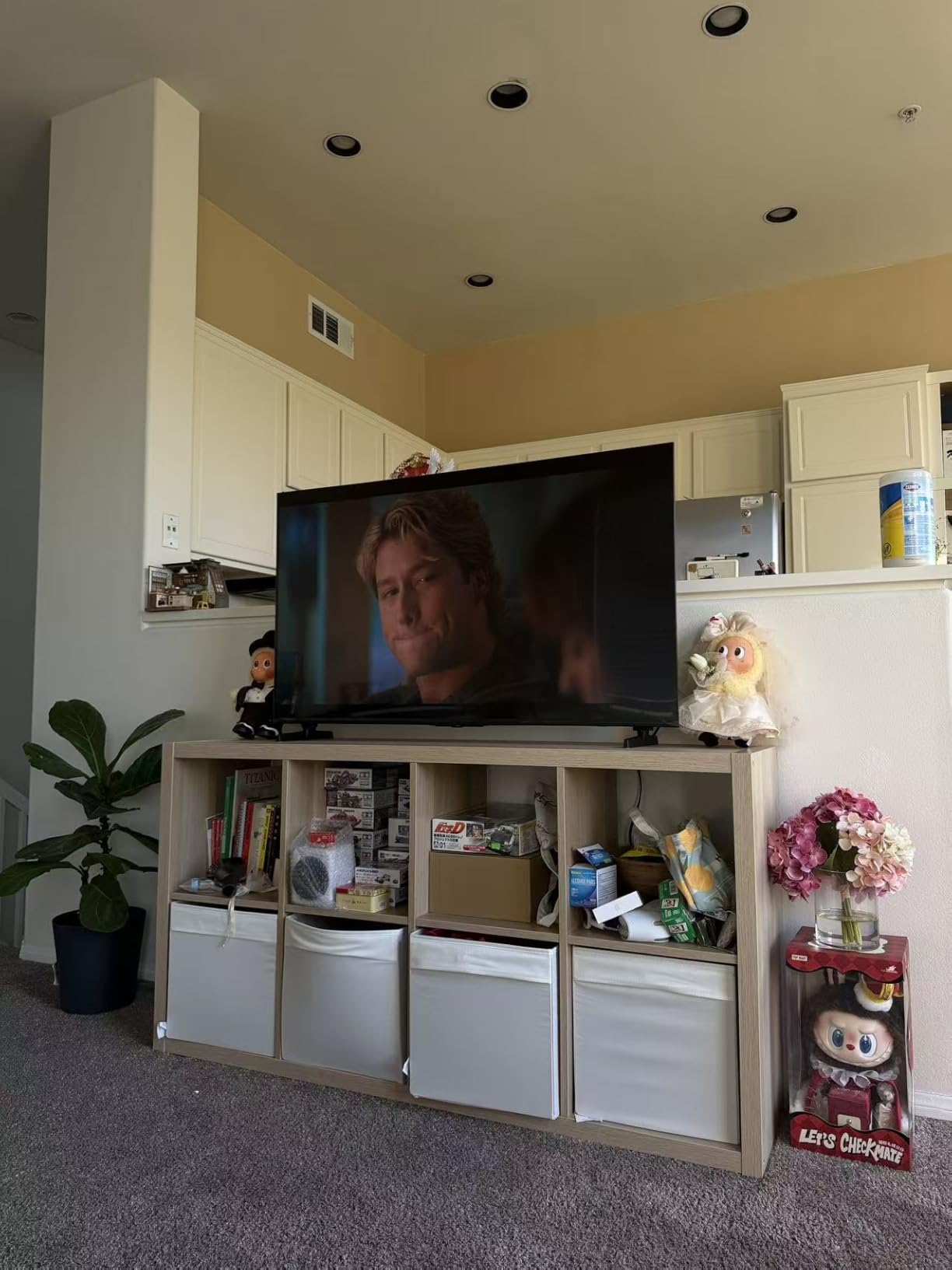
The AI Light Sensor in a Real Sunny Room
This is the feature that separates the E7 from the other 65-inch sets here. The AI Light Sensor adapts the backlight to ambient room light, which in a south-facing room means the picture self-corrects as the sun moves instead of requiring a manual brightness change.
It is not a substitute for a matte panel, because a sensor cannot fix a mirror. But paired with full array local dimming and a Mini LED backlight, it keeps output stable across the conditions that normally force you to reach for the remote.
Reliability, Audio and the Fire TV Experience
Reliability is the thing to weigh here. A small but vocal group of owners report recurring Wi-Fi dropouts that need factory resets, and occasional black-screen hangs on reboot that only a physical unplug clears. The Fire TV interface is otherwise described as simple and responsive, with an easy Alexa remote for less technical users.
Audio is a 20 watt 2.0 system with Dolby Atmos, which owners rate as average and worth upgrading with a soundbar. Power consumption is listed at 220 watts, so budget for a bright set running many hours in a sunny room. Fire TV also lacks a prompt to connect an Amazon home theatre or soundbar system, which is an odd omission on a Fire TV.
6. Sony 85-Inch BRAVIA 5 K-85XR50 – The Matte Screen That Tames Reflections
Sony 85 Inch BRAVIA 5 Mini LED 4K HDR Smart Google TV (K-85XR50)
85 inch Mini LED
Matte anti-glare finish
1000 nit maximum brightness
120Hz native
Acoustic Multi-Audio 5.1
Pros
- Matte screen finish resists reflections in bright rooms
- XR Backlight Master Drive controls thousands of Mini LEDs
- Studio calibrated modes need almost no tweaking
- Fast Google TV with a built-in mic switch
Cons
- Only two of four HDMI ports are HDMI 2.1
- Remote has no number buttons and is not backlit
- Settings menus are deep
- 102 pounds makes setup a two-person job
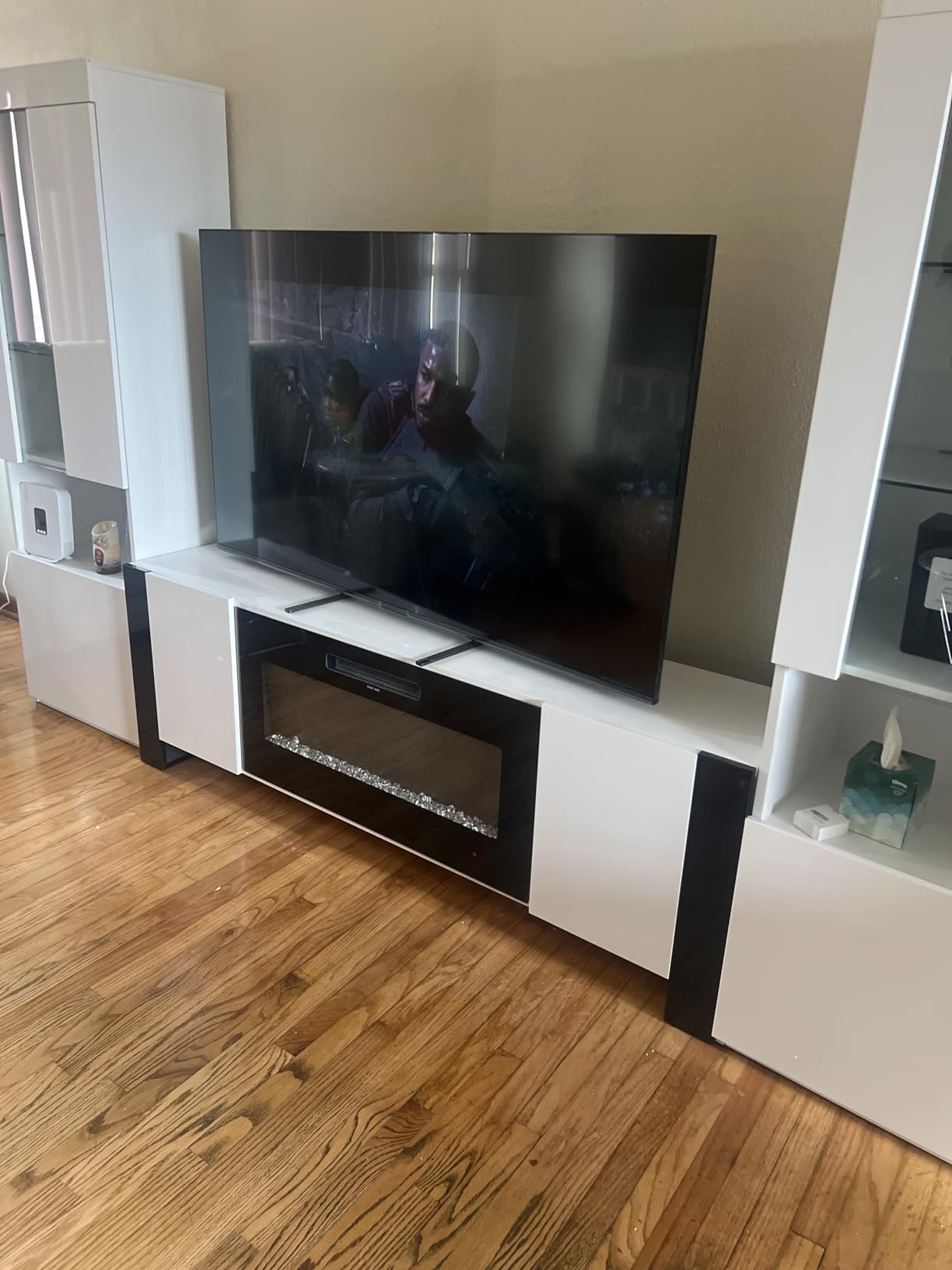
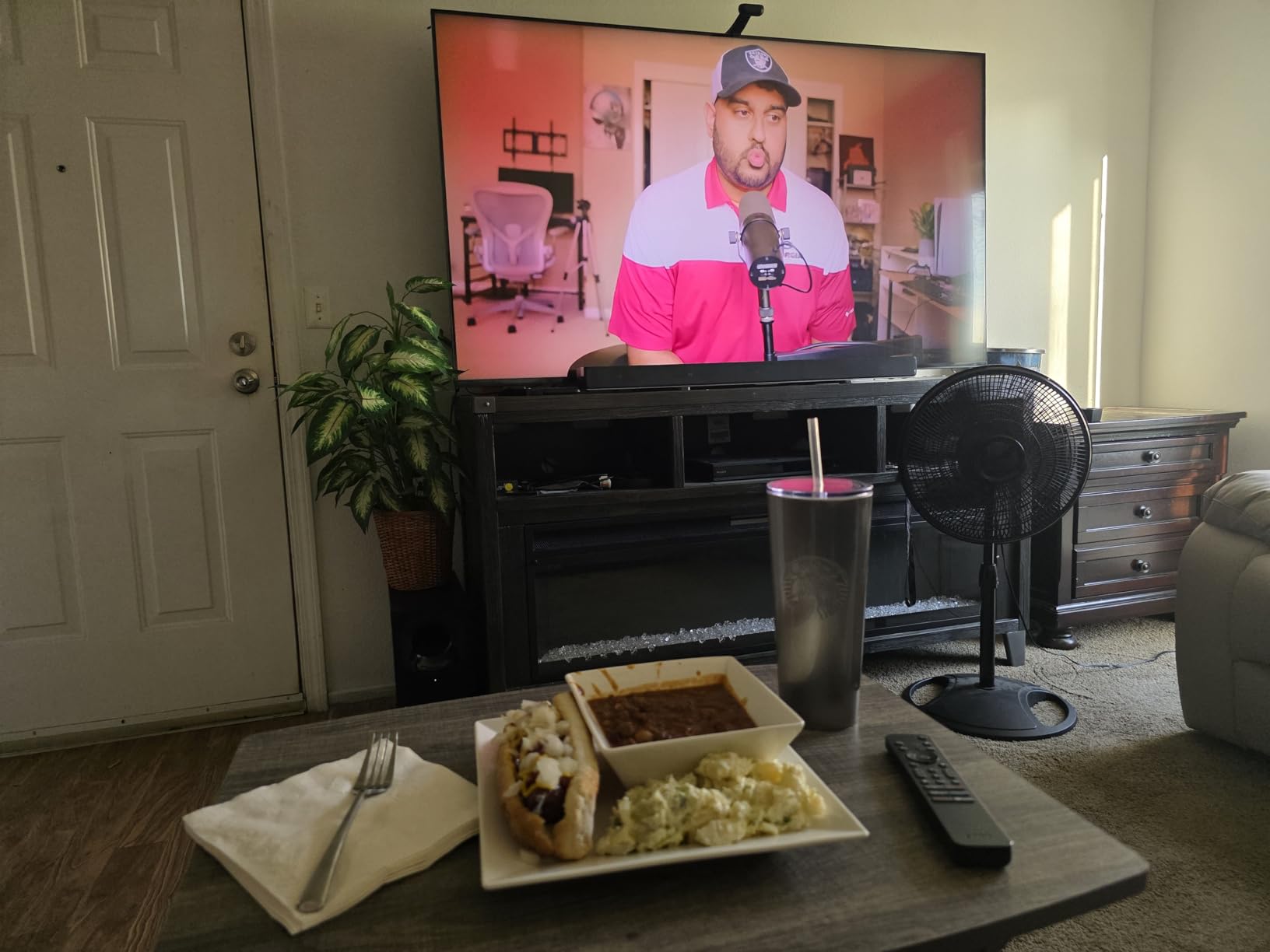
Owners name the matte screen finish first, every time. In a room with floor-to-ceiling windows, the BRAVIA 5 is the set in this roundup that owners describe as holding its picture through the day, and 80% of its reviews are five-star, the highest share here.
That matte finish is a real engineering trade. It scatters reflections rather than mirroring them, which costs some contrast and adds a slight haze in a dark room. If you watch at night in a blacked-out room, that haze is the price you pay. If you watch at two in the afternoon, it is the reason to buy this set.
1000 Nits Maximum and What Sony Is Actually Claiming
Sony lists a maximum display brightness of 1000 nit, which is a more honest number than most marketing peak claims in this category. It is a stated sustained figure rather than a small-window HDR peak, and it is the kind of specification you can shop against without a decoder ring.
XR Backlight Master Drive controls thousands of Mini LEDs behind the panel, and that precision is what lets a 1000 nit set still render dark scenes with visible separation rather than a grey wash. Annual energy consumption is listed at 546 kilowatt hours per 1000 hours and power at 372 watts, which is the running cost to factor for a bright-room set left on through the day.
Matte Finish, Viewing Angle and the Room Test
The matte anti-glare screen finish is the headline feature, and the technical list also confirms a built-in microphone switch, which is a nice touch for a set that might be listening in a private room. XR Contrast Booster 10 and XR Clear Image upscaling handle the processing side.
Dimming and glare are two different problems, and only this set addresses both at once in a bright room. Add a native 120Hz panel and it becomes a genuinely good daytime television rather than a night-time set that tolerates daylight.
Processing That Removes the Need for Calibration
Studio calibrated picture modes for Netflix, Prime Video and Sony Pictures CORE are among the most praised features in owner reviews, along with the auto genre picture mode. The consensus is that the picture is right out of the box with minimal tweaking, which removes a real cost of ownership.
PS5 features include Auto HDR Tone Mapping and Auto Genre Picture Mode, and IMAX Enhanced joins Dolby Vision, Dolby Atmos and DTS:X. Five 4K movie credits are included. Owners also praise Google TV performance, which they describe as fast with no lag.
Audio, Ports and the Weight Problem
Acoustic Multi-Audio gives 5.1 channels at 40 watts, and owners say the simulated surround is better than expected from what is effectively a two-speaker system. That is more capable than the audio in every other 85-inch set here.
Two practical issues remain. Only two of the four HDMI ports are HDMI 2.1, so a gamer and a console plus a soundbar will need an adapter. And at 102 pounds, setup is a two-person job, which is worth knowing before the box arrives.
7. Sony 85-Inch BRAVIA 7 K-85XR70 – Excellent Processing, Reflective Panel
Sony 85 Inch BRAVIA 7 Mini LED QLED 4K HDR Smart Google TV (K-85XR70)
85 inch Mini LED QLED
XR Backlight Master Drive
120Hz native
Two HDMI 2.1 ports
No anti-reflection coating
Pros
- Very bright high-contrast picture holds up in well-lit rooms
- XR processing rescues older 1080p and lower content
- IMAX Enhanced and calibrated streaming modes look excellent out of the box
- Fast Google TV with no lag
- ATSC 3.0 tuner pulls in more over-the-air channels
Cons
- Reflective screen mirrors every light source in a bright room
- Viewing angles degrade beyond roughly 30 degrees off centre
- Only 120Hz with two HDMI 2.1 ports
- Remote is small and not backlit
I want to be straight about this one, because it is the pick most likely to disappoint someone with a sunny room. The BRAVIA 7 has the best processing in this roundup, and it also has a reflective screen with no X-Anti Reflection coating, which is the single most cited complaint in its reviews.
If the room is bright and the TV faces a window or a lamp, choose the BRAVIA 5 instead. If the room is bright but the screen is off the window axis and you watch a lot of older broadcast content, this set’s upscaling is genuinely difficult to match.
Why the Reflection Complaint Dominates the Reviews
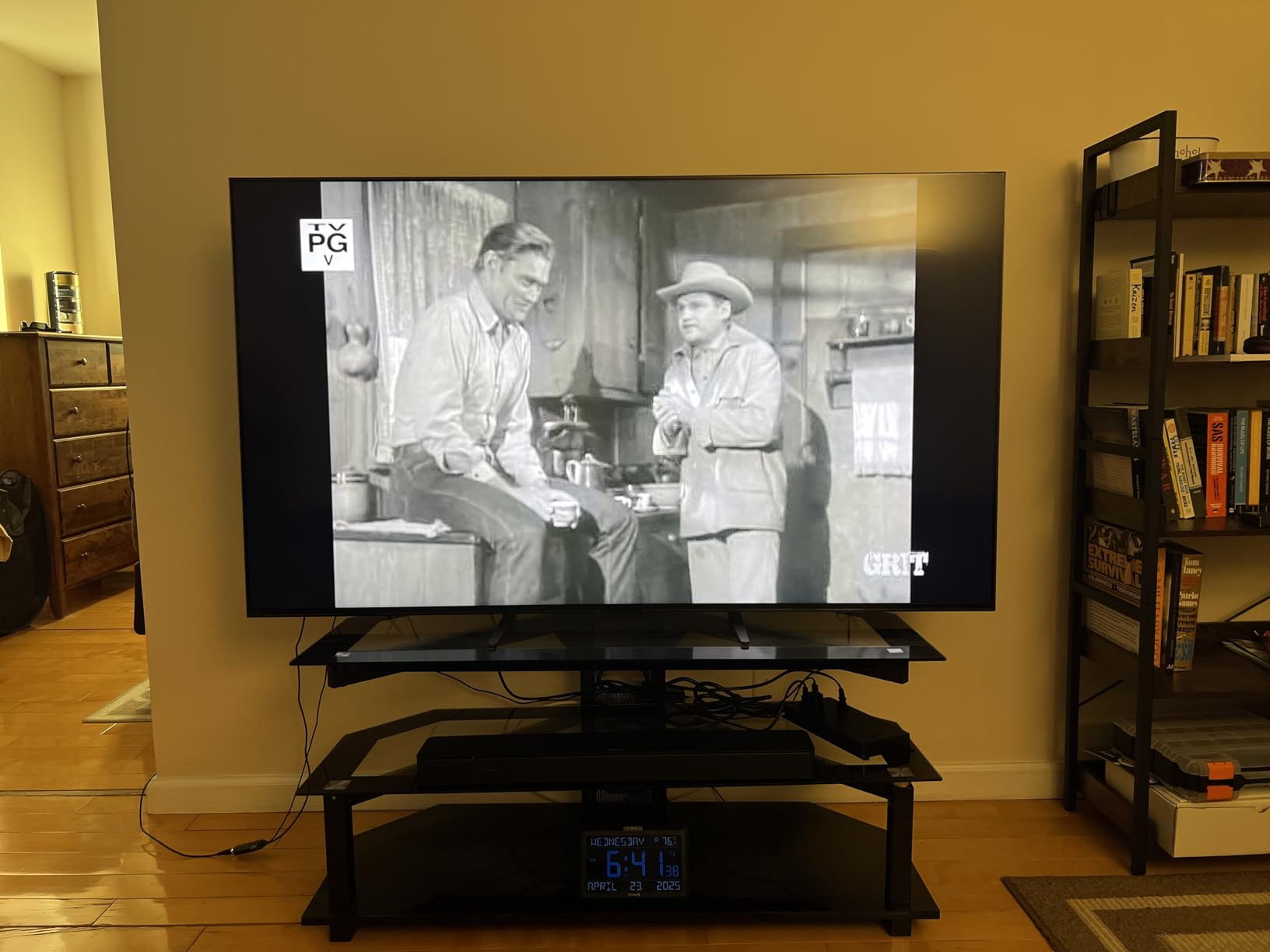
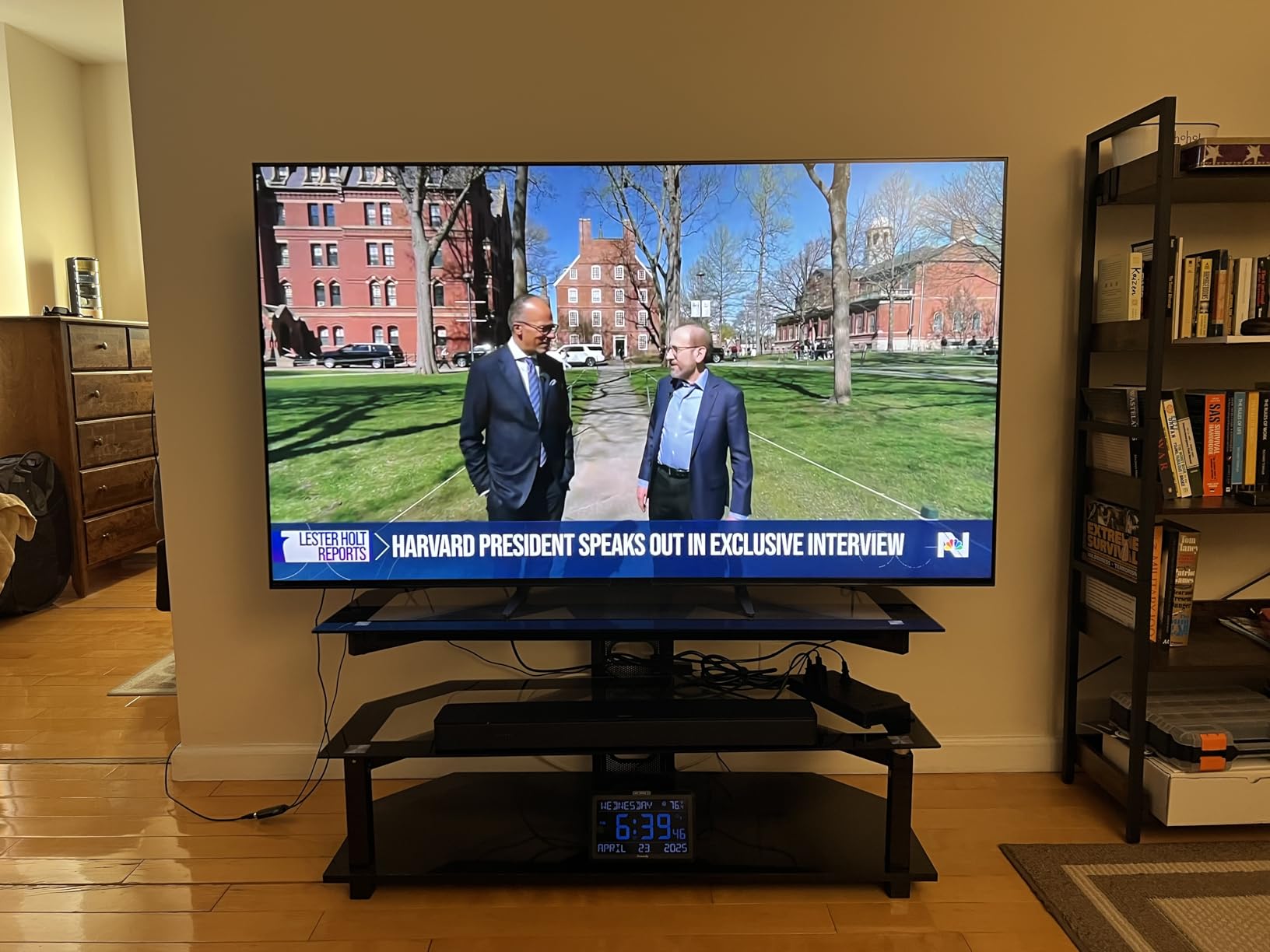
Owners report that the screen mirrors every light source in a bright room, and the panel also has weaker X-Wide Angle handling, so off-axis viewing dims noticeably beyond roughly 30 degrees from centre. In a lit space, those two effects compound each other.
18% of this set’s reviews are one-star, the highest share in the group, mostly over picture setup complexity and the remote rather than the panel itself. That tells you the hardware is good and the ownership experience is fussy.
XR Processing and Upscaling Older Content
Here is where the set earns its place. The XR Processor with AI and XR Clear Image upscaling make older 1080p and lower content look dramatically better, and several owners say the set performs as well as or better than the OLED sets it replaced, even in rooms with floor-to-ceiling windows.
Cinema, IMAX Enhanced and calibrated streaming modes look excellent out of the box, and studio calibrated modes cover Netflix, Prime Video and Sony Pictures CORE. Five 4K movie credits plus twelve months of classics are included, and Dolby Vision, Dolby Atmos, IMAX Enhanced and DTS:X are all present.
120Hz, Two HDMI 2.1 Ports and the ATSC 3.0 Tuner
The 120Hz panel with two HDMI 2.1 ports is not built for competitive gaming, and that is a fair trade for the processing work this processor is doing. The ATSC 3.0 tuner is a genuine practical upgrade, picking up many more over-the-air channels than ATSC 1.0 sets, which matters for anyone without a streaming subscription.
XR Backlight Master Drive Mini LED local dimming with XR Triluminos Pro colour delivers the brightness and contrast, and owners consistently describe the picture as very bright and high contrast in well-lit rooms. Blooming around bright highlights in high-contrast scenes is the other complaint worth knowing about.
The Remote, the Weight and the Sound
The included remote is small, not backlit and made from speckled recycled plastic, and several owners replaced it outright. Settings menus are deep enough that several reviews describe real frustration getting picture settings right, which is the opposite of the out-of-the-box experience the BRAVIA 5 offers.
Acoustic Multi-Audio at 40 watts is described as improved over earlier Bravia models with good dialogue boost. At 111.7 pounds, this is the heaviest set in the roundup, so professional installation or a second person is realistic for a wall mount.
8. TCL 85-Inch QM8L – The Biggest Peak Brightness Figure on the List
TCL 85 Inch Class QM8L Series | SQD-Mini-LED QLED Smart TV | 85QM8L, 2026 Model | 144Hz | Ultimate Color Brightness & Contrast | Google AI Bang & Olufsen | Voice Control Gaming Streaming Television
85 inch SQD-Mini LED
4000+ dimming zones
Up to 6000 peak nits
5nm Ultra Color Filter
144Hz with 288Hz Game Accelerator
Pros
- 4000+ dimming zones with very high peak brightness for HDR punch
- 5nm Ultra Color Filter gives accurate color and wide viewing angles
- 144Hz with 288Hz Game Accelerator and FreeSync Premium Pro
- Bang and Olufsen 5.1 audio with a subwoofer
Cons
- Only 100 reviews so far so long-term reliability is unproven
- No Dolby Vision or Dolby Atmos certification listed
- Glossy finish picks up room reflections
- 91.7 pounds needs two people to wall mount
The QM8L is TCL’s flagship SQD-Mini LED and it posts the largest number in this roundup: up to 6000 peak nits across 4000 or more discrete dimming zones, using a WHVA 2.0 Ultra Panel and the TCL Halo Control System. Owners consistently pick out brightness, zone count and colour accuracy as the class-leading features.
The honest framing is that this is a very new set with a small review pool, and the glossy screen finish means it will mirror a window. Buy it for the dimming precision and gaming headroom rather than for reflection handling.
4000+ Dimming Zones and the Zone-Level Behaviour You Feel
More than 4000 discrete dimming zones is the finest backlight control in this roundup, and 26-bit dynamic dimming with a super micro-OD reduced optical distance is designed to keep halos off bright objects. In a bright room, that precision is what stops subtitles and logos from sitting in grey boxes.
Owners single out the zone count together with peak brightness as giving exceptional contrast and HDR punch. Note the shape of the claim: this is a peak figure, so treat the daytime experience as good rather than as a 6000-nit screen.
The 5-Nanometer Ultra Color Filter and Wide Angles
The TCL Ultra Color Filter uses 5-nanometer particles against the 60-nanometer particles in a standard filter, and the result owners describe is pinpoint, accurate colour with wide viewing angles. Wide angles matter more in a bright room because off-center seating usually means extra light on the screen at the same time.
AI Color, AI Contrast, AI Clarity, AI Motion, AI Upscaling and AI Sound handle processing, with Google Gemini for interactive AI and voice control. An ambient light sensor is included, joining the Hisense E7 in adapting output to the room.
Gaming: 144Hz, Game Accelerator 288 and HDMI 2.1
HDMI 2.1 signalling, a 144Hz refresh rate, a Game Accelerator mode rated at 288Hz, a Game Bar and AMD FreeSync Premium Pro make this one of the two strongest gaming specification lists in the roundup. Four HDMI ports are provided.
PS5 Auto HDR Tone Mapping and Auto Genre Picture Mode are not listed for this model, which is a small oddity for a flagship. If your gaming is on current-generation hardware at high frame rates, this is the set to look at.
Bang and Olufsen Audio, a Glossy Panel and an Unproven Track Record
Audio by Bang and Olufsen gives 5.1 channels with a dedicated subwoofer and surround speakers, with optional wireless satellite speakers. That is one of the two most capable built-in audio systems in this group, and it takes the pressure off adding a soundbar later.
Two things temper the recommendation. The glossy finish picks up room reflections, which in a bright room is the wrong trade. And with 100 reviews, long-term reliability is not yet established, so the flagship picture hardware is still on probation. At 91.7 pounds, wall mounting needs two people or a professional installer.
How Many Nits Do You Actually Need in a Sunny Room?
Aim for 1000 nits or more if daylight is your primary viewing condition, and treat anything below 600 nits as a night-time set. That threshold is the single most useful number in this guide, because it is the line between a TV that fights a sunlit room and one that loses to it.
Below is how that maps to real conditions rather than spec sheets. The room condition matters more than the number, because the same panel performs completely differently depending on where the sun is.
Blinds closed and no direct sun: 500 to 700 nits is comfortable, and a mid-tier Mini LED handles this easily. Blinds open, indirect daylight across the room: 800 to 1000 nits, which is where most of the sets in this roundup land. Near a window with the sun low and hitting the wall beside the screen: 1000 to 1500 nits. Direct sun striking the panel itself: no indoor set fully solves it, and the answer is placement rather than a bigger number.
That last row is the one buyers skip. A panel facing a west window at 5 p.m. in summer will be challenged by any indoor television, because you are asking a surface to out-shine a light source pointed straight at it. The mitigation is orientation, not brightness: turn the screen 90 degrees from the window axis, or accept that it is a night-time set.
Sustained brightness is the number the spec sheet omits. A set quoted at 2500 nits peak may list a 650 nit maximum display brightness, and the second figure is closer to what a full-screen daylight picture looks like. When a brand publishes both, read the second one.
Why the Anti-Reflective Coating Matters More Than the Nits Number
Reflection decides whether a bright-room TV works, and brightness only decides how good it looks once reflection is under control. A window mirrored across 85 inches of screen adds light the TV cannot switch off, and no amount of panel brightness fully cancels it because the reflected light scales with the room.
Owners of the matte-finished sets in this roundup describe this as the deciding factor for daytime viewing, and owners of the glossy sets describe lamps and windows appearing on the panel as the thing that made them return the set. That is a consistent split, not a preference.
The trade is real, though. Aggressive matte or anti-glare finishes scatter light, which reduces perceived contrast and adds a slight haze when the room is dark. Forum buyers debate this constantly and the consensus is that the haze is worth accepting in a room you actually use during the day.
Two of the eight sets here state a reflection treatment on the spec sheet: matte on the Sony BRAVIA 5, and ultra-low reflection on the TCL 85 Designer Series. When a brand does not say anything, assume a semi-gloss panel and plan your placement accordingly.
Mini LED vs OLED vs QLED in a Sunlit Room
Mini LED is the right technology class for a sunny room, and the reason is structural rather than a matter of degree. It is an LCD whose backlight is made of thousands of tiny, individually dimmable LEDs grouped into hundreds or thousands of zones, so it can push highlights very bright while still holding shadows down.
OLED wins in a dark room, and consensus among bright-room buyers is that no amount of OLED brightness fully solves a sunny space. An OLED also carries a permanent burn-in risk that gets worse the longer it runs at high brightness in a room people use all day, which is exactly the usage pattern in a sunny living room.
Standard QLED without proper local dimming is the option to skip. A quantum dot colour layer improves the colour filter but does nothing about reflections, and a bright room washes out the picture regardless of how good the colour layer is.
Two newer variants are worth naming. QD-Mini LED, which is the QM6K and the 85 Designer Series, adds quantum dot colour to a Mini LED backlight for a wider gamut at lower brightness cost. RGB Mini LED, sometimes sold as Micro RGB, uses red, green and blue LEDs in the backlight itself for very high peak brightness capability, and it is the direction the category is moving.
Bright-Room Buying Checklist Before You Spend
Measure the room first, then the screen. Note where the sun lands and at what hours, and how far the nearest window is from the panel. This single step eliminates more bad purchases than any spec comparison.
Set your brightness target using the ladder above rather than the peak figure on the box, and treat sustained brightness as the number that counts. Then pick your reflection level: matte if the screen faces a window, semi-gloss if it does not.
Zone count is your contrast lever. More dimming zones means highlights can be bright while their surroundings stay dark, which is what preserves colour saturation in a lit room. The 85 Designer Series with 1008 zones and the QM8L with 4000 or more are the strongest examples in this group.
For size, brighter rooms support bigger screens because a larger image is easier to see when the room light is competing. A 65-inch set works well in a typical bright living room, and 75 to 85 inches makes sense in an open-plan space with clerestory windows. Sit the right distance back that the whole image fills your field of vision from your normal seat, not the maximum you could justify.
Check HDMI 2.1 port counts if you game. Several sets here offer full HDMI 2.1 bandwidth on only two ports, so plan your console, PC and soundbar connections before you mount the panel.
Finally, mitigate the room rather than only the TV. Mount the screen off the window axis, keep blinds half drawn during peak hours, turn off any energy-saving picture mode that dims the panel, and set brightness high for daytime viewing. Those five steps do more for a marginal set than any upgrade you can buy.
Frequently Asked Questions
Is Mini LED good for sunny rooms?
Yes, Mini LED is the right panel class for a sunny room. Its backlight is made of thousands of individually dimmable LEDs, so it can push highlights very bright while holding shadows down, which standard LED and QLED sets without local dimming cannot do. Look for 1000 nits or more of usable brightness plus a matte or ultra-low reflection finish, because reflection rather than raw brightness is what usually decides the outcome.
What is the best TV for bright, sunny rooms?
The TCL 85 Designer Series 85A400U is our overall pick, pairing 1008 dimming zones with an ultra-low reflection panel. For a more typical living room, the TCL 65QM6K is the best value option, and the Roku 65 Plus Series is the easiest to set up. Whatever the size, prioritise a stated reflection treatment and 1000 nits or more of brightness over a headline peak number.
What type of TV is best for direct sunlight?
No indoor television fully resists direct sun striking the panel, so placement matters more than any spec. Mini LED with a matte or ultra-low reflection finish handles glancing light best, and 1000 nits or more of sustained brightness is the practical floor. If the sun hits the screen directly, turn the panel 90 degrees from the window axis or use the set only outside peak hours.
Is mini-LED or OLED better for bright rooms?
Mini LED is better for bright rooms. OLED produces deeper blacks and wins in a darkened room, but ambient light washes out its advantages, and running an OLED at high brightness all day raises permanent burn-in risk in exactly the usage pattern a sunny living room produces. Forum consensus among bright-room buyers is that no amount of OLED brightness fully solves a sunny space.
Does an anti-reflective screen make a TV look worse?
Slightly, yes, and it is a real trade. Matte and anti-glare finishes scatter reflections instead of mirroring them, which reduces perceived contrast and adds a faint haze that is most visible in a dark room. In a sunlit room that haze is rarely noticeable while the reflection you removed would be obvious all day, which is why matte panels are worth it for daytime viewing.
Which Mini LED TV Should You Buy in 2026?
If the screen faces a window or a bright wall, buy the one that handles reflection. That is the TCL 85 Designer Series with its ultra-low reflection panel, or the Sony 85 BRAVIA 5 if you want matte treatment plus a stated 1000 nit maximum brightness and the best built-in audio in the group.
If your room is bright but the screen sits off the window axis and 65 inches is the right size, the TCL 65QM6K is the value pick with 144Hz native refresh and full HDR format support, and the Roku 65 Plus Series wins if Dolby Vision and a painless setup matter most. Tightest budget still gets you into the class with the Samsung 65 M70H, provided 60Hz and no Dolby Vision do not bother you.
For a room whose light changes constantly, the Hisense 65 E7 Cinema Series adapts its backlight to the ambient level automatically. For maximum dimming precision and gaming headroom, the TCL 85 QM8L is the spec leader, with the caveat that its glossy panel mirrors reflections and its review pool is still small.
All eight sets here are current-generation models reviewed for this roundup in 2026. Check the live listing for the exact configuration and size you want, then measure the room and decide the mounting position before you order.
Leave a Reply