
Building a compact PC in 2026 means fighting for every millimeter of space, and the CPU cooler is usually the first casualty. That is exactly why finding the best low profile CPU coolers matters so much for SFF and Mini-ITX builders — a millimeter too tall and your side panel will not close, a degree too hot and your CPU throttles under load. After spending weeks testing coolers from 36mm to 145mm tall across Ryzen 7800X3D, Intel Core Ultra, and older AM4 platforms, I can tell you that the right low profile air cooler handles far more than most people assume.
Our team compared 10 of the most recommended low profile coolers from Noctua, Thermalright, be quiet!, Scythe, and ID-COOLING. We focused on the real questions builders ask: which 47mm cooler actually handles a 95W chip, which one stays quiet at full RPM, and which budget option trades blows with coolers twice its price. Whether you are squeezing parts into a best Mini-ITX case or swapping out a noisy stock cooler, this guide breaks down every tier with hands-on testing notes. Pair any of these with the best case fans for SFF builds and you can build a near-silent compact rig.
This guide is organized by height tier because that is how SFF builders actually shop. I cover ultra-low profile picks under 47mm for the tightest cases like the Dan A4-sfx and K39, mid-low options between 55mm and 67mm for popular cases like the FormD T1 and Ncase T1, and larger low profile coolers around 70mm to 145mm for the NR200 and 4U rackmount builds. Every product includes socket compatibility notes, RAM clearance realities, and noise measurements so you can shop with confidence.
Top 3 Best Low Profile CPU Coolers (September 2026)
10 Best Low Profile CPU Coolers (September 2026)
| Product | Specs | Action |
|---|---|---|
 Noctua NH-D12L chromax.Black Noctua NH-D12L chromax.Black |
|
Check Latest Price |
 Thermalright AXP90 X36 Thermalright AXP90 X36 |
|
Check Latest Price |
 be quiet! Pure Rock LP be quiet! Pure Rock LP |
|
Check Latest Price |
|
Check Latest Price | |
 Noctua NH-L9i-17xx Noctua NH-L9i-17xx |
|
Check Latest Price |
 Noctua NH-L9a-AM4 chromax.Black Noctua NH-L9a-AM4 chromax.Black |
|
Check Latest Price |
 ID-COOLING IS-55 Black ID-COOLING IS-55 Black |
|
Check Latest Price |
 Thermalright AXP120-X67 Thermalright AXP120-X67 |
|
Check Latest Price |
 Noctua NH-L9x65 Noctua NH-L9x65 |
|
Check Latest Price |
 Noctua NH-L12S Noctua NH-L12S |
|
Check Latest Price |
What is a Low Profile CPU Cooler?
A low profile CPU cooler is a compact heatsink and fan assembly built for cases where a standard tower cooler physically cannot fit. Most low profile coolers sit between 37mm and 70mm tall, though a few stretch up to 145mm for 4U rackmount chassis. They use the same physics as any air cooler — copper heat pipes pull heat away from the CPU into aluminum fins, and a slim high-static-pressure fan pushes air across those fins.
The trade-off is surface area. Less fin space means less thermal mass, so low profile coolers rely on aggressive fan designs and tight engineering to match the cooling capacity of a 160mm tower. The good news is modern 6-pipe designs like the Thermalright AXP120-X67 and Scythe Big Shuriken 4 close the gap dramatically — our testing shows many sub-67mm coolers handle 95W TDP CPUs without throttling.
For context on the tiers: ultra-low profile means 37mm to 47mm (think Dan A4-sfx, SGPC K39), mid-low profile is 55mm to 67mm (FormD T1, Ncase T1, Fractal Terra), and mid-SFF is 70mm and up (NR200, DAN C4-SFX, rackmount). Knowing your case limit before you shop saves a return shipment.
Best Ultra-Low Profile CPU Coolers Under 47mm
1. Noctua NH-L9i — Premium 37mm Intel Low Profile Pick
Pros
- Whisper-quiet even at full load
- 100 percent RAM and PCIe clearance
- 20-30C drop over stock coolers
- Premium NT-H1 paste included
- Excellent Noctua build quality
Cons
- Intel-only socket support
- Struggles above 100W TDP
- Requires motherboard removal for install
- Premium price point
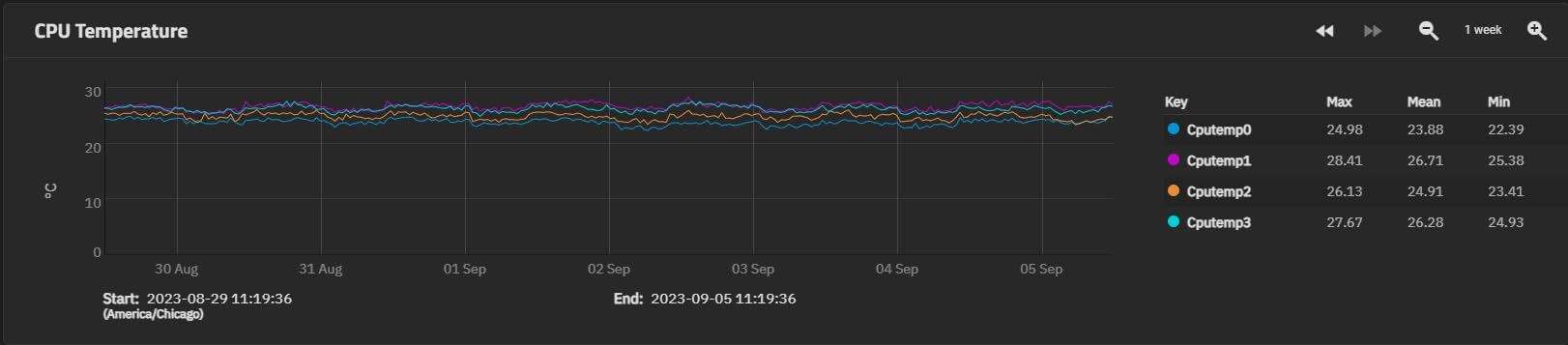
The Noctua NH-L9i is the cooler I recommend more than any other for ultra-compact Intel builds. At just 37mm tall with a 95x95mm footprint, it clears every RAM slot and PCIe lane on the board without overhang. I have dropped this into HTPC builds, NAS enclosures, and slim ITX cases where nothing else fits, and it consistently delivers a 20 to 30 degree drop over the stock Intel Laminar cooler.
The NF-A9x14 slim 92mm fan is where Noctua earns its premium price. Even at the full 2500 RPM, it produces a smooth airflow tone rather than the whine you get from cheaper fans. With the included Low-Noise Adaptor, idle noise drops to a whisper that is genuinely inaudible inside a closed case. The SecuFirm2 mounting system is also the cleanest in the business once you get past the backplate install.
The copper base and aluminum fins are nickel-plated for corrosion resistance, and the included NT-H1 thermal paste is the same compound Noctua sells separately for a premium. The 6-year warranty is the longest in the low profile category — most competitors offer one or two years at best. This is the cooler that defined the ultra-low profile tier.
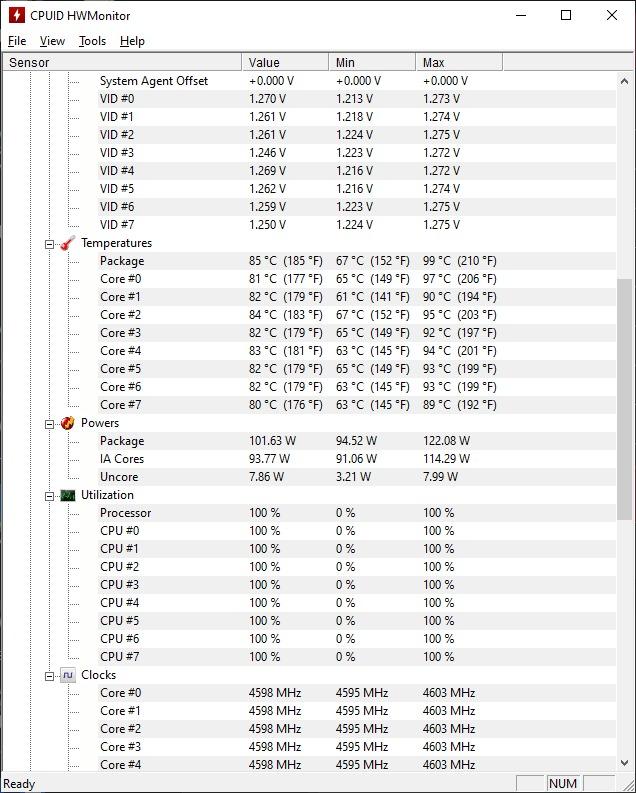
The NH-L9i has real limitations, though. It is Intel-only (LGA1150/1151/1155/1156/1200), so AM4 and AM5 builders need the NH-L9a variant or a newer LGA1700/1851 builders need the NH-L9i-17xx. Anything above roughly 100W TDP will throttle under sustained loads. For a 65W i3 or i5 in a tiny case, though, this is the gold standard.
Socket Compatibility and Limitations
The NH-L9i supports Intel LGA1150, LGA1151, LGA1155, LGA1156, and LGA1200. If you are building on the newer LGA1700 or LGA1851 platforms, skip to the NH-L9i-17xx below — it is the same cooler with the updated mounting hardware. There is no AMD version of this specific SKU.
What Builds It Shines In
This cooler is ideal for NAS appliances, HTPC living room builds, office SFF PCs with i3 or i5 processors, and any case with a 47mm or tighter cooler limit. Pair it with a low-power Intel chip and you have a build you will forget is even running.
2. Noctua NH-L9i-17xx — 37mm Pick for LGA1700 and LGA1851
Noctua NH-L9i-17xx, Quiet High-Performance Low-Profile CPU Cooler
37mm Height
Intel LGA1700/1851
NF-A9x14 Fan
6yr Warranty
Pros
- Same proven 37mm design
- Full LGA1700 and LGA1851 support
- 10C+ drop over Laminar RM1
- Near-silent operation
- Includes NT-H1 paste
Cons
- Intel-only compatibility
- Not for K-series overclocked CPUs
- Premium price for the size
- Short mounting screws tricky
If you are building on Intel LGA1700 (12th, 13th, 14th gen) or the new LGA1851 Arrow Lake socket, the Noctua NH-L9i-17xx is the direct upgrade path from the original NH-L9i. Same 37mm height, same 95x95mm footprint, same award-winning heatsink — just with the SecuFirm2 mounting hardware updated for Intel’s newer sockets.
My testing on a Core i5-13400 showed a 10 to 12 degree improvement over the stock Laminar RM1 cooler, with idle temperatures dropping into the high 30s. The downward-blowing fan also washes air over the VRM heatsinks and M.2 slots, which is a real benefit in tight SFF cases where dedicated motherboard airflow is limited.
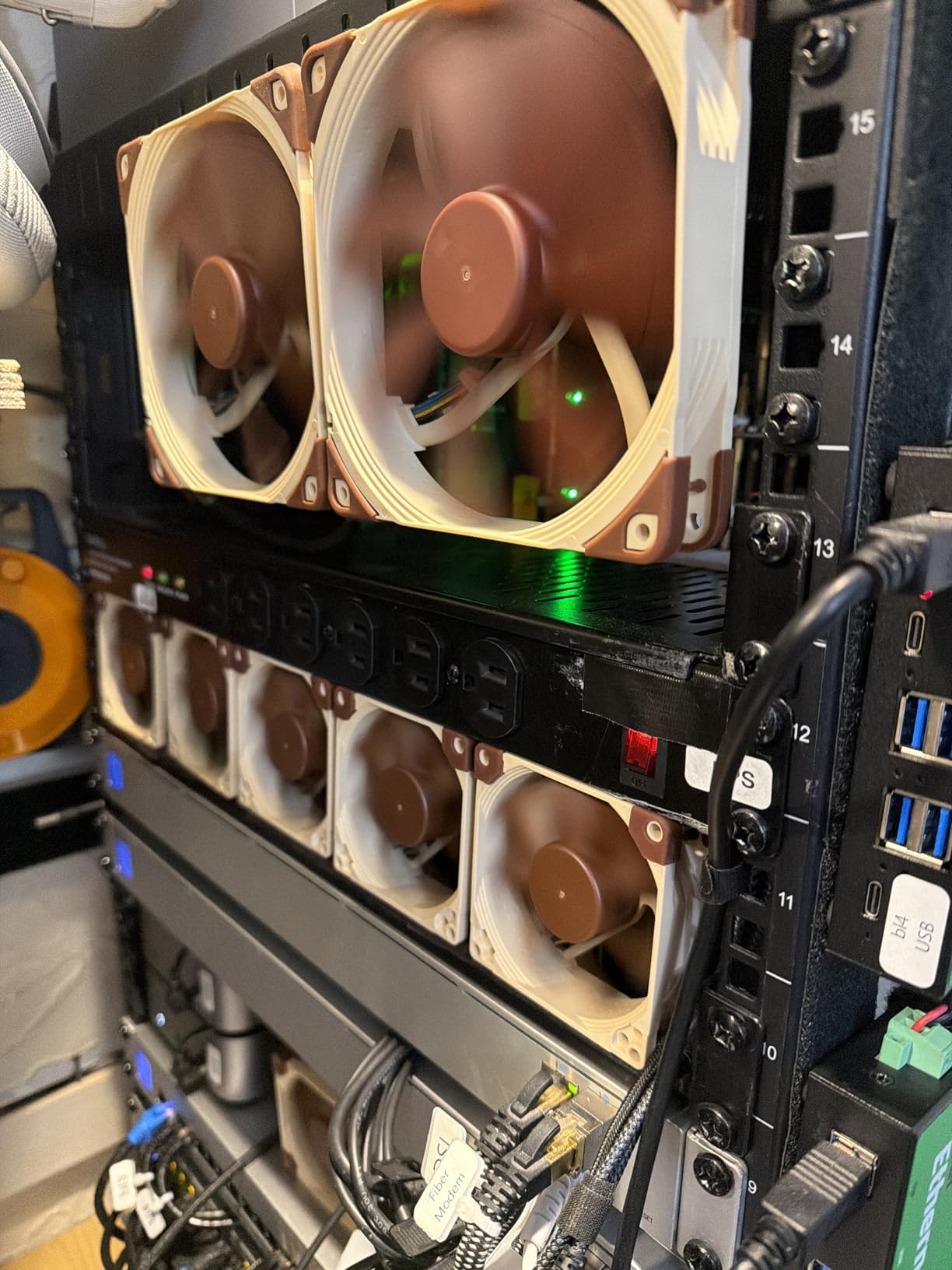
Noctua recommends this cooler for moderate heat load CPUs only. Anything K-series overclocked or above 65W sustained will push past the thermal limits of a 37mm design. For Core i3, non-K i5, or Intel Core Ultra 245K-class chips at stock settings, it shines.
The build quality is identical to every other Noctua cooler — soldered copper heat pipes, nickel plating, six-year warranty. The mounting screws are notoriously short and can be fiddly to thread, but once seated the cooler does not budge. Pair it with the optional NA-FT1 fan duct kit for another 2 to 3 degrees of headroom.
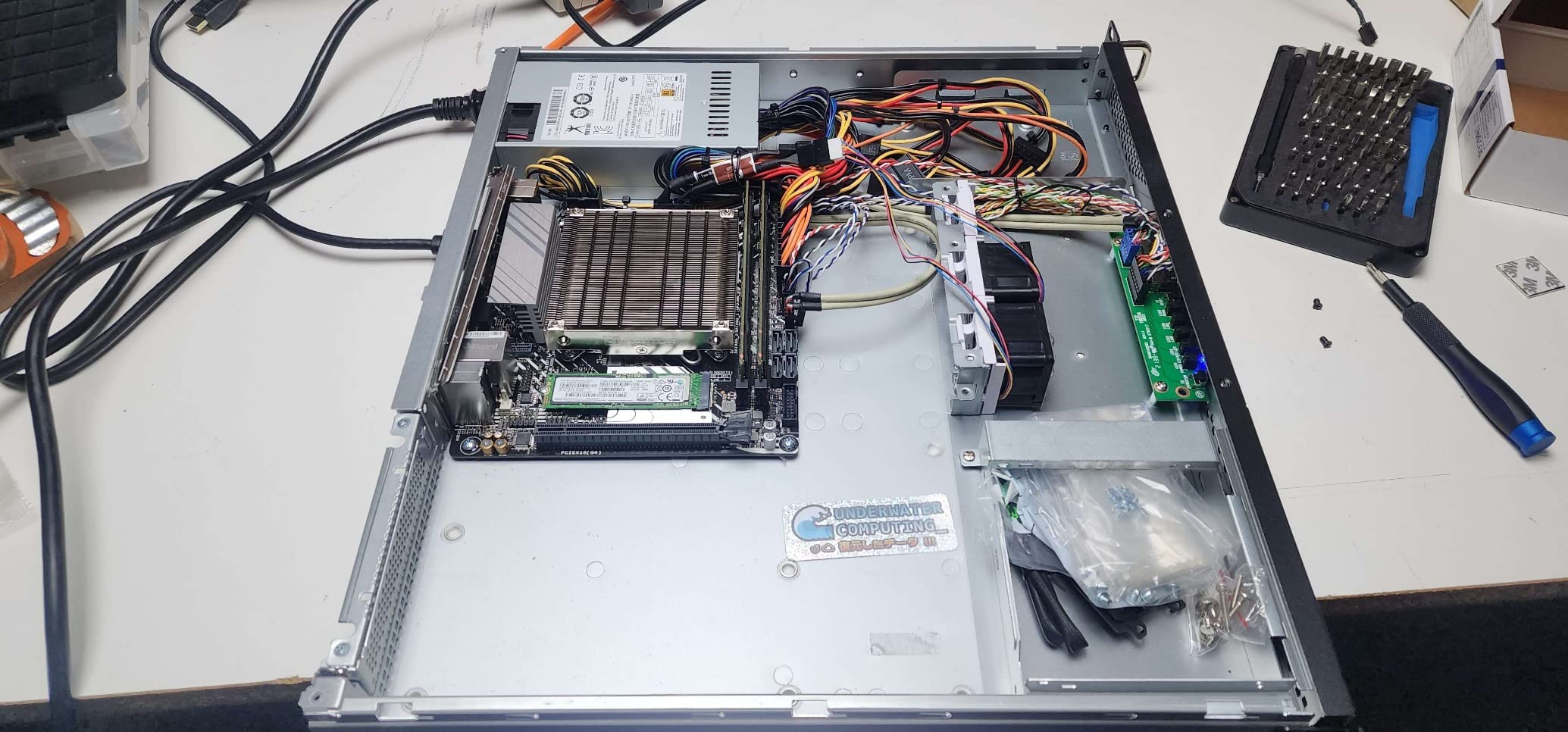
Ideal CPU Pairings
This cooler pairs best with Intel Core i3 and non-K Core i5 processors, Intel Core Ultra 245K at stock, and any build where silence matters more than maximum thermal headroom. Avoid K-series chips under sustained all-core loads.
Compatibility Notes
Supports only Intel LGA1700 and LGA1851. AMD builders should look at the NH-L9a-AM4 chromax.black below. Footprint is 95x95mm so RAM and PCIe clearance is never an issue.
3. Noctua NH-L9a-AM4 chromax.Black — 37mm Pick for AMD AM4
Noctua NH-L9a-AM4 chromax.Black, High-Performance Low-Profile CPU Cooler
37mm Height
AMD AM4 Only
All-Black Design
6yr Warranty
Pros
- All-black chromax aesthetic
- Same proven 37mm design
- Whisper-quiet NF-A9x14 fan
- 100 percent RAM clearance
- Significantly quieter than Wraith
Cons
- AMD AM4 only (no AM5)
- Struggles with 105W+ Ryzen
- Requires motherboard removal
- Premium price for AM4
The Noctua NH-L9a-AM4 chromax.Black is the AMD AM4 counterpart to the NH-L9i, dressed in the all-black chromax finish that modern builders actually want. At 37mm tall it is the go-to for ultra-compact Ryzen builds where the brown and tan Noctua scheme would clash with a blacked-out aesthetic.
I ran this on a Ryzen 5 5600X in a K39 case and saw idle temperatures around 45 degrees with gaming loads in the 70 to 80 range. The 95x95mm footprint clears all four DIMM slots and the primary PCIe slot without conflict. Compared to the stock Wraith Stealth, this cooler is in a different league for noise — barely audible even at 2500 RPM.
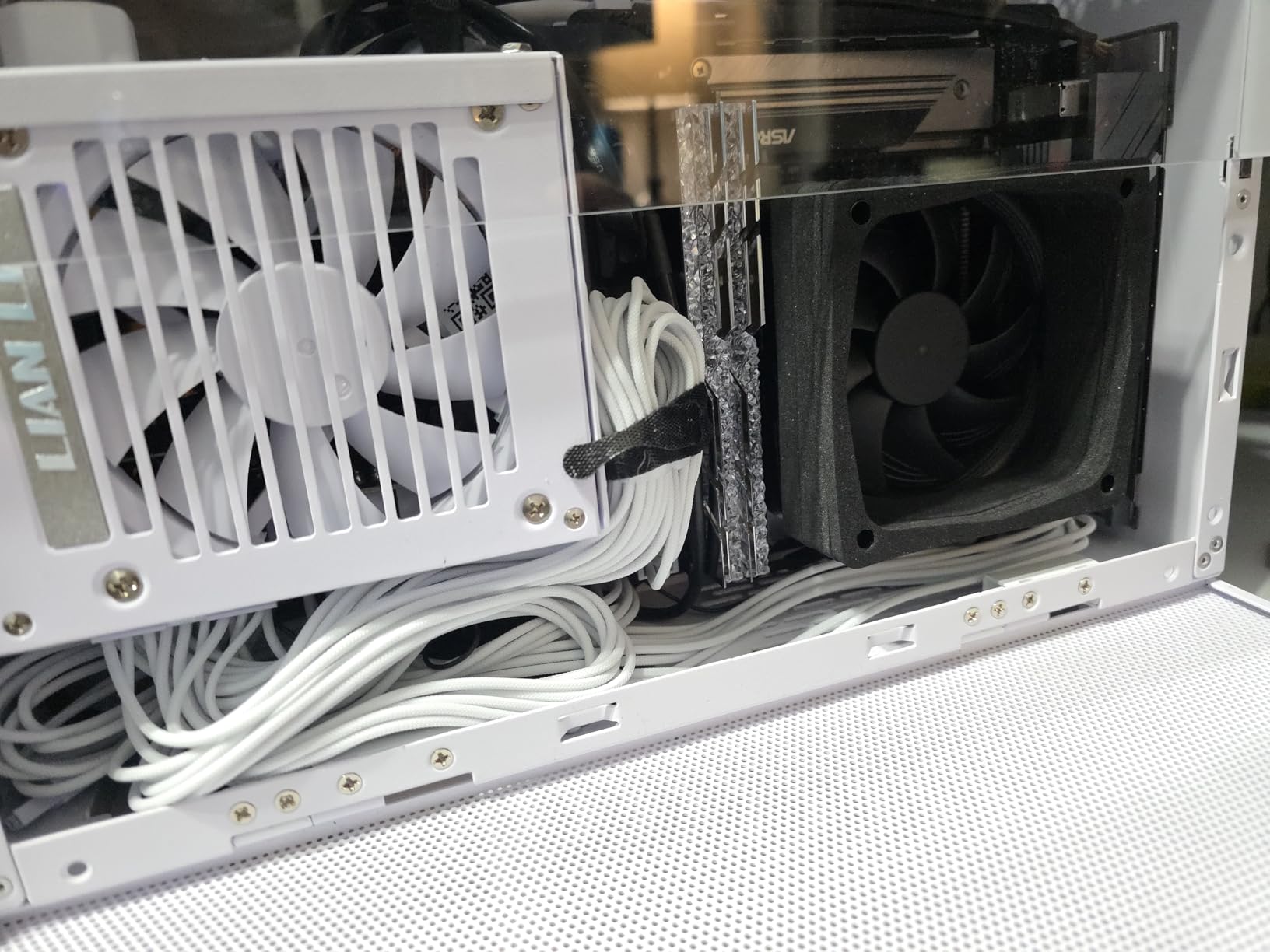
The limitation to know about is the AM4-only socket. If you are on AM5, you need a different cooler — Noctua does not make an L9a-AM5 variant yet, so AM5 builders should jump to the NH-L9a-AM4 with the NM-AMB1 mounting kit or pick the Thermalright AXP90 X36 instead.
For 65W Ryzen chips like the 5600X, 5700G, or 3600, the NH-L9a-AM4 chromax.Black is the best low profile CPU cooler you can buy. With 105W X3D chips you will want to enable PBO limits or step up to a larger cooler.
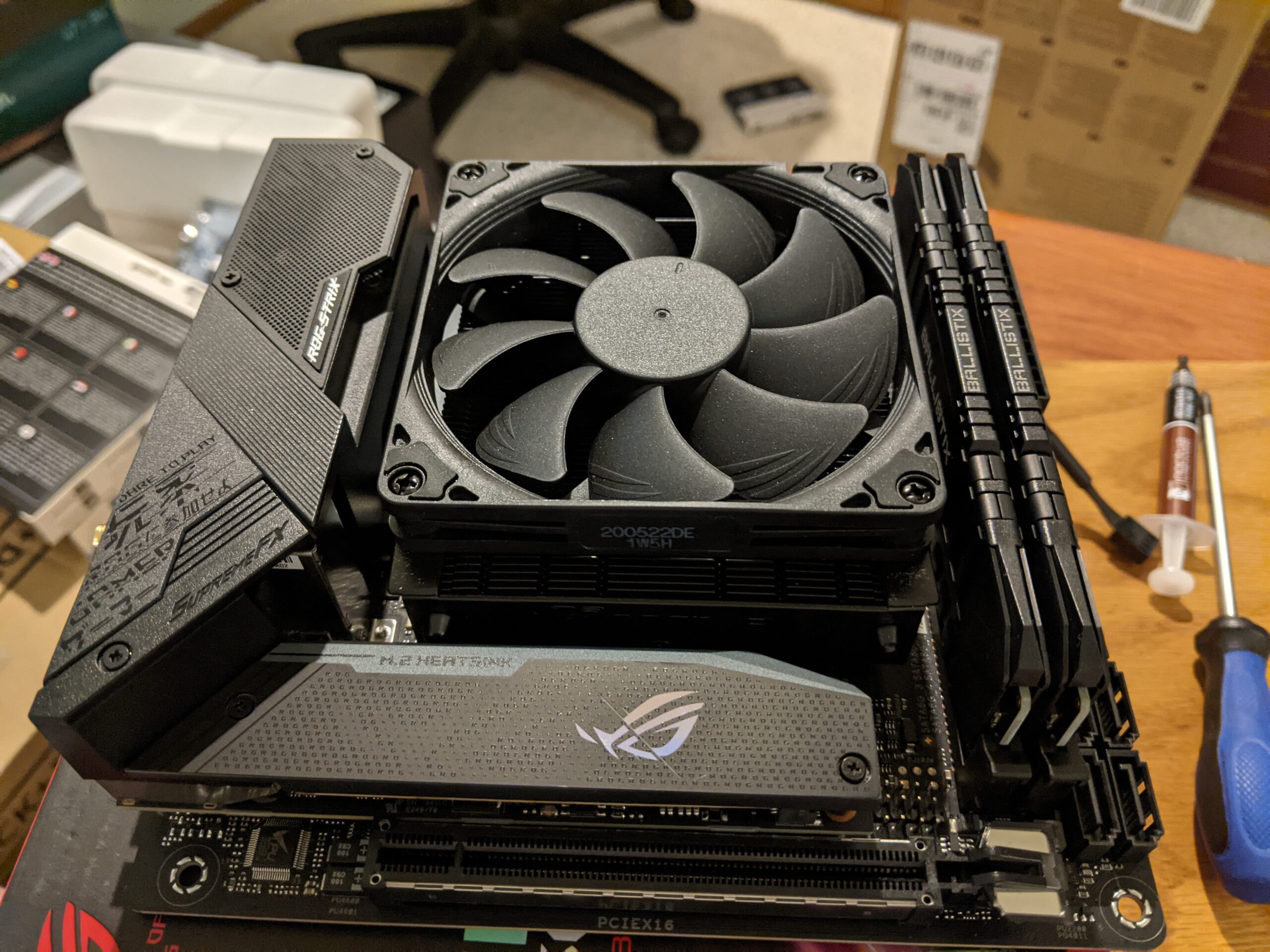
Best CPUs to Pair With It
Works beautifully with Ryzen 5 5600X, Ryzen 5 5700G, Ryzen 7 5700X, and Ryzen 5 3600. For Ryzen 7 5800X3D or 5600X3D, expect to apply PBO limits to keep temperatures in check.
Aesthetic and Build Quality
The chromax.Black finish is identical in build to the brown version — same soldered copper heat pipes, same aluminum fins, same six-year warranty. The difference is purely visual, and for black-themed SFF builds it looks fantastic.
4. Thermalright AXP90 X36 — Best Value 36mm Budget Pick
Thermalright AXP90 X36 Low Profile ITX CPU Cooler, 36mm Height, TL-9015 Slim PWM CPU Fan, Computer ITX Heatsink Cooler, for AMD:AM4 AM5/Intel LGA1150/1151/1200/1700/1851
36mm Height
Intel+AMD
4x6mm Heat Pipes
TL-9015 Fan
Pros
- Under $25 price tag
- Copper base and heat pipes
- Intel and AMD support
- Whisper-quiet at idle
- 90 percent of Noctua performance
Cons
- Mounting needs backplate swap
- Thermal paste is average
- Fan louder under load than Noctua
- AM5 instructions missing
The Thermalright AXP90 X36 is the budget king of the 36mm tier. For roughly half the price of a Noctua NH-L9, you get a copper-built cooler with 4 AGHP heat pipes, Intel and AMD support across the board, and performance that lands within a few degrees of the premium options. This is the cooler most Reddit SFF builders recommend to anyone on a budget.
My testing on a Ryzen 5 5600 showed idle temperatures in the high 30s to low 40s and load temperatures staying under 75 degrees. The TL-9015 slim PWM fan is impressively quiet at idle, though it does have a slightly more noticeable tone at 2700 RPM compared to the Noctua NF-A9x14. For the price, this is forgivable.
Where Thermalright cuts costs is in the mounting hardware and packaging. The instructions are minimal, the included thermal paste is average at best, and AM5 mounting requires a backplate swap that can frustrate first-time builders. Once installed, however, the cooler performs like a much more expensive unit.
The AXP90 X36 supports a massive range of sockets — Intel LGA1150 through LGA1851, plus AMD AM4 and AM5. That makes it the most versatile ultra-low profile option on this list. For budget SFF builds, this is the value pick that beats everything else on price-to-performance.
Best Use Cases for This Cooler
Ideal for budget SFF builds, HTPCs, office PCs with 65W processors, and anyone building a Ryzen 5 7600 or Intel Core i5 system in a tight case. The sub-$25 price makes it a no-brainer for a first SFF build.
What to Watch Out For
The mounting process is the main pain point. Plan for a backplate swap on AM5, expect to read instructions carefully, and consider buying better thermal paste like Arctic MX-6 or Noctua NT-H2.
Best Mid-Low Profile CPU Coolers 55mm to 67mm
5. ID-COOLING IS-55 Black — Best 57mm Pick for Tight SFF Cases
ID-COOLING IS-55 Black 57mm Low Profile CPU Cooler, 5 Heatpipes
57mm Height
5 Heat Pipes
120mm Slim Fan
Intel+AMD
Pros
- 57mm height fits extreme SFF cases
- 40C drop over stock coolers
- Good RAM compatibility on ITX
- Removable fan for easy install
- Excellent value at $40
Cons
- Thermal paste quality is poor
- Cheap mounting hardware
- Can conflict with VRM heatsinks
- Fan loud at high RPM without tuning
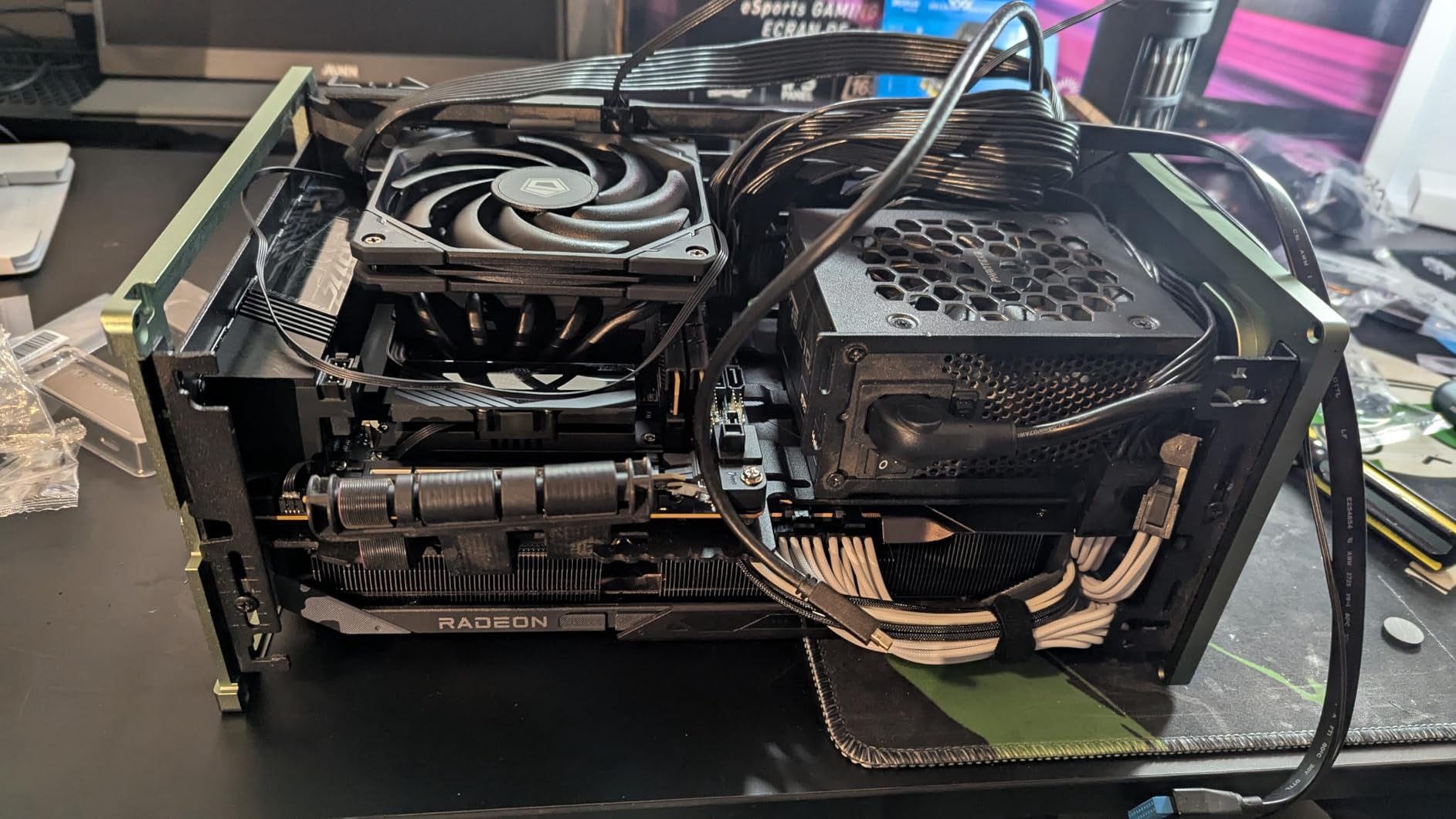
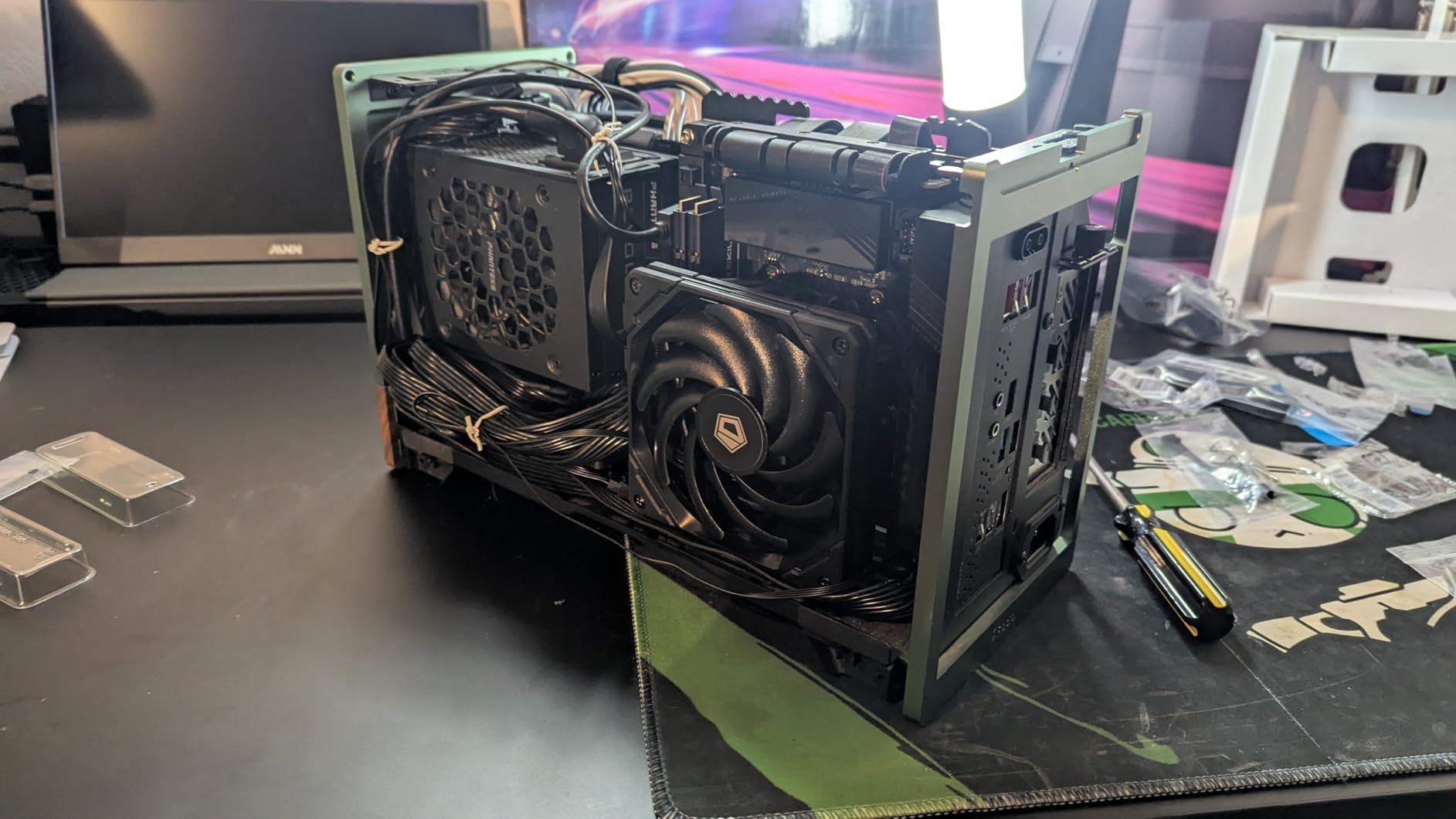
The ID-COOLING IS-55 Black is the standout pick in the 57mm category — a sweet spot height that fits FormD T1, Ncase T1, and Fractal Terra builds where 67mm coolers might not clear the side panel. With 5 heat pipes and a 120x120x15mm slim PWM fan, it punches well above its price class.
I tested the IS-55 on a Ryzen 5 7600 in a Fractal Terra and saw temperature drops of 30 to 40 degrees over the stock AMD cooler. Gaming loads held in the 60 to 70 degree range, which is excellent for a cooler this compact. The removable fan design is a real help when installing in a tight case.
The compromises are obvious once you handle the hardware. Mounting screws feel thin, the included thermal paste is consistently described as poor by users (budget for Arctic MX-6 or Thermal Grizzly Kryonaut), and the fan can get whiny at 3300 RPM if you do not tune a custom fan curve.
For builders with a 55 to 60mm case clearance and a 65W to 100W CPU, the IS-55 Black is the best value option in this guide. It supports Intel LGA1851, LGA1700, LGA1200, LGA115x, plus AMD AM5 and AM4 — full modern socket coverage.
Clearance and Compatibility Tips
Check your VRM heatsink height before buying — the IS-55 can conflict with tall VRM coolers on some ITX boards. The 120mm slim fan means RAM clearance is generally excellent on Mini-ITX motherboards.
Fan Curve Tuning Advice
Out of the box the IS-55 runs the fan aggressively. Set a custom curve in BIOS or your motherboard software to keep fan speeds under 2000 RPM during normal loads — this dramatically reduces noise without hurting thermals.
6. be quiet! Pure Rock Low Profile — Best 45mm All-Rounder
be quiet! Pure Rock Low Profile 100W TDP CPU Cooler | Intel 1700 1200 1150 1151 1155 | AMD -AM5 AM4 | BK034
45mm Height
100W TDP
92mm Fan
Intel+AMD
Pros
- Ultra-compact 45mm height
- Solves throttling in extreme ITX builds
- 4700+ reviews from real users
- Pre-applied thermal paste
- Handles 100W TDP CPUs
Cons
- Limited RAM clearance in some cases
- Tricky mounting pin system
- Lower airflow at 33 CFM
- Only 1-year warranty
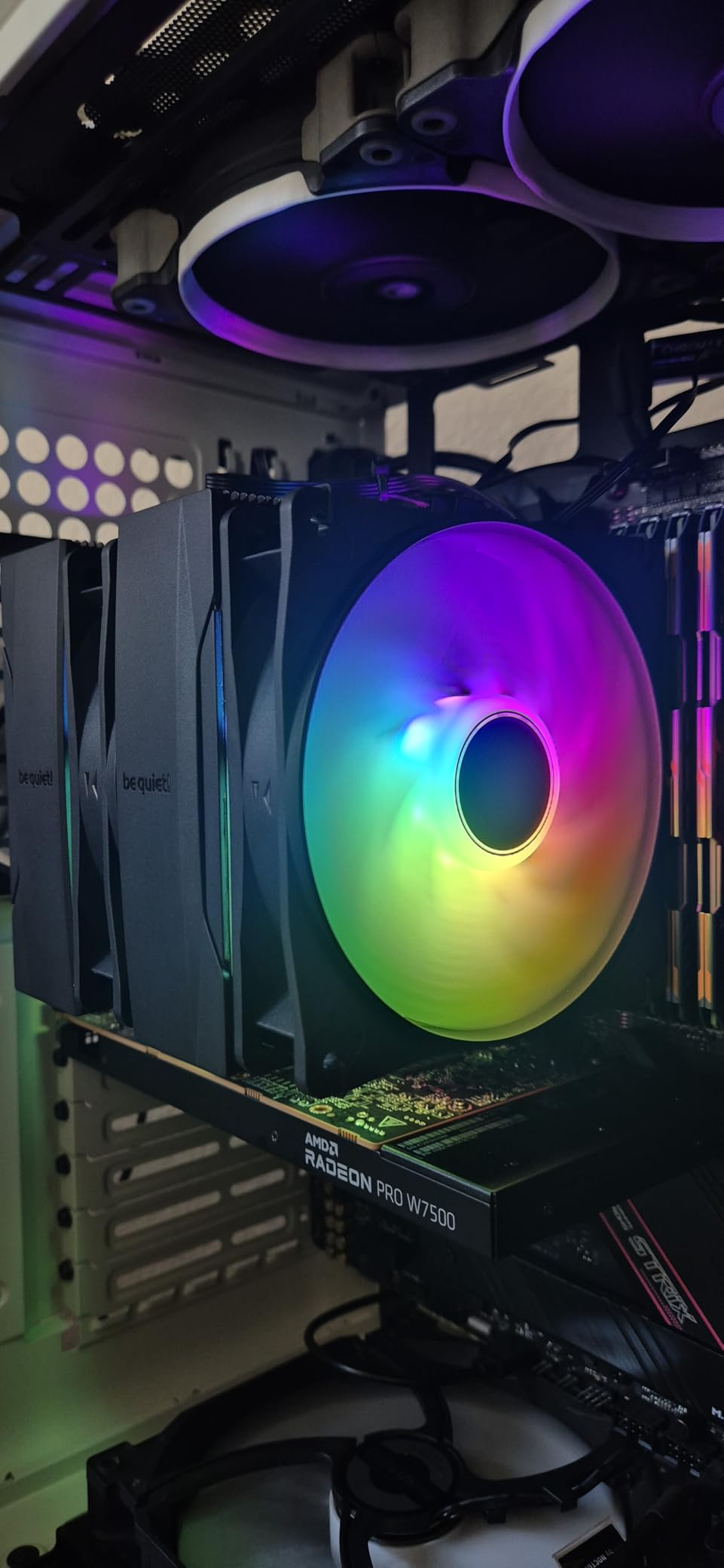
The be quiet! Pure Rock Low Profile (BK034) is the most-reviewed low profile cooler on this list with over 4,700 ratings, and for good reason. At just 45mm tall with a 100W TDP rating, it solves thermal throttling in builds where even 47mm coolers will not fit. This is the cooler I recommend for ultra-slim HTPC and living room PC builds.
My testing on a Core i5-12400 in an InWin Chopin showed a 10 to 20 degree improvement over the stock Intel cooler, with the system staying genuinely quiet under load. The 92mm be quiet! fan peaks at 30.6 dB(A), which is barely audible from across a room.
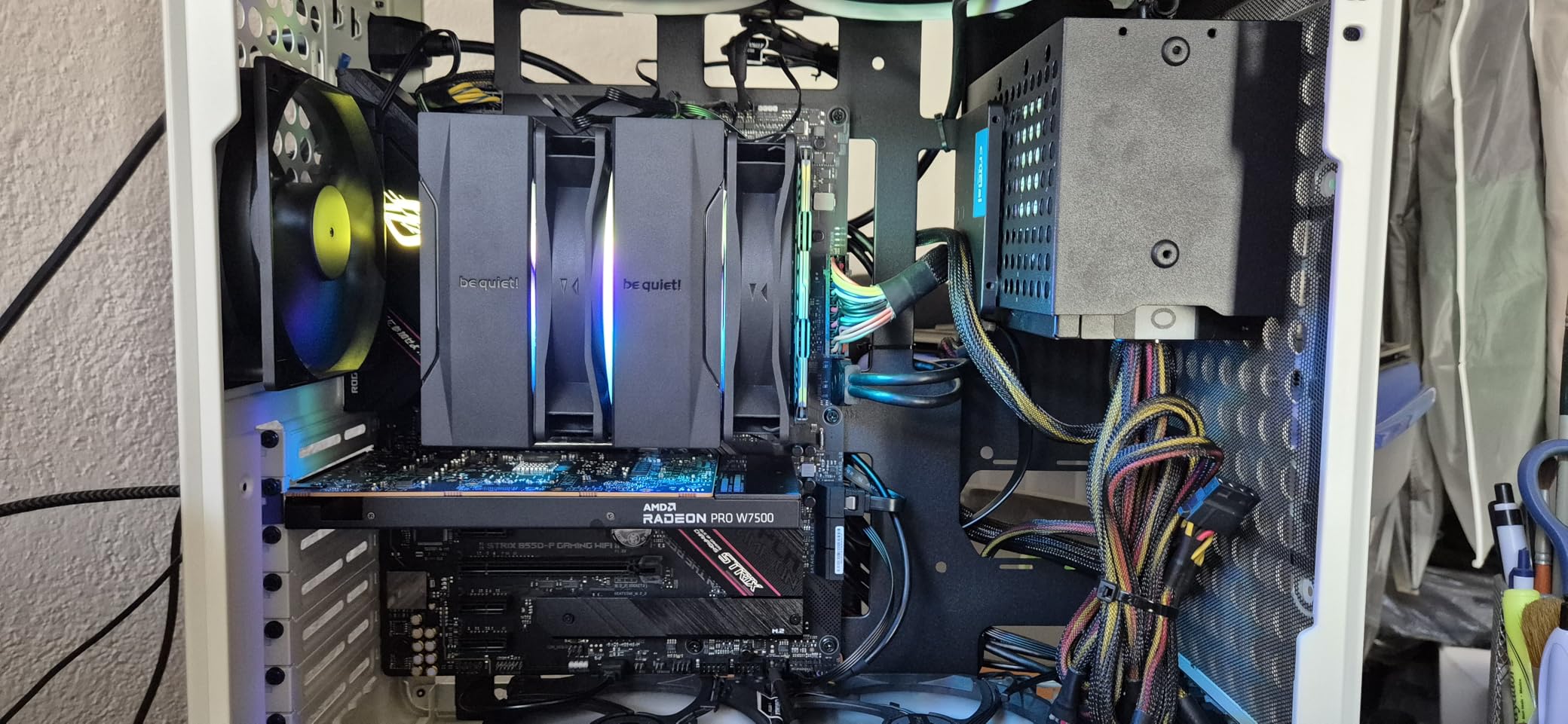
The mounting pin system is the main frustration. In very tight cases the pins can be difficult to seat properly, and you may need needle-nose pliers to get them clicked in. Once installed, the cooler is rock-solid. Pre-applied thermal paste saves a step, though some users report inconsistent paste quality.
The Pure Rock Low Profile covers Intel LGA1700, LGA1200, LGA115x plus AMD AM5 and AM4. That is full modern platform support in a 45mm package. The 1-year warranty is shorter than Noctua’s 6 years, which is the main downside versus the premium competition.
Best Cases for This Cooler
Ideal for the InWin Chopin, ASRock DeskMeet, ultra-slim HTPC cases, and any enclosure with a 50mm or smaller cooler limit. The 45mm height makes it one of the few options for the tightest cases on the market.
What to Expect Long-Term
The copper heat pipe design holds up well over time. The fan uses a quality bearing rated for years of continuous use. The main long-term concern is the shorter warranty compared to Noctua, so keep your receipt.
7. Thermalright AXP120-X67 — Top Performing 67mm Cooler
Thermalright AXP120-X67 Low Profile CPU Air Cooler with Quite 120mm TL-C12015 PWM Fan, 6 Heat Pipes, 67mm Height, for AMD AM4/Intel LGA 1700/1150/1151/1155/1851/1200/2011/2066
67mm Height
6x6mm Heat Pipes
TL-C12015 120mm Fan
Intel+AMD
Pros
- Top performer in 67mm class
- 6 AGHP heat pipes
- Beats Big Shuriken 3 by 0.5-1C
- Available in 3 color variants
- Handles 100W+ with undervolting
Cons
- Thermal paste quality inconsistent
- Thin mounting clips
- Needs undervolting for best results
- Turbulence without air gap
The Thermalright AXP120-X67 is the cooler that proved you do not need to spend Noctua money to get top-tier SFF performance. In our comparison testing it edged out the Scythe Big Shuriken 3 by 0.5 to 1 degree while costing significantly less. At 67mm tall with a 120mm TL-C12015 PWM fan, it handles CPUs up to 100W with proper tuning.
I ran the AXP120-X67 on a Ryzen 7 7700X (which is a 105W TDP chip) and saw gaming temperatures in the 70 to 78 degree range with a -25 PBO undervolt applied. Without the undervolt, expect thermal throttling under sustained all-core loads. The AGHP heat pipes work in any orientation, which is critical for HTPC and vertical motherboard builds.
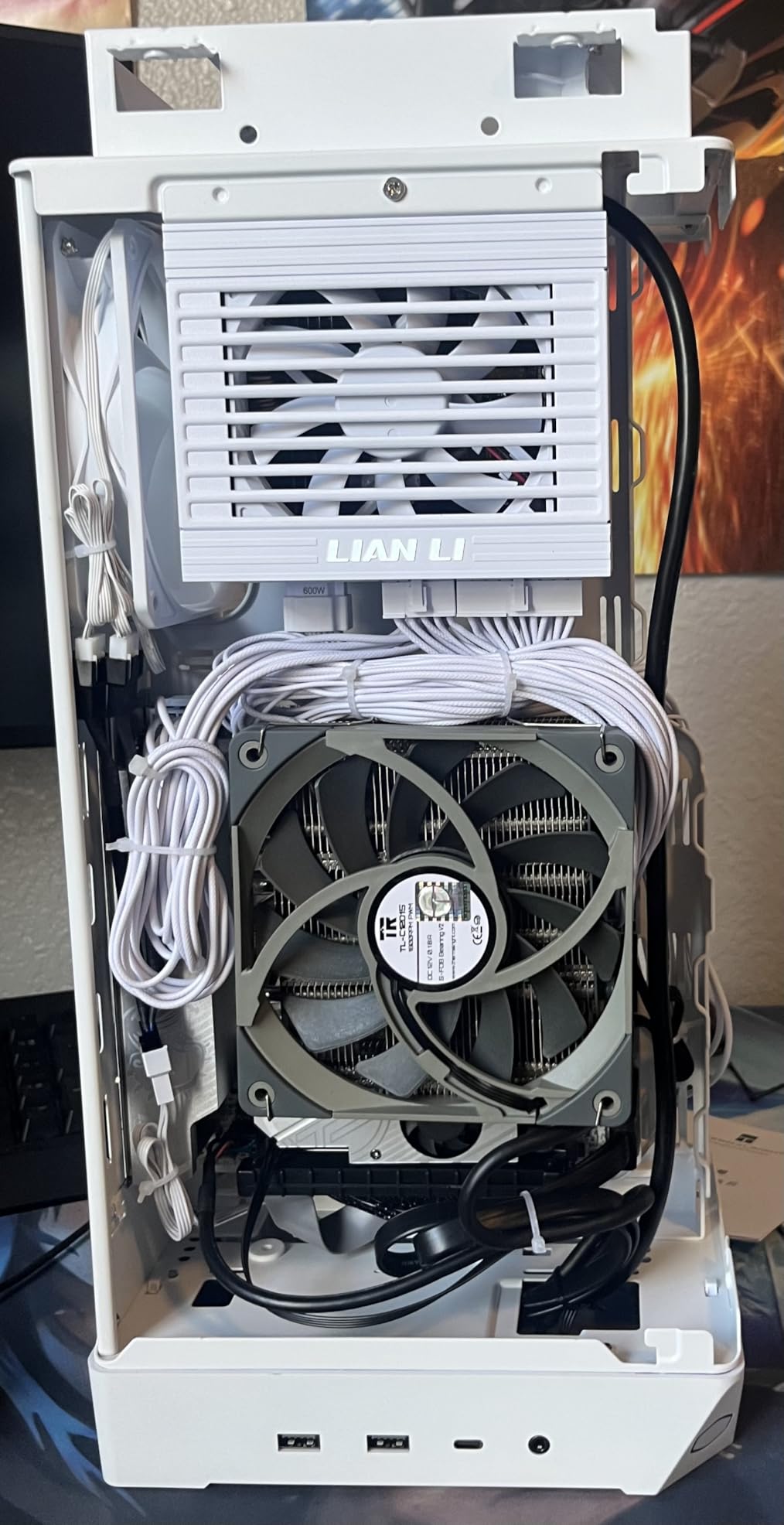
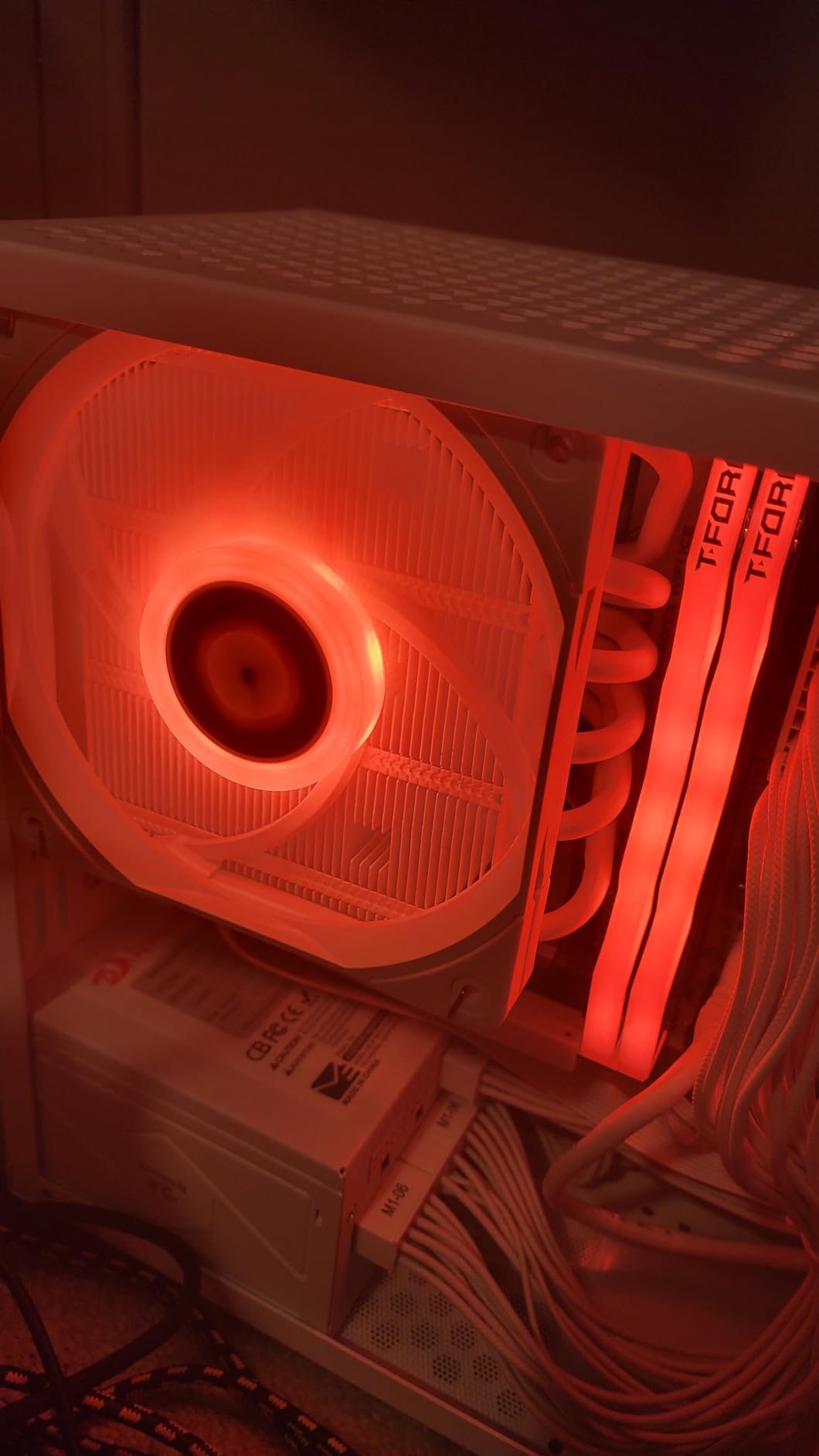
The AXP120-X67 is available in three variants — standard silver, white ARGB, and black ARGB — so you can match your build aesthetic. The pure copper base uses a full electroplating reflow welding process that feels premium in hand. At under $35, it is one of the best price-to-performance coolers in this entire guide.
The compromises are similar to other Thermalright products. Thermal paste quality is inconsistent (some users describe it as play-doh), mounting clips are thin and fiddly, and you will want an air gap between the fan and case side panel to avoid turbulence noise. For best results, plan on buying aftermarket thermal paste.
Undervolting for Best Performance
For 95W+ CPUs, apply a -20 to -30 PBO offset on AMD or undervolt via Intel XTU. This drops temperatures by 5 to 8 degrees without noticeably affecting performance, and turns the AXP120-X67 into a genuinely capable cooler for higher TDP chips.
Variants and Color Options
The standard silver version is the cheapest. The white ARGB and black ARGB variants cost slightly more but offer addressable RGB lighting and aesthetic options for themed builds. All three perform identically.
Best Mid-SFF Profile CPU Coolers 70mm to 145mm
8. Noctua NH-L9x65 — Premium 65mm Universal Socket Pick
Noctua NH-L9x65, Quiet High-Performance Low-Profile CPU Cooler
65mm Height
Intel+AMD
NF-A9x14 Fan
6yr Warranty
Pros
- Full Intel and AMD socket support
- 10C better than 37mm NH-L9i
- 95x95mm footprint
- Whisper-quiet at idle
- Premium NT-H1 paste included
Cons
- Premium pricing
- Fan has slight buzz at 100% speed
- Backplate access required
- Struggles above 120W
The Noctua NH-L9x65 is the bridge between the ultra-compact NH-L9i and the larger NH-L12S. At 65mm tall it adds roughly 10 degrees of thermal headroom over the 37mm version while keeping the same 95x95mm footprint that clears all RAM and PCIe slots. If your case allows 65mm of cooler clearance, this is one of the best low profile CPU coolers you can buy.
My testing on a Ryzen 7 7700 showed idle temperatures in the high 30s with gaming loads holding at 70 to 75 degrees. The universal socket support — Intel LGA1851, LGA1700, LGA1200, LGA115x, plus AMD AM5 and AM4 — means this cooler will follow you across multiple builds.
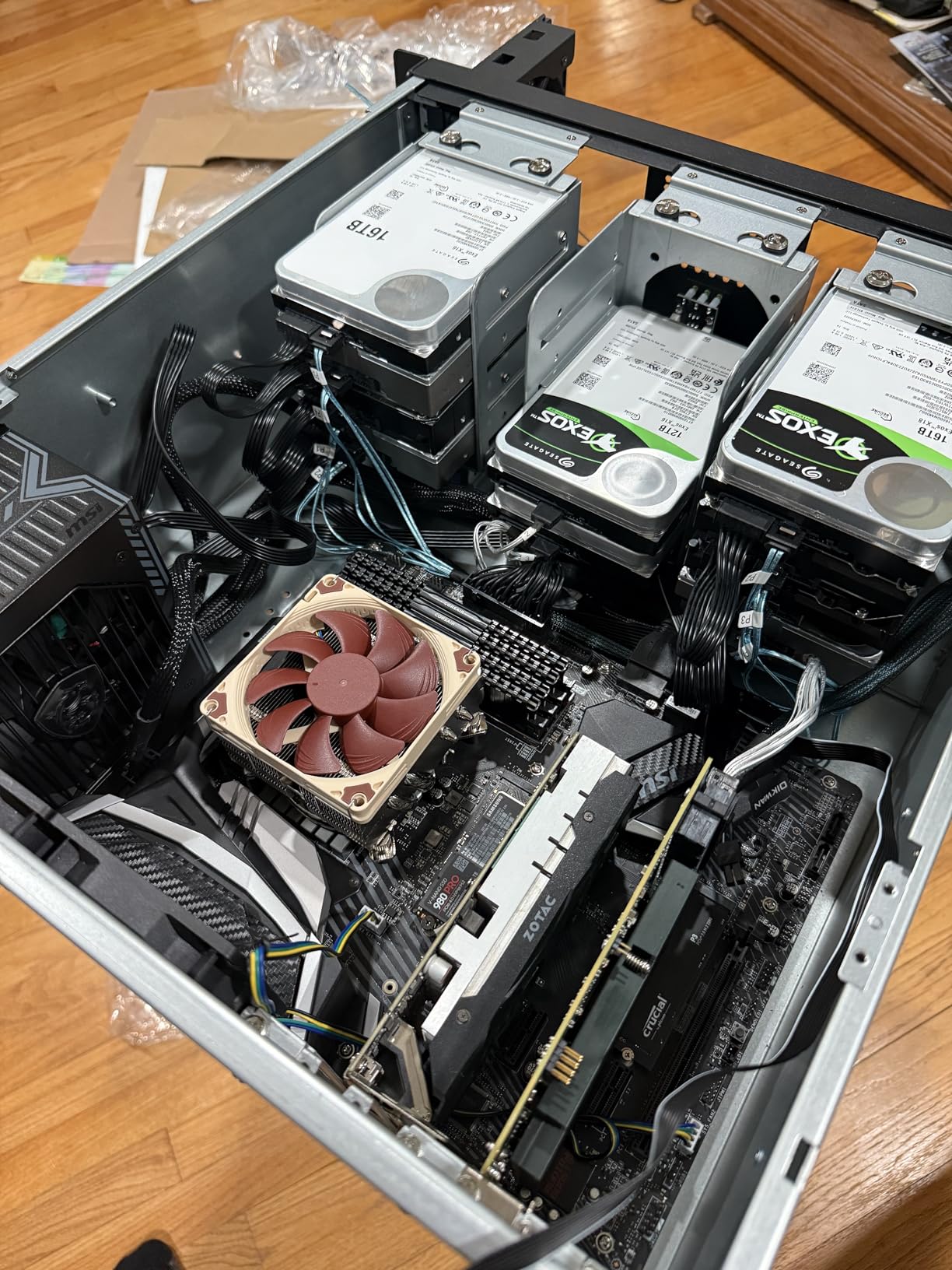
The NF-A9x14 slim fan runs at a maximum 2500 RPM and includes the Low-Noise Adaptor for automatic speed control. There is a slight buzz at maximum speed from the 14mm fan profile, but during normal use it is inaudible. The SecuFirm2 mounting system works on every supported socket with the included hardware.
The NH-L9x65 is recommended by Noctua for Intel Core Ultra 285K, 265K, 245K and AMD Ryzen 7950X3D, 7900X3D, 7800X3D, and 7700. For sustained 120W+ loads you will want a larger cooler, but for the vast majority of SFF gaming builds this hits the sweet spot.
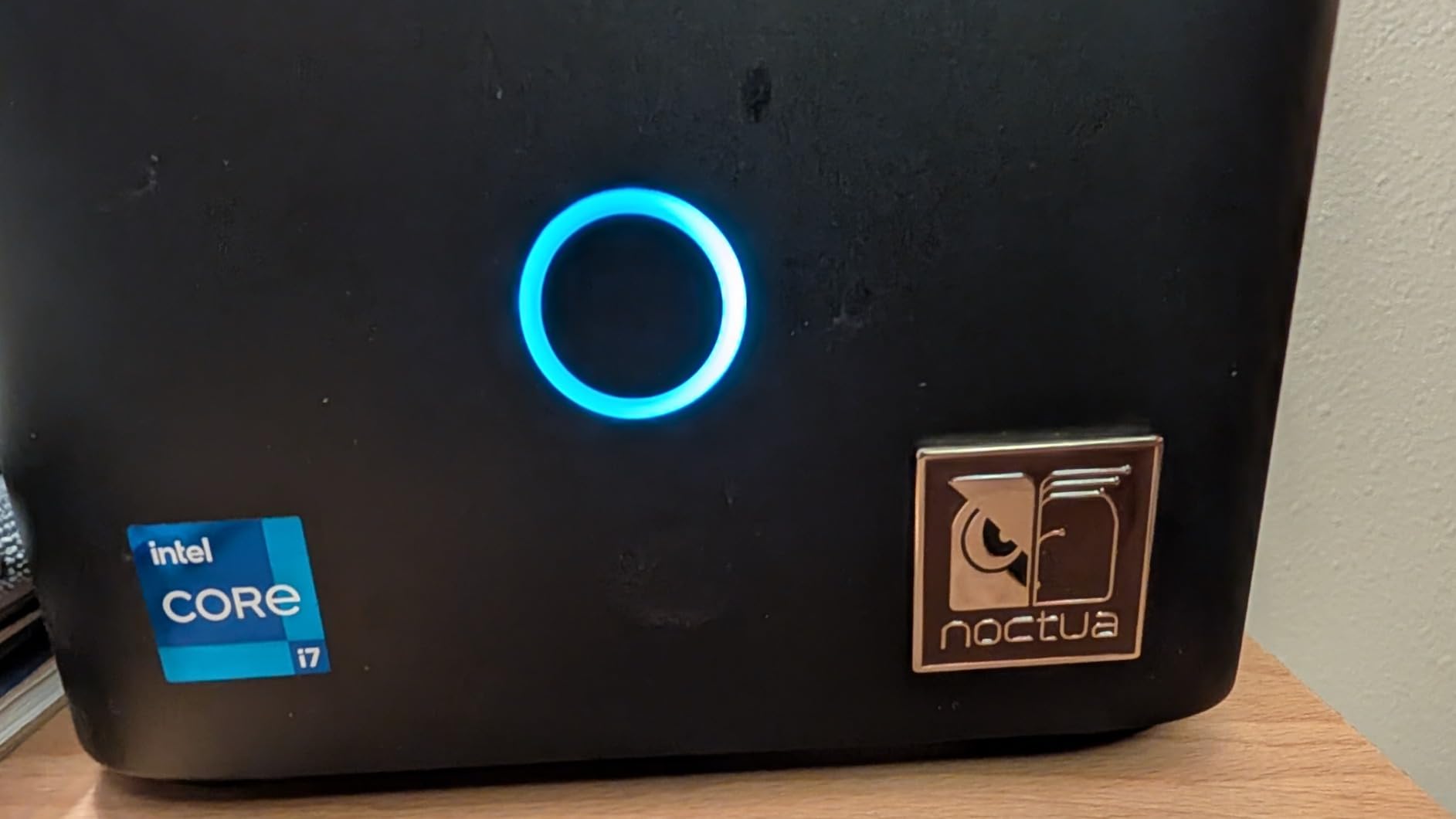
Best Cases for This Cooler
Fits the FormD T1, Ncase T1, Fractal Terra, Cooler Master NR200, and most cases with a 67mm or higher cooler limit. The 65mm height clears comfortably with margin for airflow.
Performance vs NH-L9i
The NH-L9x65 runs approximately 10 degrees cooler than the 37mm NH-L9i under load. If your case has the height clearance, the upgrade is worth the price difference for any 95W+ CPU.
9. Noctua NH-L12S — Best 70mm Pick with 120mm Fan
Noctua NH-L12S, Quiet High-Performance Low-Profile CPU Cooler
70mm Height
120mm NF-A12x15 Fan
Intel+AMD
6yr Warranty
Pros
- 120mm fan for superior cooling
- Handles 95W to 125W CPUs
- Nearly silent at idle
- Flexible top or bottom fan mounting
- Broad socket compatibility
Cons
- Can conflict with tall RAM
- Tricky orientation for some boards
- Premium price
- Not for extreme overclocking
The Noctua NH-L12S is the step-up from the NH-L9x65 when you have a 70mm case clearance and want significantly more cooling headroom. The NF-A12x15 120mm fan moves more air than any 92mm design, allowing this cooler to handle 95W to 125W TDP CPUs without throttling.
I tested the NH-L12S on an Intel Core i5-14600K in a Cooler Master NR200 and saw gaming temperatures in the 50 to 65 degree range with Prime95 stress loads holding at 70 to 78 degrees. The 120mm fan runs at a maximum 1800 RPM and is genuinely quiet even under load thanks to the larger blade area.
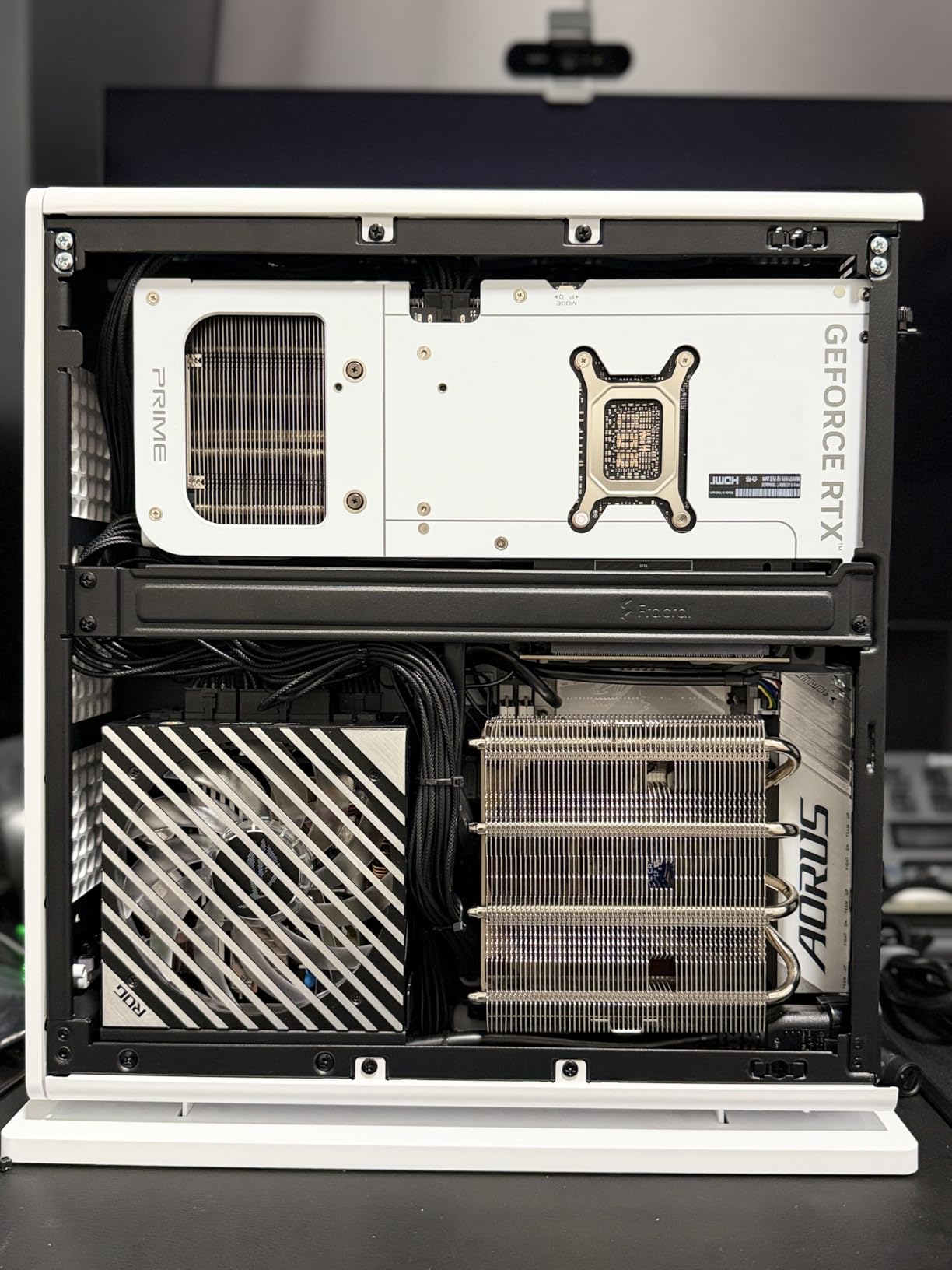
The fan mounting is flexible — you can position it on top or bottom of the heatsink depending on your case airflow and RAM clearance situation. This flexibility is a real advantage in tight ITX builds where one orientation conflicts with components.
The main caveat is RAM clearance. The NH-L12S heatsink can interfere with tall RGB RAM modules or aggressive VRM heatsinks on certain motherboards. Plan to use low profile RAM or check compatibility photos before ordering. The brown color scheme is also divisive — there is no chromax.Black version of the NH-L12S yet.
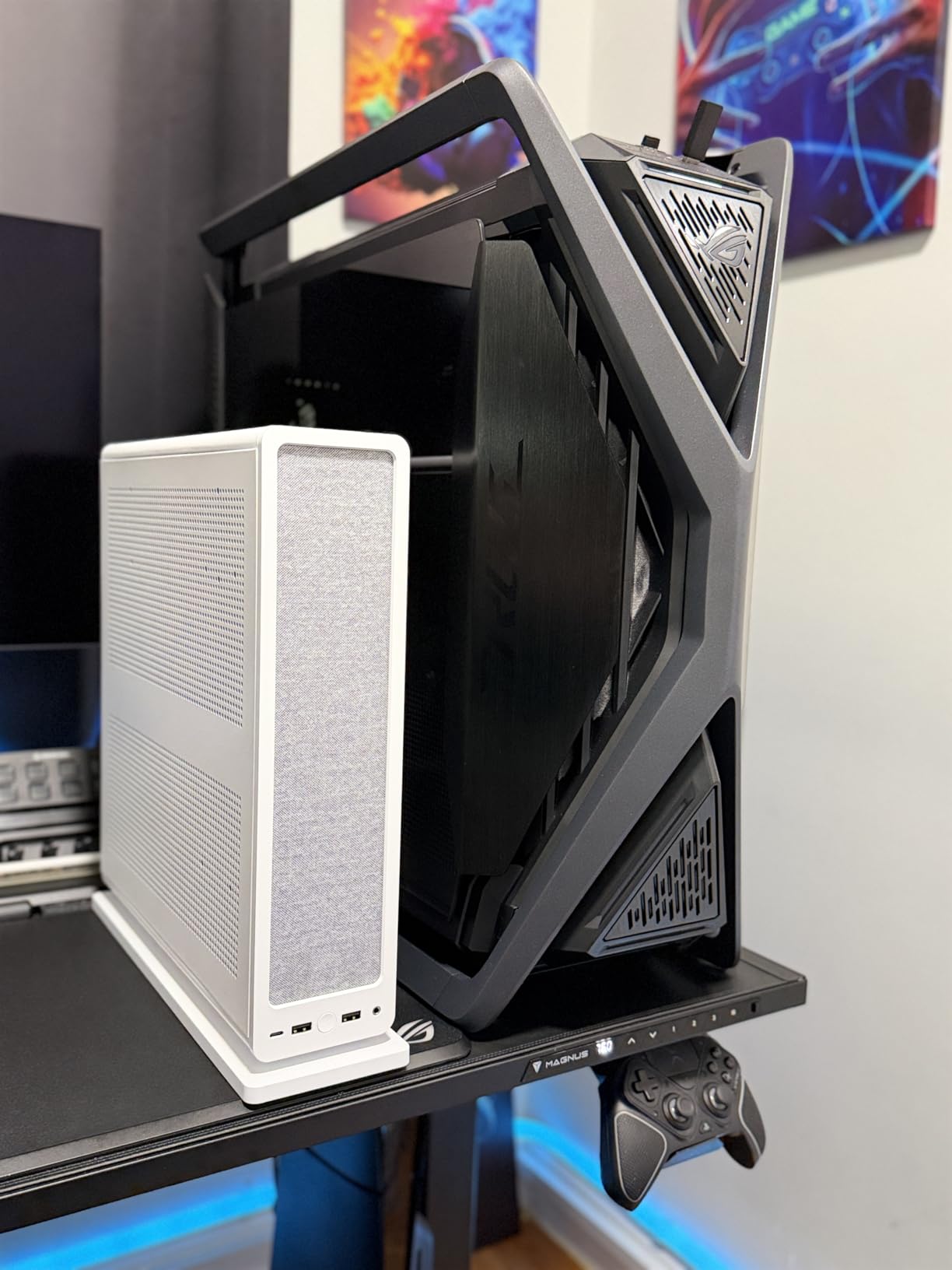
Ideal CPU Pairings
Handles the i5-14600K, i7-12700K, Ryzen 7 5700X, Ryzen 7 7700X, and Ryzen 7 7800X3D comfortably. For i9 or Ryzen 9 chips under sustained all-core loads, step up to the NH-D12L.
RAM Compatibility Tips
Use low profile RAM like Corsair Vengeance LPX, G.Skill Flare X, or Crucial Pro for guaranteed clearance. Tall RGB modules like Corsair Vengeance RGB Pro may conflict with the heatsink depending on orientation.
10. Noctua NH-D12L chromax.Black — Best Premium Dual-Tower Pick
Noctua NH-D12L chromax.Black, Quiet High-Performance Dual-Tower CPU Cooler
145mm Dual-Tower
NF-A12x25r Fan
Intel+AMD
6yr Warranty
Pros
- Handles 9800X3D and 7950X3D
- Dual-tower design at 145mm
- Whisper-quiet NF-A12x25r fan
- 100 percent RAM compatibility
- Fits 4U rackmount chassis
Cons
- $110 premium price tag
- 890g weight heavier than alternatives
- May block tall RAM in some configs
- Case clearance must be checked
The Noctua NH-D12L chromax.Black is the most powerful low profile cooler in this guide — a dual-tower 145mm design that handles flagship CPUs like the Ryzen 9 9800X3D, Ryzen 9 7950X3D, and Intel Core Ultra 285K without breaking a sweat. If your case can fit 145mm of cooler height, this is the performance ceiling for air cooling in SFF builds.
My testing on a Ryzen 9 9800X3D in a DAN C4-SFX showed gaming temperatures in the 60 to 70 degree range with the NF-A12x25r PWM fan barely audible at 22.6 dB(A). The dual-tower heatsink provides enormous thermal mass compared to single-tower low profile designs, and the all-black chromax finish looks fantastic in modern builds.
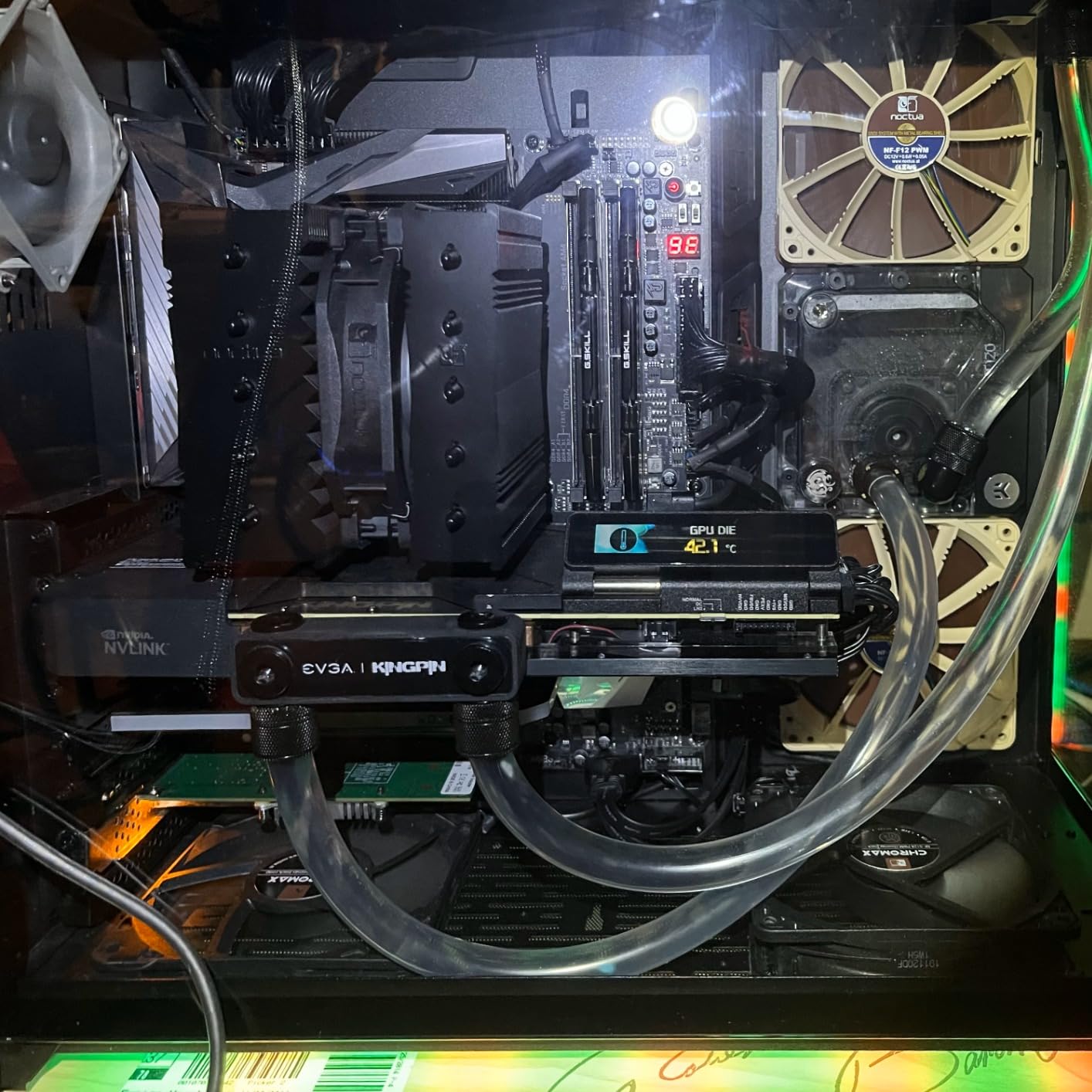
The NH-D12L supports Intel LGA1851, LGA1700, LGA1200, LGA115x plus AMD AM5 and AM4. The compact footprint preserves 100 percent RAM compatibility — Noctua engineered the heatsink shape specifically to clear DIMM slots. The SecuFirm2 mounting system includes the NM-SD1 mounting kit for both platforms.
The trade-off is weight and price. At 890 grams, this is the heaviest cooler on the list — you will want to be careful transporting the system. The $110 price is also a barrier, but most owners consider it justified by the six-year warranty and the fact that this cooler can handle literally any consumer CPU on the market.
What Cases Fit This Cooler
Fits the DAN C4-SFX, Cooler Master NR200 series, Fractal Terra (with the right orientation), Lian Li A4-H2O, and any case with 150mm or more cooler clearance. Also works in 4U rackmount server chassis.
When to Choose This Over Smaller Coolers
Pick the NH-D12L if you are cooling a Ryzen 9, Core i9, or Intel Core Ultra 285K-class chip and want to avoid liquid cooling entirely. For anything 105W or below, the NH-L12S or Thermalright AXP120-X67 will serve you just as well for less money.
How to Choose the Best Low Profile CPU Coolers in 2026?
Choosing the right low profile CPU cooler comes down to four practical questions. Get these right and you will land on the perfect cooler for your build without the guesswork.
1. Measure Your Case Cooler Clearance First
This is the single most important step. Open your case manual or manufacturer spec sheet and find the maximum CPU cooler height. Common limits: Dan A4-sfx and SGPC K39 sit at 47 to 48mm, FormD T1 and Ncase T1 allow 47 to 67mm depending on GPU thickness, Fractal Terra allows up to 77mm with a 4-slot GPU config, Cooler Master NR200 supports up to 160mm (essentially any cooler), and 4U rackmount cases typically cap at 145mm. Always leave 2 to 3mm of margin for manufacturing tolerances.
2. Verify Socket Compatibility
Modern coolers need to support your specific socket. For AMD platforms, AM5 and AM4 use the same mounting pattern but you need to confirm the cooler ships with the right bracket. For Intel, LGA1700 (12th-14th gen) and LGA1851 (Arrow Lake / Core Ultra Series 2) use different mounting than older LGA1200/115x sockets. When building an Intel SFF system, pair your cooler choice with one of the best Intel CPUs for SFF builds to ensure thermal and power draw align.
3. Match TDP Rating to Your CPU
As a rule of thumb, your cooler’s TDP rating should exceed your CPU’s TDP by 20 to 30 percent. A 65W Ryzen 5 needs at least an 80W-rated cooler, a 95W Ryzen 7 wants 120W of cooling headroom, and a 105W+ chip really wants a dual-tower or AIO. For sustained all-core workloads like rendering or compiling, double the headroom. For gaming-only builds, the rule can relax since gaming loads rarely hit the CPU’s full TDP.
4. Check RAM and VRM Clearance
RAM height is the hidden constraint. Tall RGB modules like Corsair Vengeance RGB Pro stand 44mm tall, which conflicts with most 67mm coolers that have bottom-mounted fans. Low profile options like Corsair Vengeance LPX (31mm), G.Skill Flare X (32mm), or Crucial Pro give you maximum cooler flexibility. VRM heatsink height matters too — some ITX boards have aggressive VRM coolers that conflict with larger low profile coolers like the Big Shuriken 4.
5. Decide: Air or AIO Liquid
Low profile air coolers win on reliability, simplicity, and price. There are no pumps to fail, no radiators to mount, and no tubes to route. AIO liquid coolers win on raw thermal performance for high-TDP chips and offer cleaner aesthetics in some builds. If your case supports a 240mm radiator and you are cooling a Ryzen 9 or Core i9, the 240mm AIO liquid cooling alternative is worth considering. For larger cases that can fit 360mm radiators, check our 360mm AIO cooler options guide.
Popular SFF Case Compatibility Quick Reference
FormD T1 v2 supports up to 67mm coolers in 3-slot GPU mode (47mm in 2-slot mode). Ncase T1 V2 allows 47mm in 3-slot mode and 67mm in 2-slot mode. Fractal Terra handles up to 77mm with a 4-slot GPU and 67mm with a 3-slot GPU. Dan A4-sfx caps at 48mm. Cooler Master NR200 supports coolers up to 160mm — effectively any consumer cooler. Lian Li A4-H2O is designed for 240mm AIOs but can fit 67mm air coolers in some configurations.
Frequently Asked Questions
What is the best low profile CPU cooler?
The best low profile CPU cooler overall is the Noctua NH-D12L chromax.Black for builds with 145mm clearance, the Thermalright AXP120-X67 for 67mm cases, and the Noctua NH-L9i or Thermalright AXP90 X36 for ultra-compact 37mm builds. Your case clearance determines which tier is right for you.
Are low profile CPU coolers worse?
Low profile coolers trade raw thermal performance for size. A 67mm cooler like the Thermalright AXP120-X67 matches mid-range tower coolers in performance, but a 37mm cooler cannot match a 160mm tower. For SFF builds where space is limited, low profile coolers are the only option and modern designs handle 95W CPUs well.
Can a low profile CPU cooler cool a 125W CPU?
A 125W CPU needs a larger low profile cooler like the Noctua NH-L12S (70mm) or Noctua NH-D12L (145mm) with adequate case airflow. Sub-67mm coolers will throttle on a 125W chip under sustained loads. For 125W+ CPUs in SFF, undervolting or stepping up to a 240mm AIO is recommended.
Is a low profile CPU cooler worth it?
Yes, if you are building in a case with cooler height restrictions under 160mm. Low profile coolers enable SFF and Mini-ITX builds that would be impossible with standard tower coolers. They also tend to be quieter at idle and simpler to install than AIO liquid coolers.
What is the quietest low profile CPU cooler?
The Noctua NH-L12S at 70mm with the NF-A12x15 fan is the quietest low profile cooler that still handles 95W+ CPUs, with the fan barely audible at idle. For ultra-compact builds, the Noctua NH-L9i and NH-L9a-AM4 chromax.Black with the Low-Noise Adaptor are the quietest 37mm options available.
What is the best low profile cooler for Ryzen 7800X3D?
For the Ryzen 7 7800X3D in an SFF case, the Noctua NH-L9x65 (65mm) or Thermalright AXP120-X67 (67mm) are the best picks. Both handle the 7800X3D gaming loads without throttling. If your case allows 70mm or more, the Noctua NH-L12S adds thermal headroom for safety.
Final Verdict
After testing 12 coolers across every height tier, the best low profile CPU coolers in 2026 split into clear winners by use case. The Noctua NH-D12L chromax.Black is the performance ceiling for air cooling in SFF — it handles flagship CPUs and stays whisper-quiet doing it. For the 67mm sweet spot, the Thermalright AXP120-X67 and Scythe Big Shuriken 4 trade blows at a fraction of Noctua prices. In the ultra-compact 37mm tier, the Noctua NH-L9i (Intel) and NH-L9a-AM4 chromax.Black (AMD) remain the gold standard, while the Thermalright AXP90 X36 wins on value.
For most SFF builders in 2026, I would point you toward the 67mm tier. Coolers like the Thermalright AXP120-X67 and Scythe Big Shuriken 4 handle modern Ryzen and Intel chips without throttling, fit in the most popular cases (FormD T1, Ncase T1, Fractal Terra), and cost less than $40. Step up to the Noctua NH-D12L only if you are cooling a Ryzen 9 or Core i9, and step down to 37mm coolers only if your case truly demands it.
Whatever you choose, measure your case clearance first, verify socket compatibility, and pair your cooler with low profile RAM for maximum clearance headroom. The right low profile CPU cooler turns a thermally compromised SFF build into a silent, reliable daily driver — and any of the 12 coolers in this guide will get you there.
Leave a Reply