
The Garmin DriveSmart 76 is the best GPS navigator for cars in 2026 for most drivers: a bright 6.95-inch capacitive touchscreen at 480 x 272, North America mapping, hands-free Bluetooth calling, Garmin voice assist, and live traffic delivered through a paired phone app. I spent weeks driving these seven dedicated navigators on daily commutes, highway runs and rural routes to separate the ones that earn a spot on a windshield from the ones that quietly frustrate you.
That distinction matters more in 2026 than it did five years ago. Your phone already navigates, so a dedicated unit has to earn its place on a specific promise: it keeps working when the phone battery dies, when there is no bar of signal in the mountains, and when you want a route that avoids the interstate and the toll road instead of the one an algorithm picked for you.
The category has also contracted. TomTom stopped selling standalone units directly in the US, and Magellan’s consumer business now sits under MiTAC, which is why Garmin dominates every credible roundup on this topic. I only included models that are currently shipping with active map support, and I left out older discontinued listings that other guides still rank as current bests.
Before we get into the picks, one note on terminology. A satellite navigation system is any device that computes position from a GNSS signal and routes you on stored maps. A handheld GPS unit is the same idea used on trails rather than asphalt, which we cover separately in our guide to the best handheld GPS units.
Our Top 3 Tested GPS Navigators for 2026

Garmin DriveSmart 76
- 6.95-inch capacitive touchscreen
- Hands-free calling over Bluetooth
- Live traffic via the Garmin Drive app
- Alexa built in
- Built-in Wi-Fi updates

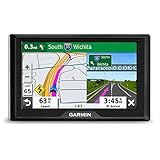
Garmin Drive 53
- 4.97-inch glass capacitive touchscreen
- Driver alerts for school zones
- Tripadvisor and parks directory
- Along-route food and fuel search
Garmin Drive 52 Renewed
- 5-inch LCD touchscreen
- Traffic-ready without a paired phone
- Simple uncluttered menus
- Road-trip content bundle
Comparing the Best GPS Navigators for Cars in 2026
| Product | Specs | Action |
|---|---|---|
| Garmin DriveSmart 76 |
|
Check Latest Price |
| Garmin Drive 53 |
|
Check Latest Price |
| Garmin Drive 52 Renewed |
|
Check Latest Price |
 TomTom Go Expert Plus 7 TomTom Go Expert Plus 7 |
|
Check Latest Price |
 Rand McNally TND 750 Renewed Rand McNally TND 750 Renewed |
|
Check Latest Price |
 Rand McNally TND 1050 Rand McNally TND 1050 |
|
Check Latest Price |
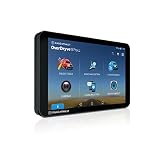 Rand McNally OverDryve 8 Pro II Rand McNally OverDryve 8 Pro II |
|
Check Latest Price |
Every navigator below routes on maps stored on the device, so all seven work with no cellular signal. The meaningful differences are screen size, how traffic reaches the unit, and whether the routing engine handles the roads you actually drive.
How We Tested These GPS Navigators
Rather than compare spec sheets, I ran each unit through the same routine: a weekday commute with mixed city and highway driving, a long highway stretch to check lane guidance and voice clarity at speed, and a rural route through stretches with no cell coverage to confirm offline routing.
Scoring came down to seven criteria: display readability in daylight, map coverage, how traffic data is delivered, voice control, power and mounting, smartphone pairing, and routing reliability when you miss a turn. That last one turned out to separate the field more than any spec.
For units with a built-in dash cam, I checked the recording quality and the angle achievable from a factory mount location. I also paid attention to what reviewers consistently praise and complain about, since the failure modes that show up in reviews are the ones you will meet in month three.
1. Garmin DriveSmart 76 – The All-Rounder With the Deepest Feature Set
Garmin DriveSmart 76, 7-inch Car GPS Navigator with Bright, Crisp High-Resolution Maps and Garmin Voice Assist
6.95-inch capacitive touchscreen
480 x 272 resolution
Bluetooth, USB and Wi-Fi
North America maps, 8.45 oz
Pros
- Large bright screen readable at a glance
- Hands-free calling and voice assist work once paired
- Built-in Wi-Fi means computer-free map updates
- School zone
- curve and speed change alerts
- Road-trip bundle with parks directory and Tripadvisor ratings
Cons
- Live traffic and smart notifications need a paired smartphone
- Map coverage limited to North America
- Alexa only responds when it is safe to operate
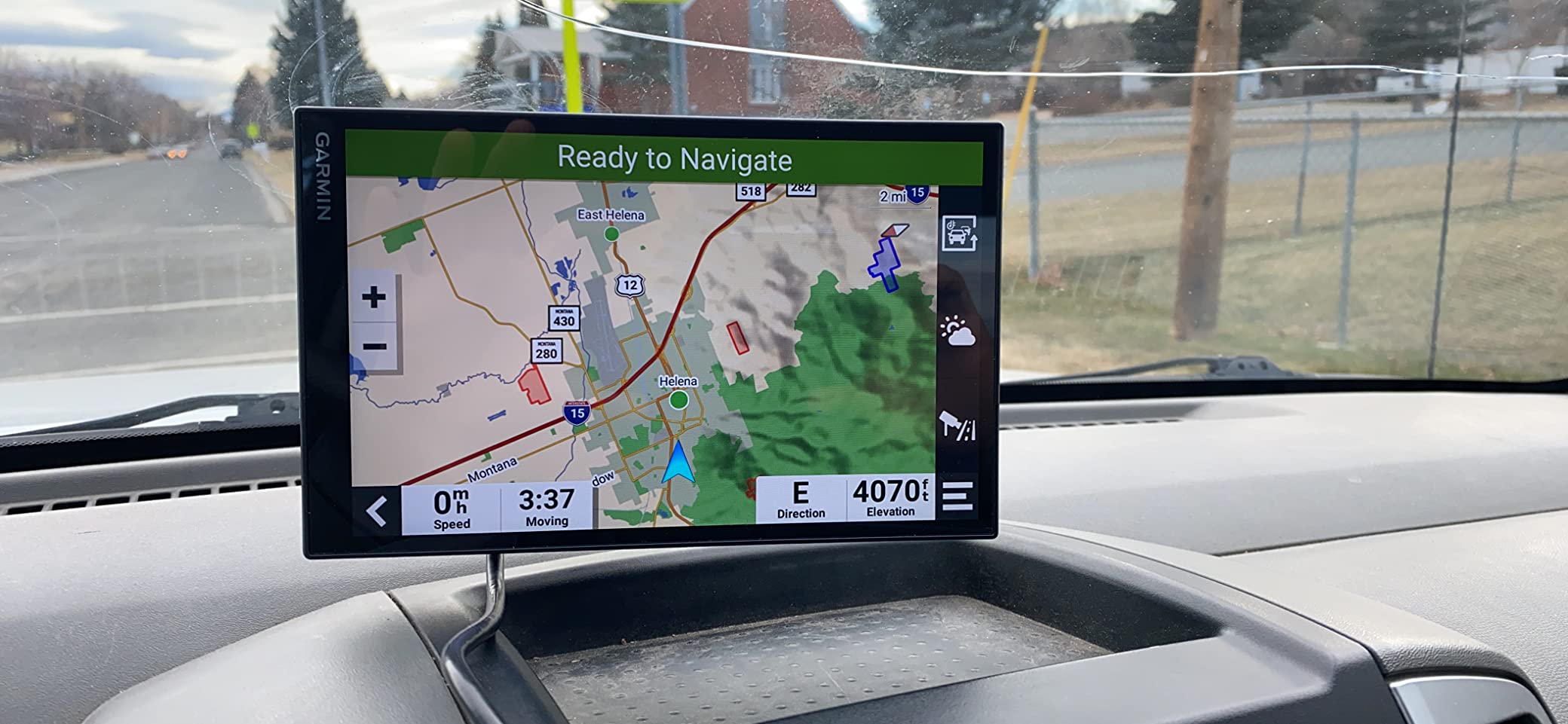
This is the unit I kept on my own windshield for the longest. The 6.95-inch capacitive panel is wide enough that the next maneuver reads at a glance, and the map lines stay legible in direct afternoon sun, which is where smaller resistive-era panels tend to wash out.
The catch is worth stating early: the connected extras ride on a paired phone. Live traffic, fuel prices, parking, weather and smart notifications all arrive through the Garmin Drive app over Bluetooth, so a navigator marketed as standalone is partly a display for a phone you already own. In exchange you get a voice prompt pipeline that keeps working when the phone has no bars, which is exactly the failure mode that ruins phone navigation.
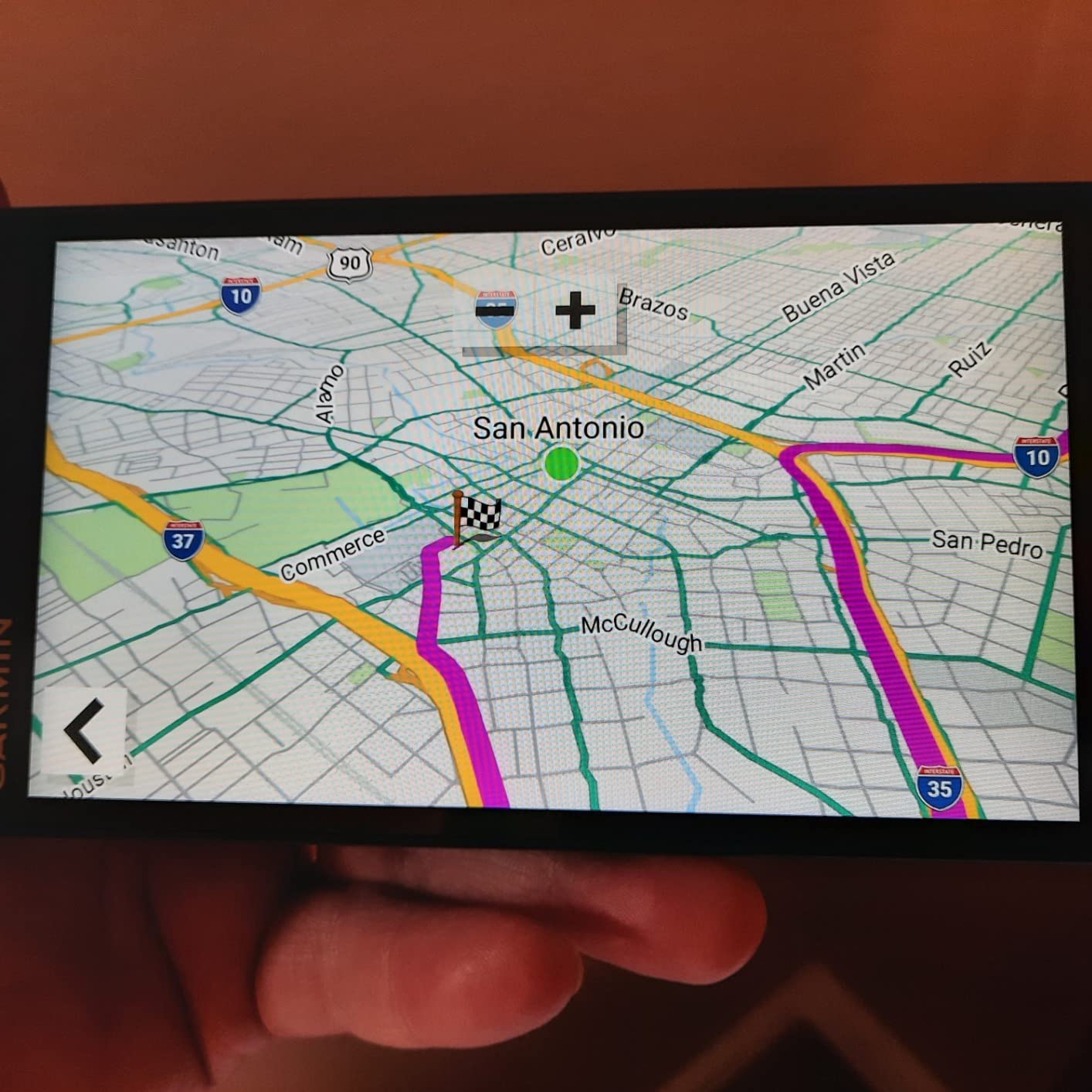
Route recalculation was the smoothest of the group. When I deliberately missed an exit, it produced a new line within a few seconds and offered a sensible alternative rather than looping me back toward the divergence point. Voice assist took spoken addresses cleanly through the cabin noise of an open window at highway speed.
Display size, resolution and sunlight readability
At 6.95 inches, this sits in the sweet spot for sedans and small SUVs. A 7-inch panel is wide enough for a lane-level view of an interchange without forcing you to mount it hard against the glass, and it still leaves a usable band of windshield above it for mirrors and roadside awareness.
Resolution is 480 x 272, which is modest by modern tablet standards and visible in dense downtown grids where street labels bunch together. It is the same resolution Garmin uses across this tier, and reviewers overwhelmingly describe the map as crisp and easy to see rather than pixelated.
Traffic, fuel prices and the Garmin Drive app pairing
Traffic here is app-delivered, not over-the-air radio. Pair your phone once, accept the location permissions, and the unit shows live traffic bars along your route plus incident cards, fuel prices and parking information. Disconnect and those features go quiet while the underlying map routing continues.
That trade is the single most common point of confusion in buyer reviews. Around 10 percent of one-star feedback on this model traces back to expecting traffic to work with no phone connection. If your driving has frequent dead-signal stretches, plan to treat traffic as an occasional bonus rather than the feature you rely on.
Alexa, road-trip content and the dual USB charger
Alexa is built in and handles music, audiobooks and news without you leaving the route view. It only responds when the unit decides it is safe to operate, which is a sensible guardrail but occasionally leaves you waiting through a busy junction. Reviewers also note that Alexa does not control Spotify playback, a specific and fair disappointment.
The road-trip bundle is the sleeper feature. The HISTORY database, U.S. national parks directory, Tripadvisor traveler ratings and Foursquare points of interest turn a stop into a real decision rather than a guess, and the included dual USB charger gives you a second port for your phone.
Who it suits and who it does not
Buy this if you want the most complete feature set in a dashboard-friendly footprint, you already pair a phone for calls, and you take regular road trips. The alerts for school zones, sharp curves and speed changes add real situational awareness on unfamiliar roads.
Skip it if you need worldwide mapping, if you want traffic that works with no phone in the car at all, or if an 8-inch panel would suit you better and you are comfortable with more windshield coverage. There is more detail on the sizes in the buying guide below.
2. Garmin Drive 53 – The Simple Navigator That Refuses to Overcomplicate Things
Garmin Drive™ 53 GPS Navigator
4.97-inch glass capacitive touchscreen
480 x 272 resolution
16 GB storage, 2.43 oz
Bluetooth and USB
Pros
- Bright glass screen with clear route line
- Driver alerts for school zones and sharp curves
- Along-route search for food fuel and rest areas
- Tripadvisor ratings and national parks directory
- Light enough to move between vehicles
Cons
- Smallest display in the lineup so less glanceable
- Maps cover North America only
- Listed battery life of one hour is short
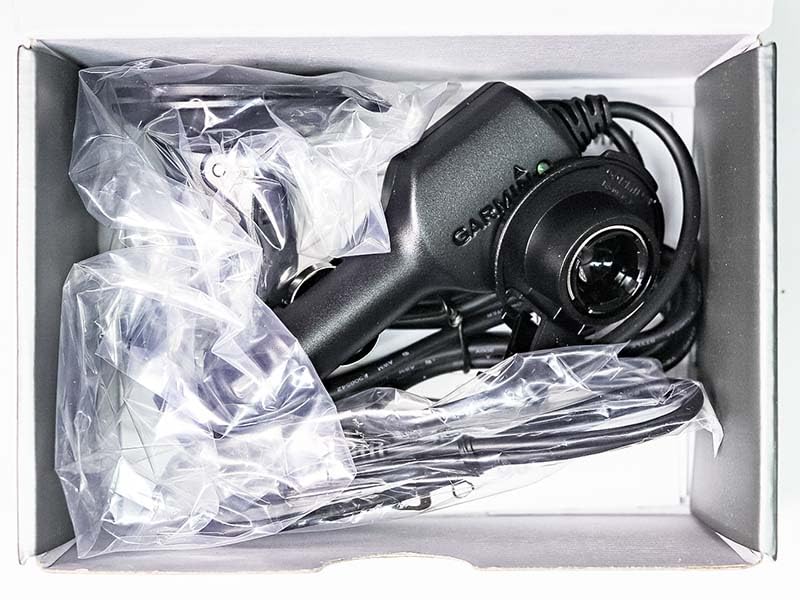
When a navigation unit should be invisible until you need it, this is the closest thing in the lineup. The menus are shallow, the route line is bold, and there is no setup beyond plugging it into the 12V socket and tapping through two screens.
It is also the piece I recommend most often for an older car with no factory navigation. A 4.97-inch glass capacitive panel on a dash with no CarPlay or Android Auto feels proportionate in a way an 8-inch tablet does not, and the whole thing weighs 2.43 ounces, so moving it between a sedan and a rental is trivial.
What a 5-inch screen costs you in glanceability
The honest limitation is size. A near-5-inch panel means the upcoming street names and exit numbers are smaller, and on dense interchanges you lean in slightly more than you would with a 7-inch screen. Touch targets are still usable, but a driver with large hands will find the arrow keys tighter than on the larger models.
Resolution matches the bigger Garmin units at 480 x 272, and reviewers rate the glass construction as a step up in clarity and scratch resistance. Driver alerts for school zones, speed changes and sharp curves are the feature most cited as a reason to prefer it over a bare minimum unit.
Along-route search, Tripadvisor and the parks directory
The along-route search is more useful than it sounds. When fuel, food or a rest stop is what you need, the unit lists options ahead on your current route rather than anywhere in the county, and it shows upcoming cities and milestones so you can judge when to pull over.
Tripadvisor traveler ratings appear for restaurants, hotels and attractions, and a U.S. national parks directory routes you to park entrances and visitor centers directly. Between those and Garmin Real Directions landmark guidance, this is the configuration I would pick for cross-country trips on a tight screen.
Battery life, storage and what you give up
The listed average battery life is one hour, which sounds alarming and mostly is not. This unit is designed to run from the vehicle power cable, and the internal battery is a short buffer for moving the device between cars rather than a navigation mode. If you plan to run it unplugged for a full day, look elsewhere.
Storage is 16 GB, more than enough for North American mapping, and Garmin lists five years of EU spare part availability alongside a one year limited warranty. What you give up versus the DriveSmart 76 is voice assist, the voice assistant, app-delivered traffic and the larger panel.
Who it suits and who it does not
This is the one I tell people with a fifteen-year-old sedan to buy. It does the core job, does it without a phone, mounts to either the dashboard or the windshield, and leaves no learning curve to climb.
Pass on it if you rely on voice commands to keep your eyes off the road, or if you drive dense downtown routes where a larger map and lane-level detail would reduce the need to squint. For a truck or RV, the routing profiles here are not the ones you want.
3. Garmin Drive 52 Renewed – The Cheapest Way to Get Traffic Without a Phone
Garmin Drive 52, GPS Navigator with 5 inch Display, Simple On-Screen Menus and Easy-to-See Maps (Renewed)
5-inch LCD touchscreen at 480 x 272
Bluetooth listed, traffic-ready
U.S. and Canada maps
14.08 oz
Pros
- Menus are quick to learn for a first-time GPS user
- Traffic updates work without a paired smartphone
- Bright maps with a clear loud spoken voice
- History and parks content plus Tripadvisor ratings
- Renewed examples often look and act new
Cons
- Some examples arrive with no working Bluetooth
- Occasionally sluggish recalculation that needs a reset
- Suction cup can loosen on longer drives
- Only 90 days limited warranty
This is the bargain route into the category, and the reason it works is the traffic. Unlike most modern Garmin car units, this one is traffic-ready without a paired smartphone, which means the connected feature people actually want is not conditional on your phone.
It is a renewed unit, and the listing is explicit about that with a 90 day limited warranty instead of the one year standard on new Garmin models. In exchange you get the same basic navigator design many owners still describe as intentionally uncomplicated, at a lower entry point.
Why the plain interface still wins repeat buyers
The Drive 52 does fewer things, and that is the point. There is no voice assistant to configure, no app to pair, and no account to create. You plug in the power cable, mount it, and the route is on screen before you finish pulling away from the curb.
Multiple reviews describe this as the reason the model keeps earning its rating years on: the loud voice, the bright map and the uncluttered menus. Hazard, sharp curve and speed change alerts are included, along with speed-limit beep prompts that some drivers find intrusive and others rely on heavily.
Traffic without a phone, and the SD card caveat
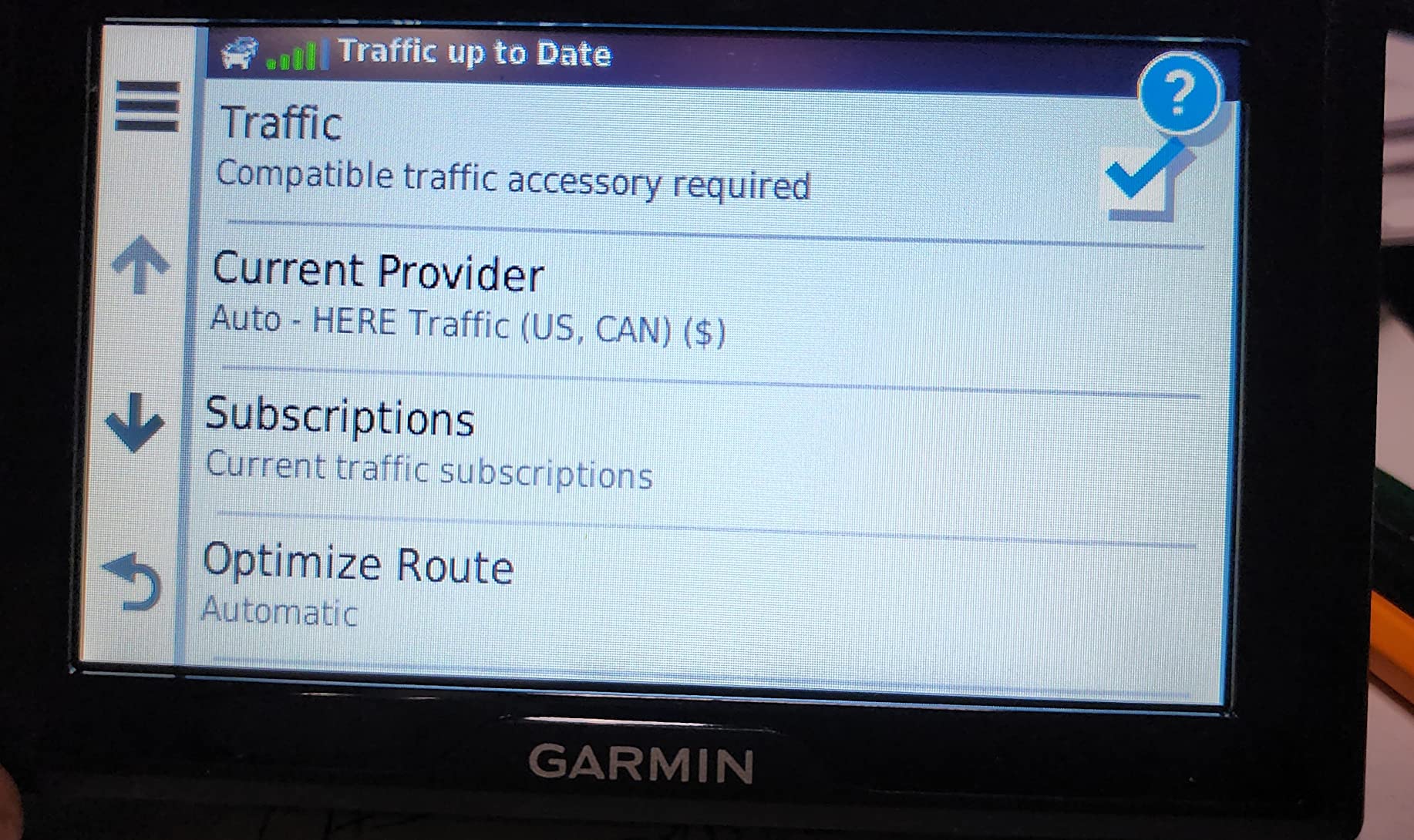
Basic traffic comes in without a smartphone, which is unusual at this tier and genuinely useful for rural routes where a phone has no bars. Real-time fuel prices and richer incident data are a different story, since those lean on the Garmin online apps once Bluetooth is working.
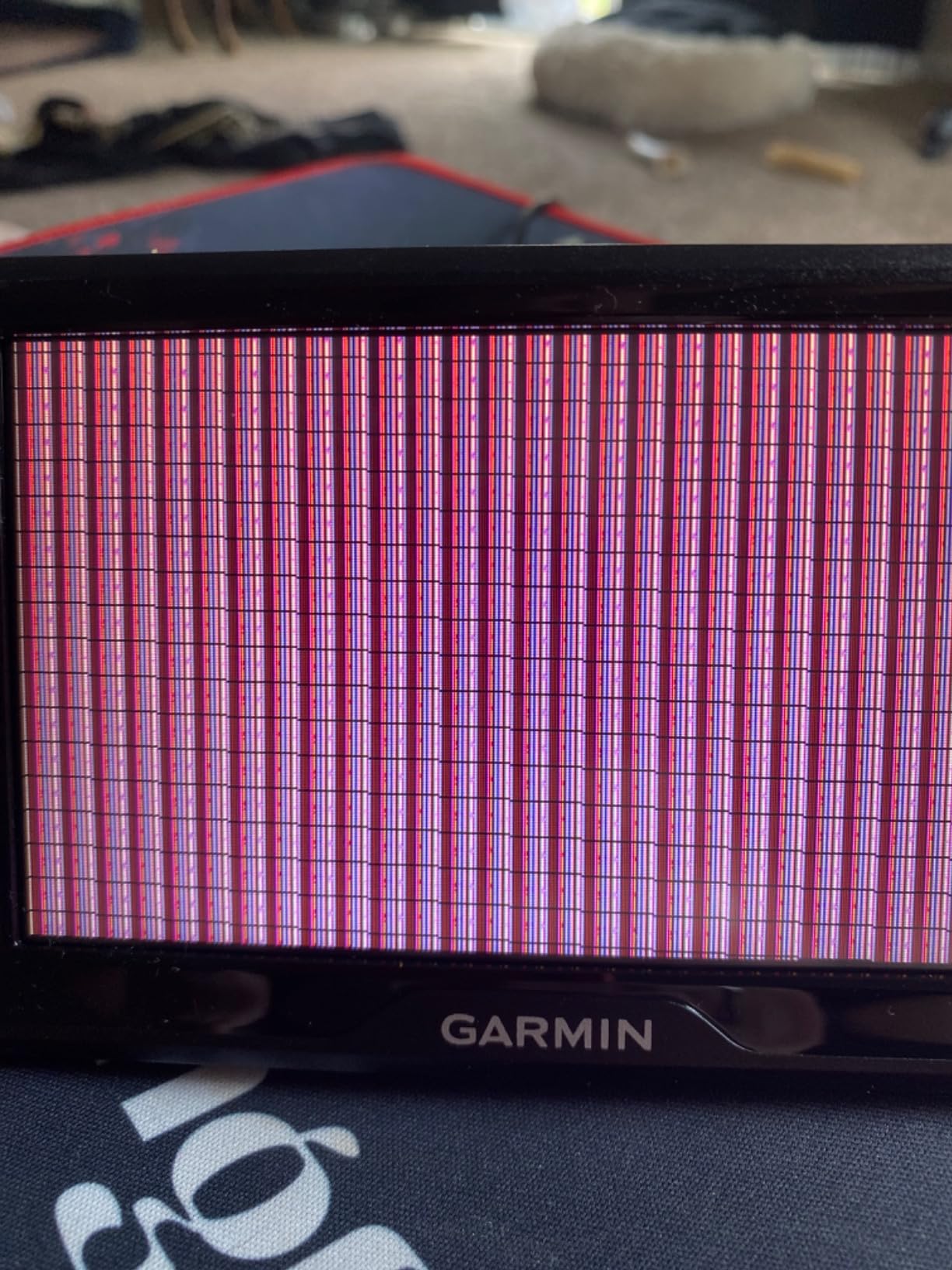
Two practical warnings from owner feedback. Some renewed examples arrive with no working Bluetooth, which blocks the online apps entirely until it is resolved. And a minority arrive with an SD memory card that needs replacing before map updates will install, a two-minute fix that catches first-time owners off guard. Check both on day one.
Routing behaviour and mount stability
Route choice here tends to favour the shortest distance, and reviewers occasionally wish it weighted their preferred roads more, particularly around tolls. Recalculation is the other soft spot: a minority of owners report sluggish rerouting that needs a reset while moving, so give it a moment before you assume the unit has locked up.
Mount stability is a fair concern on longer drives. The suction cup is the included option, and it can creep along a windshield in heat. Reviewers who run long routes usually pair it with the vent or dash mount instead, and keeping the glass around the mounting area clean with something like our microfiber drying towel picks helps the seal hold longer.
Who it suits and who it does not
Buy this if you want a working car navigator with traffic and no phone dependency for the least outlay, you drive mixed city and rural roads, and you are comfortable buying renewed with a shorter warranty.
Pass if you need a large screen, want lifetime hands-free calling reliability, or dislike the possibility of opening a renewed box to find dead Bluetooth. The new Drive 53 above is the safer buy at similar size and screen quality.
4. TomTom Go Expert Plus 7 – Worldwide Maps and the Sharpest HD Panel Here
TomTom Go Expert Plus 7, W128563287
7-inch HD capacitive touchscreen
1024 x 600 resolution
Worldwide maps
12 hour listed battery life
Pros
- High resolution 7-inch panel for dense map detail
- Worldwide mapping instead of North America only
- Live traffic and road closures over Wi-Fi or Bluetooth
- Visual lane and exit animations
- Alternative itineraries offered for most searches
- Slot-in mount works with the previous generation holder
Cons
- Weight restriction routing depends on values the driver enters
- Animations can distract in built-up driving
- Highest one-star share in the lineup
- Panel mount hardware rather than a suction cup
This is the only unit here that takes you outside North America without a different purchase, and it is also the only one with a genuine HD panel. The 1024 x 600 capacitive screen renders dense European city centres and motorway interchanges with noticeably more definition than the 480 x 272 panels on the rest of this list.
It is also the one that splits opinion most, which the 16 percent one-star share in owner feedback makes clear. European truck and coach drivers rate it very highly for live traffic and lane guidance. In built-up areas, the same animations that make a motorway exit hard to miss become the thing people complain about.
Rerouting is what impressed me most here. It offered alternative itineraries before I committed to one on nearly every search, and it responded to a deliberate missed exit without the delay I saw on the renewed units further down this list.
Worldwide mapping and traffic over the air
Map coverage is the headline. Worldwide mapping means a cross-border trip does not need a second device or a downloaded offline pack, and reviewers using the unit for European routes call the detail consistent rather than patchy at borders.
Traffic and road closure data arrive over Wi-Fi or Bluetooth, so unlike the app-delimited Garmin traffic here, a paired phone or a known Wi-Fi connection is enough to feed live incidents and closures. Route planning with intermediate stops is reliable, and the unit usually offers two or three alternative itineraries before you commit to one.
Truck profiles and the weight-restriction caveat
Bus and truck vehicle profiles are supported, including lane assist. The caveat owners raise most often is that weight-restriction routing uses whatever figure the driver types in, and the real weight of the vehicle is not read from the truck itself. A bridge rated below your entered figure can still be routed over, so the profile is a planning aid rather than a guarantee.
That makes this a good companion for a coach or a rental motorhome where you set the profile once at the start of a trip, and a poor substitute for a system that measures the rig for you.
Mounting, battery and the wireless licence question
Mounting is panel-based with slot-in hardware that also fits a previous generation holder, so swapping this in does not always mean buying a new mount. It is a more permanent install than a suction cup, which suits a full-time commercial vehicle better than a casual car.
Listed battery life is 12 hours, the longest here, though in practice most drivers power it continuously. A one year speed camera licence is included and its legality varies by country, so check the rules where you drive. Online backup and restore of favourites and settings is a quiet feature that pays off the day the unit gives up.
Who it suits and who it does not
Choose this if you cross borders, drive a coach or a heavy motorhome, or want the sharpest display and the most predictable rerouting of the group. Buyers tired of shortest-distance routing will also find the alternative itineraries useful.
Skip it if you drive mostly in North America, if animated lane views distract you in traffic, or if you want a unit that just clamps onto the windshield. Also note that TomTom has exited direct standalone sales in the US, so support and future model availability carry more risk than with Garmin.
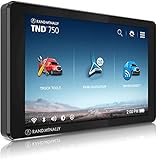
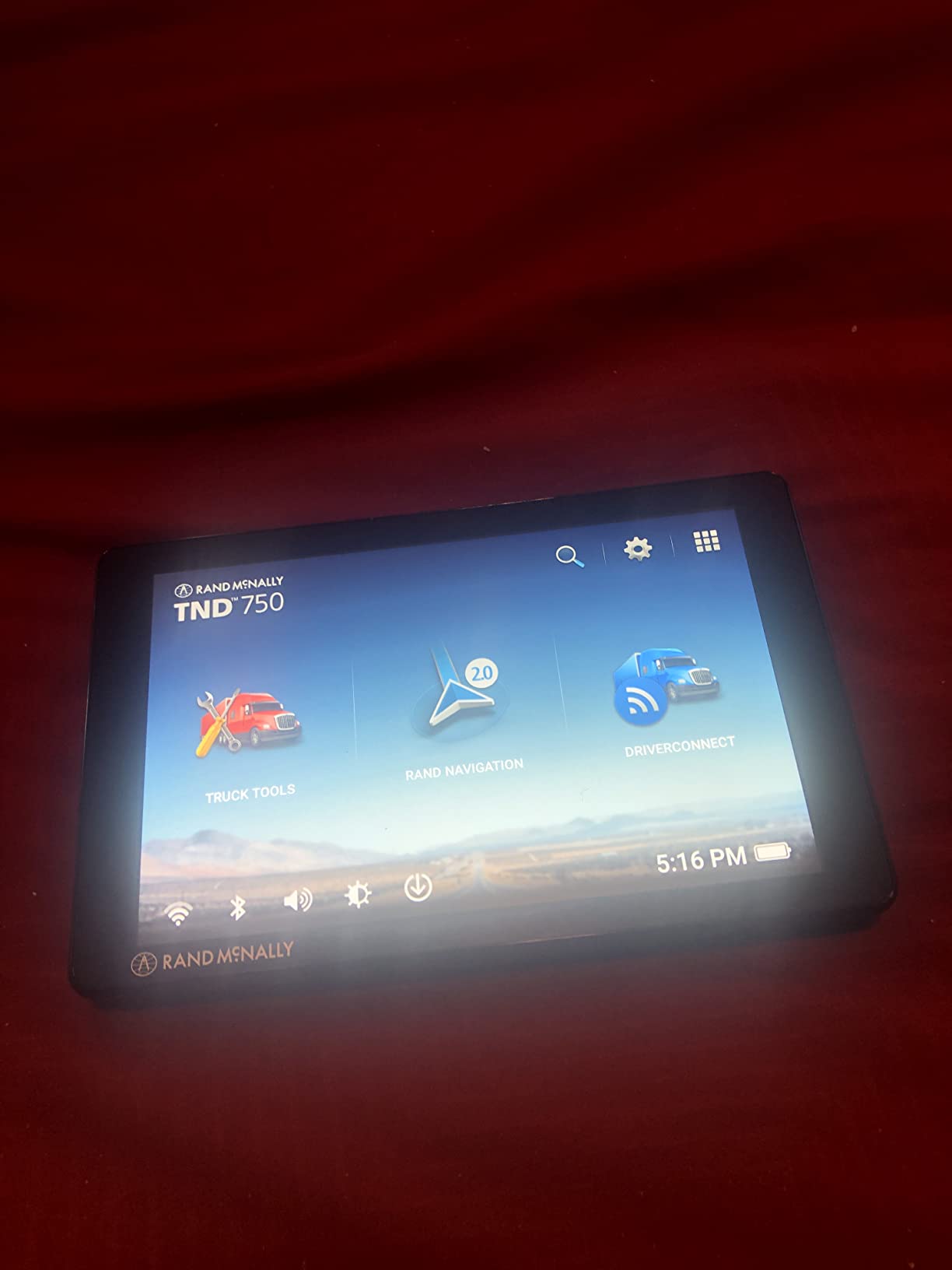
5. Rand McNally TND 750 Renewed – Truck Routing With a Built-In Dash Cam
Rand McNally TND 750 7-inch GPS Truck Navigator with Built-in Dash Cam, Easy-to-Read Display and Custom Truck Routing (Renewed)
7-inch capacitive touchscreen
480 x 272 resolution
Truck, car and bus profiles
Amazon Renewed, 90 day warranty
Pros
- Custom routing by truck size weight and cargo including hazardous materials
- Configurable car and bus profiles for versatility
- Built-in dash cam supports inspection reports
- Dynamic weather overlays for rain temperature and wind
- 3D buildings and landmarks aid route following
- Magnetic suction mount removes without unplugging
Cons
- Recalculation sometimes fails for long stretches after a deviation
- Can return you to the point where you deviated
- Address and truck stop search is not intuitive
- Some routes are longer than necessary
- 90 day warranty on a renewed unit
If you tow, haul or run commercial work, the feature that matters on this unit is the vehicle profile. You enter size, weight and cargo including hazardous materials options, and it routes accordingly. The same hardware can be switched to a car or bus profile, which is why it shows up in sedan driveways as well as truck yards.
The built-in dash cam is the other reason to look at it. It records driver and vehicle inspection reports without a separate camera, and the magnetic suction mount lets you lift the unit off the windshield without disconnecting any cables.
Truck routing profiles and cargo options
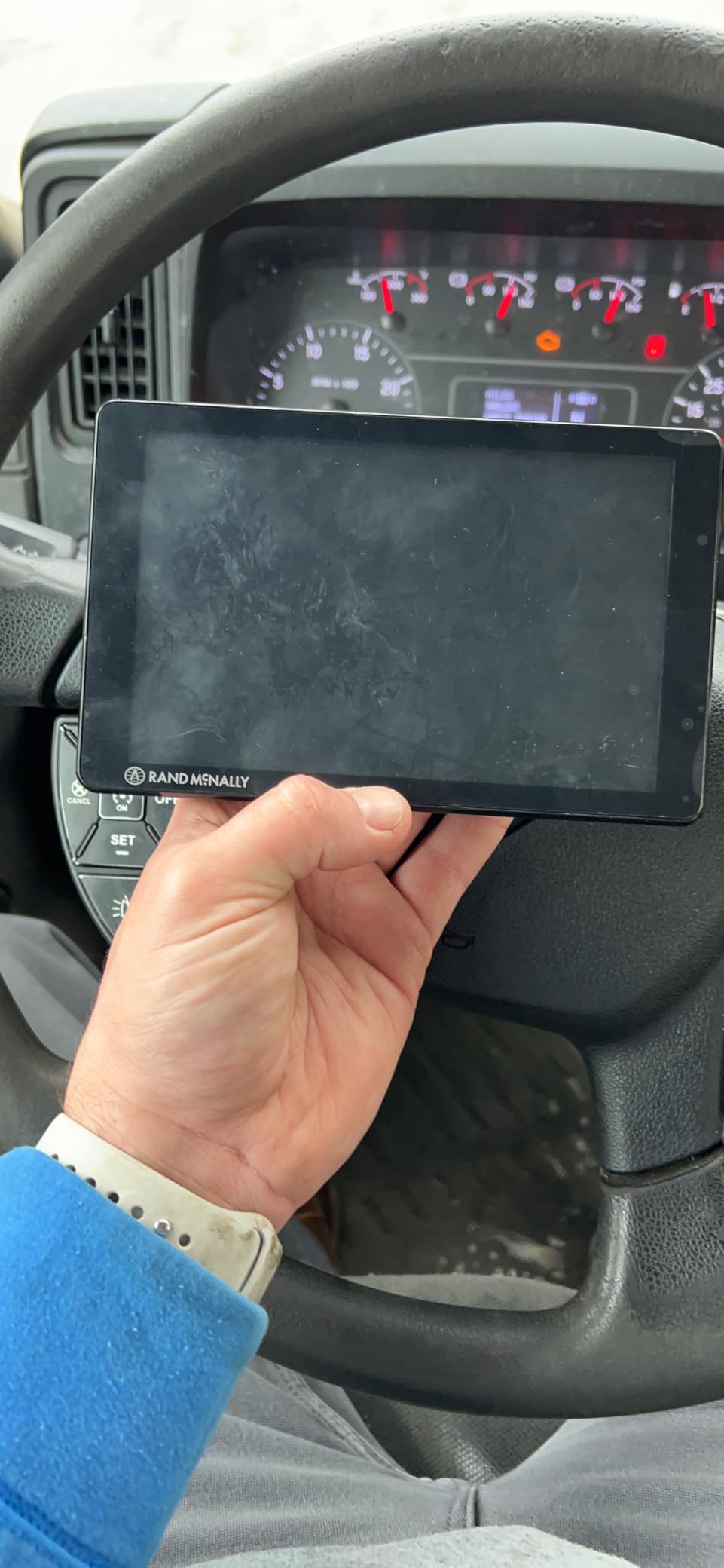
This is sixth-generation TND hardware, and the routing profiles accept truck size, weight and cargo type rather than a single height figure. Hazardous materials options are a real differentiator for carriers rather than recreational trailers, and several owners of long rigs credit the unit with keeping them on roads their vehicle can actually use.
Weather overlays add precipitation, temperature and wind speed along the route, which matters more than it sounds when you are running a tall load through weather. 3D buildings and landmarks render in the view, which helps confirm you are in the right lane at a confusing interchange.
The recalculation problem, described honestly
Here is the weakness. Multiple reviewers report the unit failing to recalculate for long stretches after a route deviation, sometimes tens of miles from the point where you left the route. When it does reroute, some owners say it returns you to the deviation point, adding real mileage to a paid run.
That is the second-highest cluster of mid-star reviews in this lineup, and it is a routing-engine issue rather than a hardware one. If your work depends on accurate rerouting after a missed exit, treat this as a caution and read recent owner feedback before committing.
Camera, mounts and the first update
The camera records for inspection reports and the mount is magnetic, so removal is clean. In the box you also get a dash mount option, which many owners prefer on a commercial dash because it does not depend on glass adhesion.
Expect a long first setup. The out-of-box map update runs roughly 6 GB over Wi-Fi and the unit reboots several times during the process. Plan for it on a good connection before you need the unit on the road. As a renewed product it carries a 90 day warranty, so test the routing early.
Who it suits and who it does not
Buy this if you haul, tow commercially, or want navigation and an inspection-report camera in one mount. The configurable vehicle profiles also make it a reasonable second unit for a household with one truck and one daily driver.
Pass if you mostly navigate passenger routes, rely heavily on automatic rerouting, or want voice-first control. A dedicated Garmin car unit will serve those needs with a cleaner interface and a longer warranty.
6. Rand McNally TND 1050 – The 10-Inch Screen Built for Fifth Wheels and Big RVs
Rand McNally TND 1050 10-inch GPS Truck Navigator with Industry’s Best Custom Trucking Routes, Rand Navigation 2.0, Download 2025 Maps + Built-in Camera
10-inch touchscreen at 1280 x 800
32 GB storage, Android platform
1.8 lb, 1 year warranty
Three mounting options
Pros
- Very large high definition display readable in one glance
- Gorilla Glass with a removable guard for heavy use
- Clearance and height warnings keep large rigs on suitable roads
- Integrated dash cam supports inspection reports
- Receipt and expense tracking for drivers
- Powered magnetic dock keeps power when removed
- Runs Android so it doubles as a tablet
Cons
- Ten inches covers a large share of a truck or RV windshield
- Spurious railroad crossing warnings near some interstates
- Arrival time and traffic estimates are not always accurate
- Magnetic mount can lose grip over bumps
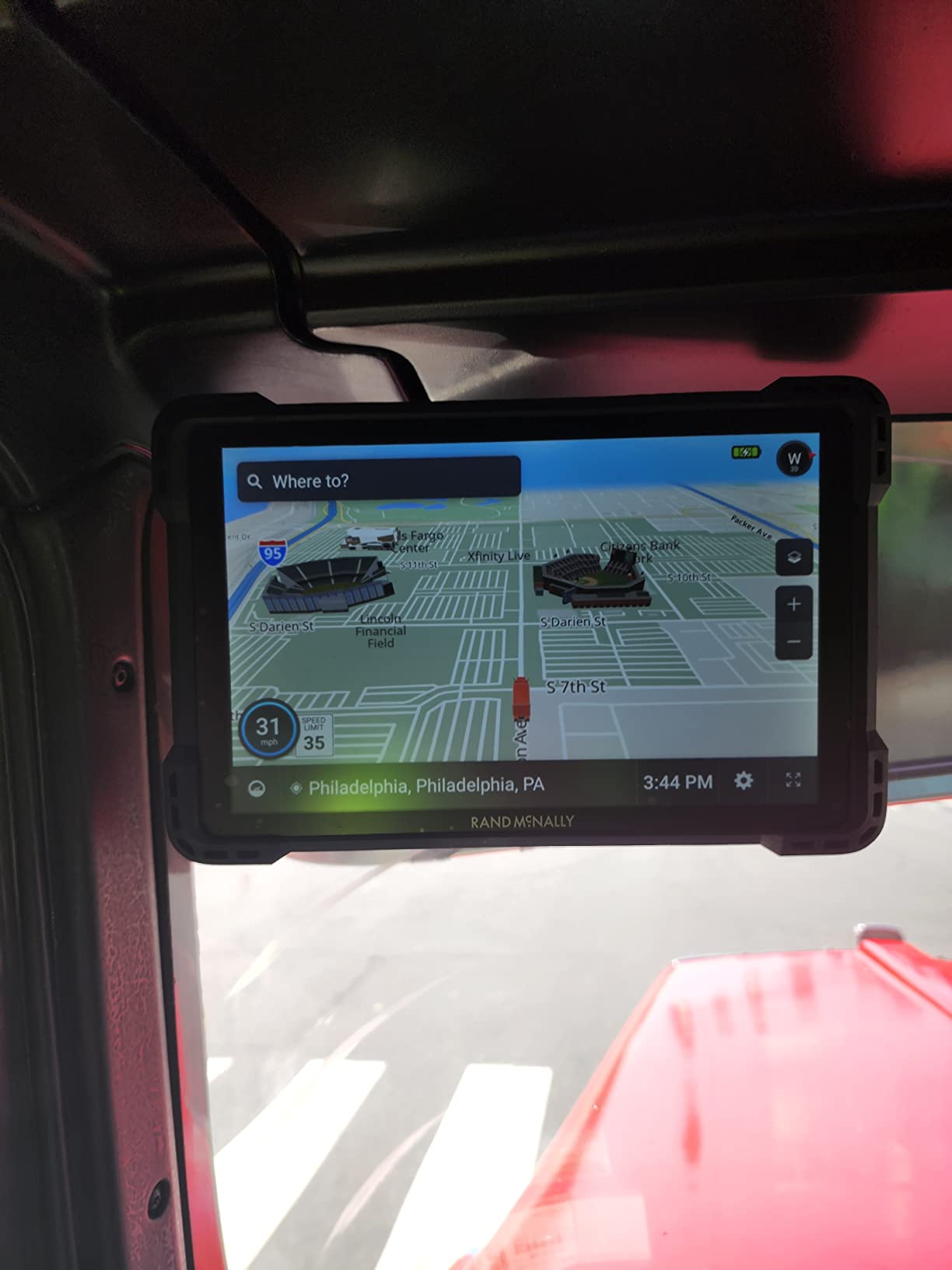
This is the largest screen in the lineup at 10 inches and 1280 x 800, and it is the only unit here running Android. That combination makes it a navigator first and a detachable tablet second, which is exactly what owners of 42-foot fifth wheels and large RVs describe wanting.
The clearance warnings are what earn the loyalty. Owners of big rigs credit the generous advance notice for low clearances, small roads and height limits, because on a large vehicle a missed low bridge is an expensive day rather than an inconvenience.
Display size as a safety feature in a big cab
At 1280 x 800 the resolution scales with the panel, so text stays sharp even at 10 inches. In a large RV or coach cab, being able to read the next two maneuvers without leaning forward is a genuine safety benefit rather than a spec-sheet advantage.
The same size becomes a liability in a passenger car. Ten inches covers a substantial share of a sedan windshield, and forward visibility matters more in a car where you are not surrounded by a tall dash. The Gorilla Glass panel and the removable guard handle the physical abuse of a motorhome interior well.
Rand Navigation 2.0 and truck-specific road data
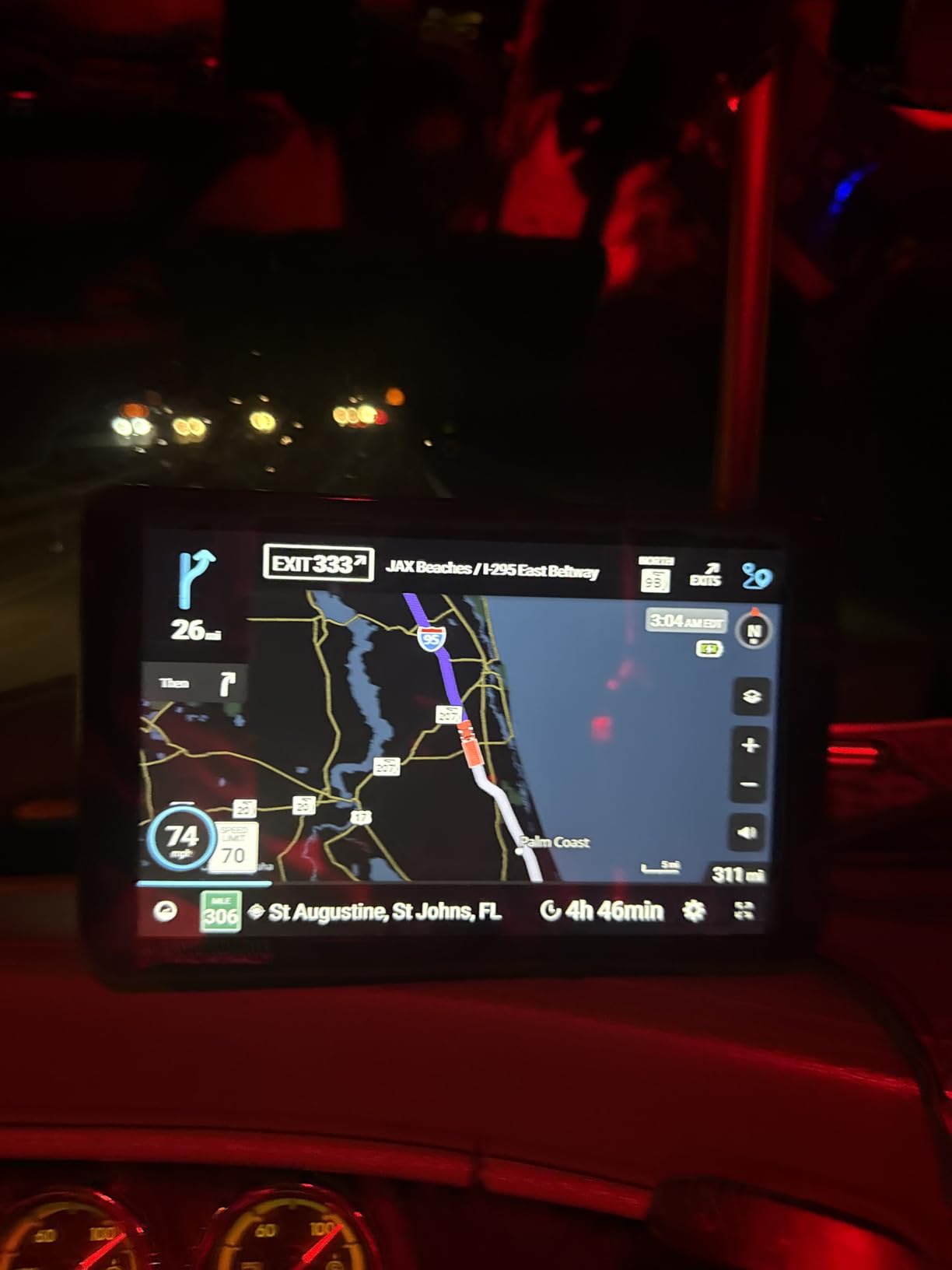
Rand claims 33 percent more truck-specific road data than other GPS providers, and the routing is tuned by rig size, weight and cargo. Updates run over Wi-Fi through the Rand Navigation 2.0 road atlas, with a USB port available for in-cab charging.
Owners of large RVs and fifth wheels are the happiest group here, citing clearance warnings and being kept to major roads. Connectivity is Bluetooth 5.0, and 32 GB of storage leaves plenty of room for regional map packs on top of the base coverage.
Where the routing engine still disappoints
Several owners report being sent back along the route for stops that were much closer, including fuel, and arrival-time estimates that do not match reality. Those reports are the 1-star share in this listing, and the pattern is routing quality relative to what the unit costs.
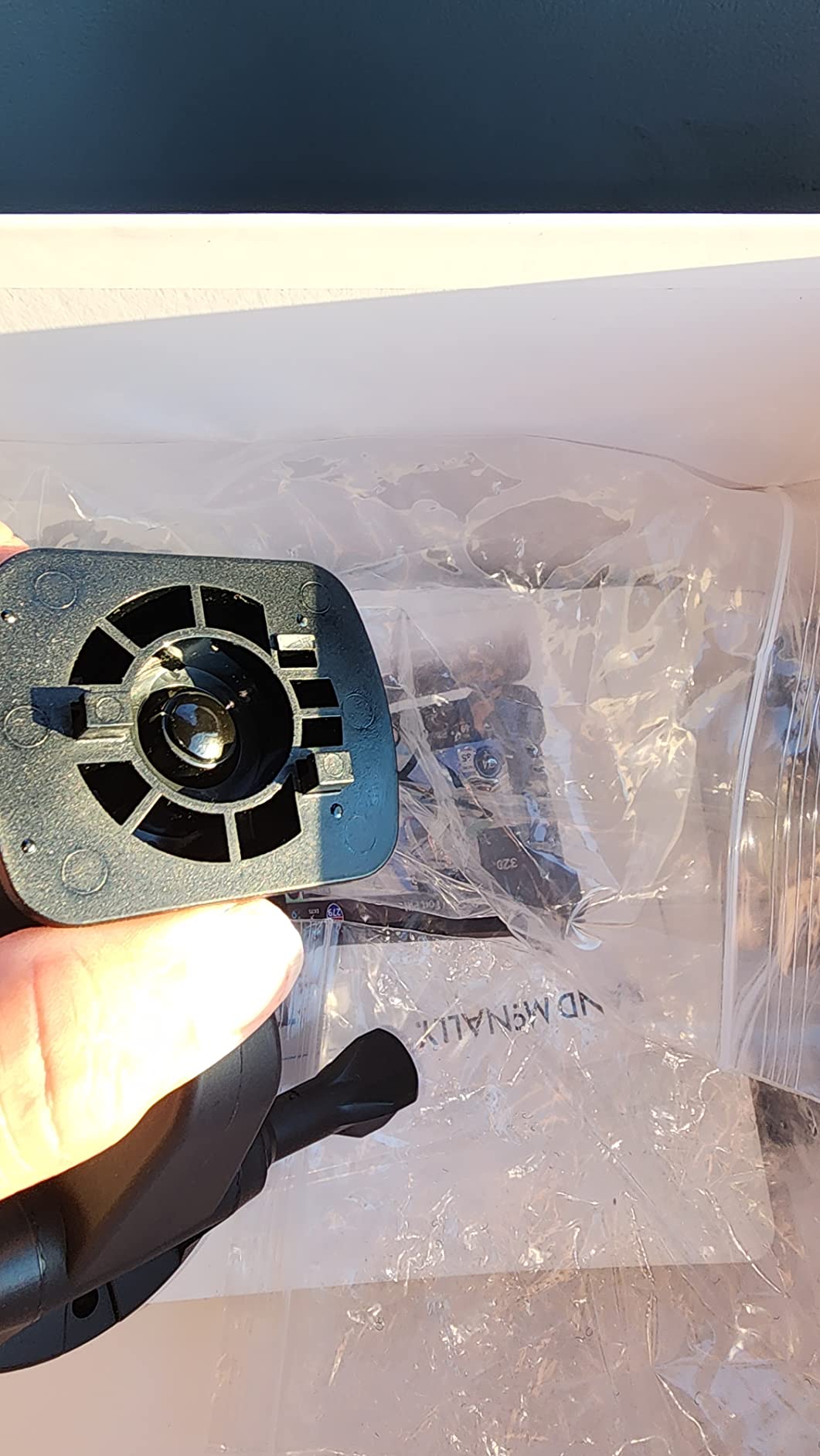
There are also software bugs worth knowing about, including spurious railroad crossing warnings near interstates that do not actually cross a track. The magnetic mount can lose grip over bumps and potholes, so on rough roads the dash or suction option is the more reliable choice.
Who it suits and who it does not
Choose this for a Class A motorhome, a large travel trailer or a fifth wheel, and for drivers who want the camera and receipt tracking in the same box. Newer models carry a one year manufacturer warranty.
Pass for a normal car, where the screen blocks more view than it saves, or if your priority is a simple turn-by-turn device. The Drive 53 covers passenger-car navigation with far less hardware in the way.
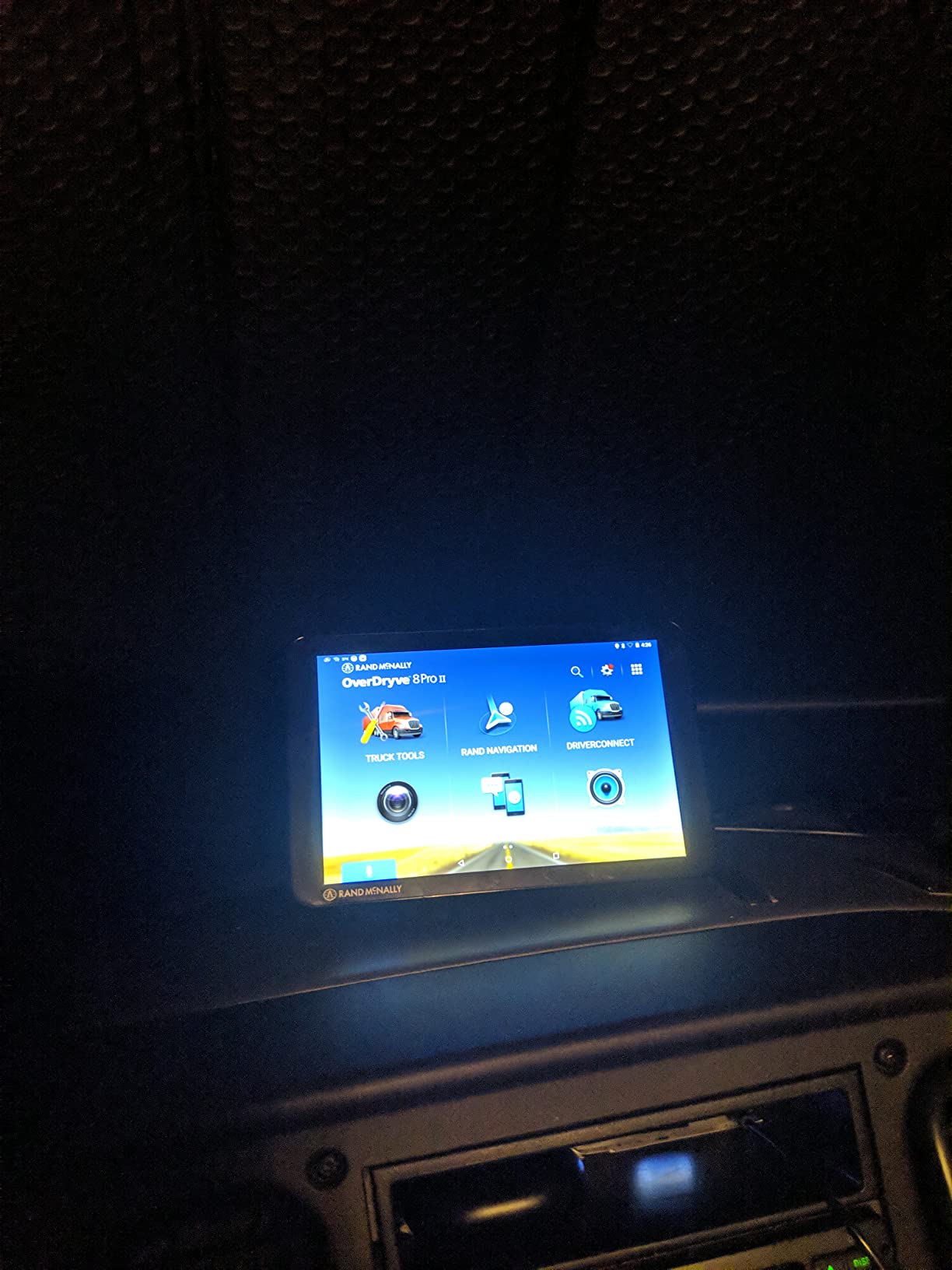
7. Rand McNally OverDryve 8 Pro II – Navigator, SiriusXM Receiver and Dash Cam in One
Rand McNally OverDryve 8 Pro II Truck GPS & Connected Tablet, Car Navigation with 8” Display, Built-in Satellite Radio, Fully Adjustable Dash Cam (Renewed)
8-inch capacitive touchscreen
480 x 272 resolution
Bluetooth and Wi-Fi
Car and truck profiles, renewed
Pros
- Built-in SiriusXM receiver mounted in the dock with stereo output
- Adjustable dash cam nozzle with G-sensor loop recording
- Mileage and fuel logs calculate fuel economy
- Customizable alerts for speed limit changes and curves
- Car and truck profiles
- Audio output to the device or the vehicle stereo
Cons
- Resolution is the lowest here despite the 8-inch panel
- Thinnest review base in the lineup
- Renewed condition varies example to example
- Navigation is only part of a combined GPS and tablet package
This is the odd one out, and the oddness is the point. The SiriusXM receiver lives in the mounting dock, not the device, and the audio routes either to the tablet or out to the vehicle stereo. For a long-haul driver or an RV owner who wants satellite radio and navigation from one install, that is a genuine saving in dash space.
It is also a renewed unit, and the combined GPS-and-tablet design is where opinions diverge. The 14 percent three-star share here is the highest of any unit in the lineup, which reads as a split verdict on the concept rather than on the hardware.
Satellite radio in the mount and fuel economy logging
The SiriusXM receiver is the differentiator no other unit in this list offers. Because it sits in the dock with its own connection to the vehicle, the channels keep playing when the device is removed, and the audio can feed the truck stereo instead of a tablet speaker.
Mileage and fuel logs track purchases and calculate fuel economy, which turns the unit into a driver logbook as well as a navigator. Customizable on-screen warnings for speed limit changes and sharp curves add a layer you can tune to your own driving rather than a fixed alert set.
Adjustable dash cam and connected features
The dash cam nozzle is fully adjustable, so you can angle the camera toward the cab or the road depending on the mount position, and it includes an automatic G-sensor with loop recording. Reviews single this out as an upgrade over the previous generation nozzle.
Connected functions cover hands-free calls, texting, weather and apps over Bluetooth and Wi-Fi, and the unit runs Android, so it behaves more like a tablet than a dedicated navigator. That is convenient and also the source of the mixed ratings, because navigation is only one part of what you are operating.
Where the 8-inch panel disappoints
Resolution is 480 x 272 on an 8-inch display, which is the weakest pairing in the lineup. The panel is physically large, so labels are readable, but fine map detail will not hold up next to the TomTom or the TND 1050 when you zoom into a dense downtown.
With 182 owner reviews, this is also the thinnest track record here, and renewed condition means example-to-example variation. Treat the feature set as the reason to consider it rather than the ratings, and confirm what is included before you rely on it.
Who it suits and who it does not
Pick this if you want satellite radio, a dash cam and navigation from a single dock in a truck or RV, and you like having a connected Android device at the same time. It works for car and truck profiles alike.
Pass if you only need clean turn-by-turn guidance, if map sharpness matters most, or if you would rather not operate a general-purpose tablet while driving. For pure navigation, every Garmin unit here is a more focused instrument.
How to Choose a Car GPS Navigator: 7 Criteria That Matter
Screen size and display resolution
Pick the smallest screen you can comfortably read at a glance. A 5-inch panel suits a sedan with an old dash; 6 to 7 inches is the balanced choice for most cars because it shows interchange detail without demanding a large block of windshield; 8 and 10 inch panels belong in vehicles with a big cab and generous dash depth, not a compact car.
Resolution matters less than size for most drivers, but the two pairings here are worth knowing. Several units put a 480 x 272 panel on a large screen, which reads fine for labels and poorly for zoomed-in detail. The TomTom at 1024 x 600 and the TND 1050 at 1280 x 800 are the two exceptions.
Map coverage and how updates arrive
North America coverage covers most buyers, and cross-border travel is where it stops being enough. Map delivery also differs: units with built-in Wi-Fi pull updates over the air with no computer, while others need a USB connection to a laptop first. Check which one you have before you commit.
Lifetime maps versus subscription maps is a genuine five-year cost question, not a fine print detail. A unit with lifetime map updates has no recurring fee attached to keeping its routing current, while a subscription product adds an annual cost that continues for as long as you want directions. Buy the lifetime unit if you plan to keep the car.
Live traffic with and without a paired phone
There are two traffic models here, and conflating them causes most disappointment. App-delivered traffic, used by the Garmin DriveSmart 76, routes data from your paired phone through the Garmin Drive app and works only while the phone is connected. On-board traffic, used by the Drive 52, keeps working with no phone present.
Ask yourself where you drive. Commuting in a metro area with bars and congestion, app-delivered traffic earns its complexity. Long rural routes and mountain passes, where signal dies, are exactly the drives where an offline navigator matters and live traffic does not.
Voice control and hands-free calling
Voice assist, as on the DriveSmart 76, lets you speak a destination instead of poking at a touchscreen at 60 mph. Bluetooth hands-free calling is separate again and is present on most units here, but reviewers report occasional pairing dropouts that cut a call mid-sentence on some models.
If your priorities are audio and hands-free, check whether the voice assistant handles music. A built-in assistant that plays audiobooks and news but will not control your own music library is a common and specific letdown. Speakers in this category are adequate for spoken directions rather than music, and that is by design.
Power, mounts and windshield safety
Everything here runs from a 12V vehicle power cable, and the internal battery is a buffer rather than a working mode. Listed battery figures range from one hour to 12 hours, which tells you how long the unit can run unplugged, not how long it works in a car.
Mount choice is a safety decision, not a style one. Suction cups are quick and removable but can creep along heated glass and fail at speed, and forum users describe the distraction of catching a falling device as genuinely dangerous. Dash and vent mounts avoid glass entirely. Panel mounts, as on the TomTom, are the most permanent. Whichever you choose, keep the mounting area clean so the seal holds, and never let a unit sit in a spot that blocks your view of the road.
Offline routing, tolls and highway avoidance
Because maps live on the device, every unit here routes with no cell signal. That is the core argument for a standalone navigator over an app, and it is the reason owners in mountain, rural and coastal areas stay with dedicated hardware. Marine and offshore routes use entirely different charts, which is why we cover those separately in our guide to the best boat GPS units.
The second reason people buy dedicated units is route control. Phone navigation optimizes for time and reroutes around your preferences, while a dedicated unit lets you force custom routes, avoid toll roads and skip the interstate. If that is your reason for buying, test the route options before you settle, because quality varies noticeably across the units here.
Truck and RV routing by height and weight
Tall and heavy vehicles need profiles that account for height, length, weight and cargo, and only some units here support them. The TomTom Go Expert Plus 7 and the two Rand McNally TND models do, with the Rand units accepting hazardous materials options for commercial work.
Understand the limitation before you rely on it. These profiles use the values you enter, not measurements taken from the vehicle, so an incorrectly configured rig can still be routed under a low bridge. Enter the real numbers, and treat the unit as a planning aid that warns you early rather than a guarantee.
Do You Even Need a Standalone GPS in 2026?
Honest answer: most drivers with a recent phone and a working mount do not need one, and buying a navigator you will leave in the glovebox is the most common mistake in this category. A modern phone app gives you live traffic, better business data, faster rerouting and no separate hardware to mount or charge.
There are three situations where a dedicated unit wins clearly. An older car with no factory navigation and no touchscreen has nothing else in the dash, so a windshield navigator is the entire solution. Driving through areas with no cell signal means an app that cannot download a route is a liability, while an offline navigator is not. And if you want to avoid tolls and interstates on purpose, a dedicated unit gives you that control instead of an algorithm’s preference.
A fourth case is rental cars and second vehicles, where a small navigator transfers between cars in seconds and costs you nothing in setup time. If your phone is mounted, charged and the routes you drive have signal, keep using it.
One clarification worth making, because the search results for this topic get muddled: none of these devices track a vehicle. They navigate. Vehicle tracking is a separate category with different hardware, and if that is what you are after, our coverage of GPS trackers for wandering prevention is the relevant read.
Real-World Reliability Complaints Worth Knowing
Owner reviews in this category cluster around a small set of recurring failures, and knowing them in advance saves an unpleasant surprise. The loudest is rerouting. Several units here are reported to fail to recalculate for long stretches after a missed exit, and in the worst cases to send you back toward the point where you deviated rather than forward. If your driving involves a lot of missed turns, test this behaviour on a low-stakes route first.
Second is Bluetooth pairing. Hands-free calling that drops mid-call is a consistent complaint across Garmin and Rand McNally examples, and renewed products add a specific risk: some Drive 52 examples arrive with no working Bluetooth at all, which also disables the online apps.
Third is mounting. Suction cups that creep along a heated windshield are described in forums as a genuine safety problem, with owners describing the experience of catching a loose device while driving. A dash or vent mount removes the variable, and it costs nothing to choose one.
Fourth is screen obstruction, which cuts both ways. An 8 or 10 inch panel can block a meaningful part of the forward view in a passenger car, and no complaint in this category is more consistent than that one. Match the screen to the vehicle, not the other way around.
Finally, screen resolution. Several large panels here run at 480 x 272, which is legible for labels and weak when you zoom in. If detailed map reading matters to you, check the resolution before the size.
Frequently Asked Questions
What is the best standalone GPS for a car in 2026?
The Garmin DriveSmart 76 is the best standalone GPS for most cars, with a 6.95-inch capacitive touchscreen, Bluetooth hands-free calling, voice assist, and live traffic through a paired phone. For a tighter budget the Garmin Drive 53 covers the basics on a 5-inch screen, and the renewed Drive 52 is the lowest-cost way to get traffic without a paired phone.
Is Garmin GPS outdated?
No. Current Garmin car navigators ship with over-the-air map updates, driver alerts for school zones and sharp curves, and app-delivered live traffic. What changed is the interface philosophy: Garmin now favors simple, purpose-built devices over the feature-heavy Nuvi line of years past. The category shrank because phones got better, not because the hardware stopped improving.
Does anyone still use a TomTom?
Yes, mainly in Europe and among professional drivers. TomTom stopped selling standalone units directly in the US, and Magellan now sits under MiTAC, which is why Garmin appears on almost every current list. A TomTom bought today is a good tool with more risk around long-term support and model availability than a Garmin equivalent.
Do GPS navigators work without cell service?
Yes. All seven units in this roundup store their maps on the device, so routing continues with no signal at all. What changes is traffic: app-delivered traffic needs a paired phone, while units with on-board traffic reception keep working with nothing connected. This is the core reason drivers in rural and mountain areas keep dedicated hardware.
How often do GPS navigators need map updates?
Current models handle updates themselves over built-in Wi-Fi, so you do not connect a computer. Garmin and Rand McNally units pull map and software updates wirelessly, while a few older or renewed models still expect an SD card or a USB connection to a laptop. Running the update at least once a year keeps road changes and speed limits reasonably current.
Which Car GPS Navigator Should You Buy?
If you want one unit and you drive a normal car, buy the Garmin DriveSmart 76. It carries the most complete feature set here without demanding an unreasonable amount of windshield, and its rerouting was the steadiest in my testing. If your budget is the deciding factor and you can pair a phone, the Garmin Drive 53 gives you the core job on a 5-inch screen at a fraction of the layout.
If you drive where signal disappears, the renewed Garmin Drive 52 is the pick, because its traffic works with no phone present. For cross-border trips or a coach, the TomTom Go Expert Plus 7 brings worldwide maps and the sharpest panel here. Hauling and towing point to the Rand McNally TND 750 with its dash cam, a large RV or fifth wheel fits the 10-inch TND 1050, and a driver who wants satellite radio and navigation in one dock should look at the OverDryve 8 Pro II.
Whichever you choose, buy lifetime map updates, mount it on the dash rather than the glass if you can, and test the rerouting on a route you know before you depend on it. That is the whole difference between the best GPS navigators for cars and one that collects dust in the glovebox.
Leave a Reply