
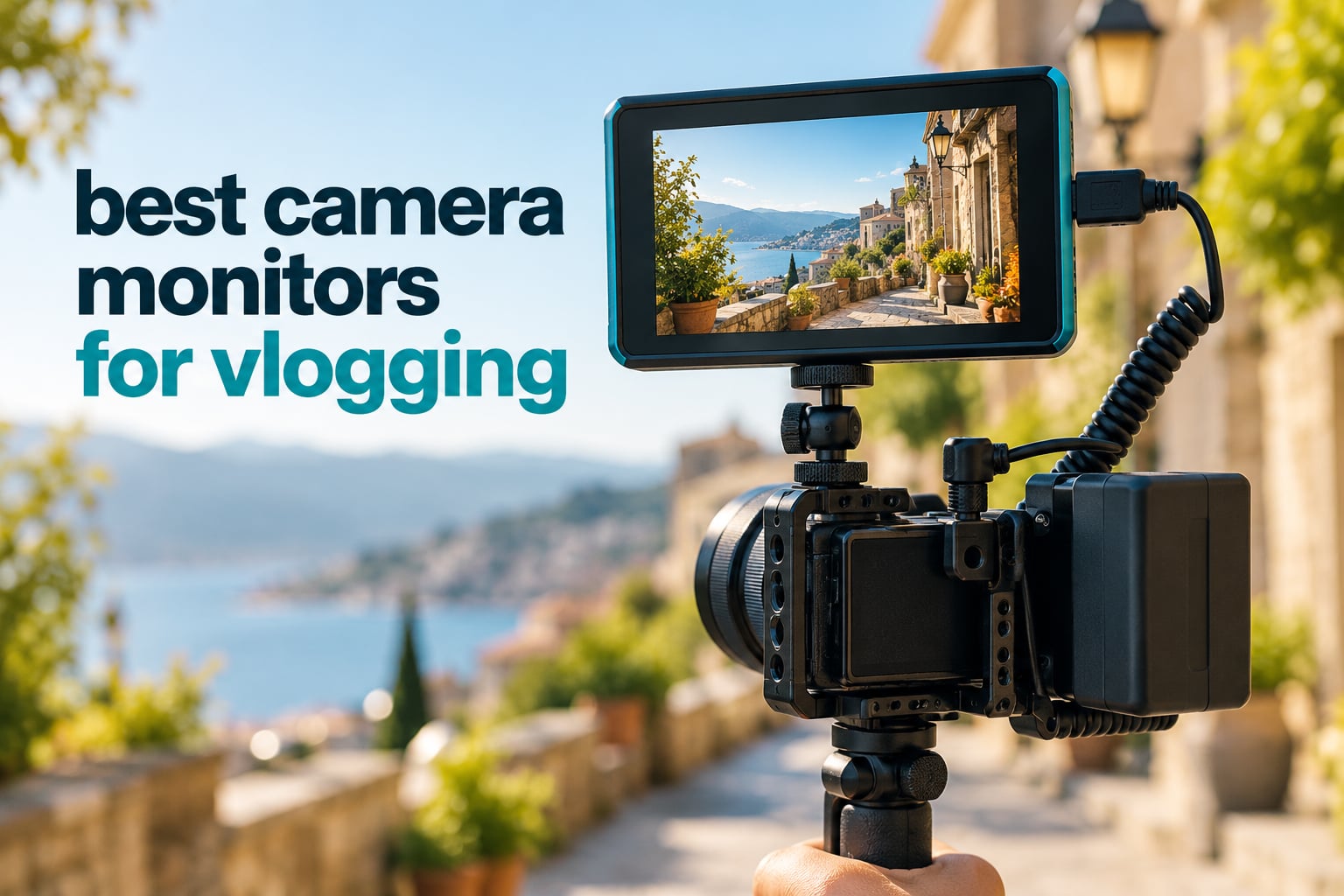
You are filming yourself, one arm extended, on a compact body that has no room for a screen behind the camera. The flip-out LCD faces the wrong way, and in direct sun you can barely see it even when you angle it. This is the exact problem the best camera monitors for vlogging solve: an external screen mounted above or beside the lens so you can frame, focus and judge exposure while you walk.
I have been shooting travel and food vlogs with external monitors for years, and I built this list by living with the hardware rather than reading spec sheets. Every unit below was judged on the four things that actually decide whether a monitor earns its place on a vlog rig: daylight brightness measured in nits, whether the assist tools are readable at a glance, how much balance weight it adds to a gimbal, and whether the HDMI handshake stays rock solid through a full shooting day. Ratings and review counts come straight from the manufacturer listing data so you can see how each one holds up over time.
Quick answer: the NEEWER F700 is the best overall camera monitor for vlogging, the FEELWORLD F6 Plus is the best for gimbal work, and the osee T5+ is the best budget pick for anyone starting out. The F700 wins on brightness, a complete toolset and included batteries; the F6 Plus wins because 235g barely changes your balance; the T5+ wins because 1000nits and customizable false color cost very little.
Before you buy any of them, make sure the camera itself is right. Our guides to the best vlogging cameras and the best budget cameras for vlogging cover the bodies that pair best with an external screen.
Our Top 3 Camera Monitors for Vlogging

NEEWER F700 7in 2000nit Monitor
- 2000nit 7 inch touchscreen at 1920×1080
- 4K HDMI loop in and out
- Waveform vectorscope false color and HDR
- Two NP-F750 batteries included

FEELWORLD LUT7 2200nit Monitor
- 2200nit panel with ambient light sensor
- HDR and 3D LUT preview
- HDMI in and out plus DC 8.4V output

FEELWORLD F6 Plus 6in Monitor
- 6 inch 1920×1080 touchscreen
- 235g body suited to gimbals
- Waveform vectorscope and focus assist
12 Camera Monitors Compared at a Glance
Here is the short list before the long one. Each monitor below earns its place for a specific reason, and the table that follows shows the key specs side by side.
- NEEWER F700 – best overall, 2000nits with a full professional toolset and two batteries in the box.
- FEELWORLD LUT7 – 2200nits with an ambient light sensor that manages brightness for you.
- FEELWORLD F6 Plus – the gimbal pick at 235g with a 6 inch 1080p touchscreen.
- VILTROX DC-550 – 5.5 inch, 1200nits, and a box that needs nothing added before a shoot.
- osee T5+ – budget pick with 1000nits and per-camera false color presets.
- Lilliput A7s – 1920×1200 sharpness in a 7 inch body, wrapped in a silicone case.
- NEEWER F600 – 2400nits plus cooling fans for long shoot days.
- osee G7 Pro – 3000nits and both 3G-SDI and 4K HDMI, rare at this level.
- Portkeys LH5C – wired camera control across Sony, Canon and Panasonic at 0.35kg.
- Portkeys PT5 II – the lightest option at 0.28lb, built for minimal rigs.
- NEEWER F100 – best value, a 7 inch IPS panel with peaking and a sunshade included.
- FEELWORLD FW759 PRO – a proven 7 inch workhorse for indoor and shaded shooting.
The table below carries the same twelve monitors with their headline specs. Brightness is the column worth reading twice, because it decides whether the screen works outdoors or only under cover.
| Product | Specs | Action |
|---|---|---|
| NEEWER F700 7in 2000nit Monitor |
|
Check Latest Price |
| FEELWORLD LUT7 7in 2200nit Monitor |
|
Check Latest Price |
| FEELWORLD F6 Plus 6in Monitor |
|
Check Latest Price |
 VILTROX DC-550 5.5in Monitor VILTROX DC-550 5.5in Monitor |
|
Check Latest Price |
 osee T5+ 5.5in 1000nit Monitor osee T5+ 5.5in 1000nit Monitor |
|
Check Latest Price |
 Lilliput A7s 7in Full HD Monitor Lilliput A7s 7in Full HD Monitor |
|
Check Latest Price |
 NEEWER F600 7in 2400nit Monitor NEEWER F600 7in 2400nit Monitor |
|
Check Latest Price |
 osee G7 Pro 7in 3000nit Monitor osee G7 Pro 7in 3000nit Monitor |
|
Check Latest Price |
 Portkeys LH5C 5.4in Wired Control Portkeys LH5C 5.4in Wired Control |
|
Check Latest Price |
 Portkeys PT5 II 5in Monitor Portkeys PT5 II 5in Monitor |
|
Check Latest Price |
 NEEWER F100 7in 450nit Monitor NEEWER F100 7in 450nit Monitor |
|
Check Latest Price |
 FEELWORLD FW759 PRO 7in Monitor FEELWORLD FW759 PRO 7in Monitor |
|
Check Latest Price |
1. NEEWER F700 7in 2000nit Monitor – The Best Camera Monitor Overall
NEEWER F700 7″ Camera Field Monitor, 2000nit HD 1920×1080 Touch Screen
7 inch IPS touchscreen
1920×1080 at 2000nits
4K HDMI loop in and out
445g bare
Pros
- 2000nits readable in direct sun without a hood
- Full toolset with waveform vectorscope HDR and false color
- 3D LUT upload and SD card firmware upgrades
- Two NP-F750 batteries and cables included
Cons
- Heavy once two batteries are fitted
- Some monitors report color drift that manual adjustment does not fix
- Peaking can be overly aggressive
The F700 is the one I keep coming back to. It is a 7 inch IPS touchscreen at 1920×1080 rated at 2000 nits, and that brightness figure is the reason it works on a beach at noon without a sunshade strapped on. Owners rate it 4.3 stars across 475 reviews, and the pattern in that feedback is consistent: bright screen, complete toolset, heavy in the hand.
Everything a working vlogger reaches for is on board. False color, zebras, histogram, oscillogram, full waveform, vectorscope, HDR, single color, peak focus and an audio bar sit behind three F1/F2/F3 shortcut keys, so you are not digging through menus mid-take. There are 15 preloaded 3D LUTs and room for 60 custom LUTs uploaded from an SD card, plus firmware upgrades through the same card.
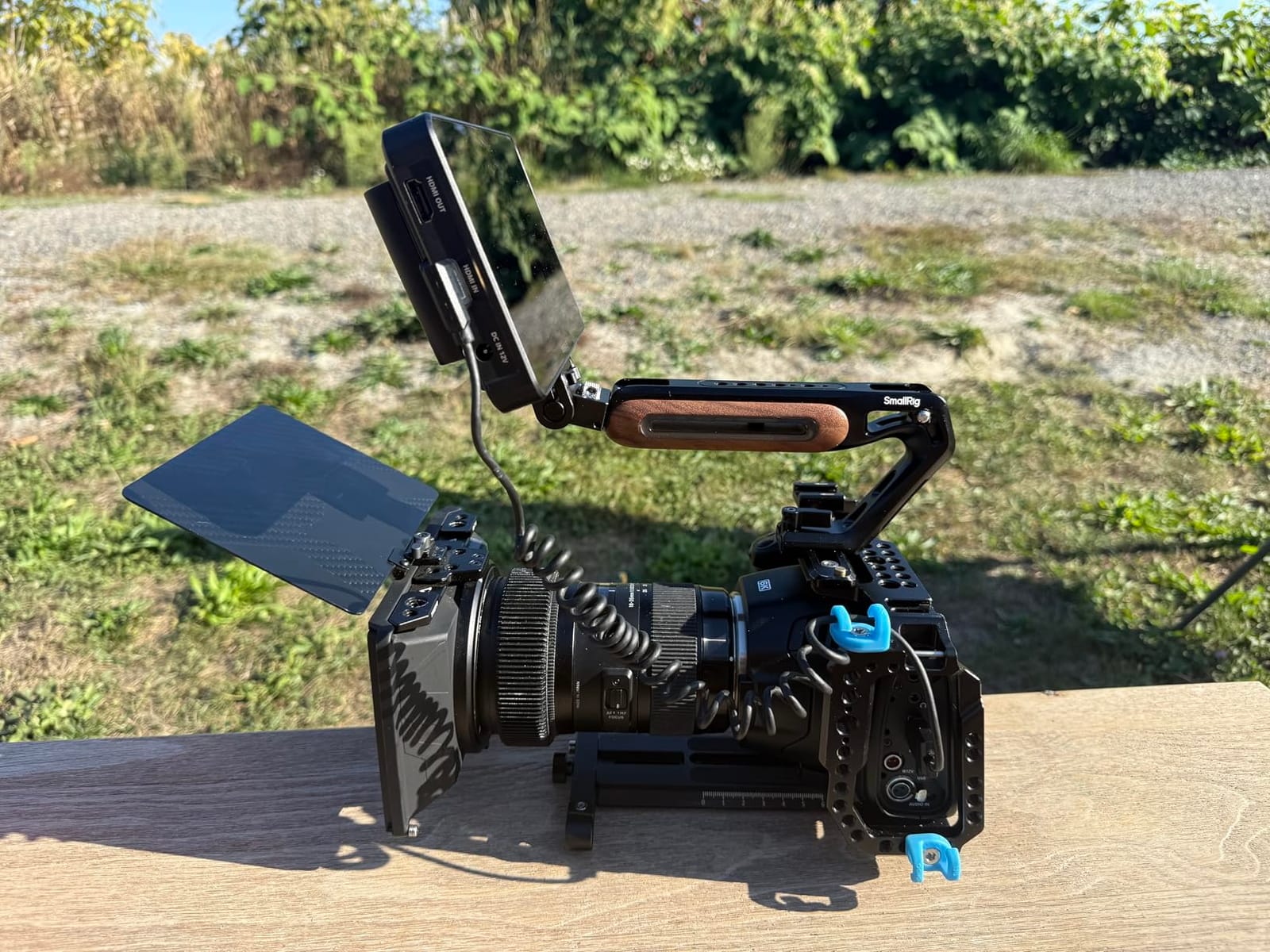
Power is where this monitor surprises you at the price. Two 4400mAh NP-F750 batteries are in the box, each rated at about 2.4 hours of runtime and 4.8 hours on both, and it also takes a DC input or USB-C. The bare body is 445g, which is fine on a tripod or a shoulder rig.
Brightness and Sunlight Readability on the F700
At 2000 nits the F700 sits in the middle of this group, below the F600 and the G7 Pro but far above the 400-nit and 450-nit panels that start the list. That middle position is the sweet spot for travel vlogging because it handles bright exteriors without the eye strain of running a panel at full output in shade. Manual and automatic backlight adjustment run from 1 to 100 with both key and touch control, so you can drop it for night walks without leaving the menu.
Assist Tools and the LUT Workflow
The toolset here is closer to a broadcast reference monitor than to a cheap assist screen. Waveform and vectorscope are genuinely readable, and the LUT loading path through an SD card is straightforward. Reviewers do flag that the preloaded Log looks, such as the S-Log3 entry, are not especially accurate, so treat the LUTs as a starting point rather than a final grade.
Weight, Batteries and Who Should Skip It
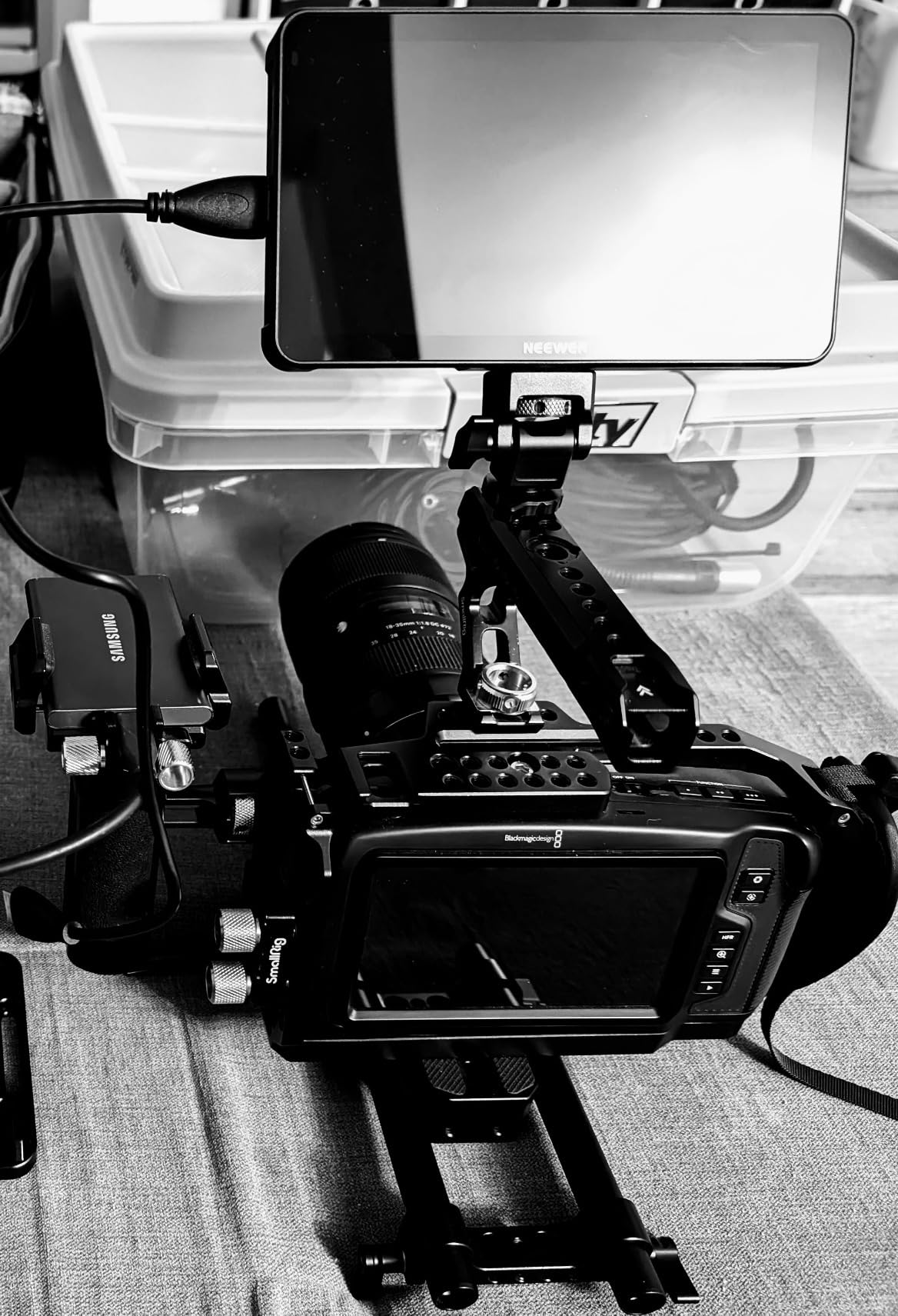
This is the honest drawback. At 857g with two batteries fitted, the F700 is a heavy addition to a gimbal, and the 180-degree adjustable cold shoe bracket plus 1/4-20 holes on the bottom and side give you plenty of mounting options but do not erase the mass. If you shoot handheld walk-and-talk all day on a stabilizer, look at the F6 Plus instead. If you shoot on a tripod, at a table, or mounted to a cage, the F700 is the strongest overall pick in this group.
2. FEELWORLD LUT7 2200nit Monitor – Sunlight With Auto Brightness
FEELWORLD LUT7 7″ 2200nits Ultra Bright Touch Field DSLR Camera Monitor
7 inch 1920×1200 touchscreen
2200nits with ambient light sensor
HDR and 3D LUT preview
Pros
- 2200nit panel stays readable in hard sunlight
- Full HD 1920×1200 with 160 degree viewing angles
- Ambient light sensor automates brightness
- DC 8.4V output powers the camera
Cons
- One of the lowest average ratings here at 4.1 stars with a 12 percent one-star share
- Costs more than most 7 inch rivals in this group
The LUT7 is the monitor I would hand to someone filming a full day outdoors with no shade and no assistant. The 7 inch IPS LCD runs at 1920×1200 with a 1200:1 contrast ratio and 160 degree viewing angles, and the panel is rated at 2200 nits. That is high enough that reviewers specifically describe it staying readable in direct sunlight.
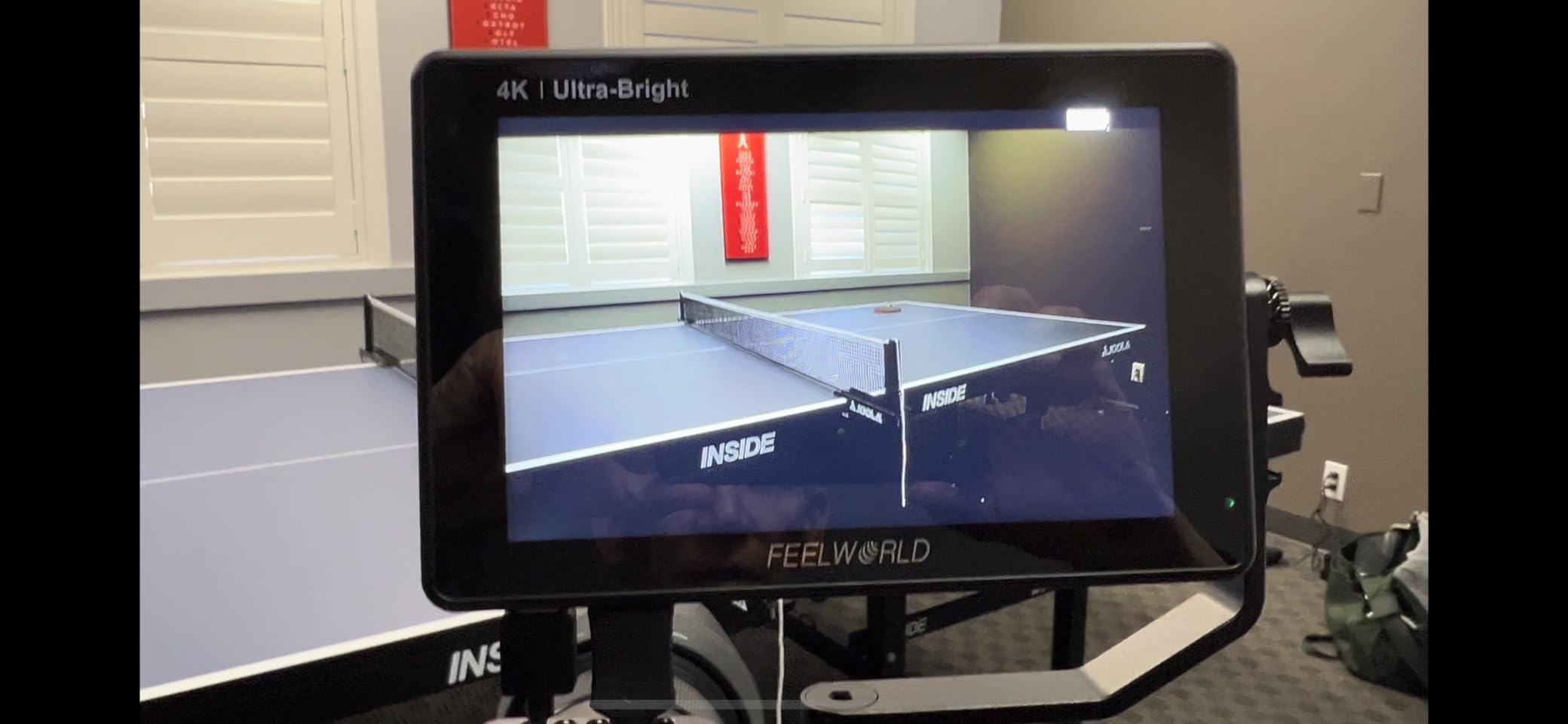
The feature I did not expect to care about is the intelligent ambient light sensor. It adjusts brightness automatically when you move between sun and shade, which removes a small but constant irritation from a walking vlog. Add waveform, vector, RGB histogram and focus assist, 3D LUT preview for Log profiles, and 22ms response time, and you have a complete toolset.
Ambient Sensor and Auto Brightness in Practice
Automatic brightness is a real quality-of-life feature when you are moving between a market and a shaded street, and only a few monitors in this group have it. Manual control is still there when you want a fixed level for grading checks. The anti-reflective coating is a genuine help at this brightness, and reviewers do not report the off-axis washout that plagues glossier panels.
Connectivity and Camera Power Pass-Through
HDMI input and output are both present, and there is a DC 8.4V output that can power a DSLR or mirrorless body, which saves a battery plate on longer shoots. 1/4-20 threads on the body take the included tilt arm. The package includes a mini and micro HDMI to HDMI cable, so you are not hunting for a cable the night before a trip.
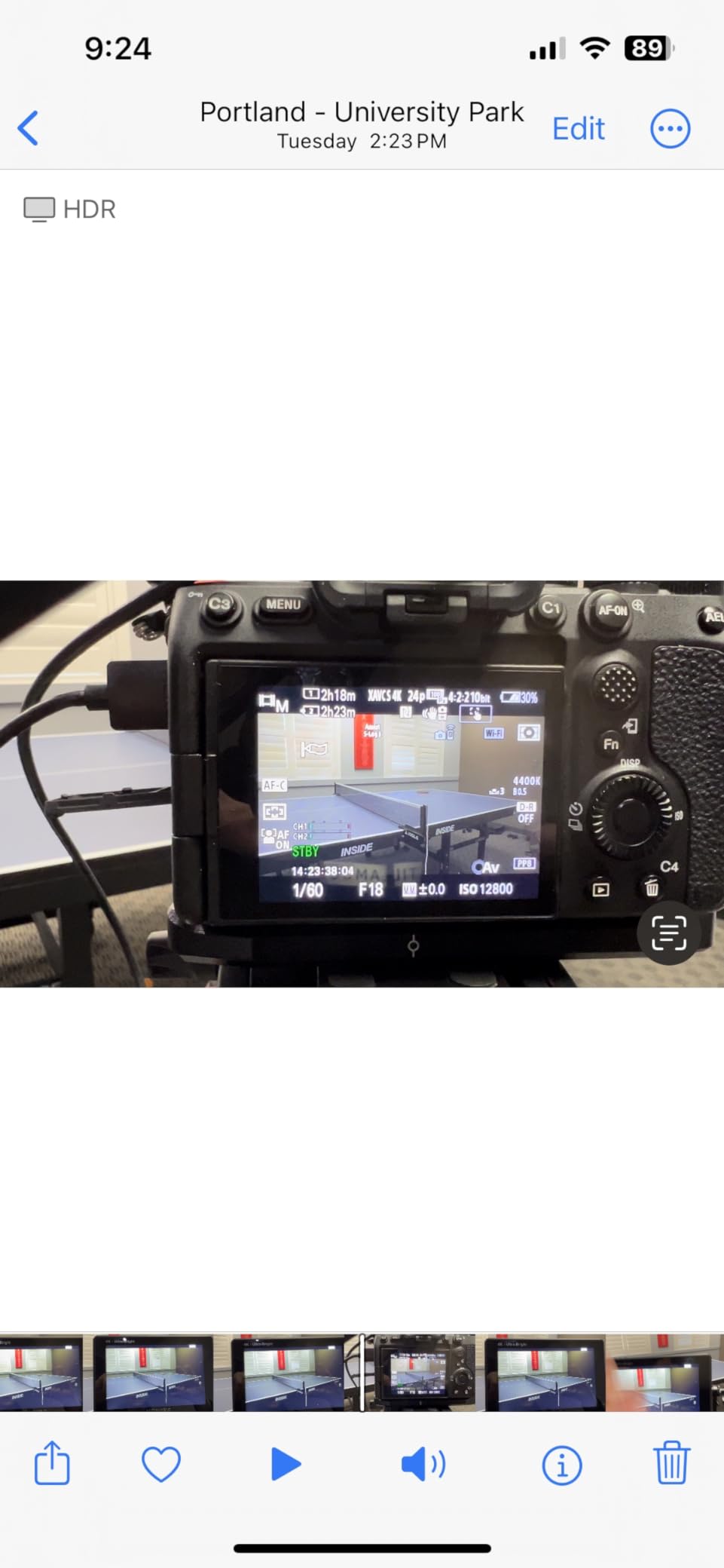
The 4.1 Star Rating Is Worth Understanding
I want to be straight about this one. At 4.1 stars from 341 reviews it is tied for the lowest average in this group, with a 12 percent one-star share, which is noticeably worse than its peers. The brightness and toolset are not the problem; build consistency across production batches is. If you buy it, check the screen and buttons on arrival. Weigh it against the F700, which costs less at a similar size and holds a higher rating.
3. FEELWORLD F6 Plus 6in Monitor – Best for Gimbal Vlogging
FEELWORLD F6 Plus 6 Inch 450nit FHD Touchscreen Field DSLR Camera Monitor
6 inch 1920×1080 touchscreen
235g body
3D LUT preview for Log profiles
Pros
- 235g keeps gimbal balance close to neutral
- Sharp 1920×1080 for a 6 inch panel
- Waveform vectorscope RGB histogram and focus assist
- Accepts Sony NP-F and Canon LP-E6 batteries
Cons
- All-plastic build that will not survive a drop
- No power cable or supply included so add a battery
- Only the first eight cube LUTs on an SD card are read
Weight is the whole argument for the F6 Plus. At 235g it is the second-lightest monitor in this group, and on a gimbal that difference is felt immediately. A 7 inch panel changes the balance point above your camera and forces a re-tune every time you move the rig; a 6 inch panel at this weight mostly disappears into the rig.
It is a 6 inch 1920×1080 IPS touchscreen, and the picture quality is excellent for a panel this small. Waveform, vectorscope, RGB histogram and focus assist all work properly, 3D LUT preview handles Log profiles, and the auto screen flip is genuinely useful for vlogging because it rotates the image without you touching the camera. It takes Sony NP-F or Canon LP-E6 batteries, Type-C, or DC 12V, and can pass DC 8V out to power the camera.
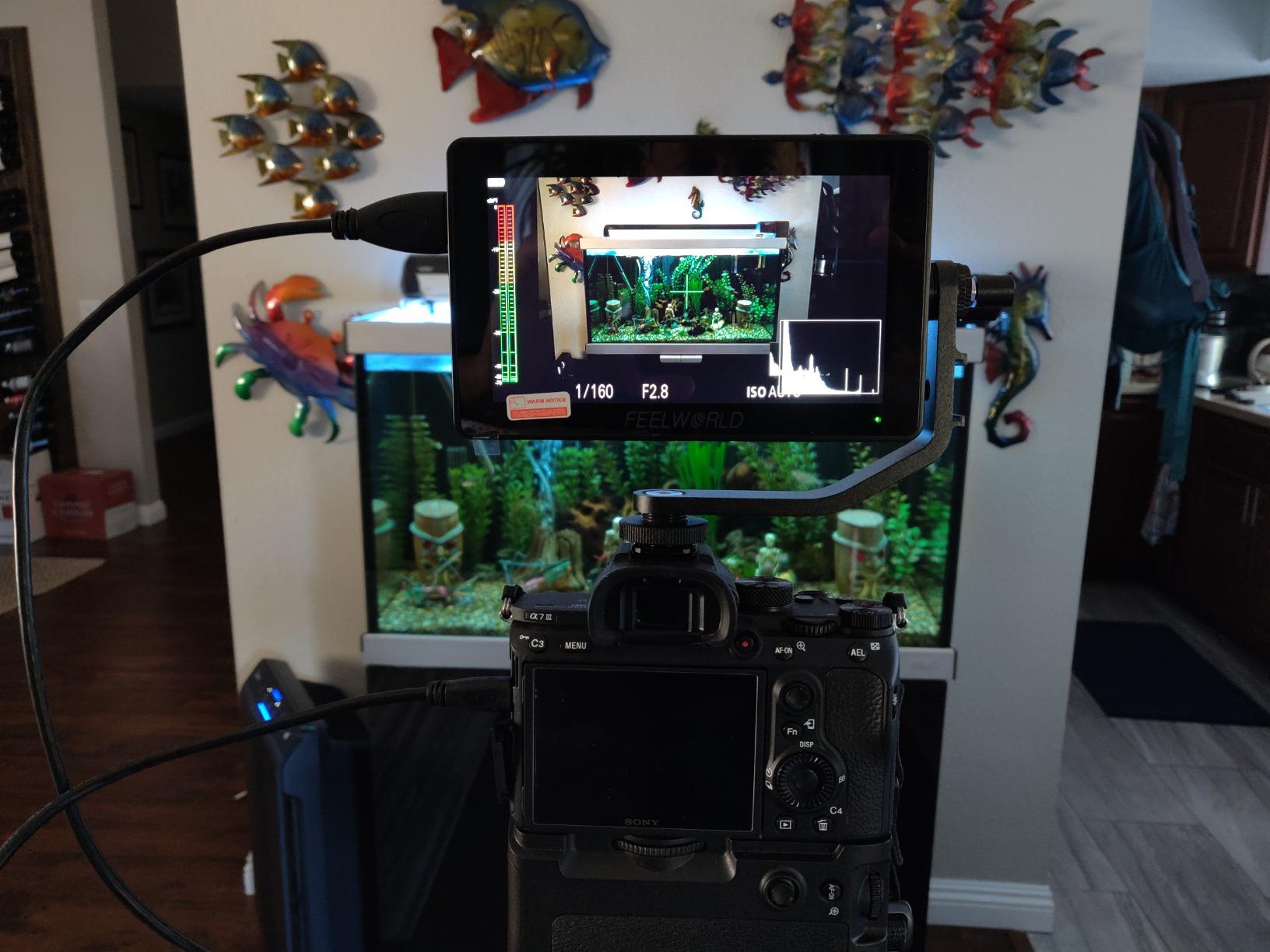
Why 6 Inches Is the Gimbal Sweet Spot
Selfie framing is a distance problem, not a resolution problem. At arm’s length a 6 inch panel at 1920×1080 gives you enough surface to see your own eyeline and framing edges, without the lever arm that a 7 inch body introduces. Multiple 1/4-20 mounting points let you put it above, beside or below the lens, and the included tilt arm handles the angle changes that a walking shot demands.
Assist Tools and the Eight-LUT Limit
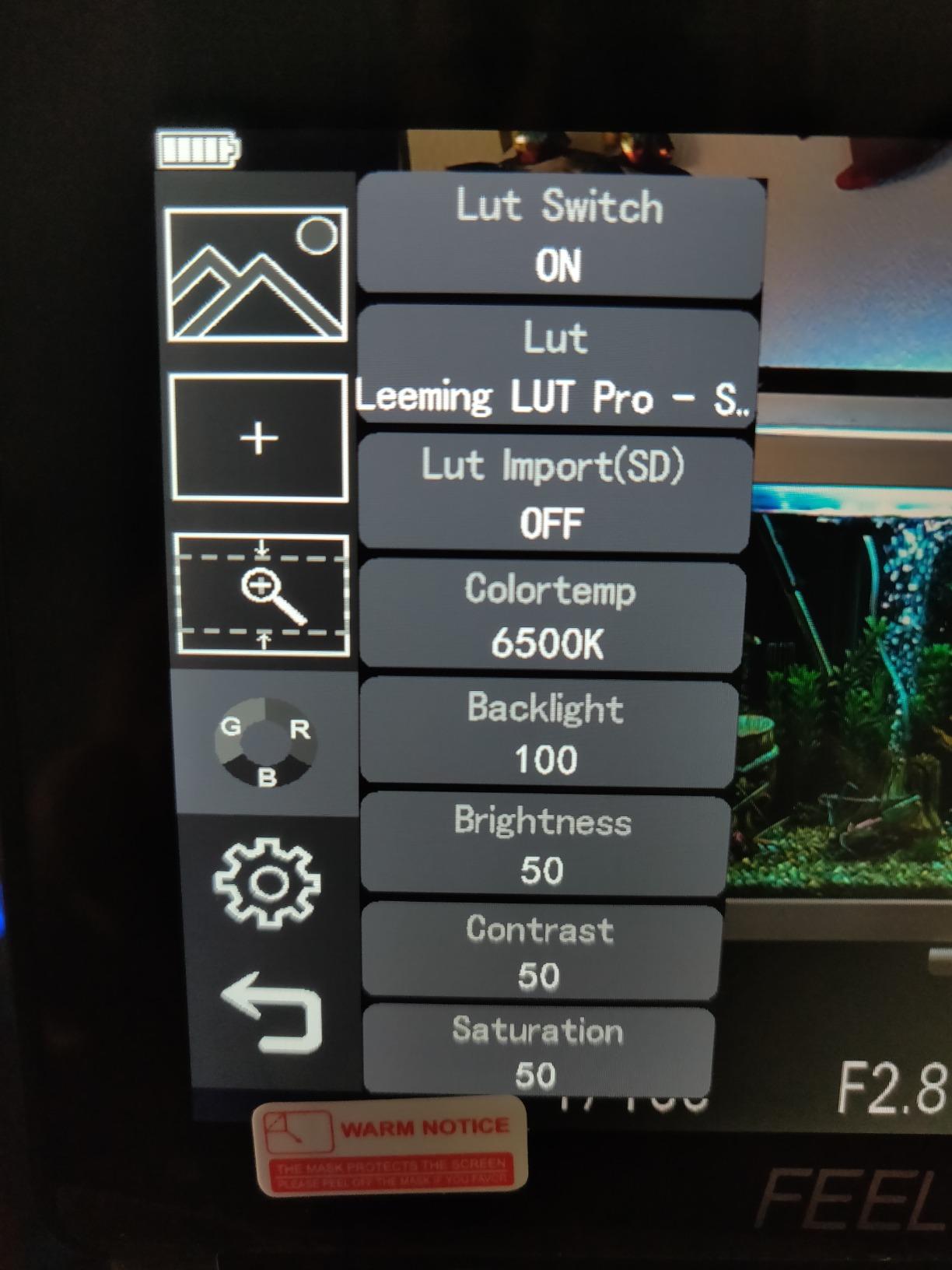
The scope suite is complete, and the touchscreen is fast enough to toggle tools on the fly. The quirk worth knowing before you buy is the LUT limit: only the first eight .cube files on an SD card are recognized. If you shoot a multi-Log setup and need more than eight looks on the card, that is a hard ceiling. Color accuracy also sits below professional reference monitors, so this is a framing and exposure tool rather than a grading monitor.
Who Should Skip the F6 Plus
Two honest notes. The build is entirely plastic, and the shoe mount screw can loosen when you swivel the bracket, which is an easy fix with a bit of thread tape but worth doing before a shoot. No power supply or USB cable is included, so budget for a battery. If you never leave shade and prefer a bigger screen, step up to the F700 instead.
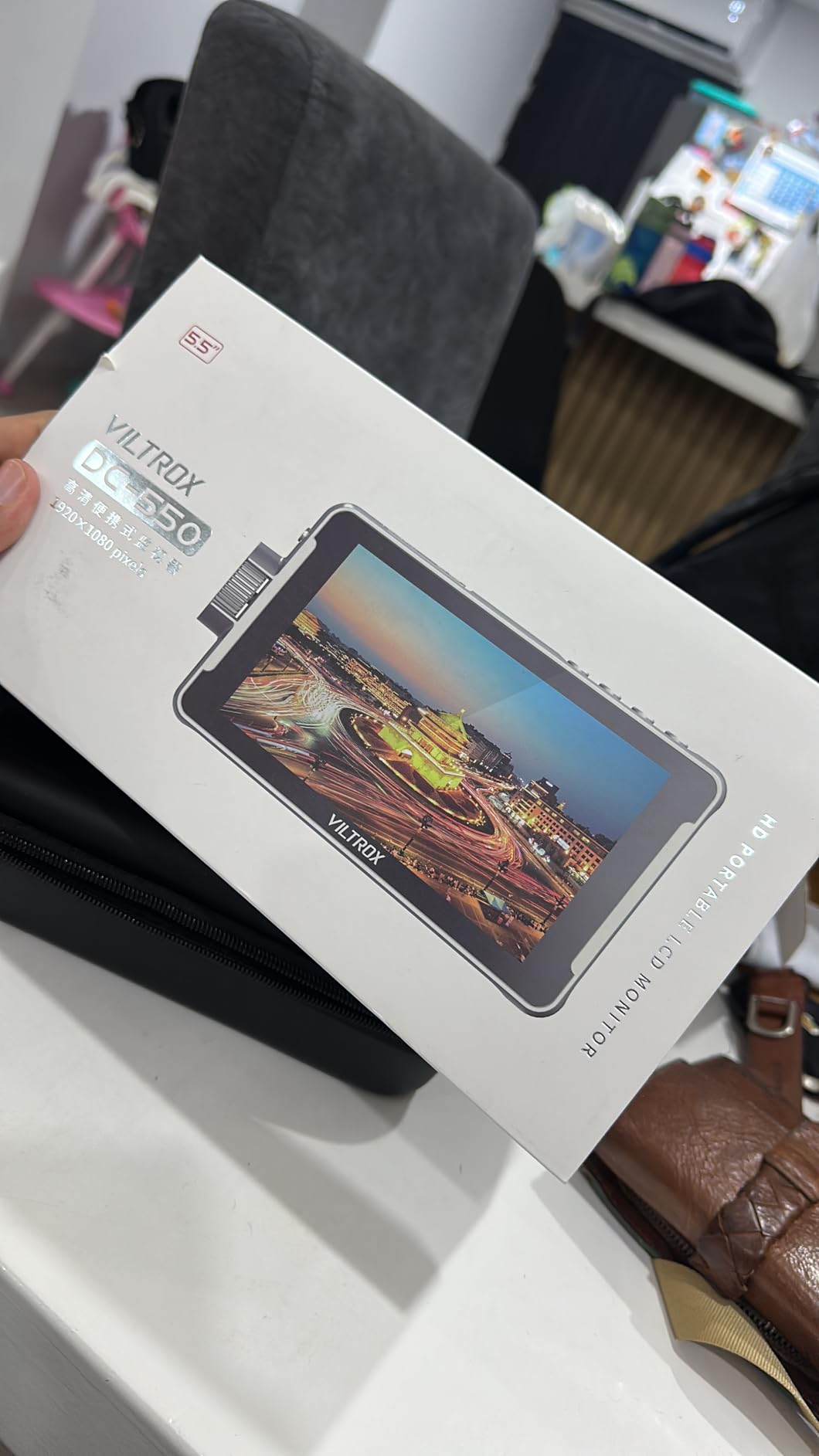
4. VILTROX DC-550 5.5in Monitor – Every Accessory in the Box
VILTROX DC-550 Touch Screen DSLR Camera Field Monitor 1200 Nits High-Bright 5.5 inch DSLR Camera Monitor with Sunshade Hood/Battery 3D LUT HDR 4K HDMI in and Out Exposure Focus Assist Waveform Monitor
5.5 inch 1200nit touchscreen
4K HDMI 30Hz in and out
Waveform and vectorscope
Pros
- 1200nits in a compact 5.5 inch body
- 71 percent of reviews are five star
- 3D LUT import and full professional scope set
- Battery sunshade cold shoe adapter and carry case included
Cons
- 5.5 inch is small for detailed focus checking
- Anti-glare touchscreen picks up fingerprints
The DC-550 is the monitor I recommend to someone who wants a full professional toolset in a small body and does not want to assemble the kit themselves. It is a 5.5 inch IPS touchscreen at 1920×1080 with 1200 nits, a 178 degree viewing angle and Rec.709 calibration, and it carries 1ms response time.
The 4.4 star average from 271 reviews is backed by an unusually high share of five-star ratings, which tells you the experience is consistent rather than polarising. An r/videography buyer singled out Viltrox monitors for the combination of brightness, 4K input and a compact form factor, and an r/Lumix S5II thread named the Viltrox DC-550 Pro alongside FeelWorld as the picks for that body.
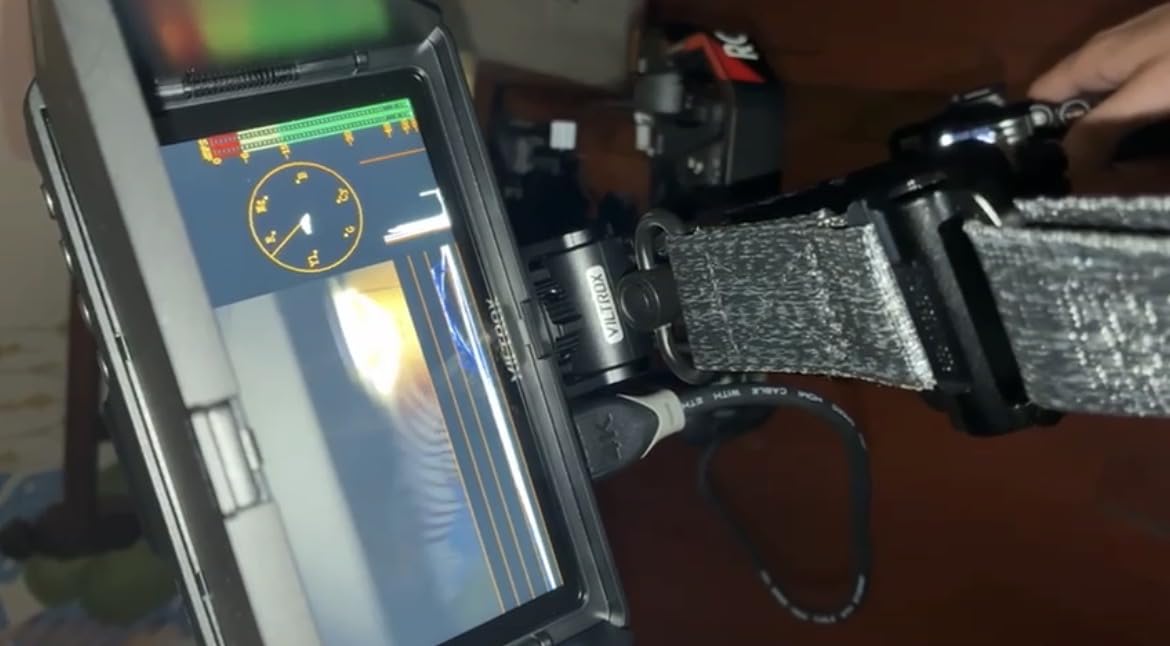
Scopes, False Color and LUT Import
Parade waveform, vector graph, brightness histogram, focus assist, an audio column, image flip and false color are all here, and custom 3D LUTs load from an SD card, which is what makes this the pick for Log-based shooting profiles. The tools are arranged the way a camera assistant would want them rather than buried in novelty menus.
What Actually Ships in the Box
This is the part that separates it from rivals in the same class. You get the monitor, a sunshade hood, an NP-F550 battery, a cold shoe adapter, cables, a carry case and a manual. Power also runs from DC 12-18V or a Type-C 5V 3A power bank, and there is a one-year manufacturer warranty plus a one-year replacement service. Nothing here needs a second purchase before a shoot.
The 5.5 Inch Compromise
Small screens win on portability and lose on fine focus work. At 5.5 inches, checking a fast prime at wide open means zooming in with peaking rather than judging by eye, and the anti-glare coating that helps outdoors will pick up fingerprints that reduce clarity until you wipe it. If your work is fast manual focus with shallow depth of field, move up a size. If it is walking vlogs, travel pieces and rig-mounted framing, 5.5 inches is a sensible compromise.
5. osee T5+ 5.5in 1000nit Monitor – Best Value
osee T5+ 5.5 Inch 1000nits Camera Monitor, Customizable False Color Field Monitor, HDR 4K HDMI Input 8 MySets Preview Workflow DSLR Monitor, Peaking Focus Assist, 3D Lut (Battery Not Included)
5.5 inch 1000nit LCD at 1920×1080
Customizable false color
8 MySets presets
Pros
- 1000nits is exceptional at this price and works outdoors without a hood
- False color presets can be tuned per camera model
- LOG and HDR de-log plus LUT upload
- 0.45kg with a fast-flipping tilt arm
Cons
- No touchscreen so the joystick takes practice
- All-plastic build and a bracket that can sit off level
- Slow to switch between live view and image review
Brightness is the reason this one stands out at the budget end. A 5.5 inch 1920×1080 LCD rated at 1000 nits, with 1.06B colors and 1000:1 contrast, is unusual this low in the range, and owners specifically say it is usable outdoors without a hood. Reviews sit at 4.3 stars from 197 buyers.
The standout feature is customizable false color with presets tuned for mainstream camera models, including black clip, white clip and tone min and max settings. For a solo creator shooting alone, false color is the exposure safety net that replaces the second pair of eyes, and having per-camera presets means you are not guessing thresholds every morning.
The MySets Workflow
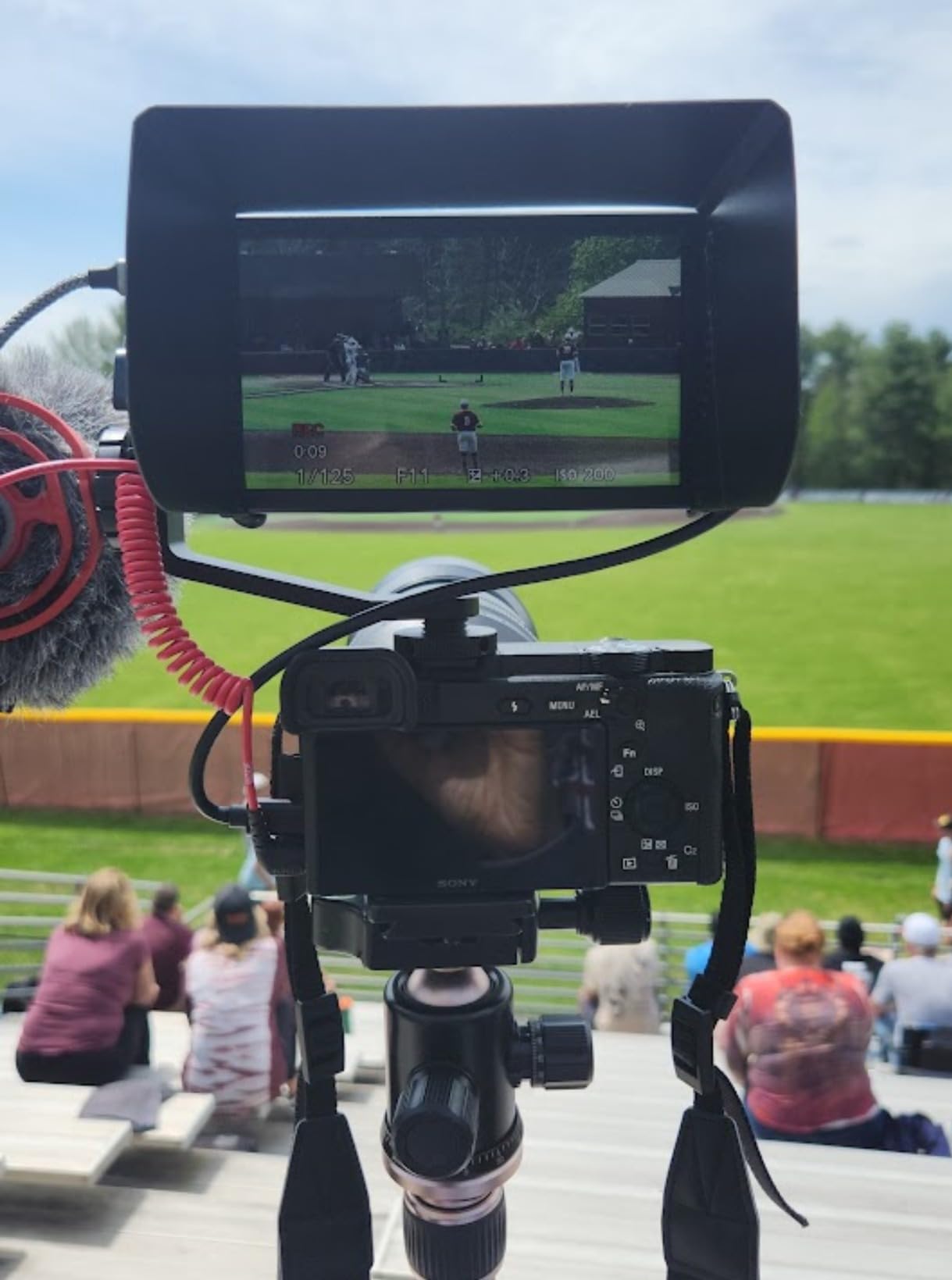
Eight MySets preview setups run off a single joystick toggle, with three factory defaults for framing, exposure and focus. Switch between a daylight walking setup, a night street setup and a tight focus setup in one press. On MON OS this is quick once you learn the stick, and it removes the menu diving that slows other small monitors.
LOG, HDR and LUT Handling
Live LOG and HDR preview with de-log for common camera log curves and PQ or HLG, plus user LUT upload from an SD card, covers most hybrid shooting situations. Waveform, histogram, vector and zebra all sit on one page rather than spread across menus. The tilt arm flips quickly to selfie view, which is a small thing that matters constantly in vlogging.
Joystick Control and Build Quality
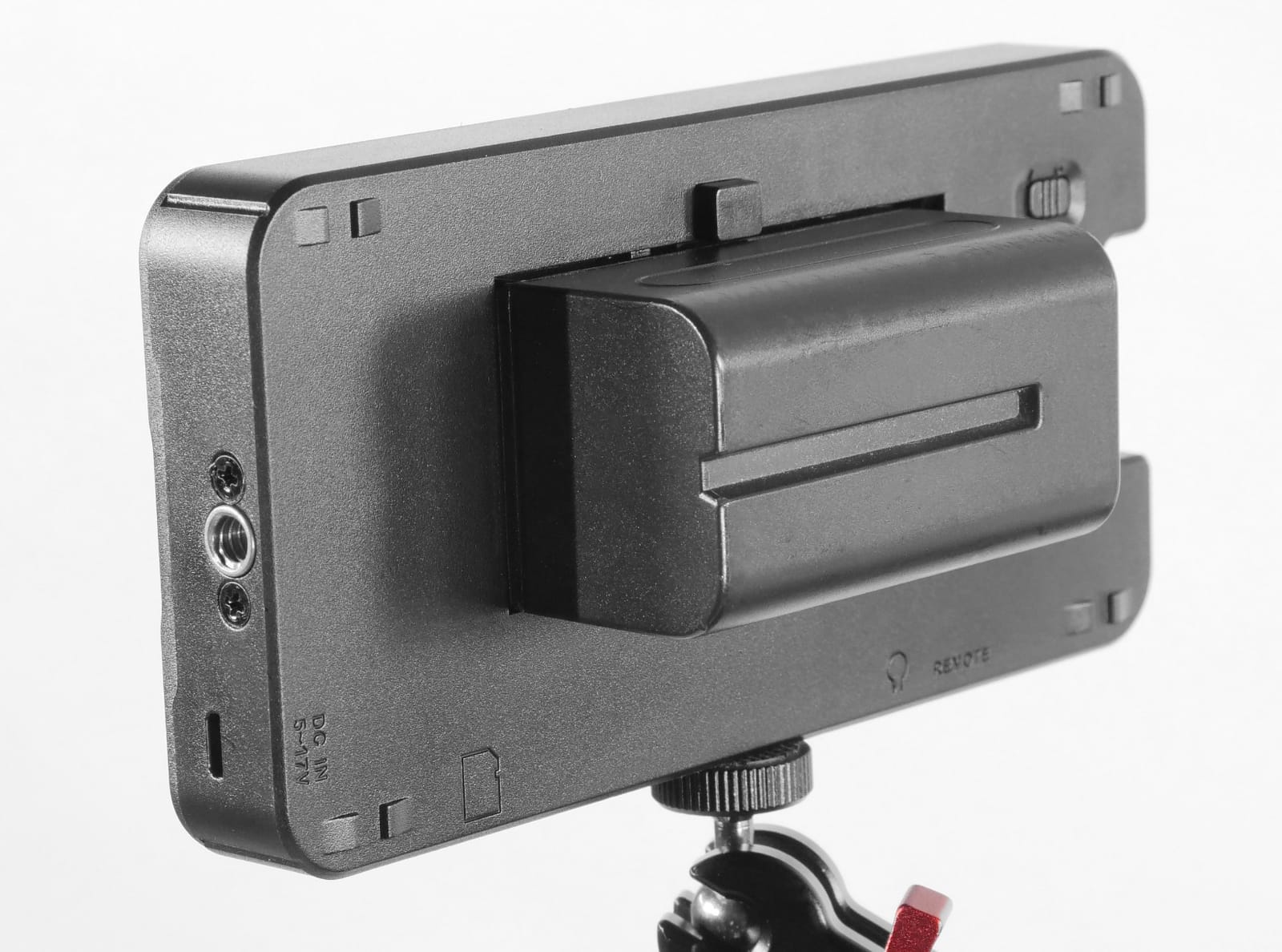
There is no touchscreen, and the joystick takes a few days to get used to. The build is all plastic, the included bracket is not quite square so the panel can sit slightly off level, and some monitors show color banding on smooth gradients. The DC out also uses a non-standard 4mm barrel tucked beside the HDMI port, which is easy to miss. Sony NP-F and Canon LP-E6 batteries are both supported, but no battery is included.
6. Lilliput A7s 7in Full HD Monitor – 1920×1200 Sharpness
Lilliput A7s Full HD 7 Inch Monitor With 4K Camera Assist
7 inch 1920×1200 IPS
4K HDMI loop-through
Red silicone protective case
Pros
- 1920×1200 resolution is sharper than 720p-class field monitors
- Battery level indicator and included power cord
- Red silicone case absorbs knocks in the field
- HDMI pass-through lets a second monitor attach
Cons
- Glossy screen is hard to read outdoors even with the sunshade
- 7 inch size is heavy and awkward on a gimbal
- No battery or micro HDMI cable included
The A7s solves one problem the rest of this list shares: resolution. Most 7 inch field monitors run 1280×800, and this one runs 1920×1200 on an IPS panel with a 170 degree viewing angle and a 16:10 aspect ratio. That pixel count is visible when you are checking fine focus, and it holds a 4.4 star average across 758 reviews, a long record for a model this specialized.
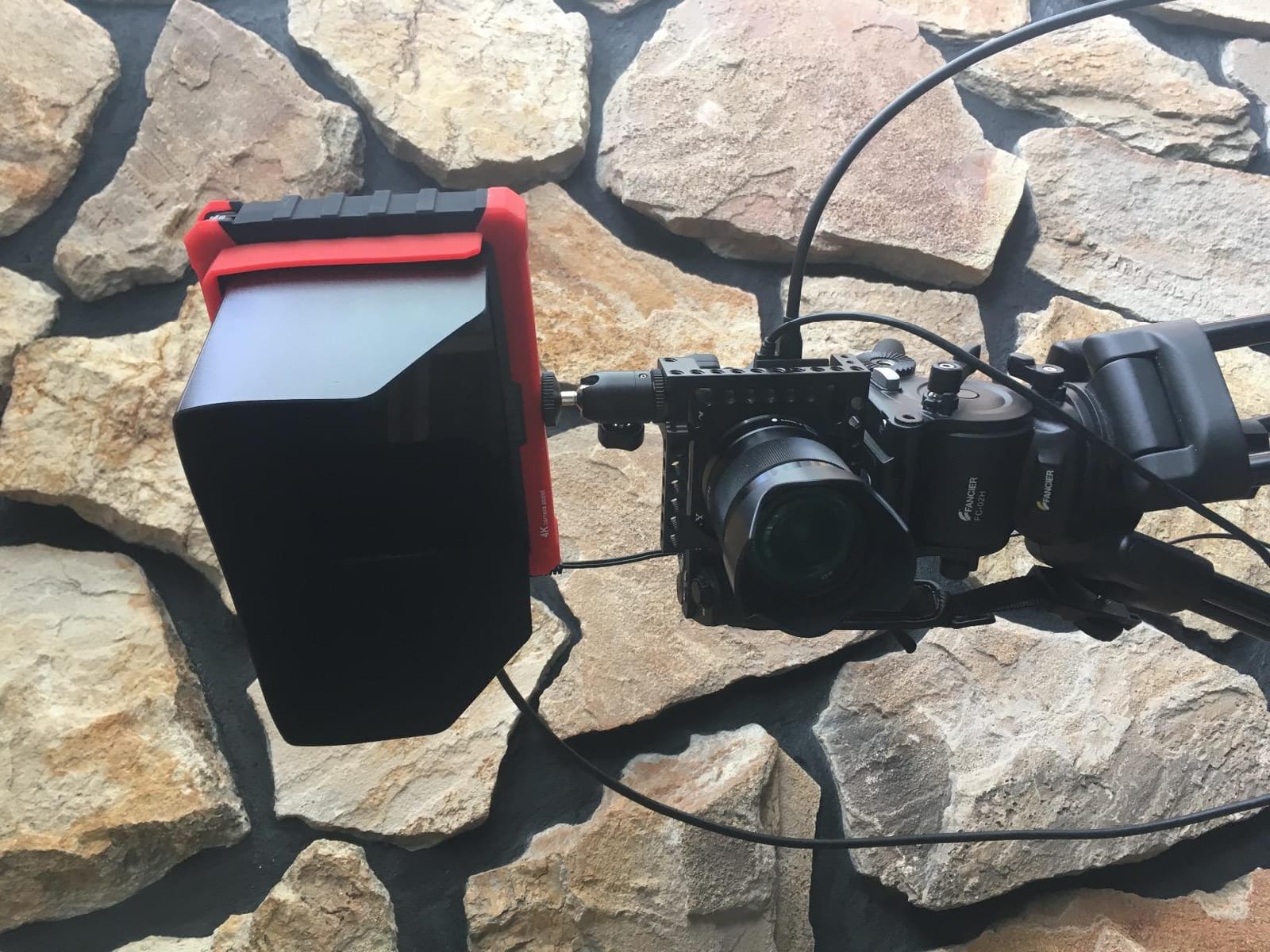
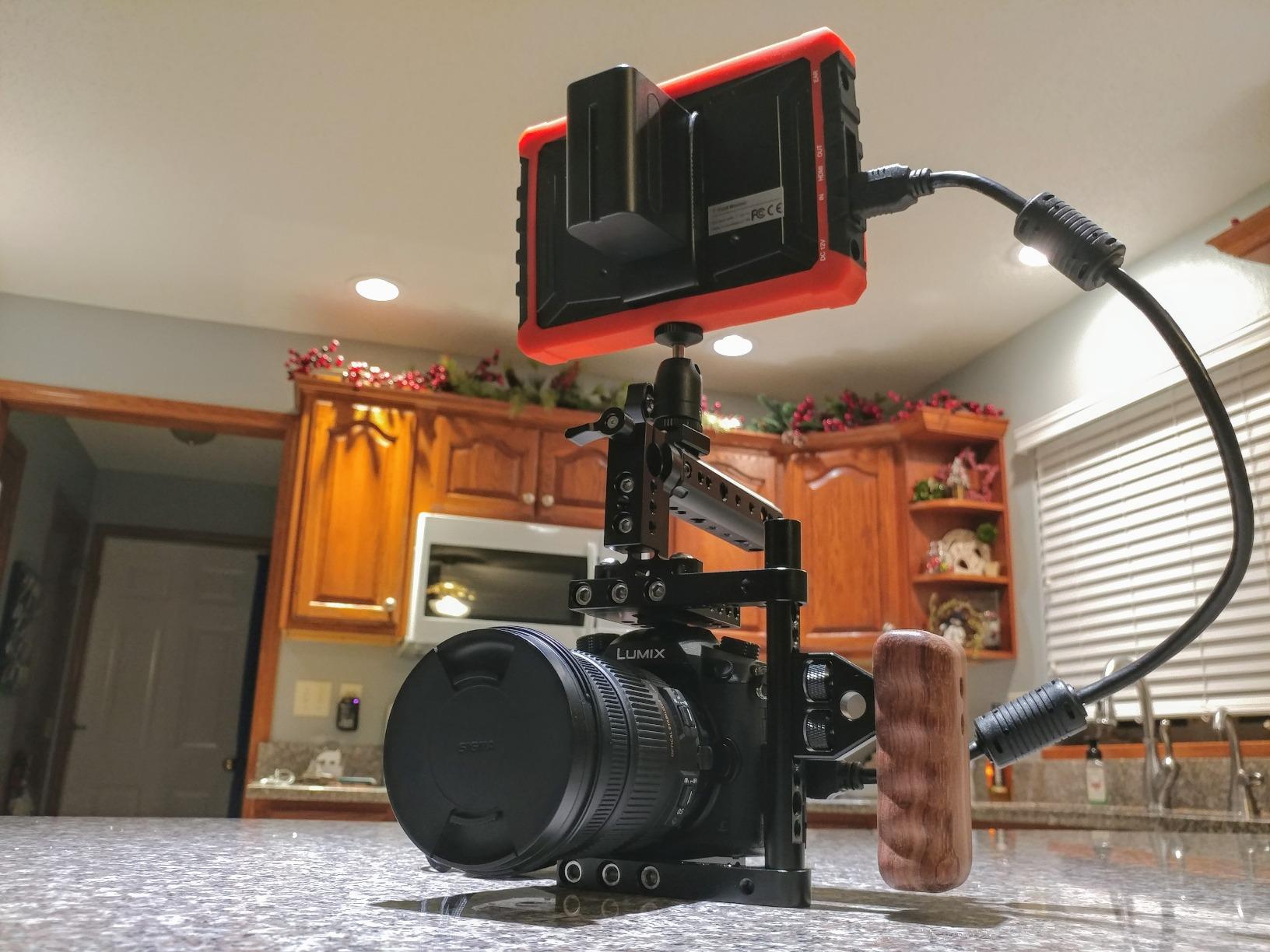
The red silicone housing is not decoration. It absorbs the knocks that come with a rig, and it is removable when you want the bare monitor on a cage. Power runs from DC 7-24V or NP-F batteries at 12W or less, and it weighs 320g. Focus peaking, exposure calibration and framing markers cover the assist basics, and HDMI input comes with loop-through output.
Resolution Versus Brightness Trade-Off
Sharpness is the headline, but note the panel finish is glossy. Owners report that it is hard to read outdoors despite the sunshade, and the sunshade velcro does not hold well against the silicone case. This is an indoor-first or shade-first monitor that happens to be very sharp. If your vlogging is mostly indoors, at a desk, in a studio or on an overcast street, the resolution advantage is real and the brightness shortfall does not matter.
A Feature Almost Nobody Else Has
This monitor displays camera status indicators from Sony camcorders, which most rivals in this list simply do not do. It also has a battery level indicator and comes with a power cord, two small things that quietly reduce friction on set. HDMI pass-through means a second monitor can be attached, which is useful for a director feeding a separate screen.
Who Should Skip the A7s
It is a 7 inch panel at 320g with a plastic case, which is a heavy, awkward combination on a gimbal. There is also no firmware update capability, no battery and no micro HDMI cable in the box, and the case is one year warranty. Treat it as a sharp indoor workhorse, not an outdoor travel monitor.
7. NEEWER F600 2400nit Monitor – Built for Long Shoot Days
NEEWER F600 7″ Camera Field Monitor, 2400nit HD 1920×1080 IPS Touch Screen
7 inch 2400nit touchscreen
4K HDMI loop in and out
Two NP-F750 batteries
Pros
- 2400nit IPS touchscreen with automatic brightness adjustment
- Full toolkit with waveform vectorscope HDR and peak focus
- Two NP-F750 batteries plus a cold shoe mount in the box
- Cooling fans with automatic low medium and high modes
Cons
- 1920×1080 native resolution rather than higher
- SD card not included for LUTs or firmware
- Glossy finish shows fingerprints and reflections
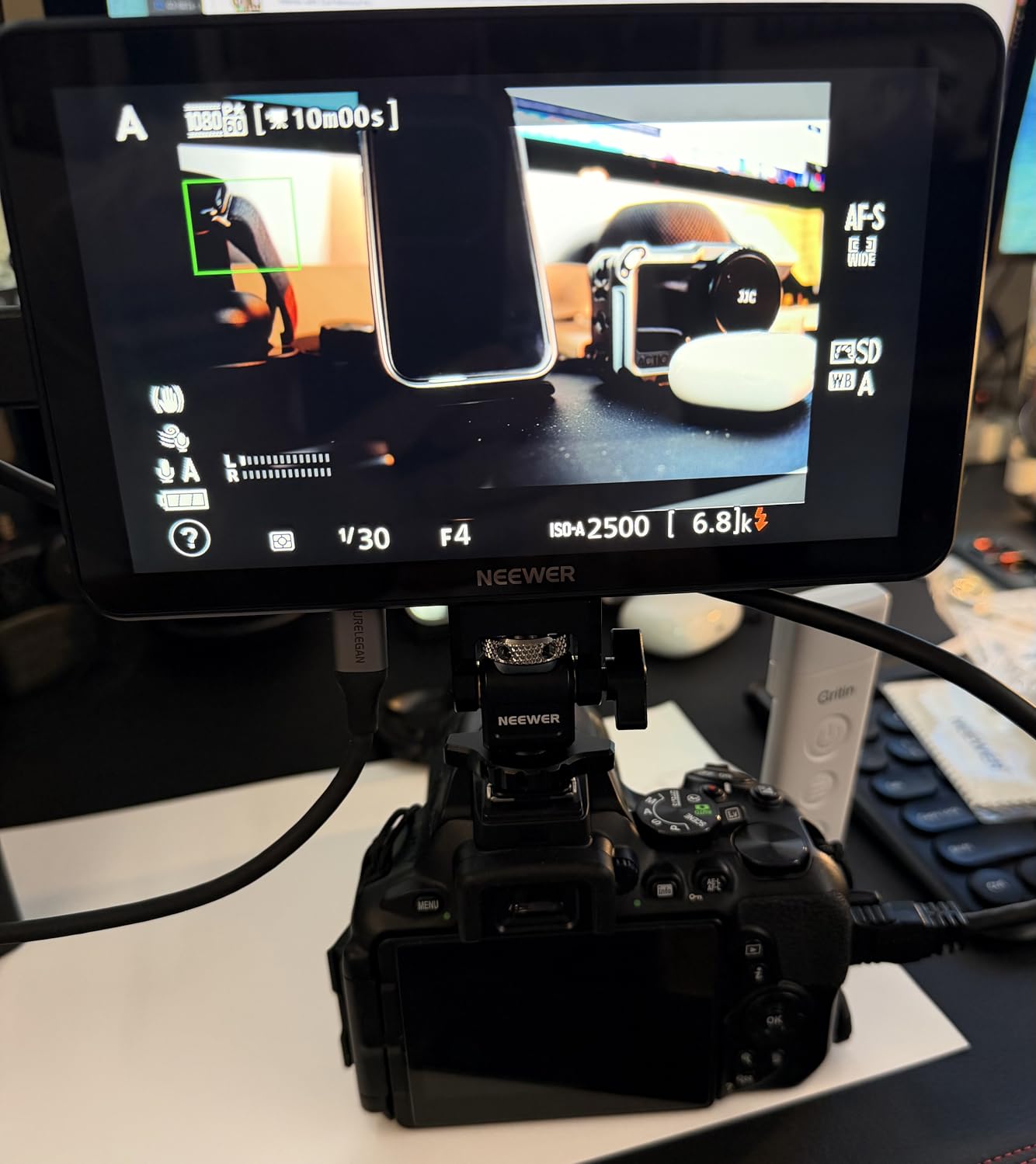
The F600 is the bright, battery-backed option for a full production day. It is a 7 inch IPS touchscreen at 1920×1080 with 2400 nits, 1000:1 contrast and 160 degree viewing angles, plus a built-in ambient light sensor that adjusts brightness from 1 to 100 automatically or manually. Reviews average 4.5 stars from 71 buyers, with 73 percent five star.
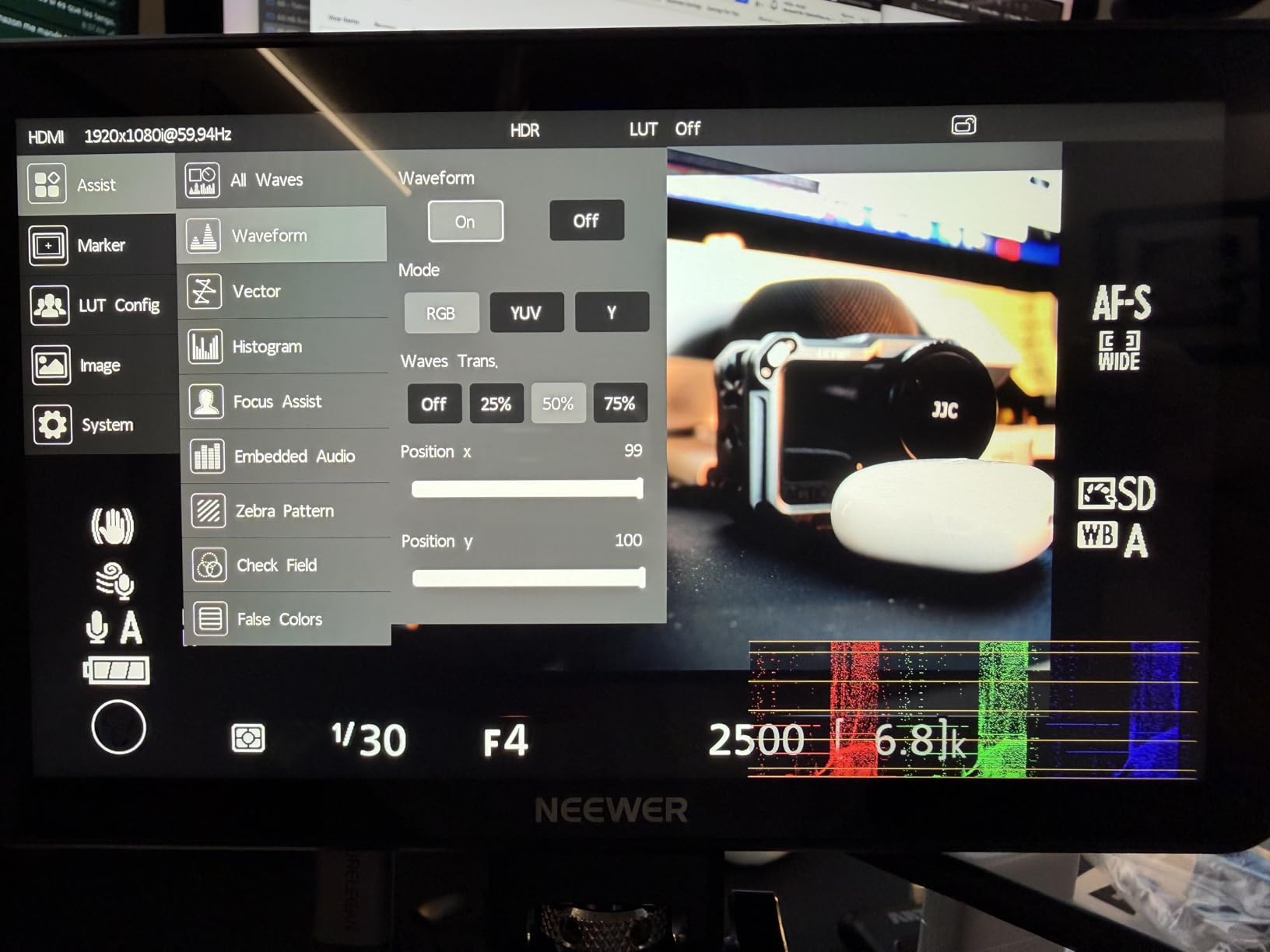
Two NP-F750 batteries, a cold shoe mount with 180 degree adjustment, 1/4-inch screw holes on the bottom and side, and USB-C charging are all included, along with HDMI to HDMI, micro HDMI and mini HDMI cables. A 3.5mm headphone jack handles audio monitoring, though headphones are not supplied. The toolset covers false color, zebras, histogram, oscillogram, full waveform, vectorscope, HDR, single color, peak focus and an audio bar, with F1/F2/F3 shortcuts and up to 32 custom 3D LUTs on top of four preloaded ones.
Cooling Fans and Heat Management
Heat is a genuine failure mode for fanless bright panels in direct sun, and the F600 addresses it directly with built-in fans offering automatic, low, medium and high modes. For long shoot days that is worth more than a slightly sharper panel. The 2ms response time and 60Hz refresh keep motion smooth enough for handheld work.
Where the Spec Sheet Falls Short
Two gaps to plan around. The native resolution is 1920×1080, so it is no sharper than smaller panels here despite the larger screen. And the SD card is not included, which you need for both LUT uploads and firmware updates. The glossy screen finish also shows fingerprints readily, so expect to wipe it down between setups.
Weight and Rig Reality
It sits among the heavier units here at 1.6 pounds, and it is not a gimbal monitor. It is built for tripod work, table-top pieces, multi-camera control rooms and rigged setups where the screen is fixed. The two HDMI ports and full 4K loop in and out across 480i through 4096×2160 make it equally at home as a second monitor feeding a director or a client.
8. osee G7 Pro 3000nit Monitor – Brightest Screen and Rare SDI
Osee G7 Pro 7’’ 3000Nits Camera Monitor, Touchscreen Camera Control HDR Field Monitor with 3G-SDI & 4K HDMI in/Out, Touch Focus Tracking for FX3/ A7 IV/EOS R5 II/EOS R8/ Z9/ Z6 III/ZV-E10M2
7 inch 3000nit IPS
3G-SDI and 4K HDMI in and out
Type-C camera control
Pros
- 3000nit panel readable in sunlight with no color shift off axis
- Aluminum and hard-plastic shell feels rigid and durable
- 3G-SDI plus 4K HDMI input and output together
- Silent temperature-sensor fan for long shoots
Cons
- Camera control covers only a handful of bodies and has reported flicker artifacts
- All-touch interface with no physical buttons
- No internal battery so an external one is required
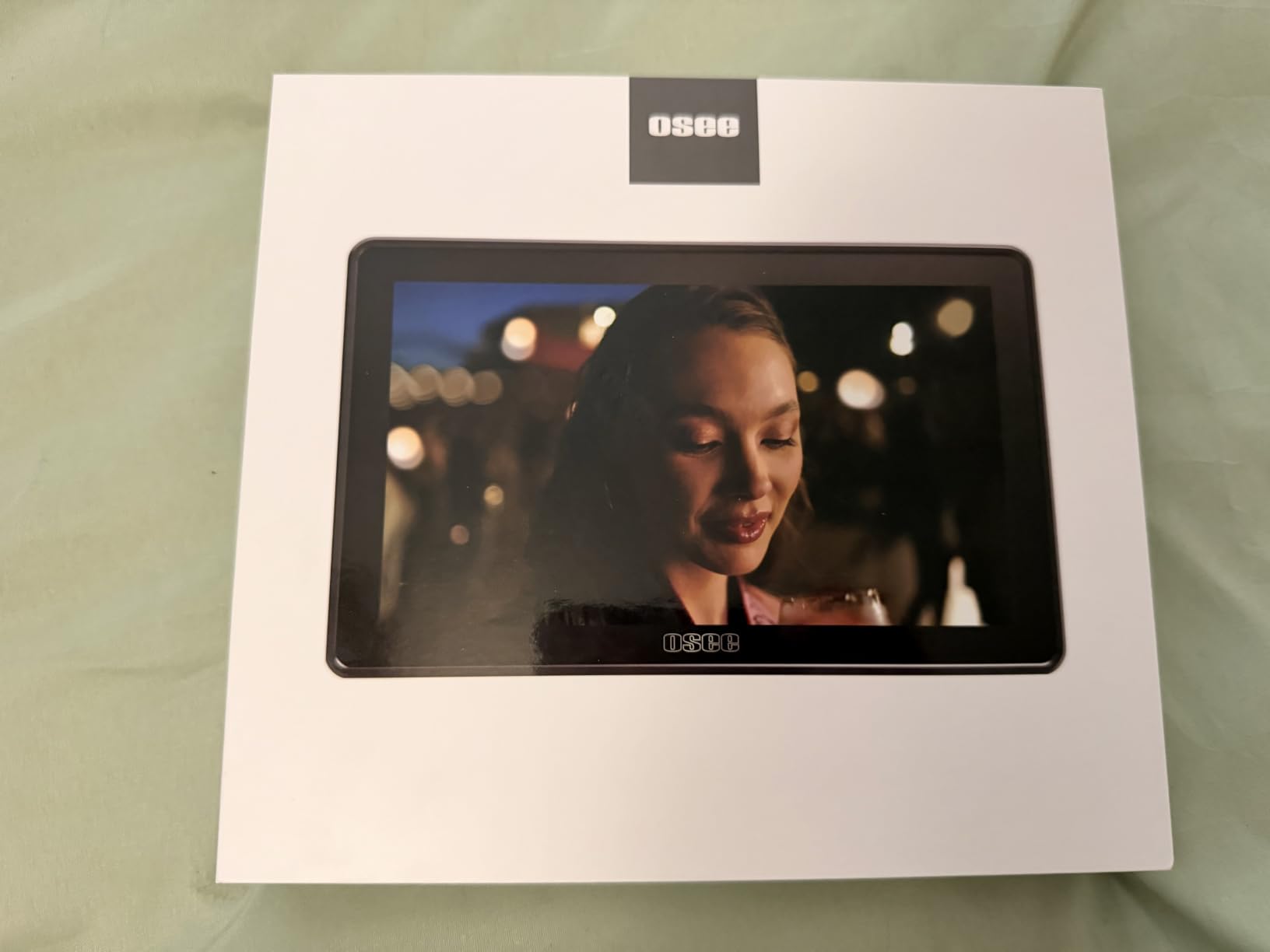
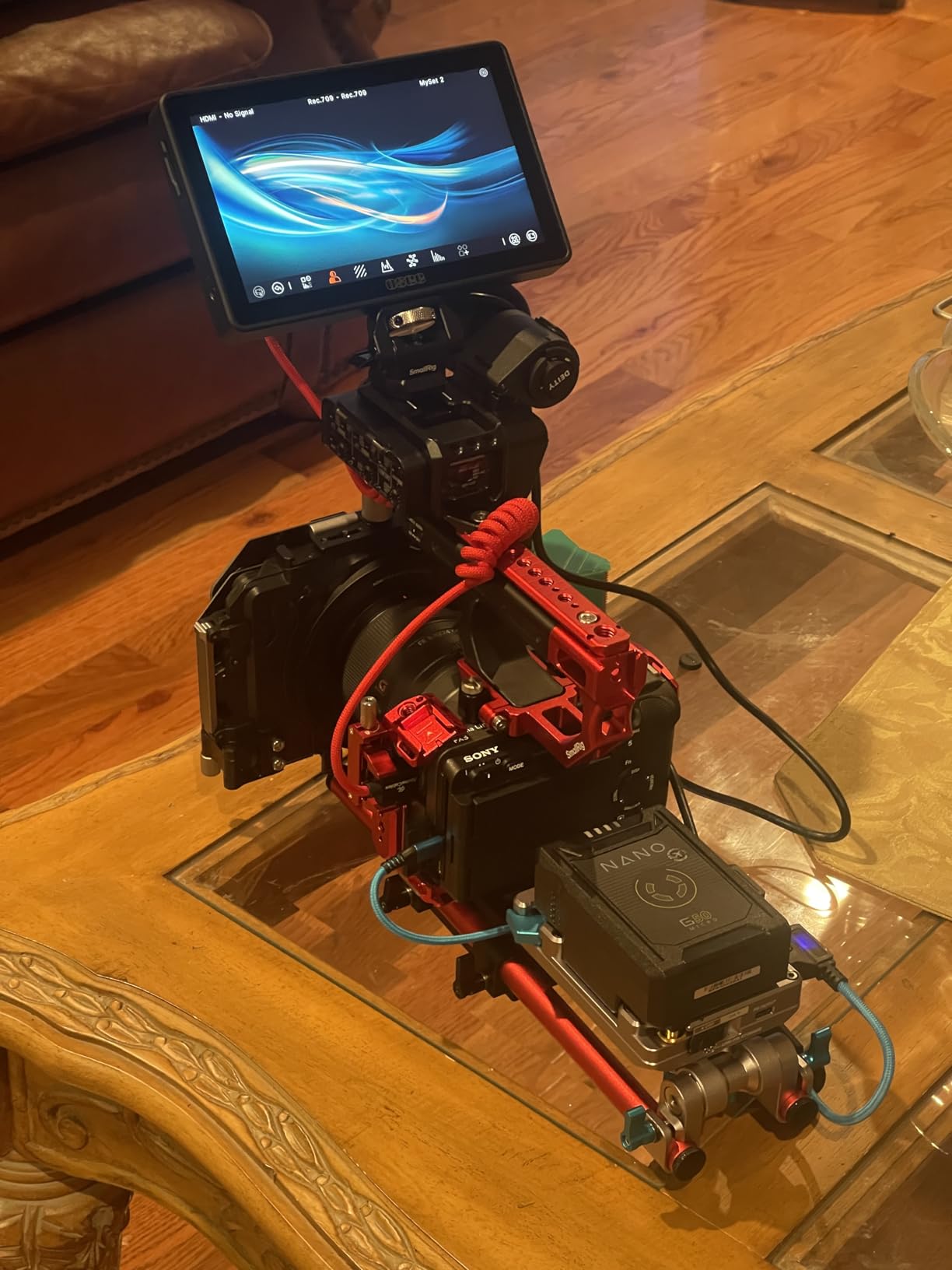
The G7 Pro carries the highest brightness figure and the widest connection set in this group. It is a 7 inch IPS touchscreen at 3000 nits with a 1300:1 contrast ratio and an anti-reflection coating, and reviewers report no washout and no off-axis color shift in direct sun. The 4.6 star average from 35 reviews is the highest in this group, with 78 percent five star.
The connection set is what separates it. You get 3G-SDI input and output up to 1080p60 alongside HDMI input and output up to 4Kp30, which is rare at this level and makes it viable for broadcast-style rigs and rented cinema cameras. Internal processing runs at 22-bit for 18 stops of dynamic range, and the analysis mode runs waveform, histogram and vectorscope simultaneously with customizable false color and eight preview MySets.
Camera Control: Promising and Still Uneven
Type-C camera control covers record, white balance, ISO, aperture, shutter speed and touch focus, and a dynamic focus tracking frame can be driven from the touchscreen. But support is limited to a handful of bodies and is only fully functional on some models, and some users report pixel flicker artifacts when camera control is engaged that persisted across firmware updates. If wired control is your main reason to buy, test it on your exact body first.
LUTs, Build and the Silent Fan
Up to 10 3D LUTs load from an SD card with 65-point .cube support and tetrahedral interpolation, and reviewers report no visible banding. The aluminum and hard-plastic shell feels more rigid than many competitors, and a silent temperature-sensor fan ran without overheating or audible noise in long-shoot use. Onboard display calibration works with a color probe and no computer, which is unusual at this level.
Where It Falls Short
The touch UI can feel finicky, and having no physical buttons slows access to frequently used assist tools. The press-and-hold power button is awkward where a physical switch would be better, boot and connection time is long and inconsistent, and some cameras need a firmware update before touch focus works. There is no internal battery, so an NP-F or other external battery is required for untethered use, and the body weighs 1.76 pounds.
9. Portkeys LH5C 5.4in Monitor – Wired Camera Control on a Budget
Portkeys LH5C Camera Monitor 5.4″ 800nits Field Monitor Wired Control for A7MV/A9II/A7SIII/A7MIV/A9M3/A6700/A7CII/FS5/FS7/FX2/FX30/FX6/FX9/PXW-Z200/A1/ZV-1/ZV-E1, R5/6/7/8, BS1H/BGH1/GH5/6/7, etc
5.4 inch 800nit IPS
Wired camera control
Freeze frame overlay
Pros
- 0.35kg body suits gimbal and run-and-gun rigs
- Wired control of aperture shutter ISO and white balance on Sony Canon and Panasonic
- Freeze frame with a semi-transparent overlay to match takes
- Included sunshade helps a lot in daylight
Cons
- 800nits is weak in direct sun
- Camera control and external USB-C power cannot be used at the same time
- Some Canon R5 and R6 owners needed firmware updates before control worked
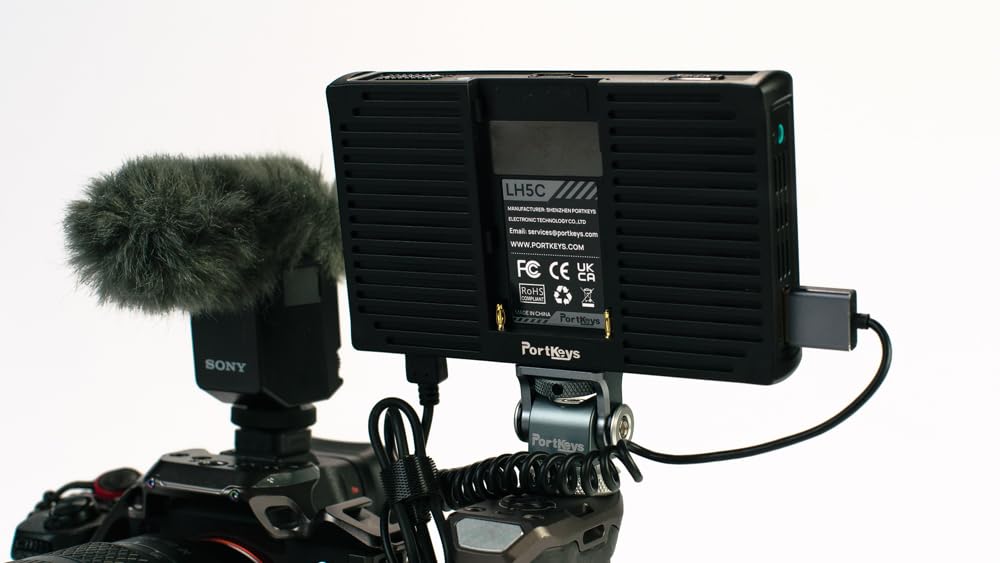
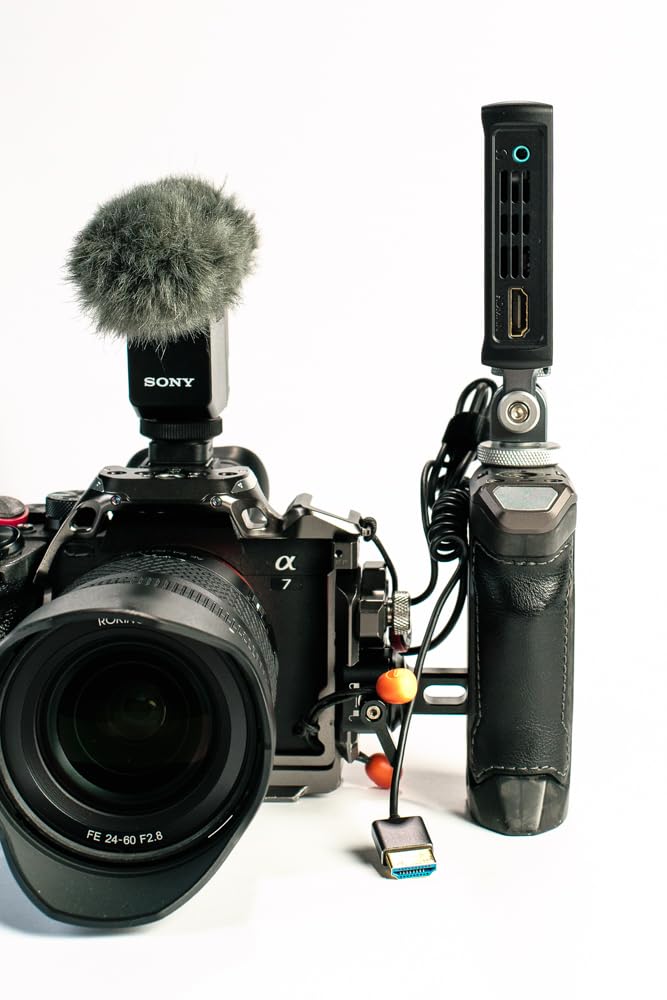
The LH5C answers a question most monitors here do not: can I change camera settings from the screen. Wired touchscreen control covers aperture, shutter speed, ISO and white balance across a long list of Sony, Canon and Panasonic bodies, with a Focus Tracking Frame for Sony models. At 4.1 stars from 52 reviews it is tied with the LUT7 for the lowest average in this group, and the 15 percent one-star share in that feedback is worth understanding.
The panel is a 5.4 inch 1920×1152 IPS at 800 nits, 1000:1 contrast, 178 degree viewing angle, 2ms response and 10-bit color depth with 85 percent DCI-P3 gamut and full Rec.709 coverage. The anamorphic de-squeeze with ten presets plus custom 0.25X to 4.00X stretch will matter if you shoot anamorphic.
The One Port Conflict You Need to Know
Camera control runs over the same USB-C port you would use for external power, so the two cannot be used together. That is the single biggest practical limitation of this monitor, and on a long shoot it forces a choice between controlling the camera and running off a power bank. Plan your power path before a shoot day rather than discovering it on location.
Freeze Frame and Overlay Comparison
The freeze frame capture with a semi-transparent overlay comparison lets you line up a new take against the previous one, which is genuinely useful for continuity vlogs and repeatable walk-and-talk framing. The rest of the toolkit covers waveform, histogram, audio meters, customizable focus peaking, zebra patterns and ARRI false color, with up to 20 custom 3D LUTs. Multiple 1/4-inch holes on the bottom and sides support vertical shooting.
Brightness and Build Are the Trade-Offs
800 nits is low for full sun and is the weakest point of this monitor even with the included sunshade. The polycarbonate shell also feels a step below the metal-bodied Portkeys models, and touch response is slower than some rivals. The connection problems some Canon R5 and R6 owners reported were largely resolved with firmware updates, and Portkeys support is responsive when you need it.
10. Portkeys PT5 II 5in Monitor – Lightest Option for Minimal Rigs
Portkeys PT5 II Camera Monitor Touchscreen DSLR Field Monitor 5 inch 4K30P Input/Output Wide Color Gamut New Peaking 3D LUT Video Assist Luma RGB Waveform for DSLR with New UI MOVnorm OS
5 inch 1920×1080 IPS at 400 PPI
0.28lb body
Luma and RGB waveform
Pros
- 0.28lb body keeps minimal rigs balanced
- Full luma and RGB waveform plus luma histogram
- 3D LUT anamorphic and peaking workflows
- Sharp 400 PPI panel for its size
Cons
- Battery not included
- No touchscreen so the joystick workflow is slower to adjust
- A 5 inch canvas limits detailed focus inspection
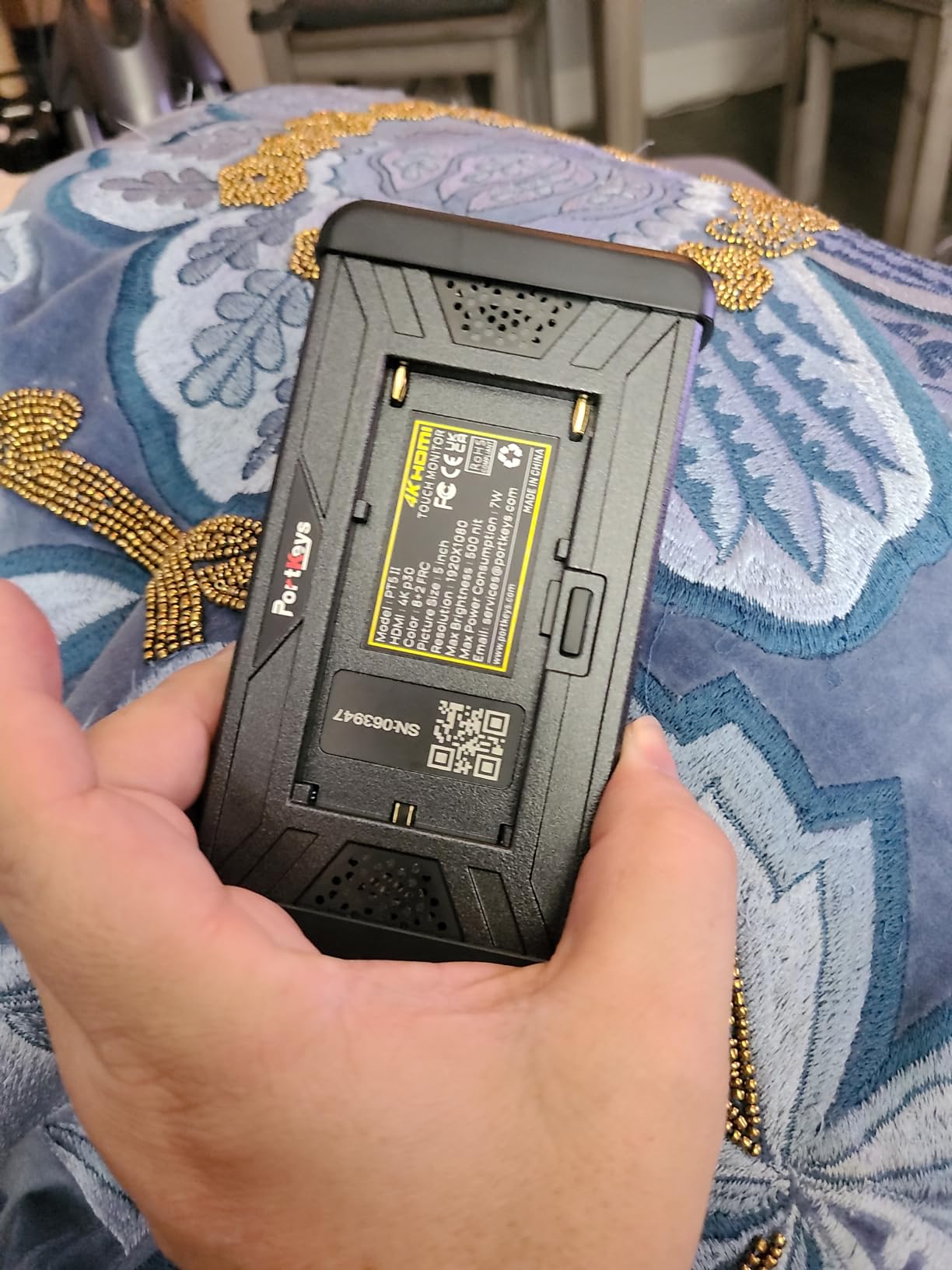
If every gram counts, the PT5 II is the answer. At 0.28 pounds it is the lightest monitor in this group, and on a small gimbal or a minimal handheld rig that difference decides whether you can balance the setup without fighting it. It is a 5 inch IPS screen at 1920×1080 and 400 PPI with a 178 degree viewing angle and 2000:1 contrast.
4K30P HDMI input and output are present, and the scope set is the more complete of the two 5 inch options here: luma waveform, RGB waveform and luma histogram, each with adjustable position and transparency. Add 3D LUT, anamorphic, new peaking, zebra, false color, custom RGB, grids, check field, audio meters, image flip and battery voltage checking, and the toolset is genuinely deep for a 5 inch body.
Scopes on a Small Canvas
Luma and RGB waveform together gives you a scope set that is wider than most rivals this size manage. The trade-off is legibility. On a 5 inch panel, waveforms are read for gross exposure errors rather than fine grading decisions, and the adjustable position and transparency exist precisely because the scope competes with the image for a small area. Treat it as a framing and confidence tool.
Joystick Workflow and Battery
There is no touchscreen, so adjustments run through a joystick, and reviewers note that menu depth can slow quick changes compared with touch-driven rivals at the same size. Power comes from Sony NP-F970, 960, 750 or 550 or Canon LP-E6 batteries, and no battery is included. The one-year manufacturer warranty and 5ms response time round out a well-specified small monitor.
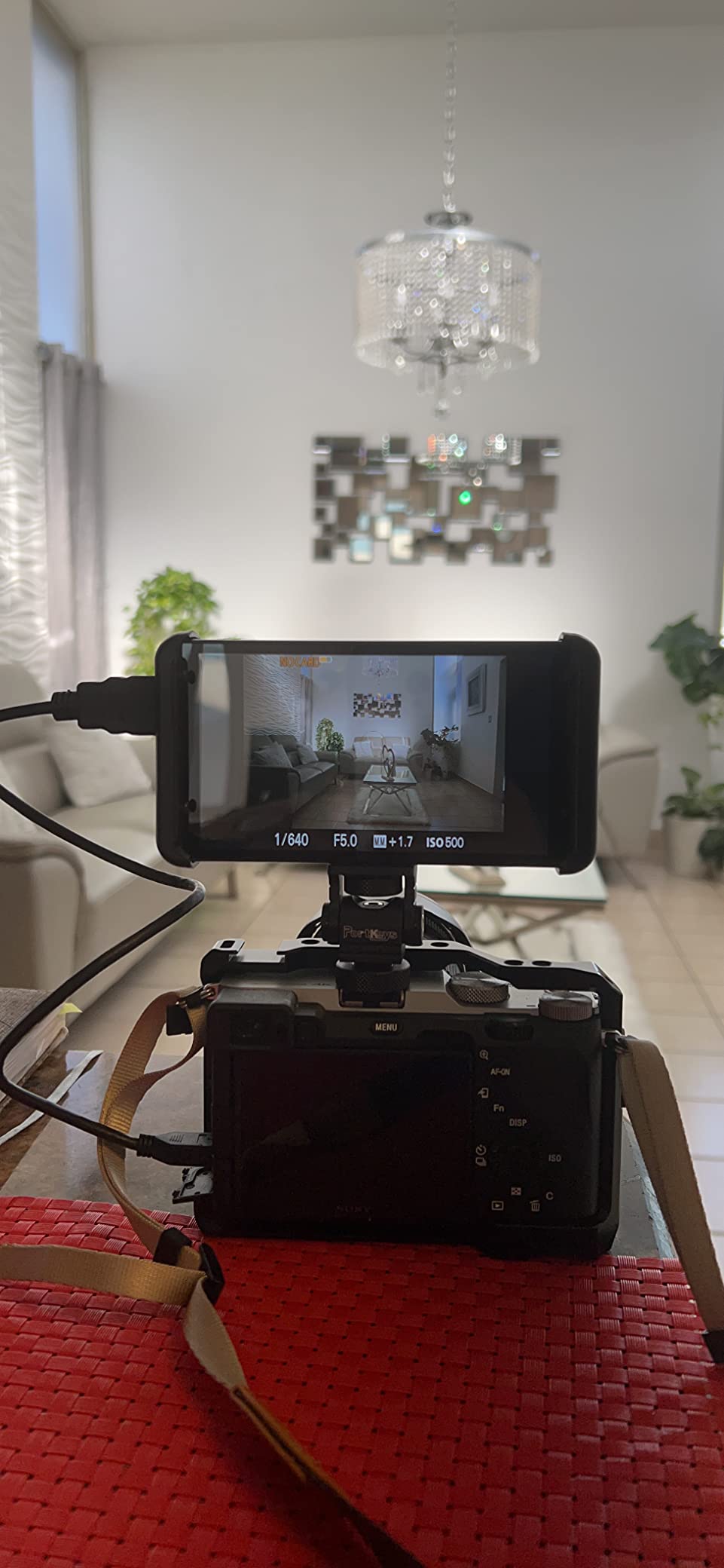
When a 5 Inch Screen Is Enough
A 5 inch panel is enough for arm’s-length framing checks, exposure confirmation and broad focus pulls with a normal kit lens. It stops being enough when you need to judge fine focus on a fast wide-open prime, or when you want clients and collaborators to read the frame from a distance. In those cases, move up to the 5.5 inch DC-550 or a 6 inch F6 Plus.
11. NEEWER F100 450nit Monitor – Budget Pick 7 Inch Panel
NEEWER F100 7inch Camera Field Monitor HD Video Assist IPS 1280×800
7 inch 1280×800 IPS at 450nits
13oz with sunshade
Focus peaking and check field
Pros
- Largest review base in this group at 2734 reviews
- Only 13oz so it is easy to mount on a hotshoe or ball head
- Peaking focus assist and check field work well for manual focus
- Sunshade and mounting hardware included
Cons
- 450nits is not readable in direct sunlight
- No touchscreen
- Low resolution is not usable for critical color grading
The F100 is the value pick, and the numbers behind it are the biggest review base in this article: 4.2 stars across 2734 reviews. That is a deep review base, and the pattern in it is dependable rather than exciting. Owners use it as a budget field monitor for indoor and shaded framing and for manual focus work, and they are clear that it is not a daylight monitor.
It is a 7 inch IPS panel at 1280×800 with 450 nits of brightness, 1200:1 contrast and a 16:10 aspect ratio, with 80 degree viewing angles and a matte finish that reduces glare. At 13 ounces it is among the lightest 7 inch options here, and it works with handheld stabilizers and camera cranes as well as on a hotshoe or ball head.
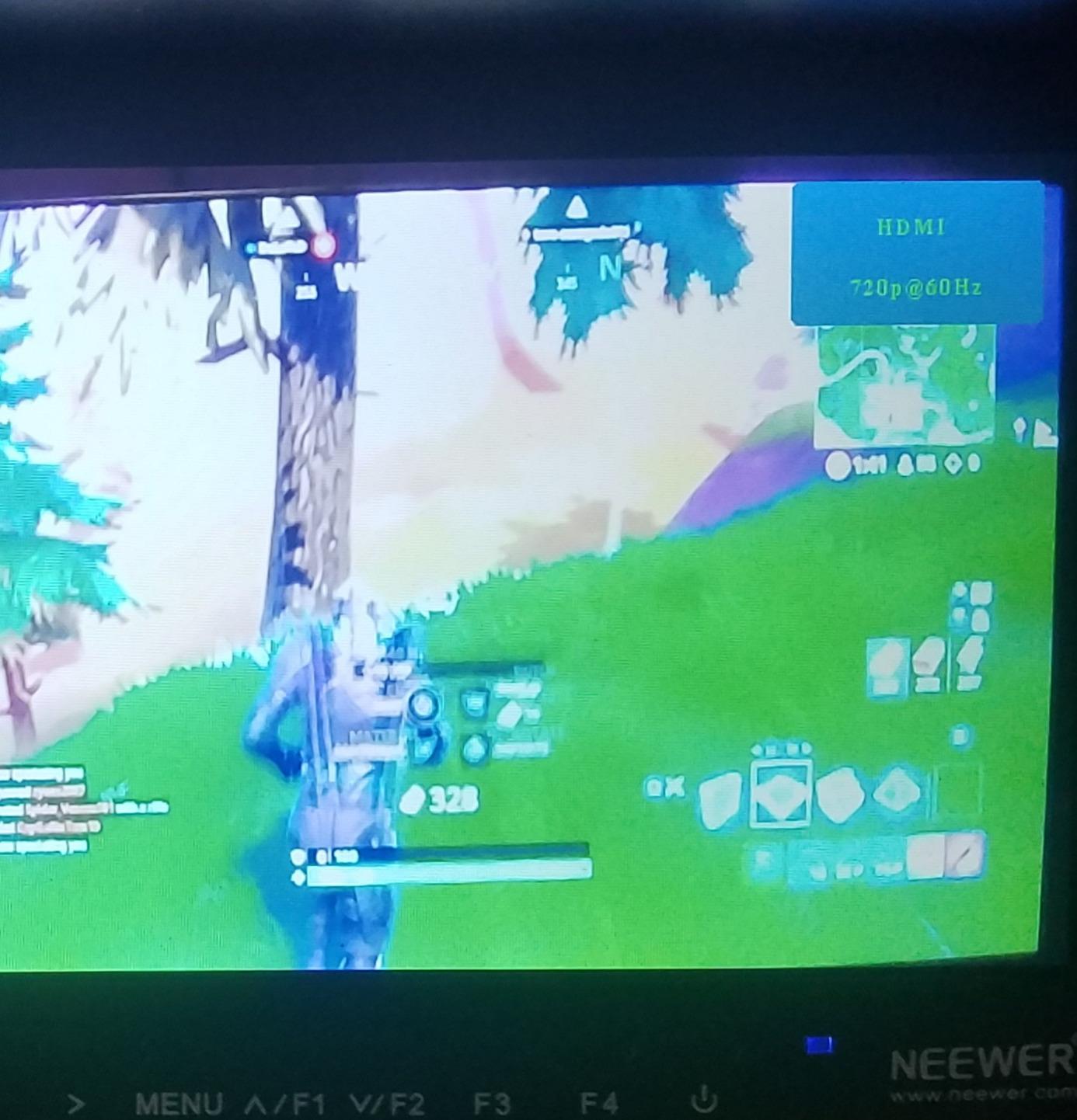
Focus Assist and Check Field in Practice
Focus peaking and check field in red, green, blue and mono are the working features, alongside pixel-to-pixel display, a center marker and safe frames from 80 to 96 percent including 2.35:1. Frame rates from 23.98 to 60Hz are supported across 1080i, 1080p, 720p, 576i, 576p, 480i and 480p. Reviewers find peaking genuinely useful and also find it hard to interpret without practice, so set the peaking level before a shoot rather than during one.
Power, Cables and What Is Missing
It is a 17mm thin body, and the package includes a mini HDMI cable, a micro HDMI cable, a sunshade, a mini ball head and an AV cable. There is one HDMI port, and power is not the strength here: the base version comes without a battery. Holding the less-than button mutes audio and reduces video noise, which is a small trick that helps with HDMI noise on long cables.
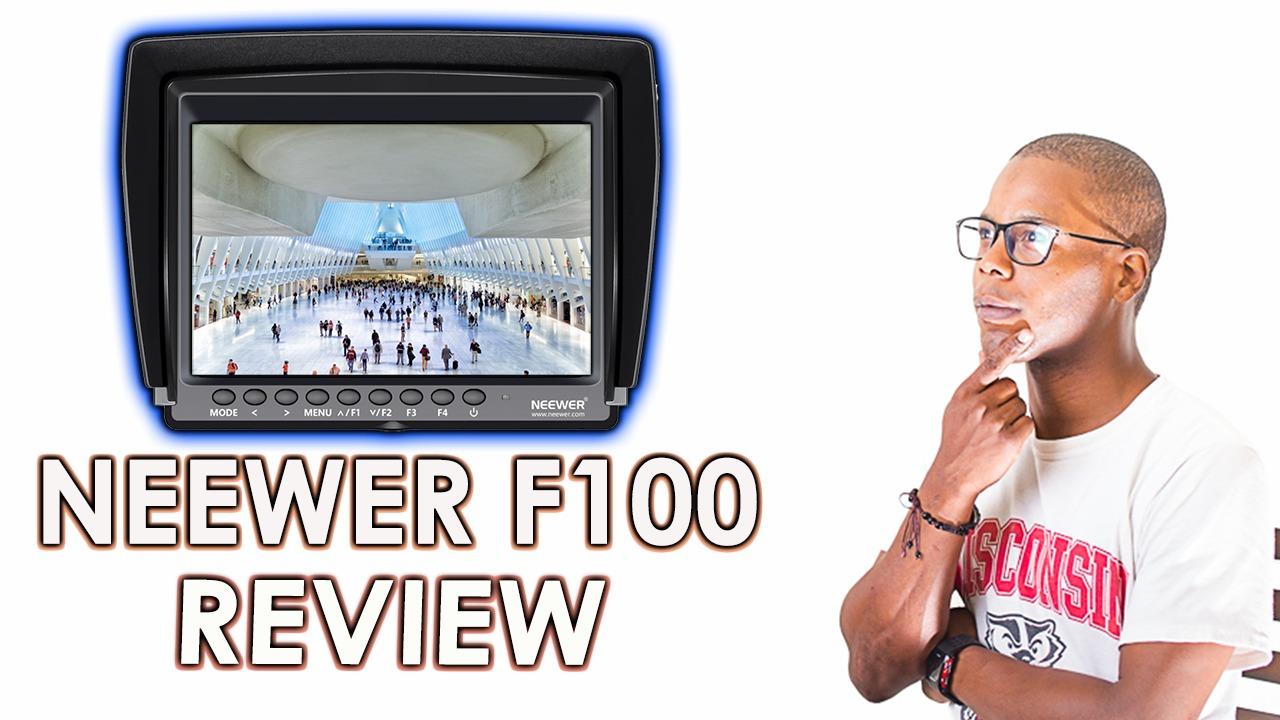
The Honest Limits
Three constraints decide whether this works for you. At 450 nits it is unreadable in direct sun, full stop. There is no touchscreen, so everything runs from buttons. And 1280×800 is fine for monitoring but not for critical color work, so do not treat this as a grading reference. Documentation is also poor, which is the single most common complaint. If you shoot indoors, on overcast days, or under cover, it does the job for very little money.
12. FEELWORLD FW759 PRO 400nit Monitor – Proven Indoor Workhorse
FEELWORLD FW759 PRO 7 Inch 400nit Touchscreen Field DSLR Camera Monitor
7 inch IPS touchscreen at 1280×800
400nits with sunshade
Histogram zebra false color
Pros
- Handles 1080p and 4K HDMI input without issue
- Sharp 1280×800 image on a compact 7 inch screen
- Histogram audio meter contrast zones and zebras are practical
- 300g body suited to handheld and gimbal rigs
Cons
- No loop-out so you cannot feed a second display
- No battery indicator
- Some monitors report connection issues or missing accessories
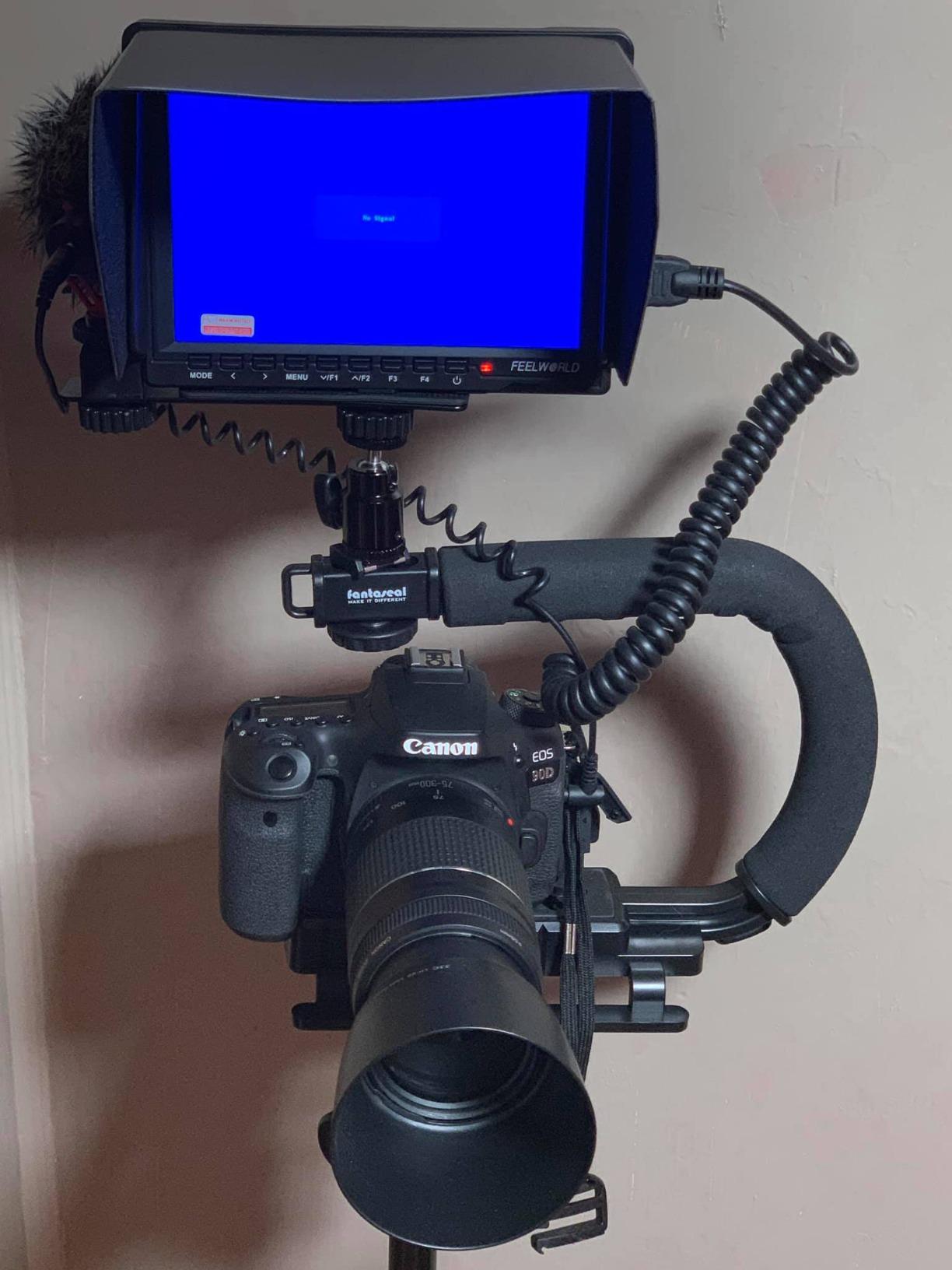
The FW759 PRO is a common sight on vlog rigs, and it earns that by being unremarkable in the right ways. It is a 7 inch IPS touchscreen at 1280×800 with 400 nits, weighing 300g, and it handles 1080p and 4K HDMI input without complaint. Reviews hold at 4.2 stars from 1328 buyers.
The exposure tools are the practical set: histogram, zebra pattern, focus assist and false color, plus a contrast zone display and an audio dB meter. Power comes from an NP-F battery, DC input or Type-C, and the kit includes F550 batteries, a sunshade, HDMI cables, a mini hot shoe mount and a USB-A to USB-C adapter, so the box is genuinely complete for a first rig.
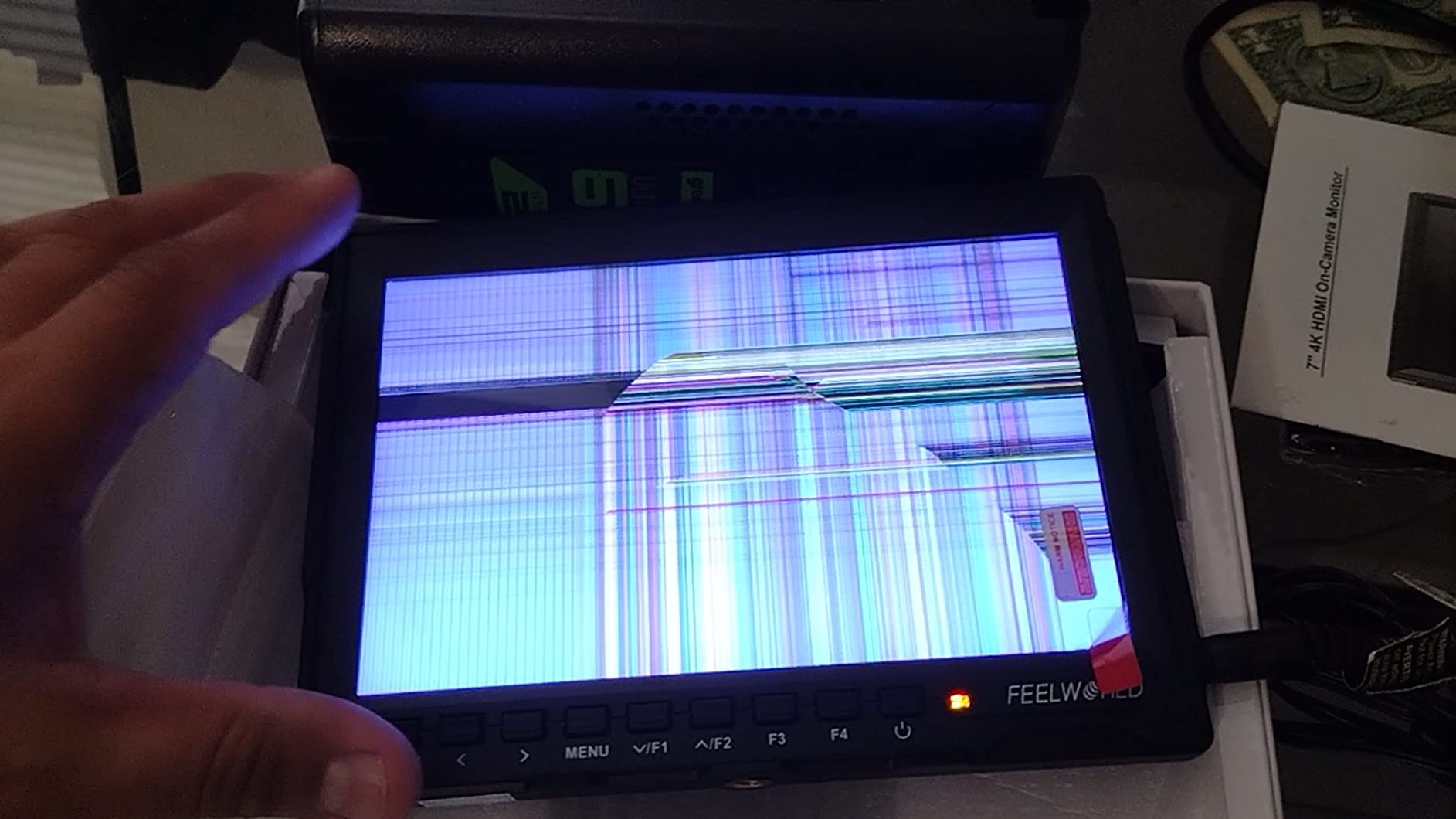
The Loop-Out Limitation That Matters
This is the feature to check before buying. There is no HDMI loop-out, so you cannot feed a second display, a director’s screen or a capture device from the monitor, and it is not supported by HDMI splitters or ATEM switchers for multi-view preview. It also cannot control camera settings from the monitor. If your workflow involves feeding a second screen, move up to the DC-550 or the F700, both of which have HDMI out.
Brightness and Build for Handheld Work
At 400 nits with an included sunshade, this is a shade and overcast monitor. Outdoors it is readable in open shade and awkward in open sun. Where it does stand out is weight and ergonomics: 300g with a slim body suits handheld and gimbal rigs far better than most 7 inch panels, and the touchscreen makes tool changes quick mid-shoot.
Who Should Skip the FW759 PRO
Skip it if you shoot in direct sun regularly, if you need HDMI out to feed a second screen, or if you want a battery gauge, because there is no battery indicator on the body. Reviewers also report occasional connection issues and some monitors arriving without proper accessories, so inspect the box on arrival. For an r/Lumix S5II owner weighing Viltrox against FeelWorld, the brighter and loop-out-equipped option is usually the safer long-term buy.
How to Choose a Camera Monitor for Vlogging
A camera monitor is a small screen that sits between you and your camera, showing the live feed larger and brighter than the camera’s own screen so you can frame yourself, check focus and judge exposure while filming. An HDMI cable carries the video signal to the monitor, which converts it in real time; a monitor-recorder additionally encodes that feed to a solid-state drive as a backup while you film. Vloggers filming themselves at arm’s length, run-and-gun travel shooters and anyone working outdoors who cannot read a built-in screen all benefit from one.
Screen Size Decides Your Rig, Not Your Taste
Pick the size from your rig, not from the spec sheet. A 5 inch to 5.5 inch panel changes very little about balance and works on small gimbals; a 6 inch is the comfortable middle; a 7 inch gives you a readable frame but adds real mass, and the 7 inch options here that ship with two batteries are noticeably heavy on a stabilizer. Selfie framing is a distance problem, so a smaller screen is not a compromise if your arms are long enough.
Brightness in Nits Is the One Spec You Cannot Change Later
Nits, or candelas per square meter, describe how much light the panel puts out. Anything at or below 450 nits, like the F100 and the FW759 PRO here, works indoors and in shade only. Around 1000 to 1200 nits is the practical threshold for working outdoor scenes, and 2000 nits and above means you can read the screen in full sun without a hood. Read the number, not the high-bright label, because the label means nothing on its own.
Do You Need a Monitor or a Monitor-Recorder?
Every monitor in this list is a monitor, not a recorder. A monitor-recorder encodes the feed to a drive, usually as a ProRes proxy or H.265 file, giving you a backup and protection against footage corruption. For straight vlogging, a card in the camera is enough and the monitor is a framing tool. If you shoot long takes, client work you cannot reshoot, or rented bodies with no second card slot, adding a recorder later is a sensible upgrade rather than a day-one purchase.
Assist Tools That Actually Help a Solo Creator
Focus peaking outlines what is in focus, waveforms show exposure levels over time, false color assigns colors to brightness ranges so clipping is obvious, and zebras stripe any area above a brightness threshold you set. LUTs preview a Log profile as a finished-looking image. You do not need all of them on day one, but a monitor with peaking, zebras and false color will earn its place far faster than one without. A screen you can interpret at a glance is worth more than a denser screen you cannot read while walking.
Weight, Power and the HDMI Handshake Problem
Two real-world issues deserve attention. First, weight: a bright 7 inch panel with two batteries can add close to a kilogram above the lens, which shifts gimbal balance and forces a re-tune. Second, the handshake: the delay between switching a camera on and getting a picture, and the occasional dropout over long cables, is the most common reliability complaint users report. Shorter and better-shielded HDMI cables, a clean port and turning off unused outputs all help. If a monitor cannot tell you its remaining battery life, plan to carry a spare cell.
If audio is the other half of a vlog rig, our guide to the best clip-on microphones for vlogging covers the mics most vloggers pair with a monitor like these. If you are filming on a phone instead, the best phones for vlogging guide is the better starting point.
Frequently Asked Questions
Do I need an external monitor for vlogging?
You need one if you film yourself at arm’s length, work outdoors in daylight, or shoot manual focus. The camera’s own flip-out screen faces away from you during a selfie shot and is hard to read in sun. If you shoot locked-off tripod pieces indoors with autofocus, a monitor is optional. For most travel and walk-and-gun vloggers it is the single biggest quality upgrade after the camera itself.
What size camera monitor do I need for vlogging?
Five to 5.5 inches for gimbal and minimal rigs where every gram matters, 6 inches as the all-round choice, and 7 inches when you want a large readable frame on a tripod or fixed rig. Selfie framing is a distance problem rather than a size problem, so a smaller screen is fine if your arms are long enough to hold the camera away from your body.
How bright should a camera monitor be for outdoor vlogging?
At or below 450 nits works indoors and in shade only. Around 1000 to 1200 nits is the practical floor for outdoor work, and 2000 nits or higher stays readable in full direct sun without a sunshade. Read the nits figure rather than the high-bright marketing label, because the label carries no standard meaning across brands.
Monitor or monitor-recorder: which do I need?
A monitor only shows you the live feed. A monitor-recorder also encodes it to a solid-state drive, usually as a ProRes proxy or H.265 file, so you get a backup of what you filmed. For straight vlogging where you can reshoot and your camera has a single card, a monitor is enough. For long takes, client work or rented bodies, a recorder is worth the extra cost and cable management.
Is a FeelWorld monitor good for vlogging?
FeelWorld makes some of the best value monitors in this group. The F6 Plus at 235g is a strong gimbal choice with a full scope set, and the LUT7 at 2200 nits handles direct sunlight with an ambient light sensor. The budget FW759 PRO is a proven indoor workhorse but has no HDMI loop-out. Ratings in this group range from 4.1 to 4.6 stars, so the model matters more than the brand.
The Verdict
If you shoot outdoors most of the year, the NEEWER F700 is the best camera monitor for vlogging overall: 2000 nits, a full professional toolset, LUT uploads and two batteries in the box. If your rig swings on a gimbal, take the FEELWORLD F6 Plus instead, because 235g is the difference between a balanced rig and a frustrating one. If the budget is the deciding factor, the osee T5+ gives you 1000 nits and per-camera false color presets for remarkably little.
For very bright conditions where you want the panel to manage itself, the FEELWORLD LUT7 pairs 2200 nits with an ambient light sensor that adjusts as you move between sun and shade. For rigged, long production days, the NEEWER F600 brings cooling fans and 2400 nits. For broadcast-style setups that need 3G-SDI, the osee G7 Pro is the only one here with both SDI and 4K HDMI in and out. For wired camera control, the Portkeys LH5C is the entry point, with the port conflict between control and power planned for in advance.
Whichever one you pick, buy the battery and the cable in the same order. Test the full HDMI run the night before your first shoot rather than the morning of it, and check out the best vlogging cameras pairing guide if you are still choosing a body. These screens were last reviewed in October 2026, and we will keep updating this list as new models land.
Leave a Reply