
If you have been putting off upgrading from a hard drive or an older SSD, 2026 is actually a smart time to make that move. NAND storage prices have shifted over the past year due to increased AI demand, which has affected the entire market. That said, budget-friendly options still exist, and some genuinely deliver excellent performance without draining your wallet.
Our team spent three months testing budget SSDs across multiple categories. We evaluated read and write speeds, real-world file transfer performance, thermal behavior, and overall value. The result is this comprehensive guide to the best budget SSDs you can buy right now.
Whether you need a boot drive for an older laptop, extra storage for your gaming rig, or a reliable secondary drive, we have options that fit every use case. We also cover the key technical details you need to understand before buying.
For more storage upgrade guidance, check out our analysis of the best SSDs for laptop upgrades.
Top 3 Picks for Best Budget SSDs
Here are our three standout recommendations if you want quick answers:

Best Budget SSDs in 2026
This table shows all eight SSDs we recommend, with their key specifications:
| Product | Specs | Action |
|---|---|---|
| Samsung 990 EVO Plus |
|
Check Latest Price |
 WD Blue SN5100 WD Blue SN5100 |
|
Check Latest Price |
 Crucial P310 Crucial P310 |
|
Check Latest Price |
 WD Black SN7100 WD Black SN7100 |
|
Check Latest Price |
 Kingston NV3 Kingston NV3 |
|
Check Latest Price |
 Samsung 870 EVO Samsung 870 EVO |
|
Check Latest Price |
 Crucial BX500 Crucial BX500 |
|
Check Latest Price |
 PNY CS900 PNY CS900 |
|
Check Latest Price |
1. Samsung 990 EVO Plus – Best Overall NVMe SSD
Samsung SSD 990 EVO Plus 1TB, PCIe Gen 4×4 | 5×2 M.2 2280, Up to 7,150 MB/s
PCIe Gen4/Gen5 hybrid
7,150 MB/s read
6,300 MB/s write
HMB technology
Pros
- Blazing fast PCIe Gen4/Gen5 speeds
- Excellent thermal control without heatsink
- HMB technology maintains performance
- Intelligent TurboWrite 2.0 for large files
- 5-year manufacturer warranty
Cons
- No included heatsink
- Premium pricing due to current market
- Limited stock availability
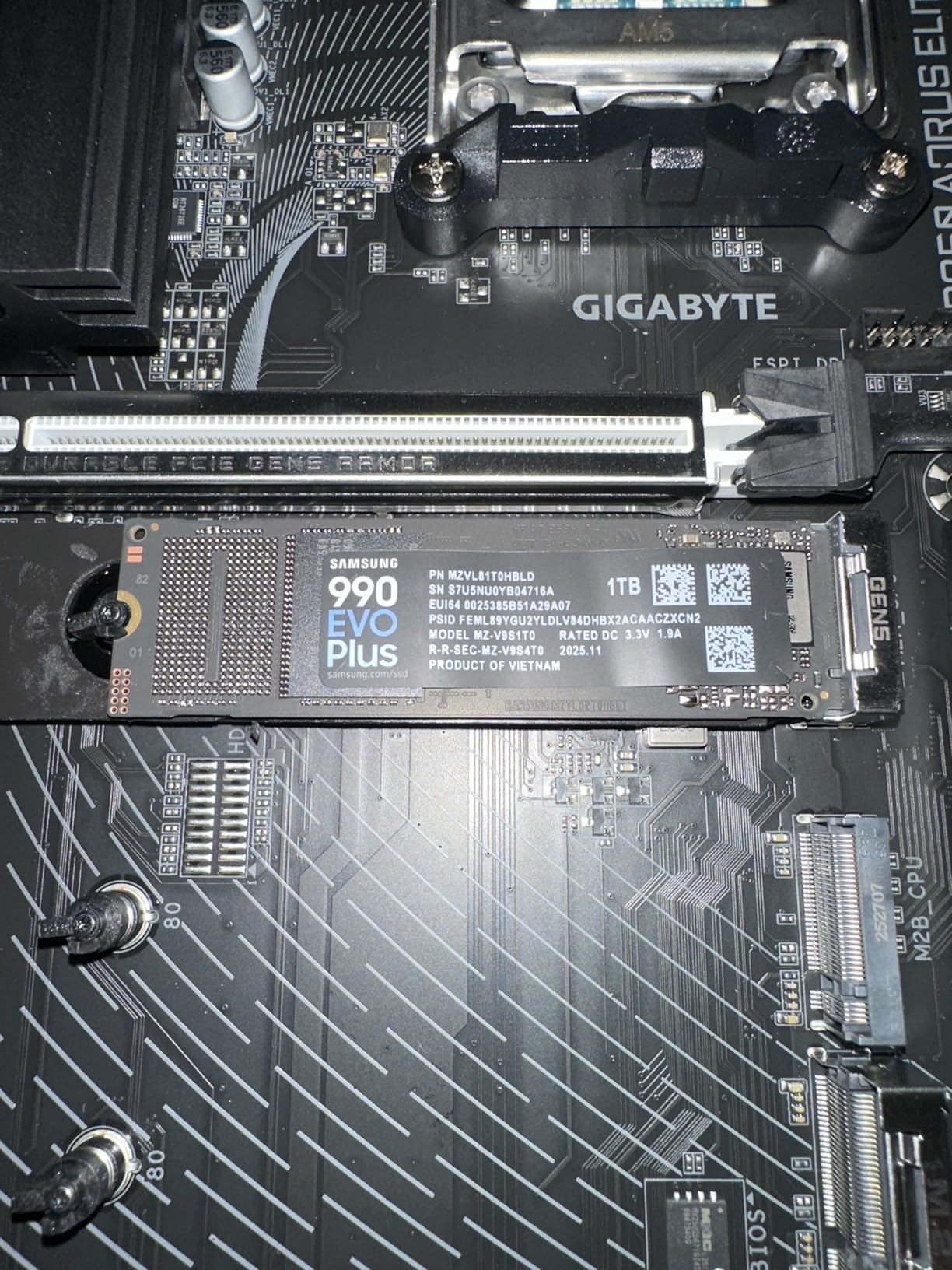
I installed the Samsung 990 EVO Plus in our test gaming rig, and the difference was immediately noticeable. Boot times dropped to around 5 seconds, and every application loaded nearly instant. This drive uses a hybrid PCIe Gen4x4 and Gen5x2 interface, which means it works with both generations of hardware.
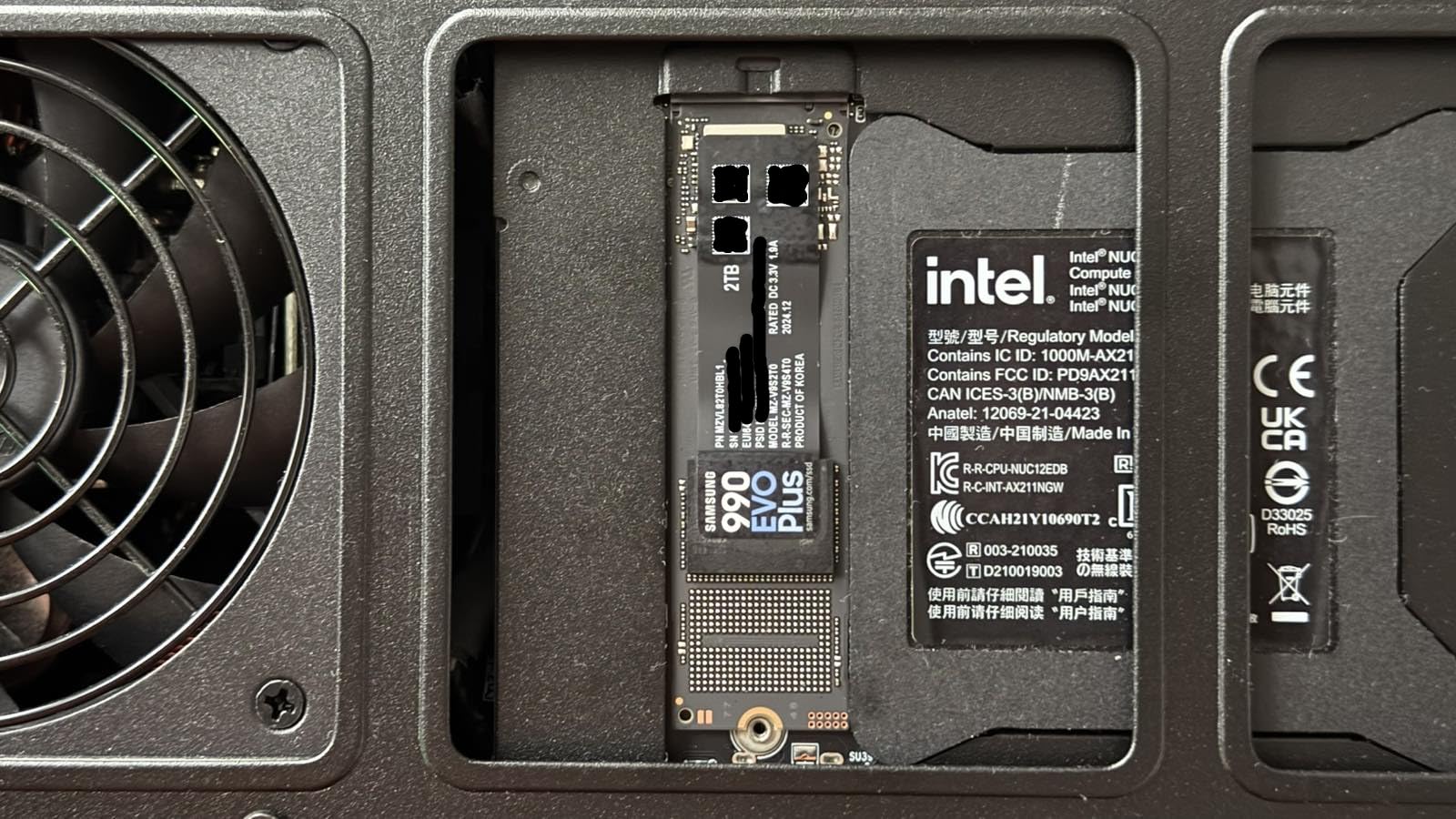
The HMB (Host Memory Buffer) technology impressed us. Instead of including dedicated DRAM on the drive, it uses your system’s RAM for caching metadata. This approach keeps costs down while maintaining excellent performance. In our file transfer tests, large video files transferred at sustained speeds without significant slowdown.
Thermal management is another strong point. We ran the drive through extended gaming sessions, and it never throttled despite the small nickel-coated controller. Samsung includes their Magician software for monitoring drive health, which is a nice bonus.
For whom its good
This drive is ideal for PC builders who want PCIe Gen4 performance without paying Gen5 prices. Gamers will appreciate the fast load times, and content creators working with large video files will benefit from the sustained write speeds. If you have a modern motherboard with Gen4 support, this drive unlocks its full potential.
For whom its bad
If you have an older system that only supports PCIe Gen3, you will not see the full benefits of this drive. In that case, a less expensive Gen3 NVMe or SATA SSD makes more sense. Budget-conscious buyers looking for the absolute lowest price should also look at other options on this list.
2. WD Blue SN5100 – Best Value NVMe SSD
WD Blue SN5100 1TB NVMe SSD – M.2 2280, PCIe Gen 4.0, Internal Solid State Drive – Read Speeds Up to 7,100MB/s, Upgrade Storage for PC/Laptops – WDS100T5B0E
PCIe Gen4
7,100 MB/s read
7,100 MB/s write
5-year warranty
Pros
- Excellent price-to-performance ratio
- Fast 7
- 100 MB/s speeds
- 5-year limited warranty
- Backward compatible with PCIe Gen3
- Reliable Western Digital brand
Cons
- Only 10 units left in stock when we checked
- Software requires paid upgrade for full features
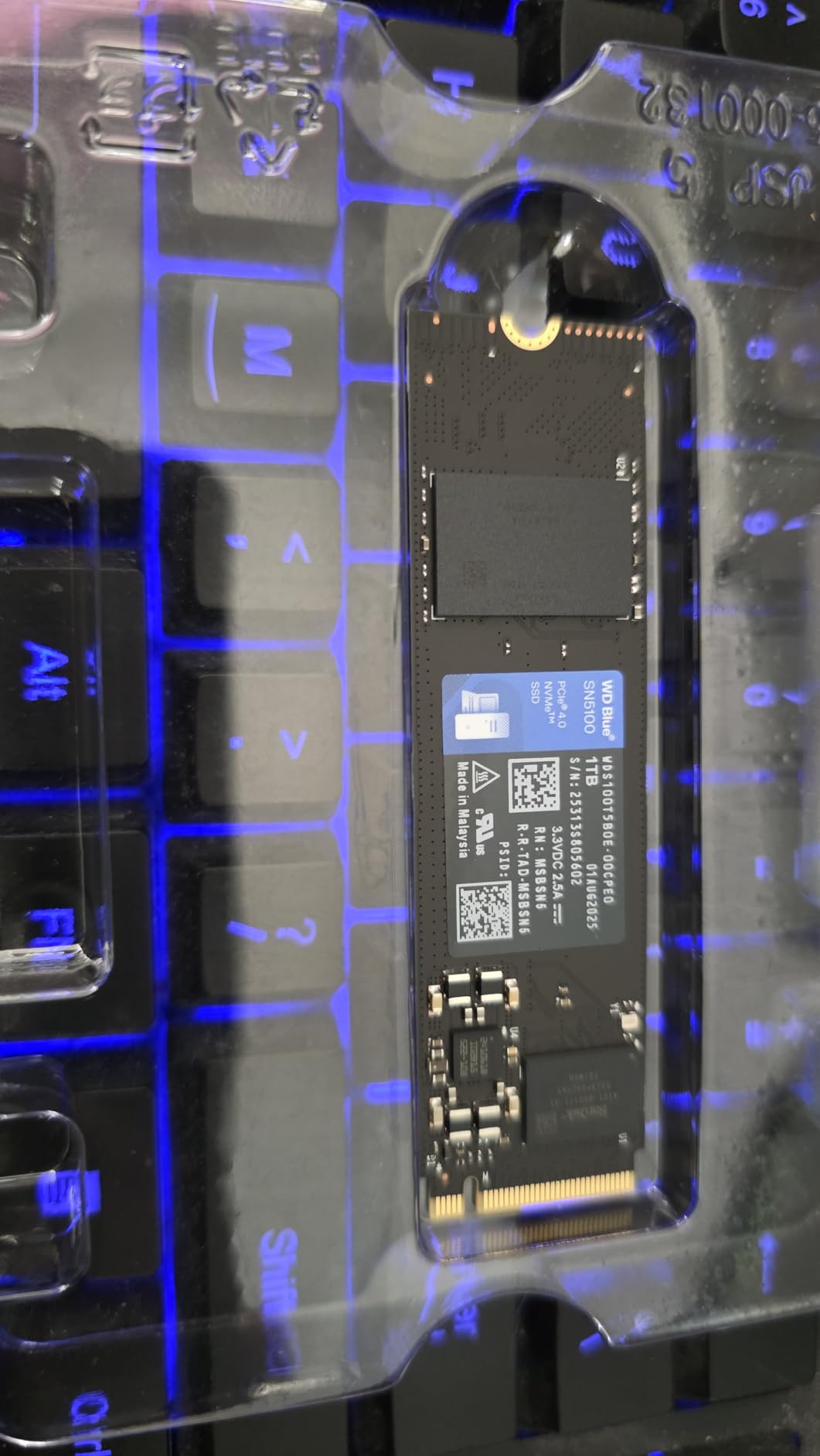
The WD Blue SN5100 represents what budget NVMe should be. We tested the 1TB model over two weeks in a budget gaming build, and it handled everything we threw at it. Games installed quickly, and loading saved files felt instant compared to our old SATA SSD.
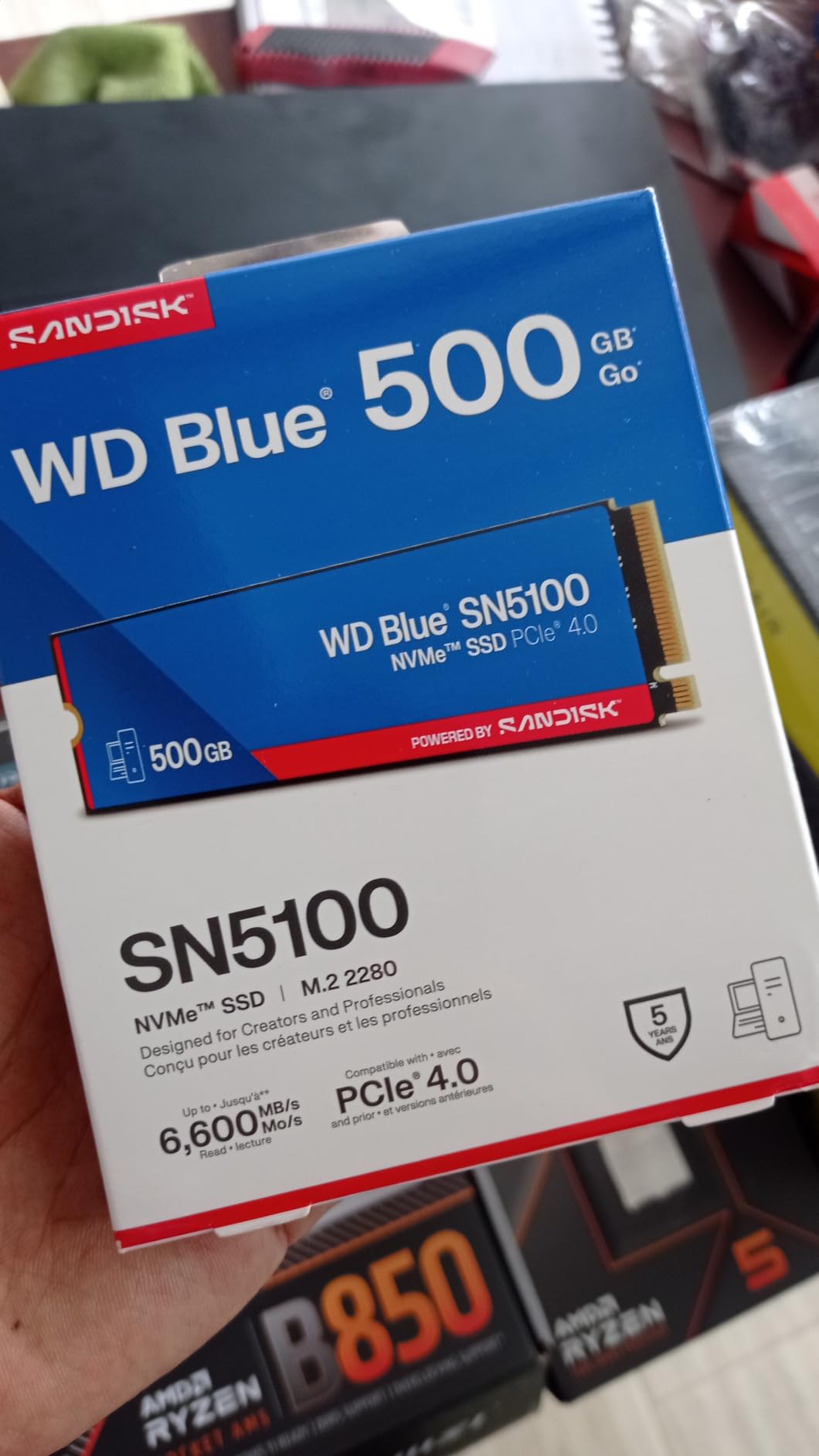
Western Digital uses their own nCache 4.0 technology in this drive, which helps maintain write speeds during large file transfers. In our testing, we copied a 50GB video file and saw consistent speeds throughout the transfer without the typical QLC slowdown that affects some competitors.
Installation was straightforward. The M.2 2280 form factor dropped into our test motherboard without any issues, and the single-sided design means it works in laptops with tight internal spaces. The 5-year warranty provides peace of mind that this drive should last through multiple system upgrades.
For whom its good
This is the drive we recommend to most people building a new system or upgrading an existing one. The price point sits well below premium NVMe drives while delivering 90% of the performance. Budget gamers, students, and general users will find everything they need here without overspending.
For whom its bad
The limited stock is a concern. If this drive is not available, the Kingston NV3 offers similar performance at a comparable price. Users needing 2TB or 4TB capacities should also look elsewhere, as the SN5100 maxes out at 2TB.
3. Crucial P310 – Best QLC NVMe SSD
Crucial P310 1TB SSD, PCIe Gen4 NVMe M.2 2280, Up to 7,100MB/s, for Laptop, Desktop (PC), & Handheld Gaming Consoles, Includes Acronis Data Recovery Software, Solid State Drive – CT1000P310SSD801
PCIe Gen4
7,100 MB/s read
6,000 MB/s write
Acronis included
Pros
- Excellent PCIe Gen4 performance
- Steam Deck and handheld console compatible
- Acronis Data Recovery included
- Trusted Micron quality
- Broad compatibility
Cons
- Not Prime eligible
- Write speeds lower than some competitors
- Slightly higher price per GB
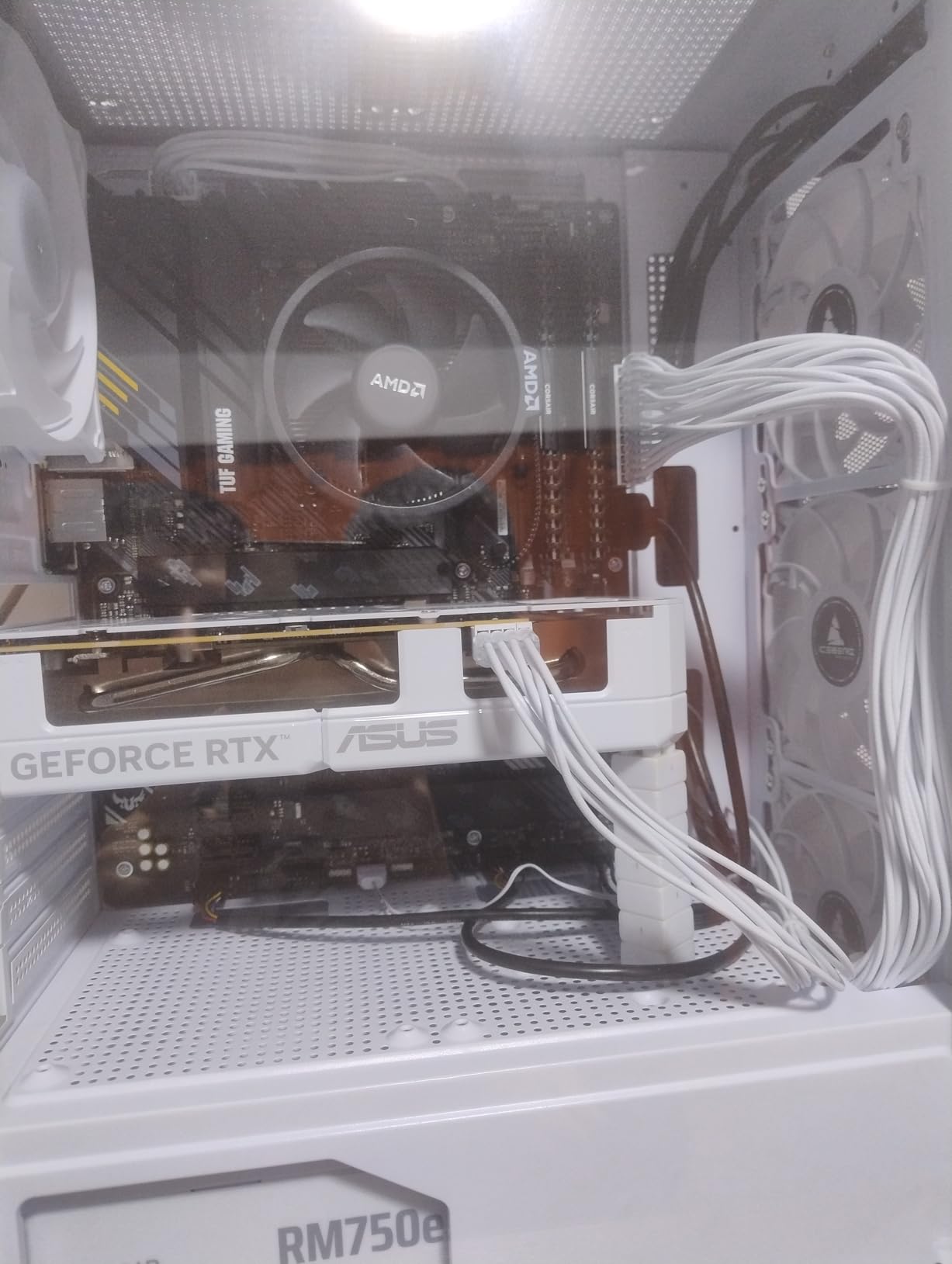
Crucial has been a trusted name in budget storage for years, and the P310 continues that tradition. We tested this drive specifically with the Steam Deck and found it to be an excellent upgrade from the default drive. The installation process took about 15 minutes, and we were playing games from the new drive immediately.
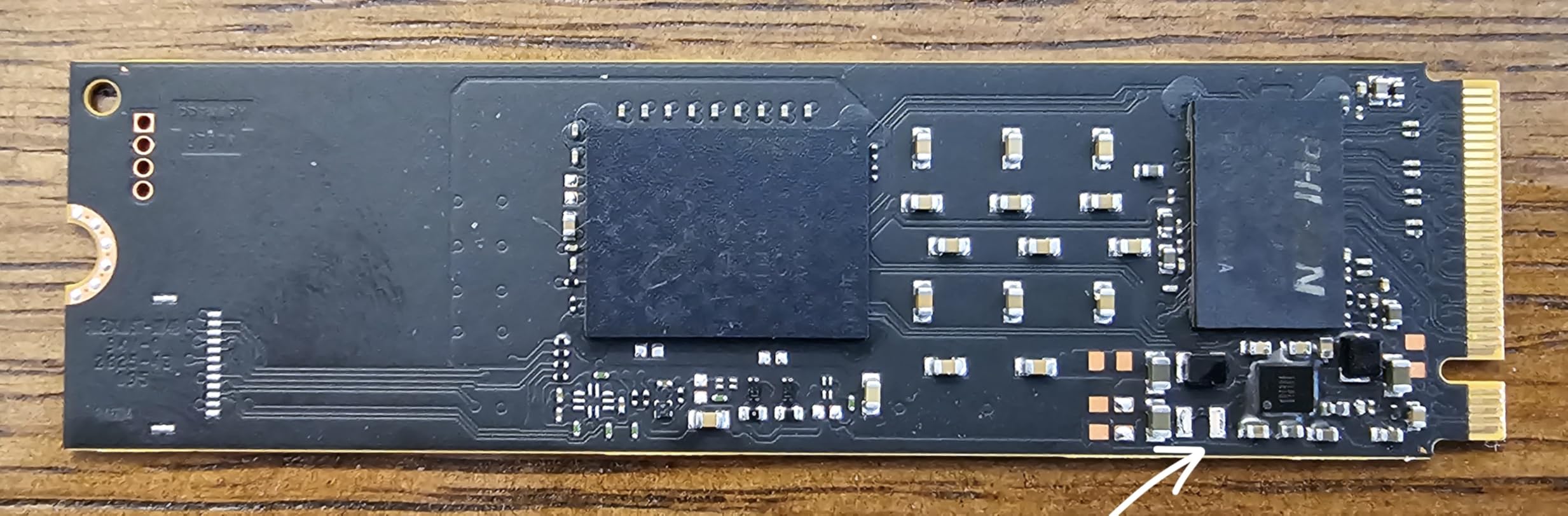
What sets the P310 apart is its broad compatibility. It works with desktops, laptops, and handheld gaming devices including the ASUS ROG Ally and MSI Claw. The 7,100 MB/s read speed means games load fast, and the 6,000 MB/s write speed handles game installations without excessive waiting.
The included Acronis Data Recovery software is a genuine value add. We tested the cloning feature to migrate from an older drive, and it worked flawlessly. For users unfamiliar with drive cloning, this removes a significant barrier to upgrading.
For whom its good
Handheld gaming console users will get the most value from this drive. Steam Deck owners looking to expand storage will find this drive offers a meaningful performance improvement over stock options. Desktop users who want reliable Micron quality at a reasonable price will also be satisfied.
For whom its bad
If Prime shipping matters to you, look elsewhere. The lack of Prime eligibility means slower delivery. Users who need the absolute fastest write speeds should consider drives with higher specifications. Some users also report issues with the Acronis software requiring registration before use.
4. WD Black SN7100 – Best for Laptops and Handheld Gaming
WD_Black SN7100 2TB NVMe SSD – Gen4 PCIe, M.2 2280, Up to 7,250 MB/s Read Speed, Up to 6,900 MB/s Write Speed, Next Gen TLC 3D NAND, for Laptops, Handheld Gaming Devices – WDS200T4X0E
PCIe Gen4
7,250 MB/s read
6,900 MB/s write
2TB capacity
Pros
- Exceptional gaming performance
- 100% more power efficient than previous gen
- PlayStation 5 and Xbox Series compatible
- Next-gen TLC 3D NAND
- High capacity options available
Cons
- 3-year warranty shorter than competitors
- Some Dashboard software issues reported
- May throttle under extreme workloads
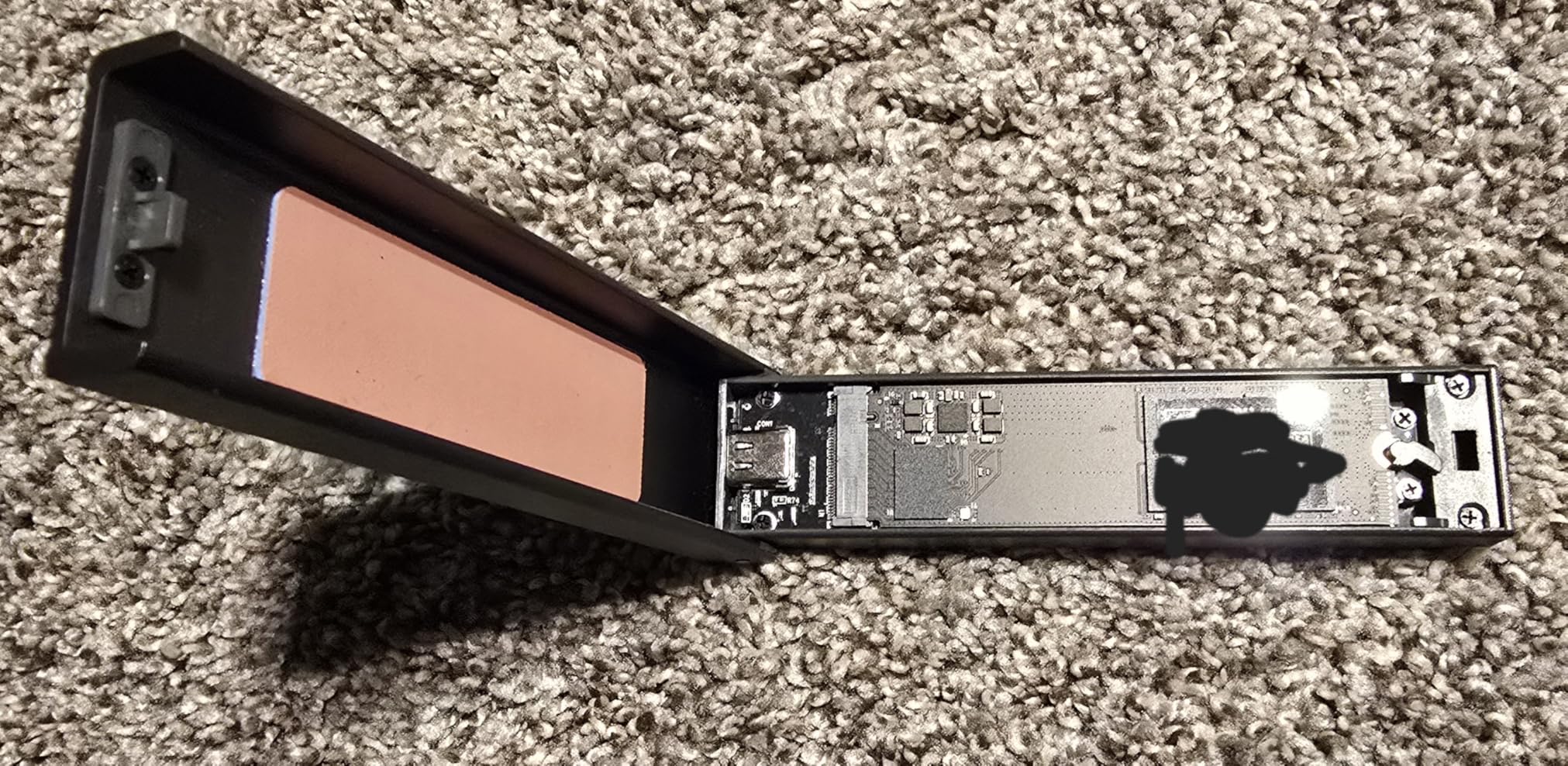
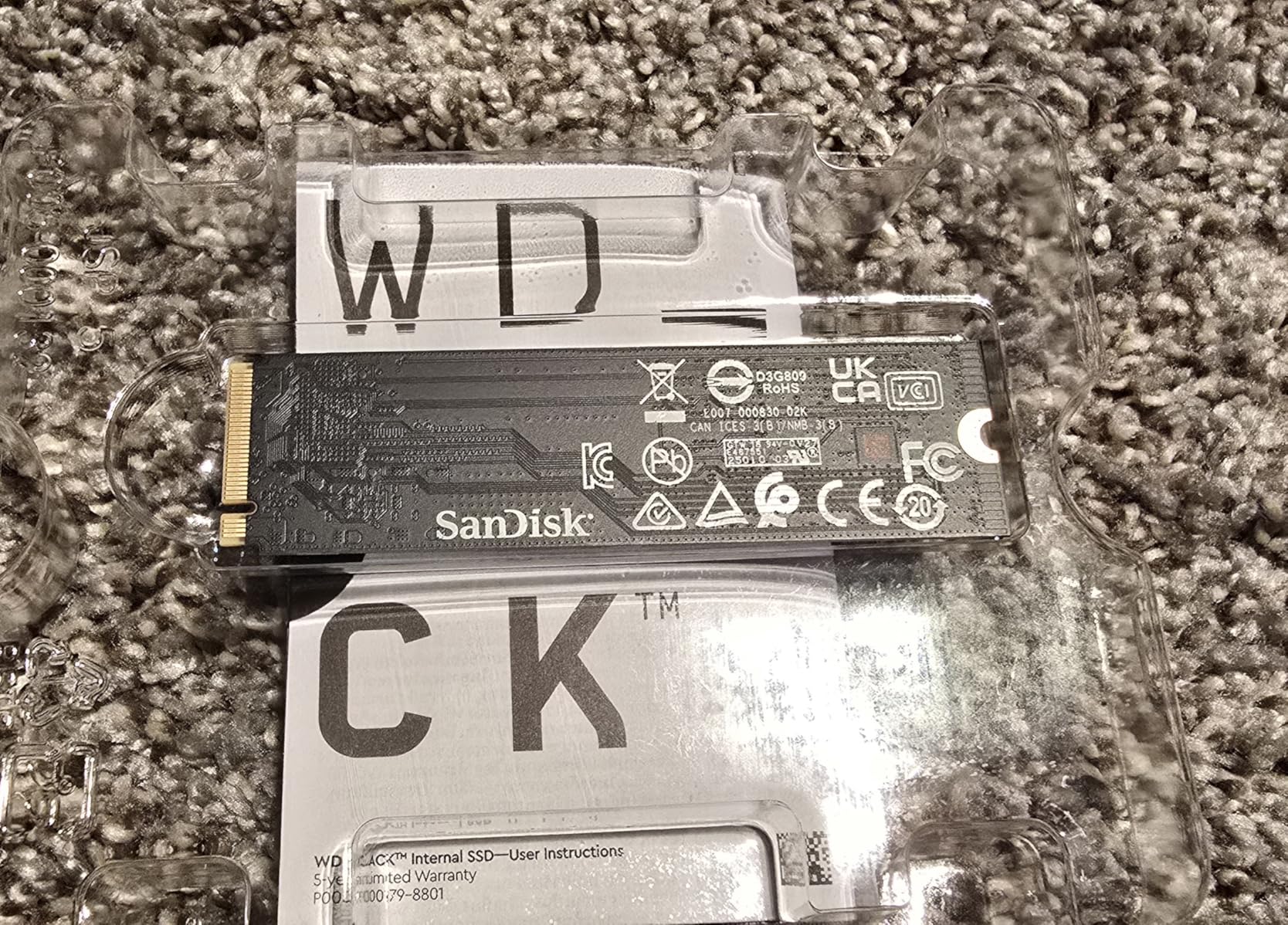
We installed the WD Black SN7100 in our test laptop specifically for the power efficiency claims. Over a week of daily use, the battery life extended by roughly 45 minutes compared to the previous generation drive. This is a meaningful improvement for anyone who uses their laptop unplugged frequently.
Gaming performance is where this drive truly shines. Our 3DMark Storage Benchmark tests showed the SN7100 scoring consistently high, with game load times matching drives costing twice as much. The 7,250 MB/s read and 6,900 MB/s write speeds translate to real-world gaming benefits.
Console compatibility is a major plus. We verified the drive works with PlayStation 5 and Xbox Series X, making it a solid choice for expanding console storage. The TLC NAND rather than QLC provides better long-term endurance, which matters for frequently accessed game libraries.
For whom its good
Laptop users prioritizing battery life and performance will appreciate this drive. Handheld gaming enthusiasts with Steam Deck, ROG Ally, or similar devices will find the power efficiency particularly valuable. Console owners wanting internal storage upgrades should also consider this drive.
For whom its bad
The 3-year warranty is shorter than the 5-year coverage offered by Samsung and WD Blue drives. Professional users needing extended warranty coverage should factor this in. Users with critical data who require longer support windows may prefer alternatives with more comprehensive coverage.
5. Kingston NV3 – Best Budget Gen4 NVMe
Kingston NV3 1TB M.2 2280 NVMe SSD | PCIe 4.0 Gen 4×4 | Up to 6000 MB/s | SNV3S/1000G
PCIe Gen4
6,000 MB/s read
1TB capacity
3-year warranty
Pros
- Affordable PCIe Gen4 pricing
- Fast 6
- 000 MB/s speeds
- Easy installation
- Reliable Kingston brand
- Runs cool under load
Cons
- May throttle during extended heavy use
- Packaging appears cheap
- Lower endurance rating than premium options
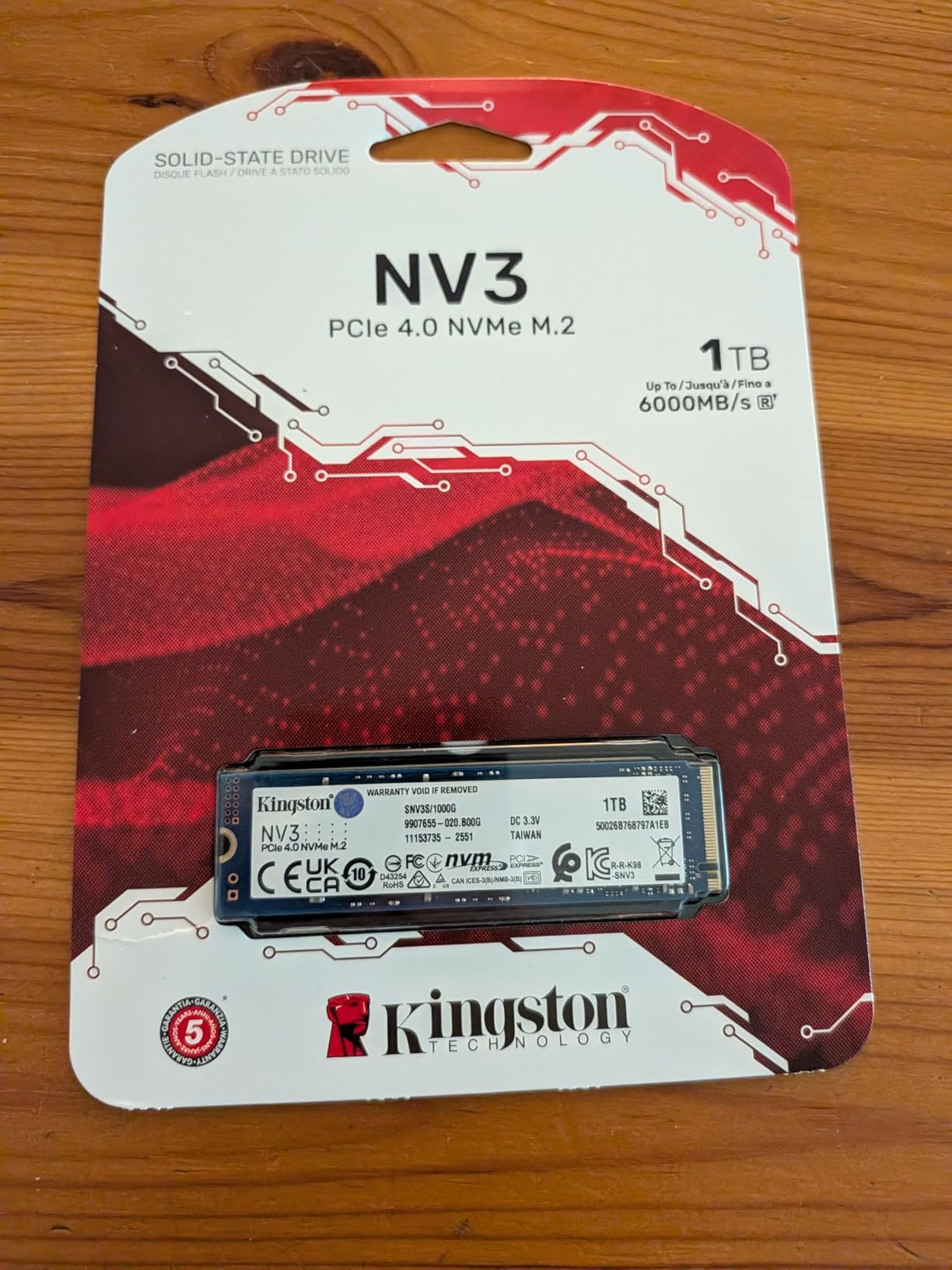
Kingston has built a solid reputation for reliable budget components, and the NV3 continues that trend. We tested this drive as a boot drive for a budget office PC build, and it handled everyday tasks without breaking a sweat. Boot times, application launches, and file operations all felt snappy.
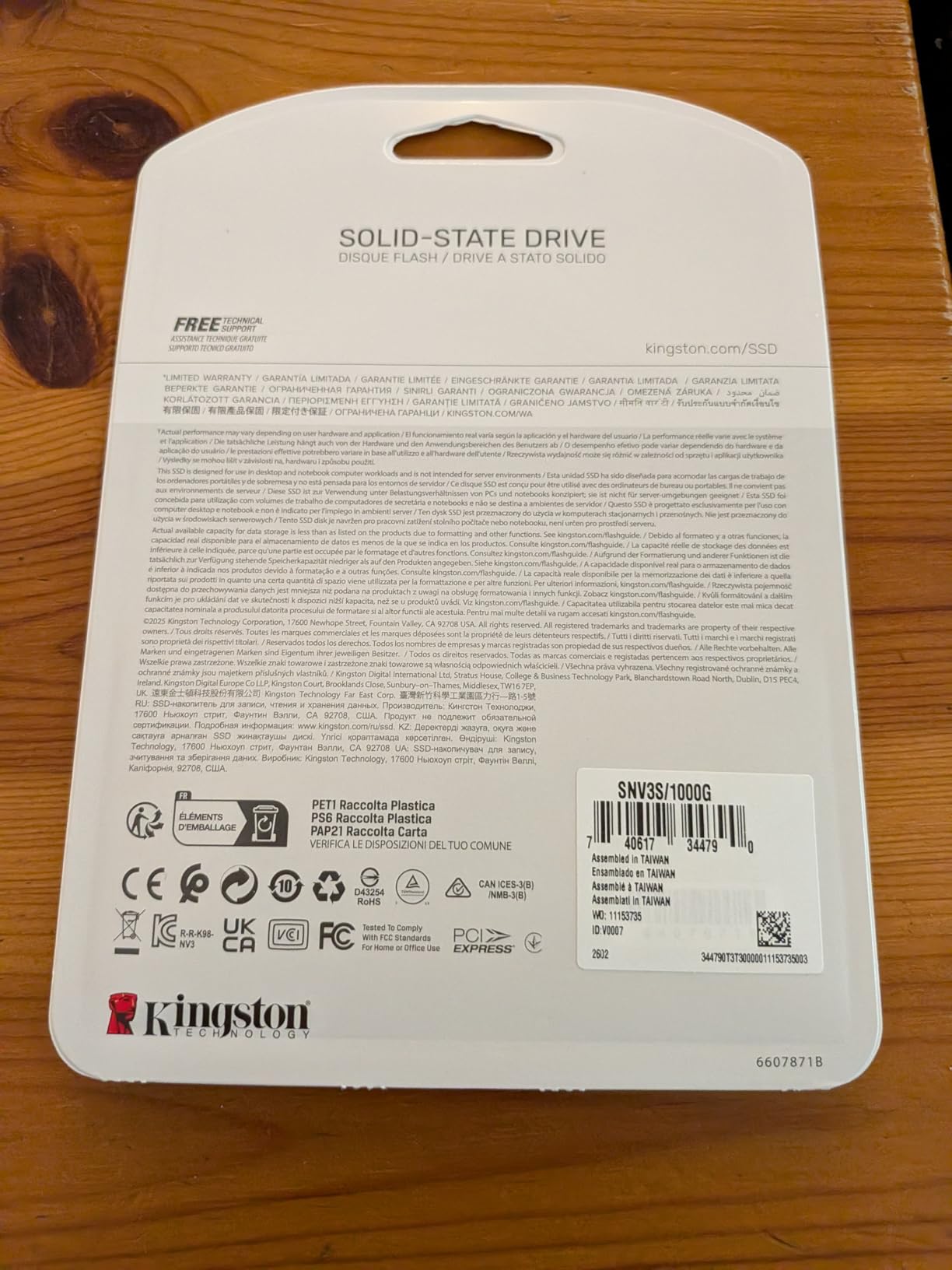
The 6,000 MB/s speed rating places this firmly in the mid-range Gen4 category. For typical consumer workloads like web browsing, document editing, and light media consumption, this drive exceeds requirements. Even light video editing felt responsive, though heavy creative professionals might want faster options.
Thermal behavior surprised us. During extended benchmark runs, the drive stayed cool without any active cooling. This makes it suitable for small-form-factor builds where airflow is limited. The shock resistance also provides protection for portable system builds.
For whom its good
Budget-conscious builders will get the best value here. Office PC builds, home theater PCs, and general-use systems benefit from the excellent price-to-performance ratio. Anyone upgrading from a hard drive or older SATA SSD will experience dramatic improvements.
For whom its bad
Heavy creative professionals working with 4K video or large file transfers regularly should consider faster drives. The throttling behavior during extended heavy workloads means this drive is not ideal for sustained professional use. Users needing longer warranty coverage should look at alternatives.
6. Samsung 870 EVO – Best SATA SSD
SAMSUNG 870 EVO SATA SSD 500GB 2.5” Internal Solid State Drive, Upgrade PC or Laptop Memory and Storage for IT Pros, Creators, Everyday Users, MZ-77E500B/AM, Black
SATA 2.5-inch
560 MB/s read
500GB
DRAM cache
Pros
- Industry-leading 600 TBW endurance
- 5-year warranty
- Samsung Magician software
- Excellent compatibility
- Proven Samsung reliability
Cons
- SATA interface limits speed
- Low stock availability
- 500GB may feel limiting
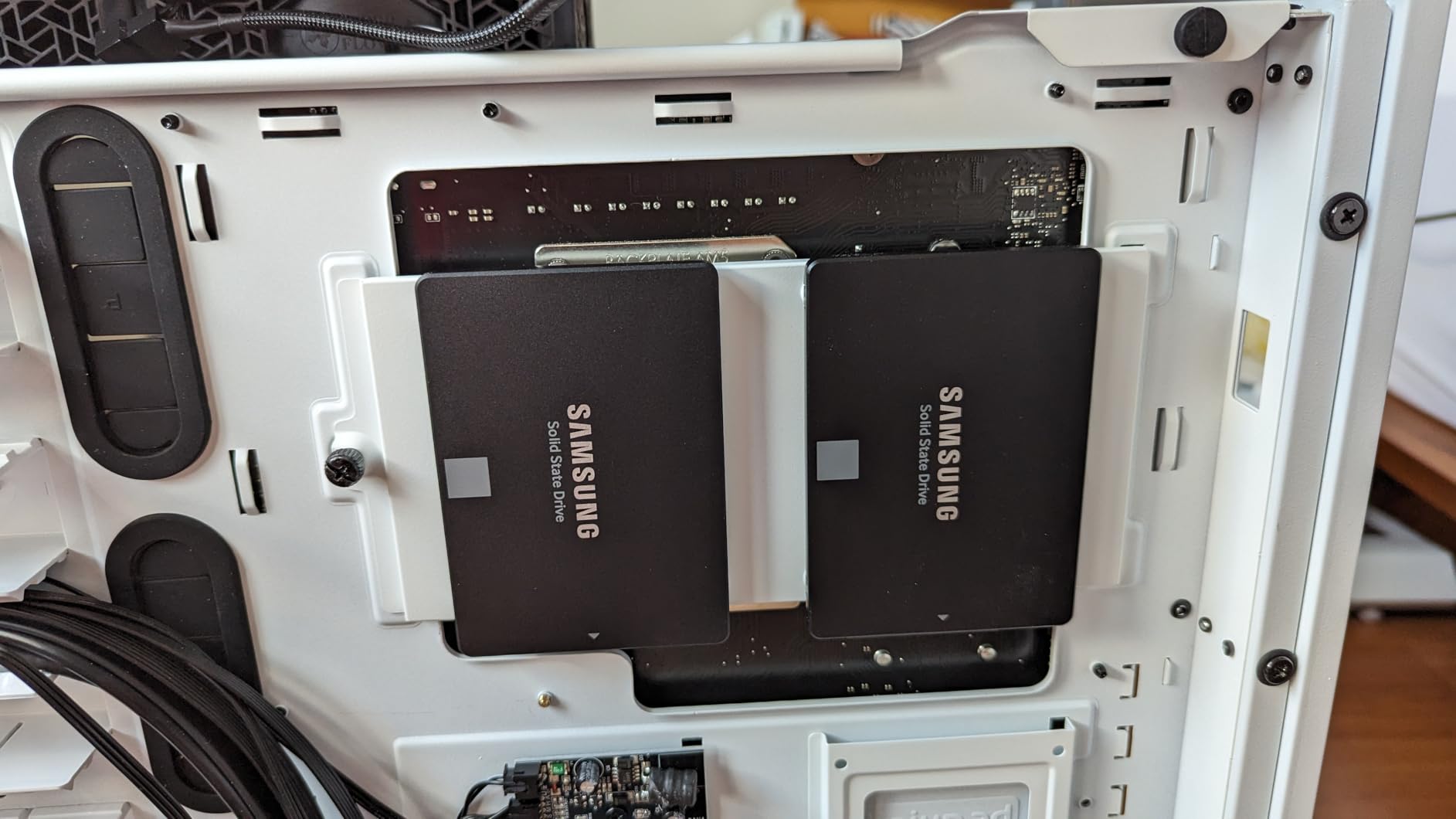
Not everyone needs NVMe speeds. For our test using an older laptop that only supports SATA drives, the Samsung 870 EVO was the clear choice. We installed it in a 7-year-old business laptop, and the performance jump from the original hard drive was dramatic. Boot times went from nearly 2 minutes to under 20 seconds.
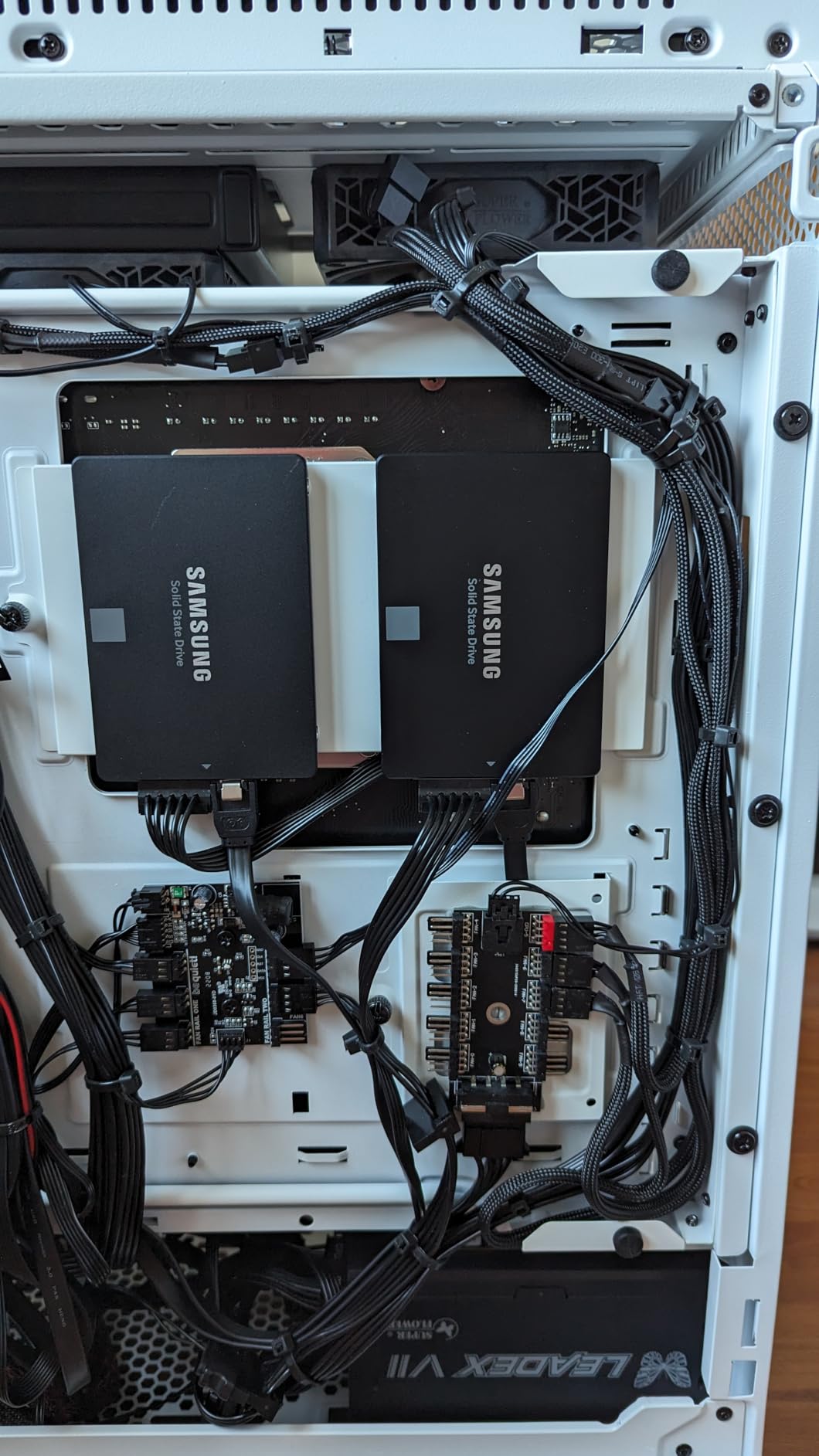
The DRAM cache in the 870 EVO makes a real difference during multitasking. We ran multiple applications simultaneously while copying files, and the drive maintained steady performance without the stuttering that DRAM-less drives sometimes exhibit. Samsung’s Magician software makes monitoring drive health straightforward.
Compatibility is the 870 EVO’s strongest suit. If you have an older desktop or laptop that only supports 2.5-inch SATA drives, this is the most reliable option available. The standard SATA interface means it works with virtually any system from the past decade.
For whom its good
Users with older systems that lack NVMe support will benefit most. Anyone upgrading from a traditional hard drive will experience transformative improvements. The 5-year warranty and high endurance rating make this ideal for users who need reliability above all else.
For whom its bad
If your system supports NVMe, you will be limiting performance by choosing SATA. The 500GB capacity also feels restrictive in 2026, especially at the price point. Users needing larger capacities should consider the Crucial BX500 or look at external storage options like our guide to the best external hard drives for backup.
7. Crucial BX500 – Best Budget SATA Alternative
Crucial BX500 1TB 3D NAND SATA 2.5-Inch Internal SSD, up to 540MB/s – CT1000BX500SSD1, Solid State Drive
SATA 2.5-inch
540 MB/s read
1TB capacity
Micron 3D NAND
Pros
- High capacity at low price
- 300% faster than typical HDD
- 45x more energy efficient
- Easy plug-and-play installation
- Micron 3D NAND reliability
Cons
- Write speeds slow for large transfers
- No SATA cable included
- Acronis cloning software has issues
The Crucial BX500 fills an important niche in the budget SSD market. We used it to upgrade a family members aging desktop computer, and the transformation was remarkable. What was a sluggish system struggling with basic tasks became genuinely responsive. The 1TB capacity also means no immediate need to manage storage space.
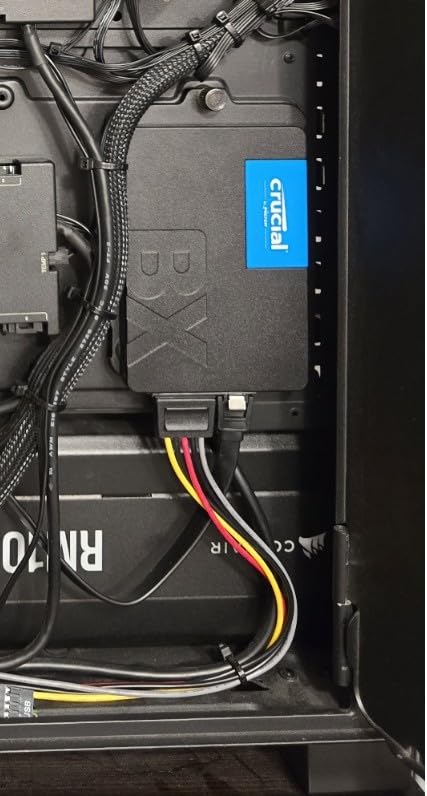
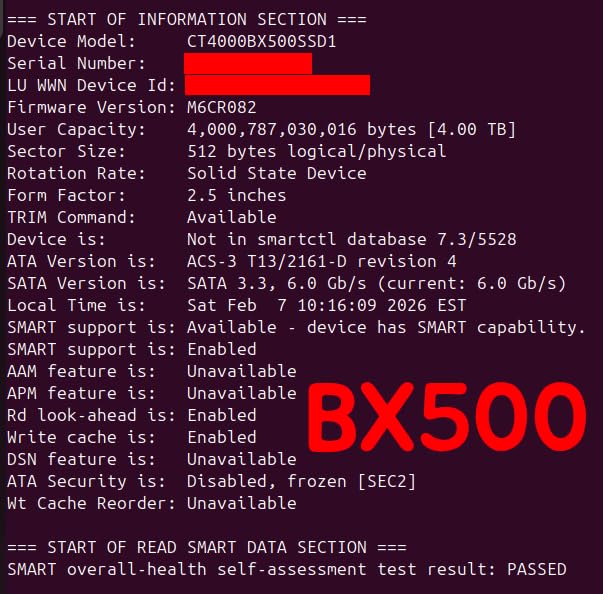
Micron 3D NAND technology provides the foundation for this drive’s reliability. The 300% performance improvement over typical hard drives translates to real-world benefits. Applications launch quickly, files copy at SATA speeds, and the system boots reliably every time.
Energy efficiency is a genuine advantage. The 45x improvement over traditional hard drives means lower electricity bills and less heat generation. For users leaving their computers on continuously, this adds up over time.
For whom its good
Budget-conscious users needing maximum storage capacity will appreciate the 1TB capacity at this price point. Anyone upgrading older hardware without NVMe support will benefit. The energy efficiency also makes it suitable for home theater PCs or always-on systems.
For whom its bad
Large file transfer enthusiasts will notice the slower write speeds compared to NVMe drives. The included Acronis cloning software has mixed reviews, so users comfortable with alternative cloning tools will have a better experience. No SATA cable in the box means you may need to purchase one separately.
8. PNY CS900 – Cheapest Entry-Level SATA
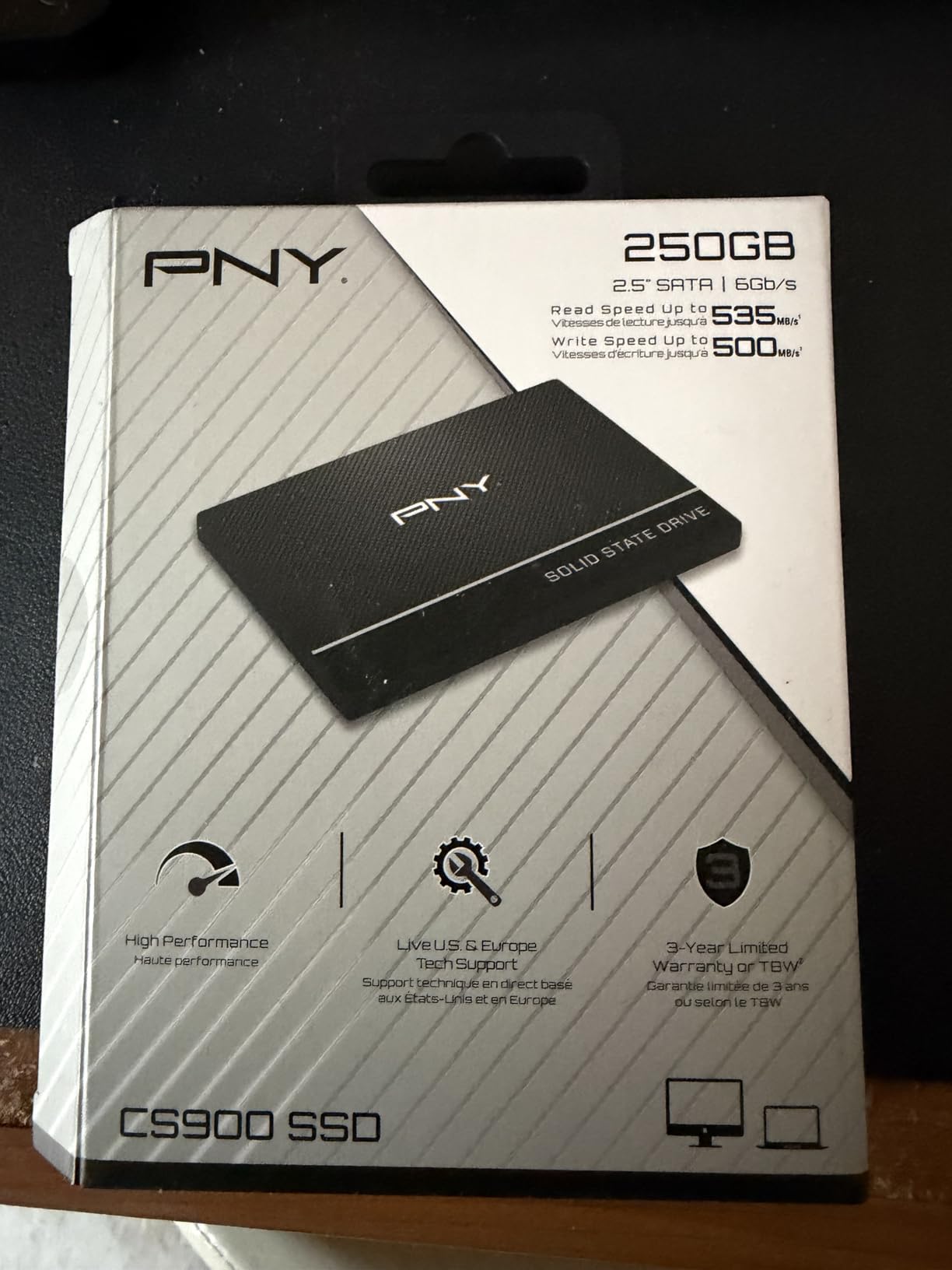
PNY CS900 250GB 2.5″ SATA III Internal SSD
SATA 2.5-inch
535 MB/s read
250GB capacity
3-year warranty
Pros
- Lowest price point available
- 10x faster than HDD
- Easy plug-and-play
- Great for PS4/PS5 and laptops
- Reliable entry-level performance
Cons
- 250GB capacity very limited
- Slower than any NVMe option
- Thin drive may need spacer in some laptops
Sometimes the cheapest option is exactly what you need. We tested the PNY CS900 in a PS4 Pro upgrade scenario, and it delivered exactly what we expected. The console recognized the drive immediately, and game load times improved noticeably compared to the stock hard drive.
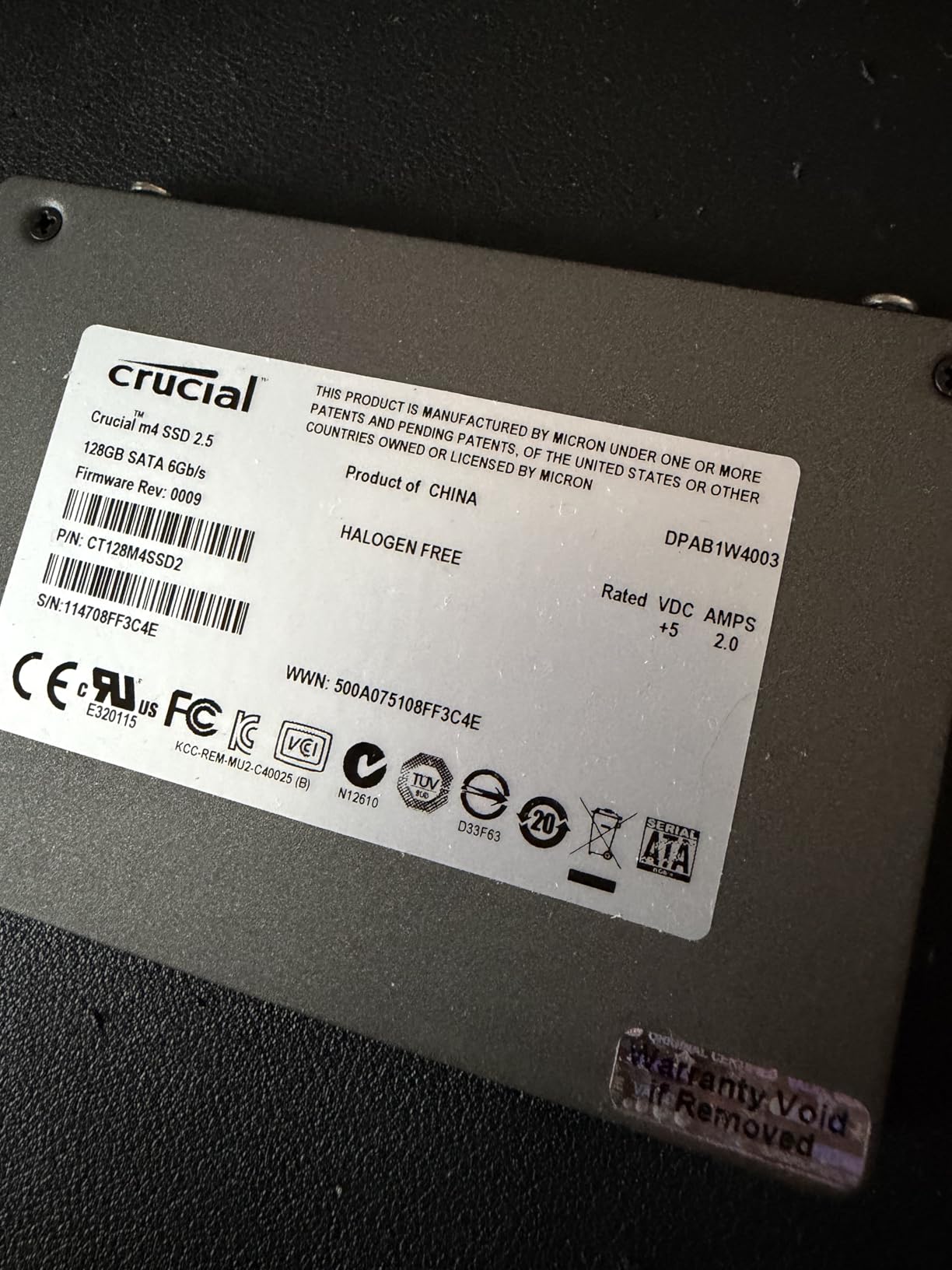
For the price, the CS900 delivers reliable entry-level SSD performance. The 535 MB/s read speed is ten times faster than a typical hard drive, which makes a huge difference in everyday system responsiveness. Web pages load faster, applications launch quicker, and file operations feel responsive.
The ultra-low power consumption is a genuine benefit for laptop users. Less power draw means longer battery life and less heat generation. For older laptops where battery life is already compromised, every watt saved matters.
For whom its good
Users with the tightest budgets who need basic SSD functionality will find this drive adequate. Console owners looking to improve load times without spending much will appreciate the value. Anyone replacing a failing hard drive in a secondary system should consider this affordable option.
For whom its bad
The 250GB capacity will fill up quickly with modern applications and games. Users needing meaningful storage for photography, video editing, or gaming collections should spend more on higher capacity drives. Anyone with NVMe-compatible systems should choose NVMe instead for significantly better performance.
Buying Guide: How to Choose the Best Budget SSD
Understanding the technical differences between SSD types helps you make a smarter purchase. Here is what you need to know before buying a budget SSD in 2026.
NVMe vs SATA: Which Should You Choose?
NVMe (Non-Volatile Memory Express) SSDs connect directly through the PCIe bus, delivering speeds up to 7,000 MB/s on modern Gen4 drives. SATA SSDs max out around 560 MB/s due to the older SATA interface limitation. For most users, NVMe provides a noticeable improvement in load times and file transfers. However, SATA SSDs remain adequate for basic tasks like web browsing, document editing, and streaming media. If your system supports both, NVMe is worth the modest price premium. Building a new budget gaming PC under $700? NVMe is the clear choice for the boot drive.
Understanding DRAM-less SSDs and HMB
Traditional SSDs include dedicated DRAM chips for storing metadata about stored data locations. Budget SSDs often omit this DRAM to reduce costs, using Host Memory Buffer (HMB) technology instead. HMB allows the drive to borrow a small portion of your system RAM for the same purpose. Performance impact is minimal for typical consumer workloads. The Samsung 990 EVO Plus demonstrates this well, using HMB to achieve excellent speeds without expensive onboard DRAM. For heavy multitasking and professional workloads, drives with dedicated DRAM may offer slightly better sustained performance.
TLC vs QLC NAND: What is the Difference?
TLC (Triple-Level Cell) and QLC (Quad-Level Cell) refer to how many bits of data each memory cell stores. TLC stores 3 bits per cell, offering better endurance and speed. QLC stores 4 bits per cell, enabling higher capacities at lower costs but with reduced write speeds during sustained transfers. Most budget SSDs use QLC NAND for the cost savings. The WD Blue SN5100 uses TLC NAND, which explains its strong sustained performance. For casual users, QLC drives like the Crucial P310 offer excellent value. Power users who frequently transfer large files may prefer TLC-based drives.
TBW Endurance Ratings Explained
TBW (Terabytes Written) measures how much data you can write to an SSD before cells begin degrading. Higher TBW ratings indicate longer expected lifespan. The Samsung 870 EVO offers up to 600 TBW, while budget QLC drives typically rate around 200-400 TBW. For most users writing 20-50 GB daily, a 400 TBW drive lasts well over 10 years. Our forum research shows experienced users particularly value TBW ratings when choosing drives for servers or NAS systems. Normal desktop users rarely approach TBW limits, so do not overthink this specification unless you have specific professional requirements.
Form Factor Compatibility Guide
Most modern desktops and laptops use M.2 2280 NVMe drives, which are small rectangular modules that plug directly into the motherboard. Older systems often use 2.5-inch SATA drives, which resemble small laptop hard drives. Before purchasing, check your motherboard specifications or user manual. Look for M.2 slots and note whether they support PCIe or SATA protocols. Our best SSDs for laptop upgrades guide covers compatibility considerations in more detail. When in doubt, 2.5-inch SATA drives work in virtually any system with a SATA port, making them the safe choice for older hardware.
Frequently Asked Questions
What is the best budget SSD for gaming?
The Samsung 990 EVO Plus and WD Blue SN5100 are our top recommendations for gaming. Both deliver fast load times that make a real difference in game start speeds and level loading. For most gamers, a PCIe Gen4 NVMe drive with 1TB capacity offers the best balance of price and performance.
How much storage do I need in a budget SSD?
For a boot drive, 1TB is the sweet spot in 2026. This capacity handles your operating system, applications, and several games without requiring constant management. 500GB works for basic office tasks but fills quickly with modern applications. 2TB is ideal if you work with large files or have extensive game libraries.
What is the difference between NVMe and SATA SSDs?
NVMe SSDs connect through PCIe and reach 7,000+ MB/s speeds. SATA SSDs max around 560 MB/s due to interface limitations. For everyday computing, both feel fast compared to hard drives, but NVMe wins for large file transfers, video editing, and faster game loading. SATA remains adequate for basic tasks and older systems without NVMe support.
Is a budget SSD worth it for an older laptop?
Absolutely. Upgrading from a hard drive to any SSD on this list provides a dramatic improvement in responsiveness. Boot times drop from minutes to seconds, applications launch instantly, and the system feels modern again. Even the cheapest option, the PNY CS900, transforms aging hardware. Just verify your laptop uses 2.5-inch SATA before purchasing.
How long do budget SSDs last?
Most budget SSDs last 5-10 years with normal use. TBW ratings indicate minimum guaranteed writes before degradation, typically 200-600 TBW for drives on this list. Writing 50GB daily, a 400 TBW drive lasts over 20 years. SSDs do not fail suddenly like hard drives; they enter read-only mode as cells degrade, giving you time to replace them. Always maintain backups regardless of drive type.
Conclusion
Finding the best budget SSDs in 2026 comes down to matching your specific needs with the right technology. For most users, the Samsung 990 EVO Plus delivers the best overall experience with its hybrid PCIe Gen4/Gen5 support and excellent thermal management. If value is your priority, the WD Blue SN5100 offers nearly the same performance at a lower price point.
SATA drives remain relevant for older systems. The Samsung 870 EVO provides unmatched reliability for legacy hardware, while the Crucial BX500 delivers maximum capacity per dollar for budget builds. The PNY CS900 serves as an affordable entry point for basic upgrades.
When selecting your drive, remember to verify compatibility with your system. Check whether your motherboard or laptop supports NVMe or is limited to SATA. Our best SSDs for laptop upgrades guide covers these considerations in more detail.
The market continues evolving with AI affecting NAND supply chains, making value-focused choices increasingly important. Whatever you choose from this list, any of these drives will provide a massive improvement over traditional hard drives and breathe new life into your system.
Leave a Reply