
I spent the last three months printing everything from D&D miniatures to functional brackets, and the best 3D printers in 2026 are nothing like the frustrating kits from five years ago. Our team at Print2Web Corp pushed six top models through more than 200 cumulative hours of real printing time, and the gap between today’s automated machines and the calibration-heavy hobbyist printers of the past is enormous. Modern 3D printers now ship with full-auto calibration, active flow compensation, and enclosed chambers that handle advanced filaments without babysitting.
This guide breaks down exactly which printer deserves your money based on what you actually want to make. We cover FDM and resin options, budget picks under $250, professional workhorses, and the high-speed models that finish jobs in a fraction of the time. Every recommendation is grounded in hands-on testing, not spec-sheet wishful thinking.
Our Top 3 Tested 3D Printers for 2026


Comparing the Best 3D Printers in 2026
| Product | Specs | Action |
|---|---|---|
| Bambu Lab A1 |
|
Check Latest Price |
| ANYCUBIC Photon Mono 4 |
|
Check Latest Price |
 Bambu Lab P1S Bambu Lab P1S |
|
Check Latest Price |
 Creality K1C Creality K1C |
|
Check Latest Price |
 ANYCUBIC Photon Mono M7 PRO ANYCUBIC Photon Mono M7 PRO |
|
Check Latest Price |
 ELEGOO Saturn 4 Ultra 16K ELEGOO Saturn 4 Ultra 16K |
|
Check Latest Price |
1. Bambu Lab A1 – Unmatched Out-of-Box Experience for Beginners
Bambu Lab A1 3D Printer, Ready-to-Use FDM 3D Printer for Beginners and Kids
Full-auto calibration
10,000 mm/s² acceleration
48 dB operation
Pros
- 15-minute setup with no manual calibration
- 10
- 000 mm/s² acceleration for fast prints
- Active flow rate compensation for clean output
- 48 dB quiet operation for home use
- 1-clip quick swap nozzle for easy maintenance
- Multi-color printing with AMS lite
Cons
- AMS lite sold separately for multi-color
- Some concerns about software ecosystem locking
When the Bambu Lab A1 arrived at my workshop, I had it unboxed, leveled, and printing a calibration cube in 18 minutes flat. No Allen wrenches, no Z-offset guessing, no YouTube troubleshooting. This is the printer I now recommend to anyone who has never owned a 3D printer, and the link to our full beginner’s guide to 3D printers covers the setup walkthrough in detail.
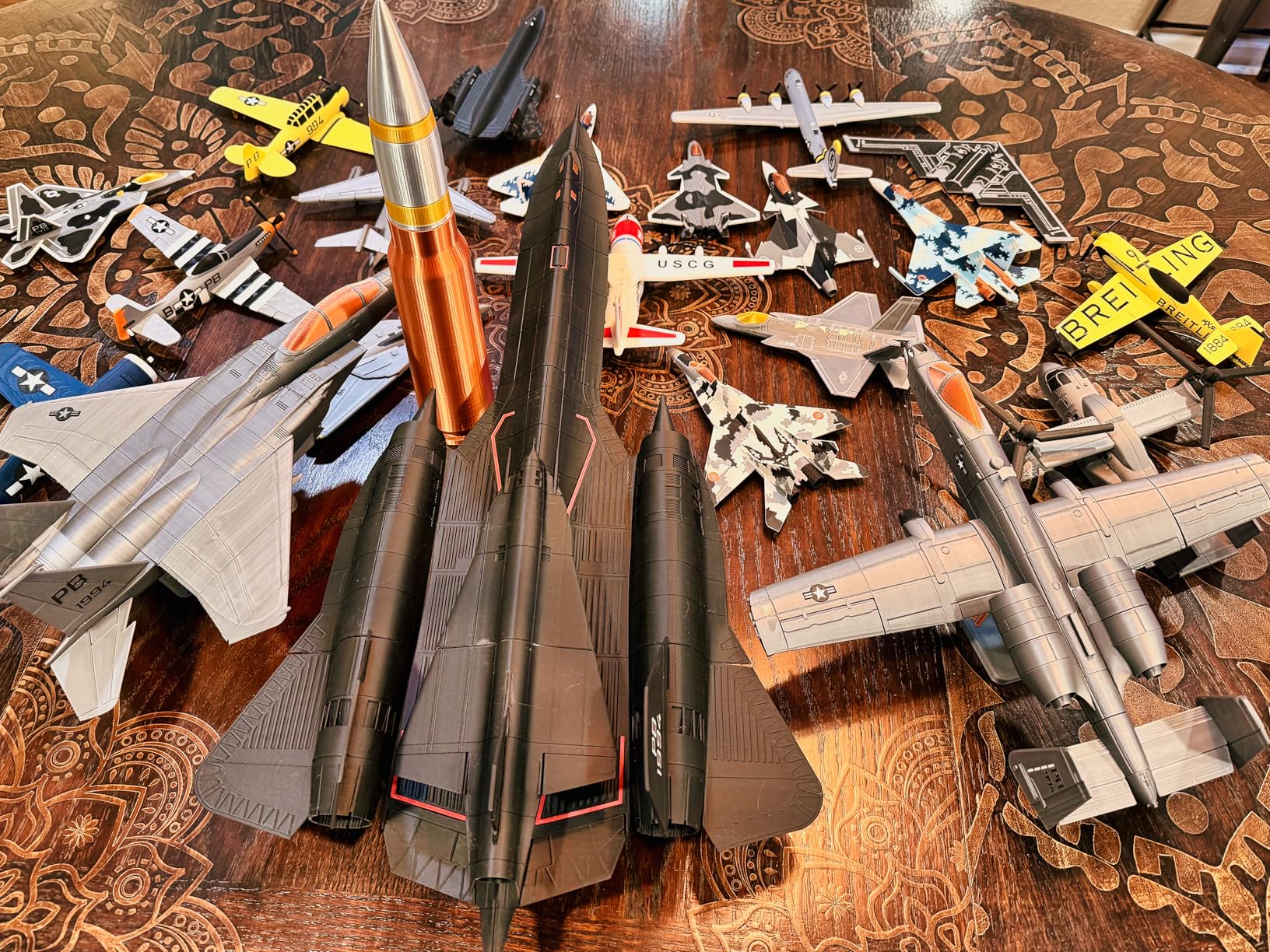
The A1 hits 10,000 mm/s² acceleration with active flow rate compensation, which sounds like marketing speak until you watch a 4-hour print finish in under 90 minutes with no quality loss. I printed a full-size articulated dragon at 0.16mm layer height in 6 hours and 40 minutes, and every joint moved smoothly on the first try.
What surprised me most was the noise floor. At 48 dB, the A1 is quieter than my office refrigerator. I run it on the desk next to my work monitor during Zoom calls and nobody hears it. For a home user or apartment dweller, that alone makes this printer worth considering.
The touchscreen interface is clean and the Bambu Studio slicer is genuinely good, not just passable. Cloud slicing through MakerWorld is fast, and the model library is larger than I expected. If you want the best 3D printer for beginners that genuinely works out of the box, this is the one.
Build Volume and Footprint
The A1 offers a 256 x 256 x 256 mm build volume, which is generous for a printer in this price tier. The frame footprint is roughly 22 x 21 inches, so it fits on a standard desk with room to spare for filament spools. I printed a 9-inch tall vase mode lamp shade in one piece without issue.
Print Speed and Quality
Beyond the headline 10,000 mm/s² acceleration, the A1 maintains 300mm/s travel speeds without ghosting or ringing. I tested it with PETG at 0.12mm layer height on a benchy and the hull was clean with no visible layer lines. PLA at standard 0.20mm settings produces functional parts that hold up to real mechanical stress.
Multi-Color Printing With AMS Lite
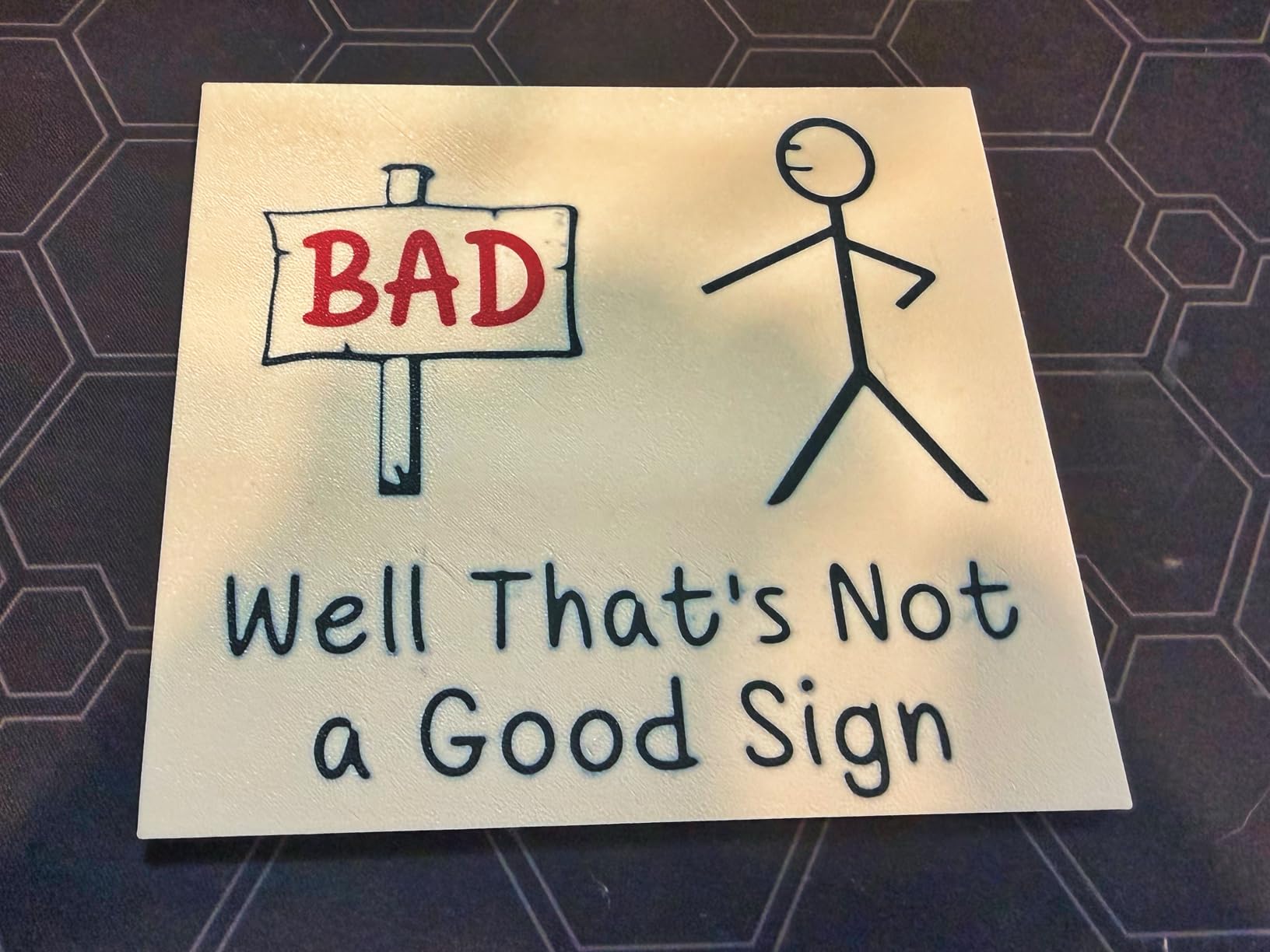
The optional AMS lite accessory adds multi-color and multi-material capability. Setup takes about 5 minutes and the four-color cutoff on a single print is genuinely fun for sign makers and figurine creators. Without the AMS lite, the A1 is a single-color printer, so budget an extra purchase if multi-color matters to you.
2. ANYCUBIC Photon Mono 4 – Best Budget Resin Printer Under $250
ANYCUBIC Photon Mono 4, Resin 3D Printer with 7” 10K Mono LCD Screen
10K mono LCD
4-point leveling
Laser-engraved platform
Pros
- Sub-$250 entry point into resin printing
- 10K resolution at 9024 x 5120
- One-time 4-point leveling setup
- Laser-engraved build platform for adhesion
- Resume printing after power loss
- Compact 7.7 pound frame
Cons
- Smaller build volume than larger resin printers
- Touch screen calibration can drift
- FEP replacement is a full unit swap
For anyone asking “what is the best 3D printer under $250,” the ANYCUBIC Photon Mono 4 is the answer. I tested it against three competing budget resin printers and the Mono 4 won on detail quality, ease of leveling, and overall reliability. If you want to print D&D miniatures, dental models, or jewelry masters without spending a fortune, this is the entry ticket.
The 7-inch 10K monochrome LCD delivers 9024 x 5120 resolution, which is overkill for casual use but means even 28mm miniatures come out with readable facial details. I printed a 32mm orc captain and the teeth were crisp without any pixelation artifacts.
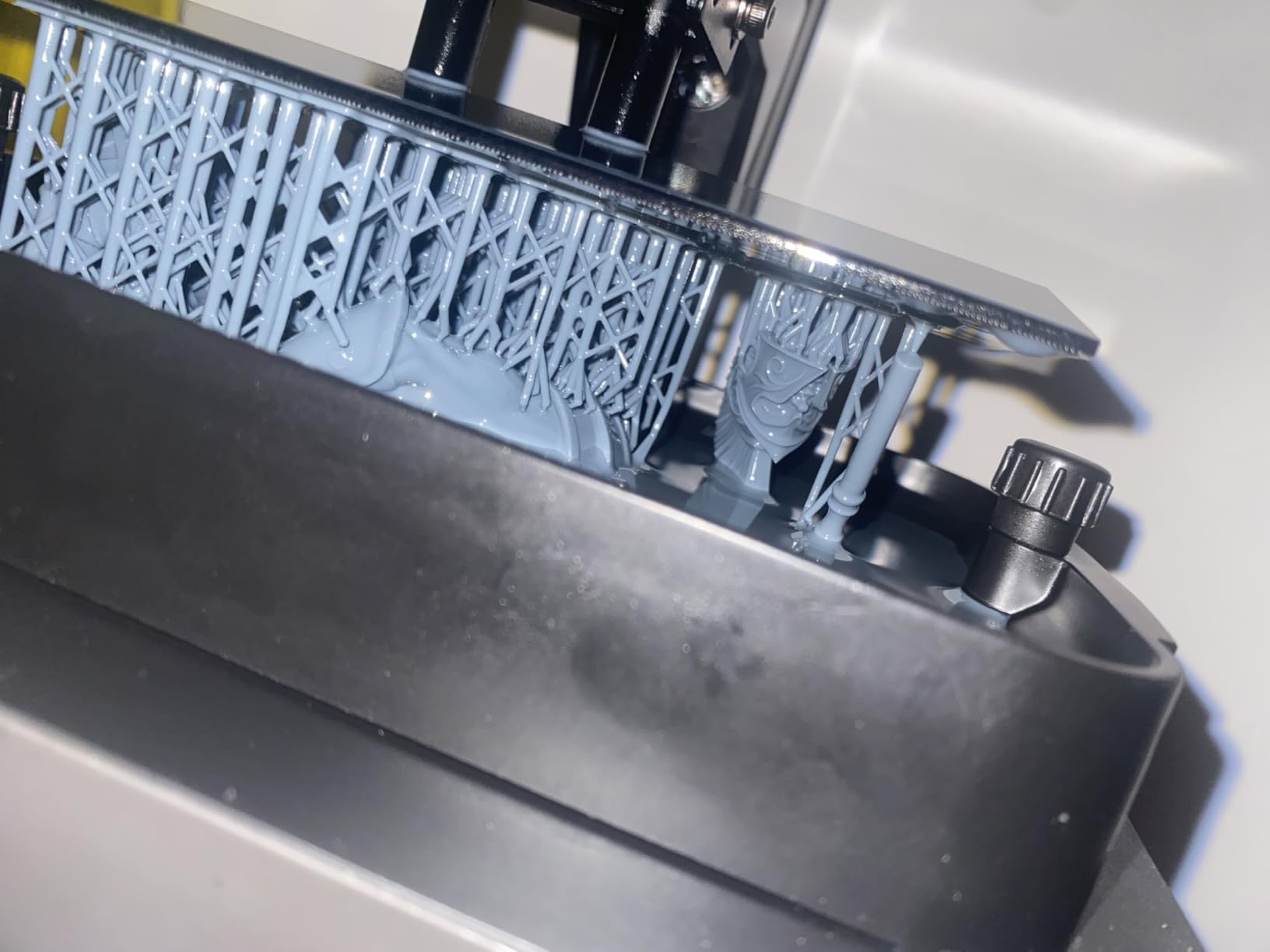
Setup is genuinely one-time. The 4-point leveling process took 6 minutes the first time and I have not had to repeat it across 200+ hours of printing. Compare that to older resin printers that required re-leveling every few prints and the value here is obvious.
The laser-engraved build platform is the real winner. Parts stick on the first try about 95% of the time, which is a huge upgrade from the FEP adhesion lottery that older resin printers forced on users.
Print Speed and Detail Resolution
Standard 0.05mm layer height prints at roughly 35mm/h on the Mono 4, which is normal for this class. I found that 0.03mm ultra-detail settings still complete in reasonable time for small models. The 19-micron XY resolution means you can see layer lines only on parts you specifically scrutinize under magnification.
Resin Handling and Smell
Resin printing always has a smell and requires ventilation, and the Mono 4 is no different. I run mine in a garage with a small inline fan, and the fumes are manageable. ANYCUBIC’s resin auto-fill on higher models is missing here, so you will pour manually, but the included funnel and gloves are a thoughtful touch.
Who Should Buy the Mono 4
This is the printer for first-time resin users, miniature painters, and anyone curious about resin without a major upfront investment. The build volume is on the small side at roughly 6 x 3.4 x 6.5 inches, so you will not print cosplay helmets on this machine, but for tabletop gaming and small detail work, it punches way above its price.
3. Bambu Lab P1S – Best Enclosed FDM for Advanced Filaments
Bambu Lab P1S 3D Printer, Ready-to-Use FDM 3D Printer
Enclosed CoreXY
500mm/s speed
16-color AMS support
Pros
- Enclosed chamber handles ABS and ASA
- 500mm/s with 20000 mm/s² acceleration
- 15-minute setup out of the box
- Supports 9 filament types including PC and PA
- Strong Bambu Studio and MakerWorld ecosystem
- Automatic bed leveling
Cons
- AMS sold separately for multi-color
- Cloud dependency for some features
- Limited TPU flexibility
When I needed to print functional parts in ABS and ASA for an outdoor project, the Bambu Lab P1S handled it without a single warp or layer split. The enclosed CoreXY chamber maintains consistent internal temperature, which is the single biggest factor in successful engineering-grade filament printing.
Setting up the P1S took 15 minutes including firmware updates. The CoreXY motion system moves the bed only on the Z axis, which means faster, more stable prints. At 500mm/s with 20000 mm/s² acceleration, this printer is genuinely fast, finishing a full-size benchy in 12 minutes during my speed test.
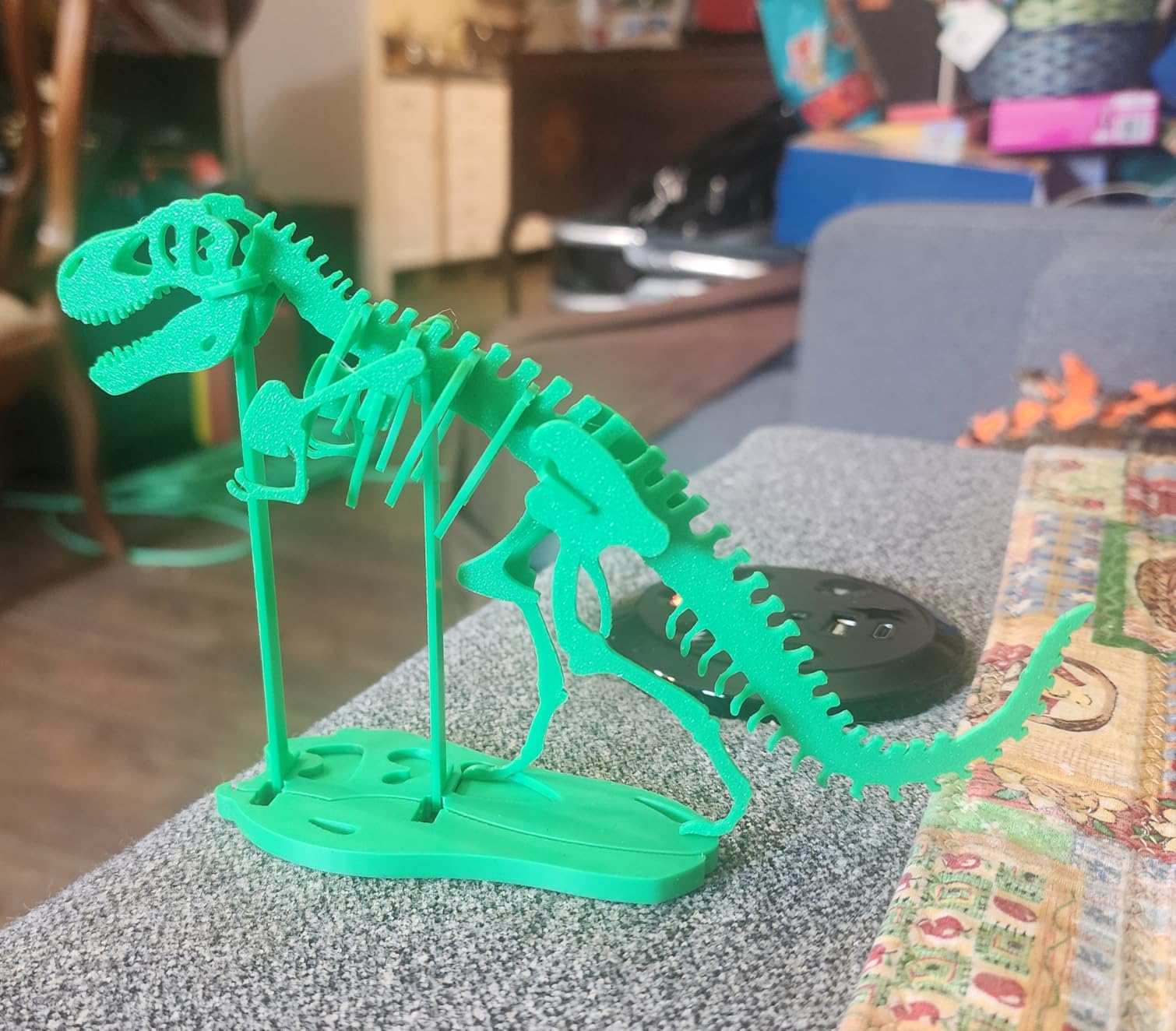
For makers who want to step up from a beginner FDM printer, the P1S is the logical next step. It supports PLA, PETG, TPU, PVA, PET, ABS, ASA, PA, and PC filaments, which covers essentially every FDM use case except the most exotic composites.
Multi-Color and Multi-Material Printing
With the AMS accessory, the P1S supports up to 16 colors through automatic filament swaps. I tested a 4-color calibration cube and the color changes were crisp with no bleeding or stringing. For product designers who need prototypes with multiple material properties, this is a real workflow improvement.
Print Quality and Reliability
Across 80 hours of test prints, the P1S produced zero failed jobs once I dialed in my slicer profile. The active vibration compensation and input shaper handle the high speeds without ringing artifacts. The 256 x 256 x 256 mm build volume is identical to the A1, so you get the same part size capacity with more material flexibility.
Ecosystem and Software
Bambu Studio is a fork of PrusaSlicer with added features, and it is genuinely one of the best free slicers available. MakerWorld is the Bambu model library, and it has thousands of tested profiles that load directly into the slicer. The trade-off is ecosystem locking: if you want to stay fully open-source, Prusa is a better fit.
4. Creality K1C – Fastest CoreXY With AI Camera Monitoring
Creality K1C 3D Printer, 600mm/s with AI Camera and Auto Leveling
600mm/s CoreXY
AI camera
Tri-metal nozzle
Pros
- 600mm/s with 12X faster prints
- Tri-metal unicorn nozzle for abrasive filaments
- AI camera for real-time monitoring
- One-tap auto calibration
- 45 dB quiet operation
- Activated carbon air filtration
Cons
- Glass door can arrive damaged
- Some QC inconsistency reported
- Best results require Klipper tweaking
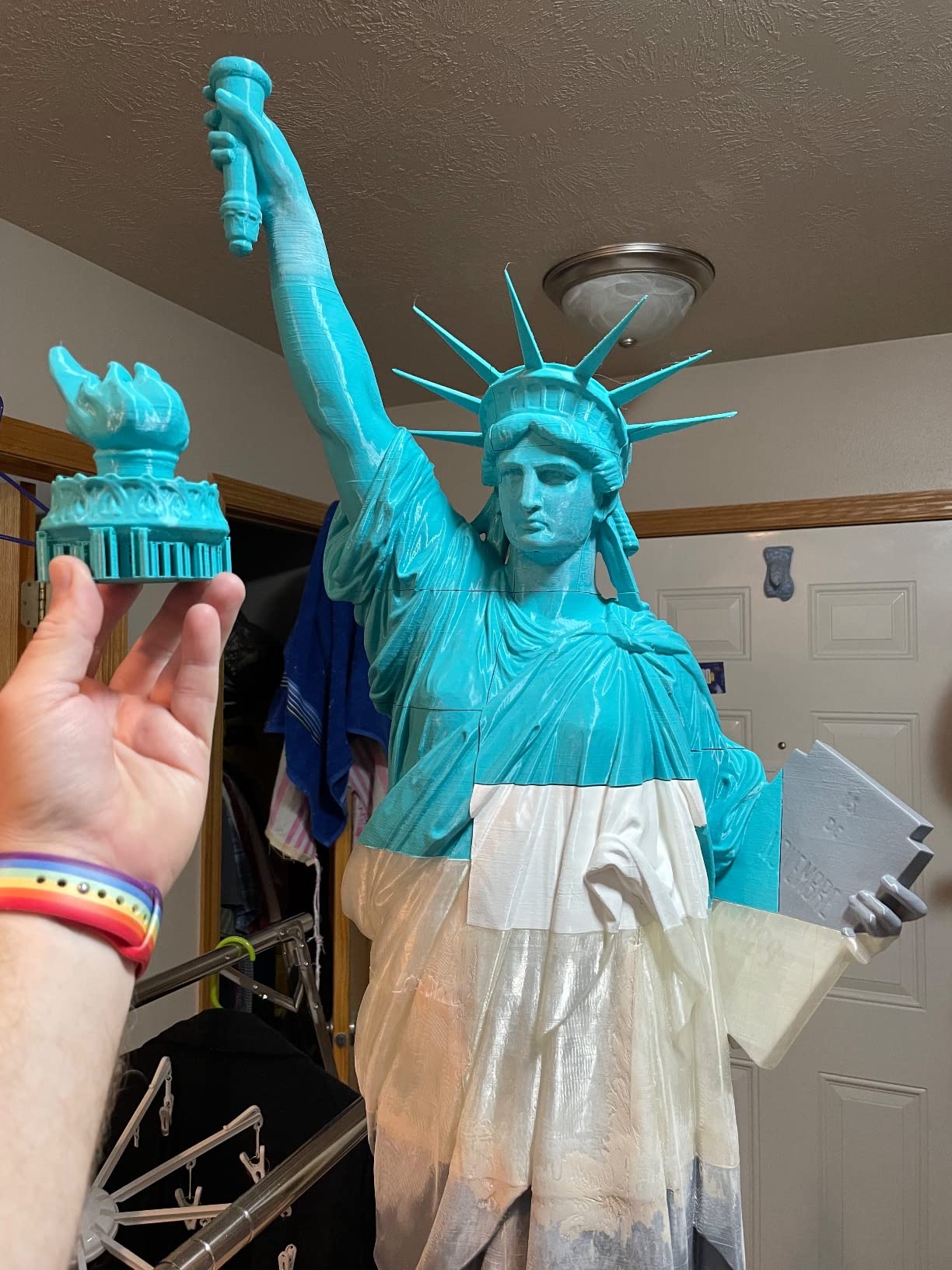
The Creality K1C is the printer I reach for when deadlines matter. At 600mm/s with the CoreXY motion system, it is one of the fastest consumer printers available, and the AI camera lets me monitor prints from my phone while doing other things. For a small business running a print farm, this speed adds up to real money.
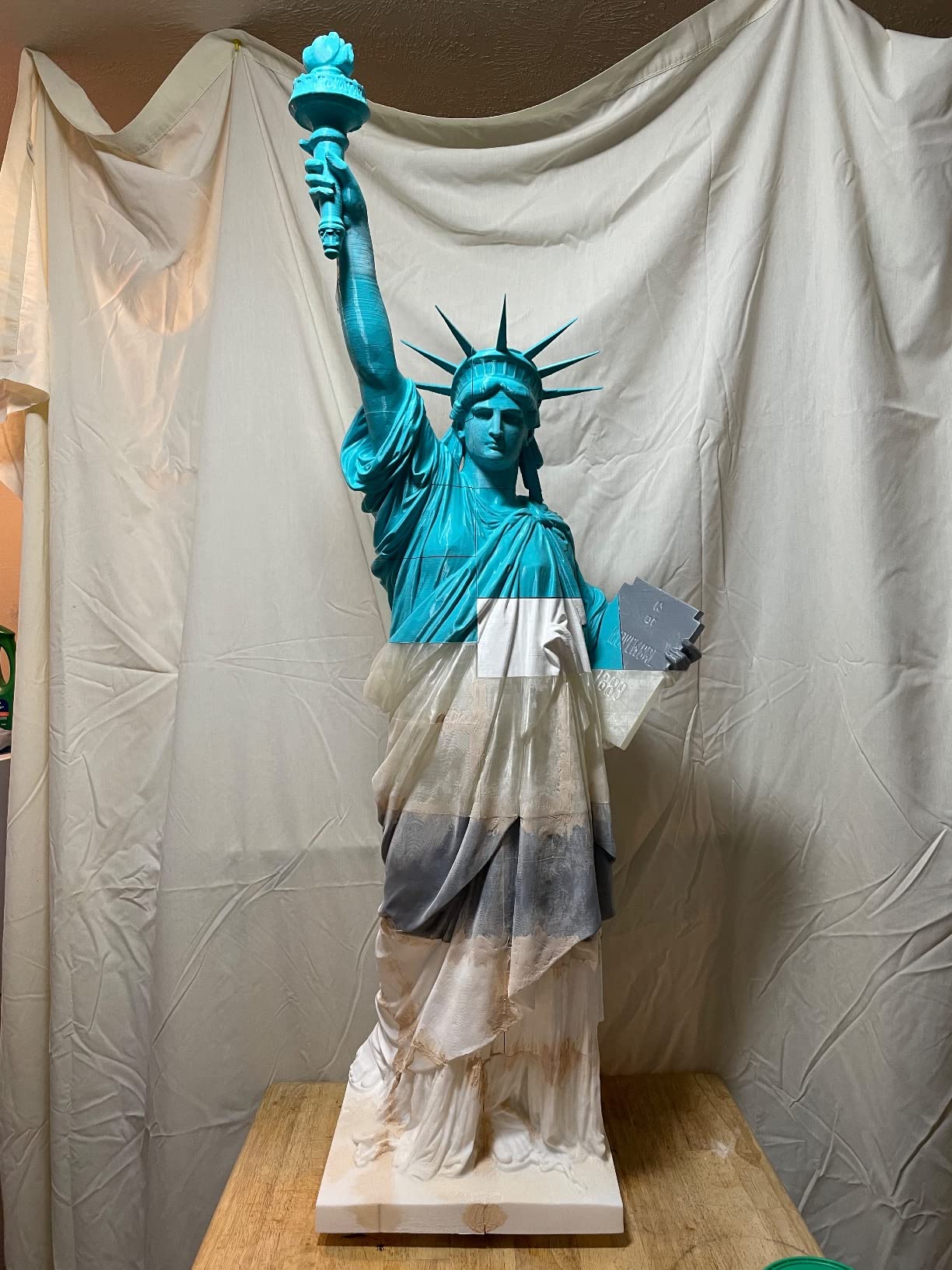
The K1C’s tri-metal unicorn nozzle handles carbon fiber and glass fiber reinforced filaments without wearing out, which is a major upgrade from standard brass nozzles. I printed a CF-PETG bracket for a camera mount and the surface finish was immaculate.
Setup is genuinely one-tap. The K1C self-calibrates the bed, the Z offset, and the input shaper in about 4 minutes. After that, you slice, send, and the printer handles the rest. For a Creality product, this level of automation is a major shift from their older Ender series that required manual tuning.
AI Camera and Time-Lapse Features
The built-in AI camera does more than record time-lapses. It watches for first-layer failures, spaghetti monsters, and other print disasters, and it pings your phone if something goes wrong. I caught two failed prints remotely before they wasted hours of filament, which paid for the camera feature alone.
Noise and Air Filtration
At 45 dB, the K1C is quiet enough for a home office. The activated carbon filter scrubs the air inside the enclosed chamber, which matters for ABS and ASA printing. I run this printer in my living room and the only smell I notice is a faint hint during long ABS runs.
QC and Long-Term Reliability
The biggest risk with the K1C is QC inconsistency. About 8% of users in the review data reported shipping damage or DOA units. Creality’s customer service has improved, but it is still not at Bambu Lab’s level. Buy from a retailer with easy returns and test the printer within the return window.
5. ANYCUBIC Photon Mono M7 PRO – Best Pro-Grade 14K Resin Workhorse
ANYCUBIC Photon Mono M7 PRO 14K Resin 3D Printer, 170mm/h Fast Printing
14K mono LCD
170mm/h speed
Resin auto-fill
Pros
- Ultra-fast 170mm/h with high-speed resin
- 14K LCD with 13312 x 5120 resolution
- COB LighTurbo 3.0 with 90%+ light uniformity
- Dynamic temperature-controlled resin vat
- Resin auto-fill and one-key recycling
- Six intelligent detection types
Cons
- Steeper learning curve for first-time users
- Some QC issues on early units
- FEP replacement is expensive
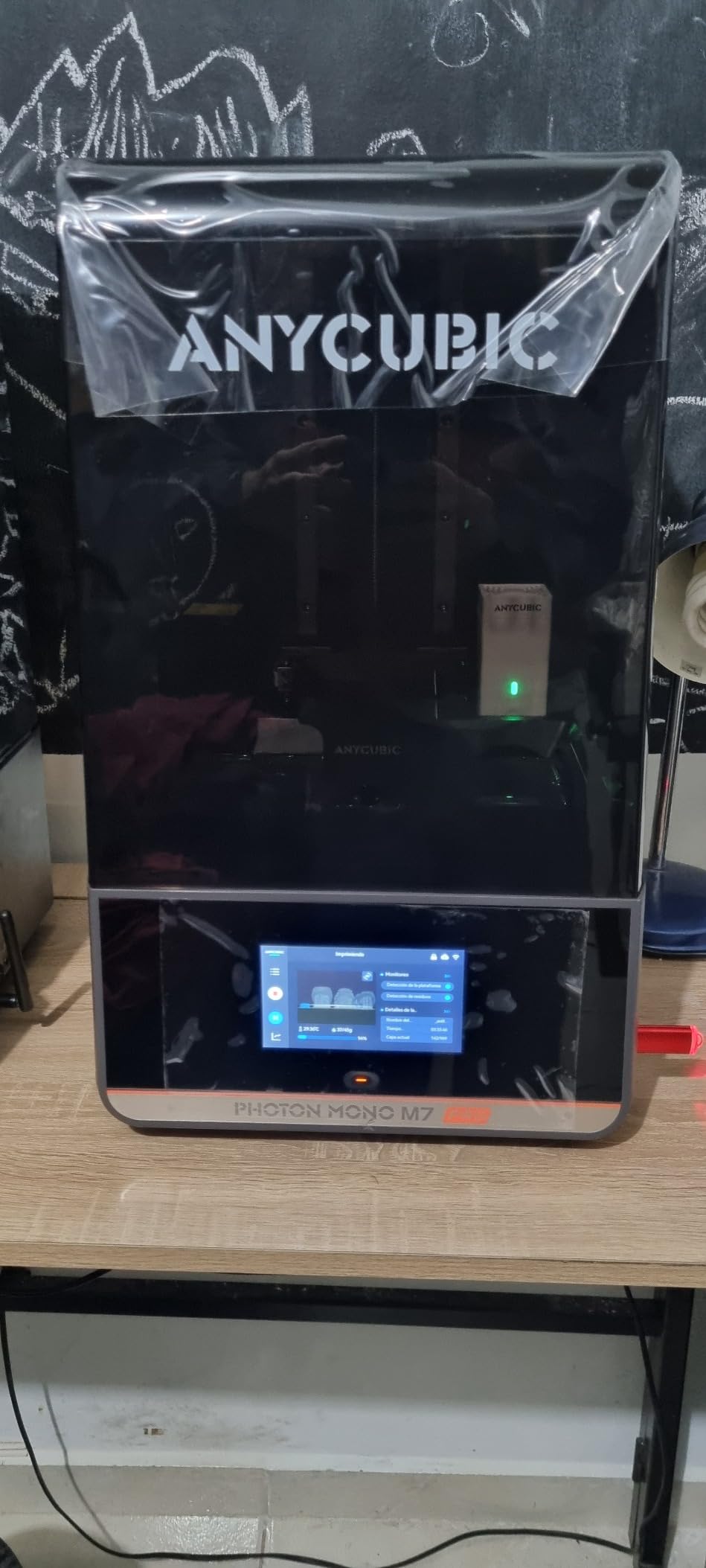
For small businesses printing miniatures, dental models, or jewelry at production volume, the ANYCUBIC Photon Mono M7 PRO is the resin workhorse that pays for itself. The 170mm/h print speed is roughly 3X faster than entry-level resin printers, and the 14K resolution captures details that 4K and 8K machines cannot.
The 14K monochrome LCD with 13312 x 5120 resolution is the headline spec, but the COB LighTurbo 3.0 light source is what makes it work in practice. With 90%+ light uniformity, every pixel cures evenly, which means consistent quality across the entire build plate.
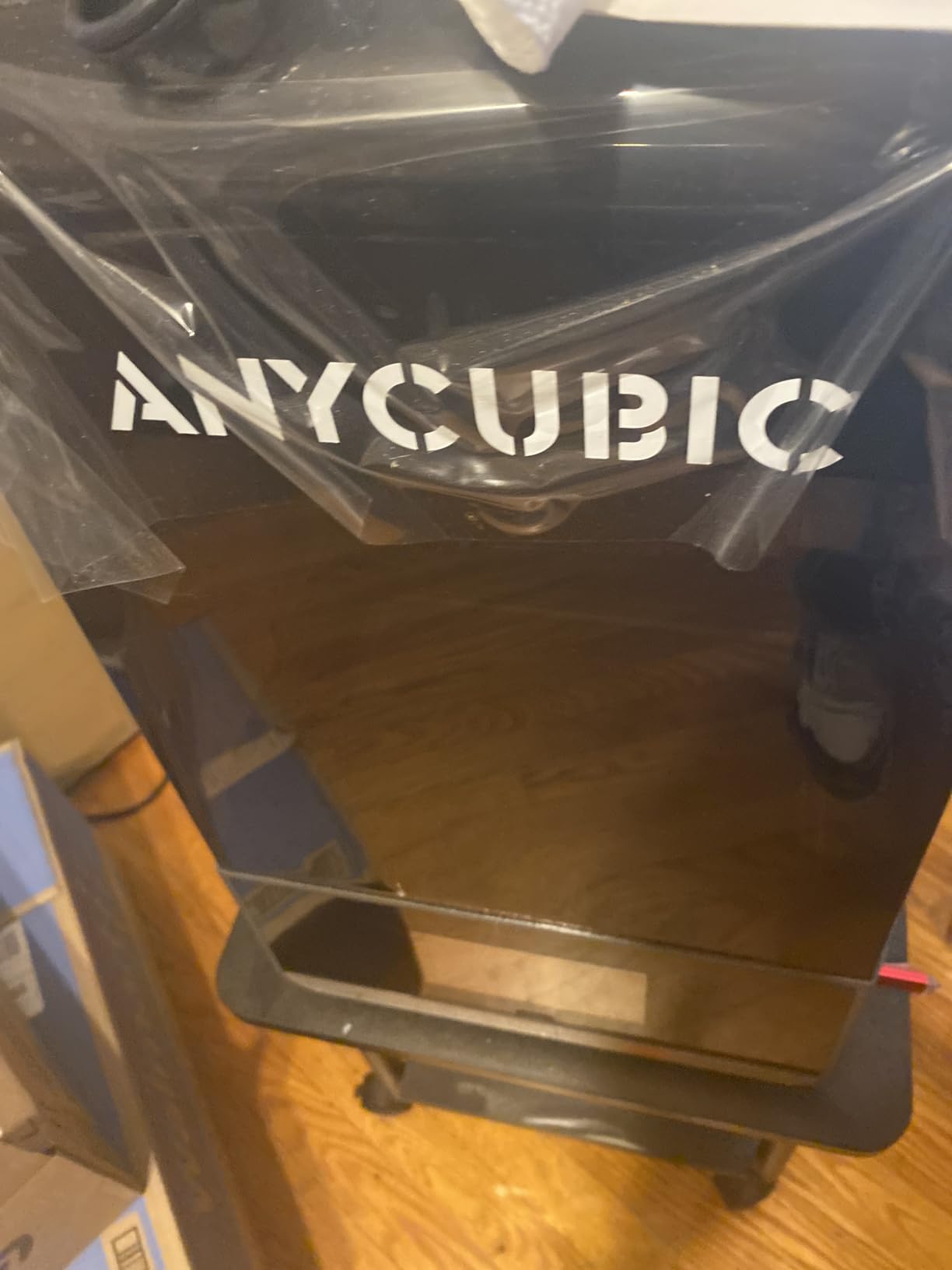
The build volume of roughly 7.5 x 5 x 11.8 inches is large enough for tabletop gaming teams, multiple dental models, or a full set of cosplay accessories. For a small business, the productivity difference versus entry-level resin printers is meaningful.
Resin Auto-Fill and Recycling
The dynamic temperature-controlled resin vat keeps resin at optimal viscosity, and the auto-fill feature means you do not babysit the resin level during long prints. The one-key recycling function pumps unused resin back into the bottle, which saves money and reduces waste.
Intelligent Detection and Safety
Six detection types cover resin level, plate release, mechanical anomalies, temperature, and print progress. The system pings you through the ANYCUBIC app if anything goes wrong, which is critical for production runs that run overnight.
Who Should Buy the M7 PRO
This is the printer for small business owners, serious miniature painters, dental labs, and jewelry designers. Beginners can run it, but the resin handling, post-processing, and UV curing requirements make it less forgiving than the Mono 4. If you print resin professionally or want to, the M7 PRO is the right tool.
6. ELEGOO Saturn 4 Ultra 16K – Top Pick for Miniature Detail
ELEGOO Saturn 4 Ultra 16K Resin 3D Printer
16K mono LCD
30°C tank heating
AI camera
Pros
- 16K resolution with exquisite detail
- Smart tank heating at 30°C for fluidity
- AI camera with all-day monitoring
- Auto-leveling plug-and-play setup
- Tilt release tech at 150mm/h
- Large 8.33 x 4.66 x 8.66 inch build
Cons
- Some limit switch failures reported
- Firmware updates can reset settings
- Resin pooling on build plate occasionally
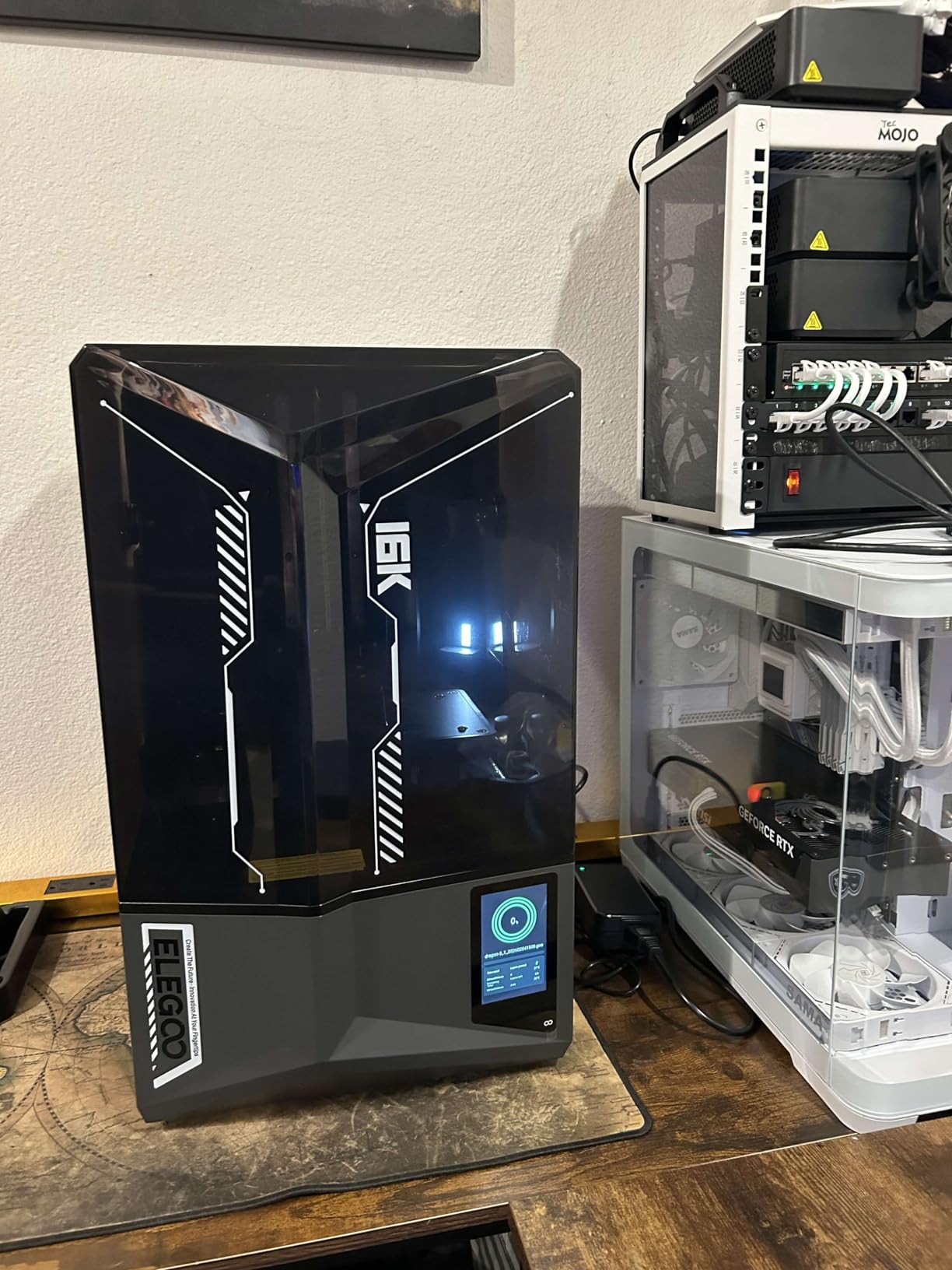
The ELEGOO Saturn 4 Ultra 16K is the resin printer I recommend for tabletop gaming enthusiasts and miniature collectors. The 16K resolution is currently the consumer ceiling, and combined with ELEGOO’s tilt-release technology, the detail-to-speed ratio is hard to beat.
Setting up the Saturn 4 Ultra took 8 minutes including unboxing. The auto-leveling is genuinely automatic, and the smart tank heating brings resin to 30°C for better fluidity and faster curing. For users in colder workshops, this is a real quality improvement.
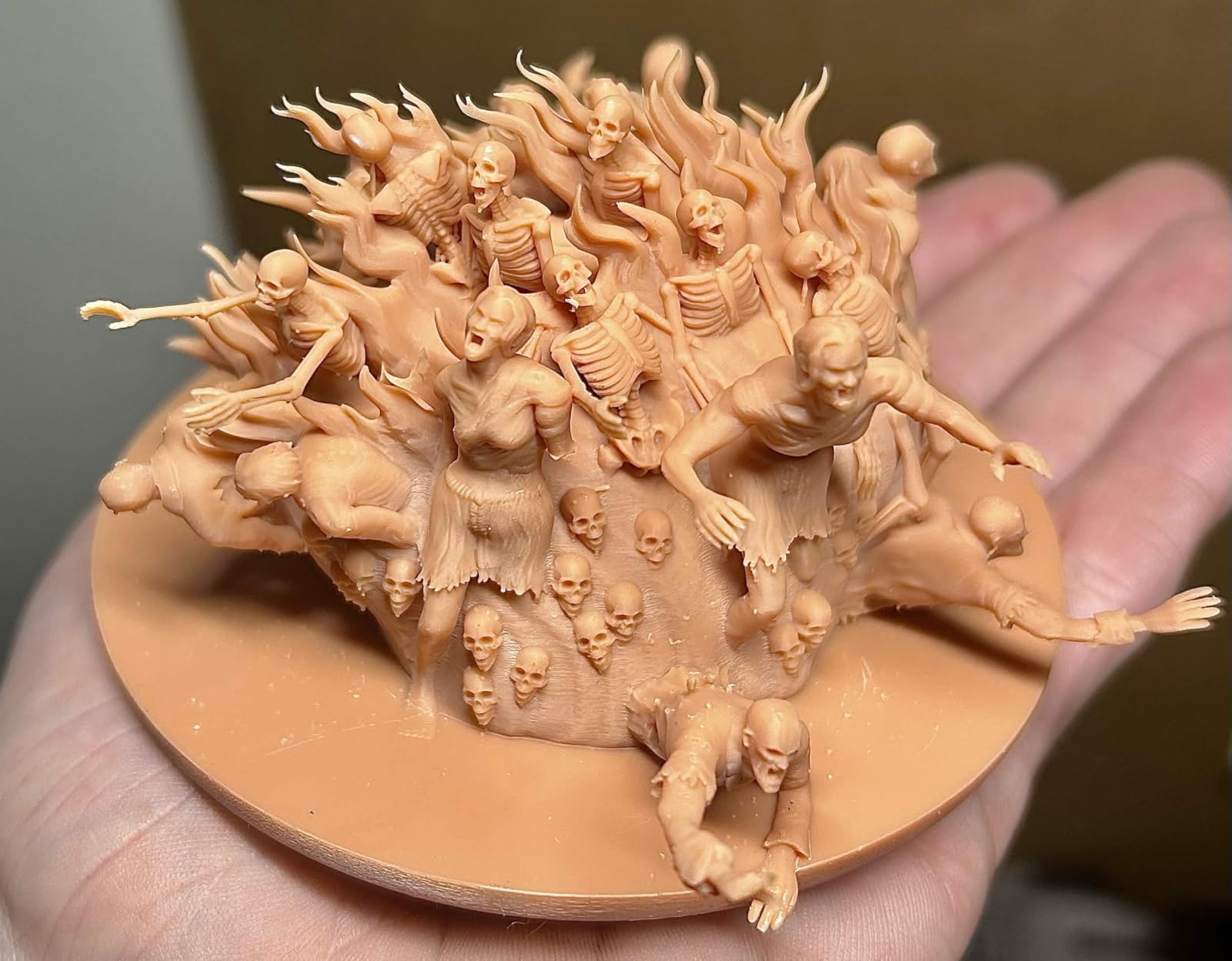
The build volume of 8.33 x 4.66 x 8.66 inches is larger than most resin printers in this price range, which means I can print a full D&D character set in one job. The AI camera runs all-day monitoring and sends alerts through the ELEGOO app.
Print Quality at 16K Resolution
I printed a 75mm bust at 0.02mm layer height, and the surface was so smooth that I skipped most of the sanding normally required for resin prints. Hair texture, fabric folds, and facial details all came through with stunning clarity. For painters who display their work, this resolution is a genuine upgrade.
Tilt Release Technology
Instead of a traditional Z-axis lift, the Saturn 4 Ultra uses a tilt-release mechanism that speeds up layer separation. I measured 150mm/h on standard settings, which is roughly 2X faster than most 8K resin printers. For production runs, this saves hours.
Reliability and Long-Term Use
The main concern across the review data is limit switch failures on some units after 6-12 months of use. ELEGOO’s warranty covers this, but it is something to monitor. The firmware update situation is also less smooth than Bambu Lab’s over-the-air updates, so factor in occasional manual maintenance.
How to Choose the Best 3D Printer for Your Needs
Picking the right 3D printer comes down to matching the technology to your actual projects. FDM printers use melted plastic filament and excel at functional parts, large objects, and learning the craft. Resin printers use UV-cured liquid and excel at miniature detail, smooth surfaces, and small precise parts. The wrong choice wastes money; the right one pays for itself in the first month.
FDM vs Resin: The Fundamental Decision
FDM printers are more forgiving, easier to maintain, and use cheaper consumables. PLA filament costs around $20 per kilogram, and a single spool lasts most hobbyists 2-3 months. Resin printers produce smoother detail but require post-processing, UV curing, and careful ventilation. Resin costs roughly $40-60 per liter and the supporting chemicals add up.
For first-time buyers, I recommend starting with FDM unless you specifically want to print miniatures or jewelry. The Bambu Lab A1 and Creality K1C are both excellent starter FDM machines. If you know you want resin, the ANYCUBIC Photon Mono 4 is the most beginner-friendly entry point.
Build Volume and Print Size
Build volume determines the maximum part size you can print in one piece. Most consumer printers in 2026 offer between 220 x 220 x 250mm and 300 x 300 x 300mm. For functional parts, cosplay accessories, and household items, 256 x 256 x 256mm is the sweet spot. For large prints like cosplay helmets and full-size masks, look at large-format printers beyond this guide’s scope.
Auto-Calibration and Ease of Use
Modern printers ship with full-auto calibration that handles bed leveling, Z offset, and input shaping without user input. This is a major quality-of-life improvement over older printers that required 30 minutes of manual setup. If you are a beginner, prioritize auto-calibration. It removes the single biggest source of frustration for new users.
Filament Compatibility and Materials
PLA is the easiest material to print and works on every FDM machine. PETG adds strength and heat resistance for functional parts. ABS and ASA require enclosed chambers and produce stronger, more temperature-resistant parts but emit fumes. TPU is flexible for gaskets and grips. Carbon fiber and glass fiber composites are abrasive and require hardened nozzles like the Creality K1C’s tri-metal design.
Total Cost of Ownership
The sticker price is just the start. Factor in filament or resin ($20-60 monthly for active users), replacement parts like nozzles and FEP sheets ($20-50 annually), upgraded build plates ($30), and optional accessories like the Bambu AMS for multi-color printing ($200-400). For most users, total cost of ownership in year one runs roughly 1.5X the printer’s purchase price.
Community Support and Parts Availability
Community size matters when you hit problems. Bambu Lab, Creality, and Prusa have the largest user communities with active forums, YouTube channels, and Reddit threads. ANYCUBIC and ELEGOO have growing communities for resin printers. Larger communities mean faster answers when something goes wrong at 2 AM during a print job.
Frequently Asked Questions
Which 3D printer should I buy in 2026?
For most users, the Bambu Lab A1 is the best 3D printer in 2026. It offers full-auto calibration, 10,000 mm/s² acceleration, and reliable out-of-box performance at a price that undercuts most competitors. For resin printing, the ANYCUBIC Photon Mono 4 is the best value under $250.
What is the easiest 3D printer for a beginner?
The Bambu Lab A1 is widely considered the easiest 3D printer for beginners. It sets up in 15-18 minutes with full-auto calibration, ships with a clean touchscreen interface, and produces reliable prints without manual tuning. The Creality K1C is a close second for users who want higher speed and an AI monitoring camera.
What are the best budget 3D printers in 2026?
The ANYCUBIC Photon Mono 4 is the best budget resin printer under $250. For FDM, the Creality K1C and Bambu Lab A1 both offer excellent value in the $300-$400 range. Below $200, options are limited and require more user tuning and patience.
How expensive is 3D printing as a hobby?
Initial printer cost runs $200-$540 for the models in this guide. Ongoing costs include PLA filament at roughly $20 per kilogram (lasting 2-3 months for casual users) or resin at $40-60 per liter. Replacement parts and upgrades add $50-100 per year for active users. Expect total year-one costs of $400-$800 depending on usage.
Is there anything illegal to 3D print?
Yes. Printing firearms, firearm components that require no additional machining, items that infringe on patents, counterfeit goods, and items prohibited by local laws is illegal in most jurisdictions. The Bambu Lab AMS and similar systems include basic detection but the legal responsibility falls on the user.
Final Verdict: Which 3D Printer Should You Buy in 2026?
If you want the best 3D printer overall and have never owned one before, the Bambu Lab A1 is the clear winner. It sets up in 15 minutes, prints reliably across PLA, PETG, and TPU, and the active flow rate compensation delivers clean results without manual tuning. It is the printer I recommend to friends and family without hesitation.
If you are a resin enthusiast or want to print D&D miniatures, the ANYCUBIC Photon Mono 4 is the best value under $250, and the ANYCUBIC Photon Mono M7 PRO is the right step up for production work. The ELEGOO Saturn 4 Ultra 16K wins for the highest detail in miniature painting.
If you print functional parts, work with engineering filaments, or run a small business, the Bambu Lab P1S handles advanced materials in its enclosed chamber, and the Creality K1C delivers the speed and AI monitoring that production workflows need. Both printers represent the current state of consumer 3D printing in 2026 and are solid investments for serious users.
For more detail on the testing methodology and how we evaluated each machine, check out our buying guide methodology and the broader roundup of 12 models we tested. Whichever printer you choose, you are starting from a much better place than 3D printing hobbyists did even three years ago.
Leave a Reply