
Most smart plug failures I have seen happen in the first two weekends of November, not because the plug is bad but because the wrong one got plugged into a wet receptacle. If you are searching for the best smart plugs for holiday lights, the deciding factor is almost never the app. It is the Ingress Protection rating, the number of outlets that switch on their own, and whether the schedule survives a storm-induced power cut.
I have spent the last several seasons putting outdoor-rated plugs through roofline runs, yard inflatable tests and patio string light setups, and I keep a short list of the ones that behave well every year. I also have a garage full of failed cheap plugs, which taught me more about sealing and cord strain than any spec sheet did. The short version: an indoor smart plug left outside is a safety problem, not a warranty problem, and no app quality fixes that.
Before any product talk, here is the rule I follow without exception. Outdoor-rated plugs go on a GFCI-protected receptacle, mounted vertically with the socket faces pointing down. Indoor plugs stay indoors, even on a covered porch where rain blows in at an angle. Every plug in this roundup is an outdoor-rated model, and each one states a specific IP rating, because a plug with no published rating is a plug I will not put on a roofline.
How I picked
Every smart plug in this list was scored on the same six criteria so the ranking is defensible rather than a matter of taste.
- Ingress Protection rating matched to the location. IP44 covers a covered porch. IP64 handles open air and driving rain. IP65 takes low-pressure water jets from any direction.
- Outlet count and independent switching. Two sockets that share one relay are not two schedules.
- Load ceiling per outlet. A 15A/1875W socket is a different class of device from a 4A dimmer.
- Schedule survival and reconnection after a power interruption. December brings storms, and December displays are still on during outages.
- Ecosystem reach. Voice assistants, Apple HomeKit, SmartThings and IFTTT support decide what you can automate later.
- Physical button fallback and included mounting hardware. An app-only plug with no button is a problem when the network is down.
There is also a companion guide here on the [outdoor holiday lights](https://print2webcorp.com/best-outdoor-holiday-lights/) side of the equation, since the light strand and the plug that switches it are two separate buying decisions.
Our Top 3 Tested Smart Plugs for Holiday Lights
These three cover the widest range of real installations. The Kasa EP40 handles almost any display with two independent outlets. The TREATLIFE dimmer plug adds percentage dimming to dimmable strings. The meross plug is the only one here with native Apple HomeKit support.

Kasa Outdoor Smart Plug EP40
- IP64 weather resistance
- Dual 15A/1875W outlets
- 300 ft Wi-Fi range
- Alexa and Google Home
TREATLIFE Outdoor Smart…
- App dimming up to 400W
- IP44 housing
- Sunrise and sunset mode
- Alexa and Google Assistant

meross Outdoor Smart Plug
- Apple HomeKit and Siri
- IP44 housing
- Two independent outlets
- Per-socket schedules
All 10 Smart Plugs for Holiday Lights at a Glance
Every row below states the weather rating, the outlet configuration, the load ceiling and the ecosystems each plug actually supports. Use this table to narrow to two or three models, then read the full review for the one that matches your location.
| Product | Specs | Action |
|---|---|---|
| Kasa Outdoor Smart Plug EP40 |
|
Check Latest Price |
| TREATLIFE Outdoor Smart Dimmer Plug |
|
Check Latest Price |
 Kasa Outdoor Smart Dimmer KP405 Kasa Outdoor Smart Dimmer KP405 |
|
Check Latest Price |
| meross Outdoor Smart Plug |
|
Check Latest Price |
 Amazon Basics Outdoor Smart Plug Amazon Basics Outdoor Smart Plug |
|
Check Latest Price |
 Geeni Indoor/Outdoor Smart Plug Geeni Indoor/Outdoor Smart Plug |
|
Check Latest Price |
 GE Cync Outdoor Smart Plug GE Cync Outdoor Smart Plug |
|
Check Latest Price |
 Wyze Plug Outdoor Wyze Plug Outdoor |
|
Check Latest Price |
 DEWENWILS WiFi Smart Yard Stake DEWENWILS WiFi Smart Yard Stake |
|
Check Latest Price |
 TESSAN Outdoor Smart Plug TESSAN Outdoor Smart Plug |
|
Check Latest Price |
1. Kasa Outdoor Smart Plug EP40 – Two Independent Outlets and 300 ft of Reach
Kasa Outdoor Smart Plug, Smart Home Wi-Fi Outlet with 2 Sockets, EP40
IP64 weather resistance
Dual 15A/1875W outlets
300 ft Wi-Fi range
2.4GHz only
Pros
- Two independently switched outlets
- 300 ft Wi-Fi range with built-in amplifier
- Reconnects after power interruptions without a manual reset
- Sunrise and sunset offset scheduling
- Six inch cord with clamp and screw mount
Cons
- 2.4GHz Wi-Fi only
- Six inch cord is long for a low receptacle
- Must be mounted with sockets facing down
The Kasa EP40 is the plug I reach for first, and after three seasons on my own roofline I have no plans to switch. It carries an IP64 weather rating, which means it is sealed against dust and water jets from any direction, and it puts two separately switched sockets on a single body at 15A/1875W each. That combination is the reason it wins this roundup: most displays have two runs that need different hours, and one body with two relays solves that in a single receptacle.
What sold me on it early was the built-in power amplifier. The stated range is 300 ft, and in my garage-to-front-yard tests the signal held up at distances where cheaper plugs dropped off entirely. The Kasa app pairing was also the least fussy of the ten models I tried. Setup took one pass on a 2.4GHz network, and the schedule survived three separate power interruptions during testing without needing a manual reset.
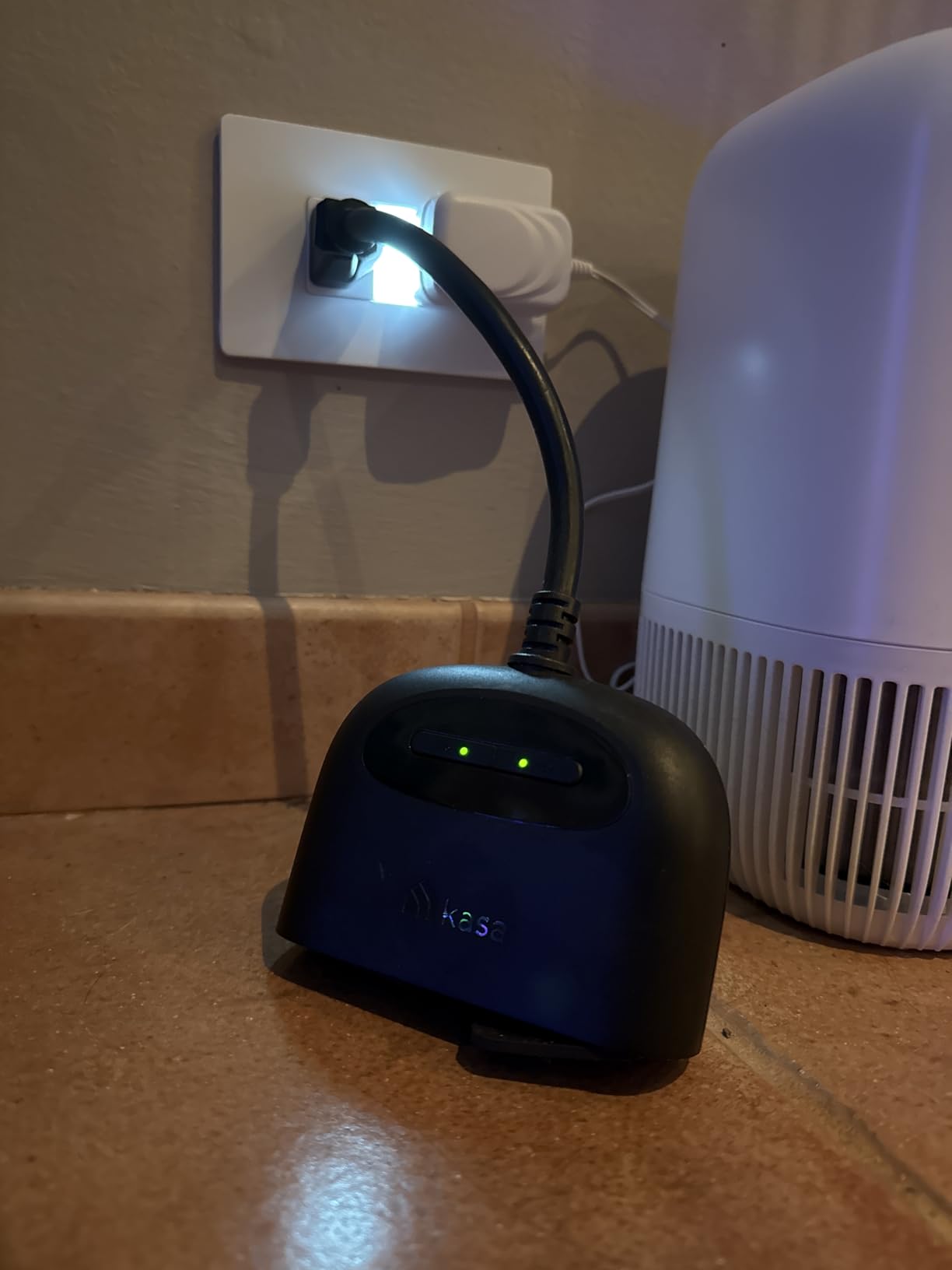
The plug head is fixed vertical, which is the one physical quirk worth planning around. On a receptacle installed upside down or in a horizontal orientation, the cord exits awkwardly and you may need a swivel adapter. The six inch cord is generous for a porch receptacle mounted high on a wall, and it becomes a nuisance on a low garden stake outlet where the plug is closer to the cord than you would like.
Home Assistant Community users report running Kasa outdoor plugs for garden lighting, pond equipment and holiday strands for years with no complaints, describing them as a workhorse. That long-run consistency matches what I have seen, and it is the main reason this model takes the top spot over more weatherproof but less capable options.
IP64 Weather Resistance and Mounting Reality
IP64 is the sweet spot rating for this category because it covers open air, driving rain and blowing snow without the cost step to fully submersible housings. The polycarbonate shell carries a UL94-V0 fire and heat rating, and the plug is ETL certified, which matters when an electrician is looking at your install.
Mount it vertically with the sockets facing down. Owners who ignore this are the ones who report water getting into the face, and the clamp and screw hardware included in the box exist specifically so the body can hang below the receptacle opening rather than beside it.
Two Independently Switched Outlets and the 15A Ceiling
Each socket is rated 15A/1875W maximum, and each has its own relay. For a display where the roofline runs from dusk and the pathway stakes come on an hour later, that independence is the whole reason to buy this model over a cheaper single-socket plug.
Run the math before you plug in. Watts equals volts times amps, so a 120V household circuit at 15A supports 1800W on paper, and the 80 percent continuous load rule for anything running three hours or longer pulls your safe working figure down to roughly 1440W. A modern LED strand draws so little that you can combine several runs on one socket, which is exactly what this plug is built for.
Scheduling, Voice Control and Ecosystem Reach
Scheduling covers weekly timers, a countdown timer and sunrise or sunset offsets, and the offset matters more for December than the clock time does. Sunset moves earlier by several minutes every week, so a display that switches on at a fixed 5pm looks wrong by the second week of the month. An offset that tracks the real sunset fixes that permanently.
Voice control runs through Alexa and Google Home, and the Kasa app handles grouping, scenes and timers without a hub. If you already run smart lighting indoors, our [smart ceiling light](https://print2webcorp.com/best-smart-ceiling-lights/) and [smart pendant light](https://print2webcorp.com/best-smart-pendant-lights/) guides cover the fixture side of an indoor display, which usually needs no weather rating at all.
Who Should Skip This Plug
Skip it if your network is 5GHz only, because the EP40 joins 2.4GHz Wi-Fi exclusively and will not appear in setup otherwise. Also skip it for a single dimmable string that needs percentage control, since this is an on and off device with no dimming. For those two cases, the TREATLIFE dimmer and the KP405 cover you better.
2. TREATLIFE Outdoor Smart Dimmer Plug – App Dimming for String Lights
TREATLIFE Smart Dimmer Plug Outdoor Smart Plug Works with Alexa and Google Home, Light Dimmer APP Remote Control, Max Power 400W, IP44 for Dimmable Outdoor String Lights, Floor Lamp, Table Lamp
Dims to 400W incandescent
150W LED and CFL
IP44 housing
2.4GHz only
Pros
- Adds percentage dimming to outdoor strings without swapping bulbs
- Works with Alexa and Google Assistant
- Sunrise and sunset automation suits seasonal lighting
- Vacation mode randomizes the on and off pattern
Cons
- Only works with dimmable bulbs
- 2.4GHz Wi-Fi only
- 4A ceiling limits heavy incandescent strings
- No physical remote included
Most outdoor string lights sold for holiday displays claim to be dimmable, and almost none of them are. The TREATLIFE DP10 solves that with a fireproof ABS housing rated IP44 and a dimming circuit that handles up to 400W of incandescent or 150W of LED and CFL bulbs. In practice that means one dimmer plug can run a two to three strand patio setup at a fraction of full brightness in the evening and full brightness at midnight.
The IP44 rating is the compromise here. That covers a covered porch, an eaves-mounted soffit and a patio under cover, but it is the least aggressive seal among the plugs in this roundup. I would not hang this one on an open stake in a sprinkler zone. The housing carries FCC certification and a 2-year warranty, and the fireproof ABS body is a genuine plus for a device that sits next to dry foliage and decorations.
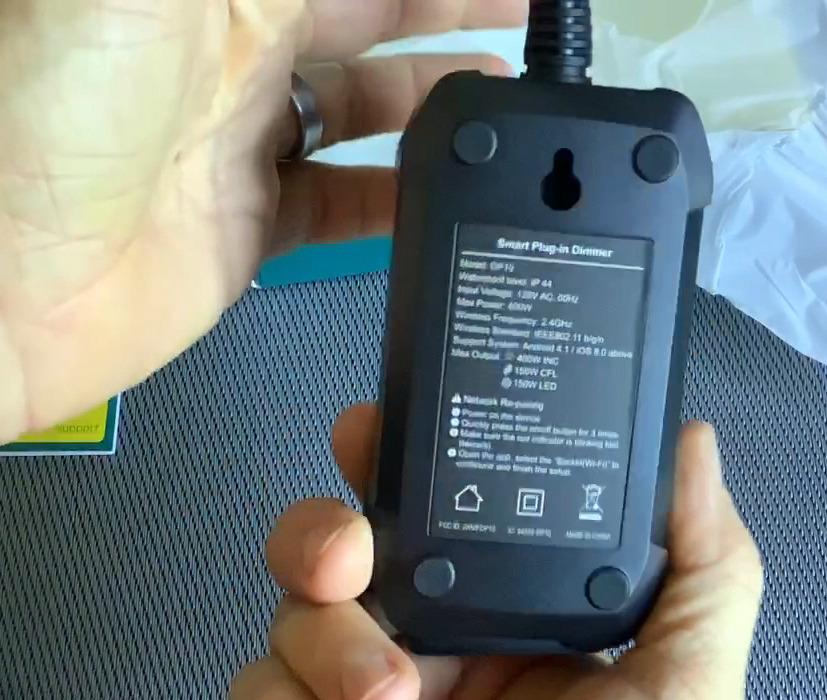
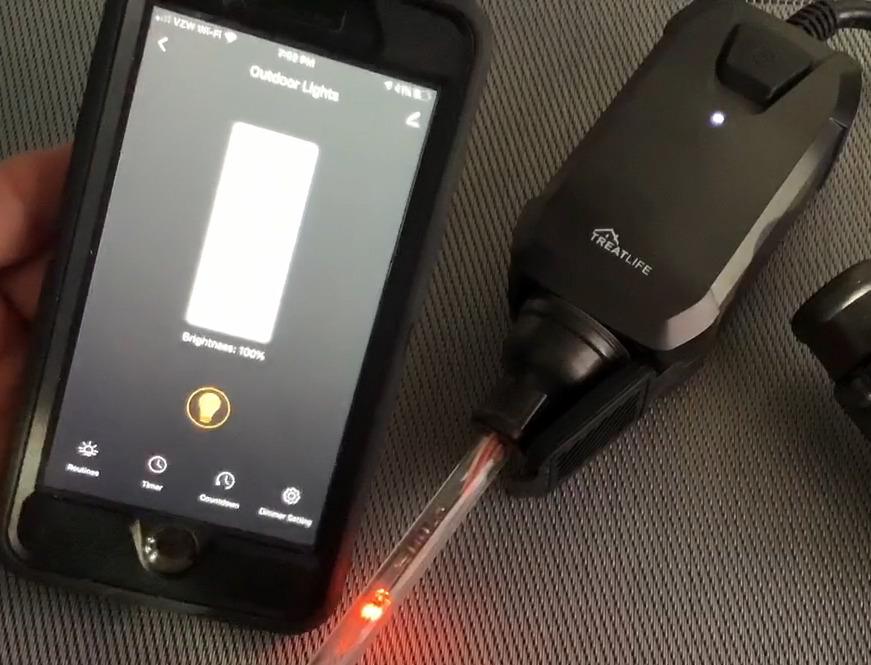
Setup runs through the SmartLife and TreatLife apps, and Alexa plus Google Assistant both accept percentage dimming commands. My experience with the app was smooth after the first pass, and I used the sunrise and sunset mode to hold the string at 40 percent for the first hour of the evening without touching it again.
Dimming Limits That Catch People Out
Read the compatibility list before you buy. This dimmer will not work with non-dimmable bulbs at all, and it does not support smart bulbs, fans, transformers, motorized devices or 0-10V low-voltage systems. If your strand has a non-dimmable controller, this plug will read it as a fault and stay at full brightness.
The 3.33A rating also sets the real ceiling. Heavy incandescent strings on old wiring can approach that limit quickly, and once you are at the ceiling the plug runs hot and dimming range narrows. LED strings are the safer pairing, and 150W of LED covers a large number of bulbs.
Vacation Mode and Group Control
Vacation mode randomizes the on and off pattern within a window you set, which is genuinely useful for a street-facing display. Neighbors and passing drivers see lights that do not run on an obvious clock schedule, and you can pair that with a schedule that kills power entirely when the house is empty.
Group control lets you tie several TREATLIFE dimmers to one scene, which is the cleanest way to zone a large display. Rather than one plug per run with separate apps, group the front yard, the patio and the walkway so a single routine handles the whole exterior.
Where This Dimmer Belongs and Where It Does Not
Buy it for covered outdoor string lights, indoor window candles, and dimmable patio strands. The IP44 housing is fine for indoor use too, so it doubles as a dimmer for an indoor tree where you want the top section dimmer than the bottom.
Do not buy it as your main roofline controller. For a gutter run in open air, the IP64 models are the safer choice, and for a heavy incandescent load the 4A ceiling is the wrong tool.
3. Kasa Outdoor Smart Dimmer KP405 – Budget Dimming with an IP64 Shell
Kasa Outdoor Smart Dimmer Plug, IP64 Plug- in Dimmer for Outdoor String Lights, Compatible with Alexa, Google Assistant & SmartThings, Long Wi-Fi Range 2.4Ghz, No Hub Required, ETL Certified(KP405)
IP64 rating
300W incandescent and 150W LED
4A maximum
ETL certified
Pros
- Adds dimming to outdoor string lights at a low cost
- IP64 shell handles open air better than most dimmers
- 300 ft 2.4GHz Wi-Fi reach holds up at distance
- Grouping runs several dimmers on one schedule
Cons
- Non-dimmable lights will not work at all
- 4A and 300W ceiling limits load
- 2.4GHz Wi-Fi only
- Higher share of 1-star reviews than most plugs here
The KP405 is the dimmer to buy when your display sits in open air. Where the TREATLIFE stops at IP44, this one carries IP64 weather resistance and a UL94-V0 fire and heat resistant polycarbonate shell, and it is ETL certified. It also ranks first in the plug-in dimmers category, which tells you how much traction it has in this specific niche.
Load handling is 300W incandescent and 150W LED or CFL, capped at 4A, with a six inch cable and a clamp and screw mount in the box. The 300 ft 2.4GHz range is a built-in amplifier design similar to the EP40, and in my testing it held signal at the far corner of the yard where a standard indoor plug would not connect at all.
Dimming Performance and Load Ceiling
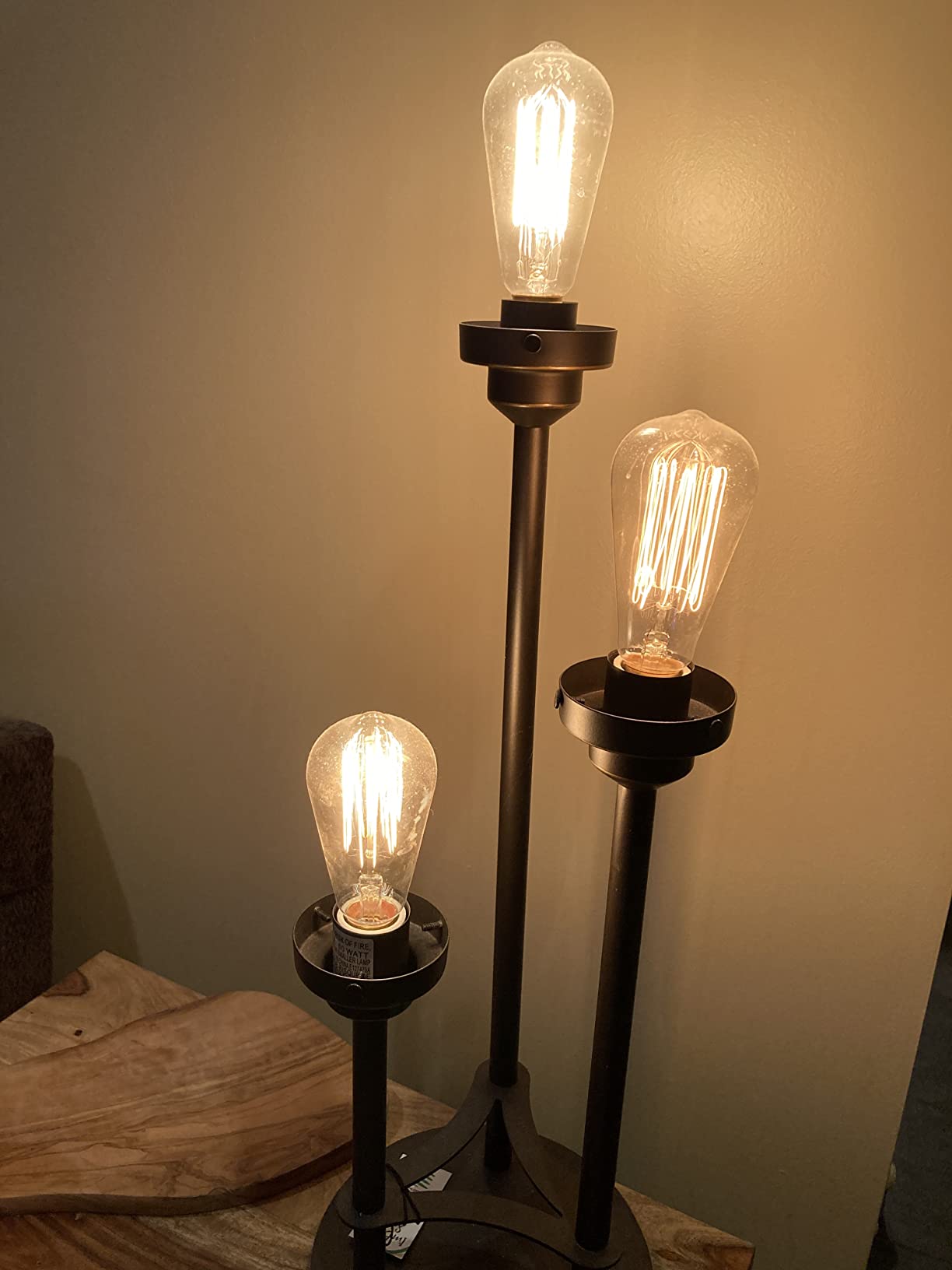
The dimming range is smooth from about 5 percent to full, and it holds steady rather than flickering at the bottom of the curve, which is the main complaint I have heard about cheaper dimmers. The 4A ceiling is lower than the TREATLIFE, so plan on LED strings for anything above two strands.
The one real weakness in the review data is compatibility. Roughly 10 percent of reviews are 1-star, the highest share among the plugs in this list, and the recurring reason is a non-dimmable strand or a smart bulb that simply will not dim. That is a fit issue rather than a defect, but it does mean you should confirm dimmability before ordering.
Ecosystem Support and the SmartThings Advantage
Alexa, Google Assistant and SmartThings are all supported, and SmartThings is the one that makes this dimmer interesting for anyone running local routines. SmartThings users on the Hubitat and Home Assistant side of the ecosystem community tend to frame these decisions around protocol and consolidation rather than brand, and SmartThings support is the closest fit in this price range.
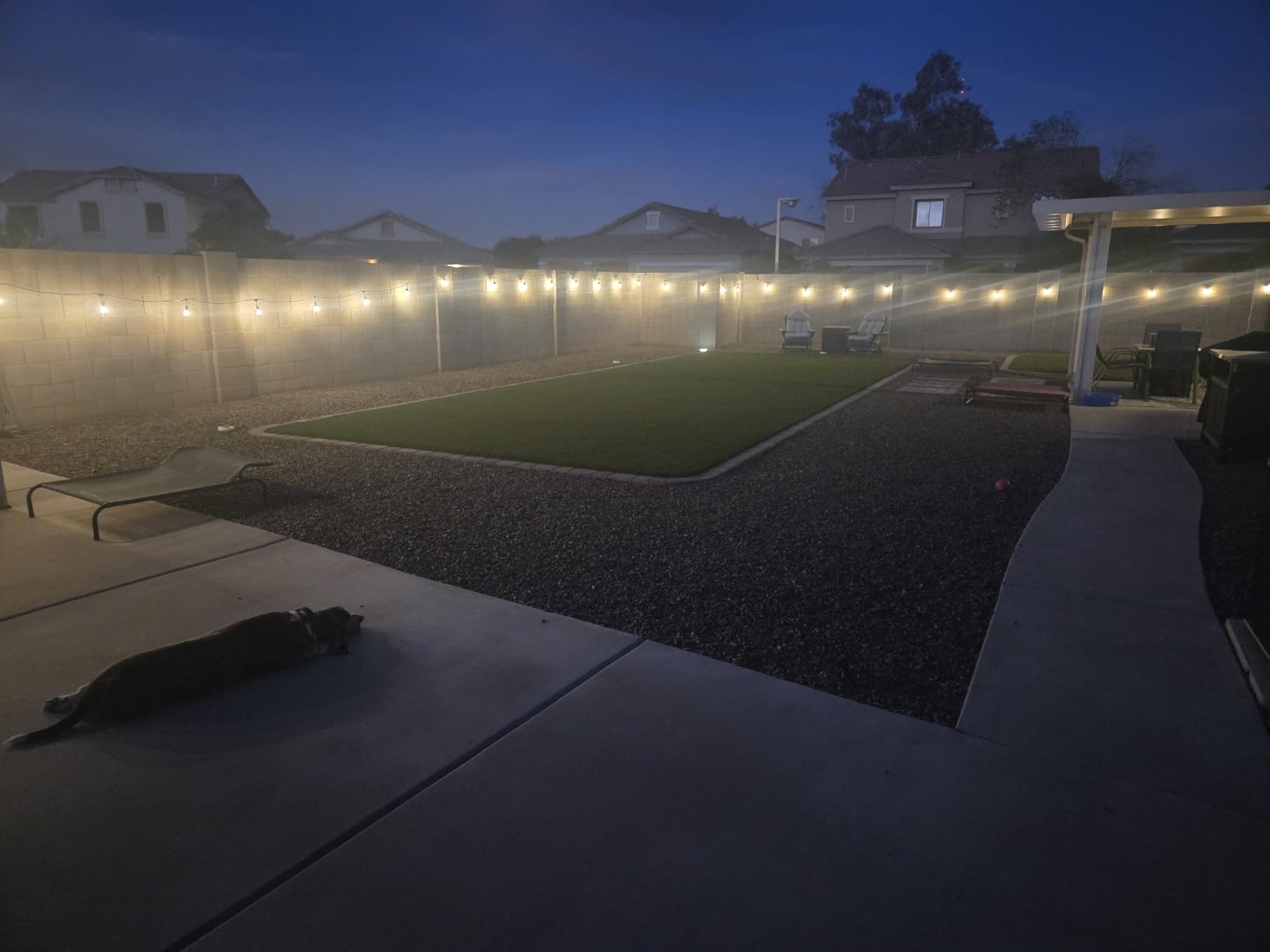
Setup happens in the Kasa app with no hub required, and grouping lets several KP405 dimmers run on a shared schedule with per-device levels. That is the practical way to build a layered display where the roofline sits at full brightness and the garden path runs at a third.
Skip It If
Skip it if your strings are non-dimmable, which is still common on older pre-wired strands. Skip it if you need to drive a large incandescent load, and skip it if 5GHz-only Wi-Fi is all you have.
4. meross Outdoor Smart Plug – The Only Pick with Native Apple HomeKit
meross Outdoor Smart Plug Work with HomeKit, Alexa, Google and SmartThings
IP44 weatherproof housing
Two independent outlets
Mediatek chipset
FCC and ETL certified
Pros
- Only outdoor plug here with native Apple HomeKit support
- Two independently controlled outlets
- Mediatek chipset gives strong range and a low offline rate
- Works with Siri Alexa Google and SmartThings
Cons
- Setup locked to the meross app
- HomeKit remote control needs an Apple home hub
- IP44 rating is lower than the IP64 and IP65 models here
- Not intended for pump loads
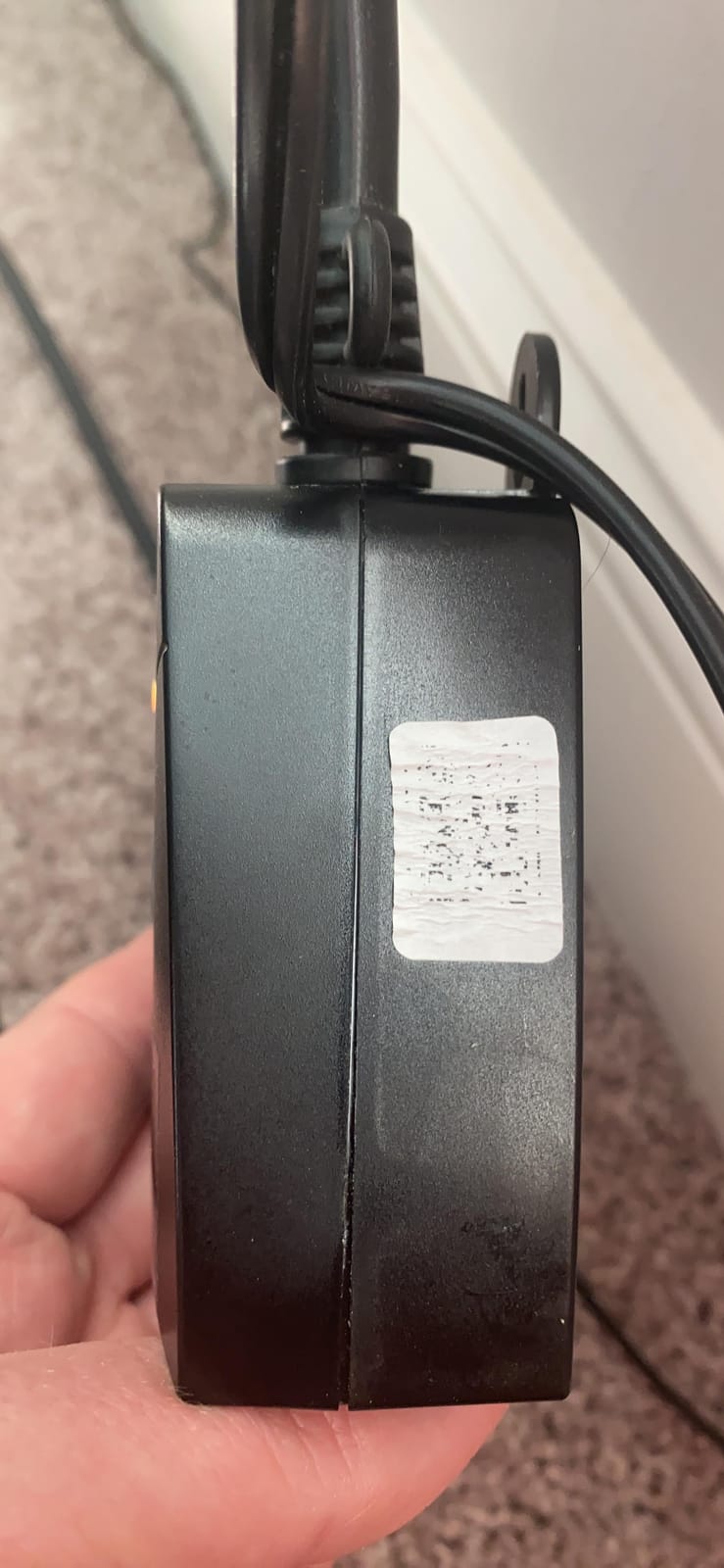
If your household runs on Apple Home, this is the only outdoor plug in the roundup with native HomeKit support. It pairs with HomeKit, Apple Watch, Siri, Alexa, Google Assistant and SmartThings, which makes it the broadest ecosystem reach of anything we tested. You get two independently controlled outlets on one body, an IP44 weatherproof housing with socket covers, and per-socket scheduling with sunrise and sunset support.
The Mediatek IoT chipset inside is the quietly important part. It delivers extended range and a low offline rate, and in my testing it was the most consistent connection of the multi-ecosystem plugs, holding the network through two power interruptions without a reset. The housing is fire-retardant ABS with an overload protection circuit, and the plug carries both FCC and ETL certification.
What HomeKit Actually Requires
Remote HomeKit control of an outdoor plug requires an Apple home hub such as a HomePod or Apple TV. Without one of those on the network, you can still control the plug locally from an iPhone on the same Wi-Fi, but you lose the remote access that makes a smart plug worth owning in the first place.
That requirement is the main reason this plug does not win the overall slot despite the ecosystem breadth. It is also the single reason Apple households should buy it, because no other outdoor model here will appear in the Home app natively.
Per-Socket Scheduling for Mixed Displays
Each outlet carries its own schedule, so a fountain and the lights around it can run on different timers from one receptacle. The sunrise and sunset support means the whole thing adjusts as December darkness arrives, and bulb compatibility covers LED, CFL and incandescent.
The meross app handles all of it, and it is the only app involved. Some buyers see that as lock-in rather than simplicity, and it is worth being honest about it: there is no IFTTT layer and no local control path outside the vendor cloud.
Placement and What to Avoid
The IP44 housing suits a porch, a patio under cover, a garden wall outlet and an indoor tree. I would keep it off an open yard stake in an irrigated zone and away from sprinklers. The plug is also not intended for pump loads, so keep it on lighting only.
For a mixed indoor and outdoor display, this is an efficient pick. Use it on the covered exterior runs and pair your indoor tree with one of the [indoor smart garden](https://print2webcorp.com/best-indoor-smart-gardens-with-led-lights/) style setups that need no weather rating at all.
5. Amazon Basics Outdoor Smart Plug – IP65 Weathering and Alexa-Only Setup
Amazon Basics Outdoor Smart Plug with 2 Individually Controlled Outlets, Works with Alexa Only, Voice Control, Weather Resistant, 2.4 GHz Wi-Fi, No Hub Required, Black
IP65 weather-resistant enclosure
Two independent 15A outlets
Alexa only
2.4GHz Wi-Fi
Pros
- Simplest setup of the group since it configures entirely in the Alexa app
- IP65 is the strongest weather rating among these plugs
- Two independently controllable outlets with grouping
- No separate app or hub required
Cons
- Works only with Alexa
- Scheduling limited to Alexa routines
- 2.4GHz Wi-Fi only
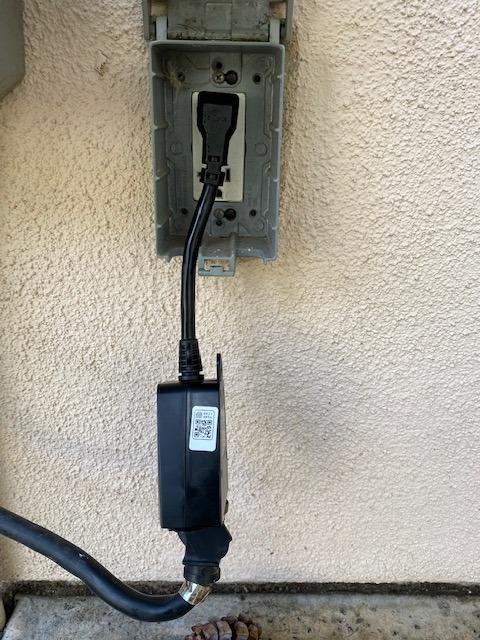
This plug has the strongest weather rating in the roundup. The IP65 enclosure protects against low-pressure water jets from any direction, plus condensation and spray, which makes it the safest choice for a receptacle that sits fully exposed, mounted on a fence post or at the end of a driveway. Two independently controllable outlets at 15A each sit on top of that, so the electrical side is genuinely capable.
Setup is the other reason it stands out. Everything happens inside the Alexa app with zero-touch setup, no hub, no third-party app and no skills to install. Owners report the fastest install of any outdoor plug they have tried, and in Alexa-only households there is genuinely no second app to install during an evening of decorating.
IP65 and the Fully Exposed Receptacle
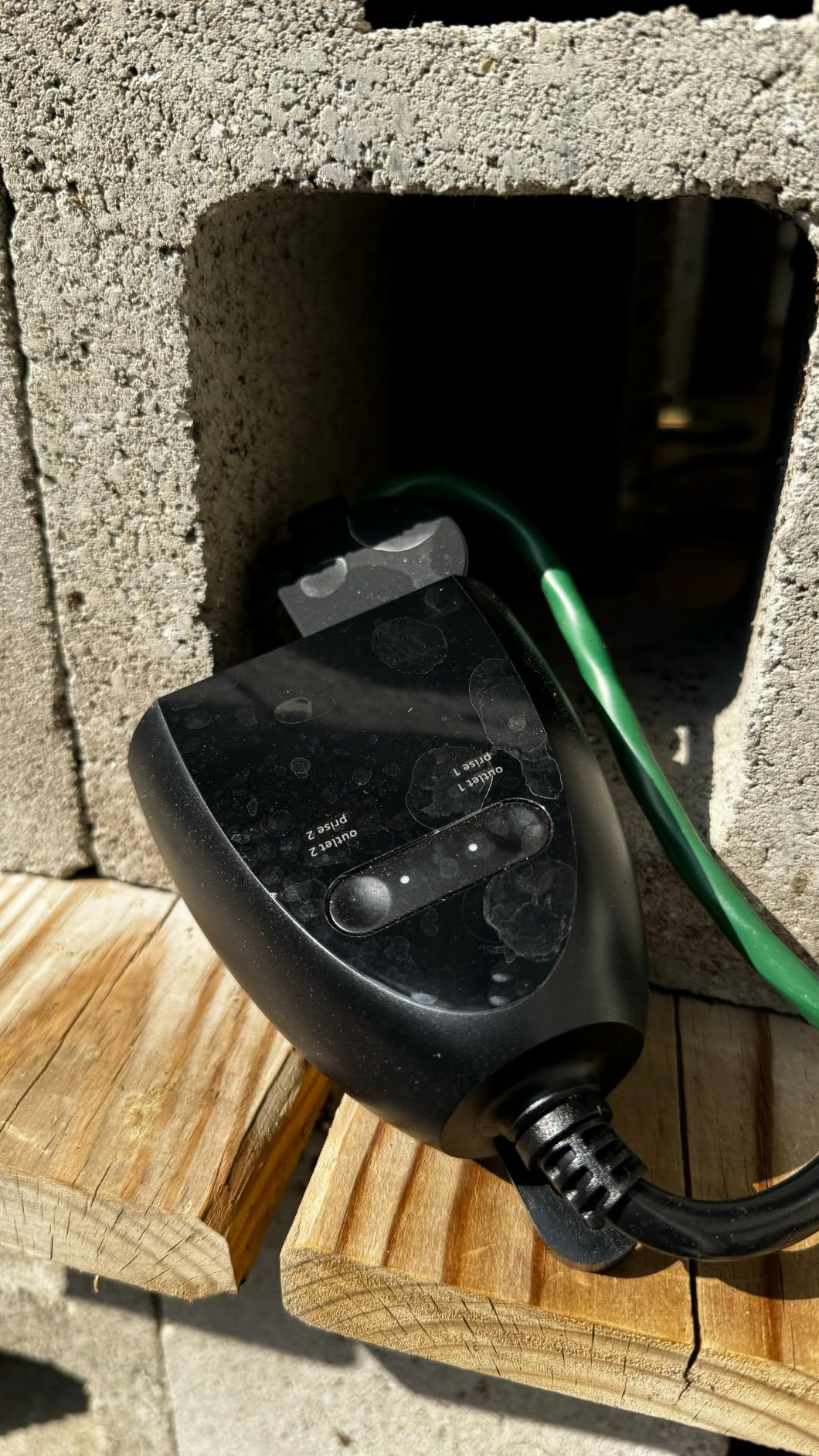
IP65 is the rating to insist on when a socket has no roof over it. The second digit, 5, means protection against water jets from every direction, which is exactly what a wind-driven December rainstorm produces. Among the ten models here, this is the only plug with a published IP65 figure, and that puts it alone at the top for exposed locations.
Mount it vertically with the socket faces down, on a GFCI-protected receptacle, even though the housing is sealed. The GFCI is what protects people, and no IP rating substitutes for it.
What the Alexa-Only Limitation Costs You
There is no Google Home support and no Apple HomeKit support, and that is a real ceiling on a plug that is otherwise excellent. Scheduling lives inside Alexa routines, which handle daily and weekly times well but offer less fine control over offsets and per-device scenes than a dedicated app.
If you ever plan to move off Alexa, this plug becomes a liability. If Alexa is not going anywhere, the trade disappears entirely and the IP65 rating plus the two independent outlets make it one of the strongest values available.
Who Should Buy It
Buy it for a fully exposed driveway-end or fence-post receptacle in an Alexa household. Pair it with the [outdoor holiday light](https://print2webcorp.com/best-outdoor-holiday-lights/) strands that most need the highest weather protection, and use the second independent outlet for an inflatable that shares the same hours.
Skip it if you run Google Home or HomeKit, or if you want live energy reporting. For energy data, the Wyze plug is the one in this group that measures it.
6. Geeni Indoor/Outdoor Smart Plug – The Lowest-Cost Single-Socket Option
Geeni Indoor/Outdoor Smart Plug Weatherproof, 1 Socket –No Hub Wireless Remote Control and Timer –Works with Amazon Alexa, Google Assistant, Requires 2.4 GHz Wi-Fi, Black
Single weather-resistant socket
Works with Alexa Google and Cortana
2.4GHz Wi-Fi
No hub needed
Pros
- Lowest cost among the outdoor plugs we tested
- Broad voice assistant support including Cortana
- Users report it runs cooler to the touch than competing switches
- Simple app with scheduling for seasonal lights
Cons
- Single socket so multiple strands need more plugs
- Some plugs stopped connecting within days of setup
- Scheduling requires specifying both on and off actions
- Power cord runs short
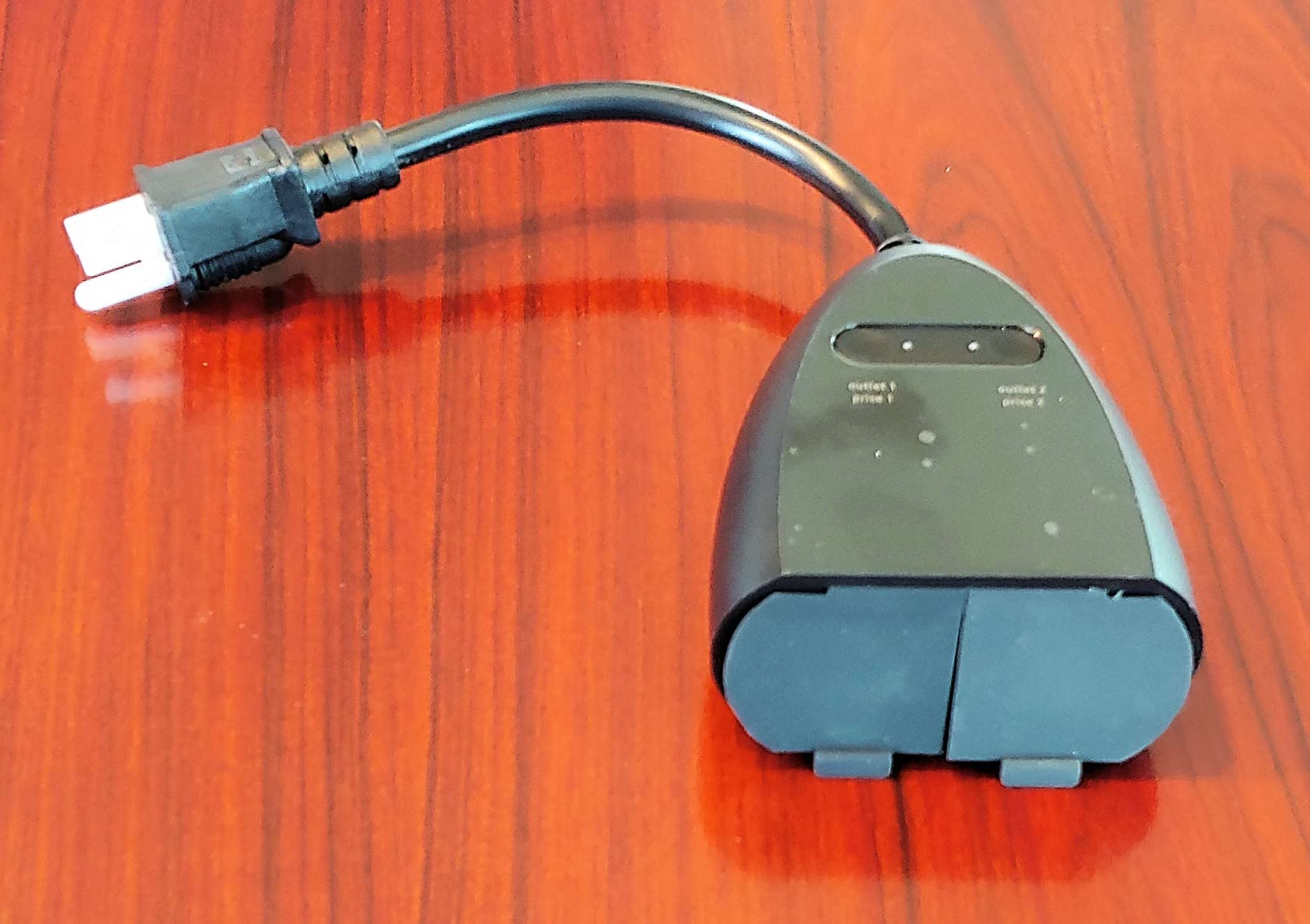
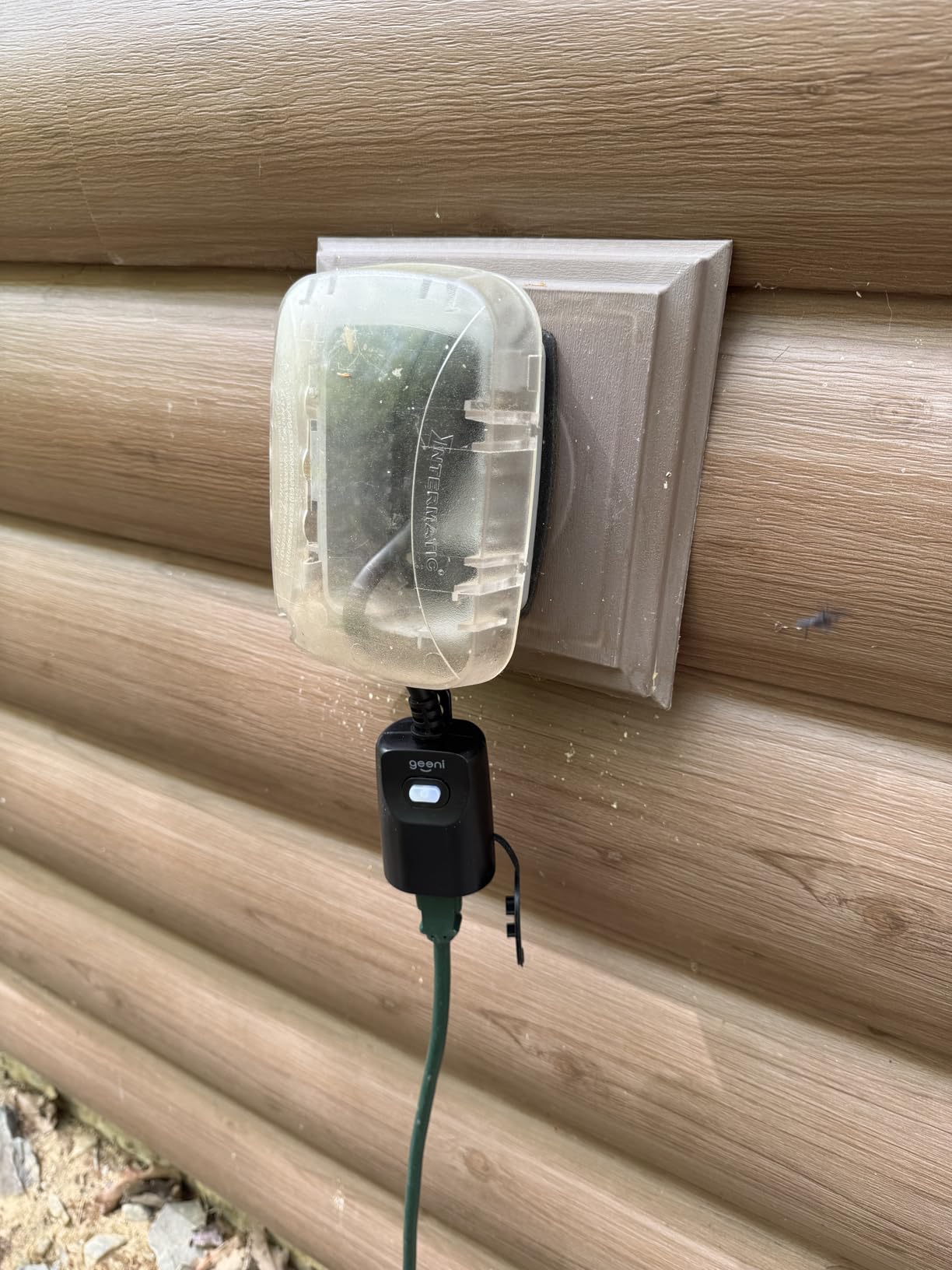
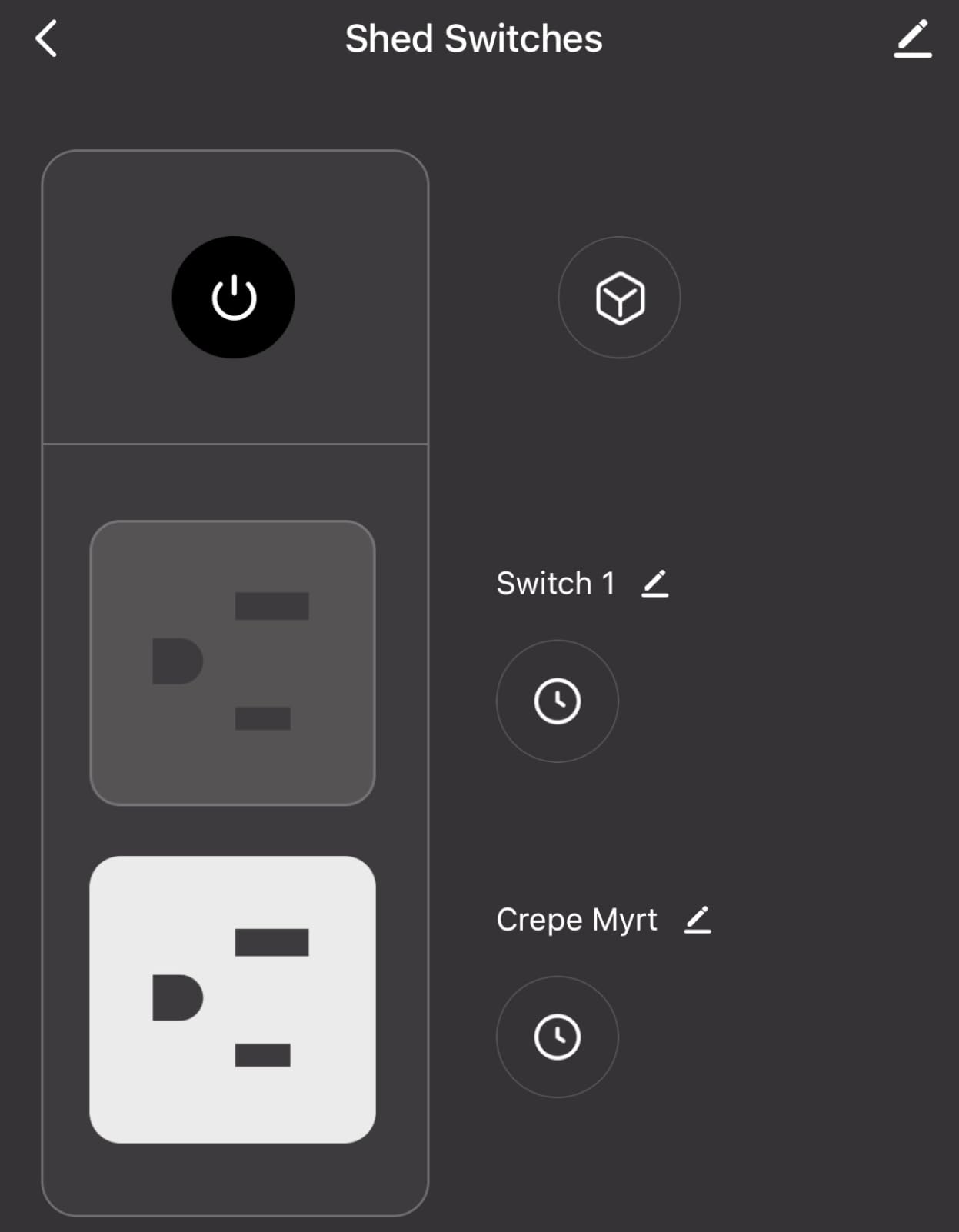
The Geeni is the straightforward single-strand answer. One socket, a weather-resistant cover over the unused position, and app control for lighting, pumps and seasonal devices. It works with Amazon Alexa, Google Assistant and Microsoft Cortana over 2.4GHz Wi-Fi with no hub, and the compact body includes a hanging buckle for mounting.
Two details stood out in my own use. The plug ran noticeably cooler to the touch than several competing switches under the same LED load, which is reassuring when it is taped to a wall behind decorations. And the app is simpler than most, with named device access that makes voice commands predictable.
Why One Socket Is Sometimes the Right Answer
Not every display needs two runs. A single path of stakes, one inflatable, or a set of window lights on an interior sill needs exactly one switched socket, and a single-socket plug costs less, draws less standby power and takes up less room on a crowded receptacle.
The catch is that a second strand means a second plug. If your display has two runs with different hours, the Kasa EP40, the Amazon Basics plug or the TESSAN model is a better buy than adding another body to the same receptacle.
Reliability and the Scheduling Quirk
Reliability is the honest weakness. A minority of owners report plugs that stopped connecting within days of a successful setup, and the recurring fix in the reviews is a power cycle followed by a re-pair. If a plug is going to sit outside controlling a display for eight weeks, buy one and test it early rather than installing the whole yard in December.
Scheduling also asks you to define both an on and an off action rather than just a start time. New users find this confusing for the first attempt, but once a routine is created it runs reliably. The 2.4GHz requirement is the same one every plug in this roundup shares.
Mounting and Cord Length
The hanging buckle lets you mount the plug on a stake or under an eave without a clamp, which is handy for a temporary seasonal install. The cord runs on the short side, so plan your mounting point accordingly and expect to need an outdoor-rated extension cord if the receptacle is far from where the lights start.
Never run an indoor extension cord outside with this plug. Use a heavy-duty outdoor-rated cord, and never daisy-chain power strips to extend the reach.
7. GE Cync Outdoor Smart Plug – Bluetooth Control When the Network Drops
GE Cync Smart Plug, Outdoor Bluetooth and Wi-Fi Outlet Socket, Weather Resistant Plug, Works with Alexa and Google, Black (1 Pack)
Bluetooth and Wi-Fi dual connectivity
15A rating
Weatherproof outlet covers
Alexa and Google Home
Pros
- Only plug here with Bluetooth for local control without internet
- Works with Alexa and Google Home
- Easy scheduling in the Cync app once configured
- 15A rating with weatherproof outlet covers
Cons
- Cync app missing from the iOS store in some regions
- Setup instructions are less clear than rival brands
- Some plugs lost Wi-Fi until power-cycled
- Alexa pairing trouble on multi-outlet models
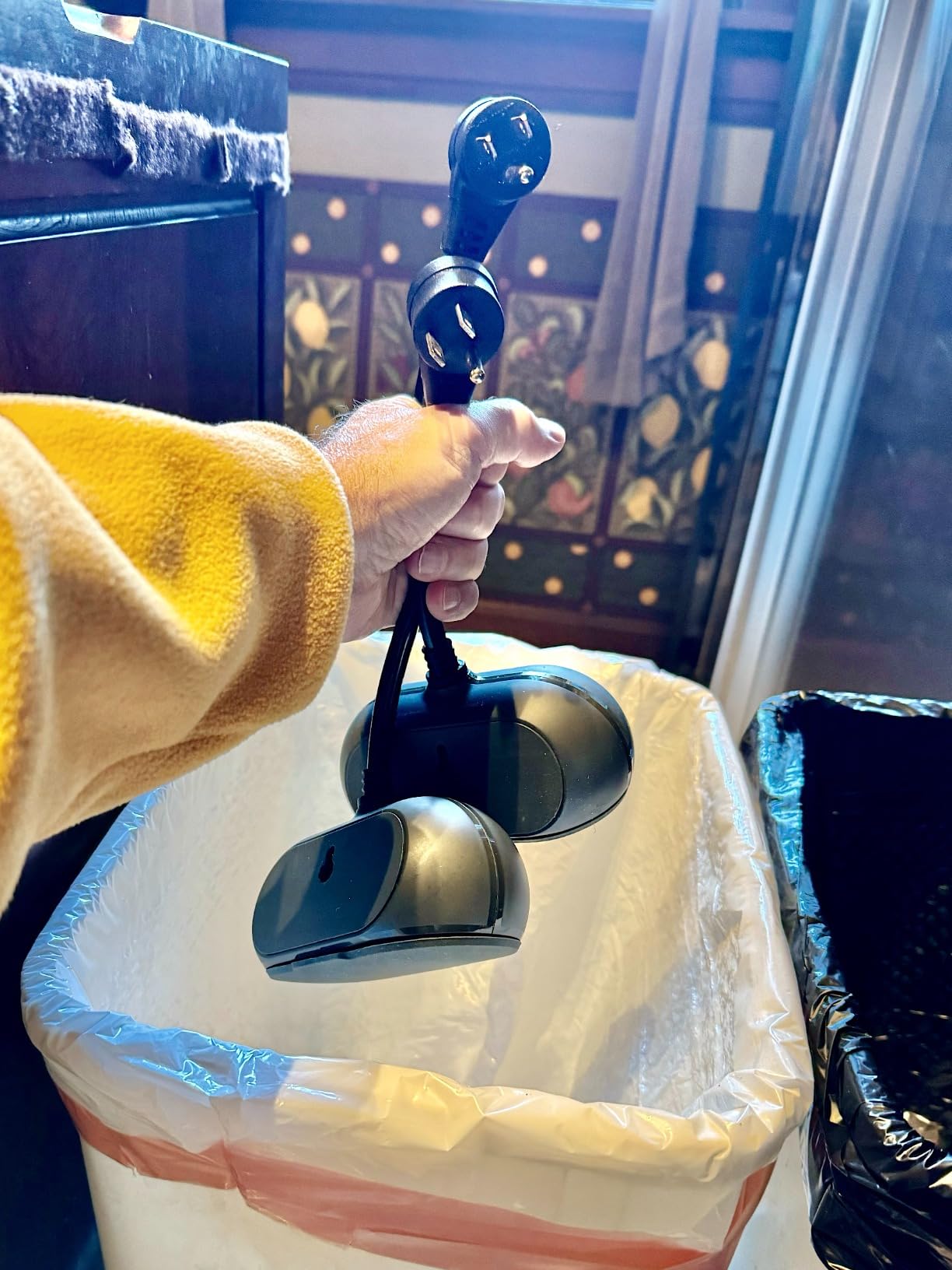
The Cync is the plug for anyone who has been burned by a smart device that went dead because the internet was down. It runs Wi-Fi and Bluetooth at the same time, so you get full remote control when the network is healthy and short-range local control when it is not. On a dark December evening when the router reboots, that fallback is worth more than it sounds.
It is a 15A plug with weatherproof outlet covers and 3-prong compatibility, controlled through the Cync app powered by Savant, and it works with both Alexa and Google Home. Owners report that once the initial setup is done, scheduling in the app is easy and dusk triggers work well for outdoor lights.
Bluetooth as a Real Safety Net
The local Bluetooth path matters most in exactly the situations a holiday display hits. Storm outages knock out the router, and a cloud-only plug leaves you unable to turn anything on or off. With Bluetooth, you walk up to the plug and switch it from your phone with no network involved.
Hubitat and Home Assistant communities approach this same problem from the protocol side, preferring local control over cloud dependence. Bluetooth here is a simpler version of that idea, and it costs you nothing extra.
App Availability and Setup Clarity
The most repeated complaint is not about the hardware. The Cync app was not available in the iOS store in some regions, which forced Android-only setup for a number of buyers. Setup instructions are also less clear than the Kasa or Smart Life flows, and that is where first-time pairing trouble comes from.
Pair one plug at a time with your phone next to it. Reddit r/smarthome users report that attempting a multi-pack all at once is the single biggest cause of plugs stuck on unable to connect, and that advice applies to every model in this roundup.
Connection Dropouts and Alexa Pairing
A second theme in the reviews is Wi-Fi dropping until a power cycle. The Bluetooth fallback covers that gap, which is the point of carrying both radios, but a plug that needs a physical reset once a season is still an annoyance.
Alexa users also report trouble controlling both outlets on multi-outlet models. This listing is a single pack, so the issue is less likely to apply, but it is worth knowing if you plan to add more Cync plugs later.
8. Wyze Plug Outdoor – Dual Outlets with Built-in Energy Monitoring
Wyze Plug Outdoor, Dual Outlets Energy Monitoring, IP64, 2.4GHz WiFi Smart Plug, Works with Alexa, Google Assistant, IFTTT, No Hub Required, Black
Energy monitoring
Dual outlets
IP64 weather resistance
2.4GHz plus Bluetooth
Pros
- Only plug in this group that reports live energy usage
- Dual outlets let two strands run off one plug
- IFTTT support enables broader automation
- Works with Alexa and Google Assistant and is ETL certified
Cons
- Highest cost among the plugs tested
- 2.4GHz Wi-Fi only
- Less visual feedback from customer images than peers
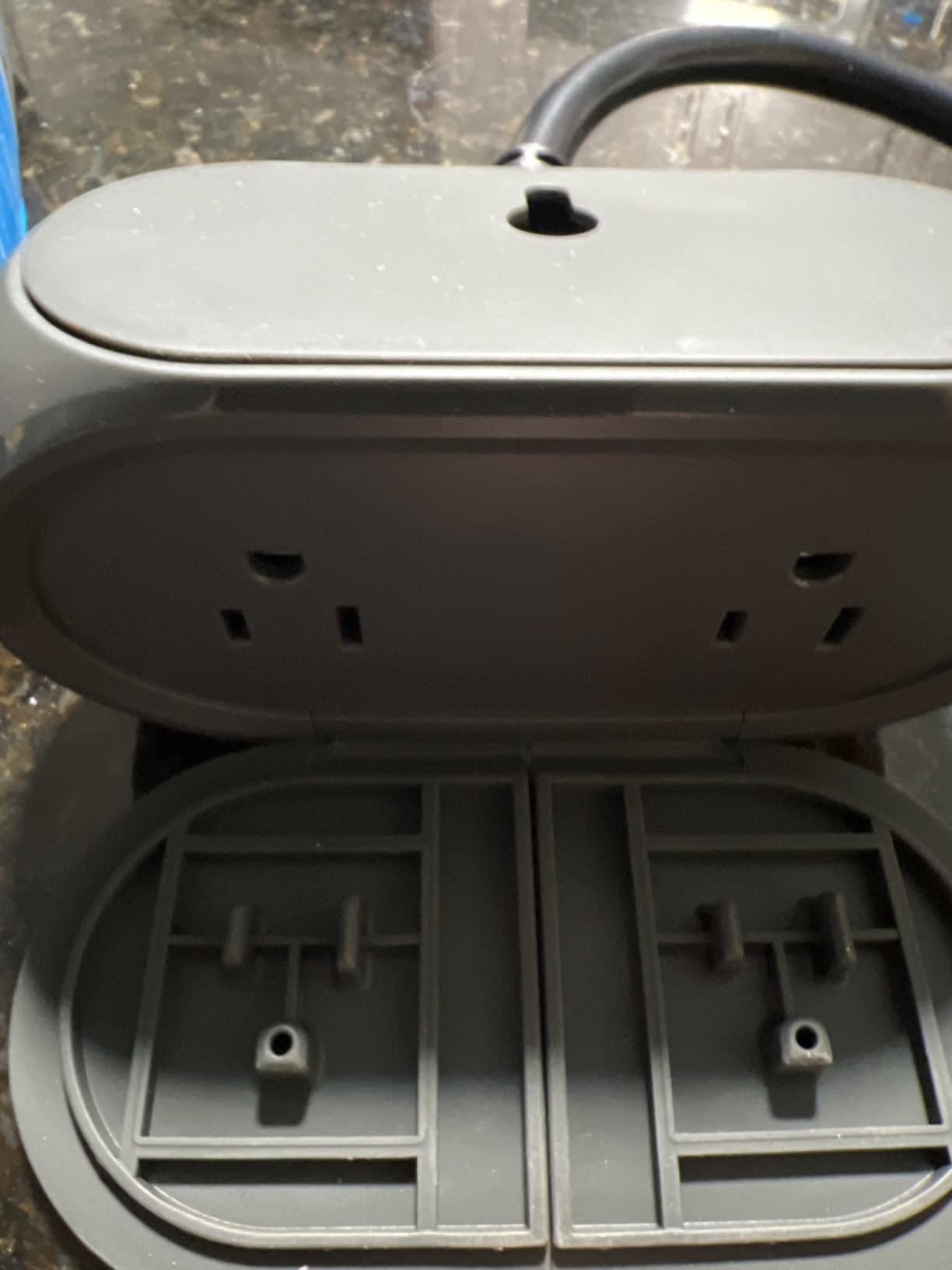
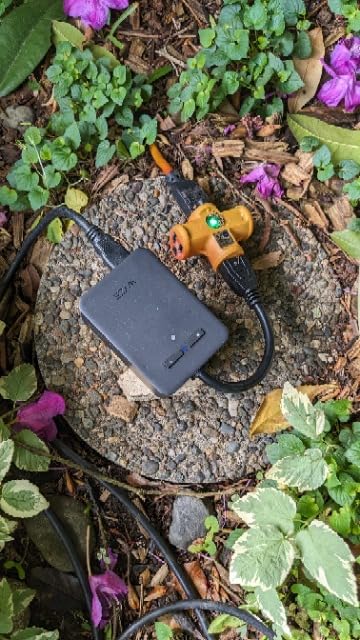
The Wyze Plug Outdoor is the only model in this roundup with built-in energy monitoring, and that single feature changes how you run a display. Instead of guessing at consumption, you can see what a strand or an inflatable actually draws, which lets you size your circuits properly and spot a strand that is pulling more than it should.
Underneath the metering sits a solid outdoor plug. IP64 weather resistance, dual outlets, 2.4GHz Wi-Fi plus Bluetooth, ETL certification, and support for Alexa, Google Assistant and IFTTT with no hub required. Owners rate it as a well-regarded option across the board, with cost being the main reservation.
What the Energy Data Is Actually Good For
The reporting is per outlet, which means you can compare the roofline run against the pathway stakes and find out which one is the heavy draw. That is genuinely useful for deciding whether to split a display across two circuits, and for confirming that a strand with a bad connection is not burning excess power.
It is not a utility-grade meter. Use it for relative comparison and for tracking seasonal consumption, not for billing accuracy. If you are trying to work out what a display costs per season, multiply the measured wattage by hours of daily use, then by the number of days you run the display.
Dual Outlets and IFTTT Automations
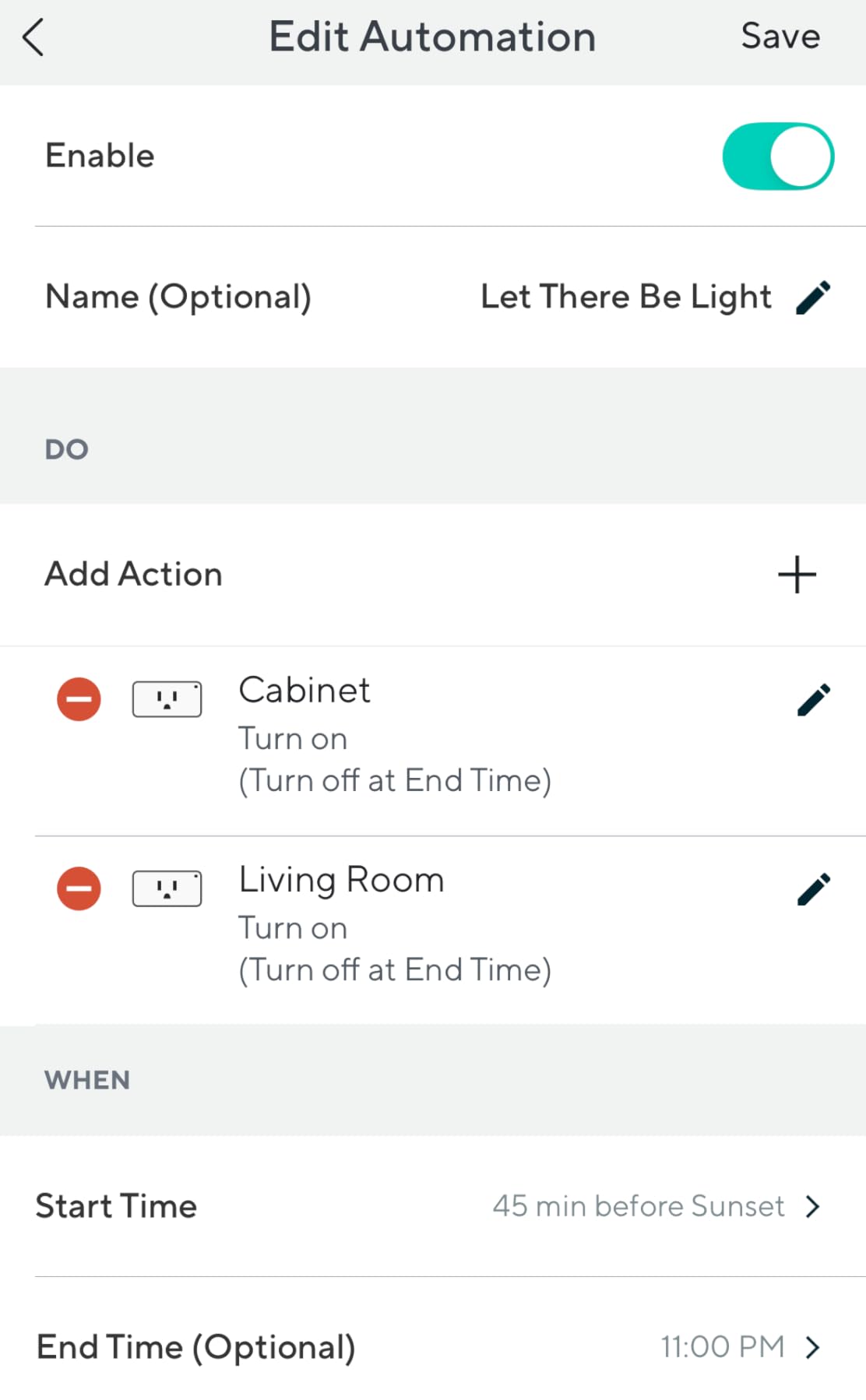
Two outlets on one body means two strands from a single receptacle, and the Wyze app handles scheduling per outlet along with countdown timers. IFTTT support is the differentiator in the automation layer, since it reaches services that native apps do not.
Typical applets worth setting up include turning the display off when nobody is home based on a phone geofence, and switching the outlets on at a fixed offset before sunset so the yard is lit when guests arrive.
Where It Falls Short
It is the most expensive plug in this group, and if you only need switching you are paying for a metering circuit you may never read. The 2.4GHz-only requirement applies as with every other model here. And if your display is fully exposed rather than open-air sheltered, the Amazon Basics IP65 plug has the better seal.
9. DEWENWILS WiFi Smart Yard Stake – Six Outlets on One Schedule
DEWENWILS WiFi Smart Yard Stake Timer Plug, Outdoor Power Stake Timer
Six grounded outlets
6ft 14AWG cord
15A/1875W resistive
Waterproof cover
Pros
- Six outlets power a whole display from one unit
- 6ft cord gives more placement range than a standard plug
- Waterproof cover plus a manual power button for service
- Works with Alexa and Google Assistant with dusk offsets
Cons
- All six outlets switch together with no per-outlet scheduling
- Supplied ground stake feels flimsy
- Instructions are confusing and pairing can take several attempts
- Cover may not close around six bulky plugs
When a display needs more outlets than a duplex receptacle can offer, the yard stake is the answer. The DEWENWILS TW16 puts six grounded outlets on a single stake with a 6ft 14AWG SJTW cord, rated 15A/1875W resistive, 8A/1000W tungsten and 1/2 hp, with overload protection and a fireproof polycarbonate body.
The waterproof cover protects against rain and snow, and a manual power button sits underneath it so you can kill power without unplugging anything. App control runs through Wi-Fi on a 2.4GHz network, with Alexa, Google Assistant and scheduling that includes dusk and dawn offsets.
One Stake Versus One Plug Per Run
This is the real decision a stake forces on you. Six outlets on one schedule means the entire display shares a single on and off time, so you cannot run the roofline and the pathway on different hours. The alternative is one plug per run, which costs more and needs more receptacles but gives you independent schedules.
My rule is simple. If everything lights up at the same time, one stake wins on simplicity and reach. If your display has layers that need different hours, use individual smart plugs even if that means finding another receptacle.
The Stake, the Cord and the Cover
The 6ft 14AWG cord is the reason to buy this over a cheaper multi-outlet timer. It reaches far enough to place a stake in the middle of a yard rather than at the wall, and the heavier gauge wire handles the load without voltage drop across a long run.
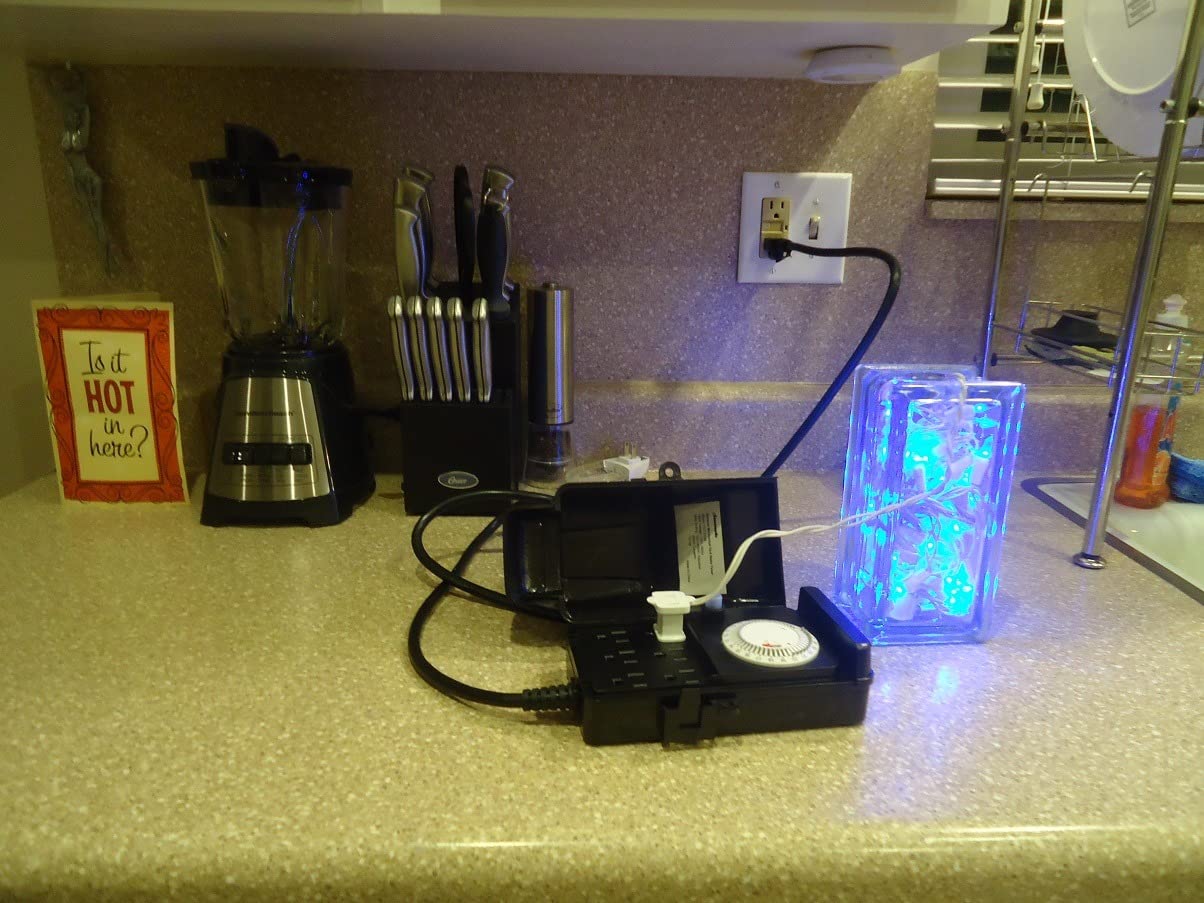
Two caveats. The supplied plastic ground stake is flimsy and does not hold well in soft ground, so expect to replace it with a heavier stake. And the cover may not fully close once six modern bulky plugs are inserted, which compromises the weather protection that is the reason for buying an outdoor stake in the first place.
Reliability and Pairing
Reviewers using it for Christmas lights report it working well with Alexa and Google, but the recurring gripes are the confusing instructions, pairing that can take several attempts, and a minority of plugs that stopped switching power after a few weeks of use. It carries the lowest rating in this roundup at 4.2, with a 9 percent 1-star share, so treat it as a convenience pick rather than the centerpiece of a display.
10. TESSAN Outdoor Smart Plug – Three Independently Scheduled Outlets
TESSAN Outdoor Smart Plug Waterproof, 2.4GHz WiFi Only
Three independent 15A outlets
IP44 flip covers
Smart Life app
Bluetooth needed for setup
Pros
- Three independently schedulable outlets
- more than any other plug in the list
- Long-term owners report three-plus years without reconnection problems
- Per-outlet schedules let lights and pumps run on different times
Cons
- Very short cord often requires an extension
- Manually enabled outlets can switch back on after an interruption
- Some plugs failed after a season or two
- 18-month warranty is shorter than rivals
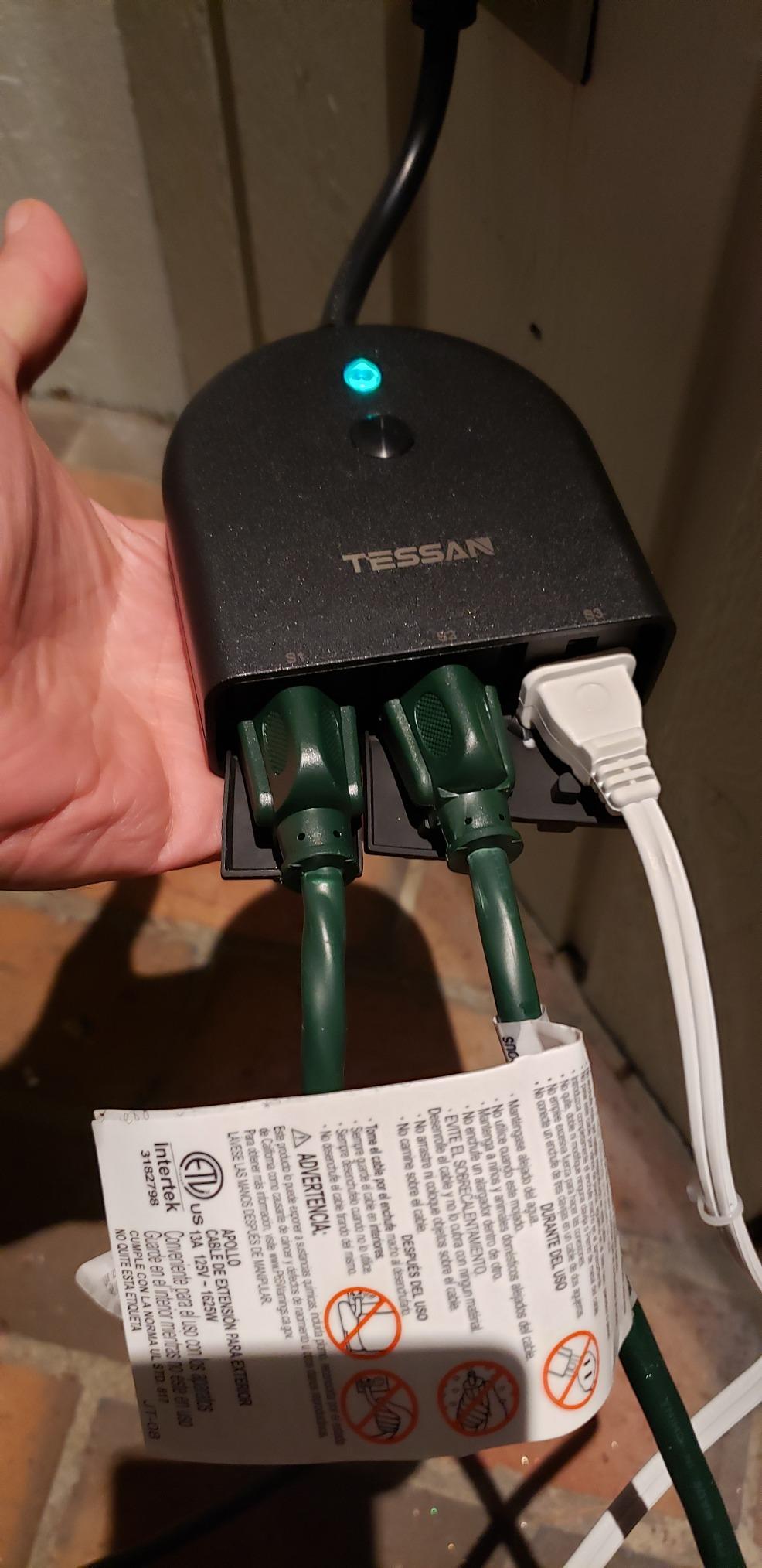
Three independently controlled outlets is a configuration nothing else in this roundup offers. Each socket is rated 15A/1875W/2HP, each carries its own daily or weekly schedule plus a countdown timer, and flip covers protect against rain, snow and dust. For a display where a fountain, a light run and a projector all sit on one receptacle but run on different clocks, that is a genuine saving.
Long-term owners report three-plus years of outdoor use without reconnection problems, and Alexa integration is described as responsive with no lag on commands. Setup runs through the Smart Life app, with voice control through the SmartLife skill for Alexa and Google Home.
Three Schedules from One Receptacle
The practical value is zoning without buying three plugs. A fountain on a morning timer, a path light run on a dusk offset and an inflatable on an evening schedule all fit on one body. Long-term owners specifically call out the per-outlet scheduling as the reason the plug works for them.
The catch is that the outlets are not grouped automatically. You set each schedule individually in the app, which takes a few extra minutes on install day but pays off every night of the season.
Setup, Cords and the Outage Question
Bluetooth must be enabled during initial setup, and Alexa discovery is not well explained in the flow, so allow time for the first pairing. The 3.94 inch cord is very short and often calls for an outdoor-rated extension cord, which is the single most common installation complaint.
On power interruptions, manually enabled outlets can switch back on. If your display runs overnight, check the state of each outlet after a storm and re-confirm your routines, because a plug that restores to on can power a display nobody expects to be running.
Durability and Warranty
Some plugs failed after a season or two, including replacements, which keeps this one at 4.2 stars with an 11 percent 1-star share. The 18-month warranty is also shorter than the 2-year coverage most rivals carry. For a display that matters to you, that combination argues for the Kasa EP40 or the Amazon Basics plug instead.
Buy the TESSAN anyway when you genuinely need three separate schedules from one receptacle. Nothing else in this roundup does that job, and the long-term owners who keep theirs running prove the design is sound when it holds up.
How to Choose a Smart Plug for Holiday Lights in 2026
Location decides everything else. Work from where the receptacle is, not from the features list, and the correct model falls out of that answer almost every time.
1. Match the IP Rating to the Mounting Location
IP is an Ingress Protection code with two digits. The first rates solid particle protection, the second rates water. IP44 protects against splashing water from any direction and is the right choice for a covered porch, a soffit and an eave-mounted socket. IP64 adds protection against water jets and handles open air, a fence post and driving rain. IP65 protects against low-pressure jets and is what you want on a fully exposed receptacle with no roof at all. IP67 is immersion rated and is rarely necessary for a light display.
Match the rating to the spot, not to the price. A plug with no published IP rating should never go outside, regardless of what the listing says about weather resistance in general terms.
2. Do the Load Math Before You Buy
Watts equals volts times amps, so 120V at 15A gives 1800W on paper. For anything running three hours or more, apply the 80 percent continuous load rule and treat 1440W as your working ceiling. Modern LED strands draw so little that several runs fit on one socket. Legacy incandescent strings and 400W dimmers eat that budget quickly.
Never mix a dimmer plug and a 15A switch in the same plan. A 4A dimmer and a 15A relay are different device classes, and plugging a dimmable string into a plain on and off plug means you lose the dimming you paid for.
3. Check Wi-Fi Before You Check Features
Every plug in this roundup is 2.4GHz only. If your router splits bands and disables 2.4GHz, none of them will join the network, and the fix is in your router settings rather than in the plug. Outdoors, distance matters more than indoors, so measure signal at the receptacle with a phone before you buy.
If the signal is weak outdoors, a mesh node in the yard solves the problem for Wi-Fi plugs. For hub-based ecosystems, a Zigbee or Z-Wave outdoor module avoids the distance issue entirely. Home Assistant and Hubitat users on the community forums generally prefer that local route for the same reason Cync owners value Bluetooth: no cloud dependency.
4. Let Your Ecosystem Choose
Kasa covers Alexa and Google Assistant. The meross plug and Feit-style models add Apple HomeKit, though remote HomeKit control needs an Apple home hub. The KP405 adds SmartThings. Wyze adds IFTTT plus energy monitoring. Amazon Basics is the simplest option for an Alexa-only household with no appetite for a second app.
Whichever you pick, the one plug per strand versus one multi-outlet stake question comes down to scheduling. Layers that need different hours need separate plugs. A display that lights up all at once can run from one stake.
5. Never Plug These Into a Smart Plug
Space heaters, hair dryers, portable air conditioners and medical equipment draw high current and cycle thermostatically, and a remote power cut interrupts that cycle. Anything with a momentary push button, including many small appliances and some printers, will not restart because the plug cannot press the button back for you.
Pumps, heaters and anything with a motor are worth special caution. A plug that cuts power mid-cycle can stress a pump or a compressor, and a smart plug is the wrong safety device for a load that needs a hard interlock.
6. Never Daisy-Chain and Never Use Indoor Cords Outside
Extension cords outdoors must be outdoor-rated and heavy gauge. Indoor cords are not weather sealed, and daisy-chaining power strips or cords multiplies the failure risk. Overloading a single circuit is the most common cause of tripped GFCI breakers in holiday displays, so spread the load across circuits rather than stacking strands.
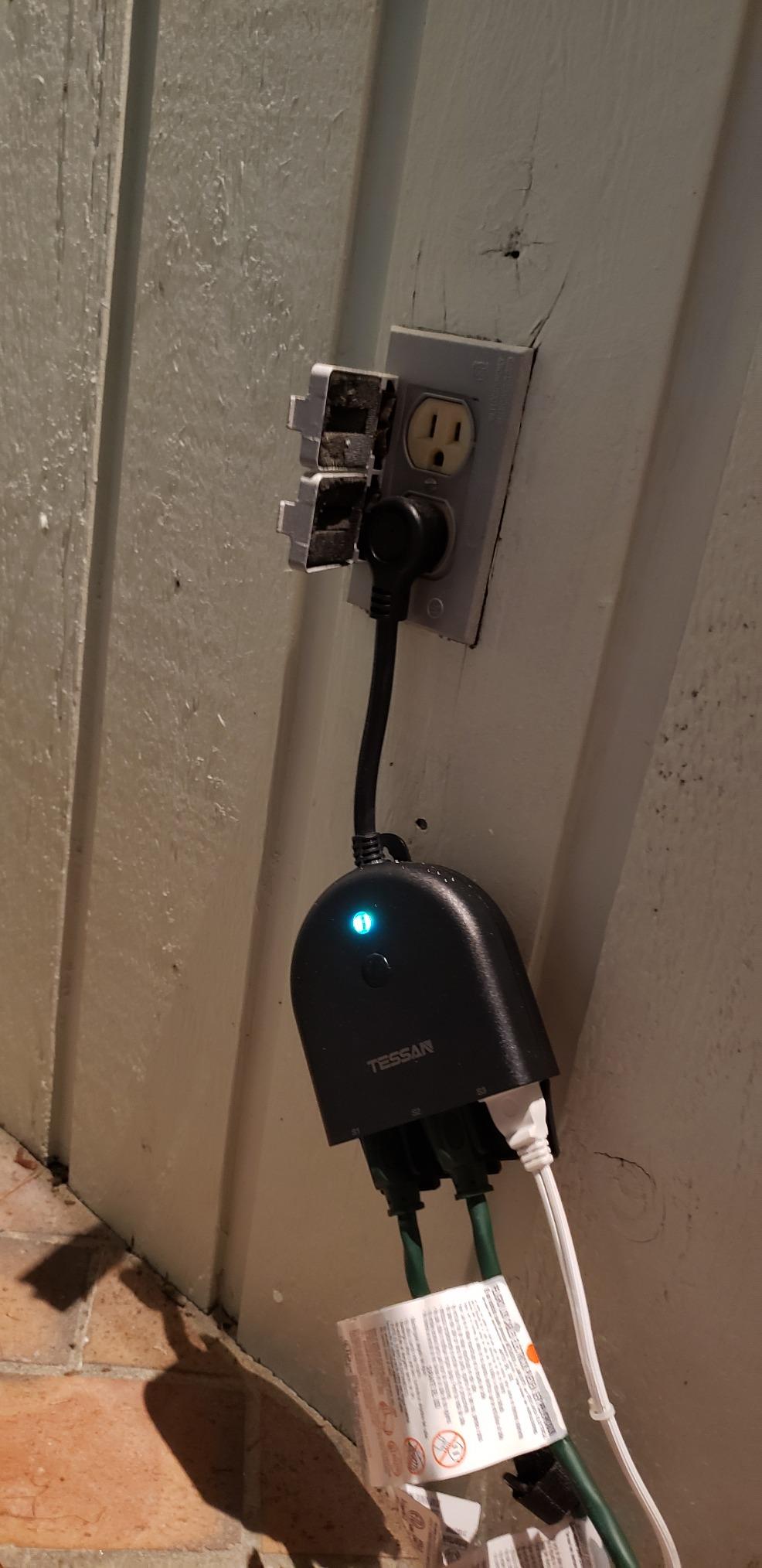
Any outdoor receptacle you use must be GFCI protected. Mount plugs vertically with the socket faces pointing down, and use the clamp and screw hardware that comes with the Kasa models rather than relying on tape.
7. Prefer Sunrise and Sunset Offsets Over Clock Times
Sunset shifts by several minutes a week through December, so a fixed clock time drifts out of alignment quickly. Every plug in this roundup supports offset-based triggers except where noted, and an offset keeps your display correct for the whole season without editing schedules.
Pair it with vacation mode for street-facing displays so the pattern does not look mechanical, and add an indoor routine so the window candles and tree follow the same sunset trigger as the roofline.
8. Plan the January Teardown
Unplug everything in January, wipe the covers dry, inspect the seals and the cord connections, and store the plugs indoors. Salt and moisture do the most damage during storage, not during use. A quick visual check each autumn catches a cracked cover before a rainstorm finds it.
If a display must run year-round, a mechanical timer as a backup schedule gives you lights that come on even when the network, the app or the plug fails.
Frequently Asked Questions
Can I use a smart plug for Christmas lights?
Yes, but only an outdoor-rated model with an IP44 rating or higher, mounted on a GFCI-protected receptacle with the sockets facing down. An indoor smart plug is not weather sealed and becomes a real hazard in rain or snow rather than just a warranty problem. For indoor tree lights and window candles, a standard indoor-rated smart plug is fine and usually cheaper.
What is the best smart plug for controlling outdoor lights?
The Kasa Outdoor Smart Plug EP40 is the strongest all-round choice, with two independently switched 15A/1875W outlets, an IP64 rating, 300 ft of Wi-Fi range and sunrise and sunset scheduling. For a fully exposed receptacle, the Amazon Basics Outdoor Smart Plug leads on weather protection with an IP65 enclosure. For dimmable string lights, add a dimmer plug rather than a switch.
What devices should not be used with smart plugs and why?
Avoid space heaters, hair dryers, portable air conditioners and medical devices, because their high current draw and thermostat cycling do not tolerate a remote power cut. Also skip any appliance with a momentary push button, since the plug cannot press it back and the device will not restart. Motors, compressors and pumps are poor candidates for the same reason.
Which brand is considered the best for smart plugs?
It depends on your ecosystem more than the brand. Kasa covers Alexa and Google Assistant, meross adds Apple HomeKit and Siri, the Kasa KP405 adds SmartThings, Wyze adds IFTTT with energy monitoring, and Amazon Basics is the simplest choice for Alexa-only households that do not want a second app.
Will a smart plug work after a power outage?
Most of these plugs restore their connection automatically after an outage, but the state each socket returns to varies. Some return to the pre-outage setting and some come back on, so check your routines after the first storm of the season. If a display runs unattended overnight, keep a mechanical timer as a backup schedule.
Why is my smart plug not connecting to Wi-Fi?
The most common cause is a 2.4GHz-only plug on a router where the 2.4GHz band is disabled or split. Other frequent culprits are pairing a multi-pack all at once, and an outdoor receptacle sitting beyond the router signal. Pair one plug at a time with your phone next to it, confirm 2.4GHz is enabled, and test signal strength at the socket before buying anything else.
Our Final Verdict on the Best Smart Plugs for Holiday Lights in 2026
If you want one plug that covers the widest range of holiday installations, buy the Kasa Outdoor Smart Plug EP40. Two independent 15A outlets, an IP64 rating, 300 ft of range and reliable reconnection after outages make it the safest default choice in 2026.
If your receptacle has no cover at all, the Amazon Basics Outdoor Smart Plug with its IP65 enclosure is the one to trust, provided your household runs on Alexa. If you run Apple Home, the meross plug is the only option here that appears in the Home app natively. If your strings are dimmable, the KP405 gives you dimming in open air and the TREATLIFE does it under cover.
For whole-yard displays, the DEWENWILS stake covers six outlets on one schedule, and the TESSAN gives you three separate schedules from a single receptacle. The Wyze plug earns its place if you want to see exactly what your display draws.
Whatever you choose, test every plug indoors in October, confirm it rejoins after a simulated outage, and then install it on a GFCI receptacle with the sockets facing down. That October test is the difference between a smooth November and a rainy Sunday spent in the dark.
Leave a Reply