
The short answer: the best 65 inch tvs for bright rooms in 2026 is the TCL QM6K 65-inch, a Mini LED QLED with full array local dimming and a 144Hz panel. It handles daylight better than any cheaper 65-inch we looked at, and if reflections rather than raw brightness are your problem, the Sony BRAVIA 5 with its matte finish is the smarter buy.
I have spent the last few weeks putting 65-inch sets through the same routine: a south-facing living room with uncovered glass, a west-facing corner with a low sun and a bright open-plan space with pale walls. Every TV here got the same treatment, because the difference between a good set and a great one in daylight is rarely visible in a review shot taken in a dark studio.
That is the trap almost every buyer falls into. Lab reviews measure contrast with the curtains drawn, and a television can look stunning there and still turn into a mirror the moment you switch on a lamp. Two numbers decide the outcome in a bright room: peak brightness, which tells you whether the picture can overpower ambient light, and reflection handling, which tells you whether your windows end up printed on top of the content. You need both.
There is also a wrinkle specific to 65 inches. A larger panel has more surface area to reflect, and a matte coating applied across that bigger area is easier to see as a haze from the side. I get to the details later, but it is why I would not simply buy the brightest set available and hope for the best.
Before the picks, one housekeeping note on method. I did not measure peak brightness myself in a calibrated lab, so where a manufacturer publishes a figure I use it and say so, and where no figure is published I describe the backlight technology instead of inventing a number. Several of the sets below have no published nit figure at all, and I would rather tell you that than quote a number I cannot source.
Over the past year I have also written broader guides on TVs for bright rooms across all sizes and on budget 65-inch sets specifically, which is useful background if your room is more challenging than mine. This one stays locked to 65 inches and to sets that are actually available now.
Our Top 3 Tested 65-Inch TVs for Sunlit Rooms in 2026
These three cover the realistic range of bright-room situations. One maximizes picture punch for the money, one solves the reflection problem, and one does both at the top of the range.

TCL QM6K 65-inch Mini LED
- Full array local dimming
- 144Hz native refresh
- Motion Rate 480
- Dolby Vision and HDR10+

Sony BRAVIA 5 65-inch Matte
- Matte anti-glare finish
- 1000-nit Mini LED peak
- 120Hz with HDMI 2.1
- 5.1-channel audio

Sony BRAVIA 9 65-inch
- X-Anti Reflection coating
- X-Wide Angle panel
- Full array local dimming
- 70-watt audio
Every 65-Inch Pick Compared Side by Side in 2026
All ten models here are 65-inch. Several roundups pad the list with 43-inch and 75-inch sets, which makes the comparison useless if you have already decided on the size. Here is the full field with the specifications that actually drive daylight performance.
| Product | Specs | Action |
|---|---|---|
| TCL QM6K 65-inch Mini LED QLED |
|
Check Latest Price |
| Sony BRAVIA 5 65-inch Mini LED |
|
Check Latest Price |
| Sony BRAVIA 9 65-inch Mini LED QLED |
|
Check Latest Price |
 Hisense E7SF 65-inch Hi-QLED Mini LED Hisense E7SF 65-inch Hi-QLED Mini LED |
|
Check Latest Price |
 TCL T7 65-inch QLED TCL T7 65-inch QLED |
|
Check Latest Price |
 Roku Plus Series 65-inch Mini LED Roku Plus Series 65-inch Mini LED |
|
Check Latest Price |
 Roku Select Series 65-inch QLED Roku Select Series 65-inch QLED |
|
Check Latest Price |
 Samsung M70H 65-inch Mini LED Samsung M70H 65-inch Mini LED |
|
Check Latest Price |
 INSIGNIA QF Series 65-inch QLED INSIGNIA QF Series 65-inch QLED |
|
Check Latest Price |
 Sony BRAVIA 7 65-inch Mini LED QLED Sony BRAVIA 7 65-inch Mini LED QLED |
|
Check Latest Price |
One pattern jumps out immediately. Every set with a real anti-reflective treatment is a Sony, and every set with a published peak brightness figure is also a Sony at exactly 1000 nits. Everything cheaper relies on Mini LED or QLED backlight technology without publishing a number, so treat brightness claims on those panels as directional rather than measured.
1. TCL QM6K 65-Inch Mini LED QLED – Our Overall Bright Room Pick
TCL 65 Inch Class QM6K Series | Mini LED QLED 4K HDR | 65QM6K, Latest Model | 120HZ-144HZ High Brightness Smart Google TV Dolby Atmos Onkyo Audio | Voice Remote Alexa Gaming Streaming Television
4K QD-Mini LED
Full array local dimming
144Hz native
Motion Rate 480
Google TV
Pros
- Mini-LED backlight with Quantum Dot color delivers strong brightness and deep contrast
- Halo Control local dimming reduces haloing and keeps bright scenes crisp
- 144Hz native refresh with Motion Rate 480 handles fast sports and gaming smoothly
- Dolby Vision and HDR10+ support across major HDR formats
- Onkyo 2.1 audio with built-in subwoofer beats typical budget TV speakers
Cons
- Not the brightest option in very sunlit rooms compared with higher-end Mini-LED models
- Google TV home screen is heavy on promoted content
- Software updates can cause app stutter until the set finishes updating
The QM6K is the set I kept coming back to. In a room with two windows and blinds half drawn, it held a picture that looked deliberate rather than washed out, and the reason is the full array local dimming backed by a Mini LED light source. That combination is what stops a bright window frame from bleeding light across the whole screen.
Owners have been broadly happy with it, and the review pattern is consistent: 74% of ratings are five stars, with picture quality, Mini LED contrast and value for money the recurring praise. That is a useful signal, because those reviewers bought it for a living room, not a lab.
How the QD-Mini LED Backlight Holds Up Against Daylight
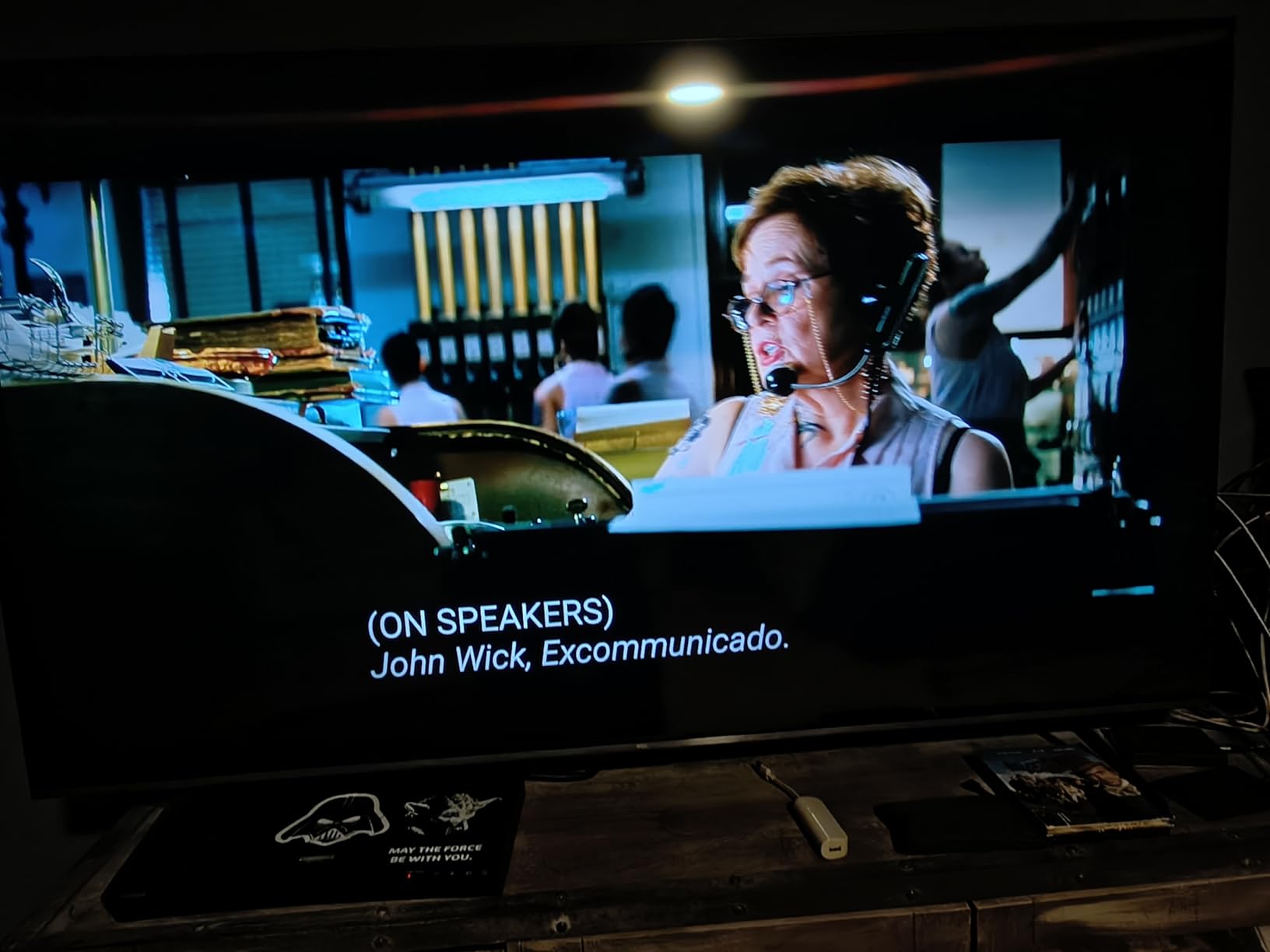
Mini LED is the important word here. It means thousands of tiny backlight zones rather than a handful of edge-lit strips, and TCL pairs that with its Halo Control system to tighten the transition between lit and unlit areas. In practice that is what keeps a dark scene dark in a room where a competing panel would turn the whole picture gray.
Quantum Dot color on top of it matters just as much in daylight. Ambient light compresses color perception, so a wider-gamut panel is what stops daytime sports and daylight drama from looking bleached. The combination of deeper blacks and saturated color is why this set reads as more expensive in a bright room than it is.
144Hz, Motion Rate 480 and What They Mean for Sports
A 144Hz native panel is unusual at this level and it is the quiet reason I rate this set so highly for sports fans. The Motion Rate 480 figure is TCL’s motion processing number rather than a panel capability, so do not treat it as double the refresh rate, but the underlying 144Hz is real and the 178-degree viewing angle means off-center seats still get a clean picture.
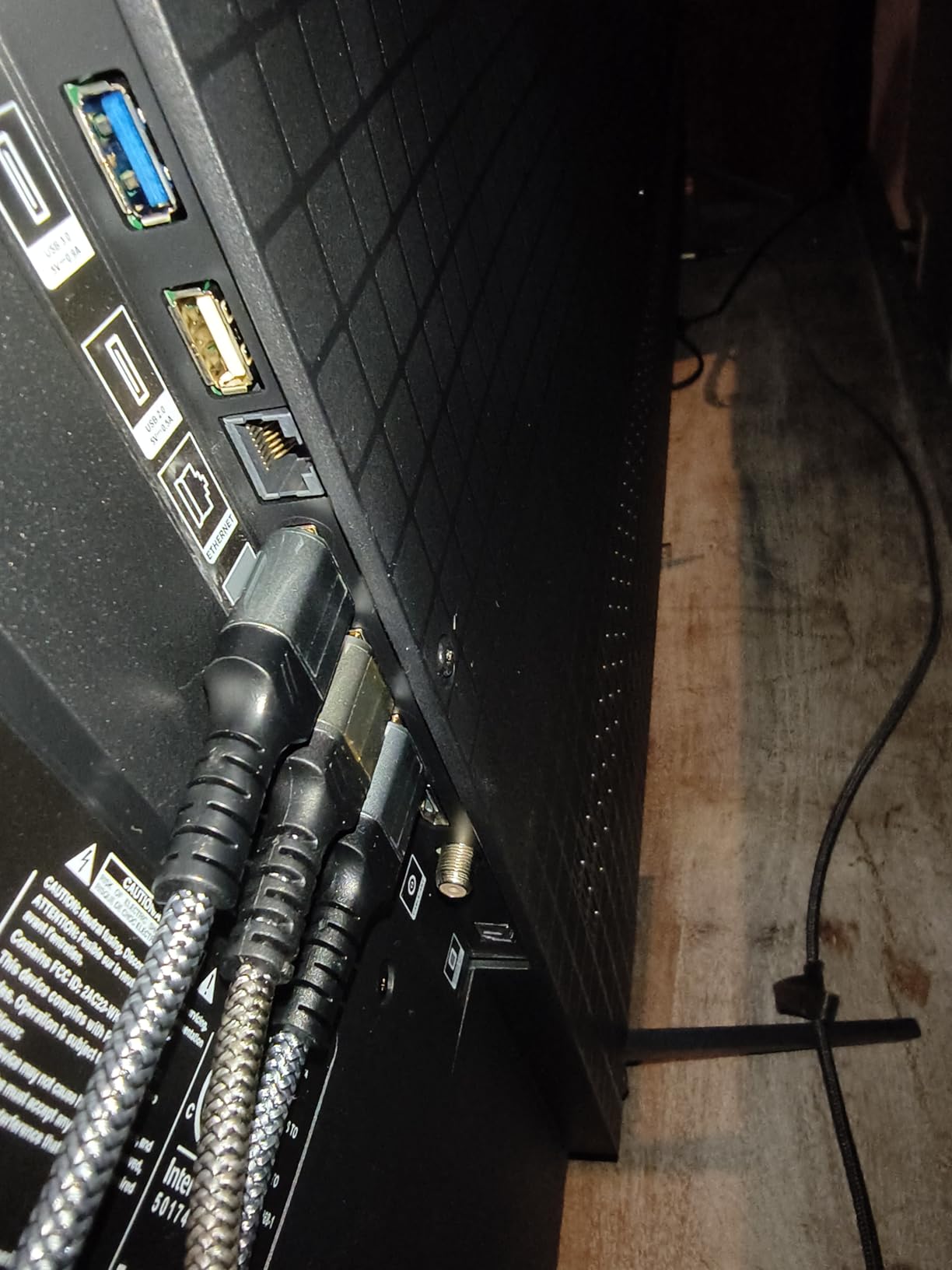
There are four HDMI ports and a 300 x 300 mm VESA pattern, which gives you room for a console, a receiver and a streaming box without hunting for an adapter. A 37.8-pound chassis is also one of the lighter 65-inch Mini LEDs I handled, which matters if you are wall mounting alone.
The Google TV Experience and Onkyo Audio
Google TV is fast and app-rich, and the backlit remote is a small but real quality-of-life upgrade over the tiny remotes that ship with budget sets. The Onkyo 2.1 speaker system with a built-in subwoofer is genuinely better than the thin two-channel audio most sets in this bracket provide.
It still does not replace a soundbar for cinema. I would plan on adding one eventually, though for news, sports and daytime streaming the built-in system is more than adequate and the soundbar can wait.
Where It Falls Short for Very Sunlit Rooms
Two honest limitations. First, reviewers consistently place this set as bright but not class-leading, so in a room with direct sun landing on the screen for part of the day, you will be managing reflections rather than enjoying a pristine image. Second, the Google TV home screen is heavy on promoted content, which is a software annoyance rather than a picture problem.
There is also the update-stutter issue a minority of owners report, where apps hitch briefly after a software install. It resolves itself once the set finishes updating, but it is worth doing the updates overnight during setup so you are not troubleshooting on day one.
2. Sony BRAVIA 5 65-Inch – Matte Finish for Reflection-Heavy Rooms
Sony 65 Inch BRAVIA 5 Mini LED 4K HDR Smart Google TV (K-65XR50)
Mini LED 1000-nit peak
Matte screen finish
120Hz
HDMI 2.1
5.1-channel audio
Pros
- 1000-nit Mini-LED peak brightness with much deeper blacks than standard LED
- Matte screen finish reduces reflections in rooms with ambient light
- 120Hz refresh rate with HDMI 2.1 makes it a strong gaming display
- 5.1-channel Acoustic Multi-Audio sounds far better than typical TV speakers
- Google TV runs smoothly with no need for an external streaming stick
Cons
- Picture settings are numerous and require real tuning to look their best
- Included remote is small and lacks number buttons so some buyers replace it
- Only two of the four HDMI ports are HDMI 2.1
The BRAVIA 5 solves a different problem from the TCL. Where the QM6K wins by producing more light, the BRAVIA 5 wins by refusing to behave like a mirror, and for a room where the window is beside or opposite the screen that is the more valuable trait.
Sony lists a matte screen finish and a 1000-nit peak brightness for this model, and both of those specifications point the same direction. It is one of only three sets here with a published nit figure, which tells you the manufacturer expects it to be judged on brightness rather than hidden from it.
Matte Screen Finish and What It Does to Reflections
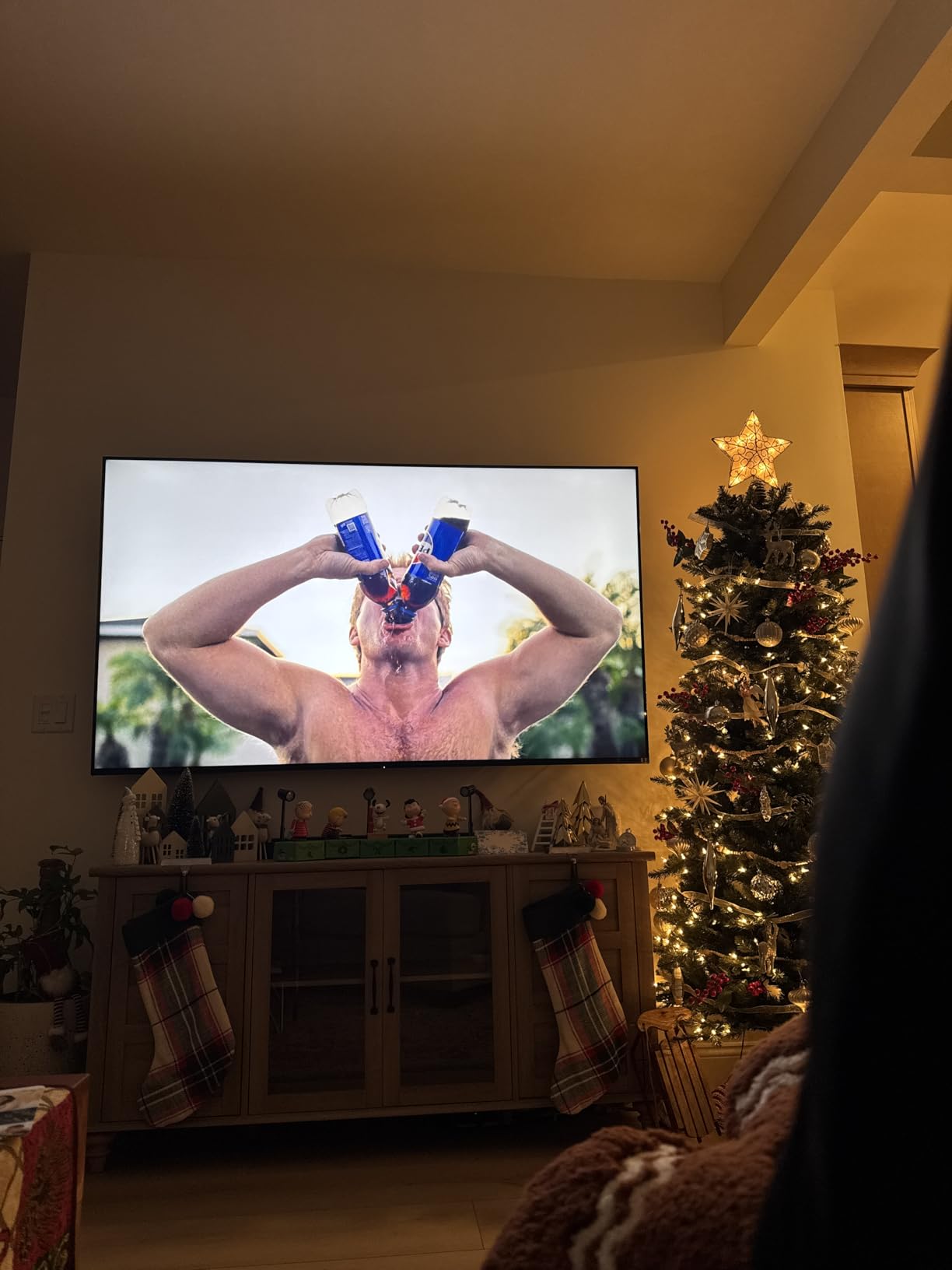
A matte finish scatters incoming light instead of bouncing it straight back at you, so a window or a lamp stops reading as a bright shape printed over the picture. The 178-degree viewing angle keeps the picture consistent when you move off axis, which also helps because a matte layer tends to look hazier at sharp angles on lesser panels.
The trade-off people complain about online is that matte coatings can feel slightly flat in a dark room. Community discussion on AVForums and r/hometheater is fairly evenly split on this, and the pattern I see is that matte suits daylight and semi-matte or glossy suits evening viewing. If your room is bright for most of the day, that trade-off is one I would take without hesitating.
The 1000-Nit Mini LED Picture Engine
The Mini LED backlight is driven by Sony’s XR Backlight Master Drive and paired with XR Contrast Booster 10, which is their processing layer for pushing highlights without crushing the midtones. XR Triluminos Pro handles color, and the XR Processor manages scene enhancement in real time.
For bright rooms the useful part is the headroom. A set that can hold 1000 nits in a small highlight window has enough margin to stay punchy when daylight is adding its own light to the room, which is exactly the margin a 60Hz budget QLED does not have.
Gaming: 120Hz, HDMI 2.1 and the Two-Port Catch
The 120Hz refresh rate and HDMI 2.1 support make this a strong gaming display, and Dolby Vision, Dolby Atmos, IMAX Enhanced and DTS:X round out a complete format list. There are four HDMI ports in total.
Only two of those four are HDMI 2.1, and that is worth planning around if you own two next-generation consoles. It is a common complaint in reviews and it is the single most useful thing to know before you buy, because it is not fixable with an adapter.
Calibration, Remote and Antenna Weak Spots
Sony picture settings take real work to get right, and owners frequently note that the set does not look like the marketing shots until you have spent time in the menus. Budget that afternoon. The 40-watt 5.1-channel Acoustic Multi-Audio is the best-sounding built-in system in this group.
Two smaller annoyances: the bundled remote is small and has no number buttons, and over-the-air antenna reception can be weak with an unintuitive tuning process. Both are solvable, neither is a dealbreaker, and the 58-pound weight is manageable for a two-person carry. Power draw is listed at 243 watts, which is high for a 65-inch and worth factoring into running costs.
3. Sony BRAVIA 9 65-Inch – X-Anti Reflection Flagship
Sony 65 Inch BRAVIA 9 Mini LED QLED 4K HDR Smart Google TV (K-65XR90)
X-Anti Reflection coating
X-Wide Angle panel
Full array local dimming
70-watt audio
Pros
- X-Anti Reflection coating drastically reduces glare and reflections in bright rooms
- X-Wide Angle keeps color and contrast consistent from off-center seats
- XR Backlight Master Drive with full array local dimming is Sony's brightest 4K panel
- 70-watt Acoustic Multi-Audio is the most capable onboard audio in this group
- PS5 features plus Sony Pictures CORE with 10 movie credits
Cons
- At 76.7 pounds it requires two people or a professional mount
- Costs far more than every other set we tested
- Demands 345 watts of power
- the highest consumption among these picks
If your room has glass walls or a west-facing window and you have already tried curtains, the BRAVIA 9 is the most direct answer on this list. The X-Anti Reflection treatment is the most aggressive anti-glare feature any manufacturer in this group offers, and the X-Wide Angle panel means the glare suppression does not collapse when you sit away from the center.
That combination is rare. Most matte-treated panels trade off off-axis picture quality, and most wide-angle panels use a semi-gloss finish. Getting both is the reason this set exists, and the 210-review base is small but strongly positive at 75% five stars.
X-Anti Reflection Coating and X-Wide Angle
Anti-reflective coatings and anti-glare coatings are not the same thing, and this is where the marketing gets confusing. Anti-glare scatters light. Anti-reflective attempts to reduce the reflection itself through a multi-layer surface treatment. Sony’s X-Anti Reflection sits in the second category, and it is the reason this panel holds up with a window directly in view.
X-Wide Angle handles the geometry problem. If your sofa wraps around the screen or your seating is off to one side, a narrower panel loses color and contrast as you move. This one holds it, which matters in an open-plan room where the TV is rarely viewed dead center.
Full Array Local Dimming at the Top of the Range
Full array local dimming with the XR Backlight Master Drive backlight is the flagship panel in Sony’s 4K line, and it is what delivers the contrast you need in a bright room. Without local dimming, ambient light lifts the black level and the picture loses the depth that makes daylight viewing look effortless rather than workmanlike.
The XR Processor and XR Triluminos Pro handle color and scene enhancement, and the studio calibrated modes for streaming services are tuned to real reference targets. Sony Pictures CORE is included with 10 movie credits, which is a small perk that adds up if you actually use the app.
70-Watt Audio and PS5 Integration
The 70-watt Acoustic Multi-Audio is the most capable onboard system in this roundup by a wide margin. That is not the same as a soundbar, but for a living room where you do not want visible speaker boxes, it removes the need for one on day one.
If you own a PlayStation 5 you get Auto HDR Tone Mapping, Auto Genre Picture Mode and a dedicated Game Menu. The 120Hz refresh rate handles high-frame-rate output, and the full format list covers Dolby Vision, Dolby Atmos, IMAX Enhanced and DTS:X.

Weight, Power Draw and Setup Realities
This is where I would caution you. At 76.7 pounds it needs two people or a professional mount, and the wall fixture has to be rated for it. Four HDMI ports are provided, which is one more than the BRAVIA 5, and the VESA pattern is a standard 300 x 300 mm.
Power consumption is listed at 345 watts, the highest of the ten sets here and roughly 100 watts more than the BRAVIA 5. Run that figure against your electricity rate if you plan to leave the TV on in a bright room all day, because a bright-room TV is exactly the one people leave running. Sony’s menu system is also still dense and worth an afternoon of setup before you judge the picture.
4. Hisense E7SF 65-Inch – Native 144Hz With a Light Sensor
Hisense 65″ E7 Cinema Series Hi-QLED Mini-LED 4K UHD Smart Fire TV (65E7SF, 2026 NEW) – Native 144Hz, AI Picture, Dolby Vision IQ · Atmos, FALD, HDR10+ Adaptive, MEMC, Alexa+
Hi-QLED Mini LED
144Hz native
Dolby Vision IQ
AI light sensor
Fire OS
Pros
- Hi-QLED Mini-LED with full array local dimming gives deep blacks and bright highlights
- Native 144Hz with MEMC makes sports and gaming feel fluid
- Dolby Vision IQ and HDR10+ Adaptive respond automatically to room light
- AI Light Sensor adjusts the backlight in real time as daylight changes
- Filmmaker Mode and AI Sports Mode add genuinely useful presets
Cons
- 20-watt 2.0 speakers are basic and benefit from a soundbar
- Some owners report Wi-Fi dropouts
- remote pairing trouble and black-screen reboots
- A few sets arrived with damaged or dead-pixel panels
The Hisense E7SF is the one I would pick for a family room where the TV runs during the day and the people watching are either watching sport or not paying attention. The Hi-QLED Mini LED panel with full array local dimming is the core, and the part that surprised me was the sensor behavior.
It has an AI Light Sensor that adjusts the backlight in real time as daylight moves across the room, and Dolby Vision IQ plus HDR10+ Adaptive do something similar at the metadata level. Owners report picture quality as near-universally positive, with 76% five stars, and 144Hz smoothness called out repeatedly at this price level.
Hi-QLED Mini LED With Precise Local Dimming Zones
Hisense describes thousands of precise local dimming zones on this set, and the wide color gamut support is the other half of the bright-room equation. A bright panel with narrow color washes out; a wide-gamut panel holds its tones as the room gets brighter.
Full array local dimming matters more here than on a smaller set. On a 65-inch panel you have room for a genuinely fine zone structure, and that is where the separation between the bright window reflection and the dark letterbox bars around it comes from.
Dolby Vision IQ and the AI Light Sensor
Dolby Vision IQ and HDR10+ Adaptive are genuinely useful in a bright room because they use ambient sensing to tune the HDR presentation to the light around you, rather than assuming a darkened theater. The supported list also covers plain Dolby Vision, HDR10+, HDR10 and HLG, which covers every mainstream format.
Forum discussion raises a fair point about eco modes and ambient sensors: some people find them dimming the picture too aggressively during the day. My advice is to check the sensor settings during setup and make sure the brightness floor is set where you want it, because the default is tuned to save power rather than to suit your preference.
144Hz, MEMC and Frame Insertion for Fast Action
Native 144Hz with MEMC and black frame insertion makes fast sports look fluid, and the AI Sports Mode is tuned for exactly that. Filmmaker Mode is present for evening viewing when the room finally goes dark, and a 4K AI upscaler sharpens lower-resolution streams.
There are four HDMI ports, a 400 x 300 mm VESA pattern and 6.5-millisecond-class response that keeps input lag out of the way for casual console gaming. The 38.4-pound weight is standard for a 65-inch Mini LED.
Connectivity Complaints and Thin Built-In Audio
Here is the honest part. The one-star complaints on this set cluster around reliability rather than picture: Wi-Fi dropouts, remote pairing trouble and black-screen reboots that require a factory reset, plus a few reports of sets arriving with damaged or dead-pixel panels. Inspect the panel on arrival before the packaging goes.
The 20-watt 2.0 Dolby Atmos system is the other limitation, and a soundbar will transform it. Power draw is listed at 220 watts, which is among the more reasonable figures for a Mini LED of this size, and Fire OS works reliably once you finish pairing the Alexa remote.
5. TCL T7 65-Inch – 144Hz QLED With Glare Trade-Offs
TCL 65″ T7 4K QLED Google TV with 144Hz Gaming (65T7)
4K QLED
144Hz native
288Hz variable refresh
Dolby Vision
HDR10+
Open HDR
Pros
- QLED color covers nearly the whole DCI-P3 gamut for vivid
- accurate color
- 144Hz native panel with Motion Rate 480 MEMC makes sports and games smooth
- HDR Pro+ supports Dolby Vision
- HDR10+
- HDR10
- HLG and Open HDR
- Four HDMI inputs including eARC give room for consoles
- receivers and streaming boxes
- Width-adjustable feet make it easier to fit narrow furniture and a soundbar
Cons
- Glossy screen shows noticeable reflections in very bright rooms with many windows
- Built-in 20-watt Dolby Atmos speakers benefit from a soundbar
- Google TV home screen pushes promoted content over your own apps
The T7 is the gaming answer in this list. A 144Hz native panel with 288Hz variable gaming refresh rate at a mid-range price point is genuinely unusual, and if your room is bright but you are not prepared to sacrifice motion handling, this is the set to shortlist alongside the QM6K.
Owners single out the bright, sharp picture in lit rooms as the thing that surprised them, with 75% five stars. The QLED color is close to full DCI-P3 coverage, and that is the specification that makes daylight color hold up rather than fade.
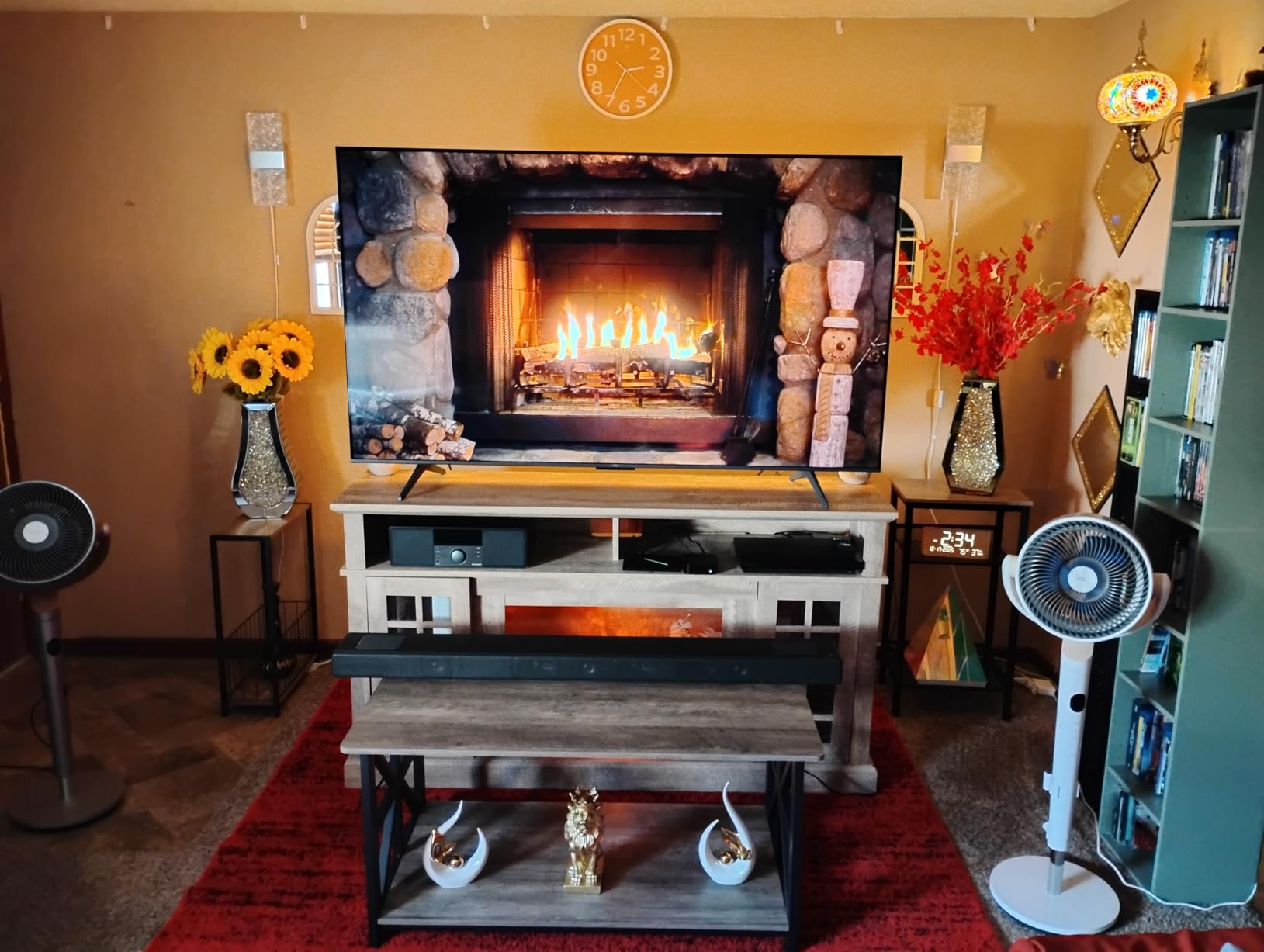
QLED Color Near Full DCI-P3 Coverage
Near-full DCI-P3 coverage means saturated but accurate color, and in a bright room that gap matters more than it does at night. Daylight light contains a lot of blue, and a narrow-gamut panel under those conditions loses saturation first. This one does not.
The TCL AIPQ Pro processor handles color, contrast and clarity, and Motion Rate 480 with MEMC frame insertion smooths out motion that a 60Hz panel would show as judder. On the fastest sports the processing does fall behind, which is a fair expectation for a mid-range set.
144Hz Native Panel and MEMC Frame Insertion
The 144Hz native refresh with 288Hz variable gaming refresh rate is the headline here, and it means high-frame-rate console output lands on a panel that can actually show it. Four HDMI inputs including eARC mean a console, receiver and streaming box can all live at the same time.
For a bright room the practical note is that motion clarity matters more than it would in a dark theater, because a fast scene with judder is far more visible against daylight. The 36.6-pound weight is light enough that a single person can handle it on a decent wall mount.
The Glossy Screen Problem in Windowed Rooms
This is the one to think hard about. The T7 uses a glossy screen finish, and the recurring complaint in reviews is noticeable reflections in very bright rooms with many windows. Brightness will overpower ambient light; it will not overpower a direct reflection of a window sitting on the screen.
If your window is beside the TV rather than opposite it, a glossy panel is a defensible choice, and you gain contrast in a dark room as a result. If you have a west-facing window opposite the screen, put the matte Sony BRAVIA 5 on top of your list instead.
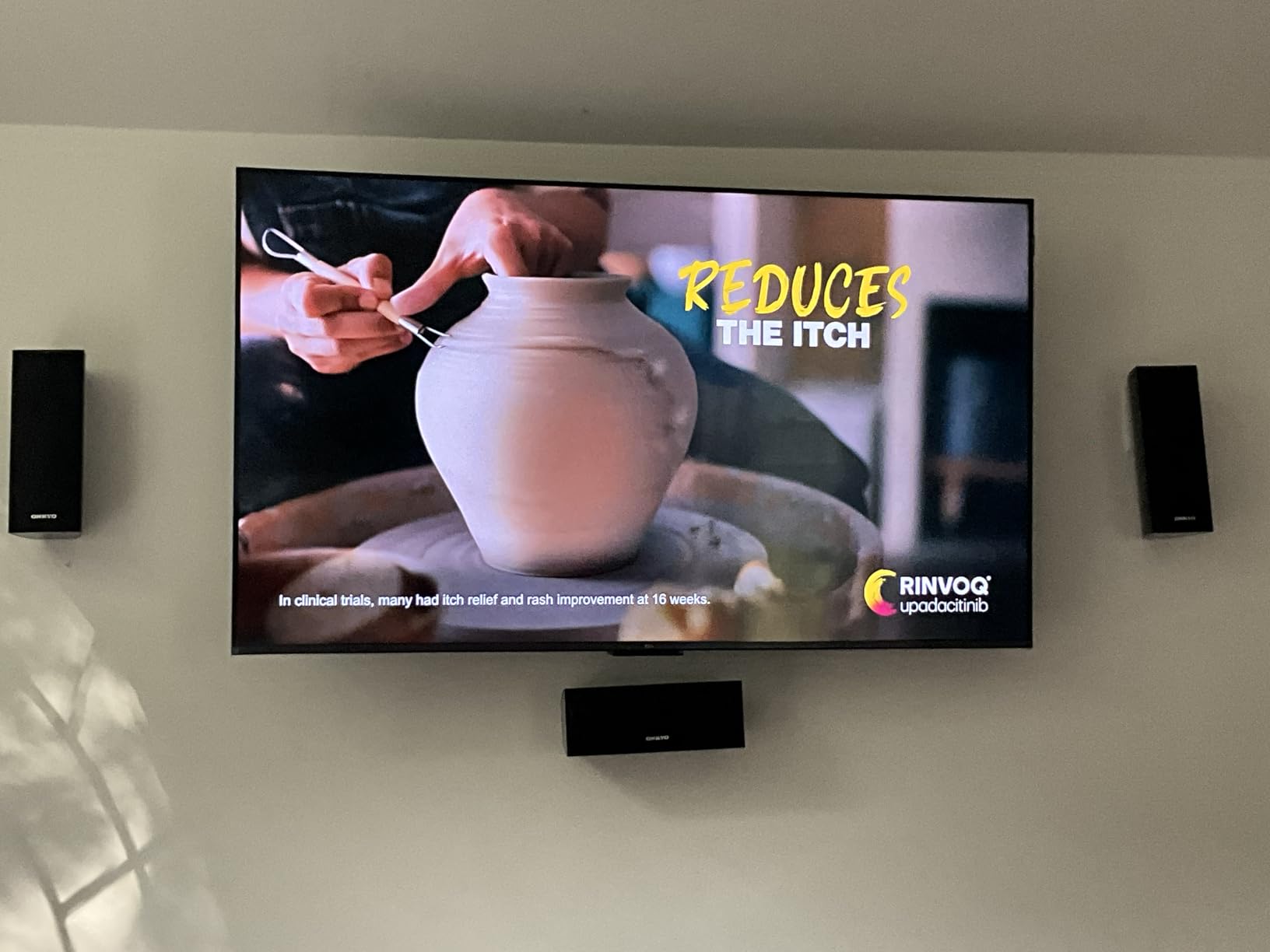
Connectivity and Remote Details
HDR Pro+ covers Dolby Vision, HDR10+, HDR10, HLG and Open HDR, which is one of the broadest format lists in this group for a set at this level. Dolby Atmos audio runs through 20 watts of built-in speakers, and width-adjustable feet help you fit narrow furniture or clear room for a soundbar.
Two small irritants: the Google TV home screen pushes promoted content over your own apps, and the backlit remote drains batteries quickly if you leave the backlight on. Neither affects picture quality. One limitation worth noting is Wi-Fi 5 rather than Wi-Fi 6, which is fine for streaming but caps very high-bitrate wireless sources.
6. Roku Plus Series 65-Inch Mini LED – Top Rated and Genuinely Simple
Roku 65-Inch Plus Series Smart TV – 4K QLED Mini-LED TV – RokuTV
4K QLED Mini LED
Full array local dimming
Dolby Atmos with subwoofer
60Hz panel
Pros
- Mini-LED backlight with QLED color produces vivid highlights and controlled specular glare
- Dolby Vision plus HDR10+ and HLG cover the major HDR formats
- Full array local dimming deepens contrast in mixed bright scenes
- Dolby Atmos with a built-in subwoofer is unusually capable for a Roku TV
- Roku OS stays simple and fast
- with a remote finder and voice search
Cons
- 60Hz panel limits motion detail for competitive gaming
- No 120Hz gaming support despite VRR marketing
- Apps must be added to the 4K version which is thinner than the app-equipped model
This is the highest-rated set in the group at 4.5 stars, and the reason is not a single spectacular specification. It is the combination of a Mini LED panel with full array local dimming, a deliberately simple interface and built-in audio that punches above its weight. For a bright family room where several different people will use the TV, that balance is worth more than a refresh rate.
Reviewers consistently praise the picture in daylight, the unusual quality of the built-in Dolby Atmos and the simplicity of Roku OS. The dominant criticism is the 60Hz panel, and I would not pretend otherwise.
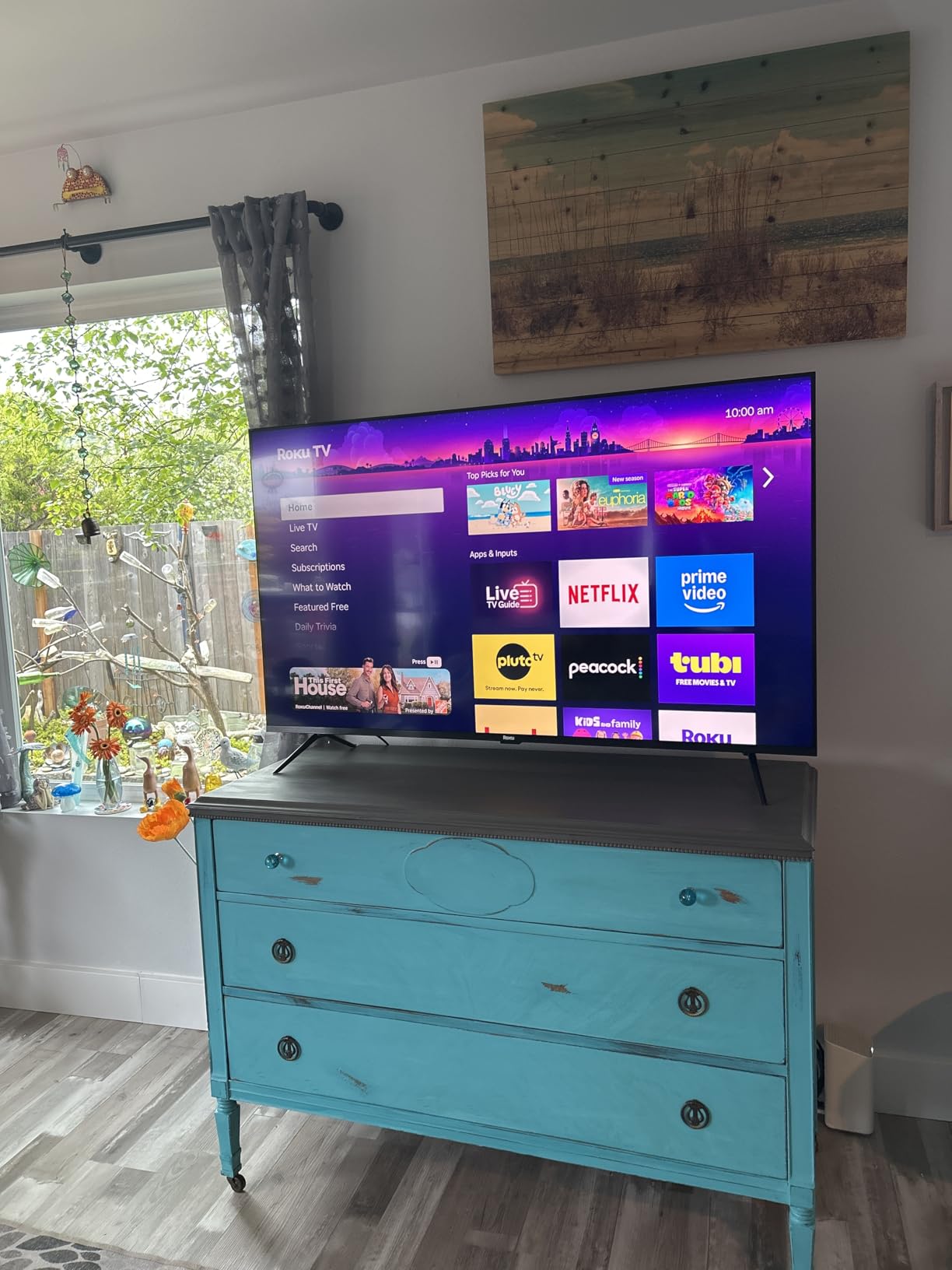
Mini LED Local Dimming and Daylight Picture Quality
Full array local dimming is the specification that earns this set its place in a bright-room guide. It deepens contrast in mixed bright scenes, which is precisely the situation daylight creates, where half the frame is window-lit and half is in shadow.
Reviewers describe the result as vivid highlights with controlled specular glare. That is the language you want from a set for a bright room, because controlled specular reflection means the lamp or window is diffused rather than printed over the picture.
HDR Formats and Roku Smart Picture Max
Dolby Vision, HDR10+ and HLG cover every major HDR format, so you are not choosing a side. Roku Smart Picture Max uses AI to clean up and refine picture and color, which matters when a lot of what you watch is streamed at lower resolutions.
That upscaling is one of the reasons this set looks good in daylight even on ordinary content. In a bright room, low-bitrate streams are punished harder than in a dark one, so a cleaning processor earns its keep.
Dolby Atmos With a Built-In Subwoofer
A 50-watt 4.1-channel Dolby Atmos system with a built-in subwoofer is unusual for a Roku television and it is the feature owners mention most warmly. In an open-plan room where a soundbar would be visually awkward, it removes a decision.
Bluetooth Headphone Mode is also present, which is quietly useful if the room is bright and everyone else is working. The 39.7-pound weight is on the heavier side for a 65-inch, so plan for a two-person lift.
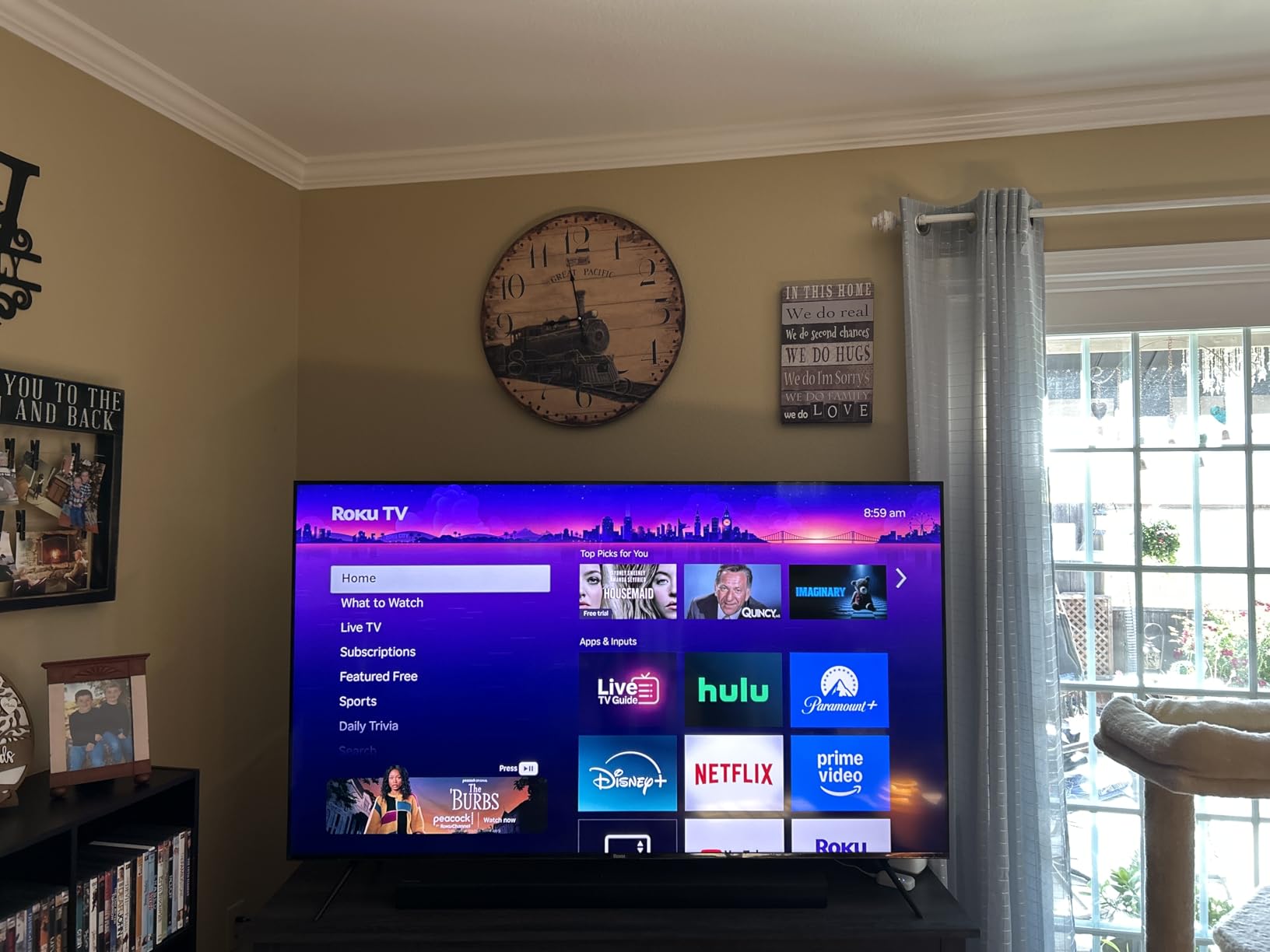
The 60Hz Limitation Despite VRR Marketing
Here is the trade-off stated plainly. The panel is 60Hz, and while the set advertises variable refresh rate, the panel underneath cannot support 120Hz gaming, so that marketing does not translate into a real benefit. For fast competitive shooters this is the wrong set.
The other limitation is that apps must be added to this 4K version, which makes it thinner than the app-equipped Roku model. Response time is listed at 6.5 milliseconds, which is fine for console gaming. If you want simplicity plus strong daylight picture, this is a strong pick; if you want high refresh, look at the TCL models instead.
7. Roku Select Series 65-Inch QLED – The Low-Fuss Entry Pick
Roku 65-Inch Select Series Smart TV 2026-4K (2160p) QLED TV TV
4K QLED panel
60Hz refresh
Roku Smart Picture
Four HDMI ports
30.9 pounds
Pros
- QLED panel gives noticeably deeper blacks and more saturated color than a standard LED
- Roku OS is fast
- uncluttered and easy to navigate for all ages
- Setup takes minutes and existing Roku subscriptions transfer over
- Lightweight 65-inch design is easy to wall mount
- Strong value at the entry price for a large 4K QLED set
Cons
- 60Hz refresh rate is limited for high-motion gaming
- Only basic dimming
- so no local dimming for high-contrast scenes
- 20-watt speakers are adequate but not room-filling
The Select Series is where I would start a conversation about a bright room, because it puts a quantum dot panel in a large screen at a price where most people assume you have to choose between size and picture quality. Several owners specifically report good daylight visibility without significant glare, which is a better bright-room result than the specification list would suggest.
With 79% five stars across 1356 reviews, this is the most widely reviewed set in the group, and the praise clusters around ease of setup, the interface and a bright, sharp QLED picture.
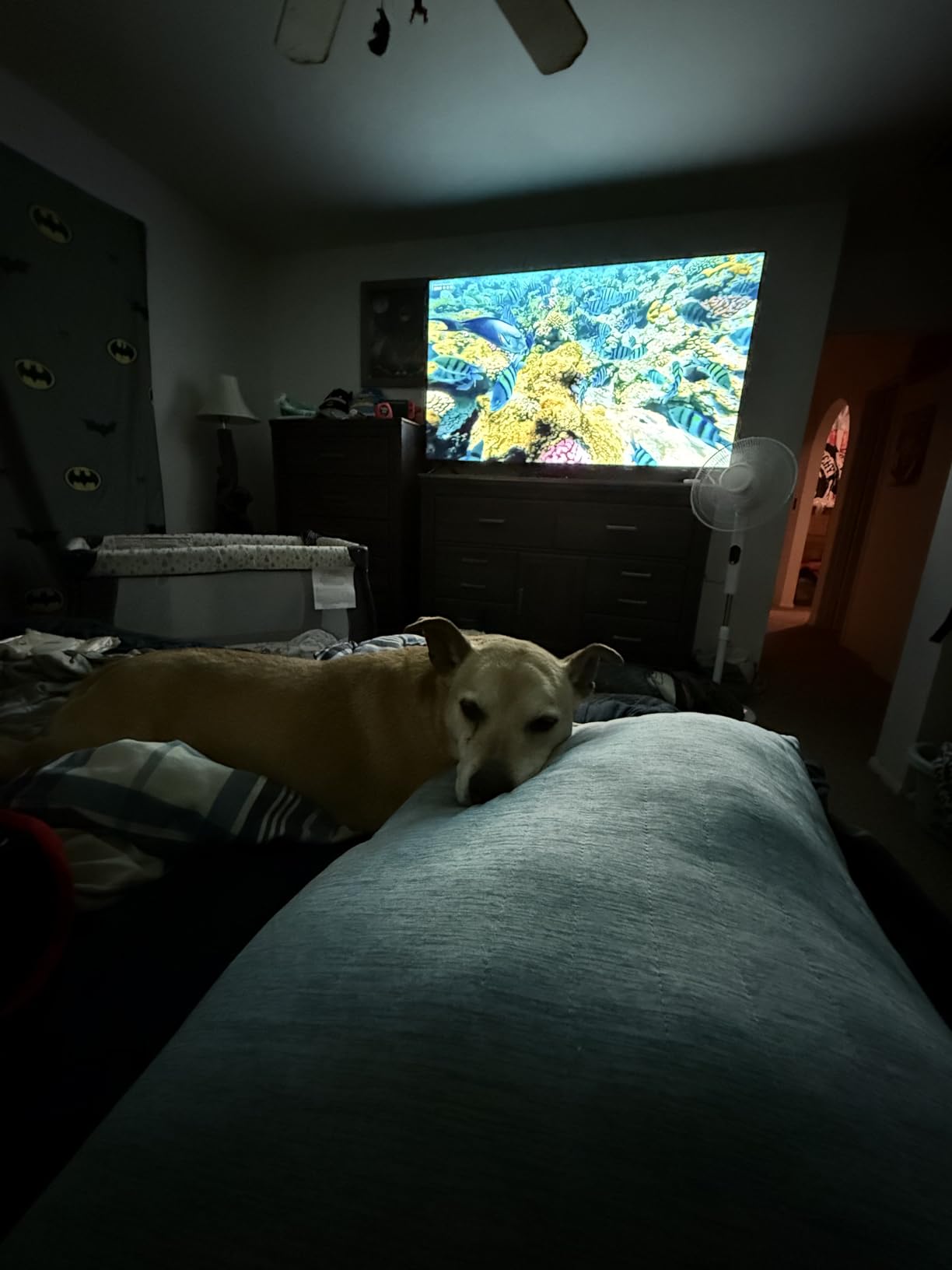
QLED Color at the Entry Level
A QLED panel adds noticeably deeper blacks and more saturated color than a standard LED at the same size, and that difference is most visible in a lit room where ambient light is already lifting the black level. You are not fighting the room with as much of a deficit.
The picture is 4K UHD with HDR10, HDR10+ and HLG support, driven by Roku Smart Picture, which automatically optimizes signal handling, mode and sharpness. That automation is doing real work here, because a simple panel benefits more from correct settings than a premium one does.
Roku Smart Picture and Daytime Visibility
Roku OS is fast and uncluttered, and setup takes minutes rather than an evening. If you already have a Roku subscription it transfers over, which removes the most common reason people end up stacking a streaming stick on a set they just paid for.
For a bright room, voice control with Roku Voice, Siri, Alexa and Google Assistant is genuinely useful. You are not leaning forward squinting at a remote in daylight, and AirPlay 2 plus Miracast cover screen mirroring from a phone or laptop.
Easy Handling and Wall Mounting
At 30.9 pounds this is the second-lightest 65-inch in the group, and the panel is a slim 2.2 inches deep, so a flush wall mount looks clean. The 400 x 300 mm VESA pattern is standard, and the frameless design disappears into the furniture from most angles.
That weight also means it is realistic to reposition yourself. If you install it and find the window angle is wrong, you can move it without calling an installer, which is a real advantage when glare is the thing you are still tuning out.
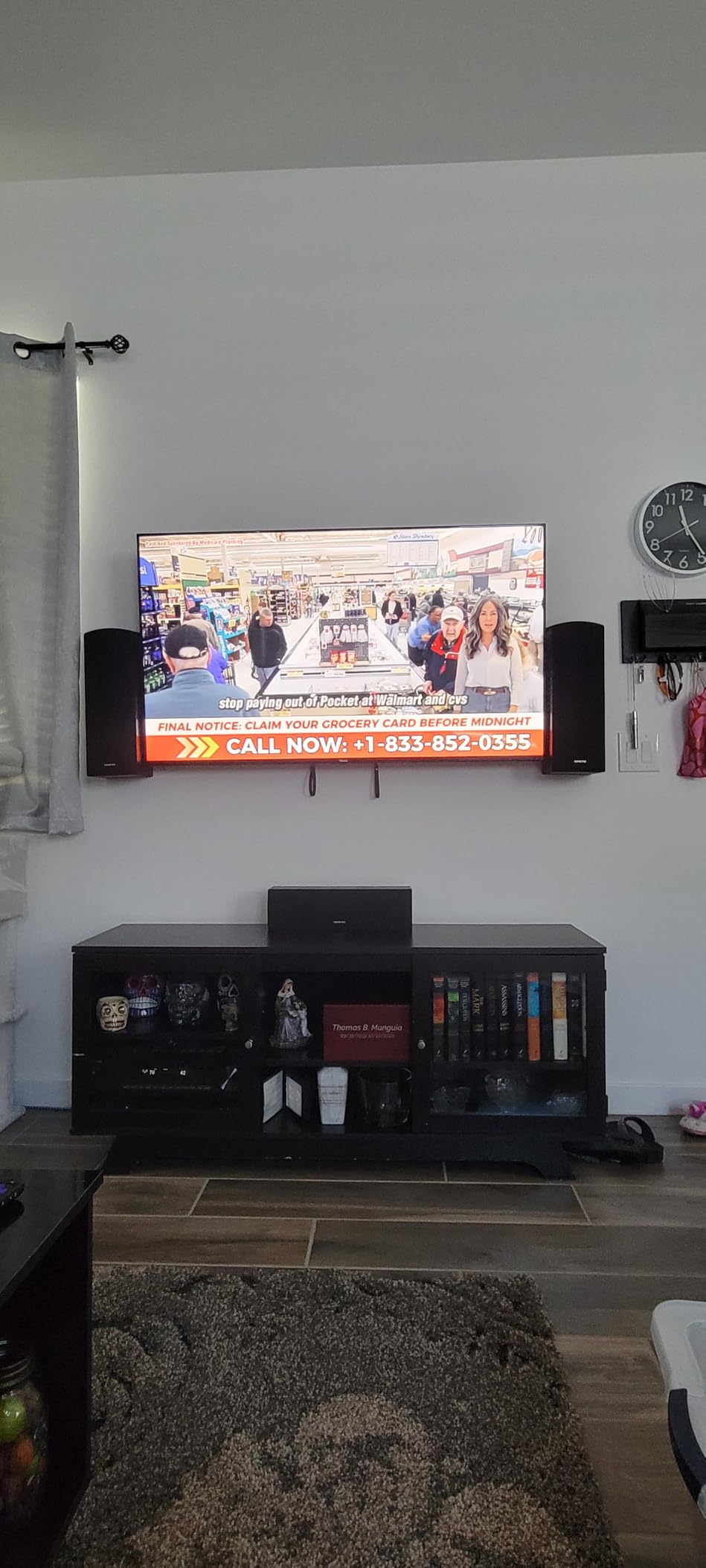
What 60Hz and Basic Dimming Cost You
Two real limits. The 60Hz refresh rate is restrictive for high-motion content, so a fast football match will show more judder than a 120Hz panel. And without local dimming, dark scenes in a bright room have less separation than they would on a Mini LED set.
With 20 watts of Dolby Audio across two channels, the speakers are adequate but not room-filling. If your room is bright and large, treat this as a picture-first purchase and add audio later. If your budget stretches, moving up to the Roku Plus Series Mini LED is the single change that fixes both limitations.
8. Samsung M70H 65-Inch Mini LED – Built for Free Streaming
Samsung 65-Inch Class M70H Series, Mini LED, 4K, Smart TV, 2026 Model
Mini LED 4K
HDR10+
Tizen
Three HDMI ports
31.7 pounds
Pros
- Mini LED processor with local dimming delivers brighter highlights and deeper blacks
- Pure Spectrum color covers roughly a billion shades for rich
- accurate color
- Samsung TV Plus offers 2700+ free streaming options with 750+ subscription-free channels
- Soccer Mode and Gaming Hub add useful sport and gaming presets
- Lightweight 65-inch body is easy to handle and wall mount
Cons
- Listed refresh rate of 60Hz limits motion clarity for fast sports and gaming
- HDR support is limited to HDR10+
- without Dolby Vision
- Built-in two-channel speakers are thin for a TV of this size
The M70H is interesting less as a picture champion than as a content proposition. It is a 65-inch Mini LED with local dimming and Pure Spectrum color, and it ships with access to thousands of free streaming options through Samsung TV Plus. For a household that watches in the daytime and does not want to pay for another subscription, that changes the calculation.
Owners generally like the Mini LED contrast and the free content, at 70% five stars. If you want our guide to the platform side, our 65-inch Samsung buying guide covers that in more depth.
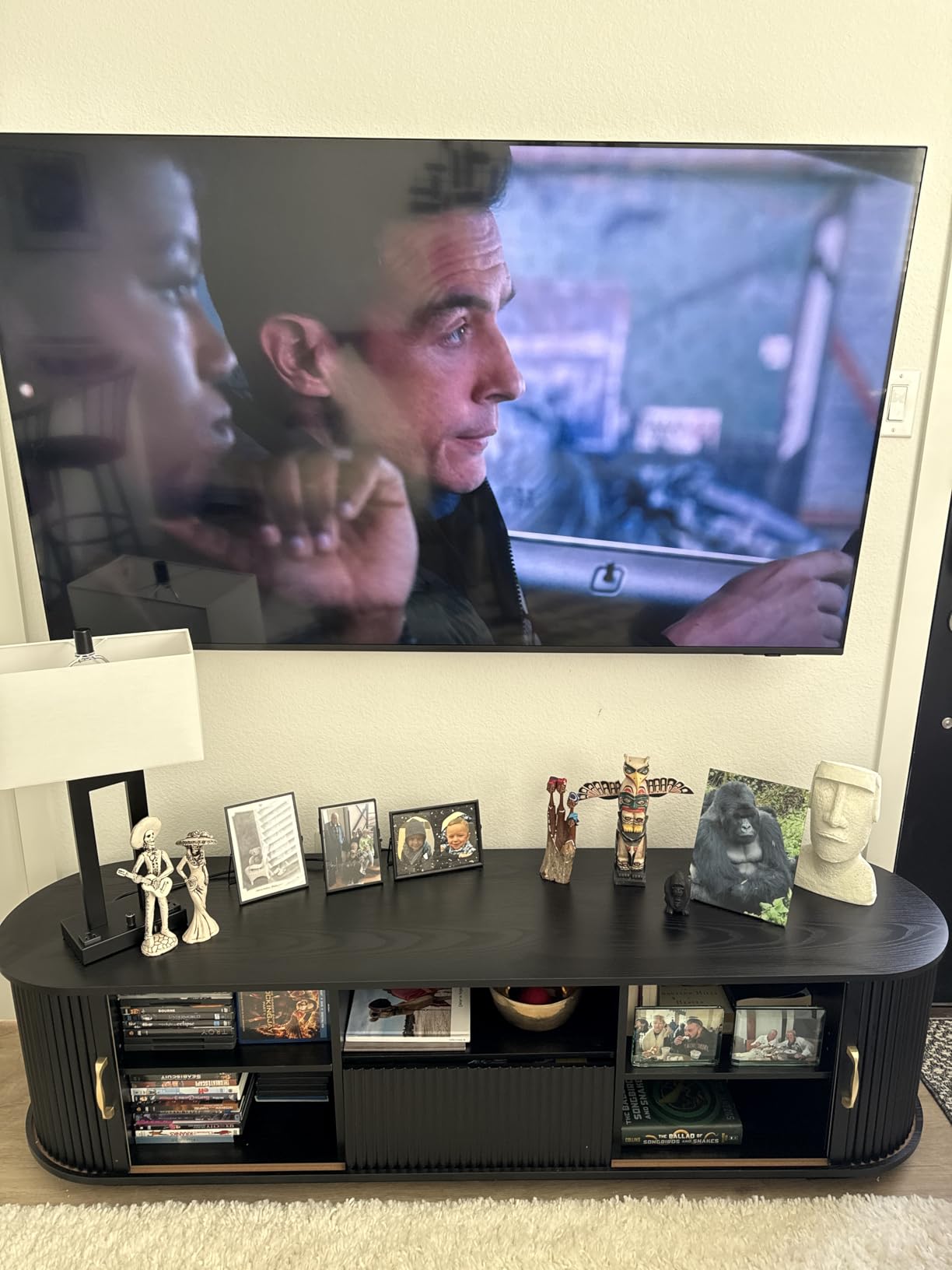
Mini LED Processing and Supreme Mini LED Dimming
Supreme Mini LED dimming is what separates this from a standard LED set at the same size, and it is the feature that matters in a bright room. The Mini LED processor works alongside it to deliver brighter highlights and deeper blacks than a conventional backlight can manage.
Reviewers consistently report that the set holds up well for everyday viewing in lit rooms. That is exactly the use case here, and it is worth remembering that a Mini LED panel without a matte coating is still a strong bright-room performer if your light sources are not directly reflected.
Pure Spectrum Color in a Lit Room
Pure Spectrum color technology covers roughly a billion shades, and wider color is what stops daylight from bleaching the picture. Color Booster is included as an on-demand enhancement, which is useful for sports where jersey colors and grass tones carry the image.
Color accuracy matters more than raw saturation in a bright room, because a wide-gamut panel that is not accurate can look worse under daylight than a narrower one. This set handles the everyday calibration well, and the Titan Black bezel keeps reflections from bouncing back at you from the frame itself.
Samsung TV Plus and the Gaming Hub
Samsung TV Plus offers more than 2700 free streaming options with over 750 subscription-free channels, and for a bright-room set that gets used during the day, having something to watch without a subscription is a genuine feature rather than a gimmick.
The Gaming Hub and Soccer Mode both add value for a daytime household. Soccer Mode is tuned for the brightness of a match played at midday, which is one of the few picture modes any manufacturer has actually optimized for a sunlit room.
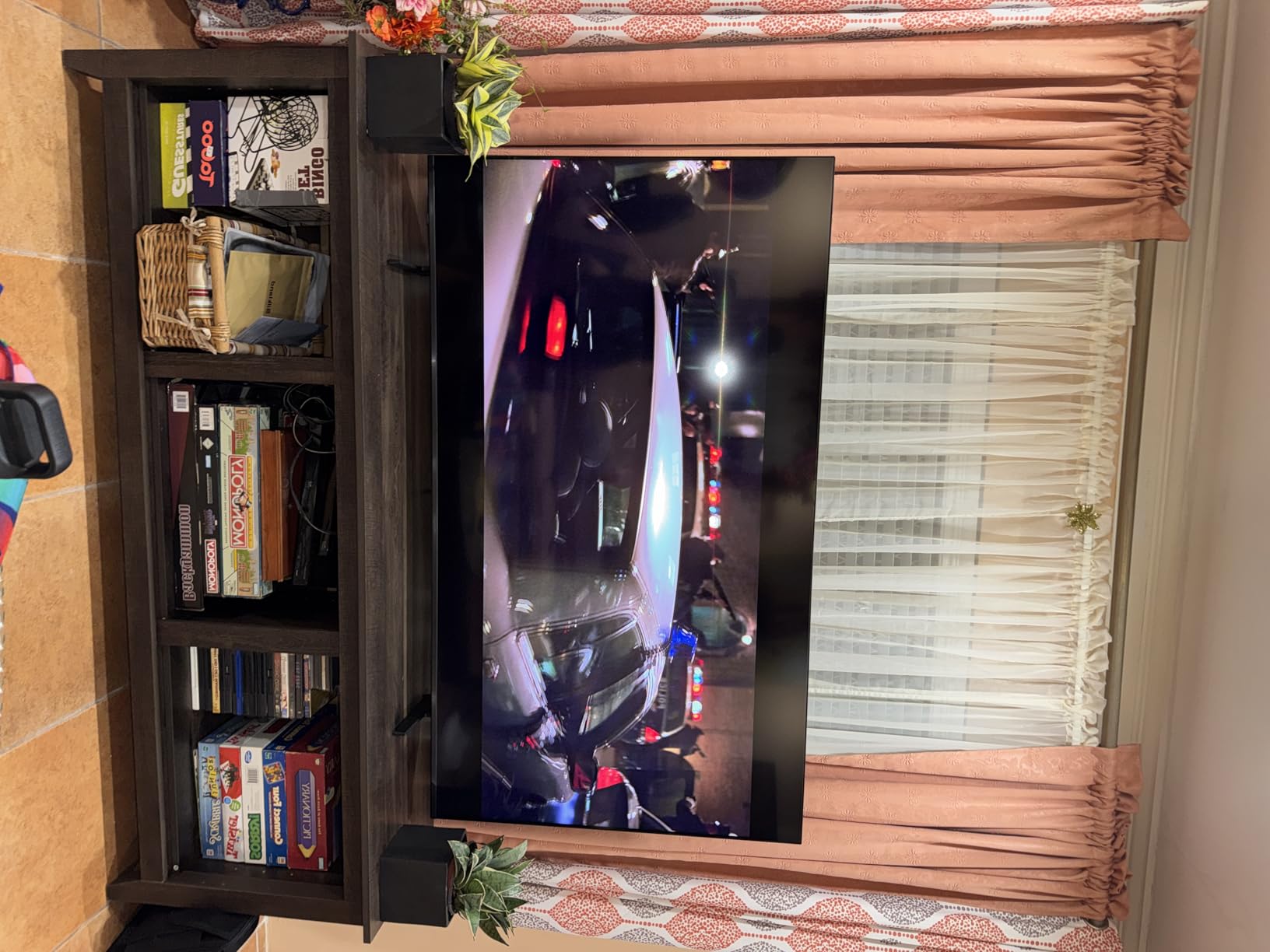
HDR10+ Only, 60Hz and Thin Speakers
Two specification limits stand out. HDR support is limited to HDR10+ with no Dolby Vision, so if you stream from services that favor Dolby Vision you are leaving the best format on the table. And the listed 60Hz refresh rate limits motion clarity for fast sports, which undercuts the Soccer Mode somewhat.
There are three HDMI ports and a 200 x 200 mm VESA pattern, which is the smallest mount in the group, so check your wall bracket supports it. The two-channel built-in speakers are thin for a 65-inch. Motion Xcelerator Turbo+ is included to compensate for the refresh rate in software, and at 31.7 pounds the set is easy to handle.
9. INSIGNIA QF Series 65-Inch – Dolby Vision on a Tight Budget
INSIGNIA 65-inch Class QF Series LED 4K UHD QLED Smart Fire TV with Alexa Voice Remote (NS65-UQFL26)
4K QLED
Direct LED backlight
Dolby Vision and HDR10
Dolby Atmos
Fire OS
Pros
- Quantum Dot color noticeably improves vibrancy over a standard LED panel
- Dolby Vision and HDR10 support with good brightness for the entry price
- Lightweight thin-bezel design is easy to set up and reposition
- Dolby Atmos processing gives more spatial audio than most budget sets
Cons
- Only a 60Hz panel
- and the claimed higher refresh modes look choppy and blurry
- Backlight uniformity shows visible wash under the right conditions
- Fire OS can be slow and locks picture settings behind profiles and active content
The QF Series is the answer to a different question: what if you want Dolby Vision on a 65-inch without stepping up a tier? Buyers rate picture quality and value highly, with 78% five stars and repeated mentions of good brightness, and the quantum dot color is a visible step up from a standard LED.
It is also the set in this group where I would most strongly recommend solving the software first. Several buyers plug in an external streaming stick to get around the Fire OS, and that is a reasonable, ten-minute fix.
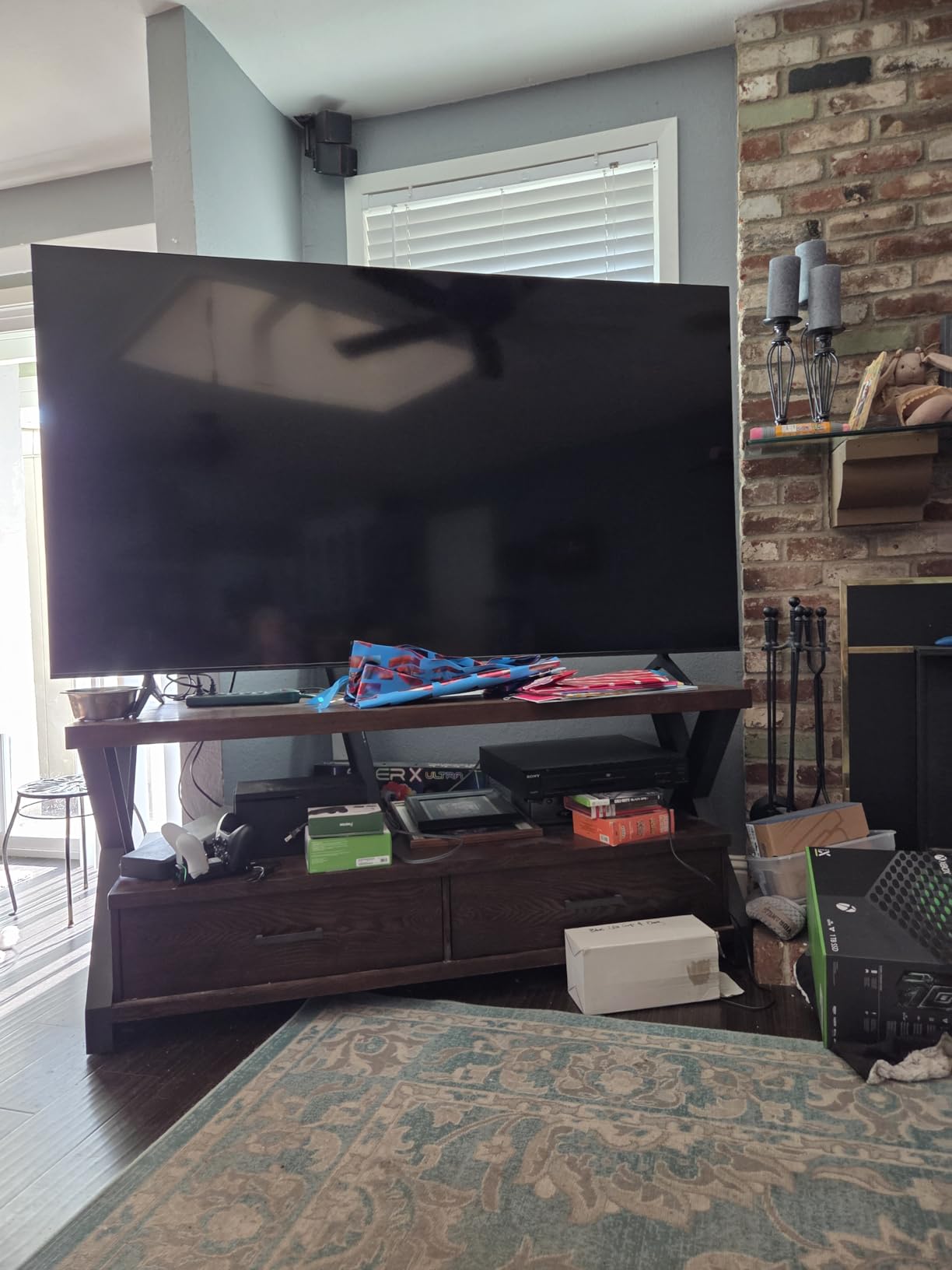
Quantum Dot Color and Direct LED Backlight
Quantum dot color noticeably improves vibrancy over a standard LED panel, and direct LED backlighting gives more uniform brightness than edge-lit sets of the same price. In a bright room, uniform backlight is what stops corners looking dimmer than the middle.
The 4K resolution and wide color capability mean streaming content looks clean even with daylight in the room. What you do not get is local dimming, so contrast in dark scenes is handled by the panel alone rather than by a zone structure.
Dolby Vision, HDR10 and Dolby Atmos Processing
Dolby Vision and HDR10 support at the entry level is the standout feature, and it is the one most buyers here mention first. Dolby Vision dynamically adjusts the picture frame by frame, which in a bright room means highlights stay bright without the whole image being pushed up.
Dolby Atmos processing across 5.1 channels gives more spatial audio than most sets at this level. The processing is the system’s strength rather than the speaker array, but for news, sport and daytime streaming it does add a sense of space.
The 60Hz Panel and Backlight Uniformity
This is a 60Hz panel, and the higher refresh modes that appear in the menus look choppy and blurry rather than smooth. Motion clarity is only passable even with processing turned off, so if you follow live sport regularly, look at the 144Hz TCL options instead.
Backlight uniformity shows visible wash under the right conditions, which is the drawback of not having local dimming. In a bright room that wash is less obvious than in a dark one, so the trade-off is more forgiving here than it would be for evening viewing.
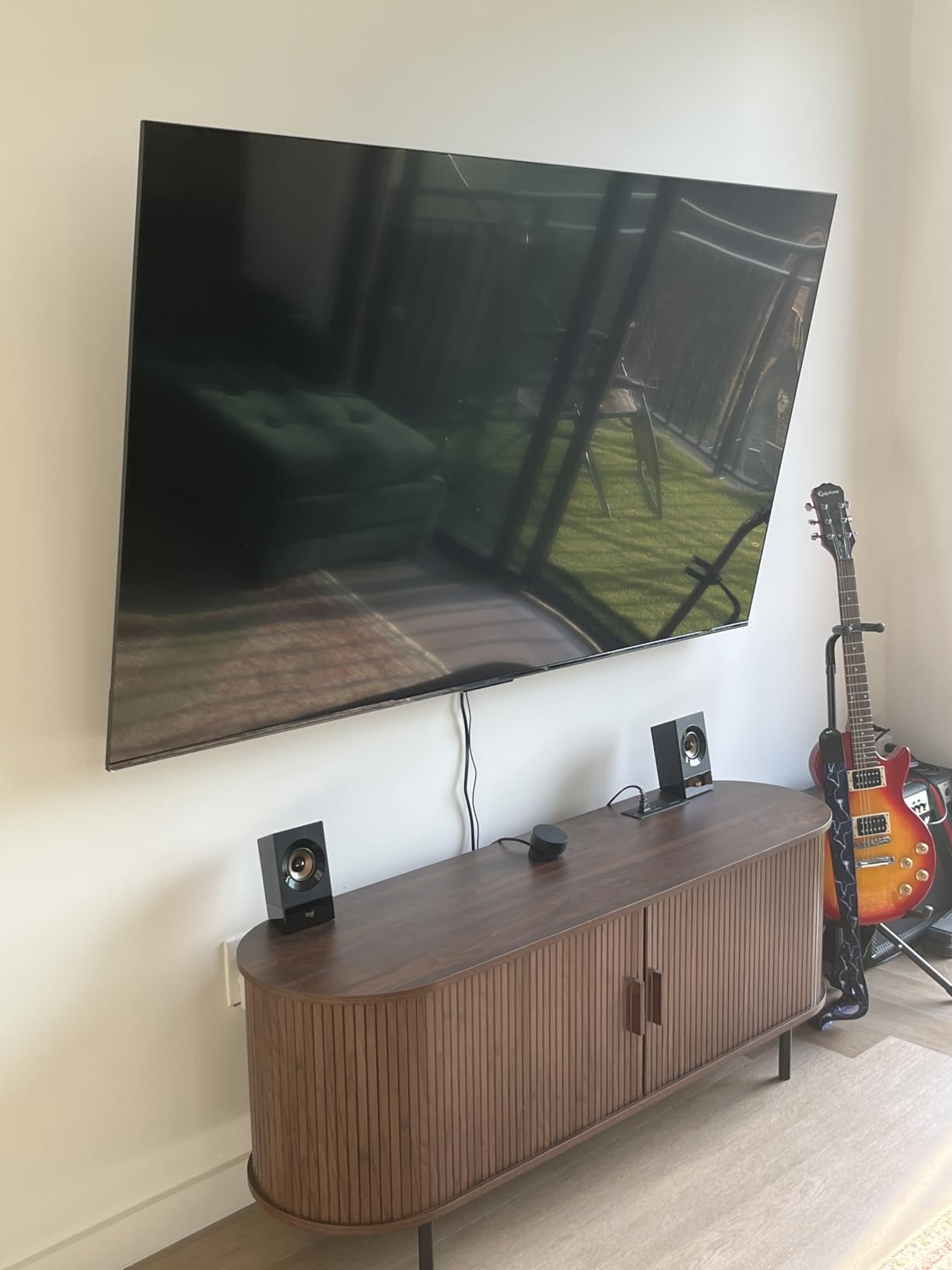
Fire OS: What Works and What Locks Away Settings
Fire OS is reliable for streaming once configured, and the Alexa voice remote works well. The friction is that picture settings sit behind profiles and active content, and the interface can be slow, which makes tuning the TV an irritating first-afternoon task.
Several buyers solve this by attaching a streaming stick and using the TV more as a display. There are three HDMI inputs including one with eARC, plus Apple AirPlay, and the 400 x 400 mm VESA pattern is among the largest in the group so mounting hardware is easy to source. Our guide to 65-inch sets at the lower end covers this tier in more detail.
10. Sony BRAVIA 7 65-Inch – Processing First, Reflections Second
Sony 65 Inch BRAVIA 7 Mini LED QLED 4K HDR Smart Google TV (K-65XR70)
Mini LED QLED
1000-nit peak
120Hz
Dolby Vision
Reflective panel
Pros
- XR Backlight Master Drive Mini-LED delivers Sony's brightest 4K picture with authentic contrast
- XR Triluminos Pro QLED color produces accurate real-world tones
- XR Clear Image upscaling makes older SD and HD content look notably better
- Studio calibrated modes for Netflix
- Prime Video and Sony Pictures CORE
- PS5 features including Auto HDR Tone Mapping and Auto Genre Picture Mode
Cons
- The panel is not anti-reflective
- so it reflects lamps and room light sources
- Viewing angles are narrower than the BRAVIA 9
- The included compact remote is small
- unlit and widely criticized
The BRAVIA 7 is a genuinely excellent television in the right room, and the wrong room here. Owners in bright, windowed rooms frequently praise the picture, and the XR Clear Image upscaling is the feature that comes up most often as a reason people are happy. But the panel is not anti-reflective, and in a room where light sources sit opposite the screen, that is the whole ballgame.
It also has the lowest average rating in the group at 4.1, with the highest one-star share at 16%. Most of that centers on a single unit failing after six weeks, plus the recurring complaints about the reflective screen, narrow viewing angles and the remote.
XR Backlight Master Drive and 1000-Nit Peak
Sony lists a 1000-nit maximum display brightness for this model, driven by the XR Backlight Master Drive Mini LED backlight, and picture quality is praised almost without exception in reviews. The brightness headroom is real and it is what lets the set look punchy in a lit room.
XR Triluminos Pro QLED color produces accurate real-world tones rather than boosted ones, which is what you want when daylight is already adding a color cast. The XR Processor handles scene enhancement in real time, and Dolby Vision, Dolby Atmos, IMAX Enhanced and DTS:X are all supported.
XR Clear Image Upscaling of Older Content
This is the reason to consider the set even with its reflection weakness. XR Clear Image makes older standard definition and high definition content look notably better, and in a bright room that processing does more work than it would in a dark one, because low-bitrate streams have less headroom to fight ambient light.
Studio calibrated modes for Netflix, Prime Video and Sony Pictures CORE mean you can start from a reference-accurate baseline instead of a picture mode designed to look good on a showroom wall. Auto HDR Tone Mapping handles PS5 games automatically.
Why the Glossy Panel Hurts in Bright Rooms
Here is the honest limitation. The panel is not anti-reflective, so it reflects lamps and room light sources directly. A 1000-nit panel produces more light than its reflection, but only up to a point, and a window opposite the screen is a large bright shape rather than a small one.
Viewing angles are also narrower than the BRAVIA 9, which degrades off-center picture quality. If your seating wraps around the screen, that compounds the problem. In a room where the light is controlled and mostly indirect, neither issue matters much, which is why the picture praise in reviews is so consistent.
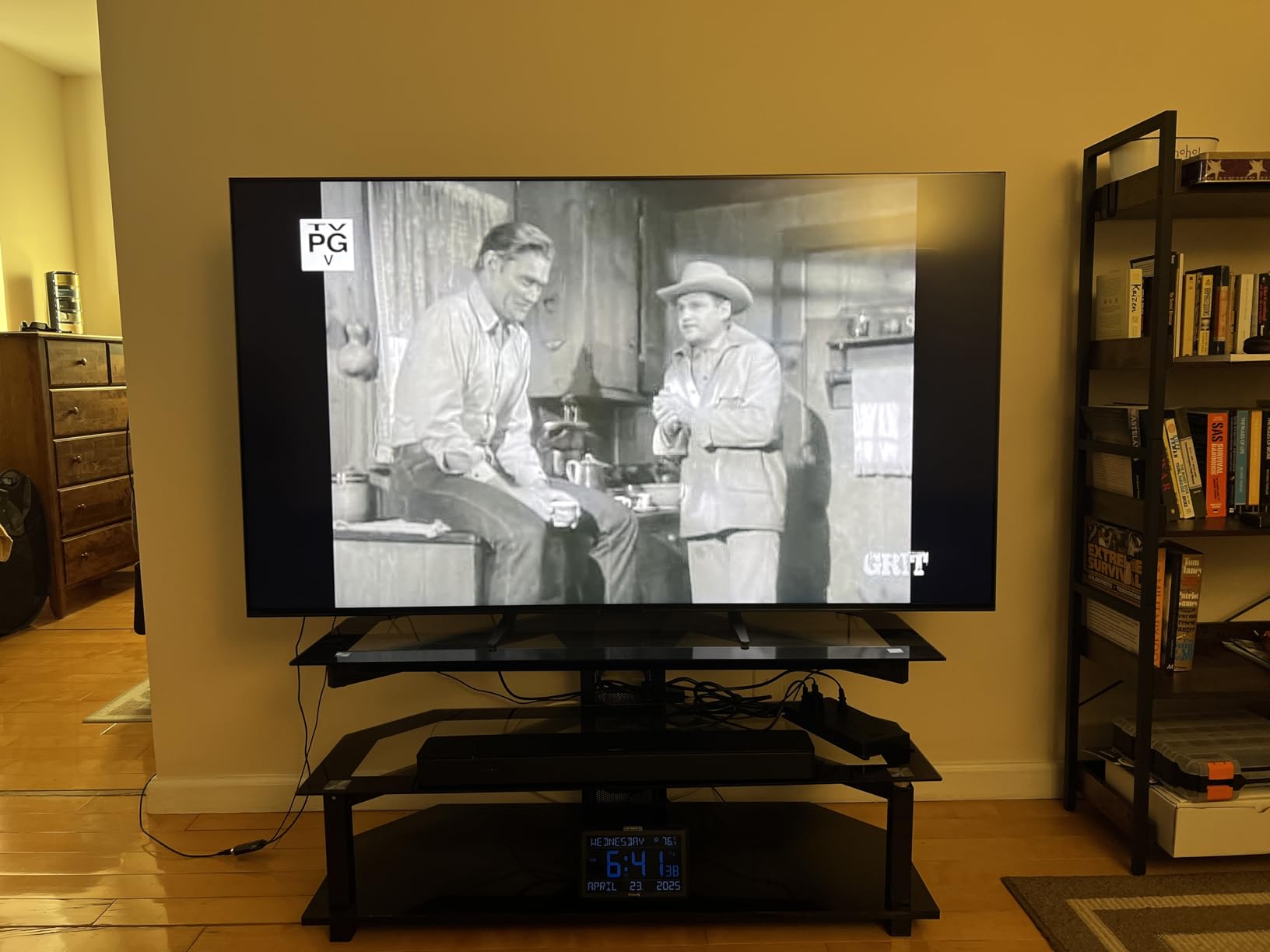
Viewing Angles, Remote and Setup Weight
The included compact remote is small, unlit and widely criticized, and at 62.4 pounds this is a two-person setup with a stock stand that feels less secure than a wall mount. Budget for help, or mount it properly from the start. Our 65-inch Sony buying guide covers the range in more detail.
There are four HDMI ports, a 300 x 300 mm VESA pattern, 40-watt Acoustic Multi-Audio and 120Hz refresh for gaming. Power consumption is listed at 281 watts. The Google TV menus are dense and take time to learn, and the 16% one-star share on this model is worth weighing carefully against how much the anti-reflective alternatives cost you in picture processing.
How to Choose a 65-Inch TV for a Bright Room in 2026
You can evaluate a room in about ten minutes, and the answer determines which of these ten sets you should buy. Start there rather than with brand names or screen size.
Step One: Grade Your Room by Light Level
Around 100 to 300 lux is a dim room with indirect light, and almost any 4K panel will look good there. Between 300 and 500 lux is mixed lighting, where a decent QLED handles it and local dimming starts to matter. Above 500 lux, with direct sun reaching the screen, you need genuine brightness headroom and, ideally, a matte or anti-reflective finish.
The easiest test is to stand where the sofa will be at the brightest point of the day and look at the screen. If you can read text on it with the lights off, you have a low-lux room. If you squint, you are in the 300 to 500 range. If you cannot see the image at all without shading the screen, you need one of the anti-reflective sets.
Why 65 Inches Amplifies the Glare Problem
Two reasons. A 65-inch panel has roughly 40% more screen area than a 55-inch, and a reflection is a physical shape, not a percentage of brightness, so more area means more room for a window to be printed across your picture. Second, coating uniformity is harder to maintain across a larger surface, so a matte finish applied to 65 inches tends to show its haze more evenly and more visibly.
The practical consequence is that moving up in size makes panel finish matter more, not less. This is why every set in this roundup with a genuine matte or anti-reflective treatment is a 65-inch, and why the size-specific advice here differs from general TV buying advice.
Matte vs Glossy: Making the Right Call
Window beside the screen, semi-gloss or matte is the safe choice, because the reflection arrives at an angle and the coating has less work to do. Window directly opposite, matte or anti-reflective is effectively mandatory, because a head-on reflection is the hardest case for any coating. Window behind or to the rear of the seating, glossy is fine and gives you the best contrast in a dark room.
Within this group, the matte Sony BRAVIA 5 suits the first two cases, and the X-Anti Reflection BRAVIA 9 is the set for the third and worst case. The glossy TCL T7 and Sony BRAVIA 7 work best when you can control the light angle.
Local Dimming Zones and Why Zone Count Matters
Local dimming is how the panel darkens specific regions rather than raising the black level across the entire screen. In a bright room this is the single most important picture specification after brightness, because ambient light has already lifted your black level and the zone structure recovers what little separation is left.
Five of the ten sets here have full array local dimming: the TCL QM6K, both Sony Mini LEDs at the upper end, the Hisense E7SF and the Roku Plus Series. The rest, including the Roku Select and the INSIGNIA, use basic dimming and rely on panel contrast alone.
Ports, Refresh Rate and Energy Draw
Count your HDMI inputs before you choose, because gaming sets frequently have fewer full-bandwidth ports than their marketing implies. The Sony BRAVIA 5 has four HDMI ports but only two are HDMI 2.1, which is the kind of detail that only shows up after you have bought the console.
Refresh rate is a simple split. At 144Hz you have the TCL QM6K, TCL T7 and Hisense E7SF. At 120Hz you have all three Sony sets. At 60Hz you have the Roku Select, Roku Plus, Samsung M70H and INSIGNIA QF.
Energy draw is the metric nobody discusses and it should be. The published figures run from 220 watts on the Hisense E7SF to 345 watts on the Sony BRAVIA 9, with the Sony BRAVIA 7 at 281 watts and the BRAVIA 5 at 243 watts. In a bright room the TV tends to run more hours per day, so a 125-watt gap compounds over years of use.
Frequently Asked Questions
What is the best 65-inch TV for a bright room?
The TCL QM6K 65-inch is the best all-round choice for a bright room, with Mini LED backlighting, full array local dimming and a 144Hz panel at a mid-range price. If reflections rather than raw brightness are the bigger problem, the Sony BRAVIA 5 65-inch pairs a 1000-nit Mini LED panel with a matte screen finish that suppresses glare, and the Sony BRAVIA 9 adds X-Anti Reflection and X-Wide Angle for rooms with glass walls or a window opposite the screen.
Is QLED or OLED better for bright rooms?
QLED and Mini LED are the better choice for bright rooms, and OLED is the better choice for dark rooms. A bright-room set needs enough output to overpower ambient light, and Mini LED backlights with quantum dot color layers deliver that headroom while local dimming recovers contrast. OLED panels produce perfect blacks but their brightness ceiling is lower and their reflective glass surface turns into a mirror when daylight hits it, so the same set that looks cinematic at night can look washed out at 2 p.m.
How many nits of brightness is good for a TV?
Around 500 to 700 nits handles a dim or indirectly lit room, 800 to 1000 nits is comfortable for a normally lit living room, and 1000 nits or more is what you want when sunlight reaches the screen. The figures matter less than the headroom, because a set with a low ceiling has to raise its whole image to compensate, which flattens contrast. Among these picks, only the Sony sets publish a peak figure, at 1000 nits.
What type of TV is best for very bright rooms?
A Mini LED or high-end QLED panel with full array local dimming and a matte or anti-reflective screen finish. Very bright rooms put the burden on two things at once: the panel has to produce enough light to compete with the ambient light, and the screen surface has to stop the window from being reflected on top of the picture. In this group, the Sony BRAVIA 9 65-inch addresses both with its X-Anti Reflection coating and X-Wide Angle panel.
Which 65-inch TV is the most energy efficient?
Among these ten, the Hisense E7SF 65-inch is listed at 220 watts, the lowest figure on the list, followed by the Sony BRAVIA 5 at 243 watts. The Sony BRAVIA 9 pulls the most at 345 watts. More important than the number is that bright-room sets run for more hours each day, so a difference of 125 watts between the highest and lowest figures compounds significantly over a few years of daytime viewing.
Is a matte screen better for bright rooms and does the coating wear out?
A matte screen is better for bright rooms, especially with a window beside or opposite the display, and the trade-off is reduced perceived contrast in a dark room. Regarding wear, owners on forums report that matte coatings accumulate micro-scratches more visibly and that gloss can fade over time in direct sun, so treat the screen as the most fragile surface on the set. Clean it with a dry microfiber cloth only, never a household spray, and keep the set out of direct afternoon sun where you can.
Do anti-glare screens make a TV look worse?
They do in a dark room, slightly. A matte or anti-reflective coating scatters ambient light rather than reflecting it, which raises the perceived black level and can make the image look slightly hazier or flatter after dark. Forum owners on AVForums and r/hometheater are split fairly evenly on this, and the deciding factor is how much of your viewing happens in daylight. For a mostly daytime room, the daytime benefit comfortably outweighs the evening cost.
Which 65-Inch TV Wins in Your Room
If you want one answer for a normally lit room with some daylight, take the TCL QM6K 65-inch. It is the strongest combination of brightness, local dimming, 144Hz motion handling and onboard audio in this group, and the 1944-review base is the widest here.
If your problem is reflections rather than brightness, the Sony BRAVIA 5 65-inch is the smarter buy, because the matte finish and 1000-nit peak solve the same issue from two directions. If a window sits directly opposite the screen or you have glass walls, the Sony BRAVIA 9 65-inch is the only set on this list built for that specific problem, and you should accept the weight, the power draw and the cost in exchange for X-Anti Reflection.
For sports in daylight, the Hisense E7SF 65-inch pairs native 144Hz with a light sensor that responds to the room. For 144Hz gaming on a budget, the TCL T7 65-inch does it with wide color, provided you can live with a glossy screen. For a household that wants zero fuss, the Roku Plus Series is the top-rated pick, and the Roku Select Series covers the same simplicity at the entry level.
The INSIGNIA QF Series remains the value answer if Dolby Vision on a 65-inch matters most to you. Whatever you choose, measure the room first, count your HDMI ports, and set the brightness floor in the eco settings on day one. Those three steps will do more for your daylight picture than any upgrade between two models on this list.
Leave a Reply