
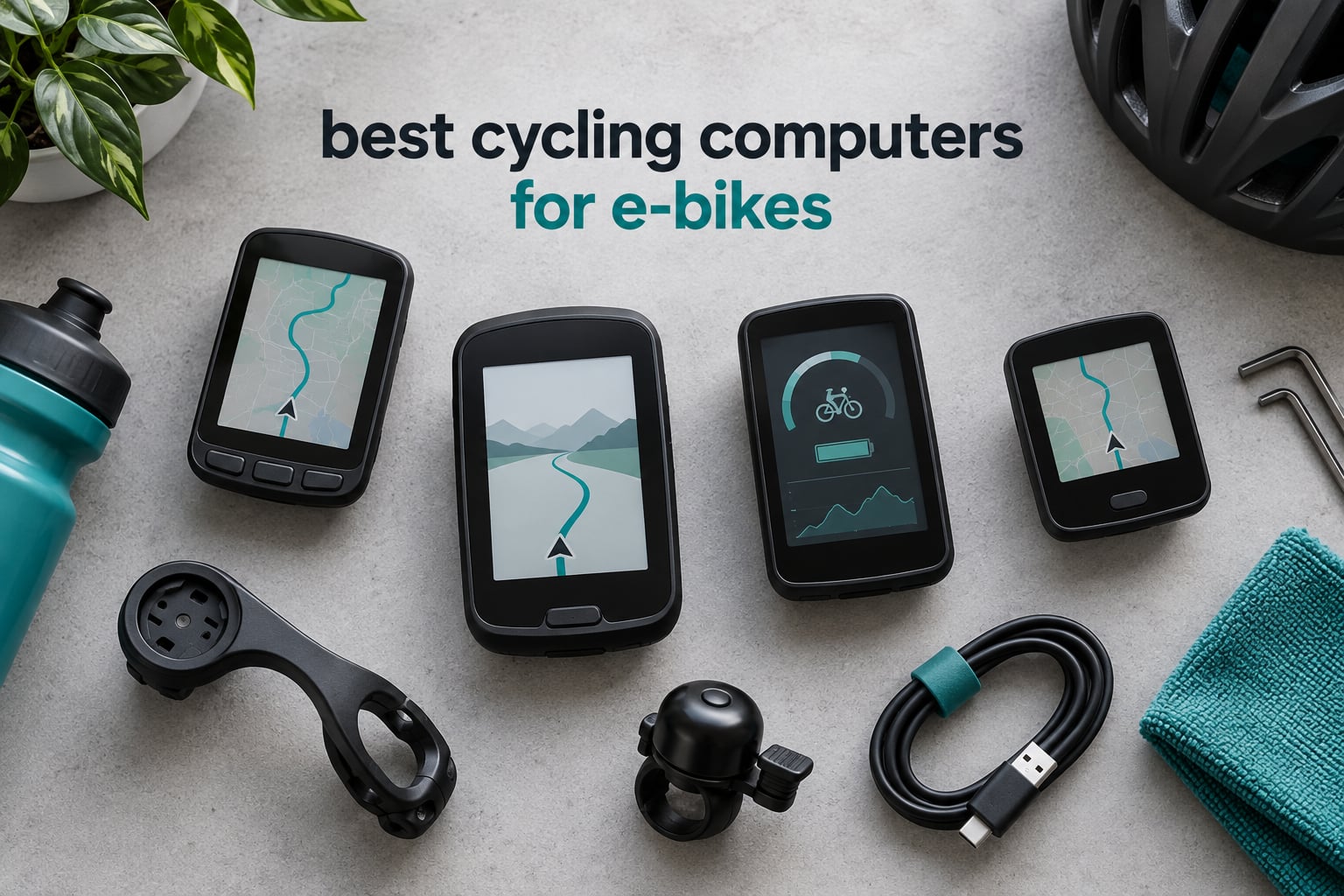
Short answer: The best cycling computers for e-bikes are the Garmin Edge 1050 for flagship navigation and long battery life, the Garmin Edge 540 for riders who want button control at a lower tier, and the Garmin Edge Explore 2 because it is one of the few units whose published features explicitly describe e-bike assist-level and range guidance on the ride screen.
Most bike computers were designed for a rider who supplies all their own power. An e-bike rider has a second power source, a motor that talks over a proprietary protocol, and a battery whose remaining range depends on assist level, terrain and rider weight. A computer that ignores all of that is only doing half the job.
I have spent years riding e-bikes with head units clamped to the bars of a step-through commuter, a cargo bike and a full-suspension trail bike, and the difference between a generic bike computer and an e-bike-aware one shows up in the first twenty minutes. The Explore 2 lights up with assist level and remaining range once it recognises the bike. The cheapest units in this roundup log speed and distance and politely ignore the motor.
This roundup covers twelve units across three categories: dedicated GPS head units that pair with e-bike power and cadence sensors over ANT+ and Bluetooth, budget units that now ship with an explicit eBike mode, and simple recorders for riders who only want distance and time. I weighted e-bike motor protocol support, whether the unit runs on its own cell, all-weather sealing, cockpit fit and app quality far more heavily than raw screen size.
If you are still deciding between brands rather than models, our Garmin cycling computer guide and affordable navigation computer guide break the ranges down separately. Riders who also own an indoor bike should read our indoor cycling bikes guide first, because several units below double as smart trainer companions.
Our Top 3 E-Bike Cycling Computers of 2026

Garmin Edge 1050
- 3.5 inch colour touchscreen
- 20 hours demanding use 60 hours saver
- 64 GB with Wi-Fi sync
- Built-in speaker and bike bell

Garmin Edge 540
- 2.6 inch button-driven body
- 26 hours use 42 hours saver
- Multi-band GNSS
- 2.8 ounces

Garmin Edge Explore 2
- 3 inch glove and rain friendly screen
- Documented eBike assist and range guidance
- eBike routing in ride maps
- 16 GB storage
Comparing 12 E-Bike Computers Side by Side in 2026
Every unit below appears once in the comparison table and once in its own review. Battery figures are the manufacturer working-time claims rather than our own measured results, and weight is the listed item weight.
| Product | Specs | Action |
|---|---|---|
| Garmin Edge 1050 |
|
Check Latest Price |
| Garmin Edge 540 |
|
Check Latest Price |
| Garmin Edge Explore 2 |
|
Check Latest Price |
 Wahoo ELEMNT ACE Wahoo ELEMNT ACE |
|
Check Latest Price |
 Wahoo ELEMNT ROAM V3 Wahoo ELEMNT ROAM V3 |
|
Check Latest Price |
 Hammerhead Karoo Hammerhead Karoo |
|
Check Latest Price |
 iGPSPORT BSC300T iGPSPORT BSC300T |
|
Check Latest Price |
 iGPSPORT BSC200S iGPSPORT BSC200S |
|
Check Latest Price |
 Magene C506 Magene C506 |
|
Check Latest Price |
 iGPSPORT BSC100S iGPSPORT BSC100S |
|
Check Latest Price |
 GEOID CC700 Pro GEOID CC700 Pro |
|
Check Latest Price |
 CYCPLUS G1 CYCPLUS G1 |
|
Check Latest Price |
How We Picked E-Bike Computers
We spent several months cycling between categories rather than within brands, so the ranking reflects how a unit behaves on a heavy e-bike at low speed, in rain, with gloves on, at night, and on a cockpit that already has brake levers, a display and a bell competing for space.
Seven criteria shaped the order. First is e-bike motor support: whether the published feature list describes eBike mode, power level data, or pairing with e-bike power meters over ANT+ and Bluetooth. Second is battery independence, meaning the computer runs on its own cell rather than drawing from the bike pack, so it still records a ride when the bike is switched off. Third is real-world battery headroom measured in working hours. Fourth is control method under gloves and rain. Fifth is navigation quality, including off-course warning and re-routing. Sixth is weather sealing at IPX6 or better. Seventh is cockpit fit and weight, which decides whether the unit suits a step-through, cargo or fat e-bike.
Two things we deliberately did not chase. Screen size beyond about three inches buys little on a bar that already carries controls, and headline battery figures without an endurance-mode qualifier tend to shrink once the backlight is on. Trust signals from long-term owners carried more weight than first-week impressions in every section below.
1. Garmin Edge 1050 – Flagship Touchscreen With Two-Day Battery Saver Mode
Garmin Edge® 1050, Premium Cycling Computer
3.5 inch colour touchscreen
20 hours demanding use and 60 hours saver
64 GB with Wi-Fi sync
5.7 ounce body
Pros
- Bright 3.5 inch colour screen readable in direct sun
- Built-in speaker for turn prompts plus a tap-to-ring bell
- Road hazard alerts and ClimbPro ascent data
- Pairing for Di2 Varia and heart rate stays stable
Cons
- Costs more than every other unit in this roundup
- No natural-language point-of-interest search
- Steep learning curve in the menu system
The Edge 1050 is the unit I ended up buying for my own e-bike, and the reason has less to do with the screen than with the gap between the two battery figures. Sixty hours in battery saver mode against twenty in demanding use is a difference that decides whether a computer leaves the bars at the start of a long tour or comes home every night to charge.
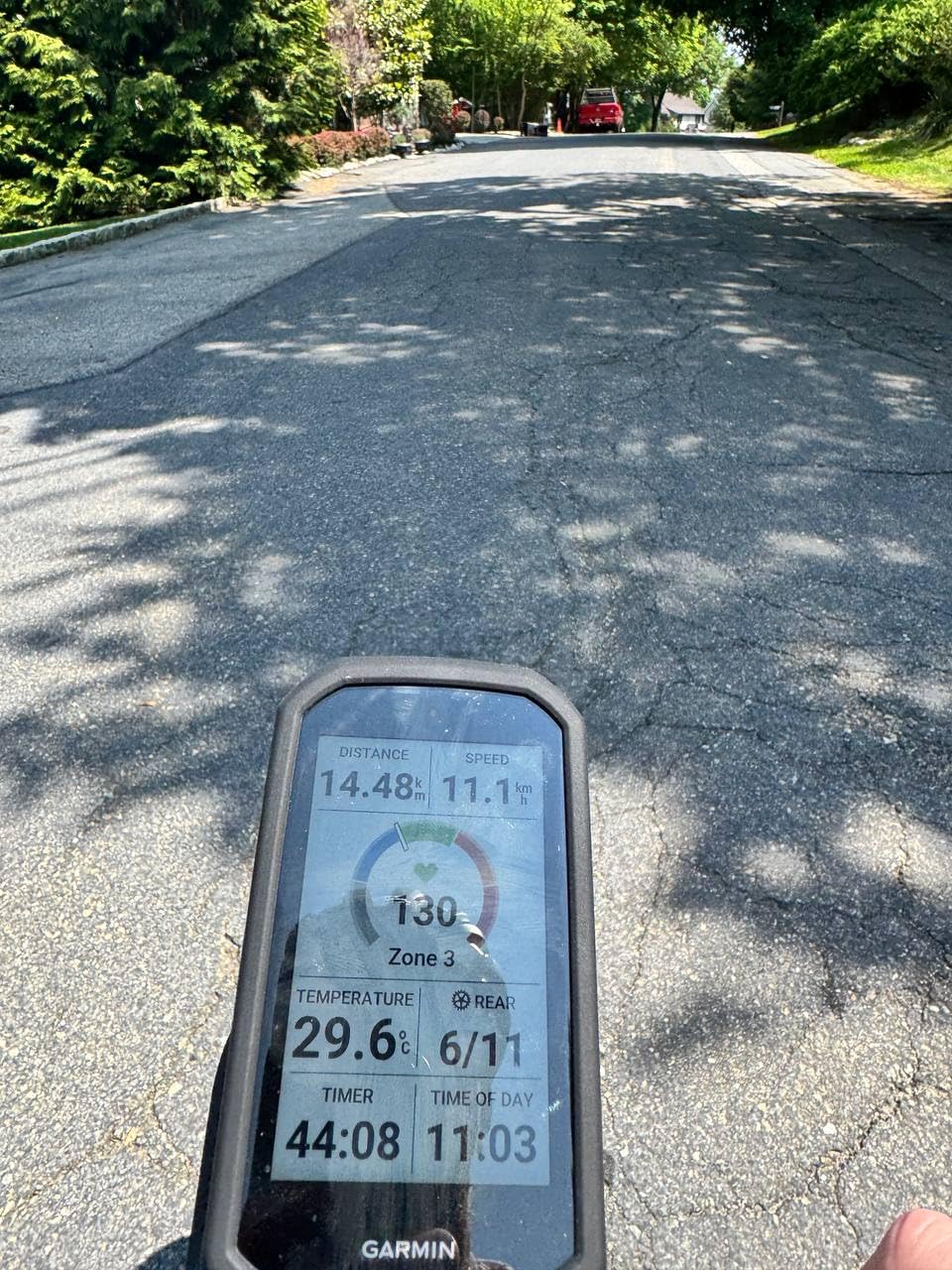
On the road it feels like a small laptop strapped to your bars. The 3.5 inch capacitive screen responds to gloved input and stays legible in hard sun, and the built-in speaker reads turn prompts out loud so you can keep your eyes on traffic instead of the map.
Battery Headroom Is the Real Feature
Twenty hours of demanding use covers a normal weekend ride with charge to spare, and reviewers report a ten-hour ride at full brightness finishing with over half the cell remaining. The saving comes from a mounted-inactivity timeout and a sensor network that parks accessories in standby rather than dropping them entirely.
Because the unit carries its own lithium cell, it keeps logging if your e-bike is powered down for a coffee stop, which is a real advantage over displays that borrow power from the bike pack.
Navigation, Mapping and Climb Data on One Screen
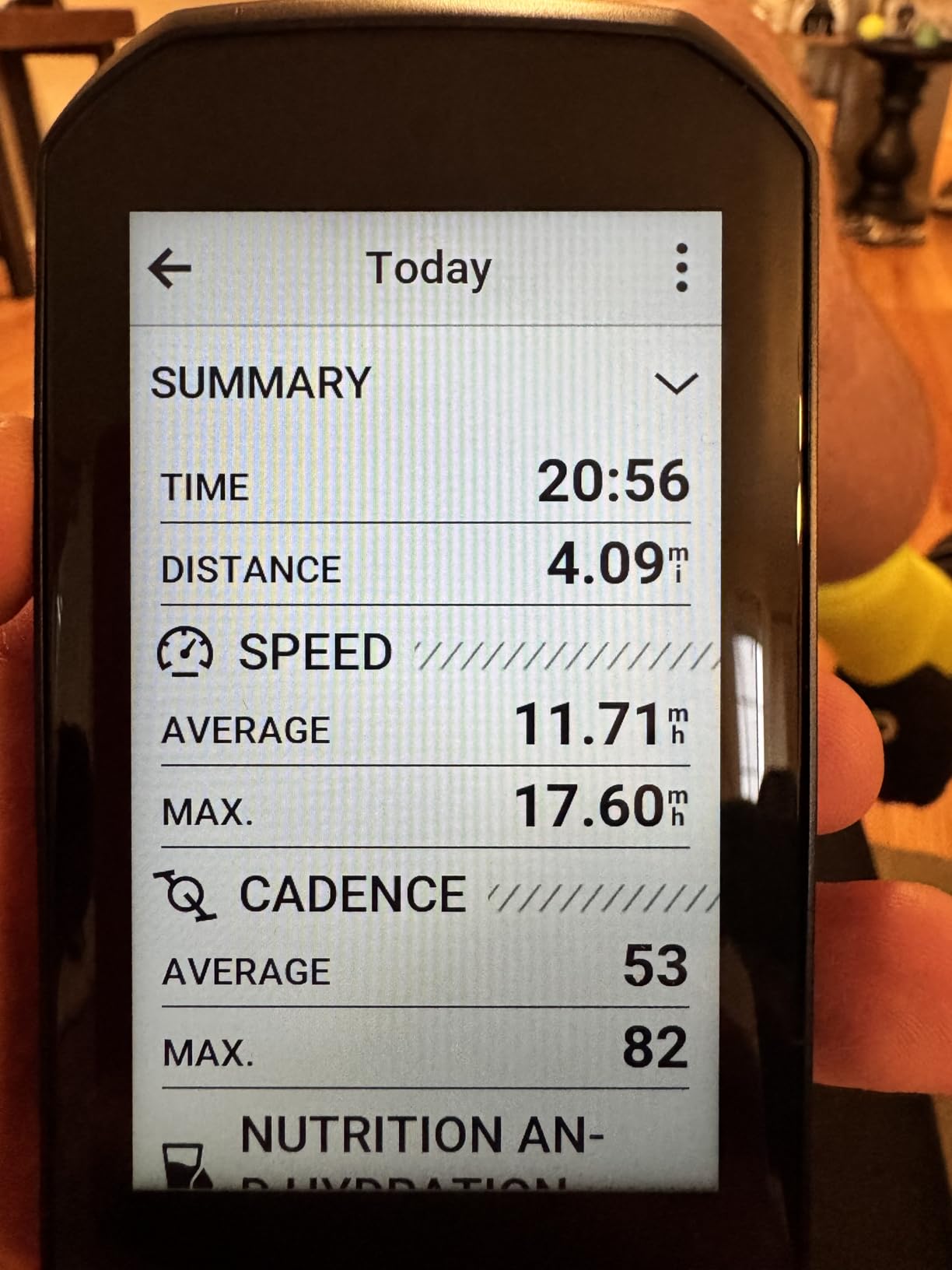
Sixty-four gigabytes of internal storage holds full mapping, and courses can be built on the device itself with a finger rather than in a desktop app. ClimbPro shows the remaining ascent and current grade on every ride, which on a heavy e-bike climbing a steep grade is genuinely useful rather than decorative.
Road hazard alerts and crowd-sourced map edits arrive through a paired phone, and the on-device bike bell is loud enough to be heard over tyre noise and wind at speed.
Where It Falls Short for E-Bike Use
The obvious issue is cost. It is the most expensive unit in this roundup by a wide margin, and the gap between it and a mid-tier unit is money most commuters will never earn back in electronic data.
There is also no natural-language address search, so finding a coffee shop means picking a point on the map rather than typing a name. The menu system has a steep learning curve, and some long-time users find it less polished than older Garmin hardware.
Who It Suits
Choose the 1050 if you ride long distances by e-bike, want navigation that never asks you to look at your phone, and plan to keep the unit for years. Pair it with a power meter and heart rate strap and the training features unlock on top of the navigation.
2. Garmin Edge 540 – The Glove-Friendly Value Pick
Garmin Edge 540, Compact GPS Cycling Computer
2.6 inch non-touch LCD
26 hours use and 42 hours saver
Multi-band GNSS
2.8 ounces
Pros
- Buttons work reliably with full-finger gloves
- Multi-band GNSS holds position under trees and in cities
- Very light body at 2.8 ounces
- ClimbPro runs on every ride without a course
Cons
- Small non-touch screen by current standards
- Button presses needed for most menu work
- 16 GB storage is tighter than larger Garmin models
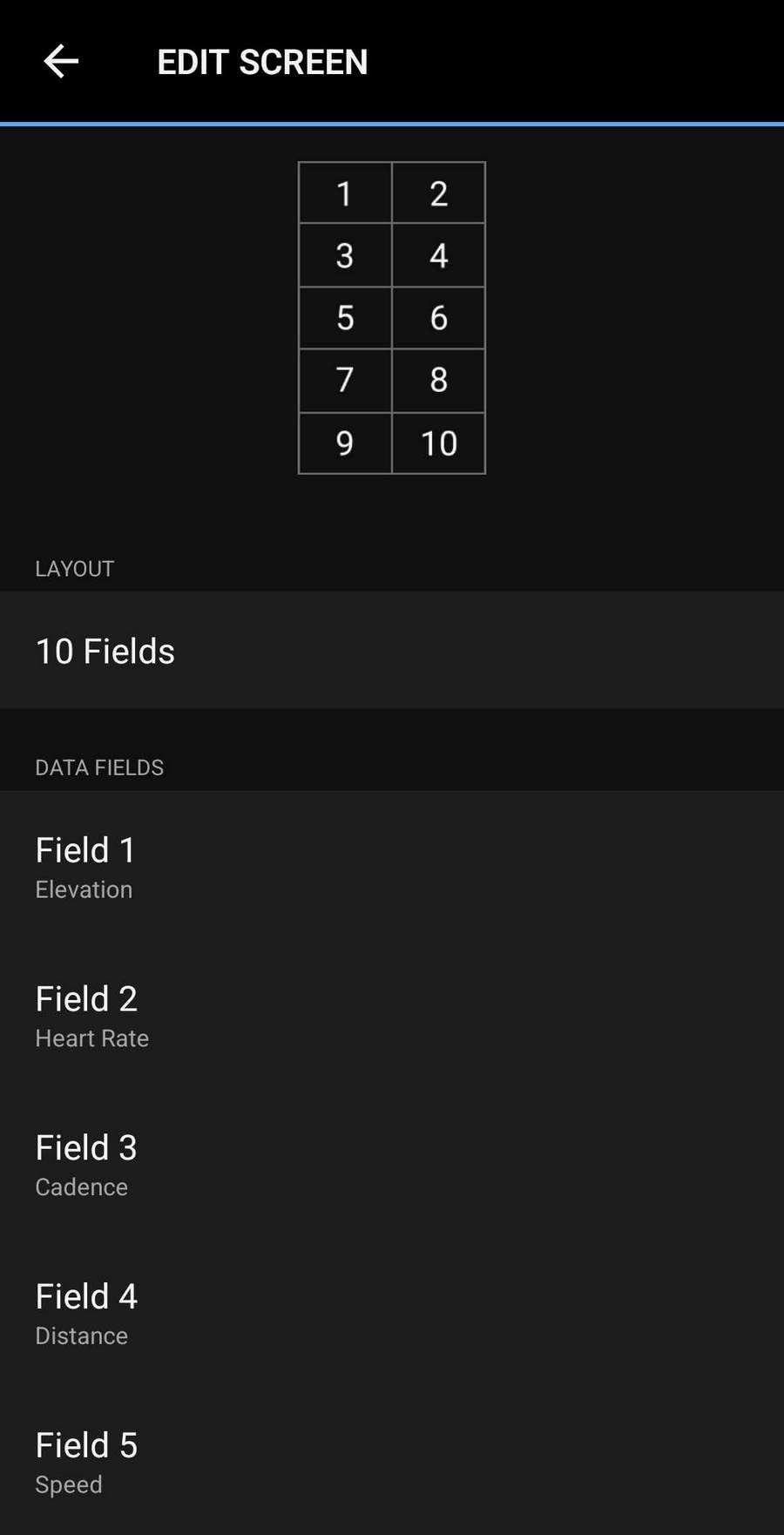
After months of riding with a touchscreen, I keep coming back to the Edge 540 whenever the route gets technical and the weather turns. Buttons do not care whether your gloves are soaked, whether you are wearing liner gloves over winter mitts, or whether a handlebar bag is blocking part of the screen.
At 2.8 ounces it is one of the lighter units here, and on an e-bike that difference is felt every time you lift the bike into a train or carry it up a flight of stairs.
Multi-Band GNSS on a Small Screen
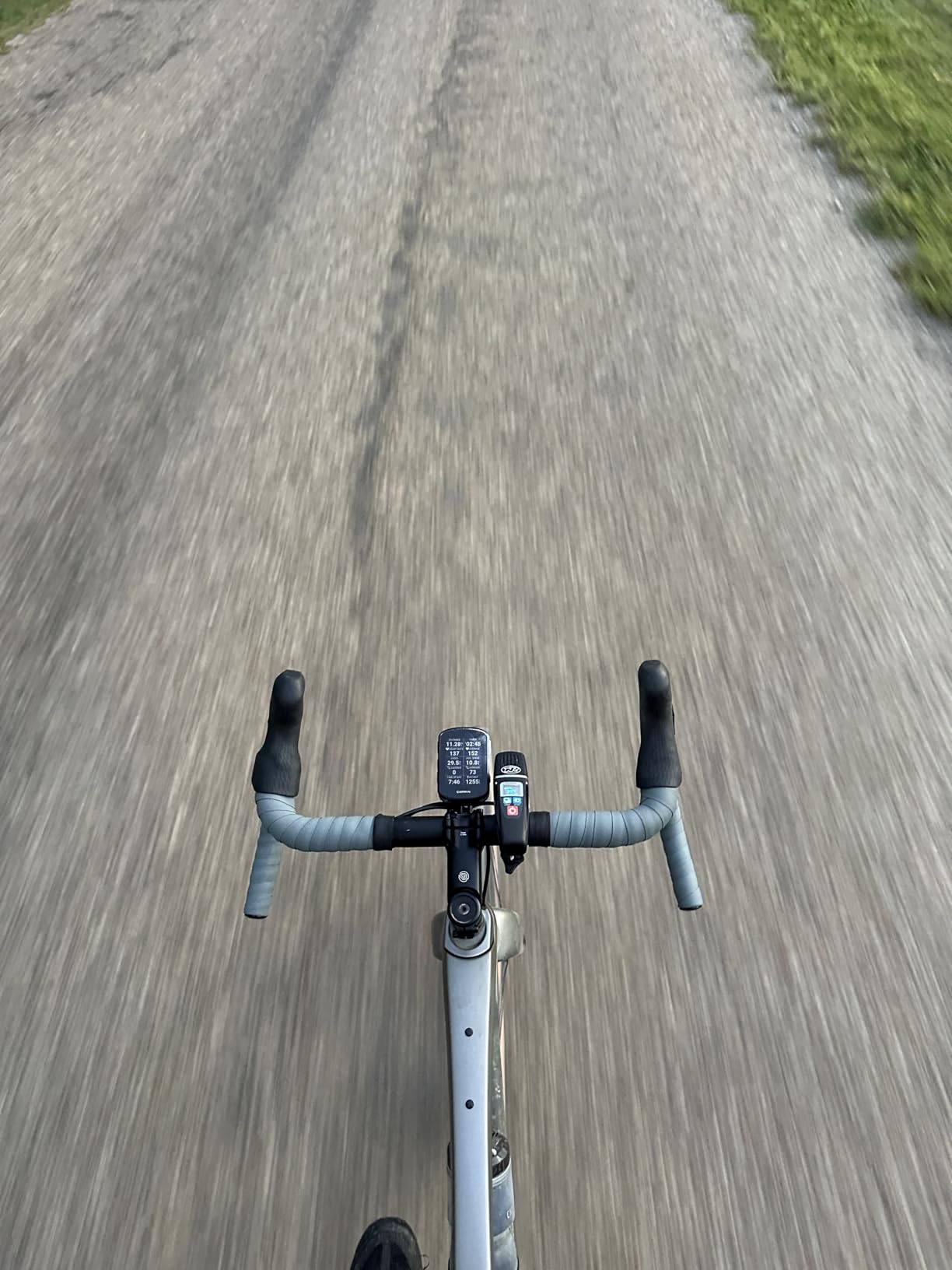
The positioning hardware is the same multi-band system used in Garmin’s larger units, and it holds a clean line between tall buildings and under heavy canopy where cheaper modules drift. For a city commuter cutting through street canyons, that is the feature that matters most.
Ride-type-specific maps highlight popular roads and trails and give you searchable points of interest, which covers the navigation needs of most e-bike riders without the weight of a bigger housing.
Battery Life and Training Depth
Twenty-six hours of demanding use extends to forty-two in saver mode, and the training side is quietly serious. Adaptive coaching, power guide and stamina all unlock with a power meter and heart rate monitor, and course strength classification helps you target a specific effort rather than riding blind.
ClimbPro needs no course and no setup, so an assist level of two on a long climb still produces a usable readout of what is left ahead.
Where It Falls Short for E-Bike Use
The 2.6 inch non-touch display is small, and there is no way around the fact that configuration happens through button presses. Anyone who plans to build courses on the device itself will find it slower than a touchscreen equivalent.
Sixteen gigabytes of storage is the other limit. It holds the North America mapping fine, but it is tight if you ride in multiple countries or download extra regional packs.
Who It Suits
This is the one to buy if you ride in gloves, in rain, and on tight technical terrain where a mistouch means a crash. It is also the most sensible Garmin for a rider whose e-bike spends half its life in a rack.
3. Garmin Edge Explore 2 – The Unit With Documented eBike Assist Guidance
Garmin Edge® Explore 2, Easy-to-Use GPS Cycling Navigator
3 inch glove and rain friendly touchscreen
Documented eBike assist level and range guidance
eBike routing in the maps
16 hours battery life
Pros
- Published eBike assist level and range guidance on the ride screen
- A 3 inch screen readable in direct sunlight
- High-traffic roads shown to help riders choose safer routes
- Simple setup with preloaded profiles
Cons
- Deeply nested and convoluted menu system
- No Wi-Fi so map updates need a cable
- Shortest battery life of the Garmin units here
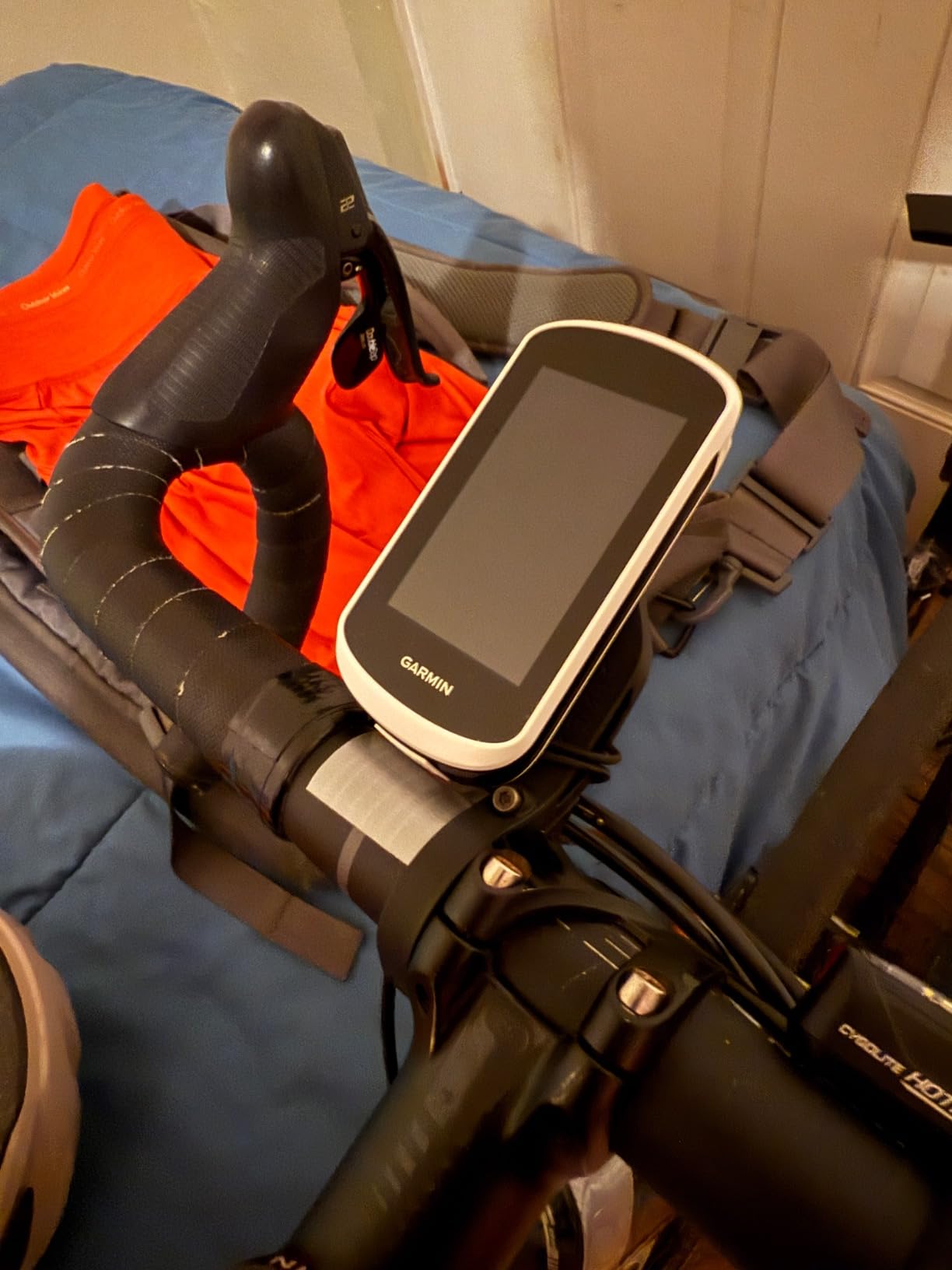
This is the pick for anyone whose single biggest question about a computer is whether it will talk to their bike. The published feature list for the Explore 2 is unusually specific: when connected to a compatible eBike it receives navigation guidance and alerts based on battery status, assist level and range.
In practice that means the screen can tell you which assist mode you are in and how much charge remains while you ride, instead of leaving you to guess from a motor that feels different on the next hill.
Why the eBike Routing Matters
The ride-type-specific maps include eBike routing, so a planned route can take into account that you are not going to pedal up a steep road with a depleted pack. High-traffic roads are displayed directly, which matters more on an e-bike than on a road bike because you carry more mass and accelerate differently.
The 3 inch capacitive screen is glove and rain friendly and reads well in direct sun, which is the opposite of the reflective screens used on several budget units below.
Setup, Profiles and Pairing
Road, off-road and indoor activity profiles come preloaded, so there is no configuration ritual before the first ride. Pairing with sensors, Varia radar and lights and a phone is quick, and LiveTrack, GroupTrack, rider-to-rider messaging and incident detection all work once a phone is connected.
It is worth knowing that the profile list is fixed at three and cannot be extended, so a rider who wants separate setups for a commuter, a cargo run and a trainer session has to change settings rather than switch profiles.
Where It Falls Short for E-Bike Use
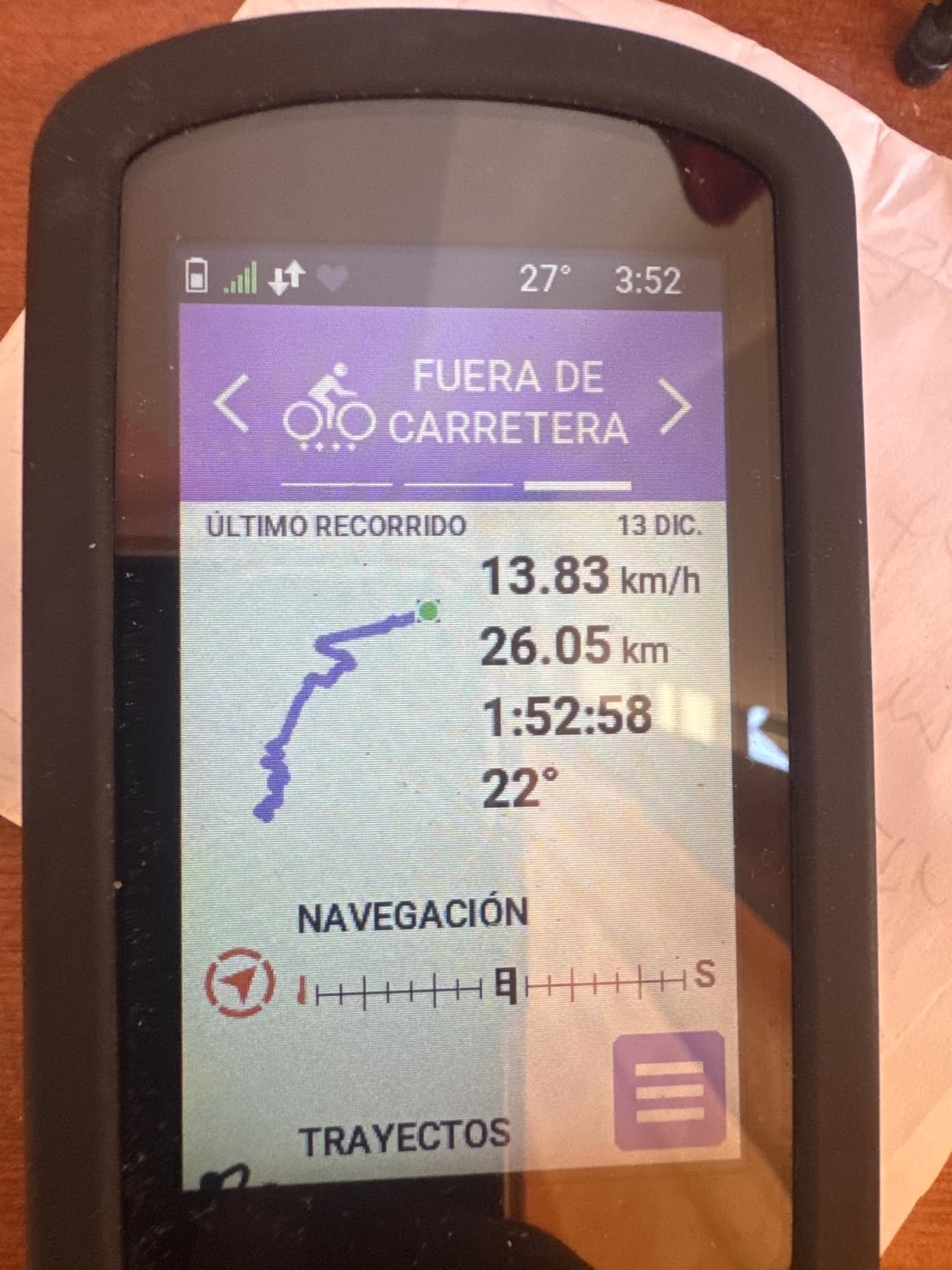
The menu system is genuinely convoluted, with deep nesting to reach the map, and routing can favour high-speed roads with no shoulder over quieter side streets. On an e-bike that is a real drawback, because comfort and smooth surfaces matter more than raw speed on a heavy bike.
There is no Wi-Fi, so maps and firmware update over a cable with Garmin Express, and the sixteen-hour battery figure is the shortest among the Garmin units in this roundup.
Who It Suits
Buy the Explore 2 if assist-level and range data on the ride screen is the feature you actually want, and you can accept an older interface in exchange. For more on the brand generally, our Garmin cycling computer guide compares the whole range.
4. Wahoo ELEMNT ACE – The Biggest Screen You Can Ride With
Wahoo ELEMNT ACE Cycling Computer
3.8 inch colour touchscreen
30 hours battery life
IPX7 water rating
208 g with pressure sensor
Pros
- Very large 3.8 inch screen with press pinch and swipe control
- Ready-To-Ride dashboard removes wait at the start
- 30 hour battery life
- Digital bike bell and audio cues that work well
Cons
- Very heavy at 208 g
- Weaker screen contrast in shade
- Map navigation is fiddly and can jump pages
- Setup and pairing have been buggy for some owners
The ELEMNT ACE is the screen-first choice. At 3.8 inches it is the largest display in this roundup, and for a rider who squints at a 2.6 inch panel through a rain-spattered windscreen while cruising at 25 km/h with a heavy bike, that difference is not cosmetic.
Thirty hours of battery life and an IPX7 rating mean it shrugs off the commute without nightly charging, and the Ready-To-Ride dashboard means there is no waiting on a satellite lock before every departure.
Big Screen, Simple Start
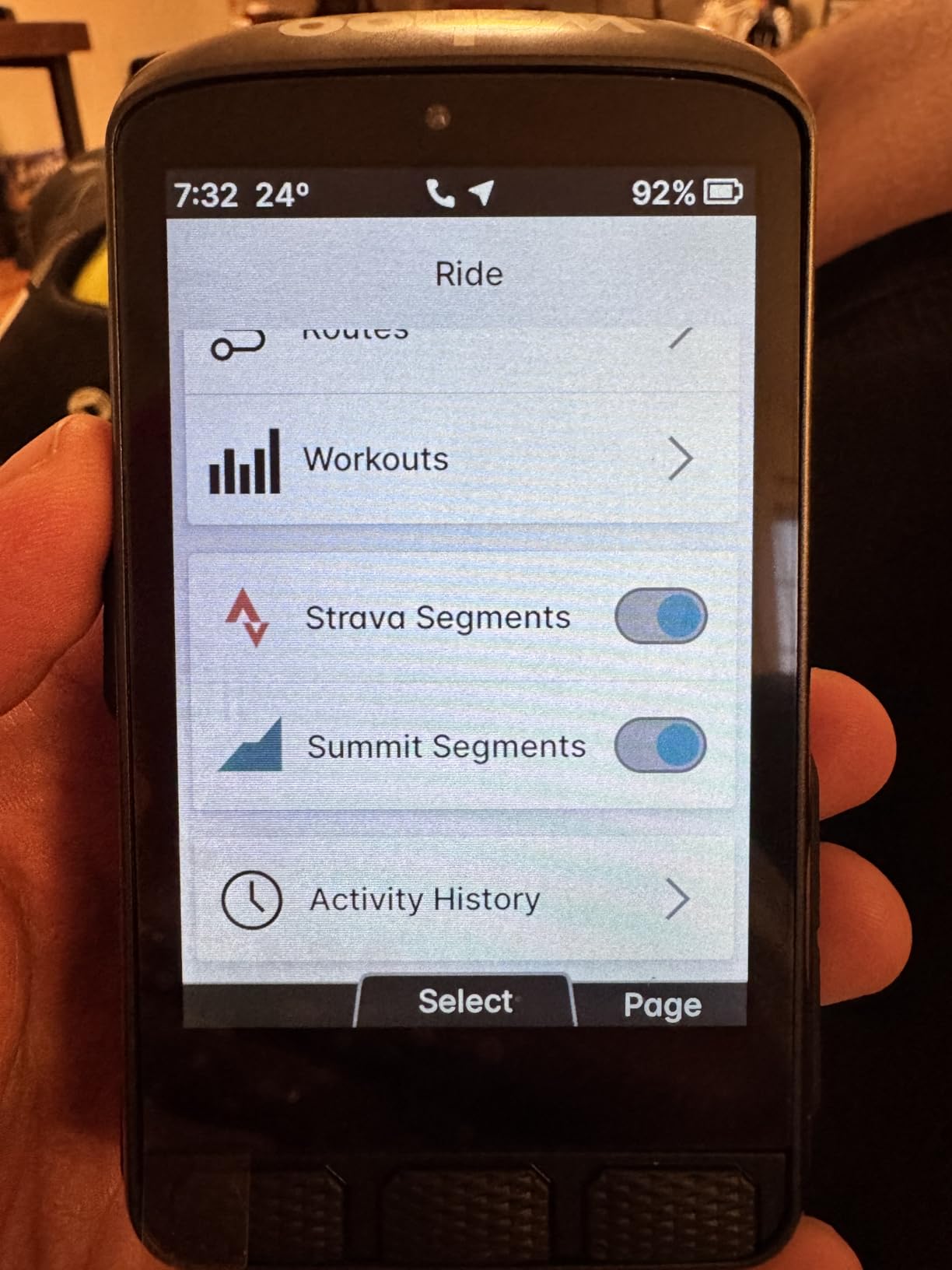
The interface responds to press, pinch and swipe, which makes zooming a map or scrolling a data page a one-thumb job at low speed. The digital bell and spoken cues are clear enough to use instead of a physical bell, and the audio prompts stop before they become irritating.
The hill profile is a favourite among touring and mountain bikers, and for an e-bike rider heading into a motor-assisted climb it gives a shape for the effort ahead.
Weight and Cockpit Consequences
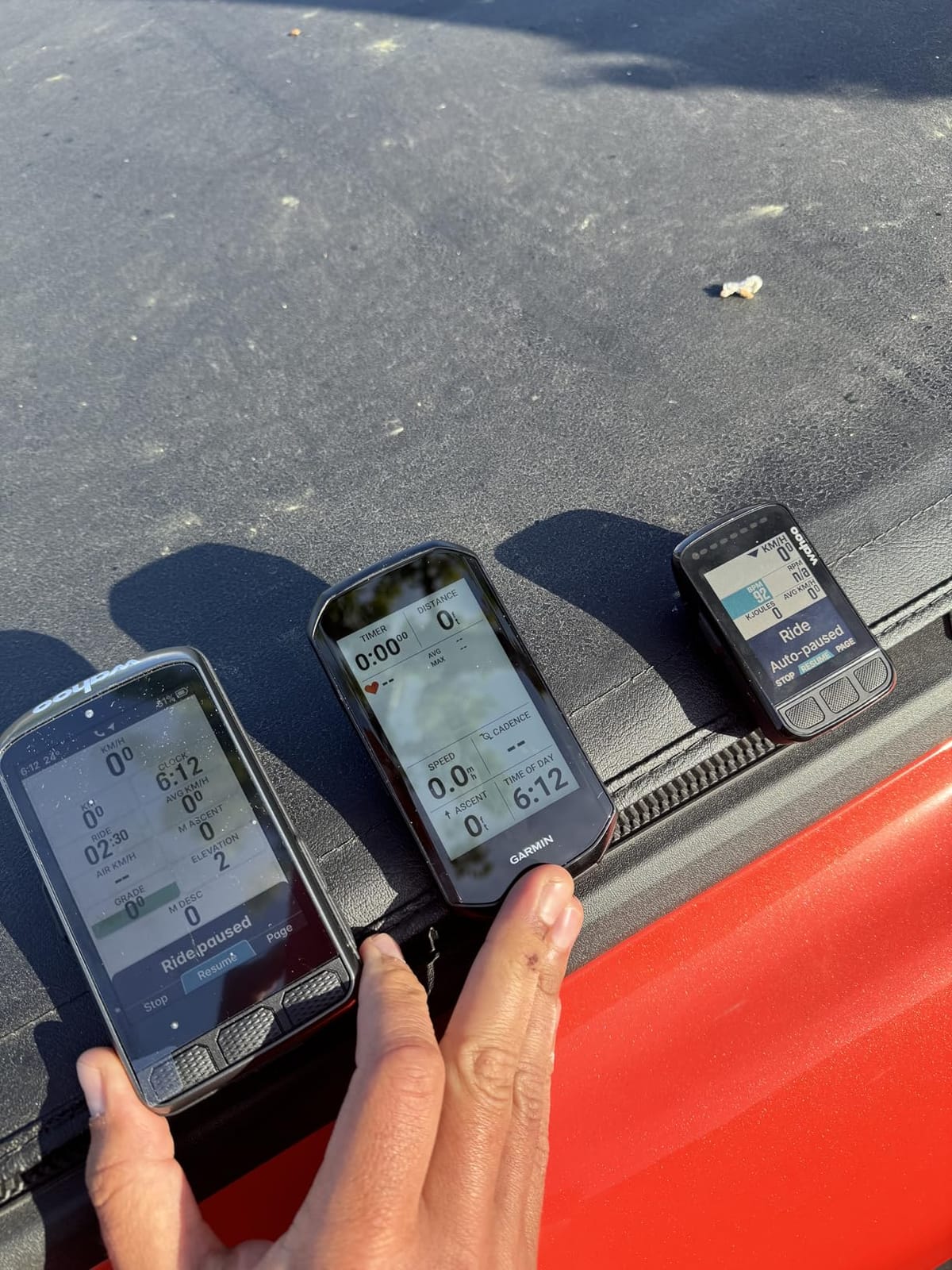
Two hundred and eight grams is heavy for a bike computer, and on a road bike it is noticeable. On a step-through or cargo e-bike with a wide bar and a stem mount, the extra mass is far less of a problem, and the large display is easier to read from a more upright position.
Screen contrast is weaker in shade, which is a genuine limitation for shaded forest trails and for anyone riding at dusk under tree cover. The barometric pressure sensor that feeds the AirBoost and AirDrag metrics is also often reported as inaccurate, so treat those numbers as entertainment.
Where It Falls Short for E-Bike Use
Map navigation is fiddly, with scrolling that can jump to a different page, and button or Di2 remapping is limited so the lap button is duplicated on the lever. Setup and initial pairing have been buggy enough that some owners needed tech support before the unit ran properly.
The stock mount is not sold separately, so mounting options on a shared e-bike or a second bike may require third-party alternatives.
Who It Suits
Choose the ACE for older riders, anyone with limited vision, and e-bike riders on upright touring and cargo machines where a big screen at a comfortable viewing angle beats low grams. Skip it for a lightweight road bike.
5. Wahoo ELEMNT ROAM V3 – The Endurance Choice for Long E-Bike Days
Wahoo ELEMNT ROAM V3 GPS Cycling/Bike Computer,Black
2.8 inch touchscreen
25 hours battery life
Dual-band GPS across seven constellations
109 g and IPX7
Pros
- Battery life far exceeds comparable Garmin units
- Zero glare and very readable in bright direct sunlight
- Every key function also reachable from the physical buttons
- Spoken directions are richer than simple beeps
Cons
- Crashes and false off-route deviations reported on long rides
- Slow syncing to the Wahoo app
- Screen can be hard to read in low light
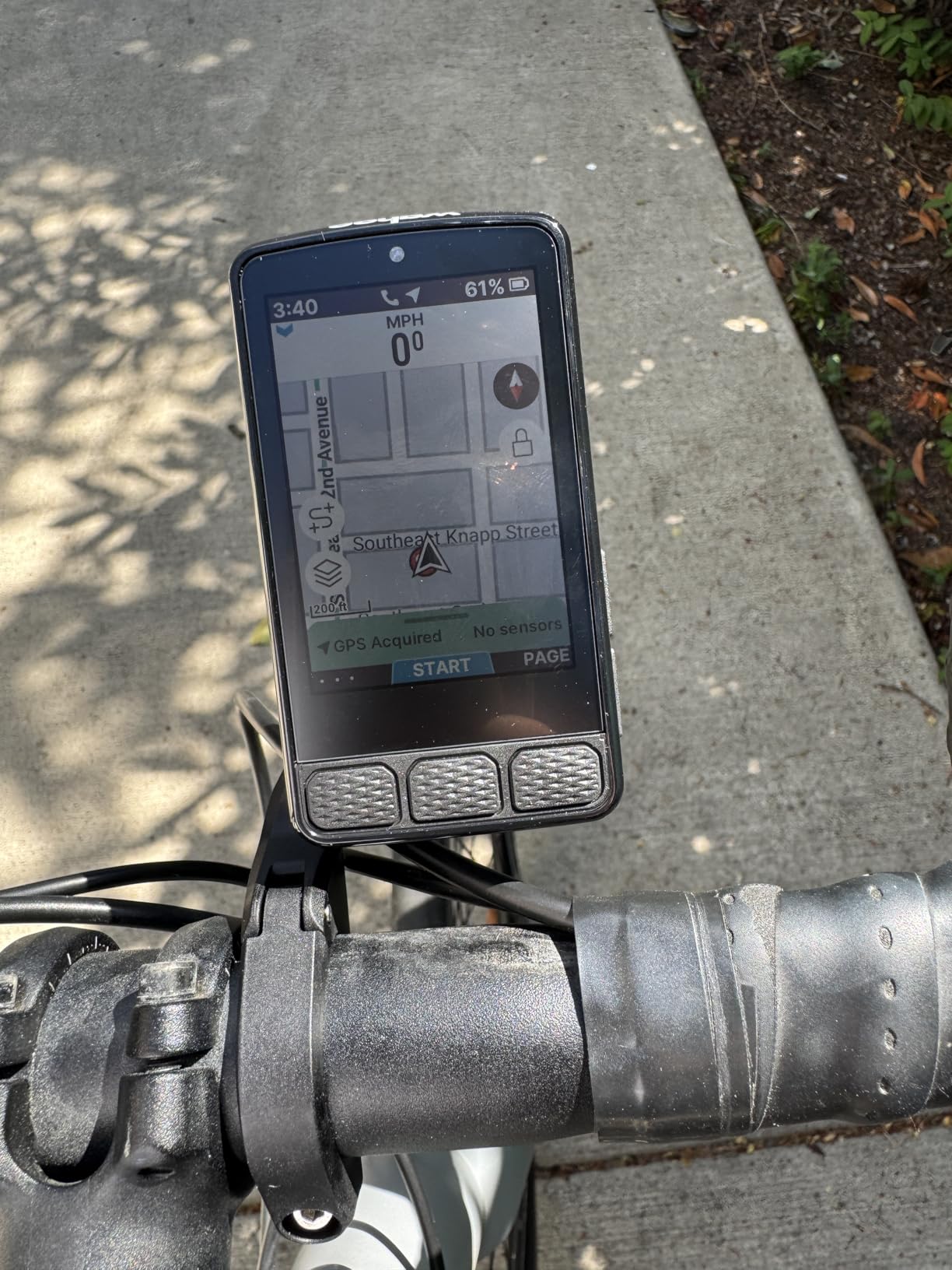
The ROAM V3 is the unit I would pick for a rider who leaves at dawn and returns after dark with the bike battery low and the head unit still on. Owners report a 200-mile, 14-hour day finishing with roughly half the charge remaining, which is a different order of endurance from the Garmin units in this roundup.
It is also compact at 109 grams, with an out-front mount and a stem mount in the box, so it suits a step-through e-bike where bar space is already contested by a bell and a light mount.
Dual-Band GPS and On-Demand Routes
Dual-band reception across GPS, GLONASS, BEIDOU, Galileo, QZSS, SBAS and NavIC is the reason position stays accurate under tree cover and in dense urban environments. Routes can be generated on demand directly from the map page, and Public Route Sharing lets another Wahoo user nearby see and load your route.
Turn-by-turn prompts work with GPX and TCX files and with routes imported from Strava, Ride With GPS and Komoot, which covers the planning tools most riders already use.
Buttons as Well as Touch
Six glove-friendly buttons cover every key function, and auto illumination handles dusk. Having both input methods means a ride over rough ground does not require you to keep a thumb on a touchscreen that keeps registering the wrong gesture.
Because the unit pairs over ANT+ and Bluetooth with e-bike power meters, heart rate straps and cadence sensors, a mid-drive e-bike rider can see real power output and assist compensation rather than a guess.
Where It Falls Short for E-Bike Use
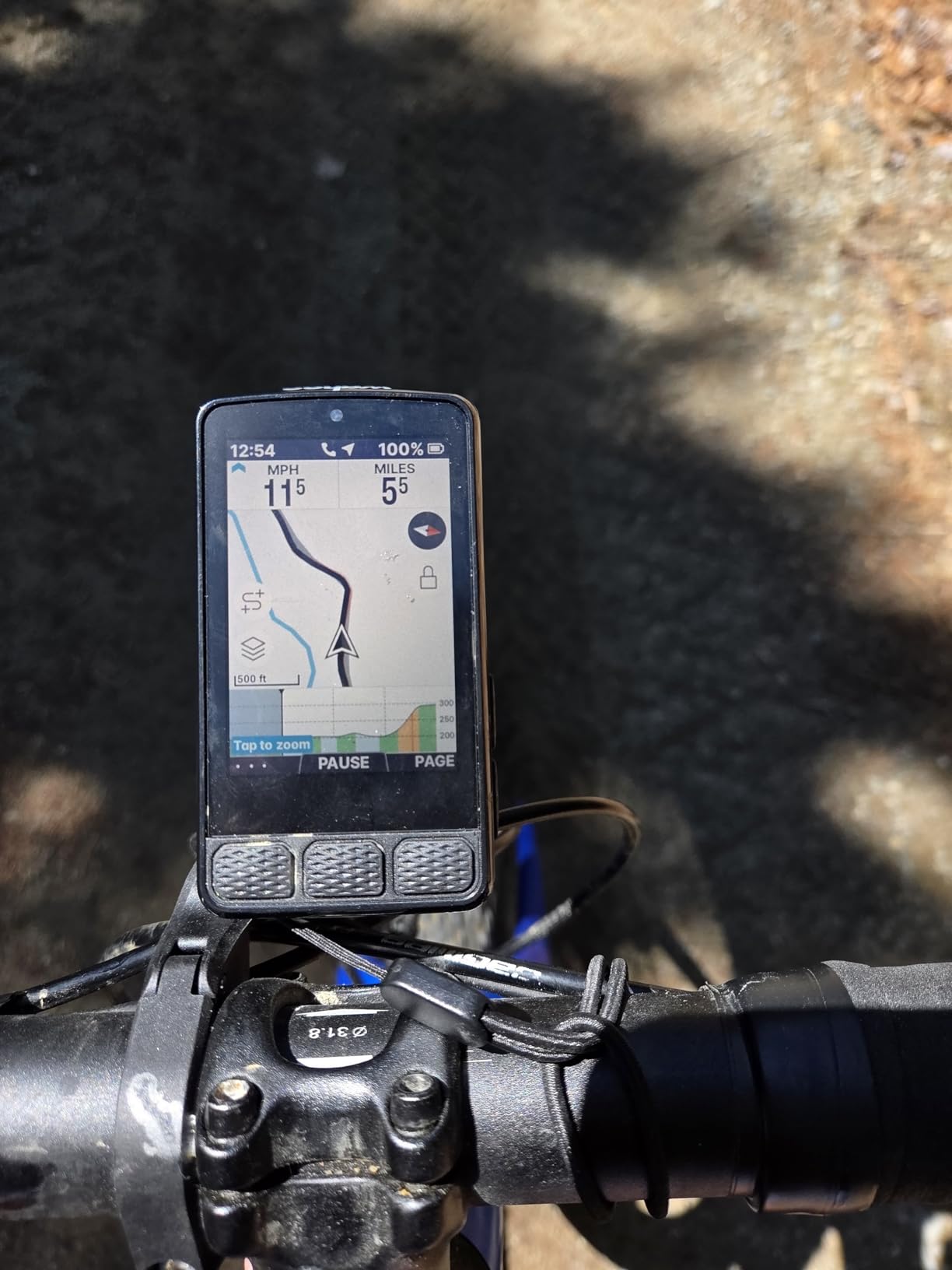
This unit carries the lowest average rating among the Wahoo models here, and owners do report crashes, reboots and false off-route deviations on long rides. That is exactly the scenario a long e-bike tour creates, so it is worth testing thoroughly before a multi-day trip.
Syncing to the Wahoo app can be very slow even for basic tasks, and low-light readability is a repeated complaint from riders who commute home after dark.
Who It Suits
The ROAM V3 suits the rider who values endurance and sunlight legibility above app responsiveness. If your e-bike sees more daylight than darkness, it is one of the strongest choices in this roundup.
6. Hammerhead Karoo – The Phone-Like Map With SRAM and E-Bike Pairing
Hammerhead Karoo Bike Computer Wireless GPS ANT+/BLE/GPS/GNSS
3.2 inch touchscreen
15 hours battery life
Multi-band GNSS
ANT+ Bluetooth Low Energy and USB
Pros
- Most phone-like map interface in this roundup
- Multi-band GNSS accurate from streets to trails
- Connects with SRAM AXS products and e-bikes
- Ample memory and fast map rendering
Cons
- Shortest 15 hour battery in this roundup
- Bulkier and heavier than most competitors listed at 0.41 kg
- Less developed training analytics and ecosystem
- Fewer user reviews than the Garmin and iGPSPORT units
The Karoo is the closest any unit here comes to a phone map. Panning and zooming feel like a handheld screen, which makes it a genuinely good choice for riders who find bike-navigation conventions frustrating and want something that behaves the way their thumbs expect.
Its feature list also calls out seamless connection with SRAM AXS products, e-bikes and ANT+ lights, so on a bike with an electronic groupset the setup is straightforward rather than a weekend project.
Positioning and Map Rendering
Multi-band GNSS holds a track from city streets to rugged trails, and the hardware keeps up with the map, so scrolling does not stutter. Buttons sit underneath the touch layer as a backup, which is the right call when a gloved thumb and a wet screen meet.
The trade-off is a fifteen-hour battery figure, the shortest in this roundup. On an e-bike that is workable for a commute or a half-day ride, but it means charging between long weekend routes.
Where the Ecosystem Is Thinner
Garmin and Wahoo have training analytics, coach suggestions and large sensor ecosystems built over a decade. The Karoo records your ride and shows you the map, but the depth of analysis behind it is much shallower.
Owner review volume is also modest compared with the Garmin and iGPSPORT units here, which matters because long-term durability reports are thin. The listed weight of 0.41 kg is heavier than anything else in this roundup and is worth confirming against the unit in hand if cockpit weight is critical.
Who It Suits
Choose the Karoo if your e-bike runs SRAM AXS or if you simply want the most intuitive map interface available. It pairs well with ANT+ lights and accepts e-bike sensor data over ANT+ and Bluetooth Low Energy.
7. iGPSPORT BSC300T – The Most Versatile With a Real eBike Mode
iGPSPORT BSC300T Wireless Bike Computer GPS, Touchscreen Offline MAP Navigation Off Course Warning Compatible with Insta360, for Ebike Road Bike MTB (Touch Screen&Button)
2.4 inch touchscreen plus 6 buttons
20 hours battery life
eBike mode with power level display
67 g
Pros
- Explicit eBike mode that displays power level
- Offline worldwide maps with route preview and off-course warning
- ANT+ and Bluetooth 5 pairing with e-bikes and radar lights
- Compact 67 g body that transfers easily between bikes
Cons
- Touchscreen is slow and awkward with gloves
- Low LCD contrast forces backlight use and cuts battery life
- Type-C cable is not included in the box
The BSC300T is the answer to the question riders ask most often about cheap e-bike computers: does it actually know it is on an e-bike? Yes. It ships with a dedicated eBike mode that displays power level, which almost nothing else in this price range does.
Add offline worldwide map downloads, route preview, turn prompts and an off-course warning, and you have a unit that covers the core navigation needs of a commuter for a fraction of what the established brands charge.
Sensor Pairing With E-Bikes and Trainers
ANT+ and Bluetooth 5.0 dual protocol covers speed, cadence, heart rate, e-bike and smart trainer sensors, so a rider who owns both an e-bike and an indoor bike can use the same head unit on both. Five-satellite positioning across GPS, BeiDou, GLONASS, Galileo and QZSS locks quickly in open terrain.
Over 130 riding data fields, real-time group tracking and one-tap export to Strava and Komoot cover the post-ride side. The 67 gram body fits existing mounts, which makes moving between two bikes painless.
Where the Budget Shows
The touchscreen is slow to respond and awkward with gloves, and the buttons and touch functions take time to tell apart, which produces a confusing first week. In steady use it is workable, but it is not a unit you will want to operate one-handed at 25 km/h in the rain.
Screen contrast is low, so the internal backlight ends up on, which shortens real battery life well below the twenty-hour claim. Turn-by-turn audio cues also arrive annoying out of the box and need disabling, and no Type-C cable is included.
Who It Suits
Pick the BSC300T if you ride an e-bike daily, want navigation, and would rather not spend flagship money on a device that spends most of its time on a commute. It is our pick for anyone new to e-bike computers and unsure what they need.
8. iGPSPORT BSC200S – Semi-Reflective Screen Built for Hard Commutes
iGPSPORT BSC200S GPS Bike Computer, Route Navigation Long Battery Life
2.4 inch semi-reflective colour screen
25 hours battery life
600mAh with 1.5 hour full charge
IPX7 sealed
Pros
- Semi-transparent semi-reflective screen is easy to read in sunlight
- 25 hours from a 600mAh cell
- One-touch and Back to Start navigation for quick departures
- Connects with iGPSPORT lights and radar
Cons
- No touchscreen with button-only navigation
- No colour map navigation like the BSC300T
- Type-C cable is not included in the box
- App and interface are less refined than Garmin or Wahoo
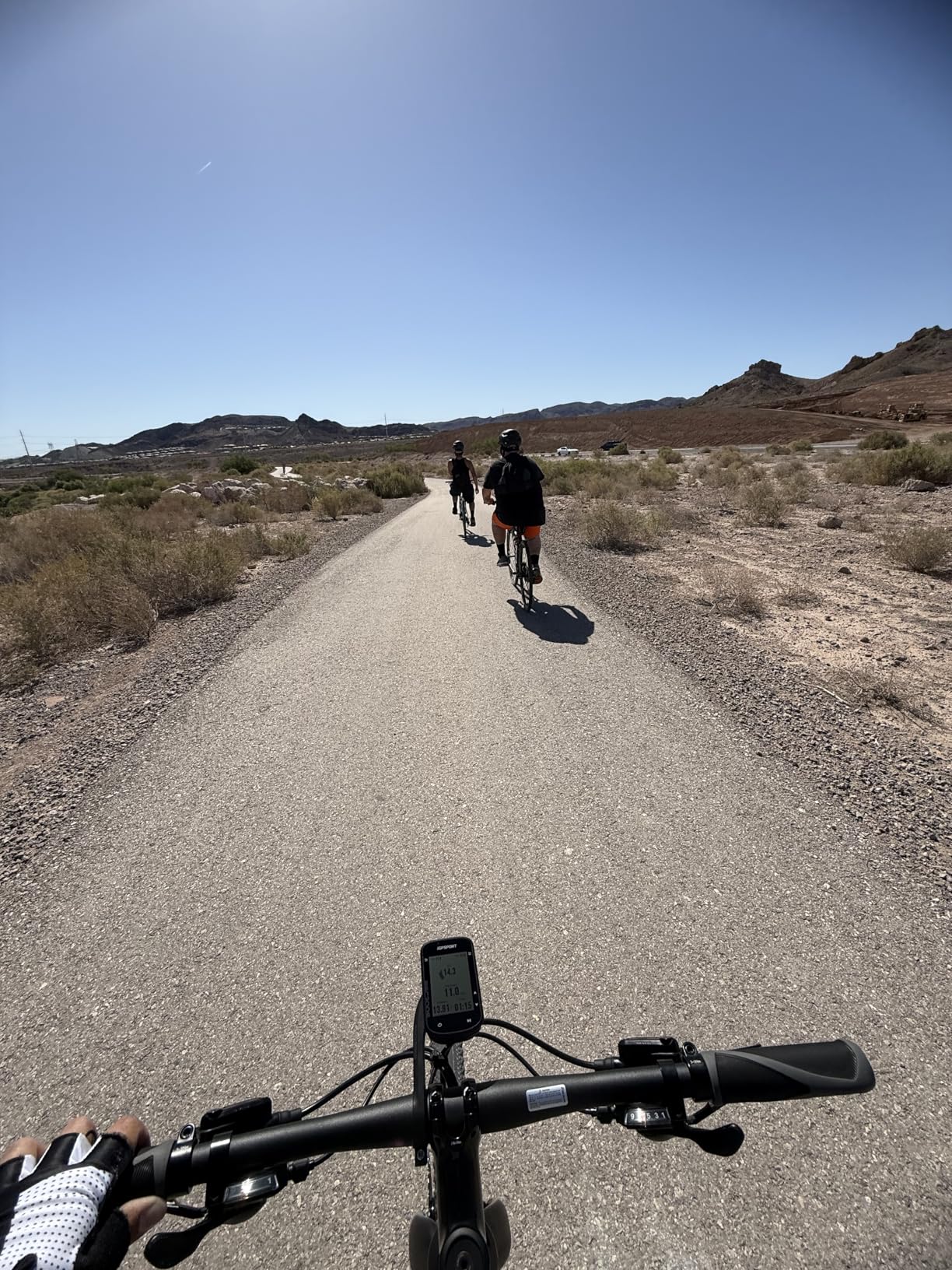
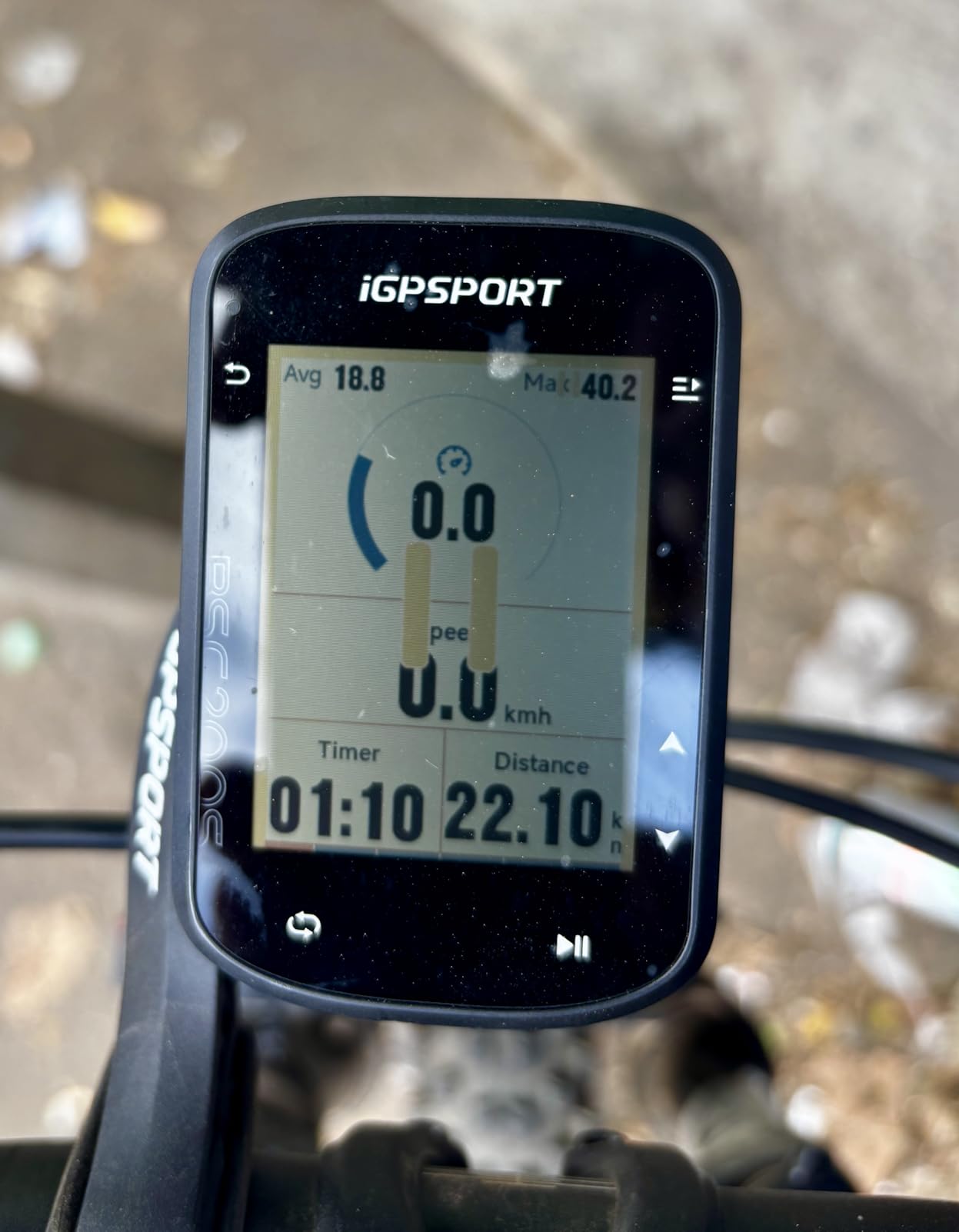
The BSC200S solves one problem very well: reading a screen in direct sunlight. Its semi-transparent semi-reflective colour panel stays visible in glare in a way that a backlit LCD at this size usually does not, which on a midday summer commute through open country is worth more than a larger screen.
Twenty-five hours of claimed battery life and a 1.5 hour full charge over Type-C mean it lives on the bar for weeks. It also holds up to 400 hours of riding data in storage.
Navigation Without a Touchscreen
Routes are created in the iGPSPORT app or imported from Strava, Ride with GPS and Komoot, and one-touch plus Back to Start navigation covers the two most common cases. Smart notifications deliver turn, yaw and direction reminders alongside calls and messages.
Buttons mean the unit is fully operable with winter gloves, which is the most common complaint riders raise about the touchscreens in this roundup. Pairing with iGPSPORT front and radar lights adds light control and vehicle monitoring.
Where It Falls Short
There is no colour map navigation, so you get guidance along a route rather than a browsable map, and no touchscreen at all. For a rider who likes to improvise a route on a quiet e-bike lane, that is a real limit.
The app and interface are less refined than the Garmin and Wahoo ecosystems, and again no Type-C cable ships in the box.
Who It Suits
Buy the BSC200S for a fixed daily route, long summer commutes and riders who want a screen that stays readable without a backlight. If you need a browsable map, step up to the BSC300T instead.
9. Magene C506 – Lightweight, WiFi-Fast and Trainer-Ready
Magene C506 GPS Bike Computer – 2.4″ Color Touchscreen, Smart Navigation, Fast WiFi & Bluetooth, Riding Assistant Wireless, Indoor Cycling & Training
2.4 inch colour touchscreen plus 3 buttons
24 hours in endurance mode
WiFi sync and free global maps
76 g
Pros
- WiFi sync is far faster than Bluetooth for uploads and firmware
- Free global map downloads with turn-by-turn navigation
- Supports nine device types including power meters and radar lights
- Uploads FIT files to a smart trainer with power targets
Cons
- No Strava Live or starred segments on this model
- Map download process is convoluted
- No PIN or theft protection for a device left on the bike
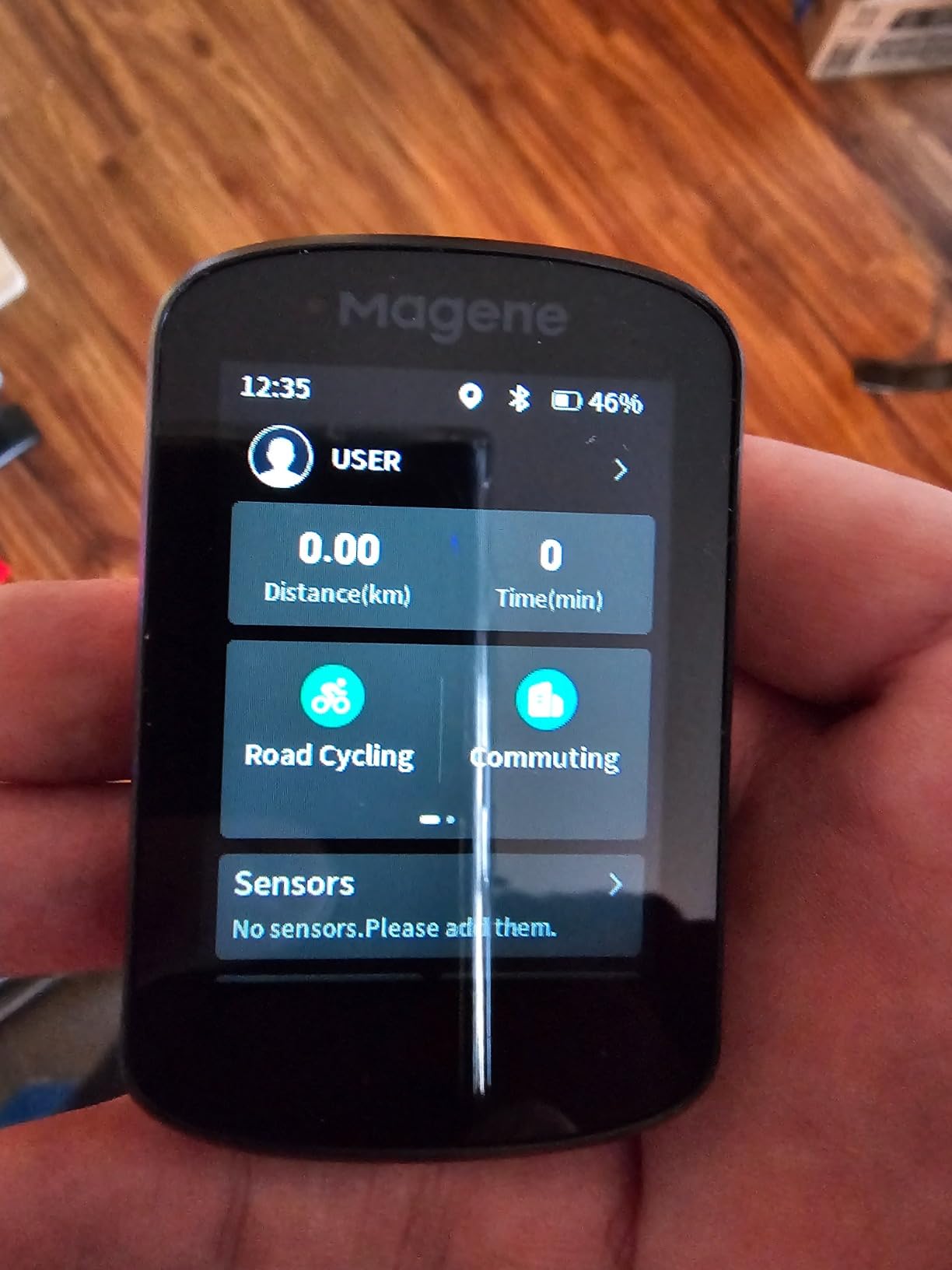
The C506 is the one to buy if your e-bike is also a training tool. Uploading a FIT file to a smart trainer with power targets, resistance and gradient targets is a documented feature, and very few units in this roundup combine indoor training support with a colour touchscreen and free global maps.
At 76 grams it is among the lighter options here, and WiFi sync makes pre-ride setup and post-ride uploads noticeably faster than a Bluetooth-only unit.
Nine Device Types and Broad Compatibility
The supported list covers speed, cadence, heart rate, power meters, smart trainers, radar and smart tail lights, SRAM eTap and Shimano Di2, which means most e-bike riders already own something the unit can talk to. The Airoha chipset with AGNSS acquires a position in as fast as five seconds, useful for a rider who stops for coffee and wants the second half of the ride recorded too.
One hundred and five data items across 14 categories render as dials, line graphs and bar charts, and the Riding Assistant can control Magene tail lights and switch the front light on at 10 km/h.
Where It Falls Short
This model does not support Strava Live Segments or starred segments, which only the higher C-series models add. If competing on a known segment matters to you, check the model before buying rather than after.
The map download process is convoluted, the OnelapFit app is less refined than the Garmin or Wahoo ecosystems, and some owners report the routing engine inventing paths that do not exist. There is also no PIN or theft protection, so a unit left on a parked e-bike is a target.
Who It Suits
The C506 suits riders who split their week between an e-bike outdoors and a trainer indoors, or who want a light unit that transfers between two bikes. Segment racers should look at a higher C-series model.
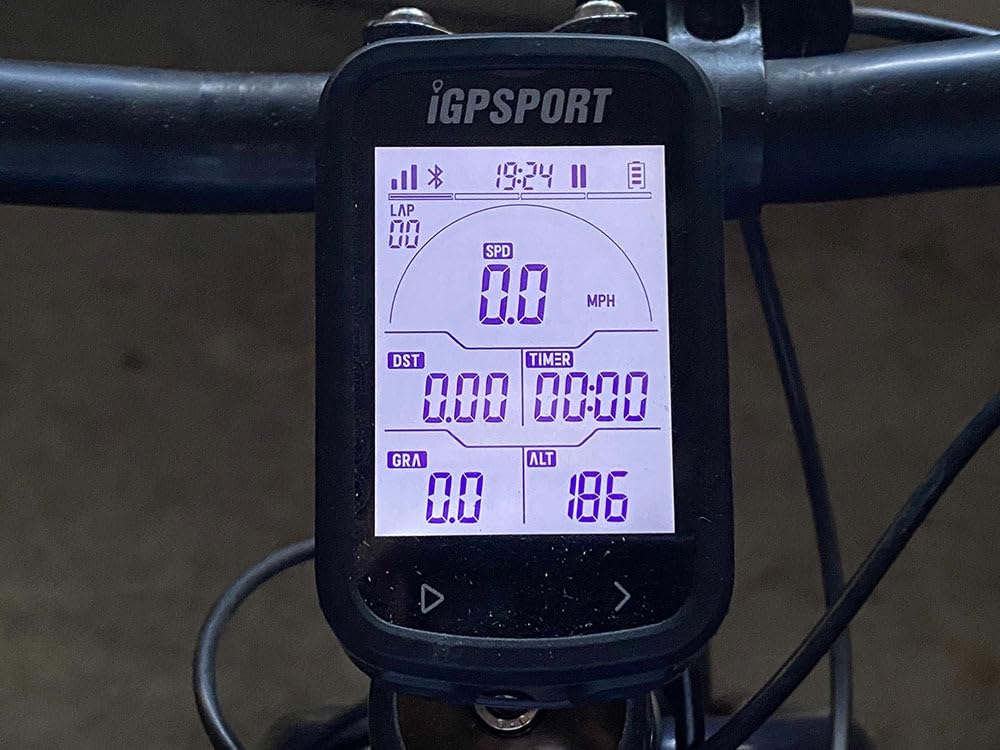
10. iGPSPORT BSC100S – Forty Hours, IPX7 and No Navigation
iGPSPORT BSC100S GPS Bike Computer, 2.6” Screen 40+ Data Sync with Strava
2.6 inch anti-glare LCD
40 hours from a 600mAh cell
IPX7 waterproof
Five satellite systems
Pros
- Outstanding 40 hour battery life with fast Type-C charging
- Large anti-glare 2.6 inch display readable in sunlight and backlit at night
- IPX7 sealing verified in heavy rain
- Reliable syncing to Strava and the iGPSPORT app
Cons
- No GPS navigation or map capability
- Cannot operate while charging so it cannot stay permanently on the bars
- Screen page layout is fixed and small fonts are hard to read
- App opens with an advertisement
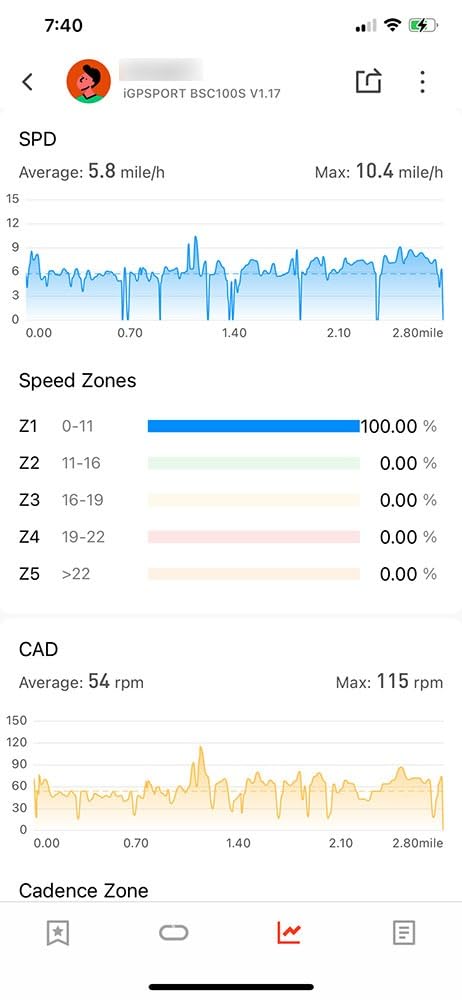
With 700 reviews behind it, the BSC100S is one of the most proven units in this roundup, and for a simple reason: it does the one thing every rider needs, which is record the ride, and it does that for a very long time between charges.
Forty hours of battery from a 600mAh cell, an IPX7 body verified in heavy rain, and a 2.6 inch anti-glare display that is readable in sunlight and backlit at night make it a dependable commuter choice at this level.
What You Give Up Without Navigation
There is no map and no turn-by-turn guidance. For a rider on a known 15 km commute, that is an acceptable trade, and it is why so many people use this unit as a backup on a second bike.
Data uploads to Strava and Komoot through the iGPSPORT app, and 40-plus fields cover speed, distance, grade, cadence, calories, time and temperature across five satellite systems.
A Real Limitation for E-Bike Owners
It cannot operate while charging, so it cannot sit permanently on an e-bike handlebar and top up between rides. If you plan to run it on a commuter you leave outside a building all day, that matters.
Page layout is fixed per configuration and cannot be fully customised, small fonts are hard to read for older riders, and the app opens with an advertisement. There is also an occasional freeze mid-ride reported by some owners that requires a reset and loses the ride.
Who It Suits
Choose the BSC100S if your routes are repetitive, you ride year-round in mixed weather, and you would rather charge once a month than every third ride. Riders who improvise routes need the GEOID or the BSC300T instead.
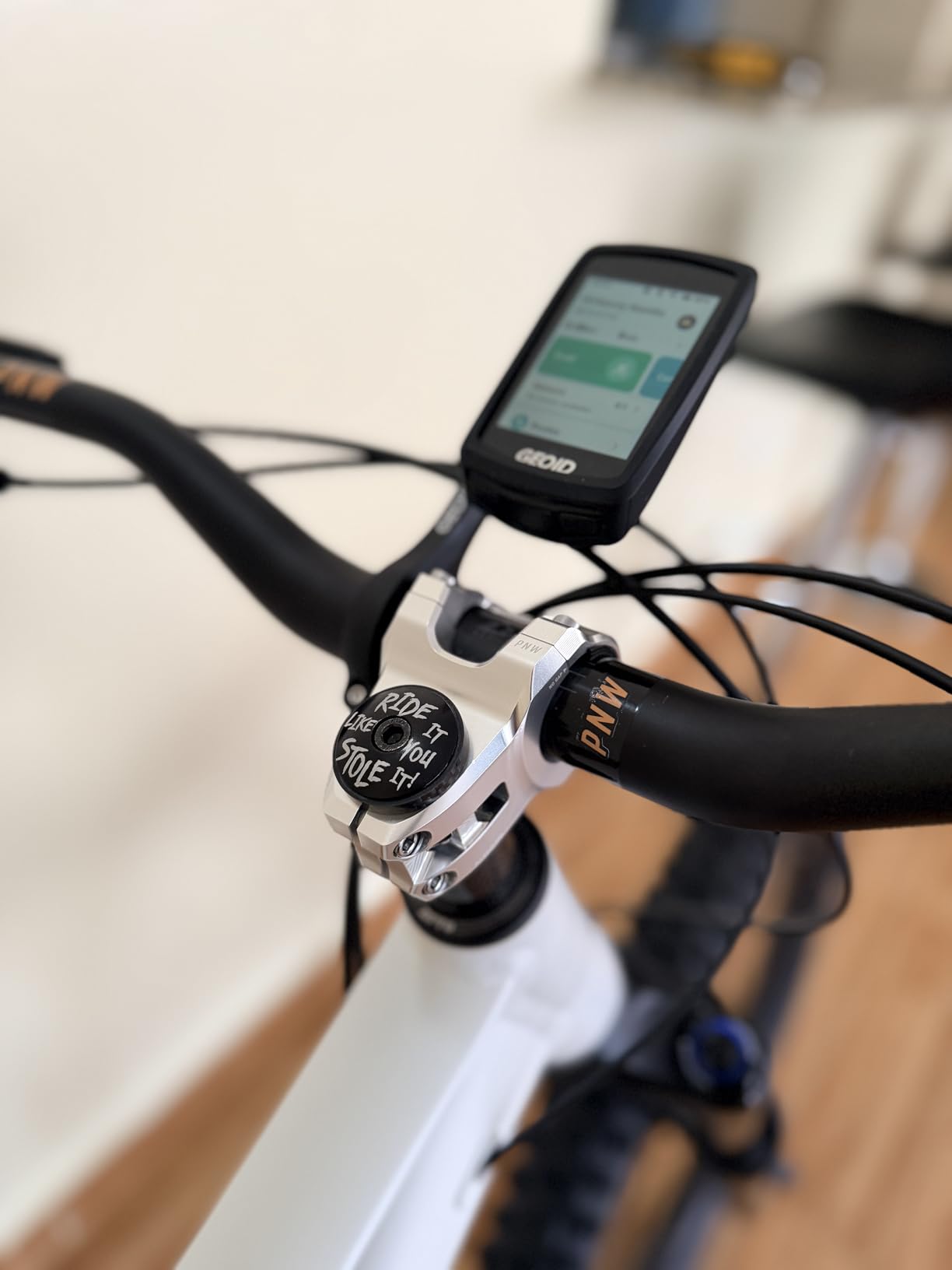
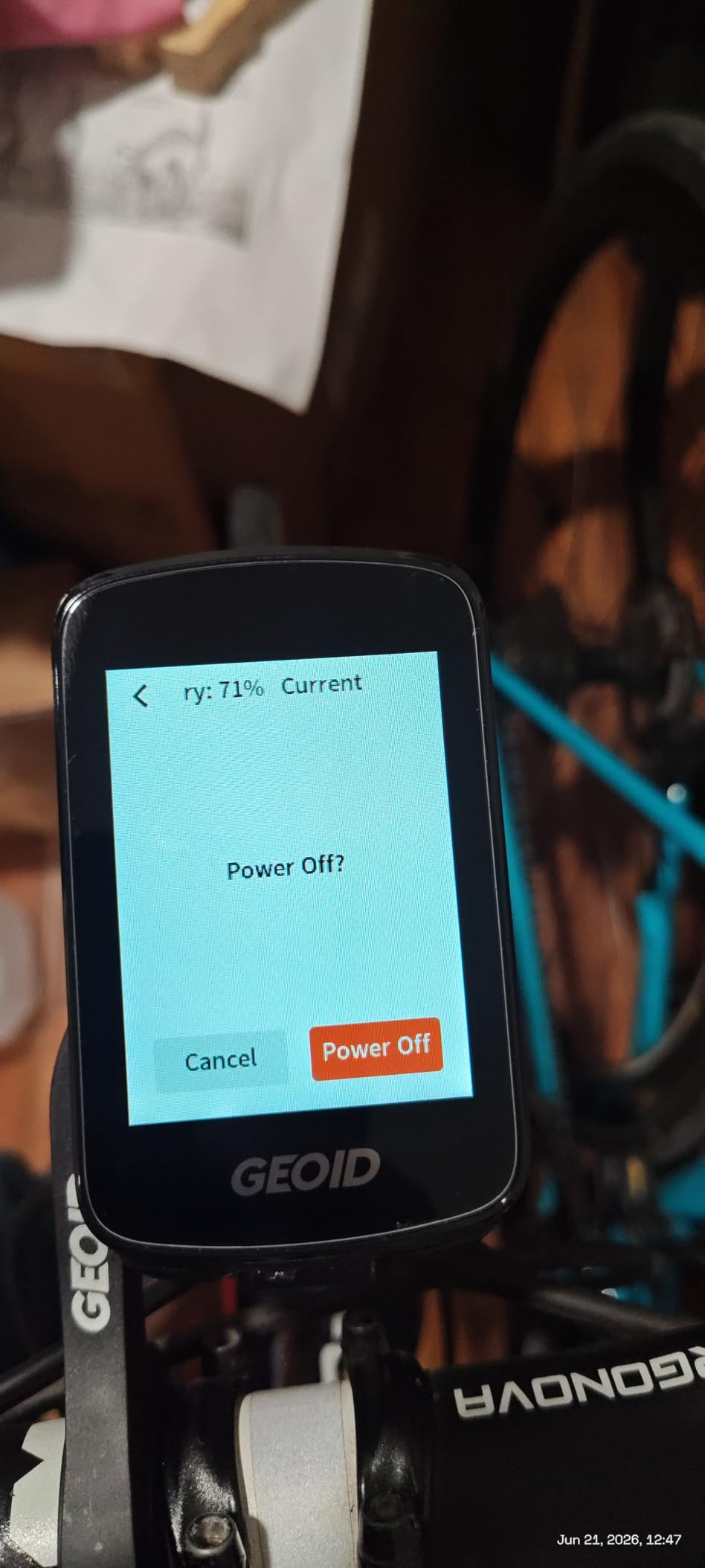
11. GEOID CC700 Pro – Offline Maps and Re-Route Planning on a Budget
GEOID CC700 Pro 2.8″ Color Touchscreen GPS Bike/Cycling Computer, Map Navigation with Re-Route Planning, WiFi Auto-Sync, ANT+/Bluetooth, Message Notification, IPX7 Waterproof, Free Indoor Training
2.8 inch colour TFT touchscreen
4 GB for offline maps
WiFi auto-sync with re-route planning
IPX7 with screen protector
Pros
- Offline maps with colour coded turns street names and dual views
- Re-Route Planning recalculates the path when you go off route
- WiFi auto-sync for AGNSS rides and firmware
- Includes a tempered glass screen protector and Type-C cable
Cons
- Re-Route Planning only works while connected to the app
- Heavier at 0.22 kg than most rivals at this level
- App and ecosystem are less mature than Garmin Wahoo or Magene
- Highest one-star share in the budget tier at 13 percent
Re-Route Planning is the feature that separates the CC700 Pro from every other unit at this level. When you stray off route, the unit recalculates a new path rather than beeping at you until you stop, which on a gravel lane or an unfamiliar forest track is the difference between a reroute and a walk home.
Four gigabytes of storage holds global offline map downloads, and the map page supports colour-coded turn prompts, street names, zoom and dual-perspective views.
Positioning and Indoor Training
Five satellite systems plus AGNSS give roughly five-second positioning with AGNSS data valid for 14 days, and WiFi handles both the satellite assistance and ride records far faster than Bluetooth would. Free indoor training with smart trainers supports power targets, resistance levels and gradient simulation.
FIT export with automatic Strava and TrainingPeaks syncing covers the analysis side, and there is direct DJI Action 4 and Action 5 Pro remote control on the cycling page for riders filming their rides.
Where It Falls Short
Re-Route Planning only works while the designated app is connected, so the feature disappears on a ride with no phone signal or no phone at all, which is precisely when an e-bike rider is most likely to need it.
The app and support ecosystem are less mature than the established brands, the unit is heavier at 0.22 kg than most rivals in its class, and one-star reviews account for 13 percent of the rating profile, the highest share among the budget units here.
Who It Suits
The CC700 Pro fits riders who improvise routes, ride gravel and forest trails, and want real maps plus rerouting without flagship spending. It also ships with a tempered glass screen protector, which matters on a cargo e-bike with a lot of cockpit vibration.
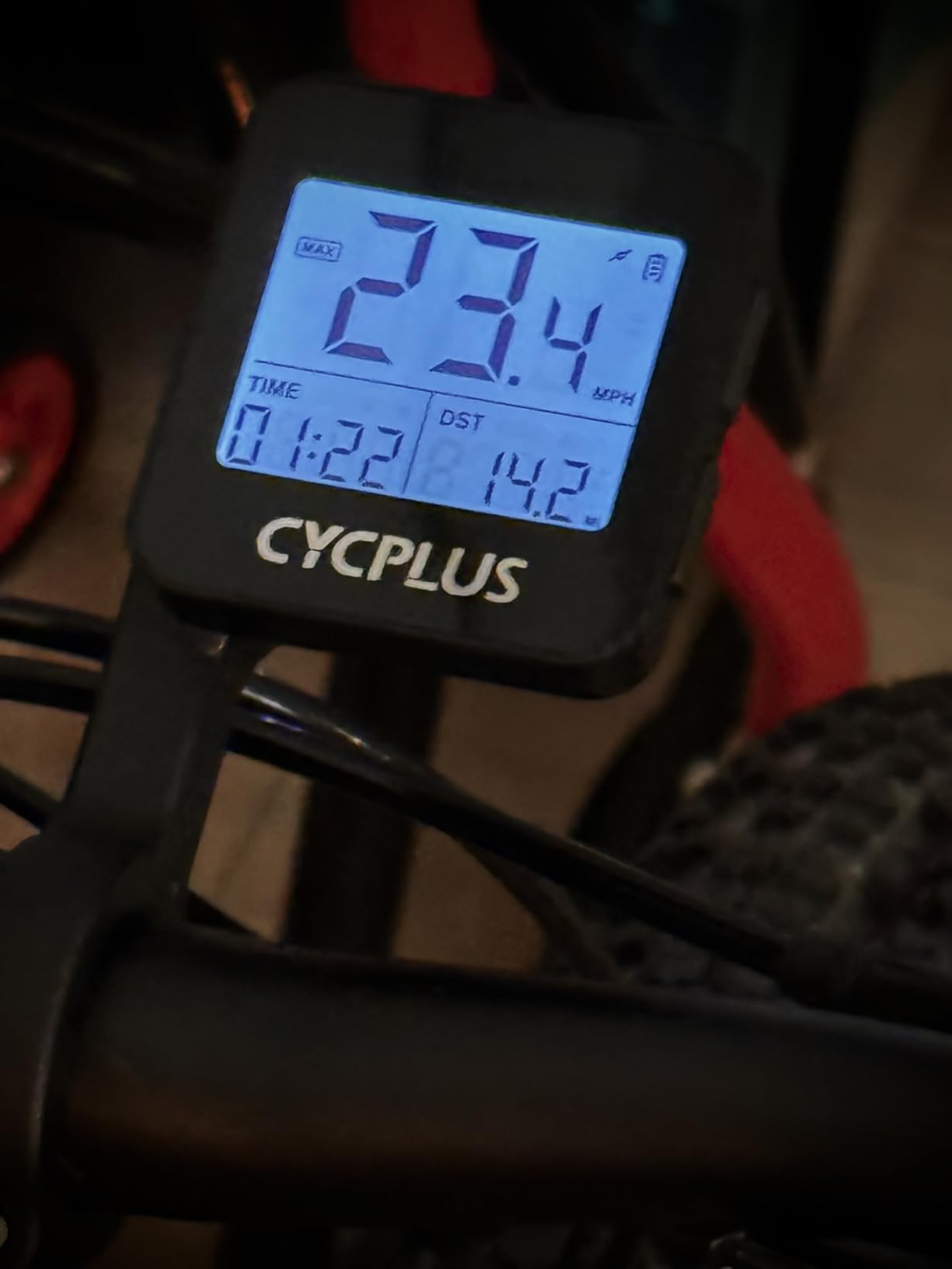
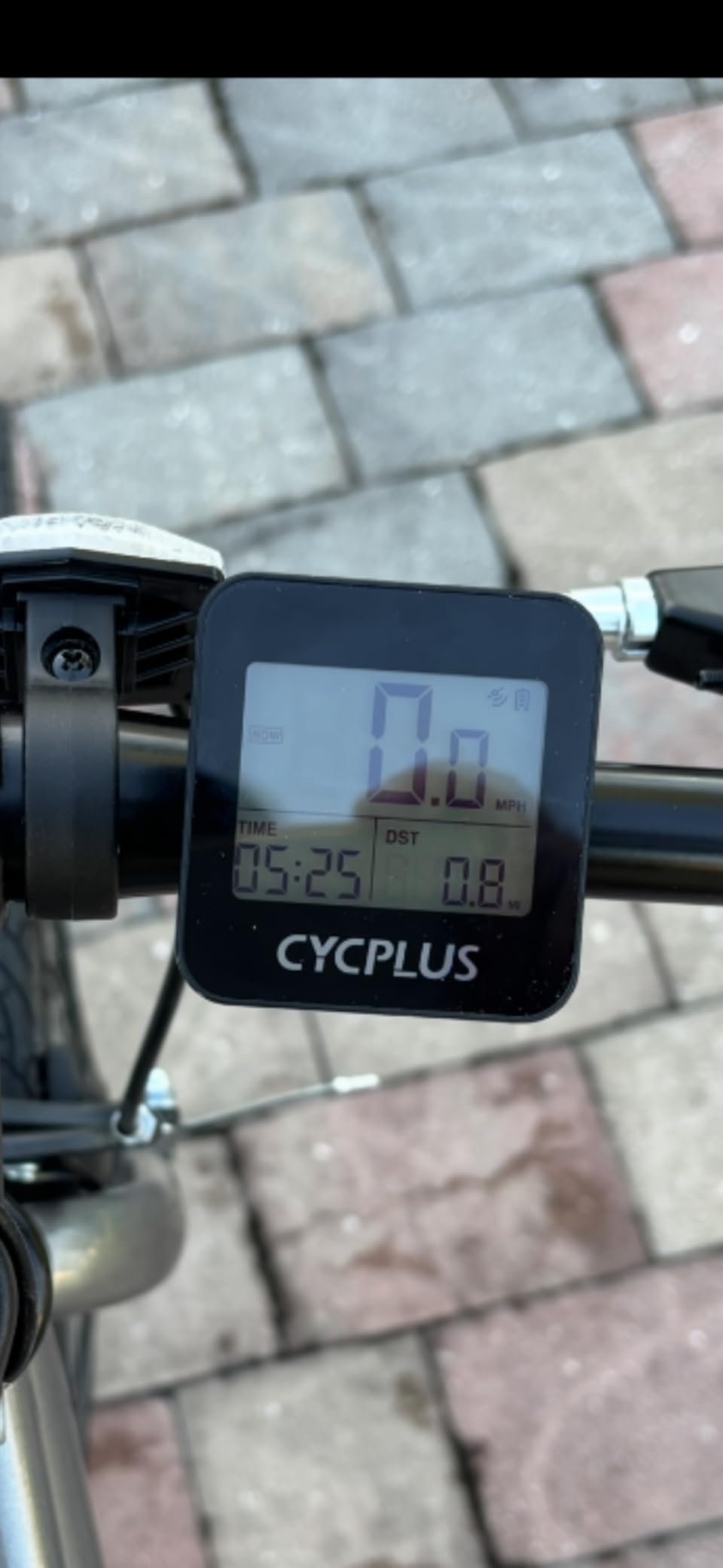
12. CYCPLUS G1 – The Simplest Recorder With the Longest Runtime
CYCPLUS Wireless GPS Bike Computer G1, 70g, 2.0″ Screen, IPX6, 1200mAh
2.0 inch backlit FSTN display
50 hours claimed from a 1200mAh cell
IPX6 sealed wireless body
70 g
Pros
- Very lightweight at 70 g with no handlebar cable clutter
- Real riders report 16 plus hours per charge
- Glare-free backlit FSTN screen readable day and night
- Over 4200 reviews make it the most proven unit here
Cons
- No sensor pairing for heart rate cadence or power
- No app no data upload and no Strava sync
- No navigation or mapping
- Must be switched on manually so rides can go unrecorded
With more than 4,200 reviews, the CYCPLUS G1 is the most widely proven basic cycling computer in this roundup, and the reasons it survives are simple: it is 70 grams, it has no cables, and it will run for days.
Real riders report 16 plus hours per charge against a 50 hour claim from the 1200mAh cell, and the glare-free backlit FSTN display under tempered glass reads well in both sun and darkness, with IPX6 sealing for all-weather riding.
What Two Buttons Can and Cannot Do
A two-button interface toggles max, current and average speed, total time, odometer and altitude, with automatic pause and resume and a sleep mode after ten minutes of inactivity. Owners report GPS accuracy within 1-2 percent of a reference computer on open routes.
What it cannot do is pair with anything. There is no heart rate, cadence or power meter connection, no companion app, no data upload and no Strava sync, so the ride record stays on the device unless you write the numbers down.
Where It Falls Short
It must be switched on manually, so a ride can go unrecorded entirely, and there is no navigation at all. GPS-based measurement drifts under dense tree cover, in tunnels or between tall buildings, which is common on e-bike routes that use greenways and woodland paths.
There are also small annoyances: it starts recording distance in feet before switching to miles, a long press of the power button clears trip time and distance, and the manual is poorly written.
Who It Suits
The G1 suits a casual rider, a second-bike backup or anyone who wants distance and time with no connectivity, no subscription and no charging anxiety. It is also a reasonable backup on a second e-bike that already has a main display.
E-Bike Computer Buying Guide: Nine Decisions That Matter
1. Does Your Motor Actually Talk to the Computer?
This is the question riders ask most often and the one most roundups dodge. The honest answer is that no bike computer reads every motor directly. What a unit can do depends on the protocol your drive speaks and whether the computer exposes that data as fields. Owners of dedicated e-bike displays report pairing instantly with systems such as the Neodrives MMI23 and the Yamaha PW-X3, while threads on forums.electricbikereview.com keep circling the same point: connecting a Garmin to a Bosch-equipped bike is not a given.
What you can verify before buying is simpler. Check whether the published feature list mentions an eBike mode, power level data, or pairing with e-bike power meters over ANT+ and Bluetooth. In this roundup the Edge Explore 2, the iGPSPORT BSC300T and the Hammerhead Karoo all state that support explicitly. For any motor brand not named in a manual, contact the computer manufacturer with your exact drive model rather than trusting a forum answer.
2. Independent Battery or Borrowed Power?
A dedicated e-bike display may run off a coin cell that is completely independent of the bike pack, or draw from the e-bike battery, or carry its own rechargeable cell. The practical difference is obvious: a computer tied to the pack cannot record the ride home if the pack is flat, and it complicates swapping one bike display onto another machine.
Every unit in this roundup runs on its own cell, which is why they all work on a non-powered bike too. Working time ranges from 15 hours on the Hammerhead Karoo to 50 claimed hours on the CYCPLUS G1, with the ROAM V3 and Explore 2 covering a full weekend of typical commuting.
3. Range Estimation Needs Motor Data
An e-bike range figure is only as good as the information behind it. A computer that knows your assist level, motor temperature and current pack state can warn you before the assistance cuts out on a climb. One that only knows wheel speed cannot. This is why the Explore 2’s documented assist and range guidance matters more to an e-bike rider than another half-inch of screen.
4. Screen Technology Decides Day and Night Comfort
Reflective and semi-reflective panels such as the BSC200S and the CYCPLUS G1 need no backlight in sun but need one at night. Transflective and colour screens are readable in both but consume more power. Glossy touchscreens can be unreadable in direct sun while a Wahoo panel is described as zero glare.
Riders doing evening and night commutes should test the backlight before buying, because this is a repeated complaint about several dedicated e-bike displays. Auto illumination, as found on the ROAM V3, handles dusk without any fiddling.
5. Buttons in Gloves Versus Touch in Rain
Touchscreens give faster map interaction, and buttons give reliable operation when your hands are wet, cold or gloved. A mixed approach is the safest: the ROAM V3 puts every key function on physical buttons as well as touch, the Karoo has button backup under the touch layer, and the BSC300T pairs six buttons with a small screen. Pure touchscreens with no button backup are the hardest to use on an e-bike at speed in bad weather.
6. Navigation That Works Without Signal
Breadcrumb navigation follows a line you loaded, full mapping lets you browse and reroute, and re-routing builds a new path when you deviate. The GeoID CC700 Pro and the iGPSPORT BSC300T and Magene C506 all download maps for offline use. If your ride crosses dead zones, offline storage and an off-course warning matter more than turn-by-turn prompt quality.
7. All-Weather Sealing and Night Visibility
IPX7 units, including the Wahoo ELEMNT ACE, ELEMNT ROAM V3, iGPSPORT BSC200S, BSC100S and GEOID CC700 Pro, tolerate heavy rain and washing. The CYCPLUS G1 is rated IPX6. For a commuter who rides year-round, sealing is not a luxury feature, and it is where cheapest units most often disappoint after a first winter.
8. Cockpit Fit on Step-Through, Cargo and Fat Bikes
Weight, mount position and footprint decide whether a unit is usable. A 208 gram device on an out-front mount is fine on a wide cargo bar and heavy on a road bike. The ROAM V3 at 109 grams, the BSC300T and BSC200S at 67 grams, the Magene C506 at 76 grams and the CYCPLUS G1 at 70 grams are the realistic options for bikes with crowded bars. If your e-bike has brake and display cables crossing the stem, budget for a proper out-front mount rather than a rubber band.
9. Ecosystem, Export and Trainer Support
Check where your ride data goes before you buy. Strava sync is universal here, but Strava Live and starred segments are missing on the Magene C506, Strava segments are absent on the BSC100S, and the CYCPLUS G1 has no app or upload at all. Komoot and Ride With GPS imports are supported by several units, and TrainingPeaks sync appears on the GeoID. If you also ride indoors, smart trainer control is documented on the Magene C506, the GeoID CC700 Pro and the iGPSPORT BSC300T.
Frequently Asked Questions
What is the best bike computer for an ebike?
The best cycling computers for e-bikes are the Garmin Edge 1050 for flagship navigation and long battery life, the Garmin Edge 540 for glove-friendly button control, and the Garmin Edge Explore 2 because its published features explicitly describe eBike assist level, battery status and range guidance on the ride screen. The Explore 2 is the most e-bike-aware unit in the group, while the 1050 and 540 cover riders who want navigation first and motor data second.
Can I connect my Garmin to my eBike?
It depends on the motor and the unit. The Garmin Edge Explore 2 is documented as receiving navigation guidance and alerts based on battery status, assist level and range when connected to a compatible eBike. Other Garmin head units connect to e-bike power meters over ANT+ and Bluetooth but show power data rather than assist state. Confirm your exact drive model with Garmin before buying, because a motor that does not share a protocol will not appear at all.
Which cycling computer has the best battery life?
Among the units in this roundup, the CYCPLUS G1 claims the longest working time at 50 hours from a 1200mAh cell, and real riders report 16 plus hours per charge. The iGPSPORT BSC100S claims 40 hours, the Wahoo ELEMNT ACE 30 hours, the Garmin Edge 540 26 hours and the ELEMNT ROAM V3 25 hours. Battery independence matters as much as the figure, because a computer with its own cell still records when the e-bike pack is switched off.
Which bike computer is better, Garmin or Wahoo?
For e-bike riders, Garmin leads on documented eBike integration and training depth, with the Edge Explore 2 showing assist level, battery status and range, and the Edge 540 offering multi-band GNSS with button control. Wahoo leads on endurance and simplicity, with the ELEMNT ROAM V3 running long on a compact body and the ELEMNT ACE offering a large screen with 30 hours of life. Riders who want motor data should lean Garmin; riders who want fewer problems should lean Wahoo.
Which e-bike computers work with Bosch?
No head unit in this roundup publishes verified Bosch protocol support, so treat any claim of direct Bosch motor data as unconfirmed until the manufacturer confirms your exact drive. In practice, mid-drive Bosch e-bike owners get the most out of units that pair with e-bike power meters over ANT+ and Bluetooth, such as the Garmin Edge 1050, the ELEMNT ROAM V3, the Hammerhead Karoo and the iGPSPORT BSC300T. Ask the manufacturer for your drive model before purchase.
Does the e-bike computer need the bike battery on?
Every unit in this roundup runs on its own internal cell, so none of them requires the e-bike battery to be switched on to record a ride. That is different from a dedicated OEM e-bike display, which may draw power from the pack and therefore cannot log anything once the pack is flat or removed. Independent power is also why these head units transfer between an e-bike and a conventional bike, and why they keep recording during a stopped coffee break.
Are e-bike displays waterproof?
Waterproofing varies widely. The Wahoo ELEMNT ACE, ELEMNT ROAM V3, iGPSPORT BSC200S, iGPSPORT BSC100S and the GEOID CC700 Pro carry an IPX7 rating, which covers heavy rain and washing. The CYCPLUS G1 is rated IPX6. IPX7 means the unit survives temporary immersion, so a year-round commuter can ride through winter rain without a separate rain pouch, but none of these ratings makes a unit safe to submerge deliberately.
Which E-Bike Computer Should You Buy in 2026?
If assist level, battery status and range on the ride screen matter most to you, the Garmin Edge Explore 2 is the one to buy, because it is the only unit here whose published features describe that guidance. Verify your motor model with the manufacturer before ordering.
If you ride long distances and want navigation you never have to think about, the Garmin Edge 1050 is our pick as the best cycling computer for e-bikes overall, with a large colour screen, turn prompts, and twenty hours of demanding battery life. If your hands are cold and wet most of the year, take the Garmin Edge 540 instead and enjoy the buttons and the 2.8 ounce weight.
If your e-bike spends long days outdoors, the Wahoo ELEMNT ROAM V3 gives you the endurance and sunlight legibility, and the Wahoo ELEMNT ACE suits an upright touring or cargo cockpit where a big screen and 30 hours of life are worth the extra mass.
For budget riders, the iGPSPORT BSC300T is a strong all-round pick with a real eBike mode and offline maps, the Magene C506 is the one to buy if you also ride a trainer, the iGPSPORT BSC200S wins on a semi-reflective screen for fixed routes, the iGPSPORT BSC100S for a set route and long intervals between charges, the GEOID CC700 Pro for maps and re-routing, and the CYCPLUS G1 if you only need distance and time. Whichever you choose, confirm the protocol support for your motor and check the product listing for the current details before you commit in 2026.
Leave a Reply