
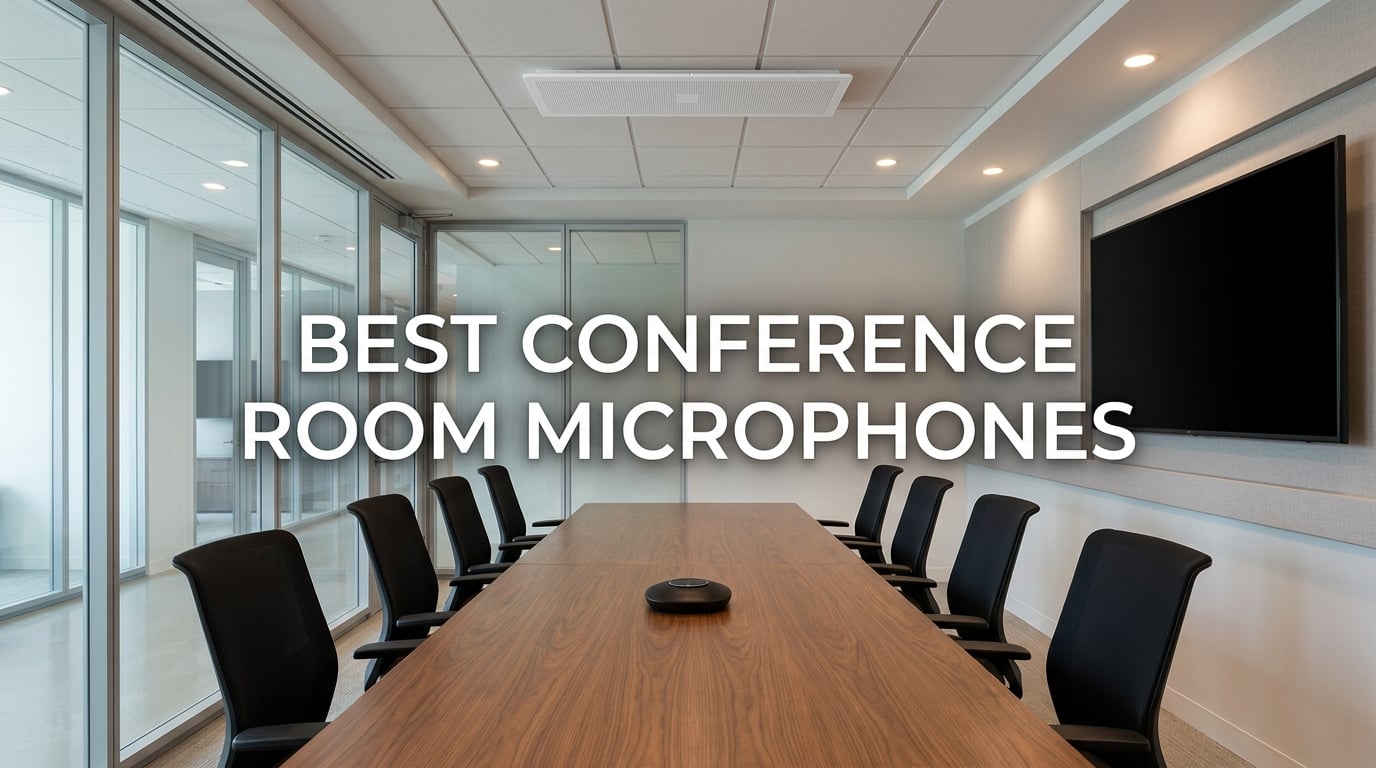
Every hybrid meeting has one quiet failure mode, and it is never the camera. It is the person at the far end of an 18-foot table whose voice never reaches the laptop microphone, so on the call they simply stop talking. Remote attendees do not hear that person. The in-room conversation continues as if nothing happened, and half the room is invisible to everyone dialing in.
That is the problem the best conference room microphones solve. A good one does not just get louder. It places microphones where the whole room can be heard from, cancels the echo of the room’s own speakers, and filters steady background noise like HVAC so a quiet voice still lands at a natural level.
We have been in this category for years, and across the 10 picks below the pattern is consistent: the deciding factor is almost never a spec sheet number, it is whether the device covers the actual seating footprint of your room. Our team has run side-by-side listening tests in huddle rooms, glass-walled meeting boxes and a long boardroom table, and scored each device on pickup coverage, full-duplex behaviour, noise rejection, connection stability and platform certification. Last updated in 2026.
If you are still building out the rest of the room, our guides to the best conference room speakerphones and the best conference room webcams for hybrid meetings cover the other half of the audio-visual path.
Our Top 3 Picks for Conference Room Microphones in 2026
The three devices below cover the widest range of real rooms, from a two-person huddle box to a ten-person table. Everything else on this list earns its place by solving a narrower problem well.

Anker PowerConf Speakerphone
- 6-mic 360-degree array
- Voice Radar 3.0 AI noise reduction
- Bluetooth and USB-C
- 24 hours of call time

TONOR G11 USB Conference Mic
- Omnidirectional condenser
- 11.5 ft pickup range
- Plug and play with no drivers
- Built-in mute button

EMEET Luna Conference Speak…
- 3-mic full-duplex array
- VoiceIA noise reduction
- Daisy chain to 16 attendees
- USB Bluetooth AUX and dongle
Comparing All 10 Conference Room Microphones in 2026
Use this table to match devices to room size before you read the individual reviews. Two of the picks are microphones only with no built-in speaker, which is the single most common buying mistake in this category.
| Product | Specs | Action |
|---|---|---|
| Anker PowerConf Speakerphone |
|
Check Latest Price |
| TONOR G11 USB Conference Mic |
|
Check Latest Price |
 TONOR TM20 USB Conference Mic TONOR TM20 USB Conference Mic |
|
Check Latest Price |
| EMEET Luna Conference Speakerphone |
|
Check Latest Price |
 Anker PowerConf S330 USB Speakerphone Anker PowerConf S330 USB Speakerphone |
|
Check Latest Price |
 EMEET M0 Plus Conference Speakerphone EMEET M0 Plus Conference Speakerphone |
|
Check Latest Price |
 CMTECK USB Conference Microphone CMTECK USB Conference Microphone |
|
Check Latest Price |
 AIRHUG Bluetooth Speakerphone AIRHUG Bluetooth Speakerphone |
|
Check Latest Price |
 Dell SP3022 Speakerphone Dell SP3022 Speakerphone |
|
Check Latest Price |
 Jabra Speak 750 UC Speakerphone Jabra Speak 750 UC Speakerphone |
|
Check Latest Price |
1. Anker PowerConf Speakerphone – Best Overall for Rooms Up to About Eight People
Anker PowerConf Speakerphone, Zoom Certified Conference Speaker with 6 Mics
6 microphones in 360-degree array
Voice Radar 3.0 AI processing
Bluetooth plus USB-C
24 hours call time
Pros
- Six-microphone 360-degree array captures voices from all directions
- AI-based noise reduction
- echo cancellation and multi-speaker detection
- Bluetooth and USB-C with no driver installation
- 24-hour battery with reverse charging for other devices
Cons
- Fixed mic array makes placement in the room critical for far-end seats
- Touch-panel controls are less tactile than physical buttons
- One shared device rather than individual headsets
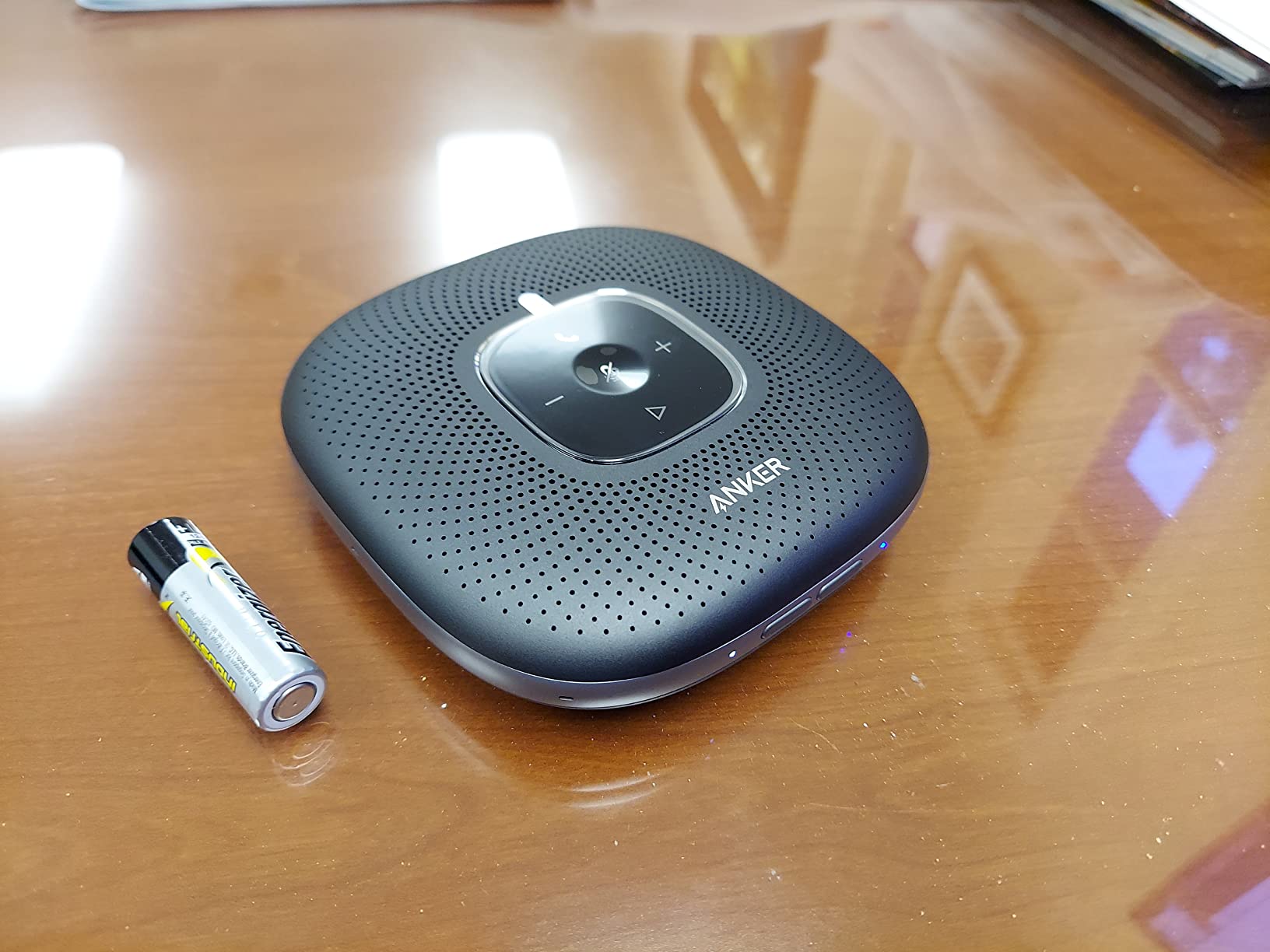
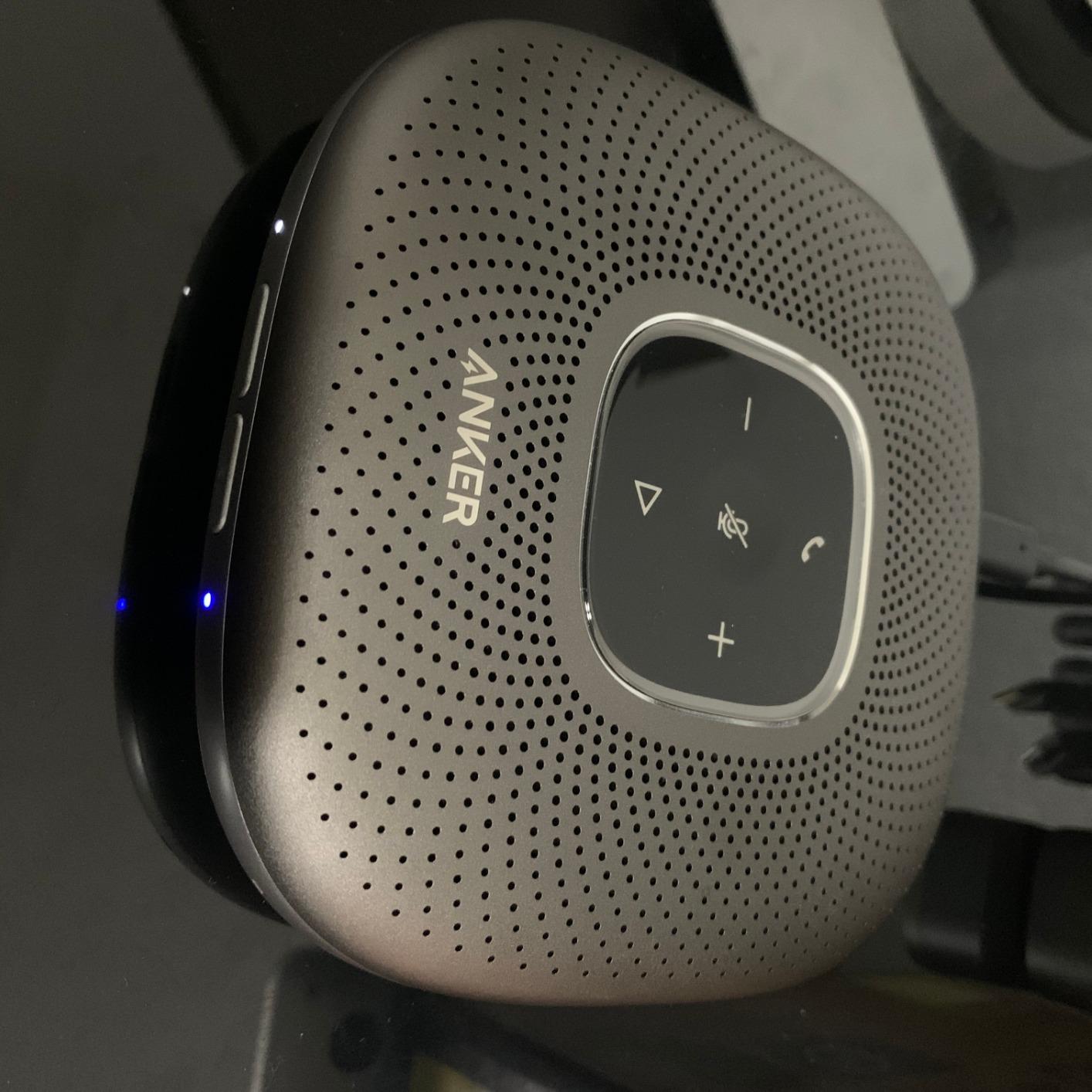
This is the device we keep coming back to. Six microphones sit in a 360-degree array around the puck, which is the difference between hearing the person next to the speakerphone and hearing the person at the end of the table. Owners describe exactly that behaviour in reviews, and with close to 5900 ratings at a 4.4 average it is the most proven pick in the group.
Voice Radar 3.0 does the heavy lifting. It is an AI-based system that reduces noise, cancels echo and detects when multiple people are speaking, then balances volume for distance so a quiet voice at the edge of the table is not buried. You connect over Bluetooth to a phone or USB-C to a computer with no drivers to install, and it carries Zoom certification along with compatibility with the other major platforms.
Pickup Coverage and the 3W Speaker
The 3-watt speaker fills a small-to-medium room without straining, and the six-mic ring gives you roughly 360-degree coverage around a table of six to eight. Place it centrally rather than near the display. Because the array is fixed, pushing it to one end to clear the table will quietly cost you the far-end seats.
Voice balancing is the underrated feature here. Rather than shouting to be heard, people speak at normal volume, which is the difference between a call that works and a call where three people talk over each other trying to be picked up.
Battery, Connectivity and Portability
The battery is rated for 24 hours of call time and Bluetooth reaches 20 meters, so the unit can move from a huddle room to a home office without a charger. It also reverse-charges other devices, which earns its keep when someone’s phone dies mid-quarterly review. At 12 ounces and under 5 inches across, it is genuinely portable rather than nominally portable.
The trade-off is that Bluetooth remains the weaker path. Forum discussions among AV practitioners consistently treat wireless as a convenience or backup route, not the primary connection for rooms that host important meetings, and for a fixed room we would run USB-C.
Who It Suits and Who It Does Not
Choose this for huddle rooms, small meeting rooms and hybrid calls with up to eight people around a table, especially if some of those calls are from phones. If your room is a boardroom with a table longer than 10 feet, or a space with hard glass walls and heavy reverberation, a boundary mic or ceiling array is a better structural answer.
An 18-month warranty is shorter than the three-year cover on the Dell unit below, which matters if you are standardising hardware across a floor.
2. TONOR G11 USB Conference Microphone – Best Value Pickup Per Dollar
TONOR Conference Microphone for PC, USB Microphone for Win & Mac, G11
Omnidirectional condenser capsule
11.5 ft pickup distance
1.8m fixed USB-A cable
78 dB signal to noise ratio
Pros
- Loud clear omnidirectional capture for six-person meeting rooms
- Genuinely plug and play with no drivers or extra power
- Metal build with a weighted non-slip base
- Compact enough to pack for travel
Cons
- Microphone only with no built-in speaker
- Permanently attached USB-A cable and mute button is not Microsoft Teams certified
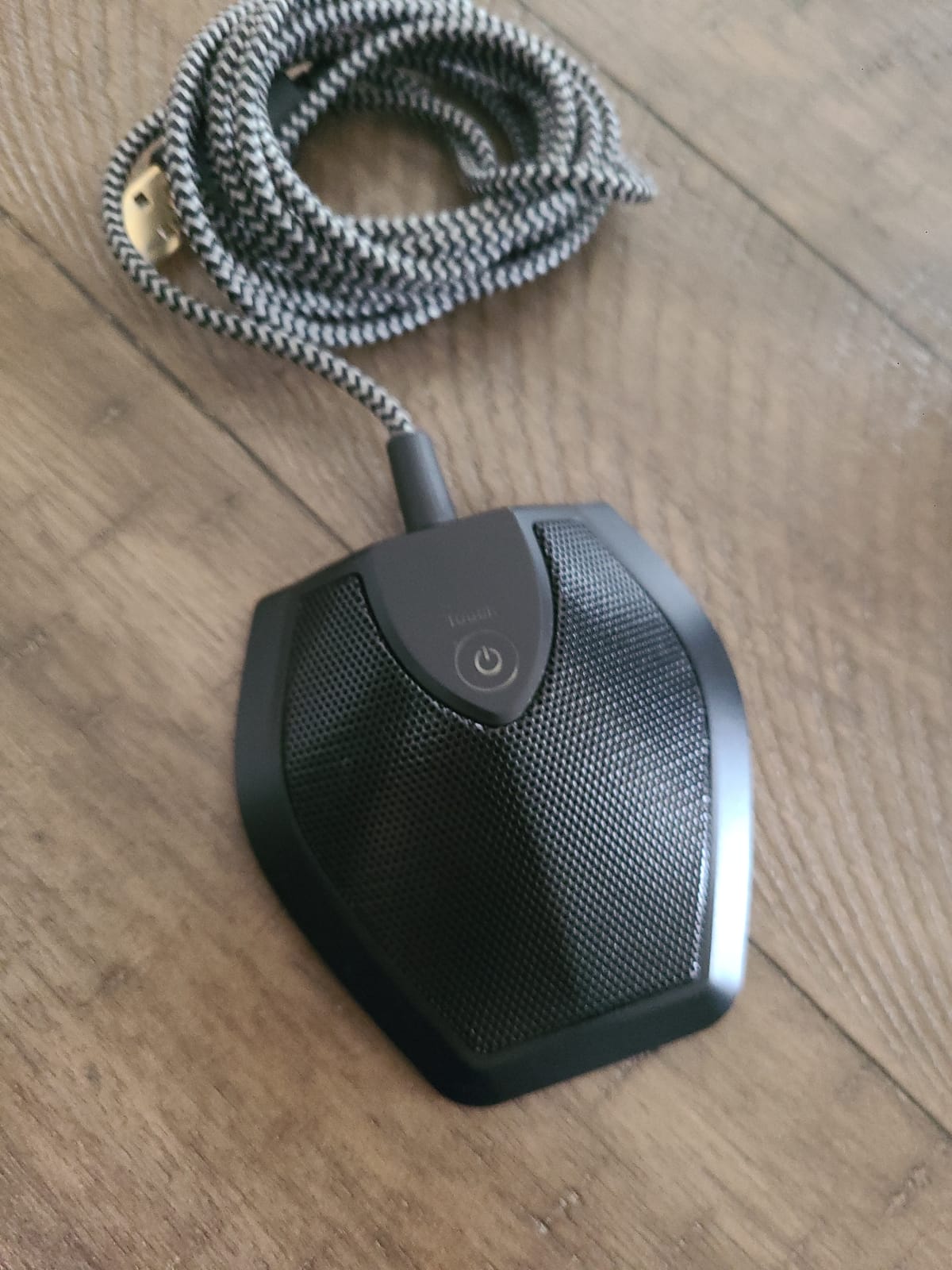
The G11 does one thing well: it hears a whole small table. The omnidirectional condenser capsule picks up from 11.5 feet in every direction, which covers a six-person meeting room comfortably, and the 78 dB signal-to-noise ratio is genuinely clean for a device at this level. Over 4200 owners rate it 4.3 stars and the review pattern is consistent, which is rare in this category.
It is also the model we recommend for anyone who already has decent room speakers. Because there is no speaker in the unit, you can pair it with a proper soundbar or powered speaker and get a better result than any single-device speakerphone at twice the size.
Omnidirectional Pickup in a Real Room
Omnidirectional means it hears equally in all directions with no aiming, which is exactly right for round or irregular table shapes. There is no beam to miss and nothing to aim, so a participant who shifts their chair does not fall out of capture. The same design also means it picks up whatever else is in the room, so noise rejection matters more here than on a directional design.
Owners report the outer edge of that range softening, so treat 11.5 feet as the comfortable limit rather than the maximum. For a six-seat table it never becomes an issue.
The Fixed Cable Question
The 1.8-metre shielded nylon cable is permanently attached and terminates in USB-A. That is the main practical friction: on a modern USB-C laptop you need an adapter, and if the cable ever fails at the base the whole unit is scrap. Position the mic between the laptop and the table edge and the length is generous for most huddle rooms.
There is a second, subtler limitation. The mute button is a capacitive touch control and it is not Microsoft Teams certified, so the on-screen mute state in Teams will not follow the hardware. You will still be muted, you will just have to check the app rather than the light.
Who It Suits and Who It Does Not
This is the pick for small businesses, home offices and side meeting rooms where a six-person call has to sound better than a laptop microphone and nobody has an AV budget. It is a strong second microphone for a room that already has a good speakerphone, covering the far end of a long table.
Skip it for a room where nobody has solved audio output. A microphone with no speaker means remote participants are heard perfectly while everyone in the room listens to a laptop speaker across the table, which solves half the problem at best.
3. TONOR TM20 USB Conference Microphone – Best Pickup Reach for a Long Table
TONOR USB Conference Microphone, 360° Omnidirectional PC Computer Condenser Mic with Mute Button for Online Meeting/Class, Zoom Call, Skype Chatting, Plug & Play (TM20)
5m 360-degree pickup range
Built-in noise and echo reduction
USB 2.0 plug and play
Blue and red mute indicator
Pros
- Wide 360-degree pickup that holds a consistent timbre around the table
- Built-in noise reduction improves clarity over a laptop microphone
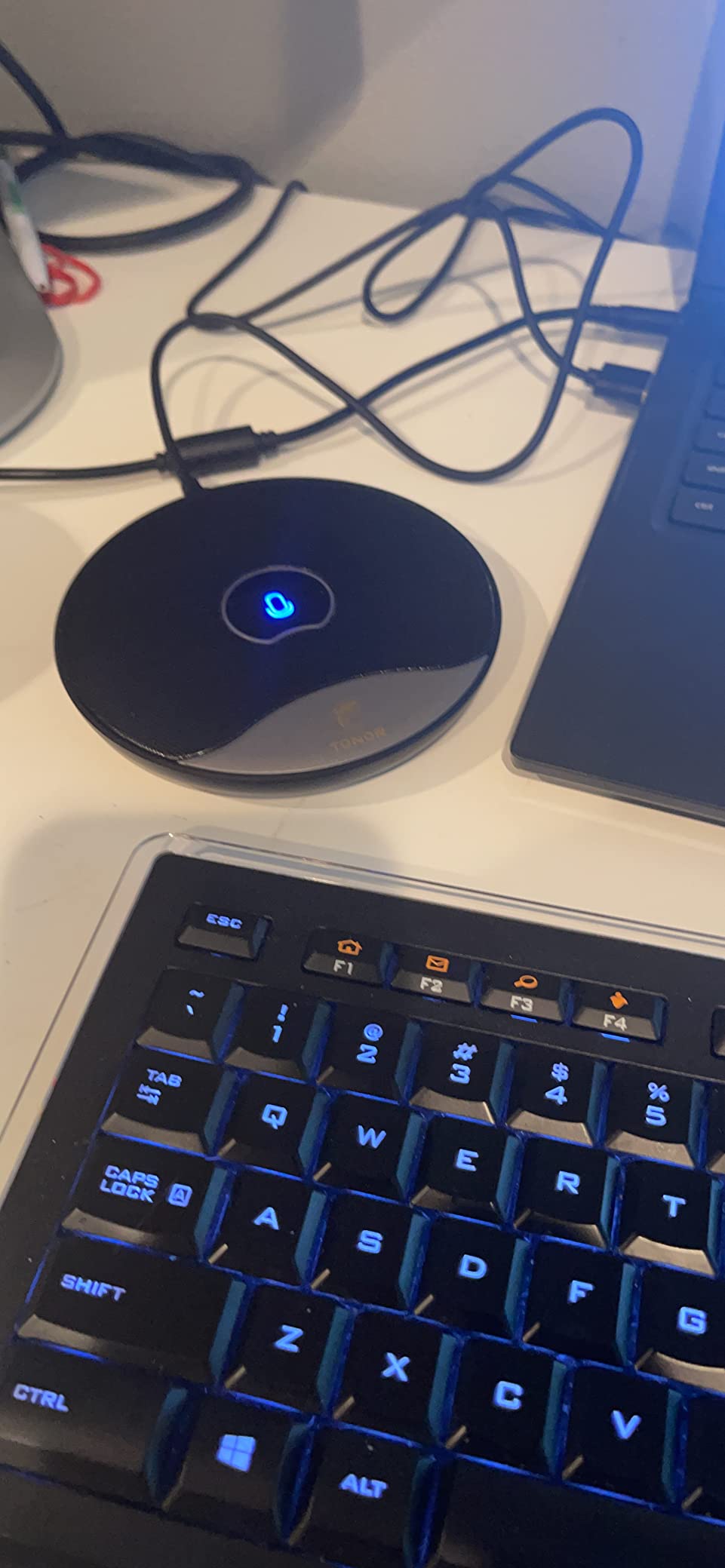
- Slim low-profile design takes up little desk space
- One-touch mute with a clear blue and red status light
Cons
- Microphone only with no built-in speaker
- Touch mute can need more than one tap
- Fixed cable and occasional early unit failure reported
The TM20 covers more table than any other microphone-only option on this list. Its 5-metre, or 16.4-foot, 360-degree pickup range handles a long boardroom table where the G11 would start to fade, and the built-in noise reduction is what keeps that reach usable in a real room rather than an empty one.
At 400 grams with a 5.79-inch square footprint it is the most substantial desktop microphone here, and that mass is not padding. A weighted body stops the unit sliding when someone taps the table or leans on it, which is a bigger practical problem than it sounds in a live call.
Noise Reduction and Echo Elimination
Every pickup range claim assumes a quiet room. This unit has active noise reduction and echo elimination built in, so steady sound from an air handler or a busy corridor gets filtered before it reaches the call. The 60 to 16000 Hz frequency range is wide enough for natural speech without chasing hi-fi detail nobody needs on a conference call.
Owners do report that clarity drops noticeably at the extreme outer edge of the stated 5-metre range. For a 14-foot table, place it in the middle rather than at one end, and the whole surface is covered comfortably.
Mute Control and Build Quality
The one-touch mute with a blue working light and a red muted light is the best status feedback on any microphone-only device here. It removes the screen-hunting that usually happens mid-call, and it is visible across a table. The main complaint in reviews is responsiveness: capacitive touch can need more than one tap, so press deliberately rather than jabbing.
The supplied 2-metre USB cable is stiff, and a small number of owners report units failing after a few months. That failure rate is worth weighing against the rest of the category if you are equipping several rooms on the same purchase order.

Who It Suits and Who It Does Not
Choose the TM20 for medium meeting rooms and long tables where you already have room speakers and want microphone coverage rather than an all-in-one box. It is also a good fit for teaching and training rooms where a wide table needs one central pickup point.
It is not the right answer for a hard room. A single desktop microphone in a glass-walled or high-ceiling space picks up reflections and HVAC as readily as speech, and no amount of on-board filtering fixes the room itself.
4. EMEET Luna Conference Speakerphone – Best Fit for Mid-Size Rooms
EMEET Luna Conference Speaker and Microphone, 360° Voice Pickup for 8 Users
3-microphone full-duplex array
85 dB maximum volume
VoiceIA noise reduction
Daisy chain to 16 attendees
Pros
- VoiceIA removes air conditioning and keyboard noise from calls
- Full-duplex three-mic array picks up the table in 360 degrees
- 85 dB output is loud enough for a larger conference room
- USB Bluetooth AUX and dongle connection options
- Full-metal matte sandblasted casing
Cons
- Expanding past 8 attendees requires a separately sold EMEET cable
- Auto-balance can over-amplify quiet speakers
- One-hour auto-shutdown needs a button press to resume
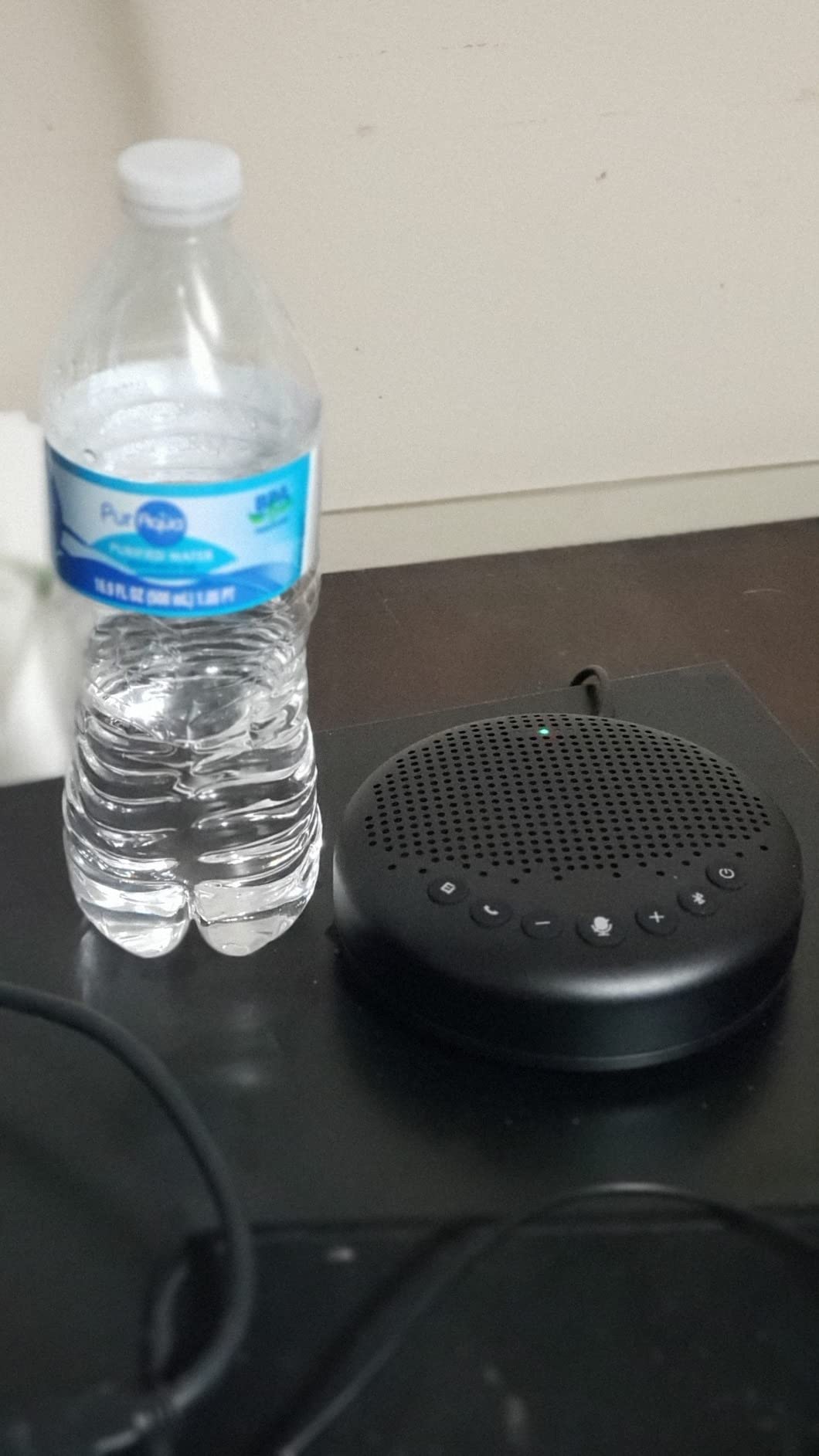
The Luna is the one all-in-one device here that is genuinely built to be heard across a room, not just across a table. Three microphones give full-duplex 360-degree pickup, and the speaker runs to 85 dB, which is the highest maximum output of any speakerphone on this list and the reason it holds up in a room with hard surfaces.
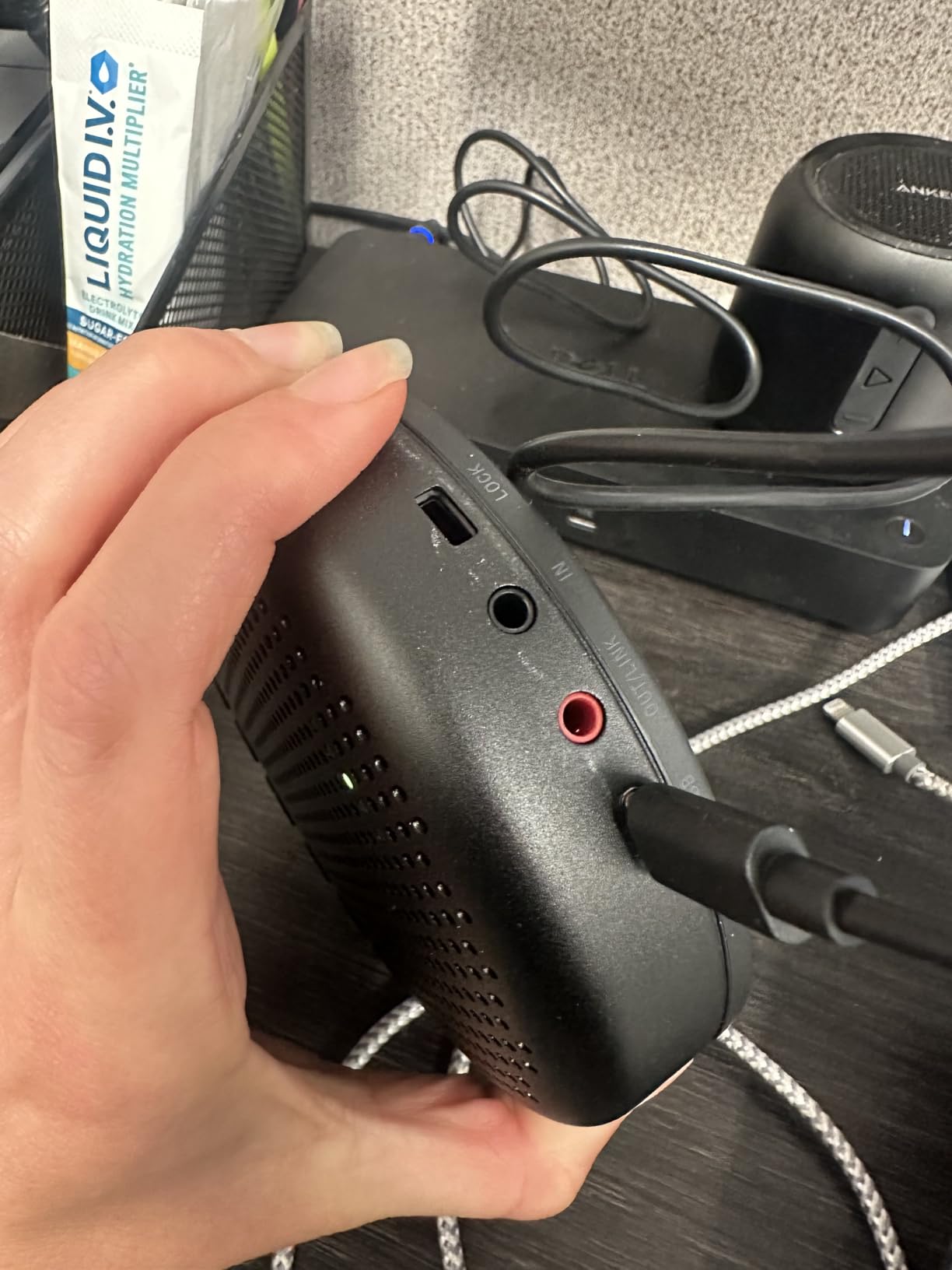
It is also the most flexible about connecting. USB, Bluetooth, AUX and a wireless dongle are all present, and the 2600 mAh battery means it can run a meeting without a cable. The full-metal matte sandblasted casing feels a tier above the plastic devices it competes with, and a two-year warranty is welcome on hardware that gets handled constantly.
VoiceIA and Automatic Volume Balancing
VoiceIA targets the specific sounds that ruin conference calls: air conditioning rumble, keyboard clatter and general room chatter. Unlike a raw condenser microphone, it filters these before the signal leaves the device, so a room with a noisy HVAC system still produces a usable call without anyone touching their settings.
The auto-vocal-increase function detects how far away a speaker is and adjusts gain accordingly, which handles a 12-foot table without a mixer. The flip side is that in an already quiet room it can push a very soft speaker too far up, so if voices start clipping, moving the unit closer to that end of the table is a better fix than any setting.
Scaling Past Eight People
Two Luna speakerphones can be daisy-chained with an EMEET cable to cover up to 16 attendees. That is the right answer for a medium room that occasionally hosts a larger meeting, and it is the reason the Luna beats simpler pucks in our testing. The catch is that the cable is sold separately, so budget for it at the point you need it rather than assuming expansion is included.
It also powers down automatically after an hour of inactivity. That saves battery, and it caught a few owners mid-meeting, requiring a button press to resume. If the room is used for back-to-back calls, it is worth knowing before you deploy four of them.
Who It Suits and Who It Does Not
The Luna is our pick for medium conference rooms of 8 to 12 people, particularly where hard surfaces make a quiet device sound thin, or where calls move between a laptop, a phone and a room PC. Portability is a genuine strength for rooms that get reconfigured.
For a permanent boardroom, the wired-only reliability of a corded USB unit is preferable, and for a 20-foot table you will need a second unit or a different class of microphone entirely.
5. Anker PowerConf S330 USB Speakerphone – Best for Wired Desk Setups
Anker PowerConf S330 USB Speakerphone for Home Office, Plug and Play
4 high-sensitivity microphones
3m pickup coverage
USB-C wired with adapter
78 dB signal to noise ratio
Pros
- Recognized automatically and switches input and output with no software
- Four microphones give clear pickup across a room up to 3m
- Wired USB-C means no battery and no pairing dropouts
- On-unit mute and volume buttons mirror Teams controls
Cons
- Attached USB-C cable is short and cannot be detached
- No on-off switch
- Quiet audio occasionally reported that a re-plug resolves
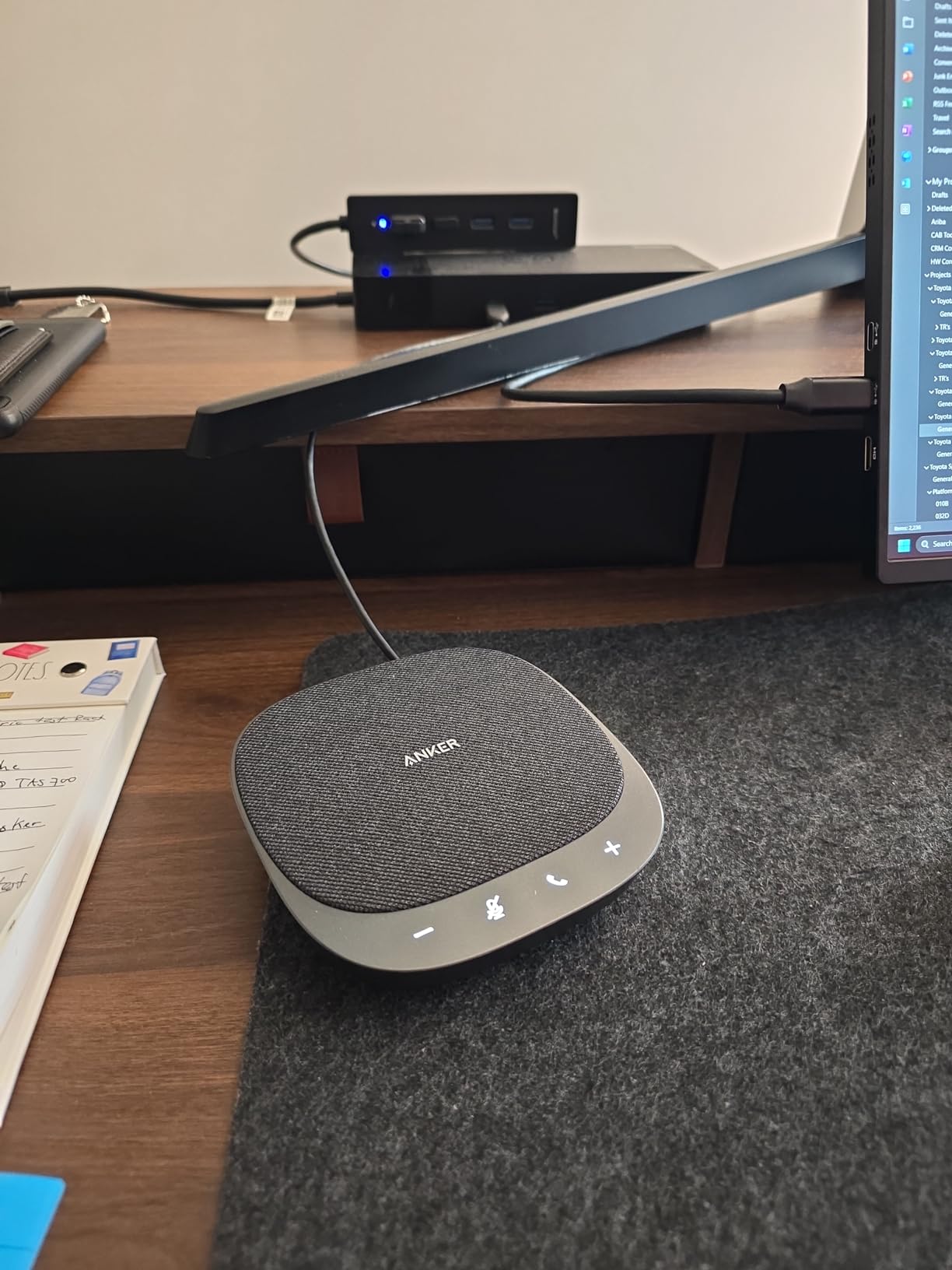
The S330 is the anti-Bluetooth argument in device form. It is corded, USB-C, and it never drops a pairing, never runs flat mid-call and never confuses itself about which device it is talking to. For a room that lives at a fixed desk, that reliability is worth more than any wireless convenience.
Four high-sensitivity microphones cover voices within 3 metres, and Smart Voice Enhancement strips background noise while keeping speech forward. A 1.75-inch dynamic driver with two passive bass-radiators gives it more body than the small pucks, and at 8 ounces it is light enough to move between rooms. Over 1800 owners rate it 4.4.
Meeting Desk or Home Office
This is a personal meeting desk as much as a small room device. The 3-metre pickup suits a desk where you sit within arm’s reach, a home office with two or three people, or a hot-desking bay someone claims in the morning. Smart Voice Enhancement does a lot of work here, cleaning up a home office where a spouse or a pet is within earshot.
Teams integration is more than cosmetic. The on-unit mute and volume buttons mirror the app controls, so you can mute from the device during a screen share without alt-tabbing. The 78 dB signal-to-noise ratio and 20 kHz frequency response keep voices clean in both directions.
Cable Length and the Missing Power Switch
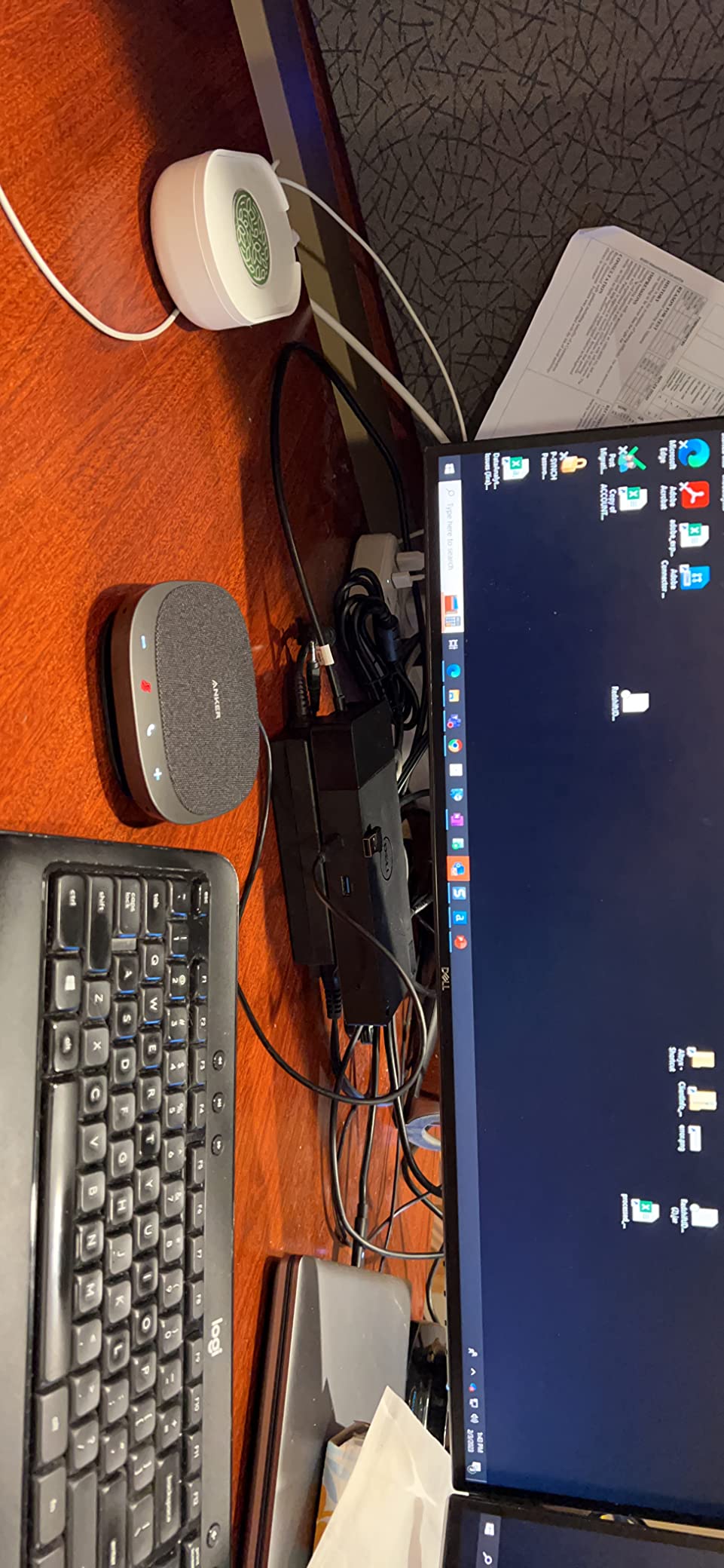
Two small design choices cause most of the friction. The attached USB-C cable is short and cannot be detached or replaced, so plan the position around the cable rather than the cable around the position, and keep the included USB-C to USB-A adapter on hand for older machines. There is also no on-off switch, meaning the unit is only off when unplugged, which is awkward on a permanent desk.
A small number of owners report quiet audio that a re-plug resolves. Music playback is tuned for speech rather than for bass, which is correct for calls and disappointing if you expected it to double as a desk speaker.
Who It Suits and Who It Does Not
Pick the S330 for a hot-desking bay, a home office or a small room with a fixed laptop dock where reliability outranks flexibility. It is an excellent companion to a larger room setup too, giving the near end of a table its own dedicated pickup.
It is too short on reach for anything beyond a small huddle room, and it has no battery, so it is the wrong pick for a room that must run without a cable.
6. EMEET M0 Plus Conference Speakerphone – Best for Small Rooms That Might Grow
EMEET M0 Plus Conference Speaker and Microphone, 4 Mics 360° Voice Pickup
4 AI microphones in 360-degree array
3W full-duplex speaker
10 hours of talk time
Daisy chain to 16 attendees
Pros
- Four AI mics pick up 5-8 people around a table clearly
- VoiceIA filters background chatter and HVAC hum effectively
- Daisy chaining two speakerphones measurably expanded a 14-person meeting
- USB-C and Bluetooth 5.0 both work
- Compact footprint with over 10 hours of battery talk time
Cons
- Speaker output sounds thin and tinny
- Compatibility problems when plugged into a docking station
- Touch controls are very sensitive
The M0 Plus is the one we recommend when a room might be rebooked for a bigger meeting next quarter. Four AI microphones give it a wider net than the three-mic Luna, and the updated VoiceIA algorithm handles background filtering and speaker echo. Owners regularly report daisy-chaining two units to cover a 14-person meeting without a loss in quality.
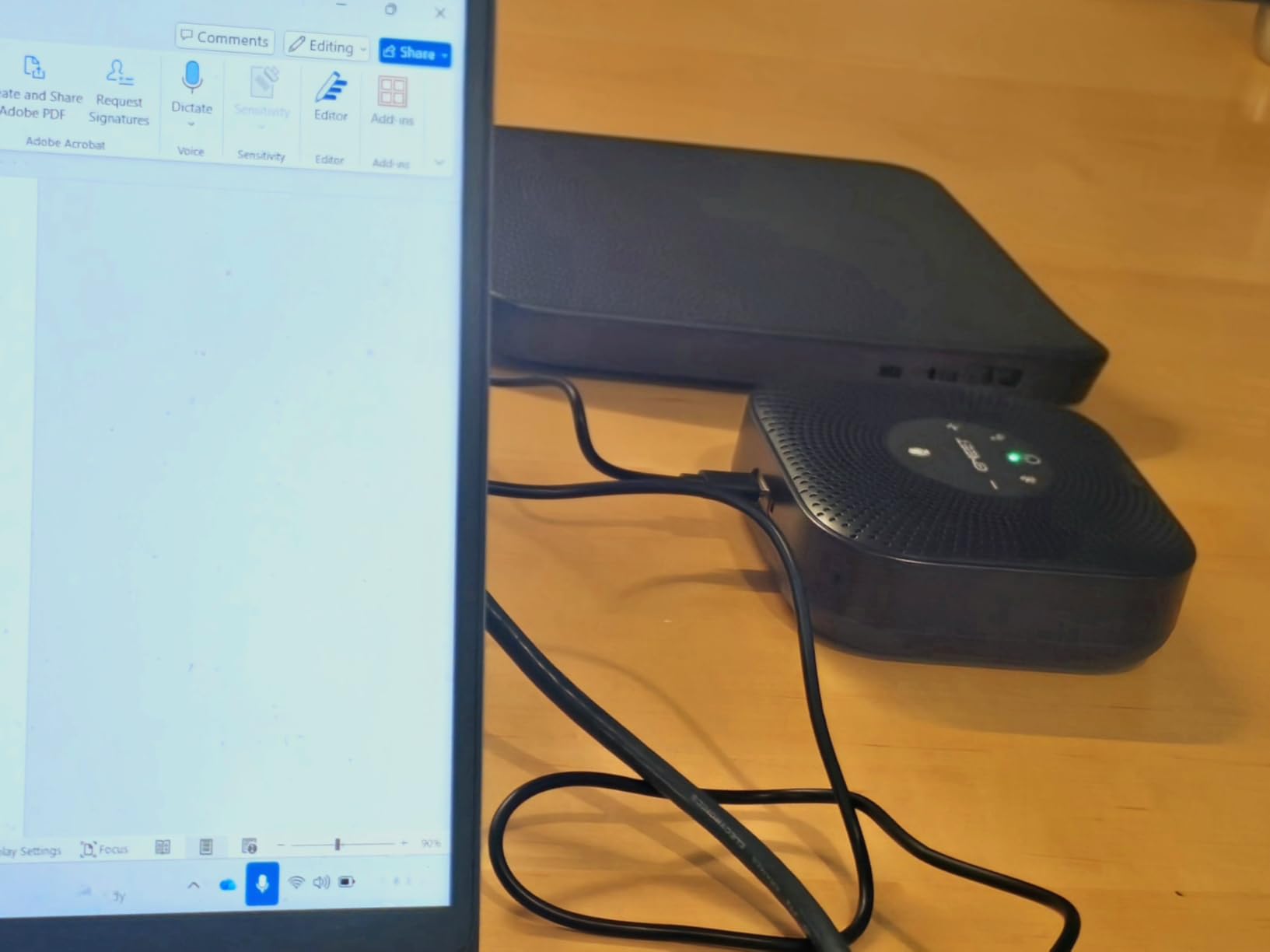
It is also the most flexible to place, because the 4-by-4-inch footprint and low profile disappear into the middle of a table. USB-C with an adapter, plus Bluetooth 5.0 for single or dual devices, means it handles both a laptop and a phone without a dock.
Coverage and the Four-Mic Array
Four microphones positioned around the puck catch voices from 5 to 8 people at a table, including from the far side of the room. That is a genuine step up from a two-microphone design, and it is why this device performs well in rooms that are slightly too big for the label on the box.
The 3-watt speaker spreads sound evenly, and full-duplex audio means two people can talk at once without either being cut off, which is the behaviour that separates a usable meeting from a series of interruptions. Expect a two-year warranty on hardware rated at number one in telephone audio conferencing products.
Known Rough Edges
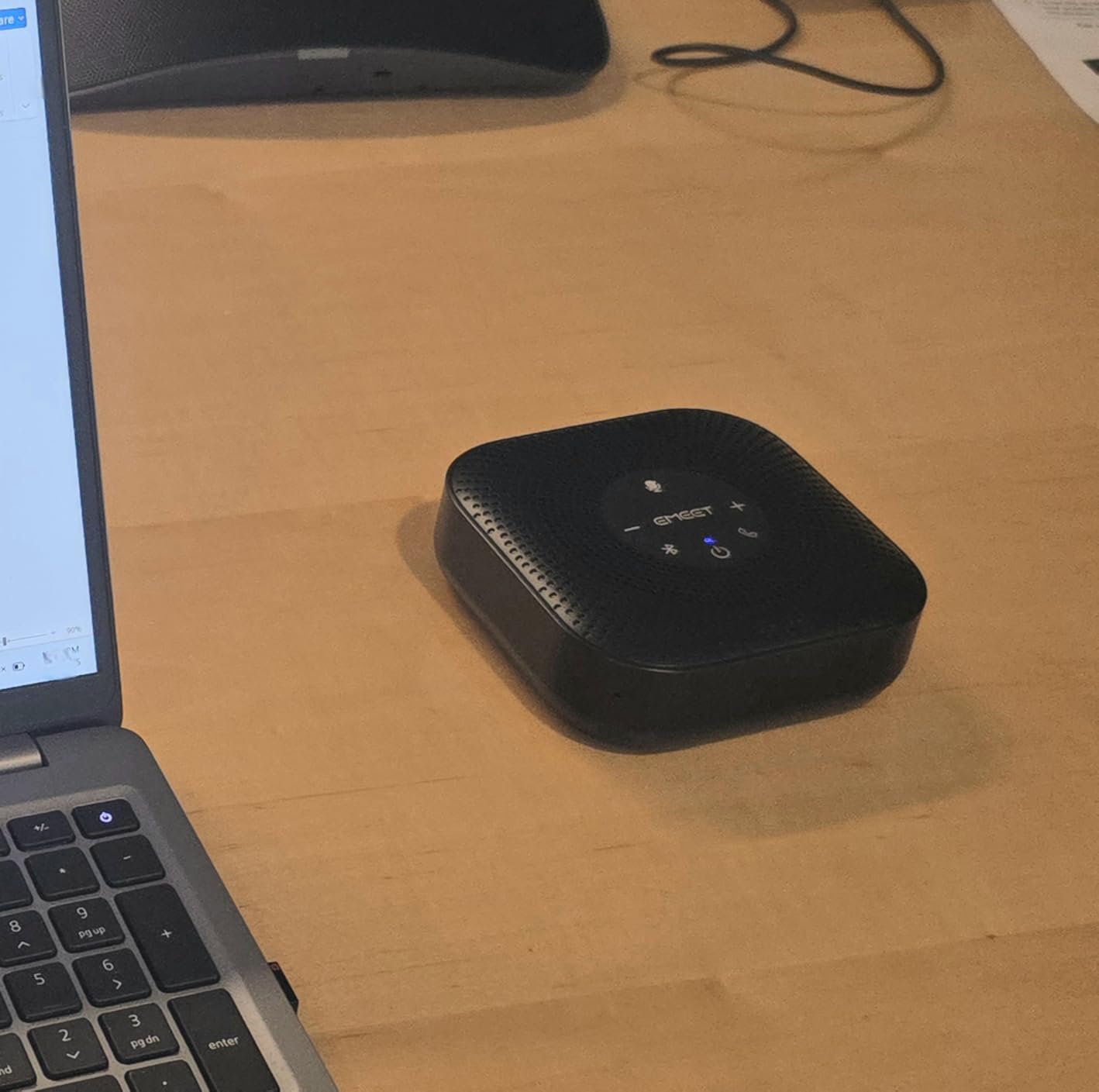
The speaker is the weak point. It is tuned for speech and sounds thin and tinny, so this is not a device for music or for a room where you want to play a video to the group. The touch controls are also highly sensitive and can fire when someone brushes past the unit, which is a real problem on a crowded table.
The most significant issue is docking-station compatibility. Some owners report the speaker repeatedly disconnecting and reconnecting when the unit is routed through a dock, so test it on your actual hardware before rolling it out across a floor. Some users also need to adjust audio settings inside the conferencing app to get the best result.
Who It Suits and Who It Does Not
Choose the M0 Plus for huddle rooms and small meeting rooms of up to six or eight people that might occasionally host a larger session. It suits teams mixing BYOD laptops and phones, and the ten hours of talk time makes it good for rooms without a reliable power outlet.
If your team sits around a table longer than 8 feet, or if the room has heavy glass and hard floors, this class of device is the wrong tier and a boundary or ceiling mic will serve you better.
7. CMTECK Conference USB Microphone – Budget Pick for Small Meeting Rooms
CMTECK Conference USB Microphone, Plug-and-Play Omnidirectional Desktop Mic
360-degree pickup within 3m
CMTECK smart chip for noise and echo
1.8m corded USB cable
Touch mute with LED status
Pros
- Very low cost with a clear upgrade over a laptop built-in microphone
- Picks up a useful area for a 4 to 6 person room
- Corded USB draws power from the port
- Green and red LED indicator is easy for non-technical users
Cons
- Microphone only with no speaker
- Output is quiet and thin and needs high input level
- Pickup becomes very quiet beyond about 4 feet
- Some Windows 11 machines detect it as a speaker only
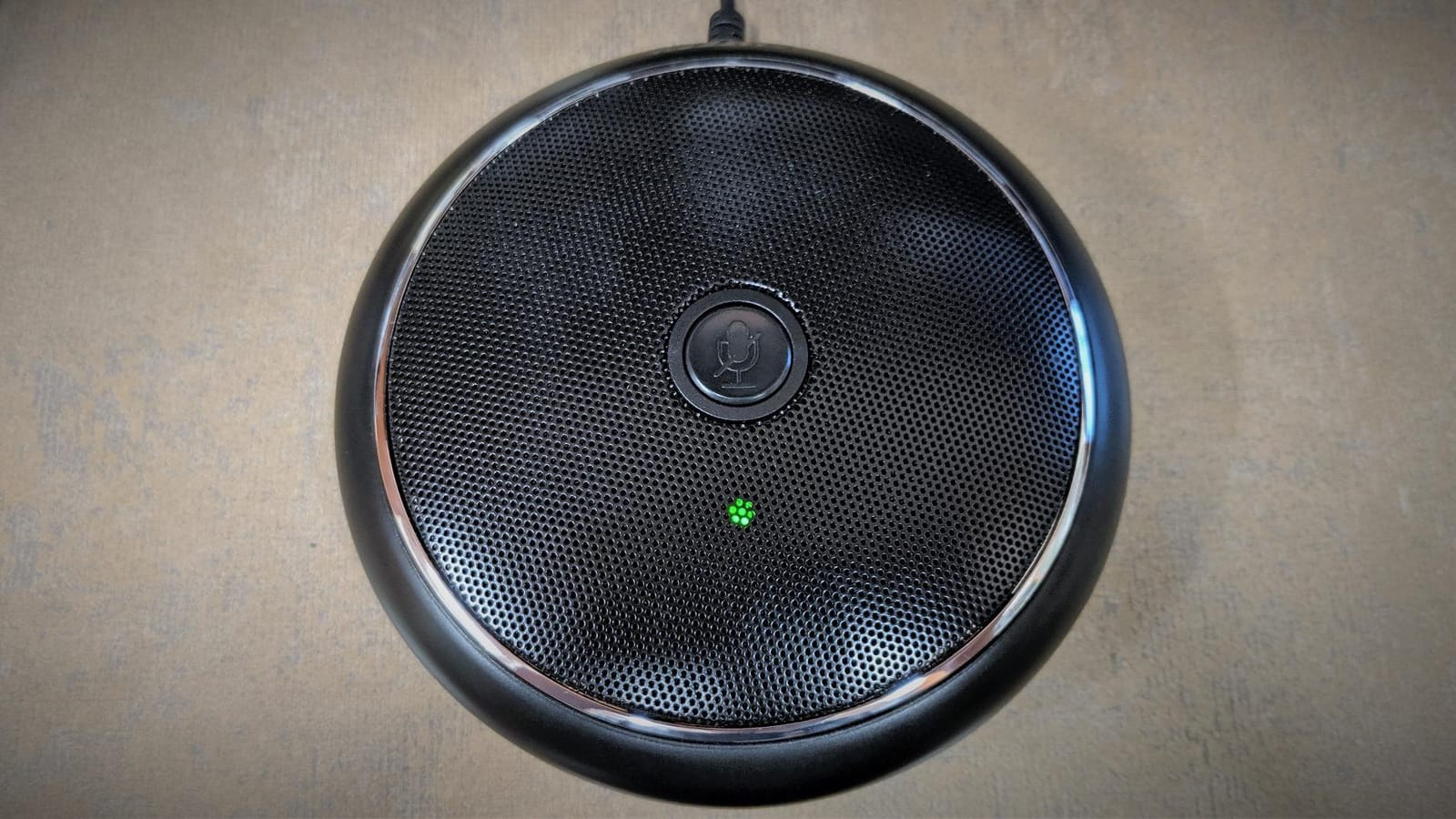
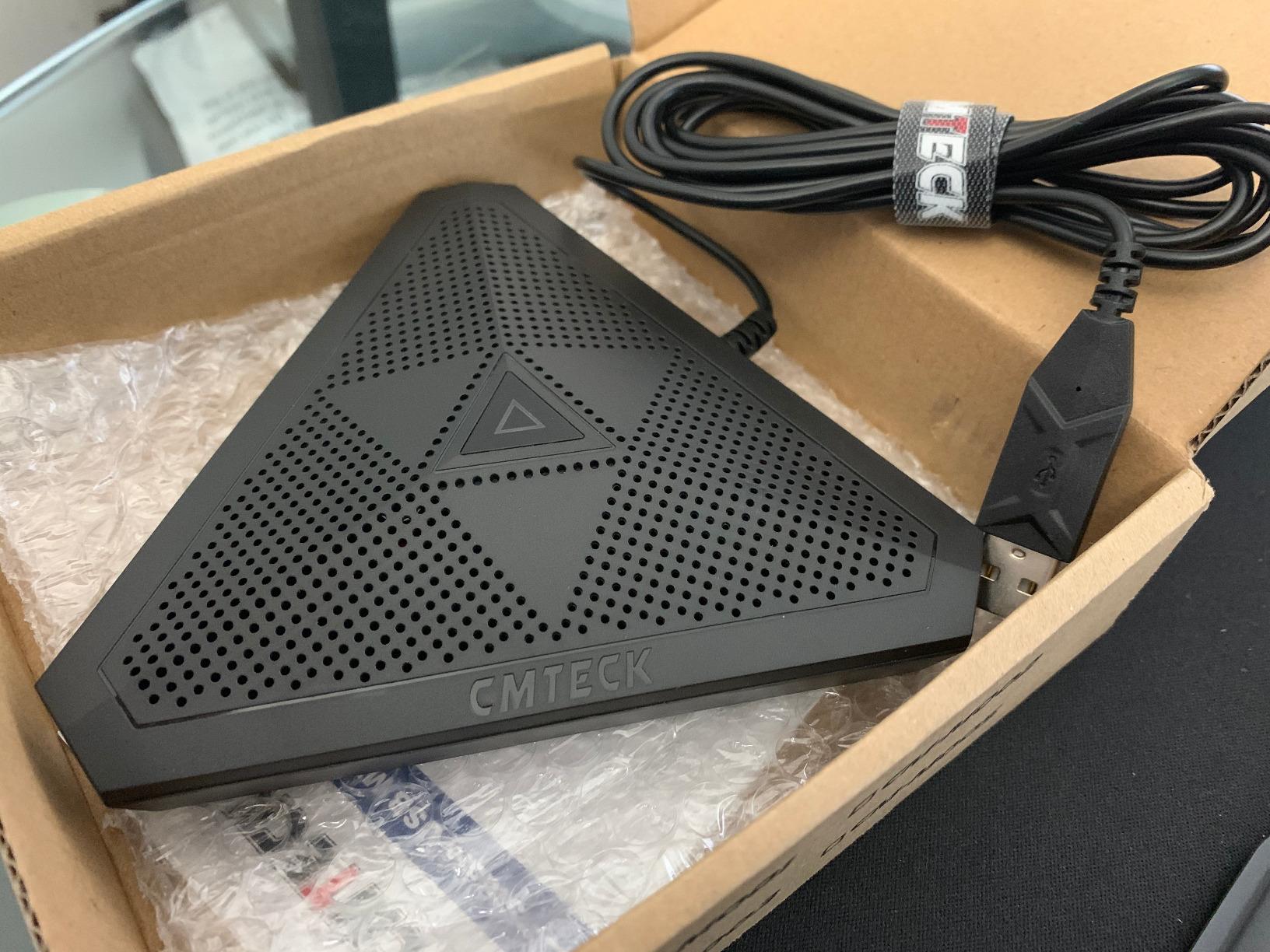
The CMTECK is the cheapest real fix for a room where the laptop microphone has failed, and 2178 owners have bought it for exactly that reason. It connects over a 1.8-metre USB cable, draws power from the port, needs no drivers and works on both Windows and macOS. Setup takes under a minute.
Coverage is 3 metres, or 10 feet, in 360 degrees, which covers a four-to-six person room. A CMTECK smart chip handles noise blocking and echo elimination, and the 24-month warranty is longer than most competing budget microphones offer.
Where the Audio Falls Short
The honest limitation is output level. Owners describe the signal as quiet and thin, needing a high input level and some EQ to reach a natural tone. With 20 dB of audible noise and a modest capsule, this is a communications microphone rather than a recording one, and it is not suitable for video or streaming work where sound quality matters.
There is a second, more annoying problem. Some Windows 11 machines detect the unit only as a speaker and not as a microphone, which means it will not appear in your input device list until you dig into sound settings. If you are deploying these in volume, test one before ordering for a whole floor.
Best Used as a Supplement
The LED status is genuinely well designed for a shared room: green for connected, flashing green for working, red for muted. That matters in a room used by people who are not technical, and it is one of the reasons this device punches above its tier for usability.
The smartest deployment is as a second microphone. Paired with a decent room speaker, it covers a small meeting room at almost no cost, and you keep control of the output. It is also not compatible with Raspberry Pi or Android devices, so it is a PC and Mac tool only.
Who It Suits and Who It Does Not
Buy the CMTECK for a small business meeting room, a home office or a temporary setup where the priority is coverage and reliability on a tight budget. It also works well as a far-end table mic in a room that already has a speakerphone.
Do not choose it for a room where intelligibility at distance is the whole point. Beyond about four feet it is very quiet, and a room with any ambient noise will swallow it.
8. AIRHUG Conference Speakerphone – Best for Travel and Multi-Platform Rooms
AIRHUG Conference Speaker and Microphone, Bluetooth & USB Speakerphone
Full-duplex 360-degree pickup within 6 ft
Integrated DSP cancels 400ms of echo
Bluetooth and USB connected simultaneously
6 ounces with carry case
Pros
- Pocket-size with a durable carry case included
- 360-degree full-duplex pickup works well for 4-6 people
- Loud output for the size of the unit
- Bluetooth and USB stay connected at the same time
- Compatible with Teams Zoom Meet and Webex
Cons
- Volume ceiling is low for larger rooms
- Bluetooth connection is sometimes unsteady at close range
- Several owners report units failing after six months to a year
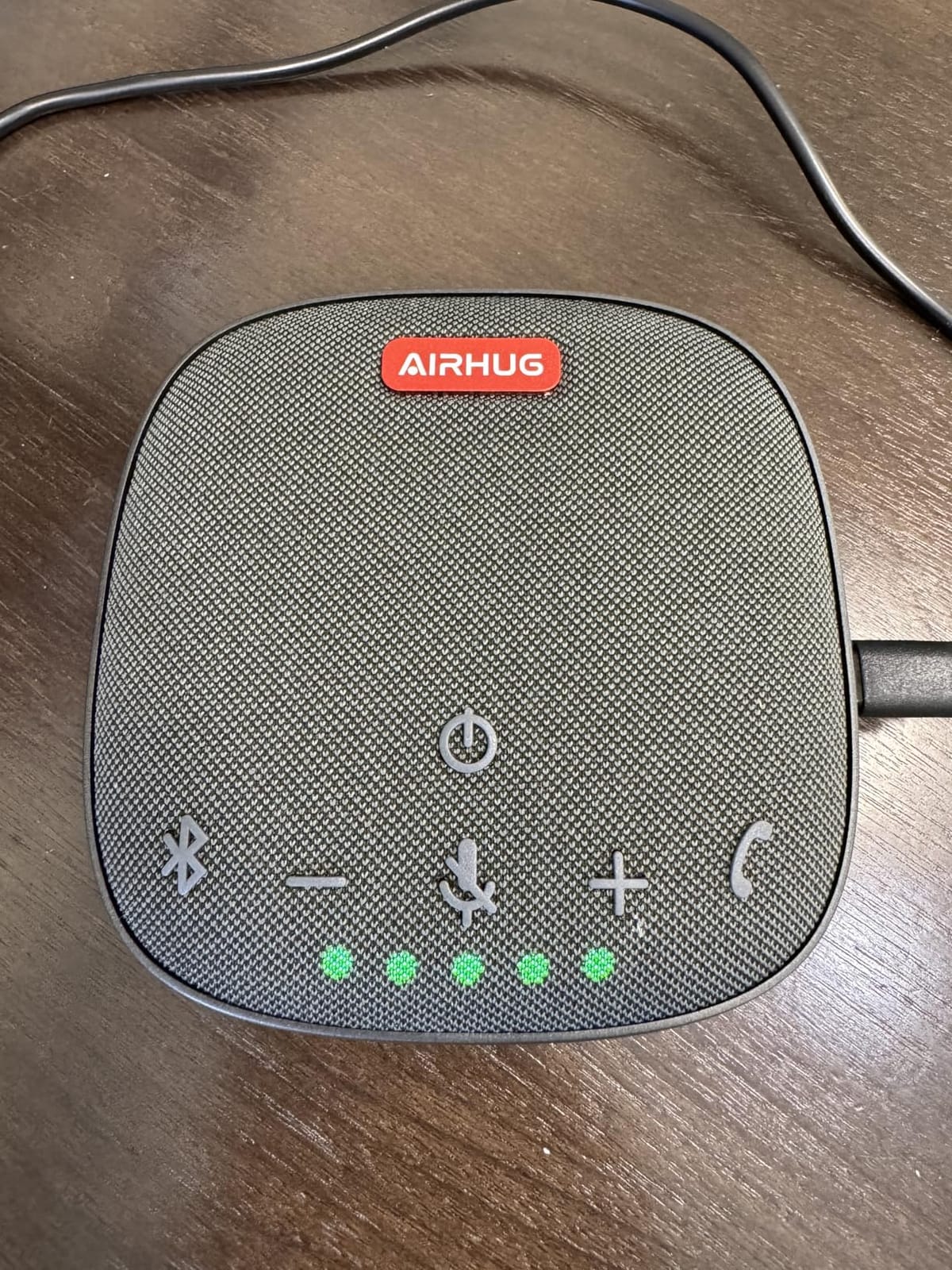
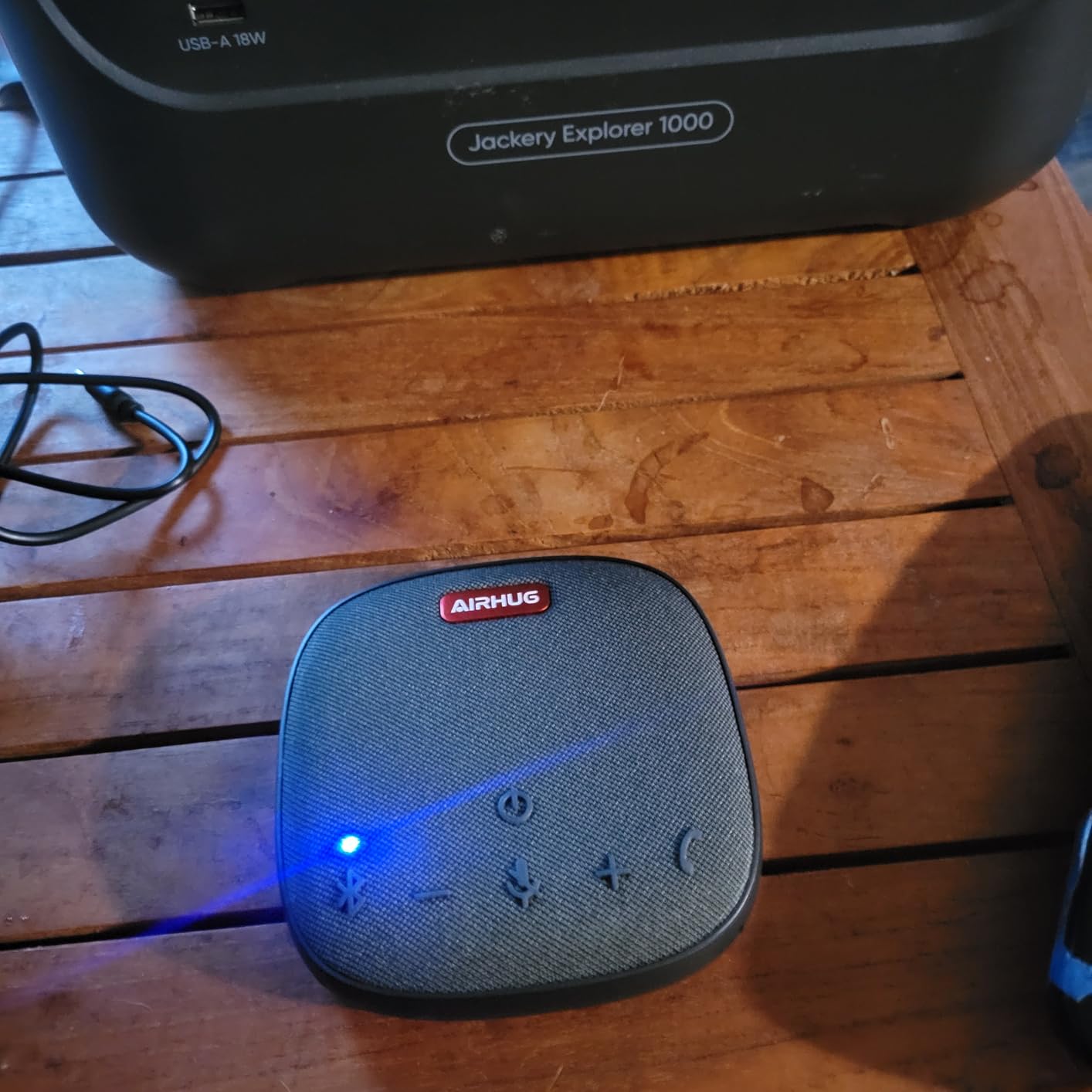
The AIRHUG is built for the person who carries their meeting room with them. At 6 ounces and under 4 inches square, it includes a carry case, and it runs over USB so there is no battery to manage. The 360-degree full-duplex pickup covers 4 to 6 people within 6 feet, which is a proper huddle room in a jacket pocket.
The technical spec that stands out is the DSP processor, which cancels up to 400 milliseconds of echo, and noise reduction across 100 Hz to 24 kHz that raises signal-to-noise by more than 25 dB. Sampling runs at 48,000 samples per second. For a device this small, those are serious numbers.
Dual Connection and Platform Coverage
Bluetooth and USB-C can be connected to two devices at the same time, so a phone and a laptop can both be live. That is the feature that makes it work in a genuinely mixed room, and combined with compatibility across Zoom, Skype, Teams, Google Meet, Webex and FaceTime it is the most platform-agnostic device on this list.
Audible voice reminders announce power state, Bluetooth connection and USB link, which sounds like a gimmick until you are setting up in an unfamiliar room. Holding the answer and end call button for three seconds silences them when that becomes irritating.
What the 4.0 Average Reflects
The lowest average in this group is honest and worth reading as guidance. The volume ceiling is low, so it is weak for anything larger than a huddle room, and music playback is poor because the output is tuned for speech. Bluetooth can be unsteady even at close range, which is why owners tend to use the wired path in practice.
Durability is the bigger concern. Several owners report complete failure after roughly six months to a year, and some units power off after a full charge and need a manual restart. For occasional travel use that is an acceptable trade, but for a permanently installed room it is not.
Who It Suits and Who It Does Not
Choose the AIRHUG for traveling professionals, hybrid workers and small meeting rooms where one device needs to serve a laptop, a phone and several platforms. The included case and dual connection make it the most flexible travel option here.
It is the wrong pick for a room that meets daily, given the reported failure rate, and the low maximum volume will not fill anything larger than a small huddle space.
9. Dell SP3022 Speakerphone – Best for Microsoft Teams Desks
Dell Speakerphone SP3022, Microsoft Teams Certified, Zoom Certified
Microsoft Teams and Zoom certified
AI noise cancellation in full duplex
USB-A and USB-C on one cable
90 dB signal to noise ratio
Pros
- One cable with both USB-A and USB-C ends makes setup plug and play
- AI noise cancellation filters keyboard clatter and HVAC hum
- Responsive front touch controls for volume mute and end call
- Solid build that fits neatly under a monitor
- MS Teams button for quick meeting access
Cons
- Microphone quality is weaker than the speaker
- Mac control app is clunky and Teams button features are limited on Mac
- System notification sounds play thin on Mac
The SP3022 is a desk soundbar first, which makes it a slightly different proposition from the round pucks on this list. It sits on a monitor base or beside a laptop, and a single cable carries both USB-A and USB-C connectors. No adapter hunting, no drivers, and the whole width is under 9 inches.
It carries dual certification for Microsoft Teams and Zoom, and the LED indicators cover Teams app status, call and hang-up, volume and mute, so the hardware state is always readable. The three-year warranty is the longest in this group, which matters if you are standardising across an office.
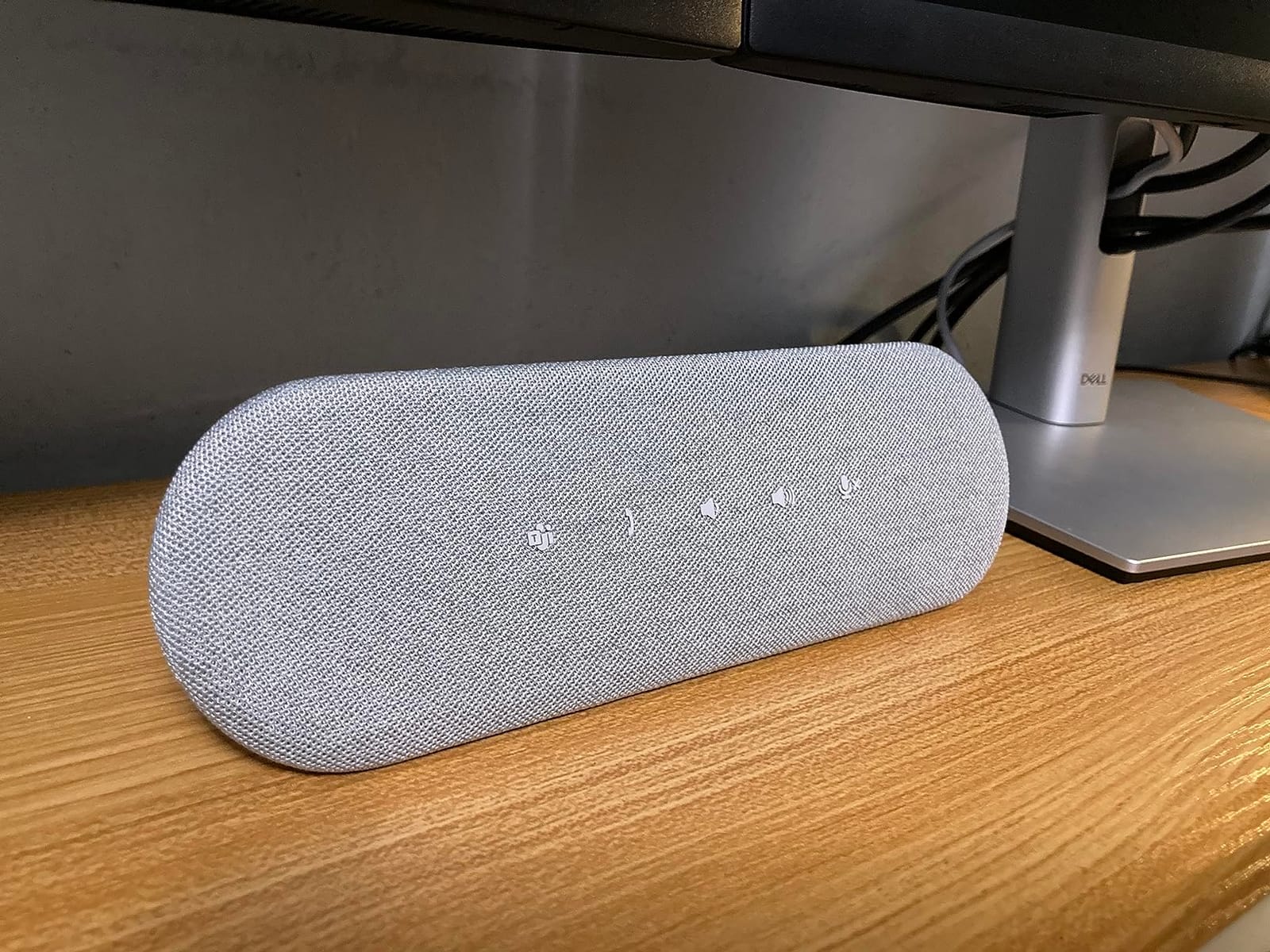
AI Noise Cancellation and Full Duplex
The AI noise cancellation is tuned for the desktop environment: keyboard clatter, HVAC hum and side conversations, while keeping the near speaker centred. Because it supports full duplex, several people can talk at once and still be heard clearly, which is closer to how people actually behave in a small meeting.
The 90 dB signal-to-noise ratio and 20-metre maximum range cover a home office or a small desk cluster well. The dedicated Teams button gives quick access to meetings and notifications, which reduces the friction of joining calls repeatedly through the day.
Where the Microphone Falls Short
The weakness is asymmetry between input and output. The speaker side is good, but the microphone is weaker, and callers report a muffled, speakerphone-like quality on client calls. Two microphones is a modest array for anything past a small room, so this is a desk device rather than a table device.
Mac support is the other limitation. The control app is clunky, Teams button features are limited on Mac, and system notification sounds play thin and tinny. It is at its best in a Windows-based Teams environment, and it sits above comparable USB speakerphones in its class.
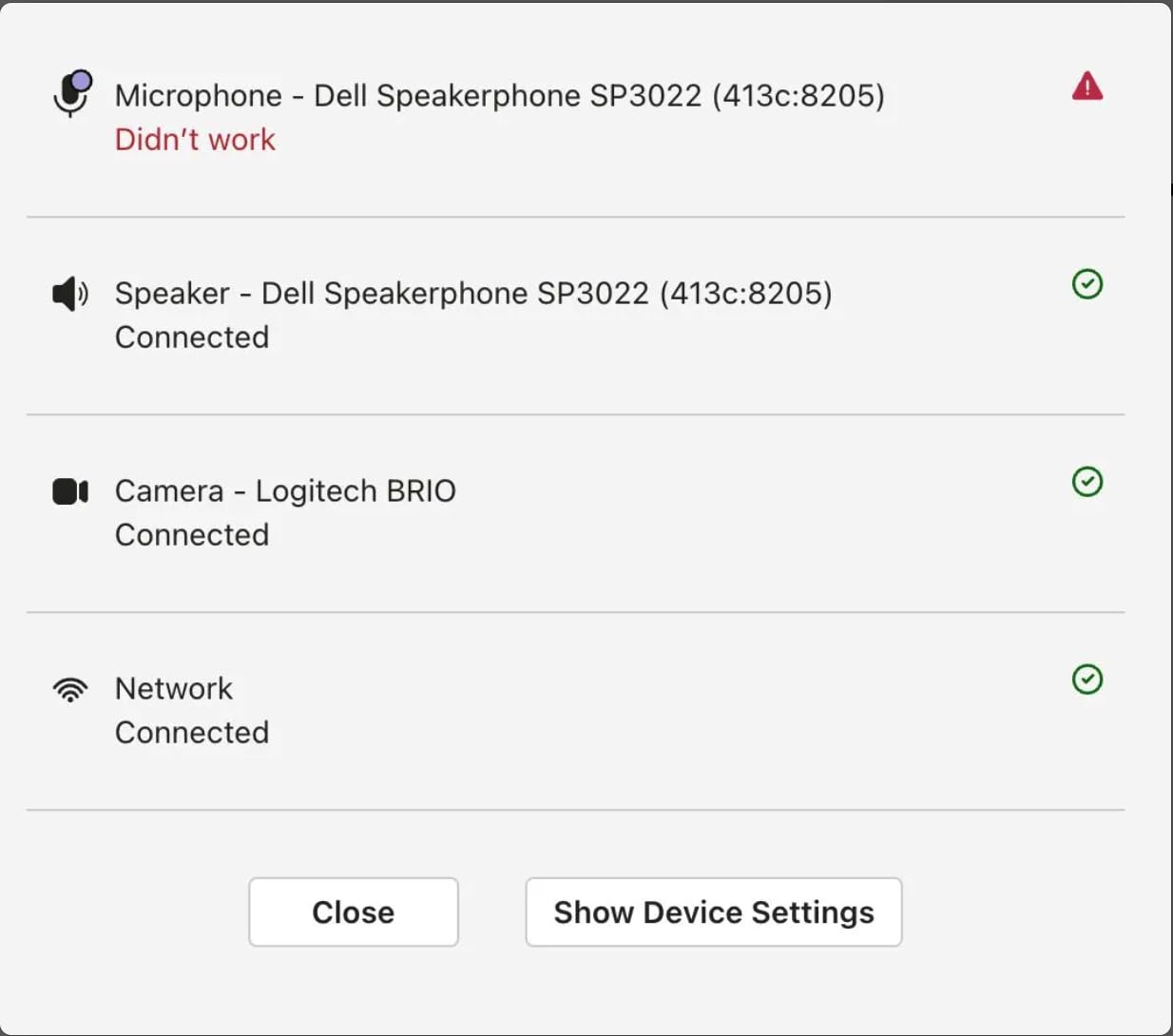
Who It Suits and Who It Does Not
Pick the Dell for Windows-based Teams desks, home offices and reception or shared desks where one person is the main speaker. The three-year warranty and dual platform certification make it a strong default for corporate refresh cycles.
Skip it for a conference table. Two microphones cannot cover six to eight seated people, and for a Mac-centric organisation the software experience will frustrate you.
10. Jabra Speak 750 UC Speakerphone – Best for Certified Platform Support
Jabra Speak 750 UC Wireless Bluetooth Speakerphone with Link 370 USB Adapter – Portable Conference Speaker for Holding Meetings Anywhere with Premium Audio – Certified for Zoom & Google Meet
Full-duplex audio with echo cancellation
Link 370 USB adapter included
Certified for Zoom and Google Meet
11 hours of talk time
Pros
- Full-duplex audio with true echo cancellation lets several people talk naturally
- Crisp natural voice quality in both directions
- Two speakerphones pair with one button for wider pickup or stereo sound
- Phone over Bluetooth and computer over USB at the same time
- Stays charged while plugged in over USB
Cons
- Battery indicator has no charge bars so the level is hard to read
- Supplied charging cable is short and USB-A with no power adapter included
- Maximum volume is modest for a large room
The Speak 750 is the pick when platform certification is a procurement requirement rather than a nice-to-have. It is certified for Zoom and Google Meet, optimised for Microsoft Teams and compatible with unified communications platforms including Skype for Business. That is the difference between a device that works in a managed room and one that generates support tickets.
Audio quality is genuinely strong in both directions, with HD Voice wideband audio and full-duplex operation so several people can speak and be heard simultaneously. Distant, soft speakers are still clearly audible, which is the specific failure that ruins far-end calls on cheaper devices.
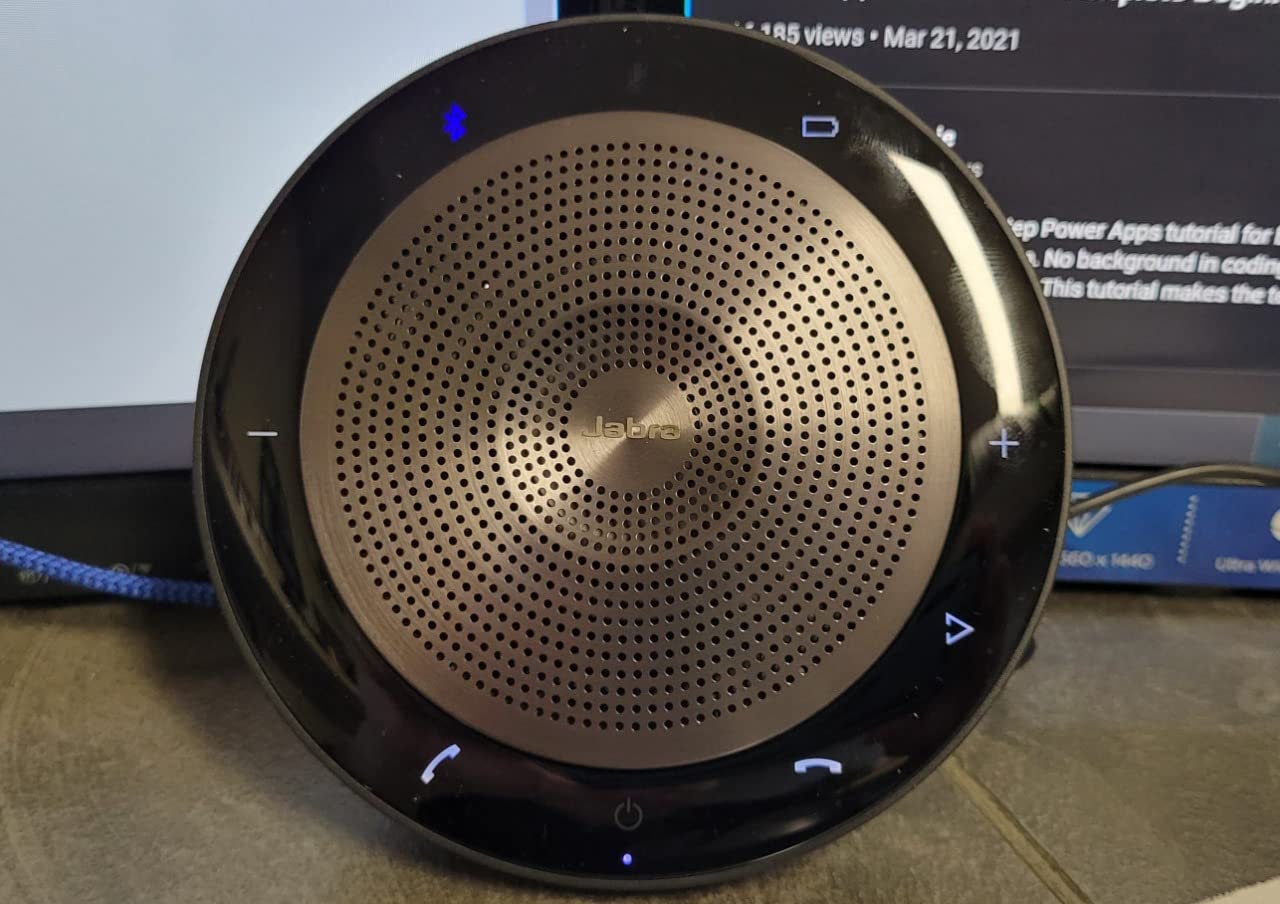
The Link 370 Adapter and Dual Pairing
The included Link 370 USB adapter is the piece that solves the wireless problem. Rather than asking a visitor to pair over Bluetooth, they plug in a dongle and the room computer hears them. For a room that hosts important meetings, that reliability is the single most valuable thing on this list, and it is why AV practitioners treat Bluetooth as a backup path rather than a primary one.
Two Speak 750 speakerphones link with one button for wider room pickup or stereo sound, with no feedback between them. The 32-foot Bluetooth range and 11 hours of talk time, with a three-hour charge, make it portable for travelling teams.
Design Details That Annoy People
The battery indicator is a white outline with no charge bars, so judging remaining runtime requires guesswork on a device whose whole point is untethered use. The supplied charging cable is short and USB-A, and no power adapter is included, though the unit does stay charged while plugged in over USB.
Maximum volume is modest for a large room, and the price sits well above the rest of this list in its class, which several owners feel acutely. A small number of units also arrive randomly muting. If you are buying for a permanent room, note that this is a portable device being asked to do a fixed-room job.
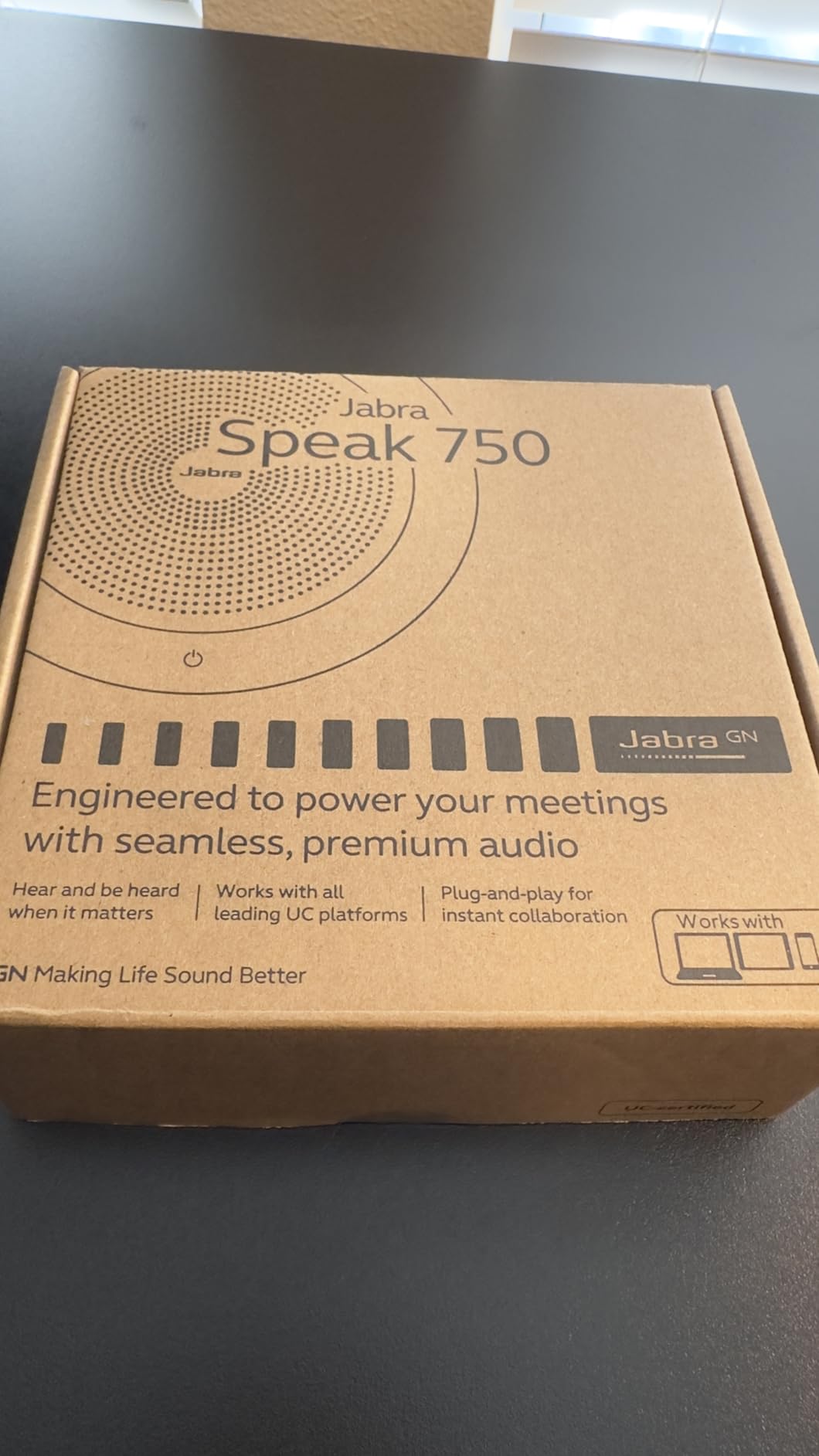
Who It Suits and Who It Does Not
Choose the Jabra for organisations with a formal certification policy, executive meeting rooms that host external clients, and travelling executives who need one device that works across platforms. The dual-device connection and the USB adapter make it excellent for BYOD rooms where the laptop changes every week.
It is the wrong pick for a large boardroom, where the modest maximum volume will not carry, and the premium over mid-range devices is hard to justify if certification is not a requirement in your organisation.
How to Choose the Right Conference Room Microphone
The five decisions below are the ones that actually decide whether a room works. Everything else is preference. If you get the room size, the mic class and the connection path right, the device choice within that tier is easy.
Match the Mic Class to Your Room Size
Huddle rooms of 2 to 4 people need very little, and almost any device on this list covers them. Small meeting rooms of 4 to 8 people are where plug-and-play pucks and desktop microphones live, and that is the largest segment of the category. Medium rooms of 8 to 14 people need real speaker volume and the option to add a second unit. Boardrooms of 14 or more need a different class of device entirely.
For a boardroom with a table longer than 12 feet, a tabletop puck is the wrong answer no matter how good it is. Use a ceiling array, a wired boundary mic, or a wireless system with satellite units. AV practitioners on the Spiceworks forums describe this ceiling-plus-mixer pattern as what they actually build, and the principle is simple: match the microphone to the footprint, not to the brand.
The 3-to-1 Rule for Microphone Coverage
The rule of thumb that circulates among installers is one microphone per 4 to 6 seated positions, or one per 2 to 3 metres of table. Use it as a floor rather than a ceiling. A room with 12 seats around a 14-foot table is at the limit of a single puck and should have a second pickup point, whether that is a satellite mic or a second speakerphone.
The second rule worth knowing is the one forum contributors keep returning to: hybrid parity, not microphone specs, is the real acceptance criterion. Remote attendees hearing everyone in the room is the outcome that matters. Judge any device on that basis.
Connectivity and Platform Certification
USB and USB-C are the primary path for a fixed room because they are driver-free, they cannot drop mid-call, and they give the meeting app a single known input and output. Bluetooth is excellent for portability and unreliable as the only connection in a room that matters. For BYOD rooms, a device with a bundled USB dongle or adapter, like the Jabra, removes the pairing question entirely.
On certification, treat the words carefully. A device that is certified for Zoom Rooms or certified for Microsoft Teams has been tested against that platform’s expectations for mute state, device switching and button behaviour. A device that merely works with those platforms will not necessarily mirror the hardware state. If your organisation runs more than one platform, prioritise genuinely certified or unified communications hardware.
Acoustic Problems: Glass Walls, HVAC and Reverberation
Before blaming the microphone, look at the room. Glass walls reflect speech straight back at the table, and hard floors extend the tail of every word, so a device with aggressive noise reduction ends up processing a room that is fighting itself. HVAC adds a steady low-frequency bed that mics amplify. None of this is fixable in software alone.
The remediation steps that work are unglamorous: add soft furnishing or acoustic panels to break reflections, reposition the device to the centre of the table rather than near a wall, and confirm the room is not being served by both a mic and speakers that are fighting each other. Feedback loops between ceiling mics and ceiling speakers are a recurring thread on AV forums, particularly in high-ceilinged rooms, and the fix is gain staging rather than a more expensive array.
Where Buyers Go Wrong
Buying by microphone count is the first mistake. More microphones is not automatically better coverage, since placement and processing determine intelligibility far more than the number of capsules. The second is assuming wireless means cable-free; a battery and a pairing handshake are both failure points in a room that runs meetings all day.
The third is ignoring platform certification, which turns a small audio problem into an IT ticket. The fourth is over-specifying a 4-person huddle room with a system that needs an installer, then not commissioning it properly, which is why AV pros warn that a badly configured high-end ceiling array sounds worse than a decent puck. The fifth is forgetting the far end: the person at the end of an 18-foot table is the whole reason this purchase is happening.
Ceiling Array Microphones for Large Rooms
For large and awkward rooms, a ceiling array is the correct tier, and it is a genuinely different category from everything above. An array is mounted above the table, out of the sightline, and uses beamforming to steer sensitivity toward whoever is speaking. Because it is not sitting on the table, it cannot be blocked by a laptop, a folder or a room full of people leaning in.
None of the ten devices here is a ceiling array, and that is worth stating plainly rather than pretending otherwise. They are the correct answer for boardrooms and large training rooms, but they need a networked audio path, correct placement, and commissioning. If your room is that size, that is a conversation with an AV integrator rather than a purchase from a list, and our guide to conference tables for every meeting room is a better place to start on sizing the space first.
Mic Types Explained: Puck, Boundary, Gooseneck and Ceiling Array
Most confusion in this category comes from mixing up device classes. A puck speakerphone, a boundary microphone and a ceiling array solve different problems, and picking the wrong one is the most expensive mistake available to you.
A puck speakerphone combines microphones and a speaker in one unit that sits in the middle of a table. It is portable, needs no installation and is the right answer for huddle and small meeting rooms. The limitation is that everyone shares one device and the pickup degrades past roughly 8 to 10 feet, which is why it does not scale.
A boundary microphone is a flat mic that sits directly on the conference table surface and picks up voices close to it. Because it is on the table, it is less affected by room reflections and it can be daisy-chained with a DSP mixer for an analogue or XLR audio path, which is the pattern AV practitioners on the Spiceworks forums describe building for small rooms. It has no speaker, so you need separate room audio.
A gooseneck microphone is for podiums, all-hands and auditorium settings where a presenter moves. It is praised in forums for those large-format uses, not for hybrid table meetings, which is exactly the distinction most buyers miss.
A ceiling array microphone mounts above the table and uses beamforming arrays to steer pickup toward the active speaker. It is invisible, unobstructed and scalable, and it is the correct answer for large rooms, but it needs networking, power and commissioning.
So is a microphone array better than a speakerphone? For a large or awkward room, yes, because beamforming gives you coverage without a device in the sightline. For a small room with a short table, a speakerphone is simpler, cheaper to deploy and easier to move, and the array buys you nothing you can hear.
Frequently Asked Questions
What is the best microphone for a conference room?
The best conference room microphone is the one that covers your actual seating footprint. For rooms of up to eight people, a 360-degree speakerphone with four or more microphones and full-duplex audio is the right class, and the Anker PowerConf is the most proven example. For tables longer than about 12 feet, move to a boundary microphone or a ceiling array instead, because no tabletop puck maintains clarity at that distance.
What are the best microphones for large conference rooms?
Large conference rooms need microphones that cover the whole table without sitting in the sightline. A ceiling array microphone with beamforming is the standard answer, with a wired boundary microphone and a DSP mixer as the alternative path. Both require professional placement and commissioning, and neither is a plug-and-play purchase, so plan for an AV integrator on rooms above roughly 14 people.
What is the 3 to 1 rule for microphones?
The 3-to-1 rule of thumb is one microphone for every 4 to 6 seated positions, or one per 2 to 3 metres of conference table. Treat it as a minimum rather than a maximum. A 12-person meeting at a 14-foot table sits at the limit of a single tabletop speakerphone and is better served by a second pickup point or a ceiling array.
Is a microphone array better than a speakerphone?
A microphone array is better in large or awkward rooms because beamforming steers pickup toward the active speaker and the array mounts out of the sightline, so nothing blocks it. A speakerphone is better in small rooms because it is simpler, needs no installation, and can be moved between spaces. In a short-table room the array improvement is not audible.
How many people can a single conference speakerphone handle?
Most puck speakerphones cover 5 to 8 people around a table reliably, with pickup quality falling off past about 3 metres from the unit. Speakerphones rated for 8 users generally stay clear through 6 to 8 people. Beyond that, daisy-chain a second unit or move to a ceiling array, and check the published pickup distance in metres rather than a vague capacity claim.
Which Conference Room Microphone Should You Buy in 2026?
If you want one recommendation for a typical meeting room of up to eight people, take the Anker PowerConf. Its six-microphone 360-degree array, AI noise processing and dual Bluetooth and USB-C connectivity cover the widest range of real layouts we tested, and the volume of owner feedback behind it is unmatched in this category.
If the room has hard walls and glass, the EMEET Luna is the better buy. Its 85 dB output and VoiceIA processing are built for rooms that fight you, and it can daisy-chain to cover a larger meeting later. For the smallest rooms, the EMEET M0 Plus covers 5 to 8 people with a compact footprint and a battery for rooms without power.
Where you already have good room speakers and only need coverage, the TONOR G11 and the TONOR TM20 are the sensible picks, with the TM20 reaching 5 metres for long tables. For a Windows Teams desk, the Dell SP3022 pairs dual certification with a three-year warranty. For a fixed desk that must never drop a call, the wired Anker S330 is the reliable one. Where certification is a procurement requirement, the Jabra Speak 750 and its included USB adapter solve problems that Bluetooth alone will not.
Whatever you choose, measure the table first and count the seats. The best conference room microphones in 2026 are the ones that cover the whole room, not the ones with the longest feature list. If you are still short on video, our picks for the best conference speakerphones pair naturally with any of these.
Leave a Reply