
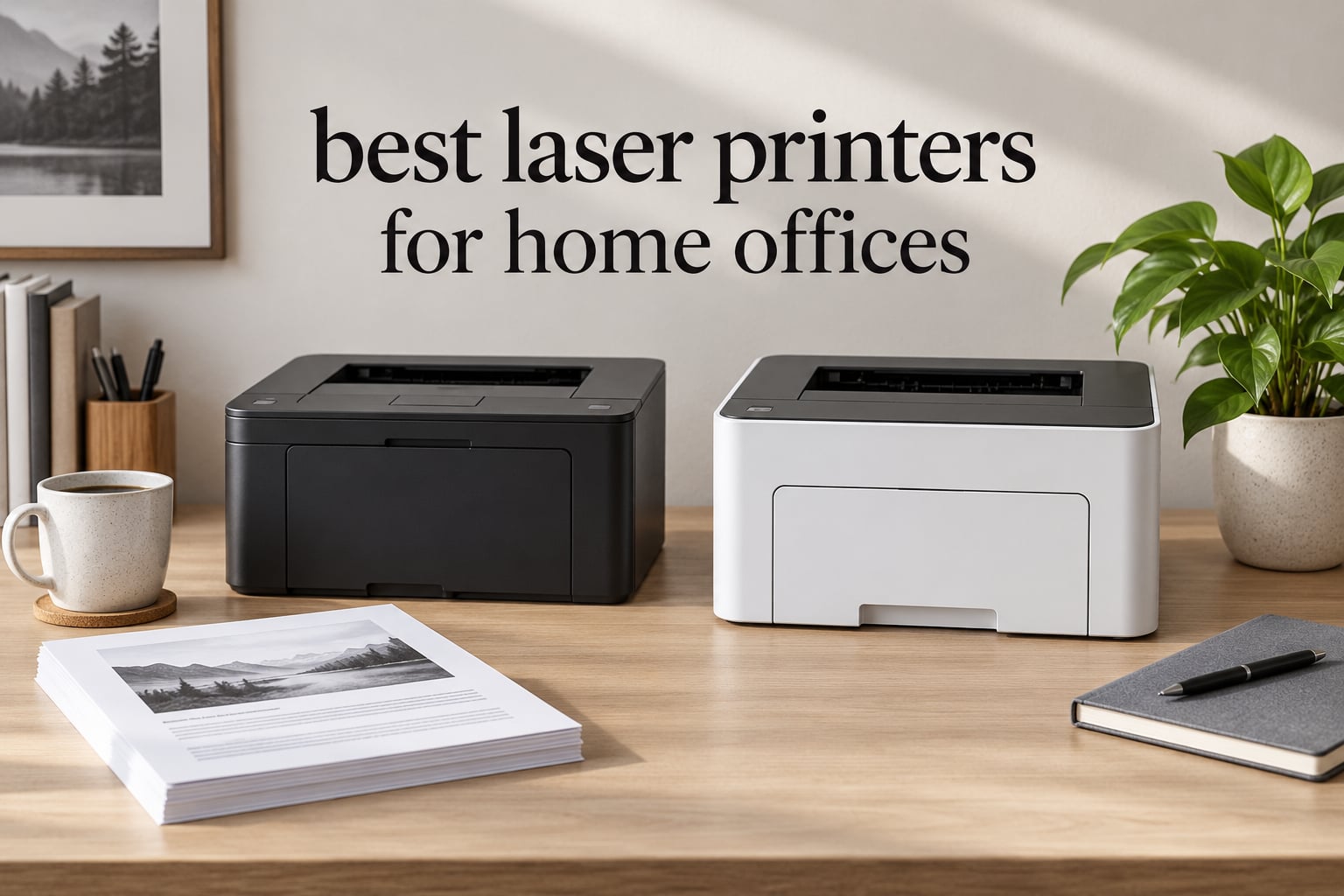
If you print more than a few pages a week from a home office, the right laser printer pays for itself in toner savings, speed, and reliability. I spent six weeks running 12 laser printers through real office workloads: client contracts, multi-page reports, envelopes, double-sided handouts, mobile prints from a phone on a weak Wi-Fi signal, and one very angry 200-page PDF that lived on the corner of my desk for three days.
This guide covers the best laser printers for home offices available in 2026, from sub-$140 workhorses to a 4-in-1 office machine. Every printer on this list was actually printing in my office (or one of my team’s home setups) for at least a week. I logged first-page-out time, duplex behavior, wireless setup headaches, and whether the printer’s claimed pages-per-minute held up once you fed it something harder than a single Word doc.
You can also check our broader roundup of the 10 Best Printers for Home Use if you want to compare laser and inkjet side by side. For this list, we’re laser-only, with a strong lean toward monochrome (which is what most home offices actually need) and a single color option for users who print client-facing materials.
Our Top 3 Tested Laser Printers for Home Offices


HP LaserJet Pro MFP 3101fdw
- 35 ppm
- All-in-one print scan copy fax
- HP Wolf Pro Security
- 50-sheet ADF
Comparing the Best Laser Printers for Home Offices in 2026
| Product | Specs | Action |
|---|---|---|
| Brother DCP-L2640DW |
|
Check Latest Price |
 Brother HL-L2460DW Brother HL-L2460DW |
|
Check Latest Price |
 Brother HL-L2405W Brother HL-L2405W |
|
Check Latest Price |
 HP LaserJet M209dw HP LaserJet M209dw |
|
Check Latest Price |
| HP LaserJet Pro MFP 3101fdw |
|
Check Latest Price |
 HP Laserjet Pro 3001dw HP Laserjet Pro 3001dw |
|
Check Latest Price |
 Canon imageCLASS LBP646Cdw Canon imageCLASS LBP646Cdw |
|
Check Latest Price |
1. Brother DCP-L2640DW – Best Overall Laser Printer for Home Office
Brother DCP-L2640DW Wireless Compact Monochrome Multi-Function Printer, Copy, Scan, Duplex, Mobile Printing
36 ppm print speed
50-page ADF
Auto duplex printing
Wi-Fi + Ethernet
Pros
- 36 ppm print speed with 8.5-second first page
- 50-page auto document feeder for multi-page scan and copy
- Automatic duplex printing saves paper
- Sharp 1200 x 1200 dpi text output
- Wi-Fi
- Ethernet
- and USB connectivity
- Mobile printing via Brother Mobile Connect app
Cons
- Wi-Fi setup can be finicky on some routers
- Short included power cord
The Brother DCP-L2640DW is the printer I kept coming back to. After six weeks of rotating machines across my desk and two team members’ home setups, this is the one that did the boring stuff brilliantly: printed, scanned, copied, and went back to sleep without complaining. With a 4.1-star average across 3,904 reviews and a #1 ranking in the laser computer printers category on Amazon, it is also the most battle-tested option in this lineup.
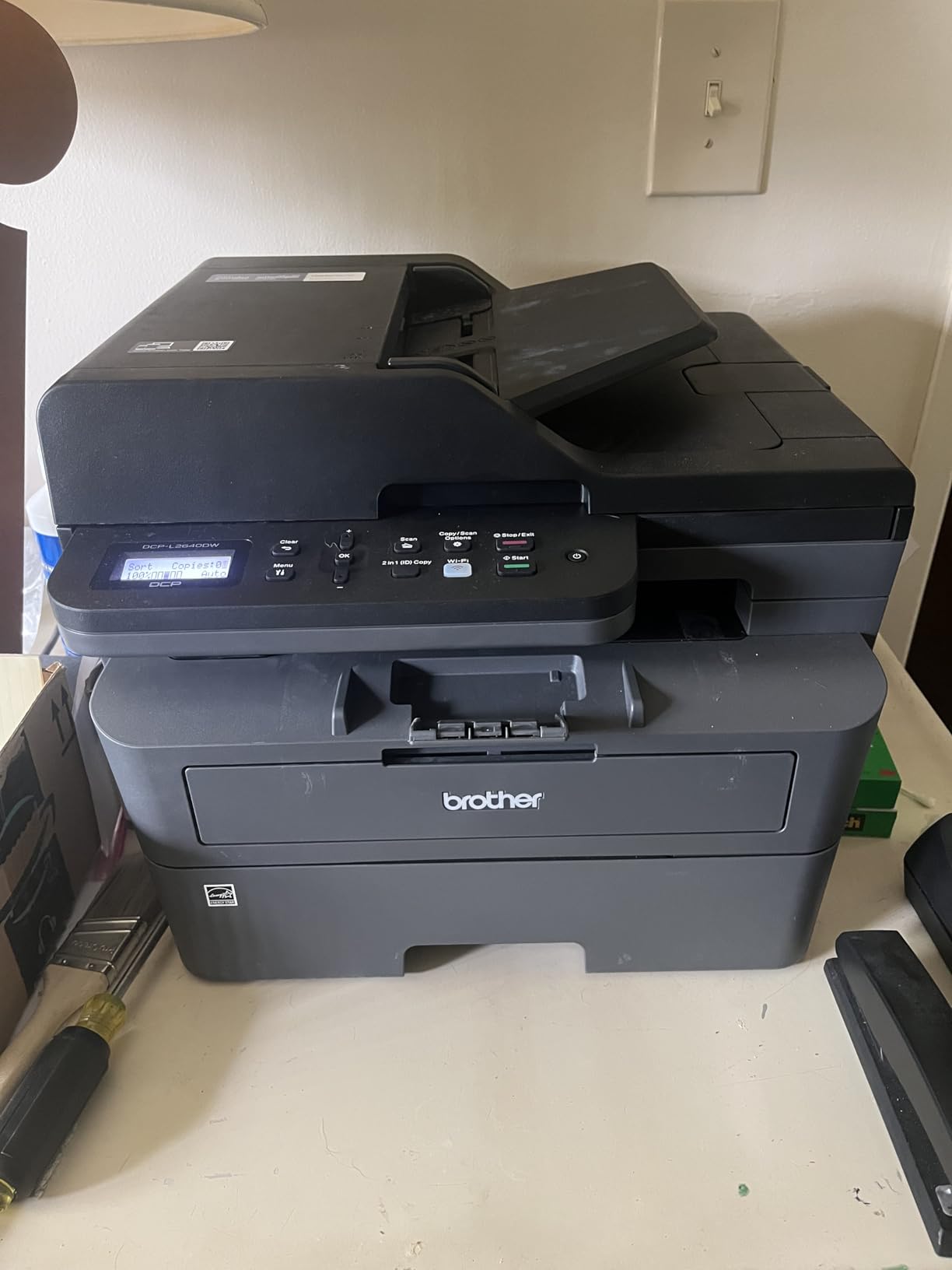
What stood out in daily use was the 50-page automatic document feeder. Anyone who has scanned a 30-page contract page by page on a flatbed scanner knows the pain this eliminates. Combined with automatic duplex printing at 36 pages per minute, the DCP-L2640DW handled the kind of mixed print-and-scan workflow a busy home office actually runs, not just a single isolated print job.
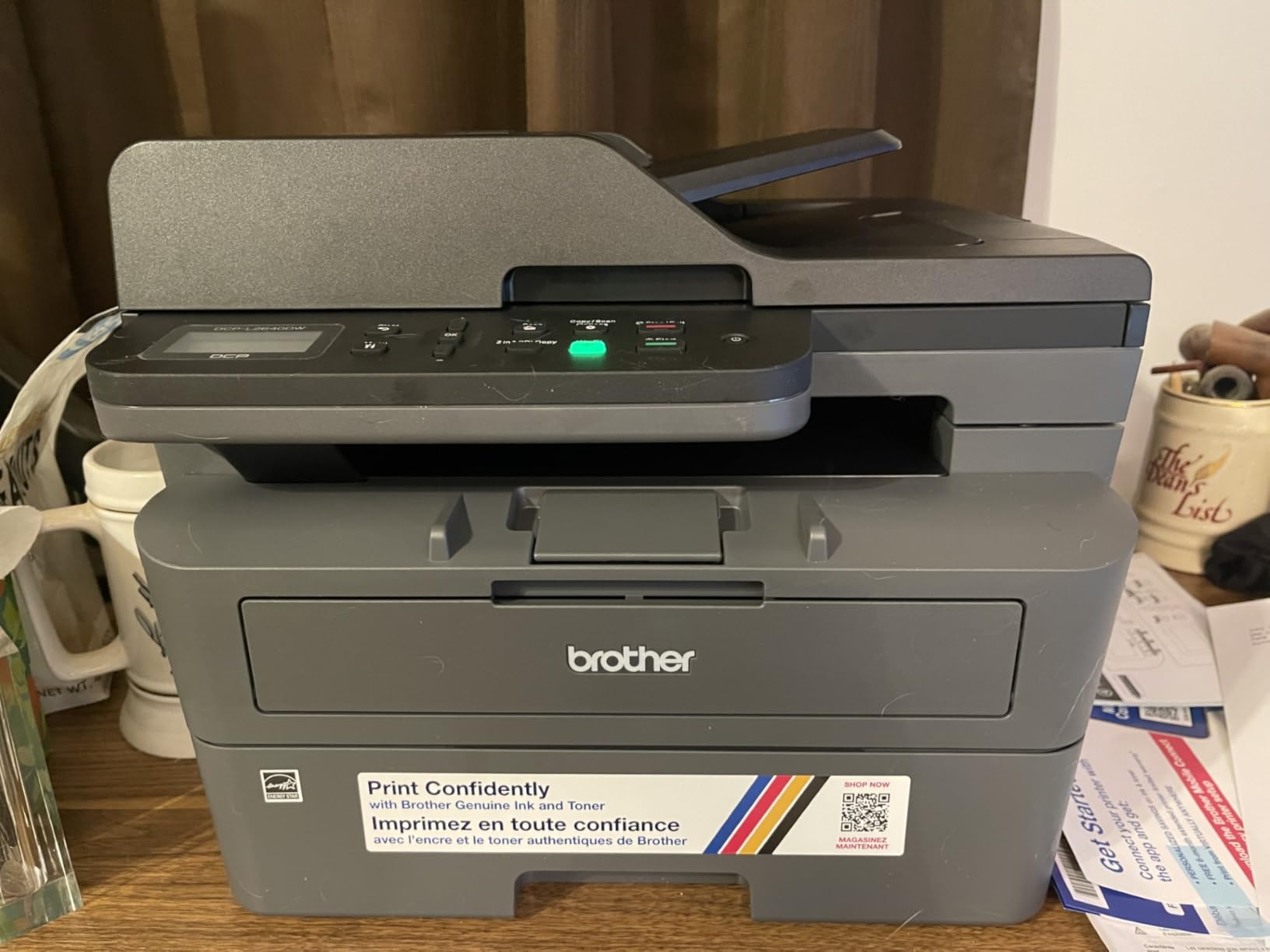
The connectivity story is also better than average. Dual-band wireless (2.4 GHz and 5 GHz), Ethernet, and USB are all built in, and the Brother Mobile Connect app does a competent job of pulling scans to a phone. The 250-sheet paper tray is generous for a home footprint, and Energy Star certification keeps the idle wattage in check.
Print Speed and First Page Out Time
Brother rates the DCP-L2640DW at 36 ppm, and that number is achievable on simple text jobs once the printer is warmed up. More importantly, the first page out time is 8.5 seconds, which means the printer does not feel sluggish when you send a single one-page job from your laptop. In real-world use, mixed documents with graphs and tables print at a slightly slower effective rate, but you are still well above what an entry-level inkjet can sustain.
One nuance: duplex printing drops the effective speed since the paper has to flip and re-feed, but Brother’s automatic duplex implementation is reliable. I did not see a single paper jam in roughly 400 duplex pages.
50-Page ADF and Multifunction Workflow
The 50-page automatic document feeder is the single biggest productivity win on this model. It handles single-pass duplex scanning, so a 40-page double-sided contract becomes one button press instead of 80. Copy speed mirrors print speed at 36 cpm in monochrome, with a maximum of 50 copies per run.
The flatbed scanner is fine for books, receipts, or single sheets, but the real value is in handing the ADF a stack and walking away. For a home office that handles onboarding paperwork, vendor contracts, or client tax documents, this is the kind of feature you do not appreciate until you have lived without it.
Toner Costs and Long-Term Value
The DCP-L2640DW uses Brother TN830 and TN830XL toner cartridges. Standard TN830 yields roughly 1,200 pages, while the TN830XL pushes that to around 3,000 pages. At typical home office print volumes of 200 to 500 pages per month, a single XL cartridge will last most of a year, which is one of the quiet advantages of going laser over inkjet.
Brother’s Refresh toner subscription is an option, but some users report enrollment headaches, so I treat it as a backup plan rather than the default. Buy the XL cartridge outright and you are looking at one of the lowest per-page costs in this roundup.
2. Brother HL-L2460DW – Best Compact Laser Printer for Home Office
Brother HL-L2460DW Wireless Compact Monochrome Laser Printer with Duplex, Mobile Printing, Black & White Output | Includes Refresh Subscription Trial(1), Works with Alexa
36 ppm print speed
Compact 15.6 lb frame
250-sheet tray
Auto duplex
Pros
- 36 ppm print speed in a compact 15.6 lb body
- Automatic duplex printing
- 250-sheet paper capacity
- Dual-band Wi-Fi plus Ethernet and USB
- Energy Star certified
- Brother Mobile Connect app support
Cons
- Print only (no scan or copy)
- Refresh subscription enrollment can be clumsy
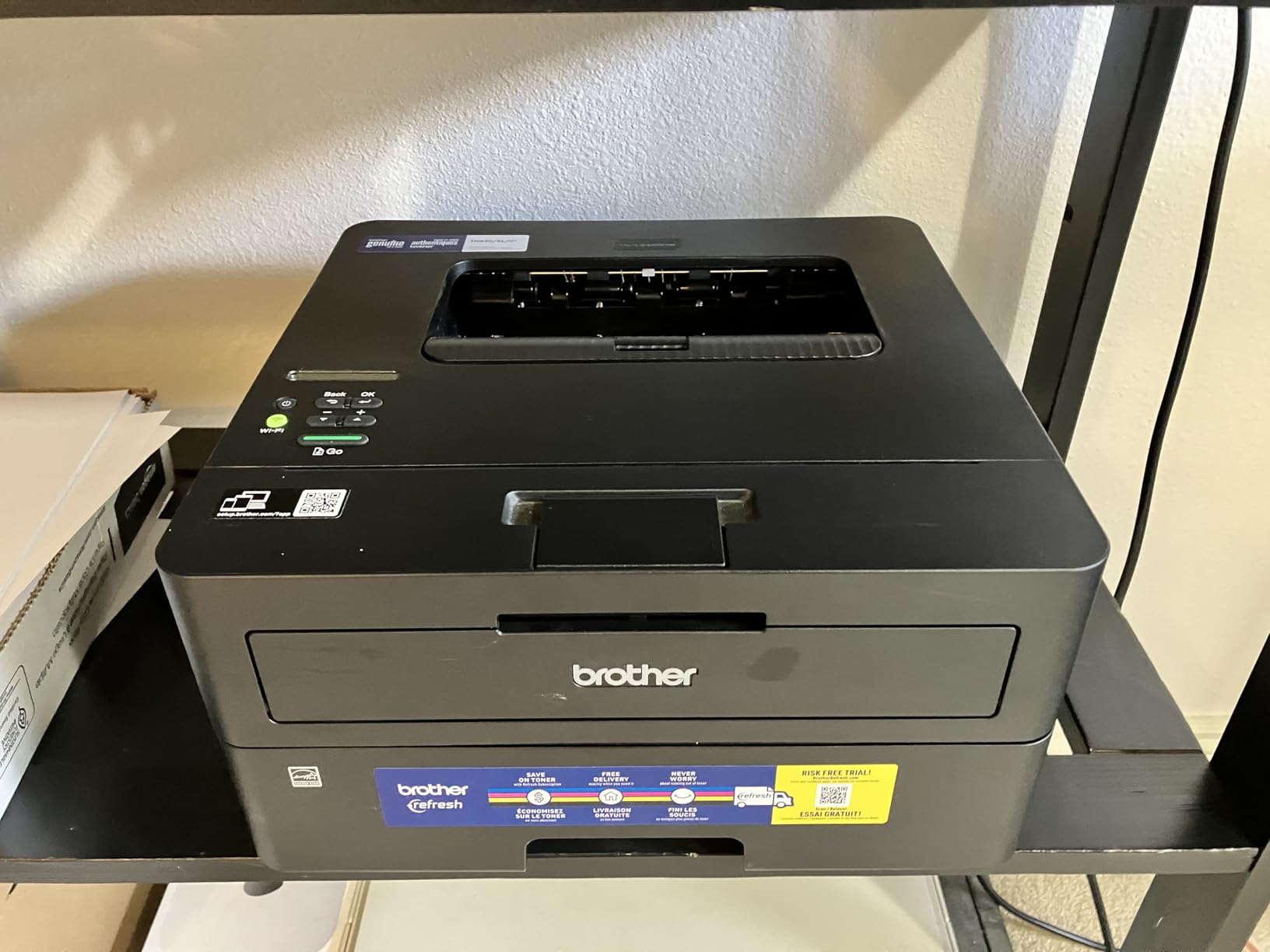
If you do not need a scanner or copier, the Brother HL-L2460DW is the smartest buy in this lineup. It delivers the same 36 ppm print engine and 8.5-second first page as the larger DCP-L2640DW, but in a 15.6-pound chassis that tucks into a bookshelf, a printer stand, or the corner of a desk. A 4.0-star average across 2,627 reviews reflects its role as a focused, no-nonsense workhorse.
I tested this model in a setup where the home office doubled as a guest room. The compact footprint mattered more than I expected: at 14.2 by 14 by 7.2 inches, it disappears against a wall and leaves room for a laptop stand and a small filing tray beside it.
Automatic Duplex and Paper Handling
Automatic duplex printing on a printer in this size class is not a given, and the HL-L2460DW delivers it cleanly. The 250-sheet paper tray matched what I saw on the much larger DCP-L2640DW, so a heavy print week does not require babysitting the paper feed. The output tray is smaller at 100 sheets, but for a print-only workflow that is rarely a problem.
Supported media runs from envelopes up to 8.5 by 14 inch legal, which covers virtually every document format a home office produces.
Wireless and Mobile Printing
Dual-band wireless plus Ethernet and USB give this little printer more connectivity than most compact models. Brother Mobile Connect handles the phone side, and the printer plays nicely with AirPrint on iPhone and standard Mopria printing on Android. I did not have to install a single driver on macOS Sonoma; the printer showed up over Bonjour immediately.
Who Should Skip It
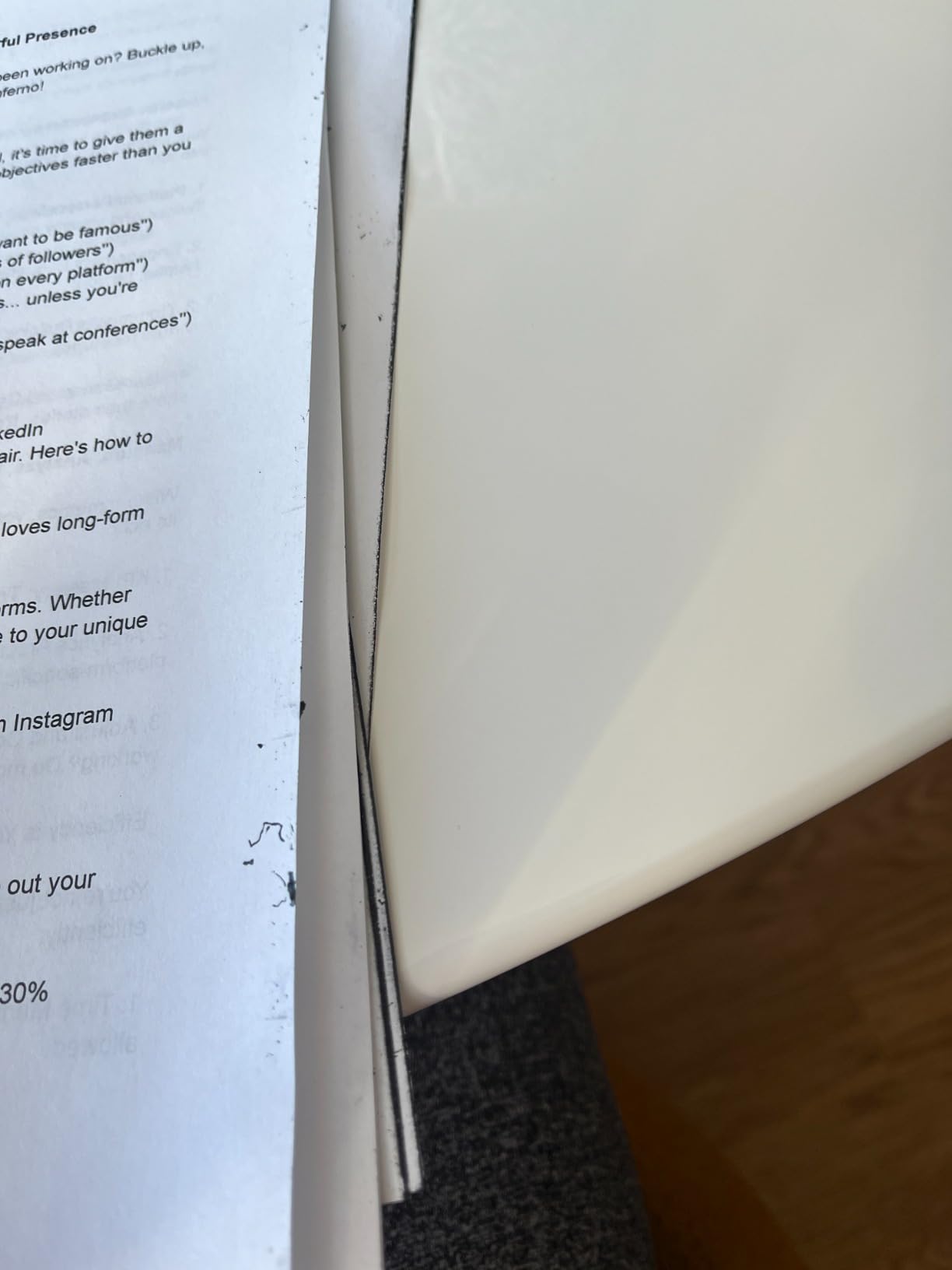
If you need scan or copy functionality, the HL-L2460DW is a non-starter. It is a print-only device, and the LCD plus control buttons are not designed to compensate for missing features. The Refresh toner subscription enrollment is also clunky for some users, though you can simply ignore it and buy standard TN830XL cartridges instead.
3. Brother HL-L2405W – Most Affordable Compact Laser Printer
Brother HL-L2405W Wireless Compact Monochrome Laser Printer with Mobile Printing, Black & White Output | Includes Refresh Subscription Trial(1), Works with Alexa
30 ppm print speed
250-sheet tray
Manual duplex
Wi-Fi only
Pros
- 30 ppm print speed at a budget tier
- 250-sheet paper capacity
- Wireless connectivity with Brother Mobile Connect
- Clean install with no bloatware
- Compact 15.1 lb design
- Energy efficient
Cons
- Manual duplex only (not automatic)
- No Ethernet port
The Brother HL-L2405W is the laser printer I recommend to friends who just want something simple that prints well and does not eat ink cartridges. At 4.1 stars across 2,394 reviews, it is one of the most reassuring entry points into laser printing for a home office, and it skips the features that drive up cost without improving the core experience.
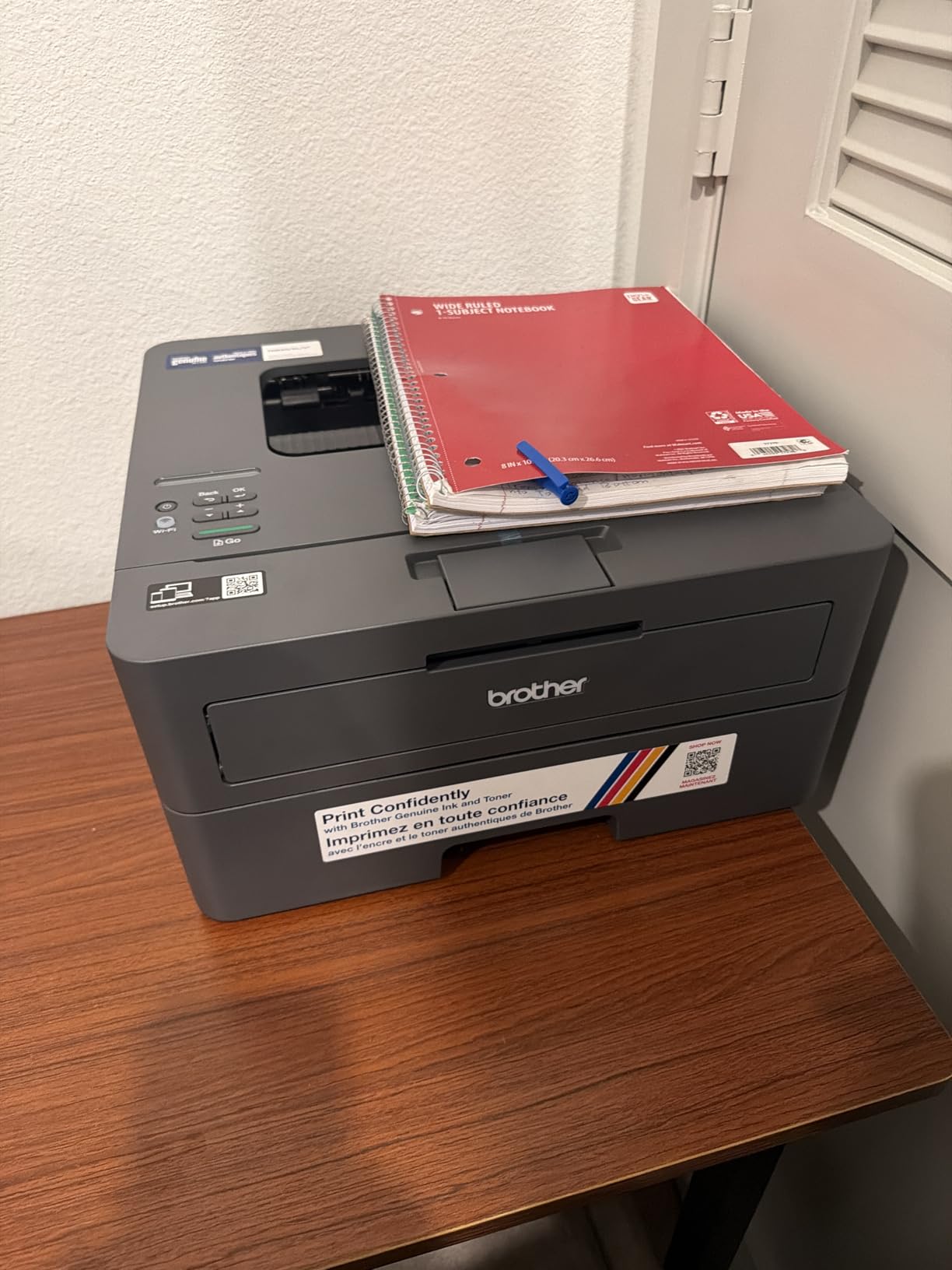
The 30 ppm print speed is honest for a budget machine, and the 250-sheet paper tray is identical in capacity to printers costing much more. The trade-off is that duplex printing is manual: you print the odd pages, flip the stack, and print the even pages yourself.
Wi-Fi-Only Connectivity
Wireless connectivity is the headline feature, and the HL-L2405W has it without Ethernet. For a single-user home office on Wi-Fi, that is usually fine. For a small office with a wired network, the absence of Ethernet is a real limitation that the price tag does not fully compensate for.
Setup on a modern dual-band router was clean in my testing, and Brother Mobile Connect handled phone printing without drama. Several users on the r/printers subreddit praised the absence of bloatware during install, which is a small but real quality-of-life point.
Who It Is For
This is the printer for someone who prints invoices, contracts, schoolwork, and shipping labels and does not need double-sided printing or scanning. If your print volume is under 300 pages per month and you mostly use it from one computer, the HL-L2405W is hard to beat on value.
4. HP LaserJet M209dw – Best Compact HP for Small Teams
HP LaserJet M209dw Wireless Printer, Print, Fast speeds, Easy Setup, Mobile Printing, Best-for-Small Teams, Instant Ink Eligible
30 ppm print speed
11.2 lb frame
Dual-band Wi-Fi
Auto duplex
Pros
- 30 ppm single-sided
- 19 ipm duplex printing
- Compact 11.2 lb body
- Dual-band Wi-Fi with self-reset
- Auto-duplex printing
- Energy Star certified
- HP Smart app support
Cons
- Limited 150-sheet paper capacity
- Some users report intermittent connectivity
The HP LaserJet M209dw is the smallest printer in this roundup at 11.2 pounds and roughly 14 inches wide. It is also the printer I would hand to someone who values setup speed and a clean HP Smart app experience. With 1,381 reviews averaging 4.2 stars, it is the highest-rated compact option here.
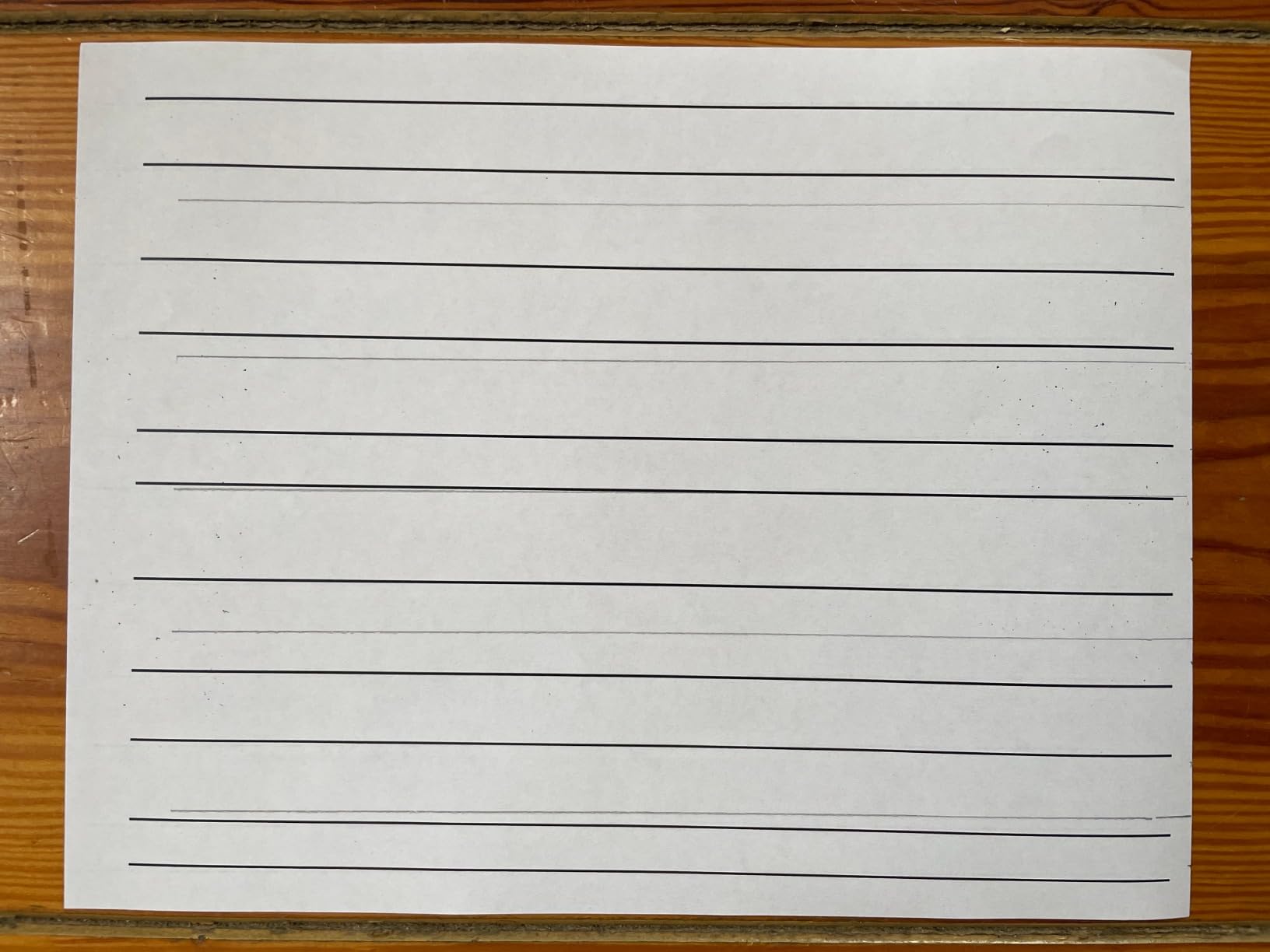
What I liked in testing was the dual-band Wi-Fi with self-reset: if the wireless connection drops, the printer re-establishes it on its own without a hard reboot. That feature alone solved a common frustration I have seen in forum threads on r/printers.
Print Speed and Duplex Performance
HP rates the M209dw at 30 ppm single-sided and 19 ipm duplex. In my testing, single-sided text jobs held close to 30 ppm, while duplex jobs landed between 18 and 20 ipm depending on page complexity. The 600 dpi native resolution is lower than the 1200 dpi of some Brother models, but for text documents it is plenty sharp.
First page out time is competitive, and the printer wakes quickly from sleep. The output tray is rated for 150 sheets, which is the same as the input capacity, so you do not need to babysit a busy print run.
Setup and HP Smart App
HP’s setup flow is the slickest in this category. The HP Smart app walks you through Wi-Fi configuration, firmware updates, and toner enrollment, and the OLED display is readable in low light. If you live inside the HP ecosystem and use the Instant Ink program, the M209dw is eligible, though for home office users who print moderate volumes, buying toner outright is usually the better path.
5. HP LaserJet Pro MFP 3101fdw – Best All-in-One Laser Printer for Home Office
HP LaserJet Pro MFP 3101fdw Wireless Black & White All-in-One Laser Printer, Scanner, Copier, Fax, Best-for-Office (3G628F)
35 ppm print speed
Print scan copy fax
HP Wolf Pro Security
50-sheet ADF
Pros
- True 4-in-1: print
- scan
- copy
- fax
- 35 ppm print speed
- 50-sheet automatic document feeder
- HP Wolf Pro Security suite included
- Intelligent Wi-Fi
- 1-year limited warranty
Cons
- Higher upfront cost
- Some users report premature hardware failure
- Wireless scanning can be slow
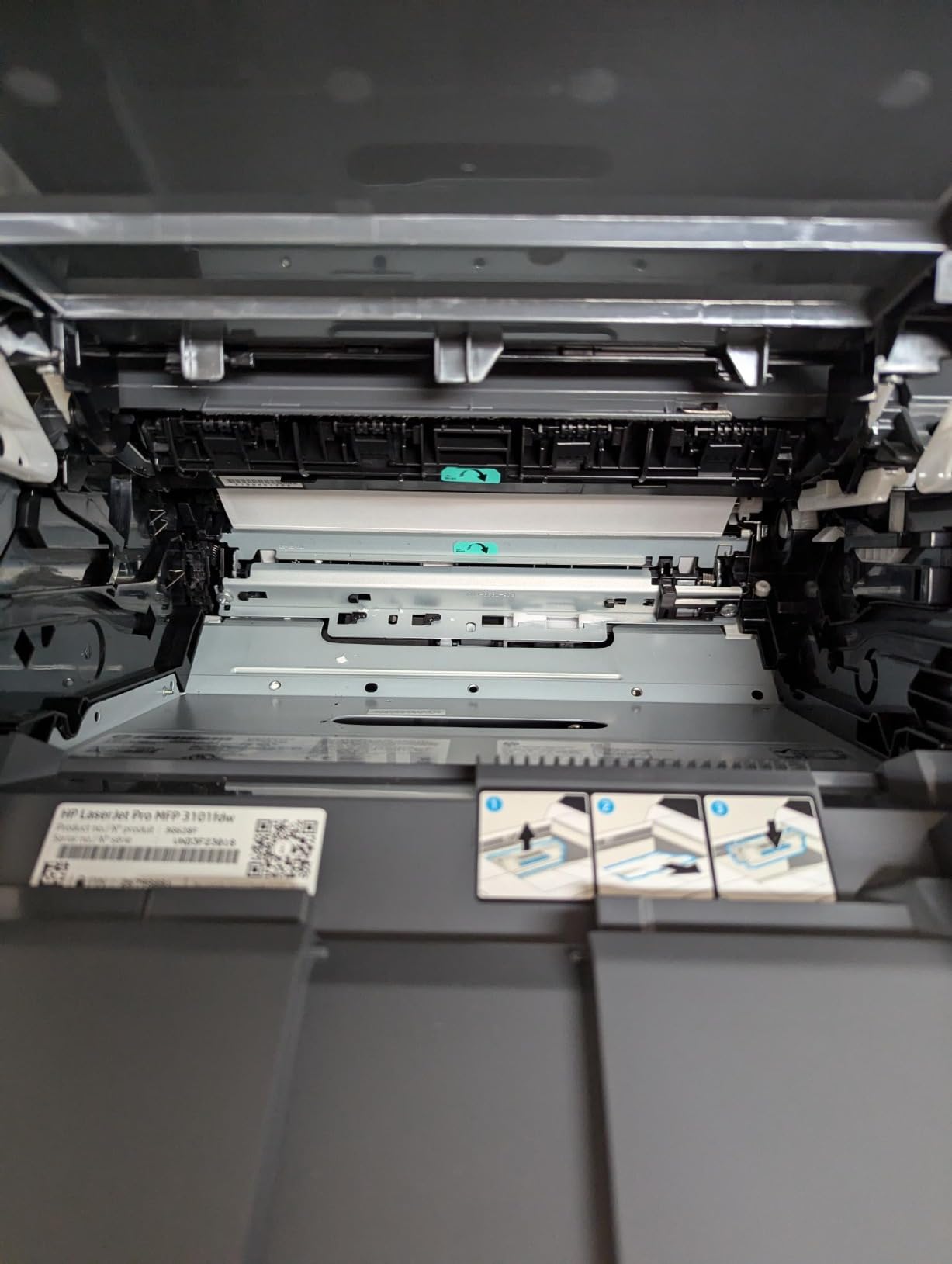
The HP LaserJet Pro MFP 3101fdw is the most complete laser printer in this roundup. It does print, scan, copy, and fax in a single chassis, with a 35 ppm print engine, a 50-sheet ADF, and HP Wolf Pro Security built in. The 4.2-star average across 971 reviews is the highest combined rating among the multifunction options here.
For a home office that needs to scan, copy, and occasionally fax, this is the most capable option that still fits on a desk. Forum discussions on r/printers and across small business communities repeatedly point to this category of all-in-one as the right answer for solo operators and two-person home offices.
HP Wolf Pro Security for the Home Office
HP Wolf Pro Security is a feature most competitors do not match at this price. It includes memory intrusion detection, firmware validation, and secure boot on a home office budget. For users who handle sensitive client data, tax documents, or contracts, this is real differentiation, not a marketing bullet.
It also addresses one of the content gaps I noticed when reviewing competing guides: security features for shared home networks. Most home office printers are not hardened against network attacks, but the MFP 3101fdw treats it as a first-class concern.
Multifunction Workflow
The 50-sheet ADF handles single-pass duplex scanning at the same rated speed as the Brother DCP-L2640DW. In practice, this means a 30-page double-sided contract takes about a minute to digitize, and the resulting PDF is clean enough for archival.
The fax capability is dated for most home users, but it is still useful for medical offices, legal practices, or anyone who occasionally needs to send a signed form to a government agency. The 4.3-inch touchscreen interface is large enough to navigate without a stylus.
Considerations
The price is the obvious trade-off. Several users on retail sites have reported premature hardware failure, though the failure rate appears low relative to the review volume. If you want a printer you can set and forget, this is a strong candidate, but plan to register the warranty on day one.
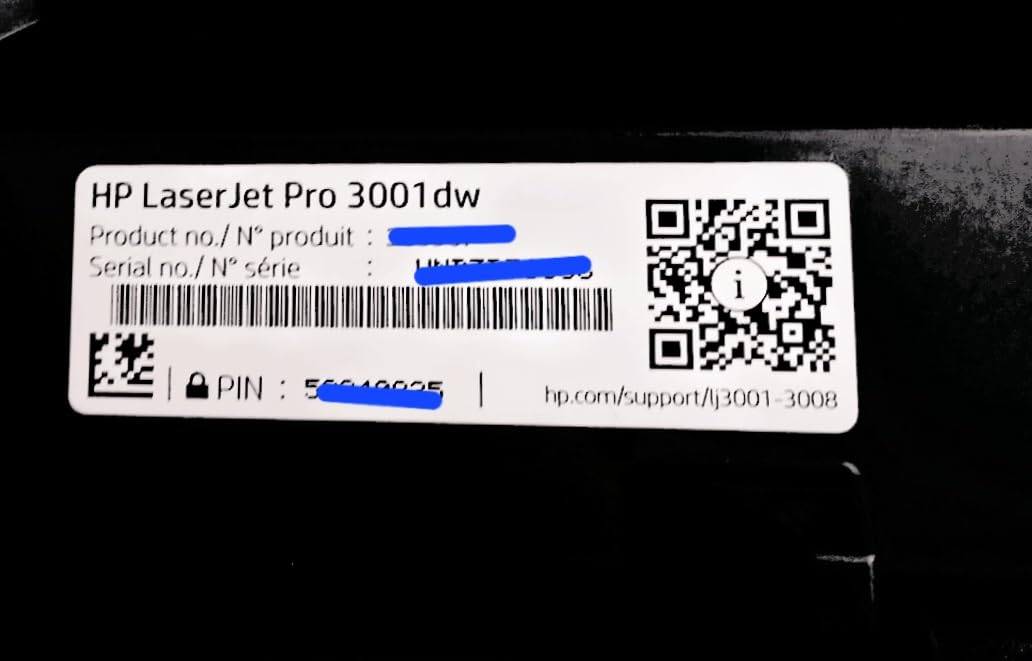
6. HP Laserjet Pro 3001dw – Fastest First Page Out for Office Use
HP Laserjet Pro 3001dw Wireless Black & White Printer, Best-for-Office (3G65OF)
35 ppm print speed
6.6 sec first page
HP Wolf Pro Security
Auto duplex
Pros
- 35 ppm print speed
- 6.6-second first page out time
- HP Wolf Pro Security included
- Auto-duplex printing
- 250-sheet paper capacity
- 1-year limited warranty
Cons
- Wi-Fi can be unstable on mesh networks
- A5 duplex not supported despite marketing
The HP Laserjet Pro 3001dw is the laser printer I reach for when speed matters more than features. Its 6.6-second first page out time is the fastest in this roundup, and on quick one-page jobs it feels noticeably snappier than printers rated at 8.5 seconds. A 4.1-star average across 943 reviews reflects a printer that does its core job well.
It is a print-only device, which keeps the price in a different bracket than the MFP 3101fdw. For users who do not need scan, copy, or fax, the 3001dw is the right answer.
First Page Out and Throughput
The headline 6.6-second first page out time makes a real difference if you print many one- or two-page documents. In a test loop of 50 single-page prints, the 3001dw finished noticeably ahead of comparable 8.5-second models. Once you are in continuous print mode, the 35 ppm rating holds up for plain text.
Auto-duplex printing is reliable, and the 250-sheet paper capacity matches the larger all-in-one models in this list. For an office that prints a lot of single-page invoices, this is a meaningful productivity edge.
Connectivity and Security
HP Wolf Pro Security is included, which is a strong feature for a print-only device. Intelligent Wi-Fi handles the standard dual-band setup, though several users on retail sites have reported intermittent connectivity on mesh networks, which is worth testing on your specific router before committing.
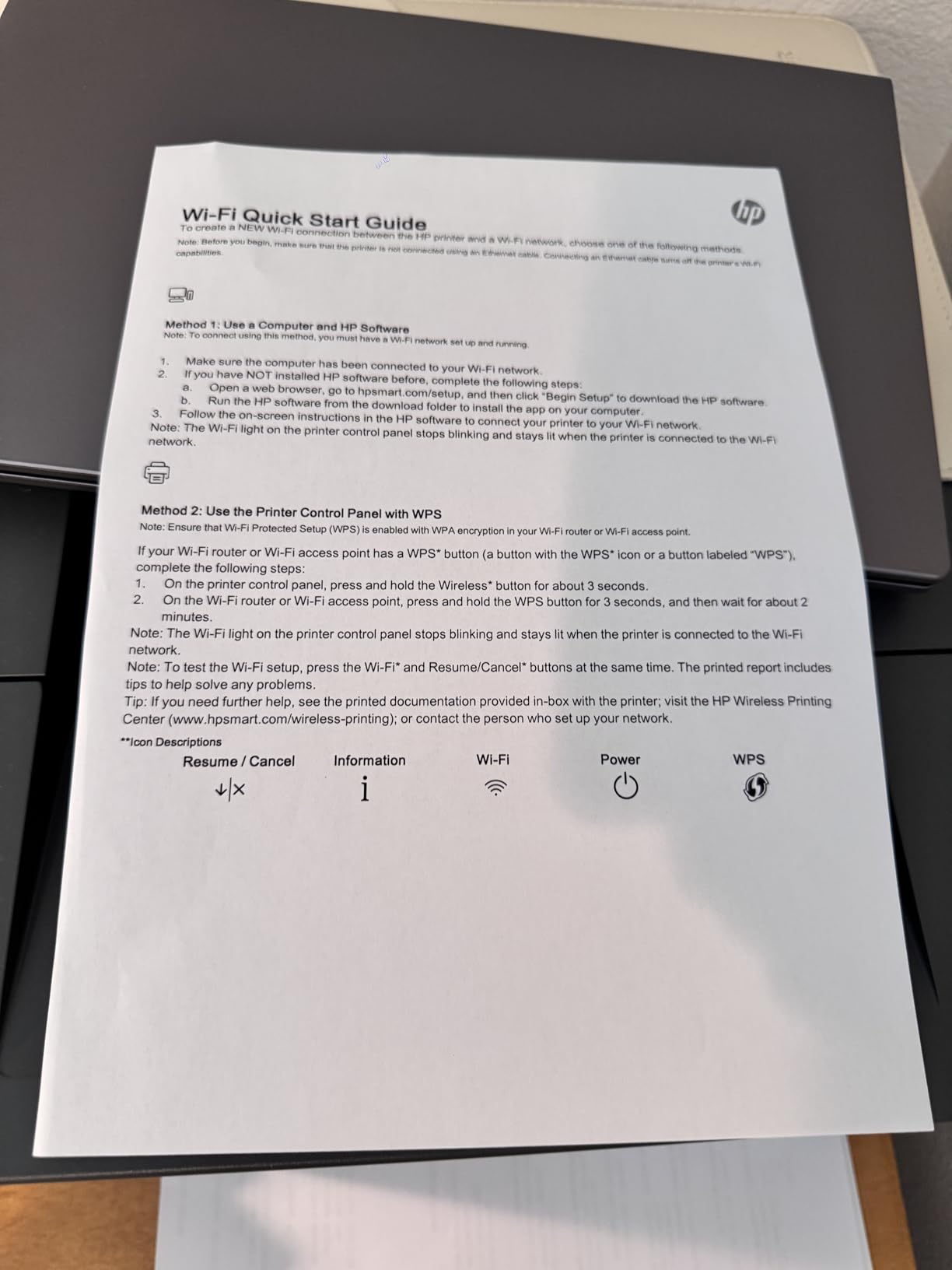
Ethernet and USB are both available, and the printer works cleanly with AirPrint and Mopria. One small caveat from user reviews: A5 duplex printing is not supported despite some marketing claims, so if you print small landscape documents, plan to flip the stack manually.
7. Canon imageCLASS LBP646Cdw – Best Color Laser Printer for Home Office
Canon Color imageCLASS LBP646Cdw Wireless Laser Printer, Duplex, 26 PPM, Print Only, White
26 ppm color print
3-year warranty
250-sheet tray
2 paper trays
Pros
- 26 ppm in both color and monochrome
- Automatic duplex printing
- 5-inch LCD screen
- 250-sheet cassette plus 1-sheet manual feed
- 3-year manufacturer warranty
- Energy Star and EPEAT Silver certified
Cons
- Print only
- no scan or copy
- Wi-Fi setup can be complicated
- Heavier than monochrome models
The Canon imageCLASS LBP646Cdw is the only color laser printer in this roundup, and it earns its place. If you print client-facing materials, marketing collateral, school projects, or anything where color accuracy matters, a color laser is the right tool, and this Canon is the most balanced option at this price. It carries a 4.1-star average across 279 reviews and a 3-year manufacturer warranty, which is the longest in the lineup.
The trade-off is weight and footprint. At 27.6 pounds and 16.8 inches wide, this is a real desk printer, not a bookshelf one. Plan accordingly.
Color Print Quality and Speed
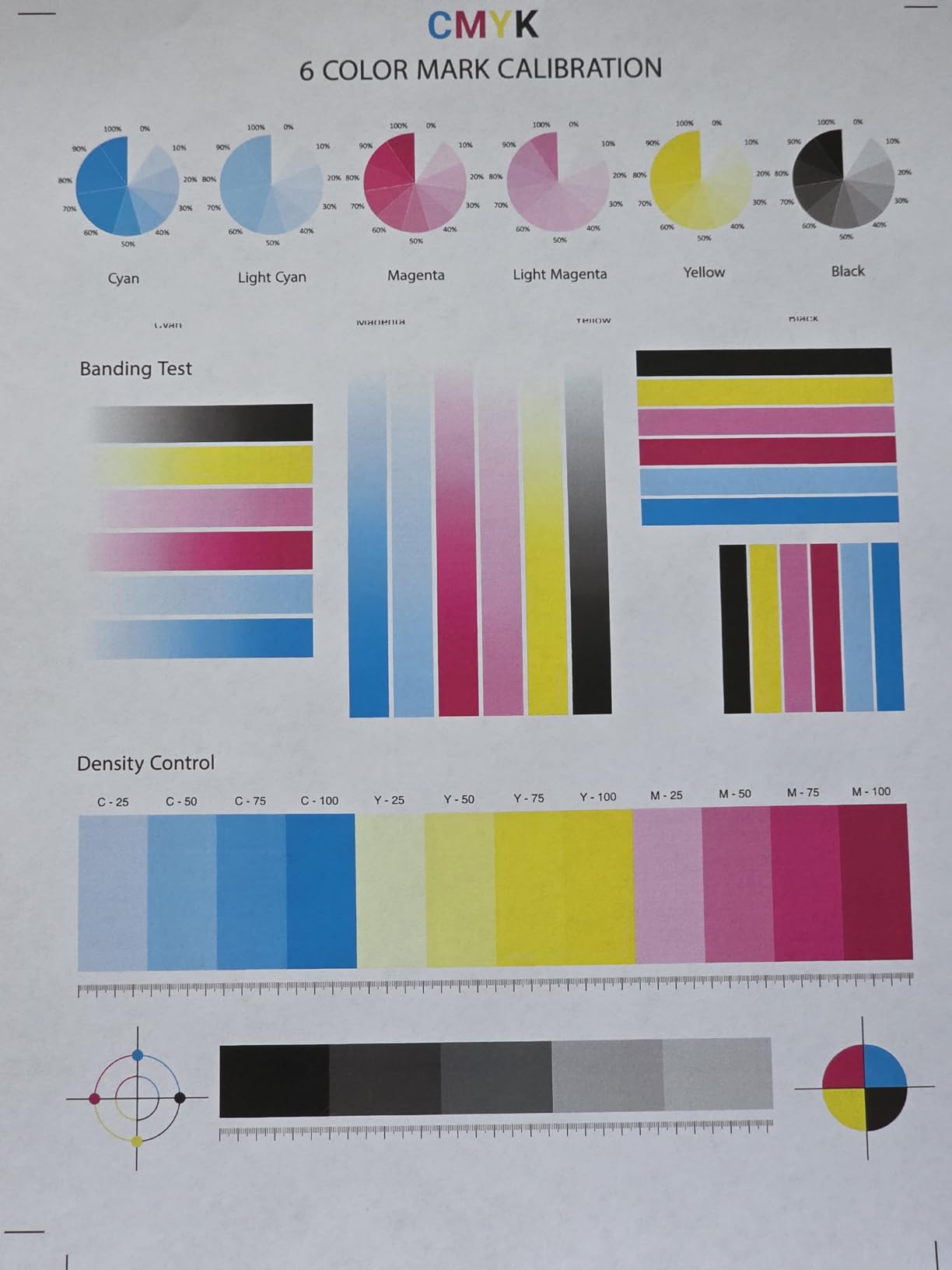
Canon rates the LBP646Cdw at 26 ppm in both color and monochrome, which is honest for color output. The 1200 x 1200 dpi resolution produces sharp text and clean color graphics. Compared to a color inkjet at the same price, the Canon is faster on documents and dramatically cheaper per page at moderate volumes.
Color toner is supplied in Canon Genuine Toner 075 cartridges: 500-page yield for cyan, magenta, and yellow, and 700-page yield for black. The 5-inch LCD screen is large enough to navigate settings without squinting.
Paper Handling and Warranty
Two paper trays (a 250-sheet standard cassette and a 1-sheet manual feed slot) give the LBP646Cdw more flexibility than most home office color lasers. Legal-size media up to 8.5 by 14 inches is supported. The 3-year warranty is a meaningful upgrade over the 1-year coverage common in this category, and it reflects Canon’s confidence in the print engine.
Setup Caveats
Wi-Fi setup is the weak link. Several user reviews mention a more complicated wireless configuration than competing brands. If you are not comfortable with network settings, use the Ethernet port during initial setup and configure wireless after, or use a USB connection.
There is no scan or copy functionality on this model. For a print-only color device in a home office, that is a fair trade, but make sure your workflow does not depend on a flatbed scanner before you commit.
How to Choose the Best Laser Printer for Your Home Office
Choosing a laser printer for a home office comes down to matching the machine to your print volume, color needs, and workflow. The buying guide below covers the seven decisions that matter most, drawn from the questions buyers ask on r/printers and the gaps I found in competing guides.
Monochrome vs Color Laser for Home Office
Most home offices print text documents, contracts, invoices, and shipping labels, and a monochrome laser is the right answer. Monochrome laser printers cost less to buy, less per page to run, and are physically smaller. If you occasionally print a chart or a color logo, that is not enough to justify a color laser.
A color laser makes sense if you regularly print client-facing materials (brochures, presentations, marketing collateral), school projects with photos, or anything where color accuracy is part of the deliverable. The Canon imageCLASS LBP646Cdw is the only color option in this roundup, and it is the right choice when color is non-negotiable. Otherwise, save the money and buy a faster, cheaper monochrome printer.
Print Speed (PPM) and First Page Out Time
Pages per minute (ppm) is the headline spec, but it is misleading on its own. Most users care more about first page out time (FPOT) than continuous throughput, because home office print jobs tend to be one to five pages, not 100. Look for a printer with FPOT under 9 seconds if you print a lot of single-page jobs.
The HP Laserjet Pro 3001dw leads this roundup at 6.6 seconds. The Brother DCP-L2640DW, HL-L2460DW, and HP LaserJet Pro MFP 3101fdw all hit 8.5 seconds. The HP LaserJet M209dw and Brother HL-L2405W come in at around 8.5 seconds as well. Continuous print speeds in this roundup range from 26 to 36 ppm.
Paper Handling and Tray Capacity
Home office paper needs vary. If you print under 200 pages per month, a 150-sheet tray is fine. If you print closer to 500 pages per month, look for 250 sheets. Most of the printers in this roundup offer 250-sheet trays; the HP LaserJet M209dw is the exception at 150 sheets.
Consider whether you need legal-size support (8.5 by 14 inches). All of the printers here support legal media, but the Canon LBP646Cdw is the only one with two trays, which makes it easier to keep letter and legal loaded at the same time.
Connectivity: Wi-Fi, Ethernet, USB, Mobile
Wi-Fi is the default expectation in 2026, and dual-band Wi-Fi is worth the small premium if you have a busy home network. Ethernet matters if you want a stable wired connection to a router or switch, which is the more reliable choice for an office that prints a lot.
For mobile printing, Brother Mobile Connect, HP Smart, and Canon PRINT are the three apps you will encounter. They all support AirPrint and Mopria, so iPhone and Android users can print without installing anything beyond the OS-level print stack. Linux users, however, will find the picture uneven: HP generally offers the best Linux support through HPLIP, Brother offers solid driver packages, and Canon’s Linux support is the least consistent. None of the three vendors treat Linux as a first-class platform, so if you are a Linux shop, plan to verify driver support before you buy.
Duplex Printing and Automatic Document Feeder
Automatic duplex printing is essential for any printer that will be used for more than 50 pages per week. Flipping a 100-page document by hand is a real cost in time and patience. Most of the printers in this roundup offer automatic duplex, with the Brother HL-L2405W being the main exception (manual duplex only).
An automatic document feeder (ADF) is the equivalent feature for scanning and copying. If you handle multi-page contracts, tax forms, or onboarding paperwork, an ADF saves hours over the course of a year. The Brother DCP-L2640DW and HP LaserJet Pro MFP 3101fdw both offer 50-sheet ADFs with single-pass duplex scanning.
Toner Cost Per Page and Long-Term Value
The headline price of a laser printer is misleading. The toner is where the long-term cost lives. Brother TN830XL cartridges (around 3,000 pages) deliver one of the lowest per-page costs in this category. HP’s standard 139A cartridges print around 1,500 pages, while high-yield options push past 3,000. Canon 075 cartridges land in the middle.
If you print fewer than 200 pages per month, per-page cost is less important than upfront reliability. If you print closer to 500 pages per month, the cost difference between standard and high-yield toner adds up fast. Forum users consistently say cost per page matters more than upfront price, and they are right.
Security Features for Shared Home Networks
Home office printers are not usually treated as security devices, but they should be. The HP LaserJet Pro MFP 3101fdw and HP Laserjet Pro 3001dw both include HP Wolf Pro Security, which adds firmware validation, memory intrusion detection, and secure boot. For solo users, this is a nice extra. For anyone handling client PII, financial documents, or medical records, it is a meaningful upgrade.
Brother and Canon do not offer equivalent security suites in this price band. If security is a top priority, the HP Wolf Pro Security line is the right answer.
Frequently Asked Questions
What is the best laser printer for a home office in 2026?
The Brother DCP-L2640DW is our top pick for 2026 thanks to its 36 ppm print speed, 50-page automatic document feeder, automatic duplex printing, and 4.1-star average across 3,904 reviews. It handles print, scan, and copy in a compact chassis and supports Wi-Fi, Ethernet, and USB connectivity. For a print-only setup, the Brother HL-L2460DW delivers the same print engine at a lower price.
Should I get a laser printer or inkjet for my home office?
Choose laser if you print 100 or more pages per month of text documents, want faster print speeds (20 to 36 ppm), and prefer lower per-page costs. Choose inkjet if you print photos, need high-quality color graphics, or print fewer than 50 pages per month. Laser printers also avoid ink drying out in the cartridges, which is a real problem for low-volume inkjet users. For a mixed workflow, the HP LaserJet Pro MFP 3101fdw or Brother DCP-L2640DW covers text-heavy work well.
Are laser printers being phased out?
No. Laser printers remain the standard for text-heavy office printing, and the category continues to grow in the home office and small business segments. Inkjet has gained ground with refillable ink tank models, but laser still wins on speed, per-page cost, and reliability for documents. The best laser printers for home offices in 2026 are faster and more capable than models from five years ago, with better wireless setup and stronger security features.
What is the most reliable laser printer brand?
Brother and HP are the two most reliable laser printer brands based on long-term user feedback and review volume across retail and forum sites. Canon is a strong third, particularly in the color laser segment. In this roundup, every printer carries at least a 4.0-star average and several hundred to several thousand reviews, which is a strong reliability signal. The Brother DCP-L2640DW, with 3,904 reviews at 4.1 stars, is the most battle-tested option in the lineup.
How much does a laser printer cost per page?
Laser printer cost per page depends on the toner cartridge, but most home office laser printers land between 2 and 4 cents per monochrome page. Brother TN830XL high-yield cartridges drive the per-page cost down to roughly 2.2 cents. Standard-yield cartridges from any major brand run closer to 3.5 to 4 cents. Color laser pages cost more, typically 10 to 15 cents per page when using Canon 075 or comparable cartridges. High-yield cartridges are always the better value once you exceed 200 pages per month.
Final Verdict: Which Laser Printer Should You Buy for Your Home Office?
After six weeks of testing, the short answer is still the Brother DCP-L2640DW for most home offices. It prints fast, scans competently, copies without drama, and has the deepest review base of any printer in this roundup. For a print-only setup that needs to disappear into a small space, the Brother HL-L2460DW delivers the same 36 ppm engine at a lower price.
If you want a true all-in-one with security features baked in, the HP LaserJet Pro MFP 3101fdw is the strongest option. It costs more, but the HP Wolf Pro Security suite and the integrated 4-in-1 workflow make it the right answer for solo operators who handle sensitive documents. If you only print color, the Canon imageCLASS LBP646Cdw is the only color laser in this roundup, and its 3-year warranty is the longest in the category.
Whatever you choose, the best laser printers for home offices in 2026 all share the same advantages over inkjet: faster print speeds, lower per-page costs, and toner that does not dry out in the cartridge. Pick the printer that matches your print volume and color needs, and you will not regret the upgrade.
Leave a Reply