
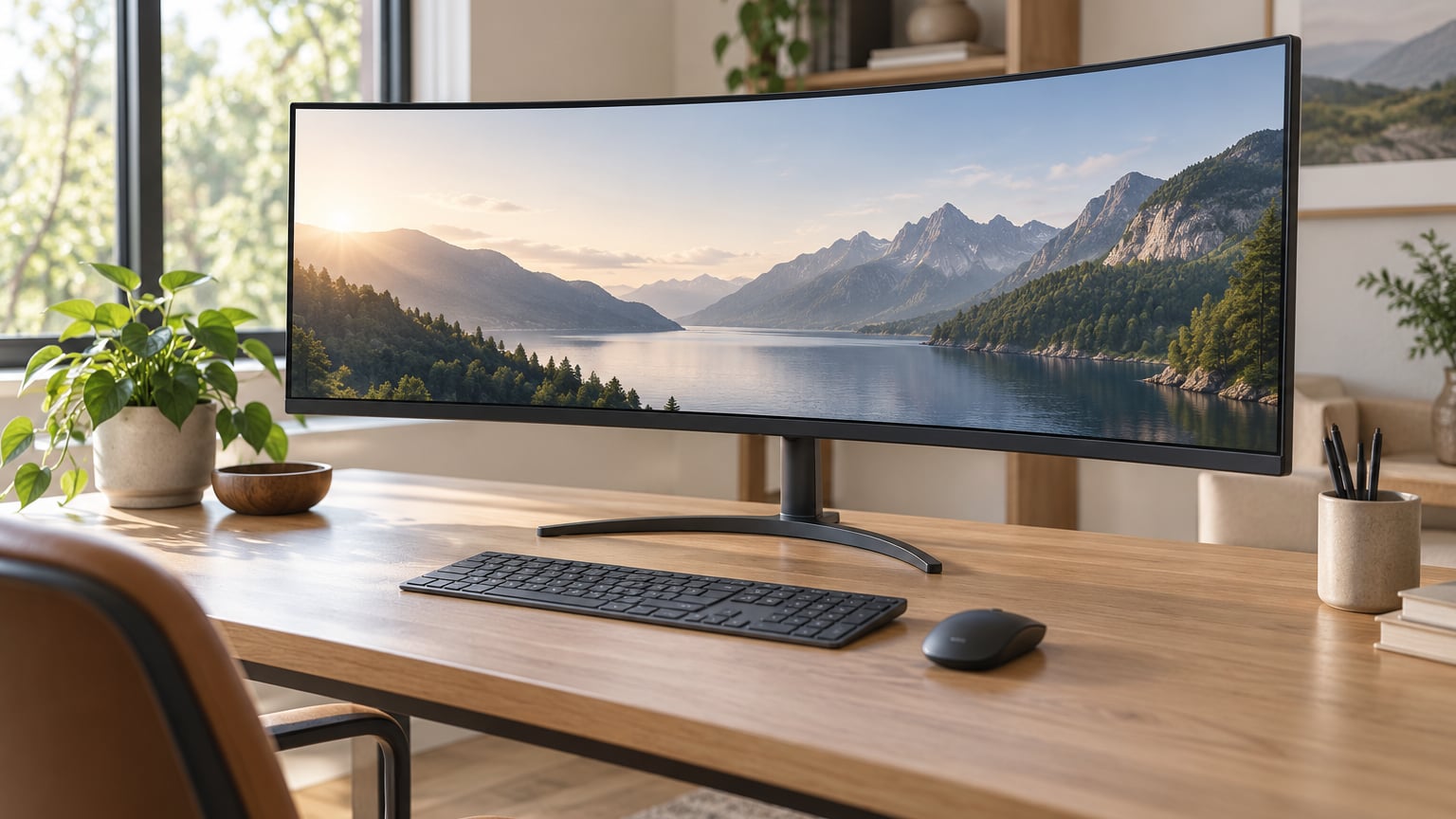
If you’re hunting ultrawide monitor deals during Prime Big Deal Days, start with the Sceptre 30-inch Curved Gaming Monitor. It’s the most-reviewed pick in our lineup at over 12,700 ratings and a 4.5 average, which gives it a comfortable lead for anyone who values a known quantity. The SANSUI 34-inch UWQHD is the strongest value ultrawide we found, and the Alienware AW3425DW is the top-rated QD-OLED for gamers who want the best picture quality in the sale.
Prime Big Deal Days runs October 6-7, 2026, so these ultrawide picks are worth watching over those two days. Each model below earned its spot based on verified Amazon reviews, real specs and the kind of feedback owners actually leave about colors, refresh rates and stand quality.
Our Top 3 Picks for Ultrawide Monitor Deals for Prime Big Deal Days in 2026

Sceptre C305B 30-inch Curved
- Best for: budget ultrawide gaming
- Size: 30 inch
- Refresh: 200Hz
- Resolution: 2560×1080

SANSUI 34-inch UWQHD
- Best for: value 1440p ultrawide
- Size: 34 inch
- Refresh: 200Hz
- Resolution: 3440×1440

Sceptre 34-inch WQHD 165Hz
- Best for: budget 1440p ultrawide
- Size: 34 inch
- Refresh: 165Hz
- Resolution: 3440×1440
Ultrawide Monitor Deals for Prime Big Deal Days Compared
| Product | Specs | Action |
|---|---|---|
| Sceptre C305B 30-inch Curved |
|
Check Deal Price |
| SANSUI 34-inch UWQHD |
|
Check Deal Price |
| Sceptre 34-inch WQHD 165Hz |
|
Check Deal Price |
 Samsung Odyssey G93SC QD-OLED Samsung Odyssey G93SC QD-OLED |
|
Check Deal Price |
 Samsung ViewFinity S50GC Samsung ViewFinity S50GC |
|
Check Deal Price |
 LG 45GX950A-B 5K2K OLED LG 45GX950A-B 5K2K OLED |
|
Check Deal Price |
 Alienware AW3425DW QD-OLED Alienware AW3425DW QD-OLED |
|
Check Deal Price |
 LG 34WR55QK-B USB-C LG 34WR55QK-B USB-C |
|
Check Deal Price |
 LG 34U530A-W IPS LG 34U530A-W IPS |
|
Check Deal Price |
 Amzfast 49-inch DQHD Amzfast 49-inch DQHD |
|
Check Deal Price |
How We Chose
We built this shortlist from each ultrawide monitor’s verified spec sheet and owner reviews on Amazon, cross-checked against the listed ratings and review counts. The data was pulled in October 2026 from active Amazon listings with a meaningful number of verified reviews. Every pick below has a real track record of owners reporting on colors, refresh rate performance, stand quality and reliability, so the list reflects what people actually experience after they unbox it.
1. Sceptre C305B 30-inch Curved: Editor’s Choice
Sceptre 30-inch Curved Gaming Monitor 21:9 2560×1080 Ultra Wide/ Slim HDMI DisplayPort up to 200Hz Build-in Speakers, Metal Black (C305B-200UN1)
Size: 30 inch
Refresh: 200Hz
Resolution: 2560×1080
Panel: LED
Curvature: Curved
Pros
- 200Hz refresh rate exceptional for the price
- AMD FreeSync works with NVIDIA GPUs
- Ultrawide 21:9 aspect ratio immersive for gaming
- Metal stand provides stability and cable management
- Great colors and contrast out of the box
Cons
- Built-in speakers lack depth for music
- No HDR support despite high contrast ratio
- Brightness rated at 250 nits but performs higher
Buy the Sceptre C305B if you want to spend the least and still get a 21:9 panel with a real 200Hz refresh rate. With more than 12,700 owner ratings and a 4.5 average, this is the most-reviewed ultrawide on our list, which matters when you’re betting on a less expensive brand.
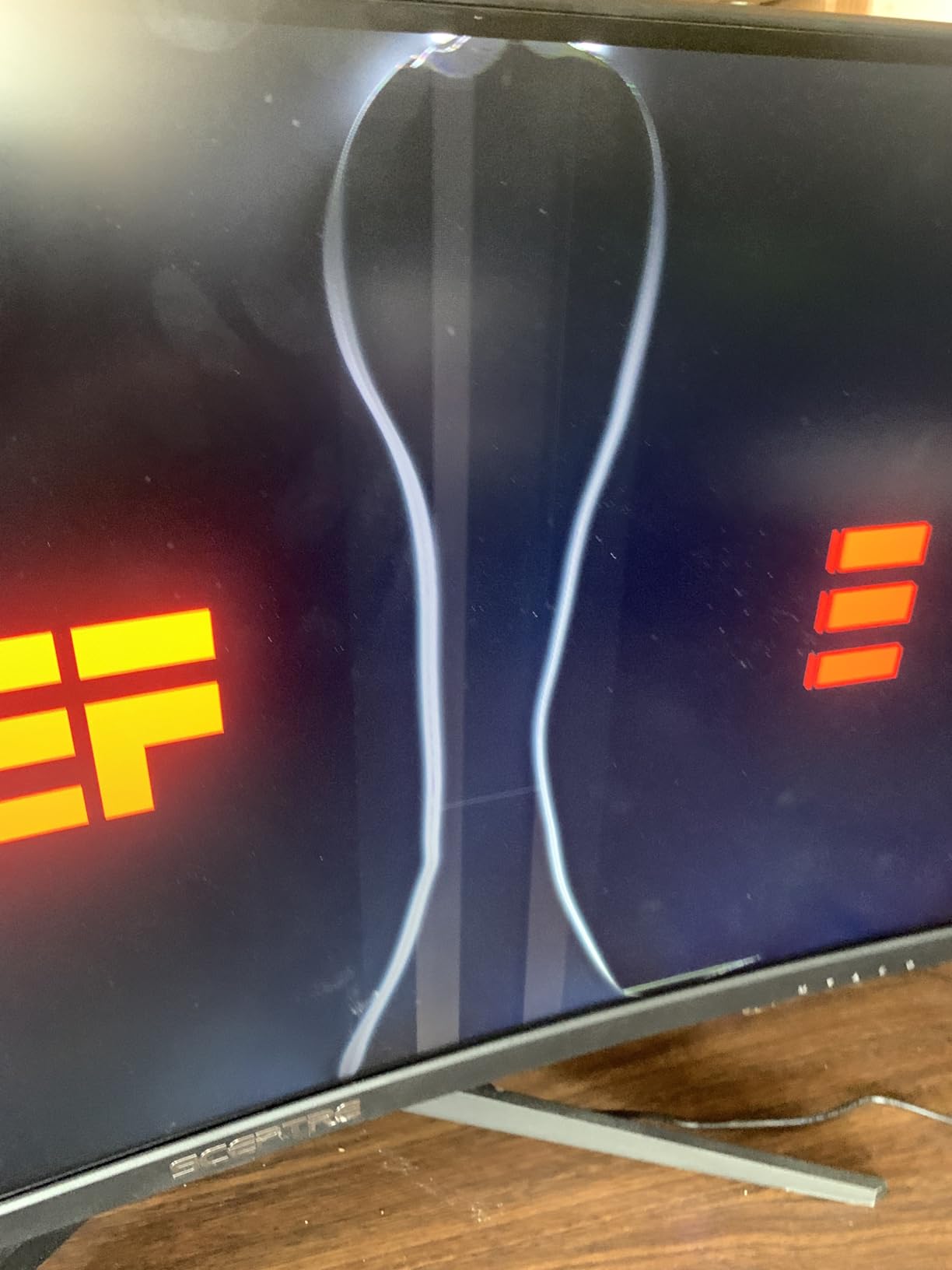
The 2560×1080 resolution is the lowest among the 30-inch and 34-inch picks, but it also means your existing mid-range GPU can push high frame rates in modern games. Several owners mention pairing this monitor with an RTX 3060 or RX 6600 and easily hitting 150-200fps in competitive titles. AMD FreeSync is officially supported and owners report it works flawlessly with NVIDIA GPUs as well.
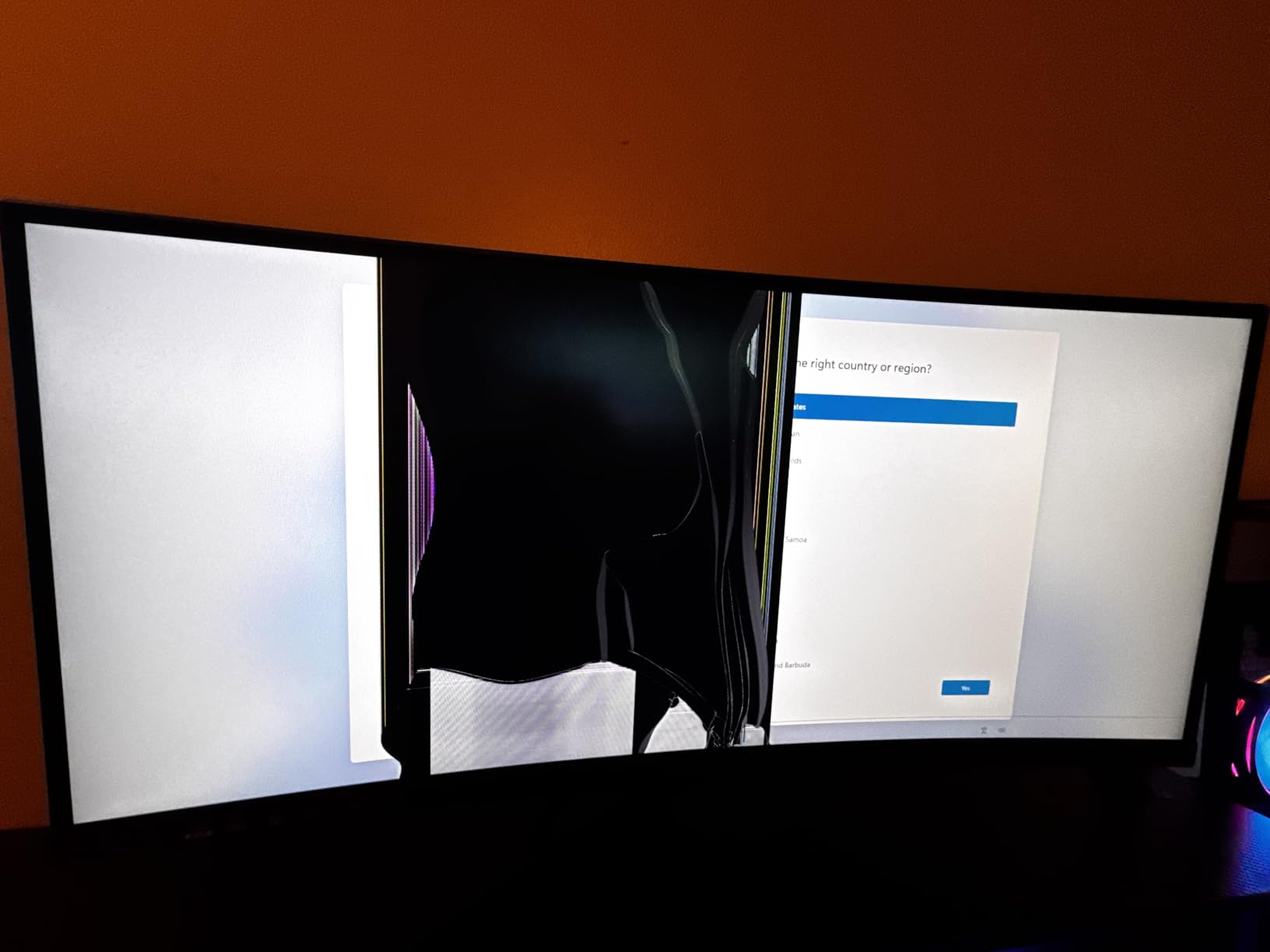
There’s no HDR support despite the high 3000:1 contrast ratio on paper, so if you care about HDR you’ll want to look at the Samsung ViewFinity S50GC or the Alienware AW3425DW instead. The built-in speakers are widely described as functional but flat, so plan on headphones or external speakers.
The Sceptre C305B trades 1440p resolution for a lower price and a smaller footprint, which is useful if you have a tighter desk. Pick the Sceptre C305B over the LG 34U530A-W if gaming speed matters more than text clarity.
The metal stand has a small footprint and a built-in cable channel, which is a small thing that keeps the desk tidy. The included ports cover 3 HDMI inputs and 1 DisplayPort, plenty for a desktop plus a console.
2. SANSUI 34-inch UWQHD 200Hz: Top Rated
SANSUI 34-Inch Curved Gaming Monitor UWQHD 3440 x 1440P 200Hz Ultrawide
Size: 34 inch
Refresh: 200Hz
Resolution: 3440×1440
Panel: VA
Curvature: 1500R
Pros
- Excellent value for ultrawide gaming
- AI features including crosshair and PQ enhancement
- Vibrant colors with good color accuracy
- Smooth 200Hz refresh rate
- Multiple scene modes for different use cases
Cons
- Quality control concerns reported by some users
- Stand feels cheap according to reviews
- Dark edges visible at times
The SANSUI 34-inch UWQHD is the ultrawide to watch during the sale if you want 1440p and a 200Hz refresh without spending OLED money. A 4.4-star average across 4,745 reviews gives it real credibility for a less familiar brand, and the 1500R curve pulls you into racing and flight sims in a way flat panels can’t.
The panel hits 130% sRGB and 96% DCI-P3 color coverage, which is a strong number at this price tier. The included AI tools (a crosshair overlay and a PQ picture-quality enhancement) are unusual at this price, and several owners say they actually use them. PIP/PBP support lets you run two inputs side by side, useful for streamers or anyone working off a work laptop alongside a desktop.
Owners report mixed long-term reliability, with some users posting about early failures after 6-12 months. The included stand feels cheaper than the LG and Alienware stands, so most buyers in reviews pair this with a VESA arm. Dark-edge bleed shows up occasionally on darker scenes.
The SANSUI trades off slightly against the Sceptre 34-inch WQHD at #3, where you give up a little refresh rate (200Hz vs 165Hz) but gain the AI tools and a touch more color coverage. Against the Alienware AW3425DW, you’re trading OLED contrast for a much lower price, which is the whole point of choosing this tier. Pick the SANSUI over the LG 34U530A-W if 1440p resolution and high refresh matter more than IPS wide-angle viewing.
A first ultrawide at 1440p with strong color coverage is exactly what this panel delivers, and reviewers describe the experience as solid for the price. If you want OLED picture quality instead, the Alienware AW3425DW or LG 45GX950A-B belong on your shortlist.
3. Sceptre 34-inch WQHD 165Hz: Budget Pick
Sceptre 34-inch Curved ultrawide WQHD Monitor (3440 × 1440), R1500, up to 180Hz/165Hz, DisplayPort x2, 99% sRGB, 1ms, Built-in Speakers, Machine Black, 2025 (C345B-QUT168)
Size: 34 inch
Refresh: 165Hz
Resolution: 3440×1440
Panel: LED
Curvature: R1500
Pros
- WQHD resolution provides detailed picture quality
- 99% sRGB color coverage for accurate colors
- Luminous LED backcover lights
- AMD FreeSync Premium support
- Frameless design for multi-monitor setups
Cons
- Higher failure rate reflected in 11% 1-star reviews
- Limited connectivity options
- No height adjustment mentioned
The Sceptre 34-inch WQHD is the budget 1440p ultrawide worth watching during the sale. It covers 99% sRGB, runs at 165Hz, and ships with a 1500R curve that wraps around your peripheral vision nicely during long sessions.
The 1ms MPRT response time and AMD FreeSync Premium support make it a real gaming display, not just a productivity panel with a wide aspect ratio. The luminous backcover LEDs are a small aesthetic touch owners mention positively. The frameless design helps if you ever want to pair two of these side by side.
Owners report that the 1-star review share sits around 11%, which is higher than the Sceptre C305B or the SANSUI 34-inch. Limited connectivity means fewer ports than the LG models. No height adjustment on the included stand is a recurring complaint, and several reviewers mount it on a VESA arm instead.
The Sceptre sits a touch cheaper than the SANSUI 34-inch UWQHD, but it caps at 165Hz and lacks the AI features. Against the LG 34WR55QK-B, you give up USB-C power delivery and the ergonomic stand. Pick this over the LG 34U530A-W if you want 1440p instead of 1080p on a 34-inch panel.
The C345B-QUT168 is the 2025 part number to confirm when comparing listings during the sale. The 1,000,000:1 dynamic contrast ratio is a marketing figure that doesn’t change the real-world viewing experience much.
4. Samsung Odyssey G93SC QD-OLED: Most Versatile
Samsung 49″ Odyssey (G93SC) Series QD-OLED Curved Gaming Monitor
Size: 49 inch
Refresh: 240Hz
Resolution: 5120×1440
Panel: QD-OLED
Curvature: 1800R
Pros
- QD-OLED technology delivers brilliant colors and deep blacks
- 0.03ms response time near-instantaneous
- 240Hz refresh rate for smooth gaming
- DisplayHDR True Black 400 for rich dark tones
- Premium metal finish design
Cons
- Premium price point
- Higher power consumption at full settings
- Large size may require desk adjustments
The Samsung Odyssey G93SC is the premium ultrawide monitor worth watching if you want a 32:9 super ultrawide in QD-OLED. It pairs Samsung’s Quantum Dot OLED panel with a 240Hz refresh rate and a 0.03ms response time, which is about as fast as monitors get.
The 49-inch 32:9 panel is essentially two 27-inch 1440p monitors fused together, and the 1800R curve brings the corners in close enough that the screen wraps around your field of view. DisplayHDR True Black 400 delivers deep blacks that IPS and VA panels can’t match. DisplayPort 2.1 and HDMI 2.1 are both present, so this works with the newest GPUs and consoles without compromise.
The higher 1-star share in reviews reflects owners who hit OLED-specific issues like temporary brightness retention and warranty claims. The 47.1-inch-wide footprint requires a deep desk (at least 30 inches deep for proper viewing distance), and the 27.8-pound weight is significant. This is the heaviest panel on the list.
Against the Amzfast 49-inch DQHD at #10, you trade VA contrast for QD-OLED blacks and a 240Hz refresh. Against the LG 45GX950A-B, you give up 5K2K resolution for a wider 32:9 super ultrawide. If you have a smaller desk or want a single ultrawide rather than a super ultrawide, look at the Alienware AW3425DW instead.
A sim-racing or flight-sim setup where the wraparound view matters as much as pixel density is exactly what this panel is built for. For general productivity and coding, the Samsung ViewFinity S50GC is more sensible.
5. Samsung ViewFinity S50GC: Best for Productivity
SAMSUNG 34″ ViewFinity S50GC Series Ultra-WQHD Monitor, 100Hz, 5ms, HDR10, AMD FreeSync, Eye Care, Borderless Design, PIP, PBP, LS34C502GANXZA, 2023, Black
Size: 34 inch
Refresh: 100Hz
Resolution: 3440×1440
Panel: LCD
Curvature: Flat
Pros
- Ultra-WQHD resolution provides ample screen space
- Billion colors support with HDR10
- Eye Saver Mode and Flicker Free for comfort
- PIP and PBP for multitasking
- Virtually bezel-free design
Cons
- VA panel requires viewing head-on for best colors
- 100Hz refresh rate lower than gaming monitors
- No height adjustment on included stand
The Samsung ViewFinity S50GC is the productivity ultrawide worth watching for work-first setups. The 34-inch Ultra-WQHD panel with PIP/PBP support makes it easy to run two full inputs side by side, which is the main reason people buy an ultrawide for work.
The billion-color HDR10 support and ambient light sensor are unusual in this tier. The Eye Saver Mode and Flicker Free technology get mentioned positively in long-session reviews. The virtually bezel-free design makes it easy to pair two of these together if you ever want to go wider.
100Hz is plenty for office work and casual gaming but won’t satisfy anyone playing competitive shooters. The VA panel looks its best when you’re centered on the screen; off-angle viewing loses color fidelity. There’s no height adjustment on the included stand, so factor in a separate monitor arm if you need ergonomic positioning.
The ViewFinity sits a tier below the LG 34WR55QK-B on USB-C power delivery but offers Samsung’s multitasking software instead. Against the LG 34U530A-W, you get higher 3440×1440 resolution in exchange for losing the IPS wide viewing angles. Pick this over the Alienware AW3425DW if gaming speed doesn’t matter.
LS34C502GANXZA is the model number to look for when comparing listings during the sale. The included cables cover both DisplayPort and HDMI, so you don’t need to buy extras for most desktops.
6. LG 45GX950A-B 5K2K OLED: Best for Creators
LG 45GX950A-B 45-inch Ultragear 5K2K WUHD (5120 x 2160) OLED Curved Gaming Monitor, Dual-Mode, 165Hz, 0.03ms, NVIDIA G-Sync, AMD FreeSync Premium Pro, HDR True Black 400, USB Type-C 90W, DP2.1
Size: 45 inch
Refresh: 165Hz
Resolution: 5120×2160
Panel: OLED
Curvature: 800R
Pros
- World's first 5K2K OLED gaming monitor
- 125 PPI for sharp text clarity
- Dual Mode: 5K2K 165Hz or WFHD 330Hz
- 800R curve extremely immersive
- DisplayPort 2.1 for serious connectivity
Cons
- Dual mode scaling not ideal
- Requires powerful GPU for full resolution
- Premium price point
The LG 45GX950A-B is the creator-focused ultrawide worth watching during the sale if you edit video or photo content. It pushes 5120×2160 across a 45-inch OLED panel with 125 PPI, which is a noticeable jump in sharpness over standard 34-inch 1440p panels.
The 5K2K resolution gives video editors a true 4K workspace with room for timelines and tool panels side by side. The 800R curve is among the tightest you’ll find on a 45-inch panel, and reviewers describe it as VR-like in immersive games. USB Type-C 90W power delivery means a single cable can run and charge a connected laptop. DisplayHDR True Black 400 plus 98.5% DCI-P3 color coverage meet most creator workflow demands.
This needs a serious GPU to push 5K2K at 165Hz, so an RTX 4080 or better is realistic, and lower-tier cards will lean on the dual-mode 330Hz WFHD option. The dual-mode scaling gets mixed reviews; some owners say it’s useful, others disable it.
The LG trades off against the Alienware AW3425DW: you get a larger 45-inch panel and 5K2K resolution, but the Alienware’s Delta E<2 calibration is a stronger claim for color work. Against the Samsung Odyssey G93SC, you trade a 32:9 super ultrawide for a 21:9 ultrawide with sharper pixels. If a single-input work monitor is all you need, the Samsung ViewFinity S50GC is enough.
Video editors, colorists and HDR content creators get the most out of this panel. For gaming-only OLED buyers, the Alienware AW3425DW hits the sweet spot at 34 inches.
7. Alienware AW3425DW QD-OLED: Best Value
Alienware 34 240Hz QD-OLED Curved Gaming Monitor – AW3425DW – 34.2-inch WQHD (3440 x 1440) 0.03ms Display, 1800R Curve, AMD FreeSync Premium Pro, VESA AdaptiveSync, DisplayHDR TrueBlack 400
Size: 34 inch
Refresh: 240Hz
Resolution: 3440×1440
Panel: QD-OLED
Curvature: 1800R
Pros
- QD-OLED delivers exceptional color range
- DCI-P3 99.3% color coverage
- Delta E<2 color accuracy
- 240Hz with 0.03ms response
- VESA DisplayHDR TrueBlack 400
Cons
- Premium Alienware pricing
- Matte finish may not suit all preferences
The Alienware AW3425DW is the top-rated ultrawide in our selection and worth watching during the sale if you want the cleanest QD-OLED picture in a 34-inch size. With 377 reviews and a 4.5 average, it’s tied with the Sceptre C305B for the highest rating in this lineup.
Delta E<2 color accuracy out of the box means this display is genuinely usable for color-critical work, not just gaming. The 99.3% DCI-P3 coverage and VESA DisplayHDR TrueBlack 400 produce deep blacks and accurate color reproduction. 240Hz refresh with 0.03ms response time is overkill for productivity but ideal for fast-paced competitive titles.
Alienware pricing sits well above the VA alternatives, and several reviewers note that listings tend to sell out quickly during sale events. The matte finish reduces glare but some owners prefer the glossier QD-OLED finish found on competitors. If you want this one, decide early once the sale starts.
The Alienware trades off against the Samsung Odyssey G93SC: you get a smaller 34-inch ultrawide instead of a 49-inch super ultrawide, but at a much lower entry price and similar QD-OLED picture quality. Against the LG 45GX950A-B, you give up 5K2K resolution for a more traditional 21:9 ultrawide with cleaner Delta E<2 calibration out of the box. Pick this over the Sceptre C305B if OLED picture quality matters more than budget.
AW3425DW is the 2025 variant, distinct from the older AW3423DWF, so check the model number on the listing before you buy. The included USB Type-A to Type-B upstream cable enables the monitor’s USB hub.
8. LG 34WR55QK-B USB-C: Best With USB-C
LG 34WR55QK-B 34-inch UltraWide WQHD (3440 x 1440) Curved Computer Monitor, 100Hz, 5ms, HDR10, Reader Mode, HDMI, DisplayPort, USB Type-C, Tilt/Height Adjustable Stand, Black
Size: 34 inch
Refresh: 100Hz
Resolution: 3440×1440
Panel: VA
Curvature: Curved
Pros
- Highest rated monitor in batch at 4.6 stars
- USB-C with 65W power delivery
- Ergonomic stand with height adjustment
- 99% sRGB for accurate colors
- Reader Mode reduces eye strain
Cons
- VA panel not ideal for color-critical work
- 100Hz refresh rate modest for gaming
- Only 5ms response time
The LG 34WR55QK-B is the ultrawide to watch if you want to connect a laptop over a single USB-C cable. It carries 65W of power delivery, which is enough to charge most thin-and-light work laptops while driving the display.
This is the highest-rated monitor in the entire lineup at 4.6 stars across 241 reviews, which is significant for a less mainstream ultrawide. The tilt-and-height-adjustable stand is a small detail that most competing models in this tier skip. Reader Mode reduces blue light for long document sessions. 99% sRGB coverage is solid for general work.
100Hz and 5ms response time make this a productivity panel first and a gaming monitor second. The VA panel doesn’t have the wide viewing angles of the LG 34U530A-W IPS option. If your work depends on perfect color accuracy, look at the Alienware AW3425DW instead.
Against the Samsung ViewFinity S50GC, you trade a slight rating edge for USB-C power delivery and an ergonomic stand that’s missing from the ViewFinity. Against the LG 34U530A-W, you get 3440×1440 instead of 2560×1080 resolution but lose the IPS wide viewing angles. Pick this over the Sceptre 34-inch WQHD if USB-C connectivity matters to your setup.
Hybrid work setups where a laptop docks to the monitor for the day are exactly what this panel is built around. If you don’t need USB-C, the Samsung ViewFinity S50GC offers a similar productivity experience with more Samsung-specific multitasking software.
9. LG 34U530A-W IPS: Best for Small Desks
LG 34U530A-W 34-inch UltraWide WFHD (2560 x 1080) IPS Wide Computer Monitor, 100Hz, VESA DisplayHDR 400, HDMI, DisplayPort, USB Type-C, Tilt/Height/Swivel Stand, White
Size: 34 inch
Refresh: 100Hz
Resolution: 2560×1080
Panel: IPS
Curvature: Flat
Pros
- IPS panel with wide viewing angles
- Full ergonomic stand adjustment
- USB-C connectivity
- DisplayHDR 400 support
- Great for multitasking and productivity
Cons
- Lower 2560×1080 resolution
- Some users report compatibility issues
- USB-C setup can be tricky
The LG 34U530A-W is the ultrawide worth watching during the sale if your desk is on the shallower side. The flat IPS panel and lower 2560×1080 resolution mean you don’t need to sit as far back as you would from a curved 3440×1440 panel.
The IPS panel delivers wide viewing angles, which is useful if you ever share your screen with someone sitting next to you. The fully ergonomic stand adjusts for height, tilt and swivel, which is rare at this tier. DisplayHDR 400 support and 99% sRGB coverage are solid for productivity and content work. The white finish stands out from the typical black monitor crowd.
2560×1080 on a 34-inch panel is noticeably less sharp than 3440×1440, especially for text. Several reviewers report USB-C compatibility quirks with certain docks and hubs, so if you plan to dock over USB-C, double-check the model number on the listing. The review count is small (107), so there’s less long-term owner feedback available.
The LG 34U530A-W trades against the LG 34WR55QK-B: you give up 3440×1440 resolution in exchange for IPS wide viewing angles. Against the Sceptre C305B, you get a larger flat panel and an ergonomic stand instead of a 30-inch curved panel. Pick this over the Samsung ViewFinity S50GC if wide viewing angles and ergonomics matter more than PIP/PBP.
34U530A-W is the white-finish variant; LG also sells a black-finish version if you prefer a darker look. The included cables cover HDMI only, so you may need to add a DisplayPort or USB-C cable separately depending on your setup.
10. Amzfast 49-inch DQHD: Best Super Ultrawide
Amzfast 49 Inch Curved Monitor 120Hz DQHD (5120×1440) Ultrawide Gaming Monitor, 120% sRGB, 1500R, 1ms MPRT, HDR, Adaptive Sync, PIP/PBP, Height Adjustable, HDMI 2.0/DP 1.4, VESA 75×75, AMZG49C7U
Size: 49 inch
Refresh: 120Hz
Resolution: 5120×1440
Panel: VA
Curvature: 1500R
Pros
- Excellent value for 49-inch ultrawide
- 120% sRGB color coverage
- 1ms MPRT for smooth gaming
- PIP/PBP for multitasking
- Height adjustable stand included
Cons
- Budget brand reliability questions
- No USB-C connectivity
- VA panel not as color-accurate as OLED
The Amzfast 49-inch DQHD is the budget super ultrawide worth watching if you want a 32:9 panel without OLED pricing. A 4.4-star average across 1,369 reviews gives it credibility, and 120% sRGB color coverage is strong for the price.
The 49-inch 32:9 panel with 1500R curvature essentially replaces a dual-monitor setup with a single display. 120Hz refresh rate and 1ms MPRT response time are unusual at this price for a super ultrawide. The height-adjustable stand is included in the box, which is uncommon on competing super ultrawides. PIP/PBP support lets you run two full inputs side by side.
Amzfast is a less established brand, so long-term reliability and warranty support are real questions owners raise. There’s no USB-C connectivity, which limits single-cable laptop docking. The VA panel doesn’t deliver OLED-level contrast or color accuracy. At 24.1 pounds, the monitor is heavy and the 46.69-inch width demands a deep desk.
The Amzfast trades against the Samsung Odyssey G93SC: you give up QD-OLED picture quality and 240Hz refresh for a much lower entry price into the 32:9 form factor. Against the Alienware AW3425DW, you trade a 34-inch ultrawide form factor for a 49-inch super ultrawide with fewer premium features. Pick this over the Samsung ViewFinity S50GC if a super ultrawide is the goal.
Buyers who want a super ultrawide panel without the OLED premium get exactly what they’re looking for here. For buyers who prioritize panel quality and brand reliability, the Samsung Odyssey G93SC or Alienware AW3425DW are safer picks.
How to Choose Ultrawide Monitors During Prime Big Deal Days
An ultrawide monitor is a bigger commitment than a regular display because of the desk space and GPU requirements, so the buying factors below are the ones that actually decide whether you’ll be happy with your pick after the sale.
Screen size and curvature
For most desks, a 34-inch curved ultrawide with a 1500R-1800R curve is the sweet spot. Anything shallower than that feels like a wider 16:9 monitor. If your desk is shallower than 24 inches deep, look at flat 34-inch panels like the LG 34U530A-W instead. Super ultrawides at 45 or 49 inches are genuinely immersive but require a desk at least 30 inches deep and a viewing distance of about 36 inches.
Resolution and panel type
3440×1440 (Ultra-WQHD) is the standard ultrawide resolution and the right pick for most people. It pairs well with mid-range GPUs like the RTX 4070 or RX 7800 XT. If you want sharper text and you’re working with photo or video content, the LG 45GX950A-B’s 5120×2160 (5K2K) is worth the extra GPU power. For pure productivity at lower GPU cost, 2560×1080 is fine and easier to drive. Pairing an ultrawide with a strong 4K monitor for photo editing setup in a multi-monitor arrangement is another option if you need both sharpness and screen width.
Refresh rate and response time
For gaming ultrawides, 144Hz is the modern floor and 165-200Hz is the sweet spot. OLED panels push further with 240Hz and 0.03ms response times, which is overkill for casual gaming but matters for competitive titles. If you’re shopping for a competitive gaming monitor, our high-refresh gaming monitors guide covers the broader market beyond ultrawides. For productivity, 100Hz is plenty.
Connectivity and stand
USB-C with 65-90W power delivery is the single most useful port if you plan to dock a laptop, and only the LG 34WR55QK-B, LG 45GX950A-B, and LG 34U530A-W in this lineup include it. HDMI 2.1 and DisplayPort 1.4 or 2.1 matter for current-gen consoles and newer GPUs. Adjustable stands (height, tilt, swivel) are still rare in this tier; the LG models and the Alienware include them, while most others require a separate VESA monitor arm. If your desk setup needs a sturdier base, a bamboo monitor stand for an ultrawide desk helps with ergonomics and clearance.
Brand, warranty and seller during the sale
During Amazon events, listings shift between Amazon itself and third-party sellers, and warranty handling can vary. Samsung and LG have established warranty support in the US, Alienware is backed by Dell, and less established brands like SANSUI, Sceptre and Amzfast rely on Amazon’s return policy for most issues. For a deeper look at how Samsung’s lineup compares across categories, our Samsung monitors worth comparing guide goes into the broader Samsung lineup.
How to shop ultrawide monitor deals during the sale
Prime Big Deal Days runs October 6-7, 2026, and most offers need a Prime membership (a free trial counts). Model numbers matter during the sale because brands like Sceptre and LG keep older variants listed alongside new ones. Check the model number on the listing against the spec sheet here, watch for the right screen size (a 34-inch 1080p is not the same as a 34-inch 1440p), and confirm that the included cables match your GPU outputs. Sold-by information is worth a quick check; Amazon-fulfilled listings tend to handle returns and warranty claims more smoothly than marketplace sellers.
Quick checklist for ultrawide monitor deals during the sale:
- Confirm the exact model number against the spec sheet
- Match resolution to your GPU (3440×1440 needs more GPU power than 2560×1080)
- Check your desk depth: 30+ inches for super ultrawides, 24+ inches for 34-inch curved
- Confirm USB-C power delivery wattage if you’re docking a laptop
- Verify HDMI 2.1 or DisplayPort 1.4+ for current-gen consoles and GPUs
- Watch sold-by information and listing dates during the sale
Frequently Asked Questions
When does Prime Big Deal Days run and can I shop ultrawide monitor deals without Prime?
Prime Big Deal Days runs October 6-7, 2026. Most ultrawide monitor deals during the event require a Prime membership, but a free trial counts, so you can sign up just before the sale and still access the offers. Non-Prime shoppers occasionally see smaller discounts on the same models outside the event window.
How much can I expect to save on an ultrawide monitor during Prime Big Deal Days?
Savings on ultrawide monitors during Prime Big Deal Days vary widely by tier. Budget 30-inch and 34-inch models typically see the deepest percentage cuts, while premium OLED and super ultrawide panels see smaller but still meaningful drops in absolute dollars. Always check the current price on the listing rather than relying on a percentage claim.
What size ultrawide monitor should I buy during Prime Big Deal Days?
A 34-inch curved ultrawide at 3440×1440 is the most versatile pick for most desks and most GPUs. Go with a 49-inch super ultrawide only if your desk is at least 30 inches deep and you want to replace a dual-monitor setup. Smaller 30-inch ultrawides are fine for tighter desks and lower GPU budgets.
Are 34-inch ultrawide monitors a better deal than 49-inch super ultrawides in the Prime Big Deal Days sale?
In absolute dollars, 34-inch ultrawide deals usually discount more than 49-inch super ultrawide deals during Prime Big Deal Days, because the 34-inch tier is more competitive. In value terms, both tiers see real price drops during the sale. Pick based on your desk depth and use case rather than the size of the discount alone.
Do ultrawide monitors go on sale more often during Prime Big Deal Days or Black Friday?
Both events discount ultrawide monitors, but the deepest absolute price drops on premium OLED and super ultrawide panels tend to land during Black Friday. Prime Big Deal Days is a strong second window with solid deals across budget and mid-range ultrawides. If you can wait and the model you want is not on sale now, Black Friday is worth watching.
What should I check on an ultrawide monitor listing before I buy during the sale?
Confirm the exact model number against the spec sheet, since brands keep older variants listed. Check that the resolution matches what you expect (a 34-inch 1080p is not the same as a 34-inch 1440p). Verify HDMI 2.1 or DisplayPort 1.4 or higher for current GPUs and consoles, and check whether USB-C power delivery is included if you plan to dock a laptop. Sold-by information matters during sale events too.
Final Verdict: Ultrawide Monitor Deals for Prime Big Deal Days
Buy the Sceptre C305B 30-inch Curved if you want the safest ultrawide monitor deal to act on during Prime Big Deal Days. With 12,700+ reviews and a 4.5 rating, it’s the most-tested pick in the lineup and a strong value ultrawide.
Buy the SANSUI 34-inch UWQHD as the budget-friendly alternative if 3440×1440 resolution and 200Hz matter more to you than brand familiarity. It hits the 1440p ultrawide sweet spot at a low price.
Buy the Alienware AW3425DW if you want the top-rated QD-OLED ultrawide with Delta E<2 color accuracy, the Samsung Odyssey G93SC if a 49-inch super ultrawide QD-OLED is the goal, and the LG 45GX950A-B if 5K2K OLED is what creators need. Buy the LG 34WR55QK-B if USB-C single-cable docking is the priority, the Samsung ViewFinity S50GC if productivity multitasking is the focus, and the Amzfast 49-inch DQHD if a budget super ultrawide is what fits your desk.
Watch the listings closely during October 6-7, 2026. The Sceptre C305B and SANSUI 34-inch UWQHD are likely to drop first because of their competitive price points, while the OLED picks usually see smaller absolute price changes during this sale compared with Black Friday.
Leave a Reply