

The eero 6 is the eero model most worth watching during this Prime Big Deal Days, pairing Wi-Fi 6 with TrueMesh in a single 1,500 sq ft pack that has racked up more than 29,000 owner reviews. Shoppers who need whole-home tri-band coverage should look at the eero Pro 6E, while anyone curious about Wi-Fi 7 at a friendlier price point can start with the eero 7 3-pack. Amazon’s October sale runs October 6-7, 2026, and most offers need a Prime membership.
Our Top 3 Picks for Best eero Mesh Wi-Fi Deals for Prime Big Deal Days

Best eero Mesh Wi-Fi Deals for Prime Big Deal Days Compared (October 2026)
| Product | Specs | Action |
|---|---|---|
 eero 6 eero 6 |
|
Check Deal Price |
 eero Pro 6E eero Pro 6E |
|
Check Deal Price |
| eero Pro 7 |
|
Check Deal Price |
 eero 7 eero 7 |
|
Check Deal Price |
 eero Max 7 eero Max 7 |
|
Check Deal Price |
 eero Outdoor 7 eero Outdoor 7 |
|
Check Deal Price |
How We Chose
We compared six current eero mesh kits on the specs that matter for a mesh purchase: coverage area in square feet, Wi-Fi standard, port speed, and device capacity. We cross-referenced those specs with owner ratings and review volume on Amazon, then re-checked the listings in October 2026 to confirm model numbers, ports, and bands.
1. eero 6: Editor’s Choice
Amazon eero 6 mesh wifi router – Supports internet plans up to 900 Mbps, Coverage up to 1,500 sq. ft., Connect 75+ devices, 1-pack
Wi-Fi: Wi-Fi 6 dual-band
Coverage: 1,500 sq ft
Devices: 75+
Ports: 2 Gigabit
Pros
- TrueMesh routing
- Built-in Zigbee smart home hub
- Thread border router and Matter controller
- eero app setup
- Backward compatible with other eero
Cons
- Single pack only covers 1500 sq ft
- Only 2 Ethernet ports
- No 6 GHz band
Best for: a small home or apartment that needs its first real mesh. The eero 6 has racked up more than 29,000 owner reviews at 4.4 stars, and reviewers consistently call out how painless the app-driven setup is. Wi-Fi 6 dual-band handles most modern households on internet plans up to 900 Mbps, and the built-in Zigbee hub is a quiet bonus if you already use smart bulbs or sensors.
- Wi-Fi 6 dual-band handles up to 900 Mbps plans with room to spare for most households
- TrueMesh routing keeps the connection steady as you walk between rooms
- Built-in Zigbee hub means no separate bridge for many smart bulbs and sensors
- Thread border router and Matter controller for newer smart home gear
Reviewers switching from a single router usually report the eero 6 removes the one dead spot in a 1,500 sq ft home, like a back bedroom or a basement office. The trade-off mentioned most is the modest two-port Ethernet layout, which feels tight if you want to hard-wire a desktop, a console, and a smart TV at the same time.
If your home is genuinely under 1,500 sq ft and you do not need a 2.5 GbE feed from your modem, the eero 6 is the safe all-rounder to watch in the sale. The Thread border router and Matter controller are still here, so the smart home side of the kit does not feel stripped down.
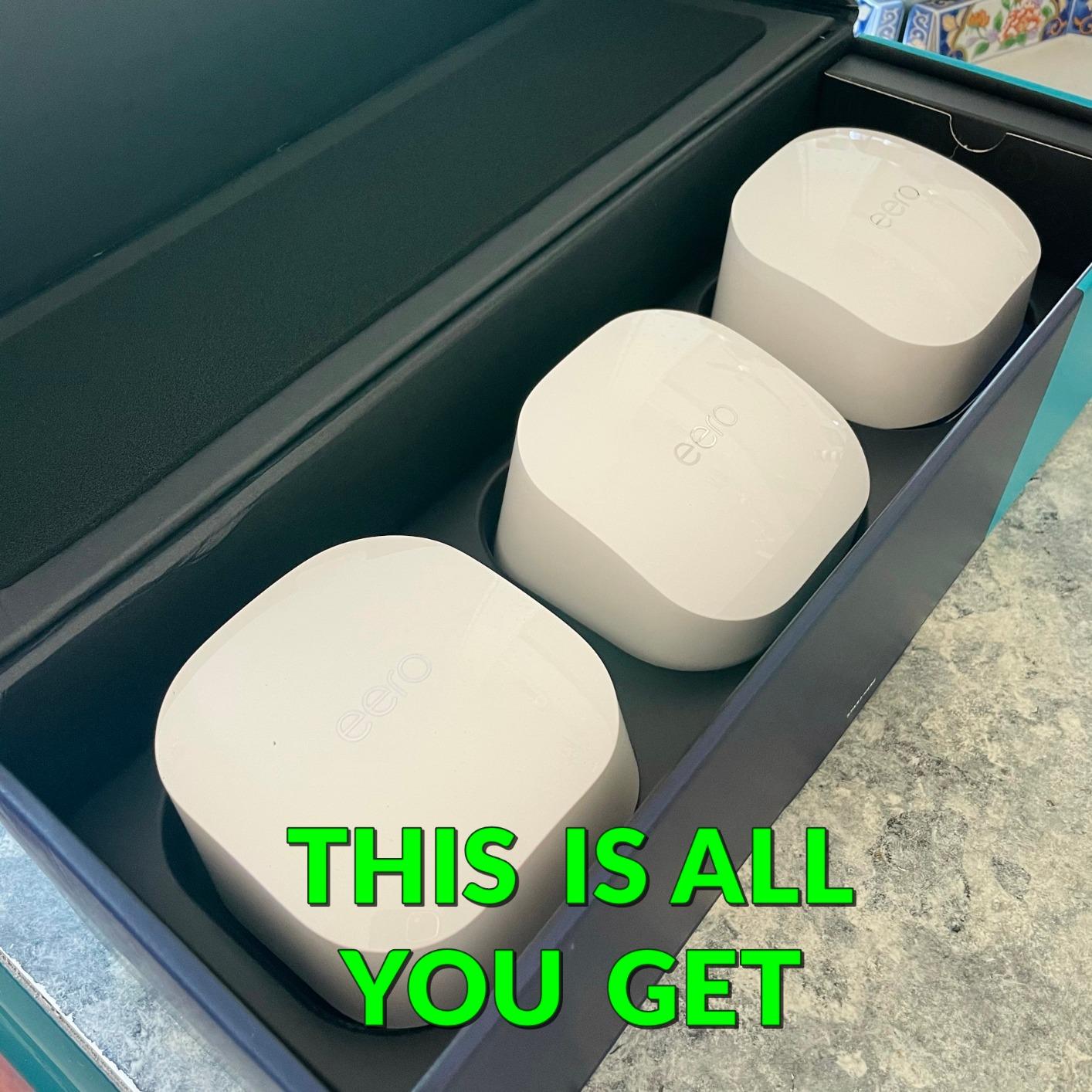
A single eero 6 is the right starting point for a small home, and you can add more eero nodes later without rebuilding the network. Reviewers who started with one and added a second for the garage report the TrueMesh handover between nodes feels seamless for video calls.
2. eero Pro 6E: Most Versatile
Amazon eero Pro 6E mesh wifi system – Supports internet plans up to 2.5 Gbps, Coverage up to 6,000 sq. ft., Connect 100+ devices, 3-pack
Wi-Fi: Wi-Fi 6E tri-band
Coverage: 6,000 sq ft
Devices: 100+
Ports: 2.5 GbE + 1 GbE
Pros
- Tri-band with 6 GHz for Wi-Fi 6E devices
- 2.5 GbE WAN for multi-gig internet
- Covers up to 6000 sq ft in a 3-pack
- Polished eero app experience
- Backward compatible with all eero
Cons
- Only 1 LAN port per unit
- Heavier than the dual-band eero 6
- Premium price vs dual-band options
Skip it if: your plan is 500 Mbps or less and you have a one-bedroom apartment. The Pro 6E is the right pick when you have a faster plan and newer gear. Tri-band coverage adds the 6 GHz band as a clean highway for newer phones and laptops, and the 2.5 GbE WAN port is what unlocks multi-gig fibre or cable plans instead of bottlenecking them. The 3-pack reaches 6,000 sq ft, which is enough for most multi-story houses.
Owners who upgraded from an older eero or a third-party mesh system usually report a clean setup in the eero app and a noticeable bump in throughput on the 6 GHz band. The trade-off reviewers name is the single LAN port per unit, which is fine for a wireless-first home but awkward if you want to wire multiple stationary devices at each node.
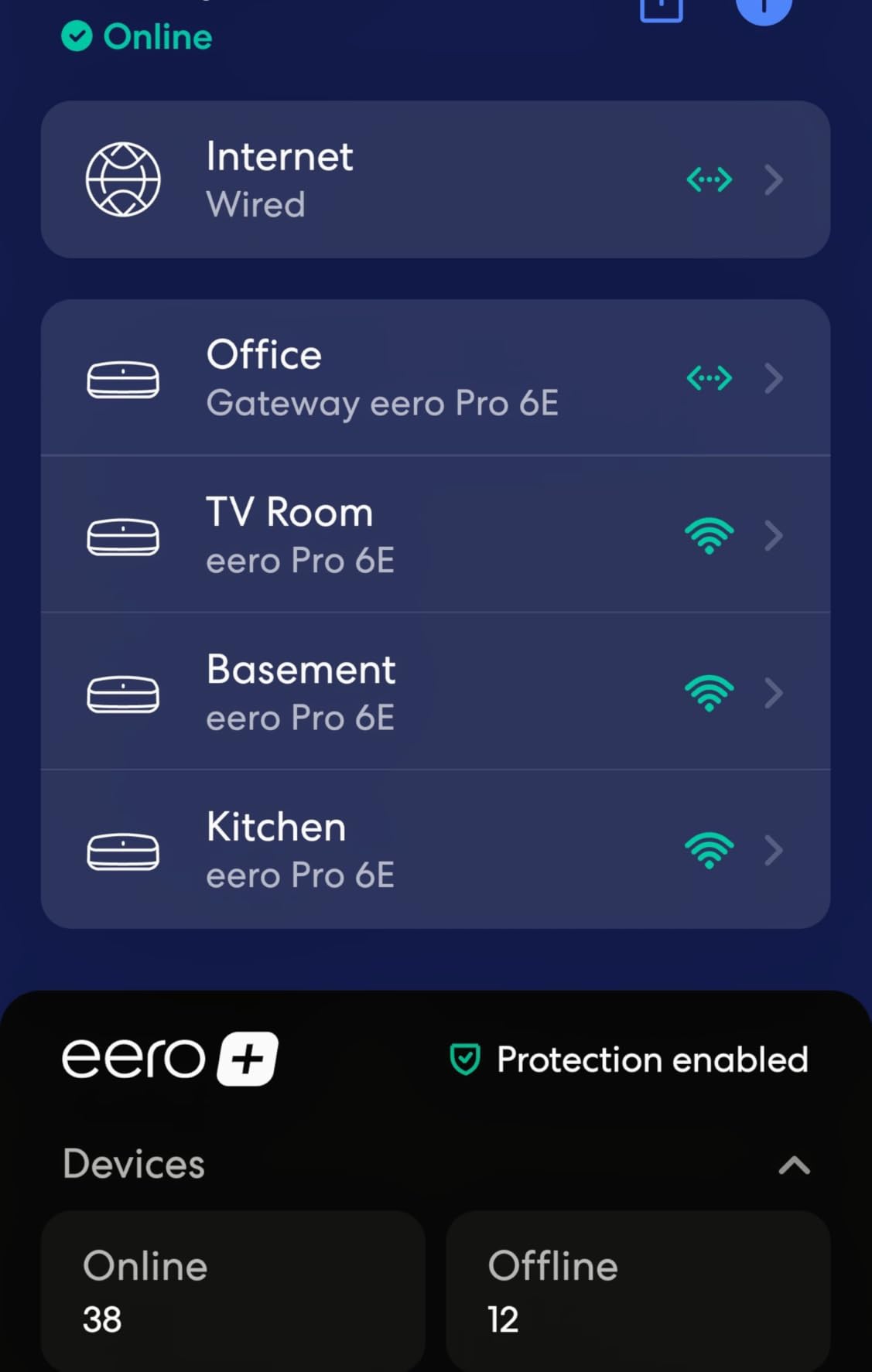
For shoppers who do not have Wi-Fi 7 phones or a 5 Gbps fibre plan, the Pro 6E is the more sensible sweet spot in the sale. The eero 7 3-pack is the more wallet-friendly step if you want Wi-Fi 7 but do not need tri-band.
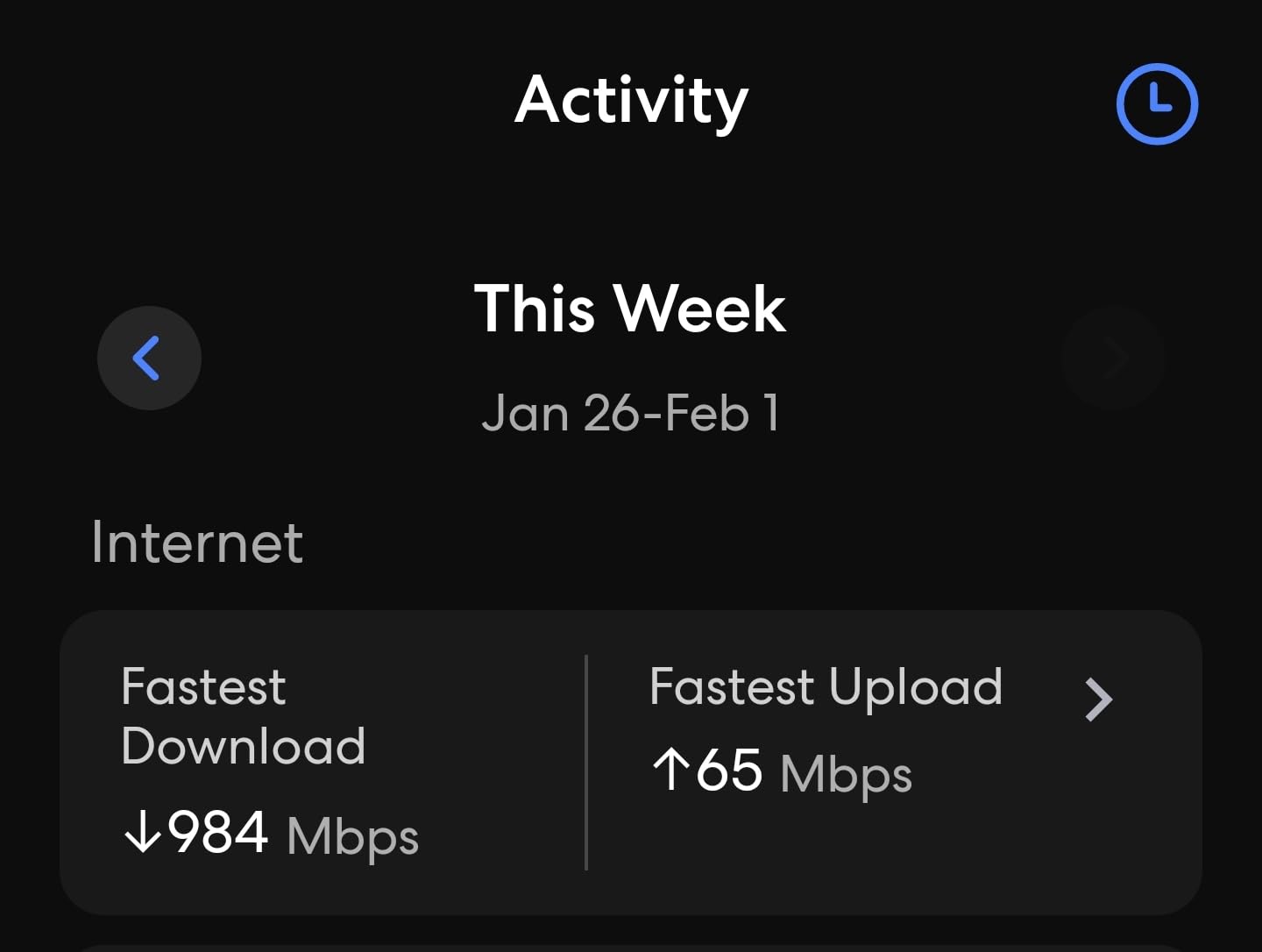
Reviewers with multi-gig fibre mention that the Pro 6E is one of the few consumer mesh kits that actually uses the 2.5 GbE WAN port rather than treating it as a marketing footnote. If you have a 1.5 or 2 Gbps plan, this is the eero that will let you see those numbers on a speed test.
3. eero Pro 7: Best for Power Users
Amazon eero Pro 7 tri-band mesh Wi-Fi 7 router (newest model) – Supports internet plans up to 5 Gbps, Coverage up to 6,000 sq. ft., 3-pack
Wi-Fi: Wi-Fi 7 tri-band
Coverage: 6,000 sq ft
Devices: 600+
Ports: Two 5 GbE per unit
Pros
- Wi-Fi 7 with Multi-Link Operation (MLO)
- Two 5 GbE auto-sensing ports per node
- Thread
- Matter, and Zigbee hub
- 3-year warranty
Cons
- Very high price tier
- Newer model with shorter review history
- Needs Wi-Fi 7 clients for full benefit
What stands out most is the dual 5 GbE ports per node and Wi-Fi 7’s Multi-Link Operation, which is the real reason Wi-Fi 7 feels snappier than Wi-Fi 6E in everyday use. The 3-pack covers 6,000 sq ft and supports 600+ devices, and the Pro 7 is the eero to look at if you want to buy into Wi-Fi 7 on day one and keep the option of multi-gig wired backhaul.
Reviewers who are early adopters praise the dual 5 GbE ports per unit, which is a real upgrade from the Pro 6E’s 2.5 GbE WAN. The trade-off reviewers flag is the steep entry price for a Wi-Fi 7 kit and the fact that you only see the full benefit if your phones, laptops, or consoles also support Wi-Fi 7.
For shoppers who do not have Wi-Fi 7 clients yet, the Pro 6E is the more sensible step down. If you want Wi-Fi 7 at a friendlier price and do not need the 6 GHz band, the eero 7 3-pack is the swap to make.
The 3-year warranty on the Pro 7 is one of the longer warranties in the eero line, which softens the premium price a little for shoppers who keep their networking gear for many years.
4. eero 7: Best Value
Amazon eero 7 dual-band mesh Wi-Fi 7 router (newest model) – Supports internet plans up to 2.5 Gbps, Coverage up to 6,000 sq. ft., 3-pack
Wi-Fi: Wi-Fi 7 dual-band
Coverage: 6,000 sq ft
Devices: 120+
Ports: Two 2.5 GbE per unit
Pros
- Most affordable Wi-Fi 7 eero
- Two 2.5 GbE ports per node
- Wi-Fi 7 MLO support
- 3-year warranty
- Thread and Matter built in
Cons
- Dual-band only (no 6 GHz)
- No Zigbee hub on this model
- Lower device ceiling than Pro 7
At 6,000 sq ft of coverage with two 2.5 GbE ports per node and a 3-year warranty, the eero 7 3-pack is the friendliest way to step into Wi-Fi 7 mesh without paying the Pro 7 premium. For most homes on a 1 to 2.5 Gbps plan, this is the kit that quietly makes the most sense.
Reviewers like that you get Wi-Fi 7 MLO and two 2.5 GbE ports at a noticeably lower price than the Pro 7. The trade-off owners point out is the dual-band radio: there is no 6 GHz band, so Wi-Fi 6E and Wi-Fi 7 devices share the same 5 GHz airspace, and the device ceiling is 120+ instead of 600+.
Versus the eero Pro 6E, the eero 7 trades the 6 GHz band for Wi-Fi 7 and a lower price, which is the right call for a household that does not have many Wi-Fi 6E clients yet. Versus the eero 6, the eero 7 jumps two Wi-Fi generations and adds 2.5 GbE wired ports, which is a real upgrade on a multi-gig plan.
Heads up: this eero does not include a Zigbee hub, so if you rely on Zigbee smart bulbs or sensors, plan to add a separate hub or pick the Pro 7 instead.
5. eero Max 7: Best for Large Homes
Amazon eero Max 7 mesh wifi system (newest model) – Supports internet plans up to 10 Gbps, Coverage up to 7,500 sq. ft., Connect 750+ devices, 3-pack
Wi-Fi: Wi-Fi 7 tri-band
Coverage: 7,500 sq ft
Devices: 750+
Ports: Two 10 GbE per unit
Pros
- Dual 10 GbE ports per node
- Wi-Fi 7 tri-band with MLO
- 750+ device capacity
- Thread
- Matter, and Zigbee hub
Cons
- Top-tier price
- Needs 10 GbE infrastructure to fully use it
- VPN compatibility hiccups reported by some owners
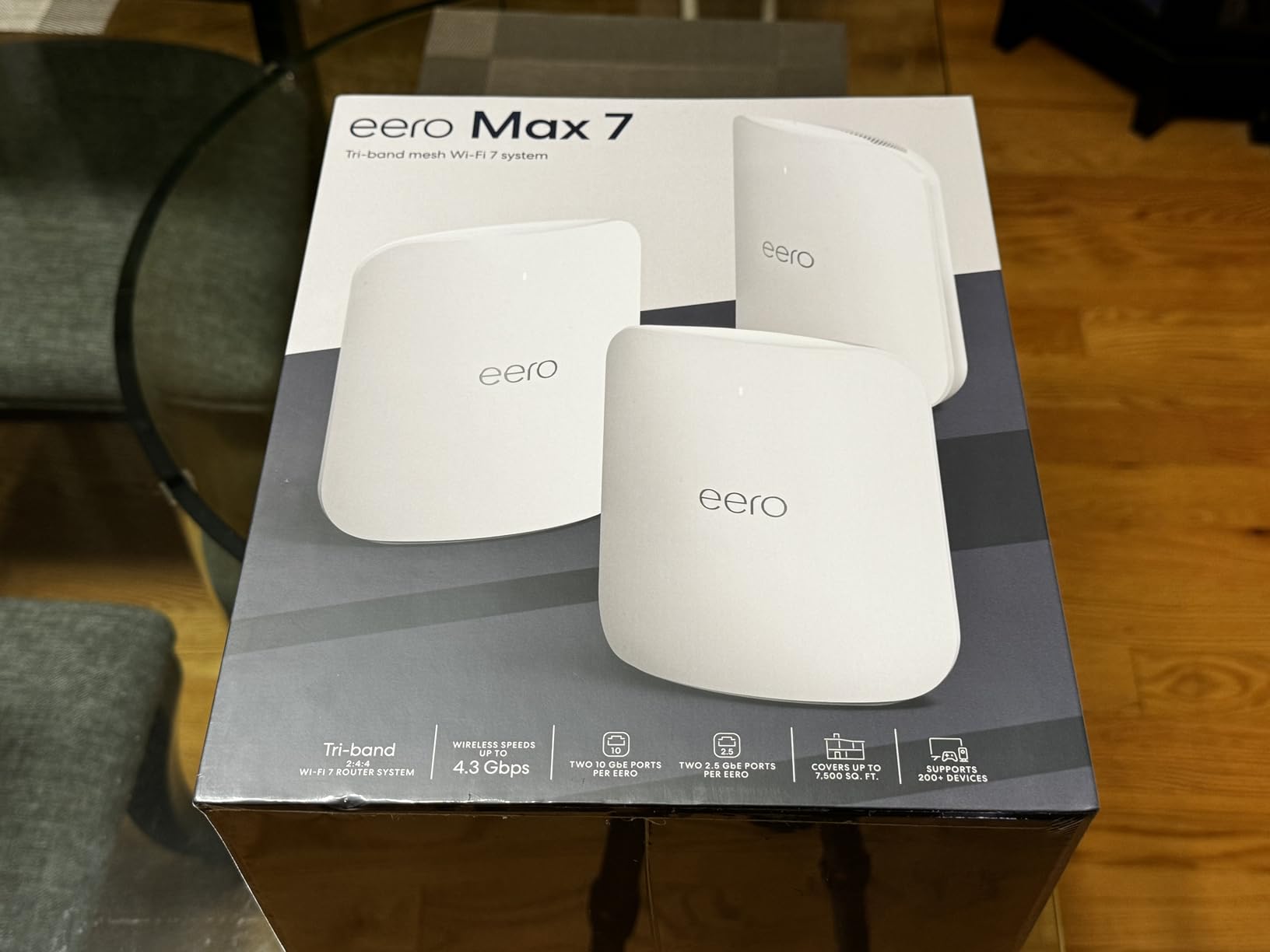
Built for houses where 10 GbE is already on the wall. The eero Max 7 is the flagship of the line, and the only eero in this roundup with dual 10 GbE ports per node. That makes it the right kit if you actually have multi-gig fibre or a NAS on a 10 GbE network and you want the wireless side to keep up. Coverage stretches to 7,500 sq ft and the device ceiling sits at 750+, so it absorbs a house full of cameras, speakers, and laptops without breaking a sweat.
Users with 2 Gbps and faster plans report the Max 7 is the eero that finally pushes real multi-gig speeds over Wi-Fi. The trade-off reviewers raise is the very high price and the fact that most home internet plans today are nowhere near 10 Gbps, so the wired ports go unused on a 1 Gbps connection.
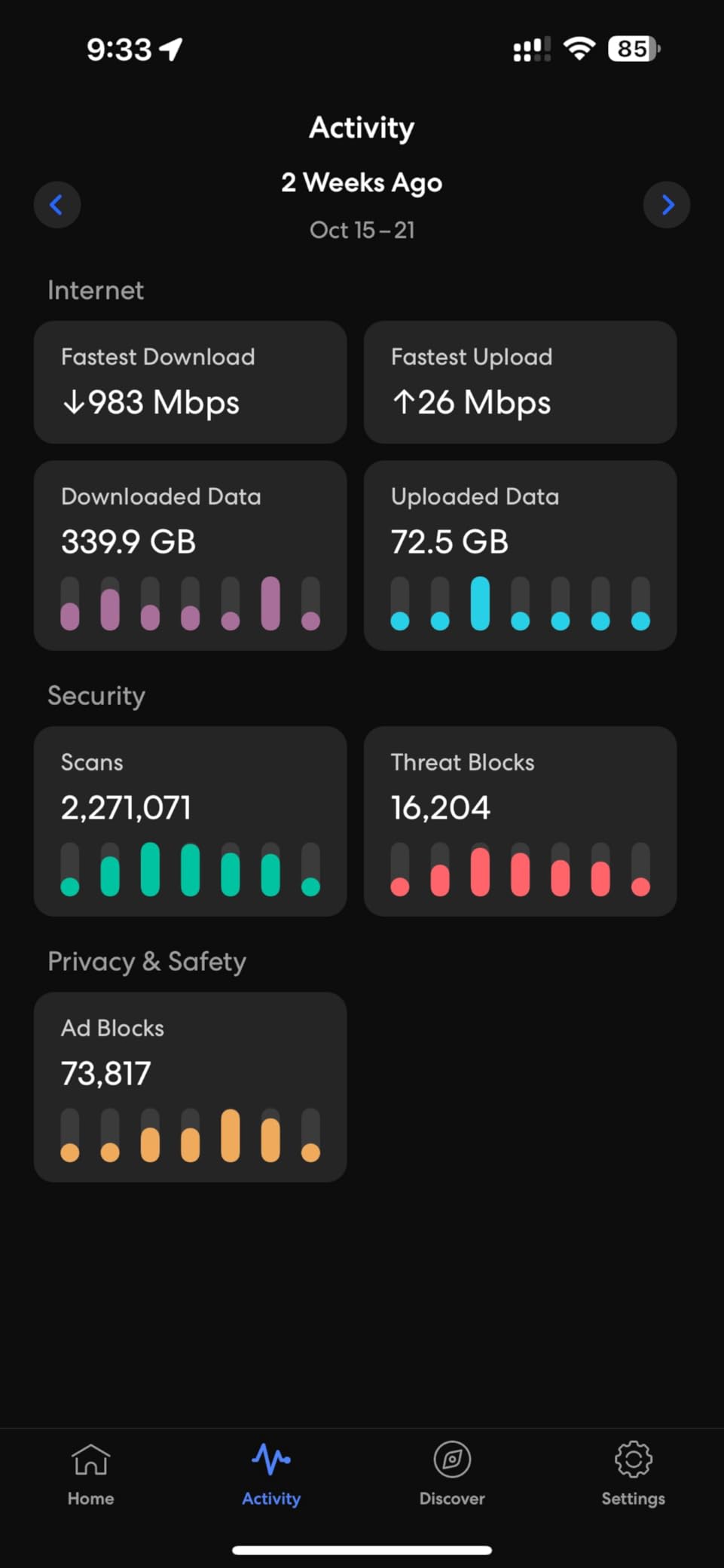
For shoppers who do not have 10 GbE infrastructure, the Pro 7 is the more sensible step down. The Max 7 doubles the wired ceiling again to 10 GbE, adds about 1,500 sq ft of coverage, and raises the device count from 600+ to 750+.
A few owners moving from a non-eero mesh mention the device migration step takes longer than they expected, so plan a quiet evening for the switch if you have many smart home devices to rejoin.
6. eero Outdoor 7: Best for Outdoor
Amazon eero Outdoor 7 dual-band mesh wifi router (newest model), Weatherproof rating of IP66, Coverage up to 15,000 sq. ft. outdoors, 1-pack, Includes 30W PoE+ adapter
Wi-Fi: Wi-Fi 7 dual-band
Coverage: 15,000 sq ft outdoor
Devices: 100+
Ports: PoE+
Pros
- IP66 weatherproof for year-round use
- Wi-Fi 7 performance outdoors
- Up to 15000 sq ft outdoor coverage
- 30W PoE+ adapter included
- 3-year warranty
Cons
- Single unit only
- Requires existing eero network
- Dual-band only (no 6 GHz)
- PoE+ injector needed for wired power
Different shape of purchase: the eero Outdoor 7 is a single weatherproof node, not a multi-pack. It is meant to extend an existing eero mesh to the backyard, garage, or pool house rather than replace a router. IP66 weatherproofing, a -40F to 131F operating range, and PoE+ power make it the only eero in the line rated to live outside.
Owners who add it to an indoor eero Pro or eero 7 mesh report the app just picks it up and the outdoor coverage lands in the same network. The trade-off reviewers mention is that the Outdoor 7 is dual-band only, so you give up the 6 GHz band, and you still need at least one indoor eero already on the network for it to extend.
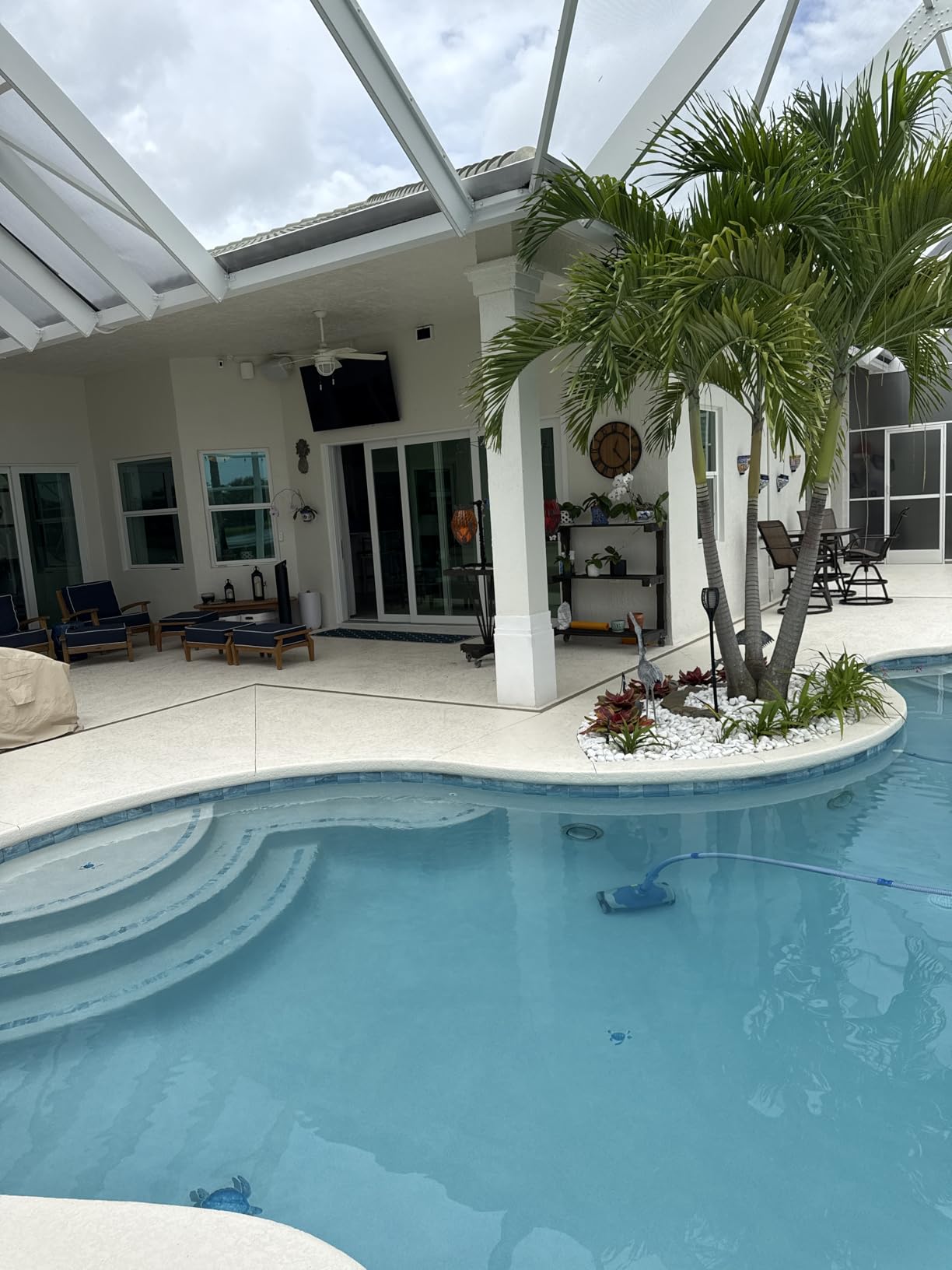
The Outdoor 7 is not a substitute for an indoor kit, it is an add-on, and reviewers call it the right pick once your indoor mesh is already in place. If you are starting from scratch in a home with a large yard, the eero 7 3-pack plus an Outdoor 7 is the combo to look at during the sale.
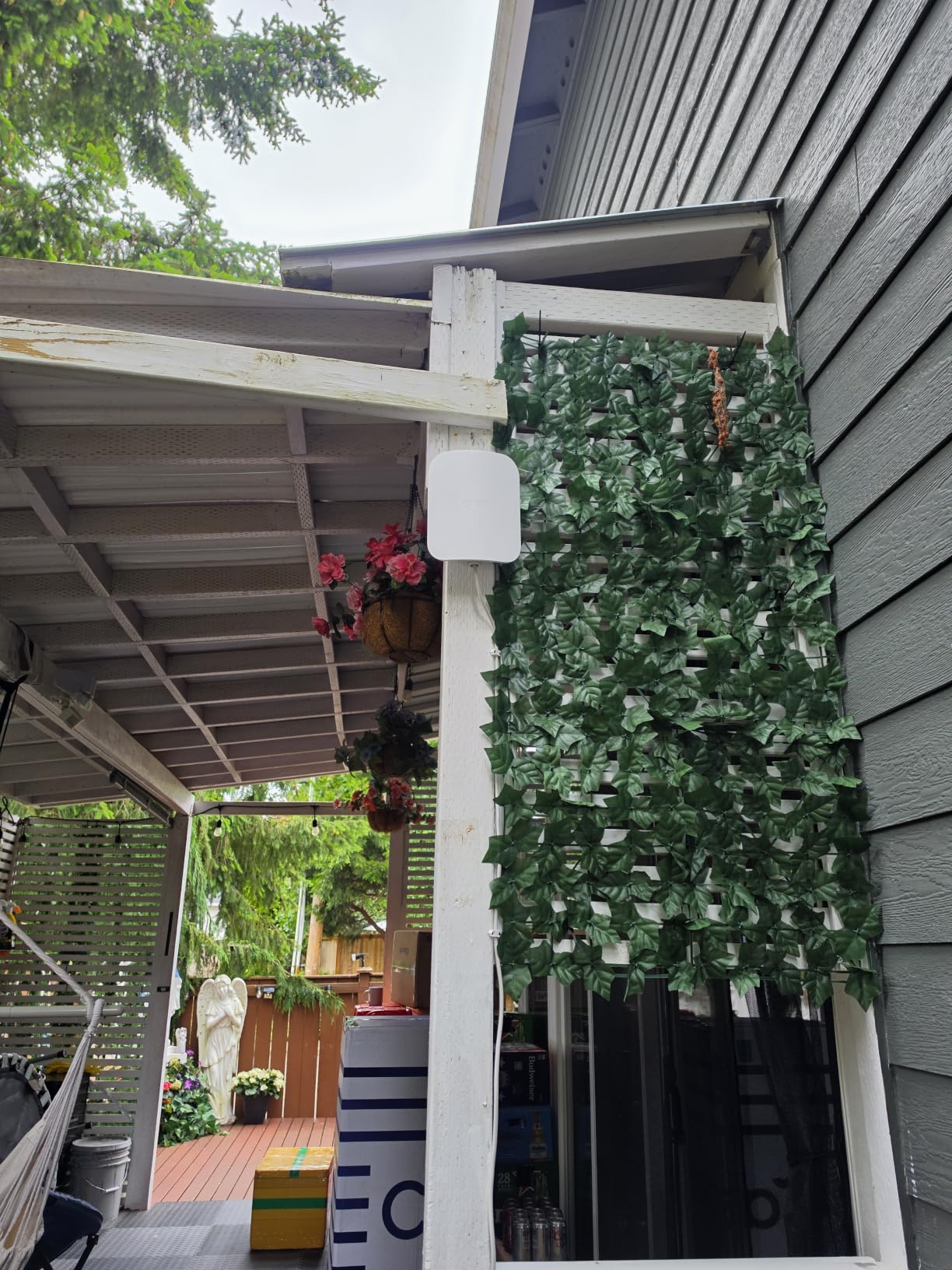
The 30W PoE+ adapter ships in the box, so you do not need to buy a separate injector to power it over Ethernet, which is a real plus for outdoor runs.
How to Choose eero Mesh Wi-Fi Kits During Prime Big Deal Days
Match the coverage to your home size
The single biggest decision in a mesh kit is square footage, and a rough rule of thumb is to buy about 20% more coverage than your floor plan lists. The eero 6 is a fine starting point for apartments and small homes up to 1,500 sq ft, while 3-packs like the eero Pro 6E, eero Pro 7, and eero 7 cover 6,000 sq ft. Houses over about 5,000 sq ft should look at the eero Max 7, which stretches to 7,500 sq ft in a 3-pack. If you are not sure which size fits, our guide to the best mesh WiFi systems walks through sizing in more detail.
Pick the Wi-Fi standard that matches your devices
Wi-Fi 6 on the eero 6 is plenty for most households on a 500 to 900 Mbps plan with a mix of phones, laptops, and TVs. Wi-Fi 6E on the eero Pro 6E adds the 6 GHz band, which only newer client devices can actually use. Wi-Fi 7 on the eero 7, eero Pro 7, and eero Max 7 brings Multi-Link Operation, which is what makes Wi-Fi 7 feel faster in everyday use, but you only see the full benefit if your devices support it. Buying Wi-Fi 7 mesh before your clients catch up is a real choice many owners make for future-proofing.
Count the Ethernet ports you actually need
Each eero in this list has a different wired layout, and that matters more than people expect in a wireless mesh. The eero 6 has 2 Gigabit ports per node, the Pro 6E has a 2.5 GbE WAN and 1 GbE LAN per unit, the eero 7 and eero Pro 7 give you two 2.5 or 5 GbE auto-sensing ports per unit, and the Max 7 has two 10 GbE ports per unit. If you want to hard-wire a desktop, a console, and a smart TV at each node, only the eero 7 line and up have enough ports to do that comfortably.
Decide on tri-band vs dual-band
Tri-band kits add a third radio, usually 6 GHz on Wi-Fi 6E and Wi-Fi 7 models, which keeps the backhaul between nodes from competing with your devices for airtime. In a 3-pack on multiple floors, that dedicated backhaul is what makes the system feel fast everywhere instead of just near the main router. Dual-band kits like the eero 6 and eero 7 are the right call in smaller homes where the nodes are close together and the backhaul traffic is lighter.
How to shop eero mesh Wi-Fi deals during the sale
Listings for eero kits move quickly during the sale, and the same model can appear under multiple sellers at different conditions. Check that the listing is sold by Amazon or an authorized eero seller, look at the model number on the box (E6R for the eero 6, E6PE for the Pro 6E, E7P for the Pro 7, E7 for the eero 7, E7M for the Max 7, E7O for the Outdoor 7) to avoid grabbing an older generation by mistake, and confirm whether the price is for a 1-pack, 2-pack, or 3-pack. Most offers need a Prime membership, and prices tend to change through the event, so the buttons below show the current price at any moment.
Quick checklist for Prime Big Deal Days shoppers
- Match the 3-pack coverage (6,000 to 7,500 sq ft) to your home’s actual square footage, with a small buffer
- Pick Wi-Fi 6 if your plan is 1 Gbps or less, Wi-Fi 6E for 1 to 2.5 Gbps with newer devices, Wi-Fi 7 if you want to future-proof
- Count wired ports at each node before you commit, especially if you want to hard-wire a console or desktop
- Check the model number on the listing so you do not end up with the previous generation
- Make sure the seller is Amazon or an authorized eero seller, and remember most offers need a Prime membership
Frequently Asked Questions
When does Prime Big Deal Days run in 2026?
Prime Big Deal Days runs October 6-7, 2026, and most offers need a Prime membership. A free trial counts if you are signing up for the first time. Prices and stock change through the event, so check the current listings close to the dates you plan to buy.
Are the eero mesh Wi-Fi deals during Prime Big Deal Days worth it?
eero mesh kits tend to drop to lower prices during Amazon’s October sale than they sit at the rest of the year, and the larger 3-packs usually see the bigger moves. Whether a specific kit is worth the spend comes down to whether your home size, internet speed, and device count match what that kit offers.
Which eero mesh Wi-Fi kit is best for a large home?
For most large homes the eero Pro 6E 3-pack is the sweet spot, with 6,000 sq ft of coverage and a tri-band radio that keeps the backhaul between nodes fast. The eero Max 7 3-pack pushes to 7,500 sq ft and 750+ devices, which is the right call in very large houses or homes with dense smart home setups.
Do I need a Prime membership to get eero deals during Prime Big Deal Days?
Most of the eero mesh Wi-Fi deals during the event need an active Prime membership, and a free trial counts for new sign-ups. A small number of listings are open to non-Prime shoppers at the same price, but that is the exception rather than the rule.
Is eero Pro 6E better than eero 6 for streaming and gaming?
For 4K streaming and console gaming on a 1 Gbps or slower plan, the eero 6 is usually enough and reviewers say the difference shows up only in heavy multi-device homes. The eero Pro 6E pulls ahead on multi-gig internet plans and on Wi-Fi 6E client devices that can actually use the 6 GHz band.
How many eero units do I need for a 2,000 sq ft home?
A single eero 6 covers about 1,500 sq ft, so a 2,000 sq ft home is usually better with a 2-pack or a small 3-pack of the eero 6, or a 3-pack of the eero 7 if you want Wi-Fi 7 with room to grow. Multi-story layouts benefit from one node per floor, with the main router near where the internet enters the home.
Final Verdict: Best eero Mesh Wi-Fi Deals for Prime Big Deal Days
Buy the eero 6 if you want the most owner-tested eero on the market and a simple starter mesh for a smaller home. Pick the eero Pro 6E if you have a 1 to 2.5 Gbps plan and want whole-home tri-band Wi-Fi 6E without stepping up to Wi-Fi 7. Choose the eero Pro 7 for the flagship Wi-Fi 7 experience with dual 5 GbE ports, the eero 7 for the most wallet-friendly Wi-Fi 7 3-pack, the eero Max 7 if you have 10 GbE infrastructure or a very large house, and the eero Outdoor 7 to extend an existing eero mesh to the yard. Confirm the model number on the listing before you check out, and use the buttons above to see the current price during the sale.
Leave a Reply