

Looking for 4K work monitor deals during Prime Big Deal Days? The Dell S2725QS leads our list for 2026 because it pairs a 4K IPS panel with a 120Hz refresh rate, a fully adjustable stand, and 1019 owner reviews backing it up. If you dock a laptop, the Dell UltraSharp U2723QE brings USB-C 90W charging, a built-in KVM, and crisper text for long days. For color-sensitive work, the ASUS ProArt PA279CV arrives factory-calibrated with Delta E under 2 and a 5-year warranty.
Prime Big Deal Days runs October 6-7, 2026, and most offers need a Prime membership (a free trial counts). The picks below are the 4K work monitors worth watching during the sale, in plain words about what they actually do, not just the spec sheets. For shoppers on the move, our portable monitor deals roundup covers USB-powered displays you can throw in a bag.
Our Top 3 Picks for 4K Work Monitor Deals

Dell S2725QS
- Best for: 4K@120Hz on a budget
- Refresh rate: 120Hz
- Panel: IPS
- Ergonomics: full adjust

Dell UltraSharp U2723QE
- Best for: USB-C laptop docks
- USB-C PD: 90W
- KVM: built-in
- Panel: IPS Black

ASUS ProArt PA279CV
- Best for: color-accurate work
- Calibration: Delta E under 2
- USB-C PD: 65W
- Warranty: 5 years
4K Work Monitor Deals Compared (2026)
| Product | Specs | Action |
|---|---|---|
| Dell S2725QS |
|
Check Deal Price |
| Dell UltraSharp U2723QE |
|
Check Deal Price |
| ASUS ProArt PA279CV |
|
Check Deal Price |
 LG 27UP850K-W LG 27UP850K-W |
|
Check Deal Price |
 Samsung ViewFinity S8 Samsung ViewFinity S8 |
|
Check Deal Price |
 LG 32UP83AK-W LG 32UP83AK-W |
|
Check Deal Price |
 LG 27US500-W LG 27US500-W |
|
Check Deal Price |
 MSI PRO MP273U MSI PRO MP273U |
|
Check Deal Price |
 ZZA 27 inch 4K ZZA 27 inch 4K |
|
Check Deal Price |
How We Chose
We compared each monitor on the specs that matter for desk work: 4K panel type, refresh rate, ergonomics, and how each model connects to a laptop. Owner ratings, review volume, and recurring feedback on Amazon were checked alongside the spec sheets. The data was reviewed in October 2026 against the latest listings.
Where a 4K monitor has a real differentiator for office work (USB-C power delivery, KVM, factory calibration), it is called out. Where a pick is held back by something owners report (no USB-C, basic stand, weak HDR), that goes in too. Nothing is padded, and no model was included just to fill a slot.
1. Dell S2725QS: Editor’s Choice
Dell 27 Monitor S2725QS, 4K UHD IPS, 120Hz, 5ms, FreeSync Premium
Resolution: 4K UHD
Refresh: 120Hz
Panel: IPS
Color: 99% sRGB
Adjust: full
Pros
- Sharp 4K at 120Hz smooths text scroll
- Full height/tilt/swivel/pivot stand
- ComfortView Plus blue light filter
- FreeSync Premium for casual gaming
Cons
- No USB-C or built-in USB hub
- HDR performance is basic
The Dell S2725QS is the rare monitor that does both work and play without asking for a premium. The 4K IPS panel runs at 120Hz, which makes scrolling through long documents and code noticeably smoother than a 60Hz screen, and AMD FreeSync Premium takes care of the occasional game at the end of the day. ComfortView Plus is the always-on low-blue-light mode that reviewers say saves their eyes on long shifts.
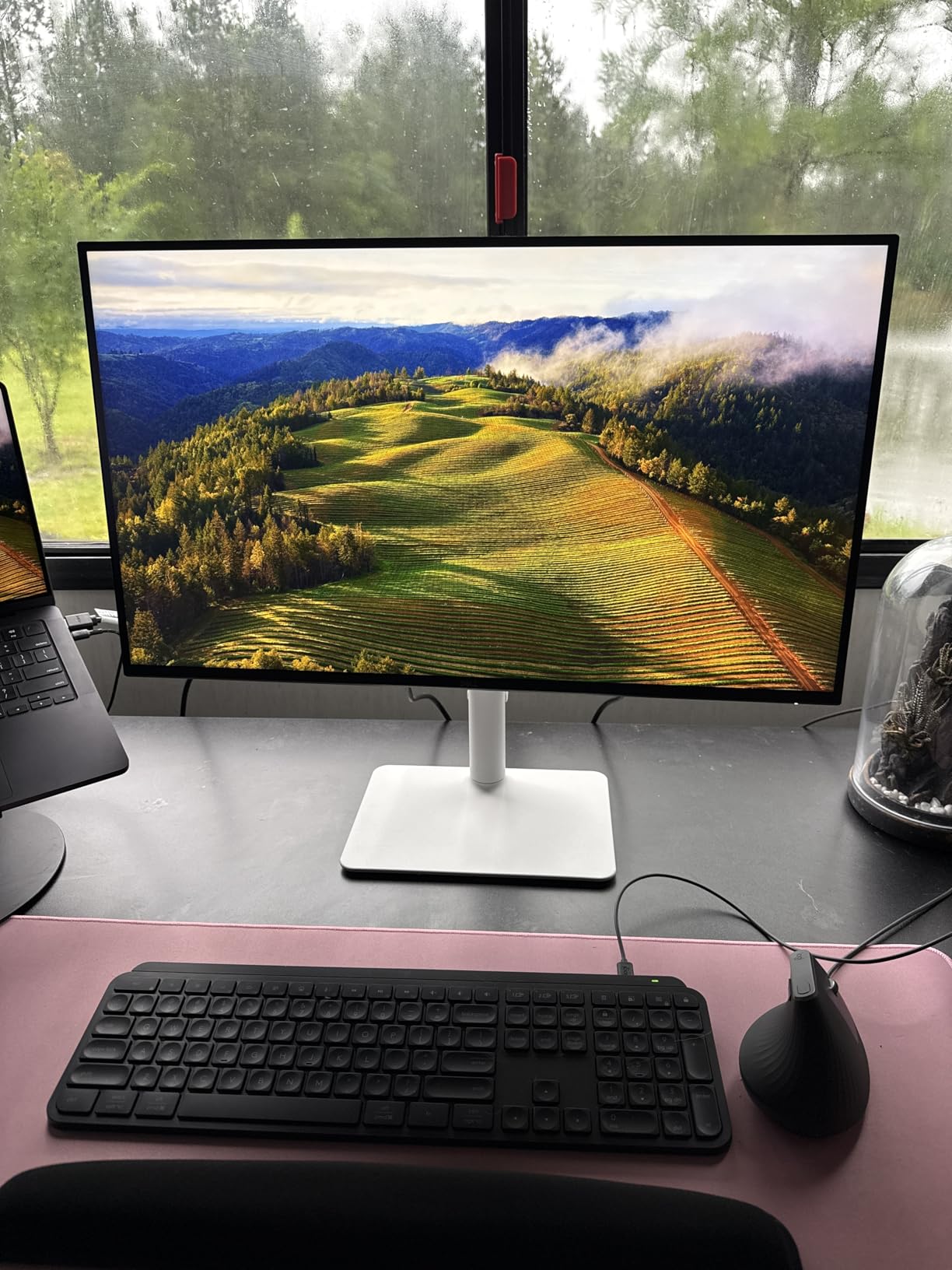
What stands out: the 120Hz refresh on a productivity panel is the rare combination. A lot of office monitors stop at 60Hz, which makes long pages feel a little choppy when scrolled. The S2725QS removes that ceiling without forcing a choice between work and weekend gaming.
Skip it if you dock a single USB-C laptop and want one cable to do everything. For everyone else, the S2725QS is the most balanced 4K work monitor on this list, and our pick for the Prime Big Deal Days sale. For shoppers who want a higher-refresh gaming spin on a similar Dell panel, our gaming monitor deals roundup covers the related picks.
2. Dell UltraSharp U2723QE: Best for Laptop Users
Dell UltraSharp U2723QE 27″ 4K UHD WLED LCD Monitor – 16:9 – Black, Silver
Resolution: 4K UHD
USB-C PD: 90W
KVM: built-in
Panel: IPS Black
Pros
- USB-C 90W charges most laptops
- Built-in KVM for two computers
- IPS Black panel with deep text
- Four USB-A ports and Ethernet
Cons
- No built-in speakers
- 60Hz not for fast gaming
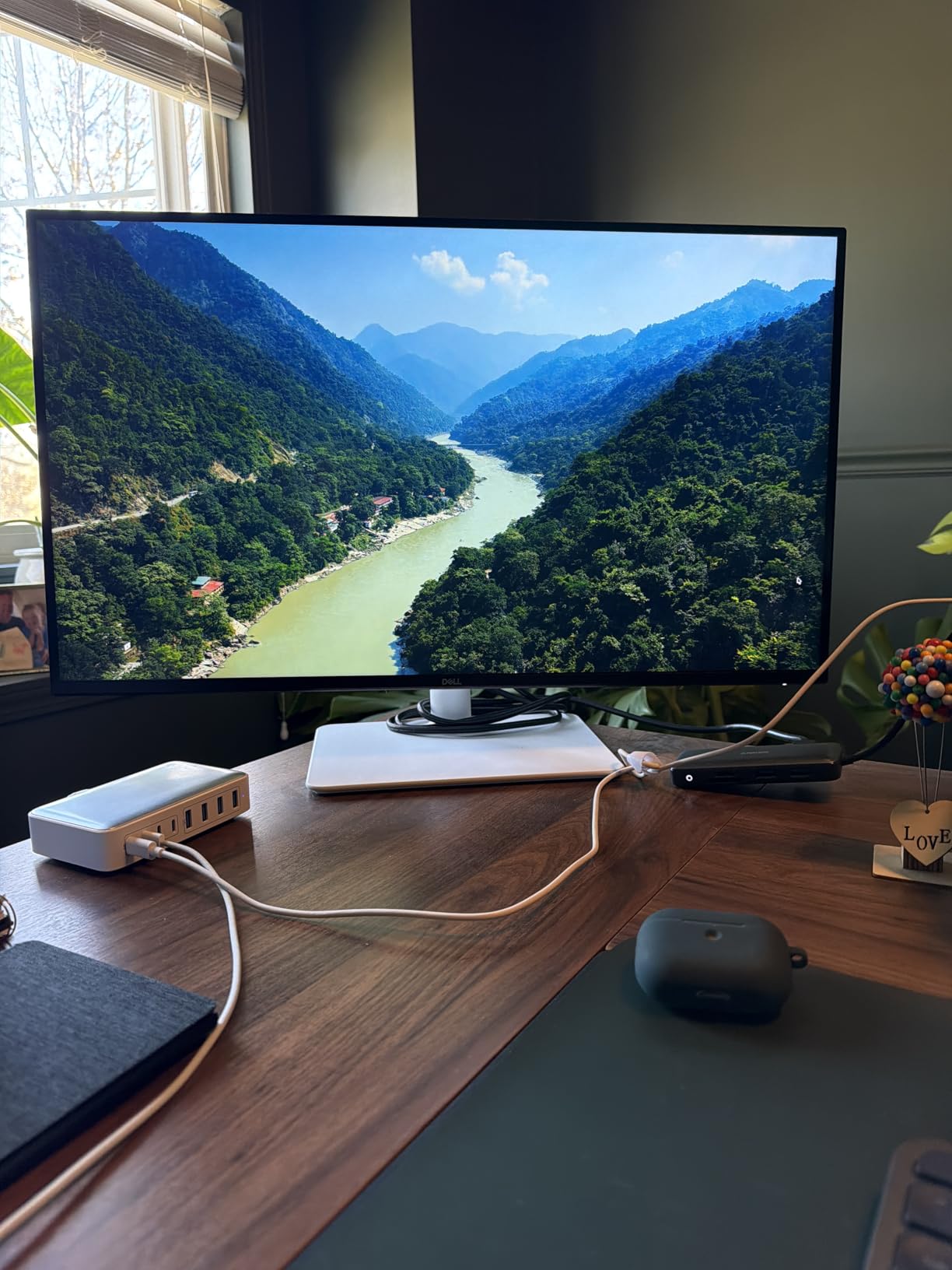
The UltraSharp U2723QE is the monitor for people who want one cable on the desk. USB-C 90W power delivery charges a MacBook Pro or a Dell XPS while the display carries the picture, the USB hub, and Ethernet, so the laptop can stay closed or on a stand. The built-in KVM lets you swap between two computers with the same keyboard and mouse, which owners say is the quiet hero feature.
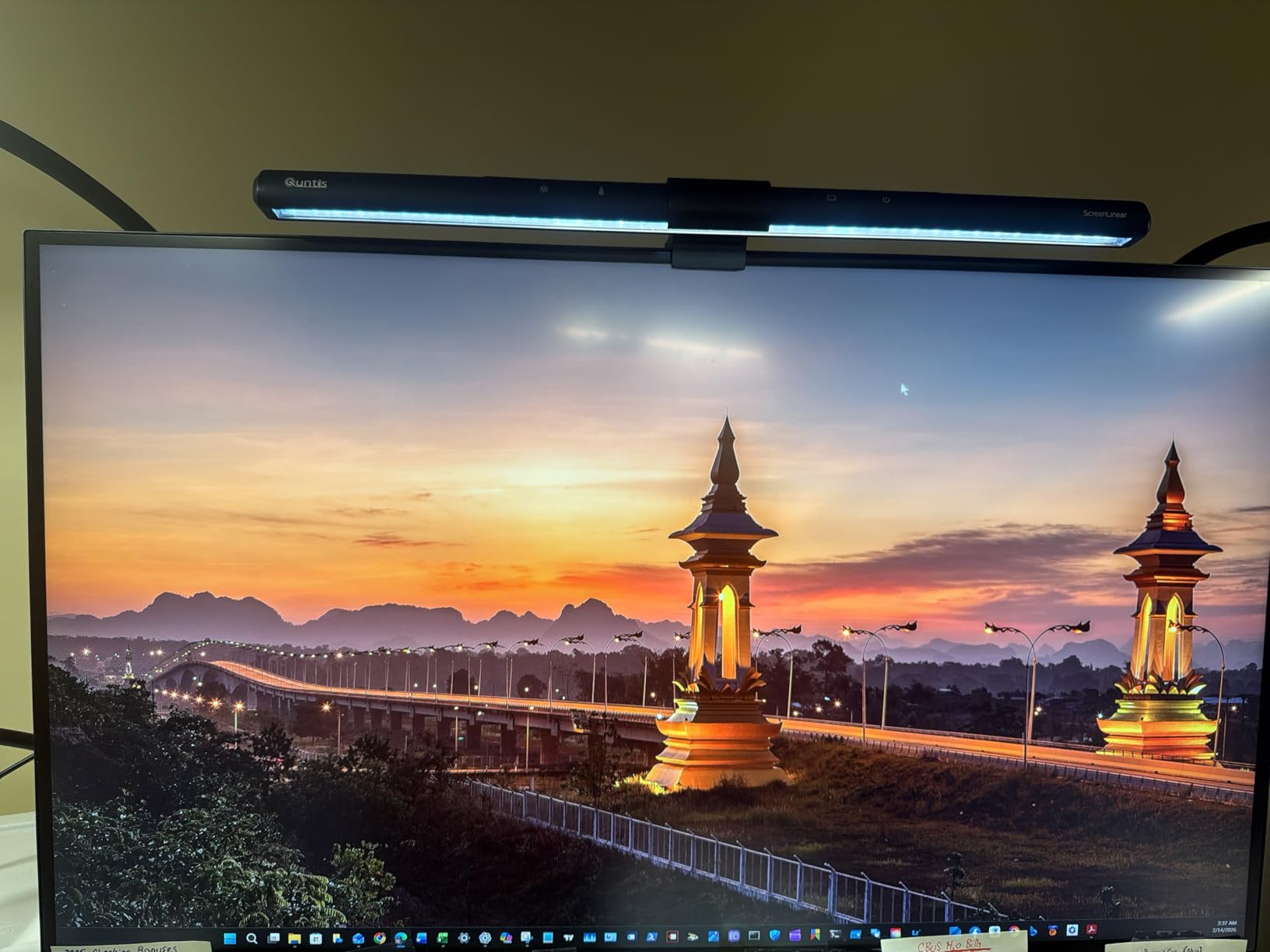
Reviewers who came from a 27-inch 1080p screen say the jump to 4K on this panel is where their eyes finally relaxed. The IPS Black layer lifts contrast a step above a normal IPS, so dark mode code and spreadsheets look more readable. Several owners note the KVM hotkeys only work once the host computer is logged in, which is worth knowing if you swap cold.
Good to know: ports run along the bottom of the panel, so reaching the rear USB-A jack with a flash drive takes a small twist. Owners who dock a webcam, a stream deck, and a headset to the four USB-A ports say the placement becomes invisible after a week. There are no built-in speakers, so a pair of desktop speakers or a headset fills the gap.
3. ASUS ProArt PA279CV: Best for Creative Work
ASUS ProArt PA279CV 27 Inch 4K UHD USB-C Professional Monitor
Resolution: 4K UHD
Calibration: Delta E<2
USB-C PD: 65W
Warranty: 5 years
Pros
- Factory-calibrated Delta E under 2100% sRGB and Rec. 709 coverage
- USB-C 65W charges a laptop
- 5-year warranty included
Cons
- IPS glow in dim rooms
- Limited HDR performance
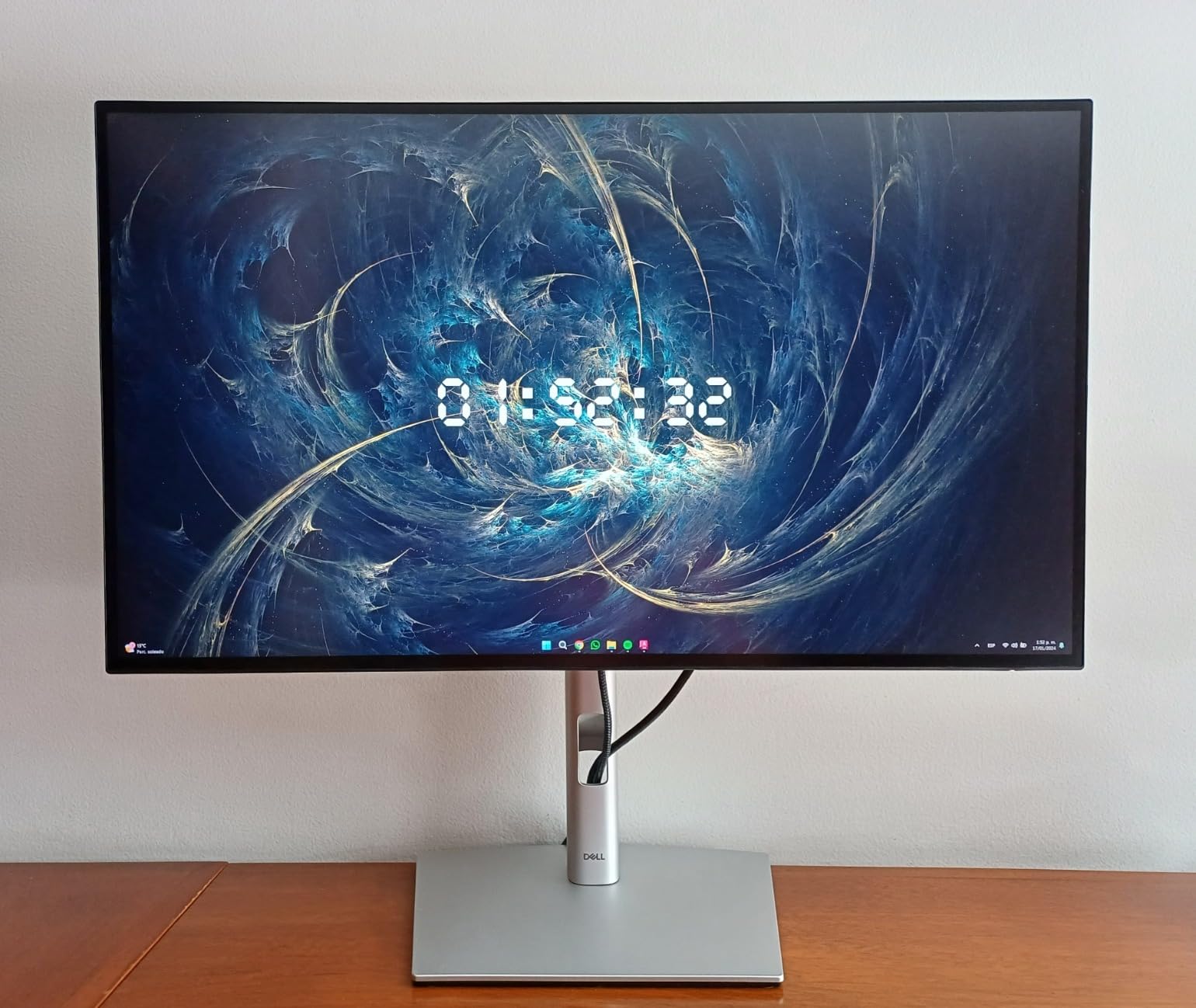
The ASUS ProArt PA279CV is the screen for people whose work has to match a print proof or a client color check. It ships Calman Verified with a factory calibration report and a Delta E under 2, which is the level where color shifts become invisible to most eyes. 100% sRGB and 100% Rec. 709 coverage covers the web and broadcast work; Adobe RGB is the one gap that pro photo printers will notice.
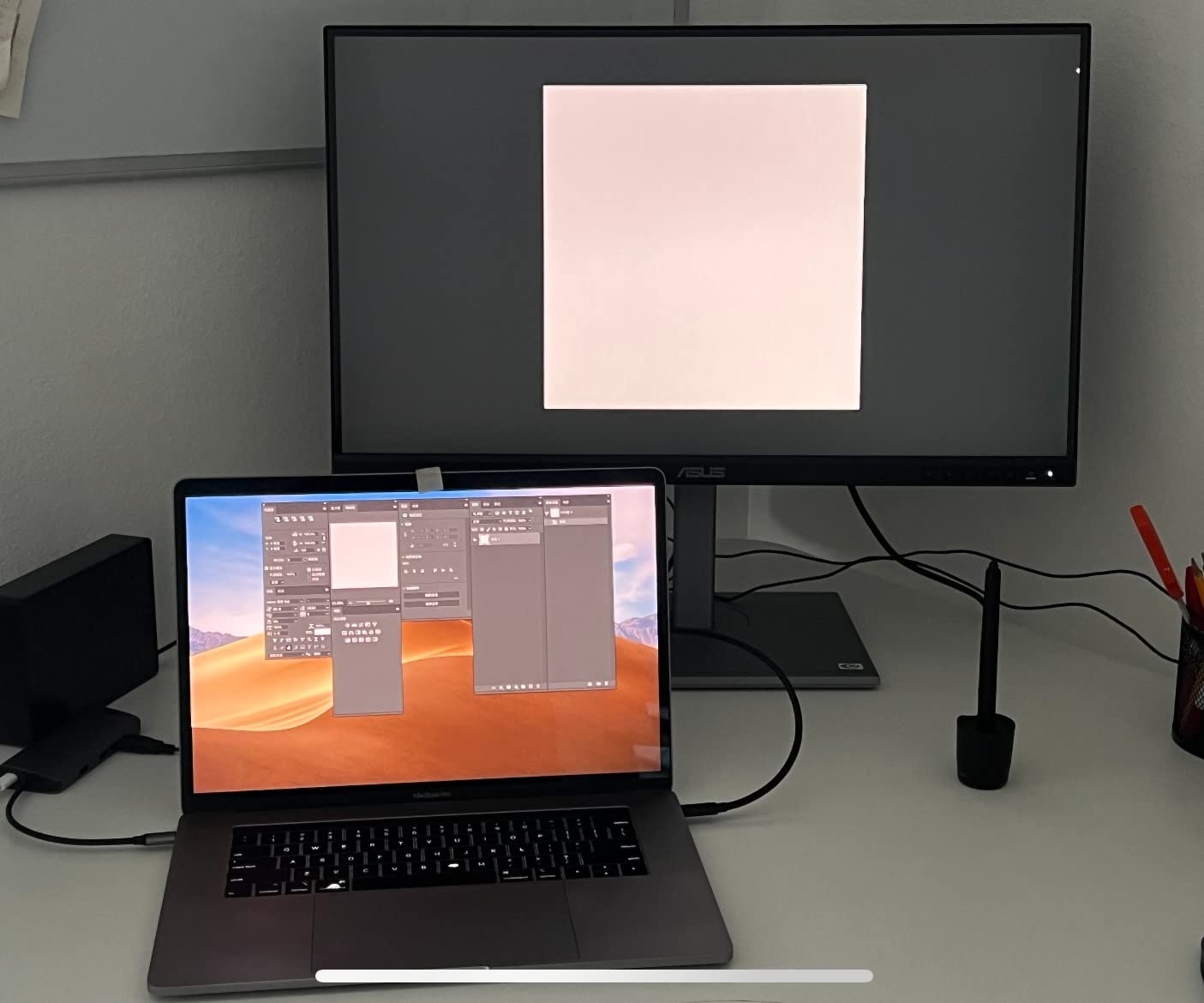
USB-C 65W power delivery charges a 13-inch laptop while the monitor acts as a dock, and the 5-year warranty is the longest on this list. Owners running photo and video workflows say the out-of-box color is close enough to skip a hardware calibration for a long time, and the included cables cover HDMI, DisplayPort, and USB-C out of the box.
Skip it if your work is web design or video for the web, where the MSI PRO MP273U’s wider 99% DCI-P3 and 95% Adobe RGB coverage is a stronger match at a lower cost. The ProArt still wins on the factory report and the five-year warranty, which matters to studios that cannot afford a panel swap.
4. LG 27UP850K-W: Best for Mac Laptops
LG 27UP850K-W 27-inch Ultrafine 4K UHD IPS DisplayHDR 400 Computer Monitor
Resolution: 4K UHD
USB-C PD: 90W
Color: 95% DCI-P3
HDR: 400
Pros
- USB-C 90W charges a MacBook Pro
- 95% DCI-P3 vivid color
- Waves MaxxAudio speakers
- Height
- tilt
- pivot stand
Cons
- No USB-A downstream ports
The LG 27UP850K-W is the cleanest one-cable pick for a MacBook. USB-C 90W power delivery will keep a 14-inch MacBook Pro topped up while you work, and the 95% DCI-P3 color coverage keeps photos and videos looking close to the way the Mac shows them. DisplayHDR 400 is entry-level HDR, but it is enough to give a few extra highlights to design work. At 4.5 stars across 362 owner reviews, it sits near the top of this list on owner satisfaction.
Reviewers like that the Waves MaxxAudio speakers actually sound okay for video calls, which is not always true of built-in monitor speakers. The stand is height, tilt, and pivot adjustable but does not swivel, so plan a little desk space for that. The factory report is solid for the price, and the IPS panel keeps text crisp at the macOS default scaling.
Best for: a clean MacBook dock without a hub. The trade-off versus the Dell UltraSharp U2723QE is the missing KVM and Ethernet jack, but the 90W USB-C and the price are easier on the budget. If your desk only needs a single laptop, the LG 27UP850K-W hits the sweet spot. The 32UP83AK-W is the same panel at 32 inches for spreadsheet days.
5. Samsung ViewFinity S8: Best Stand and Eye Care
SAMSUNG 27″ ViewFinity S8 (S80D) Series 4K UHD High Resolution Computer Monitor, HDR10, Multiple Ports w/ HDMI, DisplayPort, USB-A, Height Adjustable Stand, LS27D806EANXGO, 2024, 3Yr Warranty
Resolution: 4K UHD
Pivot: 90-degree
Eye care: TUV-certified
Stand: tool-free
Pros
- Tool-free Easy Setup Stand
- 90-degree pivot for portrait code
- Three USB-A ports for peripherals
- TUV-certified Eye Saver Mode
Cons
- No USB-C connectivity
- No built-in speakers
The Samsung ViewFinity S8 is the friendliest 4K monitor on this list to set up. The Easy Setup Stand clicks together without a screwdriver, which reviewers who move desks often really appreciate. The 90-degree pivot into portrait mode is the secret weapon for long code files, and the TUV-certified Eye Saver Mode is gentler on late-evening work than a standard blue-light filter.
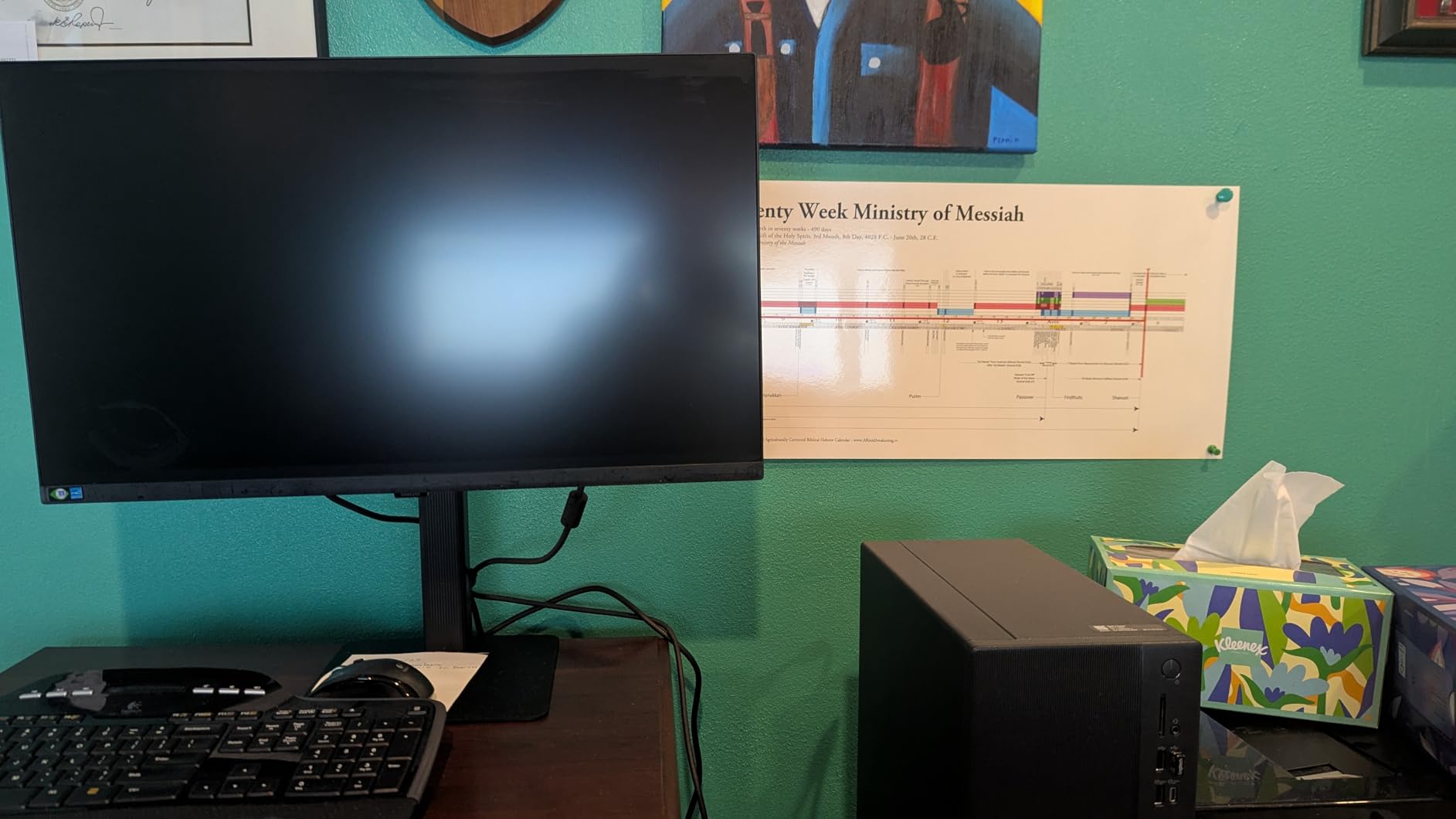
Three USB-A 3.0 ports sit on the back for a keyboard, mouse, and webcam, and the 350-nit brightness is enough for most lit offices. The missing USB-C is a real trade-off, so a MacBook or thin-and-light laptop will need a dock or a hub. A small share of owners have flagged dead-pixel or quality control issues, which is worth a quick check on arrival.
Owners who rotate the panel into portrait mode for code report that the 4K resolution keeps long source files readable without a magnifying tool. Against the LG 27US500-W, you pay a little more for the adjustable stand and pivot. Against the Dell S2725QS, you trade the 120Hz refresh for the easier unboxing and the 4.6-star owner rating across 246 reviews.
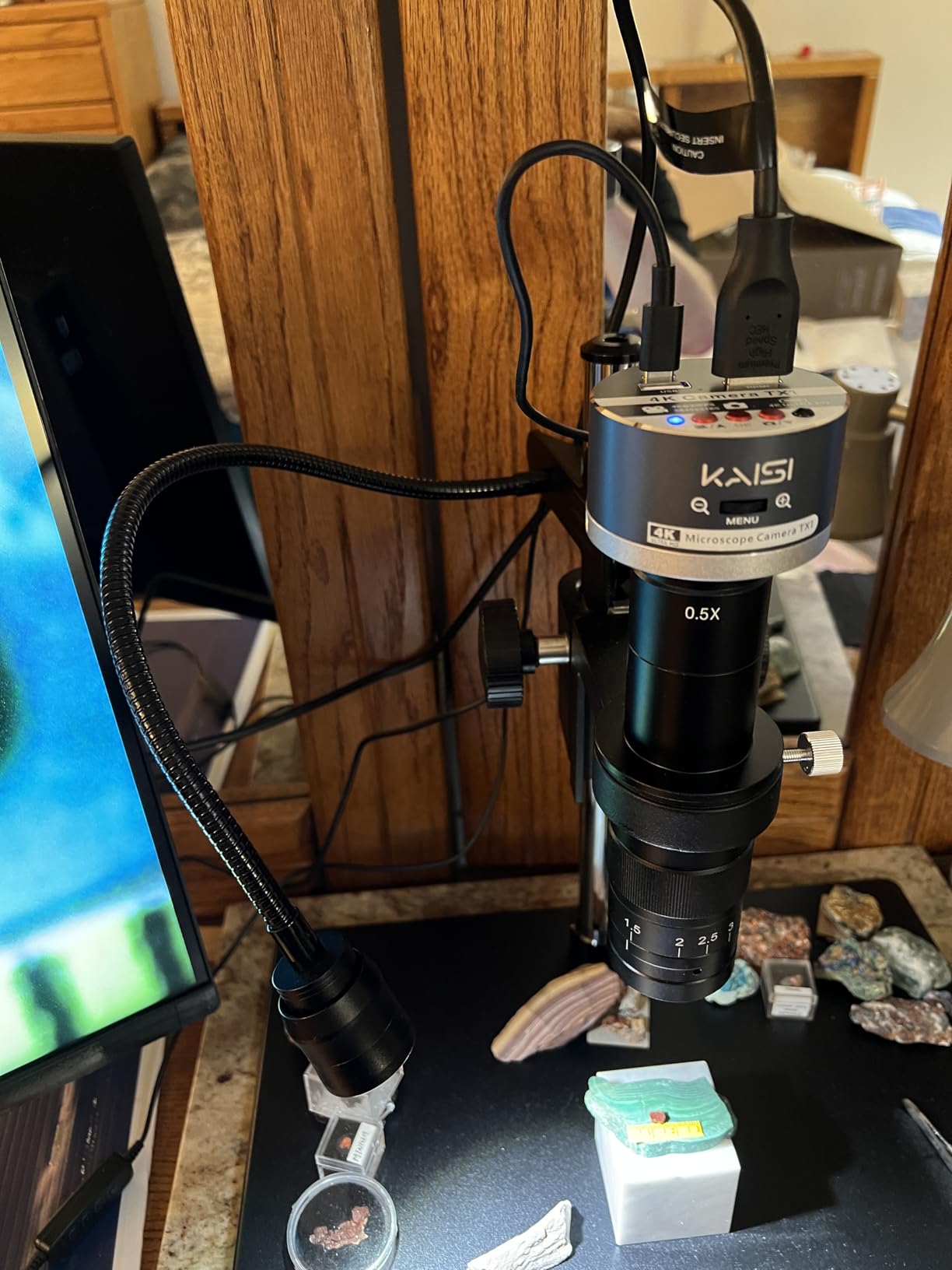
6. LG 32UP83AK-W: Best for Spreadsheets
LG 32UP83AK-W 32-inch Ultrafine 4K UHD (3840 x 2160) IPS Computer Monitor, 60Hz, HDR10, Built-in Speaker, Reader Mode, HDMI, DisplayPort, USB Type-C 60W PD, Tilt/Height/Pivot Adjustable Stand, White
Resolution: 4K UHD
Size: 32 inch
USB-C PD: 60W
Color: 95% DCI-P3
Pros
- Large 32-inch 4K for big tables
- USB-C 60W PD for laptops
- 95% DCI-P3 coverage
- Built-in speakers
Cons
- No USB-A downstream ports
The LG 32UP83AK-W is the pick for anyone whose day is a wall of Excel. A 32-inch 4K panel gives you 3840 x 2160 pixels of room, which means more rows and columns visible without scrolling, and Pivot tables that no longer have to be maximized. USB-C 60W power delivery charges most 13-inch laptops and keeps the desk tidy, while the 95% DCI-P3 color is a step above the usual office panel.
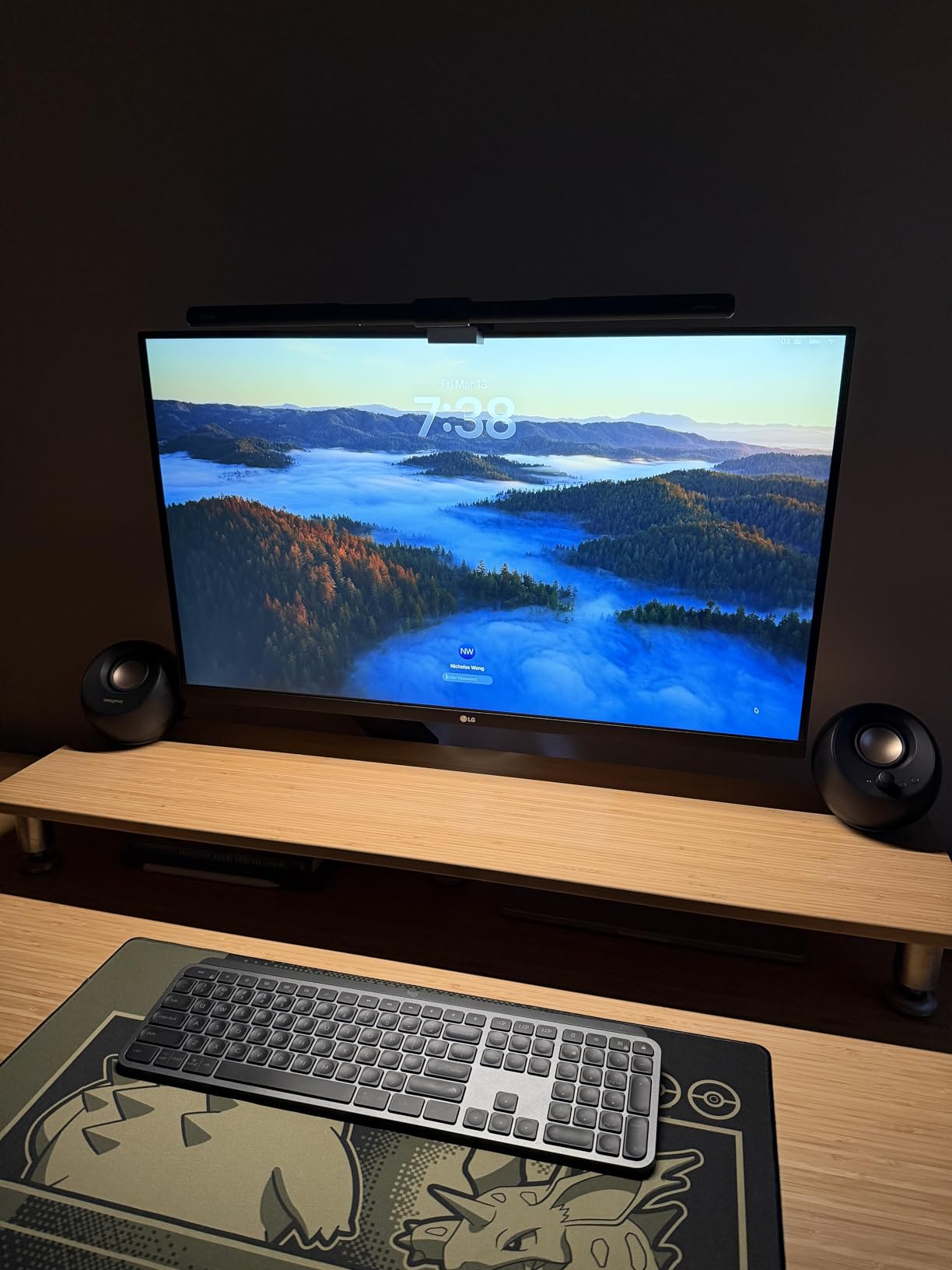
Reviewers like the height, tilt, and pivot adjustments for getting the screen at eye level on a standing desk. The 60Hz refresh is a non-issue for spreadsheets, and the Black Stabilizer and Dynamic Action Sync features are nice extras if you switch to console games on the same screen. Built-in speakers with Waves MaxxAudio handle calls in a pinch.
The 32-inch canvas keeps two full A4 pages visible without overlap, and the 95% DCI-P3 color holds up for design work that bleeds into the monitor. If 27 inches is enough on the desk, the LG 27UP850K-W is the smaller sibling with the same panel DNA. Power users who want more room to breathe should land on the 32-inch screen.
7. LG 27US500-W: Best Budget 4K
LG 27US500-W Ultrafine Monitor 27-Inch 4K UHD (3840×2160) HDR10 IPS Borderless Design Reader Mode Flicker Safe Switch App HDMI DisplayPort – White
Resolution: 4K UHD
Panel: IPS
HDR: HDR10
Eye care: Reader Mode
Pros
- Affordable 4K IPS panel
- HDR10 support at this tier
- Reader Mode for long reading
- OnScreen Control split screen
Cons
- No USB-C or USB hub
- Basic tilt-only stand
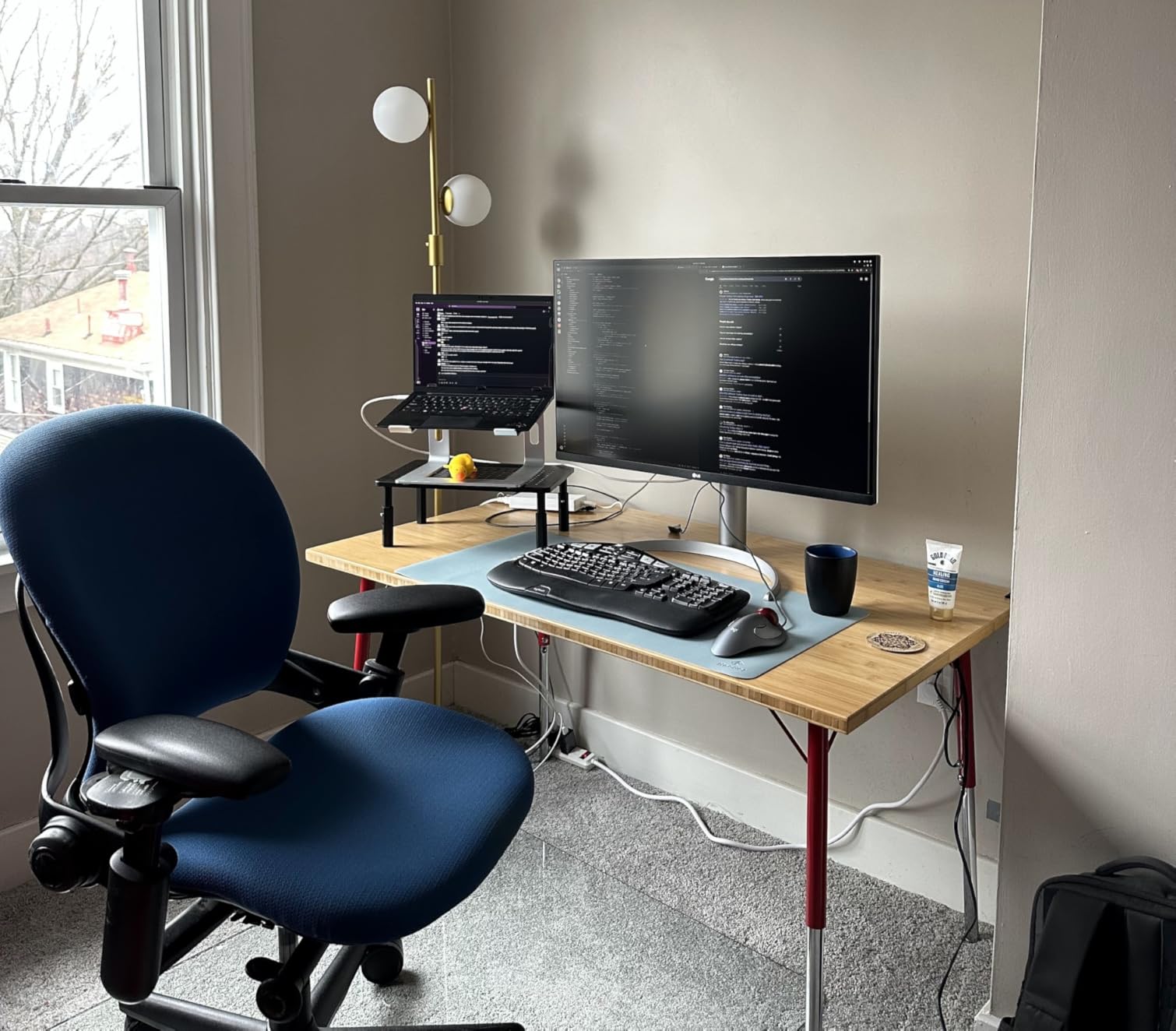
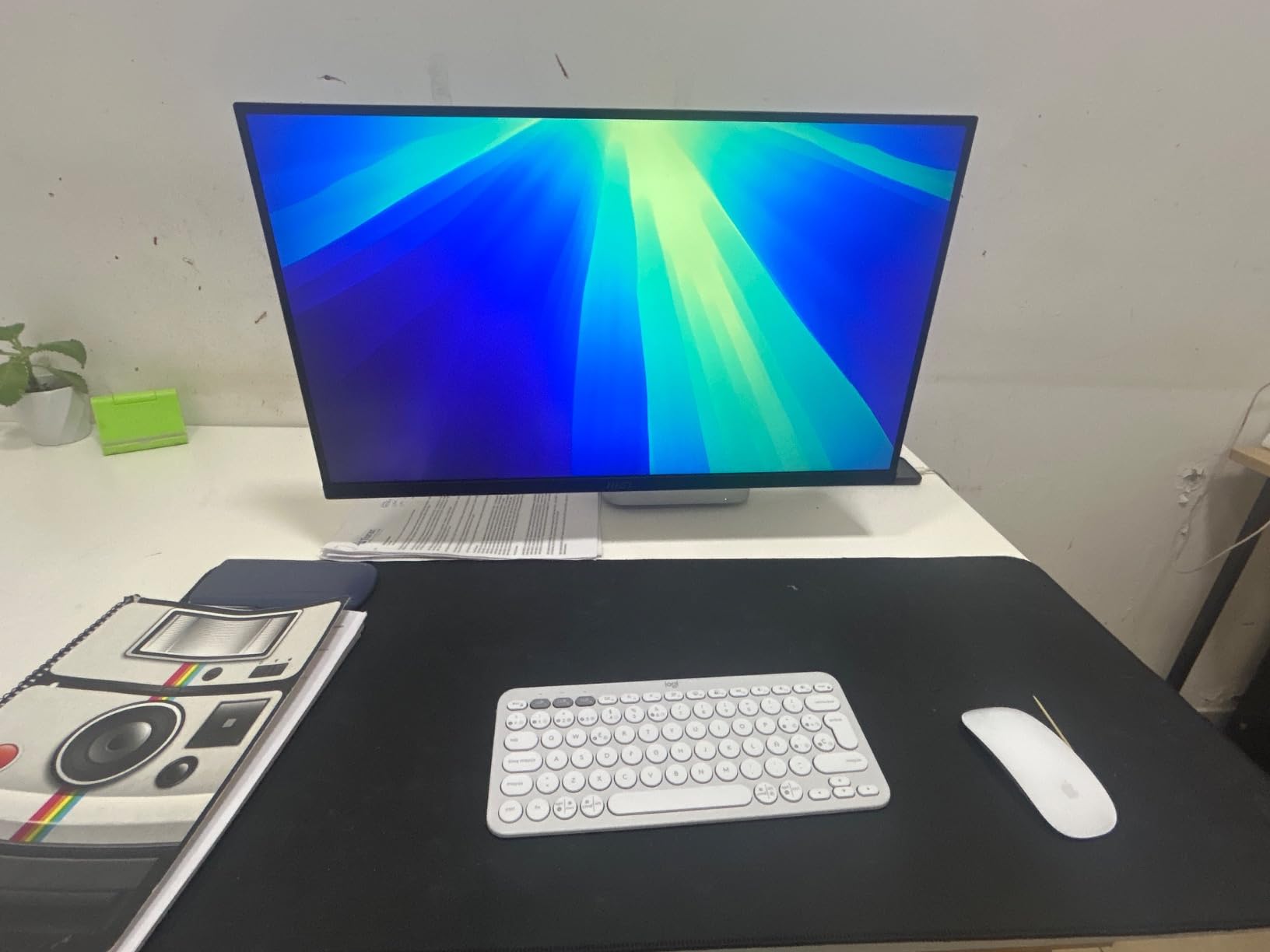
The LG 27US500-W is the honest 4K pick for a strict budget. It is a 27-inch IPS panel with HDR10, 90% DCI-P3, and the Flicker Safe + Reader Mode combo that LG has been refining for years. For a writer, a student, or a second office screen, it is the cleanest way to step up to 4K without paying for features you do not need.
The trade-off is a tilt-only stand, so plan on a VESA monitor arm if you want height and pivot. There is no USB-C, so a laptop will need an HDMI or DisplayPort cable. OnScreen Control is the bundled split-screen tool that helps when you want two windows side by side, and that is honestly enough for most office setups at this price.
The ZZA 27 inch 4K undercuts it on price, but the LG earns its slot with a cleaner software experience (OnScreen Control split screen) and the brand’s track record on warranty claims. If a 120Hz refresh and a full ergonomic stand are on the wish list, the Dell S2725QS is the step up. For a writer or a second screen in a study, the LG 27US500-W hits the brief without trying to be more than it is.
8. MSI PRO MP273U: Best for Color Work on a Budget
msi PRO MP273U, IPS 3840 x 2160 (UHD) Computer Monitor, 4K, 60 Hz, Adaptive-Synch, HDMI, DisplayPort, 4ms (GTG), Black
Resolution: 4K UHD
Color: 99% DCI-P3
Eye care: TUV certified
Calibration: Delta E<=2
Pros
- 99% DCI-P3 and 95% Adobe RGB
- Delta E<=2 out of the box
- TUV Rheinland Flicker Free
- Low Blue Light certified
Cons
- Limited to 60Hz
- No USB-C
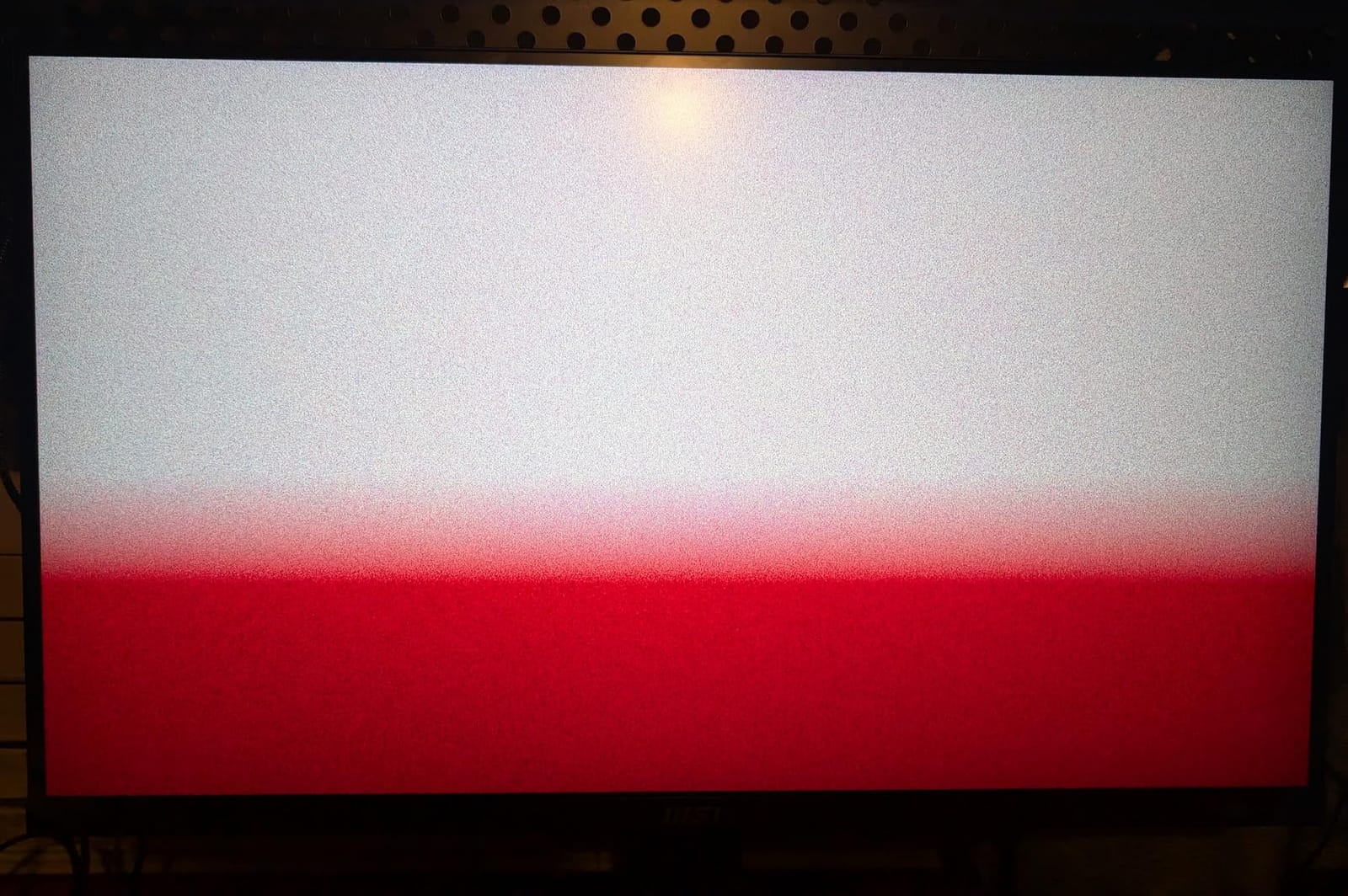
The MSI PRO MP273U is the unusual 4K monitor that pushes a wide color gamut without the pro-tier price. 99% DCI-P3 and 95% Adobe RGB with Delta E under 2 is the kind of spec sheet a photo editor wants, and it is welcome to see it on a budget panel. The TUV Rheinland Flicker Free and Low Blue Light certifications are real, with an Eye-Q Check tool that helps you tune brightness and contrast for your eyes.
Owners running photo and video workflows say the panel is accurate enough to skip a hardware calibration for a long time. The trade-off is a tilt-only stand and no USB-C, so a laptop will need a separate cable. The 60Hz refresh is fine for editing but rules out fast-paced gaming.
The MSI wins on color gamut at a lower price than the ASUS ProArt PA279CV, and loses on the warranty and the factory report. Against the LG 27US500-W, the MSI adds serious color coverage and TUV Rheinland eye-care certifications. If color matters more than USB-C to the workflow, the MSI is the rare value pick.
9. ZZA 27 inch 4K: Budget 4K Alternative
ZZA 27 inch 4K UHD Monitor,75Hz Refresh Rate,HDR10,HDMI 2.0×2/DP 1.2×2,Compatible with Wall Mounting,Ideal for Business & Office Work
Resolution: 4K UHD
Refresh: 75Hz
Response: 1ms
Mount: VESA 75×75
Pros
- 75Hz refresh over a 60Hz floor
- 1ms response time
- HDR10 support
- Four ports (2x HDMI
- 2x DP)
Cons
- Tilt-only stand
- No USB-C
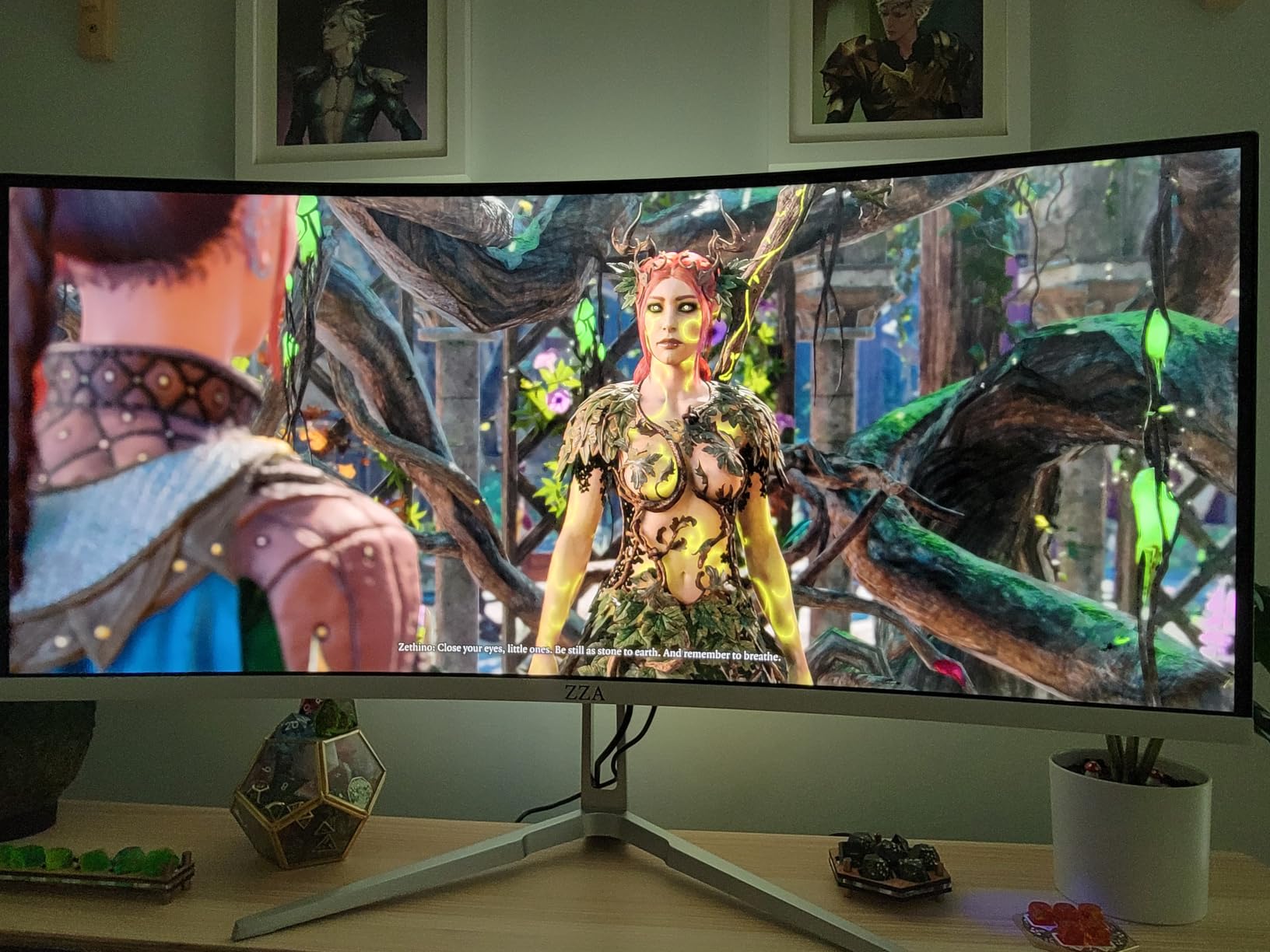
The ZZA 27 inch 4K is the budget 4K monitor for people who want a little more than 60Hz without a brand name. 75Hz with a 1ms response time and HDR10 is a credible spec sheet for the lowest position on the list, and the four video inputs (2x HDMI 2.0, 2x DisplayPort 1.2) leave room for two computers or a console.
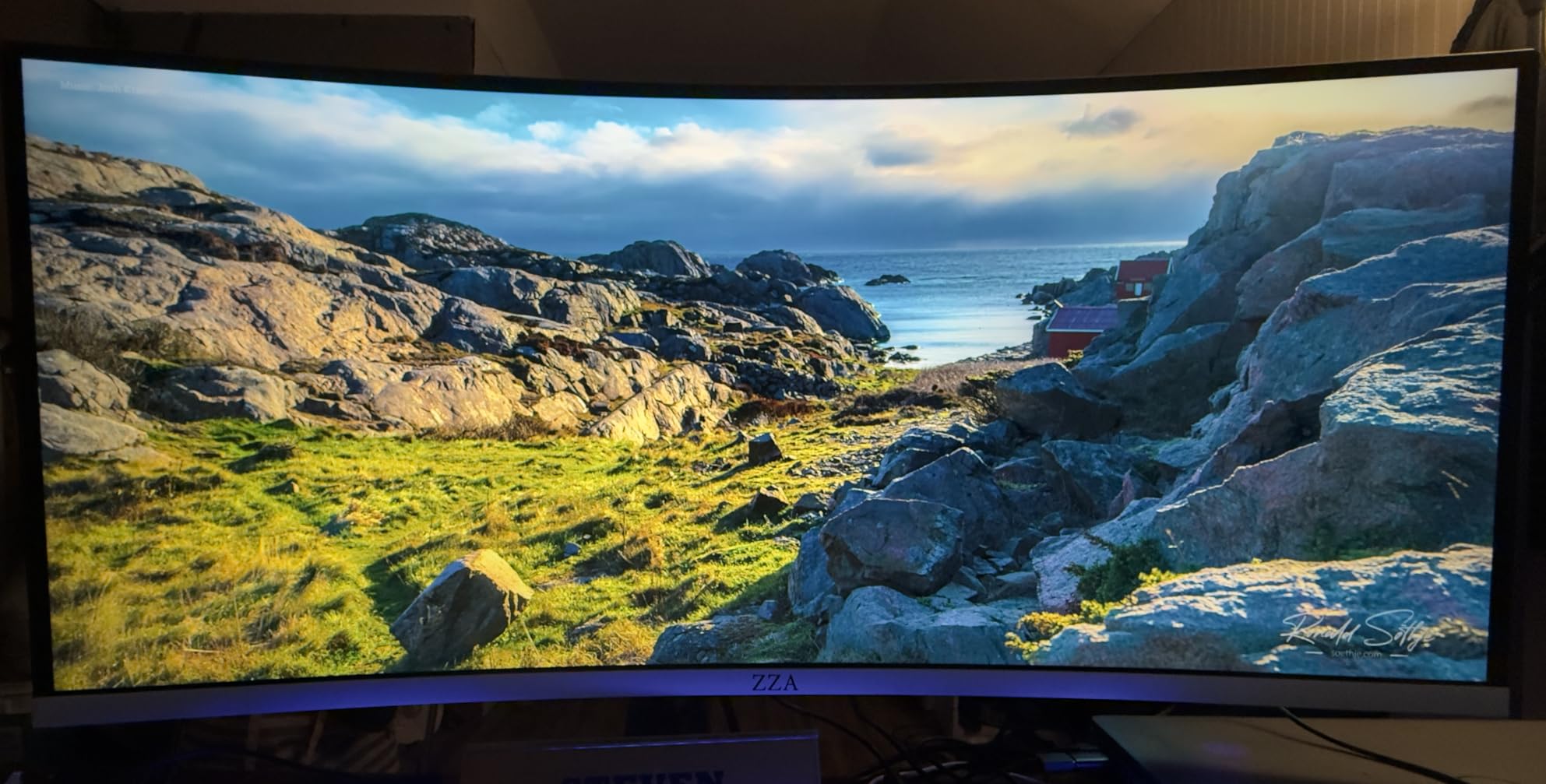
Owners like the wall-mount support and the fact that it works as a basic productivity screen right out of the box. The downsides are a tilt-only stand, no USB-C, and a few reports of quality-control issues on early units. We would plug it in over DisplayPort first to dodge a quirk where some HDMI cables do not negotiate 4K at 60Hz reliably.
Good to know: the 75Hz panel makes the most difference to people who notice a 60Hz ceiling in daily use, and the 1ms response is a bonus for casual games after work. Against the LG 27US500-W, the ZZA trades brand reputation for a higher refresh and a lower price. The ZZA earns its slot as the lowest-cost 4K option worth watching during the sale. The 75Hz refresh also makes it a fine secondary screen if a console shares the desk.
How to Choose a 4K Work Monitor During Prime Big Deal Days
The right 4K work monitor depends on how the screen fits into your day. A laptop dock wants USB-C power delivery, a multi-computer desk wants a KVM, and a writer on a budget just needs a clean IPS panel. The five factors below cover most of the decisions buyers face during the sale.
USB-C Power Delivery and the One-Cable Desk
USB-C power delivery is the single biggest quality-of-life feature for laptop users. 60W covers a thin 13-inch laptop, 90W handles a 14-inch MacBook Pro or a Dell XPS under load, and 65W is a common middle. The Dell UltraSharp U2723QE and the LG 27UP850K-W both run 90W, which is the most comfortable headroom. Buyers who dock through USB-C should match the wattage to their laptop before the sale ends.
Ergonomics, Pivot, and Long Sessions
Height, tilt, swivel, and pivot matter more than the spec sheet suggests on a screen you sit in front of for 8 hours. Pivot mode (the 90-degree flip to portrait) is genuinely useful for long code files, and only the Samsung ViewFinity S8 and a few others in this list offer it. Buyers who already have a monitor arm can skip the stand and check the VESA size instead, which is 100x100mm on most Dell, LG, and ASUS panels, 75x75mm on the ZZA.
Eye Care: Flicker-Free, Blue Light, and TUV
Flicker-free and low-blue-light modes are easy to overlook until your eyes ache. Dell’s ComfortView Plus is always-on and reviewers say they stop noticing the screen, LG’s Reader Mode and Flicker Safe do the same job, and Samsung’s TUV-certified Eye Saver Mode is the most explicit of the three. The MSI PRO MP273U has TUV Rheinland certifications on both, which is a nice extra for late-evening work. None of these are deal-breakers, but they are the difference between a screen you forget and one you fight with.
Color Accuracy and Creative Work
Buyers who edit photos or video should look for two things: a color gamut that covers their output (sRGB for the web, DCI-P3 for video, Adobe RGB for print) and a Delta E under 2, which is the threshold where color shifts stop being visible. The ASUS ProArt PA279CV and the MSI PRO MP273U both meet that bar; the PA279CV also has a factory calibration report. For general office work, 99% sRGB is enough and almost every panel on this list clears it.
How to Shop 4K Work Monitor Deals During the Sale
When you find a model you like, click through to the live listing and check the model number and the seller. Refresh rates (60Hz vs 120Hz), USB-C wattage, and the panel generation can shift quietly between model years, and a previous-generation model on a different ASIN can sneak into the search results. Open-box and “renewed” listings appear during the sale too, so read the condition line. Most Prime Big Deal Days offers need a Prime membership (a free trial counts), and prices change through the event, so the live button is the only source for the current price.
- Match the USB-C wattage to your laptop before you commit.
- Decide if pivot mode matters more than 120Hz refresh.
- Check that the model number on the listing matches the review samples.
- Confirm the VESA pattern if you plan to mount on an arm.
- Look for TUV or ComfortView certifications if you sit in front of the screen for 8+ hours.
- Use DisplayPort first when a monitor has both HDMI and DP quirks at 4K@60Hz.
Frequently Asked Questions
Are 4K work monitor deals worth buying during Prime Big Deal Days?
Yes for most buyers, because the savings on 4K work monitors during the sale tend to be larger than mid-year drops, especially on 27-inch IPS panels with USB-C. Pick the model you want first, then watch the listing through the event so you know the live price.
What is the best 4K monitor for productivity in 2026?
For a single laptop on a desk, the Dell UltraSharp U2723QE is hard to beat thanks to 90W USB-C power delivery and a built-in KVM. For desktop-only setups, the Dell S2725QS adds 120Hz for smoother scrolling at a lower cost. Both are top picks for productivity work.
Do I need USB-C on a 4K work monitor?
USB-C is not required but it changes the desk. A USB-C port with 60W to 90W of power delivery can charge most laptops while carrying the picture, which removes a cable and a power brick from the setup. If your laptop charges over USB-C, USB-C is worth prioritizing.
When does Prime Big Deal Days 2026 run?
Amazon confirmed Prime Big Deal Days runs October 6-7, 2026, and most offers require a Prime membership (a free trial counts). Prices and stock change through the event, so the live button is the only source for the current price.
Is 27 inches or 32 inches better for a 4K work monitor?
27 inches at 4K is the sweet spot for most desks because the pixel density is high and text stays sharp without scaling. 32 inches at 4K gives you more room for wide spreadsheets and split-screen work, but the pixel density is lower and you may sit further back. Pick 27 inches for general office work, 32 inches for spreadsheet-heavy days.
Final Verdict: 4K Work Monitor Deals
Buy the Dell S2725QS if you want the most balanced 4K work monitor for the Prime Big Deal Days sale, with 120Hz for smoother scrolling and a full ergonomic stand. Buy the Dell UltraSharp U2723QE if your laptop is the brain of your desk and you want one USB-C cable to do it all. Buy the ASUS ProArt PA279CV if color-critical work or a long warranty matters to you.
Pick the LG 27UP850K-W for a one-cable MacBook setup, the Samsung ViewFinity S8 for portrait code and a tool-free stand, and the LG 32UP83AK-W if your day is one giant spreadsheet. For a tight budget, the LG 27US500-W is the honest 4K workhorse, the MSI PRO MP273U is the color pick at a low cost, and the ZZA 27 inch 4K is the lowest 4K option worth watching. For related options, our OLED monitor deals roundup is a useful follow-up. Check the live price on each monitor through the sale, and pick the one that fits your desk and your laptop.
Leave a Reply