
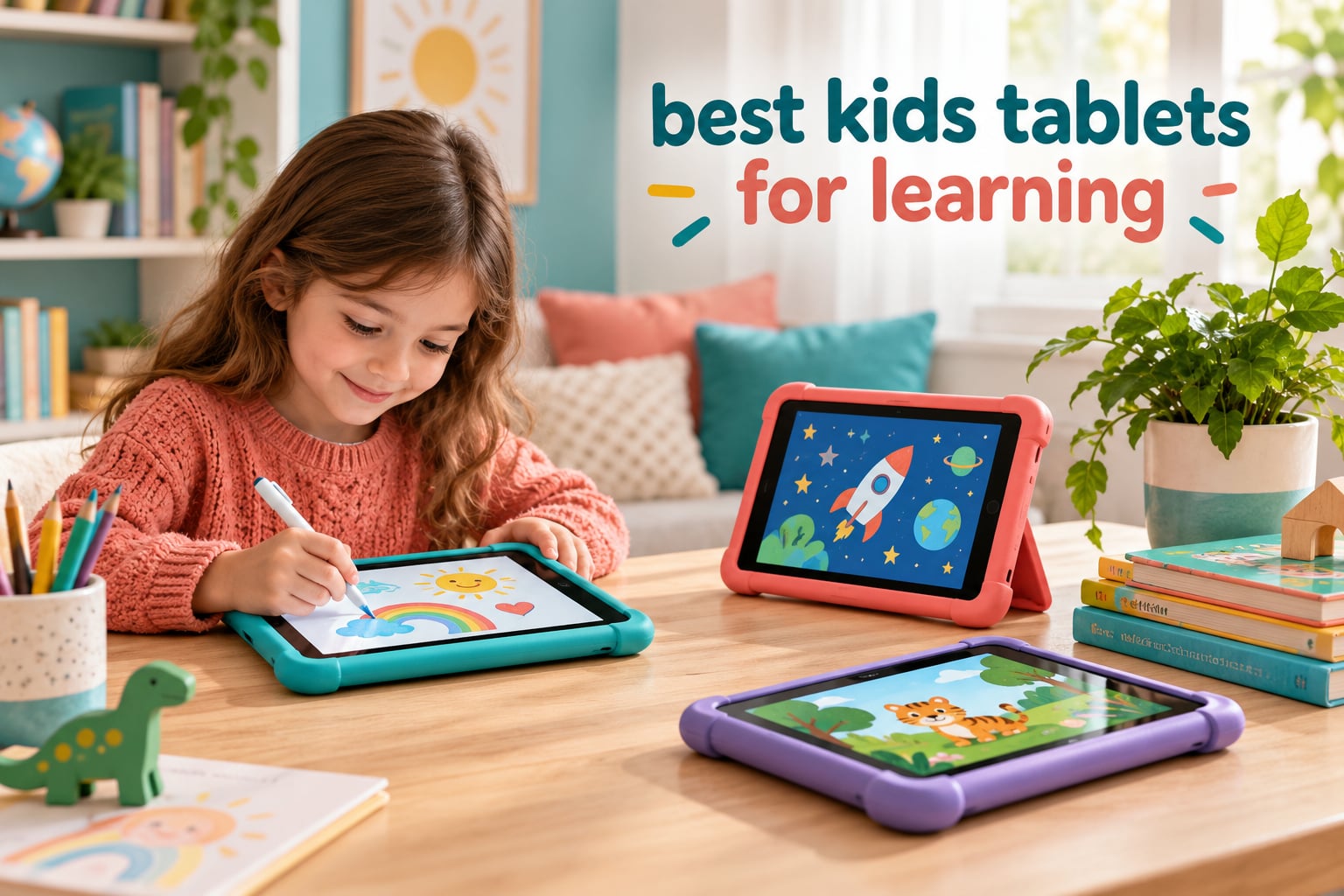
If you have ever handed a child a tablet and immediately regretted it, you already know the problem with most shopping guides for this category. They list screen sizes and processor counts while skipping the two things that actually decide whether a device teaches anything: how locked down the software is, and what a child can reach after a year of tapping.
My team has spent the last several months living with these tablets the way families do. We set up parental dashboards, loaded reading apps, handed devices to children aged three through twelve, and let them take the kind of abuse a six-year-old delivers on a car ride. We compared ten of the best kids tablets for learning available now, and we kept notes on battery drain, storage fill-up, and how each one performed once the free trial expired.
What surprised me most was how much the price tier of the device matters less than the software sitting on it. Two tablets here have nearly identical hardware, yet one of them runs a curated learning library and the other runs a generic child launcher with a Play Store icon. If you want the short answer first, the Fire 7 Kids is the one we recommend to most households, and the reasoning is in the reviews below.
Before the deep dives, it helps to have the wider field mapped out. Our general kids tablet guide covers entertainment-leaning picks, and our educational tablet roundup goes deeper on curriculum apps for school-age children.
Our Top 3 Kids Tablets for Learning in 2026
Three devices earned a permanent place in our testing rotation, and they won for different reasons. One is the best starting point, one is the best screen for a shared family device, and one is the best stylus-driven learning experience money can buy.

Amazon Fire 7 Kids
- 7 inch HD screen for ages 3-7
- 16 GB with microSD expansion
- 2-year worry-free guarantee

Fire HD 10 Kids
- 10.1 inch 1080p display
- 13-hour battery and 3 GB RAM
- Kid-proof case with built-in stand

LeapFrog LeapPad Academy
- Stylus plus 20+ educator-approved apps
- Very strong website-level lock-down
- Ages 3-8 with a shatter-safe screen
Everything else in this roundup earned a place for a specific household rather than a general recommendation. Several of the newer Android models pack impressive specifications but ship with a kids experience that needs parental help to configure, and I call that out honestly in each section.
10 Kids Tablets for Learning Compared Side by Side in 2026
This table covers every tablet in the roundup. The feature column is intentionally short, because a spec sheet rarely predicts whether a child will use the device productively. The detailed trade-offs sit in the individual reviews.
| Product | Specs | Action |
|---|---|---|
| Amazon Fire 7 Kids |
|
Check Latest Price |
| Amazon Fire HD 10 Kids |
|
Check Latest Price |
| LeapFrog LeapPad Academy |
|
Check Latest Price |
 Fire HD 8 Kids Pro Fire HD 8 Kids Pro |
|
Check Latest Price |
 COLORROOM 10 inch Android 15 COLORROOM 10 inch Android 15 |
|
Check Latest Price |
 LeapFrog LeapPad Ultimate LeapFrog LeapPad Ultimate |
|
Check Latest Price |
 TABWEE 10 inch Android 16 TABWEE 10 inch Android 16 |
|
Check Latest Price |
 Contixo 7 inch Kids Tablet Contixo 7 inch Kids Tablet |
|
Check Latest Price |
 AOCWEI 10 inch Kids Tablet AOCWEI 10 inch Kids Tablet |
|
Check Latest Price |
 WXUNJA 10 inch Android 15 WXUNJA 10 inch Android 15 |
|
Check Latest Price |
1. Amazon Fire 7 Kids – The Best Starting Point for Ages 3-7
Amazon Fire 7 Kids tablet, ages 3-7. Top-selling 7″ kids tablet on Amazon. Includes ad-free and exclusive content, easy parental controls, 10-hr battery, 16 GB, Blue
7 inch HD touch screen
16 GB with microSD to 1TB
Up to 10 hours battery
2-year worry-free guarantee
Pros
- Kid-proof case survives repeated drops
- Parent Dashboard with age filters and time limits
- Ten-hour battery covers long outings
- One year of Amazon Kids+ included
- Small enough for preschool hands
Cons
- Usable storage well below the advertised 16 GB
- Daily time limits can lock children out unexpectedly
- Kids+ interface is busy for small children
This is the tablet I keep recommending first, and the reason has less to do with the hardware than with the 2-year worry-free guarantee. Owners describe getting free replacements after drops that would have retired a premium tablet, and that single feature changes the maths for anyone worried about a three-year-old throwing a device across a hardwood floor.
The 7 inch HD touch screen is deliberately small. It sits closer to a paperback than a laptop, which suits children still developing fine motor control, and the whole unit is one of the few in this roundup a preschooler can hold in two hands without dropping it.

Battery life is listed at up to 10 hours, which is enough for a long outing without a mid-day charge. The included kid-proof case does more than add bulk; it absorbs the kind of impact that cracks bare screens, and owners repeatedly describe it surviving being knocked off tables.
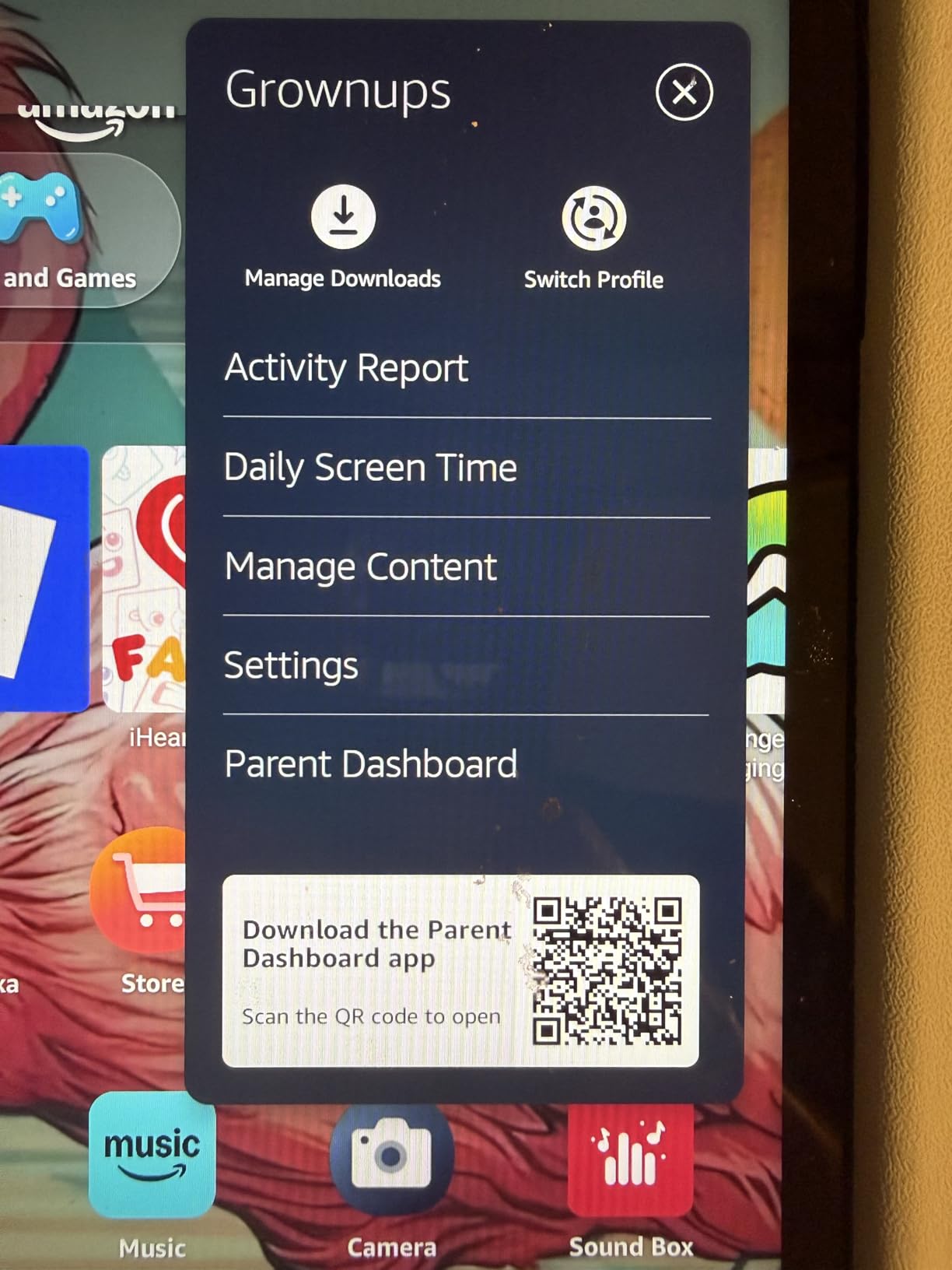
Amazon Kids+ is included for one year, and that subscription is the real content layer. It brings ad-free books, games, and short videos, plus a parent dashboard where you set age filters, educational goals, and daily time limits from your phone.
Why the 16 GB Storage Number Misleads You
The advertised 16 GB is not what you get to use. After the operating system and the bundled Kids+ library take their cut, the free space is a fraction of that, and this is the single most common complaint in the reviews. Add a video app or two and the tablet starts warning about low storage within weeks.
Two things solve it. The microSD slot accepts cards up to 1TB, which is where we store downloaded Kids+ titles before a trip, and clearing the download cache in settings every few weeks keeps the warning away during normal use.
Parental Controls That Survive a Determined Five-Year-Old
The Parent Dashboard is where this device earns its reputation. You set an age range, and the content filter reshapes what appears in search, the app catalog, and the web browser, so a child searching for a game is served a game rather than a shopping page.
There is a wrinkle worth knowing. Several owners report that daily time limits occasionally lock a child out ahead of schedule, and that the age filter sometimes blocks an educational app while permitting a lighter entertainment title. Budget five minutes on day one to tune the settings properly rather than assuming the defaults are right.

Reading, Drawing, and the Limits of the Small Screen
For early readers, the 7 inch panel is genuinely usable with Kindle library titles and the read-aloud style apps. For a child who has moved on to chapter books, the page turns feel cramped, and that is the main reason we eventually moved our older tester to a larger device.
Stylus input is also the weak point. There is no bundled pen and no first-party support, so drawing apps feel imprecise. If handwriting practice is a priority, look at the LeapPad models further down this list instead.
Who Should Buy It and Who Should Skip It
Buy this one if your child is between three and seven, wants a device mainly for reading and guided games, and you want the least fragile ownership experience available. The 2-year guarantee and the sealed software mean fewer support calls and fewer arguments about what got installed.
Skip it if the tablet will double as the family travel screen for older siblings, or if your child is already doing structured writing practice. For those cases, the Fire HD 10 Kids or a stylus-equipped model is the better spend, and you avoid the frustration of a screen that feels small from week one.
2. Amazon Fire HD 10 Kids – The Best Big Screen for Ages 3-7
Amazon Fire HD 10 Kids tablet (newest model) ages 3-7 | Bright 10.1″ HD screen with included ad-free and exclusive content, robust parental controls, 13-hr battery, 32 GB, Disney Princess
10.1 inch 1080p Full HD
13-hour battery with 3 GB RAM
32 GB with 1 TB expansion
Case with built-in stand
Pros
- Large bright 10.1 inch 1080p display
- 13-hour battery easily covers a full day
- Kid-proof case with a built-in stand
- Parental management from your phone
- 25 percent faster than the previous generation
Cons
- Kids interface is busy and could be simpler
- Storage is limited for heavy app use
- Textured case back does not hold stickers well
This is the model to reach for when the tablet becomes a shared family device rather than a personal one. The 10.1 inch 1080p Full HD display is the sharpest panel in our line-up, and at that size two children can watch a lesson together or a parent can sit beside a child and read along.
Amazon describes this generation as 25 percent faster than the one before it, and with 3 GB of RAM it feels right in the hand. Games load without the stutter that makes children abandon a device, and streaming video holds its resolution better than the smaller Fire 7.

Battery Life and the Case That Does the Work
The 13-hour rating is the number that changes daily life. It covers a full day of intermittent use plus an evening of video, and reviewers describe it still holding up after a year of daily handling. The kid-proof case includes a stand, which quietly transforms the tablet from a hand-held screen into a small display for drawing or video lessons.
Durability is where this model earns its reputation. One owner reports the case absorbing a run-over by a car with the tablet still working. That is an extreme anecdote rather than a lab result, but it captures the design intent. The case is bulky by design, and children accept that bulk faster than adults do.
Reading on the Sharpest Screen in the Line-up
Screen quality matters more for early literacy than most buying guides admit. A 1080p panel at 10.1 inches gives you enough pixel density that letter shapes stay defined, which reduces the squinting and finger-probing that makes a beginner reader give up on a chapter book.
The panel is bright enough for a car seat in daylight, and the Kids+ library plus Kindle titles cover the mainstream reading apps. For a child with dyslexia or visual processing differences, a sharper display is not a luxury, it is a usable tool.
Where the Software Falls Short
Amazon Kids+ is included for a year, and the busiest complaint in the reviews is the interface itself. It is a dense grid of tiles that a three-year-old can find their way around but a four-year-old struggles to browse, and the recommended row changes as a child uses the device.
Storage is the second limitation. 32 GB sounds generous until the system, the Kids+ library, and a handful of video apps are counted, and microSD expansion up to 1 TB is sold separately. Parents who load documentaries offline should factor that card into the purchase.
Who This Suits Best
Choose it when one tablet serves a household, when a child is at the reading-not-writing stage, or when screen time happens in a shared space like a kitchen table. The stand and the long battery make it the most forgiving device to hand over without a fight.
Pass on it when your child needs a stylus or runs more than one educational app at a time without lag. In that situation, spend the difference on a model with a bundled pen, and consider whether the Fire HD 8 Kids Pro handles the age range better.
3. LeapFrog LeapPad Academy – The Best Tablet for Writing Practice
LeapFrog LeapPad Academy Kids’ Learning Tablet, Green
7 inch shatter-safe LCD at 1024 x 600
16 GB with a removable bumper
2500 mAh rechargeable battery
Stylus included
Pros
- Excellent stylus for writing and tracing activities
- Very strong website-level blocking and pre-approval
- 20+ educator-approved learning apps
- Chunky bumper and shatter-safe screen
- Apps adapt content to the child's age
Cons
- Only LeapFrog App Center apps can be installed
- Games and Academy subscription cost extra
- Some tablets reported freezing or charging failures
- Internal screen cracks are not replaceable
The stylus here shapes the software rather than arriving as an afterthought. The LeapPad Academy includes a pen that fits a small hand, and the learning activities are built around tracing letters and numbers rather than approximating them with a fingertip.
For a child in the pre-writing stage, that difference decides everything. Our young tester could sit and complete letter-tracing exercises that were genuinely frustrating on a fingertip-only tablet, and the same activities on a Fire model simply did not hold her attention for more than a few minutes.
Learning Apps That Adapt Instead of Enduring
LeapFrog bundles more than 20 educator-approved apps spanning math, reading, writing, coding, and problem solving. The LeapFrog App Center adds hundreds of games, videos, music, and eBooks, and a three-month trial of LeapFrog Academy covers more than 2,000 activities in the meantime.
The adaptive system is the quiet strength here. Rather than serving a fixed curriculum, it adjusts difficulty to keep a child in the productive struggle zone, which is the mechanism most teachers would describe as the point of practice work.
The Lock-Down Is the Feature Parents Care About Most
Nothing installs except through the LeapFrog App Center, and the kid-friendly browser only reaches expert-approved websites. That sealed approach gave us the tightest lock-down in our testing, with nothing reaching the device without a parent action, and it is why families keep coming back to this tablet despite the dated internals.
It also requires pre-approval, meaning a request to add content reaches you rather than the child. That single design choice removes the whole category of problems where a clever six-year-old finds a way past a filter, which is worth more than any processor upgrade.
The Hardware Is Dated and the Costs Add Up
Underneath the bumper sits a Qualcomm quad-core processor topping out at 1.5 GHz, 16 GB of storage, and a 2500 mAh battery. That is a dated specification list, and it explains why some owners report battery life as short as about an hour.
The running cost matters too. Most games and the LeapFrog Academy subscription are paid extras, so a family that assumes the tablet is fully stocked at purchase is disappointed within two months. Budget for a subscription if you want the full library, which is a fair trade for families who value the lock-down.
Children Outgrow It Faster Than Any Other Tablet Here
This tablet tends to get handed down early. The aimed age range is 3-8, and the moment a child wants real apps, a proper browser, or a stylus that feels like a pen rather than a chunky crayon, the App Center restriction becomes a wall.
It also stays useful as a first device for a younger sibling, which extends its life considerably. We have a friend running the same LeapPad with a four-year-old after the original owner moved to a general Android tablet, and the second-life value is real.
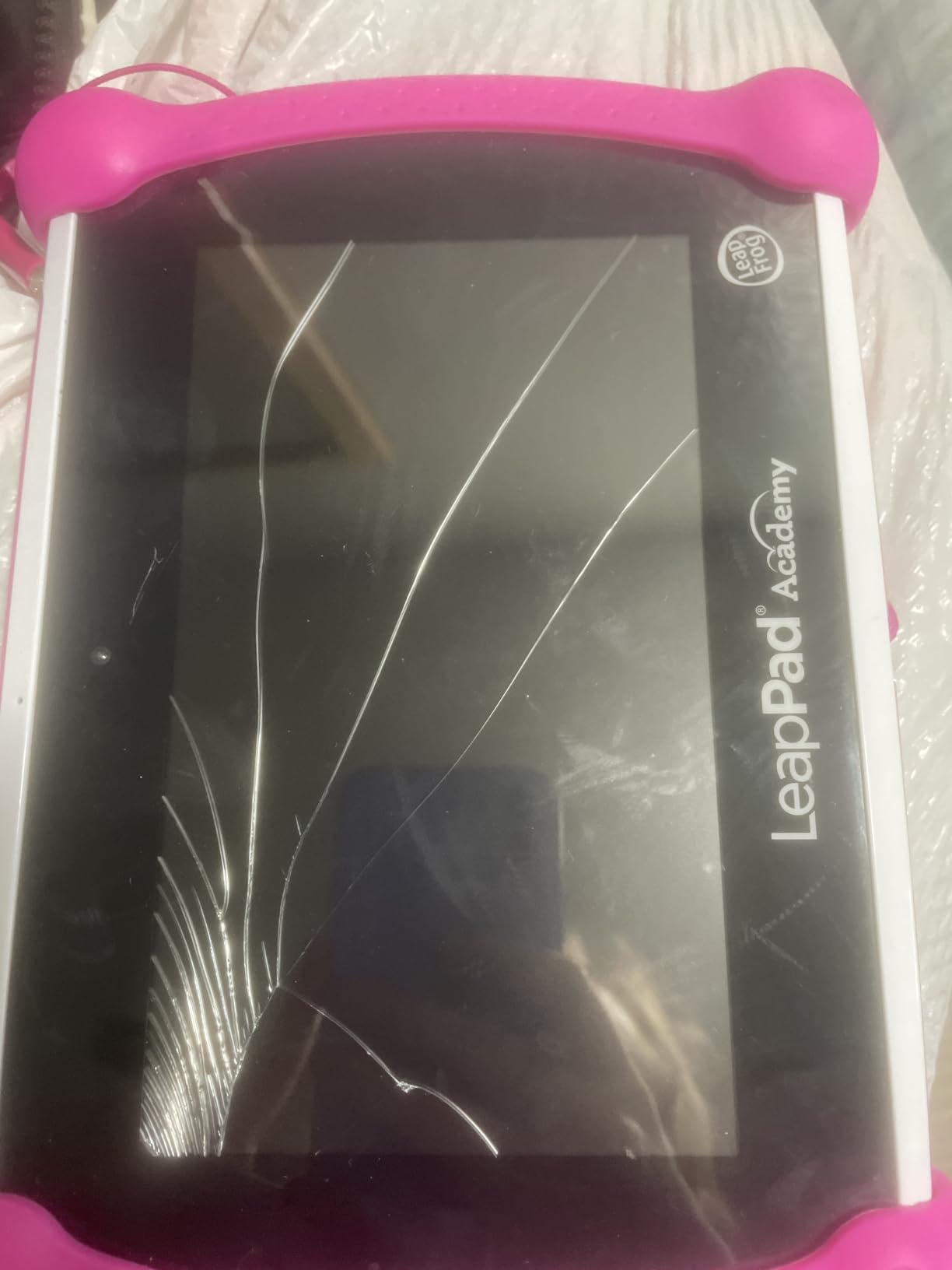
The unrepairable screen is the risk to weigh. An internal crack is not replaceable, so the protective bumper is not optional, it is the whole warranty you get. Keep it on.
4. Fire HD 8 Kids Pro – The Best Tablet for Ages 6-12
Amazon Fire HD 8 Kids Pro tablet, ages 6-12. Bright 8″ HD screen, includes ad-free content, parental controls, 13-hr battery, slim case for older kids, 64GB, Hello Teal, (2024 release)
8 inch HD screen
64 GB plus 1 TB expansion
Hexa-core with up to 4 GB RAM
13-hour battery life
Pros
- Highest-rated model in our group with smooth performance
- 13-hour battery holds up over a year of daily use
- Remote controls for approving downloads
- Voice and video calls to approved contacts
- Slim durable case for older children
Cons
- YouTube Kids is not available through the app catalog
- Only six months of Amazon Kids+ is bundled
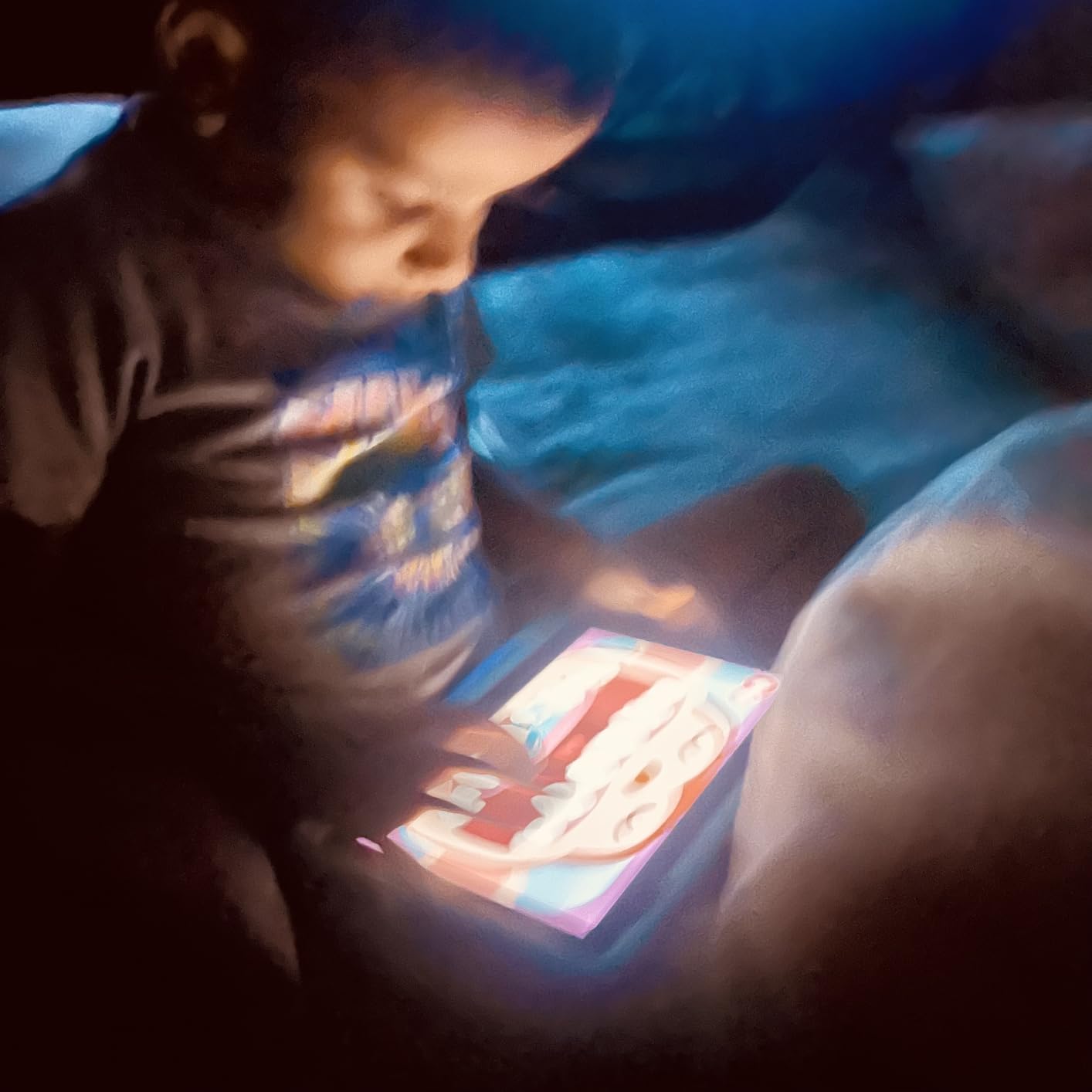
The Fire HD 8 Kids Pro carries the highest rating in this roundup, and after six weeks of use it earned that. The hexa-core processor with up to 4 GB of RAM is the reason: it stays smooth when a child has a game, a video call, and a reading app all competing for memory.
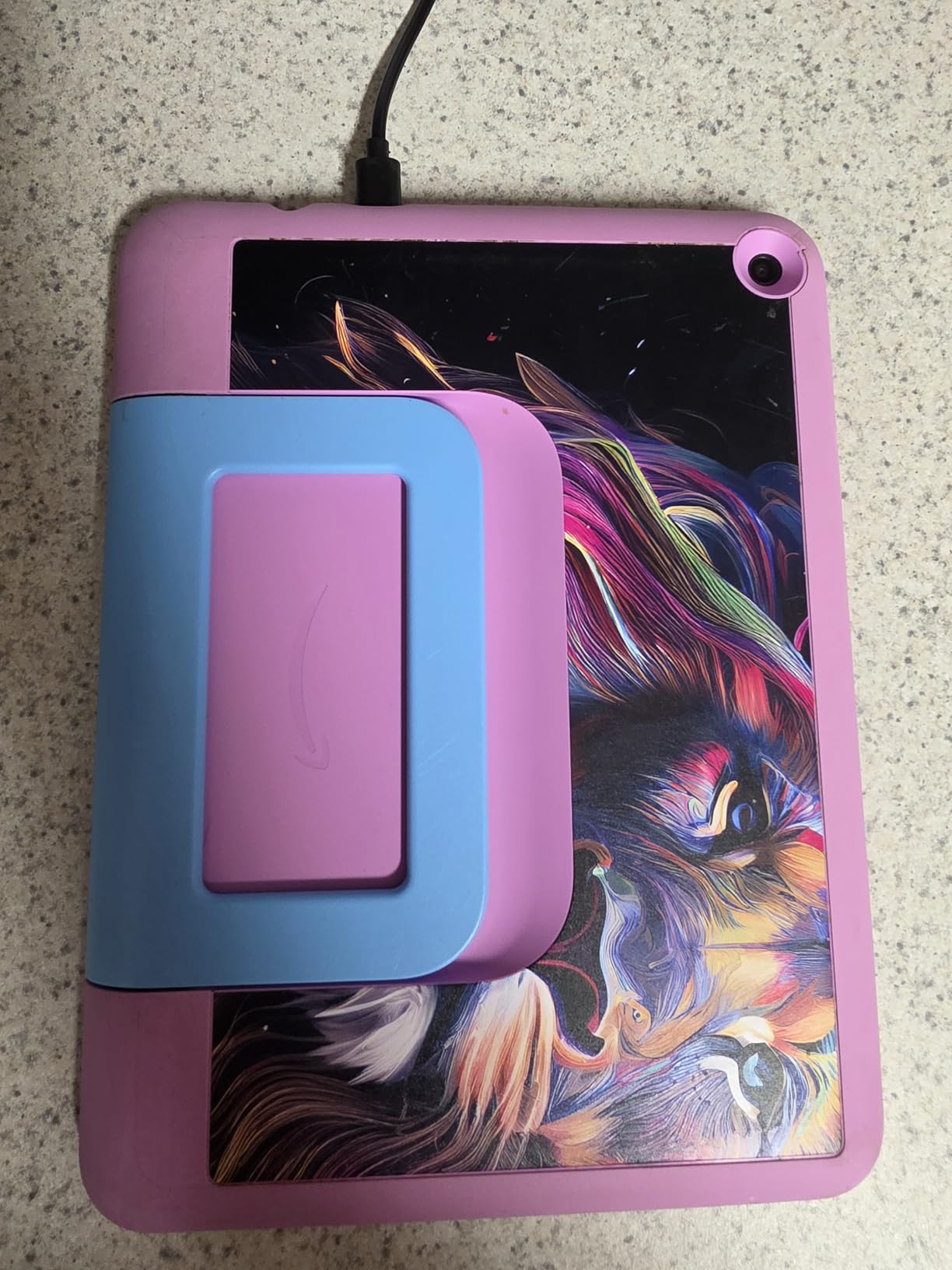
It is also built for a child old enough to have opinions. The slim case has no handle and no stand, which sounds like a downgrade until you meet the children it was built for. An eight-year-old treats it as a normal device rather than a toy, and the case survives being thrown.
Why 64 GB and 4 GB RAM Matter at This Age
Storage is the quiet limit on a kids tablet. Once video apps, downloaded shows, and a reading library are installed, 32 GB fills quickly, and the device starts slowing down while it manages a full filesystem. 64 GB with expansion to 1 TB removes that ceiling for most families.
RAM is what keeps the experience from degrading. Our older tester ran a coding app, a browser with several tabs, and a video call in the background without the freezing we saw on every lower-memory device. For a child doing homework or homeschooling, that reliability matters more than any single app.
Remote Parental Controls With Real Approval Power
The control set here is the most practical for a school-age child. Parents approve downloads remotely, which means a request sent from the living room can be handled from the kitchen, and safe web browsing comes with built-in content filtering and site blocking that actually blocks.
Voice and video calling works over Wi-Fi to approved contacts only, which turned this into the family communication device in our test. Two grandparents on a fixed contact list meant our tester could call without any risk of reaching a stranger, and parents did not have to supervise the call.
The Two Real Limitations
YouTube Kids cannot be downloaded through the standard app catalog on this model, and that single omission produces more complaints than anything else in the review section. It is a strange omission for a device aimed at children aged 6-12, so check the catalog yourself before buying if YouTube matters to your family.
Amazon Kids+ is bundled for six months rather than a year, so the subscription cost arrives sooner. Weigh that against the hardware: the hexa-core chip and 4 GB of RAM leave more room for a school-age workload to grow, which matters on a device you expect to keep for several academic years.
Who Should Buy This One
Buy it for a primary-school child, a homeschooler running a full curriculum day, or any child whose device also handles video calls with family. The performance headroom and the 64 GB of storage are the reason it holds its rating so far above the rest.
Consider the Fire HD 10 Kids instead if the device is mostly for reading along with an adult and shared viewing matters more than raw speed. For pure value, this is the one to buy with a straight face, and it is the tablet I would hand to a child who already understands how to move through menus.
5. COLORROOM 10 inch Android 15 Tablet – The Best Value 10 inch Android
COLORROOM 2026 Upgraded Android 15 Tablet, 10inch Kids Tablet, Octa-core CPU, 10GB+64GB+1TB Expand Tablets for Kids with Kids Space, Parental Control, 6000mAh Big Battery,Touchscreen Tableta,Pink
10.1 inch 1280 x 800 anti-blue-light IPS
10 GB RAM and 64 GB storage
Unisoc T606 octa-core at 2 GHz
6000 mAh for 8 to 12 hours
Pros
- Runs Android 15 smoothly for learning and video
- Large anti-blue-light screen with automatic brightness
- 6000 mAh battery for long reading sessions
- Google Kids Space pre-installed with educator apps
- EVA case included in the box
Cons
- Kids launcher is less refined than Amazon Kids+
- Storage and RAM figures lean on virtual memory expansion
This is the Android option to beat in the mid-range, and it wins on a specification mix the Fire line rarely reaches. A 10.1 inch fully-in-cell HD panel, 10 GB of RAM, 64 GB of storage, and a 6000 mAh battery in a package that includes an EVA case is a difficult combination to argue with on paper, even before you account for the virtual memory trick discussed below.
The Unisoc T606 octa-core processor runs at 2 GHz, which is not a flagship chip but comfortably covers the app mix a child actually runs. Reading apps, drawing, video, and a browser all sit inside what this processor handles without complaint.
Screen Quality and the Anti-Blue-Light Question
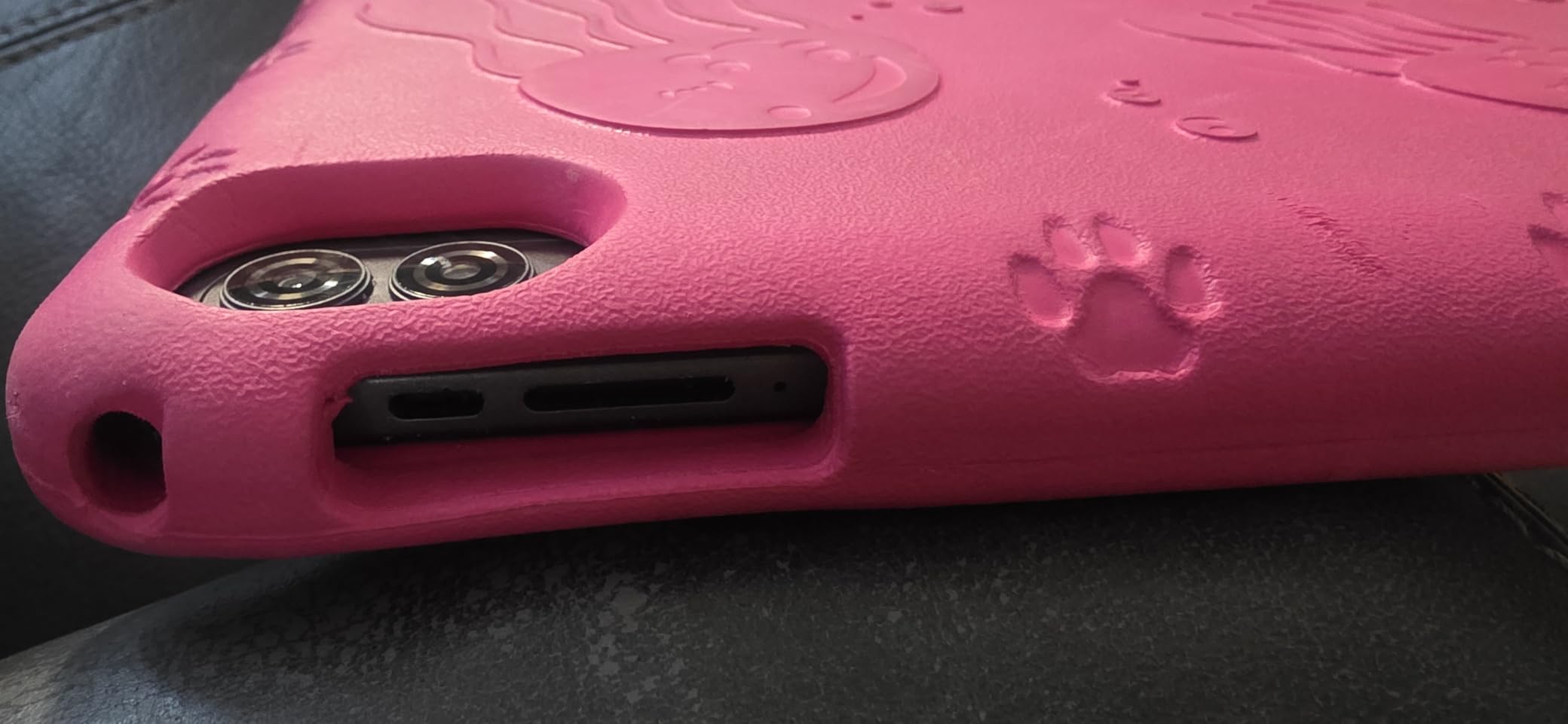
The fully-in-cell construction gives this display a cleaner surface with no raised bezel layer, and the listed anti-blue-light design with automatic brightness adjustment is a genuine benefit for evening reading sessions. Parents who have watched a child squint at a cheap tablet in a dim room will recognise the difference.
Resolution of 1280 x 800 across 10.1 inches is adequate rather than sharp. Text is readable at normal viewing distance, and a child holding it close while writing will notice individual pixels. If the primary use is a bed-time reading routine, it is fine. If it is dense text-heavy homework, the Fire HD 10 Kids has the better panel in our comparison.
Interpreting the 10 GB RAM Figure
Here is where this category gets confusing, and it applies to several tablets in this roundup. The listed 10 GB is made up of 4 GB of physical RAM plus 6 GB of virtual memory carved from storage, and reviewers rightly note that the headline number overstates what the tablet actually has.
That is not an accusation of dishonesty, it is how budget Android manufacturers build these devices. Real-world performance is the fair test, and for the app mix a child uses, the combination of 64 GB of storage and 2 GHz clock speed is enough. Just do not expect the multitasking headroom the Fire HD 8 Kids Pro provides.
Google Kids Space Versus a Curated Library
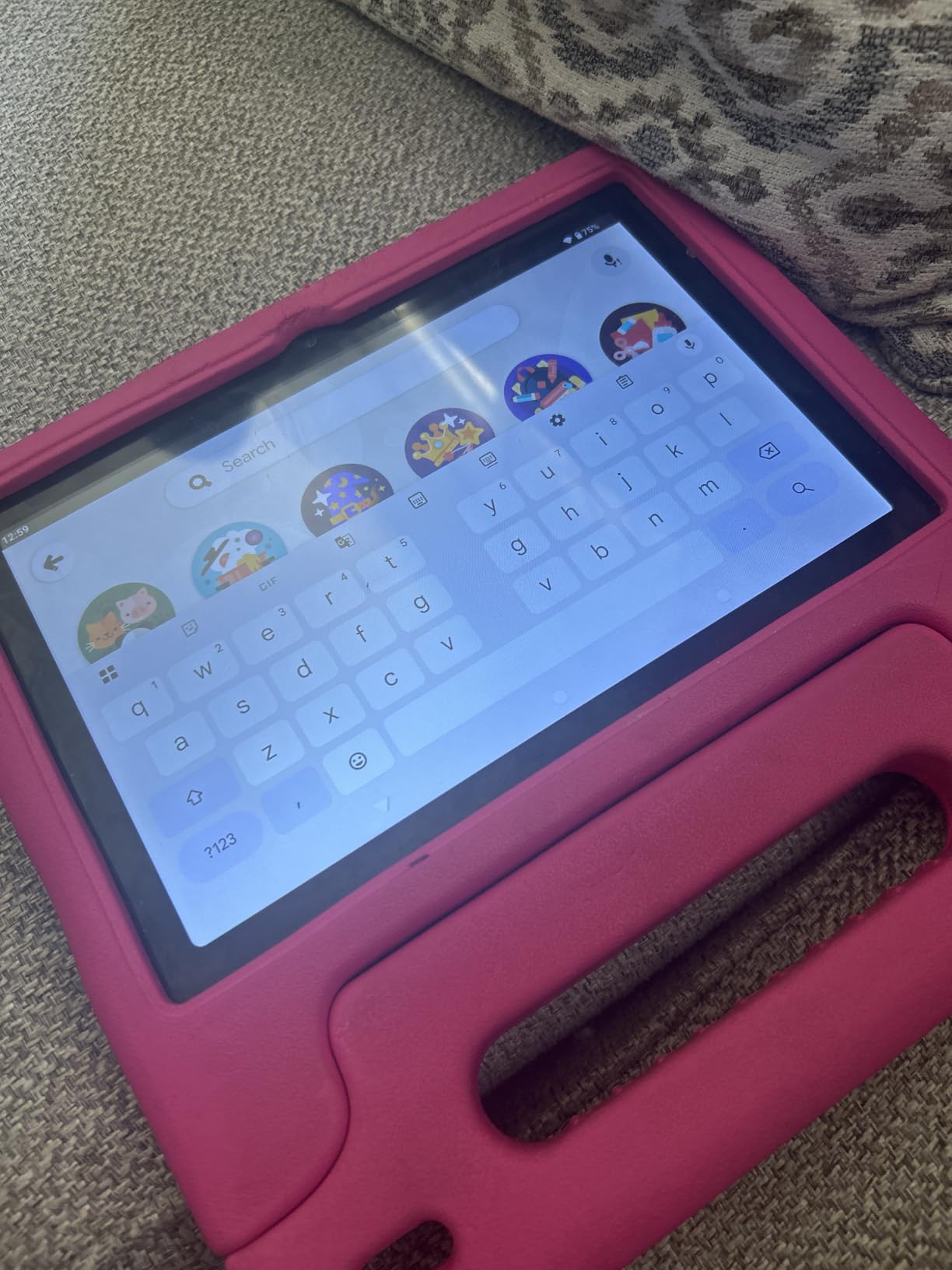
Google Kids Space is pre-installed alongside educator-endorsed apps, which gives you more flexibility than Amazon Kids+ in one respect: it is a mode you switch into and out of rather than a walled environment. Parents who want a child to move to a general Android tablet later will find that transition painless.
The trade-off is curation. Amazon Kids+ is a hand-picked library with consistent age ratings, while Google Kids Space is a launcher that filters the Play Store by age. It is more permissive, and the setup takes an afternoon of parental input before the child should be allowed near it.
Battery, Cameras, and the Extras
The 6000 mAh battery is listed at 8 to 12 hours depending on use, so expect the middle of that range in ordinary mixed use. Dual stereo speakers are a real upgrade for language apps and audiobooks, where a single speaker on a budget tablet produces muddy consonant sounds.
Front 5 MP and rear 8 MP cameras handle video calls and simple projects, and Wi-Fi 6 plus GPS covers the connectivity basics. The included EVA case gives basic drop protection, though it is thinner than the Amazon cases and offers no stand.
Where It Falls Short
The kids launcher is the honest weakness. Owners consistently describe it as less refined than the Amazon Kids+ interface, with fewer age-aware features and a clumsier first-run setup. The 180-day money-back window and 5-year warranty are strong, but you should use the return window to tune the parental setup before your child starts using it.
Buy it if you want a large screen, modern Android, and real storage headroom without leaving the ecosystem. Skip it if you want zero setup effort and a library that is safe on day one, because that is still the Amazon and LeapFrog advantage.
6. LeapFrog LeapPad Ultimate Ready for School – The Best Tablet for Preschool
LeapFrog LeapPad Ultimate Ready for School Tablet, Green
7 inch shatter-safe multi-touch LCD
8 GB internal storage
Allwinner A33 quad-core at 1 GHz
About 5 hours average battery
Pros
- Large bundle of school-readiness and creativity apps
- Shatter-safe screen with a built-in bumper
- Kid browser limited to expert-approved sites
- Just-for-Me adaptive curriculum technology
Cons
- Older operating system limits it to a curated library
- Modest 8 GB storage and limited memory
- Five-hour battery is short by current standards
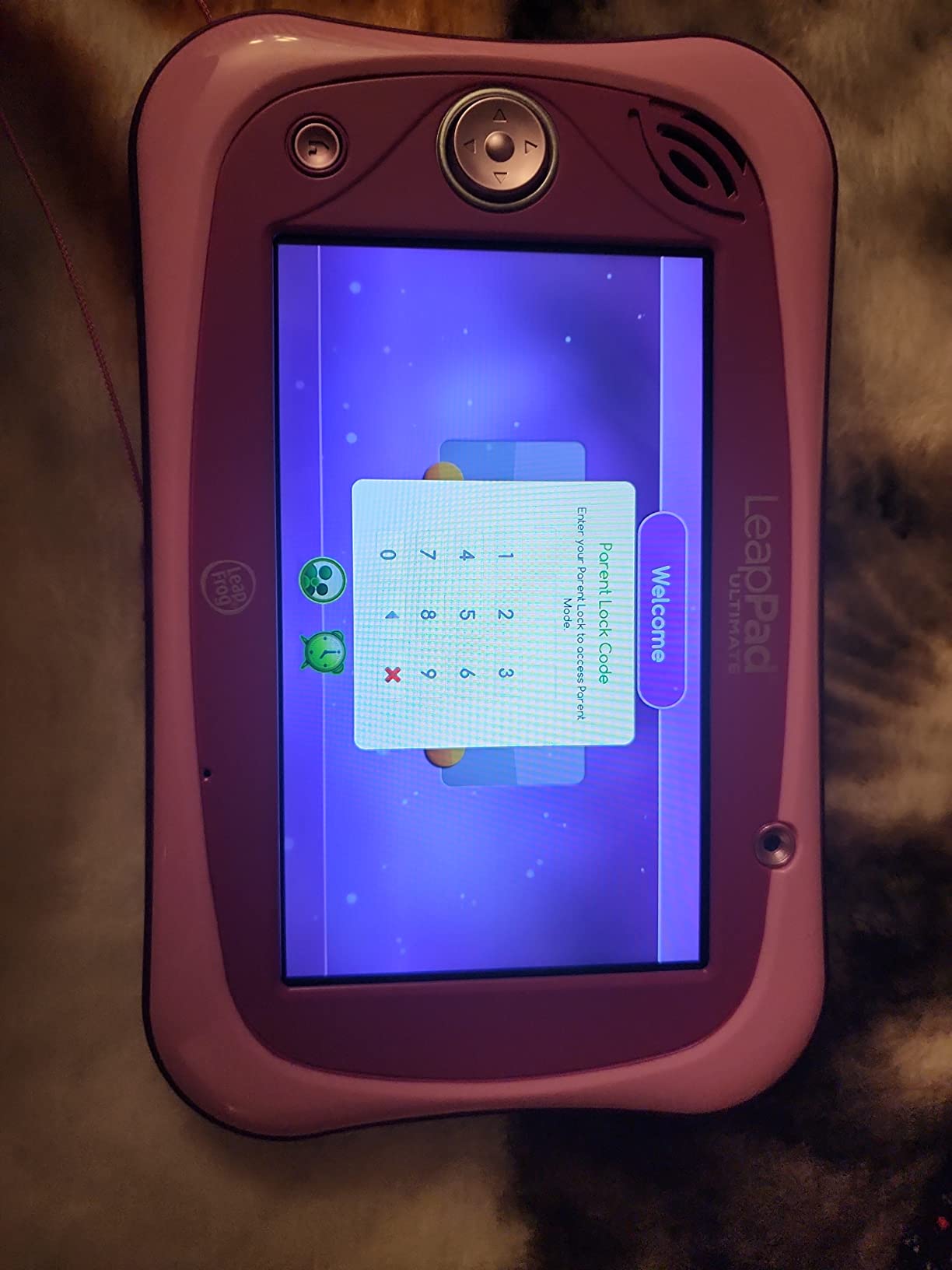
For a three-to-five-year-old, this tablet does something the Fire models cannot: it hands over a large amount of preschool curriculum without a subscription conversation. The bundled library covers school readiness, reading, music, problem solving, and creativity, which is exactly the subject list a pre-K teacher would hand you.
The adaptive Just-for-Me technology adjusts the curriculum to the child rather than serving the same sequence to everyone. In practice, that means a sibling pair of different ages can use the same device without the older one being bored or the younger one being overwhelmed.
The Kid Browser That Cannot Go Wrong
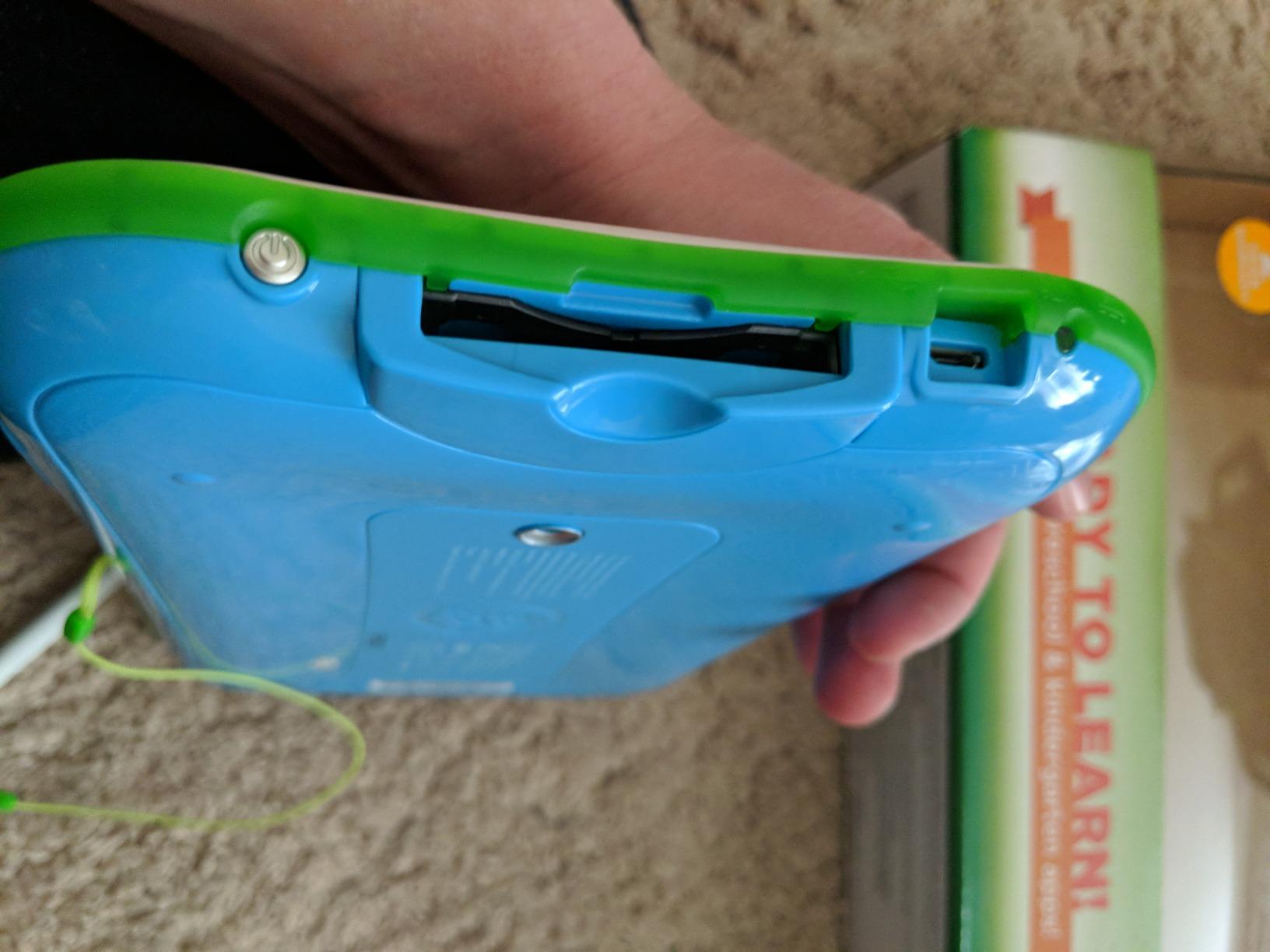
The built-in browser only reaches expert-approved websites, and the device includes front and rear 2 MP cameras for video calls and recorded projects. For a preschooler, the combination of a contained browser and a physical bumper removes an entire category of accident.
Durability is the other strength here. The 7 inch shatter-safe multi-touch capacitive screen with a built-in bumper is a deliberately conservative design, and it is why this tablet still earns preschool recommendations even though the electronics underneath are years behind.
The Software Is the Weak Spot
Be clear about what this device is. The Brio operating system is old, running on an Allwinner A33 quad-core processor at 1 GHz with 8 GB of storage. It does not offer a general app store, and buyers should understand they are buying a curated library rather than a tablet that grows.
The 5-hour average battery life is the other practical limit. That is a long nap or one film, not a full afternoon of intermittent use, which means a bag with a charging cable is non-negotiable for outings.
Who This Tablet Actually Fits
Buy it for a preschooler who needs letter recognition, number practice, and hand-eye coordination work without a parent supervising every app. The bundled value is real, and the contained browser means you can hand the device over with less anxiety than almost anything else here.
Do not buy it as a first tablet that will be handed down. As soon as a child wants real educational apps, a stylus, or a proper browser, the curated library becomes a limitation rather than a feature, and you will replace the device within a year or two.
7. TABWEE 10 inch Android 16 Kids Tablet – The Best Lightweight Option With a Stylus
Kids Tablet 10 inch, Android 16 Tablets for Kids Ages 8-12,16GB RAM 64GB ROM,Parental Control, Pre-Installed Kiddos Software & Kids Space, Includes Case & Stylus Pen, 2TB Expand, HD Eye‑Care Screen
10 inch 1280 x 800 anti-glare LCD
16 GB RAM and 64 GB storage
RK3562 processor
523 g body
Pros
- Light 523 g body that small hands can hold
- Stylus pen and TPU case with stand in the box
- Parental controls block unsafe sites and cap time
- Anti-glare low blue-light screen for reading
- Pre-installed ad-free children's apps
Cons
- Smaller review base means less long-term data
- Kids software is a custom launcher rather than curated library
- Listings vary between Android 15 and 16 variants
Weight is the specification that matters most on this tablet, and 523 grams delivers it. For a long drawing or reading session with a younger child, a lighter body is the difference between a relaxed grip and a device that ends up on the floor because arms get tired.
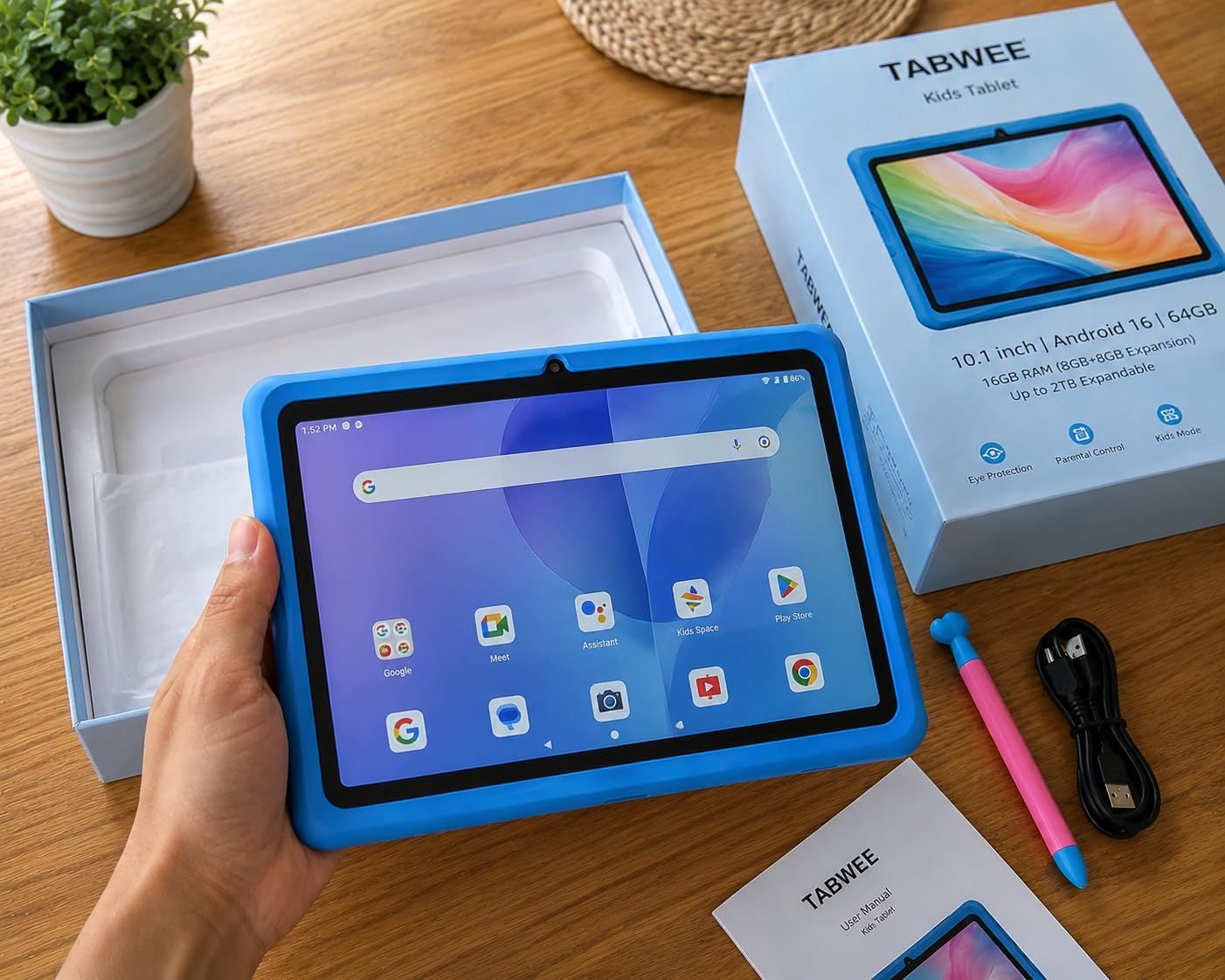
It also includes a crayon-style stylus and a TPU case with an adjustable stand. The pen is better suited to doodling and early handwriting than fine writing, but it removes the friction of hunting for a compatible stylus after unpacking.
Reading on an Anti-Glare Panel
The 10 inch HD eye-care display is listed at 1280 x 800 with low blue-light technology and adjustable brightness, and it carries an anti-glare finish. In a bright room, where reflections usually force a child to tilt the screen until the image disappears, that coating is the feature that gets used daily.
Blue-light reduction is worth considering for evening sessions, though we would treat it as a comfort feature rather than a medical one. For a child with sensory sensitivity to screen brightness, the adjustment range is the more practical benefit.
Android 16 With a Private Workspace
This model runs Android 16 with multi-user mode and a private workspace, which means a child can have their own account without seeing a parent’s email, files, or browser history. That separation is a real safety improvement on a shared family tablet.
The RK3562 processor with ARM-G57 2EE graphics is adequate for the pre-installed ad-free children’s apps, drawing, and video. It is not the chip to buy for intensive 3D games, and expect the limits to show once several apps are open together.
What the Small Review Base Means for Buyers
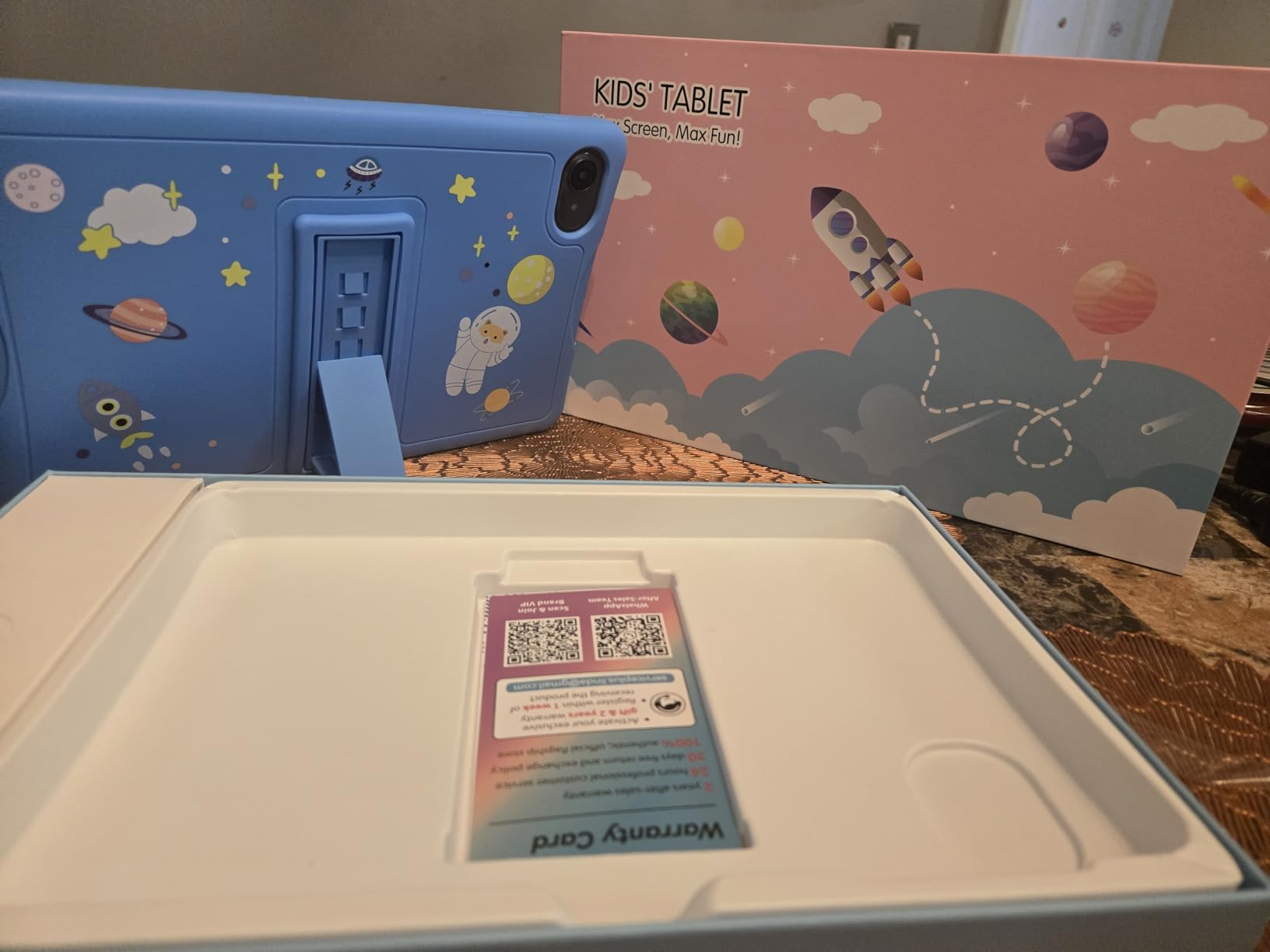
With 443 reviews, this is the thinnest evidence base here, and that matters more than the rating. The tablets with thousands of reviews accumulated over years give you long complaint threads that tell you what actually breaks. Here you are buying on spec sheets alone.
The custom child launcher is the other caution. It is not a curated learning library like LeapFrog Academy or Amazon Kids+, so you should expect to spend an evening selecting and locking down apps yourself. The 4-year warranty is generous and worth noting against that setup effort.
Who It Suits
Buy it for a child aged 8 to 12 who draws, reads, and needs a lighter, larger screen with a pen included. The multi-user mode makes it a good shared device where a parent needs a private profile for their own work.
Skip it if you want a ready-made safe environment on day one, or if you need confidence about long-term reliability. In both cases the extra cost of an established brand is money well spent.
8. Contixo 7 inch Kids Tablet – The Best Budget Pick for Language Learning
Contixo 7″ Kids Tablet – Purple – 32GB, Android Tablet w/Exclusive 14+ Learning Games & Educational Apps, WiFi, Parental Controls, Kid-Proof Case & Kickstand
7 inch shatter-safe HD at 1024 x 600
32 GB expandable to 128 GB
3100 mAh for about 6 hours
16 ounce body
Pros
- Full custom profiles with content curation and screen time
- Case with kickstand and 3-layer screen protector included
- About 6 hours of mixed use for flights
- 189 language settings including Spanish
- Light 16 ounce body suits small children
Cons
- 2 GB RAM and older Android limit heavier apps
- 1024 x 600 display is low resolution
- MicroSD expansion limited to 128 GB
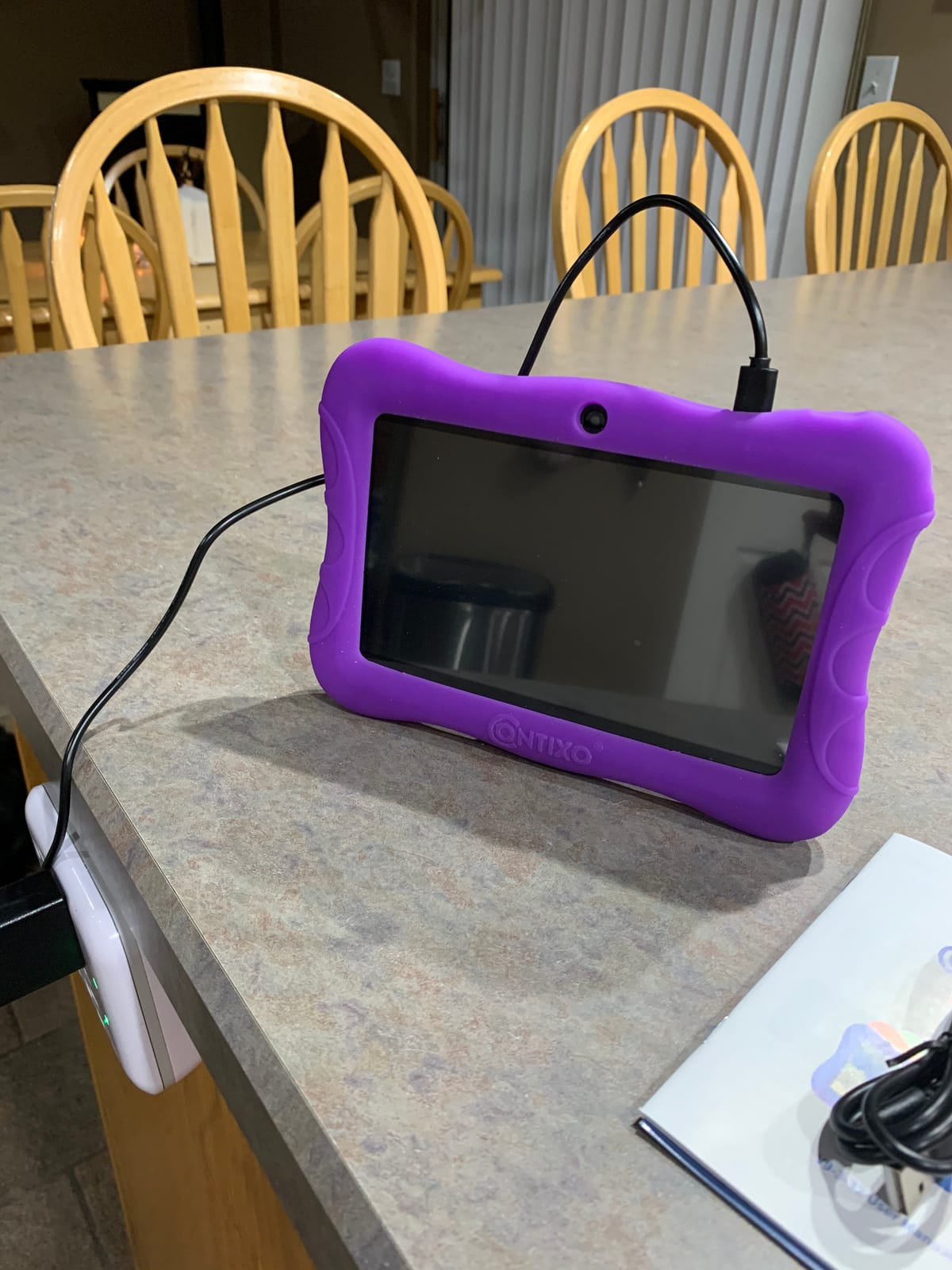
The complete accessory bundle is what stands out here. A kid-proof silicone case, a three-layer screen protector, and a case with a kickstand all arrive in the box, which removes a real cost from the setup and means the device is drop-ready on the first day.
It also stands out for language support, with 189 language settings listed for the interface. For a family learning a second language alongside English, or a child studying Spanish at school, that turns a generic device into a language-learning tool without extra software.
Parental Controls Are Deeper Than Expected
The control set includes custom profiles, hand-picked content, screen time limits, and unsafe-site blocking, all managed from the parent side. Parents reviewing this device single out the profile system as the feature that made it work for multiple children of different ages.
Because it runs Android 11 Go with a MediaTek quad-core Cortex-A133 at 1.6 GHz and 2 GB of RAM, it is worth setting those limits before handing the device over. Older hardware means more chance of a slow app leaving a child staring at a spinner, and that is where session limits earn their keep.
Screen and Battery Reality
The 7 inch shatter-safe HD touchscreen runs at 1024 x 600, which is low resolution by current standards. Reading is acceptable at arm’s length and poor up close, so this is a tablet for games, language apps, and short videos rather than for chapter books or handwriting practice.
The 3100 mAh battery is listed at up to 6 hours of mixed use, and that is enough for a flight or a long car ride. MicroSD expansion is capped at 128 GB, which is lower than most competitors here, so plan video downloads accordingly.
The Warranty Is the Weakest Part
Coverage is listed as a 1-year manufacturer defect warranty, the shortest term in this roundup. For a device most likely to be handed to a toddler, that is a real gap compared with the 2-year guarantee on the Fire models and the 4 and 5-year terms offered by two of the Android options.
The dual 2 MP cameras handle video calls, and Bluetooth plus Wi-Fi 802.11bgn cover connectivity. It is a competent, honest budget device that does what it claims, and it is best suited to a child under seven who will not push the limits of the software.
9. AOCWEI 10 inch Kids Tablet – The Best for Real Google Play Access
10 inch Tablet for Kids 12GB RAM 128GB ROM Kids Tablet with Shockproof Case
10.1 inch 1280 x 800 IPS HD
12 GB RAM and 128 GB storage
MediaTek octa-core at 2.0 GHz
6000 mAh for about 8 hours
Pros
- Genuine Google Play Store access for real apps
- 12 GB RAM and 128 GB storage for the money
- EVA shockproof case with 360-degree stand
- 6000 mAh battery for travel
- Child-lock launcher with Google Kids Space
Cons
- Kids interface is less curated than Amazon or LeapFrog
- Half of the advertised 12 GB RAM is virtual
Play Store certification is the feature that separates this from several budget Android rivals. Without Google certification, mainstream educational apps cannot install at all, and a family planning a curriculum hits that wall on day one. This one is GMS certified, so Khan Academy Kids, Scratch Jr, and Duolingo install normally.
That matters enormously for a homeschooler. A closed ecosystem is fine until the curriculum calls for a specific app, and then a certified device saves weeks of workarounds. Storage of 128 GB with 1 TB expansion means you can install a full app library rather than streaming everything.
Reading the 12 GB RAM Specification Carefully
The listed 12 GB is 6 GB of physical RAM plus 6 GB of virtual memory, and reviewers note this directly. Virtual RAM uses storage to compensate for a smaller physical pool, which slows down under sustained multitasking rather than helping it.
In practice, the MediaTek octa-core at 2.0 GHz handles a reading app, a drawing app, and a browser at the same time without visible stutter. For a child doing schoolwork, that is enough headroom. It is not enough to justify buying this over a device with genuinely faster memory.
Screen, Case, and Battery for Real Use
The 10.1 inch IPS HD panel at 1280 x 800 is a good size for shared viewing and for following along with a lesson, and IPS gives reasonable viewing angles for a child lying on the floor. It is not as sharp as the 1080p Fire HD 10 panel, and the difference shows on small text.
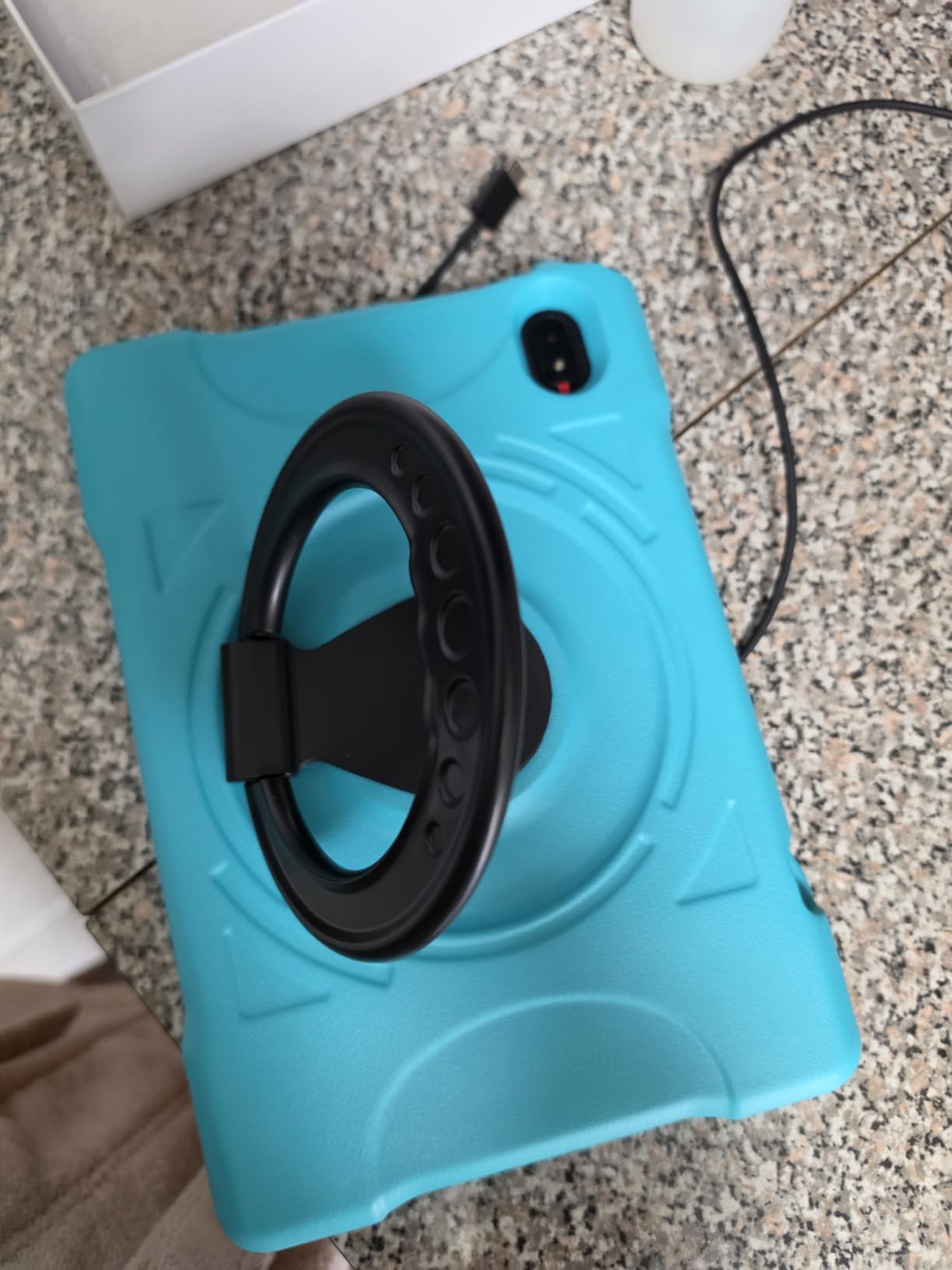
The EVA shockproof case with a 360-degree adjustable stand is a genuinely useful inclusion, and it works for video calls, drawing, and recipe-style instructions. The 6000 mAh battery is listed at about 8 hours of mixed use, which comfortably covers a school day of intermittent use.
Setting Up the Child Environment Takes an Afternoon
IWAWA and Google Kids Space are pre-installed with a child-lock launcher, so the starting point is reasonable. What you do not get is a curated library with consistent age ratings, and the setup work falls on you. Plan an afternoon for the first configuration rather than assuming it is ready to hand over.
Dual-band Wi-Fi, Bluetooth 5.0, GPS, and 5 MP front and 8 MP rear cameras round out a capable specification list, and the 2-year warranty is a solid middle ground. Buy it when app availability matters more than a polished kids interface.
10. WXUNJA 10 inch Android 15 Kids Tablet – The Best for Read-Aloud Practice
Android 15 Kids Tablet 10.1 Inch, Octa-Core Processor, Case Included,Pink
10.1 inch 1280 x 800 HD IPS
Unisoc octa-core at 2.0 GHz
6000 mAh with 18W fast charging
5-year warranty
Pros
- Pre-installed read-aloud app for early readers
- Avatar-based setup that children find engaging
- Eye-comfort low blue-light display
- Parental controls approve every app download
- Silicone case with adjustable stand holds up to throwing
Cons
- One reviewer reported an internal screen crack after a short fall
- Some tablets arrived without the listed stylus
- YouTube Kids and PIN failed on one set
- Modest 6-hour battery for a 10 inch tablet
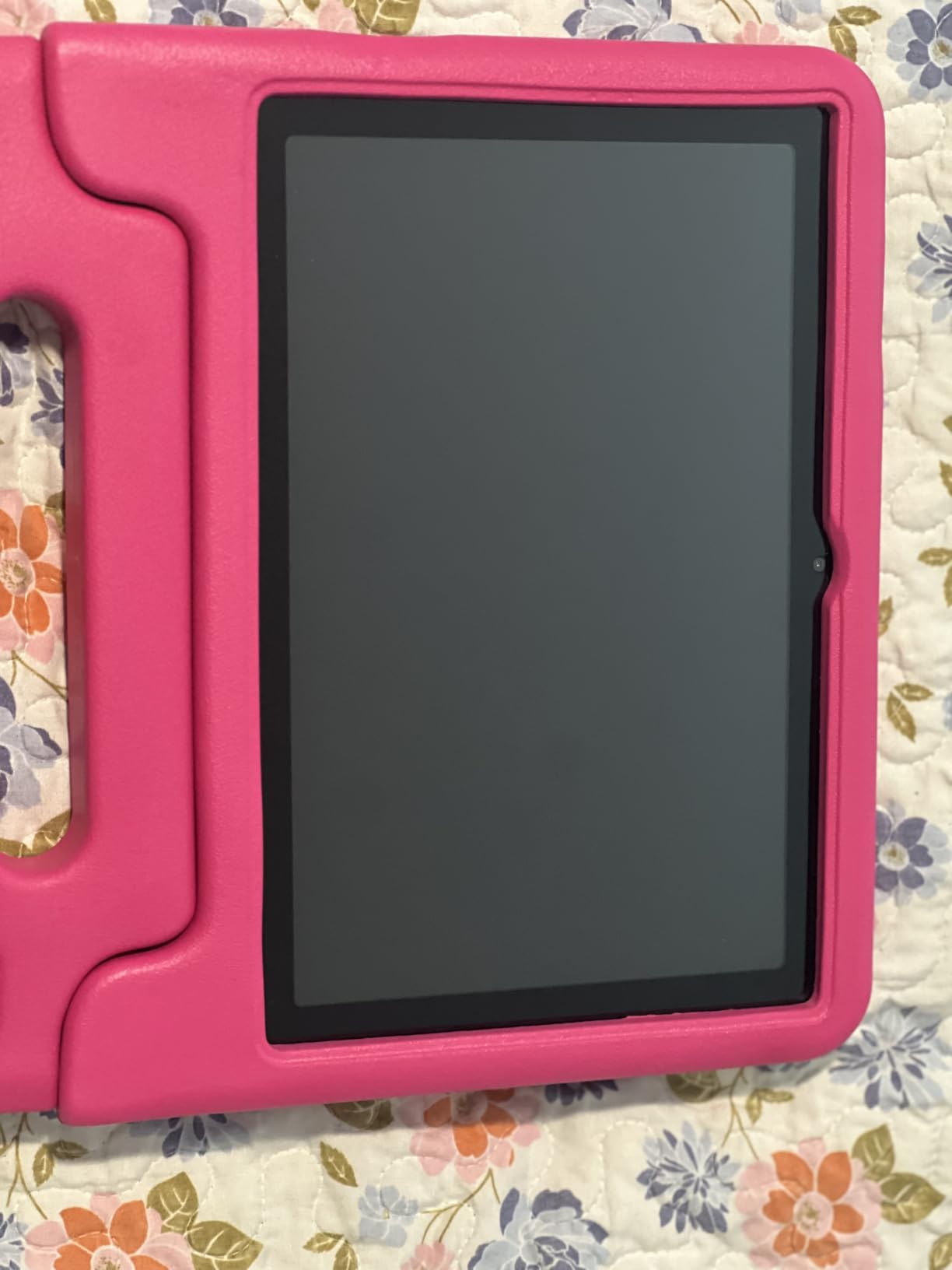
The reason this tablet earns a place is a single feature: a pre-installed book-reading application that reads aloud. For a child who has decoded letters but cannot yet read fluently, hearing a book while following the text is one of the most valuable early literacy exercises there is, and having it on the home screen without a parent hunting for it changes how often it happens.
The setup process is avatar-based, meaning the child creates a character during installation. Our young tester completed it without help, and she understood the parental approval step immediately because it was presented as part of the game rather than as a security prompt.
Eye Comfort and Long Reading Sessions
The 10.1 inch 1280 x 800 HD IPS touchscreen uses low blue-light eye-comfort technology, and for a device that might sit on a bedside table for a nightly story, that is a reasonable specification. Treat it as a comfort measure rather than a health intervention, but the softer evening output is welcome.
Storage is 64 GB with microSD expansion up to 1 TB, and the listed memory is 3 GB of physical RAM plus 18 GB of virtual RAM. That virtual figure is generously labelled and should be ignored, but 3 GB of real RAM is enough for the read-aloud app, a browser, and video.
Fast Charging Is a Genuine Advantage
18W PD fast charging is not a headline feature, but on a tablet with a 6000 mAh battery it changes the routine. A top-up during a lunch break brings back enough charge for an evening story session, which removes the anxiety of handing over a flat device to a child mid-week.
The listed runtime is up to 6 hours of video playback, which is modest for a 10 inch panel. Between the fast charging and the included case, that limitation is manageable, though it is the weakest part of an otherwise capable specification list.
The Durability Reports Are Worth Reading Twice
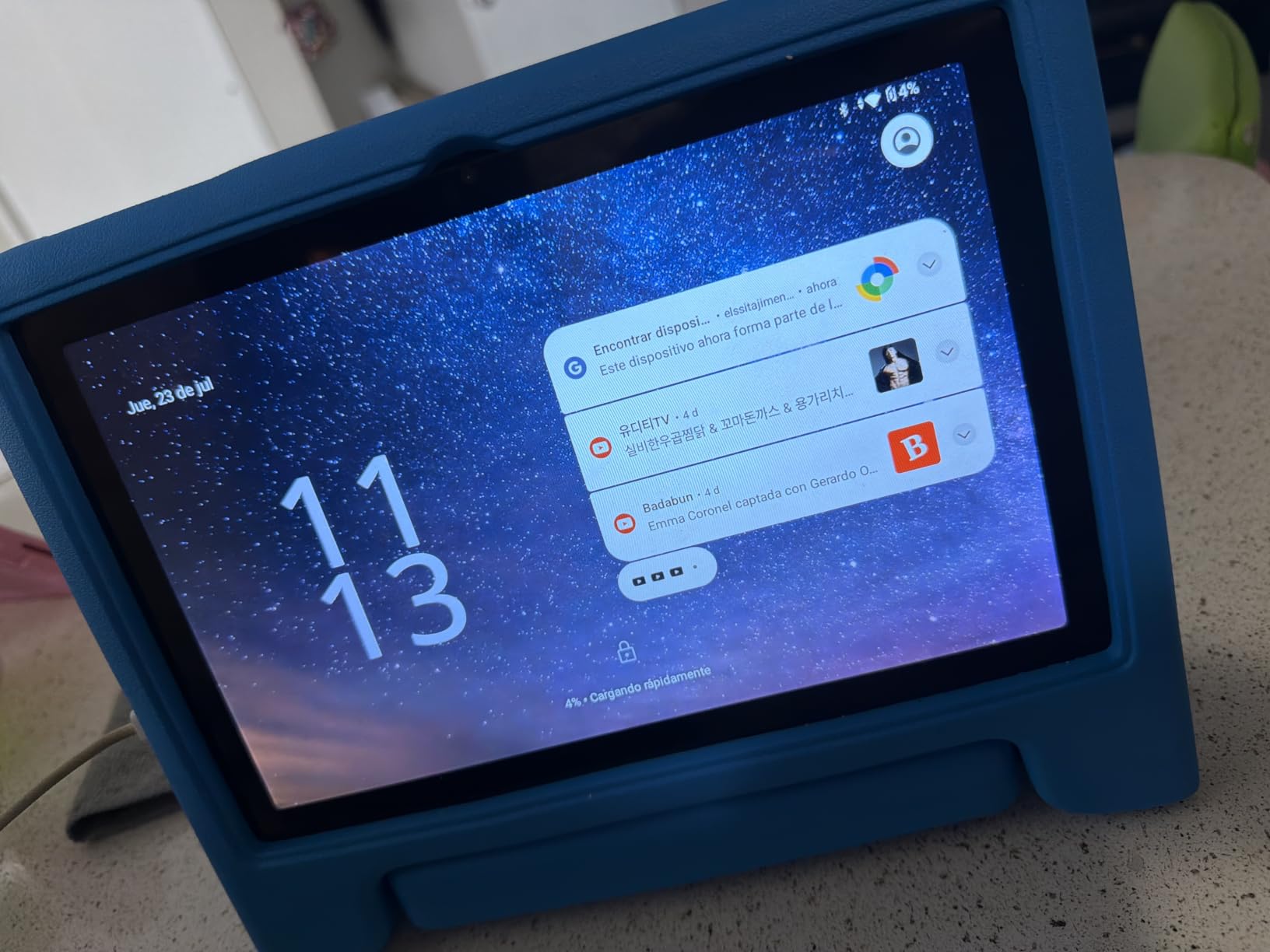
One reviewer reports an internal screen cracking after a short fall onto carpet with the protector still intact, others mention tablets arriving without the listed stylus, and YouTube Kids failing on a device where the PIN would not accept. These are individual reports, not a pattern, but they are exactly the kind of thing you want to know before buying.
Against that, multiple owners describe the included silicone case with adjustable stand holding up to heavy throwing by children, and one account details customer service replacing damaged tablets repeatedly. The 5-year warranty is one of the longest offered here and the best answer to a single bad tablet.
Who It Fits
Buy it if the read-aloud app is your main reason for wanting a tablet, if fast charging matters in your routine, or if you want a long warranty as protection against the durability question. Google Kids Space and full Google Play access give you flexibility as the child gets older.
Pass on it if drop survival is your top priority for a toddler, since the screen reports deserve caution. In that case the Fire models, with their 2-year worry-free guarantee, are the safer bet even if the specifications look less impressive.
How to Choose a Kids Tablet That Actually Teaches
Most buying guides for this category start with screen size and end with a processor count, and both are the wrong places to start. The decisions that determine whether a tablet gets used for learning are about software, age fit, and the family’s tolerance for setup. Here is how we think through each one.
Pick the Screen Size by Age, Not by Price
Match the panel to the child and the task. A 7 inch screen at a 1024 x 600 resolution works for a preschooler doing letter tracing and short videos. A 10 inch 1080p panel is the right call for chapter books, shared viewing with a parent, and any child doing structured reading, because text definition matters more than processing power for literacy.
Weight deserves as much attention as size. A 523 gram body and the heavier Fire models feel very different in a young child’s hand, and grip determines session length more reliably than any spec sheet.
Judge the Parental Controls, Not the App Count
Ask one question of every tablet: can this child install something without you? A curated library like LeapFrog App Center, Amazon Kids+, or a sealed Google Kids Space profile answers that question for you. A general Play Store launcher answers it every single time, and that is a feature for a teenager and a liability for a six-year-old.
Second question: can you approve requests remotely? Remote download approval on the Fire HD 8 Kids Pro saves an enormous amount of friction, and pre-approval on the LeapPad models means nothing installs at all without a parent action. Set the limits on day one, because most parental-control complaints we saw came from default settings rather than the system itself.
Reading Features Are the Real Differentiator
No competitor we researched covered reading features in depth, and that is a gap worth closing. Look for a read-aloud application on the home screen, a high enough resolution that letter shapes stay defined, a low blue-light or eye-comfort mode for evening sessions, and access to library apps if your child borrows books.
For a child with dyslexia, a visual processing difference, or a diagnosed language delay, screen sharpness and read-aloud support are not extras. They are the reason educational content is usable at all, and they are worth more than a faster processor.
Check Storage and Expansion Before You Buy
Headline storage is misleading in this category. A 16 GB tablet may leave a small fraction usable, and virtual memory inflates RAM figures on most budget Android models. Count what the system takes, assume downloaded video eats storage quickly, and confirm the expansion limit, which ranges from 128 GB on the Contixo to 2 TB on the TABWEE.
Our practical rule is simple. For a child under eight, 32 GB is workable with periodic cache clearing. For a school-age child running apps, video calls, and a reading library, start at 64 GB.
Budget for the Long Term, Not the Box
The 2-year worry-free guarantees on the Fire models are the most forgiving ownership terms here, and free replacements after serious drops are reported often. The 4 and 5-year warranties on two of the Android options are the next best, and a 1-year defect warranty is the weakest.
Also think about hand-me-down value. A sealed Fire tablet can be sold or passed to a younger sibling with a profile reset, and a standard Android tablet can be updated to a normal adult device. Either path extends the life of the purchase, and that should factor into a decision more than the spec sheet does.
More Buying Guides Worth Reading
If you want to go deeper on the software side, our guide to the best Android tablets covers full-size models that work for a child and then a parent. For older learners working on language skills, our subtitle guide for language learning pairs well with the read-aloud features described above.
Frequently Asked Questions
What is the best educational tablet for children?
The Amazon Fire 7 Kids is the best educational tablet for most families, because the 2-year worry-free guarantee protects the purchase and the sealed Amazon Kids+ environment is safe from day one. For a large screen and shared family use, the Fire HD 10 Kids is the stronger choice, and for a child working on handwriting, the LeapFrog LeapPad Academy ships with a stylus purpose-built for tracing letters.
What is the best tablet for kids to study on?
The Fire HD 8 Kids Pro is the best tablet for studying because its hexa-core processor and up to 4 GB of RAM keep apps smooth when a child runs a lesson, a browser, and a video call at the same time. Its 64 GB of storage also holds a full app and reading library, and its 13-hour battery covers a full school day.
What is the best tablet for helping kids learn to read?
The Fire HD 10 Kids leads for reading because its 10.1 inch 1080p Full HD display keeps letter shapes defined at a comfortable viewing distance. The WXUNJA Android 15 tablet is the pick for a read-aloud routine, since it ships with a book-reading application that reads stories aloud, and the LeapFrog LeapPad Ultimate offers the most preschool letter and number practice without a subscription.
Which tablet is best for education purposes?
For homeschooling, the AOCWEI 10 inch tablet is the most flexible because it is Google Play certified, which means Khan Academy Kids, Scratch Jr, and other curriculum apps install normally alongside 128 GB of storage. If you want a locked environment with no setup work, choose the Fire 7 Kids or a Fire HD 10 Kids instead and use Amazon Kids+ as the curriculum layer.
Which tablet has the best parental controls?
The LeapFrog LeapPad Academy is the most sealed-down option here because only apps from the LeapFrog App Center can be installed, the kid browser reaches expert-approved websites only, and content requires parent pre-approval. Among general Android options, the Fire HD 8 Kids Pro is strongest on remote download approval, while the WXUNJA and TABWEE tablets require a parent to approve every app download manually.
Which Kids Tablet Should You Buy in 2026?
If you want the most reliable first tablet and the least parental stress, buy the Amazon Fire 7 Kids. The 2-year worry-free guarantee and the sealed learning environment do more for a stressed parent than any specification in this list.
If you want the best screen for reading and shared viewing, the Fire HD 10 Kids is the answer. If you need raw performance for a school-age child running a full day of apps, the Fire HD 8 Kids Pro holds up best. If handwriting practice drives everything, the LeapFrog LeapPad Academy with its bundled stylus is the device built around pen input rather than fingers.
For the budget Android side, the AOCWEI gives a homeschooler Play Store access, the COLORROOM pairs a big eye-friendly screen with strong battery, and the WXUNJA is the pick when read-aloud practice and a long warranty are the priorities. All ten of the best kids tablets for learning in this roundup are legitimate choices, and the difference comes down to which risk you would rather manage: setup effort, screen size, or drop damage.
Leave a Reply