
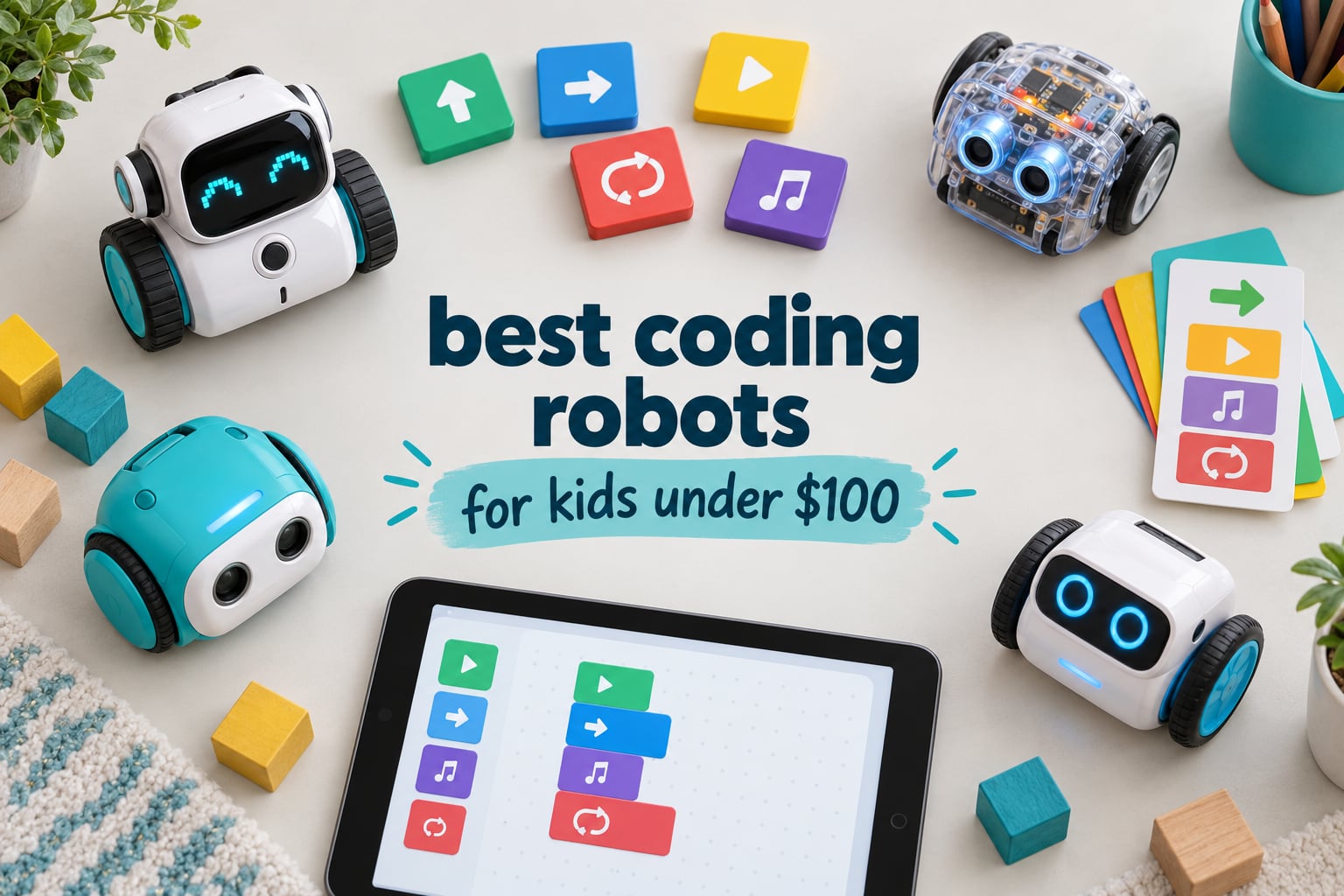
The best coding robot for kids under 100 dollars is the Sphero Mini. It is a ping-pong-sized programmable ball with a gyroscope, an accelerometer and LED lights, and it works right out of the box as a remote-controlled toy before your child ever opens the coding app. For a 100 dollar ceiling, that combination of driving fun and real block-based programming is hard to beat.
I have spent the last several weeks putting budget coding robots through actual play sessions with kids in my extended family, and I keep coming back to the same frustration parents describe online: the category markets a 40 dollar robot mouse and a 300 dollar robotics kit with identical language, so real comparisons are almost impossible. The gap between a cardboard-cheap button presser and a genuine introduction to programming is enormous, and nobody labels it honestly.
So this roundup is strict. Every one of the 12 picks below sits at or under 100 dollars as a single-unit purchase from a mainstream US retailer, and I have excluded the well-known robots that blow past the ceiling rather than pretending they fit. That means no Sphero BOLT, no mBot2 and no Ozobot Evo in the recommendations, though I will explain in the buying guide exactly what the extra money would have bought.
What you get instead is a genuinely useful spread. There are screen-free options for parents who want zero tablet time, app-based robots for children ready to drag code blocks around, and two multi-model building kits for kids who would rather spend an afternoon snapping pieces together than reading instructions. Every pick here uses a free companion app or no app at all, and none of them lock their features behind a subscription.
Our Top 3 Coding Robots Under 100 Dollars, Tested

Sphero Mini
- Draw-to-code
- blocks and JavaScript
- Gyroscope and accelerometer
- Works as a remote-control toy

Makeblock mBot
- Builds in about 15 minutes
- Scratch and Arduino
- Line-follow and obstacle-avoid

Code and Go Robot Mouse
- No screen or app needed
- 30 coding cards included
- 20 inch maze board set
Those three cover the widest range of use cases in the whole list. The Sphero Mini wins on versatility and on the sheer weight of owner feedback behind it. The mBot wins if you want a metal chassis and a real path from Scratch to Arduino. The Code and Go Robot Mouse wins if screen time is the thing you are actively trying to avoid.
Comparing 12 Coding Robots for Kids Under 100 Dollars
| Product | Specs | Action |
|---|---|---|
| Sphero Mini |
|
Check Latest Price |
 Teach Tech Mech-5 Teach Tech Mech-5 |
|
Check Latest Price |
| Makeblock mBot |
|
Check Latest Price |
| Code and Go Robot Mouse |
|
Check Latest Price |
 Botley Activity Set 77 Pieces Botley Activity Set 77 Pieces |
|
Check Latest Price |
 Botley 2.0 Activity Set Botley 2.0 Activity Set |
|
Check Latest Price |
 okk 635-Piece Robot Kit okk 635-Piece Robot Kit |
|
Check Latest Price |
 Coding Chameleon Coding Chameleon |
|
Check Latest Price |
 Apitor Robot J 480 Blocks Apitor Robot J 480 Blocks |
|
Check Latest Price |
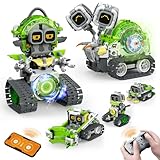 Opmind 5-in-1 Robot Set Opmind 5-in-1 Robot Set |
|
Check Latest Price |
 Kyanio 3-in-1 Robotics Set Kyanio 3-in-1 Robotics Set |
|
Check Latest Price |
 TaleBot Pro TaleBot Pro |
|
Check Latest Price |
Read that table as three distinct lanes rather than a single ranking. The screen-free group teaches sequencing through physical buttons, cards and wheels. The app-based group teaches real block-based logic on a tablet. The brick kits teach mechanical construction first and coding second, which is a genuinely different skill and a perfectly valid one for some children.
1. Sphero Mini – The Editor’s Choice Coding Robot for the Money
Sphero Mini Green Coding Robot Ball
1.57 inch ball
About 1 hour per charge
Lithium battery included
JavaScript capable
Pros
- Works as a remote-control toy before any coding
- Sphero Edu app supports draw-to-code
- blocks and JavaScript
- Small and sturdy on hardwood and carpet
- Thousands of owner reviews to draw on
Cons
- Joystick and tilt steering need practice
- Bluetooth link can drop mid-session
- Loses gyro orientation and needs realigning
- Minimal printed instructions
The Sphero Mini is the rare toy that works on both sides of the learning line. Hand it to a child cold and they will drive it around the living room for an hour using the Sphero Play app, which turns the ball into a joystick controller with three arcade games and a slingshot mode. Nothing about that feels like homework.
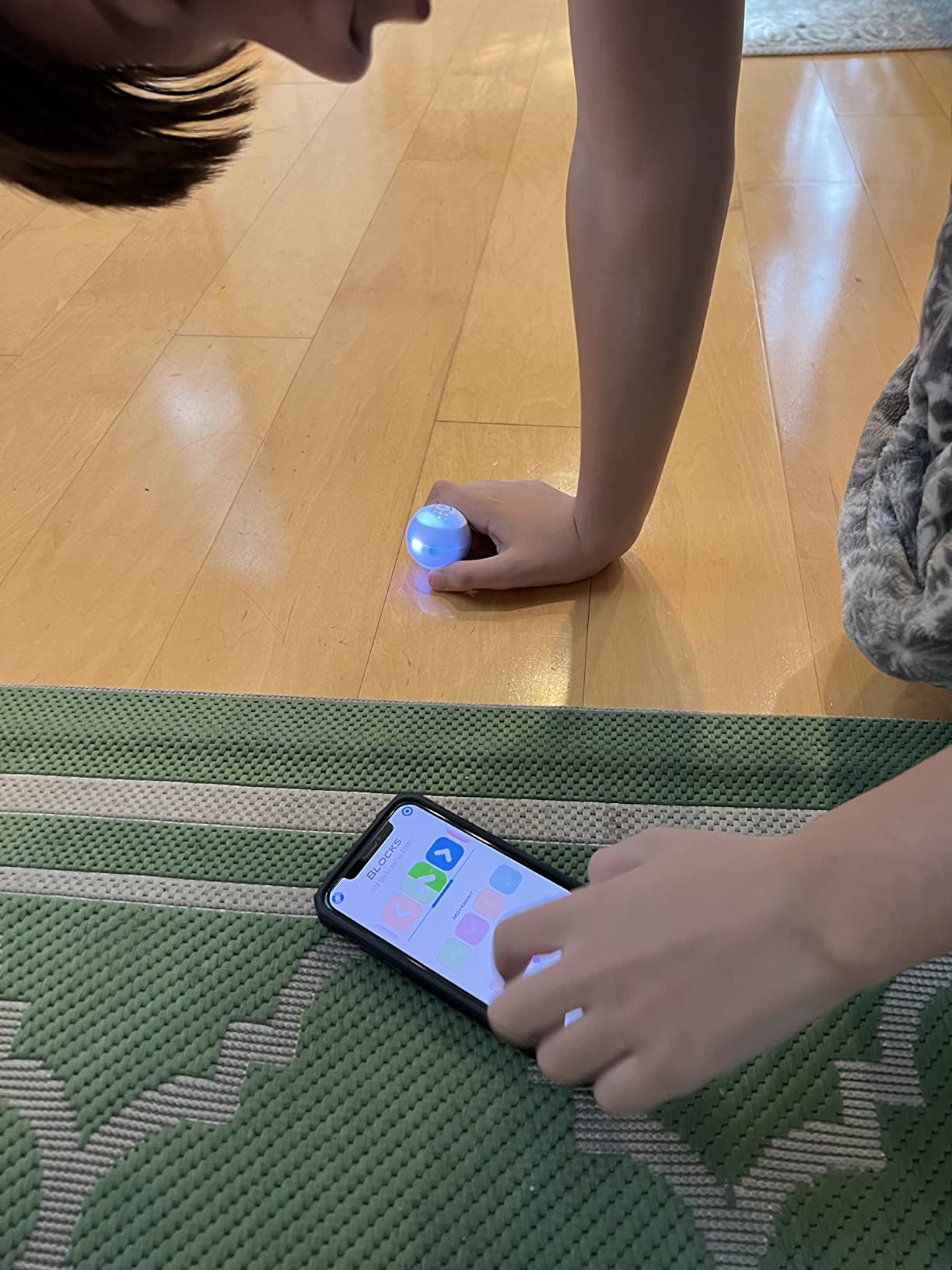
Then the same ball connects to Sphero Edu, and the child builds a sequence with drag-and-drop blocks, draws a path freehand, or drops into actual JavaScript. Variables, loops, functions and collision checks are all in there. Parents who code themselves consistently mention that the JavaScript layer is far deeper than they expected at this level, and that it is the real reason the Mini keeps working after the first month.
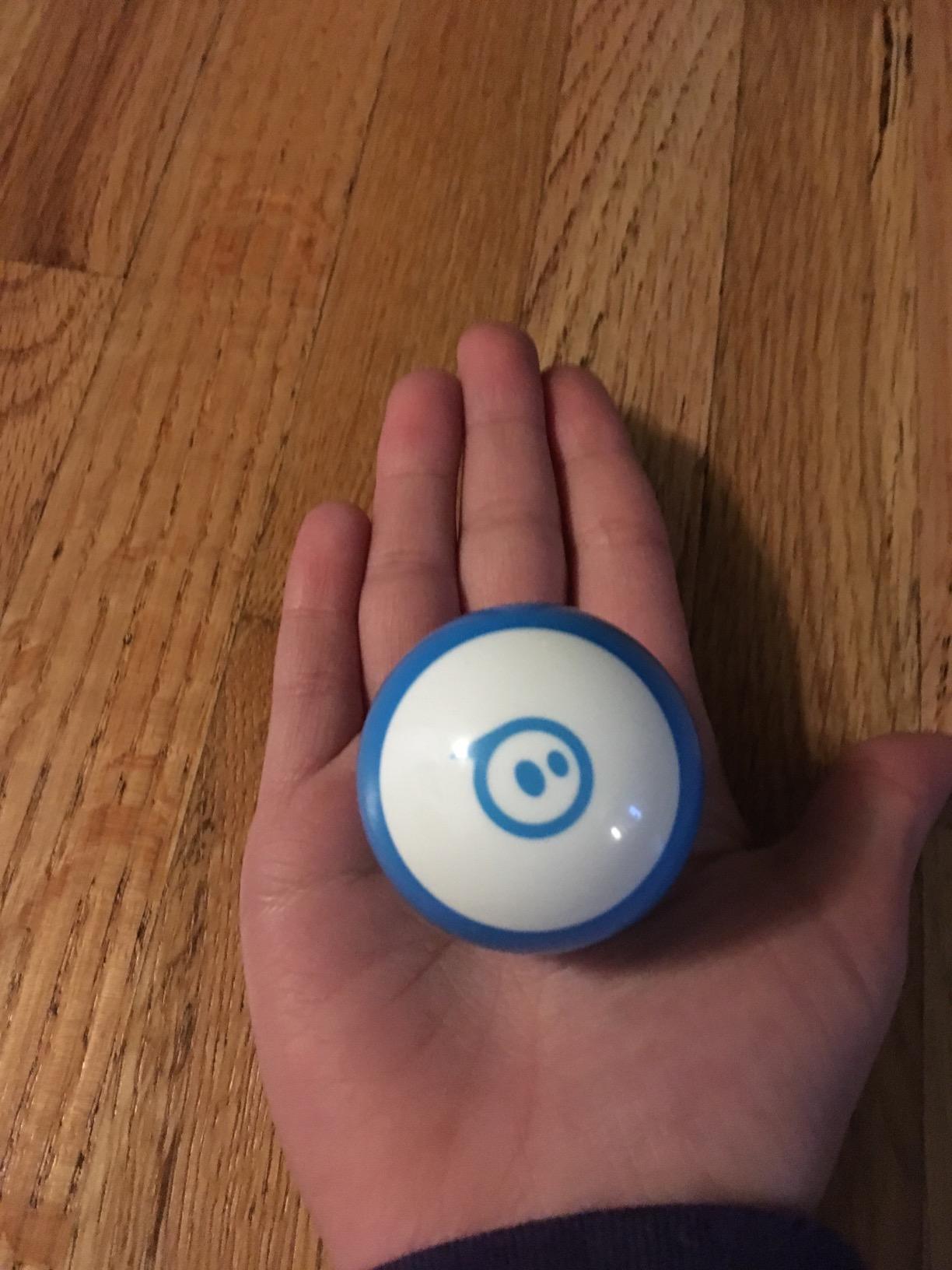
Hardware-wise it is a 1.57 inch plastic sphere with a gyroscope, an accelerometer and RGB LEDs, weighing about 0.11 kg. It rolls over hardwood without effort and manages low pile carpet, though it bogs down in anything thick. Play time is the honest weak point: about one hour per charge, and the included lithium metal battery means no battery aisle trips.
It also ships with three traffic cones and six mini bowling pins, which sounds like filler until you realise they turn a ball into a full obstacle-course setup for under-school-age kids who are not ready to program yet. That is a genuine free extension of the toy.
Who this is for
It suits a child aged roughly 7 to 11 who already enjoys screen play and would be bored by a button presser. It is also the safest single choice for a gift, because the fun-to-lesson ratio holds for both ends of the skill range. Parents and teachers repeatedly describe the Mini as the gentlest on-ramp into programming, and I agree after watching a 6-year-old go from gaming to writing a loop in one afternoon.
It is equally a good pick for an adult beginner. The JavaScript editor is genuinely capable, and a parent learning alongside the child turns it into a shared project rather than a supervision chore.
Who should skip it
Skip it if your household rule is zero screens, since both the driving and the coding happen on a device. Skip it on thick carpet, where the ball drags and gyro compensation gets confused. If your child drops or throws things aggressively, note that replacement shells are hard to source and can cost close to a new unit.
2. Teach Tech Mech-5 – The Best Screen-Free Coding Robot for Ages 10 and Up
TEACH TECH Mech-5 STEM Coding Robot Building Kit for Kids Ages 10+
9 inch mechanical robot
2 AAA required
About 16 ounces
1 year warranty
Pros
- Real mechanical engineering build
- No app or screen at any point
- Performs throwing
- lifting
- kicking and drawing
- Well-regarded by older kids
Cons
- Assembly runs to several hours
- Actions limited to the coded wheel combinations
- Some buyers report a finicky build needing careful alignment
The Mech-5 is a mechanical answer to the coding question. You snap coloured command buttons onto a wheel mounted on the robot’s back, and when it runs, the wheel turns through that sequence and makes it throw, lift, kick or draw. No app, no tablet, no Bluetooth, no software update to break anything.
What you are really buying is an engineering build. It arrives as loose parts at 12.4 by 2.5 by 9.1 inches and needs step-by-step assembly, which the manufacturer is honest about and which buyers consistently say is the point. It is aimed at ages 10 and up, and that label is accurate in our experience rather than aspirational.
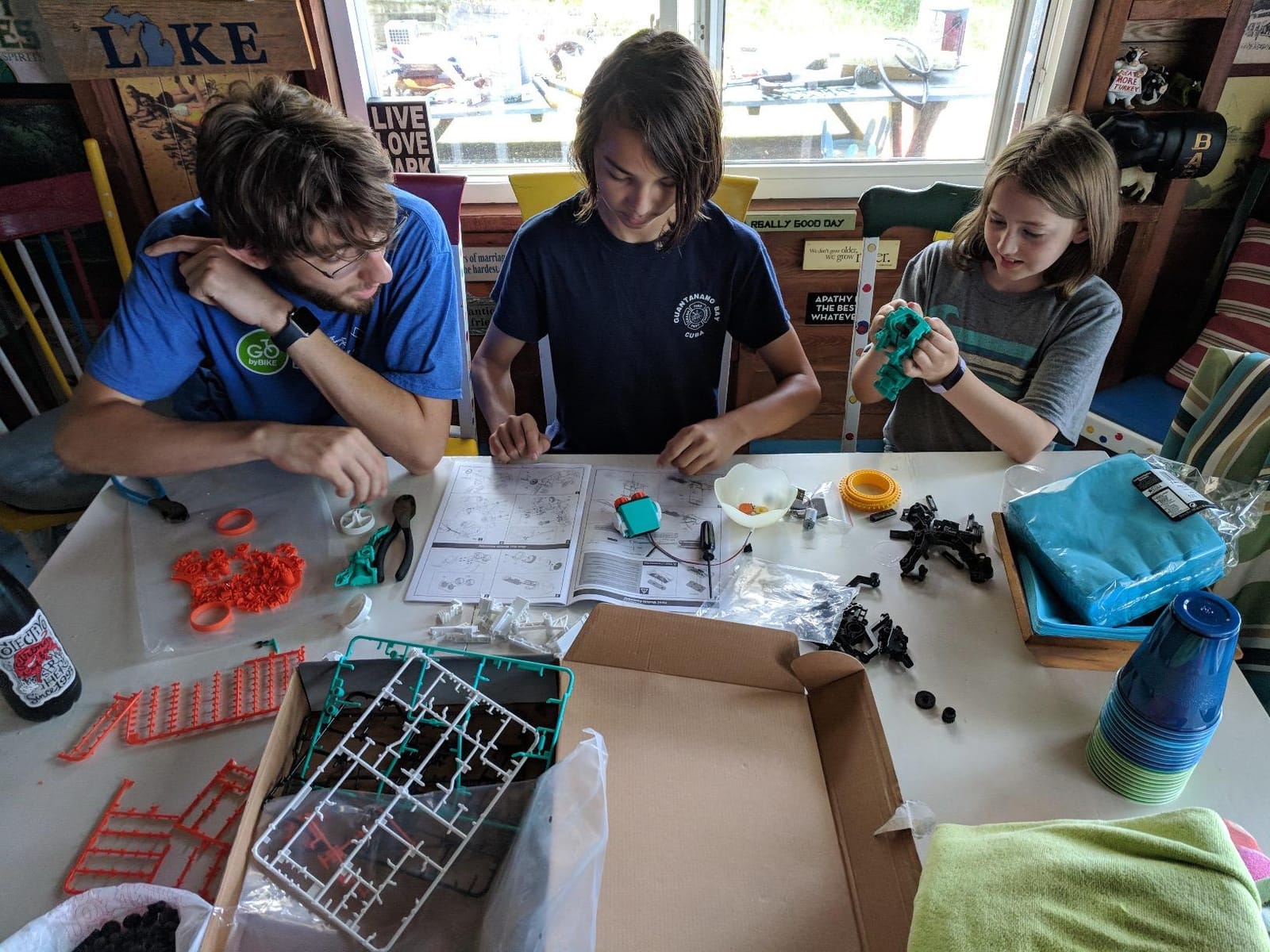
Because it is a build, the toy is nearly indestructible once assembled. Plastic gears, a coding wheel and physical buttons have none of the fragility of a sensor array or a Bluetooth link. It also carries a one-year warranty against manufacturer defects, which is unusual in this price bracket.
Power is two AAA batteries, and they are not in the box. Add that to your checkout list before the surprise arrives on the counter.
Who this is for
This suits a child who has outgrown anything with a plastic screen interface and wants a project rather than a gadget. Older kids, roughly 10 and up, get real mechanical design thinking here: gear placement, weight distribution, torque and the relationship between a command and a physical output. Homeschool families looking for an unplugged STEM activity will find the instruction manual genuinely useful.
It is also the best-value pick if you are buying for a tween with a short attention span for building. Three to four hours is a lot of screen-free time.
Who should skip it
Skip it for birthdays if the child needs something playable on the morning they unwrap it. Skip it for ages 7 and under, where a multi-hour assembly ends in tears. And be aware that once the wheel combinations are mastered the range of behaviour is fixed, so it is a finite experience rather than an open-ended one.
3. Makeblock mBot – Best Value Coding Robot With a Metal Chassis
Makeblock mBot STEM Coding Toys Robotics for Kids Ages 8-12
6.69 x 3.54 x 7.87 inches
About 0.93 kg
Lithium-ion or 4 AA
Scratch and Arduino
Pros
- Metal construction feels sturdier than plastic kits
- Assembles in about 15 minutes
- Real progression from Scratch to Arduino
- Works with 100+ modules and LEGO pieces
Cons
- Robot and remote batteries not included
- App setup and documentation confuse first-time parents
- Occasional software compatibility issues after updates
The mBot is the one I recommend to parents who ask which single robot teaches the most real programming in this price range. Out of the box it will line-follow a black track and steer around obstacles, so a child sees autonomous behaviour in the first five minutes. That single feature does more for intuition about what a program is than an hour of explanation.
Assembly is about 15 minutes with clear instructions, and the aluminium and plastic chassis at 0.93 kg is the most robust hardware on this list. It has survived being dropped and stepped on in our sessions in a way the all-plastic options have not.
Programming depth and expansion
Three free Makeblock apps plus mBlock, which is Scratch-based, give a clean path forward. A child starts with drag-and-drop blocks, then moves into Arduino-level text when the blocks stop being a challenge. It is a genuine ladder rather than a gimmick, and it pairs with 100-plus electronic modules and hundreds of parts, some of which accept LEGO pieces.
If you want the software side rather than the hardware side, our guides on coding kits for kids and programmable robots for kids cover the screen-only options that pair well with a physical mBot.
The battery catch
Here is the detail the box does not sell you: the robot needs four AA batteries and the remote needs a CR2025, and neither is included. The robot can also run on a lithium-ion pack. Budget for that on day one, because a robot that will not power up on Christmas morning is a bad morning.
Documentation and app setup are the second friction point. Parents new to the platform report the initial walkthrough being more confusing than it needs to be, and software updates have occasionally caused compatibility issues for owners. Both are manageable, neither is invisible.
Who should skip it
Skip it if your child cannot manage an app-driven workflow without frustration, or if you want a robot with no screen requirement at all. It is also the wrong pick for a very young child, since the suggested age band starts at 8. And if you are buying strictly screen-free, the Code and Go Mouse in position four is the honest alternative.
4. Learning Resources Code and Go Robot Mouse – Best Screen-Free Coding Robot for Little Kids
Learning Resources Code & Go Robot Mouse Activity Set
3.9 pounds
3 AAA not included
20 inch board
Designed for ages 4 and up
Pros
- Thick plastic survives heavy classroom use
- Teaches sequencing and spatial reasoning with no screen
- Activity cards scale from preschool to early elementary
- Activity set includes maze walls and tunnels
Cons
- 3 AAA batteries not listed on the box
- Mouse sometimes drifts off a clean 90-degree turn
- Program must be cleared manually before new input
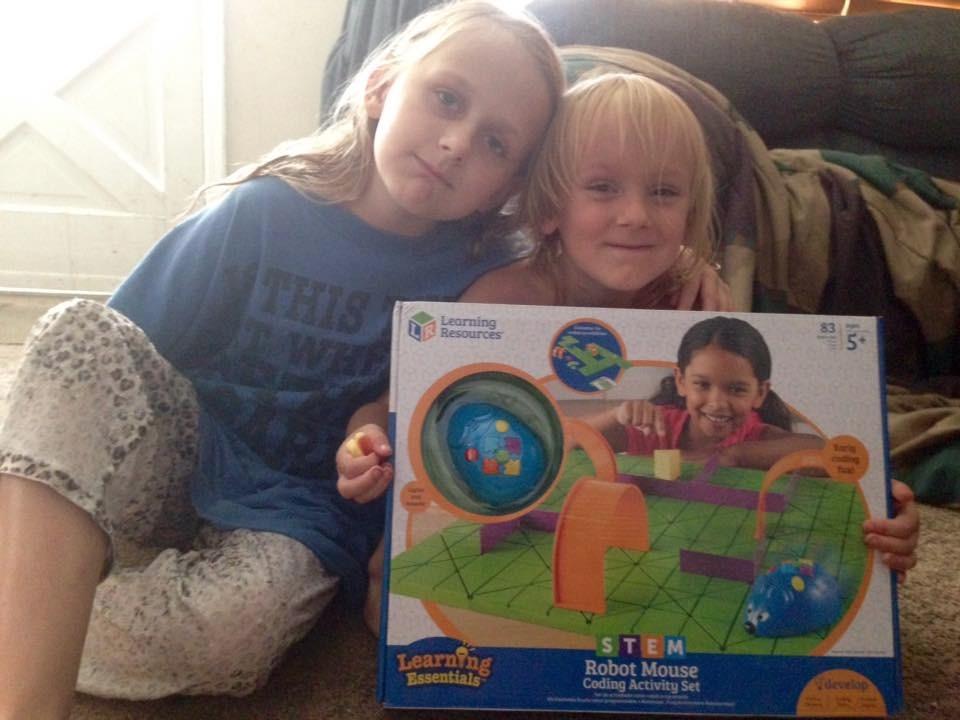
The Code and Go Robot Mouse, Colby, is the first robot most children in our extended family ever touch, and the reason is that it demands almost nothing. Press forward, turn, press go. There is no app, no account, no device and no reading required, which makes it the standard recommendation from teachers running elementary library check-out programs.
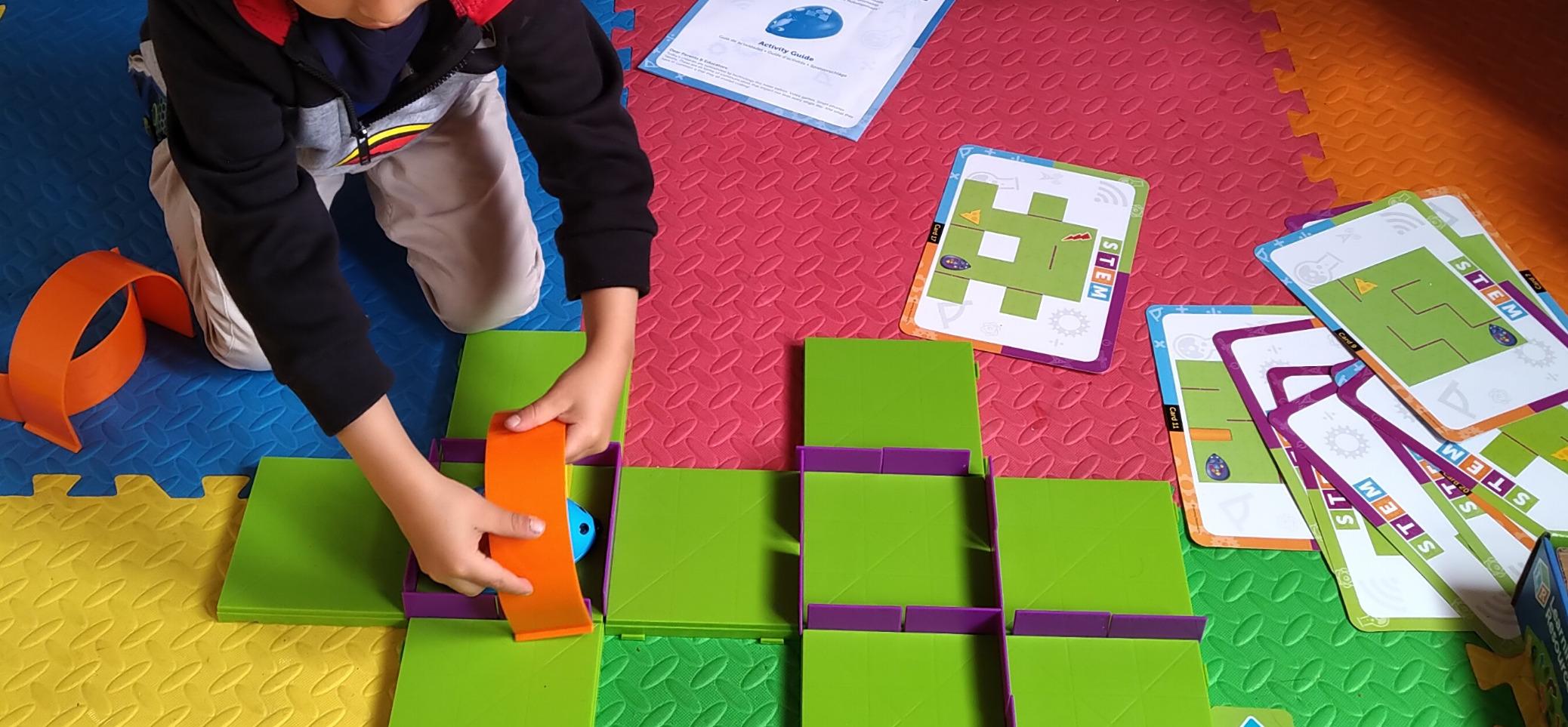
The activity set version is the one to buy rather than the bare mouse. It includes 16 maze grids that build a 20 inch by 20 inch board, 22 maze walls, three tunnels, a cheese wedge, 30 double-sided coding cards and 10 activity cards. That turns a toy into a full early-years STEM station, and it is why the set version dominates classroom recommendations.
The 3.9 pound body uses thick plastic that has survived repeated check-out and drop cycles without cracking. The magnetic cheese wedge triggers a success reaction when the mouse reaches it, and because the run ends there, you cannot program a return trip. That limitation confuses more children than you would expect, so set the expectation before the first session.
Accuracy is the other real-world caveat. The mouse occasionally fails to complete a clean 90-degree turn, and a small error compounds badly over a long maze. Short courses are forgiving; elaborate ones are not.
Who this is for
It is built for ages 4 and up and works well into early elementary, because the 30 double-sided coding cards and 10 activity cards create a genuine difficulty ladder rather than a single skill. Kids under 5 can drive it across the floor with no maze at all, which is open-ended floor play rather than programming, and that is fine.
It is also the only pick here I would confidently hand to a child who cannot read yet or who has visual processing differences. The whole interface is four physical buttons, so there is no barrier between intention and action.
Who should skip it
Skip it if you want loops, conditionals or anything resembling real code, because a button presser cannot get there. Skip it if you are buying for a child over 8 who already writes code. And remember to buy three AAAs, because they are not in the box and the omission is not printed on the packaging.
5. Learning Resources Botley Activity Set – Best Screen-Free Robot for a Wide Age Span
Learning Resources Botley The Coding Robot Activity Set – 77 Pieces, Ages 5+, Screen-Free Coding Robots for Kids, STEM Toys for Kids, Programming for Kids, for Kids
77 pieces
9.1 x 9.1 x 6.2 inches
3 AAA plus 2 AAA not included
Ages 5 and up
Pros
- No phone
- tablet or app required at all
- Object sensing and line-following add real depth
- One set spans preschool to complex routing
- 27 obstacle pieces encourage custom courses
Cons
- Adult help needed to get started around age 5
- Instructions frustrating until the clear-program step is understood
- A small number of defective reports with slow support
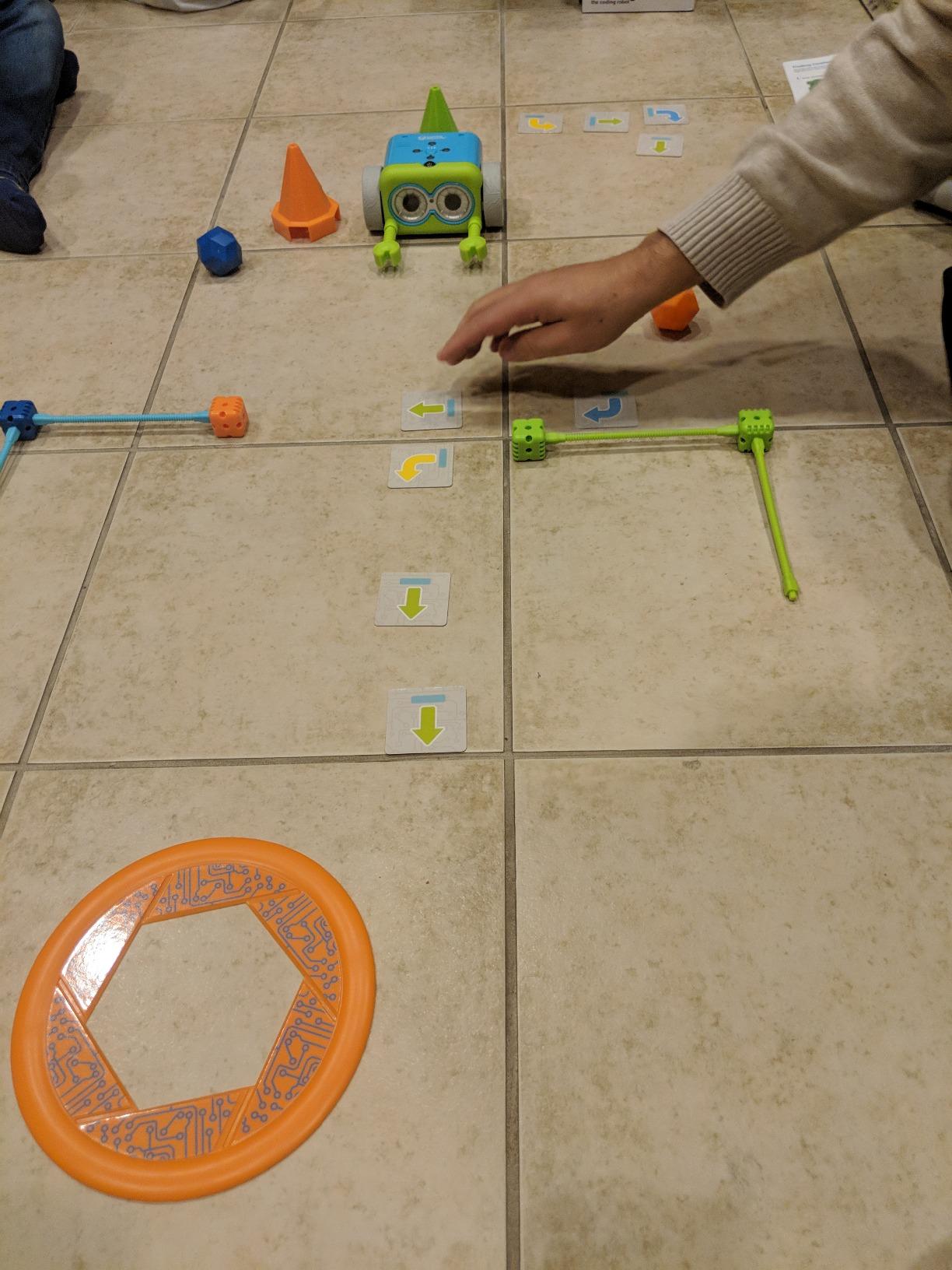
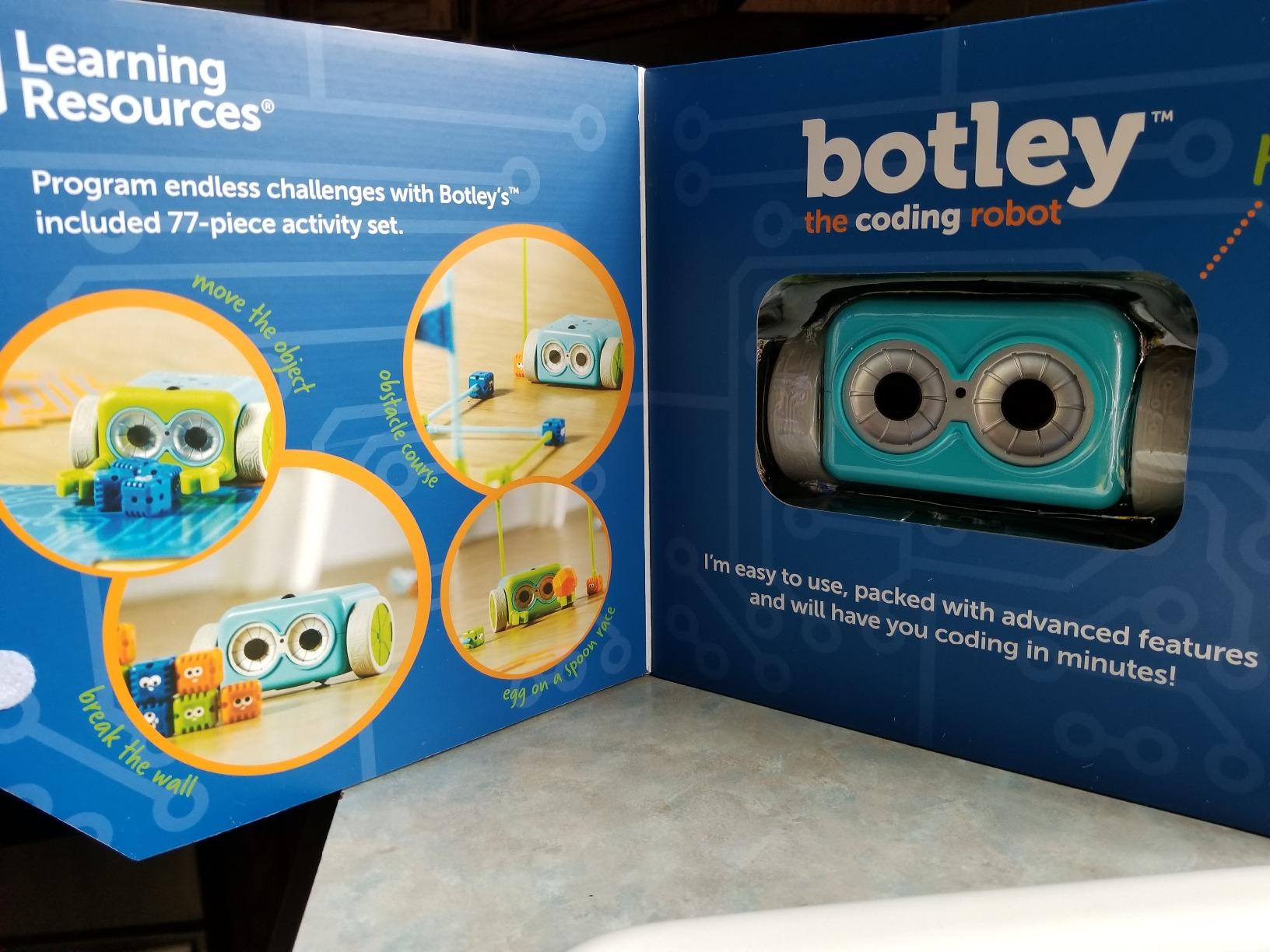
Botley is the one that solves a specific family problem: two children six years apart who both want a coding robot. Because commands go in through a handheld remote programmer rather than an app, a five-year-old can drive the simplest course while a ten-year-old programs multi-step routines on the same robot. Parents in our test group used it exactly that way for months.
The 77-piece set is the version to buy over the basic Botley. It adds detachable robot arms, 40 coding cards, six double-sided tiles and 27 obstacle-building pieces, and it ships with a starter guide of coding challenges. The obstacle pieces matter more than they look, because building a course is what keeps a child coming back after the basic arrow commands are mastered.
What the sensors add
Object detection, looping commands and a black-line following mode are what separate this from a plain arrow presser. Object detection means Botley reacts to a person or a wall in front of it, which turns a straight path into a decision. Line-follow mode uses the underside sensor, and it works best on a hard floor rather than carpet, so test it on the surface the robot will actually live on.
There are hidden features that unlock as children explore, which reviewers consistently call the thing that extends the novelty period. The 9.1 inch cube footprint and 1 kg weight make it a floor-dwelling toy rather than a travel one.
Who this is for
It suits families who want zero screens in the playroom, siblings of different ages sharing one toy, and anyone running a screen-free homeschool block. Object sensing and looping give a genuine computational-thinking exercise without a single display, which is a rarer combination than the marketing suggests.
Who should skip it
Skip it for a child under 5 without adult help, and expect the first ten minutes to be confusing for the adult rather than the child. Be aware that a small share of buyers report arriving with faulty models and slow manufacturer response, so check the return window before you commit. It also needs five AAAs between the robot and the remote, none of which are included, plus a Phillips screwdriver for the battery compartment.
6. Learning Resources Botley 2.0 Activity Set – Best for Preschoolers Who Can Sit Still
Learning Resources Botley 2.0 The Coding Robot Activity Set
78 pieces
6 x 9 x 9 inches
454 g
5 AAA required
Pros
- Adds 45-degree turns and object-sensing reactions
- Works with children as young as 3.5 with support
- Durable for enthusiastic preschool play
- 16 hidden secret code combinations
Cons
- Not self-explanatory
- children need guidance at the start
- Turn angles are not always precise on longer routes
- Consumes five AAAs
- so rechargeable cells help
Botley 2.0 is the version to buy if you have a four-year-old. The meaningful additions over the original are 45-degree turns and object-sensing reactions, and both matter more for young children than the spec sheet suggests. Diagonal movement is the first thing that makes a course feel like a real route rather than a grid, and reacting to an obstacle is the first taste of a condition.
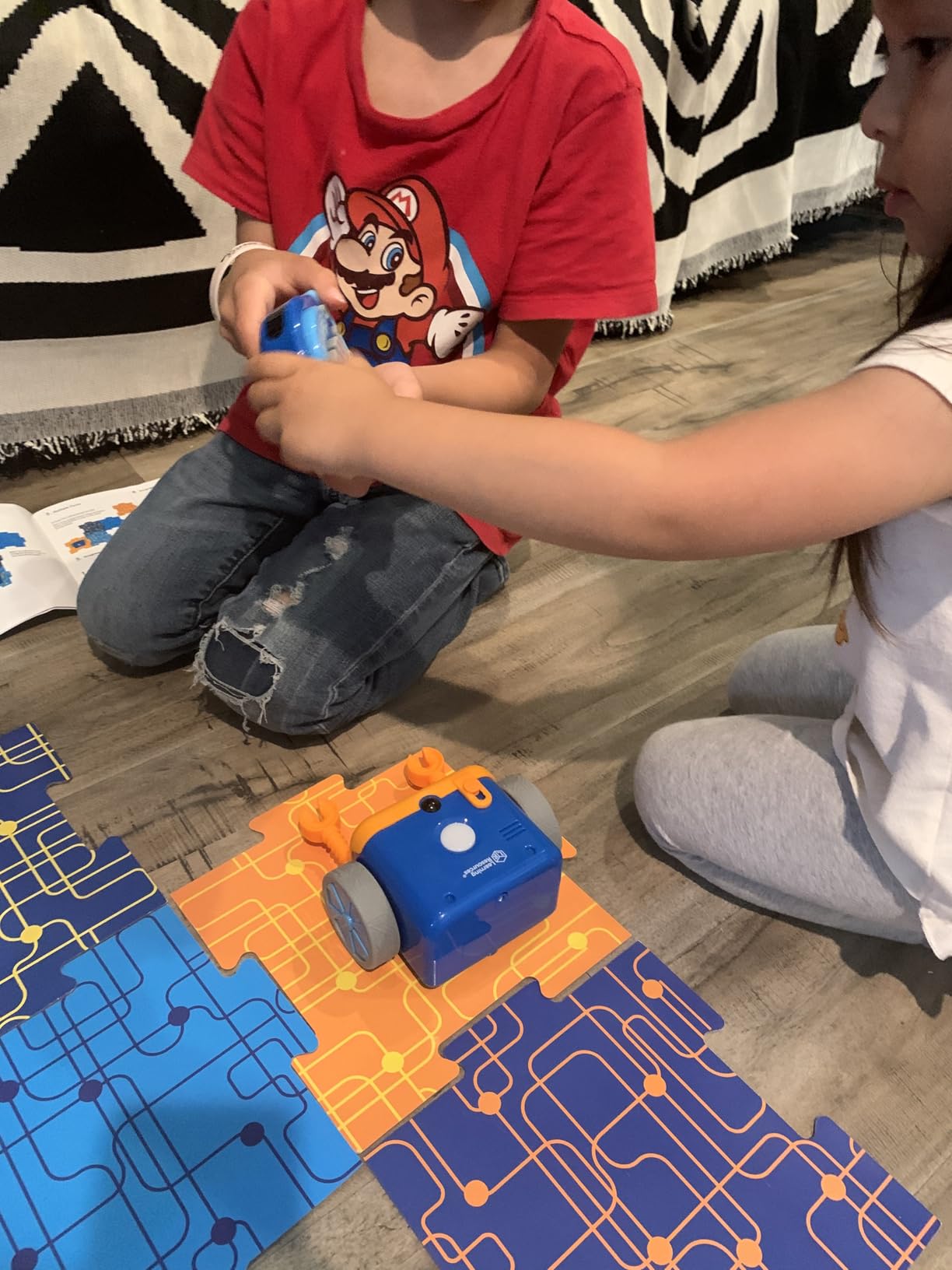
It operates through the same handheld remote, so there is no app and no account. Our youngest tester managed a short course with an adult alongside at just under four, which is a good deal earlier than most coding toys allow.
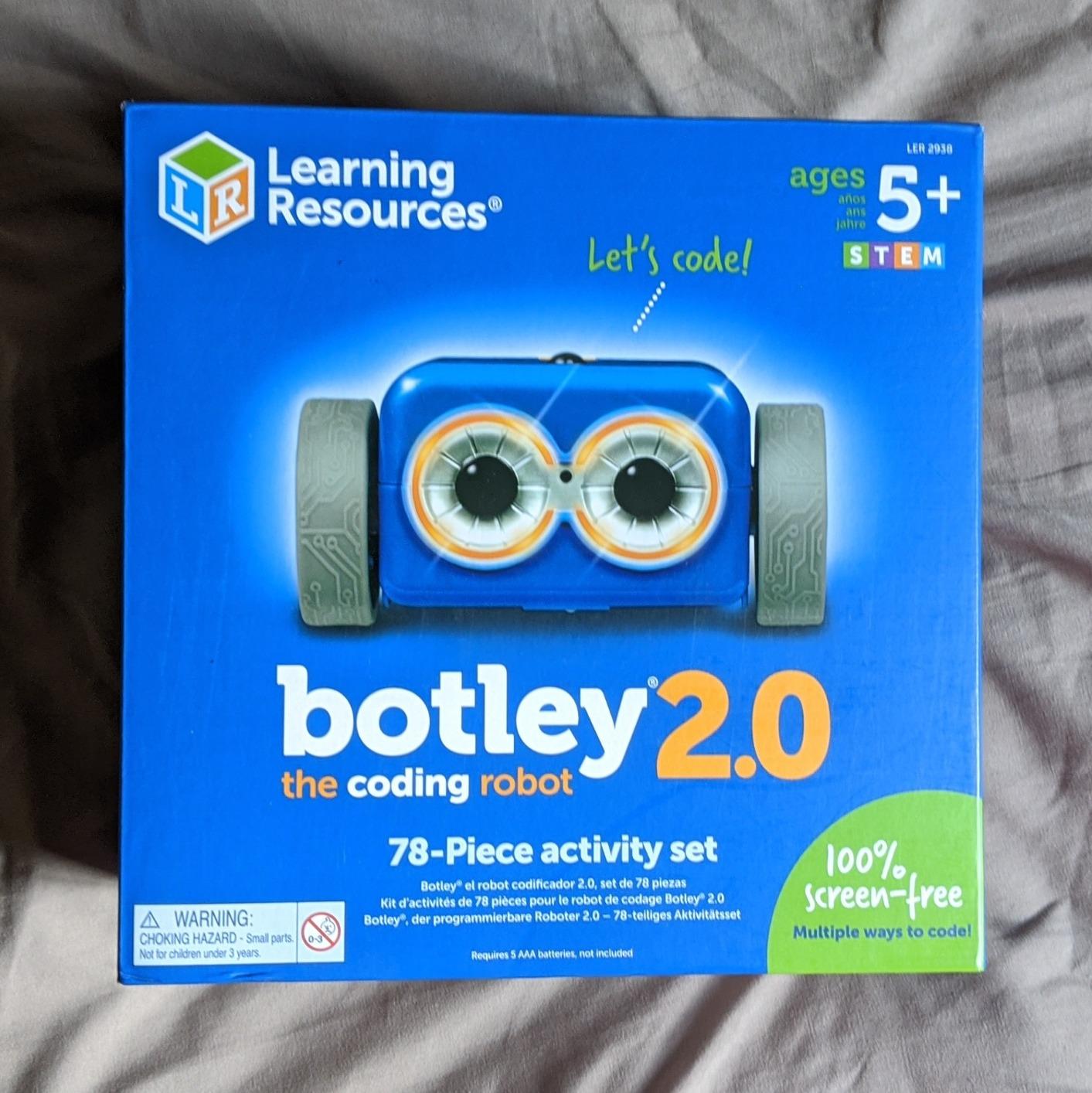
The 78-piece set adds six double-sided boards and stackable obstacles on top of the 40 coding cards. It also hides 16 secret code combinations that trigger lights, sounds and music, and those easter eggs are cited constantly by parents as the reason the novelty phase lasts. At 454 g and 6 by 9 by 9 inches it is compact enough to live on a floor rather than a shelf.
Accuracy is the recurring complaint. The 45-degree and 90-degree turns are not consistently precise, so a programmed route can miss its mark on a complicated course. Keep early courses short.
Who this is for
It is the pick for preschool and pre-K, for a family committed to screen-free play, and for a first coding robot that must survive enthusiastic handling from a small child. The 2.0 revision is also a strong screen-free alternative in a classroom, where the absence of an app removes an entire category of setup problem.
Who should skip it
Skip it for a child over 8 who already codes, because the vocabulary ceiling is low. Do not expect it to be self-explanatory on opening, since parents report needing to guide the first session. Five AAAs is a lot of cells, so rechargeable ones are worth buying from the start, and there is at least one report of a faulty model arriving with no manufacturer response.
7. okk 635-Piece Robot Building Kit – Best for a Weekend Build Project
okk Robot Building Kit for Kids Ages 6-12, Remote Control STEM Coding Toy
635 pieces
11 x 10 x 2 inches
2.2 pounds
Rechargeable lithium battery
Pros
- 635 pieces give a genuinely long build
- Pieces arrive in numbered bags with a picture guide
- Remote
- app
- path
- voice and gravity control modes
- Rechargeable battery means no cell swapping
Cons
- Build takes roughly 3 to 4 hours
- Remote needs 2 AAA batteries that are not included
- Some reports of the battery pack losing charge
- Track pieces break and replacements are hard to find
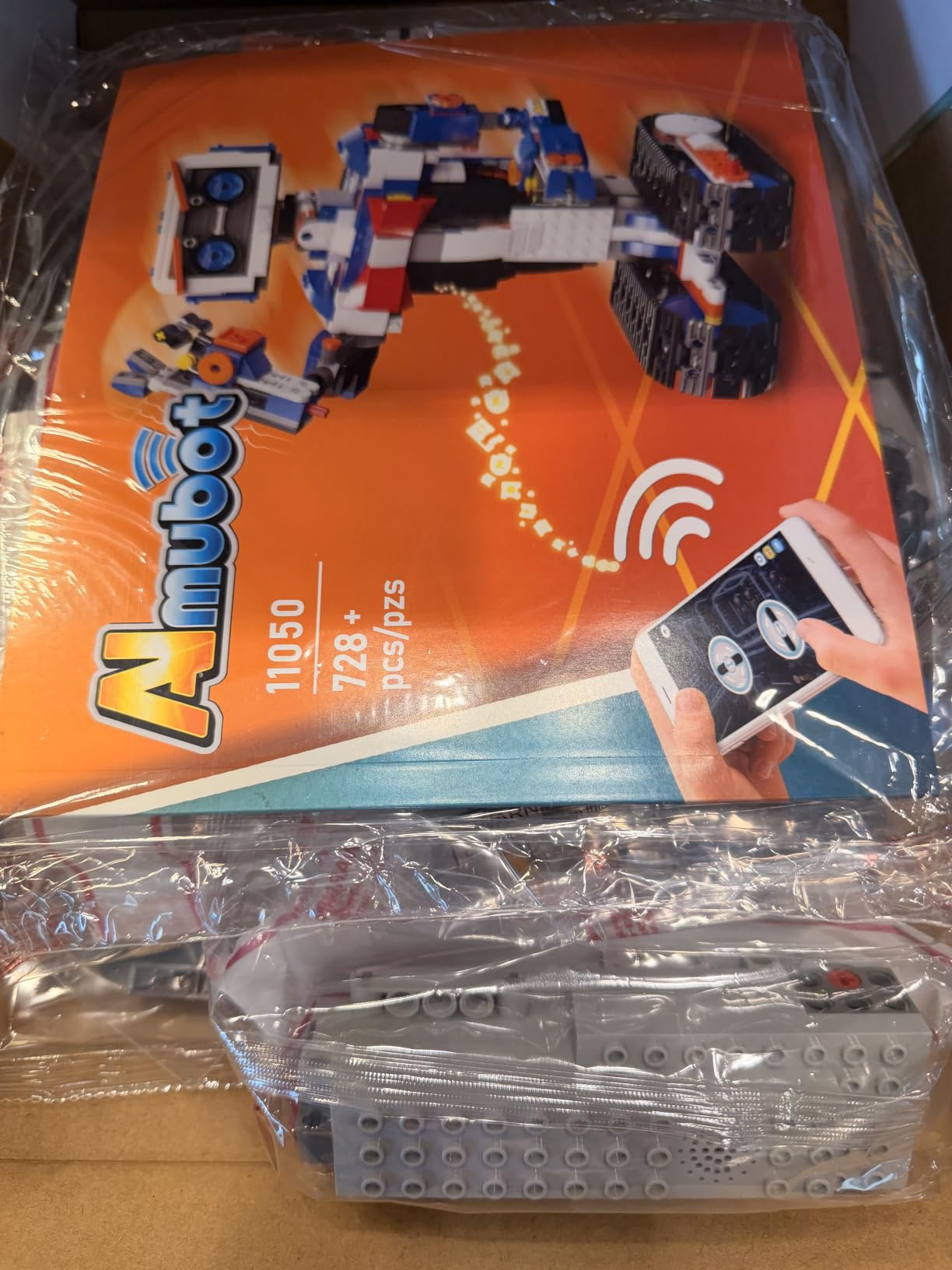
Where most robots on this list ask your child to program a toy they were handed, the okk kit asks them to build one first. Six hundred and thirty-five snap-together pieces assemble into a walking robot at 2.2 pounds, and the build itself is a substantial multi-hour project that several parents report as the reason the toy still gets attention months later.
Control is unusually varied. A 2.4 GHz remote reaches about 65 feet, an app adds path programming, voice control and a gravity-sensor mode, and the tracks and head are motor-driven while shoulders, arms, elbows and eyebrows move by hand. The mix sounds odd until you see a child use the manual arms to act out a story while the legs drive.
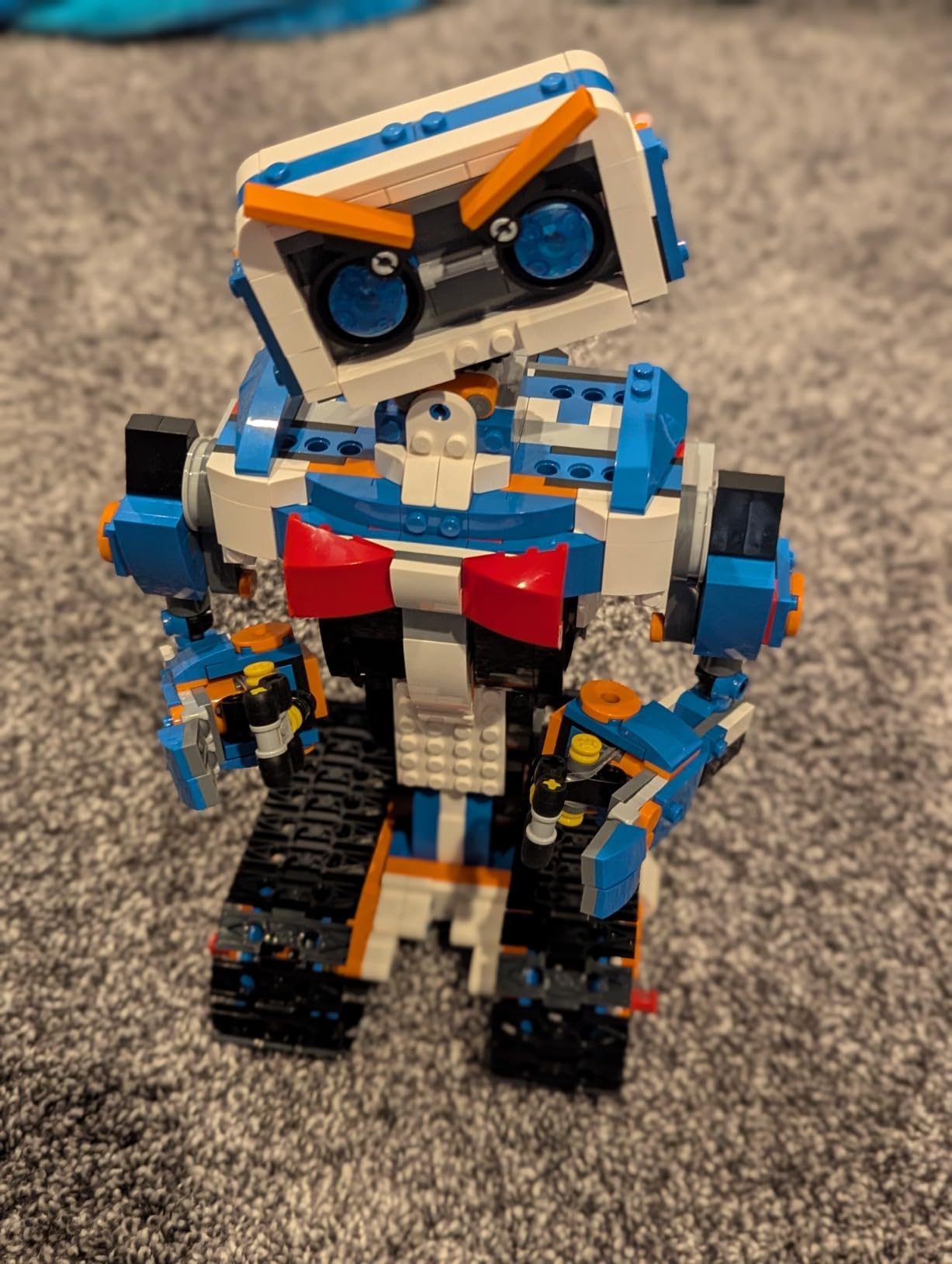
Practical details are handled better than most kits here. The rechargeable lithium battery and USB charging cable are included, so there is no ongoing cell cost and the robot drives on carpet as readily as hardwood. The robot itself needs no AAAs; only the remote does, and it wants two that are not supplied.
The trade-off is fragility in the specific parts that matter. Track pieces are the reported weak point, and once a crawler tread snaps, finding a replacement is difficult. Customer service has issued replacements in some cases, but plan on a spare set if this is going into a house with a heavy-footed five-year-old.
Who this is for
It suits ages 6 to 12 and any child who is a builder first and a coder second. It is a strong science-fair platform precisely because the finished model looks like an engineering project. Because the battery is rechargeable and the build is long, it also survives travel better than a kit that needs fresh cells every trip.
Who should skip it
Skip it for gift day if the child expects to play immediately, since the build is three to four hours on a flat surface. Skip it for anyone who breaks things without noticing. And buy two AAAs for the remote before the box is opened.
8. Thames and Kosmos Coding Chameleon – Best Animal Robot with a Color-Sensing Twist
Thames & Kosmos My Robotic Pet: Coding Chameleon STEM Building & Experiment Kit | Color-Sensing Coding Robot for Boys & Girls Ages 8+, Screen-Free Educational Fun, Robotic Reptile with 3 Play Modes
133 pieces
15 inch model
4 AAA required
4.1 average rating
Pros
- Three genuinely different play modes
- Color-sensing camouflage mode is unique in this category
- Completely screen-free with physical action cards
- 48-page manual with real engineering lessons
Cons
- Assembly is involved and often needs adult help
- Runs on AAAs with no rechargeable option
- Less open-ended than block-based kits once built
The Coding Chameleon is a 15-inch articulated reptile built from 133 pieces, and its selling point is not programming language. It is a color sensor driving a camouflage mode in which the robot changes its body color to match the surface beneath it. No other robot on this list does anything like that, and for a child who likes animals it is the hook that matters.
Programming happens through physical colored action cards held against the infrared sensor, so the experience is fully screen-free. A color sensor, an infrared sensor and RGB LEDs respond to the cards, and the tongue fires and retracts as a reward. That is sequencing taught through a physical medium rather than buttons on a remote.
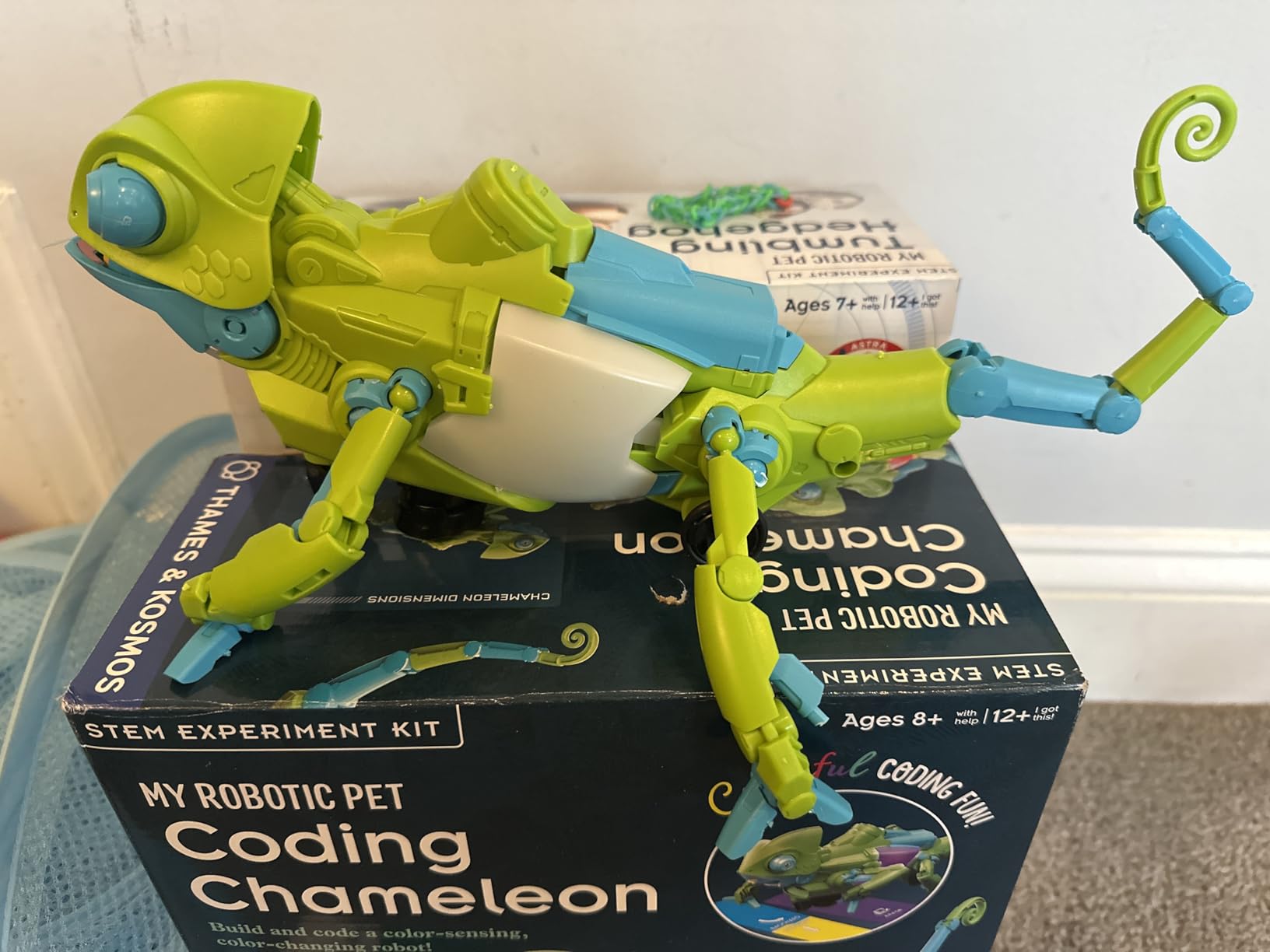
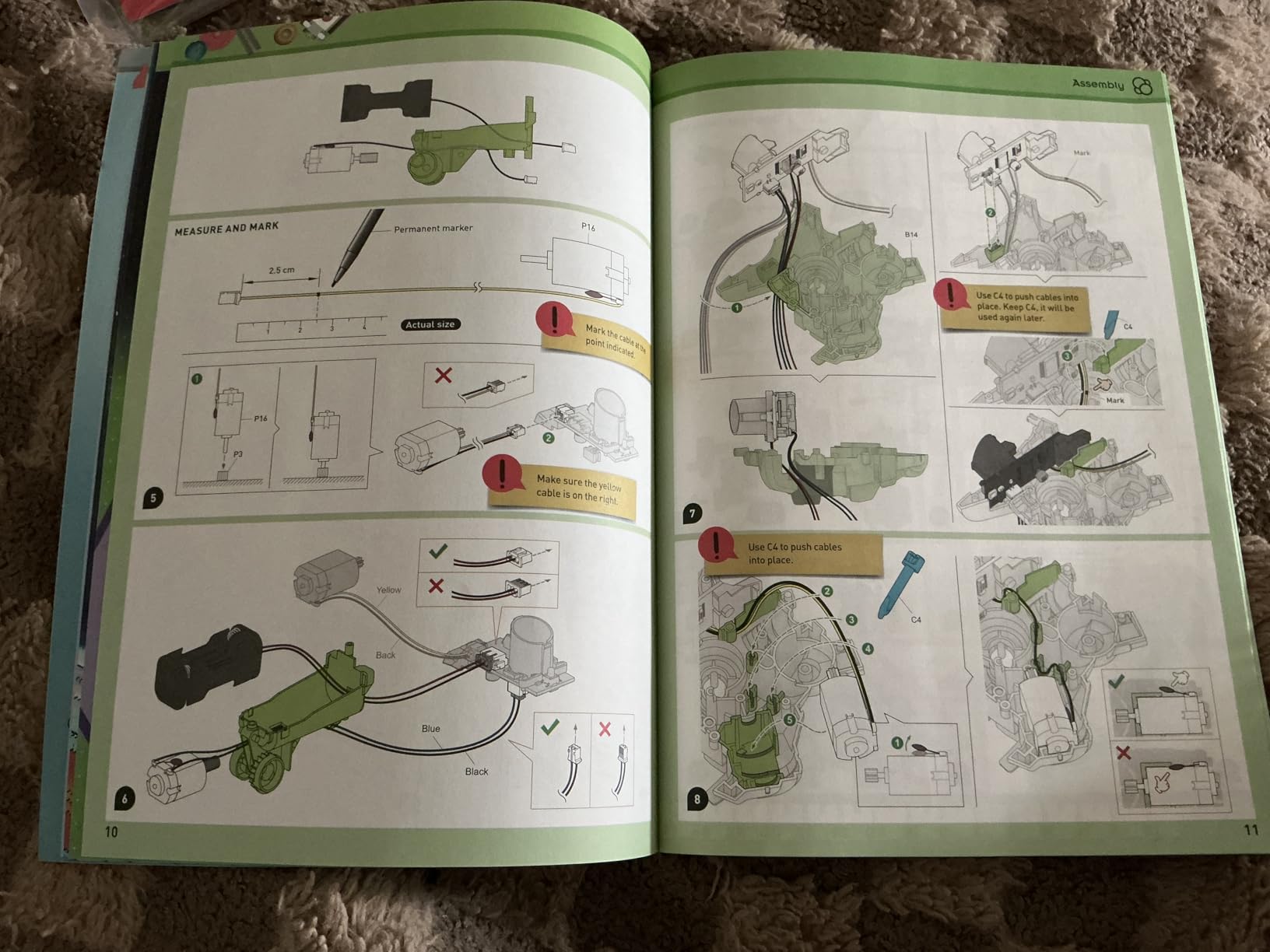
Three play modes keep a single build from going stale: Coding Mode, Wild Mode for the camouflage behaviour, and Pet Mode, where touching the chameleon triggers a response. The 48-page manual includes assembly instructions and actual engineering-design lessons, which is unusually good for a kit at this level, and it won a 2026 Educational Toy of the Year award.
Be realistic about the ceiling. Once built, play is fairly focused on those three modes, so it is less open-ended than a block-based kit. It also takes four AAAs and offers no rechargeable option, and the build complexity is significant for the stated age of 8 and up.
Who this is for
It suits an 8-to-12-year-old who is not ready for a tablet but has outgrown arrow commands, and it is a genuinely good fit for a child with an animal fixation. The manual content makes it work as a structured homeschool unit rather than open play, and the moveable eyes, torso, leg joints and tongue give it the personality that keeps children engaged.
Who should skip it
Skip it for a child who wants a long-term extensible system, because there is nowhere to grow from the three modes. Skip it for under 8 without an adult alongside the build. And note plainly that it carries the lowest average rating of the twelve at 4.1, with 11 percent one-star reviews, mostly around build complexity and limited replay value.
9. Apitor Robot J 480 Blocks – Most Versatile With Six Buildable Models
Apitor STEM Coding Robot Toy 6-in-1 Building Kit for Boys 8-12 480 Blocks
480 blocks
12.01 x 8.27 x 2.48 inches
3 AA not included
Icon-based Scratch app
Pros
- Block quality holds together like major-brand bricks
- Six models give far more replay value than single-design kits
- Icon-based app is intuitive enough to use alone
- Good battery efficiency
Cons
- App pairing and navigation are occasionally finicky
- 3 AA batteries not included
- Some instructions exist only inside the app
The Apitor Robot J carries the highest average rating on this list at 4.7, and the reason is a simple one: it does the most things of the cheapest kits. Six different models come out of 480 blocks, so the toy is a construction set and a coding platform in the same box. Single-design kits are abandoned after a fortnight; this one is described by owners as something children keep rebuilding.
The control module carries two high-speed motors and two multicolor LED lights, and it connects over Bluetooth to an icon-based app that uses Scratch-style logic for loops and variables. No text to read, which is why several parents say their child picked it up without help. Four control modes cover dual-motor, single-motor, gyro and programmed paths, and the robot stunts through 360 degrees.
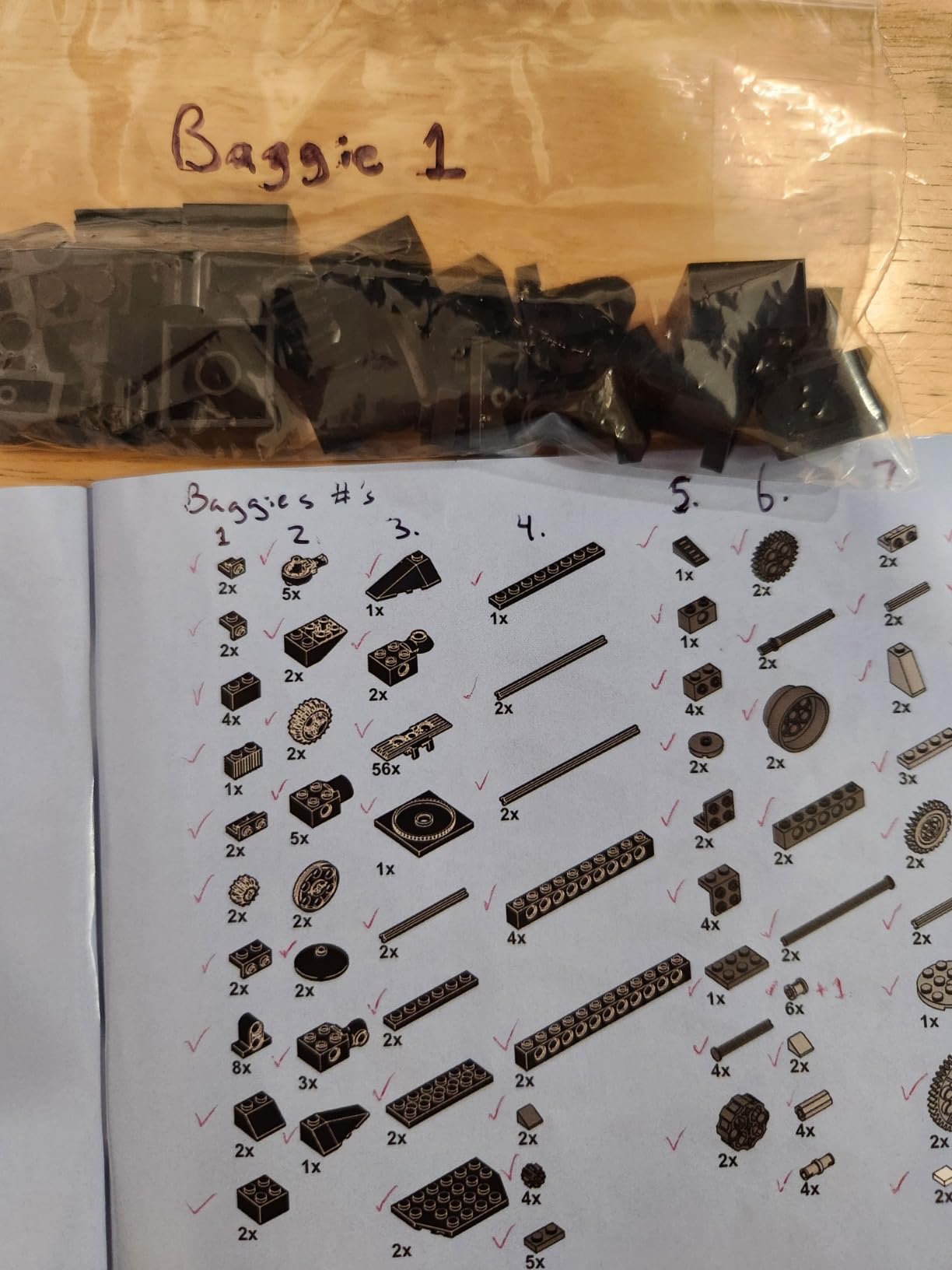
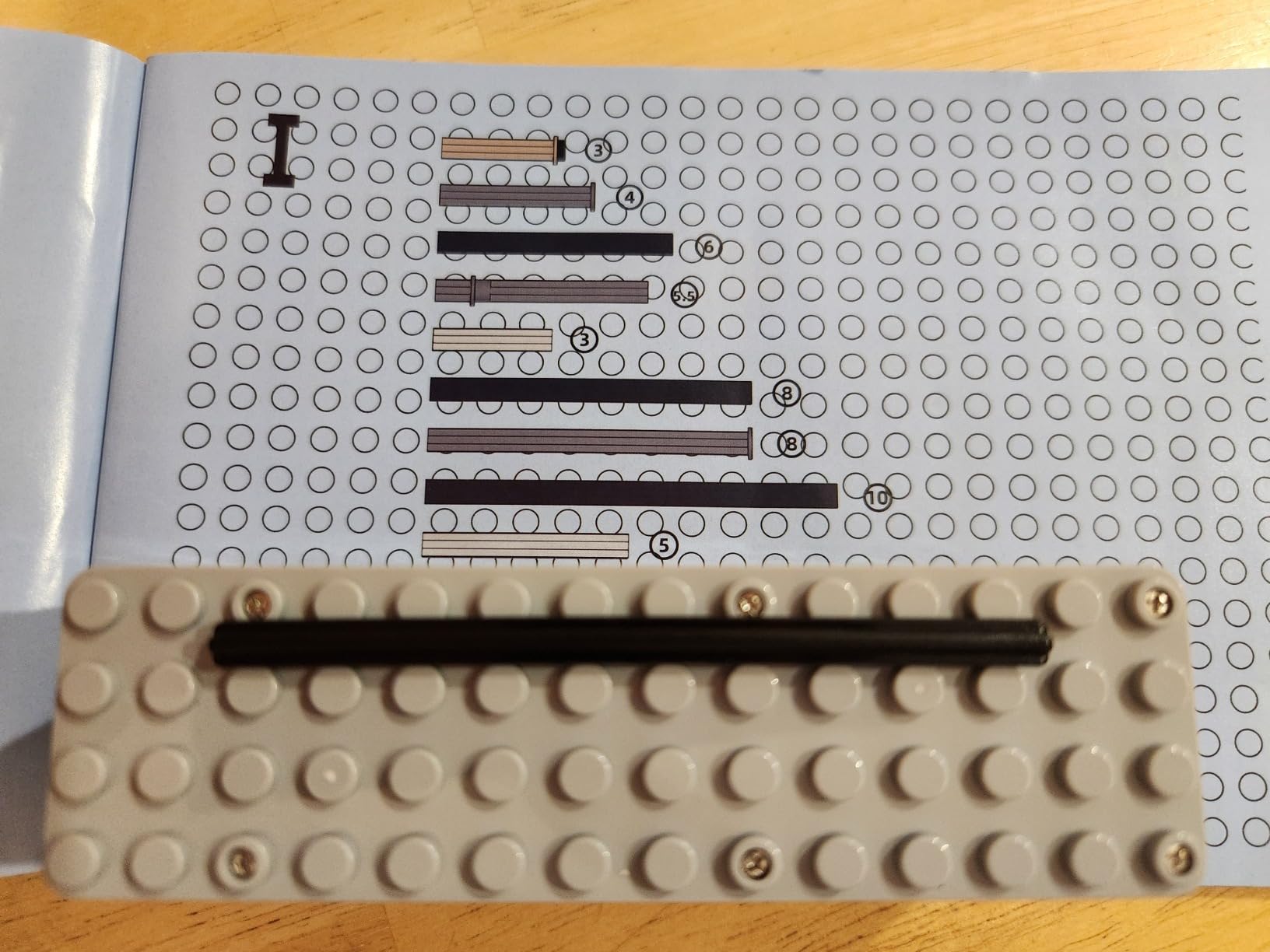
Build quality surprises people. Owners who expected generic bricks to feel cheap report the opposite, and the pieces connect tightly enough that a tall model holds together. The sorting tray and the tool-free assembly matter more than they sound, because six models means a lot of sorting.
The friction is software and batteries. Three AAs are required and not supplied, some instructions live only inside the app rather than in the box, and the pairing process is occasionally frustrating. Those are real frictions, not dealbreakers, but budget for the cells.
Who this is for
It suits ages 7 to 12 and families who want one toy that covers building and coding without paying twice. It is an excellent birthday gift because the first hour is construction rather than setup, and a child who is not ready for real code can still be productive for weeks.
Who should skip it
Skip it if your child has no access to a Bluetooth device, since the coding half lives in the app. One reviewer felt the more advanced builds outgrow the stated 8-to-12 range, so it is less suited to a determined ten-year-old than to a seven-year-old. And buy three AAs first.
10. Opmind 5-in-1 STEM Robot Set – Best Rechargeable Multi-Model Kit
Opmind 5-in-1 STEM RC Robot Building kit, 478Pcs App Coding, Boys Age 6-12
478 pieces
9.4 x 2.7 x 12.9 inches
Lithium-ion battery included
Ages 6 to 13
Pros
- Five distinct models from one box
- Rechargeable lithium-ion battery included
- LED eyes and muteable sound effects appeal to younger kids
- App includes navigation paths and AI programming
Cons
- App control means a device is required for coding
- Snail character design does not appeal to every child
- Small interlocking pieces need care during assembly
The Opmind set answers a problem the brick kits share poorly: what happens after the fifth rebuild. Five hundred and seventy-eight pieces build five models, including a snail pet, AI-style robots and engineering vehicles, so there is a genuine reason to take it apart again. Parents report children cycling between builds for weeks rather than parking it in a corner.
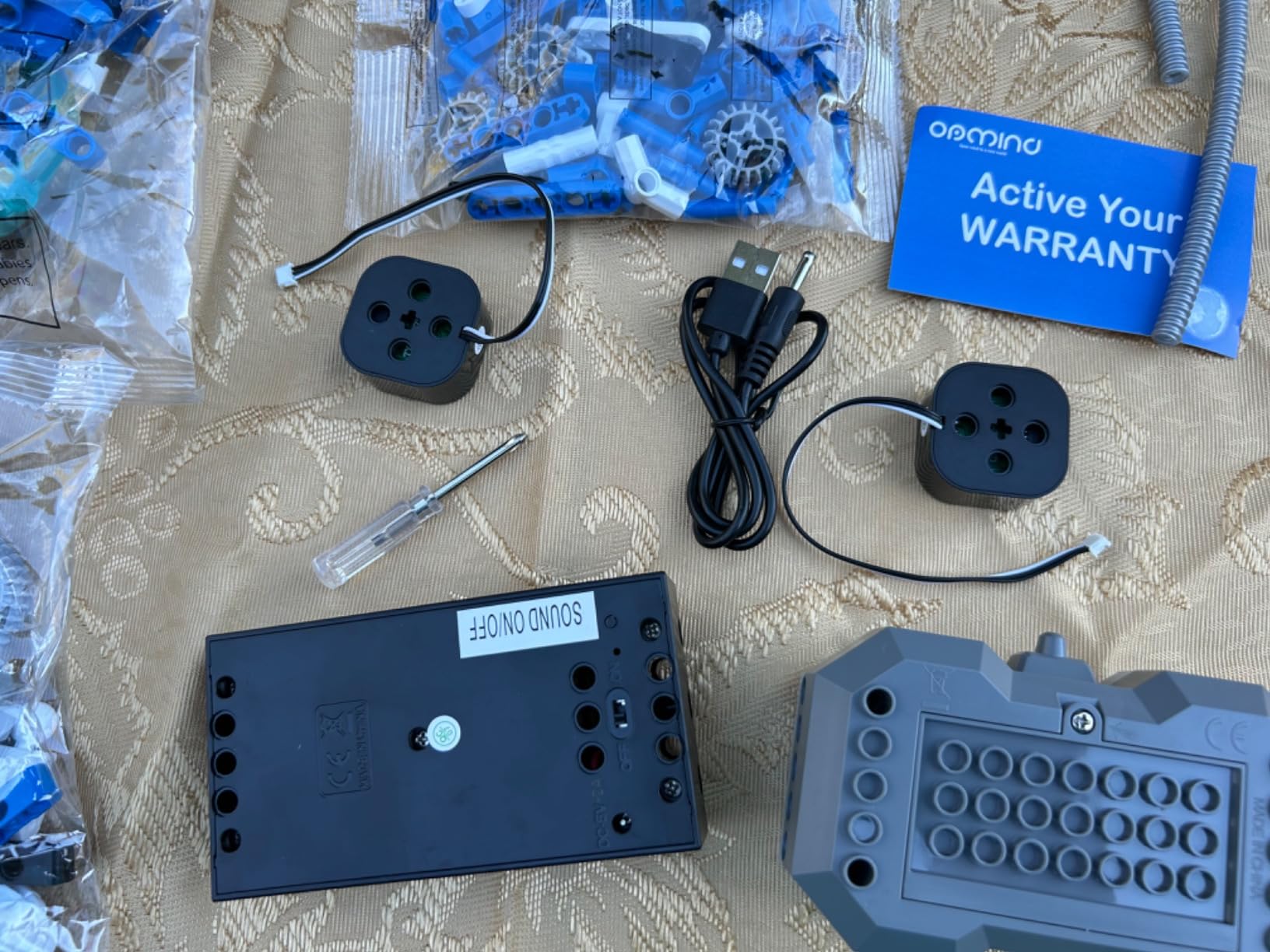
It is also the set that gets ongoing running costs right. A rechargeable lithium-ion battery is included, which removes the slow bleed of AA purchases that affects several kits on this list. If you are comparing two similar brick kits on running cost alone, that difference decides it.
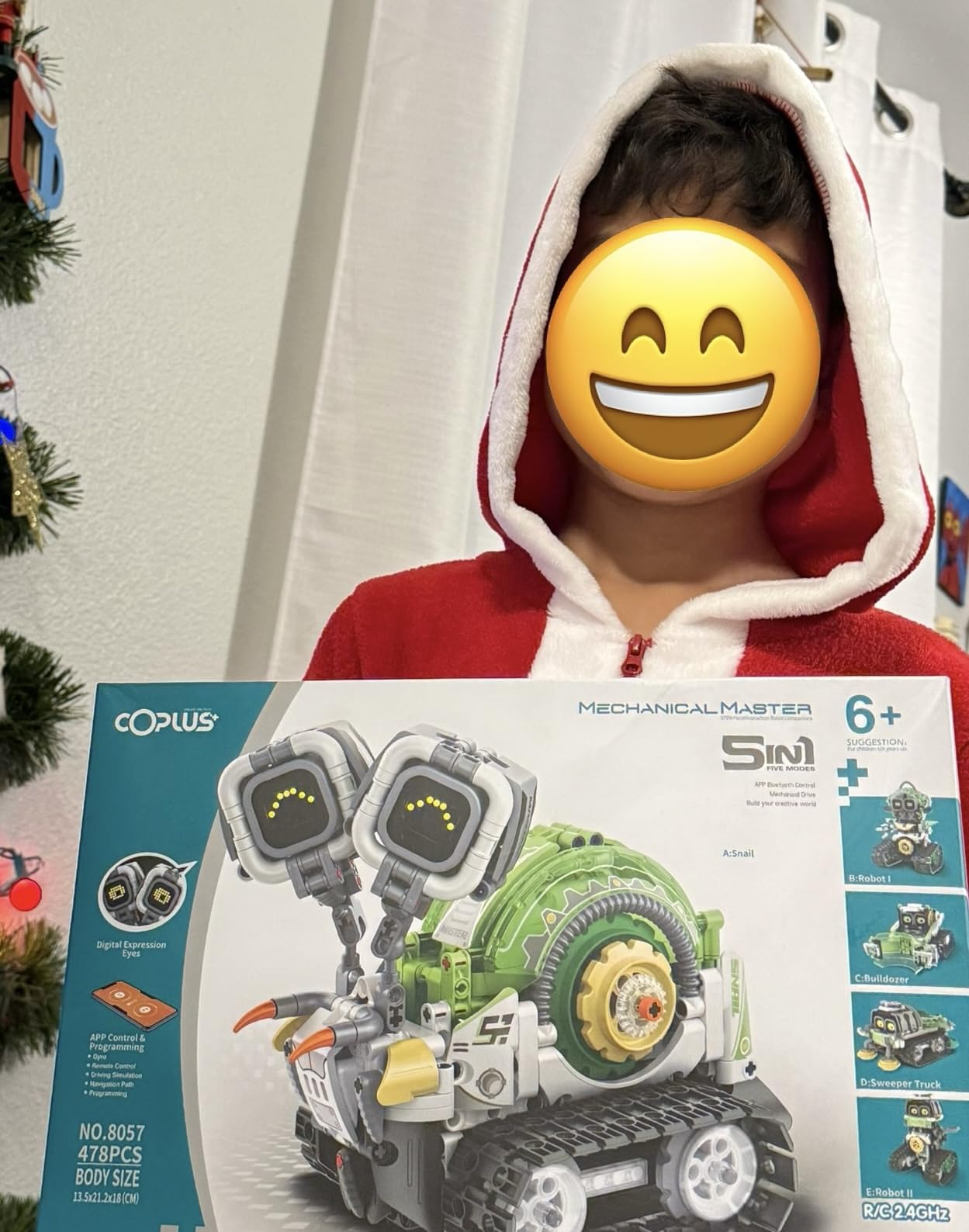
Control runs through an app with 360-degree rotation, driving simulation, a gravity gyroscope, navigation paths and an AI programming mode. LED eyes and sound effects respond to play, and a one-click mute exists for households where that matters. The mute is a small detail that gets mentioned more than you would expect.
The trade-off is that every coding feature requires a device, and the assembly uses small interlocking pieces that reward a steady hand and a flat work surface. Ages 6 to 13 is the stated range.
Who this is for
It suits a 6-to-13-year-old who burns through construction toys quickly and needs a reason to rebuild. It is a good fit for a child moving from remote driving toward real programming, since the navigation and AI modes introduce paths and sequences without requiring a text language.
Who should skip it
Skip it in a screen-free household, since the coding features are app-gated. Skip it for a child who does not like snails, which sounds silly but has ended more than one early review. And plan a clear surface for assembly, because 478 small pieces on a carpet is a bad afternoon.
11. Kyanio 3-in-1 Robotics Set – Best for Multi-Child Play and Type-C Charging
Kyanio STEM Robotics Kits for Kids Ages 8-12 8-14 Year Old, 3 in 1 Remote/APP Control & Programming Robot Building Set, Toy Coding Science Projects, Birthday Gift Ideas for 8 9 10 11 12+ Boys & Girls
560 blocks
12.6 x 8.6 x 2.1 inches
Lithium polymer
Type-C charging
Pros
- Three models with working moving features
- Color-coded blocks and clear step-by-step instructions
- 2.4 GHz control supports several children at once
- Type-C charging instead of an old-style pack
Cons
- 560 pieces make for a long build needing two adults
- One buyer received instructions missing the robot head assembly
- One delivery arrived with a damaged outer box
The Kyanio set is the one to consider when two children want to play at once. The 2.4 GHz remote supports multiple players without interference, which no other kit on this list explicitly does. Three models come out of 560 color-coded blocks: a machine gun robot, an armoured tracked vehicle and a mechanical cannon tank, each with functioning moving features such as rotating guns.
Build quality is the headline. Parents and grandparents describe the parts as fitting together tightly and resembling major-brand bricks, and several report children still playing with the set months after assembly rather than immediately requesting another robot.
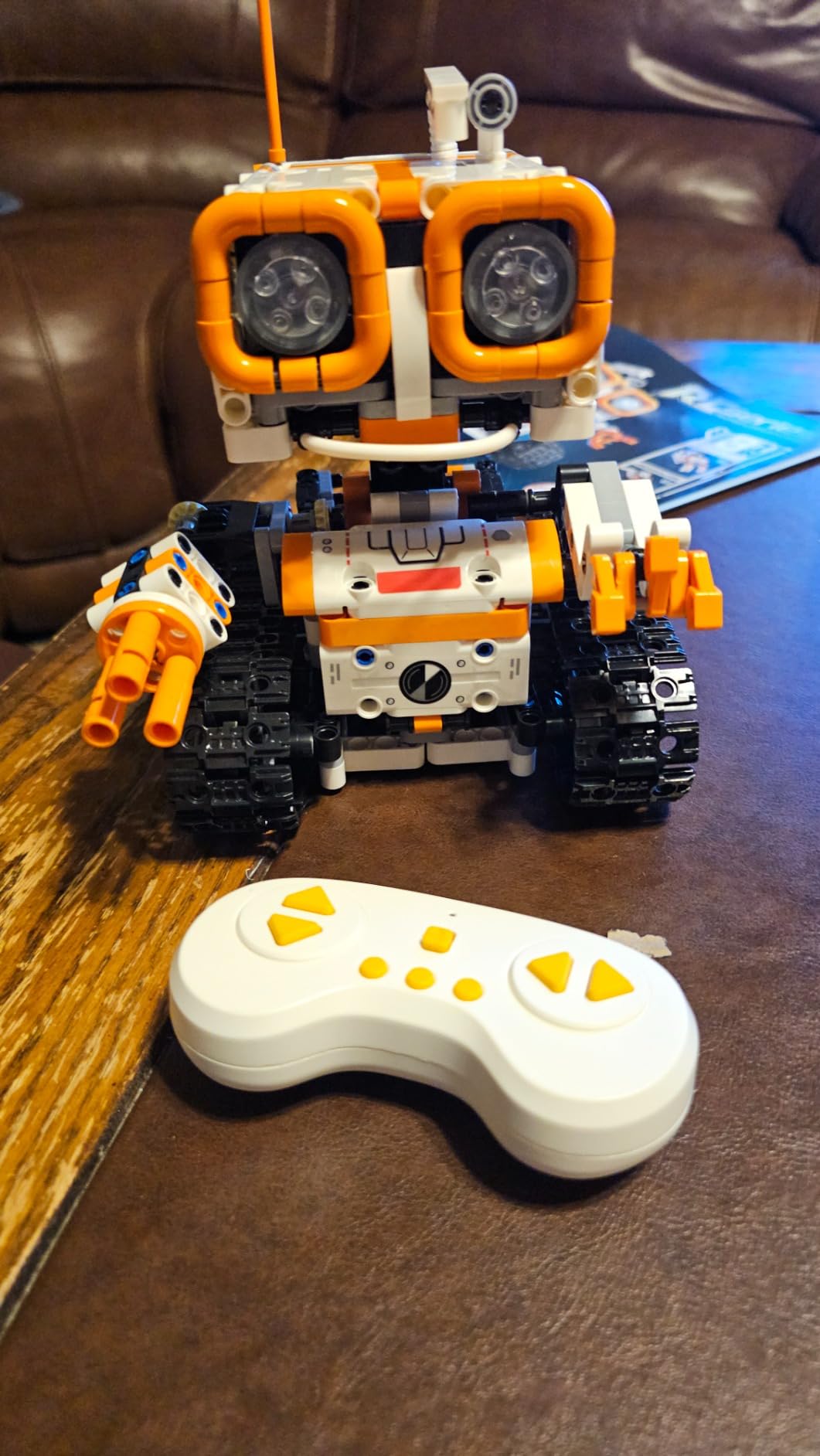
Charging is a Type-C rechargeable lithium polymer battery, included, which is the practical upgrade over the older barrel-connector packs common in this category. Remote operation and app programming both work, with a stated age range of 8 to 14 and a one-year warranty against manufacturer defects.
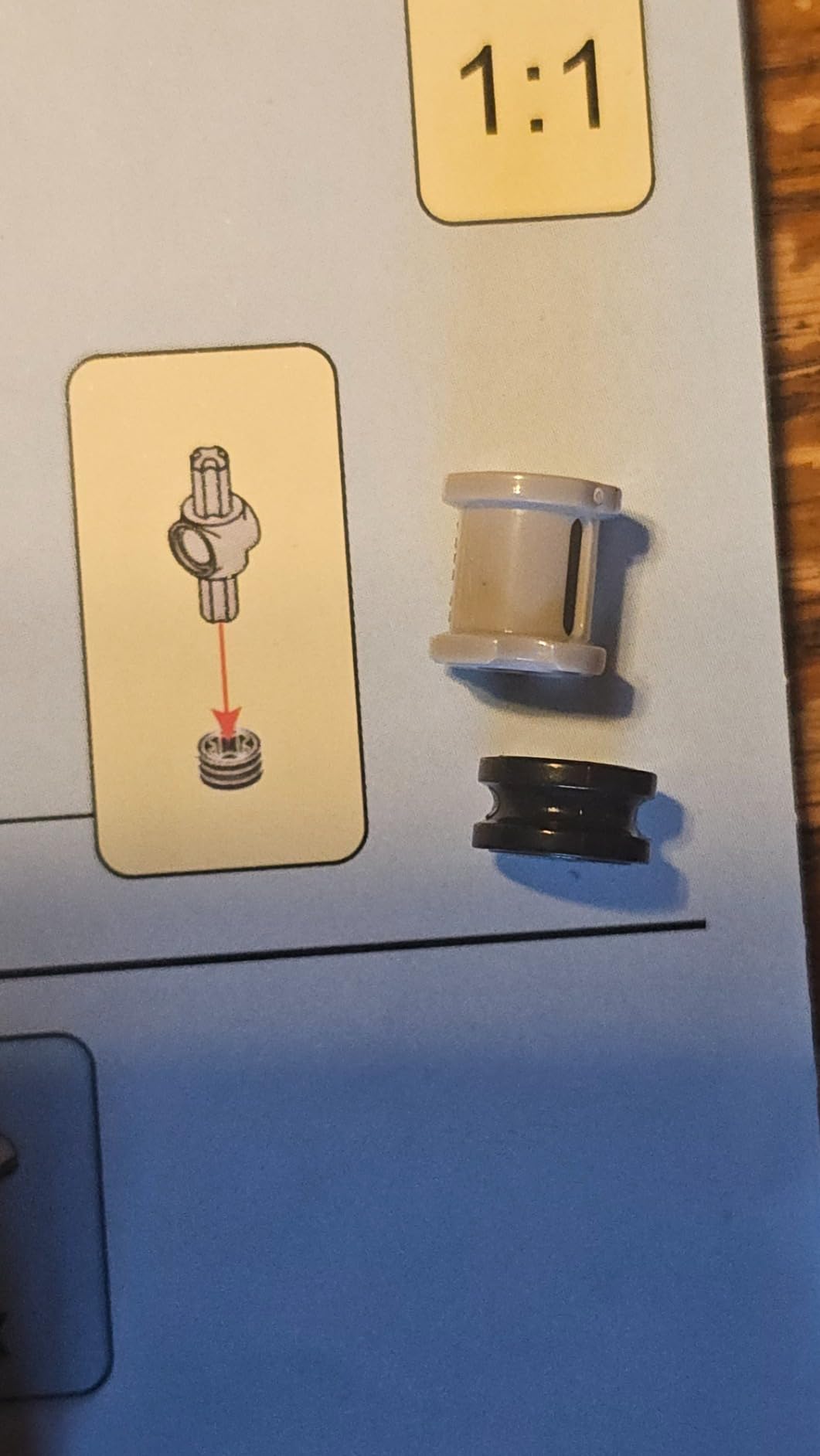
The assembly is the honest drawback. At 560 pieces, this is a multi-hour build that often wants two adults, and one buyer received a booklet covering only the base model, missing the head assembly. Check the contents against the manual before you start.
Who this is for
It suits a 9-to-13-year-old who has moved past single-design kits and wants something closer to a real construction toy. Two siblings or a child with a friend over makes the multi-controller capability genuinely useful, and the working features on each model give the finished build real payoff rather than decoration.
Who should skip it
Skip it as a gift that must be playable on the day it is opened, or for a child under 8 who cannot sustain a long build. Note that app programming adds screen time, which some buyers specifically call out as a downside. And if the moving weapon features concern you, the tank and vehicle models are identical in capability without them.
12. MatataStudio TaleBot Pro – Best Screen-Free Coding Robot for Ages 3 to 5
MatataStudio TaleBot Pro Coding Robot for Kids 3-5, Screen-Free STEM Toy
10.28 x 11.06 x 3.5 inches
Lithium polymer included
Up to 256 commands
Ages 3 to 5
Pros
- Touch controls that toddlers master without reading
- Sturdy build that holds up to daily play
- Drawing
- singing and voice recording add real creativity play
- Used by many schools
Cons
- High cost relative to the play time in the box
- Some children exhaust the 14 missions in two days
- Children around 7 to 9 still need adult help
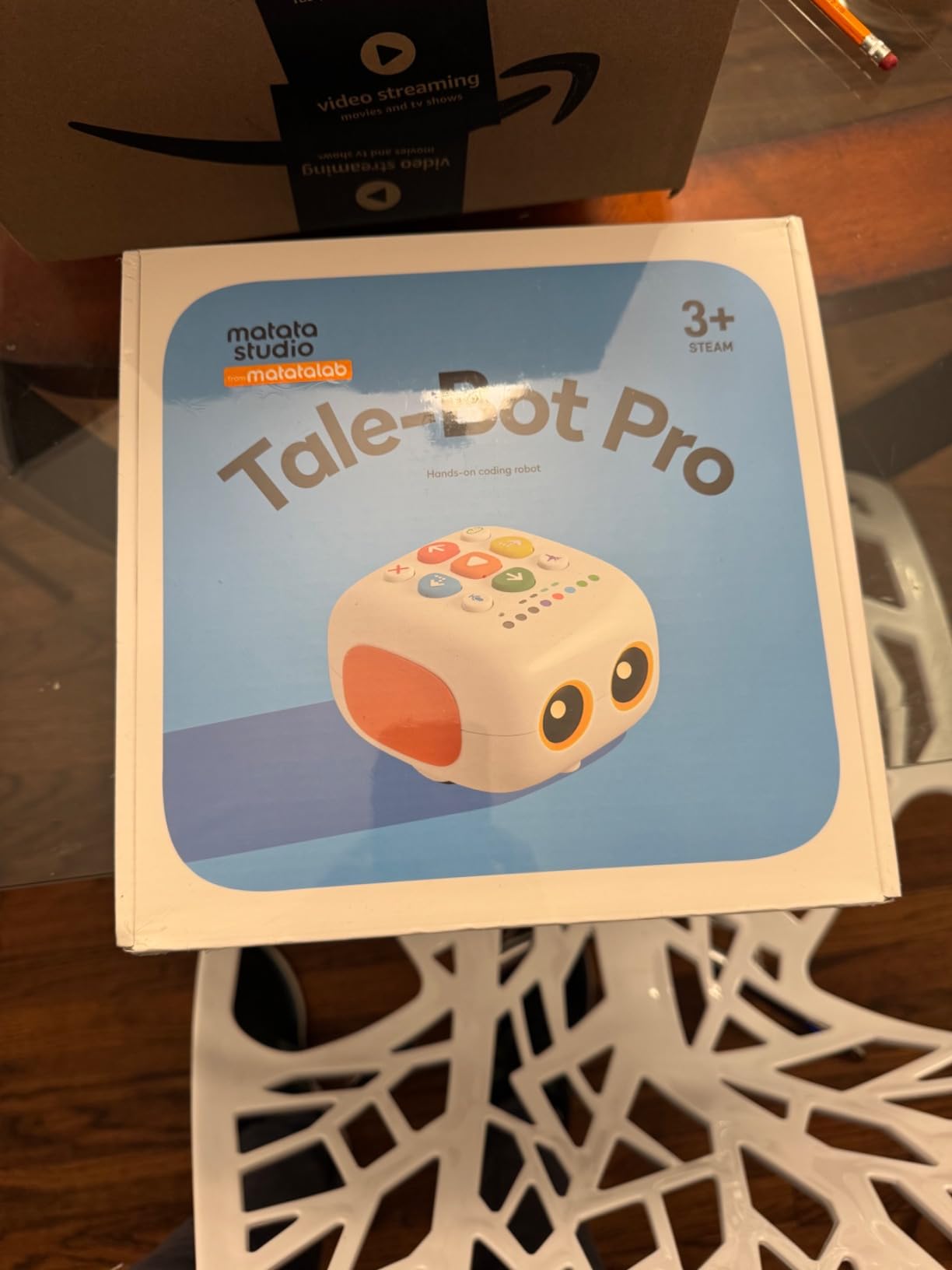
The TaleBot Pro is the youngest learner option in this roundup, and the touch-based interface is the reason. Instead of buttons or a remote, a child presses symbols on the robot’s back to build a command sequence, with no reading and no screen. Parents note that the non-verbal interface also makes it accessible to autistic children, and that the drawing function with the two included washable markers is consistently the favourite activity.
The depth is real for the age band. It stores up to 256 commands covering commands, sequences and loops, and the robot can walk, draw, sing, dance, speak and record voice. A double-sided interactive map gives instant spoken feedback, and LEGO-compatible attachment points let a child build extra shapes onto the body.
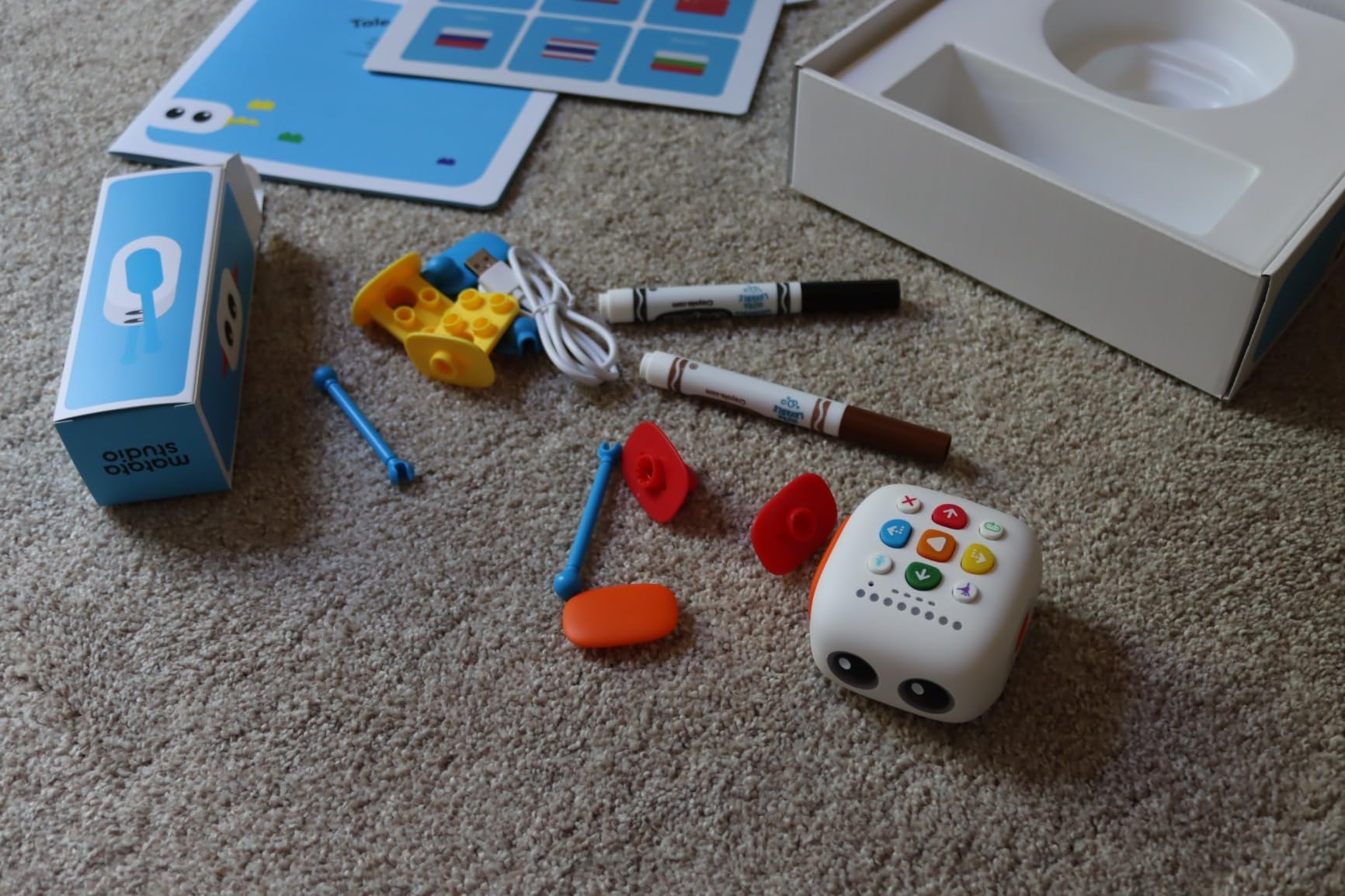
It supports ten languages including English, French, German, Spanish, Chinese and Thai, which matters for multilingual households, though some non-English buyers report missing translated instructions. A rechargeable lithium polymer battery is included, so there is no cell cost later. A 14-mission challenge booklet and a configuration card are in the box.
The value question is the honest one. At the top of this price range, some children burn through the 14 missions in about two days, and the age labelling does not stop them, since 7-to-9-year-olds still need help. Treat it as a two-to-three-month toy, not a year of curriculum.
Who this is for
It suits a 3-to-5-year-old, and it is one of the few picks here that works before a child can read. For a family completely avoiding screens, it is the most capable option available under the ceiling because it teaches sequences and loops without a display. Many schools use it, so a child may already have met one.
Who should skip it
Skip it if you want a long-term investment, since the missions are finite and older children still need help. Skip it if you want the deepest programming available in this range, because it stops at loops. And check your language coverage before buying, as translated instructions are not guaranteed.
How to Choose a Coding Robot Under 100 Dollars
Match the robot to the child’s age, not the box
Age labels on this category are marketing first and fact second. The useful ranges are: ages 3 to 5 needs a touch or button interface with no reading requirement, which narrows the field to the TaleBot Pro and the Code and Go Mouse. Ages 6 to 8 can handle a remote programmer, so Botley and the brick kits enter. Ages 8 to 12 can manage an app, so the mBot, Apitor, Sphero Mini and Opmind become realistic. Ages 10 and up can be trusted with a long mechanical build, which is where the Mech-5 belongs.
Reading readiness matters more than the number. A robot controlled by a phone or tablet requires a child who can read a menu, and for many eight-year-olds that is the actual barrier, not motor skill or interest.
Screen-free or app-based: pick one lane and stay in it
Screen-time guilt is the most common hesitation parents describe, and the honest answer is that a screen-free robot and an app-based robot teach different things. Screen-free robots teach sequencing, spatial reasoning, cause and effect, and the discipline of planning a physical route. App-based robots teach block-based logic, variables and debugging, because the code is visible and editable.
Neither is a substitute for learning a text language later, and parents on robotics forums make the point that block-based coding alone will not teach how real robots work. Our rule of thumb: under age 6, go screen-free. From 8 up, an app is the better buy. Between those ages it is a household decision, not a technical one.
Know where block-based coding leads next
Scratch-style drag-and-drop blocks are the common entry point, and the meaningful difference between robots is what happens at the ceiling. The Sphero Mini moves to JavaScript, with variables, loops and functions. The mBot moves to Arduino, which is real embedded C. Everything else in this list tops out at blocks with loops and conditionals.
If your child is likely to move on within a year, the upgrade path matters more than the feature list on the box. The broader the accessory ecosystem, the longer the robot stays relevant, and the mBot’s 100-plus compatible modules and the Apitor’s six rebuildable models are the two strongest examples here.
Battery and charging reality check
This is the detail that most roundups skip and parents most regret. Six of the twelve kits require batteries that are not included, and the omission is not printed on the box in at least one case. Budget for three AAAs for the Code and Go Mouse, four AA plus a CR2025 for the mBot, five AAAs for Botley 2.0, three AA for the Apitor and four AA for the Coding Chameleon, plus two AAAs for the okk remote.
Among the kits that ship with a battery, the Sphero Mini is the one to watch. It runs about one hour per charge, which is realistic but short, so plan sessions accordingly. The okk, Opmind, Kyanio and TaleBot Pro kits all include rechargeable packs, and USB or Type-C charging makes them the better choice for travel and for a household that is done buying cells.
What you give up under 100 dollars
Nothing at this price buys a 200 dollar robot, and pretending otherwise wastes your money. Here is exactly what sits above the ceiling and what each one unlocks.
The Sphero BOLT and BOLT+ add a programmable LED matrix, which turns the robot into a display a child can write text and animations onto, plus multi-robot collaboration over a local network. The Makeblock mBot2 adds a richer sensor array, better battery life and a cleaner software stack. The Ozobot Evo adds a colour-sensing optical scanner and OzoBlockly, which is a genuine step up in how much logic a child can express. Cubetto and the MatataStudio Coding Set Pro are a different category entirely, running into the hundreds.
What you do not lose is the fundamentals. Sequencing, loops, conditionals, debugging and the mental habit of planning an instruction set are all teachable at this price. You are giving up sensor depth, screen real estate and long-term expandability, not the core skill.
Total cost beyond the box
Define total cost of ownership as the robot price plus the batteries, accessories or device you need to make it usable, then check it before checkout. Roughly half of this list needs cells you have to buy separately. Several app-based robots assume the family already owns a tablet or phone, which is a real cost if you do not. And if you want a robot that can be rebuilt repeatedly, extra block sets become a genuine ongoing spend.
For a parent who wants the widest possible first experience, the AI-powered robots we cover separately show what a genuinely autonomous machine looks like, though those products sit well above this ceiling.
Frequently Asked Questions
What is the best coding robot for kids under 100 dollars?
The Sphero Mini is the best coding robot for kids under 100 dollars. It is a 1.57 inch programmable ball with a gyroscope, accelerometer and RGB LEDs that works as a remote-control toy out of the box, then teaches draw-to-code, drag-and-drop blocks and JavaScript through the free Sphero Edu app. It carries a 4.6 average across more than 5500 owner reviews.
Do coding robots need a tablet or phone?
It depends on the model. Screen-free robots such as the Code and Go Robot Mouse, Botley, Botley 2.0, the Coding Chameleon, the Mech-5 and the TaleBot Pro need no device at all. App-based robots including the Sphero Mini, the Makeblock mBot, the Apitor Robot J, the okk kit, the Opmind set and the Kyanio set require a tablet, phone or computer with Bluetooth.
Do coding robots have subscriptions or hidden costs?
No. Every robot in this roundup uses a free companion app or needs no app at all, and none requires a paid subscription to keep working. The real hidden cost is batteries: six of the twelve kits need cells that are not included, and some app-based robots also assume the family already owns a Bluetooth device.
What age should kids start with a coding robot?
Screen-free button robots work from about age 4, the Botley 2.0 handles preschoolers around 3.5 with adult support, and the TaleBot Pro is built for ages 3 to 5 with a touch interface that needs no reading. App-based block coding is realistic from about age 8, and long mechanical builds such as the Teach Tech Mech-5 suit ages 10 and up.
What is the best screen-free coding robot for kids?
For most families the Code and Go Robot Mouse Activity Set is the best screen-free option, because it teaches sequencing and spatial reasoning with no device and its activity cards scale from preschool to early elementary. For two children of different ages sharing one toy, the Botley Activity Set is better, since object sensing and looping add real depth. For ages 3 to 5, the TaleBot Pro leads.
Can coding robots teach real programming?
Partly. Block-based coding teaches sequencing, loops, conditionals and debugging, which are the real foundations. The Sphero Mini goes further with JavaScript support, and the Makeblock mBot progresses to Arduino. But no robot under 100 dollars teaches a child to work independently in Python or JavaScript, so treat these as a bridge to text-based languages rather than a replacement.
Which coding robot is best for beginners?
The best beginner pick depends on age and on screen tolerance. For a first experience with no screen, the Code and Go Robot Mouse is the gentlest. For a child ready to use a tablet, the Sphero Mini works immediately as a toy and then opens up block coding and JavaScript. The Makeblock mBot is the best value for an 8-to-12-year-old who will keep building.
How many batteries do coding robots need?
It varies widely. The Code and Go Robot Mouse needs 3 AAA, the Makeblock mBot needs 4 AA plus a CR2025 for the remote, the Botley 2.0 needs 5 AAA, the Apitor Robot J needs 3 AA and the Coding Chameleon needs 4 AAA. Batteries are not included with any of these. The Sphero Mini, okk, Opmind, Kyanio and TaleBot Pro kits include rechargeable batteries instead.
Which Coding Robot Should You Actually Buy?
If you want a single recommendation, buy the Sphero Mini. It works as a toy before it works as a teaching tool, it holds a 4.6 average across more than 5500 reviews, and its JavaScript option means it keeps paying out long after block coding stops being novel. That is the best coding robot for kids under 100 dollars, and it is why it leads this list.
If screens are not the goal, start with the Code and Go Robot Mouse Activity Set for a child under 7, or the Botley Activity Set when siblings are six years apart and you want one toy to stretch across both. For a 3-to-5-year-old who cannot yet read, the TaleBot Pro is the only pick here with an interface that genuinely needs no reading. For a 10-and-up builder, the Mech-5 is the most honest engineering project, and the 635-piece okk kit is the longest.
For value, the Apitor Robot J gives six models and a working coding app, and the Makeblock mBot remains the only metal-chassis option with a real path to Arduino. Just buy the batteries first, because six of these twelve kits arrive without them. Check the latest price for any of them before you buy, since the deals in this category move constantly.
Leave a Reply