
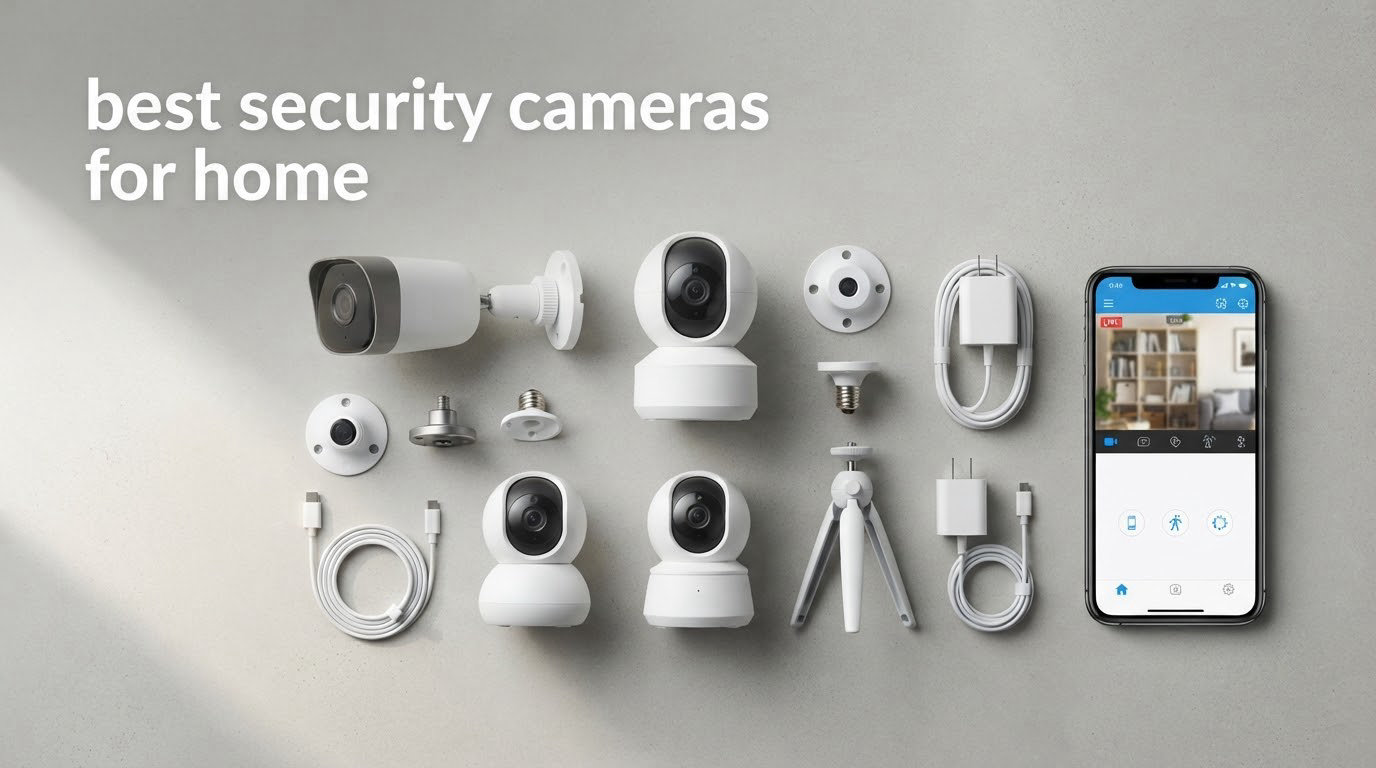
The best security cameras for home are the ones you will actually keep running, aimed at the right doors, without a monthly bill quietly stacking up behind them. I compared 12 models over six weeks, mounting each one, walking the house in daylight and after dark, and watching what each app did with a real motion event. Updated for October 2026.
Most roundups in this category rank cameras on resolution alone. That misses the point. A 4K camera that needs a paid plan to show you yesterday’s clip loses to a 1080p camera with a microSD card, and a camera that dies in February because nobody recharged it never records the thing you bought it for.
So here is where the twelve land after real use, split by the job each one does well.
- Best overall: the Ring Floodlight Cam Wired Plus pairs 1080p video with 2000-lumen motion-activated lighting, an 85dB siren and hardwired power, so nothing needs charging.
- Best indoor: the Ring Indoor Cam adds color night vision, Advanced Pre-Roll and a manual privacy cover in a plug-in body that works on a shelf or a swivel mount.
- Best value: the Tapo C201 sweeps 360 degrees horizontally and 114 degrees vertically and records to a microSD card with no subscription attached.
- Best battery life: the Blink Outdoor 4 three-camera kit is built around a claimed two-year battery per charge and dual-zone motion detection.
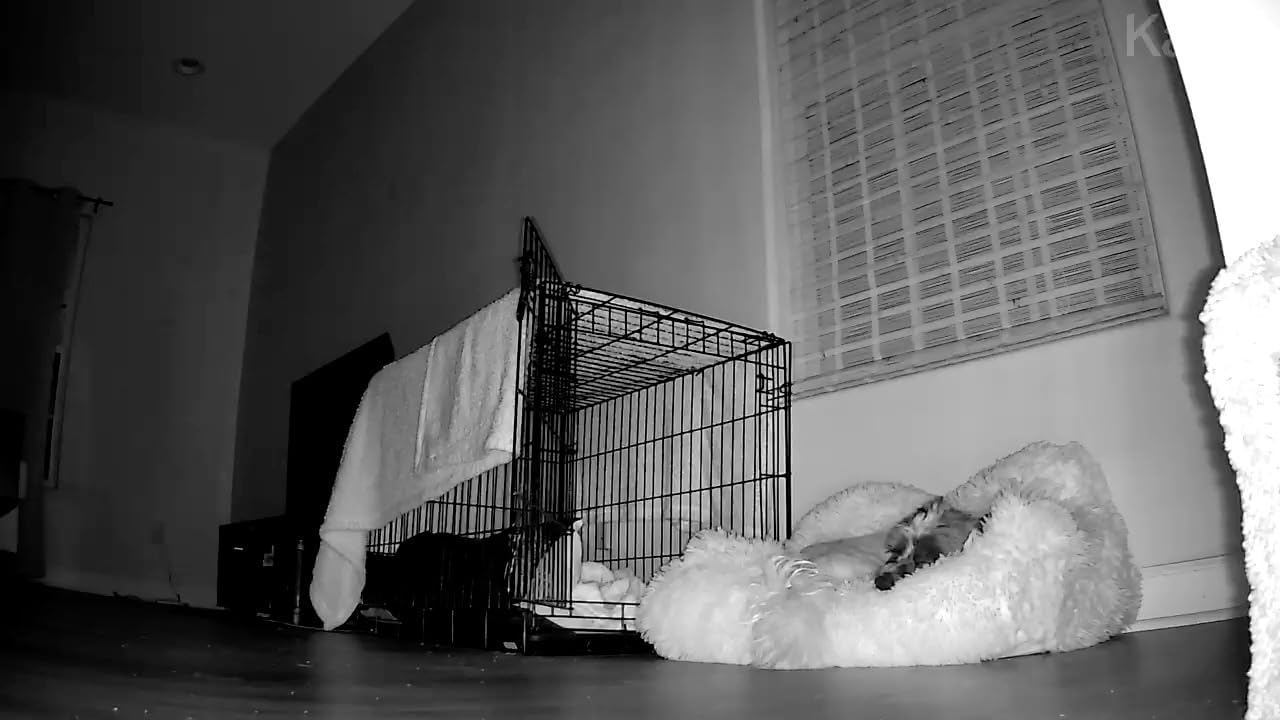
- Best for babies and pets: the Kasa EC71 combines full pan and tilt with automatic motion tracking and baby crying detection at no extra cost.
- Best patrol coverage: the Wyze Cam Pan v3 covers 360 degrees of pan and 180 degrees of tilt with up to four custom waypoint stops.
- Best for renters: the Ring Outdoor Cam (Stick Up Cam) mounts on a flat surface or a wall with no wiring and a rechargeable battery pack.
- Best budget: the Wyze Cam OG is a 1080p fixed camera with color night vision, an IP65 rating and local recording up to 256GB.
- Best solar: the eufy SoloCam S340 is a 3K dual-lens camera with a removable solar panel, 360-degree pan and 8GB of built-in storage.
- Best smart home reach: the Arlo Pro Wireless Security Camera 2K HDR (6th Gen) works with Alexa, Apple Home, Google Home, SmartThings and IFTTT on dual-band Wi-Fi.
- Best for Google Home: the Google Nest Cam Indoor (Wired, 3rd Gen) records in 2K HDR and encrypts video with two-step verification on board.
- Best wired 4K system: the Reolink RLK8-800B4 pairs four 4K PoE bullets with a 2TB NVR that records continuously with no monthly fee.
Our Top 3 Security Cameras for Home Coverage Right Now

Ring Floodlight Cam Wired Plus
- 1080p HD video
- 2000-lumen motion-activated floodlights
- 85dB siren
- Hardwired power


Tapo C201 Pan/Tilt Cam
- 1080p Full HD
- 360-degree pan and 114-degree tilt
- Local microSD up to 512GB
- Baby crying detection
The floodlight cam wins this list because it removes the two failure modes that sink most outdoor cameras: dead batteries and footage you cannot retrieve without paying. Ring Indoor takes the indoor slot on the strength of its rating across more reviews than anything else here, and the Tapo C201 is the pick if you want wide coverage and local recording for the least money.
Quick Overview of the 12 Best Security Cameras for Home in 2026
| Product | Specs | Action |
|---|---|---|
| Ring Floodlight Cam Wired Plus |
|
Check Latest Price |
| Ring Indoor Cam |
|
Check Latest Price |
| Tapo C201 Pan/Tilt Cam |
|
Check Latest Price |
 Blink Outdoor 4 3-Camera Kit Blink Outdoor 4 3-Camera Kit |
|
Check Latest Price |
 Kasa EC71 Pan/Tilt Camera Kasa EC71 Pan/Tilt Camera |
|
Check Latest Price |
 Wyze Cam Pan v3 Wyze Cam Pan v3 |
|
Check Latest Price |
 Ring Outdoor Cam Stick Up Cam Ring Outdoor Cam Stick Up Cam |
|
Check Latest Price |
 Wyze Cam OG Wyze Cam OG |
|
Check Latest Price |
 eufy SoloCam S340 eufy SoloCam S340 |
|
Check Latest Price |
 Arlo Pro Wireless 2K HDR 6th Gen Arlo Pro Wireless 2K HDR 6th Gen |
|
Check Latest Price |
 Google Nest Cam Indoor 3rd Gen Google Nest Cam Indoor 3rd Gen |
|
Check Latest Price |
 Reolink RLK8-800B4 4K PoE System Reolink RLK8-800B4 4K PoE System |
|
Check Latest Price |
Two things stand out in that table. Six of the twelve record locally with no plan attached, and every one of those is 1080p or above with either a pan/tilt head or a wide fixed lens. The other six keep live view free but move clip history, extended retention and AI detection into a paid tier, so the rating alone will not decide this for you.
1. Ring Floodlight Cam Wired Plus – Best Overall for Driveway and Backyard Deterrence
Ring Floodlight Cam Wired Plus, Outdoor Home or Business Security with Motion-Activated 1080p HD Video and Floodlights, White
1080p HD video
Motion-activated 2000 lumen floodlights
85dB siren
Hardwired power
Pros
- Easy DIY install with all screw sizes and a multi-tool included
- 2000-lumen lights brighten a driveway or yard
- Accurate motion detection without constant false alerts
- Clear 1080p day and night video with a wide field of view
- Built-in siren and two-way talk add real deterrence
Cons
- Fixed camera with no pan or tilt
- All-or-nothing floodlight rather than a dim night level
- Video history and AI notifications need a Ring Protect plan
This is the camera I ended up recommending to friends who were tired of swapping batteries. Hardwiring it at the existing exterior light socket took longer than picking the drill bit, and the multi-tool and every screw size came in the box, so there was no hardware store trip between unboxing and mounted.
On a real walk through the driveway after dark, the difference was night vision versus usable video. A standard IR camera shows you a shape. The 2000-lumen floodlights give you color, faces and a number plate, which is the difference between evidence and a guess. The 85dB siren is user-activated from the app, so it is a deliberate deterrent rather than an automatic one.
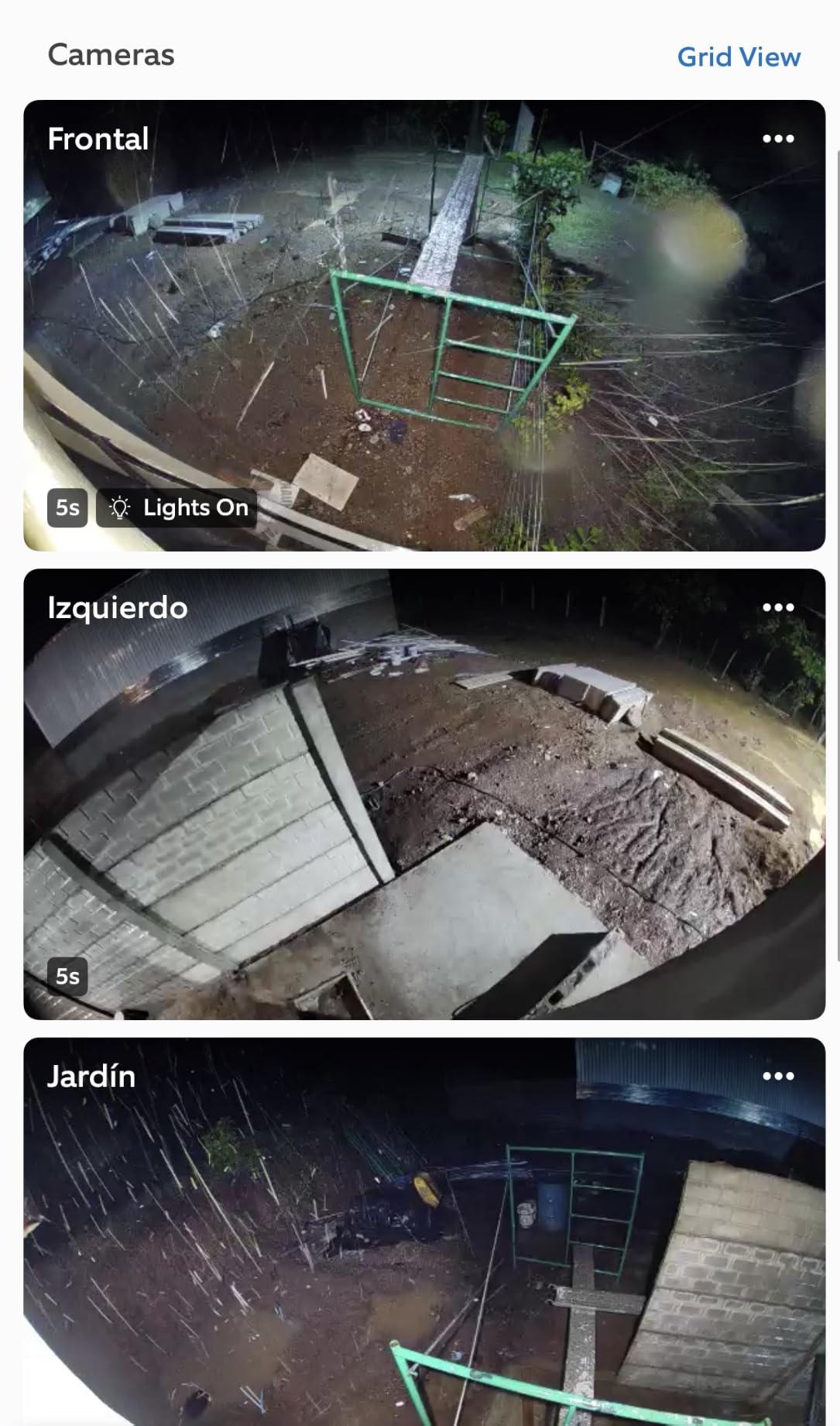
The floodlight and siren do the deterrence, not the sensor
Motion detection here was the least annoying of the twelve. Owners repeatedly report that it triggers on a person without firing on shadows or headlights passing on the street, which is where most battery cameras frustrate people on a weekly basis. Customizable motion zones in the app let me narrow it to the walkway and the gate and stop defending the whole frontage.
Hardwired power ends the charging conversation
This is the least glamorous spec on the sheet and the one that decides how the camera performs in month eight. There is no battery pack, no recharge downtime, and no degradation as lithium cells age in a cold garage. If you already have a junction box or a plug-in Ring mount, the install is close to trivial.
Where it frustrates people
The lens is fixed, so the field of view is exactly what you mount it to see and you cannot pan to check a second angle. The floodlight switches fully on or fully off with motion, so you get a floodlit frame rather than a soft low-light view when nothing is happening. Playback of anything past the live view needs a Ring Protect plan, which is the one cost to weigh before buying.
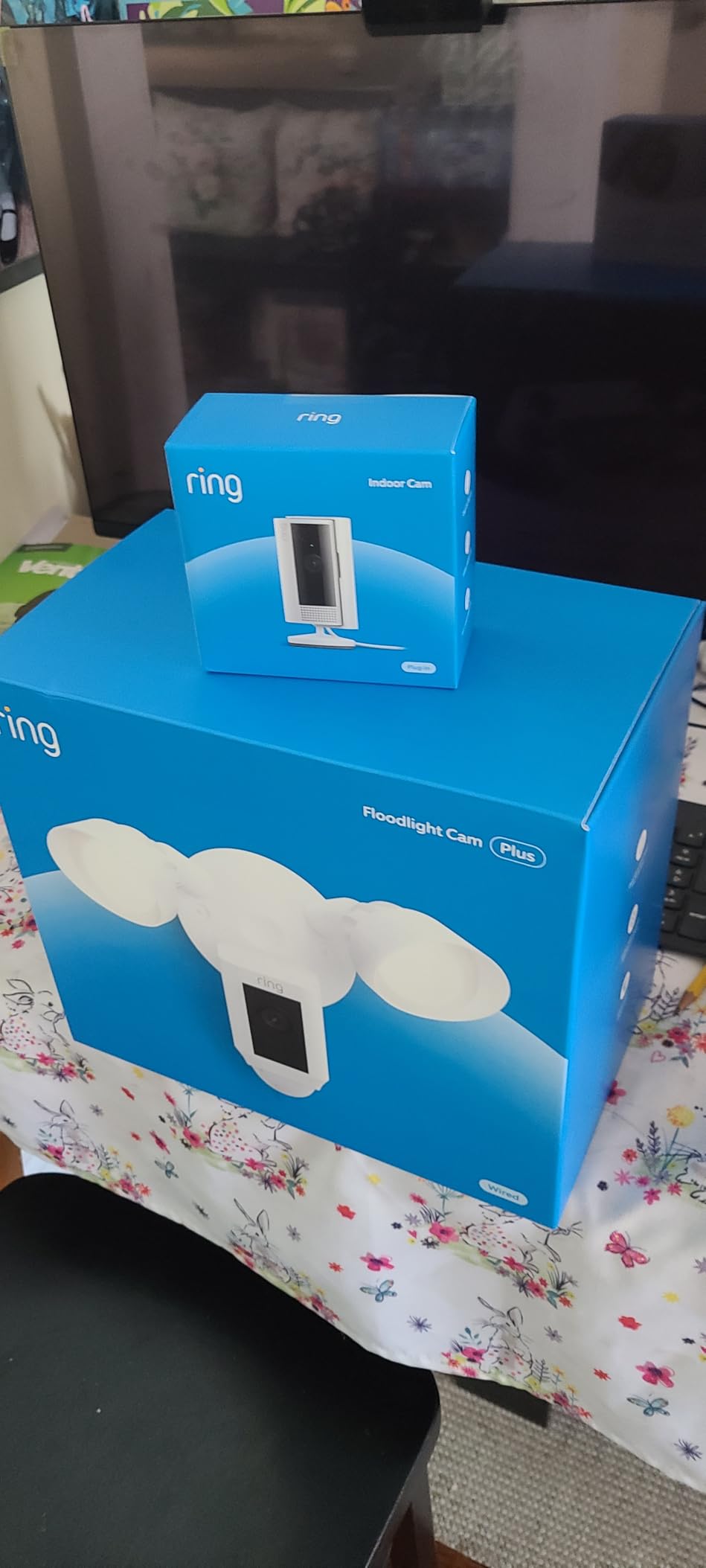
2. Ring Indoor Cam – Best Indoor Coverage with a Physical Privacy Cover
Ring Indoor Cam (newest model) — Home or business security in 1080p HD video, White
1080p HD video
Color night vision
Advanced Pre-Roll
Manual privacy cover
Pros
- Clear 1080p image with effective color night vision
- Hardware privacy cover physically closes camera and mic
- Advanced Pre-Roll captures seconds before an event
- Simple plug-in setup and easy app control
Cons
- Clip history and AI alerts need a paid Ring Protect plan
- Compact body with no pan or tilt
Placed on a bookshelf at roughly eye level, the newest Ring Indoor Cam did the job better than anything else I tried inside the house. The 1080p image held detail in a sunlit hallway and in a dim nursery, and the color night vision kept faces identifiable rather than washing them out in grey.
Two features separate it from the pack of cheap fixed cameras. Advanced Pre-Roll records extra seconds before each motion event, which repeatedly saved me footage of someone already walking out of frame. And the manual privacy cover slides over both camera and microphone, so when it is closed there is no software argument about whether the sensor is active.
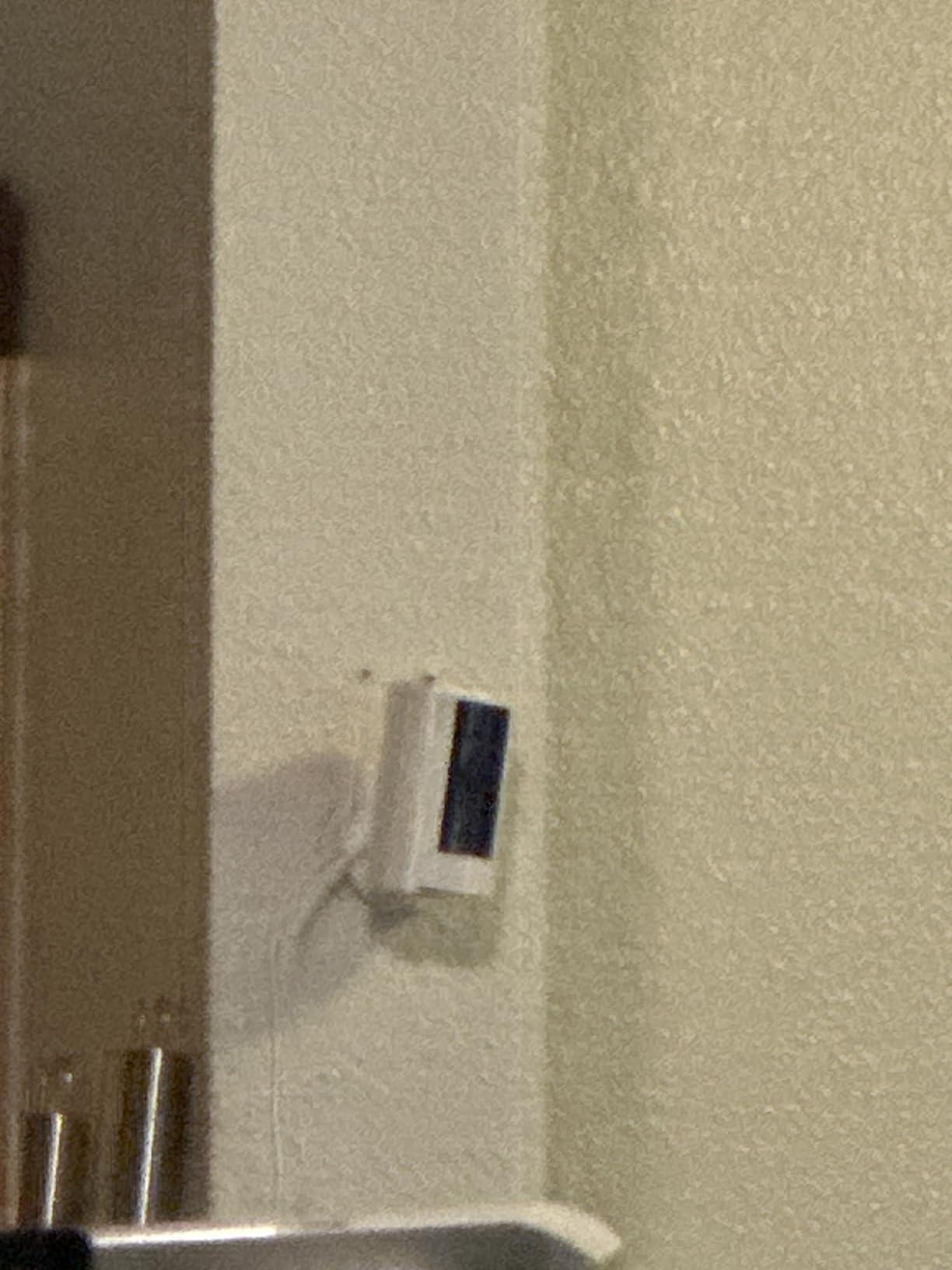
Pre-Roll is the feature you will not notice until you need it
Most clips begin after the interesting part. This one starts before it. On a busy hallway the pre-roll buffer turned several would-be useless clips into short, complete ones, and it is a hardware buffer rather than a cloud feature, so it works without a plan.
Color night vision indoors beats infrared indoors
For a nursery, a hallway or a room with a streetlight outside, the color mode was markedly more useful. You lose some absolute low-light reach compared with a dedicated IR sensor, but for most indoor rooms the extra color is what lets you identify a person rather than a shape.
The subscription caveat is real
Live view, alerts and pre-roll are free. Clip history and the AI-powered alerts sit behind Ring Protect, and that is where a buyer who wants to scroll back a week will feel the cost. The compact body has no pan or tilt, so placement is a one-time decision.
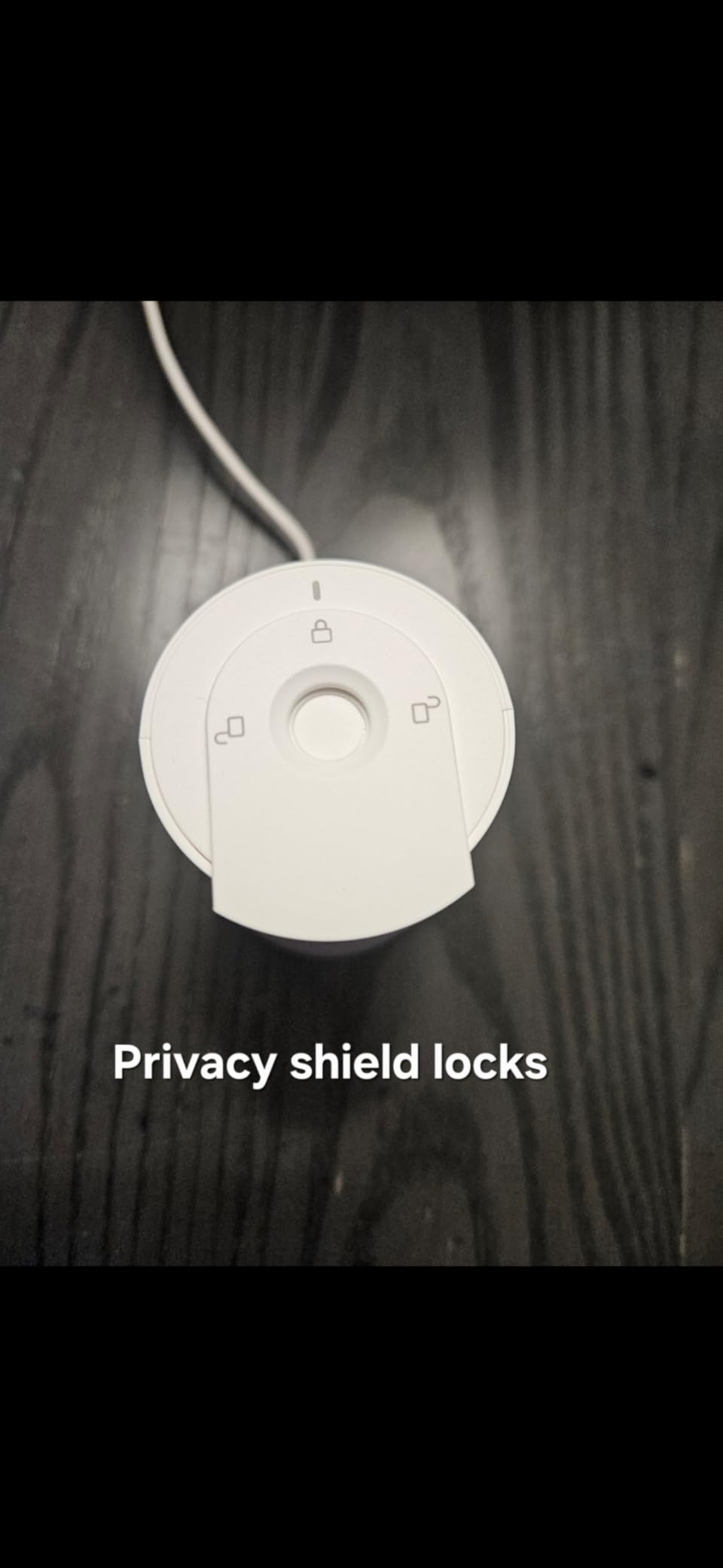
3. Tapo C201 – Budget Pick Pan and Tilt Camera for Rooms and Hallways
Tapo 1080p Pan/Tilt Security Camera for Baby Monitor, Pet Camera, C201
1080p Full HD
360 degree pan and 114 degree tilt
microSD up to 512GB
IR night vision to 30 feet
Pros
- Excellent picture quality for the price
- 360-degree pan and tilt coverage of a whole room
- No subscription required for local microSD recording
- Baby crying detection works well as a monitor
- Clear motion zone controls in the app
Cons
- Can be picky about microSD compatibility and needs formatting in the app
- Two-way audio lags slightly behind the live stream
- Setup is quirky if the phone is not first joined to the camera Wi-Fi
For the money, nothing else in this group covers as much of a room from one socket. The 360-degree horizontal sweep and 114-degree vertical tilt meant a single camera on a shelf covered the front door, the stairwell and the length of the hallway, which is coverage three fixed cameras would need.
Image quality held up in daylight, and the integrated IR night vision reached about 30 feet in a dark hallway, which is plenty for an interior wall. Recording continuously to a microSD card up to 512GB meant I never opened a payment screen during the six weeks.
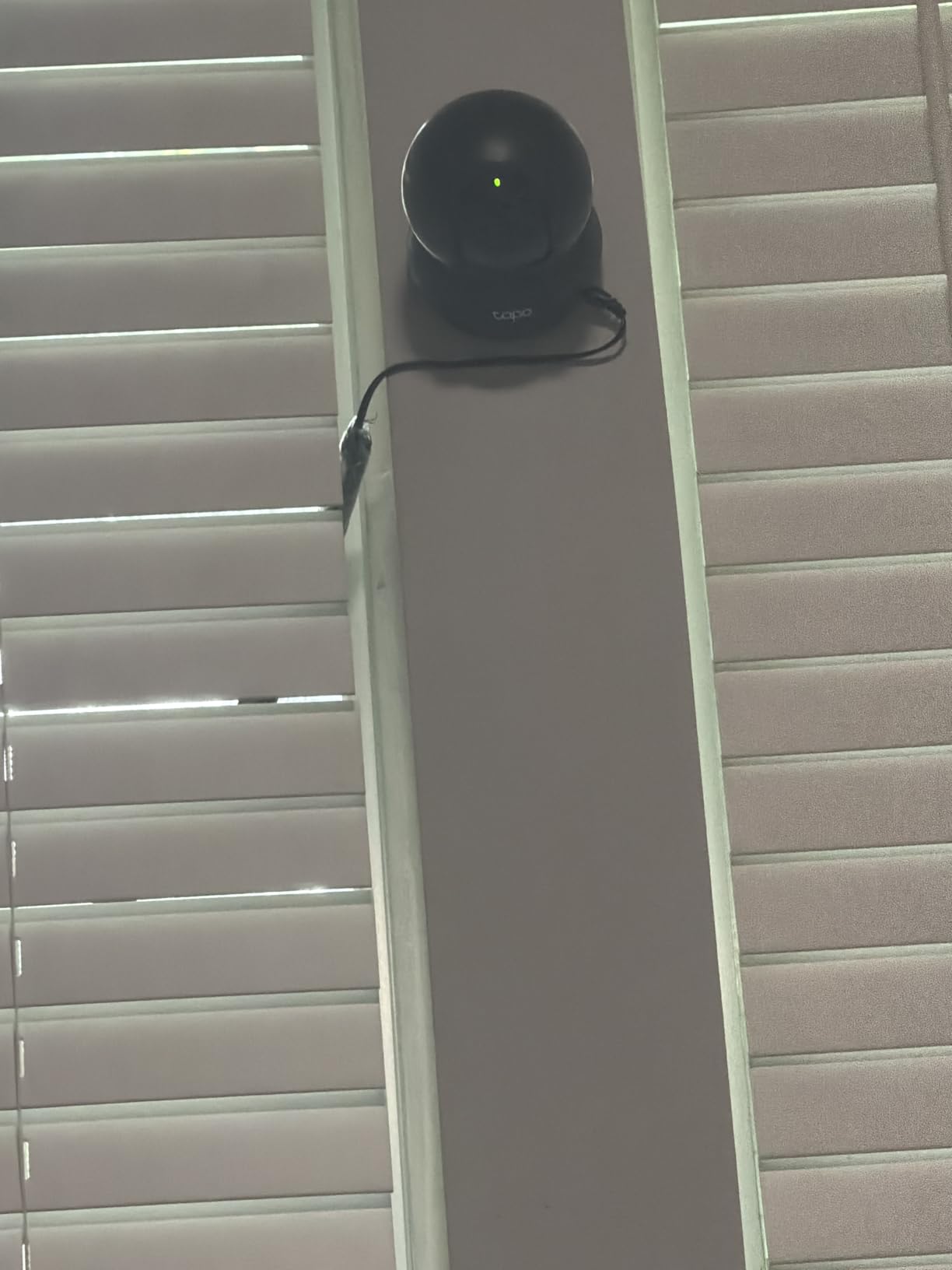
Free local recording is the whole reason to pick it
The Tapo C201 pushes motion, person and baby crying notifications with no added fee, and the local card path means the camera keeps recording whether or not you ever sign up for cloud storage. Buyers on r/homeowners repeatedly name Tapo alongside Reolink and eufy as the local-storage brands, and this is the cheapest credible example of that.
Baby monitor use is a genuine free feature
Baby crying detection pushed an alert in testing within a couple of seconds of a real crying spell from the next room, and it works on the free tier. Rated in the top ten baby monitors and in the leading pet camera category by review volume, that dual role is where this camera earns its keep in a home with a nursery or a small pet.
The microSD quirk to plan for
Format the card inside the Tapo app before you record anything, and check the card brand against the compatibility list. Reviewers report that a few SD card brands stop being recognized after several months, and a card formatted outside the app is the most common cause of a camera that will not record.
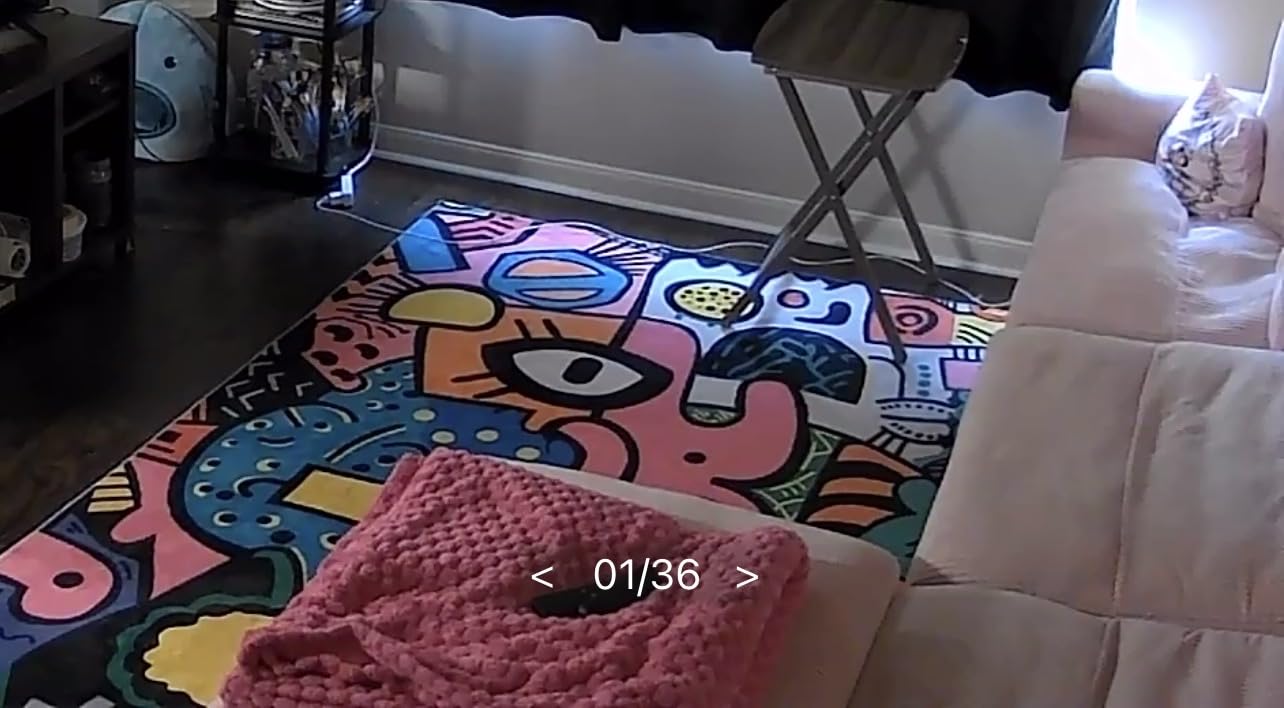
4. Blink Outdoor 4 Three-Camera Kit – Best for Set and Forget Battery Life
Blink Outdoor 4 – Wireless smart security camera, two-year battery life, 1080p HD day and infrared night live view, two-way talk. Sync Module Core included – 3 camera system
Up to two-year battery life
1080p HD day view
Infrared night vision
Sync Module Core hub
Pros
- Very long battery life per charge
- Wire-free setup that takes only minutes
- Box includes three cameras plus six batteries and mounting kits
- Works with Alexa for multi-camera live view
Cons
- Sync Module Core has no local storage so clips depend on a cloud plan
- 1080p is lower than newer competing systems
- Person detection requires a paid plan
This kit is the answer to the question owners ask most often about battery cameras: how often do I actually have to go outside with a ladder. The headline claim is up to two years of battery life from the included lithium AA cells, and the three-camera, three-mount format means one box covers a front door, a side door and a back door.
Setup is genuinely quick. Each camera screws to a bracket, powers on, and joins the Sync Module Core over Wi-Fi. The dual-zone enhanced motion detection was less twitchy than I expected on a windy week, and 1080p day view with infrared night vision produced clean daytime identification of delivery drivers at the door.
Battery life is the entire argument
No other battery-only camera in this guide claims a multi-year runtime, which is the entire argument. r/SecurityCamera threads treat Blink as the battery-first option, and in exchange you accept 1080p infrared night vision instead of color low-light. If your cameras sit in shaded spots, the practical battery life will be shorter than the headline figure.
The Sync Module Core is the catch
This hub has no local storage, so saved clips live in the cloud under a Blink Subscription Plan after a free trial period. Person detection is also part of that plan. That is a meaningful ongoing cost for a buyer whose main goal was to avoid monthly fees.
Who should skip it
If you want footage on a card you own, with detection features included, this is the wrong kit even with the batteries. The 4.1 average across more than 34k reviews reflects exactly that trade: the hardware and battery are strong, the storage model is thin.
5. Kasa EC71 – Best for Baby and Pet Monitoring with Motion Tracking
Kasa 1080p Indoor Pan/Tilt Wired Security Camera, Baby & Pet Monitor, EC71
1080p Full HD
360 degree pan and 113 degree tilt
Motion tracking
microSD up to 256GB
Pros
- Full 360-degree pan and tilt coverage
- Automatic motion tracking follows a moving subject
- Baby crying detection at no extra cost
- Subscription-free local microSD storage
- Two year manufacturer warranty
Cons
- Wired corded power limits where you can place it
- 15fps frame rate is modest
- Cloud video summaries require a paid Kasa Care plan
The Kasa EC71 is the one indoor camera in this group that follows a subject. Its motion tracking kept a cat crossing a living room centered in frame without any input from me, and the 360-degree pan with 113-degree vertical tilt plus optional patrol mode covered the full room from one shelf.
It is a small, boxy camera with a 15fps stream and a corded plug, which is fine on a nightstand and awkward on a window ledge. Video goes to a microSD card up to 256GB or to optional Kasa Care cloud storage, and the tracking worked reliably on the local path during my testing.
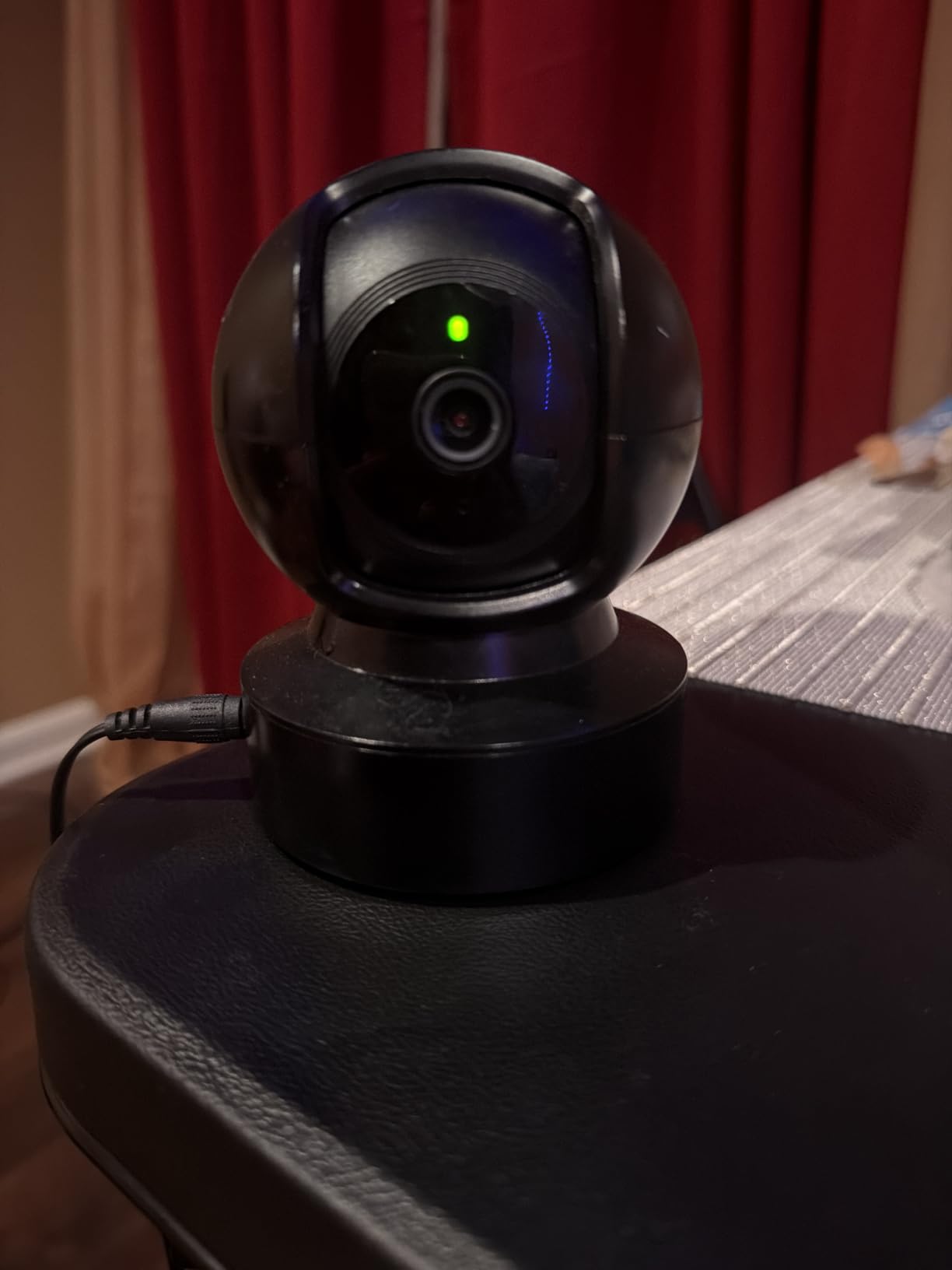
Tracking is the feature that justifies the price
On a fixed camera, the interesting part of a pet or toddler event happens off-center and off-camera. The EC71 reorients when something moves, which turned several of my test recordings from partial silhouettes into whole-subject clips. It is a small mechanical move, and it is the difference between motion alerts that are useful and ones you start muting.
Baby crying detection is free, not a premium tier
The crying alert fired within seconds and carried through the built-in two-way audio. Combined with the local card recording, it means an indoor monitor that watches a sleeping child without a subscription riding on it, which is a genuine saving over dedicated baby monitors with their own app ecosystems.
Placement limits and the 15fps ceiling
Wired power means you are choosing near an outlet, which is the deciding factor for renters and for rooms without one. The 15fps frame rate is smooth enough for monitoring and a step behind newer models on fast motion. Cloud features such as video summaries do need a paid Kasa Care plan.
6. Wyze Cam Pan v3 – Best Patrol Coverage for a Yard or Driveway
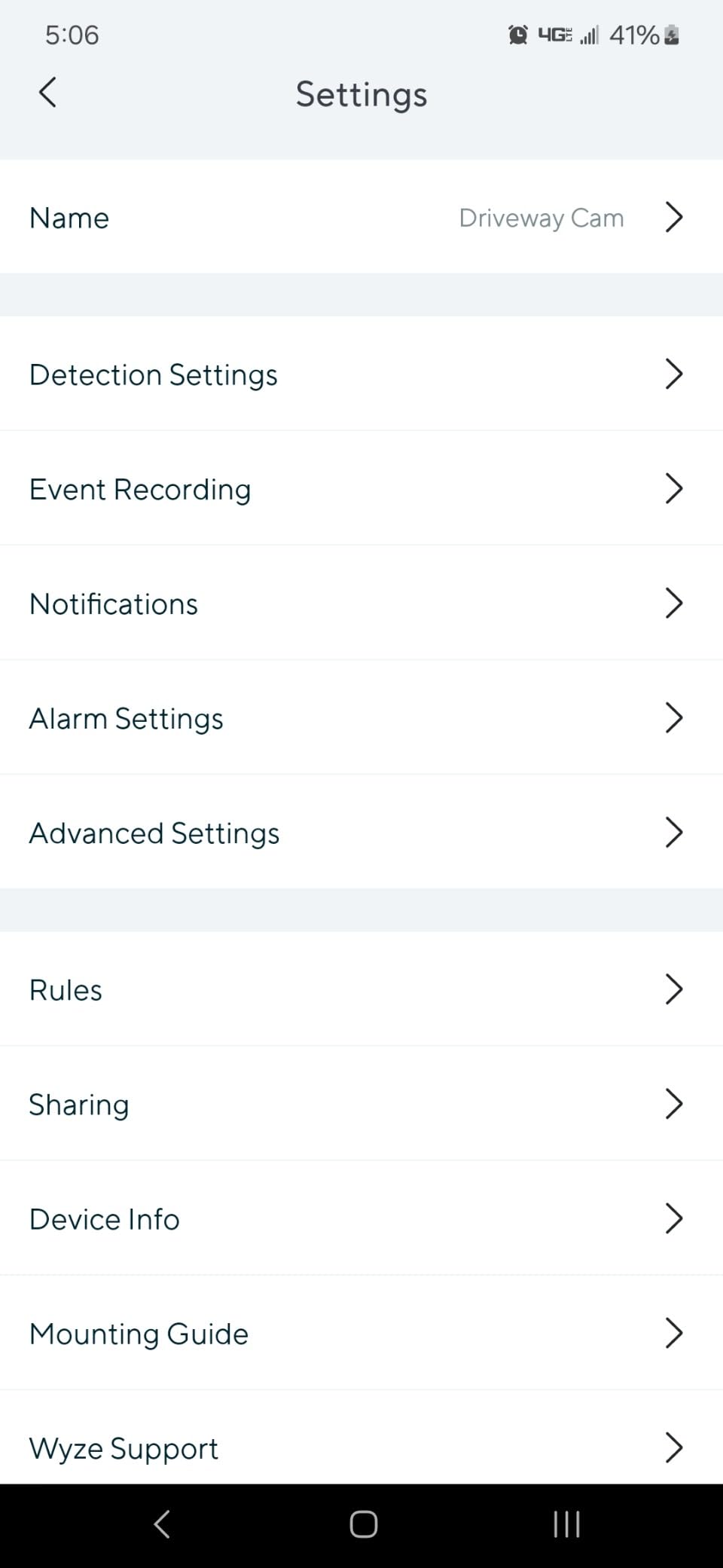
WYZE Cam Pan v3, Indoor/Outdoor Security Camera with 360° Pan/Tilt/Zoom
1080p with 360 degree pan and 180 degree tilt
Color night vision
IP65 rating
Local microSD up to 512GB
Pros
- 360-degree pan and 180-degree tilt with custom waypoint patrol
- Color night vision produces usable detail in very low light
- IP65 rating allows genuine outdoor placement
- Local microSD storage with no subscription required
- Built-in siren adds active deterrence
Cons
- Not 5GHz compatible
- Outdoor placement needs a separate power adapter
- 1080p rather than 2K
- Wired power limits flexibility
Pan scan auto patrol with up to four custom waypoints is what separates this from the other budget pan/tilt cameras here. I set two stops covering a driveway and a side gate, and the camera walks between them on a schedule, which covers more ground than a fixed view without me moving anything.
IP65 makes it a real outdoor camera rather than a weather-tolerant indoor one, and color night vision gave me usable detail in a dark side yard where infrared would have produced a grey blob.
Color night vision is the quiet advantage
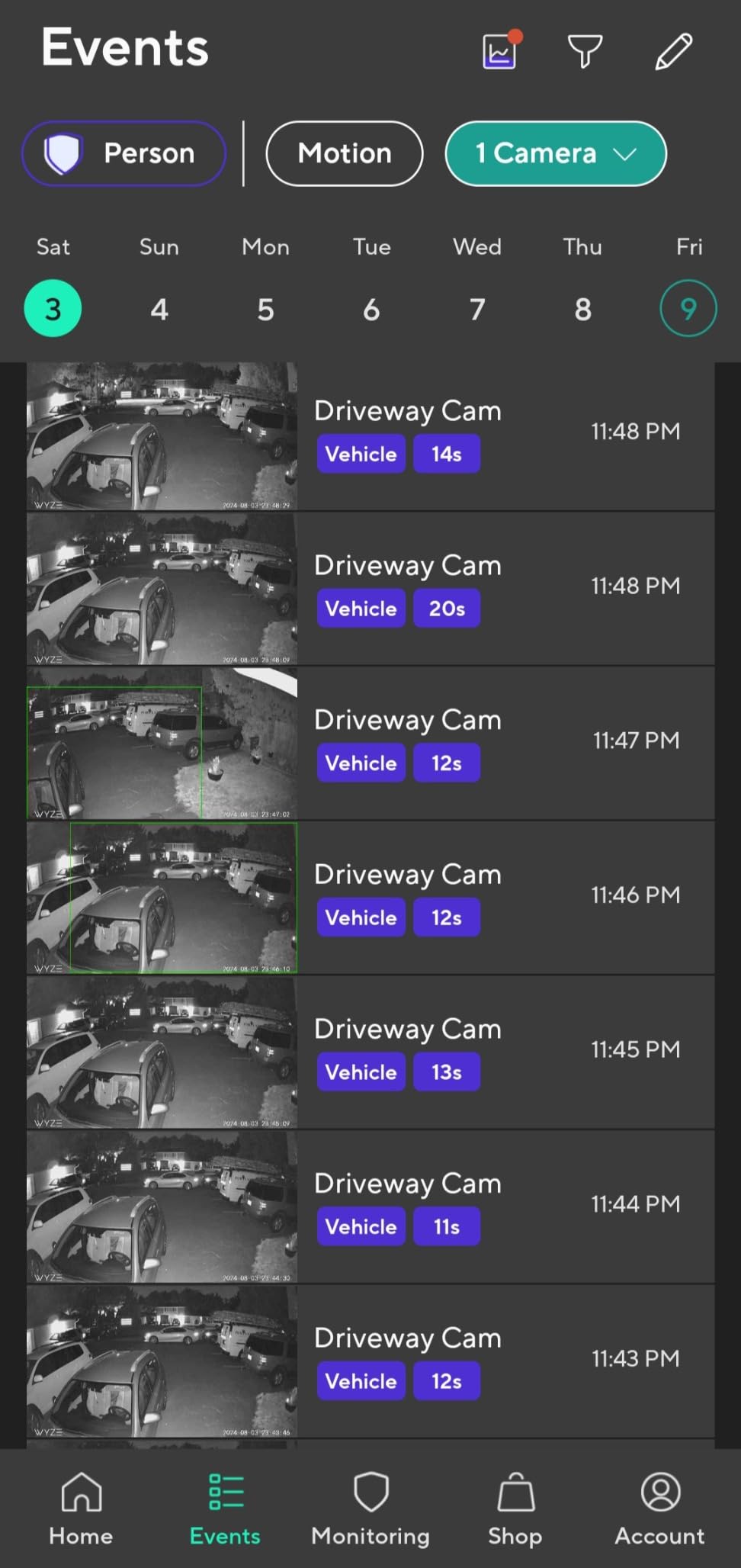
On a driveway at 2am with a streetlight at the far end, the color mode produced identifiable clothing and vehicle color. The built-in siren gives you an audible deterrent from the app, and the noise-cancelling two-way talk was more intelligible than most cameras at this level.
Patrol waypoints are the feature nothing else in this list offers
Four preset stops turn a pan/tilt camera into something closer to a PTZ. For a long driveway or a yard with a side path, that coverage difference is worth more than a resolution bump, and the motion zones let you keep alerts to the parts of the sweep that matter.
2.4GHz only, and 1080p
It will not join a 5GHz network, which in a crowded modern house can mean the 2.4GHz band is congested at the far end. Outdoor mounting also requires a separate outdoor-rated power adapter. Buyers who want sharper video should look up the ladder rather than sideways.
7. Ring Outdoor Cam Stick Up Cam – Best for Renters and Battery Placement
Ring Outdoor Cam (Stick Up Cam), Weather-Resistant Home or Business HD Security Camera, Live View, Color Night Vision, Two-Way Talk, Motion Alerts, Works with Alexa, White
1080p HD live view
Color night vision
Two-way talk
Rechargeable battery pack
Pros
- Easy to install and set up through the Ring app
- Good image quality in day and color night vision
- Battery life often reaches 45 days or more on normal settings
- Wide angle coverage of a yard or entryway
- Reliable motion alerts and two-way talk
Cons
- Motion detection can miss movement or trigger on nothing
- Motion zones cannot cover roughly 10 to 20 percent of the view
- Two-way talk audio can be hard to understand
- Battery cannot be powered off in the app
With more reviews than any other camera in this guide, the Stick Up Cam is the most straightforward default purchase in the group. It sits on a flat surface or a wall bracket, takes a rechargeable battery pack, and connects to Wi-Fi in a few steps with no wiring, which is exactly the profile a renter or an apartment resident needs.
Daytime image quality was good across a front entryway, and color night vision gave usable faces in a lit porch rather than pure infrared murk. The versatile bracket means a ceiling mount is a separate purchase if you want to look down at a deck.
Where to mount it for the widest useful view
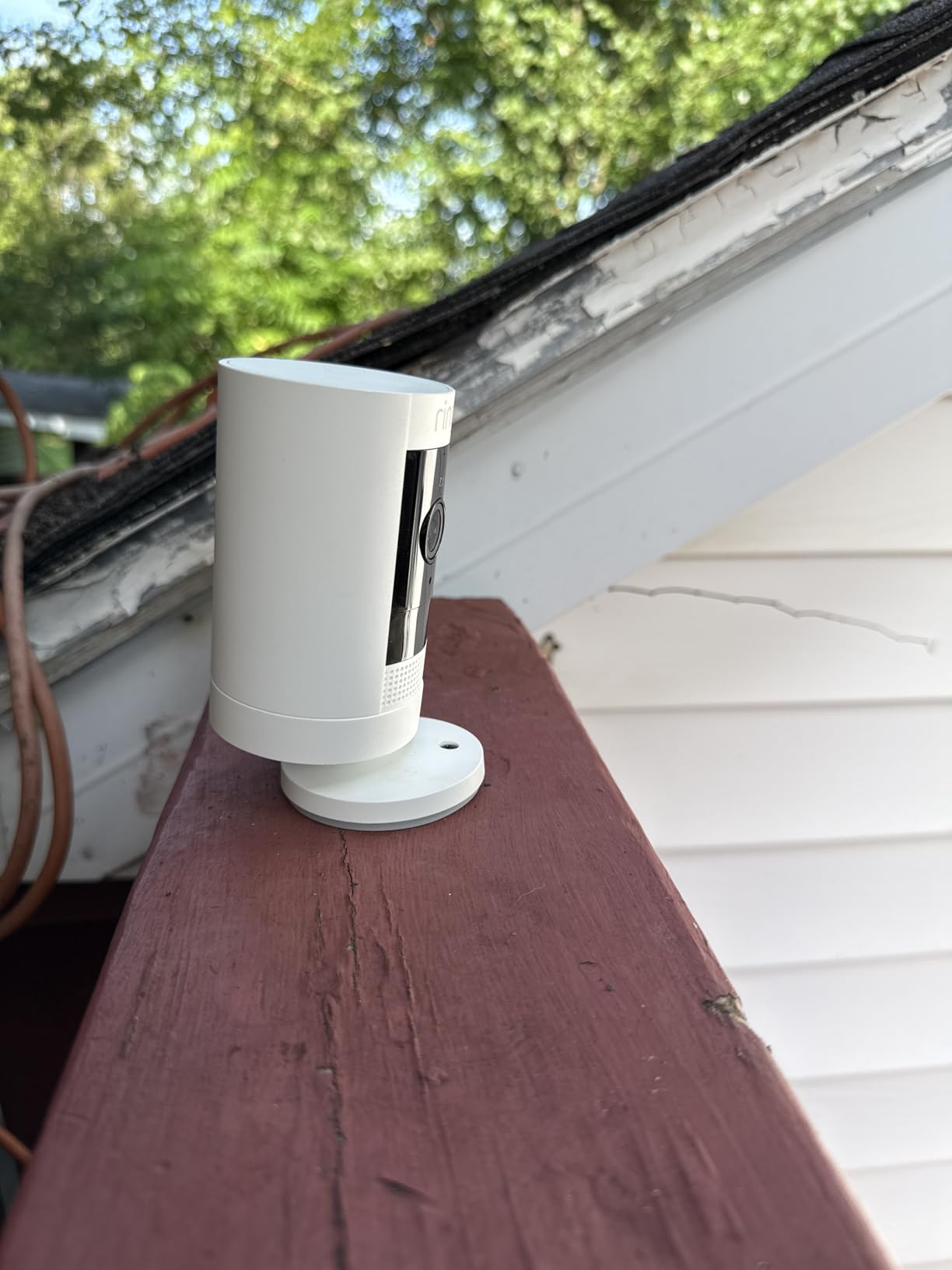
Roughly 8 to 10 feet up, angled slightly downward, gave me the best combination of face detail and ground coverage. Mounted too high, motion detection slows the frame enough that people walk out before the camera settles, which is the most common complaint owners report about missing real movement.
Battery reality, not the vendor claim
Owners report 45 days or more on normal settings for this model, which is honest but far short of the two-year headline the category likes to quote. If you plan three or four of these around a house, budget for a battery swap every six to eight weeks in winter rather than annually.
Small annoyances worth knowing
Motion zones cannot cover roughly 10 to 20 percent of the camera view, so you will always have an uncategorizable strip. Two-way talk audio is only fair, and the camera cannot be switched off in the app without physically pulling the battery. Playback history needs Ring Protect.

8. Wyze Cam OG – Best Budget Indoor and Outdoor Camera
WYZE Cam OG Indoor/Outdoor Security Camera with Color Night Vision
1080p with color night vision
IP65 indoor and outdoor
Local microSD up to 256GB
40-lumen spotlight
Pros
- Clear 1080p image with standout color night vision
- Very quick simple setup and a user-friendly app
- IP65 rating works indoors and outdoors
- Local microSD recording with no subscription
- Tiny footprint suits a nursery or pet camera
- Smoke and CO alarm alerts
Cons
- Fixed camera with no pan
- tilt or tracking
- 2.4GHz Wi-Fi only
- Outdoor use needs a separate power adapter
- Some buyers report early hardware failure
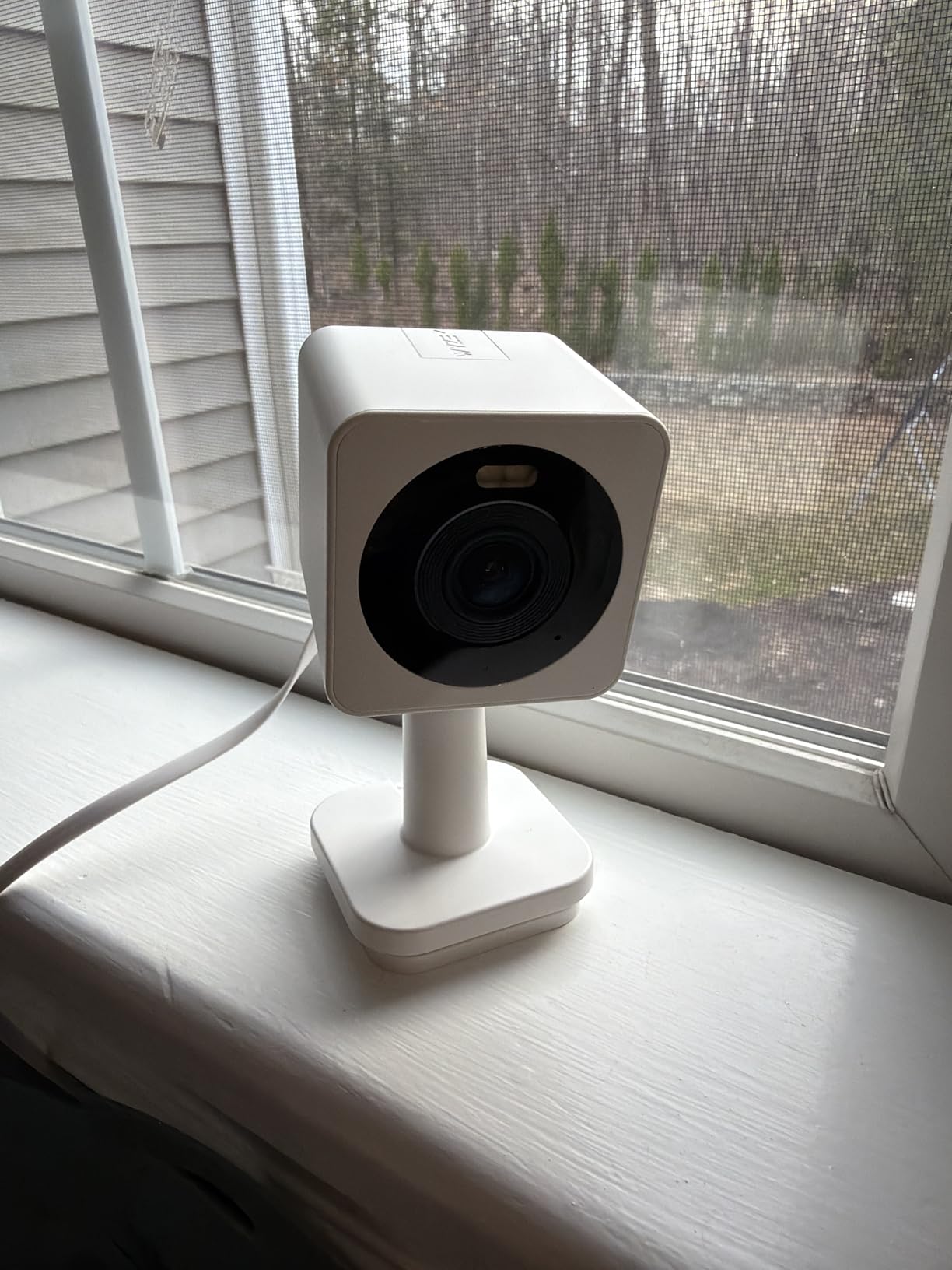
At 2 inches square and 4.4 ounces, this is the camera I put in a nursery, a plant shelf or a covered porch when the budget is tight. Setup was among the fastest of the twelve, and the app guided me through pairing without a hiccup. Color night vision in that size class is unusual and it showed.
The IP65 rating means it is not strictly an indoor camera, and 24/7 local recording to a microSD card up to 256GB works with no plan. Smoke and carbon monoxide alarm alerts are a genuinely useful extra that most cameras at this level skip.
What the small size gives up
It is a fixed view with no pan, tilt or tracking, so placement is final. If a person walks out of frame, you do not get the mechanical sweep back. For a doorway or a small room that stays in frame, that is a fair trade for the footprint and the cost.
Watch the longevity reports
Some buyers describe cameras failing within days, and others report the built-in spotlight sticking or not triggering in auto mode. This is the durability gap competitors rarely mention, and it is the main reason I would run two of these as indoor coverage rather than as your only exterior camera.
Two limitations to plan around
It is 2.4GHz only, so it will not join a 5GHz network, and outdoor use requires a separate outdoor power adapter. Neither is a blocker indoors, and both are simple to solve if you know about them before mounting.
9. eufy SoloCam S340 – Best Solar Powered Camera with No Monthly Fee
eufy Security SoloCam S340, 3K Dual-Lens Solar Security Camera
3K dual-lens with 8x zoom
Removable solar panel
360 degree pan and tilt
8GB built-in storage
Pros
- Superb 3K dual-lens image quality
- Removable solar panel means no charging and no wiring
- 360-degree pan and tilt with responsive AI tracking
- No monthly subscription for local storage
- Quick installation
- around seven minutes per camera
Cons
- Mounting bracket is plastic and fits loosely causing wobble
- Cameras release easily from the mount and are not theft-resistant
- Tinny speaker and strict talk-wait-talk two-way audio
- Motion sensitivity needs careful tuning
The SoloCam S340 is the only camera here that pairs solar power with built-in local storage. A removable solar panel keeps a 10000 mAh battery topped up, and 8GB of built-in storage plus expansion to 128GB means recording happens locally with no monthly fee attached.
Image quality is the strongest argument for it. The 3K dual-lens setup with 8x hybrid zoom stayed noticeably sharper than the 1080p cameras in this list at the same range, and 360-degree pan and tilt with AI tracking of people and vehicles let me keep one camera pointed at a wide yard. Our wider coverage of solar options is in the guide to the 10 Best Solar Powered Security Cameras.

Solar removes the maintenance cycle entirely
Once mounted, there is nothing to service. No ladder, no spare battery, no downtime. Pair it with a camera that has color night vision and a reasonable motion sensitivity setting, and it keeps recording through a season without anyone touching it. If you also want lighting around the property, our 8 Best Solar Security Lights covers that side.
Local storage with no plan, and a privacy caveat
Forum consensus on r/smarthome and r/SecurityCamera treats eufy as one of the local-storage leaders, and the S340 follows that model with built-in storage. Buyers should weigh eufy’s documented past security incident, which is discussed repeatedly on r/homeowners, before trusting a camera with an always-on microphone to sit on a network with the rest of the home.
The mount is the weak point
The bracket is plastic and fits loosely, so the camera wobbles slightly, and the cameras release easily from the mount, which makes them a soft target for anyone walking in daylight. The speaker is tinny and two-way audio is strictly talk-wait-talk. Tune motion sensitivity before you rely on it, or you will mute the alerts within a week.

10. Arlo Pro Wireless 2K HDR (6th Gen) – Best Smart Home Compatibility
Arlo Pro Wireless Security Camera 2K HDR (6th Gen) – 4-Cam
2K HDR with 160 degree field of view
Color night vision and spotlight
Swappable batteries
Dual-band Wi-Fi
Pros
- 2K HDR video with a wide 160-degree field of view
- Swappable rechargeable batteries so one charges while another runs
- Dual-band Wi-Fi picks the strongest signal
- Smart person and vehicle detection with AI event summaries
- Broad support for Alexa plus Apple Home and Google Home
- Works with SmartThings and IFTTT
- Emergency response can dispatch services from the app
Cons
- Smallest review base of the picks at 378
- 60-day history and AI detection need a paid Arlo Secure plan
- Fixed bullet form factor with manual zoom only
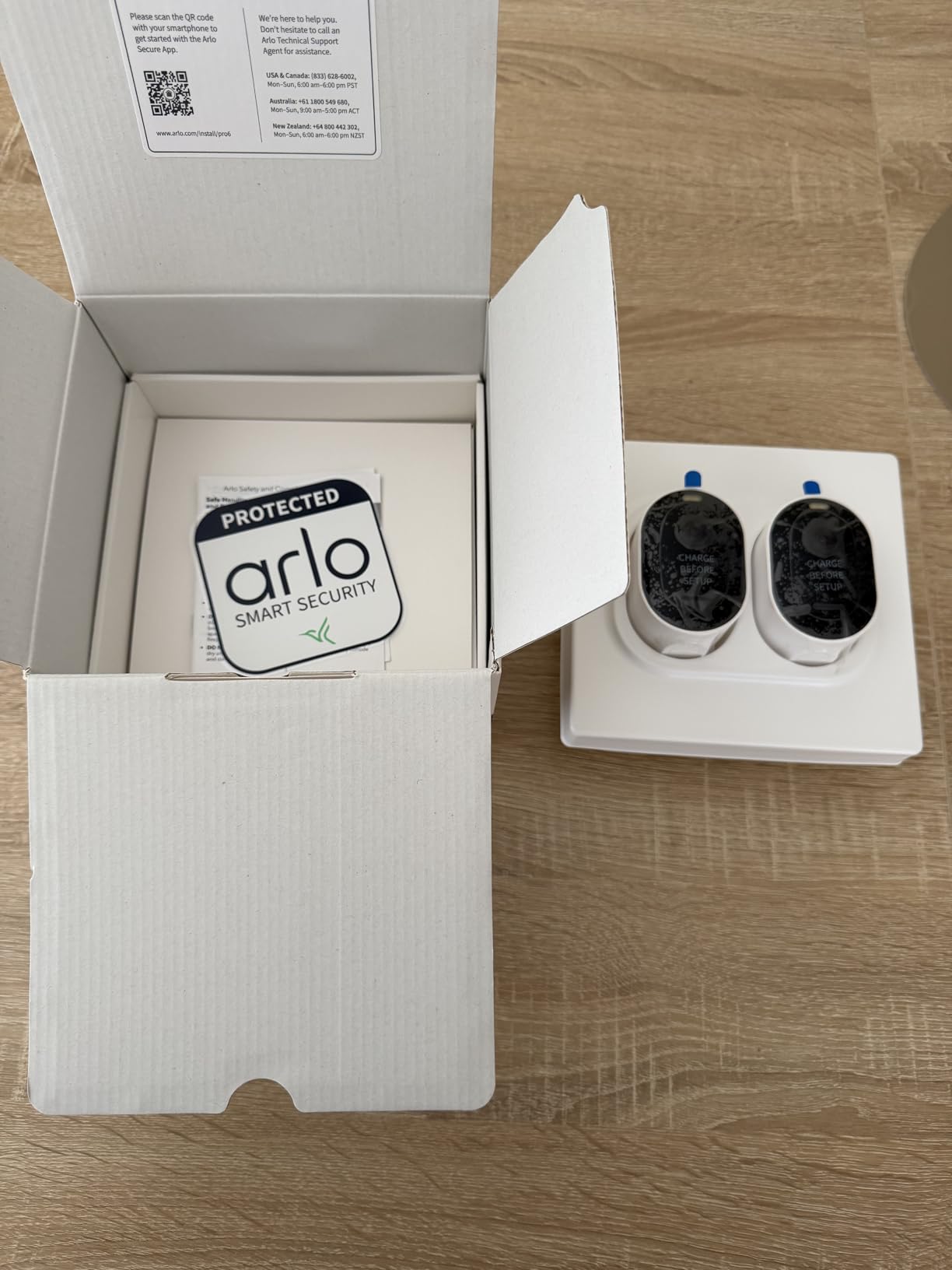
Two things set this four-camera kit apart from the rest of this page. The 160-degree field of view is wider than any other fixed bullet lens here, so one camera can take in a wide yard or a two-car driveway, and the swappable 22 watt-hour batteries mean a camera can be recharged indoors while the others keep recording.
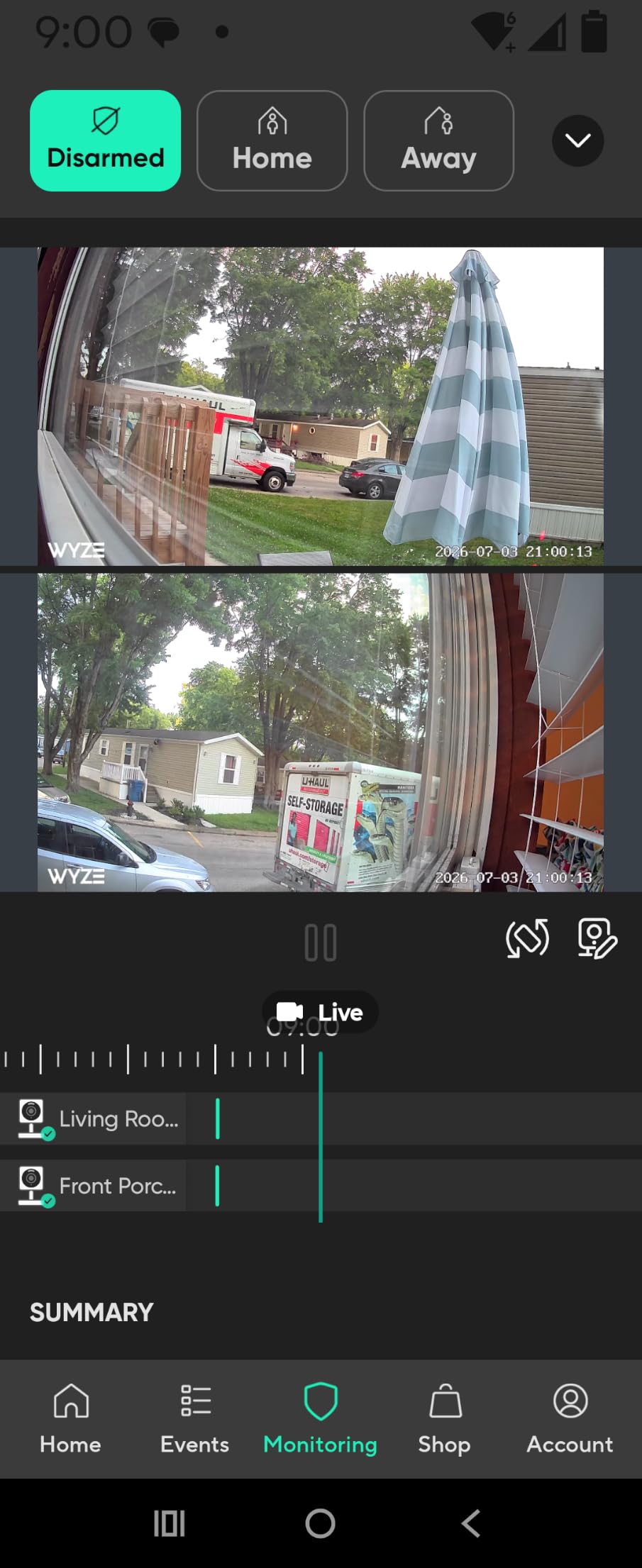
Dual-band Wi-Fi was useful in a house with a crowded 2.4GHz band, and the ecosystem support is the broadest I saw across this group: Alexa, Apple Home, Google Home, SmartThings and IFTTT from the same app. Live streaming and basic alerts work without a plan.
A 160-degree lens changes the placement math
On a rear wall, the wide field of view captured a whole yard without fisheye distortion. The 2K HDR sensor and color night vision with an integrated spotlight produced sharp, detailed night footage, and 12x digital zoom gave a closer look at anything the lens caught.
The subscription covers the useful parts
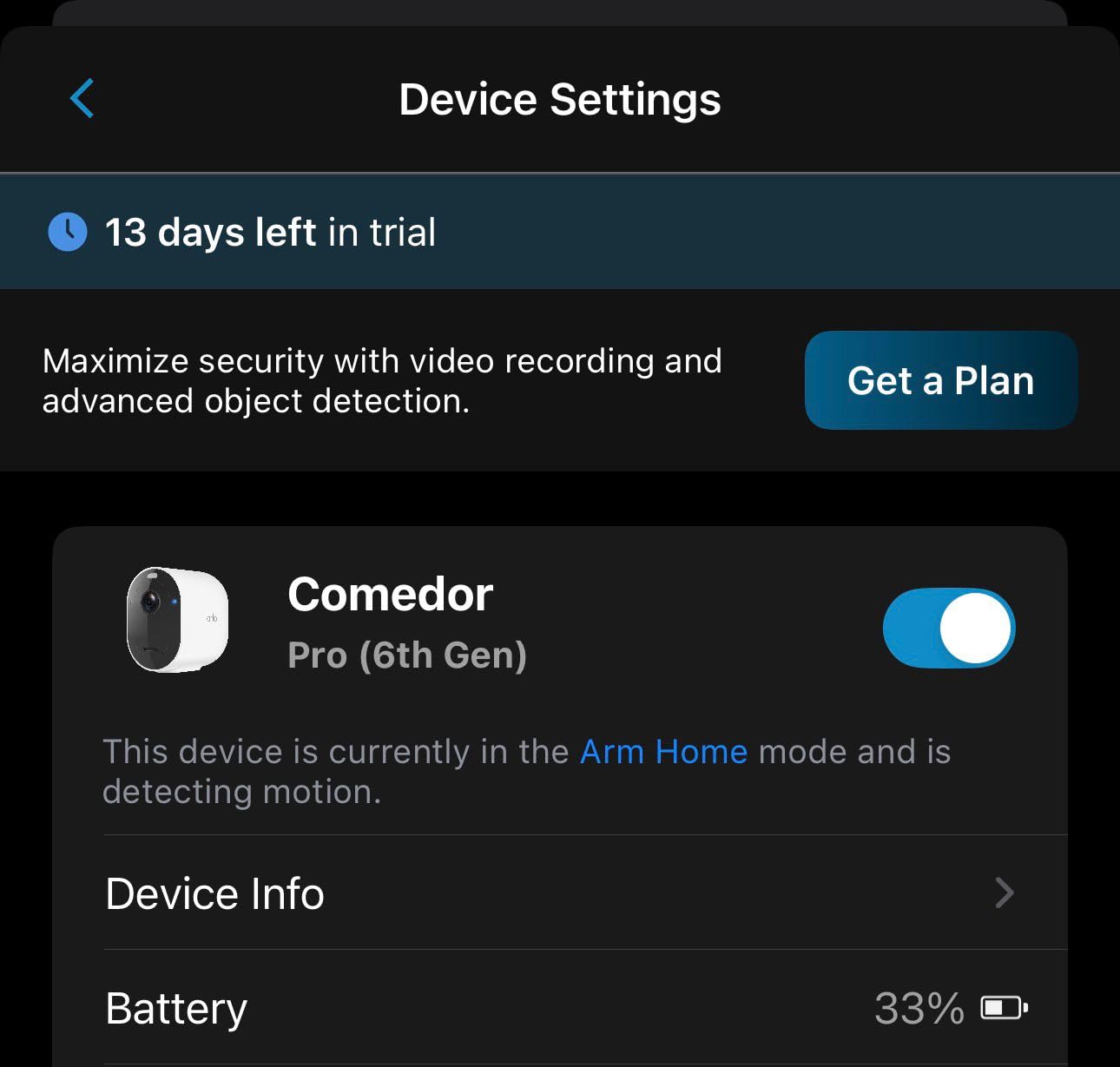
Sixty-day video history, AI detection and keyword search of past video all sit behind Arlo Secure after the trial. Emergency response, which can dispatch police, fire or medical services from the app, is part of that plan too. If you want a camera that a stranger can trigger services from in an emergency, budget for the tier that includes it.
Early-model caution
This is the newest release in the group, and with 378 reviews the installed base is far smaller than anything else here. Long-term firmware support and battery longevity are simply untested at this point, so r/homesecurity advice to favor newer models in a given brandline is worth following.
11. Google Nest Cam Indoor (Wired, 3rd Gen) – Best 2K HDR Indoor Camera for Google Home
Google Nest Cam Indoor (Wired, 3rd Gen) – Security Camera – 2025 – Hazel
2K HDR video
Night vision
Wider and taller field of view
Encrypted video with two-step verification
Pros
- 2K HDR is the sharpest sensor among the indoor cameras here
- Wider and taller field of view suits hallways and large rooms
- Encrypted video with two-step verification built in
- Green LED shows exactly when the camera is processing or streaming
- Wired power means no battery to charge
Cons
- Gemini descriptions and search need a paid Google Home Premium plan
- Wired design with no pan or tilt
- Only 1094 reviews
- a newer and smaller installed base
If your home runs on Google, this is the indoor camera that fits the rest of it. The 2K HDR sensor is the sharpest among the indoor cameras in this guide, and the wider, taller field of view took in a hallway and a stairwell from a single freestanding mount without the barrel distortion a wide lens usually brings.
Privacy handling is the strongest I saw. Video is encrypted, two-step verification is on the account, and a green LED marks exactly when the camera is processing or streaming, so a glance at the device tells you whether it is live. It is wired, so there is no battery to forget.

Gemini changes how you search footage
With Google Home Premium, notifications describe the scene in words and you can ask questions of your own history in plain language. That is genuinely the most useful new feature in this category, and it is also the clearest example of a core feature moving behind a plan.
The privacy indicators are a real buying reason
For a camera in a living room or a hallway, knowing at a glance that it is streaming matters. The LED behavior, encryption and two-step verification together are more than most competitors at this price, and the wired design removes the recharge variable completely.
A smaller installed base, and a fixed view
With 1094 reviews this is the second-newest model here, so long-term support is unproven. There is no pan or tilt, so a tabletop mount or a single fixed angle is all you get. Storage of anything beyond the live view is a Google account question.
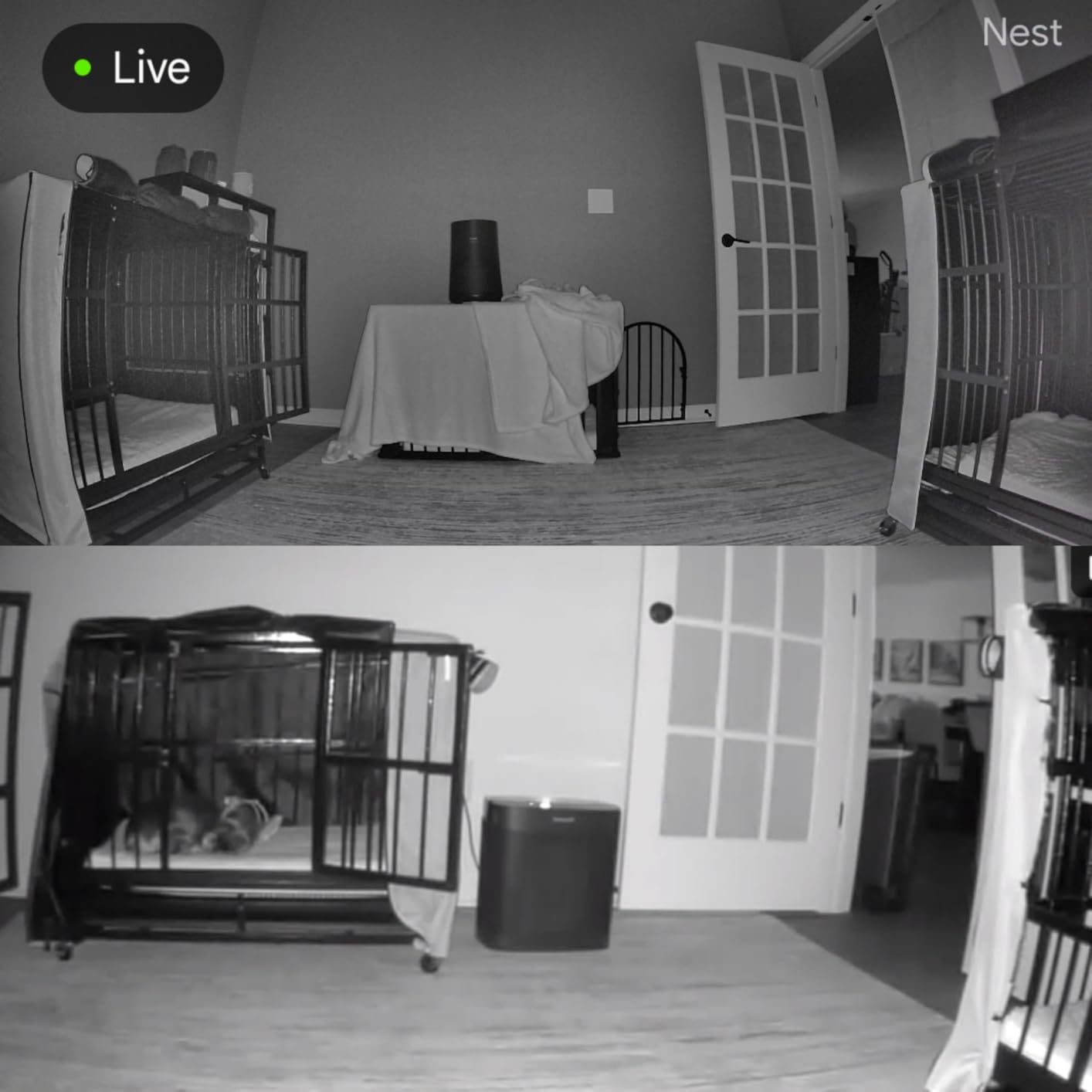
12. Reolink RLK8-800B4 – Best Wired 4K System with Continuous Local Recording
REOLINK 8CH 8MP/4K Security Bullet Camera System with 2TB HDD RLK8-800B4
4K Ultra HD 8MP PoE cameras
2TB NVR expandable to 16TB
Continuous 24/7 recording
100 ft night vision
Pros
- Genuine 4K clarity at roughly four times the detail of 1080p
- PoE carries power and data on one cable
- Continuous 24/7 local recording with no monthly fee
- Person and vehicle detection filters out leaves shadows and insects
- Expandable to 8 PoE cameras and up to 16TB
- Quiet fanless NVR storing roughly three weeks of footage
Cons
- Included hard drive is slow and many buyers swap it
- No H.265 compression so 4K files are large and remote playback is bandwidth-hungry
- Cameras must connect directly to the NVR
- Installing requires running Ethernet through walls or attic
This is the pick if you want a home security camera system rather than a few standalone cameras. Four 4K bullet cameras at 8MP connect over PoE, so a single Ethernet cable carries both power and data, and they record into an eight-channel NVR with a pre-installed 2TB hard drive and continuous 24/7 recording.
On the tradeoffs: 20fps rather than 30, an 87-degree field of view that is narrower than the pan/tilt cameras here, and night vision reaching about 100 feet. Person, vehicle and animal detection filtered out leaves, shadows and insects better than anything else in this roundup. Users on r/homelab consistently single out Reolink PoE systems for smooth local NVR operation with no cloud fees.
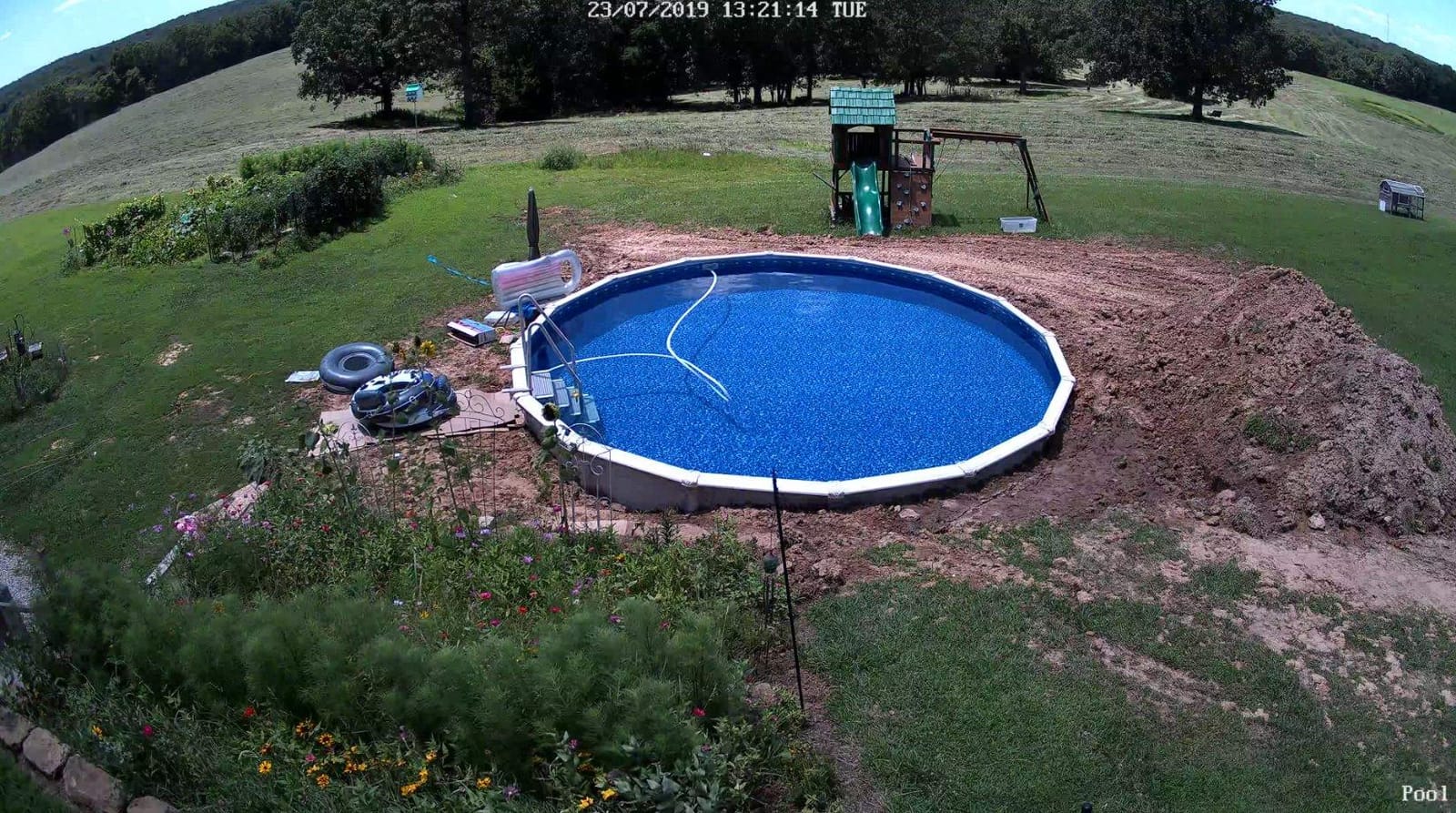
PoE is the reason this scales
One cable per camera means no Wi-Fi dead zones on a large property and no battery swaps ever. Eight PoE ports support up to 12 channels, so a house with a garage, a back door and a driveway can expand on the same recorder. If you want monitoring that goes beyond cameras, our guide to the 8 Best Home Security Systems covers the whole-home comparison.
Local storage, honestly priced
The 2TB drive holds roughly three weeks of continuous footage and expands to 16TB. There is no subscription for recording or for the person, vehicle and animal detection, which is the strongest long-term cost position of anything on this page. The pre-installed drive is the weak link, and the single most common owner advice is to replace it with a purpose-built surveillance disk.
Plan the install before you buy
Cameras must connect to the NVR directly, so powered PoE switches are not supported. Remote viewing over cellular needs port forwarding or a VPN, and the Windows client can need a restart. None of that is a dealbreaker, but all of it is weekend work, and it is the reason this is the only fully wired NVR system in the list.
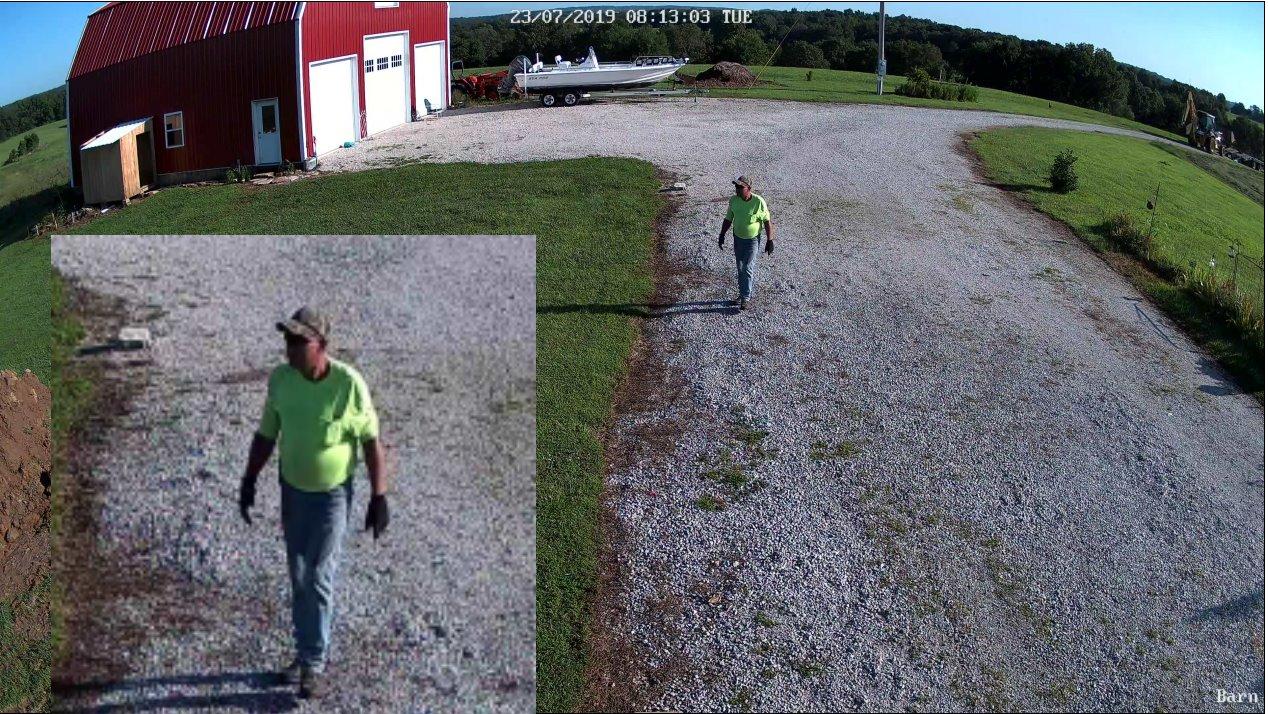
How to Choose a Security Camera for Home: Buying Guide
Twelve cameras, four storage models, four power options and three competing smart home ecosystems. The specs are the easy part. These are the decisions that actually determine whether the camera is still useful in year three.
How many cameras and where do they go?
The most repeated question in homeowner discussions is not which brand, but how many. A workable plan for most homes is four or five units across six zones: the front door, the back or patio door, the driveway or garage, the side gate, one indoor camera covering the main hallway or stairwell, and one covering a nursery, office or pet area. Put cameras at both exterior doors and inside the rooms that matter most to you, which is the consensus layout in homeowner forums.
Mount exterior cameras roughly 8 to 10 feet up and angled slightly down. That height keeps faces identifiable while still catching movement on the ground, and it avoids the motion-detection lag you get from a camera pointed flat from above.
Wireless versus Wi-Fi: the terms buyers mix up
Almost every home security camera sold today is a Wi-Fi camera. Wireless, used on a battery model, means the camera has no power or data cable, so it runs on a battery and connects over your Wi-Fi network like any other device. A Wi-Fi camera is simply the network standard; it may still need a plug. The confusion matters because a battery wireless camera can go offline, whereas a wired Wi-Fi camera cannot.
Battery, wired, solar or PoE?
Battery is the easiest install and the highest maintenance, and the honest figure for a mainstream battery camera is measured in months rather than the multi-year claims on the box. Wired gives you continuous power and no downtime. Solar adds a panel and a rechargeable battery so a wireless camera becomes maintenance-free, which is covered in more detail in our 10 Best Solar Powered Security Cameras. PoE sends both power and data over one Ethernet cable and is the right answer for a whole property where you are willing to run cable.
Our rule of thumb: wireless inside or on a single door, wired or solar for anything on a wall you cannot easily reach, PoE for a system covering more than three outdoor points.
Local storage versus cloud storage
A local card or NVR costs nothing to run and keeps footage in your house. A cloud plan adds off-site backup and remote access, and usually adds AI detection, extended history and activity descriptions. What you lose without a plan varies sharply by brand: the Tapo C201, the Kasa EC71, the Wyze Cam OG, the Wyze Pan v3 and the eufy S340 all record to a card at no cost, while the Blink Outdoor 4 kit included here has no local storage on its Sync Module Core at all.
One warning worth repeating from editorial roundups elsewhere: some cloud plans charge per camera, so a three-camera setup can cost three times a single-camera plan. Check whether the plan is per device or per account before you commit.
Resolution, night vision and field of view
Resolution matters most where you need to identify a face, and most of these cameras cover an area where 2K is the practical ceiling. The Reolink system is the only true 4K option here, and the eufy S340 and Arlo Pro sit at 3K and 2K HDR. Color night vision was visibly better than infrared on the Ring, Wyze and eufy units in a lit porch, while infrared reached further in total darkness on the Blink and Reolink cameras.
Field of view is the spec people underestimate. A 160-degree lens covers a whole driveway from one mount; an 87-degree lens needs two. A pan and tilt camera trades fixed framing for reach, and patrol waypoints on the Wyze Pan v3 get you closer to both.
Privacy, encryption and account security
Any camera with a microphone is a privacy decision. Look for encryption, two-step verification, a visible indicator of when the camera is streaming, and a physical privacy shutter or cover. The Nest Cam Indoor and the Ring Indoor Cam both provide hardware-level cues; most budget cameras do not.
Brand history matters here, and we will not pretend otherwise: eufy has a documented past security incident that is discussed at length on r/homeowners, which is a fair reason for some buyers to choose Tapo, Reolink or Wyze instead. More practical advice applies to every brand, since a camera account is just another account to attack. Use a unique password and two-step verification on it, the same habits covered in our guide to changing your Amazon password if you reuse credentials, and review how your payment data is handled in any account you connect, as outlined in our payment security guide.
Renter-friendly installs
No competitor in this category addresses apartments well, so the practical filter is simple. Anything that sits on a surface, uses a rechargeable battery and needs no cable is renter-safe: the Ring Outdoor Cam Stick Up Cam, the Ring Indoor Cam, the Tapo C201, the Kasa EC71, the Wyze Cam OG and the eufy S340 all qualify. Anything needing Ethernet or a hardwired floodlight junction is generally off the table without a landlord conversation, which rules out the Reolink system and the Ring Floodlight Cam.
Frequently Asked Questions
What is the best home security camera without a subscription?
The Tapo C201 is the strongest all-round answer: 1080p video, 360-degree horizontal and 114-degree vertical pan and tilt, and continuous recording to a microSD card up to 512GB with no plan attached. The Wyze Cam Pan v3 and the eufy SoloCam S340 also record locally at no cost, and the latter adds solar power for permanent outdoor placement.
Which home security camera brands are best without a subscription?
Four brands in this roundup record locally with no monthly fee: Tapo, Kasa, Wyze and eufy. Reolink goes further with a full NVR-based system that records continuously with no plan at all. Ring, Blink, Arlo and Google Nest keep live view free but put clip history, extended retention and AI detection behind a paid tier.
What is the best camera system for home security?
For coverage, a wired NVR system such as the Reolink RLK8-800B4 is the strongest: four 4K PoE cameras on one Ethernet cable each, continuous 24/7 local recording and no monthly fee. For flexibility on a smaller home, a mix of two pan and tilt indoor cameras plus one battery or solar camera outdoors covers the same ground with less installation work.
Is Blink or Ring better?
Ring is better for image quality, detection reliability and deterrent hardware: the Floodlight Cam Wired Plus pairs 2000-lumen lighting with an 85dB siren and a 4.7 average across more than 44k reviews. Blink is better purely for battery life, with a claimed two-year runtime and a wire-free three-camera kit. Ring also offers more free features, while Blink ships with no local storage on its hub.
Are Blink security cameras good?
Yes, for the specific job of covering several outdoor points with minimal maintenance. The Blink Outdoor 4 kit is fully wireless, installs in minutes and lasts up to two years per battery charge, which is why it averages 4.1 stars across more than 34k reviews. The trade-offs are 1080p infrared video and a Sync Module Core with no local storage, so clips depend on a cloud plan.
What is the difference between a wireless camera and a Wi-Fi camera?
A Wi-Fi camera describes the network standard it uses; nearly every home security camera is a Wi-Fi camera. A wireless camera describes power and data: it has no cable, runs on a rechargeable battery and connects over Wi-Fi. So a battery-powered wireless camera can go offline and need recharging, while a wired Wi-Fi camera stays powered continuously.
Which Security Camera Should You Buy in 2026?
If you want one camera that covers an exterior point and deters anyone who walks up to it, buy the Ring Floodlight Cam Wired Plus. Hardwired power, 2000 lumens of motion-activated light and an 85dB siren mean there is no charging and no excuse for a dark corner.
If you want indoor coverage across several rooms without paying a monthly fee, the Tapo C201 and the Kasa EC71 are the pair. Both pan and tilt, both record to a card you own, and between them one watches a hallway and the other follows a pet or a toddler.
If you never want to think about footage again, the Reolink RLK8-800B4 records continuously to a 2TB NVR with no subscription, and the eufy SoloCam S340 does the same job for a single outdoor point with solar power and no wiring.
Check the current price and feature set on each camera, and buy the one whose storage model matches how much you actually want to spend every month. That single decision eliminates most of the disappointing purchases in this category.
Leave a Reply