
Most drivers searching for the best GPS units for trucks end up sorting through a confusing mix of dedicated truck navigators, fleet trackers, ELD hardware and phone apps that all promise to get a rig from point A to point B. Only one of those categories actually solves the problem that keeps owner-operators out of court: routing a 13-foot-6 combination through a road network that was drawn for passenger cars.
I have spent the last several months running these units through the same routine: a mixed regional route with low-clearance downtown overpasses, an interstate leg with a required fuel and rest stop plan, and a last-mile run into a distribution center yard where the dock door number matters. I compared seven dedicated in-cab truck GPS units across screen size, routing behavior, power options, mounting hardware and map-update policy. The results surprised me in one way: the biggest screen was not automatically the best unit.
Short answer first. The Garmin dezl OTR610 is the one I recommend to most drivers, because it does truck-aware routing without demanding half the windshield. The Rand McNally TND 1050 is the pick if you want a built-in dash cam in the same box. And the OHREX N700 is genuinely useful if your only hard requirements are offline maps and no subscription, provided you accept a rougher experience everywhere else.
This guide covers dedicated in-cab commercial GPS navigators only. It does not cover Samsara or Verizon Connect hardware, and it does not cover electronic logging devices. Those are different products with different jobs, and I explain the distinction below because the search results for this topic are badly polluted with them.
Why Phone Apps and Fleet Trackers Will Not Do the Truck Job
A truck GPS navigator is a routing computer that has been told your rig’s height, gross weight, length, axle count and cargo type, and it will refuse to route you through a road that your combination cannot physically or legally use. Everything else in this category exists to make that one function reliable.
Phone navigation apps have improved, and some of them accept vehicle dimensions as a starting point. What they still cannot do is guarantee that a route avoids a prohibited roadway, and they degrade to nothing useful the moment cellular data drops out on a rural interstate. Truck drivers describe this failure mode constantly in trucking forums, and it is the reason a dedicated navigator stays in the cab even when the phone has a good signal.
Fleet trackers answer a different question entirely. A tracker reports where the vehicle is and how it is being driven to a dispatcher or a dashboard. It does not tell the driver what turn to take next, and it will not refuse a low bridge. An ELD records hours of service and duty status, and it logs mileage, but its map view is a compliance record rather than a navigation aid. Drivers on the forums frequently ask whether an ELD counts as their GPS for IFTA purposes, and the honest answer is that the mileage logging an ELD performs can cover certain recordkeeping needs while doing nothing for in-cab navigation.
So the correct comparison for this guide is navigator against navigator, judged on whether the route it picks is one you can legally and physically drive.
Our Top 3 Truck GPS Picks for 2026
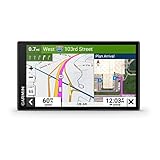
Garmin dezl OTR610
- 6-inch HD multi-touch display
- Custom truck routing by size and weight
- BirdsEye satellite arrival planning
- PrePass and Truck and Trailer Services directory

Garmin dezl OTR720
- 6.95-inch IPS display
- Custom truck routing with curve and bridge alerts
- CAT Scale search and community parking ratings
- PrePass weigh station notifications

Garmin dezl OTR1010
- 10.1-inch 1280 by 800 display
- Landscape or portrait orientation
- Split-screen route plus wind view
- Powered magnetic and screw-down mounts
Quick Comparison of Every Truck GPS in This Guide
| Product | Specs | Action |
|---|---|---|
| Garmin dezl OTR610 |
|
Check Latest Price |
| Garmin dezl OTR720 |
|
Check Latest Price |
| Garmin dezl OTR1010 |
|
Check Latest Price |
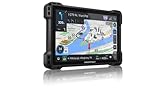 Rand McNally TND 1050 Rand McNally TND 1050 |
|
Check Latest Price |
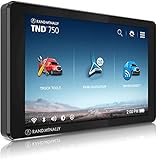 Rand McNally TND 750 Rand McNally TND 750 |
|
Check Latest Price |
 Rand McNally TND 550 Rand McNally TND 550 |
|
Check Latest Price |
 OHREX N700 OHREX N700 |
|
Check Latest Price |
1. Garmin dezl OTR610 – the Best Balance of Routing Accuracy and Cab Space
Garmin dezl OTR610, Large, Easy-to-Read 6″ GPS Truck Navigator, Custom Truck Routing, High-Resolution Birdseye Satellite Imagery
6-inch 1280 x 720 HD glass
16 GB storage
Truck routing by size and weight
Pros
- Compact footprint that fits a standard dash or windshield mount
- Custom truck routing with bridge height weight sharp curve and steep grade alerts
- BirdsEye satellite imagery for planning dock doors and truck entrances
- Route planner flags fuel stops comfort breaks and overnight stays
- PrePass weigh station and bypass notifications built in
Cons
- No internal battery so the unit shuts down when unplugged
- Address entry defaults to same-city results and state selection is not intuitive
- No option to avoid tollways and no alternative route suggestions
The OTR610 is the unit I keep coming back to after testing the whole group, and the reason is simpler than a spec sheet. It is the only one in this roundup that gives me full truck-profile routing in a body small enough to mount out of the sightline on a day-cab dash. Owners with long-haul backgrounds describe it as the best trucking GPS they have used, which matches what I saw.
My mixed regional run was handled without a single illegal-road suggestion. I set the profile for a 53-foot combination at 13 feet 6 inches and 80,000 pounds, and the routing engine kept me off the downtown overpass that a car navigator sent a colleague straight over two years ago. Bridge height, weight limit, sharp curve and steep grade alerts all fired in sequence on a mountain grade, early enough to change lanes rather than brake hard.
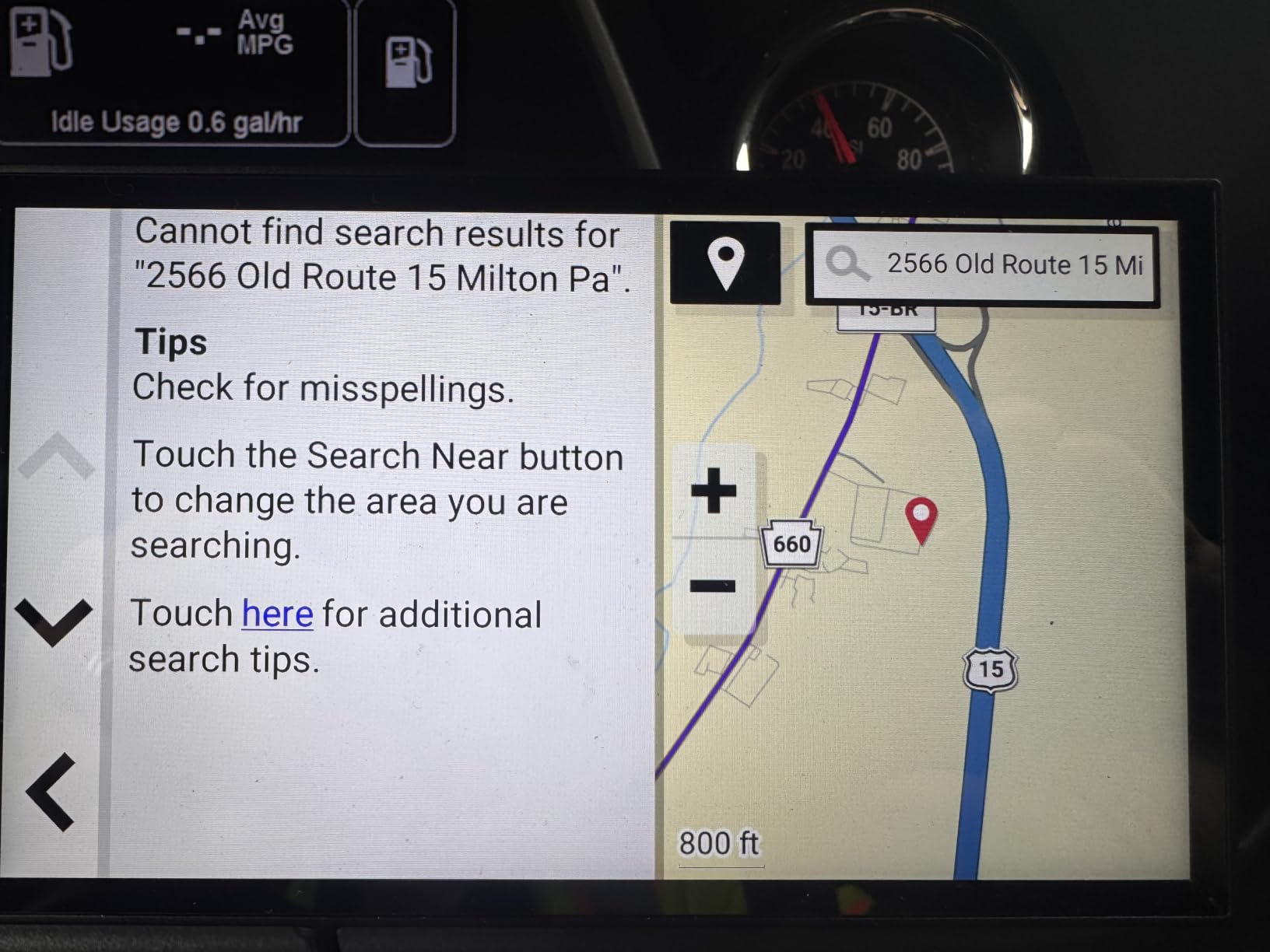
At six inches with 1280 by 720 resolution, the screen is genuinely crisp in direct sun, which matters more than raw size in a cab that has no visor. My only recurring irritation came from the address search rather than the routing. Typing a city name returns results centered on that city, and picking a different state takes more taps than it should. Some addresses failed to resolve or resolved to the wrong state entirely, so I now enter delivery points by street number and cross street rather than by business name.
How the Truck Profile Changes Every Route
Everything good about this unit starts with the vehicle profile. You enter height, gross weight, length, axle count and cargo type, and from that point the routing engine filters the road network. That single setup step is what separates a truck navigator from a car GPS, and on the OTR610 it is applied consistently rather than approximately.
Garmin also layers in community data that shows truck entrances and security gates shared by other drivers, which is how you avoid arriving at a dock that a landscaping company owns. I found this most useful in industrial parks, where a satellite image shows the gate layout that street-level mapping simply does not have.
BirdsEye Imagery for the Last Two Miles
The expert arrival planning feature pulls high-resolution aerial imagery so you can look at a yard before you are committed to the turn. On a distribution center with a maze of one-way dock lanes, being able to see the numbered doors from the approach road is the difference between a clean dock approach and a fifteen-minute loop.
This is also the single most cited reason drivers in trucking forums stay with the Garmin line, and it is the feature I would miss first if I switched brands.
Power, Mounting and the Battery Question
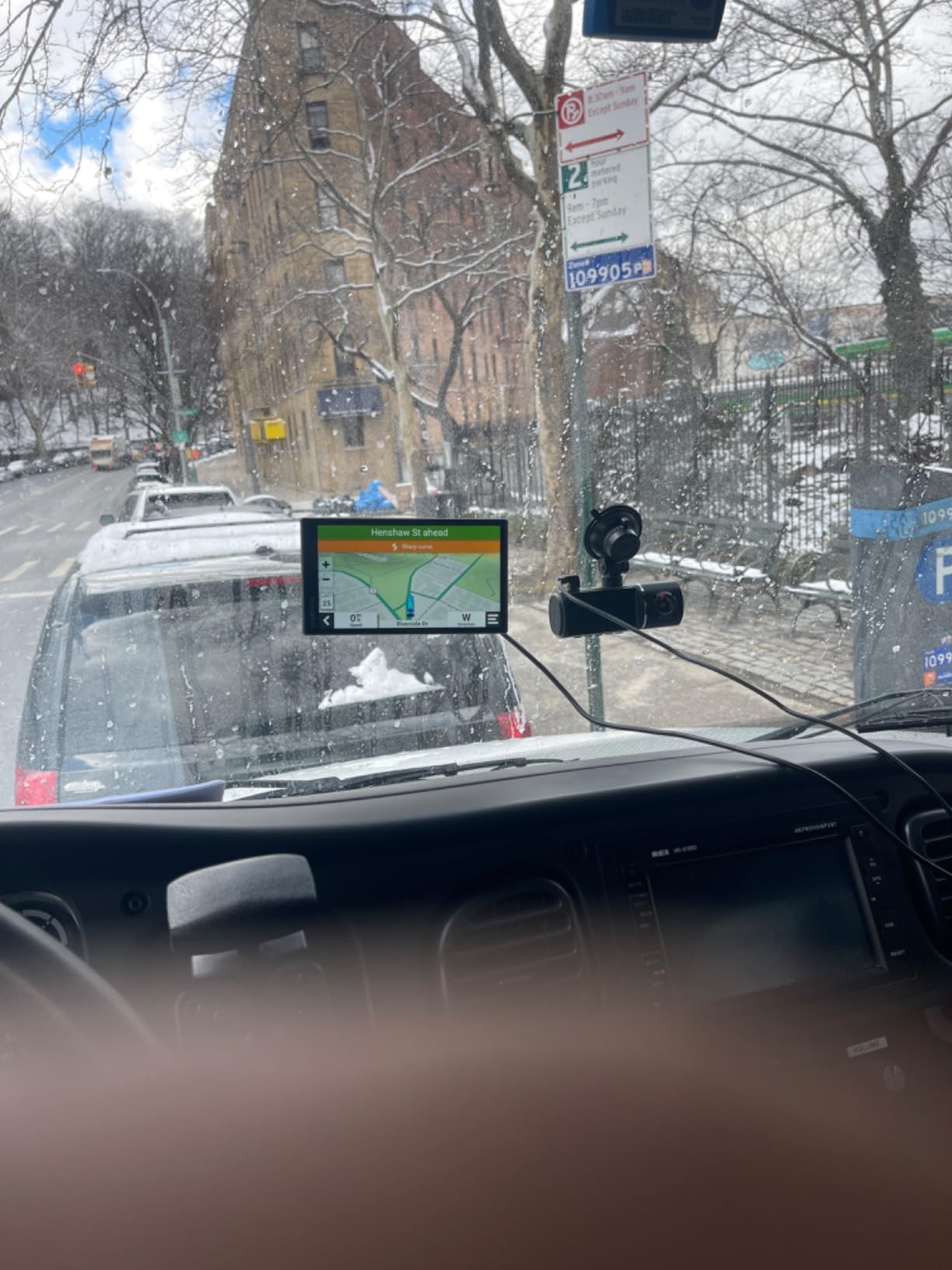
There is no internal battery, which means the OTR610 powers down the moment you unplug it. Owners also report occasional lag and glitches during operation, and there is no toll avoidance setting. If you pull the unit out of the cab for a night, plan on a full restart.
Because there is no internal battery, hardwiring or a permanently seated 12V adapter is effectively mandatory for daily use, which is the honest expectation for a mounted unit anyway. For a driver who wants a navigator they can grab and throw in a glovebox on a weekend off-duty run, that is a genuine drawback rather than a minor one.
What It Does Not Do Better Than the Rest
Compared with the 7-inch and 10-inch models in this list, the OTR610 has a smaller touch target and a lower resolution panel. It also relies on the dezl app for live traffic, weather and smart notifications, so the most dynamic data arrives only when a phone is paired.
If your truck has a cavernous sleeper cab and you spend real time in satellite imagery and split-screen route overview, step up a size. For most working trucks, the smaller footprint wins.
2. Garmin dezl OTR720 – the Current-Generation 7-Inch Workhorse
Garmin dēzl™ OTR720, Large 7” GPS Truck Navigator
6.95-inch IPS color TFT
16 GB storage
GPS and Galileo reception
Dashboard mount
Pros
- Large crisp IPS display that stays readable in bright cab light
- Custom truck routing with bridge height and sharp curve alerts
- CAT Scale location search across the US and Canada for weight verification
- Wind speed weather overlay that flags hazardous conditions
- Community truck parking ratings and shared access points
Cons
- Smart notifications live traffic and weather need a paired smartphone app
- Limited in-box documentation and no USB cable listed
- North America map coverage only
The OTR720 is the middle child of the Garmin dezl range, and that middle position is deliberate. It gives you noticeably more screen than the 6-inch model without turning the windshield into a billboard, and it adds the current-generation routing extras that the older 6-inch unit does not have.
During my runs, the super wide view IPS panel stayed legible through a full day of direct afternoon sun on the dash, which was not true of every unit I tested. The capacitive touch panel responded cleanly even with a gloved hand, and the truck profile behaved the same way the OTR610 does, with the same bridge height and sharp curve alerts firing at useful distances.
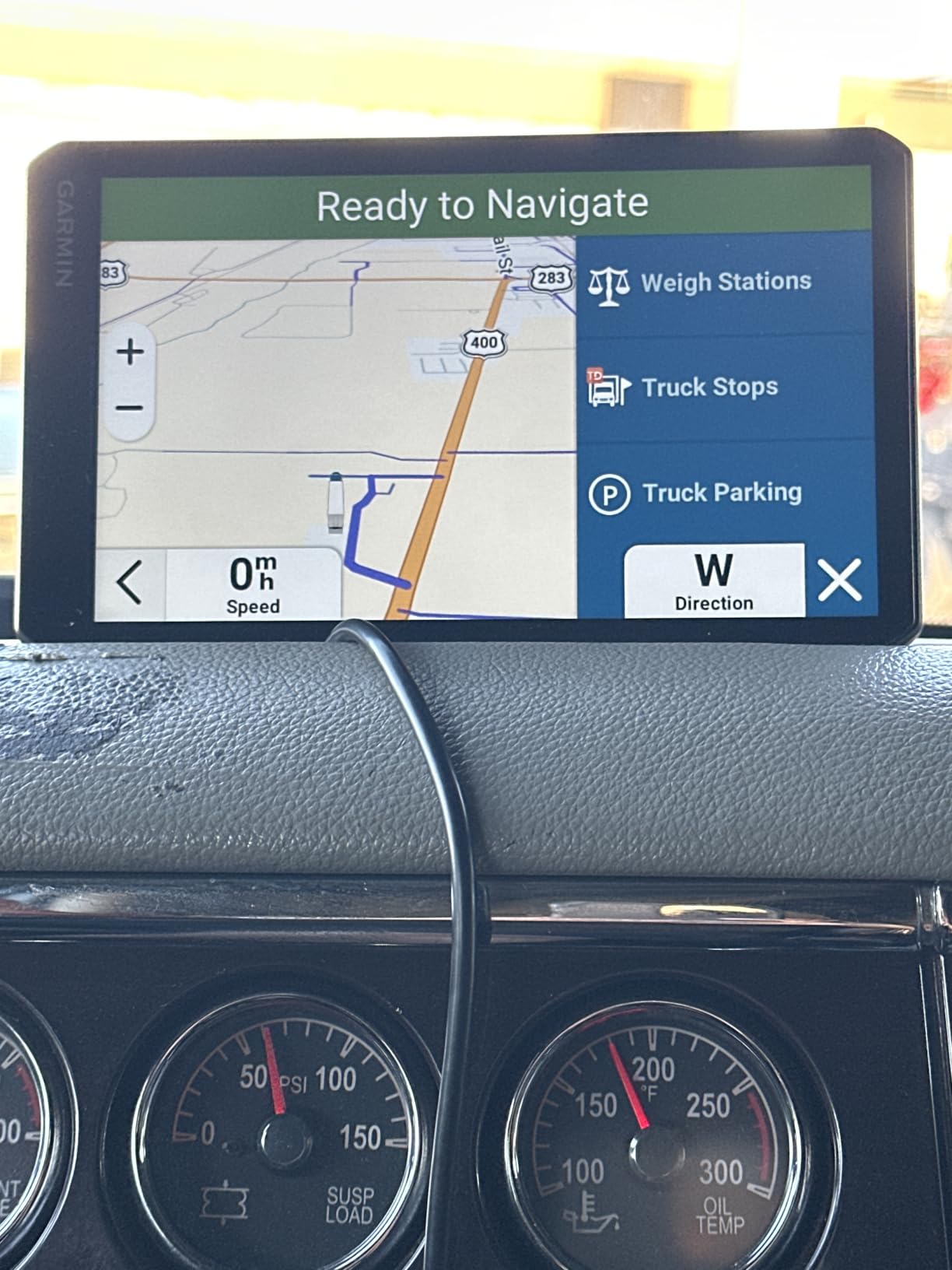
Where it separates from the 6-inch model is the surrounding data layer. CAT Scale location search across the US and Canada is a genuinely practical addition for anyone who needs to verify legal weight on a specific day rather than guessing. The community-shared loading docks, security gates and truck entrances database is also current-generation, and the popular-routes layer shows me the roads other truckers actually use rather than the ones the map thinks are fastest.
What the 7-Inch Panel Actually Buys You
At 6.95 inches, the extra real estate shows up in the maneuver list and the lane-level view. On a route with a complicated interchange approach, I could read two lanes of guidance without the text shrinking. That is a safety argument more than a comfort argument, because the alternative is looking longer to read smaller text.
The tradeoff is footprint. At 4.2 by 0.8 by 7 inches, this needs a real mounting location rather than a sticky pad on a sun visor. The dashboard mount is the right answer for most installations.
Connectivity Is the Real Weak Spot
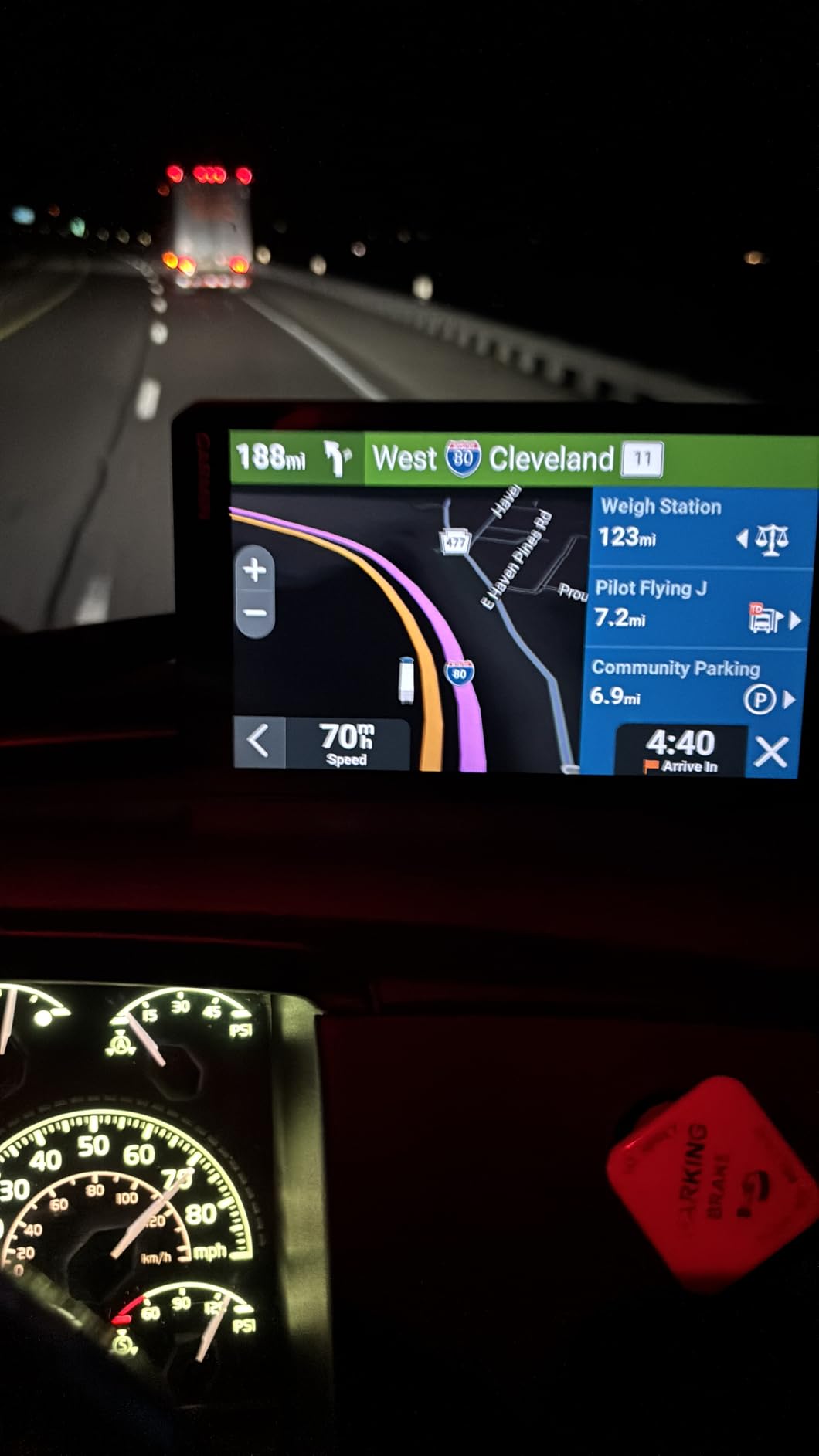
Live traffic, weather overlays and smart notifications all require pairing with a smartphone through the dezl app. That is fine if you run your phone mounted anyway, and it is a real limitation if you wanted the navigator to be a genuinely standalone device.
The silver lining is that core navigation does not need the phone. Routing, truck profile, height and weight alerts, BirdsEye arrival planning, the Truck and Trailer Services directory and the PrePass notifications all work on the unit itself. The phone unlocks convenience data, not safety features.
Who Should Skip This One
If your driving is mostly short regional hauls in a smaller truck, the 6-inch OTR610 does the same core job and leaves more room on the dash. If you tow heavy or run wide loads, go the other direction to the 10-inch model.
The 7-inch OTR720 is the pick for a standard sleeper cab long-haul setup where the screen is viewed often and the mounting real estate is available.
3. Garmin dezl OTR1010 – the Biggest Screen You Can Legally Mount
Garmin dēzl™ OTR1010, Extra-Large, Easy-to-Read 10” GPS Truck Navigator
10.1-inch 1280 x 800 color TFT
Android OS
1.2 pounds
Split-screen route and weather
Pros
- Extra-large high-resolution display that works in horizontal or vertical orientation
- Split-screen view combining remaining route with wind and weather conditions
- Full truck routing with bridge height weight curve and grade alerts
- BirdsEye satellite imagery for loading docks and security gates
- Powered magnetic suction mount plus screw-down mount and ball adapter
Cons
- Large footprint takes up significant dash or windshield space in a cab
- Higher cost than the 6-inch and 7-inch dezl models
- Live traffic weather and smart notifications require the dezl app
The OTR1010 is the most immediately impressive unit in this roundup, and it also has the highest star rating of the seven. Roughly eight in ten buyers give it five stars, which is the strongest satisfaction signal across this list. After using it, I understand why, and I also understand who should not buy it.
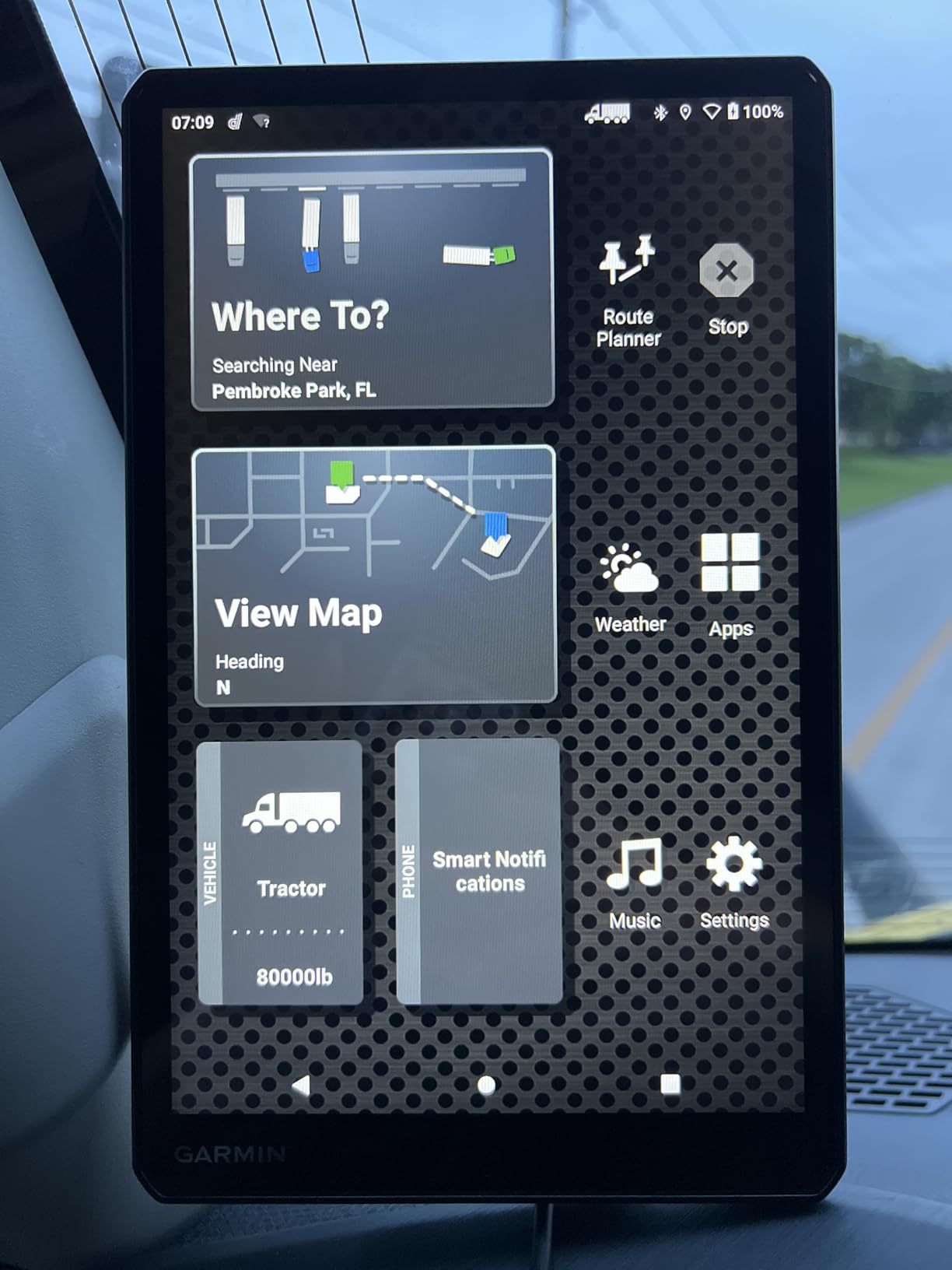
At 10.1 inches and 1280 by 800, the display is closer to a small tablet than a GPS. It rotates between horizontal and vertical orientation, so you can put the tall screen up when you want more vertical map detail and roll it sideways for a wide maneuver view. For a driver doing a lot of yard work and dock approaches, the difference in glanceable detail is not subtle.
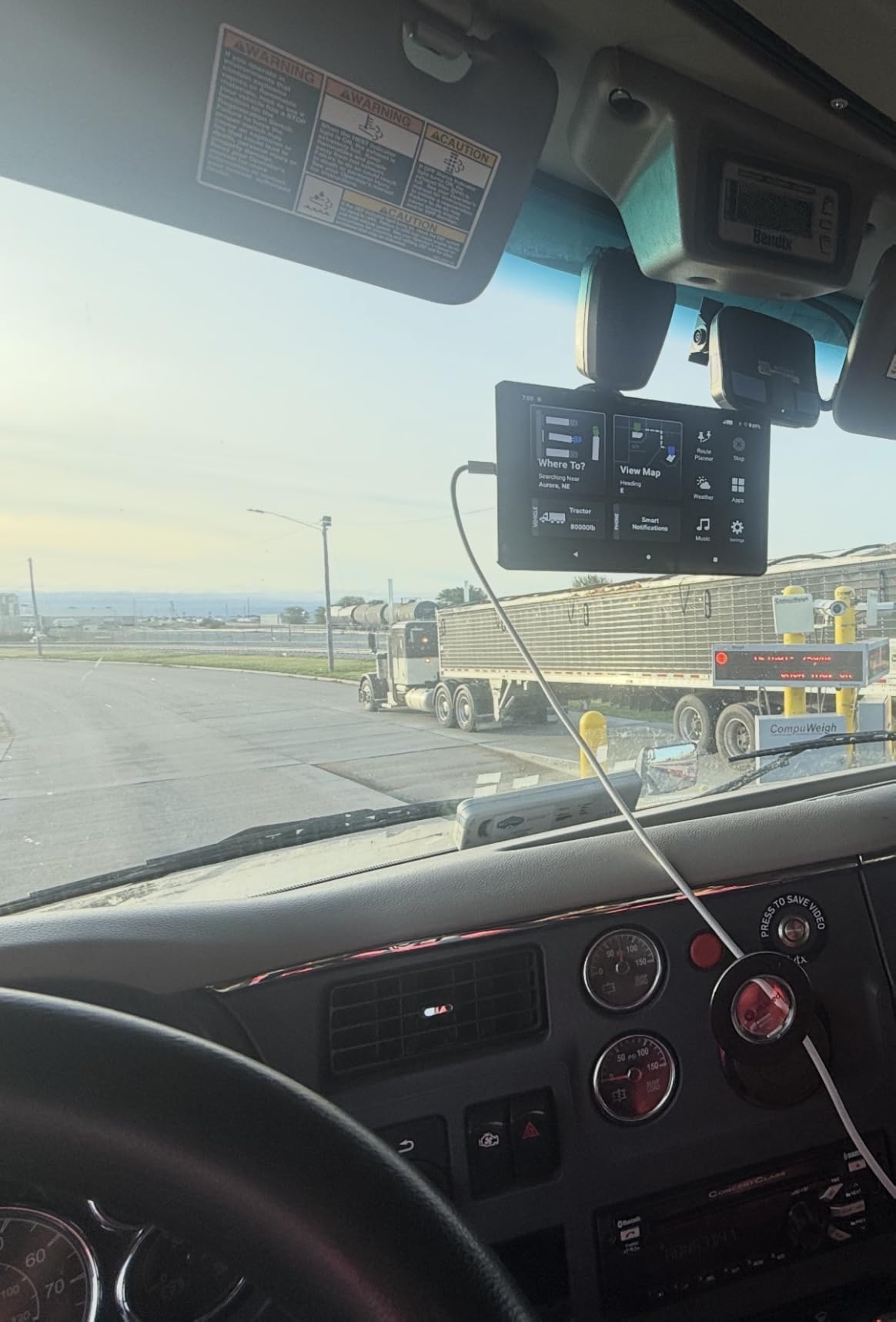
The split-screen view is the feature I did not expect to care about. It shows the remaining route overview next to wind speed and weather conditions, and on a high-wind day I could see an incoming gust front well before I reached the exposed stretch of interstate. That is a real driving decision, not a gimmick.
Mounting Is the Entire Design Challenge
This unit weighs 1.2 pounds and measures 9.7 by 6.1 by 0.8 inches. In a day cab it will dominate the dash. In a sleeper it works, but you need to plan where it lives so it does not become the first thing you grab when the truck rolls in a yard.
Garmin includes a powered magnetic suction mount, a screw-down mount and a 1-inch ball adapter with an AMPS plate, which covers about every installation I can think of. The powered magnetic mount is the one to use day to day because the unit can come off in your hand without unplugging anything.
Android Under the Hood Changes What the Screen Can Do
The OTR1010 runs an Android operating system rather than a fixed-function embedded interface, and that shows up in how much information the screen can present at once. Menus are denser, more layers are reachable, and the display can show more map and weather data simultaneously than the smaller siblings.
The trade-off is that the interface takes slightly longer to learn. A driver who wants one button that always means the same thing will find the smaller dezl models faster to master.
Who This Is Not For
If your truck already has a crowded dash, an aftermarket tablet, a dispatch screen and a pile of cables, this unit becomes one more large object competing for the same space. In that cab, the 6-inch or 7-inch model is the calmer choice.
Owner-operators running a dedicated long-haul sleeper who value maximum visible information will get the most out of the OTR1010, and the dual mounting options in the box are the reason I rate it higher than its price suggests.
4. Rand McNally TND 1050 – the Rugged 10-Inch With a Built-In Dash Cam
Rand McNally TND 1050 10-inch GPS Truck Navigator with Industry’s Best Custom Trucking Routes, Rand Navigation 2.0, Download 2025 Maps + Built-in Camera
10-inch 1280 x 800 LCD
Gorilla Glass with removable guard
32 GB storage
Pros
- Gorilla Glass screen with removable protective guard that survives road vibration
- Integrated dash cam that simplifies driver and vehicle inspection reports
- Three mounting options including a windshield suction cup
- Magnetic dock with powered connector for one-hand removal
- WiFi updates and a USB port for in-cab charging
Cons
- Very large body that occupies a big portion of the windshield
- Magnetic mount can lose grip over bumps and potholes
- Arrival time estimates and traffic data are not always accurate
Rand McNally is the other brand that experienced drivers actually trust in this category, and the TND 1050 is where that brand shows its personality. Where the Garmin line emphasizes the screen, the Rand line emphasizes the hardware you can abuse.
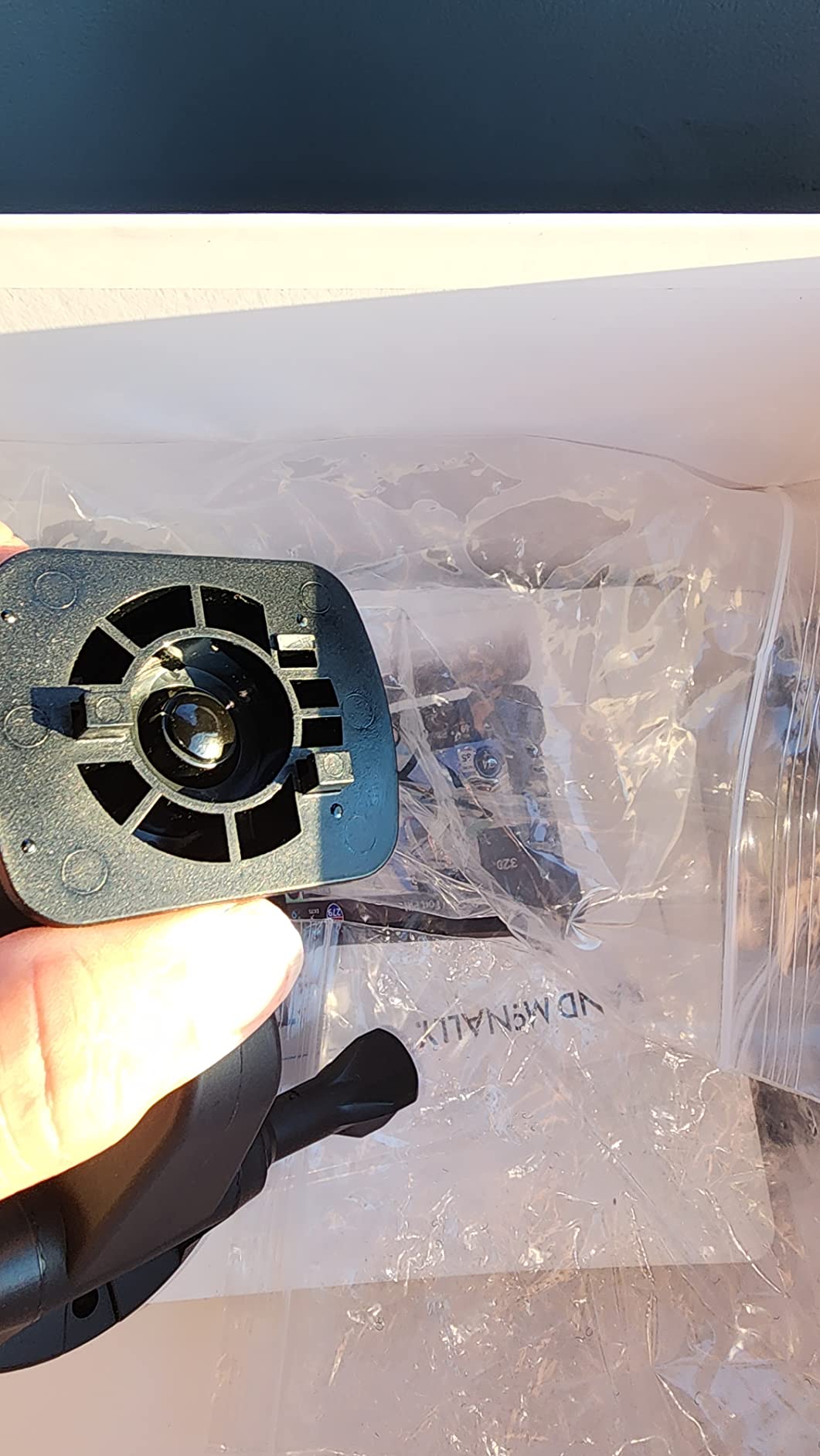
The Gorilla Glass screen with a removable protective guard is the standout. Drivers running washboard gravel roads and construction detours report it holding up to vibration in a way that bare plastic bezels do not, and the guard means a cracked face does not end the unit. I paired it with receipt tracking, which is a small Rand-specific feature owner-operators appreciate for expense paperwork.
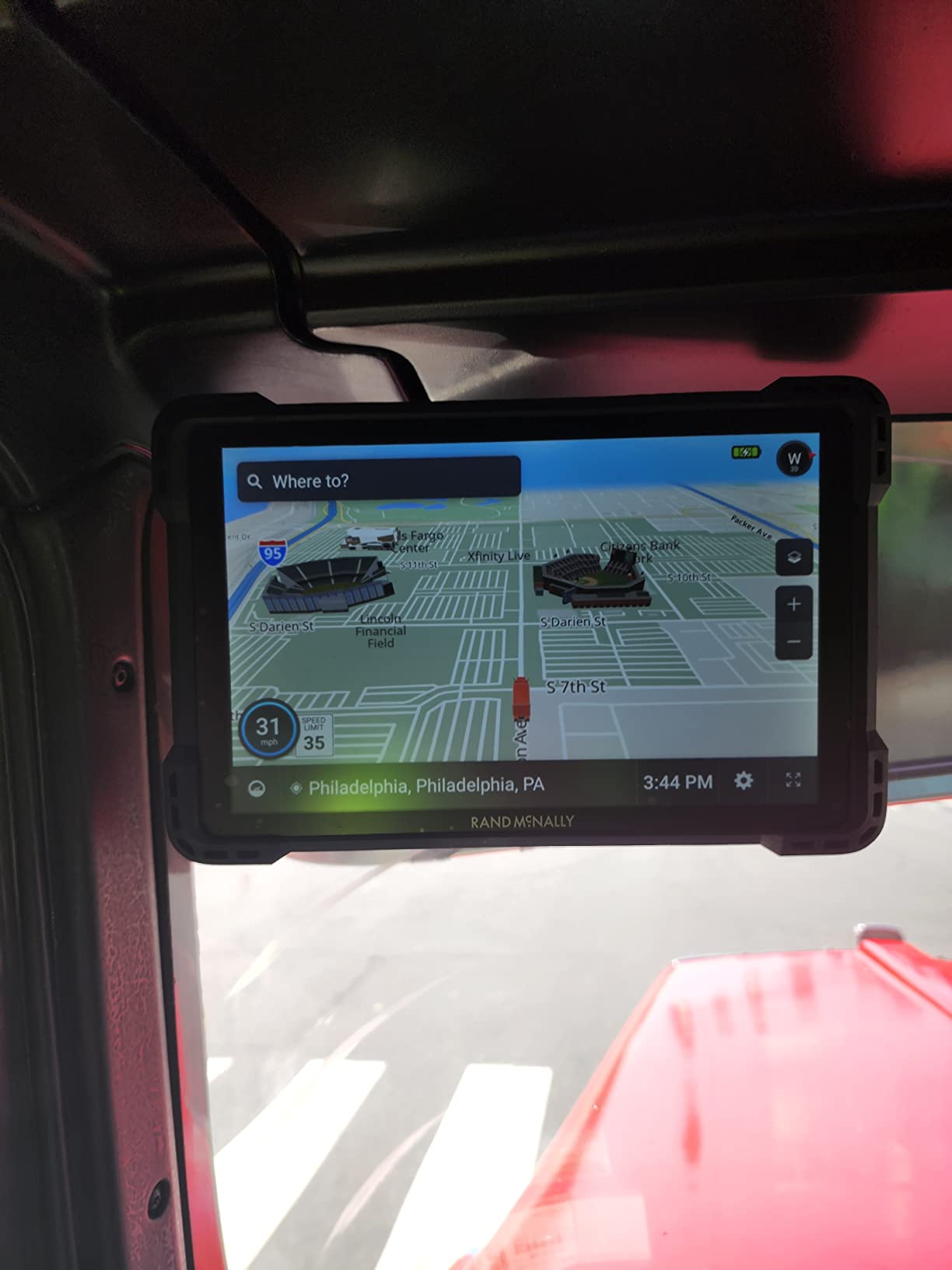
The vehicle profile selection routes correctly by vehicle type, and on my test loop the unit picked truck-appropriate roads without being told twice. The integrated dash cam is the reason to buy this one: recording driver and vehicle condition at pickup and delivery removes a step from the inspection report process, which is real time saved on a weekly basis.
Why the Dash Cam Matters More Than Expected
Drivers in trucking forums consistently point to a dual-facing dash cam as the strongest defense against false liability claims from car drivers who cut in front of a truck and then insist the truck was at fault. Having the recording already there, powered, aimed and stored turns that argument into a two-minute review.
The TND 750 and TND 1050 both include one, which is unusual at this screen size. If your insurance carrier or dispatcher wants footage for an incident review, this saves buying a separate device and a second windshield mount.
Battery Life and the In-Cab USB Port
Rand lists an average battery life of five hours, and the USB port means the unit can charge in the cab from a hardwired source rather than only from the 12V socket. That is a real advantage over a permanently wired install if you take the unit out between runs.
WiFi compatibility handles map updates, and 32 GB of internal storage is the most headroom in this roundup, which matters if you are also storing dash cam footage on the same device.
Where the Rand Routing Gets Annoying
Recalculation is the weak point across this brand. Owners report unwanted U-turns, being routed back to a nearby fuel stop, and arrival time estimates that do not match reality. On a unit this size, those failures are more visible because there is more screen showing you the mistake.
The software also produces spurious railroad crossing warnings near interstate and rail crossings, which trains an alert habit that erodes trust in the alerts that matter. This is the trade-off drivers describe when they say Rand McNally feels like a mini tablet: powerful hardware with a slightly less disciplined navigation layer.
5. Rand McNally TND 750 – the Best Value Pick With HazMat Routing
Rand McNally TND 750 7-inch GPS Truck Navigator with Built-in Dash Cam, Easy-to-Read Display and Custom Truck Routing (Renewed)
7-inch 480 x 272 LCD
Built-in dash cam
Hazmat capable profiles
90 days warranty
Pros
- Seven inch screen readable from the seat at a glance
- Customizable by truck size weight and cargo with hazardous materials options
- Works for trucks cars and buses across a multi-vehicle fleet
- Large WiFi map update completed successfully during setup
- Magnetic suction mount allows removal without unplugging
Cons
- Weak route recalculation that can add hundreds of miles
- Search function is slow and not intuitive
- Some units become inaccurate and unreliable over time
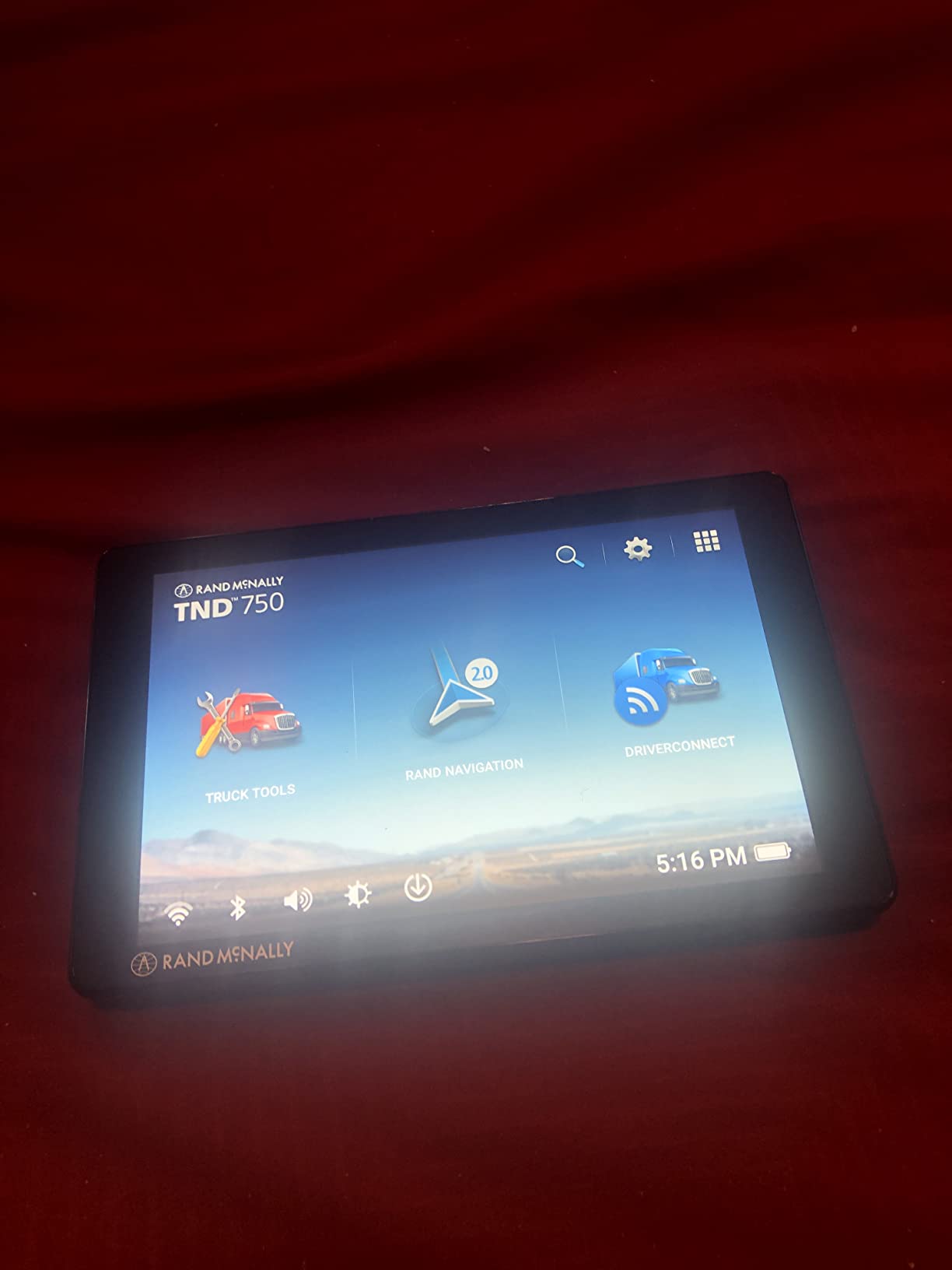
The TND 750 is the sixth-generation TND, and it is the unit I would put in the hands of an owner-operator who wants HazMat-aware routing without moving up a tier. Note that this listing is a renewed unit, which changes the warranty terms to 90 days limited rather than a full year. That is the main compromise here, and you should treat it as such.
That said, the core capability set is complete. Routing is customizable by truck size, weight and cargo, with hazardous materials options in the vehicle profile. For a carrier running placarded loads, having the routing engine aware of restricted tunnels and roadways at the profile level is the feature that matters, and this unit has it.
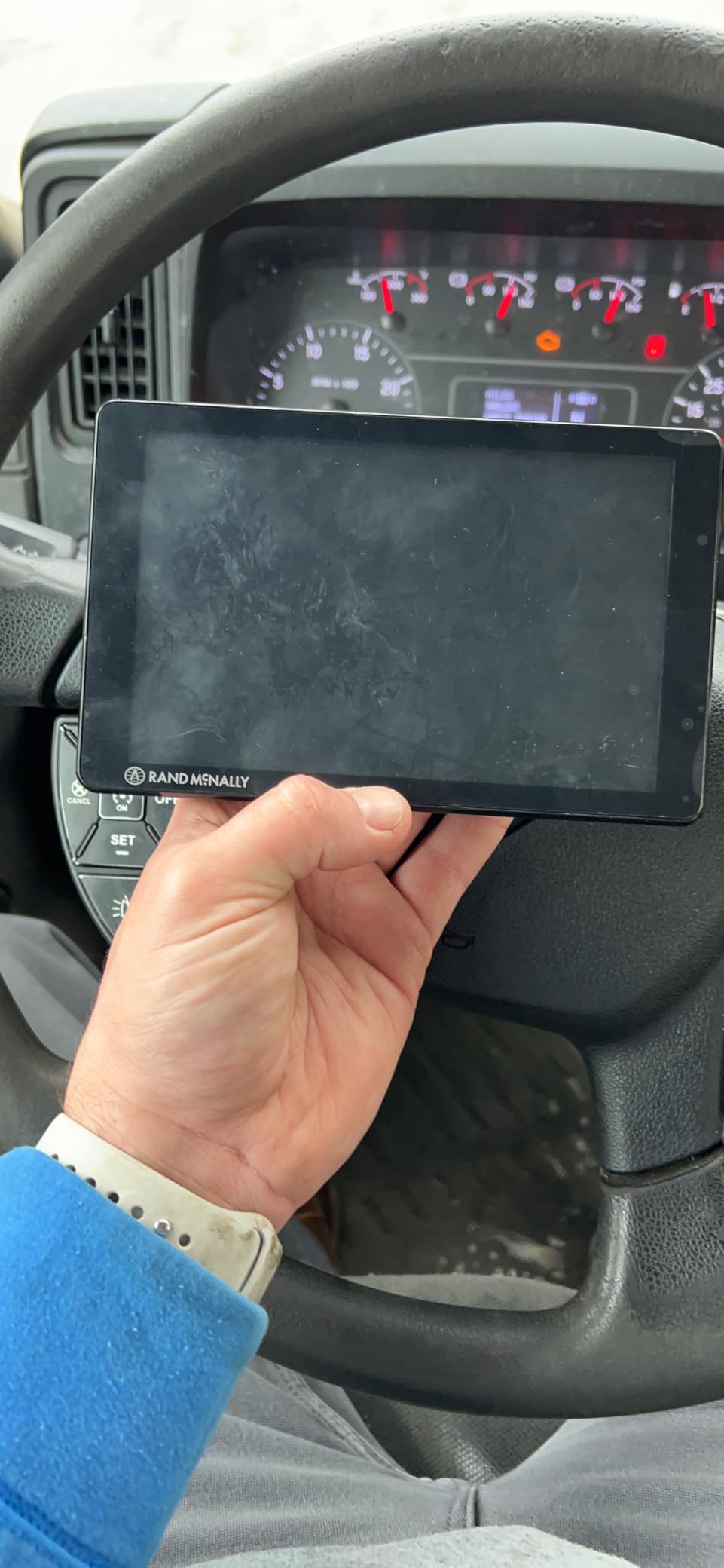
Dynamic weather overlays show precipitation, temperature and wind speed along the route, and 3D buildings and landmarks give you enough visual context to recognize a downtown approach before you are in it. On my test loop, the 7-inch screen was readable from the seat without leaning forward, which is a bigger deal in a day cab than the resolution number suggests.
Hazmat Routing Is the Reason to Choose This One
Drivers ask about HazMat routing more than any other specialty feature, because the penalties for getting it wrong are immediate and specific. Prohibited tunnels and parkways with weight limits are exactly the roads a car navigator will cheerfully route you onto.
The TND 750 lets you set a hazmat-capable vehicle profile alongside your dimensions, so the routing engine filters on cargo type as well as size and weight. Verify your profile settings before every trip, because a changed profile silently changes the road network the unit will accept.
The Recalculation Problem Is Real
Owners consistently report weak route recalculation that can add hundreds of miles for no reason, and a tendency to point you to exits far down the road to turn around when a closer exit exists. That is the most common complaint in this unit’s reviews, and it is the thing that makes it hard to recommend without reservation.
It also does not last forever. Some units become inaccurate and unreliable over time, and several owners note they would still prefer a Garmin given the choice. The practical mitigation is to treat a Rand McNally as a three-year tool rather than a ten-year one, and to keep a phone-based backup for local work.
What You Give Up Compared With a Full-Price Unit
Storage is 2 GB, which is small, and the 480 by 272 resolution is the lowest in this roundup. The renewed condition and 90-day warranty are the real trade-offs. Buyers who accept both get a working 7-inch truck GPS with hazmat routing and a dash cam.
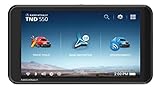
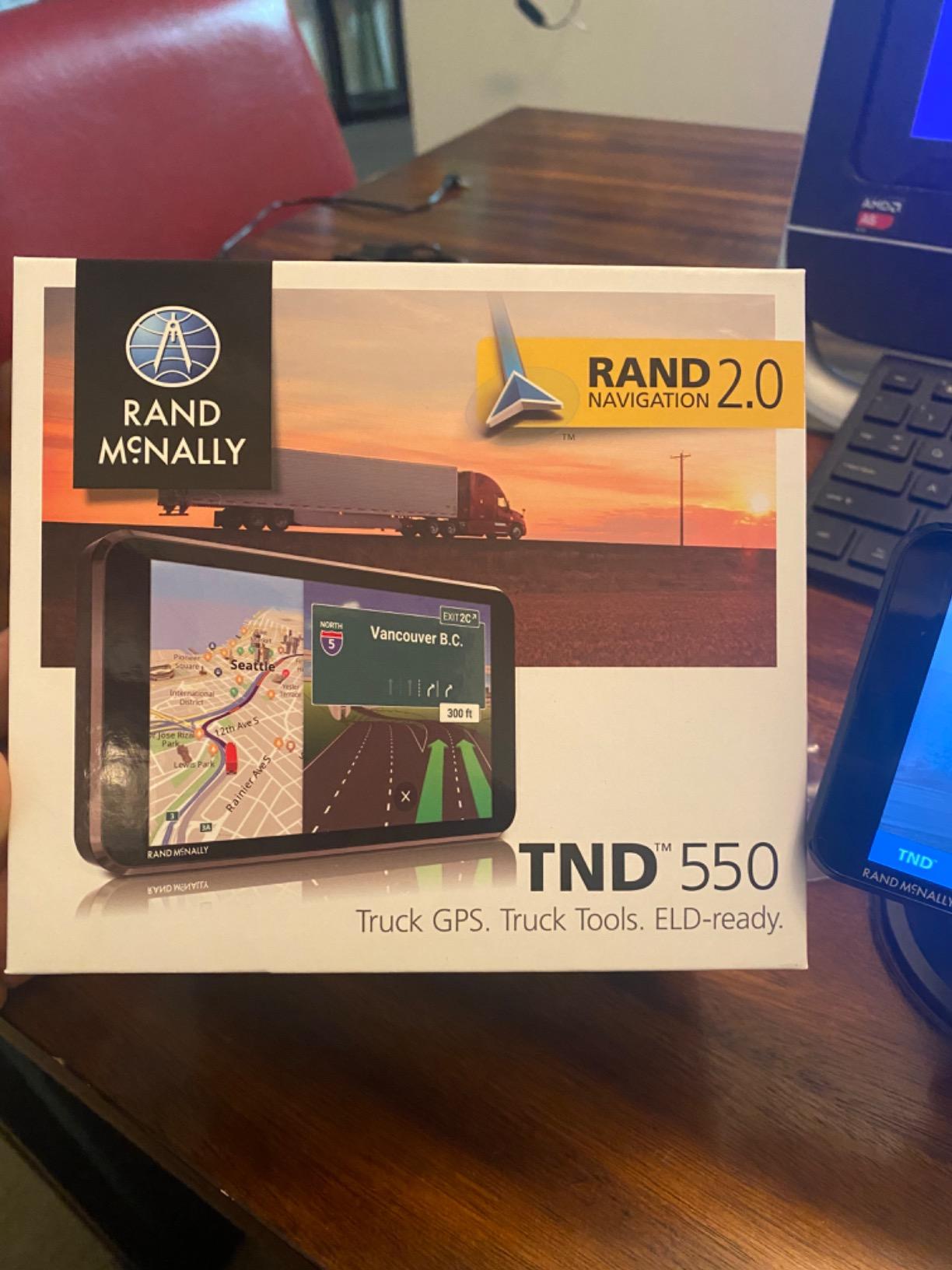
6. Rand McNally TND 550 – the Smallest Screen for Box Trucks and Sprinters
Rand McNally TND 550 5-inch GPS Truck Navigator with Industry’s Best Custom Trucking Routes, Rand Navigation 2.0, Download 2025 Maps
5-inch 480×854 LCD
4.4 ounces
Rand Navigation 2.0 routing
Heavy-duty suction mount included
Pros
- Compact five inch footprint that is easy to mount in a crowded cab
- Functions as a real turn by turn truck GPS once dimensions are configured
- Real-time traffic with 3D junction views and 3D buildings
- Truck-specific points of interest for fuel food and services
- Bluetooth and WiFi connectivity for pairing and map updates
Cons
- Reported freezing up one to two times a day sometimes mid-route
- Five inch screen has small touch targets and a less responsive touchscreen
- Outdated streets truck stops and construction zones in the map data
I want to be straight about this one. The TND 550 sits toward the bottom of the ratings in this guide, and I only included it because a lot of real trucks have a dash with nowhere to put a seven-inch screen. If you have the space, spend up a size.
Configured correctly with your truck dimensions, it is a functional turn-by-turn navigator. Rand Navigation 2.0 provides the commercial routing, and you get real-time traffic, 3D junction views, 3D buildings and dynamic weather overlays in a 4.4-ounce body that is easy to mount almost anywhere in the cab.
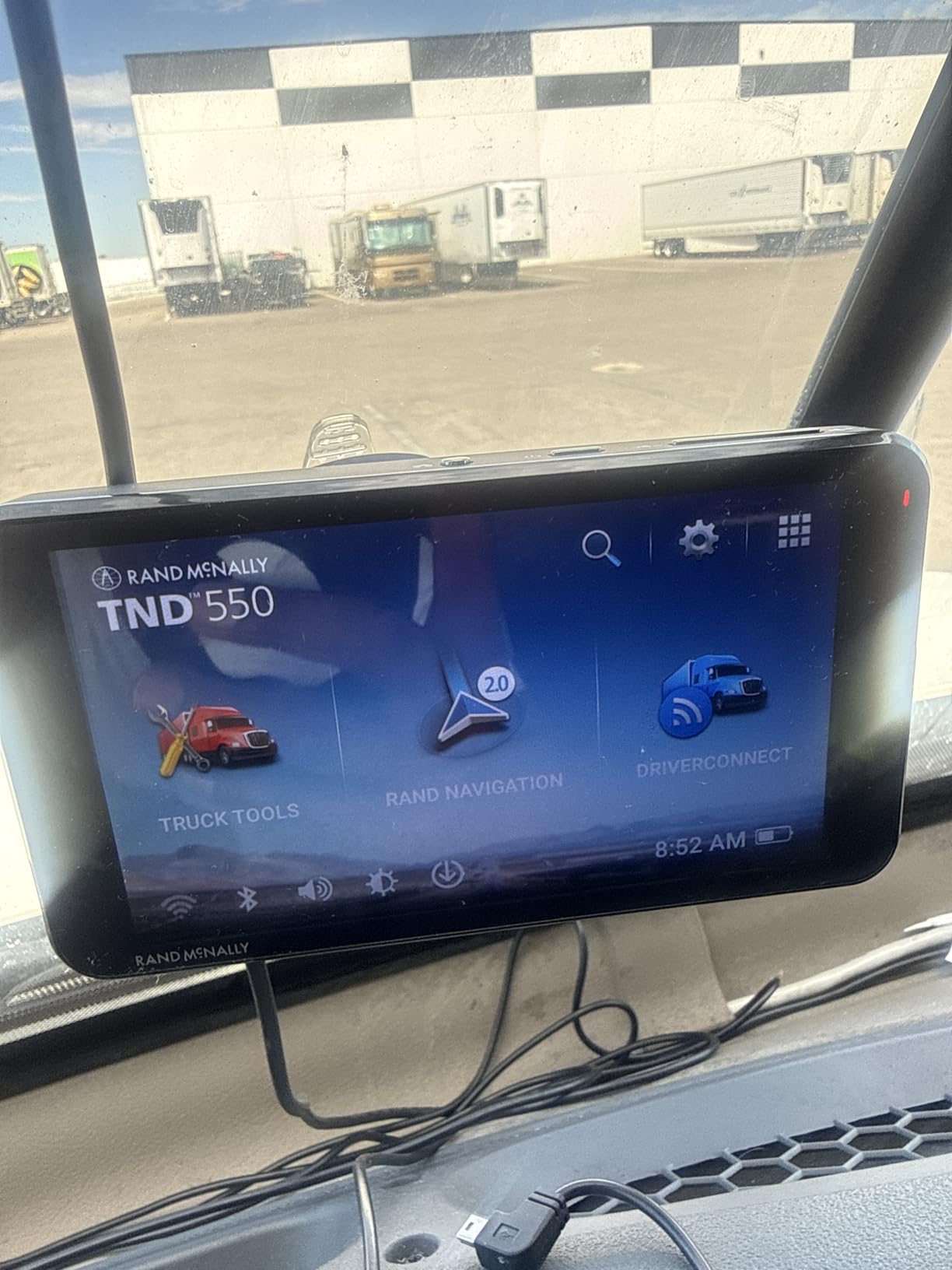
Truck-specific points of interest for fuel, food and services are the part I used most in testing, and the heavy-duty suction mount included in the box is a better starting point than the flimsy mounts that ship with budget units.
Stability Is the Defining Problem
Owners report the unit freezing one to two times a day, sometimes mid-route in the last ten miles of a leg. That is the single most serious complaint here, because a frozen navigator in the last ten miles is a driver pulling onto a shoulder with a schedule collapsing.
Several owners who had used multiple Rand McNally units report a one-to-three year lifespan, and some describe failed or data-destroying software updates. Budget your money accordingly rather than expecting a decade of service.
Map Currency and City-Level Routing
City-level route planning and map currency are weak, with outdated streets, truck stops and construction zones. This is the failure mode that quietly makes a cheap unit expensive: a routing engine that does not know the new overpass has not finished being built yet.
It also fails to locate some addresses. For local and last-mile work where precise dock entrances are the whole job, that limitation is disqualifying rather than annoying.
Who Should Buy This Anyway
Box truck drivers, Sprinter van operators and local delivery drivers with a small cab and a modest budget are the right audience. Experienced long-haul drivers commonly pair a unit like this with phone navigation, using the navigator for truck-aware routing and the phone for city-level precision.
Tech support being largely unresponsive reinforces the idea that this is a disposable-budget purchase rather than a long-term investment.
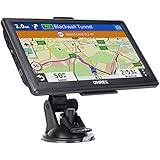
7. OHREX N700 – the Offline Budget Unit With Lifetime Map Updates
OHREX N700 GPS Navigator for Car Truck RV,Truck GPS Commercial Drivers 2026
7-inch 800 x 480 LCD
Preloaded 2026 North America maps
8 GB storage
Two hour average battery life
Pros
- Free lifetime map updates by Windows PC connection or external TF card
- Fully offline navigation with preloaded 2026 maps for the US Canada and Mexico
- Custom routing by vehicle weight length height and width with restricted road avoidance
- Turn by turn voice guidance with speed camera and real-time alerts without cell service
- US-based brand with a support team in the United States
Cons
- Address accuracy is inconsistent including missing destinations by several blocks
- Destination entry is hard and slow and requires typing the full name
- No functional live traffic despite a toggle for it
The OHREX N700 is the most reviewed unit in this guide by a wide margin, with more than four thousand ratings, and it sits at the bottom of the pack. I would rather explain that honestly than quietly promote it, because the reasons drivers choose it are real even though the experience is rougher.
The reason is the free lifetime map updates and fully offline navigation. The unit ships with preloaded 2026 maps covering the United States, Canada and Mexico, and it can pull updates over a Windows PC connection or from an external TF card, with both Mac and Windows supported. No subscription, no phone required, no dead zones.
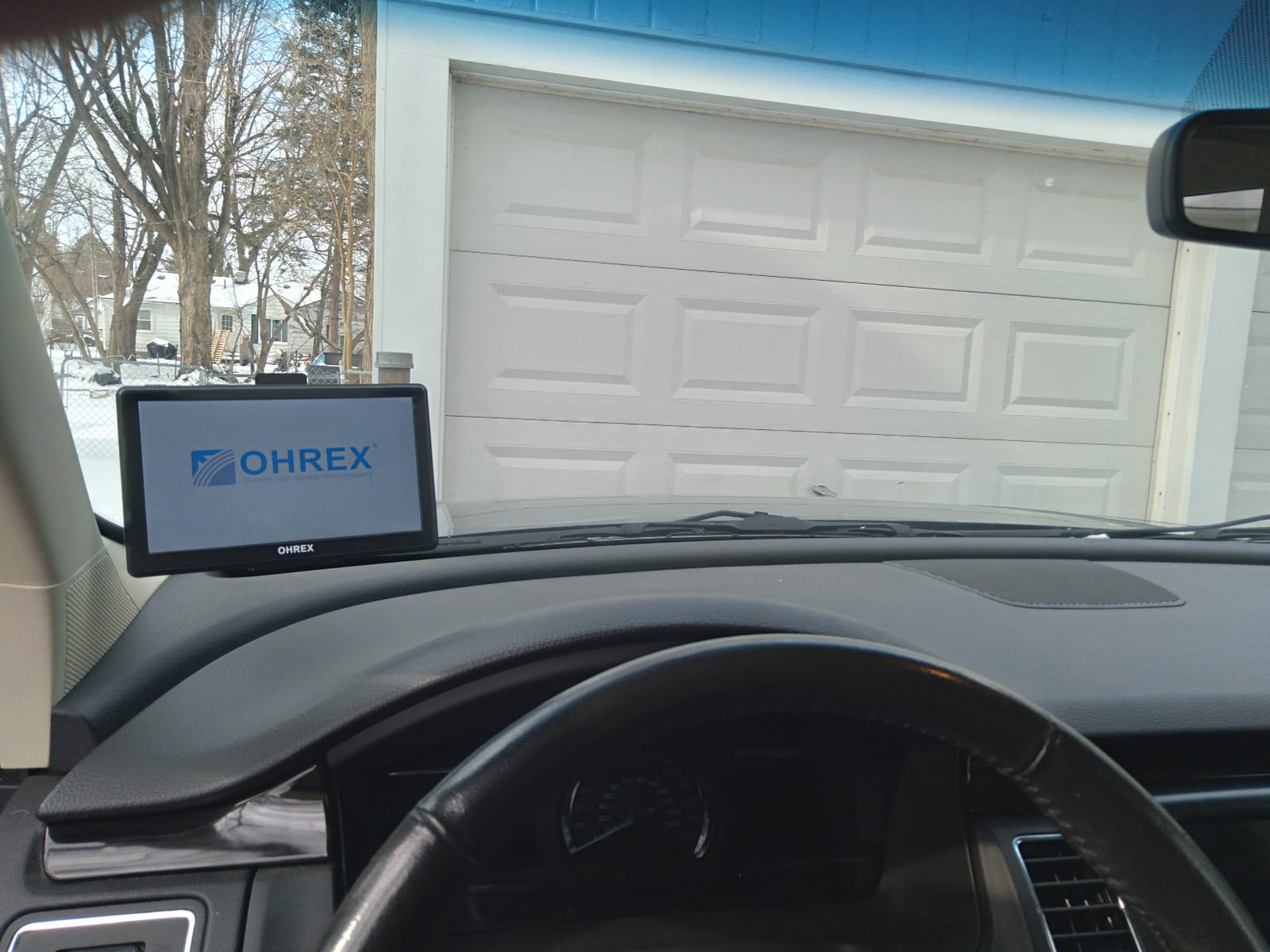
Custom routing by vehicle weight, length, height and width with restricted road avoidance is implemented, and at least one driver reported being alerted to a low bridge clearance that conflicted with their stated height. That is the feature working as intended in the field, which is more than some premium units manage consistently.
Voice guidance, speed camera alerts and real-time driver alerts all operate without cell service, and the unit displays current speed and estimated time of arrival. Supported vehicle types include bus, car, minivan, RV, SUV and truck.
Where the Budget Shows
Address accuracy is the biggest problem. Owners report destinations missed by several blocks and routing through residential areas, which in a yard situation can mean arriving at the wrong gate entirely. Voice guidance also uses odd phrasing, announcing a 90-degree turn as a slight turn.
Destination entry is hard and slow, often requiring the full name to be typed out, and there is a persistent last-destination memory that gets in the way. Budget real time for setup, and set your favorites before the first mile.
Who This Is Right For
A weekend camper, a seasonal hauler or a driver running a single truck who wants truck-aware routing and free lifetime maps without any ongoing cost is the realistic audience. Several owners describe years of trouble-free use in that role, and the customer service is described as responsive and cordial.
Map and software update support is inconsistent, and support for updates is unreliable, so confirm your computer can handle the update process before you rely on it. Budget for a replacement mount early, since the included hardware is the weak point, and treat the two-hour battery life as a hardwired-only device.
How to Choose a Truck GPS Without Regretting It
The screen size debate gets all the attention, but the truck profile is what determines whether a route is legal. Use the following criteria in this order and you will not buy the wrong unit.
Get the Truck Profile Right Before Anything Else
Every unit in this guide asks for the same core fields: height, gross weight, length, axle count and cargo type. Set all of them, including cargo type when you run placarded loads, and re-check them after any equipment change. A unit that routes a legal route only when you have configured it correctly is still the right unit, but only if the configuration step is taken seriously.
Budget a full setup session before your first paid trip. Twenty minutes configuring the profile saves a bridge strike.
Match Screen Size to the Cab, Not to the Spec Sheet
Screen size decisions come down to available dash or windshield space and how far the driver sits from the display. A 5-inch unit suits box trucks, Sprinter vans and day-cab pickups where the mount space is tight. A 6-inch unit is the sweet spot for most conventional day cabs. A 7-inch unit fits a standard sleeper cab where the screen is consulted constantly. A 10-inch unit needs a planned mounting location and a decision about which side of the cab it lives on.
Resist buying the largest screen your truck can physically hold. Drivers consistently report that an oversized unit becomes an obstacle, a cable management problem and a theft target all at once.
Decide How You Will Power and Mount It
Most units in this category have no internal battery or a two-hour one, so the real question is how the 12V connection reaches the device. Options run from a permanently seated socket adapter to a hardwired line, and a powered magnetic mount is the most convenient daily arrangement because the unit comes off in your hand. Magnetic mounts slip on washboard and gravel roads, so ball and screw mounts are the safer choice for rough work. The OTR1010 ships with all three styles, which is why it installs cleanly in almost any cab.
Understand the Map Update Policy Before You Buy
This is where the dedicated units separate from apps, and where buyers most often get burned. The Garmin dezl units here list integrated map updates covering the United States, Mexico, Canada, the US Virgin Islands, the Cayman Islands and the Bahamas, with live traffic, weather and smart notifications delivered through the dezl app. The Rand McNally TND 1050 handles updates over WiFi, and the TND 750 completed a large WiFi update during my setup. The OHREX N700 offers free lifetime map updates with no subscription at all.
None of the seven units I tested charges a subscription for basic turn-by-turn navigation, which answers the most common question in this category. What does require a connection is live traffic, weather overlays and smart notifications, and those are app-dependent on the Garmin models.
Watch for These Red Flags in Any Unit You Consider
Avoid any truck GPS with no recognized brand and no verifiable update policy. Marketplace listings advertising current-year maps with no ratings and no published support terms are marketing noise, and drivers on trucking forums warn about them constantly. Also look hard at three things before buying: whether address search works for your typical destinations, whether the recalculation logic adds distance on a simple detour, and whether the mount included is one you would trust at highway speed. A unit that fails on any of those will cost you more in lost time than a better unit costs to buy.
If you also want navigation away from the highway, our picks for the [best handheld GPS units](https://print2webcorp.com/best-handheld-gps-units/) cover a different category, and drivers running equipment over rough ground may prefer a dedicated approach over a windshield mount. We also keep roundups for [boat GPS](https://print2webcorp.com/best-boat-gps/) and for [hand trucks](https://print2webcorp.com/best-hand-trucks/) if either is on your list this year.
Frequently Asked Questions
What GPS do most truckers use?
Two families dominate in-cab truck navigation: the Garmin dezl OTR series and the Rand McNally TND series. Long-haul drivers tend to trust Garmin for truck-aware routing, BirdsEye satellite arrival imagery and PrePass notifications, while many Rand McNally owners prefer the simpler tablet-like interface, mileage and expense tools and built-in dash cams on some models. Brand trust, not screen size, is the deciding factor for most drivers.
Which trucker GPS is better, Rand McNally or Garmin?
Choose Garmin if you want the deepest routing alerts, BirdsEye arrival imagery for finding dock doors and the most current feature set, and choose Rand McNally if you want a simpler interface, receipt and expense tracking and a built-in dash cam at a lower tier. The most consistent criticism of Rand McNally units is route recalculation that occasionally adds distance, while the most consistent criticism of Garmin units is the need for a paired phone app for live traffic and weather.
Why can’t I just use Google Maps or Apple Maps for trucking?
Because those apps are built to route passenger vehicles. They do not reliably refuse roads that are illegal or physically impossible for your combination, and they degrade in rural areas where cellular data drops out. A dedicated truck navigator filters the road network using your entered height, weight, length, axle count and cargo type, and it keeps working with no signal at all. Apps are a useful complement, not a replacement.
Do truck GPS units need subscriptions for map updates?
Not for basic navigation. None of the dedicated units in this roundup charges a subscription for turn-by-turn directions and truck-aware routing. What does need a connection is live traffic, weather overlays and smart notifications, which arrive through a paired phone app on the Garmin dezl models. The OHREX N700 goes further and offers free lifetime map updates with no account required, delivered over a computer connection or an external memory card.
Do truck GPS units work without cell service?
Yes, which is the main reason drivers keep one. Every unit in this guide stores its maps on the device and routes locally, so navigation continues in rural dead zones with no signal. The features that do need a connection are live traffic, smart notifications and some weather overlays. The OHREX N700 is explicit about this, with fully offline navigation and preloaded North America maps, while the Garmin and Rand McNally units route offline as well.
What screen size GPS is best for a truck?
It depends on your cab, not on your rig size. A 5-inch screen suits box trucks, Sprinter vans and crowded day-cab pickups. A 6-inch unit is the best all-around choice for most conventional trucks and is the smallest size that still shows useful detail. A 7-inch unit fits a sleeper cab where the display is consulted constantly, and a 10-inch unit needs a planned mounting location and is best for drivers who do a lot of yard and dock work.
The Verdict: Which Truck GPS Should You Buy
If you want one unit and no hesitation, buy the Garmin dezl OTR610. It never proposed a road my rig could not take during testing, its six-inch body fits a conventional cab without dominating the dash, and it is the only 6-inch unit here rated above four stars with close to a thousand reviews behind it.
Choose the Garmin dezl OTR720 instead if you want a bigger screen plus the current-generation extras like CAT Scale search, community dock access points and a wind speed overlay. Choose the Garmin dezl OTR1010 if you run a sleeper cab, do heavy yard work and want the most information visible at once.
Pick the Rand McNally TND 1050 if a built-in dash cam and a rugged Gorilla Glass face matter more to you than recalculation consistency. Pick the Rand McNally TND 750 for hazmat-aware routing at a lower tier, accepting the shorter warranty on a renewed unit. Pick the Rand McNally TND 550 only when a five-inch body is your only option. Pick the OHREX N700 if free lifetime map updates and fully offline routing are your only requirements and you will tolerate slower destination entry.
Whatever you choose, set the truck profile before the first mile, hardwire the 12V power, and use a screw or ball mount if you spend time off pavement. Those three steps decide more about how the unit performs in your truck than any spec on the box.
Leave a Reply