
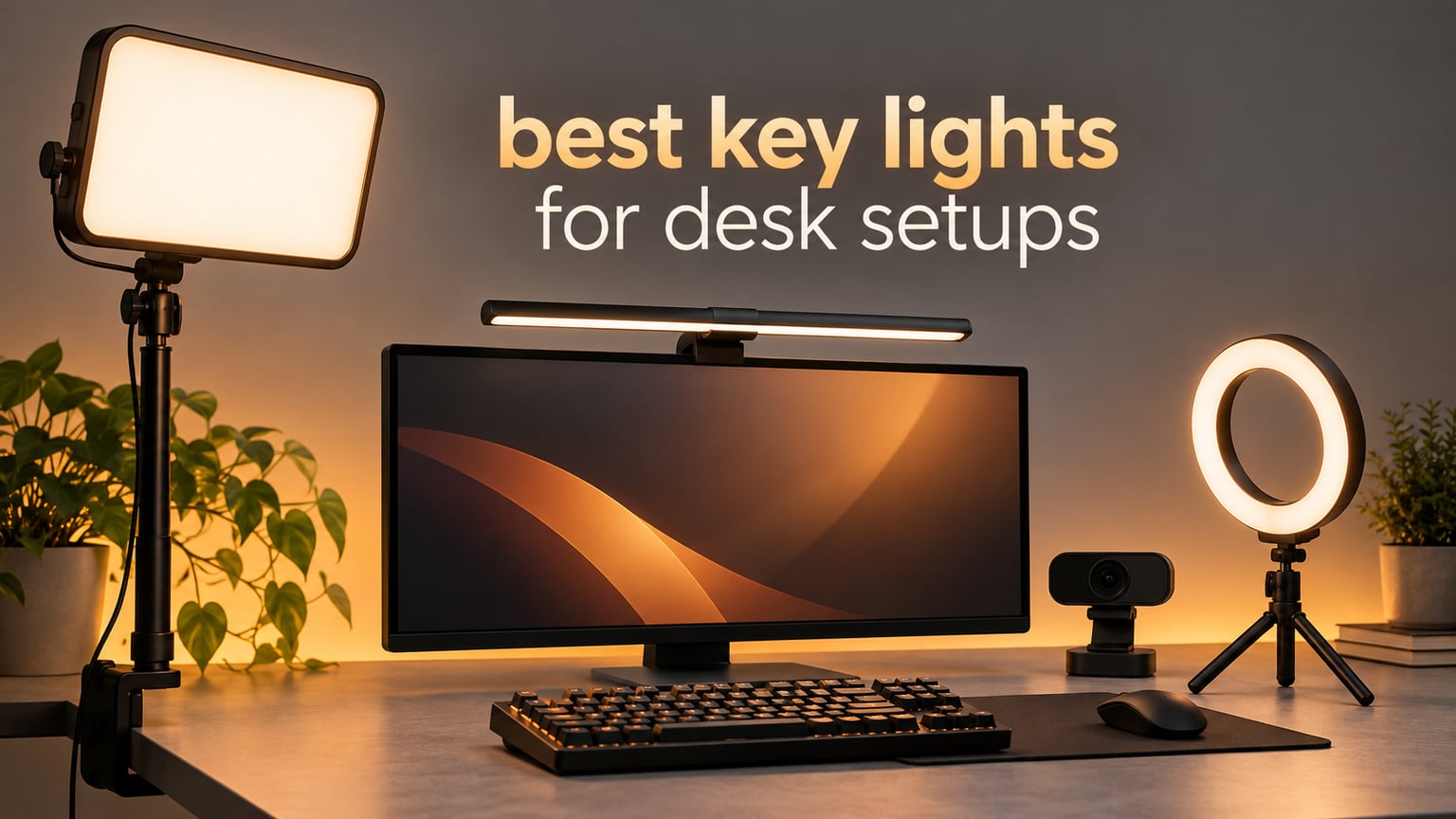
The best key lights for desk setups are the ones that mount to your desk edge or the top of your monitor and sit at eye level. Most lights sold for video are built for a room, not a workspace, and the difference shows up in clamp width, desk footprint and where the cable goes.
The Elgato Key Light is the strongest all-round pick for a desk, the Logitech Litra Glow is the one to buy when you cannot spare a square inch of surface, and a small clip-on ring light is genuinely enough if you only sit in compressed video calls. Everything else in this list exists for a specific desk shape, a specific power situation or a specific problem like glasses glare.
I spent six weeks swapping these lights on one desk already crowded with a keyboard, a mic arm and a second monitor. I did not measure lux with a meter. I judged the camera image, the desk footprint and the cable situation, and where a number matters such as clamp width or color temperature range, I quote the specification rather than my impression. We also cover the software side in our streaming key light guide.
One thing worth saying early: positioning beats gear. A light at 45 degrees and just above eye level will outperform a pricier panel pointed straight at you, and bouncing a lamp off a pale wall creates a larger, softer source than most panels sold for desks. Buy the light second.
Our Top 3 Desk Key Lights After Six Weeks on One Desk

Elgato Key Light
- 2800 lumens with stepless dimming
- 2900K-7000K bi-color range
- 97 CRI opal glass panel
- Desk clamp and Wi-Fi app control

Logitech Litra Glow
- Monitor-top mount with zero desk footprint
- TrueSoft 250 lumen frameless panel
- 2700K-6500K across five settings
- G HUB app and webcam auto-on

RALENO 9 inch LED Video Light
- Built-in 4000mAh rechargeable battery
- 600 lux at 0.5 meters
- CRI 95 plus skin tone rendering
- 2500K-6500K on dual knobs
Comparing the 10 Best Key Lights for Desk Setups
| Product | Specs | Action |
|---|---|---|
| Elgato Key Light |
|
Check Latest Price |
| Logitech Litra Glow |
|
Check Latest Price |
| RALENO 9 inch LED Video Light |
|
Check Latest Price |
 Evershop 5 inch Ring Light Evershop 5 inch Ring Light |
|
Check Latest Price |
 LitONES 7 inch Edge-Lit Panel LitONES 7 inch Edge-Lit Panel |
|
Check Latest Price |
 Weilisi 10.2 inch Desk Ring Light Weilisi 10.2 inch Desk Ring Light |
|
Check Latest Price |
 UBeesize 10 inch Ring Light UBeesize 10 inch Ring Light |
|
Check Latest Price |
 LitONES Cantilever Video Conference Light LitONES Cantilever Video Conference Light |
|
Check Latest Price |
 Godox ES45 Desktop LED Key Light Godox ES45 Desktop LED Key Light |
|
Check Latest Price |
 DImotliyor Bi-Color Video Light DImotliyor Bi-Color Video Light |
|
Check Latest Price |
What a Key Light Actually Does on a Desk
A key light is the primary light that shapes your face on camera. It sits in front of you and slightly to one side, at or just above eye level, filling the shadows an overhead room light carves under your eyes and nose.
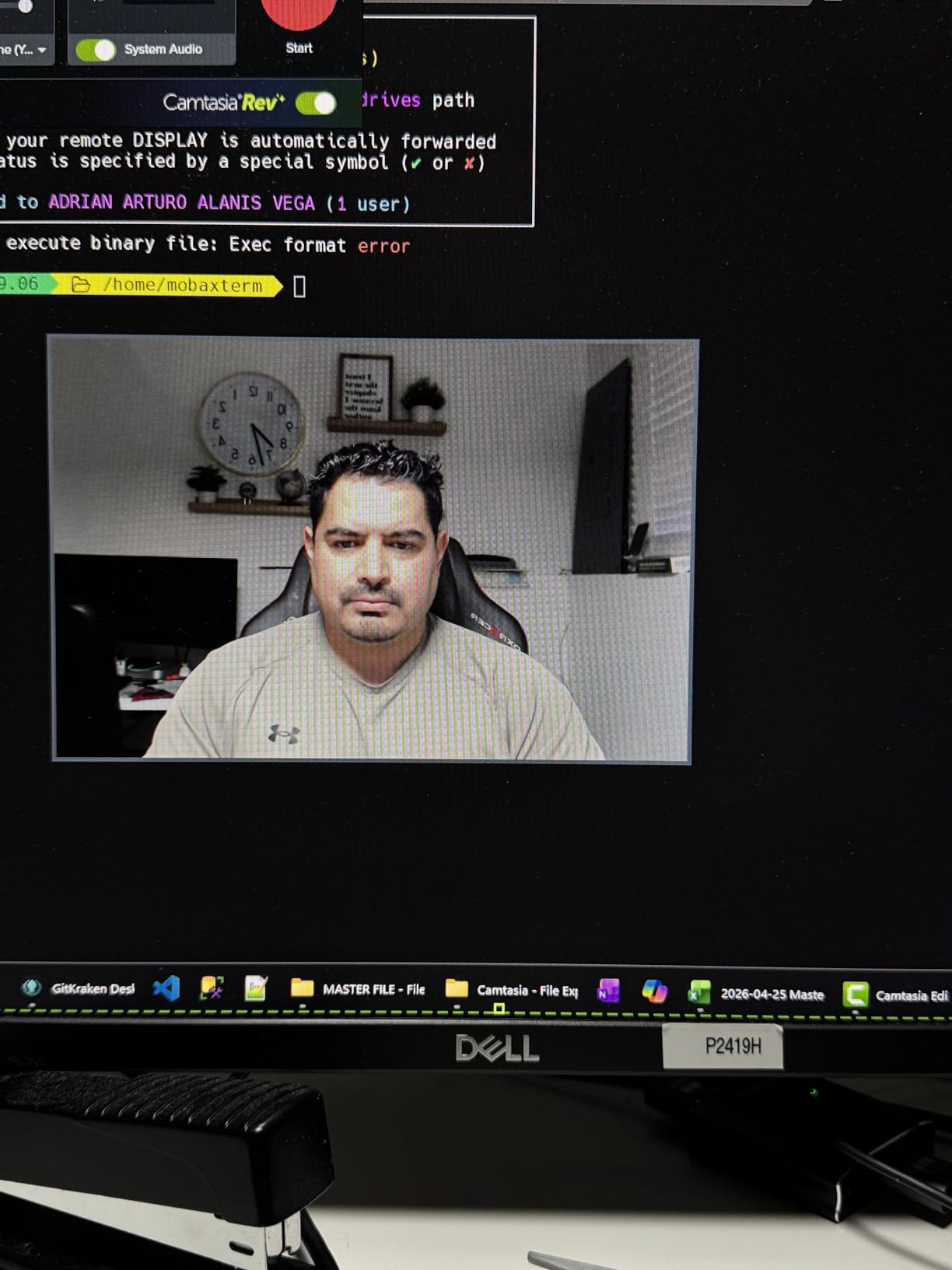
That matters more on a desk than in a studio because webcams have small sensors. An underlit face forces the sensor to push its gain, and you get grain, muddy color and soft detail. Better light lets it run cleaner. Lighting, not the camera, is usually the root cause of a low-quality image.
An LED panel is a flat rectangular source and is what most desk key lights actually are, because a panel spreads light across your face instead of concentrating it. A ring light is a circle, usually cheaper, with a signature round catchlight in your eyes. A monitor light bar clamps to a display and lights you from an overhead-front angle with almost no footprint. Bias lighting is a strip behind a monitor that does nothing for your face at all.
Those differences decide more than price. A panel reads natural, a bar keeps the desk clear but lights you from a steeper angle, and a ring puts a circle in your lenses.
How We Picked: Five Desk-Specific Tests
Every light went through the same five checks, all about the desk rather than the LED. Surface area is genuinely scarce, which is why our picks for the best 61 key keyboards start with a footprint budget too.
- Clamp and mount fit. I measured desk edge thickness and bezel depth before assembling anything. A clamp that opens to 2 inch will not fit a 2.5 inch wood top.
- Footprint reclaimed. I measured how much usable surface the base, pole or tripod consumed. Clamp and monitor mounts scored highest because they take the whole surface back.
- Power reality. I noted whether the light runs on mains, USB or an internal battery, and whether it keeps running while charging.
- Color on camera. I checked the camera image in a dim room at the lowest usable brightness, looking for green or grey skin tones rather than judging the panel by eye.
- Control during a live shot. I changed brightness and color temperature mid-recording. Anything needing a phone or a reach behind the panel lost points.
1. Elgato Key Light – The Studio Panel That Still Fits a Desk
Elgato Key Light, Professional 2800 Lumens Studio Light
2800 lumens
2900K-7000K
97 CRI
2.9 lb desk clamp
Pros
- Wide 2900K-7000K range with smooth stepless dimming
- 160 edge-lit OSRAM LEDs run cool with no softbox needed
- Opal glass diffuser gives even glare-free light
- Wi-Fi app and Stream Deck control for instant scene changes
- Telescoping metal clamp mount reaches true key light height
Cons
- Wi-Fi pairing can be finicky on busy networks
- No physical dimmer fallback on the back
- Plastic ball head is not built for frequent repositioning
A full studio panel sounds too much for a desk, but the telescoping clamp mount means the whole thing occupies a strip along your desk edge and about 2.9 pounds of pole. The head runs high enough to sit above your eyeline and tilt down, which is the single most useful thing a key light can do.
Light quality is where the 97 CRI rating pays off. Skin tones looked natural in a dim room at low brightness, and the 2900K to 7000K range let me warm it up at night without the orange cast cheap bi-color panels add.
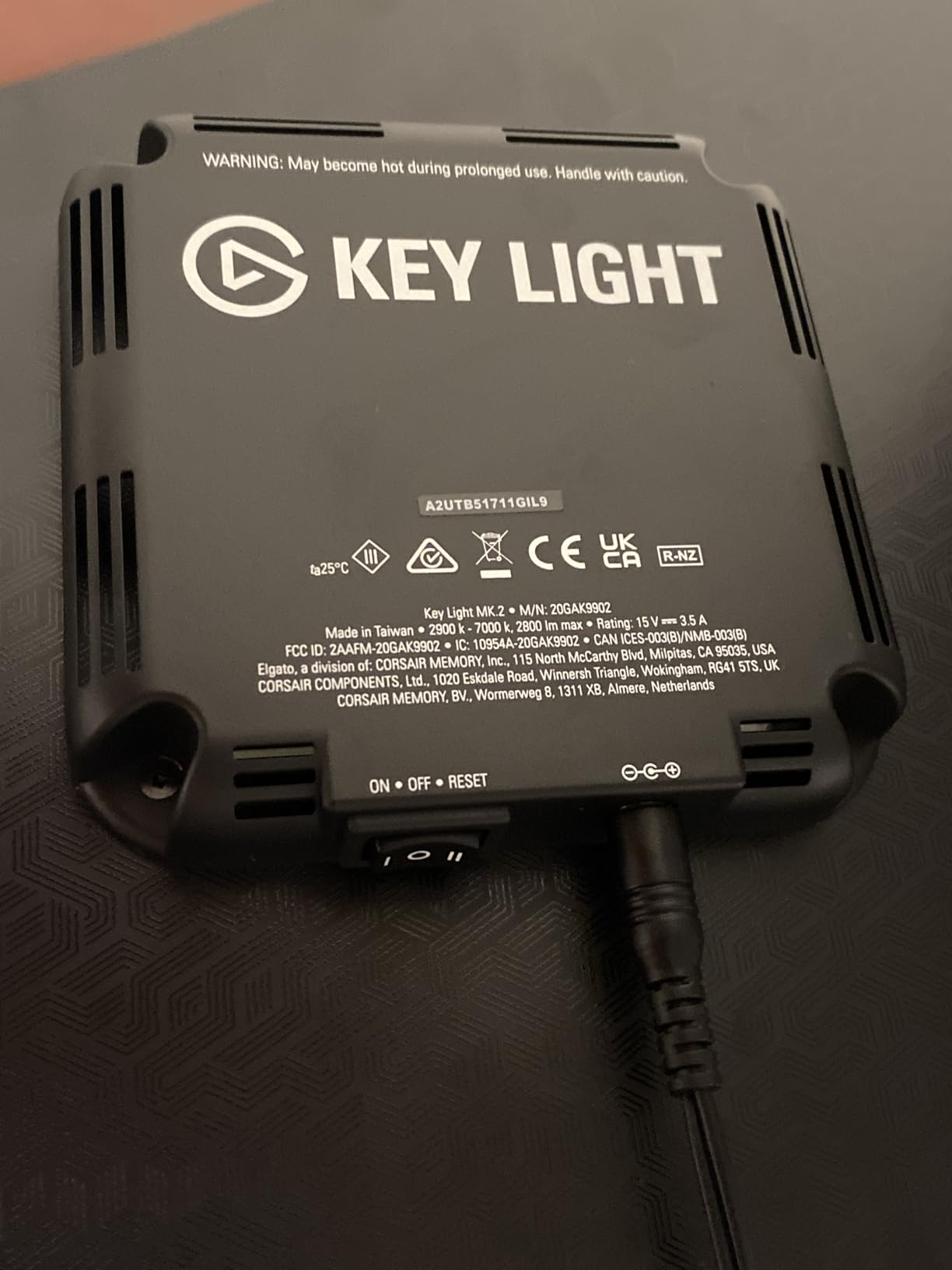
Why 2800 Lumens Is a Feature Here
The output is genuinely overkill for a call, which means the useful range sits in the bottom quarter of the dial. You work in the smoothest part of the dimming curve instead of fighting the last 10 percent. The 160 edge-lit OSRAM LEDs also run cool enough to leave aimed at a laptop all afternoon.
Control, and the Honest Catch
Once paired, brightness and temperature changes arrive through the app or a Stream Deck in about a second. There is no manual fallback on the back, though, so if Wi-Fi pairing is having a bad day your only recovery is unplugging and replugging. Owners also pair two units for a proper three-point desk setup, one key and one fill.
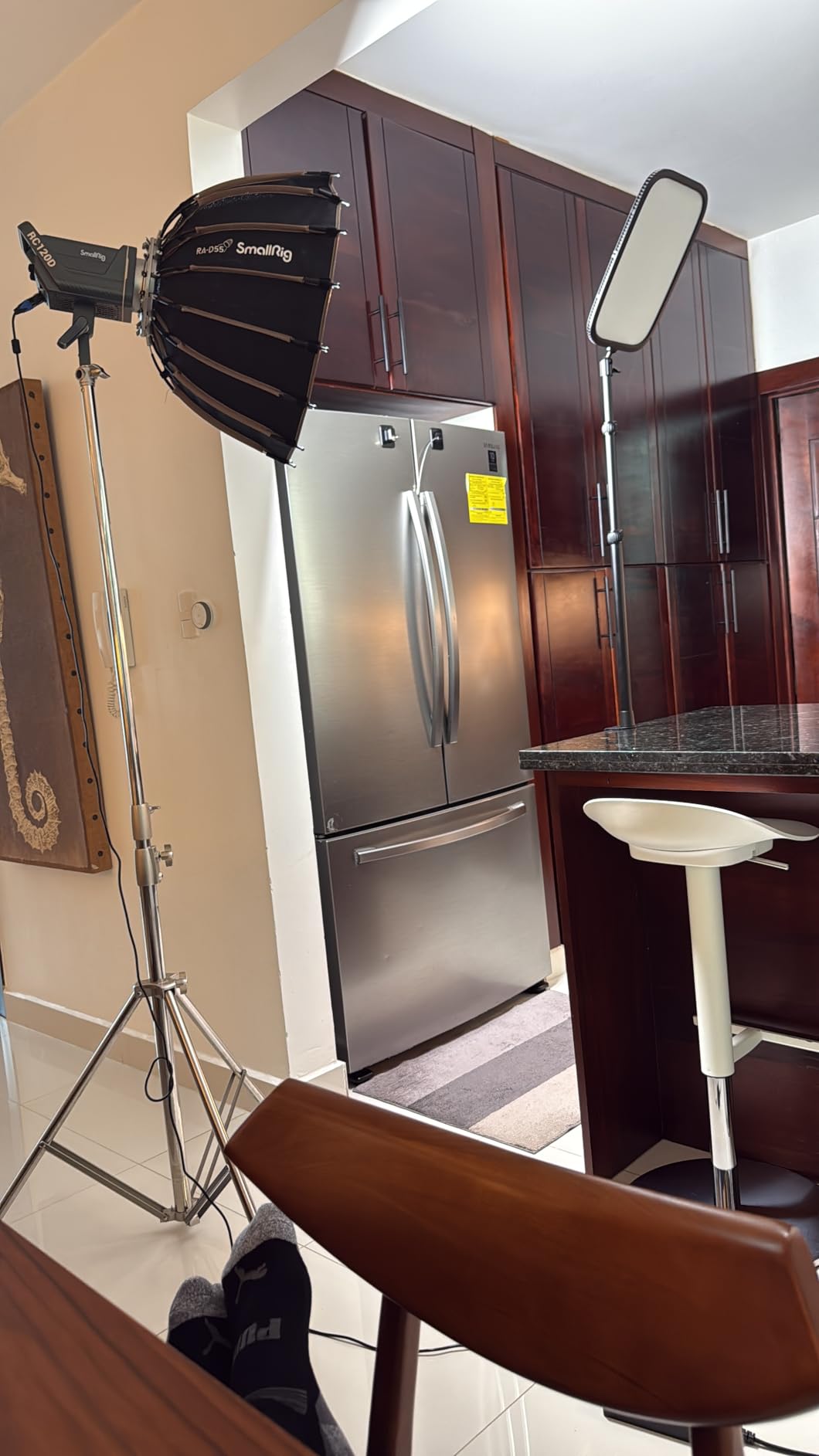
Who Should Skip It
Skip it if your desk edge is thicker than a standard slab, if your network is crowded enough that app pairing would be fought during a live call, or if you only appear in heavily compressed calls where the difference disappears. It is also wrong for a desk where surface area cannot be spared at all.
2. Logitech Litra Glow – The Face Light That Costs No Desk Space
Logitech for Creators Litra Glow Premium LED Streaming Light – Graphite
250 lumens TrueSoft
2700K-6500K
Monitor-top mount
13.4 oz
Pros
- Frameless diffuser gives wide soft light with no harsh glare
- No ring reflection circles in glasses
- Monitor mount keeps the entire desk surface clear
- G HUB presets plus auto-on with a Logitech webcam
- USB powered and detaches to a tripod for travel
Cons
- Bottom mounting claw is light plastic and unbalanced on curved monitors
- Lowest brightness setting is still fairly bright
- No battery so it needs a USB port or power bank
This is the pick for a desk where surface area is the binding constraint. It clamps to the top of your monitor, so the thing it frees up is the entire desk. On a small corner setup with an 88-key keyboard already eating half the surface, that swap alone justifies it.
At 250 lumens it is nowhere near the Elgato, and for one person at arm’s length that is roughly right. More output would mean fighting the top of the range every session.
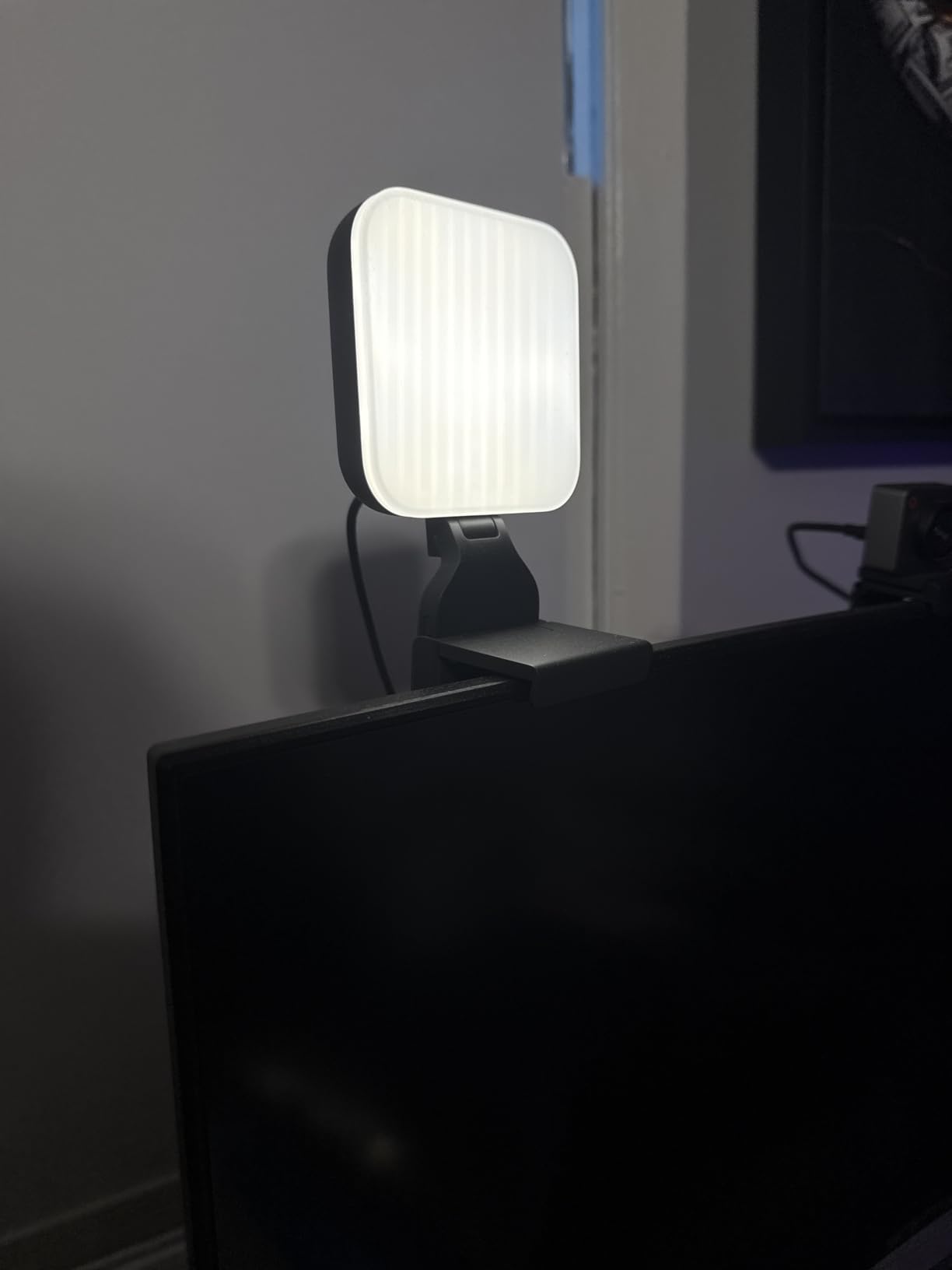
The Frameless Diffuser Matters More Than the Numbers
The head is a frameless diffuser rather than a ring or a bordered panel, so light spreads wide and soft instead of arriving as a hard hotspot. The result is fewer nose shadows and no sharp forehead highlight. Glasses wearers get a specific benefit: reviewers consistently call out that this shape does not throw a visible circle into lenses. It is also UL verified for photobiological safety, which matters if a light points at your face for a full stream.
Where It Falls Down
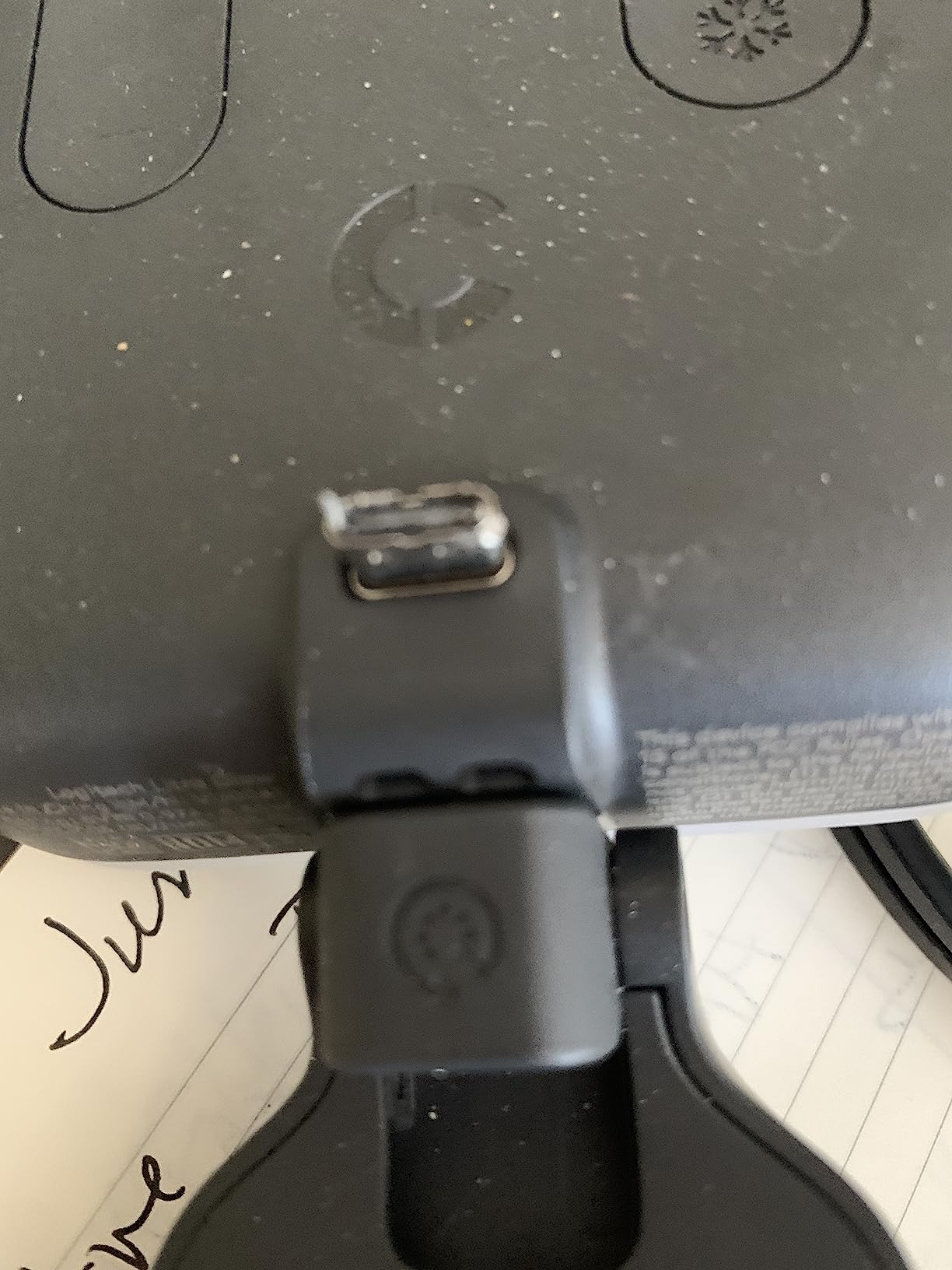
The drawbacks cluster in the mount. The claw is light plastic and on a curved or non-flat display it can sit unbalanced, which is a failure that shows up a month in rather than on day one. There is no internal battery, so it needs a USB port, charger or power bank, though it does detach to a standard tripod for travel.
Best Fit
Buy it if your desk is small, your monitor is flat, and you mostly need to look right on calls. It also layers well: a face light on the monitor top plus a task bar elsewhere gives a complete two-light desk with no base on the surface at all. Pass if you film in a genuinely dark room or need to work away from a socket.
3. RALENO 9 Inch LED Video Light – The Best Value Pick With a Battery Inside
RALENO 9″ LED Video Light, 2500K-6500K Camera Light with Desk Stand
12W panel
600 lux at 0.5m
CRI 95+
4000mAh battery
Pros
- Built-in rechargeable battery makes it genuinely portable
- Cordless operation suits hybrid workers moving between rooms
- 600 lux at 0.5 meters is bright for the size
- CRI 95 plus renders skin tones naturally
- Dual knobs give 1 percent brightness and color steps
Cons
- Runtime is short at full brightness and can flicker when low
- Included mini ball head is thin and wobbles in a hot shoe
- Included charging cable is quite short
This is the one I recommend to people who split their week between a home office and another room. Every other light here is tethered, and having one that runs cordless removes the argument that a desk light must live on your desk. It is also the pick for product photography at a desk, where you want to move the light around a small object rather than pivot a pole.
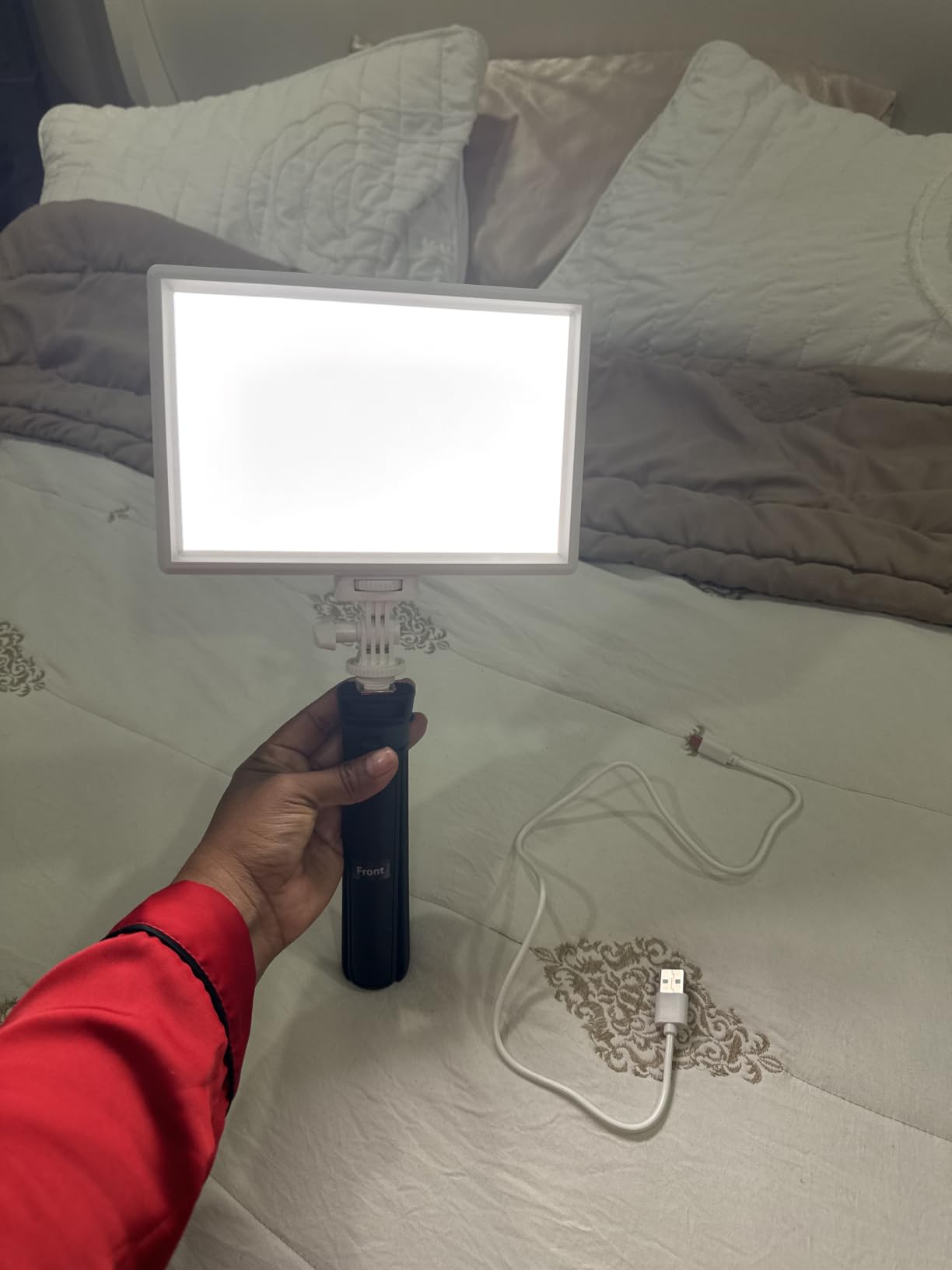
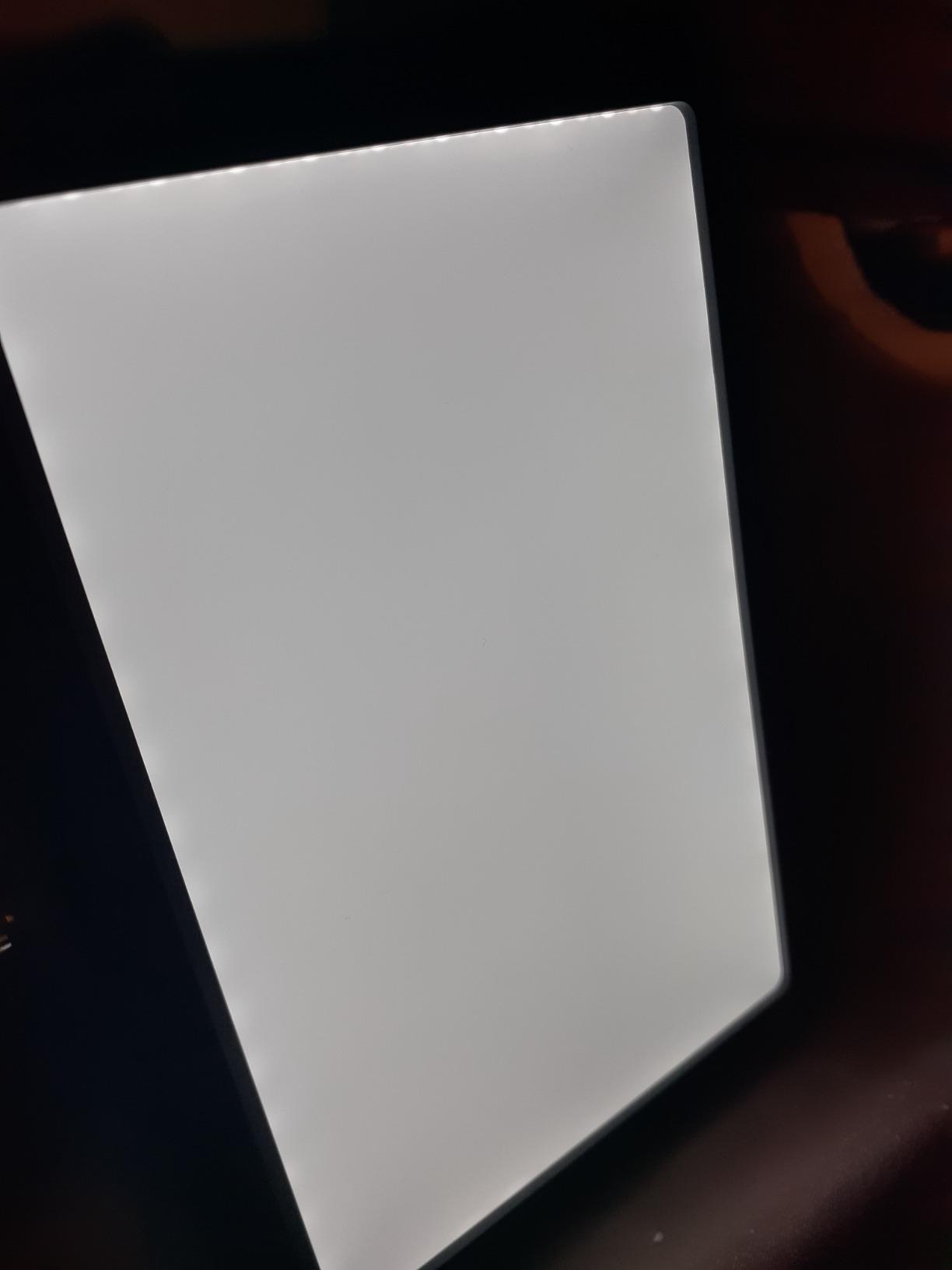
The 12 watt edge-lit panel with four layers of diffusion puts out 600 lux at half a meter, and CRI above 95 held skin tones well in my tests. At 388 grams it is portable without feeling flimsy.
Battery Life Is the Whole Trade
The 4000mAh cell gives roughly 80 minutes at full brightness, and that is the honest limit. At sensible call brightness it lasts considerably longer, and it runs while plugged in, which blunts the issue for occasional cordless use.
Two cautions from owners. The battery can flicker on high output once low, which matters if you are recording rather than calling. And the included mini ball head is thin enough to wobble in a hot shoe, so treat the stand as a desk accessory rather than a camera-mounted one.
Controls Without an App
Two physical knobs handle brightness from 0 to 100 percent and color from 2500K to 6500K in small steps. No app, no Wi-Fi, nothing to pair or update, which for most desk work is a feature. For full output it wants a 5V 3A adapter, and the included cable is short enough that you will likely replace it.
Best Fit
Choose it for portability, cordless shooting, or a small-space desk where a pole stand is unacceptable. It also works as a secondary light if you ever want a second angle. Pass if you need all-day untethered runtime or app and scene control, neither of which exists here by design.
4. Evershop 5 Inch Ring Light – The Cheap Fix That Is Genuinely Enough
Evershop Ring Light for Laptop Desk Clip On,Small Computer Video Conference Lighting with Stand for Phone/Webcam/Monitor,5″ Portable Mini LED Selfie Light Desktop for Zoom Meeting/Video Call/Recording
5 inch ring
64 LEDs at 10W
CRI above 98
Clamp or stand
Pros
- Very low cost way to meaningfully improve face lighting
- Small footprint and USB powered so it fits in a bag
- Multiple warmth modes and up to 30 brightness levels
- Adjustable stretchable mount grips curved and flat screens
- Phone and tablet holder built into the same stand
Cons
- Mount is deeper than many modern thin bezels
- USB-A cable is permanently attached and short
- Inline controls on the cord are awkward to reach once mounted
The instinct is to skip anything this small, so I will be straight about it. The 5 inch head carries 64 LEDs at 10 watts, CRI above 98, three color modes and up to 30 brightness levels, and in heavily compressed calls the result is a clear improvement over a ceiling light. Call platforms discard most of the difference between this and a good panel, which is exactly why it belongs here.
It weighs 7.1 ounces, runs on USB with no battery, and the stand folds at both the 90 degree bracket and the 180 degree base. That folding is what lets it sit on a monitor, a laptop lid or a desk corner without occupying real estate.
Measure the Bezel First
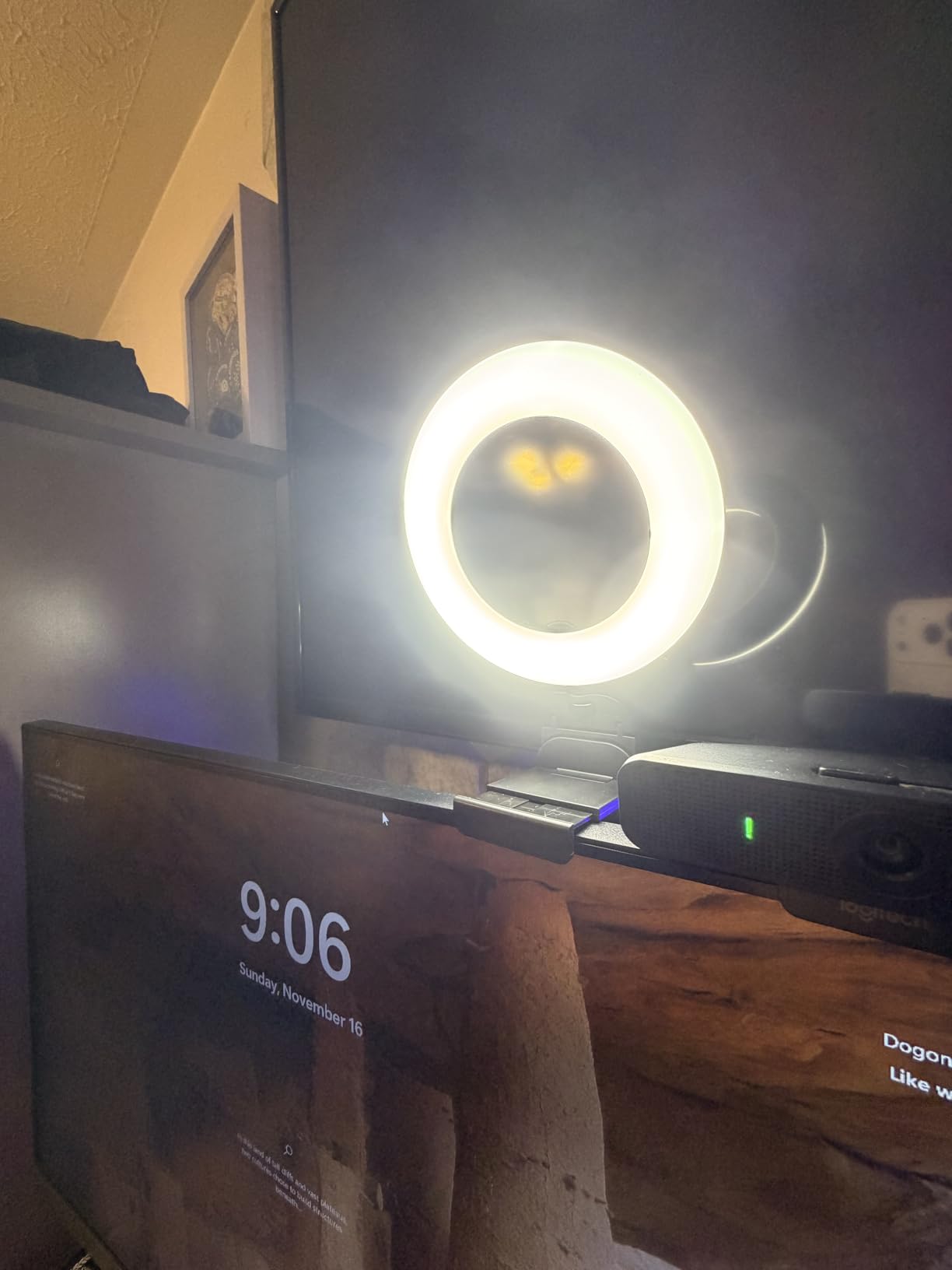
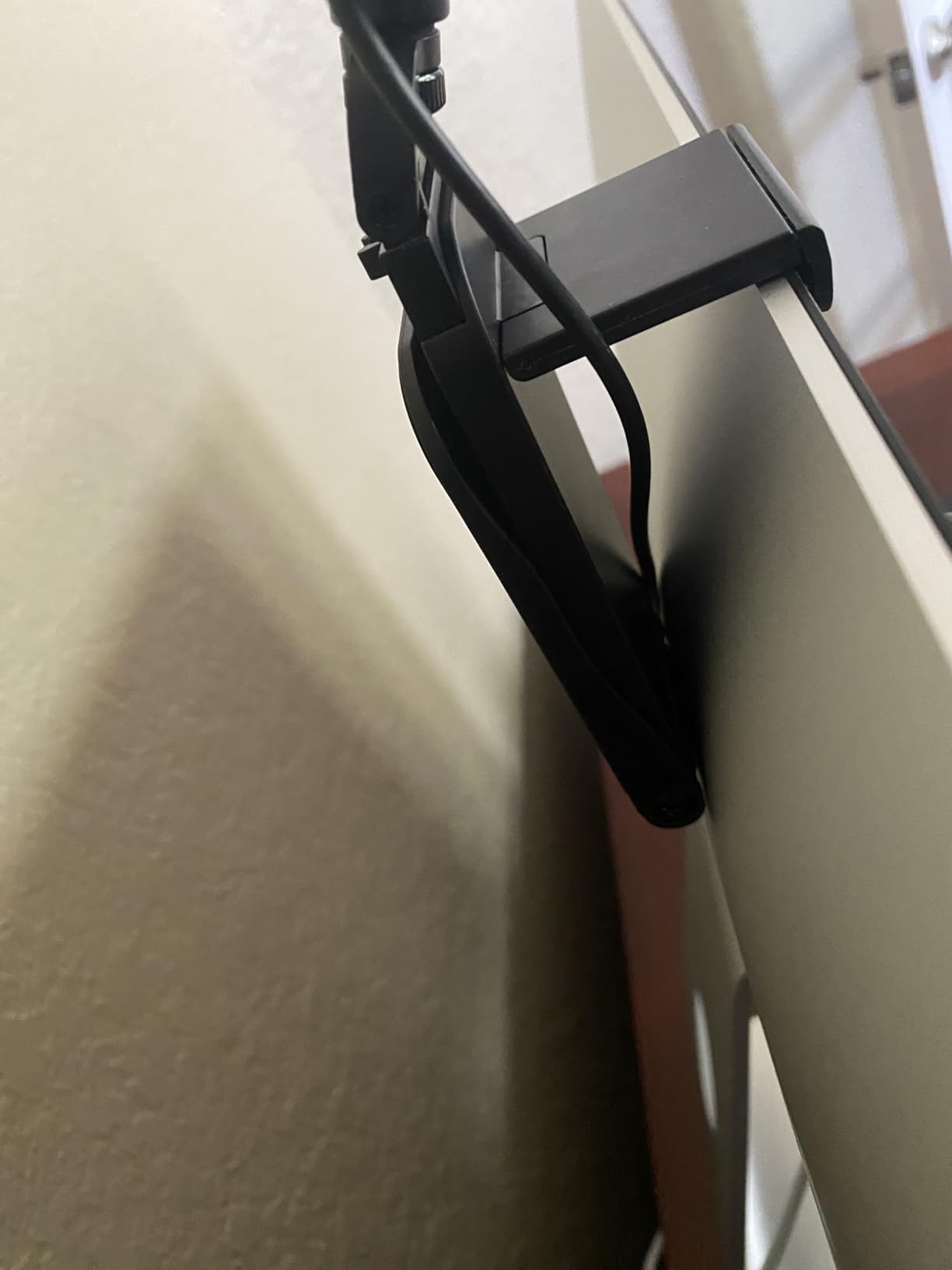
The stretchable plate adjusts between 2 and 2.5 inch, covering straight and curved screens, but depth is the issue. On a modern thin-bezel monitor it can overlap the top of your screen unless you wedge it forward. The cable is fixed and short with no adapter included, and the inline controls sit on the cord where they are awkward to reach once mounted high.
The Ring Catchlight Is the Catch
A small ring pointed straight at your face puts a visible circle in your eyes and your glasses. Reviewers who slide it off-axis to one side are happy. Reviewers who leave it head-on tend to be the ones returning it. Brightness is also modest next to a panel, so treat it as a fill light despite the marketing.
Best Fit
Buy it if budget is the constraint, you are on calls rather than streaming, and you want something that fits in a laptop bag between rooms. Pass if you wear glasses and want zero reflection, or if you shoot in a dark room.
5. LitONES 7 Inch Edge-Lit Panel – The Best Fit for a Tight Corner Desk
Zoom Lighting for Computer, Adjustable Desk Ring Light for Video Calls
7 inch edge-lit panel
CRI 97.8
3000K-6500K
22-32.5 inch stand
Pros
- CRI 97.8 gives clean skin tones in a dim room
- Very bright so the lowest level is usually enough
- Height adjusts 22 to 32.5 inches with a weighted metal base
- 360 degree rotating head removes shadows effectively
- Rotating phone holder slides up and down the pole
Cons
- Some buyers rate light quality as on par with a basic LED desk lamp
- Can cause glasses glare if placed directly in front of the face
- USB power only with no battery
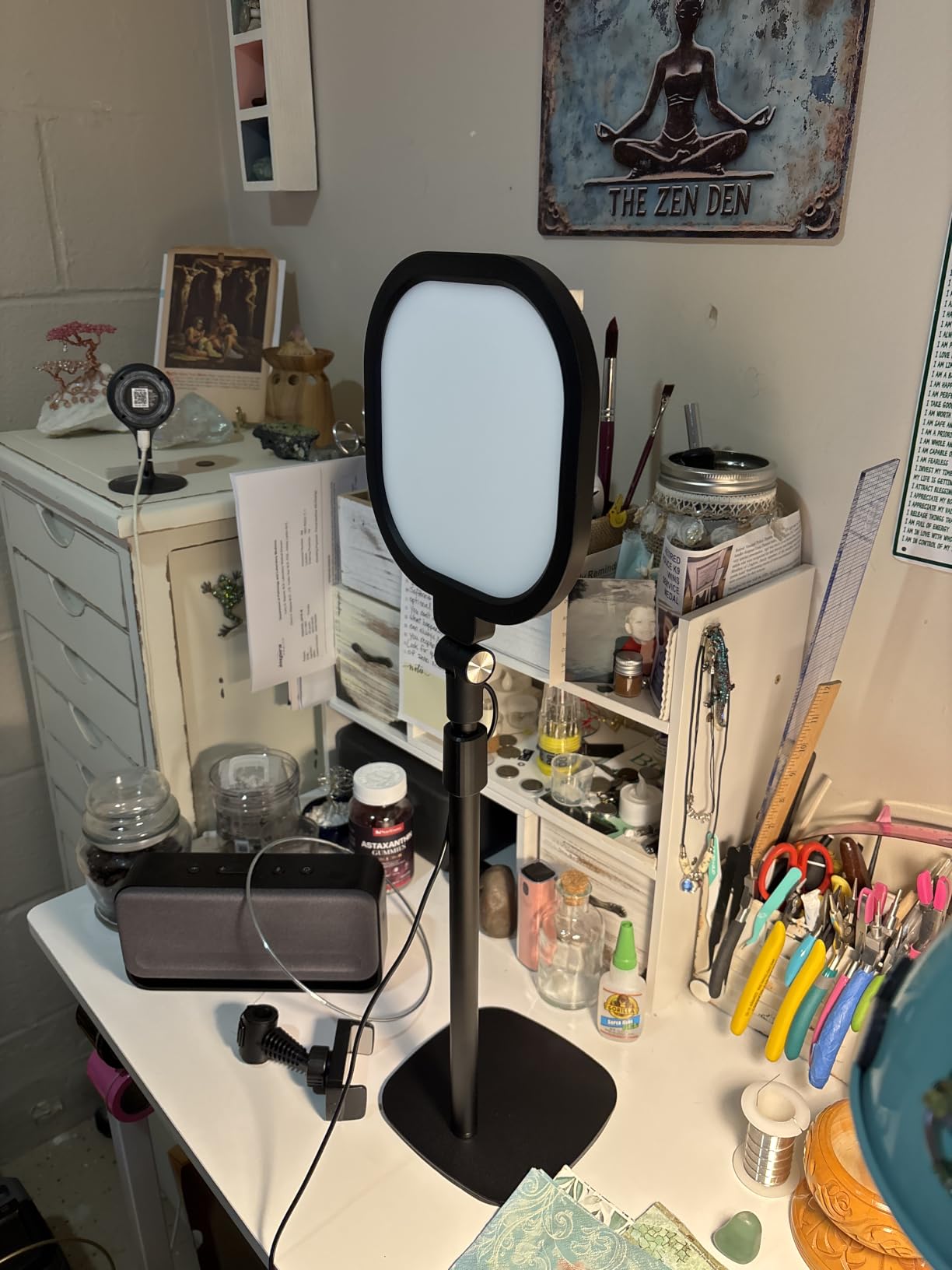
For a corner desk where a clamp arm cannot open wide enough, a weighted base is the only honest answer, and this is the best of them. The metal base with a non-slip silicone pad does not tip when you reach across the desk, which is the specific failure that makes cheap tripod stands unusable in a real workspace.
The 7 inch edge-lit head rates CRI 97.8, and in a dim room the skin tones came out noticeably cleaner than the mid-range ring lights at a similar brightness.
Brightness, Modes and Reach
Three color temperatures from 3000K to 6500K and ten brightness levels give 30 combinations, with output bright enough that you will live at the bottom of the range. The rotating head can aim at the desk surface for reading or journaling, not just your face, which owners mention as a genuine second use. A small number of buyers have reported early failure, so keep the receipt.
What Owners Dislike
A recurring theme is comparison with a plain LED desk lamp. Even at CRI 97.8, a small head does not behave like a large softbox, so moving up from a big panel is a visible change in softness. Glasses wearers should note the direct glare risk, and it runs on a 10W USB supply at 5V 2A with no battery.
Best Fit
Choose it for a corner desk, a shared desk, or any situation where a clamp would not open far enough and a tripod is unacceptable. It also works as a craft and makeup light. Pass if you wear glasses and will not adjust the head off-axis.
6. Weilisi 10.2 Inch Desk Ring Light – A Ring That Clamps Instead of Tripoding
Weilisi 10.2″ Desk Ring Light with Stand, 360° Rotate Desk Lamps for Home Office with C-Clamp, Flexible Height Desk Light, Adjust Arm Ring Light for Desk, Podcast, Gaming, Recording, Zoom Lighting
10.2 inch edge-lit ring
Metal C-clamp to 2.34 inch
360 degree head
11.42 inch pole
Pros
- Clamps to the desk so no floor or table space is used
- Full-screen edge-lit diffusion gives soft even light
- 360 degree rotation and 180 degree tilt aim it at a laptop or camera
- Telescoping pole adds real height for webcam positioning
- Silicone base protects the desktop from scratches
Cons
- Clamp opening limited to about 2.34 inches
- Limited written owner reviews for long term durability
- Ring form factor less flattering than a side-lit panel
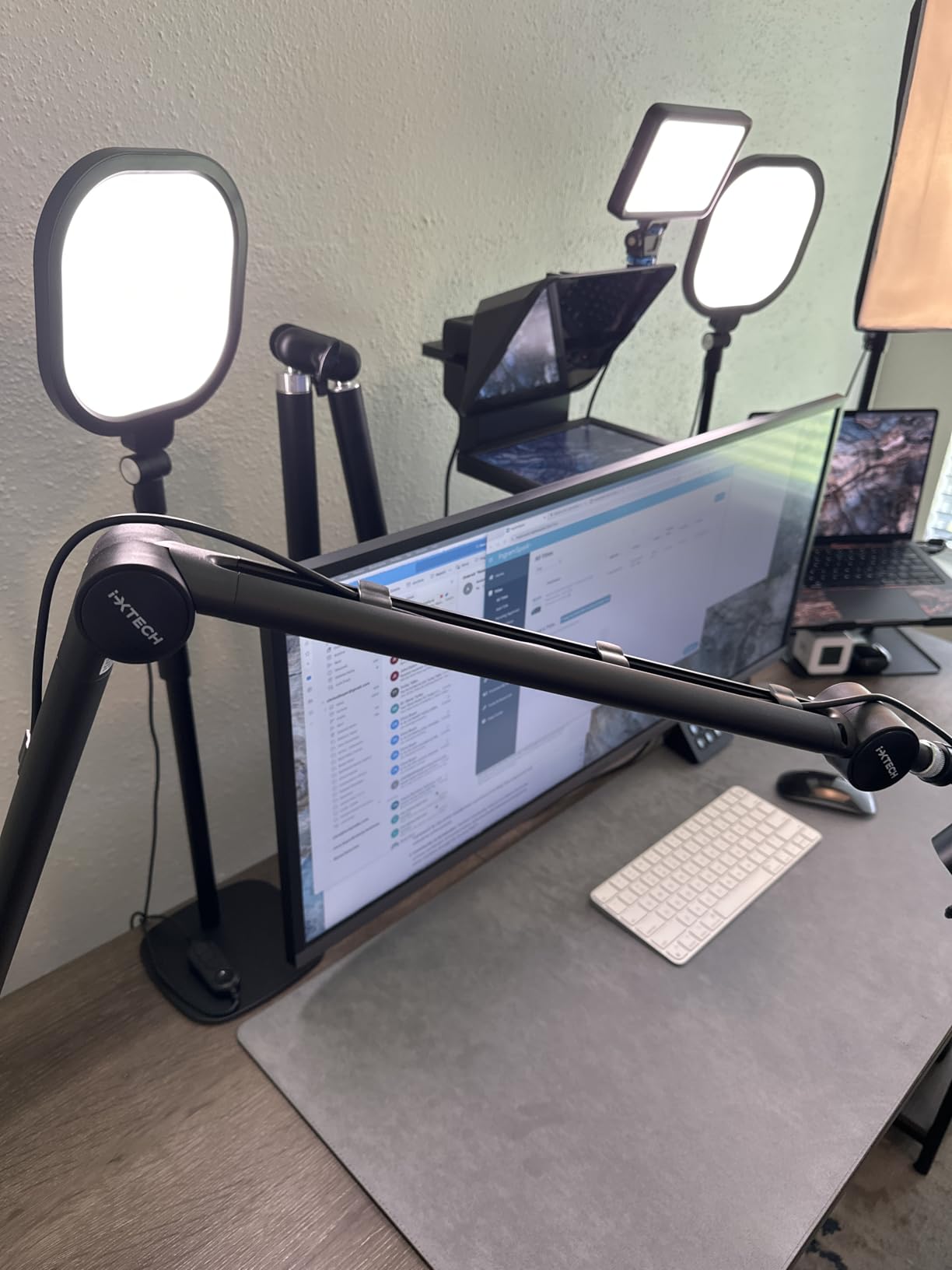
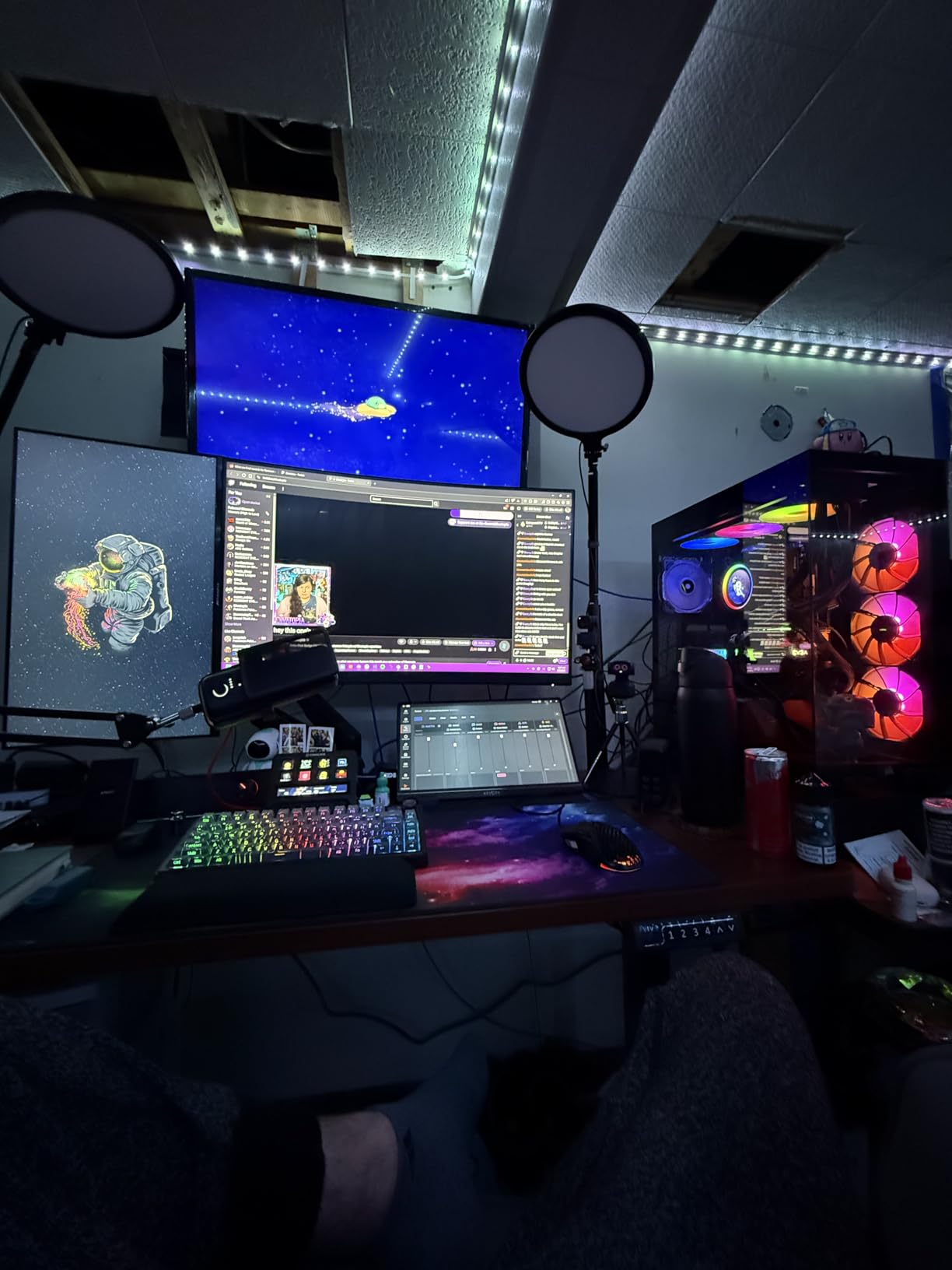
The mount is the story here, not the ring. A 10.2 inch full-screen edge-lit head on a telescoping pole with a metal C-clamp solves the top complaint about desk ring lights, which is that they arrive with a tripod that eats a quarter of your floor and tips over when a cable catches it. This one gives the whole surface back.
It carries a 4.5 rating across 886 reviews, and the head rotates 360 degrees with 180 degrees of tilt, so you can point it at a laptop, a phone camera or the desk rather than being locked to one seat.
Clamp Width Is the Number That Decides It
Maximum clamp width is 2.34 inches with a silicone base underneath. For most sit-stand desks and standard slabs that is comfortable clearance, and for thick butcher block it is not. The telescoping pole extends 11.42 inches, enough to get the ring above a laptop screen and clear of your eyeline, and a 5V 3A adapter is included.
Honest Limitations
Long term durability is thinly documented, since the review count is not matched by a large body of written owner feedback, so this assessment leans on the specification set and rating distribution. And a ring is a ring: for a single key light position a side-lit panel reads more natural than a circle facing you, particularly on the nose shadow.
Best Fit
Buy it if you like the even ring look, you want a tall position, and you refuse to give up desk surface to a tripod. It doubles as a reading and task light. Pass if your desk is thicker than 2.34 inches or you specifically want to avoid a circular catchlight.
7. UBeesize 10 Inch Ring Light – The Best Pick for Glasses Wearers
UBeesize 10″ Desk Ring Light with Stand, Multi-Angle Adjustable Arm with C-Clamp for Home Office, Streaming Light with Inline Control for Video Conference, Podcast, Gaming, Recording, Live Streams
10 inch side-lit panel
2000-2400 lumens
C-clamp to 2.5 inch
10 levels and 3 modes
Pros
- Side-lighting gives soft illumination without harsh on-camera glare
- Metal C-clamp and telescoping arm feel solid
- 360 degree rotating head makes repositioning easy
- Compact desktop design saves space
- Adjustable phone holder and quick setup
Cons
- Light does not always turn on when expected
- Some parts feel cheaply built especially the phone clamp
- Thin plasticky stand materials
- No dimming memory beyond ten preset levels
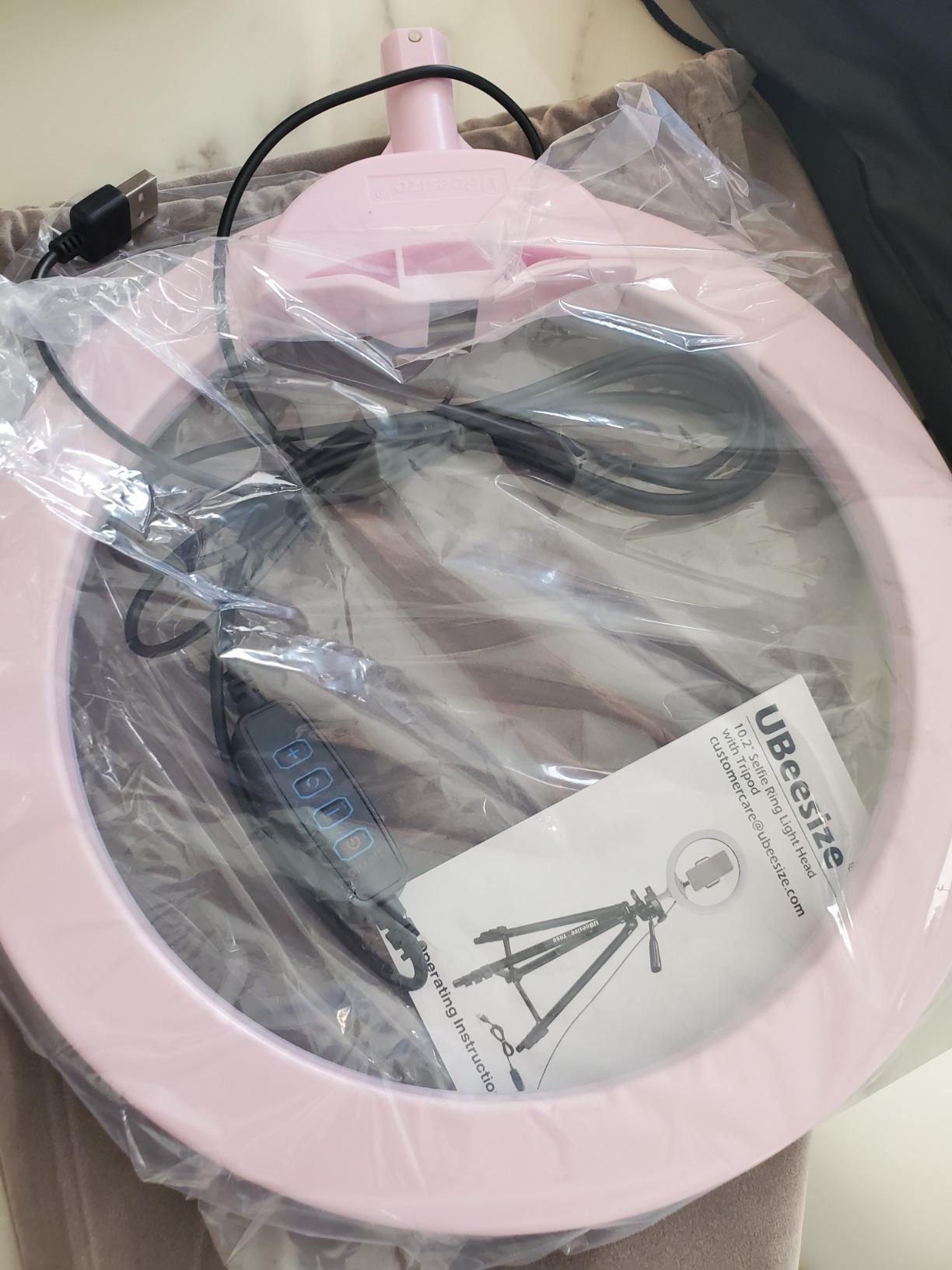
This is the light I would put in front of someone who wears glasses and has given up on ring lights. The head is side-lit rather than a front-facing ring, and that one design decision pushes the reflection out of the lens area and off the centre of the face. It is the detail separating this from the other two ring options here.
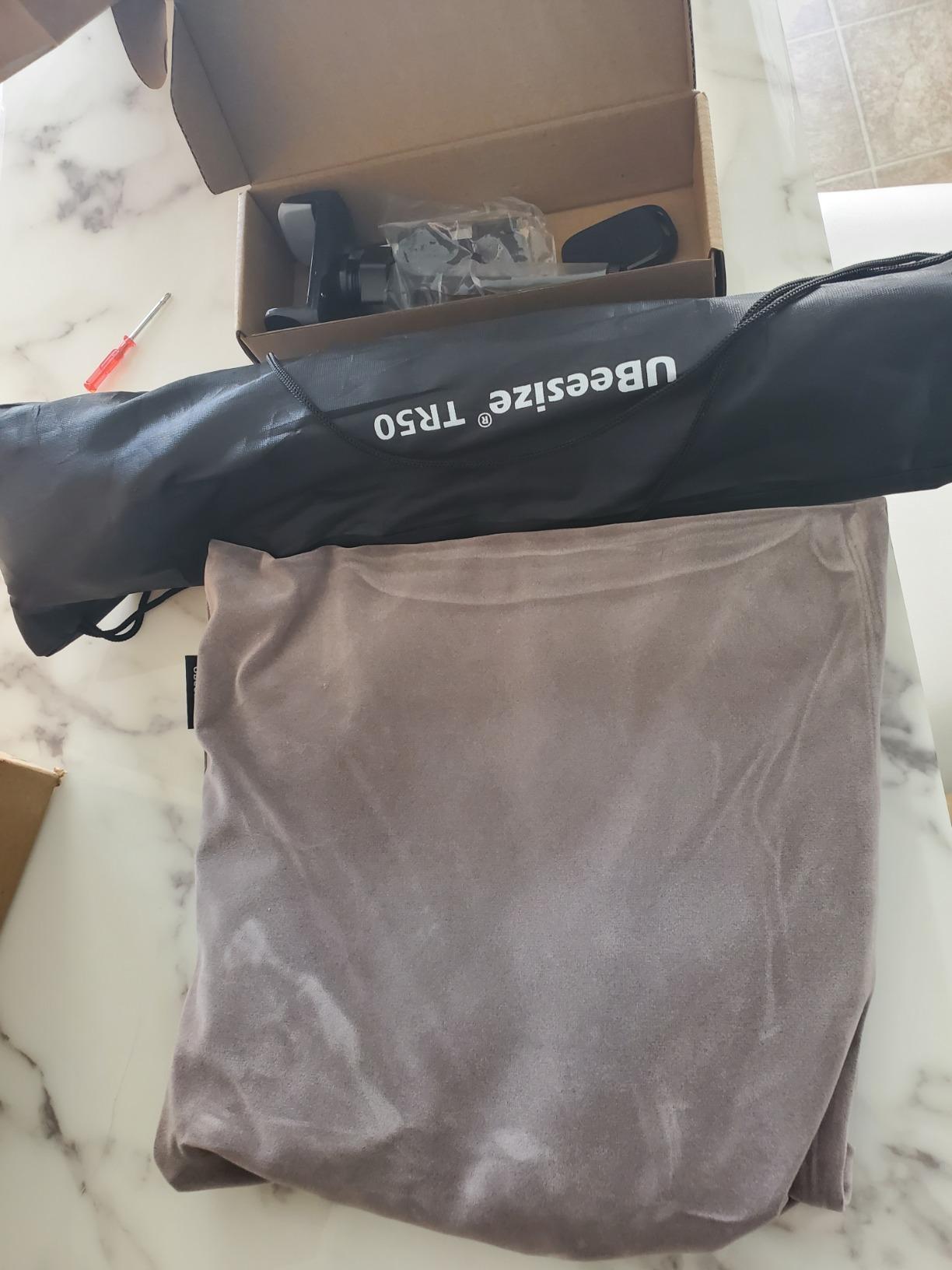
Output is 2000 to 2400 lumens on direct AC power, a real step above the small clip-on rings and enough for a dim room. The telescoping stand extends to 13 inches and the metal C-clamp opens to 2.5 inches, the widest of the three clamp-mount rings here.
Direct AC Power and What That Means
Mains rather than USB is a genuine advantage on a fixed desk: no brightness drop as a laptop port strains, and no dependency on a free charging port. The trade is that the inline controls live on the cable, and a small number of owners report the power switch not turning the light on when expected. Check the cable seating if you buy one.
Build Quality and the Ten-Step Ceiling
The clamp and telescoping arm feel solid; the phone holder and stand materials feel thinner. With ten brightness levels and three color modes there is no memory function and no finer control, so you pick from a fixed menu. That is sufficient for most calls and limiting for anyone grading deliberately lit video.
Best Fit
Choose it for glasses wearers, for a desk with a thick edge up to 2.5 inches, and for mains reliability during long sessions. Pass if you need fine brightness control, a memory function or a build that feels premium in the hand.
8. LitONES Cantilever Video Conference Light – The Most Reach Over a Tall Monitor
LitONES Video Conference Lighting for Computer, Webcam,Video Recording
7 inch edge-lit panel
10-33 inch aluminum arm
CRI above 95
Padded C-clamp to 2.5 inch
Pros
- Highest rated light in the group at 4.7 with 84 percent five star
- Aircraft-grade aluminum cantilever arm clears eyeline and glasses glare
- Pivots rated for up to 100000 adjustments
- Memory recalls previous settings and the timer works as a break reminder
- Padded C-clamp frees all desk surface area
Cons
- Heaviest option here at 1163 g
- C-clamp tops out at 2.5 inches of desk thickness
- AC plug so it needs to sit near an outlet
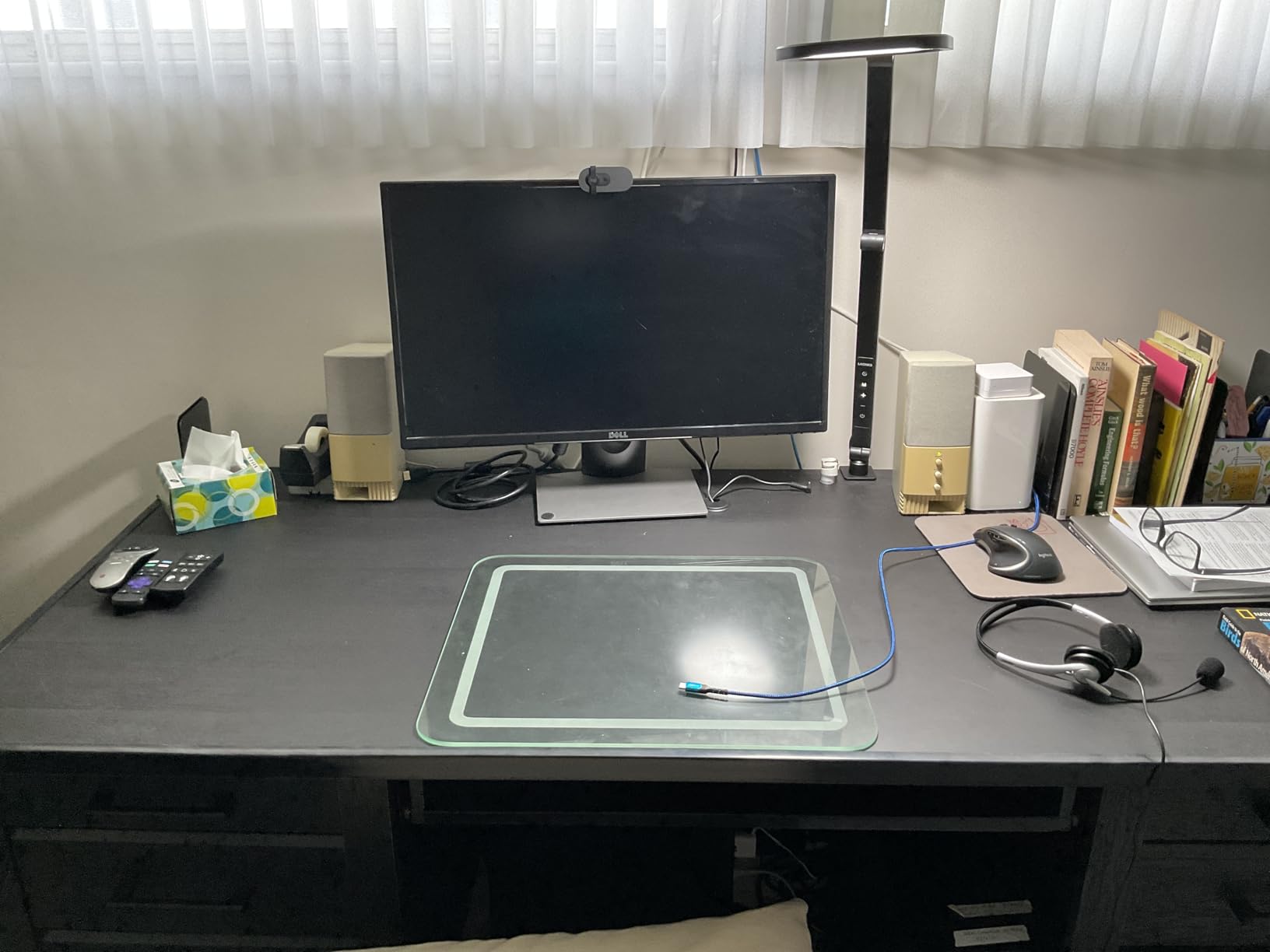
Buy this when your monitor is tall and a pole light cannot get above it. Instead of a vertical post it uses a cantilever arm in aircraft-grade aluminum that adjusts from 10 to 33 inches, so the head can reach out over your screen and down at an angle rather than sitting behind it. That geometry is what fixes the glasses glare most desk lights create.
It is the highest rated product in this group at 4.7 stars with 84 percent five star ratings, and the four pivots are rated for up to 100000 adjustments, which matters on an arm you will reposition constantly.
Memory and Timer Change Habits
Memory recalls your last brightness and color temperature, so you are not re-dialing the same values every morning. The timer works as a break reminder, which sounds trivial until you have sat through a four-hour editing session. Controls are a remote plus soft-touch buttons on the head, so you can change brightness mid-call without breaking eye contact with the camera.
What It Costs You
At 1163 grams this is the heaviest light here, and that mass is the point of the cantilever design rather than a flaw. The clamp still tops out at 2.5 inches of desk thickness, and it uses an 18W AC plug rather than USB, so plan the cable path first. No written owner reviews were returned for this ASIN, so the verdict leans on specifications and rating distribution.
Best Fit
Buy it for a tall monitor, for glasses wearers, and for anyone who wants the head genuinely above eye level with a wide reach. It is the most convincing one-light answer for a serious call. Pass if you need USB power or move your setup between rooms often.
9. Godox ES45 Desktop LED Key Light – Best Control Without Touching the Light
Godox ES45 Desktop LED Key Light for Streaming&Video Calls, Soft Dimmable
Edge-lit OLED panel
2800K-6500K
Magnetic charging remote
Clamp to 2 inch desks
Pros
- Soft edge-lit panel minimizes harsh shadows and uneven highlights
- 0-100 percent dimming and 2800K-6500K match room light closely
- Magnetic 2.4G remote auto charges when docked so there are no batteries
- Change brightness without reaching behind the light or breaking a stream
- App plus multi-light channel and group control
- Cable hiding stand design needs no tools
Cons
- Clamp limited to desks 2 inches thick or less
- Shorter review history at 308 reviews than the category leaders
- Costs more than budget ring and panel options
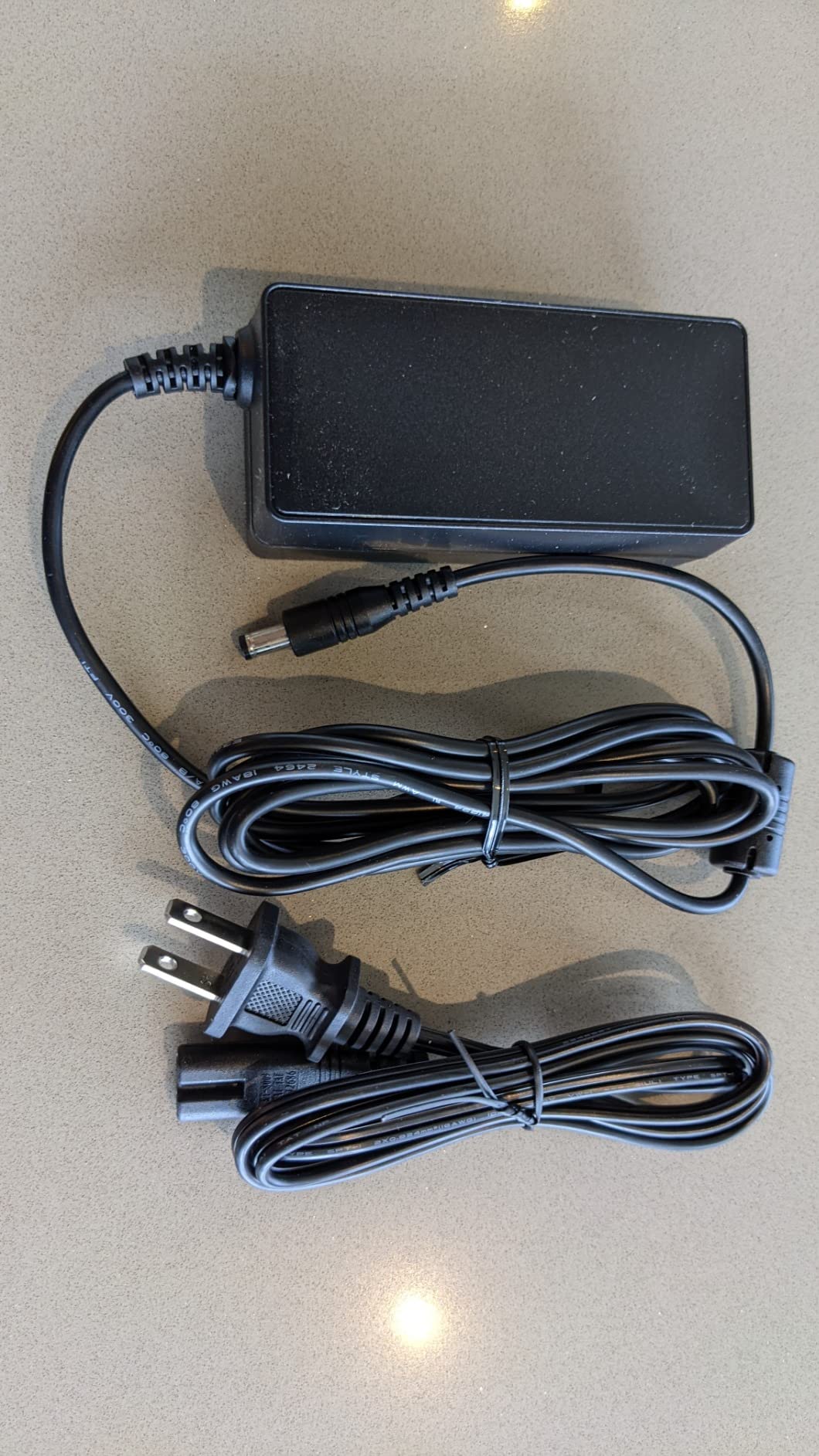
The reason this is here is control. The remote is magnetic and docks on the back of the panel, charging itself in the process, so there is no battery to manage and no cable to run. On a live stream that is the difference between adjusting your light mid-sentence and stopping to fix something behind your monitor.
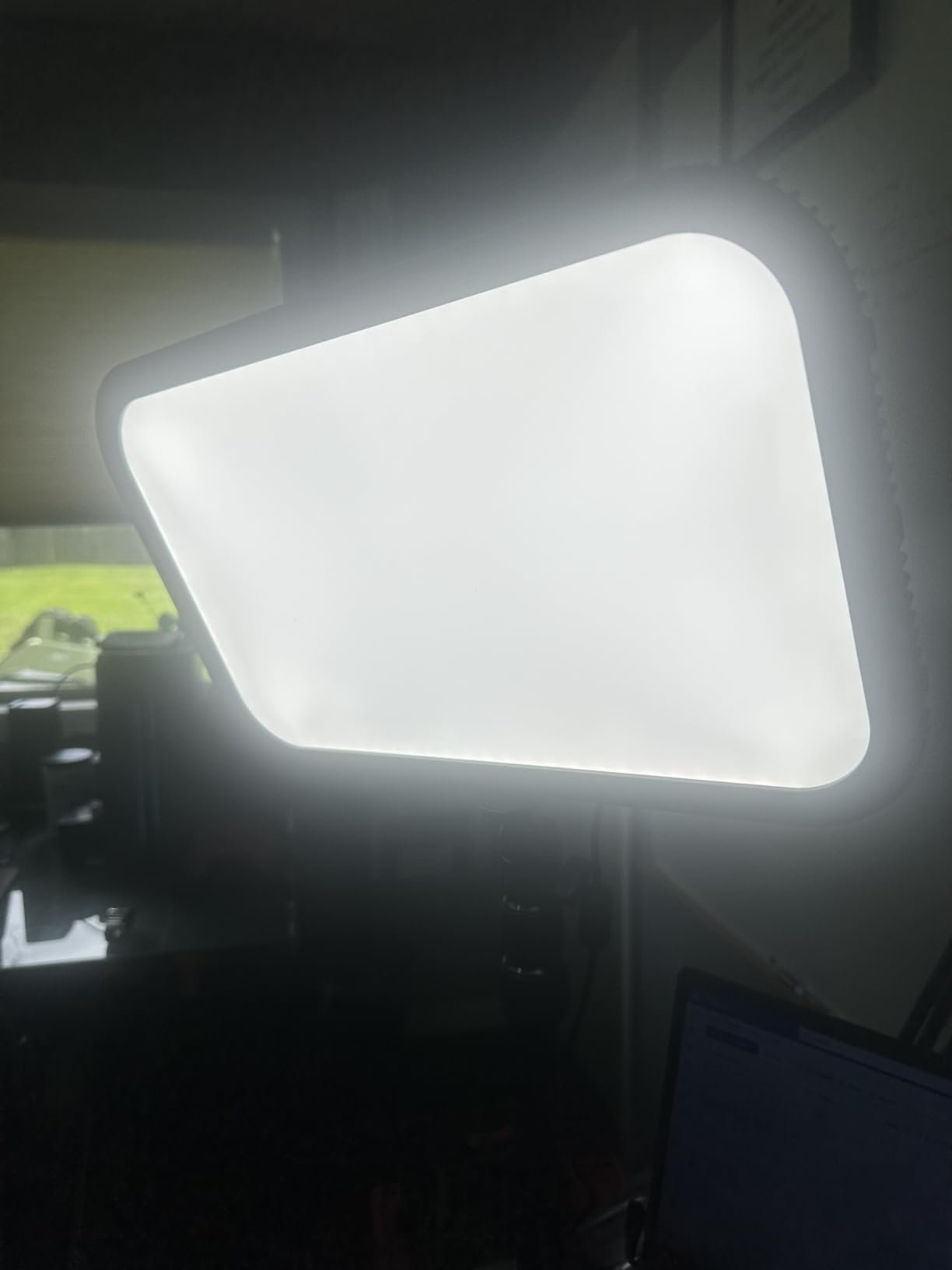
Light quality is genuinely good. The edge-lit OLED panel with soft diffusion produced even illumination with no harsh shadows or uneven highlights, and 0 to 100 percent dimming across 2800K to 6500K let me match a dim room without visible steps.
Group Control Changes Multi-Light Setups
The app supports multi-light channels and group control, so two or three ES45s can be dimmed together. Paired with the earlier note about two full panels, this is the path to a proper key and fill without walking to each light. The 2.4G remote runs on its own channel away from Wi-Fi, so it keeps working when the network is congested by a router, laptop and camera all streaming.
Limits Worth Knowing
The extendable clamp fits desks up to 2 inches thick, which excludes a good number of solid wood and laminate tops. The stand hides cables and assembles without tools. Its 308 reviews are thinner than the category leaders, so there is less long-term history here, and no written owner reviews were returned for this ASIN.
Best Fit
Choose it for streaming, for multi-light control, and for anyone who cannot touch their light mid-shoot. The 2 inch clamp limit makes it best for thinner desks. Pass if your desk is thick or you want something that works away from a socket.
10. DImotliyor Bi-Color Video Light – The Widest Clamp Range in the Group
LED Desk Bi-Color Video Light, Key Light with C-Clamp Stand
240 LEDs at CRI 95 plus
2700K-5700K
C-clamp fits 0.4-4.7 inch
9.2 by 6.1 inch panel
Pros
- Considerably brighter than typical ring lights per owners
- Remote changes brightness and color without touching the stand
- Widest desk compatibility here at 0.4 to 4.7 inches of thickness
- Metal telescoping stand and ball head feel solid
- Transforms a budget webcam into a noticeably better image
Cons
- Very bright at maximum so lowest setting is often still more than needed
- Settings reset to defaults when unplugged with no presets
- One remote controls all paired lights with no way to isolate one
- Housing feels less solid than the metal stand it sits on
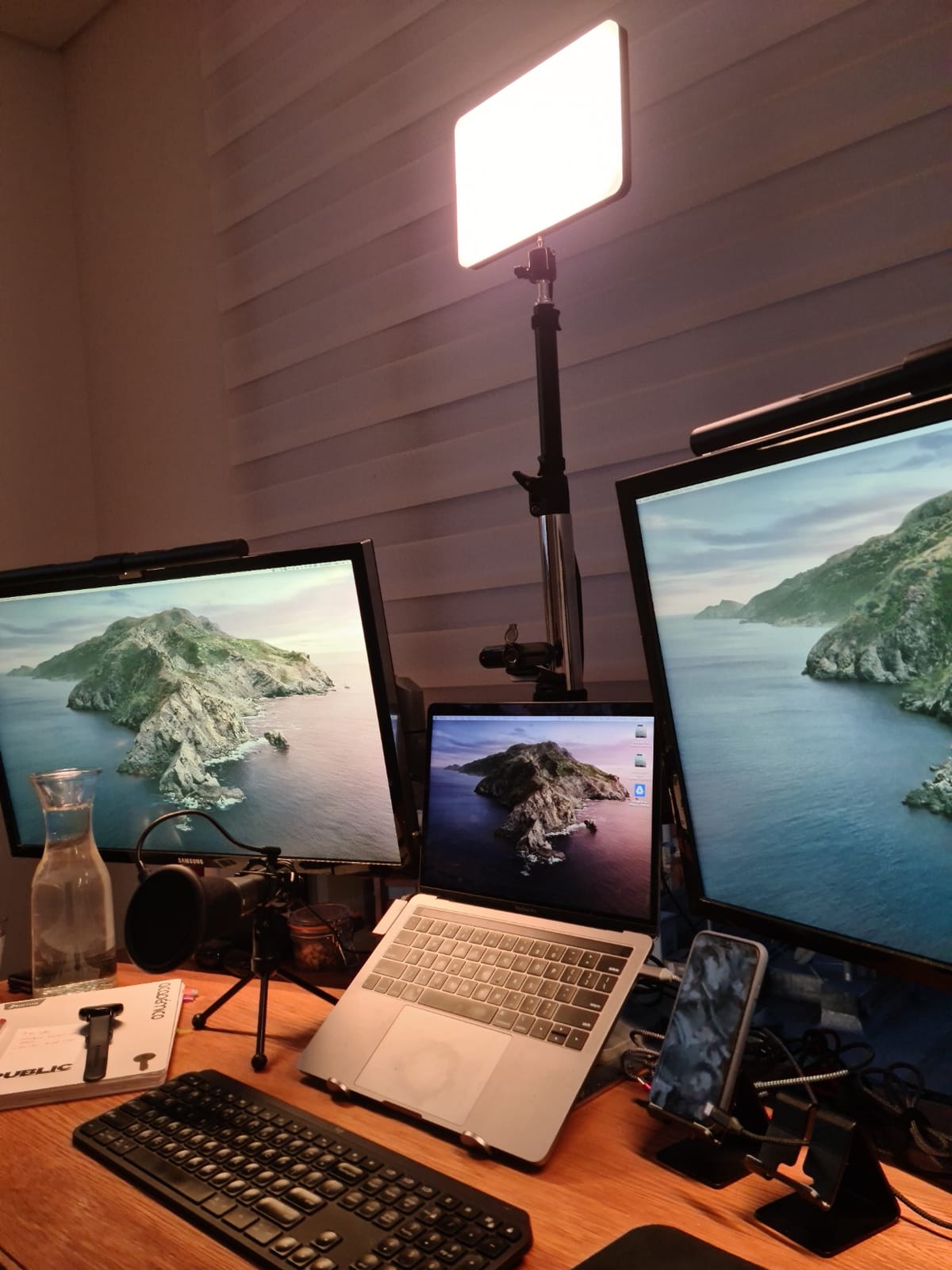
Start with the clamp, because that is why this is on the list. It fits desktop thicknesses from 0.4 to 4.7 inches, meaning thin laminate, standard slabs and thick butcher block. Nothing else here covers that range, and desk compatibility is the most common reason a good light gets returned.
The panel is 9.2 by 6.1 inches with 240 LED beads at CRI 95 plus, and owners describe it as two to three times brighter than the ring lights they replaced, a real step change on a modest webcam.
Remote Control With a Catch
Color runs 2700K to 5700K with 1 to 100 percent dimming from a 10 meter remote, and the panel adjusts through 180 degrees of beam angle. A 1/4 inch top screw with a 360 degree metal ball head rated to 10 pounds means it can also sit on a stand or camera. The catch is that one remote controls every paired light at once, with no way to isolate a single unit.
What Owners Wish Were Different
The most repeated complaint is that settings reset to defaults every time the light is unplugged, with no presets to recall. Annoying daily, irritating during a live session. It is also very bright at maximum, the telescoping stand adjusts only 13.8 to 23.5 inches which limits angles, and there is no battery or USB option.
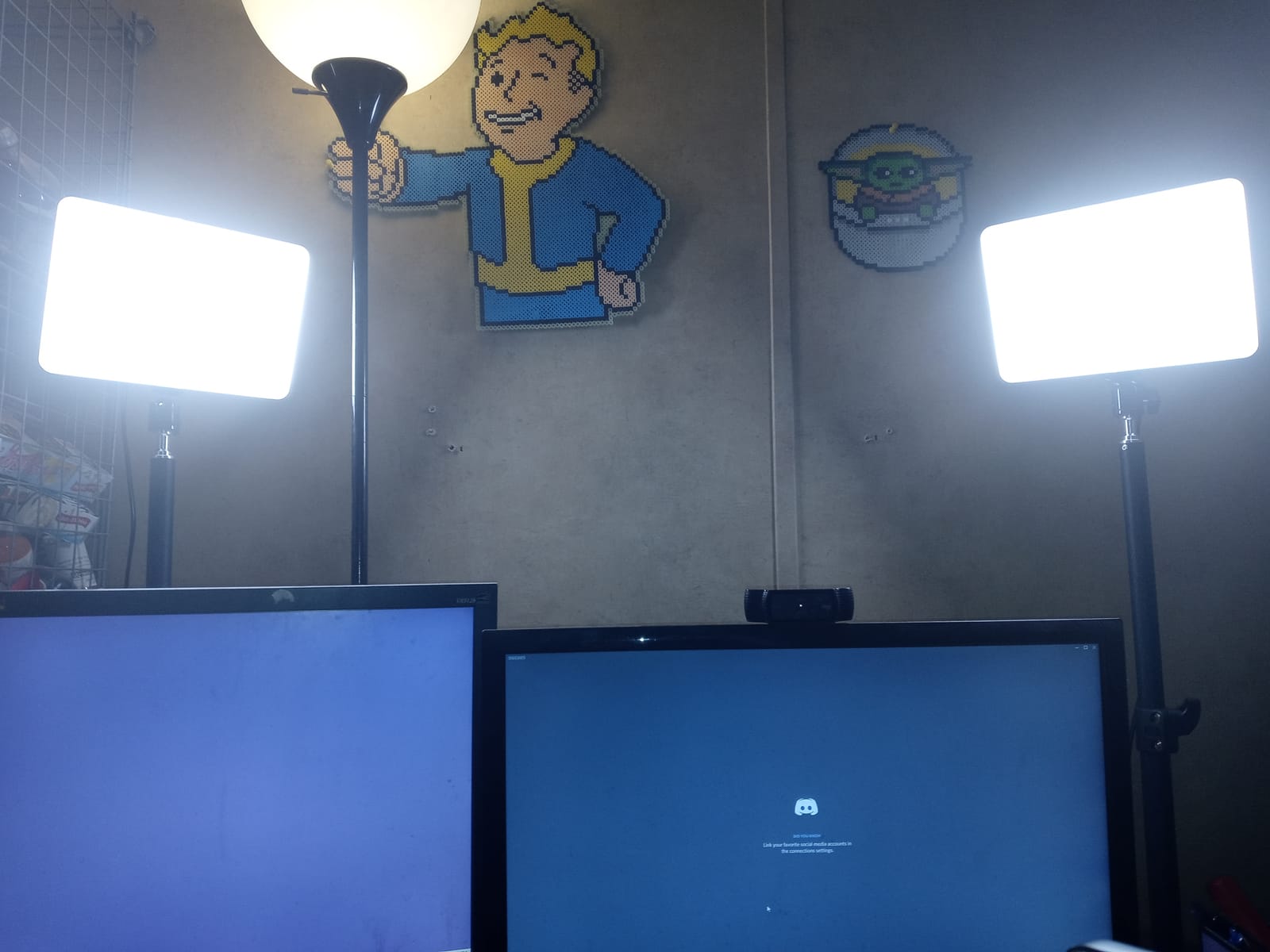
Best Fit
Buy it if your desk is thick, if you want to reuse the light between a desk and a camera rig, or if you want more brightness per watt from a panel shape. Pass if you need preset recall, single-unit remote control, or a setup you can carry between rooms.
What Buyers Report About Desk Key Lights
The feedback pattern is consistent enough to be useful. The recurring praise is almost never about maximum brightness, but about soft, even light and a mount that does not steal desk space. The recurring complaints are almost never about the LEDs, but about clamps, cables and switches.
Budget ring lights get more credit than their specification sheets suggest. Owners describe a standard ring light doing a perfectly good job on calls because video compression discards most of the difference between light sources, and the wider advice in the forums is to start cheap and spend money on positioning rather than gear.
The most common complaint about ring lights is not brightness but the catchlight. The circular reflection in pupils and lenses reads as amateur, and it is why the side-lit and frameless options here exist. Glasses wearers describe a large white circle they struggle to position around, and the fix that works is moving the light off-axis rather than dimming it.
Mounting is the second most common failure: clamps that slip on thick desks, monitor mounts deeper than a modern bezel, and tripod stands that tip when a cable catches them. Clamp designs are also awkward when the desk sits close to a wall, since the arm needs somewhere to go.
Power is the quiet third. Some laptop USB ports cannot supply enough current to reach full brightness, so a light that looks great on a mains adapter looks disappointing on a laptop. Users also blame ceiling lights for the hollow under-eye look that makes people look tired on calls, which is exactly what a key light solves. Hybrid workers value battery-powered lights specifically because they move between rooms, and owners integrating Elgato lights with a Stream Deck report one-touch brightness control as the reason to step up from a physical-knob light.
How to Choose a Key Light for Your Desk
Measure the Mount Before the Light
Measure your desk edge thickness and monitor bezel depth before anything else. Clamp widths in this roundup run from 2 inch to 4.7 inches, so a light that is perfect on paper can be a non-starter on your desk. For monitor mounts, the clip is the part that fails before the LED ever does, and a curved display changes the fit entirely. If your desk is against a wall, also check that any arm can extend without hitting it.
Clamp, Base or Monitor Top
A clamp gives back all desk surface but limits you to the thickness range it opens to. A weighted base works on any desk, including corners and shared desks, but occupies a circle of surface and can be knocked. A monitor-top mount reclaims everything and adds almost nothing to the silhouette, but depends on bezel depth and can clash with a curved screen. For most workspaces the monitor top is the best footprint trade and the clamp the best all-round.
Brightness: More Is Not the Goal
You need enough light that your camera keeps its gain down, and not much more. Lights here run from 250 lumens to 2800 lumens, and the right answer for a face at arm’s length sits near the bottom. A very bright light in a bright room washes out and loses its lowest setting as an option. Dimming quality matters as much as peak output: stepless dimming with memory beats ten fixed levels when you are adjusting constantly to match a changing room.
Color Temperature: 3500K or 4000K
For video calls, 4000K to 5000K is safest because it matches most webcam white balance. 3500K is warmer, easier on the eyes over long sessions and slightly more flattering on camera. Below 3000K skin tones look sallow and much above 6000K reads clinical. Matching the light to the room matters more than picking a number: a daylight room with a window at your side needs a cooler, brighter source to compete, while an evening room needs a warm one at a low setting.
Color Accuracy Is the Number Most Buyers Ignore
CRI, or Ra, describes how accurately a light renders color against a reference, and above 95 is where skin tones stop shifting. The lights here range from CRI 95 to above 98, and the gap between 95 and 98 is subtle but real on camera, particularly in dim rooms at low brightness. For color-critical editing this is the spec to prioritize over brightness.
Controls: App, Remote or Knobs
App control is the most flexible and the most fragile. Wi-Fi pairing on a crowded network is the most common complaint against the category leader, and a light you cannot adjust mid-call is a liability. A physical remote on its own channel is faster and more reliable. Physical knobs cannot fail and need no software, which is why some owners prefer them despite the older design. Pick based on how often you will change things live: rarely means knobs, regularly on stream means app.
What You Gain at Each Price Tier
At the entry tier you get a clip-on ring or small panel: a usable face light for compressed calls and nothing more. In the mid tier you gain multi-layer diffusion, CRI above 95, a proper clamp and 3000K to 6500K bi-color, which is where most desks should stop because compression hides the difference above it. In the upper tier you gain app and Stream Deck control, cantilever reach, 97 CRI and enough output to light a scene rather than a face, worth it when your camera image is your work rather than a weekly standup.
Where to Place Your Key Light (And Fix Glare)
Placement does more than the light you buy. Six steps, in order.
- Put it 45 degrees to one side of the camera. Dead center gives flat, shadowless light with no dimension.
- Raise it to or just above eye level. Anything above the camera looks down and fills the under-eye hollow, which is why the cantilever and tall pole options exist.
- Keep it out of your glasses line. If you wear glasses, move the light high and to one side until the reflection leaves the lens, and favor a frameless or side-lit head over a ring.
- Angle away from your monitor. If the panel throws light into your screen, tilt it so the beam lands on you and the desk instead.
- Match the room before the camera. Set the light until your face brightness roughly equals the wall behind you. Mismatched levels are what make cheap setups look cheap.
- Bounce it if you have a pale wall. Point any of these lights at a light-colored wall and let the wall become a large soft source. It costs nothing and softens shadows more than any diffuser on this list.
One note on flicker. A few of the cheaper lights here flicker at high output on low battery, and stepped dimming can band on camera at high frame rates. If you record rather than call, test your light at your chosen shutter speed before committing to a stream.
Frequently Asked Questions
What is the best key light for a desk setup?
The Elgato Key Light is the strongest all-round choice for a desk because a telescoping desk clamp gets a full studio panel above eye level without taking over the surface. If your desk cannot spare any space, the Logitech Litra Glow mounts to the top of your monitor instead. If you only appear in compressed video calls, a small clip-on ring light is genuinely sufficient.
Is 3500K or 4000K better for office and video calls?
4000K to 5000K is safest for video calls because it matches most webcam white balance settings, while 3500K is warmer and easier on the eyes over long sessions. Below 3000K skin tones look sallow and much above 6000K reads clinical. Match the light to your room before you match it to the camera.
Is Elgato Key Light worth it?
It is worth it when your camera image is your work, because the 2800 lumens, 97 CRI panel and Wi-Fi app control with Stream Deck integration let you change scenes in about a second. It is overkill for a weekly standup, where app pairing is the main thing you would notice. Its biggest weakness is having no physical dimmer fallback when the Wi-Fi connection drops.
What is a good alternative to the Elgato Key Light?
The Logitech Litra Glow is the strongest alternative for small desks because it mounts on top of your monitor and leaves the entire surface free. The Godox ES45 is the alternative for streaming, with a magnetic self-charging remote and app group control. The LitONES cantilever light is the alternative when you need reach above a tall monitor.
Why does my ring light reflect in my glasses?
A ring light puts a bright circle of light directly in your line of sight, so it appears as a white ring in your lenses. Move the light up and off to one side at roughly 45 degrees until the reflection disappears, or switch to a frameless panel or a side-lit head, which spread light without a defined circle. Reviewers who reposition the light off-axis report the problem disappears.
The Verdict: Which Key Light Fits Your Desk
If you want one light that handles calls, streaming and everything between, the Elgato Key Light is the buy, and the desk clamp is why it wins on a desk rather than in a studio. If your desk surface is the constraint, go with the Logitech Litra Glow on the monitor top and take the footprint trade without hesitation.
If you move between rooms, the RALENO 9 inch panel is the only cordless option here. If you wear glasses, pick a side-lit or frameless head rather than any ring. If your desk is thicker than most, the DImotliyor clamp fits top thicknesses no other light here covers.
Whichever you choose, spend your remaining effort on placement. A 45 degree angle above eye level, matched to your room, with a bounce off a pale wall if you have one, will beat any light bought without those three decisions. That is how you get the most out of the best key lights for desk setups in 2026.
Leave a Reply