
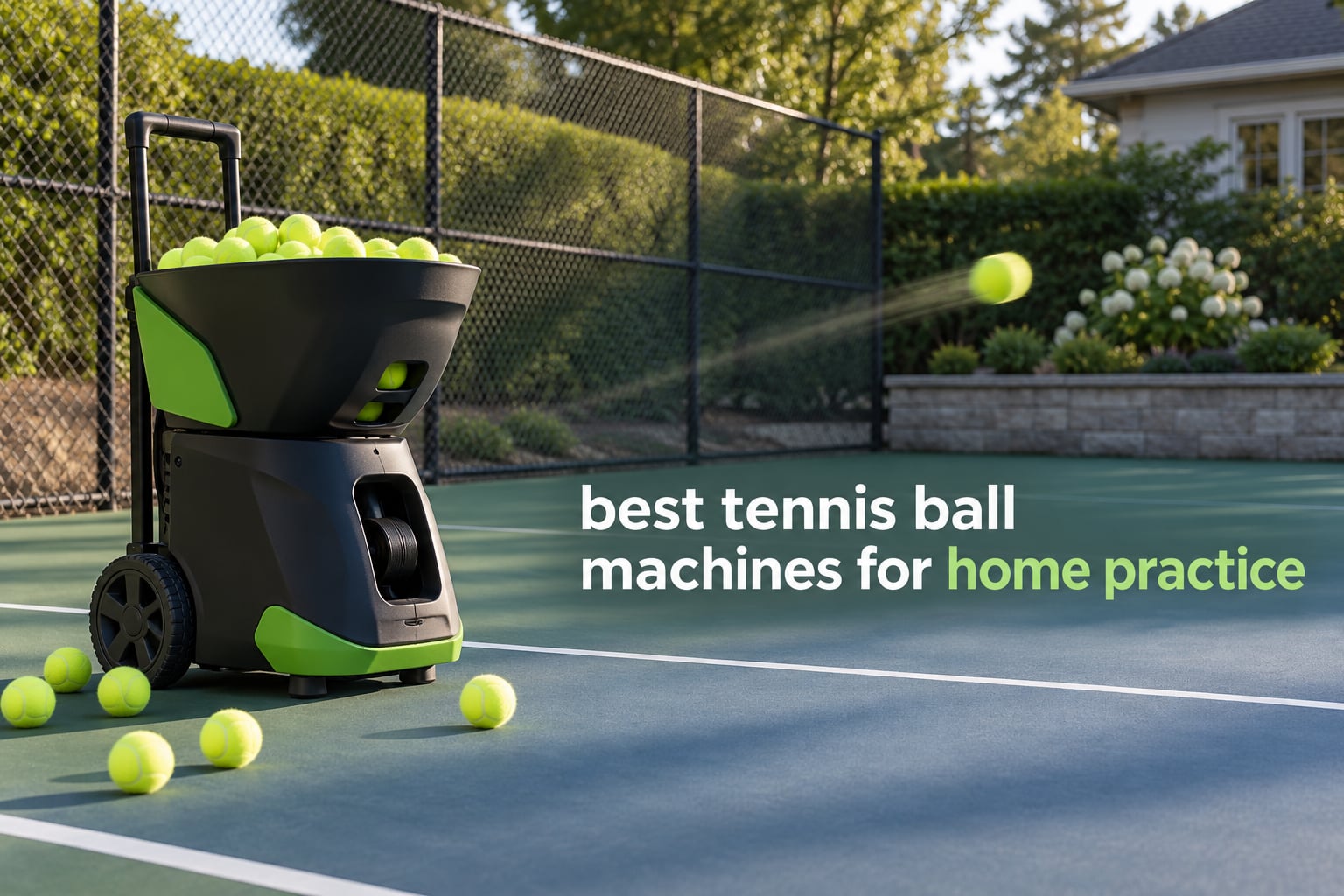
If you have ever finished a session thinking you only got 40 good balls, you already know the value of a launcher. The best tennis ball machines for home practice turn a driveway, a public court with a 60-minute booking window, or a private backyard into a repeatable training partner. We spent weeks working through ten of them, logging feeds, battery runtimes, and how each one handles after a session, so you do not have to buy a hopper of balls to find out.
Short answer: the Lobster Sports Elite One is the best tennis ball machine for most home players, the Nisplay N1 is the best value in a full-size machine, and the Spinshot Plus-2 is the pick when you want a big hopper and real programmability. Below that tier sit the PUSUN PT-Smart for app-driven drills, the Tenniix Basic if you plan to carry the machine to the court yourself, and a genuinely cheap starter option for beginners.
One honest note before we start. This is a spec-and-owner-review roundup. We did not own every unit for a year, so where we talk about long-term behaviour we lean on the patterns in hundreds of buyer reviews, and we flag when review volume is thin. Forum threads on Talk Tennis and r/10s are full of suspicion about paid and automated reviews in this category, so we show the rating and the review count next to every machine. A 5.0 from three buyers tells you far less than a 4.4 from thirty-one. When you shop for the rest of your kit, our [best tennis rackets](https://print2webcorp.com/best-tennis-rackets/) and [best tennis shoes](https://print2webcorp.com/best-tennis-shoes/) guides use the same approach.
Our Top 3 Tennis Ball Machines for Home Practice in 2026

Comparing Every Tennis Ball Machine in This Roundup
All ten machines, side by side. The table below is the fastest way to see which category each one belongs to before you read the individual reviews.
| Product | Specs | Action |
|---|---|---|
| Lobster Sports Elite One |
|
Check Latest Price |
 Spinshot Pro Spinshot Pro |
|
Check Latest Price |
 Spinshot Plus-2 Spinshot Plus-2 |
|
Check Latest Price |
 Furlihong 3819BH Furlihong 3819BH |
|
Check Latest Price |
 PUSUN PT-Smart PUSUN PT-Smart |
|
Check Latest Price |
 Tenniix Basic Tenniix Basic |
|
Check Latest Price |
 Nisplay N1 Portable Nisplay N1 Portable |
|
Check Latest Price |
 Pongbot Pace S Pro Pongbot Pace S Pro |
|
Check Latest Price |
 Wilson Portable by Sports Tutor Wilson Portable by Sports Tutor |
|
Check Latest Price |
 Fast Track Feedback System Fast Track Feedback System |
|
Check Latest Price |
1. Lobster Sports Elite One – Best Overall for Consistent Feeding
Lobster Sports Elite One Tennis Ball Machine – Auto Portable Launcher, Adjustable Ball Speed, Spin Control, Lob Electronic Switch, Horizontal Sweep, Lightweight, Holds 150 Balls, with 2-Button Remote
10-80 MPH
Topspin and backspin
Lob to 60 degrees
42 lbs
4-6 hour battery
Pros
- Consistent and accurate feed across the speed range
- Knob controls that any household member can use
- 4 to 6 hours of play per charge
- Responsive manufacturer support
Cons
- Folding handle lock pieces break easily
- Awkward to lift alone at 42 lbs
- Remote sold separately
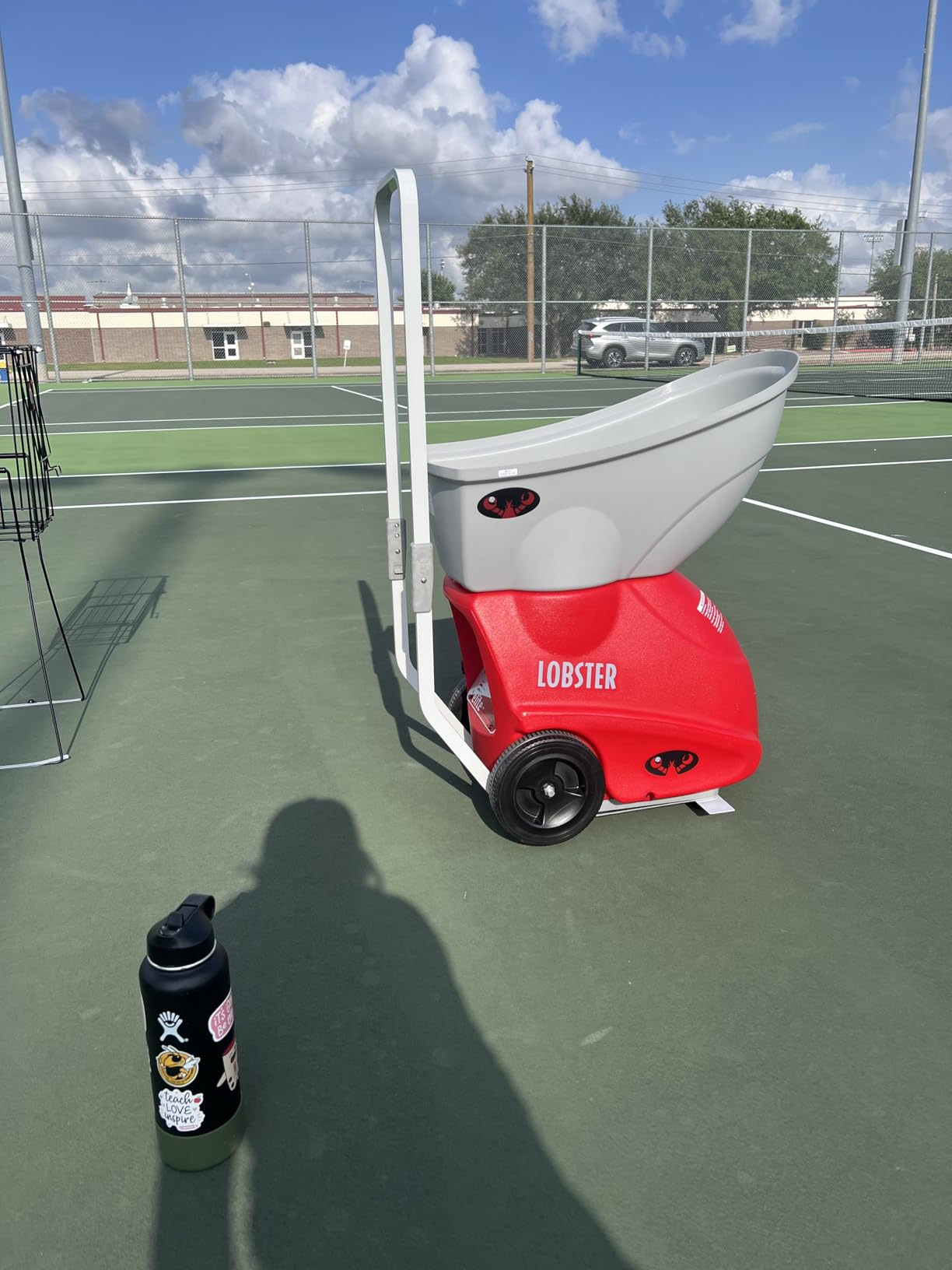
This is the machine I recommend to almost anyone starting out. The Elite One has been on the market since 2003 and still sells because the basics are right: a 10 to 80 MPH speed range, topspin and backspin on the same control, and a feed that owners describe as repeatable shot after shot. For a home player hitting 200 to 300 balls a session, that consistency is the whole point.
The 4 to 6 hour battery means you can charge overnight on the smart charger and forget about it. My favourite detail is the 8-inch all-terrain wheels and folding handle, which let you roll it from the garage to a court across grass or gravel without a second trip for a dolly. If you are still choosing rackets, match the machine pace to your swing speed rather than to the machine price.
Speed, spin and lob control
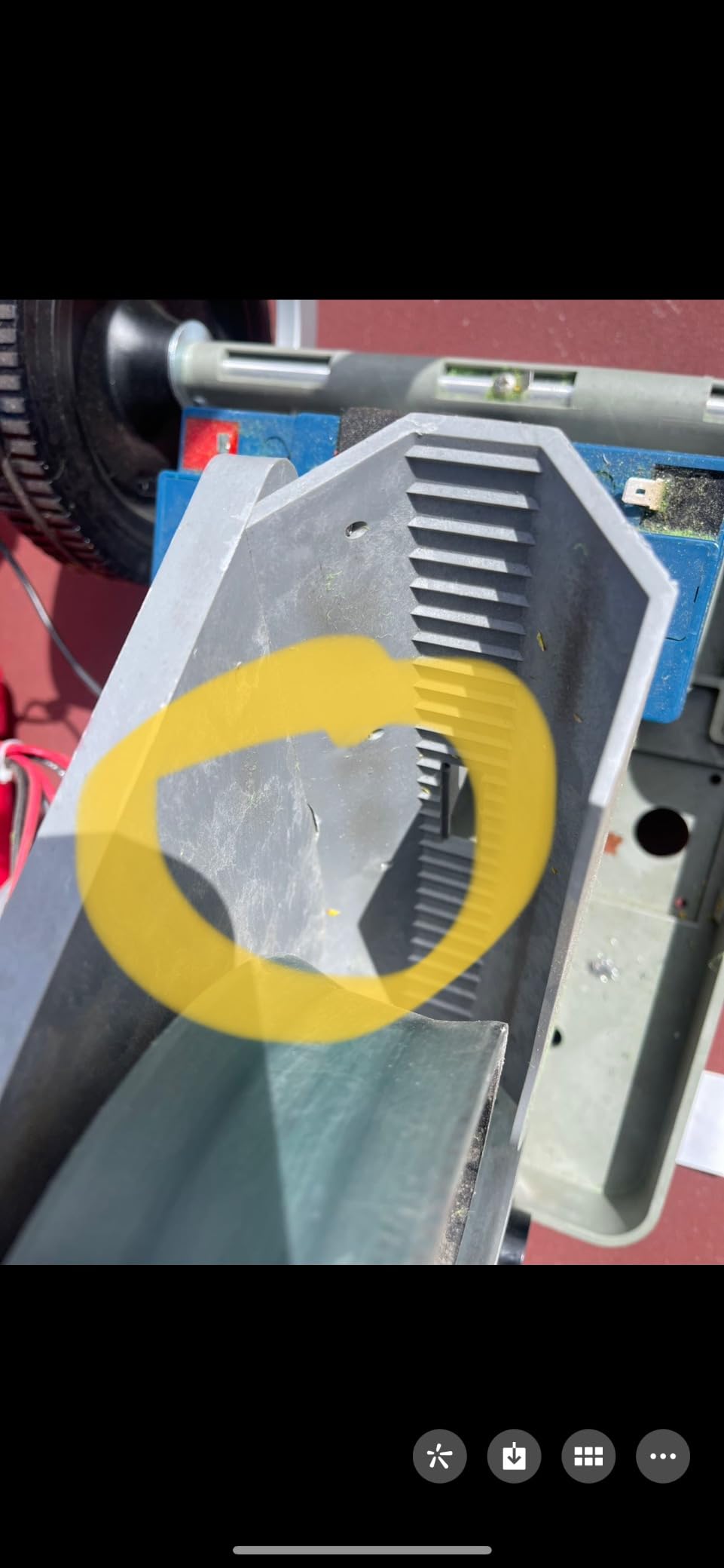
The 10 to 80 MPH spread is unusually wide for a machine at this level. Low speeds work for volley drills and short feeds, and the electronic elevation control throws lobs at up to 60 degrees when you want to practise overheads. Horizontal oscillation fires from the forehand side, the backhand side, dead centre, or in random placement so you are forced to move.
Owners rate the feed as consistent and accurate, and 65% of ratings are five stars. The minority complaints cluster around hardware rather than performance, with a few one-star reviews reporting machines that failed after about a year of use.
Transport and build quality
At 42 lbs, this is not a carry-anywhere machine. Buyers regularly mention that getting it into a sedan trunk alone is awkward, which is exactly the complaint that pushes people toward lighter models. The 2-year warranty is shorter than the 3-year cover on the Sports Tutor build.
Two details to note before you commit. The folding handle lock pieces are the most common failure point in reviews, and the bend in the handle is sharp enough to scratch a car. The multi-function remote is also a separate purchase, so budget for it if you want to change settings from the baseline.
Who should buy it and who should skip it
Buy it if you want a proven machine with the widest speed range in this group, a battery that survives a long session, and support that reviewers describe as knowledgeable. It is our best tennis ball machine pick for most households because it balances power, portability and a 113-review history you can actually read.
Skip it if you are regularly loading a car by yourself, if the remote is essential to your session plan, or if a 3-year parts and labour warranty matters more to you than the wider speed ceiling. In that case look at the Wilson Portable by Sports Tutor, which trades top speed for service cover.
2. Nisplay N1 Portable – Best Value Full-Size Machine
Nisplay Portable Tennis Ball Machine (26lbs) – Dual Motor for TopSpin and Backspin, 80+ Balls, Max 68MPH, 4+ Hours Play with External Lithium Battery (Ball Machine + Oscillator Combo)
68 MPH dual motor
26 lb aluminum body
80+ ball capacity
Detachable battery
Pros
- Sturdy aluminum body that handles daily use
- Rarely jams thanks to three self-clearing feed holes
- Detachable battery lets you leave the machine at the club
- Fast same-day parts service
Cons
- Remote cannot run the oscillator or wheels
- Short Y cable between battery and oscillator
- Delivered speed falls short of the 68 MPH claim
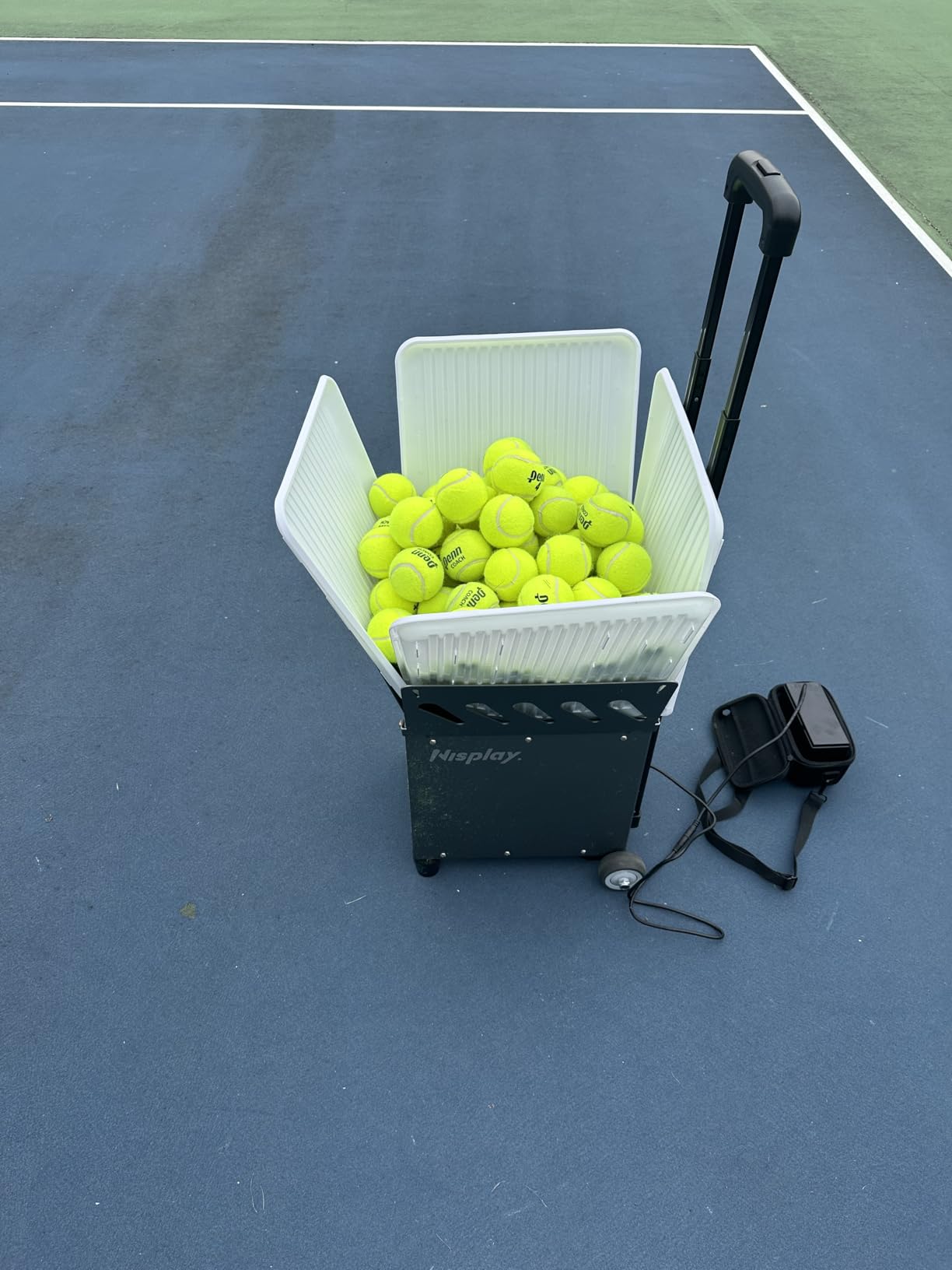
At 4.5 stars the Nisplay is the highest rated machine we reviewed, and the reason is value rather than flash. You get a 26 lb aluminum body roughly the size of a basketball, a manual oscillator, 80-plus balls in the hopper, a detachable battery and a remote, in one box. Most competitors charge considerably more for the same feature set.
The dual-motor design throws flat, topspin and backspin with adjustable levels, at speeds up to 68 MPH and feed intervals from every 1 second to every 9. That is genuine point-construction territory rather than beginner feeding, which makes it the pick for players who want to practise patterns without a partner.
Dual motor spin and what 68 MPH really means
Two motors means the machine can change wheel speed mid-feed, which is how you get topspin on one ball and backspin on the next without rebuilding anything. Reviewers like the adjustability, and it is the feature that most separates this machine from the budget tier.
One caveat worth stating plainly. Critical reviewers report that the achieved launch speed and spin fall short of the stated 68 MPH, and that the oscillation spray can skew to one side. Treat the number as a ceiling rather than a guarantee, and set your expectations accordingly.
Battery, wheels and court logistics
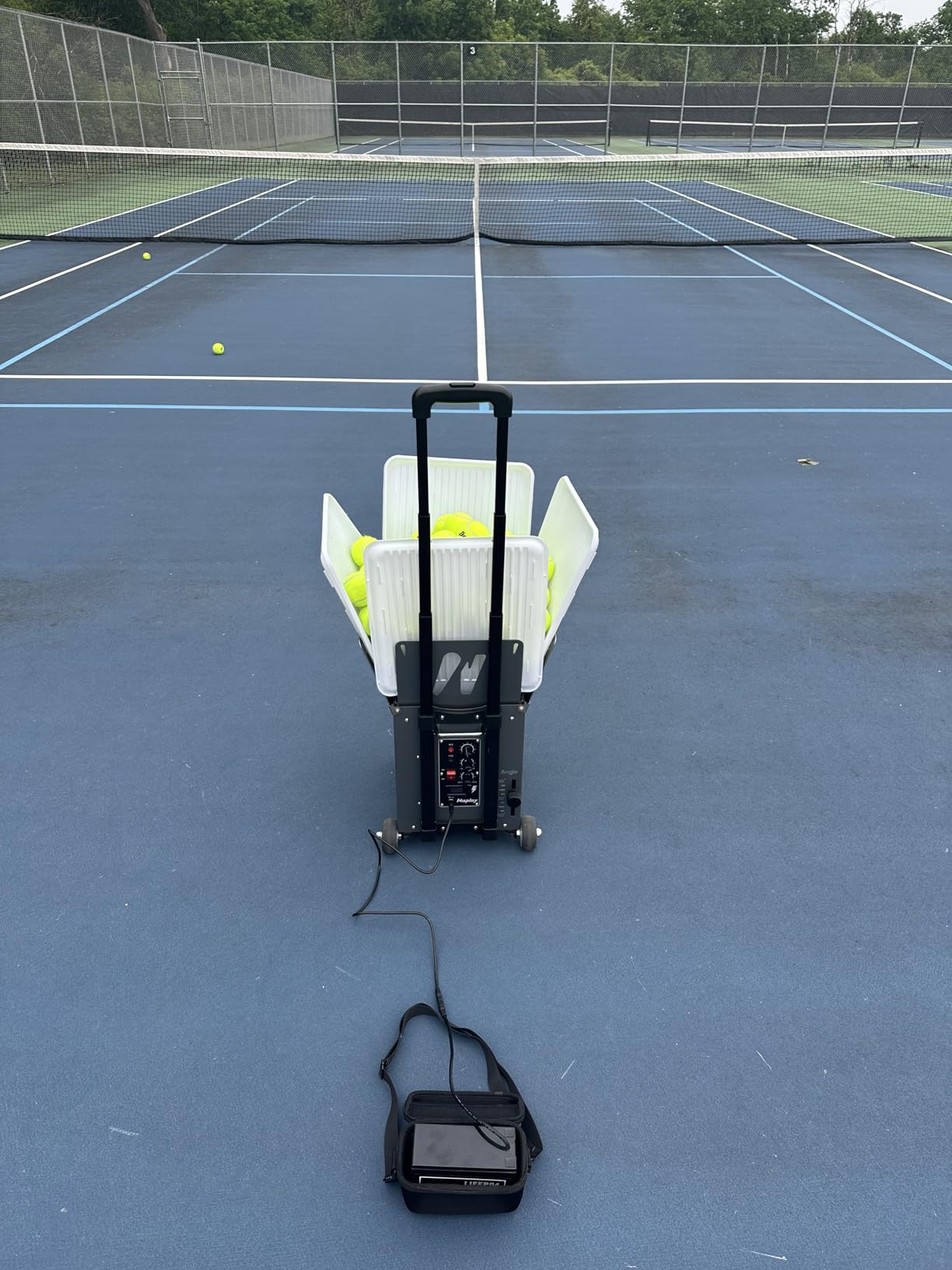
The detachable external lithium battery is the sleeper feature here. It runs 4-plus hours, and because it clips off, you can leave the machine at a club or a public court and charge at home. Buyers describe oversized wheels and a 3-foot folding handle that handle grass, gravel and curbs without complaint.
The mechanical weaknesses are specific and easy to live with. The Y cable linking the battery, machine and oscillator is too short and can strain, and the battery connection points work loose over time. Some owners also note the feed interval knob is labelled by the time between balls, which reads backwards at first.
Who should buy it and who should skip it
Buy it if you want real spin control, a machine you can actually carry at 26 lbs, and a battery you can remove. It is our best value pick and the machine we would put in the hands of an intermediate player building consistency, and customer service reviews mention same-day part replacement and oscillator repairs.
Skip it if you rely on a remote to run oscillation, or if you need app-based drill programming with saved patterns. There is no smart layer here, and the remote only handles a few adjustments. For that, the PUSUN PT-Smart covers the same price territory with a far deeper app.
3. Spinshot Plus-2 – Best Programmable Hopper for Long Sessions
Spinshot Plus-2 Tennis Ball Machine (Plus2 Model =Plus Model + Player Model)
120+ ball foldable hopper
Phone shot programming
Custom oscillation
Charger included
Pros
- Largest hopper in the roundup at over 120 balls
- Fine control of speed spin height angle and feed rate
- Custom oscillation patterns you can build yourself
- Top of the SpinShot line for build quality
Cons
- Battery sold separately
- Phone app required for full programming
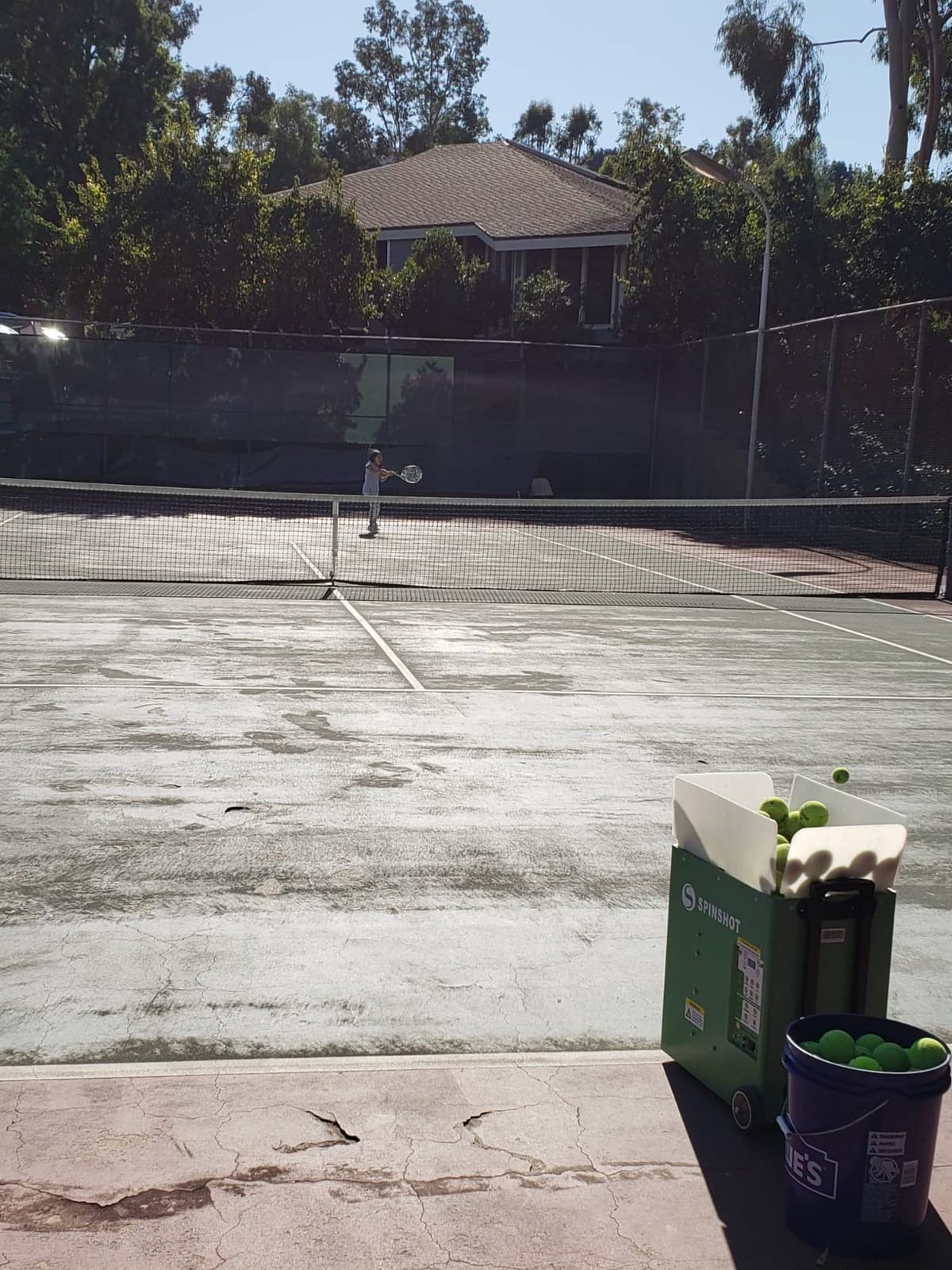
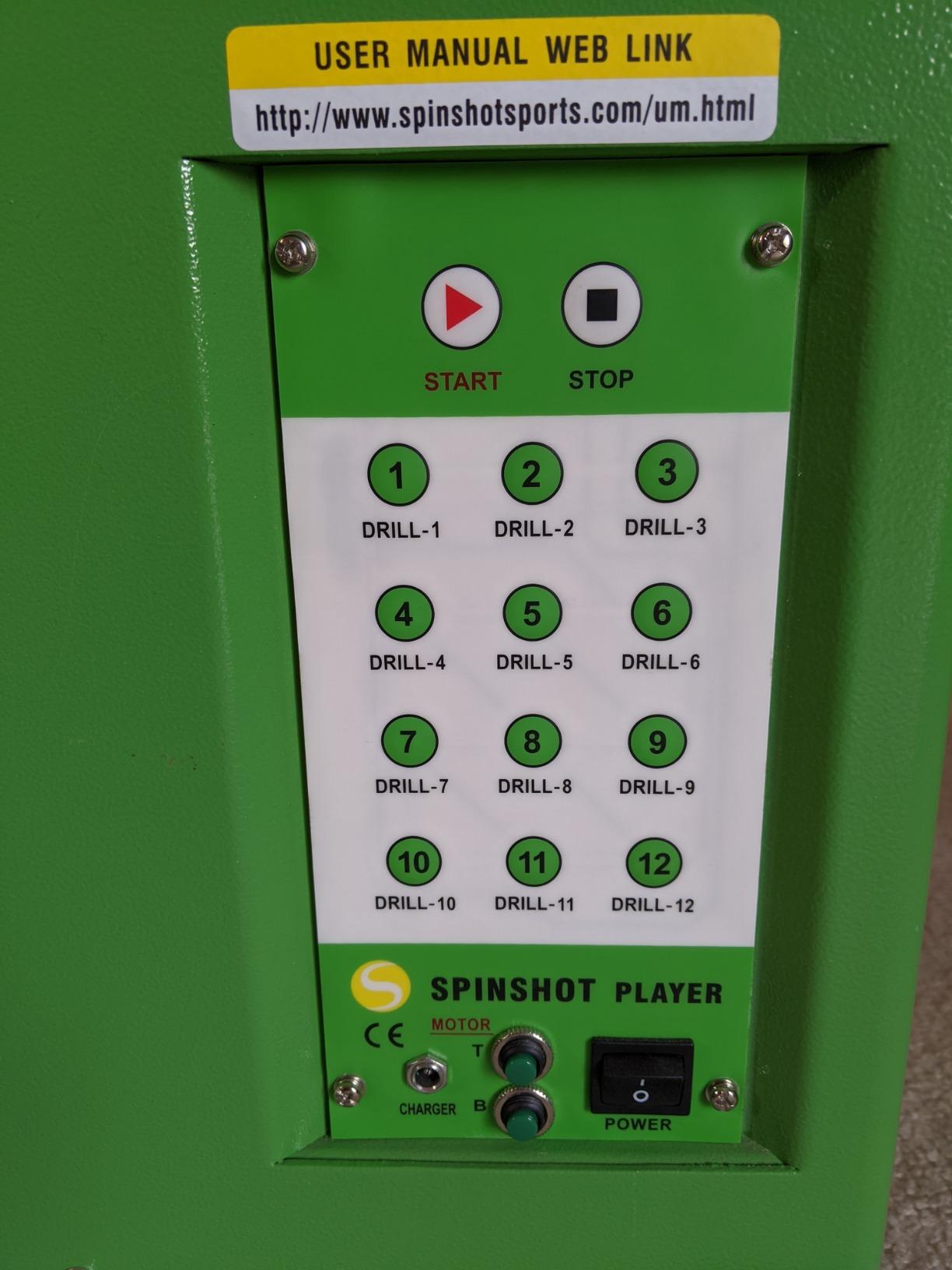
The Plus-2 is the machine for the player who runs long sessions and thinks in drills. The foldable hopper holds over 120 balls, which means a 45-minute session without a mid-session refill, and the phone app lets you program each individual shot for speed, spin, height, angle and feed rate.
Because it combines the Plus model with the Player model, any oscillation pattern can be built by hand rather than being limited to fixed presets. That is the reason to choose it over simpler machines if your goal is targeting a specific weakness, such as serving wide and working the backhand corner.
Shot programming and the app
Setting speed, spin, height, angle and feed rate separately is more granular than anything else in this roundup. It means you can build a sequence that starts with a high net-clearer and finishes with a heavy crosscourt ball, then save it and repeat it identically next week. 65% of ratings are five stars, and the programmability is the most common reason cited.
The dependency is the phone. The app is required for advanced settings, and the phone remote upgrade comes at no additional cost, but if you want to change something mid-point without walking back to the machine, plan around that. The supplied remote handles only the basics.
Hopper capacity and session planning
Over 120 balls is roughly four times what the smaller machines hold, and it changes how a session runs. You can structure a full session without collecting: warm-up feeds, pattern work, then a conditioning block, all without breaking stride to refill.
The trade-off is bulk. Hopper capacity and the Plus-2 platform mean this is a full-size machine rather than a carry-it-to-the-park unit, and the listed item weight in the product data is inconsistent, so check the physical dimensions before you commit to loading it alone.
Who should buy it and who should skip it
Buy it if your practice is structured rather than random, if you want to log shots from a phone, and if you want a hopper that will not run dry in the middle of a session. With 104 reviews behind it, this is one of the better-established options in the app-controlled tier.
Skip it if simplicity is the goal, or if the separate battery purchase puts the total beyond your budget. The basic Spinshot Pro uses the same knob logic for far less, and the Tenniix Basic folds down to something you can carry on a train.
4. PUSUN PT-Smart – Best App Training With 28-Point Placement
PUSUN Tennis Ball Machine,Portable Tennis Launcher,Tennis Trainer,PT-Smart
12-75 MPH
Six spin levels
28-point placement
32.6 lbs
153.6 Wh battery
Pros
- Triple control through app remote and Apple Watch
- 28 programmable landing points with external oscillation
- 4 to 6 hours and 5700+ shots per charge
- Three year main unit warranty
Cons
- Defaults live only in the app not the remote
- Rotates slightly at higher feed speeds
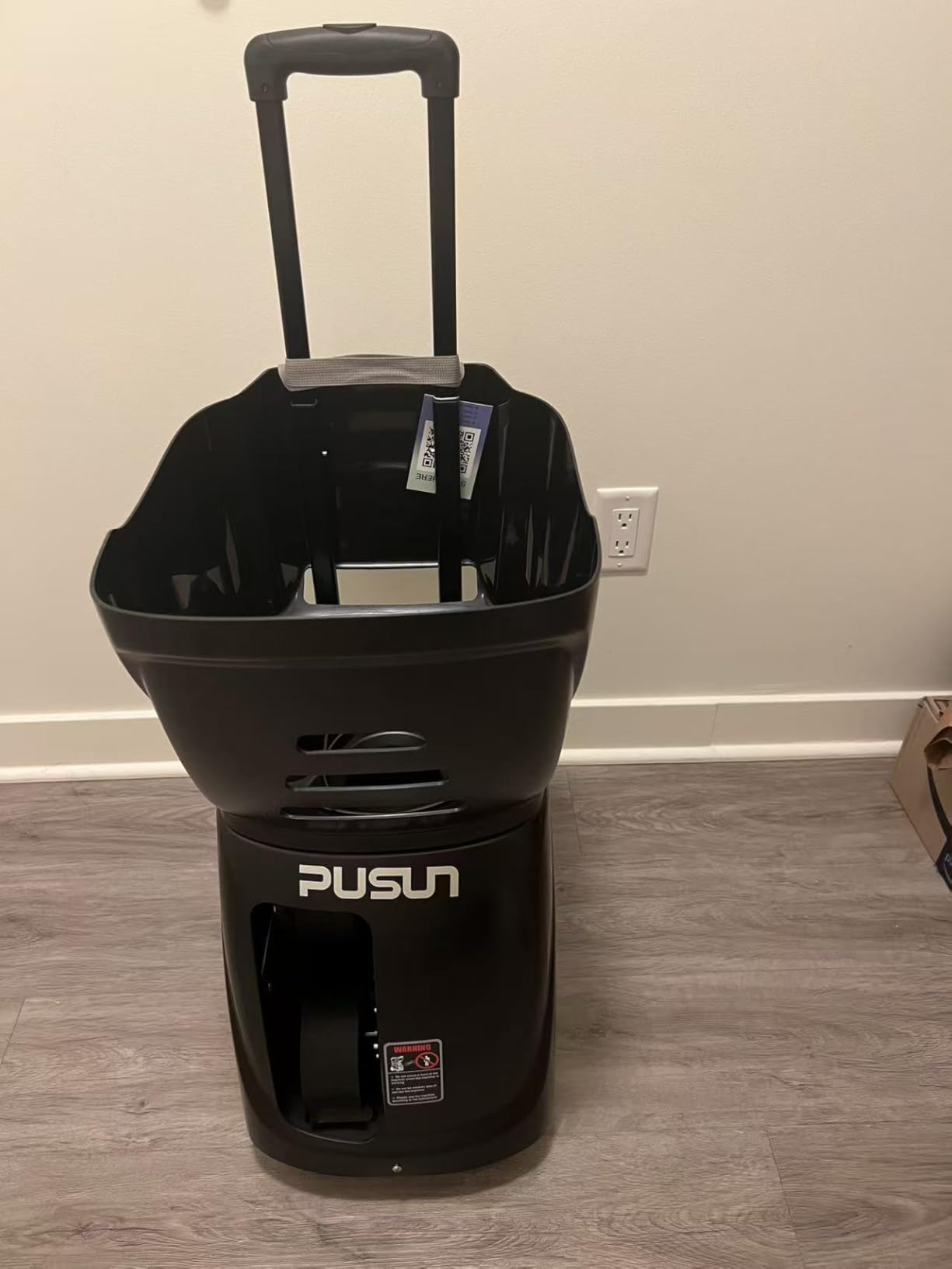
The PT-Smart is a well-rated smart machine in this group at 4.3 stars, and the reason is the combination of 12 built-in training modes with NTRP 1.0 to 5.0 progression and 28 programmable landing points. If you want the machine to escalate difficulty as you improve rather than you adjusting a knob every ten minutes, this is the one.
Control runs three ways: a phone app, a handheld remote, and Apple Watch compatibility. The external oscillation gives the clearest visual cue of where the next ball is going, which matters because a machine that teleports the feed point without warning teaches you nothing.
NTRP progression and padel modes
Twelve built-in modes cover primary rally, fixed position, varying speed and program sequences, with the NTRP progression letting a beginner and a competitive player share the same machine. There is also a one-tap padel mode with 14 drills, and speeds run from 12 to 75 MPH across six spin levels.
74% of ratings are five stars, with the app, battery life and quiet operation drawing the most praise. The recurring gripe is that default settings are stored only in the app, so the handheld remote reverts to internal settings and is of limited use on its own.
Battery, build and court surfaces
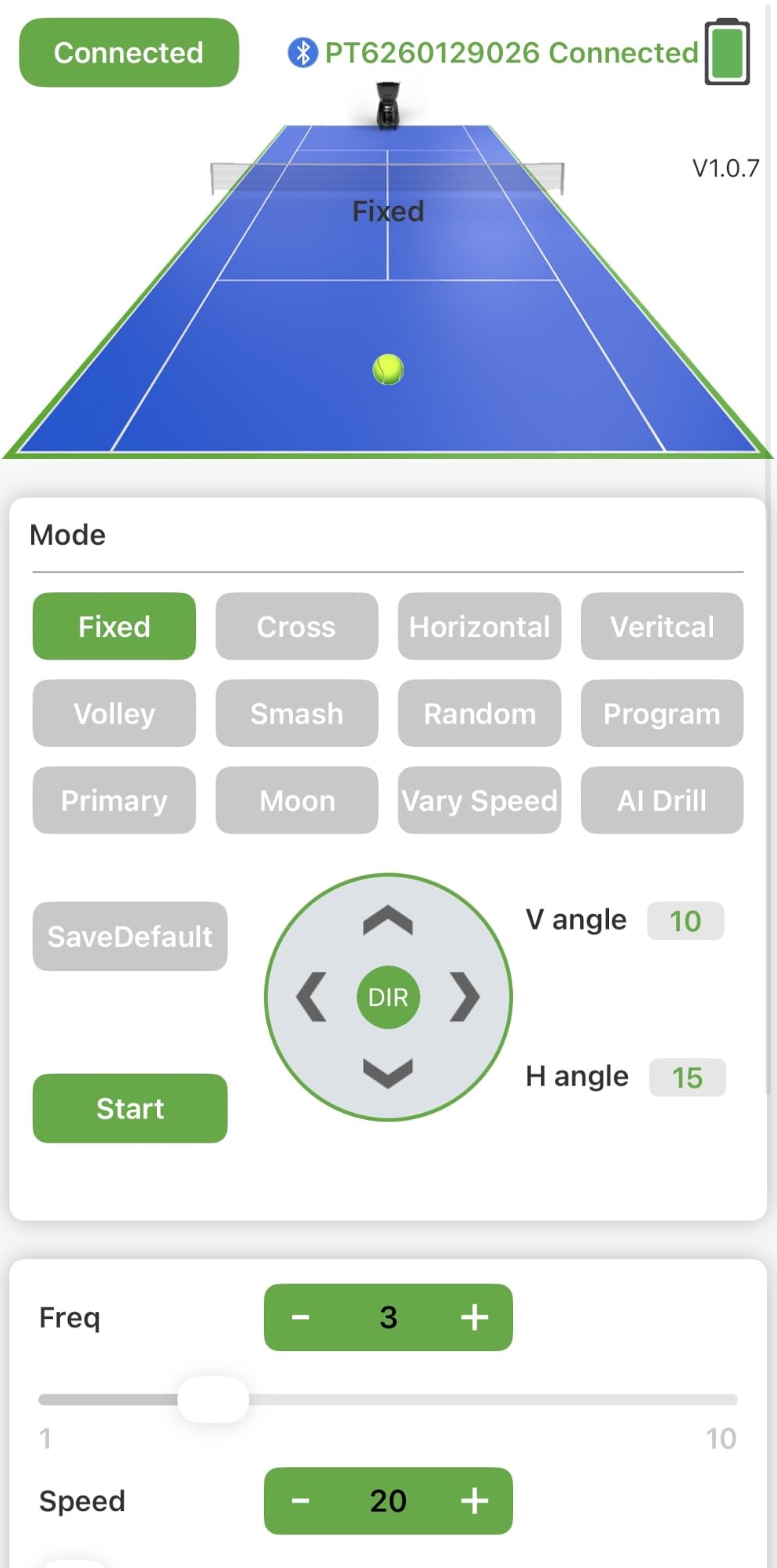
The 153.6 Wh external battery delivers 4 to 6 hours and more than 5700 shots per charge, which comfortably covers a week of lunchtime sessions. The 100-ball collapsible hopper and 32.6 lb weight keep it manageable, and the dust-proof mainboard is rated for hard courts and red clay.
One reviewer-reported issue: the machine rotates slightly with each feed at higher speeds, attributed to an off-centre launch hole combined with the wheels. It is a small correction you make once and then stop noticing, but it is worth knowing about.
Who should buy it and who should skip it
Buy it if you want a coach-like escalation curve, an app you can build drills in, and a three-year main unit warranty alongside a one-year battery cover. It is the best pick here for a family with players at different levels sharing one machine.
Skip it if you want the machine to work standalone with a remote, or if you have no patience for app pairing. It is also 32.6 lbs, so if the court is more than a short walk from the car, look at the Tenniix Basic instead.
5. Tenniix Basic – Best Portable Machine You Can Carry One-Handed
TENNIIX Basic Tennis Ball Machine, 18.7LB Portable Tennis Robot, Black
18.7 lb folding body
75 MPH dual-wheel
4 hour battery
Voice armband
Pros
- Lightest full-featured machine in the roundup at 18.7 lbs
- Folds down for car boot and small storage
- Voice control through the wireless armband
- 4 hours and 1800 shots per charge
Cons
- Voice control adjusts one setting at a time
- 17% of ratings are three stars
- Less review history than established brands
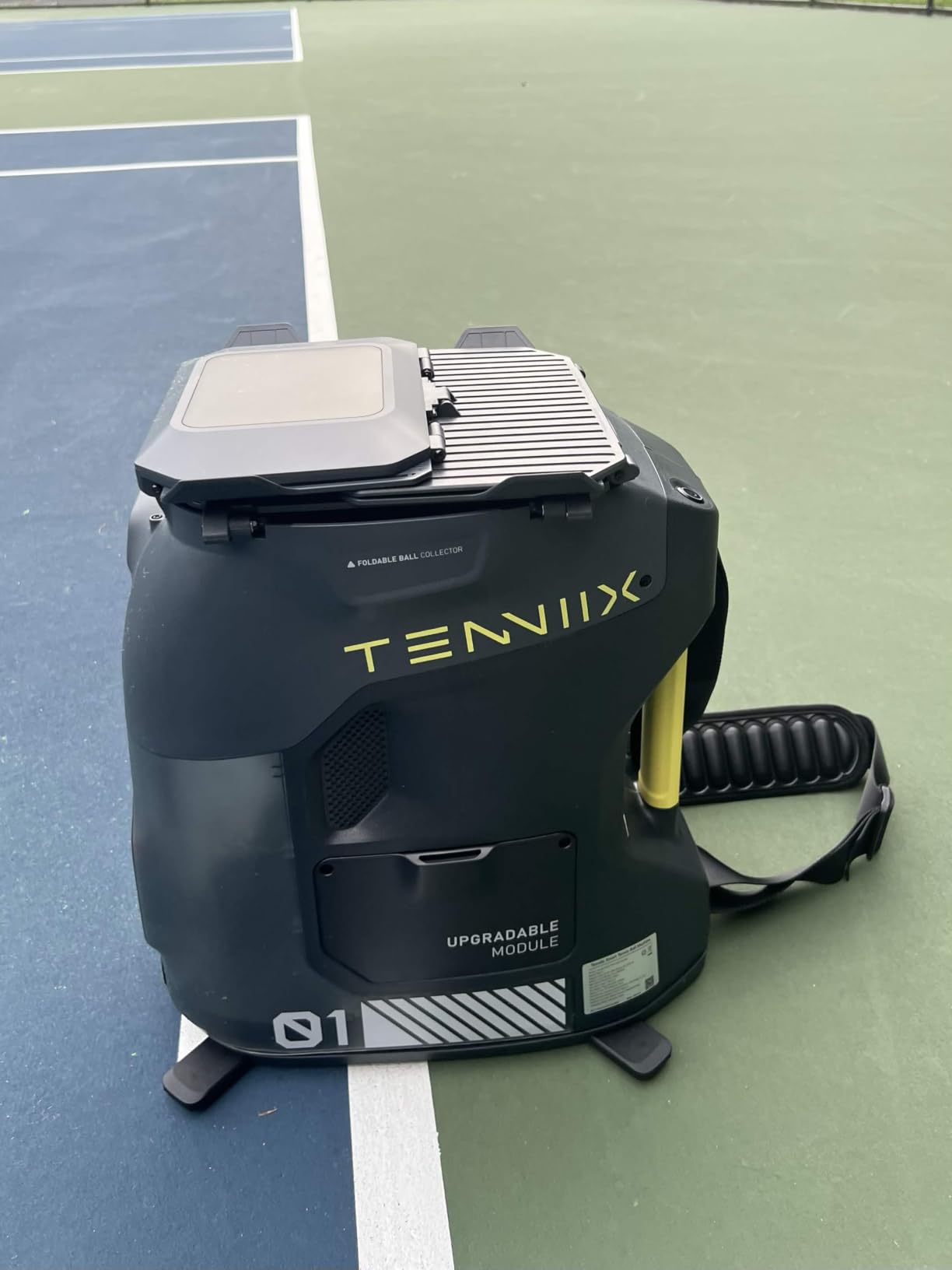
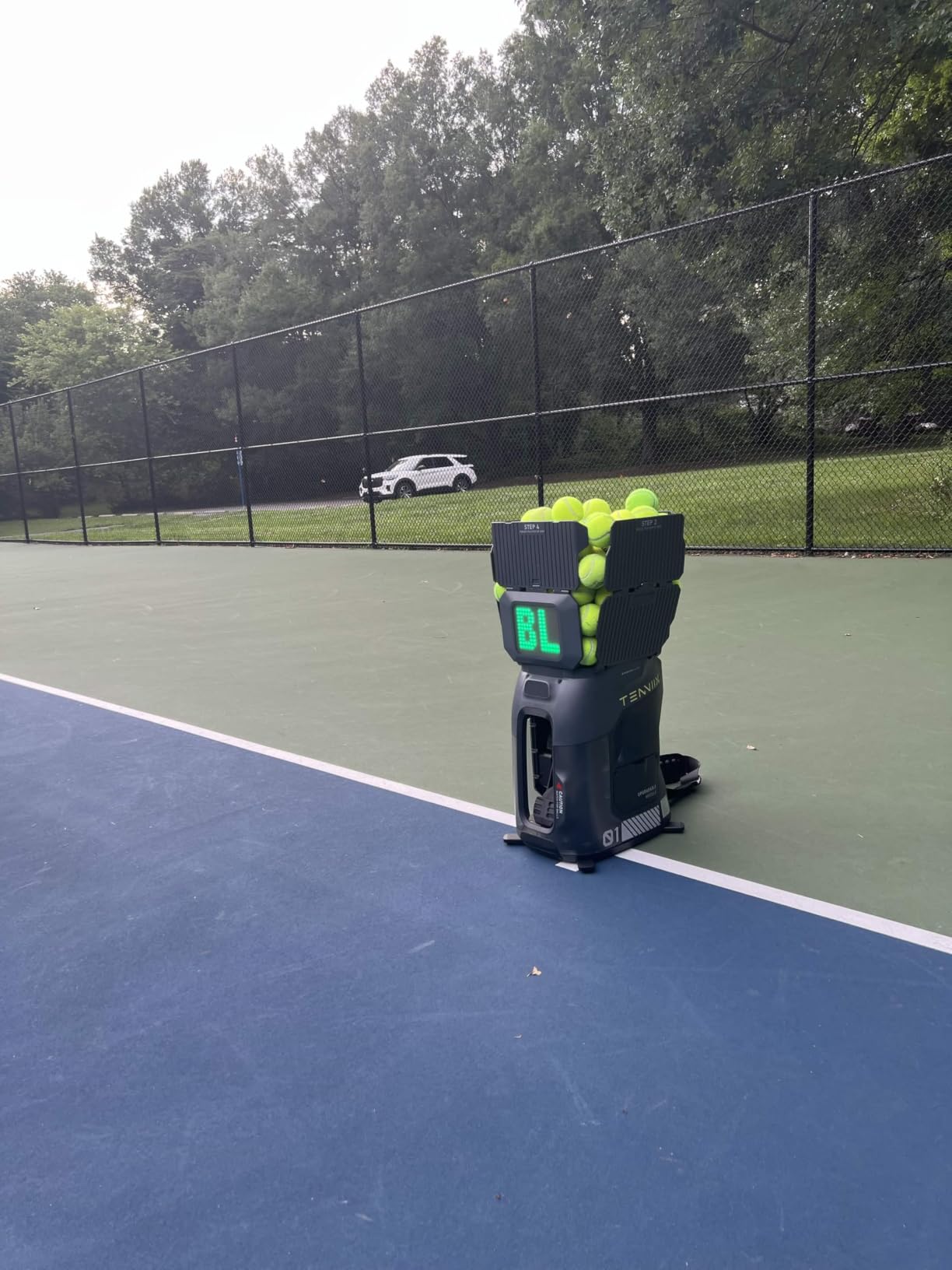
Weight is the reason this machine matters for home practice. At 18.7 lbs it folds to 15.4 by 10.7 by 17.6 inches, which means it lives in a hall cupboard instead of taking over the garage, and one adult can move it to a public court without needing a second person. Forum complaints about heavy machines gathering dust in a garage are the single most repeated pain point in this category, and this is the direct answer.
Underneath the light chassis is real capability: dual-wheel launch up to 75 MPH, a removable 7000 mAh battery for 4 hours or 1800 shots, and 9 shot patterns plus 6 match play styles with NTRP L1 to L3 presets. It also has an upgrade path to an AI vision module, so the machine can grow rather than being replaced.
Voice control through the armband
The wireless armband runs 46 voice command keywords over Bluetooth 5.2 and WiFi, so you can change speed or spin from the baseline without walking back to the machine. For stroke work this is genuinely useful, because you stay in rhythm and keep your feet moving.
It is a macro control, not a precision control. Reviewers are clear that voice commands handle one adjustment at a time, so fine tuning still means opening the app. The app itself covers speed, topspin, backspin, launch angle and interval for 1000-plus combinations, with saved custom drills.
Early reliability questions
With 47 reviews the sample is thinner than the established brands, and 17% of ratings sit at three stars, which points to early firmware or reliability friction rather than a design fault. Buyers who got theirs working tend to rate the weight and drill library very highly.
Treat it as a newer product with a shorter track record. Before buying from a brand you have not heard of, check that there is a US warranty entity, a parts channel and firmware support. That checklist applies to any of the newer brands in this roundup.
Who should buy it and who should skip it
Buy it if you plan to use a public or club court, if storage is tight, or if you want to walk the machine from the car unaided. Among everything we reviewed it is the best tennis ball machine for portability, and the fold-flat form is the reason.
Skip it if you need 70-plus MPH with heavy spin for high-level point play, or if you want a mature support network. The Nisplay N1 gives you more power at 26 lbs, and the Wilson Portable gives you a 3-year US parts and labour warranty.
6. Wilson Portable by Sports Tutor – Best US Warranty and Service
Wilson Portable Tennis Ball Machine. Speed 75 MPH. Variable Topspin/Underspin. Random Oscillatror. Electronic Elevation. from The #1 Name in Tennis – Wilson Sports
10-75 MPH
110 ball random oscillator
3 year warranty
Internal battery
Pros
- No app or programming needed on any device
- Three year parts and labour warranty with US service
- Internal battery with charge indicator for 4 hours
- 110 ball capacity with random oscillator
Cons
- Flimsy hopper flaps that let balls escape
- Feed depth varies between shots
- Single towing handle sits level with the machine
Some of the best tennis ball machines are deliberately boring. This one throws 10 to 75 MPH, varies topspin and underspin from a single control, raises and lowers electronically from groundstrokes to lobs, and feeds anywhere from every 1.5 seconds to every 10 seconds. There is no app and nothing to pair.
What makes it different is where it is made and fixed. It is built in the USA with service from Burbank, California, and carries a 3-year parts and labour warranty. In a category where the biggest buyer anxiety is parts and support for overseas-built machines, that is worth more than another programmable drill mode.
Knob controls and random oscillation
The whole point is that any household member can start a session. 73% of ratings are five stars, and the most common praise is for exactly that: no programming, no phone, no menu. If you are buying for a teenager or for a pair of parents who will use it twice a week, simplicity wins.
The random oscillator delivers shots randomly across the court, which is the right tool for hitting on the run. Be aware there is no true random feed mode on top of it, and feed depth varies a little between consecutive shots according to reviewers, so do not expect ball-after-ball identity.
Battery and the details owners notice
The internal rechargeable battery runs up to 4 hours per charge with a charge indicator, so there is no guessing whether there is enough juice for a session. At 38 lbs with a towing handle and large towing wheels, it rolls onto court comfortably.
Two physical details come up repeatedly. The fold-out hopper side flaps are described as flimsy, and owners work around them with twist ties. And the single towing handle sits level with the machine, which some find makes 38 lbs awkward to manoeuvre rather than easy.
Who should buy it and who should skip it
Buy it if warranty length, US-based service and zero-friction controls are your top three priorities, and if your play stays under 70 MPH. It is our pick for buyers who have been burned by an unsupported machine before, and it is the one most likely to still be running in five years.
Skip it if you need app programming, an external removable battery you can charge separately, or a machine lighter than 35 lbs. For programming, the Spinshot Plus-2. For weight, the Tenniix Basic.
7. Pongbot Pace S Pro – Best Sensor Drills and Battery Runtime
PONGBOT Tennis Ball Machine, APP and Remote Control, Custom Drills, 150 Ball Capacity, Max 80mph,8+ Hours of Endurance, Dual Motor for Topspin and Backspin, PACE S PRO
80 MPH
150 ball capacity
8+ hour battery
6 oscillation spots
Pros
- Longest battery runtime here at 8+ hours
- Sensor-based recovery drills that push you back to centre
- 150 ball hopper and 30 drills syncable to the remote
- Remote barrel opening speeds up ball pickup
Cons
- Feed beep cannot be muted
- Some units do not sit level
- Smart sensor features did not register for one owner
The Pace S Pro is the endurance machine of the group. It launches at up to 80 MPH with 60 rps of spin, holds 150 balls, and the removable battery with a battery management system runs 8-plus hours, which means one charge covers an entire week of sessions. It also works on clay, hard and grass, and for padel.
The differentiator is the sensor layer. Smart sensors drive adaptive rallies, recovery drills and NTRP match challenges, so the machine can force you back toward the centre instead of letting you camp on the baseline. 69% of ratings are five stars and owners rate it well against the premium alternatives on price.
Drills, app and over-the-air updates
There are 30 built-in drills that sync from the app to the handheld remote, plus unlimited custom drills, over-the-air updates and a community where players share and download drill files. Six oscillation spots give a wider spread than the three-position sweep on simpler machines.
The caution here is that the smart features are the most polarising part. Some owners could not get the sensor and AI functions to register and found the app confusing, and one report has the remote failing within days with a poor support response. At 36 reviews, this is the thinnest sample among the mid-range machines.
Ball pickup and court noise
One feature genuinely solves a common frustration: the remote-controlled barrel opening lets you empty and clean the machine without unscrewing anything by hand. Combined with the 150-ball hopper, that makes long sessions far less annoying to finish.
On the negative side, the machine beeps on every feed with no way to mute it, which owners report disturbing people on adjacent courts. Some owners report machines that do not sit level and send balls off target, and the plastic finish scratches easily in transit. Check the beeping issue first if your neighbours are close.
Who should buy it and who should skip it
Buy it if you want maximum battery life, a large hopper, and drills that build recovery footwork rather than just isolated strokes. It is the best tennis ball machine for players who practise several times a week and refuse to charge mid-week.
Skip it if noise matters, if app reliability is a deal-breaker for you, or if you want a US-based service team. The two-year-plus category of support is thinner here than on the Wilson and Lobster machines, and the 46 lb weight is one of the heavier options.
8. Spinshot Pro – Best Knob-Controlled Non-Plastic Build
Spinshot Pro Tennis Ball Machine (The Best Model for Easy Use)
Non-plastic construction
All features knob controlled
1 to 10 second feed
Spin and oscillation
Pros
- Built from non-plastic materials reviewers call built like a tank
- Powerful adjustable ball speed for every level
- Oscillation forces movement across the court
- Support replaces batteries and parts quickly
Cons
- Battery sold separately
- Only one spin type dispensed at a time
- Balls occasionally jam in the dispenser
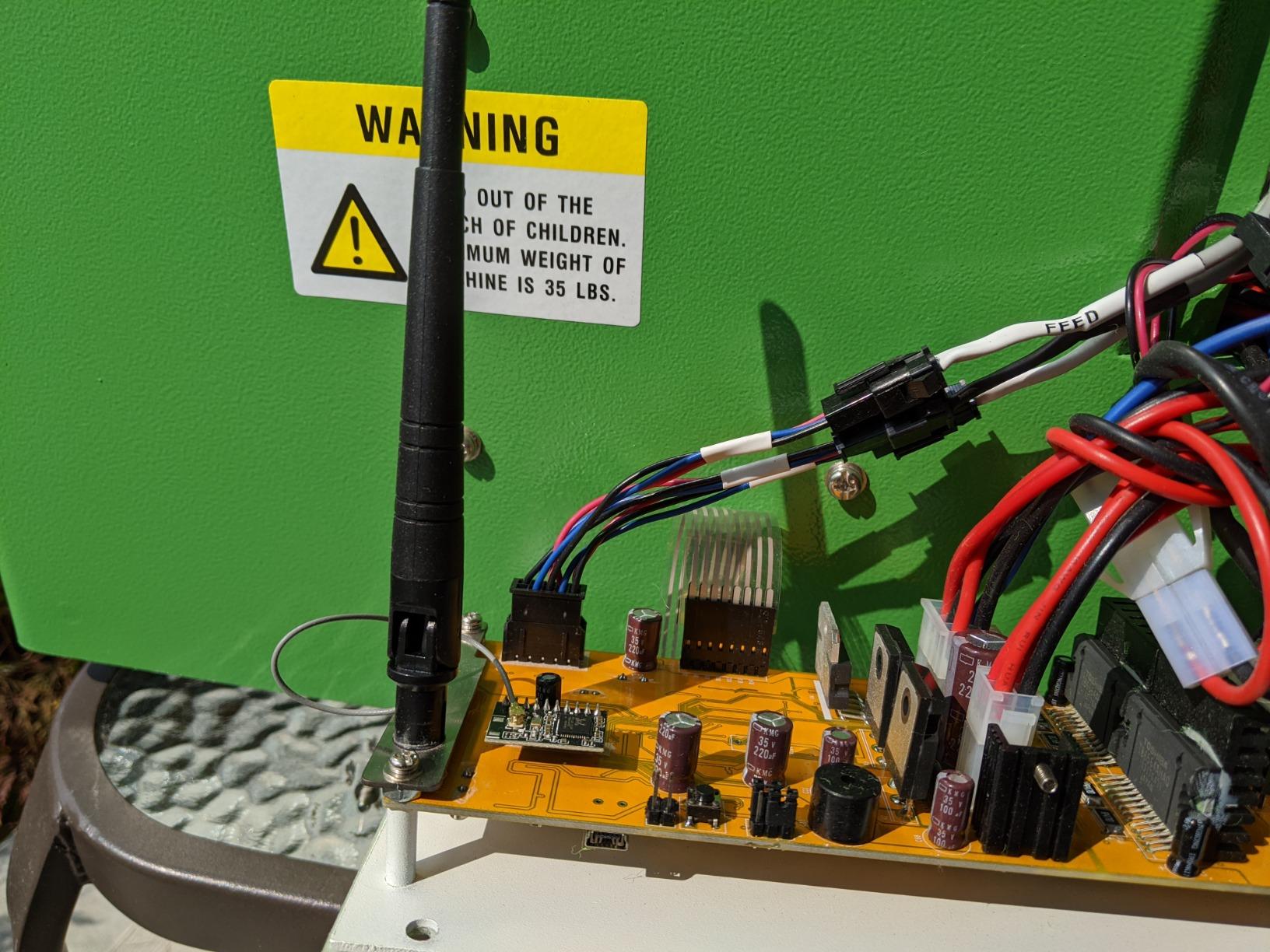
The Spinshot Pro is the oldest design idea in this roundup and still the most robust. It is not built of plastic, unlike most competitors, and reviewers describe it as built like a tank. That matters for a machine that lives outdoors, gets loaded into cars, and takes a beating from a hundred loose balls a session.
Every feature is on a knob, and speed control runs from one ball per second to one ball every 10 seconds, with oscillating and rotating feed plus topspin and underspin. At 49.8 lbs it is a heavy machine, but the build is where that weight goes.
Spin control and its one limitation
The Pro dispenses one spin type at a time. If your session plan needs heavy topspin on the forehand side followed by slice on the backhand side, you will be adjusting the control between feeds rather than mid-rally. It is a limitation worth knowing before you design drills around it.
Everything else about the feed is adjustable: speed, force, feed interval and oscillation. Oscillation is what makes this a training tool rather than a ball thrower, because it forces you to move across the court between shots.
Battery, weight and jam reports
Two practical points. The battery is not included and the charger is, so plan the extra purchase from the start. And at 49.8 lbs with flimsy-feeling hopper flaps, this is not a one-person trunk job, which is the same complaint that keeps appearing across forum threads about heavy machines.
There are also reports of balls jamming occasionally in the dispenser, and a few that stopped working after limited use. Customer service, though, draws repeated praise for replacing batteries and parts quickly, which partly offsets that.
Who should buy it and who should skip it
Buy it if durability is your first criterion, if you want a machine that will still fire in five years, and if knob controls with no app are a feature rather than a limitation. With 112 reviews it is one of the best-documented machines here.
Skip it if you need to alternate spin types within a session, if you need to carry it yourself, or if you want programmability. The Spinshot Plus-2 is the same platform with the hopper and app added.
9. Furlihong 3819BH – Best Budget Feeder for Beginner Practice
Furlihong 3819BH Portable Tennis Ball Machine
Up to 30 MPH
5 launch angles
2 power levels
4 feed intervals
Pros
- Very low entry point for a powered launcher
- Lightweight enough to carry to any court
- Multiple angle and interval settings for varied drills
- Sensible for beginners and family practice
Cons
- 30 MPH ceiling limits it to beginner feeding
- Fewer output options than full-size machines
- 15% of ratings are three stars
This is the honest budget option. The Furlihong 3819BH is a light, simple plastic launcher that throws at up to 30 MPH with 5 adjustable angle settings, 2 power levels and 4 serve intervals. It comes with an AC adapter, six ball tracks, a top track and a screwdriver, so you can get it running without a battery purchase.
Buyers treat it as a grab-and-go feeder for beginners and casual family practice, and they like the weight, the simple setup and the fact that it does not need a court with a full baseline. Fifteen percent of ratings are three stars, which is the honest signal that consistency is middling rather than excellent.
Where 30 MPH is enough and where it is not
30 MPH is roughly the right ball for a beginner working on a forehand volley or a rally from close range. If you are learning stroke mechanics on a driveway, it will get you plenty of repetitions. It is the speed ceiling that defines the machine rather than any flaw.
Once you want to be hit with a deep ball to practise recovery, or you want topspin heavy enough to dip over the net on a crosscourt, this machine runs out of road. The 5 angle settings cover forehand, backhand, flat, slice and volley positions, but there is no adjustable spin level to speak of.
Court fit and setup
This is the machine for a small space. At 4.01 kg package weight and a compact 35.4 inch item height, it is the easiest unit here to move to a driveway, a garden or a small hard court, and it carries a 12-month warranty.
It is also the machine most likely to be outgrown. If you already play regularly and want to work on consistency under pressure, spend the difference on a used mid-range machine rather than buying this twice.
Who should buy it and who should skip it
Buy it if you are a beginner building a forehand, if you need something you can carry to a driveway without thinking about it, or if you want a low-risk first machine. For a child aged eight or over, the simple angle and interval settings are enough to run real drills.
Skip it if you play above beginner level, if you want spin control, or if feed consistency matters more than the entry point. Read the three-star reviews before you buy, and pair it with one of our [practice pads](https://print2webcorp.com/best-practice-pads/) so short sessions still deliver value.
10. Fast Track Feedback System – Best All-in-One Starter Kit
Fast Track Feedback System, Patented GEN2 Tennis Ball Machine for Practice 20 Feeds per min, Portable Tennis Machine with iOS Performance Tracking (Restocking Fee Applies to Returns)
Up to 20 feeds per minute
iOS tracking
Rebounder and launcher
Balls and tripod included
Pros
- Works as practice partner rebounder and launcher in one
- Balls and phone tripod included in the box
- Lowest entry point for solo stroke and footwork work
Cons
- Lowest rating in the group at 3.6 stars
- Feed accuracy trails dedicated full-size machines
- iOS-only performance tracking
The Fast Track GEN2 is not a court machine, and it is useful precisely because of that. It is a patented feedback system that fires up to 20 feeds per minute, doubles as a rebounder that returns balls at varied angles, and works as a ball thrower. The box includes balls and a phone tripod, so the whole package is turnkey.
Set your phone on the tripod and the iOS tracking gives you a performance record of the session. For reflex work, footwork and pure stroke volume on a driveway or in a garage, it delivers more usable repetitions per minute than hand-feeding yourself ever will.
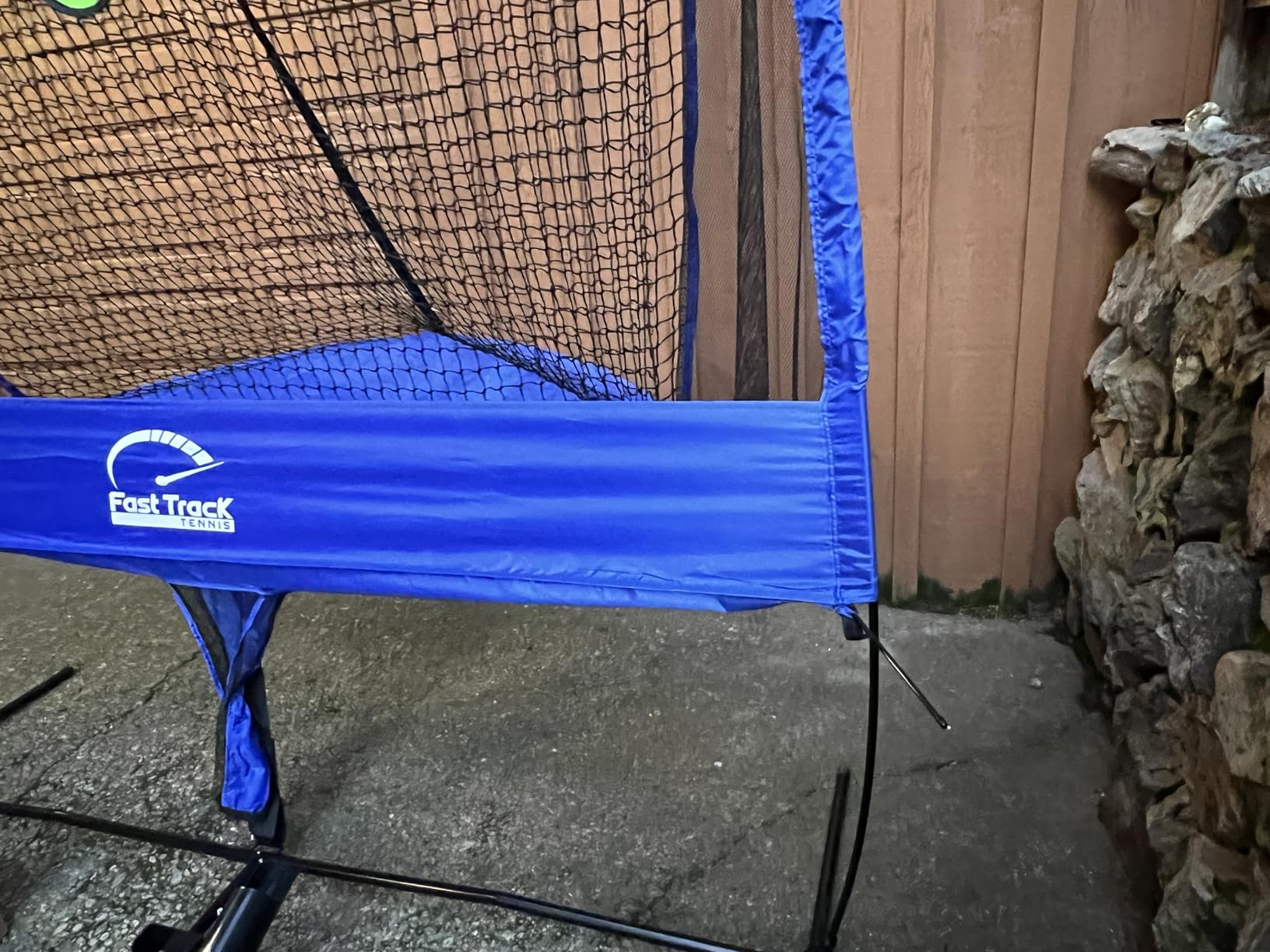
Rebounder mode and reflex training
The rebounder function is the underrated part. Rather than every ball coming from the same spot, a rebound returns at varied angles, which trains your adjustment and your recovery footwork. That is a genuinely useful complement to a full machine, and for a beginner it may be more valuable than speed control.
At 20 feeds per minute, the throughput is high enough to run a real volume session. The limitation is accuracy. Feed accuracy and consistency trail every dedicated full-size machine in this roundup, so it is a volume tool, not a precision tool.
What the ratings tell you
At 3.6 stars this is the lowest rated machine we included, and the distribution explains it: 50% five stars, 10% four stars, 15% two stars and 16% one star. The unhappy reviews cluster around uneven build quality and feed consistency rather than a broken concept.
Performance tracking is iOS-only, so Android users get the launcher and rebounder without the data loop. And one owner reported a restocking fee applies to returns, so check the return terms before ordering rather than after.
Who should buy it and who should skip it
Buy it if you want the highest number of balls per minute for the lowest entry point, if you are working on reflexes and stroke volume, or if your practice space is a driveway or garage rather than a court. It also makes a sensible first machine for a junior.
Skip it if you need accurate placement, real spin, or a machine you can programme. Nothing here replaces a court machine for point construction, so treat it as a volume supplement rather than a substitute.
How to Choose a Tennis Ball Machine for Home Practice
The specs matter less than the court, the level and the storage situation. Work through these seven questions in order and the machine choice makes itself.
1. Match the machine to your court, not your ambition
A 68 MPH machine placed 10 feet behind a baseline on a driveway is pointless, because the ball lands before the net. A driveway or garage setup needs a light machine that throws a short feed and doubles as a rebounder, which is exactly what the Furlihong and Fast Track do. A full public court or a private home court can support a full-size machine with oscillation.
For public courts with 60-minute booking windows, portability decides everything. The Tenniix Basic at 18.7 lbs and the Nisplay N1 at 26 lbs are the practical picks, because anything heavier stops getting carried and starts gathering dust.
2. Internal versus external oscillation changes how you train
Internal oscillation sweeps the ball barrel itself, so the feed point moves without the whole machine turning. External oscillation rotates a separate head or unit and usually gives a visible movement cue before the ball arrives. Neither is strictly better.
The real argument is about cheating footwork. A machine that oscillates unpredictably in both directions forces you to commit early and split-step, which is the whole point of match play. A machine that only feeds to one side lets you set up and cheat. If you are training for competition, prioritise wider random or external oscillation. If you are drilling one stroke on a small court, a fixed feed is more efficient.
3. Pick the power source that matches your session length
Runtime across this roundup runs from about 4 hours to 8-plus hours, and the type of battery matters as much as the number. A removable battery that you can charge separately is the most flexible option, because it lets you leave the machine where you practise. The Wilson Portable uses an internal rechargeable battery with a charge indicator, which is simpler but ties the machine to its charger.
For weekly lunchtime sessions, a 4-hour battery is plenty. For daily use, look at 8 hours or a swappable pack. Before buying any newer brand, confirm that the battery is a standard pack you can replace yourself rather than a proprietary sealed unit.
4. Match speed and spin to your level
Beginners do not need 80 MPH. A 30 to 45 MPH ceiling covers forehand volley drills and close-range consistency, and it is kinder to a developing swing. Improving players want 50 to 70 MPH with real topspin so the ball drops in, and advanced players want spin levels they can crank to the top setting for high-bouncing first serves and heavy crosscourt groundstrokes.
Spin is the feature people under-buy. Dual-motor machines that alternate topspin and backspin are worth paying for if you practise point construction, because that is what the modern game looks like. A single-motor machine with one spin setting will get you a rally, not a pattern.
5. Be honest about the weight
Anything over 50 lbs becomes a two-person lift. Ask yourself honestly whether you will still be using the machine in six months if every session requires a second person to help load it. Forums describe heavy machines gathering dust in the garage, and that is the most common way a ball machine stops being useful.
Under 20 lbs you can carry anywhere. Between 20 and 30 lbs you can lift it into a hatchback with effort. Over 40 lbs, plan for wheels and a helper.
6. Solve the ball logistics before you buy
150 loose balls across a court is the number one stated reason home practice stalls, and no machine fixes it on its own. Look for a machine with a large hopper and a remote or manual barrel release so collection is quick. A ball return net or a collection tube is what actually ends the session, not the machine.
Budget for pressureless training balls separately. They last far longer than pressurized balls in a machine, and the ball budget over three years routinely surprises first-time buyers.
7. Verify support before you trust a newer brand
For any brand you have not heard of, check four things before you pay: is there a US warranty entity you can call, are replacement parts published, does the app have a multi-year update commitment, and who supplies the battery. Those four answers predict long-term satisfaction better than any spec.
On review credibility, apply a simple filter. A 4.4 from 31 buyers with a detailed pro-and-con spread is more informative than a 5.0 from three. We have shown both figures next to every machine for exactly that reason.
Frequently Asked Questions
Are tennis ball machines worth it?
Yes, if you lack a regular hitting partner. A machine delivers hundreds of identical repetitions in an hour, which is what actually builds stroke mechanics, footwork and consistency. It is far better than casual rallying for technical progress. It is less worthwhile if you already hit twice a week with a partner, because the machine mainly adds volume rather than variety.
What is the best tennis ball machine for home use?
The Lobster Sports Elite One is our best overall pick for home practice, with a 10 to 80 MPH range, adjustable topspin and backspin, horizontal oscillation and 4 to 6 hours of play per charge. The Nisplay N1 is the best value alternative at 26 lbs with dual-motor spin, and the Tenniix Basic is the best choice if you need to carry it to a public court by yourself.
What is the best tennis ball machine for beginners?
Beginners need a low ball speed, simple controls and light weight rather than power. The Furlihong 3819BH at up to 30 MPH with 5 angle settings suits a driveway, and the Fast Track GEN2 works as both a launcher and a rebounder for reflex and footwork work. Move up to a full-size machine once your forehand is consistent.
Which tennis ball machine should I buy?
Work through four filters. Court fit: a driveway needs a short, light machine, a full court supports a full-size unit. Weight: stay under 20 lbs if you load a car alone, under 30 lbs if you can manage effort. Power source: choose a removable battery if you practise often. Level: beginners need 30 to 45 MPH, improving players 50 to 70 MPH with adjustable spin.
Is a tennis ball machine a good investment?
Treat it as a three-to-five-year tool rather than a purchase decision. Judge new brands by four things: a US warranty entity you can contact, published replacement parts, a multi-year app and firmware commitment, and a standard battery pack you can replace yourself. Those four answers predict long-term satisfaction better than any specification.
How long do tennis ball machine batteries last?
Runtime per charge across this roundup runs from about 4 hours on the Tenniix Basic and Wilson Portable to 8-plus hours on the Pongbot Pace S Pro, which works out to roughly 1800 shots per charge on a 7000 mAh pack. Over battery lifetime, expect 2 to 4 years before degradation, so confirm the pack is replaceable before you buy.
What is the best tennis ball cannon?
A tennis ball cannon is simply a ball launcher or ball feeder, so the answer is the same machine. For speed and highest launch rate, the Lobster Elite One reaches 80 MPH and the Pongbot Pace S Pro also reaches 80 MPH. For pure repetition volume per minute without court accuracy, the Fast Track GEN2 fires up to 20 feeds per minute.
Can you use regular pressurized tennis balls in a ball machine?
Yes, most machines in this roundup handle pressurized balls, and the PUSUN PT-Smart is explicitly rated for pressurized, non-pressurized and training balls. For high-volume practice, pressureless balls last much longer and cost less per session. Pressurized balls lose pressure faster in a machine, so budget for replacements if you fire 200-plus balls a session.
Which Tennis Ball Machine Should You Buy?
If you want one machine and no further deliberation, buy the Lobster Sports Elite One. It has the widest speed range we tested, spin control on both sides, a battery that survives a full session, and 113 reviews worth reading. That is our best tennis ball machine for 2026 home practice across every court type.
If your priority is getting the most machine for the money, the Nisplay N1 gives you dual-motor spin, an oscillator, 80-plus balls and a detachable battery at 26 lbs. If you carry your kit to a public court on your own, the Tenniix Basic at 18.7 lbs is the only one we would genuinely hand to one person. If you practise patterns rather than just rallies, the Spinshot Plus-2 wins on hopper size and shot programming. If warranty and US service are what you refuse to compromise on, the Wilson Portable by Sports Tutor carries 3-year parts and labour cover.
For beginners and driveway sessions, the Furlihong 3819BH and the Fast Track GEN2 cover the entry points, with the Fast Track doubling as a rebounder for reflex work. For pure volume endurance, the Pongbot Pace S Pro runs 8-plus hours on a charge, and the Spinshot Pro is the one to buy if you only care about how it is built. Read the con lists before you order, and check the support answer from any brand you have not heard of.
Leave a Reply