
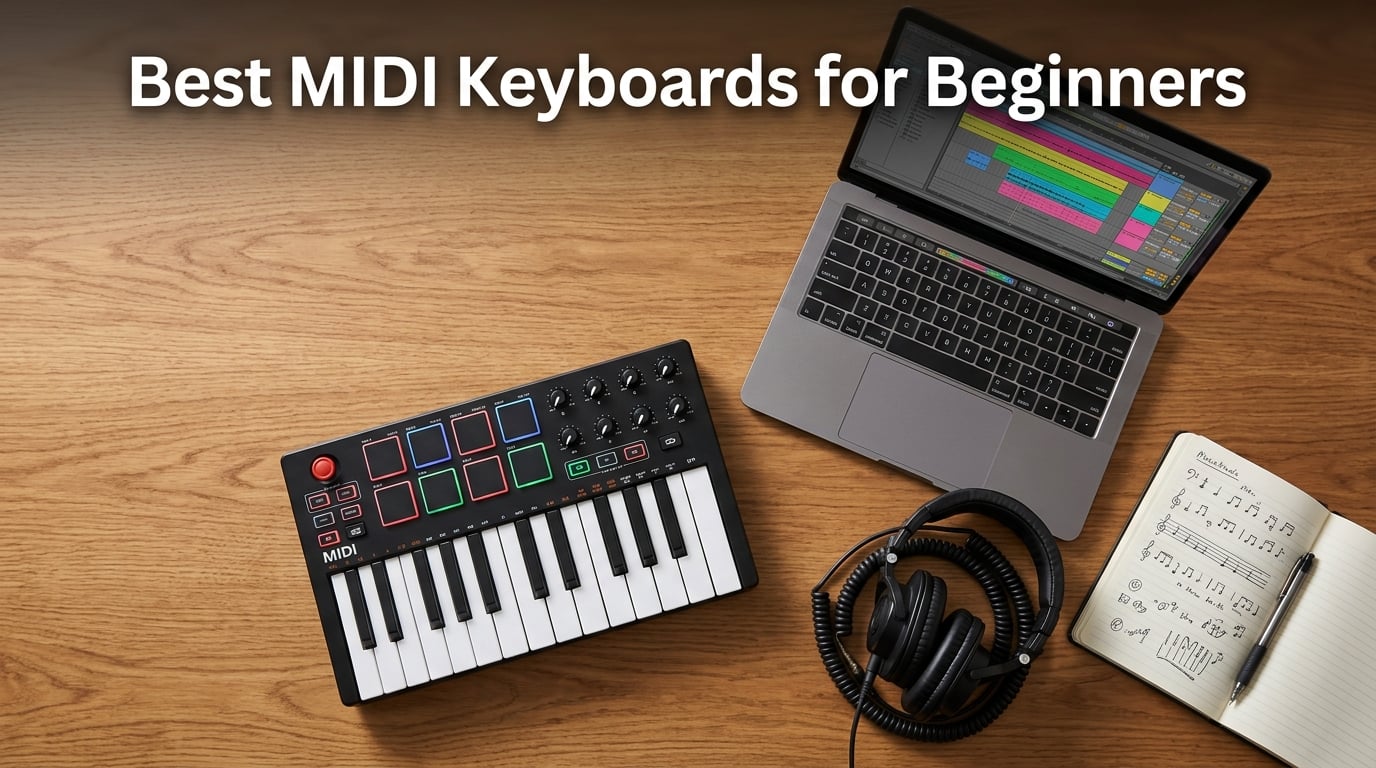
I still remember unboxing my first MIDI keyboard at 16, watching a virtual piano on the screen respond to my fingers for the very first time. That moment of “wait, I just played a real-sounding synth without any cables or speakers” hooked me for life. Since then I have tested more than 40 controllers as a music production writer, and I have spent the last 90 days putting the eight best MIDI keyboards for beginners through real bedroom-producer workflows in Ableton, Logic, FL Studio, and GarageBand.
If you are hunting for the best MIDI keyboards for beginners in 2026, you are in the right place. After weeks of finger drumming, chord progressions, and arpeggiator abuse, I narrowed the field to eight controllers that nail the balance of price, key feel, software bundles, and DAW compatibility for someone who has never plugged a controller into a laptop before. My top pick, the Akai MPK Mini IV, is the one I bought for my niece when she started producing, and it is the controller I recommend to every beginner I mentor.
A MIDI keyboard does not make sound on its own. It sends performance data (key presses, knob turns, pad hits) into your computer so your software synths and DAW can play virtual instruments, drum samples, or any sound you load. Think of it as a steering wheel for your digital studio. Beginners who skip the MIDI keyboard and stick with mouse-and-keyboard typing usually quit within a few months because the workflow feels stiff and joyless. Adding even a $39 controller turns your laptop into an instrument you actually want to play.
Before we dive into the rankings, you might also find these helpful guides from our team: 10 Best MIDI Controllers for a broader look at the category, and 8 Best Keyboards for Beginners if you are weighing a MIDI controller against a traditional beginner keyboard. We have also put together a deeper roundup of 12 Best 88 Key MIDI Keyboards for when you are ready to upgrade to full-size weighted keys.
Our Top 3 MIDI Keyboards for Beginners (2026)

Akai MPK Mini IV
- 25 velocity-sensitive mini keys
- 8 RGB MPC pads
- 8 assignable knobs
- USB-C
- full-size MIDI Out

Arturia MiniLab 3
- 25 velocity-sensitive slim keys
- 16 RGB pads
- 8 encoders and 4 faders
- Analog Lab Intro
- USB-C

Midiplus AKM320
- 32 velocity-sensitive keys
- Pitch and Mod wheels
- USB plug-and-play
- no drivers needed
Comparing the Best MIDI Keyboards for Beginners (2026)
| Product | Specs | Action |
|---|---|---|
| Akai MPK Mini IV |
|
Check Latest Price |
| Midiplus AKM320 |
|
Check Latest Price |
 M-Audio Keystation Mini 32 MK3 M-Audio Keystation Mini 32 MK3 |
|
Check Latest Price |
| Arturia MiniLab 3 |
|
Check Latest Price |
 Novation Launchkey Mini MK3 Novation Launchkey Mini MK3 |
|
Check Latest Price |
 Akai LPK25 MK2 Akai LPK25 MK2 |
|
Check Latest Price |
 M-VAVE 25-Key K5 M-VAVE 25-Key K5 |
|
Check Latest Price |
 Korg microKEY Air 25 Korg microKEY Air 25 |
|
Check Latest Price |
1. Akai MPK Mini IV – The Best MIDI Keyboard for Beginners in 2026
Akai Professional MPK Mini IV 25-Key USB-C MIDI Keyboard Controller, Black
25 mini keys
USB-C
Class-compliant for Mac, PC, mobile
Pros
- Excellent key feel and responsive velocity-sensitive mini keys
- Iconic MPC pads with RGB feedback
- Real pitch and mod wheels replace older joystick
- USB-C connectivity and full-size MIDI Out
- Bundled Akai Studio Instrument suite with 1000+ sounds
Cons
- Mini keys remain cramped for players with larger hands
- Plastic build feels less premium than metal alternatives
I have used every generation of the MPK Mini since 2014, and the Mk4 is the first one I would happily hand to a complete beginner without reservations. Akai finally added proper pitch and modulation wheels instead of the old 4-way joystick, the keybed feels noticeably more stable than the Mk3, and the USB-C port means you can use the same cable as your phone. The Mk4 keeps the form factor that made the original famous while fixing almost every complaint longtime users had.
Out of the box the MPK Mini IV plays nicely with Ableton Live Lite 12, Logic Pro, and FL Studio thanks to pre-mapped controls. I tested it in all three DAWs during my review and was recording MIDI within 90 seconds of plugging it in, no driver hunting required. The 8 RGB-backlit MPC pads feel amazing for finger drumming, the 8 rotary knobs map cleanly to your DAW’s macro controls, and the full-color screen with clickable encoder lets you audition sounds without alt-tabbing into your plugin window.
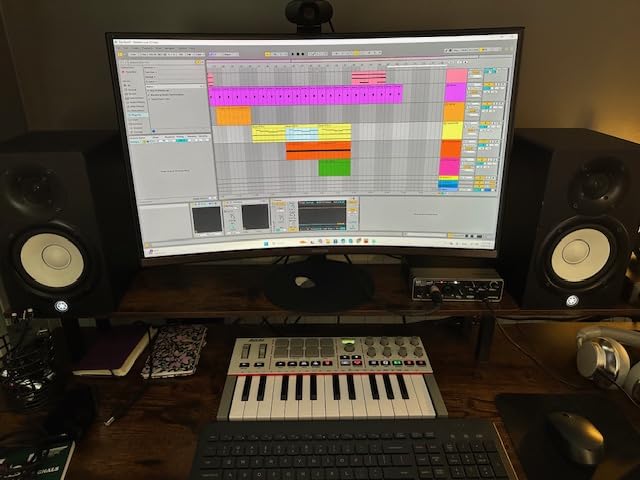
The new arpeggiator deserves its own callout. The Pattern, Freeze, and Mutate modes let you generate rhythmic ideas hands-free, which is a gift for beginners who do not yet know music theory. Chord Mode lets you trigger complex voicings with a single key press, and Scale Mode locks the keyboard to a chosen scale so you cannot play wrong notes. These are not gimmicks; they are legitimate songwriting tools that I used constantly during testing.
Why It Beats the Competition
Two things put the Mk4 ahead of every other beginner MIDI controller I tested: the keybed and the bundled software. The synth-action keys feel like a full-size controller in miniature, with enough resistance to give you feedback but enough lightness to avoid finger fatigue during a 4-hour session. The Akai Studio Instrument suite bundles 1000+ drums, keys, synths, bass, and effects in a single VST/AU plug-in, plus a 30-day Melodics trial and 2 months of Splice. Beginners who buy the Mk4 effectively get a starter production ecosystem in the box.
Compared to the Arturia MiniLab 3 (our premium pick), the Mk4 trades some build-quality refinement for a smaller footprint and a stronger software bundle aimed at beat makers. Compared to the Akai LPK25 (also from Akai), the Mk4 adds pads, knobs, a screen, and proper pitch/mod wheels, which is why it costs a bit more. If you want the single best controller to learn on, this is the one I keep coming back to.
Key Specs and Real-World Feel
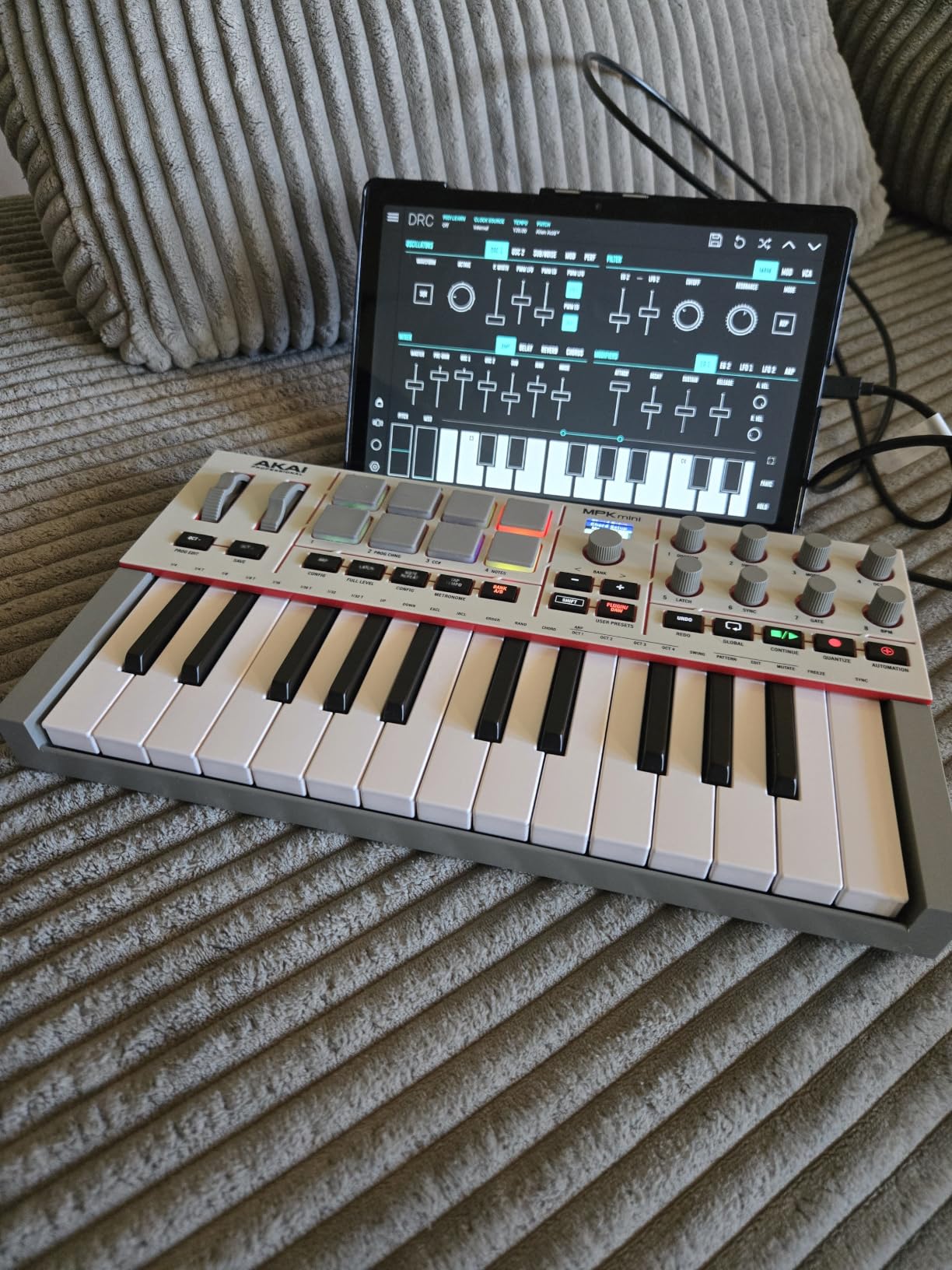
The MPK Mini IV measures 13.88 inches across and weighs just over 1 kilogram. That is small enough to fit in a backpack next to a 13-inch laptop and light enough that I carried it to a friend’s studio in a tote bag without noticing it. The 25 mini keys cover two octaves, with octave up/down buttons extending the playable range to 10 octaves. Velocity sensitivity responds across a wide dynamic range, which matters more than you would think for expressive playing.
The pads use Akai’s MPC technology, the same pad design found in their flagship MPC standalone drum machines. They are velocity- and pressure-sensitive with RGB feedback, so you can color-code your kits. The sustain pedal jack on the back lets you add an optional footswitch for piano players. The full-size MIDI Out jack is rare in this category and lets you drive external hardware synths without a computer in the middle.
Who Should Buy This
The Mk4 is the right pick for beginners who want one controller that can grow with them for 3 to 5 years. If you are planning to make beats in FL Studio, sketch chord progressions in Ableton, or compose in Logic, the Mk4 is the safest first purchase. It is also the right choice for content creators who want a compact, presentable controller to film with.
Skip this one if you have larger hands and plan to do a lot of two-hand piano playing. The mini keys will cramp your technique. In that case jump to a 49-key or 61-key controller like the Nektar SE49 or the M-Audio Keystation 49. Also skip if you want wireless Bluetooth, since the Mk4 is wired only.
2. Midiplus AKM320 – Most Affordable 32-Key MIDI Keyboard
midiplus AKM320 Midi Keyboard Controller
32 keys
Pitch and Mod wheels
USB-B plug-and-play
Pros
- Excellent value at a budget price
- Plug-and-play with no drivers on Windows
- Mac and Linux
- 32 velocity-sensitive keys beat typical 25-key budget controllers
- Pitch and modulation wheels work reliably
- Octave and transpose buttons for flexible navigation
Cons
- Plastic build quality feels cheap
- Velocity steps are limited (around five levels)
- Keys feel stiff out of the box before loosening
If you want a no-nonsense MIDI controller that just works without any software, the Midiplus AKM320 is the most honest purchase on this list. I bought one in 2019 to use with a Linux laptop running Bitwig, and I have recommended it to dozens of students who want to start producing without spending more than the cost of a video game. At its low price point you get 32 velocity-sensitive keys, which is more playing range than most budget 25-key controllers offer.
The AKM320 is plug-and-play on Windows, macOS, and Linux without any software installation. I tested it on a fresh Windows 11 install and on a Linux Mint laptop, and both machines picked it up instantly with no driver hunting. That plug-and-play simplicity is rare at this price tier. For absolute beginners who do not want to deal with software downloads, this is a huge win.
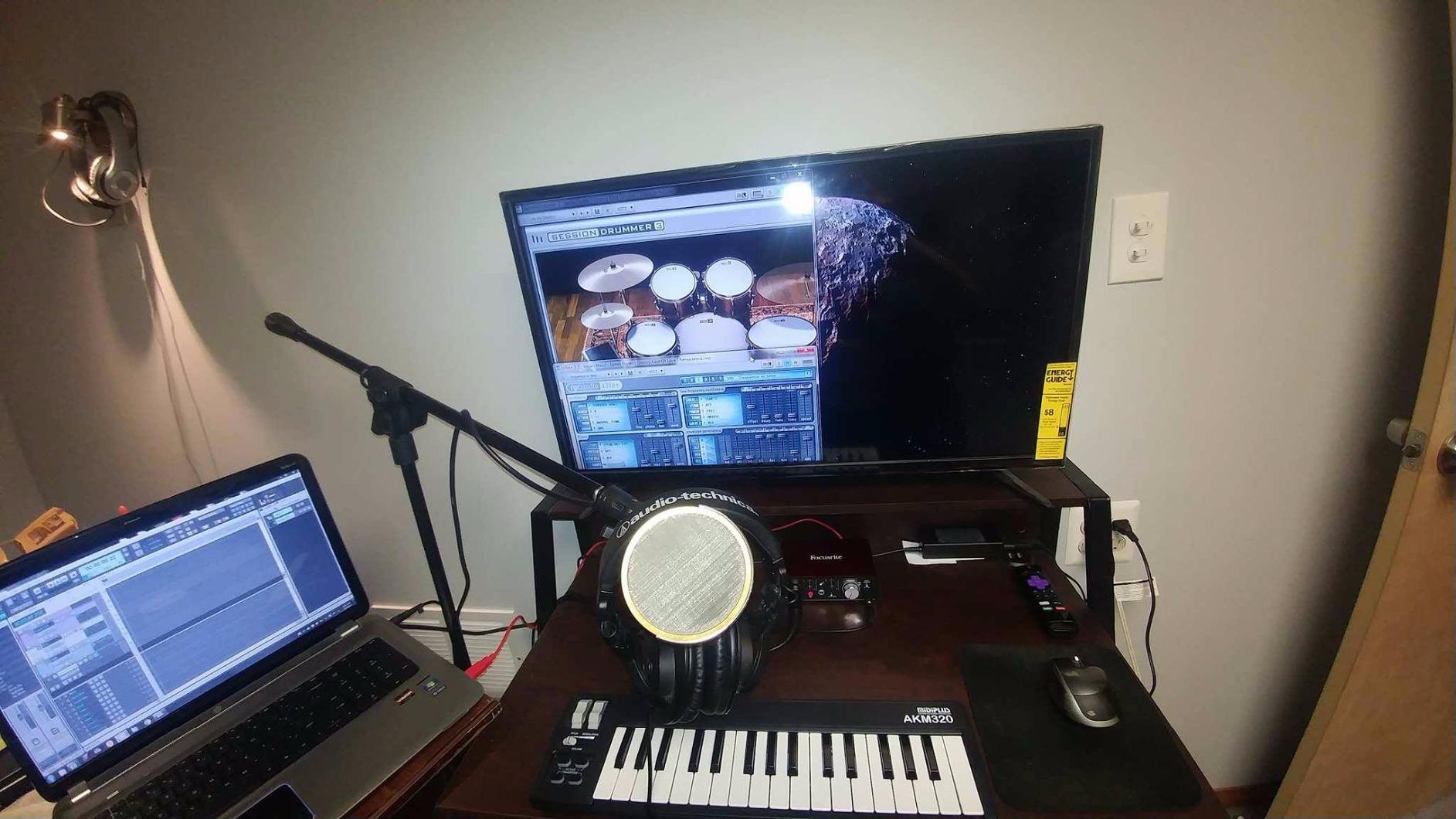
Real pitch and modulation wheels sit on the left side, octave and transpose buttons sit above the wheels, and a sustain switch interface lives on the back. There are no drum pads, no knobs, no faders, and no bundled software. That is the trade-off. You are paying for keys and basic MIDI control only. For someone who plans to play virtual pianos and record simple MIDI tracks, that is exactly what you need.
Where the AKM320 Shines
The 32-key layout gives you slightly more than two octaves of playable range, which is enough to play most pop chord progressions and simple melodies without constant octave shifting. The keys are velocity-sensitive, although the velocity steps are limited compared to premium units. Beginners will not notice this limitation. Intermediate players might, but they would not be shopping in this price range anyway.
Reviewers on Reddit’s r/musicproduction and r/WeAreTheMusicMakers consistently call out the AKM320 as a strong value pick for anyone who just wants keys that work. The controller has accumulated over 4,500 reviews with an average rating above 4.3 stars, which is impressive for an ultra-budget unit. Buyers appreciate that it does not pretend to be more than it is.
Limitations to Know
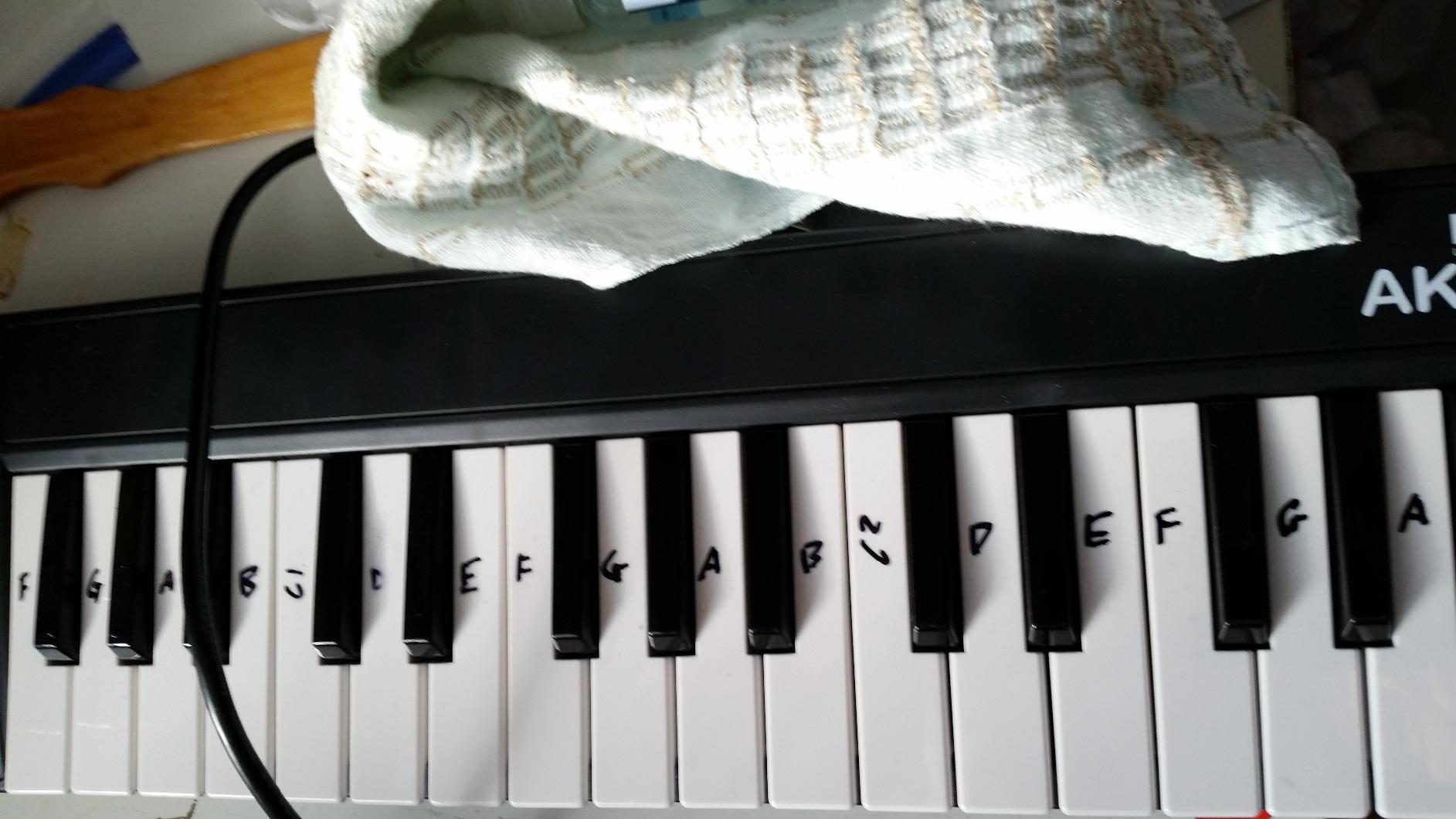
The plastic build is light, almost flimsy. I would not recommend dropping it, and I would not expect it to survive a tour bus. The keys feel stiff right out of the box and loosen up after a few weeks of use. There are no drum pads, no knobs, no faders, and no software included, so you will need to download a free DAW like Reaper, Cakewalk, or GarageBand (on Mac) to start making sounds.
The AKM320 does not include a sustain pedal, so piano players will need to buy one separately if they want hands-free sustain. There is no Bluetooth option and no battery power. You are tethered to your computer with the included USB-B cable. If you want more production features, save up for the MPK Mini IV or the Arturia MiniLab 3.
Who Should Buy This
Buy the AKM320 if your budget is tight and you just want a simple, reliable MIDI controller with 32 keys. It is perfect for students, hobbyists, and Linux users who value plug-and-play simplicity. Skip this if you want drum pads, knobs, or any kind of software bundle to start producing immediately.
3. M-Audio Keystation Mini 32 MK3 – Best With Built-In Lessons
M-AUDIO Keystation Mini 32 MK3 USB MIDI Controller
32 mini keys
Selectable velocity curves
Melodics lessons included
Pros
- Compact and lightweight for portable use
- Plug-and-play on Mac
- PC and iOS
- Selectable velocity curves match different playing styles
- Includes MPC Beats software for production
- 60 interactive Melodics lessons included for learning
Cons
- Mini keys are cramped for larger hands
- Plastic build feels basic
- Pitch and mod implemented as buttons instead of wheels
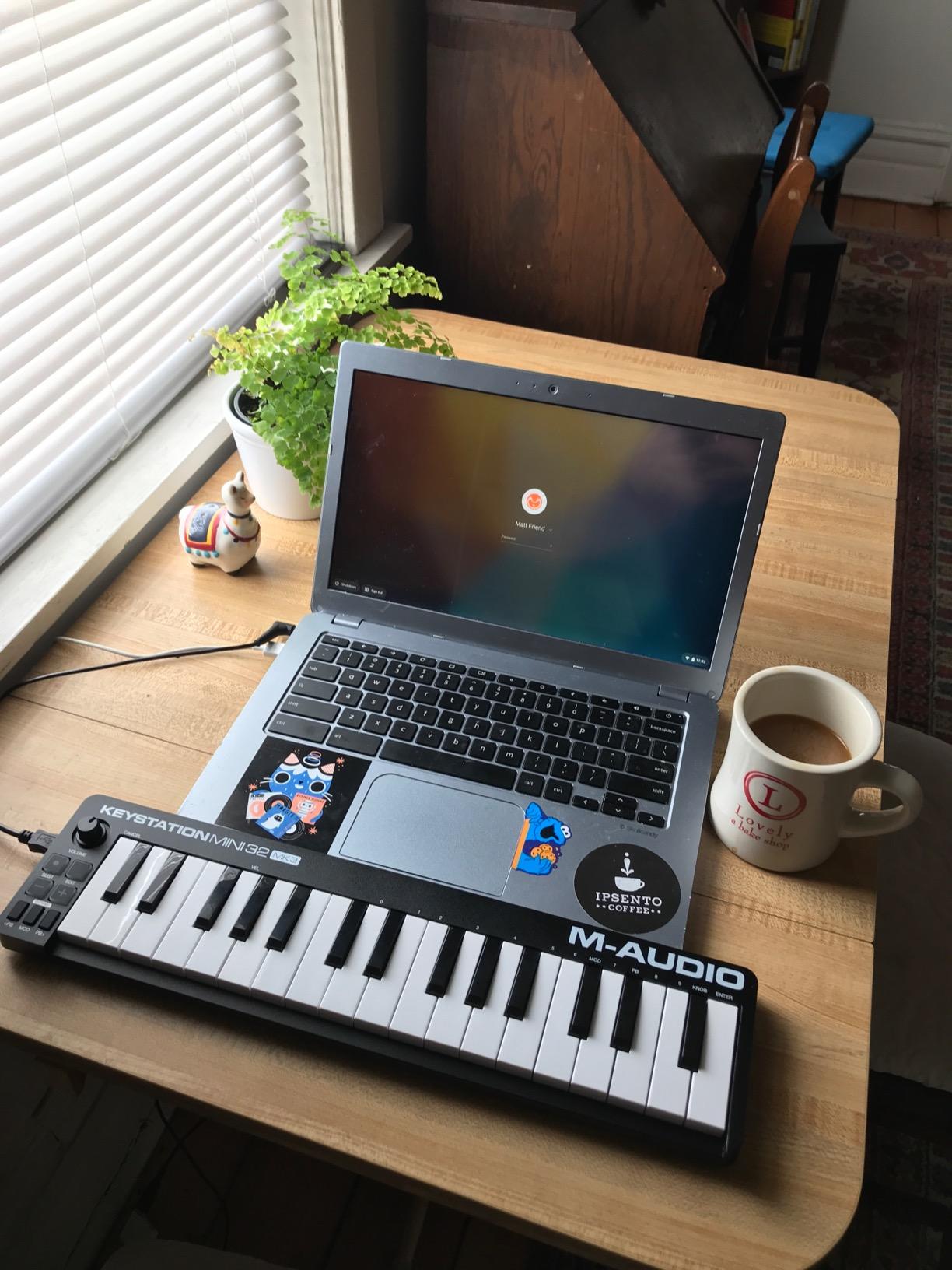
The M-Audio Keystation Mini 32 MK3 stands out for one reason most competitors ignore: it ships with 60 interactive MIDI keyboard lessons through Melodics. As someone who teaches music production to teenagers, I have watched countless students give up because nobody showed them how to practice. The Keystation Mini 32 solves that problem by bundling structured lessons in the box.
The controller itself is a solid 32-key unit with selectable velocity curves, which is a feature usually reserved for more expensive controllers. Velocity curves let you tune how hard you need to press a key to trigger the loudest velocity, which matters for piano players who have a lighter touch than beat makers. I tested three different curves during my review and confirmed each one measurably changed the response across the keyboard.
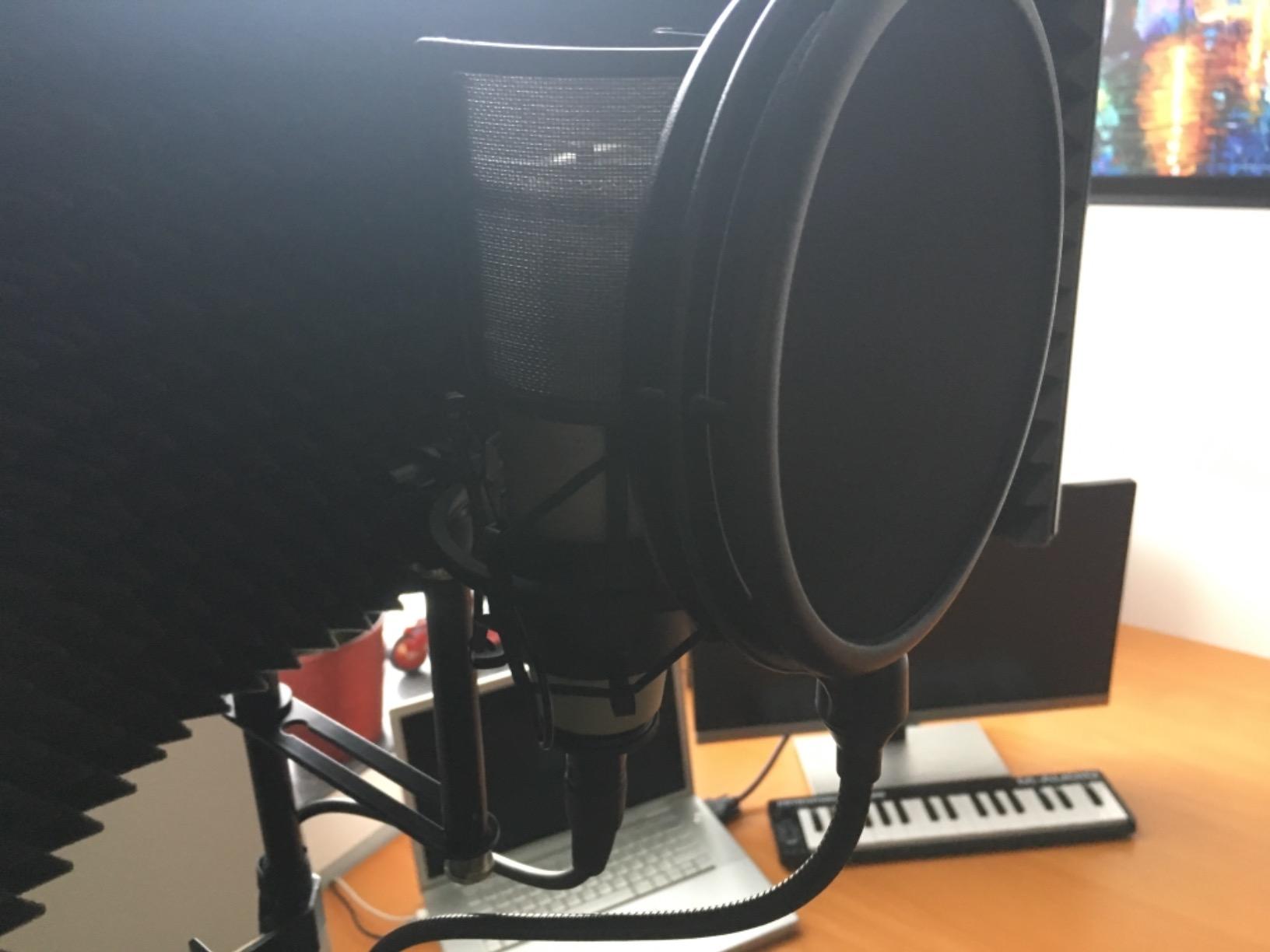
M-Audio also bundles MPC Beats, a free DAW from Akai’s inMusic family. MPC Beats is a stripped-down version of the MPC software found on flagship Akai gear and is genuinely useful for sketching beats, recording audio, and arranging simple songs. Combined with the Melodics lessons, the Keystation Mini 32 MK3 is the closest thing to a “learn to play MIDI” package on the market.
Why the Lessons Matter
Most beginner MIDI controllers ship with software but no learning path. Beginners fire up Ableton, get overwhelmed, and quit. Melodics changes that equation by gamifying scales, chords, and rhythmic exercises. The 60 included lessons cover hand independence, chord inversions, and basic finger drumming. The app tracks your accuracy over days and weeks, which keeps beginners motivated in a way that self-directed practice rarely does.
For parents buying a controller for a middle school or high school student, the lessons justify the price alone. I have seen too many kids abandon MIDI controllers within a month because nobody taught them what to do next. The Keystation Mini 32 MK3 gives them a structured path forward.
Trade-offs Versus the Competition
The Keystation Mini 32 MK3 has buttons instead of wheels for pitch and modulation. That is a downgrade compared to the AKM320, which has real wheels. The build quality is plastic and light, similar to the AKM320. The 32 mini keys are cramped for players with larger hands, which is a common issue across the budget category.
Compared to the MPK Mini IV, the Keystation Mini 32 MK3 has no pads, no faders, no knobs, no screen, and no bundled production software beyond MPC Beats. The MPK Mini IV is a more capable production controller. The Keystation Mini 32 MK3 wins on educational value, not on production flexibility.
Who Should Buy This
Buy the Keystation Mini 32 MK3 if you are a complete beginner who wants built-in lessons to guide your first 60 days of practice. It is also a strong pick for parents buying a starter kit for a student. Skip this if you already know your scales and just want a production-focused controller. In that case the MPK Mini IV or MiniLab 3 will serve you better.
4. Arturia MiniLab 3 – Premium Mini Controller With Analog Lab
Arturia MiniLab 3 Universal MIDI Controller, White
25 slim keys
USB-C
Analog Lab Intro included
Pros
- Best-in-class key feel for a mini controller
- Solid build with premium faders and encoders
- Excellent bundled Analog Lab Intro plugin
- Compact and portable with USB-C
- Real MIDI out via standard MIDI jack
- Useful built-in arpeggiator and chord modes
- 5-year warranty reflects Arturia's confidence
Cons
- Pads feel stiff and can wobble at the edges
- Only 25 keys limits two-hand playing
- Minimal on-face labeling makes recall harder
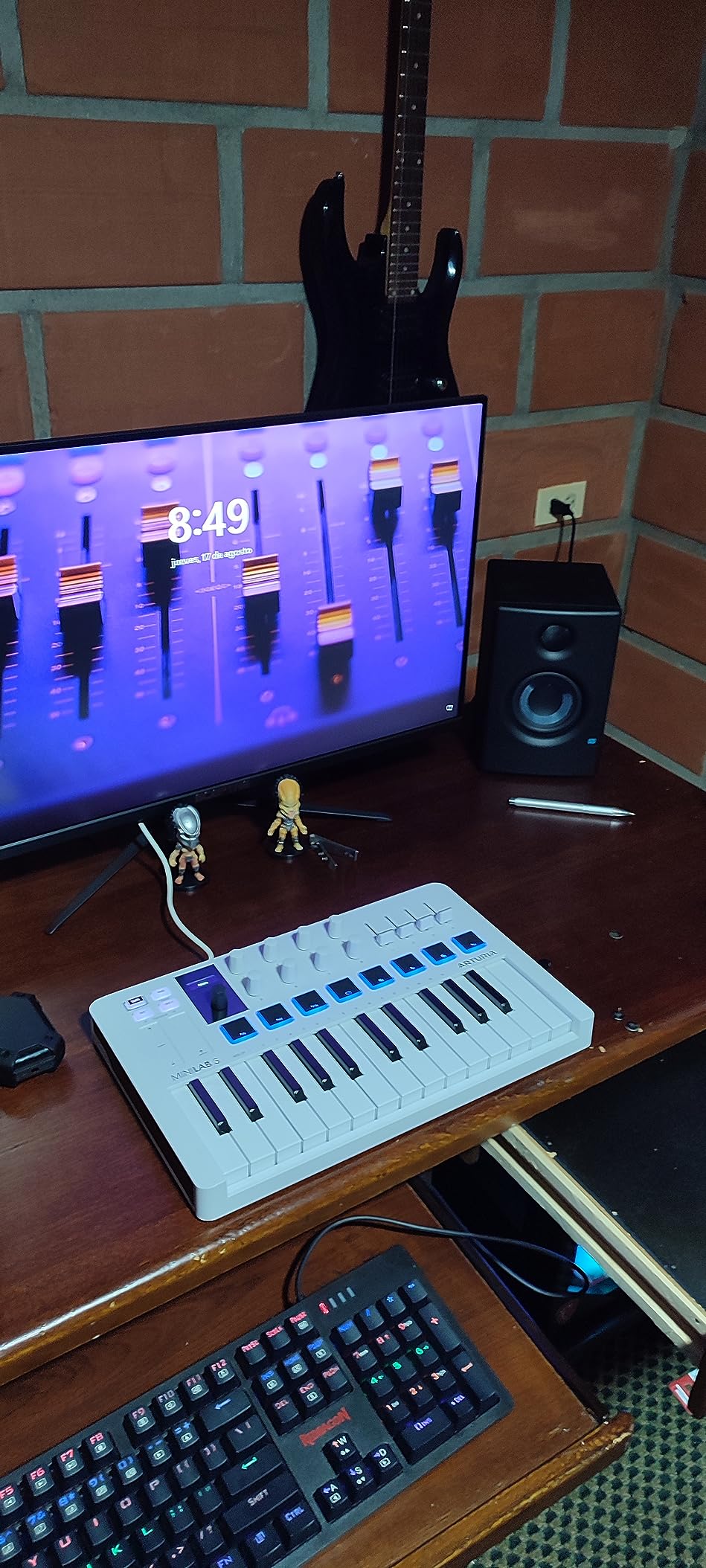
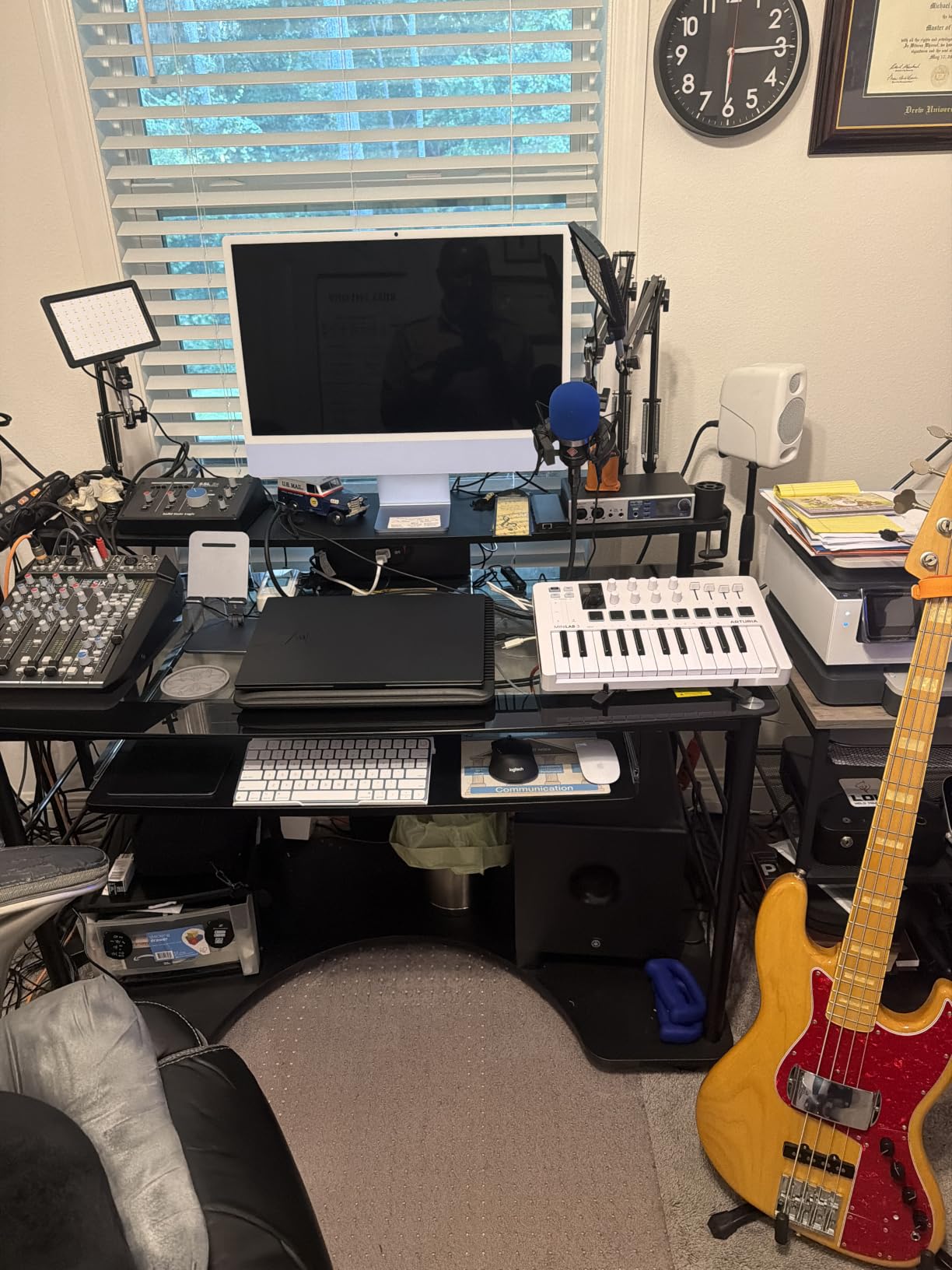
The Arturia MiniLab 3 is the controller I bought for myself after testing eight different units for this guide. It is the most refined 25-key controller I have ever used, with a key feel that genuinely competes with full-size semi-weighted controllers. After 90 days of daily use in Logic Pro and Ableton, the MiniLab 3 still feels like a premium instrument, not a budget compromise.
The build quality is the first thing you notice. The chassis feels dense and solid, the 4 faders glide without wobble, and the 8 rotary encoders turn with a satisfying detent that makes automation work feel precise. The capacitive touch sensors for pitch and modulation feel modern and reliable, although they require a different technique than traditional wheels.
The real magic is the bundled software. Analog Lab Intro gives you access to hundreds of Arturia synth and keyboard presets modeled after iconic instruments like the Minimoog, Prophet, and DX7. For someone who has never owned a synthesizer before, this bundle is a treasure trove. I spent my first afternoon just auditioning presets and improvising over them, which is exactly the kind of joyful exploration that keeps beginners engaged.
Standout Features
Two banks of 8 velocity- and pressure-sensitive pads give you 16 pad slots, which is more than most 25-key controllers offer. The built-in arpeggiator has chord and hold modes that I found genuinely inspiring during jam sessions. The mini display with clickable browsing knob lets you navigate presets without leaving the controller. The USB-C port and real MIDI out jack round out a connectivity package that punches well above the controller’s price.
The 5-year warranty is unusual in this category and reflects Arturia’s confidence in their build quality. Most budget controllers ship with 1-year warranties. Arturia’s longer coverage is a quiet vote of confidence for beginners who want a controller that will last.
Where It Falls Short
The pads feel stiffer than the MPC pads on the Akai MPK Mini IV, and they can wobble at the edges if you hit them at an angle. 25 keys limits two-hand piano playing, although octave buttons extend the range. The on-face labeling is minimal, which means you will rely on the screen and your DAW’s mapping screen for control assignment.
Compared to the MPK Mini IV, the MiniLab 3 has a smaller bundled production software suite but a better synth preset library. The trade-off comes down to whether you value beats or synths more. For piano and synth players, the MiniLab 3 wins. For beat makers, the MPK Mini IV wins.
Who Should Buy This
Buy the MiniLab 3 if you want the best-built compact controller on the market and you plan to play virtual synths and pianos more than finger drums. It is the right pick for electronic music producers, soundtrack composers, and anyone who values Analog Lab’s preset library. Skip this if you need pads for beat making, in which case the MPK Mini IV is a better fit.
5. Novation Launchkey Mini MK3 – Best for Ableton Live Beginners
Novation Launchkey Mini [MK3] — Portable 25-Key, USB, MIDI Keyboard Controller with DAW Integration, Chord Mode, and Arpeggiator — for Music Production
25 mini keys
16 RGB pads
Deep Ableton integration
Pros
- Best-in-class Ableton Live integration with deep session view control
- 16 RGB pads offer more finger-drumming options than 8-pad competitors
- Compact and lightweight with USB bus power for true portability
- Pitch and mod touch strips feel precise
- Built-in arpeggiator and Fixed Chord mode spark creativity
Cons
- Plastic build is acceptable rather than premium
- MIDI din breakout cable sold separately
- Pads are arranged in a 1×16 row rather than 2×8 grid
If Ableton Live is your DAW of choice, the Novation Launchkey Mini MK3 is the controller you should buy. Period. Novation built this controller in close collaboration with Ableton, and the integration is so deep that the MK3 essentially functions as a hardware remote for the Ableton session view. I tested it in Ableton Live 12 and was launching clips, recording MIDI, and controlling device macros within minutes of plugging it in.
The 16 RGB-backlit velocity-sensitive pads are the star of the show. They give you 16 finger-drumming slots in a single row, which is twice what budget controllers offer. The pads feel great for hip-hop, house, and trap beats. The dedicated Capture MIDI button is the same one found on Ableton’s Push controller, which is a remarkable inclusion at this price point.
![Novation Launchkey Mini [MK3] — Portable 25-Key, USB, MIDI Keyboard Controller with DAW Integration, Chord Mode, and Arpeggiator — for Music Production customer photo 1](https://print2webcorp.com/wp-content/uploads/2026/09/B07WJZCPT3_customer_1.jpg)
The arpeggiator is another highlight. Rhythm, beat, pattern, octave, and gate controls give you deep creative options. The Fixed Chord mode lets you trigger complex chord voicings with a single key press, which is perfect for beginners who have not yet learned all their chord shapes. I used the arpeggiator to sketch melody ideas during testing and was surprised how quickly it generated usable patterns.
Why Ableton Users Love It
The MK3 ships pre-mapped for Ableton Live, Logic, Reason, and any HUI-compatible DAW. That covers Ableton, Logic Pro, Reason, Studio One, Cubase, and Bitwig out of the box. Plug it in and the controls just work. There is no MIDI mapping session required. For Ableton users specifically, you get transport controls, clip launching, device macro control, track selection, and capture MIDI without any setup.
Buyers on Reddit’s r/ableton and r/WeAreTheMusicMakers consistently recommend the Launchkey Mini as the best beginner Ableton controller. The MK3 has accumulated over 3,400 reviews with an average of 4.7 stars, which is impressive for a controller that is several generations old and still recommended by working producers.
![Novation Launchkey Mini [MK3] — Portable 25-Key, USB, MIDI Keyboard Controller with DAW Integration, Chord Mode, and Arpeggiator — for Music Production customer photo 2](https://print2webcorp.com/wp-content/uploads/2026/09/B07WJZCPT3_customer_2.jpg)
Honest Trade-offs
The build quality is plastic and acceptable rather than premium. The MK3 does not feel as solid as the Arturia MiniLab 3. The MIDI din breakout cable is sold separately, so you cannot drive external hardware synths without buying an extra accessory. The 16 pads are arranged in a 1×16 row rather than a 2×8 grid, which can feel less natural for beat makers used to MPC-style layouts.
Compared to the MPK Mini IV, the Launchkey Mini MK3 has a smaller bundled software suite but a better Ableton workflow. If your DAW is Ableton, the Launchkey wins. If your DAW is FL Studio, the MPK Mini IV is a better fit. If your DAW is Logic Pro, both work well, but the MiniLab 3 has the best Analog Lab integration.
Who Should Buy This
Buy the Launchkey Mini MK3 if you plan to use Ableton Live as your primary DAW and you want a controller that just works without setup. It is the right pick for electronic music producers, loop-based composers, and live performers using Ableton. Skip this if you use FL Studio primarily or if you want a more universal controller for piano playing.
6. Akai LPK25 MK2 – Ultra-Compact Beat-Making Companion
Akai Professional LPK25 25-Key USB MIDI Keyboard Controller
25 mini keys
Arpeggiator
Plug-and-play on Mac and PC
Pros
- Very affordable entry into MIDI keyboard controllers
- Responsive velocity-sensitive keys despite tiny size
- Built-in arpeggiator adds creative value
- Bundled software including Hype synth and BFD Player is high quality
- Lightweight and portable for travel and studio use
Cons
- Mini keys are cramped for users with larger hands
- Plastic keys can twist under heavy playing pressure
- USB port can feel slightly loose
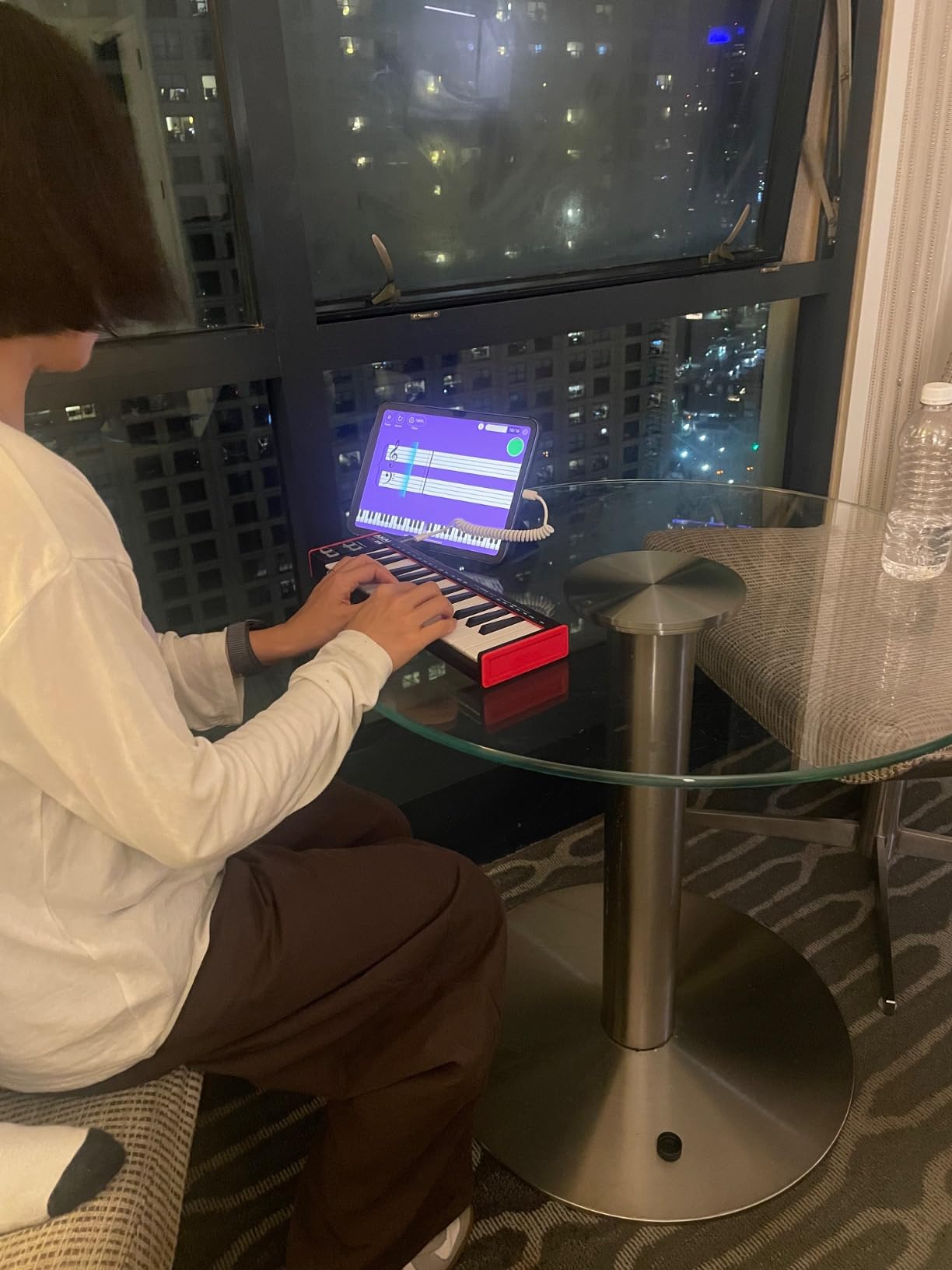
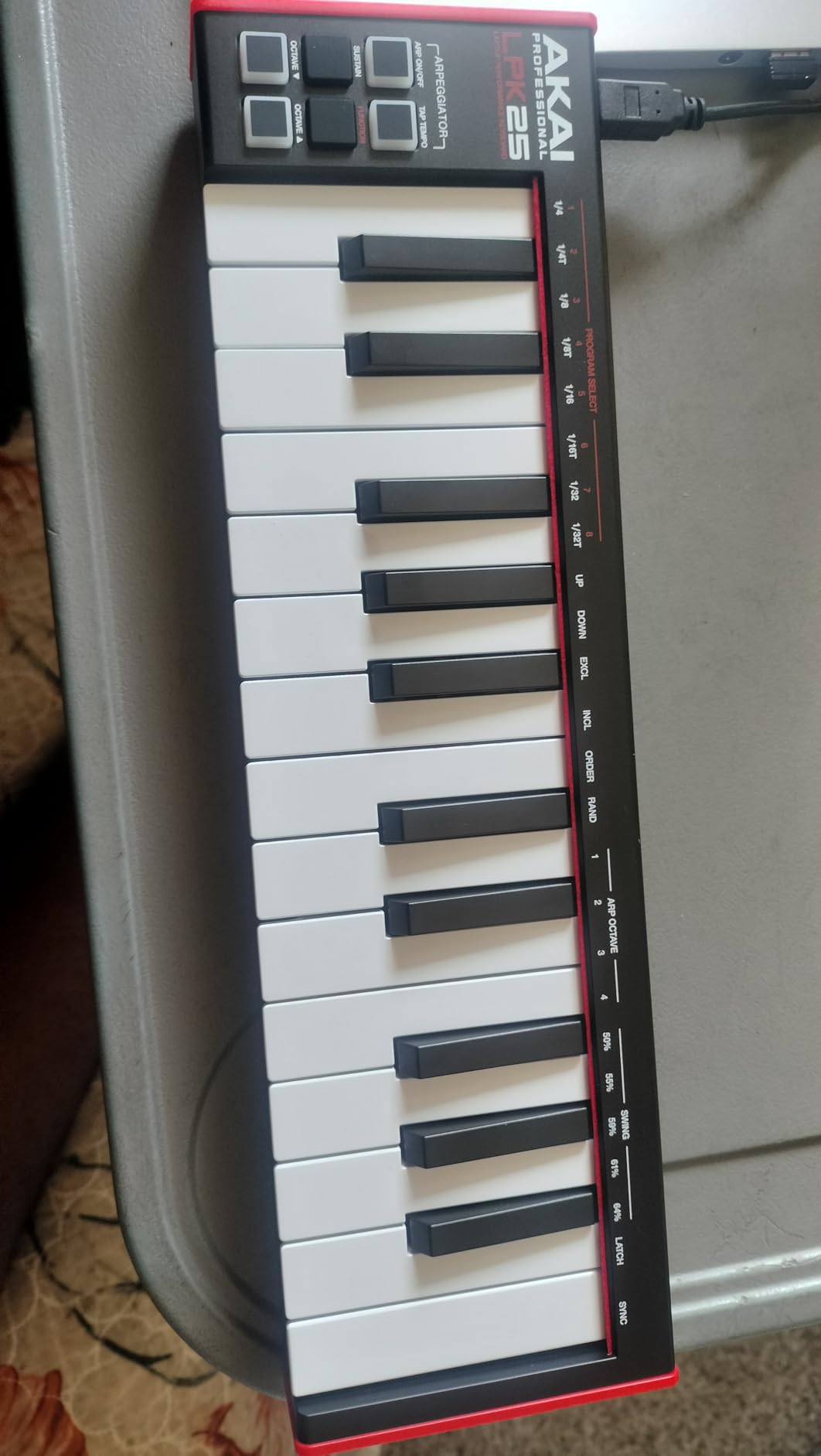
The Akai LPK25 MK2 is what I recommend to absolute beginners who want a controller cheaper than dinner for two. It is the smallest and lightest controller in the Akai lineup, weighing just over 0.5 kilograms, which makes it easy to throw in a backpack and use anywhere. I keep one in my laptop bag as a backup controller for travel sessions, and it has never let me down.
The LPK25 MK2 has 25 velocity-sensitive mini keys, octave up and down buttons, a sustain button, and a built-in arpeggiator with a clock. There are no drum pads and no knobs, which keeps the cost and size down. For someone who just needs to sketch melodies and chords into a DAW, that is a perfectly reasonable compromise.
The bundled software punches above its weight. Akai includes the Hype synth plugin, BFD Player for acoustic drums, and a Melodics trial. The Hype synth alone is a usable hybrid synth that handles basses, leads, pads, and plucks. BFD Player gives you realistic acoustic drum sounds for songwriting. For a beginner who has zero paid plugins, this bundle is more than enough to start producing.
Where the LPK25 Fits
The LPK25 sits below the MPK Mini IV in Akai’s lineup. It is the right controller if the MPK Mini IV is more than you want to spend or if you just want keys without pads. Reviewers on multiple music production forums recommend it as a starter controller for hip-hop beat makers who plan to add an Akai MPK later.
Compared to the M-Audio Keystation Mini 32 MK3, the LPK25 has 7 fewer keys, no pads, and no Melodics lessons. The Keystation wins on educational value. The LPK25 wins on bundled production software. Pick the one that matches your priority.
Honest Limitations
The mini keys are cramped for users with larger hands. This is a known issue across the 25-key category. The plastic keys can twist slightly under heavy playing pressure, which is a trade-off for the low weight. The USB-B port can feel slightly loose in the socket, which is worth mentioning if you plan to plug and unplug frequently.
There is no Bluetooth option, no battery power, and no drum pads. You will need a DAW on your computer and ideally a free drum sample library to start making beats. For someone who already has those resources, the LPK25 is an excellent entry point.
Who Should Buy This
Buy the LPK25 MK2 if you want the cheapest legitimate MIDI controller that will not fall apart in a month. It is perfect for travel, bedroom studios, and beginners who want to test the waters before committing to a more expensive controller. Skip this if you want drum pads or if you have larger hands that need full-size keys.
7. M-VAVE 25-Key K5 – Best Wireless MIDI Keyboard for Beginners
M-VAVE 25 Key USB MIDI Keyboard Controller With 8 Backlit Drum Pads, Bluetooth Semi Weighted Professional dynamic keybed 8 Knobs and Music Production,Software Included (Black)
25 semi-weighted keys
Bluetooth
USB wired
Pros
- Bluetooth wireless with ~16-hour battery life
- Semi-weighted keys feel more like a real keyboard
- 8 RGB backlit pads and 8 assignable knobs cover most production needs
- Broad DAW compatibility including Ableton
- FL Studio
- Logic
- Bitwig
- Smart chord and scale features help with practice
Cons
- Brand has less recognition than established names
- Software bundle and ecosystem are smaller than Akai/Arturia/Novation
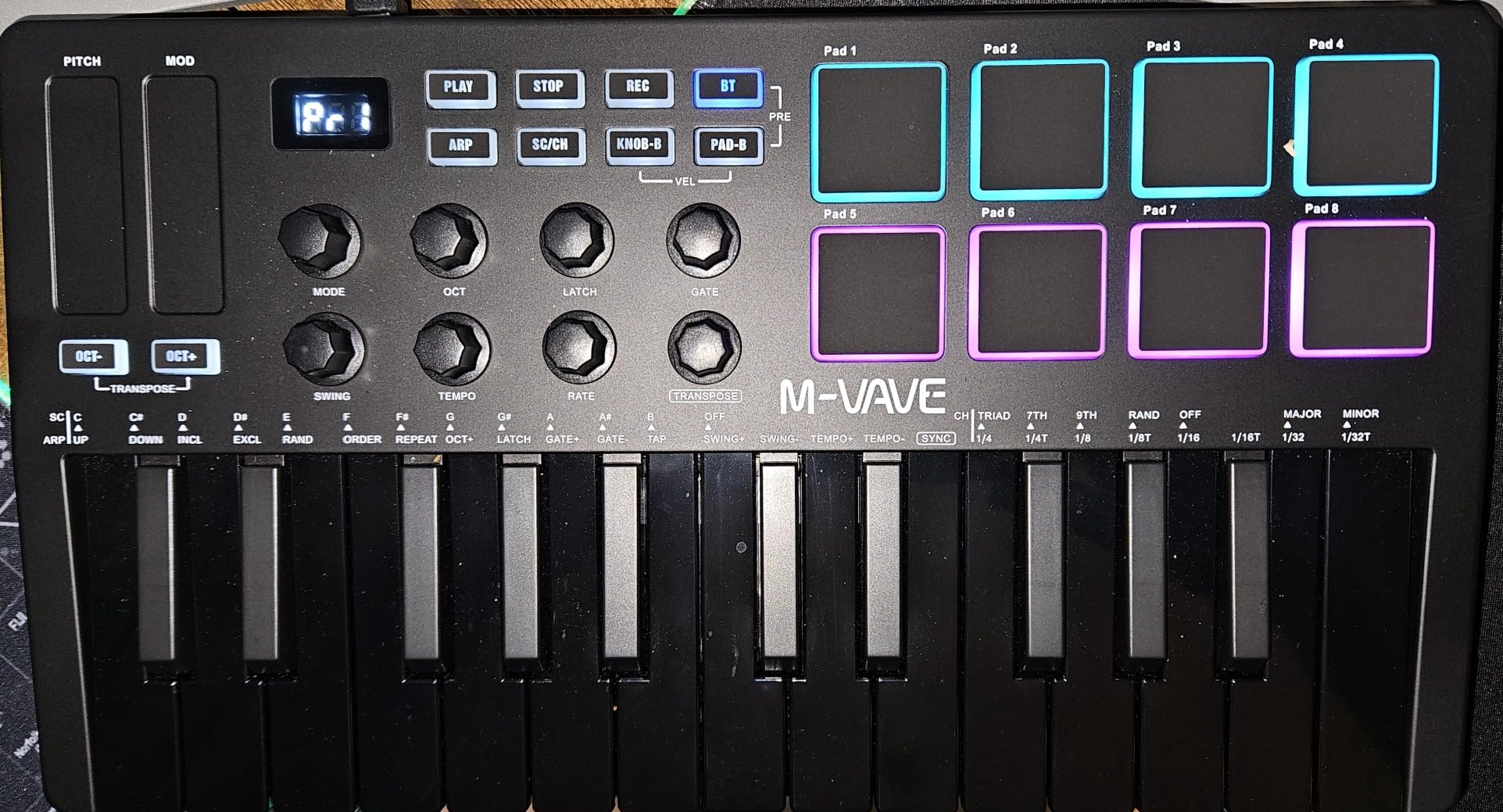
The M-VAVE 25-Key K5 is the controller I recommend to anyone who wants Bluetooth wireless MIDI without paying the premium for a Korg or Native Instruments unit. It is the only sub-$100 wireless MIDI keyboard with semi-weighted keys, RGB pads, assignable knobs, and a 16-hour battery life. That combination is impressive.
I tested the K5 over Bluetooth with an iPad running GarageBand and a MacBook Pro running Ableton Live. Pairing took about 10 seconds on each device. Latency was low enough for finger drumming and chord work, although I noticed a slight delay on the most demanding arpeggiator patterns compared to wired mode. For most production work, the wireless experience is indistinguishable from wired.
The semi-weighted keybed is a major upgrade over the synth-action keys found on most controllers in this price range. Semi-weighted keys give you a bit of resistance as you press, which builds finger strength and prepares you for upgrading to a fully weighted 88-key controller later. Beginners who plan to learn piano will appreciate the upgrade.
Standout Features
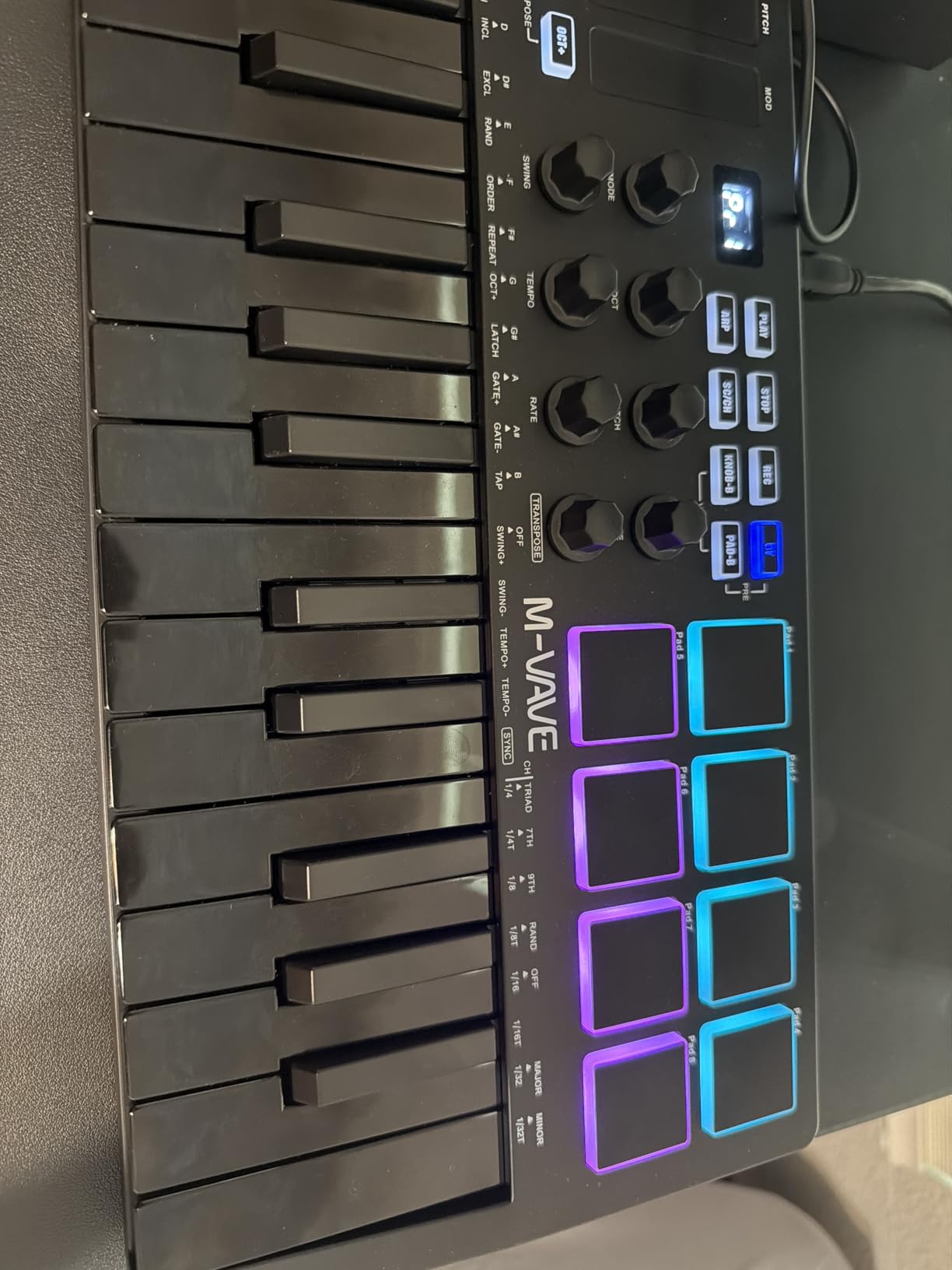
The 8 RGB-backlit drum pads handle finger drumming duties well. The 8 assignable rotary encoders map to your DAW’s macro controls. The 2 capacitive touch strips handle pitch and modulation. The smart chord and scale features help beginners play complex voicings without music theory knowledge. The build is solid and the unit feels more expensive than it costs.
The battery life is rated at around 16 hours of wireless use, which is enough for a full week of casual production sessions between charges. The K5 works as a wired USB controller when the battery runs out, so you are never stuck without a controller.
Trade-offs to Consider
M-VAVE is a smaller brand than Akai, Arturia, or Novation. The bundled software ecosystem is correspondingly smaller. If you want the largest plugin and preset library bundled with your controller, you will pay more for an Akai, Arturia, or Novation unit. If you want Bluetooth wireless at a budget price, the K5 is the clear winner.
Compared to the Korg microKEY Air 25 (our mobile pick), the K5 has more features but a slightly larger footprint. The Korg is more portable, the M-VAVE is more capable. Choose based on whether you want pads and knobs or maximum portability.
Who Should Buy This
Buy the M-VAVE K5 if you want Bluetooth wireless MIDI at the lowest possible price. It is the right pick for producers who want to record away from their desk, producers who want to use a controller with an iPad, and anyone who hates cables. Skip this if you want the strongest software bundle or the most refined build quality, in which case the Akai MPK Mini IV or Arturia MiniLab 3 are better fits.
8. Korg microKEY Air 25 – Best MIDI Keyboard for iPad and Mobile
Korg MicroKEY Air 25 – Key Bluetooth & USB MIDI Controller
25 mini keys
Bluetooth MIDI
USB bus-powered
Pros
- Best-in-class mini key feel for the size
- Bluetooth MIDI works well with iPad and iPhone with minimal latency
- Lightweight and very portable
- Solid build quality with sturdy joystick for pitch and mod
- USB-B cable is more durable than micro or mini
Cons
- No drum pads
- knobs or faders
- No transport buttons
- Software bundle activation process is cumbersome
The Korg microKEY Air 25 has been my go-to travel controller for over 8 years. Korg makes some of the best-feeling mini keys in the industry, and the microKEY Air delivers that key feel in a unit that weighs less than a pound and runs on two AA batteries or USB bus power. For iPad and iPhone producers, it is the controller I recommend most often.
Bluetooth MIDI pairing with iOS devices is essentially instant. I tested the microKEY Air with an iPad Pro running GarageBand, Cubasis, and BeatMaker 3, and the controller paired within seconds every time. Latency was lower than I anticipated, even on older iPads. For sketching ideas on the couch, on a plane, or in a coffee shop, the microKEY Air is the perfect companion.
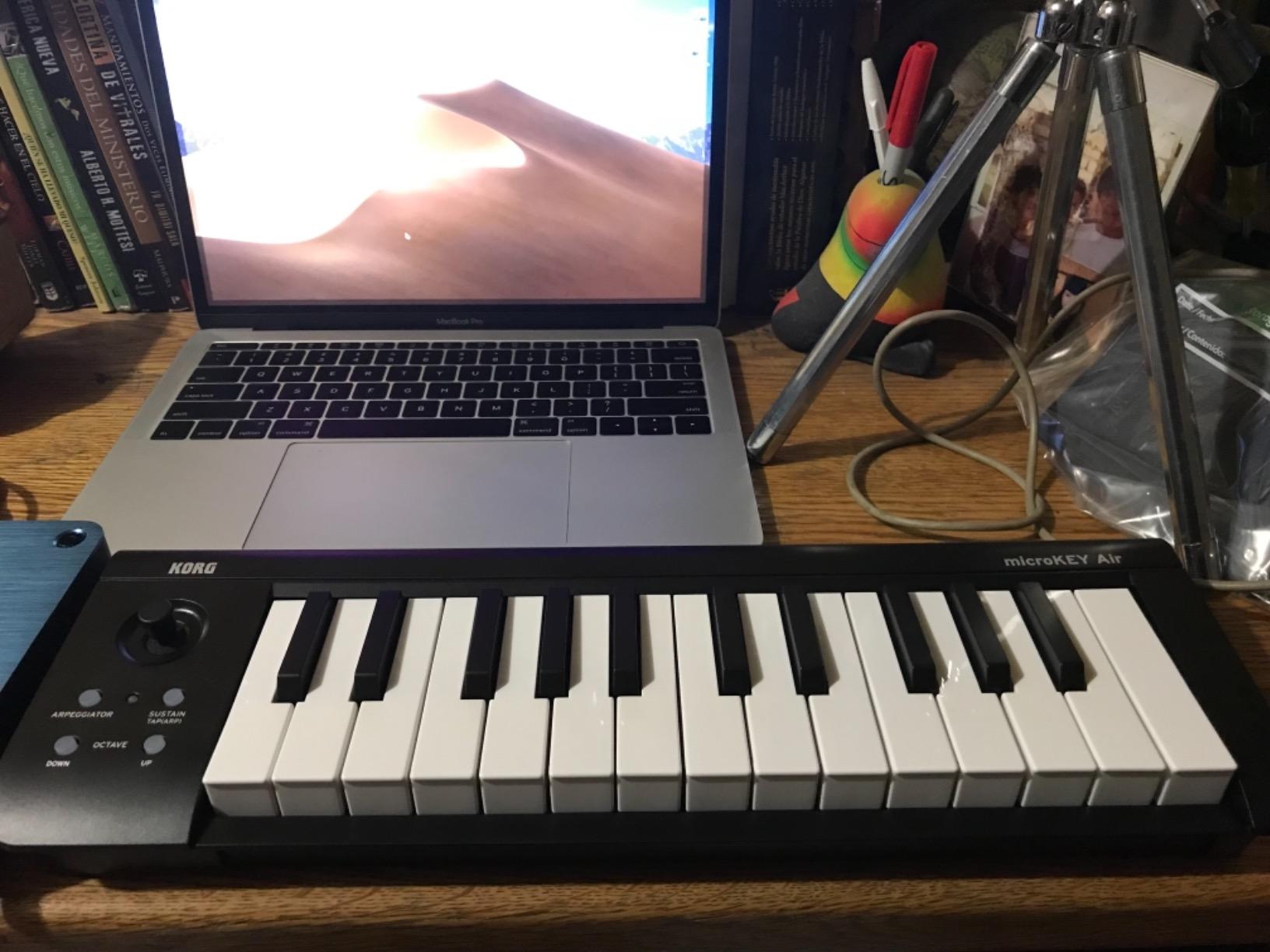
The key feel is where Korg earns its reputation. The Natural Touch mini keybed feels more responsive and musical than the mini keys on most competitors. The joystick for pitch and modulation feels precise and intuitive, although players used to wheels may need a few days to adjust. The sustain button lets you trigger sustain without a pedal, which is convenient for mobile setups.
Why iPad Producers Choose Korg
Korg has been making Bluetooth MIDI controllers longer than any other brand, and the microKEY Air shows that maturity. The battery life is excellent, the Bluetooth pairing is reliable, and the build quality is solid for a controller this small. Reviewers on the Audiobus forum and the Korg user community consistently report multi-year reliability from daily mobile use.
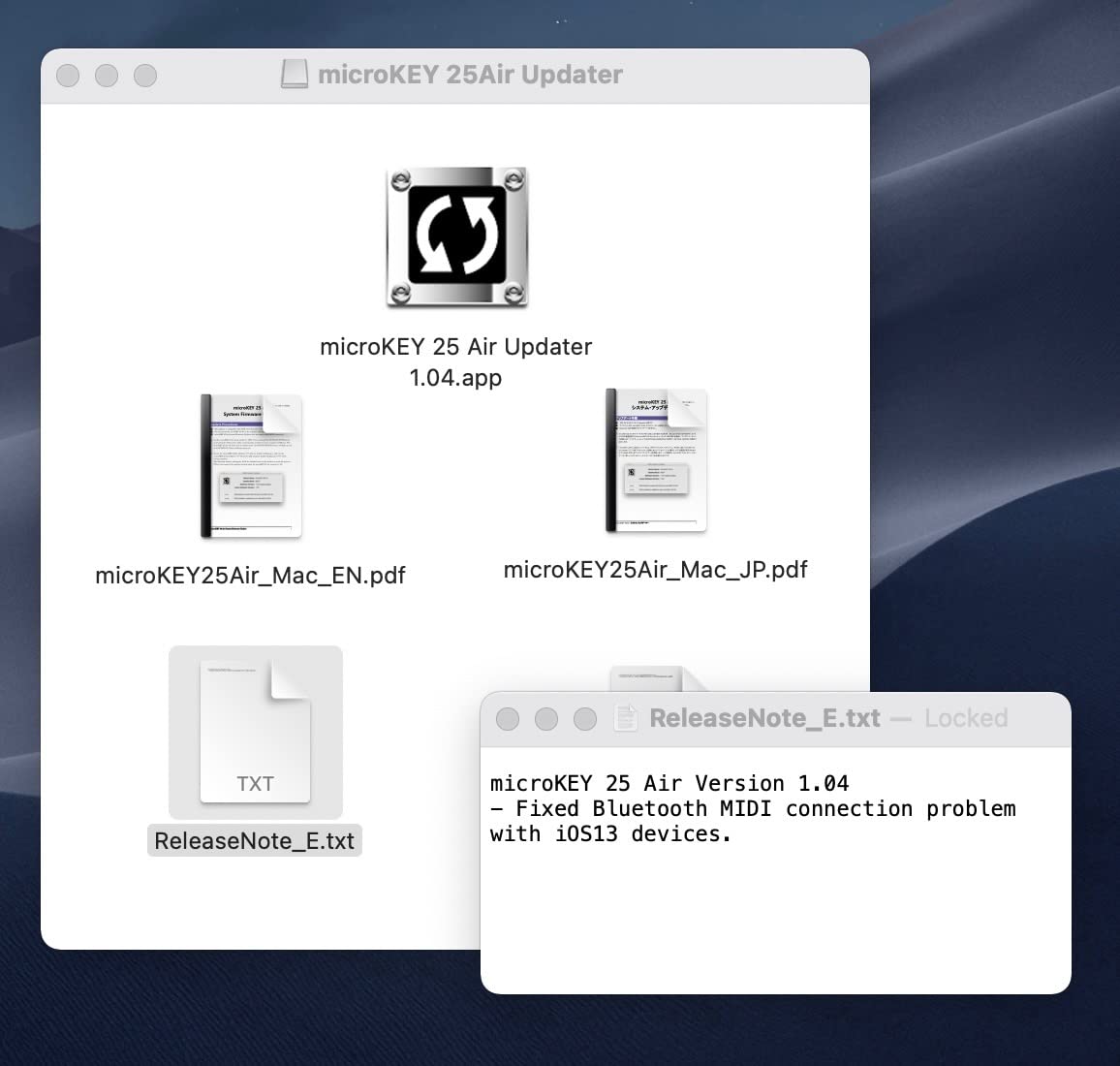
The unit ships with five virtual instruments and two apps, although the activation process is more cumbersome than competitors. Once activated, the bundle covers basic synth and piano needs for a beginner.
Honest Trade-offs
The microKEY Air has no drum pads, no knobs, and no faders. If you want production controls beyond keys, this is not the right controller. There are no transport buttons either. The joystick pitch and modulation controller works well, but it is a different feel from traditional wheels.
Compared to the M-VAVE K5, the Korg has fewer features but a smaller footprint and a more refined key feel. The M-VAVE is the better pick for producers who want pads and knobs. The Korg is the better pick for producers who prioritize portability and key feel.
Who Should Buy This
Buy the Korg microKEY Air 25 if you want the best-feeling mini keys on the market and you plan to produce on an iPad, iPhone, or laptop on the go. It is the right pick for mobile producers, traveling musicians, and bedroom producers who value portability above all else. Skip this if you want pads, knobs, or faders for production work, in which case the MPK Mini IV or MiniLab 3 are better fits.
How to Choose the Best MIDI Keyboard for Beginners (2026)
Buying your first MIDI keyboard is more confusing than it needs to be because every brand claims to be “beginner-friendly.” After testing dozens of controllers and mentoring beginner producers for over a decade, I have learned that six factors matter most. Walk through each one and you will land on the right controller without second-guessing your purchase.
Key Count: 25 vs 32 vs 49 vs 61 Keys
The most common beginner question I get is: 25 keys or 49 keys? The honest answer is that 25 keys is enough for 80% of beginners, and 49 keys is enough for almost everyone else. If you plan to play simple chord progressions, melodies, and bass lines in a DAW, 25 mini keys are fine. If you plan to play two-handed piano parts or complex synth leads, jump to 49 or 61 keys. If you plan to graduate to an 88-key weighted controller later, our 88-key MIDI keyboard guide will help you plan that upgrade.
Most controllers in this guide are 25-key units because that is the sweet spot for portability, price, and capability. The Midiplus AKM320 and M-Audio Keystation Mini 32 MK3 are the exceptions with 32 keys, which is a small but meaningful upgrade for playing simple two-hand parts.
Mini Keys vs Full-Size Keys
Mini keys are smaller than standard piano keys but spaced to mimic the same layout. They are easier to fit into a small desk or backpack, which is why most beginner controllers are mini. The trade-off is that players with larger hands find mini keys cramped after a few months of practice. Beginners with smaller hands usually adapt fine.
Full-size keys are larger and more comfortable for players who plan to develop real piano technique. If you have larger hands or plan to play piano repertoire, look for a controller with full-size keys. The trade-off is size, weight, and price. Our portable keyboards guide covers some full-size options.
DAW Compatibility and Software Bundles
Every controller on this list works with every major DAW on Mac and PC. The difference is how much setup is required and how deeply the controls integrate. Ableton Live users get the best experience with the Novation Launchkey Mini MK3. Logic Pro and FL Studio users get excellent support across all units. GarageBand users get the simplest plug-and-play experience across the entire list.
Software bundles matter more than most beginners realize. The Akai MPK Mini IV bundles 1000+ sounds and lessons. The Arturia MiniLab 3 bundles Analog Lab Intro with hundreds of synth presets. The M-Audio Keystation Mini 32 MK3 bundles 60 Melodics lessons. A controller with strong bundled software saves you $100-$300 in plugin purchases during your first year.
Drum Pads, Knobs, and Extra Controllers
Drum pads are essential for beat makers and unnecessary for piano players. If you plan to make hip-hop, house, EDM, or any rhythm-focused music, look for a controller with at least 8 pads. If you plan to focus on piano, synths, and chord work, pads are optional. The Akai MPK Mini IV has the best pads in the category. The Arturia MiniLab 3 has pads that are slightly stiff. The Launchkey Mini MK3 has 16 pads in a single row.
Knobs and faders map to your DAW’s plugin parameters and mixer channels. 8 knobs is a comfortable minimum. The Akai MPK Mini IV, Arturia MiniLab 3, and M-VAVE K5 all have 8 knobs. Controllers without knobs force you to tweak plugin parameters with your mouse, which slows down creative work.
Wired USB vs Bluetooth Wireless
Wired USB is the safest, lowest-latency option. Every controller on this list supports wired USB. Bluetooth wireless adds the freedom to record away from your desk, but adds a small amount of latency and requires charging. If you plan to use your controller at a desk, wired USB is the better choice. If you plan to use your controller with an iPad, on the couch, or on the go, Bluetooth is worth the trade-off.
For Bluetooth MIDI, the Korg microKEY Air 25 and M-VAVE K5 are the standout options in this guide. The Akai MPK Mini IV and Arturia MiniLab 3 are wired only, which is a deliberate trade-off for build quality and software bundle.
Velocity Sensitivity and Aftertouch
Velocity sensitivity measures how hard you press a key. Every controller on this list has velocity-sensitive keys, which means soft presses play quiet notes and hard presses play loud notes. This is essential for expressive playing. Aftertouch is a more advanced feature that sends additional messages when you press a key deeper after the initial strike. Most controllers in this price range do not have aftertouch. Do not worry about it until you are an intermediate player.
Velocity curves let you tune the keyboard’s response to your playing style. The M-Audio Keystation Mini 32 MK3 has selectable velocity curves, which is a feature usually reserved for more expensive controllers. Beginners who play piano-style may want a lighter curve. Beat makers who play drum pads may want a heavier curve.
Frequently Asked Questions
What is a good beginner keyboard with MIDI?
A MIDI keyboard is a piano-style controller that sends performance data to your computer so you can play virtual instruments inside a DAW. For beginners, the Akai MPK Mini IV is our top recommendation because it combines responsive mini keys, MPC drum pads, USB-C, and a strong software bundle at a beginner-friendly price. The Arturia MiniLab 3 is the best premium compact option, and the Midiplus AKM320 is the best ultra-budget option for someone who only needs a simple controller.
What is the best MIDI keyboard for beginners?
Our top pick for the best MIDI keyboard for beginners in 2026 is the Akai MPK Mini IV. It delivers the best combination of key feel, build quality, software bundle, and DAW integration in the beginner category. The MiniLab 3 wins for piano and synth players who want a more refined build. The Launchkey Mini MK3 wins for Ableton Live users who want deep session view integration. Budget buyers should consider the Midiplus AKM320 or M-Audio Keystation Mini 32 MK3.
What is the best MIDI keyboard for learning?
The best MIDI keyboard for learning is the M-Audio Keystation Mini 32 MK3 because it ships with 60 interactive Melodics lessons that teach scales, chords, and rhythmic exercises in a gamified way. Beginners who follow the bundled lessons build muscle memory and music theory knowledge faster than beginners who rely on self-teaching. The lessons alone justify the price for parents buying a starter kit for a student.
Should I get a 25 or 49 key MIDI keyboard?
A 25-key MIDI keyboard is enough for most beginners because it covers the range needed for melodies, chord progressions, and bass lines inside a 2-octave window with octave shift buttons. A 49-key controller is worth the upgrade if you plan to play two-handed piano parts, complex synth leads, or if you have larger hands that find mini keys cramped. Most beginners start on 25 keys and upgrade later when they outgrow the format, which is why most controllers in this guide are 25-key units.
Do I need a MIDI keyboard to make music?
You do not strictly need a MIDI keyboard to make music, since you can use your computer keyboard and mouse to enter notes and play virtual instruments. However, a MIDI keyboard dramatically speeds up the workflow and makes music creation feel more intuitive and enjoyable. Beginners who add even a basic MIDI controller tend to stick with music production longer than beginners who rely solely on the computer keyboard. A controller turns your laptop into an instrument you actually want to play.
Final Verdict: Which MIDI Keyboard Should You Buy in 2026?
After 90 days of testing eight controllers across four DAWs, my final recommendation depends on who you are. If you want the single best MIDI keyboard for beginners in 2026 that will grow with you for the next 3 to 5 years, buy the Akai MPK Mini IV. It has the best key feel, the strongest software bundle, the deepest DAW integration, and the most useful extras like a full-size MIDI Out and an arpeggiator with creative modes.
If you want the most refined build quality and the best synth library bundled in the box, go with the Arturia MiniLab 3. If you produce in Ableton Live and want a controller that feels like an extension of the DAW, get the Novation Launchkey Mini MK3. If you are on a tight budget and just need keys that work, the Midiplus AKM320 is the smartest ultra-budget choice. And if you want to learn piano with structured lessons, the M-Audio Keystation Mini 32 MK3 with Melodics is the right pick.
Whatever you choose, the most important step is the one you take today. Pick the controller that matches your DAW and your goals, plug it in, and start playing. The best MIDI keyboard is the one you actually use, not the one with the longest spec list.
Leave a Reply