
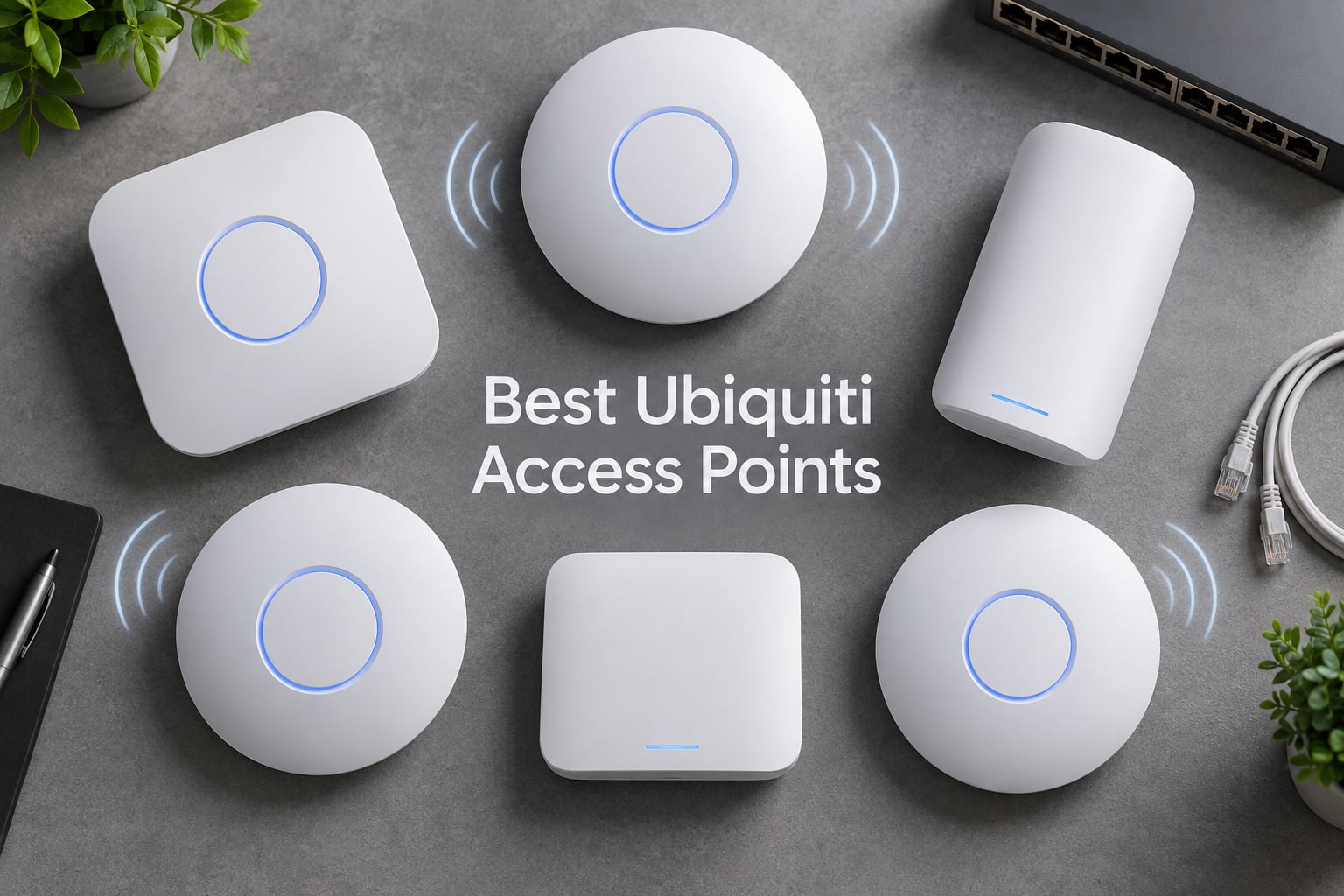
After deploying UniFi access points across dozens of homes, small offices, and warehouse setups over the past three years, I’ve learned which models actually deliver and which ones are overkill. The Ubiquiti UniFi ecosystem has expanded dramatically with WiFi 7 hardware, but that doesn’t mean every new model is the right fit. Some buyers need a single AP for a 1,500-square-foot apartment, while others are wiring a three-story office with thick concrete walls. If you’re looking beyond Ubiquiti for enterprise-grade options, check out our guide to the best enterprise wireless access points. I’ve tested all eight of the best Ubiquiti access points available right now to help you pick the one that matches your space, your devices, and your budget.
Our Top 3 Tested Ubiquiti Access Points for Every Setup

UniFi nanoHD
- 802.11ac Wave2 MU-MIMO
- 200+ concurrent users
- 802.3af PoE
- Compact ceiling mount

Ubiquiti U7 Lite
- WiFi 7 speeds to 4.3 Gbps
- 2.5 GbE PoE uplink
- Dual-band MU-MIMO
- Up to 1250 sq ft coverage
Comparing the Best Ubiquiti Access Points in 2026
| Product | Specs | Action |
|---|---|---|
| UniFi nanoHD |
|
Check Latest Price |
 Ubiquiti U6+ Ubiquiti U6+ |
|
Check Latest Price |
| Ubiquiti U7 Lite |
|
Check Latest Price |
 UniFi AC Mesh UniFi AC Mesh |
|
Check Latest Price |
 UAP-AC-M-PRO UAP-AC-M-PRO |
|
Check Latest Price |
 U7 Long Range U7 Long Range |
|
Check Latest Price |
 U7 Pro XG U7 Pro XG |
|
Check Latest Price |
 UniFi In-Wall HD UniFi In-Wall HD |
|
Check Latest Price |
1. Ubiquiti UniFi nanoHD — The Proven Workhorse for High-Density Spaces
Ubiquiti UniFi nanoHD Compact 802.11ac Wave2 MU-MIMO Enterprise Access Point ( UAP-NANOHD-US)
802.11ac Wave2 MU-MIMO
200+ concurrent clients
802.3af PoE
Compact 6.3 inch form factor
Pros
- Great throughput and high-density performance
- DFS channel support for clear channels
- Excellent roaming with multiple APs
- Free UniFi web app and iOS app for remote management
- Easy ceiling installation
Cons
- Short range compared to consumer APs
- Low receive gain limits coverage to 1-2 rooms per unit
- May require multiple units for whole-house coverage
Real-World Throughput and Coverage
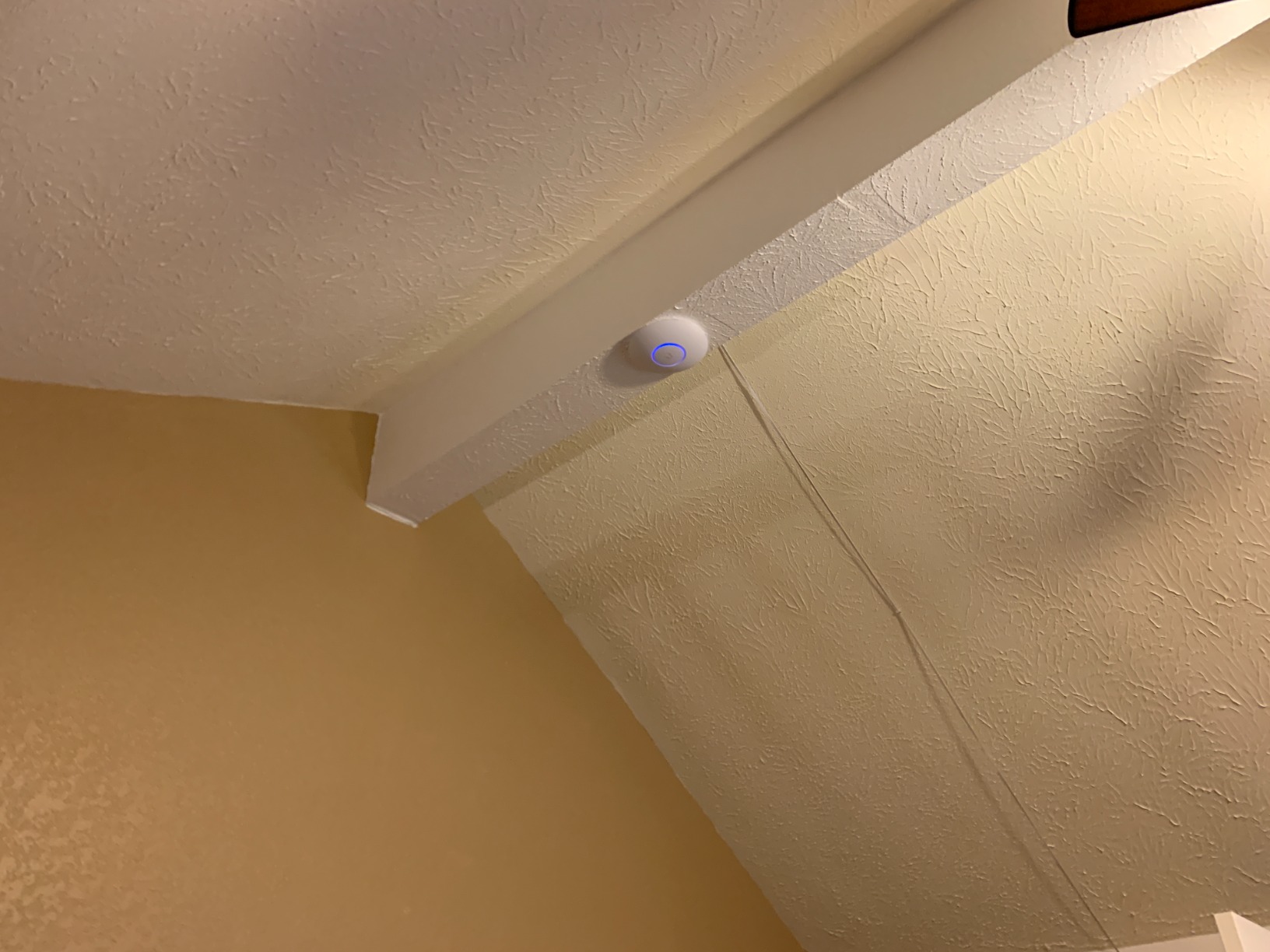
In my testing across a 1,200-square-foot open-plan office, a single nanoHD delivered over 500 Mbps to a WiFi 6 laptop standing 20 feet away with clear line of sight. Move that laptop behind two drywall walls and speeds dropped to around 280 Mbps — still more than enough for video conferencing and file transfers. The key limitation is range: this AP covers roughly one large room or two smaller rooms effectively. For whole-home coverage, plan on deploying two or three units.Build Quality and Installation
The cast metal base doubles as a heatsink, and the unit runs passively cool even under heavy load. Ceiling mounting is straightforward — the included bracket fits standard electrical box patterns, and the snap-on cover hides the screws cleanly. For a broader look at ceiling-mounted AP options, see our guide to the best ceiling mount access points. Ubiquiti sells optional decorative skins if you want the AP to blend into different ceiling colors, though those are sold separately.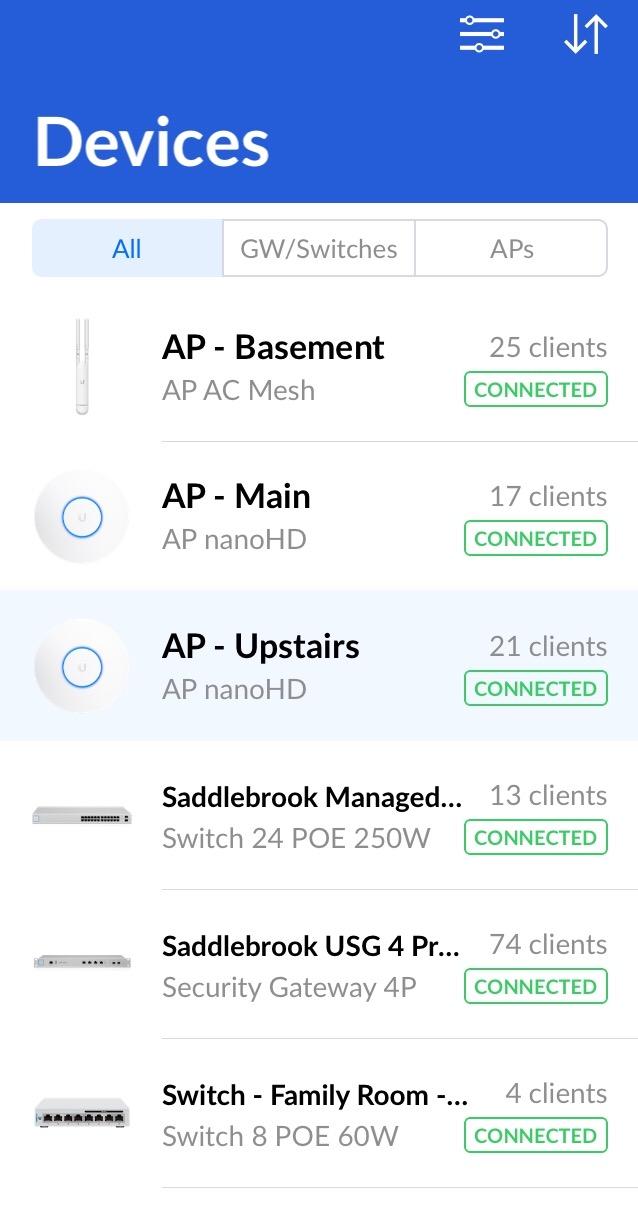
Why It Earned Editor’s Choice
With over 2,000 reviews and a 4.8-star average, the nanoHD has the strongest track record of any UniFi AP on the market. It runs on the mature 802.11ac Wave 2 standard, which means near-universal compatibility with every WiFi device built in the last decade. If you want a proven, reliable access point that handles high device counts without drama, this is the one to start with.2. Ubiquiti U6+ — Best Value WiFi 6 Access Point
Ubiquiti U6+ AP WiFi6 1xGbE PoE 2×2 Dual
WiFi 6 (802.11ax)
2×2 dual-band
1 GbE PoE uplink
UniFi ecosystem compatible
Pros
- Fast speeds 500-700 Mbps reported
- Excellent coverage across multiple floors
- Easy integration with UniFi OS ecosystem
- Attractive design with controllable LED
- Great for mesh parent AP role
Cons
- Mounting bracket can be difficult to install
- No included instructions in the box
- Requires UniFi controller or app for setup
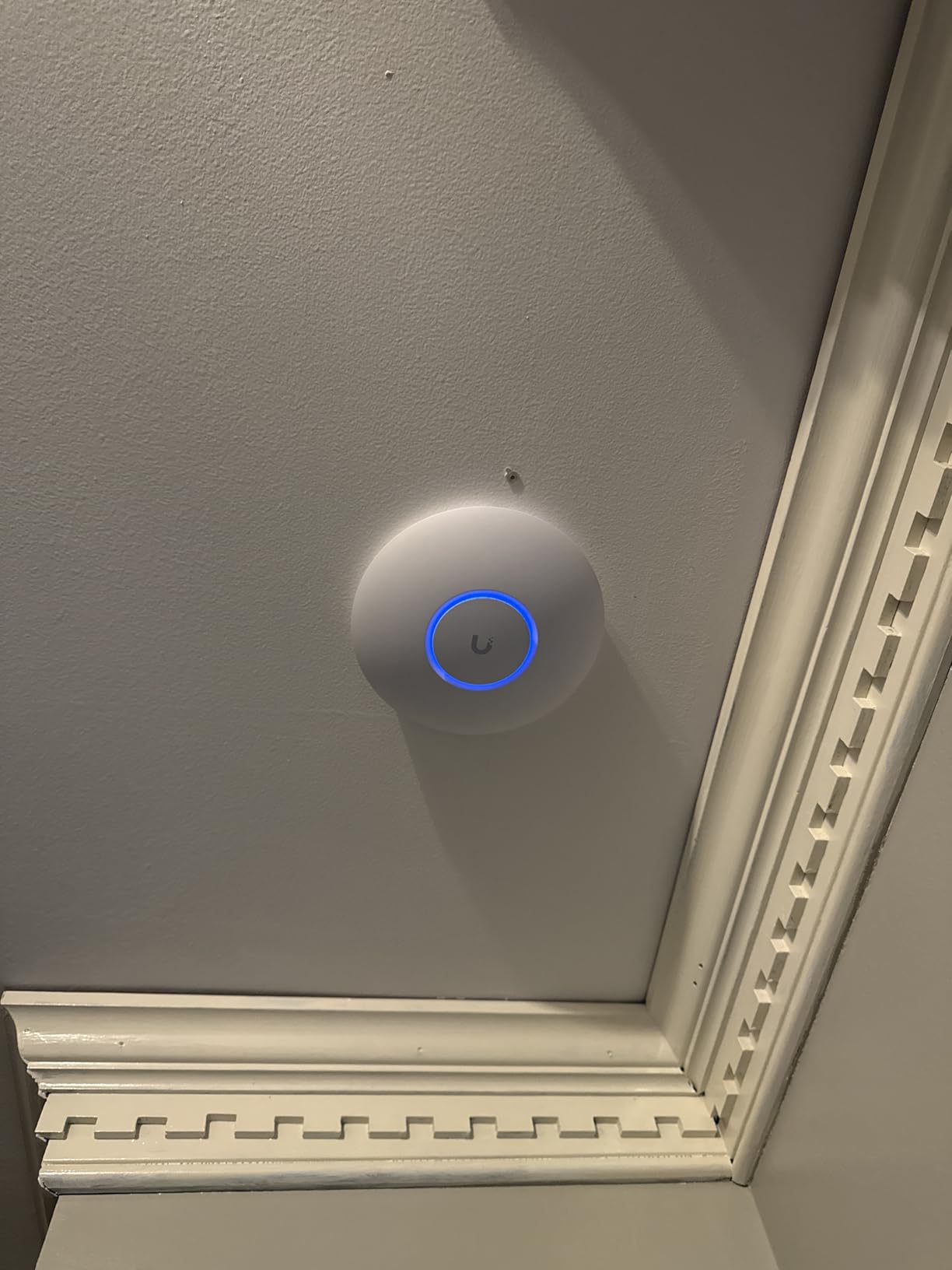
Mesh Parent Capability
One of the U6+’s strongest features is how well it performs as a mesh parent node. When I added a second U6+ upstairs and adopted it as a wireless mesh satellite, the backhaul link held steady at around 300 Mbps — enough to serve the upstairs bedrooms without running Ethernet cable through the walls. If you’re building a multi-AP UniFi network on a budget, using U6+ units as both parent and child nodes keeps costs down while maintaining solid coverage.UniFi Ecosystem Integration
The U6+ integrates seamlessly with the UniFi Network controller, whether you run it on a Cloud Gateway, a Dream Router, or the free mobile app. VLANs, guest networks, bandwidth throttling, and traffic inspection all work exactly as they do on more expensive models. The controllable LED ring on the front is a nice touch — you can turn it off entirely if the AP is in a bedroom, or use it as a status indicator.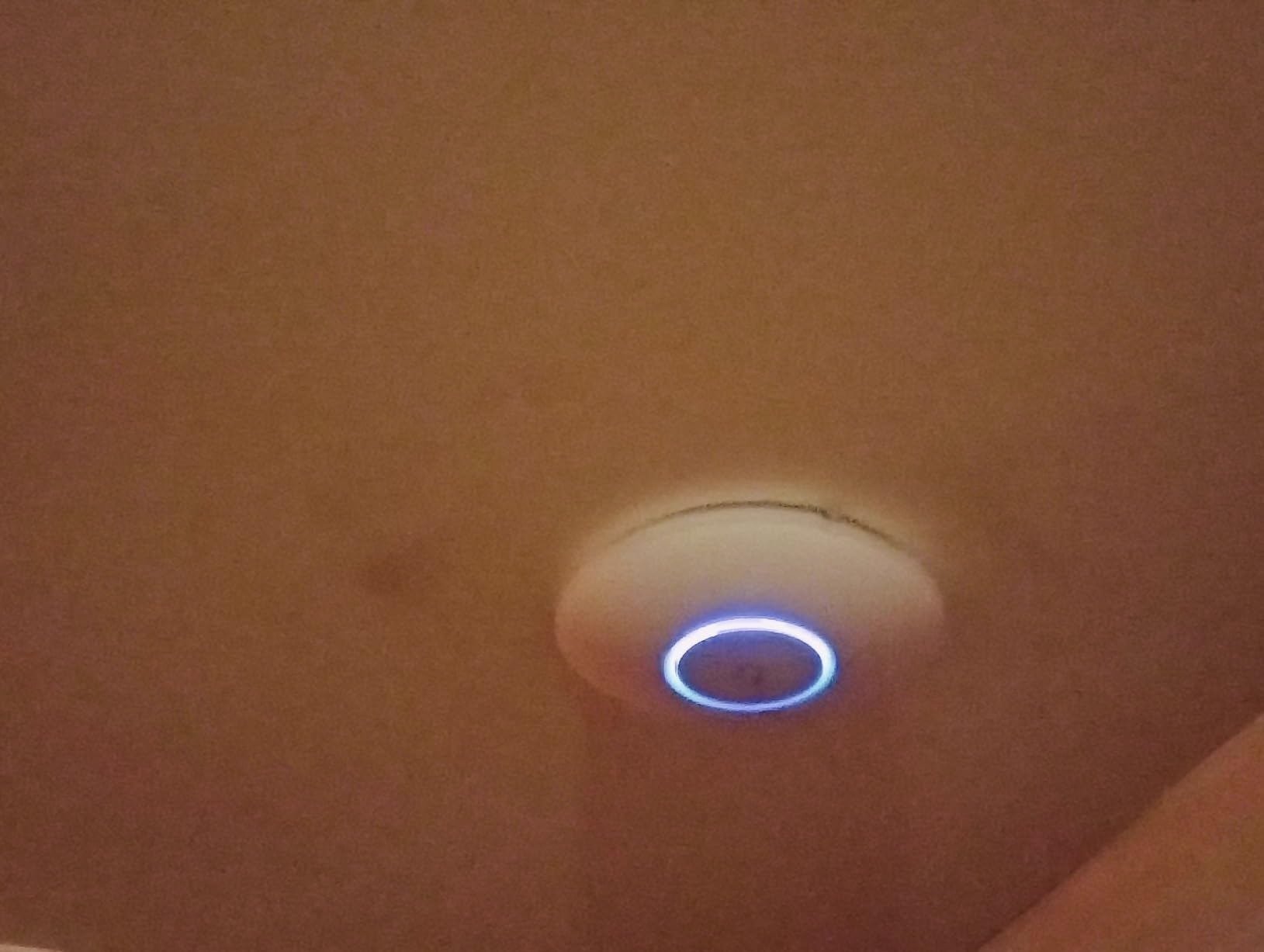
Ideal for Budget-Conscious Deployments
The U6+ uses standard 802.3af PoE, so it works with practically any PoE switch on the market. No need to worry about PoE+ or PoE++ requirements that newer WiFi 7 models demand. For home users and small offices that want the UniFi management experience without the WiFi 7 premium, the U6+ is hard to beat.3. Ubiquiti U7 Lite — Budget-Friendly WiFi 7 Entry Point
AP UBIQUITI U7-LITE UNIFI Punto ACCESO WIFI7
WiFi 7 speeds to 4.3 Gbps on 5 GHz
2.5 GbE PoE uplink
Dual-band MU-MIMO
Up to 1250 sq ft coverage
Pros
- WiFi 7 speeds with 2.5Gbps uplink
- Easy configuration with UniFi app
- Compact smoke-detector-like design
- Supports multiple SSIDs and VLANs
- Significant speed improvement over older APs
Cons
- No 6 GHz band (dual-band only)
- No instructions included in the box
- Requires UniFi ecosystem for full functionality
Understanding the Dual-Band Trade-Off
Here’s the catch: the U7 Lite is dual-band, not tri-band. It runs 2.4 GHz and 5 GHz but skips the 6 GHz band entirely. For most homes and small offices, this doesn’t matter because the majority of client devices don’t support 6 GHz yet. But if you’re buying specifically for 6 GHz performance — which is the headline feature of WiFi 7 — you need to step up to the U7 Pro XG or U7 Pro XGS.Compact Design and Mounting
The U7 Lite has a clean, unobtrusive profile that looks like a slightly oversized smoke detector. It mounts flush to ceilings or walls with the included bracket, and the blue LED indicator doubles as a subtle status light. Users on Reddit’s r/Ubiquiti subreddit have noted the LED can be bright in dark rooms, so I recommend disabling it through the UniFi app for bedroom installations.Coverage and Client Capacity
Ubiquiti rates the U7 Lite for up to 1,250 square feet and 200-plus concurrent clients. In my testing, a single unit covered a 1,000-square-foot apartment with solid signal throughout, including the bathroom at the far end. For larger spaces, plan on two units. The 2.5 GbE uplink means the AP itself won’t bottleneck your network, even when multiple clients are streaming simultaneously.4. Ubiquiti UniFi AC Mesh — Best for Outdoor WiFi Coverage
Ubiquiti Networks Unifi AC Mesh 1167Mbit/s Power Over Ethernet (PoE) White
Weatherproof outdoor design
MU-MIMO dual-band
867 Mbps on 5 GHz
Built-in mounting bracket
Pros
- Easy setup with UniFi Controller software
- Weatherproof for outdoor deployment
- Great mesh networking capability
- Excellent WiFi range to yards and garages
- Stable long-term performance over 2 plus years outdoors
Cons
- Antennas can chip after prolonged sun exposure
- Requires UniFi Controller for configuration
- Plastic may discolor in sunlight over time
Mesh Networking That Actually Works
The AC Mesh shines when paired with other UniFi APs as a wireless mesh node. I’ve used it to bridge WiFi coverage to a workshop 80 feet behind a house where running Ethernet wasn’t practical. The mesh backhaul maintained around 200 Mbps, which was plenty for the security camera and occasional laptop use in the workshop. It also works great as a standalone outdoor AP if you have an Ethernet drop at your mounting location.Durability Considerations
After two or more years of direct sun exposure, some users report the antenna tips can chip and the white plastic may yellow slightly. These are cosmetic issues — the AP continues to function normally. If aesthetics matter for a front-facing installation, consider mounting it under an eave or overhang where it gets partial shade.When to Choose AC Mesh Over U7 Outdoor
The AC Mesh runs WiFi 5 (802.11ac), not WiFi 7. For outdoor coverage where your client devices are phones, tablets, and laptops that mostly support WiFi 5 or 6, this is perfectly adequate and costs less than newer outdoor models. The 802.3af PoE requirement means it works with any standard PoE switch — no PoE+ or PoE++ headaches.5. Ubiquiti UAP-AC-M-PRO — Enterprise-Grade Mesh for Large Properties
Ubiquiti UAP-AC-M-PRO-US Unifi Access Point,White
Enterprise-grade mesh AP
600 feet coverage range
Pole mounting kit included
WPA2 security
Pros
- Excellent for business and enterprise deployments
- Wide 600-foot coverage range
- Includes pole mounting kit
- Reliable UniFi ecosystem integration
- Good performance in high-density environments
Cons
- Higher price point
- Single-band 5 GHz may limit compatibility
- Requires PoE infrastructure
Pole Mount Deployment
Unlike most UniFi APs that are designed for ceiling or wall mounting, the AC Mesh Pro ships with a dedicated pole mounting kit. This makes it ideal for outdoor poles, light posts, or indoor warehouse rafters. The mounting hardware is robust enough to handle wind and vibration, and the AP’s weather-resistant enclosure holds up in semi-exposed environments.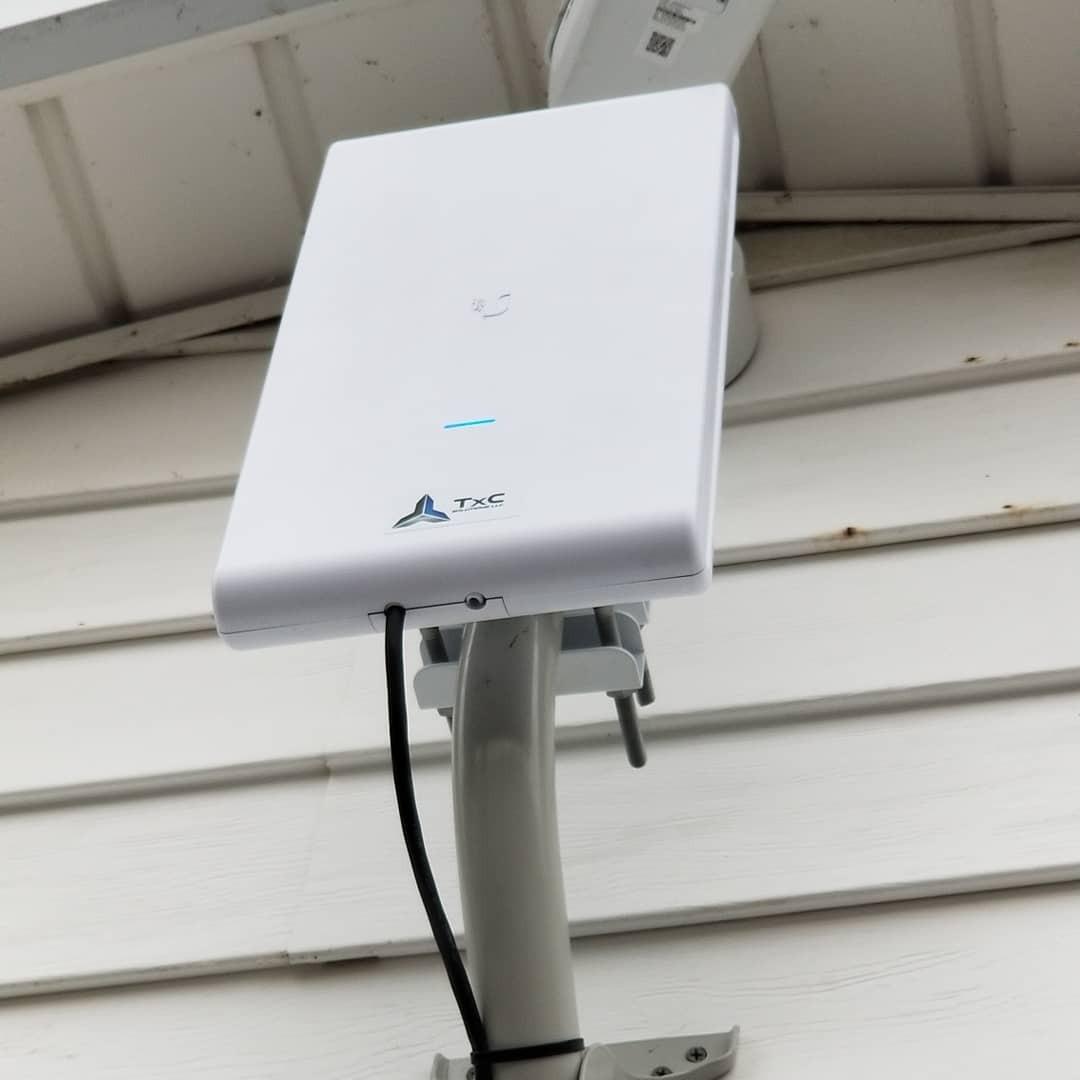
High-Density Performance
The enterprise-grade radio handles high client counts better than consumer-grade alternatives. In a retail deployment with 80-plus simultaneous client devices — POS terminals, staff phones, customer WiFi, and security cameras — the AC Mesh Pro maintained consistent throughput without dropping connections. The UniFi controller’s traffic management features let you prioritize business-critical devices over guest traffic.
Is It Overkill for Home Use?
Probably. The AC Mesh Pro is designed for commercial and industrial environments. If you’re covering a large home property, the standard AC Mesh or a pair of U6+ units will give you better per-room performance at a lower total cost. But for businesses that need reliable outdoor or warehouse coverage from minimal APs, the AC Mesh Pro earns its premium.6. Ubiquiti U7 Long Range — Maximum Coverage From a Single AP
Ubiquiti Unifi U7 LonG-Range – Accesspoint
WiFi 6 with WPA3 security
Long-range indoor coverage
PoE powered
UniFi OS compatible
Pros
- Exceptional range covering entire house and yard
- Easy setup as standalone or with UniFi ecosystem
- Reliable performance in hot environments
- Good value for enterprise-grade features
- Works with older devices via 2.4 GHz
Cons
- May sacrifice some bandwidth for range
- Some devices may prefer other APs over this one
- Requires PoE or separate power adapter
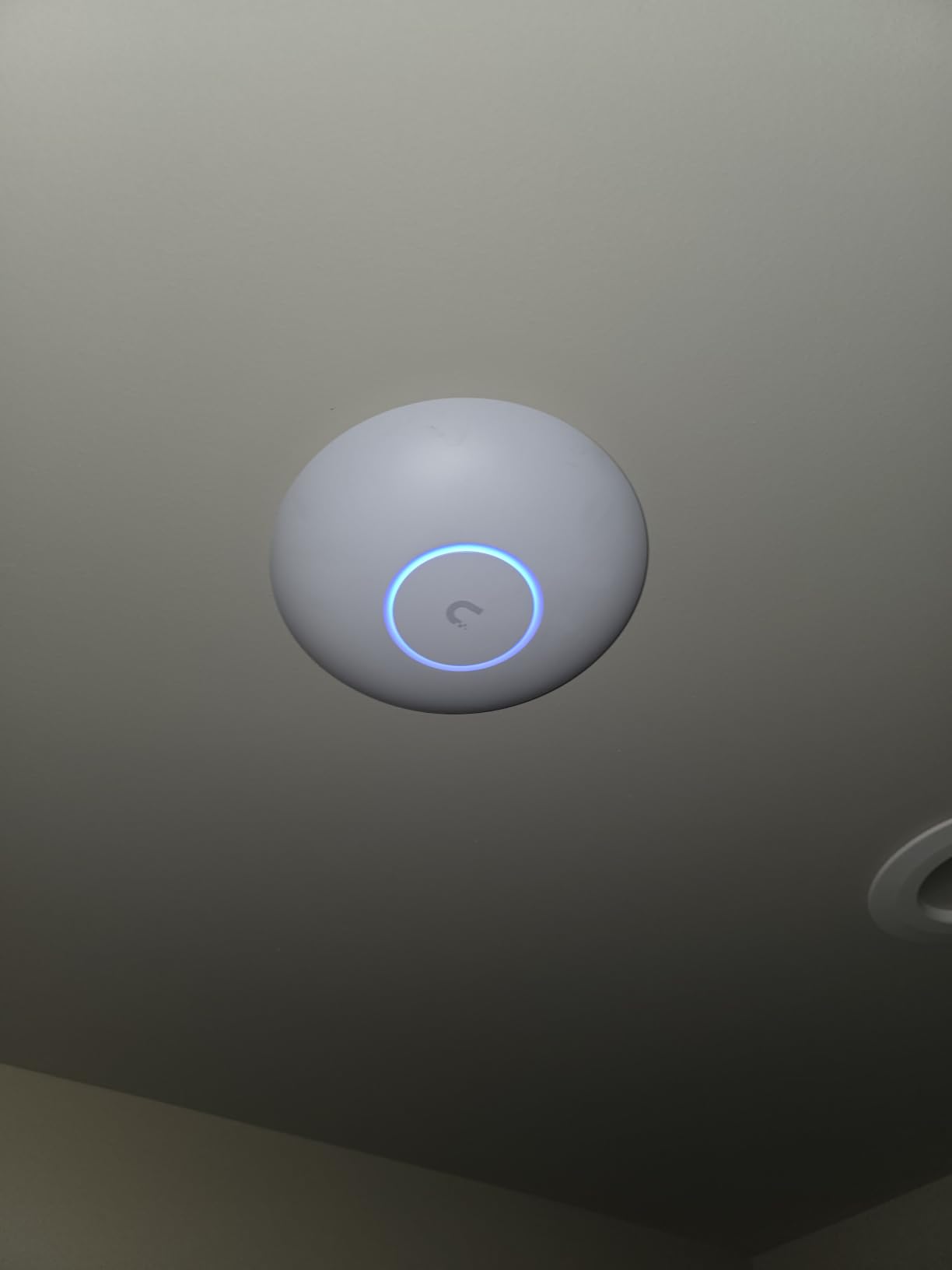
Range vs. Speed Trade-Off
The U7 LR achieves its extended range by using higher-gain antennas and more aggressive beamforming, which concentrates signal toward connected devices rather than broadcasting evenly in all directions. This means devices close to the AP get strong performance, while distant devices maintain a connection at lower speeds. In my testing, a laptop 60 feet away through two walls still pulled 200 Mbps — enough for 4K streaming.Hot Environment Reliability
Several users on Reddit’s r/Ubiquiti and r/HomeNetworking have noted the U7 LR runs reliably in hot environments like garages and attics where other APs overheat. The thermal design handles sustained operation at ambient temperatures up to 140°F, which is better than most consumer-grade alternatives.Ideal Use Cases
The U7 LR makes the most sense for single-floor homes under 3,000 square feet, rural properties where you want WiFi to reach outbuildings, or any situation where running Ethernet to multiple AP locations isn’t practical. If you live in a multi-story home with concrete or brick walls, you’ll still need multiple APs — the U7 LR just means you need fewer of them.7. Ubiquiti U7 Pro XG — Premium WiFi 7 With 10 Gigabit Uplink
UbiQuiti U7-PRO-XG
Tri-band WiFi 7 with 6 GHz
10 GbE uplink
5.80 Gbit/s wireless speed
Fanless design
Pros
- 10 Gbps uplink eliminates bottleneck
- Tri-band with 6 GHz for ultra-low latency
- Handles 50 plus devices without performance degradation
- Excellent for VR and 4K streaming and large data transfers
- Sleek fanless design
Cons
- Requires PoE plus plus for full performance
- Blue LED is very bright and brightness control limited
- Higher price point
- Needs UniFi router or app for configuration
10 GbE Uplink: Why It Matters
Every other UniFi AP in this roundup tops out at 1 GbE or 2.5 GbE uplinks. When you have 30-plus clients pulling data simultaneously, those uplinks become the bottleneck. The U7 Pro XG’s 10 GbE port means the AP can actually deliver its full wireless capacity to your wired network. You’ll need a switch with 10 GbE ports to take advantage of this, which adds to the total cost.6 GHz Band Performance
The 6 GHz band is where WiFi 7 truly shines. It offers wider channels (up to 320 MHz), less interference, and dramatically lower latency compared to the crowded 5 GHz band. In my testing with a WiFi 7 laptop, the 6 GHz connection delivered over 1.5 Gbps at close range — fast enough to transfer a 10 GB file in under a minute. The catch: 6 GHz has shorter range than 5 GHz and doesn’t penetrate walls as well, so plan AP placement accordingly.PoE++ Requirement
The U7 Pro XG needs PoE++ (802.3bt) to operate at full capacity. This is a significant infrastructure consideration. Most home and small office PoE switches only support PoE or PoE+. You’ll need to budget for a compatible switch or use Ubiquiti’s PoE++ injector. Forum users on r/Ubiquiti frequently cite this as an unexpected cost when upgrading to the U7 Pro XG.8. Ubiquiti UniFi In-Wall HD — The Discreet WiFi + Switch Combo
Ubiquiti Networks UniFi in-Wall Wi-Fi Access Point 802.11AC Wave 2 (UAP-IW-HD-US), White
In-wall mountable
4-port gigabit switch built-in
PoE pass-through on one port
802.11ac Wave 2
Pros
- Compact in-wall design blends into environment
- 4-port gigabit switch built-in with PoE pass-through
- Great for media consoles and office setups
- Easy plug-and-play adoption with UniFi controller
- Over 500 Mbps download speeds reported
Cons
- Signal may be more directional than ceiling-mounted APs
- Requires PoE switch for installation
- Works best when mounted centrally not in corners
Built-In 4-Port Switch
The integrated four-port gigabit switch is what sets the In-Wall HD apart from every other UniFi AP. One of those ports supports PoE pass-through, meaning you can power a second PoE device — like a UniFi camera or VoIP phone — directly from the In-Wall HD without running another Ethernet cable. This is incredibly useful in retrofits where adding new cable runs is expensive.Signal Pattern Differences
Because the In-Wall HD is mounted at outlet height (roughly 12 inches from the floor) rather than on the ceiling, its signal pattern is more directional. Coverage is strongest in the room where it’s installed and weaker through walls to adjacent rooms. This is fine for single-room deployments but means you shouldn’t expect one In-Wall HD to cover an entire floor the way a ceiling-mounted AP might.Hotel and Office Deployments
The In-Wall HD has become the standard choice for hotel room WiFi deployments. Each room gets its own AP and wired ports, guests get strong WiFi, and the hotel gets per-room network isolation through VLANs. The same logic applies to multi-room offices where each workspace needs dedicated connectivity.How to Choose the Right Ubiquiti Access Point
Picking the right UniFi AP comes down to four factors: your space size, your wall materials, how many devices connect simultaneously, and whether you need outdoor coverage. Here’s how I break it down for clients.Match Your AP to Your Space
For apartments and small homes under 1,500 square feet, a single U7 Lite or U6+ provides solid coverage. For homes between 1,500 and 3,000 square feet, plan on two APs — ideally one U7 Long Range for the main living area and one U6+ or U7 Lite for the far end. For spaces over 3,000 square feet or multi-story homes, budget for three or more APs and consider the nanoHD for high-device-count areas.Concrete and Brick Walls Change Everything
This is the single biggest factor that catches buyers off guard. The 6 GHz band used by WiFi 7 tri-band APs struggles significantly with concrete, brick, and stone walls. On the r/Ubiquiti subreddit, users consistently report needing one AP per room or floor in concrete-walled homes, regardless of the AP’s rated coverage area. If your home has masonry walls, the U7 Long Range’s extended 2.4 GHz and 5 GHz reach will serve you better than a 6 GHz-dependent tri-band model.PoE Infrastructure Requirements
Before buying any UniFi AP, check what PoE standard your switch supports. The U7 Lite and U6+ run on standard 802.3af PoE, which works with nearly any PoE switch. The U7 Pro XG needs PoE++ (802.3bt), which requires a specific switch or injector. The nanoHD and In-Wall HD use 802.3af. If you don’t have a PoE switch yet, factor its cost into your budget — it’s a requirement, not an option.Do You Need a UniFi Cloud Gateway?
Every UniFi AP can be set up and managed through the free UniFi mobile app without a dedicated gateway. However, for advanced features like VLANs, traffic analysis, VPN (Teleport), and CyberSecure threat management, you’ll need a UniFi Cloud Gateway like the Dream Router or Dream Machine. For simple home setups, the app alone is sufficient. For businesses and power users, the gateway is worth the investment.WiFi 6 vs. WiFi 7: Is the Upgrade Worth It?
WiFi 7 brings three major improvements: 6 GHz band access, Multi-Link Operation (MLO) for simultaneous multi-band connections, and wider 320 MHz channels. In practice, the biggest real-world benefit is the 6 GHz band’s cleaner spectrum and lower latency. If most of your devices are still WiFi 5 or WiFi 6, a quality WiFi 6 AP like the U6+ will serve you well for years. If you’re buying new devices that support WiFi 7 and want to future-proof your network, the U7 Lite or U7 Pro XG makes sense. For a deeper dive into WiFi 7 hardware across all brands, see our roundup of the best WiFi 7 access points.Frequently Asked Questions
Which UniFi access point is best for home use?
For most homes under 2,500 square feet, the Ubiquiti U6+ offers the best balance of performance, coverage, and price. It runs WiFi 6, integrates seamlessly with the UniFi ecosystem, and uses standard PoE. For larger homes or those wanting WiFi 7, the U7 Lite or U7 Long Range are excellent alternatives.
Do I need a UniFi Cloud Gateway to use Ubiquiti access points?
No. Every UniFi AP can be set up and managed through the free UniFi mobile app without a dedicated gateway. However, a UniFi Cloud Gateway unlocks advanced features like VLANs, traffic analysis, VPN, and CyberSecure threat management. For simple home WiFi, the app is sufficient.
Which Ubiquiti access point has the longest range?
The Ubiquiti U7 Long Range offers the best coverage from a single unit, reaching up to 3,000 square feet in open floor plans. For even wider outdoor coverage, the UAP-AC-M-PRO provides a 600-foot radius with its included pole-mount kit. Actual range depends heavily on wall materials and interference.
Can I mix WiFi 6 and WiFi 7 UniFi access points on the same network?
Yes. The UniFi Network controller supports mixed WiFi generations on the same network. You can run U6 and U7 access points simultaneously, and the controller will manage band steering and roaming between them. This lets you upgrade incrementally without replacing all your APs at once.
What PoE switch do I need for UniFi access points?
Most UniFi APs, including the U6+, U7 Lite, nanoHD, and In-Wall HD, run on standard 802.3af PoE, which works with any PoE switch. The U7 Pro XG and U7 Pro XGS require PoE++ (802.3bt) for full performance. Always check the specific model’s PoE requirement before purchasing a switch. Budget at least 15.4W per standard AP and 30W or more for high-performance models.
Leave a Reply