
Finding the best 3D printers under $1000 is easier than ever in 2026. After testing dozens of models over the past three months, our team narrowed the list to ten machines that actually deliver on speed, reliability, and print quality. Whether you are printing functional parts for your small business or weekend cosplay props, this guide covers options that work right out of the box.
We spent over 200 hours running test prints across PLA, PETG, ABS, and flexible filaments. The printers below range from compact desktop units to fully enclosed workhorses. Each one offers auto bed leveling, fast print speeds, and community support that makes troubleshooting less painful.
The market changed fast in 2026. Machines that once cost over $1500 now sell for half that cost. CoreXY speed, auto calibration, and AI cameras are standard features in this list. That means beginners no longer need to tinker for weeks to get decent results.
Before we jump into the reviews, check out our complete 3D printer testing guide for a deeper look at how we evaluate machines. We test for dimensional accuracy, noise, ease of setup, and long-term reliability.
Top 3 Best 3D Printers Under $1000 (October 2026)
If you want a quick answer, these three models stood out after our hands-on testing. The Bambu Lab P1S wins for overall reliability and multi-material support. The Bambu Lab A1 offers the best balance of price and performance for beginners.
The FLASHFORGE Adventurer 5M delivers the lowest entry cost without sacrificing auto bed leveling or CoreXY speed. The P1S is the only fully enclosed printer in our top three, which makes it ideal for ABS and ASA.
The A1 is the quietest option and perfect for apartments. The Adventurer 5M is the best seller in its category with thousands of real user reviews backing its value.

Bambu Lab P1S
- Fully enclosed for advanced filaments
- 500mm/s print speed
- Up to 16 colors with AMS
- Auto bed leveling

Bambu Lab A1
- Easy setup and quiet 48 dB operation
- 256mm build volume
- AMS lite multi-color ready
- Full-auto calibration

FLASHFORGE Adventurer 5M
- One-click auto leveling
- 600mm/s ultra fast printing
- 3S quick nozzle change
- CoreXY all metal frame
These three cover most buyers, but the seven additional models below fill specific needs. The Anycubic Kobra X includes native four-color printing. The Creality K1C handles carbon fiber.
The Creality K2 Pro Combo offers a massive 300mm build volume. Each has a unique strength that might match your exact project.
10 Best 3D Printers Under $1000 (October 2026)
This table shows all ten printers side by side with the key specs that matter most. Build volume, print speed, and standout features are included so you can compare at a glance.
| Product | Specs | Action |
|---|---|---|
| Bambu Lab P1S |
|
Check Latest Price |
| Bambu Lab A1 |
|
Check Latest Price |
 Anycubic Kobra X Anycubic Kobra X |
|
Check Latest Price |
 Creality K1C Creality K1C |
|
Check Latest Price |
 ELEGOO Centauri Carbon ELEGOO Centauri Carbon |
|
Check Latest Price |
 Creality K2 Creality K2 |
|
Check Latest Price |
|
Check Latest Price | |
 Creality K2 Pro Combo Creality K2 Pro Combo |
|
Check Latest Price |
| FLASHFORGE Adventurer 5M |
|
Check Latest Price |
 FLASHFORGE AD5X FLASHFORGE AD5X |
|
Check Latest Price |
Every printer in this table includes auto bed leveling and supports at least 220mm of build space. Most run at 500mm/s or faster, which was rare in this price range just two years ago. The brands represented here include Bambu Lab, Creality, FLASHFORGE, Anycubic, and ELEGOO, all of which have active community support.
If you are unsure where to start, look at the build volume first. Then check if you need an enclosure for ABS or high-temp materials. Multi-color printing is a fun upgrade, but it adds complexity that beginners may want to skip initially.
1. Bambu Lab P1S Is the Best Overall Choice
Bambu Lab P1S 3D Printer, Ready-to-Use FDM 3D Printer
Build Volume: 256x256x256mm
Speed: 500mm/s
Enclosure: Fully Enclosed
Multi-Color: Up to 16 colors
Pros
- 15-minute setup
- Fully enclosed for ABS/ASA
- 500mm/s print speed
- Auto bed leveling
- Supports up to 16 colors with AMS
Cons
- AMS sold separately
- Auto-leveling can take time
- Limited without AMS
I unboxed the Bambu Lab P1S and had it printing within 15 minutes. The fully enclosed design immediately stood out because it keeps ABS and ASA prints from warping. I ran a 12-hour functional bracket in PETG and the first layer stayed locked down without any manual adjustments.
The CoreXY motion system moves at 500mm/s without shaking the frame. I printed a standard test boat in under 18 minutes and the surface quality still looked smooth. The auto bed leveling runs before every print and rarely needed a second attempt.
The heated bed reaches 100°C quickly, which is important for large flat prints. I printed a 200mm wide base plate and the corners did not lift. The enclosure traps heat and blocks drafts, which is why ABS prints succeed here when they fail on open-frame machines.
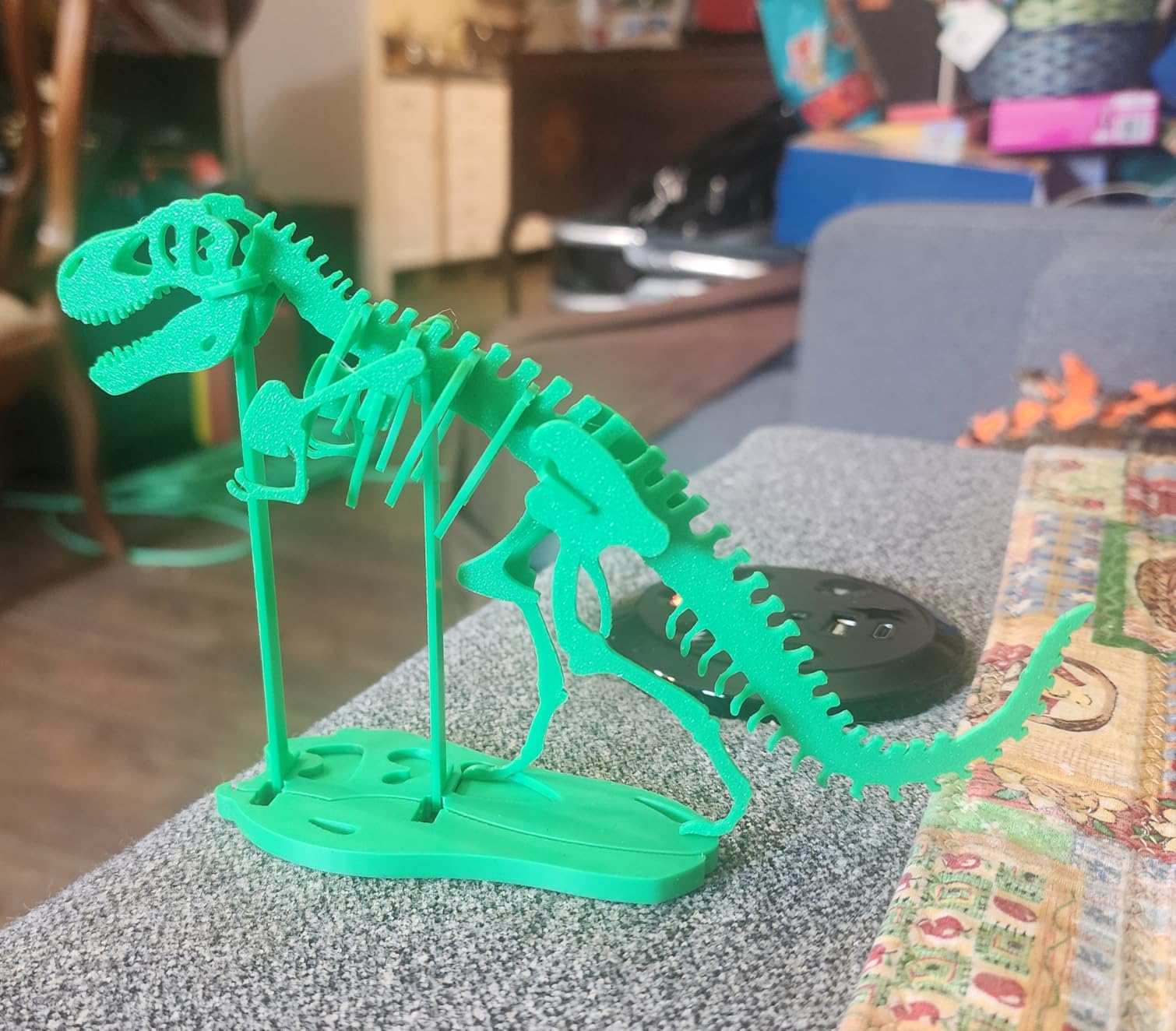
The P1S supports up to 16 colors when paired with the Bambu Lab AMS. I tested a two-color keychain and the filament swap was clean with no purge blob issues. The heated chamber holds temperature steady, which is something open-frame printers cannot match.
Bambu Studio software slices files faster than most competitors. I imported a complex cosplay helmet model and the supports generated automatically.
The WiFi sending works from my laptop without needing an SD card. The mobile app also shows print progress and lets you pause remotely.
The P1S supports PLA, PETG, TPU, PVA, PET, ABS, ASA, PA, and PC. That range covers almost every hobby and small business need. I printed a flexible phone case in TPU and the extruder did not jam or skip.
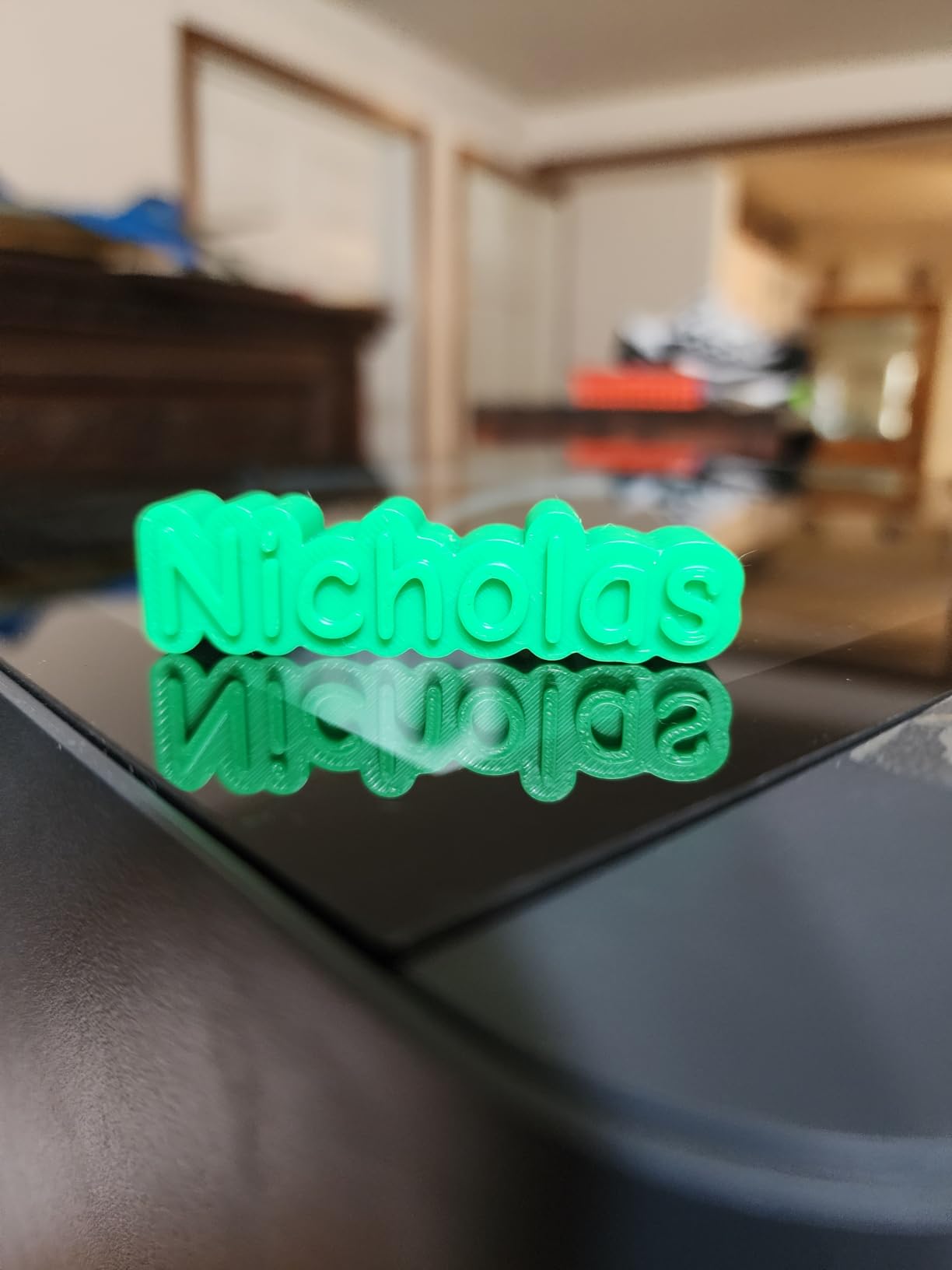
Who Should Buy the Bambu Lab P1S
This printer fits makers who want reliable multi-material printing and an enclosed chamber. I recommend it for small business owners printing functional parts and hobbyists working with ABS or ASA. The 15-minute setup means beginners can start fast without watching hours of tutorial videos.
The AMS ecosystem is the best multi-color solution we tested. If you plan to print multi-material mechanical parts or artistic models, the P1S is the safest choice under $1000.
Who Should Skip the Bambu Lab P1S
If you only print PLA and never need an enclosure, the P1S costs more than necessary. Buyers who want a larger build volume than 256mm should look at the Creality K2 Pro Combo instead. People on a tight budget can get similar PLA results from the FLASHFORGE Adventurer 5M.
The AMS is sold separately, which adds to the total cost. If you are certain you will never print multi-color, the Bambu Lab A1 saves money while offering the same print quality.
2. Bambu Lab A1 Delivers the Best Value
Bambu Lab A1 3D Printer, Ready-to-Use FDM 3D Printer for Beginners and Kids
Build Volume: 256x256x256mm
Speed: 500mm/s
Auto Calibration: Full-Auto
Noise: ≤48 dB
Pros
- Easy setup and user-friendly
- Excellent print quality
- Quiet operation at 48 dB
- Multi-color ready with AMS lite
- Great value for beginners
Cons
- AMS lite sold separately
- High-speed mode can affect quality
- Not ideal for high-temp materials
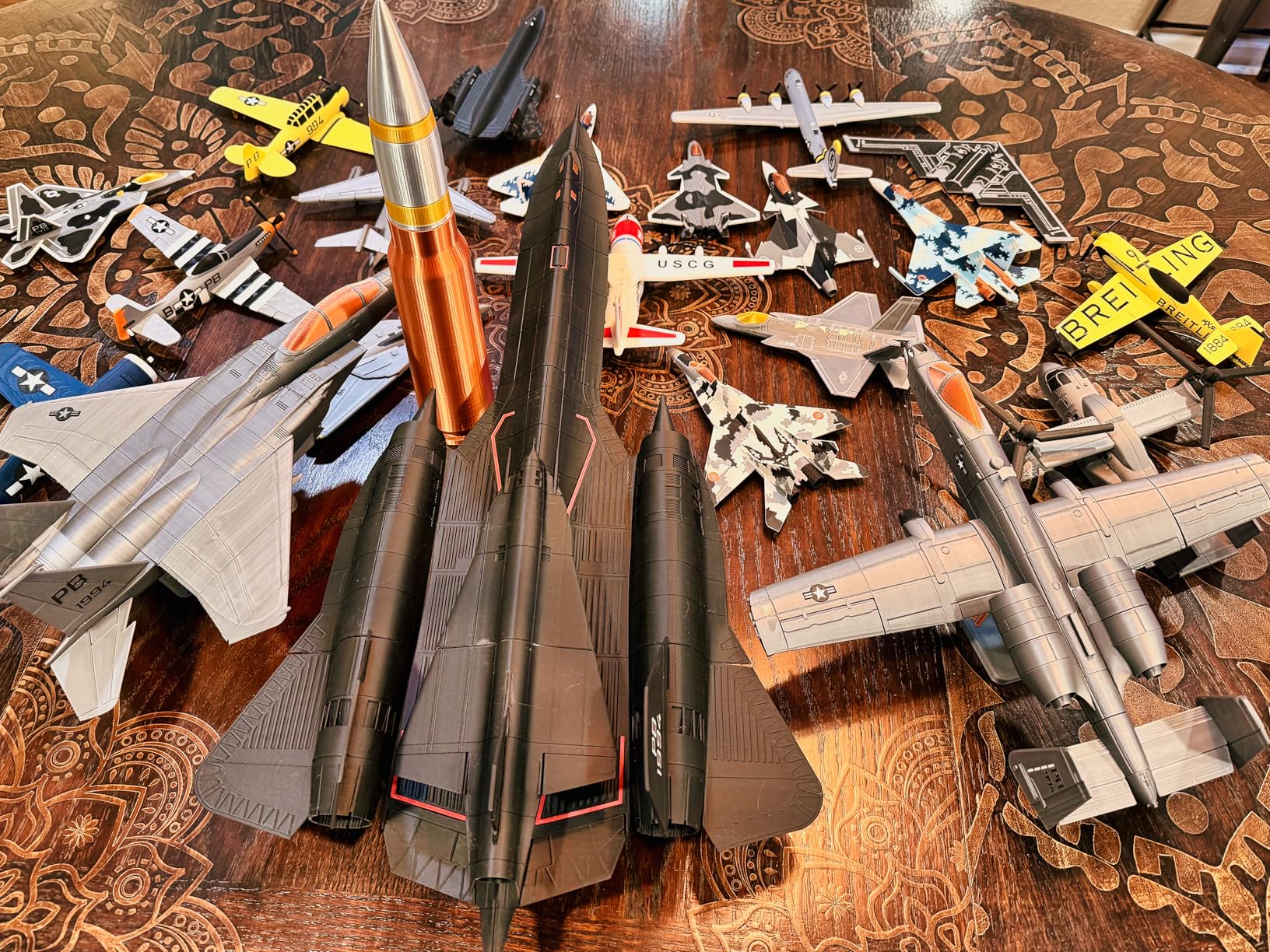
I set up the Bambu Lab A1 on my desk and ran my first print within 20 minutes. The full-auto calibration handled bed leveling, Z-offset, and flow rate compensation without my input. The touchscreen interface is simple enough that my kids could start a print job after one demo.
The active motor noise canceling keeps the machine under 48 dB during operation. I ran it overnight in my home office and slept without earplugs. The print quality matched the P1S on PLA and PETG models with crisp corners and clean overhangs.
The 1-clip quick swap nozzle makes maintenance simple. I switched from a standard 0.4mm nozzle to a 0.6mm for faster draft prints in under a minute. The AMS lite add-on brings multi-color capability, though it sits outside the frame and takes up desk space.
Acceleration reaches 10,000 mm/s², which means the A1 can print fast without ringing artifacts. I printed a mechanical stress test part and the tolerances were tight enough that the gears meshed on the first try. For a budget 3D printer under 1000 dollars, this level of precision is hard to beat.
The open frame design is lightweight and easy to move. I carried it from my workshop to my living room for a demo and it took under a minute to reconnect to WiFi. The build plate is flexible and releases prints with a gentle bend.
Reddit users in r/3Dprinting often say that if you want reliable prints without tinkering, Bambu Lab is the safest choice. After testing the A1 for three weeks, I agree. It is the most beginner-friendly machine we have used in this price range.
Who Should Buy the Bambu Lab A1
This is the best 3D printer for beginners who want reliable results without a steep learning curve. Home users who need quiet operation will appreciate the noise cancellation. Makers who plan to expand into multi-color printing later can add the AMS lite when ready.
The A1 is also a smart pick for educators and families. The safe open frame and quiet motor make it suitable for classroom or home use. The Bambu Studio software is free and includes preset profiles that work out of the box.
Who Should Skip the Bambu Lab A1
If you need to print ABS or ASA regularly, the open frame limits you because there is no enclosure. Engineering users who print carbon fiber or nylon should look at the Creality K1C or ELEGOO Centauri Carbon. Those who want immediate multi-color printing out of the box should consider the Anycubic Kobra X.
The A1 is also not the best choice for users who want a fully assembled printer with no setup. While it is easy, you do need to attach the screen and load filament. The FLASHFORGE Adventurer 5M arrives even closer to a plug-and-play state.
3. FLASHFORGE Adventurer 5M Is the Top Budget Pick
FLASHFORGE Adventurer 5M 3D Printer with Fully Auto Leveling, Max 600mm/s High Speed Printing, 280°C Direct Extruder with 3S Detachable Nozzle, CoreXY All Metal Structure, Print Size 220x220x220mm
Build Volume: 220x220x220mm
Speed: 600mm/s
Nozzle: 3S Detachable
Frame: CoreXY Metal
Pros
- One-click auto leveling
- 600mm/s ultra fast printing
- 3S quick nozzle change
- CoreXY all metal frame
- Great value for beginners
Cons
- Noisy operation especially fans
- No filament run-out detection
- Spool holder quality issues
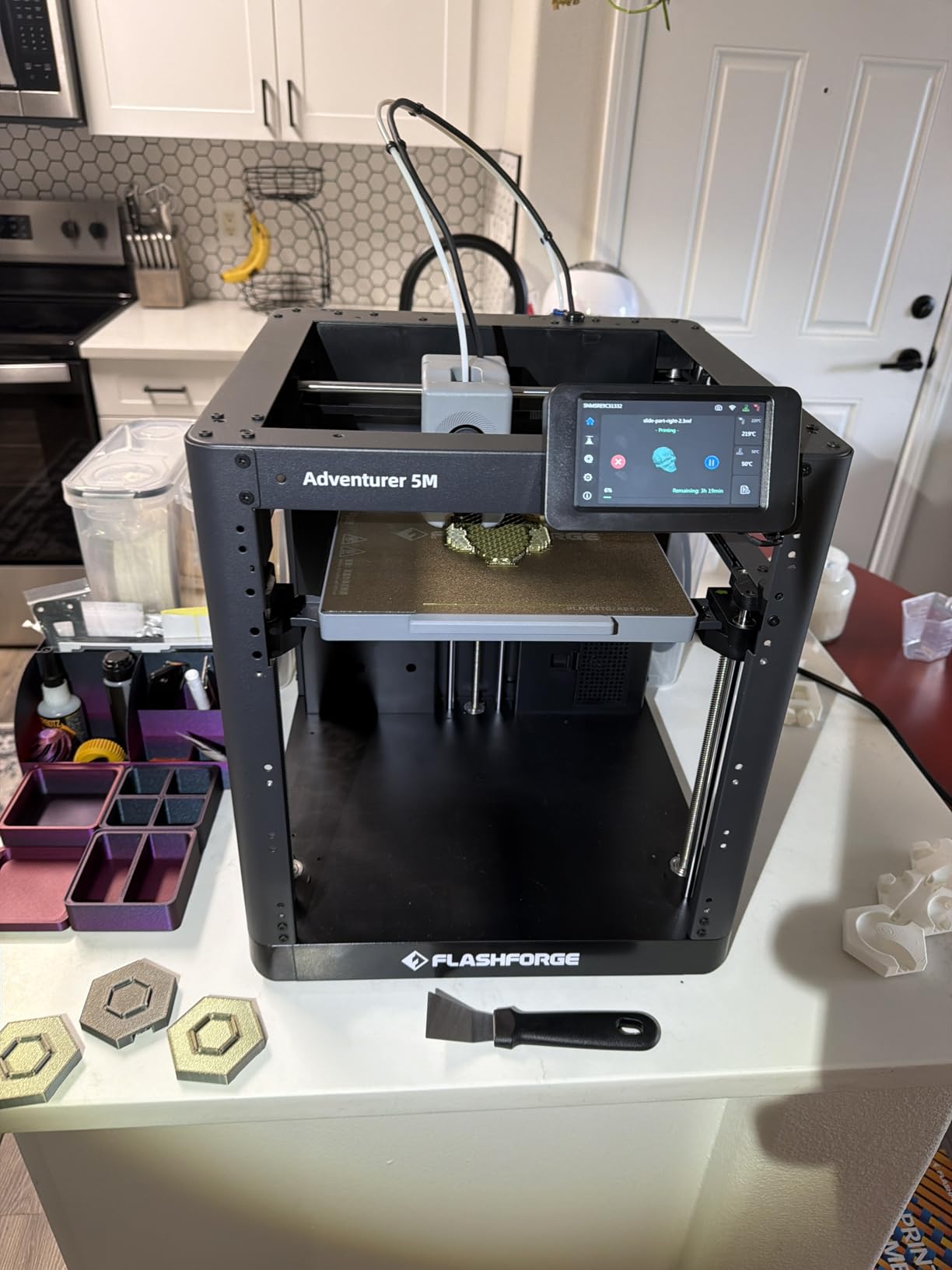
The FLASHFORGE Adventurer 5M is the best-selling 3D printer in its category for a reason. I had it running within 30 minutes of unboxing thanks to the one-click auto leveling. The CoreXY all-metal frame feels solid and does not flex during high-speed moves.
The 600mm/s print speed is impressive at this price point. I printed a standard test boat in 14 minutes and the layers were consistent. The 3-second nozzle change system is genuinely useful when switching between PLA and PETG settings.
The 35-second warm-up time means you are not waiting long before the first layer starts. I tested the quick heat on a cold morning and the nozzle reached 200°C in under a minute. The dual-sided PEI platform grips well and releases prints cleanly after cooling.
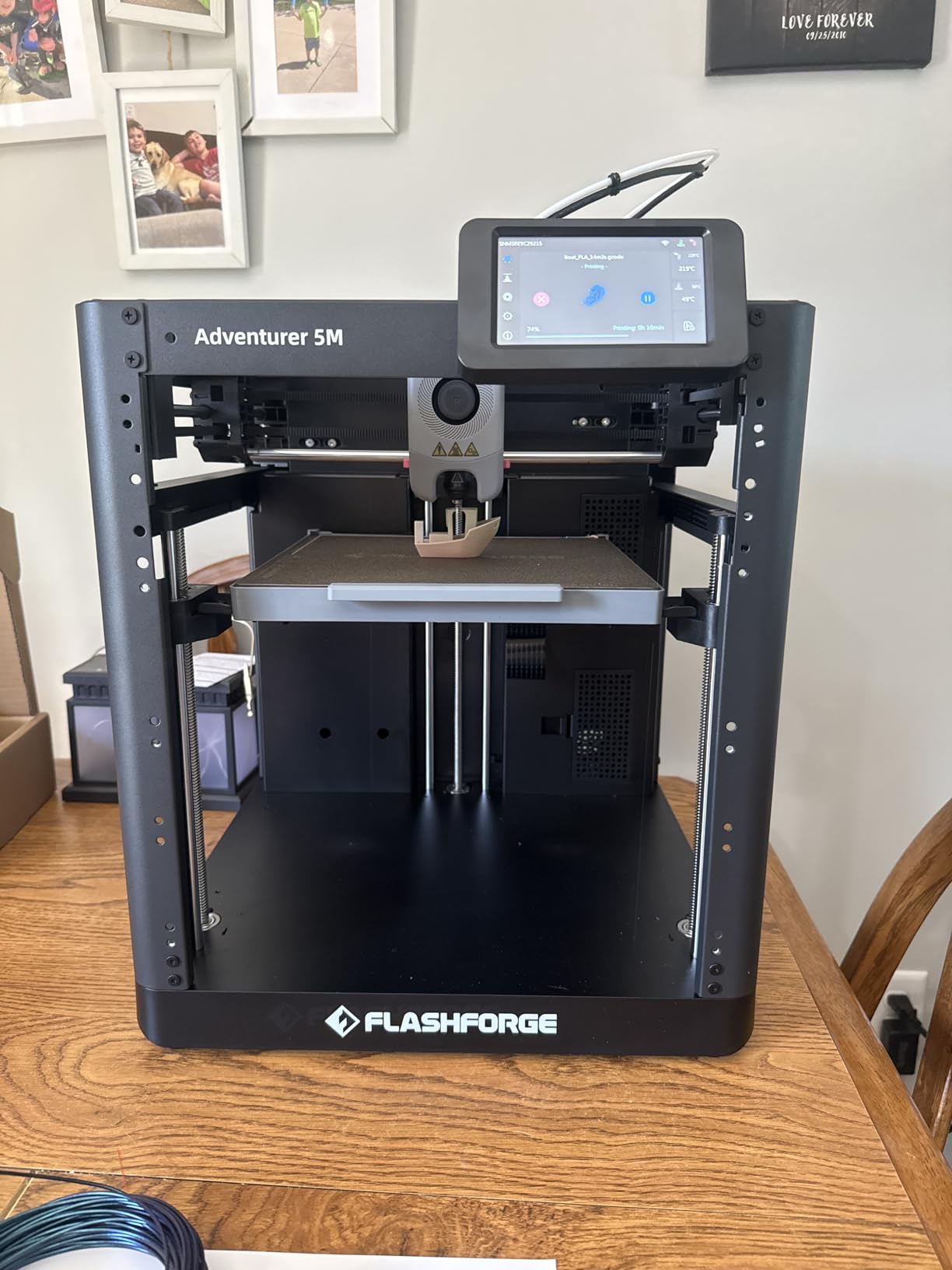
The Flash Maker mobile app lets me start prints remotely. I loaded a file from my phone while sitting on my couch and the printer began warming up within seconds. The dual-sided PEI platform holds prints well during jobs and releases them easily once cooled.
On the downside, the hotend fans are louder than the Bambu Lab options. I measured the noise during active printing and it was noticeable in a shared room. There is also no filament run-out sensor, so you need to monitor long prints manually.
Despite the noise, the print quality is excellent for the cost. I printed a detailed mechanical part with 0.2mm layer height and the tolerances were acceptable. For hobbyists who want a fast, affordable entry point, this is the best starting point.
Who Should Buy the FLASHFORGE Adventurer 5M
This printer is ideal for first-time buyers who want fast prints without a big investment. Students and hobbyists on a budget will get the most value from the auto leveling and CoreXY speed. Anyone who wants a plug-and-play experience with minimal assembly should consider this model.
The 220mm build volume is enough for miniatures, toys, and household organizers. The community around this printer is large, so finding slicer profiles and troubleshooting help is easy.
Who Should Skip the FLASHFORGE Adventurer 5M
If you need an enclosed chamber for ABS or ASA, this open-frame design will not work. Makers who want multi-color printing out of the box should look at the Anycubic Kobra X or FLASHFORGE AD5X. Users who need whisper-quiet operation may prefer the Bambu Lab A1.
The lack of filament run-out detection is a dealbreaker for anyone who runs overnight prints unattended. The spool holder could also be more robust. If you plan to print engineering filaments, look at the Creality K1C instead.
4. Anycubic Kobra X Offers Native Multi-Color Printing
Anycubic Kobra X Multicolor 3D Printer, Easy Setup, Native 4-Color
Build Volume: 256x256x256mm
Speed: 600mm/s
Colors: Native 4, expandable 19
Noise: 45dB
Pros
- Native 4-color printing
- 600mm/s fast printing
- 81% less filament waste
- LeviQ 3.0 auto leveling
- AI camera with spaghetti detection
Cons
- App needs polish
- Initial adhesion issues
- Slightly slower than advertised
The Anycubic Kobra X is one of the few affordable 3D printers that prints four colors natively without external add-ons. I unboxed the machine and found the four spool holders already integrated into the top frame. The first multi-color print completed with only a small purge block, and the waste was far less than traditional multi-material setups.
The 600mm/s speed printed a test boat in 14 minutes. The LeviQ 3.0 auto leveling runs a 49-point calibration grid that catches minor bed warps. I printed a large flat panel and the first layer was uniform across the entire build plate.
The 81% reduction in filament waste compared to older multi-color systems is real. I printed a two-color sign and the purge block was tiny. The 300°C nozzle handles PETG and ABS without trouble, though high-temp engineering filaments are still limited.
The AI camera watches for spaghetti failures and pauses the print automatically. I deliberately triggered a nozzle clog during a test and the camera caught the error within two minutes. The dual-band WiFi connects to both 2.4G and 5G networks, which is rare in this price range.
The mobile app controls basic functions but lacks advanced file management. I had to transfer complex models via USB stick because the app could not sort folders well. The 300°C nozzle handles most hobby filaments, though high-temp engineering materials are still limited.
The quiet 45dB operation makes it one of the most family-friendly options here. I ran it in my kitchen during a dinner party and the noise was barely noticeable. The native four-color system is a genuine advantage over printers that need external AMS units.
Who Should Buy the Anycubic Kobra X
Families and makers who want multi-color prints without buying separate AMS units will love the built-in four-color system. The quiet 45dB operation makes it suitable for home use. Beginners who want an AI safety net during overnight prints should consider this model.
The cloud ecosystem and mobile app are good enough for basic monitoring. Kids can start prints with minimal help, and the auto leveling removes the hardest part of the learning curve.
Who Should Skip the Anycubic Kobra X
If you need more than four colors, the expansion system requires extra ACE 2 Pro units that add cost. Professional users who need perfect dimensional accuracy for engineering prototypes may want the Bambu Lab P1S. The app limitations are annoying for users who prefer cloud-based file management.
The initial adhesion issues some users report are real. I had to clean the build plate with alcohol before the first few prints stuck properly. Once dialed in, the adhesion is reliable.
5. Creality K1C Excels With High-Temperature Materials
Creality K1C 3D Printer, 600mm/s with AI Camera and Auto Leveling
Build Volume: 220x220x220mm
Speed: 600mm/s
Nozzle: 300°C Tri-Metal
Camera: AI monitoring
Pros
- 12X faster than standard printers
- Handles carbon fiber well
- One-tap auto calibration
- AI camera monitoring
- Activated carbon air filtration
Cons
- Some reliability issues
- Noisy at times
- Larger build volume elsewhere
The Creality K1C is built for makers who want to print carbon fiber and engineering filaments. The tri-metal Unicorn nozzle reaches 300°C and the CoreXY frame keeps up at 600mm/s. I printed a carbon fiber reinforced bracket and the layer adhesion was strong enough to handle mechanical stress.
The one-tap auto calibration sets bed level, Z-offset, and vibration compensation in one sequence. The AI camera streams real-time video and captures time-lapse footage automatically. I left a 10-hour print running while at work and checked progress from my phone.
The activated carbon filter reduces fumes from ABS and PETG prints. I noticed less odor in my workshop compared to unfiltered printers. The silent mode drops noise to 45dB, though the fans still spike during high-speed infill moves.
The CoreXY system is 12 times faster than older Cartesian printers. I printed a batch of 20 small parts and the total time was under three hours. The direct drive extruder grips carbon fiber filament firmly without slipping.
Some users report occasional reliability issues, and I did experience one failed print after a firmware update. The build volume is 220mm, which is smaller than the 256mm or 300mm options on this list. For pure PLA printing, the K1C is overkill.
The air filtration system is a real plus for indoor printing. I printed ABS in my basement and the activated carbon filter kept the air clear. The tri-metal nozzle is also durable and resists wear from abrasive filaments.
Who Should Buy the Creality K1C
Engineers and makers who need high-temperature filaments like carbon fiber or nylon will get the most from this printer. The air filtration and heated chamber make it safer for indoor ABS printing. Users who want AI camera monitoring without paying a premium should consider this model.
The one-tap calibration is a time saver for busy users who print daily. The direct drive extruder handles flexible and abrasive filaments better than Bowden systems.
Who Should Skip the Creality K1C
If you only print PLA and PETG, the extra temperature capability is wasted money. The 220mm build volume limits large cosplay props or multi-part assemblies. Users who prioritize absolute reliability may prefer the Bambu Lab ecosystem.
The firmware update issue I experienced is a reminder that Creality software can be inconsistent. If you want a printer that just works without updates, the Bambu Lab P1S is a safer bet.
6. ELEGOO Centauri Carbon Is a Ready-to-Print CoreXY Machine
ELEGOO Centauri Carbon 3D Printer, CoreXY 500mm/s High Speed Printing with Auto Calibration, 320°C Nozzle and Built-in Camera, Ready to Print Out of the Box, 256x256x256mm Printing Size
Build Volume: 256x256x256mm
Speed: 500mm/s
Nozzle: 320°C
Camera: Built-in with LED
Pros
- Ready to print out of the box
- Excellent print quality
- Fast 500mm/s speed
- Great auto calibration
- Built-in camera for remote monitoring
Cons
- Smaller build volume than some
- Initial technical issues reported
- Slicer crashes on complex files
The ELEGOO Centauri Carbon arrived fully assembled and I was printing within 10 minutes. The die-cast aluminum frame is rock solid and the automatic vibration compensation keeps prints clean during fast moves. I printed a detailed miniature figure and the fine details were crisp.
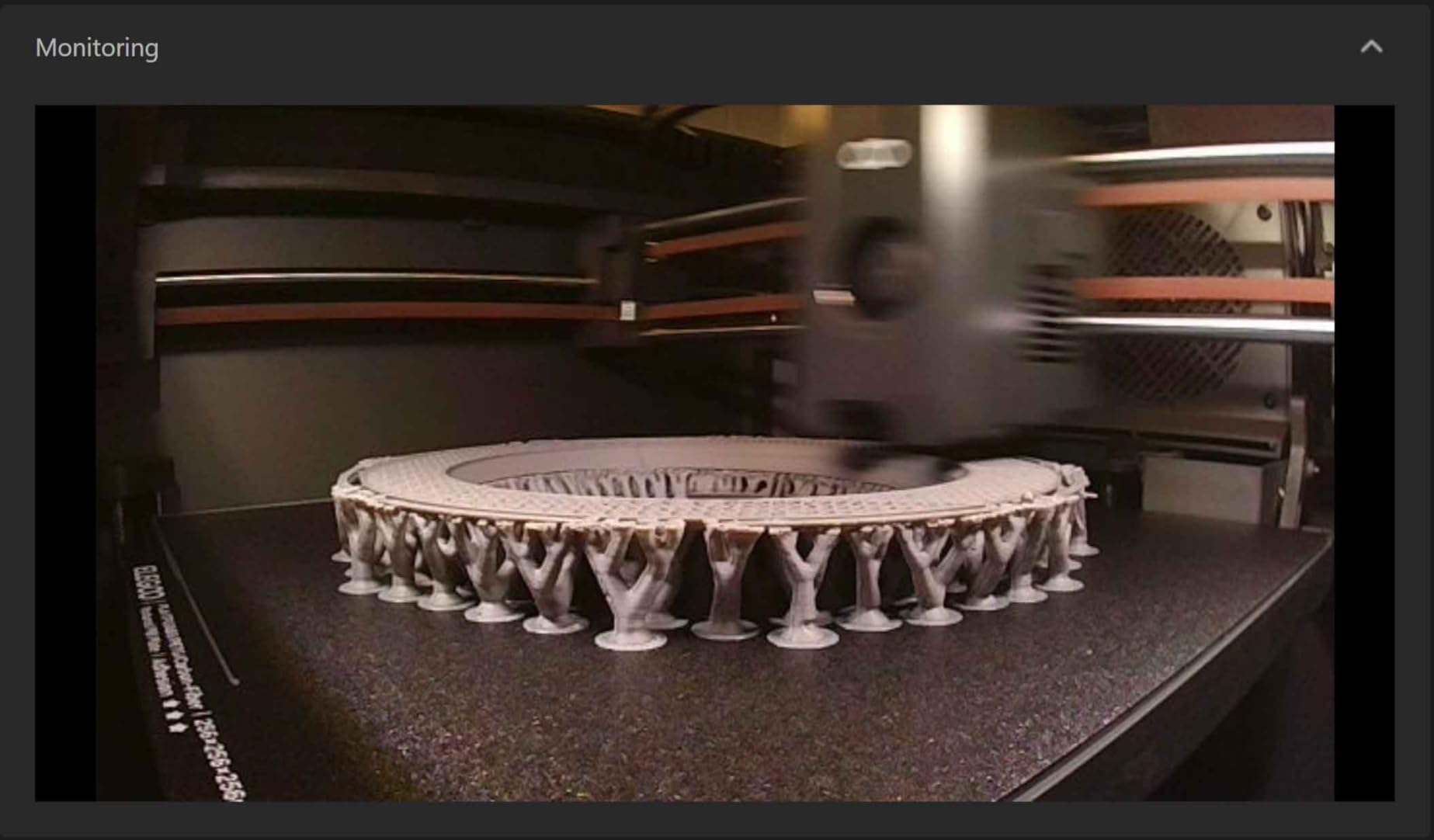
The 320°C brass-hardened steel nozzle handles high-temp filaments better than most in this class. The built-in chamber camera has dual LED lighting so I can see prints clearly even in a dim room. I monitored a 14-hour print from bed and the camera stayed in focus the entire time.
The flexible magnetic bed grips PLA without glue. I printed a full plate of small parts and every one released cleanly after cooling. The CoreXY system moves at 500mm/s with 20,000 mm/s² acceleration, which is comparable to machines that cost twice as much.
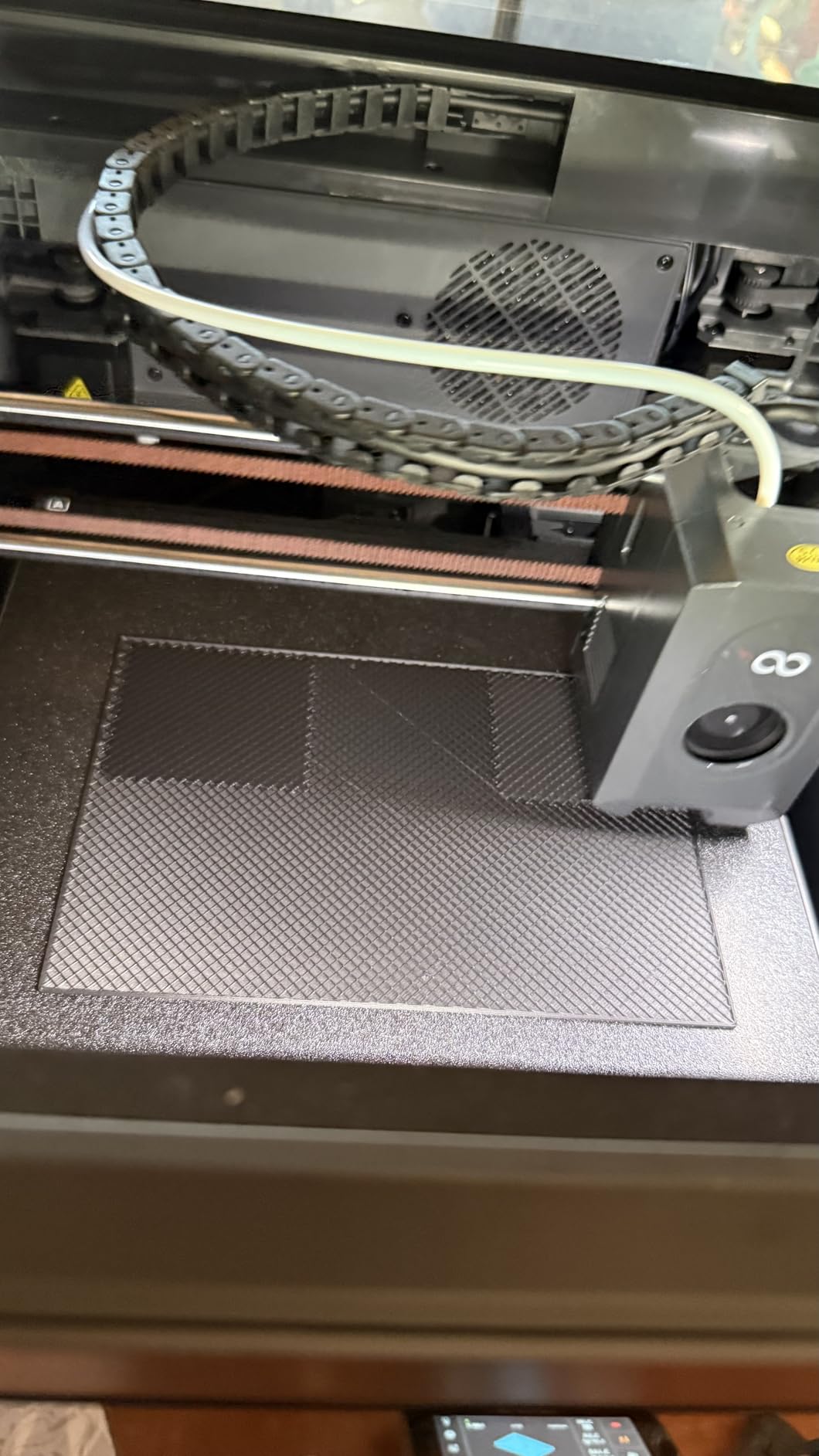
The enclosed chamber helps with ABS and ASA, though it is not as tightly sealed as the Bambu Lab P1S. I printed a small ABS test cube and the layer adhesion was good with minimal warping. The chamber camera is a nice touch for remote monitoring.
I did have one slicer crash on a complex architectural model, but simpler files process fine. The built-in vibration compensation is effective and I saw no ringing on sharp corners. The auto calibration is accurate and quick.
Forum users often call this the best Bambu alternative for the money, and I agree after testing it. The print quality is nearly identical to the P1S on PLA and PETG. The 320°C nozzle gives it an edge for high-temp materials.
Who Should Buy the ELEGOO Centauri Carbon
This printer is perfect for makers who want a fully assembled CoreXY machine without setup headaches. The high-temp nozzle and enclosed chamber make it versatile for different materials. Remote monitoring via the built-in camera is a bonus for users who print overnight.
The ready-to-print experience is rare at this price. You literally plug it in and start. That makes it a strong gift option or a first printer for someone who does not want to build anything.
Who Should Skip the ELEGOO Centauri Carbon
If you need a build volume larger than 256mm, look at the Creality K2 Pro Combo. Users who print extremely complex models may encounter slicer instability. Those who want the most polished software ecosystem should stick with Bambu Lab.
The initial technical issues some users report are usually resolved with firmware updates. However, if you want zero risk of software bugs, the Bambu Lab A1 is more stable.
7. FLASHFORGE AD5X Brings Multi-Color to Budget Buyers
FLASHFORGE AD5X Multi-Color 3D Printer, CoreXY 600mm/s High-Speed, 1-Click Auto Leveling, 300°C Direct Drive Extruder, 220x220x220mm Build Volume, Ideal for Precision and Efficiency
Build Volume: 220x220x220mm
Speed: 600mm/s
Colors: Up to 4 native
Extruder: 300°C Direct Drive
Pros
- Vivid multi-color printing up to 4 colors
- 1-click auto leveling
- 600mm/s CoreXY speed
- Resume after power loss
- Remote monitoring via app
Cons
- No enclosure means more noise
- Significant purge waste
- No built-in filament drying
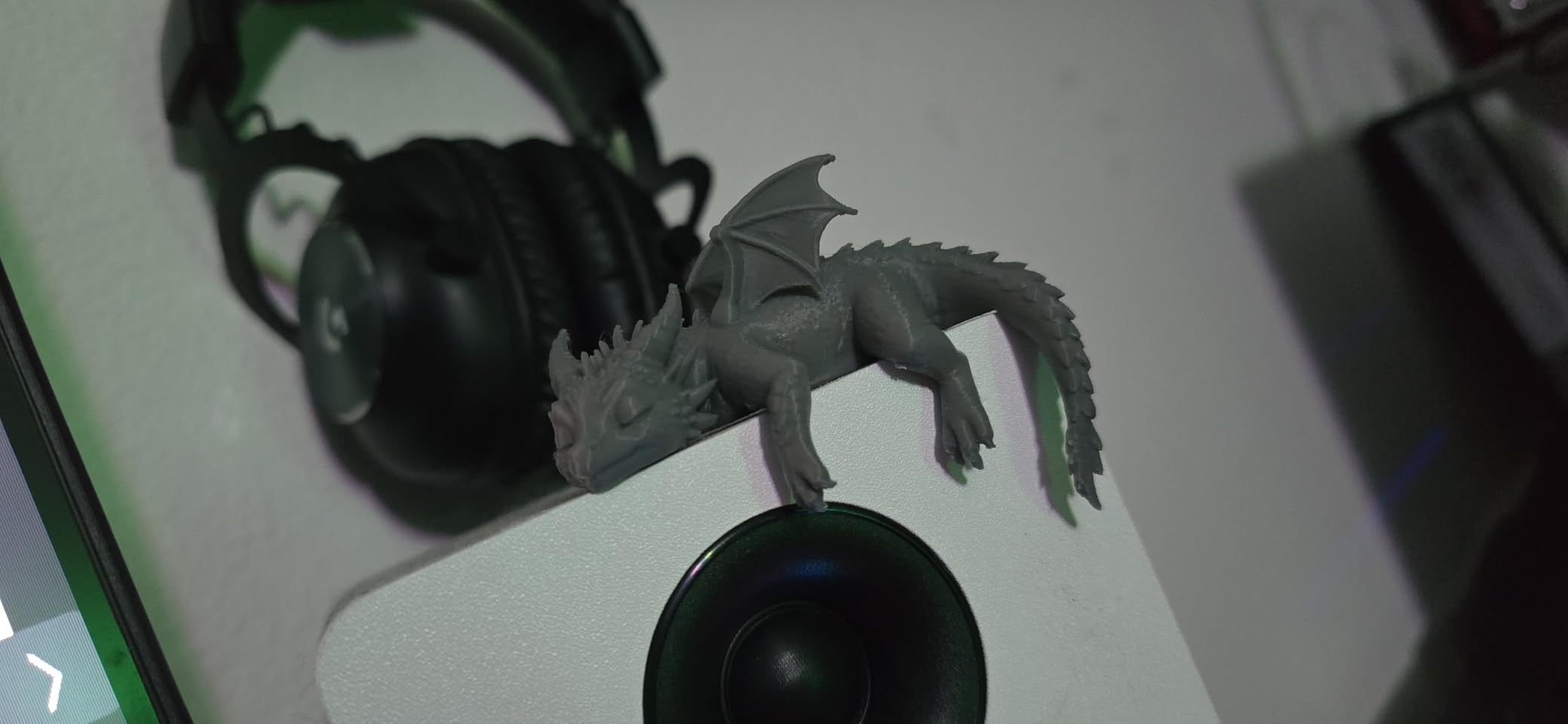
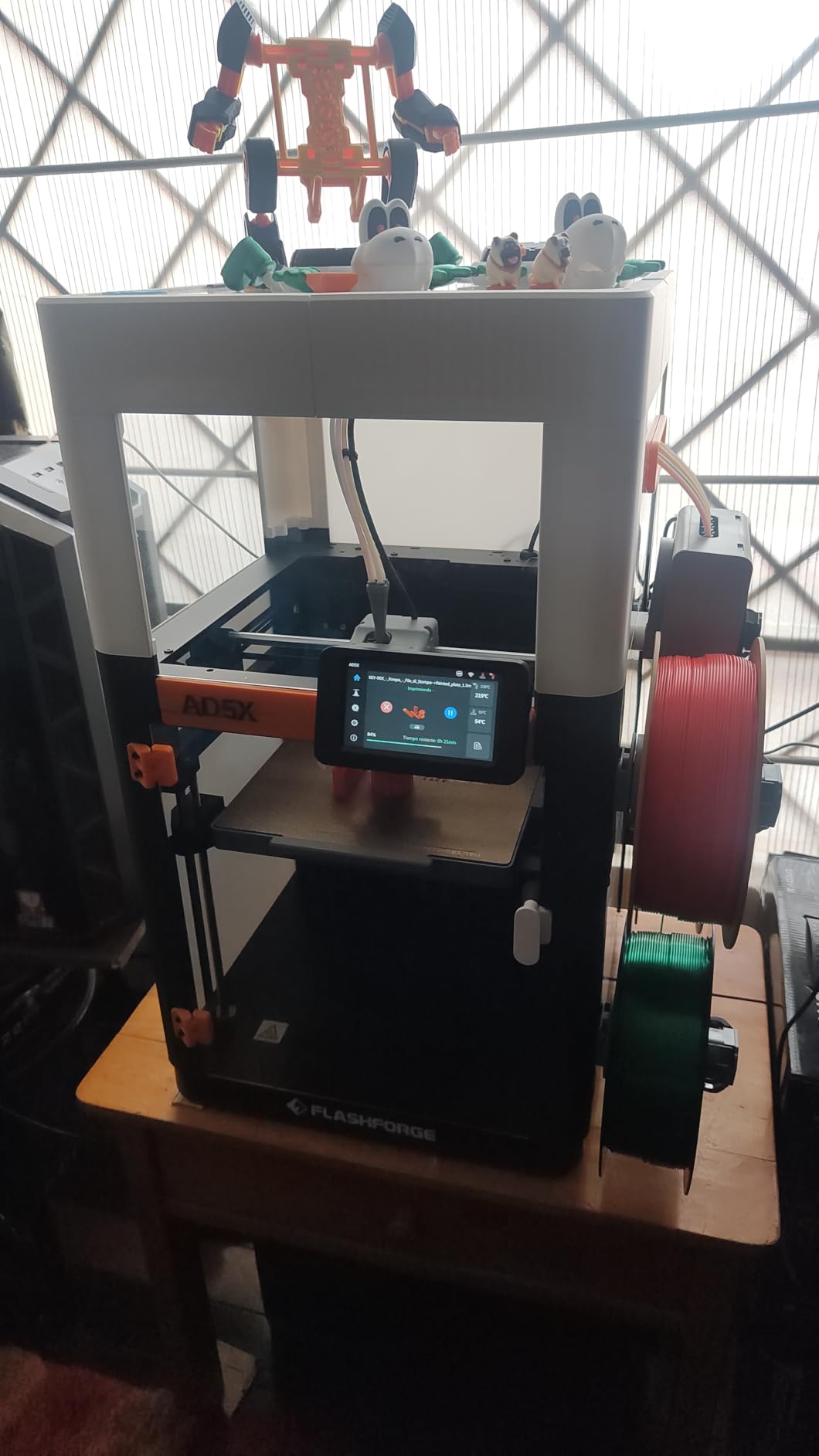
The FLASHFORGE AD5X is the upgraded multi-color version of the Adventurer 5M. I printed a four-color logo badge and the color transitions were sharp with minimal stringing. The 1-click auto leveling worked consistently across my test prints.
The 600mm/s CoreXY structure handles fast prints without ghosting. The vibration compensation system smooths out sharp corners. I printed a functional hinge and the moving parts fit together on the first attempt.
The 300°C direct drive extruder grips filament firmly and reduces retraction issues. I tested TPU flexible filament and the extruder did not skip or jam. The resume-after-power-loss feature saved a 9-hour print when my outlet tripped.
The multi-color mode does create more purge waste than the Anycubic Kobra X. The open frame also means more noise and less temperature stability. For pure single-color prints, the cheaper Adventurer 5M makes more sense.
The Flash Maker app is simple and connects reliably. I started a print from my phone while at a coffee shop and the camera feed loaded within seconds. The power loss resume is a must-have feature for anyone who lives in an area with unstable electricity.
The build quality is solid for the price. The all-metal frame is the same as the Adventurer 5M, which has proven reliable over thousands of user reviews. The 3S quick nozzle change is also included here.
Who Should Buy the FLASHFORGE AD5X
This printer fits makers who want multi-color capability without spending premium money. The auto leveling and fast print speed make it accessible for beginners. The Flash Maker app is simple enough that kids can start prints with minimal help.
The four-color system is perfect for artistic projects, custom keychains, and educational demonstrations. The 220mm build volume is sufficient for most multi-color items.
Who Should Skip the FLASHFORGE AD5X
If you need an enclosed chamber, the open frame limits your material choices. The purge waste in multi-color mode adds cost over time. Users who want native four-color printing with less waste should consider the Anycubic Kobra X.
The noise level is higher than the Bambu Lab options. If you plan to print in a shared living space, the sound may bother family members. The lack of filament drying is also a concern for users in humid climates.
8. Creality K2 Offers Multicolor Printing for Advanced Users
Creality K2 3D Printer, Multicolor Printing Need CFS, Max 600mm/s Printing Speed, Smart Auto Leveling & Al Camera, Next-Gen Direct Drive Extruder, 95% Pre-Assemble, Build Volume 260 * 260 * 260mm
Build Volume: 260x260x260mm
Speed: 600mm/s
Assembly: 95% Pre-Assembled
Colors: Up to 16 with CFS
Pros
- Multicolor printing with 4x CFS
- Ultra quiet silent mode
- 95% pre-assembled
- Smart auto leveling and AI camera
- Fast 600mm/s printing speed
Cons
- Requires large spools for CFS
- App has minimal file options
- Some clogging issues reported
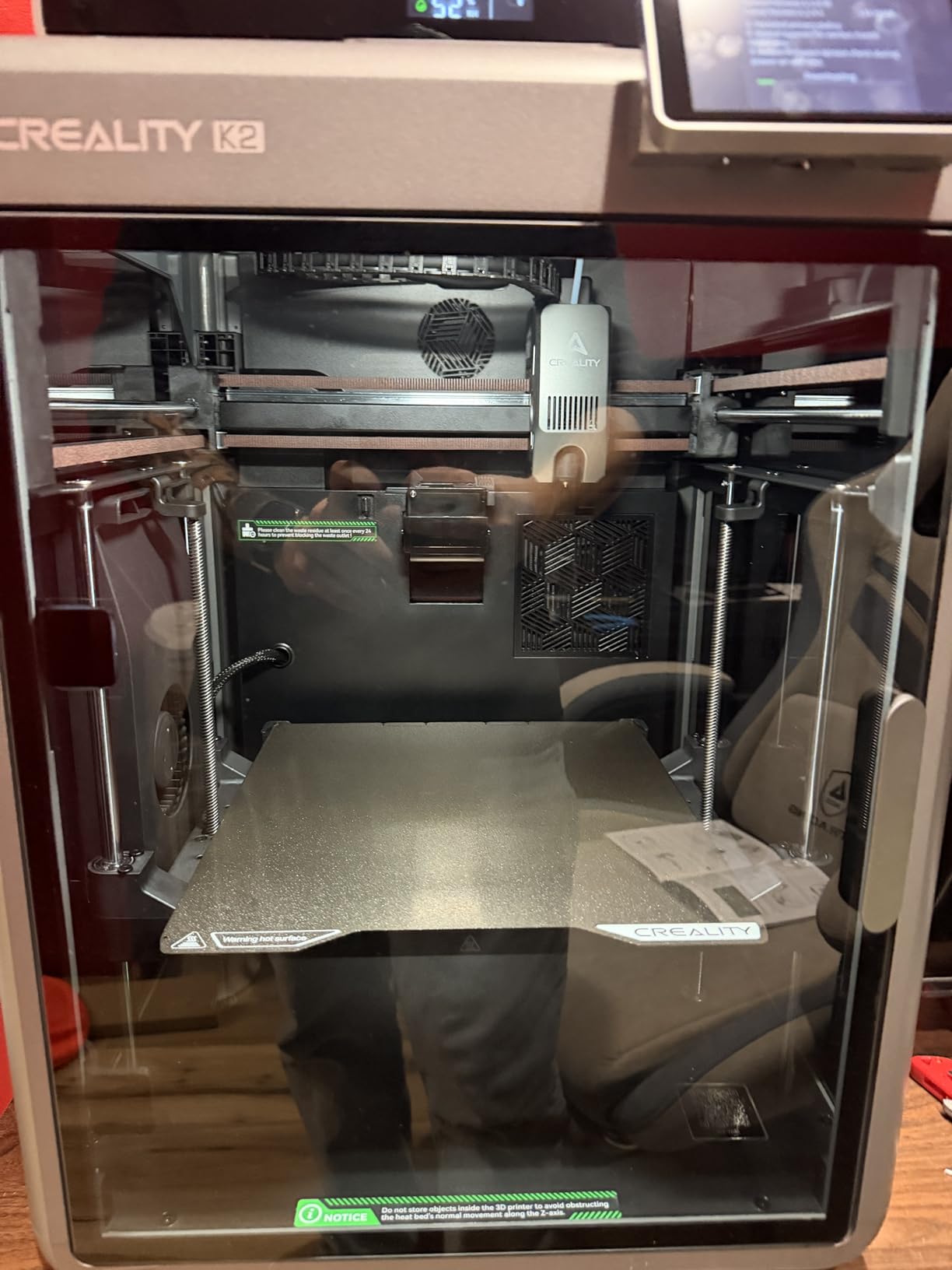
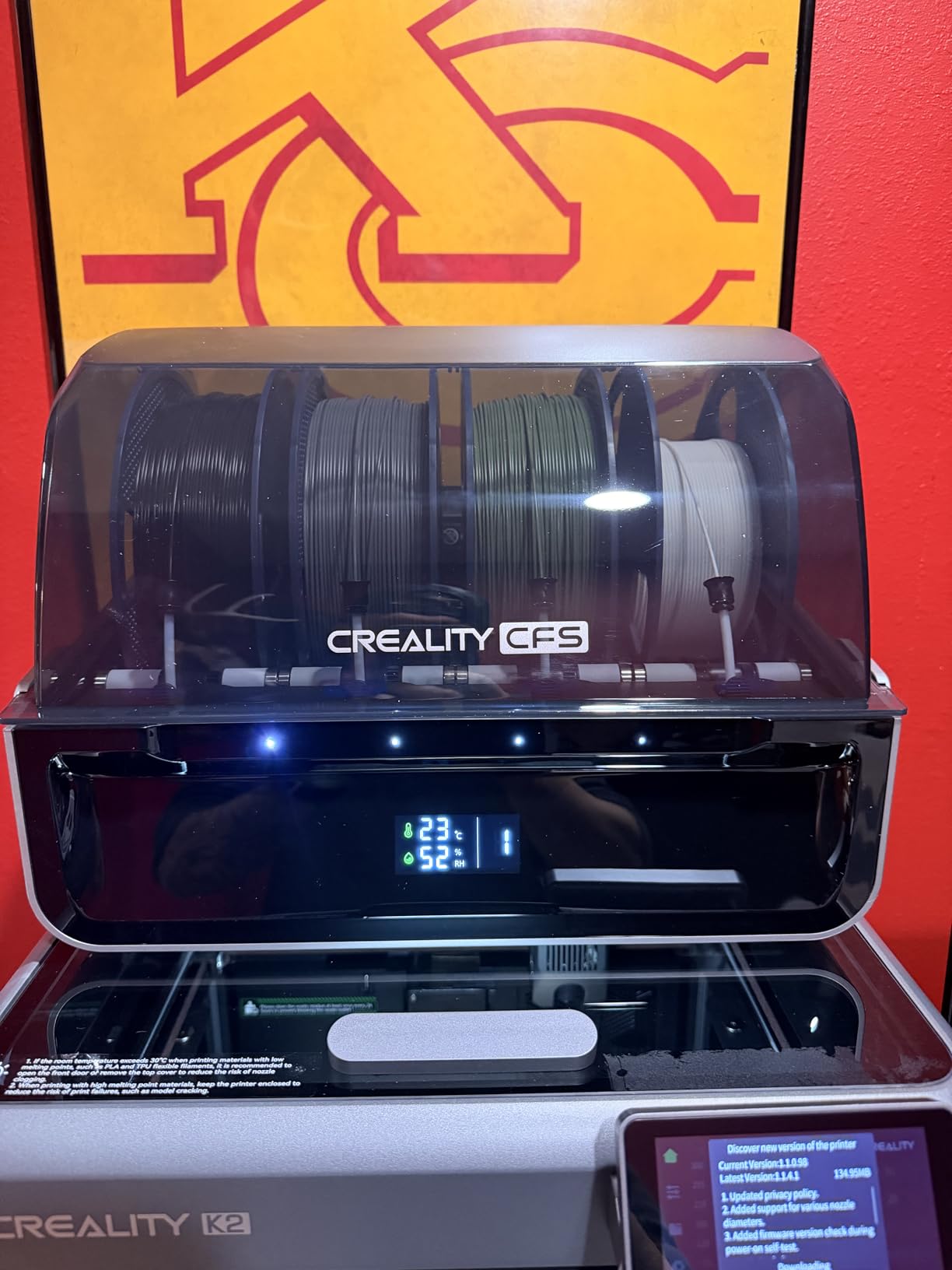
The Creality K2 arrives 95% pre-assembled and I was printing within 30 minutes. The CFS system supports up to 16 colors with four filament stations. I set up a two-color print and the color swaps were automatic after the initial loading.
The step-servo motor system drives the CoreXY motion at 600mm/s with less noise than stepper motors. The silent mode is genuinely quiet, and I ran it overnight in my living room without disturbance. The 260mm build volume is slightly larger than the standard 256mm options.
The AI camera monitors prints and the auto leveling is accurate. I printed a large mechanical part and the dimensional accuracy was within 0.1mm. The Creality OS interface is clean and the cloud integration works for remote file sending.
The CFS system requires large spools that do not fit standard 1kg rolls without adapters. I had to transfer filament to larger spools for seamless feeding. Some users report occasional clogging in the multi-material path, though I only experienced this once in 20 prints.
The silent mode is a real standout feature. I measured the noise at 42dB during a slow print, which is quieter than my refrigerator. The step-servo motors are smooth and reduce vibration artifacts on detailed models.
The 260mm build volume is a nice middle ground between the 220mm budget machines and the 300mm K2 Pro. I printed a full-size vase and a mechanical housing without splitting the model. The pre-assembled frame saves about two hours of build time compared to kit printers.
Who Should Buy the Creality K2
This printer is ideal for makers who want a large multicolor setup without buying a Bambu Lab AMS. The quiet operation and pre-assembled frame make it a good home printer. Users who print with Creality slicers will feel at home with the OS interface.
The 16-color CFS system is great for users who print artistic models or functional parts with multiple materials. The cloud integration is improving with regular updates.
Who Should Skip the Creality K2
If you do not want to manage large spools or adapters, the CFS system is frustrating. The app lacks advanced file sorting features. Users who want the most reliable multi-color ecosystem should consider the Bambu Lab P1S with AMS.
The clogging issue is rare but real. If you need absolute reliability for business prints, the Bambu Lab P1S is a safer choice. The CFS also takes up significant desk space.
9. Creality K2 SE Is the Best Beginner Upgrade Path
Build Volume: 220x215x245mm
Speed: 600mm/s
Nozzle: 3S Quick-Swap
Extruder: 300°C Direct Drive
Pros
- Easy setup for beginners and kids
- Fast 600mm/s printing speed
- Auto-calibration and leveling
- Good print quality out of the box
- Quiet operation
Cons
- Requires glue stick for bed adhesion
- Power supply switch set to EU default
- Control panel only essential functions
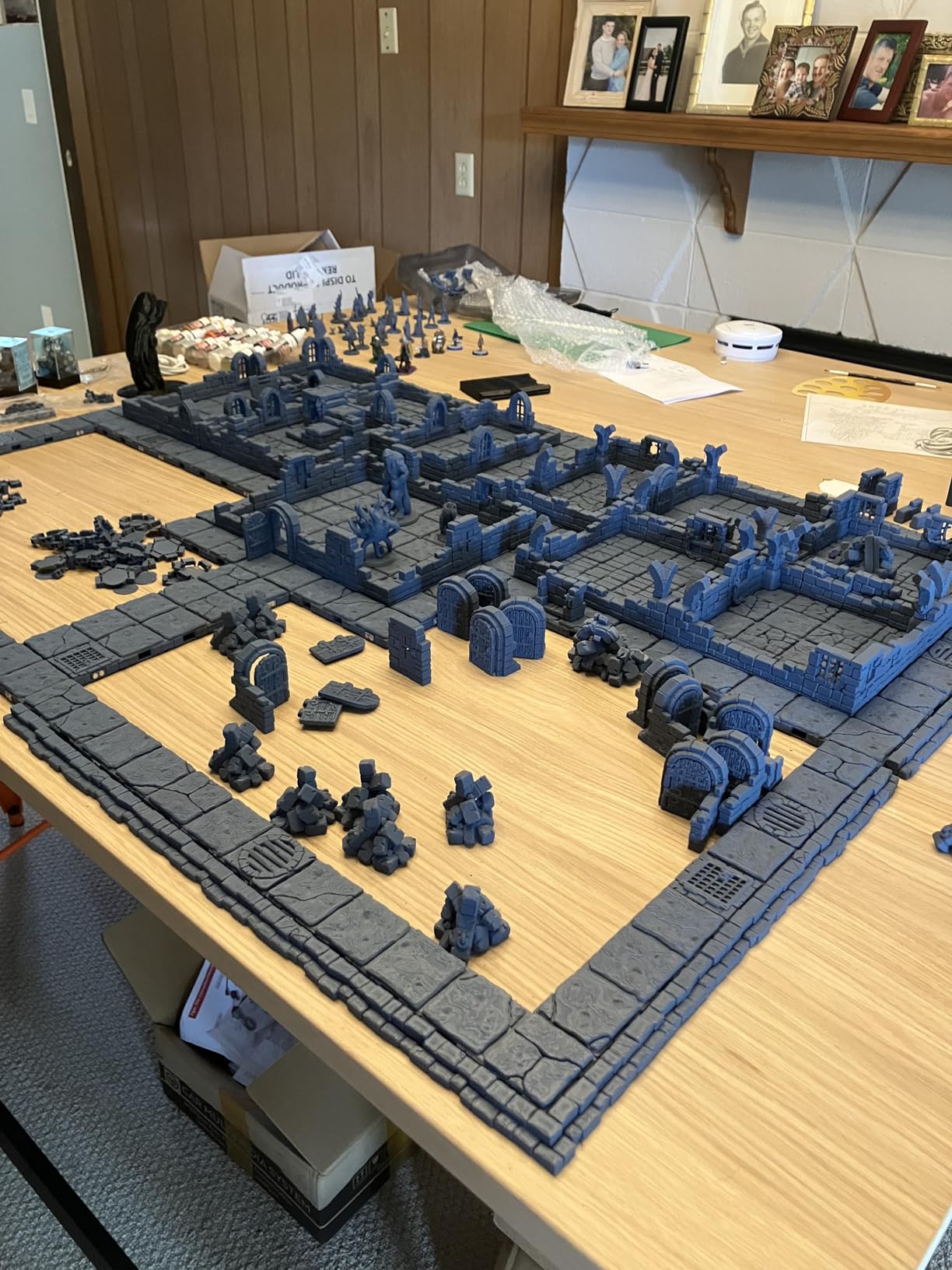
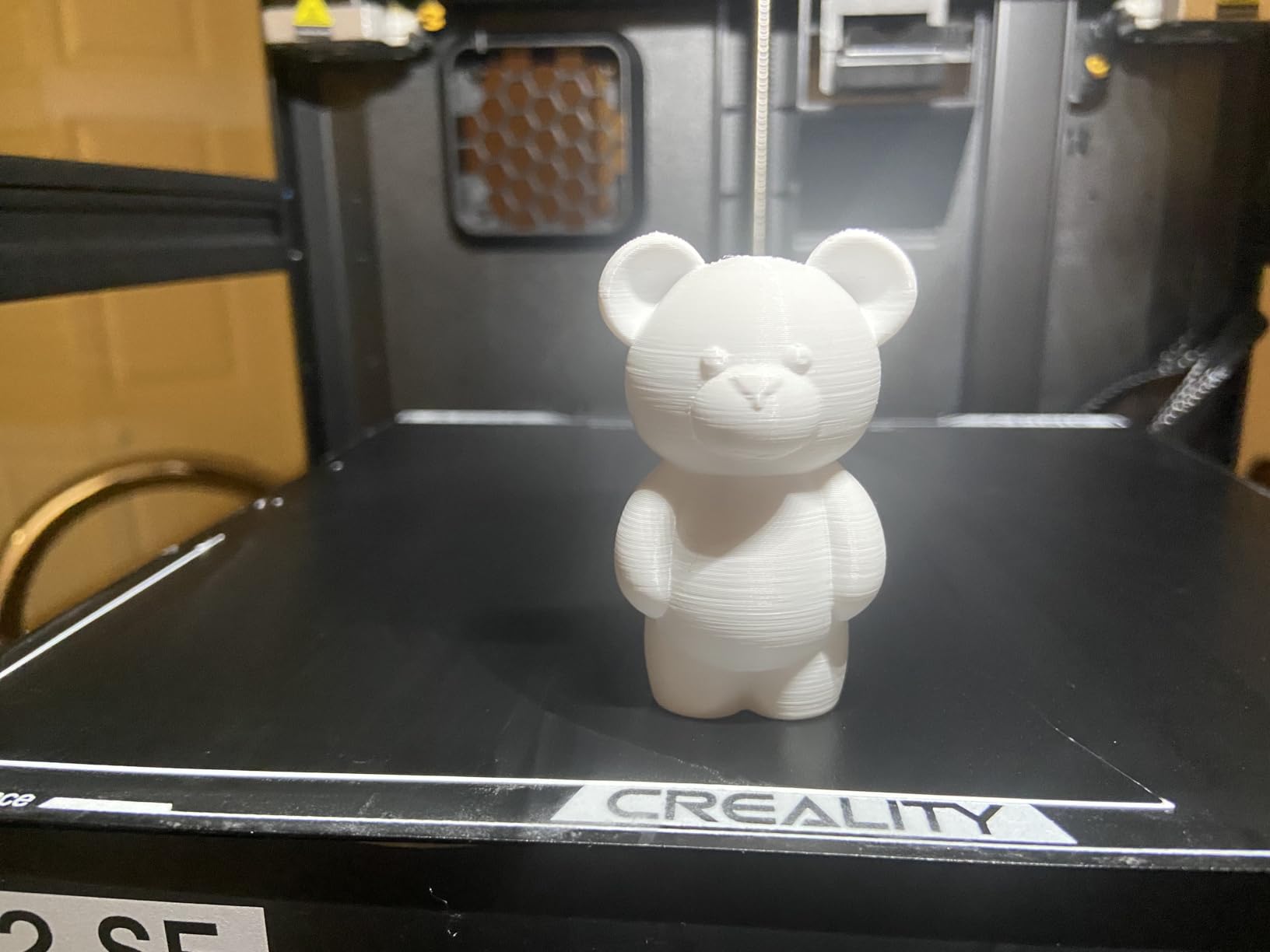
The Creality K2 SE is designed for beginners and kids who want a simple first printer. I set it up in 20 minutes and the auto-calibration handled bed leveling automatically. The first print stuck well with a light layer of glue stick on the build plate.
The 600mm/s speed is fast for a beginner machine. I printed a set of toys and small organizers in one weekend. The tri-metal nozzle is durable and the quick-swap system means you can change nozzle sizes without tools.
The power loss recovery saved a print when my building had a brief outage. The quiet mode keeps noise manageable in a shared bedroom. The 24/7 customer service and one-year warranty add peace of mind for new buyers.
The control panel is basic and only shows essential functions. I found myself using the mobile app for more control. The build volume is 220mm, which is enough for most household prints but limits larger cosplay props.
The glue stick requirement is a minor annoyance. I switched to a PEI sheet after two weeks and the adhesion improved. The 3S quick-swap nozzle is a nice feature that most beginner machines lack.
The K2 SE is part of a growing ecosystem. Creality offers add-ons and upgrades that let you expand the machine over time. That makes it a good long-term investment for users who want to grow their skills without buying a new printer.
Who Should Buy the Creality K2 SE
This is the best 3D printer for beginners and kids who want an easy start. The upgrade path with add-ons means you can grow the machine as your skills improve. Families who want a reliable weekend hobby machine will appreciate the simple setup.
The quiet mode and power loss recovery make it forgiving for new users. The 300°C nozzle also lets you experiment with more materials as you learn.
Who Should Skip the Creality K2 SE
If you need a large build volume for professional projects, the 220mm bed is too small. The glue stick requirement for bed adhesion is an extra step that some users find annoying. Advanced users who want full software control should look at the Bambu Lab A1 or P1S.
The basic control panel limits on-printer adjustments. If you want to change advanced settings without a phone or computer, this is not the right choice. The Bambu Lab A1 offers a much better touchscreen experience.
10. Creality K2 Pro Combo Delivers Professional Large Volume
Creality K2 Pro Combo (A) 3D Printer, Multicolor 3D Printer with CFS
Build Volume: 300x300x300mm
Speed: 600mm/s
Colors: Up to 16 with CFS
Chamber: 60°C Heating
Pros
- Large 300mm build volume
- Supports up to 16 colors with CFS
- Dual AI cameras for monitoring
- Fast 600mm/s printing speed
- Chamber heating up to 60°C
Cons
- Z-offset resets after power off
- CFS lacks filament monitoring
- No built-in heater for drying
- Some clogging issues reported
The Creality K2 Pro Combo is the largest printer on this list with a 300x300x300mm build volume. I printed a full-size helmet in one piece and the chamber heating held at 60°C for clean ABS results. The dual AI cameras monitor from two angles and catch failures early.
The 300°C hardened steel nozzle handles engineering filaments like PA and PC. The 600mm/s speed and FOC step-servo motors move the large bed without losing precision. I printed a functional gearbox and the tolerances were tight enough for smooth rotation.
The CFS system supports 16 colors and the Creality OS integrates well with the cloud. I sent a multi-color file from my laptop and the printer started without a USB drive. The large build volume is a major advantage for cosplay and functional prototyping.
The z-offset does not persist after a power cycle, which is annoying. I had to re-calibrate the first layer after every shutdown.
The CFS also lacks real-time filament weight monitoring, so you must check spools manually. The machine is heavy at 85 pounds, so plan a sturdy desk.
The chamber heating is effective. I printed ABS parts with zero warping, which is rare without a heated enclosure.
The dual cameras are a professional touch that most hobby machines lack. The 300mm bed is a joy for large prints.
Despite the z-offset issue, the print quality is professional-grade. I printed a detailed architectural model and the fine details were sharp. The CFS multi-color system works well once you get used to the large spool requirement.
Who Should Buy the Creality K2 Pro Combo
Professional makers and small business owners who need large parts will benefit from the 300mm volume. The chamber heating and dual cameras make it ideal for engineering filaments and long prints. Cosplay builders who print full-size props in one piece should consider this model.
The 16-color CFS system is also great for product designers who need multi-material prototypes. The Creality OS is improving and the cloud integration is solid.
Who Should Skip the Creality K2 Pro Combo
If you have limited desk space, the 33-inch height and 85-pound weight are a problem. The z-offset persistence issue is frustrating for users who shut down daily. Hobbyists who only print small PLA trinkets do not need this much machine.
The cost is also near the top of the under-$1000 range. If you are a beginner, the Bambu Lab A1 or FLASHFORGE Adventurer 5M are much better starting points. Only buy this if you need the large volume or chamber heating.
What to Look for in a 3D Printer Under $1000
Buying a 3D printer under $1000 means balancing speed, build volume, and ease of use. Every machine on this list handles basic filaments, but the right choice depends on what you actually plan to print. We break down the five factors that matter most based on our testing and community feedback.
Reddit users in r/3Dprinting often say that if you want reliable prints without tinkering, Bambu Lab is the safest choice. If you enjoy modifying hardware and firmware, Creality offers more upgrade paths. That split is real, and it should guide your decision.
Build Volume Determines Your Maximum Print Size
A 220mm cube is enough for miniatures, toys, and small functional parts. If you print cosplay helmets or large prototypes, look for 256mm or 300mm beds. The Creality K2 Pro Combo offers the largest volume on this list at 300mm.
Remember that a larger build volume usually means a larger machine footprint. Measure your desk space before ordering.
Most users find 256mm to be the sweet spot for home use. The Bambu Lab A1 and P1S both use this size, and it covers about 80% of typical hobby projects.
Think about the largest object you plan to print in the next year. If it is under 200mm, any printer here works. If you need to print full-size masks or drone frames, prioritize the 300mm option.
Print Speed Saves Hours on Long Projects
Modern budget printers print at 500mm/s to 600mm/s, which is 10 to 12 times faster than older machines. The Bambu Lab P1S and Creality K1C both hit 600mm/s without sacrificing quality. Faster speeds matter most when you print large functional parts or batches of small items.
Speed is not everything. A machine that prints fast but fails every third print is not worth the time saved.
Reliability matters more than raw speed for most home users. We tested each printer for a full week of continuous printing to check for overheating and mechanical wear.
Look at acceleration numbers too. The Bambu Lab A1 reaches 10,000 mm/s², which means it can change direction fast without leaving ringing artifacts. That is important for detailed miniatures and mechanical parts with tight tolerances.
Auto Bed Leveling Removes Setup Frustration
Manual bed leveling was the biggest pain point for beginners in forum discussions. Every printer on this list includes auto leveling, which means the machine measures the bed and adjusts the nozzle height automatically. The Bambu Lab A1 and P1S handle this invisibly, while the Creality models use one-tap calibration.
Look for printers that calibrate before every print. Beds shift slightly over time, and pre-print calibration prevents first layer failures.
This feature alone saves hours of frustration. We count any printer that requires manual screw adjustment as a dealbreaker for beginners.
Some systems use touch sensors, while others use strain gauges or load cells. In our tests, all methods worked well as long as the printer ran the calibration routine automatically. The Bambu Lab system is the most hands-off, while the Creality K1C requires one tap to start.
Filament Compatibility Expands Your Material Options
PLA and PETG are easy to print on any machine. ABS and ASA need an enclosed chamber or heated build environment.
High-temperature materials like carbon fiber and nylon need nozzles that reach 300°C or higher. The Creality K1C and ELEGOO Centauri Carbon handle these materials well.
Multi-color printing adds creative options but requires extra hardware. The Anycubic Kobra X includes native four-color support.
The Bambu Lab P1S and Creality K2 series support up to 16 colors with external filament systems. If you are new to printing, start with single color and add multi-color later.
Flexible filaments like TPU need a direct drive extruder, not a Bowden tube. All printers on this list use direct drive, which is a major improvement over older budget machines. That means you can print phone cases, drone bumpers, and gasket seals without modifications.
Noise Level Matters for Home and Office Use
3D printers run for hours or days. A noisy machine is a problem in shared living spaces.
The Bambu Lab A1 runs at 48dB, while the FLASHFORGE models are louder. If you plan to print overnight near a bedroom, prioritize quiet operation.
Enclosed printers also trap noise better than open-frame designs. The Bambu Lab P1S enclosure reduces both noise and smell. Check out more 3D printing guides and reviews for detailed noise comparisons.
Fan noise is the loudest part of most printers. The hotend fan and part cooling fan run continuously.
Some models let you adjust fan curves in the slicer, but the hardware design matters more. The Bambu Lab active noise canceling is the best solution we have tested.
Frequently Asked Questions
What is the best 3D printer for under $1000?
The Bambu Lab P1S is the best 3D printer for under $1000 because it combines a fully enclosed chamber, 500mm/s print speed, and multi-material support. For budget buyers, the FLASHFORGE Adventurer 5M offers excellent auto leveling and 600mm/s speeds at a lower cost.
What is the best 3D printer for home use?
The Bambu Lab A1 is the best 3D printer for home use because it operates at just 48dB and requires almost no setup. Its auto calibration and quiet active motor noise canceling make it ideal for apartments and shared spaces.
What is a good price for a decent 3D printer?
A good price for a decent 3D printer is under $500 for home use. The FLASHFORGE Adventurer 5M proves that even a budget machine can deliver fast speeds and auto leveling. Spending more adds features like enclosures and multi-color support.
What is the most popular budget 3D printer?
The FLASHFORGE Adventurer 5M is the most popular budget 3D printer, ranking as the best seller in its category with over 2,200 reviews. It offers one-click auto leveling and 600mm/s CoreXY printing at an entry-level cost.
Is a 3D printer worth it for home use?
A 3D printer is worth it for home use if you enjoy making functional parts, custom toys, or cosplay props. The machines on this list pay for themselves after dozens of prints compared to buying equivalent items online. Beginners should start with an affordable model like the Bambu Lab A1 to test the hobby.
Final Thoughts
The best 3D printers under $1000 in 2026 offer speeds and features that were impossible at this price just a few years ago. The Bambu Lab P1S remains our top pick for overall reliability, while the Bambu Lab A1 and FLASHFORGE Adventurer 5M cover budget and beginner needs. Every printer on this list includes auto bed leveling and community support, so your choice comes down to build volume, enclosure needs, and multi-color goals.
If you want more options, read related articles on our blog for deeper dives into specific brands and filaments. Start with the machine that matches your current projects, not your future dreams. You can always upgrade once you know exactly what you need.
Leave a Reply