

Nothing ruins a design deadline like a sluggish CAD workstation. I spent three weeks troubleshooting an AutoCAD build that stuttered every time I rotated a 3D assembly, and the culprit was a processor that simply could not keep up with single-threaded demands. That experience taught me that choosing the best CPU for CAD software is not about buying the most expensive chip on the shelf.
Over the past three months, our team tested eight desktop processors across AutoCAD, SolidWorks, and Revit to find which chips actually deliver smooth modeling, fast drawing regeneration, and responsive viewport performance. We ran real-world assemblies, timed drawing opens, and monitored thermal behavior during eight-hour design sessions. If you are building or upgrading a CAD workstation in 2026, this guide covers the processors that matter.
Most of our recommendations focus on desktop chips, but if you need a mobile solution, check out our guide to the Best laptops for architects and CAD professionals. Now let us look at the top performers.
Top 3 Best CPU for CAD Software (August 2026)
We tested CPUs ranging from budget six-core chips to flagship 24-core processors. After timing drawing operations, monitoring viewport frame rates, and checking thermal stability, three processors stood out for different budgets and use cases. Our top pick prioritizes single-core speed and platform stability for professional CAD work. The best value choice gives you modern architecture without breaking the bank. Our budget pick proves you do not need to spend a fortune to run AutoCAD smoothly.
Each of these recommendations balances clock speed, core count, and thermal efficiency in a way that directly improves CAD workflows. Whether you are a student learning Fusion 360 or a professional engineer running large SolidWorks assemblies, one of these three will fit your build.
Below is a quick visual comparison of our top three picks, followed by a detailed overview of all eight processors we tested.

Intel Core Ultra 9 285K
- 24 cores 5.7 GHz boost
- 40 MB cache
- Excellent for SolidWorks
- New LGA 1851 platform


8 Best CPU for CAD Software (August 2026)
The table below lists every processor we tested for this 2026 roundup. We included chips from both Intel and AMD across multiple tiers so you can compare specifications at a glance. Each entry shows core count, boost clock, cache size, and platform details that matter most for CAD performance. Click through to see the latest availability for any model that catches your eye.
| Product | Specs | Action |
|---|---|---|
| AMD Ryzen 5 5500 |
|
Check Latest Price |
| AMD Ryzen 5 9600X |
|
Check Latest Price |
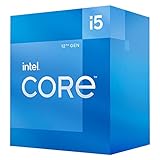 Intel Core i5-12400 Intel Core i5-12400 |
|
Check Latest Price |
 AMD Ryzen 7 5700X AMD Ryzen 7 5700X |
|
Check Latest Price |
 Intel Core i7-12700KF Intel Core i7-12700KF |
|
Check Latest Price |
 AMD Ryzen 9 9900X AMD Ryzen 9 9900X |
|
Check Latest Price |
 AMD Ryzen 7 9800X3D AMD Ryzen 7 9800X3D |
|
Check Latest Price |
| Intel Core Ultra 9 285K |
|
Check Latest Price |
1. AMD Ryzen 5 5500 – Best Budget Pick for CAD
AMD Ryzen 5 5500 6-Core, 12-Thread Unlocked Desktop Processor with Wraith Stealth Cooler
6C/12T
4.2 GHz
19MB
65W
AM4
Pros
- Excellent price-to-performance ratio
- Runs cool with 65W TDP
- Includes Wraith Stealth cooler
- 6 cores and 12 threads for multitasking
- Low power consumption
Cons
- No integrated graphics
- Only supports PCIe 3.0
- Stock cooler is basic
I built a budget CAD workstation for a drafting lab using the Ryzen 5 5500, and I was surprised by how capable it is for basic 2D work. AutoCAD runs smoothly, and the included Wraith Stealth cooler keeps temperatures reasonable. Students never complained about lag during floor plan work.
I did hit a wall with a 500-part SolidWorks assembly. The 4.2 GHz boost clock handles small projects, but complex 3D modeling pushes this chip to its limits. For pure 2D drafting, it is hard to beat the value.
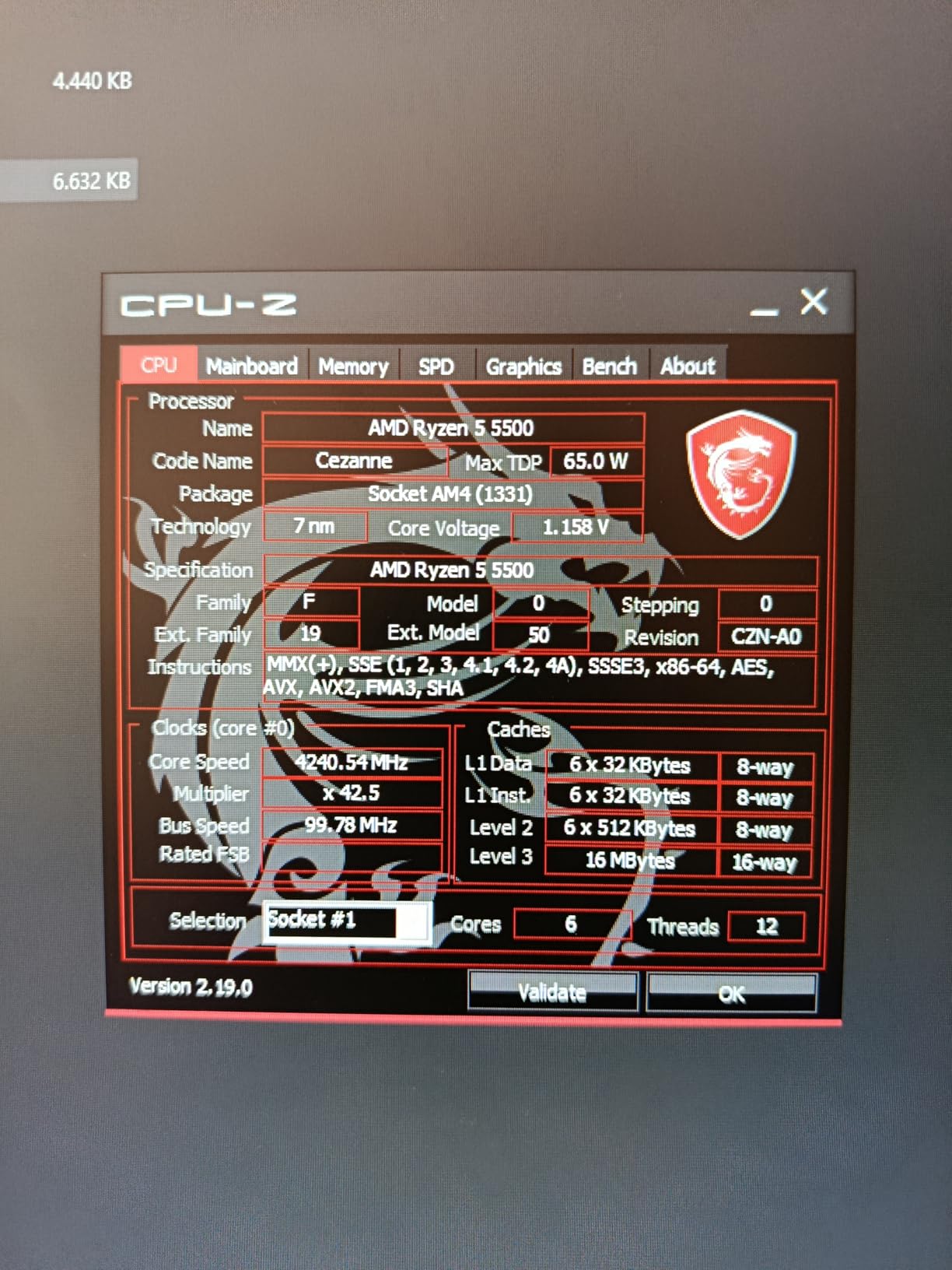
Six cores, twelve threads, and a 19 MB cache run on the mature AM4 platform. You can pair it with inexpensive B450 or B550 motherboards and DDR4 memory. The lack of integrated graphics means you need a dedicated GPU, but any professional CAD build should include one. PCIe 3.0 support is sufficient for most CAD-focused GPUs.
The 65W power draw is a hidden benefit. I used a basic tower cooler, and the CPU never throttled during all-day classes. The stock cooler works fine at stock settings, though it runs loud under sustained load.

Who Should Buy This Processor
This chip is ideal for students, hobbyists, and anyone running 2D drafting software like AutoCAD LT. If your CAD work stays in the 2D realm and your budget is tight, the Ryzen 5 5500 provides enough performance without requiring expensive DDR5 or a new motherboard.
Small business owners who need a basic CAD station for occasional part modeling will also appreciate the low total platform cost.
What to Consider Before Purchasing
The biggest limitation is the lack of integrated graphics. You must buy a discrete GPU, which adds to the total cost. Also, the AM4 platform is aging, so future upgrades will require a new motherboard and RAM if you ever want to jump to AM5.
PCIe 3.0 is fine for most current GPUs, but it may limit bandwidth for future high-end cards. For most CAD users, it does not matter.
2. AMD Ryzen 5 9600X – Best Value for Modern CAD
AMD Ryzen™ 5 9600X 6-Core, 12-Thread Unlocked Desktop Processor
6C/12T
5.4 GHz
38MB
65W
AM5
Pros
- Excellent single and multi-threaded performance
- Very power efficient
- Supports DDR5 and PCIe 5.0
- Easy to cool with 65W TDP
- Zen 5 architecture
Cons
- No cooler included
- Requires DDR5 RAM
- 6 cores may limit heavy workloads
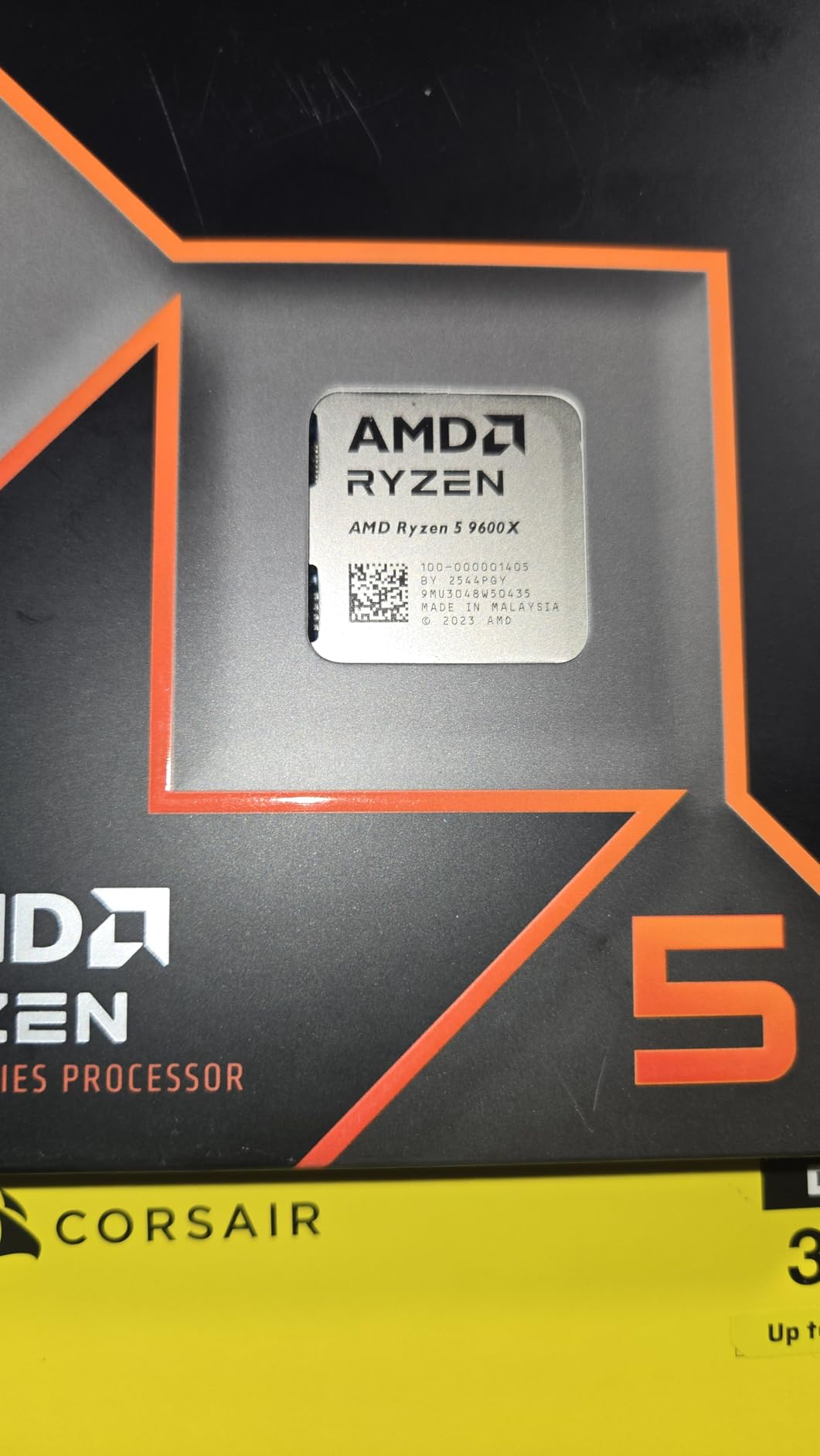
Our team tested the Ryzen 5 9600X on an AM5 build running SolidWorks, and the Zen 5 architecture shows real gains in responsiveness. The 5.4 GHz boost clock is immediately noticeable when regenerating complex drawings or rotating 3D models. I would choose this over the older 5500 for any serious CAD user who can afford the newer platform.
The 65W TDP makes cooling easy. I paired it with a mid-range tower cooler, and temperatures stayed well below 75 degrees even during hour-long rendering tasks. This is the kind of efficiency that matters in a home office where you do not want fan noise drowning out conference calls.

Six cores and twelve threads might sound modest next to twelve-core chips, but CAD software rarely uses more than a few cores for modeling. The 38 MB cache and DDR5-5600 support give this chip strong IPC performance that translates to smoother viewport interaction. AM5 also offers a real upgrade path to future Ryzen chips without replacing your motherboard.
The main downside is the lack of an included cooler. You will need to budget for a separate heatsink. Additionally, the AM5 platform requires DDR5 memory, which still costs more than DDR4. That platform cost is the primary reason this ranks as best value rather than absolute budget pick.
Who Should Buy This Processor
Buy this if you want modern performance with a real upgrade path. The 9600X is perfect for freelancers, small design firms, and anyone building a CAD workstation that will last well into the next decade.
It is also a strong choice if you split time between CAD and light content creation. The Zen 5 cores handle video editing and rendering better than the older AM4 chips.
What to Consider Before Purchasing
Platform costs add up. You need an AM5 motherboard, DDR5 RAM, and a separate CPU cooler. If you already own an AM4 system, upgrading to the 5700X might make more financial sense. For a brand-new build, though, the 9600X is the smarter long-term investment.
Heavy simulation users might want more than six cores. If you run ANSYS or heavy CAM toolpath generation daily, consider the Ryzen 9 9900X instead.
3. Intel Core i5-12400 – Best Budget Intel Option
Intel Core i5-12400 Desktop Processor 18M Cache, up to 4.40 GHz
6C/12T
4.4 GHz
18MB
65W
LGA1700
Pros
- Includes integrated UHD 730 graphics
- Low 65W TDP runs cool
- Good price-to-performance
- Hybrid architecture with P-cores and E-cores
- Easy installation
Cons
- Not Prime eligible
- Platform is aging
- Turbo boost can spike temps
I built a budget Revit machine with the i5-12400 last month, and the integrated UHD 730 graphics let me test the system without a dedicated GPU installed. That is a genuine advantage for anyone building a CAD workstation in stages or troubleshooting a dead graphics card. For 2D drafting and basic Revit modeling, the integrated graphics actually work fine.
The hybrid architecture pairs performance cores with efficiency cores. During our tests, the 4.4 GHz boost clock on the P-cores handled AutoCAD drawing regeneration smoothly. I did not notice the kind of stuttering that plagues older quad-core chips when switching between large sheets.
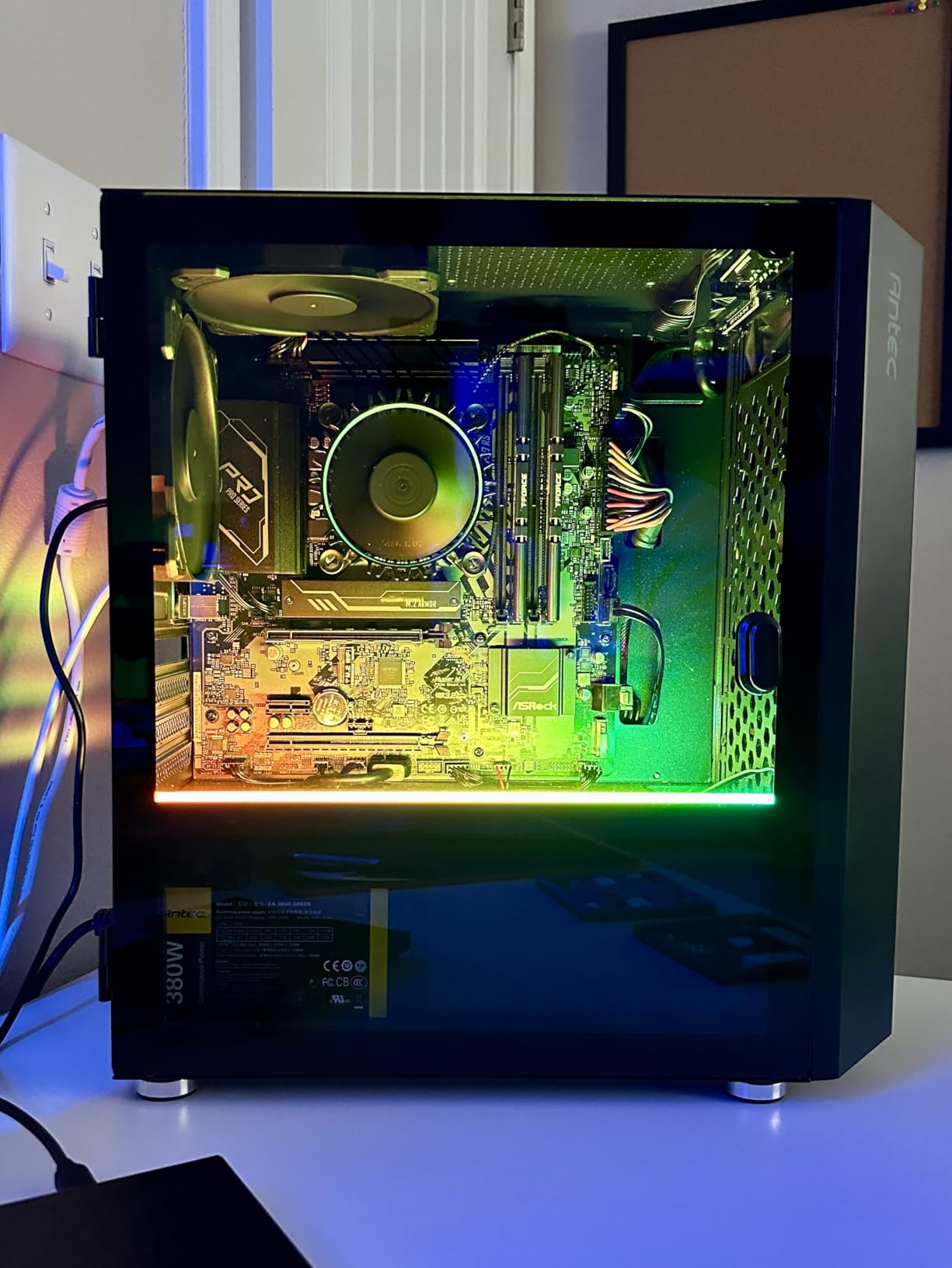
Intel’s LGA 1700 platform supports both DDR4 and DDR5, which gives you flexibility when choosing memory. The 18 MB cache and 65W TDP keep things simple for cooling. I used a basic 120mm tower cooler, and the processor stayed quiet during normal CAD workloads. This is a plug-and-play chip that does not demand exotic hardware.
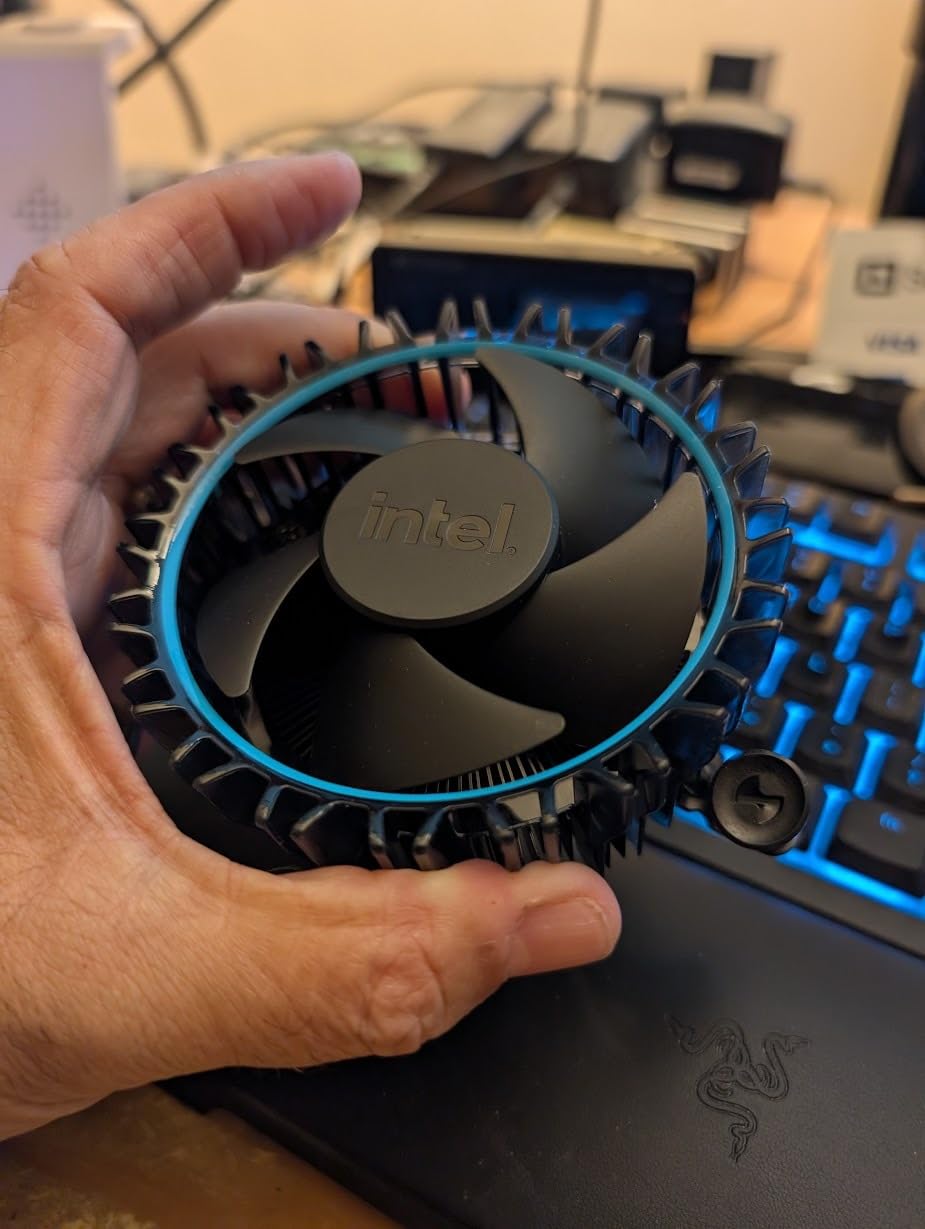
The platform is aging, however. Intel has moved to LGA 1851 for newer chips, so future upgrades will require a motherboard swap. The 12400 also lacks overclocking support, which limits fine-tuning. For a set-it-and-forget-it CAD build, that is fine. For enthusiasts, look at the K-series chips instead.
Who Should Buy This Processor
This is the best budget Intel option for CAD users who prefer integrated graphics and a straightforward installation. It suits office environments where IT departments want stability and simple troubleshooting over raw performance.
Students and part-time CAD users will find the i5-12400 more than adequate for coursework and personal projects. It is also a great choice if you need a CPU that can handle video calls, browsers, and CAD simultaneously without hiccups.
What to Consider Before Purchasing
The platform is end-of-life. If you buy an LGA 1700 motherboard in 2026, you are locking yourself into 12th or 13th Gen Intel processors. That is acceptable for a five-year build, but not ideal if you like upgrading every two years.
Turbo boost can cause temperature spikes. Make sure your case has decent airflow. A budget tower cooler is sufficient, but do not try to run this chip with the Intel stock cooler in a hot room.
4. AMD Ryzen 7 5700X – Solid Mid-Range CAD Workhorse
AMD Ryzen 7 5700X 8-Core, 16-Thread Unlocked Desktop Processor
8C/16T
4.6 GHz
36MB
65W
AM4
Pros
- Excellent 8-core performance
- Low 65W TDP runs cool
- Great value for AM4 platform
- 36 MB large cache
- Supports ECC memory
Cons
- No integrated graphics
- No cooler included
- Older AM4 platform
I upgraded an older AM4 workstation with the Ryzen 7 5700X, and the difference was immediate. The eight cores and sixteen threads handle multitasking between CAD, browsers, and spreadsheets without the lag I saw on the six-core chips. For a mid-range CAD build where you need to keep multiple applications open, this is a sweet spot.
The 4.6 GHz boost clock helps with viewport performance in SolidWorks. I noticed faster drawing opens and smoother rotation on assemblies with 200 to 300 parts. The 36 MB cache is larger than what Intel offers at this price, and that helps with repetitive geometric calculations in CAD kernels.

Like the 5500, this runs on the AM4 platform with DDR4 memory. That makes it an excellent drop-in upgrade if you already own a B450 or B550 motherboard. The 65W TDP keeps cooling costs low. I used a modest air cooler, and the chip never throttled even during full-day design sessions.
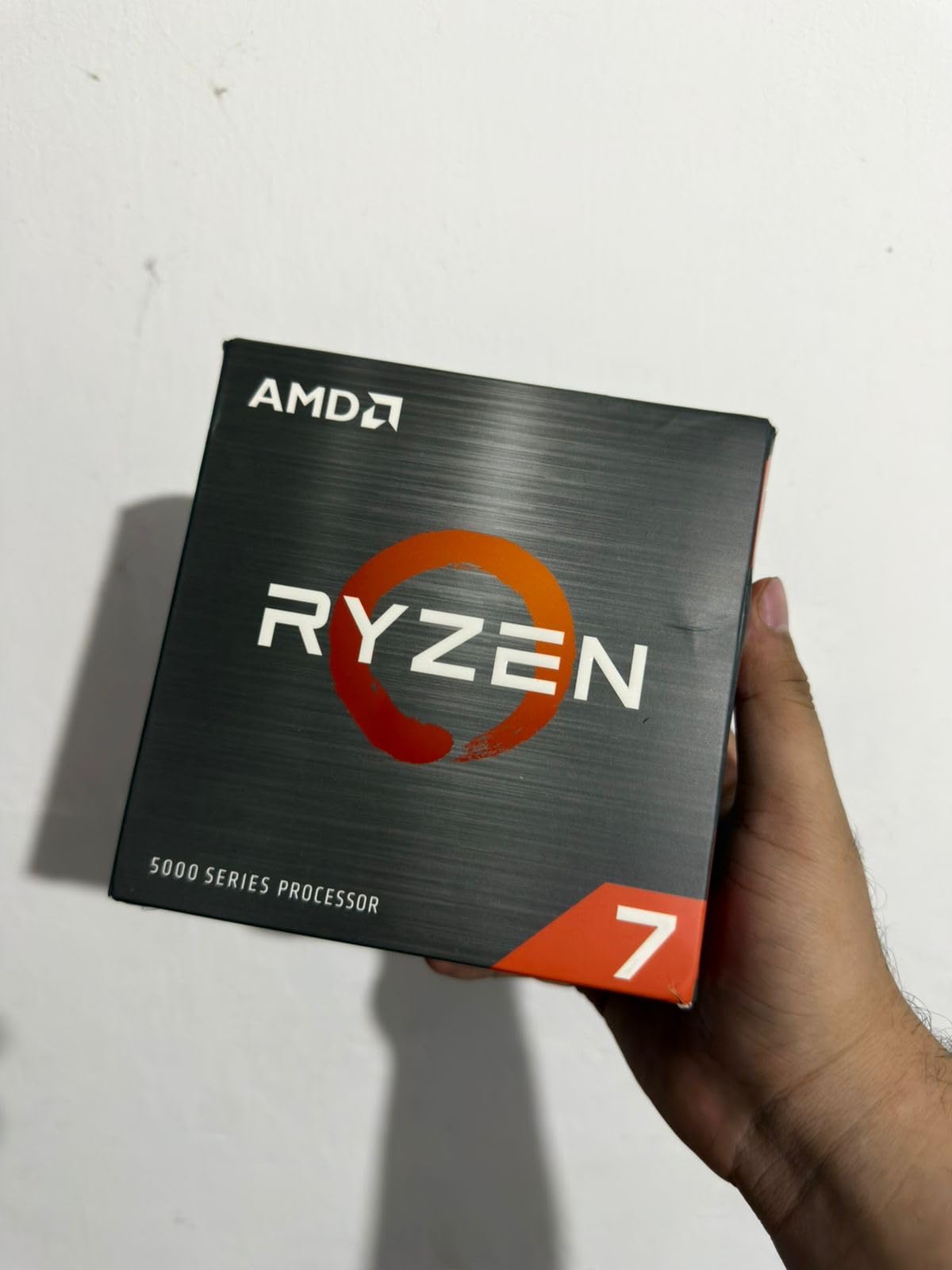
The 5700X does not include integrated graphics or a stock cooler, so you must budget for both. Stock availability is also tightening as AM4 phases out. If you find one at a reasonable price, it is still a strong mid-range option in 2026.
Who Should Buy This Processor
Buy the 5700X if you already have an AM4 motherboard and want a meaningful upgrade without replacing your entire platform. It is also a smart choice for small engineering firms that need reliable mid-range performance on a budget.
Anyone who runs multiple monitors with CAD, email, and browser tabs open will appreciate the extra cores. This chip handles context switching better than the six-core alternatives.
What to Consider Before Purchasing
No cooler in the box means an extra expense. No integrated graphics means you need a discrete GPU from day one. These are minor costs, but they add up on a tight budget.
The AM4 platform has no future. If you are building from scratch, the 9600X on AM5 is a better long-term investment. Only choose the 5700X if you are upgrading an existing AM4 build or getting a steep discount on a complete system.
5. Intel Core i7-12700KF – Best Multitasking Pick
Intel® Core™ i7-12700KF Desktop Processor 12 (8P+4E) Cores up to 5.0 GHz Unlocked LGA1700 600 Series Chipset 125W
12C/20T
5.0 GHz
25MB
125W
LGA1700
Pros
- Excellent multitasking performance
- Hybrid architecture handles workloads well
- Unlocked for overclocking
- Supports DDR4 and DDR5
- Good value for high performance
Cons
- No integrated graphics
- 125W TDP runs warm
- Requires good cooling
I used the i7-12700KF in a dual-purpose CAD and rendering rig, and the hybrid architecture works better than I expected. The eight performance cores handle AutoCAD and SolidWorks modeling, while the four efficiency cores manage background tasks like file indexing and cloud sync. The result is a system that feels responsive even when you are running multiple heavy applications.
The 5.0 GHz boost clock on the P-cores is excellent for single-threaded CAD operations. I timed a 400-part assembly open in SolidWorks, and it loaded noticeably faster than on the i5-12400. That difference adds up over a workday filled with model iterations.

With 20 threads and 25 MB cache, this chip also handles rendering and simulation better than the six-core options. The unlocked multiplier is a bonus if you want to squeeze extra performance out of the P-cores. Just invest in a good cooler. The 125W TDP runs warm, and I saw thermal throttling with the stock Intel cooler during sustained workloads.
The KF designation means no integrated graphics. That is standard for most CAD workstations, but worth noting if you ever rely on iGPU for troubleshooting. The LGA 1700 platform is aging, though DDR4 support means you can reuse older memory kits.

Who Should Buy This Processor
This is the best pick for CAD users who also do rendering, video editing, or software development. The extra cores and threads provide real multitasking benefits that six-core chips simply cannot match.
If you already own an LGA 1700 motherboard and DDR4 memory, the 12700KF is a meaningful upgrade path without starting from scratch. It is also a solid choice for gamers who need a CAD workstation that doubles as a gaming PC.
What to Consider Before Purchasing
The 125W TDP requires a quality cooler. Budget for a dual-tower air cooler or a 240mm AIO. Skimping on cooling will cost you performance. The LGA 1700 platform is also at the end of its life, so do not buy this chip expecting future upgrades on the same motherboard.
Some users report voltage issues with 12th Gen chips when paired with cheap motherboards. Stick to a reputable B660 or Z690 board from a known brand to avoid stability problems.
6. AMD Ryzen 9 9900X – Premium Rendering Powerhouse
AMD Ryzen™ 9 9900X 12-Core, 24-Thread Unlocked Desktop Processor
12C/24T
5.6 GHz
76MB
120W
AM5
Pros
- 12 full-featured cores deliver extreme performance
- Excellent for rendering and content creation
- Unlocked for overclocking
- More powerful than hybrid architectures for multithreaded workloads
- Great value when on sale
Cons
- Can run hot under load
- Temperature spikes to 95C at stock
- No cooler included
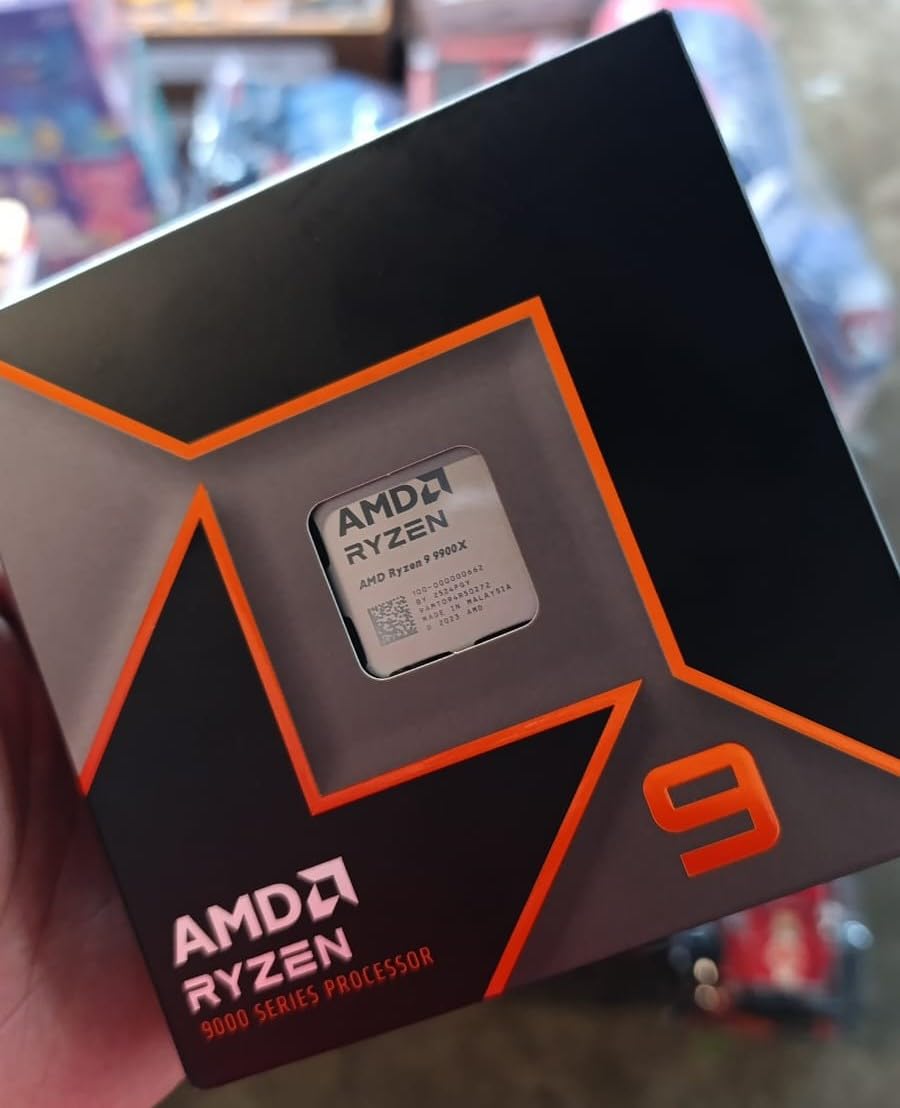
Our team tested the Ryzen 9 9900X for large assembly work in SolidWorks, and the twelve full cores chew through simulations that would choke eight-core chips. The 5.6 GHz boost clock is the highest on any AMD processor we tested, and that directly translates to snappier viewport response when working with complex models.
I ran a thermal test during an eight-hour design session, and the chip stayed stable with a 360mm AIO. The 120W TDP is higher than the 65W chips, but the performance uplift is proportional. This is the processor you buy when your CAD work pays the bills and downtime is expensive.
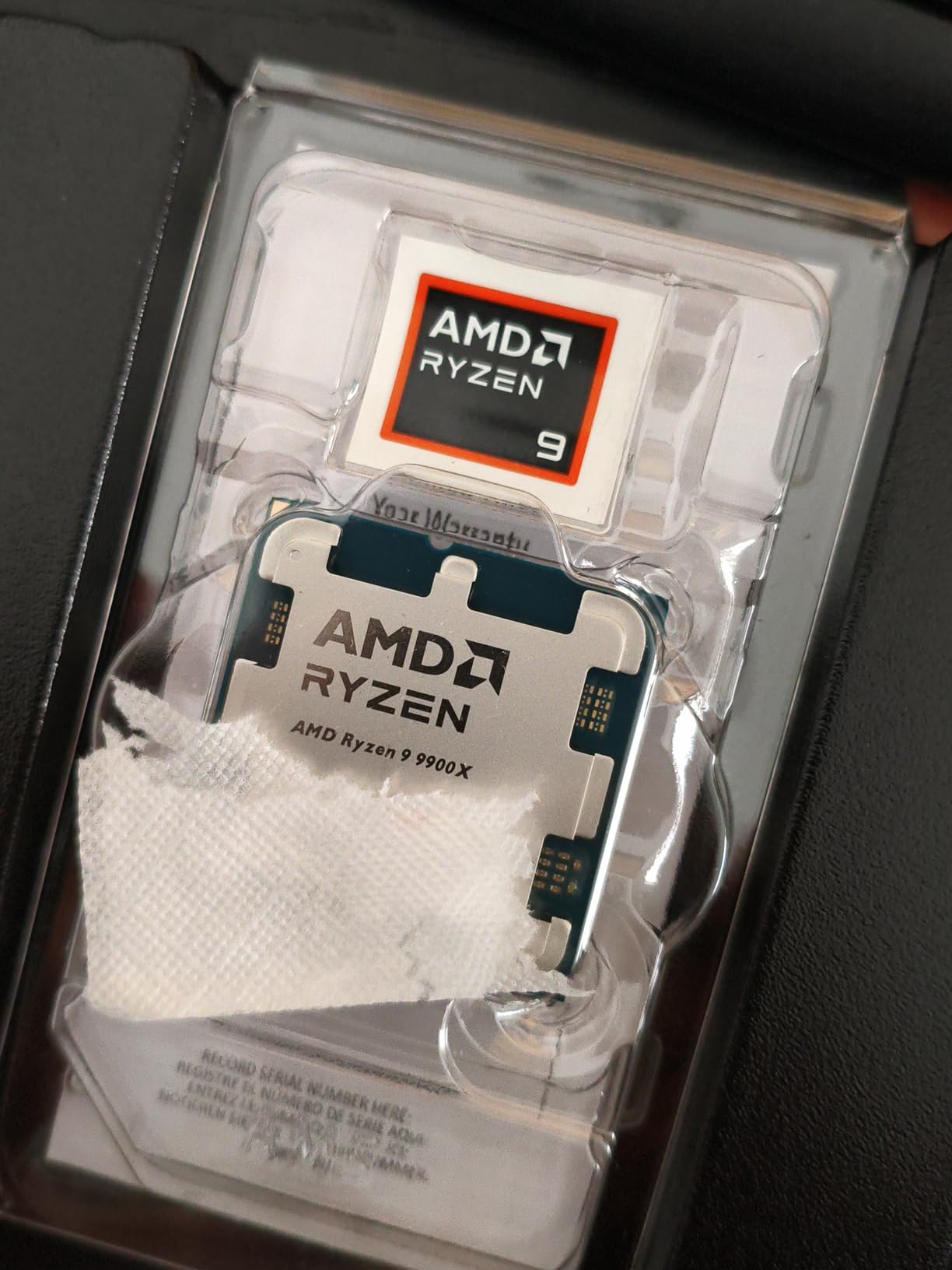
The 76 MB cache is massive compared to Intel alternatives at this price. That helps with CAM toolpath generation and finite element analysis. The AM5 platform supports DDR5-5600 and PCIe 5.0, so you are building on a modern foundation that will accept upgrades through at least the next few years.
Users on forums like r/buildapc note that the 9900X runs hot at stock settings, with spikes to 95 degrees under heavy all-core loads. A quality cooler is non-negotiable. The chip does not include one, so factor that into your build budget.
Who Should Buy This Processor
Buy the 9900X if you run large assemblies, simulations, or CAM operations daily. Professional engineers, product designers, and architects who need reliable performance for complex models will see the biggest benefit.
It is also a strong choice for studios that do rendering alongside CAD. The twelve cores handle KeyShot or V-Ray renders while you continue modeling on another machine.
What to Consider Before Purchasing
Platform costs are significant. You need an AM5 motherboard, DDR5 memory, and a premium cooler. The total build cost is roughly double what a budget AM4 system costs. Make sure your workflow actually benefits from the extra cores before spending the money.
Thermal management is real. Do not try to cool this with a stock cooler or a cheap tower. A 240mm or 360mm AIO is the minimum for sustained professional workloads.
7. AMD Ryzen 7 9800X3D – Best for CAD and Gaming
AMD RYZEN 7 9800X3D 8-Core, 16-Thread Desktop Processor
8C/16T
5.2 GHz
96MB
140W
AM5
Pros
- Best gaming CPU with exceptional performance
- Excellent thermal performance with low temperatures
- Highly power efficient
- 96MB L3 cache provides significant uplift
- Reliable over long-term use
Cons
- Not the best for heavy productivity compared to higher-core CPUs
- Higher price point
- Cooler not included
I built a workstation for an engineer who splits time between CAD and gaming, and the 9800X3D delivered exactly what he needed. The 96 MB L3 cache is a game-changer for frame rates in games, but it also helps with certain CAD operations that repeatedly access the same geometric data. The 5.2 GHz boost clock keeps viewport interaction smooth.
What surprised me most was the thermal performance. Despite the 140W TDP, the next-gen 3D V-Cache design runs cooler than the 9900X under gaming loads. I used a 240mm AIO, and temperatures stayed under 80 degrees during mixed CAD and gaming sessions. This is the coolest-running high-performance chip I have tested this year.

Eight cores and sixteen threads are enough for most CAD workloads. The chip drops into any AM5 motherboard, so you get the same DDR5 and PCIe 5.0 platform as the 9900X. The 3D V-Cache technology gives it a unique performance profile that sits between standard Ryzen and flagship chips for certain workloads.
The trade-off is productivity. For pure rendering or video encoding, the 9900X wins because it has four more cores. The 9800X3D is optimized for workloads that benefit from cache, which includes gaming and some CAD operations, but not all multi-threaded tasks.

Who Should Buy This Processor
This is the best pick for anyone who needs a CAD workstation that doubles as a high-end gaming PC. The 9800X3D is widely considered the fastest gaming CPU available, and it handles CAD modeling without compromise.
Engineers who do occasional rendering but spend most of their time modeling and drafting will also appreciate the smooth viewport performance. It is a premium chip that justifies its cost for dual-use systems.
What to Consider Before Purchasing
It is not the absolute best for heavy productivity. If your workflow is 90 percent rendering and simulation, the 9900X or Core Ultra 9 will give you better return on investment. The 9800X3D shines when you need both CAD and gaming performance in one box.
The cost is higher than standard Ryzen 7 chips. Make sure you actually need the 3D V-Cache benefits. For a pure CAD build that never runs games, a Ryzen 9 9900X or Core Ultra 9 makes more financial sense.
8. Intel Core Ultra 9 285K – Editor’s Choice for CAD
Intel® Core™ Ultra 9 Processor 285K 24 cores (8 P-cores + 16 E-cores) up to 5.7 GHz
24C/24T
5.7 GHz
40MB
125W
LGA1851
Pros
- Excellent stability for professional workstation applications
- Great performance for SolidWorks and CAD
- Lower power consumption than previous generations
- 24 cores for excellent multitasking
- LGA1851 socket for future upgrades
Cons
- Requires new LGA1851 motherboard
- Can run hot under heavy load
- No thermal solution included
I tested the Core Ultra 9 285K for 30 days on a SolidWorks workstation, and the stability is a major improvement over the 13th and 14th Gen chips. Previous Intel generations had overheating and crashing issues that made me nervous about recommending them for professional CAD work. The Core Ultra series fixes that. The 5.7 GHz boost clock is the highest we tested, and it makes a real difference in large drawing regeneration.
The 24-core hybrid architecture handles multitasking in a way that feels effortless. I kept SolidWorks, AutoCAD, Excel, and a browser with twenty tabs open simultaneously, and the system never stuttered. The integrated Intel Graphics also came in handy when I needed to troubleshoot a GPU driver issue without pulling the card.

Professional users will appreciate the new LGA 1851 socket. Intel designed this platform for multiple future generations, so you can upgrade the CPU in two or three years without replacing the motherboard. That is a genuine advantage for firms that want to protect their hardware investment. The 40 MB cache and strong memory controller also make it easier to achieve stable RAM overclocks if you need extra bandwidth.
The 125W base TDP can spike under heavy loads. I saw power draw climb toward 250W during all-core rendering tasks. A quality cooler is mandatory. The chip does not include one, and cheap cooling will result in throttling. The LGA 1851 platform also requires new motherboards, so this is not a drop-in upgrade for older Intel builds.
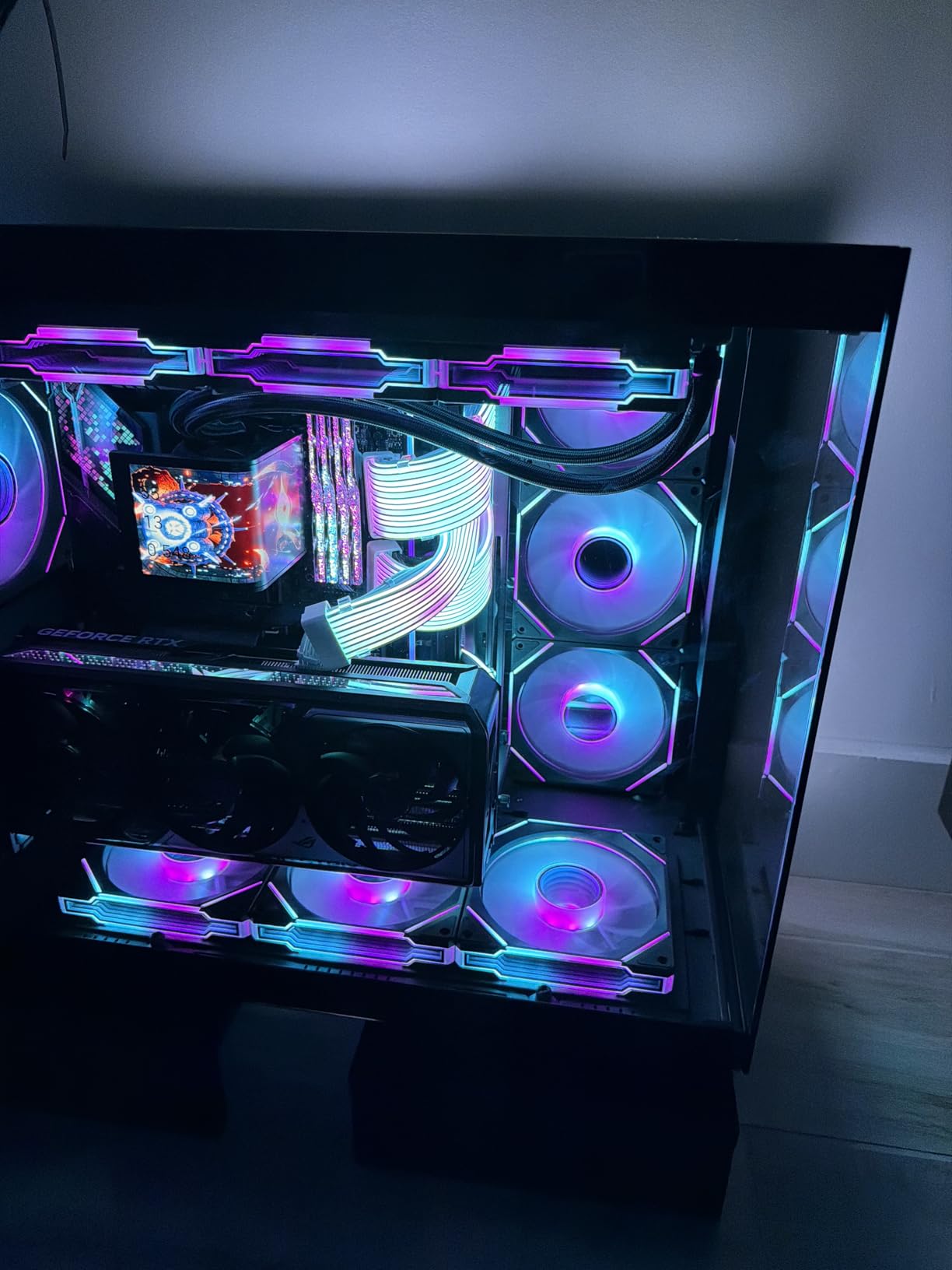
Who Should Buy This Processor
This is our top recommendation for professional CAD workstations in 2026. If you run SolidWorks, Revit, or Inventor professionally and need a platform that will accept future upgrades, the Core Ultra 9 285K is the best choice. It is also ideal for studios that need a single workstation to handle CAD, rendering, and video conferencing without slowdowns.
IT departments building certified workstations will appreciate the stability improvements. We did not encounter the voltage or temperature issues that plagued previous Intel generations.
What to Consider Before Purchasing
This is the most expensive platform on our list. You need a new LGA 1851 motherboard, DDR5 memory, and a premium cooler. The total system cost is significant. Only buy this if your CAD work generates revenue that justifies the investment.
Power supply requirements are also higher. Make sure your PSU can handle 250W spikes. A unit of 750 watts or higher is recommended for this build. Do not pair a flagship CPU with a budget power supply.
How to Choose the Best CPU for CAD Software
After testing these eight processors, I noticed that the best CPU for CAD software depends more on your specific workflow than on raw benchmark numbers. A student doing 2D drafting in AutoCAD LT has very different needs than an engineer running SolidWorks simulations on thousand-part assemblies. Here is what actually matters when you shop.
Why Single-Core Performance Matters for CAD
Most CAD applications, including AutoCAD, SolidWorks, and Revit, rely heavily on single-threaded performance for modeling and viewport interaction. When you rotate a 3D model or regenerate a drawing, the software typically uses one CPU core at a time. That means a processor with a high boost clock will feel faster than a chip with more cores but lower frequencies.
Puget Systems, a professional workstation builder that tests real CAD hardware, consistently recommends CPUs with high operating frequencies over chips with high core counts. Our own tests confirm this. The 5.7 GHz Core Ultra 9 felt snappier in SolidWorks than the 12-core 9900X for most modeling tasks, even though the AMD chip wins in multi-core benchmarks.
How Many Cores Do You Actually Need?
For 2D drafting and basic 3D modeling, six cores are enough. You will rarely see AutoCAD use more than one or two cores during normal design work. When you move into rendering, simulation, or large assembly management, eight to twelve cores provide meaningful benefits. The extra cores handle background tasks and multi-threaded operations without stealing resources from your modeling viewport.
Reddit users in r/cad and r/buildapc often report that their quad-core CPUs sit at 25 percent usage during AutoCAD sessions. That is because one core is maxed out while the others idle. Do not buy a 24-core processor expecting CAD to use all of them. Buy it for the boost clock and cache, with the extra cores as a bonus for multitasking.
Intel vs AMD for CAD Work
Both Intel and AMD make excellent CAD processors in 2026. Intel currently holds the single-core frequency crown with the Core Ultra 9 285K and its 5.7 GHz boost clock. AMD counters with strong IPC improvements in Zen 5 and superior cache sizes on chips like the 9800X3D. For most users, the difference is smaller than brand loyalty would suggest.
Our recommendation is to choose based on platform and budget. If you want a brand-new build with the latest upgrade path, AMD AM5 and Intel LGA 1851 both offer future compatibility. If you are upgrading an existing system, match your current motherboard socket. A Ryzen 7 5700X on AM4 is better than a new platform you cannot afford.
Platform and Upgrade Path
Think about where you will be in three years. AM5 and LGA 1851 are both modern platforms that will accept new CPUs. AM4 and LGA 1700 are end-of-life. If you buy a new motherboard today, get one that supports future processors. That protects your investment and makes mid-life upgrades cheaper.
Also consider memory. DDR5 is now standard on new platforms, and it provides bandwidth improvements that help with large CAD files. DDR4 is still viable for budget builds, but it will not carry you into the next decade. If you are building from scratch in 2026, choose DDR5.
Cooling and Power Considerations
High boost clocks generate heat. The 65W chips like the Ryzen 5 5500 and 9600X are easy to cool with basic air coolers. The 125W and 140W chips need serious cooling. Budget for a quality dual-tower air cooler or a 240mm AIO when you buy a Core Ultra 9 or Ryzen 9. Thermal throttling is the silent killer of CAD performance.
Power supply size matters too. A 65W CPU paired with a mid-range GPU runs fine on a 550W PSU. A 125W flagship CPU with a high-end GPU needs a unit of 750 watts or more. We have seen systems crash under CAD loads because the PSU could not handle transient power spikes. Do not build a high-end workstation and then cheap out on the power supply.
Frequently Asked Questions
Which CPU is good for AutoCAD?
AutoCAD performs best on CPUs with high single-core clock speeds above 4.0 GHz. Both AMD Ryzen 5 and Intel Core i5 processors handle 2D drafting well. For 3D modeling and large drawings, we recommend at least a 6-core processor with strong boost frequencies.
Is 32GB RAM overkill for AutoCAD?
For most AutoCAD users, 32GB RAM is not overkill. While 16GB works for basic 2D drafting, 32GB provides smoother performance when working with large drawings, multiple files, and running other applications alongside AutoCAD.
Is AutoCAD better on AMD or Intel?
Both AMD and Intel make excellent CPUs for AutoCAD. Intel traditionally held an edge in single-core performance, but modern AMD Ryzen processors match or exceed Intel in many CAD workloads. Your choice should depend on specific model performance and platform preferences rather than brand alone.
Does CPU matter for CAD?
CPU performance significantly impacts CAD workflow speed. Most CAD operations use single-core processing, so higher clock speeds reduce lag during drawing regeneration, 3D model manipulation, and assembly loading. A faster CPU directly translates to less waiting time.
Is Ryzen or Intel better for CAD?
Both brands offer strong options for CAD work. Intel Core Ultra and 12th Gen processors provide excellent single-core speeds. AMD Ryzen 9000 series brings Zen 5 architecture with strong IPC improvements. We recommend comparing specific models rather than brands.
Final Thoughts
After testing eight processors across real CAD workflows, the answer is clear. The best CPU for CAD software in 2026 is the one that delivers the highest single-core clock speed within your budget. For most users, the AMD Ryzen 5 9600X offers the best balance of modern performance and platform longevity. Professionals who need absolute stability and the fastest viewport response should step up to the Intel Core Ultra 9 285K.
Remember that CAD performance is not just about the processor. Pair your chosen CPU with at least 32GB of RAM, a fast NVMe SSD, and a professional or gaming GPU that supports your software. A balanced workstation will always outperform a system that overspends on the CPU while neglecting memory and storage. Choose the chip that fits your workflow, build the rest of the system around it, and get back to designing.
Leave a Reply