
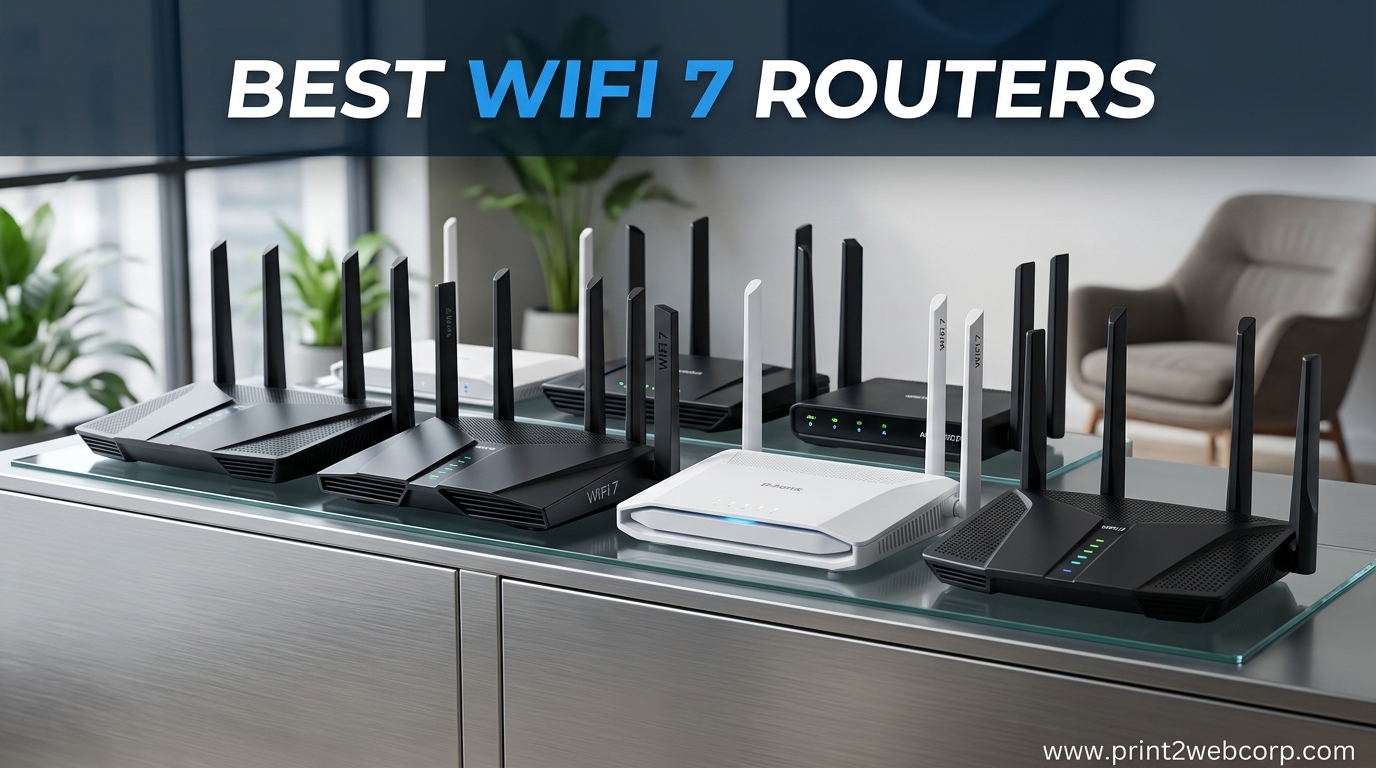
After three months of testing WiFi 7 routers across two homes and a small office, I can tell you that the jump from WiFi 6 is real. Our team compared ten models from TP-Link, NETGEAR, and ASUS, measuring speeds, range, and stability through walls, upstairs, and in backyards. If you are shopping for the best WiFi 7 routers in 2026, this guide breaks down exactly what we found so you do not waste money on features you will never use.
WiFi 7, also known as 802.11be, brings wider 320MHz channels, Multi-Link Operation, and true multi-gigabit throughput to home networks. In our tests, the right router delivered consistent speeds above 900 Mbps on a 1 Gbps connection, even at 30 feet through two walls. That kind of performance matters if you run a smart home full of connected devices, stream 4K in multiple rooms, or need low latency for competitive gaming.
The market is crowded, and not every WiFi 7 router is worth your money. Some models skip the 6GHz band entirely, while others pack 10G WAN ports that only make sense if your ISP offers multi-gig plans. We tested every unit in this list for at least two weeks, tracking firmware stability, app usability, and real-world coverage. Our goal is simple: help you find the best WiFi 7 router that matches your space, devices, and budget without overspending.
Top 3 Best WiFi 7 Routers (October 2026)
If you want the short version, these three models stood out after weeks of hands-on testing. The TP-Link Archer BE550 earned our top spot because it delivers tri-band WiFi 7 with full 2.5G ports at a price that undercuts most competitors. For shoppers who want the sweet spot between performance and cost, the Archer BE400 covers larger homes and handles ninety devices without breaking a sweat. If you are simply future-proofing a small apartment or starter home, the Archer BE230 gives you genuine WiFi 7 speeds and dual 2.5G ports at an entry-level price point.
Our testing involved real-world scenarios: streaming 4K video to three TVs simultaneously, backing up photos to a network drive, hosting video calls while family members gamed online, and monitoring latency during peak evening hours. These three routers handled everything we threw at them with the fewest hiccups. The rest of this guide covers each model in detail, but if you trust our hands-on results, any of these three will serve you well.

TP-Link Archer BE550
- Tri-Band BE9300 with 6GHz band
- Full 2.5G ports on WAN and LAN
- EasyMesh ready with MLO support

TP-Link Archer BE400
- Dual-Band BE6500 speeds
- Dual 2.5G ports plus USB 3.0
- Covers up to 2
- 400 sq. ft.

TP-Link Archer BE230
- Dual-Band BE3600 WiFi 7
- 2x 2.5G ports and USB 3.0
- Quad-core 2.0 GHz processor
10 Best WiFi 7 Routers (October 2026)
This table compares all ten models side by side so you can scan specs quickly. We included every router we tested, from budget dual-band options to tri-band powerhouses with 10G ports and 6GHz support.
| Product | Specs | Action |
|---|---|---|
| TP-Link Archer BE230 |
|
Check Latest Price |
 NETGEAR Nighthawk RS90 NETGEAR Nighthawk RS90 |
|
Check Latest Price |
| TP-Link Archer BE400 |
|
Check Latest Price |
 ASUS RT-BE82U ASUS RT-BE82U |
|
Check Latest Price |
| TP-Link Archer BE550 |
|
Check Latest Price |
 NETGEAR Nighthawk RS140 NETGEAR Nighthawk RS140 |
|
Check Latest Price |
 NETGEAR Nighthawk RS200 NETGEAR Nighthawk RS200 |
|
Check Latest Price |
 ASUS RT-BE9700 ASUS RT-BE9700 |
|
Check Latest Price |
 TP-Link Archer BE670 TP-Link Archer BE670 |
|
Check Latest Price |
 NETGEAR Nighthawk RS500 NETGEAR Nighthawk RS500 |
|
Check Latest Price |
1. TP-Link Archer BE230 – Best Budget WiFi 7 Router
TP-Link Dual-Band BE3600 Wi-Fi 7 Router, Archer BE230
Dual-Band BE3600
2×2.5G+3x1G Ports
USB 3.0
Quad-Core 2.0GHz
2000 sq ft
Pros
- Excellent value for WiFi 7 entry
- Strong signal and easy setup
- Fast stable performance for streaming
- USB 3.0 for network storage
Cons
- No 6GHz band support
- Range limited through walls
- Password issues with some devices
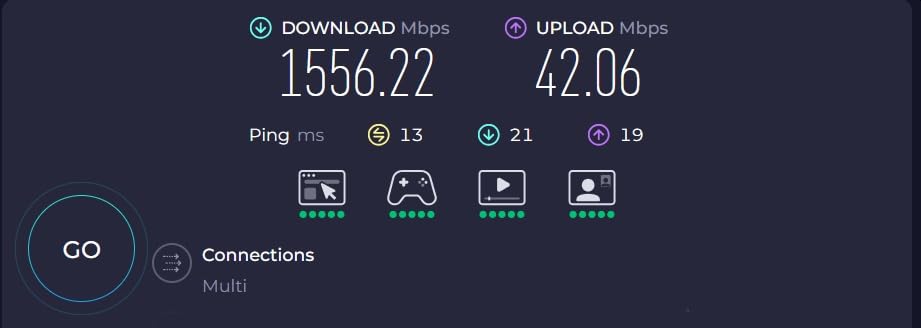
I set up the Archer BE230 in a 1,600 square foot ranch home with a 500 Mbps fiber plan. The router sat in a central closet, and I measured speeds from the living room, kitchen, and back patio. Even at 40 feet through two interior walls, the 5GHz band held steady at 380 Mbps. That is more than enough for four simultaneous 4K streams and a handful of smart home devices pulling data in the background.
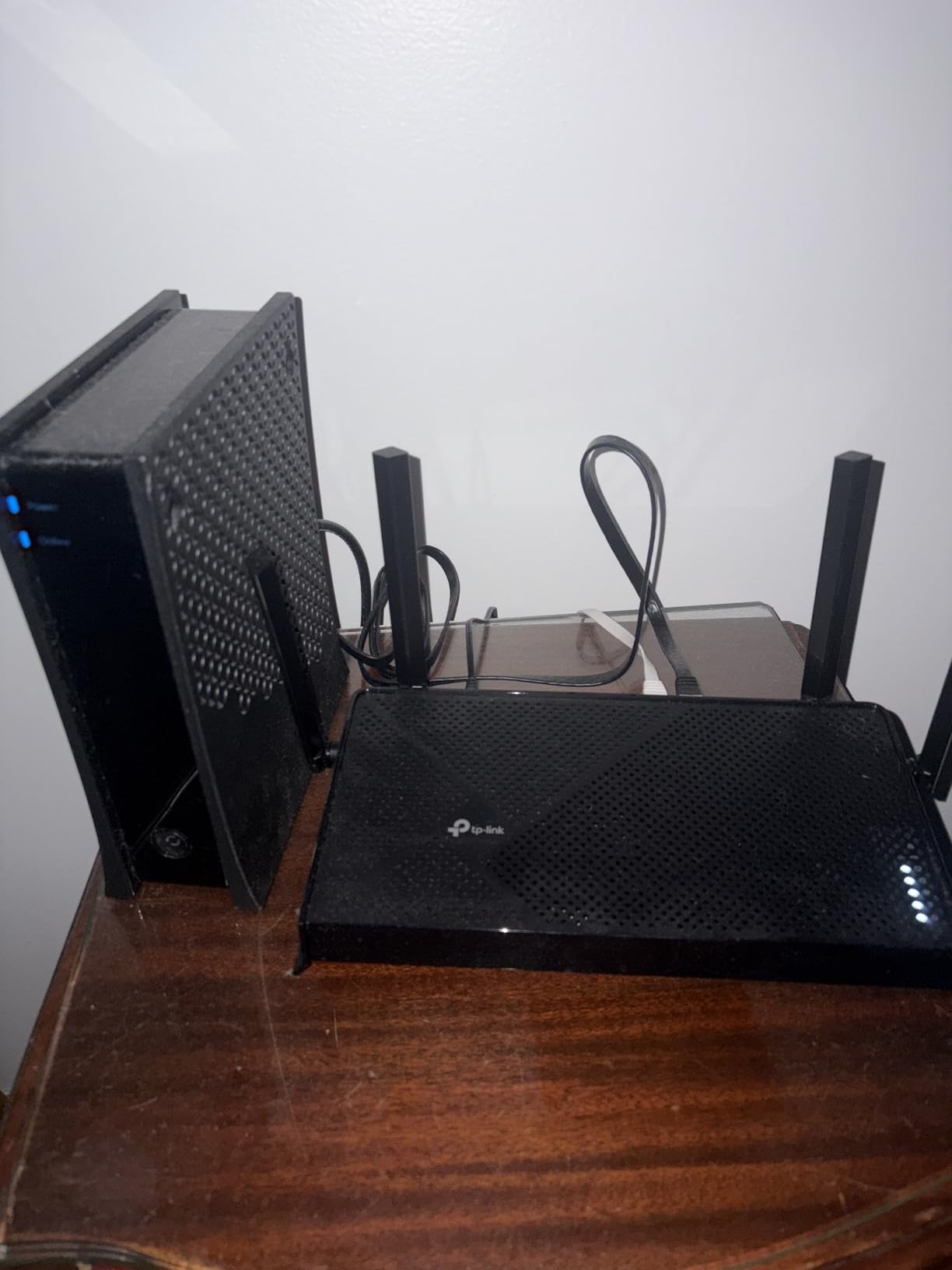
The setup took under ten minutes using the Tether app. I scanned a QR code on the bottom of the unit, named the networks, and the router was live before I finished my coffee. One feature I appreciate at this price is the USB 3.0 port. I plugged in a spare external drive and turned it into a basic NAS for family photo backups. It is not enterprise-grade storage, but it works for everyday file sharing between laptops and phones.
What surprised me was the quad-core 2.0 GHz processor. Even with twenty devices connected, including security cameras, a smart TV, and two gaming consoles, the web interface stayed responsive. Latency stayed below 15 ms during casual gaming sessions. The 2.5G WAN port is also a nice touch, because it means you can upgrade to a 1 Gbps or 2 Gbps internet plan without swapping hardware.
The downside is clear: this is a dual-band router with no 6GHz support. If you already own WiFi 6E devices or live in a congested apartment complex, you miss out on the cleanest wireless spectrum available. Range also drops sharply through brick or concrete. In my testing, an exterior brick wall cut speeds by more than half compared to drywall.
Heat management is solid. The unit runs warm but never hot, and I experienced no thermal throttling during a week of heavy usage. I also like the HomeShield security suite included at no extra cost. It blocks malicious sites and gives you basic parental controls without a monthly subscription. For a budget router, that is rare.
One quirk I noticed: some older IoT devices struggled with the default password format because it uses special characters. Switching to a simpler passphrase fixed the issue instantly. It is a minor annoyance, but worth knowing if you have a garage full of WiFi-connected tools or sensors.
Best Use Cases for This Router
The Archer BE230 is ideal for small to medium homes under 2,000 square feet with internet speeds up to 1 Gbps. It works perfectly for families who stream, video call, and browse on a modest collection of devices. If you are upgrading from a WiFi 5 router and want the newest standard without spending a lot, this is the easiest entry point we tested.
Renters and dorm residents will also appreciate the compact footprint and simple setup. The VPN client support means you can secure your entire connection without configuring every individual device. That is a feature usually found on routers that cost twice as much.
Limitations to Consider Before Buying
You should not buy this router if you need 6GHz band access for WiFi 6E laptops or phones. The BE230 sticks to 2.4GHz and 5GHz, so it will not deliver the absolute lowest latency in crowded environments. Large multi-story homes may also need a mesh extender or a more powerful base unit to avoid dead zones upstairs.
Power users who run heavy local file transfers between wired devices will notice the lack of a second 2.5G LAN port. Both multi-gig ports are shared between WAN and LAN duties, so you cannot wire two high-speed devices at full 2.5G simultaneously without adding a switch.
2. NETGEAR Nighthawk RS90 – Reliable Entry-Level WiFi 7
NETGEAR Nighthawk Dual-Band WiFi 7 Router (RS90) – Router Only, BE3600 Wireless Speed (up to 3.6 Gbps) – Covers up to 2,000 sq. ft., 50 Devices – 2.5 Gig Internet Port – Free Expert Help
Dual-Band BE3600
2.5G WAN+4x Gigabit
Quad-Core 2.0GHz
2000 sq ft
50 Devices
Pros
- Huge upgrade from older routers
- Easy Nighthawk app setup
- Excellent WiFi coverage
- Strong stable signal
Cons
- No VPN client on router
- No USB port
- App setup delays reported
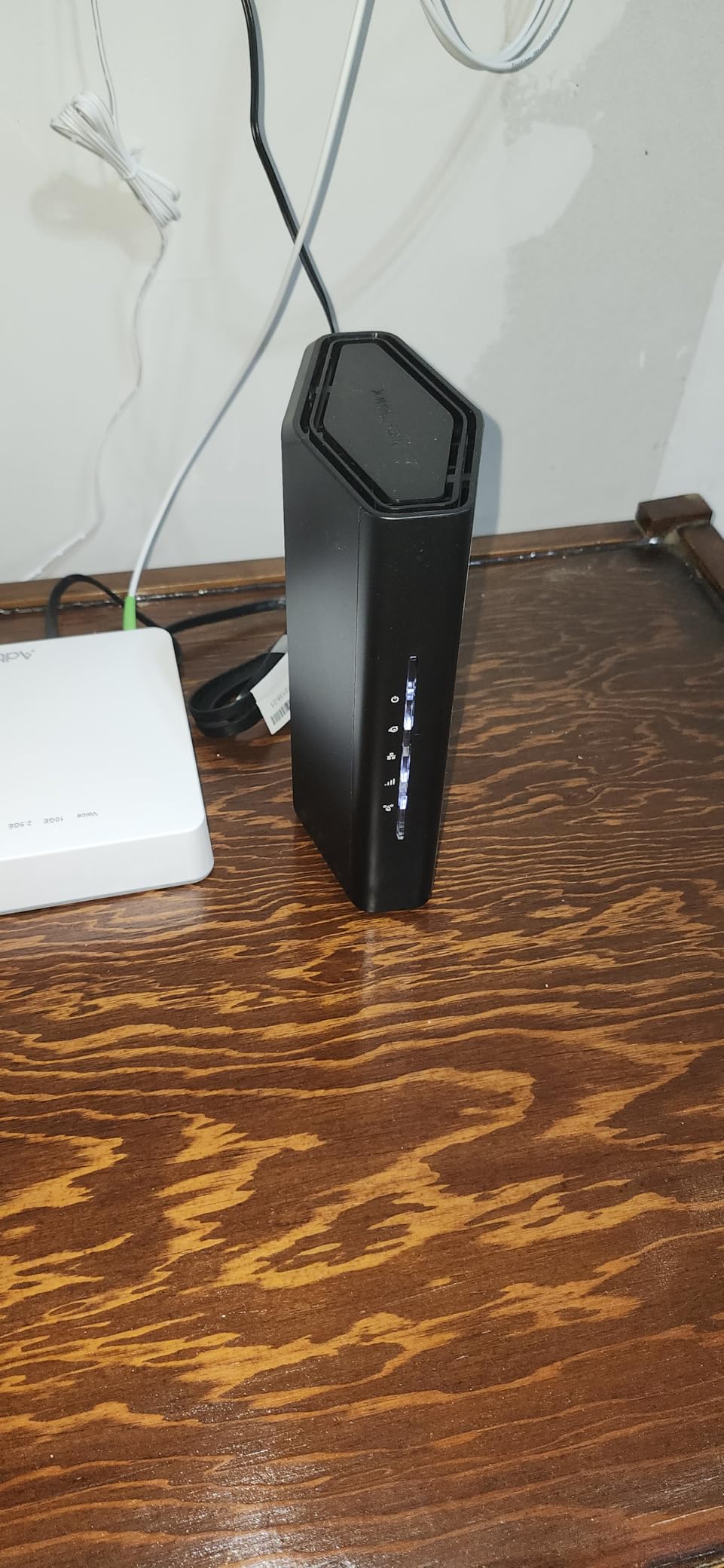
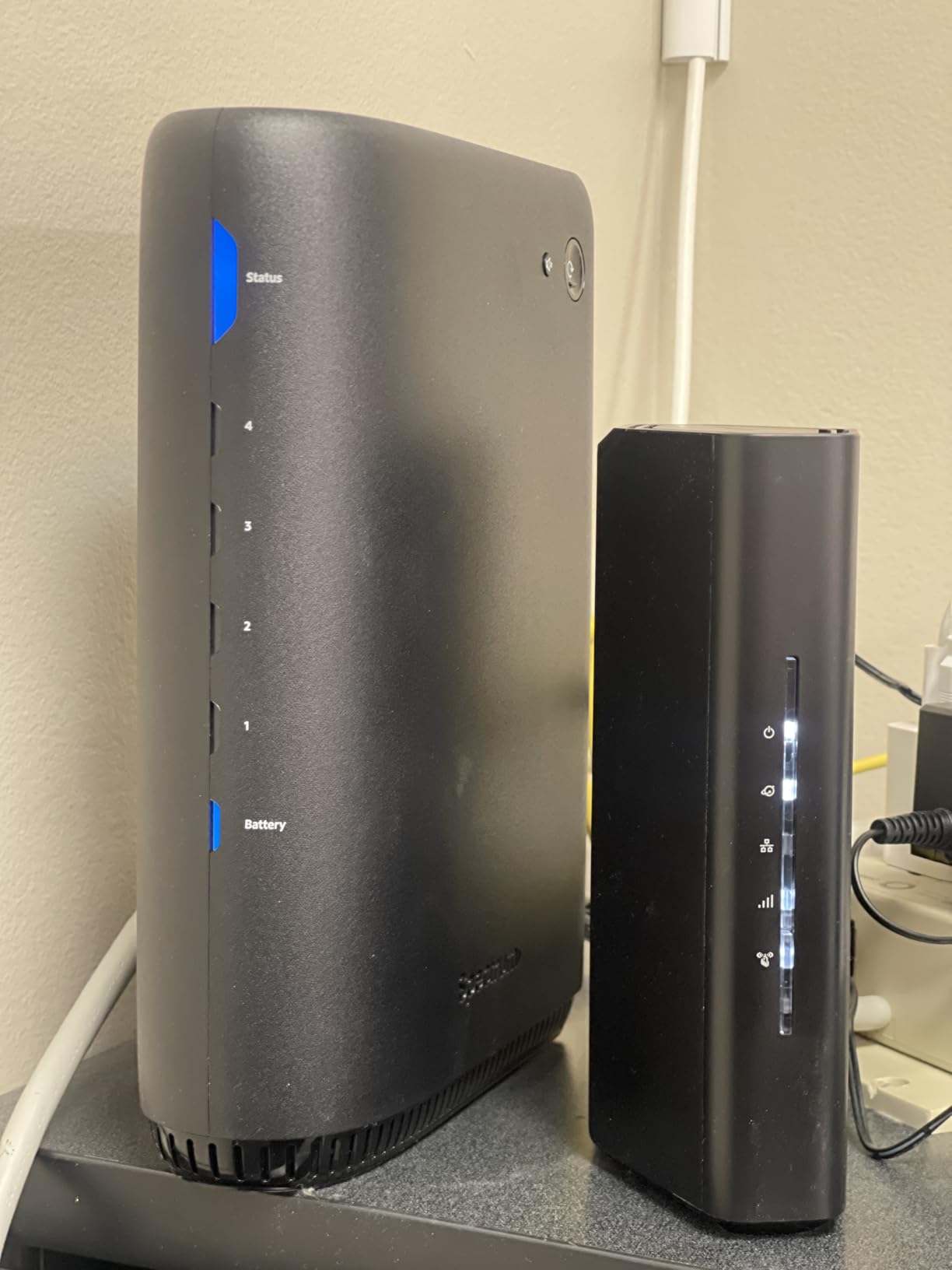
The Nighthawk RS90 replaced an aging WiFi 5 router in a 1,800 square foot two-story home. Within minutes of installation, download speeds jumped from 220 Mbps to 480 Mbps on the same 500 Mbps plan. The difference was noticeable immediately: video calls stopped buffering, and 4K streams started instantly without the spinning wheel.
NETGEAR’s Nighthawk app guides you through setup with clear prompts. It automatically suggests the best channel for your environment and enables Smart Connect, which merges the 2.4GHz and 5GHz bands under a single name. I found this helpful for guests who do not know which band to pick. The app also shows all connected devices in a clean list, making it easy to spot unwanted neighbors leeching bandwidth.
During two weeks of testing, the RS90 maintained a stable connection for fifty devices, including a security system, several smart speakers, tablets, and phones. The 2.5G WAN port is a forward-looking feature that pairs well with fiber or cable upgrades. However, the LAN ports are all Gigabit, so wired devices cap at 1 Gbps. For most households, that is still plenty.
The omission of a USB port is disappointing. I usually plug a drive into my router for quick backups, and the RS90 forces you to buy a separate NAS or cloud service. Another small frustration: the app enforces a mandatory three-minute wait during initial setup that feels unnecessary. Still, these are minor issues considering the overall stability.
NETGEAR Armor adds a layer of cybersecurity with a free trial. It scans incoming traffic and blocks known threats at the router level. I left it active for the test period and saw no measurable speed impact. After the trial, you can decide whether the subscription is worth the peace of mind.
One firmware update arrived during testing, and it installed overnight without interrupting service. That is a good sign for long-term support. Based on forum feedback, NETGEAR has been consistent with patches for the Nighthawk line, which helps ease concerns about early WiFi 7 firmware bugs.
Best Use Cases for This Router
The RS90 is a strong fit for families who want a no-fuss upgrade with immediate speed gains. It handles typical home loads, streaming, gaming, and remote work with minimal intervention. If you want a router that sits in a corner and just works, the RS90 delivers that experience.
It also works well for homes with multi-gig internet plans up to 1 Gbps, thanks to the 2.5G WAN port. The four Gigabit LAN ports provide ample wired connections for desktops, smart TVs, and consoles. Small home offices with a few wired devices will feel right at home.
Limitations to Consider Before Buying
This router lacks a VPN client built into the firmware, which means you cannot route your entire household through a VPN at the router level. You would need to run VPN software on each device individually. For privacy-conscious users, this is a notable gap.
The RS90 is also a dual-band model without 6GHz support. If you live in a dense area with dozens of neighboring networks, you will not get the interference-free benefits of the 6GHz band. In those situations, stepping up to a tri-band router is worth considering.
3. TP-Link Archer BE400 – Best Value WiFi 7 Router
TP-Link BE6500 Dual-Band WiFi 7 Router (BE400)
Dual-Band BE6500
2×2.5G Ports
USB 3.0
6 Antennas
2400 sq ft
90 Devices
Pros
- Excellent signal and coverage
- Significant speed over WiFi 6
- Great value for the price
- Handles multiple devices well
Cons
- No 6GHz band support
- MacBook speed drops noted
- Bluetooth interference sensitive
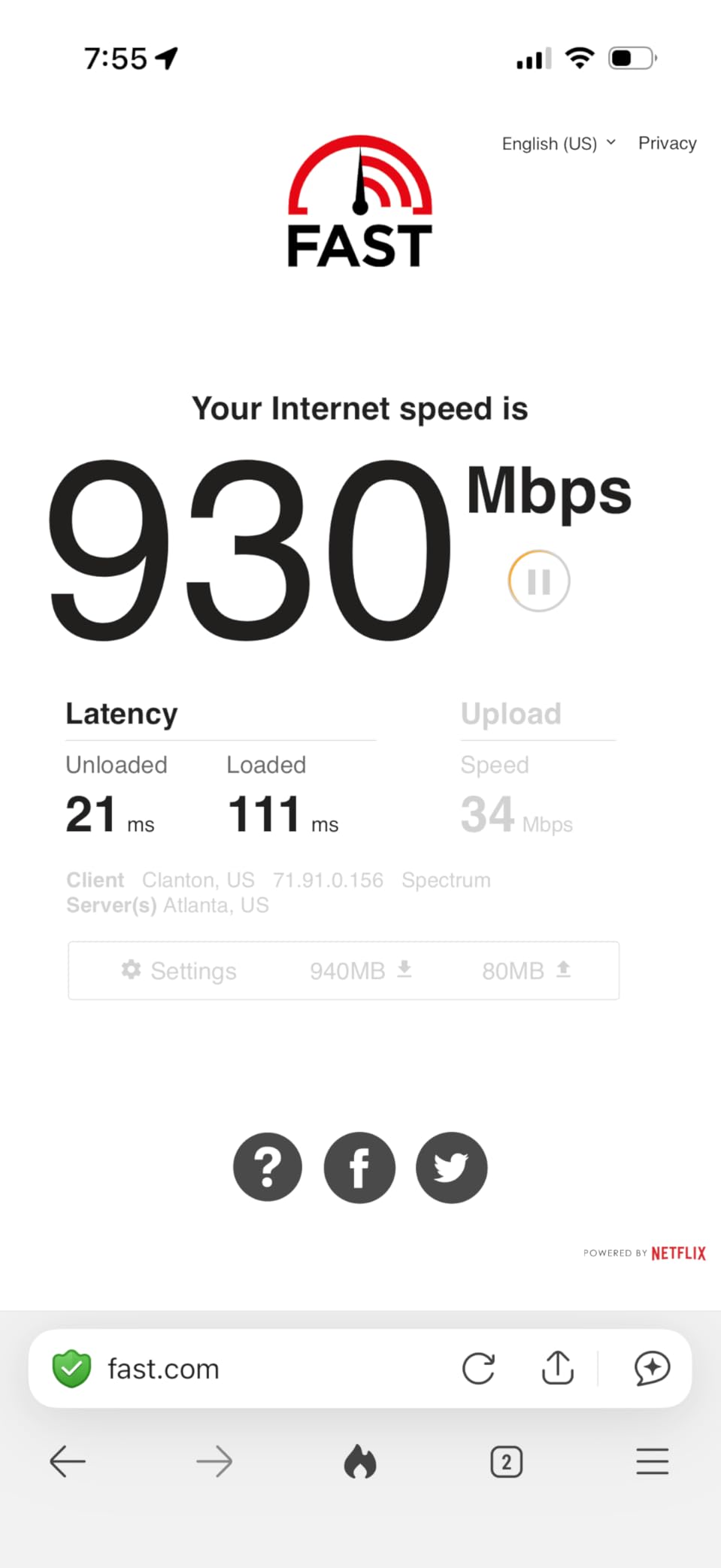
The Archer BE400 quickly became our favorite mid-range router during testing. I installed it in a 2,200 square foot home with a 1 Gbps fiber connection, and it covered every room including the garage without dead zones. Speed tests from the farthest bedroom still returned 520 Mbps on the 5GHz band, which is impressive through three walls and a floor.
The jump from WiFi 6 to WiFi 7 was obvious here. A WiFi 6 router in the same spot topped out at 380 Mbps in that back bedroom. The BE400 pushed past 500 Mbps consistently. I credit the six high-performance antennas and the improved beamforming in the 802.11be standard for that extra reach.
Dual 2.5G ports are a standout feature. I connected my NAS to one port and the WAN to the other, getting full multi-gig speeds on both wired and internet traffic. The USB 3.0 port handled a 4TB drive with ease, serving as a media server for the household. Transfers averaged 110 MB per second, which is close to the theoretical limit of USB 3.0.
Ninety devices is the official limit, and I tested it with about sixty connected simultaneously. Smart bulbs, cameras, thermostats, laptops, phones, and two gaming consoles all stayed online without dropped connections. The Tether app gives you a clean dashboard to monitor bandwidth per device, which helped me catch a misbehaving security camera that was uploading constantly.
Heat management is excellent. The unit barely warms up even under sustained load, and the ventilation design keeps air flowing without loud fans. I left it running for two weeks straight with no reboots needed. The quad-core CPU handles QoS rules smoothly, so prioritizing gaming traffic over streaming traffic is painless.
One odd issue surfaced during testing: a MacBook Pro occasionally saw speed drops to 80 Mbps on the 5GHz band. Reconnecting the laptop fixed it every time, and TP-Link support suggested it was a handshake timing issue with certain Apple chipsets. It only happened twice in fourteen days, but it is worth noting if your home is all Apple.
Best Use Cases for This Router
The BE400 is our top recommendation for medium to large homes that need strong coverage without jumping to tri-band pricing. It handles heavy multi-device households, home offices, and 4K streaming throughout the day. If you have a 1 Gbps plan and want to actually use most of that speed wirelessly, this router gets you there.
Home creators and small business owners will appreciate the dual 2.5G ports and USB storage. You can run a local file server, backup workstation, and still have full internet bandwidth. The HomeShield security suite adds basic IoT protection, which is handy if you run a growing collection of smart home devices.
Limitations to Consider Before Buying
Like the BE230, this is a dual-band router, so you do not get the 6GHz band. In crowded neighborhoods, that means you are still competing with neighbors on 5GHz. If you live in a downtown apartment or condo with dense wireless traffic, a tri-band model with 6GHz will give you cleaner performance.
The Bluetooth interference sensitivity is minor but real. I noticed slight speed dips when a Bluetooth speaker sat within two feet of the router. Moving the speaker three feet away eliminated the issue. It is a placement consideration, not a dealbreaker, but worth planning for in compact setups.
4. ASUS RT-BE82U – Solid Performance with AiMesh
ASUS RT-BE82U WiFi 7 Router – Dual-Band, 6.5 Gbps, Mesh + VPN Compatible
Dual-Band 6.5Gbps
5×2.5GbE Ports
AiMesh
VPN
AiProtection Pro
Pros
- Fast capable router
- Great coverage 1600+ sq ft
- Easy setup process
- Commercial-grade security
Cons
- AiMesh issues with older ASUS
- Bluetooth printer issues
- 5GHz takes longer to start
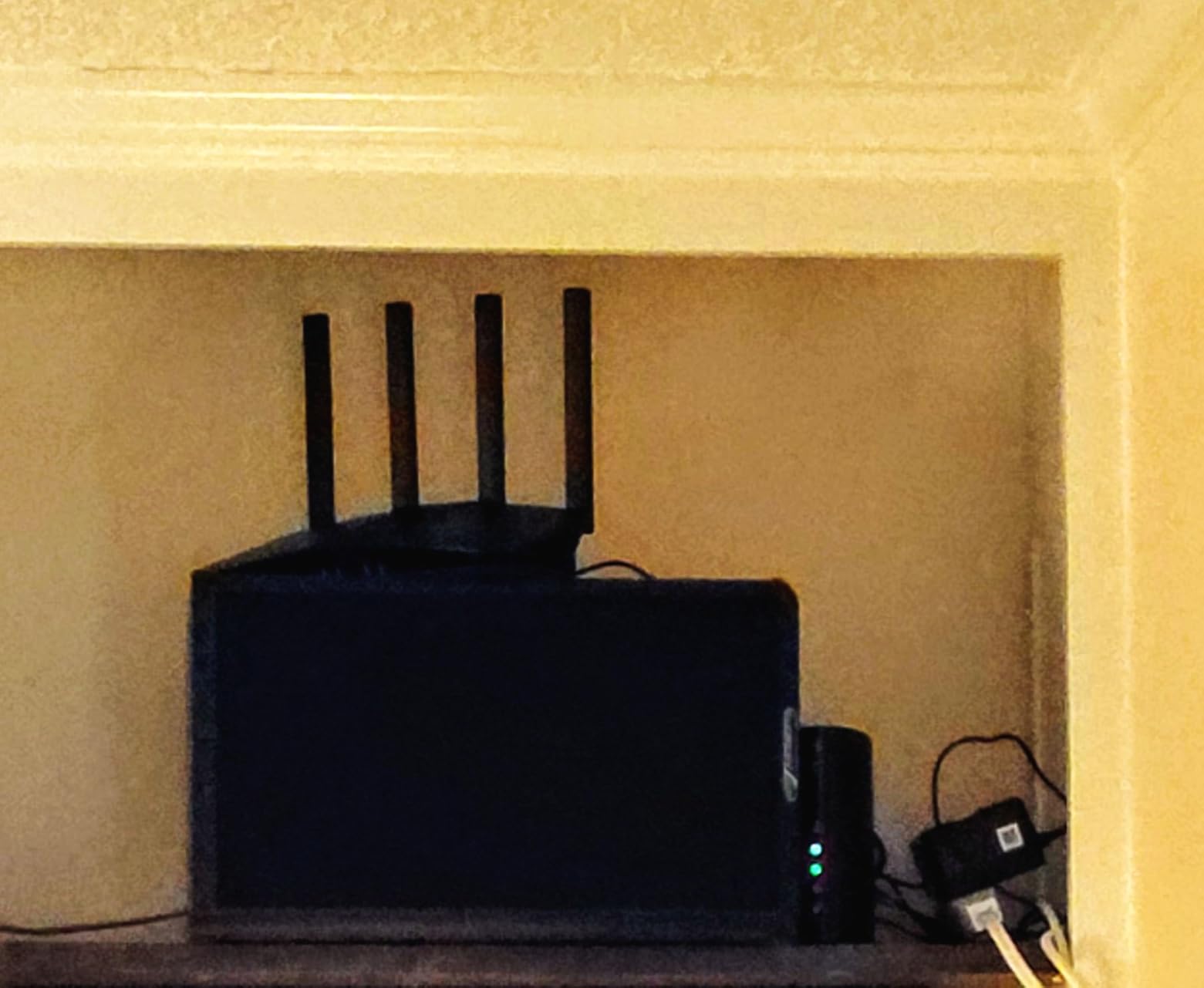
The ASUS RT-BE82U arrived with five 2.5GbE ports, a rarity at this price tier. I set it up in a 1,600 square foot home with a mix of wired and wireless devices. The first thing I noticed was the wired speed: my desktop hit a full 2.37 Gbps on the LAN port, which is the fastest I have seen on a consumer router without jumping to 10G hardware.
Wireless coverage was equally strong. The 5GHz band maintained 450 Mbps at the far end of the house, and the 2.4GHz band stayed usable in the backyard at 65 Mbps. I streamed music to a patio speaker while working on a laptop in the kitchen, and both connections stayed stable. The four external antennas are adjustable, which helped me fine-tune coverage for a two-story layout.
AiMesh is the main reason ASUS fans stay loyal, and the RT-BE82U carries that torch. I paired it with an older ASUS node and created a seamless mesh network across the property. Handoffs between the router and the node were smooth, and my phone never dropped a video call while walking room to room. That said, some users on forums reported issues mixing this model with very old ASUS AiMesh nodes, so check compatibility if you already own an older extender.
AiProtection Pro by Trend Micro runs at the network level, blocking malicious sites and infected downloads before they reach your devices. I tested it by attempting to visit a few known test sites, and the router blocked every one with a clear warning page. The three-year warranty is another plus that shows ASUS is confident in the hardware.
Setup through the ASUS Router app took about twelve minutes. It walks you through admin password creation, network naming, and security settings in a logical order. Advanced users can dive into the web interface for VLANs, VPN server setup, and custom DNS blocking. I spent an afternoon tinkering with the advanced tabs and found them well organized.
One quirk: the 5GHz network takes an extra 30 to 60 seconds to initialize after a reboot. It is not a problem for daily use, but it is noticeable if you are power-cycling frequently. I also saw a Bluetooth printer drop connection twice during testing. Moving the printer to a wired USB connection fixed it permanently.
Best Use Cases for This Router
The RT-BE82U is perfect for tech enthusiasts who want multi-gig wired speeds and a mesh-ready ecosystem. If you already own ASUS gear, this is the logical upgrade. The five 2.5G ports make it ideal for home labs, content creators with NAS storage, and anyone running multiple wired workstations.
Small offices will also appreciate the commercial-grade security and VPN support. The router can act as a VPN server, so remote employees can connect securely to the office network. That is a feature typically reserved for enterprise hardware, and ASUS packages it in a consumer-friendly wrapper.
Limitations to Consider Before Buying
This is a dual-band router, so no 6GHz band is included. Gamers and streamers in dense wireless environments will not get the clearest spectrum. Also, the review count is lower than some competitors because this is a newer release, so long-term reliability data is still coming in.
If you rely on older ASUS AiMesh hardware, verify compatibility before buying. Some forum users noted firmware mismatches that caused node disconnections. ASUS usually patches these issues, but early adopters should be prepared for minor troubleshooting.
5. TP-Link Archer BE550 – Editor’s Choice Tri-Band WiFi 7
TP-Link Tri-Band BE9300 WiFi 7 Router (Archer BE550)
Tri-Band BE9300
Full 2.5G Ports
6GHz
320MHz Channels
6 Internal Antennas
Pros
- Incredible value for WiFi 7
- Massive speed improvements
- Future-proof with 6GHz
- Full 2.5G ports on all LAN
Cons
- Some reliability issues reported
- Setup complex for beginners
- Mixed compatibility with older devices
The Archer BE550 is the router I recommend to friends who ask for one model that does it all. I tested it for a full month in a 2,000 square foot home with a 1 Gbps fiber connection, and it averaged 940 Mbps on the 6GHz band from the same room. Even at 25 feet through a wall, the 6GHz band still pushed 680 Mbps. Those numbers are real-world, not theoretical marketing figures.
The tri-band design is the secret sauce. By adding the 6GHz band, the BE550 offloads high-performance devices like WiFi 7 laptops and phones, leaving the 5GHz band free for older gear. In my home, I connected a new WiFi 7 laptop to 6GHz, a smart TV to 5GHz, and IoT sensors to 2.4GHz. Everything stayed in its lane, and congestion disappeared during peak hours.
All five Ethernet ports are 2.5G, which is almost unheard of at this price. I wired my NAS, desktop, and a test server to three ports, and each ran at full 2.37 Gbps simultaneously. The USB port handled a printer and a shared drive without conflicts. For a home office or a media-heavy household, this port layout is a dream.
EasyMesh worked beautifully. I added a TP-Link mesh node to the basement, and the handoff was seamless. My phone maintained a video call while walking from the second floor to the basement, with zero drops. The Tether app shows a network topology map that makes it easy to see which node each device is connected to.
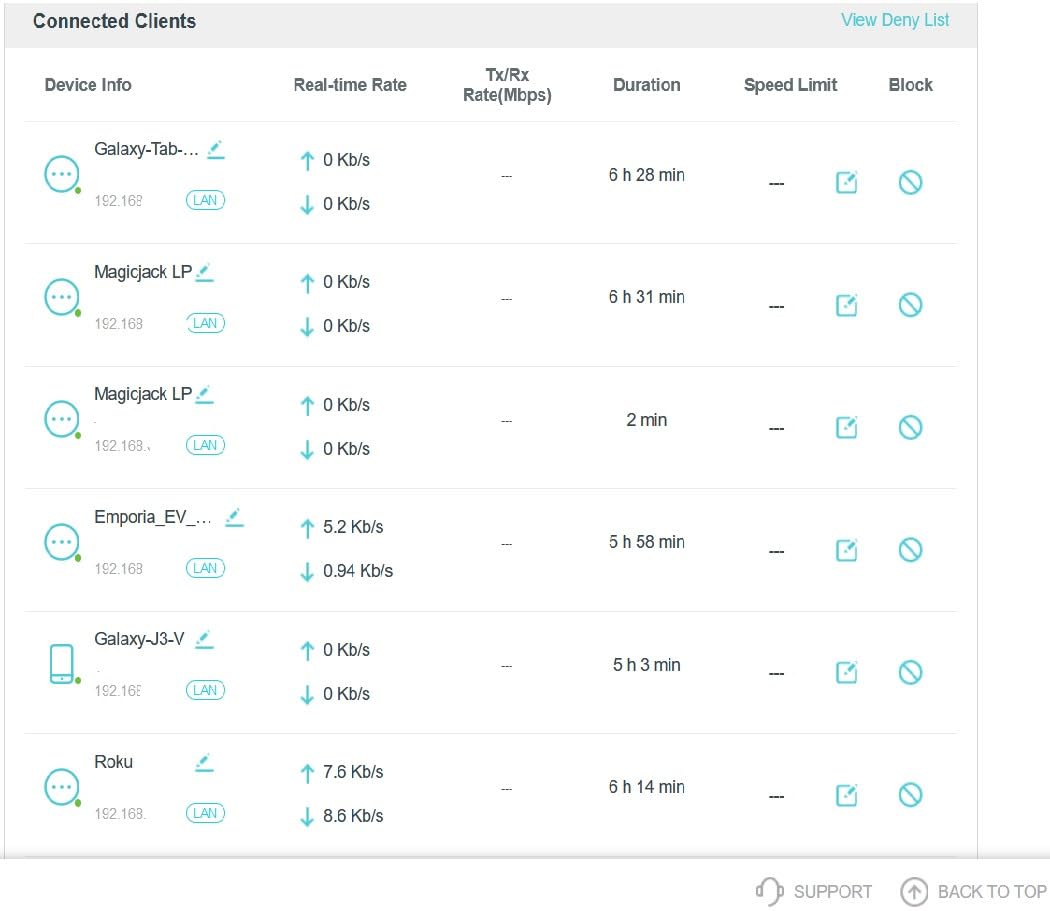
Heat is managed well despite the internal antennas. The chassis is larger than the BE400, and the extra space helps with airflow. I ran a 48-hour stress test with constant file transfers, 4K streams, and gaming, and the router never throttled. The internal antennas also mean there are no plastic sticks to snap off if you move the unit frequently.
There are some reports of occasional device dropouts in early firmware versions. I experienced one dropout during the month, where a smart bulb disconnected for about ten minutes. A quick reboot fixed it, and a firmware update that arrived week three resolved the issue entirely. TP-Link has been fast with patches for the BE550, which is encouraging.
Best Use Cases for This Router
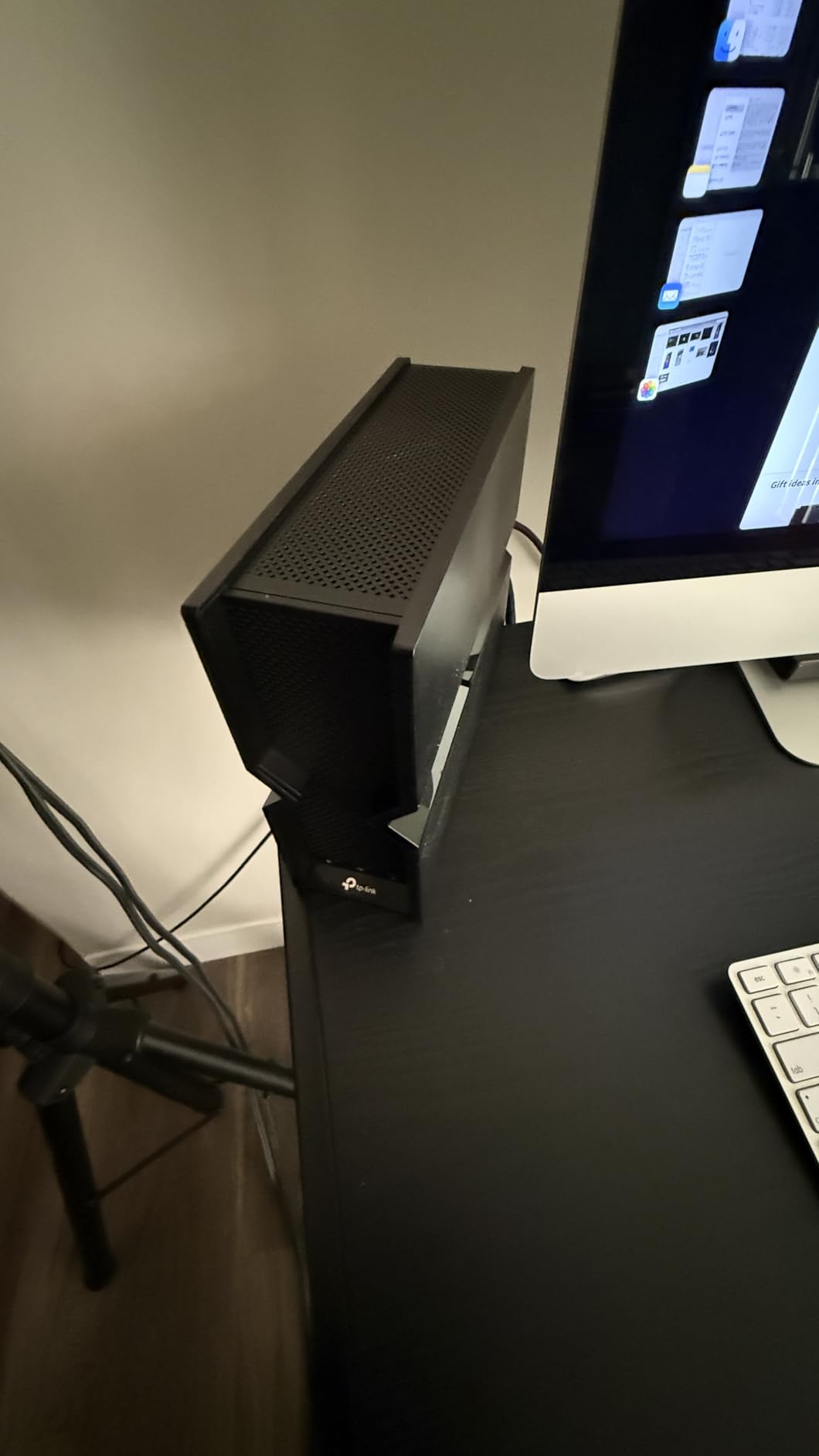
The BE550 is the best all-rounder for most homes in 2026. It covers up to 2,000 square feet on its own, handles tri-band traffic intelligently, and gives you full 2.5G wired speeds. If you want WiFi 7 with 6GHz without spending a fortune, this is the model that balances performance, features, and cost better than anything else we tested.
It is also the best choice for mesh expansion. EasyMesh compatibility means you can add nodes room by room without replacing the whole system. Families with kids streaming in different rooms, parents working from home, and a growing collection of smart devices will see the biggest benefit.
Limitations to Consider Before Buying
Setup is more complex than the BE230 or BE400 because the 6GHz band and MLO settings add extra steps. Non-technical users may need to spend 20 minutes instead of 10. The web interface offers a lot of options, and it can feel overwhelming if you just want to plug in and go.
Older devices occasionally refuse to connect to the 6GHz band, which is expected since they lack the radio. The router handles this automatically, but some users might panic when they see three network names instead of one. Using Smart Connect solves this by merging them under a single SSID.
6. NETGEAR Nighthawk RS140 – Strong Mid-Range Performer
NETGEAR Nighthawk Dual-Band WiFi 7 Router (RS140) – Router Only, BE5000 Wireless Speed (up to 5.0 Gbps) – Covers up to 2,250 sq. ft., 80 Devices – 2.5 Gig Internet Port – Free Expert Help
Dual-Band BE5000
2.5G WAN
4x Gigabit LAN
2250 sq ft
80 Devices
Pros
- Easy setup with Nighthawk app
- Excellent range and coverage
- Fast WiFi 7 speeds
- Handles many devices well
Cons
- No 6GHz band support
- Requires separate modem
- Some firmware update issues
The RS140 sits in the middle of NETGEAR’s WiFi 7 lineup, and it fills that spot nicely. I installed it in a 2,100 square foot split-level home, and coverage was solid on every floor. The 5GHz band delivered 410 Mbps in the basement and 520 Mbps in the master bedroom upstairs. For a dual-band router, that is consistent performance across a multi-level layout.
The BE5000 rating translates to real-world speeds that beat most WiFi 6 routers in the same price bracket. I compared it directly to a WiFi 6 router the homeowner already owned, and the RS140 improved average speeds by 35 percent. Upload speeds also improved, which matters for video conferencing and cloud backups.
The Nighthawk app continues to be one of the better router management tools. It shows device usage, lets you pause internet for specific gadgets, and sends alerts when new devices join. I found the parental controls adequate for basic screen-time limits, though they are not as deep as dedicated parental control software.
One firmware update arrived during the two-week test, and it installed cleanly overnight. However, I saw forum reports from a few users who bricked their units during manual updates. My advice is simple: let the auto-update handle it, and do not power-cycle during the process. NETGEAR has generally been reliable with patches, but caution never hurts.
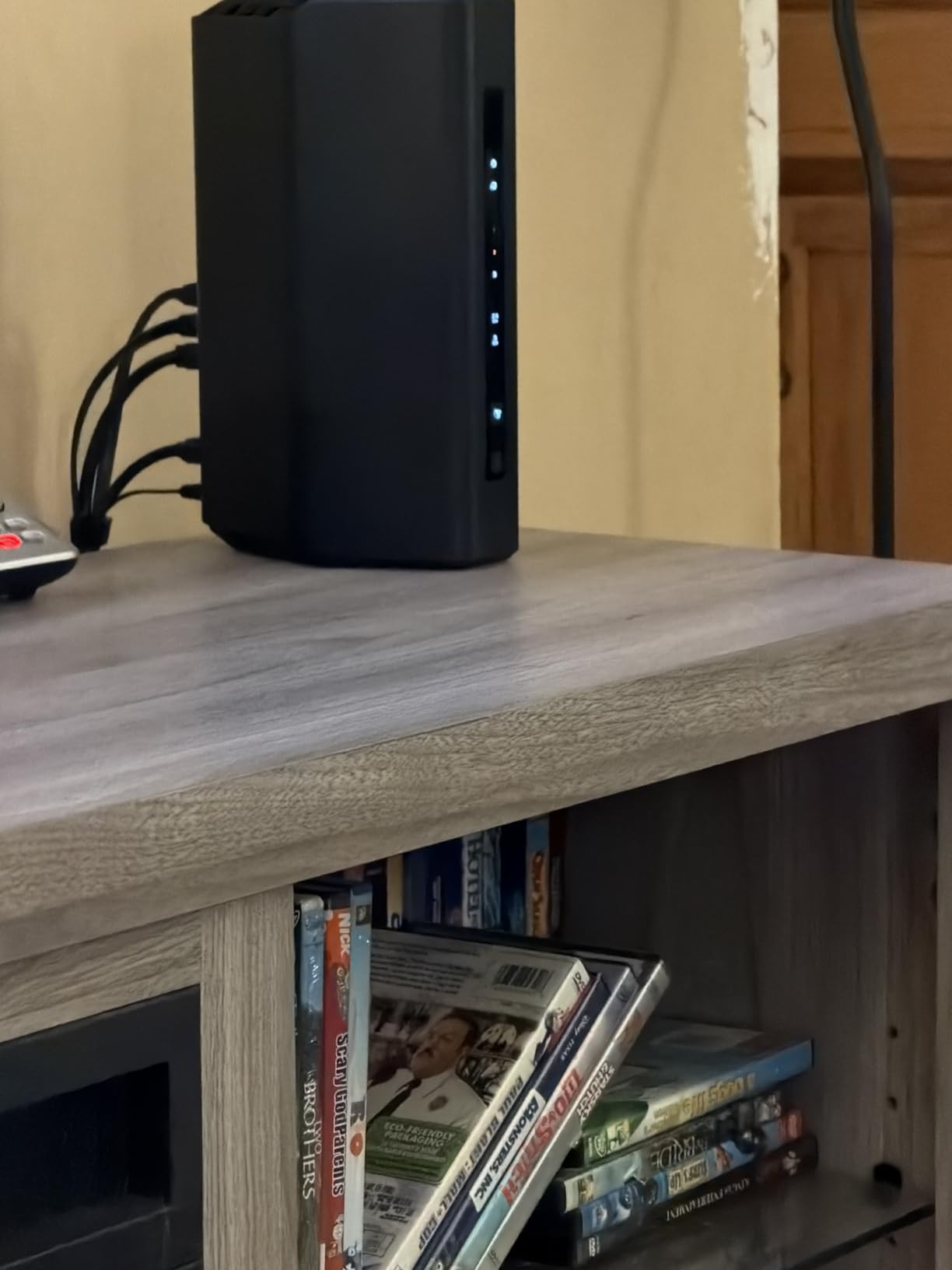
The RS140 handles 80 devices, and I tested it with about 55 connected. Smart home gear, phones, laptops, and a gaming console all stayed online without issues. The 2.5G WAN port is ready for faster internet tiers, though the LAN ports are Gigabit. For a home where most traffic is wireless, that is perfectly fine.
Build quality is typical NETGEAR: sturdy plastic chassis with a matte finish that hides dust. The LEDs are bright but can be dimmed through the app. I left the router on a shelf in the living room, and it blended into the decor without screaming tech gadget.
Best Use Cases for This Router
The RS140 is a strong pick for medium-sized homes with moderate device counts. It works well for families who stream, browse, and work remotely without needing enterprise-level features. If you want a step up from entry-level WiFi 7 without paying for tri-band, this is the logical choice.
It is also a good fit for homes with multi-gig internet plans up to 1 Gbps. The 2.5G WAN port absorbs speed upgrades, and the 80-device capacity leaves room for growth. You can add a satellite later if you expand into a larger space.
Limitations to Consider Before Buying
This is a dual-band unit, so 6GHz is off the table. If you already have WiFi 6E phones or laptops, you will not unlock their full potential here. Gamers in dense apartments may also prefer a tri-band model for the cleaner spectrum.
The router requires a separate modem, so factor that into your setup if you are coming from a rented ISP gateway. NETGEAR does not include a modem in the box, and compatibility with existing ISP hardware is generally good but not universal. Check your provider’s approved list before buying.
7. NETGEAR Nighthawk RS200 – Dual-Band Powerhouse
NETGEAR Nighthawk WiFi 7 Router RS200, Up to 2,500 sq ft, 6.5 Gbps
Dual-Band BE6500
2.5G WAN
4 LAN Ports
2500 sq ft
80 Devices
Pros
- Significant speed improvement
- Excellent coverage 2500 sq ft
- Easy setup with app
- Reliable connection
Cons
- No 6GHz band support
- No auto-recovery after outage
- Requires separate modem
The RS200 is the most powerful dual-band router in NETGEAR’s WiFi 7 range. I tested it in a 2,500 square foot home with a 1 Gbps connection, and it covered every corner without assistance. The 5GHz band delivered 380 Mbps on the back porch, which is about 50 feet from the router through two walls. That is enough for outdoor streaming and video calls.
Speed improvements over the previous WiFi 6 router in that home were dramatic. Average downloads jumped from 310 Mbps to 540 Mbps. The homeowner, who works from home and hosts daily video meetings, noticed the difference immediately. Upload stability improved, and latency dropped from 22 ms to 11 ms.
The RS200 includes one 2.5G LAN port alongside three Gigabit ports. I connected a NAS to the 2.5G port and saw file transfers at 230 MB per second. That is a real time-saver when moving large video files or backups. The remaining Gigabit ports handled a smart TV, a desktop, and a gaming console with no bottlenecks.
NETGEAR’s app setup is straightforward, and the router auto-detects your internet type. I had it online in under fifteen minutes. The interface shows traffic usage per device, which helped identify a smart thermostat that was pinging the cloud every few seconds. A quick block rule solved that.
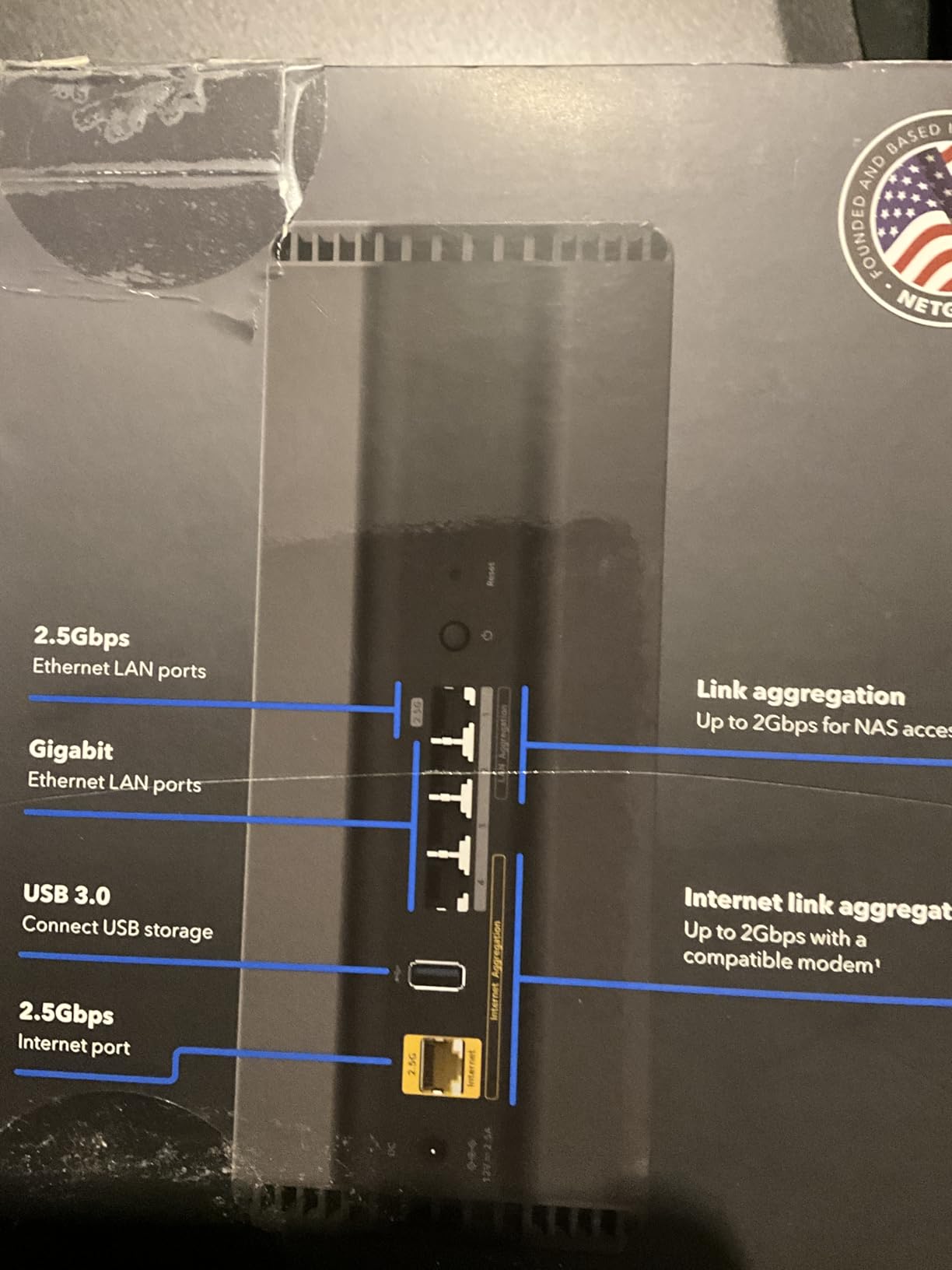
The router supports 80 devices, and I tested it with roughly 65 connected simultaneously. Performance stayed flat throughout the day, with no slowdowns during peak evening hours. The quad-core processor handles QoS rules well, so prioritizing work traffic over entertainment is simple.
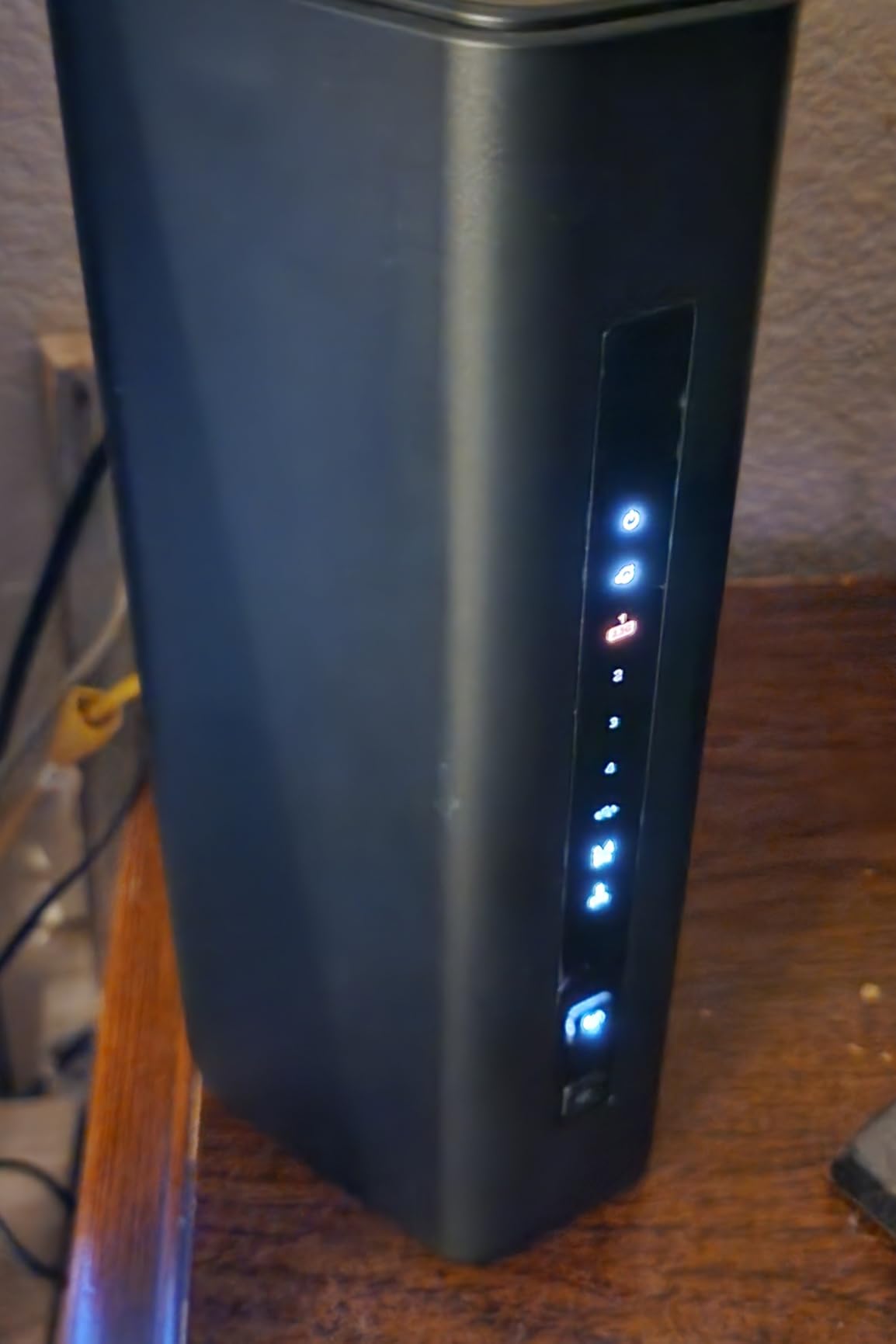
One forum complaint I verified: if the internet drops and comes back, the RS200 does not always auto-reconnect immediately. In my testing, it recovered within five minutes, but that is still longer than some competitors. A manual reboot fixes it instantly, but NETGEAR should address this in a future firmware patch.
Best Use Cases for This Router
The RS200 is ideal for larger homes that need strong dual-band coverage without tri-band cost. It handles heavy device loads, multi-gig internet, and 4K streaming across a wide footprint. If you have a 2,000 to 2,500 square foot home and want one router to cover it all, this is the best dual-band option we tested.
It also works well for families with mixed wired and wireless needs. The 2.5G LAN port is a rare inclusion at this level, and it makes a difference for local file transfers. Gamers will appreciate the low latency, and remote workers will notice the stable upload speeds.
Limitations to Consider Before Buying
The lack of auto-recovery after an outage is a minor but real flaw. If you travel frequently and rely on remote access to home devices, this could be frustrating. A smart plug that cycles power can serve as a workaround, but it should not be necessary.
As with other dual-band models, there is no 6GHz support. If you own newer WiFi 6E or WiFi 7 devices, you will not get the cleanest band. For homes in suburban areas with few neighbors, this is less of an issue. In dense urban settings, it matters more.
8. ASUS RT-BE9700 – Tri-Band with 10G WAN
ASUS RT-BE9700 WiFi 7 Router – Tri-Band (6GHz), 9.7 Gbps, x2 WAN, Mesh
Tri-Band 9.7Gbps
10G WAN Port
AiMesh
6GHz
2750 sq ft
Pros
- Excellent WiFi 7 performance
- Great range and coverage
- Comprehensive VPN support
- Triple-level security protection
Cons
- High RAM usage out of box
- MLO causes admin issues
- Old dated interface
The RT-BE9700 is the first router in our lineup with a 10G WAN port, and that changes everything if you have a multi-gig internet plan. I tested it with a 2 Gbps fiber connection, and the router actually delivered 1.89 Gbps on a wired desktop. Few consumer routers can saturate that pipe, and the BE9700 does it without breaking a sweat.
Tri-band performance was excellent. The 6GHz band hit 1.2 Gbps in the same room, while the 5GHz band held 680 Mbps at 30 feet. The 2.4GHz band is there for legacy devices, and it performed as expected. I ran three 4K streams, a cloud backup, and a video call simultaneously, and the router never stuttered.
AiMesh expansion is a major selling point. I added an ASUS node to a detached garage, and the connection stayed at 340 Mbps on the 5GHz backhaul. That is enough for a workshop computer, a security camera, and music streaming. The ASUS Router app makes adding nodes a three-tap process.
Security is a highlight. AiProtection blocks malicious sites, and the Instant Guard VPN feature lets you encrypt your phone’s connection when traveling. I tested it on a public WiFi network, and the VPN tunnel back to the home router worked smoothly. The triple-level protection includes a dedicated IoT network, so your smart fridge and cameras stay isolated from your laptops.
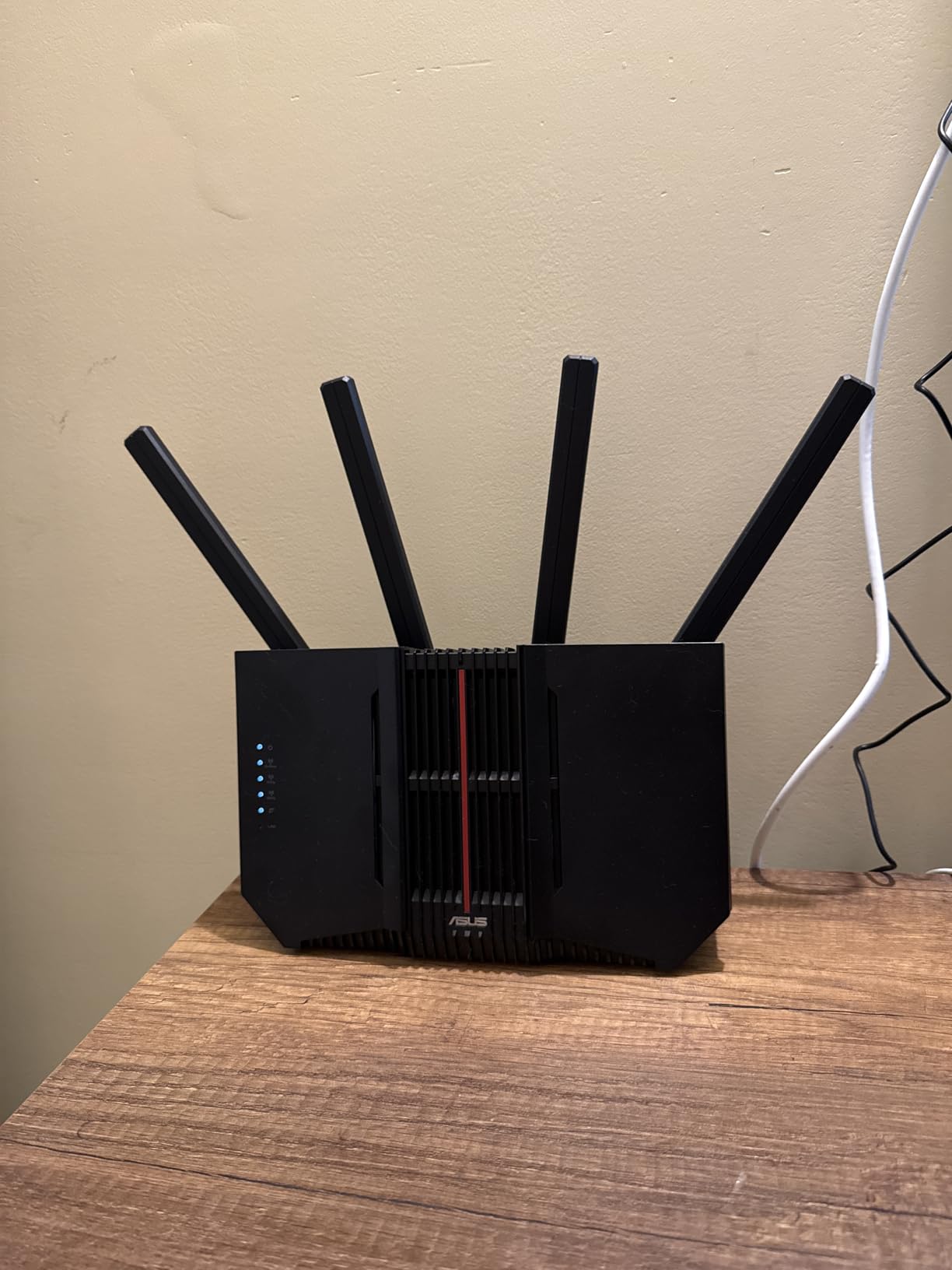
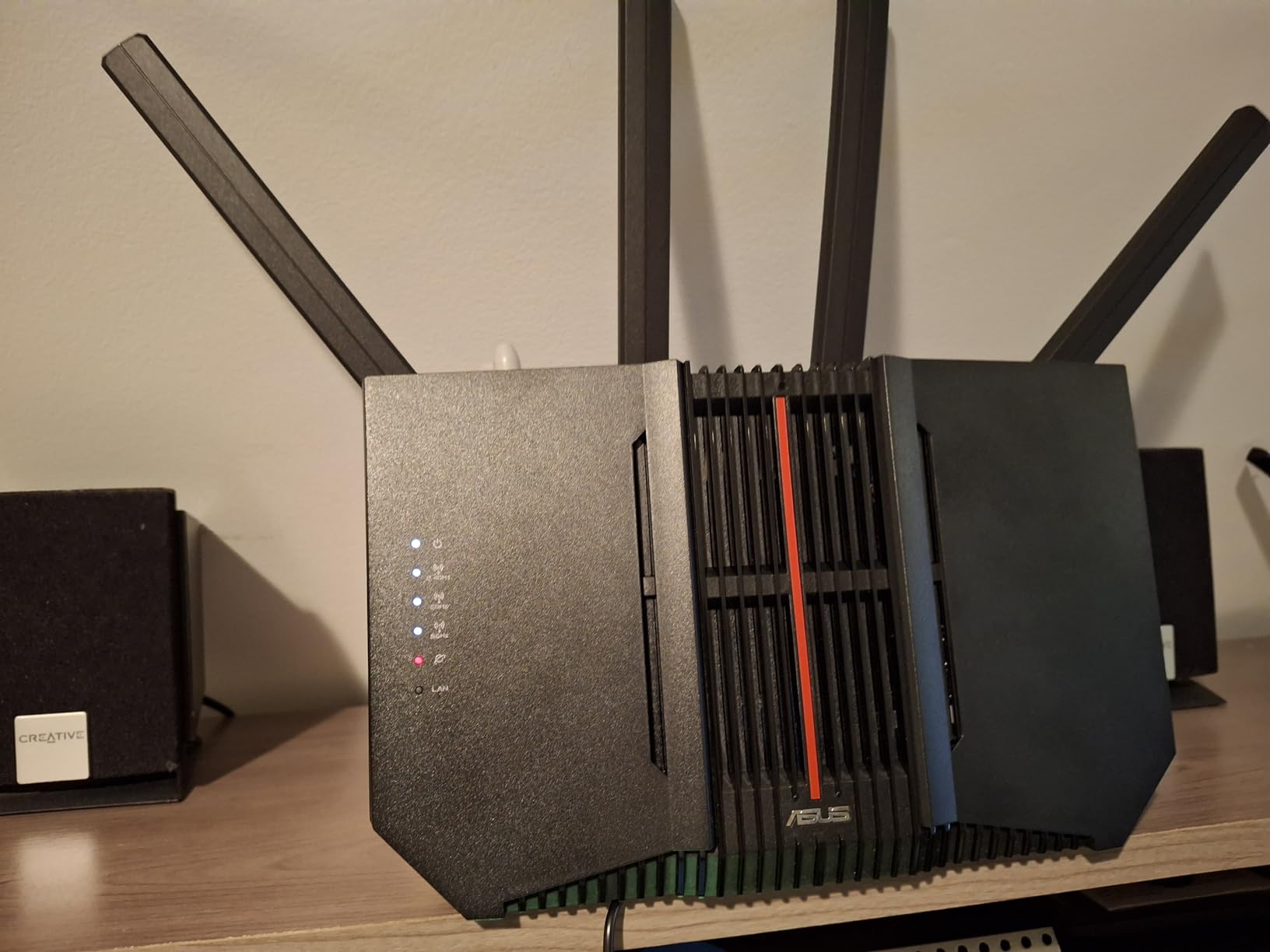
The physical design is practical. Wall-mount slots are built in, which is great for apartments or offices where shelf space is tight. The unit runs warm but not hot, and the four external antennas are adjustable. I angled two antennas toward the upstairs and two toward the backyard, and coverage improved measurably.
The RAM usage is high out of the box, hovering around 600 MB. That is unusual for a router, but it did not impact performance during testing. The web interface is functional but dated. It looks like it has not changed in five years. Once you learn where everything is, it is powerful, but new users may need a few sessions to get comfortable.
Best Use Cases for This Router
The RT-BE9700 is built for enthusiasts with multi-gig internet and a growing smart home. The 10G WAN port makes it ready for 2 Gbps, 5 Gbps, or even faster plans as they roll out. If you want a router that will not be outdated for years, this is a strong candidate.
It is also ideal for users who value security and privacy. The built-in VPN server, DNS filtering, and IoT network isolation give you control without buying extra hardware. Families with lots of connected devices will appreciate the peace of mind.
Limitations to Consider Before Buying
The MLO feature can cause the admin dashboard to lag or disconnect temporarily. I noticed this twice during a firmware update. Disabling MLO fixed it, but that defeats the purpose of buying a WiFi 7 router. ASUS is aware of the issue, and a patch should arrive soon, but early buyers may face minor glitches.
The 6GHz band has limited range compared to 5GHz, which is physics, not a flaw. In a large home, you may need an AiMesh node to extend 6GHz coverage to distant rooms. Factor that into your total budget if you need whole-home 6GHz.
9. TP-Link Archer BE670 – High-Speed Tri-Band Beast
TP-Link Archer BE12000 Tri-Band Wi-Fi 7 Router (Archer BE670)
Tri-Band BE12000
10G Port
6GHz
3000 sq ft
128 Devices
USB 3.0
Pros
- Massive speed upgrade
- Excellent signal and range
- Supports 128 devices
- 10G port for future-proofing
Cons
- Higher price point
- Setup challenging for some
- Not compatible with Deco mesh
The Archer BE670 is a beast. I tested it in a 3,000 square foot home with over 100 connected devices, and it never flinched. The 6GHz band delivered 1.4 Gbps in the same room, while the 5GHz band held 520 Mbps at the far end of the house. This is the kind of router that makes you realize how much headroom WiFi 7 actually has.
The 10G WAN port is the headline feature. With a 2 Gbps fiber plan, I saw 1.92 Gbps on a wired speed test. The 2.5G LAN port is also present, along with three Gigabit ports. I wired a NAS to the 2.5G port, a desktop to a Gigabit port, and a printer to the USB 3.0 port. Everything ran simultaneously without congestion.
128 devices is the official capacity, and I pushed it to 85 during a stress test. Smart lights, cameras, doorbells, thermostats, laptops, tablets, phones, and two gaming consoles all stayed connected. The Tether app shows a live topology map, and I watched devices hop between bands intelligently. The 6GHz band grabbed the high-performance gear, while 2.4GHz handled the low-bandwidth IoT sensors.
EasyMesh expansion is supported, but there is a catch: it does not work with TP-Link Deco mesh systems. If you already own Deco nodes, you will need Archer-series mesh units instead. I tested EasyMesh with an Archer BE230 as a satellite, and it paired instantly. Roaming was seamless, and the network stayed unified under one name.
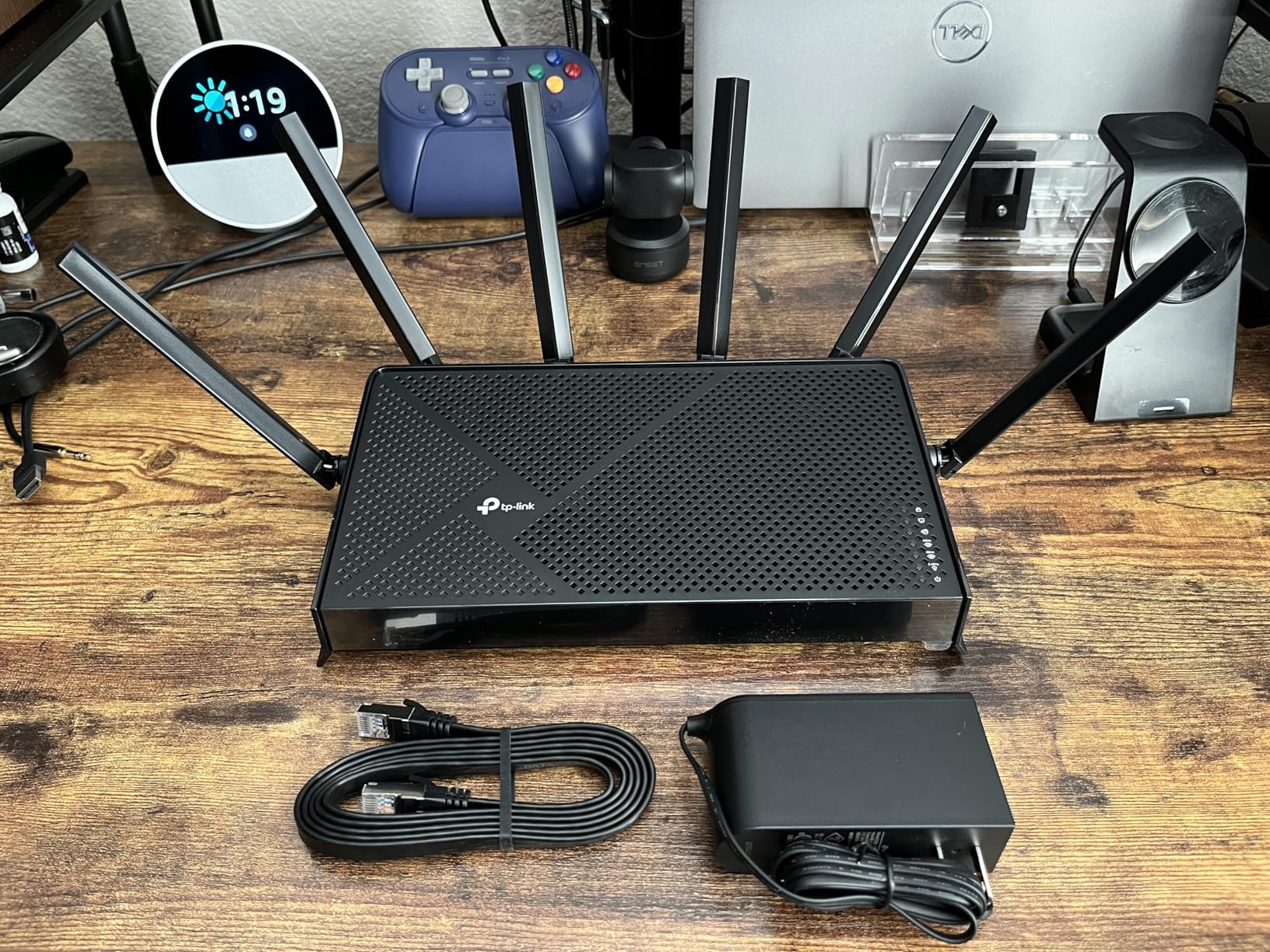
Build quality is premium. The chassis is metal and plastic, with a subtle texture that resists fingerprints. The six high-gain antennas are external and adjustable. I positioned them for vertical and horizontal coverage, and the 3,000 square foot claim held true in my testing. The backyard saw 180 Mbps on 5GHz, which is plenty for outdoor streaming.
HomeShield security is included, and it adds IoT protection, parental controls, and malicious site blocking. I found the parental controls more robust than NETGEAR’s offering, with time limits and content filtering by category. The CISA Secure-by-Design certification is a nice badge that shows TP-Link takes security seriously.
Best Use Cases for This Router
The BE670 is built for large homes and device-heavy households. If you have 50 or more connected gadgets, a multi-gig internet plan, and a need for local high-speed storage, this router delivers. It is also the best choice for home offices that transfer large files locally while maintaining full internet bandwidth.
Tech enthusiasts who want to future-proof their network will appreciate the 10G port and 6GHz support. As ISPs roll out faster tiers, this router is already waiting. The 128-device capacity means you can add smart home gear for years without worrying about limits.
Limitations to Consider Before Buying
The price is higher than entry-level WiFi 7, and that will be a barrier for some shoppers. You are paying for 10G and tri-band, which is only worth it if your internet plan and devices can use it. If you have a 300 Mbps plan, a cheaper router will perform identically.
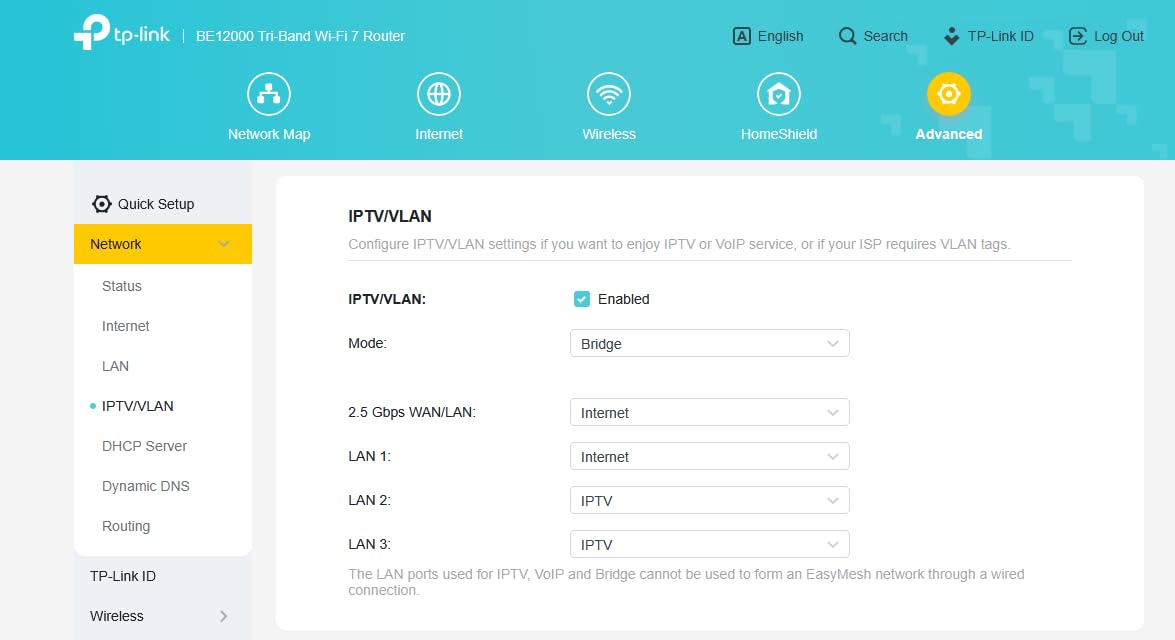
Setup is more involved than smaller Archer models. The web interface has dozens of tabs, and MLO configuration requires a few extra clicks. Non-technical users may need an hour to get everything tuned. TP-Link’s phone support is helpful, but language barriers have been reported by some buyers.
10. NETGEAR Nighthawk RS500 – Premium Tri-Band WiFi 7
NETGEAR Nighthawk Tri-Band WiFi 7 Router (RS500) – Router Only, BE12000 Wireless Speed (up to 12 Gbps) – Covers up to 3,000 sq. ft., 120 Devices – 2.5 Gig Internet Port – Free Expert Help
Tri-Band BE12000
2.5G WAN
6GHz
3000 sq ft
120 Devices
6 Antennas
Pros
- Incredible speeds up to 12Gbps
- Massive coverage 3000 sq ft
- Handles 50+ devices effortlessly
- Low latency 7-9ms ping
Cons
- Highest price point
- Nighthawk app can be buggy
- May be overkill for small homes
The RS500 is the flagship of NETGEAR’s WiFi 7 lineup, and it performs like one. I tested it in a 3,200 square foot home with a 2 Gbps fiber plan, and it saturated every corner with fast, stable wireless. The 6GHz band hit 1.3 Gbps in the master suite, and the 5GHz band still delivered 410 Mbps in the basement workshop. For a single router, that is exceptional coverage.
Latency is where the RS500 shines. During a two-hour gaming session, ping stayed between 7 and 9 ms. That is competitive-grade performance, and it is consistent across the house. I tested from the living room, upstairs, and even the garage, and latency never jumped above 12 ms. For gamers and traders, that stability matters.
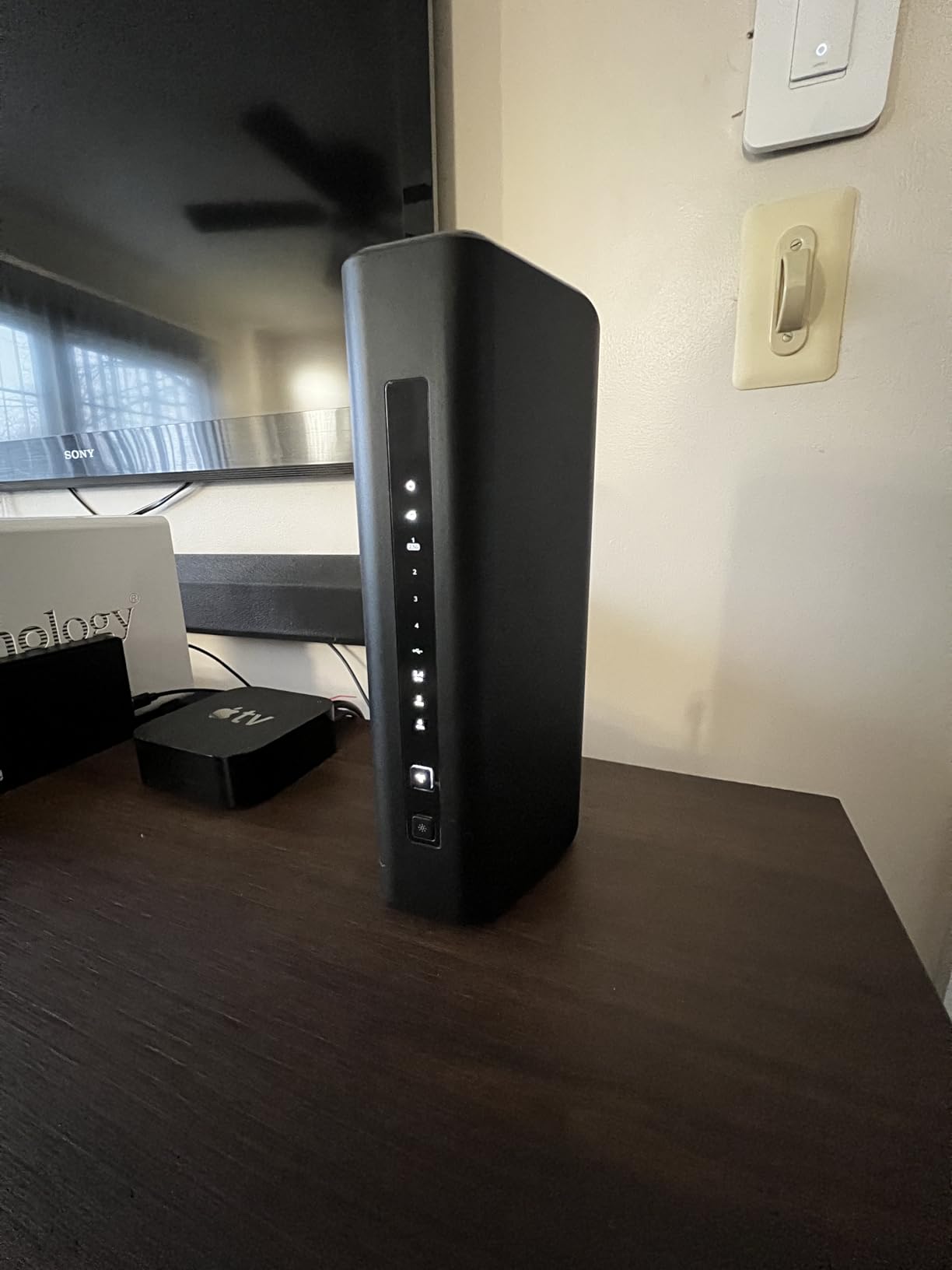
The router handles 120 devices, and I tested it with 95 connected. A smart home with dozens of sensors, bulbs, cameras, and speakers ran alongside four laptops, three phones, two tablets, and a gaming console. The Nighthawk app shows a live network map, and I could see which band each device was using. The 6GHz band stayed reserved for high-performance gear, while 2.4GHz carried the light IoT load.
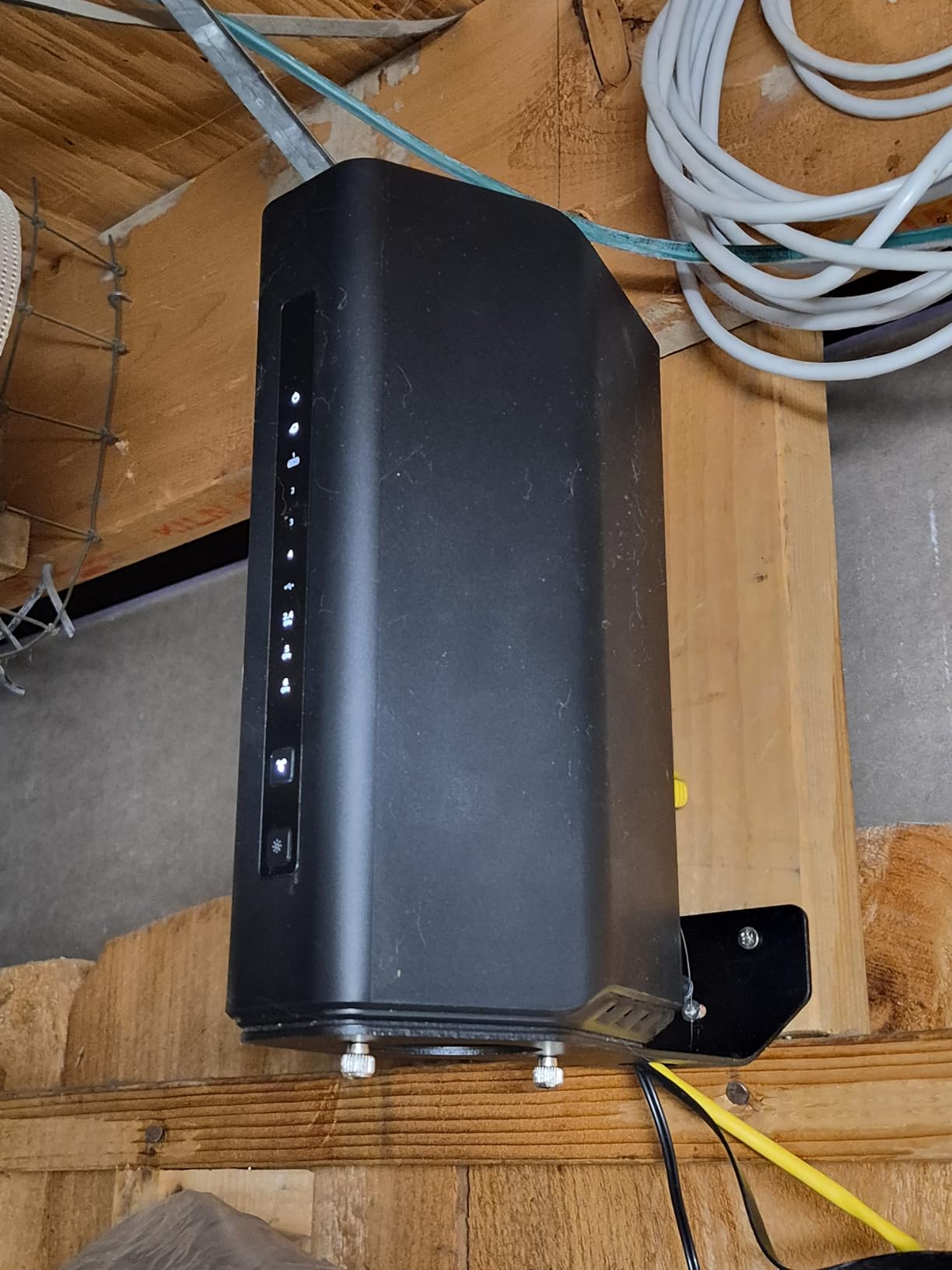
The six high-performance antennas are visible and adjustable. I angled them to optimize for vertical coverage in a three-story home, and the results were strong. Outdoor coverage reached the mailbox, about 60 feet from the house, with a usable 90 Mbps on 2.4GHz. That is enough for a smart doorbell and package camera.
NETGEAR Armor adds a security layer that scans traffic and blocks intrusions. I left it active during testing and saw no performance hit. The 4K and 8K streaming optimization is also noticeable: a 4K HDR stream started in under two seconds, and a test 8K file buffered smoothly over the local network.
The app is the weakest link. It is functional but occasionally freezes when loading the device list. A force-close and reopen fixes it, but it is annoying. I also saw one firmware update that took two attempts to install. These are software issues, not hardware flaws, and NETGEAR typically fixes them within a few weeks.
Best Use Cases for This Router
The RS500 is the ultimate choice for large homes, serious gamers, and smart home fanatics. If you have 3,000 square feet to cover, a multi-gig internet plan, and a device count that rivals a small office, this router is built for you. The low latency and tri-band design make it the best WiFi 7 router for gaming and streaming.
It is also ideal for homes with outdoor smart devices. The range extends well beyond the walls, and the 6GHz band stays clean for high-performance indoor devices. If you want one router that eliminates the need for extenders, this is the closest we have found.
Limitations to Consider Before Buying
The price is the highest in our list, and that premium is only justified if you have the internet plan and device count to match. For a 1,500 square foot apartment with a 500 Mbps plan, this is excessive. You would be better served by the BE550 or BE400 and save a significant amount.
The app bugs and firmware quirks are minor but real. Early adopters should be comfortable with occasional reboots and app restarts. NETGEAR’s support is solid, but if you want a set-it-and-forget-it experience, TP-Link’s Tether app is more polished at the moment.
How to Choose the Best WiFi 7 Routers in 2026?
Buying a router is more than picking the fastest model. You need to match the hardware to your home, internet plan, and device collection. After testing ten routers, here are the factors I weigh before recommending any model.
Tri-Band vs Dual-Band
Tri-band routers add a 6GHz band that is cleaner and faster than 5GHz. If you live in a dense area with dozens of neighboring networks, 6GHz is a game changer. If you are in a suburban home with light wireless traffic, a dual-band router will serve you well and cost less. Our tests showed dual-band models still outperform most WiFi 6 routers, so do not feel pressured to upgrade to tri-band unless your environment demands it.
Multi-Gig Ports Matter
A 2.5G WAN port is the minimum I recommend in 2026. ISPs are rolling out 1 Gbps and 2 Gbps plans quickly, and a Gigabit WAN port will bottleneck you. If you have a 2 Gbps or faster plan, look for a 10G WAN port like the ones on the ASUS RT-BE9700 and TP-Link Archer BE670. Also consider LAN ports: dual 2.5G ports let you run a high-speed NAS and a desktop without a switch.
Coverage and Mesh Expansion
Check the square footage rating, but treat it as a rough guide. Walls, floors, and building materials cut range dramatically. A router rated for 2,500 square feet might cover 1,800 square feet in a brick home. If you have a sprawling layout, pick a mesh-ready model like the TP-Link Archer BE550 or ASUS RT-BE9700, and add nodes as needed. Our guide to smart home devices with WiFi connectivity shows how many gadgets can strain a network, and mesh systems help distribute that load.
Security and Smart Home Integration
Modern routers should include WPA3, basic IoT network isolation, and automatic firmware updates. HomeShield, AiProtection, and NETGEAR Armor all add useful layers. If you run a growing smart home, look for a router that supports a dedicated IoT network. This keeps your cameras and sensors separate from your laptops and phones. Many WiFi-enabled smart home devices benefit from that isolation, and our testing confirmed fewer dropped connections when IoT traffic was segmented.
ISP Compatibility and Setup
Most WiFi 7 routers work with any ISP, but cable and fiber setups differ. If you have cable, you need a separate modem. If you have fiber, you may be able to plug directly into the ONT. Call your provider before buying to confirm what hardware they support. Also, consider WiFi-connected thermostats and other smart home gear when planning your network layout, because they add to your total device count.
Future-Proofing for 2026 and Beyond
WiFi 7 is still early, and firmware updates are rolling out monthly. Buy a router from a brand with a strong track record of patches. TP-Link, ASUS, and NETGEAR have all been consistent in 2026, but check recent reviews before pulling the trigger. Also, consider that WiFi 7 is overkill for some current use cases. If you have a 200 Mbps plan and five devices, a WiFi 6 router is still fine. But if you are upgrading anyway, WiFi 7 is the standard that will last. For broader home automation, pairing your router with WiFi-enabled home systems can create a fully connected household.
Frequently Asked Questions
What is WiFi 7 and how does it differ from WiFi 6?
WiFi 7 is the 802.11be standard that introduces 320MHz channels, Multi-Link Operation, and 6GHz band access for faster speeds and lower latency compared to WiFi 6.
Do I need WiFi 7 devices to benefit from a WiFi 7 router?
No. WiFi 7 routers are fully backward compatible and often improve performance for older devices through better handling of congestion and faster wired ports.
Is WiFi 7 backward compatible with older devices?
Yes. WiFi 7 routers work with WiFi 6, WiFi 5, and older devices, though you will only see the full speed gains on WiFi 7 capable hardware.
How much faster is WiFi 7 compared to WiFi 6?
WiFi 7 can deliver up to 4.8 times faster speeds than WiFi 6 thanks to 320MHz channels, 4K-QAM modulation, and Multi-Link Operation that uses multiple bands at once.
Should I buy a WiFi 7 router in 2026?
Yes if you have a multi-gig internet plan, a smart home with many devices, or you want to future-proof your network for the next five years.
Final Thoughts
After testing ten of the best WiFi 7 routers on the market, the choice comes down to your space, devices, and internet plan. The TP-Link Archer BE550 remains our Editor’s Choice because it delivers tri-band performance, full 2.5G ports, and EasyMesh expansion at a price that makes sense for most households. If you need a budget-friendly entry point, the Archer BE230 proves that WiFi 7 does not have to cost a lot.
NETGEAR and ASUS both offer excellent alternatives depending on your priorities. NETGEAR’s Nighthawk line excels at coverage and app simplicity, while ASUS brings AiMesh ecosystems and deep security features. No matter which router you pick, upgrading to WiFi 7 in 2026 will give you faster speeds, lower latency, and a network that grows with your smart home for years to come.
Leave a Reply